
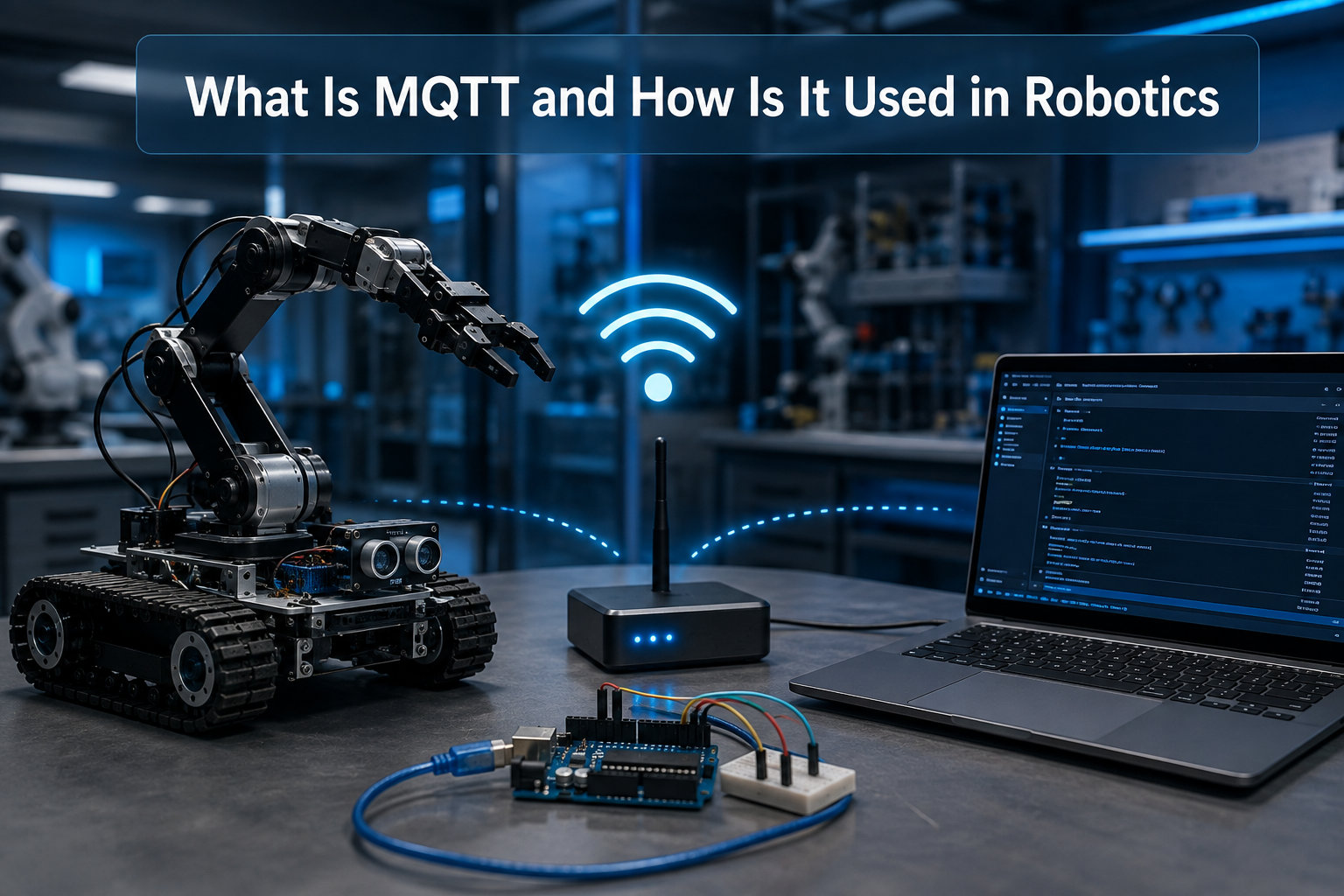
MQTT (Message Queuing Telemetry Transport) is a lightweight, publish-subscribe messaging protocol designed for connecting IoT devices and robots over unreliable networks with minimal bandwidth. When we talk about MQTT robotics, we are talking about the de facto standard for moving data between robots, sensors, dashboards, and cloud systems.
Robots need a way to talk. Whether you are streaming LiDAR scans from a mobile robot, sending steering commands to a remote rover, or coordinating a fleet of warehouse AGVs, you need a transport that works on shaky Wi-Fi, runs on tiny microcontrollers, and does not eat your entire bandwidth budget. MQTT was built for exactly that.
In this guide, our team walks you through what MQTT actually is, how the publish/subscribe model works, and why it has become the backbone of modern robot communication. We will also cover setup, security, ROS2 integration, and the limitations you need to know before you build.
Table of Contents
What Is MQTT? Definition, Origin, and Why It Matters
MQTT stands for Message Queuing Telemetry Transport. It is an open messaging protocol first developed by Andy Stanford-Clark at IBM and Arlen Nipper in 1999 to link oil pipeline sensors over satellite links. The original goal was simple: send small, structured messages cheaply across unreliable, low-bandwidth networks.
That goal maps almost perfectly to the reality of robot communication. A mobile robot loses Wi-Fi every time it rounds a corner. A drone moves in and out of cellular coverage. A factory sensor node sits behind a concrete wall. MQTT was designed for these conditions long before anyone called it “IoT”.
MQTT became an OASIS standard in 2014 and an ISO/IEC 20922 standard in 2016. Today it is maintained by the OASIS MQTT Technical Committee, and it is the messaging layer behind AWS IoT Core, Microsoft Azure IoT Hub, Google Cloud IoT, and most major industrial robot platforms. When someone says “MQTT robotics” today, they mean this standardized protocol, not a vendor product.
For robotics developers, this maturity matters. You are not betting on a hobby project. The protocol is stable, the libraries are battle-tested on everything from ESP8266 to ROS2, and the documentation is decades deep.
How MQTT Works: The Publish/Subscribe Model
MQTT uses a publish/subscribe messaging pattern, which is different from the request/response model of HTTP. Instead of clients calling each other directly, every message flows through a central server called a broker. Devices that produce messages are called publishers. Devices that want to receive messages are called subscribers. The broker routes everything.
This decoupling is the key insight. A robot publishing battery voltage does not need to know who is listening. A dashboard subscribing to battery voltage does not need to know which robot is sending it. The broker handles the matching based on topics, which are simple slash-delimited strings like robot/01/battery or factory/floor2/agv/status.
This design is why MQTT runs so well on robot networks. It scales horizontally, survives intermittent connectivity, and lets you add new sensors, dashboards, or fleet managers without touching the robot firmware. We have used this pattern in our own wireless robot communication protocols projects, and the flexibility is hard to beat.
Compare that to HTTP, where every client must know the address of every server and poll for updates. With MQTT, the publisher fires a message and forgets. The broker holds the line.
Key MQTT Concepts Every Robotics Developer Should Know
Before you start sending robot telemetry, you need to understand six core MQTT concepts. These are the building blocks you will use in every project.
The MQTT Broker
The broker is the heart of MQTT. It accepts messages from publishers, filters them by topic, and delivers them to subscribers. The most common open-source brokers for robotics are Mosquitto, EMQX, HiveMQ CE, and NanoMQ. You can run one on a Raspberry Pi, on a server in your factory, or in the cloud. Without a broker, no MQTT traffic flows. This is why “Can MQTT work without a broker?” is a popular question; the short answer is no, not in the standard protocol.
Topics and Wildcards
Topics are how you organize messages. A well-designed topic hierarchy makes your robot fleet manageable. For example:
robot/+/battery– matches the battery state of every robotfactory/floor2/agv/#– matches every subtopic under the AGVcmd/+/velocity– matches velocity commands for any device
The + wildcard matches a single level, and # matches all remaining levels. Hierarchical topic design is critical for fleet management. Many teams we have seen use site/zone/robotid/sensor as their pattern.
Quality of Service (QoS) Levels
QoS is MQTT’s reliability dial, and choosing the right level is one of the most important decisions in a robotics project.
- QoS 0 – At most once: Fire and forget. Used for high-frequency, low-criticality data like non-critical telemetry.
- QoS 1 – At least once: Guaranteed delivery, but duplicates possible. This is the workhorse level for most robot telemetry and commands.
- QoS 2 – Exactly once: Four-part handshake ensures a single delivery. Used sparingly for critical commands like emergency stop or arm motion initiation.
For real-time control loops, QoS 1 is usually the right choice. For emergency stop, QoS 2 is justified despite the higher overhead.
Persistent Sessions and Clean Sessions
A persistent session tells the broker to remember a client’s subscriptions and any queued messages while the client is offline. When the robot reconnects, it gets everything it missed. This is essential for robots that drop in and out of coverage. Clean sessions, by contrast, drop the state on disconnect.
Retained Messages
The retain flag tells the broker to store the last message on a topic and deliver it immediately to any new subscriber. This is perfect for “what is the current battery level?” queries, where the dashboard wants the latest value without waiting for the next publish.
Last Will and Testament (LWT)
LWT is a message the broker publishes automatically when a client disconnects ungracefully. For robotics, this is gold. You can set a robot’s LWT to robot/01/status = offline and know the moment that robot loses its network or dies. Forum users consistently cite LWT as one of the most useful MQTT features for fleet monitoring.
Why MQTT Is Ideal for Robotics Applications
MQTT was built for telemetry from constrained devices on bad networks, and robotics has exactly the same constraints. The protocol’s design choices line up with what a robot actually needs.
First, it is lightweight. A minimal MQTT message is two bytes of header plus payload. You can run a full MQTT client on an Arduino Uno with kilobytes of RAM. Second, it works over TCP, WebSockets, or even constrained UDP-style transports, so you can run it on Wi-Fi, Ethernet, cellular, or LoRa. Third, it is event-driven. A robot does not have to poll; it reacts to messages. Fourth, it is bi-directional. The same client can publish telemetry and subscribe to commands. Fifth, the QoS and session options let you tune reliability per message type.
For a robotics team, that combination is hard to beat. You get real-time messaging on hardware that costs a few dollars, over networks that drop packets, with reliability knobs you can turn. No other widely deployed protocol gives you all of this out of the box.
MQTT Robotics Use Cases: From AGVs to Drones
MQTT shows up across the robotics stack. Here are the patterns we see most often in production and hobby projects alike.
Remote Robot Control
You drive a robot from a phone, browser, or another robot. The control app publishes velocity or joint commands to a topic like robot/01/cmd/velocity. The robot subscribes and acts. Round-trip latency over local Wi-Fi is typically under 50ms, which is fast enough for teleoperation.
Sensor Telemetry
Robots stream LiDAR, IMU, camera metadata, and battery data. A common pattern is publishing JSON or MessagePack payloads to topics like robot/01/sensor/imu at 10-100 Hz. Brokers handle thousands of these publishes per second without breaking a sweat.
AGV and Mobile Robot Navigation
Automated guided vehicles in warehouses coordinate with fleet managers over MQTT. Each AGV publishes its position, and the fleet manager publishes routing decisions. Persistent sessions mean an AGV that drives into a Wi-Fi dead zone comes back online with full state.
Drone Communication
Drones use MQTT over cellular or radio links to send telemetry to ground stations and receive mission updates. The lightweight footprint matters here, because every byte costs battery. LWT is especially valuable for catching flyaways.
Fleet Management
When you scale from one robot to dozens, hierarchical topic design and persistent sessions let you manage them all from a single dashboard. Operators subscribe to factory/+/status and see every robot on the floor.
Industrial Automation
MQTT is increasingly the bridge between robot arms, PLCs, and MES systems. Sparkplug B is a specification built on top of MQTT specifically for industrial robotics, and it standardizes how robots report state to SCADA systems.
Step-by-Step: Setting Up MQTT for a Robotics Project
Here is a practical setup you can run on a desk in under an hour. We will install Mosquitto, run a Python publisher, and run a Python subscriber on the same machine.
Step 1: Install a broker. On a Raspberry Pi, Ubuntu server, or any Linux box, run sudo apt install mosquitto mosquitto-clients. Start the service with sudo systemctl enable mosquitto. You now have a broker listening on port 1883.
Step 2: Install Python libraries. On your robot and your dashboard machine, run pip install paho-mqtt. Paho is the de facto MQTT client library for Python and works on everything from a Raspberry Pi to a ROS2 node.
Step 3: Write a publisher. This snippet publishes simulated battery telemetry from a robot:
import paho.mqtt.client as mqtt, time, random
client = mqtt.Client("robot01")
client.connect("localhost", 1883)
while True:
voltage = round(random.uniform(11.5, 12.6), 2)
client.publish("robot/01/battery", f'{"voltage": {voltage}}', qos=1)
time.sleep(1)
Step 4: Write a subscriber. This snippet listens for the same telemetry and prints it:
import paho.mqtt.client as mqtt
def on_message(client, userdata, msg):
print(msg.topic, msg.payload.decode())
client = mqtt.Client("dashboard")
client.on_message = on_message
client.connect("localhost", 1883)
client.subscribe("robot/+/battery", qos=1)
client.loop_forever()
Step 5: Test it. Run the subscriber in one terminal and the publisher in another. You should see battery readings streaming in. If you stop the publisher, the LWT (if configured) will fire and you will see an offline status if you set one up.
For hardware, swap the publisher for an ESP32 or Arduino sketch using the PubSubClient library. The same topic structure and QoS settings work the same way.
MQTT vs HTTP vs CoAP for Robotics
You will see HTTP, MQTT, and CoAP come up again and again when choosing a robot transport. Each has its place.
HTTP is request/response, which works fine for fetching robot state on demand but burns bandwidth when you need real-time updates. It also does not handle push well without long-polling or WebSockets. MQTT is event-driven, push-based, and lightweight, which makes it a better fit for streaming telemetry and remote control. CoAP is closer to MQTT in spirit but runs over UDP and targets deeply constrained sensor networks, not robots with reasonable compute.
In short, pick MQTT when you need real-time, bidirectional, event-driven messaging between robots and a broker. Pick HTTP for one-off REST queries, like pulling a map from a server. Pick CoAP for low-power sensor nodes that need to talk over UDP.
Common MQTT Broker Options for Robotics
Choosing a broker is one of the first decisions you will make. Here are the options we see most often in robotics projects.
Mosquitto is the lightweight default. It runs on a Raspberry Pi, is easy to configure, and is perfect for small fleets. EMQX is the heavyweight option for production fleets with thousands of clients. HiveMQ CE is enterprise-friendly with a strong clustering story. NanoMQ is built for edge devices and embedded use cases, and pairs well with single-board computers for MQTT broker deployment where you want a broker running on the robot itself.
For a hobby project, Mosquitto is almost always the right starting point. For a factory with 500 AGVs, EMQX or HiveMQ is the safer bet.
Security Best Practices for MQTT in Robotics
MQTT’s default configuration is unauthenticated and unencrypted, which is fine for a desk test and dangerous in production. Before you put a robot on a real network, lock it down.
Enable TLS on port 8883 so traffic is encrypted in transit. Require username and password authentication, and use ACLs to limit which clients can publish to which topics. A robot should never be able to publish to another robot’s command topic. For high-security deployments, use client certificates instead of passwords and rotate them regularly. Finally, segment your robot network so MQTT traffic never crosses an untrusted boundary.
These steps are not optional when your robots are connected to the internet. They are basic hygiene.
Troubleshooting Common MQTT Connection Issues in Robotics
Forum users run into a few issues over and over. Here is how we handle the most common ones.
Issue: MQTT blocks the robot simulation. If you call client.loop_forever() in the main thread, it blocks. Use a background thread or the non-blocking loop_start() call instead.
Issue: Messages get missed when sent too fast. This is usually a QoS or buffer issue. Check that the publisher and subscriber are both using QoS 1 or higher, and that the broker’s max_inflight_messages is high enough.
Issue: Infinite reconnect loops. Often caused by an unreachable broker or wrong credentials. Enable LWT so you can see exactly when the broker drops you, and set a max_queued_messages limit to avoid memory blowups.
Issue: Broker not reachable from the robot. Check firewalls, port forwarding, and the broker’s bind_address setting. By default, Mosquitto binds only to localhost, which is the most common beginner trap.
When in doubt, run mosquitto_sub -h <broker> -t '#' -v to see every message on the broker. If you can see your topic there, the broker is fine and the problem is on the client side.
ROS/ROS2 Integration with MQTT
If you work in ROS or ROS2, you do not have to choose between MQTT and the rest of your stack. The mqtt_bridge package in ROS1 and the mqtt_ros2 nodes in ROS2 let you bridge ROS topics to MQTT topics bidirectionally. You publish a ROS topic, and it lands on an MQTT topic. You publish an MQTT topic, and a ROS node receives it as a standard message.
This is how teams connect ROS2 fleets to dashboards, cloud pipelines, and even other non-ROS robots. The bridge pattern keeps ROS as your local compute fabric while MQTT handles the wide-area and cross-system messaging.
Limitations of MQTT for Robotics
MQTT is not perfect. Knowing the downsides helps you design around them.
The biggest limitation is broker dependency. If the broker is down, your robots cannot talk. This is why you run redundant brokers in production. The second is no built-in queuing for offline devices without persistent sessions. The third is topic design overhead, which gets messy without a clear naming convention. The fourth is real-time limits; QoS 2’s four-part handshake adds latency, so you would not use it for a 1kHz control loop. The fifth is no native message schema, which is why teams use Protobuf, MessagePack, or JSON Schema on top of MQTT.
None of these are deal-breakers, but they are real engineering considerations. Plan for them and you will be fine.
Frequently Asked Questions
What is MQTT and how is it used in robotics?
MQTT (Message Queuing Telemetry Transport) is a lightweight publish/subscribe messaging protocol. In robotics, it is used to stream telemetry, send control commands, and coordinate fleets of robots over Wi-Fi, cellular, and other unreliable networks. A central broker routes messages between publishers (like robots) and subscribers (like dashboards or other robots) based on topics.
What are the downsides of MQTT for robotics?
MQTT has a few limitations. It depends on a central broker, so the broker becomes a single point of failure. It has no built-in message queuing for offline devices unless you use persistent sessions. Topic design can get messy without a clear naming convention. QoS 2 adds latency that is too high for fast control loops. And there is no native message schema, so you need to define your own payload format.
Is MQTT free to use?
Yes. The MQTT protocol is open and free, and the most popular brokers like Mosquitto, EMQX, HiveMQ CE, and NanoMQ are open source. You only pay if you choose a managed cloud broker like AWS IoT Core or a commercial enterprise broker with support contracts.
Why use MQTT instead of HTTP for robots?
MQTT is event-driven and push-based, which means a robot does not have to poll for new commands. It is also far more lightweight than HTTP, with a 2-byte minimum header versus hundreds of bytes. MQTT supports configurable reliability through QoS levels, persistent sessions for offline devices, and last-will messages for detecting disconnections, none of which HTTP offers natively.
Why is my MQTT broker not connecting?
The most common causes are wrong host or port, broker bound only to localhost, firewall rules blocking port 1883 or 8883, and authentication failures. Start by running mosquitto_sub -h -t test from the client machine to verify basic connectivity, then check the broker log for the exact error.
Can MQTT work without a broker?
No, not in the standard MQTT protocol. The broker is a required component that routes messages between publishers and subscribers. Some research and proprietary systems implement brokerless variants using multicast or peer-to-peer patterns, but they are not interoperable with standard MQTT clients.
Which MQTT broker is best for robotics projects?
For hobby and small-fleet projects, Mosquitto is the best starting point because it is lightweight, simple, and runs on a Raspberry Pi. For production fleets with hundreds or thousands of clients, EMQX or HiveMQ CE offer better clustering, monitoring, and high availability. NanoMQ is a good choice for embedded edge brokers running on the robot itself.
Is MQTT still relevant for modern robotics?
Yes, MQTT is more relevant than ever. It is the messaging layer behind major industrial IoT platforms, the default protocol for AWS IoT Core, Azure IoT Hub, and Google Cloud IoT, and is increasingly used in ROS2 fleets and warehouse robotics. While newer protocols like Zenoh target some of MQTT’s weaknesses, MQTT’s ecosystem, tooling, and library support keep it dominant in 2026.
Conclusion
MQTT robotics is not a trend. It is a stable, OASIS-standardized protocol that solves the hardest problem in robot communication: moving small, structured messages reliably across bad networks. From a single Arduino robot streaming battery data to a fleet of 500 AGVs coordinating in a warehouse, MQTT scales in a way few other protocols do.
Start with a Mosquitto broker on a Raspberry Pi, a Python publisher and subscriber, and the simple use cases we walked through above. Once you have telemetry flowing, layer in QoS, persistent sessions, and last-will messages. Add TLS before you put it on a real network. And when you are ready to scale, the same topics, clients, and patterns will carry you to thousands of robots without a redesign.
The protocol has been around since 1999, and in 2026 it is still the most practical way to wire a robot to the world.