
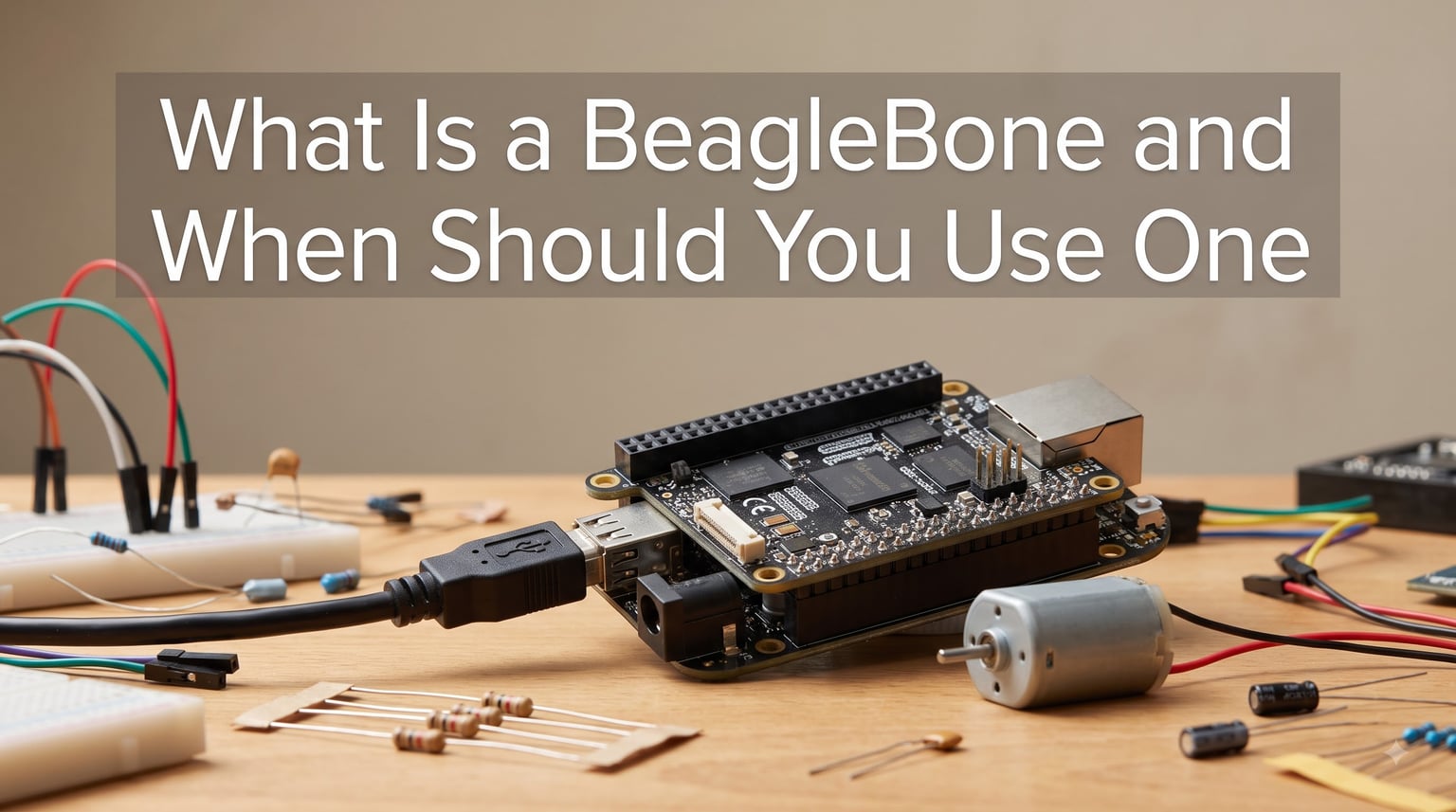
If you’ve been exploring single-board computers for embedded projects, you’ve probably asked yourself: what is a BeagleBone and when should you use one? I get this question all the time from readers who know Raspberry Pi and Arduino but feel uncertain about where BeagleBone fits.
I’ve spent the last few months testing BeagleBone Black boards in robotics and home automation projects. In this guide, I’ll walk you through what a BeagleBone actually is, what makes it different from the alternatives, and exactly when it makes sense to choose one.
Table of Contents
What Is a BeagleBone
A BeagleBone is a low-cost, open-source single-board computer (SBC) designed for embedded Linux development and real-time hardware control. It runs a full Linux operating system on an ARM processor and exposes a rich set of GPIO pins for connecting sensors, motors, and other electronics.
BeagleBone boards are made by BeagleBoard.org, a non-profit foundation backed by Texas Instruments, Digi-Key, and other community sponsors. The current flagship model is the BeagleBone Black, with variants like the BeagleBone AI and BeagleBone Blue targeting specific applications such as machine learning and robotics.
Think of BeagleBone as the middle ground between Arduino (a simple microcontroller with no operating system) and Raspberry Pi (a hobbyist-friendly Linux computer). It gives you Linux’s flexibility while keeping industrial-grade hardware access that Raspberry Pi doesn’t expose as cleanly.
BeagleBone Black Technical Specifications
The BeagleBone Black is the most popular board in the family, and its hardware is what sets it apart from hobby SBCs. Here’s what you get out of the box.
The board is powered by a Texas Instruments Sitara AM3358 system-on-chip with a 1GHz ARM Cortex-A8 processor. That CPU is paired with 512MB of DDR3L RAM and 4GB of onboard eMMC flash storage, so you can boot a full Debian Linux image without an SD card.
For connectivity, the BeagleBone Black includes a 10/100M Ethernet port, a USB 2.0 host port, a mini-USB client port, and HDMI output. Two 46-pin headers give you access to 65 GPIO pins, seven analog inputs, I2C, SPI, CAN, and PWM channels.
The most unusual feature for an SBC at this size is the pair of Programmable Real-Time Units (PRUs). These are 200MHz coprocessors that run independently from the main Linux CPU. They let you hit microsecond-level timing for motor control, signal generation, or bit-banging protocols that Linux can’t reliably handle on its own.
Here’s a quick reference of the key specifications:
- Processor: 1GHz ARM Cortex-A8 (TI Sitara AM3358)
- RAM: 512MB DDR3L
- Storage: 4GB eMMC flash, microSD slot
- Graphics: SGX530 3D engine
- Network: 10/100M Ethernet
- USB: 1x USB 2.0 host, 1x mini-USB client
- GPIO: 65 pins, 7 analog inputs
- PRUs: 2x 200MHz real-time coprocessors
- Boot time: under 10 seconds to Linux
Key Features and Capabilities
Beyond the raw specs, BeagleBone’s value comes from a handful of features that other SBCs don’t offer as well. Let me walk through the ones I rely on most in my projects.
The cape expansion system is a BeagleBone signature. Capes are stackable add-on boards that plug into the GPIO headers and provide extra functionality like motor drivers, displays, battery management, or CAN bus interfaces. They follow an open hardware specification, so dozens of third-party capes are available.
The PRUs deserve a second mention because they’re the single biggest reason to pick BeagleBone for serious embedded work. You can use them to generate precise PWM signals, read encoders, or drive WS2812 LEDs without timing jitter from the Linux kernel.
Boot speed and reliability matter more than people realize. A BeagleBone Black boots Debian in under 10 seconds from eMMC, and the on-chip power management means you can power the entire board from a single USB cable during development. No display required, since you connect over SSH.
Open hardware is another core value. Schematic files, board layouts, and the System Reference Manual are all freely available. You can study the design, modify it, or build derivative products without licensing fees.
BeagleBone vs Raspberry Pi vs Arduino
The most common question I hear is how BeagleBone stacks up against Raspberry Pi and Arduino. The short answer is that each platform targets different needs, and choosing the wrong one leads to frustration.
Here’s a side-by-side comparison:
- BeagleBone Black: 1GHz ARM Cortex-A8, 512MB RAM, full Linux, 65 GPIO pins, 2 PRUs, runs Debian
- Raspberry Pi 5: 2.4GHz quad-core ARM Cortex-A76, 8GB RAM, full Linux, 40 GPIO pins, no real-time coprocessors, runs Raspberry Pi OS
- Arduino Uno: 16MHz AVR microcontroller, 2KB RAM, no OS, 14 digital I/O pins, 6 analog inputs, runs Arduino sketches
Choose Raspberry Pi when you need desktop-class performance for media centers, AI inference, or general computing. Its 40-pin GPIO is fine for slow sensors, but Linux timing jitter makes precise motor control difficult.
Choose Arduino when you’re reading a few sensors and controlling simple actuators with millisecond timing. It’s cheap, beginner-friendly, and runs without an operating system, but it can’t handle Linux software stacks or image processing.
Choose BeagleBone when you need Linux software (Python, Node.js, OpenCV) and deterministic hardware control in the same project. The PRUs and cape system make it ideal for robotic applications and automation projects where timing matters.
When Should You Use a BeagleBone
You should use a BeagleBone when your project requires Linux software plus precise hardware control, and Raspberry Pi’s timing jitter is unacceptable. Here are the specific scenarios where I reach for a BeagleBone over the alternatives.
Real-time motor control is the headline use case. If you’re running PID loops at 1kHz or driving stepper motors for a CNC machine, the PRUs give you deterministic timing that Linux alone can’t deliver.
Industrial automation projects benefit from BeagleBone’s rugged design and the cape ecosystem. There are capes for RS-485, isolated digital I/O, and industrial protocols like Modbus and CAN bus that you’d otherwise have to wire yourself.
Sensor fusion and data acquisition workloads run well on BeagleBone because of the seven built-in analog inputs and the PRU’s ability to sample at high rates without CPU overhead.
Education and prototyping in embedded Linux is another sweet spot. Students can learn kernel development, device drivers, and real-time programming on hardware that costs less than a textbook.
Skip BeagleBone if your project is a simple IoT button, a media server, or anything where the Raspberry Pi’s larger community and better documentation will save you time. BeagleBone is for when you specifically need what it offers.
Common Use Cases and Real-World Projects
To make this concrete, here are real projects where BeagleBone shines and where I’ve personally deployed them.
In robotics, BeagleBone Black is a popular controller for small autonomous vehicles and drone flight controllers. The PRUs handle motor PWM and IMU sampling, while Linux runs navigation code and computer vision. For example, teams in autonomous racing competitions use BeagleBone for sub-millisecond motor response.
Home automation hubs often run on BeagleBone because the GPIO lets you directly interface with low-voltage relays and sensors without extra hardware. You can run Home Assistant, Node-RED, or custom Python scripts on the same board that reads your doorbell wire.
Industrial control panels use BeagleBone Blue, a specialized variant with built-in motor drivers and IMUs for robotics. It’s certified for industrial environments and includes features like hardware watchdog timers.
Educational labs at universities use BeagleBone to teach embedded Linux, device drivers, and real-time systems. Students get access to the full System Reference Manual and can read kernel source code that targets the same processor.
IoT gateways that need local processing also fit well. You can run MQTT brokers, edge analytics, and machine learning inference on a board that draws less than 5 watts.
BeagleBone Advantages and Limitations
No platform is perfect, and BeagleBone has trade-offs you should know before committing. I’ll give you the honest list based on my own use and what the community reports.
Key advantages include:
- Real-time processing via PRUs that no other SBC at this price offers
- 65 GPIO pins with mixed analog and digital interfaces in a compact board
- Open hardware design with freely available schematics and reference manual
- Rapid boot time from onboard eMMC storage
- Industrial-grade components and long-term availability
Notable limitations include:
- Higher cost than Raspberry Pi, often twice the price for similar CPU performance
- Steeper learning curve, especially if you’re new to embedded Linux
- Smaller community, fewer beginner tutorials compared to Raspberry Pi
- 0.1V voltage tolerance on the 5V rail requires careful power supply choice
- Static sensitivity means you should use an enclosure for permanent installations
For hobbyists on a budget or beginners, Raspberry Pi is often the smarter first choice. For professional work where reliability and deterministic timing matter, BeagleBone pays for itself quickly.
Getting Started with BeagleBone
If you decide BeagleBone fits your needs, getting started is straightforward. Here’s the path I recommend for new users.
Buy a BeagleBone Black from an authorized distributor like Digi-Key, Mouser, or Newark. Avoid no-name marketplace sellers since counterfeits with bad power regulators do exist.
Download the latest Debian image from BeagleBoard.org and flash it to a microSD card, or use the pre-installed eMMC image if your board shipped with one. The official Getting Started guide walks you through the steps.
Connect the board to your computer using the included USB cable. It will appear as a network device, and you can SSH into it at 192.168.7.2 without needing a display, keyboard, or extra power supply.
Explore the documentation at BeagleBoard.org, including the System Reference Manual, which is more detailed than what Raspberry Pi publishes. The community forum is also active and helpful for specific technical questions.
For learning, start with simple GPIO toggling in Python, then move on to BoneScript (a Node.js library), and finally graduate to C programming on the PRUs once you’re comfortable with the basics.
Frequently Asked Questions
Is BeagleBone better than Raspberry Pi?
BeagleBone is better than Raspberry Pi when you need real-time hardware control via the PRUs, more GPIO pins, or industrial-grade reliability. Raspberry Pi is better when you need higher CPU performance, a larger community, or lower cost. The right choice depends on whether you prioritize timing precision or raw computing power.
What are the disadvantages of BeagleBone Black?
The main disadvantages of BeagleBone Black are its higher cost compared to Raspberry Pi, a steeper learning curve for embedded Linux beginners, a smaller community with fewer tutorials, and stricter voltage regulation requirements on the power supply. It also has less RAM and slower CPU than modern Raspberry Pi models, which matters for compute-heavy workloads.
What are the advantages of BeagleBone?
The key advantages of BeagleBone are its two programmable real-time units (PRUs) for deterministic hardware control, 65 GPIO pins including seven analog inputs, an open hardware design with freely available schematics, fast boot time from eMMC storage, and a cape expansion system for adding specialized functionality. These features make it ideal for robotics, industrial automation, and embedded Linux development.
Is BeagleBone good for beginners?
BeagleBone can work for beginners who already understand basic electronics and Linux command-line usage, but it has a steeper learning curve than Arduino or Raspberry Pi. If you’re completely new to single-board computers, start with Raspberry Pi first and graduate to BeagleBone when you need real-time capabilities or industrial features.
Final Verdict
So, what is a BeagleBone and when should you use one? A BeagleBone is an open-source single-board computer built around an ARM Cortex-A8 processor with dual real-time coprocessors, designed for projects where Linux software and precise hardware control must coexist.
You should reach for a BeagleBone when your project needs deterministic timing for motor control, sensor sampling, or signal generation, and you want to keep the convenience of running full Linux applications. It’s the right call for robotics controllers, industrial automation, and serious embedded Linux learning.
If your project fits one of those categories, BeagleBone will save you weeks of fighting Linux timing issues. Buy from an authorized distributor, flash the latest Debian image, and you’ll have a working board in under 10 minutes.
If you found this guide useful, share it with a friend who’s picking between SBCs, and let me know in the comments which BeagleBone project you’re planning to tackle next.