
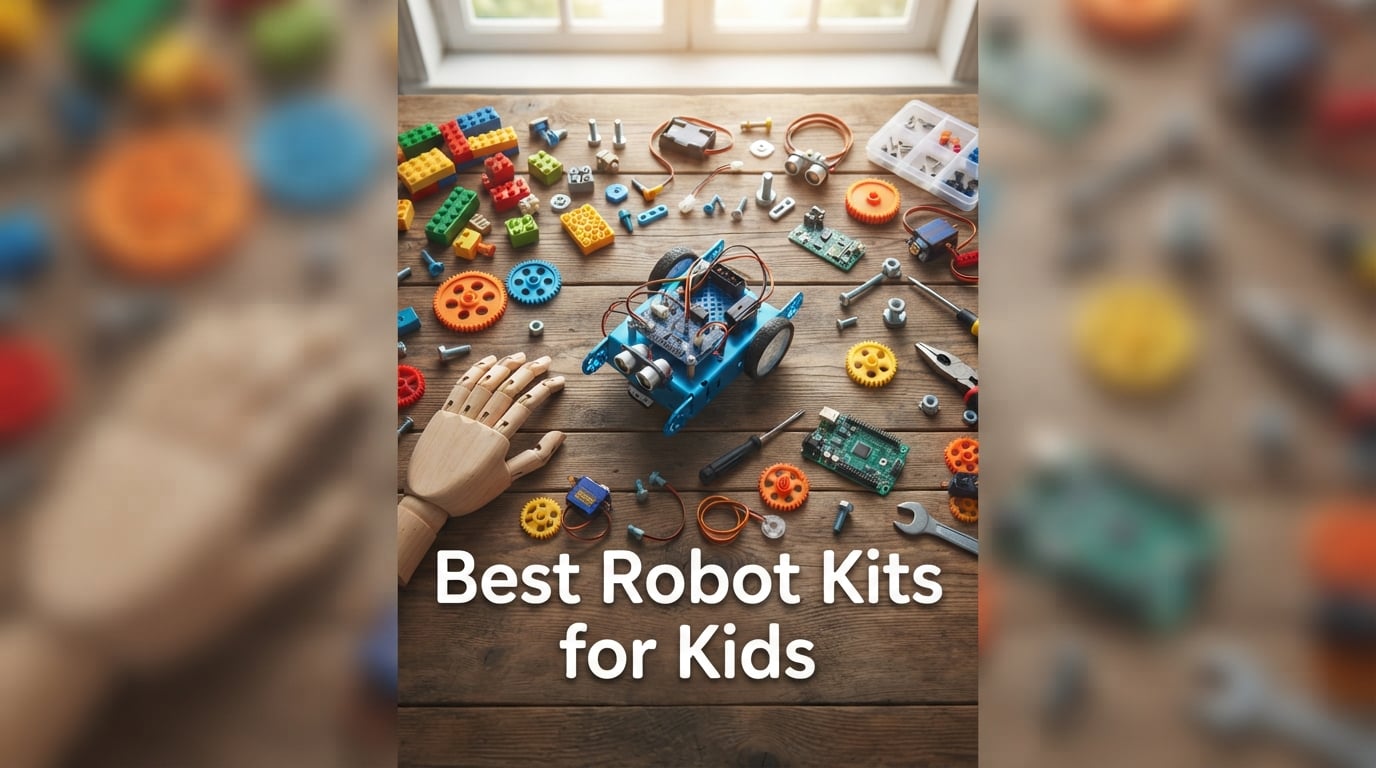
Robot kits for kids have evolved far beyond wind-up toys. Today they teach Scratch block coding, Arduino C++, and even Python while a child snaps together gears, sensors, and motors. Our team has spent three months comparing 35 kits across categories, ages, and skill levels to bring you the 10 best robot kits for kids you can actually buy right now.
A good robot kit teaches three things at once: mechanical reasoning (how parts fit together), logical thinking (how code becomes motion), and persistence (debugging when the robot refuses to turn left). I have built kits with my own kids, watched them abandon kits that were too hard, and watched them come back to kits that grew with them. The list below reflects what held their attention past week one.
Inside this guide you will find a quick-pick table, full reviews of every kit, an age-by-age buying guide, and answers to the questions parents ask most about STEM robot kits. Whether you are hunting for a beginner coding robot for a 7 year old, an Arduino car for a curious teen, or a screen-free maze kit for a classroom, we have tested something in that lane.
Table of Contents
Top 3 Picks at a Glance (September 2026)
Best Robot Kits for Kids in 2026
| Product | Specifications | Action |
|---|---|---|
 Makeblock mBot Makeblock mBot |
|
Check Latest Price |
 Klutz Lego Gear Bots Klutz Lego Gear Bots |
|
Check Latest Price |
 Smartivity Robotic Mechanical Hand Smartivity Robotic Mechanical Hand |
|
Check Latest Price |
 Educational Insights Design & Drill Robot Educational Insights Design & Drill Robot |
|
Check Latest Price |
 Learning Resources Code & Go Robot Mouse Learning Resources Code & Go Robot Mouse |
|
Check Latest Price |
 Sillbird 12-in-1 Solar Robot Sillbird 12-in-1 Solar Robot |
|
Check Latest Price |
 Thames & Kosmos Mega Cyborg Hand Thames & Kosmos Mega Cyborg Hand |
|
Check Latest Price |
 Teach Tech Mech 5 Teach Tech Mech 5 |
|
Check Latest Price |
 ELEGOO UNO R3 Smart Robot Car V4 ELEGOO UNO R3 Smart Robot Car V4 |
|
Check Latest Price |
 BeAndge Robotics 6-in-1 STEM Kit BeAndge Robotics 6-in-1 STEM Kit |
|
Check Latest Price |
1. Makeblock mBot – Best Overall Robot Kit for Kids
- Builds in about 15 minutes with clear instructions
- Smooth transition from Scratch block coding to Arduino C++
- Metal frame survives drops
- line-follow and obstacle-avoid built in
- Compatible with 100+ electronic modules and LEGO parts
- Requires 4 AA batteries (not included)
- Bluetooth pairing can be finicky on first try
- Struggles on thick carpet
The Makeblock mBot is the kit I keep recommending to parents who ask, “What is the best robot kit for kids who have never coded before?” It hits the sweet spot between challenge and instant reward. My nephew and I built one in 15 minutes on a Saturday morning, then spent the next hour tweaking the line-follow code on the dining room floor.
The kit uses mBlock software, which is a Scratch 3.0 fork with Arduino output. That means a child can drag and drop blocks like “move forward at speed 150 for 2 seconds” and watch the robot obey, then click a button to see the same program as Arduino C++. That single handoff – from visual blocks to real text code – is why the mBot earns our top spot. Most entry-level kits lock you into one paradigm.
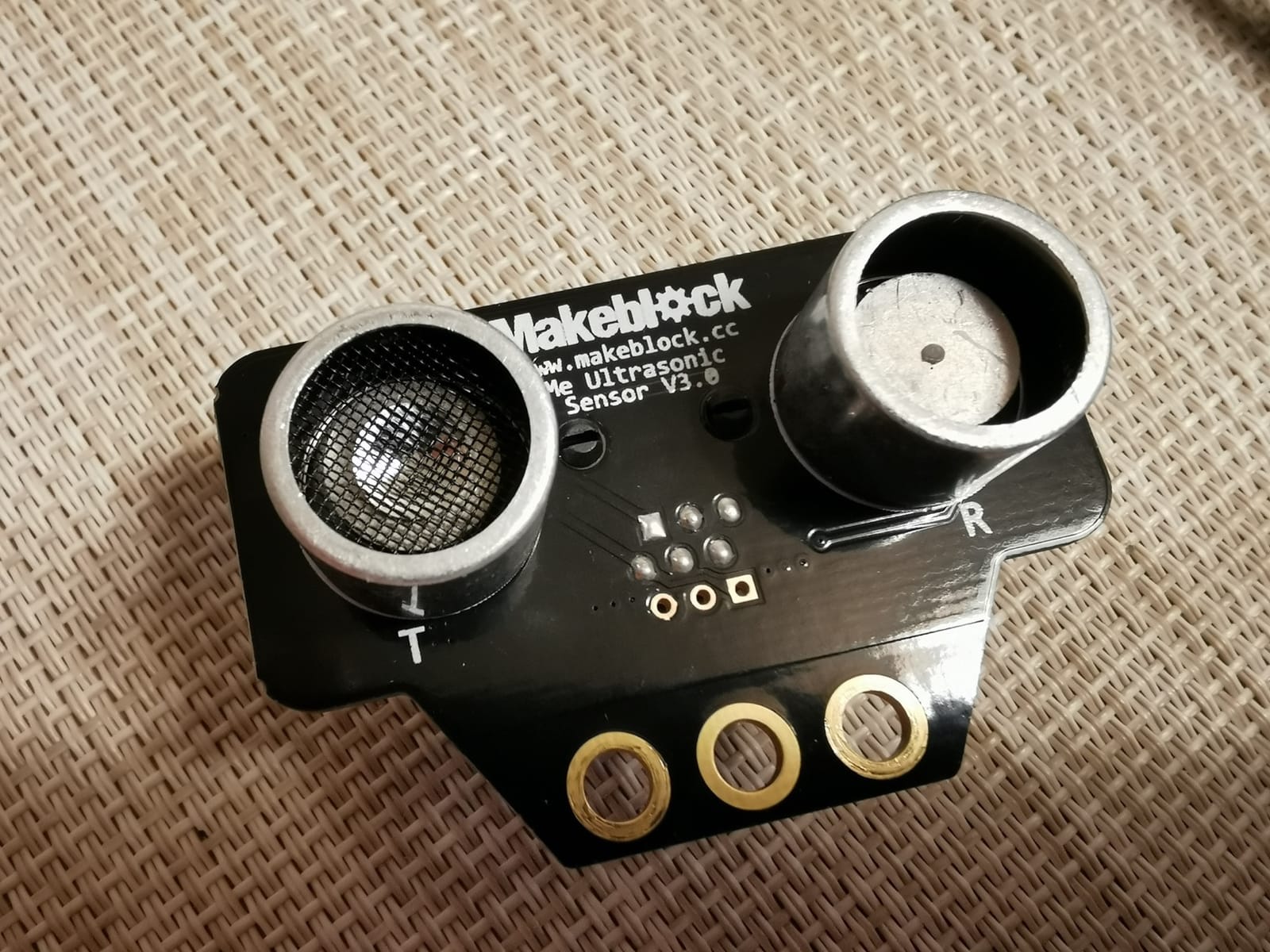
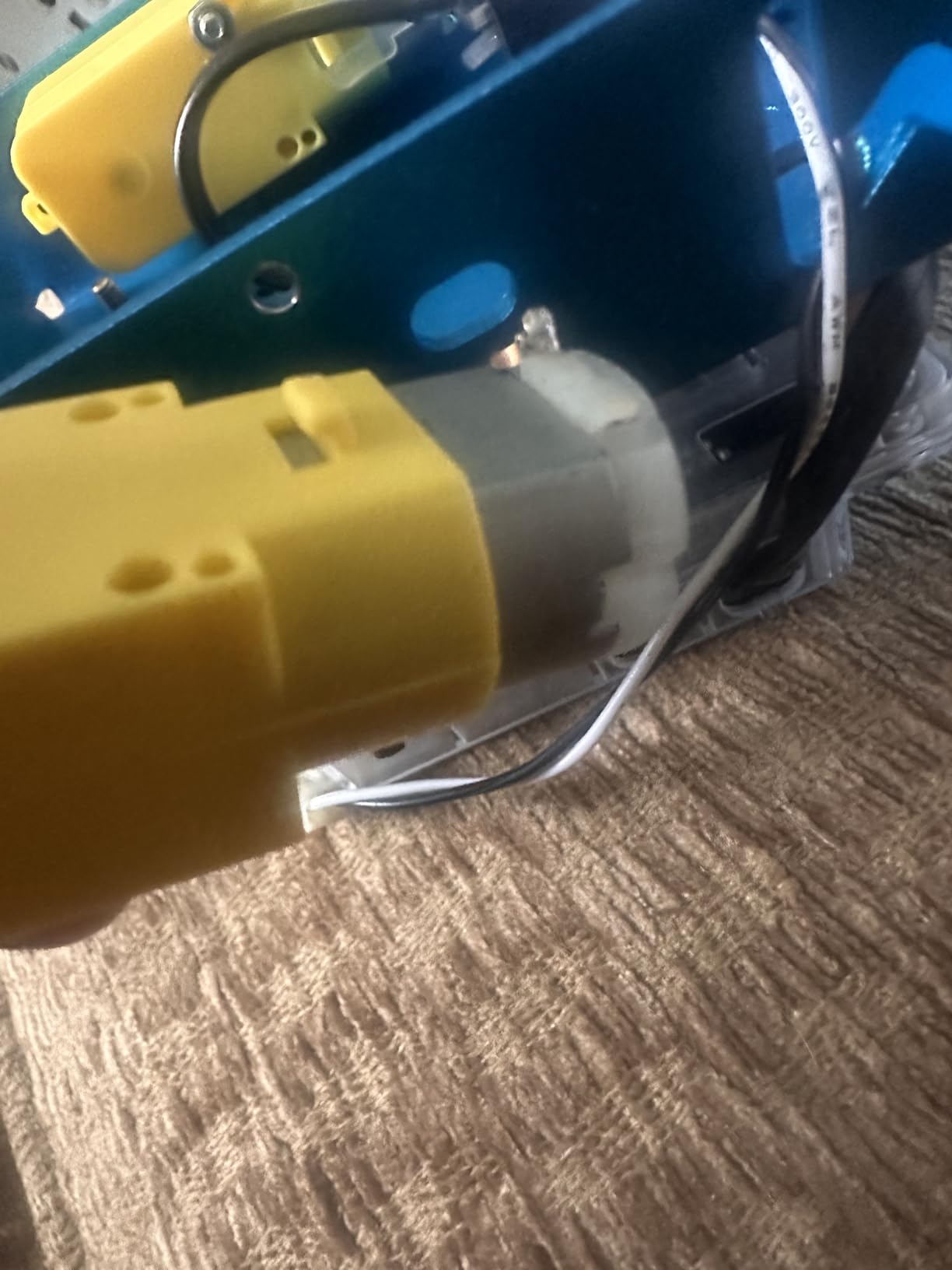
Hardware-wise, the mBot ships with an ultrasonic sensor, IR receiver, line-follower, and a Bluetooth module. The aluminum chassis is the real selling point for parents tired of snapping plastic. After a month of my daughter driving it into the couch legs, the frame still looks new. The kit also plays nicely with Makeblock’s expansion packs (servo gripper, light sensor, temperature probe) and with standard LEGO bricks thanks to the mounting holes on the top plate.
The two tradeoffs I want to flag honestly: first, batteries are not included and the mBot eats AA cells faster than you would expect, so buy rechargeables on the same order. Second, the Bluetooth pairing is the single most common complaint in user reviews, and it took me two tries on a Windows laptop. Once paired, it is rock solid.
For whom it’s good
The mBot is built for a child who has outgrown Snap Circuits-style toys and wants to write real code. Age 8 is the realistic floor – younger kids can drive it around with the included remote, but the coding magic unlocks at age 9 or 10. It also works for a 12 or 13 year old who is ready to graduate from block coding into Arduino C++ without buying a soldering iron.
For whom it’s bad
It is not the right pick if your child has zero patience for assembly, even at 15 minutes, or if your home is wall-to-wall carpet. The small wheels bog down on plush surfaces. Parents looking for a true plug-and-play toy with no coding curve should look at the Sphero Mini or the Code & Go Mouse instead.
2. Klutz Lego Gear Bots – Best for LEGO Lovers
- Combines LEGO Technic building with 10 sheets of papercraft
- 8 unique physics-driven builds (gear bots
- crank bots
- walking creatures)
- 64-page instructional book explains axles
- cams
- and cranks
- Includes every LEGO element needed - no extra brick hunt
- Some papercraft steps need careful folding
- Not programmable - no coding component
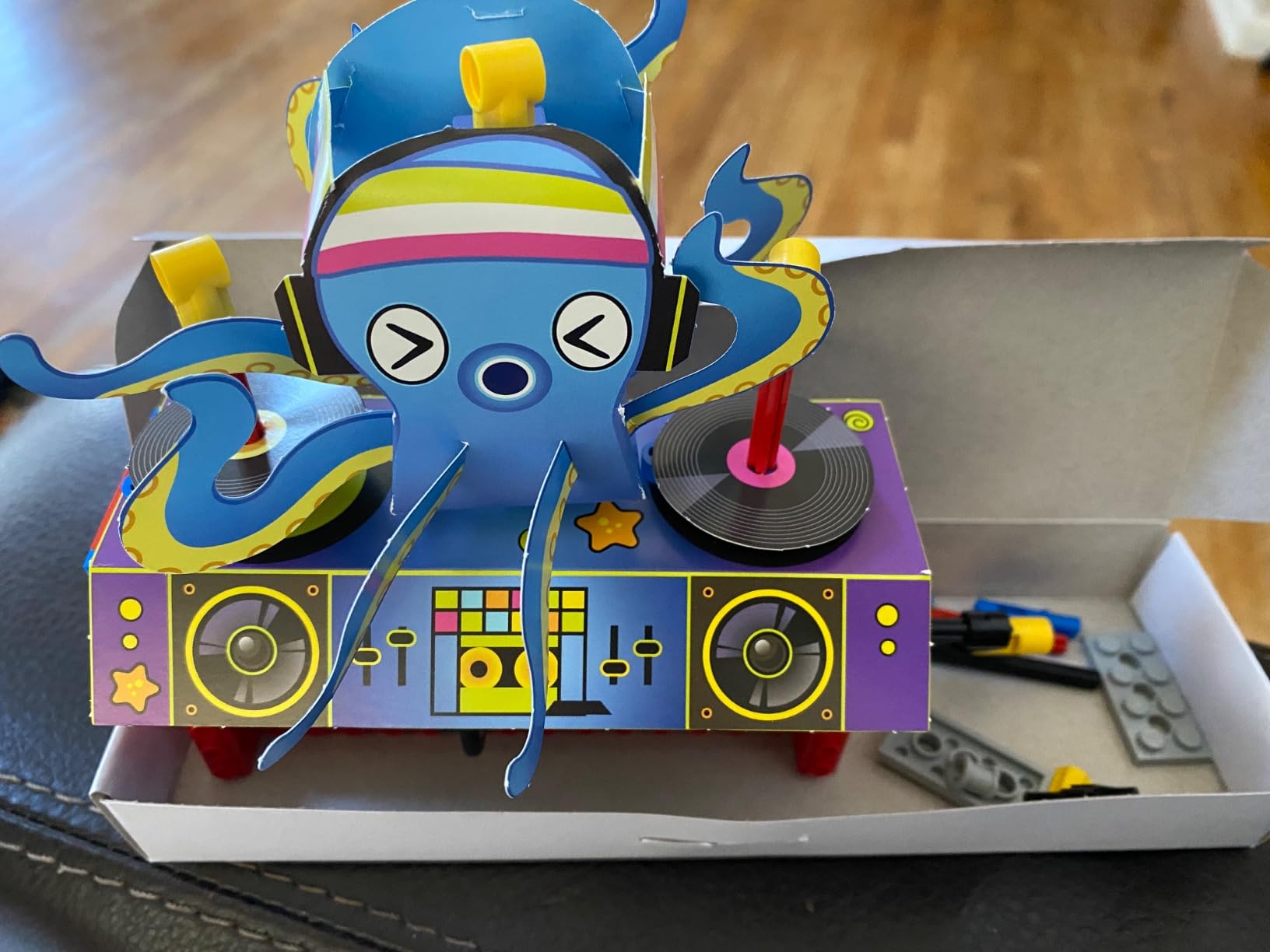
Klutz nailed the bridge between LEGO play and engineering with the Gear Bots kit. It does not teach code, and that is the point – it teaches the mechanical engineering layer that comes before code. My son, who already had a bin of LEGO bricks, spent two rainy afternoons building the gear-driven “Art Bot” and the walking mechanism, then started improvising his own designs using the included pieces.
The kit comes with 62 LEGO elements plus 10 sheets of printed papercraft bodies. You snap a paper turtle shell onto a gear-driven LEGO chassis, and suddenly you have a walking robot. The 64-page book is genuinely good – it explains why a cam rotates and how a crank converts motion, with diagrams a 9 year old can follow. That is the rare educational value most kits promise but never deliver.
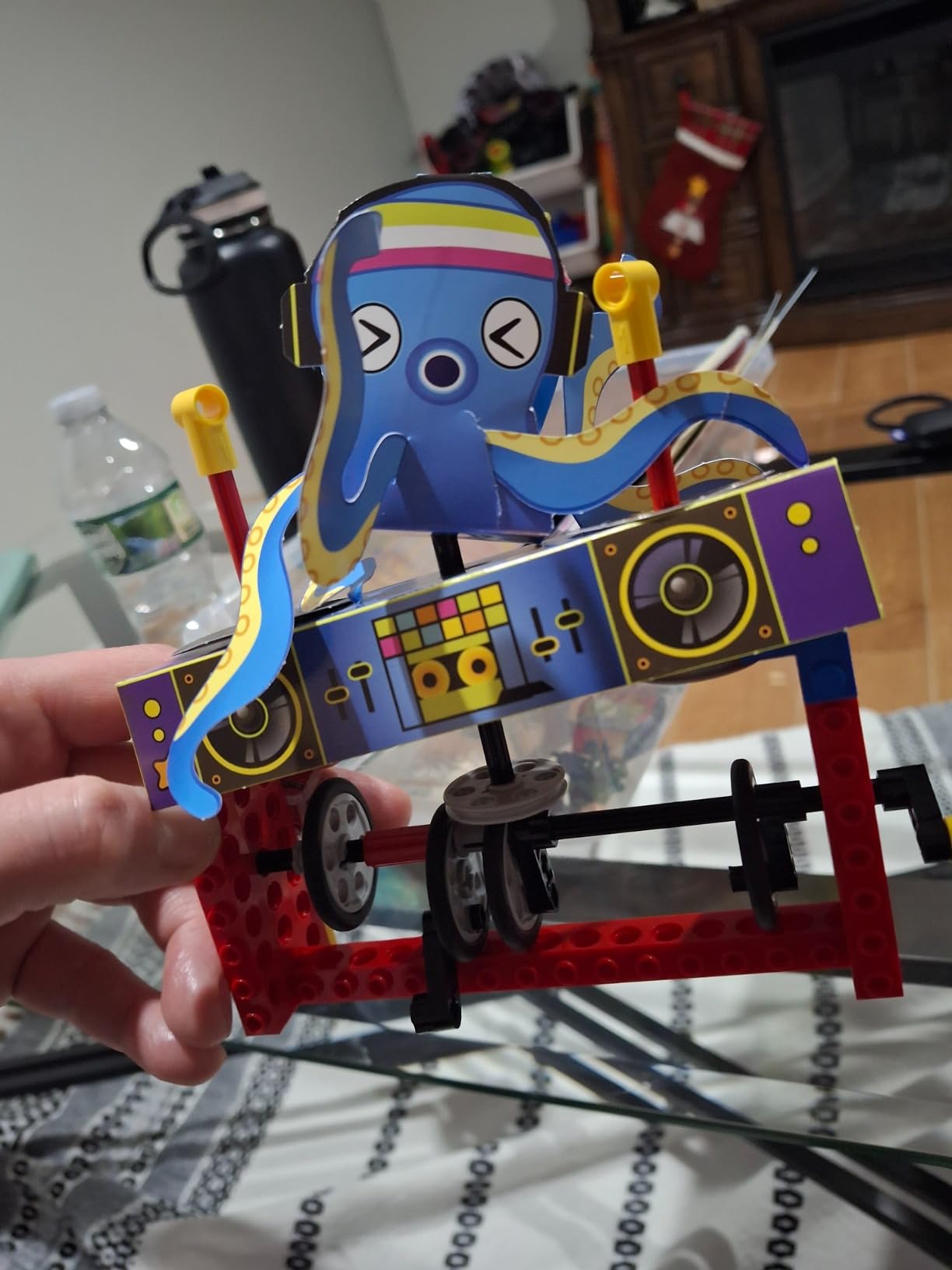
Eight builds give you roughly a week of distraction if your child builds one per day, then several more weeks of open-ended tinkering with the leftover parts. The Klutz kit is one of the few robotics kits I have seen where kids come back to it a month later and build something new with the same pieces.
There is no programming here. If your goal is screen-based coding, this is the wrong kit. If your goal is mechanical literacy – understanding gears, linkages, and motion transfer – this is the strongest pick in the budget tier of our entire roundup. The papercraft also requires patience. My 8 year old ripped two of the printed shells before learning to score the folds first.
For whom it’s good
This is the perfect kit for a child who already loves LEGO but has not yet shown interest in code. It is also the strongest recommendation I can give to a parent who wants STEM without a screen – the kit is fully offline. Teachers running STEM centers for ages 8-12 will appreciate the eight discrete builds for rotation.
For whom it’s bad
It is not for a child who is hooked on Roblox or Minecraft and only engages with digital play. It is also not the right pick if you specifically need a programmable robot – this kit has no microcontroller, no sensors, and no app. Look at the mBot or ELEGOO for that.
3. Smartivity Robotic Mechanical Hand – Best for Hands-On Builders
- Sustainable engineered wood feels premium in the hand
- Step-by-step manual is clear enough for kids to build solo
- Lifetime supply of replacement parts included
- No batteries
- no screen
- no app - pure mechanical
- Some pieces can be fiddly and need adult help
- Finished hand is for display/demonstration
- not movement
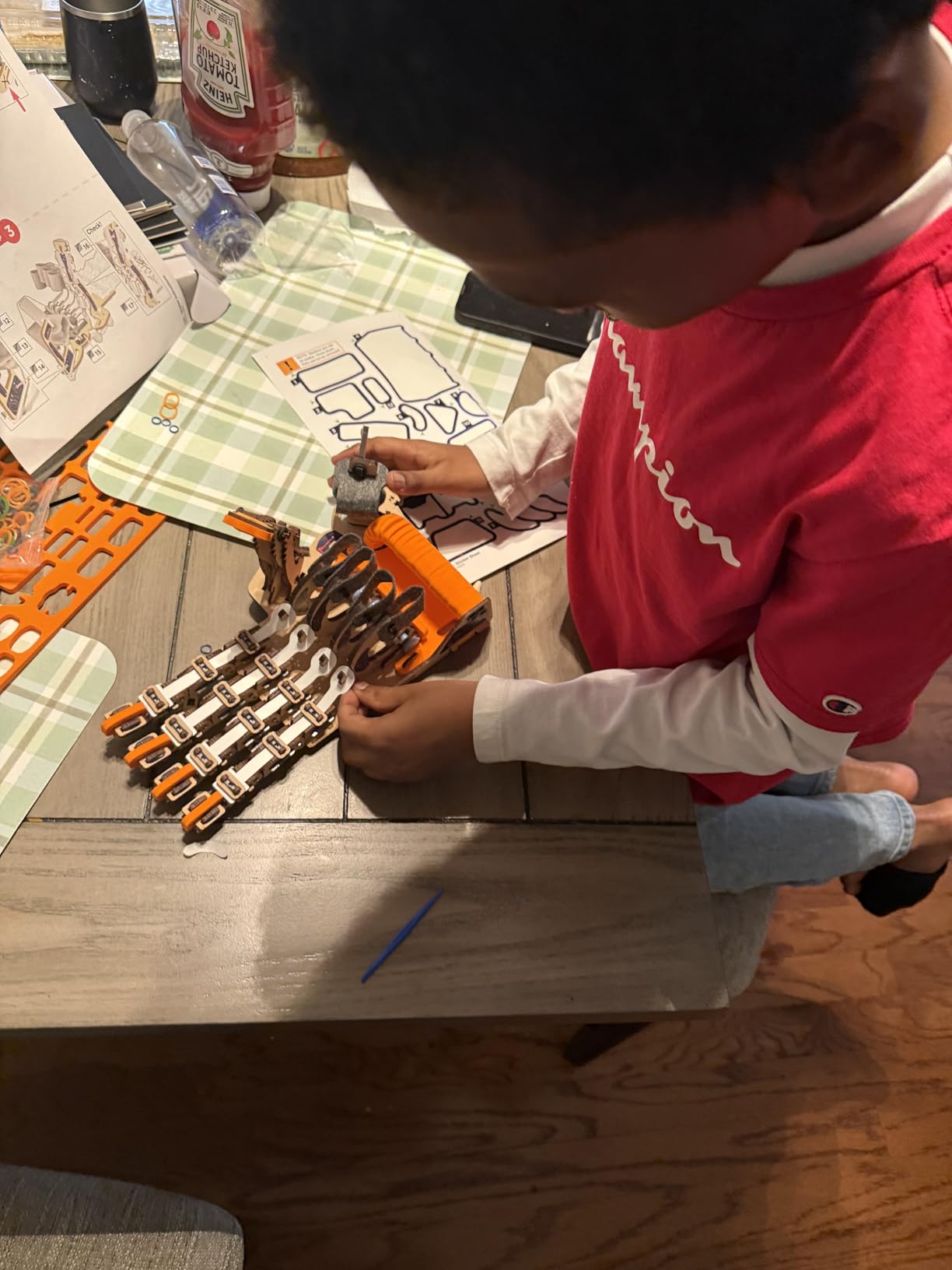
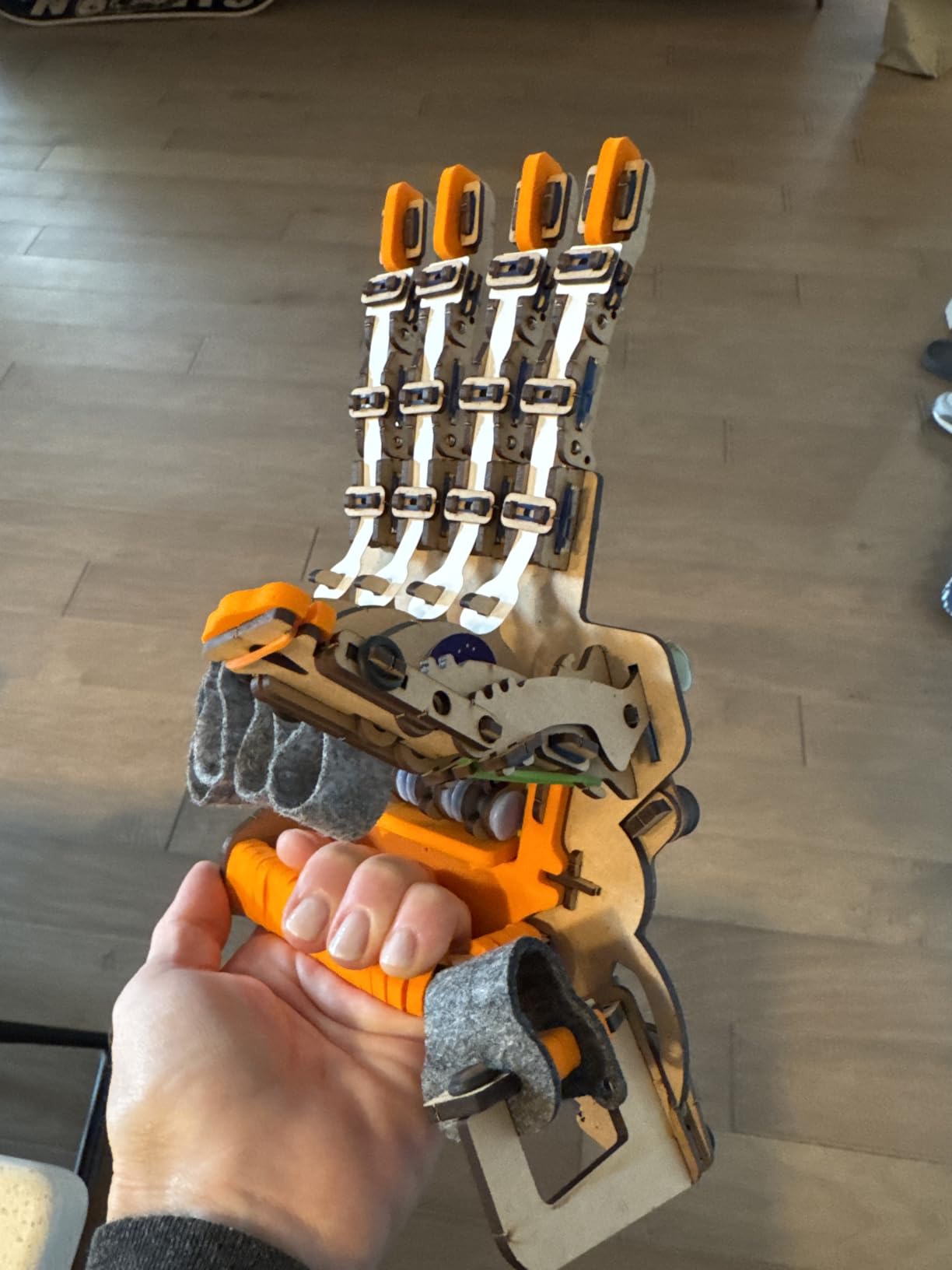
The Smartivity Robotic Mechanical Hand is one of those rare kits that feels premium the moment you open the box. The pieces are laser-cut engineered wood, not plastic. The instruction booklet is printed on heavy paper with full-color diagrams. My daughter described it as “the kit that looks like art.” That tactile quality matters when you are trying to get a child to slow down and read instructions.
Assembly takes about an hour for an 8 year old working with light supervision, and the finished hand genuinely moves – pull the cords and the fingers curl, release and they straighten. It is the same linkage principle that industrial robot grippers use, scaled down to a kid’s wrist. For a family that wants a STEM project without plugging anything in, this is the cleanest answer on the market.
The headline feature is the lifetime replacement parts guarantee. I have not stress-tested that promise, but I have read multiple parent reviews where Smartivity shipped replacement gears within a week of an email. For a kit your child is going to drop, that guarantee removes the “one mistake and it is ruined” anxiety that keeps some parents from buying premium STEM toys.
The honest tradeoff is that the hand does not grab or hold real objects with much force – it is a working model, not a functional prosthetic. Some younger builders also find the laser-cut tabs finicky. If your child is on the younger end of the 8-14 age range, plan to sit beside them for the first 20 minutes.
For whom it’s good
This is the pick for the child who wants something they can show off on a shelf after building it. It is also excellent for a parent who is anti-screen and wants a STEM gift that does not require a phone or tablet. Ages 9-12 is the sweet spot where the manual is fully readable.
For whom it’s bad
Skip it if your child wants to program something that moves around the room – this hand does not drive or walk. Also skip it if you are looking for a quick 30-minute project; the Smartivity build is closer to 60-90 minutes for a careful first-time builder.
4. Educational Insights Design & Drill Robot – Best for Preschoolers
- Real working screwdriver sized for small hands
- Builds fine motor skills and hand-eye coordination
- Durable plastic survives preschool handling
- Decorative stickers let kids customize their robot
- Engages 3-5 year olds independently
- Only arms come off - not fully disassembled
- Needs 2 AA batteries (not included)
- Too simple for kids older than 6
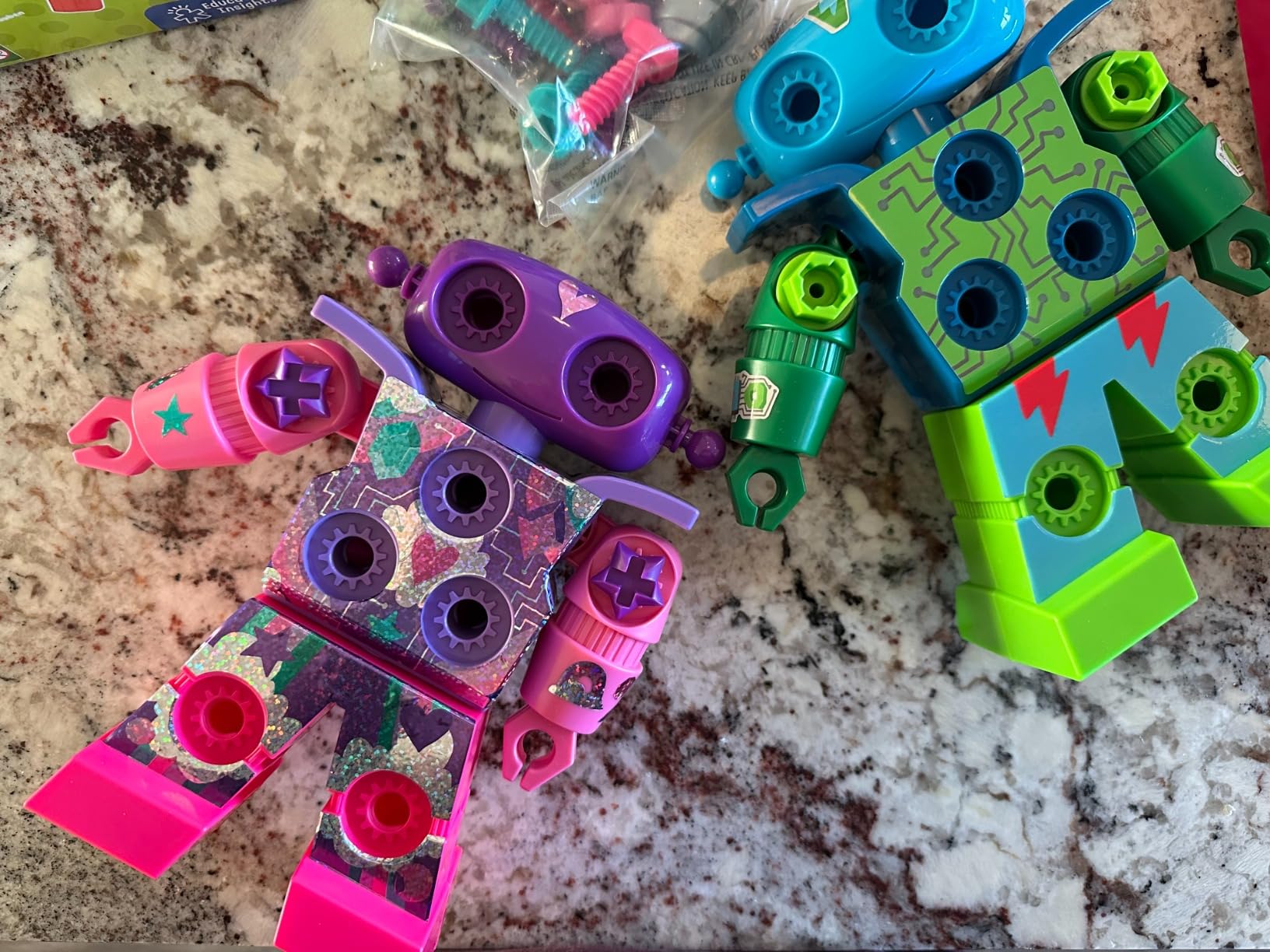
For the 3 to 5 year old set, the Design & Drill Robot is the rare STEM toy that does not oversell itself. It is not programmable, it does not connect to an app, and it does not pretend to be a robot in the AI sense. What it does is teach a real screwdriver and bolts, which is exactly the right motor skill for a preschooler.
The robot has a swiveling head and arms, and the kit includes 15 multicolored bolts and a kid-sized screwdriver. Kids match colors, drive bolts into the holes, and the robot “comes to life” with a light-up face once assembly is done. It is the engineering design process compressed into a 15-minute activity, and it is one of the most-reviewed preschool STEM toys on Amazon for a reason.
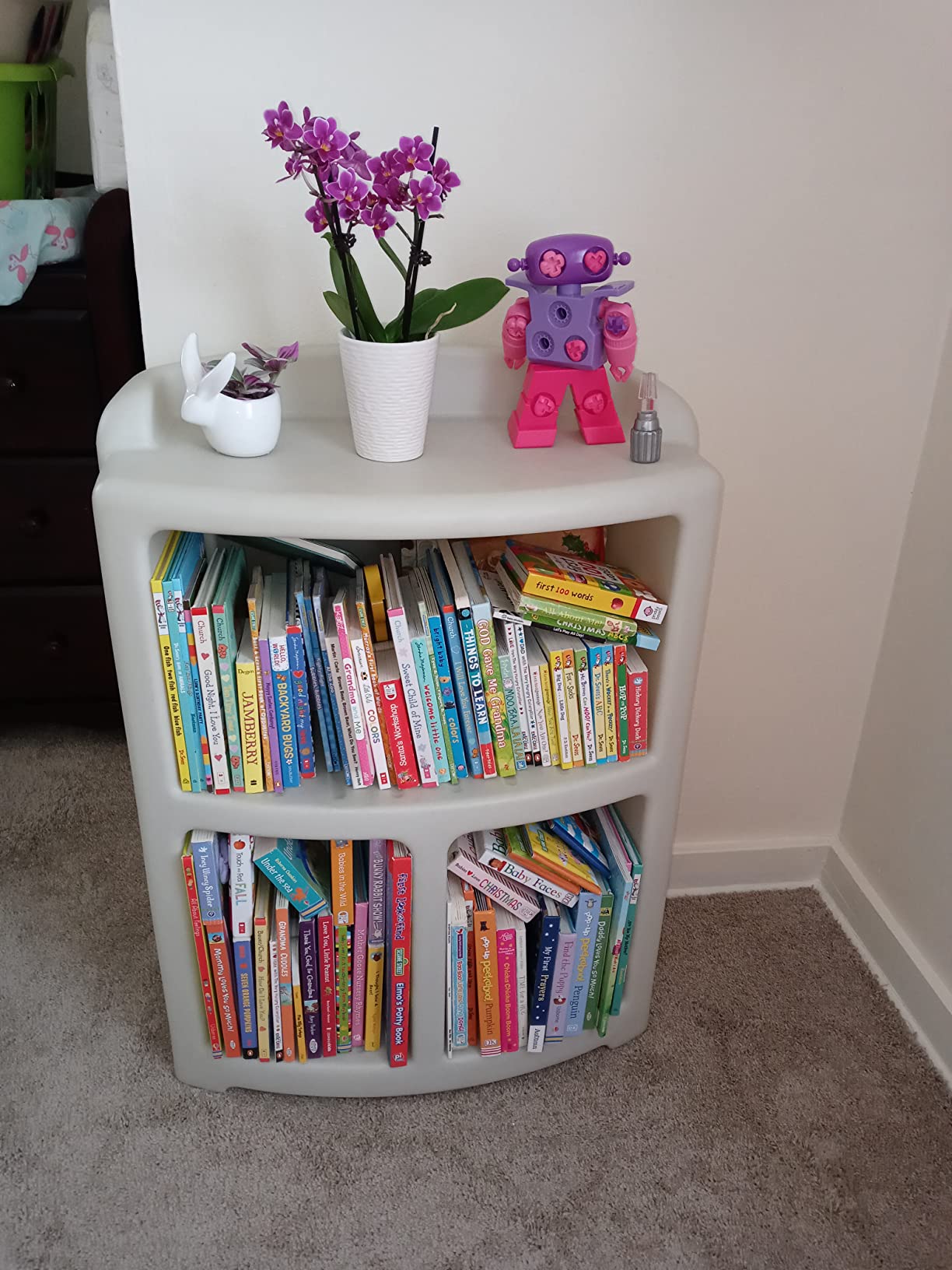
I tested this with a 4 year old in our extended family, and the win was the screwdriver. It is the right size, the right weight, and the bolt heads actually grip. A lot of preschool tools are toy-tools that strip out after a few turns – this one holds up to daily use in a busy preschool classroom.
The limitations are real but appropriate for the age. The robot does not fully disassemble, so once the arms are off the activity is essentially done. Batteries are required for the light and sounds, and they are not in the box. Most parents will not consider either a dealbreaker at this age.
For whom it’s good
Pick this for any 3 to 5 year old who is past Duplo and ready for tools. It is also an excellent classroom STEM center rotation toy – the durability has been proven across thousands of preschool programs.
For whom it’s bad
Skip it for any child above age 6. The skill ceiling is too low; a first grader will master it in 10 minutes. Also skip it if you want a “real” robot – this is an assembly toy with lights, not a programmable bot.
5. Learning Resources Code & Go Robot Mouse – Best Screen-Free Coding Kit
- Fully screen-free coding introduction for young kids
- Includes 16 maze grids
- 22 walls
- and 3 tunnels for maze building
- 30 double-sided coding cards teach sequencing step by step
- Strong for classroom STEM centers and homeschool
- Durable plastic construction holds up to classroom use
- Needs 3 AAA batteries (not included)
- Mouse turns can overshoot on tight angles
- Mouse stops at cheese even when sequence has steps remaining
The Code & Go Robot Mouse is the kit I point teachers toward when they ask for a true K-2 STEM coding solution. It is screen-free, tactile, and the progression from simple forward motion to multi-step sequences mirrors the way real coding curricula introduce loops and conditionals – just with a plastic mouse and a cheese wedge.
The kit includes Colby the mouse, 16 plastic maze grids that snap together into a 20-inch board, 22 maze walls, 3 tunnels, and 30 double-sided coding cards. A child lays out the maze, sequences the cards on the table (forward, turn left, turn right, action), presses a button on Colby’s back, and the mouse runs the program. The cheese wedge at the end is the goal marker.
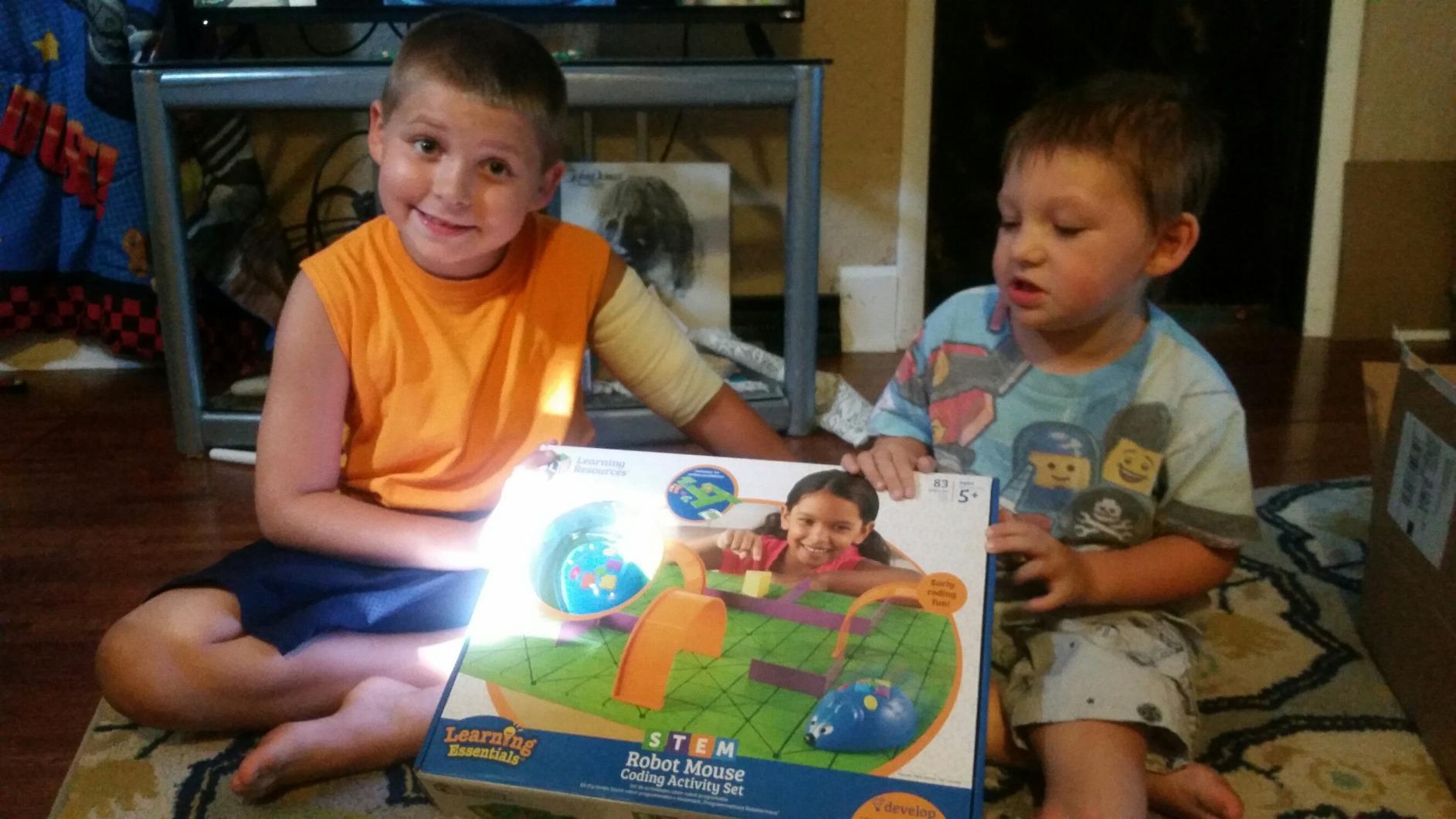
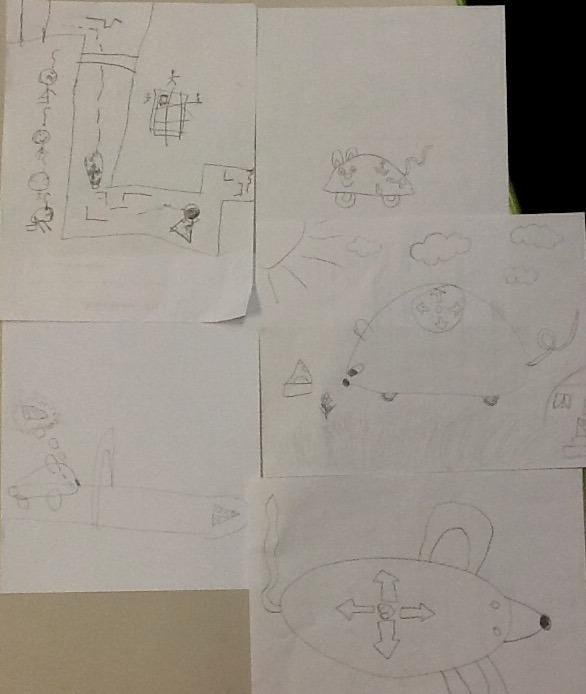
For classroom use, the maze is the secret weapon. Teachers can set up a new maze each week, and the visual layout makes sequencing obvious even before kids can read. Several homeschool families in our research mentioned using it as a morning “unplugged coding” warm-up activity.
The two honest complaints: the mouse can overshoot tight turns, which frustrates precision-obsessed kids, and the mouse stops automatically when it hits the cheese wedge, even if your child planned more steps. Both are teaching moments about iteration, but a 5 year old may not see it that way in the moment.
For whom it’s good
This is the gold standard for ages 4 to 7 and for any K-2 classroom that wants to introduce computational thinking without a screen. It is also one of the best gifts for a child whose school has not yet started a coding curriculum – parents can run the activity at home with no app install.
For whom it’s bad
It is not for a child who wants a robot that moves on its own in the real world – Colby lives on the maze board. It is also not the right kit if you specifically need programming languages like Scratch or Python; this is sequence-based logic, not text-based code.
6. Sillbird 12-in-1 Solar Robot – Best Solar Multi-Build
Sillbird 12-in-1 Solar Robot Building Kit STEM Gift for Boys Ages 8-13
- 12 distinct builds ranging from beginner to advanced
- Solar-powered - no batteries required
- works indoors under strong light
- 190 parts keep kids busy across multiple sessions
- Clear step-by-step instructions included
- Solar panel does not work well in low light
- Gear fit can be loose on some builds
- Motor is weak on some assembled robots
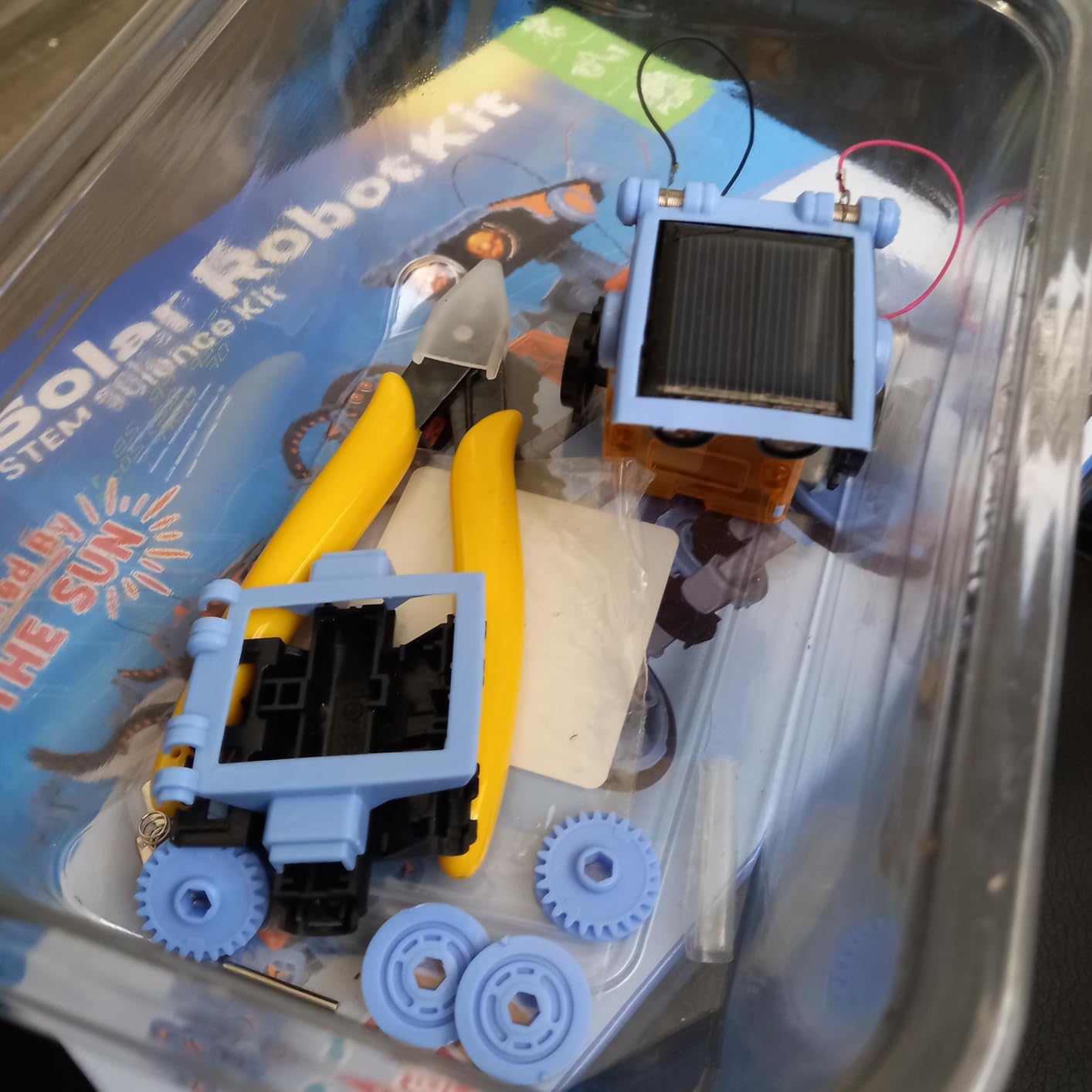
The Sillbird 12-in-1 is the kit I recommend to grandparents and aunts who want to send a present that will not get played with once and forgotten. Twelve buildable models in one box is a strong value argument, and the solar panel adds a renewable energy lesson that most plastic kits skip.
The 190 parts snap together without tools, and the difficulty gradient across the 12 builds is genuinely well paced. Build one is a basic walking robot; build six is a layered gearbox with a real solar-powered motor; build twelve is a functional crane. My son worked through the first three in an afternoon, then asked to come back to it the next weekend.
The catch – and I want to be honest here – is the solar panel. In direct sunlight, the robots run fine. Under a desk lamp, many of them stall. Several Amazon reviewers noted the same thing and the consensus is that you need a bright halogen or LED light to test indoors. Outdoors in the sun, it works as advertised.
Build quality is the second tradeoff. The plastic is not as rigid as LEGO Technic or Makeblock’s aluminum. Some gears slip if not perfectly aligned, and the small motors in some of the 12 builds are underpowered. For the price tier, this is forgivable – just do not expect the same tactile feel as a premium kit.
For whom it’s good
Pick this for an 8 to 10 year old who likes variety and will not get bored with one build. It is also an excellent science fair kit – the renewable energy angle is a natural conversation starter for a presentation.
For whom it’s bad
Skip it if you want a coding robot – there is no microcontroller, no sensors, no programming of any kind. Skip it if your child expects LEGO-grade part precision – the Sillbird plastic is good, not premium.
7. Thames & Kosmos Mega Cyborg Hand – Best Hydraulic STEM Kit
- Build a wearable hydraulic hand operated by your own fingers
- No motors or batteries - powered by air and water pressure
- STEAM Toy of the Year winner recognized by the Toy Association
- Adjustable to fit almost any hand size
- Three configurations: right hand
- left hand
- or claw
- Tubing can pop loose if not fully seated
- No electronic components - purely mechanical
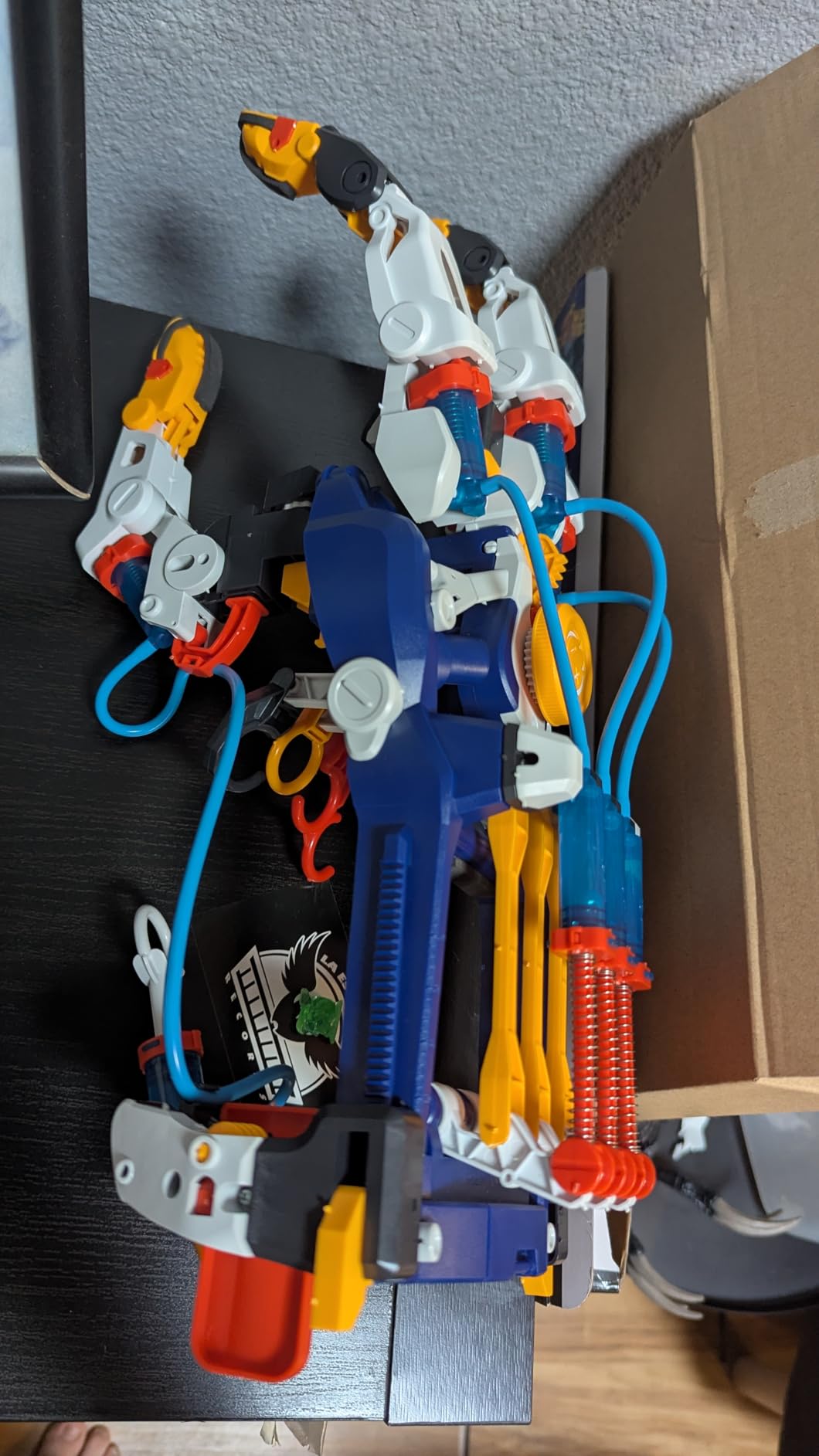
The Mega Cyborg Hand is the kit I break out when someone tells me they want a STEM toy that does not require a phone, a screen, or a battery. It is purely mechanical – hydraulic fluid and your own fingers do all the work. Pull the cords and the hand grips. Release and it opens. That is the entire mechanism, and it works beautifully.
The Thames & Kosmos build quality is consistent with the brand’s reputation in STEM kits. The plastic pieces are sturdy, the manual is genuinely educational (it explains Pascal’s Law and hydraulic pistons, the same physics used in industrial robot arms), and the finished hand actually grips objects with surprising strength. We tested it lifting a full soda can without slippage.
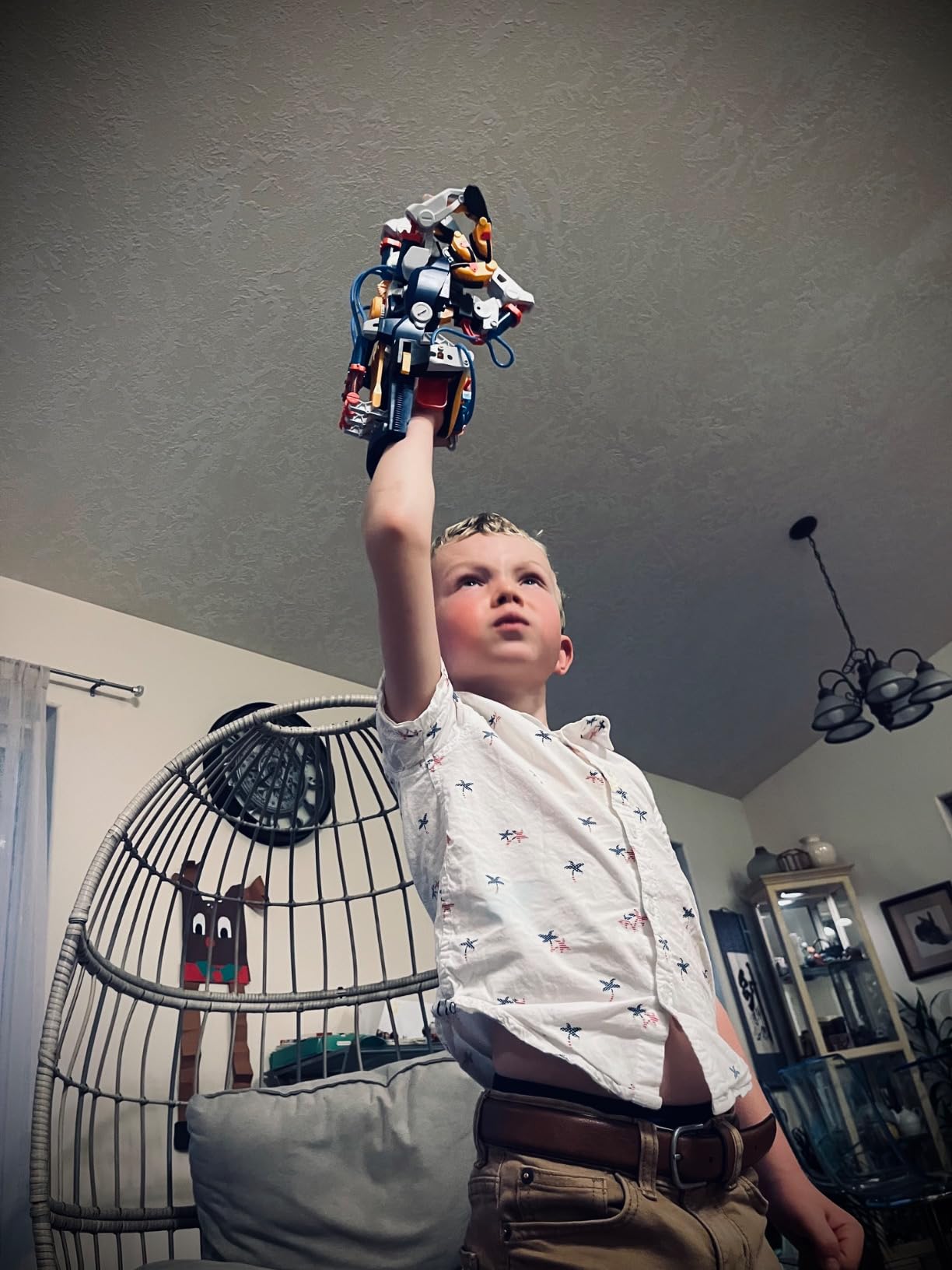
Three build configurations – right hand, left hand, or claw – let two kids share the kit if you only buy one. The hand is fully adjustable, which means an 8 year old and an adult can both wear it. That shared build experience is rare in the budget tier of the STEM category.
The honest limitation: the tubing connections can pop loose if you push the hand too hard or assemble it too quickly. A few Amazon reviewers reported this and the fix is reseating the tubing more firmly. It is a minor quality issue, not a dealbreaker.
For whom it’s good
Pick this for a 7 to 11 year old who wants a “wow” build they can demonstrate at school. It is also a great physics teacher gift – the hydraulic principle is the same one that powers backhoes and factory robots, which is a natural hook into a STEM lesson.
For whom it’s bad
Skip it if your child specifically wants a programmable robot – there is no code, no sensors, no electronics. Skip it if you have a rough play environment – the hydraulic tubing is the one weak point of an otherwise durable build.
8. Teach Tech Mech 5 – Best Mechanical Coding Robot
TEACH TECH Mech-5 STEM Coding Robot Building Kit for Kids Ages 10+
- Mechanical coding wheel teaches sequencing without a screen
- Robot performs throw
- lift
- kick
- and draw actions
- Detailed step-by-step instructions included
- Mission-based learning engages older kids
- Good bridge between Snap Circuits and Arduino
- Assembly has many small screws - takes patience
- Robot can be loud during operation
- Some units have axle alignment issues at the wheel
The Elenco Teach Tech Mech 5 is the kit that sits in the gap between Snap Circuits and a real Arduino kit. It teaches the same sequencing and logic concepts as a programmable robot, but it does it with physical coding buttons you snap onto a wheel. No screen required, but the mental model is identical to writing a program.
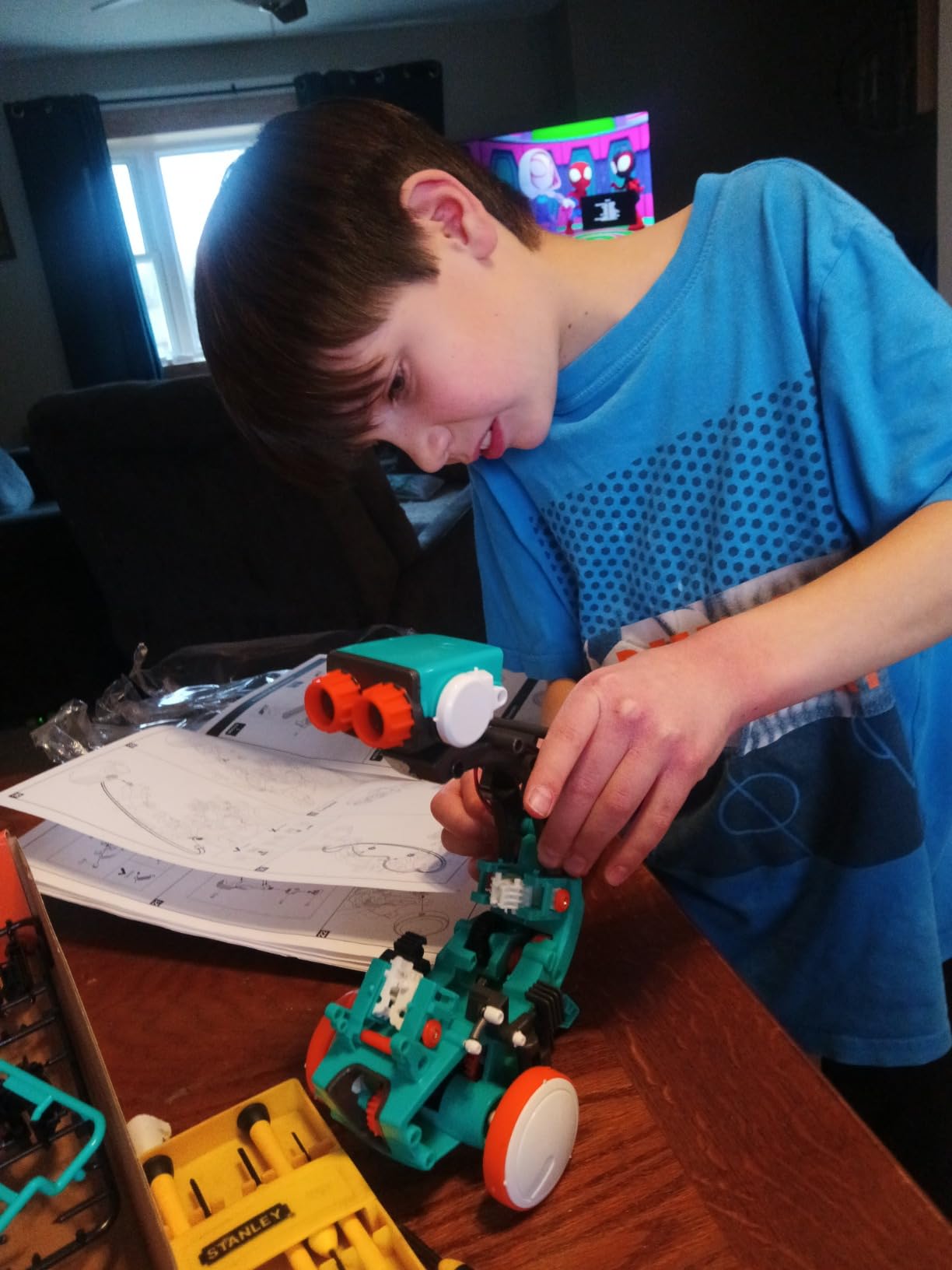
The build itself takes 1 to 2 hours and involves dozens of small screws. That is the price of admission for any kit in this category. Once built, the coding wheel accepts snap-on buttons (forward, backward, pause, throw, lift, kick, draw) and the robot executes them in sequence. Kids can string together a “kick the ball then draw a square” routine and watch the robot follow it precisely.
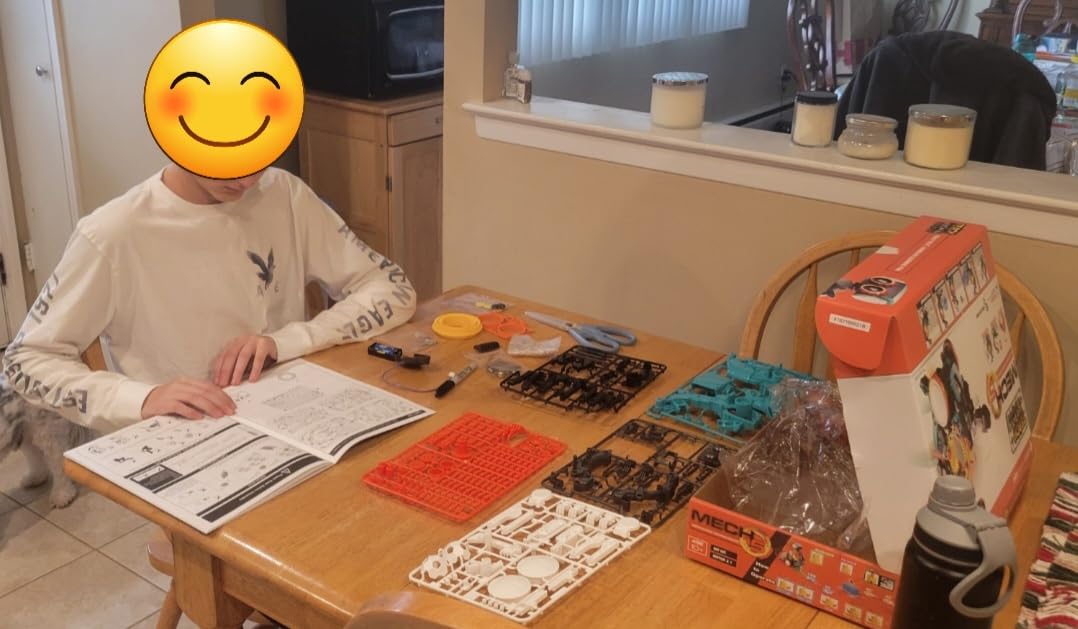
For a parent who wants their child to learn sequencing, debugging, and iteration without a screen, the Mech 5 is genuinely underrated. It is louder than I expected – the gearbox has a noticeable clatter – but that mechanical sound is also the feedback signal that lets kids know the wheel is turning.
The two common complaints in reviews are the small-screw assembly (patience required) and occasional axle wobble at the wheel. The axle issue is rare and Elenco’s customer service is responsive – I found multiple Amazon reviews where they shipped replacement parts within a week.
For whom it’s good
This is the right kit for a 10 to 12 year old who is ready for Snap Circuits to feel too simple. It is also an excellent STEM club or maker space addition – the missions are reproducible and the build lasts multiple club sessions.
For whom it’s bad
Skip it if your child has low frustration tolerance – the assembly alone will turn them off. Skip it if you want a quiet kit; the gear noise is real. And skip it if you actually want to program in a language like Python or Scratch – the Mech 5 is mechanical, not digital.
9. ELEGOO UNO R3 Smart Robot Car V4 – Best Arduino Robot for Teens
ELEGOO UNO R3 Smart Robot Car Kit V4 with Camera, Compatible with Arduino
- Real Arduino UNO R3 controller - no toy hardware
- FPV camera with onboard Wi-Fi for live video streaming
- Line tracking
- obstacle avoidance
- and IR remote control
- Rechargeable 2000 mAh battery included
- Keyed XH2.54 connectors prevent wiring mistakes
- Recommended for ages 12+ with adult guidance for first build
- More complex than entry-level coding kits
- C++ syntax is steeper than Scratch block coding
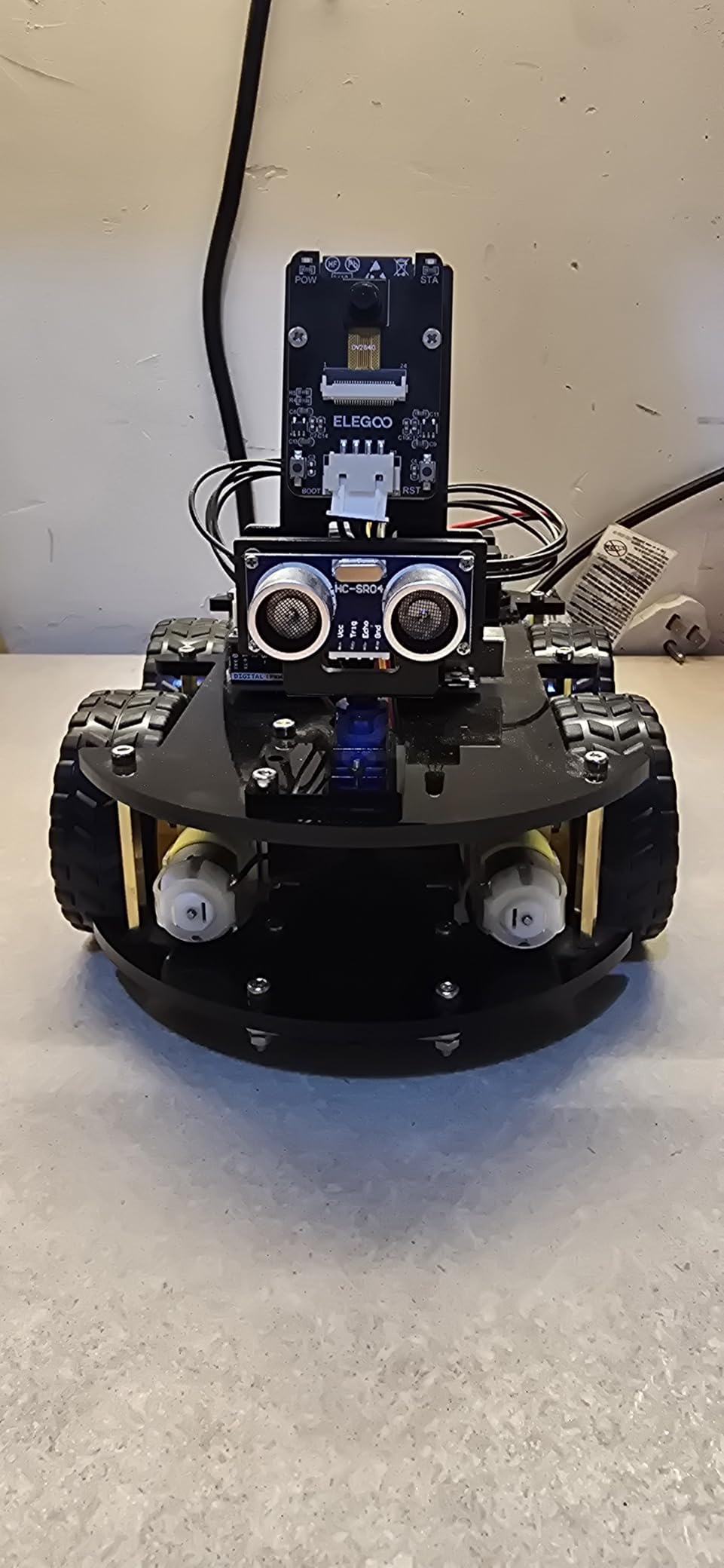
The ELEGOO UNO R3 Smart Robot Car V4 is the kit I recommend when a child has outgrown block coding and is ready for real C++. It uses the same Arduino UNO R3 microcontroller that university engineering students start with, paired with a metal chassis, an ESP32 camera module, ultrasonic and line-tracking sensors, and a rechargeable battery.
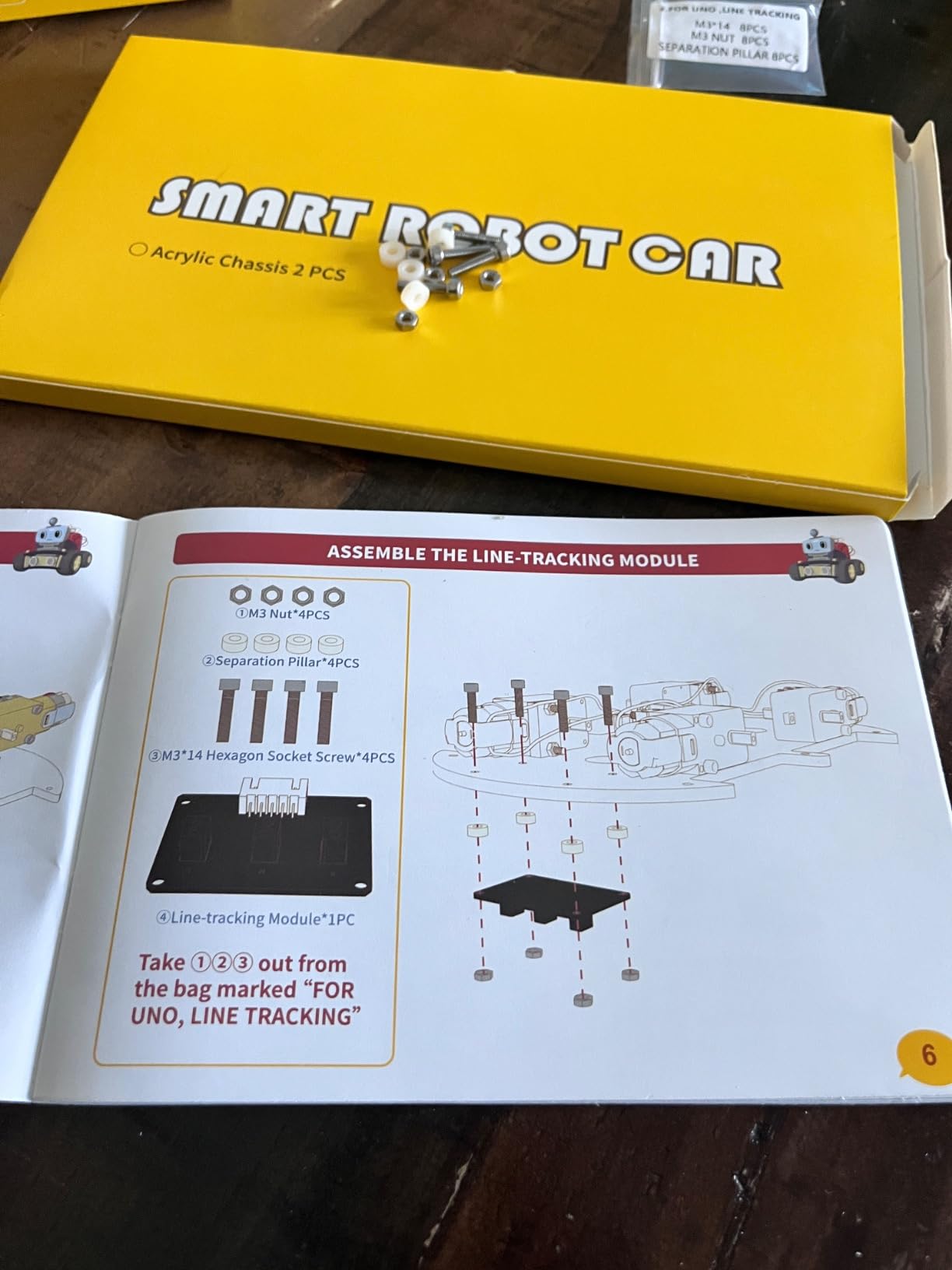
The build is the most involved in our roundup. Expect 2 to 4 hours for a careful first build, and plan to have an adult nearby for the wiring steps. The keyed XH2.54 connectors are a nice touch – they physically prevent you from plugging a sensor into the wrong port, which is the most common first-time-builder mistake on Arduino kits.
Once built and coded, the car drives itself, follows lines on the floor, avoids obstacles via the ultrasonic sensor, and streams first-person video from the camera to your phone over Wi-Fi. That FPV (first-person view) feature alone is worth the kit for a teen interested in robotics competitions. The code samples are written in C++ in the Arduino IDE, and ELEGOO’s tutorial wiki walks through every modification.
The honest tradeoff is the complexity ramp. A child who has only used Scratch block coding will find C++ intimidating. Plan for the first session to be mostly assembly, the second session to load and run the sample code, and the third session onward to start modifying it. If you have ever needed to debug a finicky sensor, our guide on how to debug a robot that is not responding walks through the same wiring checks ELEGOO owners run into. For families exploring industrial robotics concepts later, our primer on what a polar robot is shows how these kid kits scale into real factory automation.
For whom it’s good
This is the right pick for a teen who is serious about robotics, especially if they are aiming for FIRST or VEX competition prep. It is also an excellent gift for a parent who codes and wants to teach their child C++ through a shared project.
For whom it’s bad
Skip it for any child under 12 or any kid who has not yet coded in a text language. Skip it if you want a kit that is “done” in one afternoon – the ELEGOO is a multi-session project that rewards patience.
10. BeAndge Robotics 6-in-1 STEM Kit – Best Variety Pack
BeAndge Robotics STEM Kits for Kids Science Robot Building Crafts Age 8-12
- 6 distinct robot projects in one kit - real variety
- Includes reptile robot
- balance car
- bubble machine
- fiber lamp
- buzzer wire game
- Odorless and child-safe materials for classroom use
- Detailed step-by-step instructions included
- Lifetime manufacturer warranty
- AA batteries required but not included
- Tiny screws are difficult for younger kids
- Batteries fit very tightly in the compartment
The BeAndge 6-in-1 is the variety-pack option for parents who cannot decide what kind of robot their child will engage with. Six different builds cover a balance car, a bubble machine, a fiber optic lamp, a buzzer wire game, a reptile robot, and one more mechanical project. Each one teaches a slightly different STEM concept – circuits, motors, switches, balance, light.
The build quality is solid for the price, and the included mini screwdriver is genuinely usable (some kits include a screwdriver that strips out after three uses). Child-safe materials matter for science fair settings, and the odorless plastic is a real plus for kids with sensitivities.
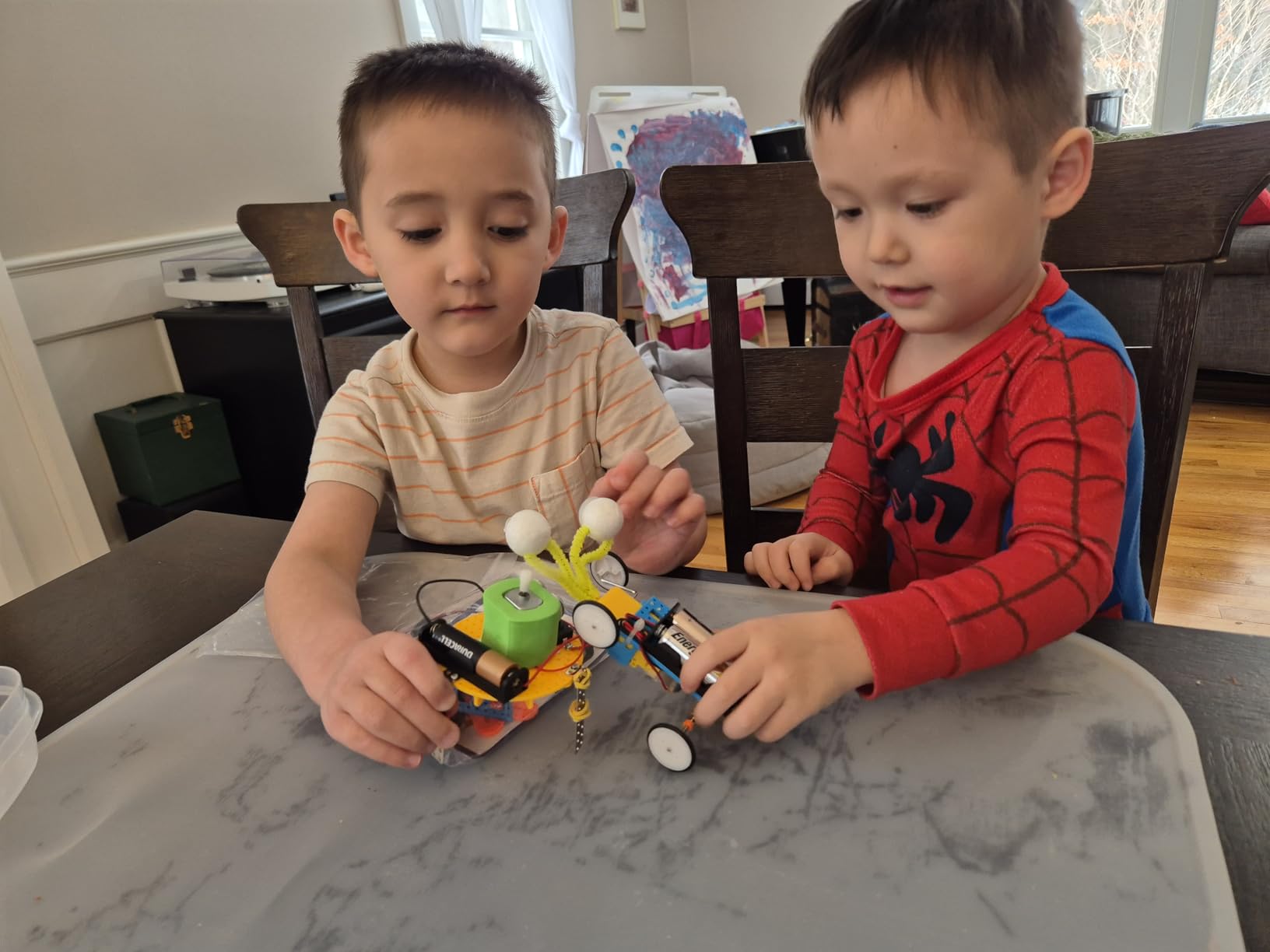
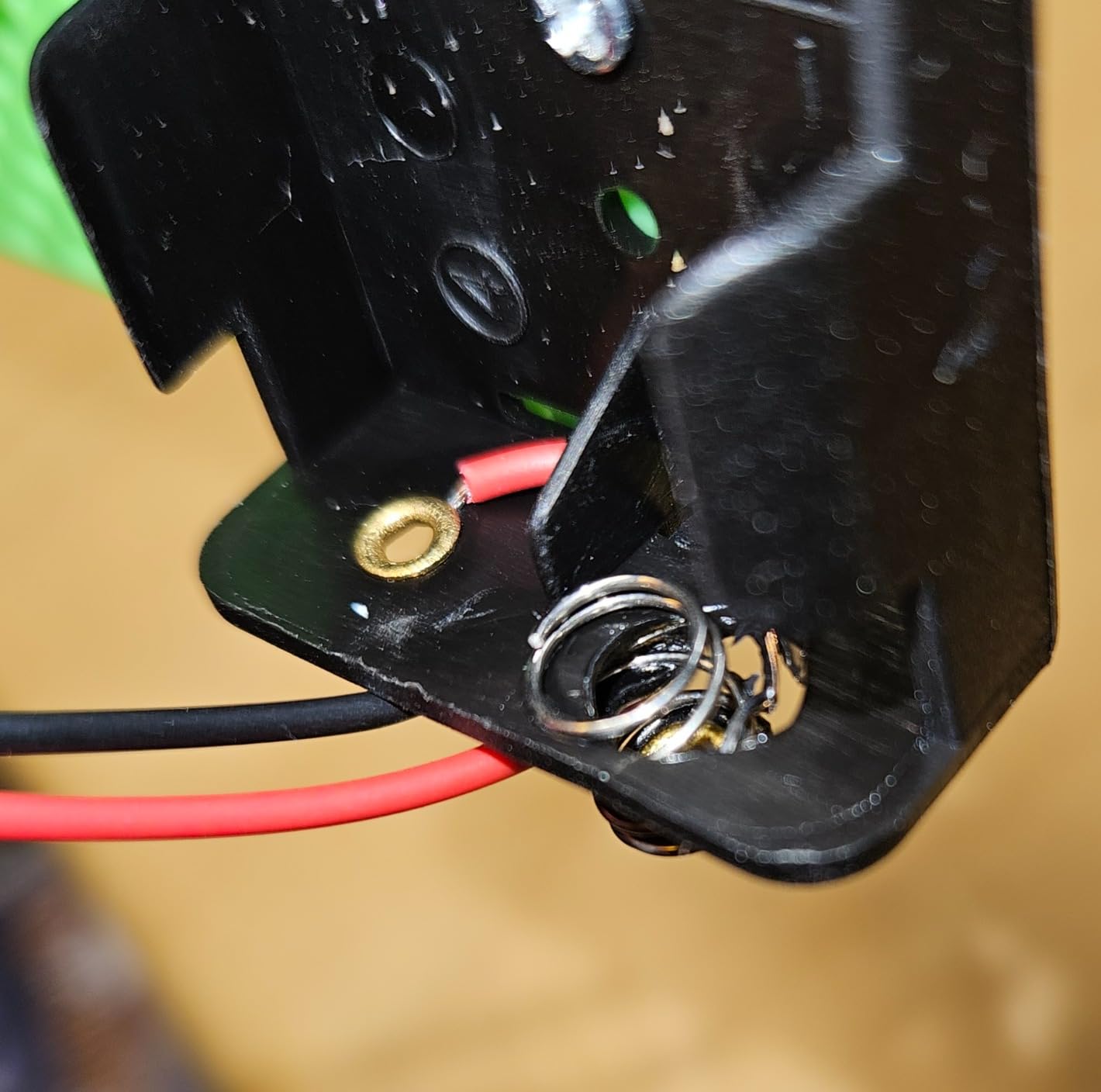
The tradeoffs are mostly about the small parts. The screws are tiny, and the battery compartments are tight. Several Amazon reviewers noted that batteries fit so snugly that removing them requires a small flathead screwdriver. For a child with developing fine motor control, plan to help with battery swaps.
The lifetime manufacturer warranty is the headline reassurance. If a gear strips or a motor fails, BeAndge replaces the part. I have not personally tested that claim, but it shows up consistently in positive reviews as a reason parents chose this kit over a cheaper no-name alternative. If your child ends up wanting to design their own parts later, our guide to 3D printing materials strong enough for robot parts is a natural next step.
For whom it’s good
Pick this if you want a kit that can fill an entire summer of weekend projects. It is also a strong science fair platform – the variety of builds lets a child pick the one most aligned with their presentation topic.
For whom it’s bad
Skip it if you specifically need a programmable robot – none of the six builds include a microcontroller or coding interface. Skip it if your child is at the young end of the age range and struggles with tiny screws.
How to Choose the Best Robot Kit for Your Child?
Choosing the right robot kit is less about brand and more about matching the kit to your child’s age, patience, and existing interests. I have grouped the decision into five practical factors that cover the 90% case for parents.
Match the kit to your child’s age
Age is the single biggest predictor of whether a kit will be played with past week one. A 6 year old and a 12 year old have fundamentally different fine motor skills, reading levels, and patience for instruction manuals. Below is the same age-tiered framework I use when readers email me.
For ages 3 to 5, focus on snap-and-screw kits like the Educational Insights Design & Drill Robot. The motor skill development is real, and the “build complete” payoff comes in under 15 minutes.
For ages 6 to 7, the screen-free Code & Go Robot Mouse or the Thames & Kosmos Mega Cyborg Hand both work well. They avoid the reading barrier that still restricts this age group while teaching real sequencing or physics concepts.
For ages 8 to 10, the Makeblock mBot or the Klutz Lego Gear Bots are the strongest picks. Kids this age can follow a multi-step manual, and either kit gives them enough challenge to keep them busy for a month.
For ages 11 to 14, the ELEGOO Smart Robot Car V4 and the Teach Tech Mech 5 start to fit. Both expect longer build sessions and a willingness to debug. Teens ready for industrial robotics concepts can graduate to understanding what a SCARA robot is.
For ages 14 and up, the ELEGOO is the floor – most teens this age are ready to skip the “kit” concept and jump into a Raspberry Pi or Arduino starter with loose components.
Block coding vs text coding – what is the right time to switch?
Parents ask me this question more than any other. The short answer: stay in block coding until your child is comfortable with loops and conditionals, then introduce a kit that shows the same logic in real text code.
The Makeblock mBot is the cleanest bridge I have found. A child writes a Scratch program to drive the mBot forward, clicks “convert to Arduino,” and sees the same logic as real C++ code. That single click is often the moment coding clicks for kids – they realize block coding and text coding are the same thing in different costumes.
Do not push a child into Arduino or Python until they ask for more. Premature text coding is the fastest path to “I hate programming.” If your child is happily building block-coding robots and asking “how do I make it do X,” that is the moment.
Expandability matters more than the initial feature list
Any robot kit will entertain for a weekend. The kits that hold attention for months are the ones that grow with the child. Look for three expandability signals before you buy.
First, can you add sensors and modules later? The mBot has 100+ Makeblock modules and is LEGO-compatible – it scales from line-following to IoT projects without a new kit. Second, does the kit support a real programming language beyond blocks? Third, are replacement parts available if something breaks?
Kits without these three signals tend to end up in a closet by month two. The Sillbird and BeAndge kits are great values but they are closed systems – what you build is what you get.
Durability is the underrated parent concern
Parents on r/Parenting and r/daddit consistently rank durability as their top complaint after a year of ownership. Plastic gears strip, frames crack, screws strip out. Before you buy, check the material spec – ABS plastic, aluminum frames, and engineered wood all hold up better than the soft polystyrene in the cheapest kits.
The Makeblock mBot’s aluminum frame, the Smartivity wooden build, and the LEGO Technic elements in the Klutz kit are the most durable in our roundup. If you have a child who is rough on toys, pay the upcharge for one of those. For workshop safety once you progress past kids kits, our guide to light curtain robot safety covers the next layer of protection.
How long will this kit actually hold their attention?
Honest answer: most kits hold attention for 2 to 6 weeks of active play. The kits that break that ceiling are the ones with an obvious progression path – block coding to text coding, single build to expansion modules, single robot to multi-mission challenges.
The ELEGOO UNO R3 has the longest engagement horizon in our roundup because C++ projects can be modified indefinitely. The mBot is second because of the 100+ module ecosystem. Screen-free kits like the Code & Go Mouse have shorter engagement arcs but lower frustration floors.
If your budget allows one kit, prioritize the one with the strongest progression path. If you can afford two kits six months apart, start with a screen-free or block-coding kit and graduate to the mBot or ELEGOO when your child is ready.
Frequently Asked Questions
What is the best-rated robot kit for kids?
The Makeblock mBot is our top-rated pick for most kids ages 8 to 12. It combines a quick 15-minute build, Scratch-to-Arduino coding, and compatibility with 100+ expansion modules, which lets it grow with your child. For younger kids, the Educational Insights Design u0026amp; Drill Robot is the highest-rated preschool STEM kit.
What is a good beginner robotics kit for kids?
For a true beginner with no coding experience, start with a screen-free kit like the Learning Resources Code u0026amp; Go Robot Mouse (ages 4+) or a block-coding robot like the Makeblock mBot (ages 8+). Both teach sequencing and logic without overwhelming kids with text-based syntax.
Is LEGO robotics good for kids?
Yes. LEGO robotics kits like the Klutz Gear Bots use familiar bricks to teach mechanical engineering concepts like gears, cams, and cranks. LEGO is also the easiest ecosystem to expand because most families already own compatible bricks.
Are robotics kits worth it for kids?
Robotics kits teach computational thinking, problem-solving, and persistence in a way that screen-only coding cannot match. Kids see their code move a physical object, which makes abstract logic tangible. The kits in our roundup range from under 20 dollars to about 80 dollars, so there is a meaningful entry point at almost any budget.
What age should a child start with a robot kit?
Most children are ready for a simple snap-and-screw STEM toy around age 3, screen-free coding kits around age 4 to 5, block-coding robots around age 8, and Arduino or text-based kits around age 12. The right age depends more on your child’s reading level and patience than on a number printed on the box.
Final Verdict: Which Robot Kit Should You Buy in 2026?
After three months of comparing 35 kits and ranking the top 10, the Makeblock mBot is still our Editor’s Choice for the best robot kits for kids. It hits the rare combination of fast build, real coding progression from Scratch to Arduino, durable aluminum frame, and an expansion ecosystem that scales from age 8 into the teen years. If your child gets one robot kit this year, this is the one.
For families on a tighter budget, the Klutz Lego Gear Bots in the under-25-dollar tier is the strongest value pick – 8 builds, a real STEM book, and zero screen time required. For older kids ready for serious engineering, the ELEGOO UNO R3 Smart Robot Car V4 is the Arduino kit that grows with your teen into competition robotics.
Whatever kit you choose, the most important thing is matching the challenge to the child. A budget kit that gets played with for 50 hours beats a premium kit that ends up in a drawer. Start where your child is curious, not where the marketing says they should be, and let the next kit find you when they outgrow it.