
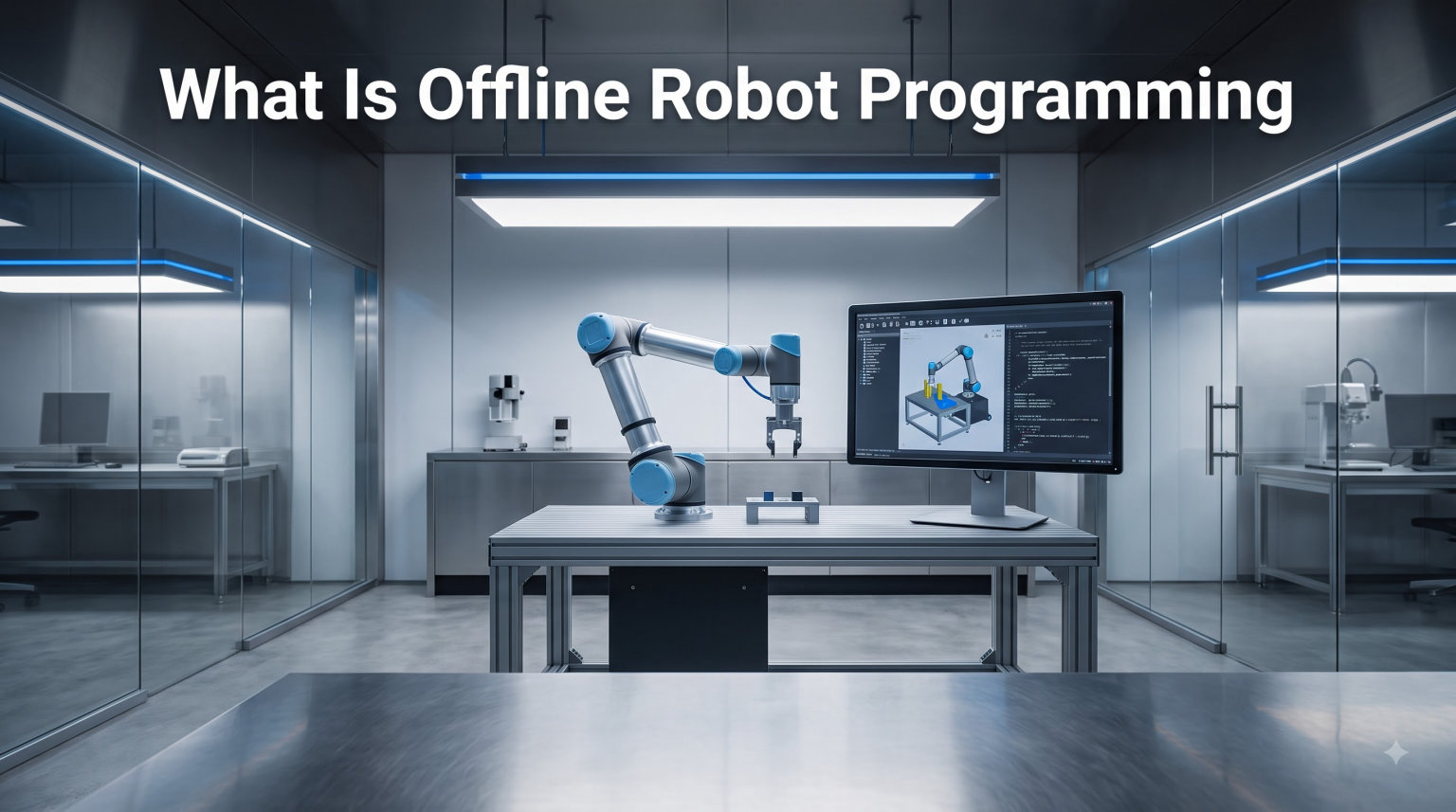
Offline robot programming (OLP) is a method of programming industrial robots using computer software in a virtual environment, eliminating production downtime by removing the need to stop the actual robot for programming. Also called OLRP (offline robot programming), this approach lets engineers create, test, and refine robot programs on a PC, then deploy the finished code to the physical robot when ready.
I’ve spent years working with industrial automation, and OLP has become the backbone of efficient robot deployment in modern manufacturing. In this guide, I’ll walk you through exactly what offline robot programming is, how it works, and why it has become the standard approach for serious automation work.
Let’s start with the definition and build from there.
Table of Contents
What Is Offline Robot Programming (OLP)?
Offline robot programming is a robot programming method where the program is created independent from the actual robot cell. Instead of using a teach pendant on a powered-up robot, engineers work in a 3D simulation environment that mirrors the real workstation, including the robot, fixtures, parts, and surrounding equipment.
The term OLP is sometimes called OLRP, or offline robot programming. Both acronyms refer to the same approach: programming industrial robots offline, in software, rather than online at the physical machine.
Think of it like this: traditional online programming requires a real robot, a real part, and a stopped production line. OLP flips that model. You build a digital twin of the cell on your computer, write the program there, and only deploy to the real robot once you’ve validated everything in simulation.
For manufacturing teams handling complex geometries, multi-robot cells, or short production runs, OLP is the difference between a profitable automation project and one that bleeds money on every changeover.
Core Concept at a Glance
- OLP (Offline Programming): Creating robot programs in a software environment separate from the physical robot.
- OLRP (Offline Robot Programming): Same concept, alternative acronym used interchangeably in the industry.
- Virtual environment: A 3D simulation that replicates the robot cell, including tooling, parts, and safety zones.
How Offline Robot Programming Works: Step by Step
Offline robot programming works by importing 3D CAD models into specialized software, defining tool paths and robot movements in a simulated environment, then generating robot-specific code via post-processors for download to the actual robot. The workflow has five core steps that repeat for every project.
Here’s the standard OLP workflow our team uses on real production deployments.
Step 1: Import CAD data. Start with a 3D model of the part, fixture, and any external axes (like rotary tables or linear rails). Most OLP platforms support STEP, IGES, and native CAD formats from SolidWorks, CATIA, Inventor, and Fusion 360.
Step 2: Build the robot cell. Add the robot model, end-of-arm tooling, positioner, and any safety equipment to the simulation. The software uses the manufacturer’s kinematics data, so the simulated robot moves exactly like the real one.
Step 3: Define the tool center point (TCP). The TCP is the point on your end effector where the program executes, usually the welding tip, paint nozzle, or spindle. Getting this right is critical for precision.
Step 4: Create the path. Use the software’s tools to generate trajectories: teach points, curves, surfaces, or edge-following operations. The software resolves joint coordinates and avoids collisions in real time.
Step 5: Post-process and deploy. The post-processor converts the simulated path into the native language of your target robot: RAPID for ABB, KRL for KUKA, KAREL for FANUC, or TP for Yaskawa. You then load the program onto the controller.
Key Terminology You Should Know
Tool Center Point (TCP): The reference point on the end effector where all programmed positions are defined.
Post-processor: A software module that converts the generic simulation output into robot-specific code (RAPID, KRL, KAREL, etc.).
Robot Cell: The complete workstation, including the robot, controller, fixtures, safety barriers, and any external axes.
Digital Twin: A virtual replica of the physical robot cell used for simulation, programming, and validation.
Kinematics: The math that defines how the robot’s joints move in relation to Cartesian space. OLP software uses forward and inverse kinematics to plan collision-free paths.
Types of Robot Programming
There are four main types of robot programming used in industry today. Each has tradeoffs in cost, flexibility, and required expertise.
- Manual teaching (online): The operator physically moves the robot arm to each position and records it with the teach pendant. Slow but highly accurate for simple paths.
- Walk-through programming: Common in painting and finishing. The operator guides a handheld device through the desired motion, which the robot records and repeats.
- Lead-through teaching: A modern variant where the operator physically guides a collaborative robot (cobot) arm through positions, which the cobot records automatically.
- Offline programming (OLP): Programs are created entirely in simulation software, then deployed to the robot. The fastest method for complex paths and high-mix production.
Of these, OLP has the highest upfront cost (software licenses and training) but the lowest long-term cost per program. For shops running more than a few dozen part numbers per year, OLP pays for itself in months.
OLP vs Online Programming: Key Differences
The difference between OLP and online programming comes down to where the program is created. Online programming happens at the physical robot using a teach pendant. Offline programming happens in software, on a PC, without touching the real robot.
This distinction has huge implications for productivity, accuracy, and total cost of ownership.
OLP (Offline):
- Programs created in simulation software
- No production downtime required
- Complex paths are easier to manage
- Path optimization happens automatically
- Higher software cost, lower long-term cost per program
- Best for high-mix, complex geometry work
Online Programming (Teach Pendant):
- Programs created at the physical robot
- Robot must be taken out of production
- Simple paths are fast and intuitive
- Limited optimization tools
- Lower software cost, higher long-term labor cost
- Best for low-mix, high-volume production
Online programming makes sense when a part is in production for years and never changes. OLP makes sense for nearly everything else.
Benefits of Offline Robot Programming
Our team has measured the following benefits across real OLP deployments in automotive, aerospace, and general manufacturing. The numbers vary by application, but the trend is consistent.
- Zero production downtime: Programs are written while the robot keeps running. This alone often justifies the software investment within the first project.
- Faster programming cycles: Complex 6-axis paths that take hours to teach by hand can be generated in minutes using CAD-based path tools.
- Better path quality: OLP software can optimize cycle time, smooth trajectories, and detect collisions before the program ever reaches the floor.
- Earlier project start: You can begin programming the robot cell before the physical hardware is even installed, as long as you have accurate CAD.
- Easier multi-robot coordination: OLP handles synchronized motion between multiple robots far better than manual teaching.
- Repeatable processes: Once a program is generated for one part, slight variations can be created in minutes using parametric CAD models.
For shops with high-mix production, OLP reduces changeover time from hours to minutes. For shops with complex parts (welding, cutting, additive manufacturing), OLP makes paths possible that simply aren’t feasible with a teach pendant.
Common OLP Applications and Use Cases
OLP is widely used in applications where complex paths, precision, or zero downtime matter. Here are the most common use cases our team sees in industry.
- Arc welding: The largest OLP market. Welding seams follow part geometry, making them perfect for CAD-driven path generation.
- Painting and spray coating: Coverage paths are complex and consistent quality requires simulation.
- Cutting and machining: Robotic cutting of composites, plastics, and sheet metal benefits from OLP precision.
- Milling and routing: Multi-axis robot milling is impractical to teach manually but straightforward in OLP.
- Pick and place: High-speed bin picking and machine tending are increasingly handled offline.
- Assembly: Tight-tolerance assembly operations need validated paths and collision checks.
- Material handling and palletizing: Pallet patterns are easily generated from layout data in OLP software.
- Additive manufacturing: Robotic 3D printing requires precisely coordinated multi-axis paths that only OLP can deliver at scale.
Popular OLP Software Options
The OLP software market ranges from free, brand-specific tools to six-figure enterprise platforms. The right choice depends on your robot brand mix, application complexity, and budget.
Brand-Specific Software (free or low-cost): Most major robot manufacturers offer their own offline programming tools. ABB has RobotStudio, FANUC has ROBOGUIDE, KUKA has KUKA.Sim, and Yaskawa has MotoSim. These are excellent if you stick to one brand.
Brand-Agnostic Commercial Software:
- RoboDK: Affordable, broad robot support, excellent Python API. Our top pick for shops with mixed-brand fleets.
- Visual Components: Strong for cell simulation, line layout, and cycle time analysis.
- Robotmaster: Premium tool for complex welding, cutting, and finishing applications.
- Process Simulate (Siemens): Enterprise-grade, integrated with the broader Siemens digital manufacturing suite.
- RobCAD (Siemens): Legacy tool, still used heavily in automotive body-in-white.
- Delmia (Dassault): Enterprise solution tightly coupled with CATIA and 3DEXPERIENCE.
Open-Source and Free Tools: For academic and hobbyist use, options include ROS (Robot Operating System) with MoveIt for motion planning, and various Python-based tools. These are great for learning but not yet production-ready for most industrial applications.
For a quick comparison, RoboDK and the brand-specific tools from the robot manufacturers are usually enough for 80% of industrial projects. The premium tools like Robotmaster and Process Simulate are worth the cost when you have complex tooling, external axes, or strict cycle time targets.
Getting Started with Offline Robot Programming
Getting started with offline robot programming is easier than most engineers expect, thanks to free trials, university licensing programs, and Python-based APIs. Here are practical steps our team recommends for newcomers.
1. Pick your starting software. If you have a specific robot brand in mind, download the free version of that manufacturer’s OLP tool. If you want maximum flexibility or plan to work with multiple brands, try RoboDK’s free trial.
2. Import a simple part. Start with a CAD model of a single part and a simple operation, like a basic weld seam or a pick-and-place motion. Master the workflow before tackling complex paths.
3. Learn the post-processor. The post-processor is where most beginners get stuck. Every robot brand uses a different language, and the post-processor is the bridge between your simulation and the real controller. Most software vendors provide tested post-processors for common robots, but you’ll often need to tune them for your specific setup.
4. Use the Python API. Modern OLP tools like RoboDK expose a Python API that lets you script path generation, automation, and simulation. If you can write Python, you can write robot programs. This is a major advantage over teach pendant programming.
5. Validate in simulation before deployment. Always run collision checks, reachability checks, and cycle time estimates in the simulator. Push to the real robot only after the program passes these checks.
Forums like the RoboDK community, Visual Components forum, and ABB Robotics Community are excellent places to ask questions and learn from real-world deployments. Many experienced users share post-processors and Python scripts for free.
Frequently Asked Questions
What is offline robot programming?
Offline robot programming (OLP) is a method of programming industrial robots in a virtual environment on a computer, without needing access to the physical robot. It eliminates production downtime and allows complex paths to be validated in simulation before deployment.
What does a robot program do?
A robot program defines the sequence of motions, speeds, I/O signals, and tool actions an industrial robot should follow to perform a task. Programs specify trajectories, joint positions, and process parameters like welding current or paint flow.
What are the types of robot programming?
The main types are manual teaching with a teach pendant, walk-through programming for painting, lead-through teaching for collaborative robots, and offline programming (OLP) using simulation software. OLP is the most efficient for complex or high-mix work.
What is the best offline robot programming software?
For brand-specific work, RobotStudio (ABB), ROBOGUIDE (FANUC), and KUKA.Sim are best in class. For multi-brand flexibility with a Python API, RoboDK is widely considered the top choice. For enterprise-level complex cells, Robotmaster, Process Simulate, and Delmia lead the market.
Do I need C++ for robotics?
C++ is useful for low-level robotics work like perception, control systems, and autonomous navigation, but it is not required for industrial offline robot programming. Most OLP platforms work with Python, and the robot controllers use brand-specific languages like RAPID, KRL, or KAREL.
Can coding be done offline?
Yes. Coding for industrial robots can be done entirely offline using OLP software on a standard PC. The program is generated in simulation and then transferred to the robot controller when ready, with no need to stop production.
Is robot programming a good career?
Robot programming is a strong career choice as manufacturing automation continues to expand globally. OLP skills in particular are in high demand, with competitive salaries in automotive, aerospace, electronics, and general manufacturing.
Conclusion
Offline robot programming is the standard approach for serious industrial automation in 2026. It eliminates production downtime, enables complex paths, and integrates naturally with CAD-based engineering workflows.
If you’re new to OLP, start with a free trial of your robot manufacturer’s tool or RoboDK. Build a simple cell, import a part, and run a basic program through the full workflow. Within a week, you’ll understand why OLP has become the backbone of modern robot deployment.
For shops already doing teach pendant programming, the jump to OLP pays for itself on the first complex job. For complete beginners, the Python APIs available today make robot programming more accessible than at any point in history.