
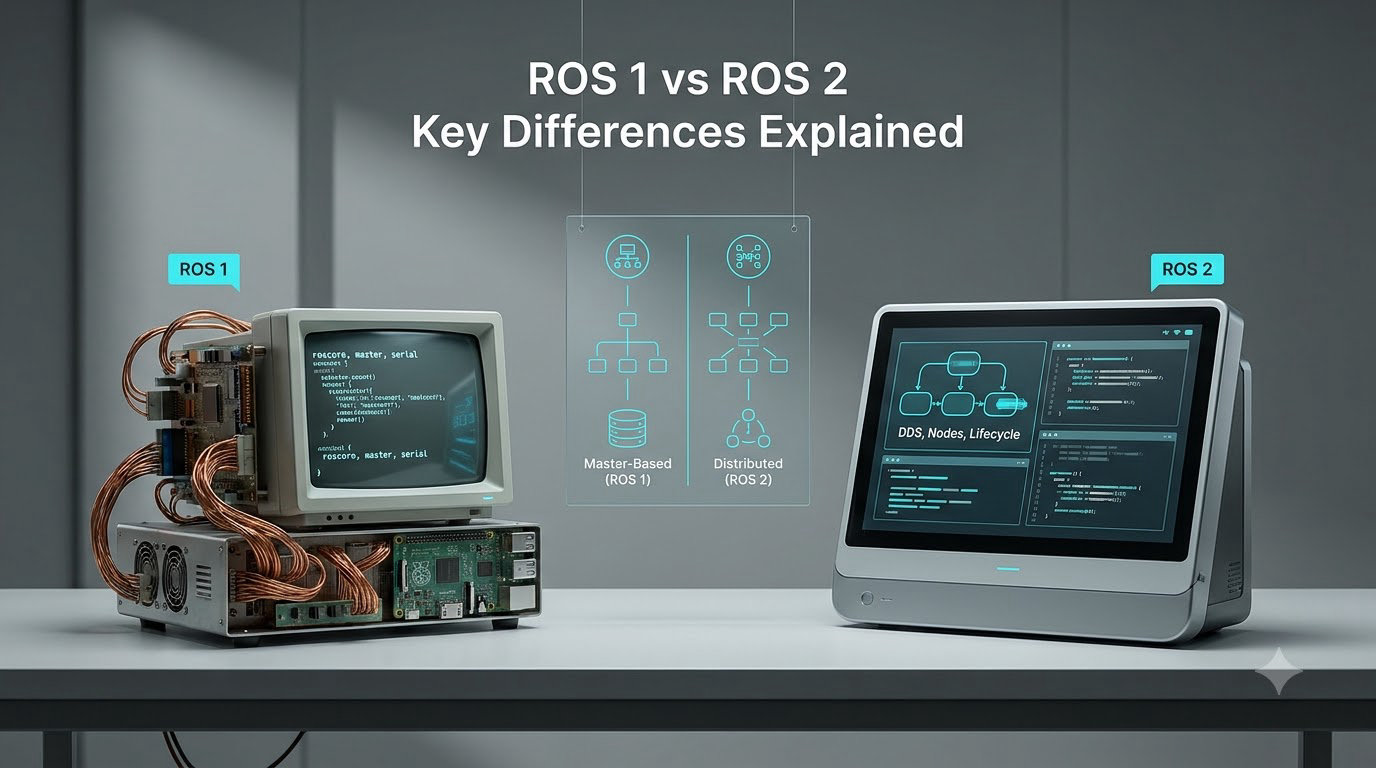
When developers ask me about ROS 1 vs ROS 2, I tell them this is not a minor version bump. ROS 2 is a full architectural rewrite that removes the ROS Master, swaps the build system, and adds real-time and security features that ROS 1 was never designed to provide. If you are picking a robotics framework in 2026, this is the comparison you need.
I have shipped projects on both. In this guide, I will walk you through the seven key differences, the practical tradeoffs, and a clear answer to which one you should learn, teach, or deploy.
Table of Contents
What Is ROS and Why Did the Community Move to ROS 2?
ROS, the Robot Operating System, is an open-source middleware framework for building robot software. Despite its name, it is not a real operating system. It runs on top of Linux (and now also Windows and macOS) and provides hardware abstraction, device drivers, message passing, and a rich set of tools.
ROS 1 launched in 2007 and became the default framework for academic and hobby robotics. It is the reason you can find a package for almost any sensor, manipulator, or SLAM algorithm. The community around ROS 1 is enormous, and packages like move_base, rviz, and tf are still cited in research papers in 2026.
From ROS 1 to ROS 2: A Brief History
Around 2014, the Open Source Robotics Foundation (OSRF), now Open Robotics, realized ROS 1 had structural limits that blocked industrial adoption. The team began a complete redesign that culminated in ROS 2 Foxy Fitzroy in 2020, with active distributions like ROS 2 Humble Hawksbill (LTS) and ROS 2 Jazzy Jalisco continuing the cycle in 2026.
The Core Limitations ROS 2 Was Built to Solve
Five limitations kept ROS 1 out of production robotics. First, the centralized ROS Master is a single point of failure. Second, ROS 1 has no real-time support, which is a hard requirement for safety-certified systems. Third, there is no built-in security, so plain TCP traffic is exposed on the network. Fourth, ROS 1 only runs well on Ubuntu Linux. Fifth, the parameter server model does not scale to large fleets.
ROS 2 attacks each of these problems head-on, and that is the reason the conversation around ROS 1 vs ROS 2 has shifted from “should we migrate?” to “when do we migrate?”.
ROS 1 vs ROS 2: The 7 Key Differences at a Glance
Here is the short answer for the PAA question: the seven key differences between ROS 1 and ROS 2 are (1) the removal of the ROS Master in favor of distributed discovery, (2) the use of DDS middleware, (3) a new client library architecture built on rclcpp and rclpy, (4) the ament and colcon build system replacing catkin, (5) Quality of Service (QoS) policies on every communication channel, (6) native support for components and lifecycled nodes, and (7) cross-platform support including Windows and macOS.
Each of these deserves a section of its own. Let me give you a side-by-side overview first.
Comparison Table: ROS 1 vs ROS 2 Side by Side
| Feature | ROS 1 (Noetic, EOL 2025) | ROS 2 (Humble / Jazzy) |
|---|---|---|
| Node discovery | Centralized ROS Master | Distributed via DDS |
| Middleware | Custom XML-RPC / TCPROS / UDPROS | DDS (Cyclone, Fast, Connext) |
| Build system | catkin | ament + colcon |
| C++ client | roscpp (C++03) | rclcpp (C++17) |
| Python client | rospy (Python 2 / 3) | rclpy (Python 3.10+) |
| OS support | Ubuntu Linux primarily | Linux, Windows, macOS, RTOS |
| Real-time | Not supported | Supported (with real-time DDS) |
| Security | None built-in | SROS2, DDS Security plugins |
| QoS policies | Not available | Reliability, durability, history, deadline |
| Node composition | nodelets | Components, composable nodes |
| Managed nodes | None | Lifecycle (managed) nodes |
| Bridges | rosbridge | ros1_bridge, rosbridge |
This table is the fastest way to answer “what is the difference between ROS 1 and ROS 2?” in any technical review. Bookmark it.
Architecture: The End of the ROS Master
The single biggest architectural change in ROS 1 vs ROS 2 is the removal of the ROS Master. This change ripples through every part of the system, and once you understand it, the rest of the differences fall into place.
How ROS 1 Relies on the ROS Master
In ROS 1, every node registers itself with a special process called roscore, which contains the ROS Master. The Master keeps a lookup table that maps topic names to node URIs. When a publisher and subscriber need to find each other, they go through the Master, then establish a peer-to-peer TCP or UDP connection for the actual data stream.
This works fine for a single laptop. It breaks down when you try to scale: the Master is a single point of failure, it must be reachable over the network, and it cannot be made fault-tolerant without writing custom hacks. A robot that loses contact with its Master cannot discover new nodes.
How ROS 2 Uses DDS Middleware for Discovery
ROS 2 replaces the Master with a distributed discovery model powered by DDS, the Data Distribution Service standard from the Object Management Group. Every ROS 2 node multicasts discovery packets on the network, learns about peers automatically, and negotiates Quality of Service policies directly. There is no central broker.
This is why DDS matters. It is the same middleware used in aerospace, defense, and financial trading systems because it has formal specifications for real-time behavior, security, and fault tolerance. Multiple DDS implementations exist (Cyclone DDS, Fast DDS, RTI Connext DDS), and ROS 2 lets you pick the vendor that fits your project. The result is a system that is more resilient, more scalable, and friendlier to multi-robot fleets.
Communication: Topics, Services, and Actions
On the surface, ROS 1 and ROS 2 share the same three communication patterns. Topics are anonymous publish-subscribe streams, services are request-reply calls, and actions are long-running goal-oriented tasks with feedback. If you understand these in ROS 1, you already understand the data flow in ROS 2.
What Stayed the Same
Message definitions still use the same .msg, .srv, and .action files. The publisher-subscriber mental model is identical. You still write a callback that fires when a message arrives. The ROS 2 tutorials even use the same sensor_msgs, geometry_msgs, and nav_msgs packages you remember from ROS 1.
What Changed (QoS, Intra-Process Communication)
The behavior of those primitives changed. In ROS 2, every topic has a Quality of Service profile that controls reliability (best effort vs reliable), durability (transient local vs volatile), history (keep last N vs keep all), deadline, and lifespan. You can tune a camera stream to be lossy but low latency, and a state-estimation topic to be reliable and durable. ROS 1 had no such knob.
ROS 2 also adds zero-copy intra-process communication through shared memory, which is a major performance win when composing multiple nodes in one process. This is one of the reasons ROS 2 can hit higher throughput on the same hardware compared to ROS 1, especially on multi-camera pipelines.
APIs and Client Libraries: rclcpp, rclpy, and the rcl Core
The API layer is where most developers feel the difference between ROS 1 and ROS 2 first. Both versions expose a C++ and Python client library, but the names and internals changed.
roscpp and rospy vs rclcpp and rclpy
ROS 1 uses roscpp for C++ and rospy for Python. ROS 2 uses rclcpp and rclpy, which are thin wrappers around a C library called rcl (the ROS Client Library). This shared core means feature parity between languages is much higher in ROS 2. A new QoS policy or middleware feature lands in rcl once and becomes available in both languages the same week.
In practice, that means you no longer have to apologize when a Python package is missing a feature the C++ package has. The community got tired of the C++-first dynamic, and the rcl architecture is the fix.
C++ and Python Version Requirements
ROS 1 Noetic supported C++03 in its core API and Python 2 (until Noetic) and Python 3. ROS 2 requires C++17 for rclcpp and Python 3.10 or newer for current distributions like Humble and Jazzy. The strict requirements are intentional. Modern language features give ROS 2 better type safety, async support, and tooling, and they let the core team drop a decade of legacy workarounds.
If you are starting a new project, target C++17 and Python 3.10+. Anything older and you will hit compiler errors the moment you try to build a stock ROS 2 package.
Build System: catkin vs ament and colcon
The build system is the second thing every developer feels. ROS 1 builds packages with catkin, a CMake-based tool. ROS 2 splits the work between ament, a more flexible build system, and colcon, the tool that orchestrates building and testing the whole workspace.
Why catkin Was Replaced
Catkin was designed when every package in ROS was a CMake project. That assumption broke as the ecosystem grew. Python packages, message generators, and custom build steps all had to live inside CMake hacks. Catkin also relied on environment overlays that were hard to reason about, and that made large workspaces slow to set up.
The ament and colcon Workflow
AMENT treats each package as its own build unit and supports CMake, Python, and custom build types through a plug-in model. COLCON is the tool that builds an entire workspace at once, with proper parallelization and dependency tracking. A typical ROS 2 developer now runs colcon build --symlink-install instead of catkin_make.
The day-to-day experience is similar: source the setup file, run your nodes, and iterate. The difference shows up when you have 50 packages, when you want to mix Python and C++ cleanly, or when you want isolated build directories for CI.
Components, Lifecycled Nodes, and Parameters
ROS 2 introduces two node models that did not exist in ROS 1: composable components and managed (lifecycle) nodes. Combined with a redesigned parameter API, they make ROS 2 a much better fit for production systems.
Composable Nodes (ROS 2 Components)
A ROS 2 component is a node designed to run inside a shared process called a container. Instead of launching 20 nodes in 20 separate processes (the default in ROS 1), you launch one container process and load 20 components into it. The result is lower memory usage, faster startup, and zero-copy communication between components over shared memory.
This is the modern answer to ROS 1 nodelets, and it is one of the most visible wins when you benchmark ROS 1 vs ROS 2 on a robot with limited CPU.
Managed Nodes (Lifecycled Nodes)
A lifecycled node is a node that exposes a deterministic state machine: unconfigured, inactive, active, and finalized. The transitions are explicit, so a system supervisor can bring up the robot in a known order, restart a failing subsystem, and shut everything down cleanly.
ROS 1 had nothing comparable. The closest you could get was a launch file with a careful ordering and a watchdog script. Lifecycle nodes are now the default pattern for safety-critical behavior in ROS 2, including the navigation stack.
Parameter Handling in ROS 2
ROS 1 had a single global parameter server, which became a bottleneck and a race-condition generator. ROS 2 replaces it with per-node parameters, each owned by a specific node, exposed through the same DDS middleware. You can set parameters at startup, change them at runtime, and read them with type-checked APIs in both C++ and Python.
For large systems, ROS 2 also supports parameter files in YAML and the ros2 param command line tool, which makes configuration management far more pleasant than chasing typos in a ROS 1 launch file.
Multi-Platform Support and Real-Time Capabilities
If you have ever tried to install ROS 1 on Windows, you know the pain. ROS 1 was effectively a Linux-only project. ROS 2 is designed from the ground up to run anywhere modern software runs.
Linux, Windows, and macOS
All three of the big desktop operating systems are tier-1 supported in ROS 2. You can install ROS 2 Humble on Ubuntu 22.04 with apt, on Windows 10/11 with the binary installer, or on macOS via Homebrew. This matters more than it sounds, because it lets simulation, UI development, and even some deployment happen on the same machine your team already uses for other work.
Embedded targets like RTOS and microcontrollers are also on the roadmap through micro-ROS, which is a port of the ROS 2 client library for resource-constrained devices. That is how you get ROS 2 communication all the way down to a STM32.
Real-Time Performance
Real-time robotics means being able to guarantee that a control loop finishes within a deadline, every time, even under load. ROS 1 cannot make those guarantees because of its reliance on the ROS Master and the Linux networking stack. ROS 2, paired with a real-time DDS implementation and a real-time Linux kernel, can.
For industrial arms, autonomous mobile robots, and drones, this is the single most important difference in the ROS 1 vs ROS 2 debate. Without real-time, you cannot build a robot that has to pass a safety certification like ISO 10218 or ISO 13482.
When to Use ROS 1 vs ROS 2: A Practical Decision Guide
The technical comparison is interesting, but the question most readers actually have is simpler: which one should I use for my project in 2026? Here is the rule of thumb I share with my team.
Start with ROS 2 If You Are a Beginner
If you are learning robotics in 2026, start with ROS 2. The learning curve is steeper, but every hour you invest is portable to the next decade of robotics work. ROS 1 Noetic reached end of life in 2025, and the community has shifted. New packages are ROS 2 first, and most university courses have updated their curriculum.
Stay on ROS 1 If You Maintain Legacy Code
If you have a working ROS 1 system that is stable, well-tested, and serving a real product, you do not have to migrate today. ROS 1 Noetic will continue to function, and the ros1_bridge package lets you add ROS 2 nodes one piece at a time. A common pattern is to keep the core in ROS 1, port new features to ROS 2, and bridge them together during the transition.
Choose ROS 2 for Production and Industry
If you are starting a new commercial or industrial robot in 2026, ROS 2 is the only sensible choice. Real-time support, DDS security, multi-platform deployment, and long-term support distributions are non-negotiable for production. Companies like Bosch, NVIDIA, Amazon Robotics, and Clearpath Robotics build their commercial products on ROS 2, and so should you.
How to Migrate from ROS 1 to ROS 2
Migration is rarely a weekend project. A typical mid-sized ROS 1 codebase takes a team of two to six engineers three to nine months to port cleanly, depending on the number of custom packages. Here is the path I recommend.
Step 1: Audit Your ROS 1 Packages
Start by listing every package in your workspace and checking whether a ROS 2 version already exists. The ROS wiki maintains a migration status page, and many core packages, like tf, navigation, and MoveIt, have official ROS 2 ports. The goal of this step is to know exactly what is custom code that you have to port yourself.
Step 2: Port Code Incrementally
Port one package at a time, starting with leaf nodes that have no internal dependencies. Use the ros2 toolchain from day one and follow the ROS 2 developer guide for code style. Convert your launch files to the new Python-based format, and migrate message definitions last so all consumers and producers move together.
Step 3: Use the ros1_bridge for Hybrid Systems
The ros1_bridge package lets a ROS 1 node talk to a ROS 2 node over the same topics and services. It works by translating ROS 1 messages into their ROS 2 equivalents at runtime. You can run your existing ROS 1 perception stack untouched while you rewrite your motion-planning stack in ROS 2, then flip the bridge off when both sides are ready.
This is the lowest-risk migration path and the one most teams end up choosing in practice. It also lets you keep one foot in ROS 1 while you build ROS 2 muscle memory, which is exactly what you want for a multi-year migration.
ROS 1 vs ROS 2: Frequently Asked Questions
What are the key differences between ROS 1 and ROS 2?
The seven biggest differences are the removal of the ROS Master in favor of distributed DDS discovery, a new client-library architecture built on rclcpp and rclpy, the ament and colcon build system replacing catkin, Quality of Service policies on every communication channel, native support for components and lifecycled nodes, multi-platform support including Windows and macOS, and built-in real-time and security features.
Does NASA use ROS 2?
NASA and several of its contractors use ROS 2 in research projects, including the Space Robotics Challenge and dexterous manipulation work at JPL. Flight-rated hardware typically runs a hardened subset of ROS 2 with a deterministic DDS implementation and additional safety layers, but the public APIs and message patterns come directly from ROS 2.
Is ROS 1 still used?
Yes, ROS 1 is still used in production research labs, university courses, and a long tail of legacy products. ROS 1 Noetic Ninjemys was the final ROS 1 distribution and reached end of life in May 2025, so new development should target ROS 2, but existing ROS 1 codebases continue to work.
Is ROS 2 hard to learn?
ROS 2 has a steeper initial learning curve than ROS 1 because of the larger surface area: DDS, QoS, components, lifecycle nodes, and the ament build system. Once those concepts click, the day-to-day development experience is cleaner than ROS 1, and the skills transfer to any future robotics framework built on similar middleware.
Should I learn ROS 1 or ROS 2 as a beginner?
Start with ROS 2. The community, package ecosystem, and university courses have moved to ROS 2, and the time you invest is portable to the next decade of robotics work. ROS 1 knowledge is still useful for maintaining older systems, but it should not be your starting point.
When should I switch from ROS 1 to ROS 2?
Switch to ROS 2 whenever you are starting a new project, deploying to production hardware, or adding features that need real-time guarantees, security, or Windows or macOS support. If you maintain a stable ROS 1 codebase, plan a phased migration using the ros1_bridge rather than a big-bang rewrite.
Final Verdict: ROS 1 vs ROS 2 in 2026
The ROS 1 vs ROS 2 debate has a clear winner for new projects in 2026: ROS 2. It removes the ROS Master, adds DDS-based distributed discovery, introduces QoS and lifecycled nodes, supports components for zero-copy communication, runs on Linux, Windows, and macOS, and ships with the real-time and security features that production robotics requires. ROS 1 Noetic still works and is still useful for legacy codebases, but it is no longer the future.
Pick ROS 2 for any new robot, pick the ros1_bridge for a gradual migration, and pick ROS 1 only when you are maintaining a stable system that does not need real-time guarantees. That is the playbook our team uses, and it is the same one you will find in the ROS community forums in 2026.
If you are ready to dive in, install ROS 2 Jazzy on Ubuntu 24.04, work through the official turtlesim tutorial, and then port one of your old ROS 1 packages using the migration guide. The skills you build will carry you through the next generation of robotics.