
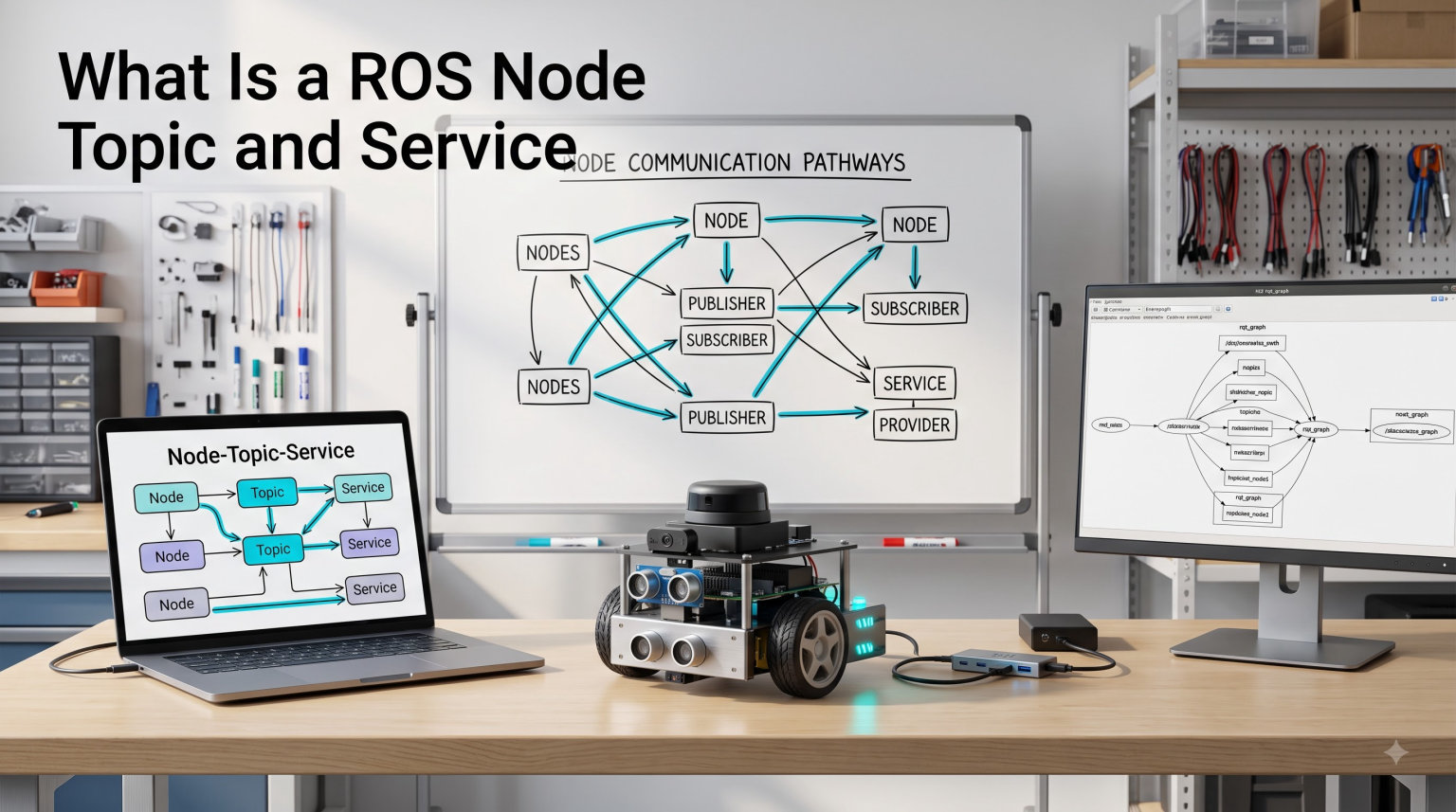
If you have ever tried to learn ROS and felt your brain slowly melt into a puddle of acronyms, you are not alone. I spent my first month with ROS2 bouncing between confusing docs and half-finished forum posts before the pieces finally clicked. The good news: a ROS node, topic, and service are not that complicated once you see them work together. In this guide, I will walk you through each one, show you real Python code, and give you a simple rule for choosing between them.
Table of Contents
What Is ROS and Why Should You Care?
ROS stands for the Robot Operating System, but it is not really an operating system. Think of it as a framework that lets different programs running on a robot talk to each other without you writing all the networking code yourself. ROS is widely used in robotics research, autonomous vehicles, drones, and even at NASA.
The current major version is ROS2, which replaced the older ROS1. ROS2 switched the underlying communication layer to DDS (Data Distribution Service), which makes robot systems more reliable, secure, and suitable for real-time and production use. Most of what I cover here applies to both, but my examples target ROS2 since that is what you will install today.
At its core, ROS is built from three building blocks: nodes, topics, and services. Master these three and the rest of ROS becomes much easier.
What Is a ROS Node?
A ROS node is a single program that does one job in your robot system. It could read a camera, drive a motor, plan a path, or log data. Each node is an independent process, and nodes talk to each other through topics and services. Together, all the running nodes and the connections between them form what ROS calls the ROS graph.
Why split a robot into many small nodes instead of one big program? Because robots do many things at once. A mobile robot might have a node reading the lidar, another reading the IMU, another running the path planner, and another sending wheel commands. If you put all of that in a single process and one part crashes, the whole robot dies. With nodes, you can restart, replace, or scale each piece independently.
Nodes are also the unit of reusability. The official ROS package index is full of ready-made nodes you can drop into your project. I have personally saved weeks of work by reusing an existing SLAM node instead of writing my own.
To see your running nodes from the terminal, ROS gives you a few handy commands:
ros2 node listshows all active node names.ros2 node info <node_name>shows what topics and services a specific node uses.ros2 run <package_name> <executable_name>launches a node from a package.
That is really all a node is: a named process with a job, connected to other processes through ROS communication patterns.
What Is a ROS Topic?
A ROS topic is a named channel that carries continuous streams of messages from publishers to subscribers. Imagine a wire that runs between nodes, and any node can either push data onto that wire (publish) or listen for data coming off it (subscribe). Multiple nodes can publish to the same topic, and many more can subscribe to it. This is the publish/subscribe pattern, and it is the most common way nodes share data in ROS.
Topics are asynchronous. When a publisher sends a message, it does not wait around for an answer. It just drops the message on the topic and moves on. This makes topics perfect for sensor data, robot poses, and any other data that flows constantly without needing confirmation.
Each topic has a message type that defines what the data looks like. ROS2 ships with standard message types like sensor_msgs/msg/Image for camera frames, sensor_msgs/msg/LaserScan for lidar data, and geometry_msgs/msg/Twist for velocity commands. You can also define your own custom message types when you need something the built-ins do not cover.
Here is a minimal Python publisher that broadcasts a “Hello World” string ten times per second:
import rclpy
from rclpy.node import Node
from std_msgs.msg import String

class MinimalPublisher(Node):
    def __init__(self):
        super().__init__('minimal_publisher')
        self.publisher_ = self.create_publisher(String, 'chatter', 10)
        self.timer = self.create_timer(0.1, self.timer_callback)

    def timer_callback(self):
        msg = String()
        msg.data = 'Hello from ROS2'
        self.publisher_.publish(msg)

def main(args=None):
    rclpy.init(args=args)
    node = MinimalPublisher()
    rclpy.spin(node)
    node.destroy_node()
    rclpy.shutdown()

if __name__ == '__main__':
    main()
And here is a subscriber that listens to that same topic:
import rclpy
from rclpy.node import Node
from std_msgs.msg import String

class MinimalSubscriber(Node):
    def __init__(self):
        super().__init__('minimal_subscriber')
        self.subscription = self.create_subscription(
            String, 'chatter', self.listener_callback, 10)

    def listener_callback(self, msg):
        self.get_logger().info(f'I heard: "{msg.data}"')

def main(args=None):
    rclpy.init(args=args)
    node = MinimalSubscriber()
    rclpy.spin(node)
    node.destroy_node()
    rclpy.shutdown()

if __name__ == '__main__':
    main()
Run the publisher in one terminal, the subscriber in another, and the subscriber will print every message the publisher sends. That is topics in action: decoupled, continuous, and one-to-many friendly.
Useful CLI commands for topics include ros2 topic list, ros2 topic echo <topic_name>, and ros2 topic hz <topic_name> to measure the publishing rate.
What Is a ROS Service?
A ROS service is a synchronous request/response interaction between two nodes. One node acts as the service server, waiting for a specific request, and another acts as the service client that sends the request and blocks until it gets a response. Think of it as a remote function call between two processes.
Services are designed for short-lived operations where you need a definite answer: getting the current state of a node, triggering a calibration routine, computing a one-shot trajectory, or saving a map to disk. They are not meant for high-frequency data, since each call blocks the client until the server finishes.
Each service has a service definition, split into a request part and a response part. ROS2 includes built-in service types like std_srvs/srv/Trigger for simple “do it” calls and std_srvs/srv/SetBool for on/off toggles, and you can also define your own custom .srv files.
Here is a minimal service server in Python:
import rclpy
from rclpy.node import Node
from example_interfaces.srv import AddTwoInts

class MinimalService(Node):
    def __init__(self):
        super().__init__('minimal_service')
        self.srv = self.create_service(
            AddTwoInts, 'add_two_ints', self.add_callback)

    def add_callback(self, request, response):
        response.sum = request.a + request.b
        self.get_logger().info(f'{request.a} + {request.b} = {response.sum}')
        return response

def main(args=None):
    rclpy.init(args=args)
    node = MinimalService()
    rclpy.spin(node)
    node.destroy_node()
    rclpy.shutdown()

if __name__ == '__main__':
    main()
And the matching client that calls it:
import rclpy
from rclpy.node import Node
from example_interfaces.srv import AddTwoInts

class MinimalClient(Node):
    def __init__(self):
        super().__init__('minimal_client')
        self.client = self.create_client(AddTwoInts, 'add_two_ints')
        while not self.client.wait_for_service(timeout_sec=1.0):
            self.get_logger().info('Waiting for service...')
        self.request = AddTwoInts.Request()

    def send_request(self, a, b):
        self.request.a = a
        self.request.b = b
        return self.client.call_async(self.request)

def main(args=None):
    rclpy.init(args=args)
    node = MinimalClient()
    future = node.send_request(2, 3)
    rclpy.spin_until_future_complete(node, future)
    node.get_logger().info(f'Result: {future.result().sum}')
    node.destroy_node()
    rclpy.shutdown()

if __name__ == '__main__':
    main()
Run the server in one terminal and the client in another, and the client will print the sum. Unlike the topic example, the client pauses and waits for the response. That blocking behavior is the defining trait of services.
You can also call services from the command line using ros2 service list, ros2 service type <service_name>, and ros2 service call <service_name> <service_type> <arguments>, which is great for quick testing.
ROS Topic vs Service vs Action: Key Differences
Topics and services cover most of what you will do in ROS, but there is a third communication type worth knowing about: actions. Actions are for long-running tasks where you want feedback and the ability to cancel. Think of “navigate to this room” or “pick up that object” — these can take minutes and need progress updates along the way.
Here is a quick comparison to keep them straight:
| Feature | Topic | Service | Action |
|---|---|---|---|
| Pattern | Publish/Subscribe | Request/Response | Goal/Feedback/Result |
| Communication | Asynchronous | Synchronous (blocking) | Asynchronous with feedback |
| Direction | One-to-many | One-to-one | One-to-one |
| Data flow | Continuous stream | Single response per call | Long-running, with periodic feedback |
| Cancelable | No | No | Yes |
| Best for | Sensor data, robot state | Quick queries, triggers | Navigation, manipulation, multi-step tasks |
The simple rule I follow when designing a robot system: if data is flowing continuously, use a topic. If you need a quick answer to a specific question, use a service. If the task can take a long time and you need progress updates or the ability to cancel, use an action.
When to Use a Topic vs a Service: A Quick Decision Guide
Beginners often get stuck choosing between topics and services, so here is a checklist I use in code reviews.
Use a topic when:
- You are streaming sensor data like camera frames, lidar scans, or IMU readings.
- Multiple nodes need the same data at the same time.
- You do not need a reply, just the latest value.
- The data is published at a fixed or high rate (10 Hz and up).
Use a service when:
- You need a one-shot response, like “get the current battery percentage.”
- The task is short and predictable, like saving a file or running a quick calculation.
- Only one caller needs the answer at a time.
- The client can afford to wait for the response.
Use an action when:
- The task takes more than a few seconds.
- You need progress feedback while the task runs.
- The user might want to cancel mid-task.
If you are still unsure, default to a topic. Topics are the bread and butter of ROS and rarely the wrong choice for beginners.
Real-World Analogy: The Restaurant Kitchen
One analogy that finally made this click for me is a busy restaurant kitchen. Each chef and station is a node, each running its own job. Topics are like the pass-through window where finished dishes get placed for any waiter to pick up — many dishes flow continuously, and waiters grab what they need. Services are like a specific order ticket: a waiter hands a request to a particular station, waits for the answer, and only then moves on. Actions are like a long multi-course meal that the customer can stop at any time if they are full.
Once you can picture the kitchen, the difference between publish/subscribe, request/response, and goal/feedback suddenly feels obvious.
Frequently Asked Questions
What is a ROS node?
A ROS node is a single executable program that performs one specific task in a robot system. Nodes communicate with each other by publishing to or subscribing to topics, or by calling and providing services. Together, all the running nodes and their connections form the ROS graph.
What is a service in ROS?
A ROS service is a synchronous request/response communication between two nodes. One node acts as a service server that waits for a specific request, and another node acts as a client that sends the request and blocks until it receives a response. Services are best used for quick, terminating operations like querying node state or triggering a short calculation.
Does NASA use ROS2?
NASA has explored ROS2 for various robotics projects, especially through its use of the Space ROS initiative and the development of flight-qualified ROS2 distributions. While not every NASA robot runs ROS2, the agency has invested in making ROS2 suitable for space applications where reliability and real-time performance are critical.
What is ROS and what is it used for?
ROS, or the Robot Operating System, is an open-source framework that helps different programs on a robot communicate with each other. It is widely used in robotics research, autonomous vehicles, drones, and industrial automation. ROS provides tools, libraries, and conventions for building complex robot software without having to write all the low-level communication code yourself.
What is the difference between a ROS topic and a service?
A ROS topic is asynchronous and used for continuous streams of data, like sensor readings, using a publish/subscribe pattern where many nodes can publish and many can subscribe. A ROS service is synchronous and used for short request/response interactions, where one client sends a request and blocks until the server replies. Topics are one-to-many and fire-and-forget, while services are one-to-one and require a reply.
How do nodes communicate in ROS?
Nodes in ROS communicate through three main mechanisms: topics for continuous asynchronous data, services for synchronous request/response calls, and actions for long-running tasks with feedback and cancellation. All three rely on the underlying DDS middleware in ROS2 to handle message delivery between processes, even across multiple machines.
Final Thoughts on ROS Node, Topic, and Service
You now know the three pillars of ROS communication: nodes are the workers, topics are the continuous broadcast channels, and services are the on-demand request/response calls. Start by building tiny publisher and subscriber nodes, then add a service, and the whole framework will start to feel natural.
For your next step, I recommend installing ROS2 Humble on Ubuntu, running the official beginner tutorials, and remixing one of the example nodes to publish your own data. Once you can move messages between nodes by choice, you have officially graduated past the ROS beginner stage.