
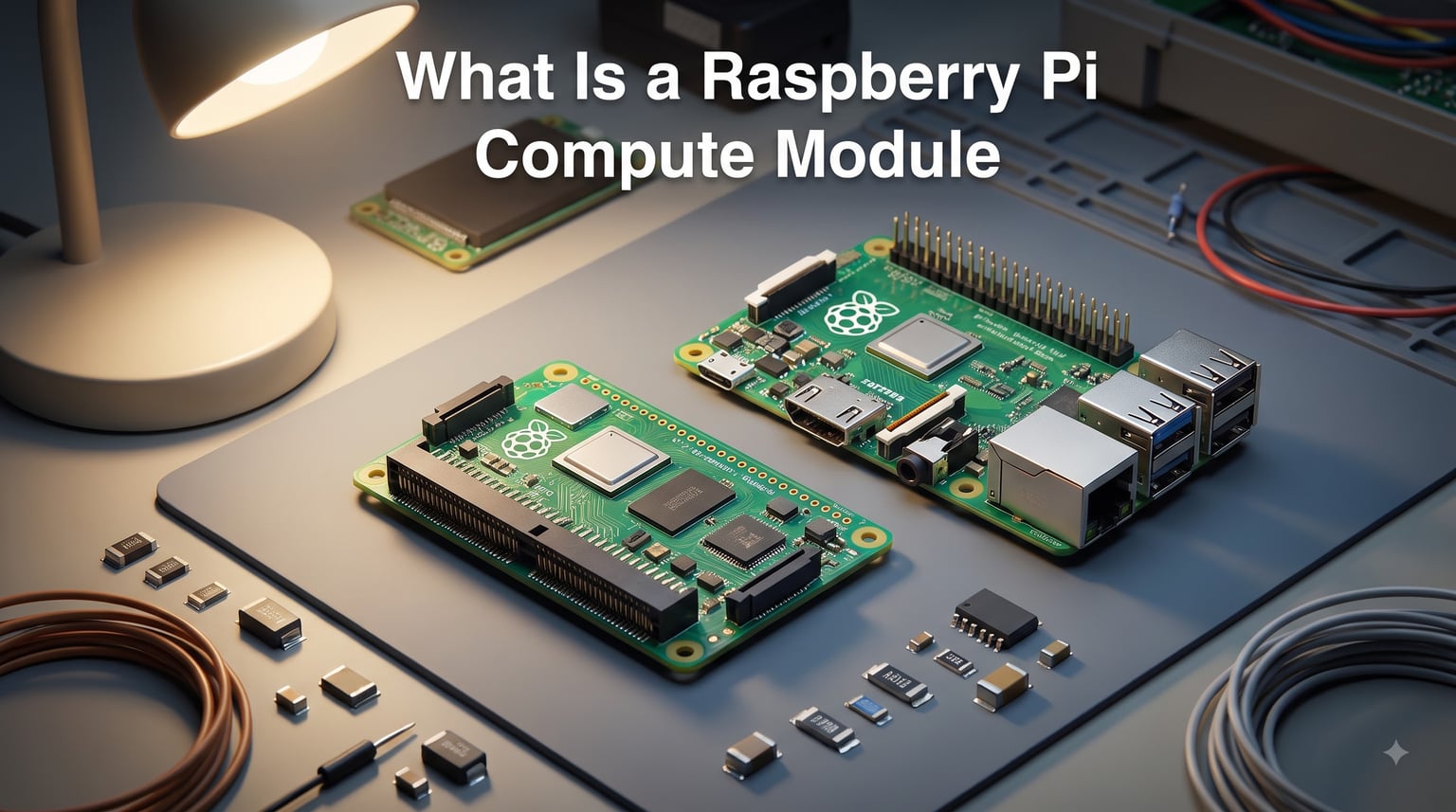
A Raspberry Pi Compute Module is a compact version of a standard Raspberry Pi single-board computer (SBC) that strips away the familiar USB, HDMI, and Ethernet ports in favor of high-density connectors for custom hardware integration. Instead of a board you plug peripherals into, you get the brains of a Raspberry Pi on a small module that drops into a carrier board designed for a specific product or application.
I first came across these modules while helping a small automation shop retrofit a legacy assembly line. The standard Raspberry Pi 4 was too bulky and exposed for that environment. The Compute Module 4, however, fit on a custom PCB tucked behind the conveyor with room to spare. Since then I have used Compute Modules for digital signage controllers, 3D printer boards, and a swarm of IoT gateways scattered across our office. Each project benefited from the same core idea: industrial-grade computing in a form factor you design around.
This guide covers exactly what a Raspberry Pi Compute Module is, how it differs from the standard board, why it needs a carrier board, and when you should reach for one. If you build embedded products, work on factory automation, or just want to understand the industrial side of the Raspberry Pi ecosystem, this is for you. For broader context, the robotics projects and automation guides at Smashing Robotics are a good starting point.
Table of Contents
What Is a Raspberry Pi Compute Module
A Raspberry Pi Compute Module is a board-only version of a standard Raspberry Pi that packages the processor, RAM, and storage onto a small PCB designed to plug into a custom carrier board. It is built around the same Broadcom BCM processor family used in consumer Raspberry Pi boards, but without the USB ports, HDMI output, Ethernet jack, or full-size GPIO header. All of those signals are rerouted through one or two high-density board-to-board connectors.
The form factor is dramatically smaller than a standard Pi. The original Compute Module 1 measured just 67.6mm x 30mm, roughly the size of a laptop RAM stick. The Compute Module 4 expanded to 55mm x 40mm to accommodate more I/O. Despite the small footprint, you get the same Arm Cortex processor, LPDDR4 RAM, and optional onboard eMMC flash storage that you would find on a regular Raspberry Pi.
The official Raspberry Pi documentation describes it as a compact version of a standard Raspberry Pi SBC designed primarily for embedded applications. In plain language, it is the Raspberry Pi stripped down to the components that actually compute, so you can add only the ports and connectors your product actually needs.
Key Technical Components
At its core, every Compute Module contains the same essential building blocks as a full Raspberry Pi board. The processor is the same BCM family chip used in the corresponding consumer Pi. The CM4 uses the BCM2711 (the same quad-core Cortex-A72 found in the Pi 4). The CM5 uses the BCM2712 (Cortex-A76, as in the Pi 5). RAM ranges from 1GB up to 8GB or even 16GB on newer variants, all LPDDR4.
Storage is where Compute Modules diverge from the standard Pi. Consumer Pi boards boot from a microSD card. Compute Modules offer soldered eMMC flash (typically 8GB, 16GB, or 32GB) for industrial reliability, or a Lite version with no onboard storage that boots from a microSD or external NAND through the carrier board.
Compute Module vs Standard Raspberry Pi
The core difference between a Raspberry Pi Compute Module and a standard Raspberry Pi is integration versus accessibility. A standard Pi is a finished single-board computer with USB, HDMI, Ethernet, audio jack, camera connector, and a 40-pin GPIO header. Plug in power, peripherals, and storage, and it boots. A Compute Module is not a finished computer. It is a component you embed in a larger design.
This design choice has practical consequences. The Compute Module’s high-density connectors route far more signals than the standard Pi’s GPIO header, including dual HDMI, multiple PCIe lanes, MIPI camera and display interfaces, USB 2.0 and 3.0, and dedicated GPIO. A standard Pi exposes a fraction of those signals through its accessible headers. The trade-off is that you need custom hardware to access them.
For makers who just want to run Linux on a desktop-replacement board, the standard Pi is simpler and cheaper. For product designers who want to embed Raspberry Pi silicon inside a custom enclosure, the Compute Module is the only path that makes sense.
At-a-Glance Comparison
Standard Raspberry Pi boards ship as standalone computers with full-size ports. They boot from microSD, expose GPIO through a 40-pin header, and target hobbyists, educators, and desktop replacement use cases. Pricing is lower and the learning curve is gentle.
Compute Modules ship as bare components with no ports. They connect to a carrier board, boot from onboard eMMC or carrier-board storage, and route signals through high-density connectors. They target embedded developers, product manufacturers, and industrial users who need reliability, lifecycle support, and custom I/O.
How a Compute Module Works: The Carrier Board System
A Compute Module on its own is just a small PCB with chips on it. To do anything useful, you need a carrier board. The carrier board is a custom or off-the-shelf PCB that holds the Compute Module’s high-density connectors, plus all the power regulation, ports, and I/O your application requires. The Compute Module plugs into the carrier board much like a laptop RAM module clips into a SODIMM socket.
The official Raspberry Pi IO Board is the reference carrier. It breaks out the CM4 or CM5 into the familiar full-size ports you would see on a regular Pi: two HDMI outputs, USB 3.0, Ethernet, microSD, and the 40-pin GPIO header. It is meant for development and prototyping, not for production deployment. Most commercial products use a custom carrier board that exposes only the ports and signals that product needs.
This split between module and carrier is what makes Compute Modules interesting for industrial design. The carrier board defines the physical shape, the connectors, the power input, and the user-facing features of your product. The Compute Module provides the computing core. You can swap modules to upgrade performance without redesigning the carrier. For example, dropping a CM5 into an existing CM4 carrier board gives you a free 2-3x CPU speedup in many workloads.
What a Carrier Board Typically Includes
A carrier board provides power regulation, connectors for HDMI, USB, Ethernet, PCIe, MIPI cameras and displays, audio, and a GPIO breakout. Industrial carrier boards often add wide-input voltage regulators, isolated I/O, RS-485 or CAN bus transceivers, and conformal coating for harsh environments. The Compute Module supplies the CPU, RAM, and storage; the carrier supplies everything else.
Compute Module Generations: CM1 Through CM5
There have been five major Compute Module generations since 2014, each tracking the corresponding consumer Raspberry Pi but with industrial refinements. Understanding the generations helps if you are maintaining an existing product or evaluating long-term availability.
Compute Module 1 (CM1, 2014)
The original Compute Module used the BCM2835 processor at 700MHz with 512MB of RAM. It plugged into a DDR2 SODIMM socket on the carrier board. Storage was 4GB eMMC flash. It was aimed at early industrial users and a few commercial products. The DDR2 SODIMM form factor was unique to this generation.
Compute Module 3 (CM3, 2017)
The CM3 brought the BCM2837 (Cortex-A53 quad-core at 1.2GHz) and 1GB of RAM. It switched to two high-density mezzanine connectors (similar to the CM4 layout) for far more signal access. Storage options included 4GB eMMC or a Lite variant without onboard storage. The CM3 saw broad adoption in digital signage and 3D printer controllers.
Compute Module 3+ (CM3+, 2019)
A minor refresh of the CM3 with revised thermal performance and a slightly updated eMMC option. Form factor and connectors matched the CM3, so CM3+ drops into CM3 carrier boards unchanged. This generation is still in production for users with stable carrier board designs.
Compute Module 4 (CM4, 2020)
The CM4 introduced a major redesign. It dropped the SODIMM form factor in favor of two 100-pin high-density mezzanine connectors. Processor is the BCM2711 (Cortex-A72 quad-core at 1.5GHz). RAM options range from 1GB to 8GB LPDDR4. Storage is 0GB (Lite), 8GB, 16GB, or 32GB eMMC. Wireless variants add Wi-Fi and Bluetooth. The CM4 is currently the most widely deployed generation in commercial products.
Compute Module 5 (CM5, 2024)
The CM5 is the current flagship. Processor is the BCM2712 (Cortex-A76 quad-core at 2.4GHz), the same chip as the Raspberry Pi 5. RAM ranges from 2GB to 16GB LPDDR4X. Storage options include 0GB, 16GB, 32GB, and 64GB eMMC. Wireless variants support dual-band Wi-Fi 5 and Bluetooth 5.0. PCIe Gen 2 x1 is exposed through the connectors, which enables NVMe SSDs via the carrier board. The form factor and connector layout match the CM4, so many CM4 carrier boards accept the CM5 with minimal changes.
Common Use Cases and Real-World Applications
Compute Modules are not designed for desktop use. They shine wherever the standard Pi form factor is too big, too exposed, or too unreliable. Here are the categories we see most often.
Industrial Automation and Factory Equipment
Programmable Logic Controllers (PLCs), Human-Machine Interfaces (HMIs), motor controllers, and machine vision systems frequently embed Compute Modules. The reasons are reliability, long-term availability (Raspberry Pi commits to 10+ year production runs for industrial users), and the ability to integrate the Pi into compact enclosures that meet IP65 or higher ratings. The same design pattern shows up in Raspberry Pi for robot control systems where space and vibration tolerance matter.
Digital Signage and Smart Displays
Commercial digital signage players need a small board that bolts behind a panel, runs 24/7, and survives years of thermal cycling. Compute Modules fit perfectly. The carrier board handles video output scaling, network connectivity, and the power input. The module supplies the rendering power. Klipper 3D printer boards also use Compute Modules for similar reasons: small footprint, integrated Linux, and reliable storage.
3D Printers and CNC Controllers
Print boards like the BigTreeTech Octopus and Manta series accept Compute Module 4 or compatible SoMs to provide Wi-Fi-enabled, web-controllable motion control. Klipper firmware runs natively on the Pi core. The carrier board handles stepper drivers, limit switches, and heater control. This pairing has become standard for prosumer 3D printing.
Medical Devices and Kiosks
Point-of-sale terminals, self-checkout kiosks, medical information displays, and ticketing machines all use Compute Modules or similar SoMs. The compact form factor, industrial temperature range, and ability to design a sealed enclosure around a known computing core are decisive advantages.
IoT Gateways and Edge Computing
Edge gateways that aggregate sensor data, run local inference, or buffer data before cloud upload often use Compute Modules with wireless variants. The Pi ecosystem’s familiar Linux distributions, container runtimes, and Python support make development fast compared to bare-metal microcontrollers.
When to Choose a Compute Module Over a Standard Raspberry Pi
The choice comes down to whether you are building a product or just a project. If you need a desktop-style Linux computer for tinkering, education, or prototyping, the standard Pi is faster, cheaper, and easier. You plug it in, install an OS, and start working.
If you are building a product that will be manufactured, sold, or deployed in volume, a Compute Module is almost always the right answer. You can design a carrier board that fits your enclosure exactly. You can add industrial power supplies, isolated I/O, and connectors your specific application requires. You can buy modules in volume with stable supply commitments. You also avoid the per-unit cost of the USB hub, Ethernet jack, and other components that consumer Pi boards include but commercial products rarely use.
For hobbyists, the line is fuzzier. Some makers use Compute Modules because they want a clean mechanical design, even for a one-off build. Others stick with the standard Pi because it is simpler and the cost difference is small for a single-unit project.
Getting Started with a Raspberry Pi Compute Module
If you want to experiment without designing a carrier board, the official Raspberry Pi IO Board for CM4 or CM5 is the easiest entry point. It breaks out all major interfaces, accepts standard Pi peripherals, and works with the official Raspberry Pi OS image for that module. You will need a Compute Module, the IO Board, a USB-C power supply rated for at least 3A, and a microSD card (for Lite variants) or a way to flash eMMC (for non-Lite variants).
Flashing eMMC requires either the rpiboot tool on a host computer or an IO Board with the appropriate USB-C connection. Lite variants boot directly from a microSD card inserted into the carrier board, just like a regular Pi. The official Raspberry Pi documentation walks through both workflows step by step.
Once you have a working setup, you can use Compute Modules exactly like a regular Pi: install Raspberry Pi OS, enable SSH and I2C, run Docker containers, or deploy your application. The carrier board decides which physical ports you have available. The Compute Module decides how fast everything runs.
FAQ
What is the use of a Raspberry Pi compute module?
A Raspberry Pi Compute Module is used to embed Raspberry Pi computing power into custom hardware products and industrial devices. Common uses include digital signage players, 3D printer controllers, factory automation controllers, medical equipment, IoT gateways, kiosks, and custom embedded products where the standard Pi form factor is too bulky or lacks the required connectors.
What is the difference between Raspberry Pi and Raspberry Pi compute module?
A standard Raspberry Pi is a finished single-board computer with USB, HDMI, Ethernet, and a 40-pin GPIO header. A Compute Module is a board-only version that strips away those ports and exposes signals through high-density connectors for custom carrier boards. Standard Pi boards boot from microSD and target hobbyists; Compute Modules boot from onboard eMMC or carrier-board storage and target embedded developers and commercial product manufacturers.
What does the Raspberry Pi 5 compute module do?
The Raspberry Pi Compute Module 5 (CM5) packages the BCM2712 quad-core Arm Cortex-A76 processor running at 2.4GHz with 2GB to 16GB of LPDDR4X RAM and optional onboard eMMC flash. It delivers the same performance as the consumer Raspberry Pi 5 in a compact form factor designed for carrier board integration. Key capabilities include PCIe Gen 2 x1 interface, dual HDMI, USB 3.0, dual MIPI camera and display interfaces, and wireless connectivity on supported variants.
How do compute modules work?
Compute Modules work by plugging into a carrier board that provides power regulation and the physical connectors your application needs. The module contains the CPU, RAM, and storage. The carrier board contains power circuits, USB, HDMI, Ethernet, GPIO breakouts, and any industrial interfaces your product requires. You can swap modules to upgrade performance without redesigning the carrier.
Why use a Compute Module instead of standard Raspberry Pi?
Use a Compute Module when you need to embed Raspberry Pi computing power into a custom enclosure or industrial product. The standard Pi is better for desktop use, prototyping, and hobby projects. Choose Compute Module when you need a smaller form factor, custom connectors, industrial temperature range, long-term supply commitments, or a sealed enclosure design that the standard Pi board cannot accommodate.
Can Raspberry Pi Compute Module run Raspberry Pi OS?
Yes. Compute Modules run the official Raspberry Pi OS distributions and are compatible with the same software ecosystem as standard Raspberry Pi boards. You can install Raspberry Pi OS, Ubuntu, or other Arm Linux distributions on the eMMC flash (non-Lite variants) or on a microSD card through the carrier board (Lite variants).
Do I need a carrier board for Raspberry Pi Compute Module?
Yes. A carrier board is required for any practical use of a Compute Module. The module has no USB, HDMI, Ethernet, or GPIO breakout of its own. The carrier board supplies power and exposes the interfaces you need. Official Raspberry Pi IO Boards exist for prototyping, and custom carrier boards are used for production products.
Conclusion
A Raspberry Pi Compute Module is the same Raspberry Pi silicon in a different package, built for integration rather than standalone use. It pairs a compact module containing the CPU, RAM, and storage with a custom carrier board that supplies the power, ports, and connectors your specific application requires. This split lets you design hardware around your product instead of around a fixed consumer board layout.
If you are deciding between a standard Raspberry Pi and a Compute Module for your next project, ask one simple question. Will this go into a custom enclosure, a manufactured product, or an industrial environment with specific connector and reliability requirements? If yes, a Compute Module is the right answer. If you just need a Linux computer for the workbench, the standard Pi will save you time and money.
For deeper technical details, the official Raspberry Pi Compute Module documentation is the authoritative source. The Raspberry Pi forums and Jeff Geerling’s benchmarks are the best community resources for carrier board design tips and real-world performance data. If you are just getting started, grab a Compute Module 5 with the matching IO Board, flash Raspberry Pi OS, and treat it like a regular Pi. Once you have the basics down, you can move to a custom carrier board and build something that fits your application exactly.