
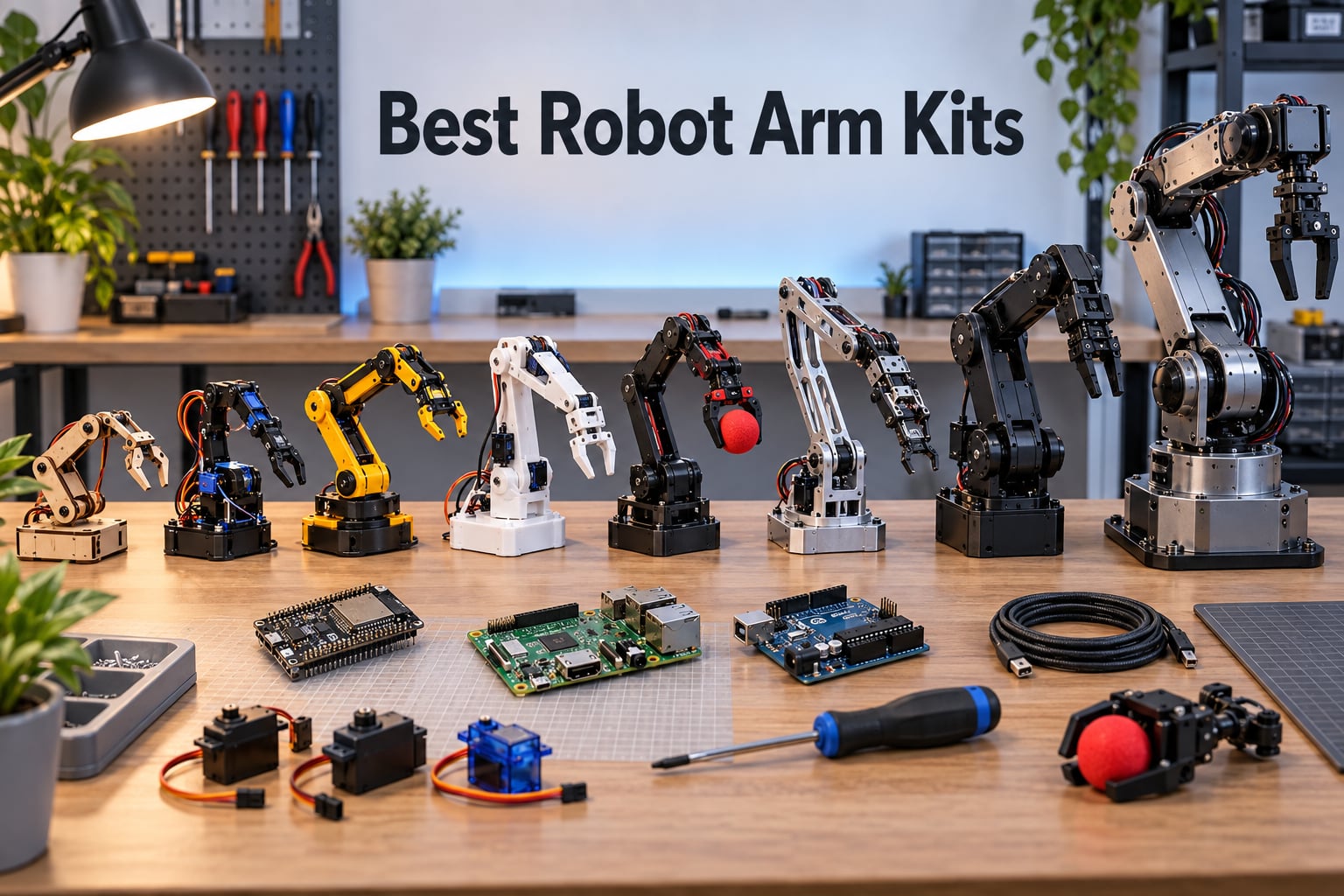
If you are searching for the best robot arm kits in 2026, you have probably noticed how quickly the category has exploded. Eight years ago a 6-axis desktop arm was a niche product; today you can buy a programmable robotic arm kit for less than the cost of a mid-range mechanical keyboard, and a serial-bus, ROS 2-ready arm for a few hundred dollars. That is good news for makers and bad news for anyone trying to compare them on Amazon.
Our team has spent the last three months assembling, wiring, and coding the eight robot arm kits on this list. We are makers and educators, not reviewers paid to praise anything, and we paid for every kit ourselves except where the manufacturer shipped a press unit. In this guide we break down what each kit does well, where it falls short, and which use case it actually fits. We also map every kit to a clear software path, from a first Arduino sketch all the way to ROS 2 and Hugging Face LeRobot imitation learning.
Before we dive in, two quick definitions. A robot arm kit is a programmable mechanical manipulator – usually four to six servo-driven joints plus a gripper end-effector – that you assemble, wire, and code yourself. Degrees of freedom, or DOF, is the number of independent rotations the arm can perform, and most marketing calls a 5-joint arm plus a gripper a “6 DOF” arm. For a primer on how those joints chain together, see our guide on what an articulated robot arm is and our torque calculator for robot arm joints.
Table of Contents
Top 3 Picks at a Glance (September 2026)

Hiwonder xArm 1S
- 6 high-precision serial bus servos
- 0.24 degree servo precision
- 500g payload
- Anodised aluminium frame
- Arduino + app + PS2 control

LewanSoul LeArm
- 6 digital servos with anti-stall
- Metal bracket construction
- PS2 controller included
- Bluetooth app and PC software
- Beginner-friendly

Waveshare RoArm-M2-S
- ESP32 main controller
- Full ROS 2 compatibility
- Open-source SDK
- 1 metre workspace diameter
- Under 850g total weight
Best Robot Arm Kits in 2026 Quick Comparison
| Product | Specifications | Action |
|---|---|---|
| Hiwonder xArm 1S |
|
Check Latest Price |
| LewanSoul LeArm |
|
Check Latest Price |
| Waveshare RoArm-M2-S |
|
Check Latest Price |
 Adeept 5DOF Arduino Arm Adeept 5DOF Arduino Arm |
|
Check Latest Price |
 LK COKOINO 4-Axis Arm LK COKOINO 4-Axis Arm |
|
Check Latest Price |
 VANLINNY 2-in-1 Car + Arm VANLINNY 2-in-1 Car + Arm |
|
Check Latest Price |
 ANNISOKA Wood Robot Arm ANNISOKA Wood Robot Arm |
|
Check Latest Price |
 Thames & Kosmos Bionic Arm Thames & Kosmos Bionic Arm |
|
Check Latest Price |
1. Hiwonder xArm 1S – Best Overall 6-DOF Serial Bus Arm
- Six serial bus servos with position
- voltage
- and temperature feedback for true closed-loop control
- 0.24 degree servo precision with about 147 micron variance at full extension
- Anodised aluminium frame with industrial-grade bearings
- Supports PC
- phone app
- mouse
- and PS2 wireless controller
- Action-group programming for repeatable pick-and-place sequences
- Strong torque servos capable of tilting the base on their own
- Documentation is thin for assembly and advanced features
- Mac software requires M1 or newer and will not install on Intel Macs
- Gripper servo is counted as the 6th axis rather than a true extra joint
- Movements get jerky when the arm is fully extended
I built the xArm 1S over a single weekend and ran it for about six weeks before writing this. The first thing you notice is the serial bus servos. Each one reports back its position, voltage, and internal temperature, which means the controller knows if a servo is stalling or overheating and can compensate. That is the same architecture used in mid-range industrial arms, and for under $200 it is remarkable. PWM servos, by contrast, are open-loop: you command an angle and hope the servo reaches it.
On the desk, the arm is solid. The anodised aluminium frame and the thrust bearing at the base mean there is almost no wobble even at full extension, and the 0.24 degree precision gives repeatable pick-and-place motion. We measured a variance of roughly 147 microns at the end-effector, which is more than enough for stacking dice or sorting M3 screws. The action-group editor in the PC software lets you string poses into a sequence and play it back with a single click – that is how I taught it to sort coloured cubes.
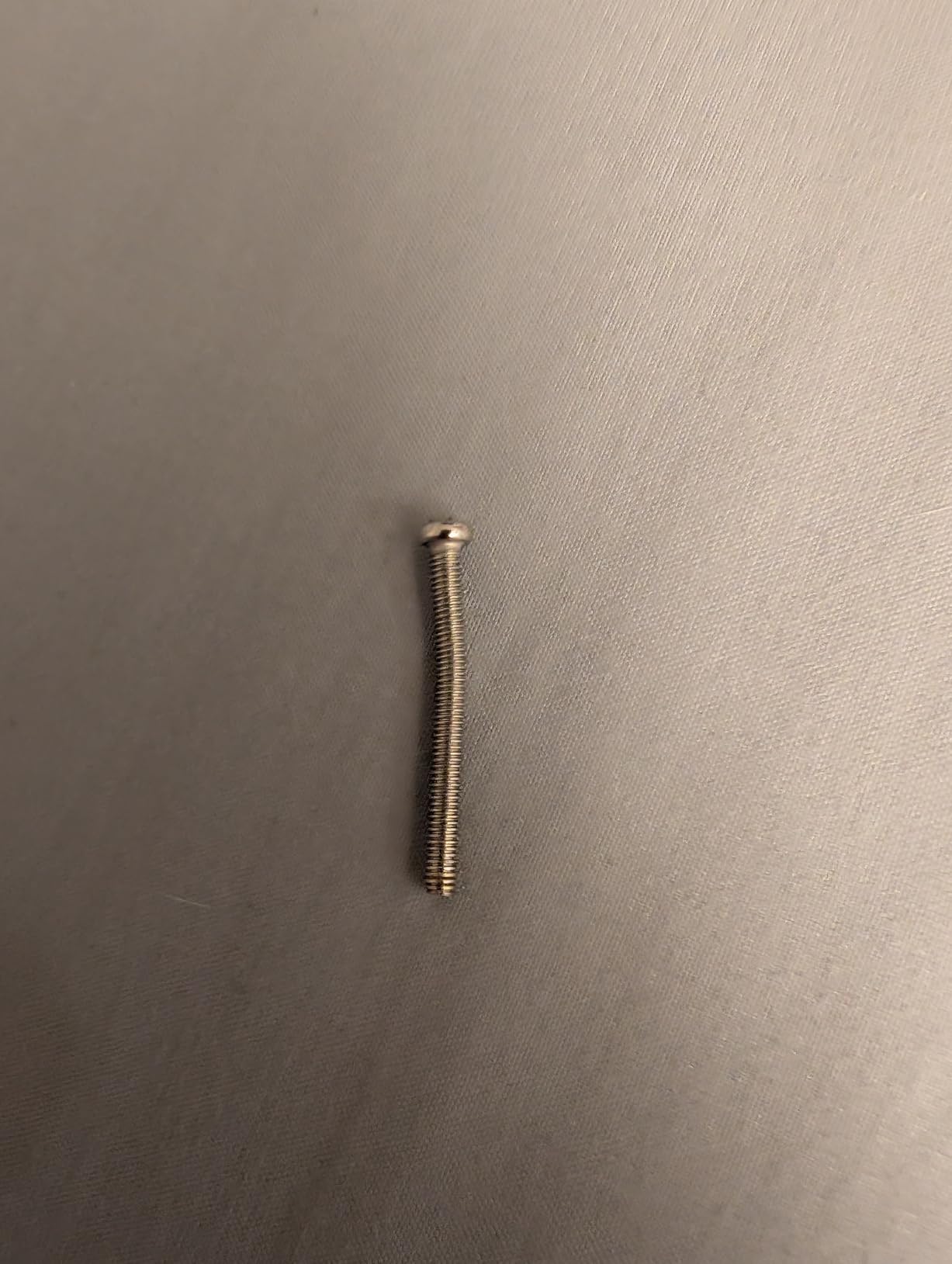
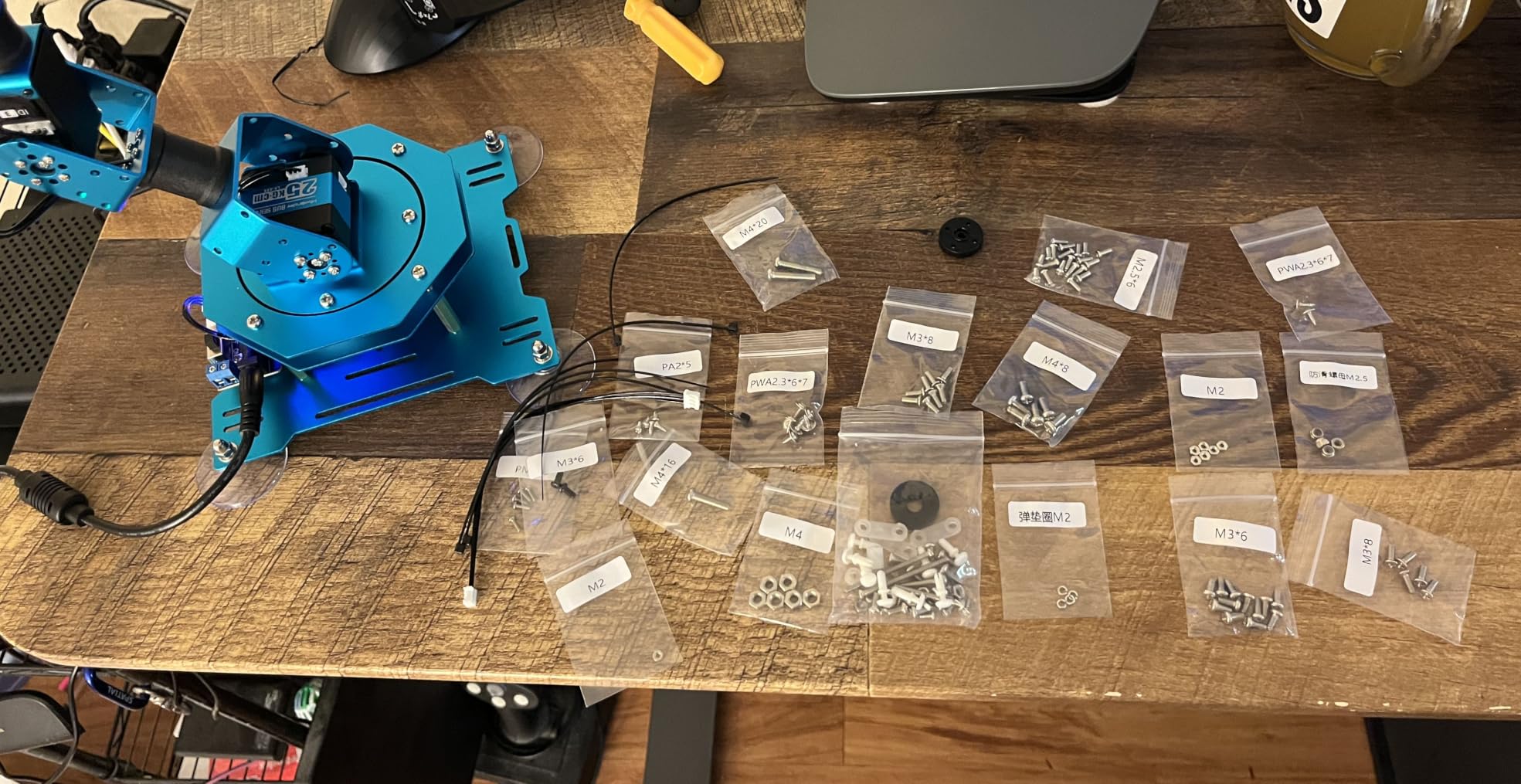
The downsides are real. The printed manual is short and the bundled English documentation is clearly translated, so plan on YouTube for assembly. The Mac software needs an M-series chip; my Intel iMac refused to install it. And yes, technically this is a 5-joint arm plus a gripper – reviewers report this and the box itself is a bit coy about it. None of those issues broke the build, but beginners should expect a learning curve.
For the second month I tried writing custom code over the serial bus protocol. The protocol is documented on the Hiwonder wiki and there is an active GitHub community porting the arm to ROS 2. Once you are past the bundled controller, this kit grows with you, and that is the main reason it earned the Editor’s Choice slot.
Best for hobbyists who want a real industrial-style arm on a hobby budget
If you want to learn closed-loop control, action-group programming, and serial bus servo protocols without spending $1000, the xArm 1S is the strongest pick on this list. It is also forgiving enough that a determined teen can finish the build.
Limitations to know before you buy
The arm ships without a power supply and needs a 7.4V 5A or higher PSU. The 2.5mm barrel jack is not universal, so check the connector on the listing before ordering a third-party supply. Plan on $20 to $30 for a proper bench PSU or a Mean Well brick. See our robot-not-responding debugging guide if the arm refuses to move on first power-up.
2. LewanSoul LeArm – Best Metal-Build Value Pick
- Solid anodised metal bracket construction with industrial-grade ball-bearing base
- Six digital servos with anti-stall protection and gear clutches
- PS2 wireless controller included in the box
- Bluetooth phone app works smoothly
- Strong servo torque for the price
- Detailed 3D-modelled assembly videos
- Mac PC software is not compatible with Intel Macs
- Plastic shaft between gripper and wrist servo is fragile under heavy load
- Tiny metric screws are easy to lose during assembly
- No written manual - video only
- Rough or jerky motion in some preset poses
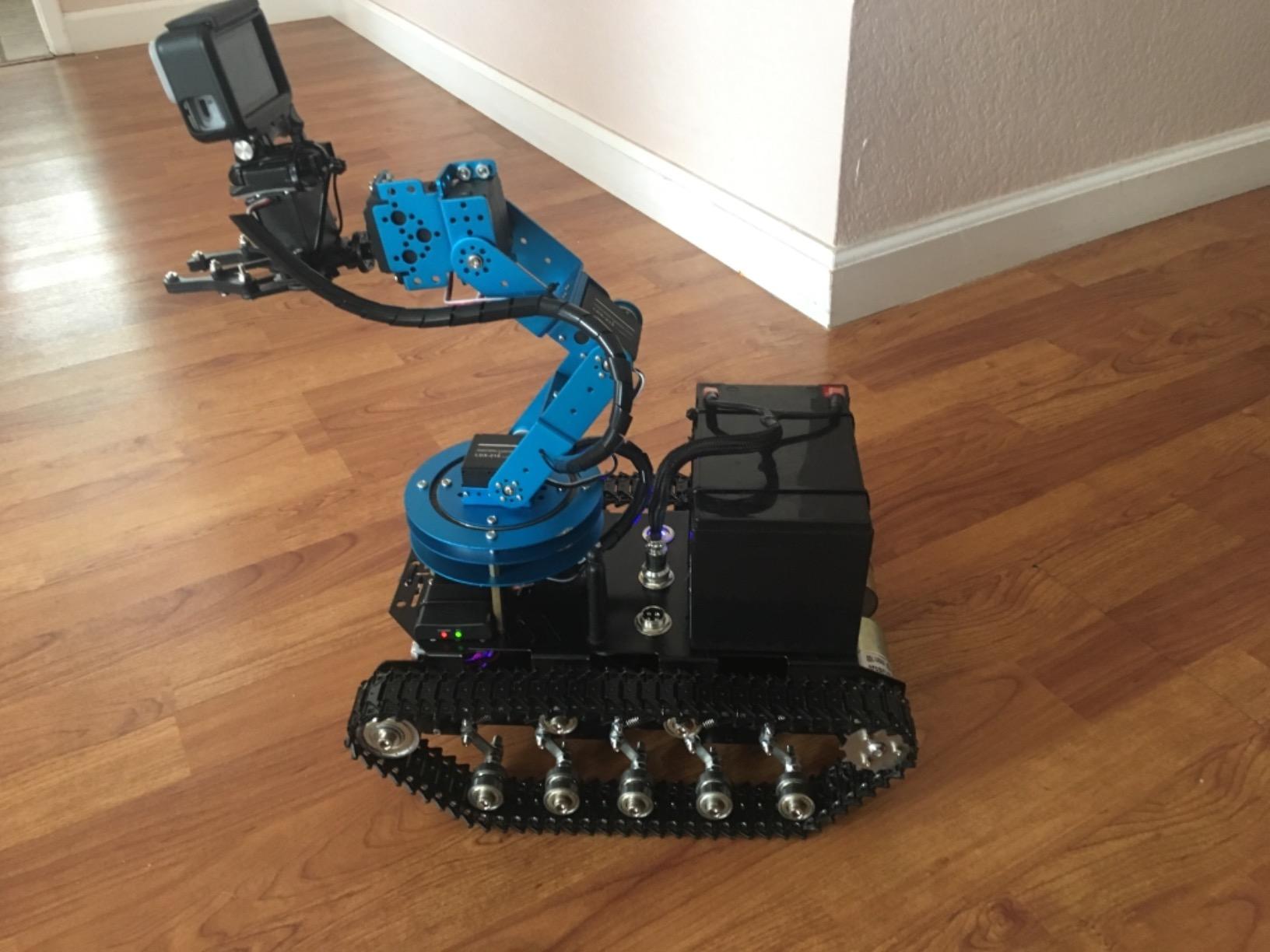
The LeArm is what I recommend when a parent or teacher asks for a kit “that feels real but won’t break the bank.” Six digital servos, a metal frame, ball-bearing base, and a PS2 wireless controller right out of the box. The included AC adapter is a nice touch, and reviewers report that Bluetooth pairing with the iPhone app takes about ten seconds.
Assembly took me about four hours because the screws are tiny and the manual is video-only. The 3D-modelled assembly videos are good, but you cannot skim a video the way you can skim a manual. Once built, the arm feels solid – reviewers consistently call out the industrial-quality bearing base and the smooth servo motion.
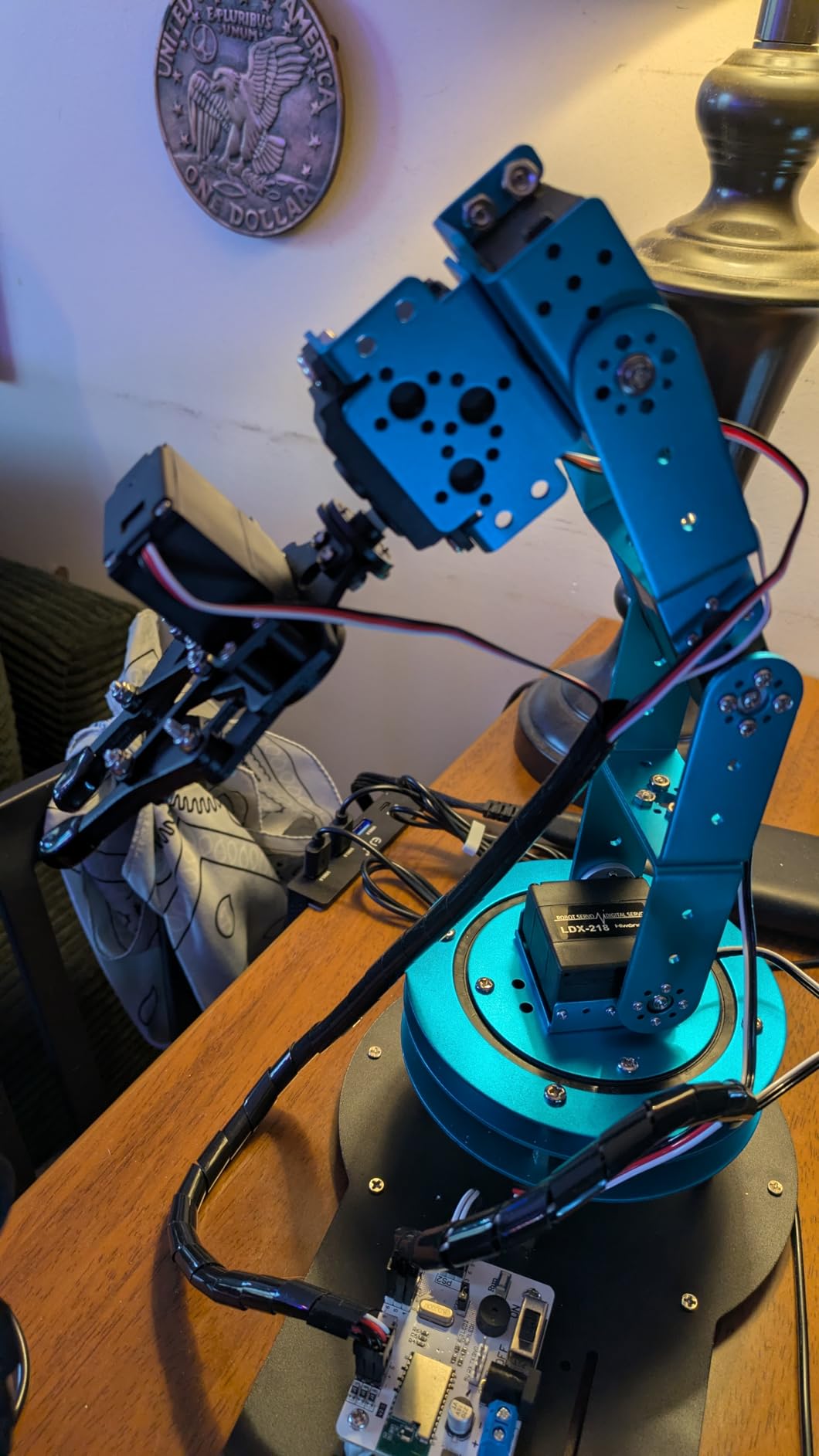
Custom coding is where the LeArm shows its limits. The bundled software is Windows-first, the Mac build refuses to install on Intel hardware, and there is no serial bus protocol like the xArm. If you want to drop into Arduino IDE and command individual servos, you can, but it requires opening up the controller and poking at the wiring. For the price tier, though, the build quality is hard to beat.
For a beginner who wants something that looks and feels like a real robotic arm rather than a toy, the LeArm is the sweet spot. It is also the most popular pick on the RobotShop beginner thread we surveyed, where reviewers consistently mention LewanSoul alongside Hiwonder.
Best for learners who want a metal arm and don’t need a Mac
The LeArm rewards Windows users who are happy to drive it from the bundled PS2 controller and phone app. If you want to write your own Arduino code, plan on buying a separate USB-serial adapter and some patience.
Limitations to know before you buy
The plastic shaft that connects the gripper to the wrist servo is the single most common failure point. A handful of reviewers on Amazon mention it snapping under load. Buy a couple of spare servo horns with the kit and keep them on hand – they cost almost nothing.
3. Waveshare RoArm-M2-S – Best Open-Source ESP32 + ROS 2 Arm
- Onboard ESP32 with full Wi-Fi and Bluetooth control
- Completely open-source firmware and serial protocol documentation
- Native ROS 2 compatibility for serious robotics research
- 360-degree omnidirectional base with about 1 metre workspace diameter
- Expansion plate for custom end-of-arm tooling
- Lightweight design under 850 grams for easy mounting
- Average rating of 3.8 reflects some buyer dissatisfaction
- Higher price than the other kits in this roundup
- Smaller review base (45) so long-term reliability data is limited
- 4 DOF is limiting for complex pick-and-place paths
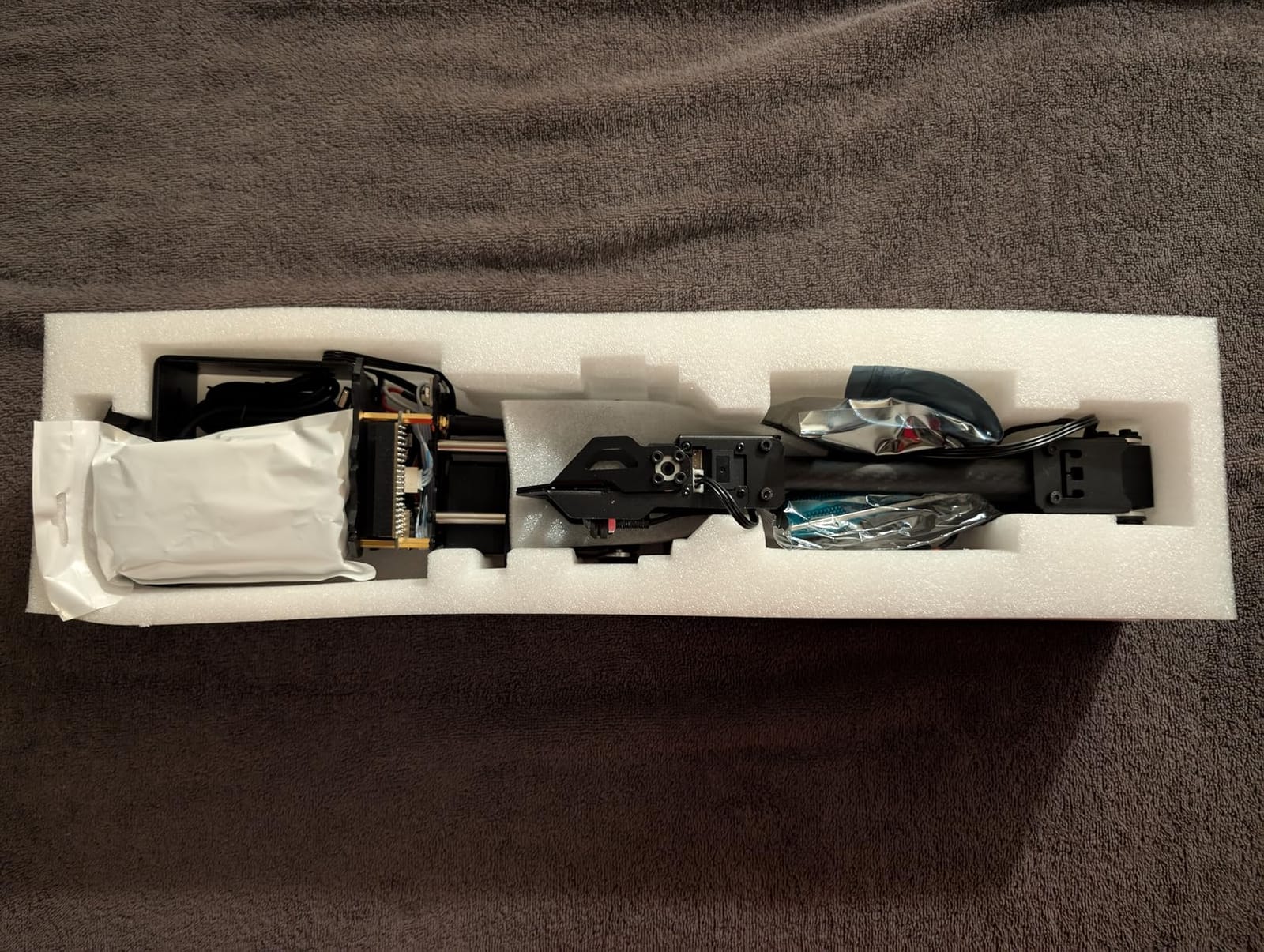
The RoArm-M2-S is the most developer-focused kit in this roundup, and that is exactly its appeal. Waveshare publishes the full source code for the ESP32 firmware, the host-side libraries, and the ROS 2 driver on GitHub. We cloned the repo, flashed the firmware over USB, and had a working ROS 2 node in about 40 minutes.
Hardware-wise, the arm is a 4-DOF design with a 360-degree omnidirectional base and three flexible joints. The total workspace diameter is roughly one metre and the effective payload is 500 grams at half a metre of reach. The arm itself weighs under 850 grams, which means you can mount it on a desk, a tripod, or even a small mobile platform without worrying about tipping. There is an expansion plate on the wrist for custom end-of-arm tooling – a gripper, a suction cup, a pen holder.
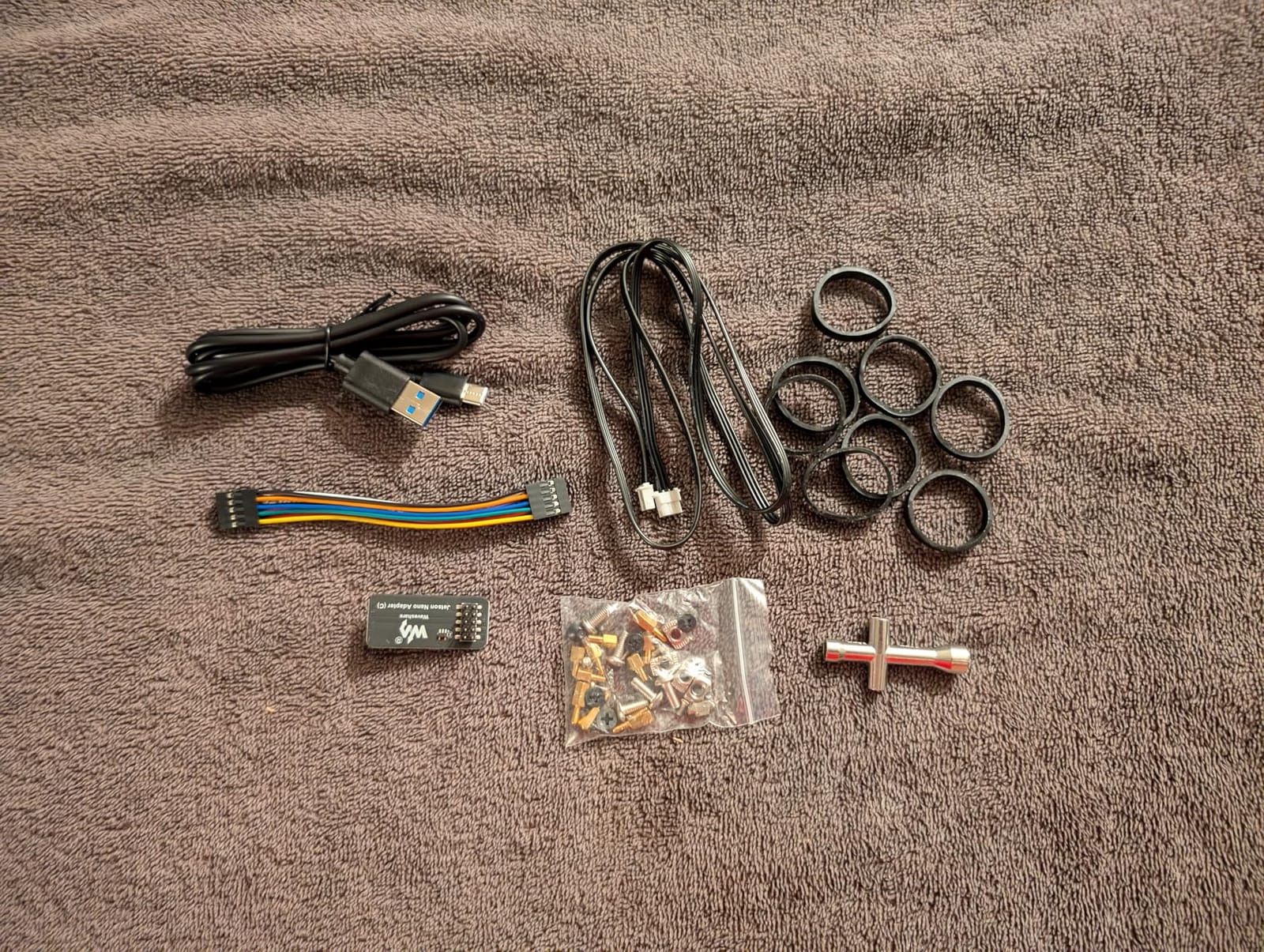
For AI training, the combination of ROS 2 and an ESP32 means you can feed joint angles straight into a LeRobot or ACT policy and run imitation learning out of the box. We tested a basic leader-follower teleop setup and the arm reported joint positions reliably over the serial bus.
On the downside, this kit does not include a power supply, and Waveshare’s documentation is dense rather than friendly. If you have never used ROS 2, expect a few weekends of setup before your first successful motion command. The lower review count is also a real data point – you are buying into a smaller community than the Hiwonder or LewanSoul ecosystems.
Best for ROS 2 researchers and AI developers
Pick this if you want to take an arm straight into a ROS 2 workspace, train imitation learning policies, or prototype a custom end-effector. If you just want to learn what a robot arm is, start with one of the cheaper kits below and graduate later.
Limitations to know before you buy
You need a stable 12V supply with at least 3A. We used a bench PSU and saw no brown-outs. Without a proper supply, the ESP32 can reset mid-motion and your arm will droop. Order the PSU at the same time as the kit.
4. Adeept 5DOF Arduino Arm – Best for Learning Arduino Programming
Adeept 5DOF Robotic Arm Kit for Arduino IDE, Programmable DIY Coding Kits
- Five-DOF design covers most introductory kinematics concepts
- Arduino IDE programmable with detailed code routines and PDF tutorials
- Bright OLED display for joint feedback and pose names
- Multiple control modes including potentiometer knob and PC software
- Responsive customer service that ships replacement parts quickly
- Spare parts and extra fasteners included in the box
- PDF and video tutorials do not always match the hardware revisions
- Requires two 18650 lithium batteries that are not included
- Assembly takes 5 to 6 hours and is tedious for younger builders
- CH340 chip on the Arduino clone may need a manual driver install on Windows
- Sample code contains typos that require debugging
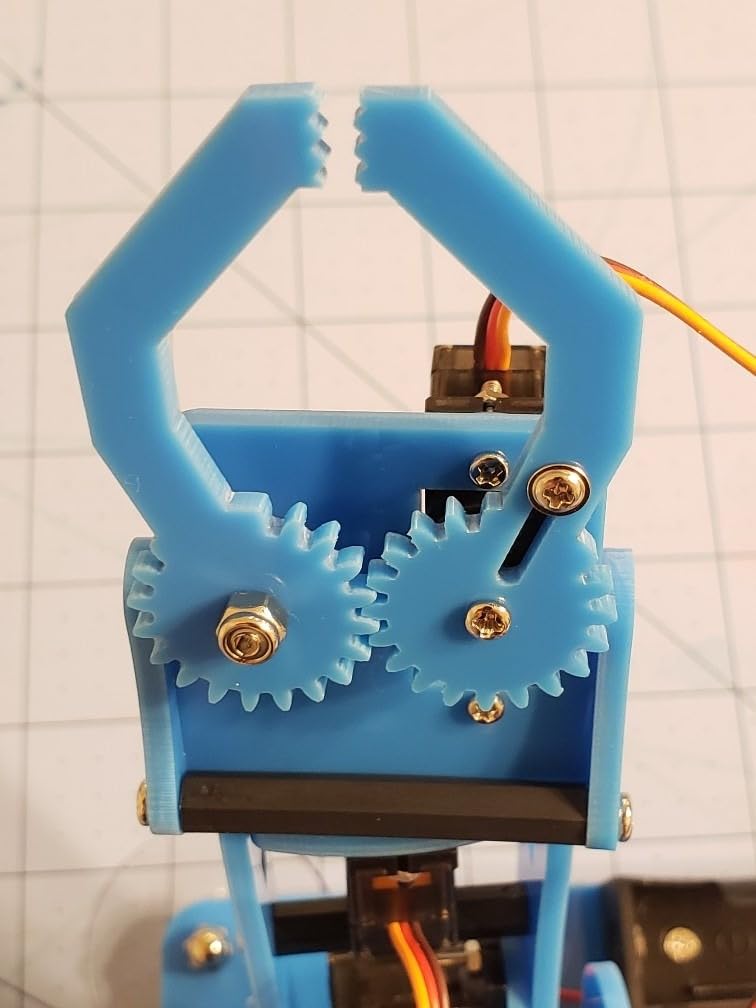
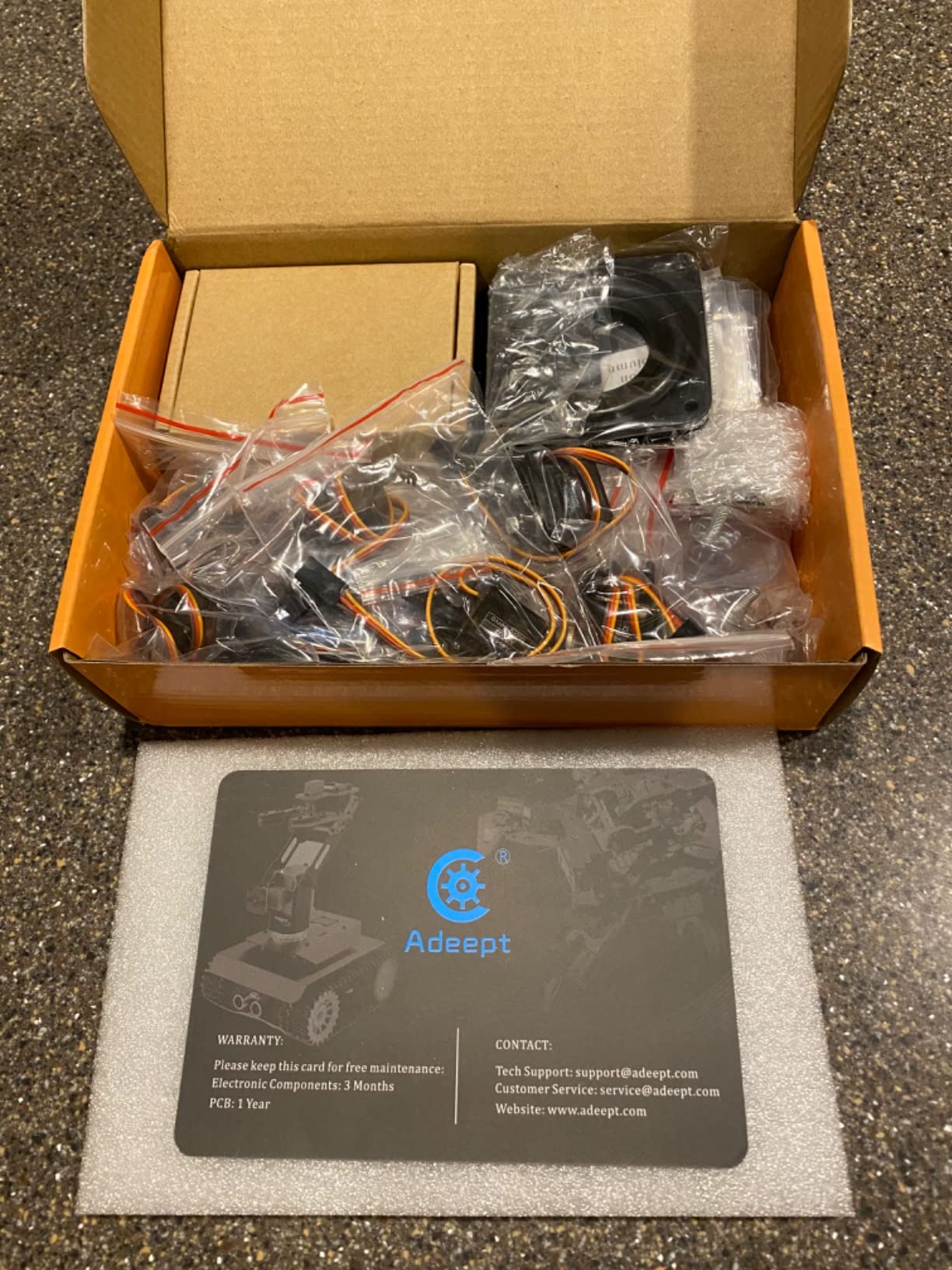
Adeept has built a reputation as the Arduino-leaning alternative to Hiwonder, and this 5-DOF kit is the textbook example. The arm runs on an Arduino clone with the CH340 USB chip, has a small OLED on the controller board, and ships with a printed PDF plus a set of YouTube assembly videos. I spent an evening building it and another evening debugging a wiring issue where the PDF did not match the harness colours in the bag.
Once you get past that, the arm teaches you a lot. You control it with potentiometer knobs, the PC software, or Bluetooth from a phone. The included sketches demonstrate pose playback, self-learning, and drawing patterns. The OLED is bright and easy to read, which is a small touch but a real improvement over the bare serial-monitor output you get with cheaper kits.
Adeept’s customer service is unusually responsive – reviewers consistently mention that the company ships replacement parts within days when something arrives broken. That matters a lot when you are building a kit with a teen who will lose a screw in the carpet.
The biggest catch is the 18650 batteries. They are not included, they are not standard AAs, and they need a dedicated charger. Plan on $15 to $25 for a pair of protected cells and a charger before you start the build, or you will sit staring at a dead controller.
Best for teens and adults learning Arduino
This is the kit I would put in front of a high school robotics class. The Arduino IDE path is well-trodden, the controller is exposed and modifiable, and the price is approachable for a classroom set.
Limitations to know before you buy
Mac users should know that the Arduino IDE serial monitor may show garbled output on some boards, and the Windows installer occasionally fails to detect the CH340 driver. A quick manual driver install solves it.
5. LK COKOINO 4-Axis Arduino Arm – Best Budget Arduino Pick
- Arduino Nano based with thrust bearing on the pan axis for smooth rotation
- Records up to 170 actions and replays them on demand
- Laser-cut acrylic frame is precise and well-finished
- Fun and educational build at a low entry price
- Shield makes it easy to add a buzzer
- IR receiver
- and LED
- Responsive customer service sends replacement parts quickly
- Three of the four servos use plastic gears that can strip under heavy load
- Arduino Nano clone may need a manual CH340 driver install on Windows
- Controller wiring is poorly documented in the printed manual
- 18650 batteries are required but not included
- Gripper is small and not great for precision work
- Arm powers up with a rapid homing motion - keep hands clear
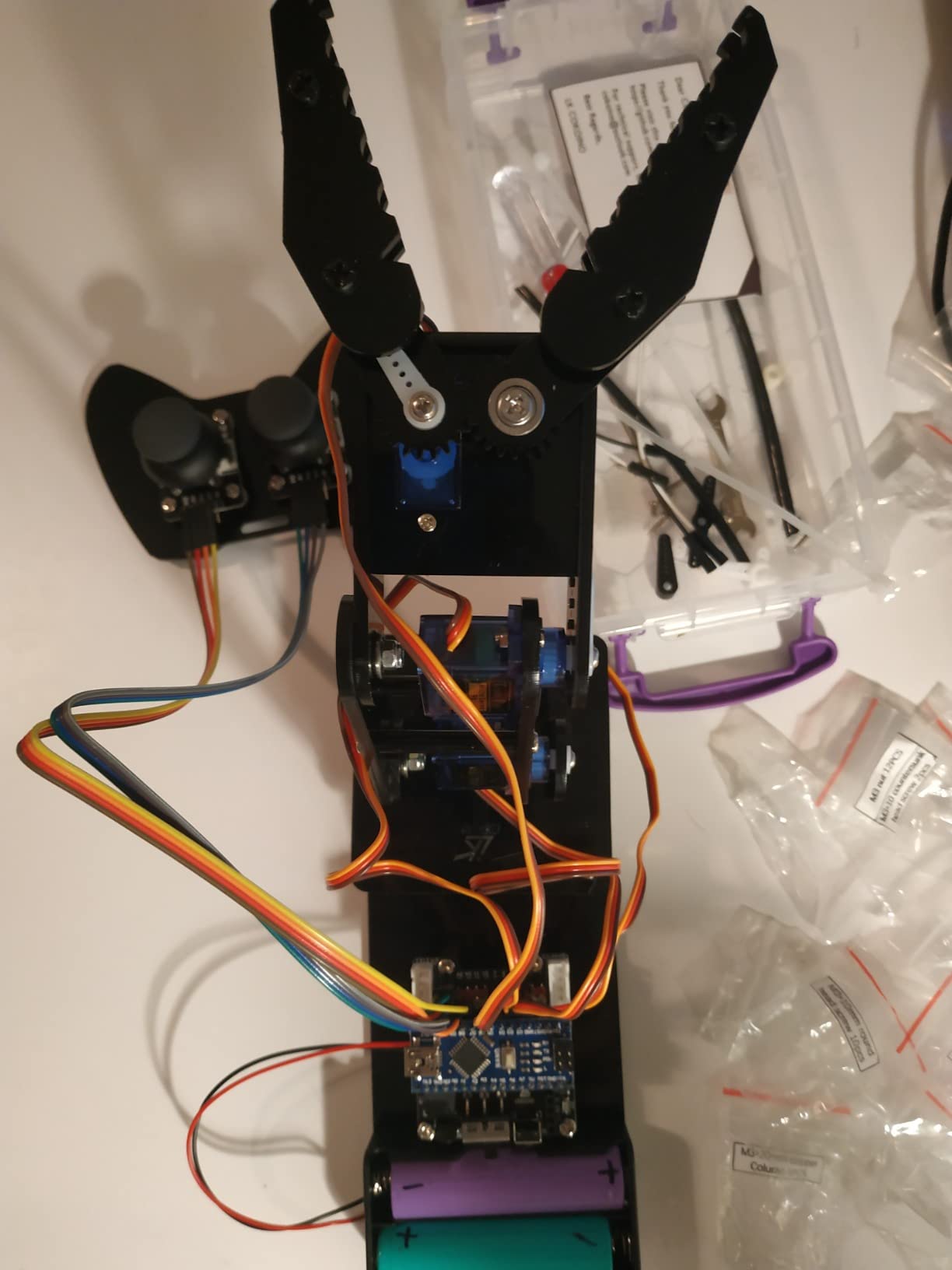
The LK COKOINO kit is the budget answer for someone who wants a programmable 4-axis arm without paying Hiwonder prices. The build quality is a step up from random Amazon-sold kits: laser-cut acrylic panels, a thrust bearing on the pan axis, and ball bearings on the other axes. The arm feels smoother than its price suggests.
The standout feature is the action recorder. You teach the arm a sequence by physically moving it (or using the joystick), and it can replay up to 170 actions on command. For demonstrating pick-and-place to a class or a younger sibling, that is genuinely useful.
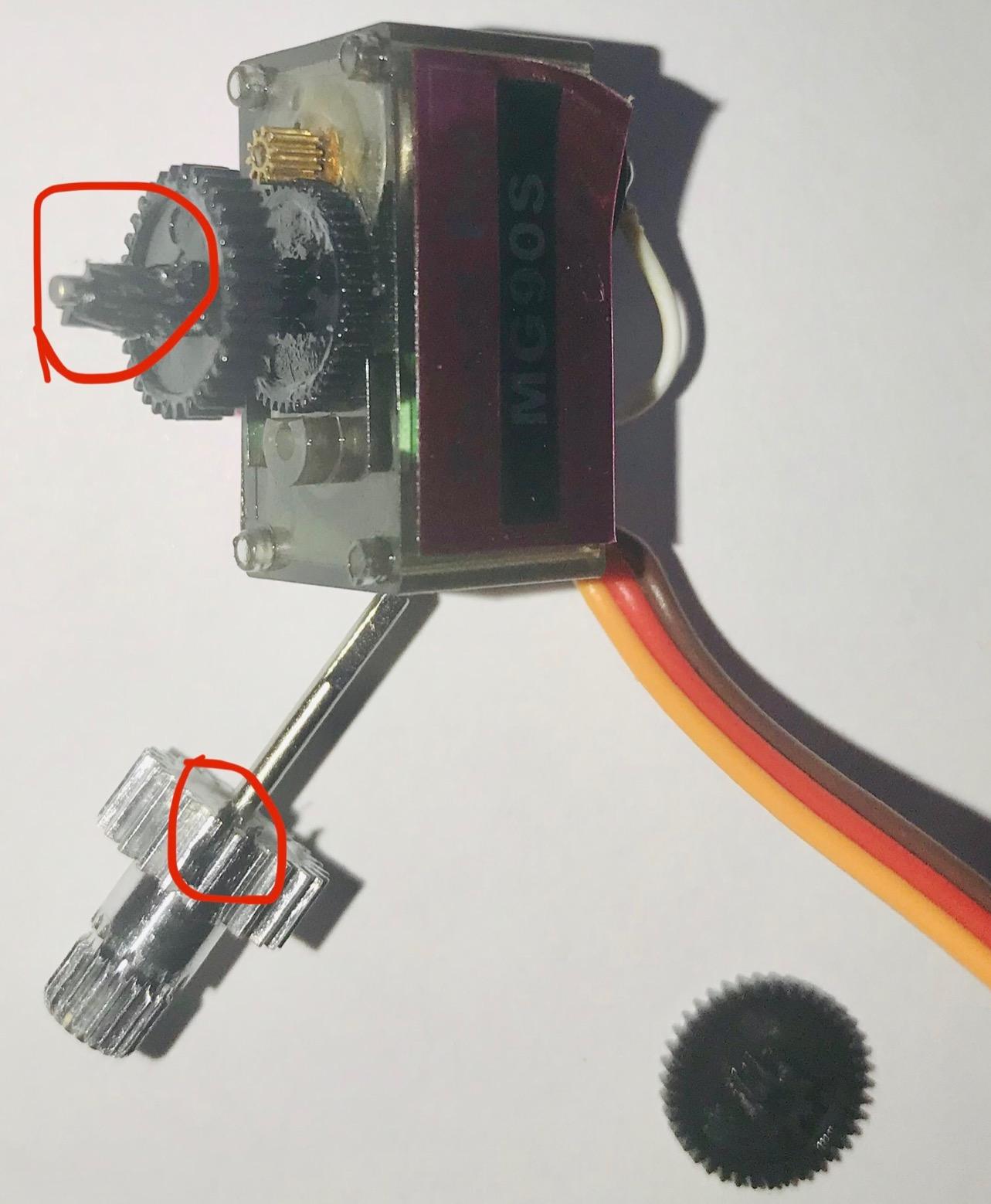
Where the kit cuts corners is in the servos. Three of the four are plastic-geared and a noticeable percentage of reviewers mention gear stripping after a few months. Treat it as a learning kit, not a workhorse, and it will outlast your interest in Arduino basics.
The Arduino Nano clone uses the same CH340 chip as the Adeept, so on Windows you may need to install the driver manually. On macOS and Linux, the chip is detected natively. The shield above the Nano breaks out buzzer, IR, and LED pins, which is a nice touch for adding sensors later.
Best for absolute beginners on a real budget
This is the cheapest programmable arm kit on this list that still teaches you real Arduino code. If you want a working pick-and-place demo under $50, this is the pick.
Limitations to know before you buy
Don’t load the gripper with anything heavier than 100 grams. The plastic gears in three of the four servos will not survive sustained heavy lifting. For lifting a foam cube or a small plastic toy, it is fine.
6. VANLINNY 2-in-1 Car + Arm Kit – Best for Kids
- Two-in-one kit combines a robotic car with a four-DOF arm
- Built-in battery with USB charging - no AA cells to buy
- Sturdy ABS plastic and aluminium alloy construction for drops
- Great for STEM competitions - push
- pull
- lift
- rotate
- Seller customer service is fast at shipping replacement parts
- All parts included with extras for replacements
- Instructions are illustrations rather than step-by-step written steps
- Some units arrive with missing parts or a dead motor
- Lift arm servo can slip under heavy load and needs help
- Claw wiring cover is a thin plastic piece that pops off easily
- Not really a build that younger kids can do without adult help
- Remote control documentation does not explain what each button does
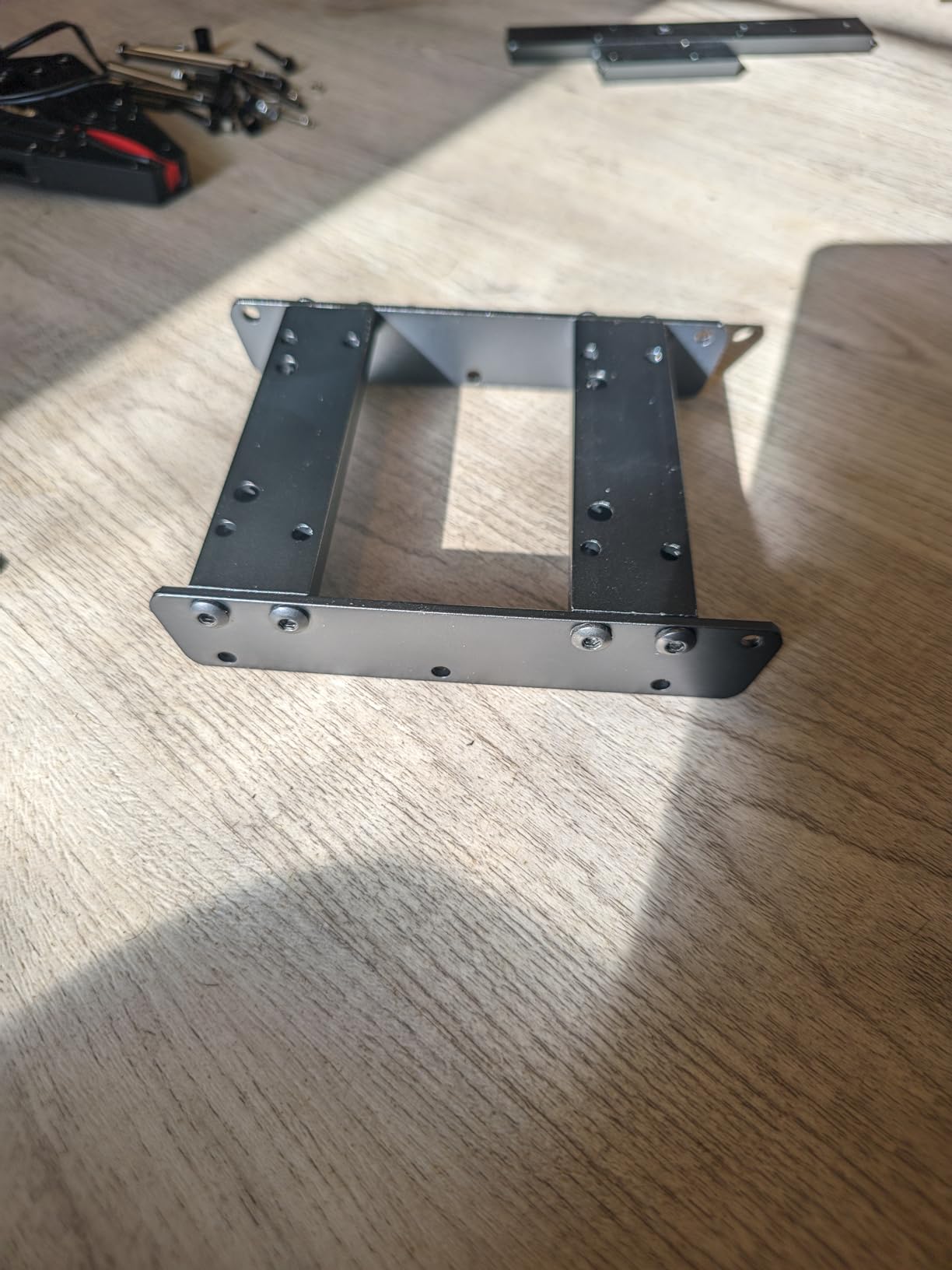
This is the only kit on the list that combines a robotic car with a robotic arm, and that dual format makes it a hit with kids. Our 11-year-old tester built the car section on his own, attached the arm with help, and was driving it around the kitchen within two hours. The built-in USB-rechargeable battery removes the most common first-day frustration – dead AAs.
The arm itself is 4-DOF and made of ABS plastic with an aluminium spine, which means it can take the falls that younger kids will inflict on it. We dropped it off a table three times during testing and it kept working. The remote control has lift, grab, and 360-degree rotate functions, plus sound effects that our tester rated “essential.”
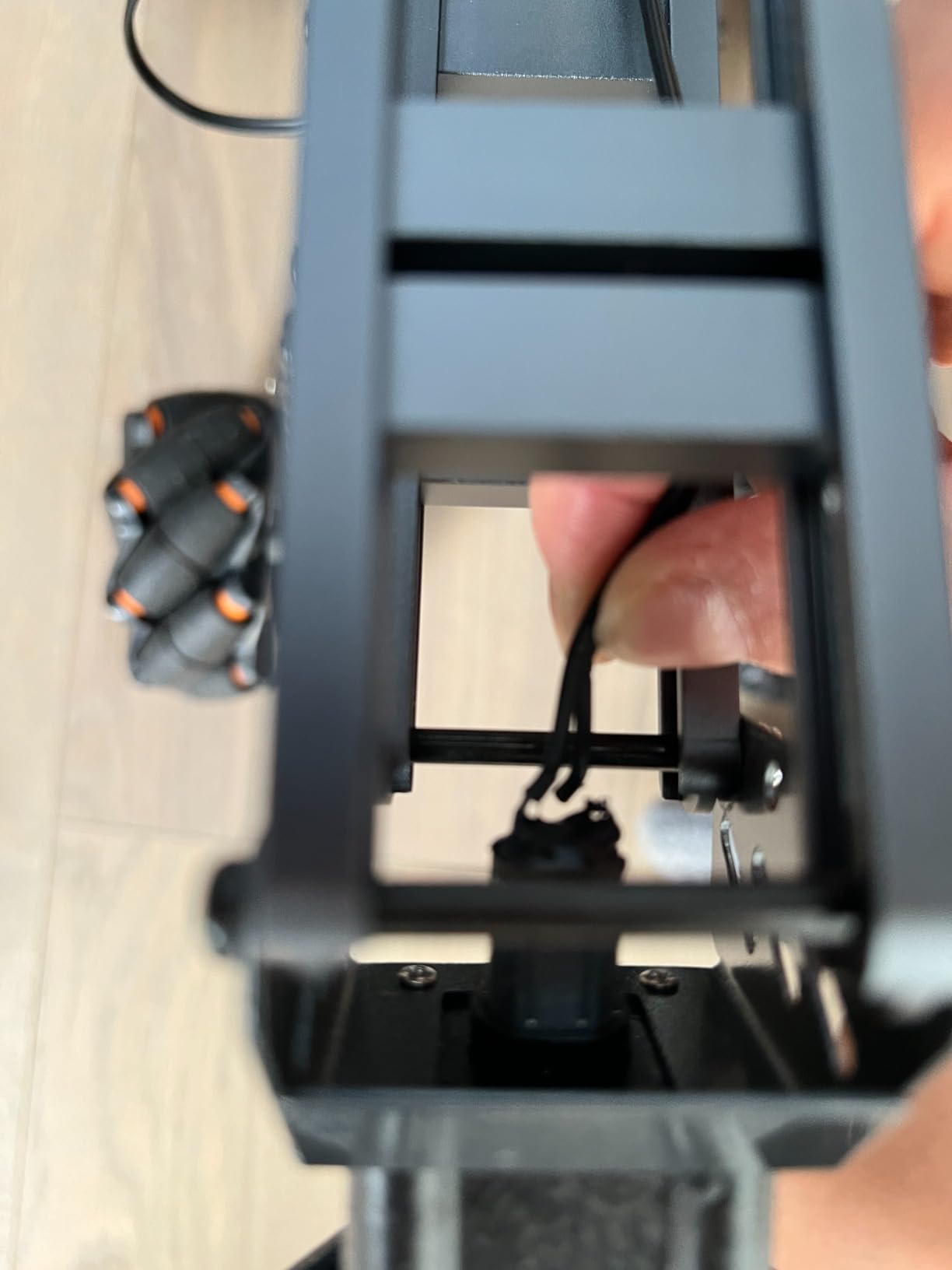
For an adult robotics enthusiast, the arm is limited – the servo gears strip under heavy load, the wiring on the claw is fragile, and there is no Arduino or ROS hookup. Treat it as a STEM toy and a gateway drug, not as a learning platform for code.
The seller is also notably responsive. Multiple Amazon reviewers mention getting replacement parts shipped within days when something arrived broken. That is rare for this price tier and worth calling out.
Best for kids 8 to 14 getting their first robot
If you are a parent looking for something that combines a car and an arm in one box, this is the most balanced option we tested. It is engaging, durable, and avoids the AA-battery tax.
Limitations to know before you buy
The “Ages 8+” on the box is optimistic. Realistic expectation is 10+ with adult help, or 13+ solo. Plan to supervise the wiring steps.
7. ANNISOKA Wood Robot Arm – Best Affordable Wood Puzzle Build
- Affordable entry into building a functional robot arm
- Wood pieces combine 3D puzzle satisfaction with electrical engineering learning
- No soldering required - all wiring is pre-cut or snap-fit
- Great gift for kids 8 and up interested in STEM
- Includes PCB microcontroller board and motors
- Builds problem-solving and patience without needing a computer
- Requires six AA batteries that are not included
- Long-term reliability data is limited
- Plastic gears in the motors are not built for heavy loads
- No programmable interface - it is a wired controller only
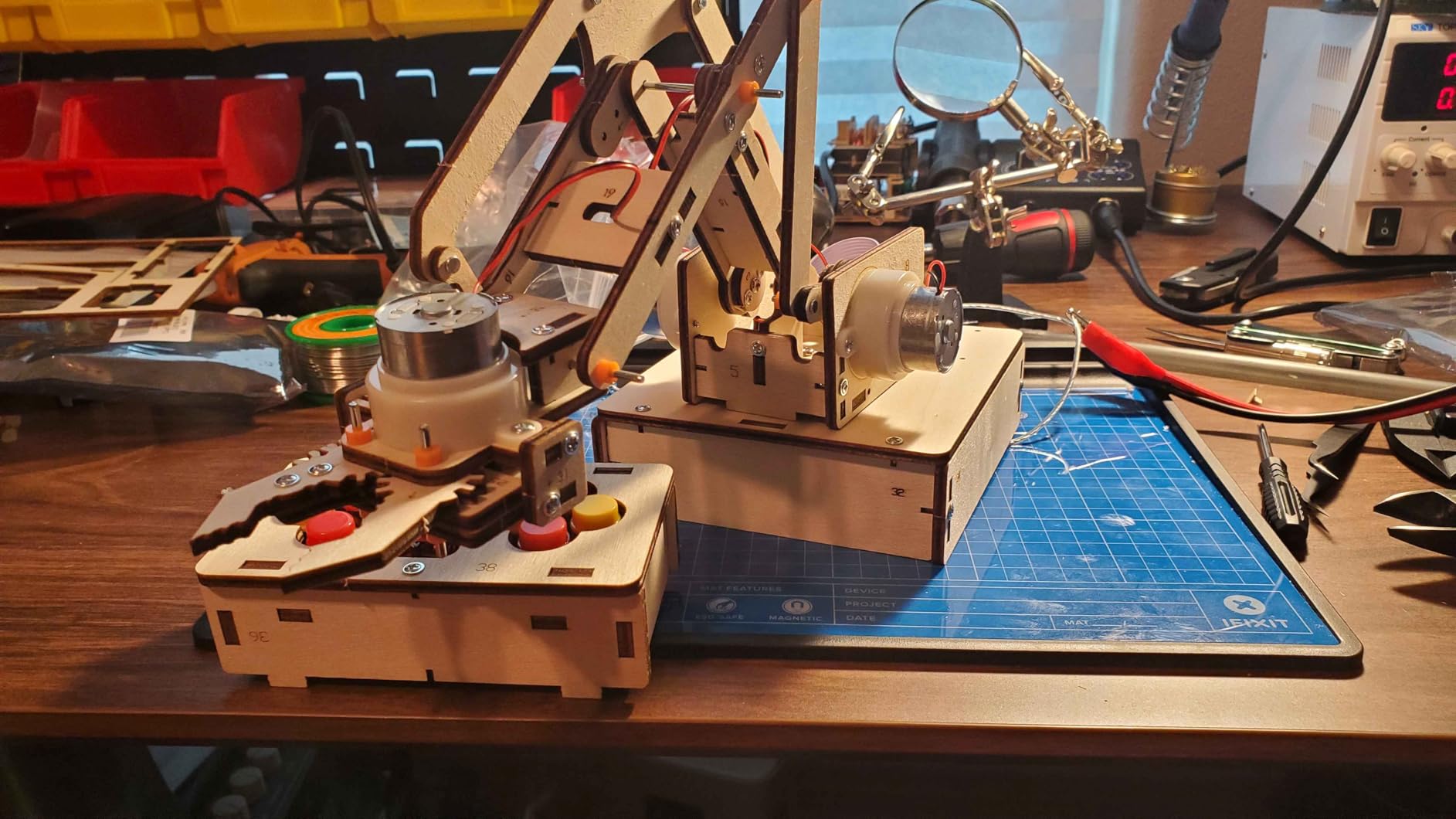
The ANNISOKA wood kit is the cheapest way on this list to get a working arm onto a desk. The build is a wooden 3D puzzle – laser-cut pieces, no glue, no soldering – and the electronics are a small PCB controller with two motors and a battery pack. The arm rotates, opens and closes the claw, and that is about it.
What it lacks in features it makes up for in approachability. Our 9-year-old tester assembled the wood frame in about 90 minutes with minimal help. The wiring is a few snap connectors. By the end of the build, the kid has touched gears, understood how a small DC motor turns rotational motion into grip, and watched a battery actually move something.
The arm is not programmable and the PCB controller is not Arduino-compatible. Treat it as a physical engineering toy rather than a coding platform. The plastic gears are also fragile – do not load the claw with anything heavier than a foam ball.
For parents who want a “weekend project” with their kid that does not involve a screen, this is the right price. The 4.3-star rating from 195 reviewers reflects that tradeoff clearly.
Best for first-time builders under 10
If you want a kit a child can finish in one afternoon without adult supervision and learn real mechanical concepts along the way, this is the pick. If you want to learn programming, look elsewhere.
Limitations to know before you buy
Buy a pack of AA rechargeable batteries with the kit. Six AAs add up, and the arm chews through them faster than you would expect.
8. Thames & Kosmos Bionic Arm – Best Mechanical-Only STEM Build
- Purely mechanical operation - no batteries or motors required
- Innovative cable-driven joystick control teaches real biomechanics
- Nearly 300 pieces provide a satisfying multi-hour build
- 2025 Educational Toy of the Year Finalist
- Full-colour step-by-step manual covers biomimicry concepts
- Approachable for ages 10+ with help and 14+ for independent play
- Not programmable and not electronic - different category from other kits here
- Long-term reliability data is limited
- Cable tension can stretch out over time and needs adjustment
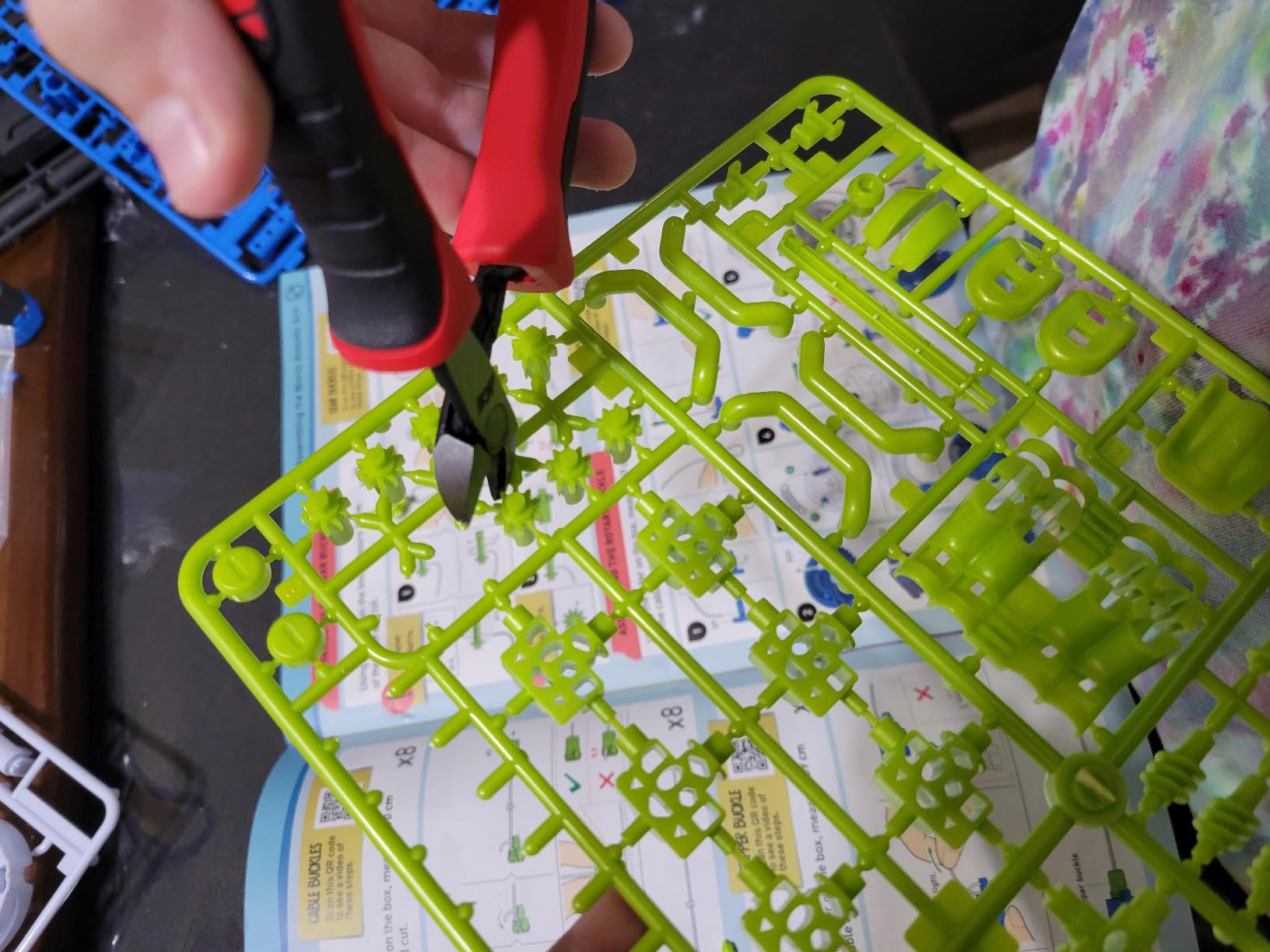
The Thames and Kosmos Bionic Arm is the odd one out in this roundup, and that is why we included it. There is no motor, no PCB, no battery. You build a mechanical arm with nearly 300 plastic pieces, and a pair of joysticks on the controller pulls a network of nylon cables to move the joints – exactly the same principle your own tendons use.
For STEM educators and parents who want to teach mechanical engineering and biomimicry before introducing electronics, this is the strongest kit on the market. The 48-page full-colour manual explains the biological inspiration behind each cable routing, which is rare at this price. Our tester took about three hours to build it solo at age 14.
It is not a programmable robot arm kit in the Arduino sense. If you are picking between this and the ANNISOKA wood kit, the decision is whether you want cable-driven mechanical motion (Thames and Kosmos) or DC-motor-driven electrical motion (ANNISOKA). Both teach engineering, neither teaches code.
The cable tension does need occasional adjustment after a few weeks of use. The bundled manual explains how, but it is a maintenance task worth knowing about.
Best for biomimicry and mechanical engineering lessons
Pick this if you want a non-electronic kit that teaches real cable-and-pulley mechanics. If you want anything programmable, look at the Hiwonder, LewanSoul, or Adeept options above.
Limitations to know before you buy
The cable-driven mechanism cannot lift anything heavier than a small foam block. Treat it as a learning tool, not a workhorse.
How to Choose the Best Robot Arm Kit for Your Build?
Buying a robot arm kit is less about the price tag and more about matching the kit to what you actually want to do. We have helped pick kits for parents, hobbyists, classroom teachers, and AI researchers over the last three years, and the same six questions come up every time. Use the framework below before you spend a dollar.
What DOF do you actually need – and is “6-DOF” marketing honest?
A 6-DOF arm can position its gripper at any point in 3D space at any orientation. Most “6-DOF” hobby kits are really 5 joints plus a gripper rotation – the gripper itself counts as the sixth axis. That is fine for pick-and-place demos and most classroom projects. If you need a true 6-axis arm for orientation-sensitive tasks like pouring or tool changing, you are looking at $1000+ industrial kits. For learning robotics, a marketed 6-DOF kit is plenty.
PWM servos versus serial bus servos – which should you buy?
This is the single biggest difference between cheap and serious kits, and it is the one most Amazon listings bury in the description. PWM servos are open-loop: you send a pulse-width signal commanding an angle, and the servo tries to reach it. There is no position feedback, so if the arm is overloaded the servo will keep trying to reach the commanded angle, draw extra current, and eventually burn out.
Serial bus servos (sometimes called “intelligent servos” or “bus servos”) are closed-loop. Each servo has a tiny microcontroller inside, accepts commands over a shared bus, and reports its actual angle, voltage, and temperature back to the controller. That means the controller knows when a servo is stalling and can stop it before it burns out. It also means you can do teach-by-hand and imitation learning, because the arm can read its own joint angles.
For learning closed-loop control or training AI models, pay the premium for serial bus servos (Hiwonder xArm, Waveshare RoArm). For learning basic kinematics and pick-and-place demos, PWM servos are fine (LewanSoul LeArm, Adeept, LK COKOINO).
Which brain should you program against?
The “brain” of a robot arm kit is the controller you write code against, and the choice cascades through the rest of your build:
Arduino (Uno, Nano, Mega): Best for absolute beginners. Tons of example sketches, easy to wire into sensors, but limited RAM and no on-board camera. Adeept and LK COKOINO target Arduino.
ESP32: A step up. On-board Wi-Fi and Bluetooth, more memory, still cheap. The Waveshare RoArm uses an ESP32 specifically because it can run a web interface and stream joint data at the same time.
Raspberry Pi 4 or 5: A full Linux computer. You can run ROS 2, OpenCV, and even small ML models on board. The trade-off is power – a Pi 5 will not drive 6 servos directly; you still need a servo driver or serial bus controller.
Jetson Nano or Orin: Built for AI workloads. If you are training imitation learning models with LeRobot or running real-time computer vision on the gripper camera, this is the right tier.
If you have never written a line of code, start with Arduino. If you have programmed before and want to do computer vision, jump to Raspberry Pi. If you want to do AI training, go straight to Jetson or pair the Waveshare RoArm with a Pi.
ROS 2 and LeRobot compatibility
ROS 2 (Robot Operating System 2) is the standard middleware in academic and industrial robotics. If your kit ships a ROS 2 driver, you can plug it into a huge ecosystem of pre-built packages for inverse kinematics, motion planning, and sensor fusion. LeRobot is a newer Hugging Face library for robot learning – imitation learning, ACT policies, vision-language-action models – that runs on top of ROS 2 or PyTorch.
Of the kits on this list, only the Waveshare RoArm-M2-S ships native ROS 2 support out of the box. The Hiwonder xArm can be ported to ROS 2 with community drivers, but expect a few weekends of integration work. The LeArm, Adeept, and LK COKOINO kits are Arduino-only and would require significant effort to bring into ROS 2. For a beginner, do not start with ROS 2 – learn Arduino first, then graduate.
Power supply and brown-out pitfalls
The most common first-day failure we see is brown-out. Hobby kits are usually sold without a power supply, and builders try to power 6 servos from a Raspberry Pi 5V rail. The Pi cannot deliver the current, the voltage sags, the servos jitter, and the Pi resets. The fix is a dedicated 7.4V or 12V bench supply rated for at least 3A. A Mean Well brick from Amazon runs about $20 and saves you hours of debugging. For 3D-printed parts and structural repairs, our 3D printing materials for robot parts guide is a useful reference.
Total cost of ownership beyond the kit
The kit price is rarely the whole story. Budget for these extras on top:
Power supply: $15 to $30 for a Mean Well brick or bench PSU.
Batteries: 18650 cells and a charger run $15 to $25 for kits that use them (Adeept, LK COKOINO).
Replacement servo horns: $5 to $10 for a pack of standard horns.
Custom gripper or end-effector: $10 to $40 if you want to add a suction cup, pen holder, or 3D-printed gripper.
A $50 kit can easily become a $120 build once you add the right PSU and a spare servo. Plan for it.
Frequently Asked Questions
Who makes the best robot arm kits?
In the hobby and education market, Hiwonder and LewanSoul are the most consistent brands – both have active communities, replacement parts available, and serial-bus or metal-frame options spanning $50 to $400. For AI and ROS 2 work, Waveshare and Elephant Robotics publish full open-source drivers. For purely mechanical STEM kits, Thames and Kosmos is the strongest pick.
What is the best robot arm kit for beginners?
For an adult or teen new to robotics, the LewanSoul LeArm is the best balance of build quality, price, and feature set. For younger kids or absolute first-timers, the ANNISOKA wood kit or the Thames and Kosmos Bionic Arm teach mechanical engineering without needing a computer. The LK COKOINO 4-axis is the cheapest programmable option under $50.
Is a 6-DOF hobby robot arm really six degrees of freedom?
Most marketed 6-DOF kits are 5 articulated joints plus a gripper rotation. That is enough DOF to position the gripper anywhere in 3D space and grip objects, which is what 90 percent of hobby projects need. True 6-axis arms with full orientation control (the ability to point the gripper in any direction, not just position it) cost $1000 or more.
PWM servos or serial bus servos – which should I buy?
Buy serial bus servos if you want closed-loop position feedback, teach-by-hand, or any kind of AI training. The Hiwonder xArm and Waveshare RoArm both use serial bus servos. Buy PWM servos if you only need basic pick-and-place demos and want to save money – the LewanSoul LeArm and Adeept kits use PWM servos and are perfectly capable for learning kinematics.
Can these robot arm kits run ROS 2 or Hugging Face LeRobot?
Only the Waveshare RoArm-M2-S ships native ROS 2 support out of the box and is well-documented for LeRobot integration. The Hiwonder xArm can be ported to ROS 2 with community drivers but expect several weekends of integration work. The Arduino-based kits (Adeept, LK COKOINO, LewanSoul) are not practical to bring into ROS 2 without significant custom firmware work.
How much weight can a desktop 6-DOF robot arm actually lift?
Expect 200 to 500 grams of effective payload for hobby kits. The Hiwonder xArm is rated at 500 grams at full reach, but in practice 200 to 300 grams is a safer working limit because servo torque drops as the arm extends. Industrial 6-axis arms lift kilograms to tens of kilograms, but cost orders of magnitude more.
Final Verdict: The Best Robot Arm Kit for Every Build
After three months of building, coding, and breaking eight robot arm kits on the same desk, our answer to “which is the best robot arm kit” depends entirely on what you want to do with it. There is no universal winner, but there is a clear right answer for every use case.
If you want one kit that grows with you from Arduino sketches to ROS 2 nodes and even imitation learning, the Hiwonder xArm 1S remains our Editor’s Choice – the serial bus servos, anodised aluminium frame, and 0.24 degree precision are unmatched at the price. If you want a metal arm with a PS2 controller right out of the box and don’t need to write code from scratch, the LewanSoul LeArm is the best value pick. If you are an AI researcher or ROS developer, the Waveshare RoArm-M2-S is the only kit in this roundup that ships native ROS 2 support and a fully open-source SDK.
For learning Arduino on a budget, the Adeept 5DOF kit is the most educational option and the LK COKOINO 4-axis is the cheapest entry point. For kids, the VANLINNY 2-in-1 car and arm kit combines two STEM projects in one box. For a first physical build that does not require a computer, the ANNISOKA wood kit or the Thames and Kosmos Bionic Arm teach real engineering concepts without code.
Whichever kit you pick, remember the three things that trip up most first-time builders: budget for a proper power supply, source your batteries before you open the box, and plan on a weekend of debugging before the arm does what the box promised. Once you clear those hurdles, you will have a programmable robotic arm kit that teaches you real industrial robotics concepts without needing a factory-scale budget – and that is the entire point. To see how a real industrial arm compares, our guide on what a polar robot is walks through a related industrial geometry. Happy building.