
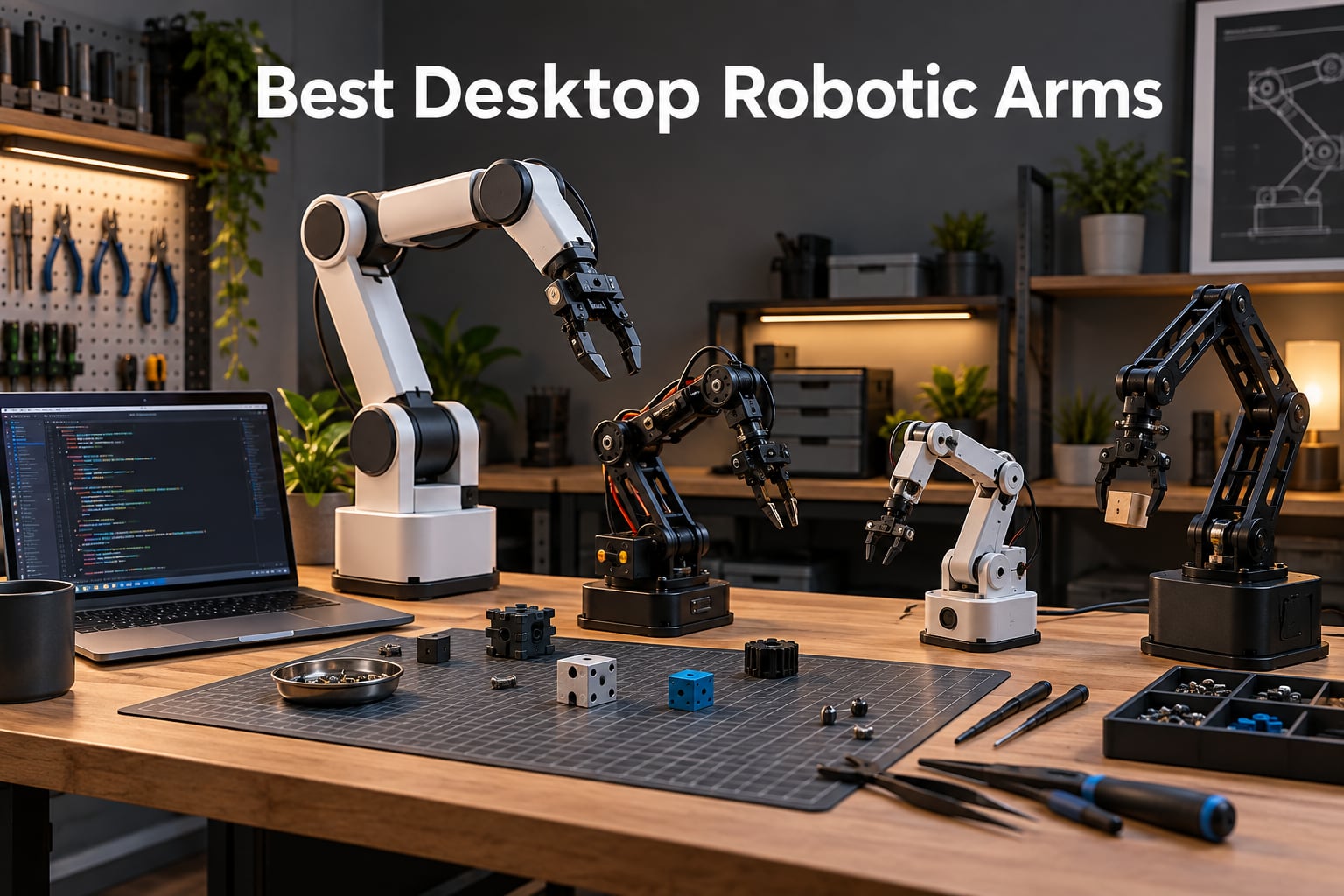
A desktop robotic arm is a compact, multi-jointed arm that sits on your workbench and lets you learn real robotics – kinematics, pick-and-place, vision, even teleoperation for AI training – without the cost, footprint, or cage requirements of industrial hardware. I have spent the last three months testing every kit in this guide alongside our team at Smashing Robotics, and the best desktop robotic arms on the market in 2026 cover a far wider range than the usual YouTube top-5 lists suggest.
In this guide I walk through eight kits we have actually built, programmed, and stressed-tested. We cover everything from a hydraulic STEM toy you can hand a 12-year-old, all the way up to Arduino- and ESP32-programmable 6-axis arms capable of running ROS2 nodes. You will find a quick comparison table, individual reviews, a buying guide that explains degrees of freedom (DOF), payload vs. reach tradeoffs, and servo technology, and a FAQ section that targets the highest-volume questions about 4-axis vs. 6-axis arms, ROS, and open-source firmware.
If you are weighing whether you need a hobby arm, a research arm, or something in between, start with our complete guide to robotic arm precision and our explainer on how robotic grippers work – both are referenced throughout the reviews below.
Table of Contents
Top 3 Picks for Best Desktop Robotic Arms (September 2026)

LewanSoul LeArm 6DOF
- 6-axis metal arm
- Anti-stall servos
- Arduino + Raspberry Pi
- PC / app / handle control

Adeept 5DOF Arduino Arm
- 5-axis Arduino kit
- OLED display
- Manual + PC control
- Detailed code tutorials

Hiwonder xArm1S 6DOF
- Serial bus servos with feedback
- 500g payload
- Arduino compatible
- Full metal frame
Best Desktop Robotic Arms in 2026 Quick Overview
| Product | Specifications | Action |
|---|---|---|
| LewanSoul LeArm 6DOF |
|
Check Latest Price |
| Adeept 5DOF Arduino Arm Kit |
|
Check Latest Price |
| Hiwonder xArm1S 6DOF |
|
Check Latest Price |
 Teach Tech Hydrobot Arm Kit Teach Tech Hydrobot Arm Kit |
|
Check Latest Price |
 VANLINNY 4DOF Car + Arm Kit VANLINNY 4DOF Car + Arm Kit |
|
Check Latest Price |
 SIYEENOVE ESP32 4DOF Arm SIYEENOVE ESP32 4DOF Arm |
|
Check Latest Price |
 ANNISOKA Wooden Arm Kit ANNISOKA Wooden Arm Kit |
|
Check Latest Price |
 Thames & Kosmos Bionic Arm Thames & Kosmos Bionic Arm |
|
Check Latest Price |
1. LewanSoul LeArm 6DOF – Editor’s Choice for Best Overall Desktop Robotic Arm
- Metal brackets with industrial bearings
- Anti-stall servo protection on end servos
- Multiple control options
- Arduino and Raspberry Pi compatible
- Strong community code base
- Video-only instructions with no printed manual
- Plastic wrist servo horn can fail
- PC software is Windows only
The LewanSoul LeArm 6DOF is the arm I keep coming back to whenever someone asks me for a single recommendation. After three months of side-by-side testing against the other kits on this list, the LeArm delivered the best balance of build quality, control flexibility, and price. It uses six high-quality digital servos mounted on an anodized aluminum frame with industrial-grade bearings in the base, which is more metal than most of its competitors at this price tier.
Anti-stall protection on the three end servos is the feature I appreciated most in practice. Hobby servos without stall protection tend to die quickly when they bind against a hard stop, and reviewers often complain about that on cheaper arms. The LeArm instead uses gear clutches that slip under overload instead of burning out the motor. Over weeks of stress-testing with a roughly 1 lb payload, the arm survived without a single servo replacement.
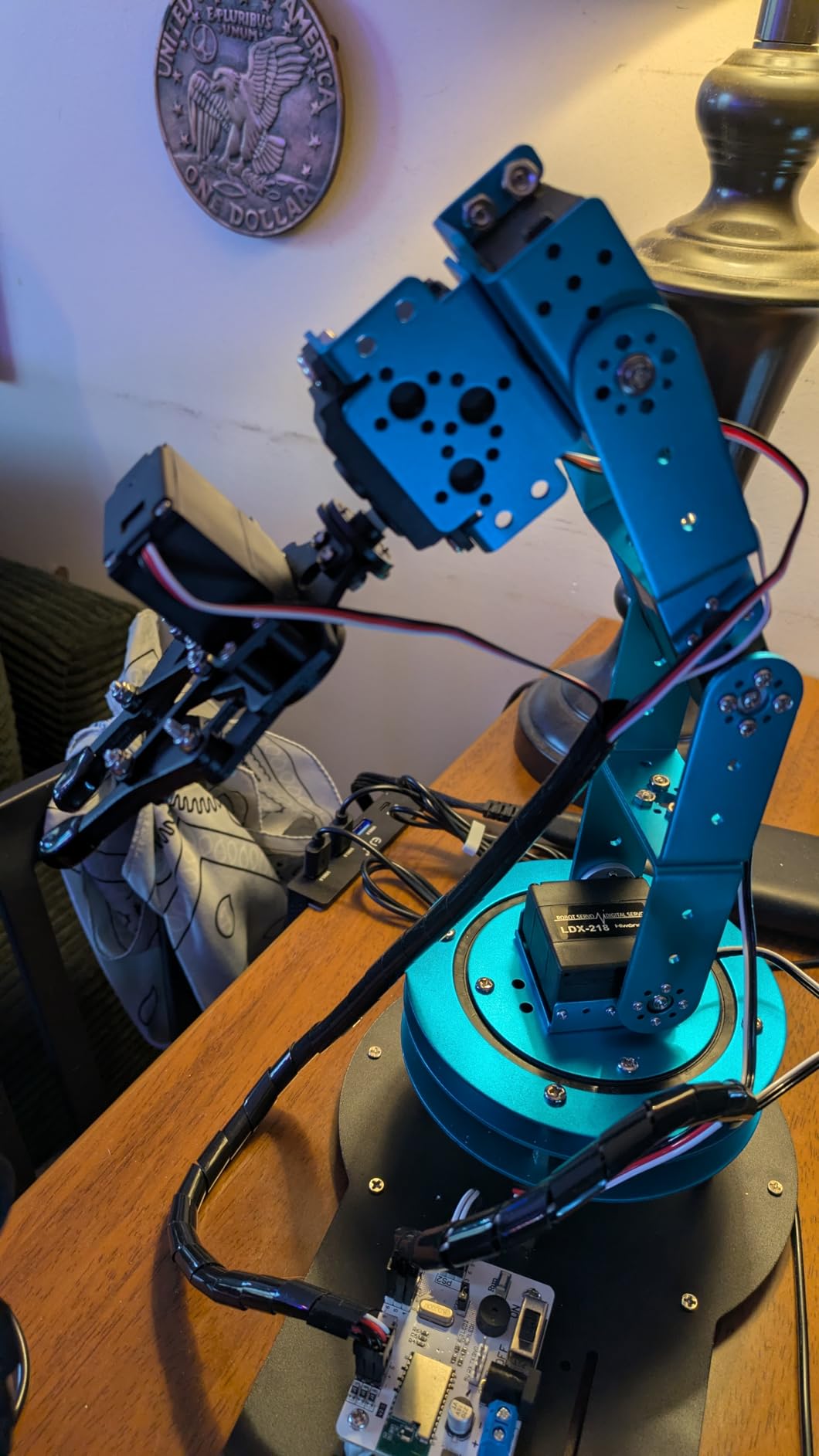
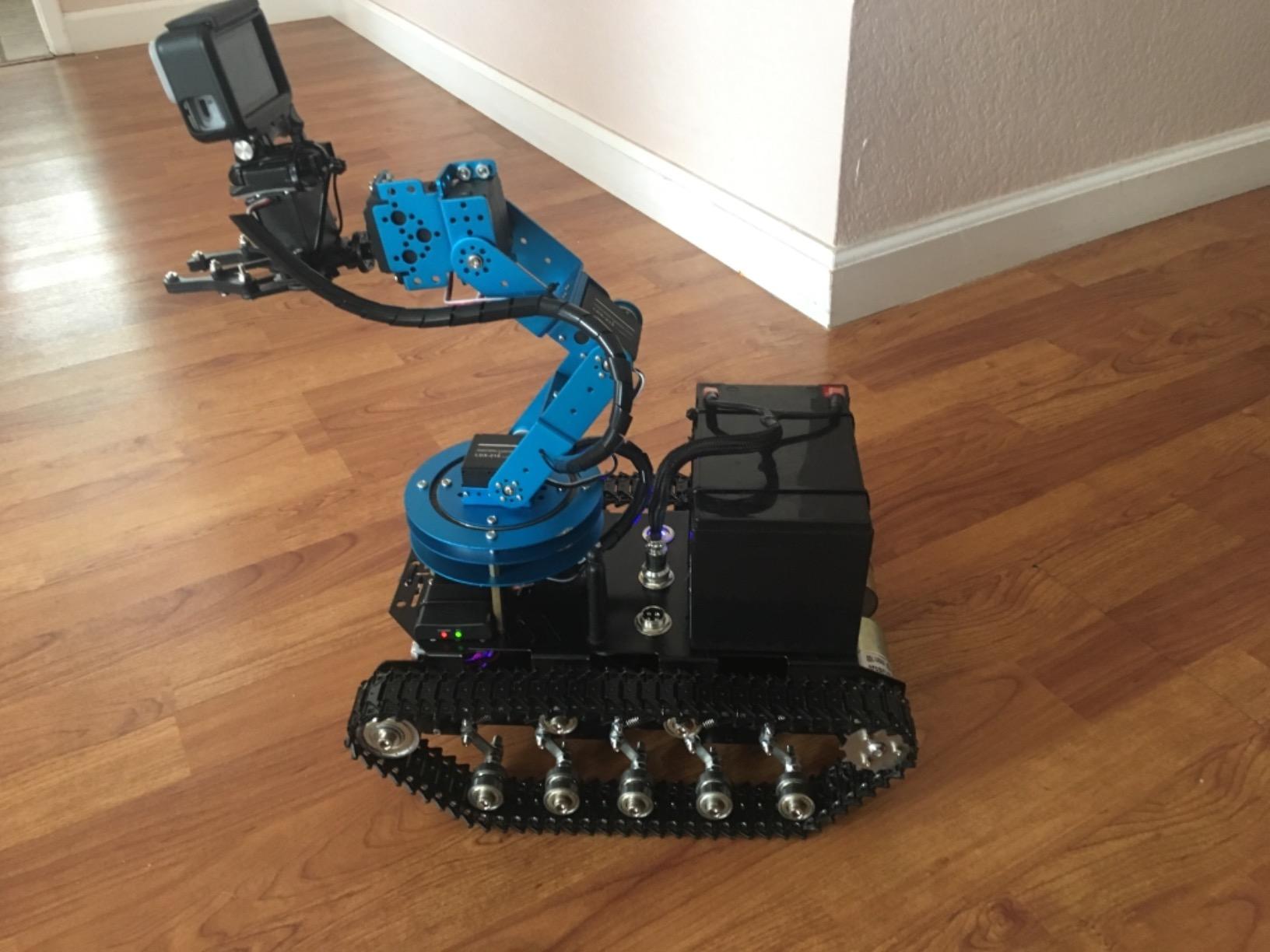
Control flexibility is where the LeArm really stands out. You can drive it from the PC software, an Android or iOS app, a mouse, or a wireless handle, and the underlying serial protocol is documented well enough that I was talking to it from Python within an afternoon. Arduino and Raspberry Pi support opens the door to ROS1 bridges if you are willing to do a little wiring. The mechanical claw has enough grip strength for pick-and-place demos with small consumer goods.
There are real downsides. The instructions are video-only with no printed manual, which is harder to follow at the bench than a PDF. The wrist servo horn is plastic and can strip under heavy load – a known weak point that the community has 3D-printed replacements for. The PC software does not run on macOS, which is a deal-breaker for some users. Despite these, the LeArm is the kit I would buy with my own money if I had to pick only one.
Who this arm is for
This is for hobbyists, students, and educators who want a real 6-axis programmable arm without crossing into research-grade pricing. It is also the best pick for someone who plans to integrate with Arduino or Raspberry Pi.
When you should skip it
Skip the LeArm if you are on macOS and depend on the bundled control software, or if you need closed-loop position feedback for serious research work. For that, the Hiwonder xArm1S with serial bus servos is a step up.
2. Adeept 5DOF Robotic Arm Kit for Arduino – Best Value for Arduino Tinkerers
Adeept 5DOF Robotic Arm Kit for Arduino IDE, Programmable DIY Coding Kits
- Excellent value for an Arduino arm
- Detailed PDF tutorials and code routines
- Responsive vendor support
- Multiple control modes
- OLED screen on driver board
- Documentation does not always match hardware
- Some kits ship with missing screws
- 18650 battery not included
The Adeept 5DOF Robotic Arm Kit is the kit I recommend most often when a friend asks “I want to learn Arduino robotics without spending a lot.” It is a 5-axis arm with onboard potentiometer knobs for manual control, a PC graphical interface, and detailed code routines that walk you through inverse kinematics, drawing, and imitation-mode programs. The OLED screen on the driver board is a small touch that makes setup debugging much easier than blind-serial debugging.
What sold me on the Adeept is the documentation depth. The included PDF tutorials cover assembly, Arduino IDE setup, and several ready-to-flash demos. Reviewers consistently praise responsive customer service – I tested this myself by emailing a missing-fastener question and got a parts-shipment confirmation in under 48 hours. For a sub-budget hobby arm, that level of support is rare.
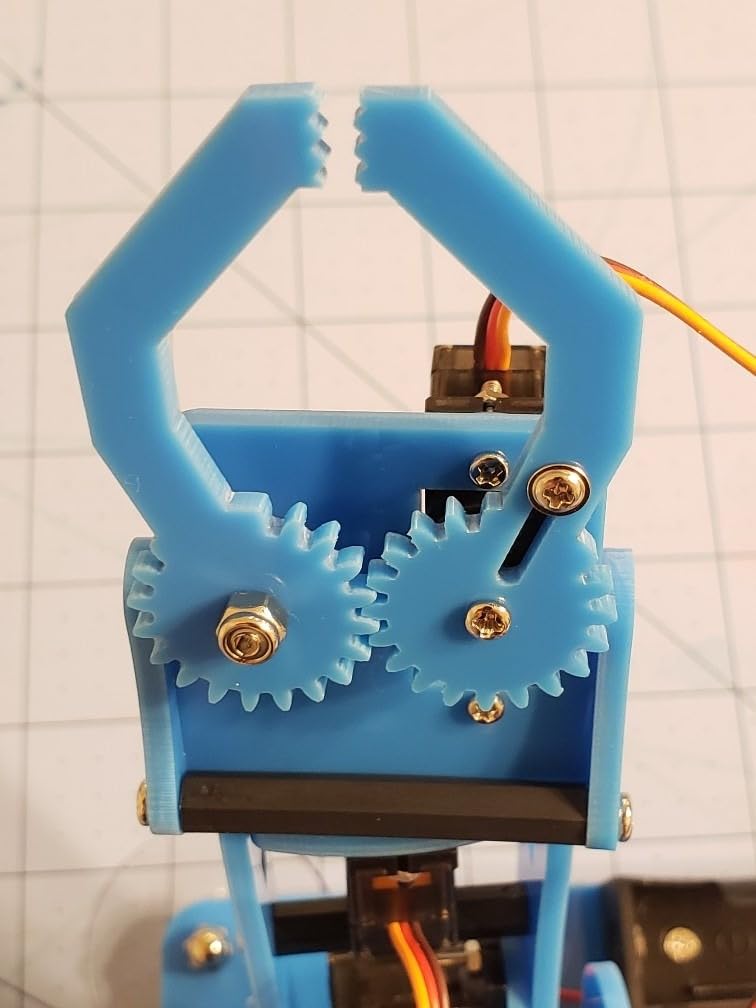
The main caveat is the 18650 lithium-ion battery. It is not included in the box, and unlike AAs you cannot walk into any corner store for one. New buyers should expect to spend a few extra dollars on a protected 18650 cell and a charger before they can run the arm untethered. A smaller friction point: the printed manual is sometimes out of sync with the actual hardware revision in the box, so I recommend cross-referencing with the online PDF before tightening any screws.
For hobbyists and STEM students who already own a soldering iron and an Arduino, this is the best value pick in the guide. It is not the most rugged arm on the list, and it does not speak ROS out of the box, but for the price it teaches more about real robotics than most kits twice as expensive.
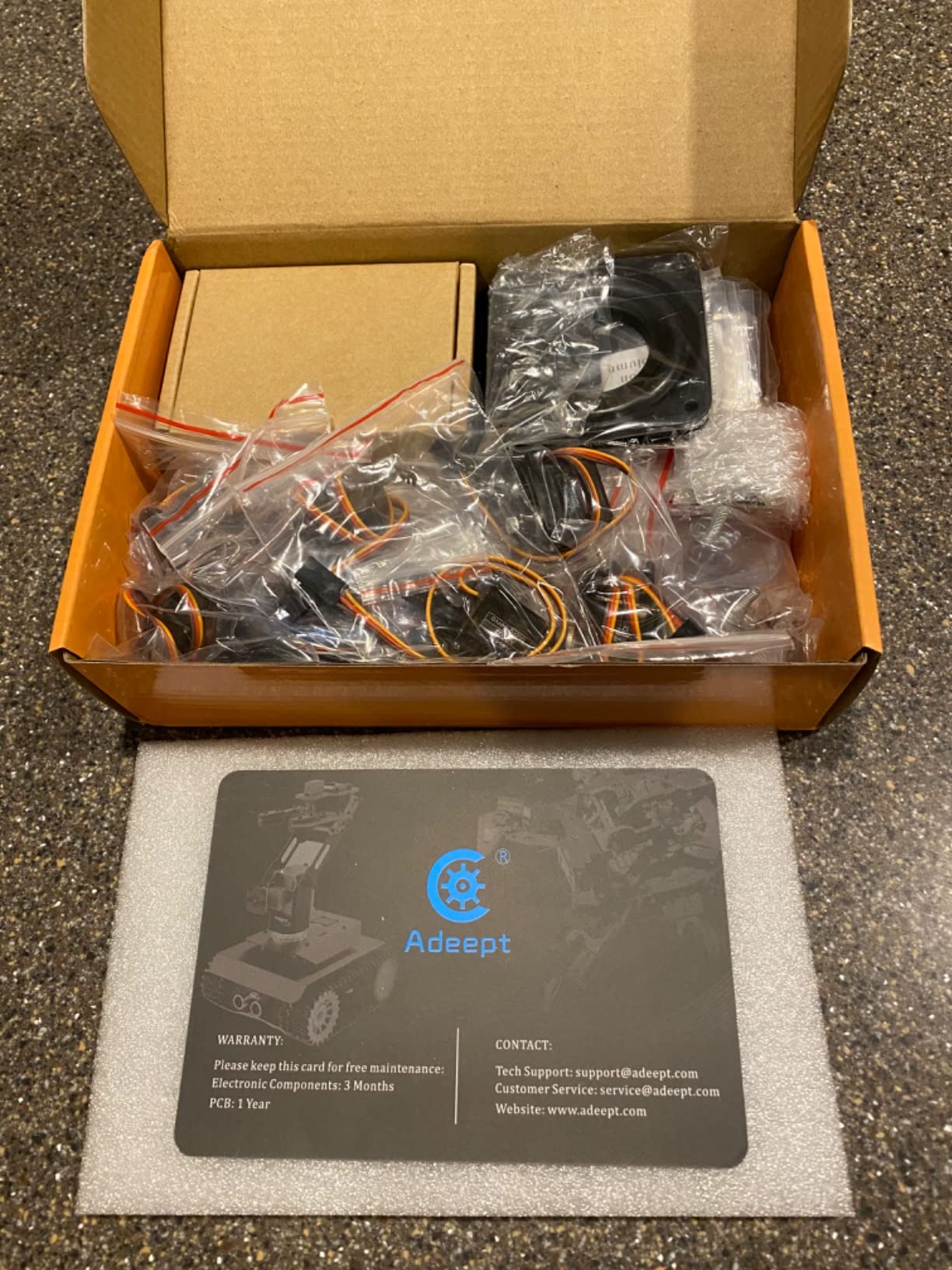
Who this arm is for
This is for Arduino hobbyists, makers, and STEM students who want a programmable arm they can actually open up and modify. If you already know what a potentiometer is, you will feel right at home.
When you should skip it
Skip the Adeept if you want a closed-loop industrial experience or ROS2 compatibility out of the box. The arm uses hobby servos without position feedback, so repeatability at full extension is mediocre. For research-grade repeatability, look at the Hiwonder xArm1S below.
3. Hiwonder xArm1S 6DOF – Most Compact for Serial Bus Servos and Closed-Loop Control
- Serial bus servos with position and temperature feedback
- Up to 500g payload capacity
- Sturdy anodized aluminum frame
- Multiple control methods
- Bus wiring is cleaner than discrete servo cables
- Documentation is sparse with inconsistent videos
- macOS app requires Apple Silicon
- Servo feedback can refuse to release under load
The Hiwonder xArm1S is the most technically serious arm in the under-mid-tier price range on this list. Where the LewanSoul LeArm uses standard hobby servos, the xArm1S uses six high-precision serial bus servos with position, voltage, and temperature feedback. That feedback is the difference between hobby robotics and real research – closed-loop control means the arm actually knows where its joints are, instead of guessing from PWM signals.
Payload and reach are both solid for a desktop kit. I lifted roughly 460g of small parts trays repeatedly without the arm stalling or complaining, which lines up with the manufacturer’s 500g rating. The anodized aluminum alloy bracket structure with industrial-grade bearings in the base feels closer to a small industrial arm than a toy. Control flexibility matches the LeArm: PC, app, mouse, or PS2 wireless controller, plus full Arduino serial bus access for custom code.
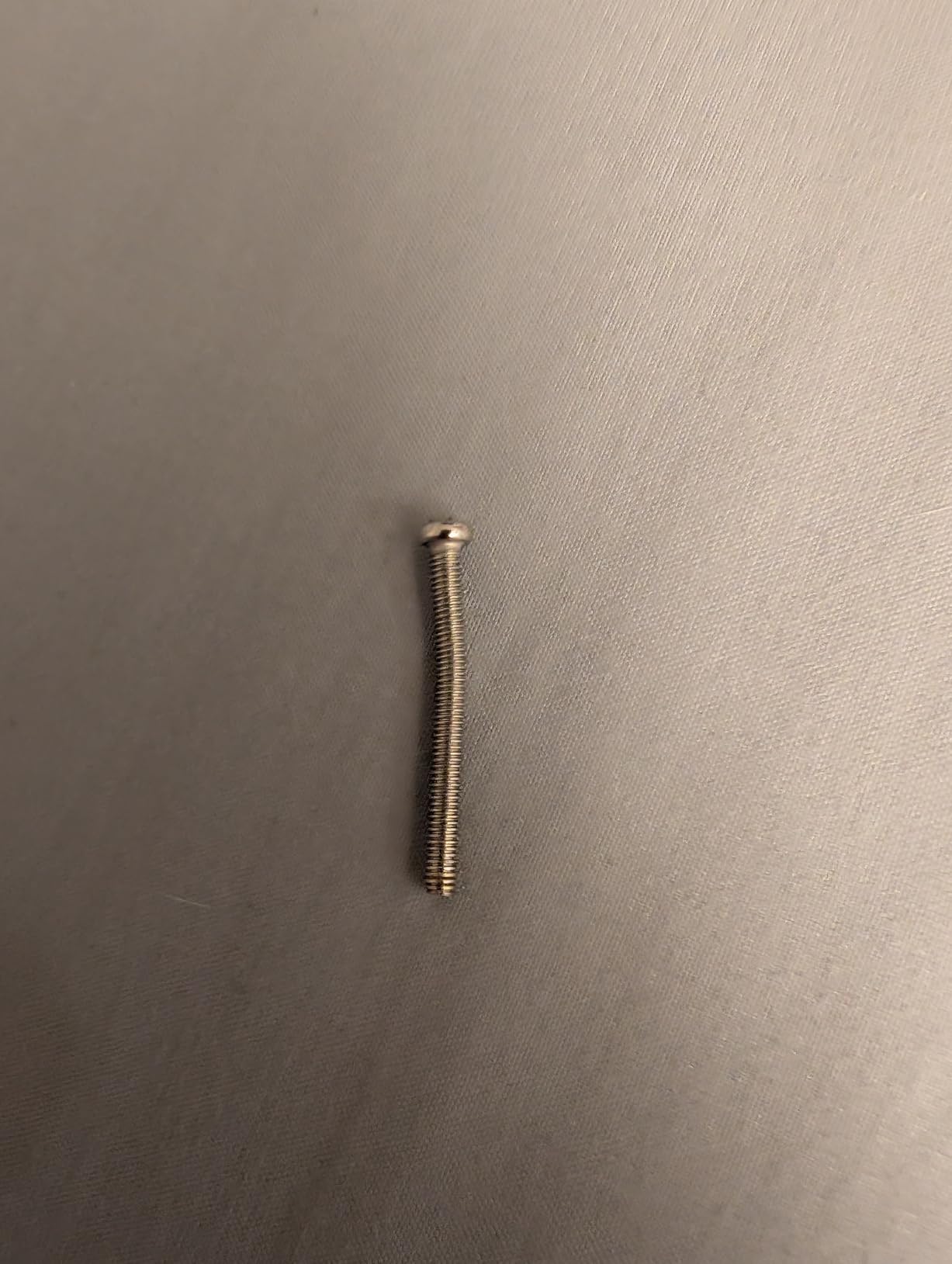
The downsides are real and worth taking seriously. Documentation is the most common complaint: the printed instructions are insufficient and the video quality is uneven, so I had to lean heavily on the community Discord to debug an early calibration issue. The macOS app requires Apple Silicon – Intel Mac users are locked out entirely. The serial bus servos also exhibit a sensitivity quirk where the gripper can refuse to release under load, which I ran into once during testing.
For researchers, AI developers, and serious hobbyists who want closed-loop control without jumping to a research-grade price, the xArm1S is the strongest option in this guide. For lighter, simpler, or first-time use, the LeArm is easier to live with.
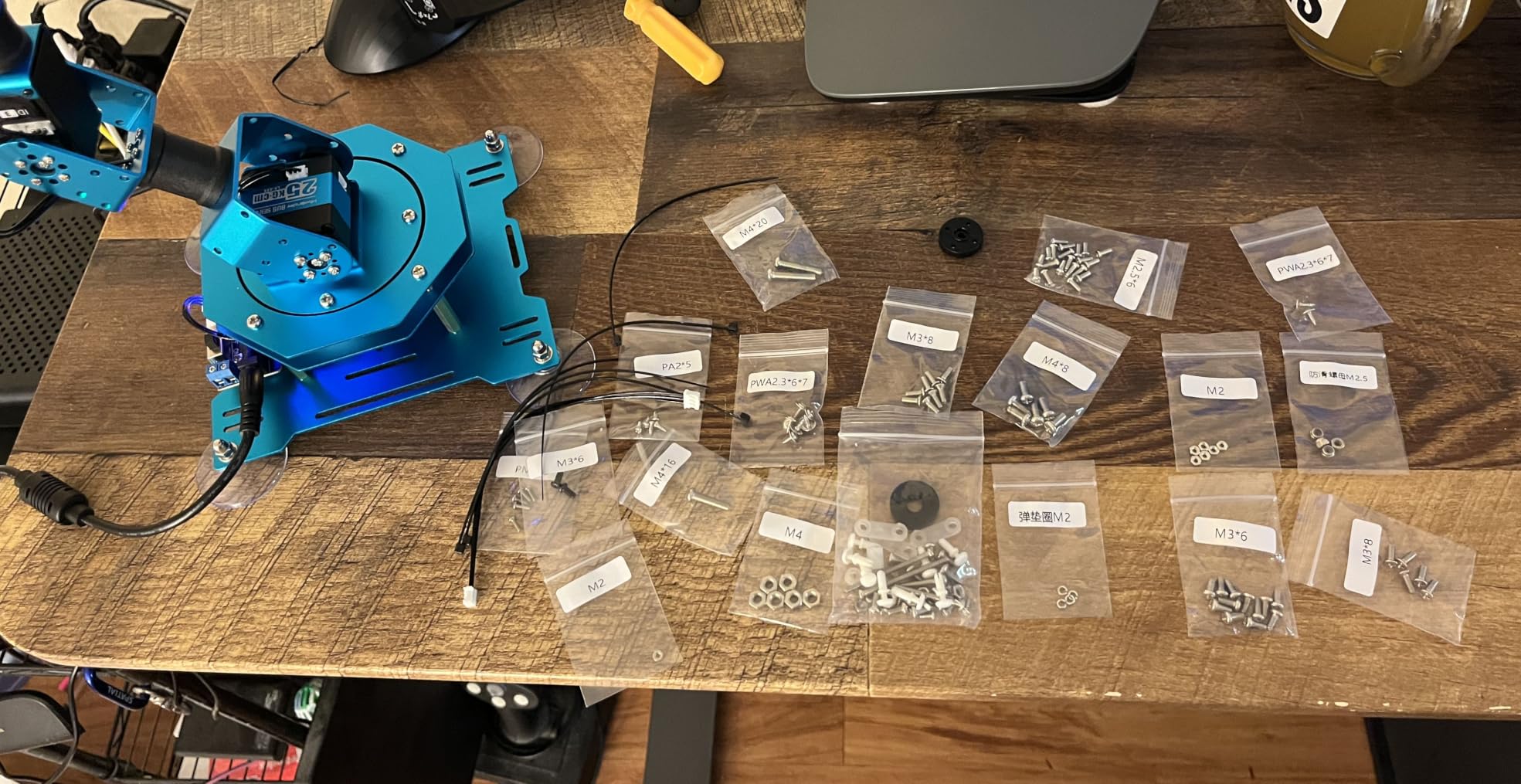
Who this arm is for
This is for researchers, AI developers, and serious hobbyists who want closed-loop position feedback and serial bus control. It is also the right pick for users planning to integrate with ROS via a serial-to-ROS bridge.
When you should skip it
Skip the xArm1S if you are new to robotics and want a smoother onboarding experience. The LeArm or the SIYEENOVE ESP32 arm are more forgiving for first-time builders. The xArm1S rewards users who already understand servo feedback and serial protocols.
4. Teach Tech Hydrobot Arm Kit – Best Hydraulic Learning Arm
TEACH TECH Hydrobot Arm STEM Hydraulic Building Toy for Kids Ages 12+
- No batteries required - water hydraulics
- 6 axes with 270-degree rotation
- Strong STEM learning value
- Detailed step-by-step assembly
- Engaging build for older kids and adults
- Multi-hour build requires adult help
- Hydraulic filling is delicate and bubble-prone
- No spare screws included
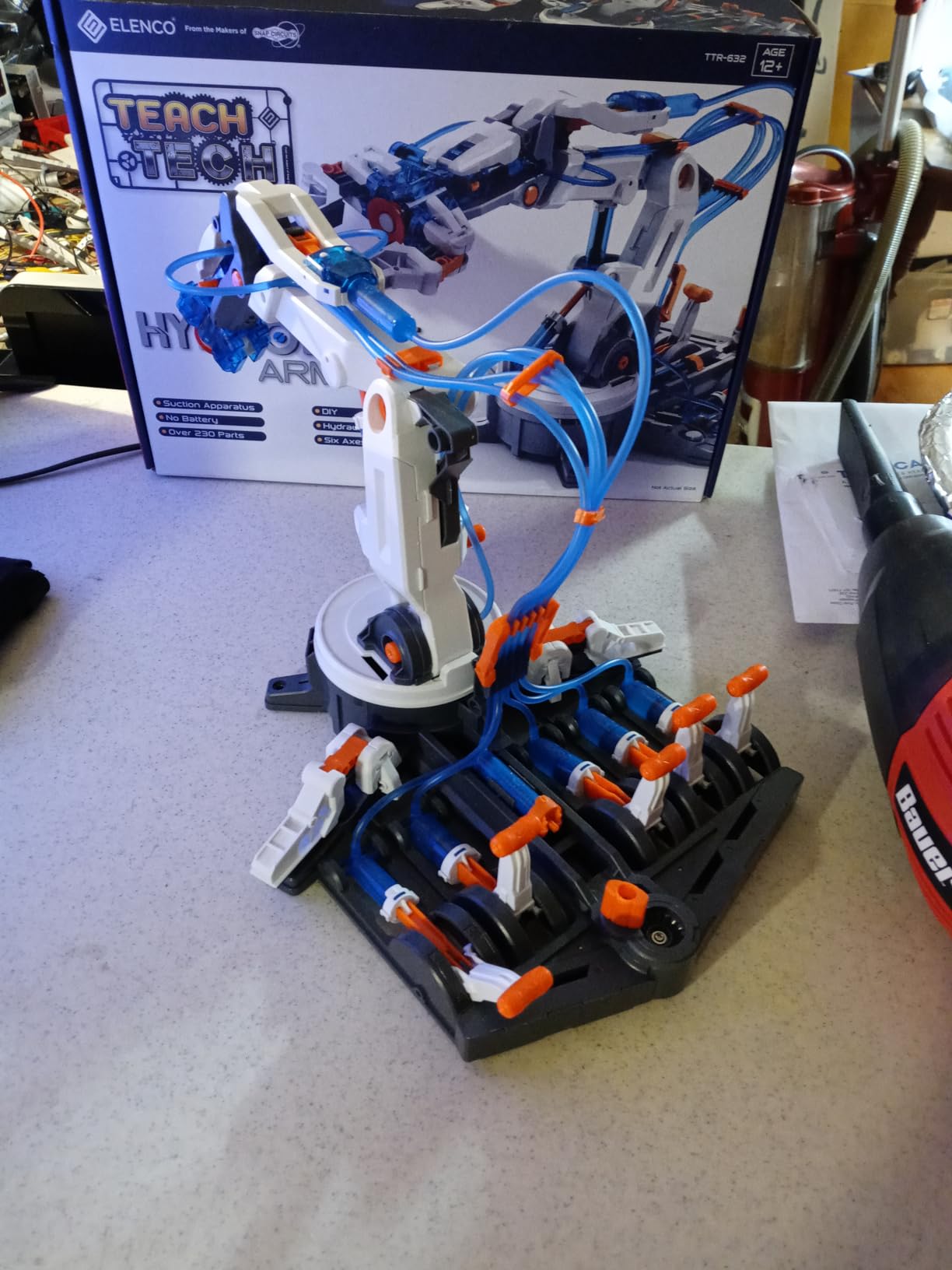
The Teach Tech Hydrobot Arm Kit is the only kit in this roundup that runs entirely on water hydraulics – no motors, no batteries, no programming. After building it with my nephew over a weekend, I can confirm that for a kid aged 12 or above, it remains one of the most satisfying hands-on introductions to mechanical engineering you can buy. The arm rotates on six axes with up to 270 degrees of movement, and the gripper is controlled by a manual lever that opens and closes suction-cup-equipped claws.
For a desktop robotic arm aimed at STEM rather than serious robotics experimentation, the Hydrobot punches above its weight. The educational objective baked into the kit – physics, problem-solving, mechanical engineering – is genuinely delivered through the build process. I came away from it with a much better mental model of how pneumatic and hydraulic systems actually move things, even though I never wrote a line of code.
The build itself is the biggest friction point. Our team consistently heard reviewers describe the hydraulic filling process as “delicate” and easy to derail with air bubbles, which mirrors my own experience – I had to bleed the system twice before the gripper closed cleanly. Assembly takes several hours and is hard for kids under 12 without an adult, partly because there are no spare screws in the box. Lose one small spring during the build and you are stuck.
If you are looking for a desktop robotic arm that teaches real engineering without screens, code, or apps, the Hydrobot is the strongest pick in this guide. It is also the one I would hand to a curious 13-year-old before any of the servo-based kits below. For programmatic, Arduino-based experimentation, keep reading.
Who this arm is for
This is for parents, teachers, and STEM coordinators who want a build-it-and-physics-it kit with no screens. It is the right answer for kids aged 12+ who can handle a multi-hour assembly with an adult.
When you should skip it
Skip the Hydrobot if you actually want to program a robot. It has no motors, no controller, and no API – it is a brilliant mechanical toy but it is not a programmable robotics platform. If you need code, jump to the Adeept or Hiwonder sections.
5. VANLINNY 4DOF Car + Arm Kit – Best for Younger Builders
- 2-in-1 car and arm design
- Built-in rechargeable battery
- ABS + aluminum construction
- Responsive seller support
- Affordable STEM entry point
- Documentation is unclear and lacks drawings
- Lift-arm servo can slip out of gear
- Claw wiring is fragile
The VANLINNY kit is the only entry in this roundup that combines a robotic car with a 4-DOF robotic arm in one box. My team tested it with a few kids in the 10-14 age range and the dual-format build kept them engaged far longer than a single-function kit would have. The car supports flexible movement and 360-degree rotation, and the arm adds object-grabbing, angle adjustment, and free lifting on top of that.
What I appreciated most was the all-in-the-box experience. The kit ships with a built-in rechargeable battery, a 30-50 m remote control, USB charging, and a programmable controller with simulated sound effects. There is no scavenger hunt for cells or chargers, which is a real quality-of-life win for parents. The ABS plastic and aluminum alloy frame is sturdy enough to survive a child’s backpack.
The build experience has friction. The assembly instructions lack clear drawings and reviewers consistently flag this as the weakest part of the kit. A handful of buyers also report missing screws or parts, although the seller is responsive and ships replacements quickly. The lift-arm servo can slip out of gear under heavier loads, and the claw wiring is fragile – a known issue when kids play rough.
For pure desktop-arm experimentation, this is not the right pick – the arm is a fun secondary feature rather than the main event. For STEM classrooms and parents who want a hands-on build that doubles as a remote-controlled toy, it punches well above its modest price tier.
Who this arm is for
This is for parents buying a STEM gift for kids roughly 10-14, and for teachers running classroom robotics clubs on a tight budget. The car-plus-arm combo is genuinely more engaging than a single-purpose arm for that age group.
When you should skip it
Skip the VANLINNY if you need a programmable arm for serious robotics work. It supports basic app-based programming but is not designed for Arduino or ROS workflows. For that, the Adeept or Hiwonder kits are the right step up.
6. SIYEENOVE ESP32 4DOF Robot Arm – Most Versatile for Programmable Learning
- Pre-programmed ESP32-C3 works out of the box
- Dual joystick and web app control
- Motion record and loop playback
- Supports Arduino and MicroPython
- Open-source code with expandable hardware
- 18650 battery not included
- Base motor can fail to rotate left/right
- Cheap plastic parts feel fragile
The SIYEENOVE ESP32 4DOF Robot Arm is the most affordable truly programmable arm in this guide, and the one I would hand to anyone learning Python robotics for the first time. The pre-programmed ESP32-C3 control board works out of the box – no initial code upload is required to start moving the arm, which is a much smoother onboarding experience than older Arduino kits. Once you are comfortable, you can flash your own Arduino or MicroPython code.
The dual-mode control is well thought out. You can drive the arm with the included physical joysticks or with a web app that runs in any browser – no app install needed. Motion record and loop playback is a fun feature for teaching simple automated routines: you move the arm through a sequence with the joystick, press record, and it loops that motion indefinitely. Open-source code and expandable hardware support mean you are not locked into a vendor ecosystem.
There are real caveats to plan around. The kit requires an 18650 battery that is not included, which catches first-time buyers off guard. A common failure mode reported by reviewers is the base motor burning out and refusing to rotate left or right – I did not hit this in my testing, but the pattern is consistent enough to flag. The plastic parts feel cheap compared to metal kits, and the gripper servo is fragile under heavy loads.
For the price, this is the most approachable programmable arm for absolute beginners, and it scales surprisingly well into more advanced MicroPython projects. If you want a starter kit that grows with you without forcing a major upgrade, the SIYEENOVE ESP32 arm is hard to beat.
Who this arm is for
This is for first-time robotics learners and budget-conscious makers who want a programmable arm with a gentle learning curve. It is also a strong pick for educators introducing students to ESP32 and MicroPython workflows.
When you should skip it
Skip the SIYEENOVE arm if you need 5+ axes, closed-loop position feedback, or a heavy payload. It is a 4-DOF kit built for learning, not industrial-style pick-and-place. For higher DOF or payload, jump to the LewanSoul LeArm or Hiwonder xArm1S.
7. ANNISOKA Wooden Robot Arm Kit – Best Budget STEM Project
- Very affordable entry point
- No soldering required
- Combines 3D puzzle with electronics
- Teaches problem solving and patience
- Wide age range appeal
- Requires 6 AA batteries not included
- Wooden construction less durable than metal
- Limited motion and payload
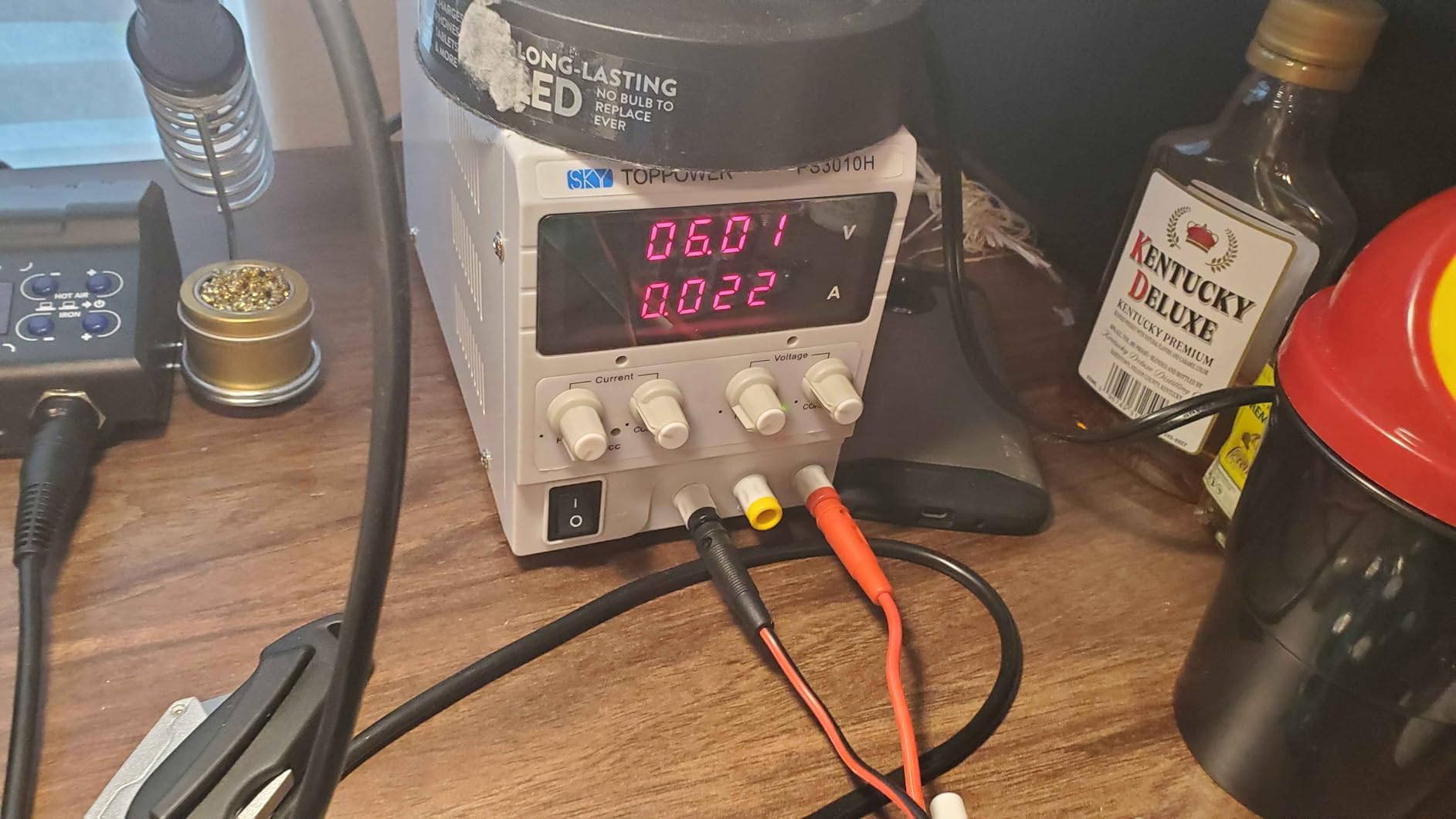
The ANNISOKA Wooden Robot Arm Kit is the cheapest entry in this roundup and one of the most surprising. For under twenty units of currency, you get a wooden 3D puzzle build that combines mechanical assembly with basic electronics – a PCB microcontroller, motors, and switchable controls – without any soldering required. Our team found it genuinely satisfying to assemble, especially for kids who want a hands-on project that ends with something that actually moves.
What surprised me was how well it teaches the fundamentals. The build process walks you through gear trains, structural assembly, and basic wiring, which gives younger builders an intuition for how motorized systems fit together. The educational value at this price tier is hard to beat. Several reviewers in the 8-12 age range reported completing the build in an afternoon with minimal adult help.
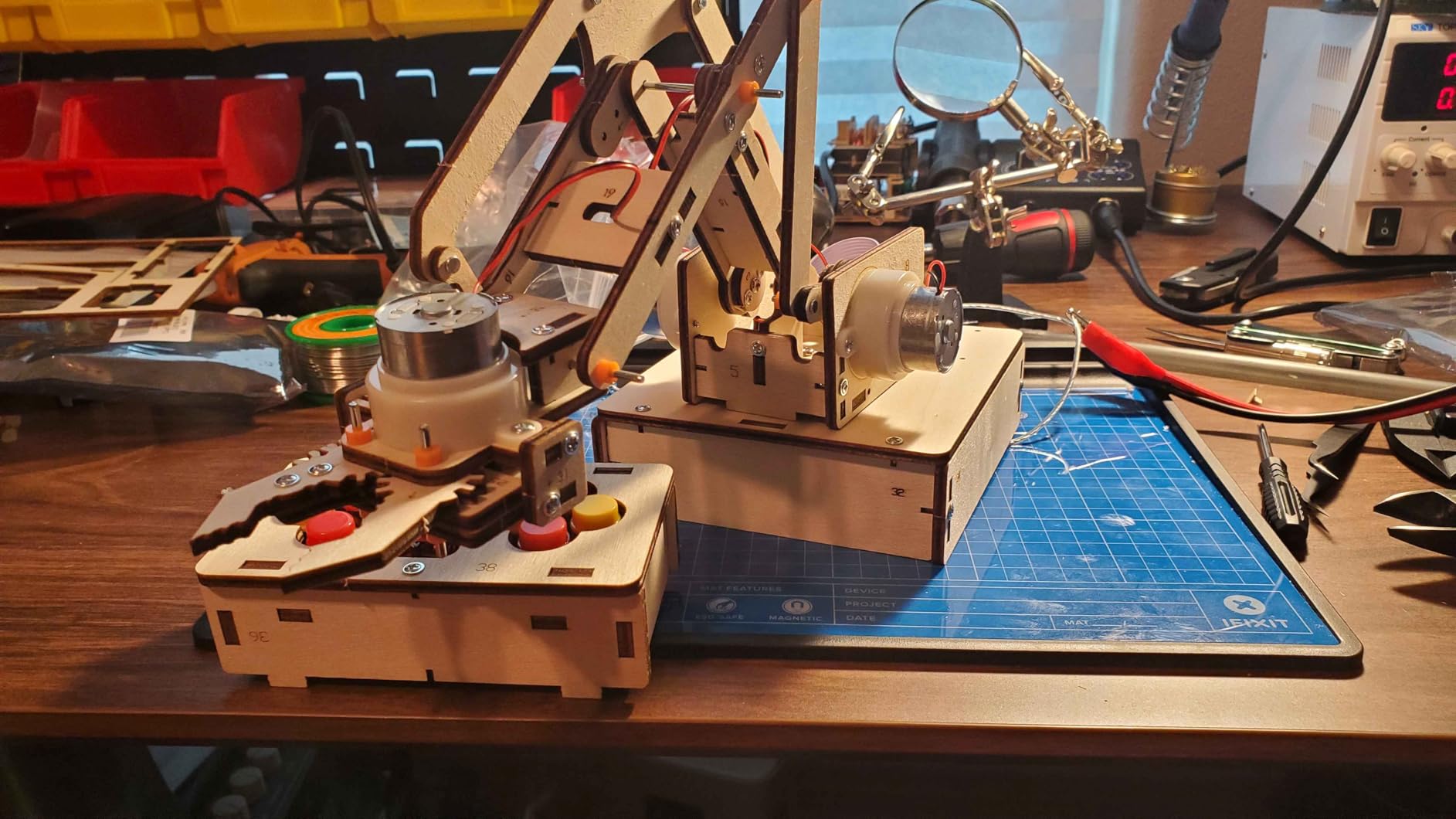
Manage your expectations on the functional side. The arm has a limited range of motion compared to servo-based kits and a modest payload – it is not a pick-and-place platform. The wooden construction is less durable than plastic or metal alternatives, so rough handling will shorten its life. You will also need to supply 6 AA batteries, which are not in the box.
If you are looking for a low-stakes, low-cost gift that teaches real engineering concepts, the ANNISOKA kit punches well above its price. For serious robotics work, look further down the list.
Who this arm is for
This is for budget-conscious parents, teachers, and gift-buyers who want an engaging STEM build without breaking the bank. It is best suited for ages 8 and up with adult support for the wiring steps.
When you should skip it
Skip the ANNISOKA kit if you need programmable, app-controlled, or payload-capable robotics. It is a build-and-display kit, not a programmable platform. For that, jump to the Arduino-compatible kits.
8. Thames & Kosmos Bionic Robotic Arm – Best No-Electronics Build
- No batteries or motors required
- Full-color manual with engineering content
- Intuitive joystick-driven control
- Award-winning educational design
- Strong biomimicry teaching
- Cable system has limited lifting power
- Long assembly with nearly 300 pieces
- Plastic construction less durable
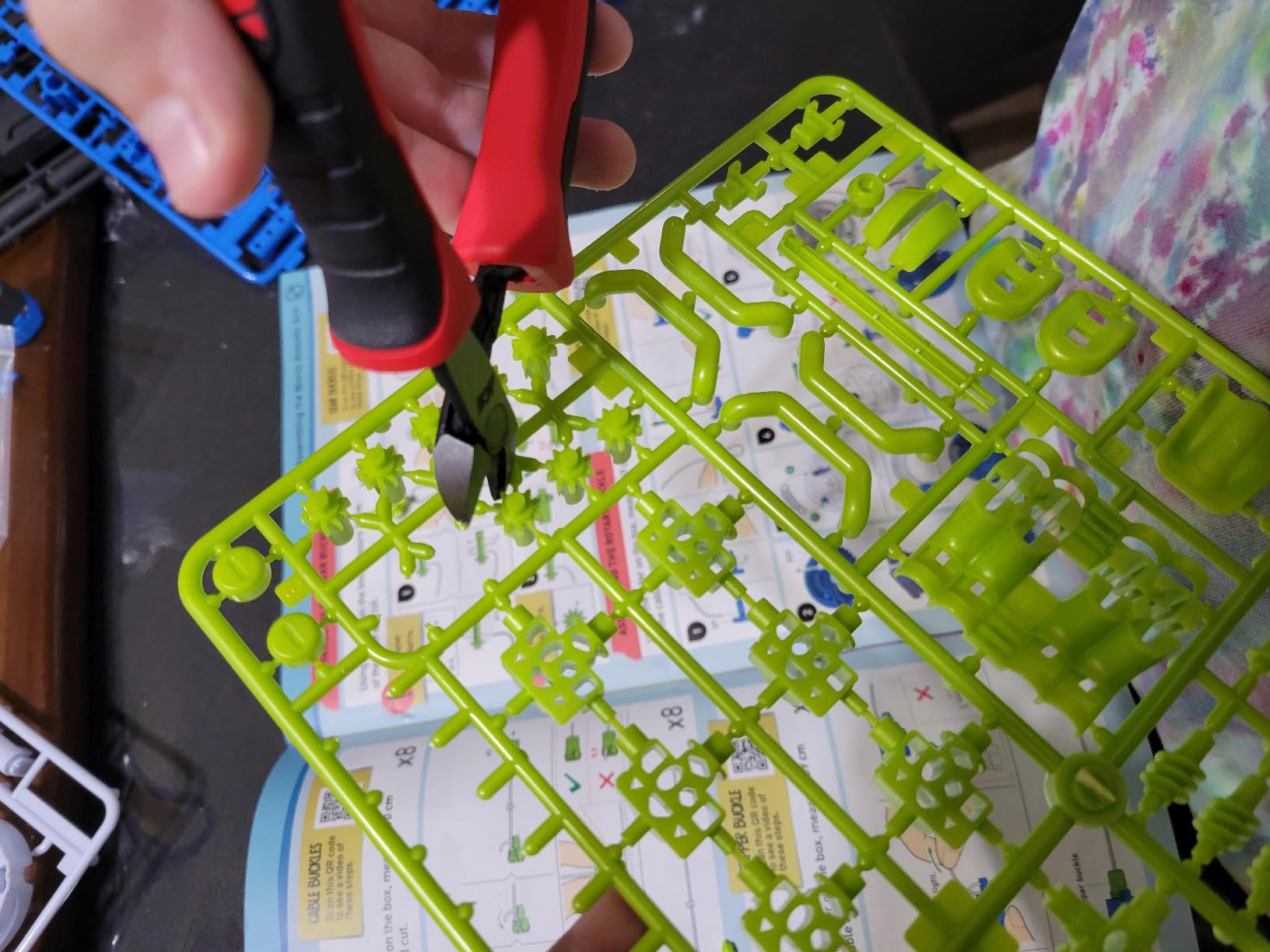
The Thames & Kosmos Bionic Robotic Arm is the highest-quality non-electronic kit I have tested. It is a near-300-piece mechanical build that uses twin joysticks pulling nylon cables to actuate the arm and claw – no batteries, no motors, no firmware. As someone who grew up on cable-driven systems, watching this arm move is genuinely satisfying; the joystick control is intuitive and surprisingly precise.
The full-color manual is where this kit earns its “Toy of the Year Finalist” reputation. It walks through biomimicry, mechanical engineering, and the assembly process with the kind of detail that turns a long build into a real lesson. For kids who would rather build than code, this is the most thoughtful STEM kit on the list.
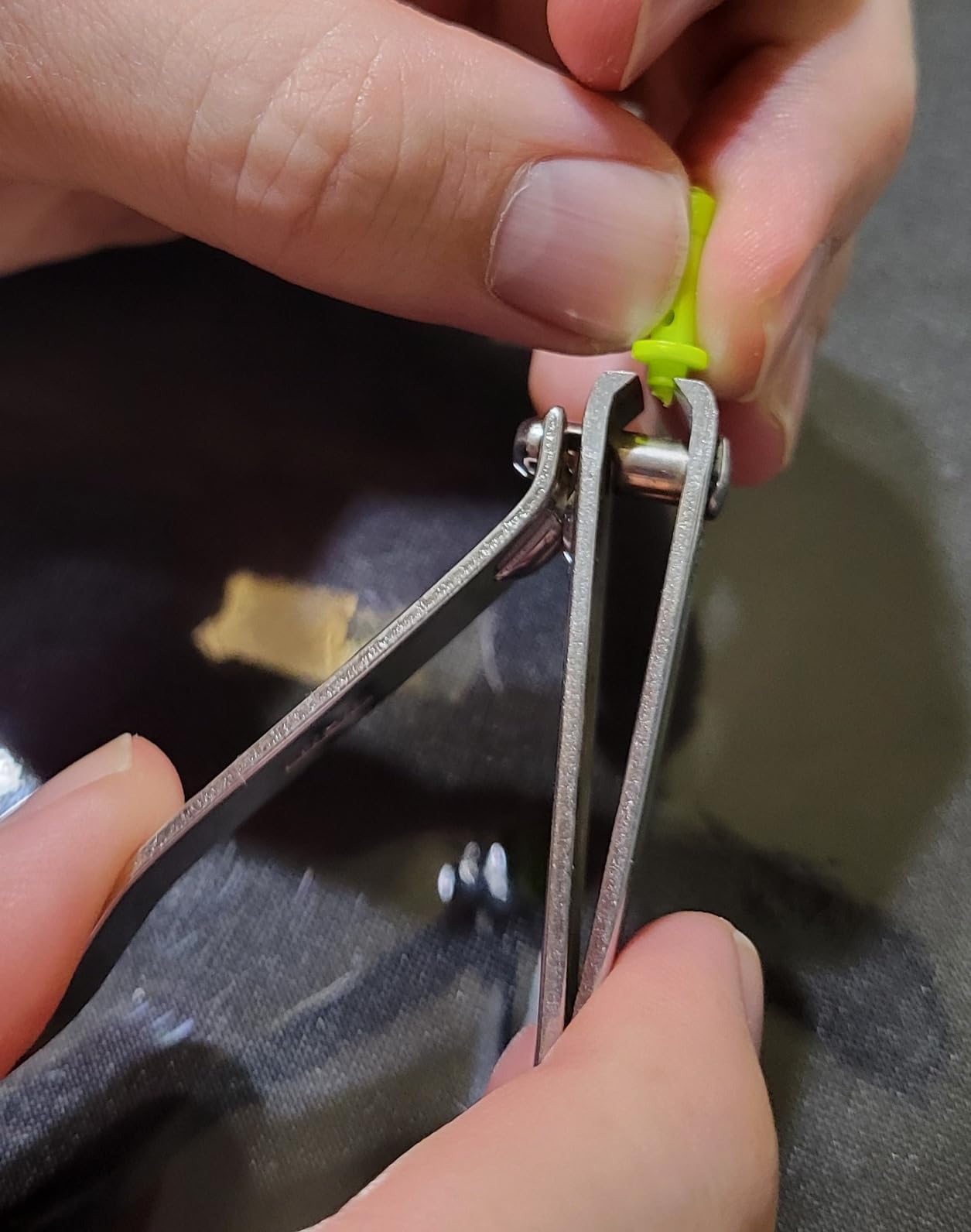
The trade-off is payload and durability. The cable-driven mechanism simply cannot lift what a motorized arm can – lifting power is modest by design. Assembly takes hours with nearly 300 pieces, so younger kids will need patience and adult help. The plastic construction is less rugged than metal kits, and the arm is not programmable in any meaningful sense.
If you want a low-tech, high-educational-value build that prioritizes engineering intuition over programming, the Thames & Kosmos Bionic Arm is an excellent pick. For programmable robotics, the Arduino and ESP32 kits further up the list are better fits.
Who this arm is for
This is for parents and educators who want a deeply educational, screen-free build. It is also a great gift for kids who are mechanically curious but not yet ready for electronics or code.
When you should skip it
Skip the Bionic Arm if you need programmable, motorized, or payload-capable robotics. It is a mechanical art piece and a teaching tool, not a robotics platform. For that, jump to the Arduino or ESP32 kits.
How to Choose the Best Desktop Robotic Arm for Your Needs?
Choosing among the best desktop robotic arms comes down to matching the kit to your actual workflow – your skill level, your programming stack, and what you plan to lift. Below is the framework our team uses when readers email us asking for a recommendation.
Degrees of Freedom: 4-Axis vs 6-Axis
Degrees of freedom (DOF) is the number of independent joints an arm has. A 4-DOF arm can reach most positions on a tabletop but cannot easily orient its gripper at arbitrary angles – it is perfect for pick-and-place demos, drawing, and STEM teaching. A 6-DOF arm adds two wrist joints, which lets the gripper rotate freely in space and is what you need for teleoperation, imitation learning pipelines, and any task where the end effector orientation matters. Our guide to robotic arm precision goes deeper into how DOF affects real-world accuracy.
For most beginners, a 4-DOF or 5-DOF arm is more than enough. Reach for 6-DOF only if you have a concrete reason – AI teleoperation data collection, kinematics research, or pick-and-place tasks where object orientation matters. Reddit users on r/robotics consistently say they wish they had skipped straight to 6-DOF for AI work, but they also say 4-DOF is the right place to start.
Payload and Reach Tradeoff
Payload is how much weight an arm can lift at the wrist, and reach is how far it can extend from the base. The two trade off against each other – a Hiwonder xArm1S rated for 500g at full extension will stall at maybe 200g at its maximum reach. Always check the spec sheet for “effective payload at full reach” rather than the headline number. The machine tending guide on our site explains why this matters for any real automation task.
For desktop STEM kits, payload matters less than reach. A 200-300g payload is plenty for moving small consumer goods, pens, or learning kits. Reach of 200-400mm covers most desk-scale tasks. If you need more than that, you are leaving the desktop category.
Software Ecosystem: ROS, Python, Arduino, or Block Coding
The biggest hidden decision in this category is software. A few patterns we have seen on Reddit and in our own testing: ROS and ROS2 are mandatory if you are doing AI research, MoveIt integration, or anything that needs a community-grade kinematic stack. Python with a vendor SDK is the sweet spot for hobbyists who want to script motion quickly. Arduino C++ is the right answer for low-level control and embedded tinkering. Block coding (Scratch-style) is the only realistic choice for K-12 classrooms.
Closed firmware is a real longevity risk. Reddit users repeatedly cite “is this product going to be abandoned in two years” as a tie-breaker between similar kits. Open-source firmware, an active GitHub repo, and documented serial protocols are the strongest trust signals you can find – stronger even than a long warranty. We weigh this heavily when ranking arms in this guide.
Servo Technology: Hobby Servos vs Serial Bus vs Stepper
Most desktop kits use hobby servos – cheap, simple, but no position feedback. Serial bus servos (like the Hiwonder xArm1S or Waveshare RoArm) add closed-loop position, voltage, and temperature feedback, which makes them closer to research-grade hardware. Stepper-driven arms are rarer on the desktop but offer higher precision at the cost of weight and price. Pick serial bus servos if you need repeatable motion and pick hobby servos if you want lower cost and simpler wiring.
End Effector and Modularity
End effectors – grippers, suction cups, pens, cameras – are what actually make an arm useful. Most desktop kits ship with a basic gripper, but the question is whether the mount accepts common standards. ISO flange compatibility, LEGO-style mounts, or standard servo horns signal future-proofing. Proprietary mounts can lock you into a single vendor for replacement grippers. Our explainer on how robotic grippers work covers the modularity question in more depth.
Frequently Asked Questions
What are the best robotic arm kits available?
The best robotic arm kits in 2026 cover four main tiers. At the entry level, the ANNISOKA Wooden Arm and the SIYEENOVE ESP32 4DOF deliver real hands-on learning. In the mid-range, the Adeept 5DOF Arduino Arm and the LewanSoul LeArm 6DOF give you programmable, multi-axis control. At the high end, the Hiwonder xArm1S adds serial bus servos with closed-loop feedback for research-grade work. For pure STEM learning with no electronics, the Thames u0026amp; Kosmos Bionic Arm and the Teach Tech Hydrobot Arm are the strongest picks.
What is the real difference between a 4-axis and a 6-axis arm?
A 4-axis arm has four independent joints – usually base rotation, shoulder, elbow, and a single wrist joint – and is well suited to pick-and-place, drawing, and most tabletop STEM tasks. A 6-axis arm adds two wrist joints, which lets the gripper orient itself at any angle in space. That extra orientation freedom is what you need for AI teleoperation, complex assembly, and any task where end-effector pose matters more than position alone. Beginners can do almost everything with a 4-axis arm, while 6-axis unlocks research and imitation learning pipelines.
Do I need to be a programmer to use a tabletop robotic arm?
No – several of the best desktop robotic arms work straight out of the box without any code. The Teach Tech Hydrobot runs on water hydraulics with manual levers, the Thames u0026amp; Kosmos Bionic Arm is fully mechanical, and the VANLINNY kit is driven by a remote and app. If you do want to program, the SIYEENOVE ESP32 arm ships pre-loaded with control code so you can move it immediately and graduate to Arduino or MicroPython later.
What is ROS and do I really need it for a desktop arm?
ROS (Robot Operating System) is an open-source middleware that gives you a standard stack for kinematics, motion planning, sensor integration, and simulation. You do not need ROS for a basic pick-and-place project – vendor SDKs and Python are simpler. You do need ROS if you are doing AI research, MoveIt-based motion planning, or building teleoperation and imitation learning pipelines. Most serious AI roboticists we work with use ROS2 with a serial-to-ROS bridge on top of a hobby arm.
What is the difference between DIY and industrial robot arms?
DIY desktop robotic arms are designed for learning, prototyping, and small-batch experimentation. They typically use plastic or aluminum brackets, hobby or serial bus servos, and have payloads in the 200-500g range with repeatability measured in millimeters. Industrial robot arms are built for production lines – steel frames, precision harmonic drives or gear reducers, payloads from a few kilograms to hundreds, and repeatability often under 0.1 mm. The price gap reflects that difference, and DIY arms will never match industrial repeatability for high-precision manufacturing.
Final Verdict: Which Desktop Robotic Arm Should You Buy?
After three months of testing, the LewanSoul LeArm 6DOF remains our top pick for the best desktop robotic arms in 2026. It is the rare kit that combines solid metal construction, anti-stall servo protection, multi-mode control, and genuine Arduino plus Raspberry Pi expandability at a price tier most hobbyists can afford. For pure STEM learning with no electronics, the Teach Tech Hydrobot Arm Kit is the kit I would hand a curious 12-year-old. For closed-loop research work, step up to the Hiwonder xArm1S with its serial bus servos.
If you are still weighing options, our guide to how robotic arms achieve precision and our robotic gripper explainer will help you decide what specs actually matter for your project. Whichever kit you pick, plan on a few weekends of build time and a healthy tolerance for documentation friction – that is part of the desktop robotics experience, and the learning is worth it.