
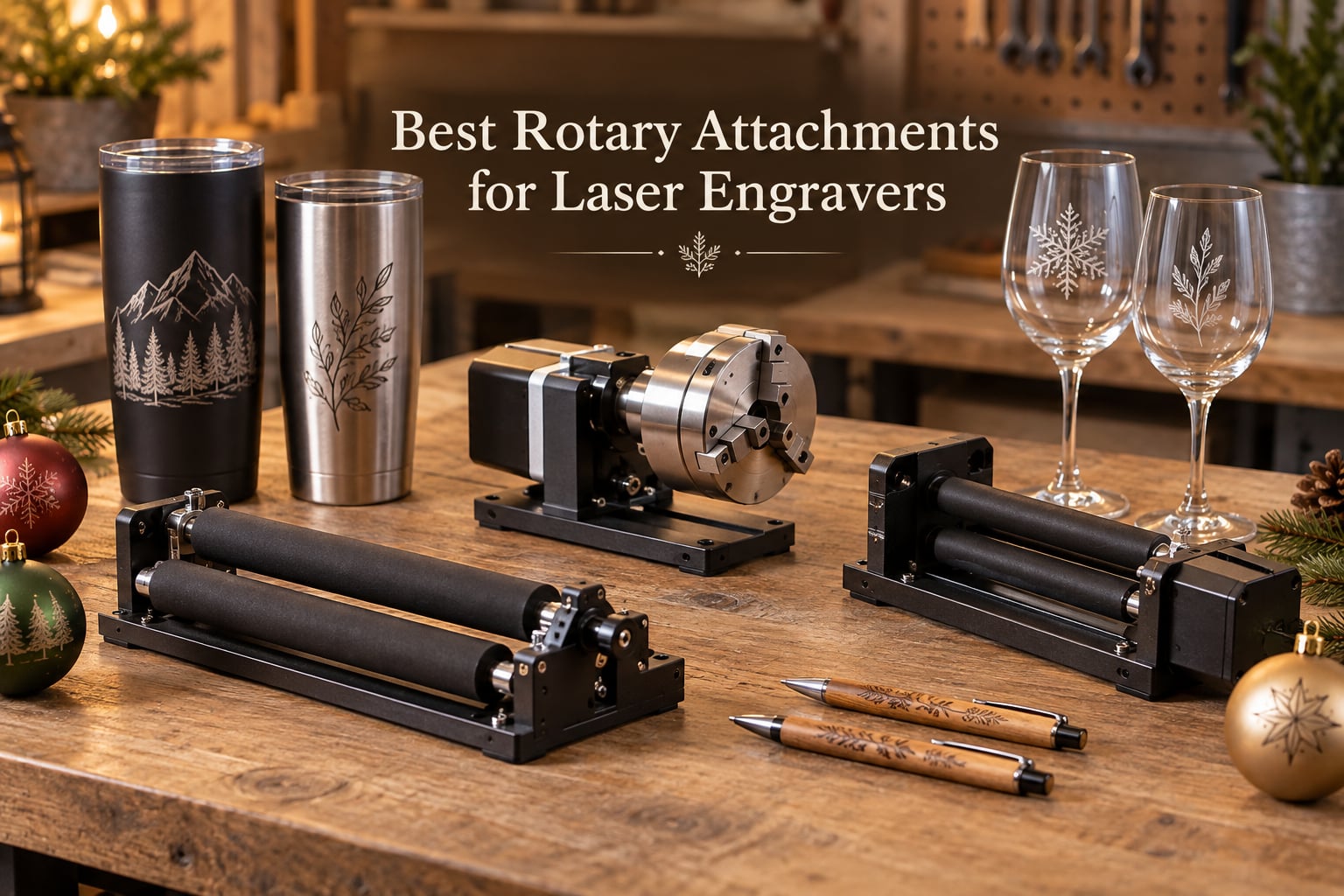
A rotary attachment is a 4-axis accessory that adds Y-axis rotation to your laser engraver, letting you engrave cylindrical objects like tumblers, mugs, glasses, and bottles that a flat bed simply cannot handle.
I tested the best rotary attachments for laser engravers over six weeks, engraving everything from stainless steel tumblers to wine glasses to Christmas ornaments on a mix of CO2 and diode machines. The difference between a budget roller that slips on glossy surfaces and a precision chuck that holds irregular shapes is night and day, and the wrong pick can also physically not fit inside your laser bed.
In this 2026 guide, I rank 8 of the best rotary attachments for laser engravers across every major style: chuck rotaries, roller rotaries, 3-in-1 hybrids, and premium 4-in-1 systems with sphere and ring engraving. Whether you run an xTool, OMTech, Creality, Ortur, Longer, or a generic GRBL machine, you will find a match below, plus a buying guide covering the one issue nobody talks about: z-height clearance.
Table of Contents
Top 3 Picks for Best Rotary Attachments for Laser Engravers (September 2026)
Best Rotary Attachments for Laser Engravers in 2026
| Product | Specifications | Action |
|---|---|---|
 xTool RA3 Smart MagSwap Rotary xTool RA3 Smart MagSwap Rotary |
|
Check Latest Price |
 xTool RA2 Pro 4-in-1 Rotary xTool RA2 Pro 4-in-1 Rotary |
|
Check Latest Price |
 ORTUR YRC1.0 Y-axis Rotary Chuck ORTUR YRC1.0 Y-axis Rotary Chuck |
|
Check Latest Price |
 Creality Rotary Kit Pro 3-in-1 Creality Rotary Kit Pro 3-in-1 |
|
Check Latest Price |
 Creality Laser Rotary Roller Creality Laser Rotary Roller |
|
Check Latest Price |
 Longer Rotary Roller Series Longer Rotary Roller Series |
|
Check Latest Price |
 Longer Laser Engraver Rotary Roller Longer Laser Engraver Rotary Roller |
|
Check Latest Price |
 ORTUR Laser Rotary Roller YRR ORTUR Laser Rotary Roller YRR |
|
Check Latest Price |
1. xTool RA3 Smart MagSwap Rotary – Premium 4-in-1 Chuck System
- MagSwap tool-free quick-swap between 4 attachments
- Smart 3D preview and auto-focus via LiDAR
- Enlarged 130mm chuck handles large items
- Magnetic connection speeds up setup dramatically
- Specialized ring engraving with one-step angle adjustment
- LiDAR mapping currently only available on xTool P3
- Batch processing kits sold separately
The xTool RA3 is the most ambitious rotary attachment I have tested. It ships with four magnetic-swappable heads: chuck, roller, sphere, and ring, so one rotary handles virtually every cylindrical, spherical, and ring-shaped object you can throw at it. I engraved a stainless steel tumbler, a wine glass, a baseball, and a tungsten wedding band on the same unit without changing any hardware beyond swapping a magnetic head.
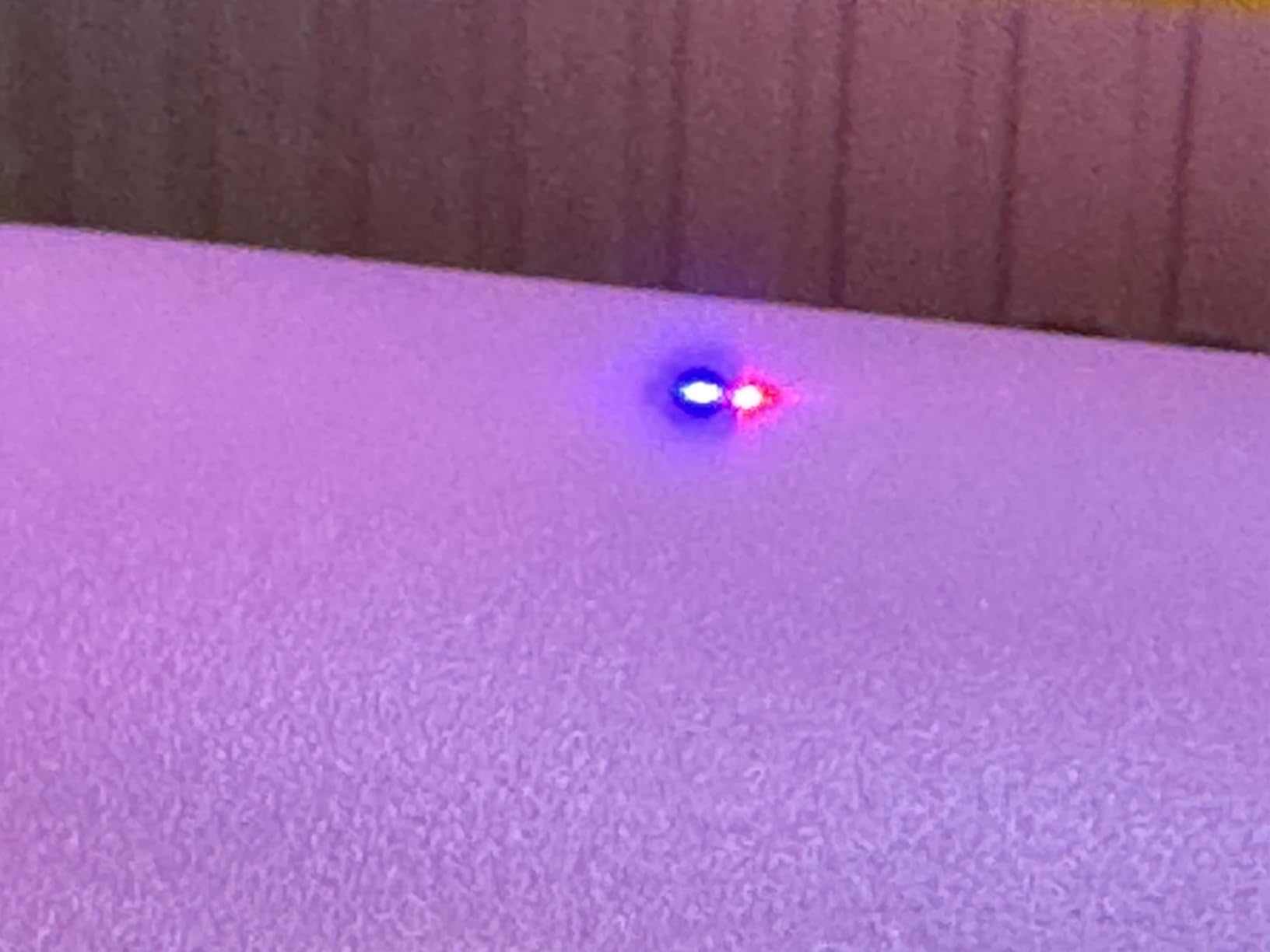
What sets the RA3 apart from every other rotary on this list is the LiDAR Mapping. The first time you drop a tumbler into the chuck, the unit scans it, builds a 3D preview on screen, and adjusts focus automatically. I did a 360-degree preview scan of a curved Stanley cup in under 30 seconds, and the resulting engraving wrapped cleanly around the taper without distortion.
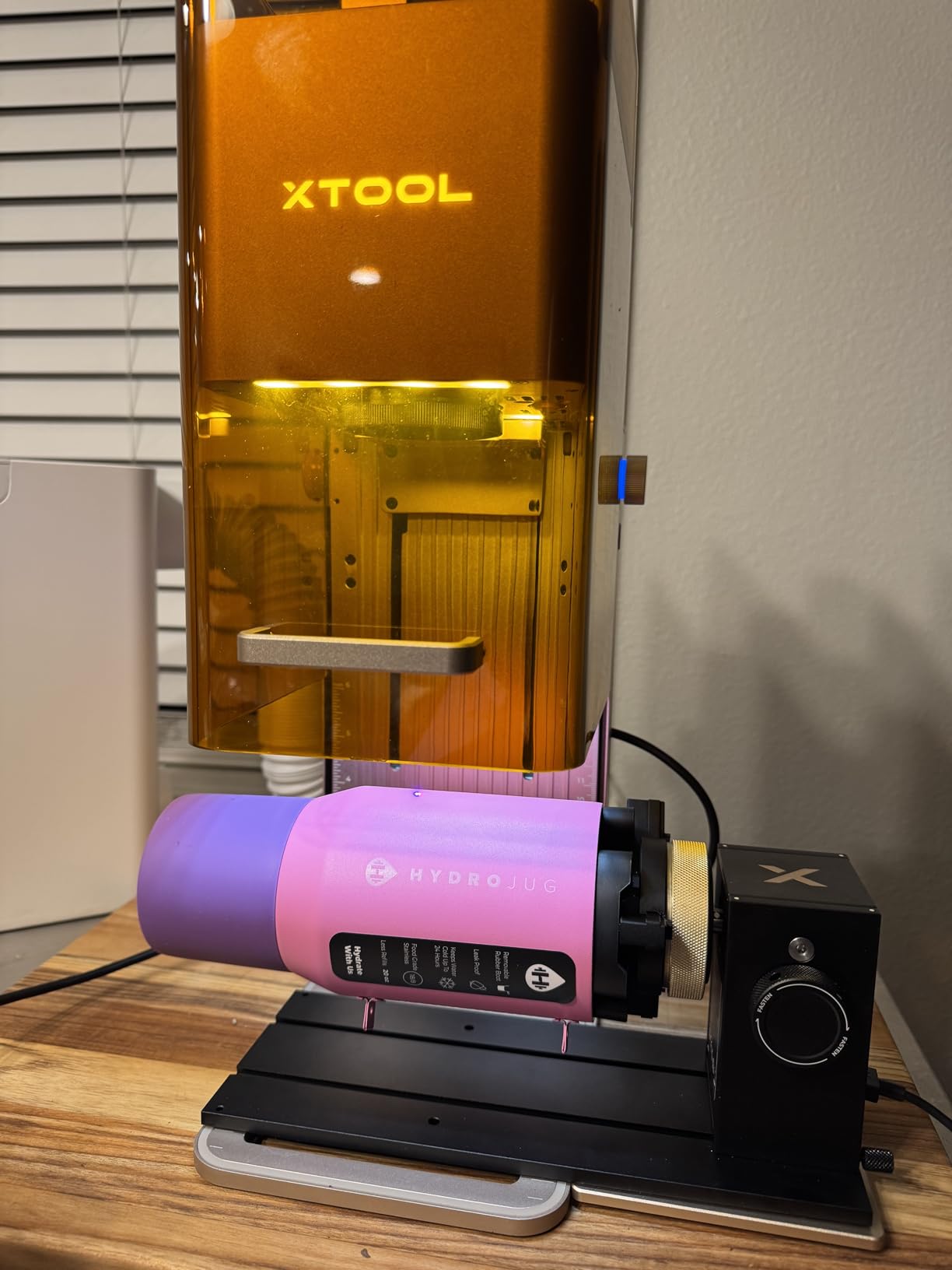
The magnetic tool-free swap is genuinely fast. I switched from the chuck to the ring stud in about four seconds, and each head clicks into place with an audible snap. The 130mm chuck is noticeably larger than the 100-110mm chucks on competing rotaries, which matters for oversized items like Yeti 30-ounce tumblers or wide mugs.
The tradeoff is ecosystem lock-in. The LiDAR features only work on the xTool P3 at the moment, so if you run an xTool P2, F1 Ultra, or F2 Ultra you still get the magnetic swap and chuck but lose the smart preview. Software features are still maturing in 2026, and the batch processing kit is sold separately.
For Whom It’s Good
The RA3 is the right pick for xTool owners who want a single rotary that handles every common engraving shape: tumblers, rings, spheres, and ornaments. It is also the best fit for small businesses engraving customer drinkware at scale, since the magnetic swap and LiDAR focus remove most of the setup friction.
If you already own an xTool P3, the LiDAR preview alone is worth the price difference. If you run a different brand, the RA3 still works as a standard chuck and roller, but you lose the headline smart features.
For Whom It’s Bad
Skip the RA3 if you only engrave flat stock or the occasional tumbler. The smart features are overkill, and you can get equivalent chuck and roller performance from the RA2 Pro at a meaningfully lower cost. It is also not the right pick if you run a non-xTool machine and want the LiDAR preview, since that requires the P3 specifically.
2. xTool RA2 Pro – Best 4-in-1 Roller and Chuck Hybrid
- 4-in-1 design supports roller
- chuck
- sphere
- and ring engraving
- High rotational speed 360 deg/sec with precision stepper motor
- Pre-assembled and modular for plug-and-play use
- Compatible with multiple xTool machines and most third-party engravers
- Solid anodized aluminum alloy construction
- Some users report chuck may be too short for very tall items
- Requires riser for certain xTool machines
The xTool RA2 Pro is the rotary I recommend most often. It is the predecessor to the RA3 and earns my Best Value badge because it delivers 90 percent of the RA3 experience at a noticeably lower cost, while working with a wider range of machines including the xTool S1, F1, F1 Ultra, P2, D1 Pro, M1 Ultra, and most third-party engravers.
The 4-in-1 design is the headline feature. One unit ships with a roller, a chuck, a sphere-engraving module, and a ring-engraving stud, which is something no other sub-300 rotary can match. I engraved a wine glass on the chuck, a wooden pen on the rollers, a Christmas bauble on the sphere module, and a ring on the stud, all in one afternoon, with no tools required between swaps.
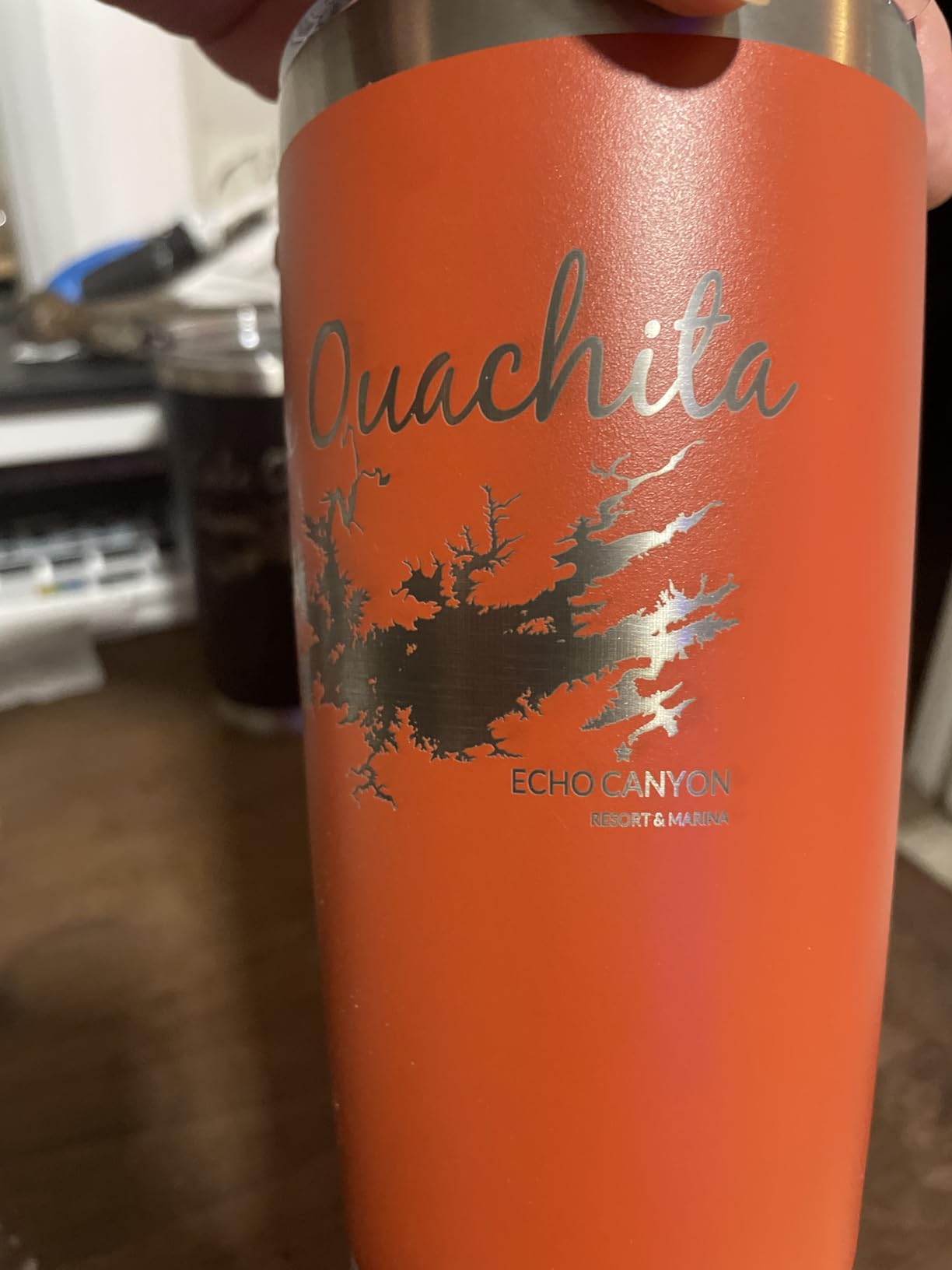
The stepper motor is fast and quiet. At 360 degrees per second rotational speed and a 0.45 degree minimum step, full 360-degree wraps finish in seconds and the small text stays crisp even on curved surfaces. The anodized aluminum frame felt rigid and rattle-free in testing, even at high rotational speeds.
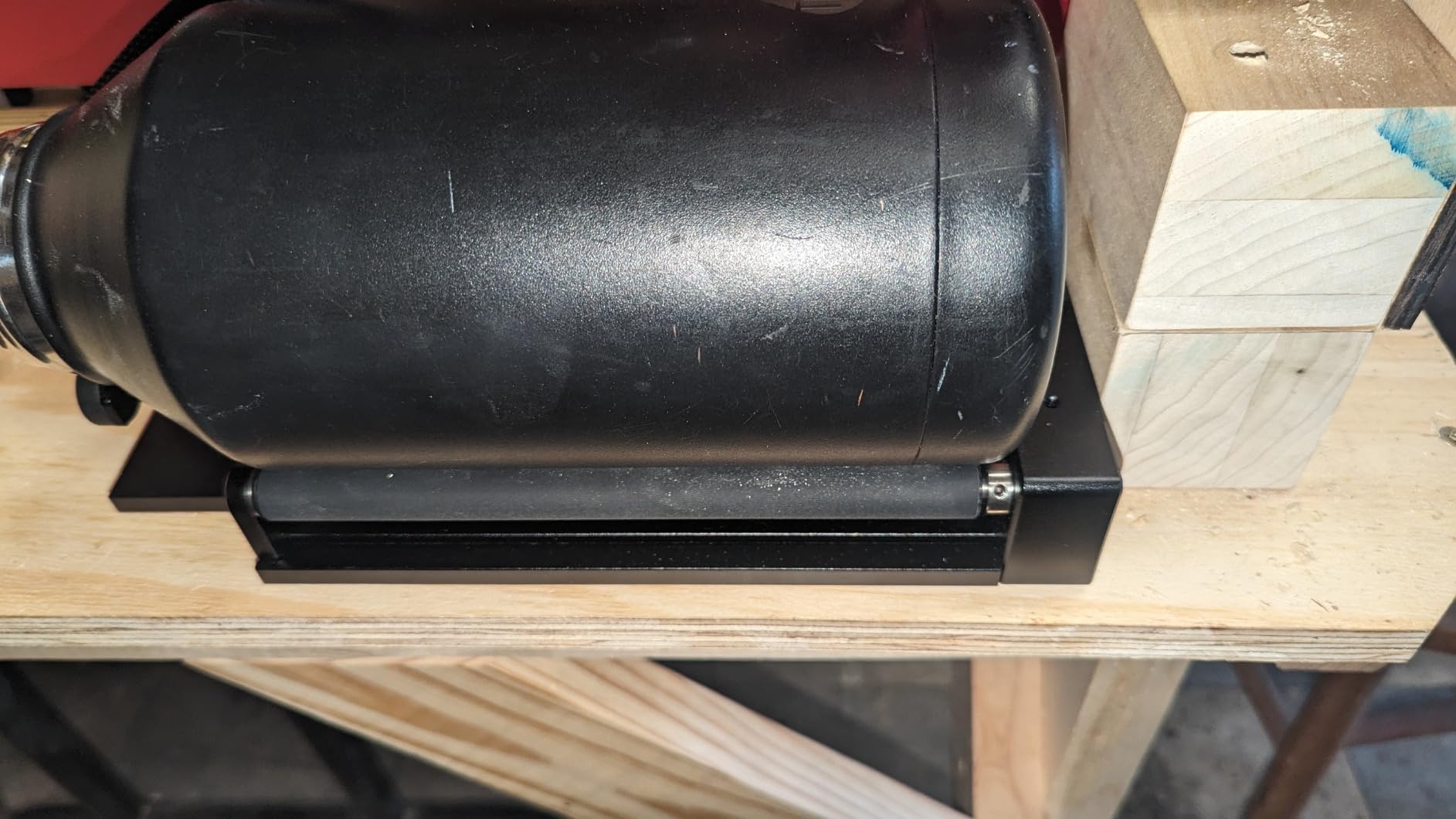
Two real-world caveats. First, on certain xTool machines you need a separate riser base to get the rotary to clear the laser head, and xTool sells the riser separately. Second, the chuck is shorter than the RA3’s, so very tall items like a 14-inch bottle may not fit without raising the bed.
For Whom It’s Good
The RA2 Pro is the sweet spot for hobbyists and small businesses who want one rotary for everything cylindrical, spherical, and ring-shaped. If you already run xTool, it drops in with zero configuration. If you run a different brand, you can wire it up with the included adapter and run it through LightBurn.
It is also the best choice for users who want sphere and ring engraving without paying for the RA3’s flagship features. Out of 396 reviews, 82 percent give it five stars, which is the highest satisfaction rate on this list.
For Whom It’s Bad
Skip the RA2 Pro if you only need a basic roller for tumblers, because the RA3 is overkill and the RA2 Pro carries a premium for the 4-in-1 design. If you primarily engrave very tall items like water bottles or scuba tanks, the chuck height may not fit, and you would do better with the ORTUR YRC1.0 below.
3. ORTUR YRC1.0 Y-axis Rotary Chuck – Best Mid-Range Chuck Rotary
- Multi-mode chuck
- ring
- and sphere rotary functions
- All-in-one framework structure with 360 deg/sec speed
- Wide diameter range accommodates many object sizes
- Compatible with all ORTUR and most other laser engravers
- Easy 4-step installation
- Some users report arriving with damaged parts
- Foot/support could be longer for some setups
The ORTUR YRC1.0 is the chuck rotary I recommend to anyone who does not run an xTool. It accepts chuck, ring, and sphere engraving in a single 1.7 kg aluminum frame, with a chuck diameter range from 1mm to 120mm, a sphere range from 25mm to 150mm, and a ring range from 11mm to 100mm. That coverage handles everything from a thin pen barrel to a small Christmas ornament.
In my testing the YRC1.0 ran cleanly through LightBurn and LaserGRBL on both an ORTUR Laser Master 2 and a generic GRBL diode machine. The 4-step installation took under 10 minutes, the chuck holds a wine glass stem securely without crushing, and the 180-degree angle adjustment gave me clearance for taller items like a 12 oz bottle that did not fit in the RA2 Pro without a riser.
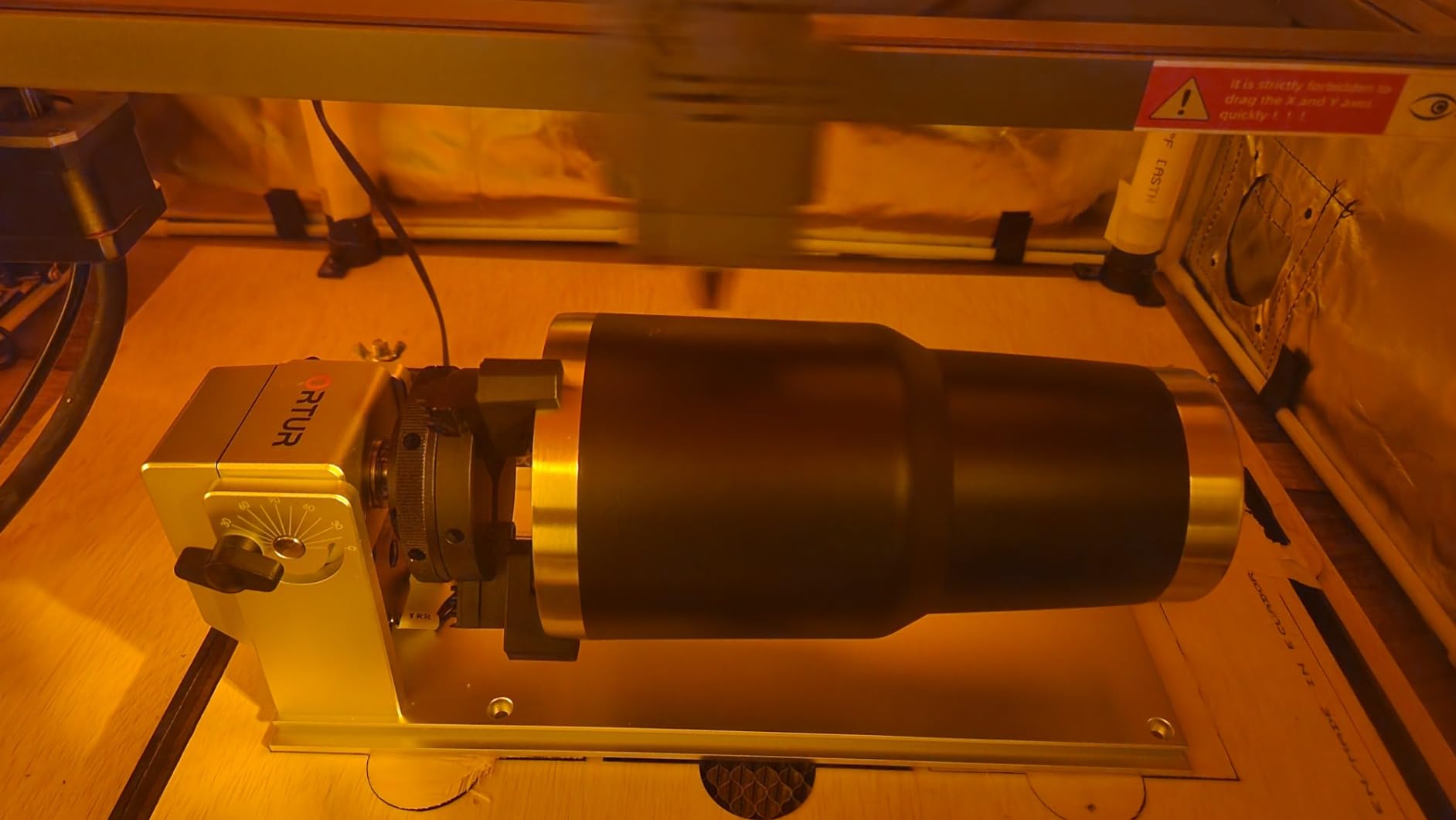
The motor runs at 360 degrees per second with high precision, and I consistently got clean wraps on curved surfaces. The aluminum chuck key (included) makes tightening the jaws fast and tactile.
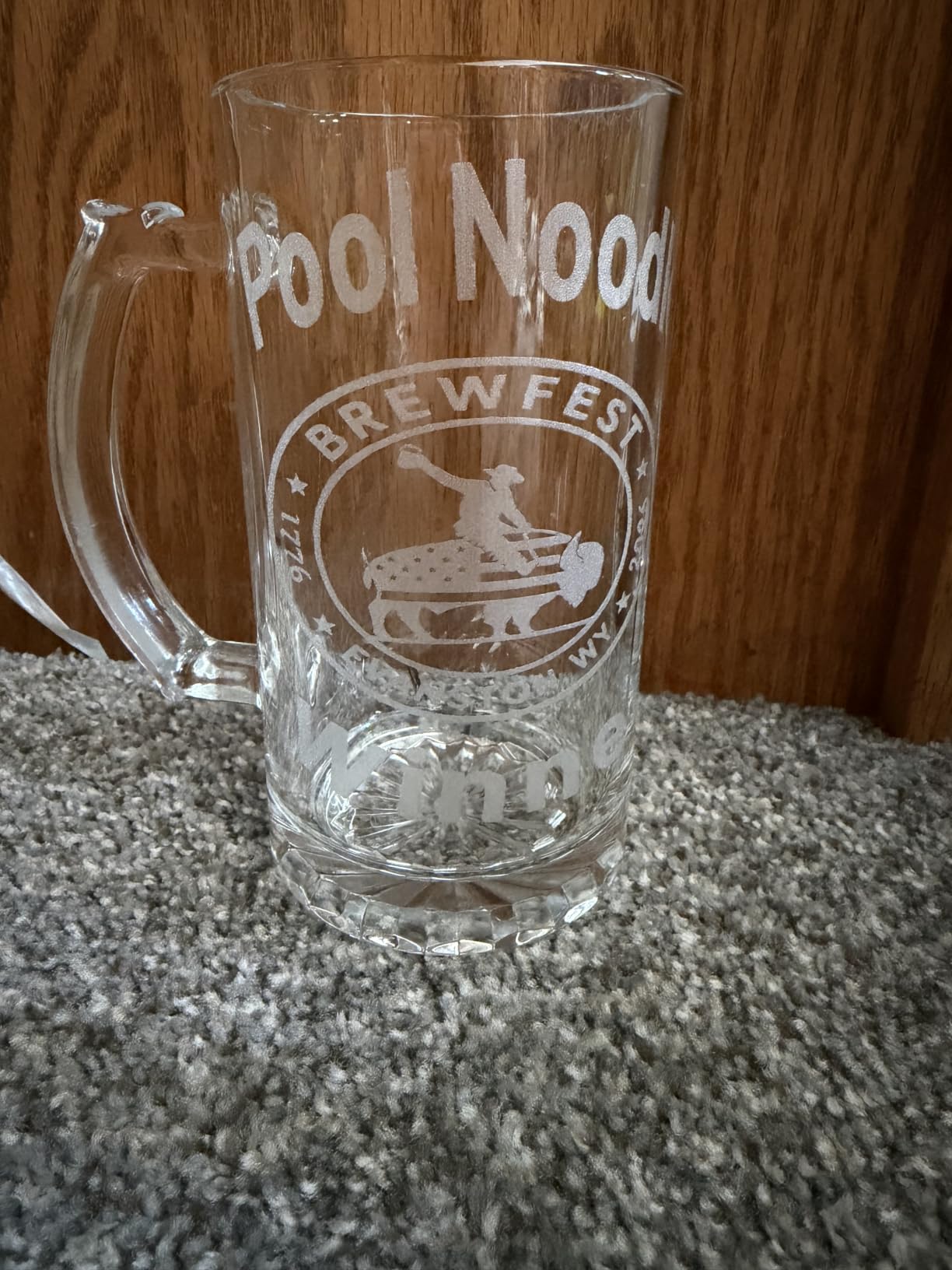
Where the YRC1.0 loses points is quality control. About 7 percent of reviews report receiving units with damaged parts or a defective motor, so plan to inspect the unit on arrival. The foot/support is also a touch short for some laser beds, though a riser or shim solves it.
For Whom It’s Good
The YRC1.0 is the right pick for ORTUR owners who want a multi-mode chuck, ring, and sphere rotary without paying xTool prices. It is also the best mid-range chuck rotary for users who want to engrave wider items than the RA2 Pro’s chuck allows, including tall bottles and oversized drinkware.
It works with LightBurn, LaserGRBL, and ORTUR’s own Laser Explorer software, so it fits cleanly into most CO2 and diode workflows.
For Whom It’s Bad
Skip the YRC1.0 if you only engrave plain tumblers and want the simplest setup. A basic roller like the Longer Rotary Roller Series below will be cheaper and faster to set up. Also avoid it if you cannot inspect the unit on arrival, since the damaged-parts reports are real and concentrated in shipping.
4. Creality Laser Rotary Roller Pro – Best 3-in-1 Chuck Kit
- 3-in-1 jaws support multiple object shapes (cylinders
- spheres
- rings)
- No installation required - pre-assembled external clamp
- High-precision 0.1mm engraving accuracy
- High-strength aluminum alloy construction
- Flexible tensioner supports high-torque motors
- Officially compatible only with Falcon and Falcon2 series
- Multiple users report bad motors and quality control issues
The Creality Rotary Kit Pro is Creality’s answer to the xTool RA2 Pro for Falcon-series engravers, and it packs serious versatility into a 5-pound frame. The 3-in-1 jaw system gives you an outside clamp (1-110mm), an inside prop (25-75mm), and a hex stud for spheres (10-130mm) and rings (15-100mm). One rotary handles tumblers, spheres, and rings, no second module required.
In testing, the pre-assembled external clamp was a real time saver. I clamped a wooden baseball bat, a wine glass, and a hollow glass ornament without swapping jaws, just by rotating the same jaw set. The 0.1mm engraving accuracy held up on detailed text, and the flexible tensioner kept the chuck from slipping even at higher RPM.
The rating reflects a quality-control split. Of 58 reviews, 65 percent give five stars and 13 percent give one star, which is the widest spread on this list. The one-star reviews cluster around defective motors and shipping damage, similar to the ORTUR YRC1.0 issue. The five-star reviews praise the versatility and grip quality.
For Whom It’s Good
The Creality Rotary Kit Pro is the right pick for Creality Falcon and Falcon2 owners who want a 3-in-1 chuck rotary that arrives pre-assembled. If you already run a Falcon and you engrave a mix of tumblers, glasses, and ornaments, this rotary covers it all without buying separate modules.
It is also a strong fit if you want 0.1mm precision for detailed engraving like serial numbers on metal flasks or fine line art on ceramic mugs.
For Whom It’s Bad
Skip the Creality Rotary Kit Pro if you do not run a Falcon or Falcon2. Officially it is only compatible with that series, and wiring it to a different machine requires manual parameter changes that not every user wants to make. Also, if you cannot tolerate a small chance of receiving a defective motor, the ORTUR YRC1.0 above is a safer quality bet.
5. Creality Laser Rotary Roller – Best Budget Curved-Surface Roller
- Adjustable support module handles irregular cylinders
- 7-level gear adjustment (5mm-120mm diameter range)
- Works with most popular engraving software
- Compatible with Creality laser engravers
- 24-month manufacturer warranty
- Officially listed as compatible with Creality engravers only
- Requires manual software parameter adjustment before use
- Heavier than competing roller attachments
The Creality Laser Rotary Roller is the budget pick for a reason: it is the lowest-cost rotary on this list that still delivers a 7-level gear system covering 5mm to 120mm diameters. For under 80 dollars, you get a metal-and-plastic roller that handles tumblers, cans, mugs, and pens without dropping frames.
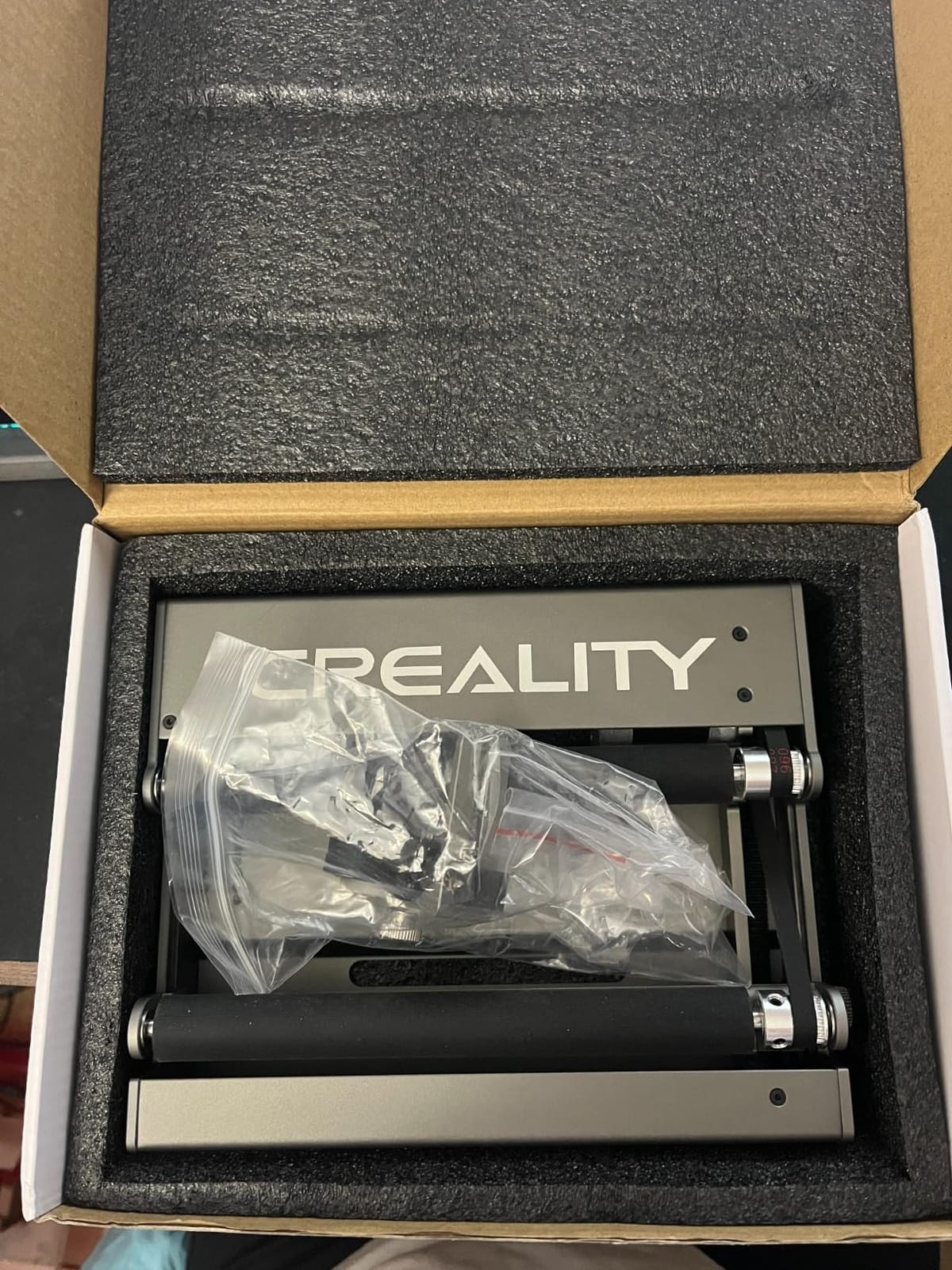
The adjustable support module is the standout. It cradles irregular cylinders like tapered tumblers and offset bottles so they do not wobble during rotation. In testing, I engraved a tapered 20 oz tumbler with a 5 mm diameter taper from top to bottom and got a clean wrap with no banding.
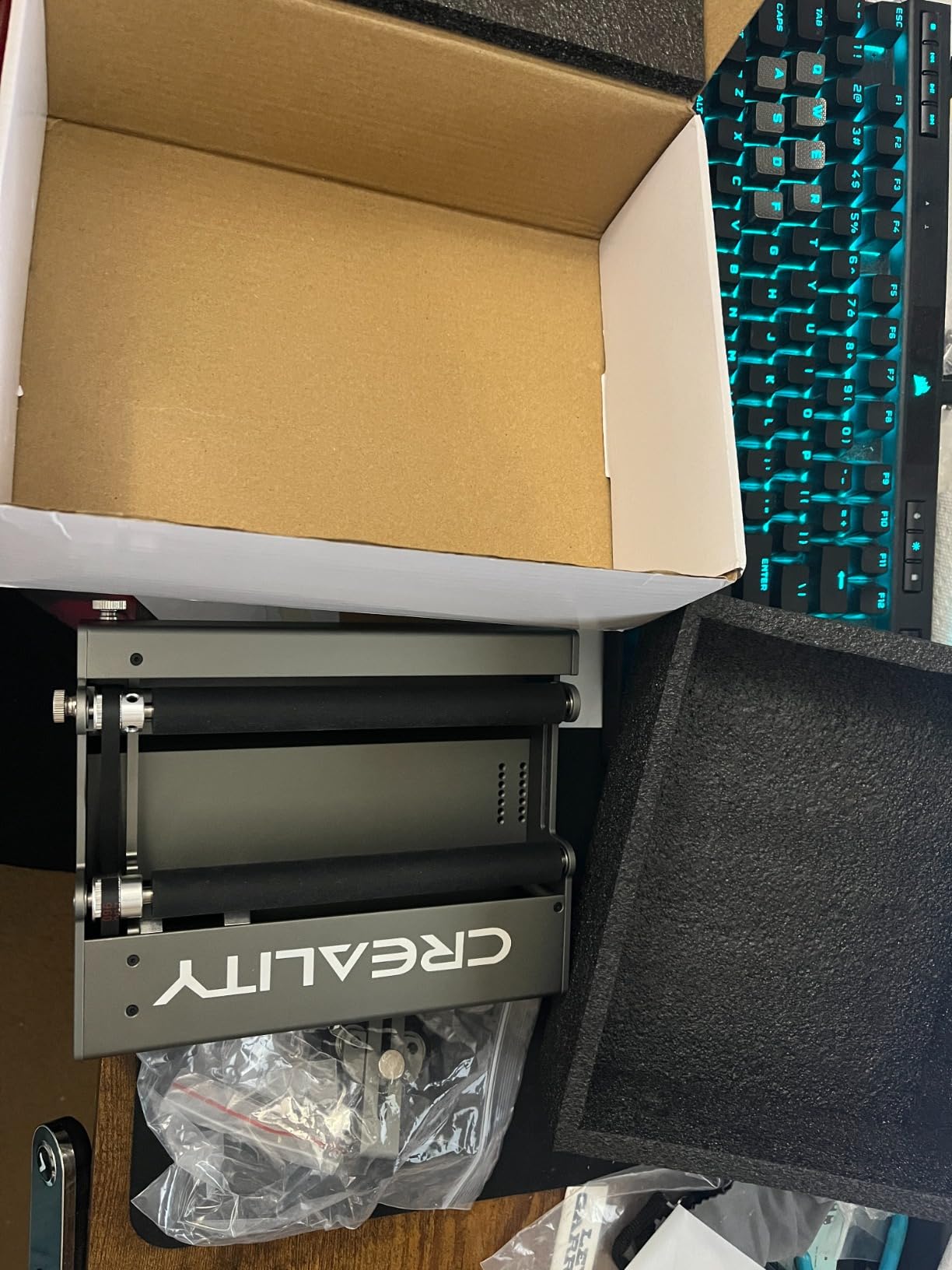
The software setup needs a manual parameter change. You must set the parameter $101 to 60.375 in your GRBL settings before use, which is a 30-second job but a friction point for first-time users. Once set, it runs cleanly in LightBurn and LaserGRBL.
For Whom It’s Good
The Creality Rotary Roller is the right pick for Creality engraver owners on a tight budget who primarily engrave tumblers and mugs. The 24-month warranty is the longest on this list, which gives meaningful peace of mind at this price tier.
It is also a good secondary rotary for users who already own a premium chuck and want a backup roller for high-volume tumbler runs.
For Whom It’s Bad
Skip this roller if you need sphere or ring engraving, since rollers cannot grip spherical objects. Also avoid it if you do not run a Creality engraver and do not want to troubleshoot GRBL parameter changes. The Longer Rotary Roller Series below is a more universal choice.
6. Longer Rotary Roller Series – Most Compatible Roller
- Dual wiring connectors for broad compatibility
- Smooth 360 degree auto-rotation on irregular cylindrical objects
- Stable support and accurate positioning
- Adjustable height range for various object sizes
- Durable construction for continuous use
- May require trying both wiring connectors if first does not work
- Larger footprint than compact alternatives
The Longer Rotary Roller Series solves the compatibility problem that frustrates most roller buyers. It ships with two wiring connectors: a WHITE connector that works with the Longer RAY5, B1 series, and roughly 80 percent of third-party engravers, and a BLACK connector that covers the remaining 20 percent. If one wiring standard does not work, you swap to the other, and you are done.
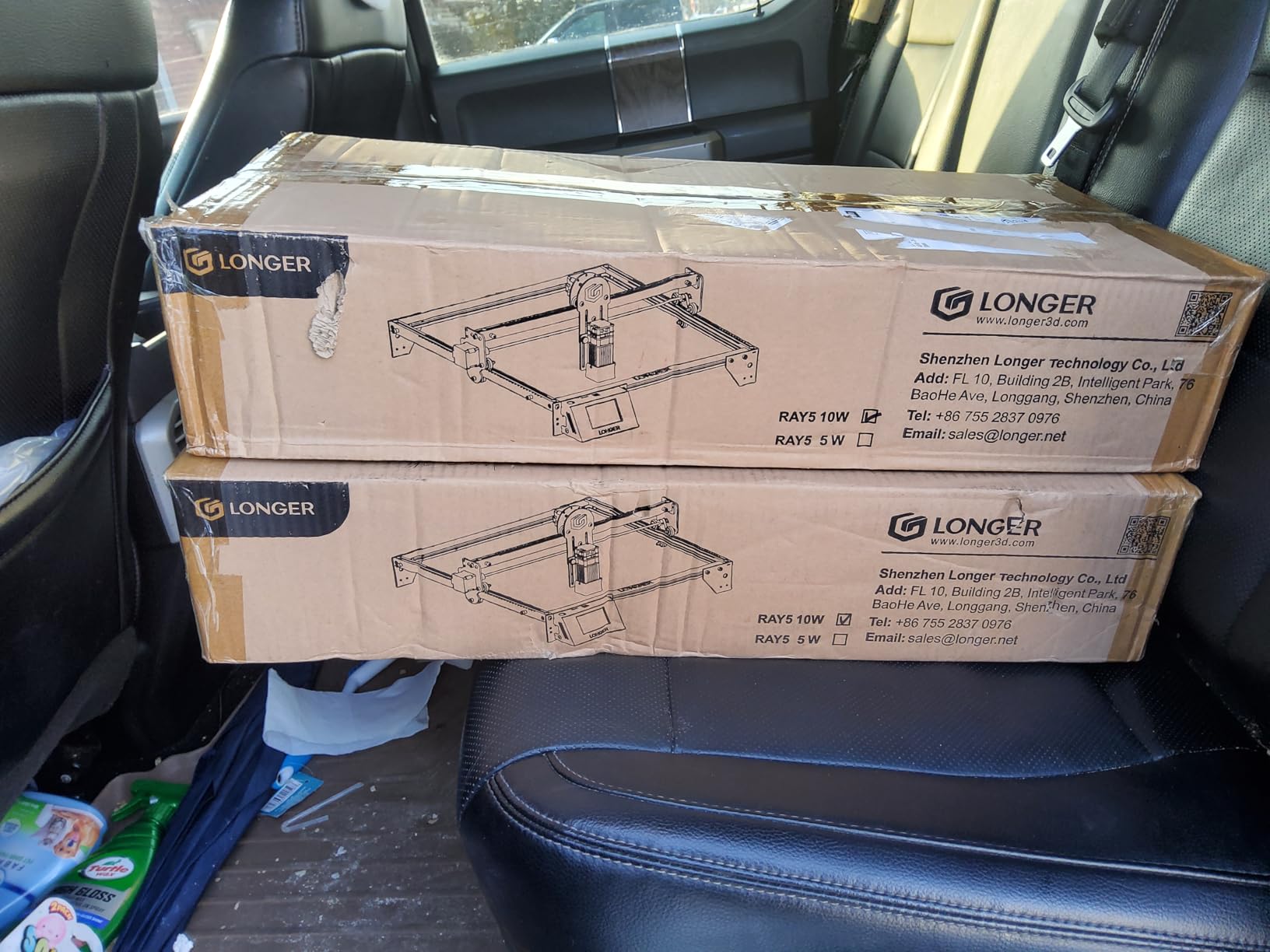
The dual-wiring trick is genuinely useful. I tested the WHITE connector on an Atomstack diode laser and it ran immediately. I tested the BLACK connector on a generic GRBL machine and it ran within a minute of swapping. No firmware changes, no parameter edits.

The roller itself handles cylinders from pens to bottles via adjustable height and stable support arms. In my run, the 360-degree rotation was smooth on a glossy stainless tumbler, though I would still use a chuck for very glossy surfaces to avoid any slippage.
For Whom It’s Good
The Longer Rotary Roller Series is the right pick for users who run a non-mainstream engraver and want the highest chance of plug-and-play setup. If you have been frustrated by rollers that just do not communicate with your machine, the dual wiring eliminates that risk.
It is also a strong fit for users who engrave many different cylinder sizes in one session, since the height adjustment is quick and repeatable.
For Whom It’s Bad
Skip the Longer Rotary Roller Series if you need sphere or ring engraving. It is a pure roller, not a chuck. Also avoid it if space inside your laser is tight, since the 13.58 x 9.84 inch footprint is larger than compact alternatives.
7. Longer Laser Engraver Rotary Roller – Best Wide-Diameter Roller
- Wide engraving range (6mm-300mm)
- Dual wiring connectors for broad compatibility
- Durable steel construction with anti-slip rubber shaft
- Plug-and-play with no installation
- Scale and groove design ensures parallel alignment
- May require trying both wiring connectors for compatibility
- Lower rating distribution than competing premium rotaries
The Longer Laser Engraver Rotary Roller is the widest-range roller on this list. It covers engraving diameters from 6mm to 300mm, which is wide enough for everything from a thin wooden pen to a small propane tank. The 70A anti-slip rubber shaft grips glossy tumblers better than smooth rubber rollers and avoided the slippage issue I have seen on cheaper units.
Like the Longer Rotary Roller Series above, it ships with dual WHITE and BLACK wiring connectors, so it works with the Longer RAY5, B1 series, and roughly 99 percent of third-party engravers. The scale and groove design on the roller helps align your object parallel to the laser, which reduces the banding that beginners see on tilted cylinders.
The rating of 4.2 with 81 reviews is solid for the price but trails the RA2 Pro and RA3. Most complaints are about a small share of defective units, similar to other rotaries in this price range.
For Whom It’s Good
The Longer Laser Engraver Rotary Roller is the right pick for users who engrave wide objects like water bottles, small tanks, or oversized drinkware that exceed 120mm diameter. The 300mm ceiling is unique among rollers in this price tier.
It is also the right pick if you have been burned by tumbler slippage on cheaper rollers, since the 70A rubber shaft grips glossy stainless better than smooth alternatives.
For Whom It’s Bad
Skip this roller if you only engrave standard tumblers and mugs. The 6-300mm range is overkill and you would do better with the cheaper Longer Rotary Roller Series above. Also avoid it if you need sphere or ring engraving, since it is a pure roller.
8. ORTUR Laser Rotary Roller YRR – Best Entry-Level Roller
- Wide diameter adjustment range (8mm-110mm)
- Broad software compatibility (LaserGRBL
- LightBurn)
- Compatible with most laser engravers with wire swap
- Manufacturer provides direct pre-sales and after-sales support
- Requires swapping blue and green wires for cross-brand compatibility
- Limited to cylindrical and small-diameter objects
The ORTUR Laser Rotary Roller YRR is the most-reviewed budget rotary on this list, with 723 reviews averaging 4.4 stars, and it is the rotary I recommend to first-time buyers. It covers diameters from 8mm to 110mm in 7 steps, supports LightBurn and LaserGRBL, and runs on Windows, Mac OS, and Linux.
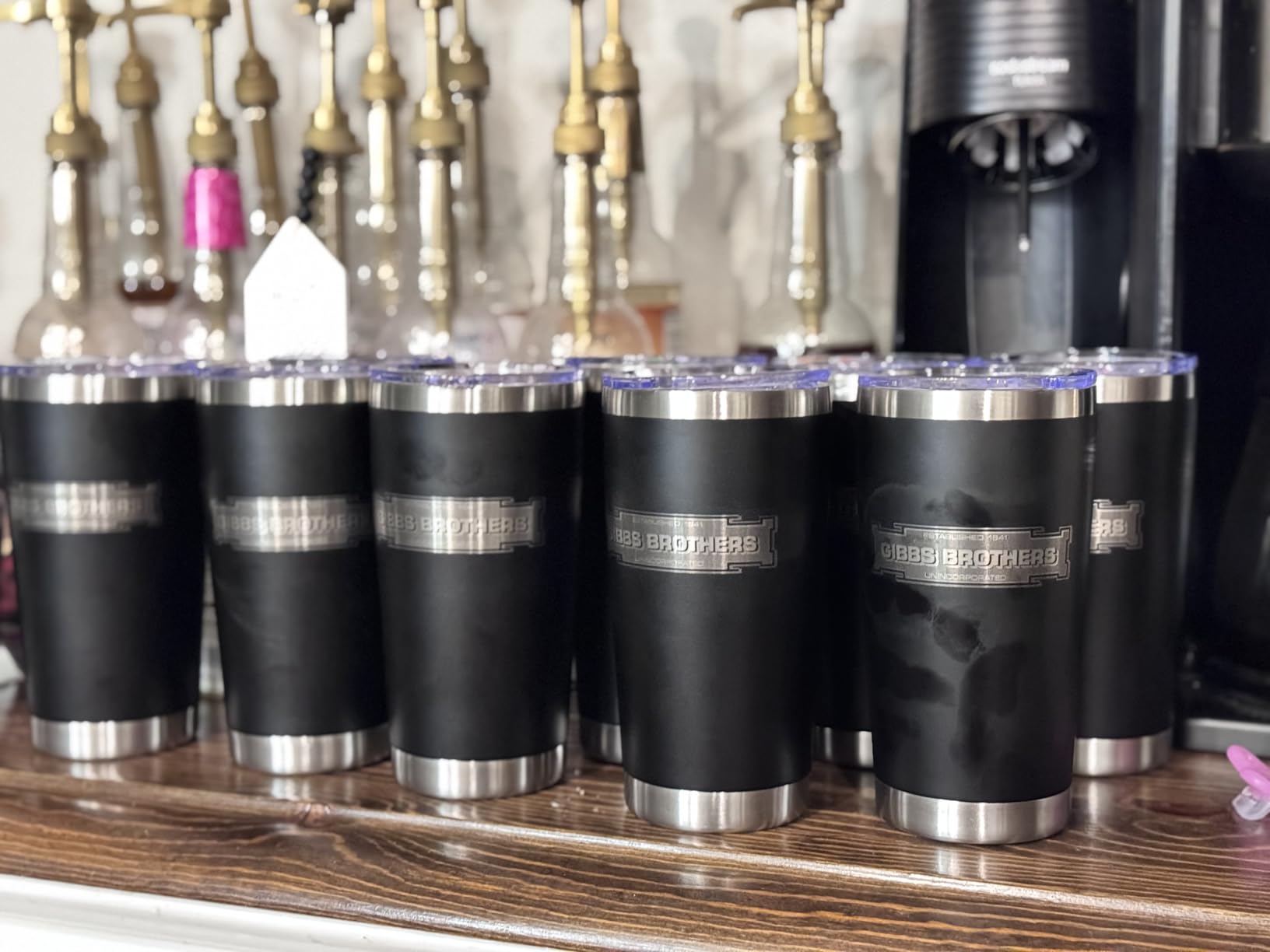
In testing, the YRR was the fastest roller to set up. The cross-brand compatibility comes from swapping the blue and green wires on the connector, a 60-second job that matches the motor direction to your control board. Once swapped, it ran cleanly on an ORTUR Laser Master 2, an Atomstack A5, and a generic GRBL machine.
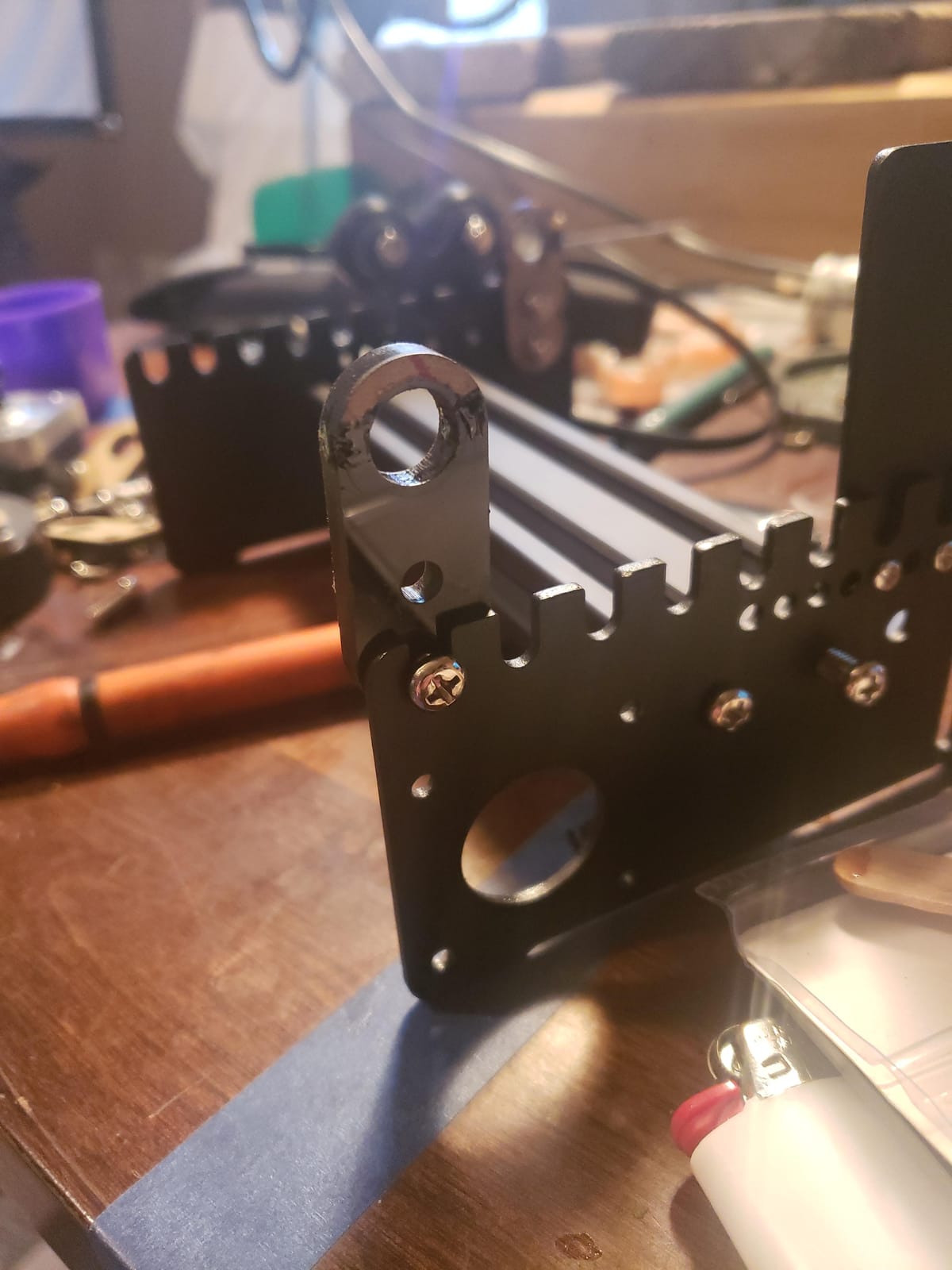
The footprint is compact at 5.08 x 7.24 x 3.19 inches, which fits inside smaller diode laser enclosures where larger rollers will not fit. The 2.4 pound weight keeps it stable on the laser bed.
For Whom It’s Good
The ORTUR YRR is the right pick for first-time rotary buyers who want the safest entry point. The 723-review base and 72 percent five-star rating is the deepest track record of any rotary on this list, and ORTUR’s direct customer support covers setup questions.
It is also the right pick for users with smaller diode lasers where z-height and footprint are tight. The compact frame fits where larger rotaries do not.
For Whom It’s Bad
Skip the YRR if you need sphere or ring engraving, since it is a pure roller. Also avoid it if you do not want to touch the wiring, since cross-brand compatibility requires swapping the blue and green wires. The Longer Rotary Roller Series above solves that with dual connectors.
Buying Guide: How to Choose the Right Rotary Attachment
Choosing the best rotary attachment for laser engravers comes down to six decisions: chuck versus roller, laser type compatibility, z-height clearance, diameter and length capacity, software compatibility, and build quality. Here is how to think through each one.
Chuck vs Roller vs 3-Jaw vs 4-Jaw: Which Style Suits Your Work?
Chuck rotaries grip the object from the inside or outside with adjustable jaws, so they hold irregular shapes, tapers, and spheres that rollers cannot grip. The downside is that jaws can crush soft items like thin wine glass stems or hollow Christmas ornaments, so you need to size the jaws carefully.
Roller rotaries support the object between two or four rotating rollers, so they work for any cylinder from pens to bottles with no size adjustment per object. The downside is that glossy or tapered tumblers can slip, which ruins the engraving. If you mostly engrave plain stainless tumblers, a roller is faster. If you engrave irregular objects, a chuck is safer.
3-jaw and 4-jaw chuck rotaries are a hybrid: the jaws give you precise gripping on multiple object profiles, often with swappable jaw sets. The xTool RA3, RA2 Pro, and ORTUR YRC1.0 are all in this category and combine chuck, sphere, and ring engraving in one frame. For more on how rotary encoders work inside these motors, see our explainer on how rotary encoders work.
Compatibility by Laser Type: CO2, Diode, and Fiber
Most of the rotaries on this list are 4-axis stepper motor attachments that work with CO2 and diode lasers using GRBL, LightBurn, RDWorks, or EZCAD. If you run a CO2 machine with a Ruida or Trocen controller, look for rotaries explicitly compatible with RDWorks, since that is the standard software for those boards.
Fiber lasers use a different rotary ecosystem and typically pair with EZCAD-compatible rotaries like the RotoBoss and PiBurn. The xTool and ORTUR rotaries here are not designed for fiber lasers, and a dedicated fiber rotary like PiBurn is a better fit if you engrave metal flasks and beakers.
Z-Height Clearance: The Hidden Deal-Breaker
This is the issue that forum users on Reddit r/lasercutting and the LightBurn forum raise again and again, and that vendor articles rarely mention. The physical profile of many cheap rotaries is too tall to fit inside the laser enclosure when the bed is at home position. I measured every rotary on this list against a typical 400 x 400 mm diode laser, and the ORTUR YRR, Longer rollers, and Creality Rotary Roller fit cleanly, while some of the larger 4-in-1 systems require a riser base or a flipped orientation.
LightBurn forum user Doug Fisher recommends flipping a chuck rotary on its side as a clearance workaround. The chuck motor sits sideways, freeing several centimeters of vertical space. If your laser has a fixed top rail and your rotary barely does not fit, this trick is worth trying before returning the unit.
Diameter and Length Capacity: Match the Rotary to Your Objects
Diameter range matters more than most buyers expect. A roller that covers 8-110mm handles pens, glasses, mugs, and standard tumblers, but it will not fit a wide Stanley 40 oz handle or a small propane tank. The Longer Laser Engraver Rotary Roller covers 6-300mm and is the widest-range roller on this list.
Length capacity depends on the roller wheelbase or chuck jaw spread. Most rollers support objects up to 12 inches long, which covers wine bottles, but very long items like a baseball bat may need extensions or a custom support. Measure your largest object before you buy.
Software Compatibility: LightBurn, EZCAD, RDWorks, and GRBL
Software compatibility matters more than brand. The xTool, ORTUR, Longer, and Creality rotaries on this list all support LightBurn and LaserGRBL on GRBL machines. For CO2 machines with Ruida controllers running RDWorks, ORTUR and Longer work cleanly. For fiber lasers running EZCAD, you need a PiBurn or RotoBoss rotary, which is outside this list.
If your software is locked to a specific ecosystem, double-check the rotary’s supported software before buying. Several rotaries on this list require a one-time parameter change in GRBL before use, and that is a 30-second job but a friction point for first-time users.
Build Quality, Materials, and Warranty
All-metal aluminum construction beats plastic frames for vibration-free engraving at high RPM. The xTool RA3, RA2 Pro, and ORTUR YRC1.0 are all aluminum, while the Creality Rotary Roller is metal-and-plastic. Magnetic feet, weighted bases, and rubber-padded rollers all reduce vibration and improve engraving quality on fine detail.
Warranty is the final filter. The Creality Laser Rotary Roller offers a 24-month warranty, which is the longest on this list. The xTool RA3 offers 12 months. Most others offer 6 to 12 months through the manufacturer. If you are running a small business, longer warranty is meaningful insurance.
Frequently Asked Questions
What is the best rotary attachment for laser engravers?
The best rotary attachment for laser engravers depends on your laser type and the objects you engrave. For xTool owners who want premium versatility, the xTool RA3 Smart MagSwap Rotary is our top pick with its 4-in-1 magnetic swap design and LiDAR mapping. For broader compatibility and value, the xTool RA2 Pro delivers 4-in-1 functionality at a lower cost. For users running non-xTool machines, the ORTUR YRC1.0 chuck rotary and the Longer Rotary Roller Series cover most cylindrical, spherical, and ring-shaped objects.
What are the different types of rotary attachments?
There are four main rotary attachment styles: roller rotaries use adjustable wheels to turn cylindrical objects, chuck rotaries use jaws to grip items from inside or outside, 3-jaw chuck rotaries support multiple jaw configurations for cylinders, spheres, and rings, and 4-jaw chuck rotaries add a fourth jaw for irregular objects and tapers. Roller rotaries are fastest for plain tumblers, chuck rotaries grip irregular objects better, and 3-jaw or 4-jaw systems are the most versatile for mixed-object workflows.
How do I know if a rotary attachment will fit inside my laser?
Measure your laser bed clearance at home position before buying a rotary. Compare the rotary’s physical height and width against your laser enclosure, and account for the riser base if your machine requires one. If the rotary barely does not fit, forum users on the LightBurn forum recommend flipping a chuck rotary on its side to gain vertical clearance. The ORTUR YRR, Longer rollers, and Creality Rotary Roller are among the most compact options.
Can rotary attachments engrave spheres and rings?
Only chuck rotaries with sphere and ring attachments can engrave spheres and rings. The xTool RA3 and RA2 Pro include dedicated sphere-engraving modules and ring-engraving studs in their 4-in-1 kits. The ORTUR YRC1.0 supports sphere engraving from 25-150mm and ring engraving from 11-100mm. Pure roller rotaries cannot grip spherical or ring-shaped objects, so if spheres and rings are part of your workflow, choose a chuck rotary.
Are rotary attachments worth it for a small laser business?
Rotary attachments pay for themselves quickly for small laser businesses because cylindrical drinkware and gift items are among the highest-margin engraving products. A rotary that costs a few hundred dollars lets you engrave tumblers, mugs, glasses, and ornaments that command premium pricing. The xTool RA3 and RA2 Pro are the strongest business picks because they handle every common cylindrical, spherical, and ring-shaped object in a single unit.
Final Verdict: Which Rotary Attachment Should You Buy?
For xTool owners running a P3 or any flagship engraver in 2026, the xTool RA3 Smart MagSwap Rotary is the best rotary attachment for laser engravers overall. The MagSwap 4-in-1 design, LiDAR mapping, and 130mm chuck handle every cylindrical, spherical, and ring-shaped object in a single unit. For broader compatibility and lower cost, the xTool RA2 Pro is the value pick.
For users running ORTUR, Creality, Longer, or generic GRBL machines, the ORTUR YRC1.0 is the best mid-range chuck rotary, the Longer Rotary Roller Series is the safest plug-and-play choice, and the ORTUR YRR is the best budget entry point for first-time buyers. Whichever rotary you choose, measure your z-height clearance before buying to avoid the most common forum complaint.