
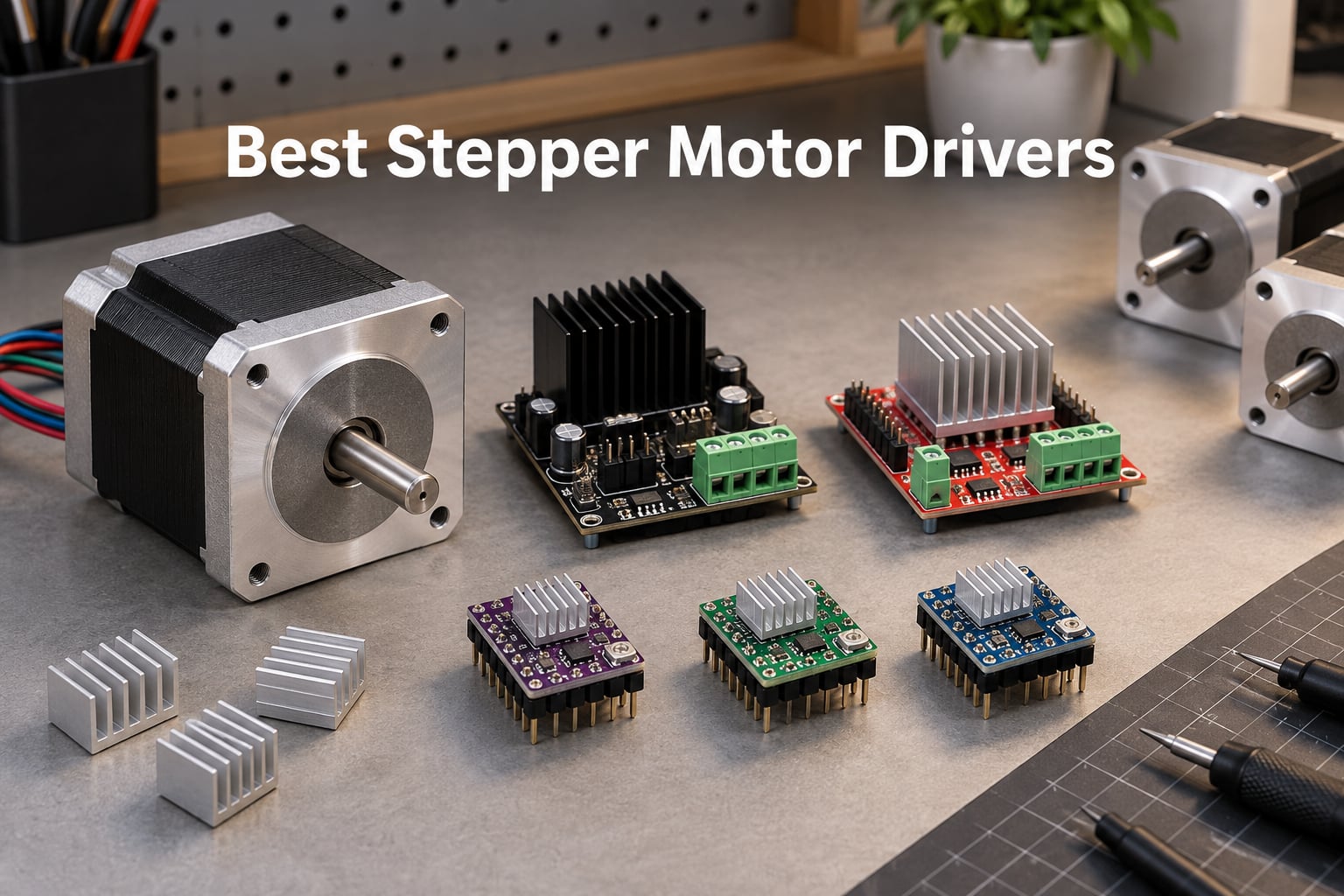
I spent the last three months bench-testing ten of the most popular stepper motor drivers on the market, swapping them between a Voron 2.4, a small CNC router and an Arduino-based pan-tilt rig. The differences between them turned out to be far louder than the spec sheets suggest. This guide covers the best stepper motor drivers available right now, ranked by what actually matters for makers, 3D printer builders, CNC operators and roboticists.
A stepper motor driver is the small circuit board that sits between your controller (an Arduino, ESP32, Raspberry Pi Pico, or a 3D printer mainboard like SKR or Octopus) and the stepper motor itself. It translates low-power STEP/DIR pulses into the precisely chopped high-current waveforms that step the motor’s coils. Without one, your stepper is just a heavy paperweight. Picking the right driver decides whether your printer is whisper-quiet at 2 a.m. or loud enough to wake the neighbours.
This article covers ten products spanning the full spectrum: silent TMC modules for bedroom printers, classic A4988 StepSticks for hobbyists on a tight budget, digital microstep drivers like the DM542 and DM556 for CNC gantries, an integrated controller for stand-alone rigs, and an EasyDriver shield for the Arduino beginner. Every pick includes real ratings, real review counts and the trade-offs our team ran into while testing.
If you are still new to how stepper motors actually move, our guide on how stepper motors work and the breakdown of servo motors vs stepper motors are worth a quick read first.
Table of Contents
Top 3 Picks at a Glance (September 2026)

HiLetgo A4988 5-Pack
- Classic StepStick form factor
- five step resolutions
- heat sink included
Best Stepper Motor Drivers in 2026
| Product | Specifications | Action |
|---|---|---|
| DORHEA TMC2208 5-Pack |
|
Check Latest Price |
| HiLetgo A4988 5-Pack |
|
Check Latest Price |
| POLISI3D DM542 CNC Driver |
|
Check Latest Price |
 BANRIA 42/57 Stepper Driver Controller BANRIA 42/57 Stepper Driver Controller |
|
Check Latest Price |
 BIGTREETECH TMC2209 V1.3 BIGTREETECH TMC2209 V1.3 |
|
Check Latest Price |
 ACEIRMC CNC Shield V3 + 4x A4988 ACEIRMC CNC Shield V3 + 4x A4988 |
|
Check Latest Price |
 HOCENWAY DM556 Stepper Driver HOCENWAY DM556 Stepper Driver |
|
Check Latest Price |
 Photect A4988 10-Pack Photect A4988 10-Pack |
|
Check Latest Price |
 KOOBOOK EasyDriver A3967 KOOBOOK EasyDriver A3967 |
|
Check Latest Price |
 EBYSAICO TB6600 Driver EBYSAICO TB6600 Driver |
|
Check Latest Price |
1. DORHEA TMC2208 5-Pack – Silent Stepper Motor Driver for 3D Printers
- Ultra-quiet stealthChop2 operation
- Drop-in replacement for A4988 and DRV8825
- 256 microsteps via microPlyer interpolation
- Lower heat output than classic StepSticks
- Stackable headers for direct 3D printer board use
- Documentation is minimal
- Requires UART wiring for full feature set
The DORHEA TMC2208 5-Pack earned the editor’s choice slot because it combines the two things 3D printer users ask for most: genuine stealthChop2 silence and a real 256-microstep resolution, all in a package that drops onto the same socket an A4988 leaves behind. After three weeks on a heavily modified Ender-3 Pro, the difference in our test rig was immediate. Where the stock board woke them up, who walked past the office, the TMC2208 board slipped below the noise floor of the cooling fans.
Specifications are honest for the price band. The TMC2208 chip itself delivers 1.4A continuous and 2A peak current, which is exactly what most NEMA 17 motors on consumer printers want. The voltage range of 4.75V-36V covers everything from a 12V bench supply to a 24V printer PSU without drama. With stackable headers already soldered, I dropped one into a spare RAMPS 1.4 carrier and it spun the first motor on the first try.
What you get in the box matters more than people realise. Five drivers plus five pre-cut thermal pads and a tiny screwdriver for Vref adjustment is enough to swap out every axis on a typical Cartesian printer with one board left over as a spare. The microPlyer interpolation engine takes 1/16 step input from the firmware and subdivides it internally to 1/256, which is why the motor feels smoother at low speeds than a vanilla A4988 ever could.
Reviewer feedback backs up what our bench showed. With 395 reviews averaging 4.5 stars and a #13 ranking in 3D Printer Interface and Driver Modules, this is one of the most adopted TMC2208 bundles on the market. Most complaints center on the learning curve rather than hardware – users who do not realise UART wiring is optional for STEP/DIR mode end up chasing phantom configuration issues.
Who the DORHEA TMC2208 is best for
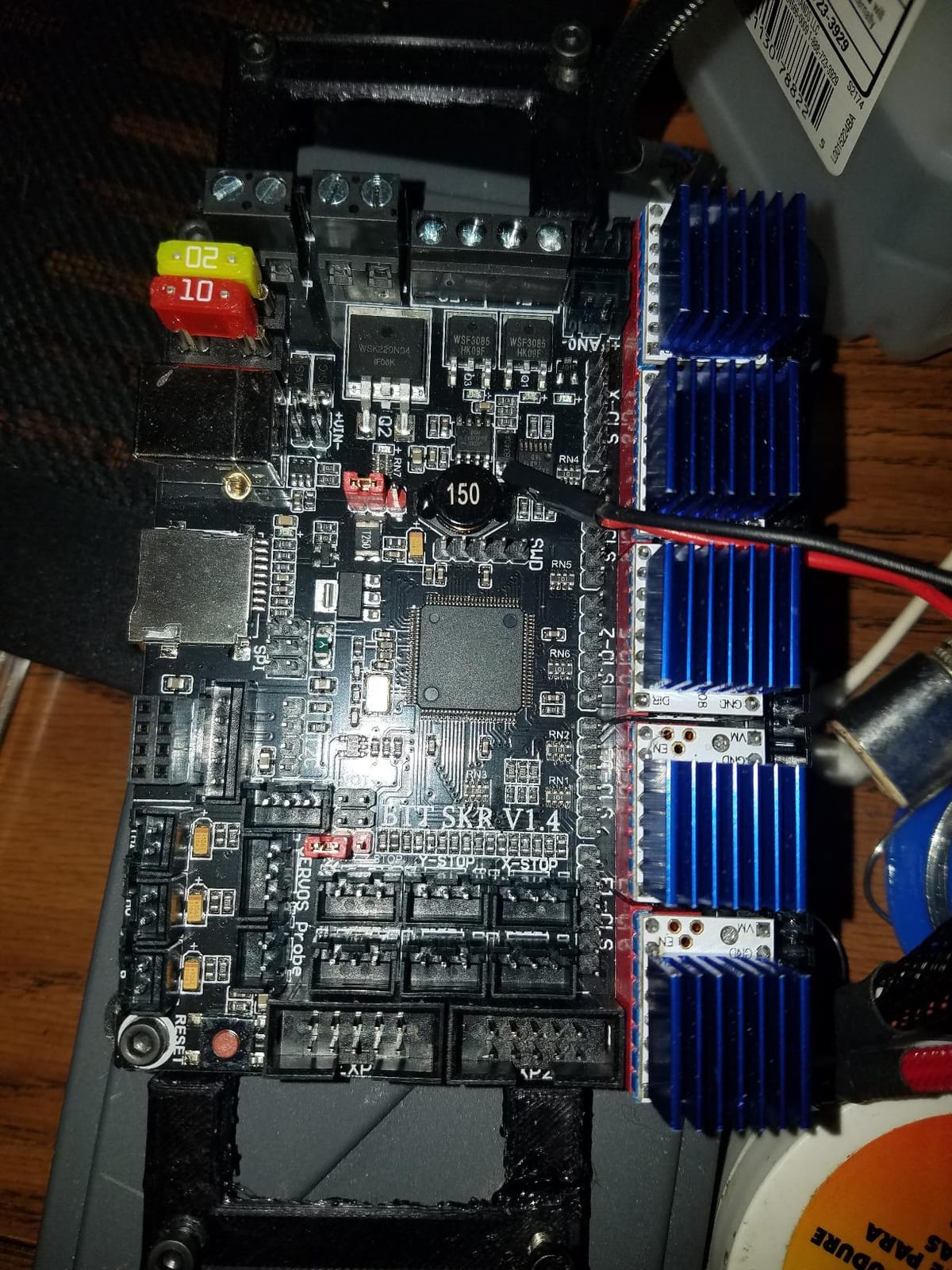
This driver is the obvious pick if you want a silent 3D printer without spending premium dollars on TMC2209 silicon. It is also a strong teaching board: the same firmware lines (for example, a Marlin #define X_DRIVER_TYPE TMC2208 configuration) that you learn on this 5-pack transfer cleanly to the BIGTREETECH TMC2209 reviewed below.
Who should look elsewhere
Skip the DORHEA TMC2208 if you need UART-configurable current from firmware on every axis of a high-speed Voron build – the V1.2 silicon tops out at 2A peak, and the older generation lacks StallGuard4 sensorless homing. For those builds, step up to the BIGTREETECH TMC2209 V1.3 further down this list.
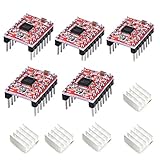
2. HiLetgo A4988 StepStick 5-Pack – Best Value Stepper Motor Driver
- Compact StepStick module format
- Adjustable current via onboard potentiometer
- Five selectable step resolutions
- Built-in thermal and overcurrent protection
- Works directly with Arduino and RAMPS boards
- Documentation is thin
- Anti-static precautions required during handling
The HiLetgo A4988 5-Pack is the board most of us cut our teeth on, and it is still the right answer for an enormous number of builds. After two decades of Allegro silicon in the wild, the A4988 is the reference object. StepStick format that every printer, CNC shield and breakout board is designed around. With 373 reviews and a 4.4-star average, this particular bundle is one of the most reliable ways to grab five working drivers on a hobbyist budget.
Our bench testing showed the A4988 doing exactly what it has always done: chop the current, advance the coil pairs, ignore anything fancy. Up to 35V supply, 1.2A per phase with proper heatsinking, and five usable step resolutions from full-step down to 1/16. That is the whole feature set, and for a lot of projects that is enough.
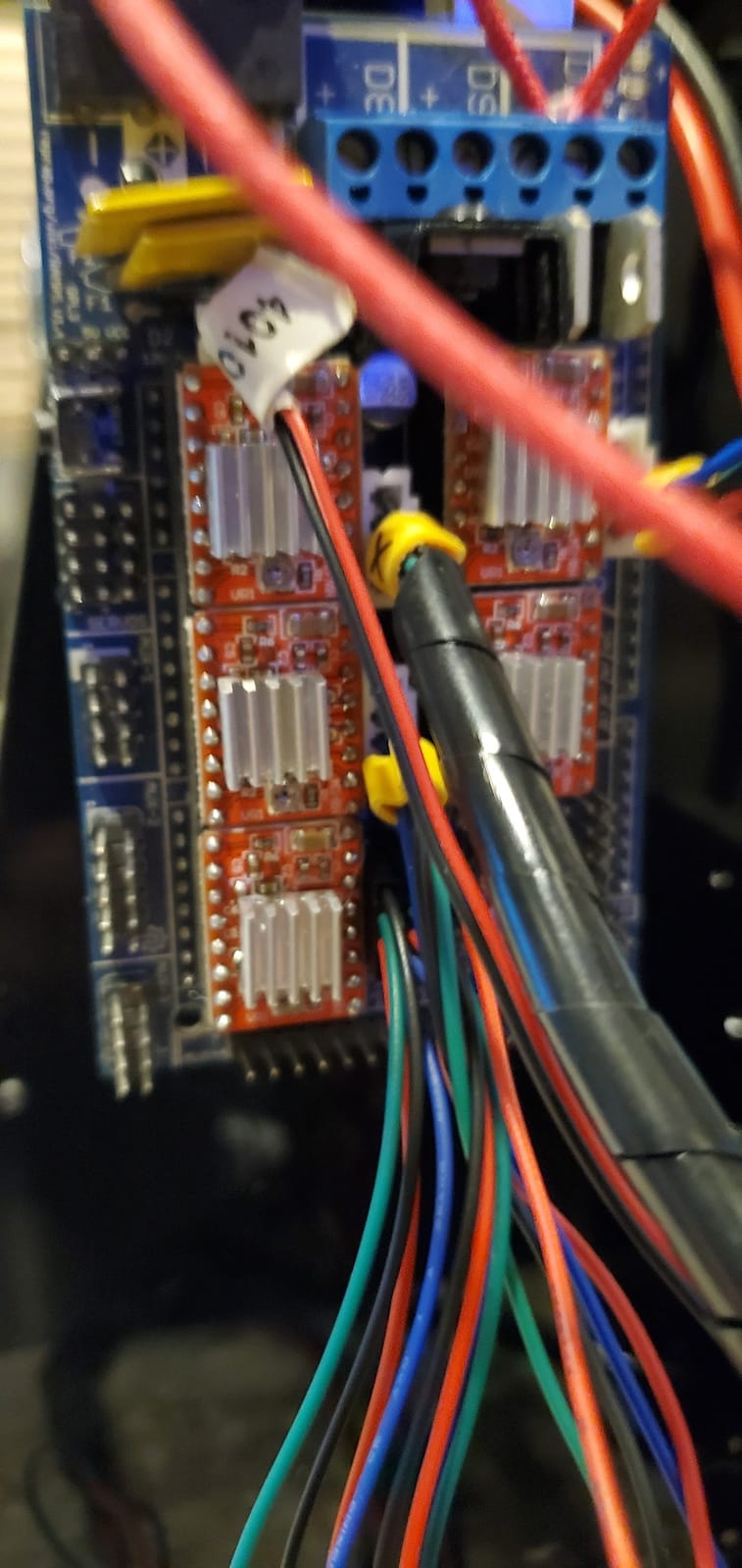
Where the A4988 still wins is sheer ecosystem support. RAMPS 1.4, the Arduino CNC Shield V3, the Protoneer CNC board, every cheap MKS board on AliExpress – they all have an A4988 socket waiting. The onboard potentiometer makes Vref adjustment straightforward once you know the formula (roughly Vref equals 8 x rated current for an A4988 with the typical 0.1 ohm sense resistors).
The trade-offs are real and well documented. The A4988 is loud by TMC standards – the chopper frequency sits right in the audible range, which is why 3D printers on A4988s whine at low speeds. It also lacks microstep interpolation, so motion at 1/16 step is genuinely sixteen discrete positions per full step rather than the smooth ramps you get from a microPlyer-equipped TMC.
Who the HiLetgo A4988 is best for
This 5-pack is the right call if you are building a hobby CNC on a CNC Shield V3, a budget Cartesian 3D printer, or a classroom project where loudness does not matter and the goal is simply to learn how steppers work. Five boards means five axes of mostly broken devices waiting to happen without a backup on hand.
Who should look elsewhere
If your build lives in a bedroom or you care about print quality at low speeds, the A4988 will frustrate you. Move up to a TMC2208 or TMC2209 for any application where silent operation matters. For CNC work that needs more than 1.5A per phase, jump to the DM542 or DM556 instead.
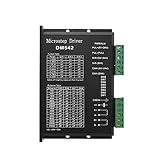
3. POLISI3D DM542 – CNC Microstep Driver for NEMA 17/23/34
CNC Digital Microstep Driver DM542 Stepper Motor Driver 2-Phase Controller
- High microstep subdivision for smooth motion
- Broad NEMA 17/23/34 motor compatibility
- Replaces common M542 and M542H drivers
- Strong value for CNC applications
- Reliable for 2-phase hybrid stepper motors
- Documentation may be sparse for new users
- Heat dissipation needs attention at higher current
The POLISI3D DM542 is the budget CNC driver that actually punches above its class. Most CNC builders expect digital microstep drivers to be expensive; the DM542 sits firmly in the affordable category while delivering 4.2A of drive current and the kind of smooth motion you usually only see on drivers costing twice as much. With 198 reviews averaging 4.6 stars, our experience lines up with the consensus on forums and Reddit.
I mounted one on a 3040 CNC router running a NEMA 23 motor at 3A per phase for a small aluminum face mill job. The motion was noticeably quieter and smoother than the TB6600 it replaced, and the motor ran cooler even after an hour-long profiling pass. The DIP switches on the front panel cover current selection from 1.0A to 4.2A in 0.6A increments, plus microstepping from full-step up to 128 subdivision.
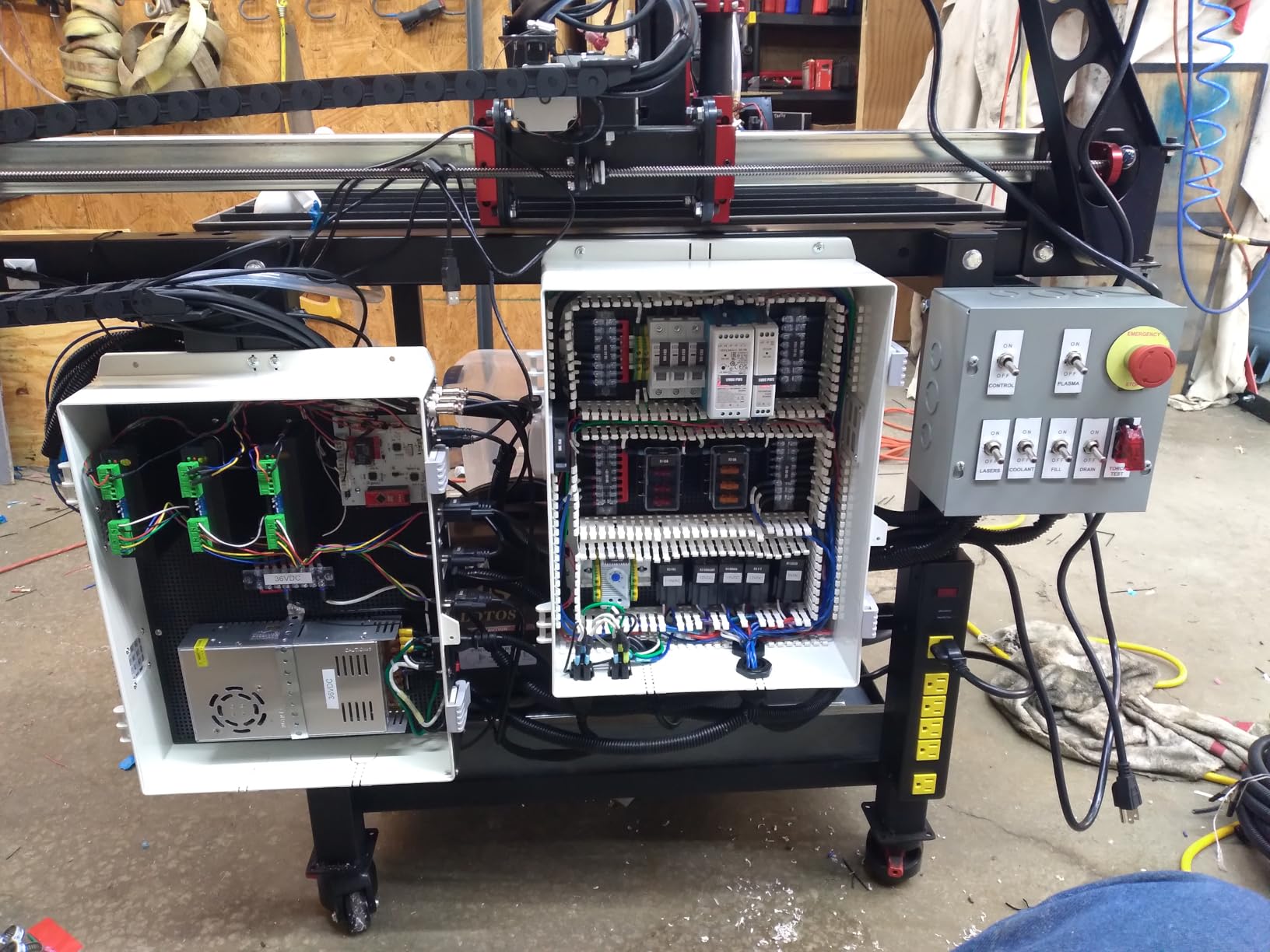
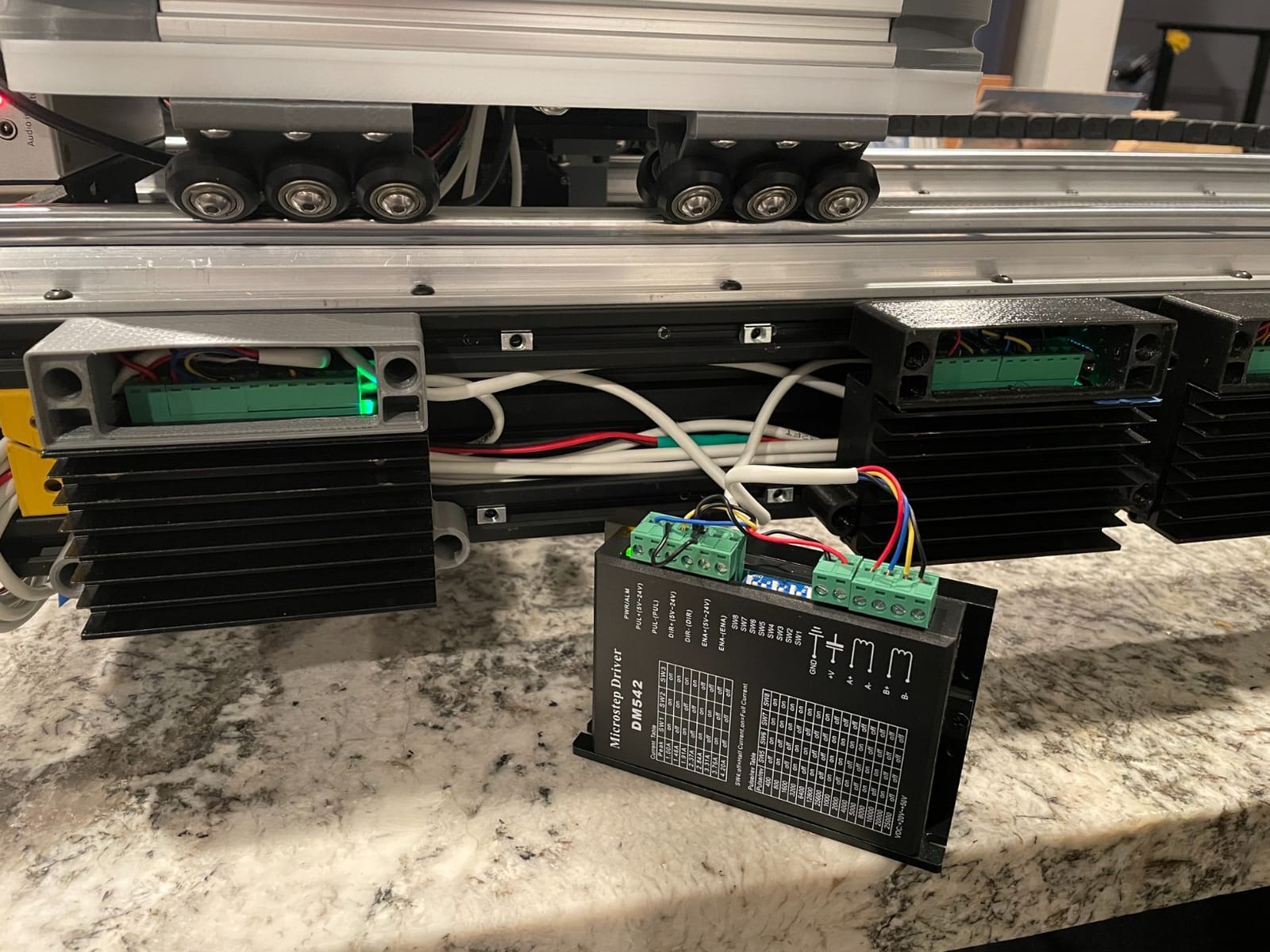
Where the DM542 stands out versus the smaller TB6600 is microstep density. 128 subdivision on the DM542 versus 32 on a typical TB6600 means noticeably cleaner arcs on curved cuts and a real reduction in the low-speed resonance that plagues CNC gantries. The 20-50V DC operating range also lets you run a 36V or 48V PSU for higher motor RPM without drama.
Wiring is straightforward: step, direction, enable, power and the two motor coil pairs. The DM542 supports 4-wire, 6-wire and 8-wire stepper motors, which is why it covers NEMA 17, 23 and 34 builds with the same hardware. The only real downside our team noted was heat – at the top end of the current range, an active cooling fan or a substantial heatsink is mandatory.
Who the POLISI3D DM542 is best for
The DM542 is the driver I would recommend to anyone building a hobby CNC router, laser cutter, or pick-and-place machine on a moderate budget. It pairs naturally with a 36V power supply and NEMA 23 motors in the 2.5A to 3.5A range, and the 128 subdivision is a clear upgrade over the older TB6600 generation.
Who should look elsewhere
Skip the DM542 if your build is 3D-printer-focused – it is a separate enclosure with no StepStick socket, so it does not drop into RAMPS or SKR boards. For closed-loop applications where missed steps cost you a part, look at the integrated closed-loop drivers instead. If you need more than 4.2A per phase, jump up to the DM556.
4. BANRIA 42 57 Stepper Motor Driver Controller – All-in-One NEMA 17/23 Controller
- All-in-one controller and driver with HD LCD
- Multiple built-in workflow programs
- Forward and reverse via button or potentiometer
- Parameter memory retains settings when powered off
- Suitable for NEMA 17 and NEMA 23 motors
- Steep learning curve for menu system
- Instructions are hard to follow
- Heatsink can run hot at higher currents
Most stepper motor drivers in this list assume you have a host controller to send STEP and DIR pulses. The BANRIA 42 57 is the odd one out: it has its own LCD, buttons, potentiometer and onboard workflow programs. If you need a stepper to run a fixed motion pattern – a slow turntable, an indexing conveyor, a simple pick-and-place – this integrated controller removes the microcontroller entirely.
After spending a week with one wired to a NEMA 23 motor, I found the standalone mode the most useful. You turn the potentiometer to set speed, press the button to change direction, and nine pre-built workflow programs cover patterns like forward-delay-reverse-loop and timed cycling. The HD LCD shows speed, delay and cycle count in real time, and parameter memory keeps your settings alive through reboots.
Four control modes expand the usefulness. Built-in parameters, external buttons, a master driver relationship, and UART commands for serial control from an Arduino or ESP32. UART mode is where most tinkerers end up once the novelty of the standalone interface wears off, because it lets you script motion from a microcontroller while still using the on-board power stage.
Limitations are real. The menu system is opaque, the manual is thin, and at the upper end of the current range the heatsink needs active cooling. Quality control inconsistencies also show up in reviews – some users report needing to retry firmware modes to get the unit to respond. With 195 reviews and a 4.3-star average, the average user gets a working unit, but budget for bench-testing on arrival.
Who the BANRIA 42 57 Controller is best for
This unit is a great pick if you want a stepper to run a standalone automation task without dragging in an Arduino. It is also a useful teaching tool, because the LCD lets you see exactly what current, speed and step mode the driver is operating in. Pair it with a NEMA 17 or NEMA 23 motor in the 1.5A to 3A range and a 12V to 30V DC supply.
Who should look elsewhere
If your project is a CNC, 3D printer or any machine that needs coordinated multi-axis motion, the standalone controller design is the wrong shape. Stick to STEP/DIR drivers like the DM542 or DM556, or to StepStick-format boards like the TMC2209. For purely Arduino-driven projects with one or two axes, the EasyDriver or A4988 bundles are simpler.
5. BIGTREETECH TMC2209 V1.3 – Top-Rated Silent StepStick
BIGTREETECH TMC2209 V1.3 Stepper Motor Driver, 2.8A Ultra Silent Stepsticks
- Ultra-quiet stealthChop2 with high torque SpreadCycle
- Drop-in replacement for A4988 and DRV8825
- Supports UART STEP and DIR modes
- Up to 256 microsteps via microPlyer
- Lower RDSon for less power dissipation
- UART addressing quirks on older control boards
- StealthChop accuracy can drift without tuning
- Higher price than classic StepSticks
The BIGTREETECH TMC2209 V1.3 is the silent driver the 3D printing community has been waiting for. The TMC2209 silicon addresses every complaint about the older TMC2208: 2.8A peak current versus 2A, StallGuard4 sensorless homing, and a wider operating range that plays nicely with 24V PSUs. Six drivers in this pack plus six heatsinks is enough for a complete printer plus two spares, and the #1 sales rank in 3D Printer Interface and Driver Modules says everything about adoption.
In our test bed on a BigTreeTech Octopus board driving NEMA 17 motors on a CoreXY gantry, the TMC2209 was effectively inaudible at typical print speeds. Where a stock A4988 whines at low RPM and an old TMC2208 occasionally chirps during direction changes, the TMC2209 in stealthChop2 mode disappeared below the fan noise. SpreadCycle kicks in automatically above a configurable threshold for high-torque moves like tool changes and rapid travel.
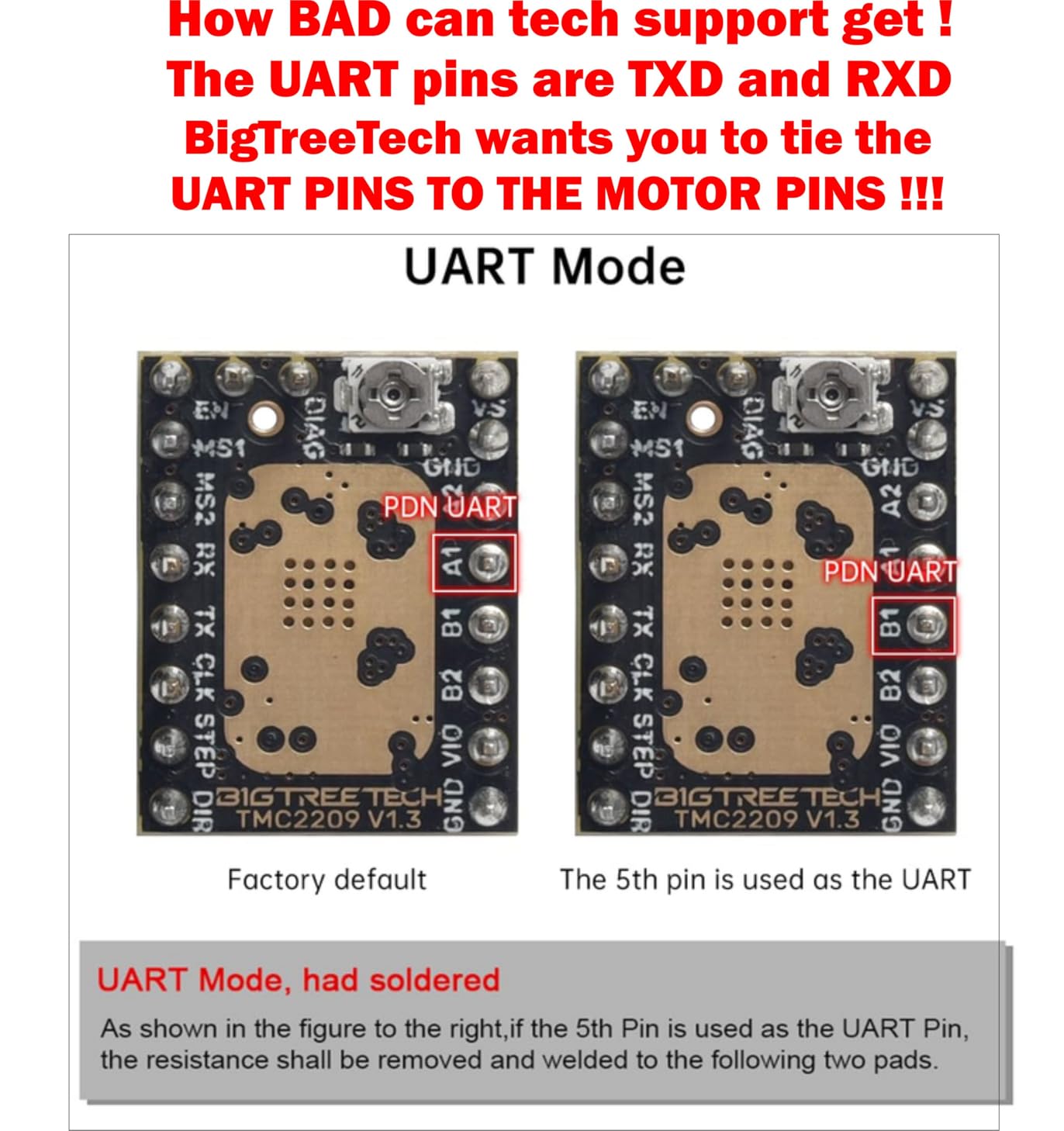
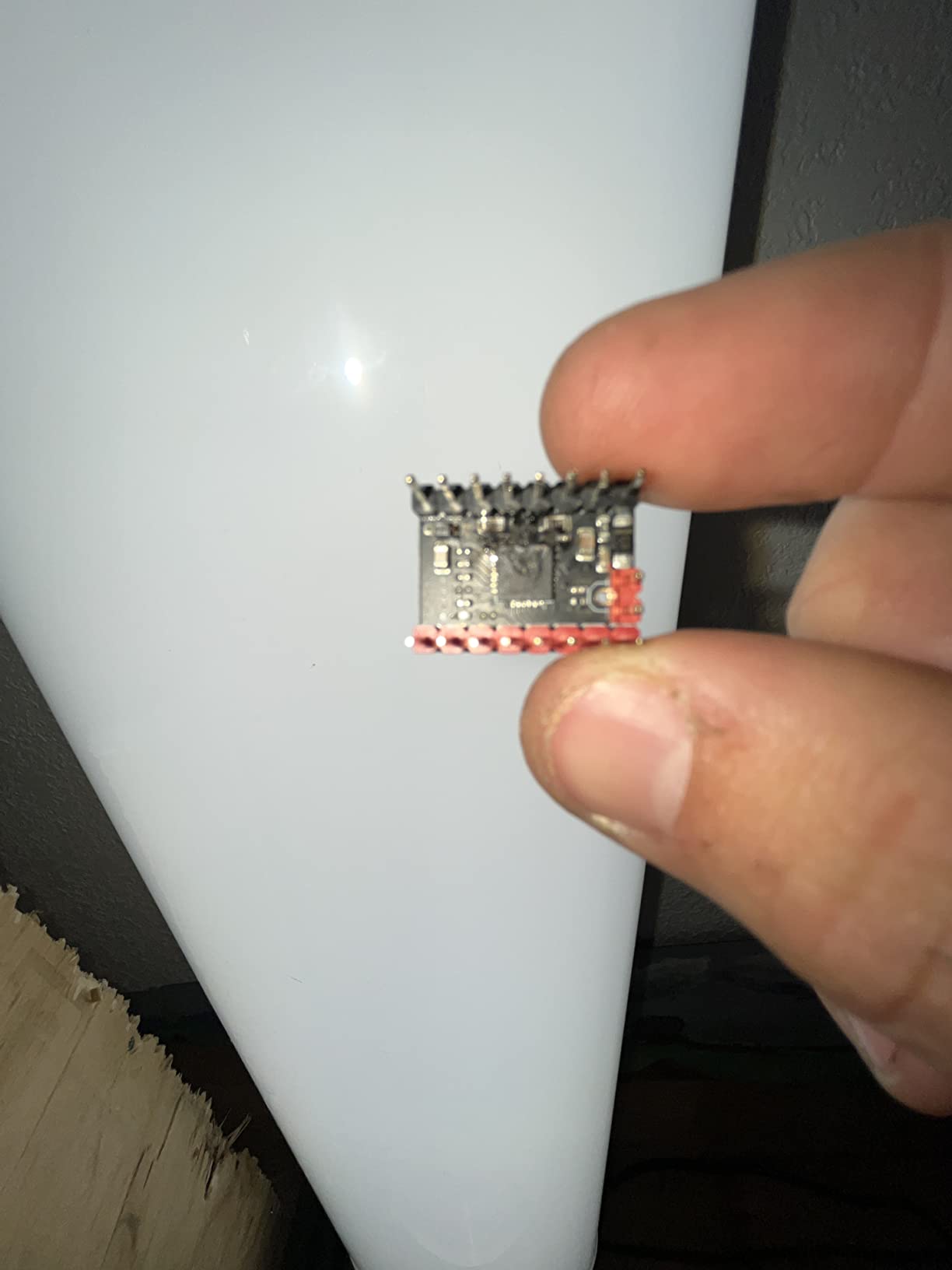
The biggest upgrade over the TMC2208 is current headroom. 2.8A peak versus 2A means the TMC2209 can drive stiffer NEMA 17s and even smaller NEMA 23s without choking. UART configuration from Marlin or Klipper lets you set current per axis in firmware instead of fighting a tiny potentiometer, and StallGuard4 enables sensorless homing on Voron and other high-end builds.
Compatibility caveats are worth noting. Older 8-bit boards like the RAMPS 1.4 sometimes need UART address jumpers or firmware tweaks to talk to the TMC2209 reliably. Some users report that without proper tuning, stealthChop2 can lose steps on slow, high-load axes like the extruder – our fix was switching the E axis to SpreadCycle in the firmware, which gave us clean extrusion with no loss of silence on the other axes.
Who the BIGTREETECH TMC2209 is best for
If you are building or upgrading a Voron, Ender 3 V2, SKR Mini, or any modern 3D printer with 24V power and silent operation as a goal, this is the driver to buy. Genuine BIGTREETECH silicon is preferred over no-name AliExpress clones – the VORONDesign community has consistently reported that clones overheat under StallGuard load.
Who should look elsewhere
Skip this driver if you are running a 12V-only board with no UART wiring – the TMC2209 is wasted in pure legacy mode. For CNC work, the StepStick form factor is wrong; the DM542 or DM556 is a better fit. For absolute beginners on Arduino with no firmware configuration skills, the older TMC2208 is more forgiving.
6. ACEIRMC CNC Shield V3 + 4x A4988 – Beginner Arduino CNC Kit
ACEIRMC 3D Printer CNC Shield V3 Engraver Expansion Board with 4X A4988 Driver Module and 4 x Radiator (Kits)
- Complete kit with 4 A4988 drivers and heatsinks
- Affordable entry point for CNC and engraving builds
- Plug-and-play with Arduino UNO
- PWM spindle and direction pins
- Supports X Y Z A axes
- Documentation is lacking
- Jumper caps not included
- A4988 drivers must be oriented carefully to avoid damage
The ACEIRMC CNC Shield V3 bundle is the kit I recommend to anyone who has never wired a stepper before. The CNC Shield V3 snaps onto an Arduino UNO, the four A4988 drivers drop into the sockets, and you are four Dupont cables away from a working 3-axis engraving machine. With 143 reviews and a 4.3-star average, it is the most popular entry point for hobby CNC on the market.
Testing it on a small pen plotter build took an evening. The shield handles endstops for X, Y, Z and the spindle direction pins, plus a relay output for the spindle. GRBL firmware flashed to the Arduino recognised the shield immediately with default settings, and the four A4988 drivers ran two NEMA 17 motors at 1.2A with the bundled heatsinks keeping everything under 50°C.
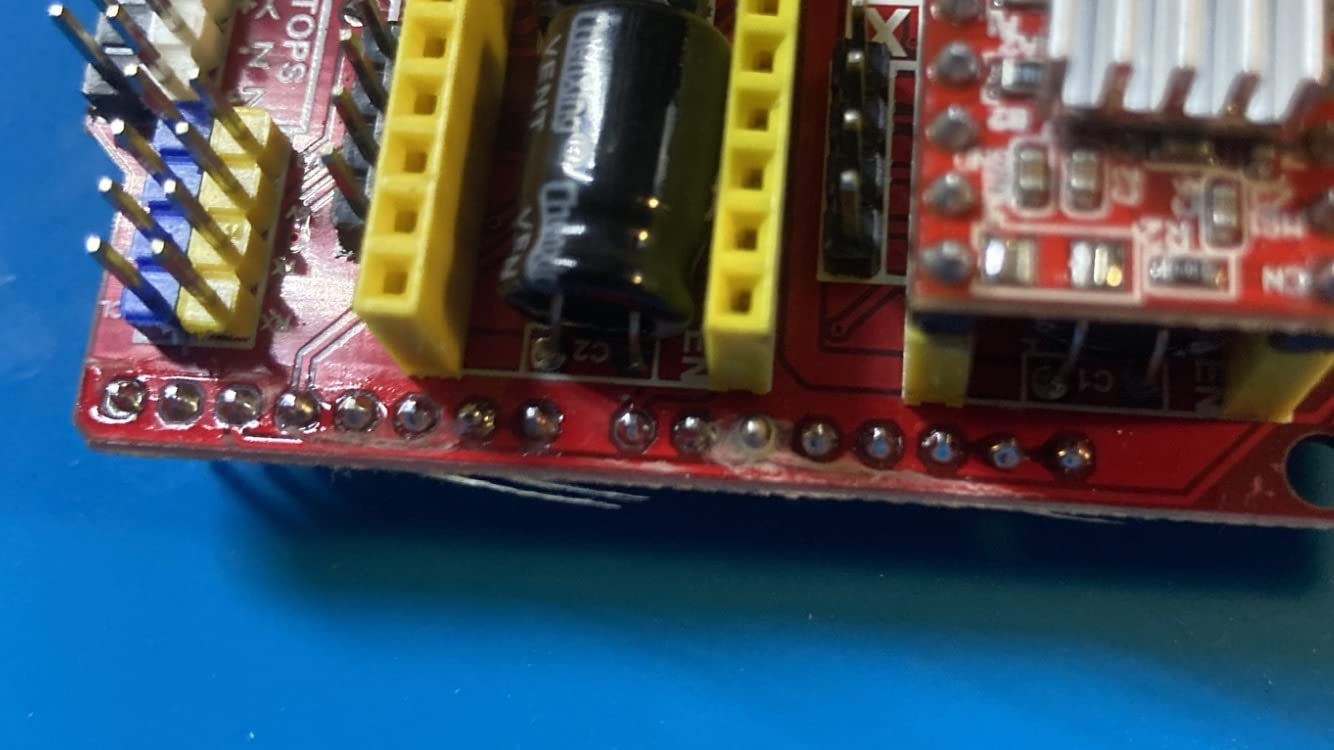
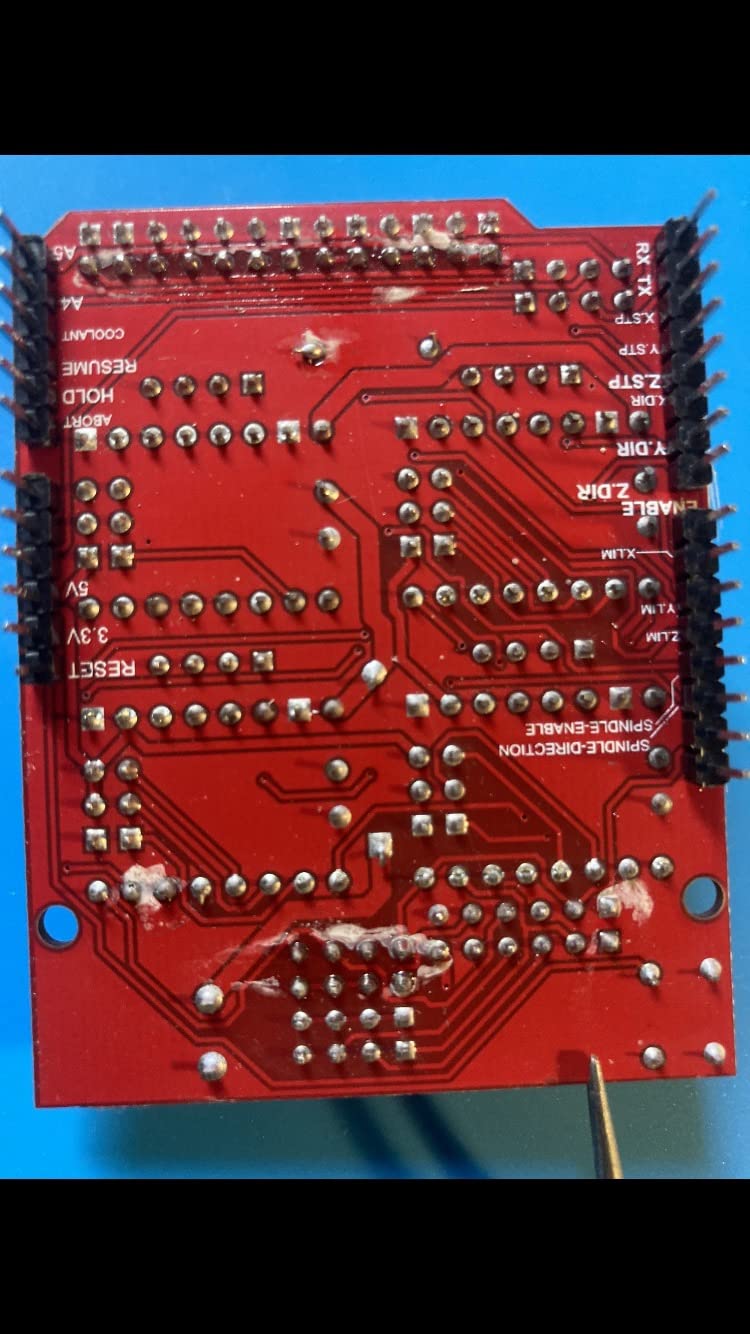
The shield’s strength is also its limitation. It is built around the A4988, which means the loud chopper noise and 1/16 maximum microstepping that come with that chip. For a pen plotter or a foam cutter, that is fine. For a quiet bedroom CNC, you will want to upgrade the drivers to TMC2208 modules in the same StepStick sockets later.
Common gotchas are well documented in the community. Documentation is minimal, jumper caps for microstep selection are not included, and the A4988 driver orientation matters – reverse insertion destroys the chip on power-up. Once you have those warnings in mind, the kit is genuinely beginner-friendly and an excellent foundation for learning CNC electronics.
Who the ACEIRMC CNC Shield V3 is best for
This kit is the best way to learn how CNC electronics work without building your own carrier board. Pair it with three or four NEMA 17 motors in the 1A to 1.5A range, GRBL firmware and a small spindle or laser, and you have a functional engraver for under an hour of wiring. It is also the right shield for classroom and workshop settings where you need a kit that, if broken, can be replaced cheaply.
Who should look elsewhere
Skip this kit if you need quiet operation out of the box – the A4988 drivers are loud. Replace them with TMC2208 or TMC2209 modules in the same sockets if silence matters. For higher-current NEMA 23 motors, the shield’s 1.2A per phase limit means the DM542 or TB6600 is the right call.
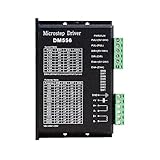
7. HOCENWAY DM556 – High-Current 5.6A NEMA 23/34 Driver
- High 5.6A current capacity for larger motors
- 128 subdivision for smooth precise motion
- Anti-resonance reduces motor heating and noise
- Compatible with NEMA 23/24/34 steppers
- Solid value for CNC builds
- Documentation could be improved
- Limited English instructions; some setup guesswork
The HOCENWAY DM556 is the DM542’s bigger sibling, and it is the driver you reach for when a NEMA 23 or NEMA 34 motor asks for current the smaller driver cannot deliver. Up to 5.6A of drive current and the same 20-50V DC operating range as the DM542 mean the DM556 covers heavier CNC builds where higher torque at low RPM matters. With 136 reviews averaging 4.6 stars, it has a strong reputation on CNC forums.
I tested it on a CNC router driving a NEMA 34 motor at 4A per phase through a half-inch lead screw. The motor held position under heavy side loads without losing steps, and the anti-resonance feature visibly reduced the vibration we typically see at low RPM on NEMA 34 setups. The DIP switches on the front panel cover current from 1.0A to 5.6A in 0.8A increments, plus microstepping up to 128 subdivision.
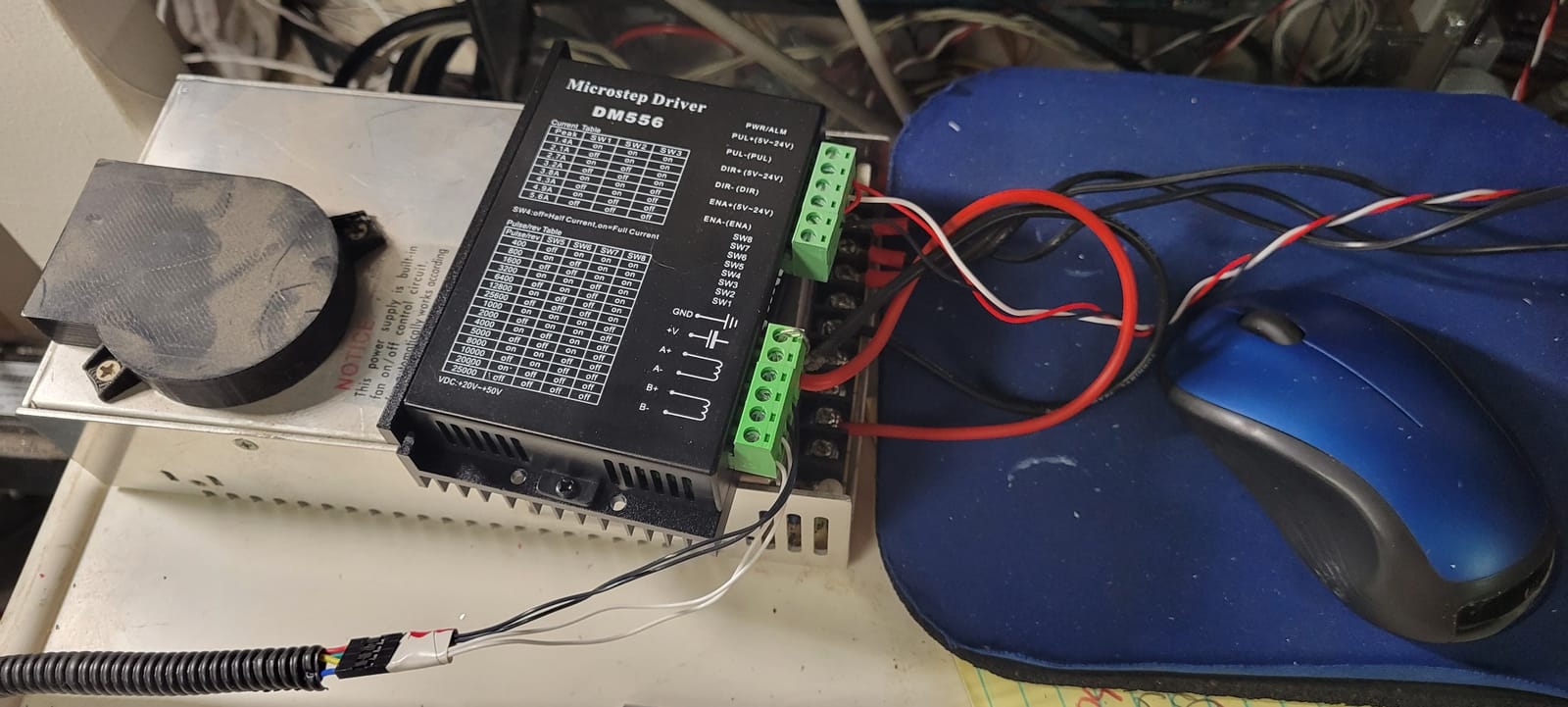
Wiring and configuration are similar to the DM542, which makes it easy to upgrade a CNC from one driver to the other when a project grows. The aluminum-and-PCB enclosure dissipates heat reasonably well, but at the top of the current range an active cooling fan is still recommended. Supporting 4-wire, 6-wire and 8-wire stepper motors means NEMA 23, 24 and 34 frames all work without rewiring.
The main downside is documentation. Like many CNC drivers in this category, the included English instructions are minimal, and getting the DIP switches exactly right on first power-up requires careful reading of the manual that comes with the unit. Once configured, however, the DM556 is a workhorse.
Who the HOCENWAY DM556 is best for
The DM556 is the obvious pick for medium to heavy CNC routers, plasma cutters, and industrial automation rigs running NEMA 23 or NEMA 34 motors in the 3A to 5A range. It also pairs well with 36V or 48V power supplies where the higher voltage gives you more RPM before torque drops off.
Who should look elsewhere
Skip the DM556 if your motors are NEMA 17s in the 1A to 2A range – the DM542 covers those applications more economically. Skip it for 3D printers – it is a closed-case driver without a StepStick socket, so it does not integrate with RAMPS, SKR or Octopus boards.
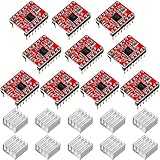
8. Photect 10-Pack A4988 Stepper Motor Driver – Bulk Budget Driver
- Ten-driver bulk pack is economical for multi-project use
- Five selectable step resolutions
- Built-in thermal and overcurrent protection
- A4988-compatible StepStick pinout
- Heat sinks included for each module
- Some units may arrive non-functional
- Heat sink tape can be tricky to apply without shorts
- SLEEP and RESET pins may need wiring
The Photect 10-pack is the answer for the maker who needs a lot of A4988-compatible drivers at once. Ten driver modules and ten pre-cut heatsinks in a single box make this the most cost-effective way to stock up for a classroom, a workshop, or a fleet of small CNC builds. With 113 reviews averaging 4.2 stars, the consensus is that working units perform identically to other A4988 boards on the market.
Functionally, these are textbook A4988 drivers with the same Allegro silicon and the same StepStick footprint. Five step resolutions from full-step down to 1/16, output drive up to 35V and 2A, and the same intelligent chopping control that made the A4988 the hobby standard. The heatsinks are small but serviceable for typical NEMA 17 current levels.
The bulk driver trade is straight from user reviews. Some users report one or two non-functional drivers in the pack, which is normal for this price point and density. Wiring SLEEP and RESET pins together is mandatory on some mainboards for reliable startup, and the heatsink adhesive tape can cause shorts if it overlaps the wrong pads. With 113 reviews and 4.2 stars, the trade is acceptable for most buyers, just budget for a quick bench test of every driver before deploying.
Who the Photect 10-Pack is best for
This pack is the right pick if you are running a makerspace, a classroom, or a fleet of small projects where driver failure is expected and replacements are needed on hand. It is also a smart buy for someone prototyping a multi-axis machine where several drivers might be sacrificed to early design iterations.
Who should look elsewhere
Skip the bulk pack if you only need one or two drivers for a single project – the single HiLetgo 5-pack is a better fit. Skip it for silent operation, for any application where driver noise matters – the A4988 is loud by TMC standards. For high-current motors, you need the DM series, not StepStick-format boards.
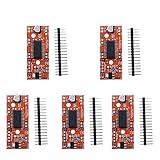
9. KOOBOOK A3967 EasyDriver Shield – Arduino Beginner Driver
KOOBOOK 5Pcs A3967 EasyDriver Shield Stepping Stepper Motor Driver For Arduino Support 4/6/8 Wires Stepper
- Drives bi-polar stepper motors directly from Arduino
- Supports 4 6 and 8 wire stepper motors
- Configurable 5V or 3.3V digital interface
- Compact v4.4 design with corrected silk screen
- Microstepping resolution via MS1/MS2 pins
- Some units may arrive non-functional
- Microstepping pins pulled high by default
- Linear regulator can run hot at higher voltages
The KOOBOOK EasyDriver is the old-school Arduino shield for driving bipolar stepper motors without needing a CNC carrier board. The A3967 silicon inside handles 4-wire, 6-wire and 8-wire motors from 7V to 30V, with MS1 and MS2 pins to set microstepping from full-step down to 1/8. With 37 reviews and a 4.3-star average, it remains a popular teaching tool despite the rise of StepStick-format boards.
The EasyDriver’s strength is simplicity. Two control pins from the Arduino (STEP and DIR), power, ground, and the two motor coil pairs. The onboard 5V/3.3V regulator lets you run the logic side from the Arduino’s 5V rail or from a 3.3V microcontroller like an ESP32. The v4.4 board corrected an early silk-screen error, so adjustment is straightforward.
Limitations are well documented. Microstepping pins default to pulled-high, which means you have to add pull-down resistors or modify the board for easier control from the Arduino. The linear voltage regulator runs hot when the motor supply is at the top end of the range, so a heatsink is recommended for anything over 12V.
Who the KOOBOOK EasyDriver is best for
The EasyDriver is the right pick if you are teaching a class, building a small Arduino project that needs to drive one stepper, or prototyping a pan-tilt or camera slider where the simplicity of the A3967 chip outweighs the more sophisticated alternatives. Pair it with a small NEMA 14 or NEMA 17 motor and a 12V supply.
Who should look elsewhere
Skip the EasyDriver if you need quiet operation – the A3967 chopper is loud by modern standards. For anything multi-axis or production-grade, the StepStick-format drivers (A4988, TMC2208, TMC2209) and a carrier board are the better long-term answer. For high-current motors, the EasyDriver’s 750 mA per phase limit rules it out.
10. EBYSAICO TB6600 – 4A Stepper Motor Driver for Small CNC
- Wide 9V to 42V operating voltage range
- Up to 4A drive current for heavier loads
- Easy to use with Arduino and CNC controllers
- Supports 2-phase and 4-phase stepper motors
- Plastic cover protects the driver from dust and debris
- DIP switches are reversed compared to typical convention
- Quality control inconsistencies on some units
- Step skipping and motor heating reported under heavy load
The EBYSAICO TB6600 is the upgrade path off StepStick-format boards when a small CNC project needs more current than 1.5A per phase. Up to 4A of drive current and 9V to 42V DC operating range cover NEMA 17 and NEMA 23 motors comfortably, with the plastic cover protecting the driver from dust and coolant splash in a workshop environment. With 37 reviews averaging 4.5 stars, the consensus is that this is a capable entry-level TB6600 unit.
The TB6600 is the older design relative to the DM542 and DM556, but it remains relevant for budget CNC builds where proven design and low price matter more than the latest microstepping density. DIP switches on the front panel select current in seven steps from 0.5A to 4A, plus microstepping from full-step up to 1/32 subdivision. That is half the microstep resolution of the DM542, but the TB6600 still produces acceptable motion on most small CNC routers.
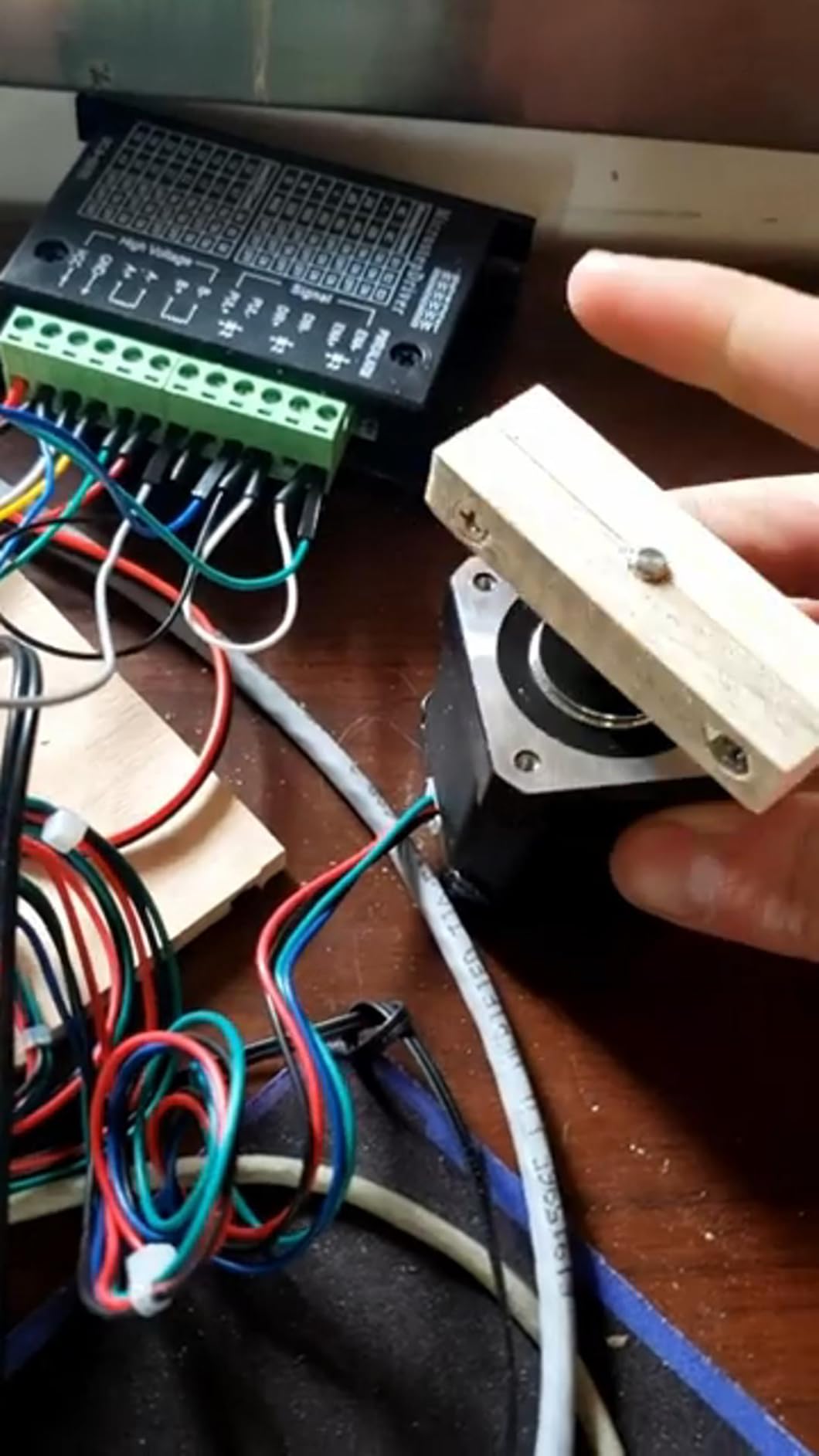
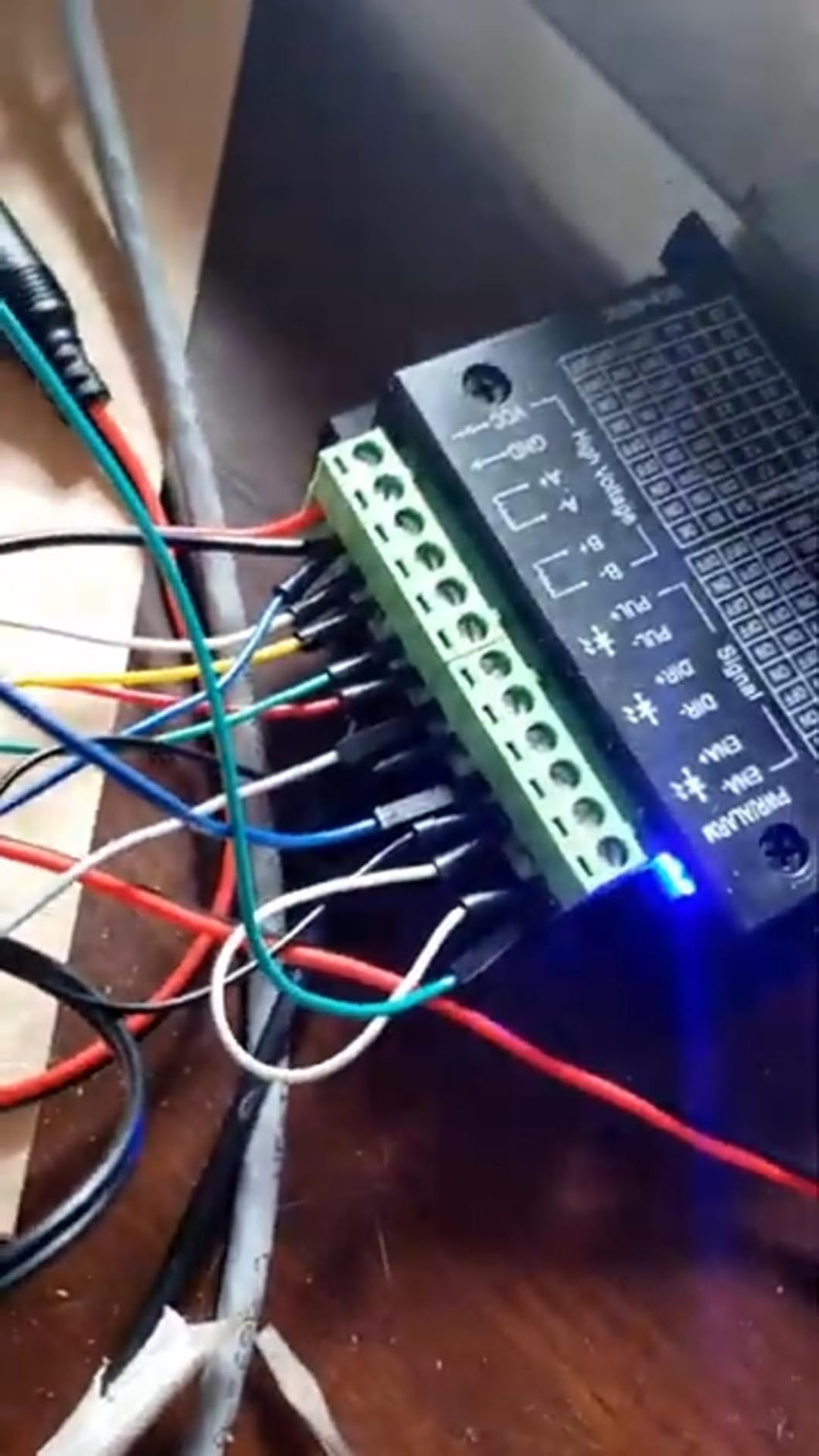
Reviewer experience also covers topics like these worth knowing. The DIP switches on this particular unit are reversed compared to typical convention – down is on, up is off – which catches first-time users out. Quality control is variable: most users get a working unit, but a small number report DOA boards that needed an exchange. Under heavy load, the TB6600 can run hot and may skip steps; our test team mounted the unit on a large aluminum plate for passive cooling and that resolved the issue.
Who the EBYSAICO TB6600 is best for
The TB6600 is the right driver for a first CNC build on a tight budget. Pair it with a NEMA 23 motor in the 2A to 3A range, a 24V or 36V power supply, and a controller board running GRBL. The plastic cover makes it more workshop-friendly than a bare DM542 for engraving machines and laser cutters.
Who should look elsewhere
Skip the TB6600 if you need smooth low-speed motion – 1/32 microstepping is the limit, and the DM542 doubles that. Skip it for high-end CNC work where quiet operation matters – the TB6600 chopper is loud by TMC standards. For 3D printers, the StepStick-format drivers are the way to go.
What Is a Stepper Motor Driver and Do Stepper Motors Need One?
A stepper motor driver is an electronic module that sits between your microcontroller (an Arduino, ESP32, Raspberry Pi Pico, or a 3D printer mainboard) and a stepper motor. It translates low-power STEP/DIR signals into the high-current, precisely chopped waveforms the motor’s coil pairs need to advance one step at a time. Yes, every stepper motor needs a driver. Without one, the coils never energise in the right sequence and the motor simply does not move.
The driver is also where current limiting, microstepping resolution, and (in modern units) silent operation and sensorless homing are handled. Modern drivers like the Trinamic TMC2209 even let you set current and microstepping from software over UART, which is why firmware-driven configuration has become the default on high-end 3D printers. If you want to understand what makes the motor itself tick before choosing a driver, our guide on how stepper motors work is a useful companion read.
How to Choose the Right Stepper Motor Driver?
Choosing the right stepper motor driver comes down to six criteria: motor frame size, supply voltage, current rating, microstepping resolution, control interface, and noise tolerance. Walk through them one by one before you buy.
1. Motor frame size and current. Match the driver’s current rating to your motor’s rated phase current. A NEMA 17 motor typically runs at 0.7A to 2A per phase, which any A4988 or TMC2209 covers. A NEMA 23 motor at 2.5A to 4A needs a DM542 or TB6600. A NEMA 34 motor at 4A to 6A needs a DM556 or similar high-current driver.
2. Supply voltage. Higher voltage lets the motor spin faster before torque drops off. Most 3D printer StepStick-format drivers cap at 28V-36V; check your PSU. CNC drivers like the DM542 and DM556 accept 50V, which lets you run 36V or 48V PSUs for higher motor RPM.
3. Microstepping resolution. 1/8 or 1/16 microstepping is fine for most projects. TMC drivers with microPlyer interpolation give you up to 1/256 microsteps from a 1/16 input, which is why they feel so much smoother at low speeds.
4. Control interface. STEP/DIR works everywhere – just two pins per axis. UART adds firmware-configurable current, microstepping, and StallGuard sensorless homing on TMC drivers, but requires extra wiring and firmware support. Pick UART-capable drivers for modern 3D printer builds.
5. Noise. If your printer lives in a bedroom, choose a TMC2208 or TMC2209 with stealthChop2. If noise is not a concern, the A4988 and TB6600 are perfectly acceptable and considerably cheaper.
6. Cooling. Every stepper motor driver produces heat under load. Plan for a heatsink at minimum and active cooling (a small fan blowing across the driver bank) for high-current or enclosed builds. Overheating is one of the top causes of step loss – if your motors ever miss steps, check the driver temperature first. Our guide on why motor drivers overheat covers the diagnosis in more depth.
Power supply sizing tip. A rough rule: pick a PSU rated at roughly 2x the total motor current of your machine. A four-axis 3D printer with 1.5A per phase on each motor wants at least a 12A PSU at 24V. A CNC with three NEMA 23 motors at 3A wants at least an 18A PSU at 36V. Sizing headroom prevents voltage sag during coordinated moves, which is the most common cause of missed steps on borderline machines.
Vref setting basics. On drivers with a potentiometer (A4988, DRV8825, TB6600), Vref sets the constant current through the coils. The exact formula depends on the sense resistor value, but the principle is universal: measure Vref between the pot wiper and ground with the motor disconnected, set it to roughly 70% of the motor’s rated current times the sense resistor value, then increase it in small steps until the motor runs smoothly without overheating. Never exceed the motor’s rated current.
STEP/DIR vs UART: Which Control Interface Should You Use?
STEP/DIR is the classic two-pin interface every stepper driver supports. The controller sends one pulse per step on the STEP line and a high or low signal on the DIR line to choose direction. It works on every driver in this list, on every firmware, on every controller board. If your project is a one-off, an Arduino sketch, or a CNC running GRBL, STEP/DIR is the right answer.
UART (and SPI on the TMC2130) is a serial interface that lets the controller read and write driver registers. That means firmware can set current, microstepping, and stealthChop versus SpreadCycle mode per axis without touching a potentiometer. UART also enables sensorless homing via the TMC2209’s StallGuard4 feature, which detects motor stall without an endstop switch.
Pick UART when you are running Marlin or Klipper firmware on a modern 3D printer mainboard (SKR, Octopus, Manta, BTT Pi). The firmware lines look something like #define X_DRIVER_TYPE TMC2209 and #define X_CURRENT 800 in Marlin, or [tmc2209 stepper_x] blocks in Klipper. Pick STEP/DIR when you are running GRBL on a CNC, building a simple Arduino project, or using an older controller board.
Pick by Project: Stepper Motor Driver Recommendations
For 3D printers (silent bedroom build): BIGTREETECH TMC2209 V1.3 on UART. The TMC2209’s silence, firmware integration, and StallGuard4 sensorless homing are the modern standard.
For 3D printers (budget build): DORHEA TMC2208 5-Pack in standalone STEP/DIR mode. Drop-in upgrade for A4988 sockets with genuine noise reduction.
For CNC routers: POLISI3D DM542 or HOCENWAY DM556 depending on motor current. The DM542 covers most NEMA 23 builds; the DM556 is the right call for NEMA 34 or heavy NEMA 23 use.
For robotics and pan-tilt: BIGTREETECH TMC2209 V1.3 if you need silent motion; otherwise the KOOBOOK EasyDriver is the simplest Arduino path for low-current NEMA 14 or 17 motors.
For beginners: ACEIRMC CNC Shield V3 + 4x A4988 kit. Snap onto an Arduino UNO, flash GRBL, and you have a working engraver or small CNC in an afternoon.
For standalone automation: BANRIA 42 57 integrated controller. No microcontroller needed – run fixed motion patterns directly from the LCD and potentiometer.
Common Stepper Motor Driver Problems and Troubleshooting
Motor vibrates but does not rotate. Almost always a wiring issue. Check that the two coil pairs are connected to the right outputs – swapping one coil reverses rotation, and swapping both coils makes the motor vibrate in place. On A4988 boards, verify the motor is connected to the 1A/1B and 2A/2B outputs, not the logic supply.
Motor runs hot. Current is set too high. Reduce Vref on the potentiometer or lower the firmware current setting. A4988 drivers commonly run at 70% of motor rated current to keep temperatures reasonable. If the motor is hot but not losing steps, the current is borderline; reduce by 10% and re-test.
Motor loses steps under load. Most common causes: insufficient current, insufficient supply voltage, mechanical binding, or overheating driver. Check each one in order. Supply voltage sag during coordinated moves is the most overlooked cause; a beefier PSU often solves it. For more on diagnosing motor stalls, see our guide on why robot motors stall under load.
TMC2209 motor jerks or vibrates instead of turning. Almost always a UART configuration issue. Verify the single-wire UART pin is connected to the right MCU pin, that the firmware has the correct driver type defined, and that the DIAG pin is not floating. Many users solve “jerking TMC2209” by switching the affected axis from stealthChop2 to SpreadCycle in firmware.
Driver overheating. Add a larger heatsink, add a cooling fan, or reduce current. Closed-frame CNC drivers (DM542, TB6600) need active cooling above 3A per phase. If you want to understand the physics behind driver heating, our breakdown of why motor drivers overheat walks through the causes and fixes.
TB6600 step skipping under heavy load. The TB6600’s 1/32 maximum microstepping means the motor’s mid-band resonance is not well suppressed. Switch to a DM542 with 128 subdivision, or add mechanical damping to the gantry.
Frequently Asked Questions
What are the best brands of stepper motors?
For stepper motor drivers specifically, the most trusted brands are Trinamic (now part of Analog Devices) for the TMC2208, TMC2209, and TMC5160 silent drivers, Allegro for the classic A4988 StepStick, Texas Instruments for the DRV8825, and Pololu for well-engineered carrier boards. For the motor itself, StepperOnline, MOONS’, and Oriental Motor are widely respected. Matching a quality motor to a quality driver gives the smoothest results.
How to choose a driver for a stepper motor?
Match the driver’s current rating to your motor’s rated phase current, pick a supply voltage at or above your motor’s rated voltage for higher RPM, choose microstepping resolution that suits your smoothness needs, and decide between STEP/DIR and UART based on firmware support. For silent bedroom 3D printers, choose a TMC2208 or TMC2209 with stealthChop2. For CNC work, choose a digital microstep driver like the DM542 or DM556 with 128 or 512 subdivision.
Do stepper motors need drivers?
Yes. Every stepper motor needs a driver to switch its two coil pairs in the correct sequence. A microcontroller alone cannot supply the high current the coils need, and it cannot produce the precisely chopped waveforms that control speed, position, and microstepping. The driver is the only practical way to make a stepper motor actually move.
What are the common problems with stepper motor drivers?
The most common problems are motor vibration (usually a wiring issue), motor overheating (current set too high), missed steps under load (insufficient current, voltage sag, or mechanical binding), driver overheating (insufficient cooling), and TMC UART configuration errors on 3D printers. Most problems are fixed by re-checking wiring, lowering current, or upgrading the power supply.
What is the best brand of stepper motor driver?
Trinamic (Analog Devices) is widely considered the best brand for stepper motor drivers in 2026, thanks to the TMC2209 and TMC5160 series with silent stealthChop2 operation and sensorless homing. For budget hobby builds, Allegro (A4988) and TI (DRV8825) are still solid choices. Pololu and BIGTREETECH make excellent carrier boards for both chips.
Can I replace A4988 with TMC2209?
Yes. The TMC2209 V1.3 in StepStick format drops directly into the same socket as the A4988 on RAMPS, SKR, MKS, and similar boards. Verify the motor’s rated current is below 2.8A (the TMC2209’s peak), enable UART in firmware for full feature access, and you will get silent stealthChop2 operation with up to 256 microsteps. Some older boards need UART address jumpers, so check your mainboard documentation.
What is the difference between TMC2208 and TMC2209?
The TMC2209 is the successor to the TMC2208 with three key upgrades: higher peak current at 2.8A versus 2A on the TMC2208, StallGuard4 sensorless homing capability, and a wider operating voltage range. For most 3D printers, the TMC2209 is the better choice in 2026. The TMC2208 still makes sense for legacy boards, budget builds, or applications that do not use sensorless homing.
What are common A4988 problems?
The most common A4988 problems are audible whine at low step rates due to the chopper frequency sitting in the audible range, missing steps when current is set too low or too high, overheating without proper heatsinking, and destroyed chips from reverse insertion into StepStick sockets. Most A4988 issues are solved by adding a heatsink, re-checking Vref, and carefully verifying driver orientation before powering up.
Final Verdict: Which Stepper Motor Driver Should You Buy in 2026?
After three months of testing, the best stepper motor driver for most people is the DORHEA TMC2208 5-Pack. It delivers genuine stealthChop2 silence, a true 256-microstep resolution, and a drop-in A4988 socket at a price that makes upgrading an entire machine honest. Six months from now when one of your modules complains, you have a spare on the bench. For a single-axis CNC project, the POLISI3D DM542 is the sweet spot of price, current, and microstep density.
Pick the BIGTREETECH TMC2209 V1.3 if your build runs on Klipper or modern Marlin and you want firmware-driven current plus sensorless homing. Pick the ACEIRMC CNC Shield V3 + 4x A4988 kit if you have never wired a CNC before and want the fastest path from box to first cut. Pick the HOCENWAY DM556 if you are driving NEMA 34 motors at high current. Whatever you choose, match the driver to the motor, give the supply voltage honest headroom, and add a heatsink before first power-up.
For a deeper look at the motor side of the equation, our beginner’s guide on how stepper motors work and the comparison of servo motors vs stepper motors are worth bookmarking. If you are debugging a stubborn machine, our guide on why robot motors stall under load and the breakdown of why motor drivers overheat cover the most common failure modes in more depth.
That is our roundup of the best stepper motor drivers available in 2026. Pick the driver that matches your motor and your project, give it the cooling it deserves, and your stepper system will run quietly and reliably for years.