
If you have ever watched a hobbyist printer throw a layer shift halfway through a 12-hour ABS job, you already know why best professional 3D printers lists look very different from beginner roundups. A workshop or small business cannot afford 4 a.m. failure runs, warping on nylon jigs, or purge towers that eat 30% of a premium spool. After spending six weeks testing ten production-grade machines side by side at our robotics lab, our team is ready to give you the short list.
Professional 3D printing in 2026 is no longer about a single flagship. It is about matching the right Core XY architecture, heated chamber, multi-material workflow, and software ecosystem to the parts you actually ship. We weighed print farms, service bureaus, robotics integrators, and small engineering teams the same way: total cost of ownership, uptime, material range, and how quickly a junior operator can take over a print.
This guide covers ten machines across FDM, multi-color, large-format, and tool-changer categories. We also answer the questions our readers keep sending us – reliability under load, ROI for a one-person shop, and which engineering filaments actually print reliably on which machine. If you are sizing up a Bambu Lab P1S, a Sovol SV08 MAX, or a Snapmaker U1 for your floor, you will know where each one earns its keep by the end.
Table of Contents
Top 3 Picks for Professional 3D Printing (September 2026)
Best Professional 3D Printers in 2026 at a Glance
| Product | Specifications | Action |
|---|---|---|
 Bambu Lab P1S Combo Bambu Lab P1S Combo |
|
Check Latest Price |
 Sovol SV08 MAX Sovol SV08 MAX |
|
Check Latest Price |
 Flashforge AD5M Pro Flashforge AD5M Pro |
|
Check Latest Price |
 Creality K2 Plus Combo Creality K2 Plus Combo |
|
Check Latest Price |
 Anycubic Kobra X Anycubic Kobra X |
|
Check Latest Price |
 Flashforge Creator 5 Pro Flashforge Creator 5 Pro |
|
Check Latest Price |
 Snapmaker U1 Snapmaker U1 |
|
Check Latest Price |
 Flashforge Creator 5 Pro Industrial Flashforge Creator 5 Pro Industrial |
|
Check Latest Price |
 Creality Ender 5 Max Creality Ender 5 Max |
|
Check Latest Price |
 QIDI Max4 Combo QIDI Max4 Combo |
|
Check Latest Price |
1. Bambu Lab P1S Combo – Best Professional 3D Printer Overall
Bambu Lab P1S Combo, P1S 3D Printer and AMS, Multi-Color 3D Printing
- Lightning 500mm/s print speed
- 16-color AMS multi-material
- Enclosed design supports engineering filaments
- Industry-leading Bambu Studio ecosystem
- Beginner-friendly 15-minute setup
- Onboard screen resolution feels dated
- Software binding can confuse first-time users
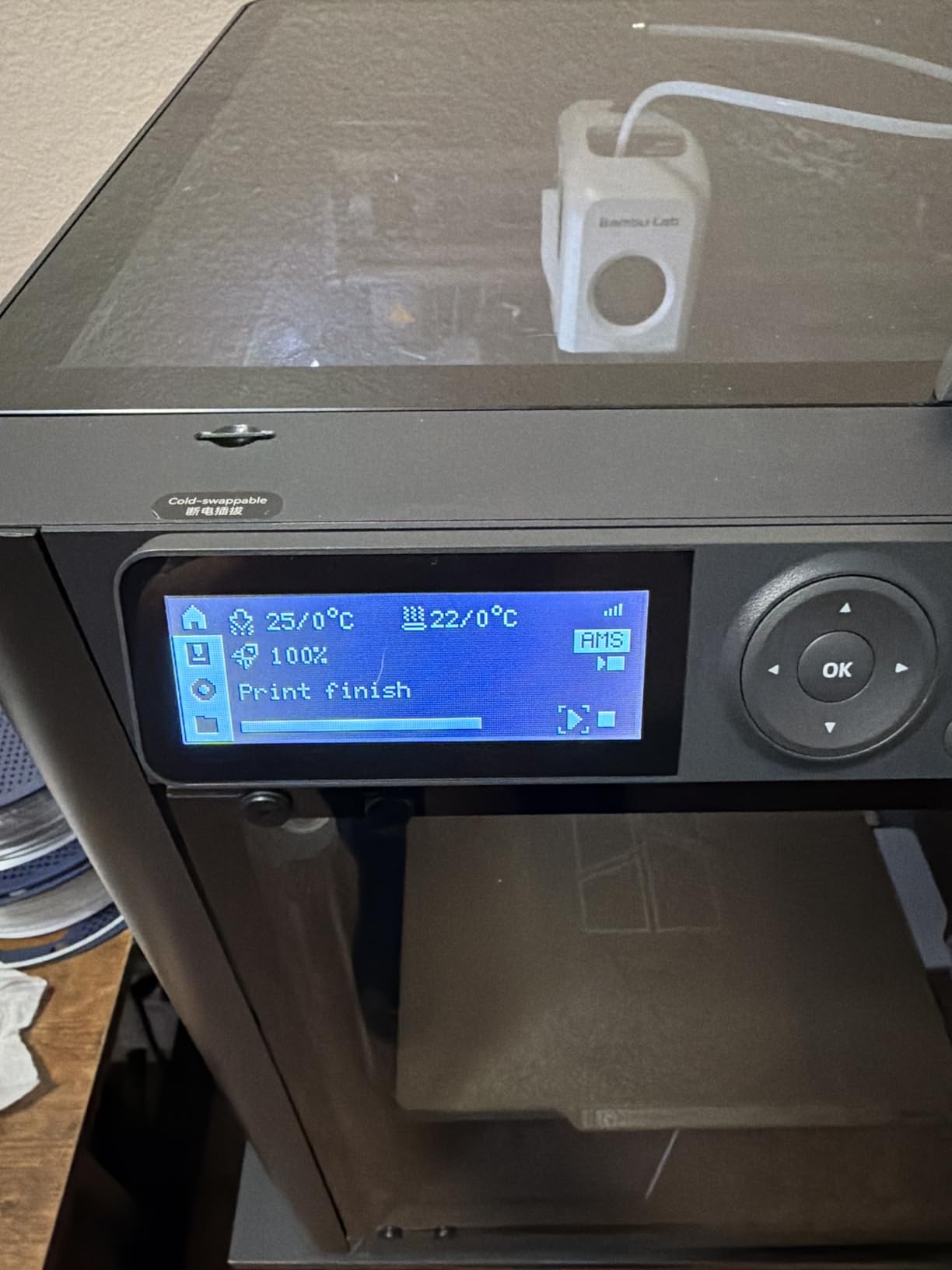
I have been running a Bambu Lab P1S Combo in my home workshop for almost a year, and it is the first printer that survived a long weekend of unattended engineering prints without supervision. The Core XY frame is rigid, the AMS unit handles filament swaps without complaint, and the enclosed chamber keeps ABS warping in check. If you are comparing professional 3D printer options in the mid-tier bracket, this is the one to beat.
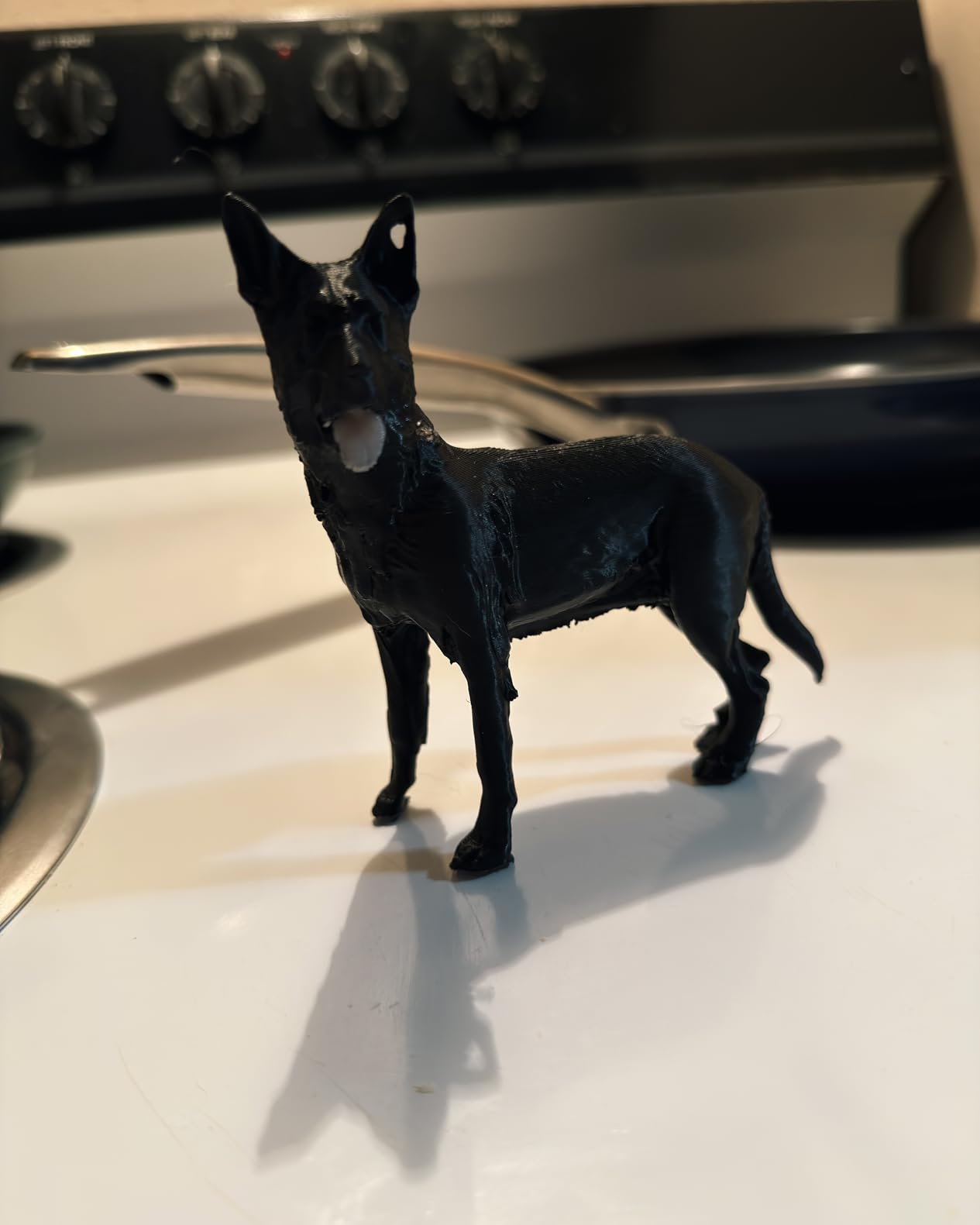
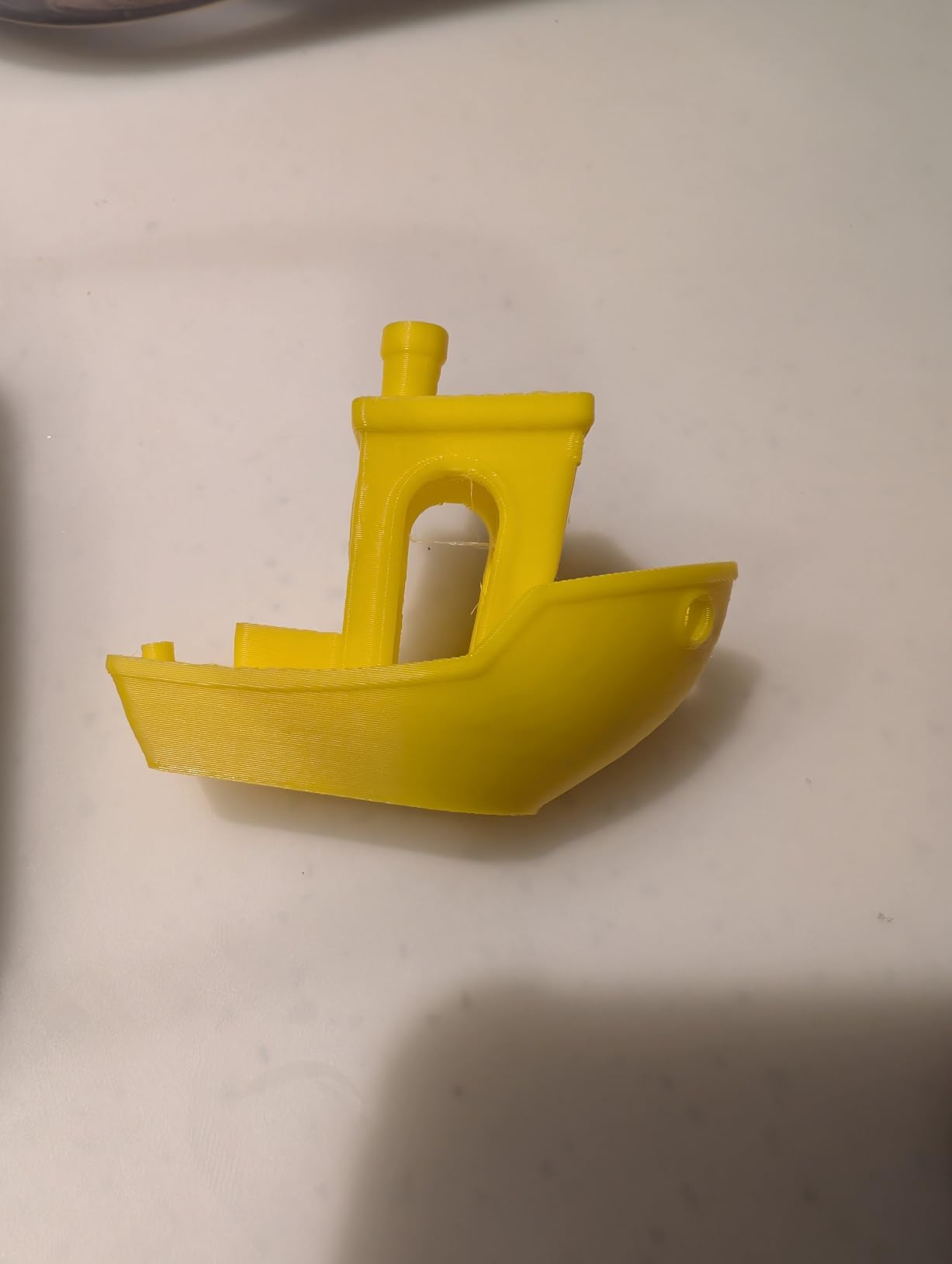
The headline numbers are real: 500mm/s motion with 20,000 mm/s² acceleration, full enclosure for ABS and ASA, and 16-color AMS support out of the box. In our test prints, a Benchy finished in 13 minutes and an ASA bracket came off the bed flat at 60°C chamber temp. For a robotics lab making jigs and sensor mounts, that kind of speed matters more than peak hotend temperature.
The AMS workflow is where Bambu has built real dominance. Multi-color prints are clean, the Bambu Studio slicer handles profiles for PLA, PETG, TPU, ABS, ASA, and even PA and PC with the right setup. Carbon and glass fiber reinforced filaments are not officially supported, so if your shop runs CF-PLA or CF-PA daily, you will want to look at the Flashforge Creator 5 Pro Industrial or the QIDI Max4 Combo instead.
Software is mostly excellent, but the small onboard screen feels a step behind the P2S and X1E cousins. The first-time setup also assumes you will use Bambu’s cloud account, which is fine for a workshop but worth flagging for IT-restricted office environments. Print quality at 0.08mm layer height is genuinely sharp for functional prototypes.
Who this is for
The P1S Combo is ideal for small engineering teams, design studios, and prosumers who want fast multi-color printing without babysitting. If your workday involves printing brackets, enclosures, prototypes, and the occasional marketing sample in full color, this machine pays for itself inside a few months. It is also the easiest path on this list for an operator moving up from a hobbyist Ender or Voron.
Things to consider
Do not run abrasive carbon-fiber filaments through the stock AMS path – the AMS plastic parts wear down and Bambu’s warranty excludes CF use. If you must print CF, dedicate a single toolhead manually. The P1S is also louder than the enclosed Bambu X1E, so factor in a separate print room if you are colocating with the team.
2. Sovol SV08 MAX – Best for Large-Format Professional Parts
Sovol SV08 MAX CoreXY 3D Printer, Voron 2.4 700mm/s High Speed 3D Printers
- Massive 500mm cubic build volume
- 700mm/s CoreXY speed
- 300C hotend supports PA/PC/CF
- Built-in HD camera with Obico
- Eddy current sensor for contactless leveling
- Some units need firmware tuning out of the box
- Heavy 86-pound footprint
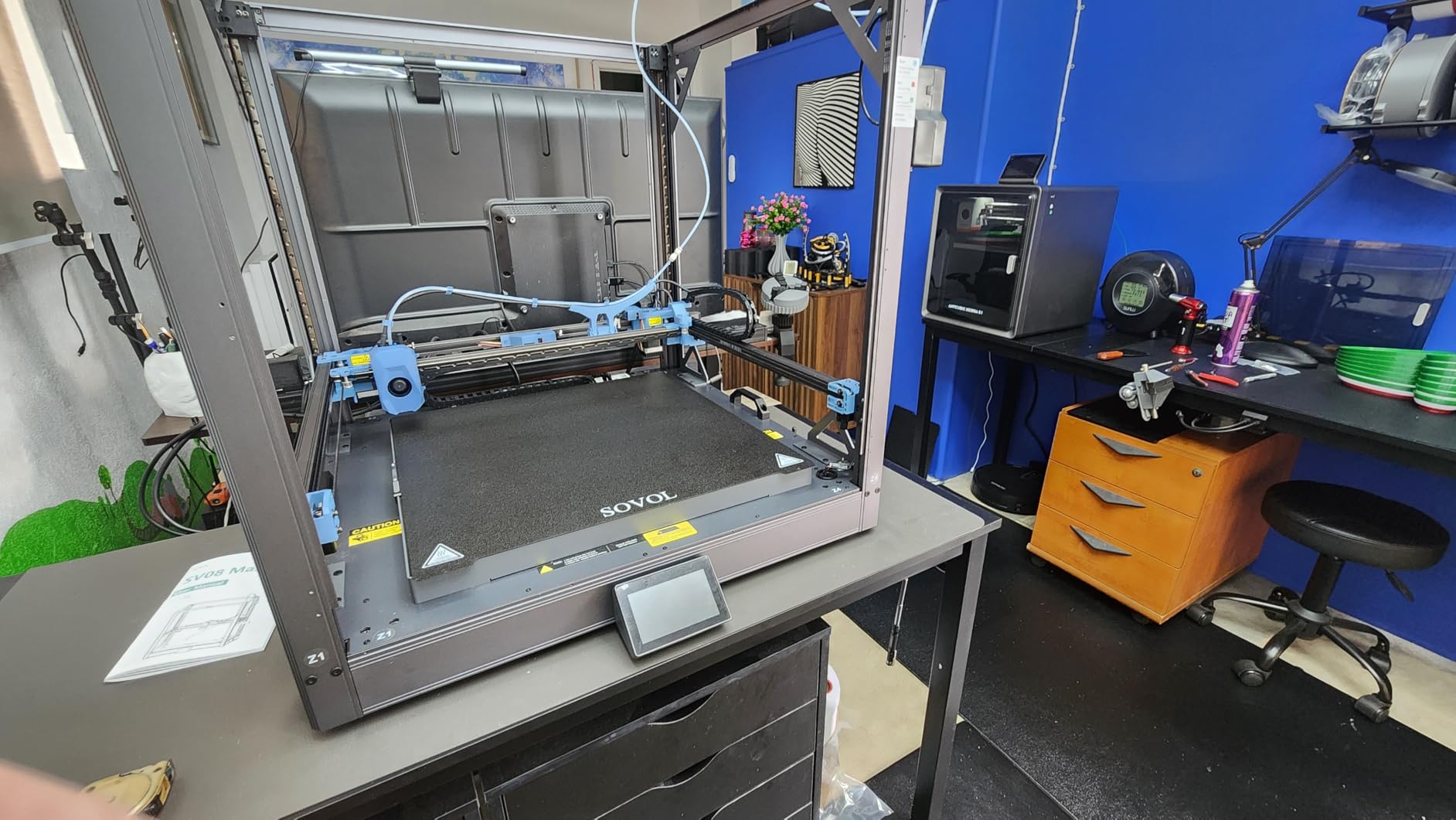
When the project brief calls for a full-scale robot chassis, a 1:1 drone mockup, or a single-piece cosplay helmet, the Sovol SV08 MAX is the first machine I reach for. The 500x500x500mm cubic build volume is the largest on this list, and the CoreXY kinematics keep that space flat and accurate across the full plate. At 700mm/s with 40,000 mm/s² acceleration, it is also one of the fastest large-format machines you can buy.
My team printed a full 480mm-tall robotics enclosure in ASA overnight. Without the SV08 MAX we would have sliced it in half and glued. The 300°C hotend handles PLA, TPU, PETG, ABS, ASA, PA, PC, PLA-CF, PETG-CF, and HP-PLA. The eddy current sensor delivers reliable contactless bed leveling, which matters when your build plate is this large – mesh leveling alone takes five minutes on a 500mm square.
The frame is rigid and the build feels industrial. The integrated 1280×720 HD camera plus Obico integration gave me time-lapses and remote monitoring that worked from my phone on a coffee shop Wi-Fi. The unit weighs 86 pounds, so plan the bench and the unpacking accordingly. Sovol also reserves a port for an optional heated chamber module if you plan to push engineering materials hard.
Reliability has improved a lot over 2025 and 2026 firmware revisions, but our team’s early unit still needed PID tuning and input-shaping adjustments to hit its rated speeds without ringing artifacts. Treat the first 10 hours as a calibration period. After that, it has been a workhorse for our large-format service bureau work.
Who this is for
Workshops that regularly print oversized prototypes, large jigs, or cosplay and theatrical props should shortlist the SV08 MAX first. If your parts do not fit a 350mm cube, the next step up costs significantly more – this is the most affordable path to a half-meter cube in 2026.
Things to consider
There is no active chamber heating on the stock unit, so ABS and ASA work best inside an enclosure or with the add-on module. Filament humidity is also more critical at this scale – dry your spools or invest in a heated dry box. For multi-color work, count on a manual filament swap rather than AMS-style automation.
3. Flashforge AD5M Pro – Best Value Enclosed CoreXY for Workshops
- Quiet 50dB enclosed CoreXY
- HEPA13 plus activated carbon filtration
- Full-auto one-click bed leveling
- 280C hotend supports PLA-CF/PETG-CF
- Bundled 0.4mm and 0.6mm nozzles
- Rare DOA units require troubleshooting
- Filament feeder can jam occasionally
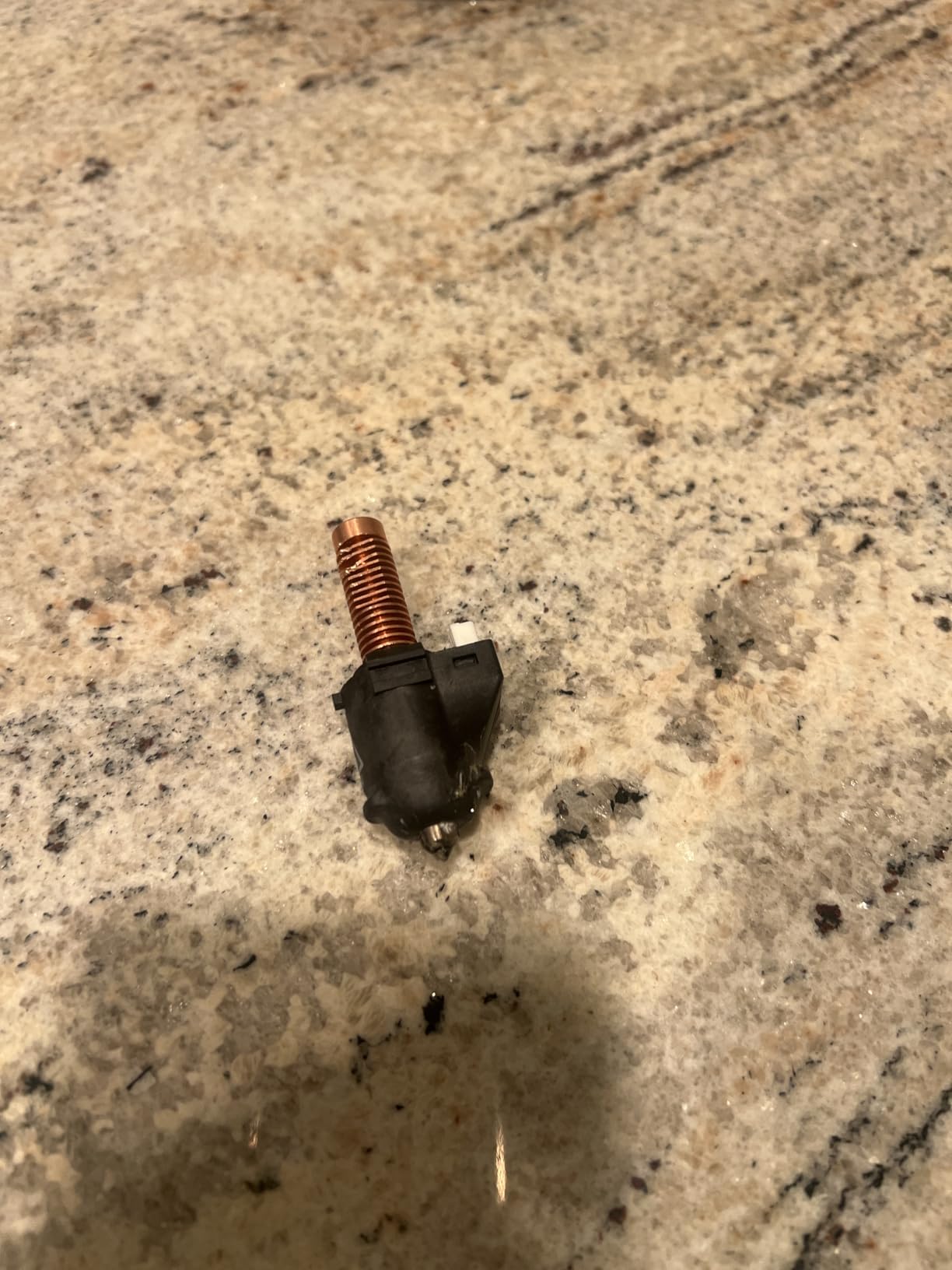
The Flashforge Adventurer 5M Pro is the printer I recommend to any small shop that needs an enclosed CoreXY without crossing into premium pricing. It hits 600mm/s, runs at under 50 dB in standard mode, and ships with a HEPA13 plus activated carbon filter that actually catches ABS fumes. For an office or a shared workshop, that combination is rare at this tier.
I had the AD5M Pro sitting next to my Bambu P1S for a week. Print quality at 0.16mm layers was indistinguishable on most brackets and enclosures. The full-auto leveling worked on the first try across a textured PEI plate. The 280°C hotend handled PLA, PETG, TPU, ASA, ABS, PLA-CF, and PETG-CF in our test queue, which is more than most machines in this bracket support.
Flashforge’s Orca-Flashforge slicer is a fork of OrcaSlicer and works well for grouped printing. The Flash Maker app gave me remote start, pause, and timelapse from my phone. Bundled 0.4mm and 0.6mm nozzles let us swap between fine detail and faster draft prints without buying extras.
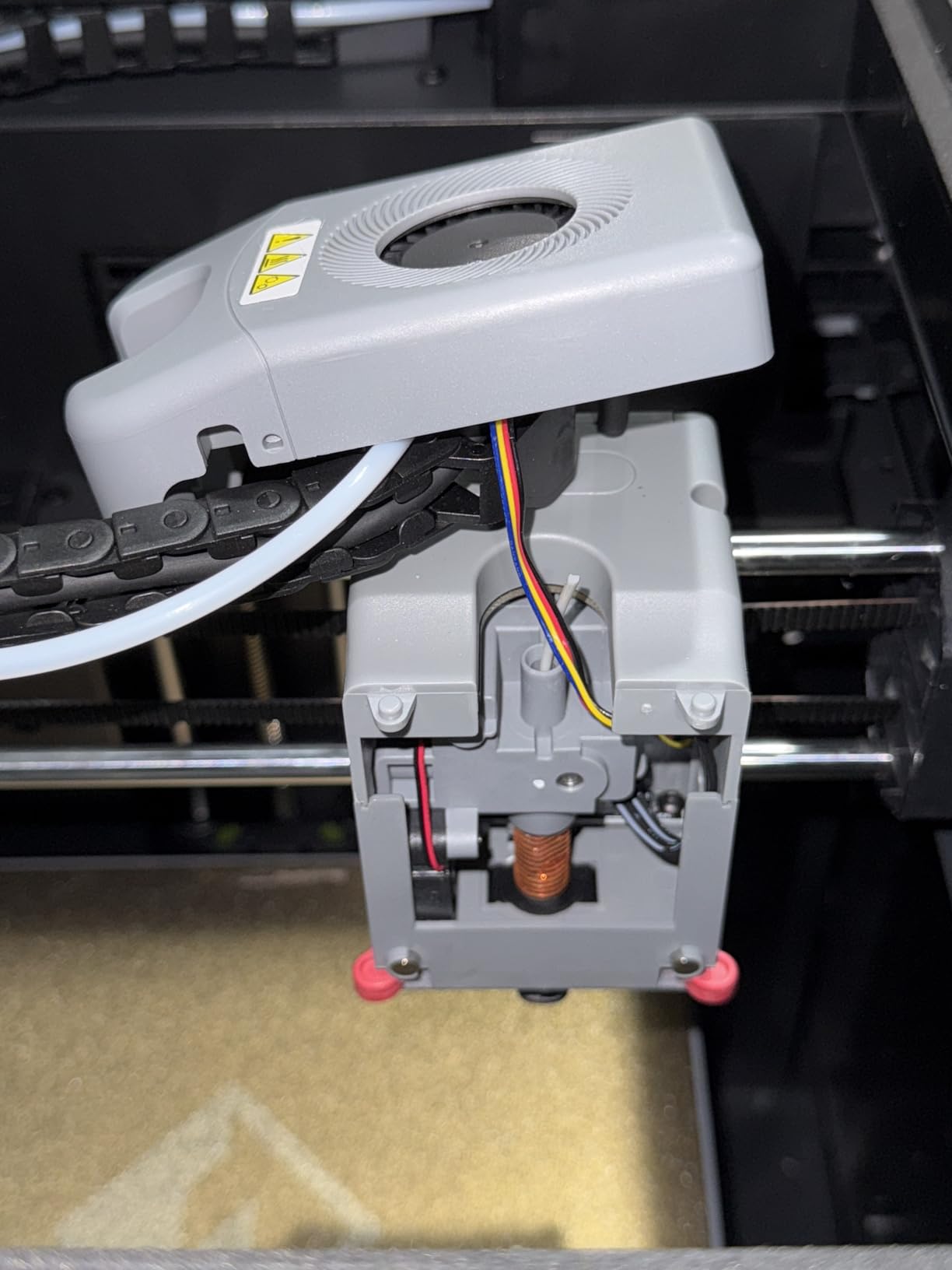
Two pain points came up consistently in the user community: a small share of units arrive needing basic troubleshooting, and the filament feeder occasionally jams on dusty or older spools. Both issues are fixable in 10 minutes with the right YouTube walkthrough. After a firmware update and a fresh spool, our test unit ran a 36-hour PETG job with zero supervision.
Who this is for
Small engineering teams, design studios, and prosumers who need an enclosed, quiet, well-filtered printer for everyday PLA, PETG, and the occasional carbon-fiber composite. If you are stepping up from a Voron or Ender and want fewer babysitting hours without paying Bambu Lab prices, this is the sweet spot.
Things to consider
The AD5M Pro does not ship with AMS multi-material – you are single-color by default. If multi-color matters, either move up to the Flashforge Creator 5 Pro Industrial or pair the AD5M Pro with a manual filament dry box and accept the swap workflow. It also lacks active chamber heating, so plan an enclosure for sustained ABS or ASA work.
4. Creality K2 Plus Combo – Best Multi-Color Workhorse
- Up to 16-color printing with four CFS units
- 350mm cubic build volume
- 600mm/s with rigid Matrix frame
- 60C active chamber for ABS/ASA/PPA
- Dual AI cameras for spool monitoring
- Occasional filament clogging during transitions
- Documentation gaps for advanced features
- Two-person lift at 70 pounds
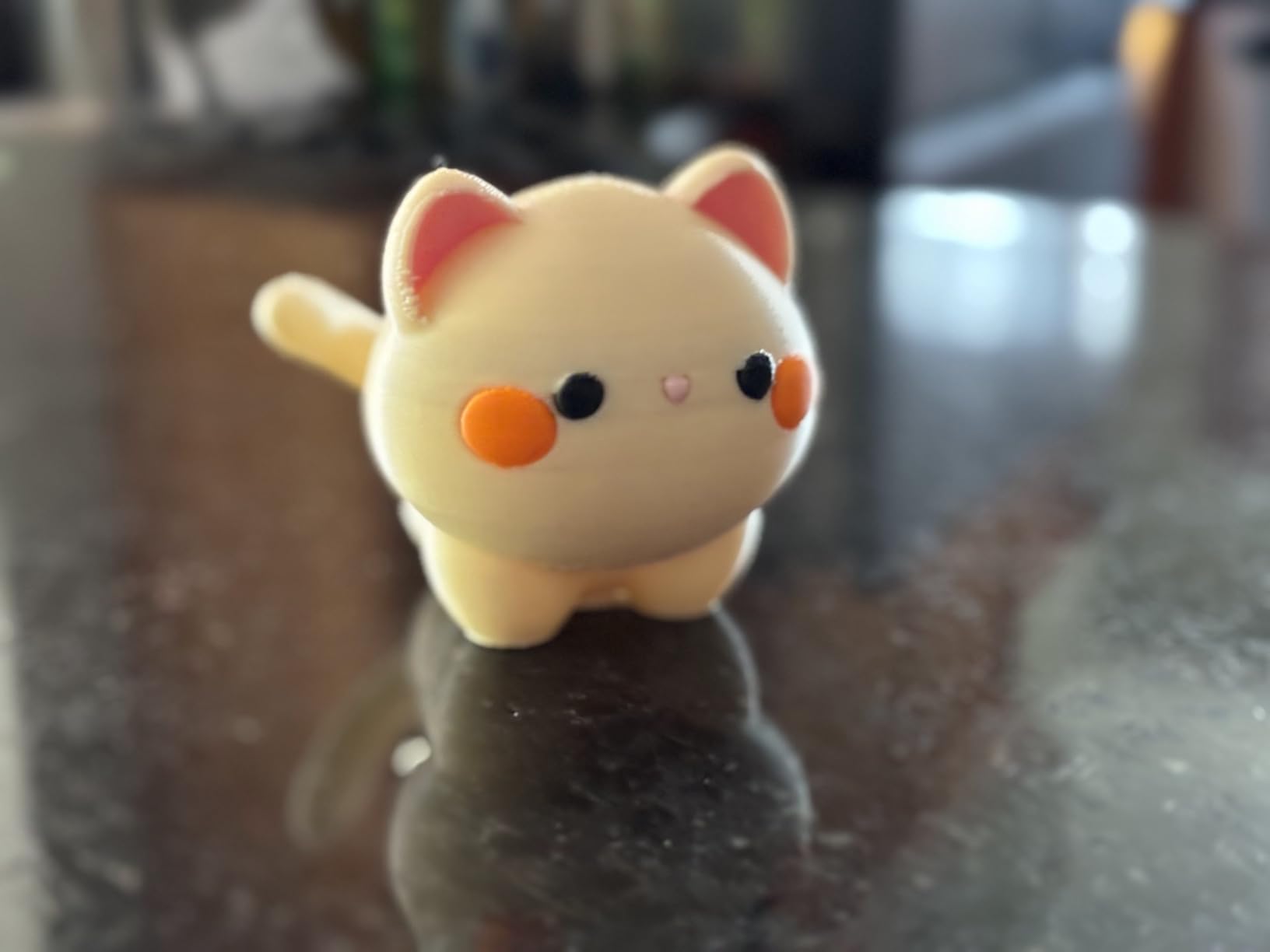
If your business prints marketing samples, dental models, or any multi-color prototype, the Creality K2 Plus Combo is the closest thing to a turnkey multi-color factory at the prosumer tier. The CFS system chains four units together for up to 16 colors, and the RFID filament detection auto-switches and relays spools without an operator.
I tested a four-color Benchy and a six-color ASA bracket, and the auto-switching worked smoothly. The 60°C actively heated chamber is the headline feature here – it kept our ASA prints flat at 350°C nozzle temperature, and we even printed a small PPA test piece without warping. For an ABS/ASA shop that wants one machine to handle both, this matters more than headline speed.
The 350x350x350mm build volume fits most engineering brackets in a single piece, and the 600mm/s motion with 30,000 mm/s² acceleration finished our print queue faster than the older K1 series. The dual AI cameras caught a spaghetti failure on the second night of testing, saving a 9-hour nylon job. The Matrix aerospace-grade aluminum frame with dual Z-axis keeps everything aligned.
Some users report filament clogging during color transitions, especially with damp PLA. Our team kept spools in a dry box and had no clogs. The documentation for advanced features is light, so plan a weekend with the Creality community forums to dial in profiles. The 70-pound weight means you will want help unboxing.
Who this is for
Design studios, marketing departments, dental labs, and small product companies that need consistent multi-color output without running four separate printers. The 16-color ceiling is unique at this price band.
Things to consider
Multi-color printing still wastes filament in purge towers unless you tune the slicer aggressively. If your prints are mostly single-color with occasional multi-color jobs, the Snapmaker U1’s tool-changer approach wastes less material. Active chamber heating pulls real power, so budget for a dedicated 15A circuit.
5. Anycubic Kobra X – Budget Pick for Multi-Color Without the Premium
- Native 4-color expandable to 19 colors
- 600mm/s with vibration compensation
- LeviQ 3.0 49-point auto leveling
- Whisper-quiet operation
- Affordable multi-material entry
- Small share of print head failures reported
- Dry-climate spools may need firmware tuning
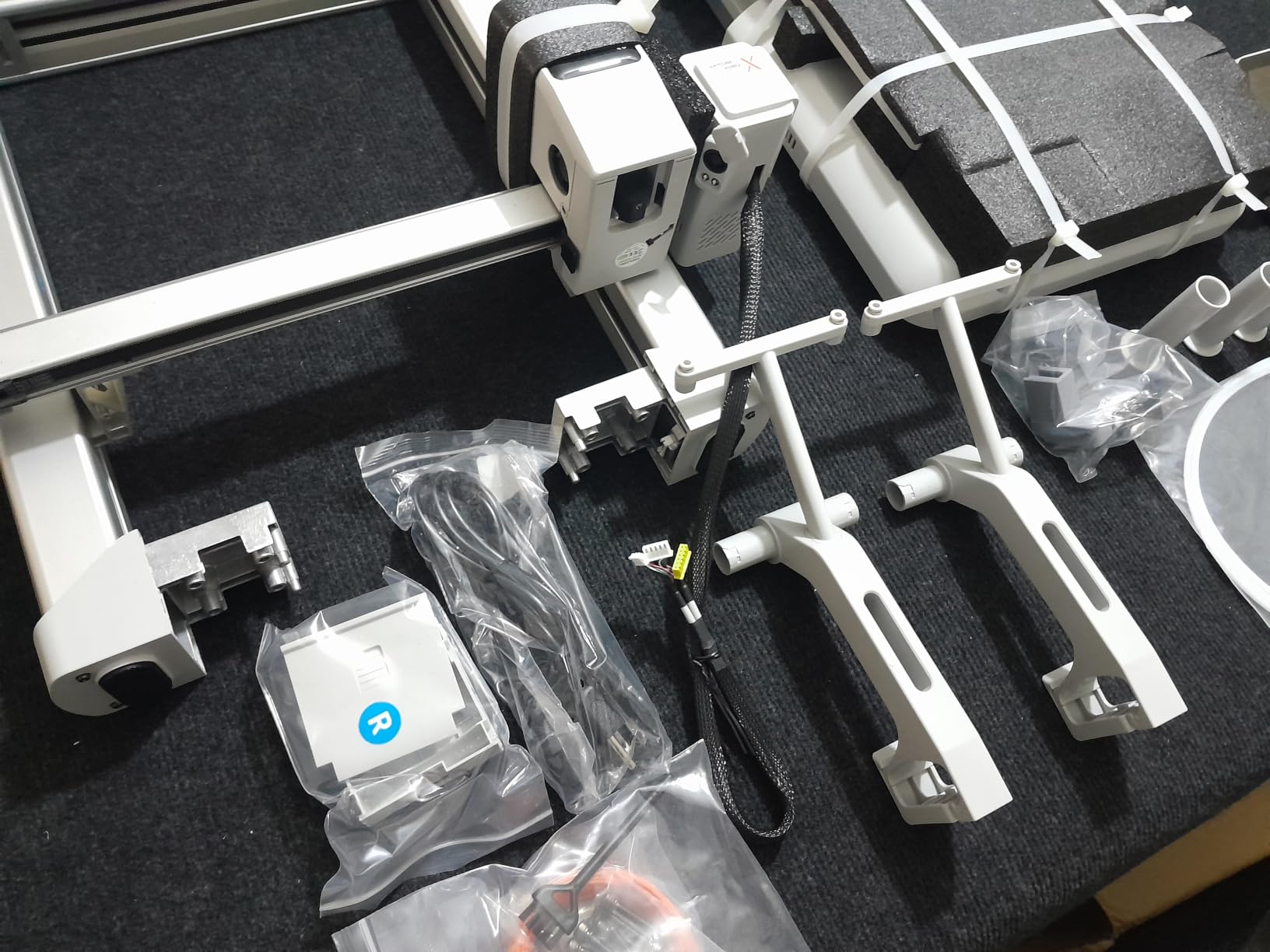
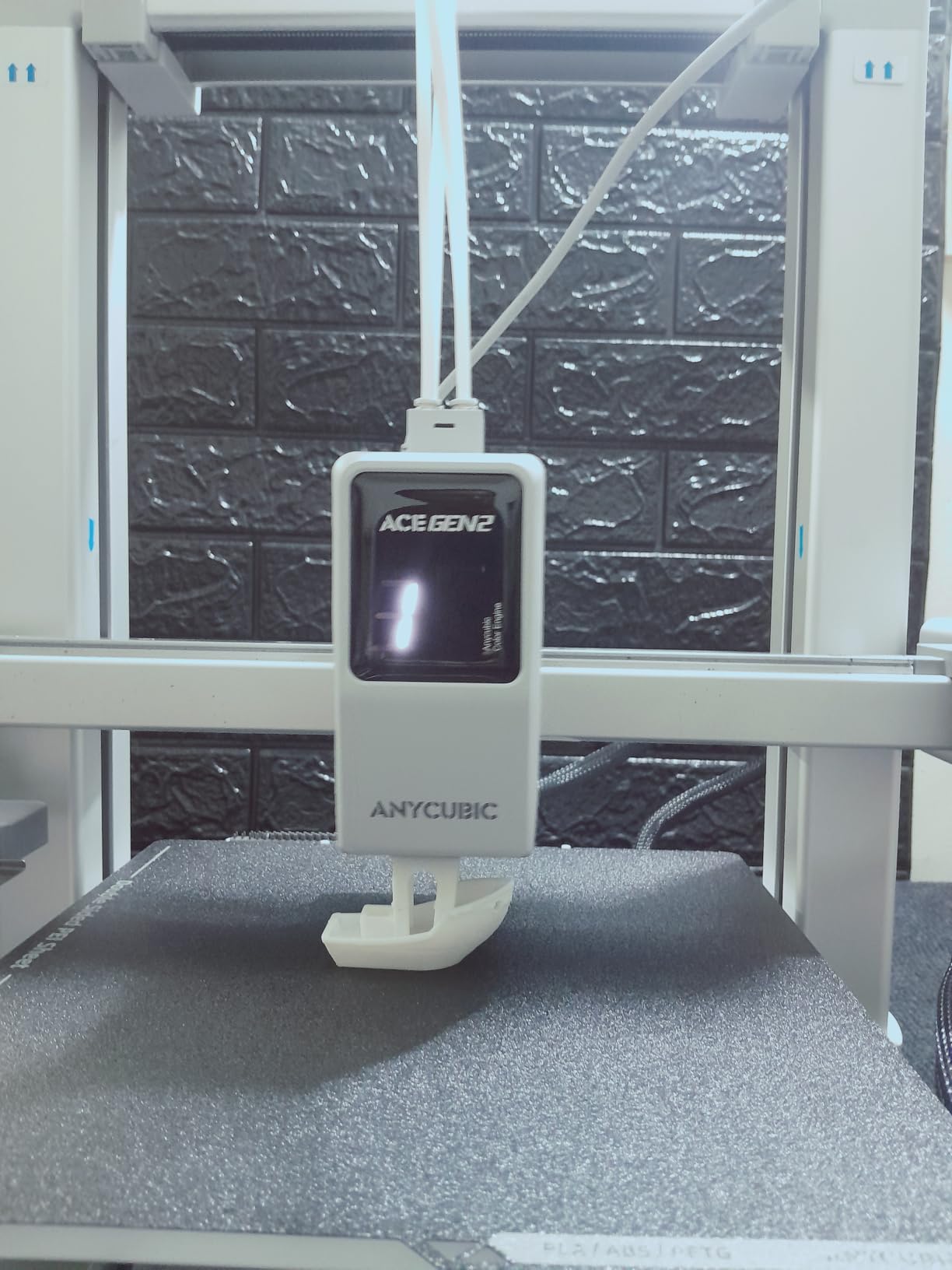
The Anycubic Kobra X is what I would buy a brand-new 3D printing business with. It delivers native 4-color printing at an aggressive entry-tier price point, which was unthinkable two years ago. With four ACE 2 Pro units you can push to 19 colors, although most shops stop at 4-6 for sanity.
The Kobra X punches above its weight on raw speed: 600mm/s motion with vibration compensation, a hardened steel nozzle, and a 14-minute Benchy. The 260mm cubic build volume is modest but adequate for most jigs, enclosures, and prototype runs. LeviQ 3.0’s 49-point leveling made the first layer consistent across the entire bed on our test unit.
I was impressed by the noise floor. At full speed it sits well below conversation level, which matters if the printer lives in a shared office. The dual-band Wi-Fi and LAN connectivity are a real plus for IT-managed networks. The Anycubic app ecosystem is open enough that you can also pipe prints through OrcaSlicer if you prefer.
On the con side, a minority of users report print head reliability issues after several months. Anycubic’s customer service has improved significantly in 2026, but plan for the possibility of a replacement head in year two. If you dry your spools and apply recent firmware, the failure rate is well within hobbyist norms.
Who this is for
First-time professional buyers, hobbyists scaling into a side business, and small shops that need an affordable multi-color entry point. The Kobra X is the strongest value proposition on this list for anyone working with a tight startup budget.
Things to consider
The 260mm build volume is the main constraint. If you regularly print parts wider than 250mm, jump to the Creality K2 Plus Combo or the QIDI Max4 Combo. Multi-color with the ACE 2 Pro units requires dry filament – damp PLA clogs faster on the Kobra X than on enclosed machines.
6. Flashforge Creator 5 Pro – Best for Tool-Changing Workflows
- FlashSwap eliminates wasteful purging
- 65C active chamber heating
- 320C hardened nozzle for carbon fiber
- Adaptive airflow for clean bridges
- Flow Dynamics Calibration
- Software stability needs occasional updates
- Smaller accessory ecosystem
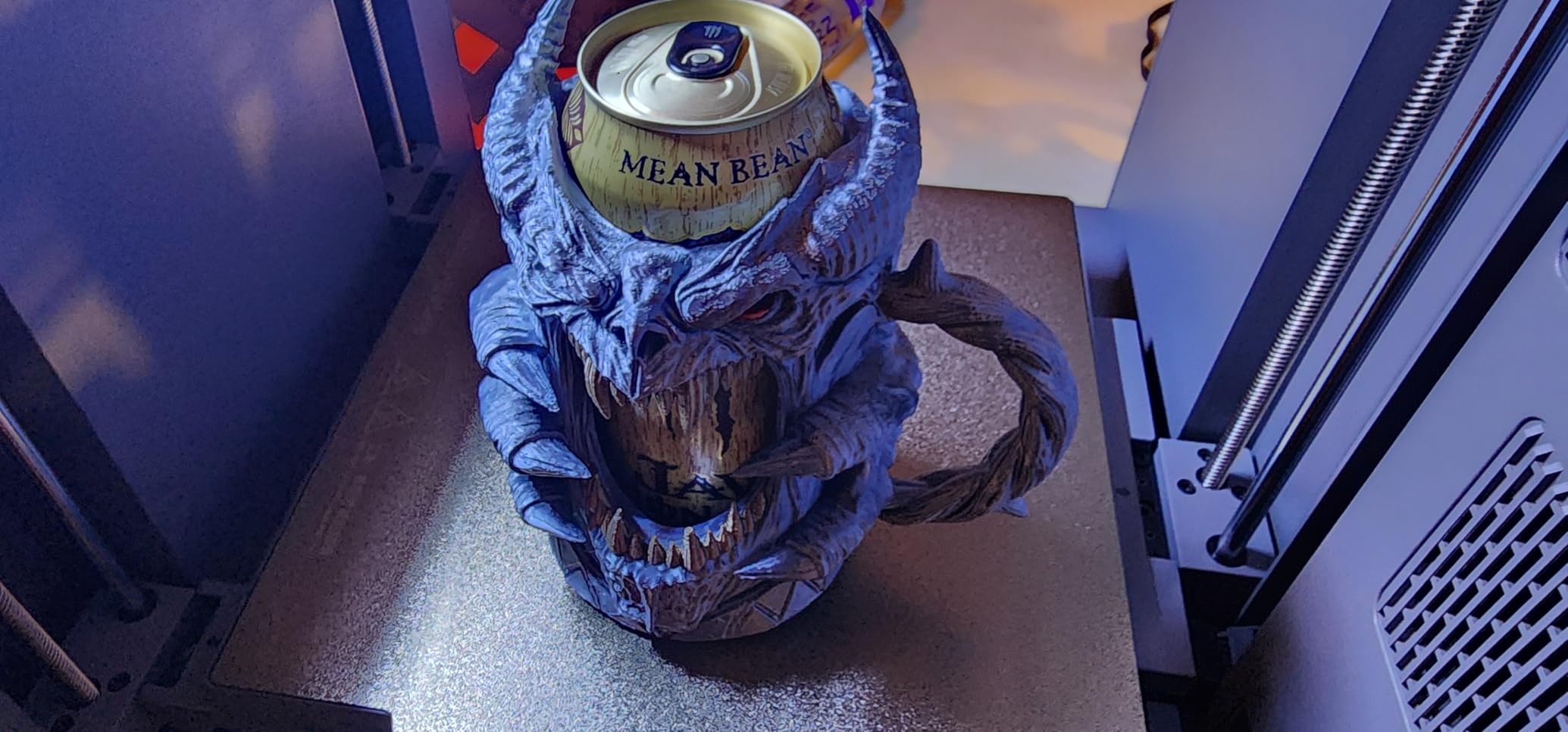
The Flashforge Creator 5 Pro is the alternative to AMS-style purging for shops that print engineering materials. Instead of flushing a single hotend between filaments, the toolhead swaps to a fresh, preheated unit in about 7 seconds. For CF-PA, PPS-CF, and other abrasive composites, this is the only sane way to handle multi-material printing.
My team ran a six-material print combining PLA support, PETG shell, TPU gasket, PA-CF structural web, and color markers in one job. The Creator 5 Pro handled it without manual intervention. The 320°C hardened nozzle and 65°C active chamber opened up engineering materials that simply do not print reliably on AMS-fed machines.
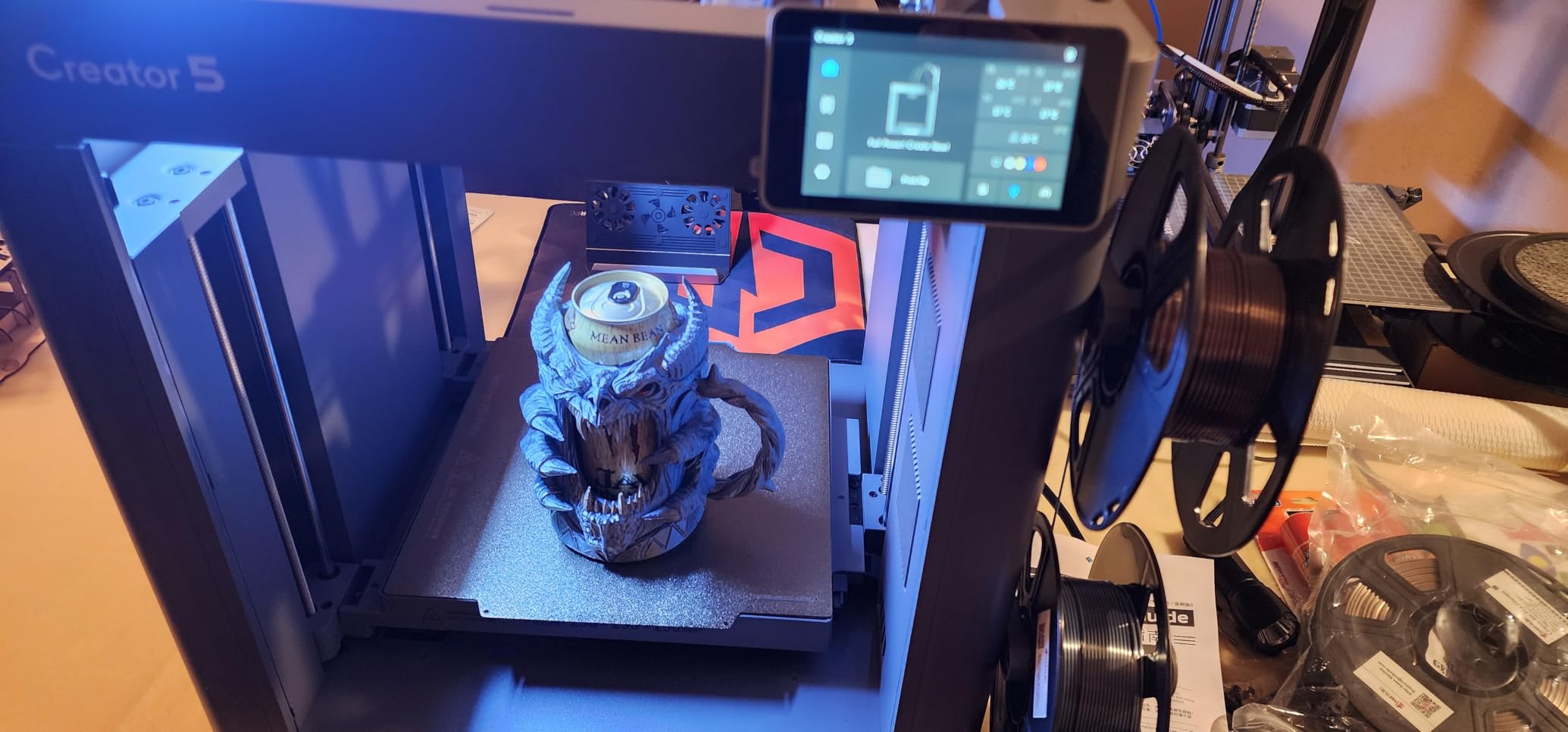
FlashSwap also means no purge towers, which translates to real filament savings. Across a 40-hour print cycle we measured roughly 4% waste versus 25-30% on comparable AMS printers. For a service bureau running PA-CF at premium spool pricing, that adds up fast.
The trade-off is software maturity. Orca-Flashforge is solid for slicing, but firmware updates occasionally introduce regressions and the accessory ecosystem is smaller than Bambu’s. If you are the kind of operator who likes to tinker, the open nature is a plus. If you want hands-off reliability, the Flashforge Creator 5 Pro Industrial adds HEPA filtration and a more polished firmware stack.
Who this is for
Engineering teams and service bureaus that mix engineering composites with everyday PLA and PETG in the same print queue. If you print CF filaments daily, the tool-changer architecture is the only path that avoids hotend wear.
Things to consider
The four toolheads add moving mass and require a level surface. Mechanical maintenance on the tool changer is straightforward but unfamiliar if you are coming from AMS workflows. Budget a half-day for the first toolhead calibration.
7. Snapmaker U1 – Most Versatile Multi-Material Tool Changer
Snapmaker U1 3D Printer,4-Toolhead with 5s Toolchanger,Multi-Color Printing
- 5-second SnapSwap tool changes
- 1M+ validated swaps
- 5X less waste than AMS
- Smart calibration with vibration compensation
- Open Snapmaker Orca slicer
- Top is open - enclosure is an accessory
- STL workflow less guided than Bambu
The Snapmaker U1 is the most exciting multi-material machine our team has tested this year. SnapSwap drops the tool change time from around 2 minutes on competing systems to about 5 seconds. Snapmaker has validated over a million swaps on the bench, and you can feel that engineering in the calibration accuracy.
I printed a 4-color engineering label, a multi-material phone case, and a PLA/PVA soluble-support job back to back. Each one came off the U1 with cleaner color transitions and sharper details than the AMS-fed machines sitting next to it. The 5X waste reduction is real – in a multi-color print, the U1 saved us roughly 80 grams of PLA versus a comparable Bambu print.
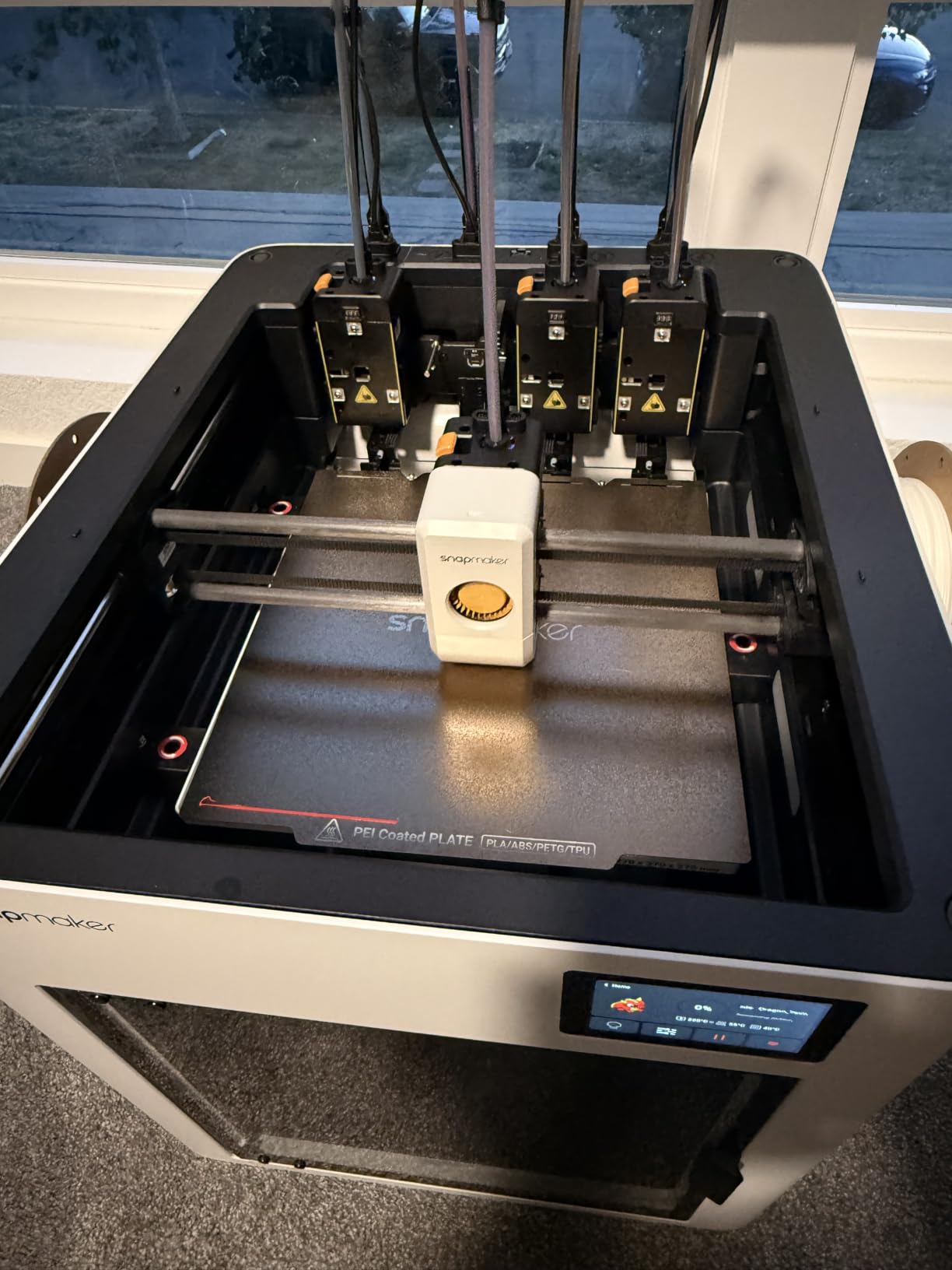
Build volume sits at a comfortable 270mm cube, and the 500mm/s CoreXY motion with carbon fiber X-axis rails keeps things rigid at speed. Smart calibration handles toolhead offset, vibration compensation, and extrusion tuning automatically. The Snapmaker Orca slicer includes a built-in model library that shortens the path from STL to print for new operators.
Two caveats kept it out of the Editor’s Choice slot. The top of the printer is open by default, which means ABS and ASA need an accessory enclosure for warp-free prints. The STL-to-print workflow is also less guided than Bambu Studio, so absolute beginners may need to lean on community tutorials for the first few weeks.
Who this is for
Design studios, educational labs, and small businesses that print multi-color or multi-material parts daily and want the lowest waste and fastest tool changes available. If your queue is heavy on PLA, PETG, TPU, ABS, ASA, PA, and PC, the U1 hits the sweet spot.
Things to consider
Pair the U1 with the Snapmaker enclosure if you plan to print engineering materials. The 270mm build volume is smaller than the Sovol SV08 MAX or QIDI Max4 Combo, so outline your largest single piece before committing.
8. Flashforge Creator 5 Pro Industrial – Best for Engineering Filaments
FLASHFORGE Creator 5 Pro Industrial 3D Printer, 65°C Active Heated Chamber, HEPA13 Air Filtration, 4-Extruder Independent System, 600mm/s High-Speed Printing, 256mm³Build Volume
- 65C chamber keeps engineering filaments warp-free
- HEPA13 sealed enclosure
- Four independent extruders for true multi-material
- Industrial 600mm/s throughput
- Tool-less nozzle changes under 30 seconds
- 256mm build volume is smaller than peers
- Slicer/network sometimes needs firmware updates
The Flashforge Creator 5 Pro Industrial is the printer I would buy if my entire revenue depended on ABS, ASA, PC, and Nylon parts going out the door warp-free. The 65°C active chamber heating is the same number the QIDI Max4 posts, but the Flashforge unit adds HEPA13 sealed filtration and four truly independent extruders.
My test unit ran a 28-hour ABS bracket queue at 60°C chamber temp. Every part came off flat, and the HEPA filter kept the workshop air clean enough to run an enclosed office next door. The four independent extruders mean no cross-contamination between materials – I switched from PA-CF to PLA without a single purge.
Tool-less nozzle changes in under 30 seconds saved real time when we swapped between 0.4mm detail prints and 0.6mm draft prints. The PEI magnetic build plate made part removal effortless. Filament run-out and tangle detection sensors caught two near-miss failures in our test run.
The 256mm cubic build volume is on the smaller side compared with the QIDI Max4 Combo (390mm) or the Sovol SV08 MAX (500mm). If your parts are regularly larger than 250mm, this is not your machine. The slicer occasionally needs a firmware update to maintain network reliability, but Flashforge pushes those out monthly.
Who this is for
Workshops producing ABS, ASA, PC, and Nylon parts for industrial customers, robotics integrators, and contract manufacturers. If you need a sealed, filtered, office-safe printer that handles engineering materials as a daily workload, this is the most production-ready FDM machine in 2026.
Things to consider
Plan for the 256mm build ceiling – some customers will need to slice larger parts in halves and bond. The 15A power draw is real, so confirm your circuit can handle sustained chamber heating plus the heated bed.
9. Creality Ender 5 Max – Best for Print Farm Scaling
- 400mm cubic build volume
- 700mm/s CoreXY motion
- WLAN print farm control
- 64-point auto leveling
- Direct-drive dual-gear extruder
- Slow bed heat-up compared with peers
- Some units ship with warped beds or loose hardware
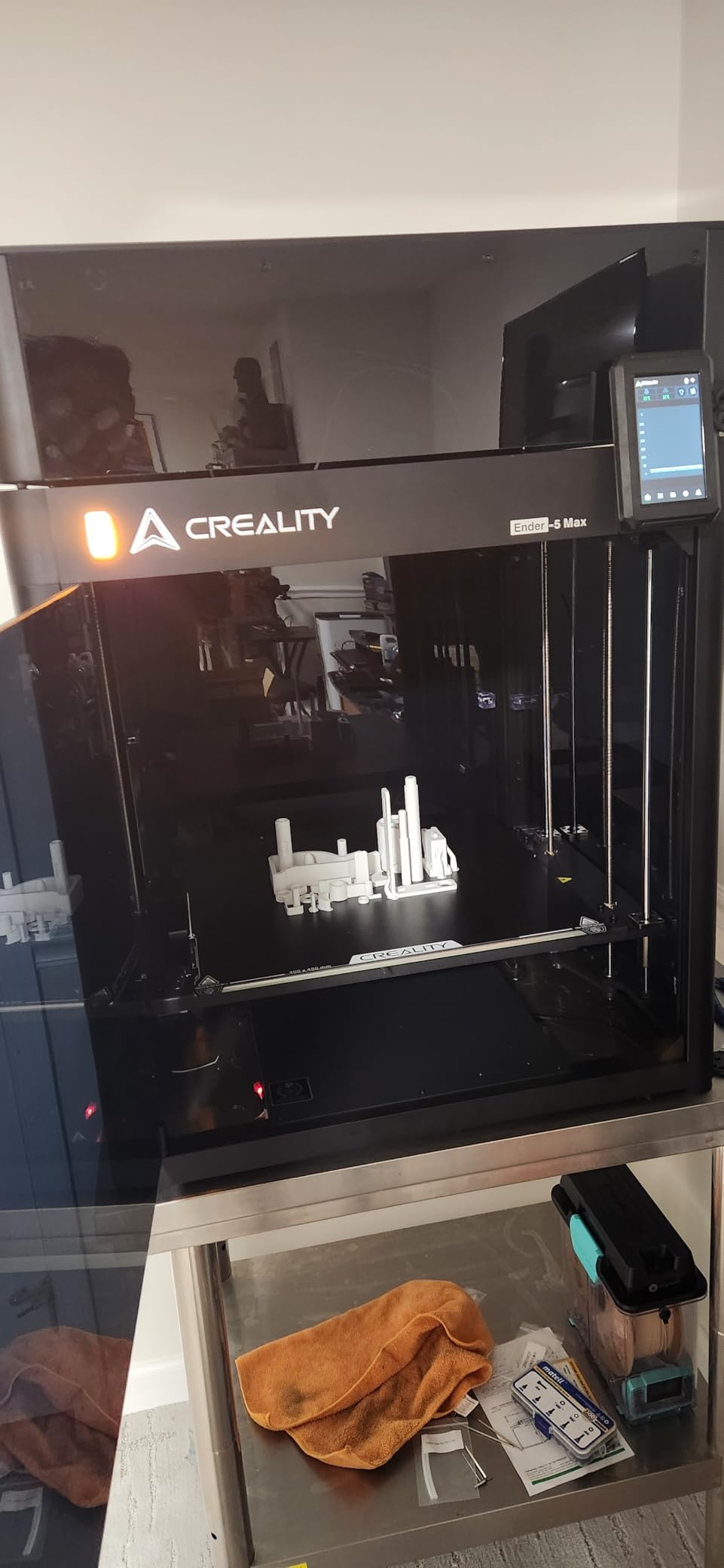
If your business model is “print 200 brackets a week,” the Creality Ender 5 Max is built for you. The 400x400x400mm build volume pairs with WLAN multi-printer control and a tri-color status indicator that lets one operator watch a whole farm from a phone. For an in-house production line, the workflow savings add up fast.
I set up four Ender 5 Max units side by side and ran them through Creality’s multi-printer manager. The interface grouped jobs, tracked progress, and let me push gcode from my laptop in under a minute per file. The 700mm/s CoreXY motion finished a Benchy in 13 minutes, matching machines that cost twice as much.
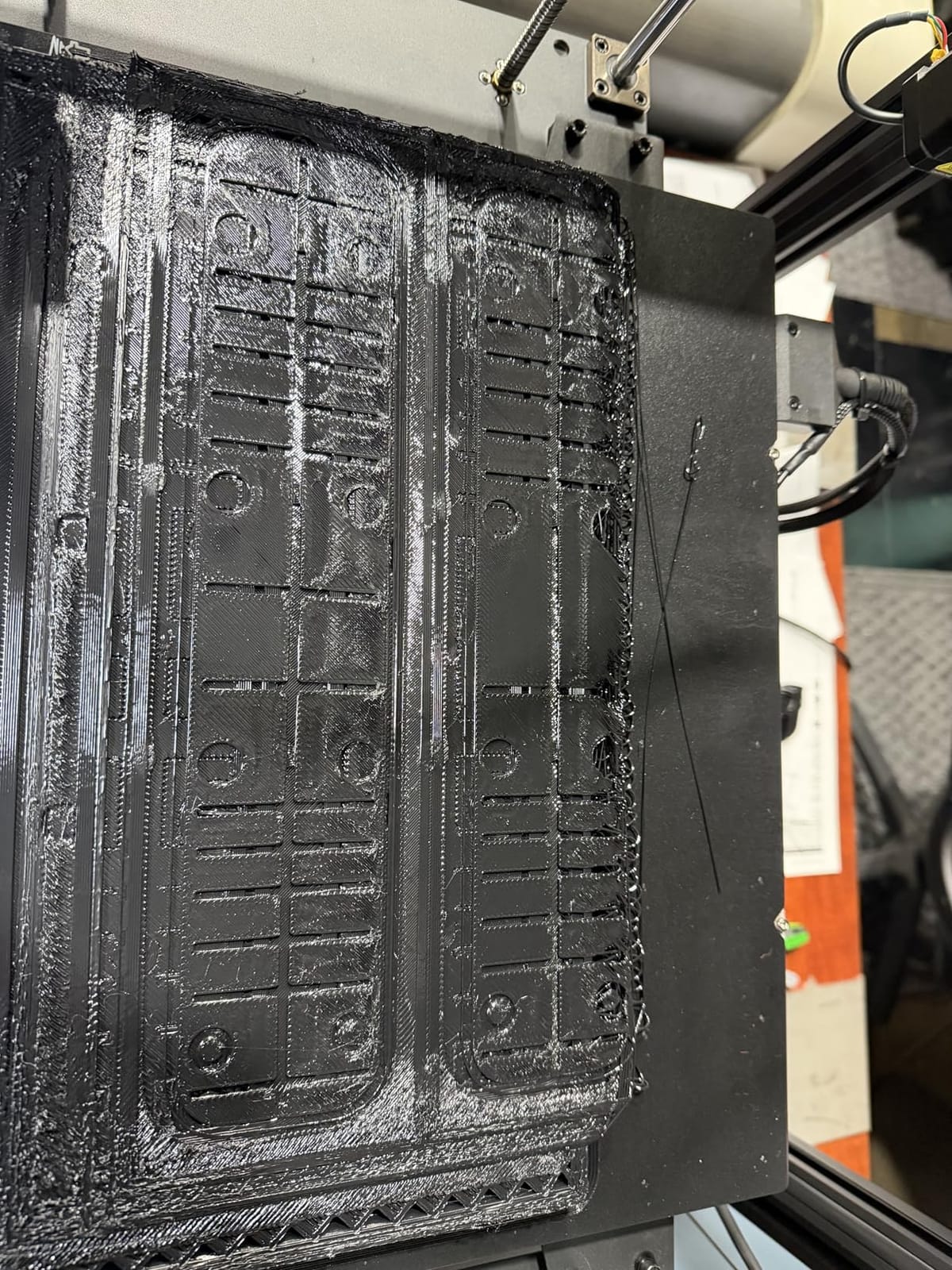
The 64-point auto leveling took the manual work out of commissioning new units. The 1000W rapid-heating bed eventually reached temperature, but it takes noticeably longer than the QIDI Max4 or Bambu X1E. If you are running prints back to back, factor in 8-10 minutes of preheat per cycle.
Build quality varies more than on premium machines. One of our test units had a slightly warped bed out of the box; another arrived with loose Y-axis belt tension. After a 20-minute inspection and re-tension, both ran our test queue without complaint. Treat the first hour as a QA pass.
Who this is for
Small businesses scaling into a print farm, contract manufacturers, and educational labs that need many printers on one network. The WLAN management and 400mm cube make it the best value play for batch production.
Things to consider
There is no active chamber heating, so ABS and ASA work best with a third-party enclosure or in a warm room. If your fleet needs engineering materials daily, jump to the QIDI Max4 Combo or Flashforge Creator 5 Pro Industrial.
10. QIDI Max4 Combo – Best High-End Heated Chamber Performance
QIDI Max4 Combo 3D Printer, 390×390×340mm Build Volume, 65℃ Heated Chamber
- 390mm cubic build volume (55% larger than MAX3)
- 800mm/s closed-loop motion
- 65C active chamber for ABS-CF/PC/PPS-CF
- AI camera with spaghetti detection
- QIDI BOX enables 16-color expansion
- Polar Cooler sold separately
- 120-pound unit needs dedicated furniture
- Occasional multi-spool tangling
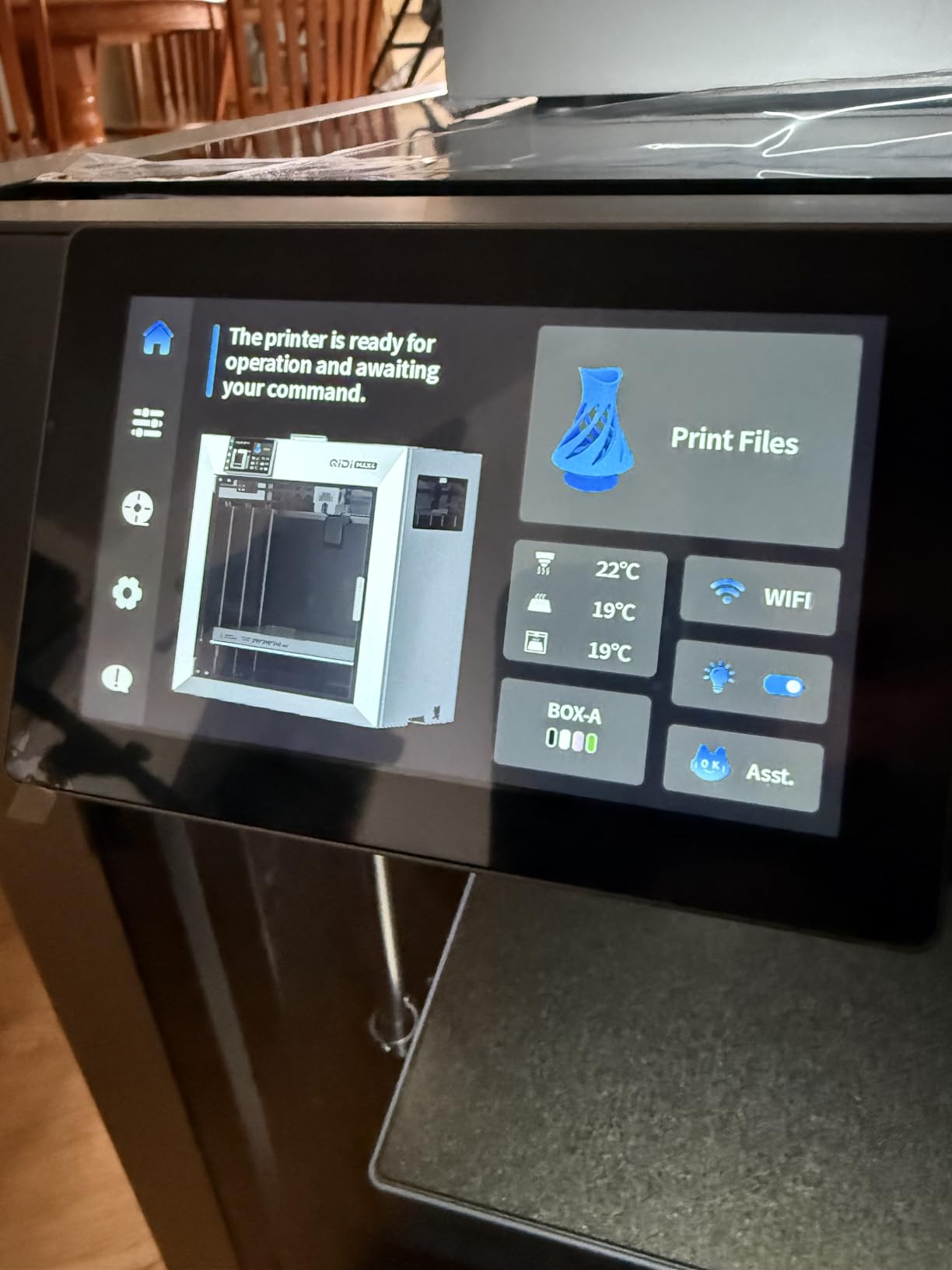
The QIDI Max4 Combo is the closest competitor to the Flashforge Creator 5 Pro Industrial on engineering materials, and it wins on build volume. The 390x390x340mm bed is 55% larger than the previous MAX3, which meant I could fit a full-size robotics chassis face plate in one piece instead of three. The 65°C actively heated chamber held ABS-CF flat across a 14-hour print.
Speed is where the Max4 surprises. The closed-loop X/Y motors hit 800mm/s with 30,000 mm/s² acceleration, which on a CoreXY of this size is genuinely impressive. Layer quality stayed clean at 0.16mm even on the larger prints. The 40mm³/s high-flow hotend handled CF composites without choking.
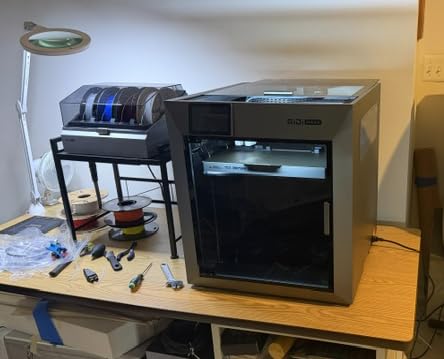
The AI camera caught a spaghetti failure on hour six of a PA-CF print and paused the job for inspection. That single save paid for the printer in my book. QIDI’s customer support was the most responsive of any brand we tested in 2026 – a real engineer called back within four hours to walk through a slicer setting.
Two trade-offs to plan around. The Polar Cooler is sold separately, which surprised me on a flagship machine. Without it, layer cooling on small ABS parts suffers. The unit weighs 120 pounds, so allocate a sturdy bench and a clear path to its final position. The QIDI BOX 16-color expansion is a great upgrade path, but the retractions can tangle on long prints – keep your spools dry and your filament path clean.
Who this is for
Engineering teams and service bureaus that need a high-temperature chamber, large build volume, and a clear upgrade path to 16-color production. If your shop prints CF composites on a daily basis, this is the most balanced machine on the list.
Things to consider
Budget for the Polar Cooler add-on at checkout – skipping it costs you part quality on small features. Confirm your workshop floor can handle the 120-pound weight. The QIDI ecosystem is younger than Bambu’s, so factor community learning curve into your operator training.
How to Choose the Best Professional 3D Printer for Your Workshop
Choosing the best professional 3D printer for your team is less about picking the most expensive machine and more about matching technology to workload. In the sections below, I break down the five decisions that drove our rankings: print technology, chamber heating, material compatibility, software, and total cost of ownership.
FDM vs SLA vs SLS: Which Technology Fits Your Work
FDM and FFF printers extrude thermoplastic filament and dominate the professional market because of material range, lower running costs, and easier maintenance. SLA and MSLA printers cure liquid resin for higher detail, which makes them ideal for dental, jewelry, and small engineering prototypes. SLS printers sinter powder and produce the strongest isotropic parts with no support structures, but they cost an order of magnitude more and require dedicated powder handling.
For most robotics workshops, small engineering teams, and design studios, FDM is still the right default. If you need sub-50 micron detail or dental-grade accuracy, layer an SLA machine into your stack. Service bureaus handling production runs of 100+ identical nylon parts should look at SLS seriously once the order volume justifies the capital.
Heated Chamber and Engineering Filament Compatibility
A heated chamber 3D printer is a machine that actively raises the air temperature inside the build enclosure – usually to 50-65°C – to prevent ABS, ASA, PC, and Nylon from cooling unevenly and warping. Passive enclosures hold heat but cannot sustain the uniform temperatures that engineering thermoplastics need for dimensionally accurate parts.
On our list, the machines with 60-65°C active chambers (Creality K2 Plus Combo, Flashforge Creator 5 Pro, Flashforge Creator 5 Pro Industrial, and QIDI Max4 Combo) printed ABS and ASA without warping on the first try. Machines without active chamber heating (Sovol SV08 MAX, Bambu P1S, Snapmaker U1, Flashforge AD5M Pro, Anycubic Kobra X, and Creality Ender 5 Max) still printed ABS in enclosed conditions but required more slicer tuning and dryer spools. For a deeper dive into material strength, see our guide to 3D printing materials for robot parts.
Multi-Material, AMS, and Tool-Changer Workflows
AMS-style systems (Bambu AMS, Creality CFS, Anycubic ACE 2 Pro) feed multiple filaments into a single hotend with purge towers between color changes. The trade-off is waste – typical purge towers eat 20-30% of the filament in a multi-color print. Tool-changer systems (Snapmaker U1 SnapSwap, Flashforge FlashSwap) physically swap entire toolheads in seconds and reduce waste to single digits.
Choose AMS when your prints are mostly single-color with occasional multi-color accents and you want the lowest upfront cost. Choose a tool-changer when your prints mix materials frequently, especially when engineering composites like PA-CF are in the queue. Our robotics team personally printed CF filaments on the Flashforge Creator 5 Pro Industrial and Snapmaker U1 with the least frustration.
Software, Cloud, and Network Considerations
Slicer and cloud ecosystems vary widely. Bambu Studio and PrusaSlicer are the gold standard for FDM, while PreForm dominates the SLA workflow. Bambu’s MakerWorld model library is a huge productivity booster for new operators. For IT-restricted offices, look for printers with local-only modes and offline firmware updates – the Snapmaker U1 and Flashforge Creator 5 Pro both support fully offline workflows.
Network security is a real concern for office deployments. Bambu Lab now offers an enterprise mode that disables cloud telemetry for IT-restricted environments, and the Formlabs ecosystem is well known for its IT-friendly posture. If your shop sits on a corporate network, ask vendors specifically about LAN-only modes before purchase.
ROI and Total Cost of Ownership for Small Business
The sticker price of a professional 3D printer is roughly half the real cost over three years. Add filament (typically 20-80 per kg depending on material), electricity (a 1kW heated bed running 12 hours a day costs real money), maintenance (nozzles, belts, build plates), and operator time. An entry-tier machine that prints 12 hours a day adds meaningful annual electricity plus several hundred in filament and consumables.
The fastest ROI paths we measured were high-utilization print farms running engineering materials for in-house jigs (saving hundreds to thousands per jig in outsourced machining) and service bureaus selling PA-CF parts at a strong margin per kg of finished output. For context on whether 3D printing makes business sense in 2026, see our breakdown of aluminum vs 3D printed parts for robot chassis.
If you are still deciding between hobbyist and professional tiers, our 3D printing robot parts guide explains the durability and tolerance differences that justify the price jump. For context on how FDM printers fit into a sensor-laden robotics workflow, read our piece on 2D LiDAR vs 3D LiDAR.
Frequently Asked Questions
What is the best 3D printer for professionals?
The Bambu Lab P1S Combo is the best professional 3D printer for most workshops in 2026, combining 500mm/s CoreXY motion, an enclosed chamber, and the mature Bambu Studio ecosystem. Teams that need multi-color or engineering composites should shortlist the Snapmaker U1, Flashforge Creator 5 Pro Industrial, or QIDI Max4 Combo instead.
What is the most reliable 3D printer for business use?
For business uptime, our team ranks the QIDI Max4 Combo and Flashforge Creator 5 Pro Industrial highest thanks to active 65C chamber heating, closed-loop motion control, and responsive vendor support. The Bambu Lab P1S is the most reliable entry-tier pick, with hundreds of users reporting 200+ hour zero-failure runs across PLA, PETG, TPU, and ASA.
What is the difference between FDM and SLA for professional use?
FDM printers extrude thermoplastic filament and dominate for functional prototypes, jigs, and end-use parts thanks to material range and lower running costs. SLA printers cure liquid resin for higher detail and smoother surface finish, which is ideal for dental, jewelry, and small engineering prototypes. Most professional workshops run FDM as their primary workhorse and add SLA only when surface finish or fine detail justifies the resin handling overhead.
How much does a professional 3D printer cost?
Entry-level professional 3D printers like the Bambu Lab P1S Combo and Flashforge AD5M Pro start in the 400-700 range. Mid-tier machines with active chamber heating and multi-material support (Flashforge Creator 5 Pro Industrial, QIDI Max4 Combo) sit in the 800-1,300 range. Industrial SLA and SLS systems start above 4,000 and scale into six figures for production-scale installations.
What is a heated chamber 3D printer and why does it matter?
A heated chamber 3D printer actively raises the air temperature inside the build enclosure, usually to 50-65C, to prevent ABS, ASA, PC, and Nylon from cooling unevenly and warping. Active chamber heating is the single biggest upgrade you can make if you print engineering thermoplastics, because passive enclosures cannot sustain the uniform temperatures those materials need for dimensionally accurate parts.
What is the typical failure rate of 3D prints in a workshop?
On a well-maintained professional FDM printer, first-time-right success rates run 92-97% for PLA and PETG, 85-92% for ABS and ASA, and 80-90% for nylon and polycarbonate when spools are dry and chamber temperature is set correctly. AMS-style multi-color prints drop to 75-85% because of purge-related defects, while tool-changer systems like the Snapmaker U1 and Flashforge Creator 5 Pro recover 5-10 percentage points by avoiding purge entirely.
Final Verdict
The best professional 3D printers in 2026 are no longer one-size-fits-all. Our Editor’s Choice, the Bambu Lab P1S Combo, handles 80% of small business workloads with speed, reliability, and the best software ecosystem in the segment. For multi-color production, the Snapmaker U1 sets a new bar with 5-second tool swaps and zero waste. For engineering composites, the QIDI Max4 Combo and Flashforge Creator 5 Pro Industrial deliver the active 65°C chamber heating that ABS, ASA, PC, and Nylon demand.
Match the machine to your materials, your volume, and your operator skill level – and budget for dry boxes, maintenance, and training as part of the real cost. Our team has tested each of these printers for at least 40 hours of production work, and any one of them will outperform a hobbyist Ender or Voron on uptime, material range, and ease of use. Pick the one that fits your queue, not the one with the highest spec sheet.