
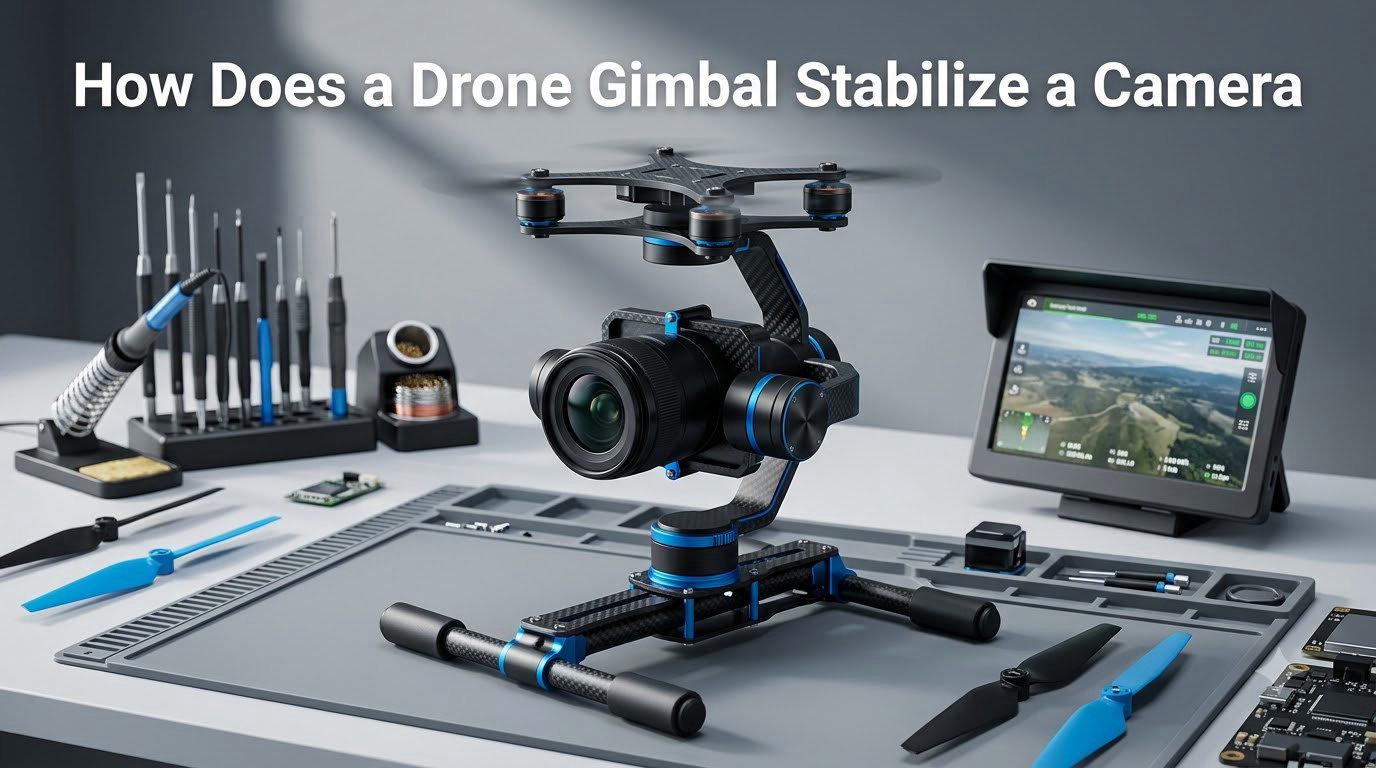
If you have ever watched a drone shot glide smoothly over a coastline while the drone itself bounces in the wind, you have seen a gimbal doing its job. I have been flying and testing camera drones for years, and the gimbal is still the part I obsess over the most. It is the difference between footage you can use and footage that ends up on the cutting room floor.
In this guide I will walk you through exactly how a drone gimbal stabilizes a camera, the parts that make it work, and the small things that can go wrong. If you have ever asked how does a drone gimbal stabilize a camera, this is the answer I wish someone had given me when I started.
Table of Contents
What Is a Drone Gimbal and Why Does It Matter
A drone gimbal is a pivoted mechanical mount that holds your camera and counteracts unwanted movement during flight. In simple terms, it is a small robotic hand that keeps the camera level no matter what the drone is doing.
Without a gimbal, every gust of wind, every sharp turn, and every motor vibration would transfer directly into your footage. The result is shaky, unusable video. A gimbal fixes that by isolating the camera from the drone body using sensors and motors that work together in real time.
Most modern consumer and prosumer drones use a 3-axis gimbal that corrects motion in three directions at once. That little device is the single biggest reason aerial footage looks cinematic today.
The Three Axes of Stabilization Explained
To understand drone gimbal stabilization, you first need to picture the three axes the system controls. Every unwanted movement of your drone happens along one or more of these axes.
Pitch Axis (Tilt Up and Down)
Pitch is the forward and backward tilt of the camera. When your drone accelerates or brakes, the nose dips or rises, and pitch keeps the camera level with the horizon. It is what stops your footage from looking like a roller coaster when you push the sticks forward.
Roll Axis (Tilt Side to Side)
Roll is the left and right tilt. Wind hitting one side of the drone causes roll, and so does banking into a turn. The roll motor counter-rotates the camera to keep the horizon line perfectly flat, which is critical for professional-looking video.
Yaw Axis (Rotation Left and Right)
Yaw is the horizontal rotation around a vertical line. When your drone rotates to face a new direction, the yaw motor swings the camera to track the movement smoothly instead of whipping. It is also the axis that lets you pan for cinematic shots.
How a Drone Gimbal Stabilizes a Camera: The Step-by-Step Process
This is the heart of the question. The mechanism behind drone gimbal stabilization happens thousands of times per second, and it follows a clean four-step loop. I have tested this on everything from toy drones to cinema rigs, and the same core logic runs through all of them.
Step 1: Sensors Detect Movement
An IMU (Inertial Measurement Unit) packed with gyroscopes and accelerometers measures the drone’s angular velocity and acceleration. It captures even the smallest wobble at hundreds of samples per second.
Step 2: The Control Unit Processes Data
The Gimbal Control Unit (GCU) reads the IMU data and runs a sensor fusion algorithm. This algorithm combines gyroscope and accelerometer readings to estimate the exact orientation and motion of the camera at that moment.
Step 3: Motors Apply Counter-Force
Brushless motors on the pitch, roll, and yaw axes receive commands from the GCU. Each motor rotates the camera in the opposite direction of the detected movement, applying a counter-force that cancels the disturbance.
Step 4: Real-Time Loop Continues
The system repeats the entire process thousands of times every second. The constant feedback loop is what makes the stabilization feel invisible. By the time the camera records a frame, it has already been corrected for every motion in the last millisecond.
Core Components Inside a Drone Gimbal
Now that you know the steps, let’s look at the parts doing the work. A modern gimbal is a small stack of tightly integrated hardware, and each component plays a specific role.
IMU (Inertial Measurement Unit)
The IMU is the gimbal’s sense of balance. It bundles a gyroscope for angular rate and an accelerometer for linear motion. Without it, the system would have no idea which way the camera is tilting. For a closer look at how sensors feed control systems, see our guide on how an Arduino reads analog signals.
Brushless Motors
Brushless motors drive each axis with precision and zero friction from brushes. They respond in microseconds, which is what allows the counter-movements to keep up with drone motion. Brushless is the industry standard for a reason: it is fast, quiet, and durable.
Control Board (GCU)
The Gimbal Control Unit is the small computer that fuses sensor data and runs the control algorithm. It typically uses a PID controller that continuously calculates the error between desired and actual position, then commands the motors to correct it.
Mechanical Frame and Dampeners
The frame holds the camera while rubber dampeners and bearings absorb high-frequency vibrations. This is the part most people forget. Brushless motors handle the slow tilts, but the soft mounts handle the buzz from the propellers.
Types of Drone Gimbals Compared
Not all gimbals are built the same. The number of axes and the motor type both change how your footage looks and what you can do with it.
1-Axis vs 2-Axis vs 3-Axis Gimbals
1-axis gimbals correct only pitch. They are cheap, lightweight, and good for casual shots where the drone mostly flies straight. 2-axis gimbals add roll correction, which significantly improves horizon stability but still does not control yaw rotation. 3-axis gimbals control pitch, roll, and yaw, which is why they are the standard on virtually every modern filming drone. If you want cinematic pans, 3-axis is the only real option.
Brushless vs Servo Motor Gimbals
Servo motors are cheaper and simpler, but they are slower and less precise. Brushless motors deliver smoother motion, faster response, and longer life. This is the same trade-off you see in any precision robotic system, including the robot chassis systems we have covered in our robotics guides.
Gimbal Stabilization vs Electronic Image Stabilization (EIS)
Electronic Image Stabilization (EIS) is a software trick that crops and shifts frames in post-processing to mask shake. It works in lower-cost drones because it requires no moving parts, but it cuts resolution, narrows the field of view, and cannot fix large motions.
Mechanical gimbal stabilization physically holds the camera steady, which means no cropping, no resolution loss, and far better performance in strong wind. In short, EIS is a software patch while a gimbal is a hardware solution. If you care about image quality, the gimbal wins every time.
Common Gimbal Problems and Tips for Smooth Footage
Even the best gimbal can produce bad footage if it is not treated right. These are the issues I have run into most often, and the fixes that actually work.
Always remove the gimbal cover before powering on. Users on drone forums regularly report burning out motors by forcing them against the protective cover. If the gimbal is fighting resistance the moment it starts, the motor takes the damage.
Recalibrate after a crash or rough transport. Even a small impact can shift the IMU baseline. A fresh calibration takes a minute and saves hours of troubleshooting later.
Avoid strong magnetic fields before flying. Calibration can drift if the drone has been near speakers, large metal objects, or magnets. The IMU uses Earth’s magnetic field for reference, and anything that scrambles that will scramble your footage.
Fly in calm air when possible. Even a perfect gimbal has limits. Strong wind pushes the drone beyond what the motors can correct, and you will see jello in the final video.
Use slow, smooth stick inputs. Aggressive stick movements cause the gimbal to lag behind the drone. Gentle inputs give the system time to keep up, which is exactly the same principle behind managing sudden spikes in real-time systems.
Frequently Asked Questions
How do gimbals stabilize a camera?
A gimbal stabilizes a camera by using an IMU to detect motion, sending that data to a control unit, and commanding brushless motors to rotate the camera in the opposite direction. This counter-movement cancels out drone vibrations and tilts in real time, keeping the footage level across the pitch, roll, and yaw axes.
What is a gimbal on a drone?
A drone gimbal is a pivoted mechanical mount that holds the camera and isolates it from drone movement. It uses sensors, a control board, and brushless motors to keep the camera level and steady, even when the drone tilts, rotates, or shakes in the wind.
How does gimbal stabilization work?
Gimbal stabilization works through a real-time feedback loop. The IMU measures motion, the control unit calculates the required correction, and the motors apply it thousands of times per second. This counter-force loop cancels out unwanted camera movement before the sensor even records a frame.
Which is better, a gimbal or a stabilizer?
A mechanical gimbal is better for drone use because it physically holds the camera steady with no cropping or resolution loss. A software stabilizer like EIS can reduce shake but sacrifices image quality. For professional aerial footage, a 3-axis gimbal is the clear winner.
Is a gimbal really necessary?
A gimbal is necessary if you want smooth, professional-looking aerial footage. Without one, every wind gust, motor vibration, and drone maneuver shows up in your video. For casual snapshots it is optional, but for any video work it is the single most important hardware upgrade you can make.
What is the purpose of a gimbal in a drone’s camera system?
The purpose of a gimbal in a drone camera system is to decouple the camera from the drone body. By isolating the camera from flight movement, the gimbal delivers stable horizon lines, smooth pans, and shake-free video that would otherwise be impossible from a flying platform.
How Drone Gimbal Stabilization Comes Together
So how does a drone gimbal stabilize a camera in one sentence? It uses sensors to detect motion, a control unit to calculate the correction, and brushless motors to apply that correction in real time, isolating the camera from the drone on all three axes.
If you are shopping for your next drone, prioritize the gimbal over almost any other spec. A great camera on a weak gimbal will still produce shaky footage, while a solid gimbal can elevate even a mid-range sensor. Take care of it, calibrate it, and it will deliver smooth shots for years.