
If you have spent any time reading printer reviews, you already know the trick: the sticker price is the smallest number in the whole purchase. A printer that lists for well under 200 dollars can easily cost more over two years than a pricier machine that runs at a fraction of a cent per page, because manufacturers sell the hardware close to cost and make their margin on ink and toner.
That is the angle we took with this roundup. We pulled ten printers that all sit under the 200 dollar line, then compared them on the things that decide whether a budget printer is actually cheap: in-box ink yield, running cost per refill or cartridge, print speed in pages per minute, whether automatic duplex printing is standard or manual, paper tray capacity, and whether the machine scans as well as prints. Verified against current listings and owner reviews in October 2026.
One quick disambiguation before we start. This roundup covers 2D document and photo printers: inkjets and laser printers that put ink or toner on paper. If you are actually after machines that build physical objects layer by layer, our guide to the [best professional 3D printers](https://www.smashingrobotics.com/best-professional-3d-printers/) is the right read, and this page will not help you.
Table of Contents
What is the best printer under 200 dollars?
The best printer under 200 dollars depends on what you print. For colour documents plus photos at home, the Canon PIXMA TR8620a is the strongest all-rounder. For the lowest running cost over a year, the Canon MegaTank G3270 wins on in-box ink. For black-and-white text only, the Brother HL-L2460DW is the fastest and cheapest per page.
Top 3 picks for printers under 200 dollars (October 2026)

Canon PIXMA TR8620a
- scan
- copy and fax with a 20-sheet ADF
- Automatic two-sided printing
- 200 sheets of total paper capacity
- 4800 x 1200 dpi colour output

Canon MegaTank G3270
- Refillable ink tanks
- Up to 2 years of ink in the box
- 6000 black and 7700 colour pages per set
- Wireless print
- copy and scan

Epson EcoTank ET-2400
- Cartridge-free EcoFit ink bottles
- 4500 black and 7200 colour pages per set
- 5760 x 1440 dpi resolution
- Light at 8.6 pounds
All 10 printers under 200 dollars at a glance (October 2026)
Every machine below sits under our 200 dollar ceiling. The feature column is the short version; the full review follows in the same order.
| Product | Specifications | Action |
|---|---|---|
| Canon PIXMA TR8620a |
|
Check Latest Price |
| Canon MegaTank G3270 |
|
Check Latest Price |
| Epson EcoTank ET-2400 |
|
Check Latest Price |
 Canon PIXMA TS3720 Canon PIXMA TS3720 |
|
Check Latest Price |
 Brother HL-L2460DW Brother HL-L2460DW |
|
Check Latest Price |
 Brother HL-L2405W Brother HL-L2405W |
|
Check Latest Price |
 HP Envy 6155 HP Envy 6155 |
|
Check Latest Price |
 Brother MFC-J1410DW Brother MFC-J1410DW |
|
Check Latest Price |
 HP LaserJet MFP M235sdw HP LaserJet MFP M235sdw |
|
Check Latest Price |
 HP Smart Tank 5003 HP Smart Tank 5003 |
|
Check Latest Price |
1. Canon PIXMA TR8620a: the best printer under 200 dollars for most homes
- Print scan copy and fax in one box
- 20-sheet document feeder for multi-page jobs
- Two paper feeds totalling 200 sheets
- Automatic two-sided printing and 1000-page duty cycle
- 4800 x 1200 dpi colour from five separate ink tanks
- Canon app and Wi-Fi pairing draw frequent complaints
- Scan and photo resolution tops out at 600 dpi
- Document feeder is single-sided only
This is the printer I keep coming back to for anyone who wants one box to do everything. Print, copy, scan and fax all come from the same flatbed unit, and a 20-sheet automatic document feeder sits on top so you are not lifting the lid for a five-page contract.
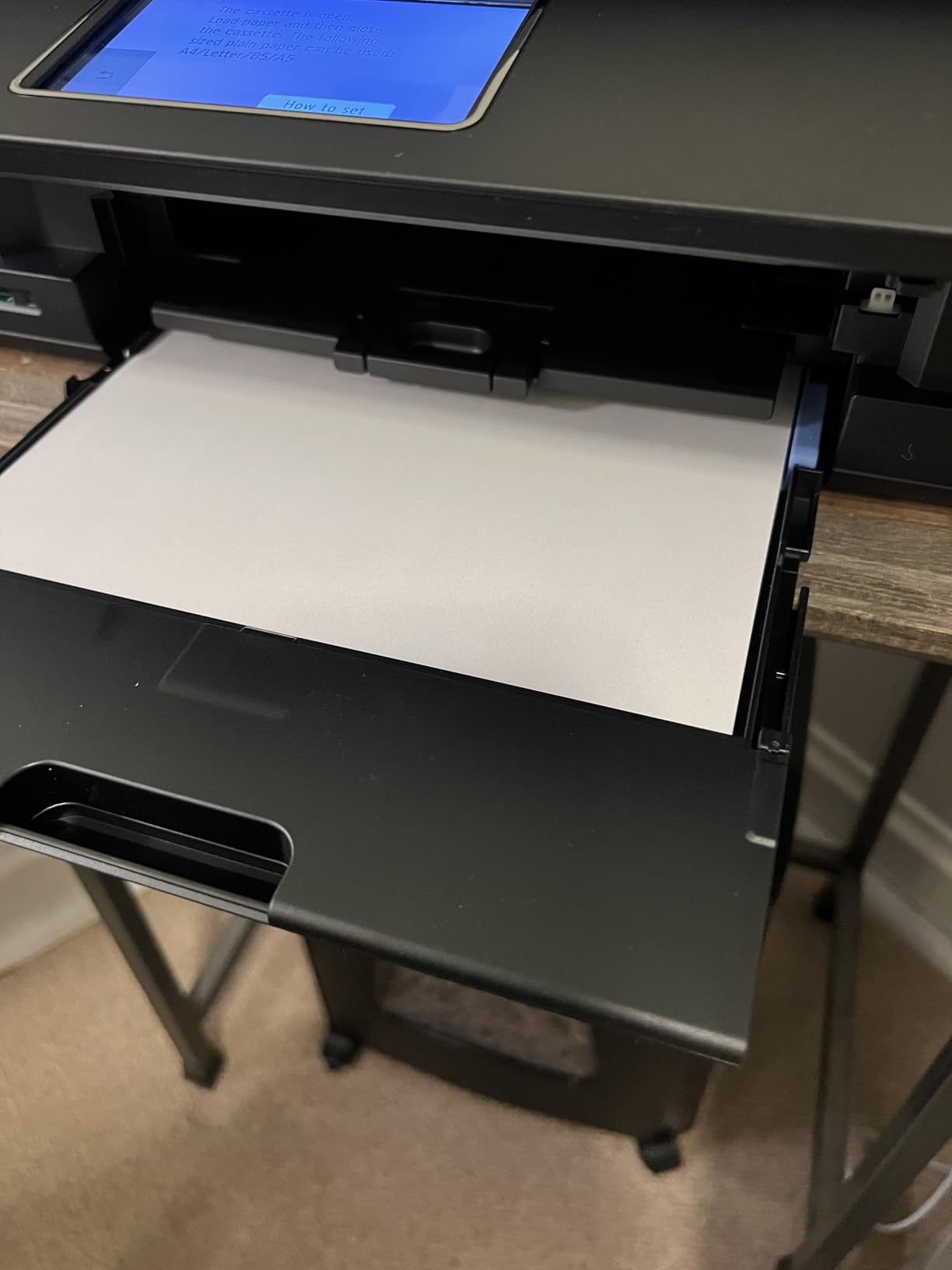
Paper handling is the part that surprised me most for a machine at this level. There is a 100-sheet cassette in the base and a 100-sheet rear feed behind it, so 200 sheets in total, and the rear slot takes envelopes and heavier stock that would defeat the cassette. Automatic two-sided printing is standard, which removes the single most irritating chore on any cheap inkjet.
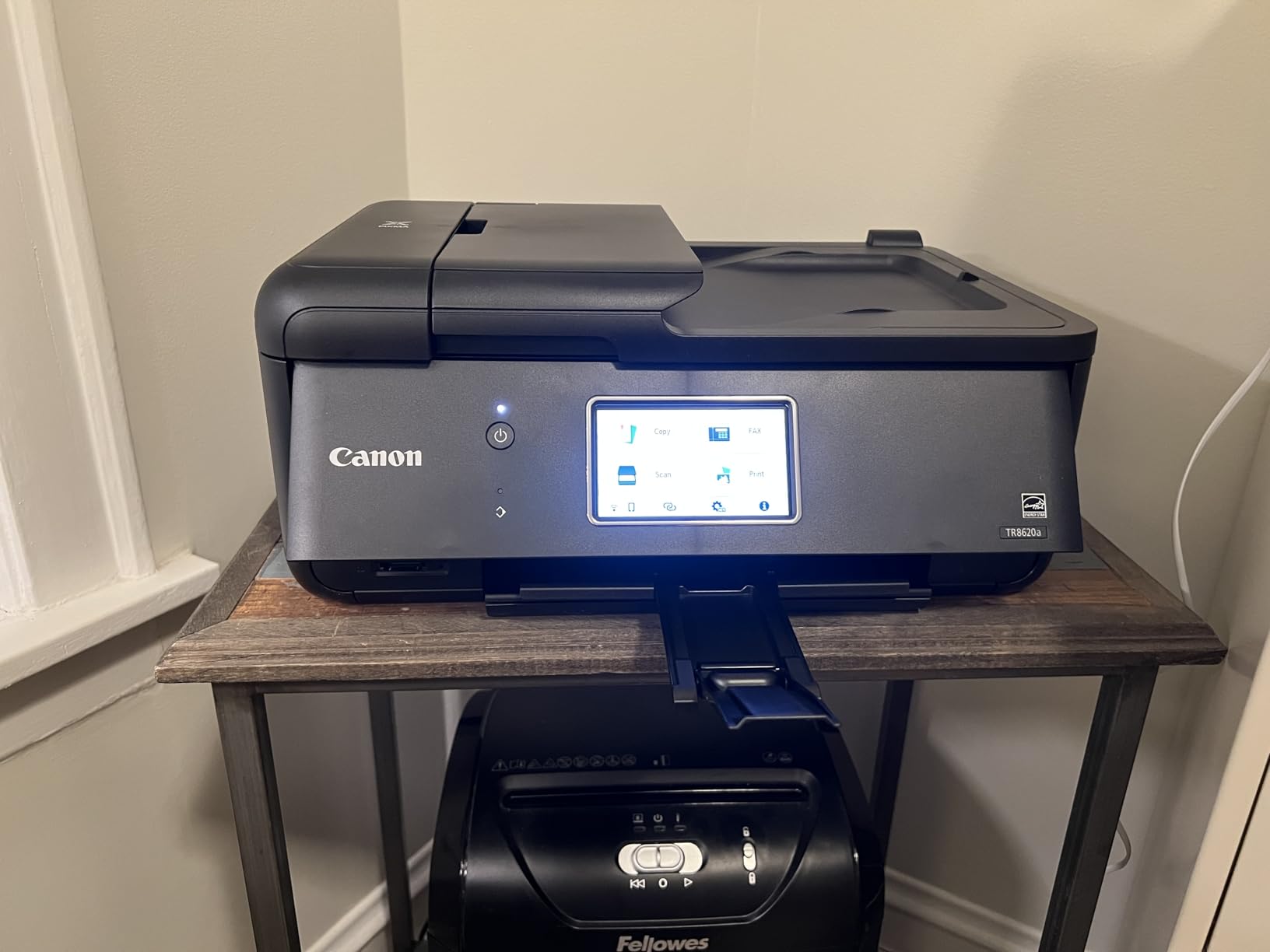
Speed lands at 15 pages per minute in black and 10 in colour, and output resolution reaches 4800 x 1200 dpi. The tilting LCD touch panel is large enough to change settings without a phone, and Alexa integration can watch ink levels and place a reorder. The software side is the weak point: Canon PRINT app pairing and wireless connection errors are the most common complaint in owner reviews.
The scan head is the other limit. Photo and scan resolution caps out at 600 dpi, so this is not the machine for scanning film or archiving prints. The document feeder also does not duplex, so double-sided originals have to be fed manually through it.
Who the TR8620a suits
Pick this one if you print a mix of colour documents, school projects and occasional photos, and you want fax and a document feeder in the same box. It handles legal-size paper as well as letter, and the 1000-page duty cycle covers a busy home office week without complaint.
Because the five ink tanks are separate, you replace only the colour that actually ran out, which keeps ongoing ink cost down over a year of mixed printing.
Who should skip it
If your documents are plain black text, this is the wrong shape of machine. A monochrome laser costs a fraction per page and will not clog if you leave it unused for a month.
Scan-heavy users should also look elsewhere. A 600 dpi ceiling is real, and the app and Wi-Fi pairing issues are the most-reported negatives in reviews.
2. Canon MegaTank G3270: best value on running cost
- Refillable tanks cut ongoing ink cost sharply
- Up to 2 years of ink ships in the box
- Compact footprint for a tank printer
- Flatbed copy and scan built in
- Supports borderless and square photo formats
- Single-sided printing only
- Modest 11 ppm black and 6 ppm colour speed
- Small 1.35 inch LCD is not a touchscreen
Almost every owner buys this machine for one reason: the ink economics. The G3270 comes with enough ink for up to two years of normal use, rated at roughly 6000 black-and-white pages or 7700 colour pages from a single set. That figure is the reason it ranks near the top of the ink tank category and the reason most of its reviews are about value rather than speed.
Tank printers use refillable ink bottles instead of cartridges. You pour in the colour you need, and you skip the cartridge entirely, which is where the long-run saving comes from. The bottle-based system also removes cartridge waste from the equation, which matters if you print regularly enough to go through a set every few months.
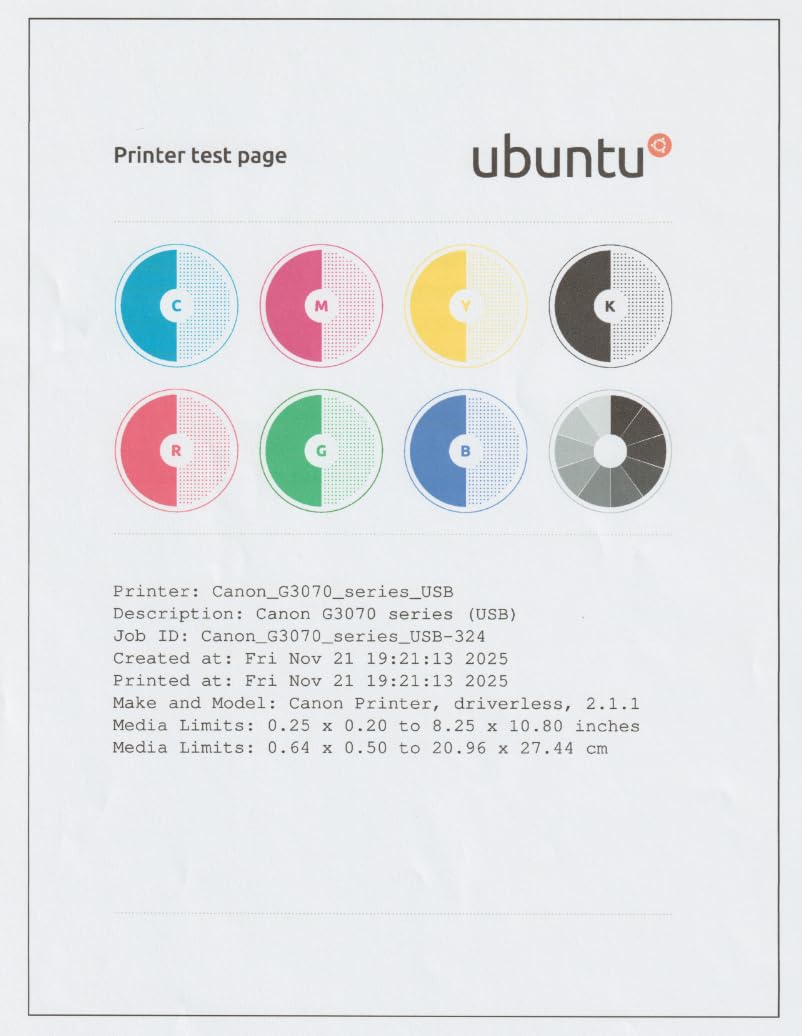
The trade-off is duplex. This machine is single-sided only, so every double-sided job means flipping the stack by hand. Output speed is 11 ppm black and 6 ppm colour, which is fine for a week of homework and slow for a big project. There is one 100-sheet tray and a small 1.35 inch LCD that is not a touchscreen.
On the plus side, the body is compact for a tank machine at 13.2 pounds, and it handles letter, legal, A4, A5, envelopes and square photo formats including borderless prints.
What the G3270 gets right
If your printing is regular rather than occasional, the in-box ink changes the maths entirely. A cartridge machine at this tier needs a second purchase within weeks because starter cartridges are small, while this one can run a long stretch before the first refill.
For anyone who prints a few hundred pages a month, that difference is worth more than duplex or a faster engine.
Where it falls short
Single-sided only is the deal-breaker for anyone with regular double-sided documents, and the driver-assisted manual flip is tedious at volume. The non-touch LCD also means deeper settings need the app or the computer.
Colour output is 4800 x 1200 dpi, which is respectable for snapshots but not aimed at anyone wanting gallery-grade prints.
3. Epson EcoTank ET-2400: the cheapest printer to keep running
- EcoFit bottles refill only the colour you need
- Up to 2 years of ink included
- Sharp 5760 x 1440 dpi output
- Lightest machine here at 8.6 pounds
- Flatbed scanner for artwork and documents
- Manual duplex only
- No display screen at all
- Paper jams are awkward to clear
- Dual-band Wi-Fi setup can fail on mesh routers
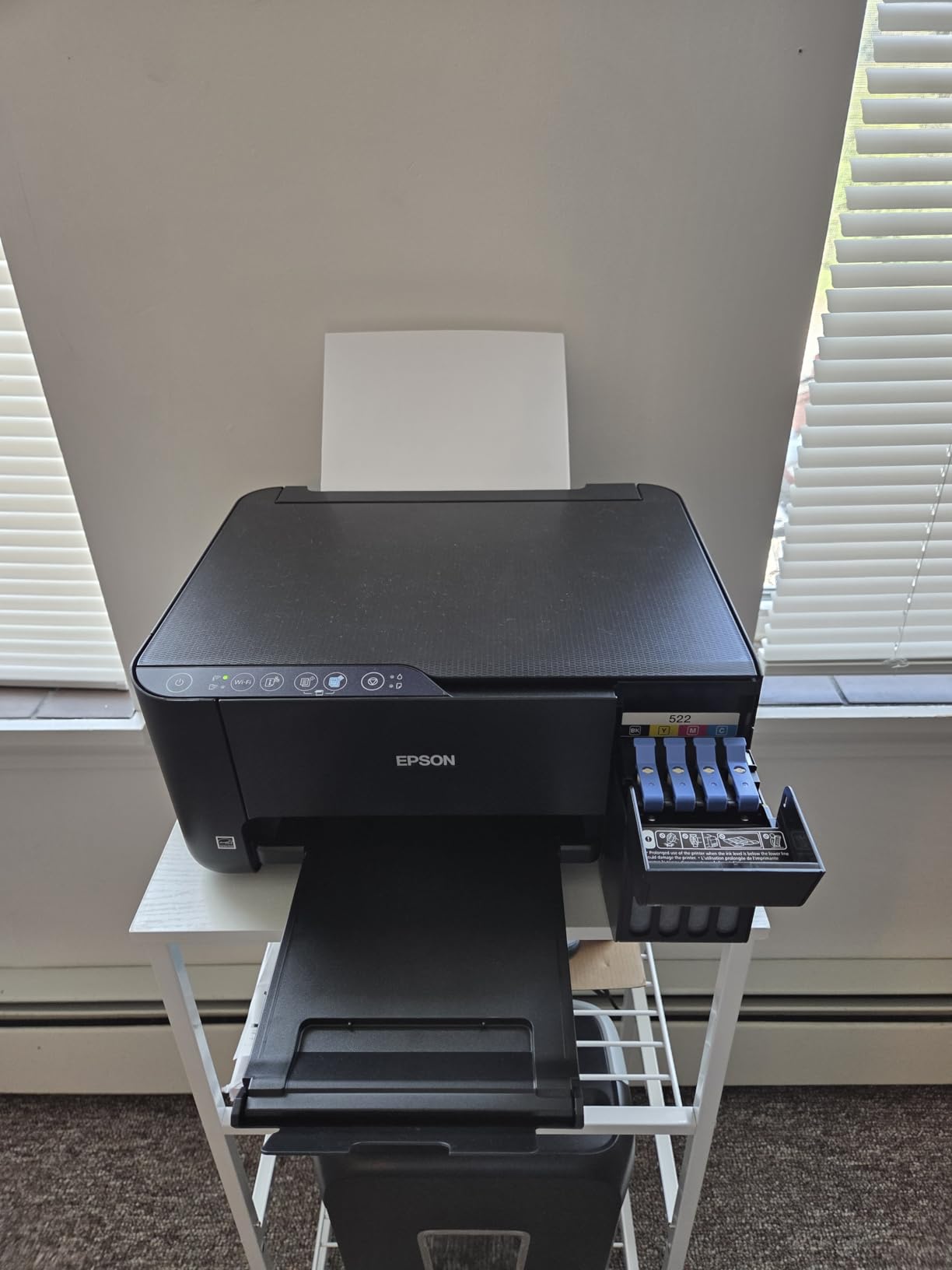
The ET-2400 is the entry point into Epson EcoTank printing, and the economics are the pitch. One set of EcoFit bottles covers roughly 4500 black-and-white pages or 7200 colour pages, and Epson’s own comparison puts one bottle set at about the equivalent of 80 individual cartridges. The bottles refill only the tank you actually need, so a single magenta-heavy month does not mean buying black you will not use.
Print quality is the strongest number in the tank group at 5760 x 1440 dpi, and reviewers single out the sharpness of text and the strength of colour photos. The flatbed scanner handles artwork as well as documents, which is unusual at this price in a tank machine.
At 8.6 pounds, this is also the lightest printer in the roundup and one of the more compact bodies, so it suits a small desk or a dorm room. Physical buttons and status LEDs replace a screen, which some buyers prefer to a cramped touchscreen.
The compromises are real. Duplex is manual with driver assistance, so double-sided work means flipping mid-job. There is no display screen at all, which makes clearing a paper jam without a computer genuinely annoying. Owners also report paper jams more often than with the Canon tanks, and Wi-Fi setup can fail on dual-band mesh routers until the 5 GHz band is disabled.
Why the ET-2400 wins on cost
Across a year of regular printing, bottle refills are simply cheaper than cartridges, and the in-box supply covers a long stretch before you need the first one. For families printing homework, recipes and colour projects week after week, that is the number that matters.
The bottle format is also the safer route for cheap ink than third-party cartridges, because there is no chip to block and nothing to spoof.
What you give up
No automatic duplex, no screen, and a waste-absorber pad that is not user-replaceable, which puts a ceiling on long-term lifespan. Borderless photo printing is not supported, despite what some listings imply.
If you print double-sided documents most weeks, step up to the Canon MegaTank G3270 or a Brother laser instead.
4. Canon PIXMA TS3720: the lowest-cost option for occasional home printing
Canon PIXMA TS3720 Wireless All-in-One Printer for Basic Home Printing, White
- Lowest entry cost in the roundup
- Compact and light at 8.7 pounds
- Dual-band Wi-Fi with quick guided setup
- Works with AirPrint Mopria and Chromebooks
- Supports 5x5 square and borderless 5x7 photos
- Single-sided printing only
- Modest 7.7 ppm black and 4 ppm colour speed
- 60-sheet tray is the smallest here
- Tri-colour cartridge means one empty colour forces a full change
This is the machine for someone who prints a handful of pages a month and wants print, copy and scan in one box without a large outlay. It does the three core jobs reliably, weighs 8.7 pounds, and the guided setup takes a few minutes with no computer required.
Connectivity is better than the price suggests. Dual-band Wi-Fi on both 2.4 GHz and 5 GHz connects without the pairing dramas that plague cheaper models, and it works with the Canon PRINT app, Apple AirPrint, Mopria and Chromebooks, so AirPrint from an iPhone or iPad works as expected.
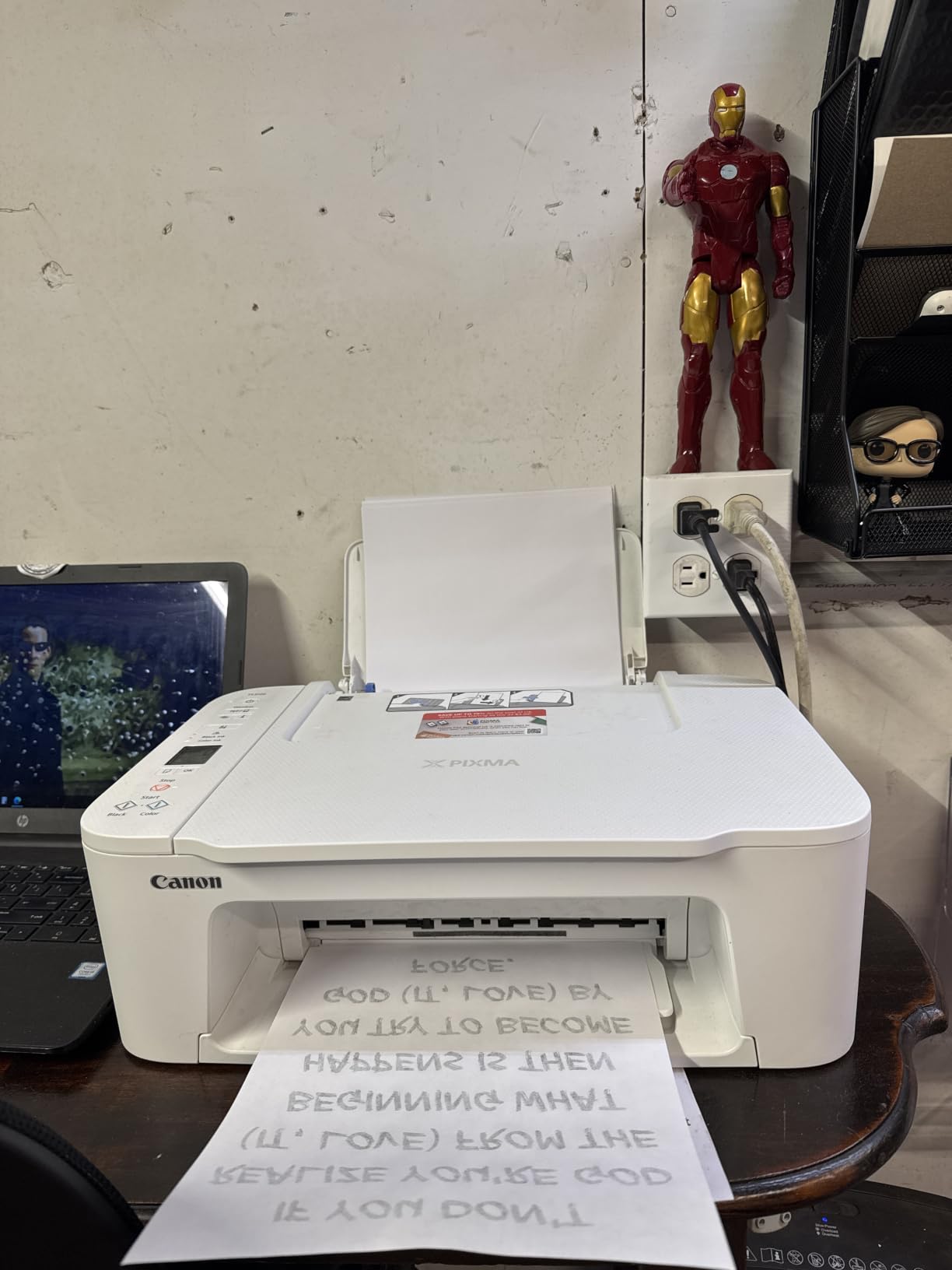
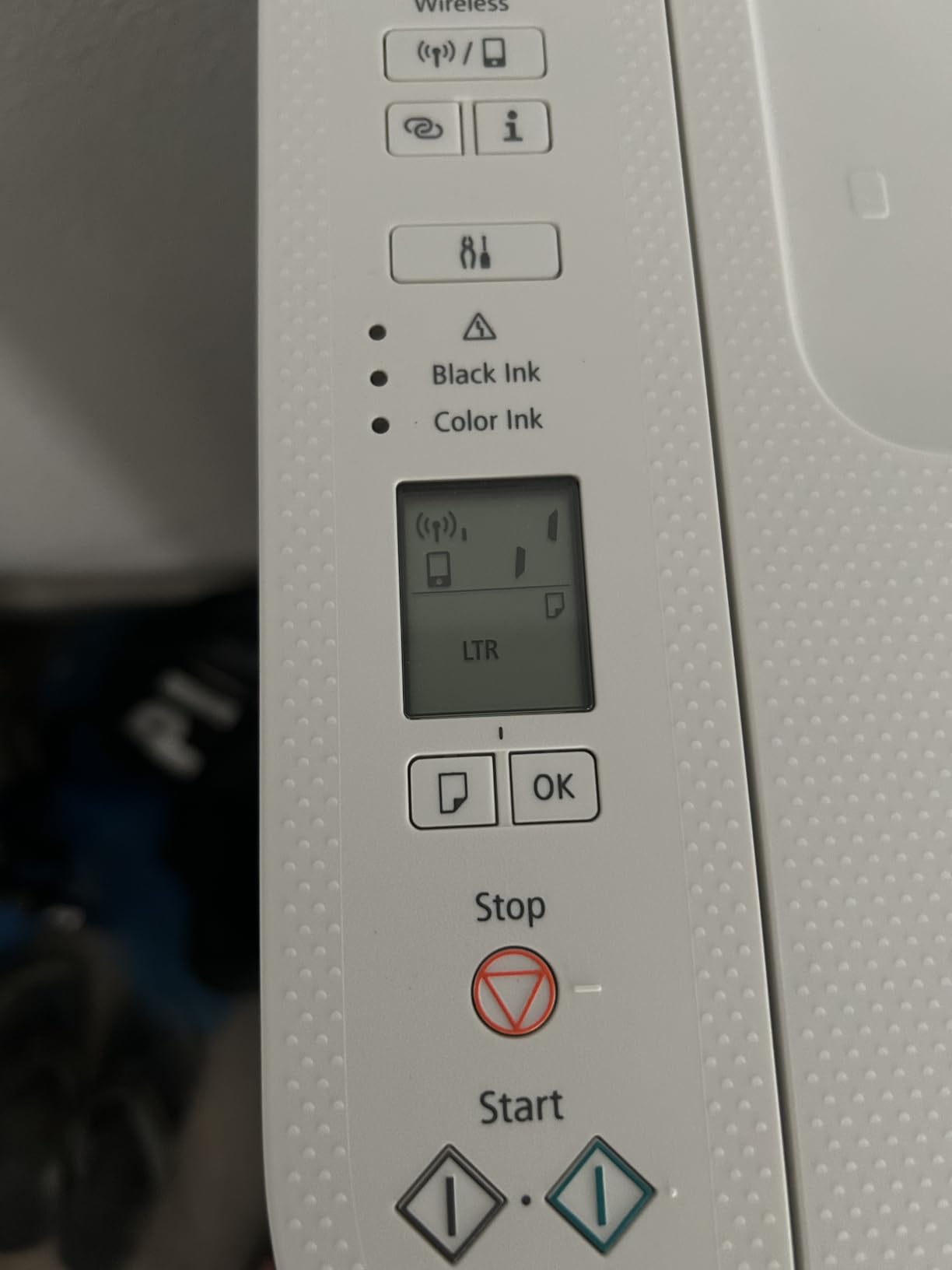
Media handling is broader than the spec sheet suggests. It prints 4×6 and 5×7 photos including borderless, 5×5 square formats, envelopes, banners and high-resolution paper, all through a 60-sheet tray. A 1.5 inch segment LCD handles the basics.
The ink system is where the cost warning lives. It uses two cartridges, one black and one tri-colour, so a single empty colour forces you to change the whole colour cartridge. Combined with single-sided-only printing, 7.7 ppm black speed and the smallest tray in the group, this is a light-duty printer and should be treated as one.
Good for infrequent use
If you print a few school projects, a shipping label and the occasional photo, this does all of it and stays small. The cartridge format also means the machine sits unused without the clogging that plagues inkjets left for months, which suits occasional users.
Borderless square and 5×7 photo support is a genuine bonus at this entry cost.
Not for regular volumes
Two cartridges, one of them tri-colour, is the expensive combination. Colour ink runs out whenever any single colour runs dry, and the paper tray fills up faster than anywhere else in this roundup.
Anyone printing weekly should spend the difference on a tank machine, where the running cost over a year is dramatically lower.
5. Brother HL-L2460DW: the best monochrome laser for a home office
- Fastest machine here at up to 36 ppm
- Automatic duplex handles large jobs cleanly
- 250-sheet tray plus a manual feed slot
- Cheap toner and working third-party toner
- Quick setup on Windows and Linux
- Monochrome only with no colour at all
- Bundled Refresh trial can bill for extra pages
- Fiddly on-screen Wi-Fi setup
- Small LCD and button interface
If you print text and nothing else, laser is the answer, and this is the fastest printer in the roundup at up to 36 pages per minute with a first page in about 8.5 seconds. Output resolution is 1200 x 1200 dpi, which is the sharpest monochrome figure in this group.
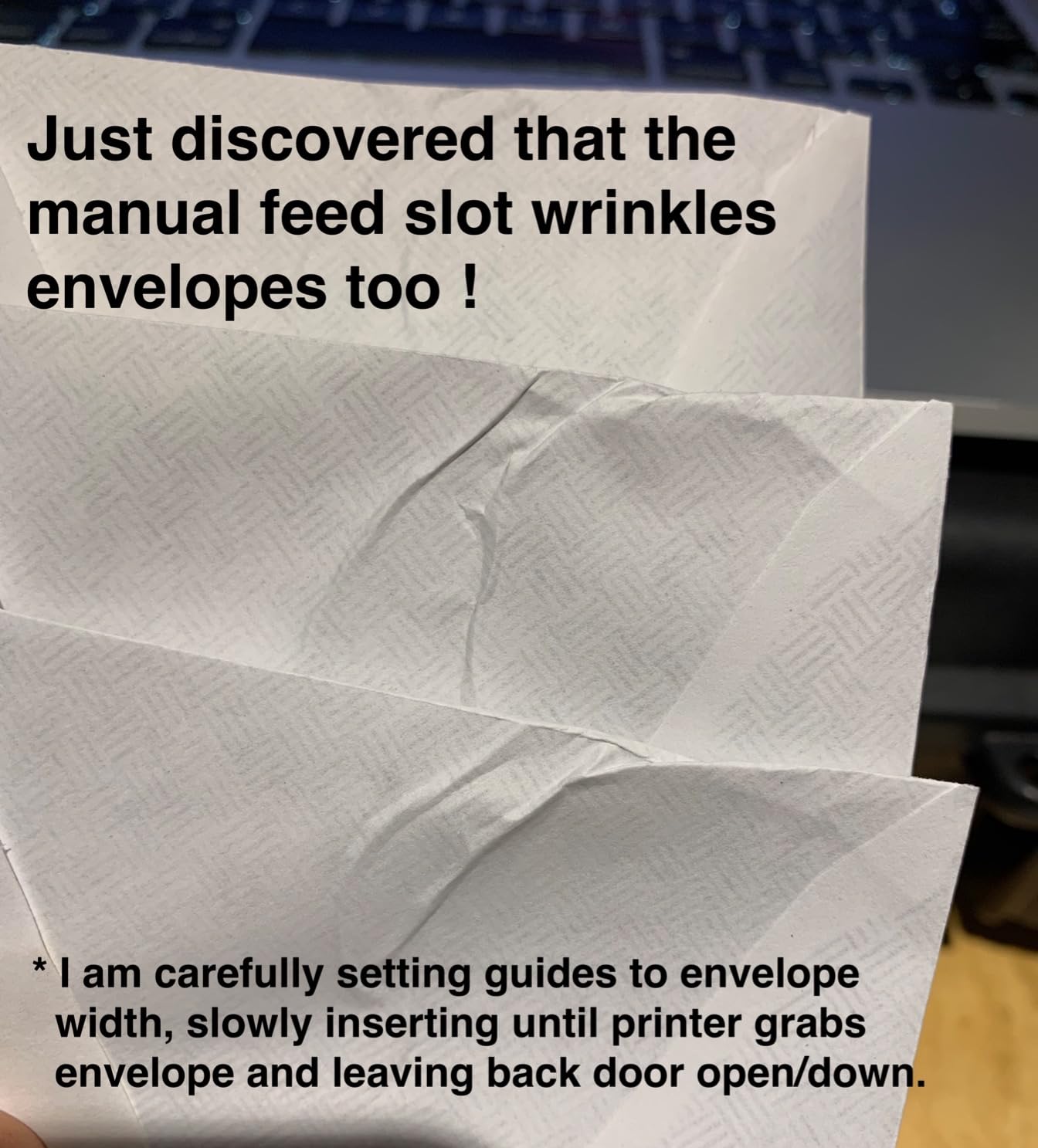
Automatic duplex is standard, which matters more than raw speed on long documents, and the 250-sheet paper tray is the joint-largest here, with a manual feed slot behind it for envelopes and specialty stock. Connectivity is dual-band Wi-Fi plus Ethernet and USB, so you can place it on a wired office network if the wireless signal in a spare room is poor.
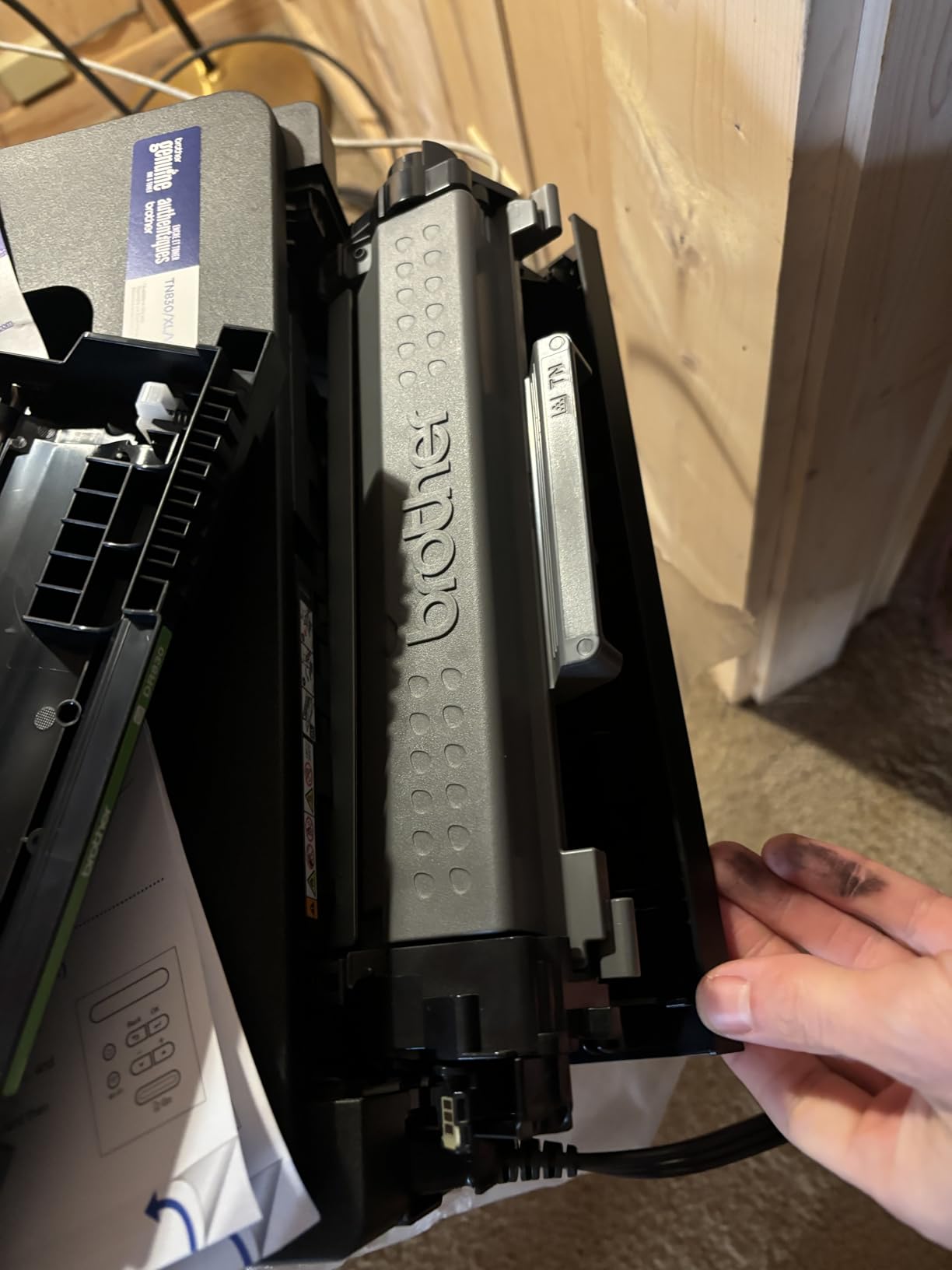
The toner argument is the whole point. TN830 and TN830XL cartridges cost far less per page than inkjet cartridges, and third-party toner is widely reported as working on this model. Toner also does not dry out, so a printer that sits unused for six weeks prints the same first page as one used yesterday.
Owners also flag the bundled Brother Refresh subscription trial as a trap. It can auto-enrol and then bill per page above the allowance unless you cancel it, so check the enrolment prompt at setup and remove it immediately.
Why the laser wins on text
Speed, duplex and tray capacity all favour the laser, and the running cost per page is the lowest of anything in this roundup. For invoices, reports, contracts and anything long-form, 36 ppm with automatic duplex changes the experience of a busy week.
Because toner does not dry out, it is also the safest choice for sporadic users who would otherwise be managing a drying inkjet.
Limits to accept
There is no colour printing of any kind, so a single colour page is impossible. The small LCD and limited button set make menu navigation and Wi-Fi setup fiddly, and some owners report machines failing at around a year and a half.
Cancel the Refresh trial on day one, and note the printer is print-only with no scanner.
6. Brother HL-L2405W: the cleanest setup for a first laser printer
- Clean bloatware-free install with no card prompts
- Stays ready after weeks unused
- 250-sheet tray plus manual feed slot
- Cheap genuine and third-party toner
- Simple to operate with no colour complexity
- No automatic duplex
- Wi-Fi configuration can take a long time
- Dated LCD and button navigation
- Deep Sleep can drop it off some mesh networks
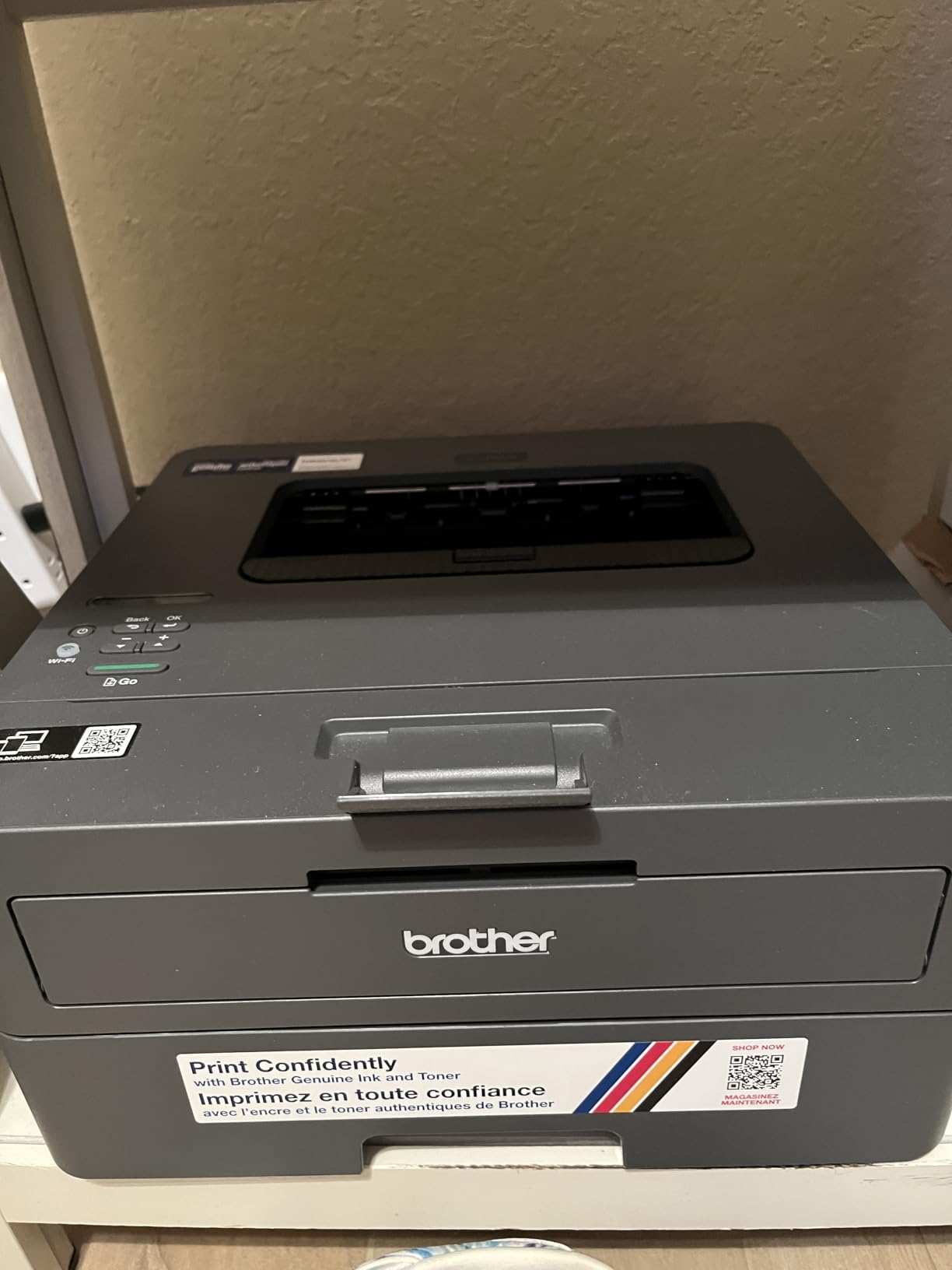
The pitch here is not speed but setup. Owners consistently mention the cleanest software install they have experienced: no forced terms, no auto-installed apps, no email or card prompts, which is exactly the opposite of the subscription behaviour that dominates this category.
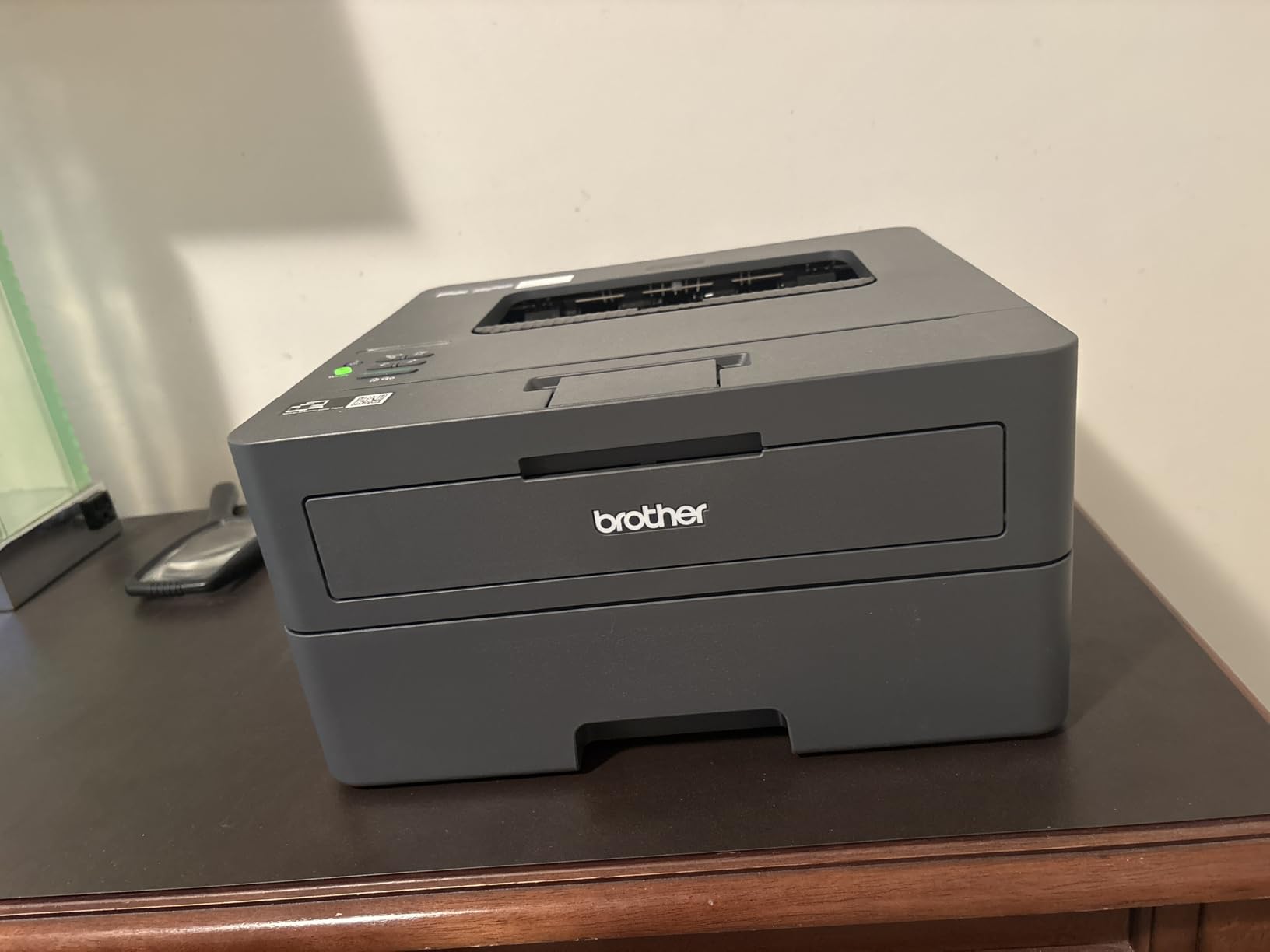
Under the hood it is close to the HL-L2460DW. You get 30 pages per minute, 1200 x 1200 dpi output, a 250-sheet tray and a manual feed slot, with dual-band Wi-Fi and USB. TN830 and TN830XL toner keeps the cost per page low, and third-party toner works.
It also stays ready. Reviewers note the machine keeps working after weeks of sitting unused, which is the same toner advantage that makes Brother lasers the standard recommendation for people who print unpredictably.
The gap against the L2460DW is duplex. This model is manual one-sided only, so double-sided documents mean re-feeding. Wi-Fi setup can also take a long time because Brother’s QR-code-first flow does not always reach laptop printing easily, and Deep Sleep mode has been reported to drop the printer off EERO mesh networks. It does not support 5 GHz.
Who should buy this
Buy the L2405W if you want a monochrome laser with no colour, no scanner and no software baggage, and you do not print double-sided documents regularly. It is the least fussy machine in the roundup to install.
The 250-sheet tray and low toner cost also make it sensible for a home office that prints a few hundred black pages a month.
Where it falls behind
No automatic duplex is the main compromise, and it is the reason we would pick the L2460DW instead if both were available. The interface is dated, and some units have printed the last page first regardless of the collate setting.
Output also runs darker than some competing laser printers, and toner save mode has to be reselected for every job.
7. HP Envy 6155: the best touchscreen for under 100 dollars
HP Envy 6155 Wireless All-in-One Color Inkjet Printer, Print, Scan, Copy, Duplex Printing Best-for-Home, 3 Month Trial of Instant Ink Included, AI-Capable (C2WR7A) Portobello
- Highest average rating in the roundup
- Automatic two-sided printing in a compact body
- Most usable display among the entry models
- Dual-band Wi-Fi that self-resolves connection problems
- HP AI formatting strips headers and footers
- Cartridges with original HP chips only
- Small starter cartridges run out sooner
- Instant Ink trial converts to a paid subscription
- Letter size only with no legal support
The Envy 6155 is the newest-generation model in this group and it posts the highest average rating of the ten, at 4.2 out of 5. The 2.4 inch colour touchscreen is genuinely the most usable display you will find on an entry-level printer, and it makes changing settings without a phone or computer straightforward.
It handles colour print, copy and scan with automatic two-sided printing in a body that stays compact, and dual-band Wi-Fi auto-detects and resolves connection issues, which removes one of the most common setup complaints on cheap inkjets. HP AI formatting strips headers and footers from web pages and emails so you do not waste a sheet on a single line of text.
There is one paper tray holding 100 sheets, and the body is built with at least 60 percent recycled plastic. Output runs at 10 ppm black and 7 ppm colour with 4800 x 1200 dpi colour resolution and P3 technology for vivid output.
The cartridge caveat
This model only accepts cartridges containing original HP chips, and third-party or remanufactured cartridges are blocked. That is the single most important fact on this page, and it is the reason many buyers on r/printers advise avoiding HP entirely.
The starter cartridges are small, so the second purchase arrives sooner than the yield on the box suggests. The bundled three-month Instant Ink trial also converts to a paid monthly subscription unless cancelled, so remove it as soon as the trial ends.
Good fit and poor fit
It suits anyone who wants colour, duplex and a real screen at the lower end of the range, and who is comfortable using genuine HP supplies. For occasional colour printing, that combination is hard to beat.
It is a poor fit for heavy print volumes, because cartridge running cost is far higher than the tank machines, and for anyone who wants legal-size paper, which this model does not support. Some users also find the HP app and cartridge warnings intrusive.
8. Brother MFC-J1410DW: the best for multi-page home office jobs
- ADF combined with automatic duplex under 200 dollars
- Cloud scan to Google Drive Dropbox Box and OneDrive
- Fast for an inkjet at 16 ppm black and 9 ppm colour
- Print copy scan and fax in one box
- 150-sheet paper tray
- Heaviest inkjet here at 16.8 pounds
- Genuine LC501 cartridges only raise running costs
- Colour resolution drops on Mac
- 20-sheet ADF is single-sided only
This is the only machine in the roundup that combines a 20-sheet automatic document feeder with automatic duplex printing, and that pairing is what makes it stand out for a home office that processes multi-page paperwork rather than single sheets.
The 2.7 inch colour touchscreen is one of the largest here and the most cloud-connected. It prints from and scans directly to Google Drive, Dropbox, Box and OneDrive, so digitising a signed document does not need a computer in the loop. Speed is strong for an inkjet at 16 ppm black and 9 ppm colour, with a first page in roughly 6.2 seconds, and the 150-sheet tray is above average for this price.
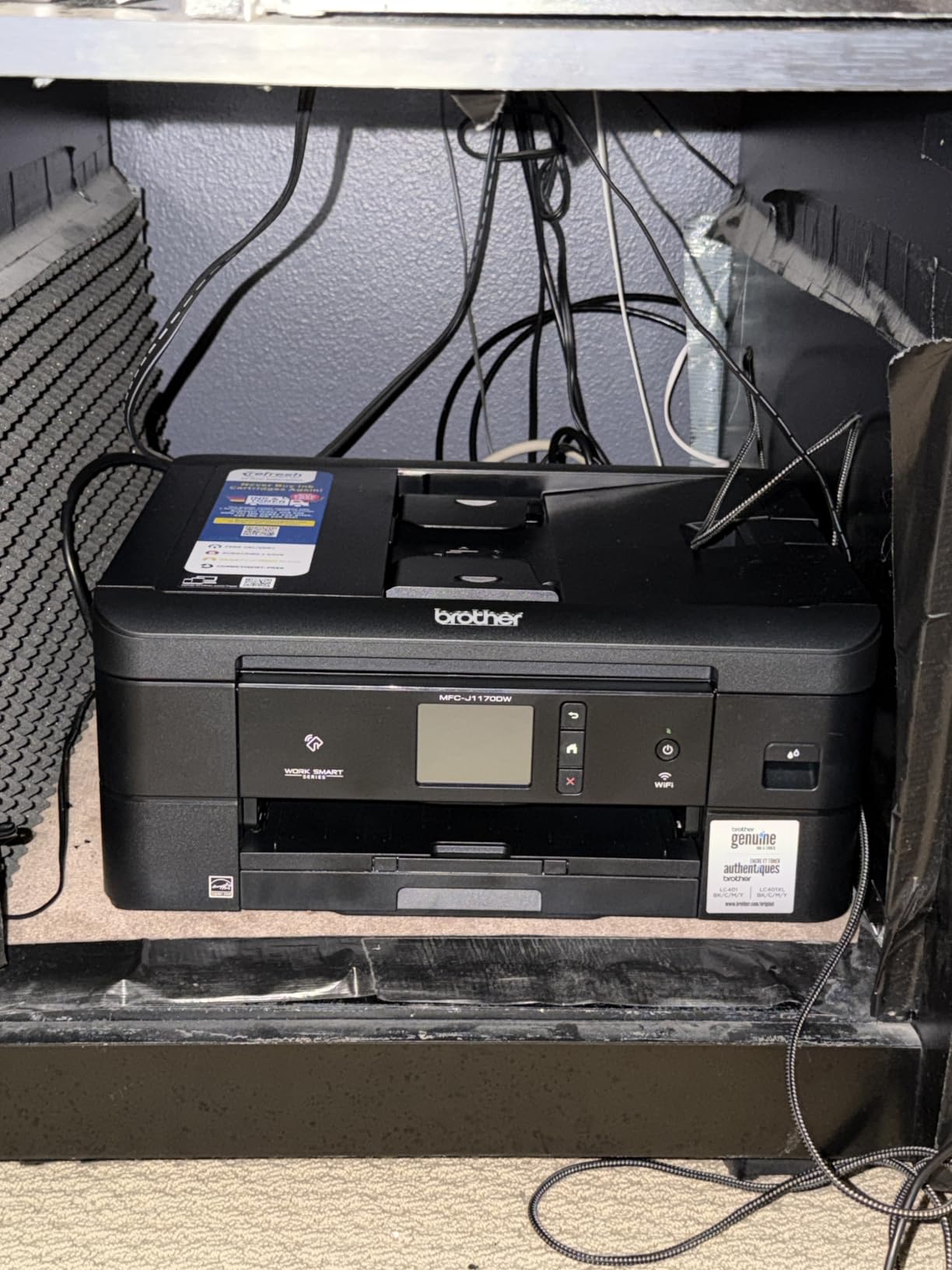
Print, copy, scan and fax all come from one box, and the Brother Mobile Connect app handles menu navigation and ink level monitoring from a phone, which matters because the touchscreen is doing a lot of work.
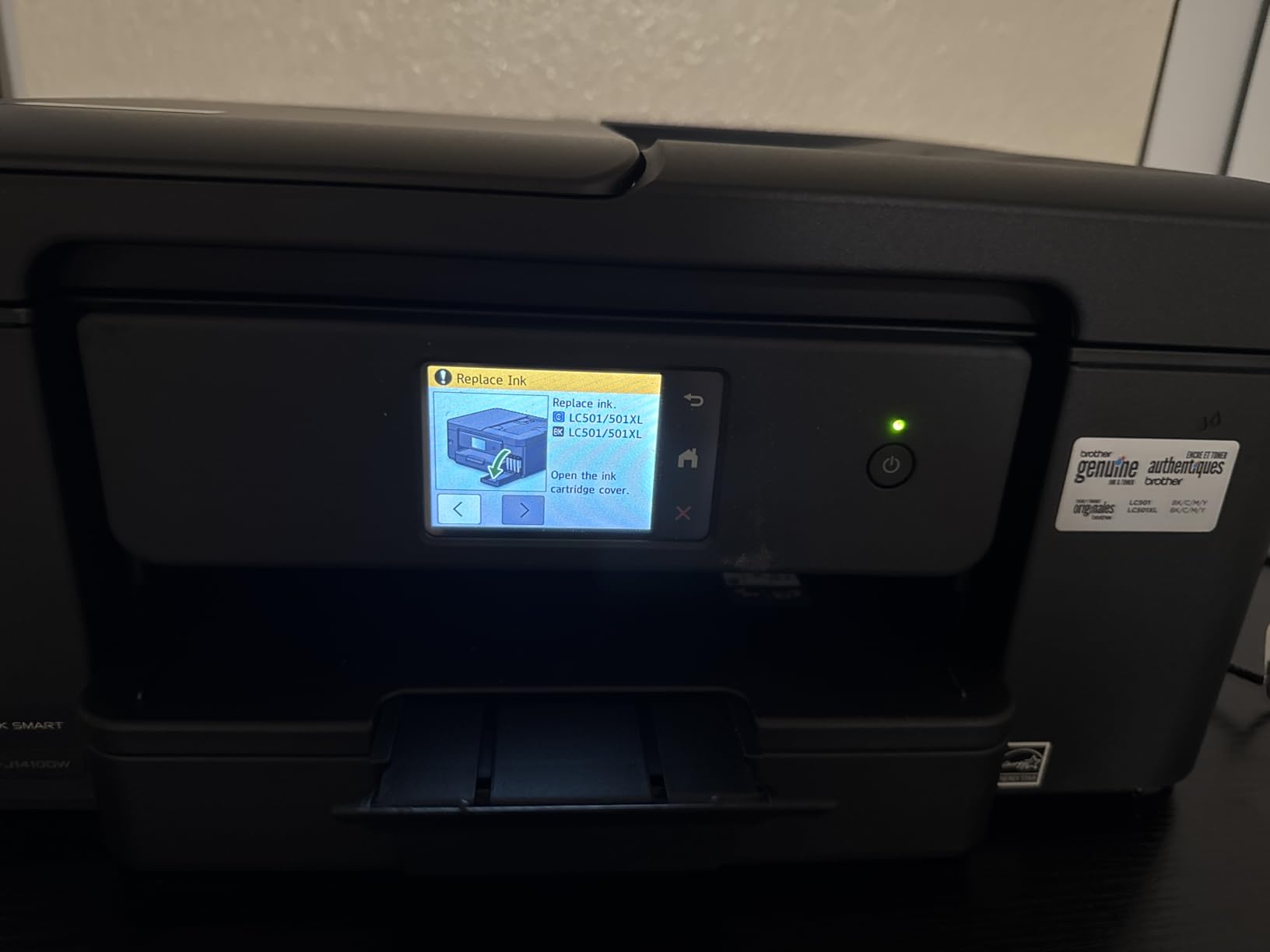
The running cost is the catch. Brother Genuine LC501 cartridges are the only ones the manufacturer recommends, and inkjet cartridges cost more per page than both the tank machines and the lasers here. At 16.8 pounds it is also the heaviest inkjet in the group. Colour resolution is up to 1200 x 6000 dpi on Windows but drops to 1200 x 3600 dpi on Mac.
Where the document feeder pays off
If you routinely scan or copy anything longer than a page, this is the machine to buy. The ADF feeds up to 20 sheets at a time, and the output side auto-duplexes, so a two-sided document in produces a two-sided document out without a manual flip.
Cloud scan targets make it the fastest route from a signed paper to a shared folder, and fax closes out the four-function box.
When a tank is smarter
If your printing is volume-driven rather than document-driven, cartridge running cost will overtake the benefits of the ADF and touchscreen within a year. A tank machine such as the Canon MegaTank G3270 prints far more pages between refills.
The single-sided-only ADF also means double-sided originals have to be fed manually, even though the printer itself auto-duplexes.
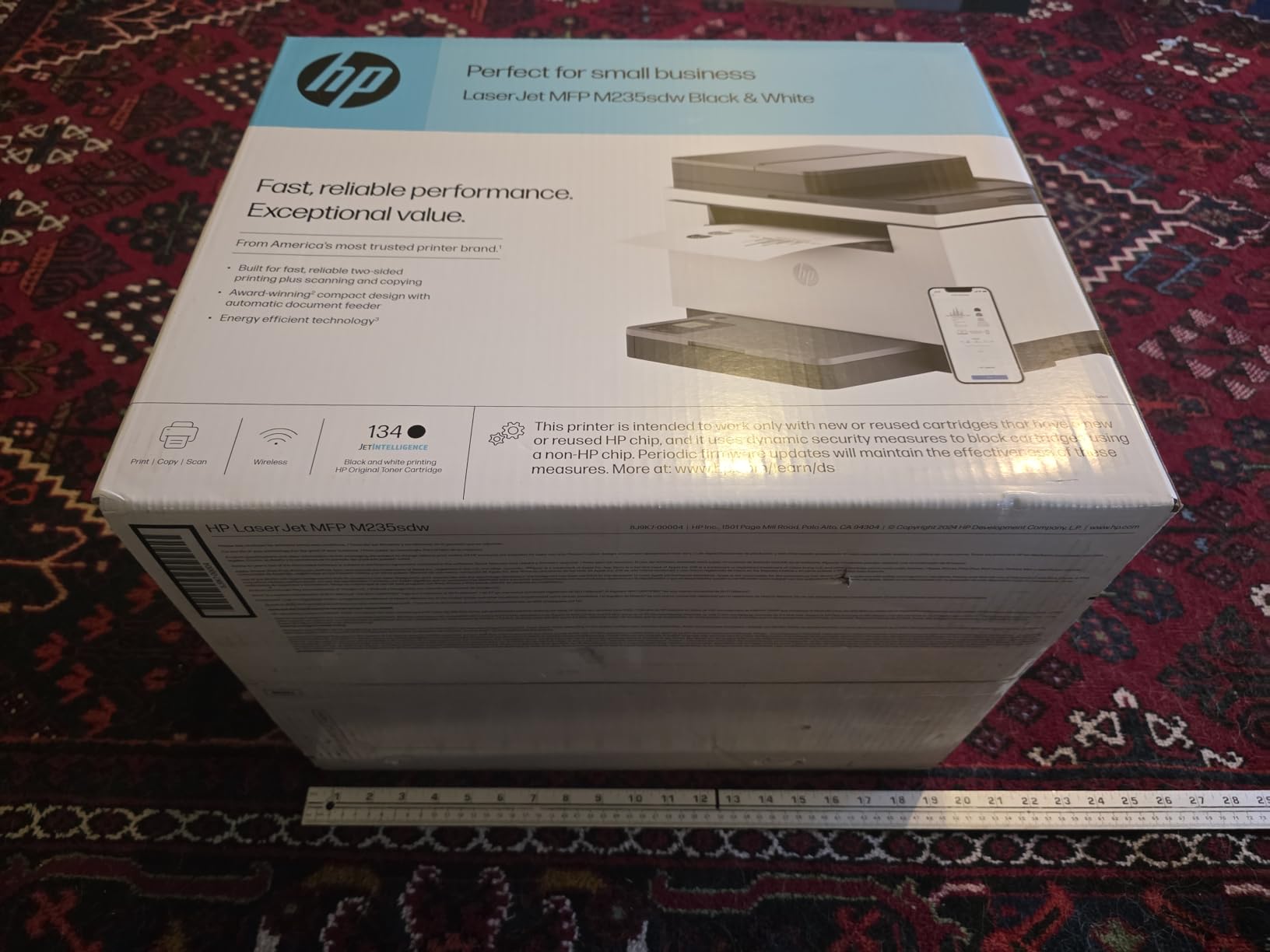
9. HP LaserJet MFP M235sdw: the monochrome all-in-one
HP LaserJet MFP M235sdw All-in-One Laser Wireless Printer, Scan/Copy, Black & White, Duplex, Best-for-Office
- Fast two-sided output at up to 28 ppm single-sided
- Print scan and copy sized for 1 to 5 people
- True black output rather than dark grey
- Reliable over a year of daily use
- Ethernet plus self-resetting dual-band Wi-Fi
- HP software setup is fiddly especially for network scanning
- Scanning and copying are single-sided only
- 600 x 600 dpi resolution is softer than Brother lasers
- Toner can be hard to source and costly
- Heaviest here at 21 pounds with no display
This is the only monochrome laser multifunction in the roundup, and for a one-to-five-person office that prints, scans and copies in black and white, that combination is rarer at this budget than the pick count suggests. Speed reaches 30 pages per minute with a first page in seven seconds, and it is the fastest two-sided laser output in its class.
Output quality is worth noting. Owners specifically praise the true black, which is a real difference from the dark grey some Brother laser printers produce on text. Connectivity is the strongest in the group: Apple AirPrint, Ethernet, Mopria, USB, dual-band Wi-Fi with self-reset, and wireless direct printing.
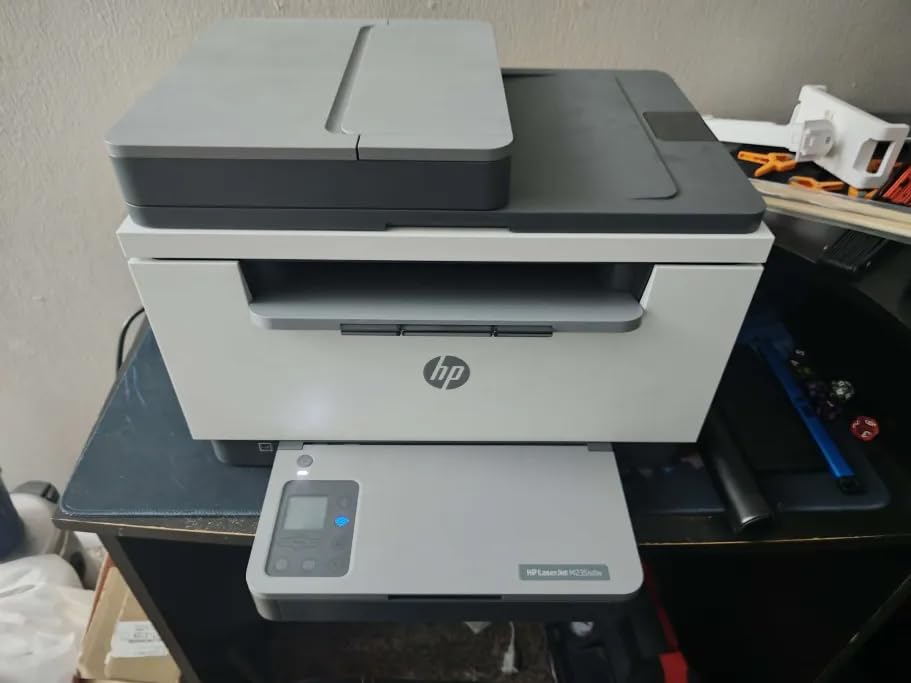
Reviewers report reliable daily use over a year with no network dropouts, and clean printing from Mac, Windows, iPad and phones. The 150-sheet tray is adequate for a small office, and the HP 134a toner cartridges keep the machine affordable to run.
The complaints are consistent. HP software setup is widely criticised, especially network scanning on Windows and Ubuntu. Scanning and copying are single-sided only, even though printing auto-duplexes. Resolution tops out at 600 x 600 dpi, softer than the 1200 dpi Brother lasers. And at 21 pounds with no display screen at all, it is the heaviest machine here with no on-device controls.
Best fit for a small office
Choose this when you need a scanner and copier attached to a fast black-and-white engine, and you print in a wired or strong-signal office. AirPrint support is a genuine advantage for iPhone and iPad users, and the true black output is cleaner for documents and forms.
For a home user who only prints, it is overkill, since it costs more than the print-only Brother laser.
What to watch
Set aside time for software configuration, and if you rely on network scanning, test it on your specific Windows or Ubuntu version before committing.
Replacement toner can be harder to source than Brother supplies and is sometimes priced above the machine itself, so check ongoing toner cost before you commit.
10. HP Smart Tank 5003: the most ink in the box
- Up to 3 years of ink in the box for the lowest long-run cost
- Mess-free refill with no squeezing or spilling
- Compact 11.1 pound body with print copy and scan
- Borderless prints and mobile printing
- 4800 x 1200 optimised colour resolution
- Manual duplex only
- Flatbed scanner with no document feeder
- Slow at 10 ppm black with a 21 second first page
- App-based control with no display screen
- Ink bottles are HP proprietary
The Smart Tank 5003 has the most ink in the box of any printer here: up to three years of HP ink, or up to 6000 pages, before you buy a single refill. That is what makes it the cheapest of these ten to keep running for anyone who prints regularly, and it is why it ranks near the top of the ink tank category.
Refilling is genuinely mess-free. You plug the bottles into the cartridge-free tank and let them drain, with no squeezing and no risk of spilling ink across a desk, which fixes the most common complaint about bottle-fed systems. The body is compact at 11.1 pounds and still includes print, copy, scan, borderless printing and mobile printing over Wi-Fi, USB, AirPrint, ePrint and Mopria.
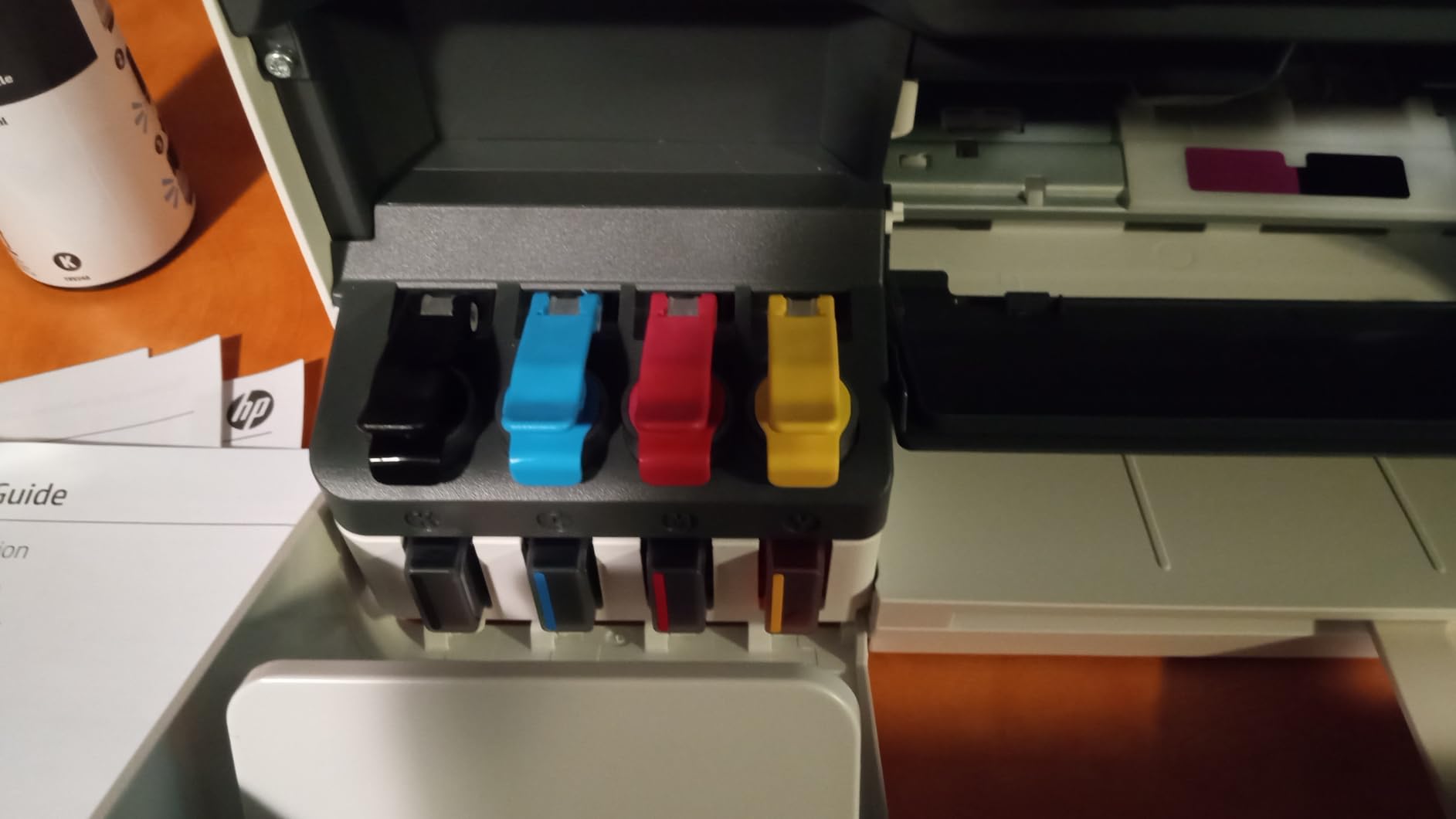
Text is sharp and colour reaches 4800 x 1200 optimised dpi, and the machine supports paper up to 8.5 x 14 inches plus 4×6 photo stock. Support for AirPrint and Mopria means phone printing works without an app.
The limits are consistent across tank machines at this price. Duplex is manual with driver support, so double-sided work means flipping paper by hand. Scanning is flatbed only, with no document feeder for multi-page documents. Speed is a modest 10 ppm black and 5 ppm colour with a 21 second first page, and control is app-based because there is no display screen, which makes basic settings awkward. The ink bottles are HP proprietary, so refills are locked to genuine HP supplies.
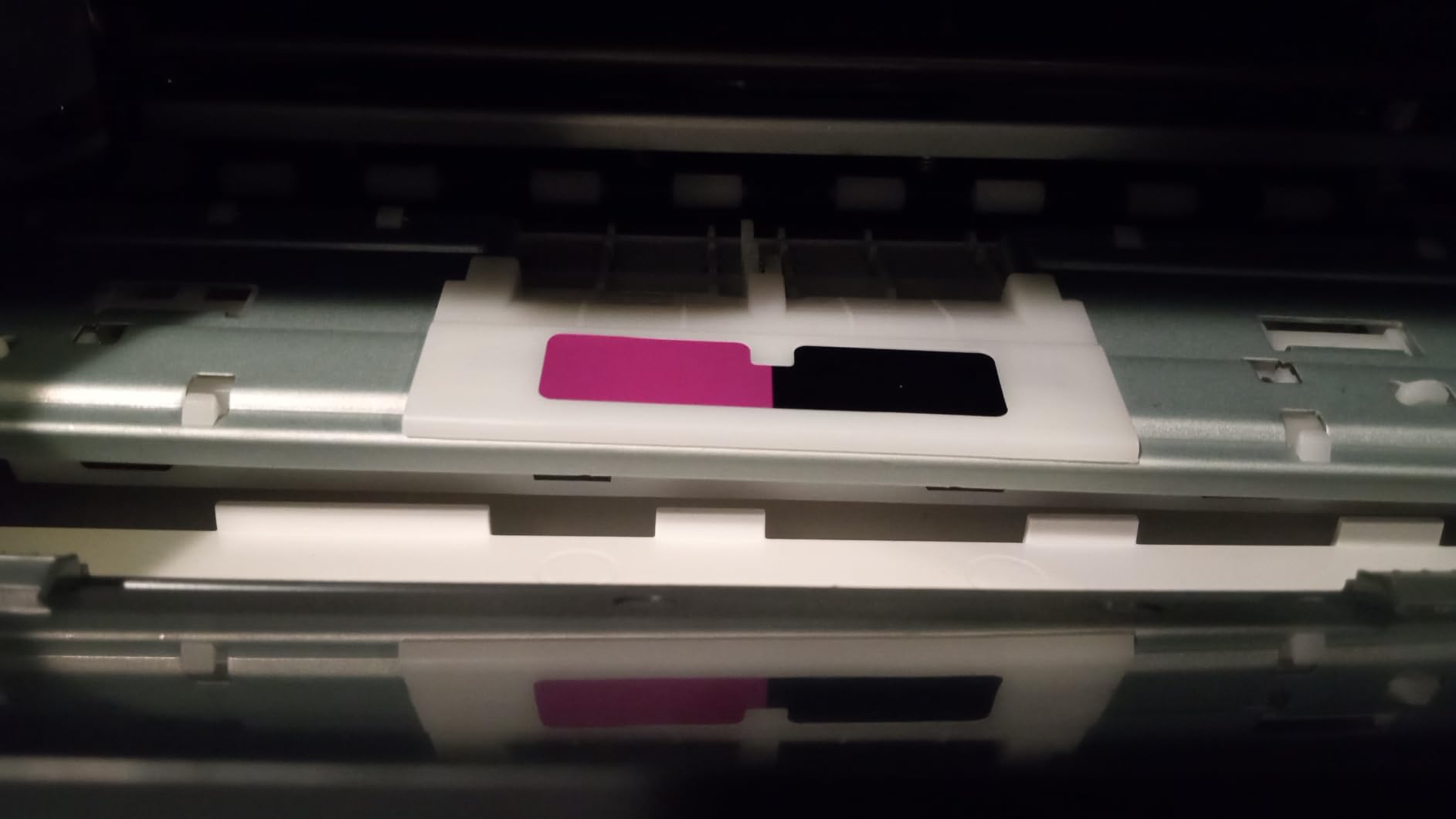
Why the in-box ink changes the maths
Most cheap inkjets ship with starter cartridges that are a fraction of their real yield, which means a second purchase within weeks. This one does not. The included supply covers up to three years of normal use, so the first refill is a long way off for a typical household.
That is the single clearest running-cost argument in this roundup, and it is why we would pick this machine for a family that prints colour every week.
Where it falls short
No automatic duplex, no document feeder and a 21 second first page make it a poor fit for a busy office that processes stacks of paperwork. Anyone who needs fax should look elsewhere, since this machine prints, copies and scans only.
The proprietary bottles mean you cannot buy cheaper third-party ink, which is the usual way budget owners cut running costs further.
How we tested and picked these 10 printers?
Our criteria were deliberately narrow, because generic best-of copy in this category tells you nothing. Every model here had to sit under the 200 dollar ceiling, be currently listed rather than clearance-priced legacy stock, and have enough owner reviews for the recurring complaints to be reliable rather than anecdote.
We then ranked on five things. First, running cost, measured from the in-box ink yield and the consumable format, since that decides the two-year bill. Second, duplex, because manual flipping is the most common budget-printer regret. Third, speed in pages per minute and first-page time. Fourth, paper handling: tray capacity, second feed and whether a document feeder is included. Fifth, connectivity, with AirPrint support and dual-band Wi-Fi weighted heavily because phone printing is now the default.
Where reviews disagreed with spec sheets, we followed the reviews. Recurring software and pairing complaints matter as much as paper handling, because a printer you cannot connect to does not print.
Inkjet or laser: which one costs less to run
Laser printers use heat to fuse powdered toner onto the page, and inkjets spray liquid ink from tiny nozzles. That difference decides almost everything about running cost. Toner does not dry out in the nozzle, costs far less per page on text, and prints faster. Inkjets produce better photographs and cost more per page unless they use refillable tanks.
Ink tank printers are the exception that closes the gap. The Canon MegaTank G3270 covers up to 6000 black-and-white or 7700 colour pages from one set of inks, the Epson EcoTank ET-2400 covers about 4500 black or 7200 colour pages, and the HP Smart Tank 5003 ships with up to three years or 6000 pages of ink. Compare that with a cartridge machine, where the starter cartridge is a fraction of the replacement yield and a single empty colour in a tri-colour cartridge forces a full change.
As a rule of thumb, anything under 3 cents per page is good, 3 to 5 cents is average, and above 6 cents is expensive. On that scale the tank machines and the Brother lasers come out well ahead of the cartridge inkjets, and the two cartridge machines in this roundup are the ones most likely to surprise you with a large second-year bill.
One more laser advantage deserves emphasis for sporadic users: toner does not dry out. If you print twice a month rather than twice a week, an inkjet that has been idle will often need a cleaning cycle or several test pages before it produces clean output. A laser just prints.
What you give up under 200 dollars?
Automatic duplex printing is the first thing to go. Five of these ten are single-sided only or manual, including the Canon MegaTank G3270, the Epson EcoTank ET-2400, the Canon PIXMA TS3720, the HP Smart Tank 5003 and the Brother HL-L2405W. If double-sided documents are routine in your week, filter those five out before anything else.
Paper capacity is the second compromise. Trays range from 60 sheets on the Canon PIXMA TS3720 to 250 sheets on the two Brother lasers, and five machines sit at 100 sheets or fewer. A 100-sheet tray means refilling roughly once a week for a busy household.
Connectivity narrows too. Only three of these ten include Ethernet, and several rely on dual-band Wi-Fi that can struggle on mesh routers. The Epson EcoTank ET-2400 in particular has reported pairing failures on 2.4 and 5 GHz mesh systems. If your router is modern and mesh-based, read the connectivity reviews before you commit.
Scanning caps out at 600 dpi on two models, and fax is genuinely rare: only the Canon PIXMA TR8620a and the Brother MFC-J1410DW have it. Document feeders appear on just three machines, and both Brother units document feed single-sided only. Finally, none of the tank machines has an automatic duplex, which is a structural cost of the format rather than a budget cut.
How to avoid HP Instant Ink lock-in?
Printer subscription programmes are the most complained-about topic in printer communities, and r/printers regularly posts threads advising buyers to avoid HP entirely. The concern is not the subscription itself but what happens to your ink choices after you buy the printer.
Read the model number, not the marketing name. Several current HP inkjets are HP+ models, and the box or listing will say so. HP+ printers permanently block third-party and remanufactured cartridges through firmware, and that block cannot be reversed by the owner.
Check the cartridge requirement before you buy. The HP Envy 6155 in this roundup accepts only cartridges containing original HP chips, and the HP Smart Tank 5003 uses proprietary ink bottles. Both are legitimate products, but they remove your ability to buy cheaper supplies later.
Cancel any trial the moment you set the printer up. The Envy 6155 includes a three-month Instant Ink trial that converts to a paid monthly subscription, and both Brother lasers bundle a Refresh subscription trial that can bill per page above its allowance. Remove these on day one.
Prefer a tank printer if cheap ink is your priority. Bottle-fed systems like the Canon MegaTank G3270 and the Epson EcoTank ET-2400 have no chip to block and no subscription to cancel, which is why they are considered the safer route for inexpensive ink.
Prefer third-party toner where the manufacturer allows it. Owners report third-party toner working on the Brother HL-L2460DW and HL-L2405W, and that flexibility is a genuine long-term saving on monochrome printing.
If you are shopping for a 3D printer rather than a document printer, the buying criteria are entirely different and our professional 3D printer guide covers them. Other budget tech under the same ceiling is covered in our roundups of the best drones under 200 dollars and the best smartwatches under 200 dollars.
Frequently Asked Questions
What is the best printer for home use under 200 dollars?
The Canon PIXMA TR8620a is the best printer under 200 dollars for most home use, because it prints, scans, copies and faxes with automatic duplex and a 20-sheet document feeder. If you print regularly and want the lowest running cost, choose the Canon MegaTank G3270 instead.
Which home printer is the best value for money?
Value depends on running cost rather than sticker price. The Canon MegaTank G3270 comes with up to two years of ink and covers roughly 6000 black-and-white pages per set, while the Epson EcoTank ET-2400 covers about 4500 black pages. Both cost less per page over a year than any cartridge inkjet.
Which printer to buy in 2026?
Buy the Canon PIXMA TR8620a for general home use, the Canon MegaTank G3270 for the cheapest pages, or the Brother HL-L2460DW for black-and-white text at speed with automatic duplex. Those three cover the majority of home and home office needs under 200 dollars.
Which printer has the least amount of problems?
Monochrome laser printers report the fewest recurring problems, because toner does not dry out and there is no colour ink system to clog. The Brother HL-L2405W is noted for the cleanest, bloatware-free setup of any printer in this roundup.
Is HP Instant Ink a con?
It can be. The three-month Instant Ink trial included with models like the HP Envy 6155 converts to a paid monthly subscription unless cancelled, and some HP models permanently block third-party cartridges through firmware. Cancel the trial at setup and check whether the model is HP+ before buying.
How long should a budget printer last?
Expect three to five years of light home use, and closer to two or three for a machine printing heavily on cartridges. Printers sitting unused for long stretches can also develop dried ink in the nozzles, which is one reason toner-based models suit sporadic users better than inkjets.
Final verdict
The best printers under 200 dollars in 2026 split cleanly by what you print. Take the Canon PIXMA TR8620a as the all-rounder: it does four jobs in one box, auto-duplexes, feeds 20 sheets at a time and has the most owner reviews of any machine here at over 6k.
Take the Canon MegaTank G3270 instead if you print regularly, because in-box ink of up to 6000 black or 7700 colour pages makes it the cheapest to run. For black-and-white text, the Brother HL-L2460DW wins outright at 36 ppm with automatic duplex and a 250-sheet tray.
Whichever you pick, check the subscription trial at setup, work out your monthly page volume, and buy the tank or laser rather than the cartridge if you print more than a few pages a week.