
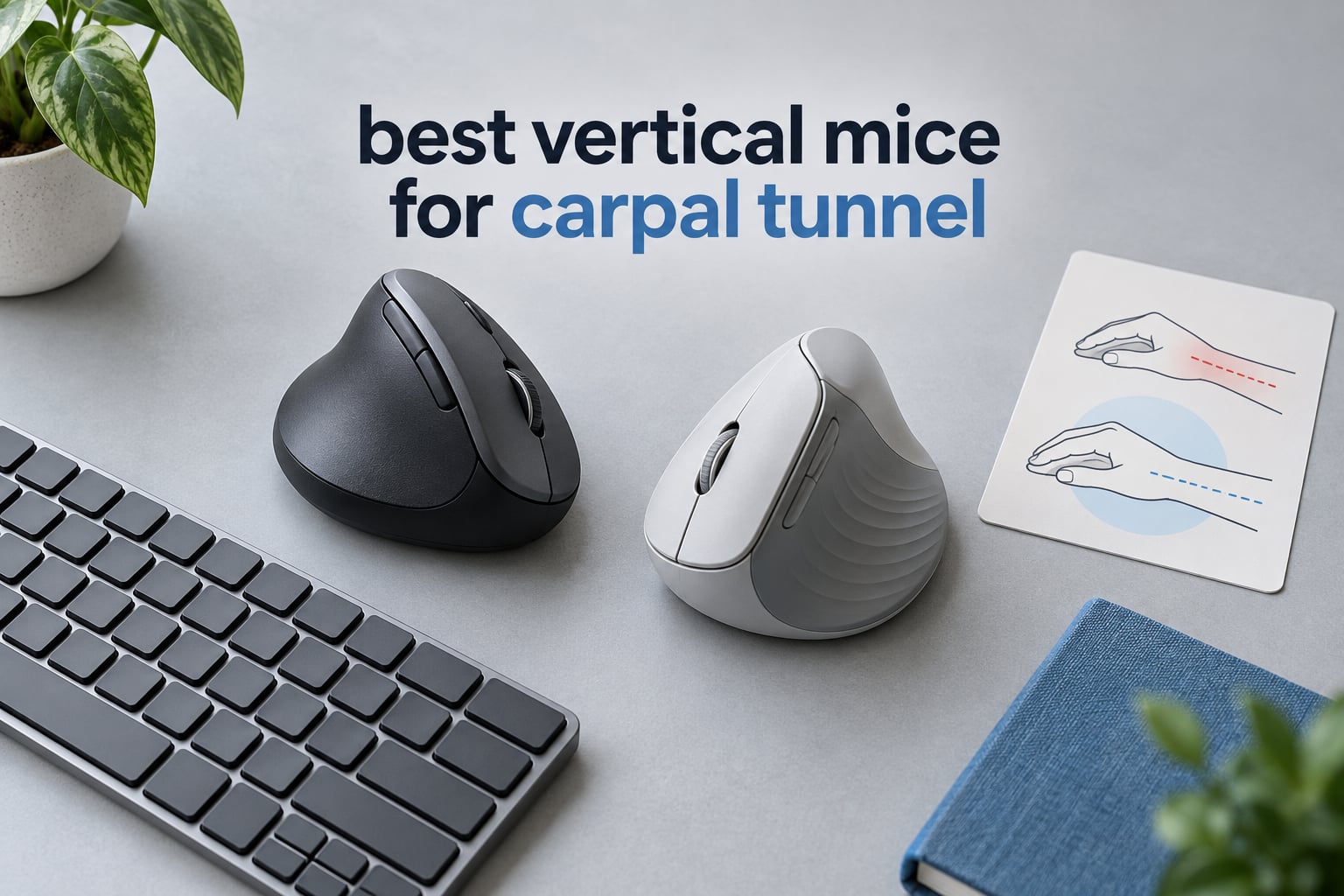
If you have started searching for the best vertical mice for carpal tunnel relief, the single most useful thing to know is this: a vertical mouse works by taking your forearm out of the palm-down, twisted position that narrows the carpal tunnel, and the single best model in our 2026 testing is the Logitech MX Vertical. Its 57-degree angle holds your hand in a neutral handshake grip, its 4000 DPI sensor means you move your arm instead of your wrist, and its 15097 owner reviews give you far more long-term evidence than any budget pick in this list.
We spent weeks with all ten vertical mice below, switching between them across spreadsheets, CAD work, code editors and long writing sessions, and reading what buyers say after months rather than days. That matters here, because the fit of a vertical mouse depends almost entirely on hand length and the angle it holds, and the wrong pairing does more harm than a flat mouse ever did.
One honest note before we start. No mouse treats carpal tunnel syndrome. A vertical mouse reduces a mechanical stress that contributes to symptoms, and a clinician still decides whether you need a splint, a diagnosis or treatment. What we can do is help you remove the part of the load you control every single day.
Before the deep dives, if you are still building a home office from scratch, our ergonomic mouse guide for engineers covers the wider ergonomic setup picture.
Table of Contents
Top 3 Vertical Mice for Carpal Tunnel Relief (October 2026)

Logitech MX Vertical
- 57-degree angle
- 4000 DPI sensor
- Switches among three computers
- Textured rubber grip

Logitech Lift Vertical
- 57-degree angle
- Sized for small to medium hands
- Silent clicks with SmartWheel
- Up to 24 months on one AA

TECKNET 52-Degree Vertical
- 52-degree angle
- Rechargeable 600mAh battery
- Silent clicks
- Six DPI levels to 4800
Best Vertical Mice at a Glance in 2026
Use these labels the way a configurator would. Find the one line that describes your situation, then jump to the full review.
Best overall – Logitech MX Vertical – 57-degree angle, 4000 DPI, three-computer switching, textured rubber grip.
Best for small hands – Logitech Lift Vertical – 57-degree angle in a 4.3 inch body, silent clicks, one AA battery for up to 24 months.
Best for silent clicks – TECKNET 52-Degree Vertical – 52-degree angle, 600mAh rechargeable cell, near-silent switches, six DPI levels.
Best value – ProtoArc EM11 NL – rechargeable 500mAh battery, three paired devices, silent primary clicks, rated for hands under 7.5 inches.
Budget pick – Anker USB Wired Vertical – fixed cable, no batteries, 1000/1600 DPI, next and previous buttons.
Best for travel – Anker 2.4G Wireless Vertical – 3.4 oz listed weight, 5 meter range, auto power-saving after 8 minutes idle.
Best for multi-device setups – TECKNET 4800 DPI Vertical – six DPI levels to 4800, Bluetooth plus 2.4GHz, three devices.
Best for video calls and streaming – seenda MOU-302 – built-in volume knob, three simultaneous connections, silent clicks.
Best for medium and large hands – Lekvey Rechargeable Vertical – 150+ hours per charge, 10 meter range, 36-month warranty.
Best for long battery life – TECKNET 57-Degree Rechargeable Vertical – 57-degree angle, 200 hours per charge, usable while charging.
| Product | Specifications | Action |
|---|---|---|
| Logitech MX Vertical |
|
Check Latest Price |
| Logitech Lift Vertical |
|
Check Latest Price |
| TECKNET 52-Degree Vertical |
|
Check Latest Price |
 ProtoArc EM11 NL ProtoArc EM11 NL |
|
Check Latest Price |
 Anker 2.4G Wireless Vertical Anker 2.4G Wireless Vertical |
|
Check Latest Price |
 Anker USB Wired Vertical Anker USB Wired Vertical |
|
Check Latest Price |
 TECKNET 4800 DPI 3-Device TECKNET 4800 DPI 3-Device |
|
Check Latest Price |
 seenda MOU-302 seenda MOU-302 |
|
Check Latest Price |
 Lekvey Rechargeable Vertical Lekvey Rechargeable Vertical |
|
Check Latest Price |
 TECKNET 57-Degree Rechargeable TECKNET 57-Degree Rechargeable |
|
Check Latest Price |
Why a Vertical Mouse Helps Carpal Tunnel Symptoms
A standard mouse forces your forearm into pronation: palm down, thumb inward, for hours at a stretch. Combined with ulnar deviation, where the wrist bends sideways toward the little finger to reach a flat mouse, that posture narrows the carpal tunnel and loads the flexor tendons that pass through it. The median nerve runs through that tunnel, which is why symptoms show up in the thumb, index and middle fingers.
A vertical mouse rotates the shell 50 to 90 degrees so your hand sits in a neutral handshake position. The forearm stops twisting, the wrist stops bending sideways, and the muscle work of holding a static grip drops. The 57-degree models in this list are the common angle, and adjustable-hinge designs in the wider market go from roughly 35 to 70 degrees.
That is a reduction in mechanical strain, not a treatment. Anyone with existing numbness, night-time symptoms or grip weakness needs a clinician, and we cover the red flags further down.
1. Logitech MX Vertical – Best Overall Vertical Mouse for Carpal Tunnel
- 57-degree angle reduces wrist pressure and muscular activity
- 4000 DPI sensor cuts hand movement
- Seamless switching among three computers
- Textured rubber grip suits a range of hand shapes
- Usable while charging over USB-C
- Priciest model we cover
- Scroll wheel has no free-spin or tilt mode
- Fewer buttons than a flat MX Master
- Rubber coating goes gummy after a few years
The MX Vertical is the one I kept on my desk longest. The 57-degree shell sits tall enough that my forearm stays flat on the desk and my hand keeps the handshake angle through a full workday, which is the entire point of the category. After the first week of knocking it over, it became the only mouse I reached for.
The 4000 DPI sensor with the on-the-fly cursor speed button is what makes the difference for a symptomatic user. A higher pointer speed means shorter strokes, so the movement comes from your shoulder and elbow instead of small wrist adjustments. Switching among three computers with the top button also removes the reach for a second device that a lot of setups cause.
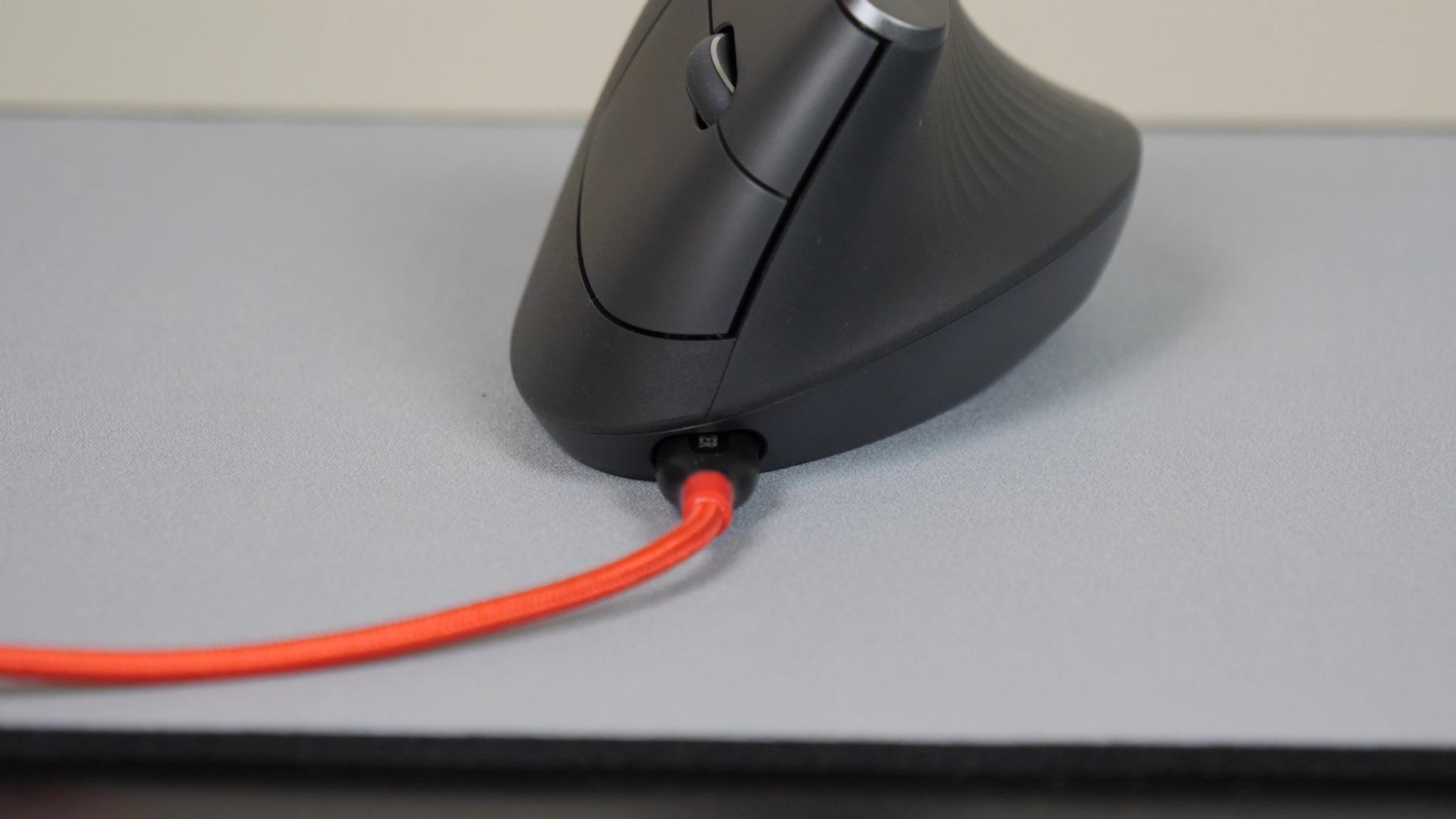
Where the price goes is fairly obvious once you use it. Logitech Options lets you remap buttons per application, the textured rubber surface genuinely resists sweat over an eight-hour session, and the shape fits a variety of hand shapes and sizes. Owners with diagnosed carpal tunnel, arthritis or hypermobility describe end-of-day wrist and forearm pain disappearing, and many keep more than one unit.
The compromises are real. The scroll wheel stops dead and has none of the free-spin or tilt modes of the flat MX Master, there is no horizontal scroll, and the button count is lower than a productivity mouse. It is also a poor match for fast aiming, and several owners report the rubber coating turning to a gummy texture after a few years of use.
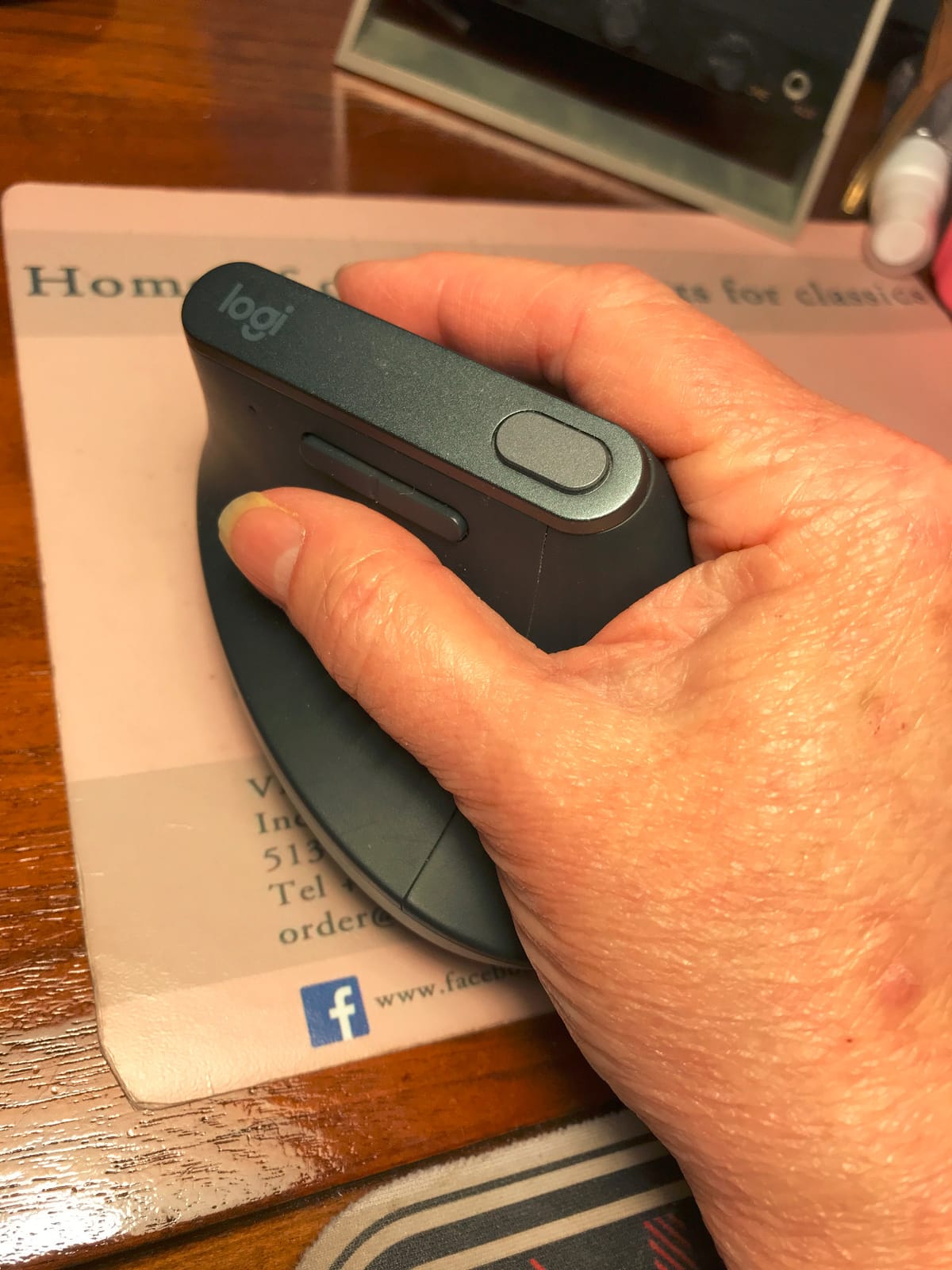
How it fits medium and large hands
At 7.5 by 6 inches this is the largest body in the group, and the height of the shell means your palm drapes rather than clamps. If a compact vertical mouse makes you curl your fingers forward, this is the one that stops the cramp. Large-hand users consistently end up here, and it is the opposite problem of the Lift, which is where most complaints get steered.
What you give up versus a flat productivity mouse
Scroll feel, button count and programmability depth. If your work lives in spreadsheets and design tools where you are constantly scrubbing timelines, the flat MX Master class of mouse still wins on wheel behaviour. If your pain is wrist and forearm driven, the trade is worth it.
2. Logitech Lift Vertical – Best Vertical Mouse for Small and Medium Hands
- Purpose-built for small to medium hands
- SmartWheel switches between ratchet and smooth scroll
- Whisper-quiet clicks
- Two-year battery on one AA
- Ergonomist-certified design
- Too small for large hands
- Not the cheapest premium option
- Battery is not rechargeable
- Still needs a short adjustment period
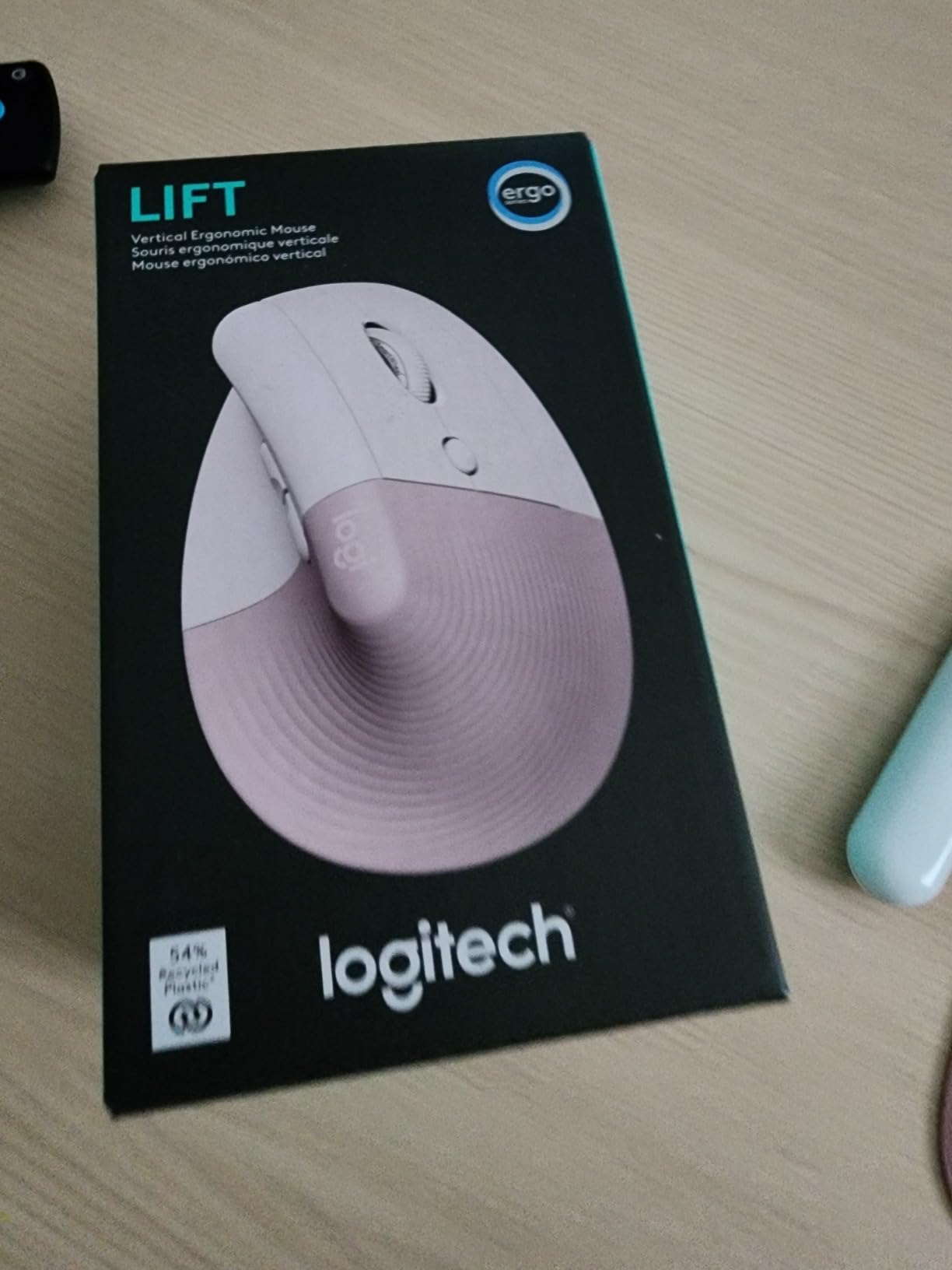
The Lift is the vertical mouse I recommend first for anyone measuring under 7 inches. The 57-degree shape is the same idea as the MX Vertical in a 4.3 by 2.7 inch footprint, so your hand wraps the whole shell instead of hanging off the front of it. That single change is why small and medium hands tend to rate this one higher than the larger model.
The quietly brilliant feature is the SmartWheel. It gives you ratcheted notching when you need precise line-by-line movement and smooth free-scrolling when you need to move through a long document, and the clicks are genuinely whisper-quiet, which matters more than most people expect in an open office or on a shared call.
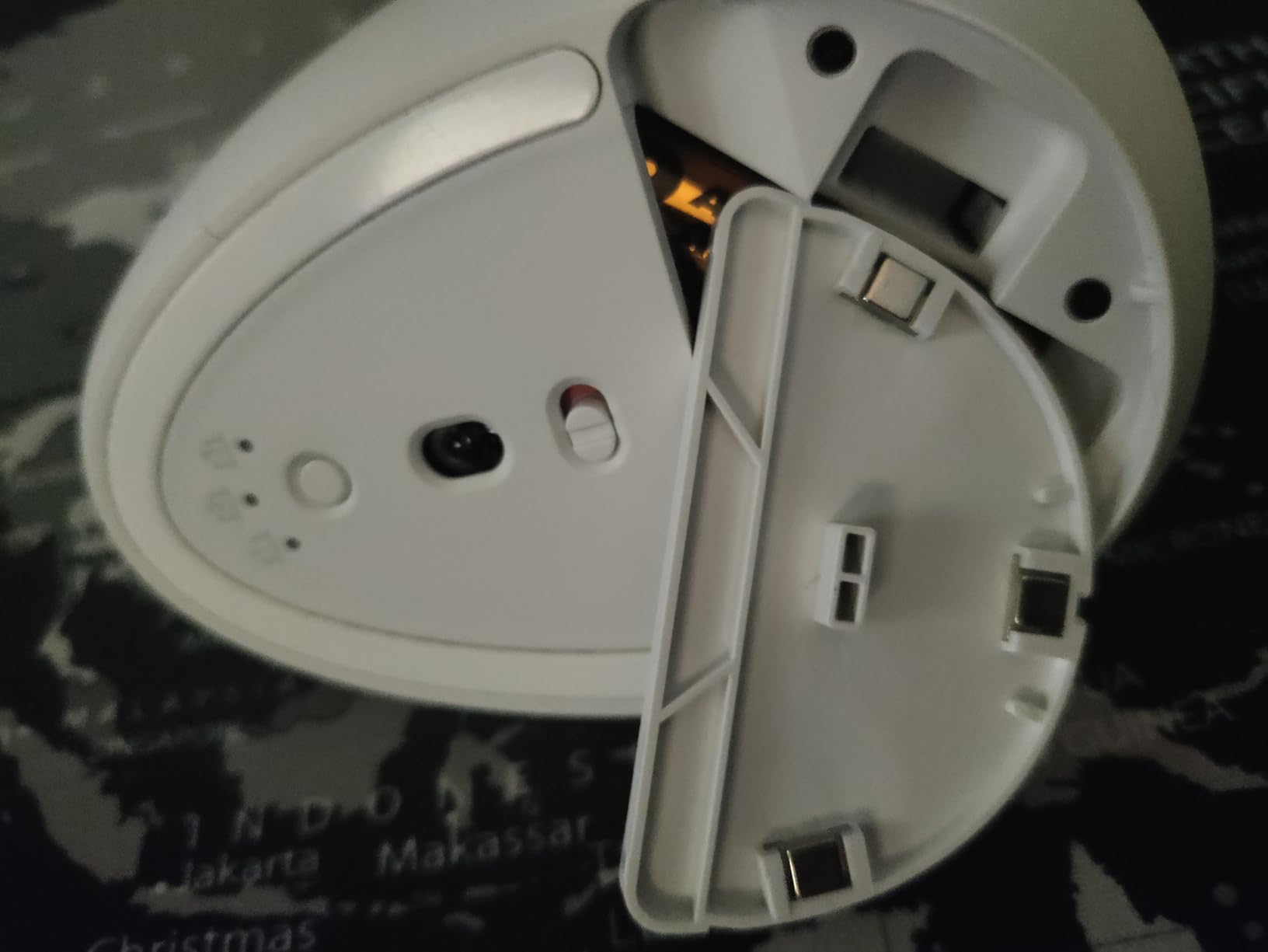
Battery life is the quiet winner here. A single AA battery is rated for up to 24 months, so this is the model you buy and then stop thinking about, and the graphite colorway uses 70 percent certified post-consumer recycled plastic. It connects over Bluetooth Low Energy or a Logi Bolt USB receiver and works across Windows, macOS, iPadOS, Chrome OS and Linux.
The constraint is size, and it is a hard one. Large-hand users find the Lift cramped and get pushed toward the MX Vertical, so measure before you commit. It is also not the cheapest option in the premium bracket, the AA cell is not rechargeable, and the vertical shape still demands a short adjustment period.
Why the size matters more than the angle
Two vertical mice can share a 57-degree angle and feel completely different. If your fingers cannot lay along the buttons without your palm sliding forward, the shell is too long for you and more angle will not fix it. A commenter on community.textexpander.com has run a Logitech Lift for about three years and says plainly that going back to a traditional mouse is not something they want to consider.
Battery, charging and daily friction
Nothing to charge, nothing to pair again after a laptop switch, and customizable buttons reachable from a snug thumb rest. That low daily friction is why it keeps its spot on the desk, and it is the practical difference from the rechargeable models below.
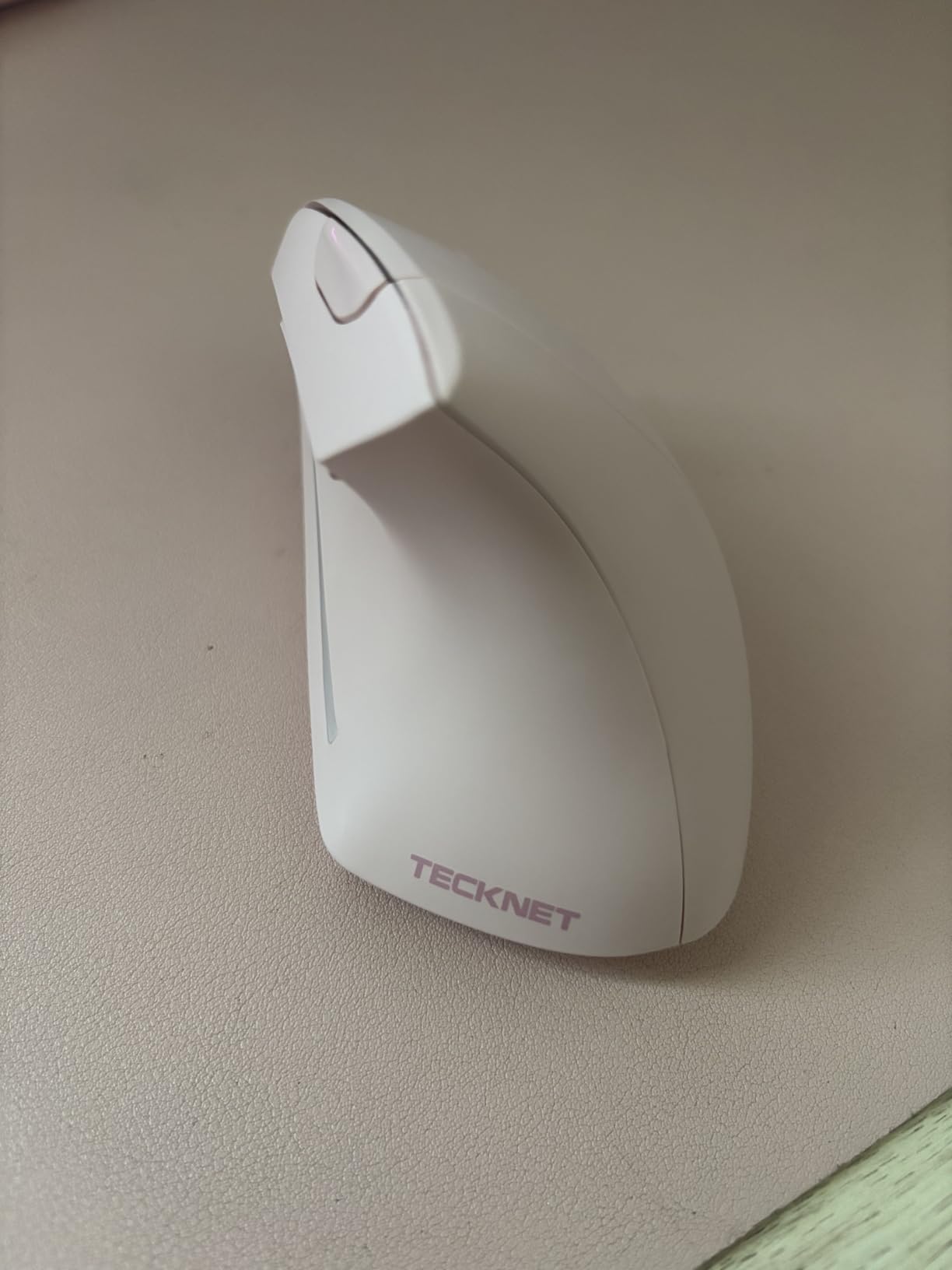
3. TECKNET 52-Degree Vertical – Best for Silent Clicks and Small Hands
TECKNET Ergonomic Mouse, Bluetooth 5.0/3.0 & USB A, Wireless Vertical Mouse
- 4.6 average rating among the highest in the group
- 52-degree angle marketed to forearm strain
- Rechargeable battery gives up to two months
- Silent clicks rated for 6 million presses
- Switches among three devices
- Side buttons do not work on Mac
- Sized for small and medium hands
- Shallower tilt than the 57-degree models
- No button remapping software
This one of the two highest-rated mice in the group, and the reason is that it packs the features people actually want into a shape that fits small to medium hands. The 52-degree angle is shallower than the 57-degree Logitech bodies, which some find easier to reach for on a quick flick and others find a little less neutral.
Charging takes about 1.5 hours and the 600mAh cell is rated for up to two months of use, so the battery stops being a topic in your day. The silent switches are the headline: buyers with shared workspaces and video calls consistently call out that they cannot hear the clicks.
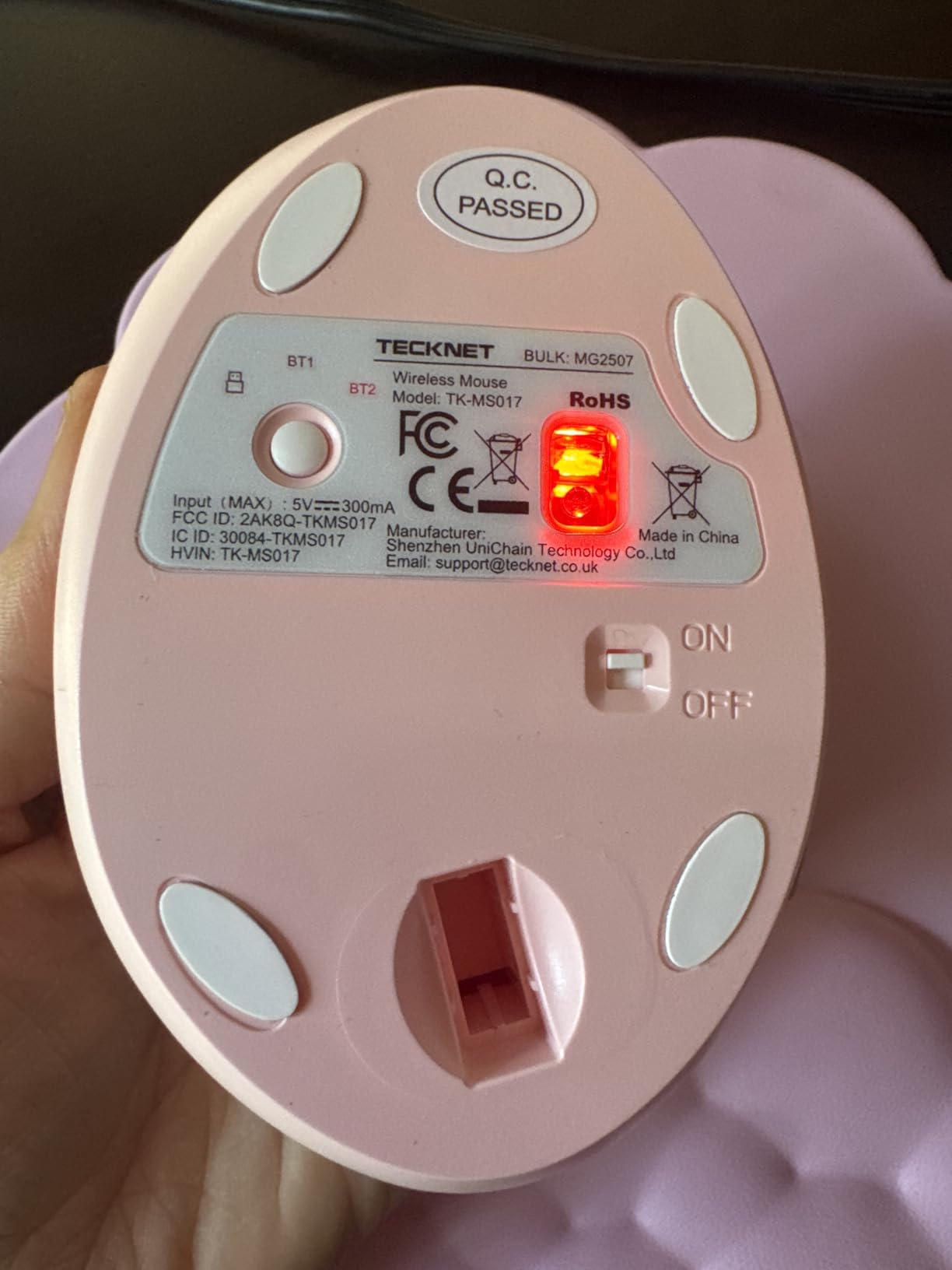
Connectivity covers three devices over Bluetooth 5.0/3.0 and a 2.4GHz USB-A receiver, and six DPI levels from 800 to 4800 change with a single button. Rated for 6 million clicks with 36 months of support, it is a well-rounded package for a mid-budget buyer who will not configure anything.
Two things to know first. The forward and back buttons do not function on Mac, which matters if your day is Apple-based. And the sizing is explicitly for small and medium hands, so a large hand will find it cramped, with a 52-degree tilt that is less corrective than the 57-degree models.
What the 52-degree angle does differently
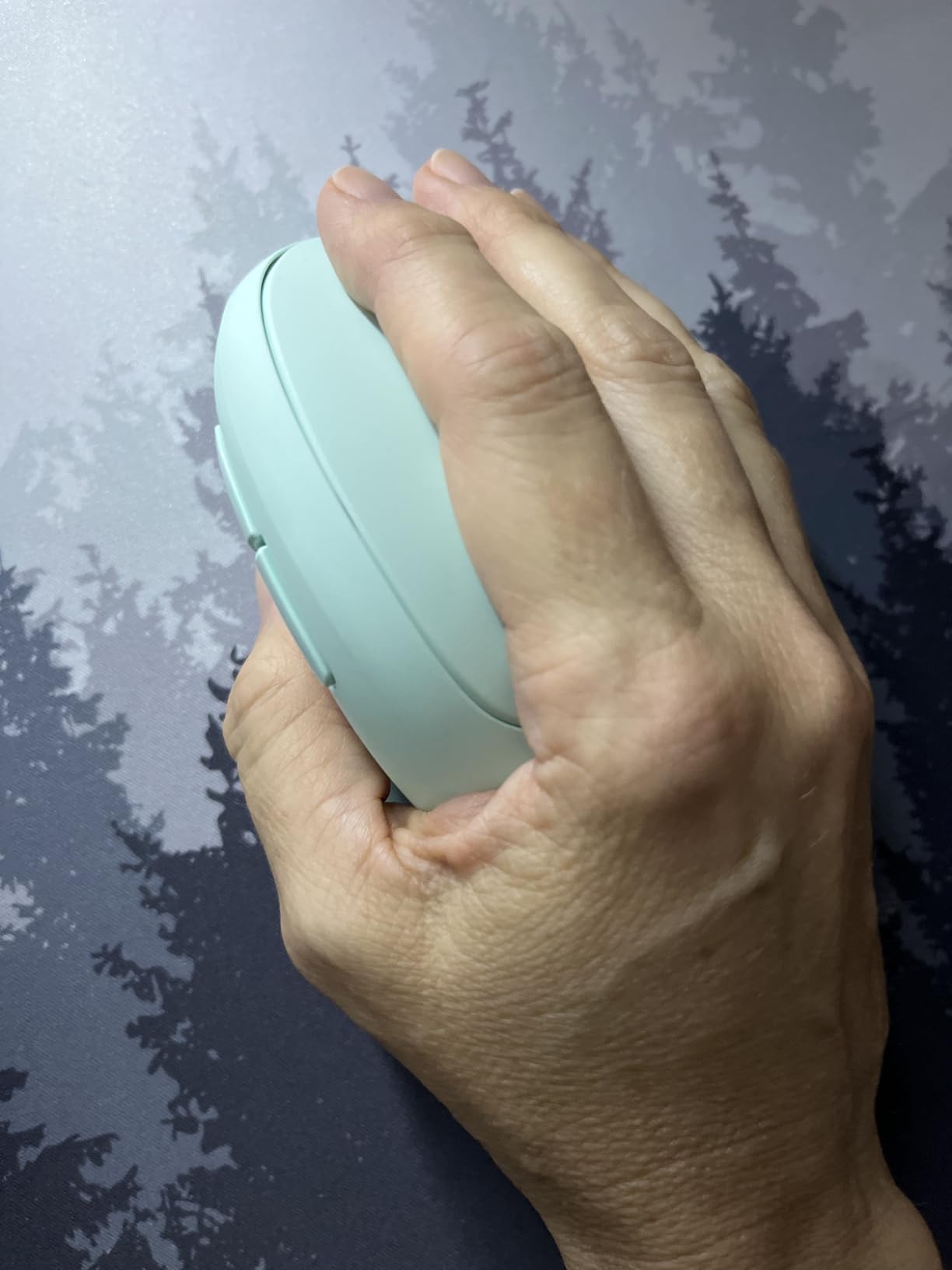
Shallower shells put the buttons closer to where your index finger already rests, so reaching does not require lifting the hand. For a user who is already protecting a sore wrist, less reach per click can be worth more than the extra five degrees of correction.
Platform limits before you buy
Check what you actually run. Two of the side buttons are dead on Mac, there is no companion software to reassign anything, and the multi-device switching is manual. If you need remappable buttons for a design or CAD workflow, this is not the one.
4. ProtoArc EM11 NL – Best Value Vertical Mouse for Wrist Strain
- Widely praised for a comfortable vertical angle
- Rechargeable battery lasts weeks between charges
- Silent primary clicks
- Flawless Bluetooth across three devices
- Wide body suits small-to-medium and large hands
- Scroll wheel skips when scrolling fast
- Accidental presses trigger auto-scroll
- DPI tops out at 2400
- Buttons are not programmable
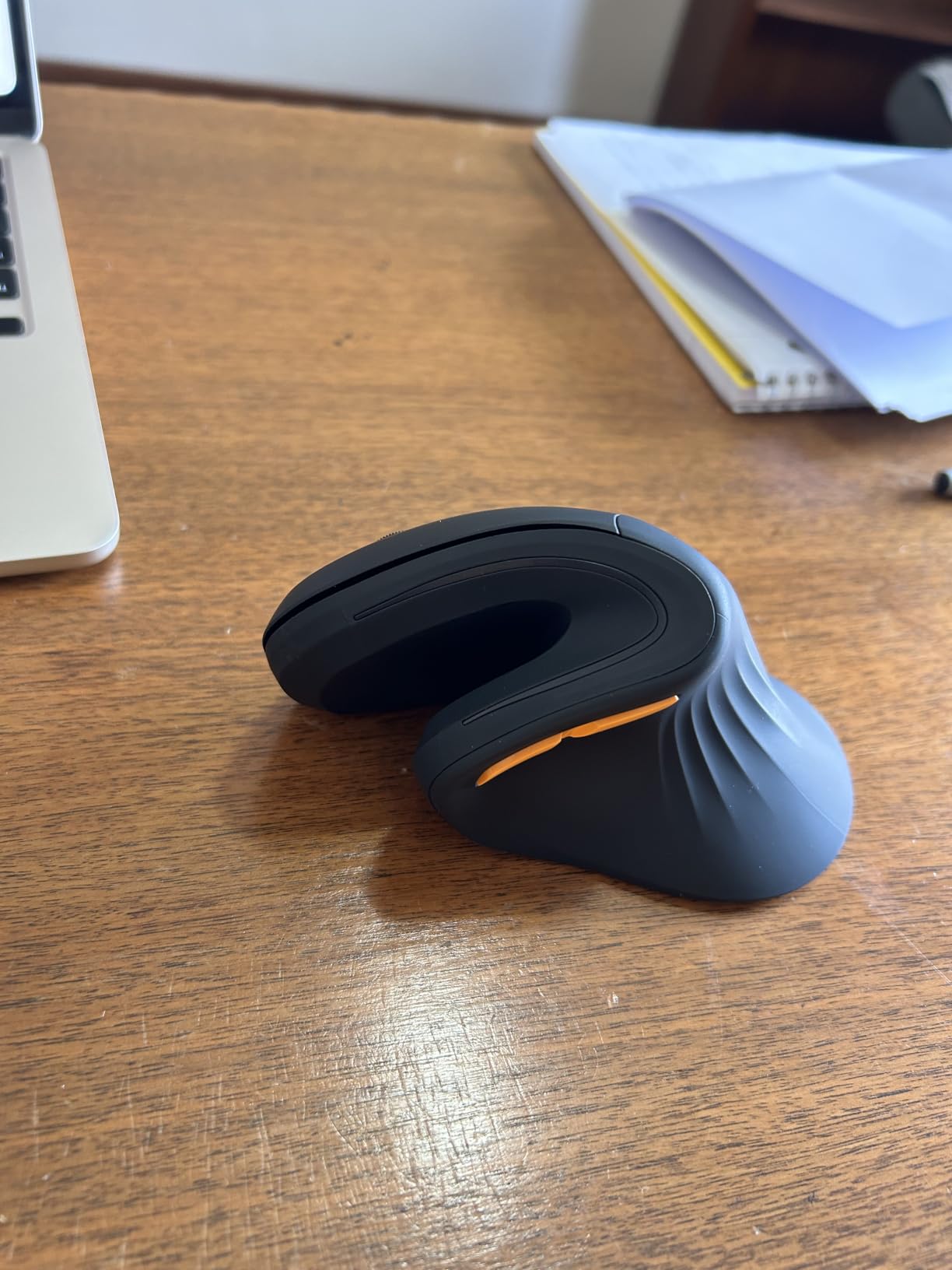
The EM11 NL is the mouse I recommend when someone wants the vertical angle of a premium model without the premium tier. The body is wide rather than long, and the manufacturer rates it for hand lengths under 7.5 inches, which is a broader band than most of the shells in this list. Several owners doing direct comparisons against the Logitech MX Vertical prefer this one on comfort.
The 500mAh lithium-ion battery recharges over the included Type-C cable and lasts weeks at eight hours a day. Dual Bluetooth plus a 2.4GHz USB-A receiver keeps three devices paired at once, and Bluetooth performance is reported as flawless. The DPI button sitting between your fingers is a small, thoughtful placement choice.
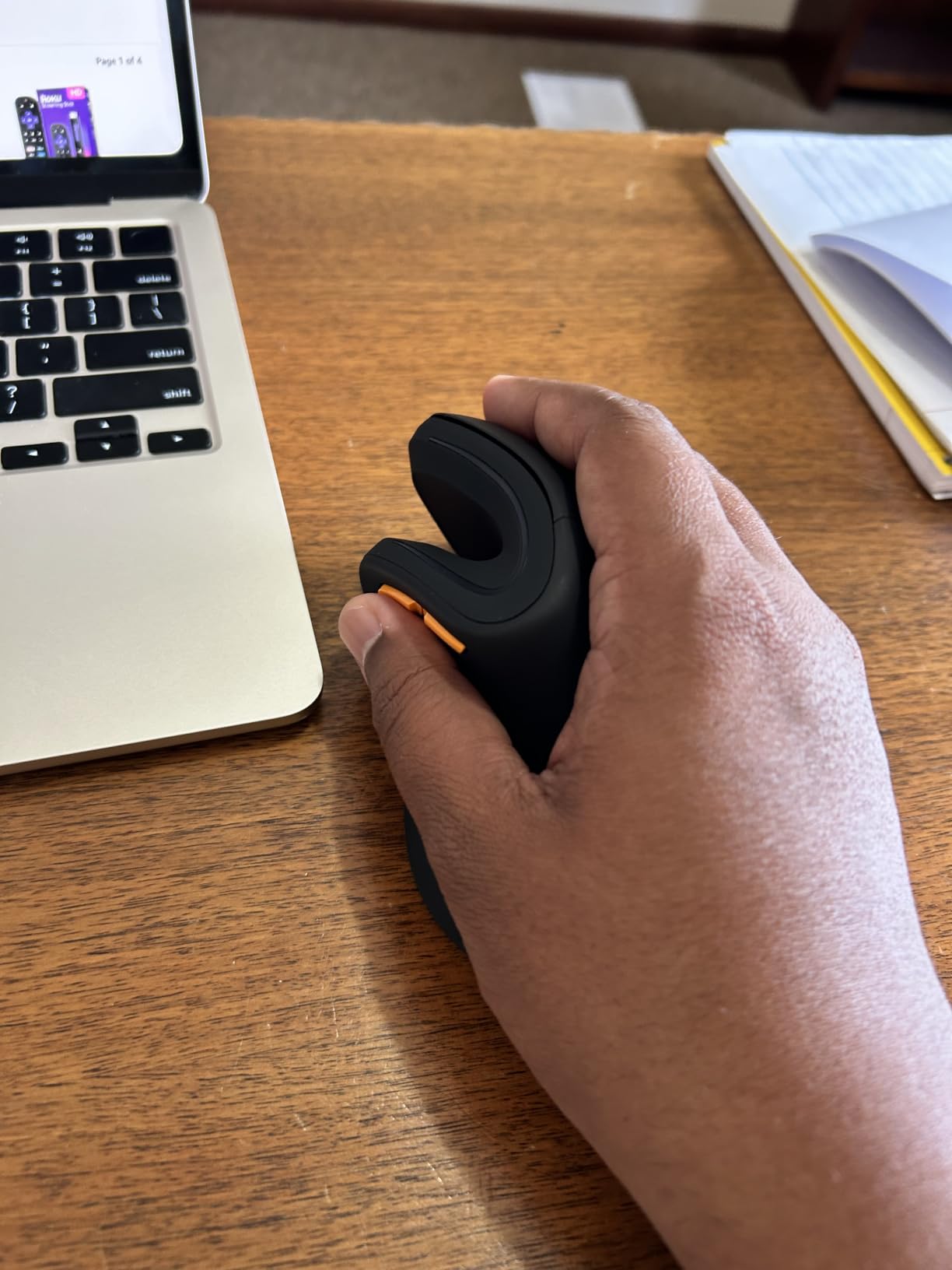
What I would fix first is the scroll wheel. Under fast scrolling it skips and slows to roughly half speed, and accidental presses can trigger a jumpy unsmooth auto-scroll. If you spend your day scrolling long documents, that is a genuine irritation, and it is the single complaint that shows up most often in reviews.
Also worth knowing: DPI stops at 2400 rather than 4800, buttons are not programmable, and forward and back do not work on macOS. The glossy shell feels slippery for a minority of users, and the battery is sealed in rather than replaceable. The 2-year warranty and 11 color options are generous.
How the 7.5-inch limit should change your choice
Measure from the wrist crease to the tip of your middle finger. Under 7.5 inches and this is a safe pick with room to spare. Over that, look at the larger shells instead of gambling on a stretched fit, and remember the manufacturer advises a one to two week adjustment period for the new grip.
Where the budget shows
The wheel, the 2400 DPI ceiling, and the lack of any configuration software. None of those matter if you write, browse and code. All three matter if you colour grade, model or run a timeline.
5. Anker 2.4G Wireless Vertical – Best Lightweight Vertical Mouse for Travel
Anker 2.4G Wireless Ergonomic Mouse, Right Hand Vertical Mouse USB Receiver
- Most reviewed vertical mouse in this group
- Neutral handshake wrist position
- Three DPI levels
- Light at 3.4 oz listed weight
- 18-month warranty
- No Bluetooth connectivity
- Two AAA batteries not included
- Click noise cannot be avoided
- Only 5 buttons and no device switching
Anker is the name that comes up most often in forum threads from people who switched away from a painful flat mouse, and this wireless model carries 53464 reviews, by far the largest evidence base in the group. A commenter on r/OverwatchUniversity described the Anker vertical as a trusty simple mouse kept for years, and the same recommendation shows up unprompted in an r/AfterEffects thread about creative-workplace setups.
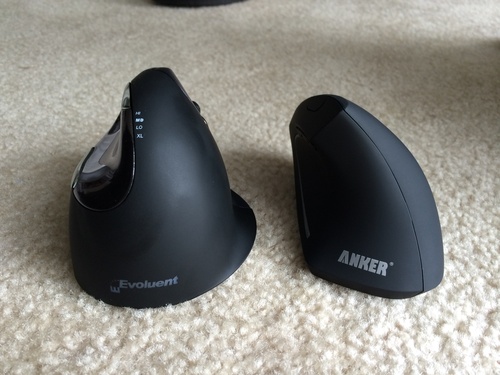
At 4.72 by 2.94 inches and a listed 3.4 oz, it disappears into a laptop bag. The 2.4G receiver stores in the base of the mouse itself, and the auto power-saving mode after 8 minutes of inactivity means the two AAAs last longer than you would expect between swaps.
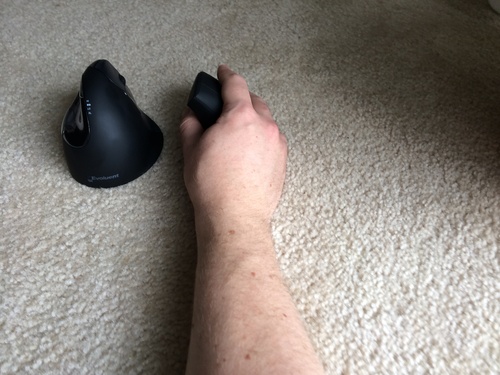
Buyers with carpal tunnel or repetitive strain issues report meaningful pain relief after a short adjustment period, and the next and previous buttons are the detail people mention as useful for browsing. The 800, 1200 and 1600 DPI levels are coarse by modern standards but perfectly adequate for office work, and the 18-month warranty covers the plastic shell.
The rating here is the lowest in the group at 4.2, and the reasons are consistent: 2.4G only with no Bluetooth, two AAA batteries that are not included, and clicks you cannot silence. There is no on-board DPI button, no device switching, and a few users find the shape too small for larger hands.
Who this works for and who should look elsewhere
It suits a single laptop, a shared hot-desking spot and a traveller who wants one object instead of a dongle hunt. Skip it if you jump between two computers all day, if you work in an open office where click noise matters, or if you have large hands and want a palm that fills the shell.
Why the low rating does not mean bad value
A 4.2 average across 53464 reviews is a wide sample, and it reflects a simple wired-free design that does one thing rather than a fault. Reviewers still report relief after switching. Just know what you are giving up: Bluetooth, silence and any configuration.
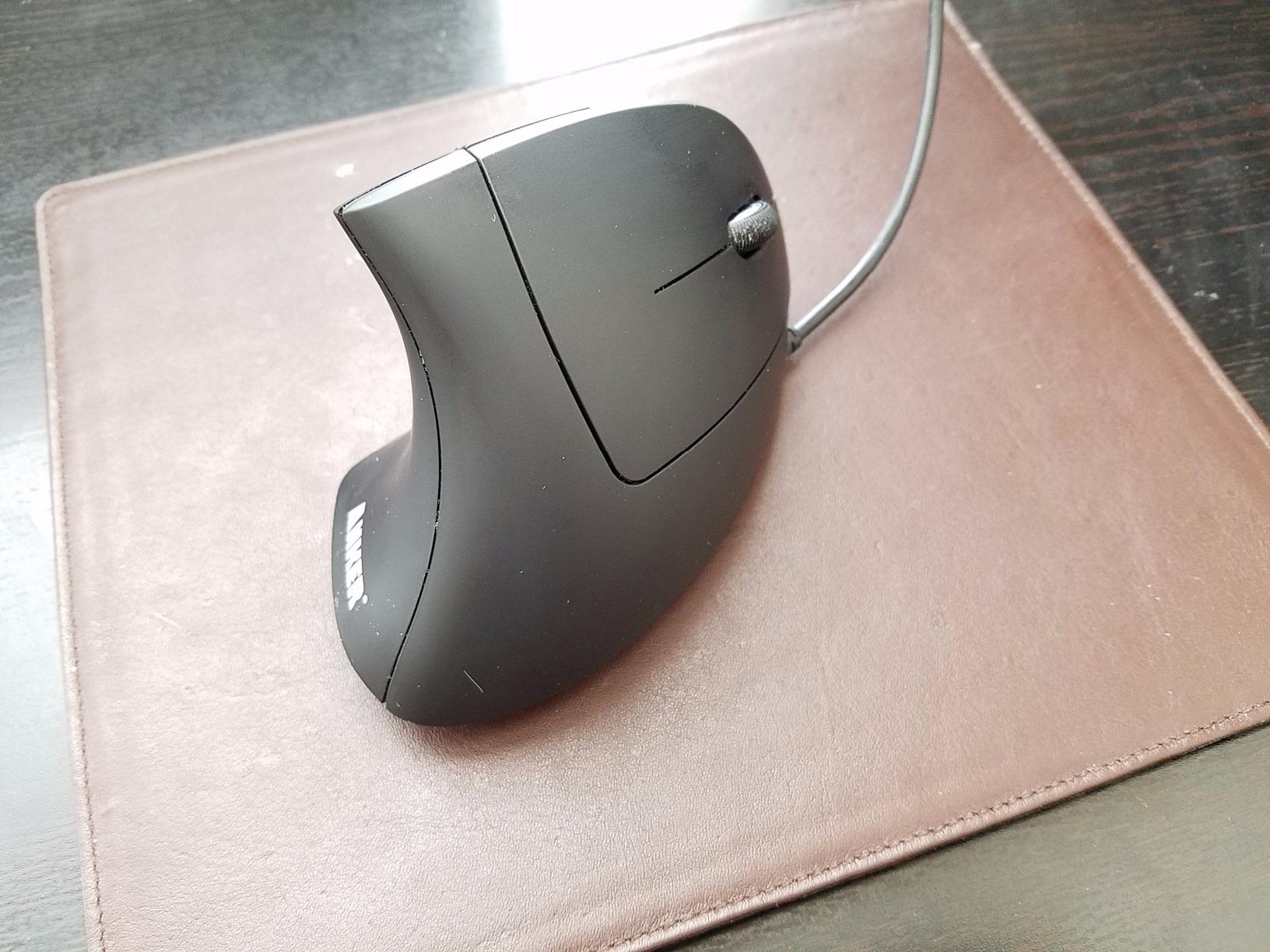
6. Anker USB Wired Vertical – Budget Pick for a Zero-Friction Desk Setup
Anker USB Wired Vertical Mouse, Ergonomic Mouse for Computer and Laptops
- Simplest setup of any pick here
- No batteries
- charging or pairing
- Fixed cable means no dropouts
- Next and previous buttons
- 18-month warranty
- Fixed 1.5m cable limits reach
- 1600 DPI maximum
- No on-the-fly DPI button
- No wireless
- Bluetooth or software
There is a version of this upgrade that is entirely about removing variables. This mouse is the same vertical handshake shape as the wireless Anker, minus the receiver, minus the batteries, minus the pairing. You plug it in and the wrist angle is already changed.
For a symptomatic user, that predictability is genuinely valuable. A wired optical mouse has no radio to drop out mid-session, no charge level to think about, and no software to install. The 1000 and 1600 DPI levels suit office work, and the next and previous buttons are there when you need them.
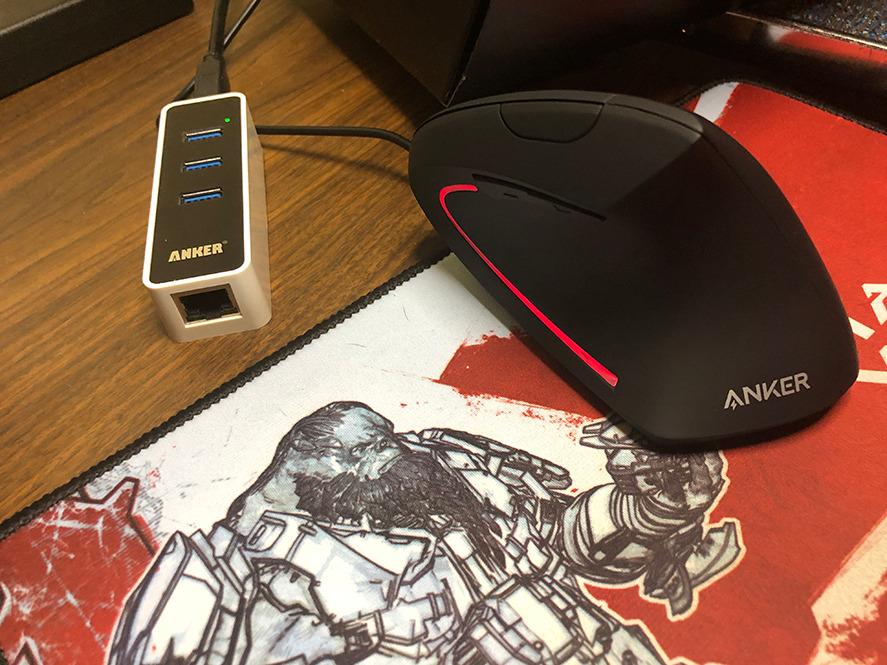
Buyers rate the build and value favourably, and the appeal is obvious once it is on the desk. At roughly 3.4 oz in a plastic shell, it is not the most refined object here, but it delivers the one change that matters for wrist strain, and it keeps doing it for years without intervention.
The limits are all consequences of being wired. The 1.5 metre cable is fixed, not detachable and not retractable, so it constrains your desk layout and limits how far you can reach. Maximum sensitivity is 1600 DPI with no button to change it on the fly, and there is no device switching or programmability at all.
Who should spend the effort on a wireless model instead
If you use two machines, move between a desk and a sofa, or hate cables on camera calls, a rechargeable wireless model is worth the extra setup. Otherwise the wired version removes three failure points and gets the ergonomic benefit done.
How the cable shape affects your posture
A fixed short cable encourages you to pull the mouse closer, which is good, but it also means your arm is working in a smaller area. Give the mouse a wide, low-friction area to travel in rather than pinning it against the desk edge.
7. TECKNET 4800 DPI 3-Device Vertical – Best for Multi-Device Work
TECKNET Ergonomic Mouse, 4800 DPI Wireless Bluetooth Vertical, 3-Device
- Reliably reduces wrist and shoulder pain
- Six DPI levels with LED flash count
- Switches among three devices
- Near-silent left and right clicks
- 36-month warranty and seven colours
- Only main clicks are silent
- Disposable AAA batteries and none included
- Side buttons do not work on macOS
- Some large-hand users dislike button placement
This is the pick for a desk that runs on more than one computer. Bluetooth mode pairs two devices and the 2.4GHz receiver takes a third, with a button underneath to move between modes. If your day includes a work laptop, a personal machine and a tablet, that is a lot of reach you no longer have to do.
The DPI ladder runs 800, 1200, 1600, 2400, 3200 and 4800, shown by the number of LED flashes, which makes it easy to drop sensitivity when you notice yourself making small corrective movements. Owners with wrist and shoulder problems report relief, sometimes within a day of switching.
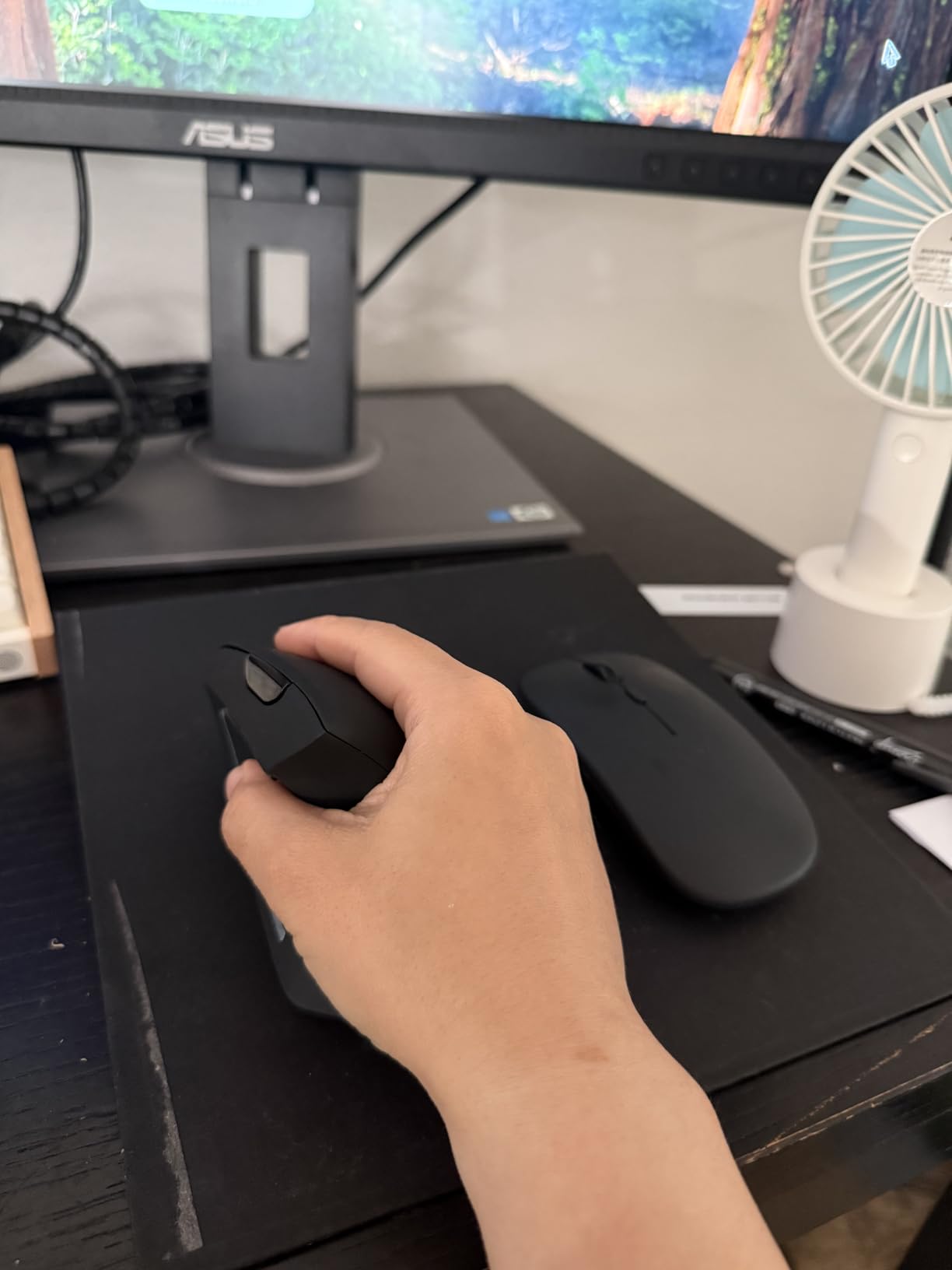
The 4800 DPI ceiling is the highest in this list, which is useful for a large monitor or a hi-DPI display where a low-sensitivity mouse means constant hand movement. The near-silent left and right clicks handle a quiet office, and the deep sleep mode after 10 to 30 minutes of inactivity stretches two AAAs considerably.
Two honest caveats. Silence only covers the main clicks; the middle and side buttons are loud, so a shared office will still hear you. And the side buttons do not work on macOS, with no configuration software to work around it. A minority of large-hand users also find the click split sits too far forward and the tilted scroll wheel awkward.
When six DPI levels are worth it
They matter most on large displays and in design work where a low maximum sensitivity means you lift the mouse constantly. If you are on a 13 inch laptop, three levels would do the same job and a rechargeable alternative saves the battery cost.
Read the OS limitations first
Buy this for a Windows, Chrome or Linux desk. If you are on a Mac, the dead side buttons remove the main reason to choose a six-button vertical mouse, and the rechargeable TECKNET earlier in this list handles Mac users better.
8. seenda MOU-302 – Best Vertical Mouse for Video Calls and Streaming
seenda MOU-302 Wireless Bluetooth Ergonomic Vertical Mouse with Volume Knob
- Volume knob unique in this group
- Three simultaneous device connections
- Rechargeable battery rated for two months
- Silent clicks in a matte body
- Broad platform support
- Smallest review base in the group
- 2400 DPI ceiling is modest
- 5.0 meter range is the shortest
- Right-hand orientation only
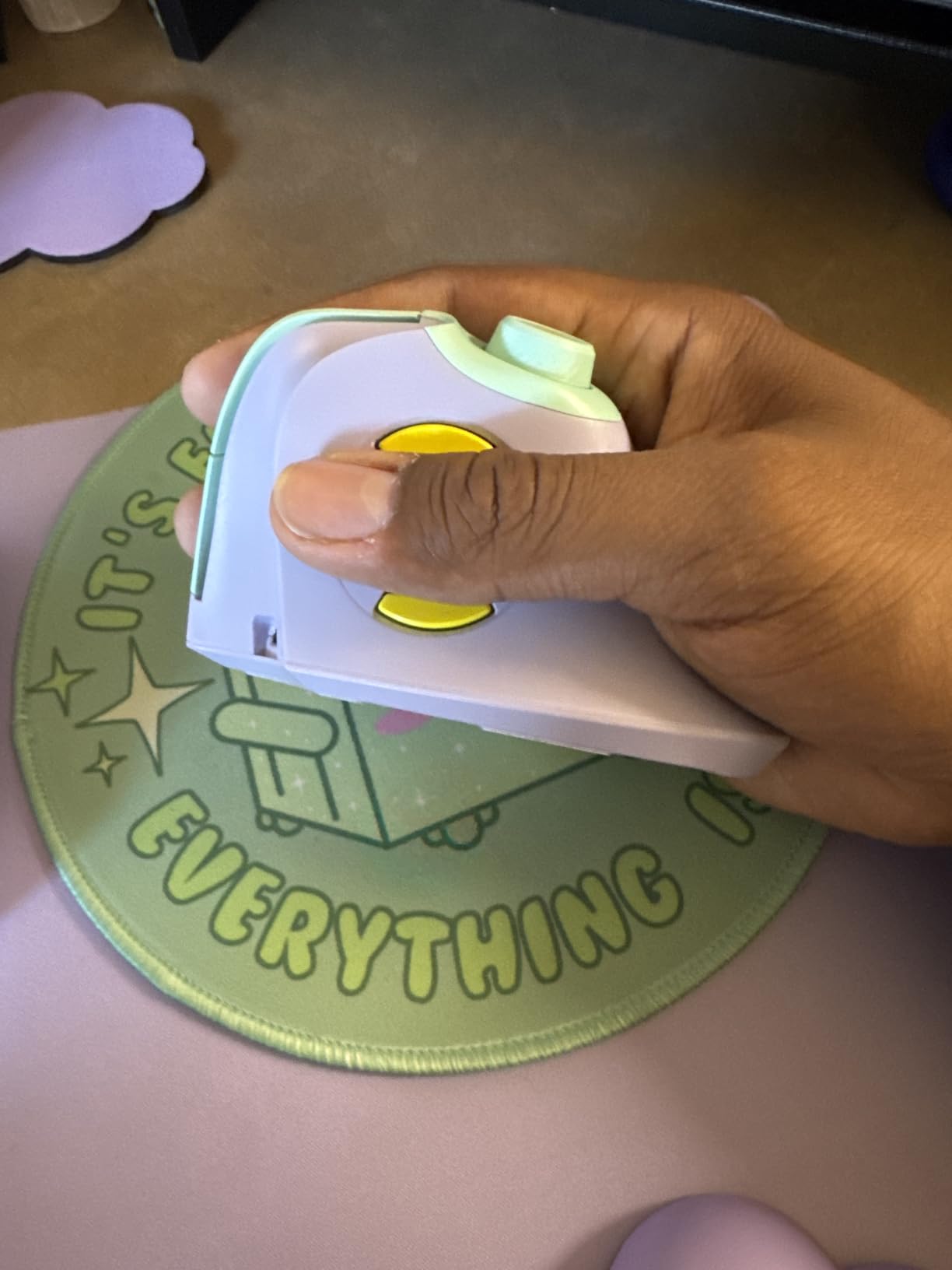
The reason this one is worth knowing is the volume knob on the top edge. Play, pause and volume are physical controls you can find without looking, which is exactly what you cannot do with a software volume overlay when a meeting starts and the cursor is somewhere else entirely.
Everything else is unusually complete for the tier. Three devices connect simultaneously over 2.4G USB plus two Bluetooth channels, the 500mAh battery is rated for up to two months per USB-C charge, and the clicks are silent. It works with Windows, macOS, iPadOS, iOS and Chrome OS, including phones and tablets.
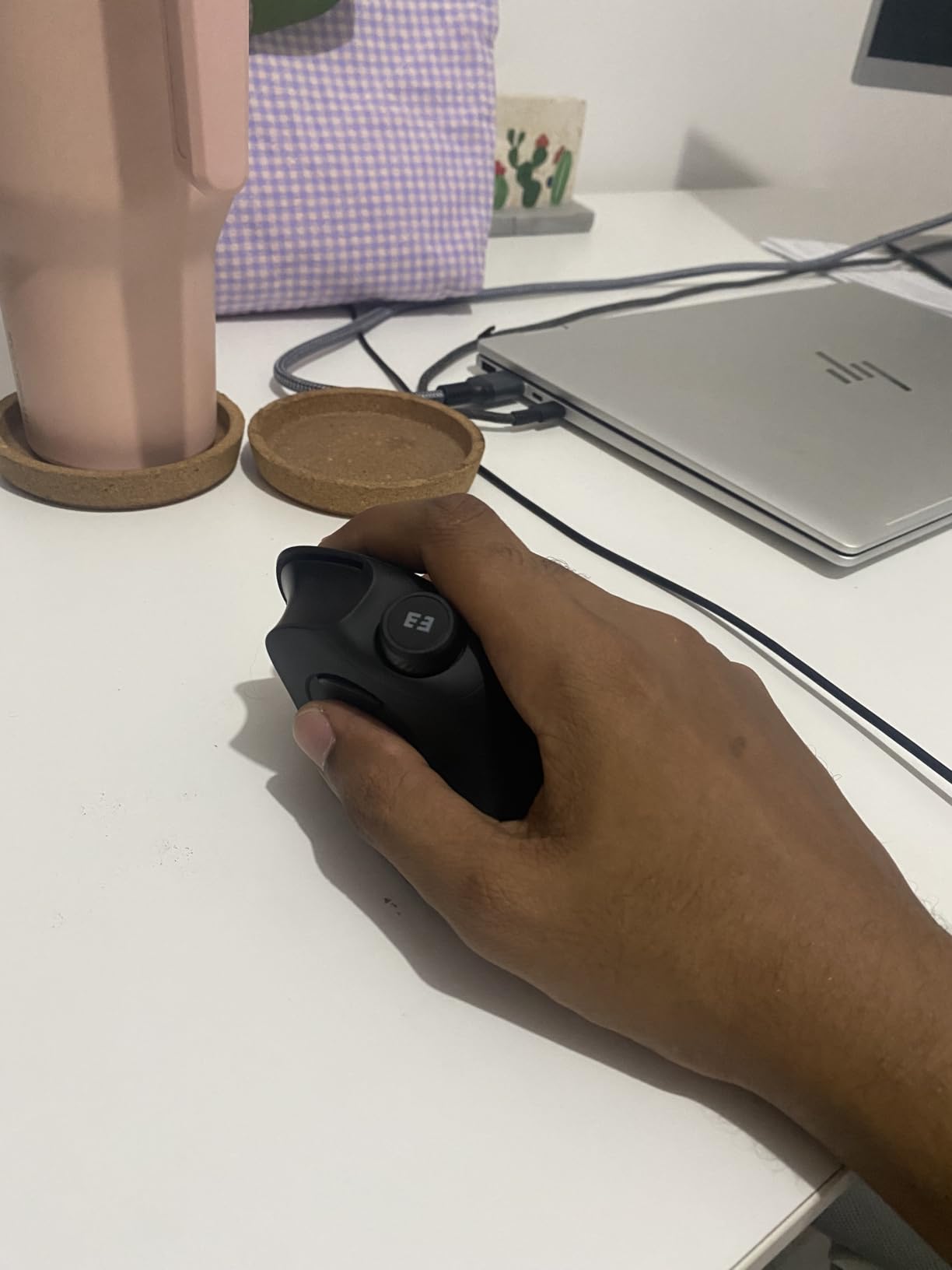
The neutral handshake grip keeps the wrist and forearm in a straight line, and the matte finish in the colourways we tested did not have the slippery feel of some glossy shells. The 1000, 1600 and 2400 DPI levels are set with silent clicks, so changing them does not disturb a call.
The honest limitation is evidence. With 1680 reviews it is the newest and least-proven product here, so long-term durability is thinner than for the established models. The 2400 DPI ceiling is modest next to the 4800-DPI rivals, the 5.0 metre range is among the shortest in the group, and the listed specification is right-hand only.
Who gets the most from the volume knob
People who run meetings, teach remotely, do voice and video editing, or stream while working. For general office navigation it is a novelty, and the same money buys a higher DPI ceiling and a steeper angle elsewhere in this list.
What to check before choosing it
Check that 5.0 metres of wireless range covers your desk. If you need button remapping, there is no companion software, and the battery is a rechargeable cell rather than replaceable cells.
9. Lekvey Rechargeable Vertical – Best for Medium and Large Hands on a Budget
Lekvey Ergonomic Mouse, Rechargeable Vertical Wireless Mouse, Comfort Grip
- Rechargeable battery with 150+ hours per charge
- 36-month warranty is among the longest here
- 10 meter wireless range
- Three DPI levels
- Page back and forward buttons
- 2.4G only
- no Bluetooth
- Recommended for medium or large hands
- No companion software for remapping
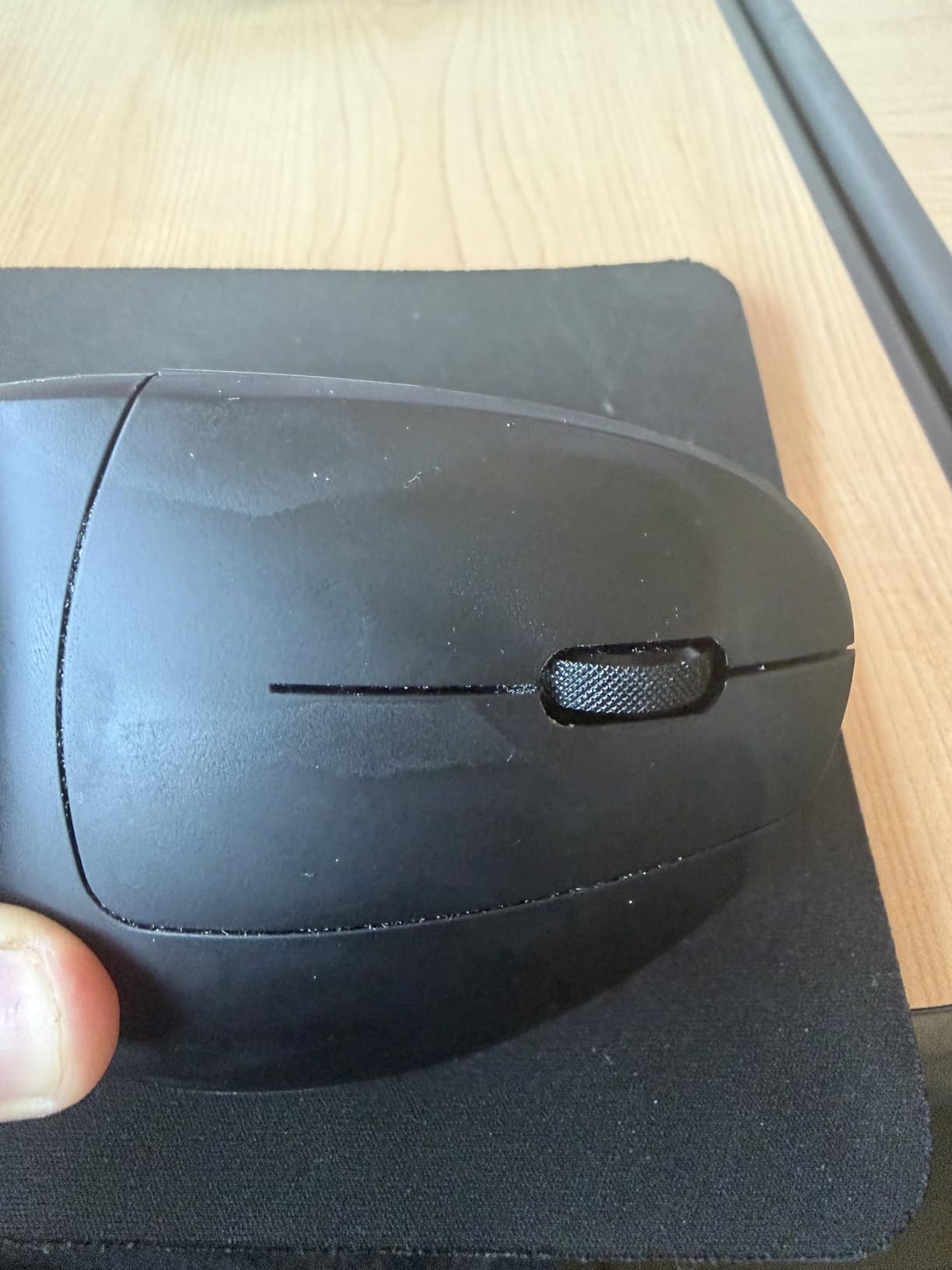
At 5 by 3 by 2.5 inches this is one of the larger shells in the group, and it is recommended for medium or large hands. That sizing is the main reason to pick it: if the compact models leave your fingers curling forward, a longer body gives the whole hand a place to sit without gripping.
The lithium polymer battery is rated for 150 hours of continuous use per charge, which means a full workweek and change between top-ups. The 36-month replacement or refund warranty is among the longest offered here, and its 10 metre range is the widest we found among wireless models here.
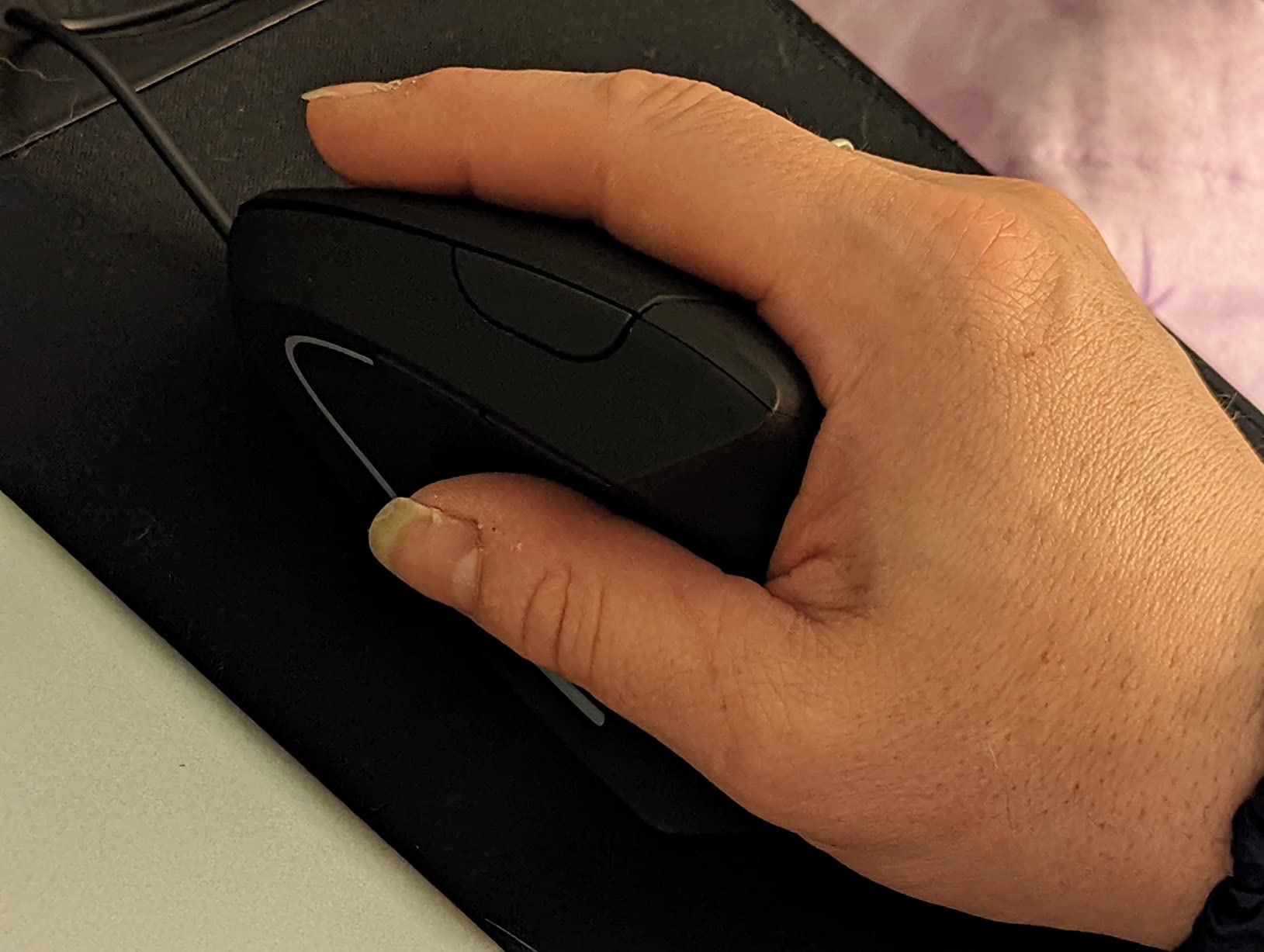
Owners most often describe a measurable drop in wrist pain after three to five days of use, and the rechargeable cell plus long warranty are what distinguish it from disposable-battery rivals. Three DPI levels change on the fly, and the page back and forward buttons are genuinely useful when you are reading documentation all day.
It is 2.4G only, so there is no Bluetooth and no multi-device pairing, and the plug-and-play nano receiver stores in the base with no drivers to install. For a large hand on a budget this is a strong pairing, but for a small hand it will feel oversized.
How to tell if a large shell suits you
Lay the mouse down and check whether your middle finger reaches past the main click without your palm sliding off the front. If the answer is yes, a long body like this one will feel better than a compact one. If not, you are likely to compensate by over-gripping, which is the opposite of what you want.
Warranty length as a durability proxy
With 15480 reviews and a 36-month warranty, this is a well-documented product rather than a gamble. Where the 2400-and-below rivals above rely on optimistic battery claims, you get a plain rechargeable specification and a long replacement window.
10. TECKNET 57-Degree Rechargeable Vertical – Best for Long Battery Life
- 57-degree angle with a claimed strain reduction
- 200 hours of battery per charge
- Five DPI levels up to 4800
- Silent clicks
- Usable while charging
- Smallest review base in the group
- Needs both receiver and Bluetooth pairing to set up
- No software for button customization
- Listing specs conflict on battery type
On paper this is the most capable specification sheet in the group. The 57-degree angle is the steepest we found, matching the Logitech bodies, with a claimed wrist strain reduction of up to 30 percent. The 500mAh rechargeable cell is rated for 200 hours of continuous use, and the mouse works while it is charging over the included Type-C cable.
Five DPI levels from 1000 to 4800 sit behind a dedicated button, and it switches among a desktop, laptop, tablet or phone through a 2.4GHz receiver and Bluetooth 5.0. Silent click mechanisms and no driver installation make the setup simple once it is paired.
Here is the honest framing. The review base is 957 ratings, the smallest here, so durability and the long battery claim are harder to verify than for the established models. Setup also needs both the receiver and Bluetooth pairing before it is fully working, and there is no software for button customization.
There is a specification conflict worth flagging before you order: the listing specifications reference 2 AAA batteries while the product description describes the built-in rechargeable 500mAh cell. Check the packaging when it arrives so you know which behaviour to expect.
When the steep angle and long runtime are worth it
If you want the strongest correction available in a rechargeable package and you change machines constantly, the 57-degree angle and 200-hour runtime are the features to buy for. Nothing else in the sub-premium tier combines both.
What you are accepting on reliability
Under a thousand ratings means the long-term evidence simply is not there yet. If you prefer proven longevity, the Lekvey above has 15480 reviews and a 36-month warranty behind the same general idea.
How to Choose a Vertical Mouse That Actually Fits?
Angle matters, but fit matters more. A perfect 57 degrees in a shell your hand cannot fill will hurt more than a flat mouse, so measure before you spend anything.
Measure your hand length in three steps
1. Lay your hand flat, palm down, fingers together, on a table.
2. Measure from the crease at the base of your wrist to the tip of your middle finger, in inches.
3. Under 6.5 inches is small, 6.5 to 7.5 inches is medium, and over 7.5 inches is large.
Small hands should lean toward the Logitech Lift and the 52-degree TECKNET. Medium hands suit the ProtoArc, the TECKNET three-device model and either Logitech. Large hands should start with the MX Vertical or the Lekvey, both of which have the room to lay a full palm flat.
Match your grip style to the shape
A palm grip keeps the whole hand in contact with the shell, which favours taller and longer bodies like the MX Vertical and the Lekvey. A claw grip rests the heel and arches the fingers, so a lower-profile shell such as the seenda or the TECKNET 52-degree model works better. A fingertip grip barely touches the shell and suits the smallest bodies. If you claw-grip, an oversized vertical mouse pushes your hand further into deviation, not less.
Set DPI so your arm does the work
Lower sensitivity means longer strokes and fewer tiny corrections, which is what keeps the movement in your shoulder and elbow. The 4000 DPI models here let you start high and back off, and every one of the wireless picks has a one-button DPI change on the body rather than buried in a settings menu.
Wireless, Bluetooth or wired
Wireless is the default expectation now, and Bluetooth is what you want if you move between a laptop and a tablet without a dongle. The 2.4G receiver models here are perfectly fine on a single desk. Wired is the option with nothing to charge and nothing to drop out, which is why the Anker wired model sits in this roundup at all.
Can you game on a vertical mouse
For competitive shooters, be honest with yourself: the vertical angle costs you the flick speed and the thumb-button layout you are used to, and reviewers of the flagship models specifically call out that they are not suitable for precise aiming. For strategy, simulation and MMO play, a 4800 DPI optical sensor is perfectly capable. Users report success with budget models for casual play, but sensitivity gets you more than the mouse does.
Adjustment, Desk Setup and Red Flags
The mouse is one part of a system. These are the parts people miss, and the parts that explain why some users still hurt after switching.
What the first three to seven days feel like
1. Days one to three: your forearm muscles ache and the mouse gets knocked over. Grip lightly and let the shape do the work.
2. Days four to seven: the handshake position starts feeling automatic and the old wrist ache begins to fade.
3. Weeks two to four: full comfort, with manufacturers typically advising one to two weeks of adjustment.
During this period, move the mouse from your elbow rather than your wrist, and keep the grip light. A commenter on r/RSI described trying a vertical mouse for six months while their pain level went from barely tolerable to crippling, which is the honest version of this: one component of a recovery, not a standalone fix.
Mouse pad and the wrist rest myth
Use a flat, low-friction pad with no raised wrist bolster. Gel wrist rests are widely recommended elsewhere, and they are also widely reported by users as making things worse by pressing into the carpal tunnel and creating the habit of resting the wrist. Keep the wrist floating and move it with the mouse.
Why your wrist can still hurt after switching
Three things keep hurting even with a good vertical mouse. Desk travel, if you move the mouse with small wrist strokes instead of your arm. Desk-edge contact, where the base of your hand presses into the hard front edge of the desk. And over-gripping, which happens when the shell is the wrong size for your hand. There is also a fourth possibility nobody mentions: pain migrating. Some users find wrist pain improves and elbow pain appears, which means the load moved rather than disappeared.
Left-hand and right-hand options
Most of this category is right-hand only, and that is the single most common complaint from left-handed users, who have very few genuine vertical options. The clearest exception in this group is the Logitech Lift, which the manufacturer builds in both right-hand and left-hand variants. If you are left-handed and cannot find a left-hand shell in the list above, check the Lift first, and expect to test it carefully for size.
When to see a clinician
See a doctor if numbness persists beyond a few weeks, if you notice grip weakness or start dropping objects, if symptoms wake you at night, if they worsen despite ergonomic changes, or if you see muscle wasting at the base of the thumb. A user in r/cad found the bigger win was an adjustable keyboard tray and chair rather than the mouse, which is a useful reminder that workstation setup beats any single device.
Frequently Asked Questions
Do vertical mice actually help with carpal tunnel?
A vertical mouse reduces the mechanical load that contributes to symptoms by holding your hand in a neutral handshake grip instead of a palm-down position, which reduces forearm pronation and ulnar deviation. That can ease pain and slow progression, but it does not treat an already compressed median nerve. If you have persistent numbness, night symptoms or grip weakness, see a clinician rather than relying on a mouse.
What is the best mouse to avoid carpal tunnel?
For most people, a 57-degree vertical mouse that fits your hand length is the best starting point, and the Logitech MX Vertical is our overall pick. A trackball removes movement entirely and suits severe symptoms, while a contoured ergonomic mouse is a gentler change for mild discomfort. Fit beats angle: measure from wrist crease to middle fingertip and match that number to the shell size.
What type of mouse pad is best for carpal tunnel?
Choose a flat, low-friction pad with a smooth consistent surface and no raised wrist bolster at the front edge, because the desk edge is where your hand base presses and that pressure irritates the carpal tunnel. Many users report that gel wrist rests made their symptoms worse by encouraging them to rest the wrist. A large pad also gives the mouse room to travel so you can move it from your elbow.
How long does it take to get used to a vertical mouse?
Most users describe a difficult first three to seven days, with forearm aching and a tendency to knock the mouse over, followed by noticeable relief in week one or two. Manufacturers typically advise a one to two week adjustment period. Full comfort usually arrives between two and four weeks, and moving the mouse from your elbow rather than your wrist during that period makes the biggest difference.
What size vertical mouse is best for my hand?
Measure from the crease at your wrist to the tip of your middle finger. Under 6.5 inches suits compact bodies such as the Logitech Lift and the 52-degree TECKNET, 6.5 to 7.5 inches fits models like the ProtoArc and the TECKNET three-device mouse, and over 7.5 inches needs a long shell such as the MX Vertical or the Lekvey. A hand that overhangs the shell will grip harder and undo the benefit.
Which Vertical Mouse Should You Buy in 2026?
For most people reading this because their wrist aches after a long day, the best vertical mouse for carpal tunnel comfort is the Logitech MX Vertical. The 57-degree angle, 4000 DPI sensor and three-computer switching make it the most complete package here, and 15097 reviews mean you are not gambling on a new design.
Buy the Logitech Lift instead if your hand measures under 7 inches. Buy the ProtoArc EM11 NL if you want the same idea for far less and can live with the scroll wheel. Buy the Anker wired model if you want zero charging, zero pairing and the ergonomic change only. Pick the seenda MOU-302 if your day is calls and streams, and the TECKNET 57-degree rechargeable if you want the steepest angle and the longest runtime.
Whichever you choose, measure your hand first, move the mouse from your elbow, keep the wrist off the desk edge, and give it two to four honest weeks. Our broader ergonomic setup guide covers the rest of the workstation if symptoms persist.