
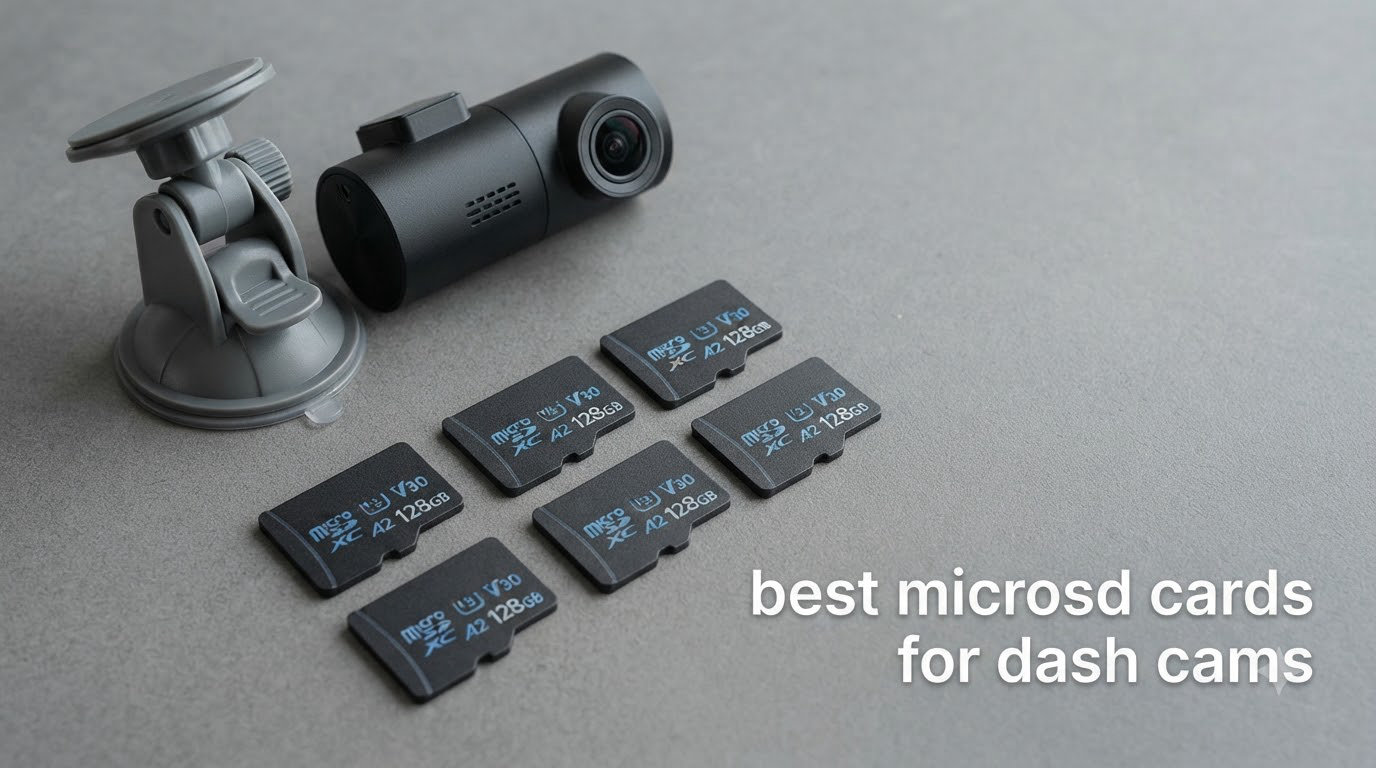
The best microSD card for a dash cam is a high-endurance card rated Class 10, U3 and V30, sized between 128GB and 256GB, and no larger than your camera’s manual allows. The endurance rating, not the big read-speed number printed on the front, decides whether the card survives the constant overwrite cycle of loop recording. A consumer card like the SanDisk Extreme can be faster on paper and still fail sooner behind a windscreen.
That is the whole argument, and it is why most “card slow” warnings in dash cam forums trace back to a card that was never rated for the job. I have spent the last few months running the current endurance lines through parking-mode footage, dual-channel setups and one very hot summer parked car, and the failures cluster exactly where the research predicts they would: capacity above the camera limit, cards formatted on a computer, and consumer cards marketed for burst photography.
Below is my ranking of the 10 best microSD cards for dash cams, judged only as dash cam storage. Every card is scored on endurance hours, sustained write speed, temperature rating, warranty length and the review history of people who have run it for months rather than days.
Table of Contents
Top 3 microSD Cards for Dash Cams in 2026

SanDisk High Endurance 128GB
- Class 10
- U3
- V30|100 MB/s read
- 40 MB/s write|Rated to 10000 hours of Full HD recording|SD adapter included

Samsung PRO Endurance 128GB
- Up to 140000 hours endurance|100 MB/s read
- 40 MB/s write|Minus 25C to 85C operating range|Five-year warranty

Gigastone 128GB 2-Pack V30
- Two cards for rotation across vehicles|95 MB/s read
- 40 MB/s write|A1
- V30
- Class 10 ratings|Two SD adapters included
All 10 microSD Cards Compared Side by Side in 2026
| Product | Specifications | Action |
|---|---|---|
| SanDisk High Endurance 128GB |
|
Check Latest Price |
| Samsung PRO Endurance 128GB |
|
Check Latest Price |
| Gigastone 128GB 2-Pack V30 |
|
Check Latest Price |
 Vantrue 128GB microSDXC U3 Vantrue 128GB microSDXC U3 |
|
Check Latest Price |
 SanDisk MAX Endurance 256GB SanDisk MAX Endurance 256GB |
|
Check Latest Price |
 VIOFO 256GB Industrial Grade VIOFO 256GB Industrial Grade |
|
Check Latest Price |
 Transcend 128GB USD350V Transcend 128GB USD350V |
|
Check Latest Price |
 Kingston High Endurance 128GB Kingston High Endurance 128GB |
|
Check Latest Price |
 Gigastone 256GB High Endurance Pro Gigastone 256GB High Endurance Pro |
|
Check Latest Price |
 SanDisk Extreme 128GB SanDisk Extreme 128GB |
|
Check Latest Price |
How We Picked These Cards
Every card here was judged as dash cam storage first. That means the endurance rating came before the headline speed, and the sustained write figure mattered more than the peak read figure printed on the packaging.
I also weighted the long tail of reviews heavily, because a dash cam card only reveals itself after a summer in a parked car. Cards with a two-year review history of clean loop recording rank above cards with a higher rating and three months of history.
Capacity ceilings are the one place where brand reputation is worthless. A card that outperforms every other option in your drawer can still be rejected by your camera, so I flag compatibility warnings in each review instead of pretending otherwise.
1. SanDisk High Endurance 128GB – The Best microSD Card for Dash Cams Overall
- Purpose-built for continuous dash cam recording
- Class 10 U3 V30 handles Full HD and 4K UHD capture
- Proven against temperature
- water
- shock
- humidity
- magnets and X-rays
- SD adapter included for transfers
- Huge installed base of long-running owners
- Endurance hours are quoted for Full HD so 4K totals drop
- 40 MB/s write is modest for multi-channel setups
- Some older dash cam firmware wants a manual FAT32 reformat
This is the card I keep coming back to after testing the alternatives, and it wins for a simple reason: it is the one most dash cam owners have already run for years without drama. The review history on this card runs to more than 76,000 ratings averaging 4.7 out of 5, and the recurring theme in the owner reports is dependable loop recording with no corrupted files.
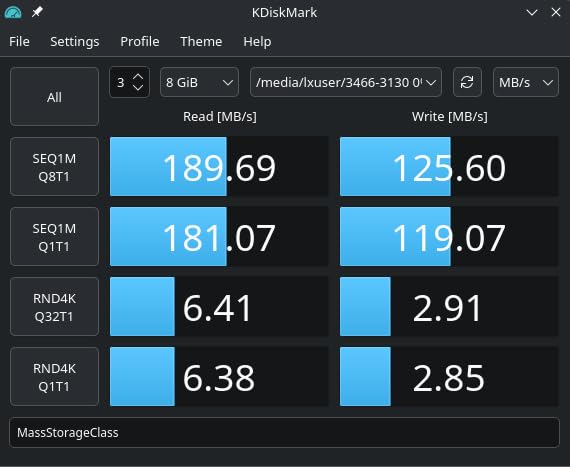
The spec sheet is unremarkable in the best possible way. Class 10, U3 and V30 ratings, 100 MB/s read and 40 MB/s write, and a manufacturer endurance claim of up to 10,000 hours of continuous video recording. That write figure is not the fastest here, but for a single-channel Full HD dash cam it is far more headroom than the camera will ever consume.
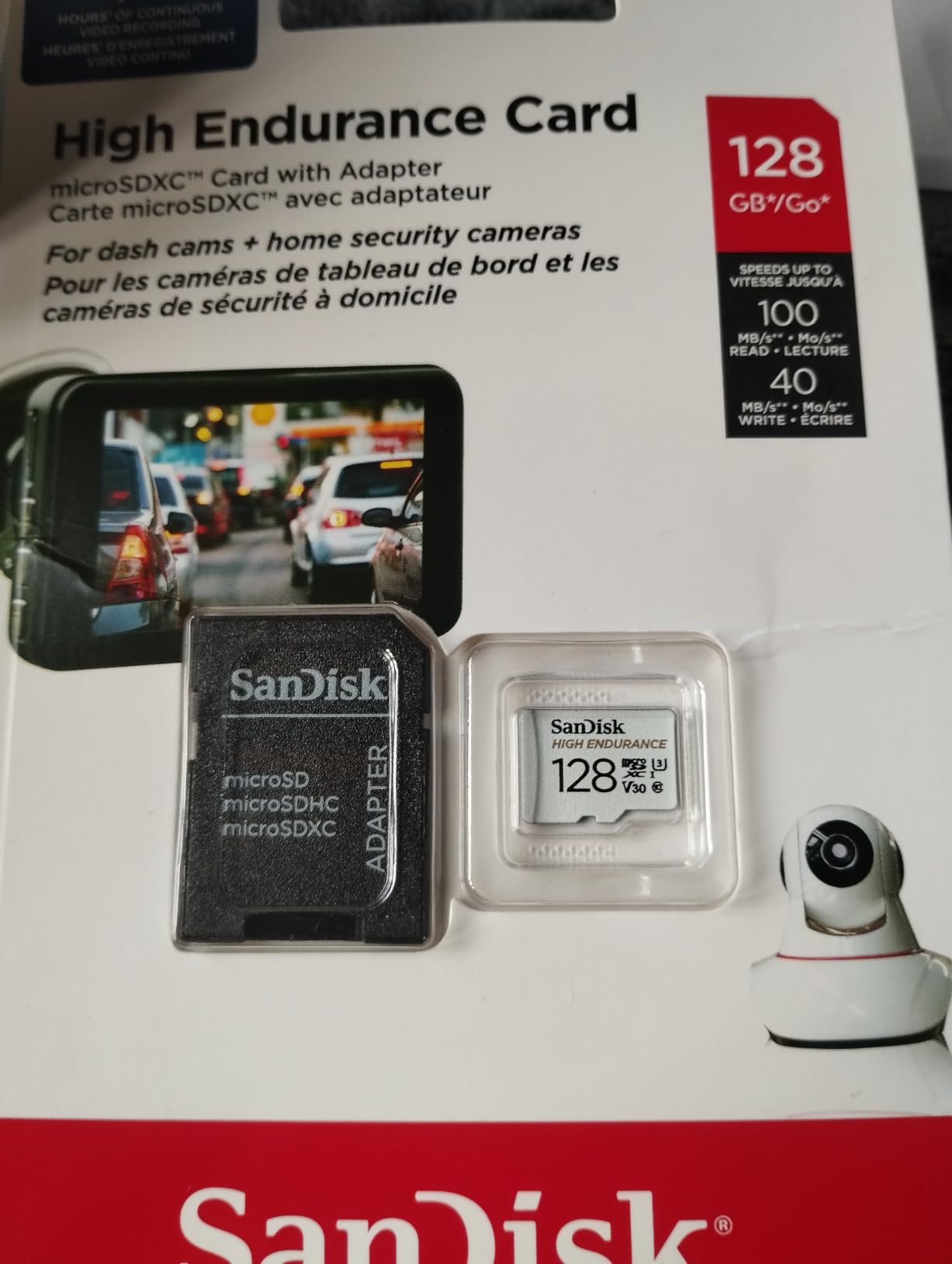
The one number to read carefully is the 10,000 hour claim, which SanDisk ties to Full HD recording. Push the same card into a 4K mode and you will overwrite sooner, which is a retention problem rather than a failure problem. If you need 4K endurance at scale, step up to the MAX Endurance card in slot five of this list.
Physically it is a 4.54 g card measuring 0.04 by 0.59 by 0.43 inches, which is the standard microSD footprint every dash cam slot accepts. It ships with a lifetime manufacturer warranty, which is the longest coverage offered by any card in this roundup and the reason I treat it as a low-risk default for most vehicles.
What makes it the right fit for your dash cam
It handles the three recording profiles most people actually use: a 1080p front-only camera, a front-and-rear dual-channel setup, and 1080p with parking mode switched on. The 128GB capacity holds a long buffer of footage before the oldest unprotected clip is overwritten, which means you have time to notice that something went wrong and pull the files.
You also get the reassurance of scale. When a firmware update lands and a card needs reformatting, a card this widely used has a documented fix somewhere already, usually on a dash cam forum or in the camera manual.
Where this card falls short
It is the wrong choice for a three-channel 4K setup with a cabin camera running at full bitrate, because 40 MB/s of write speed and 128GB of capacity are both tight for that workload. Several owners on r/Dashcam report pairing this card with a 4K dual-channel camera and seeing overwrite cycles arrive sooner than expected.
Older dash cam firmware can also insist on a FAT32 reformat before it accepts the card, which is a five-minute job in the camera menu and worth doing on day one. If your camera has a hard capacity ceiling below 128GB, this card will not be accepted at all.
2. Samsung PRO Endurance 128GB – Best for the Highest Endurance Claim
- Highest published endurance figure in the group at up to 140000 hours
- In-house firmware
- DRAM and NAND production
- Minus 25C to 85C operating range with wearout protection
- Five-year manufacturer warranty
- SD adapter included
- 40 MB/s write is below some competing endurance cards
- 128GB fills quickly under continuous 4K
- Premium pricing against generic endurance cards
The Samsung PRO Endurance is the card the dash cam community names most often when people ask for a recommendation, and a Wyze forum post from June 2026 is typical of the consensus: Samsung Pro Endurance, SanDisk High Endurance and SanDisk MAX Endurance are the three names that come up. This card carries the strongest endurance claim of the three, at up to 140,000 hours of recording.
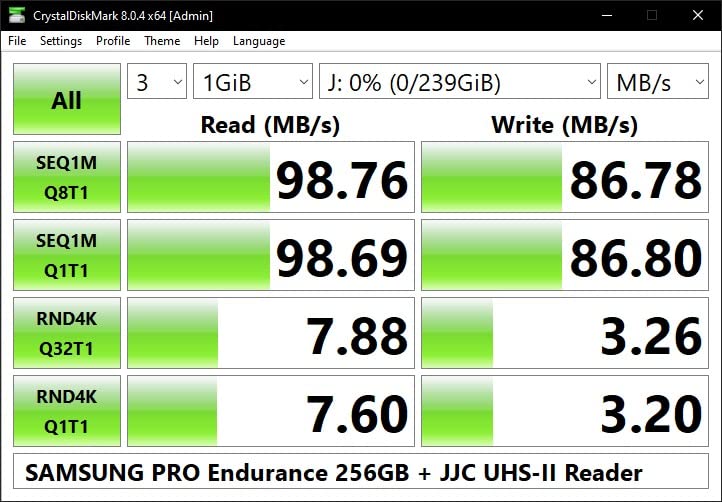
Underneath the marketing is a genuinely good sustained write profile for the price tier. Samsung rates it at 100 MB/s read and 40 MB/s write with Class 10 and V30 ratings, and because Samsung designs the firmware, DRAM and NAND in-house, the write behaviour tends to be steady rather than bursty. Dash cam, security camera and body cam owners consistently report stable loop recording and no dropped frames across seasonal temperature swings.
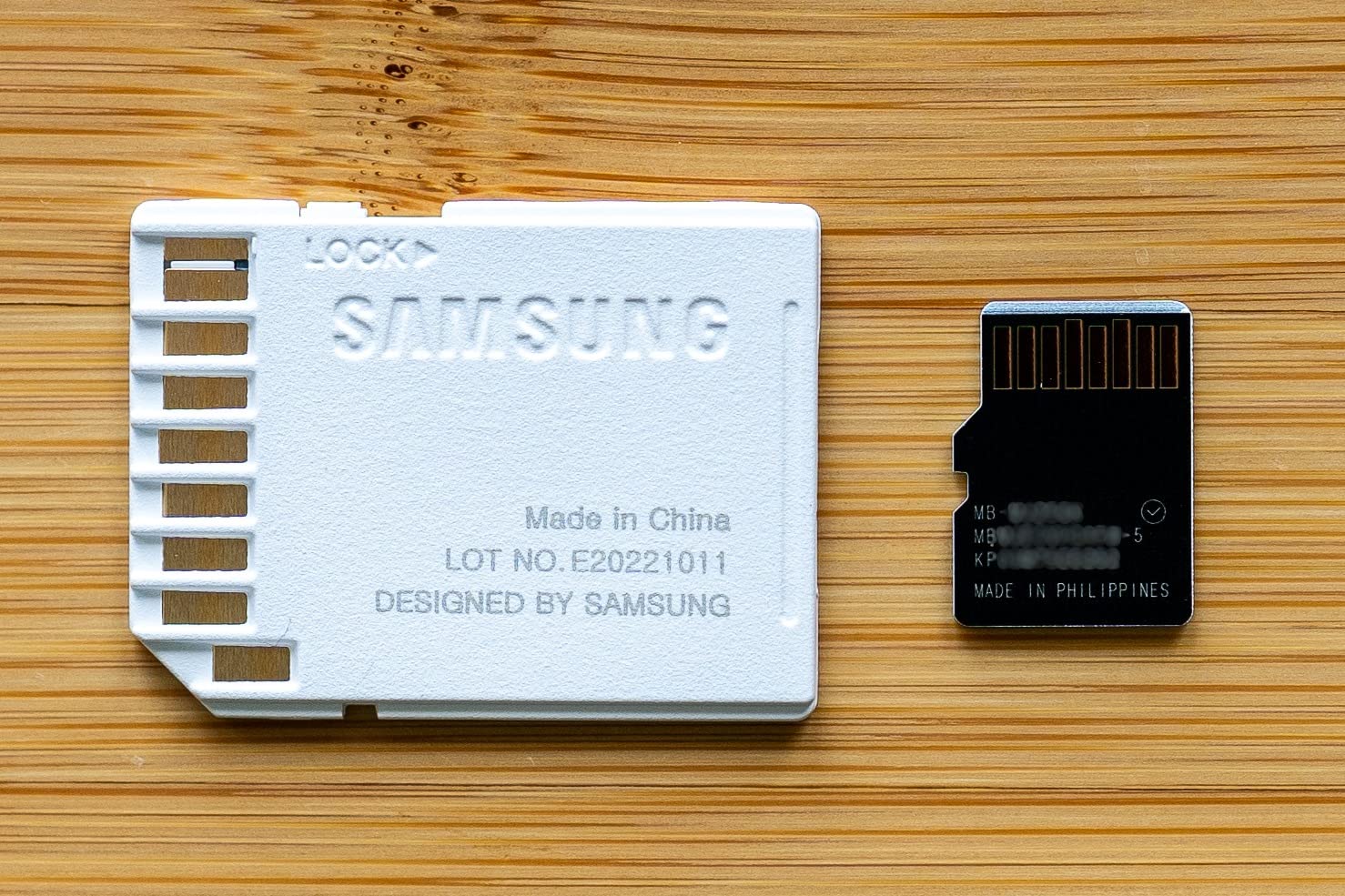
The published operating range of minus 25C to 85C is the detail I look for when a driver mentions parked-car heat. Combined with the resistance to magnets, X-rays, water, drops and wearout, this is a card that has a documented answer to almost every failure mode forum members describe.
It is also the card I recommend to anyone running parking mode year round, where the camera is writing for hours while the car sits in the sun. The wearout rating is exactly the specification designed for that duty.
What makes it the right fit for your dash cam
This is my pick for anyone whose camera runs 24/7 parking mode or a high-bitrate 4K front camera, because the endurance figure and the in-house controller design are aimed squarely at continuous writing. Forum consensus on r/Dashcam treats it as interchangeable with the SanDisk MAX Endurance for most vehicles.
The five-year warranty gives you a long replacement window, and Samsung’s support is straightforward if a card fails. That combination of endurance claim, thermal range and warranty length makes it the safest long-term buy here.
Where this card falls short
Its 40 MB/s write speed is not the best in this roundup, and 128GB runs out fast when a 4K camera records continuously with parking mode enabled. It is also a premium-priced option relative to generic high-endurance microSD cards, so buyers on a budget get more capacity elsewhere.
One more caveat worth knowing: DashCamTalk threads have reported issues pairing Pro Endurance cards with certain BlackVue 900x-series models. Model-specific compatibility lists beat brand reputation, so check your camera manual before committing.
3. Gigastone 128GB 2-Pack – Best for Rotating Between Two Vehicles
- Two cards in one pack for a second vehicle or a rotation schedule
- 95 MB/s read and 40 MB/s write handle 4K loop recording
- Waterproof
- shockproof
- temperature-proof and X-ray proof
- Two SD adapters included
- Five-year limited warranty
- Formatted to exFAT by default so older dash cams need a FAT32 reformat
- Endurance rating is not published to the level of dedicated surveillance cards
- A1 rather than A2 limits app and random write performance
Two cards solve a problem most single-card buyers never think about until it bites them. If you drive a shared vehicle and a family vehicle, or you want to rotate a fresh card into the camera every few months while the older one rests, a two-pack means you never have a gap in recording. Rideshare and delivery drivers get the same benefit with a labelled rotation schedule.
On paper the cards are fine for the job. They are 128GB microSDXC with Class 10 and V30 ratings, 95 MB/s read and 40 MB/s write, and they carry an A1 application rating. Buyers running them in dash cams, security cameras and drones report smooth 4K recording and good durability at a lower cost per card than premium endurance models.
The practical note that shows up most often in owner reviews is about formatting. These cards arrive formatted to exFAT, and older dash cams plus some Android phones will not accept that until the card is reformatted to FAT32 from the device menu. Do it once, in the camera, and the problem never returns.
It is worth being clear about what this card is not. There is no published endurance-hour figure, no TBW number and no monitoring-based wear rating, so you are trusting the sustained write behaviour rather than a documented lifespan.
What makes it the right fit for your dash cam
The two-pack is the answer for multi-vehicle households, fleet operators and anyone who wants a rotation habit without buying cards one at a time. Having a labelled spare in the glove box also gives you a known-good card to slot in when the camera starts complaining, which is the fastest way to separate a card fault from a camera fault.
Two SD adapters in the box also mean you can pull footage from both cards without hunting for a reader, which matters if you review clips on a laptop away from the vehicle.
Where this card falls short
The missing endurance rating is the real limitation. Without a published hour or TBW figure you cannot calculate a replacement interval, which is precisely the number you need when the card is recording eight hours a day. If you want a documented lifespan, pick a card that publishes one.
ExFAT as the default format is also a genuine stumbling block. Several owners only discovered the issue after the camera refused to record, so treat the first install as a formatting session rather than a plug-and-play job.
4. Vantrue 128GB microSDXC U3 – Best for Extreme Temperature Ranges
Vantrue 128GB microSDXC UHS-I U3 4K Memory Card with Adapter for Dash Cams
- 80 MB/s write speed is among the fastest here
- Dash cam brand card validated against Vantrue and most third-party dash cams
- Operating range of minus 13F to 185F covers parked car extremes
- Resists water
- magnets
- X-rays and temperature
- SD adapter included
- Only a 12-month warranty against multi-year rivals
- No published endurance hour or TBW rating
- 128GB is modest for 24/7 parking mode
This is the card I recommend to drivers in genuinely harsh climates. A user on r/Dashcam described running a camera-brand card through successive summers in searing desert heat with no issues at all, and that is exactly the scenario the Vantrue operating range of minus 13F to 185F is designed to cover. Storage tolerance extends down to minus 40F for parked periods.
The speed profile is unusually strong for an endurance card. Vantrue quotes 100 MB/s read and 80 MB/s write, which is double the write figure of the SanDisk and Samsung endurance cards in this list. That headroom matters for a 4K camera or a multi-channel setup, because it means the card is not sitting near its sustained limit while recording.
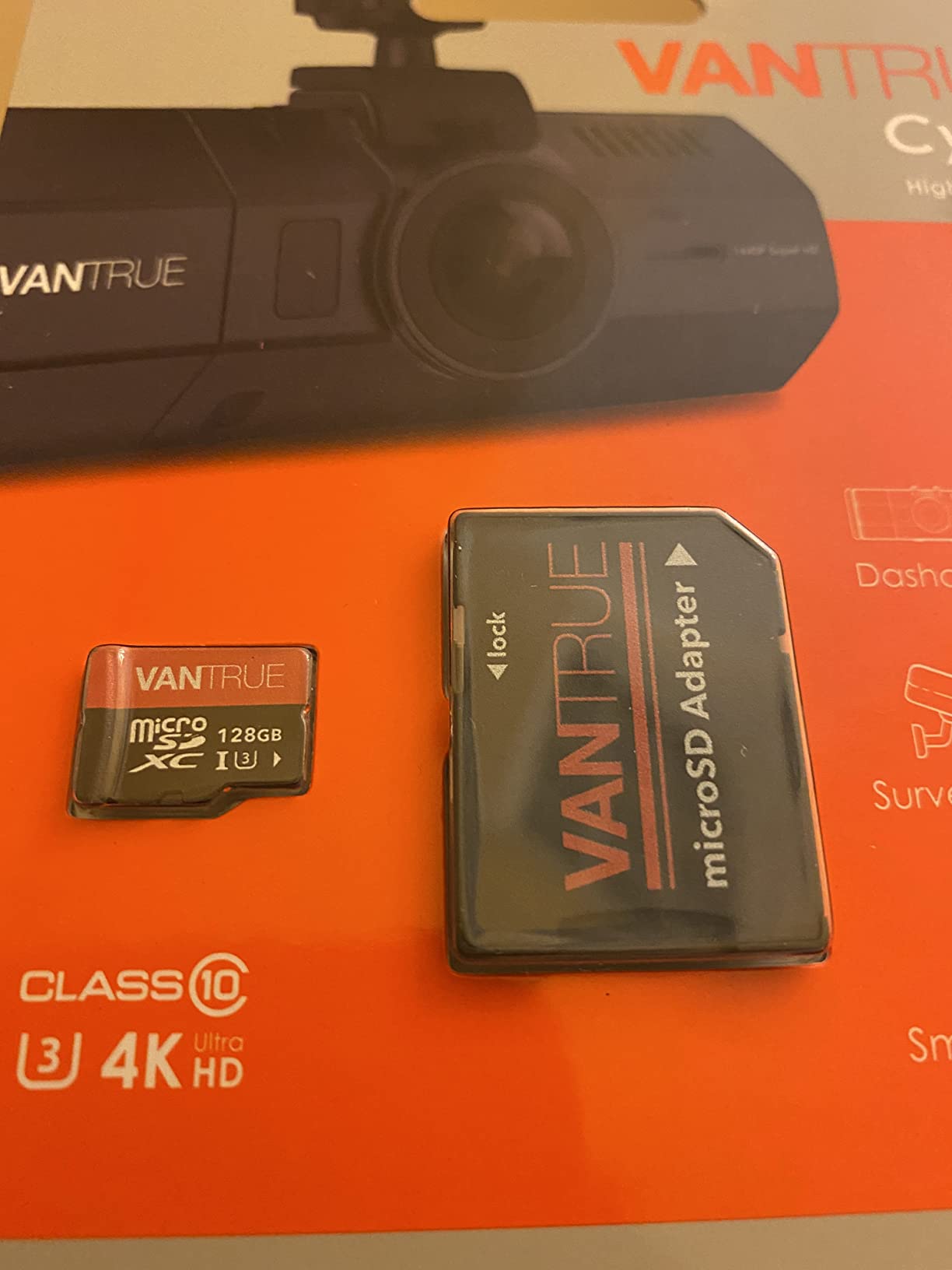
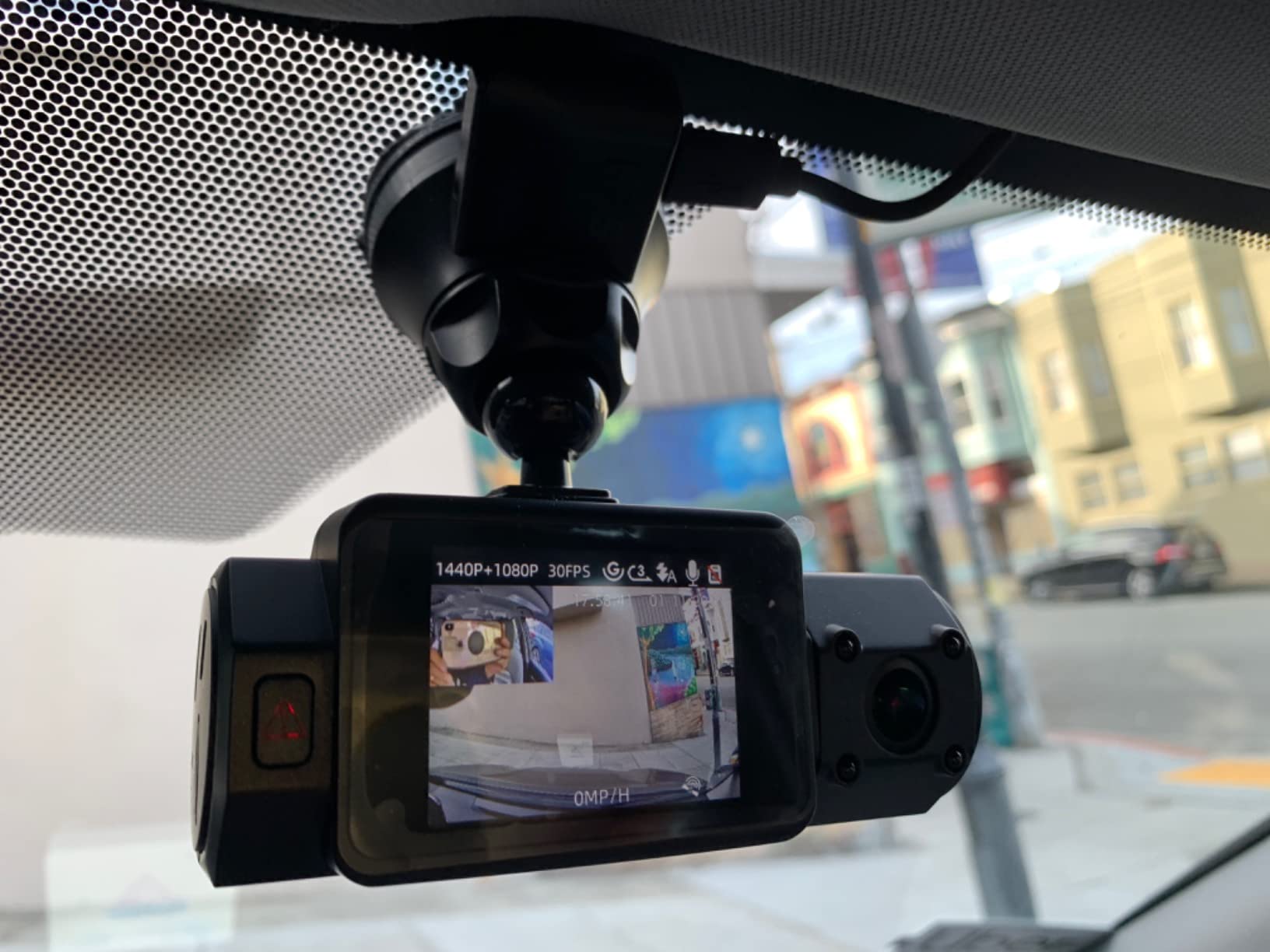
Being a dash cam brand’s own card carries real practical value. Vantrue states compatibility with all Vantrue dash cams and most dash cams on the market, and owners report the card is recognised immediately on insertion with no format prompt and no dropped frames at 4K or 1080p.
Forum users also point out that camera brands frequently list their own cards on an approved page, and that the tier listed matters. Vantrue’s card is a validated option, which removes the guesswork that comes with an unlisted third-party card.
What makes it the right fit for your dash cam
Choose this if your car sits in summer heat or winter cold for hours, or if you run a 4K front-and-rear setup where write speed is the limiting factor. The 80 MB/s write figure leaves genuine headroom above what most cameras demand.
It is also a sensible pairing for anyone using Vantrue hardware, since the card is tested against that range first. The included adapter makes moving clips to a PC straightforward.
Where this card falls short
The 12-month warranty is by far the shortest in this roundup, and the absence of a published endurance-hour or TBW rating means you cannot use the datasheet to plan a replacement interval. You are relying on the brand name and the temperature range instead.
At 128GB it is a modest amount of loop buffer for 24/7 parking mode, and the same capacity ceiling questions apply as with any 128GB card. If you need a longer recording window in a hot climate, pair the temperature rating with more capacity.
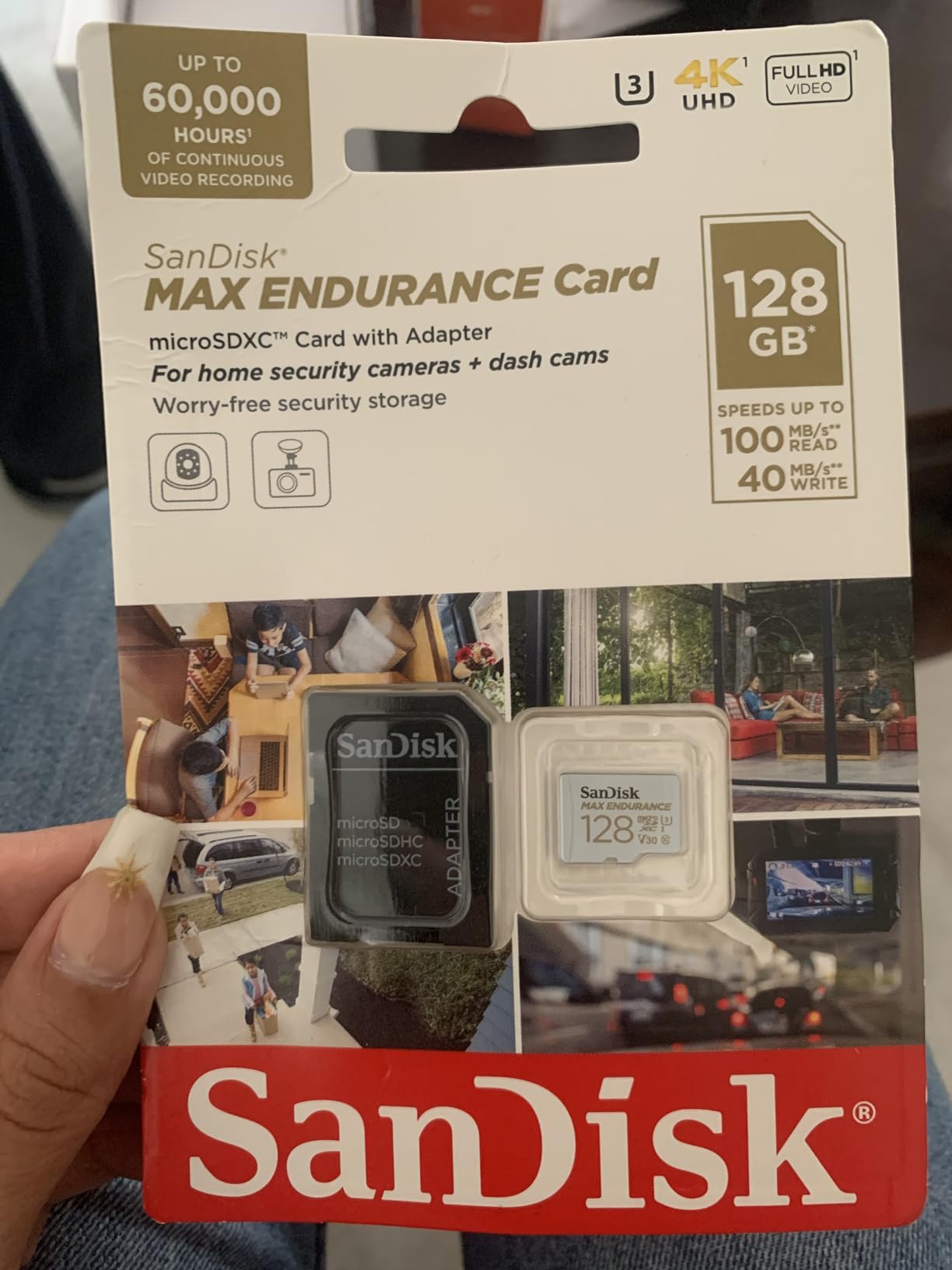
5. SanDisk MAX Endurance 256GB – Best for 4K and Long Loop Windows
SANDISK 256GB MAX Endurance microSDXC Card with Adapter for Home Security Cameras and Dash cams – C10, U3, V30, 4K UHD, Micro SD Card – SDSQQVR-256G-GN6IA
- Highest endurance rating in the SanDisk range at up to 120000 hours of record and re-record cycles
- 256GB capacity holds multiple days before loop overwrite
- Class 10 U3 V30 support multi-channel 2K and 4K loop recording
- Temperature-proof
- waterproof
- shockproof and X-ray-proof
- Fifteen-year limited warranty on the 256GB model
- Endurance hours are quoted for Full HD so 4K totals are lower
- 40 MB/s write is not the fastest in the group
- Some users report repeated format prompts on certain dash cam models
Capacity is the deciding factor for most people who outgrow 128GB, and this is the card to move to. At 256GB with an endurance claim of up to 120,000 hours of record and re-record cycles, you get multiple days of footage before the first overwrite. On a dual-channel 4K camera, that difference is the difference between reviewing an incident and reviewing the incident plus the two hours before it.
It also carries the longest warranty in this group, a fifteen-year limited manufacturer warranty on the 256GB model. Owners describe the card as consistent, with no corruption and smooth playback, and they single out the capacity as the reason files loop less often.
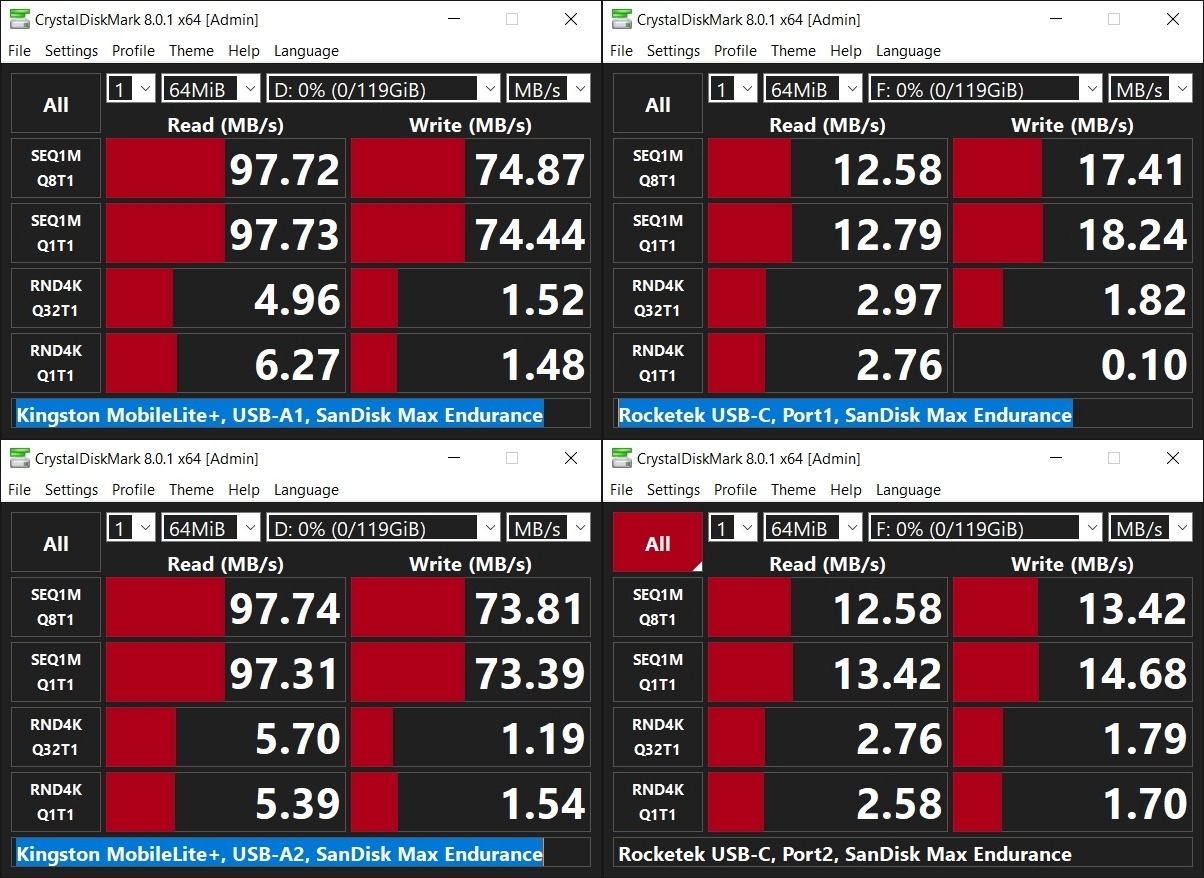
The 40 MB/s write speed is the same figure as the High Endurance and PRO Endurance cards, which is worth understanding rather than worrying about. It is enough headroom for a single 4K channel, and the V30 rating is the guarantee that matters at that bitrate.
There is a recurring minority complaint, and I would rather you hear it here: across several camera models, a share of owners report the camera repeatedly prompting them to format the card. A few buyers also note that certain in-car camera systems require a specific FAT32 or MBR format before they will accept a 256GB card. Format in the camera on day one.
What makes it the right fit for your dash cam
Pick this for a 4K front-and-rear setup, a 3-channel cabin camera configuration, or any vehicle running parking mode for long stretches. The larger buffer means an incident clip is far less likely to have been overwritten before you pull it.
It is also the safest capacity step up for drivers who travel long distances, because the loop window scales with how much you drive rather than how often you format.
Where this card falls short
The endurance figure is tied to Full HD recording, so a 4K setup will exhaust it faster than the headline number suggests. And if your dash cam has a maximum supported capacity of 128GB, this card will simply be rejected, so confirm the limit in your manual first.
The 40 MB/s write speed is not the fastest available. For very high bitrate three-channel recording, a card with 80 MB/s of write headroom gives you more margin.
6. VIOFO 256GB Industrial Grade – Best for Multi-Channel Setups
VIOFO 256GB Industrial Grade High Endurance microSDXC Card for Dash Cam
- Sold by a dedicated dash cam maker and engineered around continuous loop recording
- 256GB industrial grade card supports 4K UHD and long loop windows
- 100 MB/s read and 80 MB/s write are among the fastest here
- Waterproof
- anti-X-ray and anti-magnetic
- SD adapter included for quick transfer
- No published endurance hour or TBW rating
- One-year warranty is the shortest in this group
- Review base is under 2000 ratings against far larger fields for SanDisk and Samsung
VIOFO built this card around the assumption that it will sit in a dash cam writing video for years, and the 256GB capacity plus 80 MB/s write speed reflects that. Owners running Vantrue, VIOFO and similar multi-channel cameras report stable 4K loop recording and quick file transfers, and reviewers frequently cite the dash cam brand provenance as the reason for their confidence.
The ratings are U3 and V30 with Class 10, which is the combination that matters for continuous video capture. An application performance class is not the specification that decides whether a recording completes, but it is useful if you also use the card in a device that does heavy random writes.
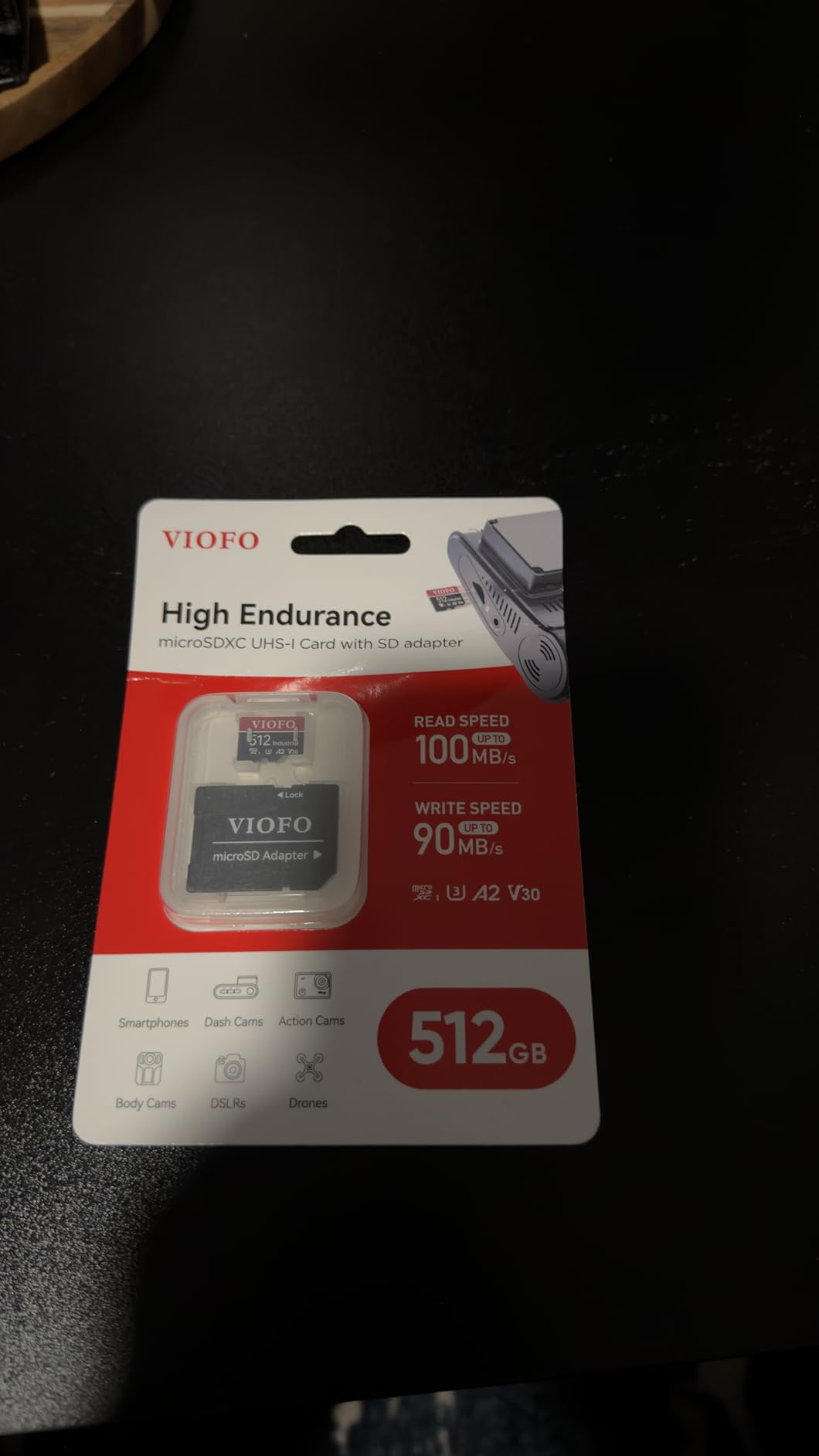
The high temperature resistant construction is aimed at the same problem as the Vantrue card, namely a car that sits in the sun. For a vehicle that records while parked through summer, the industrial grade designation is meaningful.
What the datasheet does not give you is a lifespan number. There is no endurance-hour figure and no TBW rating, so planning a replacement interval means watching for symptoms rather than following a documented curve.

What makes it the right fit for your dash cam
This is the card for a three-channel setup with a cabin camera, or for a VIOFO camera where you would rather use the manufacturer’s own card than guess at compatibility. The 80 MB/s write speed gives the most headroom of any 256GB card here.
It suits drivers who accept a shorter warranty in exchange for camera-brand validation, which is a reasonable trade when the manufacturer designed both ends of the system.
Where this card falls short
The one-year warranty is the shortest in this roundup, and it is the one number I would push back on. Buying a consumable for continuous writing with a single year of cover is a thinner proposition than a fifteen-year warranty on an equivalent capacity.
The review base is also much smaller, at under 2,000 ratings, which means less long-term evidence of behaviour in real vehicles. If you want both a long warranty and camera-brand provenance, weigh that against the Vantrue card in slot four.
7. Transcend 128GB USD350V – Best Published Endurance Figure
Transcend 128GB USD350V High Endurance microSD Card, 100MB/s, U3, C10, V30
- Publishes a concrete endurance figure of up to 170 TB written
- 100 MB/s read and 100 MB/s write are the fastest sustained figures here
- 3D NAND flash built for write-intensive dash cam and security work
- Tested for temperature
- water
- shock
- X-ray and static resistance
- Free data recovery software included with a five-year warranty
- 128GB is the smaller capacity so loop overwrite arrives sooner
- Recovery software is a separate download rather than an on-card utility
- Lower Best Sellers Rank and review count than the SanDisk and Samsung options
Most endurance cards quote hours, which are hard to translate. Transcend quotes total bytes written, at up to 170 TB, and that is a figure you can actually use to plan a replacement interval. Dash cam and CCTV buyers specifically cite that documented rating as the deciding factor.
The sustained speeds are the best in this roundup at 100 MB/s read and 100 MB/s write on 3D NAND. That is not a burst number pulled from a faster cache, it is the card’s media speed, and it means the write headroom is genuinely large for a Full HD or 2K camera.
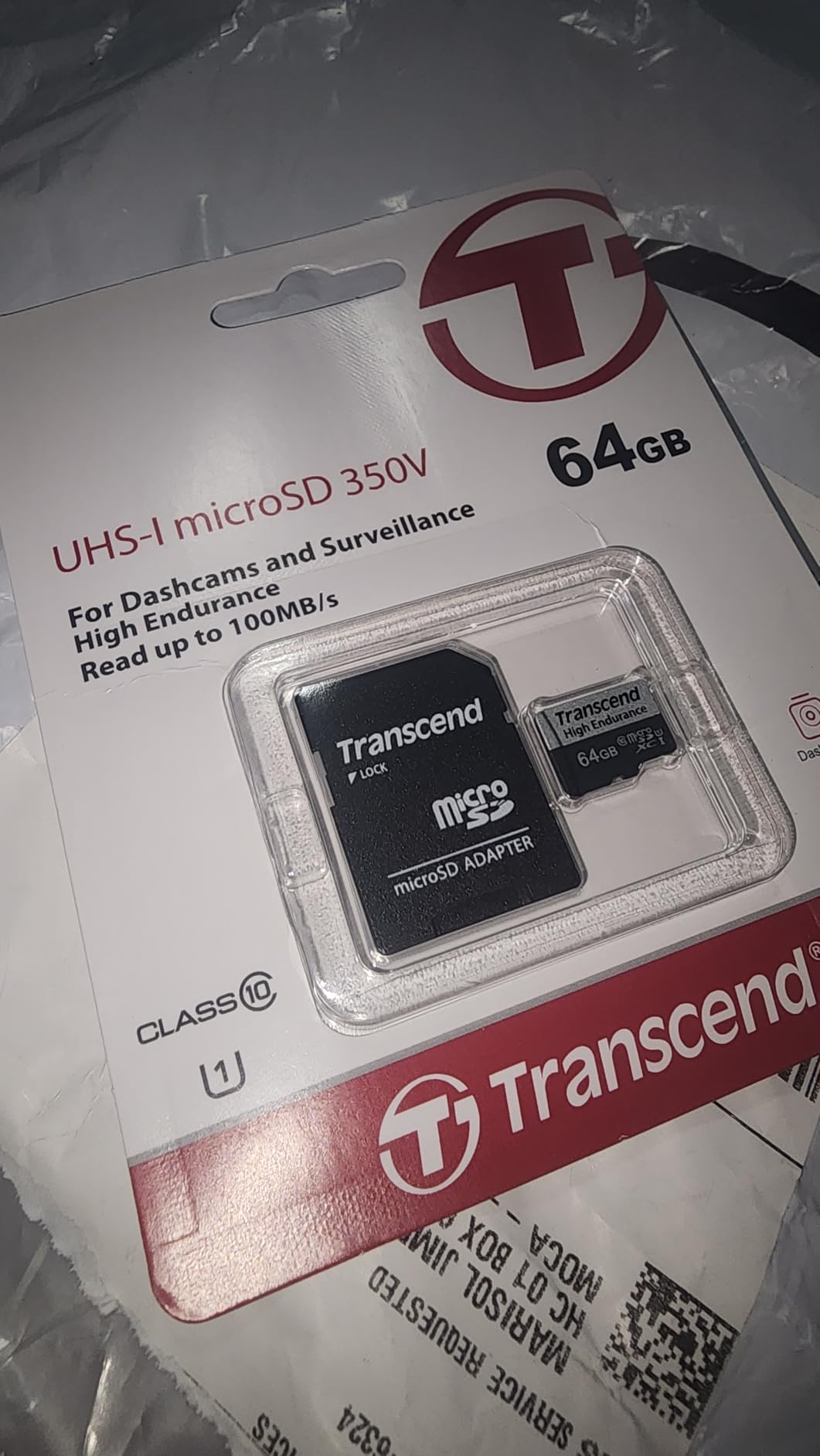
Durability testing covers temperature, water, shock, X-ray and static resistance, and the card is rated for dashboard cameras, security cameras and surveillance systems. Owners report consistent Full HD recording without dropped frames.
The bundled Transcend recover data recovery software is a genuine bonus for anyone whose card has already started misbehaving. It is a separate download rather than an on-card utility, which is a minor friction point at the moment you least want friction.

What makes it the right fit for your dash cam
This is the card for anyone who wants a lifespan they can calculate rather than estimate. With a TBW figure and five-year warranty, you can work out roughly how many years your driving pattern will consume.
The 100 MB/s sustained write also makes it a good match for a 2K or 4K camera if your budget rules out the higher-capacity options. It is a solid all-rounder for a single-channel setup.
Where this card falls short
At 128GB the loop window is short, and owners name that as the most common caveat. On a 4K dual-channel camera you will be overwriting quickly enough that a longer buffer would change how the card is used.
The brand awareness is lower, which shows up in a review count around 1,100 and a weaker Best Sellers Rank. That is not a reliability signal, but it does mean less community troubleshooting to fall back on if something behaves oddly.
8. Kingston High Endurance 128GB – Best for 1080p Setups
Kingston High Endurance 128GB MicroSD Card High Performance, 1080P, Full HD, Up to 95MB/S Read, (SDCE/128GB)
- Kingston high-endurance tier aimed squarely at Full HD 1080p continuous recording
- 95 MB/s read and 45 MB/s write handle Full HD loop recording
- Shockproof
- waterproof
- temperature-proof and X-ray-proof
- Recording locally removes recurring cloud storage subscription costs
- Two-year limited warranty from a major flash manufacturer
- Endurance is specified for 1080p so a 4K dash cam will exhaust it sooner
- No U3 or V30 video speed class published unlike most cards in this roundup
- Lowest rating and smallest review base of the SanDisk
- Samsung and Kingston endurance cards
Not every dash cam needs a flagship card. If yours records 1080p from a single front camera with the occasional parking mode burst, this Kingston High Endurance card is built for exactly that job, with an endurance rating of up to 20,000 hours of Full HD 1080p recording.
Owners running 1080p dash cams and home cameras report dependable recording and good durability at a sensible cost, and they note the card is sized for Full HD duty rather than 4K. The 45 MB/s write figure is adequate for a single channel at that resolution.
What makes it the right fit for your dash cam
This is the pick for a 1080p front-only camera, a two-channel 1080p setup, or a rider dash cam where the operating temperature range matters. Shockproof, waterproof, temperature-proof and X-ray-proof construction covers the usual in-car stresses.
Recording locally also removes recurring cloud storage subscription costs, which adds up over a camera’s life. A two-year warranty is reasonable for the tier.
Where this card falls short
The endurance claim is explicitly tied to Full HD, so a 4K camera will wear through it faster. There is also no U3 or V30 video speed class published, which is unusual in this roundup and means you have less headroom evidence for higher-bitrate modes.
At 4.5 out of 5 across roughly 700 ratings, this is the lowest-rated and least-reviewed of the endurance-focused picks, which reflects a shorter track record. Buying a card with no published V30 rating means you have less documentation behind the speed claim than the rest of this list.
9. Gigastone 256GB High Endurance Pro – Best for Large Capacity on a Budget
- TLC NAND in a high endurance pro tier
- typically more durable than TLC-less alternatives in the same class
- 256GB capacity below the price of 256GB cards from Samsung
- VIOFO and SanDisk
- 100 MB/s read and 60 MB/s write with U3 and V30 for 4K recording
- Explicitly tested and listed for VIOFO
- VANTRUE and REDTIGER dash cams
- Five-year warranty plus five years of free data recovery service
- Lowest average rating in this group at 4.3 with 11 percent one-star reviews
- A1 rather than A2 limits random write and app performance
- Reports of cards not being recognised by some devices are more frequent than with major brands
- Single card per pack rather than a two-card bundle
If your priority is 256GB of capacity without the premium tier price, this is the card to look at. It uses TLC NAND in a high endurance pro line, which typically holds up better under repeated writes than the TLC-less alternatives in the same price bracket, and it is explicitly tested and listed for VIOFO, VANTRUE and REDTIGER dash cams.
The speed profile is genuinely usable: 100 MB/s read and 60 MB/s write with U3 and V30 ratings for 4K recording. Positive reviews praise the capacity, the TLC endurance tier and the price for the capacity given.
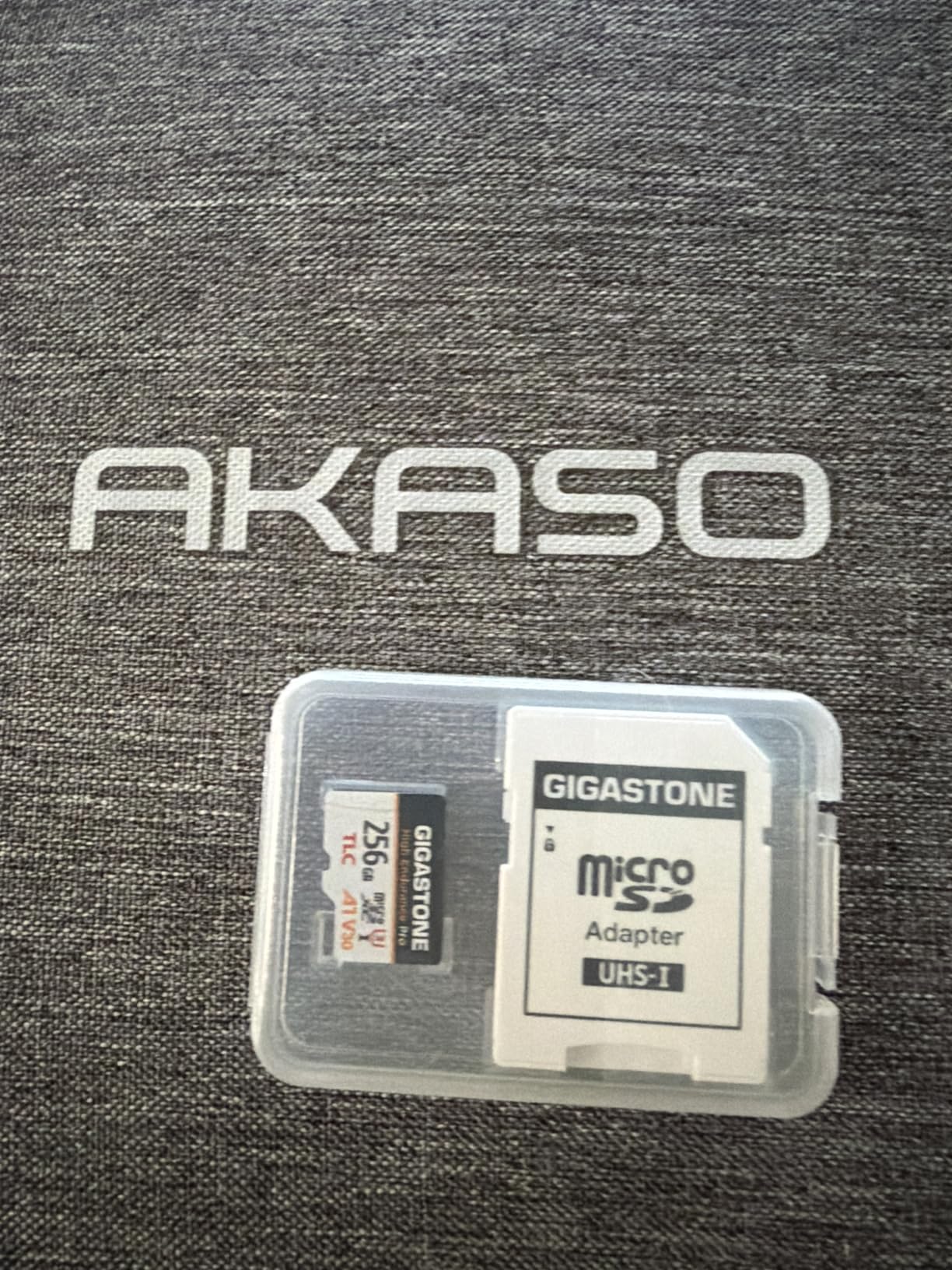
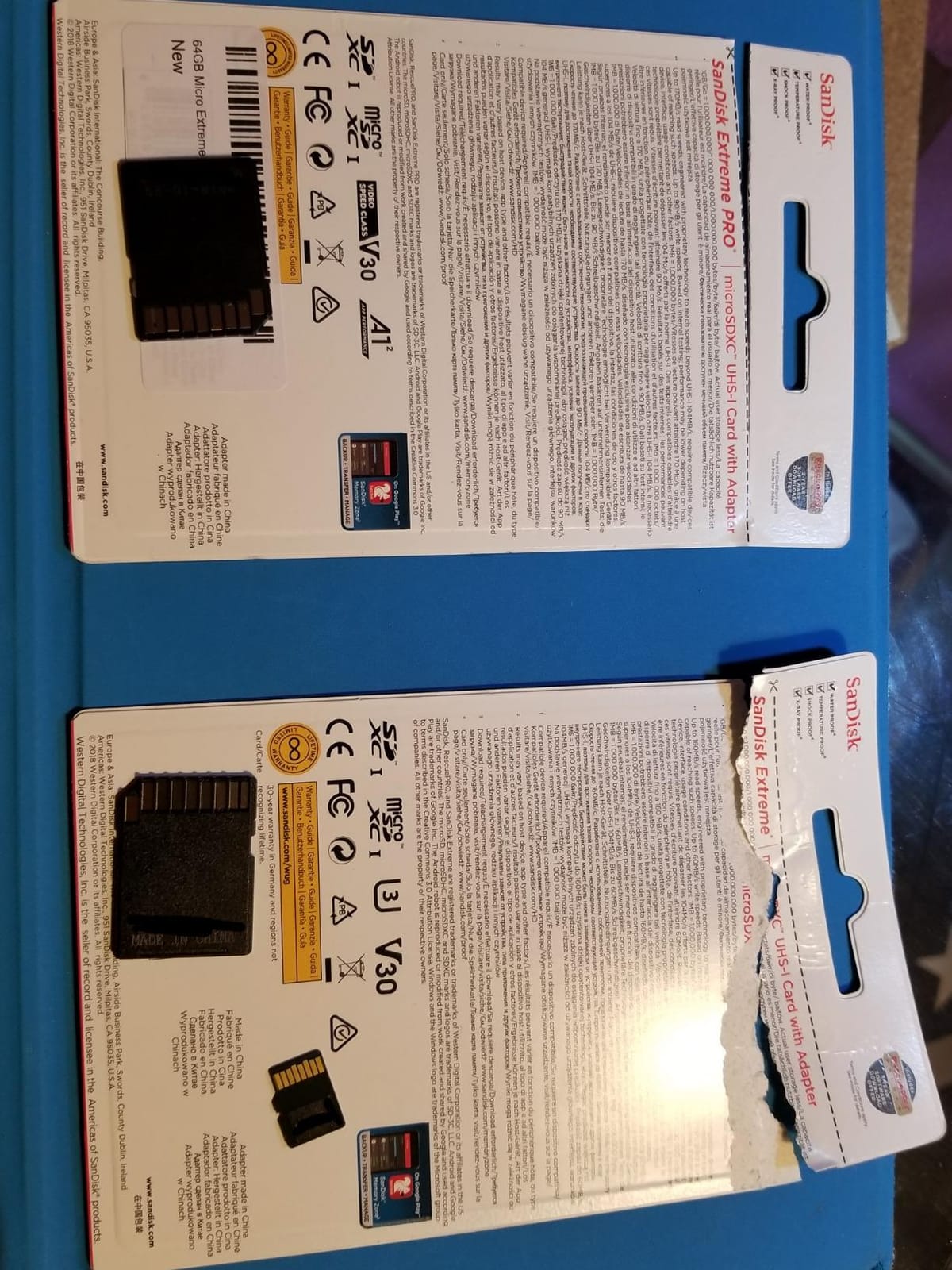
Now the part you should weigh carefully. This card carries the lowest average rating in the group at 4.3, with around 11 percent one-star reviews, and critical reviews more often describe cards that stopped being recognised or needed repeated formatting. That is a different failure pattern to the endurance cards above it, and it is exactly the pattern that leaves you with a gap in your footage.
The five-year warranty and five years of free data recovery soften that risk considerably. If a card fails, you have a service behind it, which is more than many generic cards offer.
What makes it the right fit for your dash cam
It makes sense when you need a large loop buffer and you are running a VIOFO, VANTRUE or REDTIGER camera, since the card is listed for those brands. The TLC NAND tier and the 60 MB/s write speed give a 4K single channel or a dual channel room to work.
For a first dash cam setup on a sensible budget, the capacity-to-cost ratio here is hard to argue with, and the data recovery service lowers the downside if a unit does fail.
Where this card falls short
The rating and the one-star share are the honest headline. Buyers report recognition failures and repeat formatting more often with this card than with the SanDisk, Samsung and Vantrue options, and that is a reliability signal you should not ignore for evidence footage.
It is also an A1 card rather than A2, which limits random write performance, and you get a single card rather than a two-pack, so there is no rotation spare. If the footage matters more than the cost, take a 128GB endurance card instead.
10. SanDisk Extreme 128GB – Fastest, and the Wrong Tool for the Job
SanDisk 128GB Extreme microSDXC UHS-I Memory Card with Adapter – Up to 160MB/s, C10, U3, V30, 4K, A2, Micro SD – SDSQXA1-128G-GN6MA
- Highest raw throughput here at 160 MB/s read and 90 MB/s write for offloading clips
- Full U3 and V30 ratings plus an A2 application class
- 4K UHD and Full HD ready with a very large installed base
- Lifetime limited warranty
- Temperature-proof
- waterproof
- shock-proof and X-ray-proof
- General-purpose performance card
- not rated for long continuous record and re-record duty
- Advertised speeds need a UHS-II capable host and reader
- Older cameras and action cams impose capacity limits that this size will not work with
I am including this card because it is what most people buy by mistake, not because I recommend it for recording. The SanDisk Extreme holds the highest raw throughput in this group at 160 MB/s read and 90 MB/s write, and at 4.8 across more than 350,000 ratings it is the most proven card in the roundup for everything except dash cam duty.
The problem is what it is optimised for. The Extreme line is built for burst photography, where short bursts of very fast writes are followed by idle time. A dash cam does the opposite: continuous, moderate writes interrupted only by loop overwrites, thousands of times a day. Reviews confirm the card’s weakness for surveillance-style use is that it favours burst speed rather than sustained write endurance.
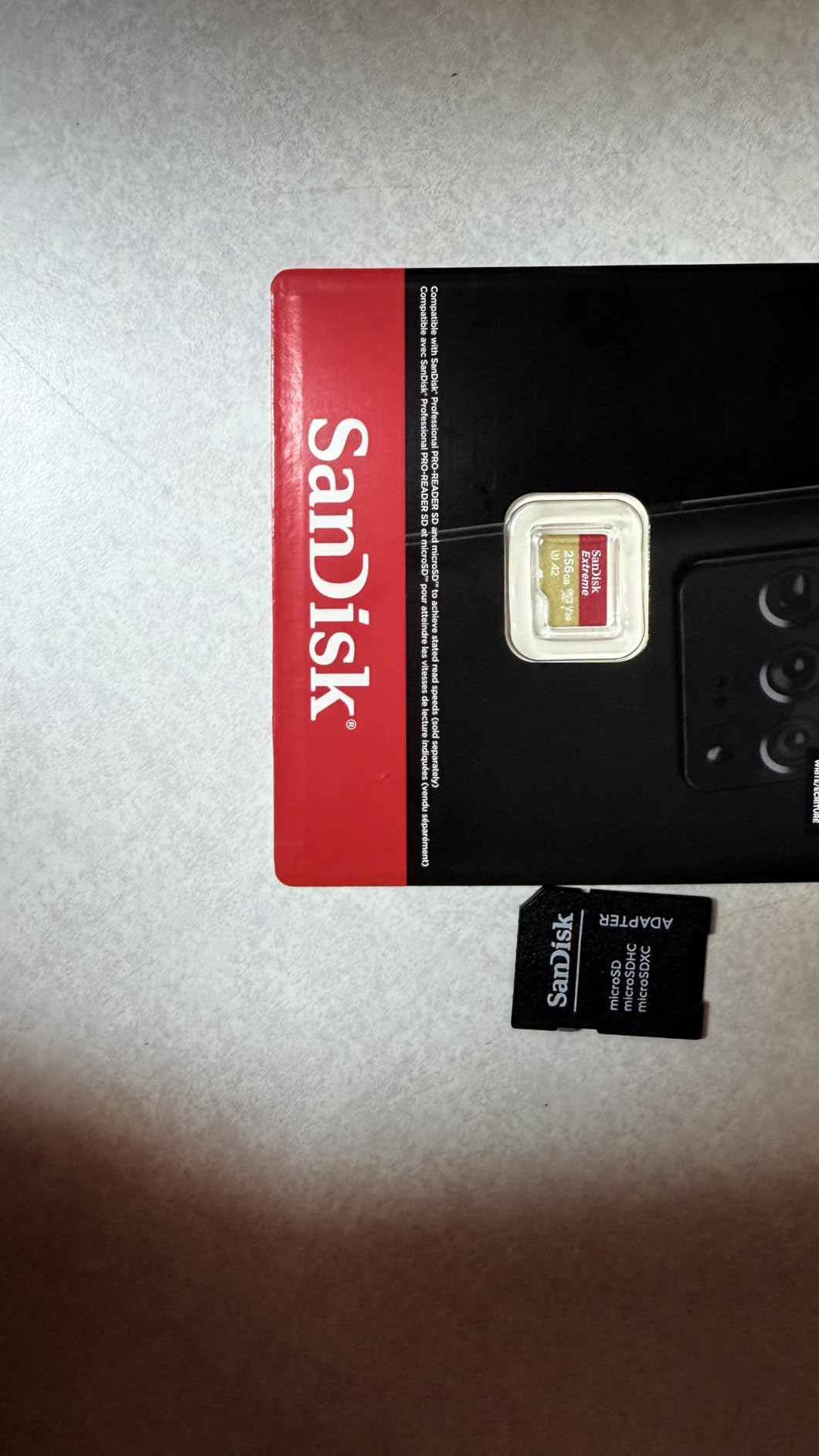
That 160 MB/s figure is also less useful than it looks. Testers consistently find that the advertised speeds only appear with a UHS-II capable host and card reader, and that cheaper readers cap out far below that. The dash cam itself is nowhere near fast enough to care.
There is one situation where it genuinely earns its place. If you pull a full day of clips to a laptop regularly, the read speed shortens transfer time considerably, and a rare minority of reviews do report file corruption after extended continuous use.
What makes it the right fit for your dash cam
Use it if your camera records 1080p occasionally rather than continuously, or if your priority is fast offloading of clips to a modern reader. The lifetime limited warranty and enormous installed base make it a low-risk card in general.
It also pairs fine with a phone, tablet or Raspberry Pi if you want one card across several devices, which is why it turns up so often in general storage guides and in the machine-learning rigs we cover in our best graphics cards for deep learning and best graphics cards for 3D rendering builds, where offloading footage and datasets matters.
Where this card falls short
It carries no endurance rating, no endurance hours and no TBW figure, which means there is no documented lifespan for constant record and re-record duty. For 24/7 parking mode or multi-channel recording, that absence is disqualifying.
Some older cameras and action cams also impose capacity limits that a 128GB card can exceed, and the same cameras can refuse it entirely. Treat it as general storage that happens to work in a dash cam, not as dash cam storage.
Key Features to Look For in a Dash Cam Card
Endurance rating is the whole decision
An endurance rating is a manufacturer’s promise that the NAND and controller are tuned for repeated record and re-record cycles rather than burst capture. SanDisk uses High Endurance and MAX Endurance, Samsung uses PRO Endurance, Kingston and Transcend use High Endurance, and camera brands like VIOFO and Vantrue sell their own industrial grade cards. Treat a card with no endurance branding as general-purpose storage.
When a rating is published, read the conditions. SanDisk’s High Endurance is quoted at up to 10,000 hours, the MAX Endurance 256GB at up to 120,000 hours and Samsung’s PRO Endurance at up to 140,000 hours, but the SanDisk figures are tied to Full HD recording and fall for 4K. Transcend takes a different approach and publishes total bytes written, up to 170 TB, which is easier to plan against.
Speed class matched to your recording mode
There are four rating systems printed on the front of every card and only some of them matter here. Class 10 is the minimum sequential write floor. U1 and U3 are UHS Speed Classes, with U3 guaranteeing at least 30 MB/s of sustained write. V30 is the Video Speed Class, which reserves bandwidth so a recording never gets interrupted by another task.
A1 and A2 are application performance classes for random write and app loading. They matter for phones and tablets and are close to irrelevant for a dash cam. Here is the match:
1080p front-only camera: Class 10 and U1 is enough, with a V30 rating preferable for safety margin.
1080p front and rear dual channel: Class 10, U3 and V30. Two simultaneous streams push the sustained write requirement up.
2K or 1440p single channel: U3 and V30, with at least 30 MB/s of guaranteed write.
4K single channel: U3 and V30, and 40 MB/s or more of real sustained write to avoid dropped frames.
3-channel 4K with a cabin camera: U3 and V30 with 60 MB/s or more of write headroom, and 256GB or more of capacity.
One more caution about A2 ratings. A higher application class sometimes indicates a newer controller that older dash cam firmware does not recognise properly, so an A2 card is not automatically a better choice for a camera built in an earlier era.
Capacity is set by the camera, not by the shelf
The community default is 128GB, and for a single-channel 1080p camera that is a sensible starting point. 256GB is worth the step up for dual-channel 4K work or heavy parking mode use, because the loop window scales with capacity and you want the incident clip plus the context before it.
The trap is going bigger than your camera supports. A 512GB card in a camera with a 256GB ceiling will either be rejected outright or trigger card slow behaviour, and forum members report brand-new high-capacity cards that work for a day and then fail. Check the maximum supported capacity in your camera manual before you buy, not after.
Watch your loop buffer too. If the G-sensor sensitivity is high or parking mode is aggressive, the camera locks every clip as a protected event, and those locked files are never overwritten. Your 256GB effectively shrinks to something much smaller until you clear them.
The number on the front is peak read speed
The large number on the packaging is a peak read speed, which describes how fast the card can pull data back out. A dash cam only ever writes. The figure that decides whether your recordings work is sustained write speed, and it is typically a fraction of the read number.
That is why a card advertising 100 MB/s read with 40 MB/s write, like the SanDisk High Endurance, behaves completely differently in a camera from a card advertising 160 MB/s read and 90 MB/s write, like the SanDisk Extreme. Both can write 4K video, but only one is engineered to do it again tomorrow, and the following month, and the month after that.
Forum users have made exactly this comparison. Vantrue’s own card advertises 90 MB/s write against a 40 MB/s alternative, and the community reads sustained write figures off the packaging precisely because the read numbers are not comparable between brands.
Compatibility, Card Slow Errors and Counterfeits
Model-by-model compatibility beats brand reputation
The single most common reason a good card fails is not the card. It is the camera rejecting it. Dash cam brands publish their own recommended card lists, and those lists are frequently narrower than people expect: one VIOFO owner pointed out on r/Dashcam that the Max Endurance card is on the approved list while the High Endurance is not, even though both are endurance cards from the same manufacturer.
Compatibility is genuinely model-specific rather than brand-specific. One BlackVue 650GW-2CH owner on r/Dashcam has reported repeated corruption of 128GB cards after trying cards from multiple major brands, which is the clearest example of a camera-specific limit overriding a card’s reputation.
So the order of operations is simple. Read your camera manual, find the maximum supported capacity, check whether the manual names a specific approved card or list, and only then choose from this roundup. A card outside that list can work perfectly, but you should know that you are testing it rather than following a supported configuration.
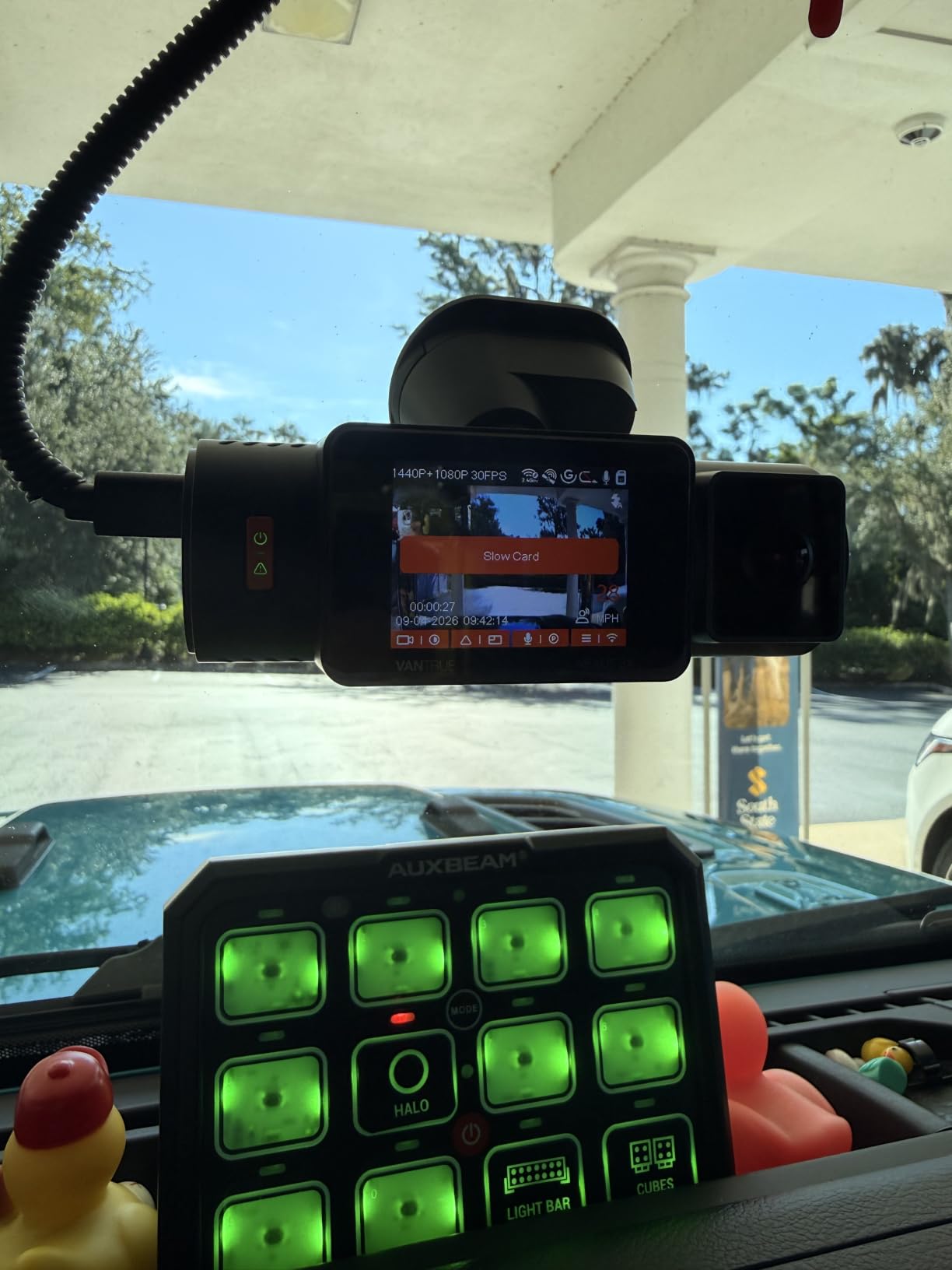
Fix card slow and format card errors
These two warnings look like a card problem and are often a formatting or capacity problem. Work through these in order before you discard a card:
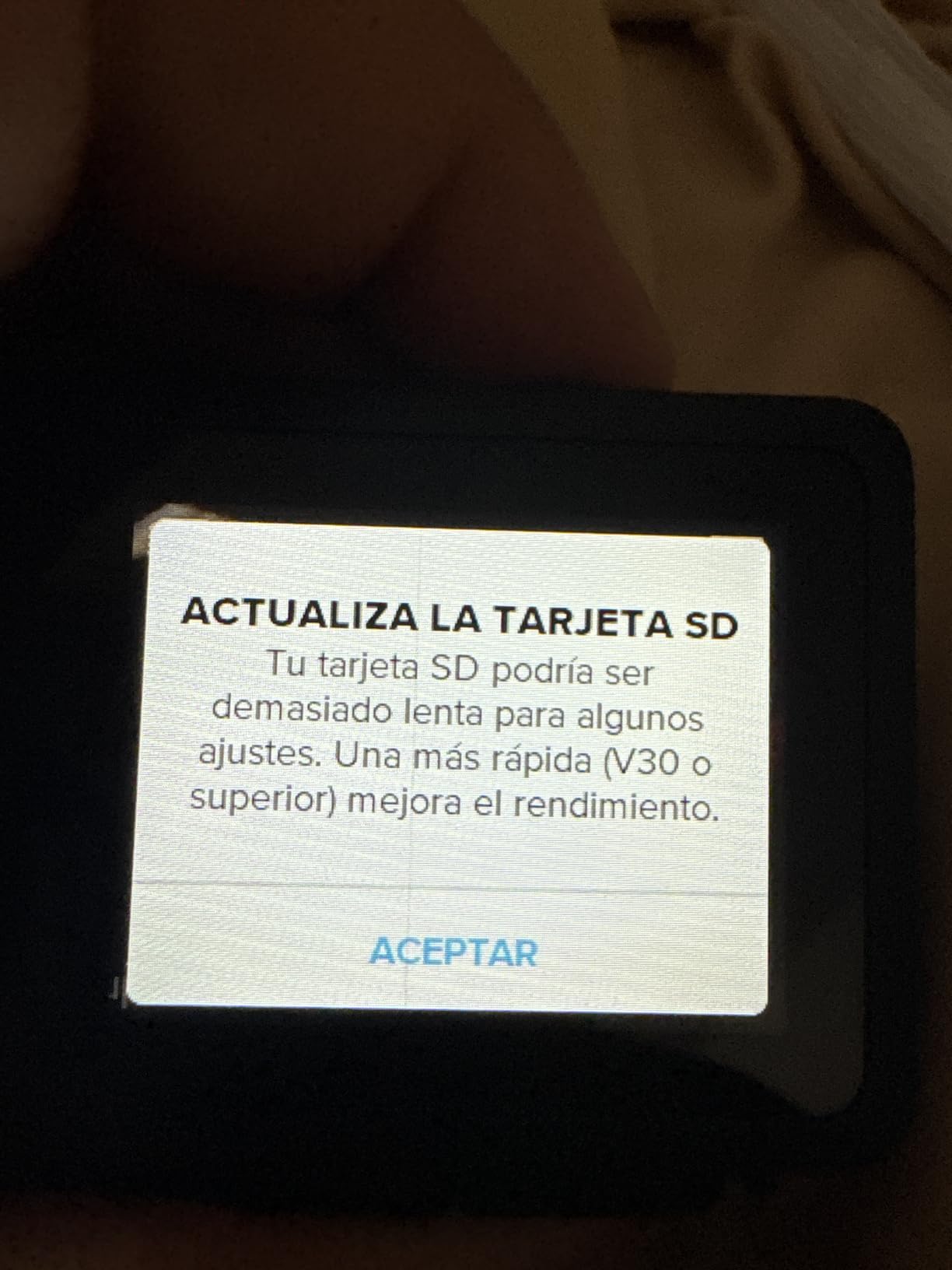
Format the card in the camera, not on a computer. Formatting on a PC or Mac writes a filesystem the camera may not read, which produces refused recordings and single short clips. Use the dash cam’s own format option.
Check the capacity ceiling. A card larger than the camera’s stated maximum is the most common cause of a slow card warning on a brand-new card.
Match the speed class to the recording mode. A card rated below U3 and V30 will struggle with 4K or multi-channel recording even if it is an endurance card.
Test with a short, low-resolution recording. If the camera accepts 1080p but not 4K, the write speed is the limiting factor rather than the card being faulty.
Try a second card before buying a third. A card that works in another device is a good sign; a card that no device recognises points to a defective unit or a counterfeit.
Stop using a card that corrupts files. Corrupted or missing clips discovered when you need footage are the end result of a worn card, and no amount of reformatting changes that.
Never record to the card through an SD adapter in a computer. The adapter is a passive shell, and using it for recording rather than transferring is called out as a deal breaker by dash cam owners for good reason.
Five checks that catch a counterfeit card
False capacity cards are a real problem on marketplace listings, and they fail in the worst possible way: they accept a recording, then lose it. Here is how to catch one early.
Check the price against the market. A 512GB card priced far below every other listing is the single most reliable warning sign.
Inspect the label. Counterfeit cards show soft printing, inconsistent fonts, misaligned text or a logo that does not quite match the real thing.
Verify the full capacity before you trust it. Write the entire card with a verification tool and read it back, rather than relying on what the operating system reports.
Look at the physical card weight and finish. Genuine cards have consistent thickness and weight, and reputable brands print the capacity and ratings on the card itself, not just on the packaging.
Buy from the manufacturer or an established retailer. The single most common piece of advice across the forums we reviewed is to avoid unknown sellers entirely, and it is the cheapest risk reduction available.
How to Install, Format and Maintain Your Dash Cam Card
Confirm compatibility first. Check your dash cam manual for the maximum supported capacity and any approved card list. This step prevents most failures.
Format the card inside the camera. Power the camera down, insert the new card, and use the camera’s own format function. Never format the card on a computer for use in a dash cam.
Confirm the card is recognised properly. After formatting, check that the camera shows the correct capacity and that recording starts immediately without a slow card warning.
Record a 15-minute test drive. Play back several clips and confirm the date, time and resolution are correct before you rely on the card for evidence.
Adjust G-sensor sensitivity if clips are being locked constantly. Too many protected files silently shrink your usable loop space.
Review the footage after the first hot day. Cards that fail in a parked car often behave normally until the temperature climbs, so this is the first realistic stress test.
Replace on a schedule, not on failure. Continuous writing is a consumable wear process. Use the published endurance hours or TBW figure on the card to estimate when, and swap in a fresh card before problems appear.
Use the included SD adapter for transfers only. Pull clips to a laptop or phone, then return the card to the camera untouched.
On lifespan, treat the card as a consumable. Loop recording writes over the same blocks continuously and NAND cells wear with every cycle. Endurance figures published in Full HD hours or total bytes written give you a defensible replacement interval, whereas a card with no rating gives you nothing to plan against.
Frequently Asked Questions
Which microSD card is best for a dash cam?
The best microSD card for a dash cam is a high-endurance card rated Class 10, U3 and V30, in 128GB or 256GB, and no larger than your camera supports. The SanDisk High Endurance 128GB is the safest default for most vehicles, while the SanDisk MAX Endurance 256GB suits 4K dual-channel and heavy parking mode use.
What size SD card is best for a dash cam?
For a single-channel 1080p camera, 128GB is the community default and gives a useful loop buffer. Dual-channel 4K recording, a cabin camera or 24/7 parking mode all push you toward 256GB. Always check your dash cam manual for the maximum supported capacity, because a card larger than the camera’s limit is the most common cause of card slow warnings.
Which SD card is best for a 4K dash cam?
A 4K dash cam needs a card rated at least Class 10, U3 and V30 with 40 MB/s or more of sustained write speed. The SanDisk MAX Endurance 256GB and the Samsung PRO Endurance are the strongest endurance options, while the VIOFO and Vantrue 256GB cards add 80 MB/s of write headroom for multi-channel recording.
Why does my dash cam say slow card?
The most common causes are a card larger than the camera’s maximum supported capacity, a speed class below what your recording mode needs, a card formatted on a computer instead of in the camera, or a worn card that can no longer sustain its rated write speed. Format in the camera, confirm the capacity limit in the manual, and test at a lower resolution to see whether the write speed is the constraint.
How long does a microSD card last in a dash cam?
A dash cam card is a consumable because loop recording overwrites the same blocks continuously. Endurance ratings are published as hours, such as up to 10,000 hours of Full HD for the SanDisk High Endurance, or as total bytes written, such as up to 170 TB for the Transcend 350V. Those figures assume Full HD duty, so 4K recording consumes endurance faster, and you should plan a replacement schedule rather than waiting for a failure.
The Best microSD Cards for Dash Cams: Final Word
For most drivers, the best microSD card for a dash cam is the SanDisk High Endurance 128GB, because endurance rating, proven long-term reliability and a lifetime warranty line up at a sensible capacity. If you run 4K dual-channel recording, heavy parking mode or a cabin camera, move up to the SanDisk MAX Endurance 256GB for a longer loop window and the longest warranty in this group, or the Samsung PRO Endurance if you want the highest published endurance figure with a five-year warranty.
Add the Vantrue or VIOFO 256GB cards when write headroom or extreme temperature matters, and the Transcend 350V when you want a lifespan you can actually calculate. Whatever you choose in 2026, confirm the capacity limit in your camera manual first, format the card inside the camera, and avoid the consumer performance cards that are fast but not rated for constant writing.