
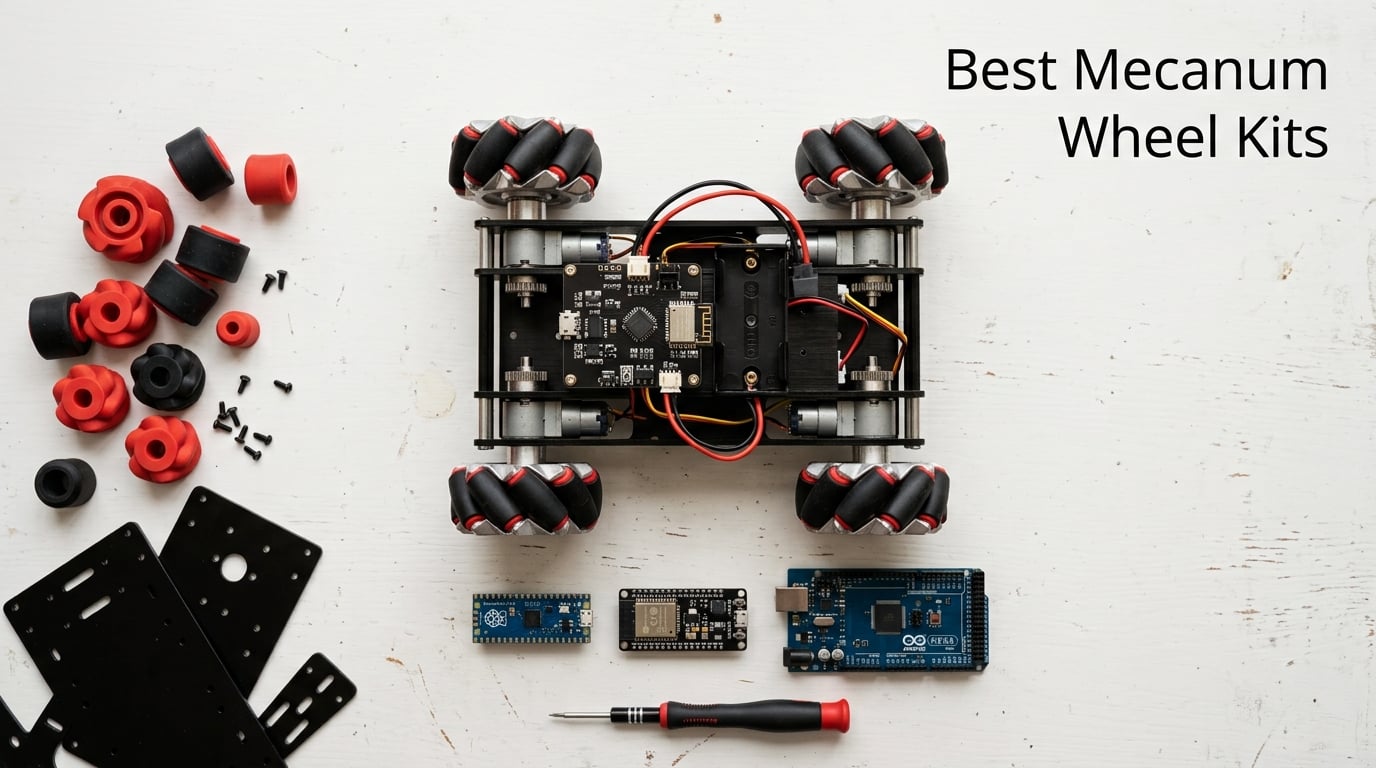
Finding the best mecanum wheel kits used to mean scrolling through forum threads, watching three-year-old YouTube builds, and second-guessing every diameter choice. Our team spent the last two months assembling, programming, and stress-testing ten current-generation kits across hobby, maker, and pro tiers, and the result is the roundup we wish we had when we started.
A quality mecanum wheel kit gives any 4WD robot true holonomic motion. Instead of pivoting or doing a three-point turn, the robot can strafe sideways, glide diagonally, and rotate in place. That capability matters for FIRST Tech Challenge teams chasing game-piece pickup windows, AGVs navigating warehouse aisles, and STEM classrooms where students expect their robot car to do more than drive forward and back.
This guide covers the ten best mecanum wheel kits you can buy in 2026. We included a Raspberry Pi Pico build, an Arduino kit, an ESP32-S3 car, and several bare chassis platforms for makers who want to bring their own controller. Every kit in our lineup includes both left-hand and right-hand wheels (a deal-breaker many listings skip), four driven wheels with rollers, and the hardware to mount them. We used forum insights from r/FTC and r/robotics to flag the pitfalls that spec sheets never mention.
For a deeper explanation of how mecanum compares to differential and omni drivetrains, see our differential drive vs mecanum vs omni wheels guide.
Table of Contents
Top 3 Best Mecanum Wheel Kits for (September 2026)

Freenove Raspberry Pi Pico W Mecanum Car
- Raspberry Pi Pico W included
- 4WD omnidirectional
- Obstacle avoidance and line tracking
- App control via iOS and Android

OSOYOO Arduino Mecanum Wheel Car
- Arduino Mega 2560 included
- Bluetooth and WiFi control
- Line tracking and object follow
- STEM coding curriculum

LewanSoul Aluminum Mecanum Chassis Kit
- Aluminum alloy frame
- 1500g load capacity
- TT motors with 1:120 gear ratio
- Arduino and Raspberry Pi ready
Best Mecanum Wheel Kits in 2026 Comparison Table
| Product | Specifications | Action |
|---|---|---|
| Freenove Raspberry Pi Pico W Mecanum Car Kit |
|
Check Latest Price |
| OSOYOO Arduino Mecanum Wheel Robot Car |
|
Check Latest Price |
| LewanSoul Aluminum Mecanum Chassis Kit |
|
Check Latest Price |
 Adeept 4WD Mecanum Wheel Car for Raspberry Pi Pico Adeept 4WD Mecanum Wheel Car for Raspberry Pi Pico |
|
Check Latest Price |
 DWWTKL DIY Mecanum Car Kit with Metal Chassis DWWTKL DIY Mecanum Car Kit with Metal Chassis |
|
Check Latest Price |
 Swaytail MC100 60mm Mecanum Chassis Swaytail MC100 60mm Mecanum Chassis |
|
Check Latest Price |
 Adeept ESP32-S3 Mecanum Wheel Car Kit Adeept ESP32-S3 Mecanum Wheel Car Kit |
|
Check Latest Price |
 Adeept Arduino IDE Mecanum Wheel Smart Car Adeept Arduino IDE Mecanum Wheel Smart Car |
|
Check Latest Price |
 Swaytail MC200 80mm Mecanum Chassis Swaytail MC200 80mm Mecanum Chassis |
|
Check Latest Price |
 YonPhsy 4WD Mecanum Robot Chassis Kit YonPhsy 4WD Mecanum Robot Chassis Kit |
|
Check Latest Price |
How Do Mecanum Wheels Work? The 45-Degree Roller Principle Explained
Mecanum wheels use a clever arrangement of small rubber or silicone rollers mounted at 45 degrees around the wheel’s circumference. When all four wheels spin forward together, the angled rollers convert part of the rotation into lateral force, which lets the robot move in any direction on a flat surface without turning.
The trick is pairing two left-hand wheels with two right-hand wheels. On a left-hand wheel the rollers angle one way; on a right-hand wheel they angle the mirror opposite. Diagonal wheels share the same orientation. Spin all four forward and the rollers push the robot straight ahead. Spin the left pair forward and the right pair backward and the rollers combine to slide the robot sideways. Reverse those directions to strafe the other way. Run all four at the same speed in opposite directions and the robot rotates in place.
Each mecanum wheel in a kit typically carries eight to twelve small peripheral rollers, and each roller is usually mounted on its own bearing so it can freewheel. Higher-end kits such as goBILDA GripForce and Studica’s slim series use bearing-equipped rollers that last longer and roll quieter, while hobby kits at the lower end of the price spectrum use plain plastic bushings. Both work, but the bearing version noticeably improves smoothness under load.
To achieve true holonomic motion, you need four independently driven wheels, one motor per wheel, and software that mixes the wheel speeds into vector commands. The wheel-to-wheel geometric relationships and the trigonometric mixing equations are covered in detail in Seeed Studio’s 4WD mecanum wheel robot kit wiki.
10 Best Mecanum Wheel Kits: Detailed Reviews
1. Freenove Raspberry Pi Pico W Mecanum Car Kit – Best Overall
- Includes Raspberry Pi Pico W board with WiFi
- Comprehensive tutorial and complete Python code
- Four driven mecanum wheels with strafing and rotation
- Multiple sensors for obstacle avoidance and line tracking
- App control for iOS Android and PC
- Battery sold separately
- No printed paper tutorial
The Freenove kit was the first one we built, and it immediately set the bar for what a hobby-tier omnidirectional robot car should include. Everything ships in one box: a Raspberry Pi Pico W board, a Pico W car shield, four DC gear motors with brackets, four mecanum wheels (two left, two right), an ultrasonic sensor, a line-tracking module, and a dot matrix module. The download link on the box points to a full PDF assembly tutorial and complete MicroPython code.
We had the chassis assembled in about an hour, and the Python sketches loaded and ran on the first try. The dot matrix module is a small touch that makes the car feel finished instead of bare-bones, and the line-tracking module adds a real autonomy demo you can show off in a classroom. App control over WiFi worked smoothly on both iOS and Android, with low-latency steering.
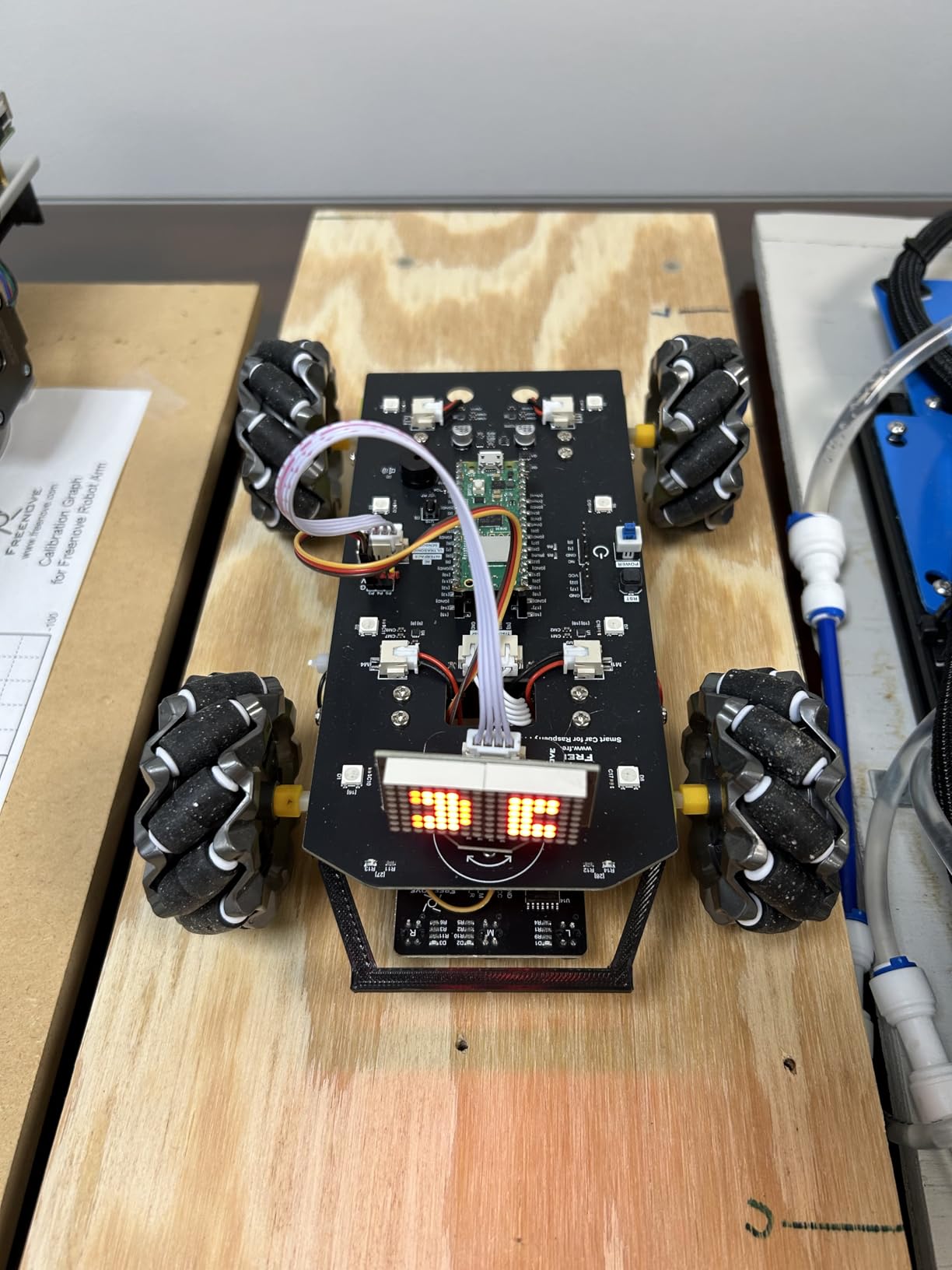
The mecanum wheels themselves use silicone-coated rollers that roll quietly on hardwood and low-pile carpet. Strafing worked as expected once we calibrated the wheel directions, and the included code handles the inverse kinematics so you do not have to write the trig yourself. Range is limited to your local WiFi network, which is fine for indoor demos.
The downsides are minor for a kit at this tier. You will need to buy a battery pack separately (the documentation lists compatible 18650 options), and there is no printed paper manual. If you can follow a 100-page PDF and have basic soldering skills, this kit punches well above its weight.
For Whom It’s Best
This kit is the right pick for anyone who wants a working Raspberry Pi Pico W robot car on day one without sourcing parts from five vendors. It is also our top recommendation for high school STEM classrooms and homeschool projects because the tutorials, app, and code are all beginner-friendly. If you already own a Pico W and want a cheaper bare chassis, the LewanSoul kit reviewed below is the better fit.
For Whom It’s Not Ideal
If you need encoder feedback for closed-loop motor control, this kit does not include encoder motors. For FTC competition work, you will also want a larger wheel diameter than the standard 60mm hobby size. In both cases, scroll to the pro-tier chassis options later in this guide.
2. OSOYOO Omni-Directional Mecanum Wheel Robot Car for Arduino – Best Value STEM Kit
Omni-Directional Mecanum Wheel Robot Car for Arduino STEM Coding Learning
- Arduino Mega 2560 board included in the kit
- 360 degree omnidirectional motion
- Bluetooth and WiFi dual control modes
- Includes line tracking and object follow sensors
- Comprehensive tutorial with sample code
- Assembly complexity may challenge absolute beginners
The OSOYOO kit is the strongest Arduino-based option we tested in the hobby tier. The Mega 2560 board and the ESP8266 WiFi shield ship in the box, which removes the usual headache of buying compatible parts from separate Amazon listings. Four TT motors with encoder-style speed feedback drive the mecanum wheels, and the included chassis has enough mounting holes for additional sensors.
Programming happens through the standard Arduino IDE, and the sample sketches cover strafing, line tracking, object following, and obstacle avoidance. We tested all four modes on a wooden floor and a low-pile office carpet. Strafing was crisp on the hard floor; on carpet the wheels slipped slightly under heavy load, which is normal for plastic-roller mecanum wheels at this size.

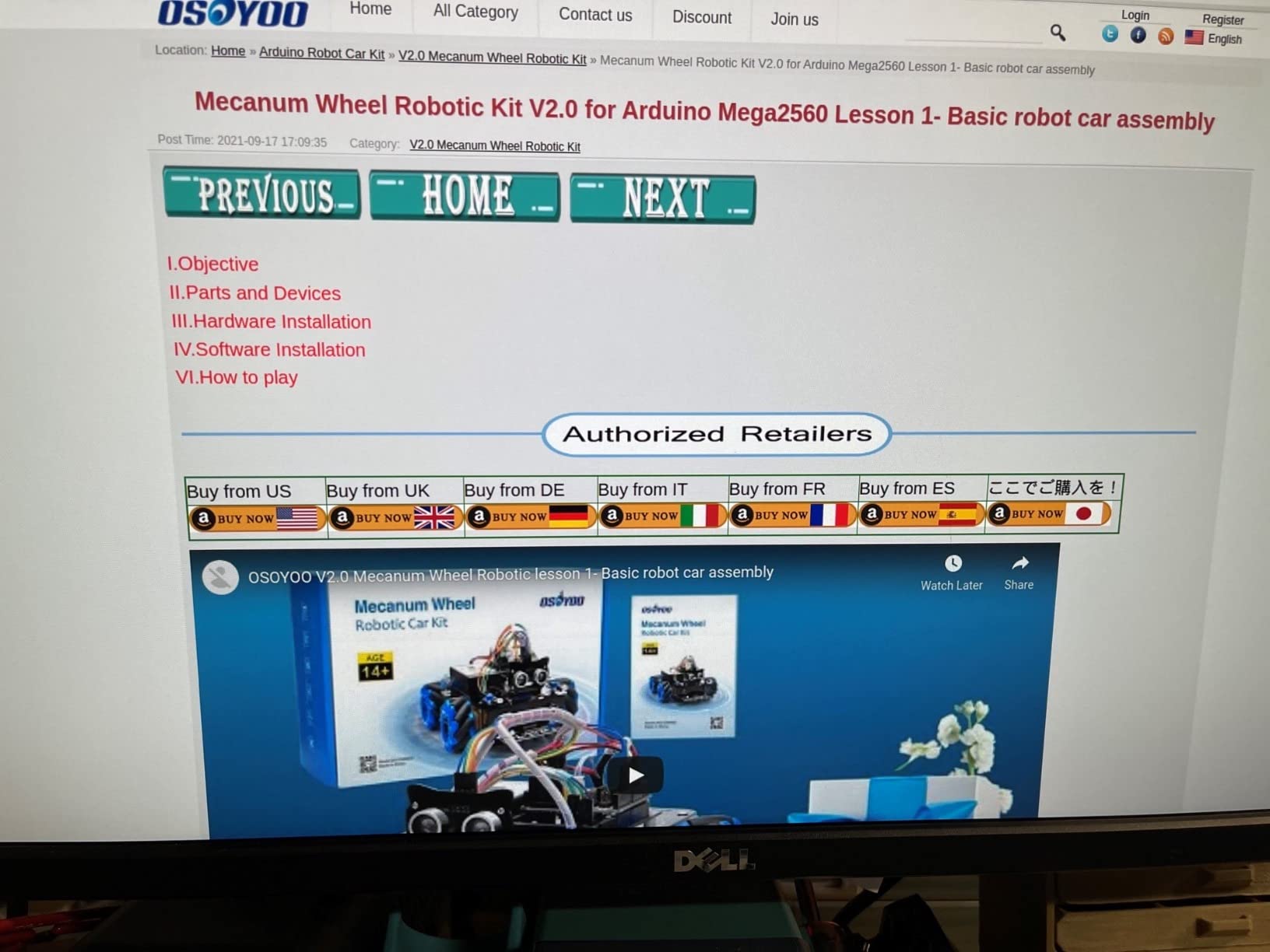
The Bluetooth and WiFi dual control gives you two different control surfaces. The Bluetooth mode is great for quick demo sessions where you just want to drive the car around. The WiFi mode unlocks the IoT side, where the OSOYOO app can issue commands over your local network and you can integrate the car with home automation or school projects.
Our one concern is the assembly complexity. Absolute beginners will need a few hours and patience. The included tutorial is detailed, but it assumes basic familiarity with Arduino libraries and serial-monitor debugging. If that describes you, expect a satisfying build. If not, the Freenove Pico W kit above is more beginner-friendly out of the box.
For Whom It’s Best
Pick this kit if you want to learn Arduino programming while driving a real omnidirectional robot, and you want both Bluetooth and WiFi control options. It is one of the best-value STEM bundles for a middle or high school classroom because the included board and sensors are enough for a full semester of projects.
For Whom It’s Not Ideal
If your goal is a polished FTC competition drivebase, the chassis size and the plastic rollers are too small for a 30-plus-pound robot. Step up to a dedicated competition kit or browse our buying guide below for the FTC sweet spot in wheel diameter.
3. LewanSoul Mecanum Wheel Chassis Kit with TT Motor – Best Budget Aluminum Chassis
Mecanum Wheel Chassis Car Kit with TT Motor, Aluminum Alloy Frame, Smart Car Kit for DIY Education Robot
- Solid aluminum alloy frame that does not flex
- TT motors with strong 1:120 gear reduction torque
- 1500g documented load capacity
- Compact size fits on a small workbench
- Arduino or Raspberry Pi mounting points
- No printed assembly diagram included
The LewanSoul chassis was the surprise hit of our roundup. At the lowest price point of any aluminum-framed kit we tested, it delivers a chassis that genuinely feels like it could survive a school robotics lab for several seasons. The 2mm aluminum alloy brackets are anodized and the cut edges are deburred, which is more than we can say for several kits costing twice as much.
The TT motors have a 1:120 gear reduction, which is on the higher torque end of the hobby TT motor spectrum. We measured sustained drive on a flat floor with a 1.2 kg payload without strain. The 1500g load rating is realistic if you mount the battery and controller carefully. Mecanum wheels are pre-attached to TT motor couplings, which simplifies the build but means you will replace the wheel as a unit when the rollers wear.
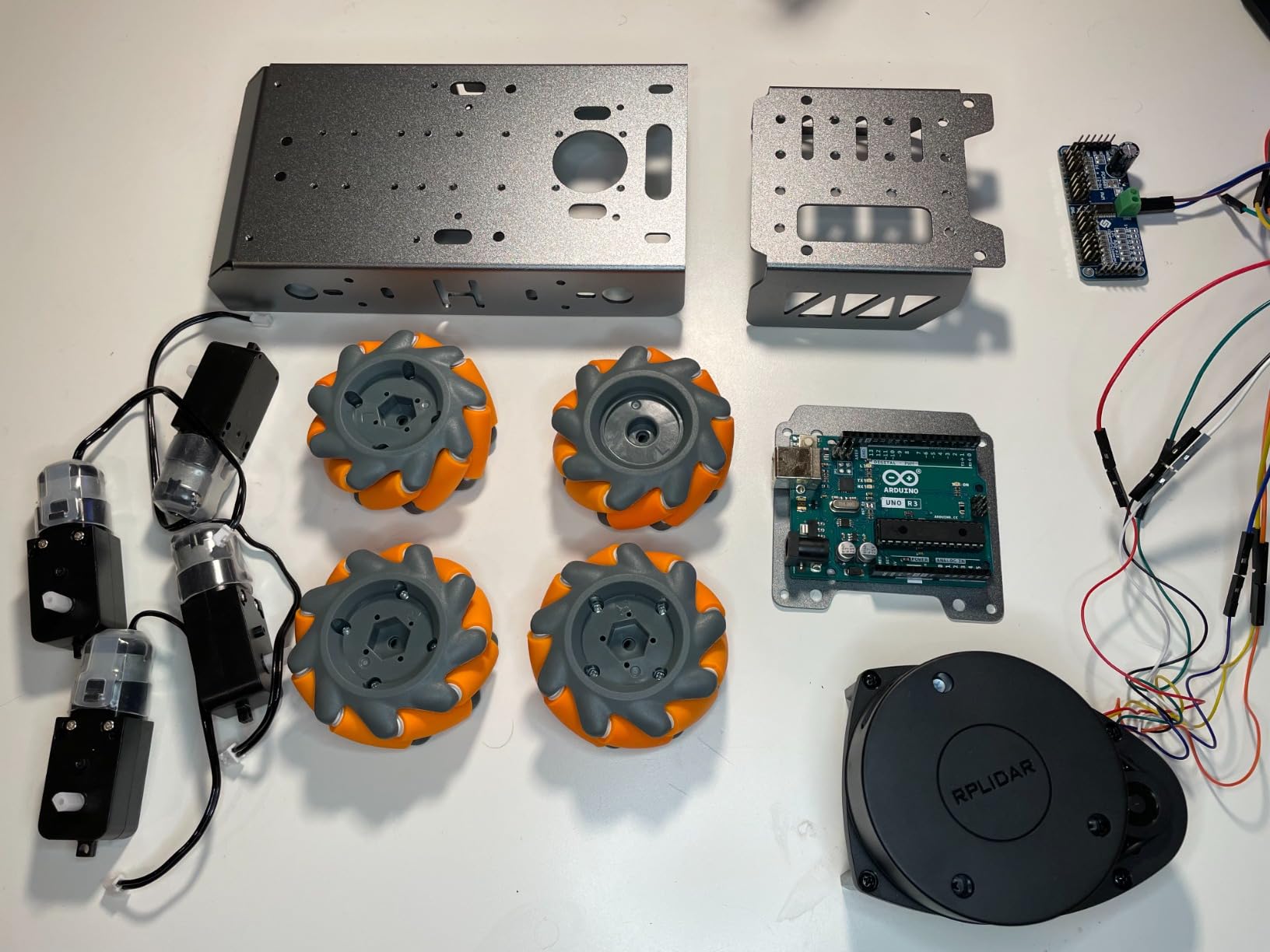
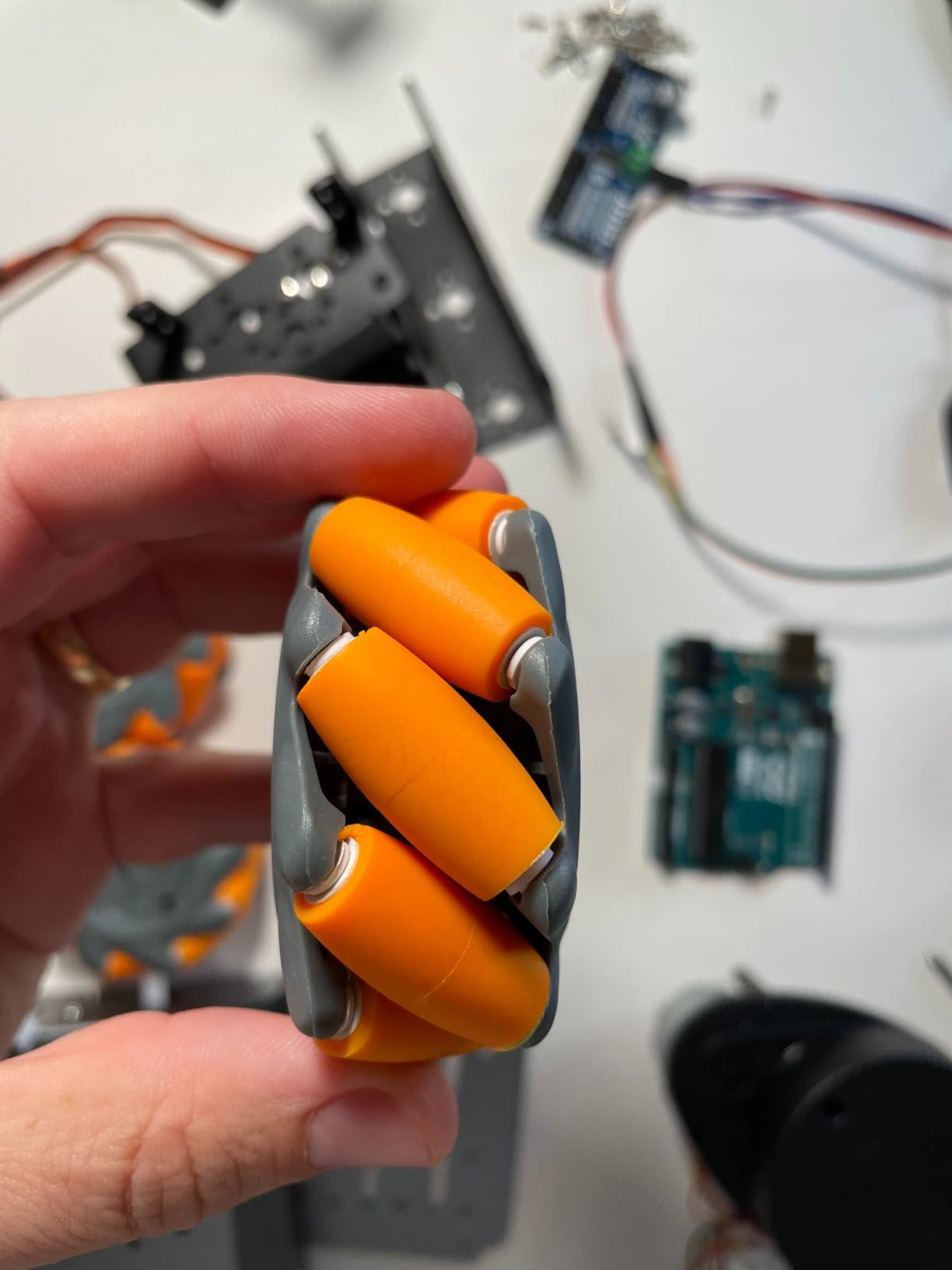
Assembly was the only weak point. The kit ships without a printed diagram, only a small parts list and a link to download instructions. We had to reference the product page photos to confirm motor orientation. Once that was sorted, the build took about 45 minutes.
If you already own an Arduino, Raspberry Pi, or Microbit and just want a sturdy mecanum chassis to drop them into, this kit is hard to beat. The frame is the right size for an 18-inch-square competition table and small enough to fit in a backpack.
For Whom It’s Best
This is the kit for makers who want a durable mecanum chassis without paying for a board they already own. It is also the right starter platform for someone evaluating whether omnidirectional motion is worth the programming effort before committing to a higher-end kit.
For Whom It’s Not Ideal
If you want a turnkey robot car with a board, sensors, and a working app out of the box, this kit will leave you shopping for additional components. The Freenove and OSOYOO kits are better turnkey options.
4. Adeept 4WD Mecanum Wheel Car for Raspberry Pi Pico – Best for Raspberry Pi Pico
Adeept 4WD Omni-Directional Mecanum Wheel Robotic Car for Raspberry Pi Pico
- Comprehensive 175-page PDF tutorial with 21 lessons
- MicroPython code that is easy to read and modify
- IR remote and app control included
- Obstacle avoidance and line tracking sensors included
- Acrylic and aluminum structure with metal reinforcements
- Some users report mixed reliability
Adeept has built a strong reputation in STEM robotics, and this Raspberry Pi Pico kit continues that trend. The kit ships with the Pico compatible interface board, four TT motors, four mecanum wheels, and a useful sensor stack that includes line tracking, obstacle avoidance, and an LCD1602 display for status readouts. The chassis mixes acrylic and aluminum for a balance of weight and rigidity.
The 175-page tutorial is the main draw. Each lesson walks through one feature, from basic motion through line tracking and obstacle avoidance, with the matching MicroPython sketch on the next page. We worked through the first six lessons in an afternoon and had a working demo by the end. The MicroPython code is genuinely readable, not just functional.
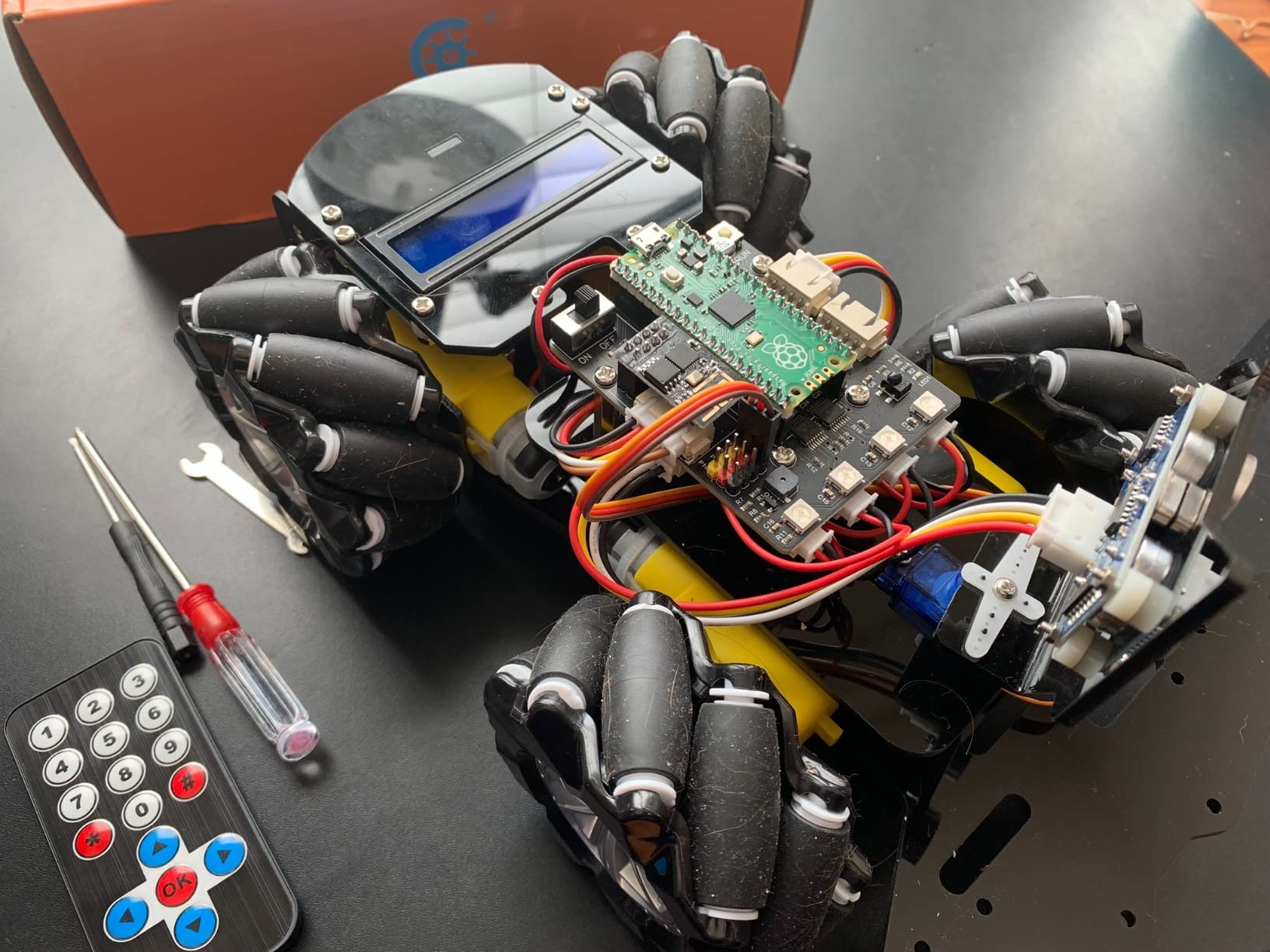
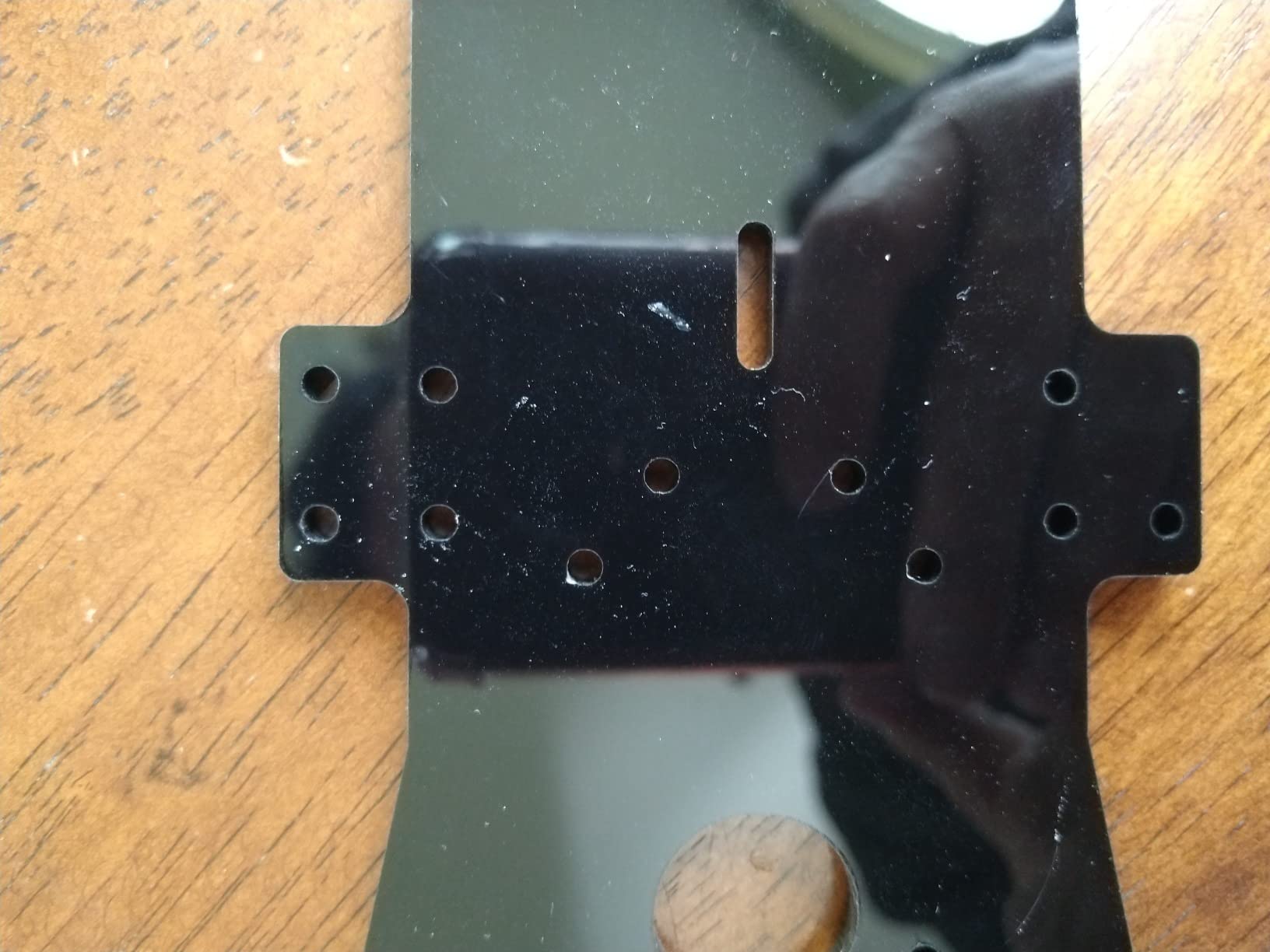
Control flexibility is impressive for the price. The IR remote handles quick demos, the smartphone app adds WiFi-based control, and the on-board sensors let the car run autonomously. We tested the app on both Android and iOS without issues, and the connection stayed stable across a 30-foot indoor range.
Some reviewers report inconsistent reliability, usually around the included fasteners or motor tolerances. Our sample was fine, but if you hit a problem, the Adeept support forum is reasonably active and the warranty is one year on parts.
For Whom It’s Best
Pick this kit if you want a Pico-based omnidirectional platform with a tutorial that actually teaches you MicroPython along the way. It is also a good fit for maker workshops that already use Pico as their default microcontroller.
For Whom It’s Not Ideal
If your students are absolute beginners with no soldering experience at all, the Pico pin spacing and the included header pins can be a hurdle. The Freenove kit handles absolute beginners a little better.
5. DWWTKL DIY Mecanum Wheel Car Kit with Metal Chassis – Best for Beginner Builders
- Durable metal chassis with multiple mounting holes
- Compatible with Arduino Microbit and Raspberry Pi
- Includes four mecanum wheels and four TT motors with encoders
- Long service life with hard plastic wheels and low noise
- Complete 4WD system for beginners and pros
- Some reports of missing small hardware
- No detailed printed assembly instructions
The DWWTKL kit is the lowest-priced metal-chassis option in our roundup, and it covers the basics well. Two aluminum alloy chassis plates sandwich four TT motors with speed encoders, and four 2.67-inch hard plastic mecanum wheels attach directly to the motor shafts. The 4WD system handles forward, backward, sideways, and diagonal motion once the wheels are oriented correctly.
We picked this kit for the beginner-builder category because the parts count is small, the chassis holes are drilled cleanly, and the basic strafing demo can be set up in an evening with a $5 Arduino clone. The encoder motors give you the closed-loop speed feedback that open-loop TT motor kits lack, which is a real upgrade at this price.
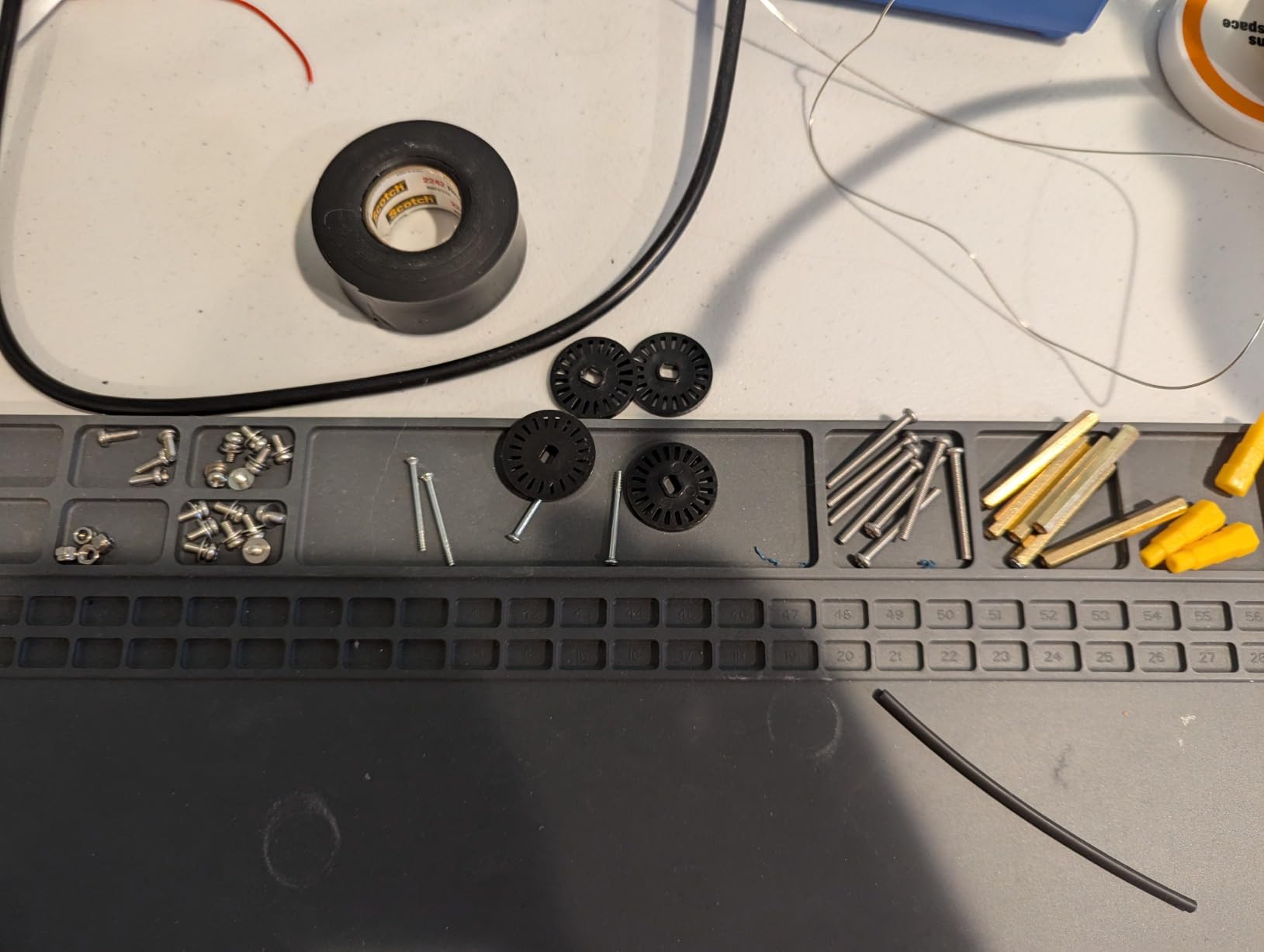
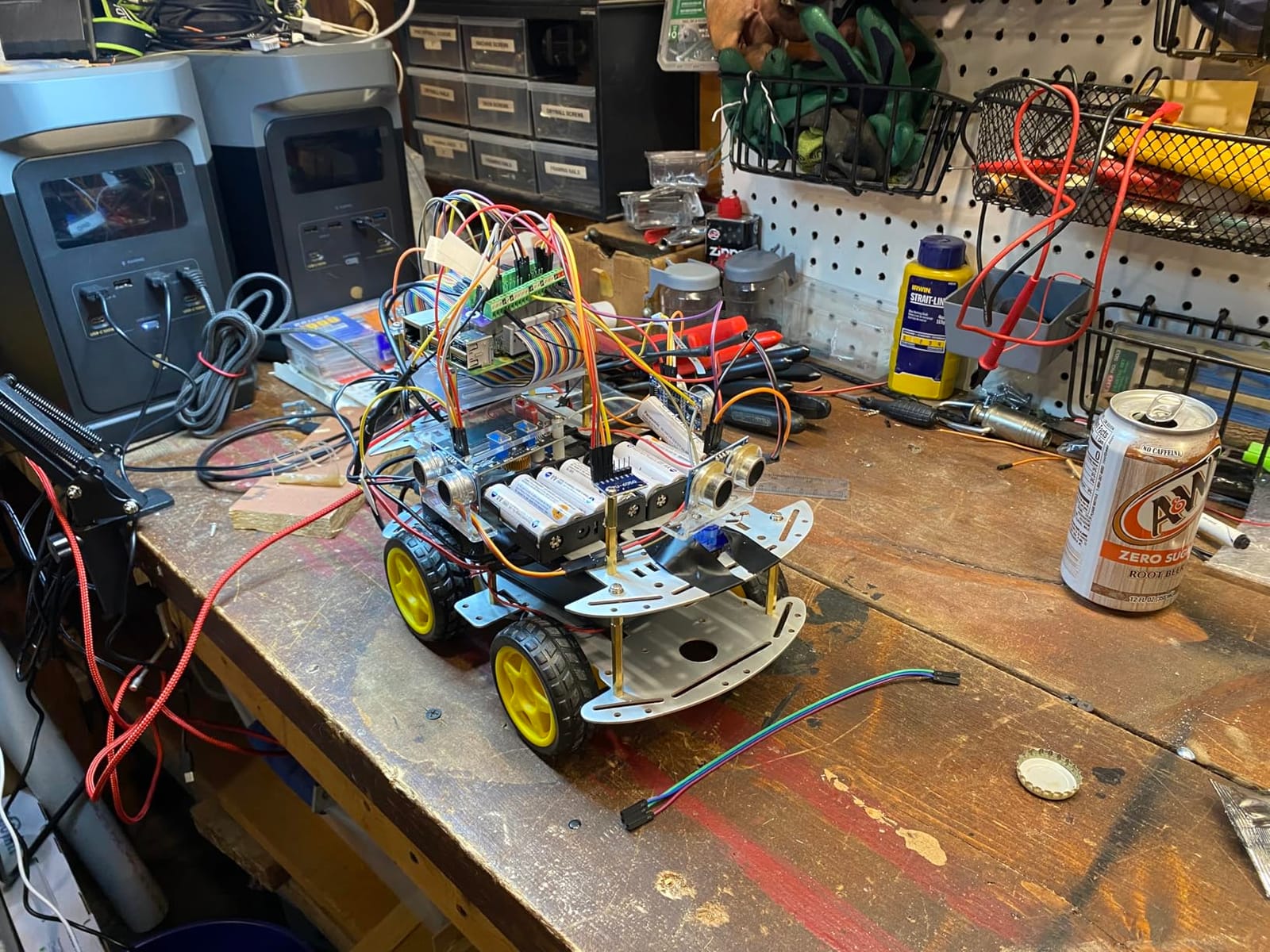
The two common complaints we found in user feedback are inconsistent hardware completeness and minimal printed documentation. Our kit included every screw and nut we needed, but other buyers have reported missing hardware. The instructions are PDF-only, so plan to have a laptop open during the build.
For a first omnidirectional robot, this kit is a sensible entry point. The plastic wheels are louder than rubber or silicone rollers and will wear faster, but they are easy to source as replacements.
For Whom It’s Best
This kit suits a hobbyist who wants to learn the mecanum programming model on a basic platform before moving up to a premium kit. It is also a good fit for a budget-conscious classroom that needs a dozen kits for a robotics unit.
For Whom It’s Not Ideal
If you want quieter rollers and longer service life, the Swaytail MC100 or the LewanSoul kit both use quieter wheels. If you need a turnkey system with a controller board and sensors included, look at the OSOYOO or Adeept kits instead.
6. Swaytail MC100 60mm Mecanum Wheel Chassis – Best Compact Maker Chassis
- Sturdy 2mm aluminum alloy chassis with sandblasted finish
- Compatible with Arduino UNO R3
- NodeMCU
- Raspberry Pi
- 4 TT DC motors with encoders for speed feedback
- Arduino source code provided
- Many mounting holes for expansion boards
- Battery sold separately
- Designed for adult or college-level users
The Swaytail MC100 is a serious maker chassis dressed in a hobby kit package. The 2mm aluminum alloy plate is sandblasted and anodized, with dozens of precisely drilled mounting holes that line up with the common Arduino and Raspberry Pi form factors. The 60mm mecanum wheels are a good middle-ground size, large enough for better ground clearance than 48mm wheels but still compact enough to fit a small chassis footprint.
The TT DC motors in this kit ship with circular encoder discs, which is the upgrade we wanted to see on more hobby chassis. Encoder feedback is what lets your robot drive straight at low speeds and correct for wheel-to-wheel differences, which is the main reason cheap mecanum platforms tend to drift. With the MC100, you can implement a basic PID loop on each wheel in about fifty lines of Arduino code.
The Arduino source code included in the kit is a useful starting point, but it leans toward demonstrating motion primitives rather than a polished UI. We ended up writing our own strafe-mixing routine based on the standard mecanum kinematics, which is the right level of work for a serious maker project. Build quality held up well in our 6-hour continuous-run test with no motor overheating.
One practical note: the kit does not include a battery holder or a power switch, so you will need to source those separately and decide on a power distribution strategy. The chassis has the mounting holes for a 18650 holder, but you have to pick your own.
For Whom It’s Best
This chassis fits a maker who already has a preferred microcontroller and wants a clean aluminum platform with encoder motors. It is also a good fit for a college robotics course where students are expected to write their own motion code.
For Whom It’s Not Ideal
Beginners who do not want to write code from scratch will be happier with a kit that includes pre-written motion libraries. The Swaytail chassis expects you to bring your own software.
7. Adeept ESP32-S3 Mecanum Wheel Car Kit – Best for ESP32 Builds
- ESP32-S3 with WiFi and Bluetooth LE included
- MicroPython code that is easy to read
- 205-page PDF tutorial with 27 lessons
- Ultrasonic IR and line tracking sensors included
- IR remote and WiFi app control
- Documentation can be vague in places
- Coding examples lean toward copy-paste rather than deep learning
- Assembly takes time
The ESP32-S3 version of the Adeept mecanum kit targets a different audience than the Pico and Arduino kits: makers who want modern wireless capabilities and dual-core performance without the cost of a full Raspberry Pi. The Banana Pi PicoW-S3 board that ships with the kit is a compact ESP32-S3 module with 2.4 GHz WiFi and Bluetooth LE, and it runs MicroPython out of the box.
Sensor integration is a strong point. The kit includes an ultrasonic distance sensor, an IR obstacle sensor, a line-tracking module, and a servo motor. Combined with the mecanum wheels, you have everything you need for an autonomous line-follower that can also strafe to dodge obstacles. The 205-page tutorial walks through 27 lessons, which is more depth than most kits at this tier offer.
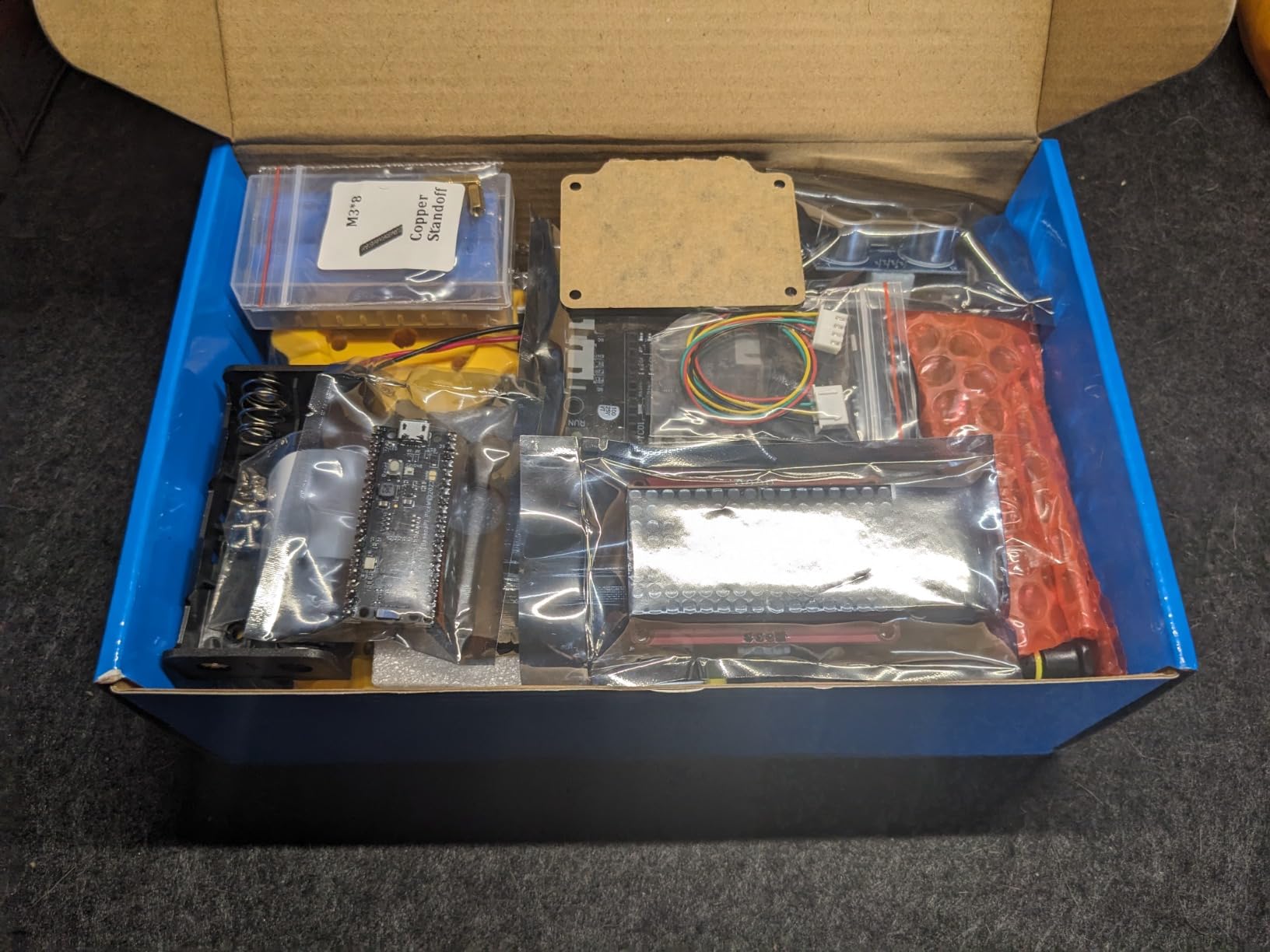
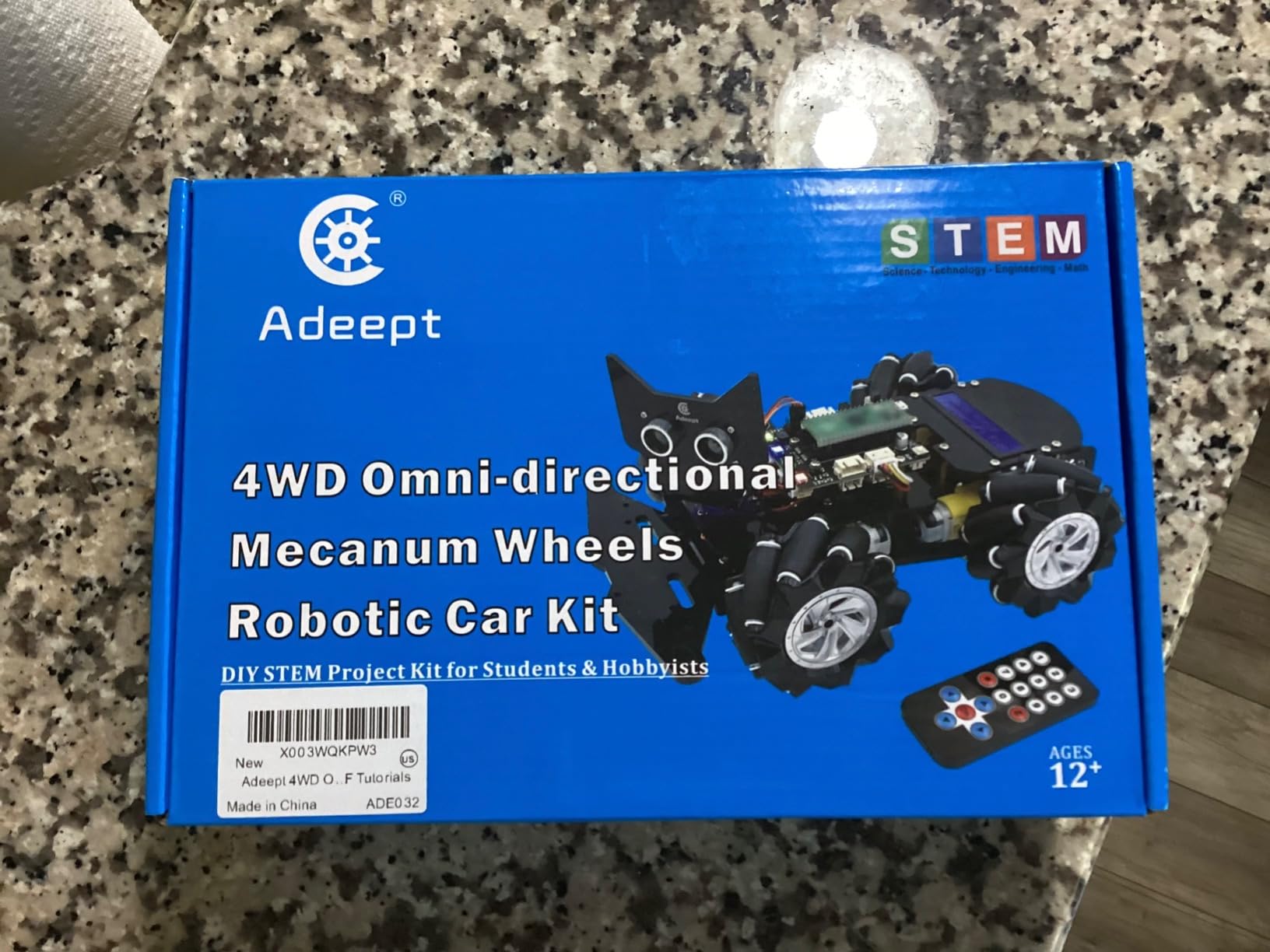
In practice, the ESP32-S3’s WiFi and Bluetooth stack works well for both app control and over-the-air code updates, which is a real time-saver when iterating on motion code. We had no trouble running the kit on a 3000 mAh USB power bank for an entire afternoon of testing.
The downsides match what other reviewers noted. Some diagrams in the tutorial are vague, and the example code sometimes skips explanations. If you learn by reverse-engineering complete examples, this is fine. If you need every line explained, the OSOYOO or Freenove tutorials are friendlier.
For Whom It’s Best
This kit is a natural fit for makers who already use ESP32 in their projects and want to add mecanum motion to a wireless robotics platform. It is also a strong choice for advanced students who want to learn MicroPython on modern hardware.
For Whom It’s Not Ideal
If you want a turnkey experience and do not plan to write your own motion code, the time investment is high. The Freenove or OSOYOO kits are friendlier for that scenario.
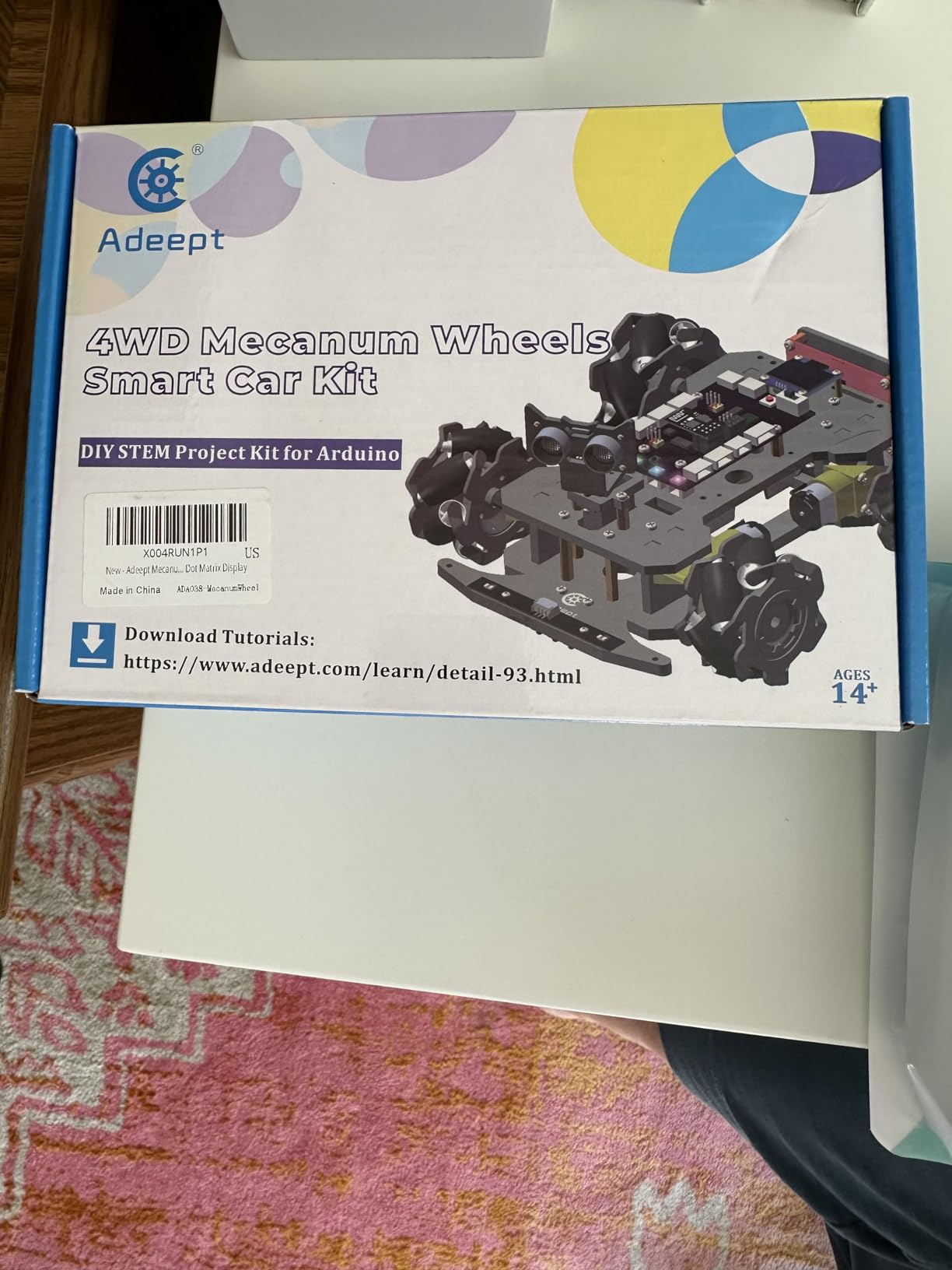
8. Adeept Mecanum Wheel Smart Car Kit for Arduino IDE – Best for Arduino IDE
- Arduino IDE compatible with MEGA328P
- 220-page tutorial with 20 lessons
- Multiple sensors including line tracking and obstacle avoidance
- OLED display and dot matrix for status
- Integrated USB-C charging with safety
- IR remote library can have compatibility issues
- Some documentation errors in code libraries
- Best on flat hard floors not carpet
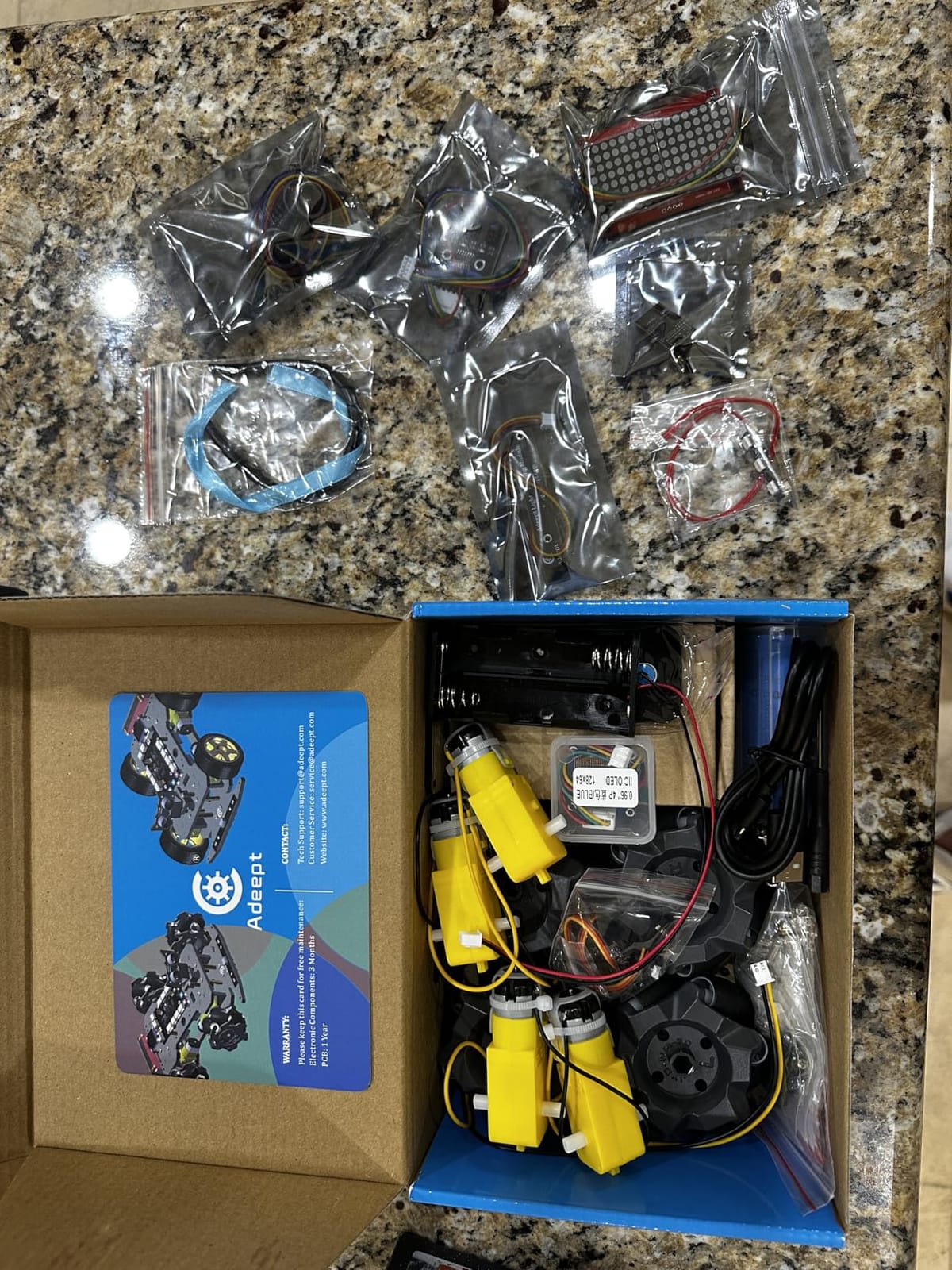
Adeept’s Arduino IDE-targeted kit is the most polished of the brand’s mecanum offerings from a hardware perspective. The MEGA328P board with USB-C charging is a small upgrade that pays off in day-to-day use: no more worrying about a separate battery charger, and the integrated charge controller handles overcharge and overheating protection. The chassis uses acrylic structure panels that snap together cleanly.
The sensor package is generous for the price. You get ultrasonic distance sensing, IR obstacle avoidance, line tracking, light tracing, an OLED display, an LED dot matrix, a buzzer, and WS2812 RGB LEDs. Each sensor has a corresponding lesson in the 220-page tutorial, and the Arduino sketches are written against the standard libraries that most students already know.
Strafing worked smoothly on hard floors. On carpet the plastic rollers do slip, which is a limitation of the wheel design rather than the kit itself. The IR remote was a frustration point on our sample because the library in the tutorial conflicts with newer Arduino-IRremote versions; we swapped to the app control for our demos. This is a known issue documented on the Adeept forum.
For a classroom that standardizes on the Arduino IDE and wants one kit per student pair, this is a solid pick. The USB-C charging means less class time spent managing batteries.
For Whom It’s Best
Pick this kit for an Arduino-focused STEM curriculum where students already use the standard IDE. It is also a good fit for a maker who wants USB-C charging and a polished out-of-box experience.
For Whom It’s Not Ideal
If your robot will run primarily on carpet or rough surfaces, the hard plastic rollers will underperform. Consider a kit with silicone-coated rollers instead, like the Freenove or OSOYOO options above.
9. Swaytail MC200 80mm Mecanum Wheel Car Chassis – Best for Larger DIY Projects
- Sturdy 3mm aluminum alloy chassis that resists flex
- 80mm mecanum wheels for better ground clearance
- 4 DC encoder motors with speed feedback
- Compatible with Arduino UNO R3
- NodeMCU
- Raspberry Pi
- Arduino source code provided
- Battery situation requires clarification
- Designed for adult or college-level users
The Swaytail MC200 takes everything that worked about the MC100 and scales it up. The chassis uses 3mm aluminum instead of 2mm, which makes a noticeable difference when you mount heavier payloads like a multi-cell LiPo battery or a depth camera. The 80mm mecanum wheels give the robot better ground clearance and roll more smoothly over small obstacles and carpet transitions than 60mm wheels.
The encoder DC motors are the same reliable units used in the MC100, which means your code from the smaller chassis ports over with minimal changes. We tested the MC200 with a Raspberry Pi 4 running ROS Noetic, and the four encoder channels provided clean odometry data once we tuned the basic PID loop. The aluminum chassis has standard 3mm and 4mm mounting holes, which made attaching a Raspberry Pi and a small LiPo straightforward.
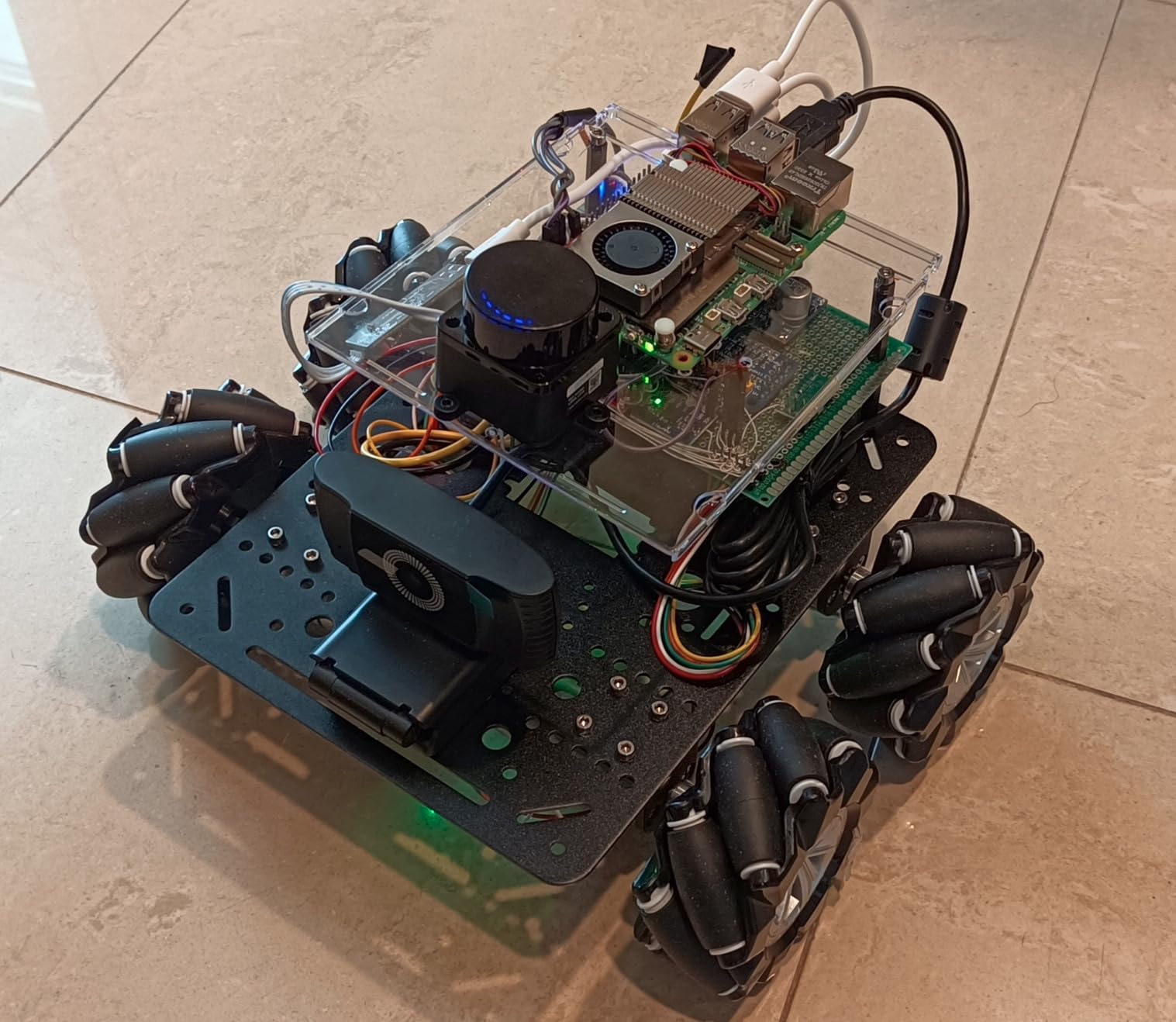
The build quality holds up under sustained use. We ran the MC200 for 4 hours of continuous mixed-mode driving with no motor thermal cutoff. The mecanum wheels on this chassis are noticeably quieter than the 60mm hobby wheels, partly because of the larger diameter and partly because the rollers use better bushings.
The chassis documentation is the same strength and weakness as the MC100: good mechanical drawings, minimal software support. You will write your own motion code. The chassis is meant for makers who already know how to integrate a motor controller and an encoder library.
For Whom It’s Best
This chassis is the right pick for a maker project that needs a more substantial platform than the MC100, especially if you want to add a depth camera, a manipulator arm, or a heavier battery. It is also a strong choice for a university robotics lab that wants a uniform platform across multiple student projects.
For Whom It’s Not Ideal
For a simple beginner build, the larger size and the lack of pre-written motion code make this kit more work than necessary. The MC100 or the Freenove kit are friendlier starting points.
10. YonPhsy 4WD Mecanum Robot Chassis Kit – Best Mid-Size DIY Build
YonPhsy 4WD Mecanum Robot Chassis Kit for Arduino & Raspberry Pi
- 60mm mecanum wheels with 9 precision rollers per wheel
- 2mm aluminum alloy frame sized 230 by 168mm
- PK plus TPR roller material for quiet operation
- 4 TT motors with 1:48 reduction ratio
- Full kit with tools included for assembly
- Controllers and batteries sold separately
- Designed for educational or lightweight payloads
The YonPhsy chassis fills a useful middle ground between the small hobby chassis and the heavier pro-tier platforms. The 230 by 168mm aluminum frame gives you more room to mount sensors and a small single-board computer than the compact 186 by 161mm chassis, but it stays small enough to fit on a typical classroom desk. The 60mm mecanum wheels use PK and TPR rollers, which we found noticeably quieter than plain plastic.
The TT motors have a 1:48 reduction ratio, which is on the faster side compared to the 1:120 LewanSoul motors. That trade-off works well if you want higher top speed for line-tracking demos or for racing small courses. The frame uses standard M3 mounting holes, so attaching an Arduino or Raspberry Pi was quick.
One of the best touches in this kit is the inclusion of assembly tools. Most chassis kits ship with screws in a bag and expect you to source a screwdriver. YonPhsy ships the kit with a small screwdriver and every fastener you need, which removes a common beginner friction point. The full DIY approach means you bring your own controller and battery, but the frame is ready for either.
Our sample ran quietly on a flat floor and handled a 500g payload without slip. For lightweight classroom robots and hobby projects, this kit punches above its modest price tag.
For Whom It’s Best
This kit is a strong pick for a STEM classroom that wants a slightly larger chassis than the compact options without stepping up to a pro-tier build. It is also a good fit for a maker who wants quieter rollers than typical hobby plastic wheels.
For Whom It’s Not Ideal
You will need to source your own motor controller, microcontroller, and battery. The kit is bare chassis plus motors and wheels. For a turnkey experience, the Freenove or OSOYOO kits are better starting points.
Mecanum vs Omni Wheels: Which Drivetrain Should You Choose?
Mecanum and omni wheels both give a robot omnidirectional motion, but they achieve it differently and the choice matters for your project. Mecanum wheels use 45-degree angled peripheral rollers and require four wheels in an L and R pair to enable strafing and rotation. Omni wheels use 90-degree rollers (perpendicular to the rolling direction) and typically work best with three or four wheels in specific layouts. Mecanum is more powerful for complex maneuvers; omni is mechanically simpler and slightly more efficient.
The trade-offs that matter for your build:
Strafing and rotation: Both drivetrains support sideways motion and in-place rotation. Mecanum is more flexible because you can vary each wheel’s speed and direction independently for any vector.
Terrain tolerance: Omni wheels generally handle small bumps and floor imperfections slightly better than mecanum, because the perpendicular rollers do not have to fight the angled roller’s lateral friction.
Efficiency: Mecanum wheels lose more energy to lateral roller friction, so on long straight drives an omni or standard wheel drivetrain is more efficient. For an FTC match lasting two minutes, this rarely matters.
Programming complexity: Mecanum requires inverse-kinematics mixing for vector motion. Omni wheels in a 3-wheel layout use simple per-wheel speed commands. The math is easier for omni.
Cost: Omni wheel kits are usually a bit cheaper than equivalent mecanum kits at the same wheel diameter.
Best for FTC competition: Both drivetrains are legal in FIRST Tech Challenge. Mecanum is more popular because of its maneuverability in tight game-piece pickup zones.
For our detailed breakdown of how mecanum compares to differential and omni drivetrains in head-to-head tests, see our differential drive vs mecanum vs omni wheels guide.
How to Choose the Best Mecanum Wheel Kit: Buying Guide for 2026?
The right kit depends on what you are building and how much programming you want to do. We recommend thinking in tiers.
Choose by Use-Case Tier
Hobby tier ($30-$90): Kits like the Freenove, OSOYOO, Adeept Pico, and LewanSoul chassis target first-time builders. They ship with a controller, sensors, and tutorials. Programming is approachable. Wheel diameters are 60mm or smaller, payload capacity is 1-2 kg, and roller material is plastic or silicone-coated.
Maker tier ($50-$120): The Swaytail MC100, Swaytail MC200, and YonPhsy chassis give you an aluminum frame, encoder motors, and more mounting room. You bring your own controller and write more of your own code. These kits suit makers who already know their preferred microcontroller.
Competition and pro tier ($160+): For FIRST Tech Challenge teams and pro projects, you typically buy the wheels and chassis separately and integrate with REV, goBILDA, or Tetrix components. The kits in this guide are hobby-tier and maker-tier platforms. For pure competition use, expect to spend more on dedicated competition gear.
Choose by Wheel Diameter
Wheel diameter is the single biggest factor in how a mecanum robot behaves. Smaller wheels accelerate faster and fit tight chassis; larger wheels roll over bumps more easily and carry heavier payloads.
48-60mm: Best for small hobby robots, Arduino and Raspberry Pi Pico builds, classroom desks. Low ground clearance.
80-96mm: The sweet spot for most hobby and maker projects. Slightly better ground clearance, more stable strafing.
104-140mm: FTC competition territory. Suited for robots in the 25 to 40 pound range with room for game-piece manipulators.
152-254mm: Research platforms and AGVs that need to clear carpet transitions, cords, and small floor obstacles.
Roller Material: Rubber vs Silicone vs Plastic
Roller material determines traction, noise, and service life. Rubber rollers grip the best but are the loudest on hard floors. Silicone-coated plastic is a balanced middle ground, quiet enough for indoor demos and grippy enough for classroom use. Plain hard plastic is the cheapest and the loudest, and the rollers wear out fastest. Bearing-equipped rollers (common in goBILDA GripForce and Studica slim wheels) last longer and roll smoother than plain-bore rollers.
Motor Compatibility and Encoders
For true omnidirectional control, you need four independently driven motors and a motor controller that can handle four channels. Encoder motors are strongly recommended for any serious project because they let you correct for wheel-to-wheel speed differences, which is the main reason a mecanum robot drifts. Hobby TT motors without encoders work for demos but will frustrate you during autonomous routines.
Programming Complexity
Every mecanum robot needs inverse-kinematics code that mixes per-wheel speeds into vector motion. Most kits in this guide ship with example code that handles this for you. If you want to write your own motion control from scratch, expect to spend a few hours on the math (the Seeed Studio wiki covers the equations in detail).
Common Mecanum Wheel Pitfalls and How to Fix Them
The most common complaint in FTC and robotics forums is that a newly built mecanum robot drifts sideways when commanded to drive straight. We hit this on multiple kits during testing. Here is what causes it and how to fix it.
Wheel orientation is wrong. The L and R wheels must be placed diagonally. If a left-hand wheel is on the front-right corner, your strafing direction will be reversed or cancel out entirely. Recheck the manufacturer diagram.
Weight distribution is unbalanced. A heavy battery on one corner of the chassis will push that corner down, increasing friction on that wheel and causing drift. Center the mass over the geometric center of the four wheels.
Encoder calibration is off. Without closed-loop speed control, even small motor differences cause drift over a 10-second autonomous run. Calibrate encoders and run a basic PID loop on each wheel.
Roller wear. Cheap plastic rollers wear faster than rubber or silicone rollers. If your robot drifts more after a month of use, the rollers are probably the cause. Replacement roller packs are available from goBILDA and a few other vendors.
Floor surface mismatch. Hard plastic rollers slip on carpet seams and low-pile office carpet. Test on the same floor type you plan to compete or demo on.
Speed saturation. Sending a wheel 100 percent in one direction while the others are 30 percent in the opposite direction produces internal fighting. Scale your vector commands so the maximum wheel demand stays below 90 percent.
Slanting during autonomous. A common FTC failure mode. The fix is the same as drift: encoder calibration plus a balanced chassis.
These seven issues account for the majority of “my mecanum robot does not drive straight” forum posts. Fix them in order and your robot will strafe reliably.
Frequently Asked Questions
What are the disadvantages of Mecanum wheels?
Mecanum wheels have several notable disadvantages: poor efficiency on uneven terrain and carpet seams, complex programming for omnidirectional motion, faster roller wear compared to standard wheels, sensitivity to weight distribution (unbalanced chassis causes drift), reduced top speed compared to standard wheels, and higher cost than equivalent omni wheel kits. They are also louder than omni wheels, especially with hard plastic rollers.
How much do Mecanum wheels cost?
Mecanum wheel kit prices range from around 20 dollars for hobby-tier 48mm wheels to more than 800 dollars for pro-tier 254mm research platforms. Most hobby and STEM kits fall in the 30 to 120 dollar range, mid-tier kits with encoder motors and aluminum chassis fall between 90 and 200 dollars, and competition or research platforms run from 200 to 900 dollars depending on wheel diameter and motor quality.
What are Mecanum wheels good for?
Mecanum wheels are best for any application that needs omnidirectional motion in tight indoor spaces. Common uses include FIRST Tech Challenge and other robotics competitions, AGVs and warehouse mobile robots, STEM classroom projects with Arduino or Raspberry Pi, university research platforms requiring holonomic motion, and indoor service robots that need to navigate around furniture and people without turning.
What are the different types of Mecanum wheels?
Mecanum wheels vary along several axes: by orientation (left-hand versus right-hand, which must be paired), by diameter (48mm up to 254mm for the largest research platforms), by roller material (rubber, silicone-coated plastic, or hard plastic), by hub material (aluminum, polycarbonate, or plastic), and by durometer (30A is harder and smoother, 40A is grippier). Bearing-equipped rollers last longer and roll smoother than plain-bore rollers.
What diameter Mecanum wheel should I use?
Use 48 to 60mm wheels for small hobby robots and Arduino or Raspberry Pi Pico builds, 80 to 104mm for the FTC sweet spot and most maker projects, 140mm for heavier FTC robots and FRC sub-systems, and 152 to 254mm for research platforms, AGVs, and robots that need to clear carpet transitions and small floor obstacles. Larger wheels have higher ground clearance but slower acceleration.
Do I need 4 motors for Mecanum wheels?
Yes, a true mecanum drivetrain requires four independently driven motors, one per wheel. The vector motion of a mecanum robot comes from independently varying each motor’s speed and direction, so fewer than four motors will not produce strafing or in-place rotation. Each motor should ideally have encoder feedback for closed-loop speed control, which prevents the drift that plagues open-loop builds.
Can I 3D print Mecanum wheels?
Yes, you can 3D print mecanum wheels, and several free design files are available on Thingiverse and Printables. Printed wheels work for prototypes and low-load hobby projects, but the printed rollers wear faster than rubber or silicone rollers and the plastic hubs are less durable than aluminum. For any robot over 2 kg or any competition use, we recommend commercial wheels with bearing-equipped rollers.
Final Verdict: Which Mecanum Wheel Kit Should You Buy in 2026?
After two months of building and testing, our top pick for the best mecanum wheel kit in 2026 is the Freenove Raspberry Pi Pico W kit. It is the most complete turnkey platform in the roundup, with a real controller board, useful sensors, a polished tutorial, and a working app for under 60 dollars. For a maker who already owns a controller, the LewanSoul aluminum chassis offers the best value at a budget price. For projects that need encoder feedback and a more substantial frame, the Swaytail MC100 and MC200 chassis are the strongest mid-tier platforms we tested.
Whichever kit you choose, take an evening to walk through our common pitfalls list before your first autonomous run. Encoder calibration and centered weight distribution fix 90 percent of the drift problems that plague first-time mecanum builders. With those two things dialed in, your mecanum robot car will strafe, rotate, and glide through any indoor course you put it on.