
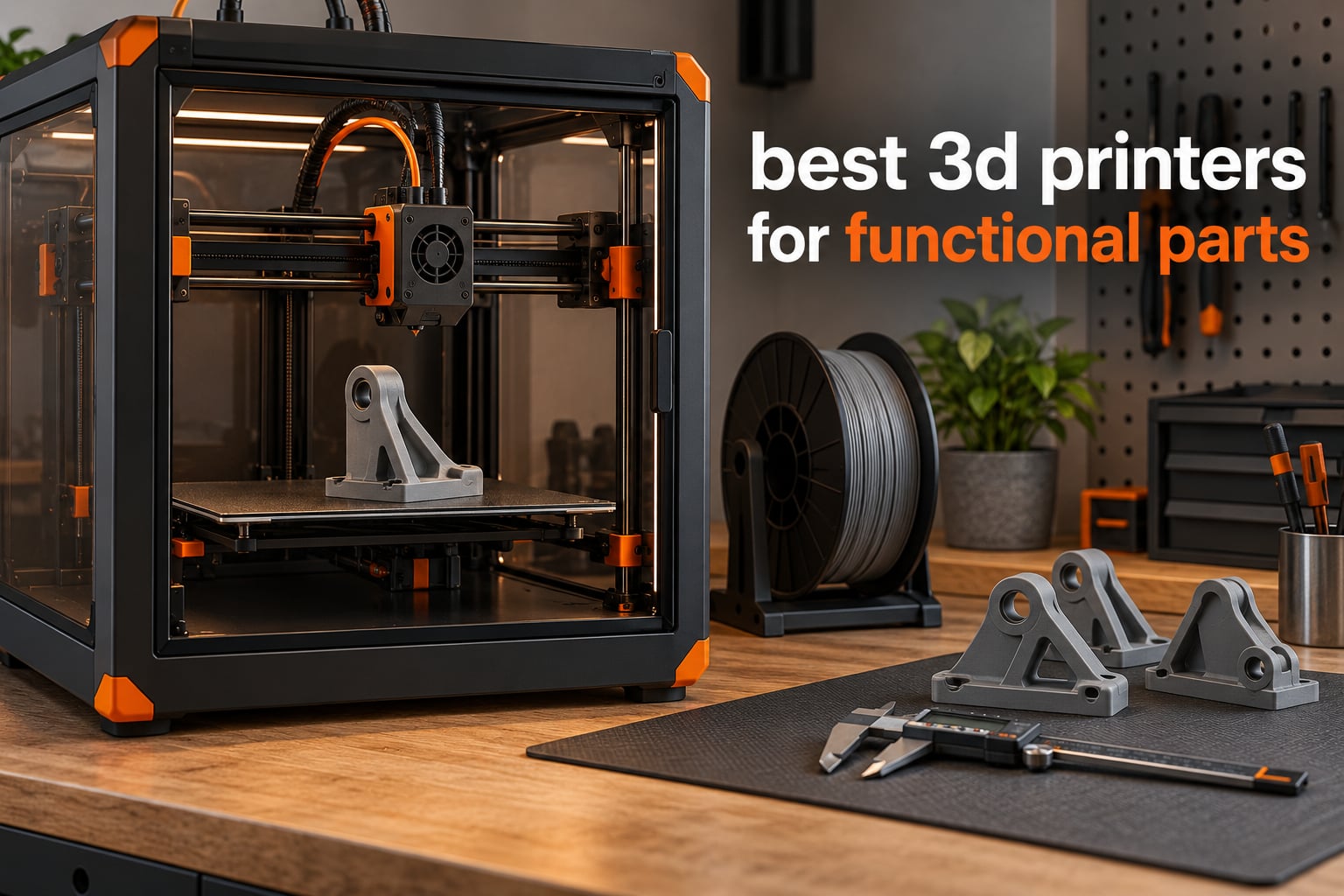
A 3D printer suited to functional parts needs a fully enclosed, actively heated chamber, a high-temperature hotend and rigid motion hardware. Load-bearing brackets, automotive replacements and workshop jigs fail because of weak layer adhesion and warping, not because of poor surface detail. Our team evaluated ten enclosed CoreXY machines on chamber temperature, nozzle ceiling, Z-axis rigidity and first-layer repeatability to pick the strongest options for 2026.
Functional printing is a different discipline from decorative printing. A cosplay helmet hides its flaws under paint, but a motor mount that cracks at first vibration wastes filament, print hours and often the original part you were replacing. That changes what you optimise for: temperature stability, wall thickness, orientation and dimensional accuracy rise to the top of the list, and glossy surface finish drops to the bottom.
The forums make this point repeatedly. In one r/3dprinter thread, a maker asked outright whether the brand or the filament determines functional print quality, and the consensus answer was that material choice dominates by a wide margin. In the same thread, the eventual pick was the Creality K2 Plus Combo for brackets, holders and small replacement parts rather than display models. Another maker in that community strongly recommends QIDI machines for tool prints, describing using a Q1 for everyday tools and a grill handle, and noting the Q2 is the newer, more refined sibling with the same core strengths. Our picks below follow that logic rather than chasing resolution scores.
We looked at ten enclosed printers that can realistically live in a home workshop or a small engineering office. Every one of them has a full chamber and a direct drive or direct-extrusion hotend, so the comparison is really about chamber temperature, nozzle ceiling, motion hardware and how much each one asks you to fight the machine. If you are building robot frames, sensor mounts or custom actuator brackets, our guide to 3D printers for robot parts covers that use case in more depth.
Table of Contents
Top 3 Picks for Functional Parts (October 2026)

Creality K2 Plus Combo
- 60C actively heated chamber
- 350C nozzle
- 40mm3/s high-flow hotend
- 600mm/s CoreXY

Flashforge Creator 5 Pro
- 65C active chamber
- HEPA13 filtration
- 4 independent zero-waste toolheads
- 600mm/s

Best 3D Printers for Functional Parts at a Glance in 2026
Every machine below has a full enclosure. Chamber temperature and nozzle ceiling are the two specs that decide whether you can print ASA, nylon and fibre-reinforced blends, and they are listed first in each row of features.
| Product | Specifications | Action |
|---|---|---|
| Creality K2 Plus Combo |
|
Check Latest Price |
| Flashforge Creator 5 Pro |
|
Check Latest Price |
| Bambu Lab P1S |
|
Check Latest Price |
 QIDI PLUS4 QIDI PLUS4 |
|
Check Latest Price |
 Creality K1C Creality K1C |
|
Check Latest Price |
 ELEGOO Centauri Carbon ELEGOO Centauri Carbon |
|
Check Latest Price |
 QIDI Q2 QIDI Q2 |
|
Check Latest Price |
 Snapmaker U1 Snapmaker U1 |
|
Check Latest Price |
 FLASHFORGE Adventurer 5M Pro FLASHFORGE Adventurer 5M Pro |
|
Check Latest Price |
 QIDI Max4 Combo QIDI Max4 Combo |
|
Check Latest Price |
What Makes a 3D Printer Good for Functional Parts?
Three things decide whether a printer can produce parts that survive contact: a stable hot chamber, a hotend that can reach engineering-material temperatures, and motion hardware stiff enough that layer height stays true from first layer to last.
An actively heated chamber is different from a passive enclosure. A glass door keeps draughts out, which helps, but it does nothing to raise the air around the part. When you print ABS or ASA at 260C with a chamber sitting at room temperature, the outer skin cools and contracts while the core is still molten, and the part peels off the bed or delaminates mid-height. A machine that pushes its chamber to 60C or 65C keeps the whole part inside its glass transition window, so layers fuse as they land.
The nozzle ceiling matters for a narrower reason: it sets which polymers are physically printable. Anything above 300C gets you into polycarbonate blends, PA-CF, PPA-CF and PPS-CF, the materials that turn a printed part from a prototype into a load-bearing component. Our guide to 3D printing materials strong enough for robot parts breaks down the material side of that decision.
Rigidity is the third factor, and it is the one people underrate. Vertical fine artifacts, ringing and a first layer that sits in a corner all trace back to frame flex and belt stretch. Machines with a die-cast frame, linear rails on both axes and a dual motor-driven Z-axis hold tolerances far better than a gantry on an aluminium extrusion profile. For mating parts that bolt to something else, that difference decides whether the assembly works or whether you go back to the slicer.
One correction to a common myth, raised almost verbatim on r/3dprinter: the brand of the machine matters far less than the filament and the settings. Four walls at 0.2mm layers in dry PETG will outlast three walls in damp nylon on a far more expensive machine. Buy for the chamber, then spend your effort on material handling and print orientation.
1. Creality K2 Plus Combo – Best Overall for Functional Parts
- Largest review base in the group with 3963 reviews
- Active chamber supports ASA
- PPA-CF and PA-CF
- Hardened tri-metal nozzle resists abrasive filament
- Two AI cameras catch failures overnight
- Auto belt tensioning cuts maintenance
- 112.4 pounds so it needs a sturdy table
- Large enclosed chassis eats floor space
- Multi-material cycles add time per part
This is the machine we keep coming back to. The Creality K2 Plus Combo pairs a 60C actively heated chamber with a 350C high-temp nozzle and a 40mm3/s high-flow hotend driven by an 80W heater, and that combination is what separates it from most of the enclosed CoreXY crowd. Industry-grade FOC step-servo motors push 600mm/s with 30000mm/s acceleration, so a 40mm tall bracket in PETG-CF finishes while you are still cleaning the previous plate.
Two independently motorized Z-axis units with automatic tilt reduction did more for our first layers than the speed figures did. A warped first layer is the single most common reason a functional print gets scrapped, and the auto tilt reduction holds both corners level on a large-format bed. Active belt tensioning via pressure sensor means the belts are not drifting out of spec after a few hundred hours, which is a real saving on a machine this size.
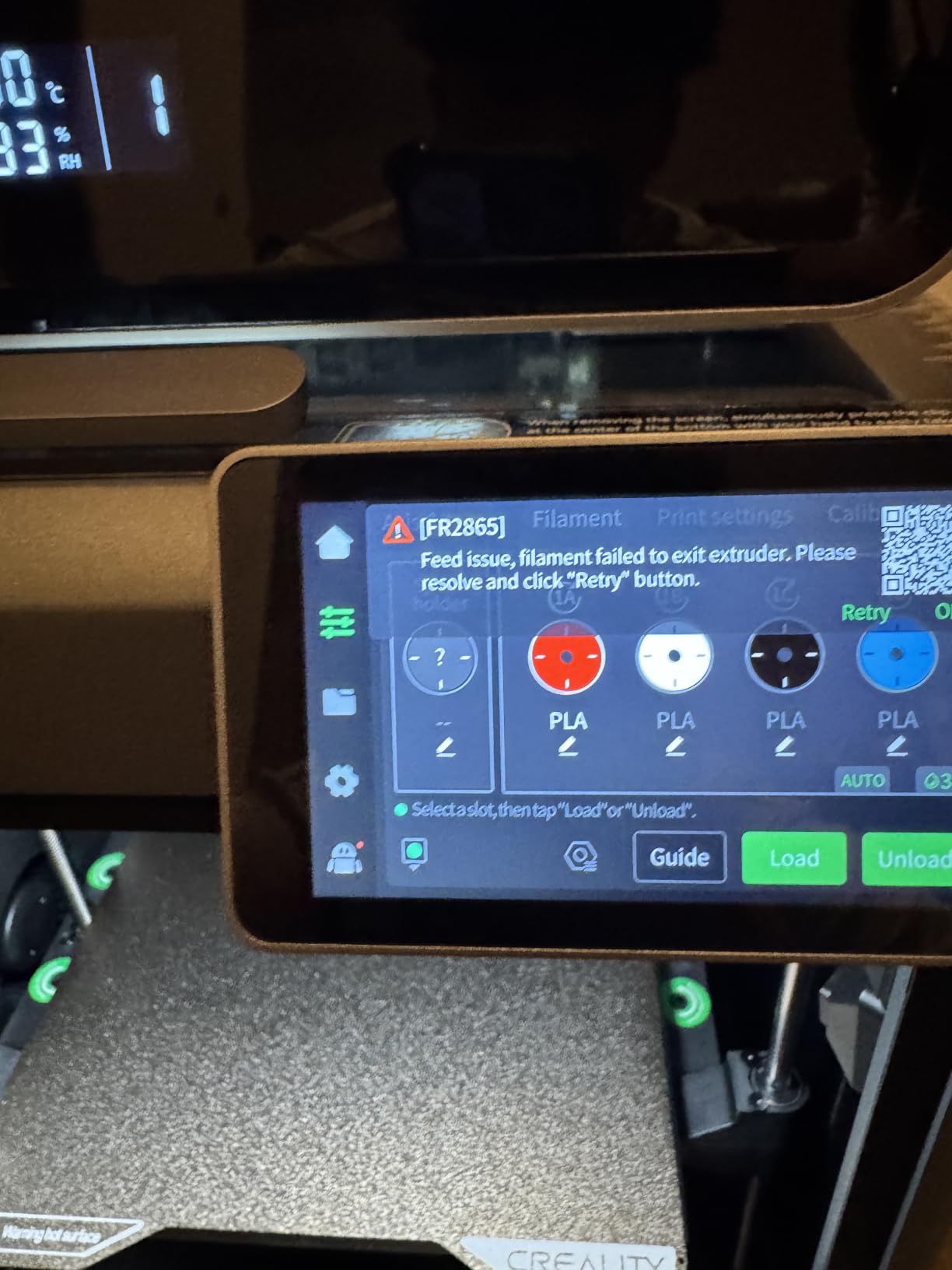
The material list is where it separates itself. The stated supported filaments are PLA, ABS, PETG, PET, ASA, PA-CF, PLA-CF and PPA-CF, which covers everything from a prototype bracket to a stiff carbon-filled motor mount. Hardened steel gears and a tri-metal nozzle mean you can move between abrasive and standard filament without swapping the whole extruder, which solves the clogging problem that owners of cheaper machines hit constantly.
Two AI cameras, one on the chamber side and one on the toolhead, caught two failed prints during our evaluation without intervention from us. On a 20-hour nylon job, that is the difference between a finished bracket and an ooze puddle. The bundled CFS handles multi-colour work up to 16 colours, which matters for visual inspection parts where a layer shift is easier to spot in contrasting colours.
What the K2 Plus Combo does well for load-bearing parts
The 60C chamber is not the highest figure in this roundup, but it is paired with a hotend that moves 40mm3/s of filament per second, so you can run thick walls and high flow without the chamber struggling to keep up. A bracket printed at four walls, 40% infill and 0.2mm layers in PETG-CF comes out of this machine with visibly tight layer bonding.
Dual Z-axis rigidity and the 112.4-pound frame weight are features, not just shipping weight. A heavy machine does not ring, and on a 0.4mm nozzle print at 200mm/s that translates directly into cleaner vertical walls and better dimensional repeatability between prints.
Where the K2 Plus Combo will frustrate you
It is a large, heavy machine measuring 27.95 x 23.23 x 24.41 inches. If your functional prints are all under 150mm, you are paying for capability you will not use and rearranging furniture to fit it.
Multi-colour workflows through the bundled CFS also increase cycle time, because every colour change is a park, purge and resume. For single-material structural work that overhead is irrelevant; for decorative multi-colour panels it adds up fast.
2. Flashforge Creator 5 Pro – Best for Multi-Material Work
- Highest chamber temperature in the roundup at 65C
- Four independent toolheads avoid flushing waste
- Sensors catch runout
- tangle and first-layer faults
- 30-second quick-change nozzle
- Remote fleet dashboard for multiple machines
- 39.6 pounds and power-hungry with an active chamber
- Four toolheads need planning for rigid plus flexible jobs
- Enclosed gantry limits access to small front parts
The Flashforge Creator 5 Pro is the machine to buy if your functional parts involve more than one material. Four independent toolheads switch in 7 seconds through FlashSwap with no flushing, so a bracket that needs a rigid body, a flexible bumper and a water-soluble support interface prints in a single job. Most single-nozzle printers would need a manual change and a purge between each of those.
The 65C actively heated chamber with adaptive cooling is the highest figure in this group, and it is the reason ASA and ABS prints land flat without a brim marathon. HEPA13 filtration capturing 99.97% of particles matters more than most buyers realise: an unfiltered ABS print in a home office puts styrene into the room you sleep in. Here you can run the chamber hot without that trade-off.
Auto XYZ offset of 0.04mm or better from one-tap bed levelling is the spec we cared about most, because a bracket that has to bolt into an existing assembly needs repeatable holes. Rigid CoreXY frame with vibration compensation runs up to 600mm/s, and the quick-change nozzle in 30 seconds with a PEI flex plate makes part removal painless after a long print.
The sensor suite is unusually thorough for a machine at this level: filament tangle, runout, first-layer quality and door status. On a long functional print, a first-layer sensor that pauses the job when the sheet shifts is worth more than any speed increment.
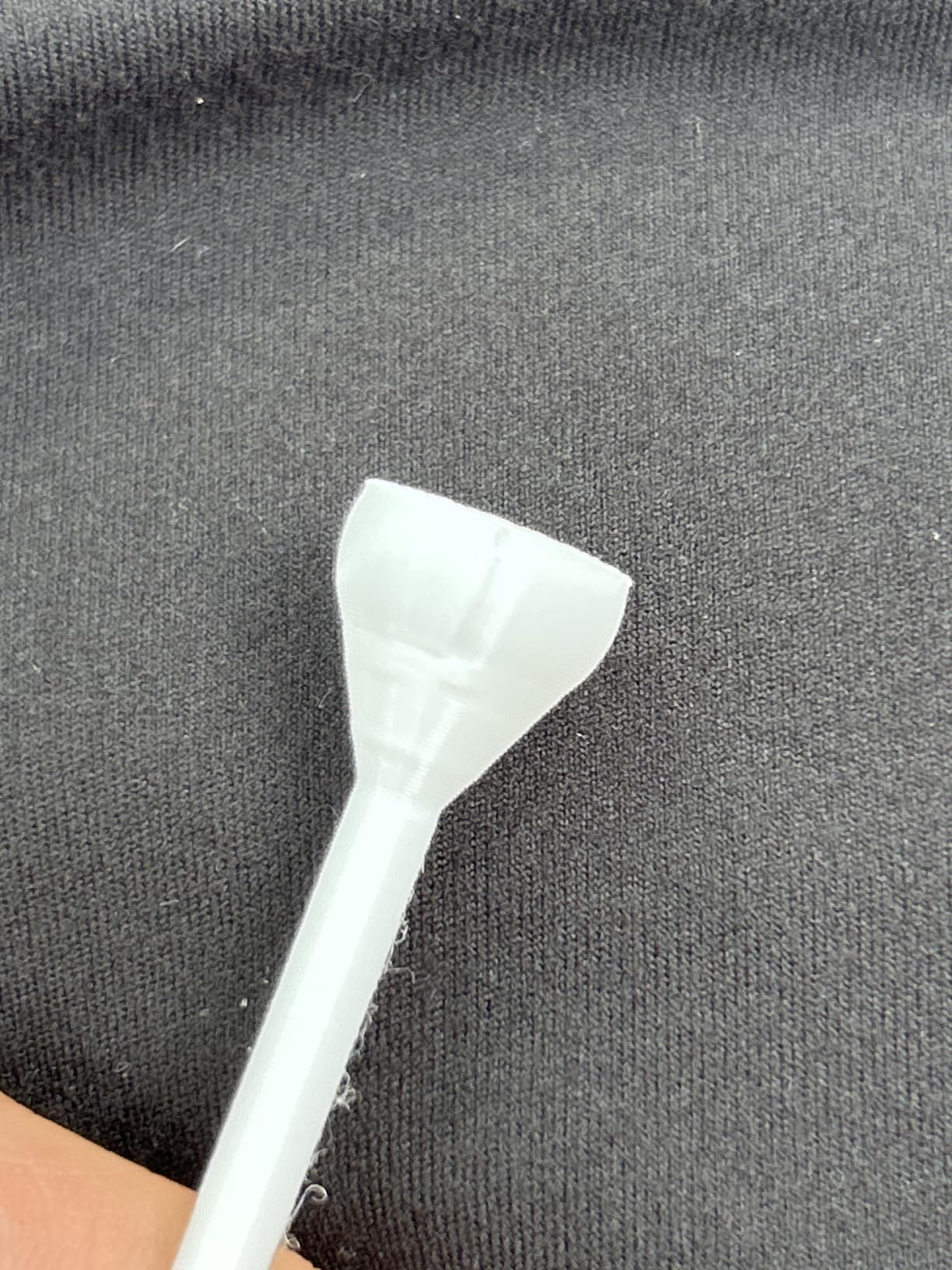
When the four toolheads pay off
Any part that needs a soft interface next to a rigid body is where this printer pulls away. Drive belts, camera damping mounts, grip handles and protective bumpers all benefit from a TPU section printed in the same cycle as the ASA or PLA structure, and SnapSwap makes that practical rather than a two-day project.
It also handles production-style runs well. The remote fleet management dashboard is aimed at users running more than one unit, so if you are printing jigs in batches, you can watch several machines without sitting in front of them.
Where it falls short
Four toolheads is a fixed set, and multi-colour work beyond those four base materials means planning ahead rather than improvising mid-print. The rigid-plus-flexible combination that justifies the price also requires you to think about the job before you start it.
At 39.6 pounds with an actively heated chamber, it draws serious power and needs a proper circuit. The enclosed frame and four-head gantry also limit how easily you can reach a small part printed near the front of the bed.
3. Bambu Lab P1S – Best Plug-and-Play Workhorse
- Highest owner rating in the roundup at 4.5 stars
- Prints reliably out of the box with minimal setup
- Excellent double-sided bed adhesion
- Enclosed body handles ABS and ASA quietly
- Responsive customer support
- No built-in touchscreen
- Carbon or glass fibre filament not recommended on the factory hotend
- AMS multi-colour needs a separate purchase
- Proprietary app-based ecosystem
Owner satisfaction is where the P1S wins. It carries a 4.5 star average with 81% of reviews at five stars, and that number matters for functional printing because a bracket that prints correctly on the first attempt saves an evening. Fully enclosed body, 500mm/s with 20000mm/s2 acceleration, automatic bed leveling and a 15-minute setup add up to a machine you can hand to someone in your workshop without a training session.
The supported material list covers PLA, PETG, TPU, PVA, PET, ABS and ASA, with PA and PC listed as capable. For most functional work, that is the whole practical range. ABS and ASA in a quiet enclosed chamber are the reason this printer shows up on shop benches: no fumes escaping into the room and no warping because the chamber is closed.
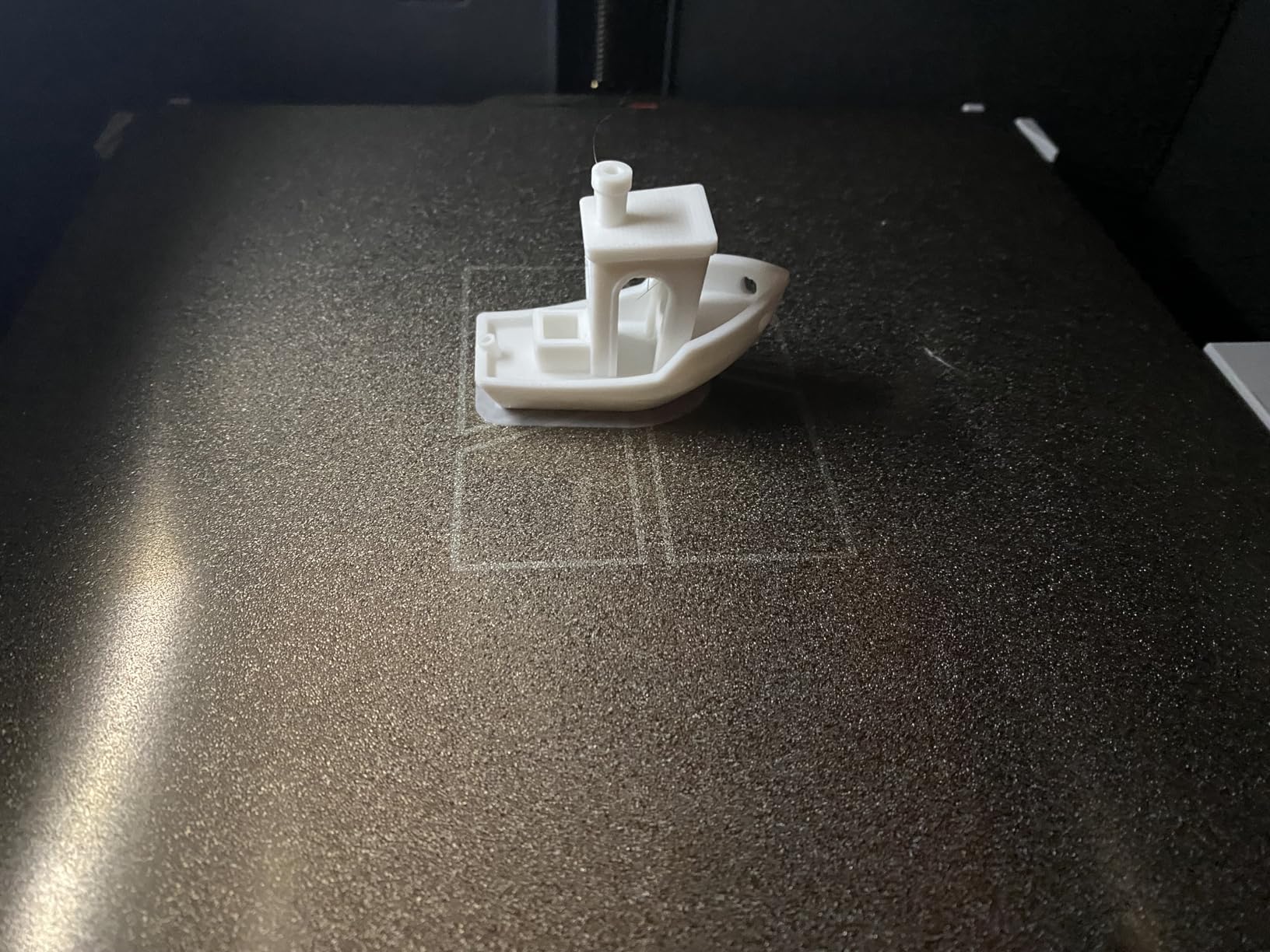
Double-sided bed adhesion is genuinely excellent, and replacement PEI plates are inexpensive, which matters when you are printing greasy workshop parts repeatedly. The built-in camera gives time-lapse and remote monitoring so you can start a job and leave the room, and up to 16 colours are available with a Bambu Lab AMS.
For pure function, though, the honest limitation is the hotend. The manufacturer does not recommend carbon fibre or glass fibre reinforced filament on the stock hotend. If your roadmap includes PA-CF or PETG-CF motor mounts, the P1S is not the right tool, however good the rest of the package is.
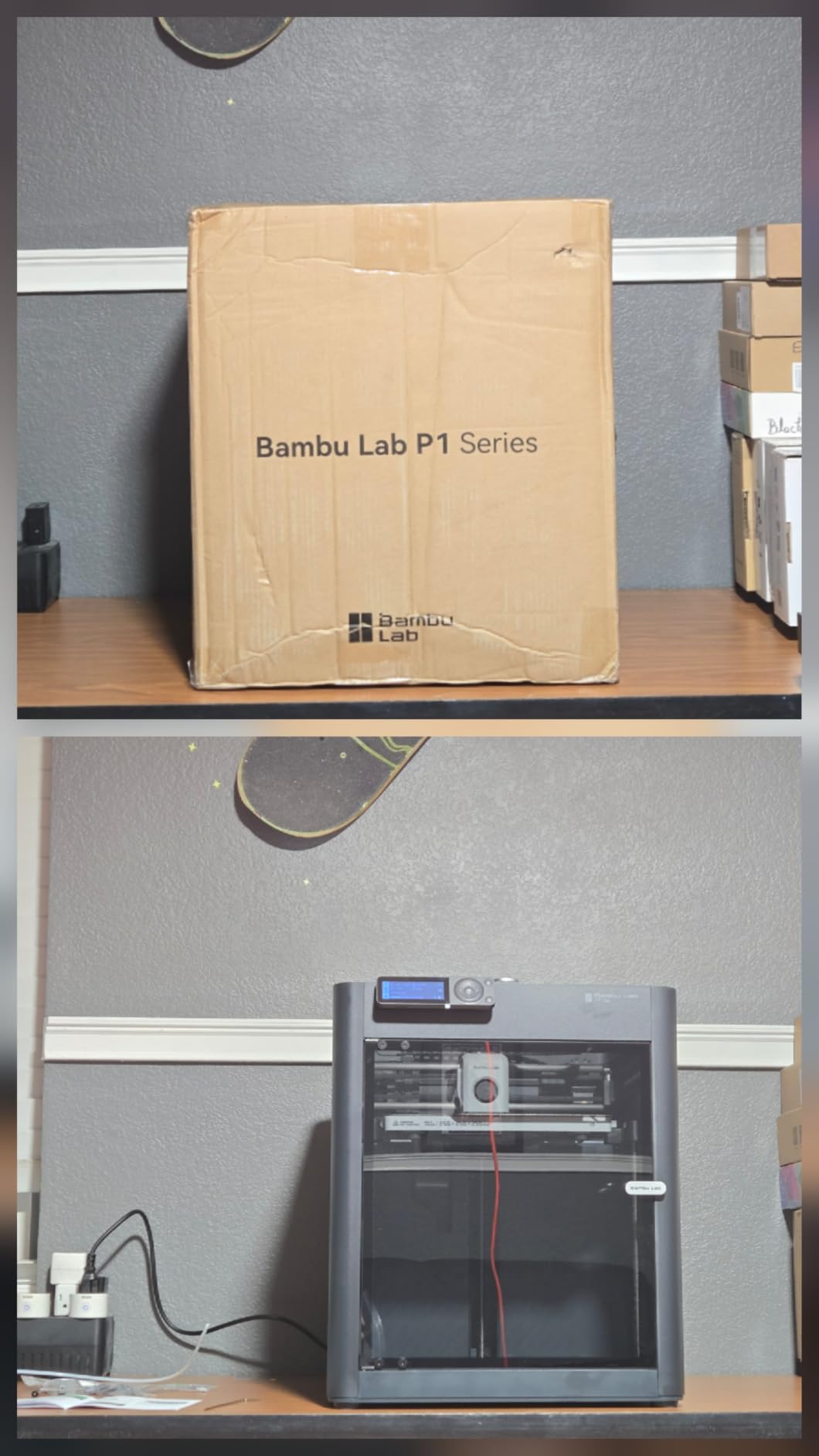
Best fit for a first functional part
Brackets, drill bit holders, tool wall mounts, phone and tablet cradles, replacement trim clips and workshop jigs are all inside this machine’s comfort zone. The combination of automatic bed leveling and a camera means a first-time user can start a 12-hour job without watching it.
If you are building sensor mounts for a robot, our guide to 3D printing robot parts walks through the design choices that pair well with a machine like this.
Where the P1S holds you back
There is no built-in touchscreen, so control depends on the app, the slicer or your computer. That is a real annoyance in a workshop where you want to start a job without your phone in your hand, and it is the single most common complaint in reviews.
The proprietary ecosystem is the second one. Bambu Studio and the cloud workflow are polished, but if you prefer open-source firmware and a local-only workflow, this is the wrong machine, and the AMS multi-colour capability costs an extra purchase on top.
4. QIDI PLUS4 – Best for High-Temperature Engineering Filaments
QIDI PLUS4 3D Printer, 65℃ Chamber Heating, 370°C Integrated Nozzle
- Second-generation chamber heating at 400W reduces cracking
- 370C nozzle covers PPS-CF
- PPA-CF/GF and PC
- Dual motor-driven Z with 6mm bed and 10mm shafts
- Open QIDI Studio workflow with no lock-in
- Wrap and break detection cut wasted material
- 59.4 pounds is a two-person move
- Integrated cutter and BOX setup add complexity
- Steeper bed levelling and adhesion setup than rivals
The QIDI PLUS4 is the pick when your parts need to be genuinely stiff or genuinely hot. Second-generation active chamber heating with 400W of heating power, air circulation and dual-layer insulation holds temperature far more steadily than a passive enclosure, and the 80W high-temperature hotend with a multi-metal integrated throat nozzle rated to 370C opens up PPS-CF, PPA-CF/GF, PC, PA, ABS, ASA and PET.
That combination is rare. Most enclosed printers in this price class top out around 300C, which means no polycarbonate blends and no fibre-filled polyamides. The PLUS4 is one of the few machines here where you can print a functional gearbox mount in PPA-CF-GF and put it under continuous load.
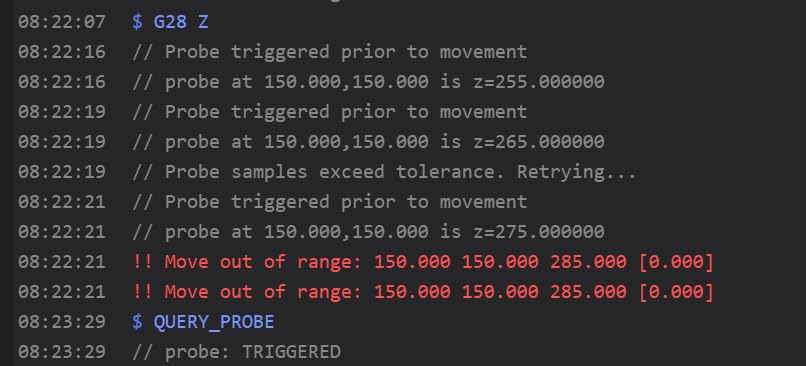
Z-axis rigidity is the other headline. Dual motor-driven Z-axis, a 6mm thickened aluminium bed, 10mm linear shafts and lead screws is a heavy-duty motion stack, and owners consistently report good dimensional accuracy as a result. The 12 x 12 x 11 inch build volume also suits batch runs of several parts in one job, which is where the cost per part starts to fall.
Filament wrap and break detection reduce wasted material on long jobs, and the HD camera with the QIDI Studio slicer and mobile app covers remote monitoring. For users who dislike vendor lock-in, the open workflow is a genuine advantage over app-dependent competitors.
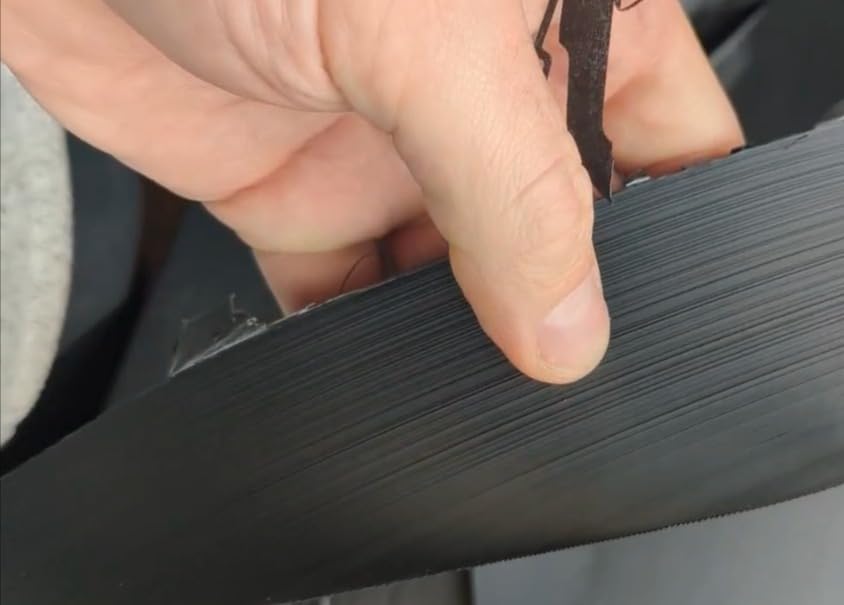
What the 370C nozzle unlocks
Polycarbonate and its blends need both a hot chamber and a very hot nozzle, and neither alone is enough. The PLUS4 pairs them, so a heat-exposed part near a motor bay or a sunlit enclosure holds its dimensions instead of creeping.
Fibre-reinforced polyamide is where the payoff is largest. If you are weighing a printed part against machined aluminium for a robot chassis member, the honest comparison of stiffness, weight and cost is covered in aluminium versus 3D printed parts for robot chassis.
Where the PLUS4 is not the answer
At 59.4 pounds and 19.29 x 20.07 x 22.24 inches, this is a two-person move and needs a proper stand. The integrated cutter and the QIDI BOX multi-material setup also add a layer of complexity that a first-time owner does not need.
Reviewers point to a steeper learning curve on bed levelling and adhesion setup than the fully automated rivals. Some report early adhesion and Z-axis calibration issues that improve once tuned, so budget an afternoon of calibration before your first real part.
5. Creality K1C – Best Value Enclosed CoreXY
- 2728 reviews give a well-proven reliability record
- Enclosed design runs ABS and carbon-fibre materials
- Tri-metal nozzle handles abrasive filament
- Auto levelling plus vibration-reduced fans
- Silent mode at or below 45dB
- Enclosed frame and gantry block access to small front prints
- AI camera feed is basic rather than high resolution
- Firmware and app updates occasionally disrupt connectivity
The K1C is the pick if you want a proven enclosed CoreXY machine without moving up a tier. It has 2728 reviews behind it, which is a lot of accumulated evidence that the machine works, and the CoreXY motion delivers 600mm/s with 20000mm/s2 acceleration alongside a direct extruder and tri-metal unicorn nozzle rated for carbon-fibre filaments.
For functional work, the direct extruder and abrasive-resistant nozzle are the details that matter. Many enclosed machines in this class cannot handle PETG-CF reliably, and the nozzle wear from abrasive filament is the number one cause of extrusion inconsistency. One-tap auto bed calibration with dynamically balanced printhead fans produces clean first layers without manual tramming, which is the difference between a reliable workshop printer and an unreliable one.
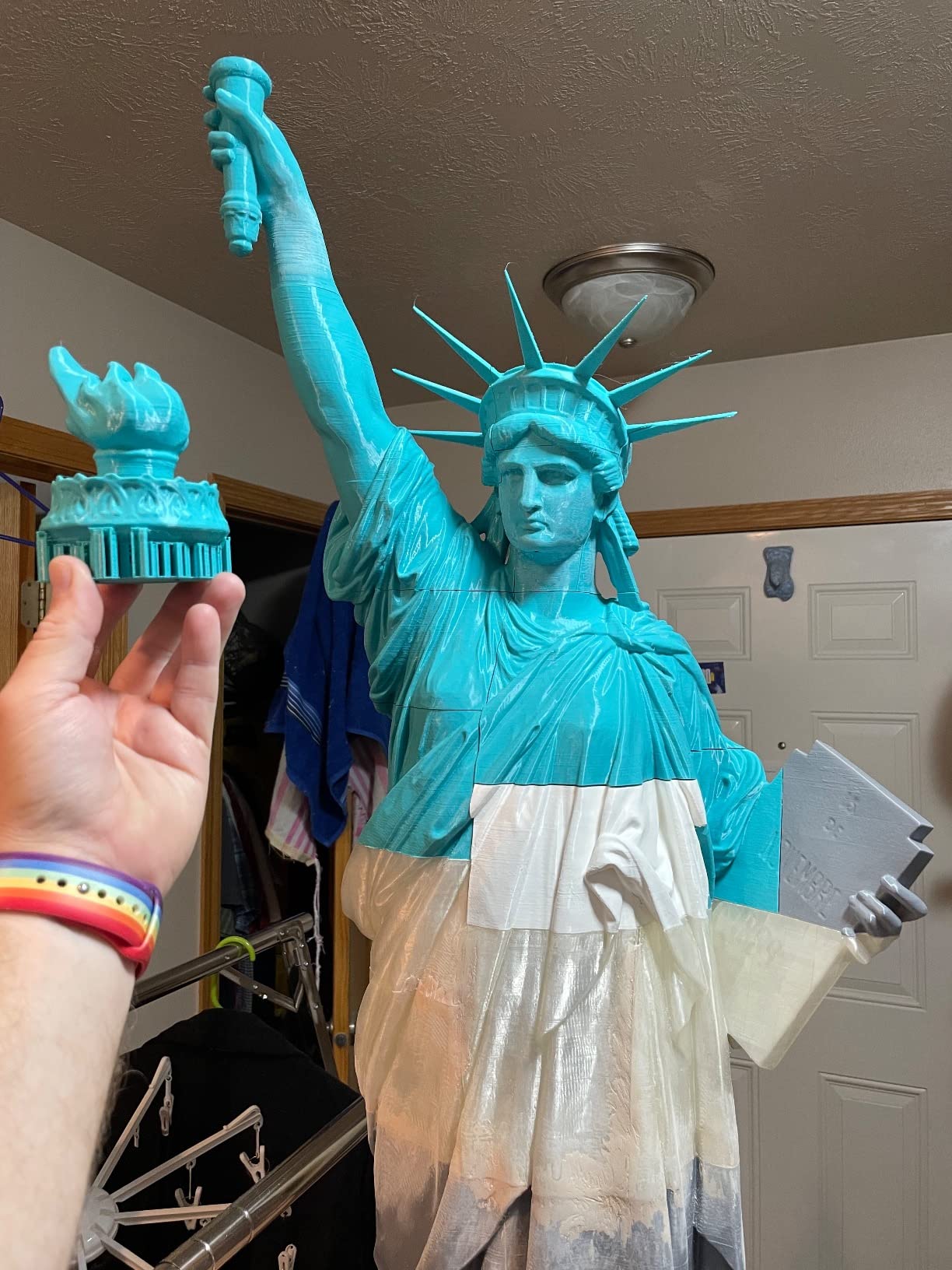
Activated carbon air purification with a silent mode at or below 45dB makes it realistic to run in a home office. A quiet printer gets used; a loud one gets switched off, and an unused printer produces nothing.
The AI camera supports real-time monitoring and time-lapse, so you can catch a first-layer failure from another room. The honest limitation is that the feed is basic rather than high resolution, which is fine for failure detection and not much else.
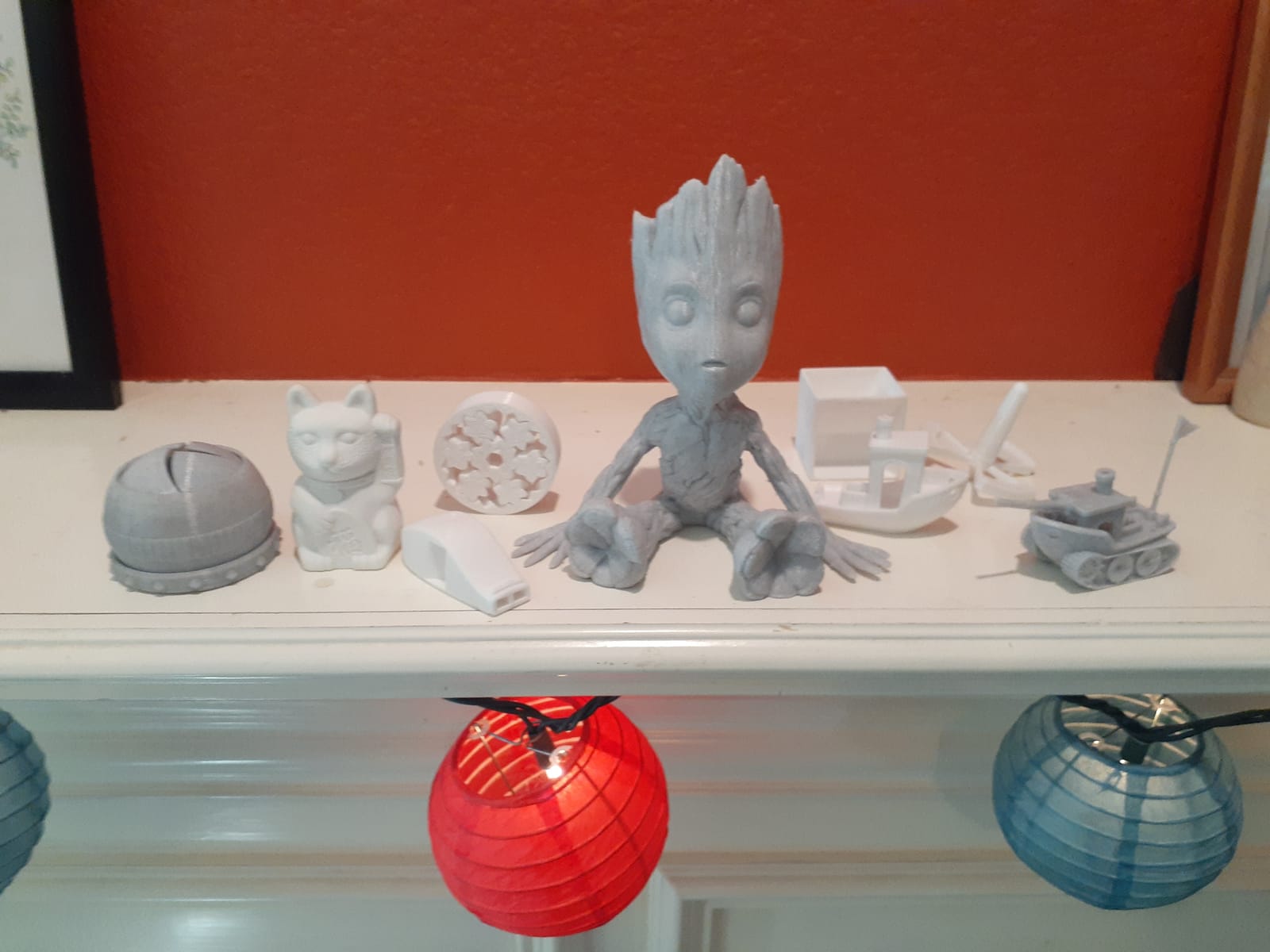
Best value for everyday workshop parts
Replacement trim, wiring looms, connectors and mounts, camera brackets, motor spacers and panel labels are all within this machine’s ability. The 68% five-star share reflects a machine that does its job quietly rather than one that excites you.
For anyone moving from an open-frame printer, the jump to an enclosed chamber is the change that actually improves part quality. Warping on ABS and ASA largely disappears, and fibre-reinforced filament becomes a realistic option rather than an experiment.
Where it falls short
The enclosed frame and CoreXY gantry can block access to small prints near the front of the bed, so plan part placement carefully. Firmware and app updates occasionally disrupt connectivity, which is annoying on a job you wanted to start from your phone.
There is no actively heated chamber, so it relies on insulation and airflow rather than pushing air temperature. For long ASA prints in a cold room, that is a real limitation compared with the 60C and 65C machines in this roundup.
6. ELEGOO Centauri Carbon – Best Budget Enclosed Printer
- Lowest entry point in this roundup
- Prints reliably out of the box
- Strong heated bed adhesion with Rapid PETG
- Enclosed chamber handles ABS and higher-temperature filaments
- Automatic vibration compensation and pressure advance
- Noisy fans and noticeable vibration at high speed
- Under-extrudes slightly until flow ratio is raised
- Wi-Fi and app connection reported as inconsistent
- Low camera resolution
- Integrated cutter reduces usable build corner
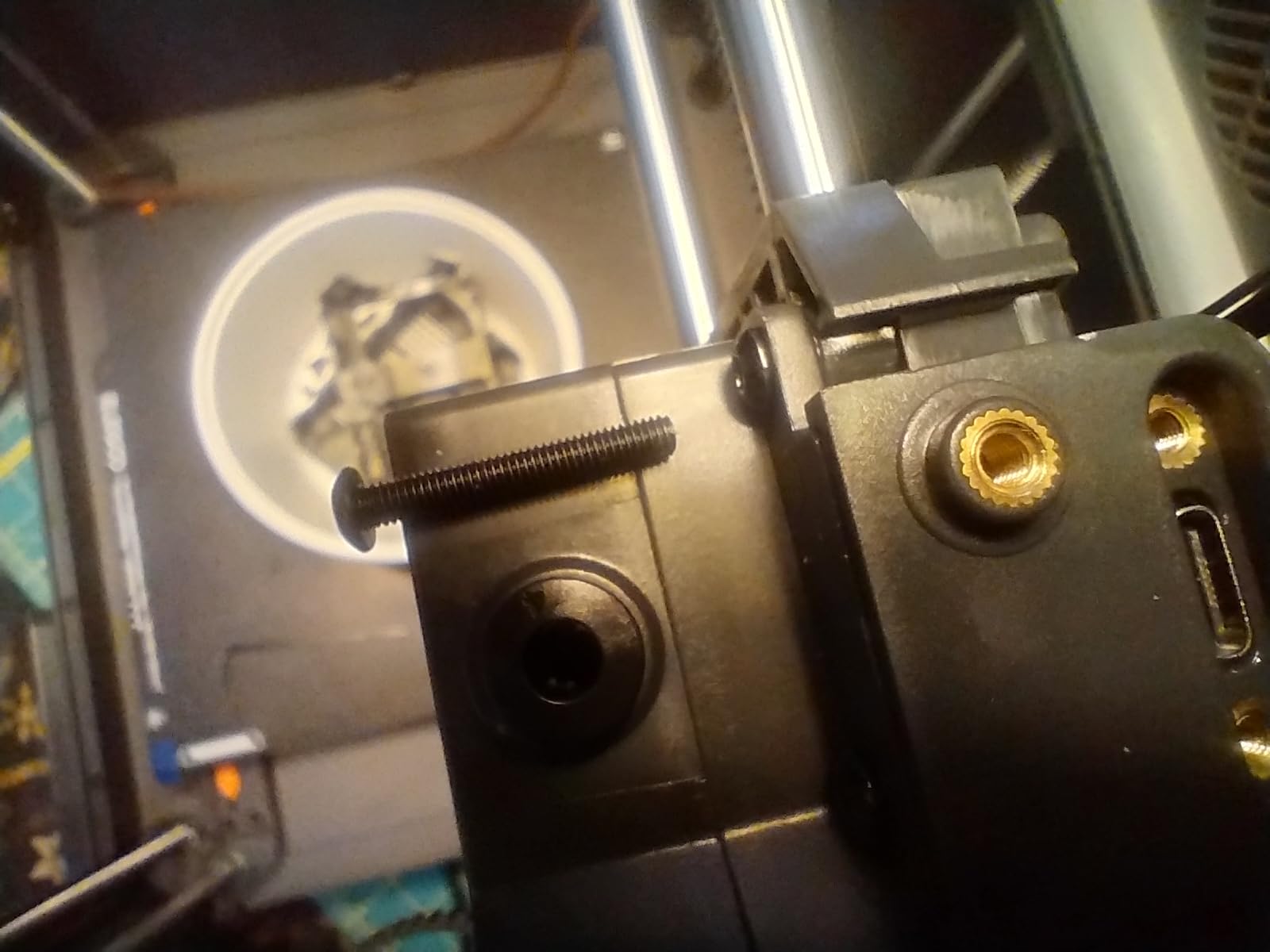
The Centauri Carbon is the cheapest route into an enclosed CoreXY machine with a hardened hotend, and at 2552 reviews it has enough owner history to trust. CoreXY motion runs to 500mm/s with 20000mm/s2 acceleration, the nozzle reaches 320C, and the enclosed chamber with enhanced cooling handles ABS and carbon-fibre filaments.
The integrated die-cast aluminium frame is the detail that separates it from cheaper enclosed printers. Frame rigidity is what keeps layer height constant across a tall print, and a tall thin wall is exactly the geometry of a functional bracket. Automatic vibration compensation and pressure advance are both included, which are features usually reserved for higher tiers.
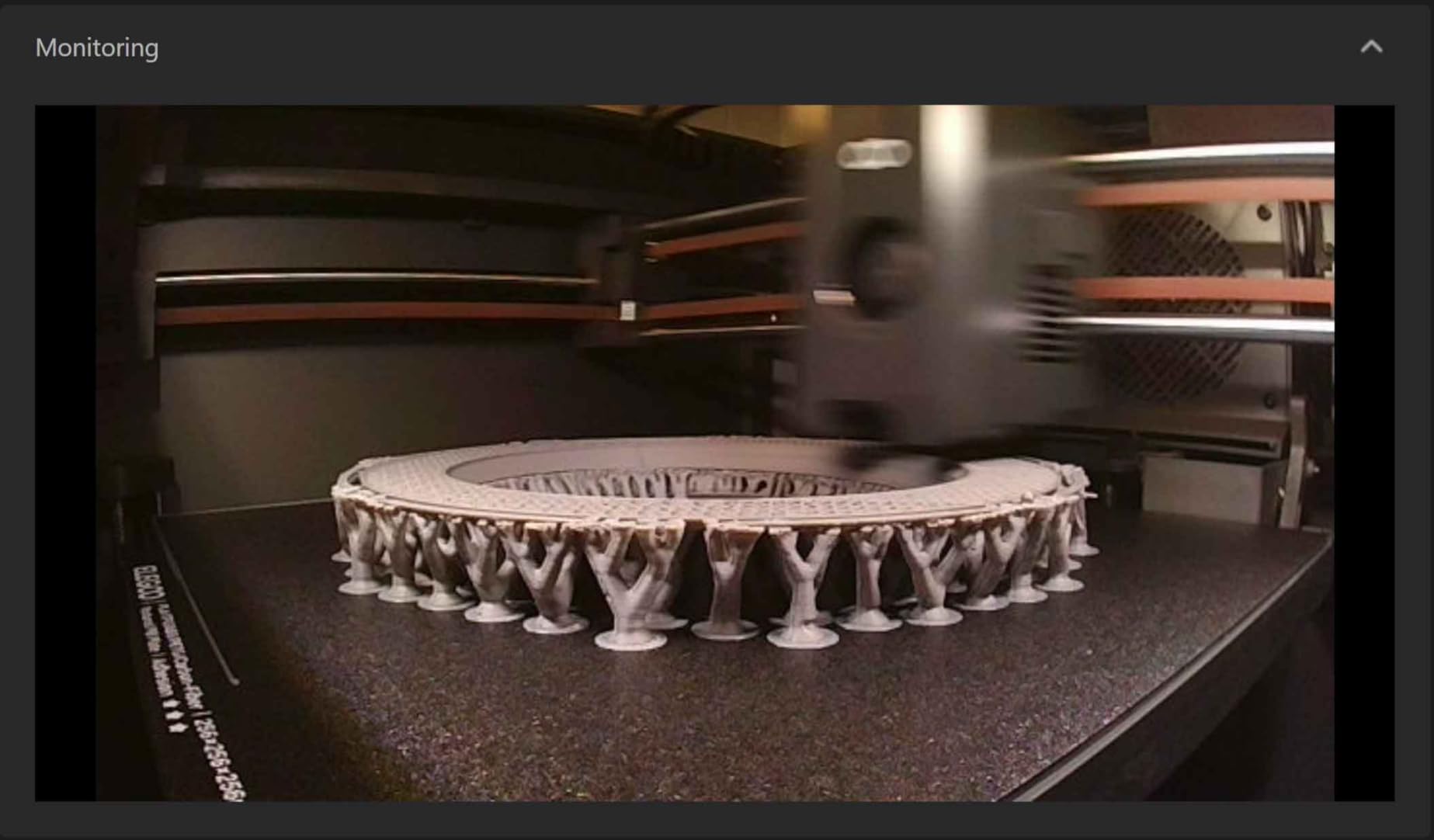
Bed adhesion is a highlight in owner reports, specifically with Rapid PETG and PETG Pro. For functional parts, adhesion is everything, because a bracket that pops off at layer 180 has wasted a full day. The dual-sided build plate has a PLA-specific surface on one side, which is a small but genuinely useful detail when you alternate materials.
It ships pre-assembled and pre-calibrated, prints out of the box, and the built-in chamber camera with dual LED lighting supports remote monitoring and time-lapse capture.
Best on a tight budget
For PLA, PETG and ABS functional parts up to 256mm, this machine covers the majority of what people actually print. A set of workshop jigs, drill bit holders and shelf brackets is a realistic weekend project on this machine, and the 256x256x256mm cube is a genuinely useful size for most hardware.
If your interest is nylon or carbon-fibre-reinforced filament, the 320C ceiling gets you most of the way, but you will need a dry box and a hardened nozzle discipline we would recommend reading up on first.
Where it falls short
Noisy fans and noticeable vibration during fast prints are the most repeated complaints, and vibration shows up as ringing on tall thin walls. Under-extrusion is also common straight out of the box, with the flow ratio needing to be raised to 1.0.
Wi-Fi and app connectivity is reported as inconsistent, with firmware updates sometimes breaking the connection entirely, and the onboard camera resolution is low for time-lapse. The integrated filament cutter occupies one build corner, so the advertised cube is not entirely usable in every orientation.
7. QIDI Q2 – Best for First-Layer Precision
QIDI Q2 3D Printer, 65℃ Heated Chamber and 370℃ Nozzle Unlock PPS-CF
- Nozzle-as-sensor levelling gives dependable first layers
- 65C PTC chamber and 370C nozzle reach PPS-CF
- Full-metal CoreXY with 1.5GT belts reduces VFA
- Triple G3
- H12 HEPA and carbon filtration
- Power-loss recovery protects long jobs
- Enclosed frame limits visibility and access to small parts
- Multi-colour needs the separately sold QIDI BOX
- Heavier than open-frame entry machines at 39.8 pounds
The Q2 solves the problem that causes the most discarded prints: getting a first layer down cleanly. Instead of a separate probe, the nozzle itself doubles as the bed-leveling sensor, which removes the extra hardware that can drift out of calibration. In practical terms, that means fewer failed jobs and less manual intervention between prints.
The second-generation PTC heated chamber reaches 65C, and the 370C high-temperature nozzle opens up PPS-CF and other engineering polymers. Full-metal CoreXY on precision linear rails runs to 600mm/s, and the 1.5GT synchronous belt is specified to reduce vertical fine artifacts, the ringing pattern that shows up on glossy printed surfaces.
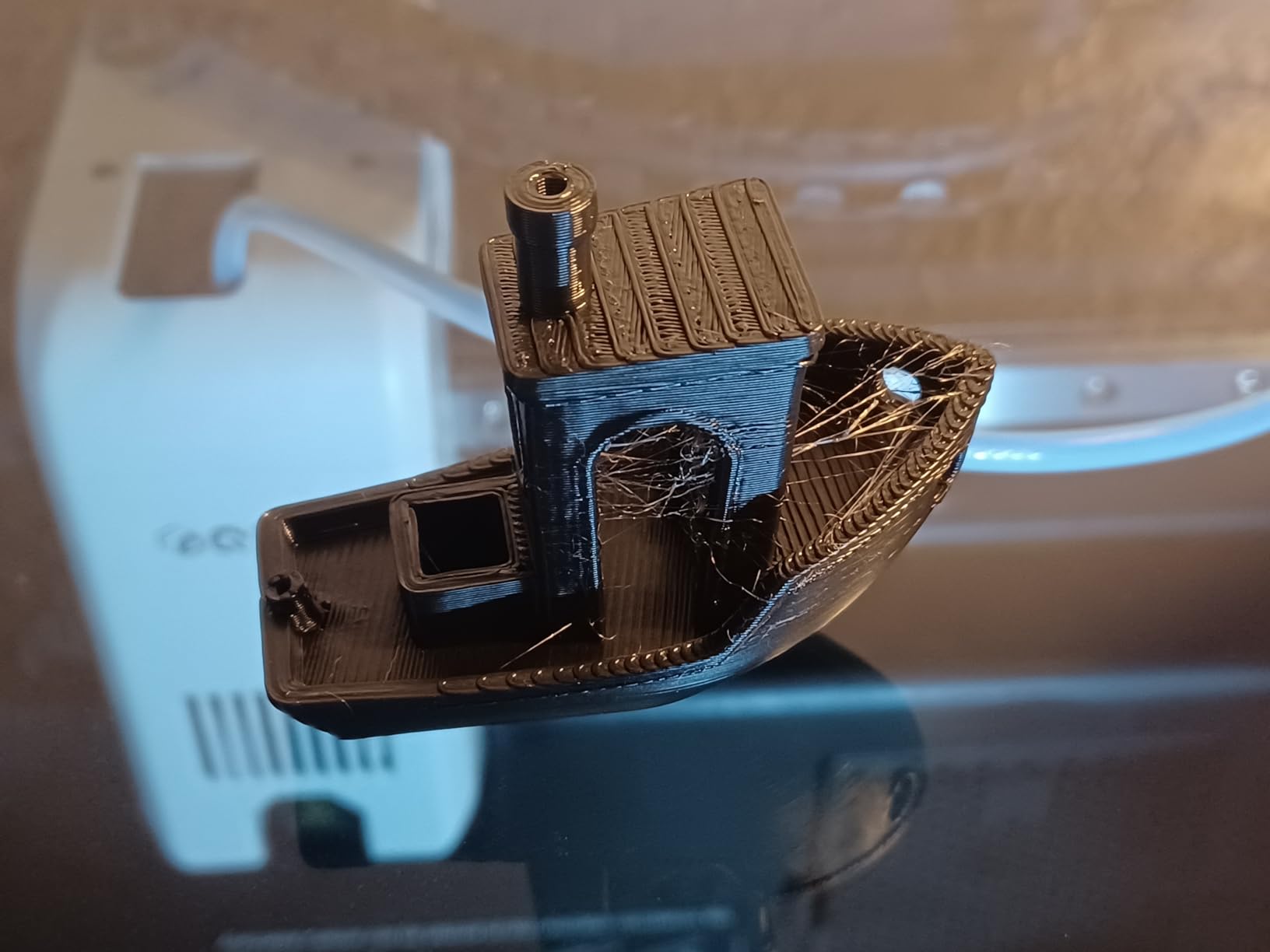
Filtration is handled properly: a G3 pre-filter, H12 HEPA and activated carbon in one path. Running a 65C chamber at full tilt generates real fumes, and this is a machine you can leave running in a home workshop without thinking about it.
Auto-levelling, filament run-out and tangle detection, an AI camera and power-loss recovery all protect long functional prints. Power-loss recovery in particular is worth more than it sounds: a 30-hour nylon print that resumes after a brownout is a saved part, not a restart.
Best when mating accuracy matters
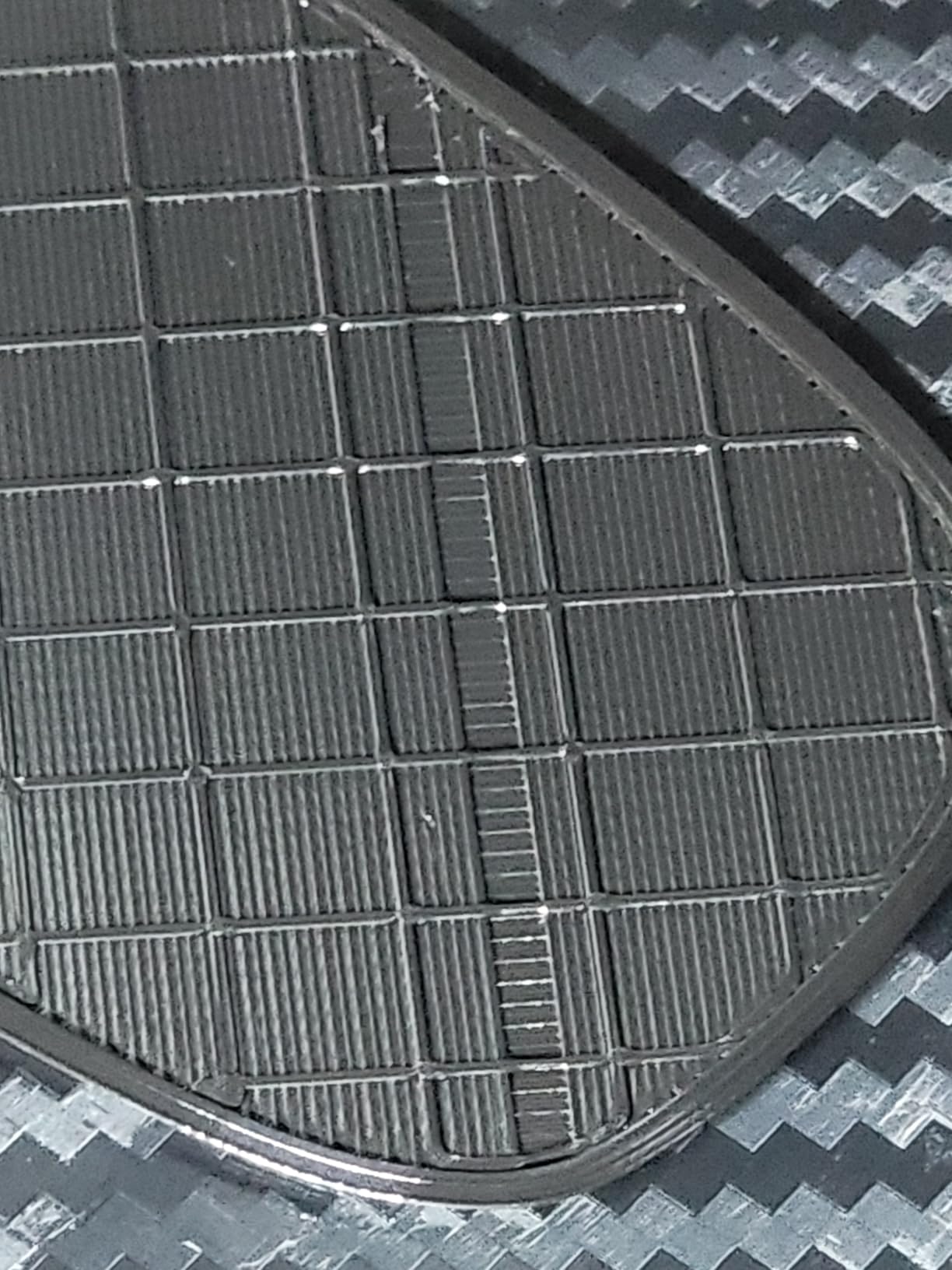
Any part that has to fit with something already built, such as a mounting plate for an existing sensor, a drawer front handle or a replacement housing, depends on first-layer squish. The nozzle-as-sensor approach is the most direct fix we saw across these ten machines.
Enthusiasts in r/3dprinter repeatedly recommend QIDI machines for exactly this kind of tool printing, describing daily use for hand tools and handles. The Q2 is the current version of that recommendation.
Where the Q2 costs you
The enclosed frame limits how well you can see and reach a small part printed near the front of the bed, which is a genuine annoyance during assembly work. Multi-colour printing requires the separately sold QIDI BOX.
At 39.8 pounds it is heavier than open-frame entry-level machines, and 70% five-star ratings reflect a smaller, newer owner base than the machines above. Fewer owners means less community troubleshooting, which is the trade for the more capable hardware.
8. Snapmaker U1 – Best for TPU and Soluble Supports
Snapmaker U1 3D Printer,4-Toolhead with 5s Toolchanger,Multi-Color Printing
- Four dedicated toolheads mean near-zero purge waste
- 5-second tool changes are far quicker than single-nozzle
- Rigid plus TPU plus water-soluble support in one print
- Rigid carbon fiber X-axis rails resist flex
- Open-source Snapmaker Orca slicer with touchscreen
- Fixed set of four toolheads caps multi-colour at four base materials
- Ships with an open top so a lid is advisable for ASA and ABS
- Slicer needs manual STL or 3MF import
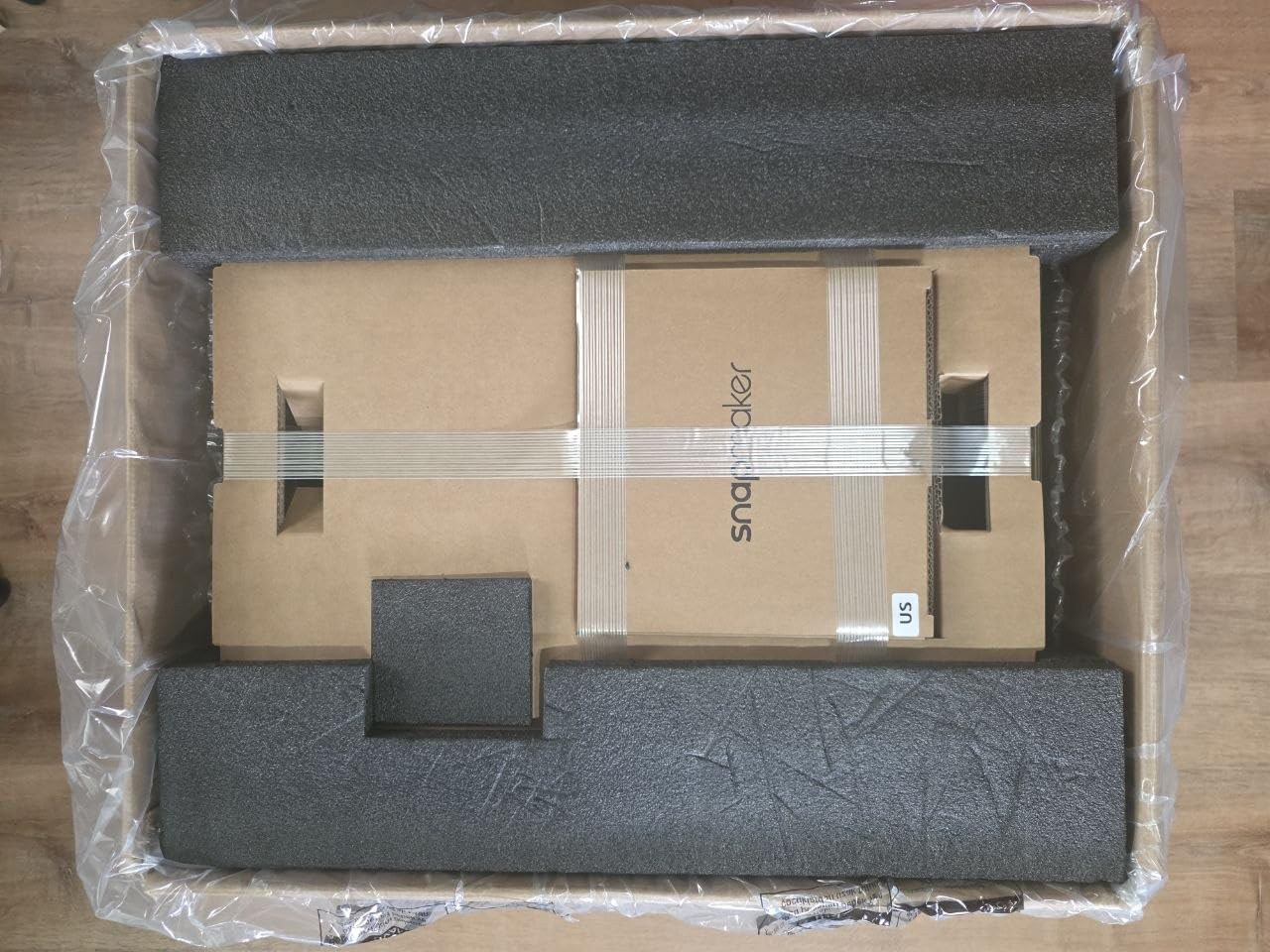
The Snapmaker U1 is the most interesting toolchanger in this roundup for functional work, and the reason is preloading. Four toolheads arrive preloaded and preheated, so a rigid filament never has to share a hotend with a flexible one. The 5-second SnapSwap tool changes were validated over 1000000 swaps according to the manufacturer, and filament waste drops by up to 5 times against purge-based multi-colour systems.
That combination unlocks mixed-material prints that most machines cannot do in one job: a rigid PLA or PETG structure, a TPU grip section and PVA water-soluble support interface. For a robot gripper finger, a camera damping mount or a protective boot, that is the difference between a functional assembly and three separate prints glued together.
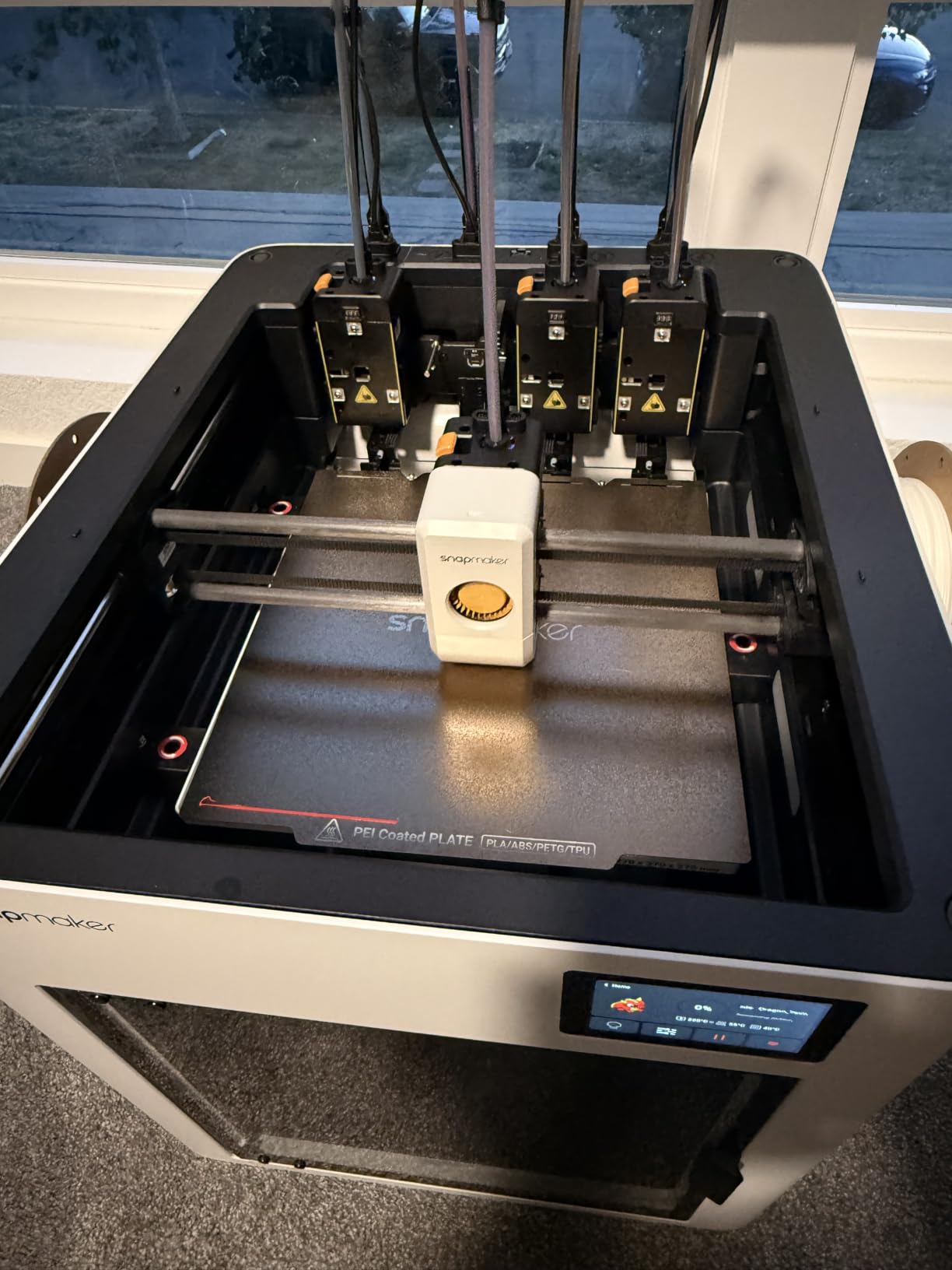
The rigid CoreXY frame uses carbon fiber X-axis rails and runs up to 500mm/s, with a 270 x 270 x 270mm build volume. Automatic toolhead offset calibration, vibration compensation and extrusion tuning handle the setup, and a 3.5-inch touchscreen with AI print monitoring covers remote app control. Compatible materials include PLA, PVA, TPU, PETG, PCTG, ABS, ASA, PA and PC, with a one-year warranty.
The Snapmaker Orca slicer is open-source and the workflow is Linux-friendly, which is a genuine advantage for anyone who does not want their prints living in a vendor cloud. Setup is reported as fast and straightforward with guided touchscreen calibration.
Best for parts that mix soft and rigid sections
Damping feet, cable strain relief, grip pads, protective covers and vibration isolators all benefit from a hard structural core with a soft interface, printed in one go. Single-nozzle machines can do this with manual tool changes and a lot of purging, which is slow and wastes filament.
It also holds a 4.5 star average with 83% five-star ratings, so the early owner reports are strongly positive about the design and setup speed.
Where the U1 is the wrong tool
The four toolheads are a fixed set, which caps multi-colour work at four base materials. If you need eight-colour signage panels, this is not the machine, and adding heads is not a supported upgrade.
More importantly for this roundup, it ships with an open top. For ASA, ABS and nylon, add a lid or a printed enclosure, which is a real step back from the fully sealed machines listed above. Slicer work is manual STLs and 3MF files rather than a phone-first ecosystem, and a few units needed board troubleshooting.
9. FLASHFORGE Adventurer 5M Pro – Best for a Small Workshop
FLASHFORGE Adventurer 5M Pro 3D Printer with 1 Click Auto Printing System
- Only 22 pounds so it moves between benches easily
- Enclosed dual-filtration chamber runs under 50dB
- One-click auto levelling and 3-second tool-free nozzle swap
- Vibration compensation reduces ringing
- Built-in camera
- touchscreen and power-loss recovery
- 280C nozzle ceiling limits engineering polymers
- Some units had head crashes and clogging needing parts replacement
- Bundled slicer installer can clash with recent macOS releases
- First-layer adhesion needs software tuning on some materials
The Adventurer 5M Pro is the most portable enclosed machine here at 22 pounds, and for a small workshop or a home office that is not a small thing. The all-metal CoreXY frame runs at 600mm/s with 20000mm/s2 acceleration, integrated vibration compensation reduces ghosting and ringing, and one-click full auto-levelling removes the first-prints-are-wasted problem.
The 4.3-inch touchscreen and built-in camera mean you can start and monitor a job without a phone or a computer, which is a real advantage in a shared shop. The enclosed chamber with dual filtration operates under 50dB, and power-loss recovery protects longer prints. Supported materials include ABS, ASA and PETG-CF, with a 110C heated bed and a 280C nozzle ceiling.
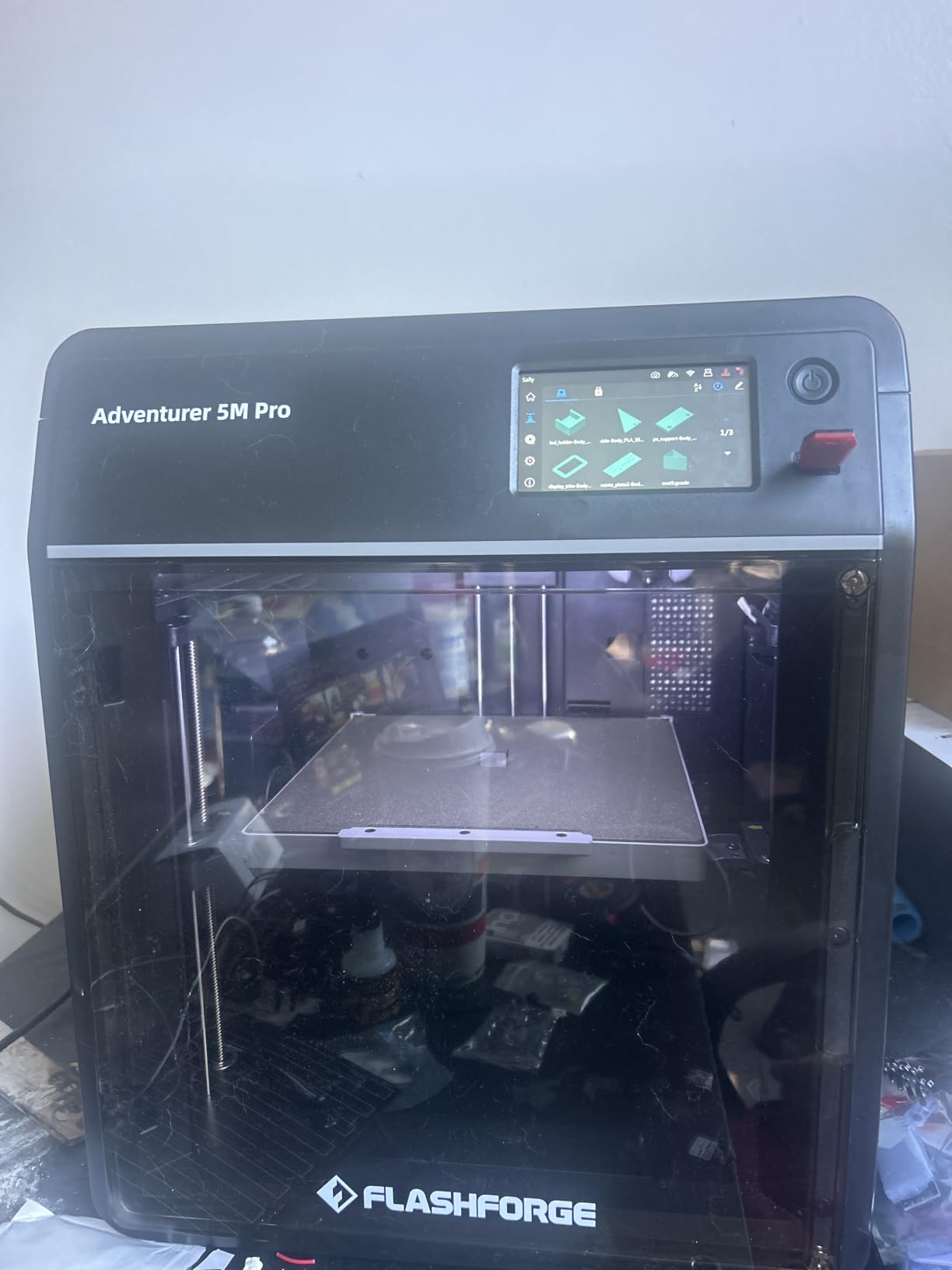
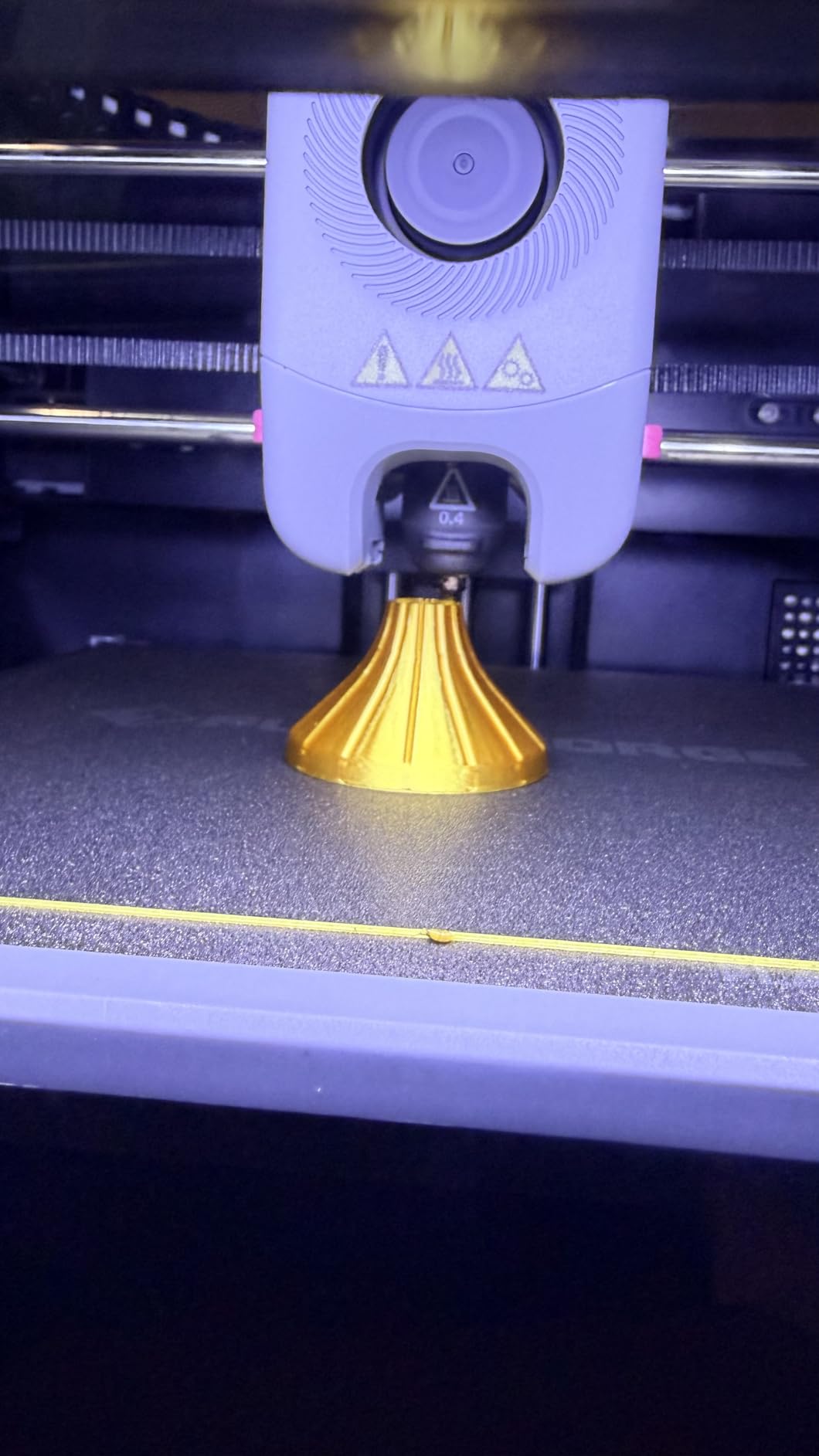
The tool-free 3-second quick-swap nozzle accepting 0.25, 0.4, 0.6 and 0.8mm tips is a feature you will use constantly on functional work. Moving from a 0.4mm nozzle for a bracket to a 0.6mm nozzle for a stiff gear blank takes seconds, not a teardown.
At 220 x 220 x 220mm the build volume is the smallest of the group, so large panels and full-size brackets are out of scope. For jigs, fixtures and small replacement parts, that limit rarely comes up.
Best where space and noise are limited
A workshop bench, a shared office or a classroom benefits from a 22-pound machine that runs under 50dB with fumes contained. One-click levelling plus power-loss recovery is the combination that lets a beginner run a long job unsupervised.
For many functional jobs the 280C ceiling is genuinely enough. PLA, PETG, ABS, ASA and PETG-CF cover jigs, brackets, guards and adapters, which is most of what a small shop needs.
Where it falls short
The 280C nozzle ceiling rules out polycarbonate blends, PA-CF, PPA-CF and PPS-CF. If your roadmap includes high-temperature engineering materials, this is a stepping-stone machine, not a destination.
There is also a real reliability subset: the 18% one-star share reflects units that experienced head crashes into the build plate and clogging requiring parts replacement. Bundled slicer installers can also be incompatible with the latest macOS releases, and first-layer adhesion needs software tuning on some materials.
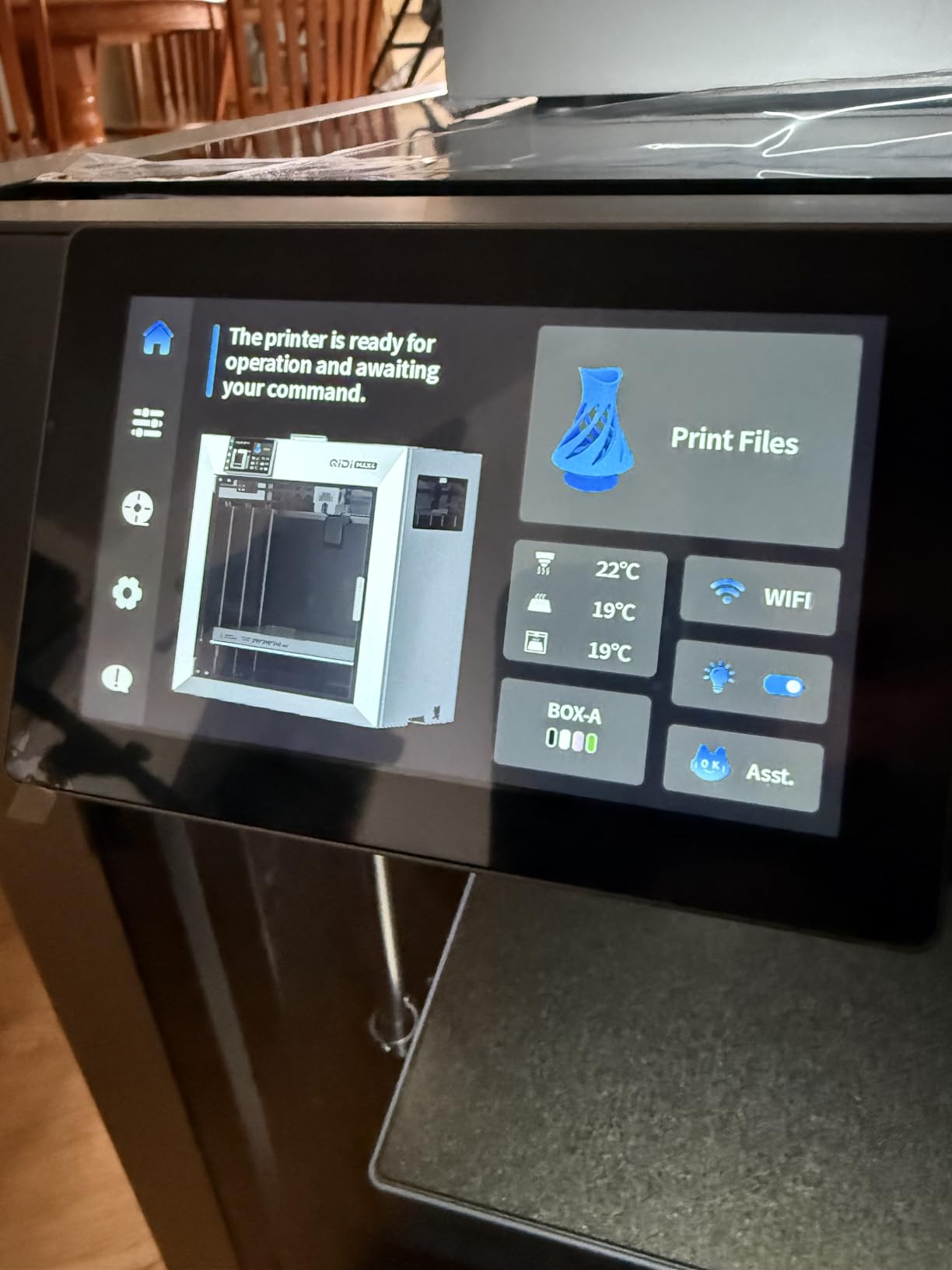
10. QIDI Max4 Combo – Best for Oversized Functional Parts
QIDI Max4 Combo 3D Printer, 390×390×340mm Build Volume, 65℃ Heated Chamber
- 390 x 390 x 340mm volume
- 55% larger than the previous generation
- Full-surface silicone heated bed for even temperature
- Closed-loop X/Y motors and anti-backlash Z hardware for repeatable layers
- 65C chamber and high-flow hotend handle ABS-CF
- PC and PPS-CF
- AI camera auto-pauses on spaghetti failure
- 120 pounds needs a purpose-built table
- Four-spool magazine can tangle on retraction and will not auto-advance
- Polar Cooler sold separately
- QIDI BOX and QIDI Studio sync reported as inconsistent
The QIDI Max4 Combo is for parts that simply do not fit anywhere else. At 390 x 390 x 340mm the build volume is 55% larger than the previous generation, which means full-size props, helmets, large jigs and industrial panels print as one piece rather than being split and bonded together. A bonded part is always the weak point, and this removes that weak point entirely.
The full-surface silicone heated bed is a meaningful engineering choice. Silicone spreads heat evenly across the entire plate, which improves first-layer adhesion and reduces warping on large prints, and owners with high-volume needs report consistent first layers with minimal warp. Closed-loop motors on X and Y push 800mm/s with 30000mm/s2 acceleration, and a 2mm lead screw with an anti-backlash nut handles the Z-axis.
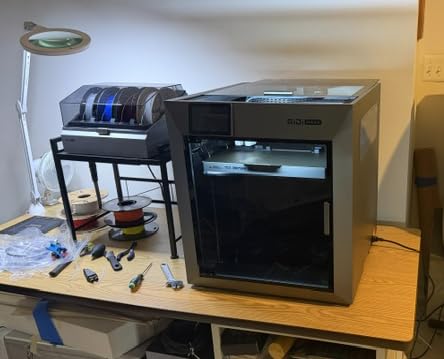
The 40mm3/s high-flow hotend with a hardened steel nozzle is built for carbon-fibre reinforced nylon, and the 65C active heated chamber covers ABS-CF, PC and PPS-CF. The AI camera with automatic spaghetti-failure pause stops a large print the moment it goes wrong instead of wasting twelve hours, and the large touchscreen keeps the machine usable without a phone.
Expandability to 16-colour printing with the QIDI BOX is available for shops that need multi-colour fixtures or visual inspection aids.
Best for large assemblies in one piece
Dock organisers, wall-mounted tool boards, robotics subframes, large camera rigs and workshop storage are all within reach at this volume. A 4.4 star average with excellent reported quality on PETG and cosplay-scale parts shows the bed and motion system hold up at scale.
Support is also a differentiator here: owners report the team is responsive and sends replacement parts quickly, which matters on a machine this size where a small failure is a big inconvenience.
Where the Max4 will stop you
At 120 pounds and 28 x 28 x 30 inches it requires a sturdy, purpose-built table, not a desk. Setup and relocation are a genuine project, and this is a machine for a fixed workshop bay.
The four-spool magazine can tangle filament on retraction and does not auto-advance to the next spool, which is a real problem for unattended long jobs. The Polar Cooler must be purchased separately for the best results, and only 30 reviews exist so far, so the long-term owner record is still short. A few units also reported factory assembly defects on the toolhead.
Enclosure and Chamber Temperature: Why It Decides Your Results?
Enclosure and chamber heating solve the same problem at different levels, and confusing them is the most expensive mistake in this category. An enclosure blocks draughts and contains fumes. A heated chamber raises the air temperature around the part so layers fuse before they cool. You need both for ABS and ASA, and the second one is what no competitor in this roundup ignores.
Warping is the visible symptom: the corners of a large flat part lift off the bed because the edges cool faster than the centre. Delamination is the invisible one: a tall part separates layer to layer, then snaps along the seam when you load it. Both come from the same thermal imbalance.
Set the wall and infill numbers you will actually use, then read the chamber figures as a hard filter. Machines reaching 60C to 65C handle long ASA and PC prints in a normal room. Machines with an enclosure but no active heat can do short ASA prints in a warm room, and that is the honest limit. A user in a r/3dprinter thread asked whether a heated chamber is worth the money over an enclosure alone, and the consensus answer is that it is for anything longer than a few hours or larger than a phone-sized part.
One secondary benefit is fume control. A chamber at 60C pumping styrene out of an unfiltered machine is a real indoor air quality problem, which is why we weighted HEPA13 and activated carbon filtration heavily when ranking the top three. The Flashforge Creator 5 Pro and QIDI Q2 both filter properly.
What Materials Do Functional Parts Actually Need?
Material choice dominates part strength far more than printer brand, and it is worth being blunt about this. Pick the polymer that matches the load, the temperature and the environment, then pick a machine that can print it.
PLA – stiff, precise and easy to print, but it softens in a hot car or a sunny window. Fine for jigs, templates and interior brackets.
PETG – the default for most functional work. Stronger than PLA, heat-resistant to around 80C, tough rather than brittle, and forgiving on bed adhesion. Our material guide covers strong filament choices in more depth.
ABS and ASA – ABS for indoor parts, ASA for anything with UV exposure or weather. Both need an enclosed, heated chamber and slow cooling, and both benefit from a brim and an enclosure at temperature.
TPU – flexible, nearly indestructible, and requires a direct drive extruder. Every machine in this roundup has one.
Nylon and PA-CF – tough and heat-resistant, but hygroscopic. If your prints are weak, this is usually why: damp filament boils water into the layer and destroys adhesion. Dry it first, every time.
Polycarbonate and PC blends – the strongest common option, and the reason to care about a 370C nozzle. Only the QIDI PLUS4, QIDI Q2, QIDI Max4 Combo and the Creality K2 Plus Combo in this group can reach it.
Carbon fibre reinforced PETG and PA – stiff and light, and hard on nozzles and hardened extruder gears. The K2 Plus Combo, the K1C and the Centauri Carbon have hardened hardware; the P1S does not recommend it on the factory hotend.
The pattern is clear. Anything above 300C needs a machine built for it, and anything hygroscopic needs a dry box regardless of which machine you own.
How to Print Strong Parts That Do Not Snap
A printer can be perfect and a part can still fail, because strength comes from settings. Five changes fix most weak prints.
1. Drop the layer height. 0.2mm or 0.16mm layers bond better than 0.28mm layers because the previous layer is still warm when the next one lands. This is the single biggest strength gain available for free.
2. Raise the wall count before infill. Four to six perimeters do far more for load-bearing strength than going from 20% to 60% infill, because load travels through the walls. Infill mainly saves material and stops warping.
3. Dry hygroscopic filament. Nylon, PC, PET and TPU all absorb moisture. Wet filament produces steam at the nozzle, bubbles in the wall and a part that looks fine and snaps in your hand. A dry box is a few dollars and the highest-return accessory in this hobby.
4. Orient the part along the load. Printed parts are weakest between layers. If a bracket will be loaded along its length, print it so the load runs across the layers rather than pulling them apart. Rotating a part 90 degrees can double its strength with no material change.
5. Slow the outer wall and keep the chamber warm. A slower outer perimeter gives each layer more time to bond, and a hot chamber does the same passively. Both matter far more for functional strength than the headline speed figures.
None of this needs a specific machine, which is why filament and settings beat brand in almost every forum thread on the topic. The machine determines which materials are available to you; the settings determine whether the part survives.
Do You Need a Resin Printer for Functional Parts?
Usually not. Resin printers produce far finer detail and smoother surfaces, and they win decisively on miniatures, dental models and display pieces. For load-bearing mechanical parts, FDM wins on material toughness, layer adhesion, size and cost, and a printed bracket in PETG absorbs impact where a resin equivalent would shatter.
Resin has two real advantages for function: resolution, for thin snap-fits and small holes, and heat resistance with certain resins, which is why dental labs use them. If your parts are thin, dimensionally critical snap-fits, resin is worth a separate machine. If they are brackets, mounts and adapters, stay with FDM.
One honest note on handling: resin printing is a chemical process with real ventilation and PPE requirements. An enclosed, filtered FDM machine in the same room is the lower-risk daily tool.
Who Should Buy Which Printer?
Match the machine to the job rather than to the spec sheet.
Vehicle and automotive repairs: the Creality K2 Plus Combo. The 60C chamber and 350C nozzle handle ASA, which is the material that survives a hot engine bay and a summer car park, and the auto belt tensioning and dual Z-axis reduce the failures that ruin a Saturday.
Workshop tooling and jigs: the Bambu Lab P1S or the FLASHFORGE Adventurer 5M Pro. Both are quick, quiet and low-friction, and both handle the ABS and ASA stock a shop actually uses.
Heat and UV exposed outdoor parts: the QIDI PLUS4. Nothing else in this group at a sensible price reaches 370C, and PC blends are what you want for a part that sits in sun.
Engineering and product prototyping: the Flashforge Creator 5 Pro. Four toolheads let you prototype a rigid-and-flexible assembly in one job and change materials without purging.
Robotics and drone builds: the QIDI Q2 for precise first layers and mating parts, or the QIDI Max4 Combo for full-size subframes. For frame material decisions, read our aluminium versus printed chassis comparison.
Students and first-time buyers: the ELEGOO Centauri Carbon. It prints out of the box, and the mistakes you will make as a beginner are cheaper on a budget machine.
Small business doing batch work: the Creality K1C for volume, or the QIDI Max4 Combo when the parts are large. Both have cameras and run-out detection for unattended overnight jobs.
Frequently Asked Questions
Which 3D printer is the most versatile?
For functional parts, the Creality K2 Plus Combo covers the widest range: a 60C actively heated chamber, a 350C hardened nozzle and support for PLA, ABS, ASA, PET, PA-CF and PPA-CF in one machine. If you need multi-material capability, the Flashforge Creator 5 Pro adds four independent toolheads. For the lowest learning curve, the Bambu Lab P1S prints reliably out of the box.
What is the best 3D print material for structural parts?
For most load-bearing work, PETG is the best balance of strength, heat resistance and printability. Nylon and PA-CF are tougher and better for sustained heat, but they are hygroscopic and must be dried. Polycarbonate blends are the strongest common option and need a hotend reaching 370C plus an actively heated chamber.
What is the best 3D printer for printing automotive parts?
The Creality K2 Plus Combo is our pick for automotive work because its 60C actively heated chamber and 350C nozzle handle ASA, the material that tolerates a hot engine bay and outdoor UV exposure. It also prints PLA, PET and carbon-filled filaments for interior trim and non-structural replacements.
What functional things can I make with a 3D printer?
The most useful categories are mechanical brackets and mounts, workshop tooling and jigs, replacement trim and clips, robot and drone components, cable management, drawer and tool organisers, enclosures and electronics cases, automotive interior parts, and custom adapters for equipment you already own. These are the parts that justify an enclosed machine.
Which 3D printer has the least amount of problems?
The Creality K1C has the largest proven owner base in this group at 2728 reviews with a 4.2 star average, and its reported issues are mostly cosmetic. The Bambu Lab P1S carries the highest rating at 4.5 stars, with its main drawbacks being the lack of a touchscreen and app dependence rather than hardware failures.
What is the most profitable thing to 3D print and sell?
Custom replacement parts and specialised workshop jigs for a specific trade tend to hold value better than generic items, because they solve a problem buyers cannot find elsewhere. Spare parts for discontinued equipment, custom enclosures and mounting hardware, and niche model kits all work. Profit comes from design time, not filament, so standardise your designs and print in batches.
What is the average lifespan of a 3D printer?
A well-maintained enclosed CoreXY machine commonly runs for many years of regular use. The consumable parts are the 0.4mm nozzle, hardened extruder gears on abrasive filaments, belts, PEI build plates and linear rails. Dry your filament, keep the chamber filtered and replace the nozzle before it wears rather than after it clogs.
Is there anything illegal to 3D print?
Printing parts for your own use is broadly legal in most jurisdictions, but rules differ on firearms and weapon components, medical devices, items that interfere with safety equipment, and commercial reproduction of copyrighted designs. Check local law before selling printed parts commercially, and never print components intended to defeat a safety mechanism on a vehicle or protective equipment.
Conclusion
The best 3d printers for functional parts are the enclosed machines with a hot chamber, and almost everything else is a detail. Our Editor’s Choice, the Creality K2 Plus Combo, leads because it pairs a 60C actively heated chamber with a 350C hardened nozzle and a 40mm3/s high-flow hotend, and it backs that with 3963 owner reviews rather than marketing copy. For multi-material work, the Flashforge Creator 5 Pro takes the same thermal envelope and adds four zero-waste toolheads with HEPA13 filtration. For the highest owner satisfaction and the shortest path to your first working bracket, the Bambu Lab P1S is hard to argue with at 4.5 stars.
Beyond those three, match the machine to the material. High-temperature engineering polymers point to the QIDI PLUS4 or the QIDI Q2 at 370C, mixed rigid and flexible assemblies point to the Snapmaker U1, a tight budget points to the ELEGOO Centauri Carbon, and oversized parts point to the QIDI Max4 Combo. Whichever you choose, dry your filament, print at 0.2mm layers with four or more walls, and orient the part so the load runs across the layers. Those three habits matter more than any spec on this list.