
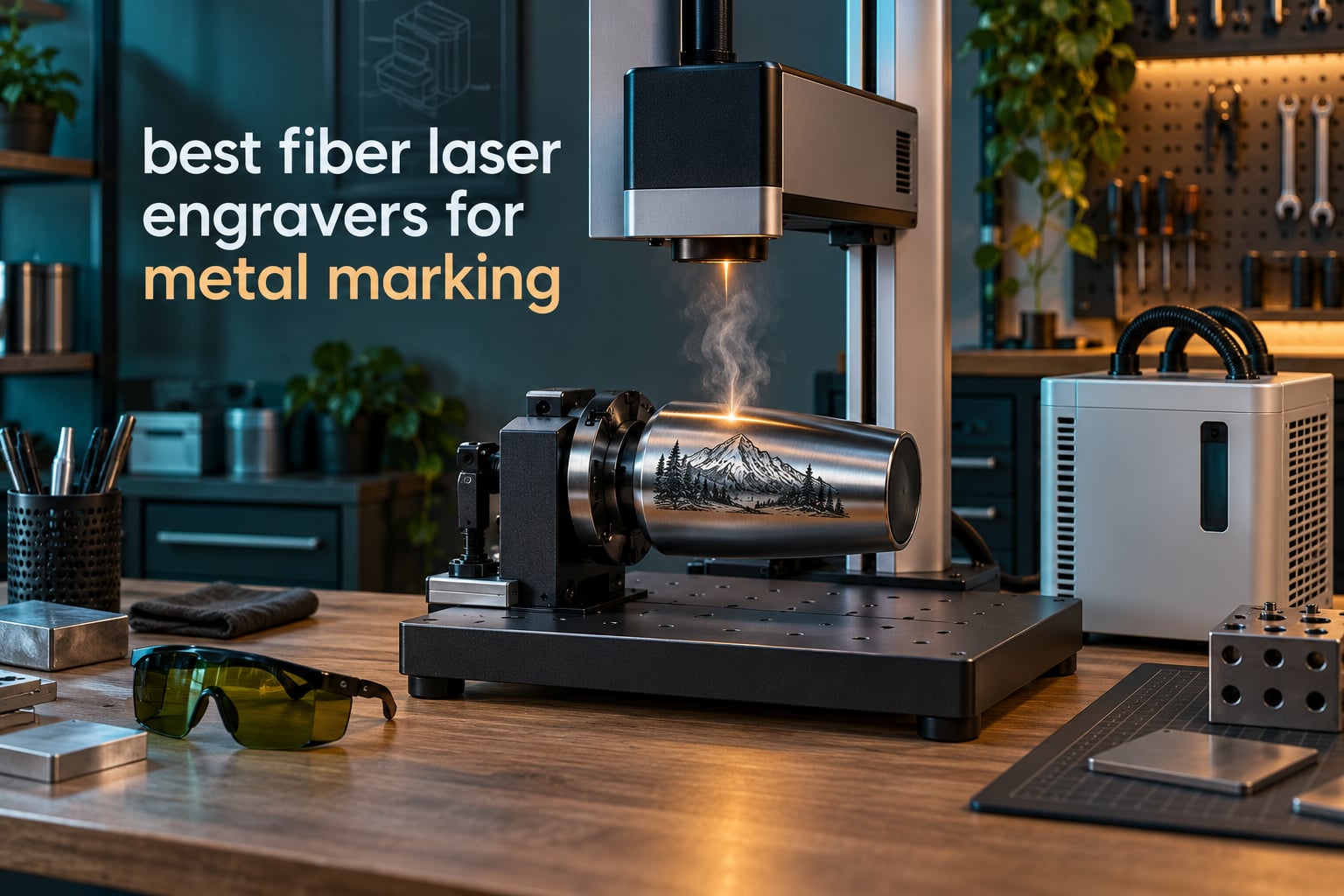
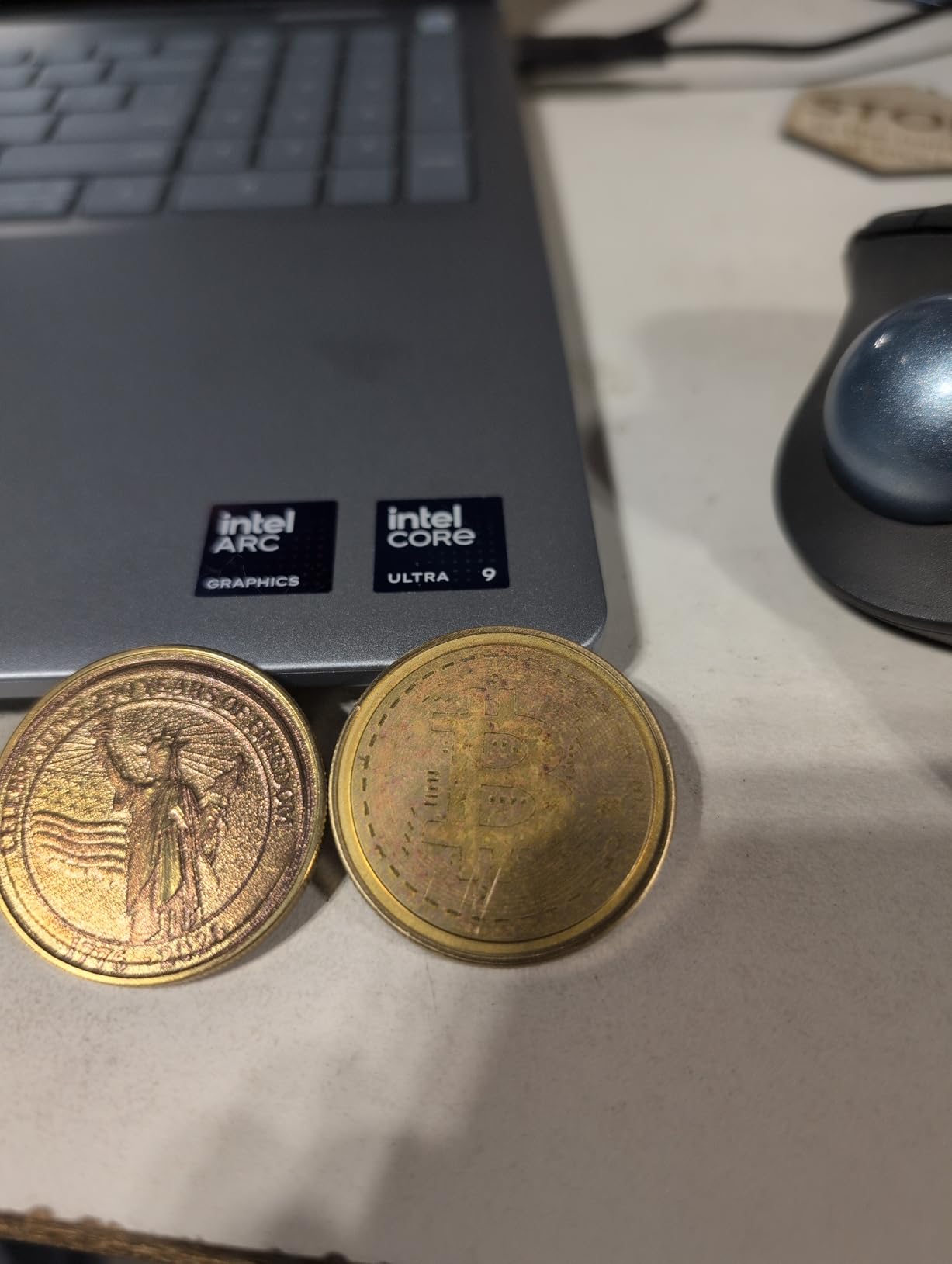
If you have tried to mark bare steel, aluminum or brass with anything other than a fiber laser, you already know the frustration. Diode machines skate across reflective metal and burn plastic. CO2 units do nothing at all to a hardened steel part. A fiber laser marking machine at 1064nm is the only desktop class that burns a permanent, high-contrast mark straight into clean metal, and that is why it has taken over jewelry, firearm, tumbler and serialized-part work.
There is a catch. Nearly every page-one result for the best fiber laser engravers for metal marking is a vendor page selling one brand, and most of them recommend 80W to 200W industrial systems that nobody buying at the small-shop level will ever own. We went through ten of the machines that real buyers are actually purchasing, read the verified owner feedback on each one, and ranked them on the things that decide whether a mark is good or a headache: power, field size, focus automation, software freedom and support when something fails.
This guide is written for jewelry makers and personalizers, gunsmiths, tumbler and drinkware sellers, and small production shops that need durable marks on real metal. If you are cutting wood and acrylic only, a cheaper machine serves you better, and our diode laser engraver guide covers that side. We updated everything for 2026, including the safety and ventilation section that no competitor bothers with.
Table of Contents
Top 3 Fiber Laser Engravers for Metal Marking (October 2026)

xTool F1 Ultra 20W
- 20W fiber plus 20W diode in one enclosed body
- 220mm x 220mm working area
- 16MP smart camera for batch jobs
- marks gold silver copper stainless brass titanium

GWEIKE G2 Max 50W
- 50W 1064nm source
- 150mm x 150mm bed with electric lift column
- deep engraving and light metal cutting
- 90+ color marking on metals

LaserPecker LP5 20W
- 20W fiber plus 20W diode
- 6.02kg portable body with carry handle
- 3D grayscale depth control
- 0.0027mm precision
The xTool F1 Ultra takes the top slot on evidence, not on hype. It has by far the deepest verified owner base of any machine in this guide, and it is the only pick here that handles metal and non-metal work in a single enclosed body with a camera that can drive batch jobs. The GWEIKE G2 Max 50W is the strongest dedicated metal machine, with the power and the electric lift column that deep engravers ask for. The LaserPecker LP5 is the one to buy if weight and portability matter more than raw wattage.
All 10 Fiber Laser Engravers Compared Side by Side in 2026
| Product | Specifications | Action |
|---|---|---|
| xTool F1 Ultra 20W Fiber & Diode |
|
Check Latest Price |
 GWEIKE G2 Pro 30W GWEIKE G2 Pro 30W |
|
Check Latest Price |
| GWEIKE G2 Max 50W |
|
Check Latest Price |
| LaserPecker LP5 Dual Laser |
|
Check Latest Price |
 WeCreat Lumos Flex 15W WeCreat Lumos Flex 15W |
|
Check Latest Price |
 SFX 60W JPT MOPA M7 SFX 60W JPT MOPA M7 |
|
Check Latest Price |
 OMTech 50W Fiber Laser OMTech 50W Fiber Laser |
|
Check Latest Price |
 Monport 60W Fiber Laser Monport 60W Fiber Laser |
|
Check Latest Price |
 OMTech 30W Autofocus OMTech 30W Autofocus |
|
Check Latest Price |
 WTTTOOLS 20W Handheld WTTTOOLS 20W Handheld |
|
Check Latest Price |
1. xTool F1 Ultra 20W Fiber and Diode: Best All-Round Machine for Shops That Mark Everything
- Marks gold silver copper stainless brass and titanium in seconds
- Metal and wood in one enclosed machine
- Fast enough for batch and in-store customization
- 16MP camera drives repeat batch jobs
- Responsive support that ships replacement parts
- Deep engraving on metal is very time-intensive
- Calibration controls are awkwardly placed and drift
- LightBurn compatibility issues reported on Mac
- Safety glasses sold separately
This is the machine we keep coming back to because it removes the single biggest friction point in a small shop: you need two laser classes and you only have room for one. The 20W fiber head marks gold, silver, copper, stainless steel, brass and titanium, while the 20W diode head handles wood, acrylic, leather, glass and rubber. No material swapping, no second machine on the floor.
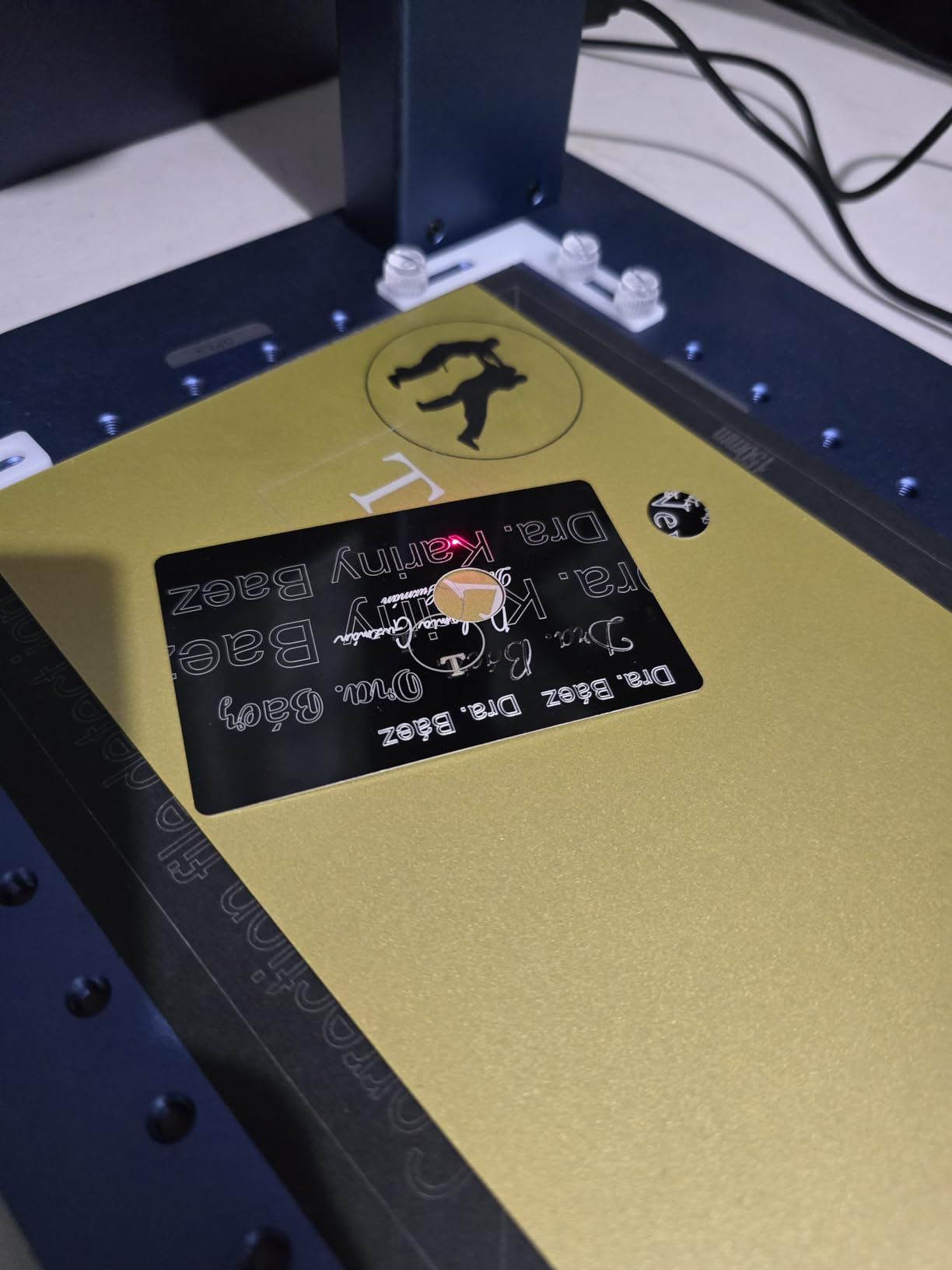
Owners describe the experience as fast once settings are dialed in. The listed marking speed of up to 10,000mm/s is not the part that matters day to day; what matters is that a batch of pendants or dog tags clears in minutes, which is exactly the workflow our jewelry and tumbler sellers run.
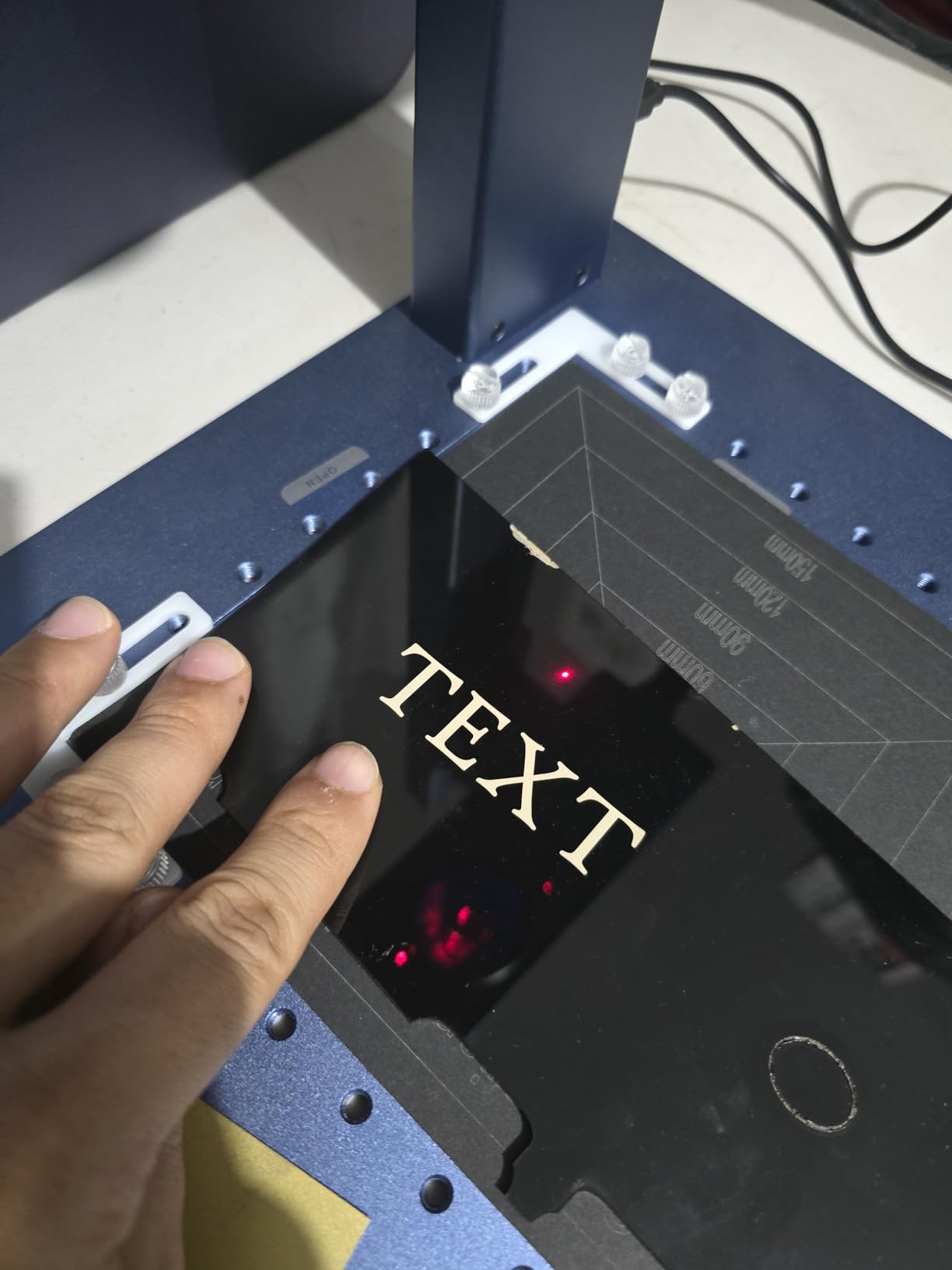
Two numbers from the spec sheet explain the machine’s flexibility. The working area is 220mm x 220mm, and it expands to 220mm x 500mm with the optional auto conveyor, which turns it from a craft machine into something closer to a small production cell. The fiber head slices 0.3mm stainless, 0.4mm brass and 0.2mm aluminum, so it is not limited to surface marking if you want to cut light blanks.
The 16MP smart camera is the sleeper feature. It reads the outline of an object so the machine can position itself, which means repeat jobs on identical blanks land in the same place without a manual re-aim every time. For a seller doing personalized orders, that is worth more than any wattage increase.
The honest trade-off is depth. Deep metal engraving on this machine is genuinely slow, and owners describe cycle times measured in long stretches rather than minutes. If your business is deep relief work on thick steel and nothing else, read on to the 50W and 60W picks.
Who the xTool F1 Ultra suits
A shop that sells across two catalogs. Jewelry plus leather goods, metal tags plus acrylic signage, tumblers plus cutting boards. The enclosure, smoke extraction, fire alarm and emergency stop also make it the safest machine in this guide to run in a retail environment where customers stand close.
It also suits anyone who wants a camera-driven repeat job rather than hand-positioned marks, and anyone who does not want to buy separate control software and learn two programs.
Where the xTool F1 Ultra falls short
Calibration is the recurring theme in the feedback. The adjustment controls sit awkwardly and the calibration can drift, which means some manual re-tuning over time. A minority of owners also reported laser module failures on early units within weeks of moderate use, so ask about spare part turnaround before you commit.
Software compatibility is uneven too. LightBurn issues appear on Mac systems, and several desktop features including the AI tools sit behind a paywall. Budget for glasses separately too, and note the included vent tube does not match a standard 4 inch dryer vent.
2. GWEIKE G2 Pro 30W: Best Entry Point Into Real Fiber Marking
- Strong value for 30W fiber power
- Fast enough for tumblers flasks coins and jewelry
- LightBurn works smoothly
- Color marking on stainless and titanium
- Compact enough for a desk
- Some units intermittently lose laser power
- Plugging in the rotary triggers the lift motor and spoils focus
- Small working area for larger blanks
- Support replies over messaging can take days
If you have never run a fiber laser and you want to learn on a real metal machine rather than a toy, this is where most of our readers start. Thirty watts is the sweet spot for surface marking on stainless, aluminum, brass and copper, and it is enough to get a clean dark mark on a tumbler without a fight.
The listed scanning speed of 15,000mm/s and 0.001mm accuracy are strong figures for a machine in this class, and the 8K resolution claim matters on small text like a hallmark or a serial number. Owners running LightBurn report the integration is smooth for anyone who already knows the software.
The detachable head is the feature we did not expect to care about. Because the laser head separates from the body, you can bring the laser to the workpiece rather than bringing the workpiece to the machine, which is a real advantage for odd shapes and for people working outside a dedicated shop.
Reviewers consistently praise the color marking results on stainless steel and titanium, and note that the dual red light pointers make job placement straightforward. Setup is reported as quick, with printed guides and video walkthroughs.
Two problems show up more than once. Some owners report the machine intermittently losing laser power and stopping mid-job, and several note that plugging in the rotary attachment triggers the lift motor and spoils focus. If your work is mostly cylindrical, test that combination early.
Who the GWEIKE G2 Pro suits
First-time fiber buyers, tumbler sellers, and personalizers working on flat jewelry, coins and flasks. It also works for anyone marking coated ceramics, dark acrylic, stone and leather in small doses alongside their metal work.
The 150 x 150mm variant is worth considering if your parts run larger than a playing card. Buyers should note the rating distribution is unusually polarized for this class, so support responsiveness matters more here than on a bigger brand.
Where the GWEIKE G2 Pro falls short
The 110 x 110mm bed is the real constraint. It handles pendants and tags comfortably but forces tiling for anything bigger, and tiling on metal needs overlap settings most beginners get wrong at first.
Build quality feedback is mixed, and some buyers noted that listing imagery showed a different model. Support replies over WhatsApp can take several days, so if your shop depends on fast troubleshooting for a weekend market, factor that in.
3. GWEIKE G2 Max 50W: Best Power-to-Footprint Ratio for Deep Work
- 50W delivers deeper engraving and light cutting than lower-wattage models
- Electric lift column makes focus quick and accurate
- Larger 150 x 150mm area suits varied jobs
- Strong color results on stainless and titanium
- Compact footprint with detachable head
- Small review base limits reliability evidence
- Settings need experimentation for consistent depth
- Class 4 output needs dedicated ventilation
This is the machine we recommend to a gunsmith or a serious jewelry carver who wants real cutting capability without a floor-standing cabinet. Fifty watts at 1064nm is the point where a fiber laser stops being a marker and starts being a material removal tool, and the G2 Max is one of the very few machines in this price class that gets there.
Owners point to three upgrades over the lower-wattage sibling: the extra power headroom, the electric lift column, and the larger bed. The lift column is the one that changes daily workflow, because it turns focus from a manual ritual into a single button press.
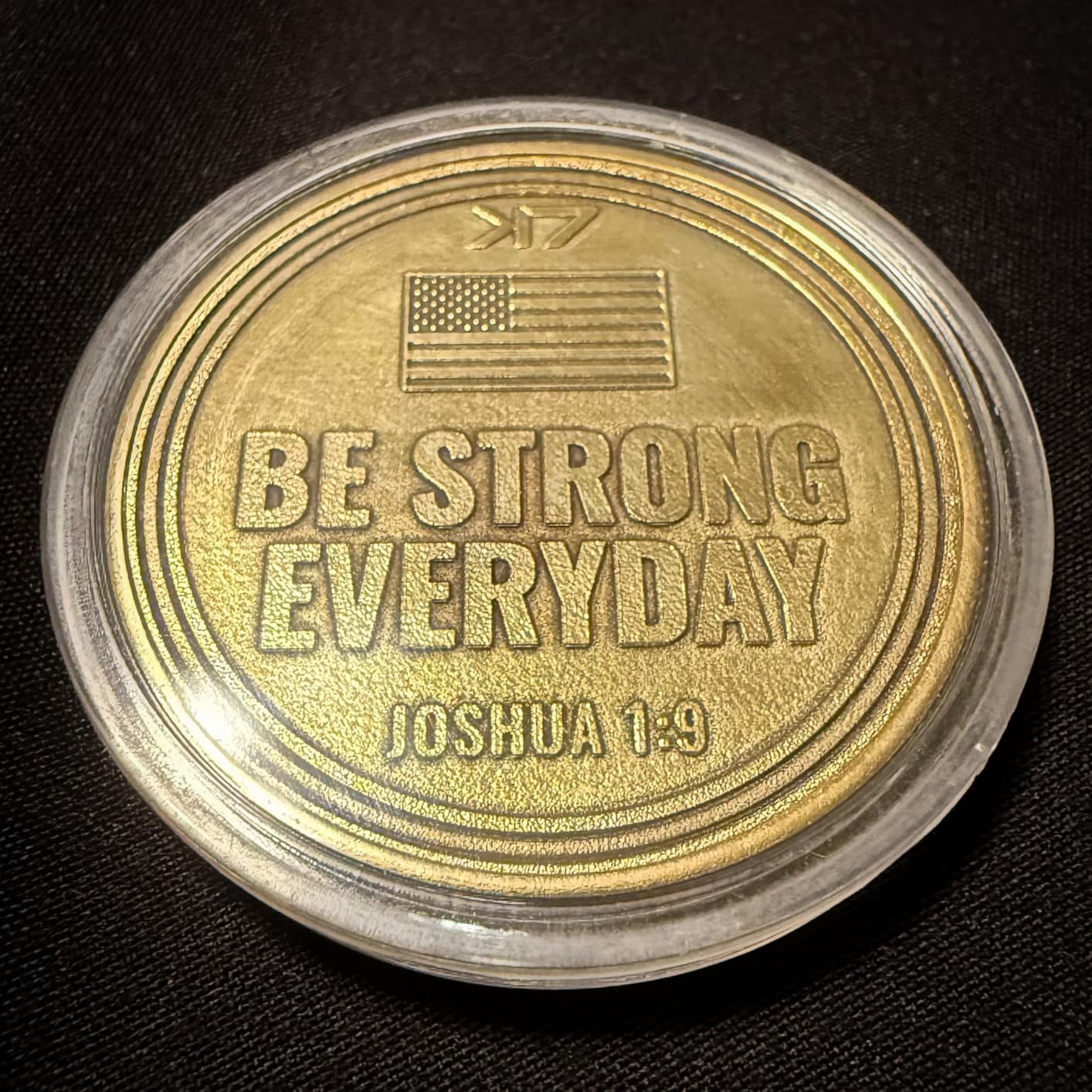
On specifications, the machine claims 15,000mm/s marking speed with 0.001mm accuracy and 8K resolution through a fully digital galvo scan. The 150mm x 150mm working area is the most generous compact footprint in this guide, and it is a real constraint remover for anyone doing plaques, larger plates or multiple parts in one pass.
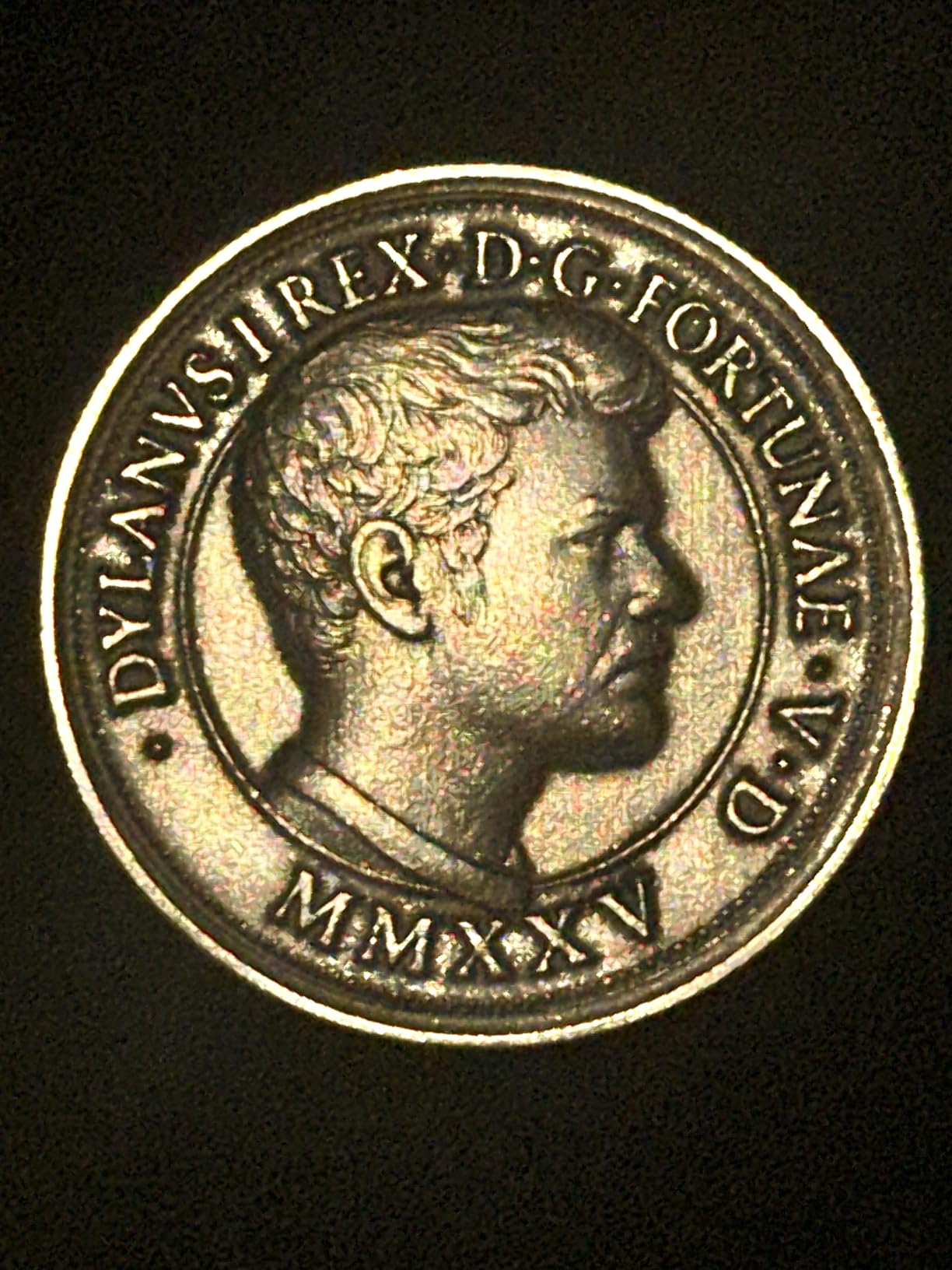
Material coverage goes beyond metal. The spec sheet lists plastic, leather, dark glass, colored ceramics, acrylic and stone alongside the 90+ color marking on stainless steel and titanium. File transfer works over WiFi or USB with GLaser and LightBurn.
The recurring theme in the reviews is that this machine needs experimentation. Owners report that it takes time to settle on power, speed and focus per material before depth and contrast become repeatable. That is true of any fiber laser, but it is worth saying plainly because it is the difference between a machine that impresses you on day one and one that impresses you in month three.
Who the GWEIKE G2 Max suits
Anyone whose work needs depth: gun slides, knife tangs, thick steel blanks, deep relief carving, or light sheet cutting in brass and aluminum. It also suits a shop that has outgrown a 20 or 30W machine and does not want a step change in footprint.
Jewelry carvers who want color marking on stainless and titanium will appreciate the color capability and the larger bed for pendant arrays.
Where the GWEIKE G2 Max falls short
The review base is small, which means long-term reliability evidence is thin. Owners who have it like it, but we cannot tell you how it behaves at year three.
As a Class 4 laser it needs dedicated ventilation and a written safety procedure. There is no shortcut there, and machines that pretend otherwise are the ones that end up with damaged optics. The detachable head also shares the rotary-focus behavior some owners dislike on the Pro model.
4. LaserPecker LP5: Best Portable Dual Laser for Markets and On-Site Work
- Genuinely portable at roughly half the weight of comparable engravers
- Cuts real metal including 1mm brass and stainless
- Aluminum construction and braided cables feel solid
- Blue laser outline preview removes placement guesswork
- Design Space makes layered engrave-and-cut jobs straightforward
- Extraction fans are loud and keep it out of living spaces
- Burns debris and needs cleanup plus an external fan
- Included USB and power cables too short for a typical bench
- Cut bevels worsen toward the edge of the bed
The LP5 is the machine we would grab for a Saturday market stall or a pop-up shop. At roughly six kilograms with a carry handle, it is about half the weight of comparable engravers in this guide, and it can run on an external battery or mains, so you are not tied to a wall.
It is also a real metal cutter, not just a marker. The fiber head slices 0.5mm brass and titanium, which means you can produce your own blanks on site instead of ordering them in. The diode head cuts 20mm wood and 15mm acrylic, so the same box covers a signage booth or a jewelry table.
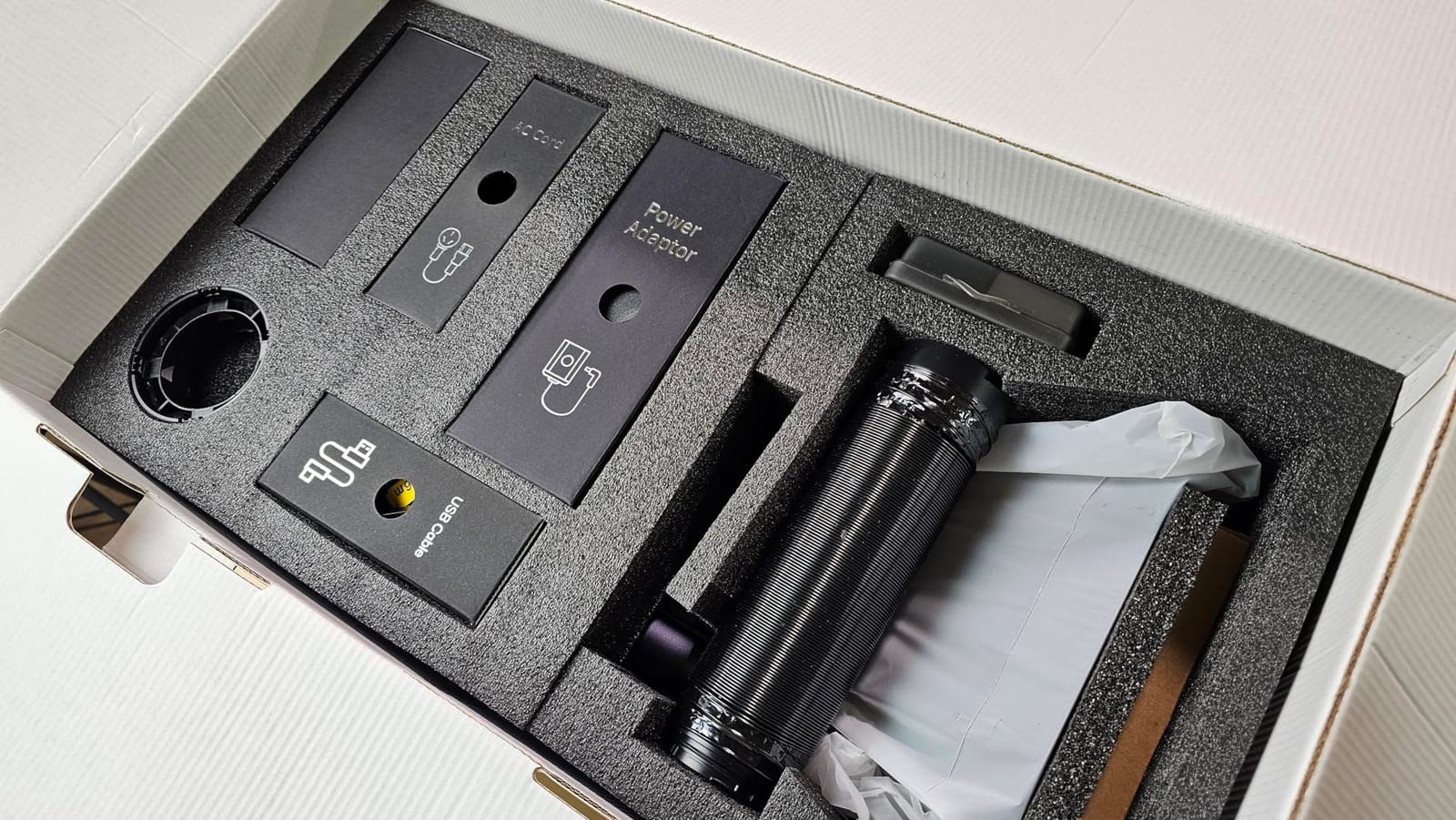
The 3D grayscale LDS system is what separates it from the other portable units here. Depth-controlled coins and relief art are genuinely time-consuming jobs, and this feature is aimed directly at them. Owners treat the LP5 as a small-business workhorse rather than a weekend toy.
Build quality gets called out as solid rather than flimsy, particularly the aluminum body and braided cabling, and the blue laser outline preview for job positioning is a small touch that saves real time when you are setting up in an unfamiliar venue with bad light.
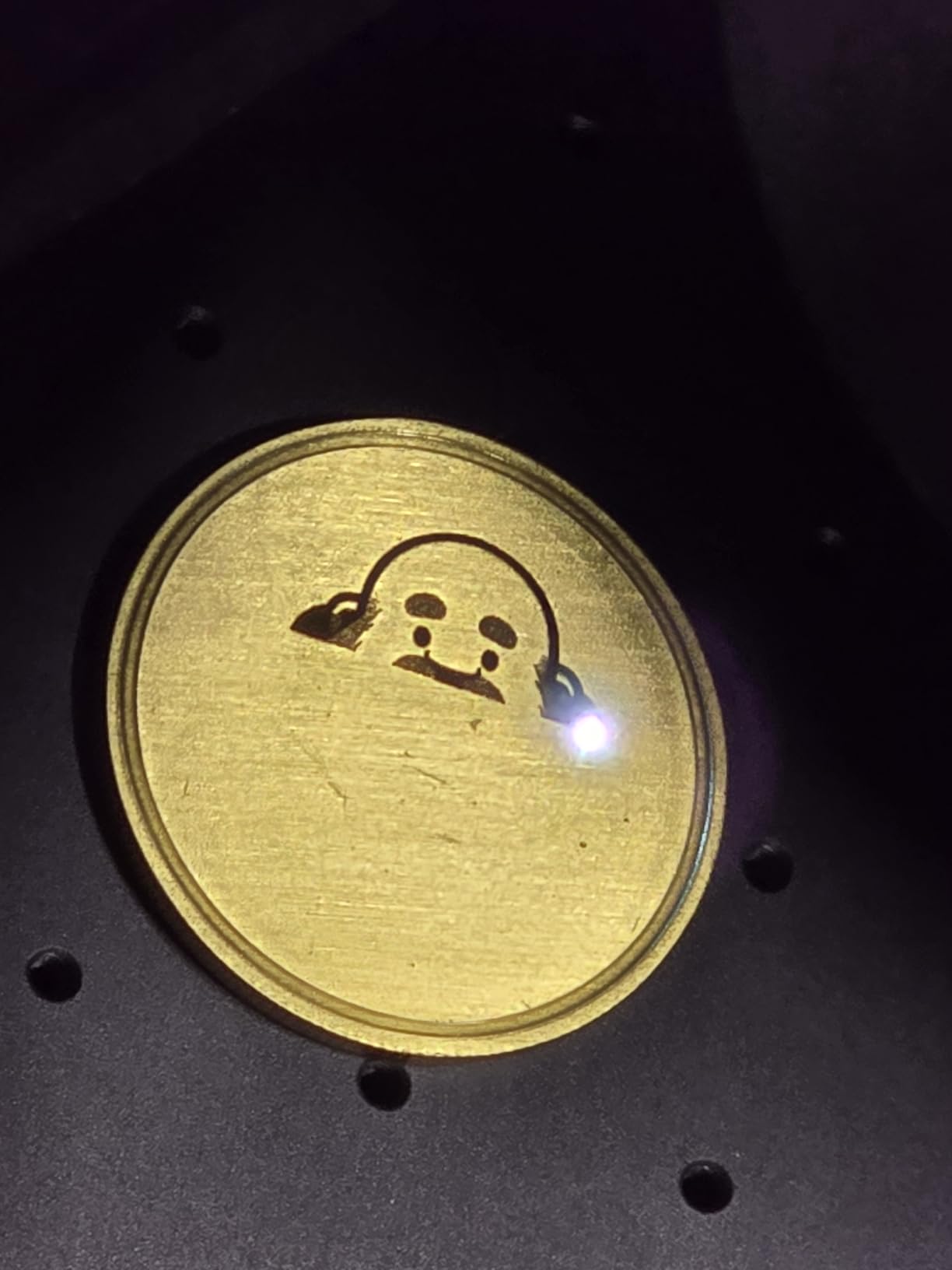
Where it gets uncomfortable is noise and cleanup. The extraction fans are loud enough that owners keep it out of living spaces, and it burns debris that needs clearing plus an external fan for long jobs. The bundled USB and power cables are too short for a typical bench layout, so plan your extension leads before day one.
Who the LaserPecker LP5 suits
Mobile personalizers, market sellers, craft fair vendors, and anyone engraving on location for a client. It also suits a small shop that wants one machine for jewelry, leather, wood and plastic without a dedicated workshop bench.
If you make your own metal blanks, the 0.5mm brass and titanium cutting capability means the machine earns its space in a way a pure marker cannot.
Where the LaserPecker LP5 falls short
Cut quality degrades toward the edge of the bed, so cut-outs do not fit cleanly away from center. That is a calibration issue you can compensate for, but it is not something the machine solves for you.
The mobile app disconnects when backgrounded and some material presets disappeared in updates, so do your production work in the desktop software. Accessories such as the enclosure and rotary are not backward compatible with older LP models, and deep coin-depth jobs can run for many hours.
5. WeCreat Lumos Flex 15W: Best Camera-Guided Pick for Thin Repeat Batch Work
- Fast to unbox and set up
- Handles metal marking color marking and 0.3mm stainless cuts
- 50MP camera positions accurately and cuts waste on batch jobs
- Lightweight and easy to carry to markets
- Rotary and slide accessories work well together
- Base work area is small without the extension accessories
- Software cannot export common formats and lacks LightBurn-level control
- Settings require experimentation for deep embossing
- Constructed quality reads as craft-tier
Fifteen watts sounds like a step backwards, and in raw removal power it is. What this machine offers instead is accuracy and repeatability, driven by a built-in 50MP camera with 0.01mm visual positioning accuracy. For someone marking dozens of identical blanks, positioning accuracy is the bottleneck, not power.
Owners report the setup taking minutes rather than an afternoon, and the camera cutting waste on repeated jobs. That is the argument for this machine: not raw speed, but the fact that you can hand the job to the machine and walk away.
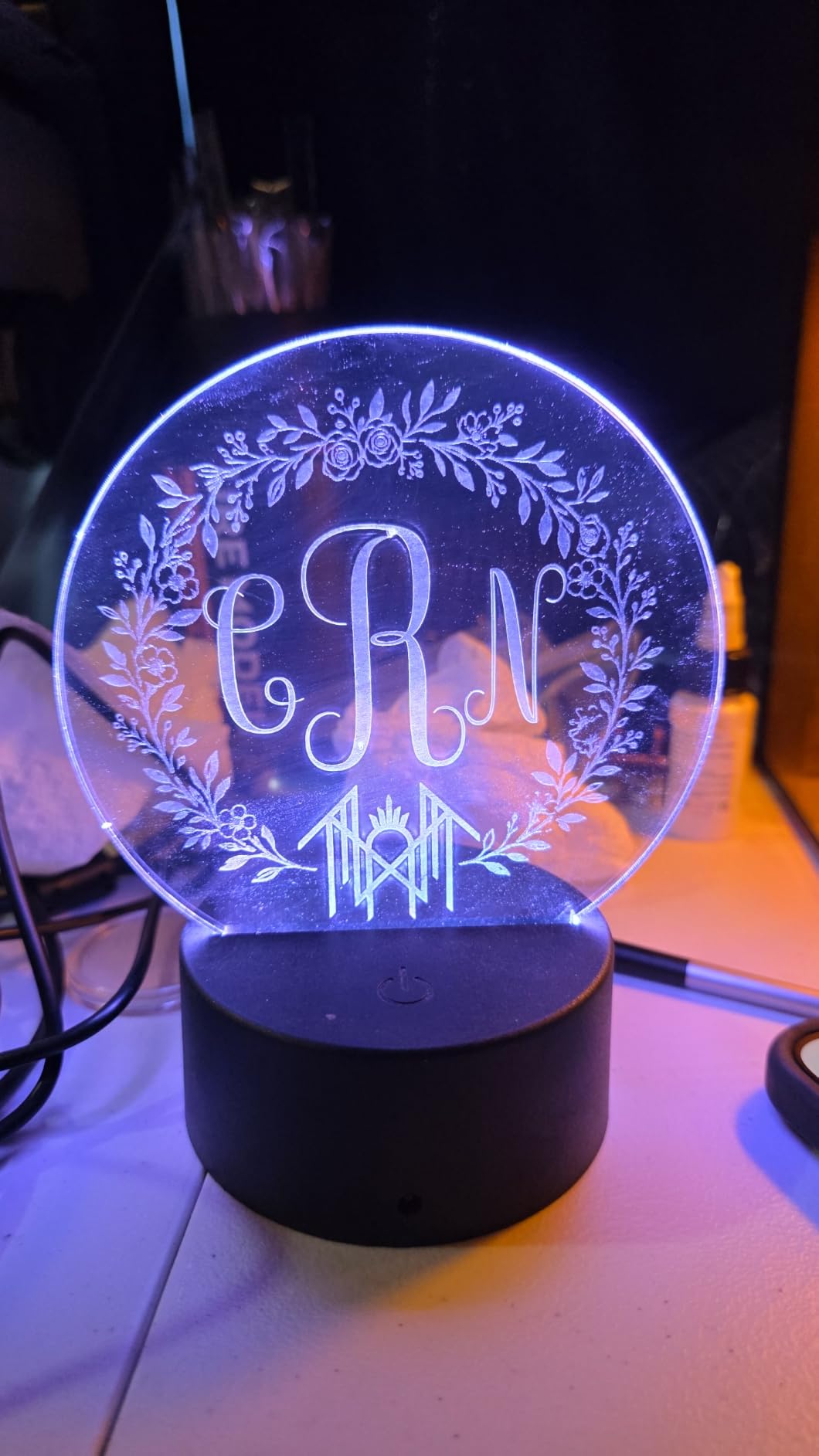
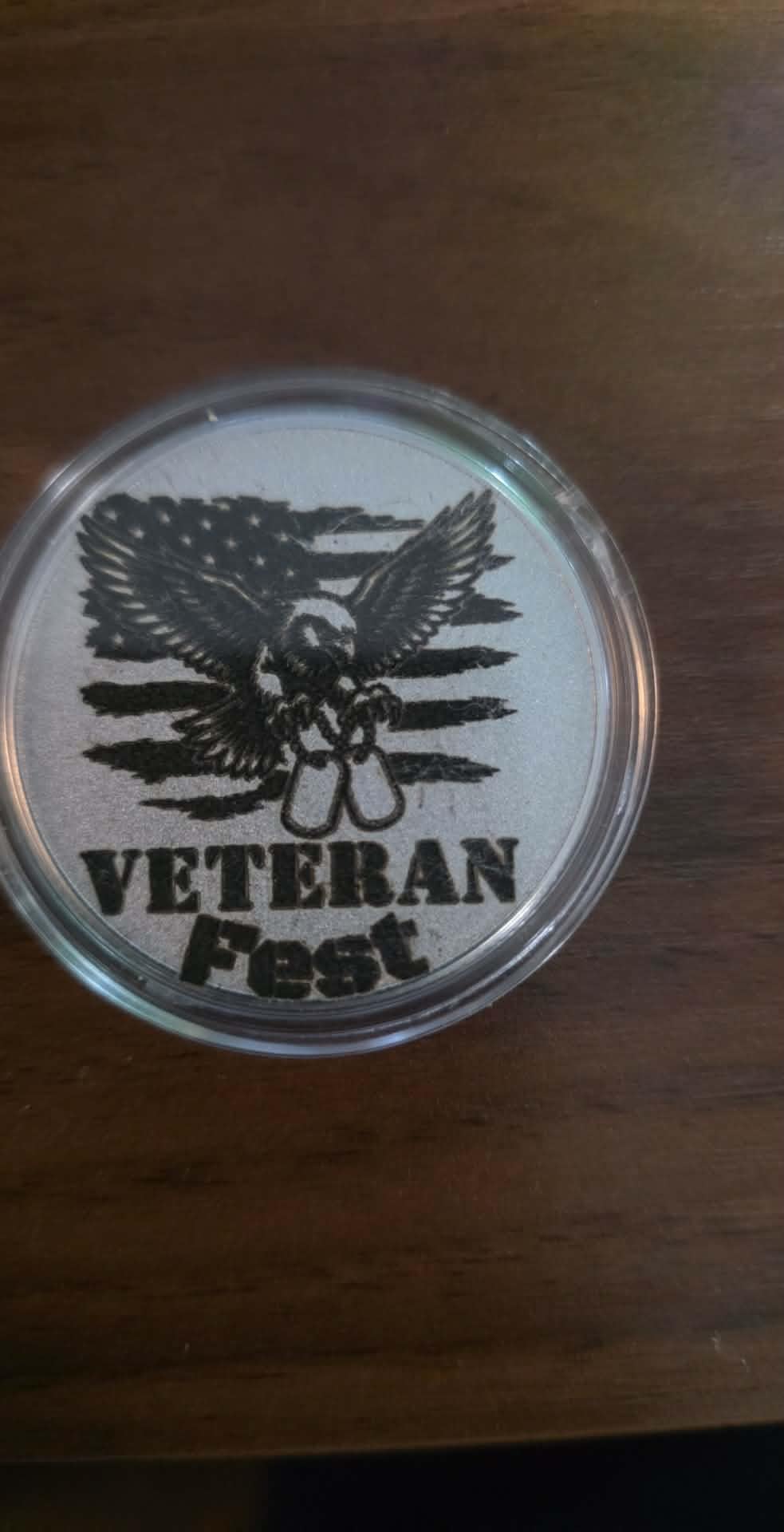
Feature-wise it covers deep engraving, 3D embossing, metal color marking and 0.3mm stainless steel cutting, plus the usual wood, leather and acrylic on the diode side. The slide extension expands the work area up to four times for batch processing, and the rotary plus extension combination handles objects up to 34 inches long.
At 2.8kg the body is one of the lightest here, and it is pre-assembled and fully enclosed with a built-in fan. An optional air purifier is available for shops that care about the air in the room.
The significant complaint is software. Owners report that WeCreat MakeIt cannot export to common formats and does not reach LightBurn-level control, and one buyer returned the machine over a compatibility claim. If your workflow depends on importing files from a shared library, check this before you commit.
Who the WeCreat Lumos Flex suits
Batch production of small identical parts, where camera positioning saves more time than extra watts would. It also suits market sellers who need to carry the machine and set it up in minutes, and shops that want tumbler work with the rotary and slide accessories.
If color marking on metal is on your list, this is one of the few sub-20W picks here that advertises it alongside deep engraving and 3D embossing.
Where the WeCreat Lumos Flex falls short
The base work area is small, and the useful size only arrives with the extension accessories. On top of that, settings need real experimentation, especially for deep embossing, and the constructed quality reads as craft-tier rather than industrial.
The software limitation is the deciding factor for many of our readers. If you are used to LightBurn or plan to grow into production work, this machine will feel like a step back the moment you leave the guided workflow.
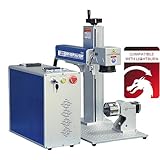
6. SFX 60W JPT MOPA M7: Best for Deep Engraving and Wide Production Fields
US Stock 60W JPT MOPA M7 Fiber Laser Marking Machine Fiber Laser Engraver Laser Marker 175×175mm with 80mm Rotary Axis Compatible with Lightburn
- 60W MOPA source delivers the deepest engraving capability in this group
- Large 175 x 175mm field suits bigger production runs
- MOPA supports color and black marking on stainless and aluminum
- EZCAD 2.0 with LightBurn compatibility
- Rotary axis included for cylindrical parts
- Very small review base with only a handful of ratings
- Heavy 99-pound cabinet needs dedicated floor space
- No detailed customer review data on day-to-day reliability
This is the deepest-engraving machine in the guide, and the only one that publishes a depth figure: up to 1.0mm. That number matters more than wattage, because it is the difference between a mark and a cut. If your work involves hardened steel, thick aluminum blanks or relief carving, this is the shortest path to getting there.
The JPT MOPA M7 source is the reason. A MOPA laser lets you set pulse duration independently of energy, anywhere from 2 to 500 nanoseconds, with repetition rates from 1 to 4000kHz and up to 2.0mJ pulse energy. In plain terms, you can heat a small spot gently for crisp color marking or dump energy into a deeper, faster removal pass.
The 175 x 175mm marking field is the largest here by a wide margin, and the 80mm rotary axis is included rather than sold separately. Marking speed is listed at up to 7m/s with 0.002mm repositioning precision, and the electrical-optical conversion efficiency is rated up to 70 percent.
Material coverage is broad: carbon steel, aluminum, stainless steel, brass, copper, gold and silver, plus nylon, ABS, PVC and PES engineering plastics. The spec sheet calls out black and color marking on stainless, black marking on aluminum, and coating peeling, which are the three jobs a MOPA source genuinely adds value for.
This is a floor machine. At 99 pounds in a 30.75 x 28.25 x 19 inch package, it needs dedicated floor space and a proper circuit, not a desk corner. It is also a production marking tool, not a hobbyist purchase.
Who the SFX 60W MOPA M7 suits
Production shops marking larger parts, and anyone who needs genuine depth rather than a surface mark. It also suits color work on stainless steel where the range of achievable colors is the selling point rather than a bonus.
Because the rotary axis is included and the field is large, it fits shops that already have a floor workflow rather than a desktop one. If you want a comparison against broader machine categories, our metal laser engraver comparison covers the alternatives.
Where the SFX 60W MOPA M7 falls short
The honest caveat is evidence. There are only a handful of published ratings, all of them 5 stars, and no detailed customer review data on day-to-day reliability. We are ranking this on published specifications and the source reputation, not on a long owner history.
It is also overkill for most buyers. A gunsmith doing occasional deep work does not need 175mm of field, and a jewelry personalizer will never touch the 1.0mm depth figure. Buy this if depth is the job, not if it is a someday goal.
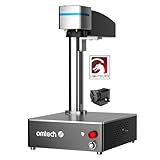
7. OMTech 50W Fiber Laser: Best Solid-Build 50W With Software Included
- All-metal chassis feels more durable than typical sheet-metal engraver cabinets
- Compact 5.9in x 5.9in footprint with 10000mm/s speed
- Bundled LightBurn and EZCAD2 removes buying separate control software
- Button labels printed on the body speed up setup
- Global support coverage with a 24H service team
- Controller failed to handshake with Windows and replacement drivers did not fix it
- Very few reviews overall limit reliability evidence
- Some buyers rate support experience down after hardware faults
The thing that sets this machine apart in the spec sheet is the chassis. Most desktop engravers in this class are folded sheet metal. An all-metal body is heavier, costs more to ship, and resists the vibration and knocks that show up when a machine is moved between a workbench and a market table.
Fifty watts gives it the same removal power as the GWEIKE G2 Max in a smaller 5.9in x 5.9in footprint, with a 0.01mm spot diameter and speeds up to 10,000mm/s. The air-spaced field lens with anti-reflective coatings and under 1 percent distortion is a sensible detail for metal work, where lens coatings are what survive the abuse.
Software is the sleeper benefit here. LightBurn and EZCAD2 are bundled, with support for 32-bit and 64-bit Windows, so you are not hunting for a controller driver on day one. The listed laser source lifespan is 100,000+ hours, and support runs through a 24 hour service team covering the US, the Philippines and China.
Little practical touches add up. The dual red dot locator with one-button focus control, and button labels printed on the body rather than a manual, both speed up the first hour with the machine considerably.
On the negative side, the review sample is very small. One buyer’s controller stopped being recognized by Windows, and replacement drivers did not resolve it. That is a controller problem rather than a laser problem, but it is the kind of thing that ends a small business purchase badly if support is slow.
Who the OMTech 50W suits
Shops that want 50W of metal power without a large footprint or a separate software purchase. It suits buyers who plan to move the machine between locations, and anyone who will run long production sessions and wants a chassis that feels solid.
It is also a good choice for a buyer who wants to start with a brand that has an established support ecosystem rather than a new name.
Where the OMTech 50W falls short
With only a few published reviews, there is very little long-term reliability evidence, and the ones that exist split between owners happy after several months and a buyer with a dead controller. Support experience is the part buyers downgrade this machine for.
There is no rotary axis in the base configuration, so if your work is mostly cylindrical you need to plan for the accessory. Check the variant list carefully, since the same model number appears in many configurations across 20W, 30W and 50W.
8. Monport 60W Fiber Laser: Best for Light Surface Marking and Coating Removal
- Good clean engraving results below comparable 60W machines
- Rotary axis produced satisfactory results on first jobs
- Well-built unit with packaging that survived a damaged shipping box
- Runs well once set up and calibrated
- Arrived with missing mounting screws and no printed documentation
- No online manual for this specific model
- Support responses were slow and deflected to the website
- Listing references the 30W model number and states no deep engraving capability
Read the manufacturer caveat before anything else on this one. Monport positions the 60W class for mild metal surface marking, not deep engraving and not cutting sheet metal. Buyers who understand that are happy; buyers who expect cutting capacity are not.
Within that boundary the machine performs. Owners report clean engraving results and a rotary axis that worked satisfactorily on their first jobs. The 150mm x 150mm marking area is tuned to avoid distortion at the edges, which matters more than it sounds once you are marking a full-width plate.
The rest of the spec sheet is unremarkable in a good way. Marking speed up to 10,000mm/s on a silicon reflector galvo system, 0.01mm accuracy with a custom F-theta field mirror, a red dot pointer for focus setup, and a listed laser lifespan of up to 100,000 hours. LightBurn compatibility comes with free backup software and parameters on an included USB drive.
Build quality gets called out positively, including packaging that survived a damaged shipping box, and the unit runs well after setup and calibration.
What holds this machine back is the documentation, and that is a bigger problem than it sounds. Some units arrived with missing mounting screws and no printed instructions, there is no online manual specific to this model, and support responses were slow and largely pointed back at website guides.
Who the Monport 60W suits
Buyers who need fast, clean surface marking on mild metals and coating removal, not material removal. That covers serial number stamping, part identification, brand marks and light surface work on a production run.
It also suits a shop that wants a 60W rating on paper without a 60W footprint, and buyers who value the free backup software and parameter files on the included USB drive.
Where the Monport 60W falls short
Depth. The listing is explicit that the 60W class does not do deep engraving or cut sheet metal, so if you have been reading about deep engraving in other sections of this guide, this is not that machine.
Documentation and support are the other weaknesses. There is no model-specific manual, and one rotary unit was a separate package that took extra time. The listing also references the 30W model number in the 60W description, which makes it harder to know exactly what you are configuring.
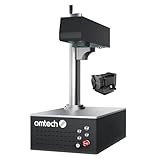
9. OMTech 30W Autofocus: Best When You Switch Between Many Shapes
- Automatic focusing removes the manual focal adjustment step
- Clean consistent marking across metals and other materials
- Compact cabinet fits into confined workshop spaces
- Rotary axis available for curved surfaces
- Owners report high satisfaction and would move up in power
- Only three published reviews so reliability evidence is thin
- One buyer reports recurring problems with the rotary attachment
- Safety goggles are listed as included but verify contents on delivery
Autofocus is a small feature that saves a large amount of time, and this machine is built around it. A single button press brings the focal plane into position with plus or minus 1mm accuracy, which means the workflow stops depending on how carefully you adjusted the Z axis last time you changed job height.
If you engrave a mix of flat tags, curved pendants and cylindrical items in a day, that is the difference between a smooth production run and a stop-start one. It is why this machine gets picked over higher-wattage options with manual focus for a lot of personalizer work.
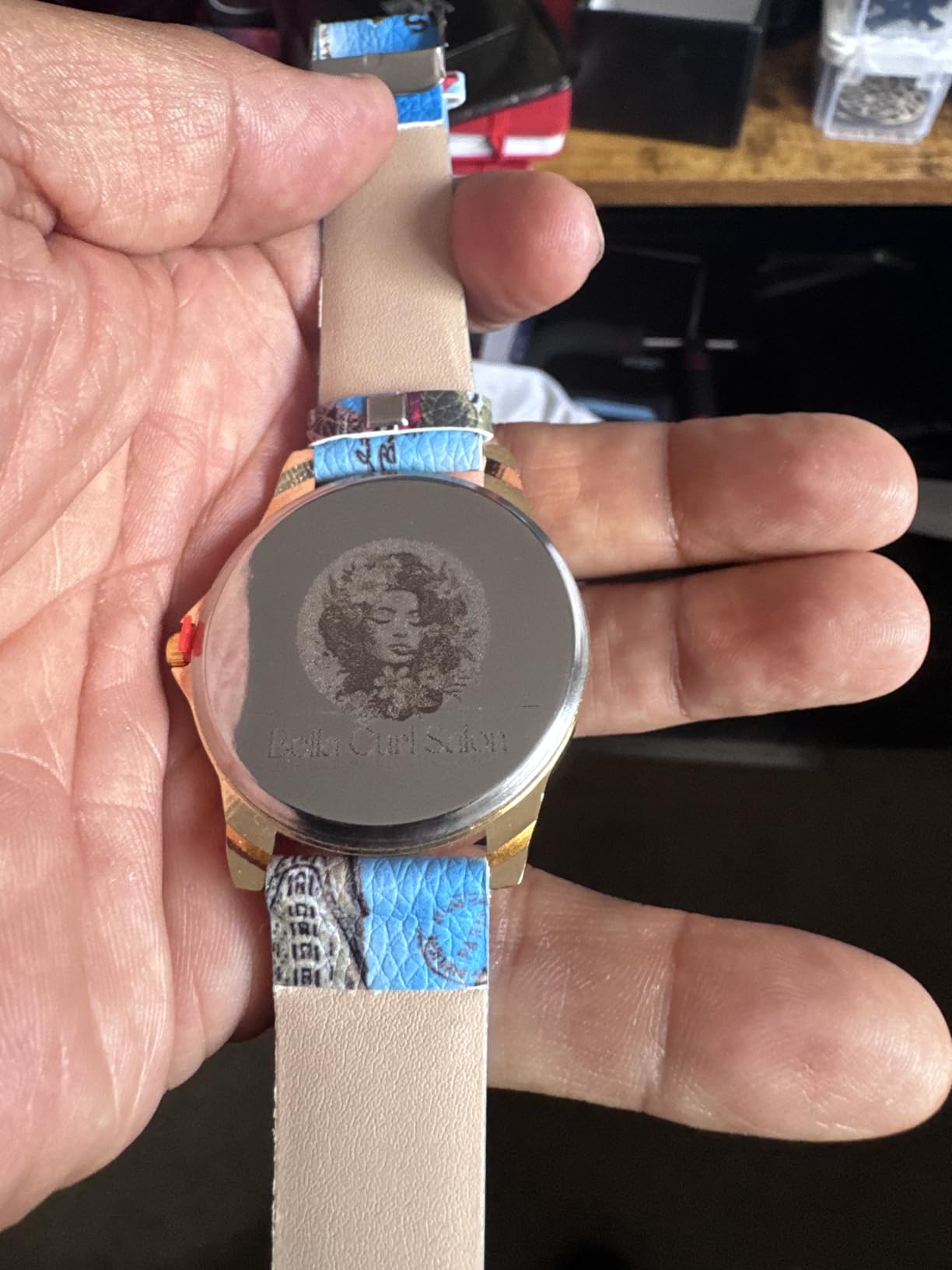
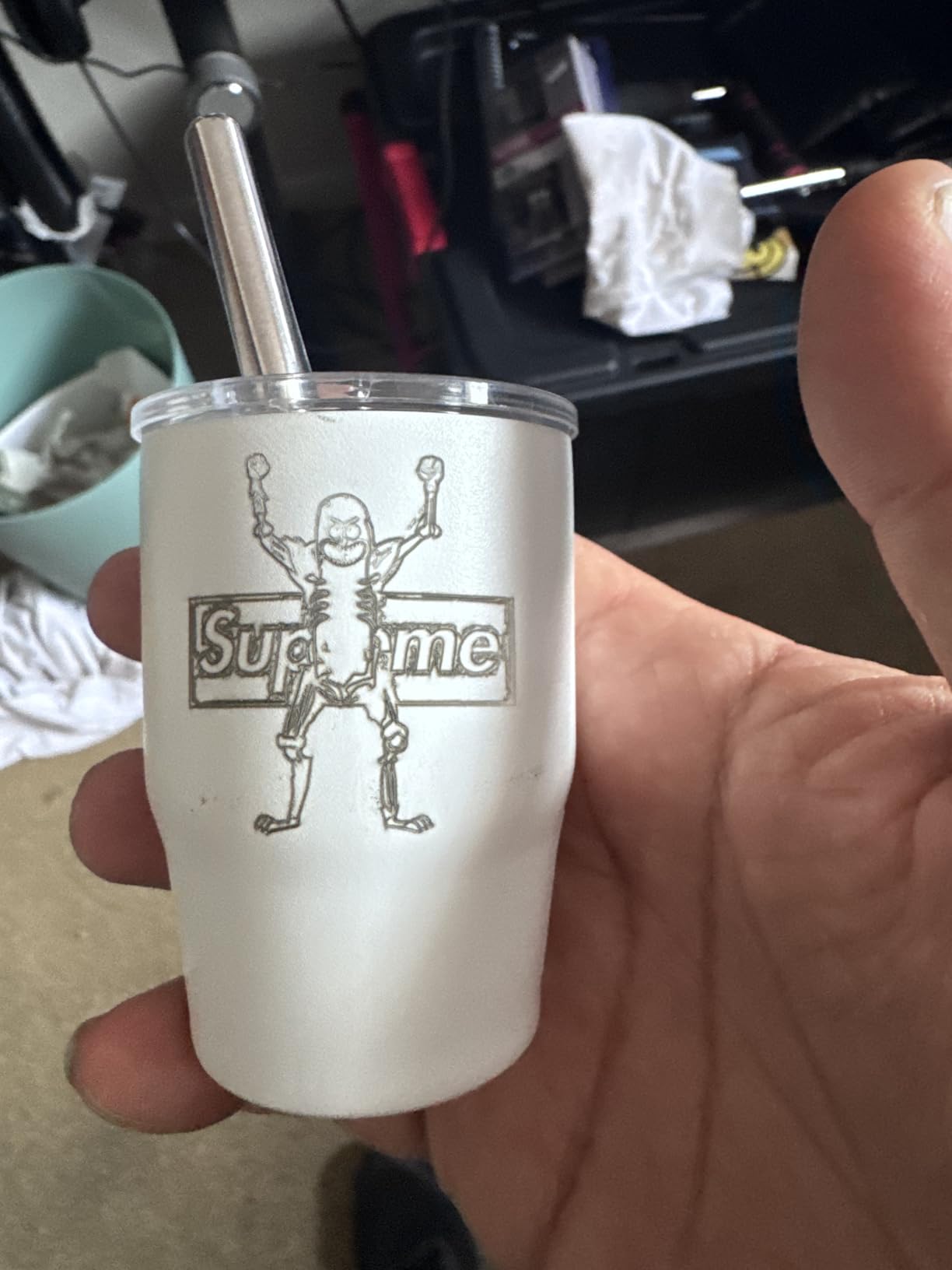
Thirty watts is enough for clean surface marking across stainless steel, gold, wood, plastic, stone and leather, at up to 10,000mm/s. The 5.9in x 5.9in area carries grid alignment dots, which sounds cosmetic until you are lining up a hundred small blanks and need a consistent origin point.
The cabinet is the other practical point. At 26.8in x 13.4in x 28in it is compact for a 30W machine and reported as quiet in operation, which matters if the engraver sits in a room where people also work.
Owners report high satisfaction and say they would move up in power next, which is a reasonable signal that 30W is comfortable rather than limiting for everyday marking. The single reported fault is with the rotary attachment rather than the laser itself.
Who the OMTech 30W Autofocus suits
Personalizers and small production shops that juggle many different shapes and heights in a day. It suits anyone who found manual focus on their old machine to be the most frustrating part of the workflow, and shops working in confined spaces where a compact cabinet matters.
It is also a sensible first real fiber machine for someone who wants clean marks on stainless, gold and mixed materials without a large learning curve.
Where the OMTech 30W Autofocus falls short
Three published reviews is not a reliability record. Every rating is 5 stars, which is encouraging but thin, and we would want more history before recommending it for a shop that depends on uptime.
The rotary attachment drew a recurring-problem report, and safety goggles are listed as included but worth verifying in the box on delivery. At 30W it is a marker rather than a cutter, so deep relief work is out of scope.
10. WTTTOOLS 20W Handheld: Best for On-Site Marking Where a Bed Cannot Reach
- Truly portable cordless design with a removable battery that charges while engraving
- Light 2.2 pound laser head reduces hand fatigue on long jobs
- Works from awkward angles where a fixed-bed machine cannot reach
- Compact 0.05 cubic meter volume fits into tight vehicles
- Only two published reviews so owner feedback is very limited
- 70 x 70mm marking area is small for production batches
- Small sample makes long-term reliability unverified
Every other machine in this guide is a box you bring the work to. This one brings the work to the laser, or rather brings the laser to the work. A handheld head means you can mark a part already bolted into a machine frame, a pipe in place, or a component at the back of a cabinet without pulling it out.
The power story is a 20W 1064nm source with Class 1 output at 0.874mW, a 70 x 70mm marking area with 0.03mm line width, marking speed under 7000mm/s and 0.01mm repeat positioning accuracy. That is a marking specification set, not a cutting one, and it is aimed squarely at trademarks, serial numbers and barcode coding.
Portability is the whole design. There is a 216Wh removable lithium battery that charges while the machine operates, or you can run it on 110V or 220V AC. The body is 14 pounds and the handheld head itself is 2.2 pounds, which is the number that matters on a long job because it is what your hand holds.
Material coverage includes gold, silver, copper and steel alongside paper, plastic and leather, so it is not limited to a pure metal workflow. The listed volume of 0.05 cubic meters means it fits in a tight vehicle, which is the entire point of the format.
The buying decision is straightforward: if you need a fixed bed and repeat batch work, this is the wrong tool. If you need to mark parts where they sit, there is nothing else in this guide that does it.
Who the WTTTOOLS 20W suits
Shop-floor and field coding, where parts are marked in place for traceability. It also suits maintenance and fabrication work on frames and assemblies, and anyone who marks at a site rather than in a studio.
For serial numbering and barcodes on site, the cordless battery format removes the constraint that stops most people from doing this work at all.
Where the WTTTOOLS 20W falls short
Only two published reviews, so there is very limited owner feedback and long-term reliability is unverified. Treat this as a specialist purchase with a thin evidence base rather than a proven production asset.
The 70 x 70mm area is small for production batches, and handheld work demands more skill than bed work because the operator controls the distance. Practice on scrap first, and note that the 1-year warranty is shorter than some competitors in this guide.
How We Picked These 10 Fiber Laser Engravers?
Every machine here is one that buyers are actually purchasing in the small-shop and desktop class. We deliberately excluded the 80W to 200W industrial systems that dominate vendor “top 10” lists, because nobody in this audience is buying a floor-standing production laser to personalize jewelry.
The ranking weighs six things. Verified buyer feedback and its size come first, since a machine with three reviews and a 5.0 average tells you very little. Published specifications come second, cross-checked against what owners report actually happening. Then focus automation, work area relative to the machine size, software freedom, and the support and parts story behind the brand.
What disqualifies a machine is straightforward: a laser source that cannot be replaced, a vendor with no support pathway, or software that locks your files into a format you cannot get out of. Reflective-metal damage risk and missing ventilation guidance were the two most common gaps we found across the category, and both have their own sections below.
This guide is written for jewelry makers and personalizers, gunsmiths, small e-commerce sellers and production shops. If you want a broader view of the format first, our fiber laser engraver roundup and general laser engraver guide cover the wider market.
Fiber Laser vs CO2 vs Diode for Metal Marking
The short answer: a fiber laser, and it is not particularly close. The reason is wavelength. Fiber lasers emit at 1064nm, which is absorbed efficiently by metal. Diode lasers emit around 455nm, which most metals reflect rather than absorb, so the beam skates off steel and heats whatever you have used as a marking coat. CO2 lasers emit at 10.6um and simply do not interact with bare metal at all.
That single physics fact explains most of what separates the machines in this guide from cheaper ones. A fiber mark on stainless steel is permanent, heat resistant and scratch resistant, with no consumable coating and no chemical darkening step. It is also fast, because you are removing a microscopic layer rather than melting through a coating.
Where the other formats still make sense: a diode laser is the right call for wood, acrylic and leather, which is exactly why several picks here pair a fiber head with a diode head. A CO2 laser remains a strong choice for acrylic and wood in a dedicated shop. For bare metal marking, the consensus across the communities we read is that regardless of the brand, a fiber laser is the right option.
Galvo vs MOPA: Which Laser Source Do You Actually Need?
A galvo source and a MOPA source both run at 1064nm and both mark metal well. The difference is control. In a galvo source, pulse duration is fixed by the source itself. In a MOPA source, you set pulse duration independently of the energy delivered, which means you control the exact amount of heat deposited on the surface.
That control is what produces color. Because you are not overheating the metal, you can stop at oxidation states that reflect specific wavelengths, and that is how you get blue, gold and other colors on stainless steel and anodized aluminum without any coating. If color marking is not part of your work, the community consensus we found is blunt: MOPA is for color engraving on metal, so unless you need that, it is not necessary.
So how do you decide? Buy galvo if you are marking serials, brands, logos, deep engraving or cutting light metal. Buy MOPA if color on stainless or aluminum is a product you sell. Of the ten machines here, the SFX 60W JPT MOPA M7 is the dedicated MOPA option; the GWEIKE G2 Pro and G2 Max advertise 90+ color marking, and the WeCreat Lumos Flex advertises metal color marking. Ask specifically which source type each listing uses, because “color marking” claims are sometimes carried over between models.
How Much Fiber Laser Wattage Do You Need?
Wattage is the least important number on the spec sheet and the one buyers fixate on hardest. What matters is whether your job is a mark, a deep engraving or a cut, and those three demand very different power levels.
For surface marking on thin parts, serials, logos and text, 15W to 20W is genuinely enough. The xTool F1 Ultra, the LaserPecker LP5, the WeCreat Lumos Flex and the handheld WTTTOOLS all sit in that range and all produce clean marks on stainless, aluminum and brass.
For deeper engraving and light material removal, 30W to 50W is the working range. The GWEIKE G2 Pro at 30W is the entry point, the GWEIKE G2 Max and OMTech 50W handle thicker stock and light cutting, and community advice is consistent that more watts directly reduces job time. One gunsmith’s rule of thumb worth repeating: increased watts decrease time, and a 20W machine doing deep steel engraving can take hours and hours for the same result a 50W machine does in minutes.
For genuine depth and cutting, you need 60W with a MOPA source. The SFX 60W publishes the only depth figure in this group, at up to 1.0mm. Note the important caveat from the Monport listing on the other side of the coin: a 60W rating alone does not equal deep engraving capability, because the source type and the optics decide that as much as the wattage does.
One more thing about depth: nobody publishes honest depth-by-material tables, which is why you will not find one here. The only real way to know is to run a test grid on your own stock and keep a settings logbook, because stainless steel, aluminum, brass and titanium each want different power, speed and focus values.
Safety, Ventilation and Fume Extraction for Metal Marking
This is the section no competing page writes, and it is the one we would most want a first-time buyer to read. Marking metal produces a fine particulate aerosol of the metal itself. Stainless steel contains nickel and chromium, aluminum is fine but is a nuisance to breathe, and some alloys are genuinely hazardous. There is no ventilation scenario in which you skip this.
First, cooling. A fiber laser source generates heat and needs a chiller. Several machines in this guide list a Class 4 output rating, which means an enclosed cabinet and a defined safety procedure. Heat that is not removed shows up as inconsistent mark depth and eventually as damaged optics, and a machine run hot in a small room will also run poorly in a large one.
Second, air assist. Compressed air across the lens keeps the beam clean and pushes debris away from the workpiece. It is a small addition and it extends lens life noticeably. Third, fume extraction. Every metal job needs a filtered extractor rated for metal particulate, vented outside where possible, and never into a living space. Several owners in our review data specifically noted keeping extraction fans away from where people live, for exactly this reason.
Fourth, and this is the one that catches people: reflective metal. A polished or mirror-finish surface can reflect the beam back toward the machine, and community reports include damaged internal components traced to beam reflection off a polished stainless surface. Cover polished parts with matte laser-marking tape, or coat them with a marking spray, before you fire. Eyewear rated for the wavelength should be on hand and worn, and if your machine ships without glasses, buy them. The xTool F1 Ultra is a good example: safety glasses are listed as sold separately.
Finally, keep the machine away from anything flammable, respect the emergency stop, and train anyone who will run it. A fire alarm and interlock, as the F1 Ultra includes, is worth having even in a home shop.
Accessories and Total Cost of Ownership
Nobody tells first-time buyers what else the machine needs, so here is the honest list. A water chiller, an air compressor with a regulator, a fume extractor rated for metal dust, a rotary axis for cylindrical work, a red dot pointer or autofocus if the machine lacks it, and wavelength-appropriate safety glasses. Budget for all of it before the machine arrives, because you will not enjoy the first job without it.
The two accessories that change your work most are the rotary axis and the field lens. A rotary lets you mark tumblers, flasks, rings and pipe continuously rather than in short passes, which is where the tumbler market lives. A second, wider field lens lets you cover small work in tight focus and large work with more depth, and several owners call the dual lens setup one of their biggest workflow wins.
On total cost, the variable most people underestimate is time. Deep engraving at low wattage is not a capability question, it is a labor and electricity question. Owners of coin-depth jobs report runs lasting many hours, and the practical fix is more watts, not more patience. If your business model depends on a fast turnaround on deep work, budget for a 50W class machine from the start.
Finally, budget for software and consumables as running costs. LightBurn is the community standard and several machines in this guide bundle it, while others bundle a lighter alternative. If you are starting with a smaller budget and want to understand the category first, our budget laser engraver guide sets out where the compromises actually hurt.
Software: Why LightBurn Matters for Metal Marking
LightBurn is the de facto standard control software for desktop fiber lasers, and the reason it comes up constantly in community discussions is depth of control. It gives you multi-layer jobs, true vector engraving and cutting passes, depth-controlled grayscale, rotary wrapping, and a library of material presets you can tune and save.
That last point is where it intersects with metal. A settings logbook only pays off if your software lets you store per-material parameter sets, and LightBurn does. If you only ever use the default machine settings, you will be re-tuning power, speed and focus from scratch on every job, and your marks will be inconsistent across a batch.
Compatibility in this guide is good: the SFX 60W ships with EZCAD 2.0 and LightBurn compatibility, the OMTech 50W bundles LightBurn and EZCAD2, the Monport 60W is LightBurn compatible with free backup software and parameters on a USB drive, and the GWEIKE machines support GLaser and LightBurn over WiFi and USB. The exception is the WeCreat Lumos Flex, where owners report the bundled software cannot export to common formats and does not reach LightBurn-level control, and one buyer returned the unit over it. The xTool F1 Ultra uses its own Creative Space software and has reported LightBurn issues on Mac.
Our advice is simple. Whatever machine you buy, budget an afternoon to learn the software properly, and run a test grid on your own metal before you touch a customer job.
What Each Pick Is Best At
For deep engraving and material removal, the SFX 60W JPT MOPA M7 is the choice, with the only published depth figure in the group and a 175 x 175mm field. The GWEIKE G2 Max 50W is the compact alternative for deep work in a small footprint, and the OMTech 50W is the same power in a sturdier all-metal chassis.
For color marking on metals, start with the SFX 60W MOPA M7, since pulse control is what makes the range of colors achievable. The GWEIKE G2 Pro and G2 Max both advertise 90+ color marking on stainless and titanium, and the WeCreat Lumos Flex advertises metal color marking alongside deep engraving.
For jewelry, the xTool F1 Ultra covers metal and non-metal in one enclosed body with a camera for repeat pendants, the LaserPecker LP5 cuts its own blanks in brass and titanium at roughly six kilograms, and the GWEIKE G2 Max gives you the larger bed for pendant arrays.
For tumblers and drinkware, the xTool F1 Ultra with its expansion conveyor, the GWEIKE G2 Pro for quick jobs, and the WeCreat Lumos Flex with its rotary and slide combination. Test the rotary focus behavior on any machine before you commit to a run of tumblers.
For production runs and serialized parts, the SFX 60W MOPA M7 with its large field, the OMTech 50W for build quality, and the WTTTOOLS handheld for parts marked in place.
For portability and markets, the LaserPecker LP5 is the clear answer at roughly half the weight of comparable machines, the WeCreat Lumos Flex at 2.8kg with a 50MP camera, and the WTTTOOLS handheld for cordless field work.
For budget entry into real metal marking, the GWEIKE G2 Pro 30W gives you the most metal capability per unit of spend, with the caveat that the review distribution is polarized and the small bed will need tiling for larger parts.
Buying Guide: How to Choose a Fiber Laser Engraver for Metal?
Start with the job, not the machine. Write down what you will actually mark, how thick it is, and how many pieces a week. If the answer is flat steel, aluminum and stainless parts under a few millimeters, 20W to 30W is genuinely enough. If you will cut or carve, plan for 50W to 60W with a MOPA source.
Second, decide galvo or MOPA. Galvo for everything except color marking on stainless or anodized aluminum. This is the decision vendors most aggressively upsell, and the community view we found is consistent enough that we are comfortable stating it plainly: most buyers do not need MOPA.
Third, size the work area to your parts, not to the number. A 110 x 110mm bed forces tiling on anything larger, and tiled marks on metal need overlap settings that beginners get wrong. If your typical part fits inside the bed with a margin, that machine is faster for you than a bigger one.
Fourth, check the rotary and focus story. If you mark cylinders, a rotary is mandatory, and you should test focus with it attached. If you switch between many shapes and heights, autofocus pays for itself in saved setup time within a few weeks.
Fifth, verify the software story before you buy. Confirm LightBurn compatibility for your operating system, and confirm the bundled software can export your file formats. This is the most common regret we see, and it is entirely avoidable.
Sixth, look at the brand, not just the machine. Community advice for beginners repeatedly points to established names with active user bases, because spare parts, repair turnaround and troubleshooting forums are what carry you past the first hardware fault. Check whether the laser source, galvo scanners and field lenses are replaceable, and what the warranty covers.
Seventh, price the whole setup, not the head unit. Chiller, compressor, extractor, rotary, lenses and eyewear are part of the cost of doing the job. Marking chrome, mirror-finish and polished surfaces safely comes down to covering them with matte marking tape first, and that single habit prevents the most expensive failure mode in this category.
Frequently Asked Questions
What are the best fiber laser engraving machines for metal?
For most buyers, the xTool F1 Ultra is the best all-round choice because it pairs a 20W fiber head with a 20W diode head in one enclosed body and has the deepest verified owner feedback in the group. The GWEIKE G2 Max 50W is the strongest dedicated metal machine for deep engraving, the SFX 60W JPT MOPA M7 leads on engraving depth and field size, and the LaserPecker LP5 is the best portable unit for markets and on-site work.
What kind of laser engraver do I need to engrave metal?
A fiber laser, because it emits at 1064nm, a wavelength metals absorb rather than reflect. Diode lasers at around 455nm mostly bounce off bare steel and aluminum and require a marking coating, while CO2 lasers at 10.6um do not interact with bare metal at all. A diode head is still worth adding if you also cut wood and acrylic, which is why several picks here are dual-laser machines.
What is the best laser engraver machine for metal?
It depends on how much material you need to remove. Surface marking on thin parts needs only 15W to 20W. Deep engraving and light cutting of brass, aluminum and steel want 30W to 50W, with more watts directly reducing job time. Genuine depth and cutting need a 60W MOPA source, and only the SFX 60W JPT MOPA M7 in this guide publishes a depth figure, at up to 1.0mm.
What is the best at-home laser engraver for metal?
For a home setup, the GWEIKE G2 Pro 30W is the most practical entry point, and the OMTech 30W Autofocus is a good alternative if you switch between many shapes and want one-button focusing. A home machine still needs a chiller, an air compressor, a metal-rated fume extractor and wavelength-appropriate glasses before you run a real job, and it needs ventilation that vents outside the living space.
What is the best software for fiber laser engraving?
LightBurn is the community standard because it gives multi-layer jobs, depth-controlled grayscale, rotary wrapping and savable per-material parameter sets. The SFX 60W, OMTech 50W, Monport 60W and GWEIKE models all support it. The WeCreat Lumos Flex is the exception to check before buying, since owners report its bundled software cannot export common formats and falls short of LightBurn-level control.
Conclusion
Ten machines later, the picture is clear. The best fiber laser engravers for metal marking are not separated by brand loyalty but by three decisions: how much metal you need to remove, whether color marking is a product or a curiosity, and how much your work varies in shape. Answer those three and the machine picks itself.
Our editor’s choice is the xTool F1 Ultra, because it carries the deepest verified feedback in the group and covers metal and non-metal work in one safe enclosed body. For deep engraving and light cutting, go to the GWEIKE G2 Max 50W or the OMTech 50W. For genuine depth and color work, the SFX 60W MOPA M7 is the machine that can do it. For anywhere other than a workbench, the LaserPecker LP5 or the WTTTOOLS handheld solves a problem nothing else in this list can.
Whichever one you choose in 2026, buy the chiller, the extractor, the air assist and the eyewear on the same day, and run your first test grid on scrap metal before a customer ever sees the result.