
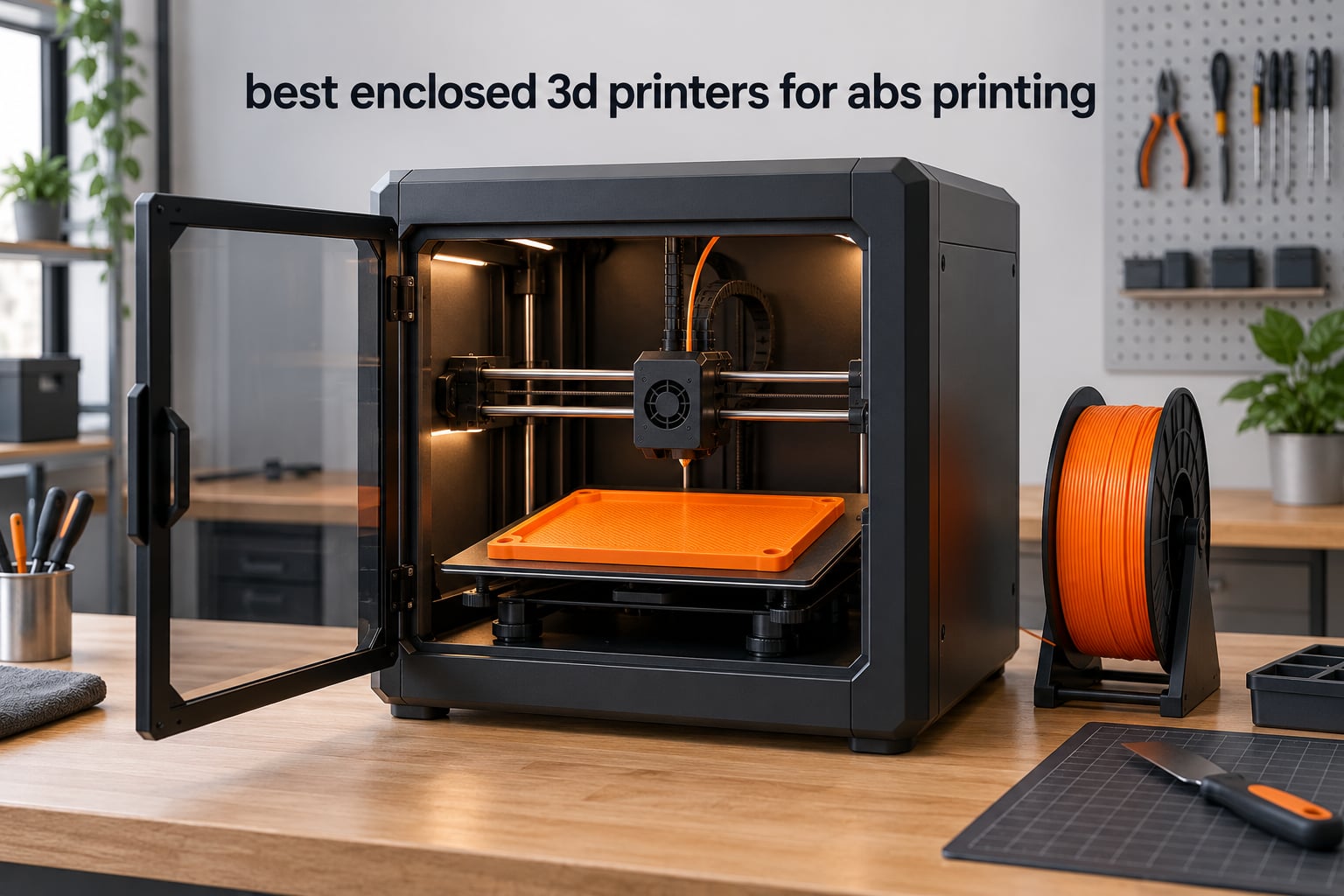
ABS prints beautifully when the whole part stays warm and it fails in three specific ways when it does not: corners lift off the bed, layers split apart mid-height, and the surface goes cloudy. The single fix that addresses all three is a closed build chamber that traps heat from the bed and hotend. The Creality K1C is the best enclosed 3D printer for ABS in 2026 for most makers: a 256 mm cube CoreXY build, a tri-metal hardened hotend, activated carbon filtration, and a CoreXY frame that has been proven on thousands of units.
Chamber temperature is the axis that actually decides ABS quality, and only four of the machines here publish a real chamber specification. The QIDI PLUS4 and QIDI Q2 both hold an actively heated chamber to 65°C, the Creality K2 Plus Combo heats to 60°C, and the Bambu Lab P2S Combo holds 50°C. Everything else in this roundup relies on passive enclosure heat from the 100°C-plus bed, which is enough for small brackets and not enough for a 300 mm flat panel.
For 2026, we read the full spec sheets, cross-checked every manufacturer’s published material list, and worked through thousands of owner reviews on ten enclosed printers that either list ABS explicitly or come close. This guide covers what each machine does for ABS, where it falls short, and how to pick the one that matches the largest part you actually need to print.
If you have not settled on a filament yet, our guide to the best ABS filaments is worth a look before you buy hardware. And if your interest in 3D printing is functional parts for robots and machines rather than display objects, start with 3D printing materials for robot parts so you know whether ABS is even the right choice for your load case.
Table of Contents
Top 3 Picks for ABS Printing (October 2026)

Creality K1C
- CoreXY 600mm/s print speed
- 20000mm/s² acceleration
- Tri-metal hardened hotend with direct drive extruder
- Built-in activated carbon air purification

Flashforge Adventurer 5M Pro
- Fully enclosed chamber with dual filtration
- 280°C nozzle and 110°C heated bed
- 3-second tool-free quick-swap nozzles
- 4.3-inch touchscreen with built-in camera

QIDI PLUS4
- 400W active chamber heating to 65°C with air circulation
- 370°C multi-metal integrated throat nozzle
- 12 x 12 x 11 inch build volume
- Supports PPS-CF
- PPA-CF and PC
All 10 Enclosed 3D Printers Compared at a Glance in 2026
Chamber type is the first column to read because it decides whether large ABS parts stay flat. Active means the machine holds a published chamber temperature. Passive means the chamber simply traps radiant heat from the bed, which works well below roughly 150 mm of part width and gets risky above that.
| Product | Specifications | Action |
|---|---|---|
| Creality K1C |
|
Check Latest Price |
| Flashforge Adventurer 5M Pro |
|
Check Latest Price |
 Creality K2 Combo Creality K2 Combo |
|
Check Latest Price |
 Creality K2 Plus Combo Creality K2 Plus Combo |
|
Check Latest Price |
 Bambu Lab P1S Bambu Lab P1S |
|
Check Latest Price |
| QIDI PLUS4 |
|
Check Latest Price |
 QIDI Q2 QIDI Q2 |
|
Check Latest Price |
 Bambu Lab P2S Combo Bambu Lab P2S Combo |
|
Check Latest Price |
 ELEGOO Centauri Carbon 2 Combo ELEGOO Centauri Carbon 2 Combo |
|
Check Latest Price |
 Snapmaker U1 Snapmaker U1 |
|
Check Latest Price |
1. Creality K1C: the Best All-Round Enclosed ABS Printer
- Widest review base in this roundup with 2728 ratings
- CoreXY frame at 600mm/s with 20000mm/s² acceleration
- Tri-metal hardened nozzle handles ABS and carbon fiber
- Built-in activated carbon filtration
- Silent mode at 45dB or less
- Compact 10 x 10 x 10 inch build volume caps part size
- No published chamber temperature specification
- No onboard touchscreen so control runs through app and PC software
The K1C is the machine we keep coming back to, and the reason is boring rather than glamorous: nobody disputes it works. With 2728 ratings it has the widest review base of anything in this roundup by a wide margin, which means the failure modes are documented rather than theoretical. When a spec sheet claim about ABS looks shaky, we checked it against what owners report after thousands of hours of printing.
Mechanically it is a straightforward CoreXY machine with a 256 mm cube build volume, 600 mm/s peak speed and 20000 mm/s² acceleration. The tri-metal hotend is the part that matters for ABS, because ABS at 250°C will chew through a brass nozzle in a matter of weeks and the tri-metal throat and nozzle take that abuse without complaint. Direct drive extrusion also keeps the melt path short, which shortens the window for heat creep during a 14-hour print.
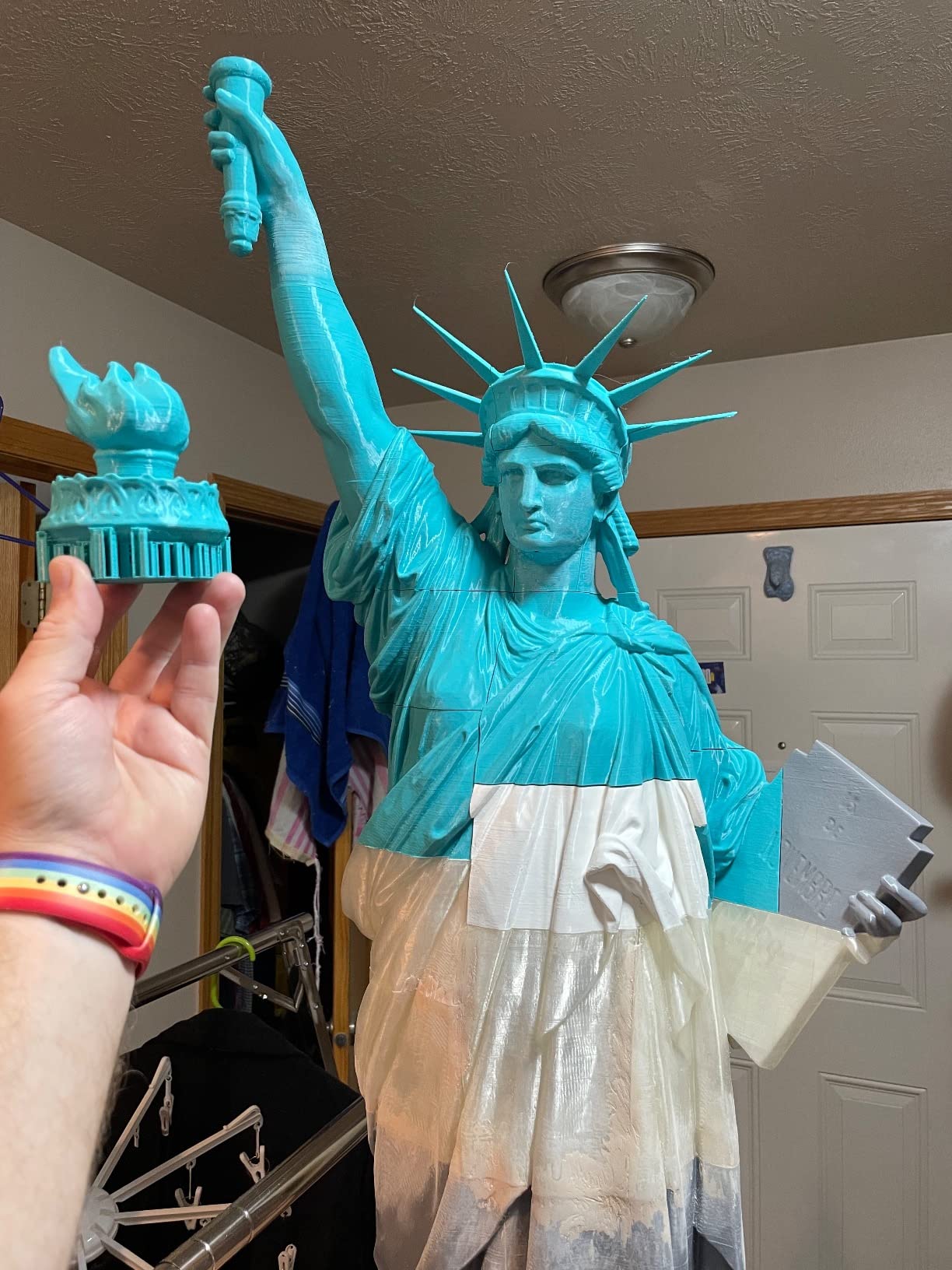
What you give up is chamber control. Creality does not publish a maximum chamber temperature for the K1C, so treat the chamber as passive: the 100°C heated bed radiates into the enclosed volume and the walls do the rest. In practice that produces clean, flat ABS parts up to roughly 150 mm on a side, which covers most brackets, jigs and electronics cases. Beyond that, large flat panels start to bow at the corners.
The activated carbon filter is a genuine asset for indoor ABS work, and silent mode keeps it below 45 dB, which matters if the machine lives in a home office. One reviewer in our set described the K1C as the printer they put in the room rather than the garage specifically because of the noise and filter combination.
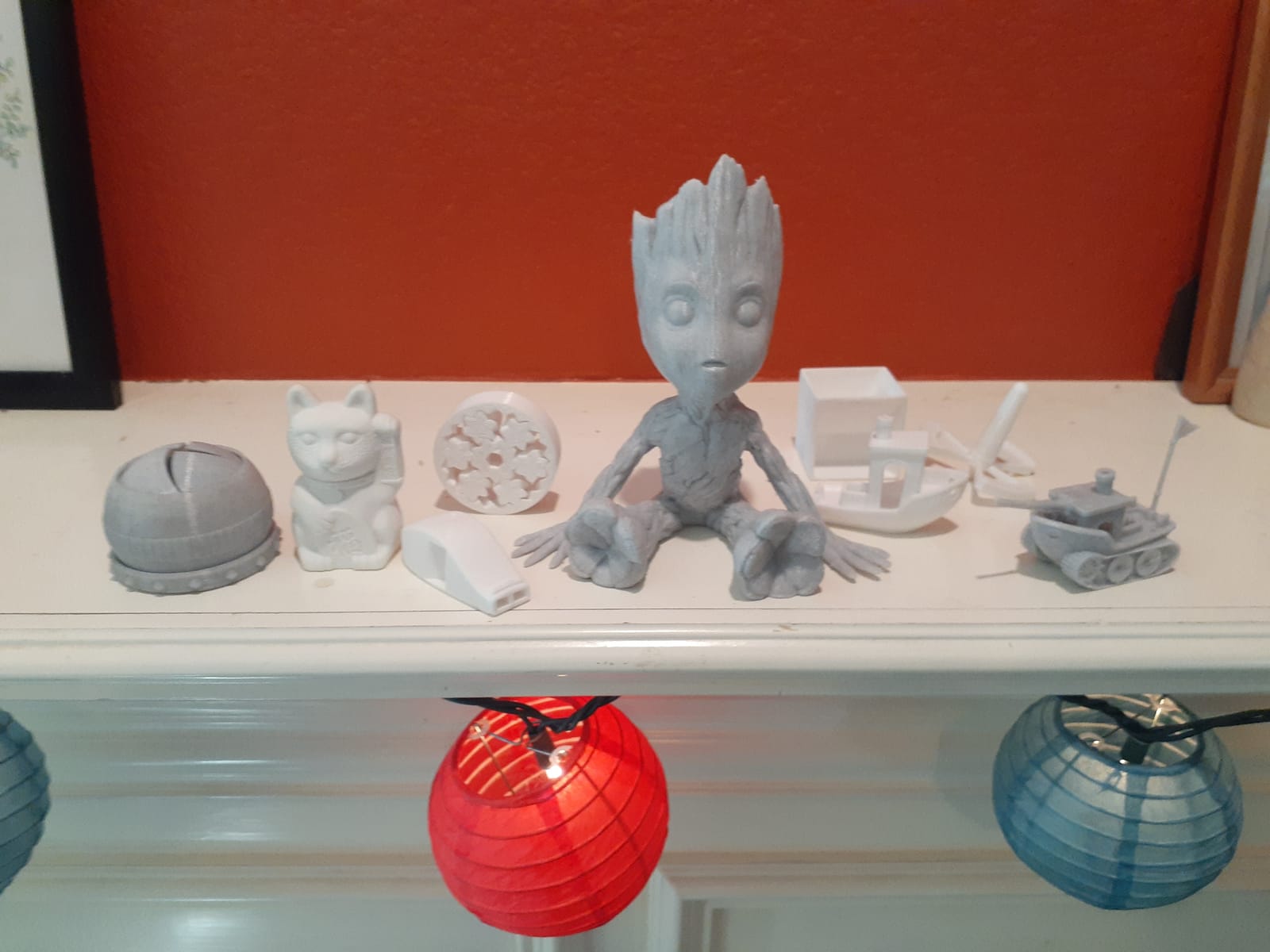
What the K1C does well for ABS
The tri-metal nozzle is the headline. ABS and ASA are not abrasive the way carbon fiber filament is, but at 250 to 270°C over a long print a brass nozzle deforms and eventually fails. Bed adhesion is also consistently strong, which matters more than it sounds: ABS shrinks as it cools, and a bed that releases the part before the base layer finishes contracting will lift no matter how warm the chamber is.
Where the K1C falls short
The 256 mm cube is the hard limit: if your largest ABS part is a robot arm guard or a 300 mm electronics enclosure, no amount of tuning will change that. The second limit is that Creality lists ABS among supported materials but publishes no chamber temperature figure, so you are relying on trapped bed heat rather than controlled ambient warmth. For parts above 150 mm that gap starts to matter.
2. Flashforge Adventurer 5M Pro: Budget Pick Enclosed ABS Machine
FLASHFORGE Adventurer 5M Pro 3D Printer with 1 Click Auto Printing System
- Prints within about 10 to 15 minutes of unboxing
- Strong auto-leveling and reliable first layers out of the box
- Official material list includes ABS
- ASA and PETG-CF
- Under 50dB in a fully enclosed
- filtered chamber
- Touchscreen and camera without extra hardware
- 220mm build volume is the smallest here
- Some units report arriving with fan
- wiring or bed-plate defects
- Printhead and extruder assembly failures reported on early units
The Adventurer 5M Pro is the machine we recommend when someone tells us they are new to 3D printing and want ABS specifically. Flashforge lists ABS, ASA and PETG-CF in the official material list, which matters more than buyers expect. A number of enclosed printers on the market describe themselves as advanced-filament machines while their published material lists stop at PLA, PETG and TPU.
Setup is the real story. Owners consistently report first prints within 10 to 15 minutes of unboxing, with auto-leveling and first layers that need no manual tuning. The 3-second tool-free nozzle swap in 0.25, 0.4, 0.6 and 0.8 mm is genuinely useful for ABS work, because you will move to a larger nozzle the moment you start printing thicker walls or infill.
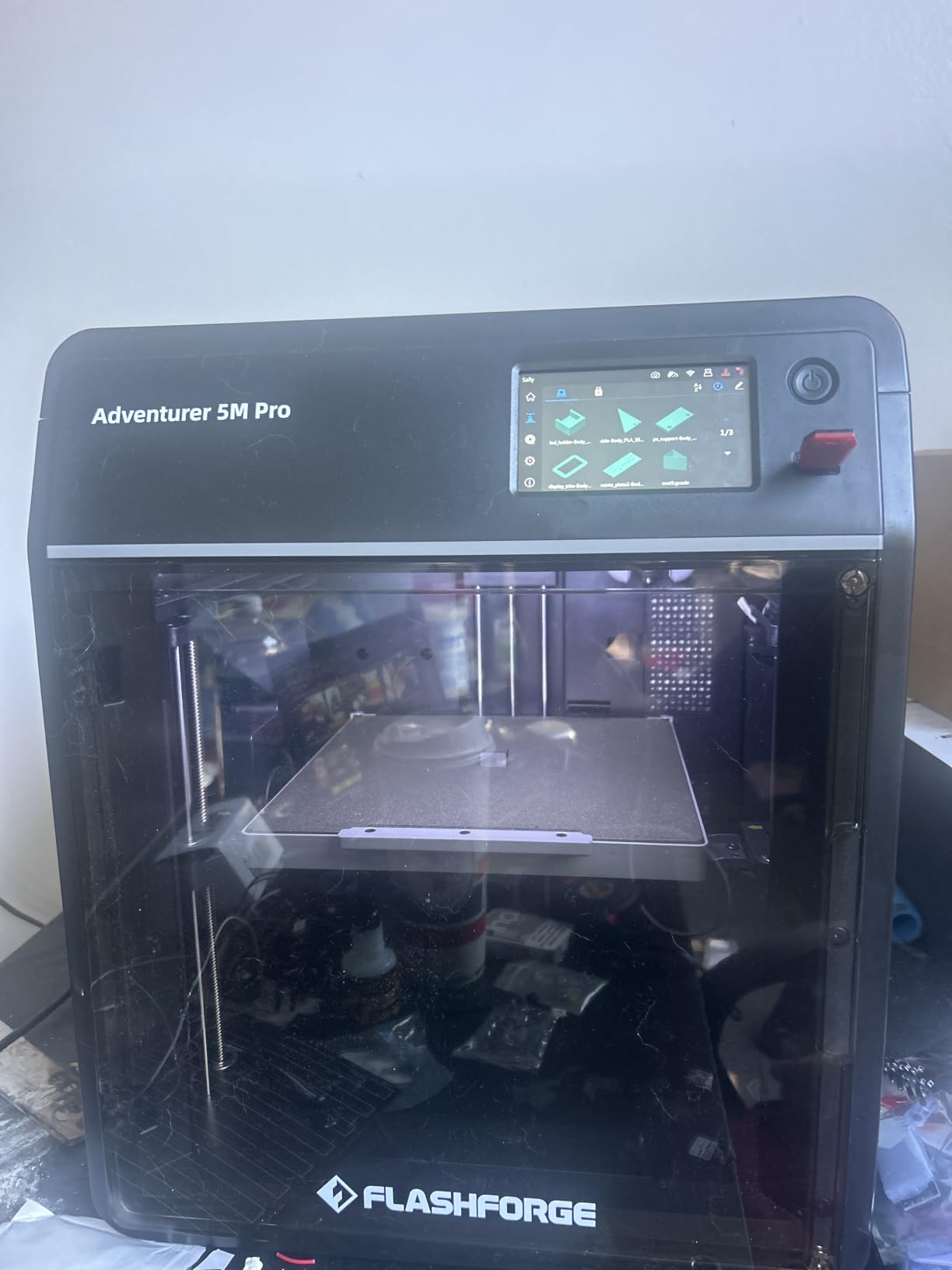
The chamber is fully enclosed with a dual filtration system, and owners running ABS report the odor staying contained. That is what the enclosure is for, and it is the reason we rate this machine highly for ABS even though its chamber is passive. A 110°C heated bed in a sealed 220 mm cube does a credible job on small parts.
One owner in our review set put it plainly: happy with the Flashforge 5M Pro, easy setup, and it consistently works in PLA, ABS, ASA and TPU. That is exactly the reliability profile we want from a first ABS machine.
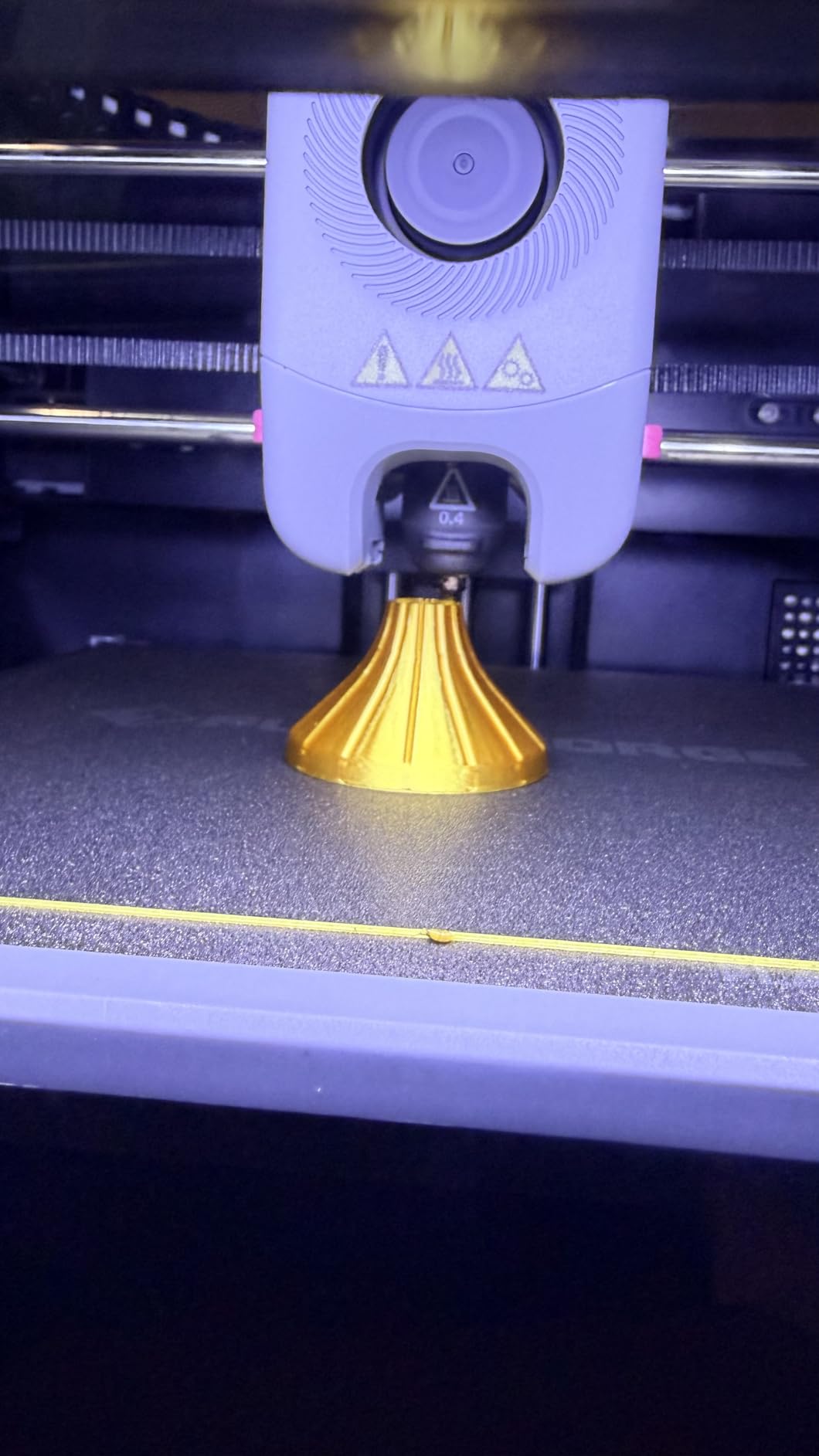
Why it earns its place in an ABS lineup
Two reasons. First, the published material list includes ABS, which makes it safe to recommend without hedging. Second, the enclosure, dual filtration and under 50 dB noise level make it the machine most likely to live indoors, which is where most ABS problems actually start.
Where it will disappoint you
The 220 mm build volume is the smallest here, and that rules out any large flat panel. More importantly, a meaningful slice of reviews describe early-life hardware problems: units arriving with defective fans, wiring or bed plates, and printhead or extruder assembly failures that led to repeat spare-part purchases. That is a manufacturing quality signal, not a design flaw, but it is worth factoring in if you cannot tolerate downtime.
3. Creality K2 Combo: Best for Multicolor ABS
Creality K2 (A) Combo 3D Printer, Multicolor Printing with CFS
- CFS multicolor system supports up to 16 colors with auto wire switching
- RFID filament detection and auto relay reduce mid-print intervention
- Hardened steel 300°C nozzle suits ABS and engineering filaments
- Rigid aluminum frame and dual Z axis for smooth layers
- Arrives pre-assembled and auto-levels out of the box
- 55-pound chassis is awkward to reposition
- 8GB storage and bundled ecosystem feel dated
- A recurring thread of early reliability and connectivity complaints
The K2 Combo is the pick if multi-color ABS housings are on your list. The CFS system expands to four feeders and up to 16 colors, with RFID filament identification and an auto relay that hands material between units without you standing over the machine. For anyone making labeled control boxes or instrument panels, that is the feature that changes your workflow rather than just your spec sheet.
Underneath, the hotend is the 40 mm³/s high-flow unit with a hardened steel nozzle rated to 300°C. That is comfortable headroom for ABS and ASA at 250 to 270°C, and it means you have a real margin before you hit the ceiling. The aerospace-grade aluminum frame and dual Z axis give the wobble-free layers you want on visible ABS parts.
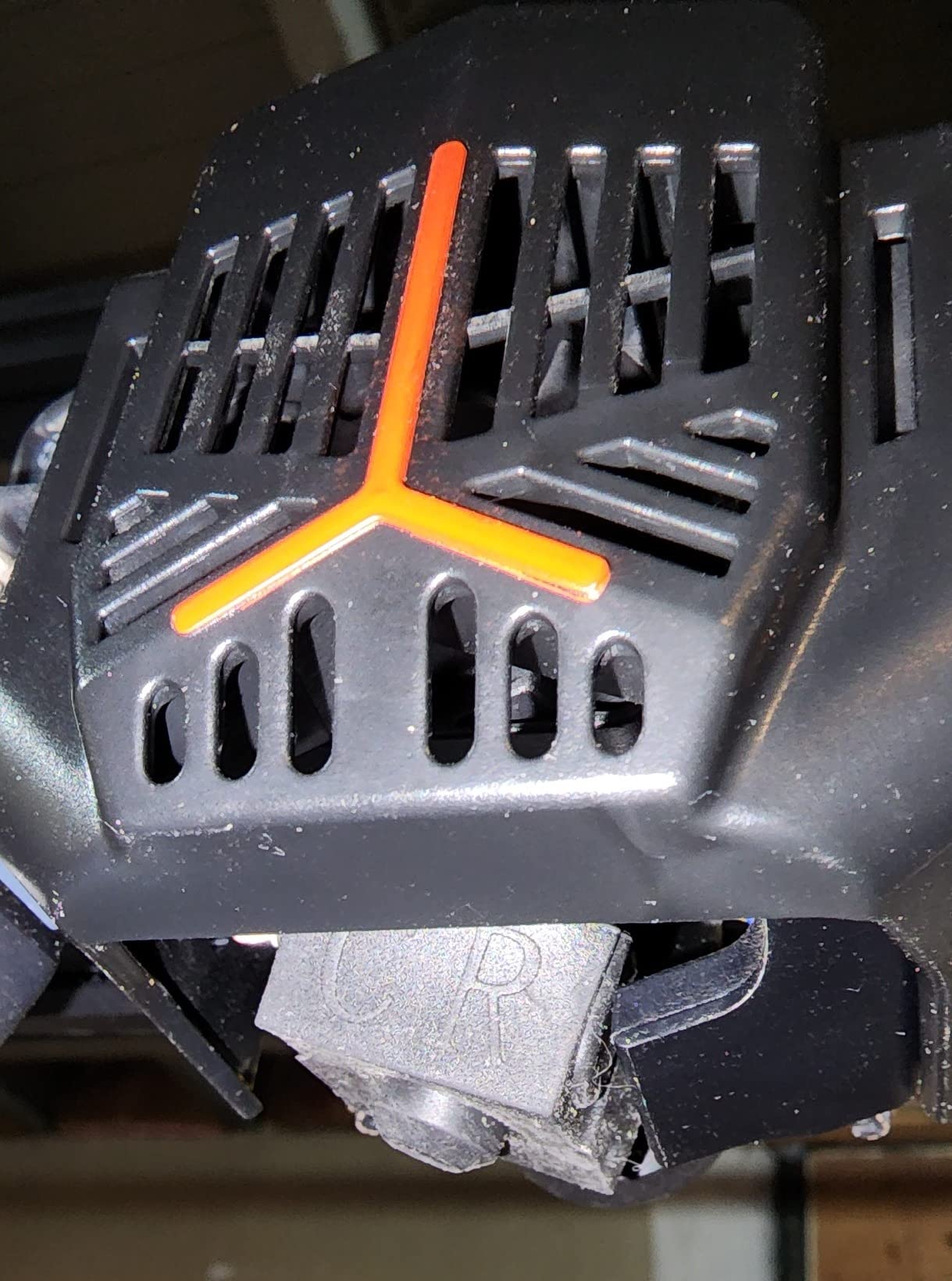
An AI chamber camera with failure detection and a built-in VOC air purifier round out a package that is genuinely well thought out for a machine you would run overnight on a multi-color job. The purifier matters here, since a long multicolor ABS print is also a long emission event.
The trade-offs are weight and software maturity. At 55 pounds this is not a machine you move between benches, and the 8GB local storage plus bundled ecosystem trail newer platforms. Ratings sit at 4 stars from 1087 reviews, with a recurring minority reporting early reliability and app connectivity friction.
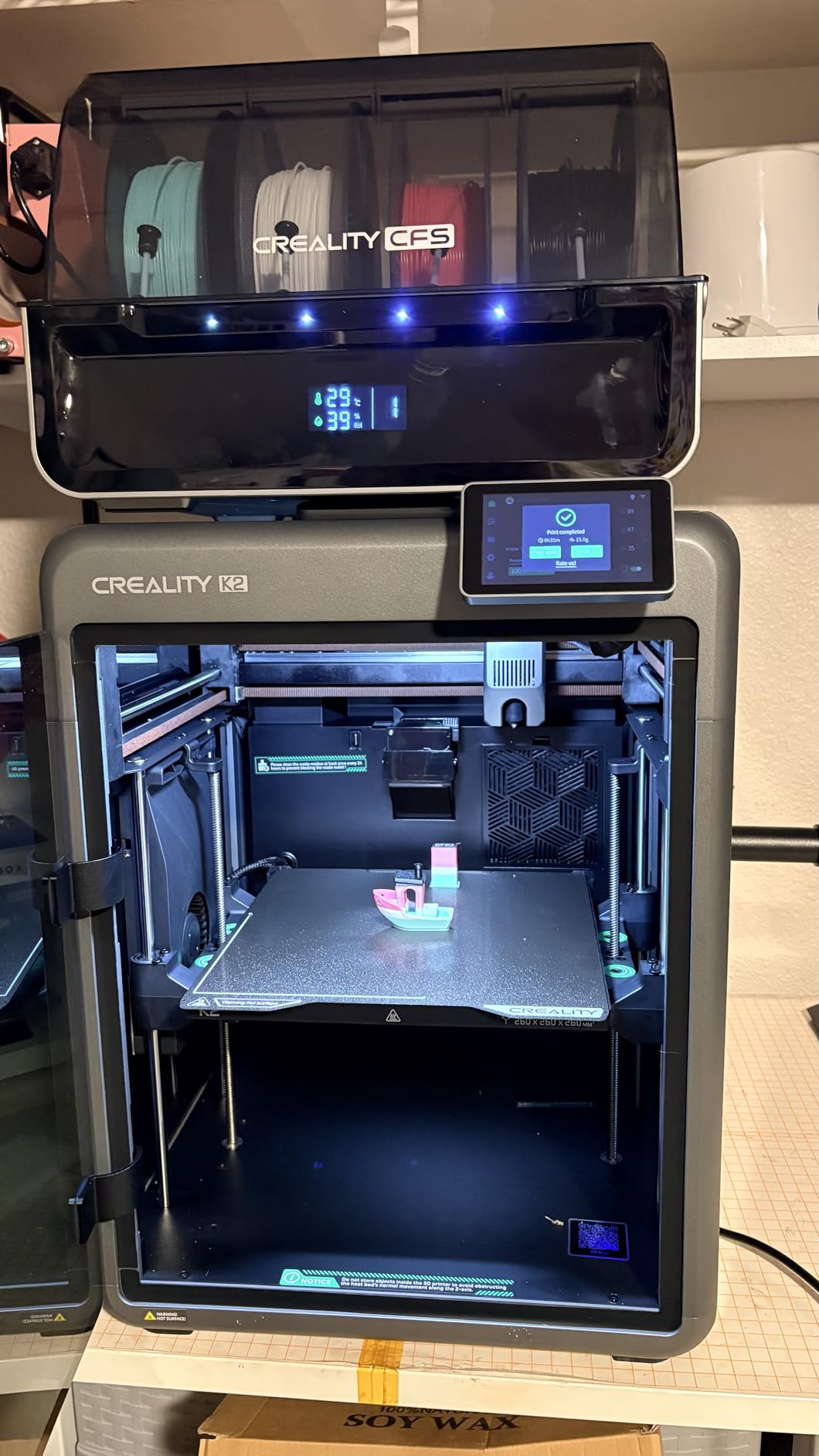
Where it beats every other pick here
What separates this machine from every other pick here is multicolor ABS in a 300 mm class cube. No other printer in this roundup combines a 300 mm build, a hardened 300°C nozzle and automatic four-feeder filament switching. If you are building assemblies where each part needs a different color, purge waste and manual swapping on a single-nozzle machine will dominate your workflow before quality ever becomes the issue.
Where it falls behind
Chamber temperature is unpublished, so it is passive like the rest of the enclosed non-heated machines here. That is fine for a 300 mm cube full of separate small parts, because each part has its own thermal mass. It is a problem if you want to fill that cube with one large flat ABS panel. The reliability thread in the reviews is also consistent enough that we would want a support path before committing a production job to it.
4. Creality K2 Plus Combo: Best for Large ABS Parts
- Largest build volume in this roundup at a 350mm cube
- 60°C actively heated chamber directly reduces warping on ABS and ASA
- 350°C hardened nozzle covers high-melting engineering filaments
- Four CFS feeders deliver true 16-color automatic printing
- Die-cast Matrix frame with dual motorized Z axis for bed flatness
- 70.4 pounds needs dedicated bench space
- 17% of reviews are one-star citing reliability and software friction
- Feature complexity raises the learning curve versus simpler enclosed models
If you print large ABS parts, chamber temperature is not a nice-to-have, and the K2 Plus Combo pairs an actively heated chamber with the largest build volume in this roundup. The chamber holds up to 60°C, which puts the whole build volume well above the point where ABS corners start lifting.
The build volume is a 350 mm cube, the largest here. Combined with a 350°C hardened nozzle, that opens the door to ASA and PPA alongside ABS, and to genuinely large panels, robot frames and machine guards that would otherwise need to be printed in sections and bonded.
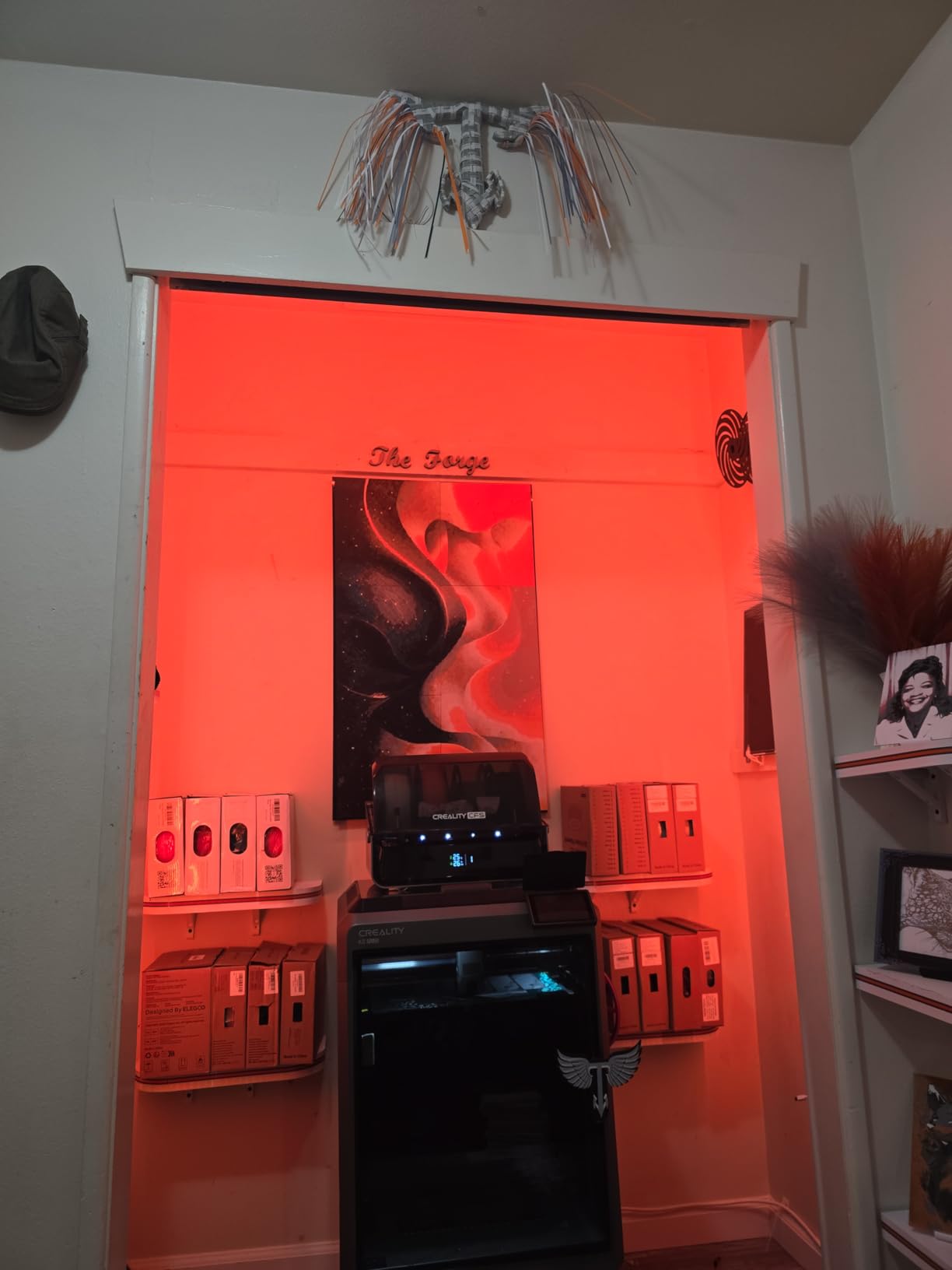
The rest of the package is aimed at the same audience. Four CFS feeders give true 16-color automatic printing, dual AI cameras with 18 smart sensors catch spaghetti failures and tune flow rate, and the die-cast Matrix frame with four linear rods and a dual independently motorized Z axis is built for bed flatness over long prints. Motion is 600 mm/s with 30000 mm/s² acceleration on FOC step-servo motors.
Physical planning matters with this one. It weighs 70.4 pounds and measures 16.1 by 15.4 by 18.7 inches, so measure your bench before it arrives. One Garage Journal owner in our forum research described a very different experience with Anycubic S1 units, sitting unused for six months because of problems; large complex machines carry more ways to disappoint you, and that is worth weighing honestly.
What the heated chamber actually buys you
Large flat ABS parts warp because the outer edge cools first while the center is still hot and still shrinking, and once the edge has contracted more than the center the stress lifts the corners. Raising ambient chamber temperature compresses the difference between those two cooling rates, and 60°C is far enough above room temperature to hold a 350 mm panel flat through the last five layers, which is where failures actually happen.
When it is too much machine
If your largest ABS part fits comfortably inside a 256 mm cube, you are paying for build volume and features you will not use, and accepting a learning curve that is steeper than anything else here. Seventeen percent of reviews are one-star, and the complaints cluster around reliability and app connectivity rather than print quality. For prototype iteration, this is the wrong tool even though it is the right one for the job it was designed for.
5. Bambu Lab P1S: Best Enclosed ABS Printer for First-Time Owners
- Roughly 15-minute setup and reliable first prints out of the box
- ABS and ASA listed as ideal materials with PA and PC capable
- Excellent bed adhesion for ABS
- Quiet well-insulated enclosure
- Bambu Studio and MakerWorld remove most slicing work
- No built-in touchscreen so control is via phone or computer
- Reinforced filament is not recommended on the factory hotend
- Camera preview frame rate is low for live monitoring
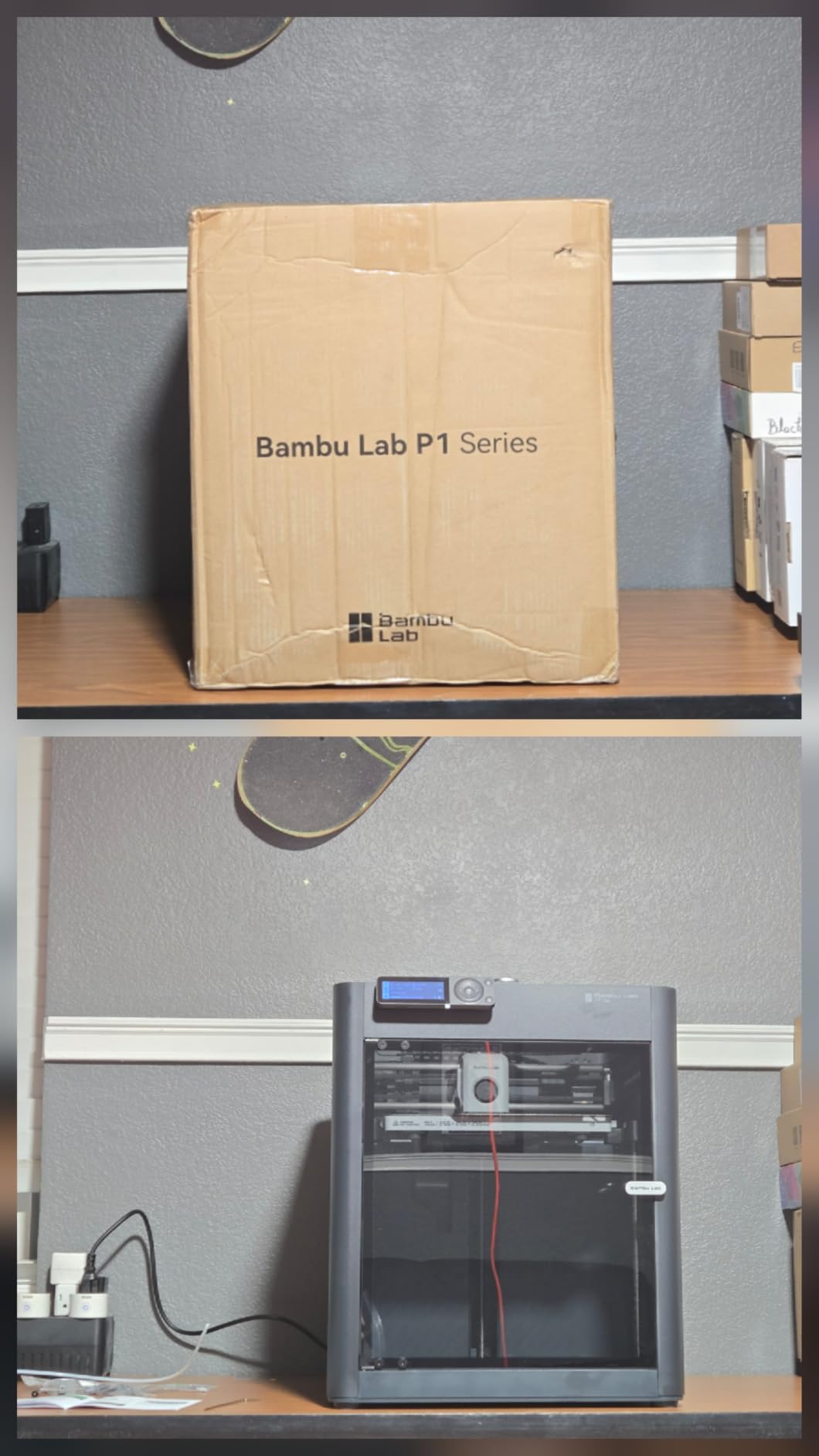
The P1S is the easiest machine here to recommend to someone who has never owned a 3D printer. Bambu Lab lists ABS and ASA as ideal materials and PA and PC as capable, so there is no ambiguity about whether the machine is meant for engineering filament. Setup takes roughly 15 minutes and the first print generally works without intervention.
Motion is 500 mm/s with 20000 mm/s² acceleration inside a fully enclosed body with glass side and top panels. Automatic bed leveling and filament run-out detection cover the two failure modes that most often interrupt a long ABS job overnight, and the integrated camera handles monitoring and time-lapse.
Its 4.5-star rating from 407 reviews sits among the highest here, with 81% of ratings at five stars. That is a strong signal, but it is also a smaller sample than the K1C’s 2728 reviews, and 407 reviews tell you less about long-term reliability than the raw number suggests. Treat it as encouraging rather than proven.
The honest limitation for ABS is that the enclosure is passive. Bambu does not publish a chamber temperature figure for the P1S, so large flat parts above roughly 150 mm are still at risk. There is an AMS for up to 16 colors but it is a separate purchase, and reinforced filament is not recommended on the factory-supplied hotend.
Where it earns its ranking
Software. For a first ABS machine, the number of hours you spend fighting a slicer is time not spent learning how ABS behaves. Bed adhesion is consistently reported as excellent, which is the single most important physical property for ABS first layers, and the enclosure is quiet enough to live in a home office.
Where it falls short
Large parts, and no touchscreen. If your work involves 300 mm panels or a multi-month prototype program, the software polish does not compensate for a passive chamber and a 256 mm cube. The low camera frame rate is a minor annoyance unless you are watching a print remotely for failure detection, which is a habit ABS printers encourage because of how long the jobs get.
6. QIDI PLUS4: Best Actively Heated Chamber for ABS
QIDI PLUS4 3D Printer, 65℃ Chamber Heating, 370°C Integrated Nozzle
- 65°C actively heated chamber cuts warping and cracking on ABS and ASA
- 370°C multi-metal nozzle unlocks PPS-CF
- PPA-CF
- PC and PA
- Large 300mm class build volume allows batching models
- Dual motor-driven Z axis and 6mm bed improve flatness
- Printing within about 10 minutes of unboxing
- 16% one-star reviews point to early reliability and support response issues
- 59.4-pound chassis needs a sturdy bench
- Bundled ecosystem and firmware updates draw criticism
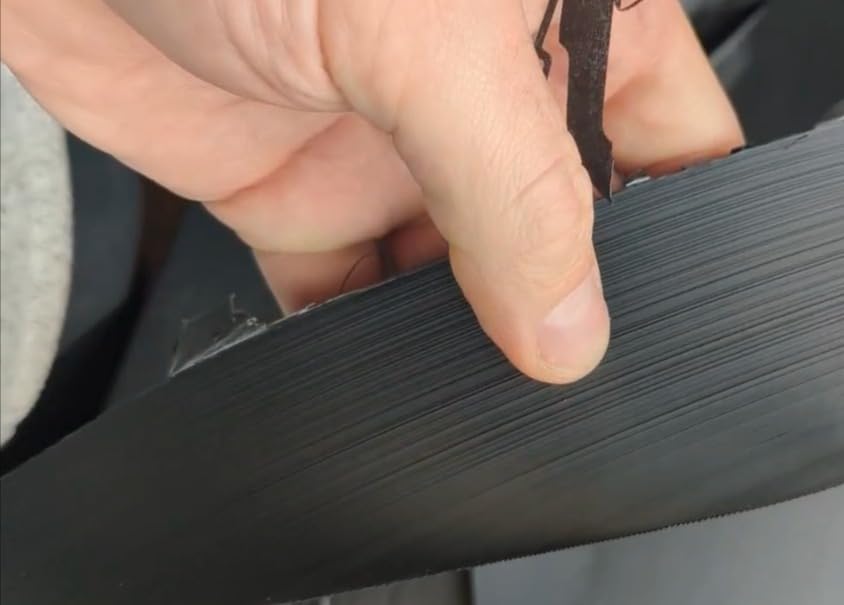
The PLUS4 is the machine we would buy if we were printing one 300 mm ABS panel per week and were tired of warping. The second-generation 400W chamber heater holds 65°C, which is the highest published chamber temperature in this roundup and above the point where large ABS parts stop being a gamble.
The nozzle is a 370°C multi-metal integrated throat with an 80W hotend. That rating is not needed for plain ABS, but it means the same machine handles PPS-CF, PPA-CF and glass-filled nylon without a hotend swap, which is where most owners of a 65°C chamber machine end up within a year.
Build volume is 300 mm class, listed at 12 by 12 by 11 inches. The dual motor-driven Z axis, 6mm thickened aluminum heated bed and 10mm linear shafts are the details that show up in flatness over a long print, and an HD camera with filament run-out and break detection plus power-loss recovery covers unattended overnight work.
Users report printing within about 10 minutes of unboxing, which is unusual for a machine with this much going on. The reservation is review volume. At 354 ratings, 16% one-star reviews point to early reliability and support response issues, and QIDI’s bundled ecosystem draws some criticism. A 4-star rating from 354 reviews is less proven than a 4.2 from 2728.
Why 65°C matters more than 60°C
The jump from a passive enclosure to 60°C is the difference that changes results. Going from 60°C to 65°C is incremental in absolute terms, but ABS glass transition sits around 90 to 105°C depending on the formulation, and every degree of extra margin above your ambient cooling environment buys you a longer window where the previous layer is still soft enough to bond to the next one.
Where it falls short
Weight, at 59.4 pounds, and a 300 mm build volume that is smaller than the K2 Plus Combo. If you need more than 300 mm and you need active heat, there is no overlap between those two requirements in this roundup, and you will be choosing between them. The firmware criticisms and the support response complaints are the other thing to weigh before you commit a production schedule to it.
7. QIDI Q2: Best Compact Actively Heated Chamber
QIDI Q2 3D Printer, 65℃ Heated Chamber and 370℃ Nozzle Unlock PPS-CF
- 65°C heated chamber minimizes warping and improves layer adhesion on ABS
- 370°C nozzle unlocks PPS-CF and other high-temperature filaments
- Nozzle-as-sensor leveling gives reliable first layers with no manual tuning
- Triple filtration with G3 pre-filter
- H12 HEPA and activated carbon
- Compact footprint for a fully enclosed heated-chamber machine
- Smaller user base than Bambu or Creality so third-party profiles are thinner
- QIDI BOX multi-color unit is a separate purchase
- A small share of one-star reviews cite firmware and connectivity hiccups
The Q2 does something none of the larger machines here do: 65°C of actively heated chamber in a compact body that measures 15.83 by 17.24 by 19.45 inches. If you have already committed to active heat as the requirement and you do not need a 300 mm cube, this is the efficient version of that decision.
The second-generation PTC chamber reaching 65°C is paired with a 370°C nozzle with a multi-metal throat. The nozzle also doubles as the leveling sensor, which means first-layer setup is genuinely plug-and-play on a machine whose whole purpose is accurate first layers on a material that shrinks.
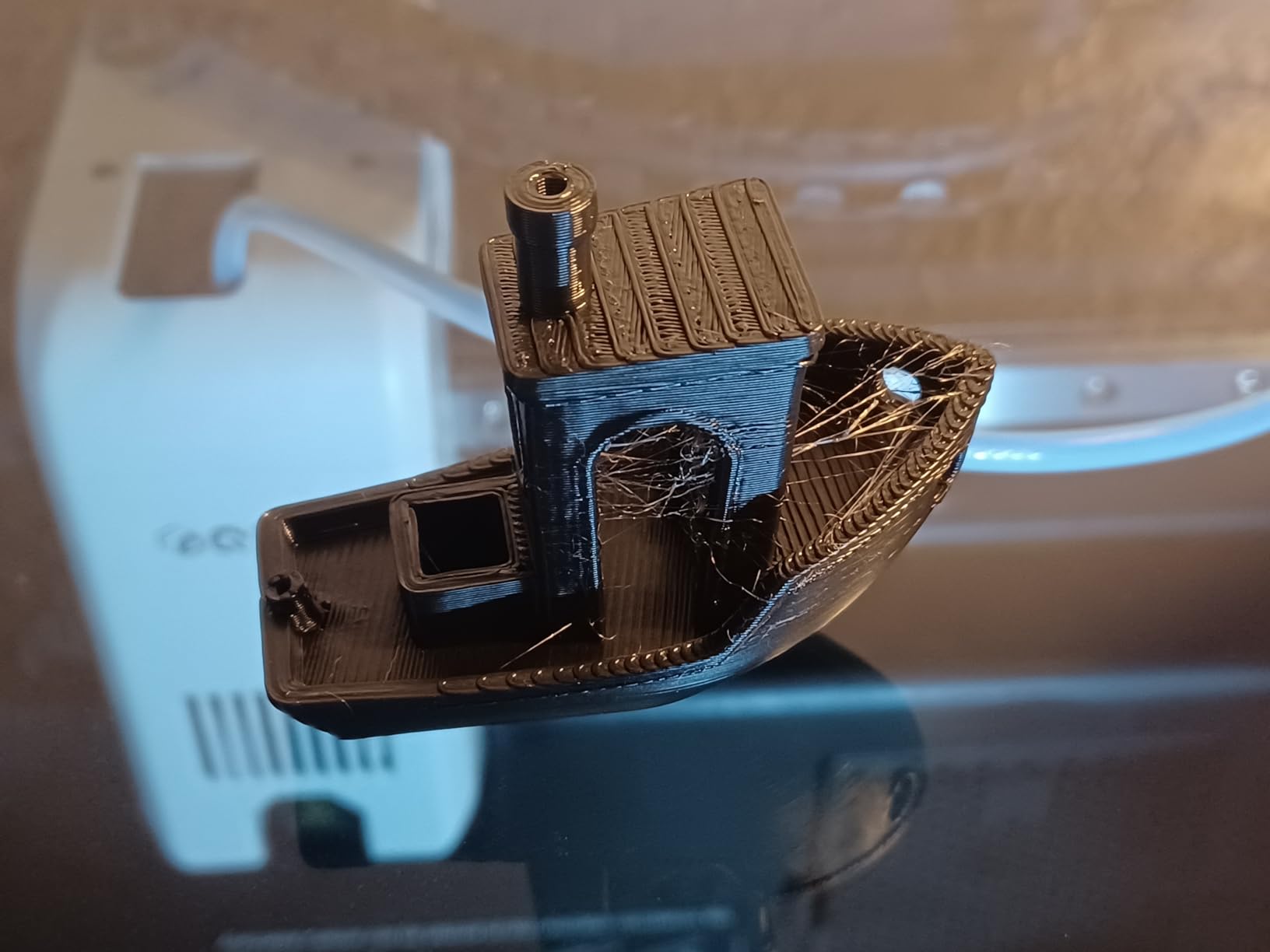
Filtration here is the most complete package on this list: a G3 pre-filter, an H12 HEPA and activated carbon, inside a flame-retardant chamber with closed-loop temperature sensors and an AI camera. For anyone printing ABS in a shared indoor space, that combination is the strongest air handling in this roundup.
The full-metal CoreXY frame uses a 1.5GT synchronous belt and speeds up to 600 mm/s, and it supports PLA, ABS, PETG, TPU, PA, PC and carbon or glass fiber composites. A rating of 4.3 from 154 reviews is encouraging, but 154 is one of the thinnest samples here, and thin samples move.
Why the nozzle-as-sensor matters for ABS
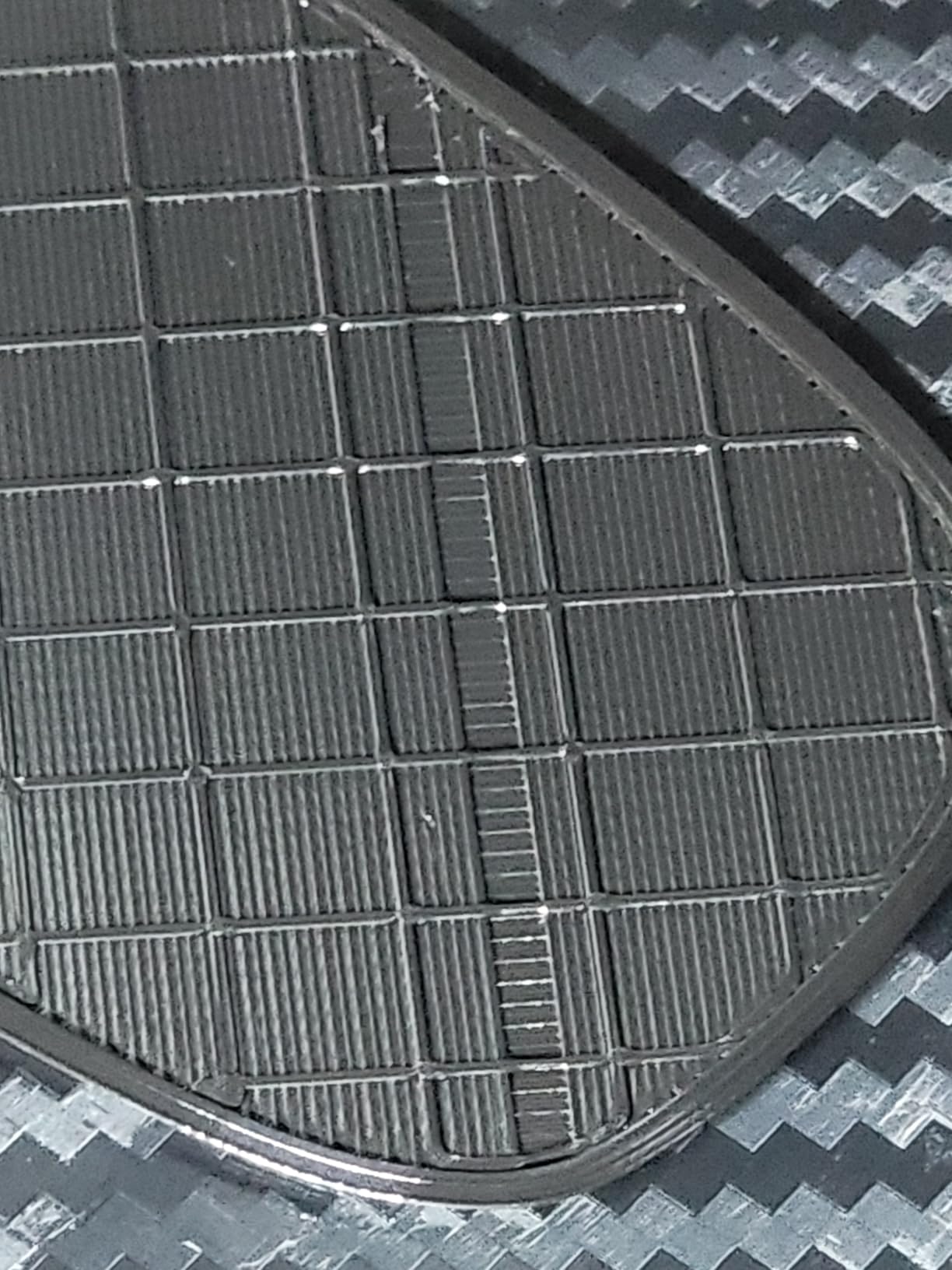
ABS first layers fail more often than people expect because the material contracts as it cools, and a sensor that reads the bed from a fixed probe point can miss a slight bow in the plate. Using the nozzle itself as the probe samples the surface directly beneath the actual print path. On a material where adhesion is everything, that is not a gimmick.
Where it falls short
Build volume. The Q2 sits below the 300 mm class, so it is not a large-panel machine. Its user base is also much smaller than Bambu Lab’s or Creality’s, which means fewer community-tuned profiles, and the QIDI BOX multi-color unit is another purchase. If you need big parts and active heat together, the PLUS4 is the more capable answer.
8. Bambu Lab P2S Combo: Best With Built-In Filament Drying
Bambu Lab P2S Combo, P2S 3D Printer & AMS 2 Pro, Multi-Color 3D Printing
- Printing within 15 to 20 minutes with fully automatic calibration
- AMS 2 Pro included with filament drying up to 65°C
- 600mm/s with active flowrate compensation gives crisp layers
- Adaptive airflow system maintains a 50°C chamber for engineering materials
- Support praised for replacing factory-defective units
- AMS 2 Pro filament sensor and ribbon-connector door failing early on some units
- Audible fan noise during operation
- Highest review count thinnest at just 91 ratings
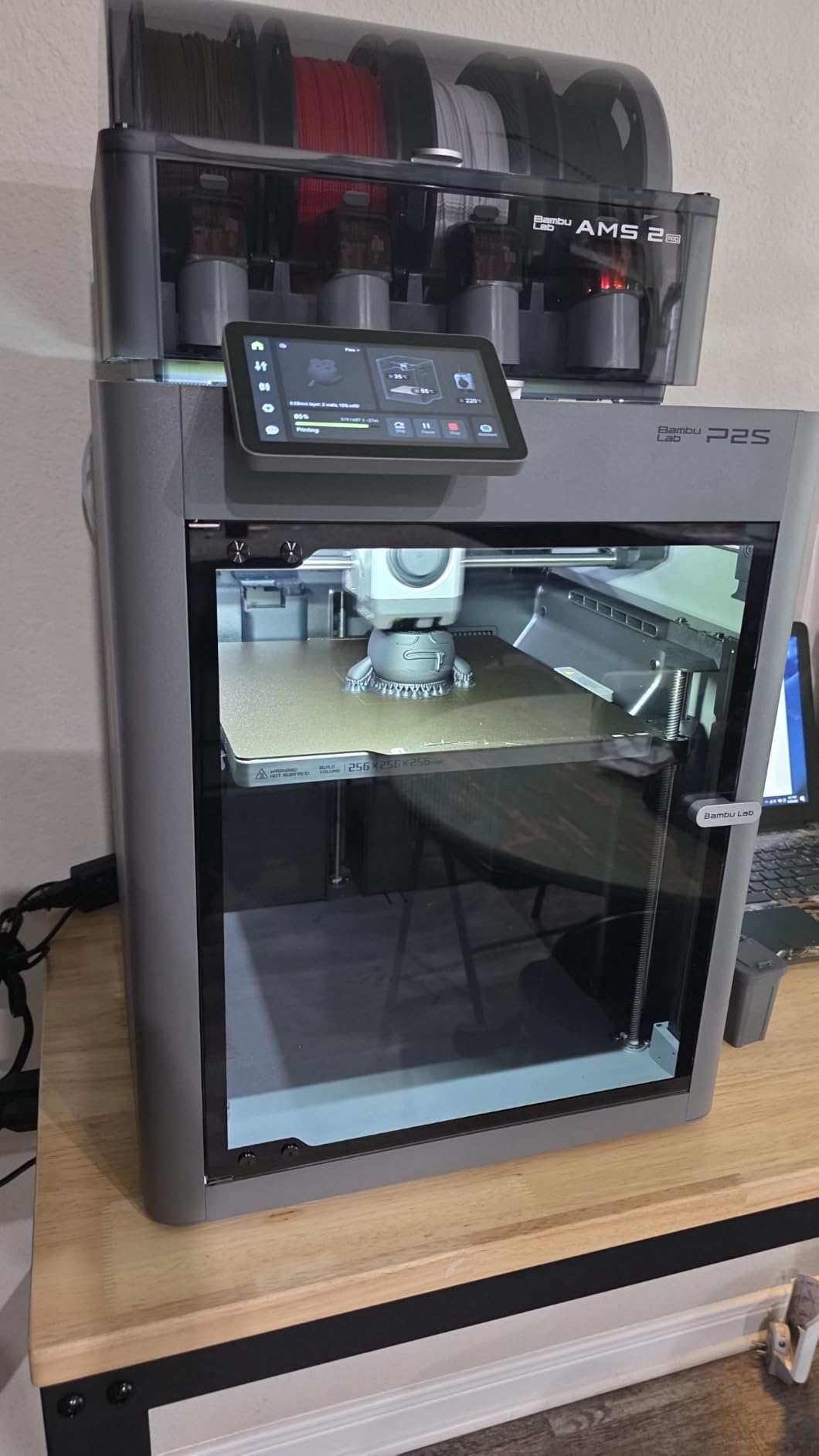
The P2S Combo is the newest machine in this roundup and the one with the most interesting spec for ABS specifically. Its Adaptive Airflow System holds a 50°C chamber for engineering-grade materials, which is real active heat at a level most enclosed machines here cannot reach at all.
The included AMS 2 Pro dries filament up to 65°C and handles multi-color printing. That matters for ABS more than for PLA, because ABS absorbs moisture from humid air and wet filament produces the popping, stringing and rough surface that beginners often blame on the printer. Community consensus is clear that drying is still needed even with an enclosure.
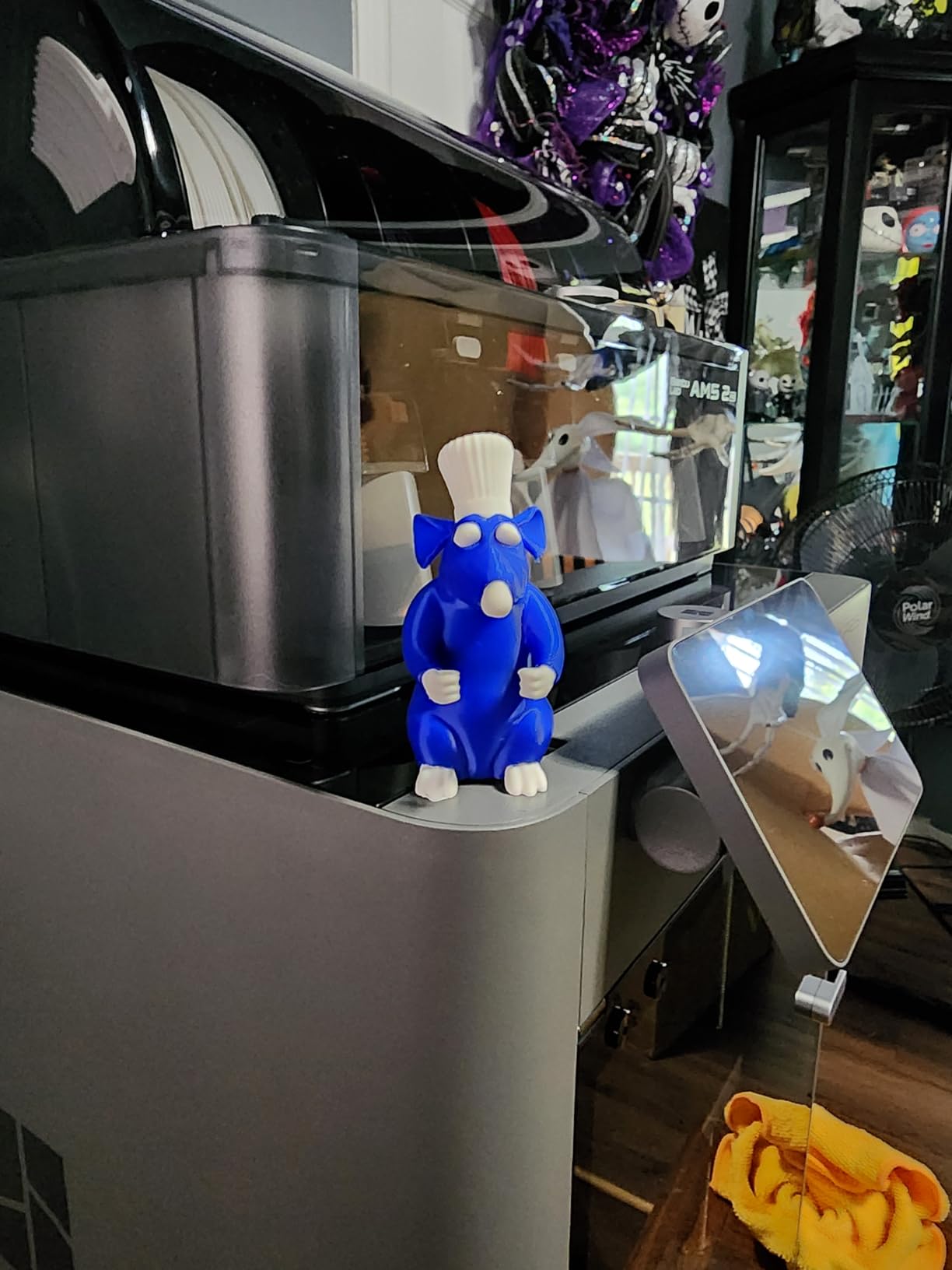
Motion is 600 mm/s with a PMSM servo extruder and active flowrate compensation, plus a carbon filter for cleaner air during printing, AI failure detection, quick-swap nozzles and automatic calibration. Owners report first prints within 15 to 20 minutes and describe it as very approachable for first-time printer owners.
The rating is a high 4.5, but it comes from only 91 reviews, so treat it as directional rather than established. The dominant complaint is premature failure of the AMS 2 Pro filament sensor and its ribbon-connector door. Support was praised for replacing factory-defective units, which counts for something on a machine this new.
Why active filament drying changes ABS results
ABS is hygroscopic. When it absorbs water, the water turns to steam at the nozzle, bubbles through the melt and roughens the surface, and it degrades the polymer chain, which shows up as reduced layer adhesion and a brittle part. Drying at 65°C before the print is one of the higher-leverage settings you control, and having it built into the AMS rather than requiring a separate dryer removes a step people skip.
Where it falls short
A 50°C chamber is below the 60 to 65°C tier, so for the largest panels the K2 Plus Combo or the QIDI machines are stronger choices. The AMS 2 Pro sensor failure reports are specific and repeated enough to investigate before relying on it. And at 91 reviews, we simply do not have the sample size to call this machine proven.
9. ELEGOO Centauri Carbon 2 Combo: Best Value for ABS
- Very low cost for a fully enclosed printer with 4-color capability
- Printing within 30 to 60 minutes with easy setup
- Strong heated-bed adhesion across many materials
- Fast straightforward 4-color changes via CANVAS
- Intuitive slicing software suited to beginners
- Software updates have broken network connectivity for some users
- Louder than comparable enclosed printers with noticeable frame vibration
- Low-resolution poorly centered camera with time-lapse only
- Build plate has an exclusion area when the filament cutter is installed
The Centauri Carbon 2 Combo is the pick if the budget is the main constraint. With 2572 ratings it has the second-largest review base here, and at this price an enclosed CoreXY machine with 4-color printing is genuinely unusual. Buyers routinely call it the best enclosed value for ABS-class materials.
Motion is 500 mm/s with 20000 mm/s² acceleration on a rigid aluminum frame, with a 256 mm cube build volume, smart calibration and active vibration compensation. The CANVAS system does 4-color printing with instant switching, auto refill and tangle detection, and owners report printing within 30 to 60 minutes of unboxing.
Adhesion is the part that matters for ABS and it is strong here, with many owners reporting good results across a range of materials. That is why it makes this list at all: the chamber is passive and unpublished, but the bed holds ABS down and the enclosure keeps drafts off it.
The complaints are consistent and worth reading before you buy. A meaningful thread of reviews describes software updates breaking network connectivity and print-status tracking. Owners also report it being louder than comparable enclosed printers with noticeable frame vibration, and a low-resolution, poorly centered camera that is functional only for time-lapse.
What you get for the money
A fully enclosed 256 mm CoreXY machine with vibration compensation and 4-color printing, from a brand with enough review volume that its failure modes are documented rather than speculative. For robot brackets, RC parts, workshop jigs and electronics cases under roughly 200 mm, that covers a lot of ground, and pairing it with one of our best 3D printing tool kits gives you a functional small-parts workbench.
Where it falls short
Noise and software. Owners describe it as louder than comparable enclosed printers, with noticeable frame vibration. The connectivity complaints also come specifically after updates, which means that problem is ongoing rather than a one-time setup issue. There is also a build plate exclusion area when the filament cutter is installed, so check your largest part against the usable area before you commit.
10. Snapmaker U1: Best Multi-Material Toolhead Approach
Snapmaker U1 3D Printer,4-Toolhead with 5s Toolchanger,Multi-Color Printing
- Four toolheads cut multi-color purge waste to virtually zero
- 5-second tool changes versus about 2 minutes on single-nozzle systems
- True multi-material printing such as TPU alongside rigid parts
- Setup in under 20 minutes with guided touchscreen calibration
- Open-source Snapmaker Orca slicer runs on Linux and avoids closed ecosystems
- Top of the frame is open so a lid or printed cover is needed
- Less turnkey than phone-first ecosystems
- One review reported a motherboard fault on a day-old unit
The Snapmaker U1 solves the ABS multi-color problem differently from everything else here. Instead of one nozzle that purges between colors, it runs four independent toolheads with filament preloaded and preheated, and the SnapSwap changer swaps them in 5 seconds. The company states the mechanism was validated over 1,000,000 swaps with zero failures.
Because each toolhead sits preheated, there is no purge, which means near-zero filament waste and what the company claims is up to 5X faster multi-color printing. For ABS specifically, the ability to park a nozzle instead of wiping it also removes a lot of the ooze and heat-creep risk that punishes single-nozzle machines on long ABS jobs.
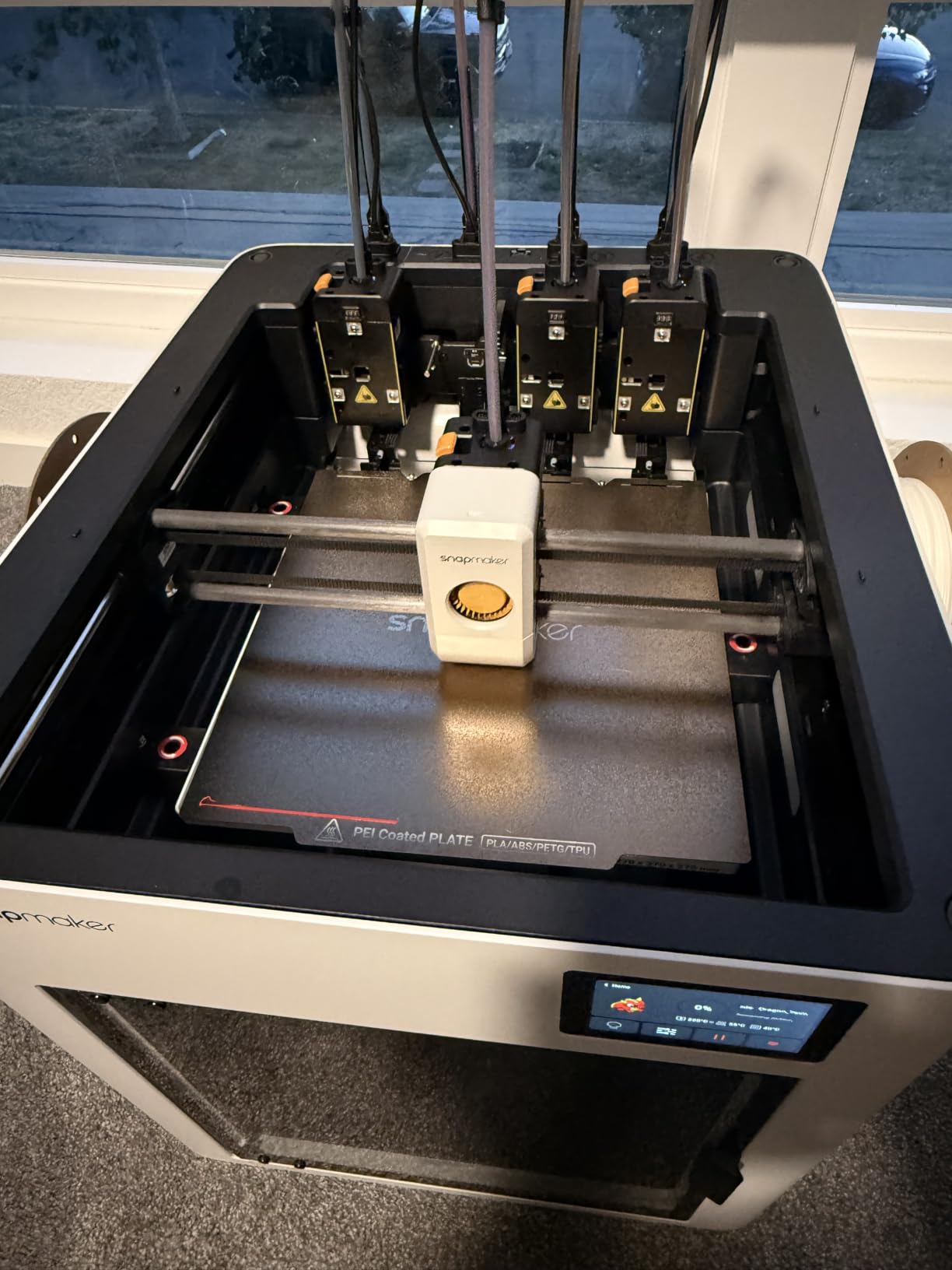
Motion is a rigid CoreXY with carbon fiber X-axis rails at up to 500 mm/s across a 270 mm cube build volume. Automatic toolhead offset calibration and vibration compensation handle the mechanical side, and there is a 3.5-inch touchscreen plus AI print monitoring. ABS, ASA, PA and PC are all on the compatibility list.
Two things stand out. The open-source Snapmaker Orca slicer runs on Linux and avoids a closed ecosystem, which is rare and genuinely useful if you build your own profiles. Setup is under 20 minutes with guided touchscreen calibration, and four 500 g filament spools plus an accessory kit are included.
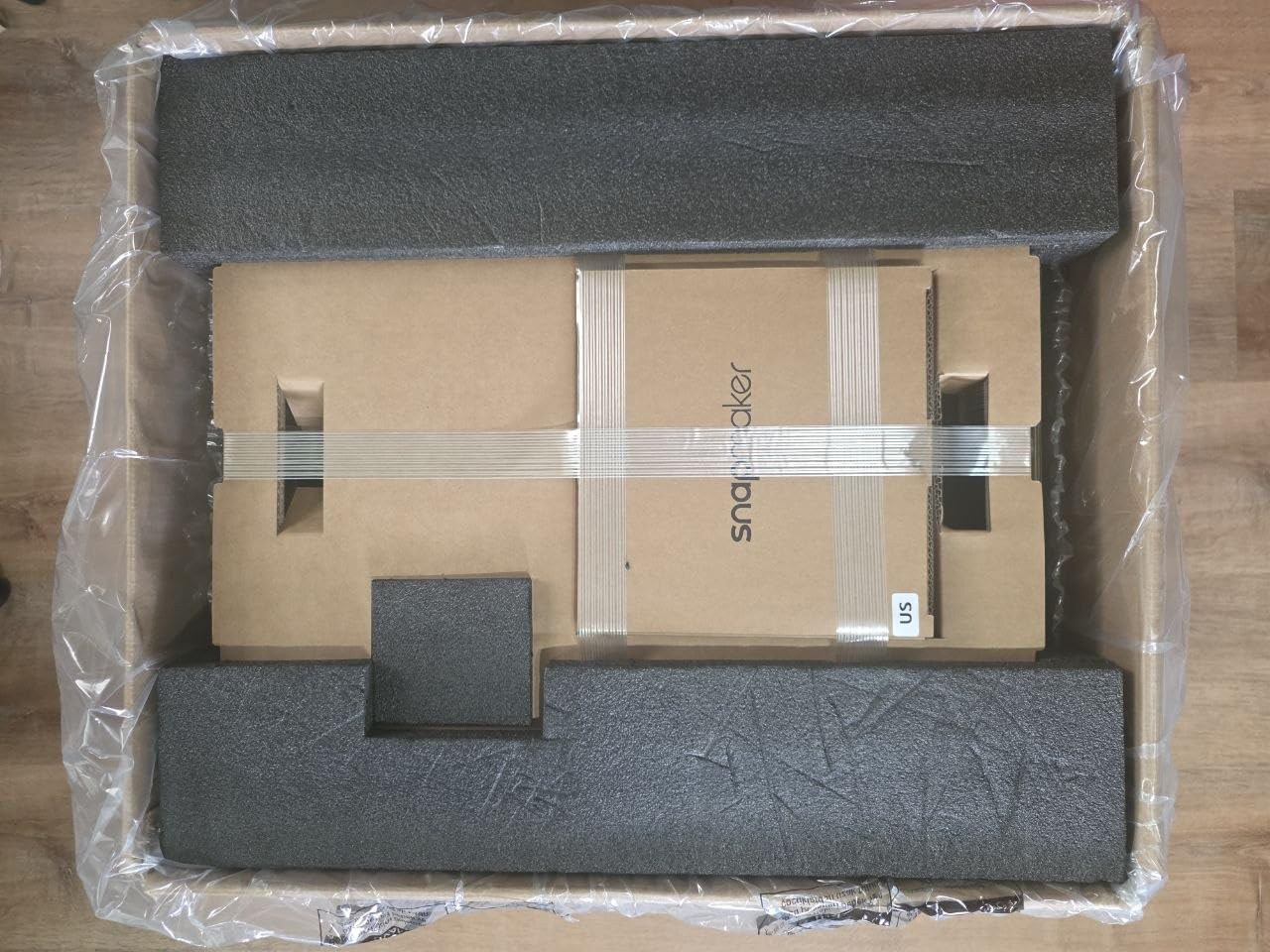
Why the open top is the deciding detail for ABS
This caveat decides whether the U1 belongs on an ABS list, and it is a real one: the top of the frame is open. For PLA that is a non-issue, but for ABS an open top means warm air escapes and room air enters, which is precisely the draft-driven cooling cycle that causes corner lift. Add a lid or a printed cover before you use this machine for ABS, and treat that as part of the purchase.
Where it falls short
Beyond the open top, the workflow is less turnkey than phone-first ecosystems: STL and 3MF files must be imported and sliced yourself. A firmware update was needed before connectivity behaved reliably for some users, and one review reported a motherboard fault on a day-old unit. At 146 reviews the 4.5-star rating is promising rather than proven.
Do You Need an Enclosure to Print ABS?
Yes, for anything functional. ABS contracts as it cools, and when different regions of a part cool at different rates, the contraction pulls unevenly, so corners lift off the bed and layers split apart. A closed chamber keeps ambient air warm and draft-free so every layer cools at roughly the same rate, which removes most of both failures at once.
The number that matters is the glass transition temperature, around 90 to 105°C depending on the ABS formulation. Below that temperature the material behaves like rigid glass rather than a rubbery solid, so it can no longer accommodate the shrinkage of the layer below it. Keeping the chamber warm keeps the whole part in that rubbery state longer.
Active versus passive chambers
A passive enclosure is a sealed box. It has no heater for the air itself, so it relies on radiant heat from a bed at 100°C or more plus the hotend. That is genuinely sufficient for parts up to roughly 150 mm on a side, which is most brackets, jigs, clamps and electronics cases. An actively heated chamber adds a heater and a fan to hold a set temperature, typically 50 to 65°C, and that is what you need for panels, large flat geometry and long prints where the build chamber itself is a heat sink.
When a passive enclosure is enough
Small parts with compact footprints, robotics brackets, RC components, cable guides and electronics housings. If your largest ABS part fits well inside a 150 mm circle and does not span most of the plate, an enclosure plus a 100°C bed will hold it flat. In that case the money is better spent on a machine with good first-layer calibration.
When active heat earns its cost
Anything wide and flat. Large panels, robot frames, machine guards, enclosures and bezels. Once a part spans 250 mm or more, the temperature difference between the part center and its edges becomes large enough to lift corners on its own. This is where the QIDI machines at 65°C, the Creality K2 Plus Combo at 60°C and the Bambu Lab P2S Combo at 50°C earn their place.
The retrofit path, honestly
An enclosure tent around an existing open-frame printer is a real budget option, and for small ABS parts it works. It blocks drafts and lets you keep a machine you already own. What it cannot do is heat the chamber, so large panels still warp and you will be chasing door seals. One r/3Dprinting commenter in our research put the community benchmark at roughly 80°C ambient for ABS and ASA, a figure no consumer machine here reaches, including the 65°C QIDI models.
ABS Fume Safety: What an Enclosure Does and Does Not Solve?
ABS releases styrene and other volatile organic compounds when melted. Ultrafine particles, often abbreviated UFP, are also emitted from the heating process itself. The honest answer is that this is real, that the odor you smell is a marker of it, and that no enclosed printer makes indoor ABS printing risk-free.
An enclosure contains emissions. A filtration system removes part of them. Neither one changes the underlying chemistry, and a machine with a carbon filter is not a substitute for moving air out of the room. The control hierarchy below is how we think about it.
Rank the controls in order of effectiveness
Exhaust the printer outside. A duct carrying chamber air through a window or wall vent is the single most effective control, and it works on any machine.
Filter the chamber air. HEPA plus activated carbon catches a meaningful share of what a typical enclosure filter can hold, and it also handles the odor. It is a supplement, not a solution.
Seal and stabilize the chamber. Keeping leaks from pushing warm, fume-laden air into the room matters as much as the filter itself.
Keep the printer out of living spaces as the default. A bedroom is the worst place for a 14-hour ABS print, and no filter on this list changes that.
The negative pressure trick
A technique shared on forum.bambulab.com and worth knowing: run your exhaust fan just strong enough to create slight negative pressure in the chamber. Then any gap or leak pulls room air inward rather than pushing fume-laden air outward. You can test this with a tissue held near the door seam. It converts every small leak from a weakness into part of your ventilation, and it costs nothing.
The contested view
Not everyone agrees on how serious this is. A poster on ar15.com forums argued the fume issue is overblown and that smelling something does not equate to the risk. That view is not crazy, since odor is a poor quantitative instrument and particle counts vary widely by machine and part, but the uncertainty argues for ventilation rather than for ignoring it, especially if anyone in your household has asthma.
The Best Build Plates for ABS Printing
This question comes up constantly and almost no roundup answers it. The short version: a textured PEI surface is the default answer, and the surface that came in the box matters less than how you treat it.
Textured PEI is the safest starting point
A textured PEI sheet grips ABS without any adhesive and releases cleanly once the bed cools. The texture gives the plastic something to key into, which is why it works where smooth surfaces need help. Most of the machines in this roundup ship with a textured PEI plate or an option for one. If you are unsure what you have, textured powder-coated PEI is the one to look for.
Smooth PEI gives better surface finish but needs help
Smooth PEI produces the nicer surface, which is why people buy it for display parts, and it grips noticeably worse. If you want to run smooth PEI with ABS, a thin layer of glue stick or a printed-on adhesion slurry is the standard fix. Clean the plate with isopropyl alcohol afterward, because ABS residue left on smooth PEI turns into a permanent bond that will tear the sheet.
Glass works, but you must remove it to release the part
Glass gives excellent flatness and easy cleaning, and ABS sticks aggressively enough that flexing the glass or running it under water is part of the routine. It also holds heat well, which is a small plus for ABS. If your machine ships with a textured PEI plate, do not switch to glass without a reason.
Two quick habits cover most ABS adhesion failures. Clean the plate before every print with isopropyl alcohol, and slow the first layer down to around 20 to 25 mm/s rather than trusting the machine’s default. If you have never done ABS, our TPU filament guide covers the opposite problem, where adhesion is too strong and parts fuse to the plate.
What to Look for in an Enclosed 3D Printer for ABS?
Ignore headline print speed until you have settled the thermal question. Every machine here can hit 500 mm/s or better on paper, and none of them print ABS at that speed. Speed matters for PLA; for ABS, chamber temperature, bed surface and nozzle material decide your results.
1. Published chamber temperature, or a big build volume penalty
If the manufacturer does not publish a chamber temperature, treat the enclosure as passive and size your expectations accordingly. Active heat at 50 to 65°C is the number that decides whether large flat parts are viable. If there is no number, check the build volume and ask whether your largest part is really small.
2. Whether ABS is on the official material list
This sounds obvious and it still disqualifies machines. A number of enclosed printers describe themselves as advanced-filament machines while their published compatibility lists stop at PLA, PETG and TPU. If ABS is not listed, we do not recommend the machine for ABS regardless of how good the chamber is.
3. Review count, not just star rating
A 4.9 from 22 reviews is not evidence. Look at machines with hundreds to thousands of ratings, and read the one-star share as closely as the average. In this roundup the two highest review counts, 2728 and 2572, both carry a 4.2 and 4.0 respectively, which tells you more about consensus quality than a smaller sample’s higher average would.
4. Bed temperature and surface
You want a bed that reaches 100°C or more and holds it. A 110°C bed gives headroom over the 90 to 105°C glass transition window and shortens soak time. Pair it with textured PEI and you have covered the two settings that cause most first-layer failures on ABS.
5. Nozzle material and hotend temperature ceiling
Look for a hardened steel or tri-metal nozzle. Brass deforms at ABS temperatures over long prints and a tri-metal throat will outlast several brass nozzles. A higher ceiling also matters later, because the natural next materials are ASA, PA-CF and PC, and you will not want a second machine for those.
6. Filtration, and whether the machine can be exhausted
HEPA plus activated carbon is the standard you want, and you also want to know whether a duct will physically fit. Check the rear or top exhaust path before you buy, because retrofitting ducting to a machine with no designed outlet is frustrating. The QIDI Q2’s triple filtration is the most complete air-handling spec on this list.
Fixing ABS Warping: Change One Variable at a Time
Warping has about six possible causes and they interact. The only reliable method we have found is to change one thing at a time and give each change a full layer or two to show a result. On a tall part that means patience, because you may be looking at a 10-hour print.
The order we work in
Clean the plate. Oil from your fingers on a PEI sheet is the most common cause of a failed first layer and the easiest to fix. Isopropyl alcohol, every time.
Add a brim. More material around the footprint means more adhesion to fight the contraction. On a 150 mm part, an 8 to 10 mm brim is reasonable.
Close the drafts. Walk up to the machine and hold a tissue near every door and vent. Any seam that moves air is a seam that cools one edge faster.
Raise chamber temperature. This is the one you cannot fix with a machine you already own unless it heats the chamber. Passive machines can only benefit from a longer soak.
Slow the first layer. Around 20 to 25 mm/s gives the nozzle time to fuse to the existing plastic rather than laying a bridge.
Reduce cooling. Part fan at zero or minimum on the first six layers buys you time before the base has fully contracted.
Why order matters
Changing two variables at once tells you nothing about which one worked, and you will repeat the whole sequence for the next failure. One variable, one full first layer, one note in your log. On a soliforum thread, an owner described the mechanism clearly: as infill cools it tugs on the walls, and that tug causes the lifting, which is why keeping the printer enclosed keeps the heat in. The brim and the slow first layer are you fighting that tug directly.
Frequently Asked Questions
Can 3D printers print with ABS?
Yes, any printer with an all-metal hotend that reaches 260C or higher can print ABS. The filament itself is easy to extrude; the difficulty is thermal. Because ABS contracts as it cools and has a glass transition temperature around 90C, an enclosure that keeps the chamber warm and draft-free is what separates a clean print from a warped one.
Which enclosed 3D printer is the best for ABS?
The Creality K1C is the best all-round choice, with a 256 mm cube build volume, a tri-metal hardened hotend, activated carbon filtration and the widest review base in this roundup at 2728 ratings. If your largest part is a wide flat panel, the QIDI PLUS4 or Creality K2 Plus Combo are better because they actively heat the chamber to 65C or 60C.
Do I need an enclosed 3D printer for ABS?
For functional parts, yes. An enclosure keeps air warm and draft-free so every layer cools at a similar rate, which prevents corner lift and layer splitting. Without one, open-frame printers can still manage small parts under roughly 150 mm, but anything larger or flatter will warp consistently.
Are ABS printing fumes toxic?
ABS releases styrene and other volatile organic compounds when melted, along with ultrafine particles from the heating process. An enclosure contains those emissions and a HEPA plus activated carbon filter removes a meaningful share of them, but neither replaces moving air out of the room. Exhausting outside is the most effective control, and no enclosed printer makes indoor ABS printing risk-free.
Why does my ABS print keep warping?
Work through one variable at a time. Clean the build plate with isopropyl alcohol, add an 8 to 10 mm brim, close every air gap around the enclosure doors, raise chamber temperature if your machine heats it, slow the first layer to roughly 20 to 25 mm/s, and reduce part cooling on the first six layers. Changing two things at once makes the result impossible to read.
What type of 3D printer plate is best for ABS printing?
Textured PEI is the safest default because it grips ABS without adhesive and releases when the bed cools. Smooth PEI gives a better surface finish but needs glue stick or a printed adhesion slurry, and it must be cleaned with isopropyl alcohol or ABS residue builds up permanently. Glass is flat and easy to clean, but the part must be flexed or cooled off to release.
Conclusion: Match the Printer to Your Biggest Part
There is no single best enclosed 3D printer for ABS printing, only the best one for the part you are trying to make. Measure your largest part before you compare anything. Under 150 mm and any enclosed machine will do it, which makes the Creality K1C our pick for the widest range of makers. For anything wider and flatter, look at the machines that publish a chamber temperature: the QIDI PLUS4, the Creality K2 Plus Combo and the Bambu Lab P2S Combo.
If you are printing panels at 300 mm or more, the Creality K2 Plus Combo combines a 350 mm cube with a 60°C chamber and nothing else in this roundup does both. If multi-color ABS housings are the goal, the Creality K2 Combo handles 16 colors in a 300 mm cube, and the Snapmaker U1 gets there fastest with four toolheads provided you close its open top.
Whatever you choose, run it where the air can leave. Our best enclosed 3D printers for ABS printing picks all handle heat better than an open frame, and none of them handle fumes for you. If you are still working out what to print, the tough resin guide covers the resin alternative, and our ABS filament guide will get you started on the material side.