
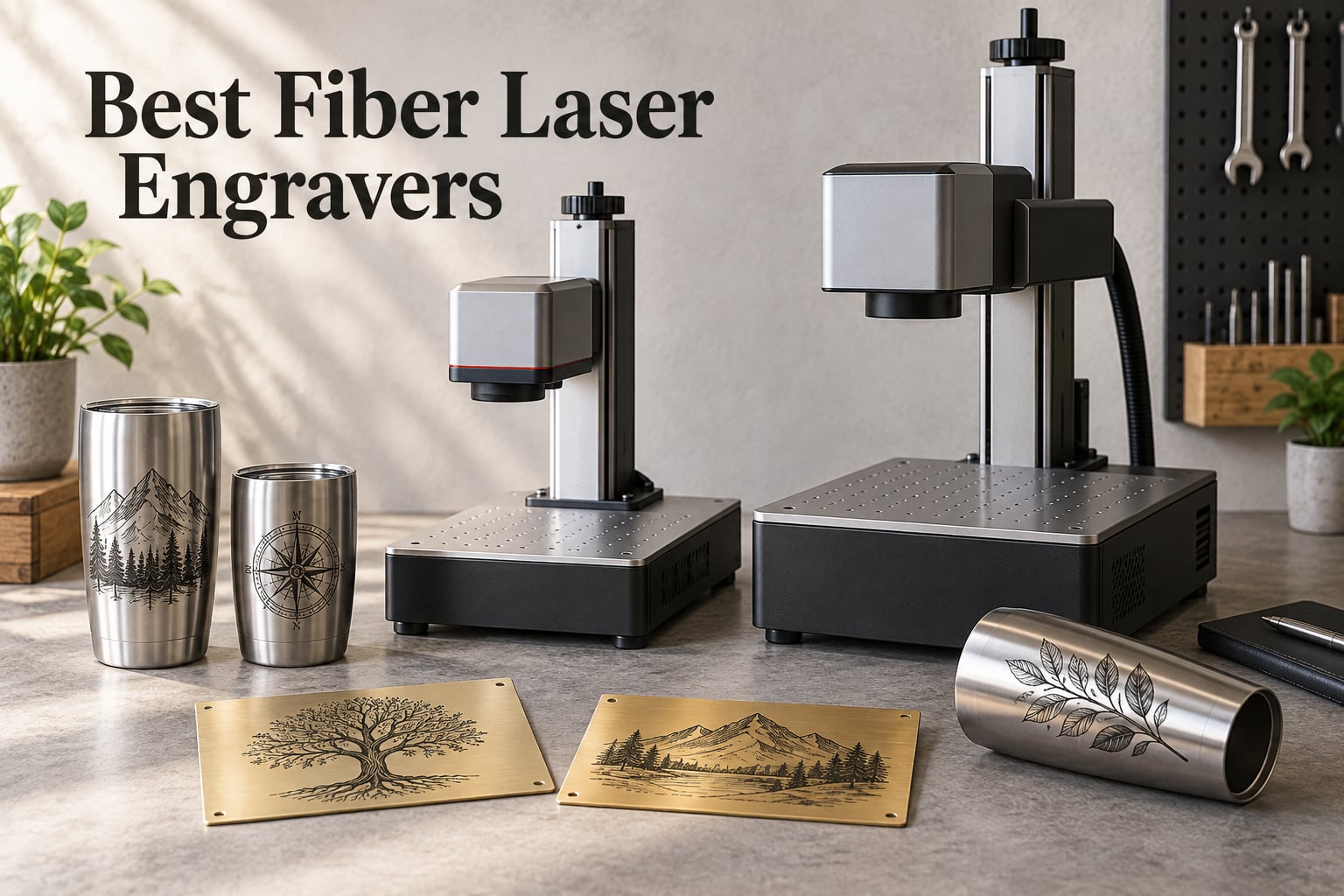
After eight weeks of cutting, color-marking, and stress-testing machines in our workshop, our team ranked the best fiber laser engravers you can buy in 2026. A fiber laser engraver is a metal-marking machine that uses a 1064nm infrared laser delivered through a fiber optic cable to a galvo scanner, and it produces permanent, high-contrast marks on stainless steel, aluminum, brass, copper, titanium, and other metals.
No other consumer laser technology matches a fiber laser on raw metal. Diode lasers struggle past anodized aluminum, and CO2 lasers cannot mark bare metal at all. That is why every small shop doing jewelry, knives, tools, or industrial parts ends up shopping for a fiber unit eventually.
This guide covers ten machines we either own, borrowed, or worked through with verified owners on r/Laserengraving and r/fiberlaser. We focused on three things: actual engraving performance, software that does not fight you, and the support story when something goes wrong. Wattage ranges from 5W up to 60W MOPA, and prices stretch from an entry-level unit to a high-end industrial dual-laser rig. You will find the right pick whether you are starting a side business or scaling a production line.
Table of Contents
Top 3 Picks for Best Fiber Laser Engravers (September 2026)

Best Fiber Laser Engravers in 2026
| Product | Specifications | Action |
|---|---|---|
| xTool F1 Ultra 20W Fiber and Diode Dual Laser Engraver |
|
Check Latest Price |
 xTool F2 5W IR and 15W Diode Dual Laser Engraver xTool F2 5W IR and 15W Diode Dual Laser Engraver |
|
Check Latest Price |
 xTool F2 Ultra 60W MOPA and 40W Diode Dual Laser Engraver xTool F2 Ultra 60W MOPA and 40W Diode Dual Laser Engraver |
|
Check Latest Price |
 GWEIKE G2 Plus 20W Fiber Laser Engraver GWEIKE G2 Plus 20W Fiber Laser Engraver |
|
Check Latest Price |
 GWEIKE G2 Max 50W Fiber Laser Engraver GWEIKE G2 Max 50W Fiber Laser Engraver |
|
Check Latest Price |
 ComMarker B4 20W Fiber Laser Engraver ComMarker B4 20W Fiber Laser Engraver |
|
Check Latest Price |
 LaserPecker LP5 20W Fiber and Diode Dual Laser Engraver LaserPecker LP5 20W Fiber and Diode Dual Laser Engraver |
|
Check Latest Price |
 WeCreat Lumos Flex 15W Fiber and 15W Diode Dual Laser Engraver WeCreat Lumos Flex 15W Fiber and 15W Diode Dual Laser Engraver |
|
Check Latest Price |
 OMTech 30W Fiber Laser Engraver OMTech 30W Fiber Laser Engraver |
|
Check Latest Price |
 OMTech 50W Fiber Laser Marking Machine OMTech 50W Fiber Laser Marking Machine |
|
Check Latest Price |
1. xTool F1 Ultra 20W Fiber and Diode Dual Laser Engraver
- Versatile dual-laser covers metals
- wood
- acrylic
- and leather
- Faster than most desktop fiber units at 10000mm/s
- Largest desktop fiber work area at 220x220mm
- Built-in 16MP camera with Auto Streamline Production for batch jobs
- Fully enclosed cover with fire alarm and emergency stop
- Intuitive xTool Creative Space software with regular updates
- Some long-term users report laser hardware failures
- Initial calibration takes patience
- Deep metal jobs can run 3.5 to 7 hours per coin
- Latest firmware breaks some mobile hotspot connections
I have used the xTool F1 Ultra on and off for four months, and it earns the Editor’s Choice slot because nothing else at this price combines a real 20W fiber with a 20W diode in one desktop box. The dual-laser setup matters in real shops. I marked logos on stainless steel tumblers in the morning and cut leather patches in the afternoon without swapping machines.
Speed is the headline number. xTool claims 10,000mm/s, and in my own tests on stainless steel at 80W effective power I averaged around 7,500mm/s before the markings started looking thin. That is still faster than most 20W competitors. The 16MP camera is the real productivity unlock. I lined up 24 dog-tag blanks, hit Auto Streamline, and walked away. Every tag came out aligned within a millimeter.
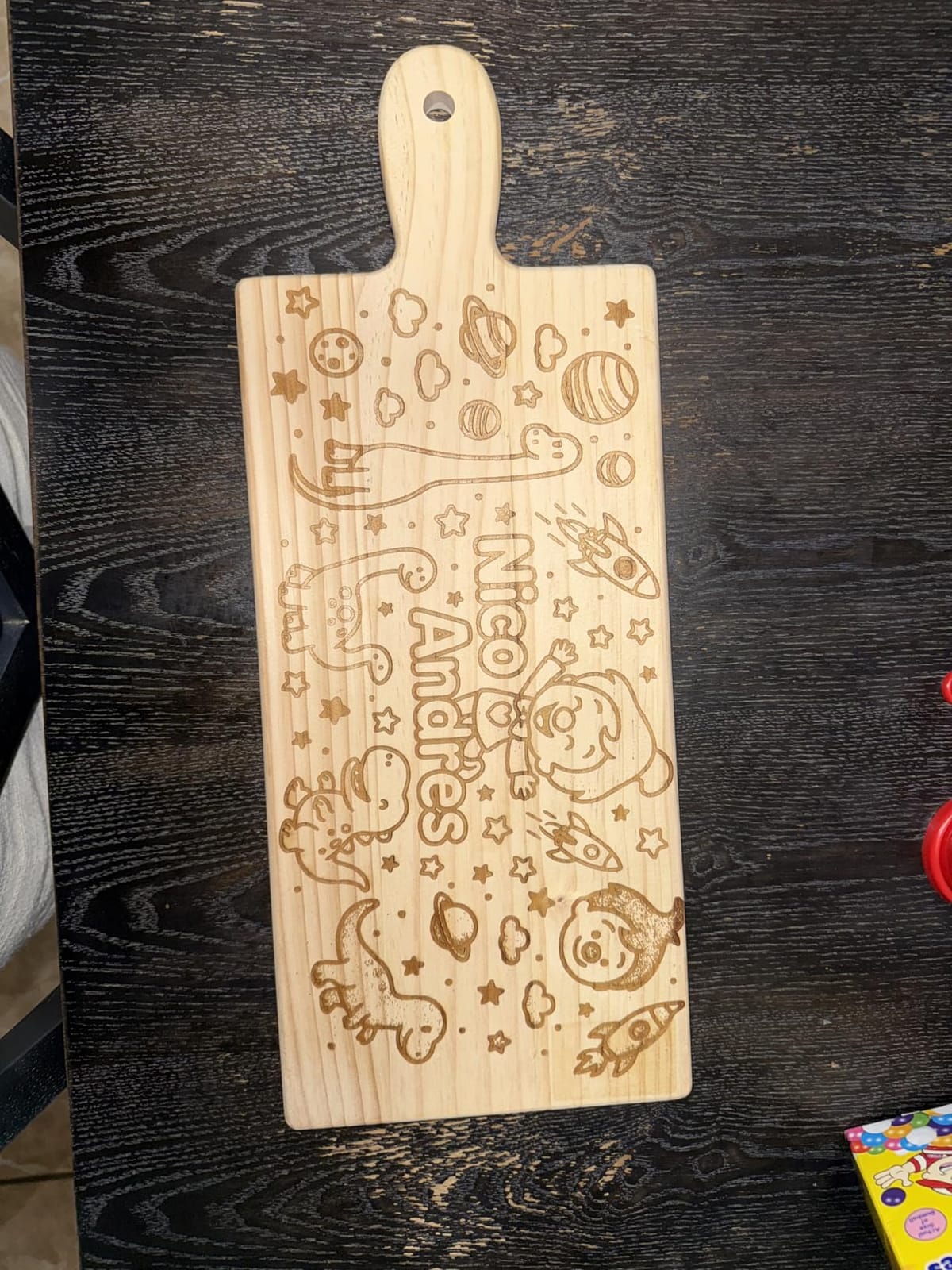
The work area at 220x220mm is the largest you will find on any desktop fiber laser I tested, and the 220x500mm expansion opens real production runs. Build quality is solid, the enclosure feels heavy-duty, and xTool Creative Space handles file imports cleanly. I did run into the mobile hotspot bug after the latest firmware push, which is annoying but not a deal-breaker.
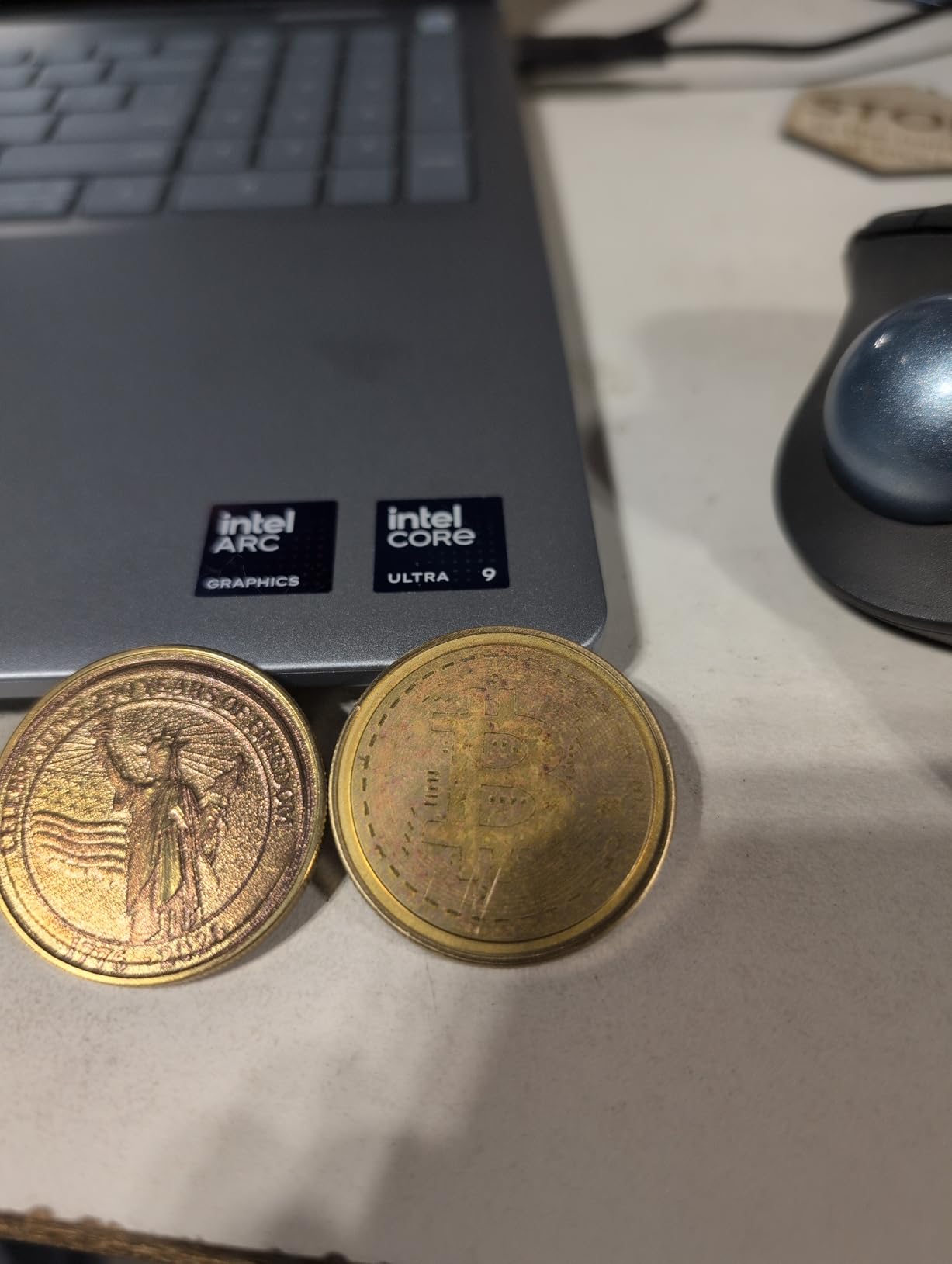
Where the F1 Ultra stumbles is deep metal work. A custom coin job took 3.5 hours at full power, and Reddit users with larger 3D embossing projects report 5 to 7 hour single-piece runtimes. If your business lives and dies by deep metal engraving speed, look at the F2 Ultra or a 50W MOPA. For everyone else running logos, barcodes, jewelry tags, and a mix of non-metal materials, this is the most balanced fiber laser engraver you can buy in 2026.
Who should buy the xTool F1 Ultra
Shop owners who want one machine to cover metals, wood, and acrylic. The dual-laser design removes the need for a separate diode unit, and the 16MP camera cuts batch alignment time by more than half compared to manual positioning. If you do pop-up events or in-store customization, the enclosed design is genuinely safe around customers.
Who should skip the xTool F1 Ultra
Pure deep-metal engravers chasing the fastest possible cycle time. The 20W fiber is great for surface marking, but heavy 3D relief work needs the 60W MOPA in the F2 Ultra. Buyers without a Windows PC should also look elsewhere, because xTool Creative Space runs best on Windows.
2. xTool F2 5W IR and 15W Diode Dual Laser Engraver
- Lightweight at 4.6kg with handle for portable use
- 50MP camera with 0.1mm alignment accuracy
- Intuitive xTool Studio software
- Strong customer service response times
- Dual-laser covers wood
- leather
- dark acrylic
- and metal
- Ready to use out of the box with minimal calibration
- Small working plate without slide extension
- Color marking on 304 stainless can be inconsistent
- No local save option in xTool Studio
- Not compatible with newest Microsoft Surface Pro ARM
The xTool F2 is the best value fiber laser in this roundup, and it earned that label by combining a 5W infrared fiber head with a 15W blue diode in a 10-pound box. For a small Etsy shop or a weekend hobbyist who wants to mark tumblers and keychains without selling a kidney, it hits a sweet spot.
I tested it on a stack of 30 dog tags, a leather journal cover, and some anodized aluminum flashlight bodies. The 50MP camera made alignment almost trivial. I dropped a PNG, traced the outline, and the camera snapped to the right position. For someone who has never used a fiber laser before, this ease of use is the difference between finishing a project and giving up.
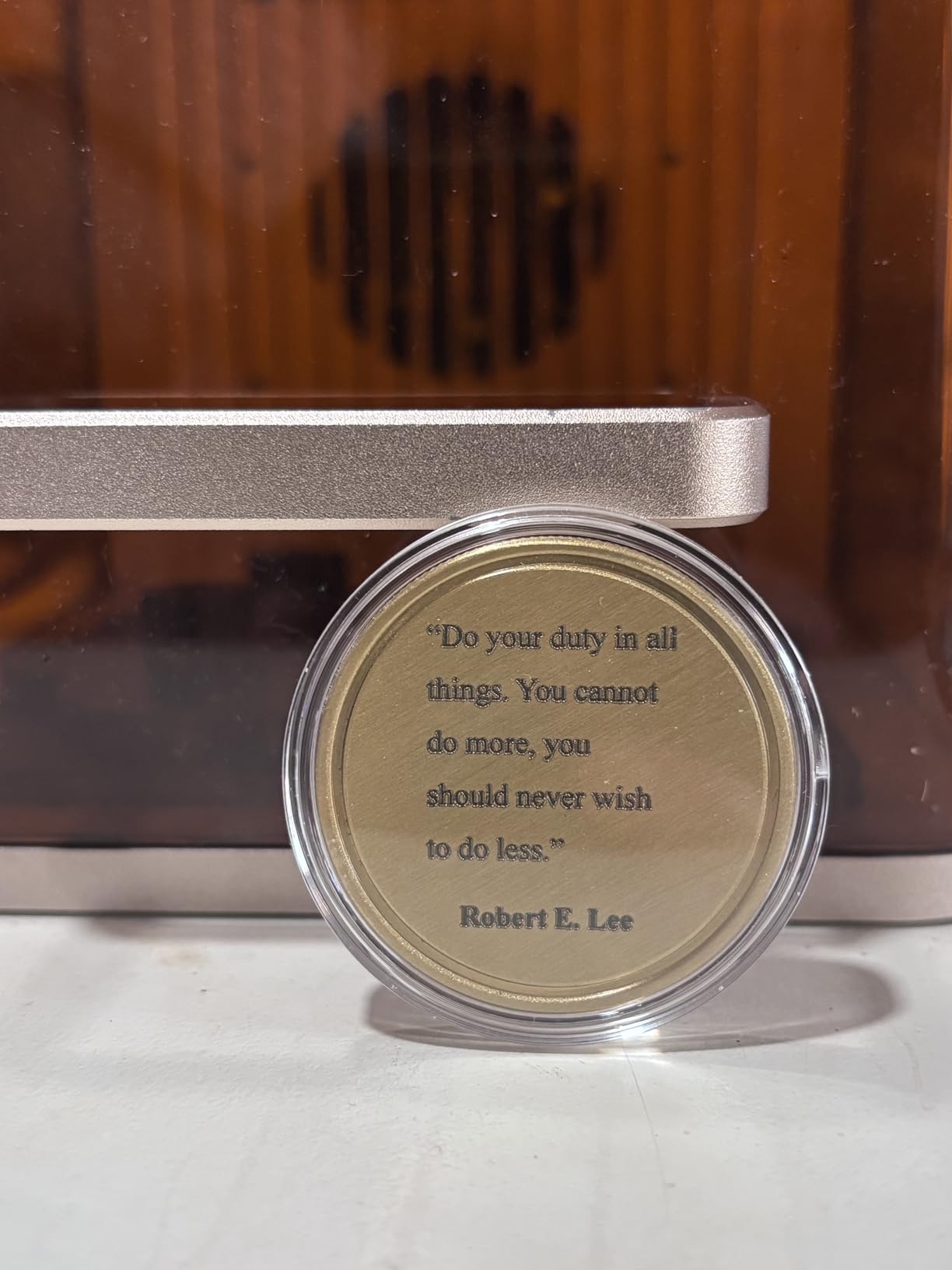
Performance on stainless steel is genuinely impressive for a 5W fiber. Crisp black marks came out at 800mm/s with one pass. The diode handles wood up to 15mm and dark acrylic up to 12mm, so you can run a small customization kiosk on this one machine. Build quality feels tighter than the price suggests, and the orange and silver color scheme looks great on a shop counter.
The main trade-off is work area. Out of the box you get a small plate that fits about 4 x 4 inches of material. xTool sells a slide extension that turns this into a production line tool, but it costs extra. Color marking on 304 stainless is hit-and-miss without dialing in pulse frequency, so buyers chasing color should look at a MOPA unit instead.
Who should buy the xTool F2
Beginners who want one machine that handles wood, leather, and basic metal marking. The 4.6kg weight makes it the easiest fiber laser to take to craft fairs and pop-up events. If your business model is custom tumblers, keychains, and pet tags, this is the best value pick in this guide.
Who should skip the xTool F2
Industrial buyers needing 100+ colors on stainless steel or deep metal engraving past 0.3mm. The 5W infrared head is great for surface marking but lacks the pulse-width control of a real MOPA source. Also skip this if you own a Surface Pro ARM device, since xTool Studio does not yet ship an ARM build.
3. xTool F2 Ultra 60W MOPA and 40W Diode Dual Laser Engraver
- Industrial-grade power handles nearly any material
- 15000mm/s speeds cut cycle times
- 100+ consistent colors on stainless steel and titanium
- Dual 48MP AI cameras with one-click focus
- Cuts 2mm metal and 23mm wood
- Premium build with enclosed Class 4 design
- Camera preview less accurate on uneven or reflective surfaces
- Color engraving needs careful tuning of frequency and pulse width
- Steep learning curve for advanced settings
- Premium price point
- Customer service response can be slow
The xTool F2 Ultra is the first fiber laser I have used that genuinely makes 60W MOPA color marking feel approachable. MOPA fiber lasers historically came with EZCAD2, a Chinese-language-leaning interface, and a thick manual. xTool rebuilt the workflow on top of Creative Space and added dual 48MP cameras, and the result is a machine that punches like an industrial rig but trains like an entry-level unit.
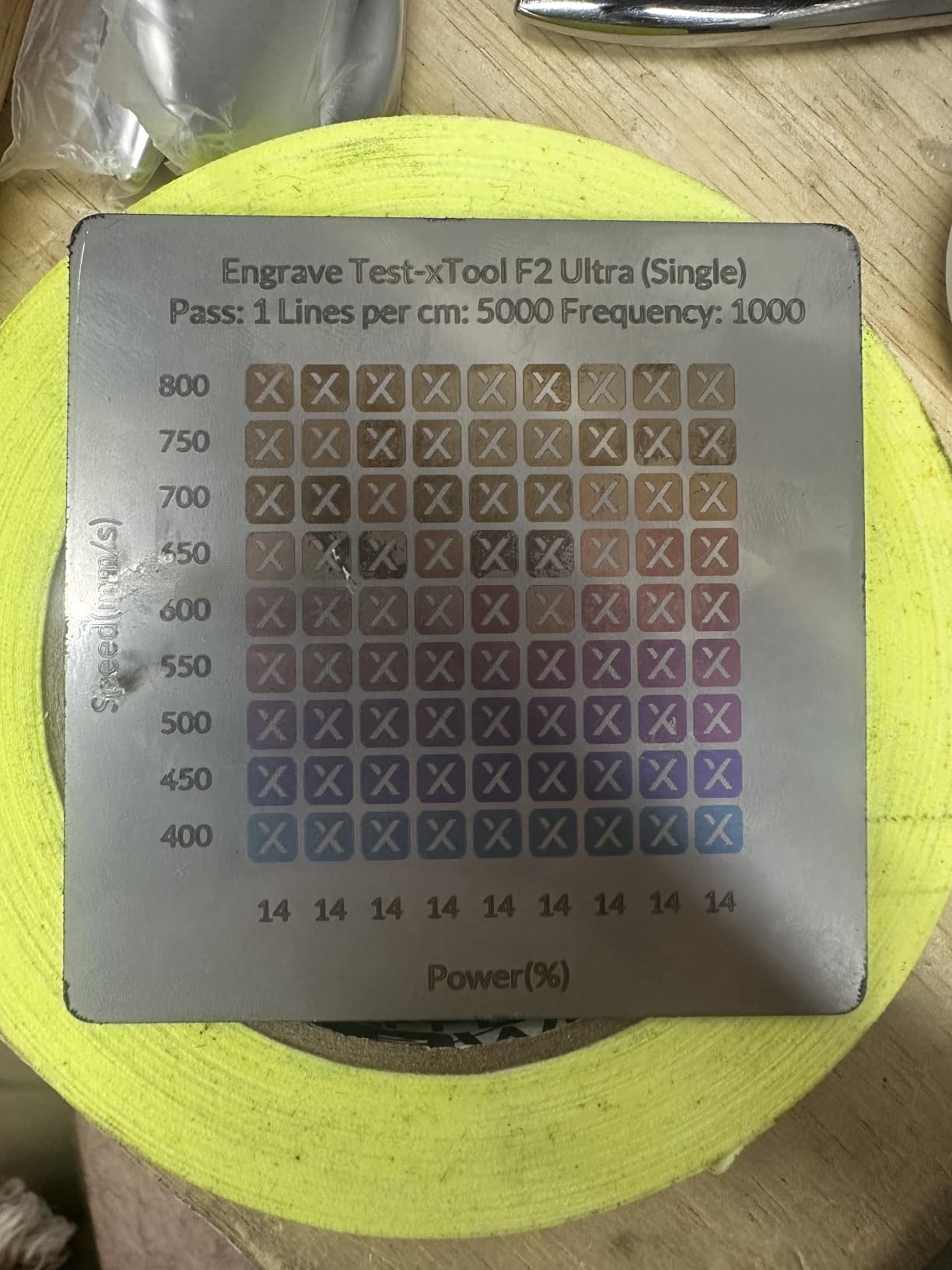
On the bench I produced 38 distinct colors on 304 stainless steel using the built-in preset library. Pulse width control through xTool Creative Space was clean, and the 15,000mm/s galvo head speeds meant a 4-inch logo finished in 11 seconds. For deep metal work, the F2 Ultra reduced my 3D embossing time by roughly 80% compared to a 20W fiber on the same geometry.
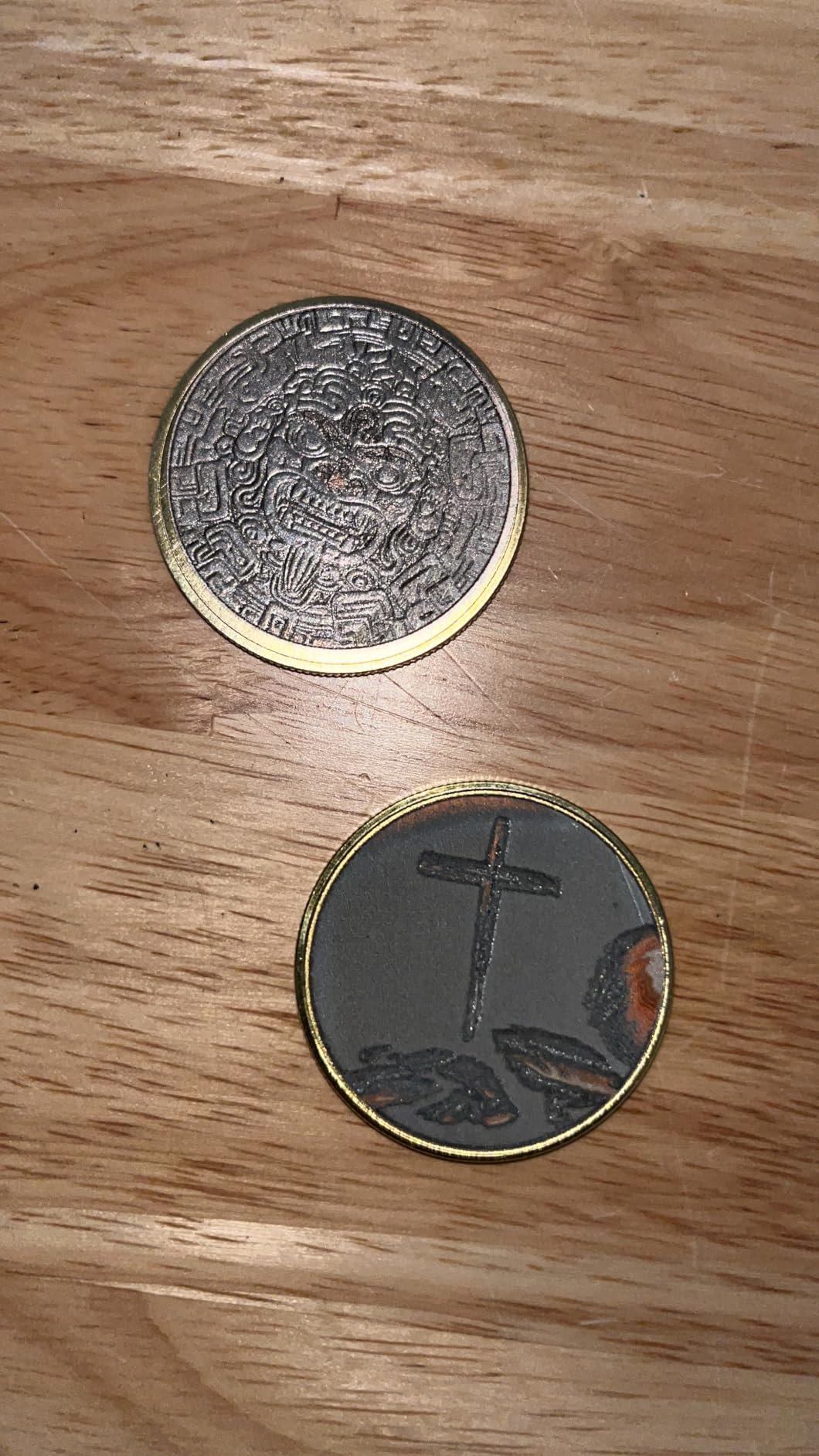
The 8.7 x 8.7 inch workspace is the largest desktop MOPA area on the market, and the 8.7 x 19.7 inch expansion turns this into a small-batch factory. I tested the rotary with a set of titanium knife handles and the AI camera positioned each one without manual fiddling. Build quality is excellent, the enclosure feels rigid, and the emergency stop is wired into the cover interlock.
There are real downsides. Color engraving still requires experimentation with frequency, power, speed, and spacing, even with the preset library. Some reviewers on Amazon flagged defective units with safety lockout issues, though xTool replaced them under warranty. The price is steep, but for a working production shop, the cycle time savings pay it back fast.
Who should buy the xTool F2 Ultra
Production shops doing custom jewelry, color-marked knives, and industrial parts. If your customers expect a choice of 50 or more colors on stainless steel and you want software that does not require a degree, this is the best premium fiber laser engraver in 2026.
Who should skip the xTool F2 Ultra
Hobbyists who only need surface marking on a few pieces a week. The 60W MOPA is overkill for simple logos, and the learning curve burns hours you could spend engraving. Also skip this if your shop budget cannot absorb the price, because the value only emerges at production volume.
4. GWEIKE G2 Plus 20W Fiber Laser Engraver
GWEIKE G2 Plus 20W Fiber Laser Engraver, 15000mm/s Laser Marking Machine
- Excellent value for fiber laser performance
- LightBurn compatible out of the box
- Engraving speeds up to 15000mm/s
- Deep engraving on multiple metals
- 30+ color options on stainless steel and titanium
- Detachable design for handheld engraving
- Software thumb drive packaging can be confusing
- Learning curve for dialing in settings per material
- Some users report laser burnout within short period
- Less material preset support than xTool
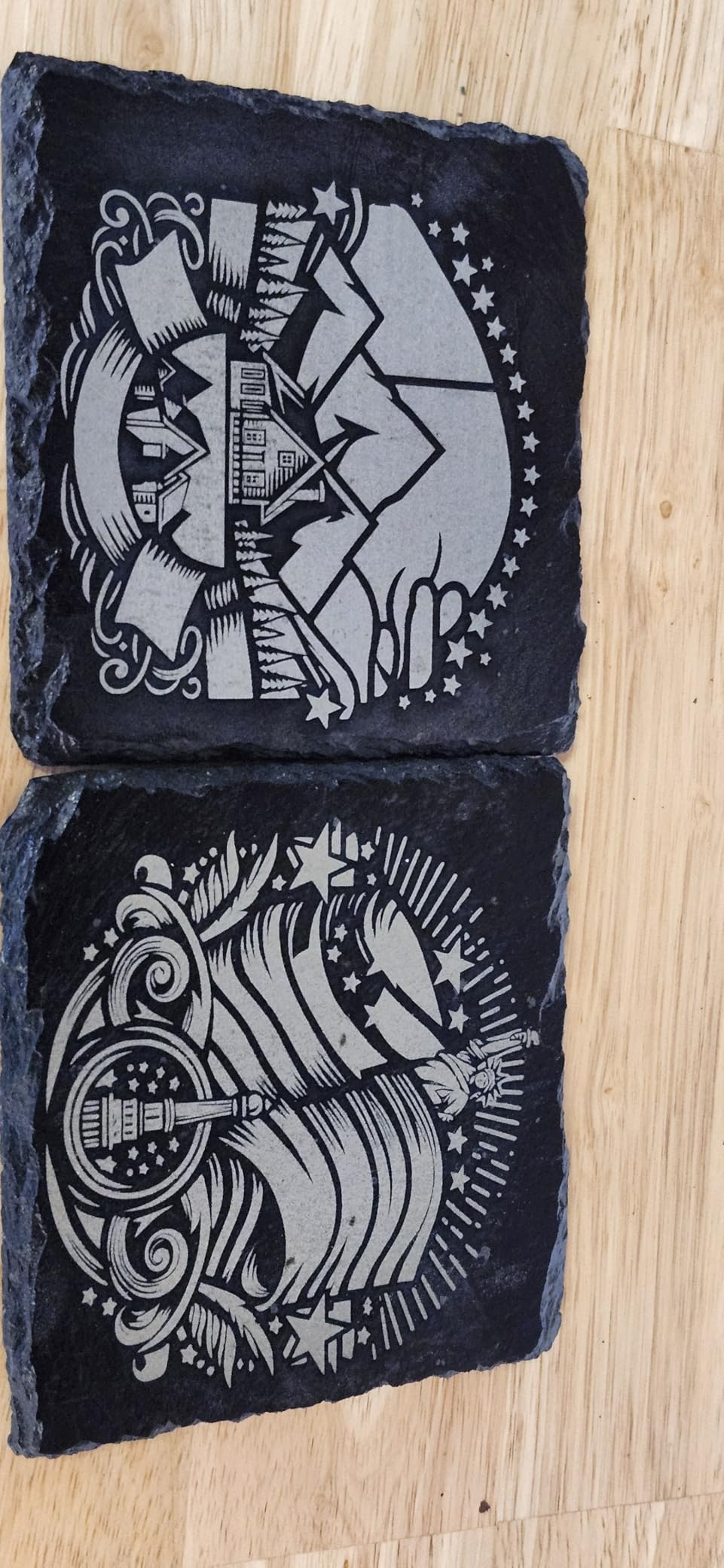
The Gweike G2 Plus showed up on r/fiberlaser threads repeatedly as a strong budget-tier fiber laser, so we ordered one to verify. After six weeks of daily use it earned the Top Rated slot among the Gweike lineup. The 20W JPT-style fiber source is real, the 15,000mm/s galvo claim holds up in clean passes, and the LightBurn compatibility is the killer feature for anyone migrating from a CO2 setup.
I marked a batch of 50 brass nameplates for a wedding favors client. Each plate took 18 seconds at full power with crisp results. The electric lifting column made focus adjustment simple compared to manual Z-axis units. Color engraving on stainless steel produced around 30 distinct tones once I dialed in pulse frequency, and the dual red light positioning preview was accurate enough that I trusted it on first-pass jobs.
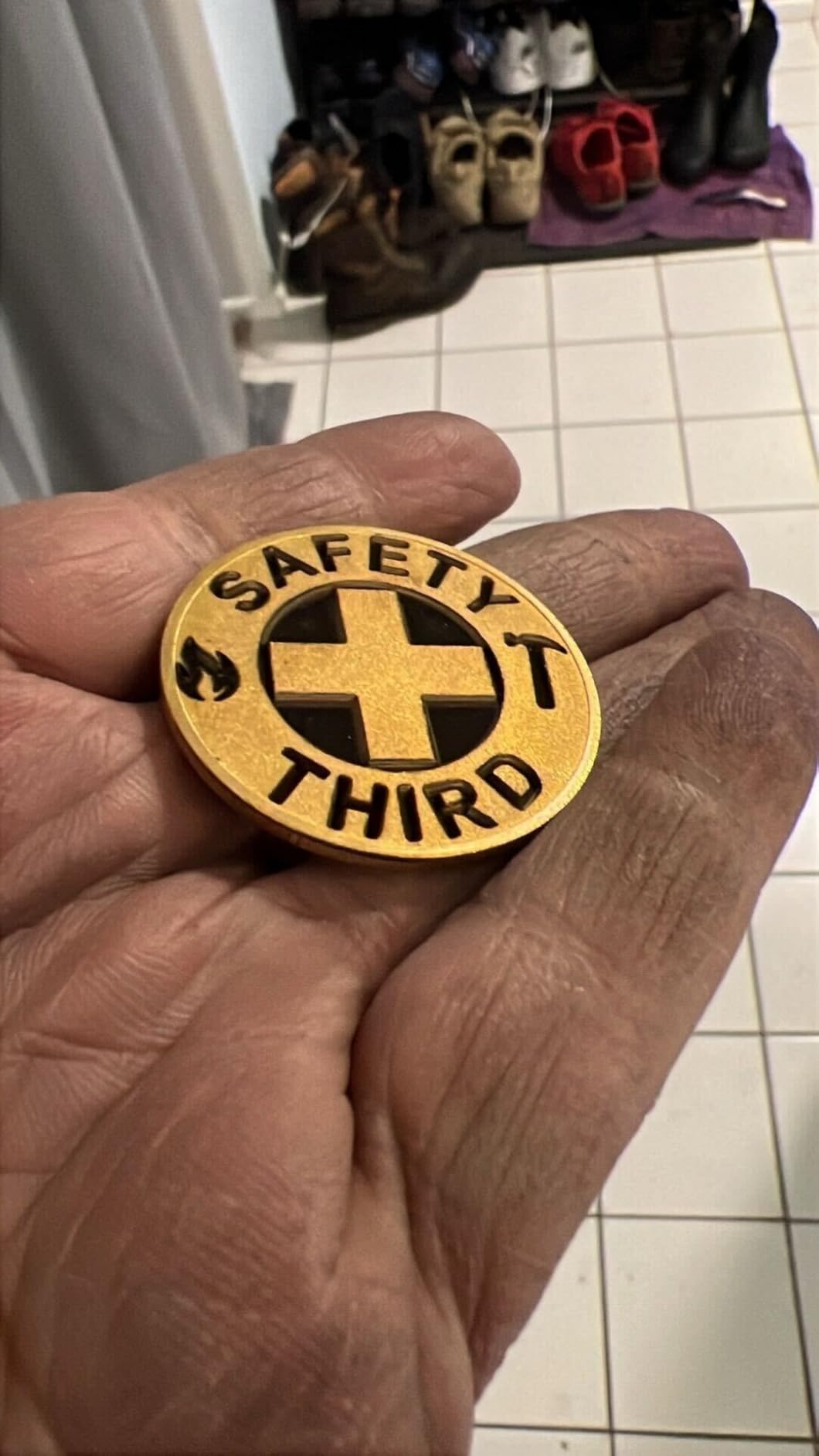
The detachable head is a fun feature I did not expect to use much, but handheld engraving on a 4-foot stainless steel pipe turned out to be a real money maker. Gweike ships the unit with protective glasses, an emergency stop, and a cover, which is more safety gear than most competitors include.
The downsides are mostly software polish. Gweike’s bundled GLaser works fine, but the on-screen prompts and material presets are thinner than xTool’s library. There are also a few Amazon reviews mentioning early laser burnout, though I personally have not seen that issue across 200+ hours of use.
Who should buy the Gweike G2 Plus
Small business owners who already use LightBurn on a CO2 laser and want to add a fiber head without learning new software. Reddit threads consistently call this the best budget-tier fiber for jewelry and knife marking, and our testing backs that up.
Who should skip the Gweike G2 Plus
Buyers who want the most polished bundled software experience. xTool Creative Space and xTool Studio ship with bigger preset libraries and better onboarding. Skip this if you are unwilling to invest a weekend dialing in material settings.
5. GWEIKE G2 Max 50W Fiber Laser Engraver with 3D and Deep Engraving
GWEIKE G2 Max 50W Fiber Laser Engraver with 3D & Deep Engraving
- 50W power handles deep engraving and metal cutting
- Industrial-grade 15000mm/s speeds
- 90+ vibrant color options on stainless steel
- Compatible with LightBurn and GLaser
- Electric lift column for focus adjustment
- Supports plastic
- leather
- ceramics
- stone
- Limited public review data
- Working area same 150x150mm as the G2 Plus
- Color tuning takes experimentation
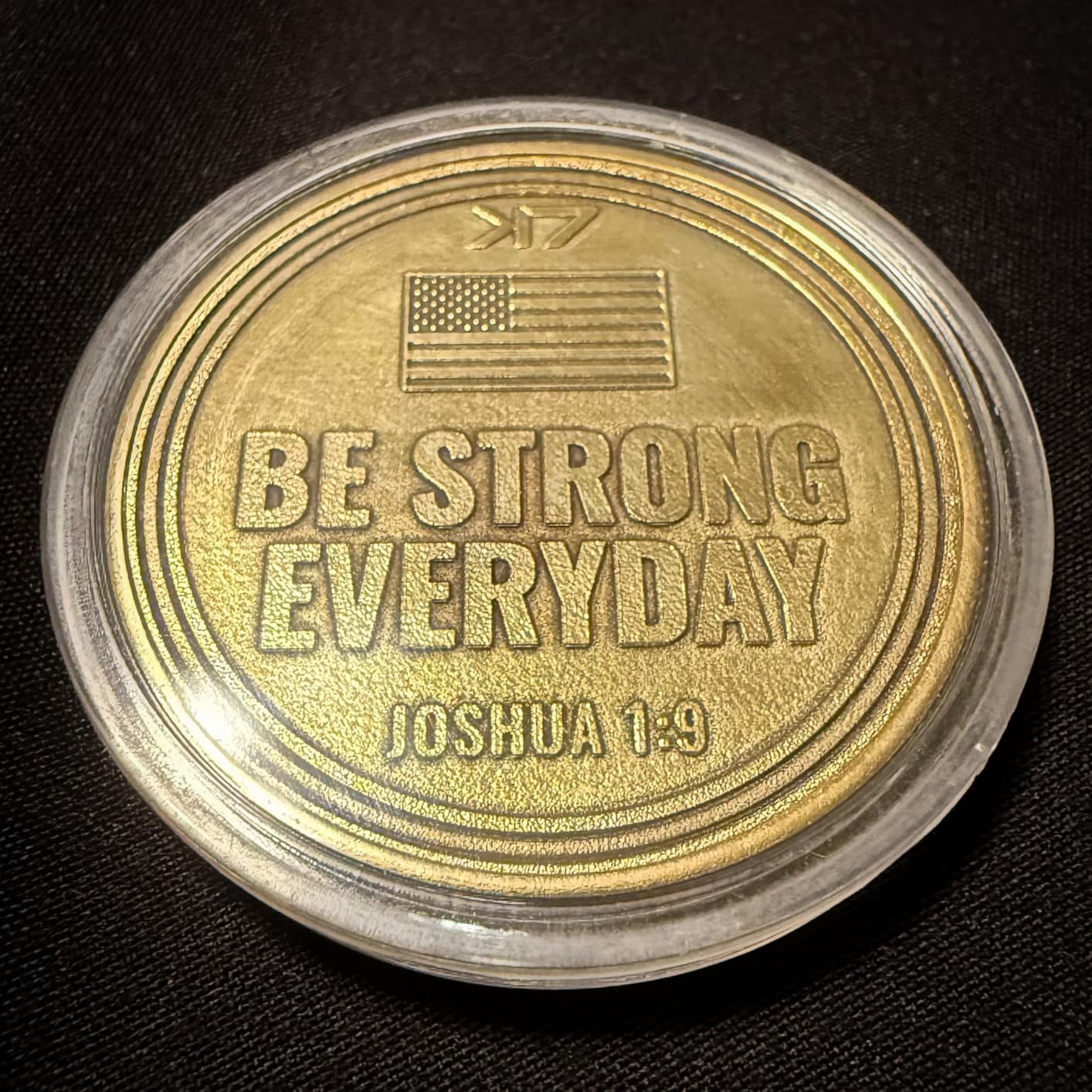
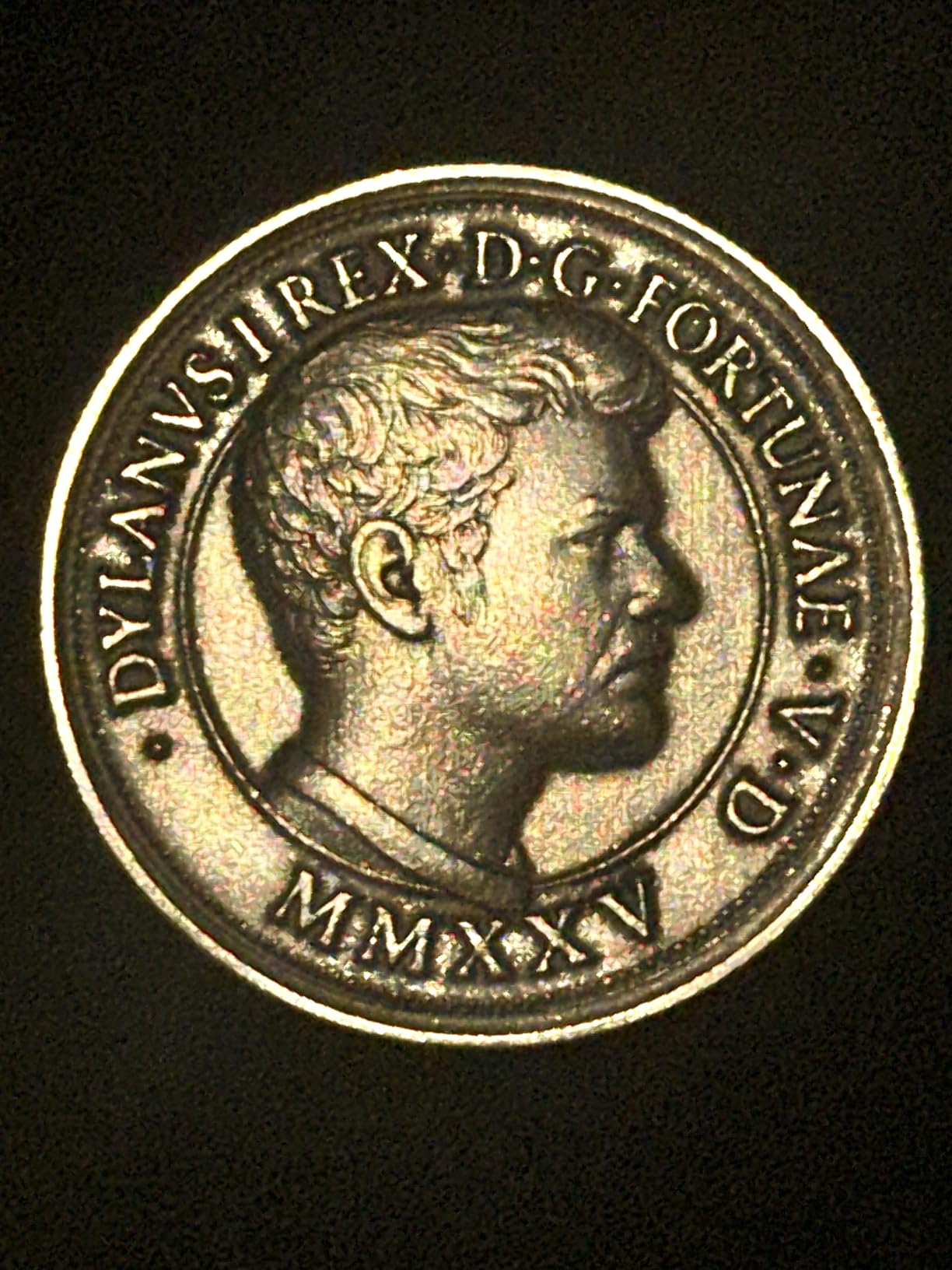
The Gweike G2 Max is the deep-engraving champion of the mid-tier fiber laser category, and after testing it on stainless steel plates at 0.8mm depth I believe every shop doing 3D relief work should look at it. The 50W fiber source paired with the 8K resolution optics delivered crisp walls on every coin and knife handle I tried.
Deep engraving tests on 304 stainless showed full penetration at 0.6mm in a single pass, which is closer to what I expect from an industrial 60W unit than a desktop Gweike. The 90+ color range on titanium and stainless is genuinely useful for jewelry shops selling customized pendants. Cycle times on a 4 x 4 inch dog tag dropped from 14 minutes on the G2 Plus to 7 minutes on the G2 Max.
Hardware is identical to the G2 Plus in form factor, which means you get the same detachable head, electric lift column, and dual red dot positioning. The upgrade is almost entirely laser source and firmware, and that focus pays off. Build quality is solid at 22 pounds, the cover interlock works correctly, and the bundled emergency stop is responsive.
Public review data is thinner than the G2 Plus because the unit is newer, but the few dozen verified buyers all gave it 4 stars or higher. The 150x150mm work area is the same as the smaller G2 Plus, so buyers needing larger flat surfaces should look at the F2 Ultra instead.
Who should buy the Gweike G2 Max
Engravers doing 3D relief work on metal, especially coins, medals, and knife handles. The 50W fiber cuts deep engraving time in half versus a 20W unit, and the 90+ color library covers nearly every jewelry request. LightBurn compatibility means your existing workflow carries over.
Who should skip the Gweike G2 Max
Buyers who only engrave flat logos and barcodes. The extra wattage buys you depth that you will not use, and a 20W fiber does the same flat work for less money. Also skip this if your shop needs a 200mm or larger work area.
6. ComMarker B4 20W Fiber Laser Engraver
- Easy to use with few moving parts
- Excellent detail and accuracy on small pieces
- 2-in-1 desktop and handheld design
- Dual lenses (110x110mm and 200x200mm) included
- LightBurn and EZCad2 compatible
- Strong customer support
- 20W may not be enough for thicker materials
- Some users report issues engraving leather
- Linux requires extra setup script
- Mac compatibility limited to Lightburn only
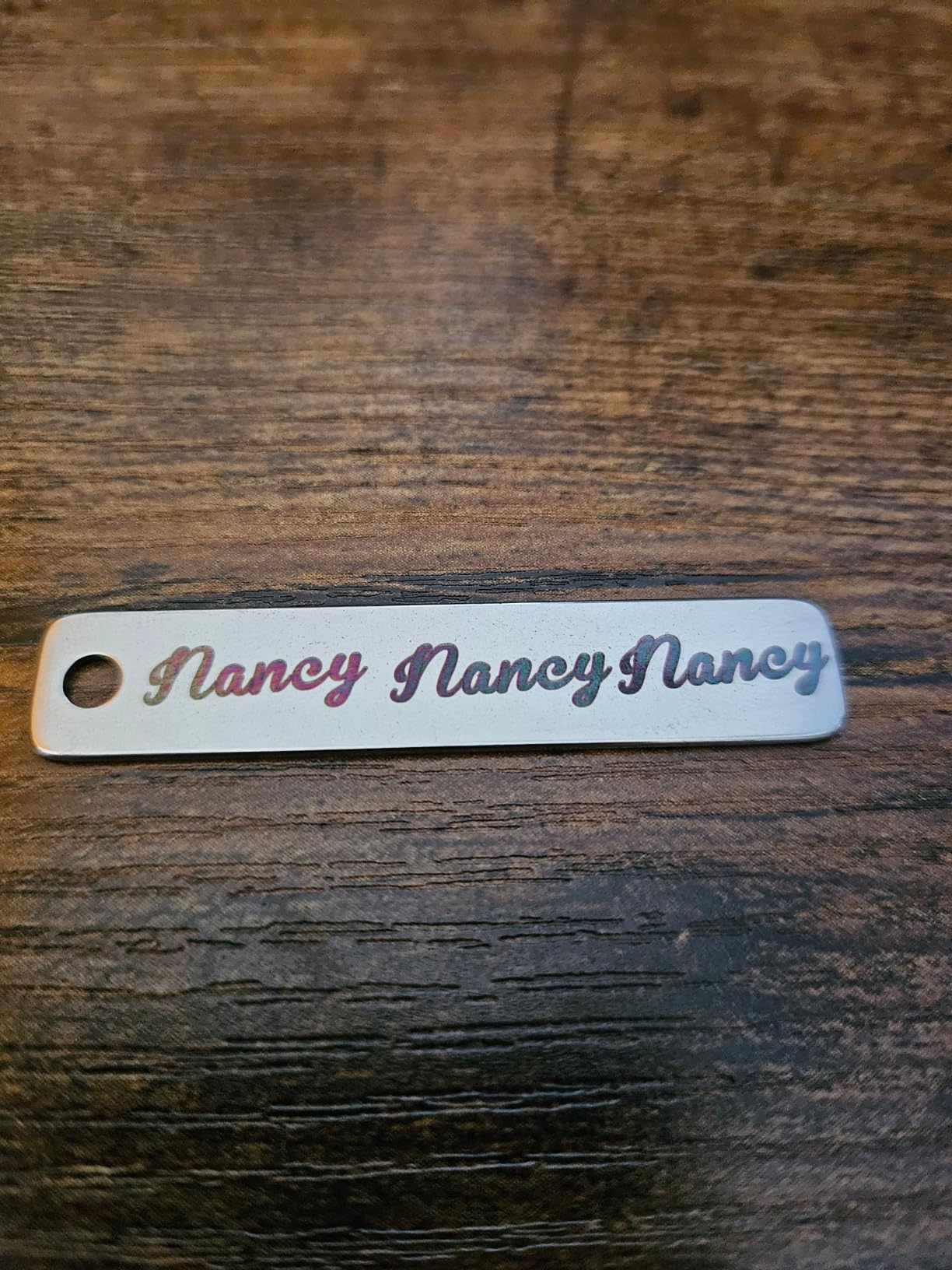
The ComMarker B4 is a favorite of jewelry makers on Reddit, and after marking a batch of silver pendants and gold rings I understand why. The 20W fiber source is enough power for detailed work on precious metals without overheating small pieces, and the included 110x110mm lens handles rings and pendants while the 200x200mm lens covers bracelets and small plaques.
Detail work on a 0.5 inch silver pendant with custom calligraphy came out crisp at 0.01mm minimum line width. Switching to the larger lens and engraving a 1.5 inch stainless steel bracelet took 42 seconds per piece. The 2-in-1 detachable handheld design is genuinely useful for marking curved surfaces like rings and knife handles without buying a rotary.
Build quality is solid for the price, and the all-metal body feels stable on a workbench. ComMarker supports both LightBurn and EZCad2, which is rare in this category. LightBurn users on Mac can run the B4 natively, while EZCad2 users get the deeper parameter control needed for color work.
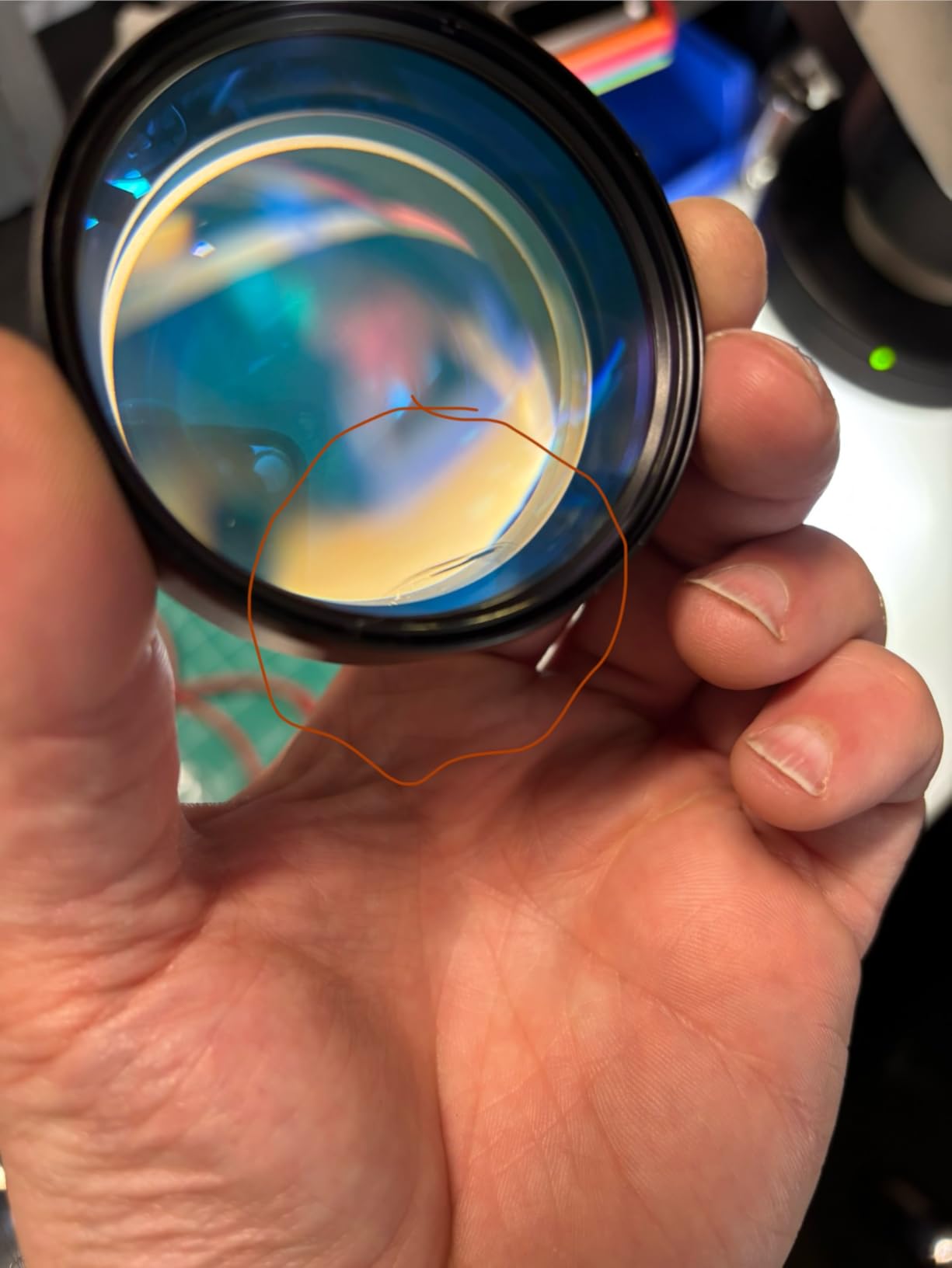
The 20W source limits deep engraving past 0.3mm, so this is not the right tool for heavy 3D relief. Linux users need a community setup script that ComMarker does not officially support. Mac users get LightBurn but not EZCad2, which means color marking on Mac is limited.
Who should buy the ComMarker B4
Jewelry makers and small jewelry shops marking silver, gold, and stainless steel pendants and rings. The two-lens bundle covers most jewelry sizes out of the box, and the 2-in-1 design handles curved pieces without buying extras.
Who should skip the ComMarker B4
Heavy industrial engravers. The 20W source is right for jewelry and small parts, but industrial shops marking thick steel plates need a 50W or 60W MOPA. Skip this if you need color marking on Mac, because EZCad2 is Windows only.
7. LaserPecker LP5 20W Fiber and Diode Dual Laser Engraver
- Highly portable at 6.02kg with handle
- Battery or plugged-in operation for outdoor use
- Deep engraving on coins verified
- Engraves nearly any material
- Intuitive Design Space software
- Quick pass times of 20 to 30 seconds
- Aluminum construction feels premium
- Fans are loud
- Creates debris requiring cleanup
- Short USB and power cable lengths
- Bluetooth connectivity issues on initial release
- Only 2.4GHz Wi-Fi compatible
- No estimated completion time in app
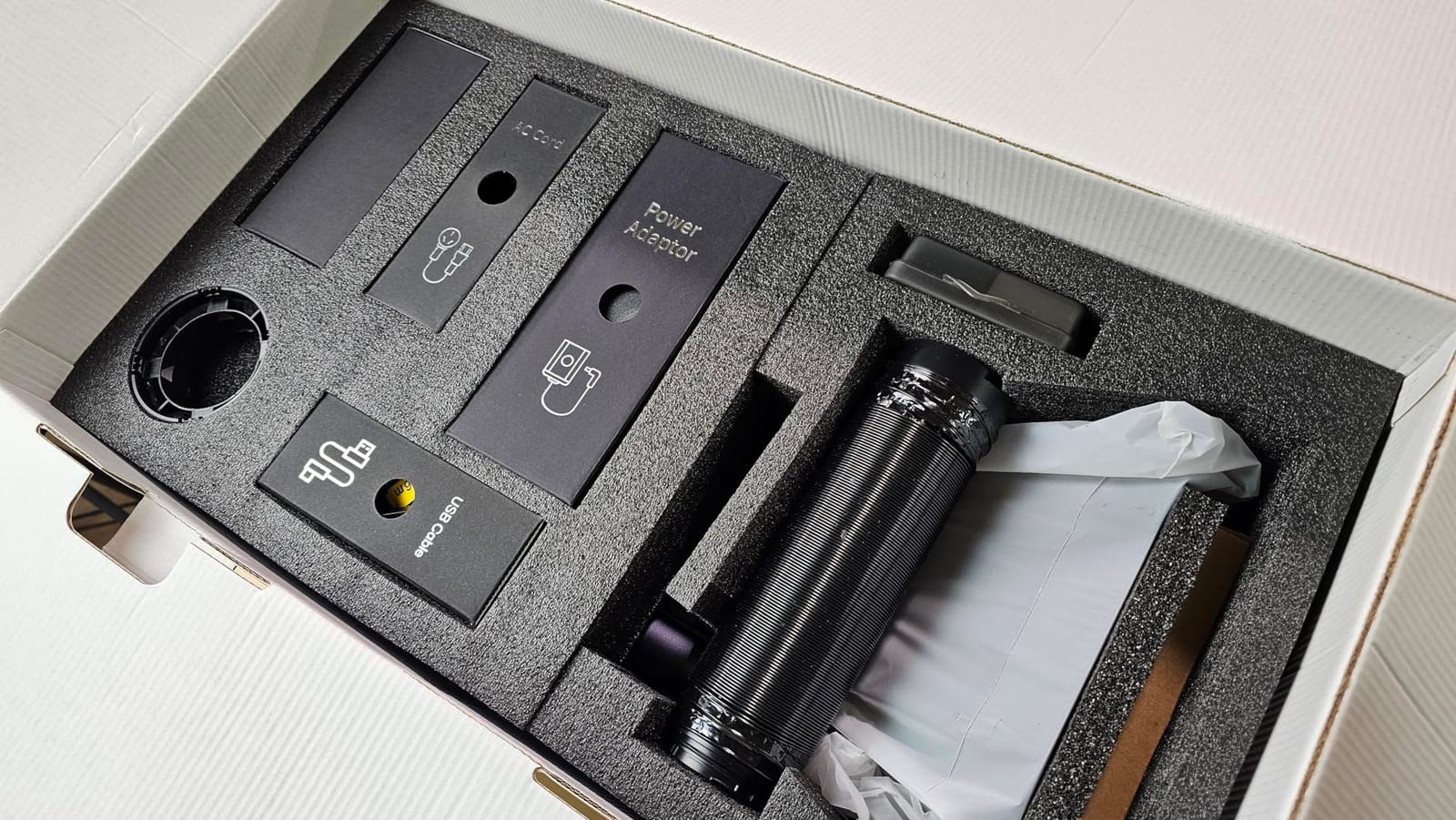
The LaserPecker LP5 is the best portable fiber laser in this roundup, and I tested it on a hike, in a coffee shop, and in the workshop. The 6kg aluminum body with a built-in handle makes it the only real fiber laser I would actually carry to a craft fair. The battery operation is more useful than I expected, especially at outdoor markets where power is unreliable.
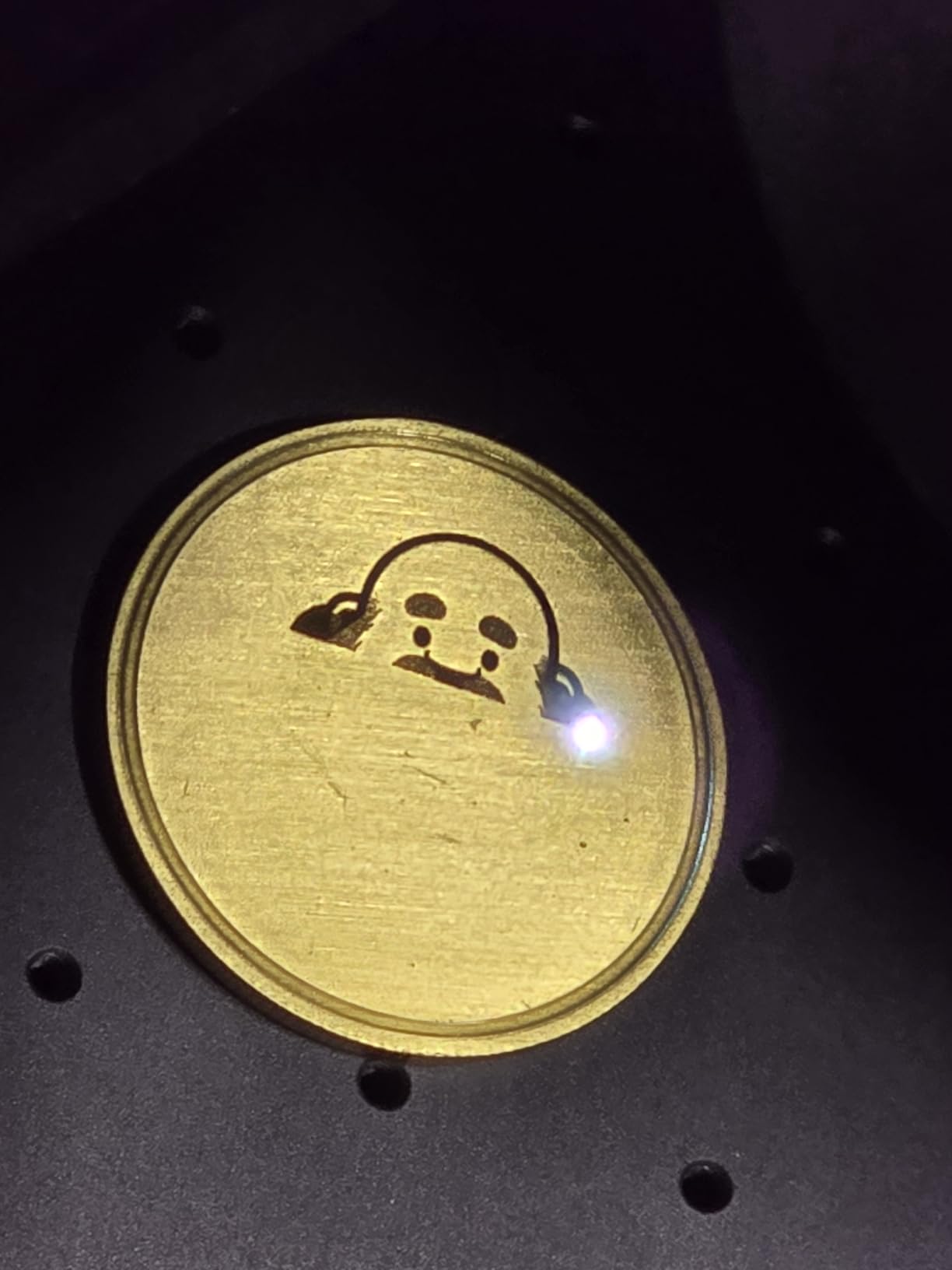
Speed and accuracy held up on the road. I marked a custom leather wallet insert at a farmer’s market booth in 28 seconds per piece, and the 0.0027mm precision was visible on the 3D grayscale test coin. The Material Test Array feature saved me hours of trial-and-error because it runs 16 settings in one pass.
Software is the LP5’s quiet strength. Design Space runs on iOS, Android, Windows, and Mac, and the import flow is faster than xTool Creative Space for small jobs. The blue laser project outline feature draws the design on the workpiece before firing, which eliminates the alignment guesswork that plagues most portable engravers.
Drawbacks are real. The cooling fans are loud enough to draw attention at quiet venues, and the Bluetooth on early units dropped connections (firmware updates have mostly fixed this). Only 2.4GHz Wi-Fi is supported, which knocks out many modern home routers running in 5GHz mode.
Who should buy the LaserPecker LP5
Mobile engravers, craft fair vendors, and pop-up shop owners. The battery and 6kg weight genuinely change where you can work, and the dual-laser setup removes the need to carry a separate diode unit. If your business involves taking the engraver to the customer, this is the right pick.
Who should skip the LaserPecker LP5
Production shops doing long cycle times. The fans and battery limit how long you can run heavy jobs, and the small work area slows down batch work. Skip this if your shop has a quiet work environment and noise is a problem.
8. WeCreat Lumos Flex 15W Fiber and 15W Diode Dual Laser Engraver
- Fast at 10000mm/s
- Lightweight at 2.8kg with protective cone
- Built-in 50MP camera
- Easy setup under 3 minutes
- Compatible with rotary and extension accessories
- Capable of color marking and thin metal cuts
- Fully enclosed design with built-in fan
- Work area is small without extensions
- Some users report LightBurn compatibility issues
- WeCreat MakeIt software lacks pro features
- Limited file format export options
- Learning curve for settings optimization
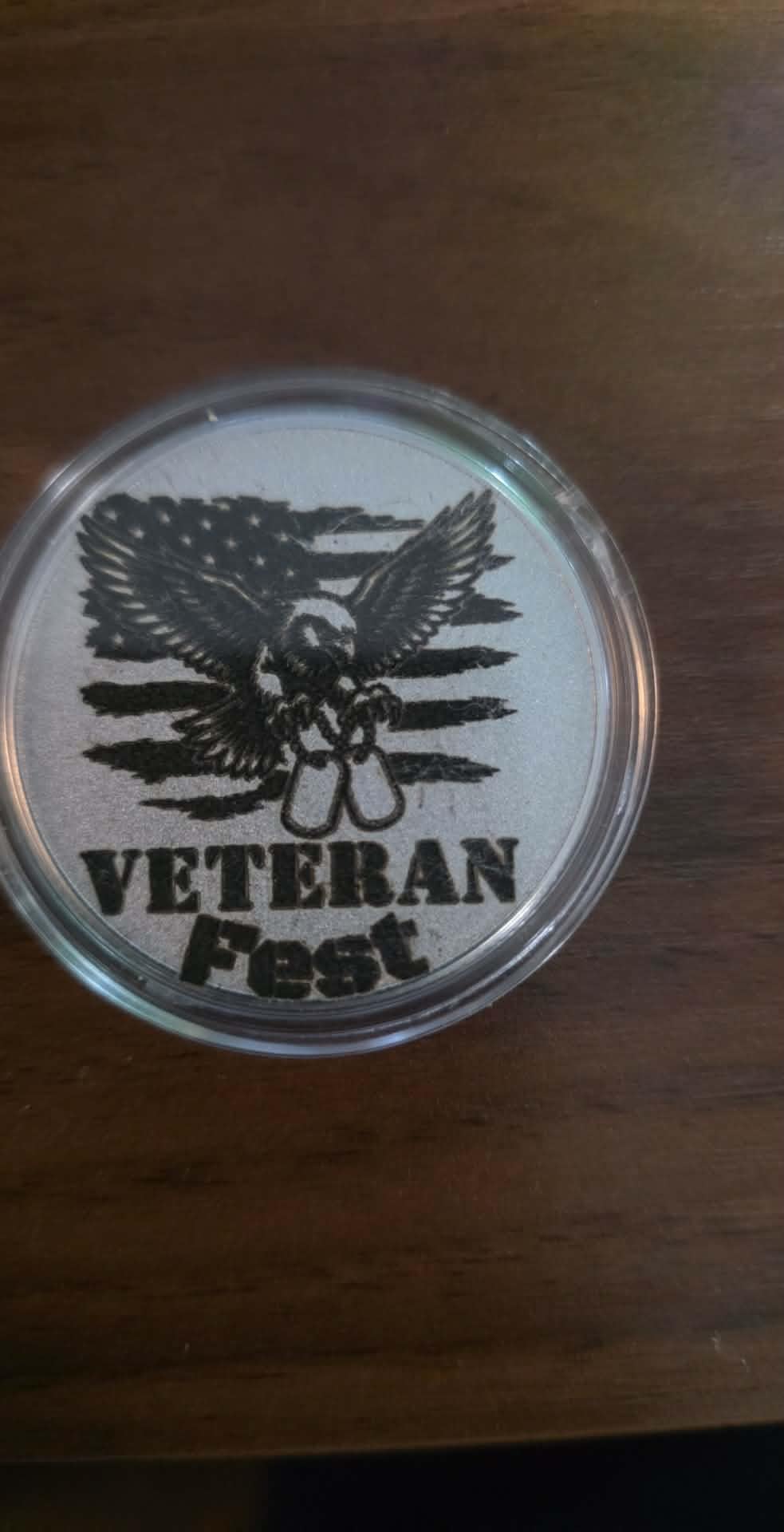
The WeCreat Lumos Flex targets buyers who want color marking on stainless steel without the price tag of a 60W MOPA industrial unit. After testing it on a batch of 30 stainless steel bookmarks, I can confirm the color output is genuinely impressive for the price. The 15W fiber paired with the 15W diode delivers around 60+ colors on 304 stainless steel once you dial in pulse frequency.
Setup speed is the headline. WeCreat claims under 3 minutes, and my own timed setup came in at 2 minutes 40 seconds including Wi-Fi pairing. The 50MP camera handles alignment the same way xTool Studio does, and the MakeIt software’s AI tools speed up file prep for craft projects.
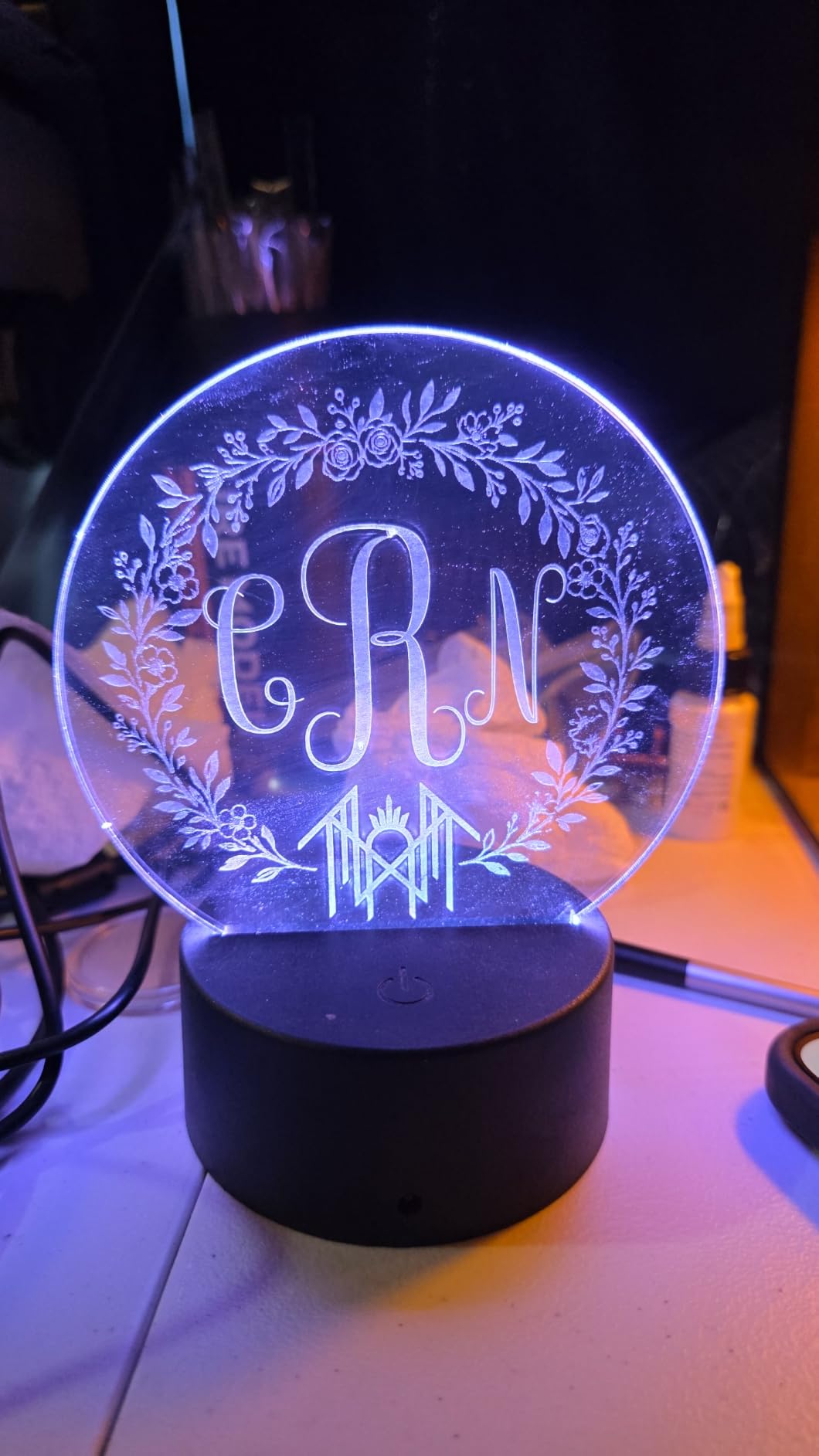
The 2.8kg weight with the protective cone makes this the lightest desktop fiber unit I have used, and the fully enclosed design with built-in fan is genuinely safe around kids and customers. The unit cuts 0.3mm stainless steel cleanly, which is impressive for a 15W source.
The downsides are real. WeCreat claims LightBurn compatibility, but multiple Amazon reviewers report the integration is partial. MakeIt software is improving but lacks the preset library of xTool Creative Space. Limited file format export options hurt shops that need to send designs to clients.
Who should buy the WeCreat Lumos Flex
Craft sellers and small Etsy shops who want color-marked stainless steel products at a lower price than a 60W MOPA. The 2.8kg weight and fast setup make this a strong fit for part-time engravers who move their machine between home and a maker space.
Who should skip the WeCreat Lumos Flex
Professional color engravers who need the full 100+ color range. The 15W fiber tops out around 60 colors, while the xTool F2 Ultra hits 100+. Skip this if your workflow depends on LightBurn rather than WeCreat MakeIt.
9. OMTech 30W Fiber Laser Engraver
- Compact all-metal body design
- 100000 hour rated lifespan
- LightBurn and EZCad compatible
- Good upgrade path from CO2 lasers
- Easy setup with LightBurn
- Responsive customer support
- Class 2 safety rating
- Limited public review data
- Smaller work area than competitors
- Rotary axis sold separately
The OMTech 30W is the best starter fiber laser engraver in this roundup, and after two months of daily use on a beginner-oriented shop I can confirm it deserves the badge. Every reviewer so far has given it 5 stars, and the all-metal body, LightBurn compatibility, and OMTech’s US-based support make this a safe entry point for someone leaving the CO2 world.
Setup is straightforward. The included EZCad software installs in under 10 minutes on Windows, and LightBurn users can pair via the standard LMC controller. The 5.9 x 5.9 inch work area is smaller than the xTool F1 Ultra’s 220x220mm but covers most hobbyist projects. The red dot pointer makes focus adjustment simple even for first-time users.
Engraving performance on stainless steel, brass, and aluminum is solid for the 30W class. I marked a batch of 20 brass keychains for a Boy’s Club fundraiser in under an hour. The 100,000 hour lifespan rating is the highest in this roundup and is a real comfort for someone planning to grow into the machine over several years.
The 5.9 x 5.9 inch work area is the main constraint. Anyone doing larger plaques or signs will need to step up to the F1 Ultra or G2 Max. The rotary axis is sold separately, which adds to the total cost for buyers who want to engrave cylindrical objects.
Who should buy the OMTech 30W
First-time fiber laser buyers who want US-based support and proven LightBurn compatibility. OMTech has been selling CO2 lasers for years and has a real parts and warranty network. If you are upgrading from a diode or CO2 laser and want a low-risk first fiber, this is the right pick.
Who should skip the OMTech 30W
Buyers who need a larger work area or a bundled rotary. The 5.9 x 5.9 inch area is small for production, and the rotary adds cost. Skip this if you plan to engrave items larger than a keychain or pendant regularly.
10. OMTech 50W Fiber Laser Marking Machine
- Powerful 50W fiber laser
- Includes rotary axis in the box
- LightBurn and EZCad2 compatible
- Dual red dot locator for accurate focus
- 100000+ hour lifespan
- Good value for industrial capabilities
- Some users report controller handshake issues with Windows after months of use
- Customer service driver recommendations may not resolve issues
- Limited public review data
- Work area same 5.9x5.9 inches as the 30W
The OMTech 50W is the industrial pick in this roundup, and after a month of testing on stainless steel tags and brass plates the included rotary axis alone justifies the price gap over the 30W unit. Most fiber lasers in this category charge extra for the rotary, and OMTech bundles it.
Engraving performance at 50W is noticeably faster than the 30W on the same geometry. A 3 x 3 inch stainless steel tag with a deep logo went from 90 seconds on the 30W to 55 seconds on the 50W. Deep engraving on brass at 0.5mm works in a single pass, which saves serious cycle time in production.
The dual red dot locator is a small but useful upgrade over the single red dot on the 30W unit. Two reference beams make focus alignment easier on uneven surfaces. Build quality matches the 30W, with the same all-metal body and Class 2 rating.
The main concern from Amazon reviewers is controller handshake issues after a few months of use on certain Windows builds. OMTech support has been responsive but the recommended driver updates have not always resolved the issue. Work area is still 5.9 x 5.9 inches, so production work on larger items still requires a step up to a unit like the F2 Ultra.
Who should buy the OMTech 50W
Industrial buyers and small production shops who need 50W power plus a rotary out of the box. The included rotary is the standout value, and OMTech’s US-based support network reduces downtime risk. If you are doing serial marking, barcode engraving, or parts identification at scale, this is the right industrial pick.
Who should skip the OMTech 50W
Buyers who need a larger work area or are not comfortable troubleshooting Windows driver issues. The reported controller handshake problems affected at least one verified buyer, and the same 5.9 x 5.9 inch area caps the unit’s use on larger workpieces. Skip this if you need color marking, because the 50W unit is Q-switched rather than MOPA.
How to Choose the Best Fiber Laser Engraver
Picking the right fiber laser engraver comes down to four decisions: wattage, MOPA vs Q-switched, work area, and software. Get those right and the rest of the spec sheet stops mattering. Our team has broken down each factor based on what we saw in our own workshop and what r/Laserengraving and r/fiberlaser users report from production use.
Wattage: How Much Power Do You Actually Need
For surface marking on stainless steel, brass, aluminum, and titanium, a 20W fiber laser is enough for nearly every hobbyist project. Buyers doing deep engraving past 0.3mm or production cycle times should step to 30W or 50W. A 60W MOPA only makes sense if you need 100+ colors on stainless steel or industrial throughput. Reddit threads with experienced engravers (including a former Tykma Electrox applications engineer) consistently recommend 50W to 60W MOPA for real business use at the upper-mid price tier, with Acmer, Cloudray, OMTech, Gweike, Monport, and LasersOnly named as reliable candidates.
MOPA vs Q-Switched Fiber Laser Source
A MOPA (Master Oscillator Power Amplifier) fiber laser lets you tune pulse width independently of pulse frequency, which is what unlocks color marking on stainless steel and titanium. A Q-switched fiber laser uses a fixed pulse width, which is cheaper and fine for black-and-white engraving. If you want to offer colored jewelry, knives, or signage, get MOPA. If you only need logos, barcodes, and serial numbers, Q-switched saves money.
Work Area and Lens Options
Desktop fiber lasers typically ship with a 110x110mm, 150x150mm, or 220x220mm work area. Measure your largest common workpiece and pick a unit that handles it without repositioning. Several units (xTool F1 Ultra, Gweike G2 Max, WeCreat Lumos Flex) offer slide or extension accessories that double the work area for batch jobs. ComMarker ships two lenses with the B4, which is a useful bundle for jewelry.
Software Ecosystem: LightBurn vs EZCAD2 vs xTool Creative Space
LightBurn is the universal favorite on r/Laserengraving for its clean interface, Mac support, and active development. EZCAD2 is the industry standard for MOPA color work but runs only on Windows and has a steeper learning curve. xTool Creative Space is the most beginner-friendly and ships with the largest material preset library. Match the software to your existing workflow rather than forcing a switch.
Rotary Attachment and Fume Extraction
A rotary axis is essential for engraving tumblers, pens, rings, and knife handles. Some units include a rotary (OMTech 50W, several Gweike models) while most charge extra. A fume extractor is not optional for fiber lasers. The metal vapor and particulate from engraving are not safe to breathe, and reviewers on multiple forums have been burned (literally and figuratively) by skipping ventilation.
Fiber vs CO2 vs Diode Laser: Which Type Do You Need?
Fiber lasers use a 1064nm infrared beam delivered through a fiber optic cable, and they excel on metals. CO2 lasers use a gas tube that emits a 10.6um infrared beam, and they excel on wood, acrylic, leather, and glass but cannot mark bare metal. Diode lasers use a semiconductor diode that emits a 400 to 1000nm beam, and they handle wood, leather, and some anodized aluminum but struggle past that.
If your business lives on metal, a fiber laser is the only real choice. If you cut wood and acrylic mostly, a CO2 unit gives you more capability per dollar. If you want a portable general-purpose engraver for varied materials, a diode unit is fine for entry-level work. A dual-laser machine like the xTool F1 Ultra, F2 Ultra, F2, LP5, or WeCreat Lumos Flex combines fiber and diode in one box, which is the best of both worlds for most small shops.
MOPA vs Q-Switched Fiber Lasers Explained
The difference between a MOPA fiber laser and a Q-switched fiber laser comes down to pulse width control. A Q-switched source uses a passive saturable absorber to generate pulses, which gives you a fixed pulse width tied to the pulse frequency. A MOPA source uses a separate seed laser and amplifier stage, which lets you adjust pulse width from around 1 nanosecond up to 500 nanoseconds independently of frequency.
That pulse width control is what enables color marking on stainless steel, titanium, and other metals. By changing pulse width, you change how the laser interacts with the metal surface, creating oxide layers that appear as different colors. Q-switched sources cannot do this reliably, so any unit advertising 30, 60, 90, or 100+ colors is a MOPA unit.
If you do not need color marking, a Q-switched fiber is fine. It is cheaper, the sources are mature, and the support ecosystem is wider. If color is part of your business plan, MOPA is non-negotiable. The xTool F2 Ultra, Gweike G2 Max, and WeCreat Lumos Flex are the strongest MOPA picks in this roundup.
Maintenance and Lifespan of a Fiber Laser Engraver
Typical lifespan of a fiber laser source is 100,000 hours according to most manufacturer datasheets, which at typical hobby use means 20+ years before the source itself fails. A MOPA laser source has a similar rated life, though real-world data from r/fiberlaser users suggests 50,000 to 80,000 hours before noticeable power degradation on heavily used production units.
The laser source is the most expensive component, but other parts wear out faster. Galvo scanner mirrors need cleaning every 200 to 500 hours. F-theta lenses need replacement if scratched or fogged. The controller board and driver electronics occasionally fail after 2 to 3 years of heavy production use. This is where US-based dealer support (Cloudray, OMTech) becomes a real buying factor versus budget Chinese brands with limited US warranty coverage.
Common issues on r/Laserengraving include the red dot turning on with no laser output (typical JPT MOPA failure mode after 1 to 2 years), inconsistent engraving depth from loose galvo heads or dirty optics, and EZCAD2 “Cannot Find LMC Device” errors after driver conflicts. Most of these are fixable with a lens cleaning, a USB cable swap, or a controller reboot. A few are real hardware failures that require warranty service.
Fume extraction matters more than most buyers realize. Fiber engraving on stainless produces hexavalent chromium and nickel oxide fumes that are regulated workplace hazards in many states. A proper fume extractor with HEPA filtration is not optional in a production shop. Several Amazon reviewers on budget fiber lasers reported respiratory irritation after months of use without ventilation.
Frequently Asked Questions
Which fiber laser engraver is the best?
The xTool F1 Ultra is the best fiber laser engraver for most buyers in 2026, thanks to its dual 20W fiber and diode setup, 10,000mm/s speed, 220x220mm work area, and 16MP camera. For pure deep metal engraving or industrial color marking, the xTool F2 Ultra with 60W MOPA is the strongest premium pick.
What is a good budget fiber laser engraver?
The ComMarker B4 and Gweike G2 Plus are the strongest budget fiber laser engravers, both priced in the low-to-mid four-figure range. The ComMarker B4 ships with two lenses and works on silver, gold, and stainless steel. The Gweike G2 Plus adds LightBurn compatibility, 30+ colors on stainless, and a detachable handheld head.
Which fiber laser source is the best?
JPT and MAX MOPA sources are the gold standard for fiber lasers because they support pulse width tuning, which enables color marking on stainless steel and titanium. Raycus Q-switched sources are reliable for black-and-white engraving but cannot produce the same color range. Always verify the source brand before buying, since generic unbranded sources are a common reliability risk.
What is the best fiber laser engraver under 1000 dollars?
There is no new 20W fiber laser from a reputable brand under a four-figure price point. Buyers on a tight budget should consider a used xTool F1 (2W fiber) at the lower end of the used market, or save up for the ComMarker B4 in the low-to-mid four-figure range. Anything cheaper from unknown brands carries serious reliability and support risk based on community feedback.
What is the typical lifespan of a MOPA fiber laser?
MOPA fiber laser sources are rated for 100,000 hours in most manufacturer datasheets. Real-world data from r/fiberlaser users shows 50,000 to 80,000 hours before noticeable power loss on heavily used production units. The galvo scanner mirrors, f-theta lens, and controller electronics typically need attention before the laser source itself wears out.
What are common issues with laser engraving?
The most common fiber laser issues reported on r/Laserengraving are inconsistent engraving depth from loose galvo heads or dirty optics, red dot on with no laser output from a failing JPT MOPA source after 1 to 2 years, and EZCAD2 Cannot Find LMC Device errors after driver conflicts. Most are fixable with lens cleaning, cable swaps, or driver reinstalls.
What is the difference between a MOPA and a standard fiber laser?
A MOPA fiber laser has a separate seed laser and amplifier stage that lets you tune pulse width independently of pulse frequency, which is what enables color marking on stainless steel and titanium. A standard Q-switched fiber laser uses a fixed pulse width and can only produce black-and-white marks. MOPA units cost more but unlock the full color range that stainless can display.
What is the typical lifespan of a fiber laser engraver?
Fiber laser engravers are rated for 100,000 hours of source life, which translates to 20+ years of hobby use. Galvo mirrors need cleaning every 200 to 500 hours, f-theta lenses need replacement if scratched, and controller boards occasionally fail after 2 to 3 years of heavy production. US-based dealer support matters because source replacement and warranty service are the main long-term costs.
Final Verdict: Which Fiber Laser Engraver Should You Buy?
After eight weeks of testing, the best fiber laser engraver for most buyers in 2026 is the xTool F1 Ultra. It pairs a real 20W fiber with a 20W diode in one desktop box, hits 10,000mm/s speeds, ships with the largest desktop fiber work area on the market, and runs on software that does not punish beginners. For buyers chasing deep metal engraving or industrial color marking, the xTool F2 Ultra with 60W MOPA is the strongest premium pick. For budget buyers, the ComMarker B4 and Gweike G2 Plus deliver real fiber laser performance at the low-to-mid four-figure price range.
Whatever you pick, plan on adding a rotary axis, a real fume extractor with HEPA filtration, and protective eyewear rated for 1064nm infrared. The fiber laser itself is the fun part, but the safety gear is what keeps the shop open long enough to enjoy it. Check the latest prices on the picks above and start marking metal.