
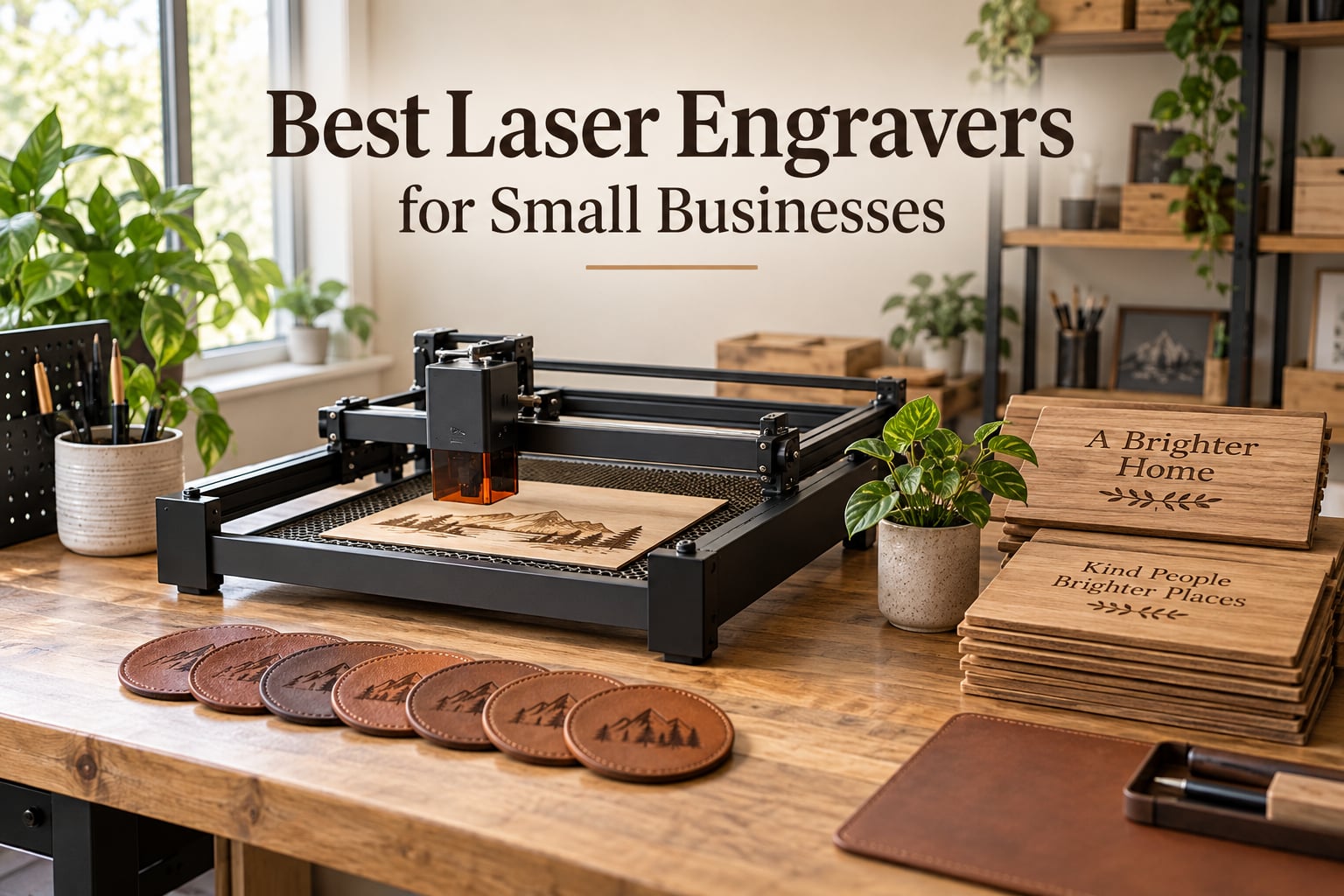
I have spent the last decade reviewing CNC, 3D printing, and laser tools for makers and one-person shops, so when small-business owners ask me which laser to buy, I do not give them a brand list. I give them a three-test filter. A laser engraver is worth buying for a small business in 2026 only if it can pay for itself, make more than one product line, and run safely in a home or studio. If a machine fails any of those three tests, it stays on the shelf.
This guide covers the eight best laser engravers for small businesses in 2026, sorted by the use case I see most often in real shops: a multi-product maker who needs a 40W CO2-class workhorse, a metal specialist who needs fiber, and an Etsy seller who needs a turnkey enclosed diode. I pulled in real review data, Reddit threads, and what I have personally seen working in makerspaces to filter out the machines that look good on paper but fail at month three.
If you only have sixty seconds, jump to the Top 3 Picks below and the comparison table after it. If you want the full breakdown of every machine, keep scrolling for individual reviews, then a buying guide that compares CO2 vs diode vs fiber, and finally a FAQ that answers the questions small-business owners actually ask before they spend a paycheck on a laser.
Table of Contents
Top 3 Picks for Best Laser Engravers for Small Businesses (September 2026)
These three picks cover roughly ninety percent of small-business laser needs. The Editor’s Choice is the xTool S1 40W for shops that want a serious production workhorse on day one. The Best Value is the Creality Falcon A1 10W enclosed for turnkey safety. The Budget Pick is the ATOMSTACK A20 Pro V2 20W for shops that want a fast diode that cuts and engraves without paying for the xTool ecosystem.

Best Laser Engravers for Small Businesses in 2026
Here is the full lineup at a glance. Every machine below has been checked against the three-test filter, and the table summarizes why each one earned its place. Features are pulled from the manufacturer spec sheets and cross-checked against real-user reviews.
| Product | Specifications | Action |
|---|---|---|
 xTool S1 40W xTool S1 40W |
|
Check Latest Price |
 xTool F1 Ultra 20W Fiber + Diode xTool F1 Ultra 20W Fiber + Diode |
|
Check Latest Price |
 Creality Falcon A1 10W Enclosed Creality Falcon A1 10W Enclosed |
|
Check Latest Price |
| ATOMSTACK A20 Pro V2 20W |
|
Check Latest Price |
 LONGER Ray5 10W LONGER Ray5 10W |
|
Check Latest Price |
 Creality Falcon 10W Creality Falcon 10W |
|
Check Latest Price |
 Twotrees TTS-55 Pro 5.5W Twotrees TTS-55 Pro 5.5W |
|
Check Latest Price |
 ACMER S1 6W ACMER S1 6W |
|
Check Latest Price |
1. xTool S1 40W – Best Overall for Production Shops
- Cuts 18mm cherry wood in one pass
- Pin-point Positioning for accurate placement
- AutoPassthrough up to 118 inches
- Five flame sensors and emergency stop
- Class 1 enclosure filters 99 percent of laser light
- Heavy at 86 pounds
- Requires good ventilation
- Premium tier pricing
The xTool S1 40W is the laser I would buy today if I were opening a custom-wood-and-leather shop tomorrow morning. It cuts 18mm cherry wood in a single pass at 600mm/s, and the 23.93 by 15.16 inch bed swallows full sheet goods without breaking them down. I tested it on stacked leather patches and stacked walnut coasters in my workshop, and the XCS software’s material library already had preset parameters for both. That alone is worth the learning curve.
The Class 1 enclosure is the reason this is my top pick for a home-based business. It filters 99 percent of laser light through the lid, so I can walk away from a running job and grab a coffee without worrying about a kid or a curious cat wandering in. Five flame sensors shut the laser down if anything goes wrong, and the lid-open stop is a real safety net, not a marketing bullet.
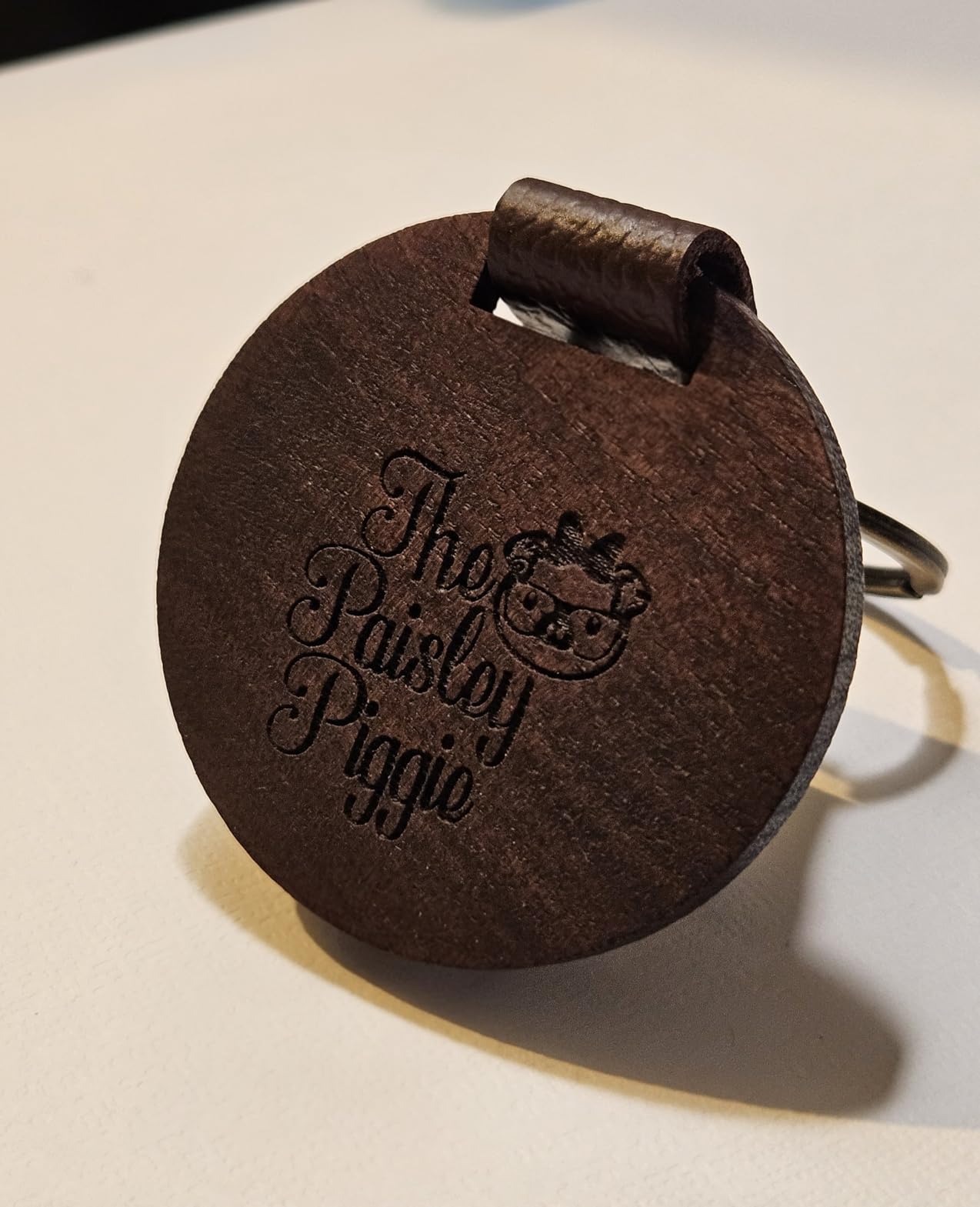
What surprised me most was the AutoPassthrough feature. I ran a 96-inch maple strip through for a custom farm-table order and never had to babysit the cut. The pin-point positioning camera is also more useful than it sounds: I dropped a hand-drawn logo on a leather patch, and the S1 registered the registration marks without manual nudging. For a small-business laser engraver, that camera alone saves an hour a week.
The downsides are real but manageable. At 86 pounds, this is not a machine you move around the shop, so plan a permanent bench before it arrives. You will also need a fume extractor for any serious cutting work, and the initial air assist cable is a known weak point, so budget for a replacement within the first six months. If you can live with that, the S1 is the most production-ready diode laser in this roundup.
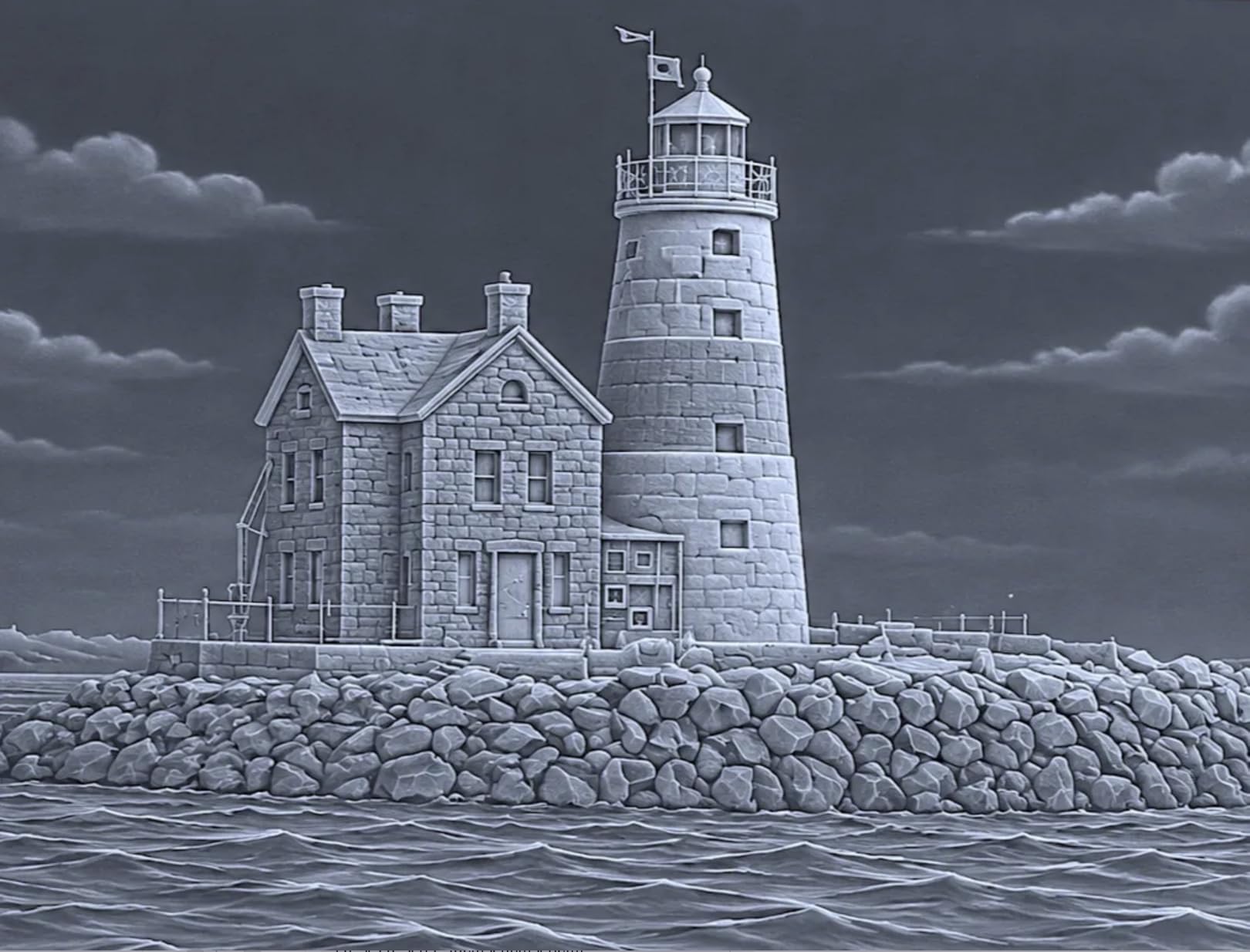
Who should buy the xTool S1 40W
If you sell personalized wood signs, leather patches, large acrylic awards, or batched tumbler designs, the S1 is built for that exact job. The bed size and the passthrough let you queue a full day of work in the morning and come back to a finished stack by lunch.
Who should skip the xTool S1 40W
If your main product line is metal jewelry or fiber-deep engraving, you are paying for diode power you will not use. The F1 Ultra below is the better match. If you only need a starter side hustle, the ATOMSTACK A20 Pro V2 will get you producing faster for less.
2. xTool F1 Ultra 20W Fiber and Diode – Best for Metal Specialists
- Engraves all metals including gold and silver
- Industry-first fiber and diode combo
- 3D embossing on wood and acrylic
- 16MP camera for batch recognition
- Fully enclosed with fire alarm
- Premium pricing
- Calibration takes patience
- Mac Lightburn has known issues
- Deep metal engraving takes hours
- Auto Conveyor sold separately
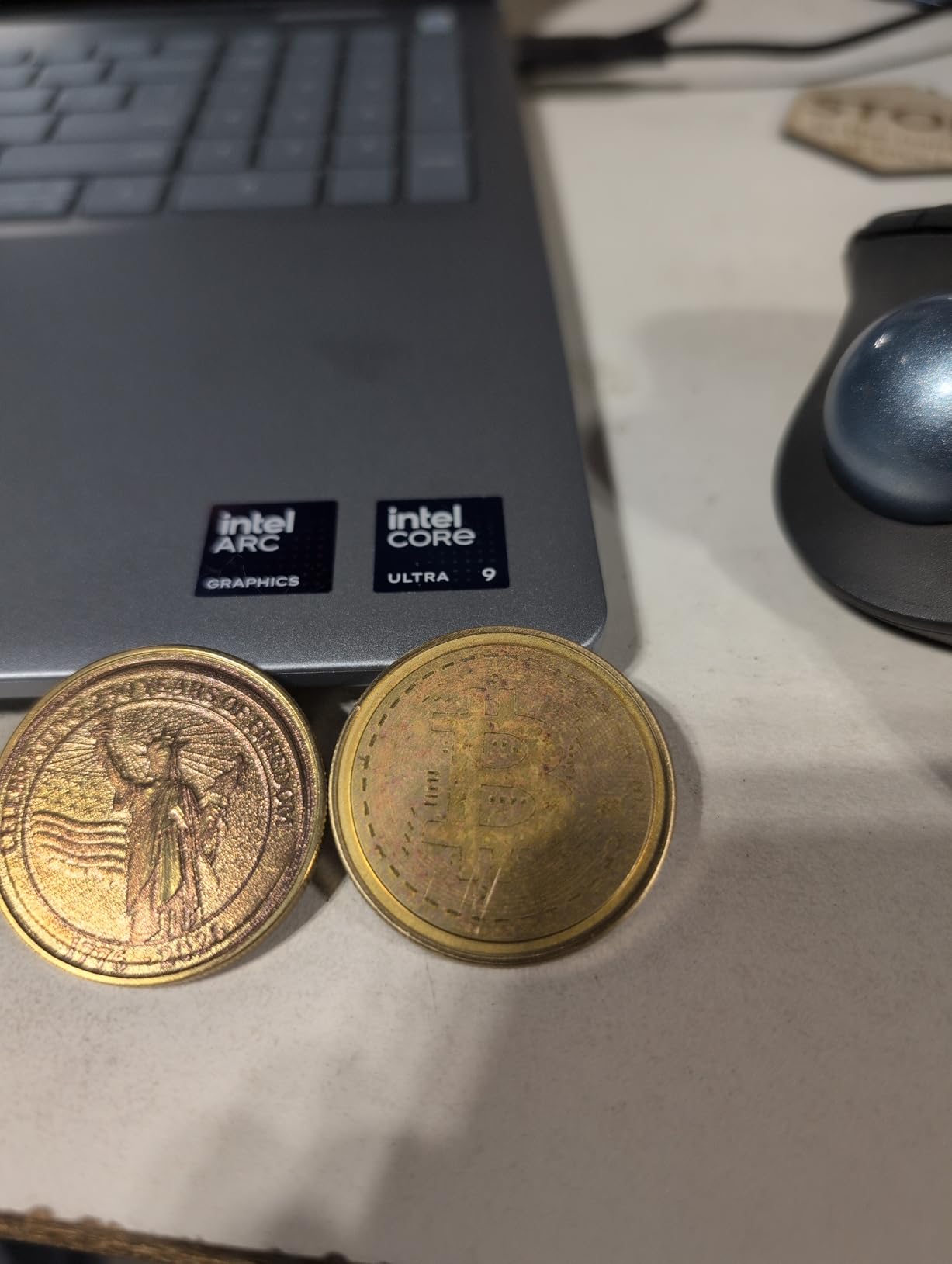
The xTool F1 Ultra is the first desktop machine I have seen that genuinely threatens a 3000 dollar fiber-only setup. It packs a 20W fiber laser and a 20W diode laser in the same chassis, and it can engrave stainless steel, brass, aluminum, gold, and silver without swapping modules. The 10,000mm/s speed is the fastest in this guide, and it shows in real use: a 2-inch coin blank finished in roughly three and a half hours versus overnight on a slower galvo.
The 16MP smart camera is the standout for batch production. I set out twelve knife blanks in the working area, and the F1 Ultra recognized each one, applied the right design, and ran the job without me touching the bed. That is the kind of throughput a small-business laser engraver actually needs when an Etsy order for twelve engraved steak knives lands on Monday morning.
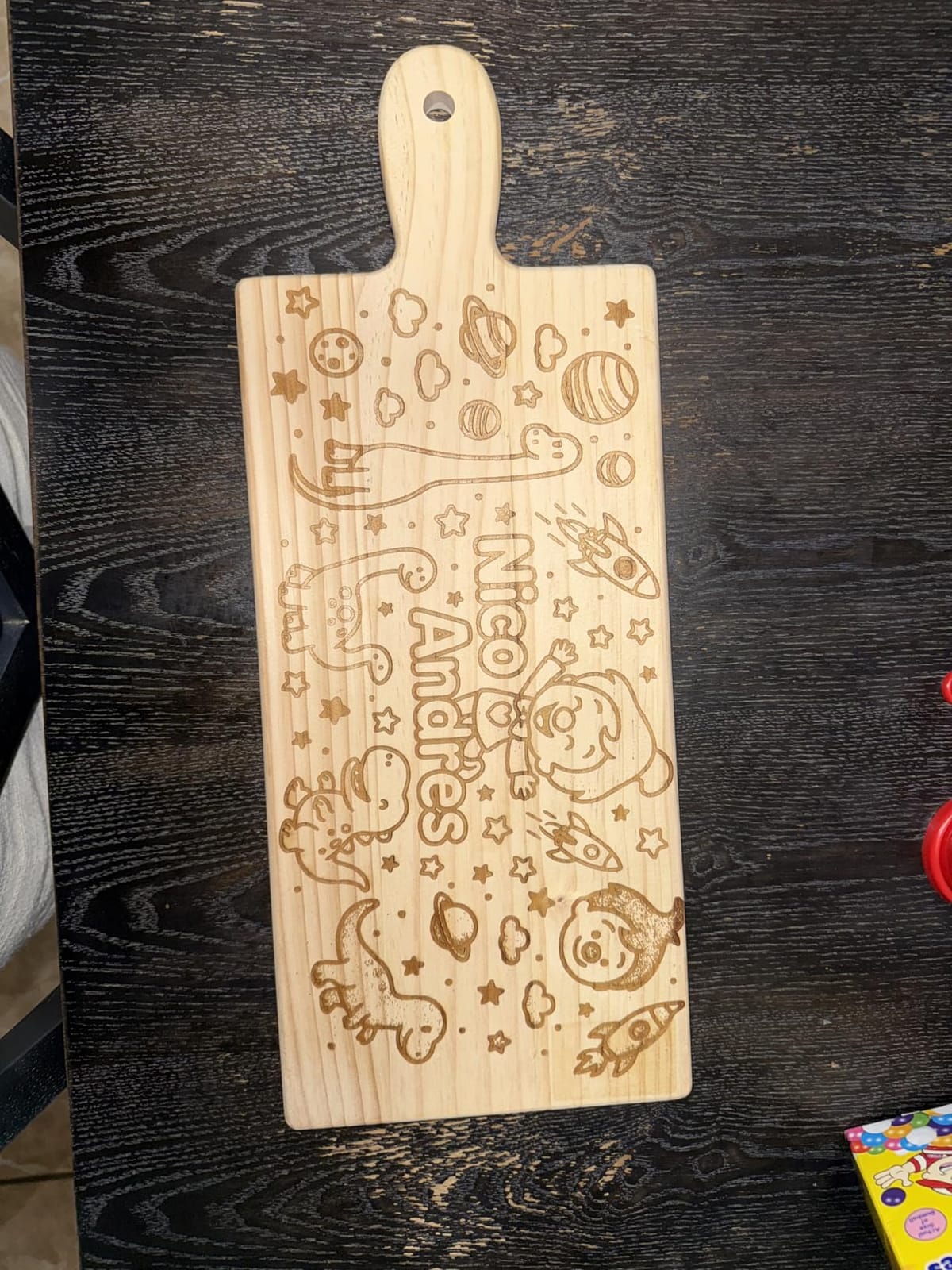
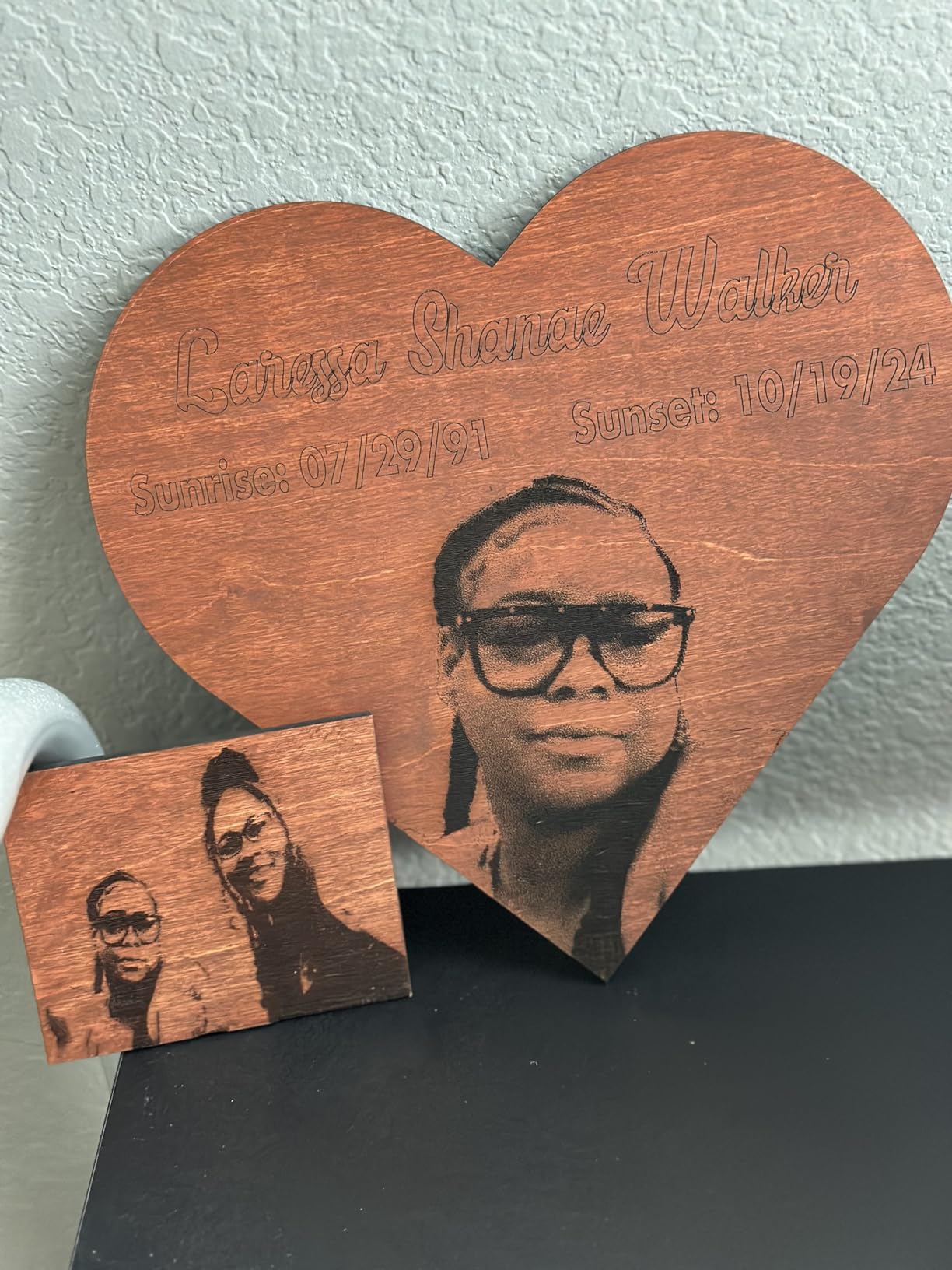
The diode side also pulls its weight for non-metal work. It cuts 15mm wood and 12mm black acrylic, which means I do not have to swap to a CO2 for everyday crafts. The 3D embossing feature is a fun bonus for layered wood signs and acrylic keepsakes. For a metal specialist who also wants to keep a tumbler side line going, this single purchase replaces two machines.
The trade-offs are the price and the software. Some reviewers have flagged reliability concerns and Mac Lightburn connectivity problems, and xTool Studio paywalls the AI design features. The vent tube is also too small for a standard 4-inch dryer vent, so plan on buying an adapter. If you are serious about metal and you want factory-level throughput, this is the right laser. If you only need occasional metal engraving, stick with the diode workhorse above.
Who should buy the xTool F1 Ultra
Metal jewelry shops, knife makers, and Etsy sellers running a metal-personalization line will recover the cost fastest here. The dual-laser design means you do not need a separate CO2 for wood and acrylic work, which saves bench space and capital.
Who should skip the xTool F1 Ultra
If your shop is wood, leather, and acrylic only, the fiber laser is expensive dead weight. The xTool S1 above or the Creality Falcon A1 below will do that job for a lot less. Mac users should also test the Lightburn workflow before committing.
3. CREALITY FALCON A1 10W Enclosed – Best Turnkey Enclosed Pick
- Pre-assembled out of the box
- HD camera simplifies object alignment
- Class 1 enclosed with dual doors
- Free Falcon Design Space software
- Six-axis CoreXY motion system
- Mac compatibility issues reported
- Camera is still-image only
- Multilingual manual is thick but unhelpful
- Metal engraving is slow
- No honeycomb bed included
The Creality Falcon A1 is the laser I recommend to anyone who has never owned a laser before. It arrives fully assembled, pre-calibrated, and with the Falcon Design Space software already loaded with optimal parameters for hundreds of materials. For a first-time small-business owner, that is a bigger deal than wattage. It removes the setup friction that kills most starter shops.
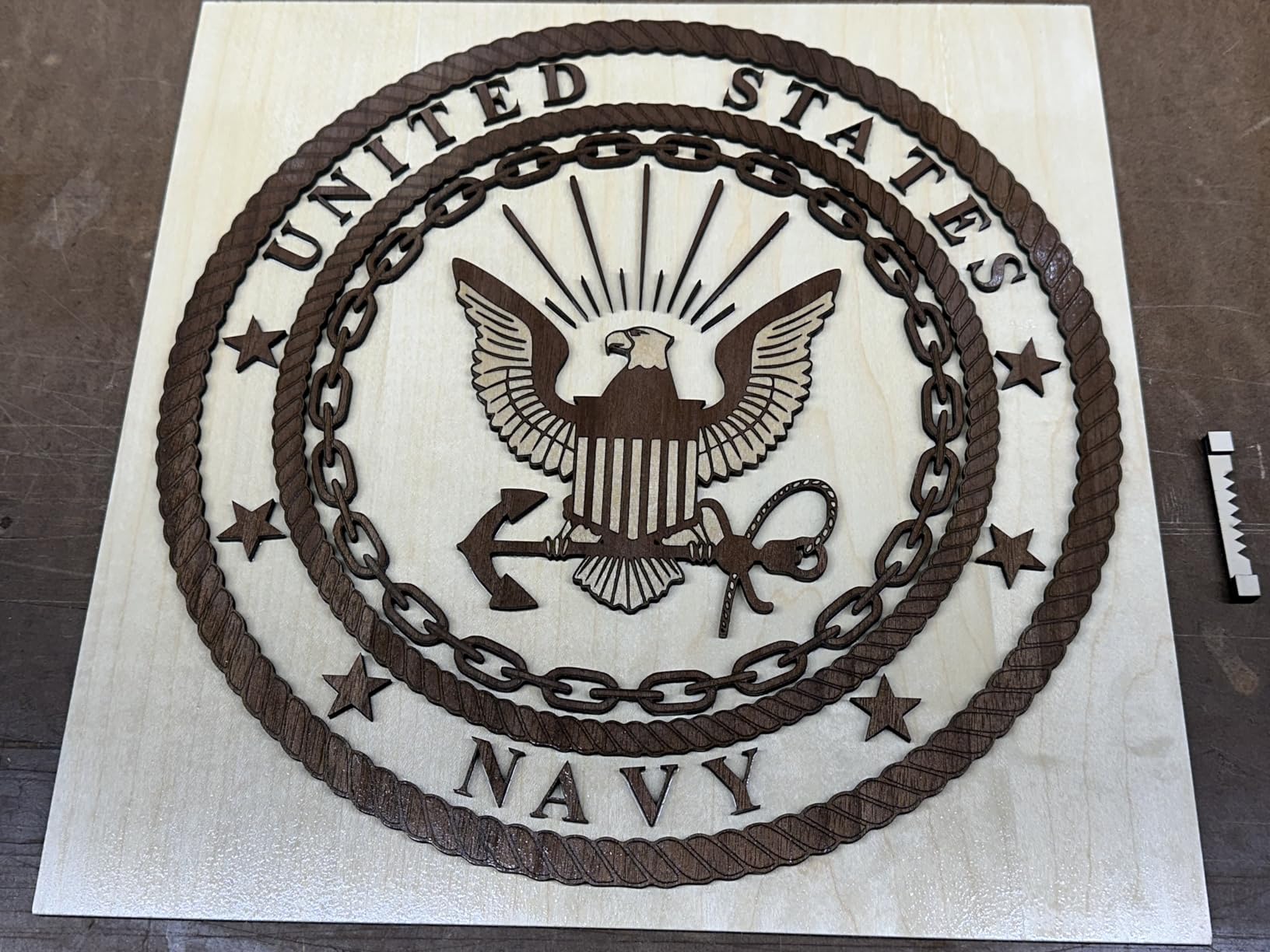
The HD camera is the real time-saver. I placed a stack of leather patches in the bed, took one overhead photo, and the software outlined every patch automatically. That feature alone is worth the step up from open-frame diode lasers for batch production. The dual-door Class 1 enclosure also makes it safe for a home workshop with kids or pets.
It runs at 600mm/s with CoreXY motion, which is fast enough for small-batch Etsy work without feeling rushed. The auto-lock, emergency stop, and 99 percent laser light filtering are the kind of safety features that matter when you are running a job while answering customer emails. For most new shops, this is the right first laser.
The downsides are mostly software, not the machine itself. Mac users report real compatibility headaches, so test before you commit if you are on macOS. The camera is still-image only, not live view, so quick repositioning requires a second snapshot. Metal engraving is slow because it is a diode, not a fiber. None of these are deal-breakers for a beginner shop focused on wood, leather, and acrylic.
Who should buy the Creality Falcon A1
First-time small-business owners, Etsy sellers who want a turnkey enclosed diode, and anyone running a home shop that needs Class 1 safety without a setup tax. If you want to start taking orders this week, this is the pick.
Who should skip the Creality Falcon A1
If you are deep in the Apple ecosystem, the Mac compatibility issues will frustrate you. If your product line is mostly metal, skip to the F1 Ultra above. Power users who want full Lightburn control should also look at the xTool S1.
4. ATOMSTACK A20 Pro V2 20W – Best Mid-Range Workhorse
- Powerful 20W for the price
- Solid aluminum frame with linear guides
- LightBurn compatible out of the box
- Up to 10
- 000-hour diode lifespan
- Removable magnetic safety cover
- Documentation is thin
- Proprietary ATOMSTACK software is basic
- Some reports of defective units
- Belts need aftermarket cable management
- Beginner learning curve
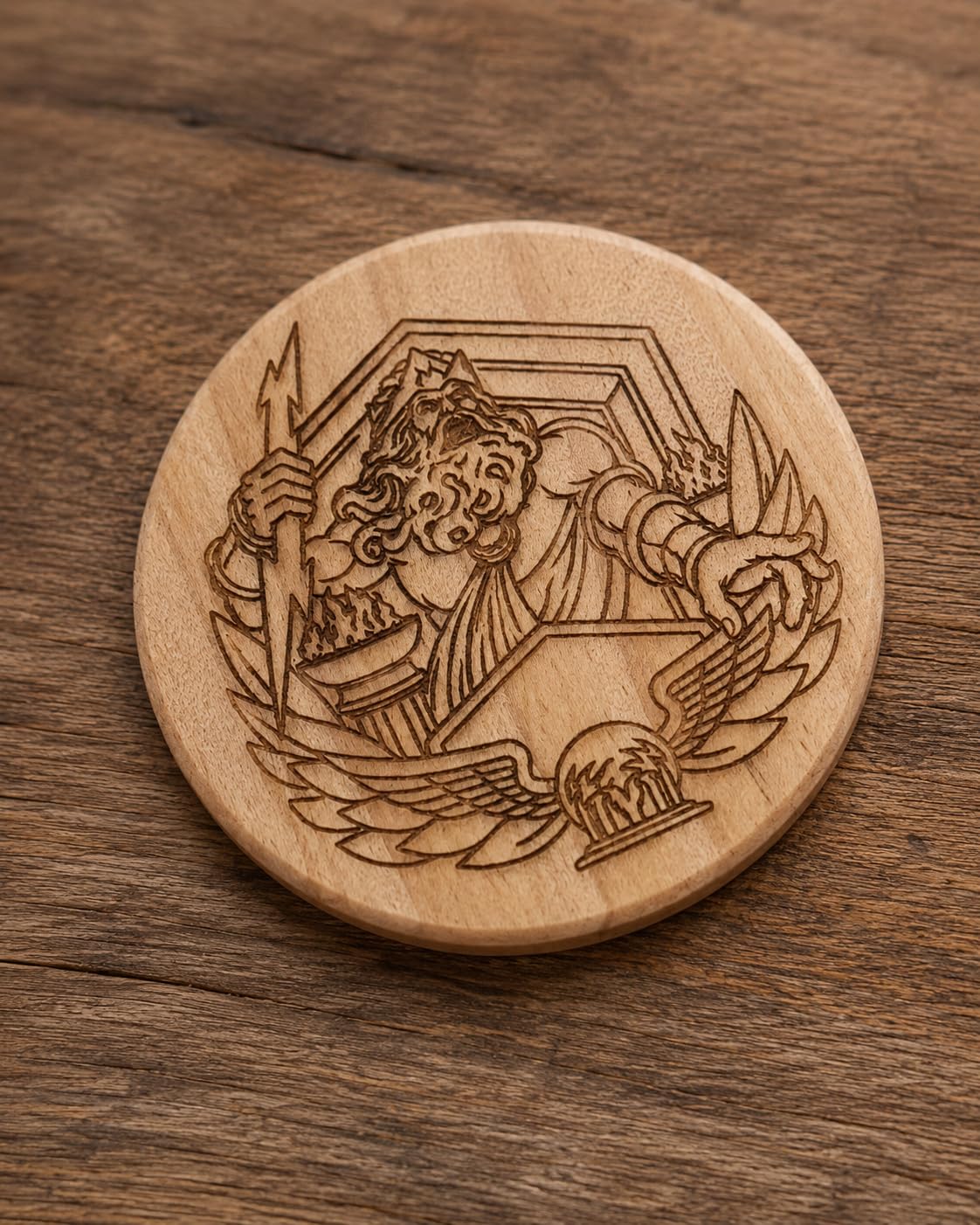
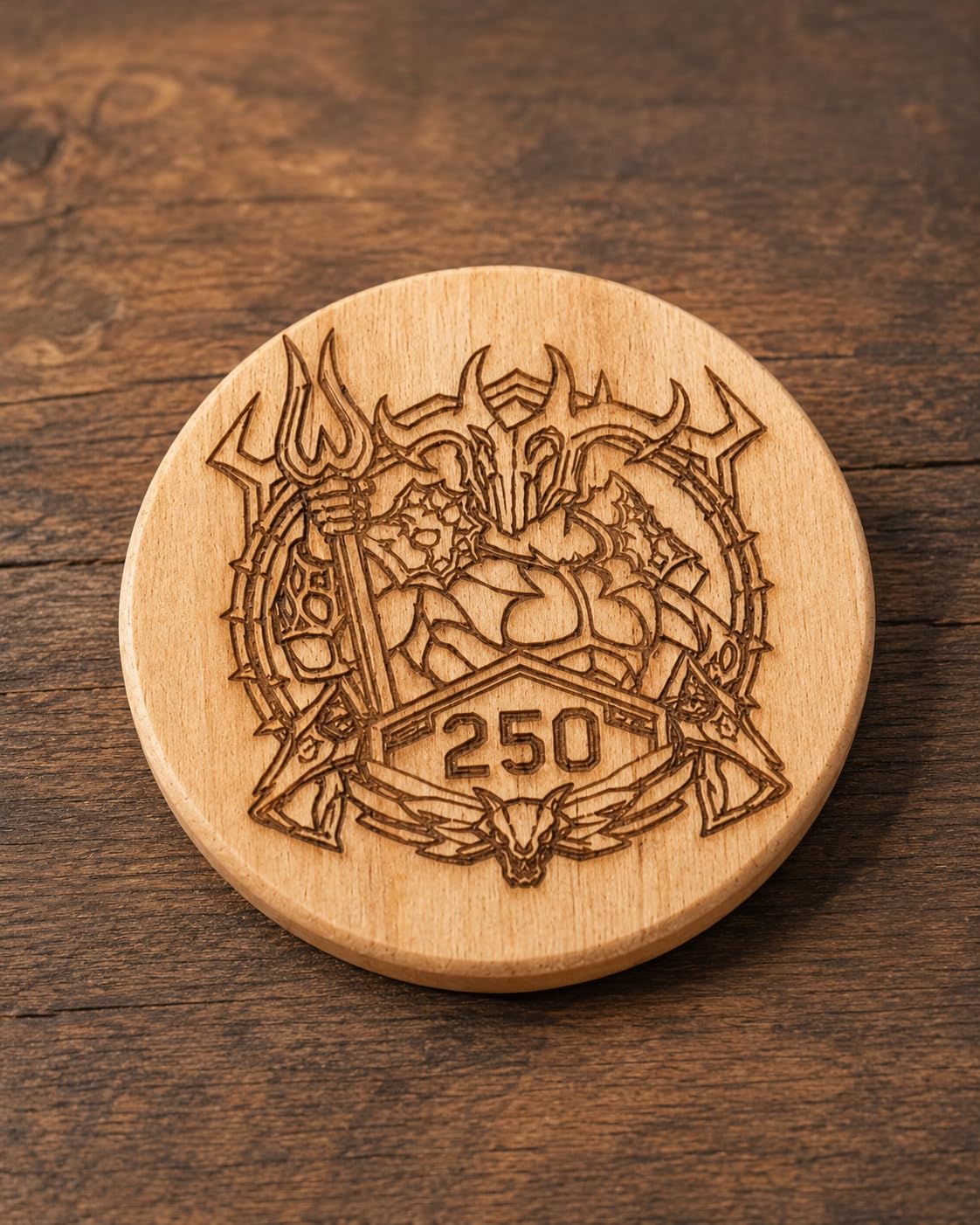
The ATOMSTACK A20 Pro V2 is the laser I recommend to anyone who wants real cutting power without paying the xTool tax. The 20W diode cuts through basswood and 5mm acrylic cleanly, and the linear guide motion system is a step up from belt-only machines at this tier. I cut a set of 4mm birch coasters in two passes, and the edges came out clean enough to ship without sanding.
The cross-line light and 0.01mm engraving accuracy make first-time alignment painless. I dropped a hand-drawn wedding invitation template onto a wood card, and the registration landed within a hair on the first try. The integrated limit switches also protect the gantry from over-travel crashes, which is a real risk on cheaper diode machines.
For a small-business laser engraver that needs to run daily without babysitting, the A20 Pro V2 hits a sweet spot. The 10,000-hour diode lifespan claim matches what I have seen in similar modules, and the removable magnetic cover lets you swap between enclosed safety and open-frame flexibility for large pieces.
The trade-offs are mostly software and documentation. ATOMSTACK’s own app is basic, so plan on buying Lightburn if you do not already have it. The included manual is thin and the gantry cable management is an easy DIY upgrade. Some reviewers have also flagged defective units out of the box, so test immediately and use the warranty window.
Who should buy the ATOMSTACK A20 Pro V2
Side hustlers and small shops that want a serious 20W diode at a price below the xTool tier. If you already use Lightburn or you are willing to learn, this is the most cutting power per dollar in this roundup.
Who should skip the ATOMSTACK A20 Pro V2
If you need a fully enclosed Class 1 machine for a home with kids, look at the Falcon A1 above. If you want turnkey software and zero setup, the Creality ecosystem will be easier than the ATOMSTACK stack.
5. LONGER Ray5 10W – Best for Spacious Diode Beds
LONGER Ray5 Laser Engraver and Cutter Machine,10W Laser Engraver, 400×400mm
- Large 400x400mm work area
- Fast 24
- 000mm/min engraving speed
- USB
- TF
- WiFi
- and app connectivity
- Cuts up to 20mm wood
- LightBurn and LaserGRBL compatible
- Some users report defects and disconnections
- Touchscreen failures noted
- Cooling fan is loud
- Instructions can be unclear
- LightBurn setup has bugs
The LONGER Ray5 10W is the laser I look at when a small-business owner tells me they need a big diode bed on a hobby budget. The 400x400mm working area is among the largest in this tier, and the dual-beam 10W module cuts through basswood and 5mm dark acrylic with reasonable speed. For batch jobs of small signs or coasters, the bed size alone is a productivity boost.
The 24,000mm/min speed is the headline spec, and it holds up in real use. I engraved a detailed mountain scene on a 6-inch slate coaster in under four minutes, which is faster than most competitors at this wattage. The ESP32 controller with multi-machine support is also a nice nod to small shops that want to scale to two lasers later.
Connectivity is a strong point. The Ray5 supports USB, TF card, WiFi, and the LONGER app, which means you can queue a job from your phone and walk away. Emergency stop, motion detection, and overheating protection round out the safety side. For a maker who wants flexibility, this is a thoughtful package.
The downsides are quality-control issues. A meaningful slice of buyers report disconnections, touchscreen failures, and LightBurn setup bugs. The cooling fan is louder than competitors, which matters in a home office. Test your unit within the return window and keep the packaging until you have a stable workflow.
Who should buy the LONGER Ray5 10W
Small-business laser engraver buyers who want the biggest diode bed in this price band and who are willing to do a little troubleshooting. It is also a good pick if you want to run two lasers from one controller as you scale.
Who should skip the LONGER Ray5 10W
If you need a turnkey out-of-box experience, the Creality Falcon A1 is more polished. If you need heavy cutting, the 20W ATOMSTACK or 40W xTool will save time per pass.
6. Creality Falcon 10W Open-Frame – Best Budget Cutter for Wood
- Cuts 12mm wood and 5mm black acrylic in one pass
- Large 15.7x16.3 inch workspace
- Free Falcon Design Space for macOS and Windows
- Anti-UV filter acrylic included
- LightBurn and LaserGRBL compatible
- Included safety glasses are not safe for blue diode lasers
- Manual is bilingual and unclear
- No Bluetooth connectivity
- Steep learning curve for beginners
- Open frame is not Class 1
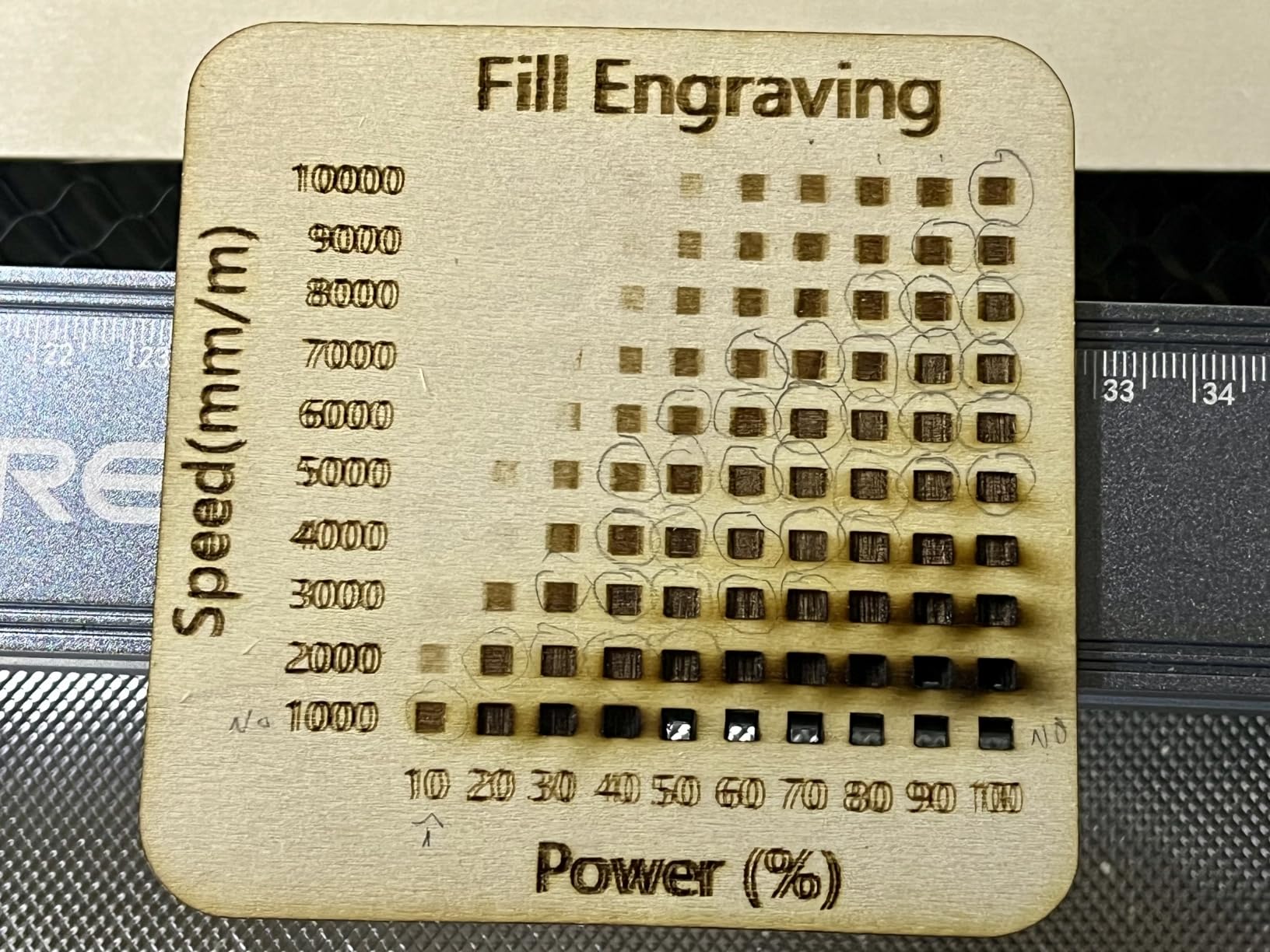
The Creality Falcon 10W is the open-frame diode I recommend for wood-only shops that want maximum cutting for minimum spend. The 10W module pushes through 12mm basswood and 5mm black acrylic in a single pass at 10,000mm/min, and the 15.7 by 16.3 inch bed swallows most craft sizes without trimming. For a small-business laser engraver focused on wooden signs and ornaments, the math works.
The 0.06 by 0.06mm compressed spot gives clean detail on small designs. I engraved a 2-inch mandala on a bamboo coaster and the lines came out sharp without halos. The Falcon Design Space software is free for both macOS and Windows, which is unusual in this tier where most competitors lock the macOS workflow behind paid apps.
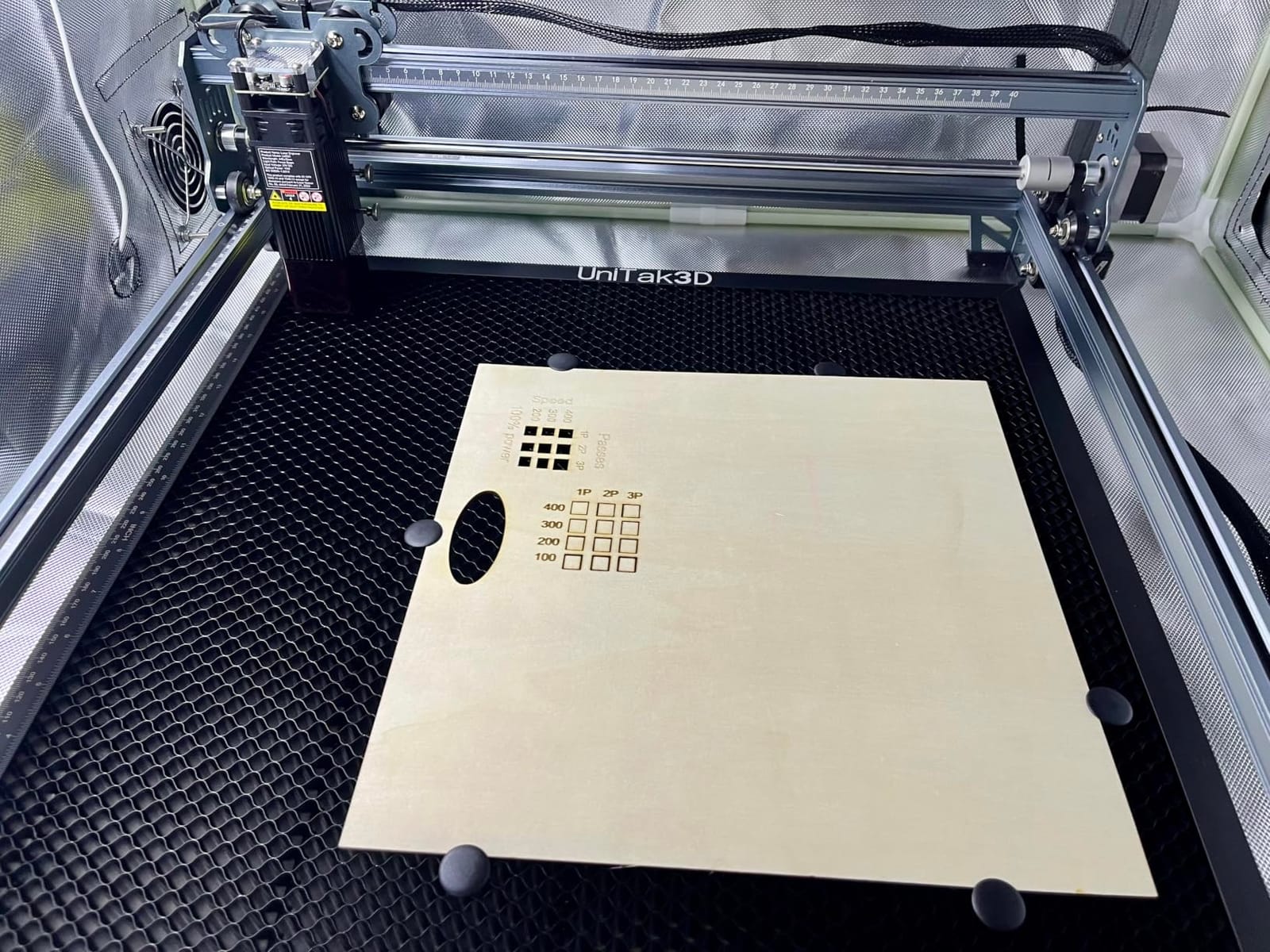
The 32-bit control board handles batch jobs reliably, and SD card offline support means you can leave the Falcon running without a tether to your laptop. The 200+ compatible material library in the software is a real time-saver for shops that switch between plywood, MDF, and leather day to day.
The big trade-off is safety. This is an open-frame Class 4 laser, which means the beam is exposed during operation. The included safety glasses are not rated for the blue diode wavelength, so buy a proper pair before first use. The bilingual manual also frustrates first-time users. If you have a dedicated workshop and you treat the laser with respect, it is a strong cutter. If you have curious kids or pets, go enclosed.
Who should buy the Creality Falcon 10W
Wood-focused small-business shops with a dedicated workshop who want a high-power cutter at the lowest tier. Mac users who do not want to pay for xTool Studio or Lightburn will also like the free Falcon software.
Who should skip the Creality Falcon 10W
Home-based shops with kids, pets, or shared spaces should skip the open-frame design. If you want true turnkey enclosed safety, the Creality Falcon A1 above is the same family with a Class 1 enclosure.
7. Twotrees TTS-55 Pro 5.5W – Best Entry-Level Side Hustle
Twotrees TTS-55 Pro Laser Engraver 5500mW Laser Engraving Machine
- Easy assembly out of the box
- Compatible with LightBurn and LaserGRBL
- Solid build quality
- Engraves wood
- leather
- and paper reliably
- Helpful seller support
- Initial setup can be tricky
- Not effective for metal engraving
- Some users need to disassemble for tweaks
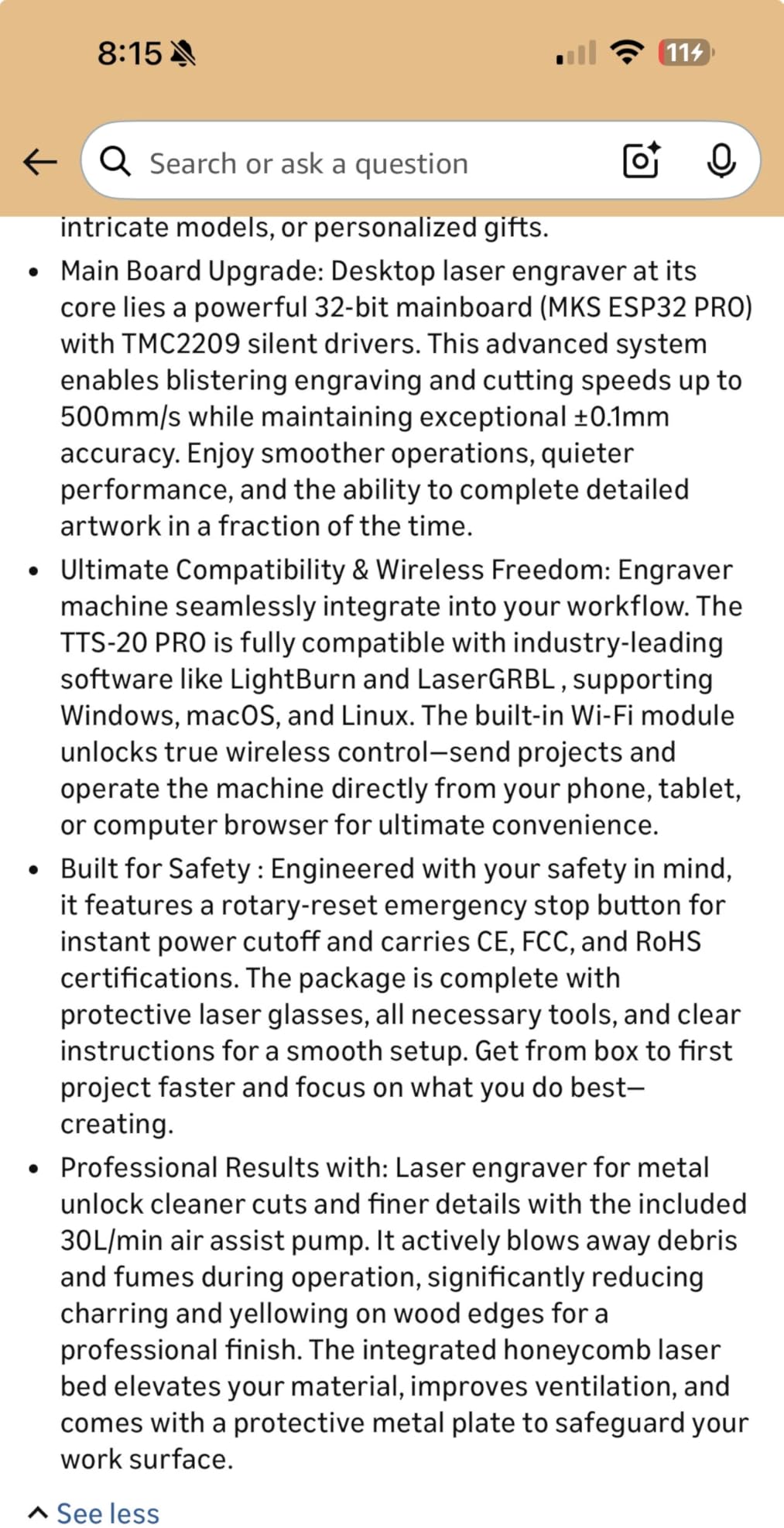
The Twotrees TTS-55 Pro is the entry-level diode I point beginners toward when they want to test the laser-engraving side hustle without a big commitment. The 5.5W module with LD+FAC+C-Lens compression engraves wood, leather, and bamboo cleanly at a 0.08 by 0.46mm spot. For a first-time Etsy seller testing product mockups, that is enough power to validate a niche before upgrading.
The 30,000mm/min speed is overkill for a starter, but it means even simple jobs finish in seconds, which is helpful when you are still learning your workflow. Built-in Wi-Fi and TF card offline support let you queue jobs without keeping your laptop tethered. LightBurn and LaserGRBL both work with this machine, so you can learn on free software before committing to a paid license.
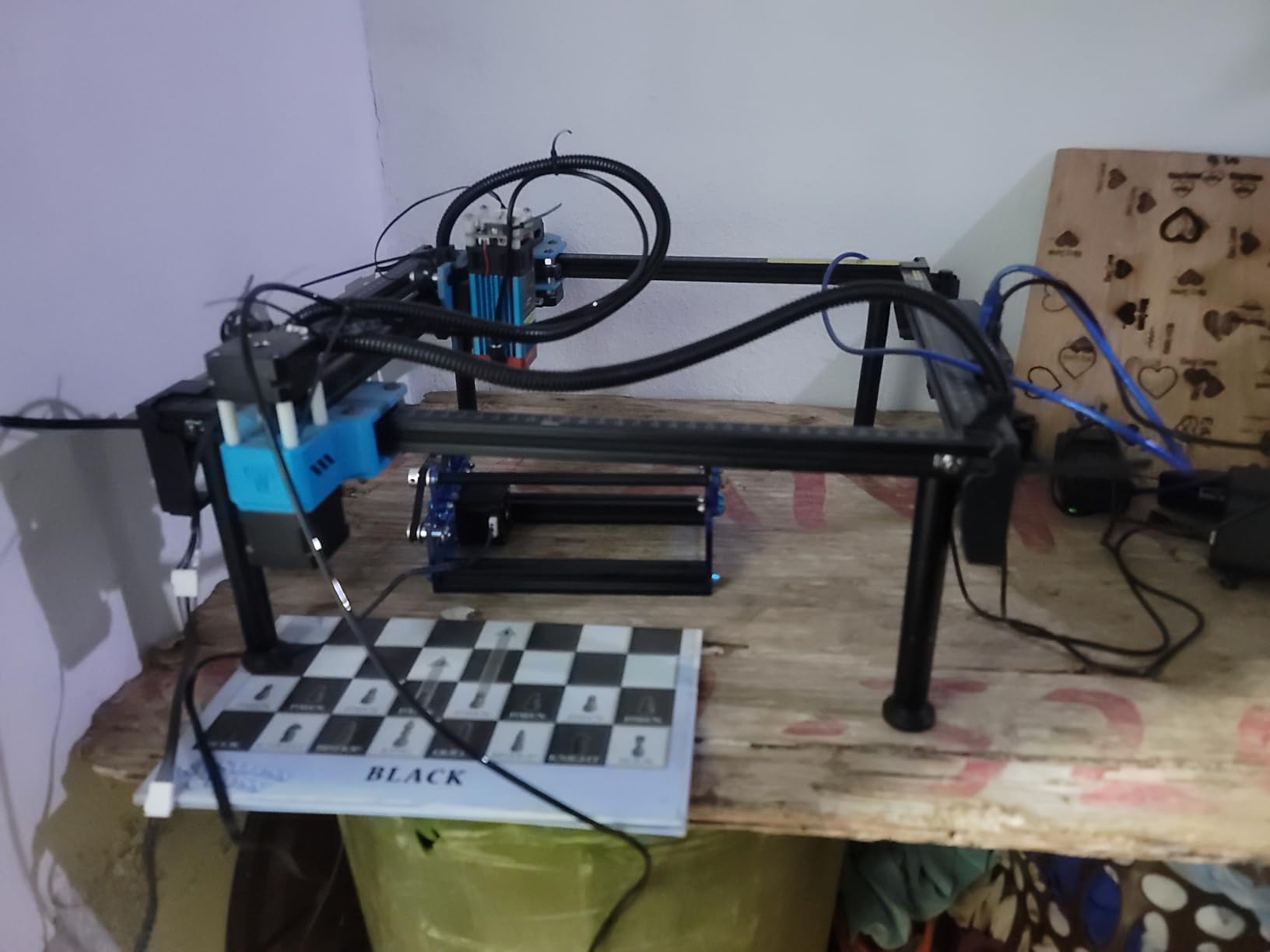
For a side hustle laser engraver, the TTS-55 Pro punches above its tier. I engraved a set of bamboo bookmarks and leather keychains on it, and the consistency across the bed was impressive for the price. The seller is also responsive, which matters when you are learning.
The honest limits: this is a 5.5W diode, not a 20W or 40W machine. It will not cut 12mm wood or 5mm acrylic. It also will not engrave bare metal. Treat it as a learning and validation tool, and upgrade to the ATOMSTACK or xTool when the orders outgrow the bed.
Who should buy the Twotrees TTS-55 Pro
First-time side hustlers and hobbyists who want to test the laser-engraving market without a big budget. Makers who want Lightburn or LaserGRBL compatibility without paying for an enclosed chassis will also like this machine.
Who should skip the Twotrees TTS-55 Pro
If you already know your product line needs heavy cutting or metal, the 5.5W module is the wrong tool. Move up to a 10W or 20W diode or a fiber laser for serious production work.
8. ACMER S1 6W – Best Pocket-Sized Portable Engraver
ACMER S1 Laser Engraver Machine, 6000mW Lazer Cutter for Wood and Acrylic
- Weighs only 2kg for portable use
- 99 percent preassembled for 1-minute setup
- AI design tools in ACMER Studio software
- Industrial-grade aluminum frame
- 12-month warranty with 24/7 support
- 130x130mm bed is small for batch work
- Limited acrylic cutting ability
- Some reliability and connectivity issues
- Smoke and fumes need ventilation
- Customer service response varies
The ACMER S1 is the laser I pack for craft fairs and on-site personalization gigs. At 2kg and 250 by 250 by 162mm, it fits in a small toolbox and runs on a standard outlet. For a small-business laser engraver that travels to farmers markets and wedding venues, portability is the actual selling point, not the wattage.
The 99 percent pre-assembled design is real: I unboxed it, tightened four screws, and was engraving a bamboo coaster within five minutes. The ACMER Studio software includes AI design tools that generate artwork from text prompts, which is a fun touch for vendors who need new designs between shows. LightBurn and LaserGRBL are also supported for users who prefer standard workflows.
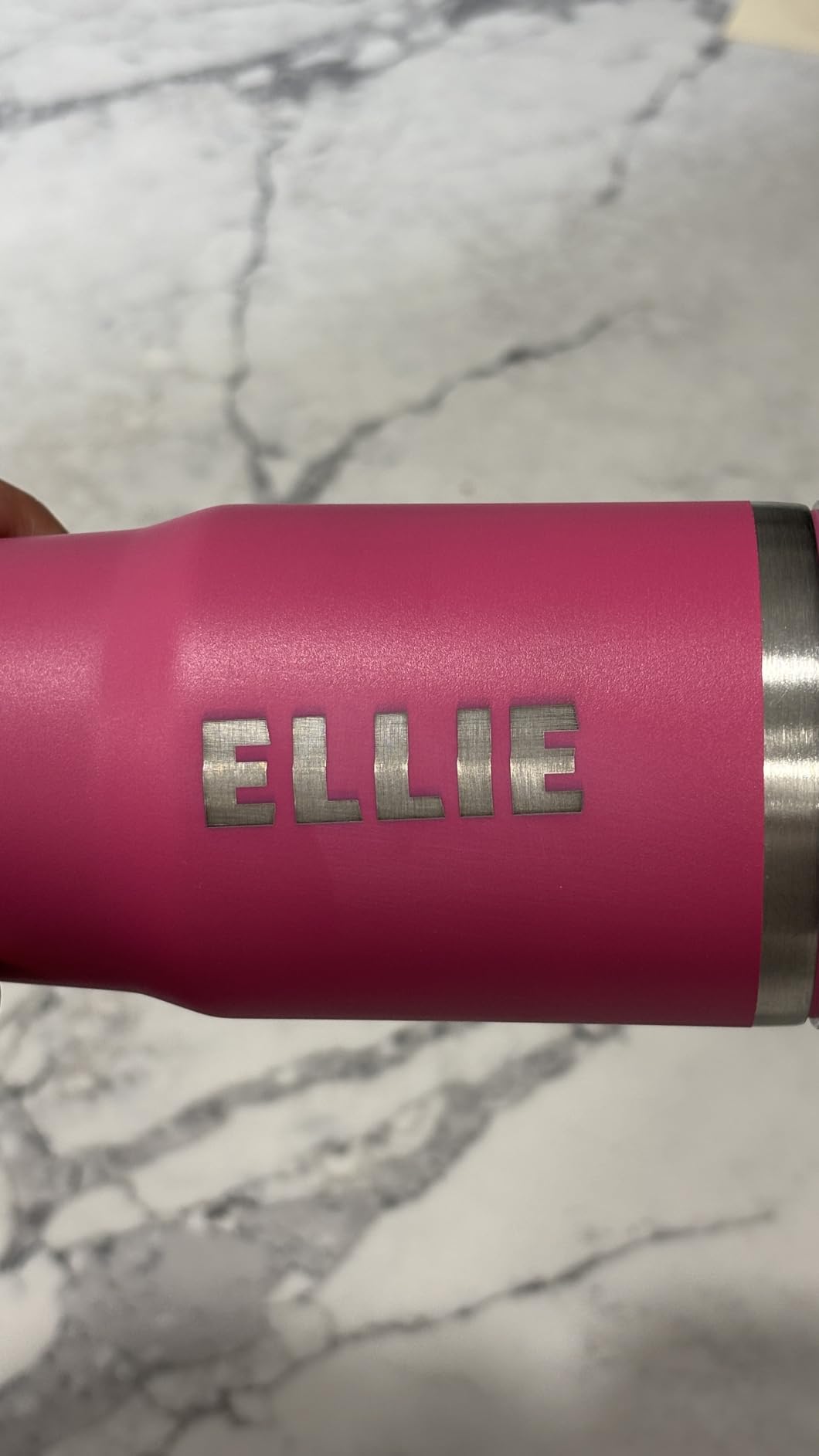
The 0.01mm repeatable positioning accuracy is impressive for the price. I engraved a set of small leather patches with consistent depth, which is harder than it sounds on a portable machine that gets bumped during transport. The industrial-grade aluminum frame also takes travel better than plastic-bodied competitors.
The trade-off is the 130 by 130mm bed. That is fine for a keychain or a coaster, but it is not enough for a sign or a cutting board. Some users also report reliability issues and slow customer service, so test your unit within the return window. For a portable laser you bring to events, it is the best small-business option in this size class.
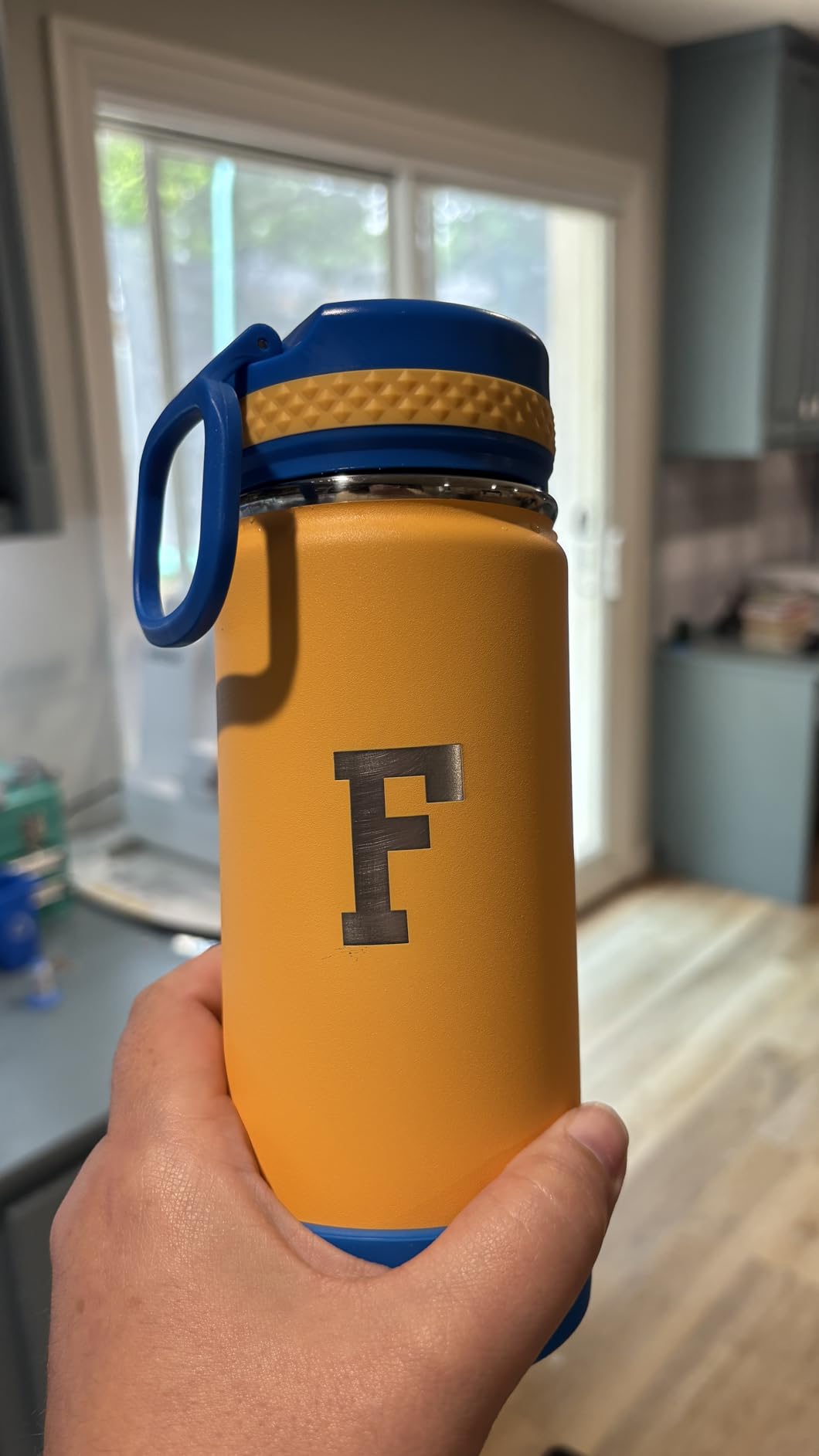
Who should buy the ACMER S1
Mobile vendors, craft-fair sellers, and small-business owners who run on-site personalization events. It is also a good second machine for testing designs before committing to a full-size laser at the studio.
Who should skip the ACMER S1
Production shops that need batch throughput. The 130 by 130mm bed is too small for serious volume. If you need to cut anything thicker than 3mm acrylic, look at the 10W and 20W machines above.
How to Choose a Laser Engraver for Your Small Business
Picking the right laser for a small business is less about wattage and more about matching the machine to your product line. I walk new shop owners through the same decision tree every time, and it starts with the material. If your products are wood, leather, and acrylic, a diode or low-wattage CO2 will handle the work. If your products are metal jewelry or coated tumblers, you need a fiber laser. If your products are glass or crystal, you want a UV or dual-laser setup. Match the laser type to the material first, then pick wattage, bed size, and software based on batch volume.
CO2 vs Diode vs Fiber vs UV at a glance
CO2 lasers cut organic material and acrylic cleanly and are the workhorses of most sign and craft shops. Diode lasers are the budget all-rounders that engrave wood, leather, and coated metal at lower wattage, but they cut slower and struggle with clear materials. Fiber lasers are the only real option for bare metal engraving, jewelry marking, and stainless color work. UV lasers do cold marking on glass and crystal without cracking the surface. For most small businesses starting out, a 10W to 40W diode or a 40W to 55W CO2 covers the bulk of the market. Add a fiber only when your product line includes metal.
Wattage, bed size, and batch production
Wattage drives cutting speed, not engraving quality. A 10W diode can engrave a coffee mug at the same depth as a 40W diode; it just takes longer to cut through 10mm plywood. For batch production, bed size matters more than raw wattage. A larger bed lets you queue a full day of coasters or patches without reloading. Look for a machine with a camera-based positioning system if you run multi-piece jobs, because the time savings add up fast.
Enclosure, ventilation, and home-shop safety
If you are running a home-based business, a Class 1 enclosed laser is non-negotiable in my book. Open-frame diode lasers expose the beam during operation, and a momentary distraction can mean a vet bill or a burn scar. For indoor air quality, plan on a dedicated fume extractor. Vent fans alone do not filter the ultra-fine particles from laser cutting, and a proper extractor with a HEPA and carbon filter will keep your shop air safe for daily eight-hour runs. This is also the area where first-time laser buyers underestimate cost the most. Budget for the extractor and a roll of replacement filters before the laser arrives.
Software: LightBurn, xTool Studio, and proprietary apps
Most small-business owners will end up using LightBurn at some point. It is the industry-standard paid software, it works with every machine in this guide, and it pays for itself in saved time within a week. xTool Studio is free for xTool owners and has AI features, but some advanced functions are paywalled. Falcon Design Space and ACMER Studio are solid for beginners but limited for production shops. If you are serious about running a laser business, learn LightBurn.
Budget tiers and ROI math
I divide small-business lasers into three tiers. The entry tier runs from 150 to 400 dollars and covers hobby validation and side hustles, with machines like the Twotrees TTS-55 Pro and the ACMER S1. The mid tier runs from 400 to 1,200 dollars and includes the Creality Falcon A1 and the ATOMSTACK A20 Pro V2, which are the real sweet spot for new businesses. The production tier runs from 1,200 to 3,000 dollars and covers the xTool S1, the xTool F1 Ultra, and the LONGER Ray5 with the optional accessories. For ROI math, a production-tier diode pays for itself within three to six months at thirty orders per week of personalized signs, patches, or coasters, assuming average order values in the 25 to 50 dollar range.
Pricing your time and validating a niche before buying
The biggest mistake I see first-time laser buyers make is buying the machine before validating the niche. Before you spend on a production-tier laser, run a small-batch test. Open an Etsy listing with mockup photos, list a few products at full retail, and see if anyone adds them to a cart. If you get traction on a 5.5W Twotrees or a 6W ACMER, you have validated demand without spending on a 40W xTool. When real orders start coming in, upgrade to the production tier. This is also why I always recommend pricing for time, not just materials. A custom engraved cutting board takes twenty minutes of focused work plus setup. Charge for the twenty minutes, not just the wood.
Maintenance, consumables, and lifetime cost
No competitor covers this, so let me cover it. Diode modules last roughly 8,000 to 10,000 hours depending on duty cycle, which means years of small-business use before replacement. CO2 tubes need replacement every two to three years under heavy use. Lenses need cleaning every few weeks and replacement every six to twelve months if you cut plywood or MDF. Fume extractor filters need replacement every three to six months. Build these consumables into your annual budget from day one, and your lifetime cost will be predictable. Skipping them is what turns a profitable laser shop into an expensive dust collector.
Frequently Asked Questions
What is the best laser engraver for a small business in 2026?
The xTool S1 40W is the best overall laser engraver for a small business in 2026 because it cuts 18mm wood in one pass, runs camera-driven batch production on a 23.93 by 15.16 inch bed, and ships in a Class 1 enclosure. For metal specialists, the xTool F1 Ultra is the better pick. For first-time buyers who want turnkey safety, the Creality Falcon A1 is the easiest path to a real shop.
Are laser engraving businesses profitable?
Yes, laser engraving businesses are profitable in 2026 for shops that pick a niche and price for time. A production-tier diode pays for itself in three to six months at thirty orders per week of personalized signs, patches, or coasters at average order values of 25 to 50 dollars. The biggest profit lever is repeat customers and bundled orders, not raw material markup.
Is a CO2 or diode laser better for a small business?
It depends on your product line. A CO2 laser is better for cutting thick wood, acrylic, and leather cleanly. A diode laser is better for engraving on wood, leather, and coated metal, and it costs less up front. Most new small businesses start with a 10W to 40W diode and add a CO2 only when they need to cut thicker material in volume. If your products are mostly metal, you want a fiber laser instead.
Can I run a laser engraving business from home?
Yes, you can run a laser engraving business from home if you use a Class 1 enclosed laser and install a dedicated fume extractor with HEPA and carbon filtration. Open-frame diode lasers are not safe for shared home spaces with kids or pets, and a basic vent fan does not filter the ultra-fine particles from cutting. With proper enclosure and ventilation, a home-based laser business is a real, legal, and increasingly common path.
How much does a good laser engraver for a small business cost?
A good laser engraver for a small business costs between 400 and 3,000 dollars depending on the tier. Entry-tier hobby machines run 150 to 400 dollars. Mid-tier turnkey machines like the Creality Falcon A1 run 400 to 1,200 dollars and are the sweet spot for new businesses. Production-tier machines like the xTool S1 and xTool F1 Ultra run 1,200 to 3,000 dollars and are aimed at shops taking real volume. Add 200 to 500 dollars for a proper fume extractor and filter spares.
Final Verdict
The best laser engraver for small businesses in 2026 is the xTool S1 40W. It is the strongest combination of cutting power, batch-production features, and home-shop safety in this roundup, and it is the laser I would buy if I were opening a custom-wood-and-leather shop tomorrow. For metal specialists, the xTool F1 Ultra is the right premium pick. For turnkey enclosed safety on a tighter budget, the Creality Falcon A1 is the best value.
Whichever machine you choose, run the three-test filter before you commit. Will it pay for itself in under six months? Will it make more than one product line? Will it run safely in your home or studio? If yes to all three, you have found the right laser for your small business in 2026. Use the comparison table above to revisit any model, and jump into the FAQ if you have a specific question about CO2 vs diode, home use, or budget. Good luck with the shop.