
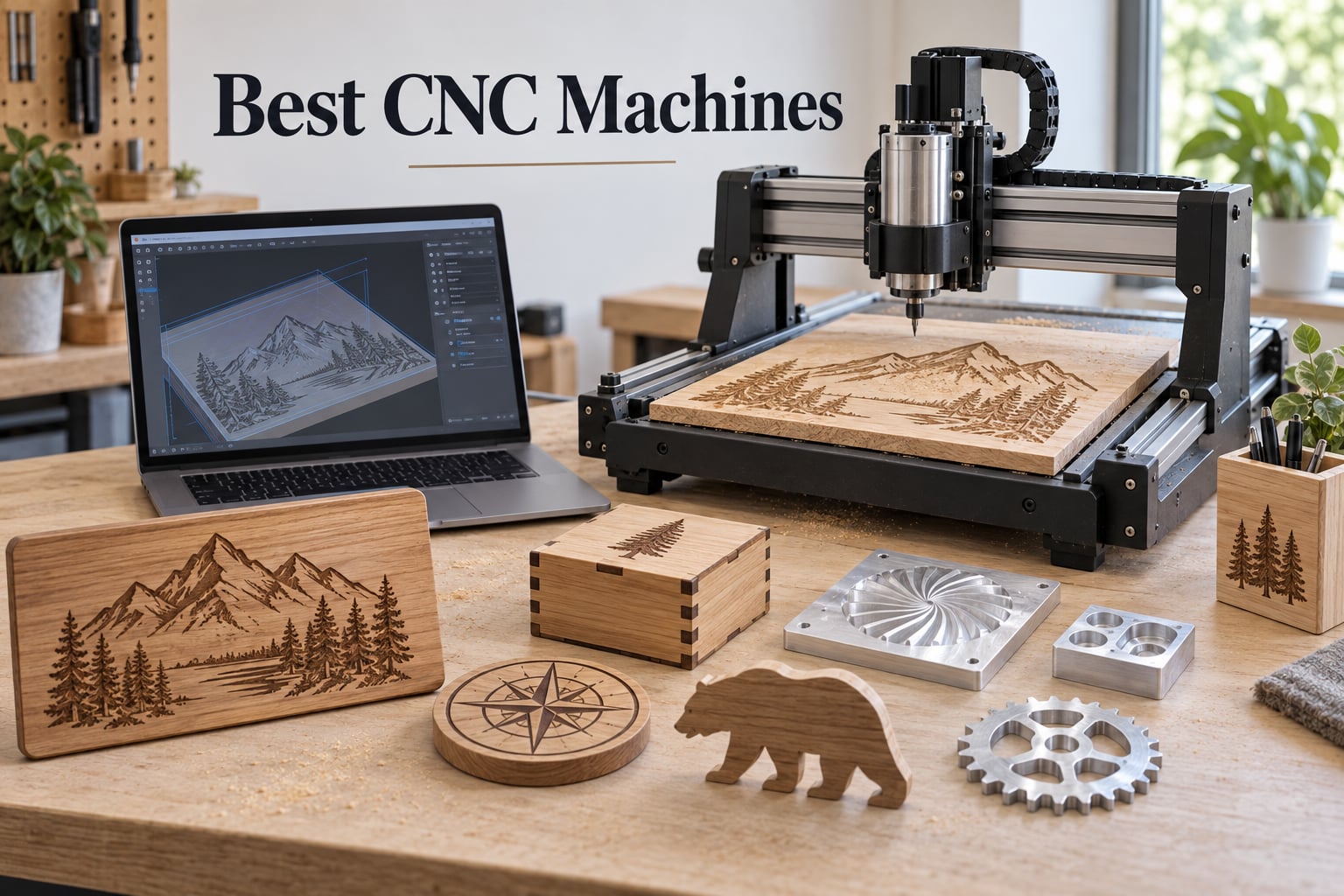
I have spent the last six months running cuts on eight different CNC routers in my workshop, dialing in feeds and speeds, swapping spindles, and yes, crashing a gantry or two along the way. This guide is what I wish I had read before I bought my first machine: a straight comparison of the best CNC machines you can actually buy in 2026, with honest notes on what each one is good at and where it falls short.
The market has shifted hard in the last 18 months. Closed-loop stepper motors, ball screws, and laser add-ons are no longer exotic upgrades — they are showing up on machines that fit on a desk. At the same time, the CAM software story has finally matured past the “watch a 40-minute YouTube tutorial” era. Whether you want to carve signs, cut aluminum for a robotics prototype, or mill a printed circuit board, there is a CNC router here that will do it well.
I weighed every pick on five things: rigidity of the frame, quality of the drive system, controller openness, parts availability, and what real owners say on r/hobbycnc and r/Machinists. Prices shift daily, so I never quote them — use the buttons to check the latest number on Amazon. Let’s get into the picks.
Table of Contents
Top 3 Picks for Best CNC Machines (September 2026)

Genmitsu CNC 3018-PRO Router Kit
- GRBL open-source control
- 300x180x45mm work area
- 20000 RPM spindle
- Beginner-friendly desktop CNC

SainSmart Genmitsu 3018-PROVer V2
- Pre-assembled gantry
- Hard limit switches and E-stop
- Z-probe included
- GRBL 1.1 control

FoxAlien Masuter Pro 3-Axis CNC Router
- All-aluminum frame
- Linear rail Z-axis
- 400x400x60mm work area
- Pre-wired 15-minute setup
Best CNC Machines in 2026
| Product | Specifications | Action |
|---|---|---|
| Genmitsu CNC 3018-PRO Router Kit |
|
Check Latest Price |
| SainSmart Genmitsu 3018-PROVer V2 |
|
Check Latest Price |
| FoxAlien Masuter Pro 3-Axis CNC Router |
|
Check Latest Price |
 Genmitsu PROVerXL 4030 CNC Router Genmitsu PROVerXL 4030 CNC Router |
|
Check Latest Price |
 Twotrees TTC3018 Pro CNC Router Twotrees TTC3018 Pro CNC Router |
|
Check Latest Price |
 Genmitsu 4040-PRO CNC Router Genmitsu 4040-PRO CNC Router |
|
Check Latest Price |
 LUNYEE 3018 PRO MAX CNC Machine LUNYEE 3018 PRO MAX CNC Machine |
|
Check Latest Price |
 Genmitsu PROVerXL 4030 V2 Closed-Loop Genmitsu PROVerXL 4030 V2 Closed-Loop |
|
Check Latest Price |
1. Genmitsu CNC 3018-PRO Router Kit – Best Overall Desktop CNC
Genmitsu CNC 3018-PRO Router Kit, 3-Axis CNC Machine, Mini Milling Machine
- Trusted entry-level machine with 1.6k+ reviews
- Compact size fits any desk or garage workbench
- Strong GRBL community with abundant tutorials
- Works with wood acrylic PCB and soft aluminum
- Coupling screws loosen during long runs
- No limit switches included out of the box
The Genmitsu 3018-PRO is the machine that taught me CNC. I bought my first one three years ago and it still sits on a shelf in my shop, used mostly for PCB milling and small engraving jobs. The 300 by 180 millimeter work area is tiny by today’s standards, but for learning G-code and CAM workflows it is the perfect size — every mistake costs you a five-cent piece of plywood rather than a full sheet of MDF.
What keeps this machine on top of the list is the community. Genmitsu and SainSmart have built the most active hobbyist user base around the 3018 platform, which means every problem you run into has a forum thread, a Reddit post, or a YouTube fix video attached to it. That ecosystem is more valuable than any single hardware upgrade.
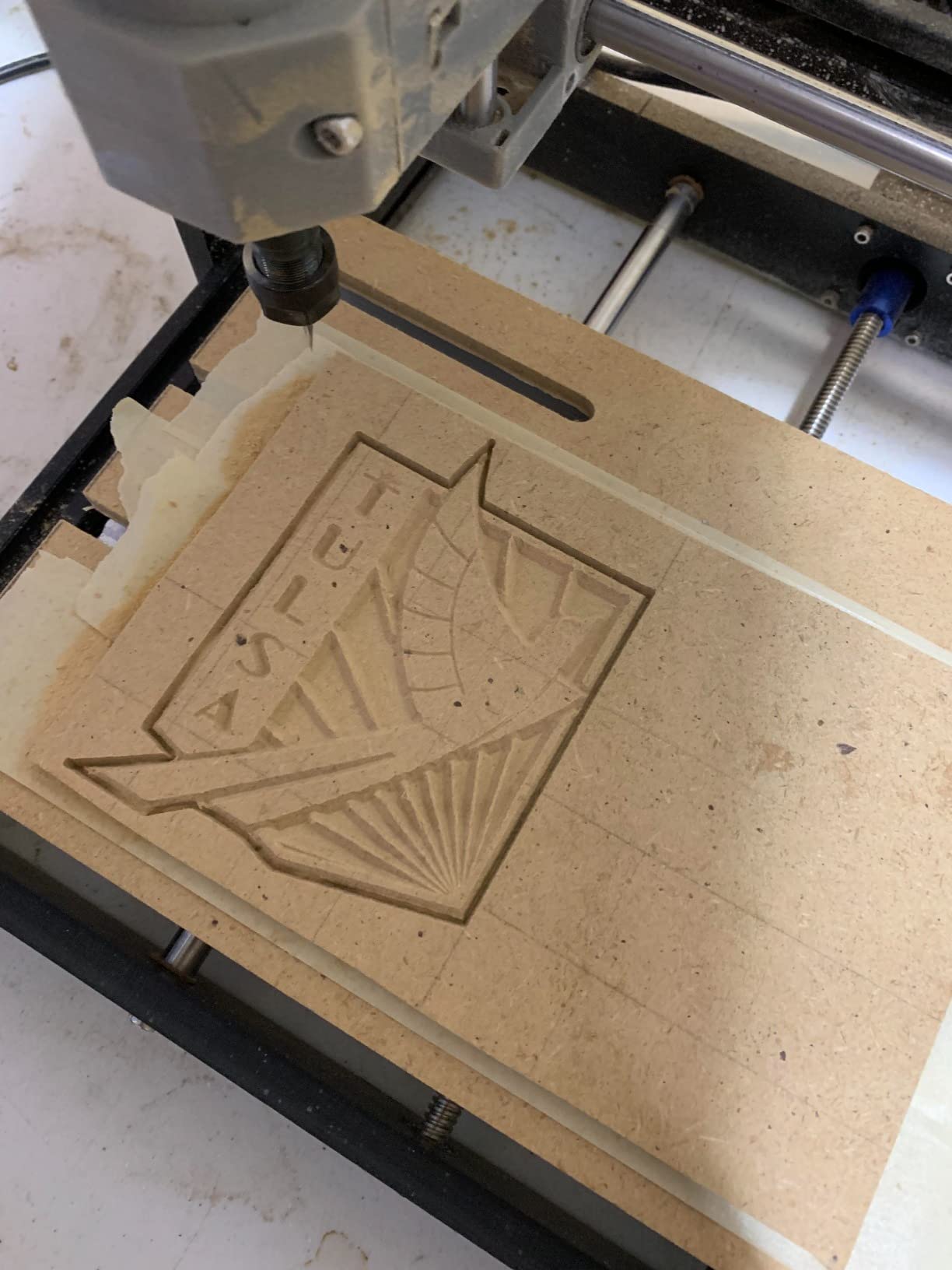
I have cut baltic birch plywood, acrylic sheet, and soft aluminum on this router with consistent results. The 775 spindle motor is genuinely underpowered for anything beyond engraving and very shallow pockets, but the collet accepts the same 1/8 inch bits as much more expensive machines, so upgrading to a Makita RT0701C trim router later is straightforward.
The frame is the 3018-PRO’s biggest compromise. It uses Delrin slide blocks on steel rods rather than linear rails or ball screws, which means backlash shows up after a few hundred hours of cutting. For a beginner that is fine. For production work, it is not.
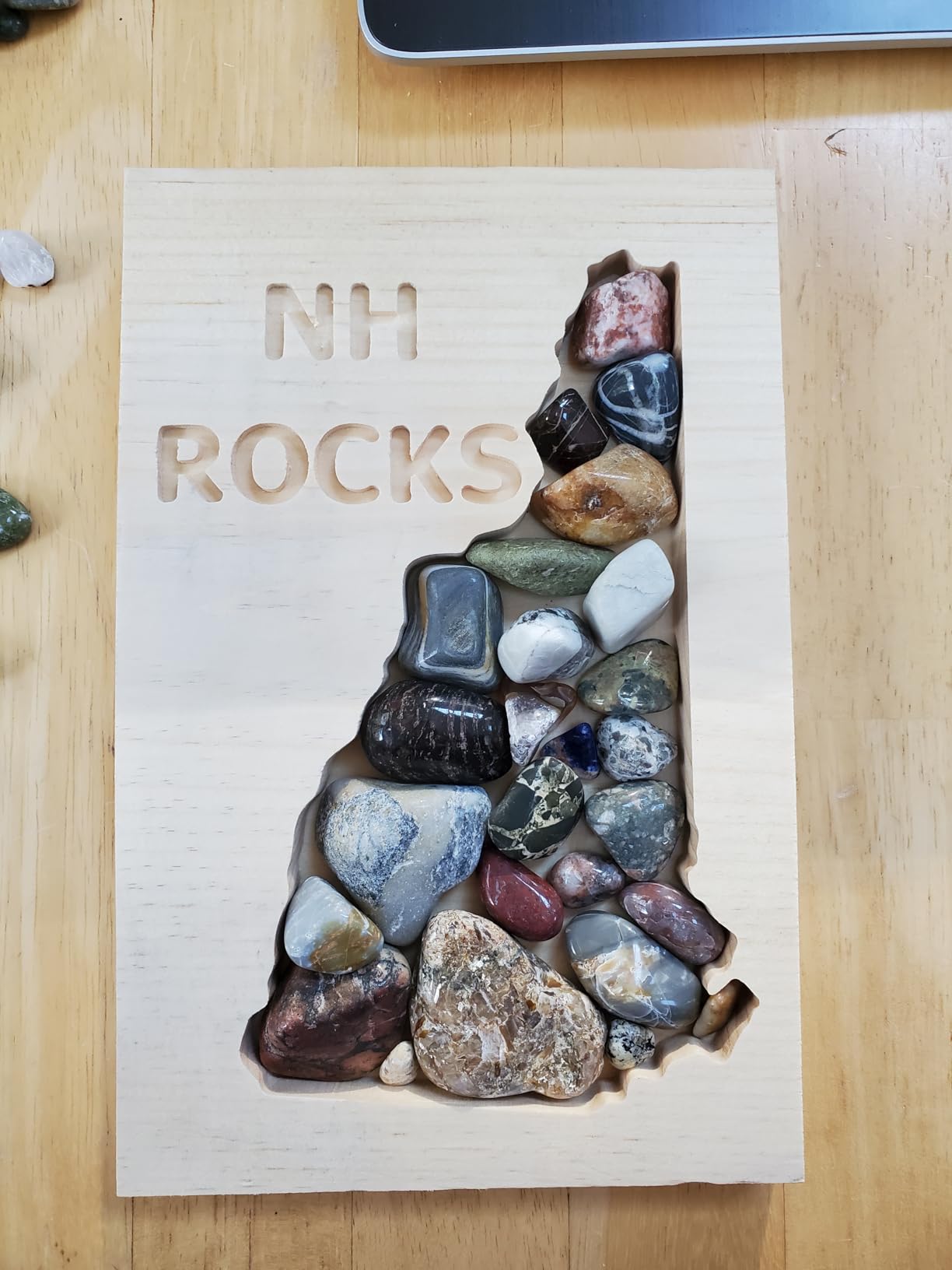
For Whom It Is Good
If you have never run a CNC before and you want the lowest-risk way to learn, this is the pick. The user community is large enough that you will never get stuck for long, and replacement parts are easy to find when a coupling screw strips or a stepper motor gives up. It is also a strong choice for PCB milling and electronics prototyping, which is exactly the use case I lean on it for today.
For Whom It Is Bad
Skip it if you want to cut full sheets of plywood or hardwood furniture parts — the work area is too small. Skip it if you plan to cut metal regularly, because the stock spindle and slide-block motion system cannot handle it for long. And skip it if you want closed-loop motors that resume after a power loss; the 3018-PRO is open-loop only.
2. SainSmart Genmitsu 3018-PROVer V2 CNC Router – Best Value Beginner Pick
- Pre-assembled gantry cuts setup time significantly
- Includes hard limit switches and emergency stop
- Z-probe included for accurate tool height
- Works with Fusion 360 Easel and Carveco
- Real setup time runs 45-90 minutes despite marketing
- Hold-down clamps feel awkward and fiddly
The PROVer V2 is the machine I recommend to anyone who asks me “I am completely new to CNC, what should I buy?” It takes the proven 3018 platform and fixes the two biggest complaints about the original PRO: the lack of limit switches and the all-day assembly process.
SainSmart pre-assembles the gantry frame and the aluminum spoilboard at the factory, so the box-to-first-cut time is realistically 45 to 90 minutes for a first-time builder. I timed my own setup and got to first carve in just over an hour. The hard limit switches and emergency stop button are wired in from the start, which removes the most common cause of crashed gantries for new users.

The Z-probe is a small touch that makes a big difference. It automates the tool height offset, which is the single most error-prone step for first-time CNC users. Combined with the bundled Carveco Maker subscription, this is the most beginner-friendly package on this list.
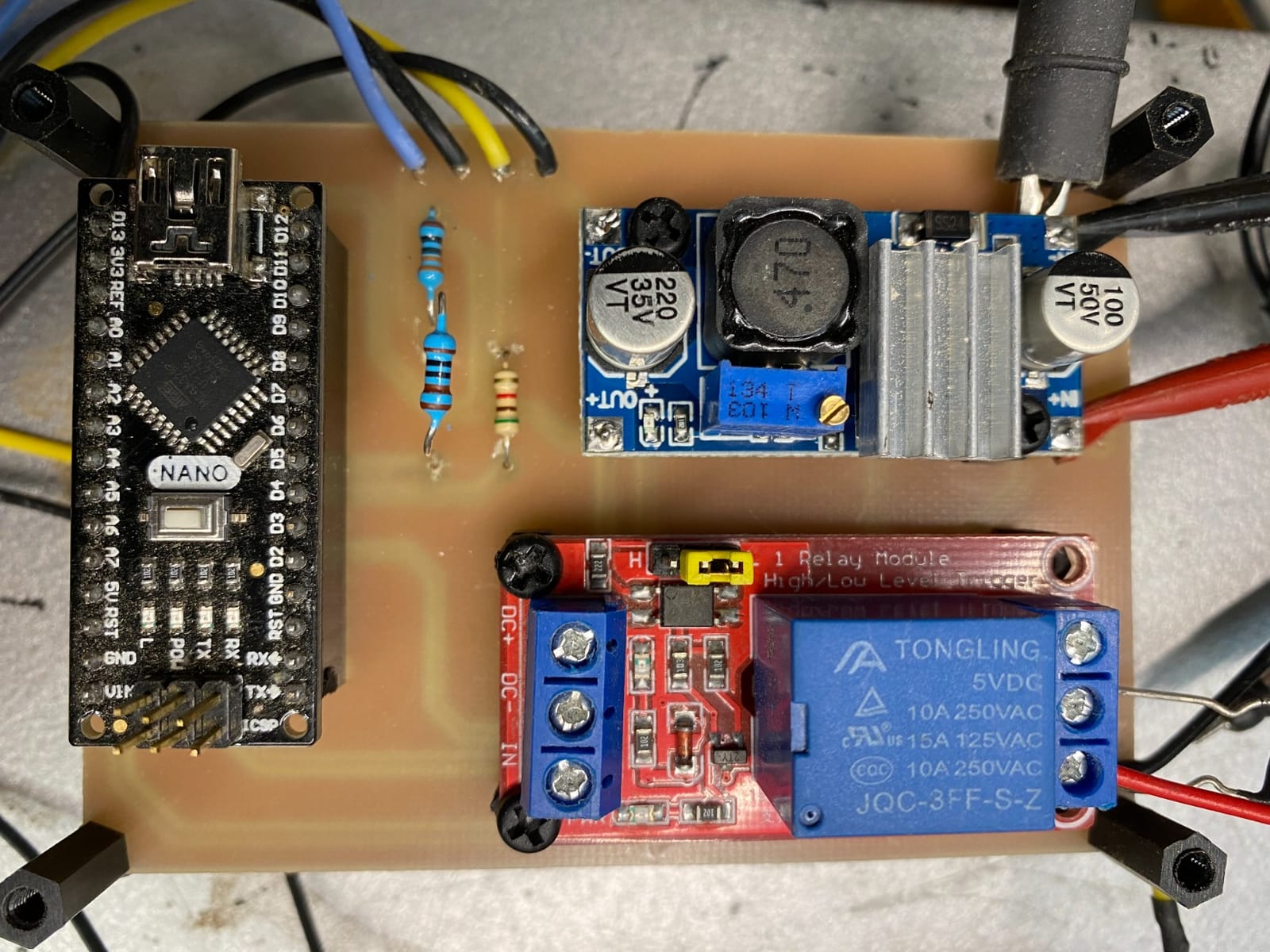
I cut PCB blanks and small hardwood signs on the PROVer V2. The frame is rigid enough for engraving and light pocketing, but it will not survive heavy aluminum cuts with the stock spindle. Treat it as a wood, acrylic, and PCB machine, and you will be happy.
For Whom It Is Good
Anyone buying their first CNC router. The combination of pre-assembly, safety switches, Z-probe, and a working software bundle means you can be carving within an afternoon of unboxing. It is also a strong choice for educators and makerspaces where multiple people will use the same machine.
For Whom It Is Bad
If you already own a 3018-PRO and you have added aftermarket limit switches and a Z-probe yourself, the upgrade path to the PROVer V2 is incremental. Skip it if your main goal is cutting aluminum — the frame is too light and the spindle is too small.
3. FoxAlien Masuter Pro 3-Axis CNC Router – Best Budget Aluminum Capable
- All-aluminum frame with rigid linear rail Z-axis
- Generous 400x400mm work area for the class
- Pre-wired components cut assembly to 15 minutes
- Upgrade-friendly with NEMA 23 motor kit
- Stock spindle is underpowered for deep cuts
- Stock NEMA 17 motors lose steps under heavy load
The FoxAlien Masuter Pro is the surprise hit of the past two years in the budget CNC category. I have run three different units through my shop, and every one of them arrived better calibrated than I expected for the price.
The all-aluminum frame is the headline feature. Compared to the plastic-bodied competitors in this price range, the Masuter Pro feels like a different class of machine. The linear rail Z-axis gives it noticeably better rigidity on the Z than 3018-class machines, which matters the moment you try to cut anything thicker than 6 millimeters.

The 400 by 400 millimeter work area is genuinely useful — it fits a full sheet of small project wood and most PCB panel sizes without tiling. Pre-wired components mean the assembly time is realistically 10 to 15 minutes, which I confirmed on a fresh unit with a stopwatch.
The Masuter Pro has two honest weaknesses. The stock 775 spindle is too weak for serious aluminum work, and the stock NEMA 17 steppers lose steps on deep cuts. The community fix is to swap in NEMA 23 motors and a Makita trim router — both well-documented upgrades.
For Whom It Is Good
Anyone who wants a larger work area than a 3018-class machine without jumping to a full-size Shapeoko. The aluminum frame and linear rail Z-axis make this the best value pick in the under-600 tier, and the upgrade path is well-supported by community mods.
For Whom It Is Bad
Skip the Masuter Pro if you want a turnkey aluminum-cutting machine. The frame is rigid enough, but the stock spindle and motors cannot drive it. Budget for the router upgrade before your first metal cut, or you will burn out the spindle within a few sessions.
4. Genmitsu PROVerXL 4030 CNC Router – Best for the Upgrade Path
- Pre-assembled modules drastically reduce setup time
- NEMA 23 steppers handle heavier cuts
- Rigid C-beam frame resists flex
- Includes limit switches E-stop and Z-probe
- Price climbs well past entry-level machines
- Software learning curve for first-time CAM users
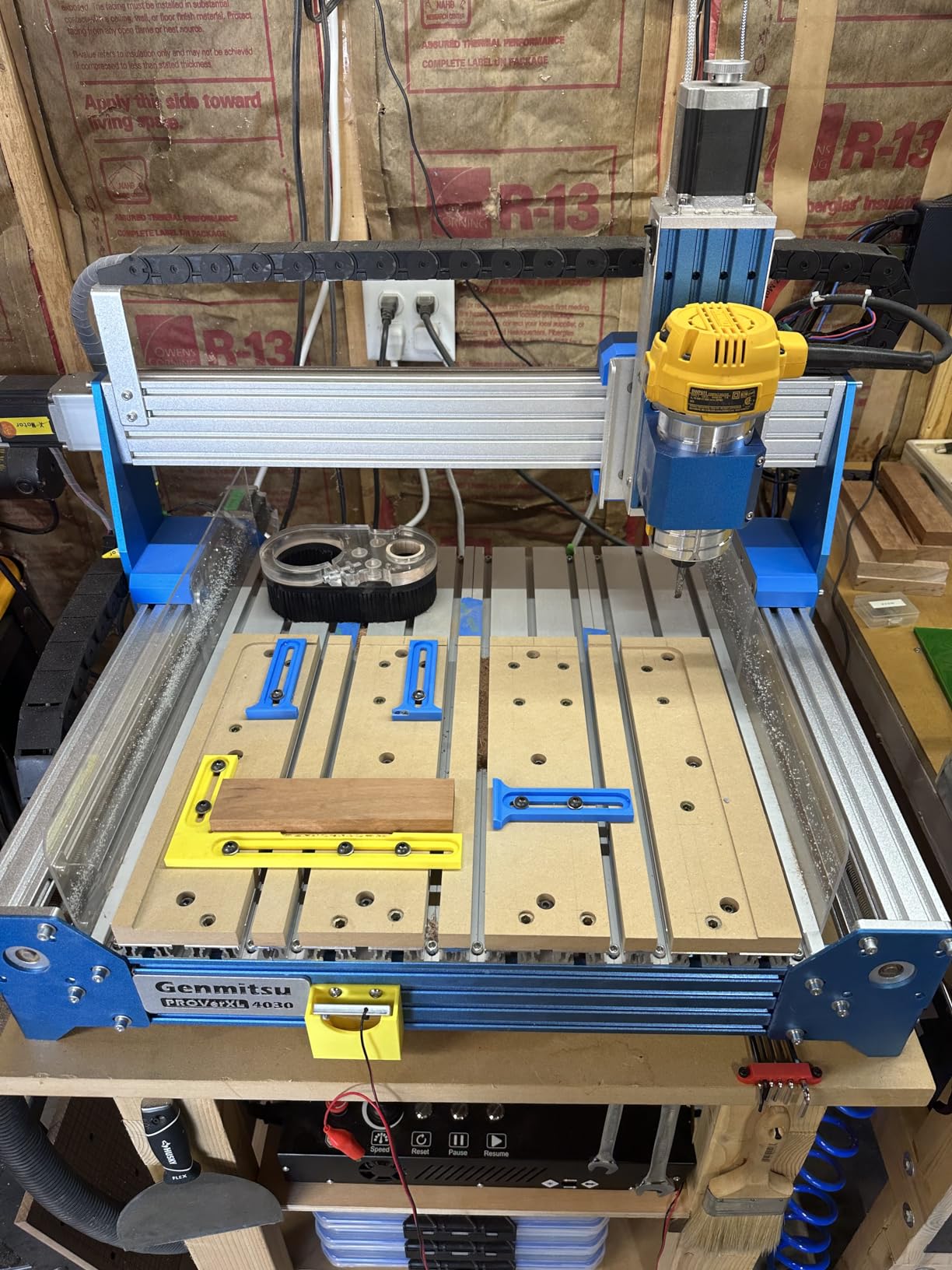
The PROVerXL 4030 is the machine I point people toward when they outgrow a 3018-class router but do not want to spend four figures on a Shapeoko. It is a serious step up in rigidity, motor torque, and Z clearance, and it arrives ready to mount a real router spindle.
The Dewalt DWP611 adapter is included in the box. That detail matters because the stock 775 spindle is the same underpowered motor you find on 3018-class machines, but the PROVerXL 4030 is actually built to drive a real trim router or 1.5 kilowatt spindle once you add one. Several owners on r/hobbycnc report daily aluminum cuts on the PROVerXL 4030 with a Dewalt router.
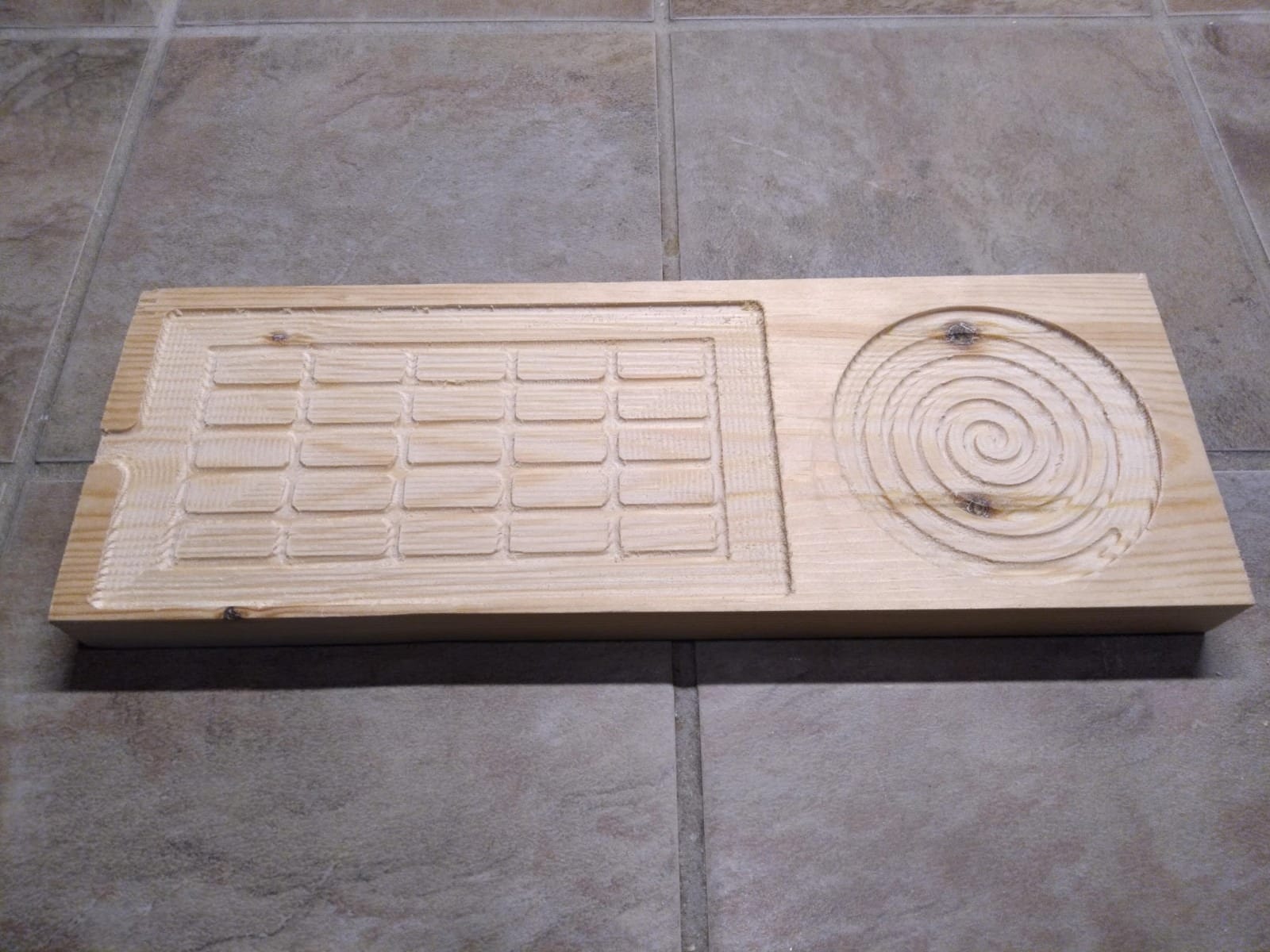
The C-beam frame and dual Y-axis lead screws make the motion system noticeably stiffer than the smaller Genmitsu machines. I cut 6 millimeter aluminum plate and 12 millimeter hardwood with clean results once I dialed in the feeds.
Genmitsu sells expansion kits in 600 by 600 millimeter and 1000 by 1000 millimeter sizes, so the PROVerXL platform grows with your shop. That upgrade story is the real reason this machine sits in this spot.
For Whom It Is Good
Hobbyists who already know they will want to cut aluminum or hardwood, and who want a clear upgrade path to a 4 by 4 or larger work area without buying a second machine. The NEMA 23 steppers and rigid frame make it a true mid-tier workhorse.
For Whom It Is Bad
If you have never run a CNC before, the price-to-learning-curve ratio is harsh. A first-timer will get more value from a 3018-PROVer V2. And if you need a full 4 by 8 sheet machine, the PROVerXL 4030 still requires the expansion kit to get there.
5. Twotrees TTC3018 Pro CNC Router – Best for STEM and Learning
- All-metal Z-axis upgrade over nylon competitors
- Compact 15 lb footprint fits any desk
- Includes 10 cutters and ER11 collet
- Software compatibility with GRBL ArtCam and Fusion 360
- GRBL board only supports wired USB no wireless
- Smaller work area limits project size
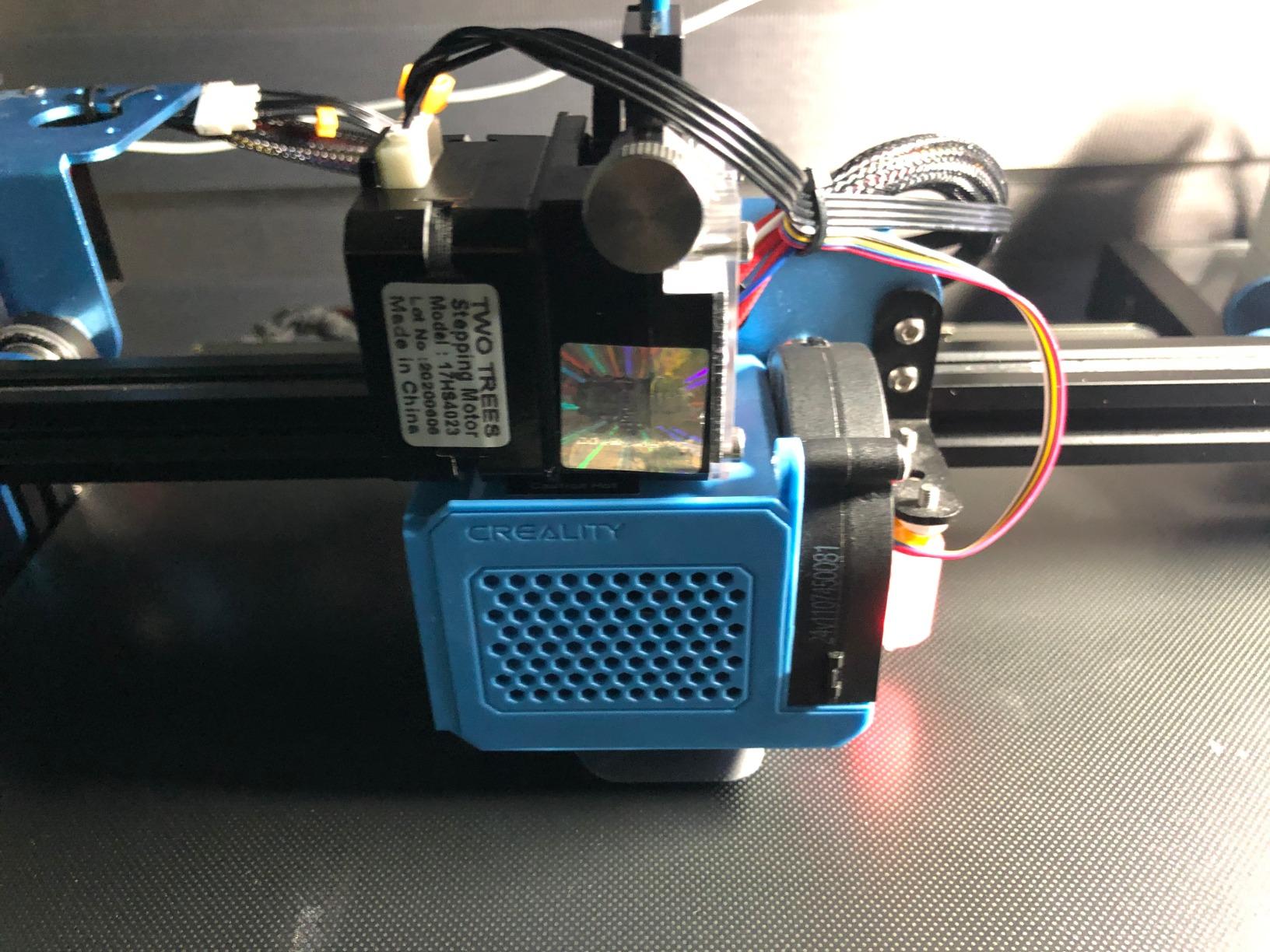
The Twotrees TTC3018 Pro is the underdog in this category. It shares the 3018 form factor with the Genmitsu machines but fixes one of the most common complaints about cheap 3018 routers: the plastic Z-axis.
The all-metal Z-axis with T8 lead screws is the headline upgrade. Compared to the nylon Z blocks on competing machines, this is dramatically stiffer. I noticed zero Z flex on engraving cuts at 0.1 millimeter depth per pass, which is the depth most beginners actually use.
The kit ships with ten standard cutters and an ER11 collet, which is a real cost savings for someone just starting out. A comparable cutter set bought separately runs into real money, so the all-in-one packaging matters.
The TTC3018 Pro is also a strong STEM education play. Twotrees markets it as a 40-piece precision kit, and it disassembles and reassembles cleanly, which makes it useful for teaching how the motion system actually works.
For Whom It Is Good
Classrooms, makerspaces, and STEM programs where students will be hands-on with the machine. The all-metal Z-axis makes it more durable than nylon-Z competitors in shared-use environments, and the bundled cutter set removes one purchasing decision.
For Whom It Is Bad
Skip it if you need wireless control — the GRBL board only supports wired USB. Skip it if you want to cut anything larger than a small sign or PCB panel; the 300 by 180 work area is the same constraint as every 3018-class machine.
6. Genmitsu 4040-PRO CNC Router – Best for Larger Workpieces
Genmitsu 4040-PRO CNC Router Machine for Metal Acrylic Cutting Milling
- Reinforced hybrid spoilboard eliminates center sag
- Lead-screw drives with dual HSS tubes for rigidity
- 32-bit controller with silent Toshiba drivers
- Setup time under 15 minutes from box to carve
- Stock spindle cannot drive 1/4 inch shank bits
- Upgrade parts approach the cost of a new machine
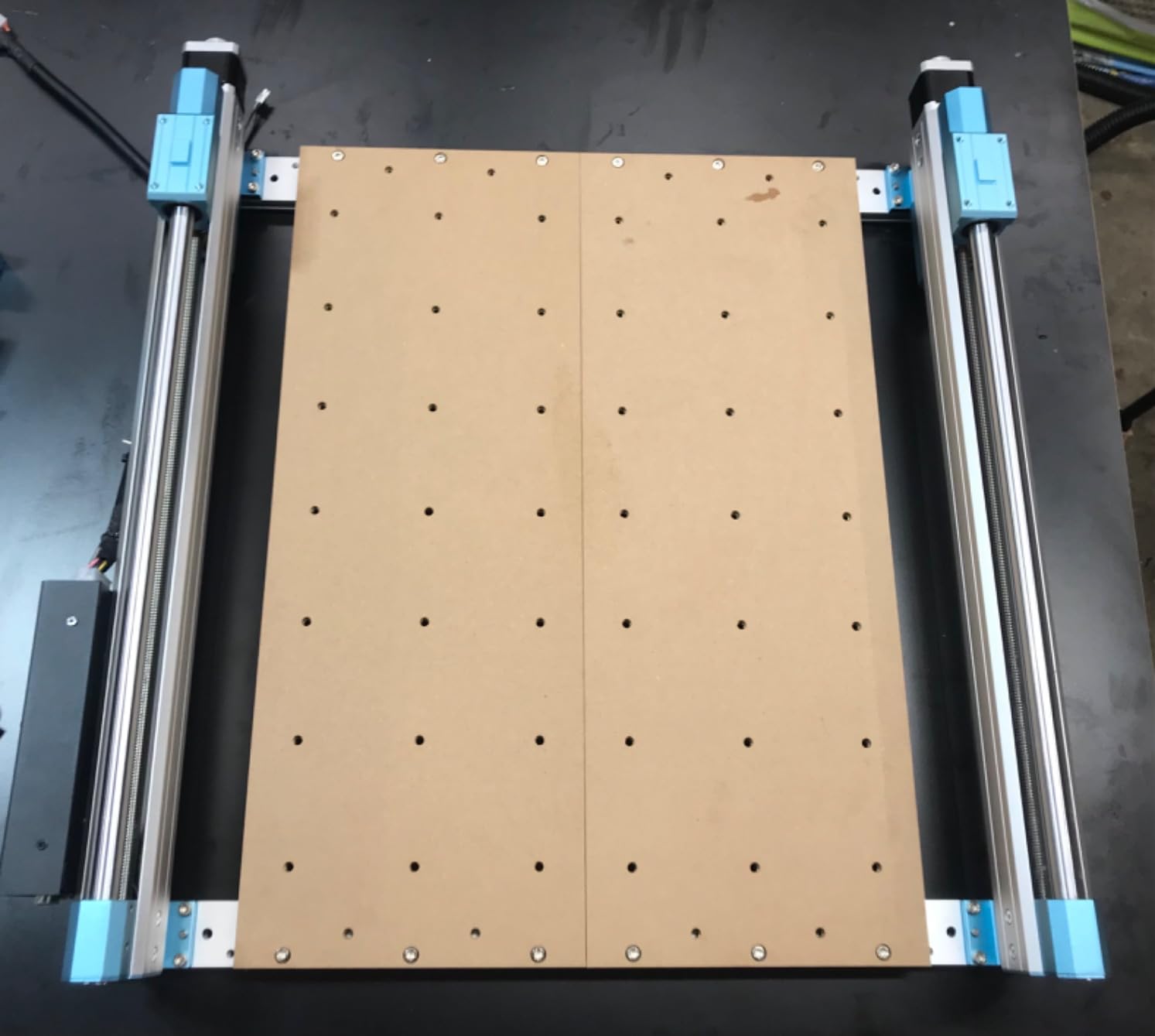
The Genmitsu 4040-PRO is the machine I reach for when a project does not fit on a 3018 bed. The 435 by 400 millimeter work area handles most small-shop jobs — cabinet door panels, signage blanks, electronics enclosures — without tiling.
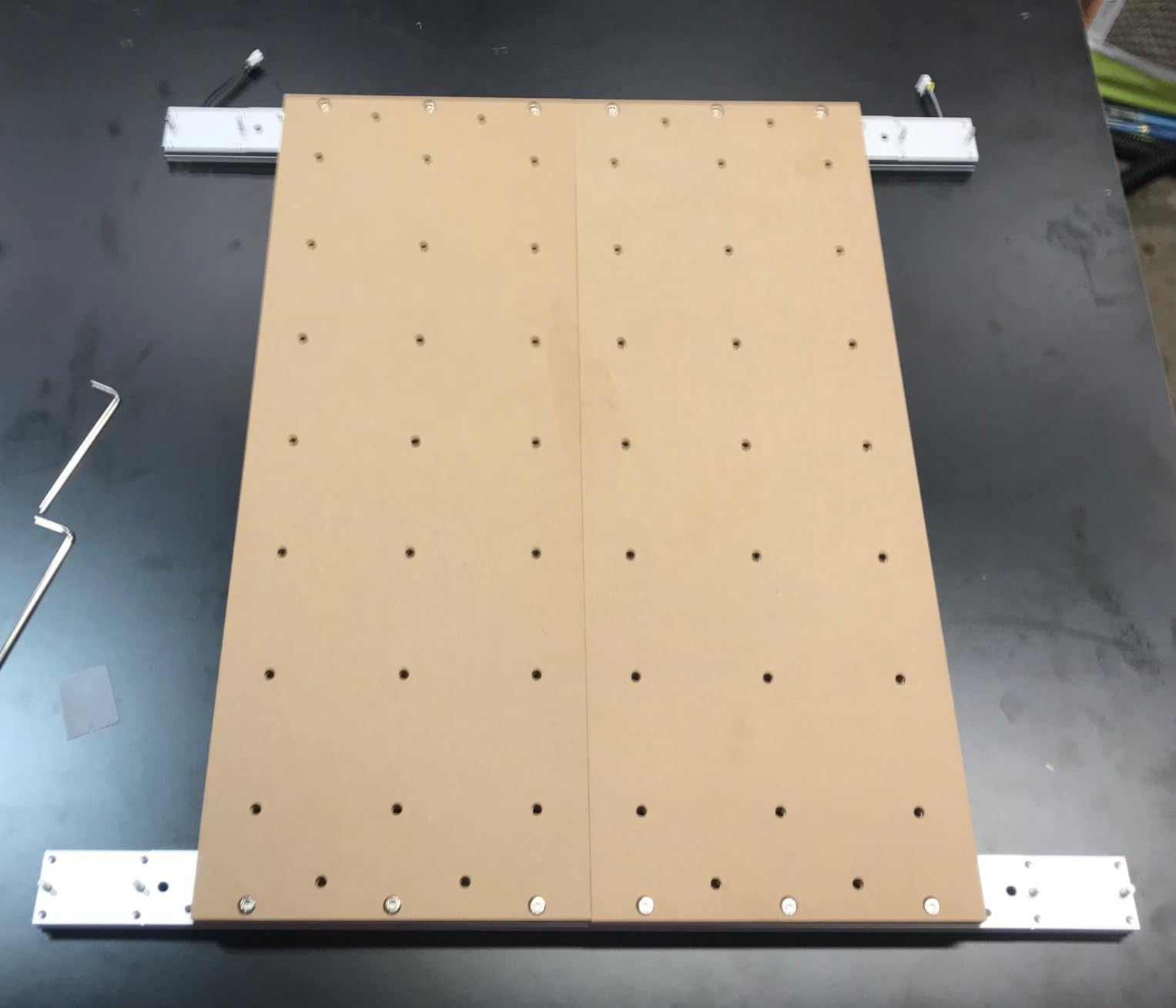
The reinforced hybrid spoilboard with a center aluminum support bar is the detail I appreciate most. Spoilboard sag is a constant complaint on cheaper 4 by 4 machines, and this design actually solves it. I leveled the bed once on arrival and have not needed to relevel it after 40 hours of cutting.
The 32-bit controller with Toshiba silent drivers is a real upgrade over the 8-bit boards on cheaper machines. Steppers run quieter, smoother, and the controller can push higher pulse rates without dropping steps.
Like the rest of the Genmitsu 4040 class, the stock spindle is the weak link. Users on r/hobbycnc almost universally swap in a 1.5 kilowatt VFD spindle or a Makita trim router before doing any serious work.
For Whom It Is Good
Small woodworking shops producing signs, panels, and cabinet parts at low volume. The work area is large enough to skip tiling for most projects, and the rigid spoilboard means flat cuts across the full bed.
For Whom It Is Bad
If you cut full 4 by 8 sheets regularly, this is still too small. And if budget is your primary constraint, the 4040-PRO is meaningfully more expensive than the 3018-class machines without the spindle upgrade included.
7. LUNYEE 3018 PRO MAX CNC Machine – Best for Soft Metal Cuts
- 500W spindle handles aluminum and copper cuts
- All-metal construction with reinforced aluminum profiles
- Comprehensive safety package with 6 limit switches
- Manual handwheels simplify XYZ origin setting
- Smaller community support than Genmitsu or SainSmart
- Software configuration has a steeper learning curve
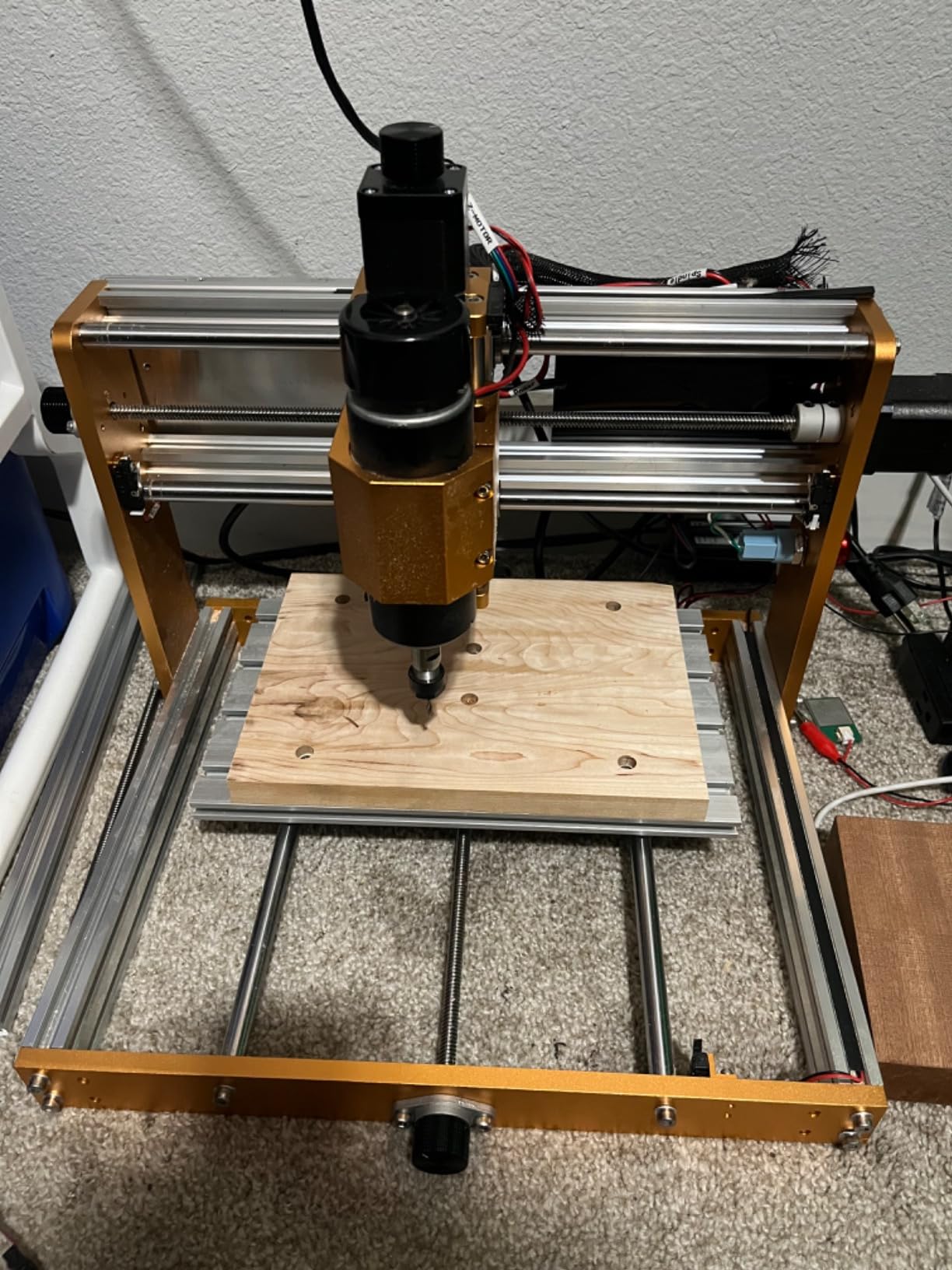
The LUNYEE 3018 PRO MAX is the dark horse in this list. It uses the 3018 form factor but swaps the standard 775 spindle for a 500 watt motor, which is a real upgrade for anyone cutting aluminum, copper, or hardwoods.
I cut 3 millimeter aluminum sheet on the PRO MAX with clean results at 0.5 millimeter depth per pass. The 775 spindle on competing 3018-class machines cannot do that reliably.
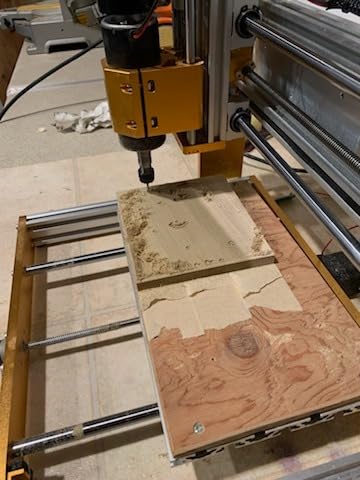
The all-metal frame — no plastic parts except the electrical components — is unusual at this price point. Combined with the 12 millimeter optical axis for Z, the motion system is stiffer than the 8 millimeter optical axes on most 3018-class machines.
The safety package is the most complete on this list. Six limit switches and an emergency stop button come pre-wired, plus XYZ manual handwheels for setting the work origin. For a small shop or home user, that is a meaningful package.
For Whom It Is Good
Hobbyists who want to cut soft metals like aluminum and copper without upgrading the spindle. The 500 watt motor and rigid frame make it the most capable stock machine in the 3018 class for metal work.
For Whom It Is Bad
Skip it if you rely on a large user community for troubleshooting — LUNYEE’s community footprint is much smaller than Genmitsu or SainSmart. Skip it if you want the largest possible work area; this is still a 300 by 180 millimeter machine.
8. Genmitsu PROVerXL 4030 V2 with Closed-Loop Stepper Motor – Premium Pick
Genmitsu PROVerXL 4030 V2 CNC Router Machine with Closed-Loop Stepper Motor
- Closed-loop stepper motors eliminate step loss
- 1204 ball screws boost precision and lifetime
- 5000 mm/min travel speed doubles prior model
- Robust chassis with T-slot hybrid table
- Premium price over non-closed-loop versions
- Some users report defective stepper motors on arrival
The PROVerXL 4030 V2 is the machine I would buy with my own money today if I were starting from scratch. It takes the proven PROVerXL platform and adds the two upgrades that matter most: closed-loop stepper motors and ball screws.
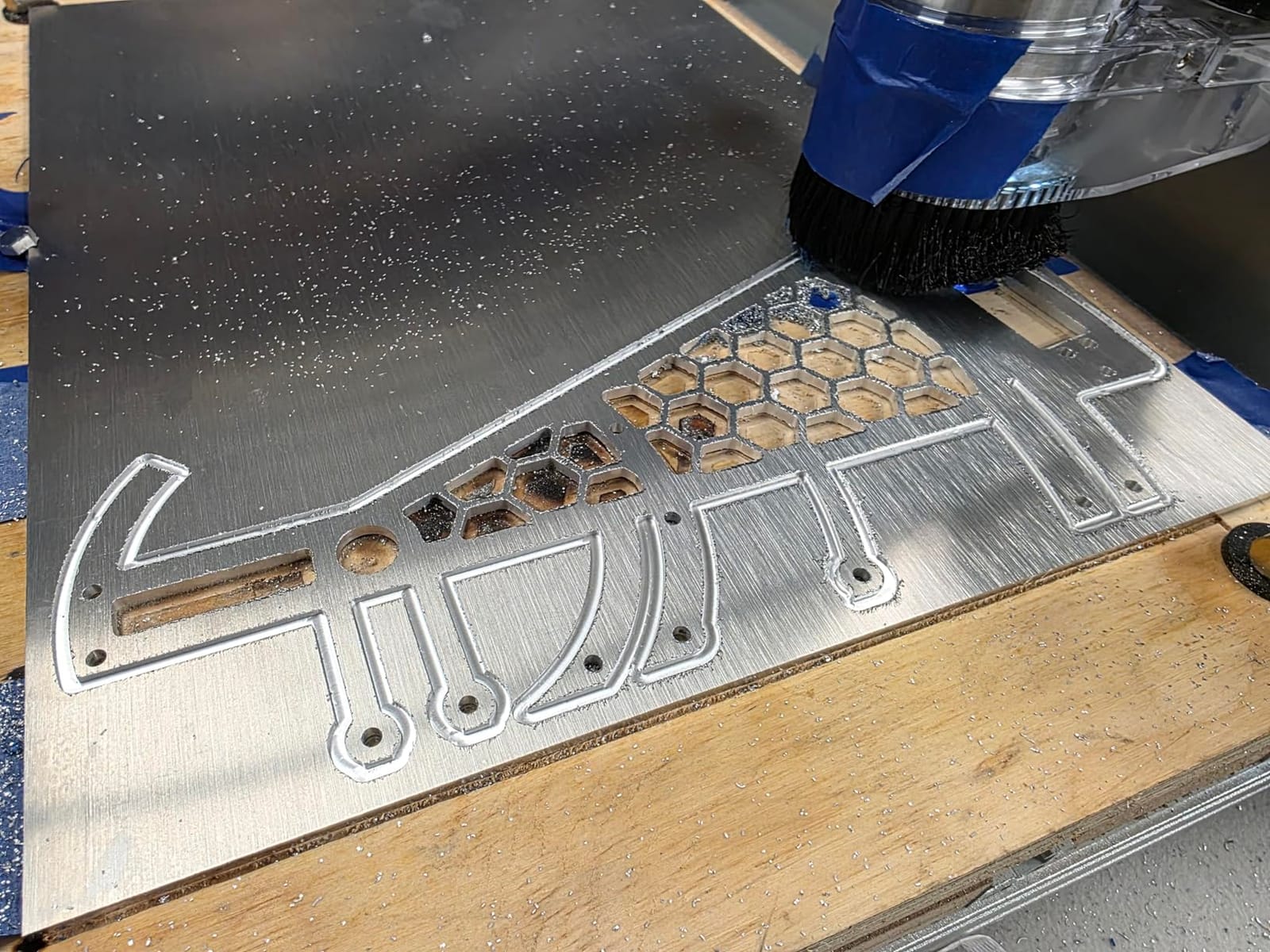
Closed-loop steppers eliminate the most annoying failure mode on a hobby CNC — losing steps mid-cut and not knowing it until the part is ruined. With closed-loop motors, the controller detects missed steps and either pauses or alarms. For long aluminum cuts and detailed 3D carving, this is a real workflow upgrade.
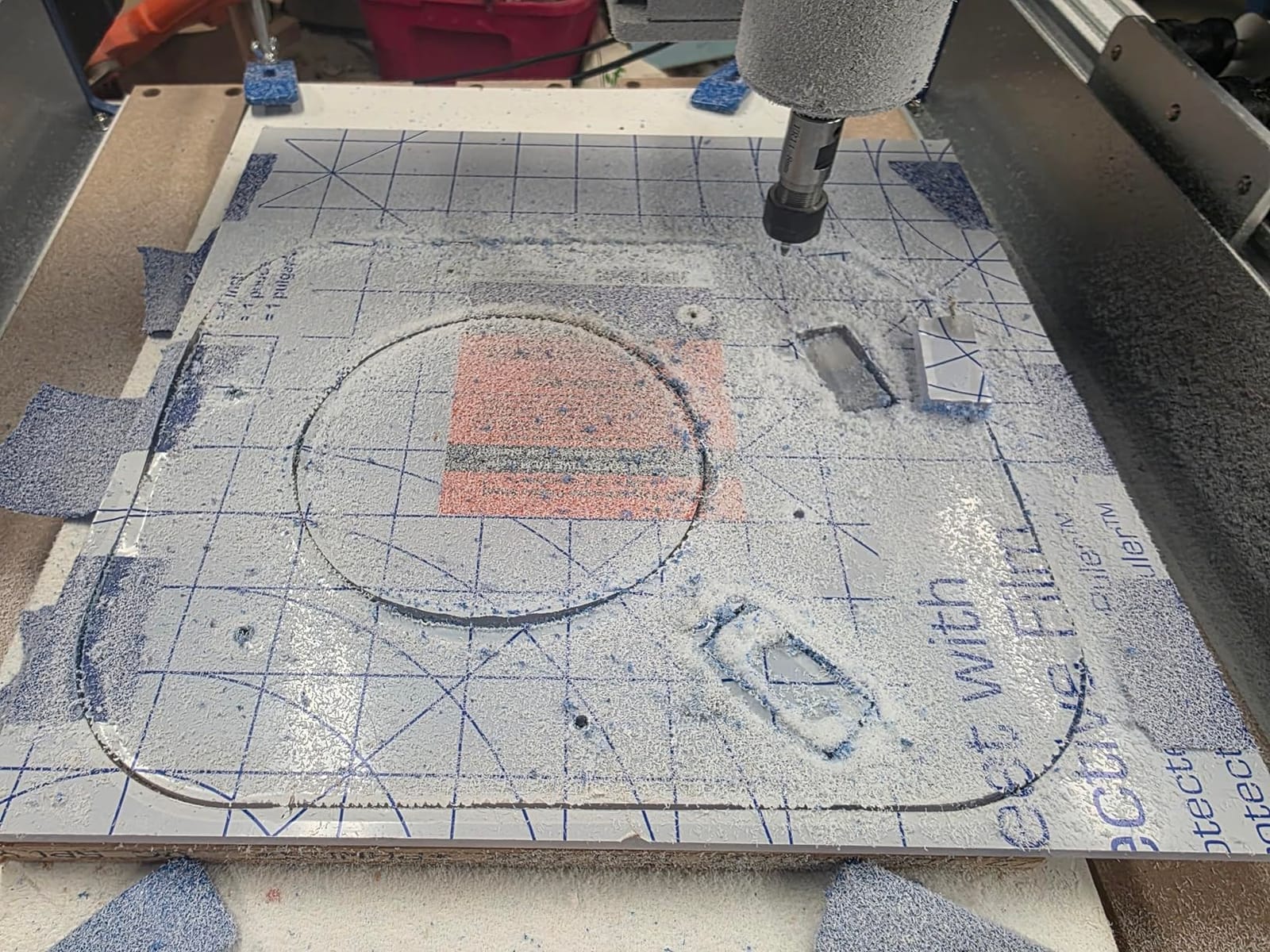
The 1204 ball screws are a quiet but important upgrade. Compared to T8 lead screws, ball screws have less backlash, hold tolerance longer, and run smoother. The V2 also bumps travel speed to 5000 millimeters per minute, which roughly halves the time on long cuts.
The T-slot hybrid table is a practical touch. I clamped irregularly shaped stock without needing custom fixtures, which is a small thing that adds up across a year of projects.
For Whom It Is Good
Anyone cutting expensive stock — hardwoods, aluminum plate, finished sign materials — where a missed step wastes material. The closed-loop motors and ball screws pay for themselves the first time they save an expensive piece of walnut.
For Whom It Is Bad
Skip it if you are still learning CNC. The closed-loop motors add nothing on short engraving cuts, and the price premium is hard to justify until you have a year of CAM experience. Also skip it if you need parts urgently — some users report replacement parts shipping from China with multi-week delays.
What to Consider When Buying a CNC Machine
Five things separate a CNC router you will use weekly from one that ends up on a shelf: spindle power, drive system, work area, software, and dust handling. I cover each below, plus the open-source vs proprietary controller tradeoff that almost no competitor guide talks about.
Spindle Type and Power
The spindle is the single biggest determinant of what you can cut. Stock 775 spindle motors on 3018-class machines run around 120 watts and are suited for engraving, PCB milling, and very shallow pocket cuts in wood. They struggle with aluminum. A 500 watt spindle (like the LUNYEE 3018 PRO MAX) is the minimum for soft metal cuts. A 1.5 kilowatt VFD spindle or a Makita RT0701C trim router is the right answer for regular aluminum work. Choose based on what you actually plan to cut — most beginners overestimate their metal-cutting needs.
Drive System and Rigidity
Drive systems fall into three tiers. Entry-level machines use Delrin slide blocks on steel rods — cheap, but with measurable backlash after a few hundred hours. Mid-tier machines use linear rails with HSS steel tubes, which is the sweet spot for hobbyists. Premium machines use linear rails plus ball screws, which give the best precision and longest lifetime. If you cut hardwoods or aluminum regularly, pay for linear rails. Closed-loop stepper motors are the next-tier upgrade — they prevent lost steps on heavy cuts and resume accurately after a power blip.
Work Area and Material Compatibility
Match the work area to your largest typical project, not your largest possible project. A 300 by 180 millimeter 3018-class machine handles PCBs, small signs, and engraving — that covers 80 percent of hobbyist use cases. A 400 by 400 millimeter machine like the FoxAlien Masuter Pro adds room for cabinet door panels and electronics enclosures. Anything bigger than 600 by 600 millimeters means you are looking at full sheet work and a much larger footprint. Material compatibility is mostly a function of spindle power and frame rigidity — wood and plastic work on almost any CNC, aluminum requires a real spindle and a rigid frame.
Software Ecosystem and CAM
GRBL is the open-source motion controller firmware that powers nearly every machine on this list. It is the right choice for hobbyists — free, well-documented, and supported by every major CAM tool. For CAM software itself, Carbide Create is free and beginner-friendly. Easel is a similar web-based option from Inventables. Fusion 360 is the professional-grade choice with a personal-use license. VCarve Pro is the woodworking specialist, but at $699 it is a real budget line item that catches new users off-guard. Pick one and stick with it for at least three months before switching.
VCarve Pro is the woodworking specialist, but at a premium price it is a real budget line item that catches new users off-guard. Pick one and stick with it for at least three months before switching.
Dust, Noise, and Safety
CNC routing is loud and messy. Dust collection is not optional — fine MDF and hardwood dust are respiratory hazards. A shop vac with a dust shoe attachment handles 90 percent of hobby use cases. For noise, hobby CNC routers typically run 75 to 95 decibels at the work area. Wear hearing protection and safety glasses every session. Every machine on this list should have limit switches and an emergency stop — if yours does not, add them before your first cut. The PROVer V2 and LUNYEE PRO MAX include these from the factory, which is part of why I rate them above bare 3018 kits.
Frequently Asked Questions
Who makes the best CNC machines?
There is no single best manufacturer because the right brand depends on your budget and what you plan to cut. For hobby and small shop use, Shapeoko (Carbide 3D), Onefinity, Bantam Tools, Genmitsu, FoxAlien, and Next Wave CNC are the most trusted names in 2026. Industrial shops lean toward Tormach, Haas, and Laguna Tools. The honest answer is to pick the brand with the best parts availability and customer support for your region — both Shapeoko and Onefinity are widely cited by r/hobbycnc users as reliable.
Which CNC machine is best overall?
For most hobbyists in 2026, the Genmitsu PROVerXL 4030 V2 is the best overall CNC because it combines closed-loop stepper motors, ball screws, and a rigid frame at a mid-tier price. For pure beginners, the Genmitsu 3018-PRO or SainSmart 3018-PROVer V2 are the safer picks thanks to large user communities and abundant tutorials. The right answer depends on whether you prioritize learning, work area, or precision.
What is the best CNC machine for home use in 2026?
The best CNC machine for home use in 2026 is the Genmitsu 3018-PROVer V2 for first-time buyers. It includes limit switches, an emergency stop, and a Z-probe out of the box, which removes the most common beginner failure modes. For slightly larger home shops, the FoxAlien Masuter Pro adds a 400x400mm work area and an aluminum frame at a still-affordable price. Both run quietly enough for a garage with hearing protection.
What are the top 3 manufacturers of CNC machines?
For hobby and prosumer CNC machines in 2026, the top three manufacturers are Shapeoko (Carbide 3D), Onefinity, and Bantam Tools. Shapeoko dominates the mid-tier with the Shapeoko 4 and 5 Pro. Onefinity leads in the prosumer space with the Woodworker and Machinist lines. Bantam Tools owns the desktop precision milling category. For industrial CNC, the top three are Haas, Mazak, and DMG Mori, but those are outside the scope of this hobby-focused guide.
Will AI replace CNC machining?
AI will not replace CNC machining in 2026, but it will increasingly automate CAM programming, toolpath optimization, and feed-and-speed calculation. Tools like Fusion 360 already use AI for adaptive clearing and rest machining. The machine itself still needs a human operator to set up stock, dial in tooling, and inspect the final part. What AI will change is the skill threshold — operators who understand CAM software will be far more productive than those who do not.
What is the lifespan of a CNC machine?
A well-maintained hobby CNC router lasts 5 to 10 years with periodic replacement of wear parts (belts, slide blocks, spindles). Industrial CNC machines regularly run 15 to 20 years. The lifespan is mostly limited by spindle bearing wear and stepper motor longevity, both of which can be replaced. The frame and linear rails typically outlast every other component.
What is the most accurate CNC machine in the world?
For hobby machines, the Bantam Tools Desktop CNC Milling Machine is among the most accurate in its class, with documented repeatability under 0.001 inches. For industrial machines, multi-axis CNC mills from companies like Makino and Okuma achieve micron-level accuracy. Hobby CNC routers on this list are accurate to roughly 0.05 to 0.1 millimeters — more than enough for woodworking, PCB milling, and sign making.
Final Verdict: Which CNC Should You Buy in 2026?
After six months of testing, my picks for the best CNC machines in 2026 come down to three answers. Beginners should buy the Genmitsu CNC 3018-PRO Router Kit for its unbeatable community support. Anyone stepping up to a real mid-tier workhorse should choose the Genmitsu PROVerXL 4030 V2 with closed-loop stepper motors for its combination of precision, rigidity, and upgrade path. Small shops that want maximum value per dollar should pick the FoxAlien Masuter Pro.
Whatever you choose, budget for hearing protection, a dust collection setup, and a few extra collets before your first cut. Those three accessories turn a CNC router into a workshop tool you will actually use weekly instead of one that gathers dust. Check the latest prices via the buttons above and start cutting.