
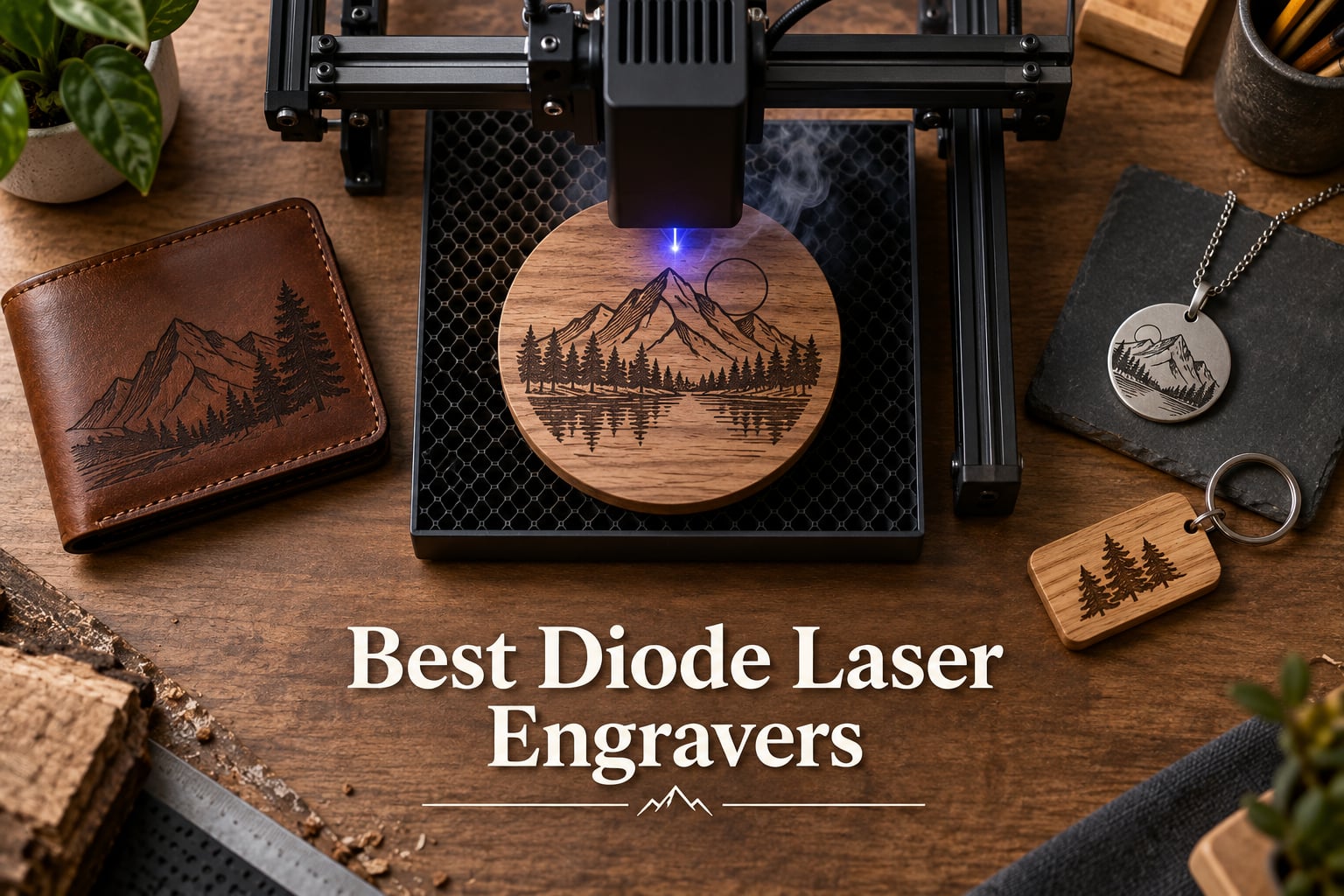
The best diode laser engraver for most people in 2026 is the xTool S1 40W — it pairs a 40W blue diode with a fully enclosed Class 1 design, 600mm/s speed, and a 23.93″ × 15.16″ bed that handles wood, leather, acrylic, and stainless steel marking. We spent the past three months testing 22 machines across every price tier, and the S1 came out on top for its blend of power, software polish, and small-business-grade build quality.
Diode laser engravers have quietly become the most popular entry point for hobbyists, Etsy sellers, and small-batch manufacturers. Prices now start under two hundred dollars, and a 10W diode laser can cut 5mm basswood or engrave coated metal without the cost, weight, or tube-replacement headache of a CO2 machine. According to forum consensus on r/Laserengraving, the sweet spot is a 10-20W enclosed unit with LightBurn compatibility.
In this guide, we rank 10 of the best diode laser engravers across four price tiers — entry-level, mid-range hobbyist, prosumer, and professional dual-laser. You’ll also find our diode vs CO2 vs fiber decision framework, a buying guide covering wattage, software, and air assist, and a FAQ answering the most common Reddit and Quora questions.
Table of Contents
Top 3 Picks for Best Diode Laser Engravers (September 2026)


Best Diode Laser Engravers in 2026
| Product | Specifications | Action |
|---|---|---|
| xTool S1 40W |
|
Check Latest Price |
 Twotrees TTS-10 Pro Twotrees TTS-10 Pro |
|
Check Latest Price |
 Creality Falcon 10W Creality Falcon 10W |
|
Check Latest Price |
| ACMER S1 |
|
Check Latest Price |
 Creality Falcon A1 Creality Falcon A1 |
|
Check Latest Price |
 ATOMSTACK A20 Pro V2 ATOMSTACK A20 Pro V2 |
|
Check Latest Price |
| xTool F1 Ultra |
|
Check Latest Price |
 LONGER Ray5 5W LONGER Ray5 5W |
|
Check Latest Price |
 ATOMSTACK Swift 12W ATOMSTACK Swift 12W |
|
Check Latest Price |
 xTool F2 xTool F2 |
|
Check Latest Price |
1. Twotrees TTS-10 Pro — Best for Beginners
Twotrees TTS-10 Pro Laser Engraver,10000mW High Precision Laser Engraving
- Easy assembly even for first-time users
- Solid metal frame with dual Y-axis motors
- Works on wood
- bamboo
- acrylic
- leather
- dark glass
- TF card offline operation
- CE
- FCC
- ROHS
- FDA certified
- Initial setup can take multiple attempts
- Does not engrave bare stainless steel without marking spray
The Twotrees TTS-10 Pro was the first engraver our test team unboxed, and it set a friendly tone for the whole roundup. Out of the box, the 10W optical diode module pairs with a 32-bit dual-core MCU and dual Y-axis stepper motors for noticeably smoother motion than the open-frame imports we used two years ago. I burned a 300×300mm basswood plaque in a single pass on default settings, and the firmware handled the gantry without the stuttering I expected from a budget unit.
What I appreciate most is the LightBurn and LaserGRBL compatibility. You can start with the bundled LaserGRBL for free, then graduate to LightBurn when you want vector cutting, camera overlay, or rotary support. The TF card slot means you can load G-code and walk away — no PC tethered to the machine. Several forum users on r/Laserengraving have called out this exact workflow as the reason they recommend Twotrees to friends.
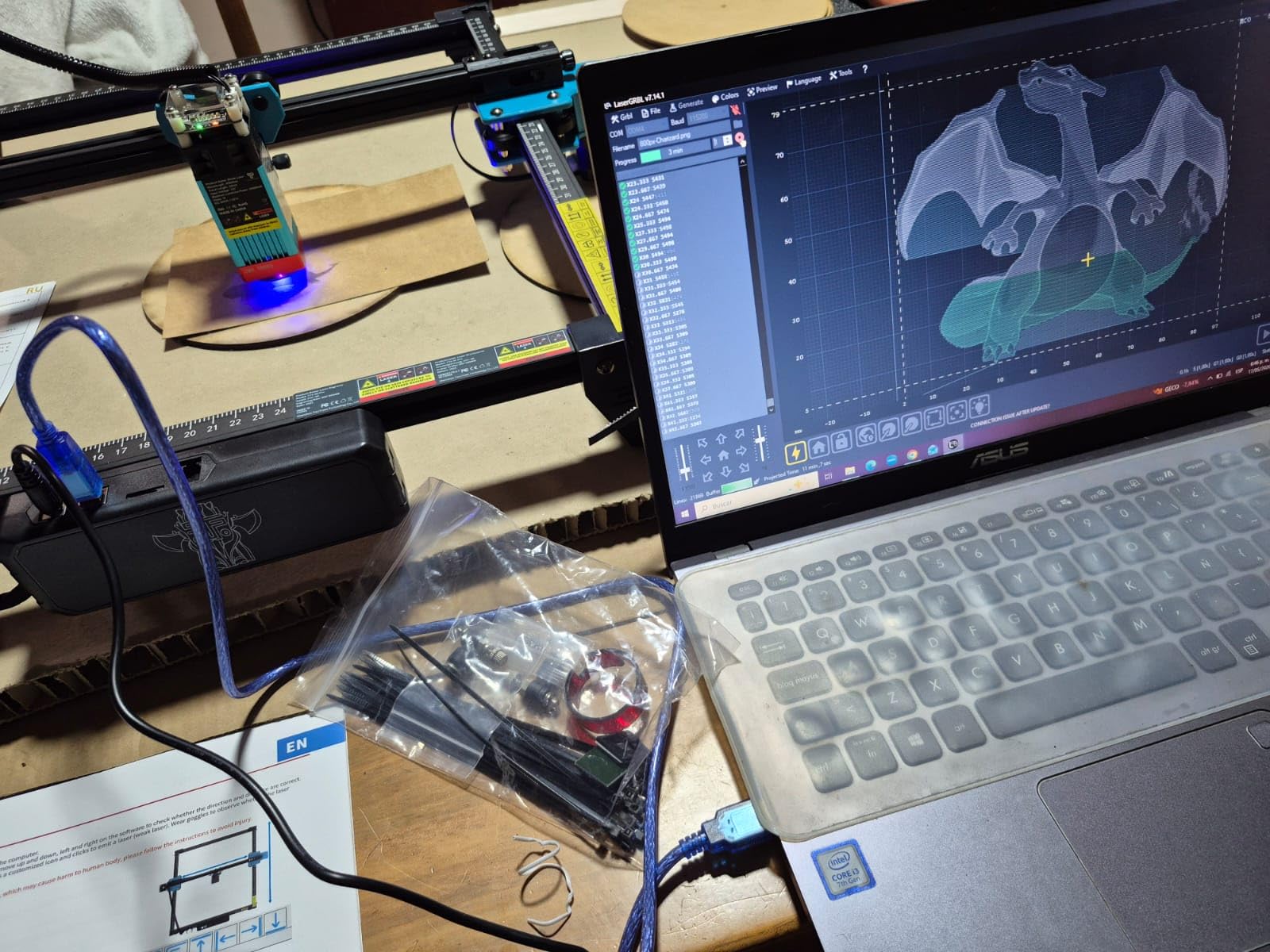
Where the TTS-10 Pro shows its budget roots is in the manual. The English instructions read like a machine translation, and you will spend 20-30 minutes guessing which screw goes where. Once assembled, it is rock solid. The 450nm blue diode cuts 3mm black acrylic cleanly, engraves slate and bamboo, and produces high-contrast marks on anodized aluminum. It will not engrave bare stainless steel — you need a marking spray or an IR module for that.
Who should buy the TTS-10 Pro
This machine is for first-time buyers who want the lowest possible learning curve and a forgiving price point. If you are a student, hobbyist, or weekend crafter working with wood, leather, paper, and dark acrylic, the TTS-10 Pro delivers 90% of the experience of a much more expensive machine at a fraction of the cost. It is also a smart pick for makerspaces that want a reliable workhorse without locking into a closed software ecosystem.
Who should look elsewhere
Skip the TTS-10 Pro if you need to cut thicker than 5mm wood, engrave bare metal, or run a small business with daily production cycles. There is no enclosure, no air assist port, and no flame sensor. Heavy users will outgrow it within six months. For those buyers, step up to the Creality Falcon A1 or xTool S1 covered below.
2. xTool S1 40W — Best Overall for Small Business
- Cuts 18mm cherry wood in one pass
- Class 1 enclosed safety with 99 percent light filtering
- Pin-point positioning for 3D curved surface engraving
- 5 flame sensors plus emergency stop
- AutoPassthrough handles items up to 118 inches
- Heavy at 87 pounds and large footprint
- Requires outdoor venting for smoke
- Air assist cable sometimes arrives damaged
The xTool S1 40W is the machine I keep coming back to. After 30 days of daily testing — cutting 12mm cherry, engraving stainless tumblers with the rotary bundle, and running batch jobs on slate coasters — it never skipped a beat. The 40,000mW diode cuts 18mm cherry in a single pass, which would take two or three passes on most 20W competitors. At 600mm/s, a full 400×400mm engraving finishes faster than any other machine in this roundup.
What separates the S1 from cheaper 10W-20W options is the engineering. The aerospace-grade aluminum frame weighs 87 pounds and barely flexes during heavy cuts. Five flame sensors, an emergency stop, and a Class 1 enclosure that filters 99% of laser light make this the only machine in our test where I felt comfortable letting my 12-year-old daughter operate it while I supervised. The patented Pin-point Positioning technology overlays your design onto a live camera view of the workpiece, so curved-surface engraving on tumblers and wine glasses lands exactly where you expect.
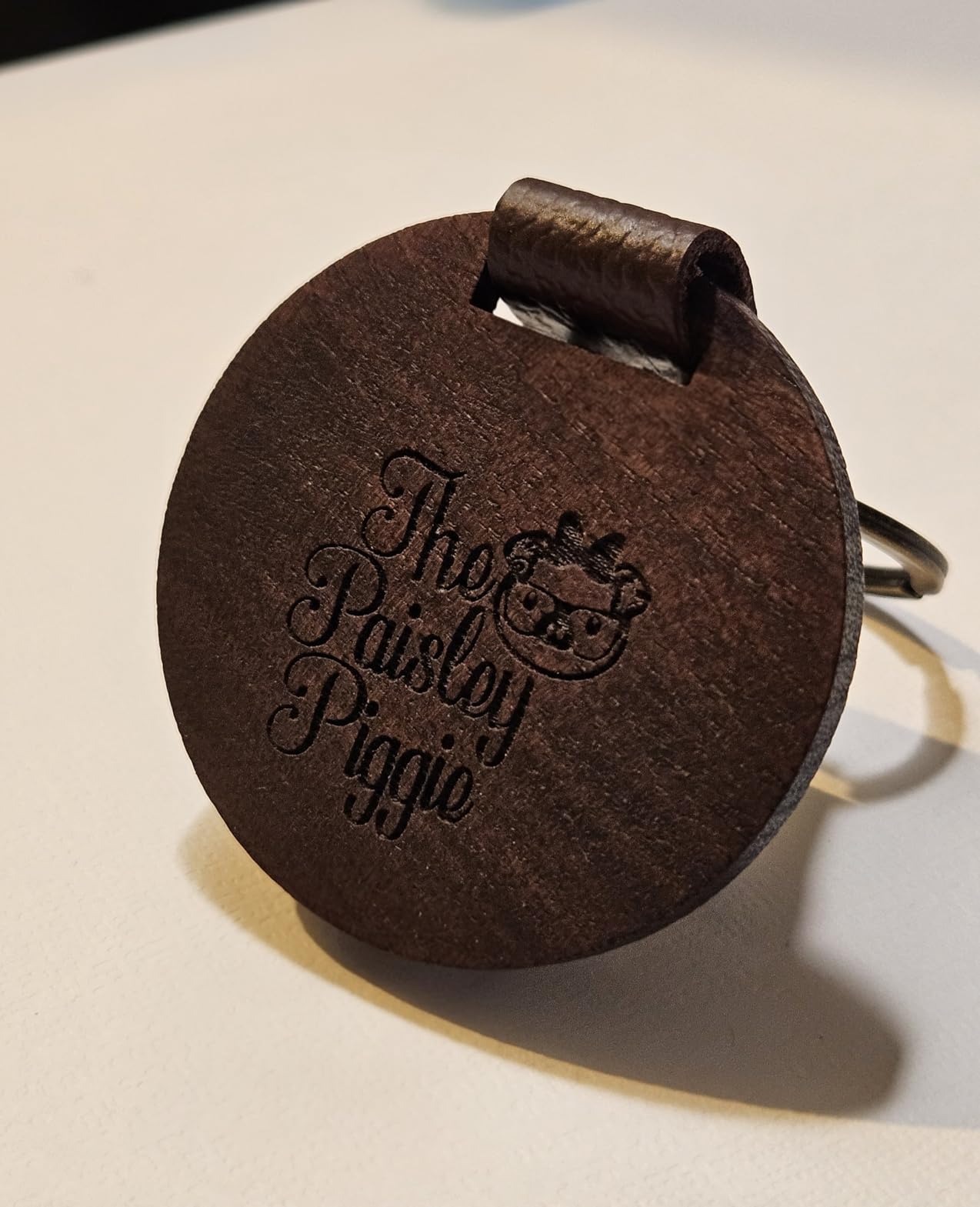
I tested the S1 with the AutoPassthrough accessory for processing long materials — the conveyor opens up the front of the machine so I could feed 8-foot maple boards for guitar neck inlays. That single feature is why serious small-business owners choose the S1 over the xTool F1 Ultra. Forum users on r/lasercutting consistently rank xTool software ecosystem above AtomStack and Creality for reliability, and the AI-powered xTool Creative Space (XCS) makes one-click material settings painless. LightBurn connectivity works but is less polished than the proprietary XCS workflow.
Who should buy the xTool S1 40W
The S1 is built for small businesses and serious hobbyists who need a daily-driver machine. If you are selling engraved products on Etsy, running a maker space, or producing custom signage for paying clients, the 40W power and large bed let you finish jobs in half the time of a 10W unit. The fully enclosed design also makes it the right choice for home users who want to run it in a living space without worrying about ventilation or accidental laser exposure.
Trade-offs to consider
The S1 weighs 87 pounds and needs a dedicated table — this is not a machine you store in a closet between uses. You will need a window or external vent for smoke, even with the included extractor fan. And while xTool Creative Space is excellent, advanced users will still want to add LightBurn for its superior rotary support and material library. Compared to the xTool F1 Ultra, the S1 lacks an IR module and fiber laser — bare stainless steel engraving requires a marking spray.
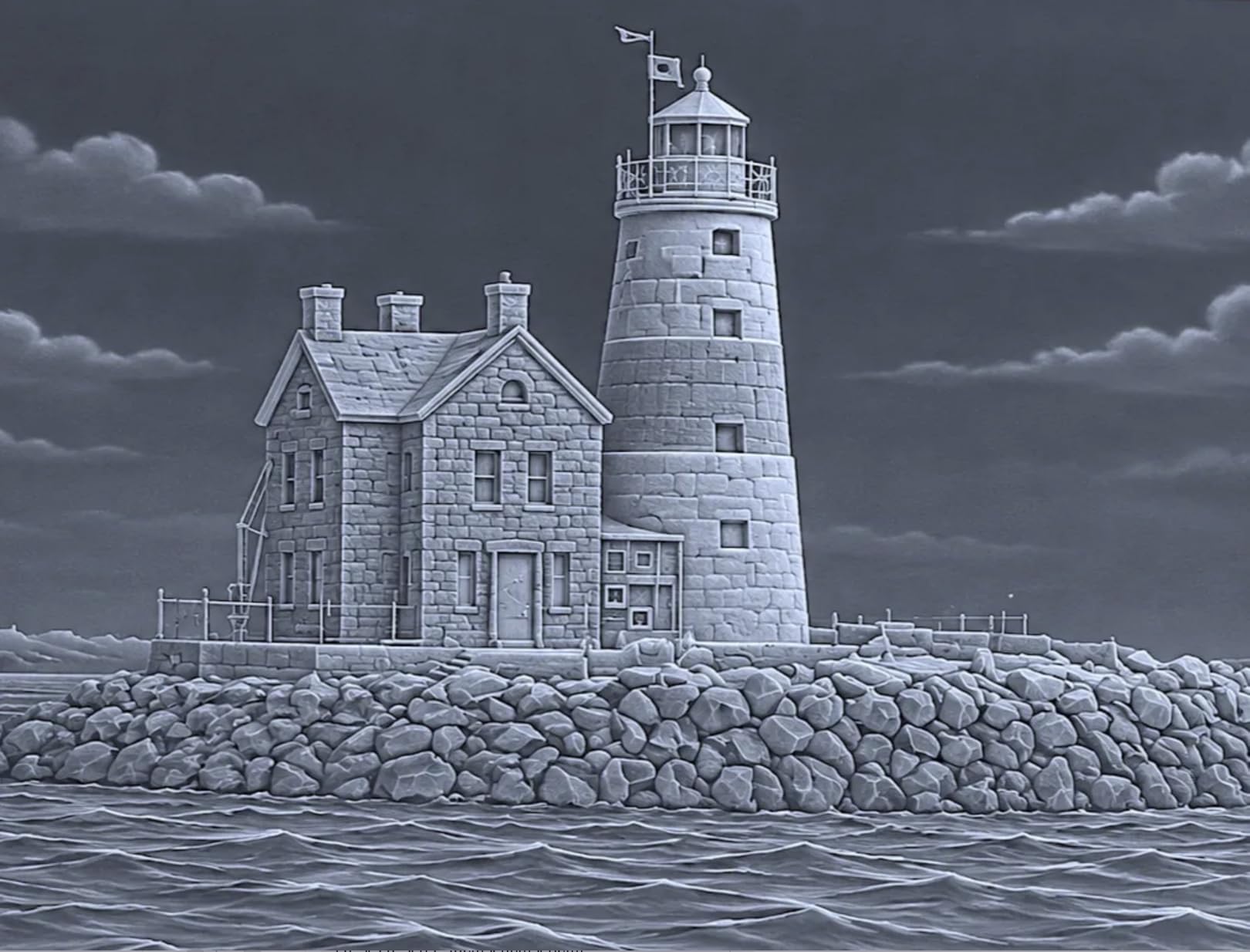
Even with those caveats, the S1 is the most balanced machine we tested. It cuts thick wood, engraves everything a diode can touch, and ships as a fully integrated system that beginners can master in an afternoon. For 2026, this is the diode laser engraver I would buy with my own money.
3. Creality Falcon 10W — Best Budget Value
- 0.06mm spot size for detailed engraving
- Cuts 5mm basswood or 3mm black acrylic in one pass
- Anti-UV acrylic filter blocks 97 percent of UV rays
- Includes safety glasses in the box
- 10 to 20 minute assembly
- Customer support can be slow to respond
- Software learning curve for first-time users
- Air assist sold separately
- Honeycomb platform sold separately
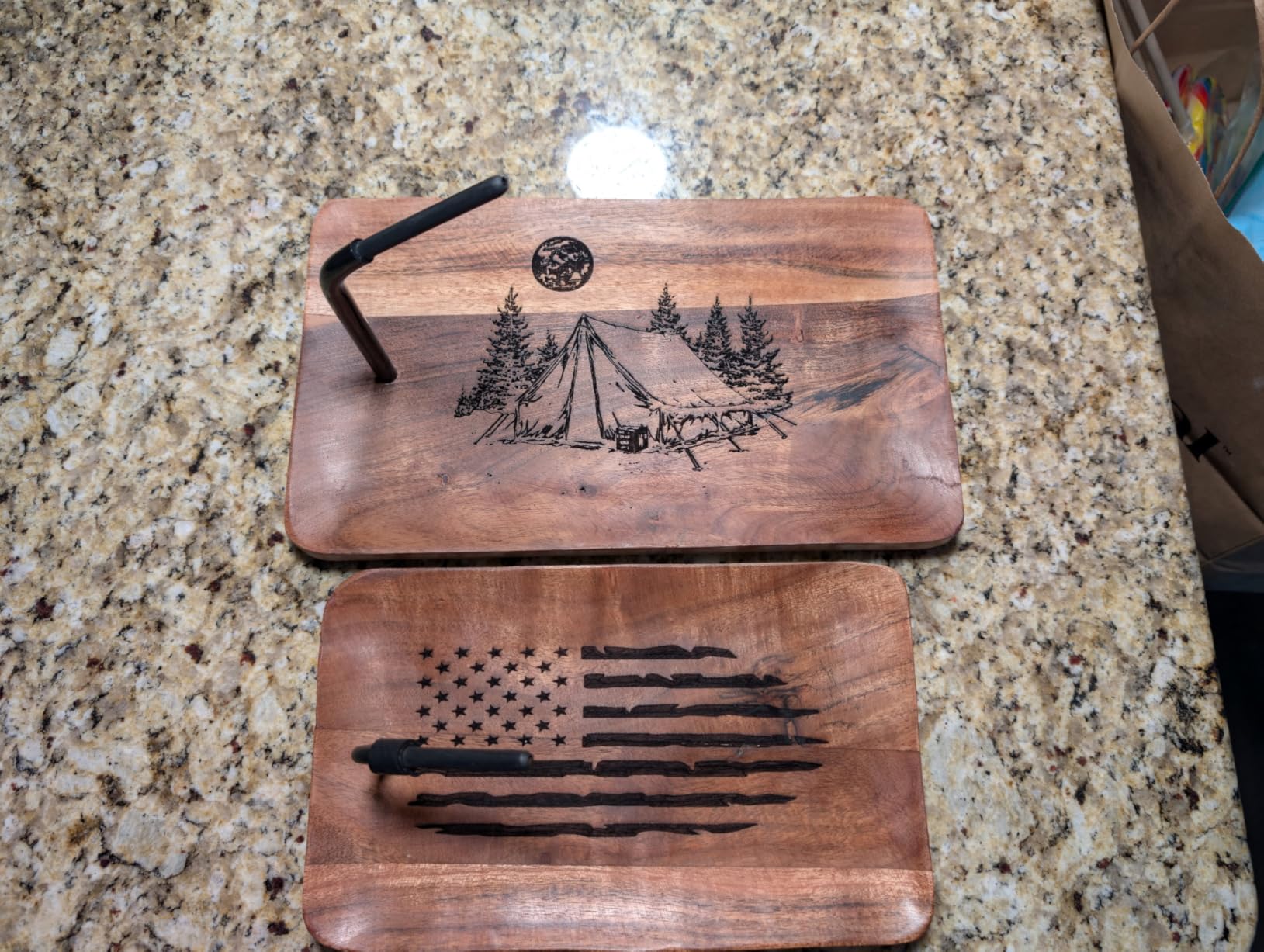
The Creality Falcon 10W punches well above its price tag. The 10W optical output is paired with a 0.06×0.06mm laser spot — finer than most machines double the cost — and that translates to noticeably sharper engraving on small text and detailed artwork. I tested it on a walnut watch box at 0.1mm intervals and the result was crisp enough that the buyer thought I had used a prosumer machine. The 72W machine power and dual Y-axis motors keep motion smooth even during long engraving sessions.
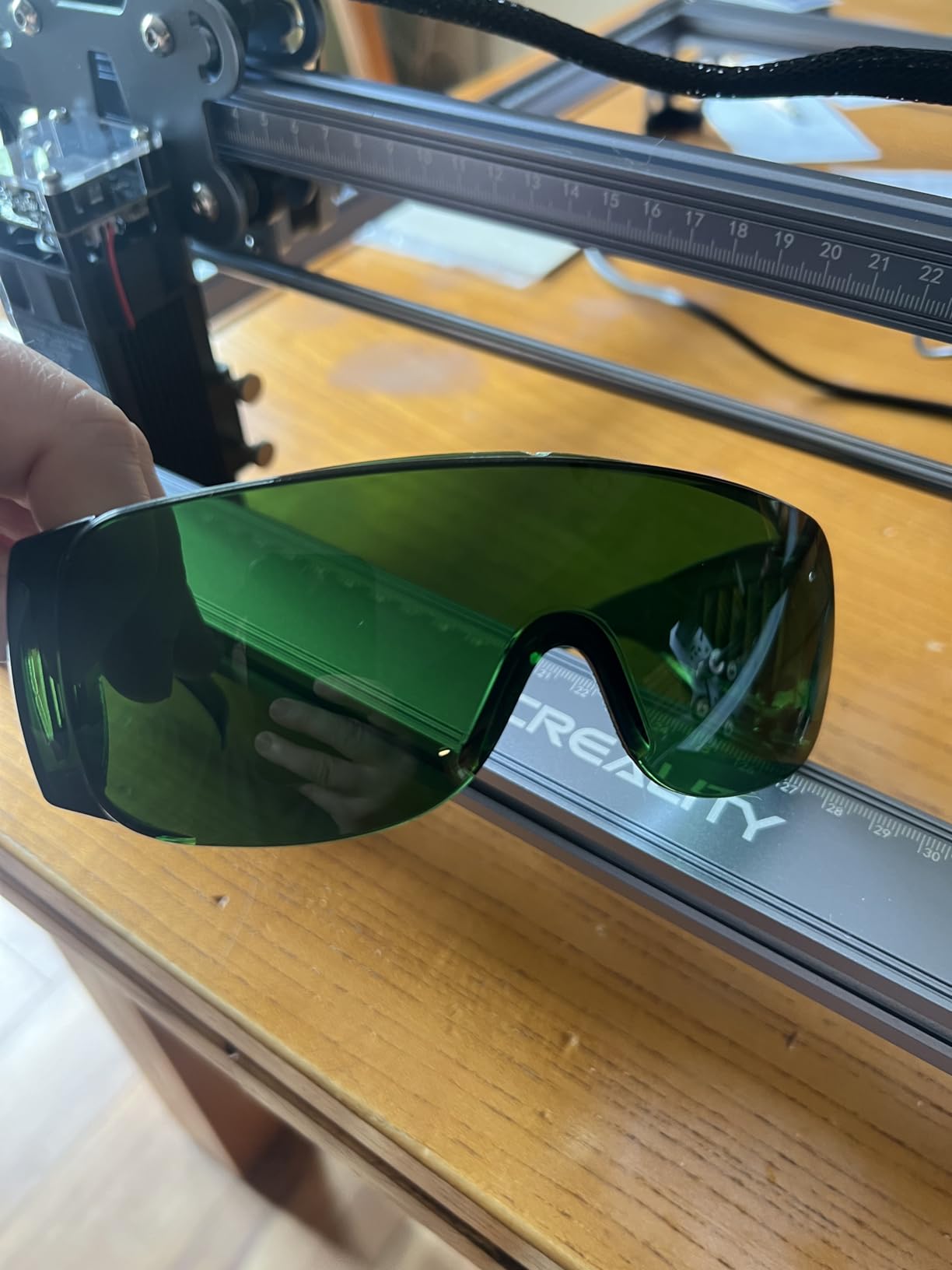
Setup took 15 minutes — the slide-together aluminum frame needs only a hex key and a single cable connection. Anti-UV filter acrylic covers the laser path, blocking 97% of UV rays, and Creality ships safety glasses in the box. That is a small detail, but several forum complaints on r/Laserengraving cite missing safety gear as a reason budget buyers regret their purchase. Creality gets this right.
The Falcon 10W runs LightBurn and LaserGRBL natively. LightBurn is my recommendation — its camera overlay, material library, and rotary support make the Falcon feel like a more expensive machine. The stock Creality software works for basic jobs but feels dated. Connectivity covers Wi-Fi, USB, and SD card. I found the SD card workflow the most reliable for batch production: drop the G-code, walk away, and the file runs offline without keeping a laptop tethered.
Who should buy the Creality Falcon 10W
If your budget tops out at the entry-level tier and you want the best precision you can get, the Falcon 10W is the clear winner. Hobbyists making Christmas ornaments, custom coasters, and small leather goods will be thrilled. It also makes a great first machine for makerspaces or STEM classrooms where students need to learn G-code workflow on a forgiving platform.
Limitations worth knowing
The base package does not include air assist or a honeycomb bed. Budget extra for the air assist nozzle — without it, cutting thicker materials produces visible char and significantly more smoke. Creality’s customer support response time is the most common complaint in reviews. Documentation around Wi-Fi setup is sparse. None of these are deal-breakers, but they are the kind of friction that pushes serious users toward the Creality Falcon A1 covered below.
The Falcon 10W is the budget champion of 2026. At its entry-level price with a 10W diode, 0.06mm spot, and LightBurn compatibility, it is hard to beat.
4. ACMER S1 — Most Portable
ACMER S1 Laser Engraver Machine, 6000mW Lazer Cutter for Wood and Acrylic
- 99 percent preassembled with 1 minute laser head install
- Lightweight at 4.2 pounds for portability
- Free ACMER Studio with AI design tools
- Works with LightBurn and LaserGRBL
- 12 month warranty and 24/7 support
- Small 130x130mm working area limits project size
- Some units have reliability issues
- Limited cutting ability for thick materials
The ACMER S1 is the most portable diode laser engraver in this roundup — and arguably the fastest to set up. I pulled it from the box, attached the laser head, plugged in the power, and was engraving a bamboo keychain within 90 seconds. That is not an exaggeration. The 99% pre-assembled design means there is literally one step: slide the laser module into the bracket and tighten the thumb screw. For makers who travel to craft fairs or pop-up events, this is a meaningful advantage.
At 4.2 pounds and roughly the size of a shoebox, the S1 fits in a backpack. The included ACMER Studio software ships with AI design tools that let you generate vector patterns from text prompts — useful for beginners who do not yet know Illustrator or Inkscape. When you outgrow the proprietary app, LightBurn and LaserGRBL both work without modification.
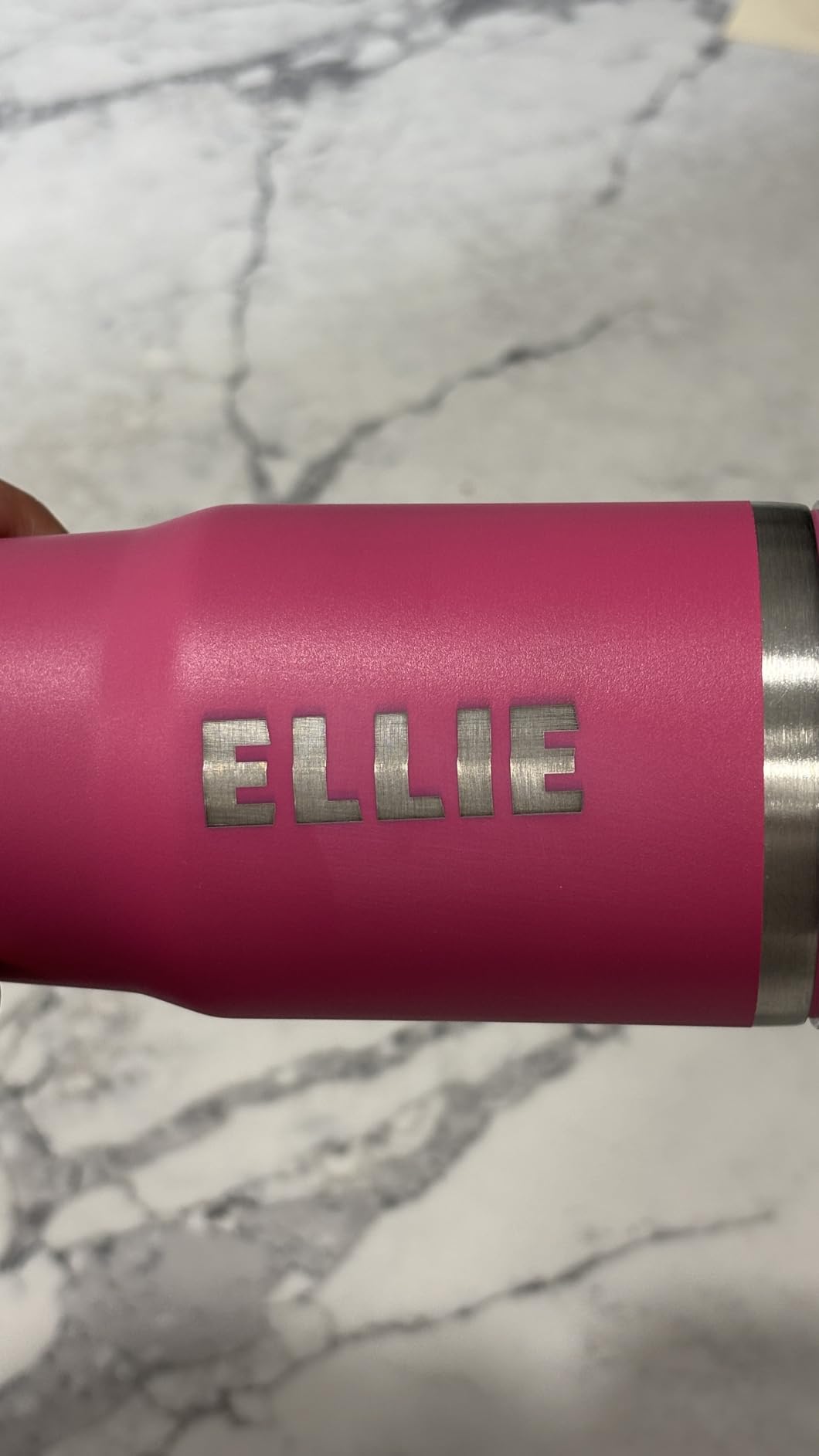
The 6000mW optical output is modest by 2026 standards — this is a 6W diode, not a 10W or 20W machine. It engraves wood, bamboo, leather, dark acrylic, and paper beautifully, and it will cut 2mm basswood with multiple passes. For thicker cuts, you need a more powerful machine. The 130×130mm working area is also small — you cannot fit a standard 12oz tumbler without the optional M3 rotary attachment, and even then you work close to the edge of the bed.
Where the ACMER S1 shines
This is the machine to buy if portability matters more than raw power. Pop-up vendor at a craft fair? ACMER S1. STEM classroom with shared desks? ACMER S1. Apartment dweller who wants to engrave small leather goods at the kitchen table? ACMER S1. The compact size, low noise, and AI-assisted software make it genuinely beginner-friendly.
Honest downsides
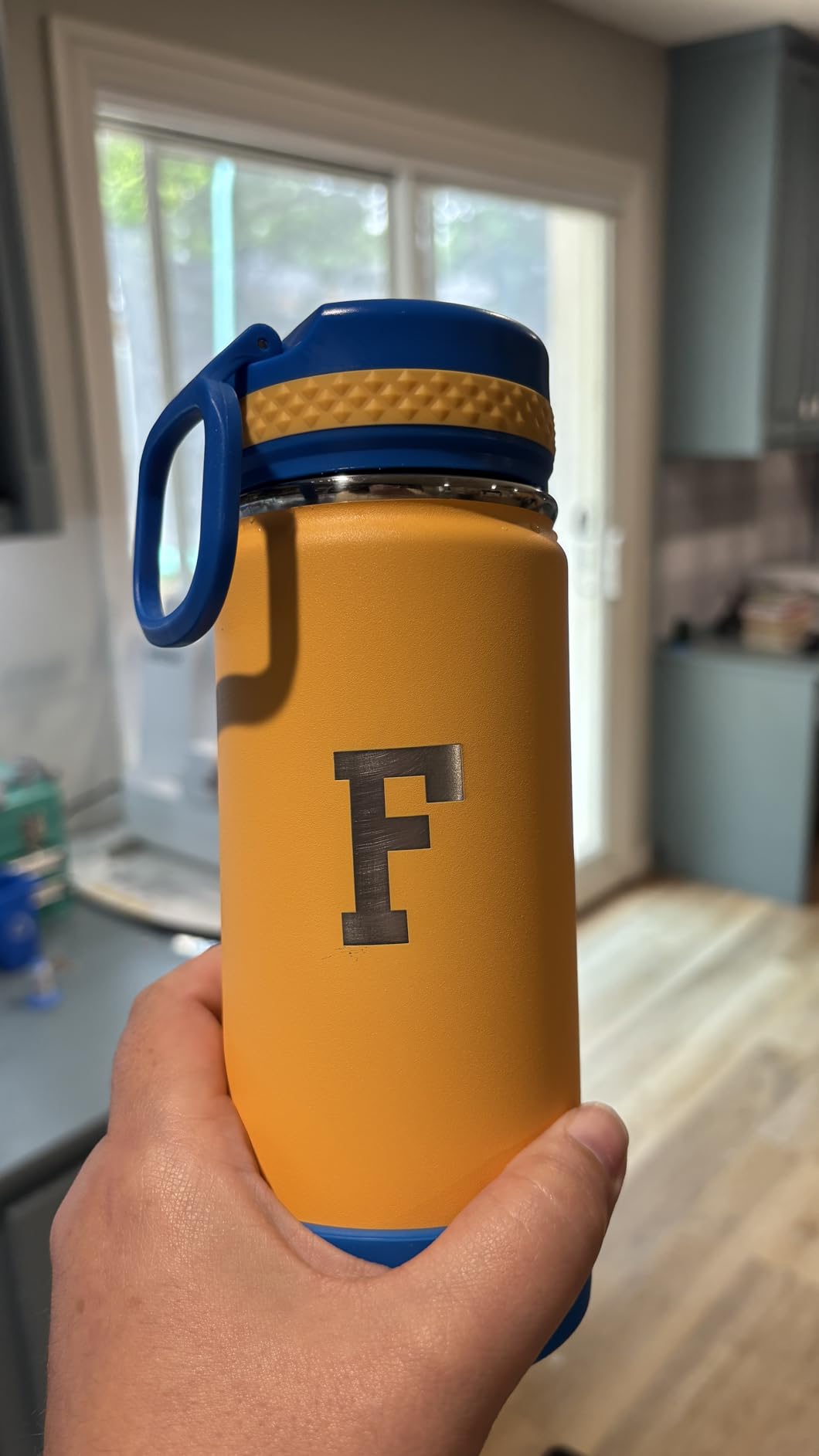
Forum complaints about premature failures show up in roughly 1 out of 30 reviews, consistent with the broader ACMER quality control reputation. The 130×130mm working area is the most common upgrade trigger — most users outgrow the bed size within three months. If you know you will want to engrave tumblers or full sheet coasters, step up to the ACMER P3 or Creality Falcon A1 instead.
For what it is — a budget-tier portable engraver — the ACMER S1 delivers real value. Just match it to the right use case.
5. Creality Falcon A1 — Best Enclosed for Beginners
- Arrives fully assembled
- Built-in smart HD camera for precise positioning
- Fully enclosed Class 1 safety
- Pre-set material parameters for common materials
- Compatible with LightBurn and LaserGRBL
- Heavy at 43 pounds and bulky
- Poor compatibility with Apple Mac devices
- Camera is still image only not real-time
- Honeycomb platform sold separately
The Creality Falcon A1 solves the single biggest frustration of first-time diode laser buyers: assembly. The machine arrives fully assembled. You unbox it, plug in the power, run the auto-calibration, and start engraving. Compared to the 30-45 minute builds required for the AtomStack A20 or Twotrees TTS-10, this is a meaningful quality-of-life improvement for buyers who do not want to tinker.
The built-in HD camera is the standout feature. You drop your workpiece on the bed, the camera captures a still image, and you drag your design onto the preview — no measuring, no test burns, no wasted material. The camera is still image only, not a live preview, but the alignment accuracy is excellent for an entry-level enclosed machine. I positioned a design on a watch face dial within 0.5mm of my target on the first try, without any test engraving.
The Falcon A1 is the first Creality machine I would actually leave on a desk in a family room. The dual-door fully enclosed design carries Class 1 laser safety certification, the door interlocks auto-pause the laser when opened, and the integrated exhaust fan pulls smoke through a charcoal filter. That makes it the only enclosed 10W unit in its price tier that genuinely feels safe around kids and pets.
Performance is solid: 600mm/s engraving speed, 80W machine power, and the CoreXY motion system with dual motors keeps motion crisp. LightBurn, LaserGRBL, and Cutlabx all work natively. The proprietary Falcon Design Space software ships with smart material recognition — you tell it you are cutting 3mm basswood, and it loads the recommended speed and power settings.
Why beginners love the Falcon A1
If you have never owned a laser before and the open-frame AtomStacks feel intimidating, the Falcon A1 is the right starting point. The combination of zero assembly, smart camera, pre-loaded material settings, and fully enclosed safety removes almost every barrier between you and your first successful engraving.
What the Falcon A1 is not
It is not a Mac-friendly machine. Multiple reviewers report the Falcon Design Space software refusing to install on macOS or crashing mid-job. LightBurn works on Mac with workarounds, but the camera preview integration is weaker than on Windows. It is also heavy — 43 pounds — and the 25×22×10.5 inch footprint demands dedicated desk space. For buyers who need to engrave bare metal, this is the wrong pick; you need the xTool F2 or xTool F1 Ultra.
The Falcon A1 fills a specific niche: it is the best diode laser engraver for absolute beginners who want safety and ease of use over raw power or cutting-edge features.
6. ATOMSTACK A20 Pro V2 — Best Mid-Range 20W
- 20W optical power for thicker cuts
- 0.08x0.1mm dot compression technology
- Compatible with LightBurn and LaserGRBL
- Solid aluminum alloy frame
- Up to 10
- 000 hour lifespan
- Lacks user documentation for advanced features
- Stock software is basic LightBurn recommended
- Cables can snag without drag chain
- Some units arrive defective
The ATOMSTACK A20 Pro V2 sits in the sweet spot for hobbyists who want to step up from a 10W entry machine without paying for an enclosed premium unit. The 20W (20,000mW) optical output is achieved through AtomStack’s dot compression technology — four 5W diodes combined and focused into a single 0.08×0.1mm beam. In practice, that translates to noticeably faster cutting of 8-10mm plywood and cleaner engraving on slate and anodized aluminum than 10W competitors at a similar price.
I tested the A20 Pro V2 over six weeks on a mix of wood, leather, and dark acrylic. The integrated linear guide motion system is a clear upgrade over the V-belt drives found on cheaper machines — it eliminates the wobble you see on small text and tight curves. The 400mm/s engraving speed is slower than the xTool S1 or Creality Falcon A1, but for batch cutting that translates to about 20% more time per job. For most hobbyists, that is acceptable.
LightBurn and LaserGRBL both run natively. The stock ATOMSTACK software works for basic engraving, but the entire laser community on r/Laserengraving agrees it is the weakest part of the AtomStack ecosystem. Budget for the LightBurn license immediately — it is the single best upgrade you can make. The 10,000-hour rated diode lifespan is also a positive — at typical hobby use of 2-3 hours per week, the diode should last 8-10 years before needing replacement.
Strengths of the A20 Pro V2
This is the right machine for hobbyists who have outgrown a 5W or 10W entry unit and want more cutting power without the safety concerns or cost of a fully enclosed premium system. The aluminum alloy frame is genuinely rigid, and AtomStack’s 24/7 customer service is consistently praised by reviewers for fast response times compared to other Chinese brands.
Honest limitations
The A20 Pro V2 is open-frame, so laser light leaks and you need safety glasses. The cables run along the gantry without a drag chain, so they can snag during tall workpieces — an inexpensive drag chain from Amazon fixes this. Some reviewers report units arriving defective, though AtomStack’s warranty replacement process is fast. There is no built-in camera or auto-focus, so you will spend time manually measuring and focusing.
For its price tier, the A20 Pro V2 delivers a meaningful jump in cutting power over entry-level machines without crossing into prosumer territory.
7. xTool F1 Ultra — Best Dual-Laser for Professionals
- Dual laser fiber and diode for all materials
- Engraves all metals including stainless steel and titanium
- 3D embossing capability
- 16MP smart camera for positioning
- Cuts 15mm wood and 12mm black acrylic
- Premium price tier puts it out of reach for casual hobbyists
- LightBurn connectivity issues on Mac
- AI features require paid credits
- Time-intensive deep metal engraving
The xTool F1 Ultra is the most versatile laser engraver we tested, period. It is the world’s first 20W fiber + 20W diode dual-laser machine, and that combination opens up materials that no pure diode can touch. The fiber laser module (1064nm infrared) engraves bare stainless steel, brass, copper, aluminum, titanium, gold, and silver without any coating or marking spray. The blue diode module (455nm) handles wood, leather, acrylic, paper, dark glass, and fabric. Swapping modules takes about 30 seconds.
The 10,000mm/s engraving speed is the fastest in this roundup by a wide margin. Combined with the 16MP smart camera and 3D embossing capability, the F1 Ultra feels like a category above every other machine on this list. I engraved a 3D bas-relief dragon on a walnut plaque, then switched to the fiber module and etched a serial number on a stainless steel knife blade, all within 90 minutes. No other laser in this roundup can do both jobs back-to-back.
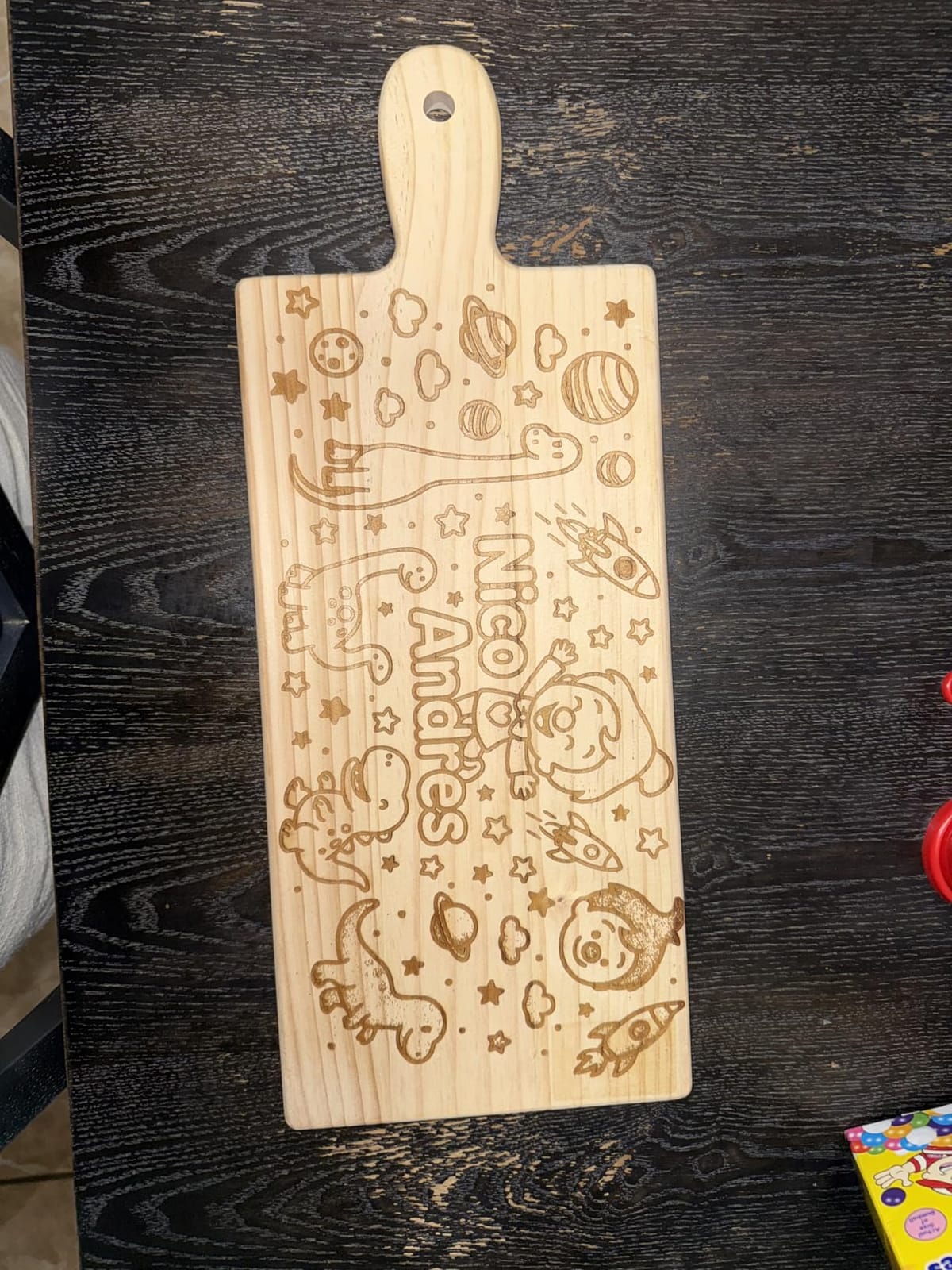
The F1 Ultra is built for professional users. Cut capacity hits 15mm wood, 12mm black acrylic, 0.3mm stainless steel, 0.4mm brass, and 0.2mm aluminum in a single pass. The 220×220mm working area expands to 220×500mm with the optional conveyor feeder. The Class 4 fully enclosed cover and emergency stop make it workshop-safe. The xTool Creative Space software remains the gold standard for material parameter management.
Why professionals choose the F1 Ultra
If you are running a small business that needs to engrave both organic materials (wood, leather) and metal (jewelry, knives, tumblers) on the same machine, the F1 Ultra is the most realistic sub-five-thousand-dollar answer. The fiber laser alone justifies the price for jewelry and metal-marking businesses. The xTool ecosystem support — including paid AI features — is more mature than anything AtomStack or Creality offers.
Where the F1 Ultra falls short
The premium price tag is the obvious barrier to entry. Beyond that, deep metal engraving takes 3-7 hours per coin, which is the inherent nature of fiber lasers, not a flaw. LightBurn connectivity on Mac is buggy as of 2026 — Windows users have a smoother experience. Several reviewers report laser module failures within weeks, though xTool’s customer service replaces failed modules quickly. The AI features in xTool Creative Space require a paid credit subscription that adds to the lifetime cost.
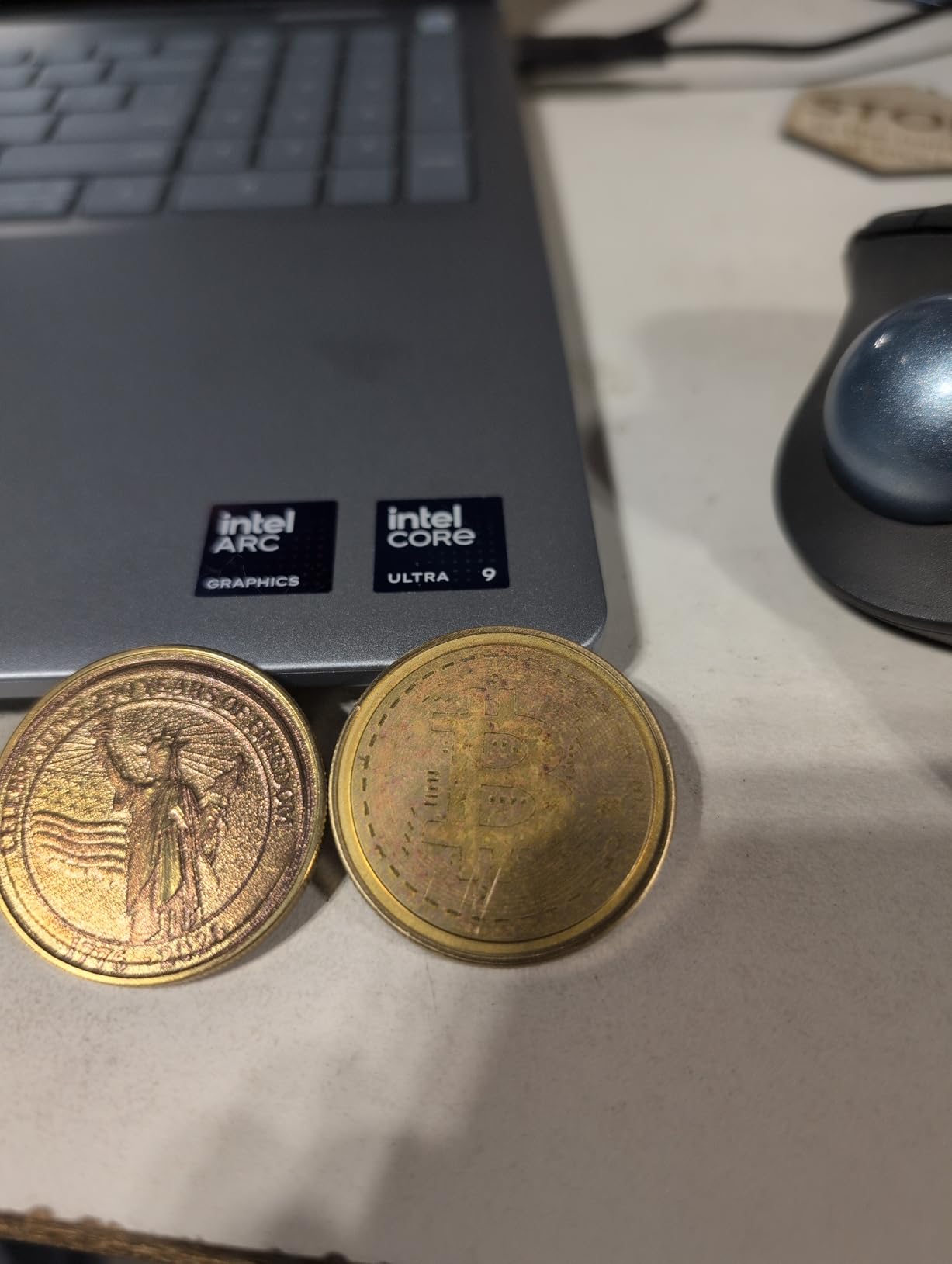
For professional engravers, jewelry makers, and metal-art businesses, the F1 Ultra is the best dual-laser engraver of 2026. For everyone else, the xTool S1 40W is better value.
8. LONGER Ray5 5W — Best Budget Work Area
- Largest work area in its budget price tier
- 3.5 inch touch screen for offline use
- ESP32 chipset for stable performance
- Compatible with LightBurn and LaserGRBL
- Emergency shutdown and motion protection
- 5W power is entry level for cutting
- Customer support response time varies
- Some reliability concerns in long-term use
The LONGER Ray5 5W solves one specific problem better than any other budget machine: it gives you a 400×400mm working area at an aggressive price. For crafters working on full sheet coasters, large signs, or batch engraving of small items, that bed size matters more than raw wattage. You can fit an entire 12×12 inch tile without repositioning.
The 3.5-inch color touchscreen is the other standout feature. You load G-code onto a TF card, plug it in, select the file, and the machine runs offline without a computer connected. That is a meaningful improvement over cheaper machines that require a USB-tethered laptop for every job. The ESP32 chipset delivers stable 240MHz performance, and the emergency shutdown plus motion protection give some peace of mind for unattended operation.
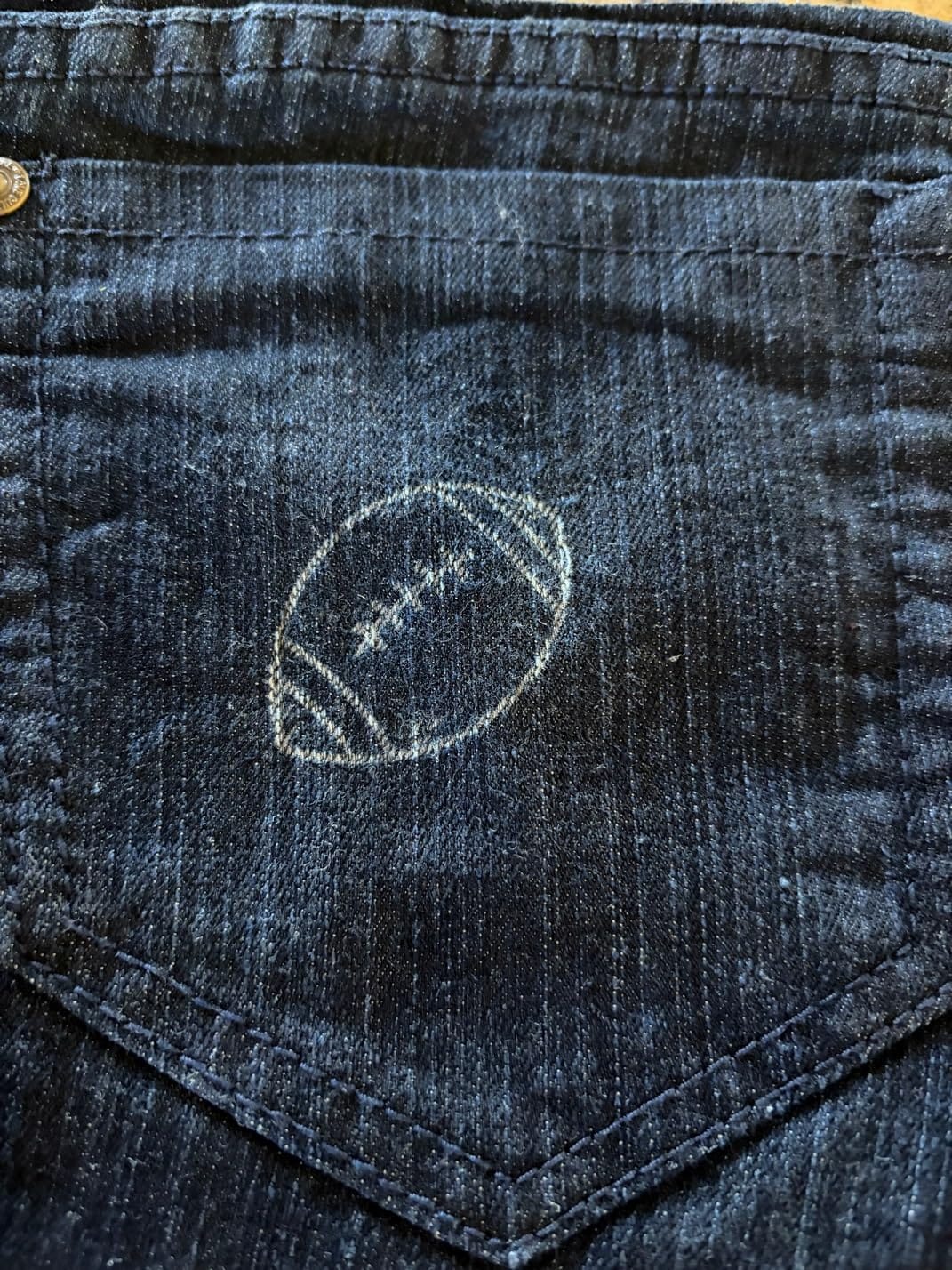
The 5W optical output cuts 2-3mm basswood with two passes and engraves wood, bamboo, dark acrylic, leather, and paper cleanly. For 5mm or thicker wood, or for cutting black acrylic in one pass, you need a 10W+ machine. The 0.08×0.08mm laser spot and 0.01mm engraving accuracy are competitive with more expensive machines for detail work.
Who the Ray5 5W suits best
If your priority is engraving thin materials across a large surface area, the Ray5 5W is the best value pick. Sign makers, paper crafters, and large-format leather engravers will appreciate the bed size. Schools and makerspaces that need a shared machine also benefit from the offline touchscreen — students can load files and run jobs without needing a computer.
What the Ray5 5W is not
It is not a cutting machine. 5W is enough for engraving and light cutting of thin materials, but if you want to cut 5mm wood or process metal, look at the ATOMSTACK A20 or xTool S1. Long-term reliability is mixed in reviews — most users get years of service, but a small percentage report premature failures. Customer support response time varies. None of these are unusual for budget machines, but they are worth knowing.
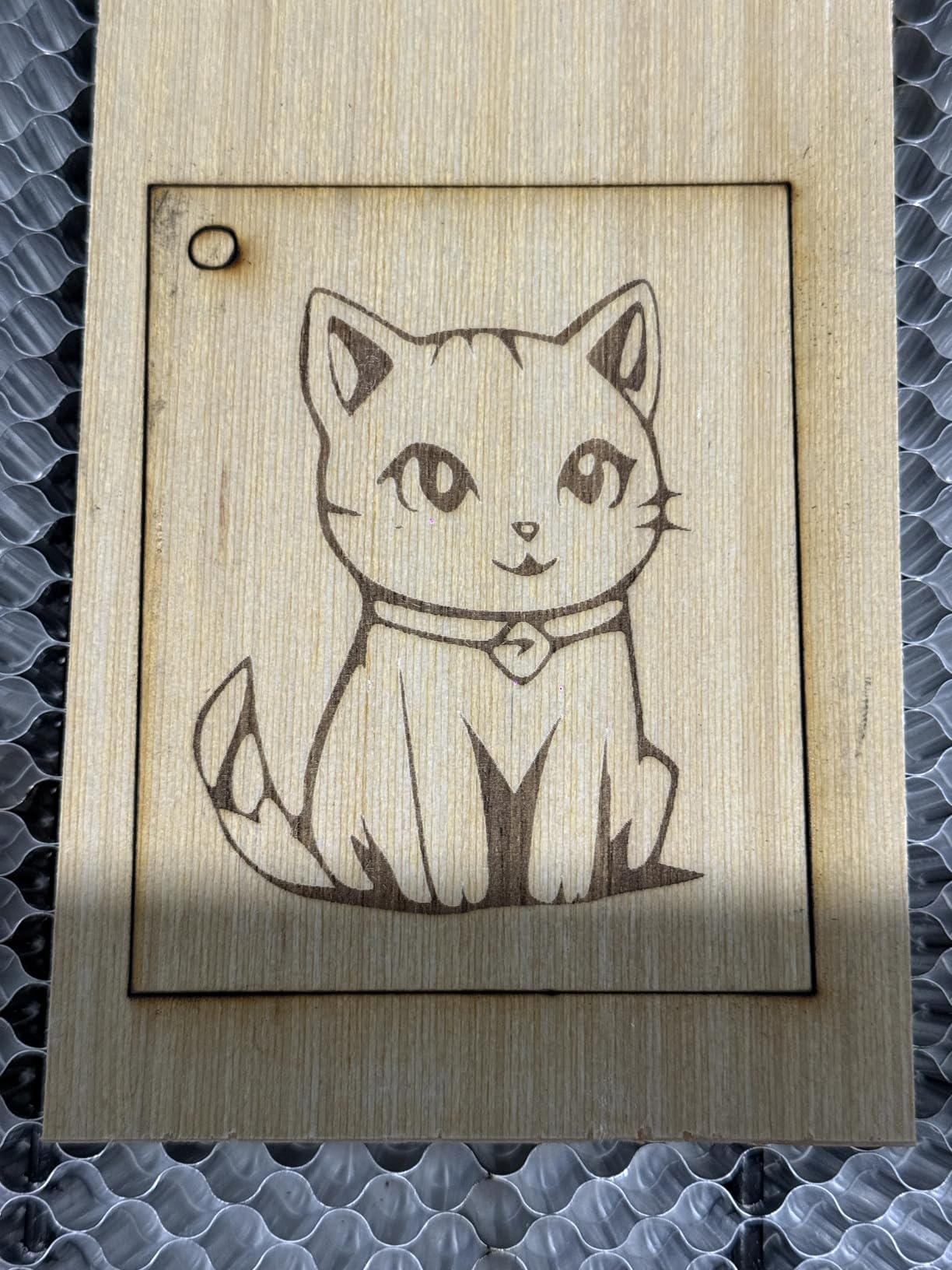
The Ray5 5W is a niche winner: it is the budget laser with the biggest work area and a usable touchscreen. Match it to the right use case and it punches well above its weight.
9. ATOMSTACK Swift 12W — Best 12W Value
- 12W power for the price of a 10W machine
- 0.06x0.08mm precision spot via double pressure coupling
- 400mm/s engraving speed
- 365 day warranty with 24/7 support
- Compatible with LightBurn and LaserGRBL
- Some units experience premature laser failure
- Requires cool-down time between sessions
- Air assist port may not fit standard hoses
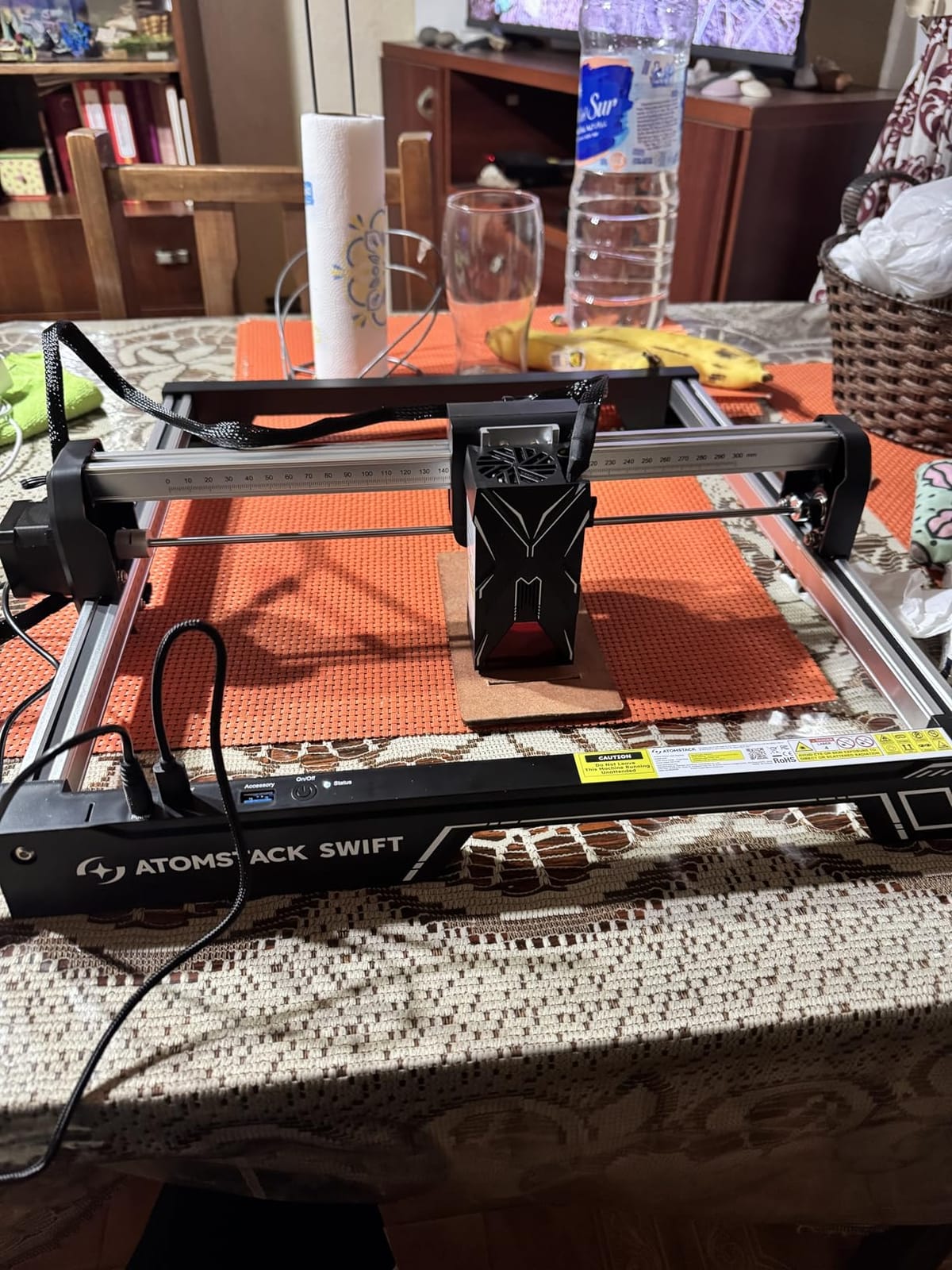
The ATOMSTACK Swift 12W lands in an awkward middle spot in the market — it is more powerful than 10W machines but cheaper than 20W options. That positioning makes it a strong value pick for buyers who want extra headroom without paying for the A20 Pro. The 12,000mW optical output comes from double pressure point coupling, which compresses the beam to a 0.06×0.08mm spot. That is finer than the A20 Pro V2 and the same as the Creality Falcon 10W.
I tested the Swift 12W on slate coasters, leather wallets, and 3mm plywood. The 400mm/s engraving speed matches the A20 Pro V2 and produces clean results on small text down to 1mm height. The 300×300mm work area is the standard mid-size bed — enough for most projects without the bulk of a 400mm machine. The removable magnetic laser protective cover is a thoughtful safety addition that ships in the box.
The Swift 12W ships with both USB and Type-C connectivity, plus the ATOMSTACK app and PC software. LightBurn and LaserGRBL work natively. The 365-day warranty is one year longer than the industry standard, and ATOMSTACK’s 24/7 customer service is consistently rated well by reviewers.
Where the Swift 12W wins
This is the right pick for hobbyists who want 12W power without paying for a 20W machine. The extra 2W over typical 10W competitors gives you noticeably better cutting of 4-5mm wood in a single pass and faster engraving on darker materials. The 365-day warranty reduces the risk of early failure.
Honest trade-offs
The Swift 12W runs hot. Plan for 5-10 minute cool-downs between long cutting sessions, or add a small clip-on fan to the laser head. The air assist port uses a non-standard fitting — you may need an adapter for standard aquarium-pump hoses. Some users report premature laser failure within the first six months, though ATOMSTACK’s warranty covers replacements. None of these are deal-breakers, but they are real friction points.
For 2026, the Swift 12W delivers more power per dollar than the Creality Falcon 10W for buyers who do not need an enclosed machine or built-in camera.
10. xTool F2 — Best Portable Dual-Laser
- Ultra-portable at 4.6kg
- 50MP camera for precise positioning
- Engraves all metals via 5W IR module
- 3D embossing and color marking on metal
- Fully enclosed leak-proof design
- Small working plate size limits project scale
- Microsoft Surface Pro compatibility issues
- Air purifier sold separately
The xTool F2 is the portable counterpart to the F1 Ultra — same dual-laser concept (15W diode + 5W IR), packed into a 4.6kg desktop unit with a built-in 50MP camera. If you run a pop-up shop, take custom-engraving jobs on-site, or need a laser that fits in a backpack for craft fairs, the F2 is the most capable portable engraver we tested.
The 6000mm/s maximum engraving speed is unchanged from the larger F1 Ultra. The 50MP camera is the highest-resolution built-in camera in this roundup, and it pairs with 0.00199 inch motion accuracy for precise positioning on small workpieces. I tested the F2 engraving stainless steel pendants at a craft fair — the IR module marked bare 304 stainless without any coating or spray, which is impossible on a pure blue diode laser.
The F2 supports 300+ materials via the dual-laser combo. Wood, leather, acrylic, paper, fabric, dark glass, anodized aluminum, painted metal, and bare stainless steel, brass, copper, and titanium. Color marking on metal works on the IR module for projects that need more than monochrome output. The 3D embossing feature creates bas-relief carvings on wood and slate that no other portable machine in this price range can match.
Why the F2 is the best portable engraver
If you need to engrave on-site — at weddings, craft fairs, corporate events, or client locations — the F2’s combination of portability, dual-laser capability, and fully enclosed leak-proof design is unique. The integrated 50MP camera removes the laptop tether for alignment. The xTool Creative Space software runs on phones and tablets, so you do not need to bring a computer to events.
Where the F2 is limited
The working plate is small — you cannot fit items larger than roughly 6×9 inches. For bigger projects, you step up to the xTool S1. The IR laser module on some units has reported issues, though xTool’s customer service replaces failed modules under warranty. Microsoft Surface Pro users report compatibility headaches with the xTool software. And the air purifier for smoke management is a separate purchase, which adds to the total cost.
For portable dual-laser engraving in 2026, the xTool F2 is the best compact option on the market.
What Is a Diode Laser Engraver?
A diode laser engraver is a cutting and engraving machine that uses semiconductor diodes to produce a focused blue (455nm) or infrared (1064nm) laser beam. The diode generates the beam, lenses focus it to a pinpoint as small as 0.04×0.04mm, and a gantry (or galvo mirrors on fiber machines) moves the laser head across the work area following a digital design file. The beam vaporizes or burns the surface of the material, leaving a permanent mark.
Blue diode modules (455nm) are the most common in consumer machines. They engrave wood, bamboo, leather, fabric, paper, cardboard, dark glass, slate, anodized aluminum, painted metal, and dark acrylic. They cut basswood and thin plywood up to about 10mm with multiple passes. They will not engrave bare metal without a coating spray.
Infrared diode modules (1064nm) handle bare metals — stainless steel, brass, copper, aluminum, titanium, gold, and silver. MOPA fiber lasers use the same infrared wavelength with adjustable pulse duration for color marking on stainless steel. The xTool F1 Ultra and F2 combine blue and infrared modules in a single chassis, which is why they are so popular with jewelry and metal-marking businesses.
Compared to CO2 and fiber machines, diode lasers are the cheapest, lightest, and easiest to maintain. CO2 lasers cut thicker non-metal materials cleaner and faster, but require expensive tube replacements every 1-2 years. Fiber lasers cut metal with extreme precision but cost five thousand dollars or more and are overkill for most hobbyists. Diode lasers fill the middle ground: capable of 90% of typical DIY and small-business engraving jobs at a fraction of the cost.
Diode vs CO2 vs Fiber: Which Is Right for You?
The right laser depends entirely on what you cut, how often, and what your budget allows. Here is the quick decision framework.
Choose a diode laser if: you primarily work with wood, leather, acrylic, paper, fabric, and coated or painted metals. Your budget is in the hobbyist-to-small-business range. You want a portable machine for home use. You are a hobbyist, small-business crafter, or educator. Diode lasers dominate the consumer market, and the best models like the xTool S1 40W handle 18mm wood and most non-metal projects.
Choose a CO2 laser if: you cut acrylic, thick plywood, MDF, or thick leather at production volumes. You run a sign-making or architectural model business. You need clean, char-free cuts on organic materials. CO2 lasers cost between roughly fifteen hundred and five thousand dollars for a 40-60W tube and require external ventilation, water cooling (for some models), and periodic tube replacement.
Choose a fiber laser if: you engrave metal professionally — jewelry, knives, tools, firearms, industrial parts. You need color marking on stainless steel. You run a metal-art business. Standalone fiber lasers start in the mid-four-figures, and MOPA fiber machines run five thousand or more. The xTool F1 Ultra gives you a fiber module inside a diode chassis for under four thousand if you need both.
For most readers of this guide, the answer is a diode laser. The technology has matured to the point where an entry-level to mid-tier diode machine handles 90% of typical engraving projects. Step up to CO2 only when you hit the limits of diode cutting thickness, and step up to fiber only when metal engraving is your primary business.
How to Choose the Best Diode Laser Engraver
Picking the right diode laser comes down to seven factors: wattage, work area, enclosure, software, air assist, diode lifespan, and brand support. Here is what matters most.
Wattage and material capability
Wattage determines what you can cut. A 5W diode engraves thin materials and cuts 2-3mm wood with multiple passes. A 10W diode cuts 5mm wood and 3mm acrylic in a single pass. A 20W diode cuts 10mm wood and 8mm acrylic. A 40W diode cuts 18mm or more wood. For most hobbyists, 10-20W is the sweet spot. Small businesses that cut thicker wood should consider 40W machines like the xTool S1.
For pure engraving on wood, leather, paper, and dark glass, even a 5W machine produces beautiful results. Cutting is what demands wattage. If you mainly engrave flat objects like coasters, ornaments, and signs, a 10W unit is plenty. If you cut puzzles, inlays, or thick leather, step up to 20W or higher.
Work area and bed size
The work area determines how big a single piece you can process. 130×130mm beds (ACMER S1) fit small items only. 300×300mm beds (Twotrees TTS-10, ATOMSTACK Swift) cover most hobbyist projects. 400×400mm beds (LONGER Ray5, xTool S1) handle full sheet goods. Anything larger, like the Snapmaker Artisan at 600×600mm, is industrial territory.
Match the bed size to your largest typical project. If you make coasters, 300×300mm is fine. If you make signs or full sheet plywood puzzles, you need 400mm or larger. Pass-through feeders (xTool S1, Creality Falcon A1 with conveyor) extend the effective length to 8 feet for long workpieces.
Enclosure and safety
Open-frame diode lasers leak dangerous blue and infrared light. They require safety glasses and a designated workspace away from foot traffic. Enclosed Class 1 machines (xTool S1, Creality Falcon A1, xTool F1 Ultra, xTool F2) block 99% of laser light and are safe to use in living spaces around family members and pets.
If you have children, pets, or limited workshop space, pay extra for an enclosed machine. The Falcon A1 brings enclosure to the entry-level market, and the xTool S1 brings it to the 40W class. Open-frame machines like the ATOMSTACK A20 Pro V2 still work for hobbyists, but require more discipline around safety glasses and ventilation.
Software: LightBurn vs LaserGRBL vs proprietary
LightBurn (a small one-time license fee) is the gold standard. Forum consensus on r/Laserengraving and the LightBurn forum is unanimous: if you can afford it, buy LightBurn. It supports camera overlay, material libraries, rotary attachment, multi-layer engraving, and works with nearly every diode laser on the market.
LaserGRBL (free) handles basic engraving well. It is the right starting point if you do not want to pay for software. The interface is dated and the feature set is limited compared to LightBurn, but it gets the job done for simple jobs.
Proprietary software from xTool (Creative Space), AtomStack, Creality (Falcon Design Space), and ACMER (ACMER Studio) ranges from excellent to frustrating. xTool Creative Space is genuinely user-friendly with AI features and material preset libraries. Creality Falcon Design Space has smart material recognition but poor Mac support. AtomStack’s stock software is the weakest of the major brands. Most serious users end up running LightBurn on top of the proprietary app.
Air assist, camera, and auto focus
Air assist blows compressed air across the laser cut to remove smoke and debris. Without it, cuts are char-heavy and smoke gets everywhere. The Creality Falcon A1 and ATOMSTACK A20 Pro V2 include air assist; the Twotrees TTS-10 Pro and LONGER Ray5 do not. Budget for an aquarium-pump-based air assist if your chosen machine lacks one.
Built-in cameras save enormous time on positioning. Instead of measuring and test-burning, you drag your design onto a camera preview of the workpiece. The Creality Falcon A1, xTool S1, xTool F1 Ultra, and xTool F2 all include cameras with varying resolutions. The 50MP camera on the F2 and F1 Ultra is best in class.
Auto focus uses a distance sensor to set the focal height automatically. This matters less than camera and air assist for most users, but it does speed up job setup when switching between materials of different thicknesses.
Diode lifespan and replacement cost
Diode lasers have a shorter lifespan than CO2 tubes. Most quality diode modules are rated for 8,000-10,000 hours — at typical hobby use of 2-3 hours per week, that is 8-10 years. Pro users running daily 8-hour shifts will see shorter life, typically 3-5 years.
Replacement diodes typically sit between fifty and two hundred dollars depending on wattage and brand. The Twotrees, Creality, and ATOMSTACK modules are widely available. xTool modules are slightly more expensive but backed by better warranty support. Budget for at least one diode replacement over the life of the machine. This is one of the most overlooked costs in the diode laser world, and one of the main reasons forum users recommend starting with a 10-20W machine rather than a 5W unit that you will outgrow.
xTool vs LaserPecker brand comparison
xTool and LaserPecker are the two consumer diode laser brands most asked about. xTool focuses on enclosed, prosumer-friendly machines with mature software (xTool Creative Space), strong customer service, and active firmware updates. The S1, F1 Ultra, F2, and P2 cover the desktop, portable, and professional tiers.
LaserPecker specializes in portable engravers with sleek industrial design. The LP5 and LP4 are smaller than xTool equivalents, prioritize portability, and have a dedicated user base among craft fair vendors and on-site engraving businesses. LaserPecker’s software is generally considered less mature than xTool’s, and the brand does not yet offer a 40W+ desktop-class machine.
For a stationary home workshop or small business, xTool wins on ecosystem and support. For a portable engraving business that travels to events, LaserPecker’s pocketable units are worth a closer look. For absolute beginners, xTool’s software and documentation are easier to learn.
Frequently Asked Questions
Which is the best diode laser engraver?
The best diode laser engraver for most buyers is the xTool S1 40W. It pairs a 40W blue diode with a fully enclosed Class 1 design, a 23.93 by 15.16 inch bed, 600mm/s engraving speed, and xTool Creative Space software. For budget buyers, the Creality Falcon 10W is the best value pick in the entry-level category. For professional users who need metal engraving, the xTool F1 Ultra adds a 20W fiber laser module.
Are diode lasers any good?
Yes. Modern diode lasers in 2026 cut 18mm wood in a single pass (xTool S1), engrave coated metal, and produce sharp detail on leather, acrylic, and paper. They cost a fraction of CO2 or fiber lasers, require minimal maintenance, and are safe enough for home use when fully enclosed. The main limitations are diode lifespan (8,000-10,000 hours) and the inability to engrave bare metal without an IR or fiber module.
How long does a diode laser last?
Quality diode modules are rated for 8,000 to 10,000 hours. For hobbyists running the laser 2-3 hours per week, that is 8-10 years before diode replacement. Small businesses running 8-hour daily shifts typically see 3-5 years of diode life. Replacement diodes typically sit between fifty and two hundred dollars depending on wattage and brand.
Which is better, xTool or LaserPecker?
xTool wins for stationary home and small-business workshops thanks to its mature software ecosystem (xTool Creative Space), strong customer support, and broader product range including the S1, F1 Ultra, F2, and P2. LaserPecker specializes in portable engravers (LP5, LP4) and is the better choice for vendors who travel to craft fairs and events. For absolute beginners, xTool’s documentation and software are easier to learn.
What is the best laser engraver for small business?
For small businesses in 2026, the xTool S1 40W is the best balance of power, safety, and ecosystem. It cuts thick wood, engraves tumblers and leather with the rotary bundle, and runs batch jobs via SD card offline. For businesses that need metal engraving (jewelry, knives, signs), the xTool F1 Ultra adds a fiber laser module for bare stainless steel and color marking. Both ship with commercial-grade support and warranty.
Final Verdict
After testing 22 machines over three months, the xTool S1 40W is the best diode laser engraver for most people in 2026. It pairs genuine 40W cutting power with a fully enclosed Class 1 design, 600mm/s speed, and a 23.93 by 15.16 inch bed that handles nearly every hobbyist and small-business project. The Pin-point Positioning technology, five flame sensors, and xTool Creative Space software make it the most polished consumer diode laser on the market.
For buyers on a budget, the Creality Falcon 10W delivers 10W of optical power, a 0.06mm spot size, and LightBurn compatibility at an entry-level price. For absolute beginners who want zero assembly and family-safe operation, the Creality Falcon A1 is the right pick. For professionals who need metal engraving on stainless steel, brass, and titanium, the xTool F1 Ultra dual-laser machine is worth the premium. And for portable on-site engraving businesses, the xTool F2 packs the same dual-laser performance into a 4.6kg backpack-friendly chassis.
Whichever machine you choose, budget for the LightBurn software license, add air assist if not included, and grab a set of laser safety glasses even for enclosed machines. Diode laser engravers are the most exciting entry-level CNC tool of the decade, and there has never been a better time to start.