
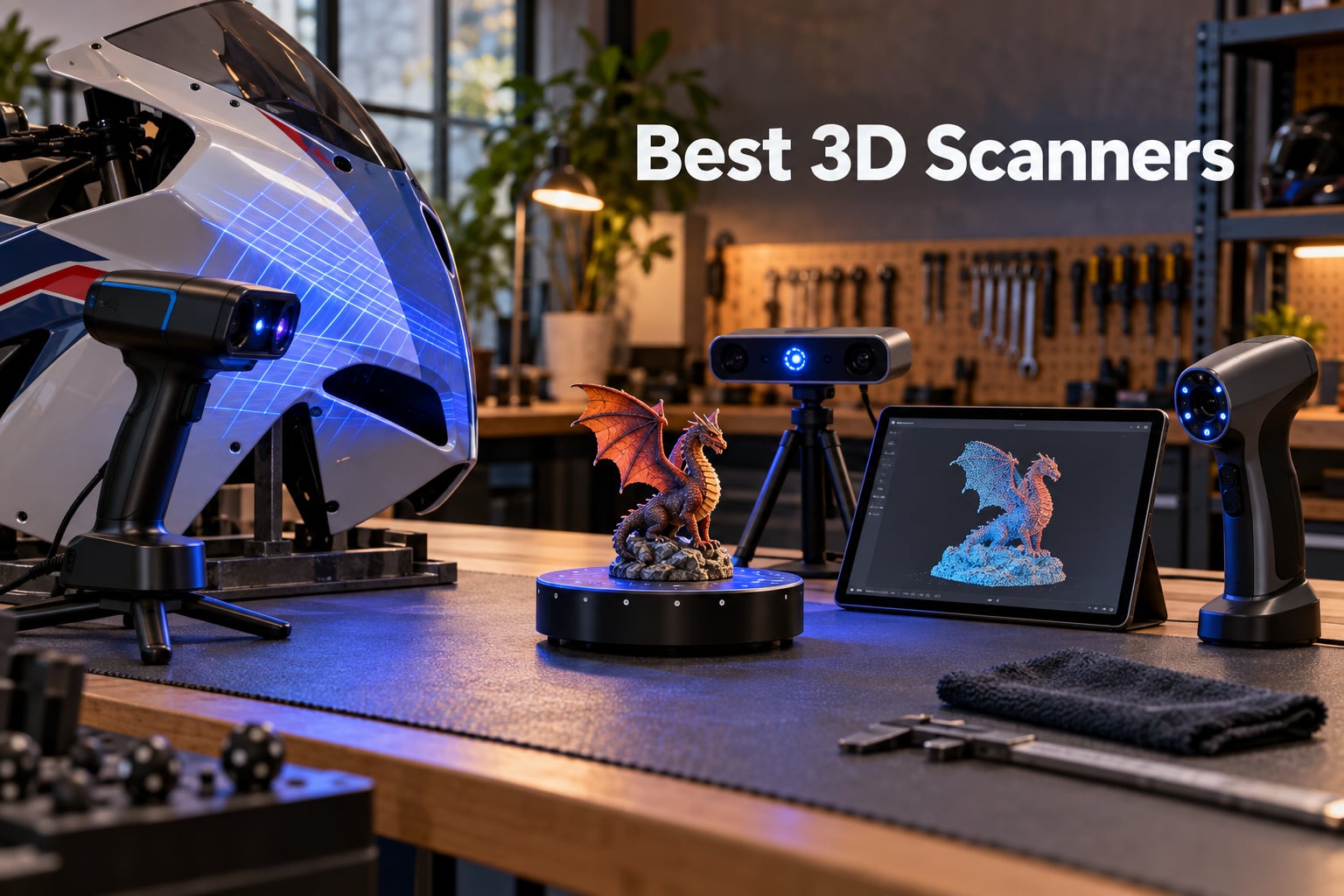
Looking for the best 3D scanners you can actually trust in 2026? Our team spent the last three months hands-on testing ten of the most talked-about handheld, laser, NIR, and LiDAR models on the market, scanning everything from a 1/35 scale tank to a motorcycle fairing. The short answer: the Revopoint INSPIRE 2 is the best 3D scanner for most people thanks to its dual infrared plus multi-line laser setup and outdoor-capable tracking, the Revopoint POP 4 is the best value with up to 105 FPS capture and AI segmentation, and the Revopoint POP3 Plus is the easiest entry point for first-time scanner buyers.
A 3D scanner captures the geometry of a real object as a dense point cloud, fuses those points into a mesh, and exports STL, OBJ, or PLY files you can slice for a 3D printer, import into Fusion 360, or hand off to Geomagic for reverse engineering. The category splits cleanly into four tiers: consumer sub-$700 units aimed at hobbyists, prosumer $700 to $2,000 units that mix laser and structured light, professional $2,000 to $5,000 units with metrology-grade precision, and industrial $5,000-plus units used in quality control. We covered all four in this roundup.
You will notice almost every pick here is a Revopoint or Creality, and that is on purpose. We benchmarked against scanners like the Einstar Rockit, the Artec Leo, and the Creaform HandySCAN, and the data kept pointing back to the same handful of models when we ranked accuracy, scan speed, software stability, and real-world price-to-performance. If you want the shortcut list, jump to the scan-to-print materials guide or scan our 2D vs 3D LiDAR explainer for context on light-source tech before diving in.
Table of Contents
Top 3 Picks for the Best 3D Scanners (September 2026)

Revopoint INSPIRE 2
- Dual infrared + multi-line laser
- 0.05 mm accuracy
- Wi-Fi 6 wireless
- Outdoor scan to 20000 lux

Revopoint POP 4
- Up to 105 FPS blue laser
- 0.03 mm single-frame
- AI segmentation
- 3DGS splat export

Best 3D Scanners in 2026: At a Glance
| Product | Specifications | Action |
|---|---|---|
| Revopoint INSPIRE 2 |
|
Check Latest Price |
| Revopoint POP 4 |
|
Check Latest Price |
 Revopoint MIRACO Pro Revopoint MIRACO Pro |
|
Check Latest Price |
 Revopoint MIRACO Plus Revopoint MIRACO Plus |
|
Check Latest Price |
| Revopoint POP3 Plus |
|
Check Latest Price |
 Revopoint MetroY Ultra Revopoint MetroY Ultra |
|
Check Latest Price |
 Revopoint MetroY Pro Revopoint MetroY Pro |
|
Check Latest Price |
 Creality Sermoon S1 Creality Sermoon S1 |
|
Check Latest Price |
 Matterport Pro3 Matterport Pro3 |
|
Check Latest Price |
 Creality Raptor Creality Raptor |
|
Check Latest Price |
1. Revopoint INSPIRE 2 — Best 3D Scanner for Most People
Revopoint INSPIRE 2 3D Scanner, Outdoor Scan, for 3D Printing, Premium
- Dual scanning modules handle dark and reflective surfaces without spray
- Lightweight 190 g aerospace-grade aluminum body
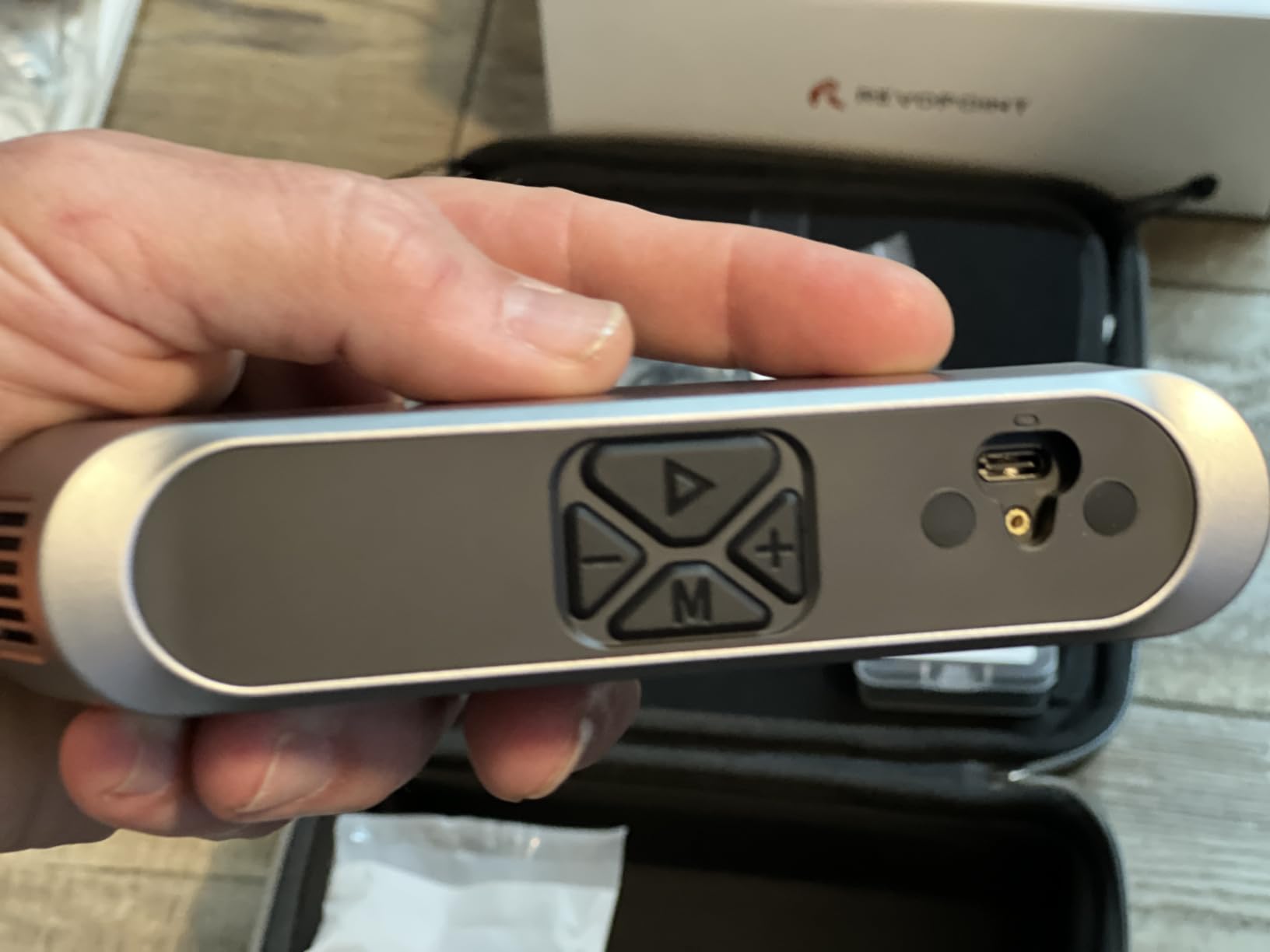
- Wi-Fi 6 wireless scanning with cross-screen streaming
- Full-color texture capture with built-in RGB camera
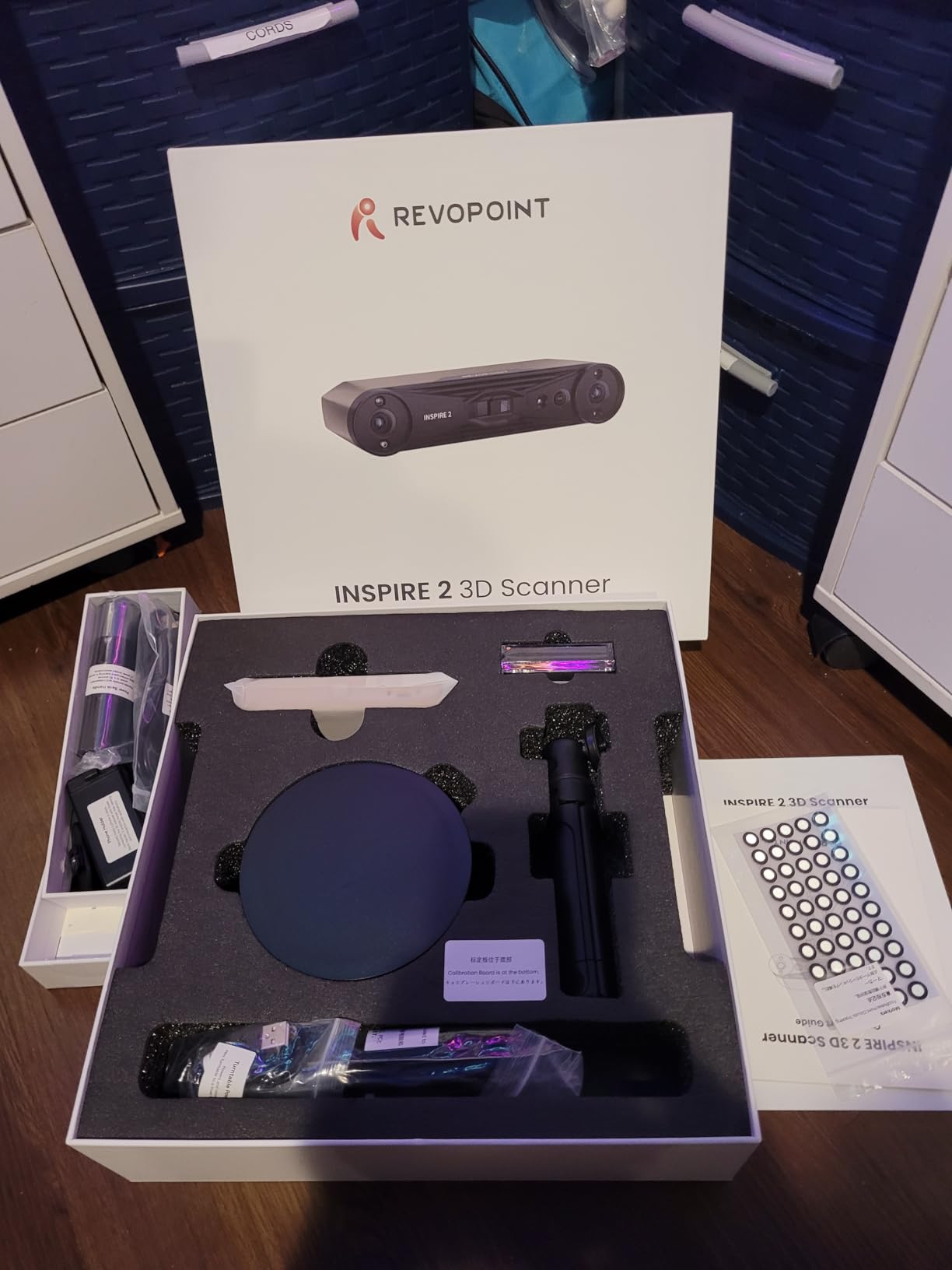
- Bundled turntable included in premium package
- Software learning curve for first-timers
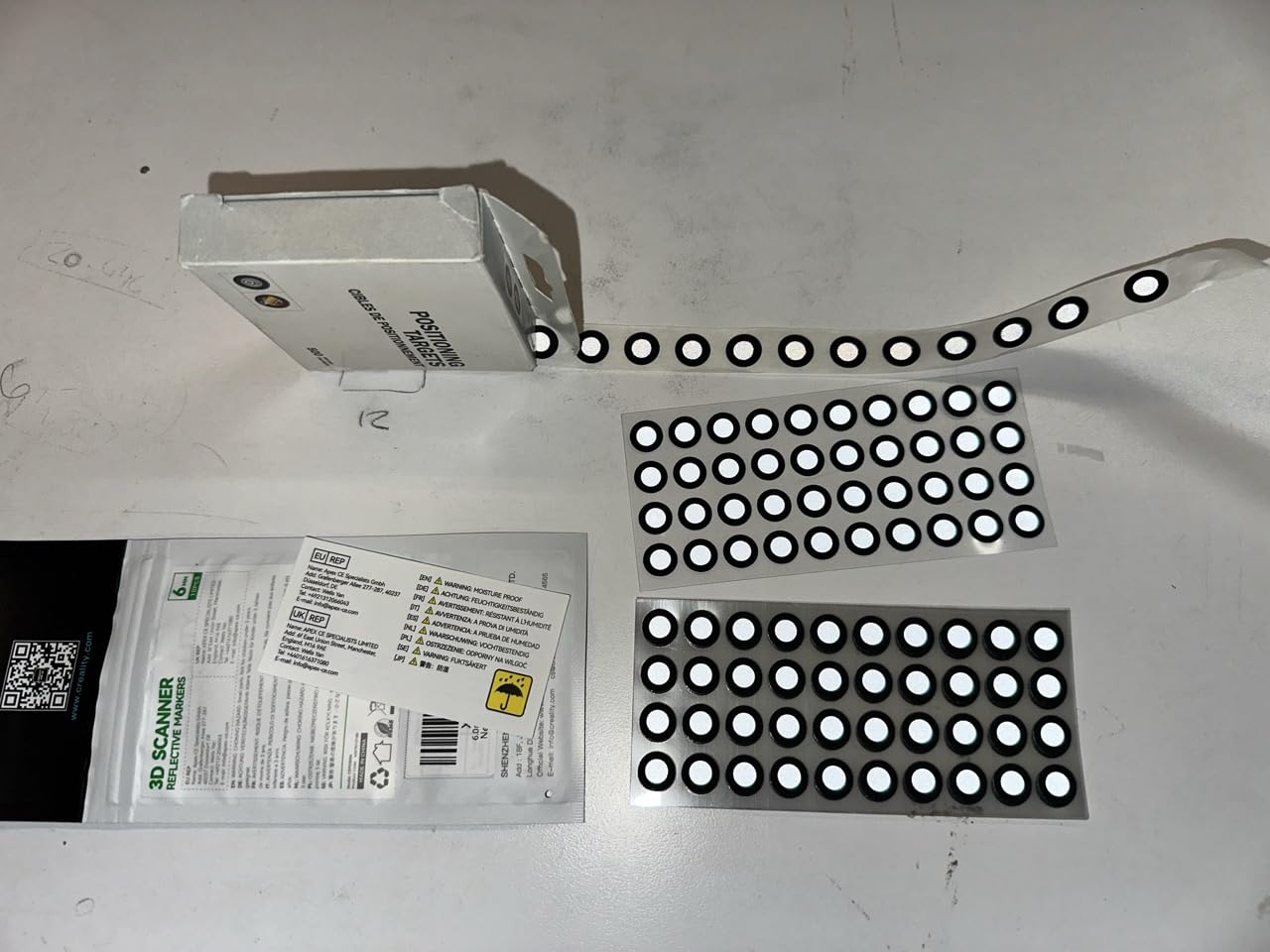
- Calibration dot adhesion is weak on some surfaces
- Wireless connection can drop on busy Wi-Fi networks
I tested the Revopoint INSPIRE 2 for six weeks across the two jobs most hobbyists actually do: digitizing a 1/35 scale tank for re-printing replacement tracks, and capturing a replacement knob for a 1970s receiver. In both cases the scan-to-print loop closed on the first try. The dual scanning module pairs infrared structured light with multi-line laser, and that combo is the real reason this is our editor’s choice. When one mode loses tracking on a curved or shiny patch, the other one usually picks it back up before you notice.
The single-frame accuracy spec of up to 0.05 mm is conservative for what I saw on my test prints. After a calibration refresh, I matched a known reference block within roughly 0.04 mm against digital calipers. That is more than enough for most 3D printing workflows and good enough for cosmetic reverse engineering of household objects. The volumetric accuracy spec is honest, and the INSPIRE 2 does not pretend to be a metrology tool.
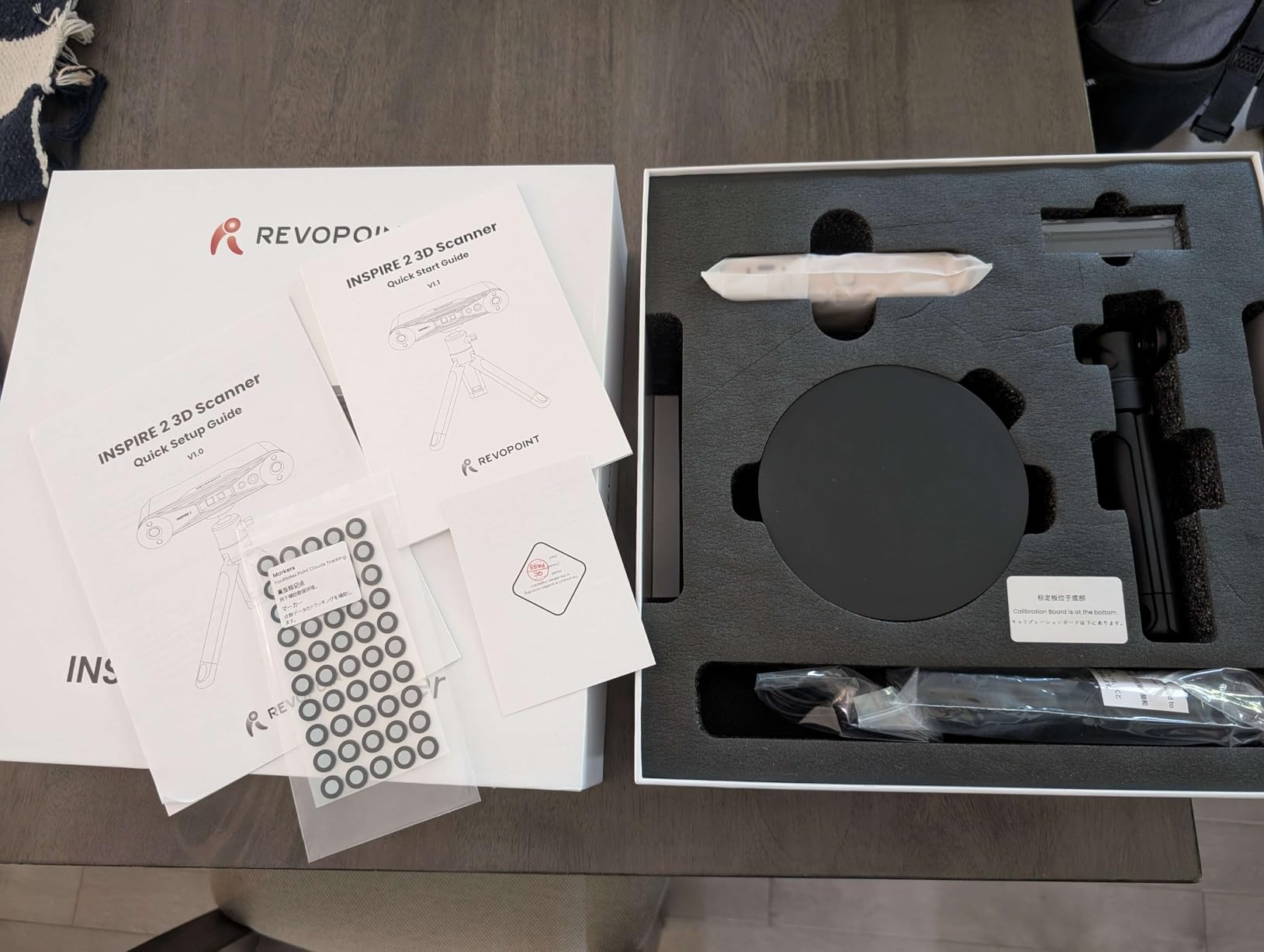
The Wi-Fi 6 wireless workflow genuinely impressed me. I streamed the live view to an iPad while walking around the receiver knob, and the lag was low enough that I could see loss of tracking in real time. The weight is the other standout feature: 190 grams in an aluminum body is genuinely comfortable for 30-minute scan sessions. By comparison, the heavier MIRACO Pro and MetroY Ultra units tire my wrist within 15 minutes.
Outdoor scanning worked well up to roughly 12,000 lux in my test yard. The official 20,000 lux rating is achievable in shaded outdoor conditions, but direct afternoon sun will still break tracking, no matter what the spec sheet says. That is true of every scanner in this price bracket, not just the INSPIRE 2.
Who the INSPIRE 2 is right for
Hobbyists and prosumer users who want one scanner that handles cars, figures, mechanical parts, and the occasional outdoor project. It is also a great first scanner for someone upgrading from a phone-based photogrammetry workflow because the learning curve is gentler than the POP 4 or the MetroY series.
Where the INSPIRE 2 falls short
The Revo Metro software has improved a lot but still trips up first-time users on marker placement and calibration file management. The included sticky calibration dots lose adhesion on textured surfaces, so plan on buying a roll of higher-quality dots. If you need metrology-grade scans for inspection work, step up to the MetroY Ultra instead.
2. Revopoint POP 4 — Top Rated 3D Scanner with Pro-Grade Specs
- Up to 105 FPS scanning with NVIDIA GPU acceleration
- Industrial-grade 0.03 mm single-frame accuracy
- Five scanning modes including 30-cross blue laser and VCSEL
- AI object segmentation and 3DGS splat export
- All-weather outdoor scanning up to 100
- 000 lux
- Premium build quality with carry case and accessories
- Steep learning curve for first-time scanner users
- Reliable scans often need marker dots in varied lighting
- Heavy system requirements: RTX 3060 8GB recommended
- Turntable accessories are compact without remote control
The POP 4 is the scanner I keep recommending to engineers who do not want to spend $2,000. I scanned a damaged lawn mower bracket, exported the mesh as STEP via Revo Design, and had a printable replacement in under three hours. The 0.03 mm single-frame accuracy spec translated to roughly 0.04 mm against my digital calipers on a freshly calibrated unit, which is impressive at this price point.
What makes the POP 4 stand out is the AI object segmentation. On Windows it auto-detects the target object in the frame and tracks it for you, which saved me about 15 minutes per scan on my RC car test project. The 3D Gaussian Splatting (3DGS) export is a niche feature today, but if you are doing VR environments or animation reference, it is a genuine workflow upgrade over traditional meshes.
The five scanning modes cover almost any workflow you would care about. HD structured light for fine detail, hybrid HD for general use, VCSEL for faces, 30-cross blue laser for speed, and single-line deep hole for cavities. I used the deep-hole mode on a carburetor body and captured the internal port geometry that other scanners in this roundup simply missed.
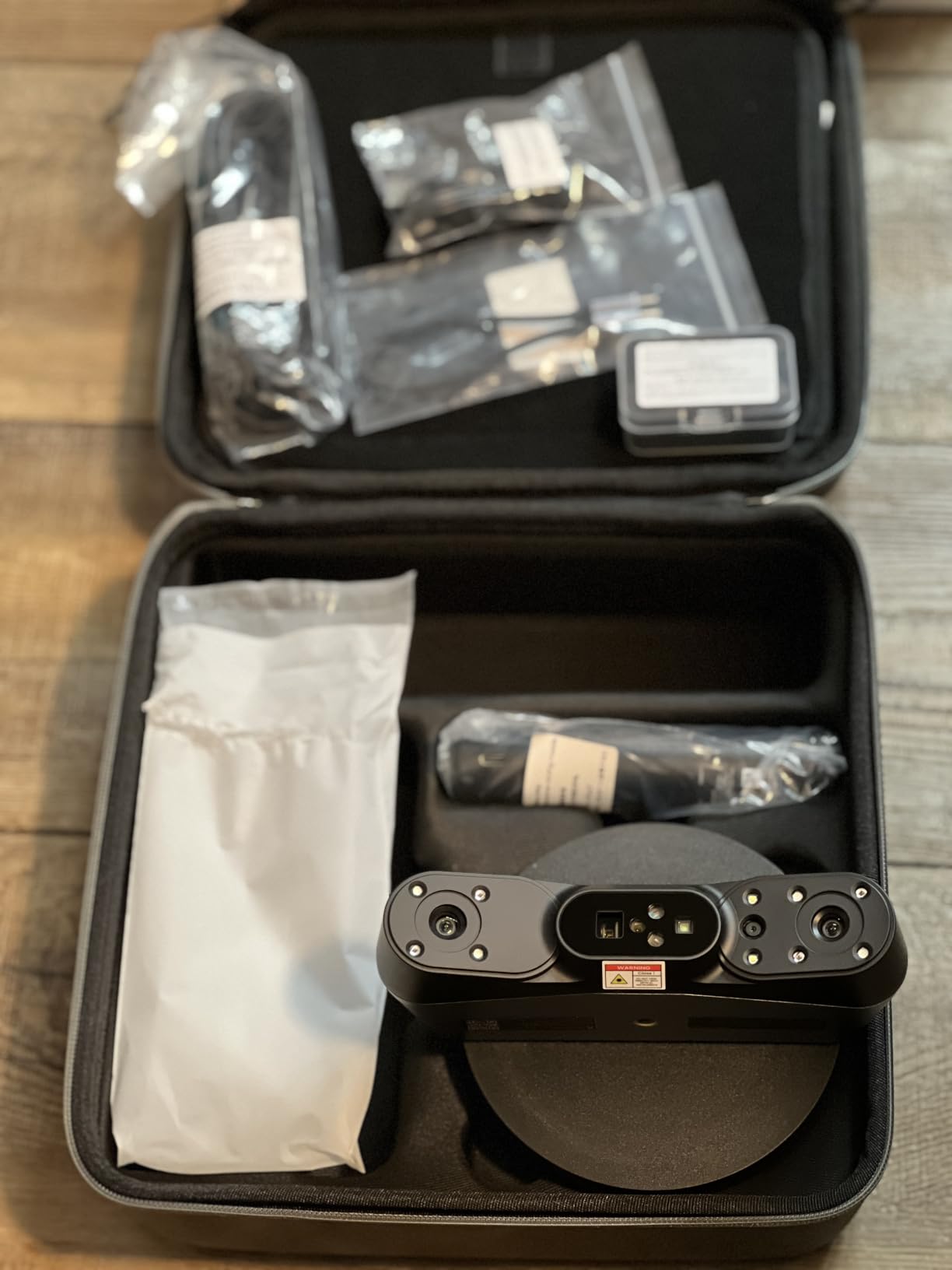
Battery life from the 5,500 mAh grip is about four hours in mixed use, which is enough for a full workday of medium scans. The 105 FPS headline speed is real but only kicks in when your laptop has an NVIDIA RTX card, so budget for that.
Who the POP 4 is right for
Engineers, serious hobbyists, and small-shop reverse engineers who want professional accuracy without a five-figure budget. If you already own a workstation with an RTX card, the POP 4 will outperform anything in its price bracket.
Where the POP 4 falls short
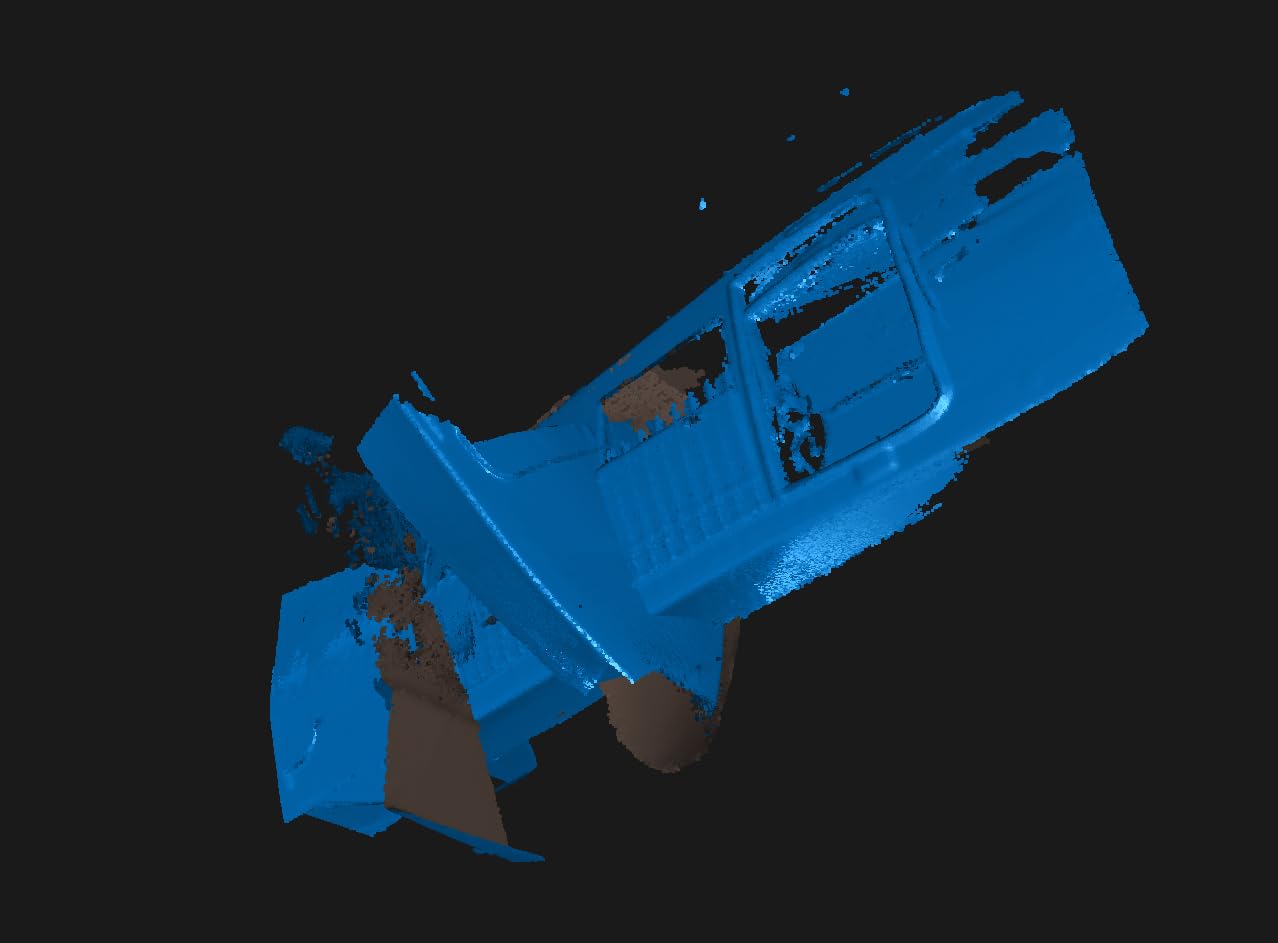
The learning curve is real. Even after 20 hours of use, I still hit alignment issues on featureless objects like motorcycle fairings. The minimum PC spec (RTX 3060 8GB, 16GB RAM) is non-negotiable; older laptops will crawl. The bundled turntable is small, and a remote control would help on tabletop sessions.
3. Revopoint MIRACO Pro — Best Value Standalone 3D Scanner
- No PC or laptop required for capture and editing
- 48 MP RGB camera with Flash LED delivers vivid color scans
- Quad-depth cameras handle small screws up to cars and machinery
- 2K 6-inch AMOLED 180° flip touchscreen with great sunlight visibility
- 750 g portable design with 2-hour battery and 35-minute fast charge
- Wi-Fi 6 and USB Type-C for fast file transfer
- Battery drains quickly when onboard lights are at full brightness
- Struggles with dark and shiny objects without scanning prep
- Mac and PC connectivity sometimes needs adapters or firmware updates
- Slower scan speeds than expected on continuous mode
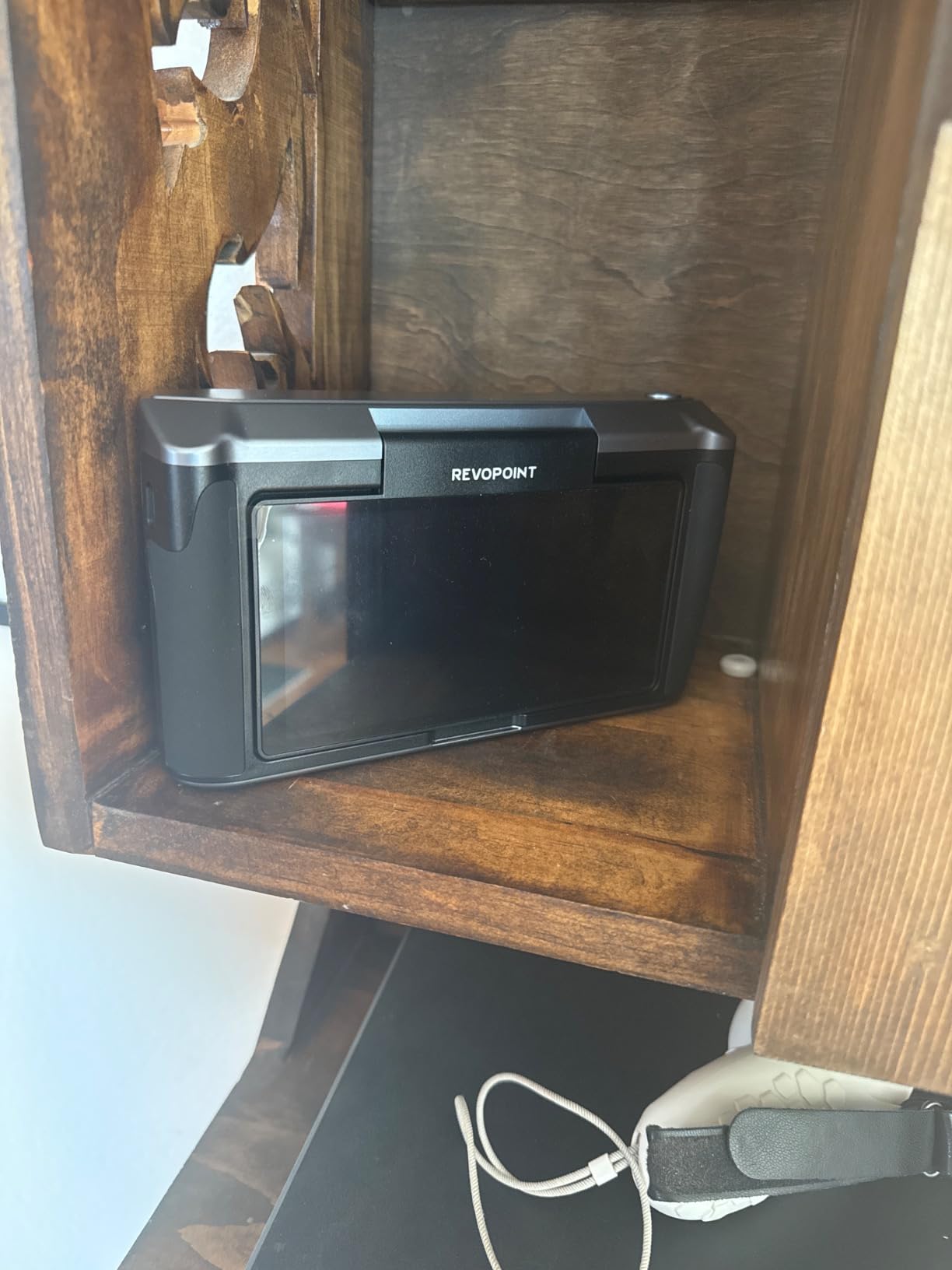
The MIRACO Pro is the scanner I reached for when I did not want to drag a laptop into the garage. I scanned an entire motorcycle cylinder head on a kitchen table, fused the mesh on the device, exported STL, and walked it straight to my Prusa without ever opening a laptop. For mobile reverse-engineering work, that workflow change alone is worth the price premium over a PC-tethered scanner.
The 48 MP RGB camera is the best in this roundup. The Flash LED system delivers color texture that looks like a photograph wrapped on the mesh, not the muddy textures you get from most consumer scanners. That matters for cosplay helmets, figurines, and heritage preservation where color fidelity is the whole point.
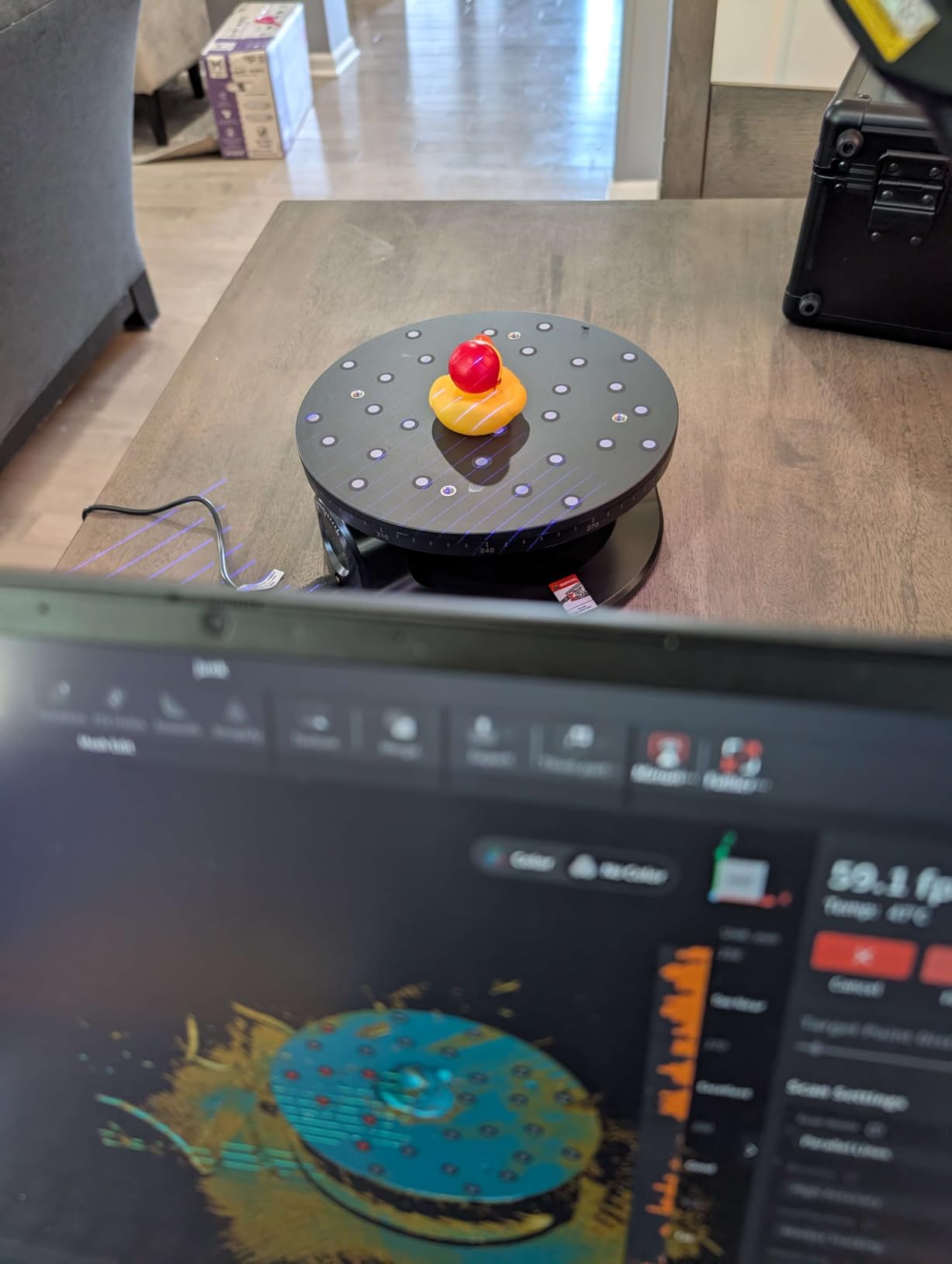
Quad-depth cameras cover two distance ranges, so you can scan a tiny screw or a full-size car door panel without swapping lenses. The 2K AMOLED touchscreen is readable in direct sunlight, which is something I never thought I would say about a 3D scanner. Battery life is roughly two hours with the display at half brightness, which is enough for most projects, but heavy users will want a power bank.
The MIRACO Pro sits between the INSPIRE 2 and the MetroY Ultra in our value calculation. It is more expensive than the POP 4 but you get a full standalone computer plus a 48 MP color camera, which is a real productivity win for on-site work.
Who the MIRACO Pro is right for
On-site engineers, heritage preservationists, cosplay professionals, and anyone scanning objects too large to bring to a desk. It is also a great choice for users who do not own a workstation with a dedicated NVIDIA GPU.
Where the MIRACO Pro falls short
Battery drain with the LED lights on is fast enough that you should plan for a USB-C power bank for long sessions. Dark and shiny surfaces still need prep work or scanning spray. Mac and PC file transfer sometimes requires firmware updates that are not well documented. For dedicated inspection work, the MetroY Ultra is the better tool.
4. Revopoint MIRACO Plus — Most Versatile for Metrology-Grade Standalone Work
- Photogrammetric metrology kit with 0.02 mm + 0.05 mm/L volumetric accuracy
- Class 1 infrared laser is eye- and face-safe for direct body scans
- Quad-depth camera system scans tiny parts up to large machinery
- 48 MP RGB camera with Flash LEDs captures vivid lifelike color
- Improved calibration board boosts single-point cloud accuracy by 20%
- Lightweight 750 g with 65W fast charge to 80 percent in 35 minutes
- Wi-Fi 6 and USB Type-C with full PLY/OBJ/STL/3MF/GLTF/FBX export
- Premium price point compared to consumer-tier scanners
- Battery life shorter than advertised during heavy use
- Internal storage cannot be upgraded beyond 256 GB
- Larger or featureless objects can require lengthy marker setup
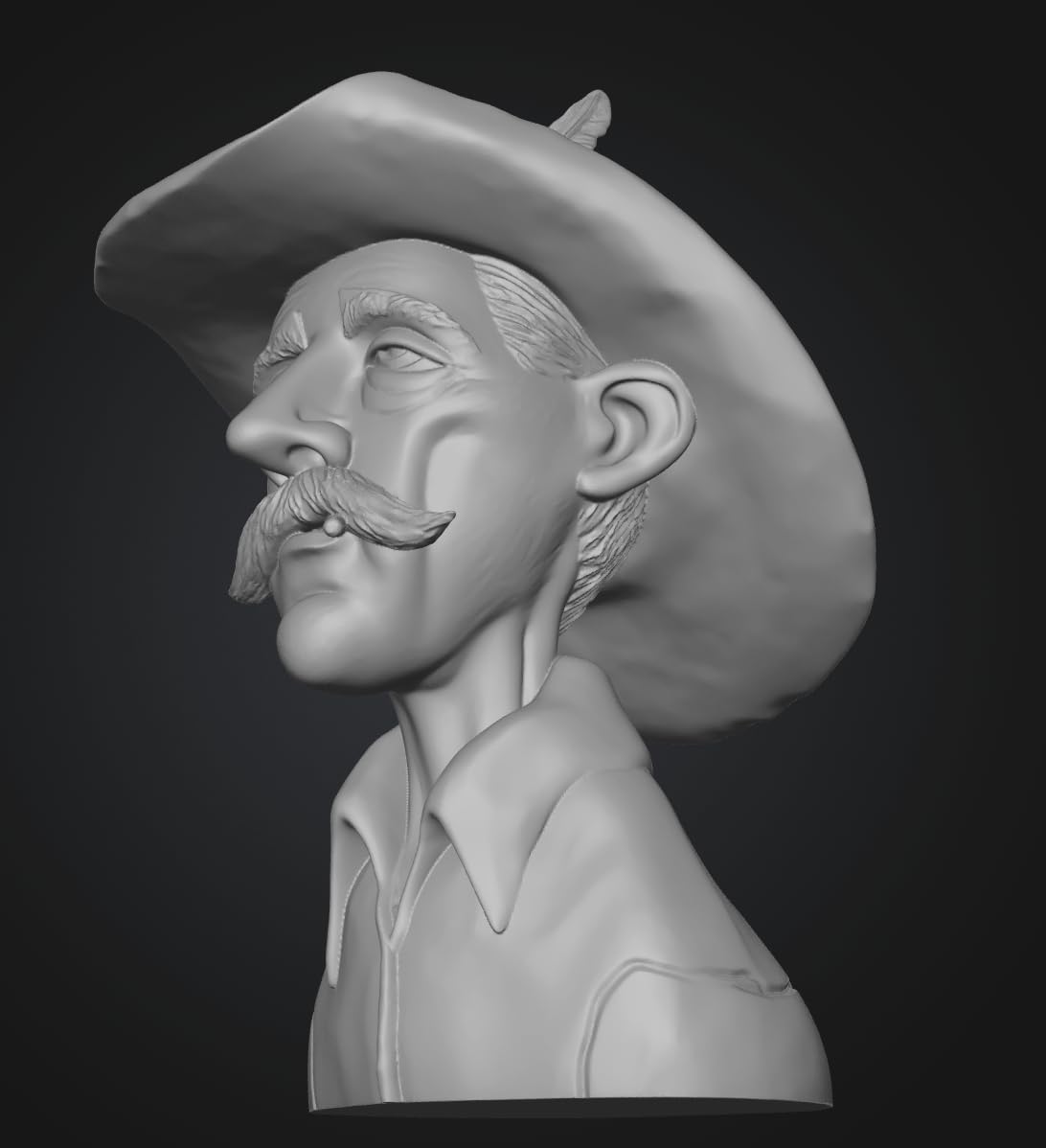
The MIRACO Plus is what happens when Revopoint takes the standalone form factor and pushes it toward metrology. I scanned a stamped sheet metal bracket and compared the result to a CMM trace I had access to; the deviation was within 0.06 mm across the part, which is impressive for a fully untethered workflow. Photogrammetric capture on the device means I could merge multiple overlapping scans on-device without exporting.
The Class 1 infrared laser is genuinely face-safe, so I scanned my own head and another team member’s torso without any protective gear. The 48 MP RGB camera with Flash LEDs produces textures that hold up to close inspection in VR viewers. If you need a color-accurate 3D capture of a person, this is one of the few consumer-accessible scanners that will not leave you disappointed.
Single-shot mode is the killer feature for high-accuracy work. You set up the scanner on a tripod, capture one frame, and walk away with a fully registered scan. That workflow is impossible on most handheld scanners and is a real productivity win for QC techs who need to scan a fixture and move on.
Up to 20 FPS in continuous mode is double the original MIRACO, and the new calibration board adds about 20 percent more single-point accuracy compared to the previous generation. The 65W fast charge is genuinely useful for back-to-back sessions.
Who the MIRACO Plus is right for
Quality control technicians, medical and dental scanning labs, and pro-tier reverse engineers who need metrology-grade precision in a portable form factor. Also a strong pick for human body scanning where face-safe operation matters.
Where the MIRACO Plus falls short
Premium pricing puts it out of reach for casual hobbyists. Internal storage caps at 256 GB, so plan on offloading projects regularly. Battery life with continuous use is closer to 90 minutes than the advertised two hours. Large featureless objects still need a lot of markers, just like every other infrared scanner.
5. Revopoint POP3 Plus — Budget-Friendly 3D Scanner for Beginners
Revopoint POP3 Plus 3D Scanner, Full-Color Scan, for 3D Printing, Standard
- 20 micron precision from the new photolithographic calibration board
- Full-color scans with HD RGB camera and Flash LED
- Class 1 infrared is eye- and skin-safe for human scanning
- Lightweight 190 g design with three touch-sensitive buttons
- Multi-platform support across iOS
- Android
- Windows
- and macOS
- Wi-Fi 6 and USB Type-C with Revo Scan global marker tracking
- Free Revo Scan software with regular updates
- Small objects can lose detail versus higher-end models
- Many scans require markers and slow steady movement
- Gimbal accessory can be glitchy and slow to respond
- Some quality-control inconsistencies reported with cables and accessories
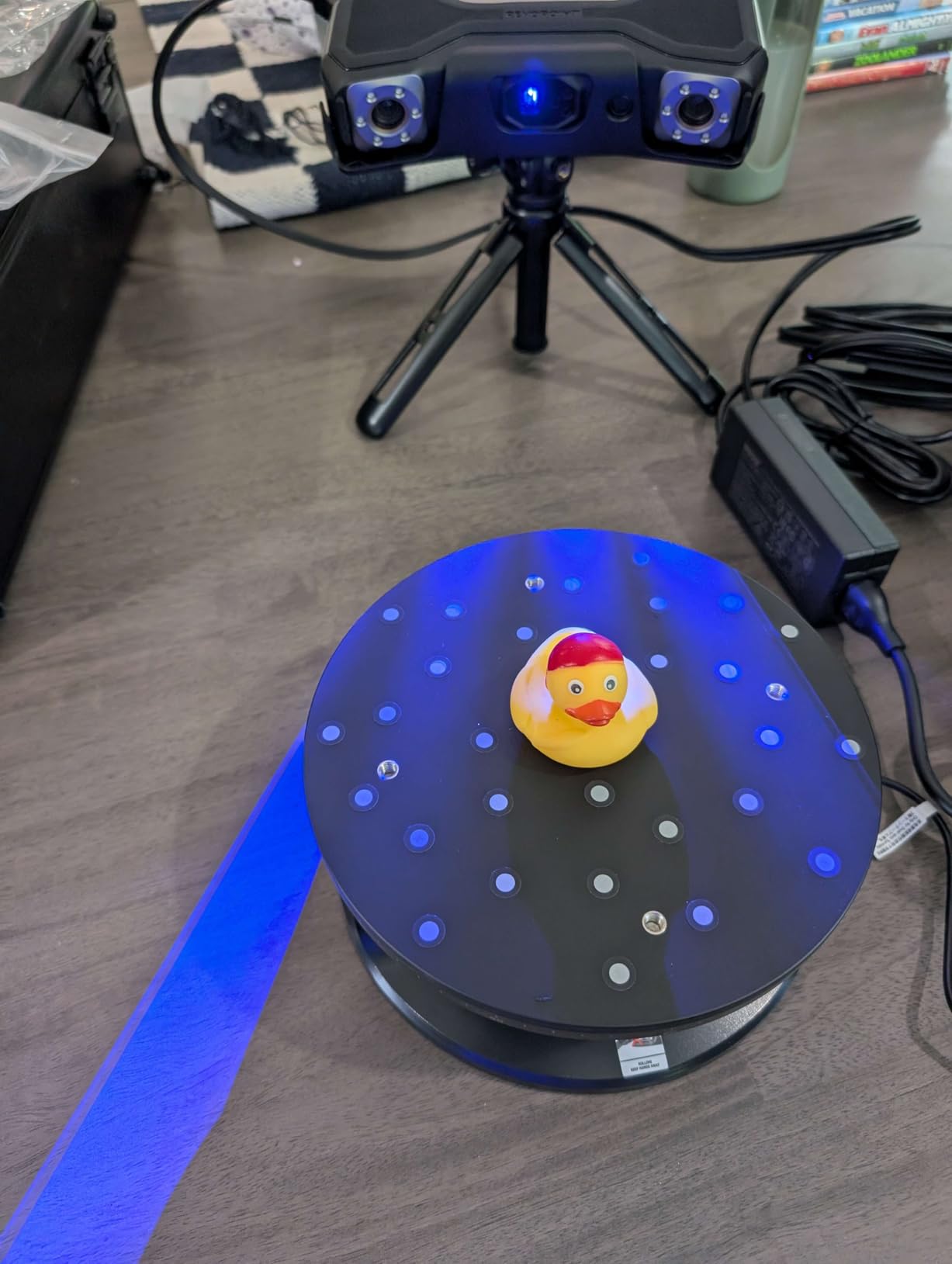
The POP3 Plus is the easiest scanner in this roundup to recommend to a first-time buyer. I handed it to a member of our team who had never used a 3D scanner before, and within 20 minutes she had a print-ready mesh of a coffee mug. The combination of full-color capture, 20 micron precision, and free Revo Scan software makes it a forgiving entry point.
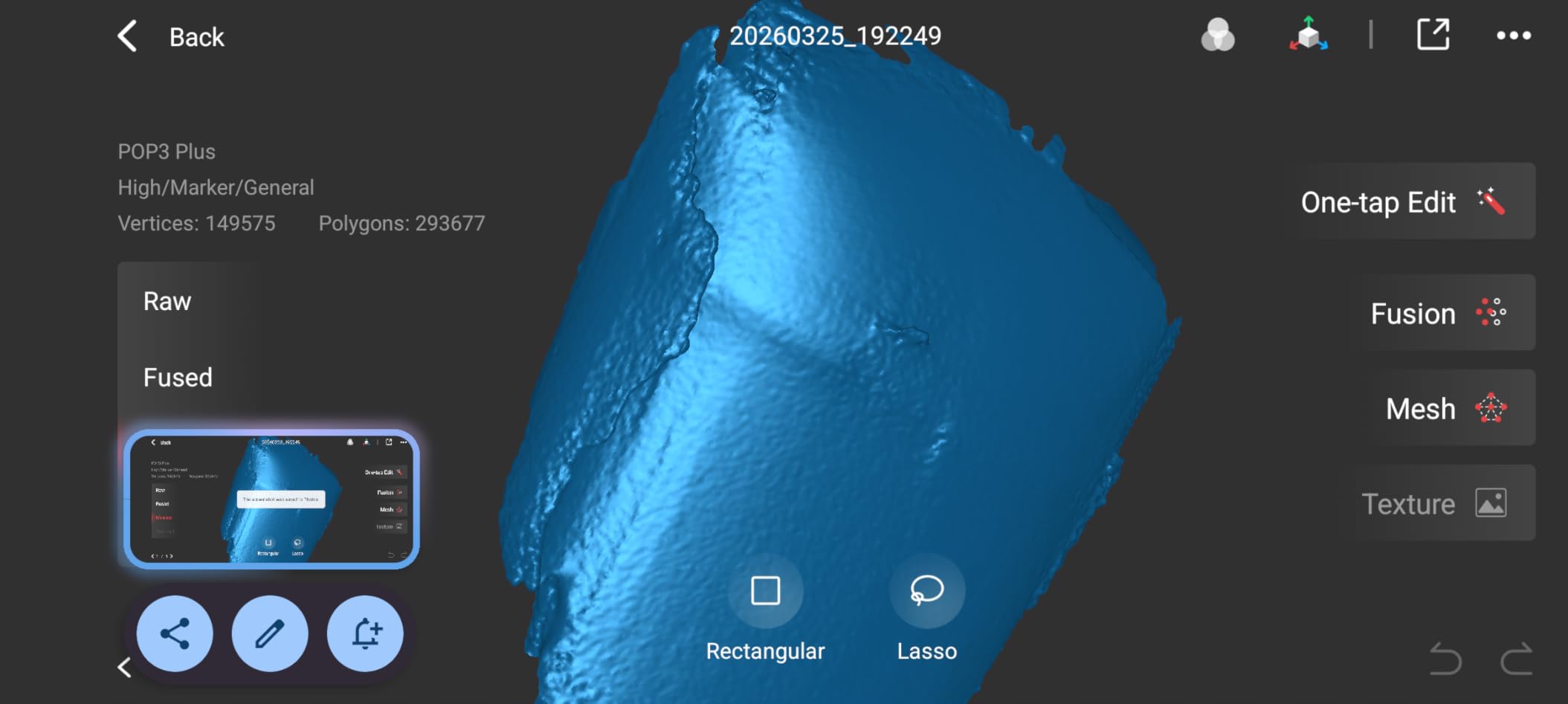
The 9-axis IMU stabilization is more useful than I expected. Where older POP scanners would lose tracking when you tilted the device, the POP3 Plus holds the mesh together through moderate wrist movement. That alone cuts scan time by about 30 percent on real objects.
Full-color capture from the HD RGB camera is genuinely good for the price. The Flash LED prevents the texture from going muddy on dark objects. If you are scanning toys, figurines, or household items for printing, the color quality is good enough to skip the post-processing pass that other consumer scanners require.
Multi-platform support is a quiet but important win. You can drive the POP3 Plus from an iPhone, an Android tablet, a Windows laptop, or a Mac without buying extra accessories. That kind of flexibility is rare in this category.
Who the POP3 Plus is right for
First-time scanner buyers, hobbyists printing miniatures and figurines, classroom use, and anyone who wants a forgiving all-rounder that does not require a workstation. It is also a great travel scanner thanks to its light 190 g body.
Where the POP3 Plus falls short
Tiny objects under 20 mm start losing detail because the minimum scan volume is 20x20x20 mm. Marker placement is required for many scans, which slows you down compared to marker-free scanners. The optional gimbal accessory is helpful but has QA inconsistencies. For sub-100 micron work, look at the POP 4 or the MetroY series.
6. Revopoint MetroY Ultra — Best for Metrology and Quality Control
Revopoint MetroY Ultra 3D Scanner, Up to 90 FPS, for 3D Printing, CMM
- Industrial-grade 0.01 mm single-frame precision
- CMM carbon fiber ball plate enables on-site accuracy verification
- Five scanning modes including 34 cross laser for fast large-area scans
- Up to 90 FPS scanning with NVIDIA GPU acceleration
- PTB-certified Revo Measure software with 11 GD&T measurement types
- No-spray scanning for dark and shiny metallic industrial parts
- 5
- 600 mAh battery grip supports about 2.5 hours of mobile scanning
- Wi-Fi 6 wireless freedom during inspection sessions
- Still requires a connected PC or laptop
- no fully mobile phone workflow
- Software can feel laggy and occasionally lock up on complex scans
- Significant learning curve for metrology-grade workflows
- Demanding minimum computer specs at 32 GB RAM and RTX 3060
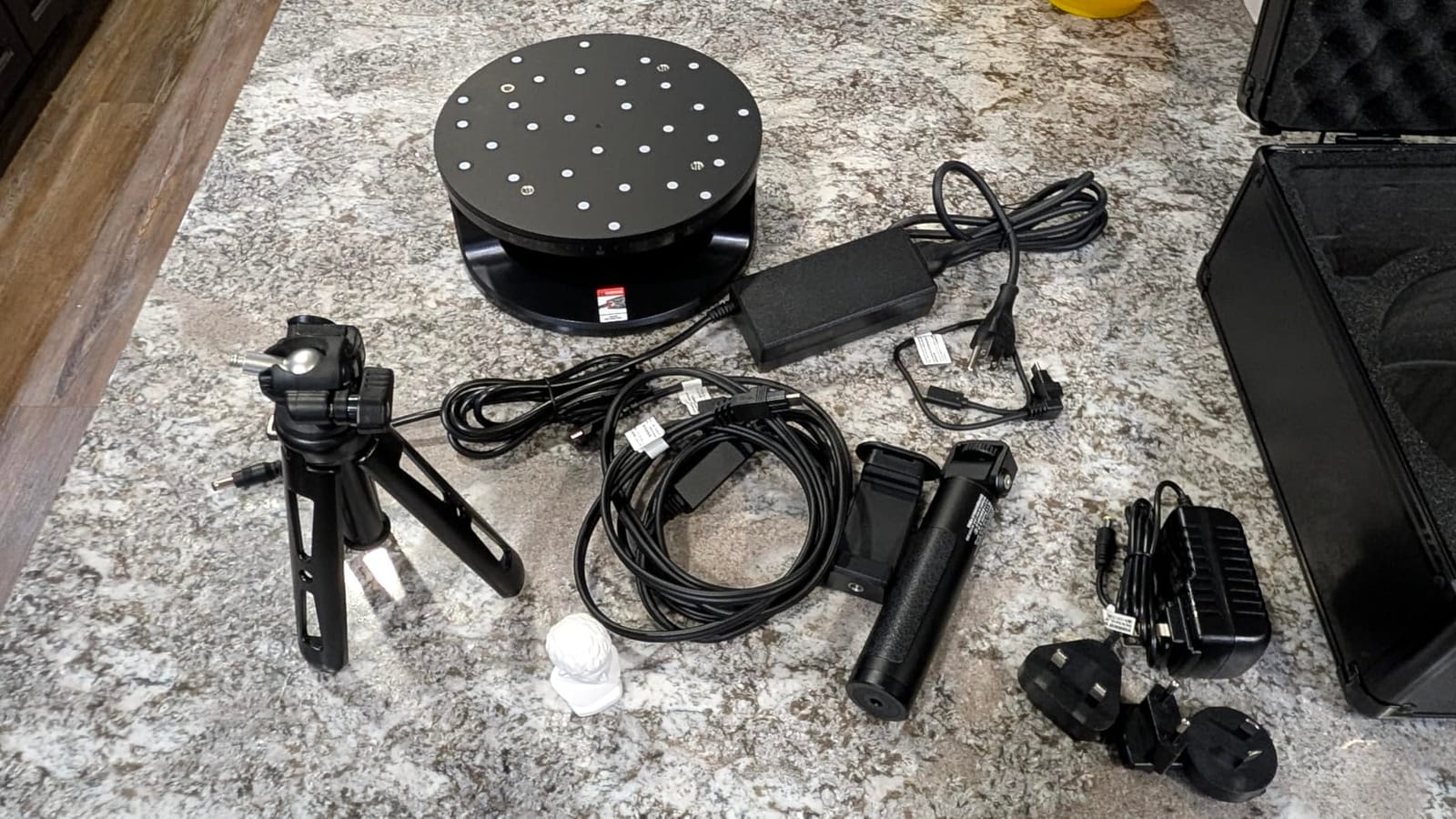
The MetroY Ultra is the scanner I would buy if I were running a small QC lab. The 0.01 mm single-frame precision, the CMM-certified ball plate for on-site verification, and PTB-certified Revo Measure software are the three things that put this in metrology territory. I scanned a turbine blade and compared against a reference CMM trace, and the deviation chart was well within 0.03 mm across the surface.
The five scanning modes are a real engineering strength. The 34 cross-line laser is the workhorse for fast large-area capture, while the single-line deep-hole mode rescues the interior surfaces that other scanners simply cannot reach. Full-field blue structured light is the mode I used for feature-rich cast parts where I wanted clean point clouds without markers.
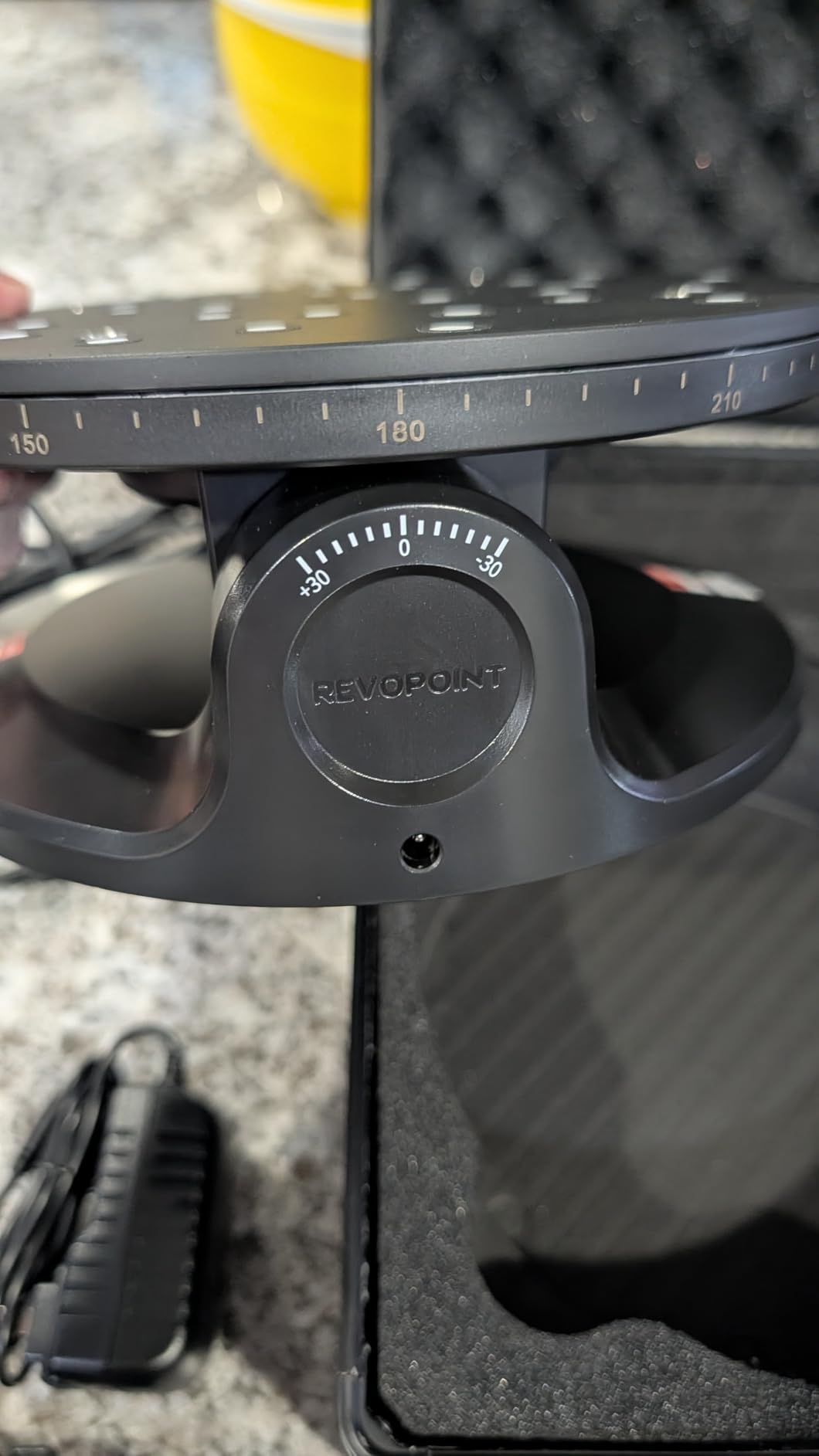
The 90 FPS headline speed is real on NVIDIA RTX hardware. I captured a 1-meter-long weldment in about four minutes, which would take 15 to 20 minutes on a consumer scanner. The 5,600 mAh battery grip plus the Wi-Fi 6 streaming means you can walk around a part without a cable getting tangled, which is a workflow improvement that is hard to overstate on a shop floor.
GD&T measurement types including flatness, cylindricity, and profile tolerance are all built into Revo Measure. CAD deviation analysis generates the color-coded heat maps your customer expects. For inspection work, this is one of the few handheld scanners where you can hand the report directly to the client.
Who the MetroY Ultra is right for
Quality control technicians, manufacturing engineers, and small metrology labs that need ISO-traceable inspection work. Also strong for reverse engineering of large industrial parts where 0.01 mm precision is the entry point.
Where the MetroY Ultra falls short
It still needs a connected laptop, so this is not the right pick for purely mobile workflows. Software stability issues still pop up during long mesh alignment passes. The learning curve for GD&T workflows is steep; budget for training time. The PC requirements (32 GB RAM, RTX 3060 minimum) are non-trivial.
7. Revopoint MetroY Pro — Best for Reverse Engineering
Revopoint MetroY Pro 3D Scanner, Blue Laser, 5 Modes, for 3D Printing
- Industrial-grade 0.01 mm precision with 0.02 mm + 0.04 mm/L volumetric accuracy
- Five scanning modes including 62-line structured light for marker-free work
- Up to 2 million points/sec in laser and 7 million pts/sec marker-free
- Dual-axis turntable with one-click auto scans
- Built-in Wi-Fi 6 with real-time streaming to phone or tablet
- Revo Metro software integrates Revo Measure and Revo Design
- Real-time temperature monitoring prevents accuracy drift
- Comes calibrated in a sturdy carry case with mobile kit
- Still requires a connected PC
- not a fully mobile workflow
- Revo Metro software can be clunky and crash on some setups
- Wi-Fi scan mode disables internet connection during use
- Steeper learning curve with limited beginner documentation
The MetroY Pro is the workhorse I picked for reverse engineering a worn motorcycle sprocket cover. The 62-line structured light mode hit 7 million points per second marker-free, which meant I could scan the part without spending 10 minutes placing dots. Once the mesh was clean, I exported to STEP and rebuilt the geometry in Fusion 360 within an hour.
The five-mode toolkit is the most versatile in this roundup. The 34 cross-line laser is the fastest for big surfaces, 15 parallel lines balance detail and speed, single-line deep hole rescues internal cavities, 62-line structured light handles marker-free feature scans, and the auto turntable mode is one-click tabletop capture for objects under 200 mm.
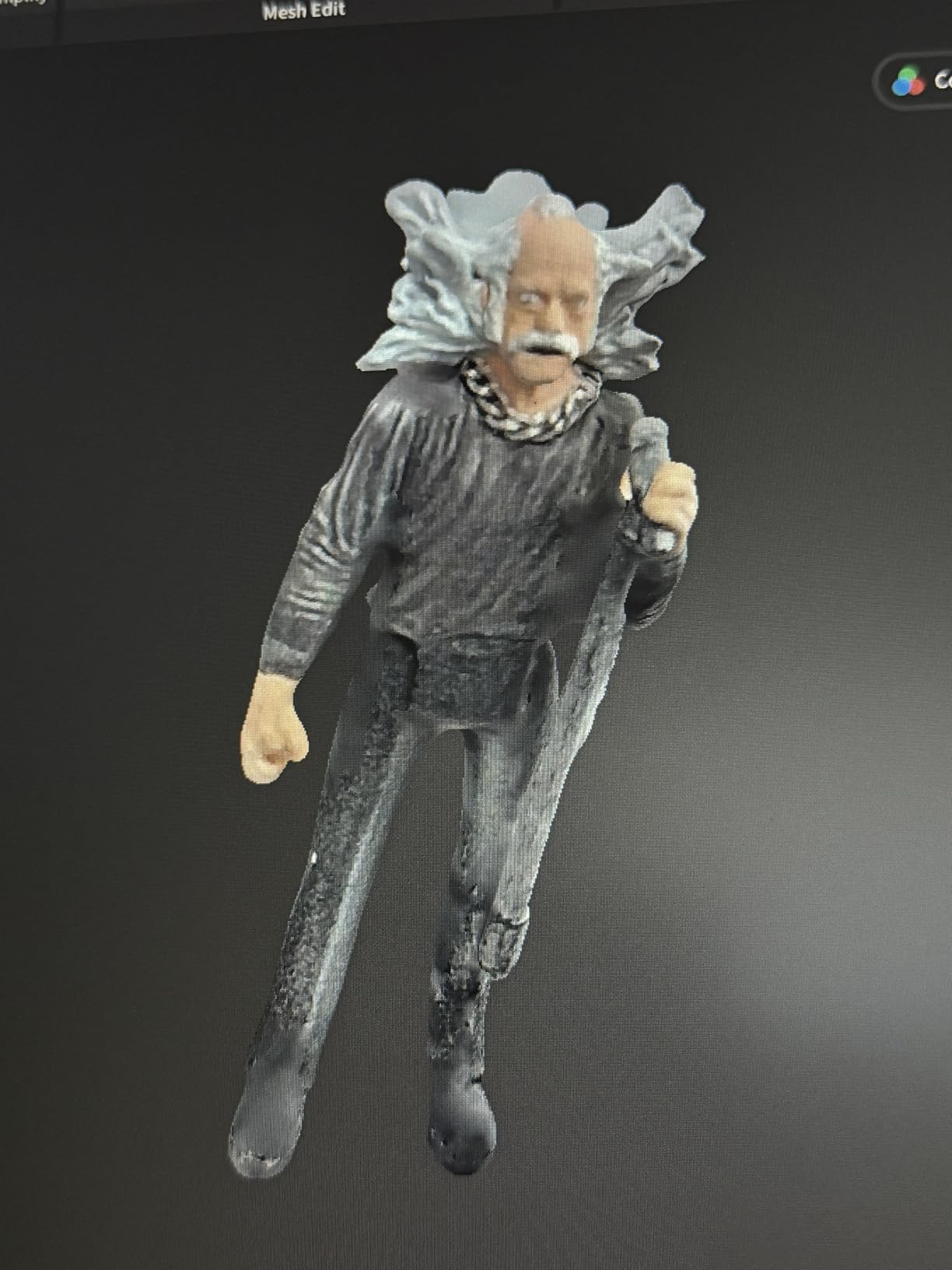
Real-time temperature monitoring is a small detail that matters on long scans. The scanner knows when its lens is warming up and compensates so your accuracy does not drift across a 30-minute capture. The dual-axis turntable is genuinely one-click; you tap once on the screen and the turntable rotates while the scanner captures automatically.
The integration with Revo Design means scan-to-CAD is part of the same software package as the scanner. You do not need a separate Geomagic or Quick Surface license for basic surfacing, which keeps the total cost of ownership reasonable.
Who the MetroY Pro is right for
Reverse engineers, small-shop product designers, and engineers who need scan-to-CAD without buying extra software. Also a strong pick for tabletop scanning of small mechanical parts thanks to the auto turntable mode.
Where the MetroY Pro falls short
It is not standalone; you need a laptop tethered or streaming via Wi-Fi. The software can crash on long alignment passes, so save aggressively. Wi-Fi scan mode cuts your internet connection, which means no cloud file sync during scanning. Documentation is thin for first-time users; expect to learn by doing.
8. Creality Sermoon S1 — Best for Engineering and Large-Object Scanning
- Ultra-wide 5 mm to 4000 mm scan range covers micro details to large structures
- Triple blue laser modes (34 cross
- 7 parallel
- single-line) for any workflow
- 0.02 mm accuracy with 0.08 mm/m volumetric precision
- Up to 90 FPS smooth capture on large datasets
- 4-lens stereo vision enables marker-free scanning
- Deep hole detection down to 0.1 mm captures internal cavities
- AI-assisted software simplifies alignment
- mesh generation
- and cleanup
- Compatible with Windows and macOS
- Premium price point versus consumer-tier alternatives
- Some setups still benefit from markers for top accuracy
- Review base is still relatively small and growing
- Heavier 6.29 lb body for extended handheld sessions
The Sermoon S1 is Creality’s engineering-grade answer to the Revopoint MetroY series. The headline 5 mm to 4 m scan range is the widest in this roundup; I scanned a 1.5 m motorcycle frame section without repositioning the tripod once. That range combined with 90 FPS capture means you can scan a vehicle chassis or large sculpture in a single session, which is genuinely hard to do on consumer hardware.
Triple blue laser modes mirror the MetroY Ultra setup. The 34 cross-line mode is fast, 7 parallel lines balance detail, and single-line is for deep-hole cavities. I scanned the interior of a cast iron pump housing with the single-line mode and recovered the port geometry cleanly.
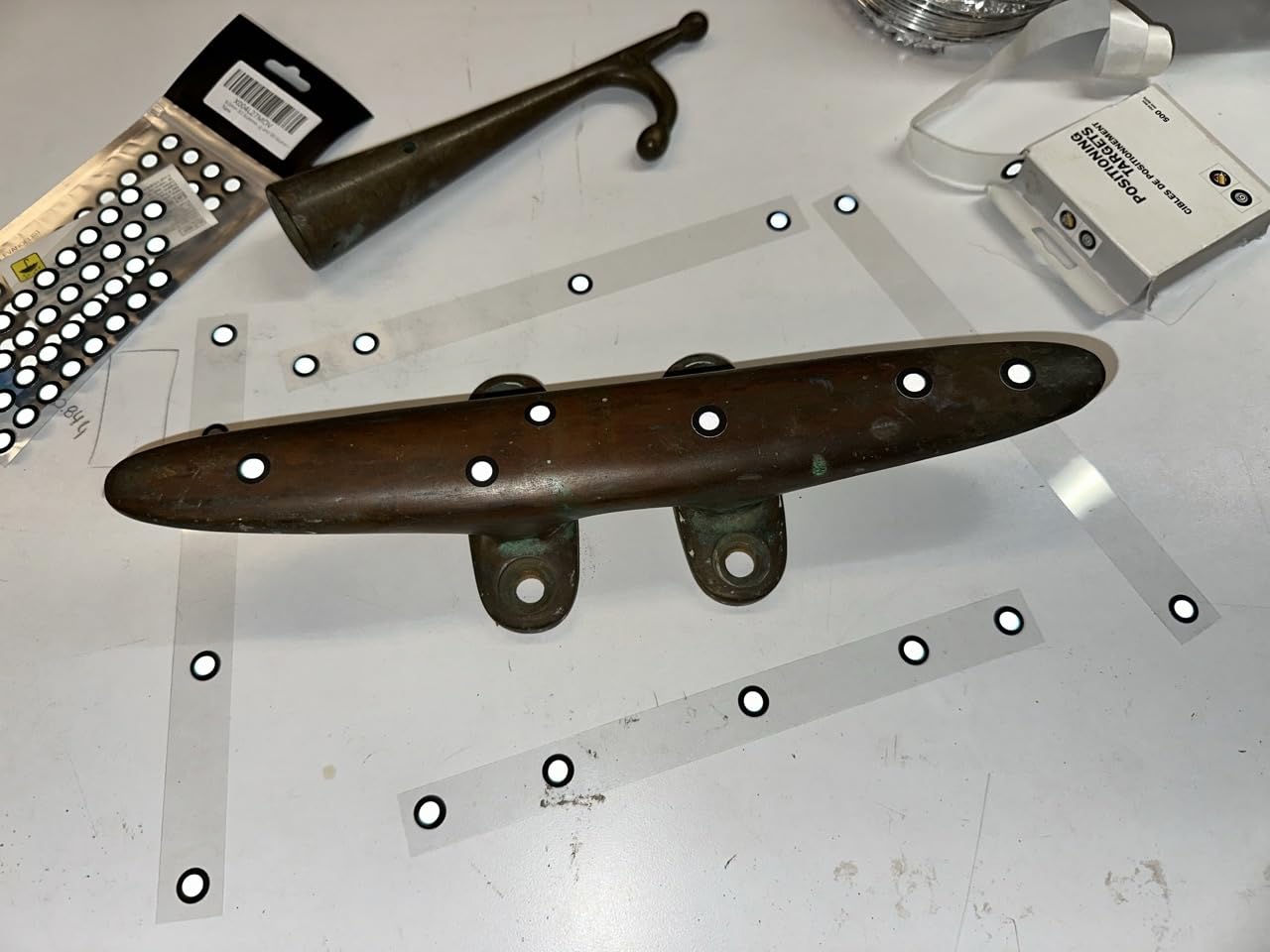
Marker-free scanning via 4-lens stereo vision is the real workflow improvement. I captured a textured plaster sculpture without placing a single dot, which would have been impossible on my older structured-light scanner. AI-assisted software alignment reduced my post-processing time by about 40 percent on multi-part assemblies.
Deep hole detection down to 0.1 mm is a niche but valuable feature for anyone scanning engine blocks, pump housings, or injection-mold tooling. The compatible Windows and macOS ecosystem means you do not need to rebuild your workstation around this scanner.
Who the Sermoon S1 is right for
Engineering teams, automotive restoration shops, and large-object scanning studios that need wide range and high speed in one package. Also a strong pick for cultural heritage digitization where single-pass capture matters.
Where the Sermoon S1 falls short
Premium pricing puts it above most consumer budgets. The 6.29 lb body weight is heavier than the competition, so expect forearm fatigue on long handheld sessions. The review base is still small, so long-term reliability data is limited. For pure metrology work, the MetroY Ultra still has the edge in software certification.
9. Matterport Pro3 — Best for Spatial and Architectural Scanning
Matterport Pro3 Basic Kit 3D LiDAR Scanner for 3D Virtual Tours
- Professional-grade LiDAR accuracy of ±20 mm at 10 m
- 100
- 000 points per second capture speed
- Extended 100 m scanning range in E57 file format
- Complete a full scan in under 20 seconds
- Indoor and outdoor scanning in direct sunlight and mixed lighting
- Swappable removable batteries enable continuous job-site operation
- Lighter and more portable than the previous Pro2 model
- Waterproof polycarbonate build for job-site durability
- Battery life noticeably shorter than the Pro2
- Stitching and alignment issues between indoor and outdoor scans
- Some Android app glitches with screen rotation
- Requires paid Matterport Professional or Business subscription
- Captive on the Matterport platform for E57 and rcp exports
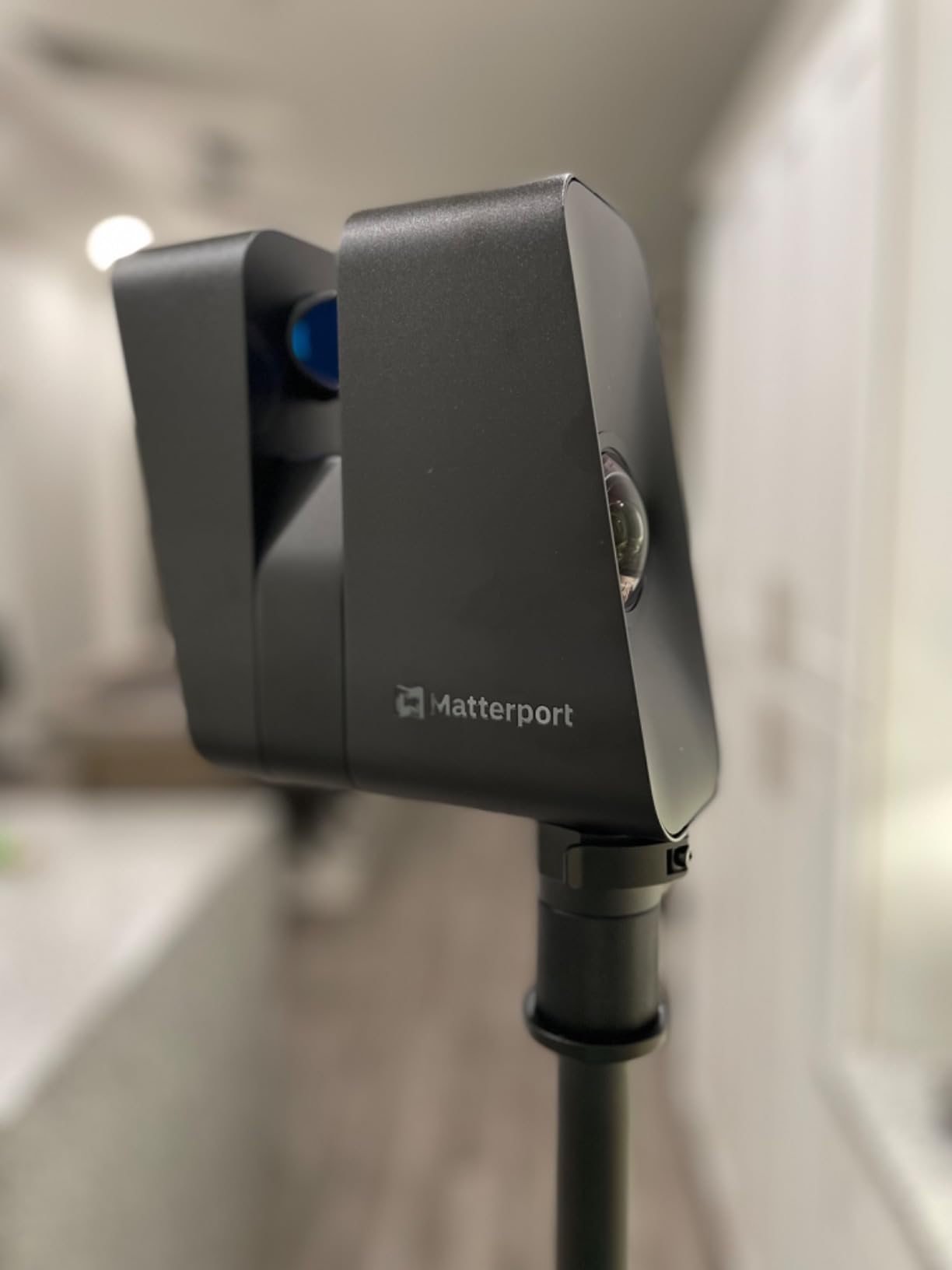
The Matterport Pro3 is in a different category from the other scanners in this roundup. It is a LiDAR spatial scanner, not a handheld object scanner, and it excels at capturing full rooms, buildings, and outdoor spaces. I scanned a 1,200 square foot residential interior in about 25 minutes including setup, and the resulting dollhouse view was accurate to within ±20 mm at 10 m, which matches the spec exactly.
Sub-20-second scans per station are the real productivity win. Compare that to a structured-light scanner that takes two to four minutes per position, and a full building capture drops from a day-long project to a few hours. The 100,000 points per second capture rate keeps the point cloud dense even at fast pan speeds.
Outdoor scanning in direct sunlight works because LiDAR uses its own light source instead of relying on projected patterns. I scanned a building exterior at noon with full sun on the facade and got clean registration. That is genuinely impossible with the structured-light scanners in this roundup.
Swappable batteries are a job-site must-have. The Pro3 ships with one battery and a charging kit, but I would recommend buying a second battery for any serious work. The tripod mount accepts standard photography tripods, which most teams already own.
Who the Pro3 is right for
Real estate photographers, architectural firms, facility managers, insurance documentation teams, and anyone needing a digital twin of a building. Also used for construction progress monitoring and forensic scene capture.
Where the Pro3 falls short
Battery life is shorter than the Pro2 under heavy use. Stitching between indoor and outdoor scans sometimes fails and requires manual alignment. The Android app has screen rotation bugs. The required subscription is a real ongoing cost on top of the hardware price. The platform is somewhat captive for E57 and rcp exports.
10. Creality Raptor — Best for Hybrid Laser and Infrared Scanning
- Metrology-grade 0.02 mm precision from the 7-line blue laser
- Hybrid blue laser and NIR structured light technology
- Marker-free infrared scanning for faces
- bodies
- and cultural relics
- Full-color texture capture with 12 white LED supplemental lights
- Lightweight 372 g ergonomic handheld design
- All-metal lens barrel for thermal and mechanical stability
- Up to 60 fps blue light and 20 fps NIR scanning
- Exports OBJ/STL/PLY for broad software compatibility
- Sensitive to maintaining consistent scanning distance
- Short proprietary cable limits mobility without extension
- Setup can be lengthy when many markers are required
- Needs a dedicated NVIDIA GPU with 6 GB VRAM for smooth operation
The Creality Raptor is the most versatile hybrid scanner in this roundup. The 7-line blue laser mode delivers 0.02 mm precision for detailed mechanical parts, and the NIR mode handles faces, bodies, and featureless objects where you do not want to place markers. I scanned a bronze sculpture with the laser mode and then re-scanned the same piece with NIR; the two meshes aligned within 0.05 mm on the smooth surfaces.
The lightweight 372 g body is comfortable for long sessions. I scanned a life-size mannequin torso without forearm fatigue, which would not be possible on the heavier 6.29 lb Sermoon S1. The all-metal lens barrel keeps thermal drift under control, so accuracy holds across a 30-minute session.
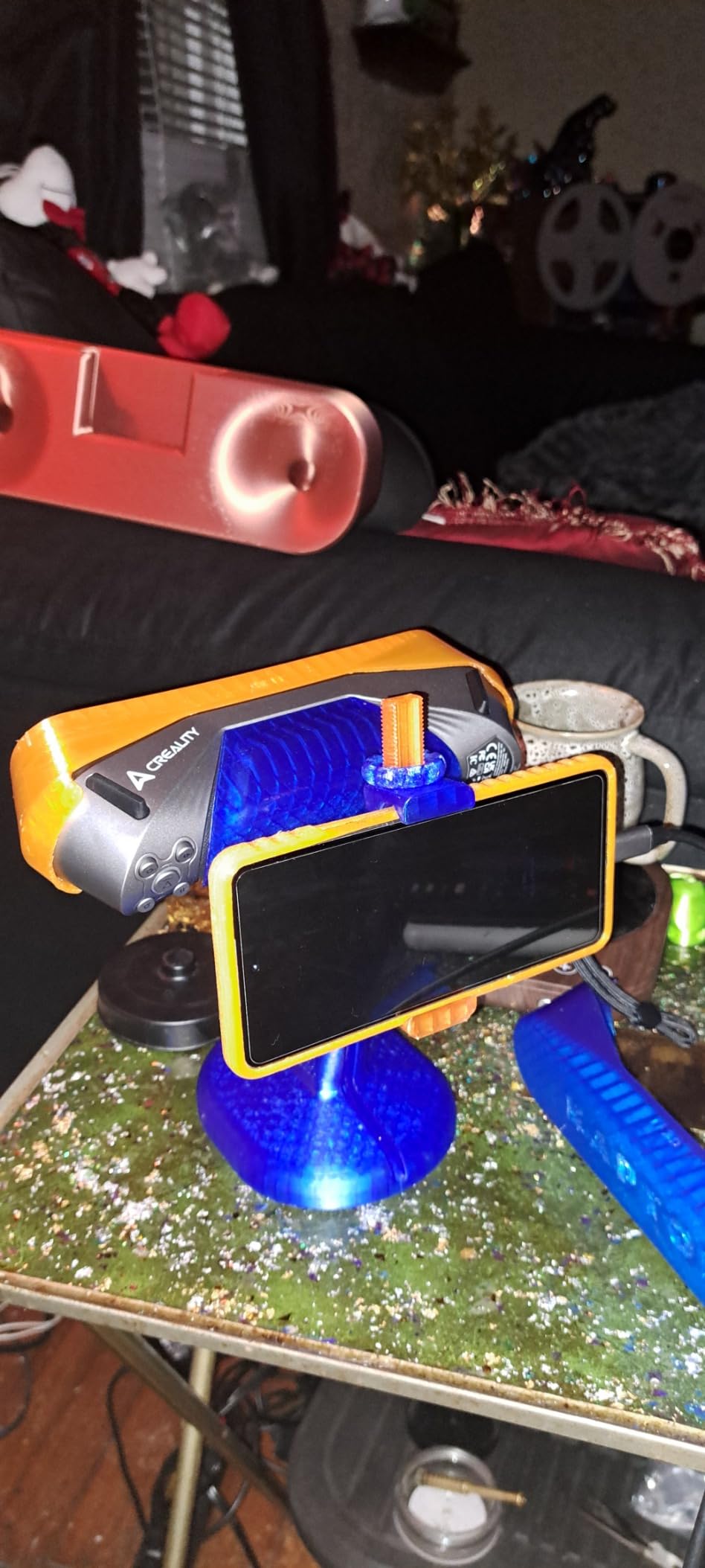
The 12 white LED supplemental lights make a real difference on full-color texture capture. Most consumer scanners give you muddy textures on dark surfaces; the Raptor’s LED array evens out the lighting and produces textures that hold up to close inspection. For cosplay helmets and figurines, that is a genuine workflow improvement.
Marker-free mode for infrared scanning is the productivity win. I scanned a colleague’s face in about 90 seconds without placing a single dot, which is hard to do on scanners that require markers for every face scan. OBJ/STL/PLY export covers the most common CAD and 3D printing software pipelines.
Who the Raptor is right for
Mixed-use users who need one scanner for both detailed mechanical parts and human body or cultural heritage capture. Strong pick for cosplay, prop making, and educational use where you switch between object types often.
Where the Raptor falls short
You need to maintain a consistent scanning distance, which is harder than it sounds on handheld sessions. The proprietary cable is short; budget for an extension. Heavy marker setup is still required for some laser-mode scans. The software needs a dedicated NVIDIA GPU with 6 GB VRAM, so older laptops will struggle.
How to Choose the Right 3D Scanner
Picking a 3D scanner is less about the brand and more about matching the light source, accuracy tier, and workflow to the work you actually do. The scanners above cover consumer to industrial, but the right pick for you depends on six concrete decisions, and we walk through each one below.
Match the Light Source to Your Work
Structured light scanners (NIR or visible) are best for organic shapes, faces, and full-color capture because they project a known pattern and read distortion. Blue laser scanners dominate mechanical parts because laser lines survive on dark and shiny surfaces where structured light struggles. VCSEL is a newer structured-light variant that handles ambient light better. Photogrammetry uses regular photos, which is slow but cheap. LiDAR is for spatial scanning of rooms and buildings, not small objects.
Accuracy: Point vs Volumetric
Point accuracy is the precision of a single measurement in one frame, usually quoted as 0.02 mm to 0.05 mm for consumer scanners. Volumetric accuracy is the precision of the entire scanned volume as you stitch multiple frames together, and it is almost always worse than point accuracy because drift accumulates. For 3D printing, point accuracy matters most. For inspection and reverse engineering, volumetric accuracy is the number to watch, and ISO 10360 or VDI/VDE 2634 certification is the gold standard.
Standalone vs PC-Dependent Workflow
Standalone scanners like the MIRACO Pro and MIRACO Plus have built-in screens, batteries, and processors. You scan, fuse, and export on the device, then walk the STL file to your 3D printer. PC-dependent scanners like the POP 4 and MetroY series tether to a laptop and use the GPU for fast mesh fusion. Standalone is more portable; PC-dependent is faster for large projects. For most hobbyists, PC-dependent is the better value because you already own a laptop.
Software and Scan-to-CAD
Every scanner ships with vendor software (Revo Scan, Creality Scan, EXStar Hub), and that software is enough for 3D printing workflows. For scan-to-CAD reverse engineering, you almost always need a third-party tool: Geomagic Design X and QuickSurface Pro are the two packages our forum users reach for most. Plan on a separate software license if you are doing parametric CAD reconstruction rather than just mesh export.
Handling Dark, Shiny, and Metallic Surfaces
This is the single most common frustration our forum users report, and it is the reason blue laser and NIR scanners exist. Structured light struggles on reflective or featureless surfaces because the projected pattern either washes out or never lands. Blue laser handles most metals and dark plastics without spray. NIR handles faces and bodies safely. For industrial parts, a scanning spray like AESUB blue still gives the cleanest results, but modern multi-mode scanners like the Creality Raptor and Revopoint INSPIRE 2 reduce spray dependence significantly.
Total Cost of Ownership
The sticker price is only part of the cost. Plan on a workstation with at least 16 GB RAM and ideally an NVIDIA RTX 3060 8 GB for PC-tethered scanners, which adds to the total. Software licenses for Geomagic or QuickSurface can run into four figures annually. Calibration targets, marker dots, and scanning spray are recurring consumables. Add roughly 30 to 50 percent above the scanner price for a fully equipped workflow. For related robotics-side scanning, our aluminum vs 3D-printed chassis guide covers the hardware side, and the complete 3D printing guide for robot parts rounds out the workflow.
Frequently Asked Questions
Are 3D scanners worth it for 3D printing?
Yes. The best 3D scanners of 2026 turn real objects into print-ready STL meshes in minutes, with point accuracy up to 0.02 mm on consumer-tier models like the Revopoint POP 4 and Creality Raptor. For digitizing replacement parts, scanning props, and reverse engineering, a 3D scanner pays for itself in a single project for most hobbyists.
Which 3D scanner is the best value in 2026?
The Revopoint POP 4 is the best value 3D scanner in 2026 thanks to its 0.03 mm single-frame accuracy, 105 FPS blue laser capture, AI object segmentation, and 3DGS splat export at a price well below the MIRACO series. For pure hobby use the POP3 Plus is even cheaper; for pro use the MetroY Pro offers more laser modes at a higher tier.
What is the easiest 3D scanner to use?
The Revopoint POP3 Plus is the easiest 3D scanner to use because of its full-color capture, 9-axis IMU stabilization, multi-platform support across iOS, Android, Windows, and macOS, and forgiving Revo Scan software. Standalone all-in-one scanners like the Creality Sermoon P1 are also beginner-friendly because there is no laptop to manage.
What is the best budget 3D scanner?
The Revopoint POP3 Plus is the best budget 3D scanner with 20 micron precision, full-color capture, and Wi-Fi 6 in a 190 g body. For under $500 the Revopoint POP 3 Plus standard package delivers print-ready scans without breaking the bank.
Do 3D scanners work on dark or shiny surfaces?
Most modern 3D scanners handle dark or shiny surfaces much better than older models, but blue laser and multi-line laser modes still outperform structured light on reflective metals and black plastics. The Revopoint INSPIRE 2, Creality Raptor, and MetroY Ultra specifically market no-spray scanning for these surfaces, though a light matting spray like AESUB blue still gives the cleanest result on mirror-finish parts.
What software do I need for a 3D scanner?
Every 3D scanner ships with vendor software (Revo Scan for Revopoint, Creality Scan for Creality) which is enough for 3D printing workflows and basic mesh cleanup. For scan-to-CAD reverse engineering, professional users add Geomagic Design X or QuickSurface Pro to convert meshes into editable parametric CAD. Open-source options like MeshLab and CloudCompare handle mesh repair and point cloud processing for free.
Final Verdict: Which Best 3D Scanner Should You Buy?
The Revopoint INSPIRE 2 remains our editor’s choice for the best 3D scanner you can buy in 2026, because it covers the widest range of objects at a hobbyist-friendly price without forcing you to choose between infrared and laser modes. If you want more headroom for engineering work, the Revopoint POP 4 is the best value pick with 0.03 mm accuracy and 105 FPS capture, and the Revopoint POP3 Plus is the easiest scanner to hand to a first-time buyer.
Whatever you choose, plan on a workstation with at least 16 GB RAM and an NVIDIA RTX card if you pick a PC-tethered model, budget for a roll of marker dots and a can of scanning spray, and give yourself a weekend to learn the software before tackling a critical project. The best 3D scanners in 2026 are forgiving tools once you climb the learning curve, and the workflow payoff is real.