
If you’re asking “what age should kids start learning robotics?” you’re not alone. This is one of the most common questions parents and educators ask our team, and the answer is more layered than a single number.
Research from Tufts University’s Department of Child Development suggests age 7 is the ideal starting point for structured robotics education. That said, children can begin exploring robotics concepts as early as age 5 with the right activities. The key is matching the experience to your child’s developmental stage, not just their birth year.
In this guide, I’ll walk you through the research, share an age-by-age breakdown, and give you practical signs of readiness to look for. I have also included specific activities and approaches that work at each stage, drawing on input from parents, teachers, and child development specialists.
Table of Contents
Why Age 7 Is the Sweet Spot for Starting Robotics
Age 7 marks a developmental inflection point that makes structured robotics learning click. Around this age, most children have developed the fine motor control to manipulate small building pieces and the cognitive ability to follow multi-step instructions.
The Tufts University research cited by Science Buddies points specifically to ages 7 and 8 as the window when children can connect cause and effect, persist through trial-and-error, and understand abstract programming concepts. Before this age, children often struggle with the patience required to debug a program or rebuild a faulty mechanism.
I have seen this play out in my own work with kids’ robotics programs. Seven-year-olds can usually sit through a 45-minute build session, follow along with visual programming blocks, and explain what they want their robot to do. Five-year-olds, by contrast, tend to lose focus after 15-20 minutes of structured activity.
That does not mean you should wait until 7 to introduce robotics concepts. Exposure to building, sequencing, and cause-and-effect thinking from age 5 builds a foundation that makes age 7 feel like a natural next step rather than a leap.
Ages 5 to 6: Screen-Free Robotics Foundations
For 5 and 6 year olds, the best robotics activities stay away from screens entirely. At this age, children learn through physical manipulation, storytelling, and play. Their hands and imaginations are more developed than their reading skills or attention spans.
Screen-free coding robots like Botley 2.0, the Bee-Bot, and Cubetto let children program movements using physical buttons, cards, or blocks. There is no reading required. Children press a sequence, watch the robot follow it, and adjust when something goes wrong. This is computational thinking without a single pixel.
Building sets also belong in the 5 to 6 toolkit. LEGO Duplo, wooden marble runs, and magnetic tiles teach spatial reasoning and mechanical concepts. When a child builds a ramp and watches a ball roll down, they are learning about gravity, momentum, and iteration, the same physics principles behind robot movement.
One parent in a Reddit r/learnprogramming thread described her 5-year-old’s experience with Dash: “He treats it like a pet. He makes it move, gets excited when it lights up, and slowly started understanding that pressing buttons in a certain order made it do specific things. No screen, no frustration, just play.”
The biggest mistake at this age is pushing structured coding too early. Wait for visual programming. Wait for screens. Focus on curiosity, motor skills, and the joy of making something move.
Ages 7 to 8: Visual Programming and Block Coding
At ages 7 and 8, children are ready for visual programming. This is where robotics education shifts from physical play to logical thinking. Platforms like Scratch, ScratchJr (for the younger end), and LEGO WeDo use drag-and-drop blocks that snap together to form programs.
The visual format removes a major barrier: typing. Children who struggle with spelling or keyboard skills can still write sophisticated programs. They learn concepts like loops, conditionals, and variables without worrying about syntax errors.
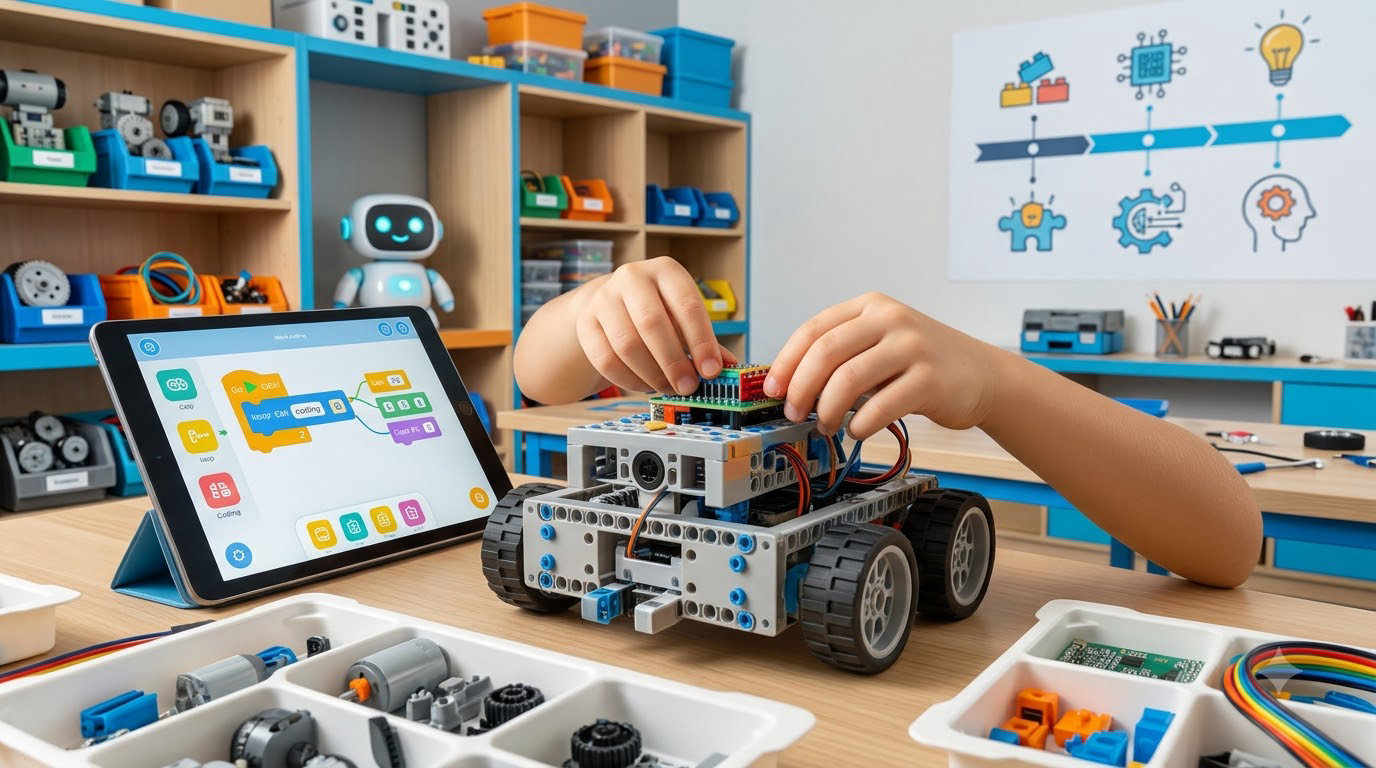
LEGO WeDo 2.0 and LEGO Boost are excellent bridges at this age. Children build a physical model (a car, a fan, a sensor-activated machine), then program its behavior using block-based code. The combination of building and coding keeps both halves of the brain engaged.
Our team’s experience running robotics clubs for this age group shows a clear pattern: kids at 7-8 love projects with immediate feedback. They want to press a button, see a motor spin, and know their code did that. Abstract projects without a physical robot tend to lose their attention within a few weeks.
This is also the age when many children join their first robotics team or after-school program. First LEGO League Explore (for ages 6-10) uses WeDo and similar kits to introduce team-based challenges. The social component matters as much as the technical one at this stage.
Ages 9 to 12: Full Robotics and Text-Based Coding
By ages 9 to 12, most children are ready for text-based coding and more complex robotics platforms. They can type, follow written instructions, and debug programs that do not work the first time. This is the window for Arduino, Raspberry Pi, micro:bit, and Python-based robotics kits.
Arduino and micro:bit teach real-world electronics alongside coding. Children learn to wire sensors, control LEDs, and read inputs from buttons or accelerometers. These platforms are used in actual engineering and prototyping, so the skills transfer directly.
Competition robotics heats up at this age. FIRST LEGO League Challenge (ages 9-16) and VEX IQ (ages 8-14) introduce team-based engineering, strategy, and project documentation. Many teachers report that their 4th and 5th grade robotics clubs (ages 9-11) produce some of the most creative problem-solving they see all year.
Can a 10 year old start coding? Absolutely. Ten is often when children hit a stride in robotics. They have the patience for longer projects, the reading skills for tutorials, and the abstract thinking to plan a program before writing it.
At this age, I also recommend introducing CAD software (like Tinkercad) and 3D printing if possible. Children can design custom parts for their robots, which deepens the connection between digital design and physical building. It is a powerful combination.
Signs Your Child Is Ready for Robotics Beyond Their Age
Chronological age is a starting point, not a rule. Some 6 year olds are ready for visual programming, and some 9 year olds still thrive with screen-free play. Here are the readiness signs our team looks for:
1. Sustained curiosity about how things work. If your child constantly asks “why” and “how,” they are ready for the cause-and-effect thinking that robotics teaches.
2. Ability to follow multi-step directions. Robotics projects often involve 5-10 sequential steps. Children who can complete a board game setup or follow a recipe are usually ready.
3. Patience with trial and error. Robotics is debugging. When the robot does not move, the child needs to try again, not give up. Watch how your child handles puzzle failures; it is a good predictor.
4. Interest in building or constructing. Children who naturally gravitate toward LEGO, blocks, or model kits are showing mechanical interest. Robotics amplifies this.
5. Basic reading or symbol recognition. For visual programming, children do not need strong reading, but they need to recognize icons and follow visual sequences. Most 6 year olds can manage simple block coding with support.
6. Comfort with screens (for ages 7+). If your child has never used a tablet or computer, jumping into robotics programming is a bigger ask. Start with screen-free robots first, then transition gradually.
Conversely, if your child shows frustration with multi-step tasks, struggles to sit for 15-20 minutes, or shows no interest in building, pushing robotics too early will backfire. Wait, and try again in six months.
How to Choose Age-Appropriate Robotics Activities
Choosing the right robotics experience depends on three factors: your child’s developmental stage, their interest level, and your available time and budget.
For ages 5 to 6, prioritize screen-free kits like Botley, Cubetto, or simple building sets. These run from $50 to $150 and require no tablet or computer. They are also excellent for siblings to share.
For ages 7 to 8, LEGO WeDo or LEGO Boost offer the best balance of building and coding, with kits in the $100 to $200 range. Scratch (free online) extends the learning without extra cost.
For ages 9 to 12, Arduino starter kits ($30 to $50) and micro:bit kits ($20 to $40) provide real engineering at low cost. Add a robotics class or competition if your child shows strong interest.
Do not overlook free resources. Scratch is free, the Arduino IDE is free, and YouTube has thousands of project tutorials. Our team has seen families build impressive robotics projects on a $30 budget by combining a basic Arduino kit with salvaged parts and online guides.
Finally, consider your child’s learning style. Visual learners thrive with video tutorials. Hands-on learners do best in workshops or camps. Social learners benefit most from team-based competitions. Match the format to the child, and robotics becomes a joy rather than a chore.
Frequently Asked Questions
What is the ideal age for children to start learning robotics?
Research from Tufts University’s Department of Child Development points to age 7 as the ideal starting point for structured robotics education. Children can begin exploring robotics concepts as early as age 5 with screen-free activities, but age 7 is when most kids have the fine motor skills, attention span, and logical reasoning for structured learning.
What is a good robot for a 4-year-old?
For 4 year olds, focus on screen-free robots with simple controls. Bee-Bot and Cubetto are popular choices. They teach sequencing and cause-and-effect without requiring any reading or screen time. Building toys like wooden marble runs and magnetic tiles also introduce basic robotics concepts through play.
What age is appropriate for a robotics kit?
Ages 5-6 work well with screen-free coding robots like Botley 2.0. Ages 7-8 are ideal for visual programming kits like LEGO WeDo and LEGO Boost. Ages 9-12 are ready for text-based coding kits like Arduino, micro:bit, and Raspberry Pi. Always match the kit complexity to your child’s developmental stage, not just their age.
Can a 10 year old start coding?
Yes, age 10 is a great time to start coding. Most 10 year olds have the reading skills, patience, and abstract thinking needed for text-based languages like Python or block-based platforms like Scratch. Many robotics competition teams include 10 year olds as core contributors.
Is robotics good for kids?
Yes, robotics education builds problem-solving skills, computational thinking, creativity, and collaboration. Research shows that robotics activities improve logical reasoning and persistence. Kids also learn that failure is part of the learning process, which builds resilience.
What are signs my child is ready for robotics?
Look for sustained curiosity about how things work, ability to follow multi-step directions, patience with trial and error, interest in building or constructing, and basic symbol recognition. If your child shows these signs before age 7, they may be ready for early visual programming with support.
Conclusion
So, what age should kids start learning robotics? The research-backed answer is age 7, with valuable exposure starting at age 5 and full text-based programming from age 9.
The most important takeaway is that age is a starting point, not a finish line. Watch your child for signs of readiness, choose activities that match their developmental stage, and prioritize play and curiosity over structured learning until age 7.
Whether you start with a $30 screen-free robot or a $200 LEGO kit, the goal is the same: help your child experience the joy of making something move, sense, and respond. That moment of “I built this, and it works” is what makes robotics stick for life.