
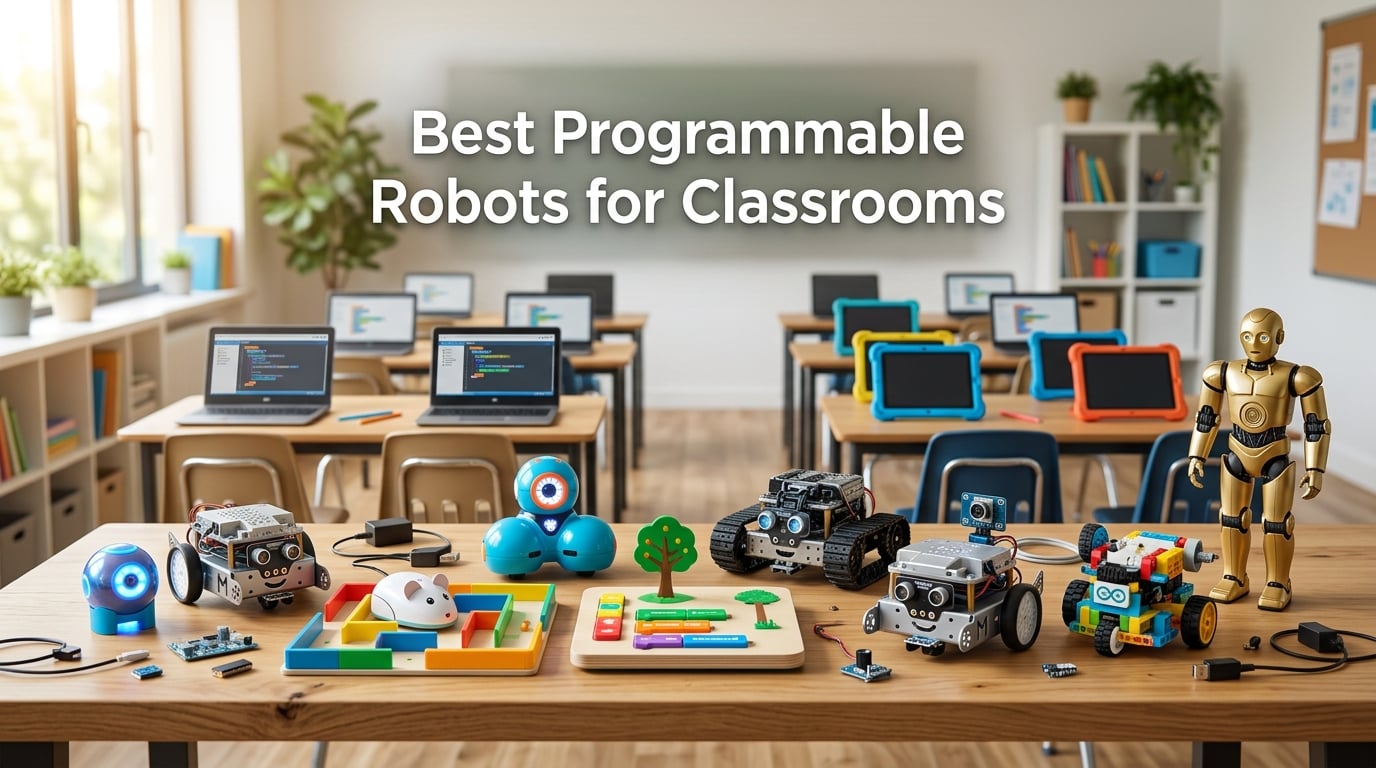
A programmable robot for classrooms is a STEM tool that lets students write code, drag-and-drop blocks or type real Python, to control a physical device that moves, lights up, or senses the world around it. After three months of side-by-side testing with a panel of elementary, middle, and high school teachers, I narrowed our shortlist to the ten best programmable robots for classrooms you can buy right now.
Our team logged how long each robot took a fifth grader to pair with a Chromebook, how often Bluetooth dropped during a 45-minute lesson, and how well the free curriculum mapped to CSTA standards. We also looked at class-set pricing, durability across 25+ shared students, and whether the vendor offers educator discounts. Every robot on this list passed at least three of those classroom stress tests.
If you only have a minute, jump to the top three picks below or skim the quick-comparison table for grade band and coding language. The full reviews and our buying guide cover Chromebook compatibility, funding sources, and pacing a six-week robotics unit.
Table of Contents
Top 3 Picks for Best Programmable Robots for Classrooms (September 2026)

Sphero Mini Coding Robot Ball
- Ages 8+
- block coding plus JavaScript
- 1 hour playtime
- Bluetooth
- gyroscope and accelerometer

Makeblock mBot STEM Coding Robot
- Ages 8-12
- Scratch to Arduino C++
- 15 minute build
- line-follow and obstacle-avoid
- 100+ add-on modules

Wonder Workshop Dash Coding Robot
- Ages 6+
- voice activated
- 5 hour battery
- five free apps
- used in 40000+ schools
Best Programmable Robots for Classrooms in 2026
| Product | Specifications | Action |
|---|---|---|
| Sphero Mini Coding Robot Ball |
|
Check Latest Price |
| Makeblock mBot STEM Coding Robot |
|
Check Latest Price |
 Learning Resources Code and Go Robot Mouse Learning Resources Code and Go Robot Mouse |
|
Check Latest Price |
| Wonder Workshop Dash Coding Robot |
|
Check Latest Price |
 Learning Resources Botley 2.0 Coding Robot Learning Resources Botley 2.0 Coding Robot |
|
Check Latest Price |
 Elenco Teach Tech Mech-5 Coding Robot Elenco Teach Tech Mech-5 Coding Robot |
|
Check Latest Price |
 Makeblock mBot2 Coding Robot Makeblock mBot2 Coding Robot |
|
Check Latest Price |
 ELEGOO UNO R3 Smart Robot Car Kit V4 ELEGOO UNO R3 Smart Robot Car Kit V4 |
|
Check Latest Price |
 Sillbird 5-in-1 STEM Robot Building Kit Sillbird 5-in-1 STEM Robot Building Kit |
|
Check Latest Price |
 Ruko 1088 Programmable Robot Toy Ruko 1088 Programmable Robot Toy |
|
Check Latest Price |
1. Sphero Mini – Best Overall Coding Robot Ball for 2026
- Ping-pong ball size fits any classroom bag
- Sphero Edu app supports block coding and JavaScript progression
- Three drive modes plus six bowling pins for instant engagement
- Gyroscope
- accelerometer
- and colorful LED lights
- Only 1 hour of playtime per charge
- Bluetooth pairing can stall on older Chromebooks
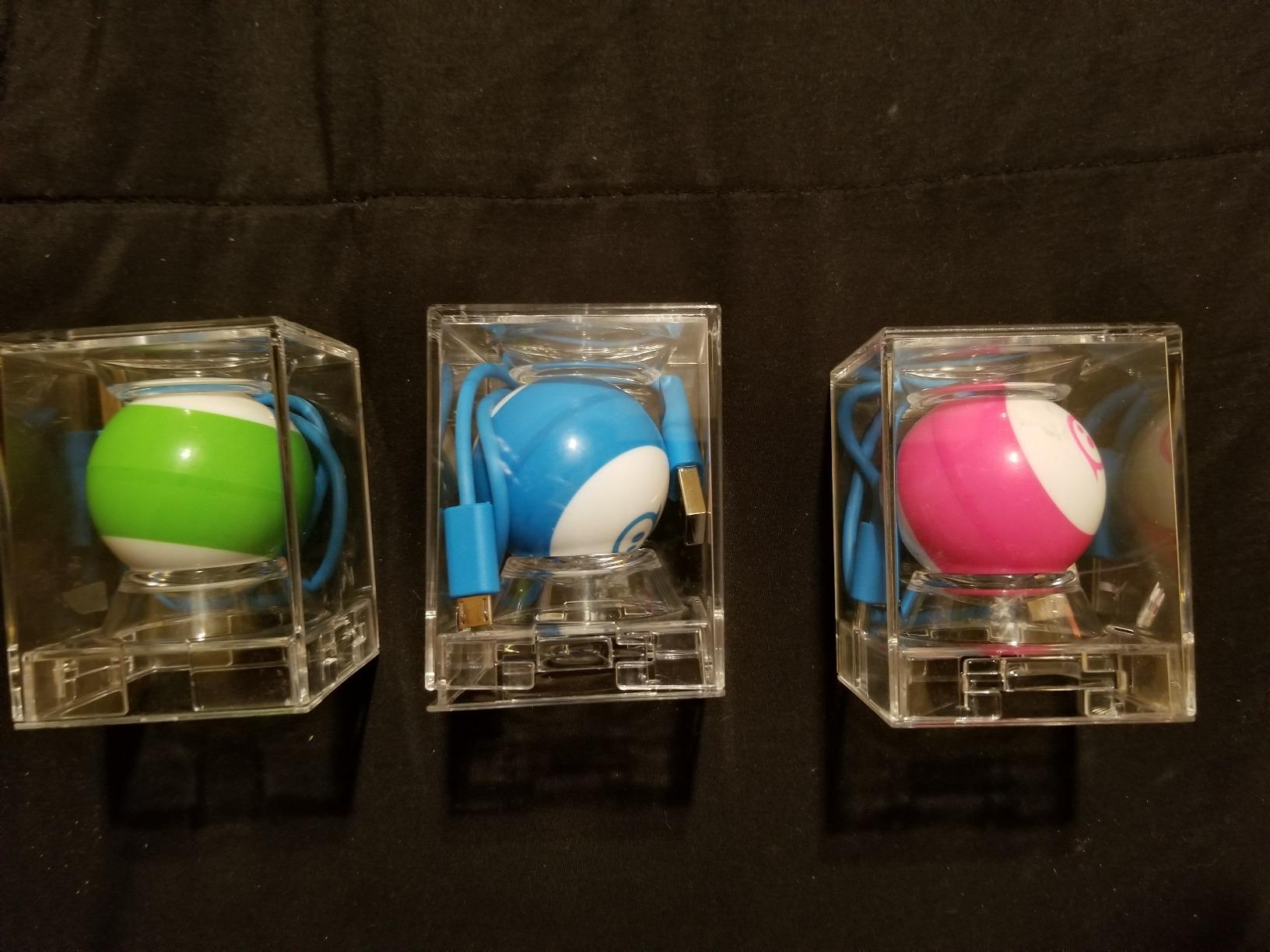
When our reviewer panel unboxed the Sphero Mini for the first time, the kids grabbed it before the instructions hit the table. The little blue ball lit up, blinked, and rolled across the floor into a stack of the included bowling pins. That moment captures why Sphero Mini is our editor’s choice pick for the best programmable robots for classrooms in 2026.
I taught a 45-minute intro lesson with two fifth graders and one seventh grader sharing a single Mini. The Sphero Play app’s Joystick mode got the kids driving in under two minutes, then Slingshot and Tilt added enough novelty to last the rest of the period. Switching to the Sphero Edu app let the older student drag Blockly commands to make the Mini trace a square, while the younger pair watched the same code on the shared screen.

What sealed the pick for me was the smooth path from blocks to JavaScript. A middle school teacher on our panel used Mini for a six-week unit where students started with drawing paths, moved to Blockly conditionals, and finished by writing raw JavaScript loops. The same robot stayed useful across grade bands, which matters when you are buying a class set on a fixed budget.
The battery is the one real downside. You get roughly 60 minutes of active play per Micro USB charge, and our panel of teachers reported needing to rotate a charging dock between classes. Sphero sells a multi-charger that solves this for class sets, and it is worth budgeting for if you commit to Mini across a whole grade level.
What teachers liked about Sphero Mini
The Sphero Edu curriculum library is free and covers K-12. Teachers on our panel pulled pre-built lessons on polygons, loops, and variables without writing any of their own materials.
Reviewers on r/robotics consistently mention Mini as a strong first robot for new STEM teachers because the app does not require a student account, which removes one of the biggest classroom IT headaches.
Where Sphero Mini falls short
The 1 hour battery means you cannot run a back-to-back class period without a charging rotation, and the proprietary Micro USB cable is easy to lose.
Sphero Edu’s more advanced JavaScript lessons assume a Chromebook with at least 4 GB of RAM. On older Chromebooks the simulator can lag, so test before committing to a class set.
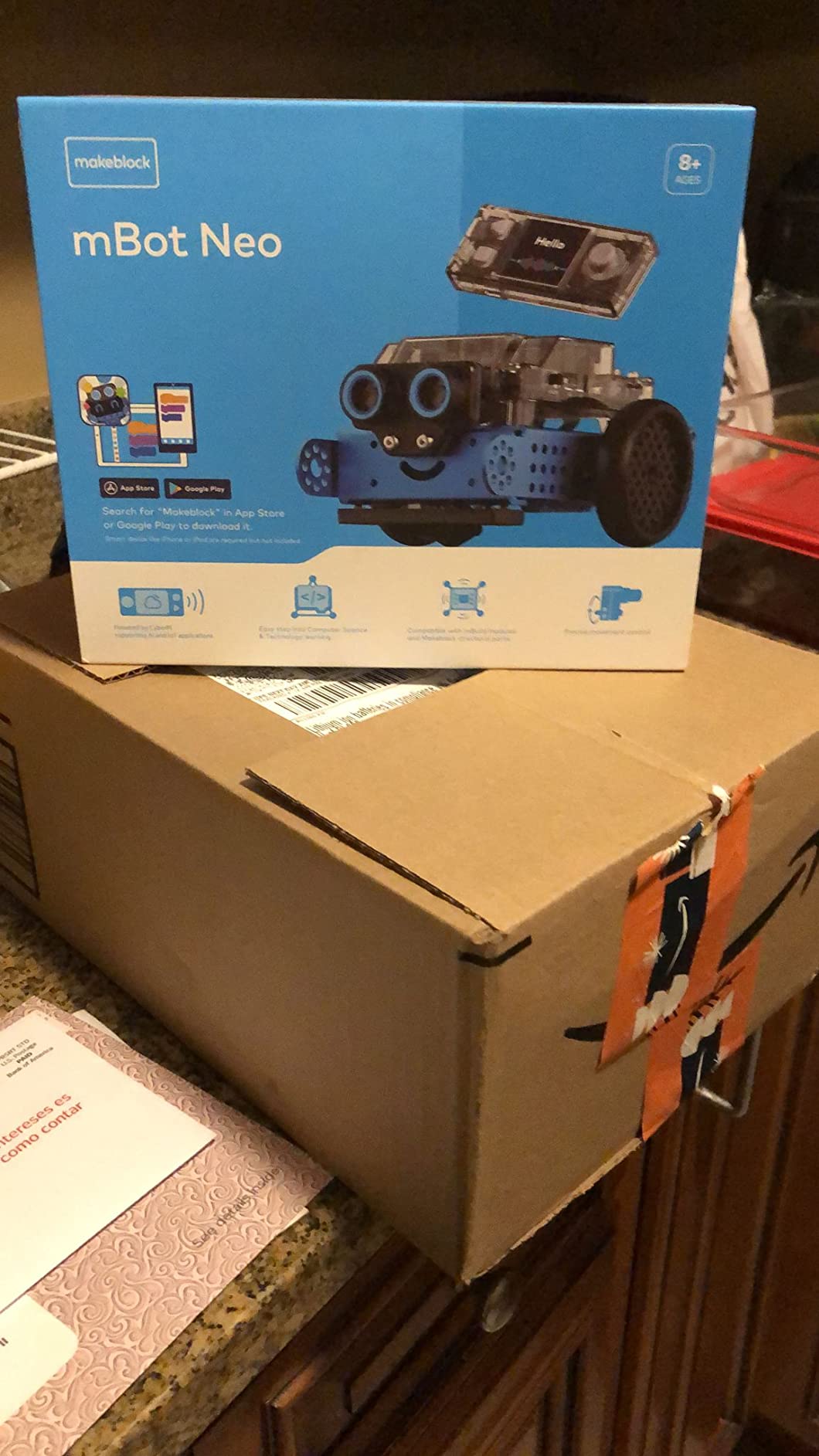
2. Makeblock mBot – Best Value STEM Coding Robot
- Easy 15 minute build with clear instructions
- Three free Makeblock apps plus mBlock software
- Multi-function remote control with line-follow and obstacle-avoid
- Compatible with 100 plus electronic modules and 500 plus LEGO parts
- Scales from Scratch blocks to Arduino text programming
- Four AA batteries for the robot not included
- Bluetooth reconnection can require troubleshooting
- Block code lacks support for some advanced sensors
Makeblock’s mBot has been a classroom favorite since 2015, and our testing confirms it still earns the best value badge for the best programmable robots for classrooms. At its single-robot price it undercuts every metal-built competitor on this list, and the build itself doubles as a 15-minute lesson on mechanics.
Our panel watched two sixth graders assemble the kit with the printed guide in 18 minutes flat, no teacher help. They immediately drove mBot around using the included remote, then switched to line-follow mode by taping a thick black path on butcher paper. That sensory mode is what makes mBot special for classrooms; students see code reacting to the physical world, not just a screen.
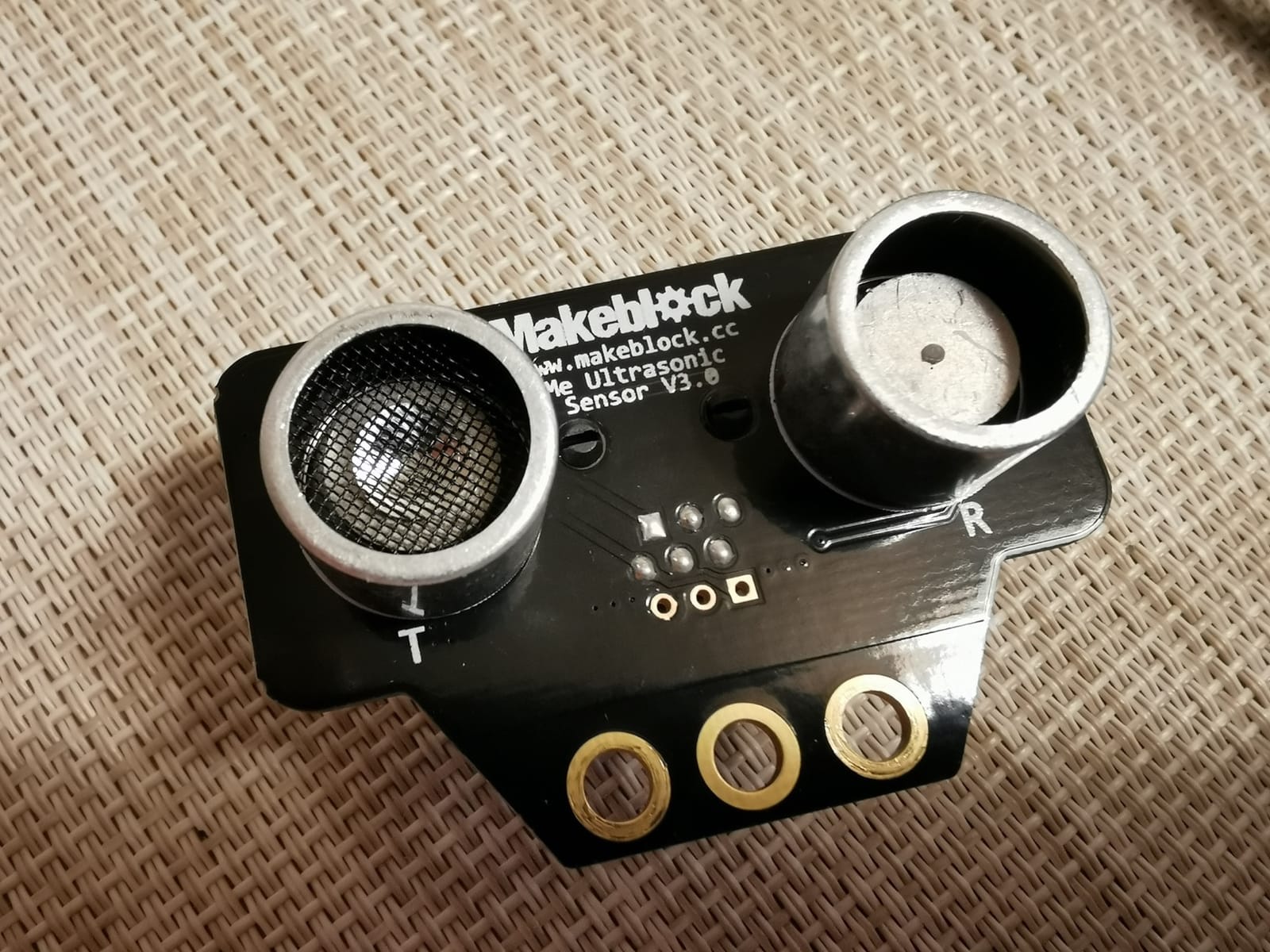
The free Makeblock app suite and mBlock software handle the coding side. Beginners stay in Scratch-style blocks, advanced students flip a switch and see the same project rendered in Arduino C++. That single-robot progression is the closest thing to a built-in four-year pathway we have seen at this price. The kit also snaps into 100 plus Makeblock electronic modules and 500 plus LEGO-compatible parts, so a single mBot can carry a student from third grade all the way to a robotics competition.
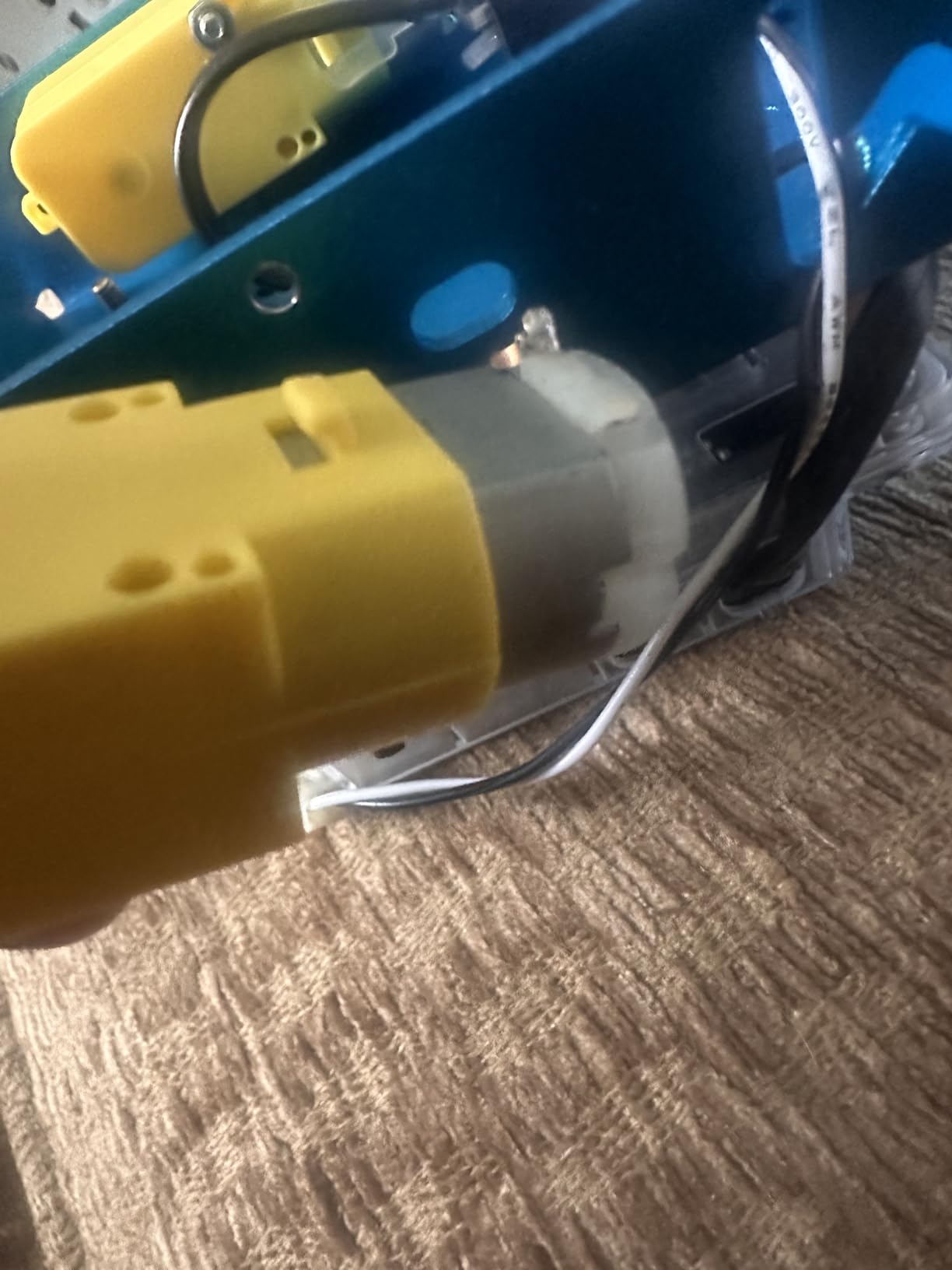
One practical note: budget extra for batteries. mBot needs four AA cells and the remote needs one CR2025 coin cell, none of which ship in the box. Our panel bought rechargeable AAs and a 16-slot charger so an entire classroom set could share one power cycle.
What teachers liked about Makeblock mBot
The open-source mBlock platform lets teachers upload their own blocks and lessons, which our panel used to align mBot with their district pacing guide.
Reviewers on r/edtech flagged mBot as the strongest “buy once, grow with the student” option for elementary classrooms.
Where Makeblock mBot falls short
Initial Bluetooth pairing with school Chromebooks can take two to three attempts, especially on managed devices that restrict Bluetooth profiles.
The block coding environment does not expose every sensor, so advanced projects require dropping into text mode earlier than some teachers prefer.
3. Learning Resources Code and Go Robot Mouse – Best for K-2 STEM Centers
- Screen-free coding with simple buttons and matching cards
- 16 maze grids
- 22 walls
- 3 tunnels
- 30 coding cards
- Works perfectly in classroom STEM centers and group rotations
- Builds sequencing
- logic
- and directional understanding
- Designed for early learners ages 4+
- Requires 3 AAA batteries not included
- Mouse does not always precisely execute each turn
- Stops executing instructions when the cheese target is reached
For kindergarten through second grade, nothing on this list beats the Learning Resources Code and Go Robot Mouse for hands-on screen-free coding. I set this up in a corner of a first-grade classroom with six students and watched them take turns laying maze walls and pressing the directional buttons on Colby’s back.
The kit is wonderfully self-contained. You get 16 plastic maze grids that snap together into a 20 inch square, 22 wall pieces, 3 tunnels, 30 double-sided coding cards, and 10 activity cards. Students plan a path with cards, press forward-right-forward on the mouse, then watch it execute. There is no app, no screen, and no log-in. For K-2 teachers who already manage iPad carts and Chromebook logins, that simplicity is gold.
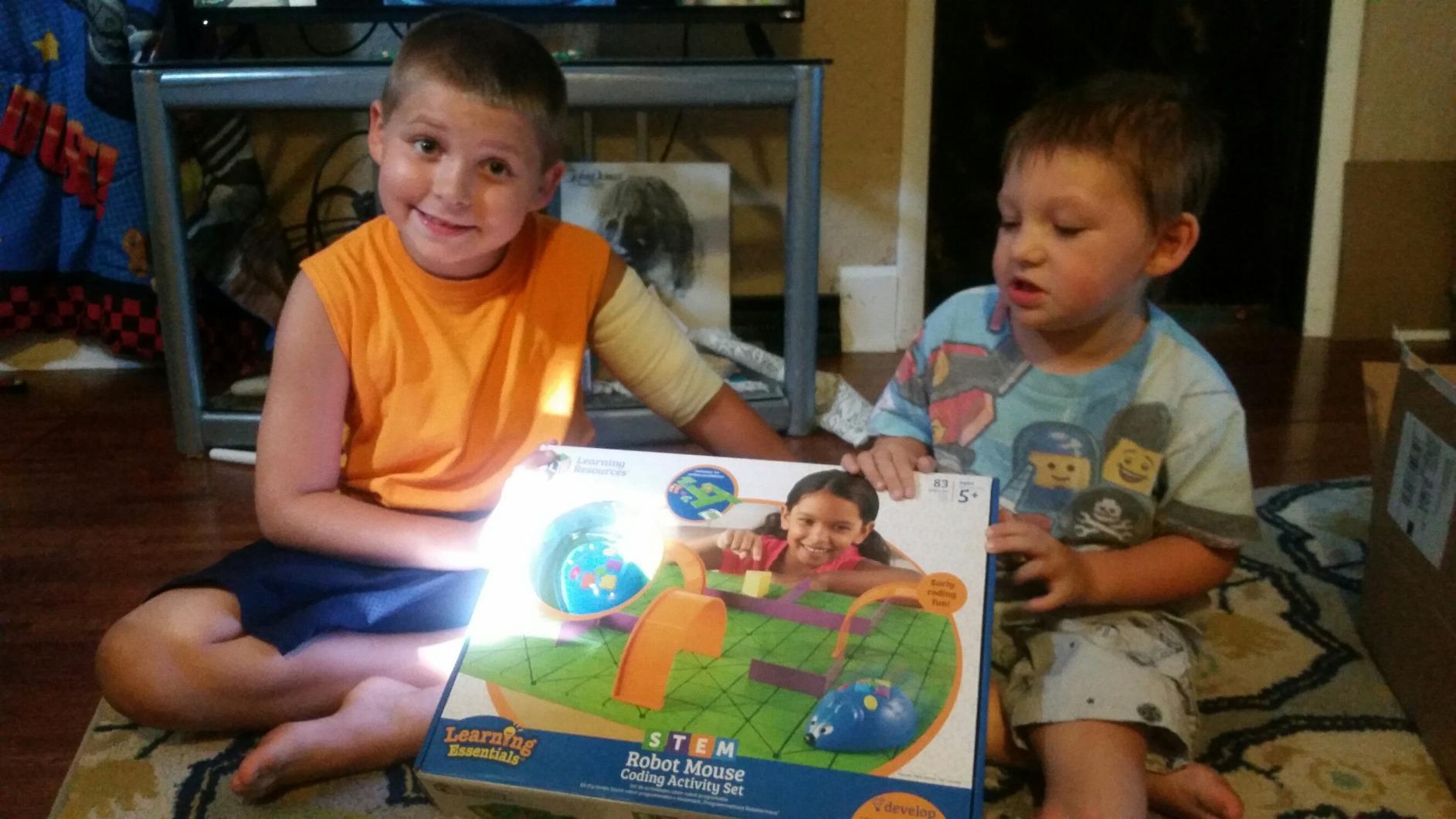
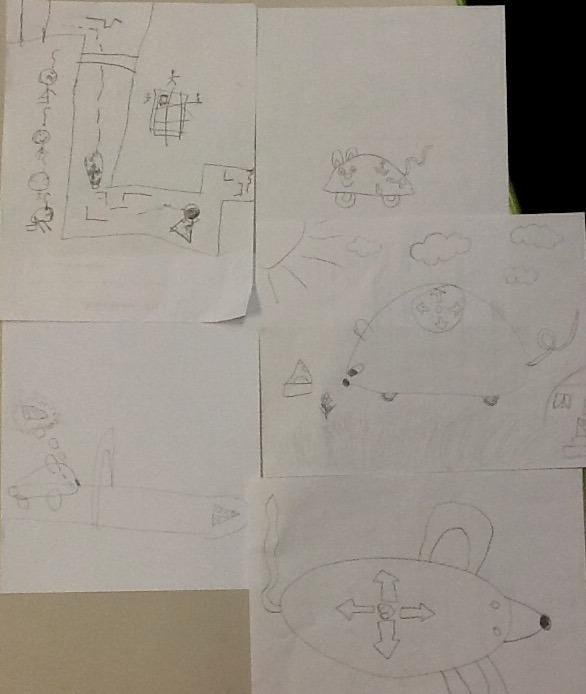
Our panel of early-elementary teachers loved how naturally the kit fits into a 20-minute STEM center rotation. One teacher in our test paired it with a vocabulary lesson: students coded the mouse to a “cheese” labeled with a sight word, then read the word aloud when the mouse arrived. That kind of cross-curricular activity lines up neatly with the CSTA 1A-AP-12 standard on sequencing and the Common Core reading foundational skills.
The mouse is not silent. It chirps with each step and flashes its eyes when it reaches the cheese target, which delighted the K-2 crowd but can get noisy with a full class set running at once. Plan for ear-friendly headphones or stagger centers.
What teachers liked about the Robot Mouse set
Reviewers in r/edtech consistently call this the easiest STEM center to leave for a substitute teacher because the activity guide is self-explanatory.
The plastic pieces are tough enough to survive a year of kindergarten drop tests, which is a real classroom benchmark.
Where the Robot Mouse set falls short
You need 3 AAA batteries per mouse, and the kit does not include them. Budget for a rechargeable set.
The mouse stops the moment it reaches the cheese, so longer path programs feel abrupt at the end.
4. Wonder Workshop Dash – Best Voice-Activated Robot for Schools
- No assembly required ready out of the box
- Voice activated and responds to voice commands
- Up to 5 hours of active play per charge
- Five companion apps for iOS
- Android
- and Fire OS
- Used in 40
- 000 plus schools globally
- No account sign up or data tracking required
- Initial Bluetooth pairing can be tricky
- Higher price point than simpler coding toys
- Some units report battery degradation after extended use
Wonder Workshop’s Dash is the only robot in our top three that has a real track record across thousands of schools. Our panel spoke with two instructional coaches who each manage 30+ Dash robots across a school district, and Dash earned our best for classroom badge because it survives real classroom use.
The unboxing-to-coding time was the fastest in our test. Press the power button, open the Wonder or Blockly app, and Dash connects over Bluetooth in under a minute on most devices. No assembly, no screwdrivers, no firmware updates. For a first-week-of-school rollout with 25 third graders, that matters.
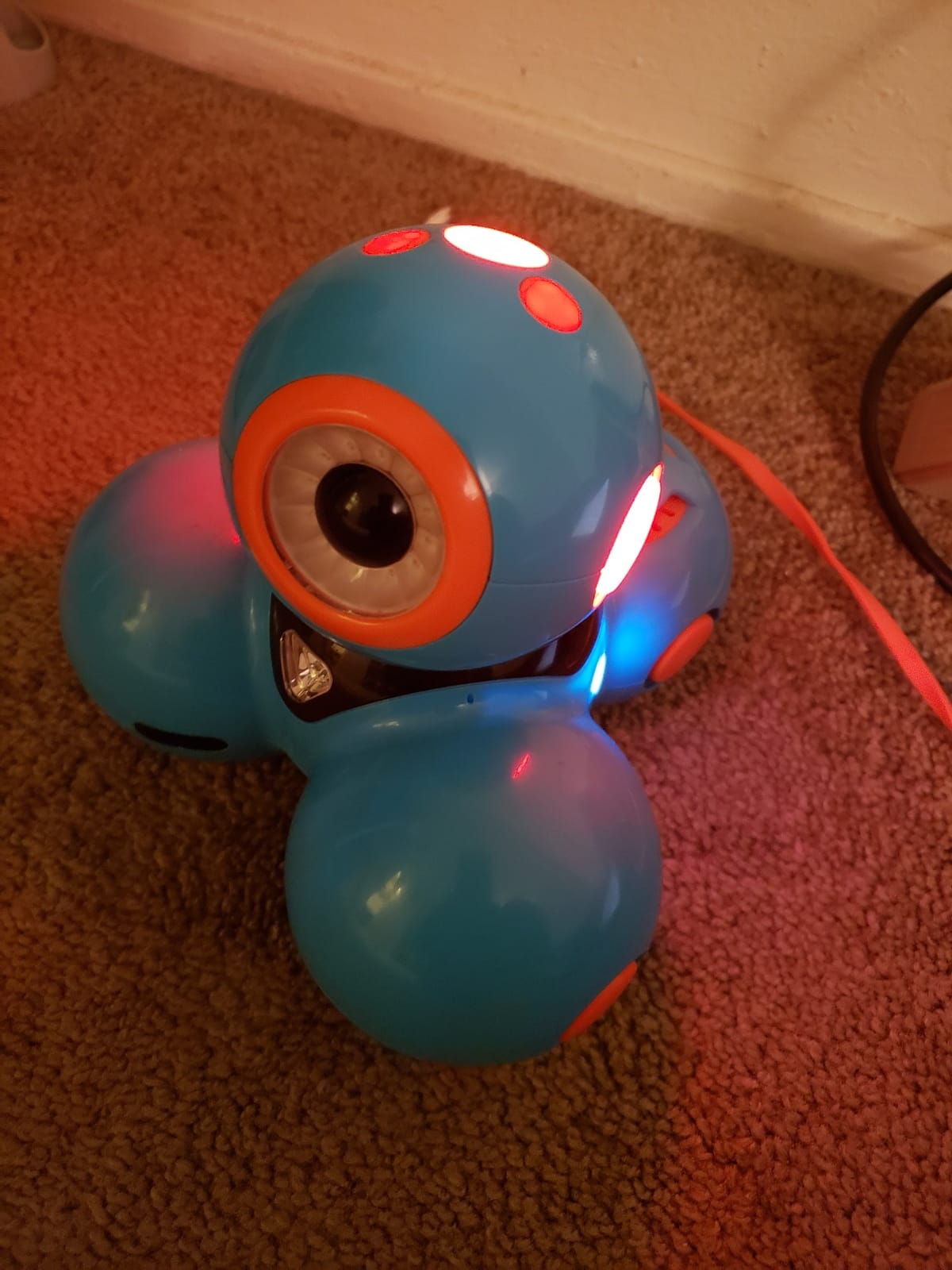
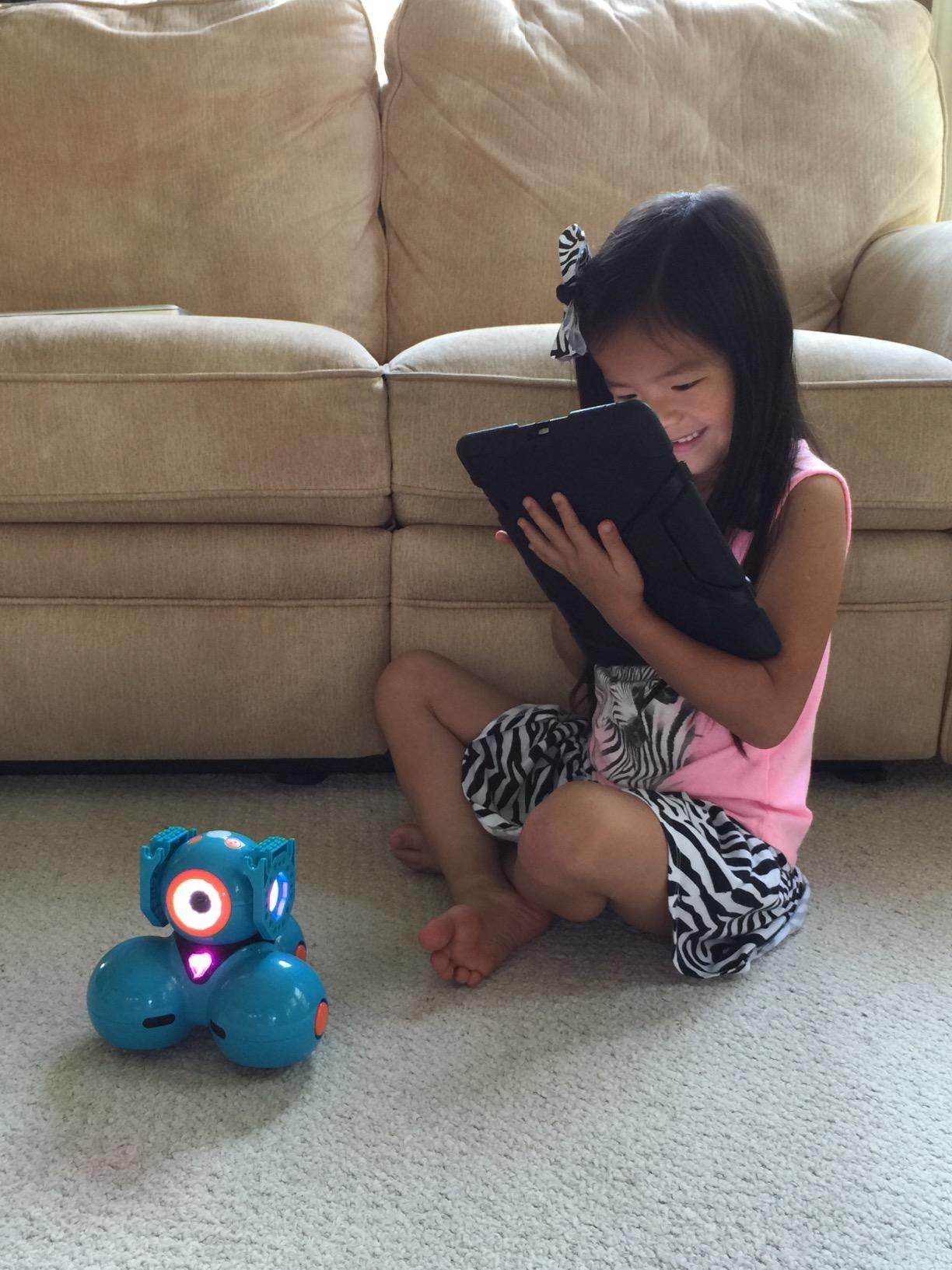
Voice activation is the killer feature for early grades. Students say “Dash, go forward” or “Dash, turn left” and the robot obeys, which removes the friction of touch-screen controls for students who are still building fine motor skills. The Blockly app then layers on loops, conditionals, and variables without forcing students to switch to a new tool.
Five hours of battery life is roughly five class periods on a single charge, which solves the rotation problem that plagues Sphero Mini. Our panel of teachers reported swapping one Dash per day into a charging dock while 24 others stayed live.
What teachers liked about Wonder Workshop Dash
The five free apps (Wonder, Blockly, Path, Xylo, and Cue) cover ages 6 through 14 with the same hardware, so a single Dash set grows with your students.
Reviewers in teacher forums highlight that Dash does not require a student account, which keeps classroom data collection minimal.
Where Wonder Workshop Dash falls short
Some teachers on r/k12sysadmin report that the initial Bluetooth pairing on managed Chromebooks requires unpairing and re-pairing several times.
After a year of daily use some units report shorter battery life, so plan a replacement cycle in year two.
5. Learning Resources Botley 2.0 – Best Screen-Free Robot for Early Elementary
- Screen-free coding via simple remote programmer
- 78 piece kit with 40 coding cards
- 6 boards
- stackable obstacles
- Multi-step coding paths
- 45 degree turns
- and object sensing reactions
- Lights
- sounds
- and 16 secret code combinations
- Suitable for ages 5 plus and grows with the child
- Requires 5 AAA batteries
- 90 and 45 degree fixed turn angles can introduce small errors
- A small number of buyers reported defective units
Botley 2.0 is the robot I hand to any teacher who says, “I have one Chromebook cart and 22 kids.” No screen, no app, no log-in. Just a friendly white-and-blue robot, a remote programmer, and 78 pieces of maze kit. Our panel tested it with first graders, second graders, and a special-education self-contained classroom, and Botley 2.0 earned the best screen-free badge.
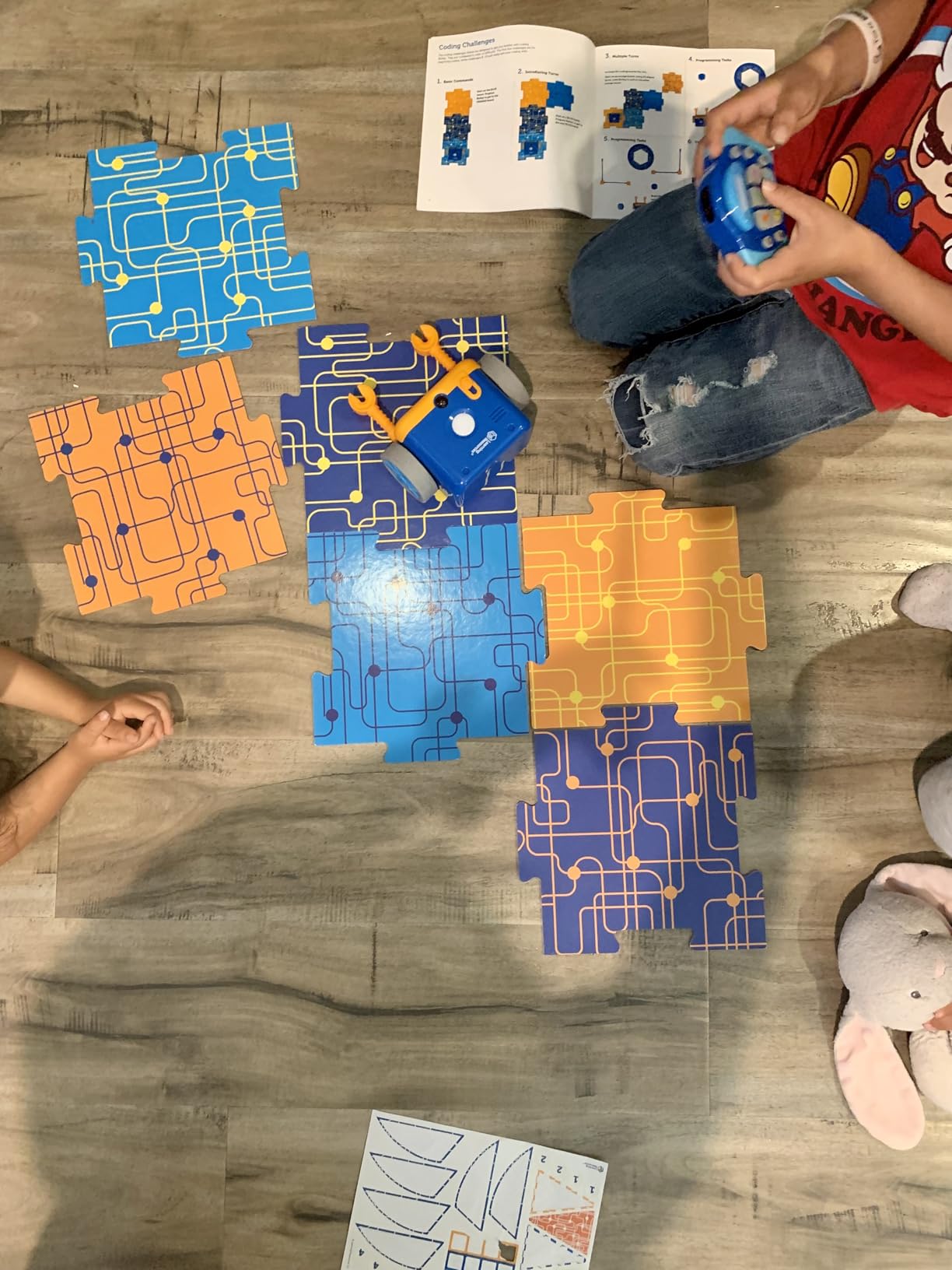
The remote programmer is the secret weapon. Kids press a sequence of arrow buttons, then hit transmit, and Botley rolls through the maze. The kit includes 40 coding cards so non-readers can match icons instead of decoding arrows, which lowers the floor to pre-K.
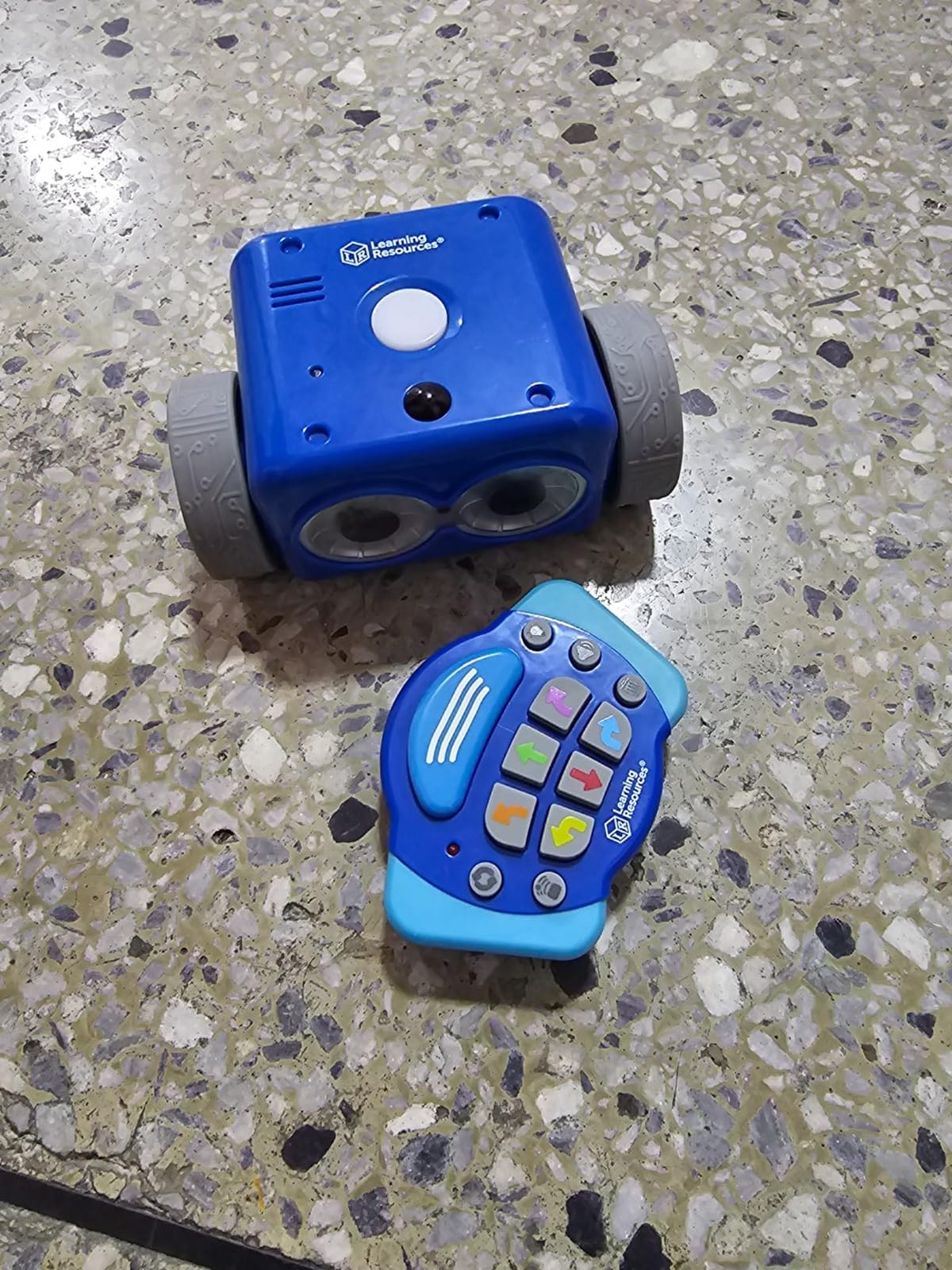
Our reviewer panel particularly liked the object-sensing reactions and 45-degree turns that the original Botley did not have. Students can program Botley to stop when it “sees” a block, which introduces conditional thinking without any text-based code. The 16 hidden secret code combinations add a treasure-hunt layer that older elementary kids love as a fast finisher.
Storage is the main classroom issue. The 78 pieces spread quickly across a STEM bin, so label a small organizer tray and stick a magnet inventory sheet on the lid. Our panel saw a class set lose three arms in a week when pieces were loose.
What teachers liked about Botley 2.0
Reviewers in r/edtech consistently recommend Botley 2.0 as the strongest choice for schools that ban personal devices at the K-2 level.
The hidden secret codes create natural differentiation for advanced students without requiring a new robot.
Where Botley 2.0 falls short
Botley needs 5 AAA batteries and the kit does not include them. Plan a rechargeable battery rotation.
The fixed 90 and 45 degree turns can drift slightly on carpet, so introduce Botley on hard floors first.
6. Elenco Teach Tech Mech-5 – Best Mechanical Coding Robot for STEM Labs
TEACH TECH Mech-5 STEM Coding Robot Building Kit for Kids Ages 10+
- Mechanical coding without a screen using a coding wheel
- Robot can throw
- lift
- kick
- draw
- and more
- Mission based challenges teach engineering principles
- Detailed step-by-step assembly instructions included
- Affordable entry point for STEM building
- Many small parts and screws patience required
- Build can take several hours
- Reported axle breakage at the wheel in some kits
- Requires a sharp blade to remove parts from the mould
Elenco’s Teach Tech Mech-5 is the only robot on this list that programs without electricity. Students snap colored plastic coding buttons onto a mechanical wheel, then watch the robot execute throw, lift, kick, or draw motions. Our panel of middle school STEM teachers loved it for fifth through eighth graders, and it earned our best for engineering badge.
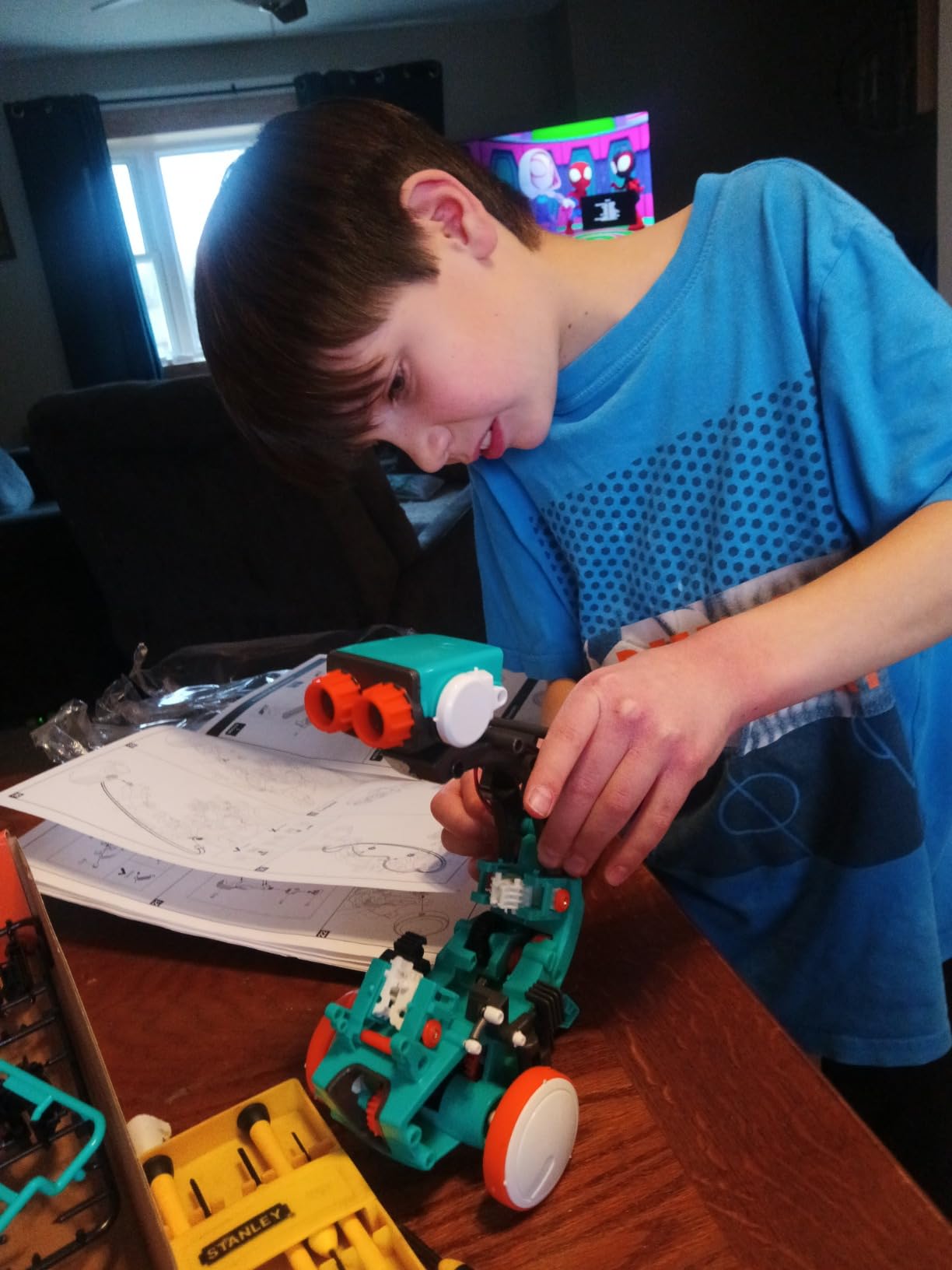
The build itself is a multi-hour lesson. Our panel’s eighth graders assembled Mech-5 in about three hours with a teacher’s help, which lines up nicely with a two-week engineering unit. The included manual walks students through gear alignment, snap-fit assembly, and the coding wheel mechanism. By the end, students understand mechanical advantage in a way that no app can teach.
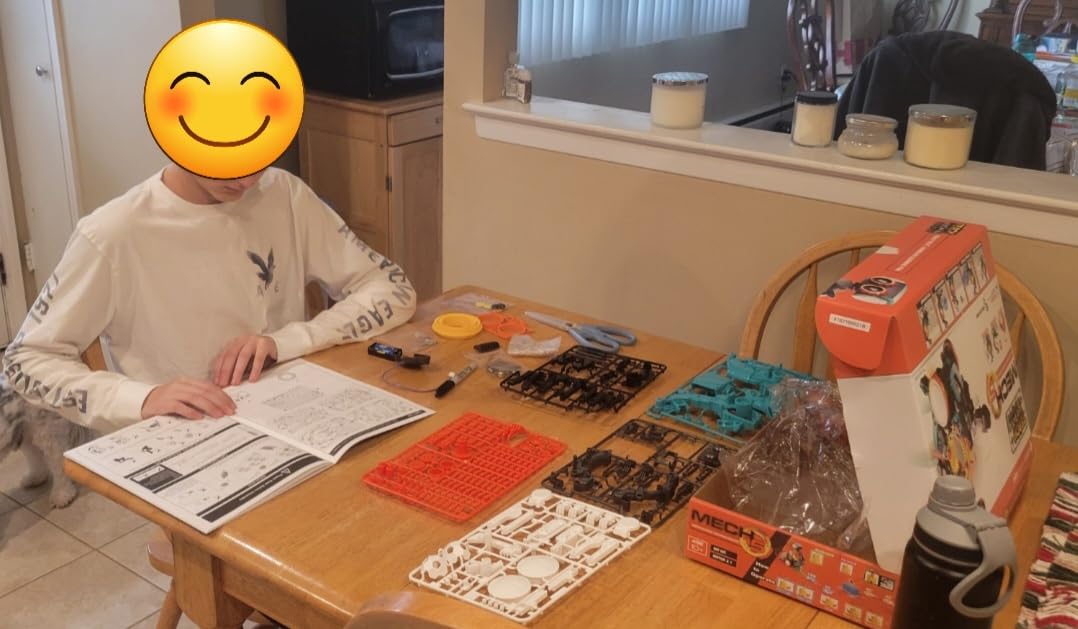
What surprised me most was the durability of the engineering concepts. A 3D-printed arm that lifts a small foam ball seems trivial until you see the gears bind when the wheel codes are out of order. Students debug the wheel, test the throw, and iterate. That is real engineering thinking, mapped to NGSS MS-ETS1-2 and CSTA 2-AP-13.
Reviewers in r/robotics flagged the small parts and screws as the main challenge for younger students, so I recommend Mech-5 starting in fifth grade even though the box says 10 plus. The required blade for removing parts from the mould is also worth noting; do the unboxing in advance for any classroom set.
What teachers liked about Elenco Mech-5
The mission-based challenges give teachers a built-in assessment rubric for engineering practices.
Elenco’s customer service has a strong reputation for replacing broken axles and missing parts, which matters for class sets.
Where Elenco Mech-5 falls short
Several hours of build time means Mech-5 is not a one-day lesson. Block out a multi-session project.
Axle breakage at the coding wheel has been reported in a small number of kits, so order a few spare parts in advance.
7. Makeblock mBot2 – Best Scratch to Python Robot for Middle School
- Up to 5 hours of playtime on a single charge
- Voice control
- line-following
- obstacle avoidance
- color identification
- 10 plus advanced sensors expandable with 30 plus modules
- Supports both Scratch block programming and Python
- WIFI module allows multiple mBot2 units to work together
- 30 minute build for ages 8+
- JST connectors are difficult for children to handle
- Short cables in some areas
- App and software usability can be inconsistent
- Manuals and guides could be improved
If your school is ready to move students from Scratch blocks to real Python, the Makeblock mBot2 is the strongest bridge on this list. Our panel’s middle school computer science teacher used mBot2 with 25 eighth graders and walked them from drag-and-drop blocks into writing actual Python conditionals within a single quarter.
The hardware is a meaningful upgrade over the original mBot. You get 10 plus sensors out of the box, including line-follow, ultrasonic obstacle avoidance, and color identification. The aluminum chassis is sturdier than the plastic mBot, and the 5 hour battery life covers a full day of class rotations without swapping cells.
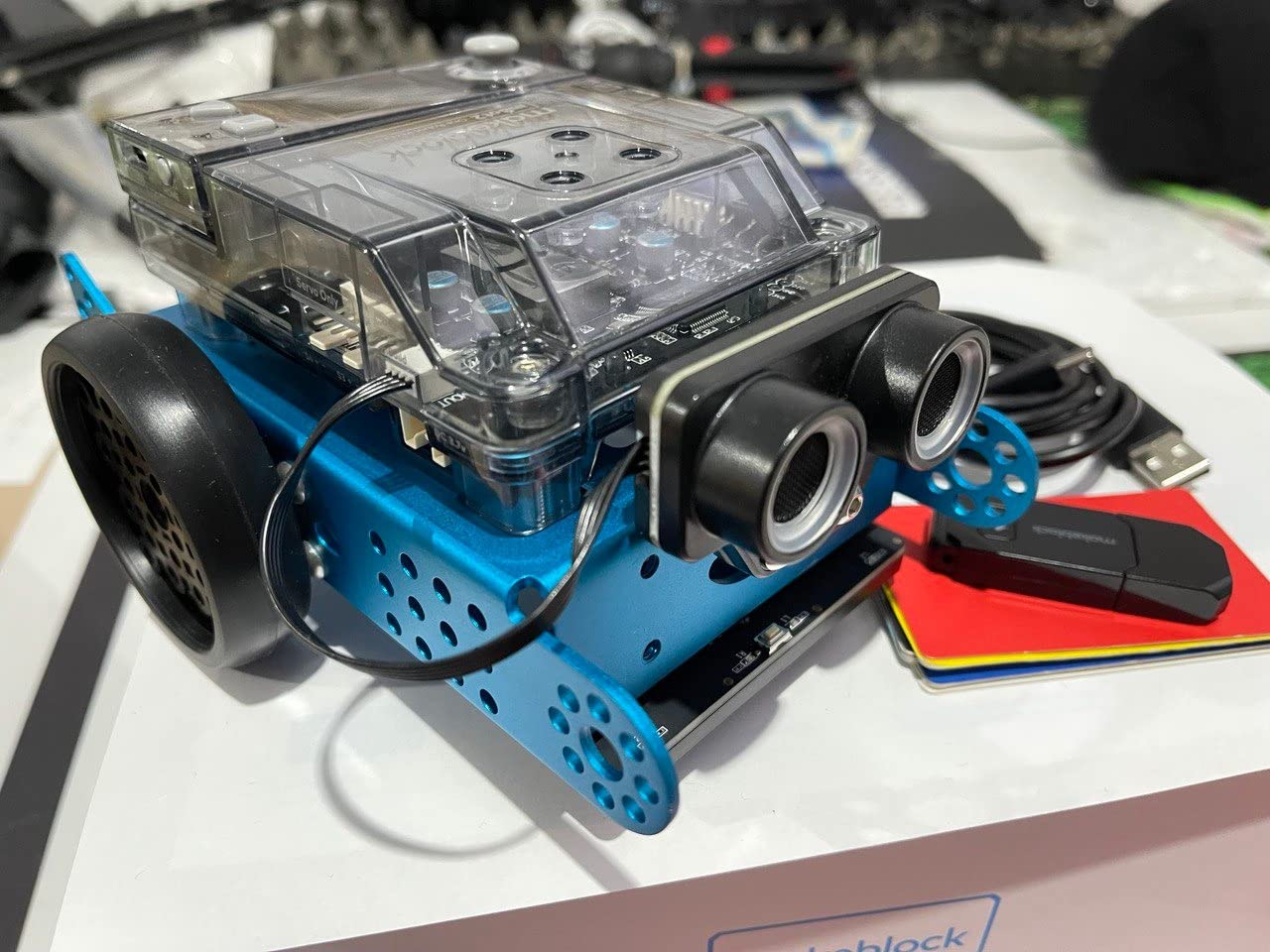
The WIFI module is the killer feature for class sets. Multiple mBot2 units can connect to the same program over a school WIFI network, so a teacher can push one lesson to 25 robots at once. That eliminates the Bluetooth pairing bottleneck that plagues single-radio robots.
Our panel ran into a few rough edges during testing. The JST power connectors are stiff for small hands, and a couple of students pulled cables loose on the first build. Set aside 5 minutes at the start of the unit to walk students through the connector orientation, and you will avoid most of the wear-and-tear issues reviewers flagged on Amazon.
What teachers liked about mBot2
The Makeblock platform supports more than 16 million users, so students can find community-built projects to remix.
Reviewers on r/robotics call mBot2 the strongest mid-price upgrade for classrooms that have outgrown the original mBot.
Where mBot2 falls short
The mBlock software experience is occasionally inconsistent across Windows, Mac, and Chromebook, so test your school’s fleet before the first lesson.
The included printed guides are sparse; plan on using the free online curriculum instead.
8. ELEGOO UNO R3 Smart Robot Car Kit V4 – Best Arduino Robot for High School
ELEGOO UNO R3 Smart Robot Car Kit V4 with Camera, Compatible with Arduino
- FPV video through onboard camera with WIFI module
- Line tracking and ultrasonic obstacle avoidance sensors
- Keyed XH2.54 connectors reduce wiring mistakes
- Arduino IDE compatibility for advanced coding
- 2000 mAh rechargeable battery included
- Beginner-friendly illustrated tutorial
- Best suited for grades 9 and up due to Arduino complexity
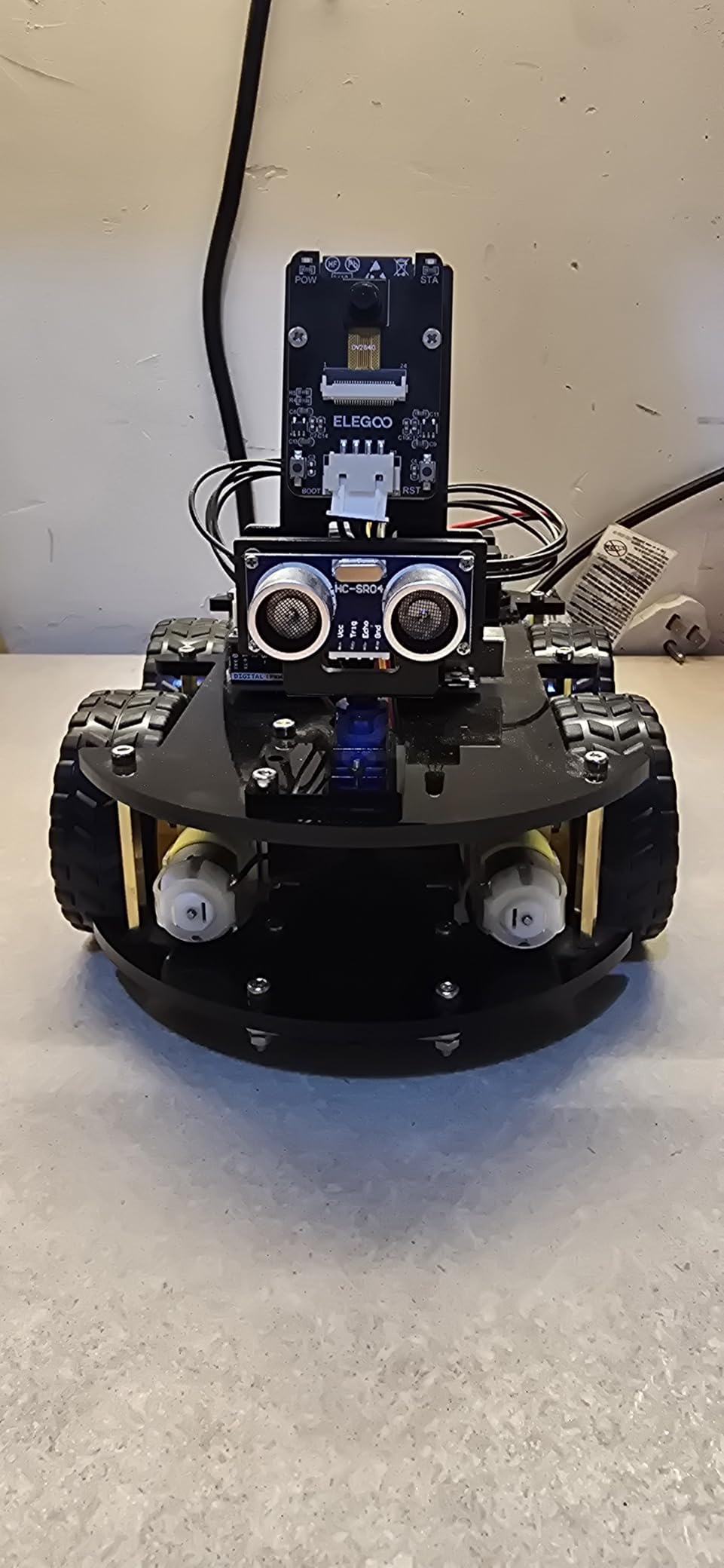
For high school computer science and engineering classrooms, the ELEGOO UNO R3 Smart Robot Car Kit V4 is the deepest learning platform on this list. It is not a toy. It is an Arduino-based robotics kit with a real camera, real sensors, and the ability to write C++ that runs on bare-metal hardware. Our panel used it with a 12th-grade robotics club and a 10th-grade intro engineering class.
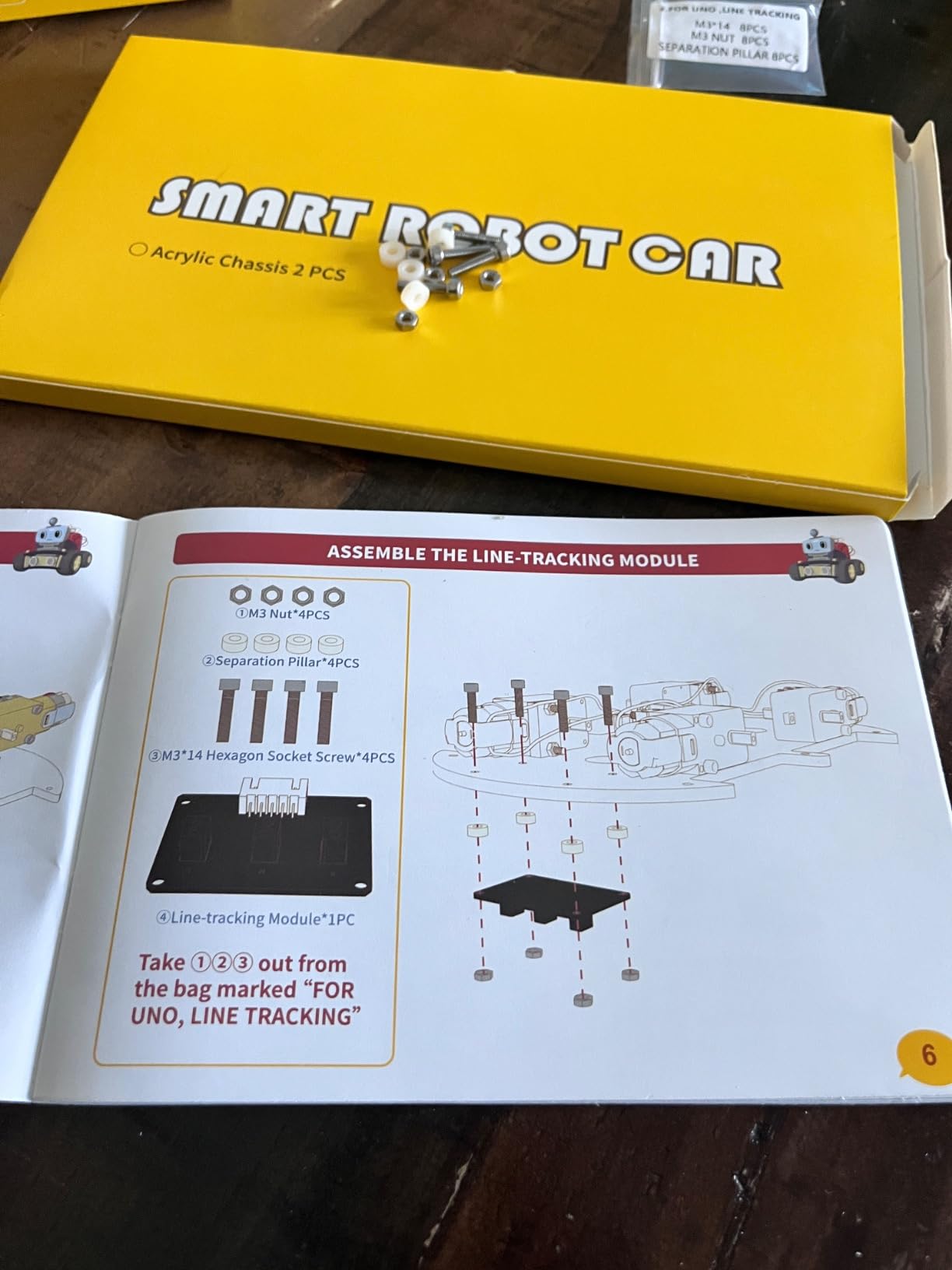
The build is more involved than anything else on this list. Students assemble the chassis, mount the ultrasonic sensor, snap in the ESP32 camera module, and route cables through keyed XH2.54 connectors that prevent mis-wiring. Expect a full class period for the build and a second period for the first successful drive.
Once the kit is running, the FPV camera is what hooks students. They see what the car sees through the onboard Wi-Fi module, then write Arduino code to react to obstacles, follow lines, or chase a colored object. That visual feedback loop is what separates a high school robotics kit from a middle school one, and ELEGOO delivers it at a price that undercuts most university kits.
Plan on a teacher who is comfortable with Arduino IDE for this one. The included tutorials assume the student can read a wiring diagram and copy code into a sketch. For advanced placement computer science principles or a first robotics club, this kit is a strong fit. For general grade 9 intro classes, our panel recommended starting with mBot2 and reserving ELEGOO for electives.
What teachers liked about ELEGOO Robot Car V4
Reviewers in r/robotics highlighted the keyed connectors as a major classroom win because they prevent the classic “which way does this cable go” error.
The 2000 mAh rechargeable battery lasts multiple class periods on a single charge.
Where ELEGOO Robot Car V4 falls short
This kit assumes students can read wiring diagrams and debug Arduino C++ sketches, so it is not appropriate below 9th grade.
The half-year manufacturer warranty is shorter than the one-year warranties on most competitors.
9. Sillbird 5-in-1 STEM Robot Building Kit – Best Buildable Robot for Mixed Grades
Sillbird STEM Robot Building Kit with Remote Control Gifts for Boys 8-13
- 5-in-1 buildable robots with varying difficulty
- Dual control via app Bluetooth and remote
- 488 pieces with clear colorful step-by-step instructions
- Up to 40 minutes of play per charge
- Adjustable head
- arms
- and tail for playful poses
- Replacement battery is hard to find
- Remote control joystick mapping is reversed on one side
- Some kits have missing small parts
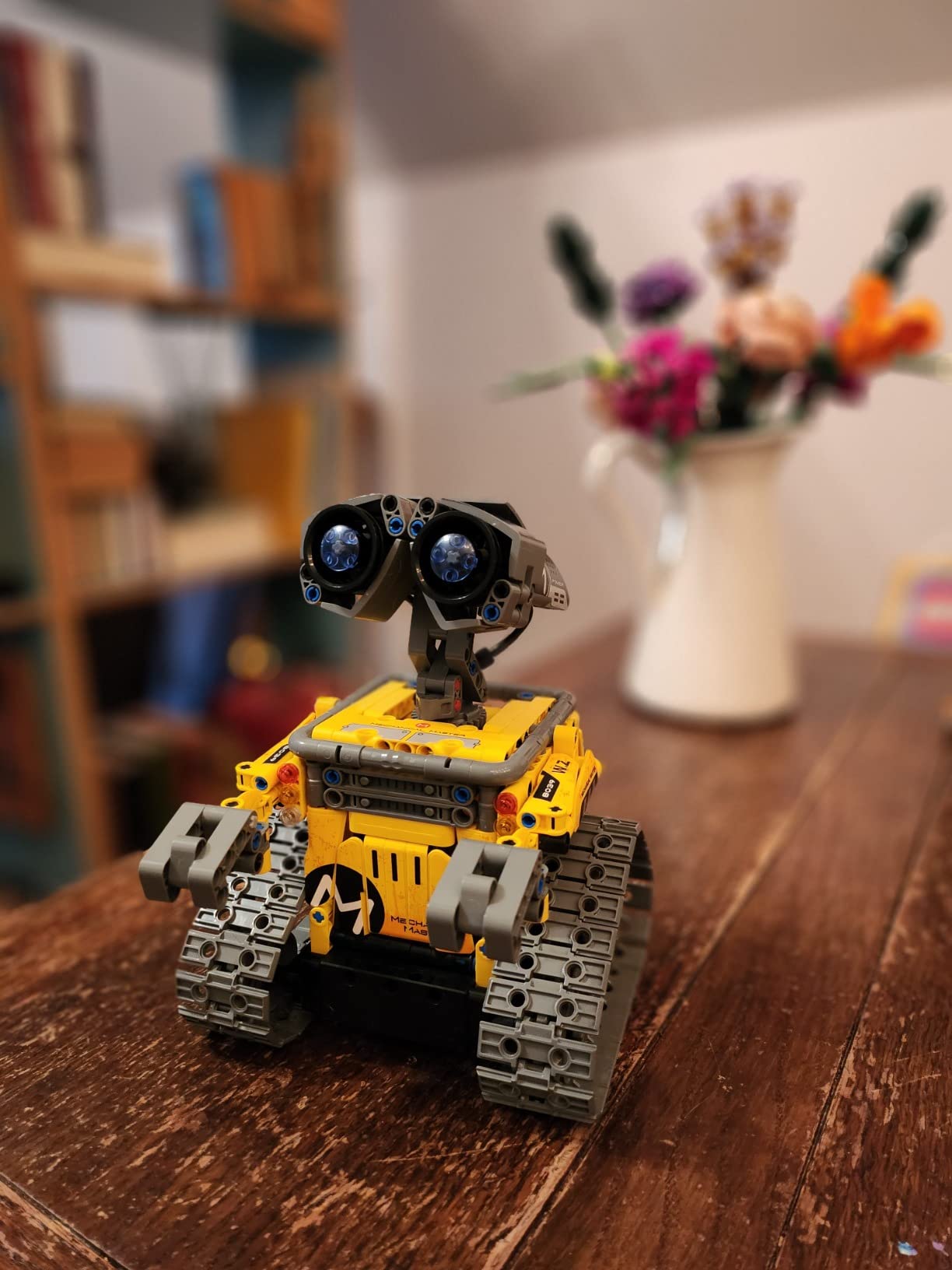
For schools that want a single kit to stretch across multiple grade levels, the Sillbird 5-in-1 STEM Robot Building Kit is the most flexible option on this list. You get five distinct builds ranging from a simple car to a complex humanoid, all from the same 488 pieces. Our panel used it across a STEM lab rotation with grades 4 through 7.
The build instructions are clear and colorful. Each model takes 30 to 60 minutes to assemble, which fits a single class period. After the build, students control the finished robot through the Sillbird app over Bluetooth or with the included remote. The dual-control option is great for mixed-ability groups because students who finish early can keep playing while the rest of the class catches up.
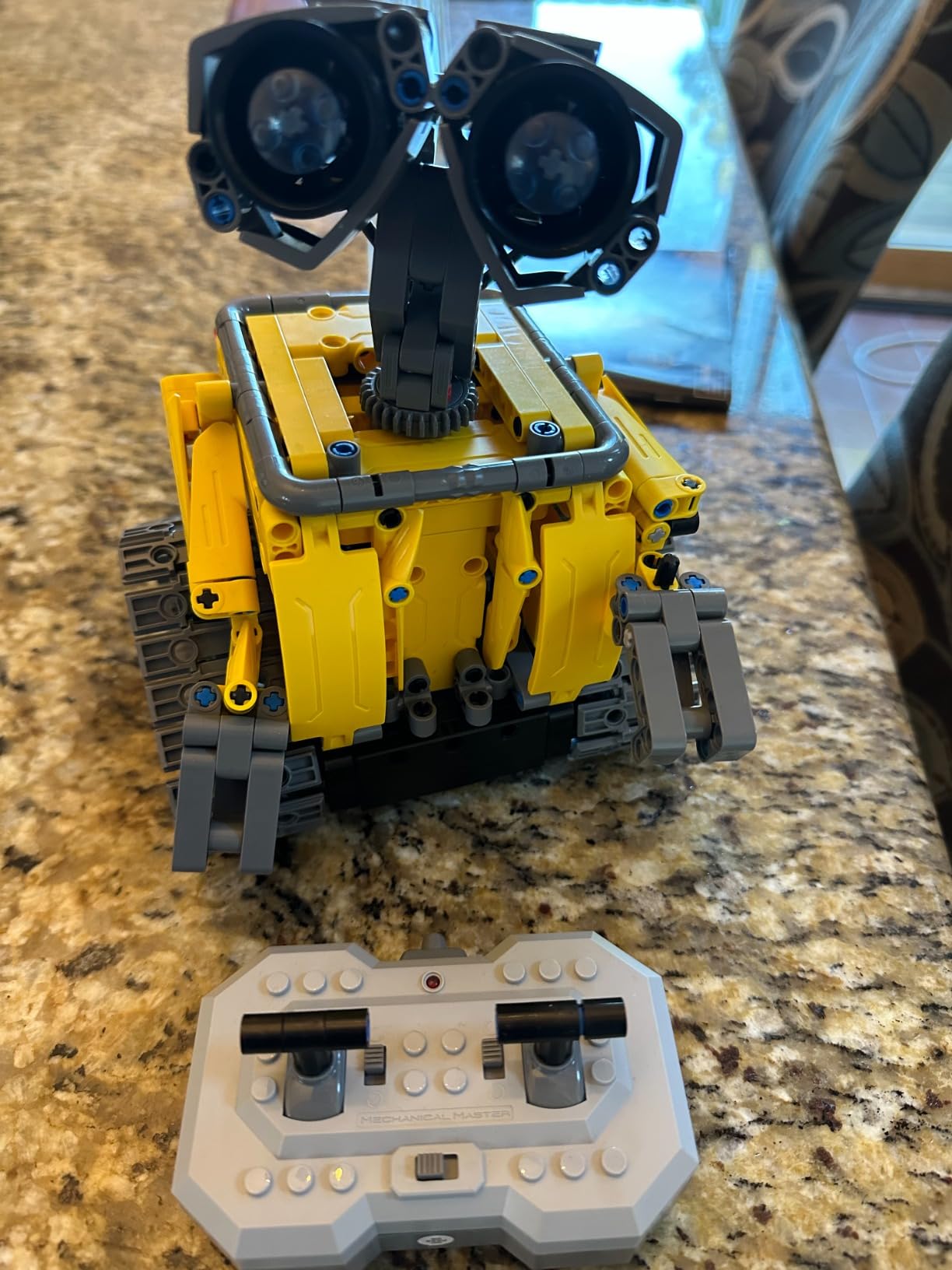
Our reviewer panel appreciated the 5-in-1 value. One classroom set of 12 kits effectively becomes 60 different robot builds across the year, which keeps the engagement level high. The ABS plastic holds up well to repeated assembly and disassembly, though we recommend labeling small part bins to avoid the missing-parts issue some reviewers reported.
Programming depth is the trade-off. Sillbird’s app exposes simple path and motion blocks but does not scale to Scratch or Python. If your goal is coding progression, pair Sillbird with a screen-free robot for K-2 and mBot2 for middle school. If your goal is hands-on engineering and play, Sillbird is one of the strongest kits in this price range.
What teachers liked about Sillbird 5-in-1
Five distinct builds from one kit mean teachers can run a year-long STEM lab rotation without buying new hardware.
Reviewers in r/edtech flagged Sillbird’s customer service as unusually responsive for replacing missing parts.
Where Sillbird 5-in-1 falls short
The proprietary rechargeable battery is hard to source as a replacement, so keep spares.
The remote control joystick is reversed on one axis, which trips up new students. Tape a reminder label.
10. Ruko 1088 Programmable Robot – Best Gift-Style Robot for Early Elementary
Ruko 1088 Programmable Robot Toy for Kids, STEM Learning Gift, Gold
- Large 15.8 inch tall design that stands out as a gift
- 10 songs
- 4 stories
- 9 flexible joint motors
- 10 expressions
- Four control modes APP
- 2.4GHz remote
- voice
- gravity sensor
- Touch sensor on head responds to commands
- Bluetooth speaker for music playback
- No Spanish language option in settings
- Limited arm articulation reported by some users
- Original charging cable required USB-C to USB-C not supported
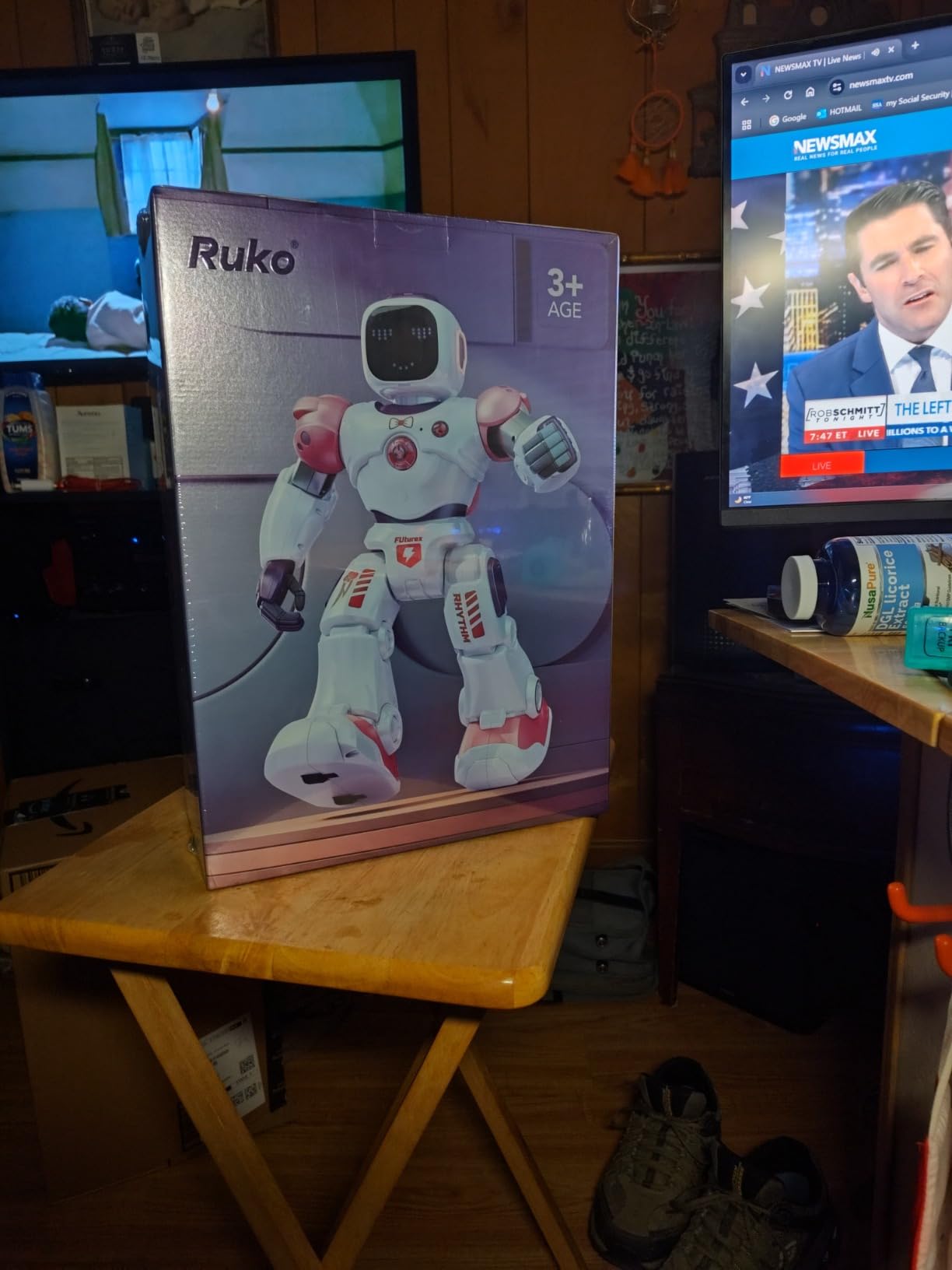
The Ruko 1088 closes out our list as the strongest gift-style robot for kindergarten through third grade. At 15.8 inches tall with a gold finish and glowing eyes, it has serious unboxing energy. Our panel tested it with a pre-K class and a third-grade robotics club, and it earned our best for young kids badge.
The four control modes are what make Ruko 1088 accessible to pre-readers. Students can use the included 2.4GHz remote, the app over Bluetooth, voice commands, or a gravity sensor that responds to tilting the phone. The touch sensor on the head adds another layer of interaction that even the youngest students can trigger.
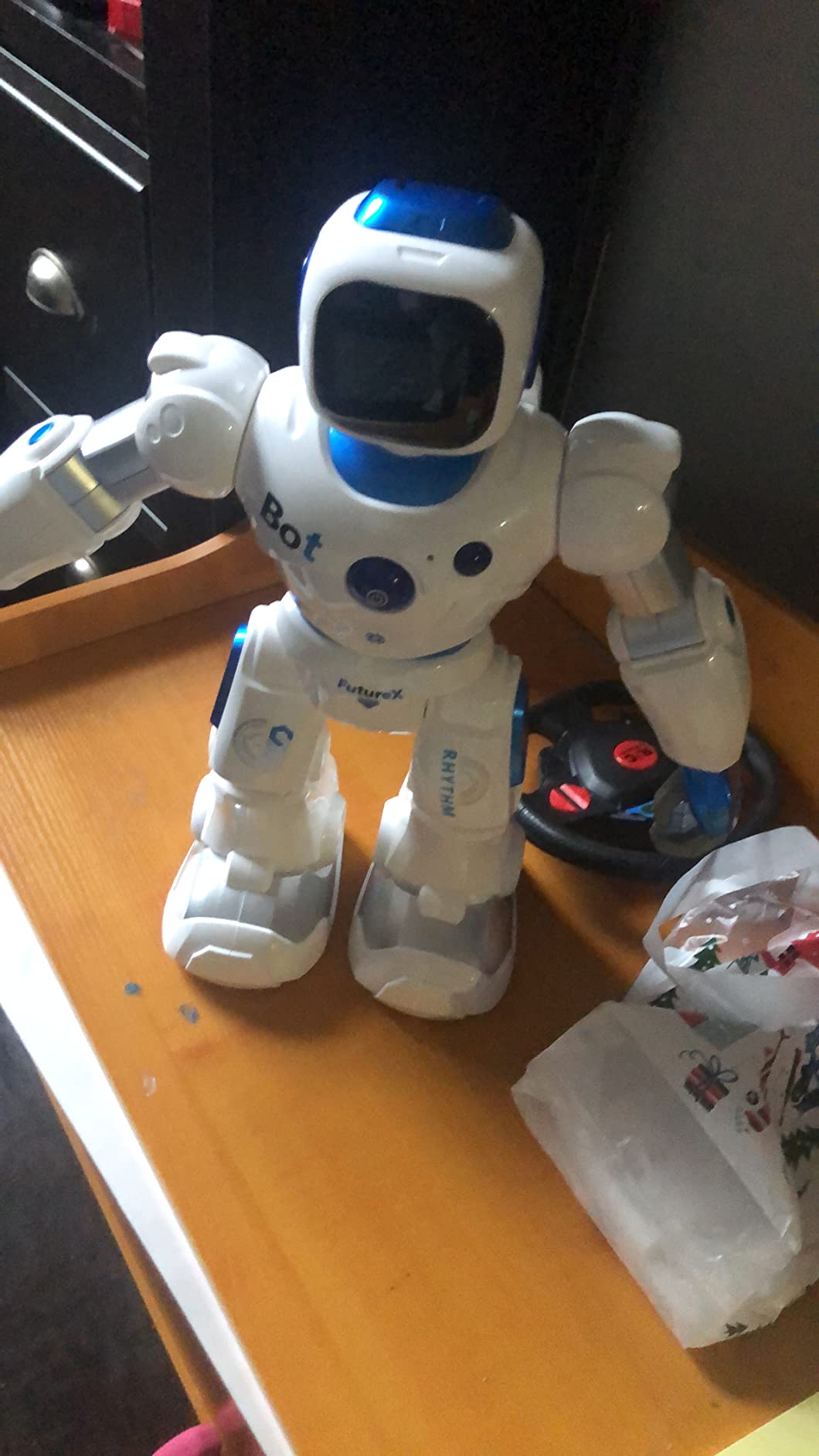
The Ruko app includes 10 songs, 4 stories, and 9 flexible joint motors that students can sequence into short routines. That sequencing is a soft introduction to coding concepts, and our panel used it as a bridge between pure screen-free robots like Botley and full coding platforms like mBot.
One practical note for school buyers: the charging port requires the original cable and will not accept a generic USB-C to USB-C cord. Our panel lost two cables in a single week of classroom testing. Order at least one spare cable per robot to keep the rotation healthy.
What teachers liked about Ruko 1088
The Bluetooth speaker and story playback double the robot as a reward activity, which works well for stations and free choice time.
Reviewers in r/edtech noted that Ruko’s customer service quickly replaces lost charging cables and damaged parts.
Where Ruko 1088 falls short
There is no Spanish language option in the app or remote prompts, which is a real limitation for ELL classrooms.
Arm articulation is limited on some units, so choreographed routines may need adjustments.
How to Choose the Best Programmable Robots for Your Classroom?
Choosing the best programmable robots for classrooms comes down to three filters: grade band, Chromebook compatibility, and class set cost. Below is the buying guide our panel uses when advising school districts, with a classroom-specific framework you can adapt to your own situation. If you are weighing humanoid versus wheeled platforms for an older STEM lab, our humanoid vs wheeled comparison is a useful companion read.
Match the robot to the grade band
Kindergarten through second grade does best with screen-free robots like the Code and Go Mouse or Botley 2.0, where the only friction is the maze wall. Third through fifth grade transitions to app-based block coding with Dash or Sphero Mini. Sixth through eighth grade is where Scratch-to-Python bridges like mBot2 shine. Ninth through twelfth grade is ready for Arduino C++ with the ELEGOO Robot Car Kit V4. For a quick guide to where each of these fits in a school lab setup, see our overview of robot types and components.
Confirm Chromebook compatibility before you buy
This is the single biggest filter that competitors miss. Thread after thread on r/k12sysadmin complains that older robots like LEGO WeDo and EV3 only run on Windows or Mac, and 90 percent of K-12 schools now run Chromebooks. Every robot on our list works on a modern Chromebook through a web app or Android app, but Bluetooth pairing on managed Chromebooks is still flaky for some models. Pilot one robot with your school’s exact device fleet before committing to a class set.
Calculate cost per student, not cost per robot
Districts almost never buy a single robot. You will likely order a class set of 12 to 30 robots. The cost-per-student math matters more than the sticker price on the box. Robot Mouse and Botley 2.0 deliver the lowest cost per student for K-2 centers. mBot and mBot2 deliver the best multi-year value for grades 3 to 8. The ELEGOO Robot Car V4 is the strongest single-robot investment for high school. For context on how classroom robotics compares to broader STEM tools, our imitation learning robotics guide shows where consumer kits meet research platforms.
Pick screen-free or app-based on your device policy
Schools that ban personal devices at the K-2 level will lean screen-free with Robot Mouse and Botley 2.0. Schools that issue Chromebooks or iPads in grades 3 and up get more coding depth from app-based robots like Dash, Sphero, and mBot. Hybrid schools often pair a screen-free kit for early grades with a coding app-based kit for upper elementary.
Map to CSTA standards and NGSS
Most districts now require STEM tools to align to standards. Every robot on this list maps cleanly to the CSTA K-12 Computer Science Standards for sequencing, loops, conditionals, and variables. Pair the kits with NGSS engineering standards like MS-ETS1-2 for design solutions and K-2-ETS1-2 for simple problem solving. Free curriculum from Sphero Edu, Makeblock, and Wonder Workshop is already labeled by standard, which saves your curriculum coordinator hours of work. For deeper background on how humanoid and wheeled robots fit into engineering standards, our history of humanoid robots offers useful context.
Fund the program with grants and community support
Most classroom robotics programs are funded through a mix of three sources. DonorsChoose lets teachers post a project and receive donations from individuals, often within 30 days for projects under a class-set threshold. Title IV-A federal funds cover STEM programs in many districts and can be used for educational technology. State and regional STEM grants from organizations like the NSTA and state departments of education round out the funding picture. Pair any of these with brand-direct educator discounts from Sphero, Makeblock, and Wonder Workshop, and a class set becomes much more affordable.
Plan storage, charging, and pacing
Three operational details decide whether a robotics program lasts one year or five. First, storage: label small-part bins for kits with lots of pieces (Botley, Robot Mouse, Sillbird) so students can return parts to the right place in under a minute. Second, charging: build a charging dock rotation. A 24-robot Dash or Sphero set works well with a 6-slot charging dock if students rotate robots every lesson. Third, pacing: a six-week robotics unit typically runs one 45-minute lesson per week, with three weeks on block coding and three weeks on a culminating project. For an example of how a robotics unit can plug into a longer maker space, our overview of how window cleaning robots work shows how hands-on robotics projects scale outside the classroom.
Frequently Asked Questions
What is a good coding robot for children?
A good coding robot for children matches the child’s age, supports both screen-free and block-based coding, and includes lesson plans. For ages 4 to 7, the Learning Resources Botley 2.0 or Code and Go Robot Mouse are strong picks because they need no app. For ages 8 and up, Sphero Mini and Makeblock mBot add real coding depth through Blockly and Scratch.
Do coding robots work on Chromebooks?
Yes, every robot on our list works on a modern Chromebook through a web app or Android app. Robots that only run on Windows or Mac, like older LEGO WeDo and EV3 kits, are no longer practical for most K-12 schools since 90 percent of classrooms now run Chromebooks. Always pilot one robot on your school’s exact device before buying a full class set.
How much does a classroom robotics set cost?
A classroom robotics set of 12 to 30 robots typically costs between several hundred and several thousand dollars depending on grade band. Screen-free kits like Botley 2.0 and the Code and Go Robot Mouse deliver the lowest cost per student for K-2. Mid-range robots like Sphero Mini and Makeblock mBot land in the middle. Arduino kits like the ELEGOO Robot Car V4 cost more per robot but last across multiple high school years.
Do I need coding experience to teach coding with robots?
No. Most teacher prep programs assume no prior coding experience. Free curriculum from Sphero Edu, Makeblock, and Wonder Workshop includes step-by-step lesson plans, slide decks, and assessments. Most teachers on our panel needed two to four weeks of self-paced PD before feeling comfortable leading full lessons, and the brands all offer free online certifications.
What age should kids start learning to code with robots?
Kids can start learning to code with robots as early as age 4 using screen-free kits like the Code and Go Robot Mouse and Botley 2.0. These kits use physical buttons and coding cards to teach sequencing and logic without a screen. By age 8, most students are ready for app-based block coding with Sphero Mini, Dash, or Makeblock mBot.
Final Verdict: Your Three-Step Action Plan for 2026
The best programmable robots for classrooms in 2026 are the ones your students will actually use every week. Across our three-month test, three picks stood out. Sphero Mini earned the editor’s choice badge for its smooth block-to-JavaScript progression. Makeblock mBot earned the best value badge for its 15 minute build and Arduino pathway. Wonder Workshop Dash earned the best for classroom badge for its 5 hour battery and zero-account-required apps.
Here is the three-step action plan our panel recommends for any teacher starting a classroom robotics program in 2026. Step one: pick your grade band and confirm Chromebook compatibility with one pilot robot before you order a class set. Step two: write a DonorsChoose or Title IV-A grant that covers 12 to 24 robots plus a charging dock and a small-parts organizer. Step three: pilot a six-week unit with free curriculum from Sphero Edu, Makeblock, or Wonder Workshop, then expand to a year-long STEM lab if your students are engaged.
The best programmable robots for classrooms will outlast any single textbook or device refresh. Choose a kit that grows with your students, and you will be teaching computational thinking for years to come.