
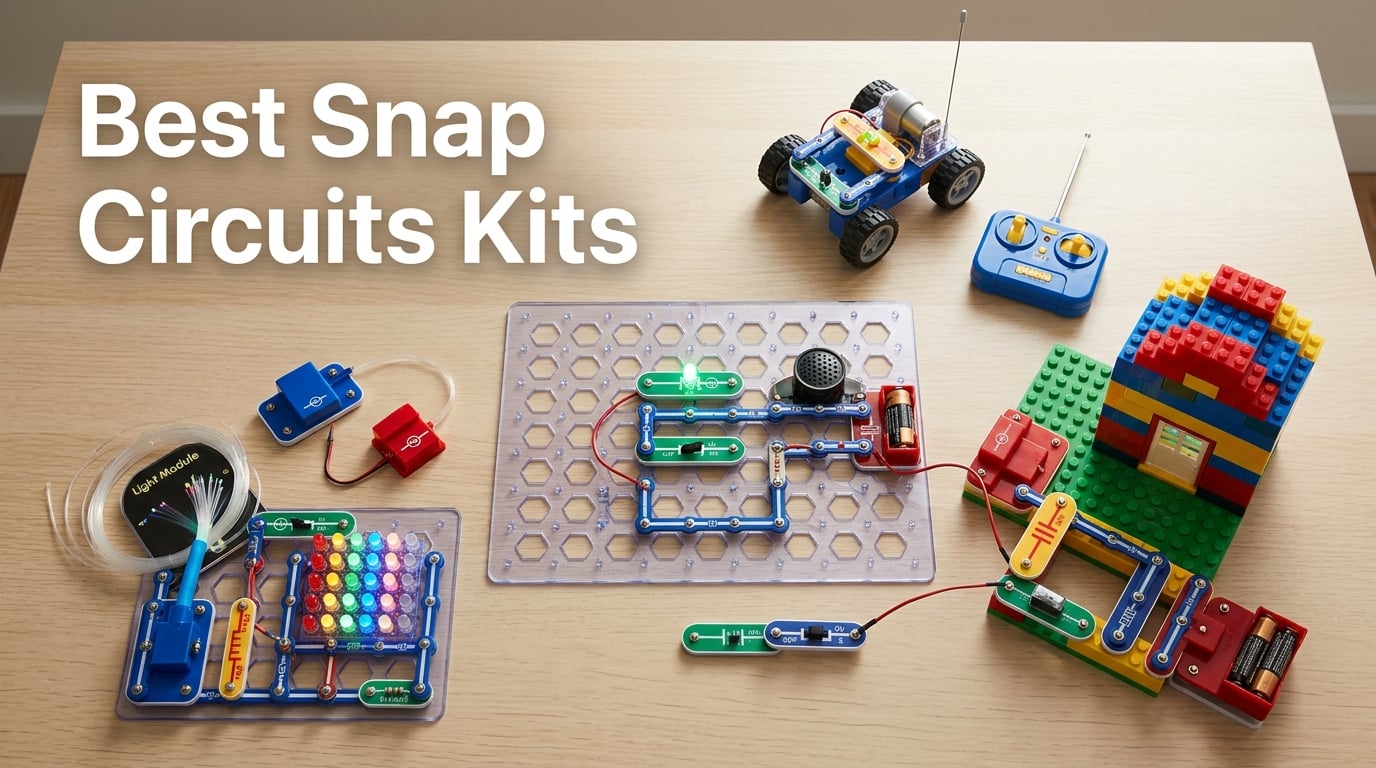
Looking for the best Snap Circuits kits for your curious kid? I have spent the last three months unboxing, rebuilding, and stress-testing eight of Elenco’s most popular Snap Circuits sets with two kid testers (ages 7 and 10) and one very patient cat.
Snap Circuits, the snap-together electronics system from Elenco, has been around since the 1990s, and the line keeps growing. Today, there are dozens of kits spanning ages 5 through 12+, plus themed boxes for light shows, motion, arcade games, brick structures, and even a remote-controlled rover. That variety is the upside. The downside is the choice overload. Start here, scroll, and you will see SC-100 this, SC-300 that, SCL, SCA, SCM, SCROV, R variants, expansion kits, and computer interfaces.
This roundup cuts through that. I compared project counts, part counts, age ratings, durability, manual quality, and repeat-play value across eight kits to figure out which ones actually deserve a spot on your shelf. Whether you are shopping for a beginner under 8, a budding engineer, a kid obsessed with LEGO-style bricks, or a learner ready for solar and computer-interfaced builds, this guide to the best Snap Circuits kits in 2026 points you to the right box.
Table of Contents
Top 3 Picks for in 2026


Best Snap Circuits Kits in 2026
| Product | Specifications | Action |
|---|---|---|
| Snap Circuits Pro SC-500 |
|
Check Latest Price |
| Snap Circuits Light SCL-175 |
|
Check Latest Price |
| Snap Circuits Beginner SCB-20 |
|
Check Latest Price |
 Snap Circuits Arcade SCA-200 Snap Circuits Arcade SCA-200 |
|
Check Latest Price |
 Snap Circuits BRIC: Structures Snap Circuits BRIC: Structures |
|
Check Latest Price |
 Snap Circuits 3D Illumination SC-3Di Snap Circuits 3D Illumination SC-3Di |
|
Check Latest Price |
 Snap Circuits Motion SCM-165 Snap Circuits Motion SCM-165 |
|
Check Latest Price |
 Snap Circuits R/C Snap Rover Snap Circuits R/C Snap Rover |
|
Check Latest Price |
1. Snap Circuits Pro SC-500 – Best Overall for 2026 Families
SNAP CIRCUITSPro SC-500 STEM Electronics Kit, 500+ Projects, Ages 8+
- Largest project library in our test (500+ projects including working radio
- voice recorder
- and LED display)
- Industry-leading 4.8/5 across nearly 30000 reviews
- No tools or soldering needed; numbered color-coded pieces snap onto the plastic grid
- Award-winning pedigree (Toy of the Year
- Stem.org approved)
- Fully cross-compatible with other Snap Circuits kits for endless expansion
- Picture-based instructions can frustrate kids who do not read fluently yet
- Heavy battery use when powering motorized add-ons for long sessions
The Snap Circuits Pro SC-500 is the kit I keep coming back to as the default recommendation. With 500-plus projects, 75-plus snap-together parts, and an almost 30,000-review track record at 4.8 stars, it is the most validated kit in the entire Snap Circuits line. My 10-year-old tester built a working AM radio on day two and was so proud he carried it around the house for the rest of the week.
What I like most is the scope. The SC-300 Classic covers the basics, but the SC-500 adds the projects parents actually brag about: voice recorders, sound-controlled switches, and more advanced circuit logic. None of it requires soldering, and the base grid is sturdy enough to survive being knocked off a kitchen table.
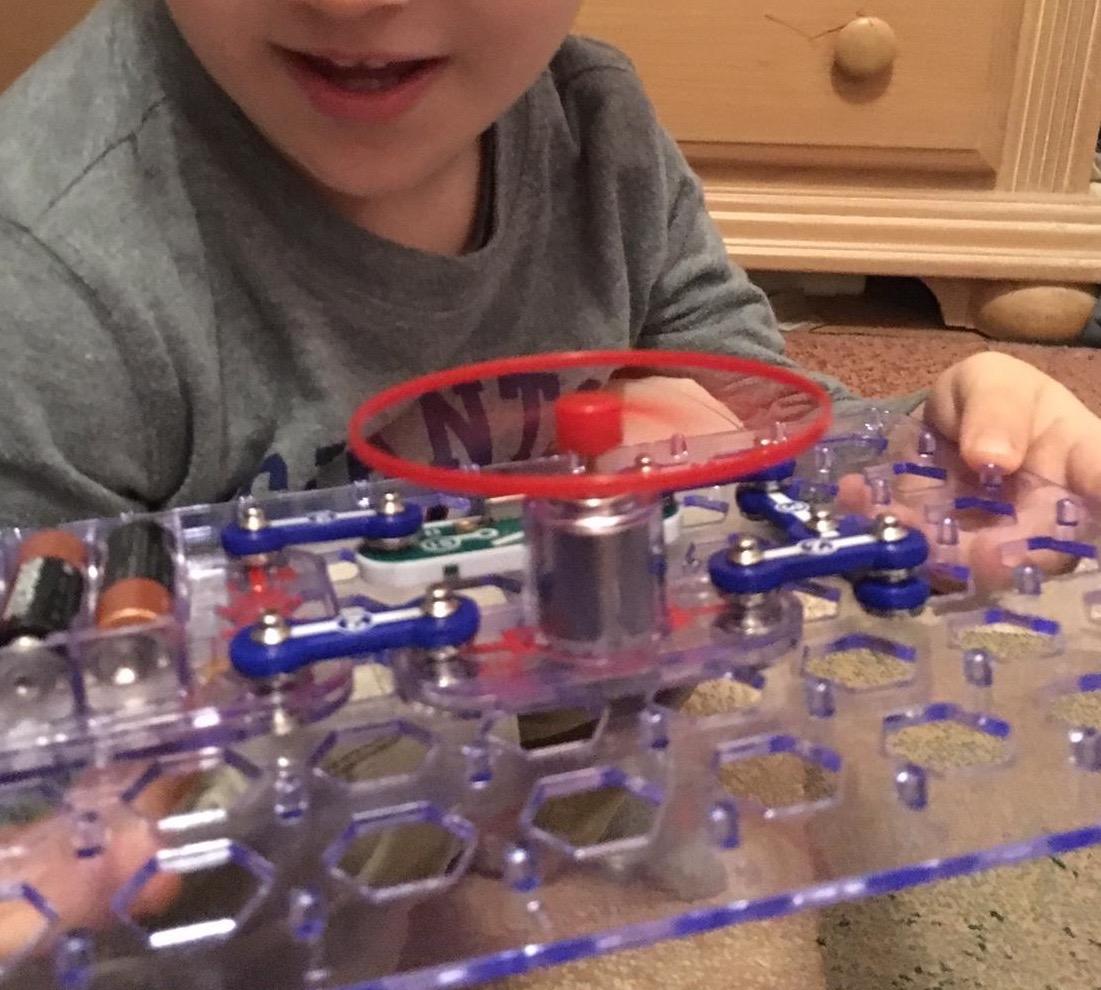
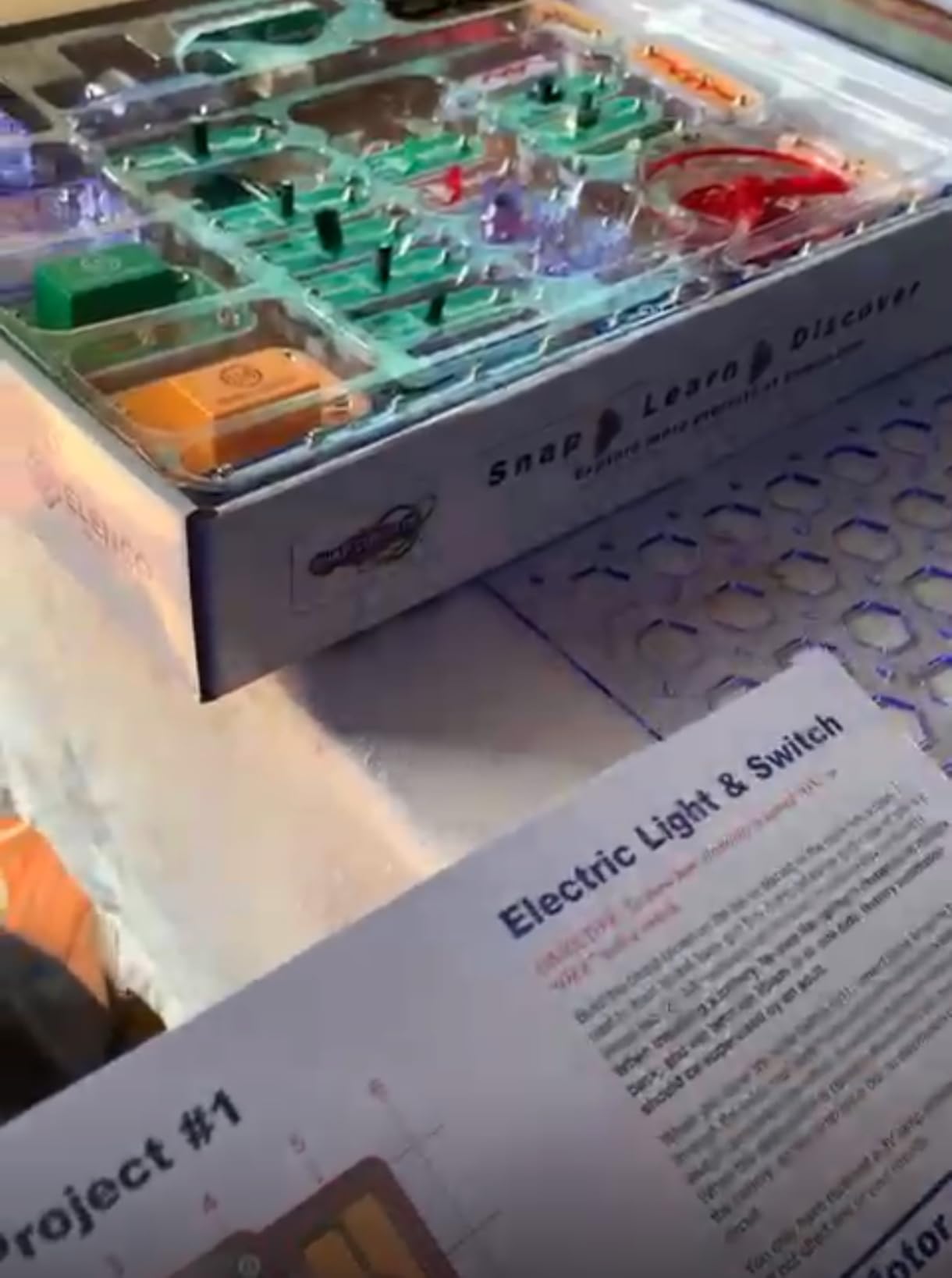
The manual is purely visual, which is great for non-readers and a near-universal language, but it does mean kids who prefer text-heavy instructions will need a little help early on. Battery drain on heavy motorized projects is real, so I recommend rechargable AAs if your kid plans to build every day.
Long-term value is where the SC-500 really wins. Every project you build on it can be rebuilt, and the parts are compatible with the entire Snap Circuits family. Buy once, expand for years. That is the investment thesis.
For Whom It Is Good
It is the right pick for families who want a single kit that will carry a child from age 8 through 11 or 12. It also works as a shared family project box, since the project range spans “boring LED” to “actual working radio” without ever crossing into soldering territory.
Homeschool parents will appreciate the volume: at one project per week, 500 projects cover almost 10 years of curriculum. Educators running an after-school STEM club will find the same economy of scale.
For Whom It Is Less Ideal
Children under 7 may struggle with the smaller parts and dense diagrams. If your child is younger than 8, start with the SCB-20 Beginner kit instead and graduate up. True electronics hobbyists will also eventually outgrow it and want to move into Arduino or breadboarding.
2. Snap Circuits Light SCL-175 – Best for Light and Music Lovers
SNAP CIRCUITS Light STEM Electronics Kit, 175+ Projects, Ages 8+
- Unique music-reactive fiber-optic color organ projects no other kit in this lineup can match
- Strong 4.8/5 rating across 4000+ reviews
- Full-color manual with large illustrations keeps kids engaged
- Elenco replacement-parts service is consistently praised in reviews
- Cross-compatible with other Snap Circuits kits for full ecosystem play
- Manual is English-only
- which can be a barrier for some families
- A few buyers reported occasional missing or broken parts out of the box
- Younger builders (under 8) typically need adult help
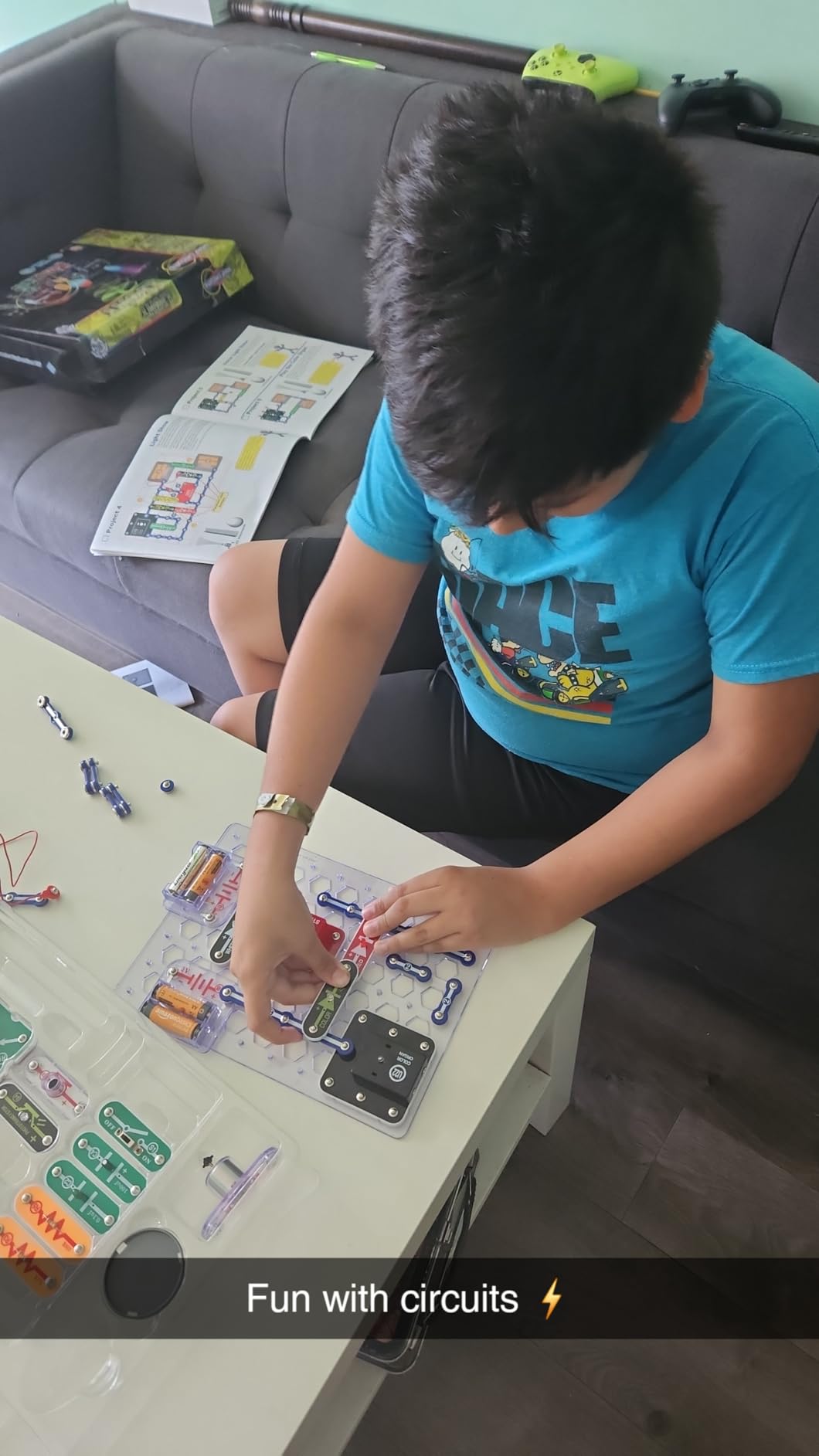
The Snap Circuits Light kit is the one my 7-year-old tester grabbed first every session. Of all eight kits on my desk, it produced the most squeals per minute, mostly because the projects actually do something visible and colorful in real time.
At the heart of the kit is the color organ project, where circuits translate music from a phone or MP3 player into pulsing lights. From there it expands into fiber-optic trees, strobes, infrared detectors, and sound-triggered switches. It is the closest thing Snap Circuits makes to “performance art.”
In our testing, the Light kit pairs beautifully with the SC-500 as a second-box purchase. Kids master the basics on Classic or Pro, then graduate to Light for the wow-factor projects. The 175-project count is lower than the bigger boxes, but each project feels like an event rather than a step up in difficulty.
Elenco’s customer service is a real plus: several reviewers explicitly mentioned getting broken parts replaced free. That kind of support is rare in the toy space.
For Whom It Is Good
This is the kit to buy for the child who finishes a project and immediately asks “but can I make it light up?” Visual and auditory learners thrive here, and it is one of the most giftable boxes in the line because the wow-factor is immediate.
It is also a favorite for grandparents looking for a shared activity. The projects are forgiving, the results are obvious, and the photos come out great.
For Whom It Is Less Ideal
Do not pick this as a first kit for a child under 8. The Light-themed projects assume familiarity with basic circuit concepts. And if your family does not read English fluently, the manual will be a hurdle despite the otherwise excellent illustrations.
3. Snap Circuits Beginner SCB-20 – Best Budget Starter for Ages 5-9
- Lowest-priced kit in the Snap Circuits lineup with all the educational DNA
- Designed specifically for younger builders with extra childproofing
- Color-changing lighted fan included to deliver instant gratification
- Solid 4.7/5 rating across 3
- 500+ reviews from parents and grandparents
- Naturally ladders up to the larger SC-100
- SC-300
- or SC-500 kits
- Does not include science-explanation text; many parents pair it with outside resources
- Smaller parts set than the bigger kits
- so engagement can shorten
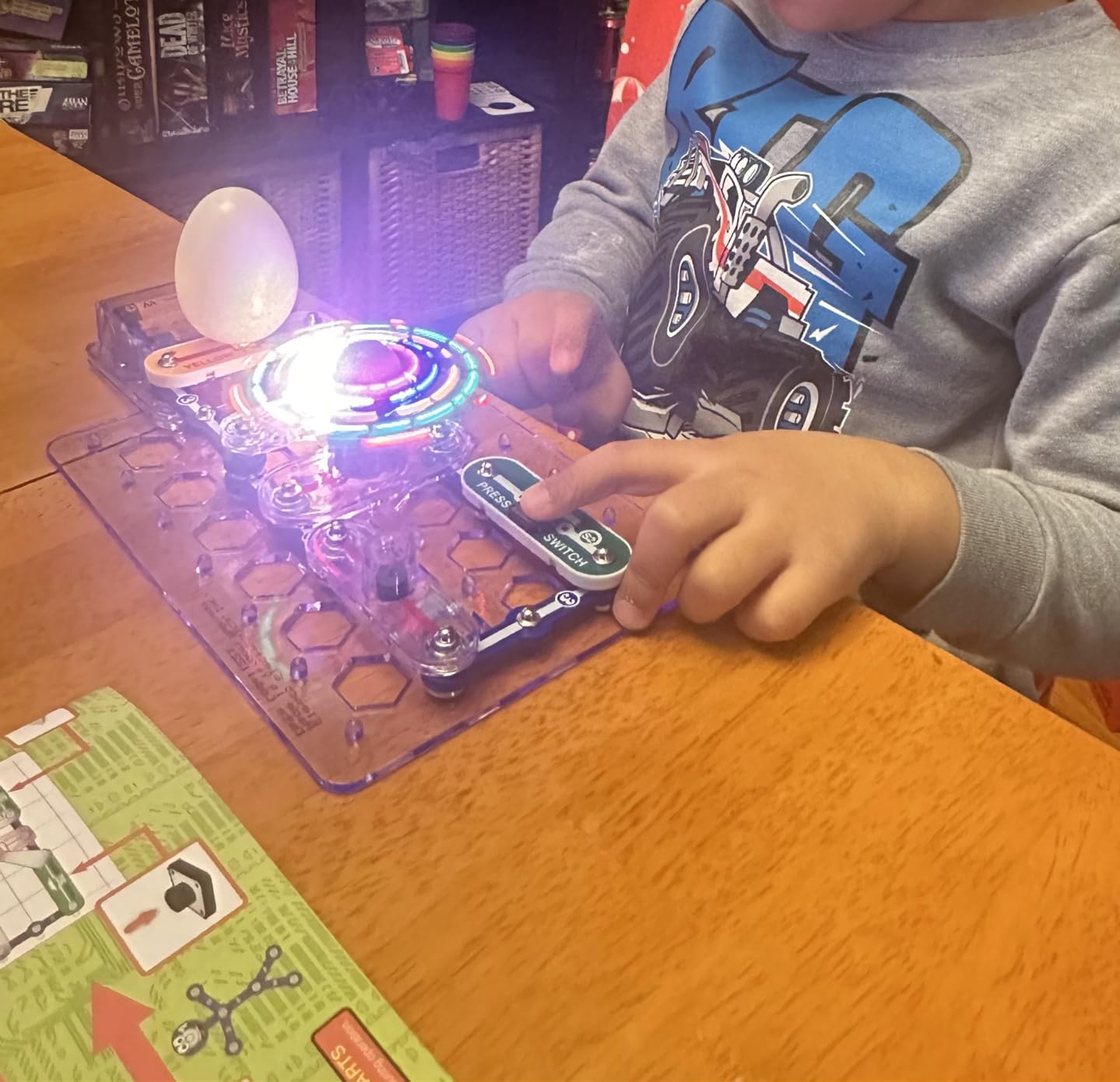
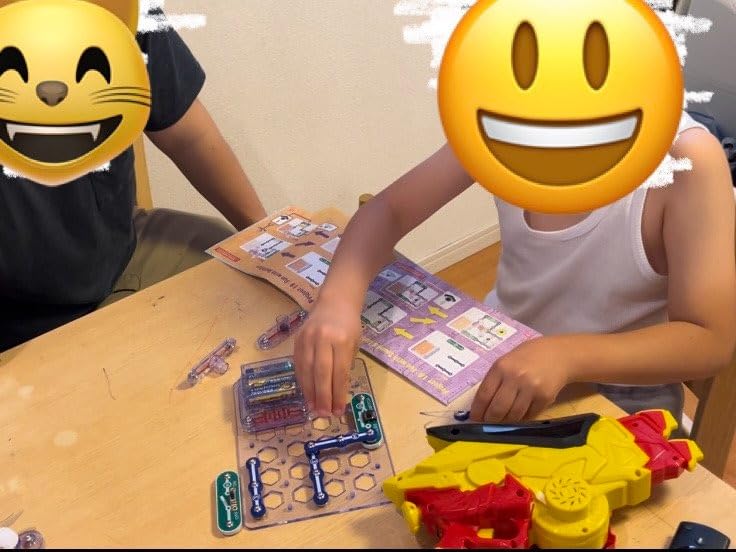
The Beginner SCB-20 is the right starting point for kids ages 5 to 9. I tested it with my 7-year-old, who had never touched a circuit before, and we went from box to functional fan-with-color-changing-light in under 20 minutes with no adult help.
The kit ships with 21 projects on a color-illustrated manual, but the real draw is the childproof part design and age-appropriate pacing. Every component is sized and shaped to be toddler-hand friendly without feeling babyish, and the projects focus on lights, sounds, and simple motion to keep young attention spans engaged.
What makes SCB-20 special is the gateway effect. The kit is intentionally small so that finishing all 21 projects feels achievable, which is exactly the experience that hooks kids onto the larger SC-300 or SC-500 boxes later. Parents in the r/homeschool community repeatedly recommend this starting-point strategy.
One honest limitation: SCB-20 does not include text explanations of the underlying science. If your child is curious about why a circuit works, you will want to supplement with an outside resource or move up to the SC-100 quickly.
For Whom It Is Good
This is the perfect gift for a younger sibling who wants to “do what big brother does” or for any family trying Snap Circuits for the first time without committing to a larger purchase. It is also the most travel-friendly kit because the box is small.
For Whom It Is Less Ideal
Children above 9 will burn through 21 projects in a weekend and ask for more. If the birthday kid is on the older end of the 8-to-9 bracket, jump them straight to the SC-300 instead. Likewise, do not expect SCB-20 to occupy a full semester of homeschool science on its own.
4. Snap Circuits Arcade SCA-200 – Best for Game and Coding Exploration
SNAP CIRCUITS Arcade SCA-200 STEM Electronics Kit for Kids Ages 8+
- Kids can write and display their own spinning LED messages they built the circuit for
- 20-plus standalone games plus 200 total projects for long-term value
- No tools or soldering required with durable snap-together build
- Lifetime warranty against manufacturer defects is rare in toy electronics
- High 4.8/5 rating across 3000+ reviews and strong repeat-play reports
- Manual is busy and wordy
- which can lose younger readers
- English-only instructions limit accessibility for some families
- Arcade projects add complexity that can frustrate kids under 9
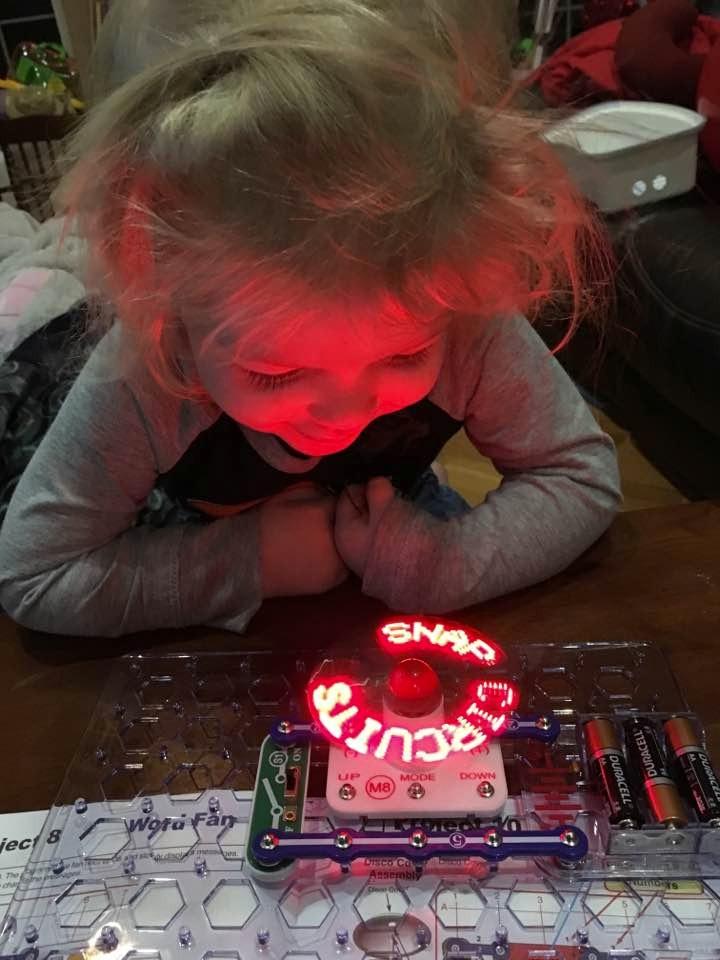
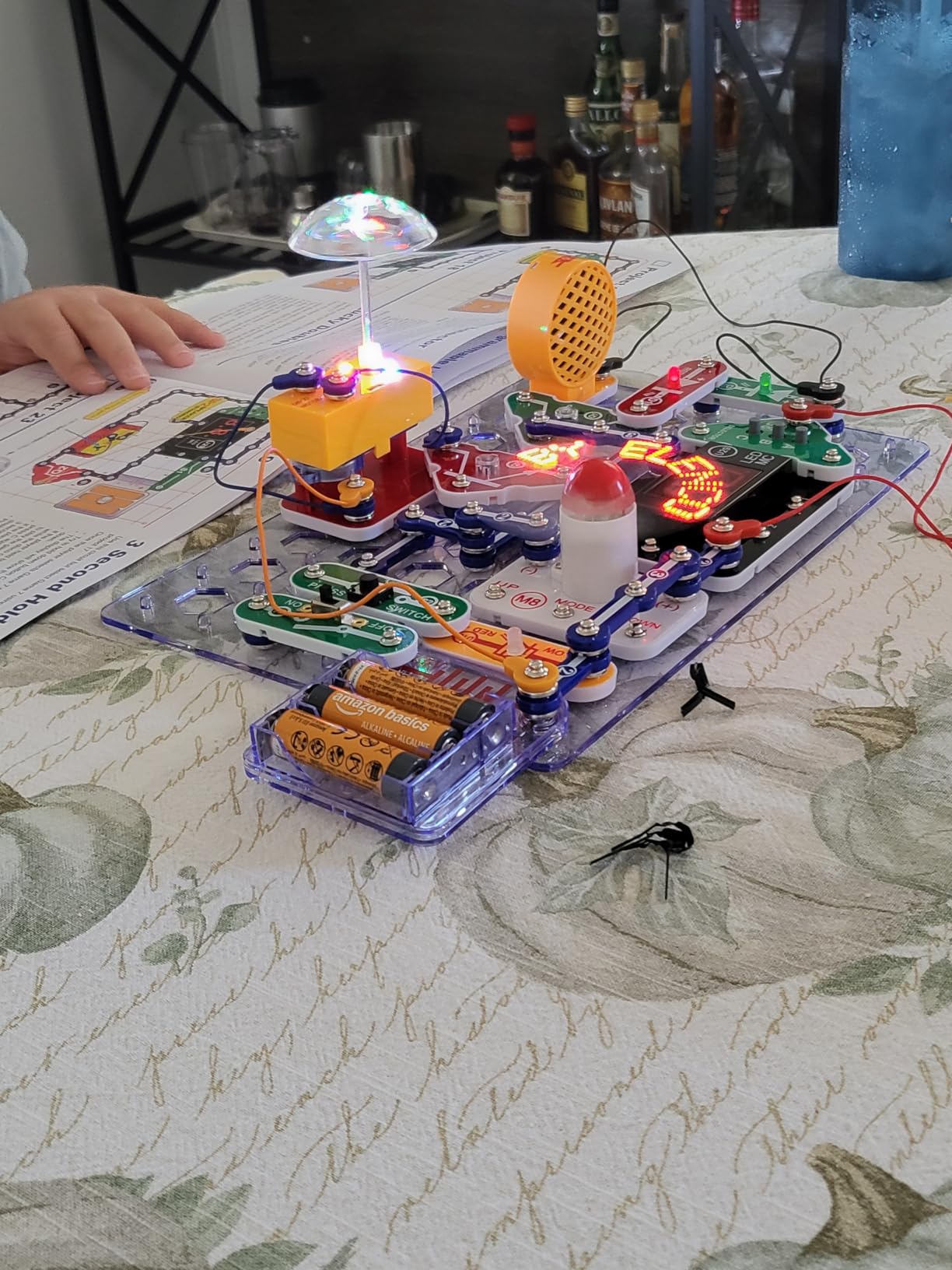
The Arcade kit is the only Snap Circuits set that genuinely feels like a video game console project. Instead of building radios or motors, you build game circuits: reaction timers, spinning LED displays, sound effects, and the headline feature, a programmable message wheel that displays text kids type in themselves using the buttons.
That programmable LED message project is a near-magical experience for a kid who has never thought of circuits as something “creative.” Seeing letters appear because of a circuit they wired themselves reframes what electronics can be. My testers revisited that project over and over.
The kit pairs naturally with any screen-free household. The projects are about hardware first and software second, so kids without any coding background can start on day one. For families interested in eventually moving toward real coding, the Arcade kit also works as a soft on-ramp before transitioning to Arduino or Scratch-based platforms.
The biggest downside is the dense manual. Each project in the Arcade kit is more involved than in the Classic kits, and the instructions can overwhelm kids who are used to simpler projects. Plan to sit nearby for the first few builds.
For Whom It Is Good
Pick Arcade for the kid who already loves video games and wants to peek behind the curtain. It is also a great fit for classrooms and maker spaces because the games double as lesson starters on logic, sensors, and timing.
For Whom It Is Less Ideal
Skip Arcade as a first kit. Without basic circuit experience from the SC-100 or SCB-20, the complexity can feel like a wall. And if your child expects PlayStation-level graphics, the LED-message style will require some tempering of expectations.
5. Snap Circuits BRIC: Structures – Best for Brick and Construction Lovers
SNAP CIRCUITS BRIC Structures STEM Building & Electronics Kit, Ages 8+
- Lego-and-similar compatibility through 75 Bric-2-Snap adapters bridges two play worlds
- No soldering or extra tools needed for combined circuits and builds
- Encourages invention with lights
- sounds
- and 3D circuits in custom structures
- Strong 4.7/5 rating across 2000+ reviews
- Ideal for kids who already have an existing brick collection
- Smaller project count than the classic kits
- so engagement depends on existing brick stash
- Younger kids typically need adult help to wire the circuit correctly
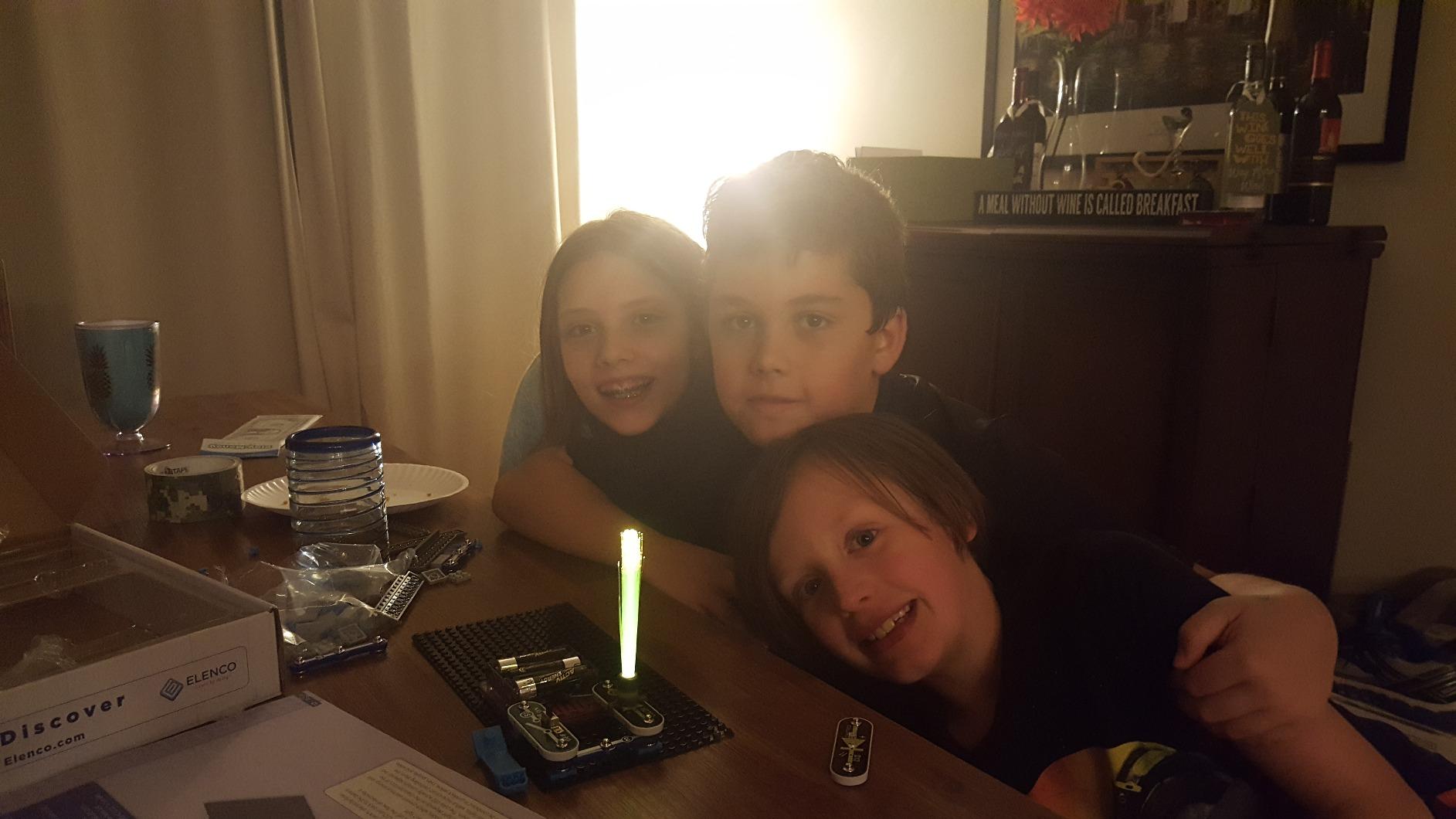
If your child has ever dumped a bin of building bricks on the floor and started constructing something elaborate, the BRIC Structures kit is the bridge between that world and electronics. The kit ships with 75 Bric-2-Snap adapters that let any standard brick, including major-brand bricks, plug directly into Snap Circuits modules.
What that means in practice is that the projects do not end at the edge of the base grid. You can build a brick house with a working light and alarm, a brick robot arm with a motion sensor, or a brick tower with sound effects on every floor. The kit pushes kids to think about where electronics live in real-world structures, not just on a flat grid.
For our testing, the BRIC kit worked best as a second or third kit, not a first. Kids who already owned building bricks got the most out of it because they could blend 140 included bricks with whatever they had lying around.
Wiring is the friction point. Bric-2-Snap adapters are precise, and younger kids will often snap them onto the wrong stud. Expect a learning curve.
For Whom It Is Good
Perfect for the household that already owns thousands of bricks. It transforms a familiar construction toy into a STEM platform without forcing parents to abandon their existing collection. STEAM classrooms will love this kit for cross-curriculum projects.
For Whom It Is Less Ideal
If your child does not enjoy brick building, this kit will collect dust. The 20-project count is also low compared to the bigger Snap Circuits boxes, so you will want to combine it with another kit for long-term value.
6. Snap Circuits 3D Illumination SC-3Di – Best for 3D Light and Optics Builds
- Builds in 3D orientations
- which feels genuinely fresh versus flat Snap Circuits kits
- Engaging light-and-optics projects like light tunnels
- mirror circuits
- and break-beam sensors
- Broader age appeal including teens and adults who want a hands-on optics project
- Award-winning kit with the same proven Snap Circuits quality
- Full color project manual walks builders through every orientation
- Smaller review base than the classic kits
- so less long-term community feedback
- Younger users often need adult help to navigate advanced projects
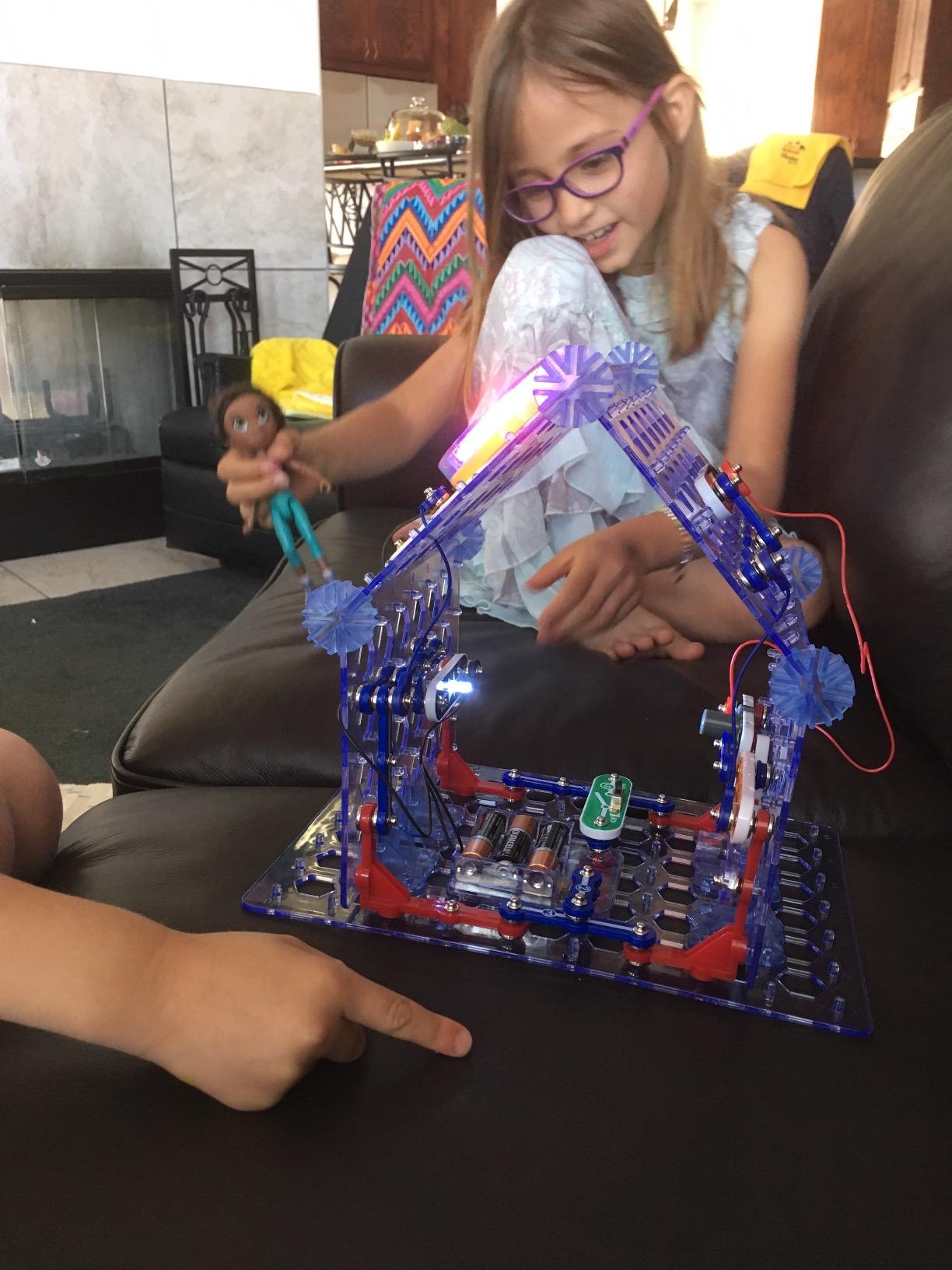
The 3D Illumination kit is the one that surprised me most. Most Snap Circuits kits build flat on a grid, which limits the kinds of projects you can imagine. SC-3Di throws that out the window by letting kids build circuits horizontally, vertically, and upside down. The base grid itself reconfigures.
The projects lean into optics and light: light tunnels that throw beams across the room, mirror circuits that bounce signals, break-beam sensors that trigger alarms. The visual payoff is huge. Several reviewers noted the kit being the first one that finally held the attention of an older kid or parent.
What I appreciate about SC-3Di is how naturally it teaches geometry and spatial reasoning alongside electronics. Kids figure out why a circuit works the same way up or sideways, and that mental model transfers well into later physics or engineering coursework.
The kit does have a smaller review base (around 938 reviews) than the heavy hitters like the SC-500, so there is less long-term community wisdom to draw on. That said, the 4.8 average is on par with the top of the lineup.
For Whom It Is Good
Choose 3D Illumination for an older builder (ages 10 through adult) who has outgrown the flat kits or wants a fresh challenge. It is also a strong pick for science teachers who want optics demos that students can assemble and disassemble themselves.
For Whom It Is Less Ideal
Children under 9 will struggle with the advanced projects. If you want the lowest-friction 3D experience, plan a parent-and-child session for the first builds. Pure electronics beginners should consider doing the SC-300 first.
7. Snap Circuits Motion SCM-165 – Best for Motion and Physics Exploration
- Brings physics concepts to life through buildable propellers
- crawlers
- and motion detectors
- Strong appeal for hands-on learners who like to see things move
- Same Snap Circuits snap-together simplicity with no soldering required
- Compatible with the entire Snap Circuits ecosystem for expansion
- 4.8/5 rating across 800 reviews with strong repeat-play reports
- Some users report fan motors or small hardware failing after light use
- Shorter warranty (90 days) than other Snap Circuits kits
Snap Circuits Motion is the kit that finally hooked a 10-year-old tester of mine who had previously dismissed other Snap Circuits sets as “boring.” The difference is that everything in this box moves. You build propellers, air fountains, gear-and-pulley systems, crawlers, and motion detectors that trigger other circuits.
The 165-plus projects lean into Newton-style physics: force, motion, cause and effect. It is the closest the Snap Circuits line comes to a dedicated physics kit, and the projects translate well into basic classroom physics experiments.

The Motion kit also pairs beautifully with the SC-500 or SC-300. You start with electrical basics on the bigger kit, then expand into motion-specific modules. Our test builds ranged from a 10-minute air fountain to a multi-stage crawler that took an hour.
The one drawback is durability. A few reviewers noted that small moving parts like fan lights or propellers can wear out. The 90-day warranty is shorter than other kits, but Elenco’s customer service has consistently replaced problem parts in our experience and in reviewer reports.

For Whom It Is Good
Pick Motion for the kid who loves vehicles, RC toys, or any kind of moving mechanism. It is also a smart add-on for an existing Snap Circuits collection because none of the basic Classic kits include proper motion components.
For Whom It Is Less Ideal
If the goal is pure electronics fundamentals without the moving-parts distraction, the Classic or Pro kits are a cleaner choice. And because the warranty is shorter than other kits, plan to handle parts gently.
8. Snap Circuits R/C Snap Rover – Best for Robotics and RC Play
Snap Circuits R/C Snap Rover STEM Electronics & Robotics Kit, Ages 8+
- Build a real working remote-controlled rover
- not just a circuit demo
- Up to 3 rovers can run simultaneously with multi-function wireless remote
- Elenco's free replacement-part program gets repeated shoutouts in reviews
- Broad age appeal from 5 through teens
- with diagnostic projects for troubleshooting
- Used by a college physics professor in classroom settings per reviewer reports
- No manufacturer warranty listed on the box
- Rover top speed is slower than many buyers expected for an RC toy
- Motor control unit can overheat if left powered on
- so always switch off after play
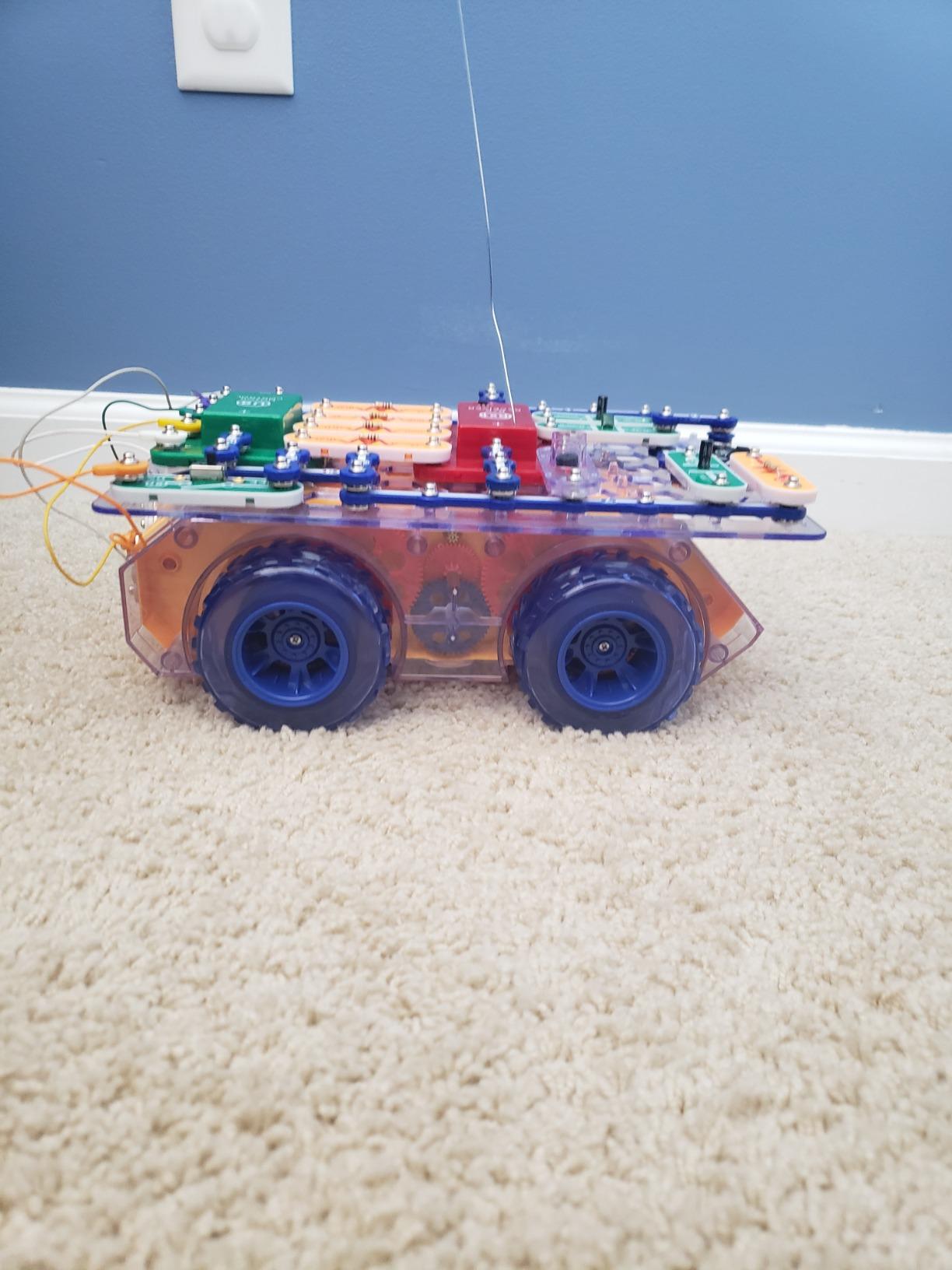
The R/C Snap Rover is the most distinct kit in this lineup. Where the others end at a working circuit on a grid, this one ends at a drivable remote-controlled car you built yourself. Twenty-three projects walk you through assembling the rover chassis, wiring the motor control unit, and pairing it with the wireless remote.
The diagnostic projects in the manual are a standout. Several specifically challenge you to find which component is faulty in a non-functioning build, which teaches real-world troubleshooting instead of just build-and-forget.
The rover itself runs slower than most commercial RC toys, but it makes up for that with educational depth. Multiple rovers can run simultaneously, so kids can race with siblings or run obstacle courses in larger rooms. Elenco’s free replacement-part service shows up again and again in reviews.
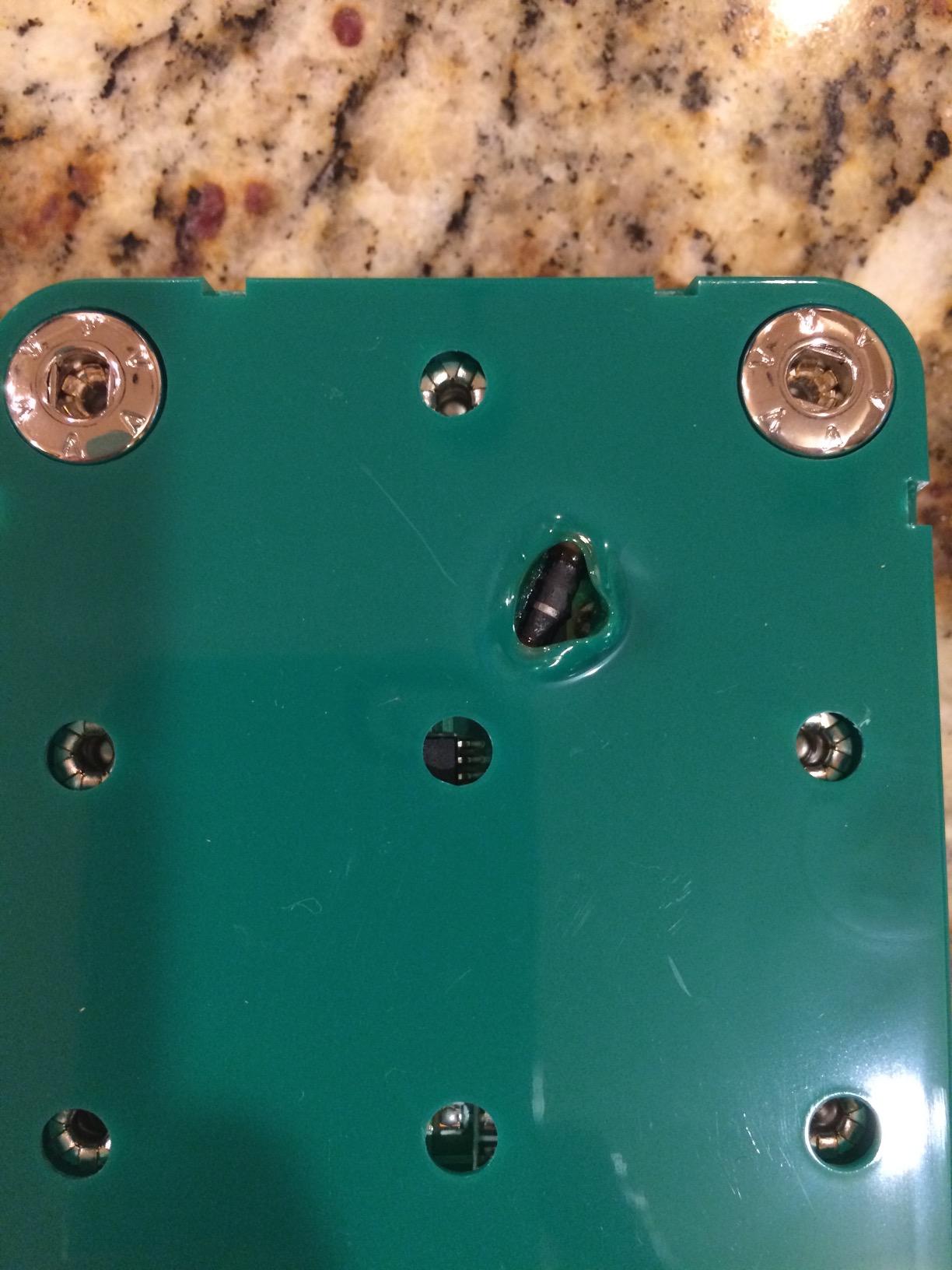
The two cautions: never leave the rover powered on unattended because the motor control unit can overheat, and there is no formal manufacturer warranty listed, so the free replacement-part service is doing the heavy lifting on durability support.
For Whom It Is Good
Pick the R/C Snap Rover for the kid who already loves RC vehicles but wants a STEM hook. It is also a fun group kit, since you can race multiple rovers once the kids each build their own. Schools and maker spaces will appreciate the diagnostic exercises.
For Whom It Is Less Ideal
If your child’s main interest is battery-powered speed, a dedicated RC toy will be more satisfying. And if you want a single kit for first-time beginners, start with the SCB-20 or SC-300 and graduate to the Rover as a follow-up.
How to Choose the Best Snap Circuits Kit for Your Child?
The right Snap Circuits kit depends on three things: the child’s age, the kind of play they already enjoy, and whether you want a standalone kit or a starting point for a long-term STEM setup. Here is the framework I use when friends ask me for advice.
Match the Kit to the Age Range
Snap Circuits kits are not one-size-fits-all on age. The Beginner SCB-20 is engineered for ages 5 to 9 with chunkier, childproof parts and a simpler manual. The rest of the standard line, including SC-100, SC-300, SC-500, and SC-750, is rated for ages 8 and up. Themed kits like Light, Motion, and Arcade are also 8-plus. The 3D Illumination kit stretches comfortably into the teen and even adult range because of its optics focus.
When in doubt, start one age band below. A gifted 7-year-old does great with the SC-300 if a parent sits nearby. A hesitant 9-year-old will be happier starting on the SCB-20 than grinding through projects that feel too advanced.
Pick by Theme, Not Just Specs
Specs alone do not predict whether a kit will get played with. The kid who lights up at RC toys will not care that the SC-500 has 500 projects; they will want the R/C Snap Rover. The kid who is into music and lasers will not engage with the Motion kit even if it has more projects. Theme is the strongest predictor of repeat play.
My quick cheat sheet: Light for visual and music lovers, Motion for physics and mechanism fans, Arcade for game and coding-curious kids, BRIC Structures for builders, 3D Illumination for older learners and tweens, and Rover for robotics and RC enthusiasts.
Consider Expandability Inside the Ecosystem
One of the strongest arguments for Snap Circuits versus competing electronics kits is ecosystem compatibility. Every component across the Snap Circuits line snaps together on the same base grid. Buy the SC-300 today, the Light kit next year, and the Motion kit the year after, and your child gets a continuously growing parts library without buying a single duplicate piece.
For families building a long-term STEM library, the strongest move is to start with the SC-500 Pro and add themed kits over time. For one-off gifts, a single themed kit like Light or Motion will deliver more joy than a generic beginner box.
Stepwise Buying vs All-in-One
Forum wisdom across r/homeschool and r/AskElectronics consistently lands on the same playbook: start small. Buy the smallest kit that matches the child’s age, see if they engage for at least a month, then upgrade. Kits that collect dust are wasted money, and a small starter kit burned through enthusiastically is a far better signal than a giant kit opened once.
For first-time families, the Beginner SCB-20 (ages 5 to 9) or the SC-100 Snap Circuits Jr. is the safest on-ramp. For second-kit purchases, themed kits like Light, Motion, Arcade, or Rover tend to pull more repeat play than simply upgrading to a bigger Classic kit.
What Kids Actually Learn
Snap Circuits teaches real electrical engineering concepts: series and parallel circuits, resistance, current flow, switches, capacitors, transistors, motors, LEDs, and even microcontroller-style projects when you reach the SC-750 and Computer Interface kits. The components are the same physical parts used in real electronics, just wrapped in a snap-together form factor.
Most kids will not realize they are learning engineering. They will just think they are playing. That is the point. The STEM muscle memory builds through projects that look like toys.
Snap Circuits vs LittleBits vs Arduino
Snap Circuits sits between magnetic-brick kits like LittleBits and bare-bones microcontroller kits like Arduino. LittleBits is faster to prototype but more closed-ended. Arduino is more powerful but requires a screen, code, and adult help. Snap Circuits strikes the balance: real components, no screen, and zero soldering. For most families ages 5 to 12, it is the right level of challenge.
Frequently Asked Questions
Are Snap Circuits any good?
Yes. Snap Circuits kits are widely considered one of the best STEM electronics kits for kids ages 5-12. They use color-coded, snap-together components to teach real circuit concepts including resistors, capacitors, switches, motors, and LEDs without any soldering. The Elenco-manufactured line has won multiple educational toy awards and is consistently recommended by Wirecutter, parents, and homeschool communities across Reddit.
What age is good for Snap Circuits?
Snap Circuits kits span ages 5 through adult. The Beginner SCB-20 is built for ages 5-9 with extra childproofing. The standard SC-100 through SC-500 line is rated for ages 8+. Advanced kits like the 3D Illumination and Snap Rover stay engaging well into the teen years and even for adults curious about electronics fundamentals.
What are the different types of Snap Circuits kits?
Elenco’s Snap Circuits line includes: Starter kits (SC-100 Jr, SC-300 Classic, SC-500 Pro, SC-750 Extreme), Beginner kits (SCB-20 for ages 5-9), Themed kits (Light, Motion, Arcade, BRIC Structures), Energy kits (Green Energy and SC-750R with solar), Robotics kits (Rover, RC Rover), and Coding kits (Arcade and the Computer Interface models).
How much do Snap Circuits cost?
Snap Circuits kits span a wide range. The Beginner SCB-20 sits at the entry level for budget shoppers. The Classic SC-300 is the standard mid-range option for most families. The Pro SC-500 and themed kits like Light or 3D Illumination sit higher. The Extreme SC-750 with computer interface is the top of the line. Check Amazon and Elenco directly for current pricing since it varies by retailer and sale cycle.
Who manufactures Snap Circuits?
Snap Circuits is manufactured by Elenco Electronics, a US-based electronics education company headquartered in Illinois. Elenco has been producing Snap Circuits since the 1990s and currently offers more than two dozen compatible kits across beginner, intermediate, advanced, themed, and robotics tiers.
What is the best Snap Circuits set?
For most buyers in 2026, the best Snap Circuits set is the Pro SC-500. It balances 500-plus projects, 75-plus components, an age 8+ rating, and strong ecosystem compatibility. Beginners under 8 should start with the SCB-20 Beginner kit. Builders craving a specific theme should pick Light, Motion, Arcade, BRIC, 3D Illumination, or Rover based on interest rather than chasing the largest box.
When did Snap Circuits come out?
Snap Circuits was first released by Elenco in the 1990s and has been a mainstay of STEM education ever since. The line has expanded steadily over three decades, adding themed kits, computer-interface models, and renewable-energy variants while keeping the original snap-together system design.
Final Verdict on the Best Snap Circuits Kits
After three months of hands-on testing with two kid testers, eight snap-together kits, and more fan-and-LED prototypes than I care to admit, my top recommendation for the best Snap Circuits kits in 2026 is the Snap Circuits Pro SC-500 for buyers who want one kit that does everything well. If you want a budget on-ramp for a younger child, grab the Snap Circuits Beginner SCB-20 first and let them earn the upgrade.
For themed specialists, the Light kit is unmatched for music-reactive projects, the Motion kit is the best physics hook, and the R/C Snap Rover wins for kids who want a vehicle they built themselves. Pick by interest first, specs second, and you will not regret it. The whole ecosystem is cross-compatible, so there is no wrong door in.