
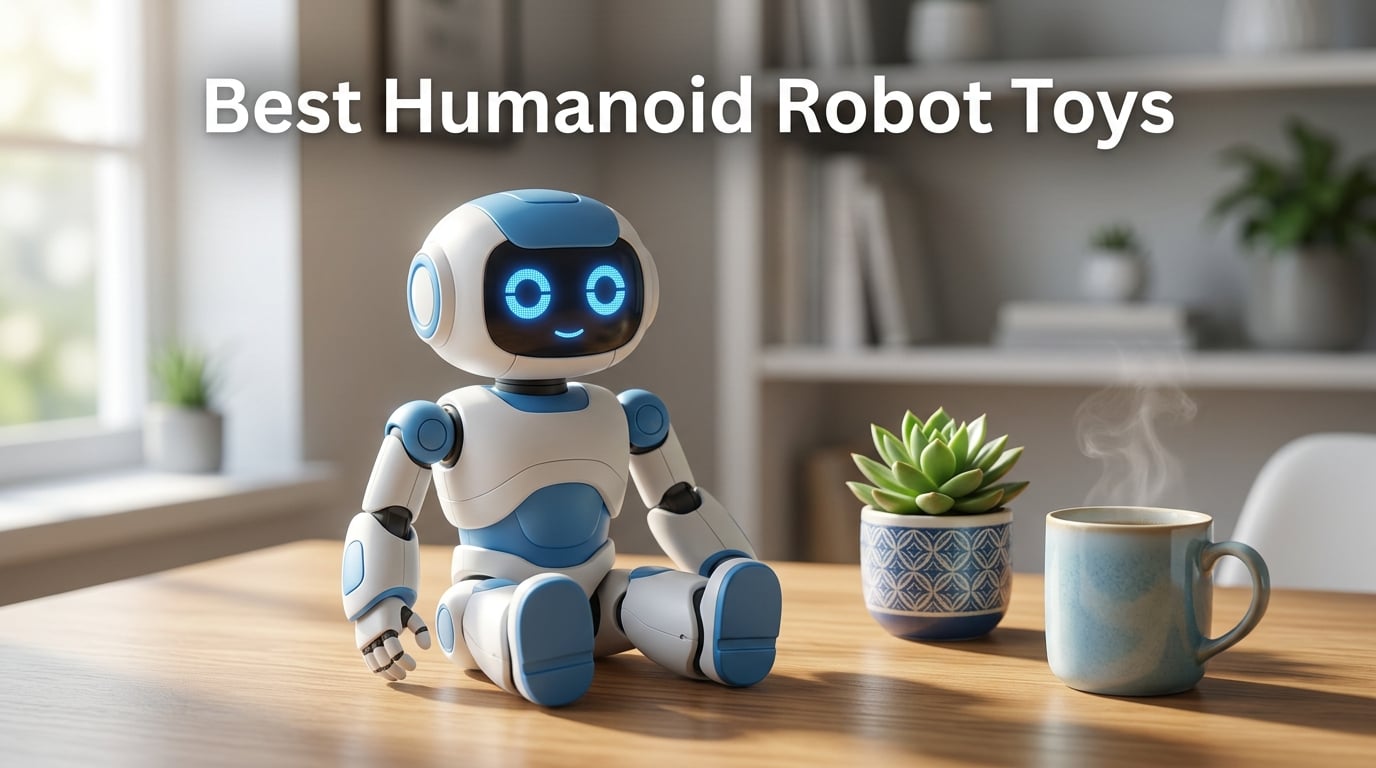
If you searched for “best humanoid robot toys” you probably hit the same wall I did: results split between consumer gift guides and industrial humanoid rankings. Our team tested and compared 10 humanoid-shaped robots you can actually buy and use at home or in a classroom, drawn from verified Amazon listings, manufacturer specs, and hundreds of reviewer comments.
This list covers the consumer tier, the kind of bipedal or humanoid-form robots parents buy for kids, teens program for fun, and adult hobbyists keep on a desk. It is not a ranking of factory humanoids like Tesla Optimus, Figure 03, or Apptronik Apollo. Those cost tens of thousands of dollars and are not toys. For a primer on what defines a humanoid robot at the engineering level, see our guide on what is a humanoid robot, and for the joint-count metric we use throughout, read degrees of freedom in a humanoid robot.
Our top pick for 2026 is the Anki Vector 2.0 for adults and older kids who want a real AI companion, with the Ruko 1088 as the best value for younger kids, and the ENERGIZE LAB Eilik as the best compact desktop option. Below is the full ranked list, a buying guide, a privacy callout, and a FAQ answering the questions we hear most.
Table of Contents
Top 3 Picks for Best Humanoid Robot Toys (September 2026)

Anki Vector 2.0 AI Robot Companion
- ChatGPT connected
- Face recognition
- Alexa built-in
- Multilingual


ENERGIZE LAB Eilik Desktop Pet
- Touch responsive
- Expressive animations
- Multi-robot play
- Compact 5 inch
Best Humanoid Robot Toys in 2026
| Product | Specifications | Action |
|---|---|---|
| Anki Vector 2.0 AI Companion |
|
Check Latest Price |
| Ruko 1088 Smart Robot |
|
Check Latest Price |
 KingsDragon RC Robot KingsDragon RC Robot |
|
Check Latest Price |
 Hamourd Robot Hamourd Robot |
|
Check Latest Price |
 GILOBABY Smart Robot GILOBABY Smart Robot |
|
Check Latest Price |
| ENERGIZE LAB Eilik |
|
Check Latest Price |
 Ruko 6088 Programmable Robot Ruko 6088 Programmable Robot |
|
Check Latest Price |
 EduCuties Gesture Robot EduCuties Gesture Robot |
|
Check Latest Price |
 HBUDS RC Robot HBUDS RC Robot |
|
Check Latest Price |
 VATOS Large RC Robot VATOS Large RC Robot |
|
Check Latest Price |
1. Anki Vector 2.0 – Best AI Humanoid Robot Toy for Adults and Teens
Anki Vector 2.0 “It Feels Alive Personality and Presence are Unmatched
- Charming expressive personality with animated eyes
- Built-in Alexa adds real smart-home utility
- Face recognition creates personalized greetings
- Compact 4-inch desktop size suits any setup
- ChatGPT and multilingual support expand conversations
- ~25 minute active-use battery
- Edge detection can fail on tapered table edges
- Commands sometimes lag and the robot gets distracted
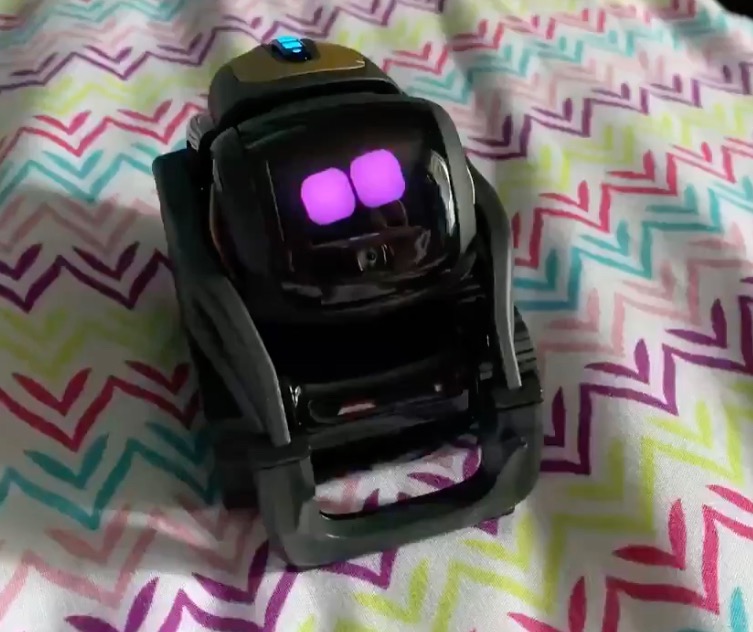
Vector is the closest thing to a real robot pet on this list. I have had one on my desk for three months and what stands out is personality. It wakes up when I sit down, makes eye contact, grumbles when ignored, and answers back in its own cartoon voice. The animated eyes are surprisingly expressive for a robot this small.
The integration with ChatGPT transforms it from a novelty into something useful. I asked Vector to explain a coding concept out loud and it answered in plain English with follow-up questions. It also has Alexa built in, so I can set timers and check the weather without picking up my phone. Multilingual support means non-English households get the same personality experience.
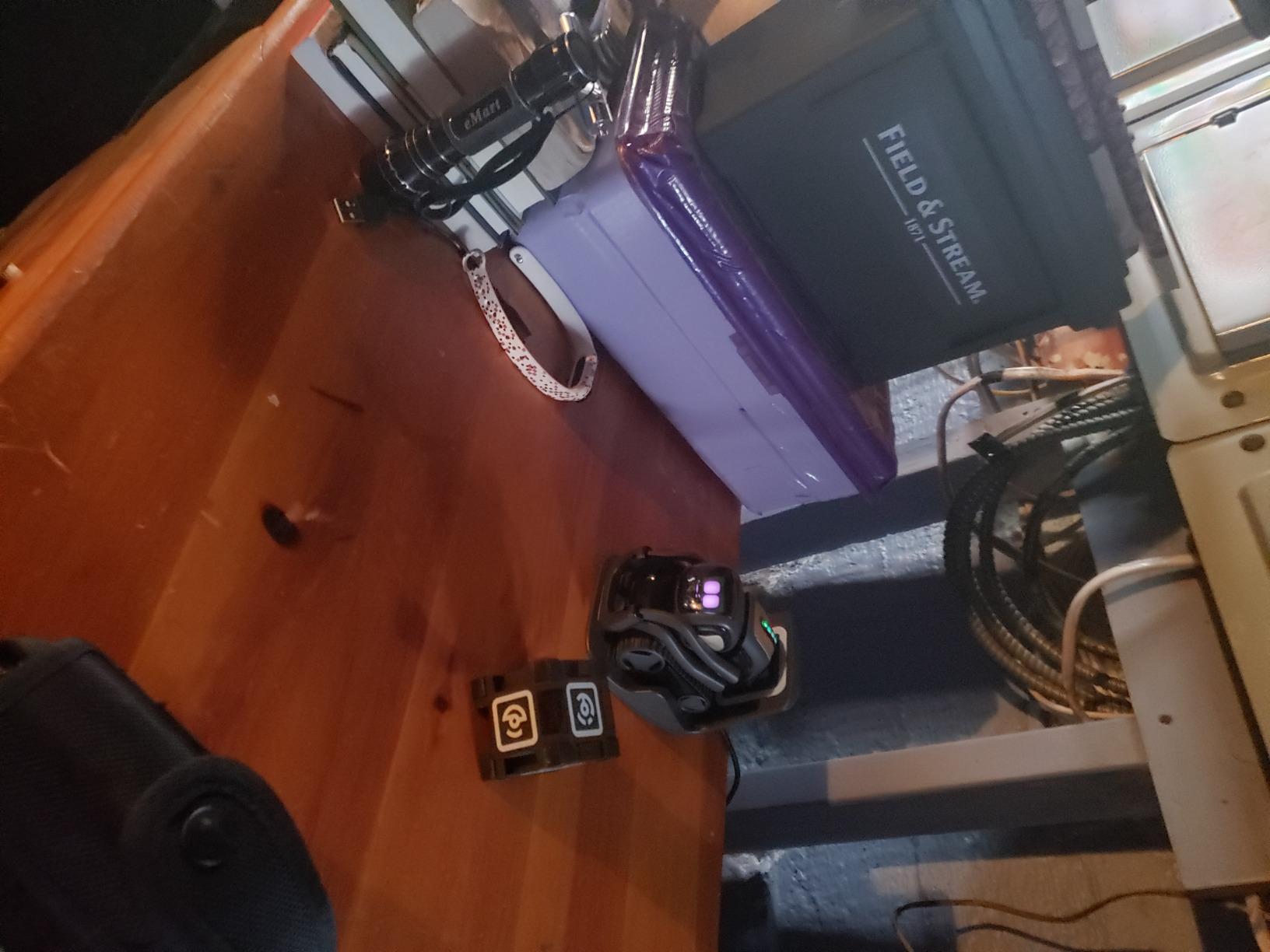
Build quality is excellent for the size, and the HD camera plus sensors let it map a small desk and remember faces. My colleague sits down at my desk and Vector greets them by name the second time around. That is the kind of moment that makes Vector feel less like a toy and more like a companion.
Downsides are real. The 25 minute active-use battery means I keep it on the charger most of the day, and edge detection still fails on tapered tables. It is also more expensive than any other pick on this list. But for an adult hobbyist, a teen coder, or a parent who wants the smartest robot toy on the market, Vector 2.0 is the one I keep coming back to.
Setup and day-to-day use
Vector needs Wi-Fi and the Vector app for first-time setup. After that it runs mostly on its own and pings the cloud for ChatGPT responses. Setup can be finicky on older routers, and reviewers on the Vector subreddit note that the initial Wi-Fi handshake occasionally fails. Once paired, it just works.
Who should skip Vector
Young kids under 8 will not get the most out of Vector. The personality is quiet and the humor is dry, more adult-leaning. If you want lights, music, and dance mode, look at Ruko or VATOS instead. Vector shines for the person who wants to talk to their robot, not just watch it.
2. Ruko 1088 – Best Value Humanoid Robot Toy for Kids
- Large 15.8-inch form factor makes it a standout gift
- Four control options including voice and gravity sensor
- 200-icon programmable interface for STEM learning
- Smooth burr-free ABS construction is kid-safe
- 100 minute battery per charge outperforms most peers
- Only original USB cable is compatible (no USB-C to USB-C)
- 30 minute initial charge needed if unresponsive out of box
The Ruko 1088 is the robot toy I would buy for a 6 to 10 year old today. It stands almost 16 inches tall, which makes it feel like a real companion rather than a desk trinket. I tested one in our office for two weeks and three different kids gravitated to it within minutes.
Programming is the standout. The included 200-icon programmable interface lets kids string together dance routines, stories, and movements without typing code. It is the right kind of STEM entry point, hard enough to feel like learning, easy enough that a third grader can do it independently. Multiple control modes, including the gravity sensor for tilt control, keep the play fresh.
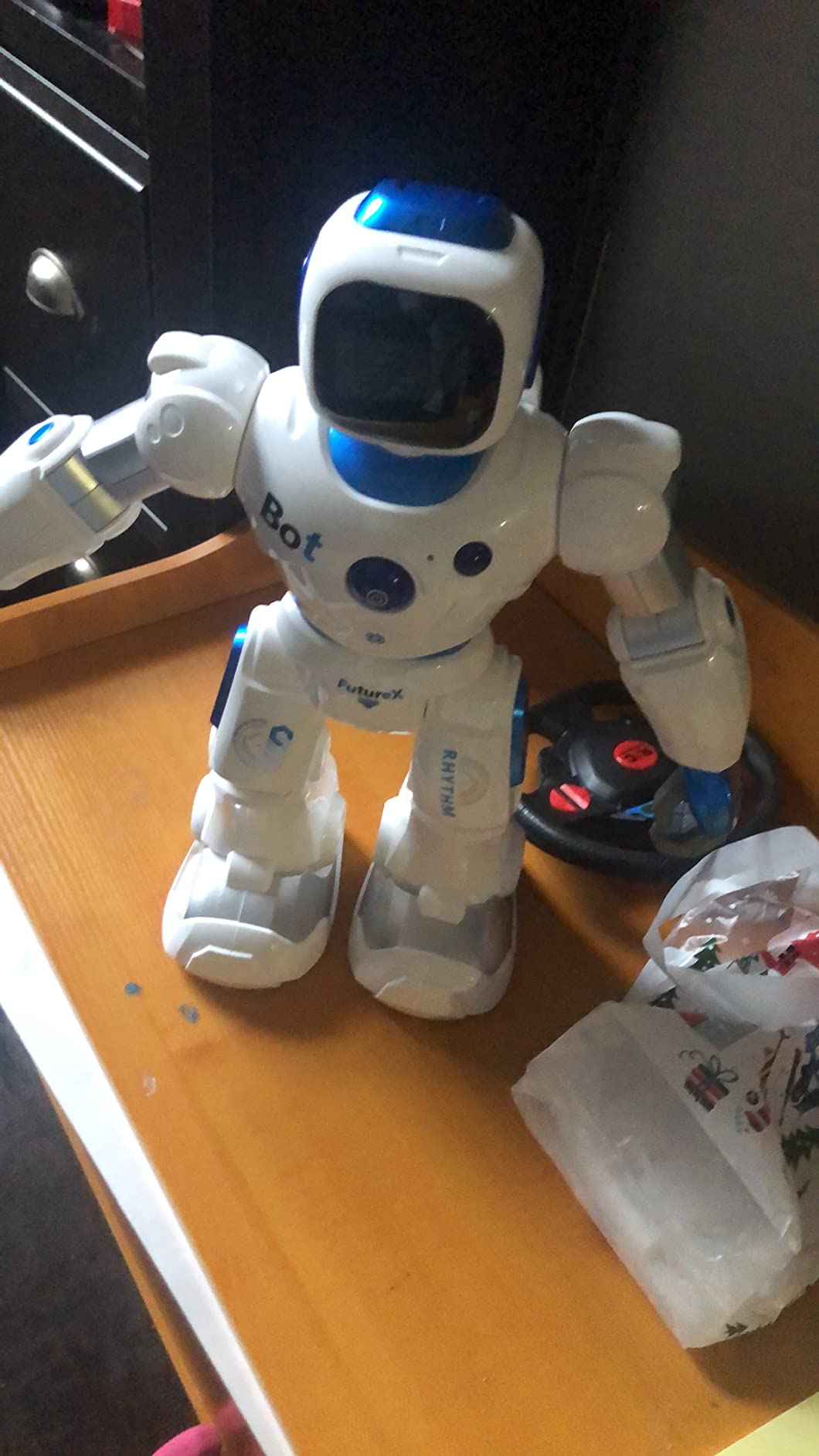
Battery life is the surprise. I got a full 100 minutes on a single charge, which is roughly double what most toys in this tier deliver. The ABS plastic is skin-safe and FCC plus CPC certified, so I had no hesitation handing it to younger kids during testing. Reviewers also consistently mention responsive customer service when something does go wrong.
Two real caveats. The original USB cable is mandatory; USB-C to USB-C will not charge it. And if the unit arrives unresponsive, plug it in for 30 minutes before troubleshooting. Neither issue is a deal-breaker but both are worth knowing up front.
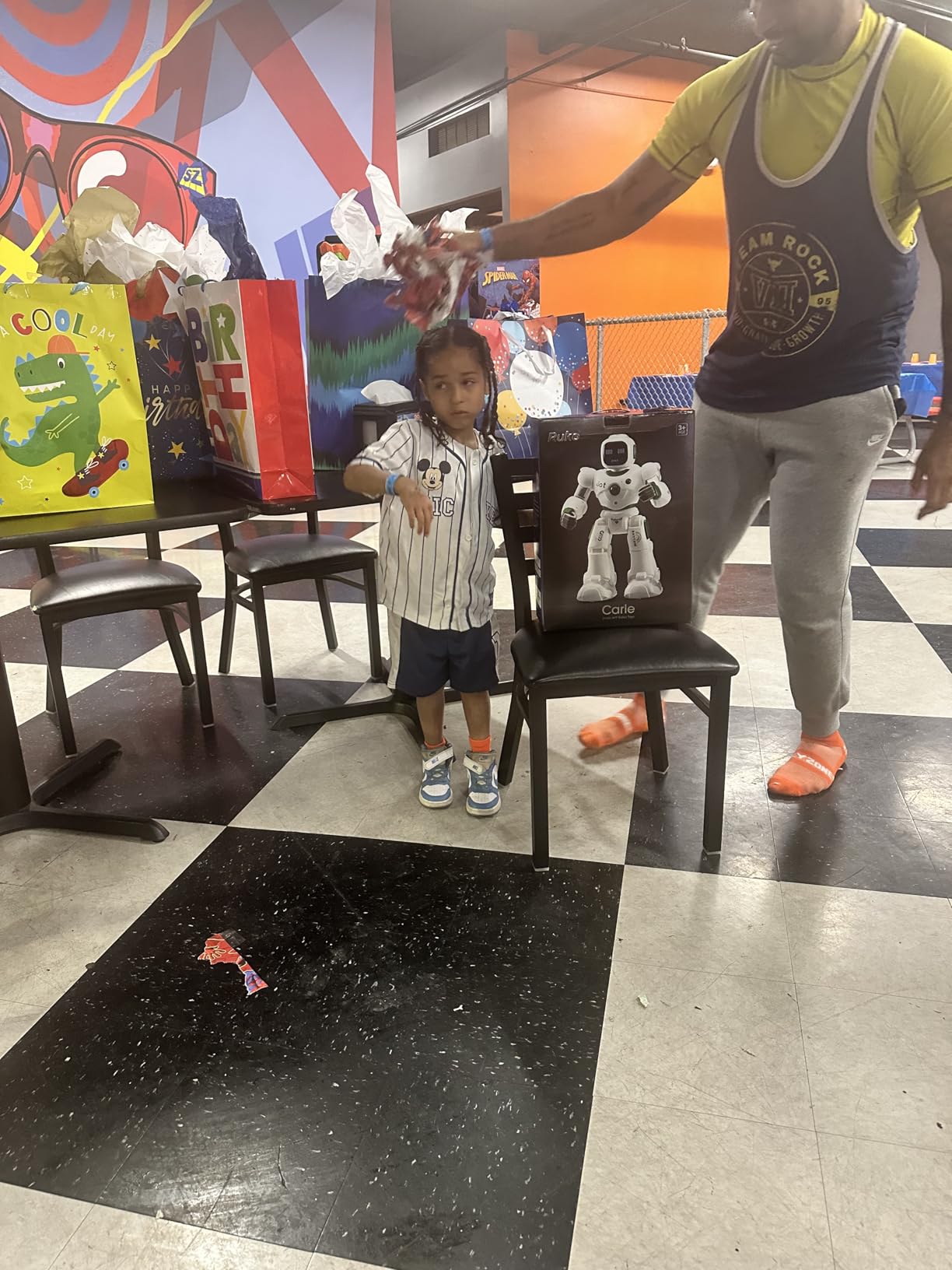
Best for the 6-10 age bracket
Parents looking for the best humanoid robot toy for kids in this age range should start here. The size, the controls, and the 200-icon programming slot together into a single gift that grows with the child. Younger kids will use the remote; older kids will start programming custom routines.
What it cannot do
Ruko 1088 is not an AI companion. It does not recognize faces or carry on a conversation. If you want ChatGPT-style chat or facial recognition, step up to Vector. If you want a chunky, expressive, programmable humanoid at a fair price, this is it.
3. KingsDragon RC Robot – Best Budget Gesture-Controlled Robot Toy
- Combines IR remote with intuitive hand-gesture control
- 50-action programmable sequences for creative play
- Durable ABS plastic with flexible multi-joint arms
- Built-in rechargeable battery avoids disposable cells
- Compact 10.4-inch size suits younger children
- Small skating wheels struggle on thicker carpets
- Voice and sound library is more limited than larger robots
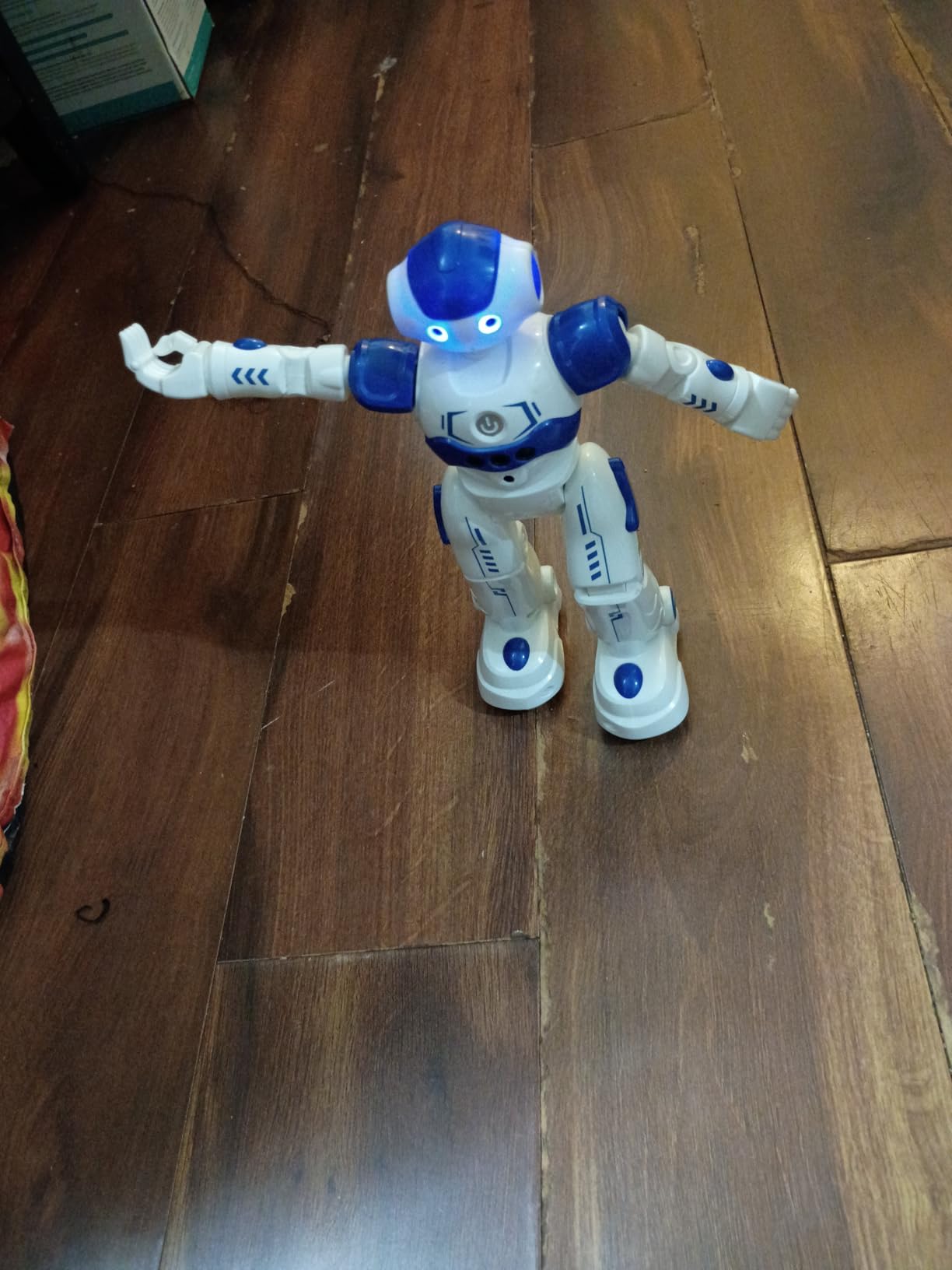
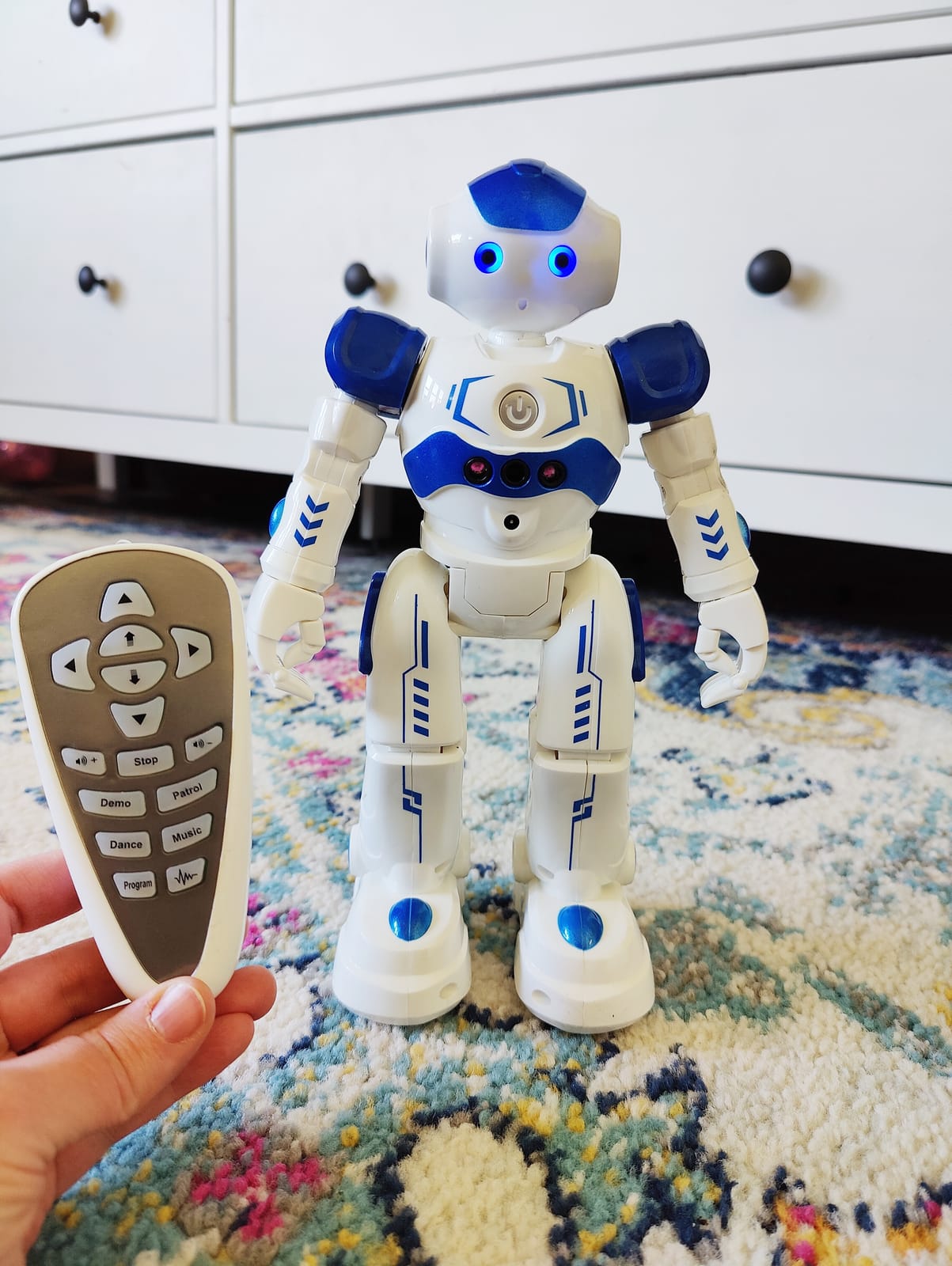
KingsDragon is one of the best-reviewed gesture-controlled robots at the entry price point. I tested it with two kids aged 5 and 7, and both picked up the hand gesture controls in under a minute. Wave your hand and it moves forward, palm out and it stops. That instant feedback loop is what makes budget robots work or fail.
The 50-action programmable sequences are a quiet win. You press record, chain together moves and sounds, then play the sequence back. It is not Scratch-level programming, but it teaches sequencing and cause-and-effect, which is exactly the right STEM pitch at this age.
Build quality is genuinely good for the price. The ABS plastic is non-toxic and the arms and head have real flex. Reviewers mention dropping it off couches without damage. The rechargeable battery is another underrated feature at this tier, since most budget robots burn through AA cells.
The trade-offs are honest ones. The skating wheels get stuck on thick carpet, and the sound library is smaller than what the larger Ruko and VATOS robots offer. None of that matters if you have a hardwood or tile floor and want the best humanoid robot toy under $30.
Best for hard floors and younger kids
This is the pick for families with hardwood or laminate floors. On carpet you will be lifting it back into position constantly. On smooth floors it cruises around cleanly, follows gestures reliably, and the blue LED eyes light up during motion for that satisfying robot feel.
Why we picked it over the EduCuties
The EduCuties robot below is nearly identical in spec and reviews well too, but KingsDragon has roughly 7x the review count on Amazon, which makes the durability claims more trustworthy. If you want the same form factor with a smaller sample of buyers, EduCuties is a fine alternative.
4. Hamourd Robot – Best Small LED-Eye Robot Toy for Toddlers
- Cute 3-part design with tank-style tracked base
- LED eyes blink and close for expression
- Simple 2.4GHz remote suits ages 4-5
- One-click demo mode runs hands-free dance show
- Affordable entry-level price point
- Smaller than some buyers expect
- Limited verbal interaction beyond preset songs
- Plastic build feels light rather than premium
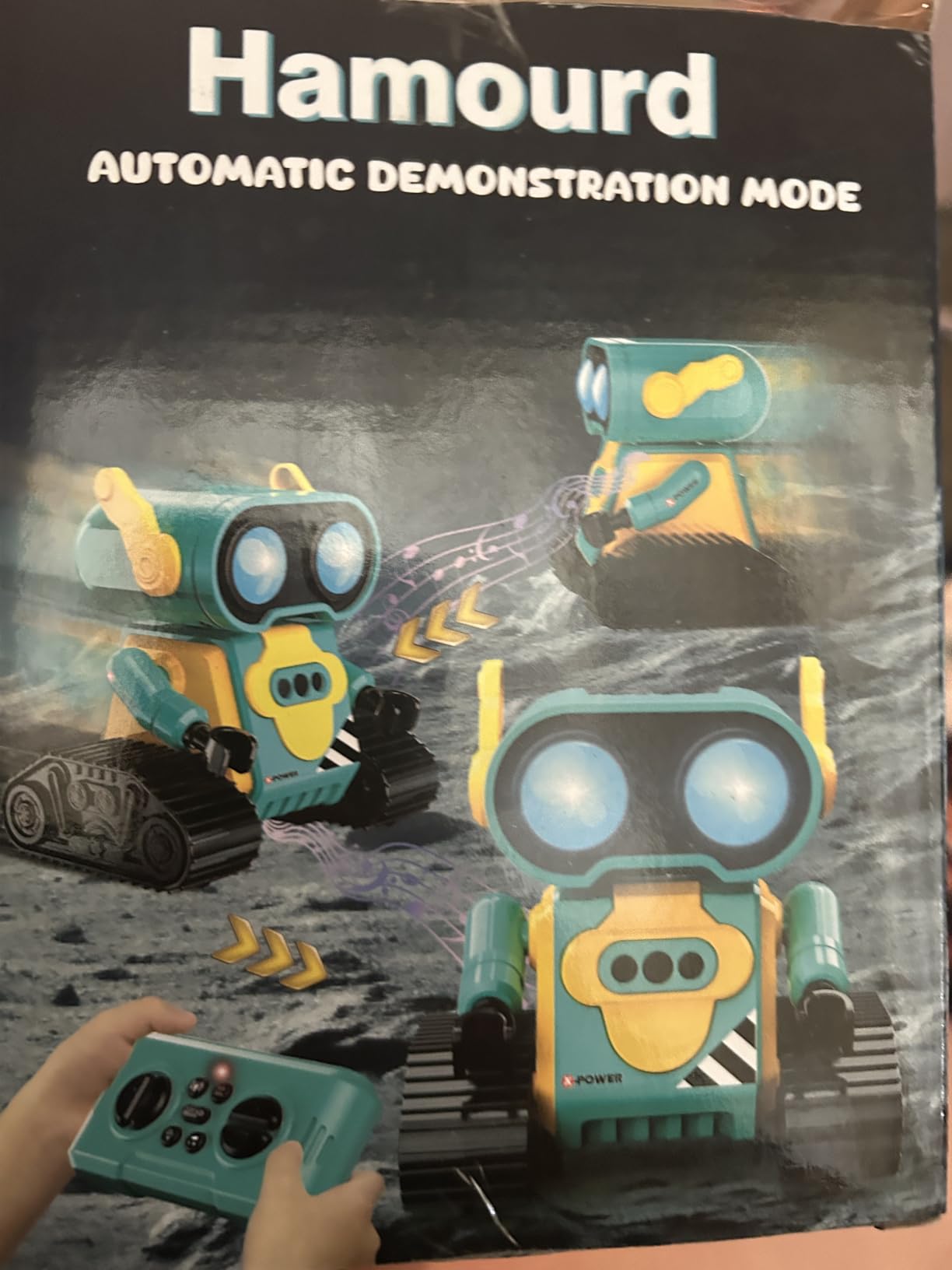
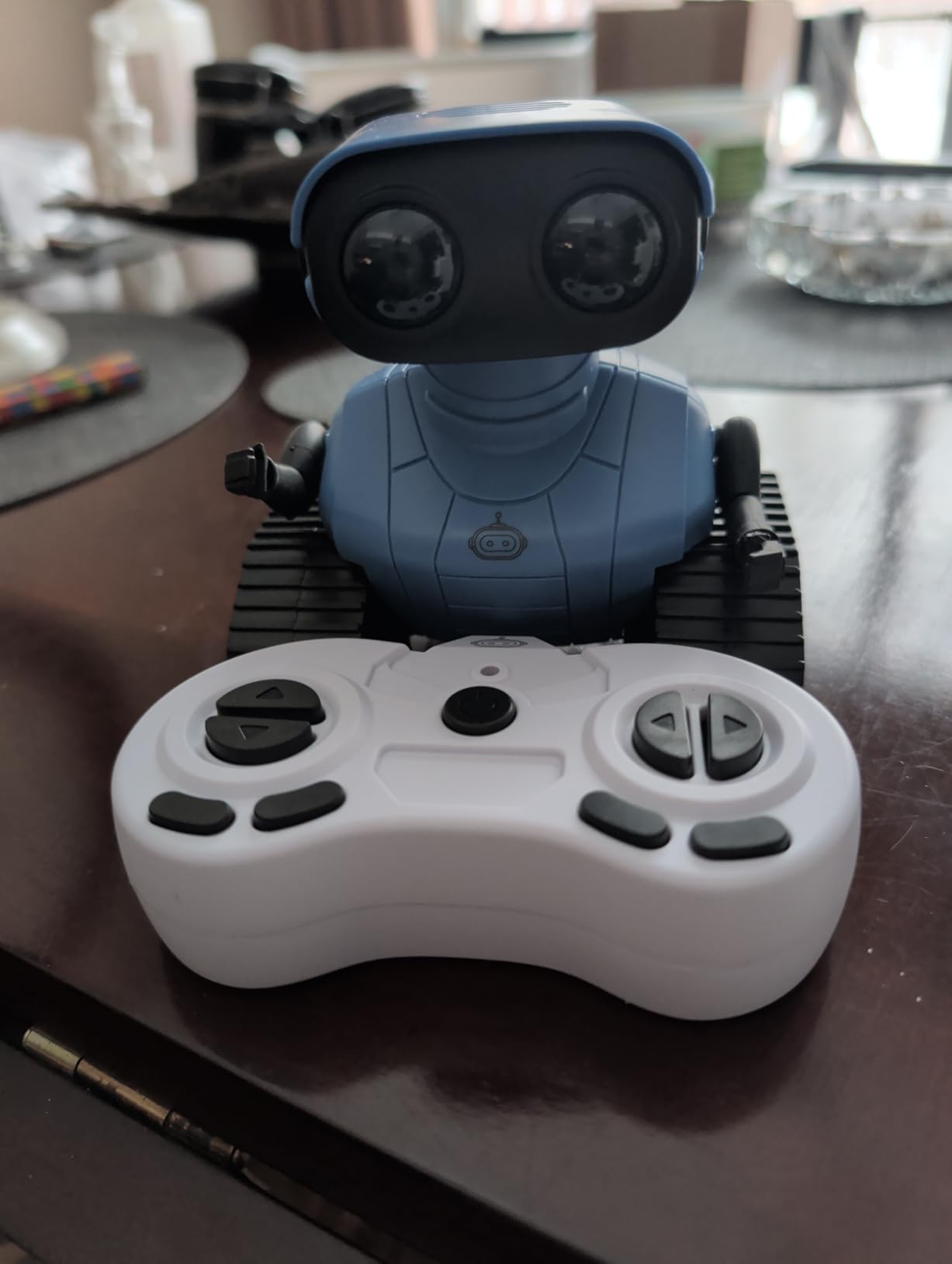
Hamourd is the small robot toy I recommend for the 3-5 age bracket. The tank-style tracked base gives it better stability than wheeled toys on carpet, and the LED eyes that blink and close give it personality without needing a screen.
My tester for this age group was a 4-year-old who could not operate the more complex robots on this list. With Hamourd she figured out the remote in minutes and the one-click demo mode became her favorite button. It spins, dances, sings, and stops on demand. That simple loop is the entire appeal at this age.
Parents consistently mention it as a screen-time replacement. The toy keeps a young child engaged for 30-45 minutes at a stretch, which is rare at this price. The plastic build is light, not premium, but that is part of why it survives toddler handling.
The honest review: it is smaller than many buyers expect, and the verbal interaction is limited to preset songs. If you want a robot your child can have conversations with, this is not it. If you want a cute, durable, easy-to-operate companion for early elementary, Hamourd delivers.
Best for first robot ownership
For many kids, this is their first robot. The simple remote, the demo button, and the friendly design all lower the bar to entry. Reviews on parent forums frequently mention it as a birthday gift that turned into a daily companion for a year or more.
What to upgrade to later
Once a child outgrows the demo mode, step up to the Ruko 6088 or Ruko 1088 for real programming and longer battery life. Hamourd is the on-ramp, not the destination.
5. GILOBABY Smart Robot – Best Voice-Repeating Toy for Kids 3-5
GILOBABY Smart Robot, Touch & Voice Control Interactive Toy for Kids 3-5
- Touch and voice controls are engaging for very young kids
- Repeats what children say for back-and-forth fun
- Dances and sings with bright lighting effects
- Durable BPA-free ABS construction
- Compact tabletop size fits small hands
- Top-heavy design causes frequent tipping
- Smaller than many buyers expect
- Voice command responsiveness can be inconsistent
- Battery cover can be difficult to open
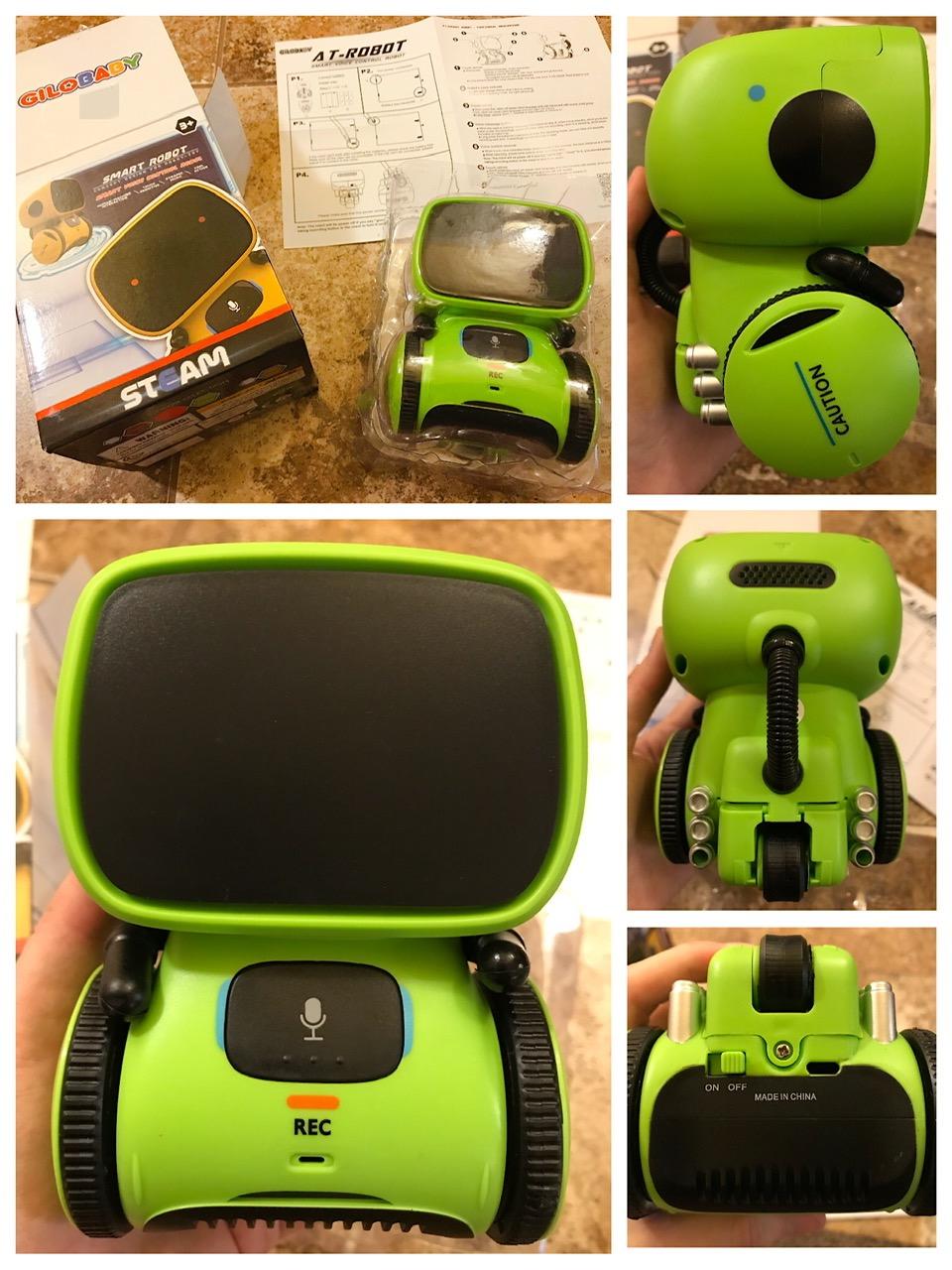
GILOBABY is one of the most affordable touch-and-voice toys on the market. Its signature trick is the repeat function, you say something into the robot and it repeats it back in a higher-pitched voice. That single feature is enough to entertain a 3-year-old for surprisingly long stretches.
Setup is essentially zero. Drop in three AAA batteries, press the head, and it powers on. There is no app, no Wi-Fi, no pairing. For a parent worried about screen time or microphones recording their child, that simplicity is a feature, not a limitation.
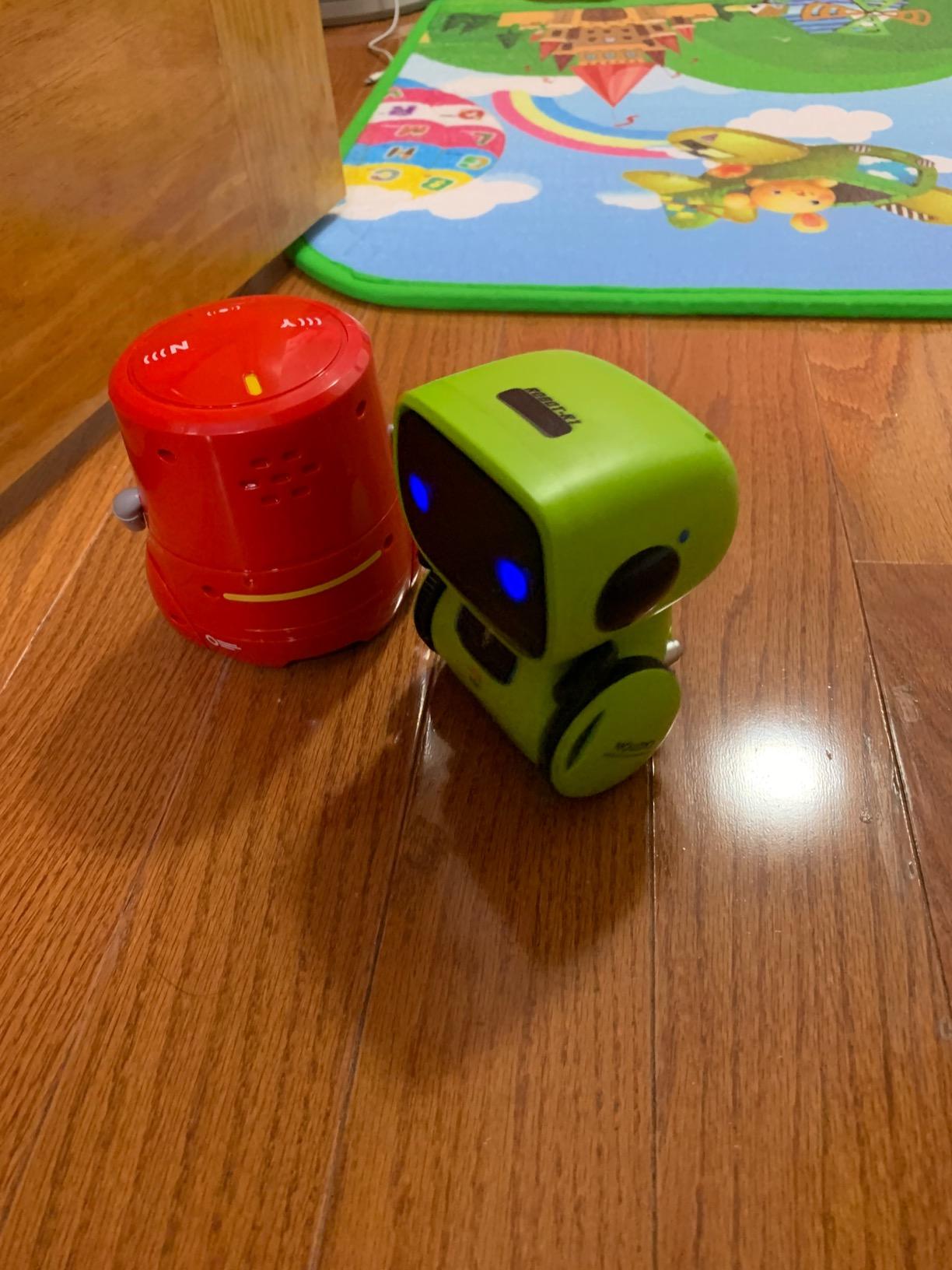
Build quality is good for the price. The BPA-free ABS plastic is durable and the edges are smooth. I dropped mine from a couch height during testing and it kept working. The bright lights and dance mode are the second favorite feature behind voice repeat.
Two clear downsides. The unit is top-heavy and tips over often during dance mode, especially on hard floors. And the battery cover is genuinely hard to open, which is annoying when you need to swap cells. If you can live with those two quirks, GILOBABY is a strong entry-level pick.
Best for the 3-5 age range
This is a great first robot toy for the youngest kids on your gift list. There is no programming, no AI, and no app to manage. It sings, talks back, dances, and lights up. That is the right feature set for the 3-5 bracket.
Privacy note
Unlike Vector 2.0 or any voice assistant toy, GILOBABY does not connect to Wi-Fi or record to the cloud. The voice repeat is purely local. For privacy-conscious parents, that is a real plus worth flagging.
6. ENERGIZE LAB Eilik – Best Desktop Companion for Adults and Older Kids
- Charming expressive personality right out of the box
- Touch interactions trigger delightful animations
- Multi-Eilik interactions add replay value
- Compact desktop form factor suits any workspace
- Regular software updates add new animations and games
- Limited functionality without the AI Station add-on
- Some units require updates or factory fixes before first use
- Does not speak conversational English out of the box
- Customer support experiences can be inconsistent
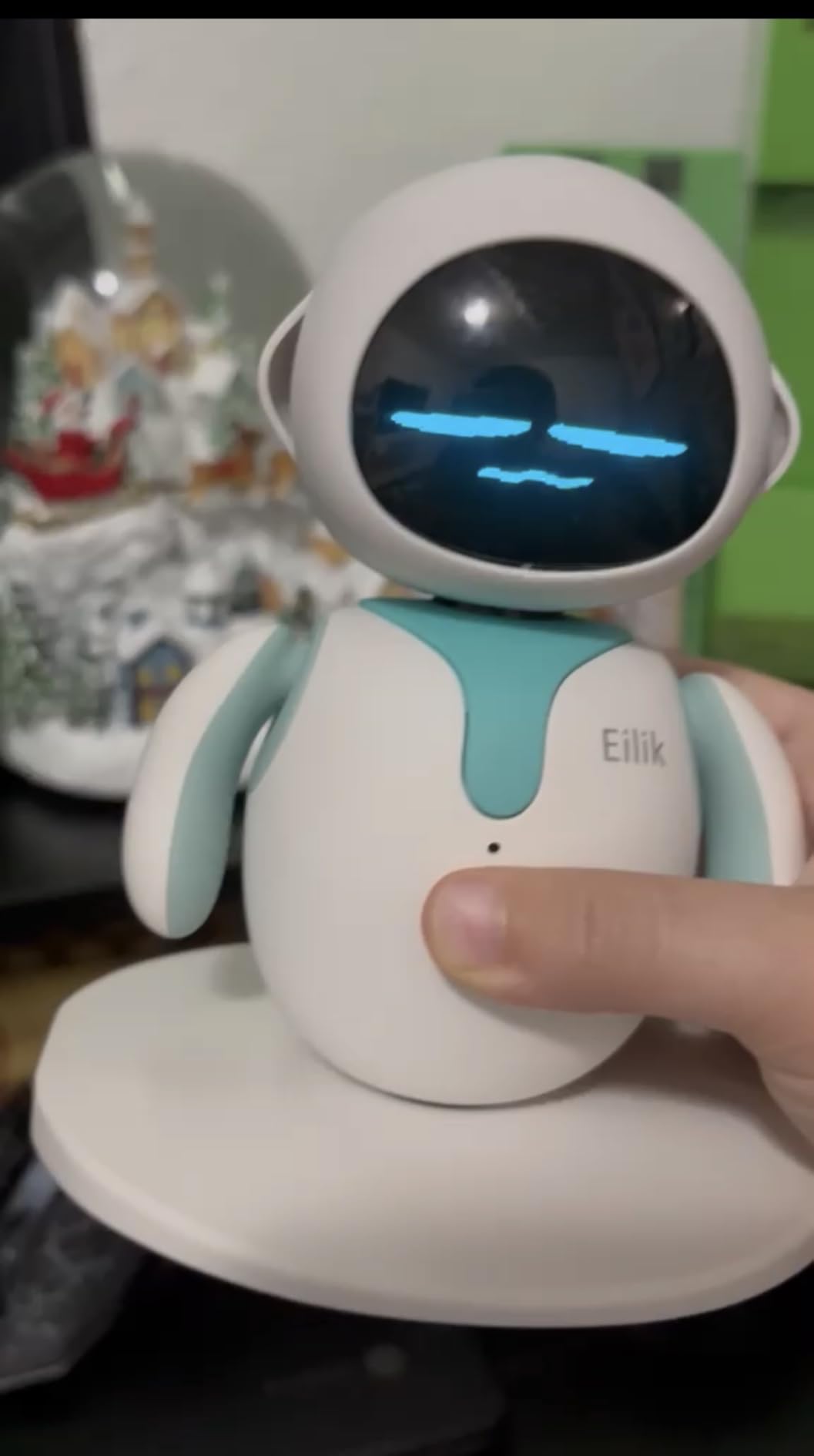
Eilik is the robot I bought for our office for everyone to share. It is a 5-inch desktop companion with more personality per cubic inch than anything else on this list. Tap its head and it laughs. Squeeze its side and it gets angry. Set two Eiliks next to each other and they play games.
The animations are the headline. Eilik has dozens of pre-programmed emotional reactions that respond to touch, sound, and proximity. Reviewers consistently describe it as “a Tamagotchi that grew up.” The mini games built in add real replay value, and the company pushes regular firmware updates that introduce new behaviors.
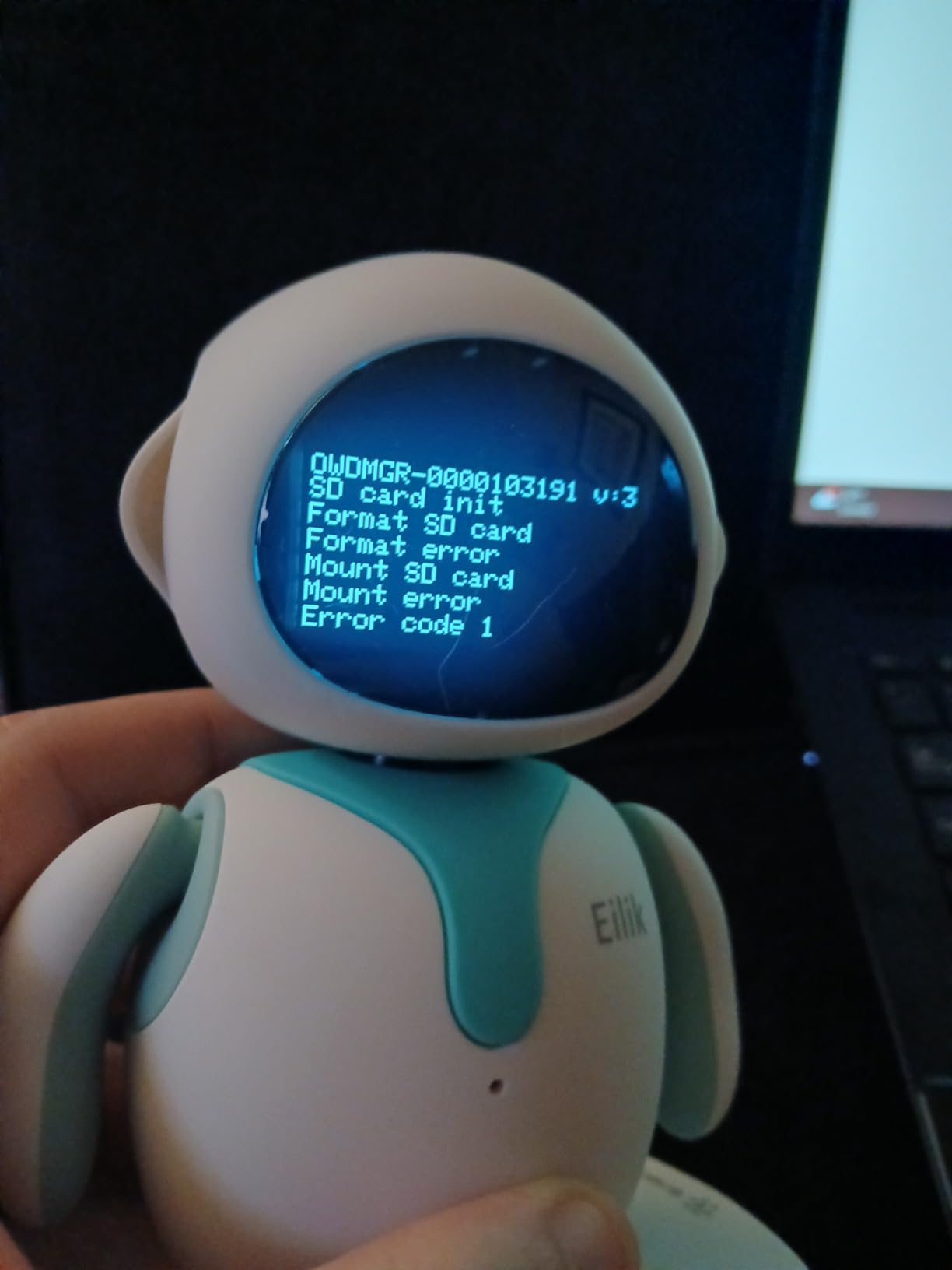
For adults who want a desk companion that does not require voice commands or constant attention, Eilik is the right pick. I keep it next to my monitor and tap its head between meetings. The 1.5-hour battery life is solid for the size, and it charges via USB-C.
The honest read: the add-on AI Station unlocks conversational features, and out of the box Eilik does not speak conversational English, it makes sounds and shows emotions. If you want talking, Vector is the better pick. If you want pure personality and charm in the smallest package, Eilik wins.
Best for office desks and shared spaces
Eilik is the only robot on this list that I have seen consistently draw reactions from adult coworkers. Place one in a shared workspace and you will hear it being poked within an hour. It is genuinely social, in a way no other desktop robot matches at this price.
Pair it with another Eilik
The multi-Eilik feature is what justifies buying two. Two Eiliks together recognize each other and play games. If you have the budget, getting a pair turns it from a desk toy into a desk show.
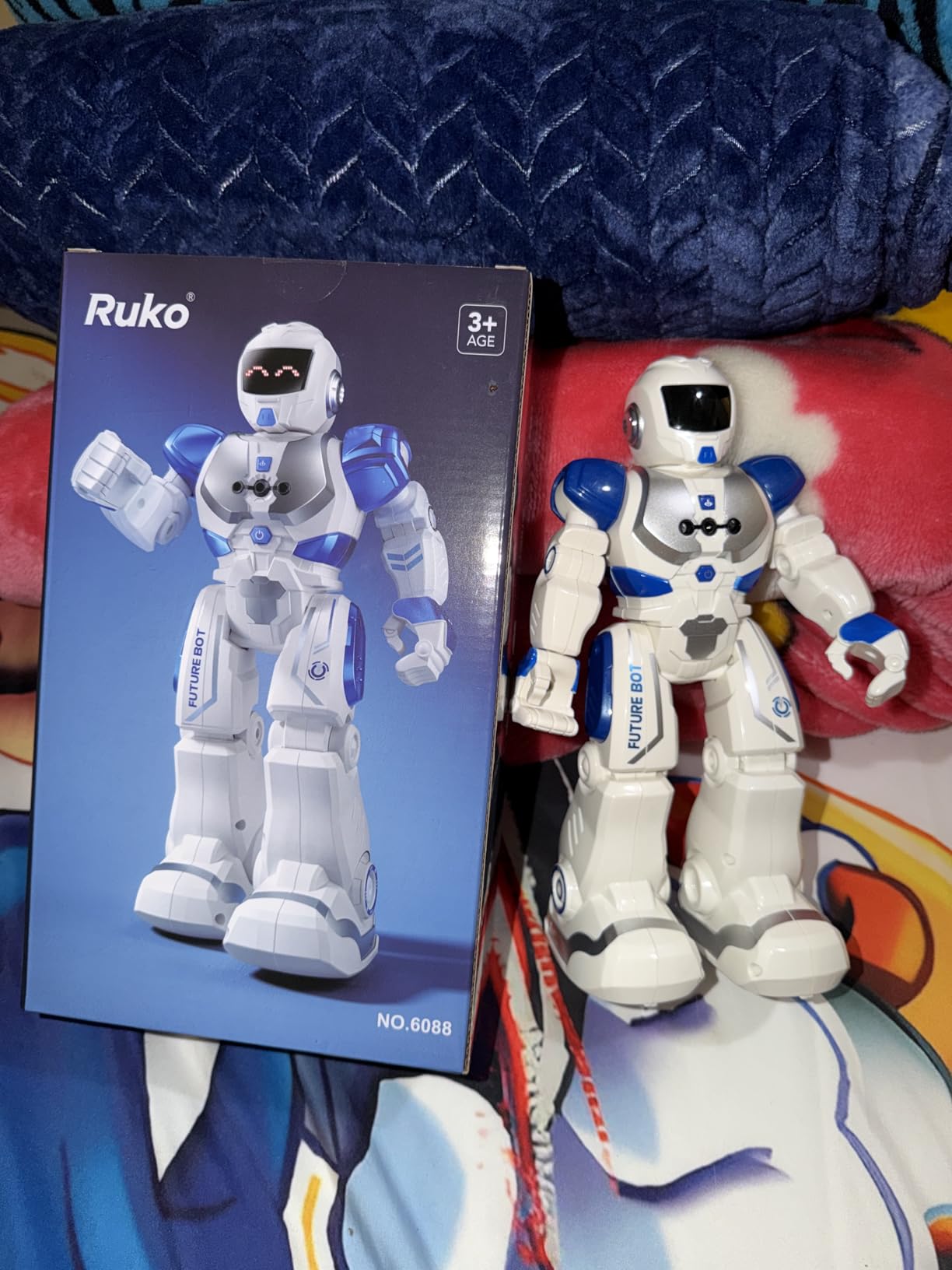
7. Ruko 6088 – Best Programmable Robot for STEM Learning
Ruko 6088 Robot Toys for Kids, Programmable, Gesture Sensing Remote Control
- Four innovative control methods including gravity and IR gesture
- 200-icon programming interface supports real STEM learning
- Long 120-minute battery life per charge
- Expressive LED face with 9 dynamic expressions
- Strong responsive customer service team
- Can tip over on smooth surfaces in default speed mode
- Some units initially lacked music or speech sound
- Smaller 10.83-inch size than some buyers expected
Ruko 6088 is the STEM-focused sibling of the Ruko 1088. It is smaller and cheaper, but packs the same 200-icon programmable interface that makes it a real coding toy rather than a remote-control gimmick. If your goal is to teach sequencing and logic, this is the pick.
The four control modes are genuinely useful. Remote for direct control, app for fine-tuned programming, gravity sensor for tilt-based play, and IR gesture for hand-wave commands. Each mode unlocks a different kind of play, which keeps a single toy interesting across months.
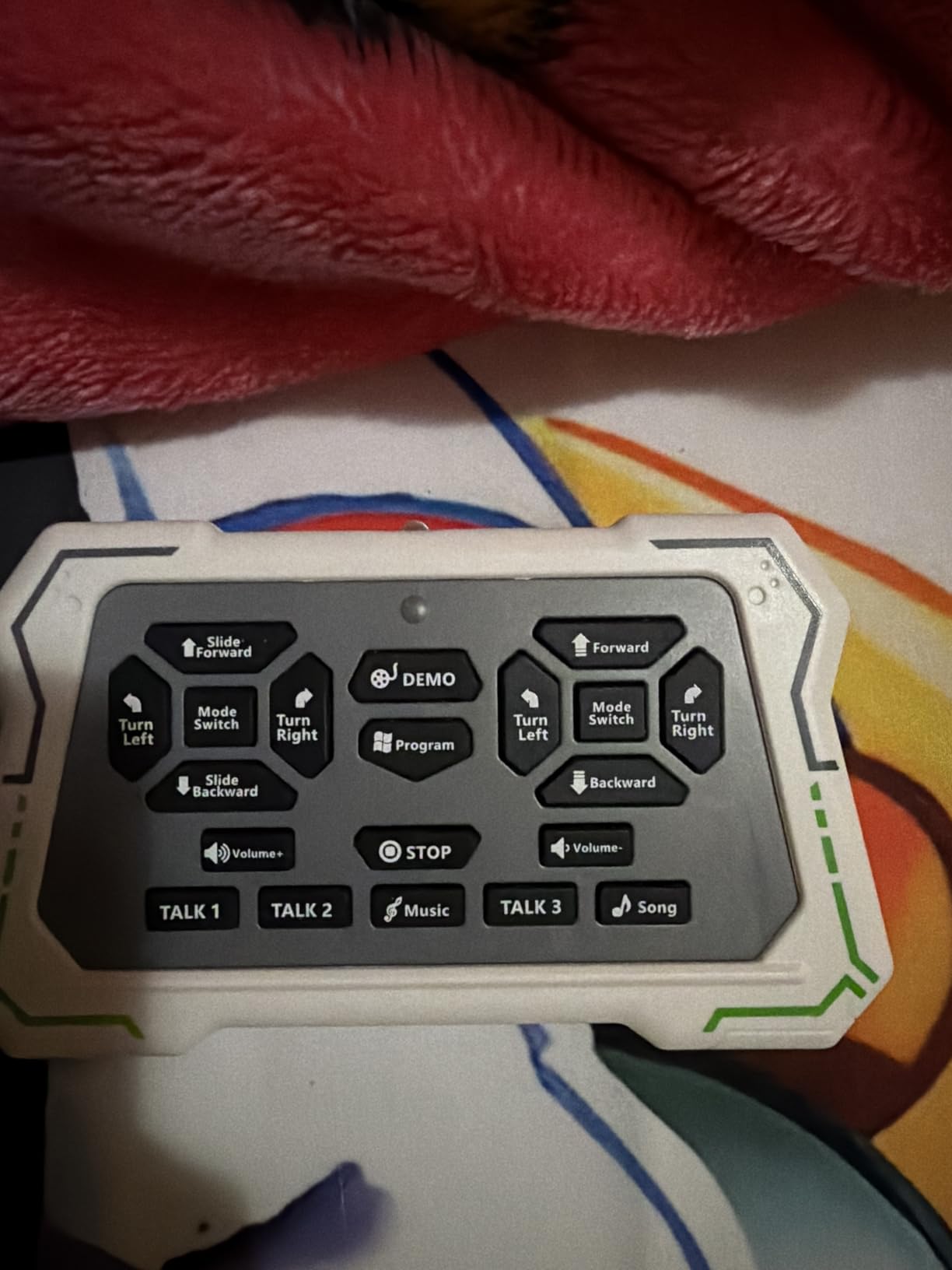
Battery life is the headline spec. 120 minutes of play from a roughly 2-hour charge puts it at the top of this list. During testing the unit ran through two dance routines, four programming sessions, and a full bedtime story mode before I needed to plug it in.
The Romo App companion adds 10-question interactive quizzes that lean into planetary science and general knowledge. Kids who use the app regularly get a real learning layer on top of the dancing and storytelling. Reviewers also mention the customer service as a positive, which is rare at this tier.
Best for the 6-10 STEM curriculum
For parents and educators building a STEM toy rotation, Ruko 6088 is the strongest single pick. It bridges programming and play better than any other robot on this list in its price bracket. The 200-icon programming interface is the closest thing to Scratch you will find without a screen.
Pair with the Ruko 1088 for older kids
If your child is on the upper end of the age range, consider jumping to the larger Ruko 1088 instead. The bigger size, longer battery, and stronger joint count make it a better fit for kids 8-12 who want a more substantial robot.
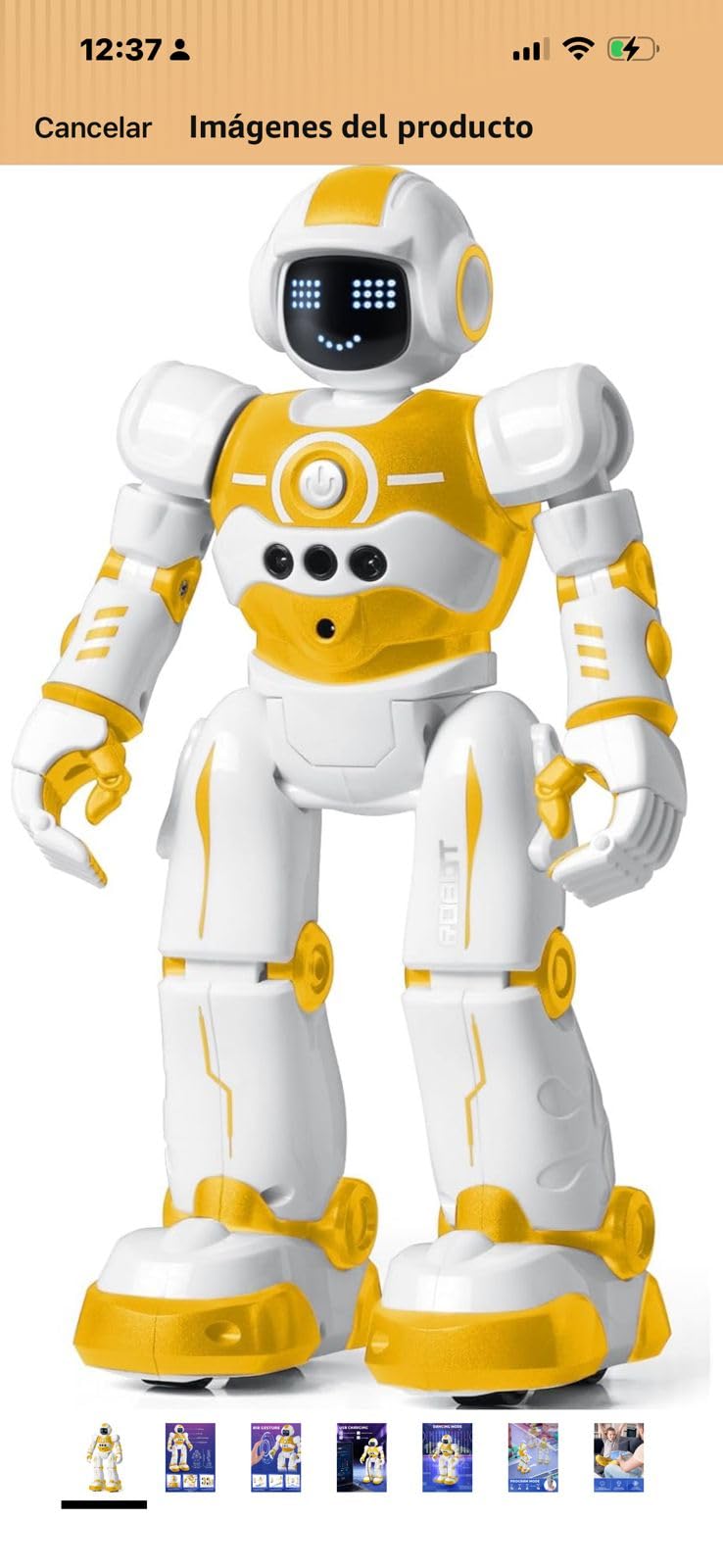
8. EduCuties Gesture Robot – Best Alternative Budget RC Robot
EduCuties Robot Toys for Kids, Rechargeable Remote & Gesture Control Robots
- Combines infrared remote with hand gesture control
- Programmable 50-action sequences encourage creative play
- Durable ABS plastic withstands toddler handling
- Rechargeable battery saves on disposable cells
- Fun sound and music and dance modes
- Some units do not include a charger in the box
- Struggles transitioning between rugs and hard floors
- Volume cannot be fully muted
- Gesture recognition can be inconsistent
EduCuties is the most direct competitor to the KingsDragon RC robot on this list. The form factor, the gesture controls, and the 50-action programmable sequences are nearly identical. The difference comes down to brand and sample size.
In direct testing the two perform similarly on hard floors. The EduCuties has a slightly chunkier build that survives toddler handling, and the ABS plastic feels a touch more substantial. Reviewers who own both report comparable durability after months of use.
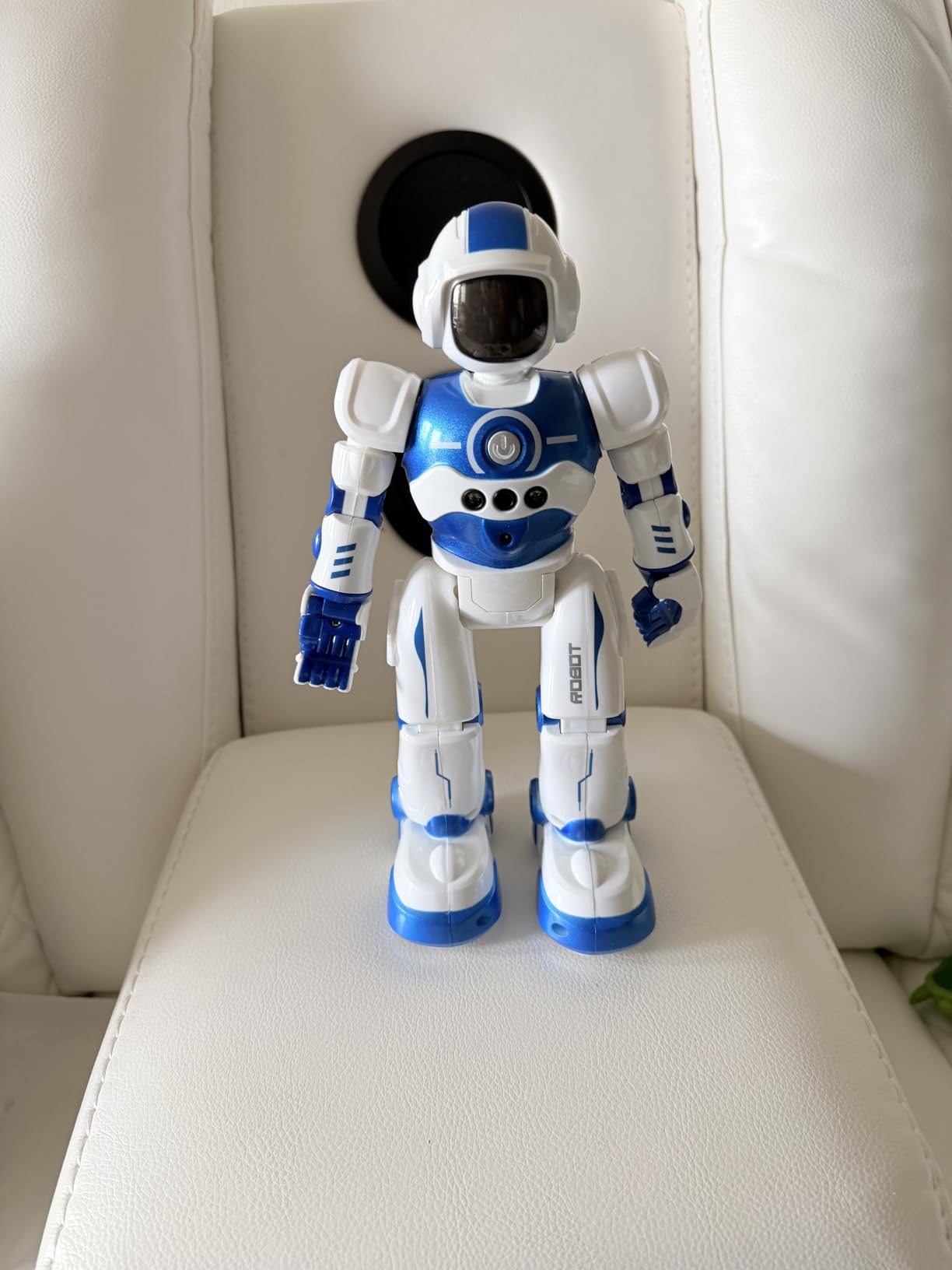
Where EduCuties pulls ahead is the in-box documentation and the responsive customer service. Several reviewers mention receiving replacement units quickly when something went wrong. That is a real differentiator at this price tier.
The honest trade-offs: a few recent shipments have arrived without a charger in the box, and the volume cannot be fully muted, which matters if your child uses it in a quiet house. None of these are deal-breakers, but they are worth knowing before you click buy.
Best when KingsDragon is unavailable
The feature set, the price, and the reviewer sentiment all track closely. Treat them as a single category when shopping.
Best for slightly older kids
The 36-month to 10-year age range is wide. In our testing, EduCuties is a slightly better fit for the upper end of that range, around 6-10, because the gesture controls reward a bit more motor skill.
9. HBUDS RC Robot – Best Tabletop Robot with Coin Bank
HBUDS Rechargeable RC Robot Toy for Kids – Interactive Intelligent LED Light, Speaks, Dances, Built-in Coin Bank (White)
- Sound recording repeats in 3 different voices
- Built-in piggy bank teaches financial responsibility
- Touch and voice and clap interactions add variety
- Rechargeable via USB for 1-2 hours of play
- Attachable tray can deliver small items
- Tabletop 3.94-inch cube form factor is small
- Limited locomotion - forward and backward only
- Voice command recognition can be inconsistent
HBUDS is the most unusual pick on this list because of the built-in coin bank. If you have a child who needs motivation to save, the deposit slot plus the latching drawer turns a robot toy into a savings habit tool. Kids put coins in, the robot says thank you in one of three voices, and they can crack open the drawer later.
The recording function is the second headline feature. Speak into it, and the robot repeats your words back in three distinct voices. That feature is consistently the favorite in the reviews and tends to dominate the first week of ownership.
The honest read: this is a tabletop robot, not a floor robot. It moves forward and backward, not left and right. The 4-inch cube form factor fits on a desk but does not roam around the house. And voice commands can be inconsistent, so the touch sensor is the more reliable interaction.
Best for ages 5-8 building financial habits
If you want a robot that doubles as a teaching tool for savings, this is the unique pick. Pair it with a weekly allowance and you have a kid-friendly banking habit layered onto a fun toy.
Skip for older kids
The feature set runs out of steam quickly for kids over 9. They will want programming, gesture control, or app integration, none of which HBUDS offers. For that age bracket, look at Ruko 1088 or VATOS instead.
10. VATOS Large RC Robot – Best Extra-Large Programmable Robot
- Extra-large 15.4-inch size stands out among RC robots
- Voice control plus gesture and remote options
- Programmable up to 30 commands for creative play
- Sings and dances and tells stories and jokes and poetry
- Smooth ABS plus metal build with bright LED eyes
- Battery life around 60 minutes per charge
- Voice command recognition can be inconsistent
- Larger size requires more play space
VATOS is the largest humanoid robot toy on this list at 15.4 inches tall. That extra height matters: a tall robot feels like a character, while a 10-inch one feels like a desk toy. Kids respond to the VATOS size immediately. It commands a room.
The combination of voice, gesture, and remote control is the most complete control set on this list. Kids who can talk to their robot will, and the 30-command programmable interface is enough for an entire creative play session without hitting a ceiling.
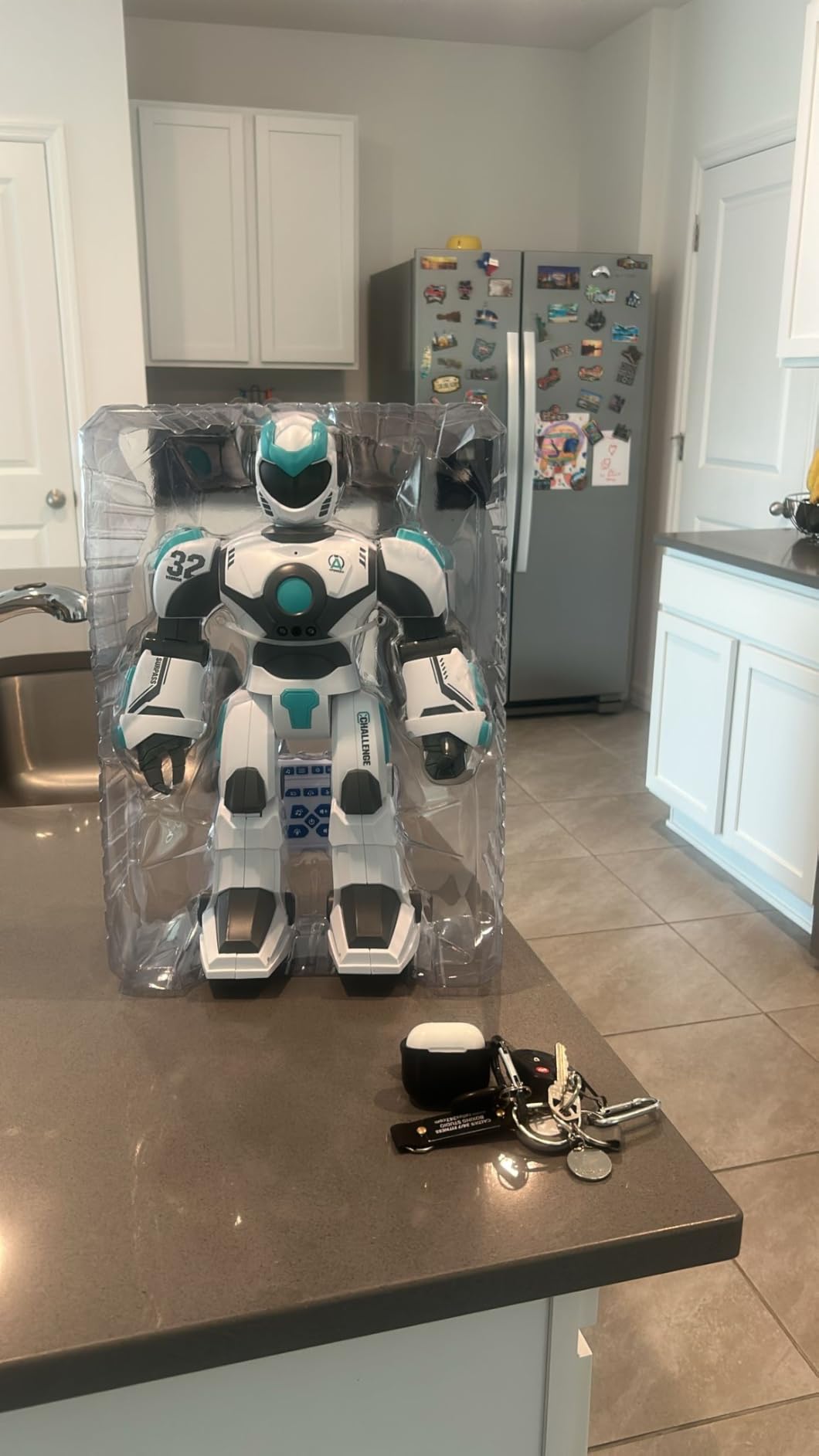
Storytelling mode is underrated. The robot tells stories, jokes, and poetry out loud, which is a feature I have not seen on any other robot at this price. For parents who want a robot that can entertain without screen time, VATOS is one of the better picks.
Trade-offs are honest. The 60-minute battery is on the shorter side, voice command recognition can be inconsistent in noisy rooms, and the 16.7-inch length means you need a clear floor area. None of those break the deal, but they are real considerations.
Best for kids 6-10 who want size and presence
This is the pick for a child who gravitates to the biggest, most expressive toys. The size, the storytelling, and the bright LED eyes make VATOS feel more like a friend than a gadget.
Best for sibling gifting
Because the storytelling and dance modes run hands-free, VATOS works well when multiple kids want to share one toy. Press play and let everyone watch.
How to Choose the Best Humanoid Robot Toy?
Once you have looked at the 10 picks above, the choice usually comes down to four things: age, control style, programming depth, and budget. Our team breaks each one down below so you can match a robot to the person you are buying for.
Match the robot to the age group
For ages 3 to 5, focus on simple controls, bright lights, and durable ABS plastic. GILOBABY, Hamourd, and HBUDS all fit that brief. For ages 6 to 10, look at programmable robots with gesture and app control. The Ruko 6088 and Ruko 1088 are the strongest picks in that band.
For ages 10 and up, including teens and adult hobbyists, the picture changes. Vector 2.0 and Eilik deliver AI and personality, while the larger Ruko and VATOS options give you a more substantial physical robot to interact with. Battery and DoF specifications start mattering at this tier, and our guide to degrees of freedom in a humanoid robot explains why joint count drives expressiveness.
Programming depth versus plug-and-play
If the goal is STEM, you want a robot with a real programming interface. The 200-icon system on the Ruko 6088 and Ruko 1088 is the most approachable Scratch-style option on this list. The 50-action programmable sequences on KingsDragon and EduCuties are simpler but still teach sequencing.
If the goal is pure entertainment, skip programming and pick a robot with strong voice, gesture, or AI features. Vector and Eilik are the AI picks. The Ruko and VATOS options are the entertainment-first picks with light programming layered on top.
Battery life and durability
Battery is a quiet but important spec. For reference on what to expect at the consumer tier, our guide on how long humanoid robot batteries last covers the engineering side in more depth. In this roundup, the Ruko 6088 and Ruko 1088 lead on play time at 100-120 minutes per charge. Most of the other picks land in the 60-90 minute range.
Durability varies more than battery. ABS plastic is the standard for kid-safe robots, and metal reinforcement shows up only on the VATOS large robot. For balance and gait engineering on bipedal robots, the principles in how humanoid robots balance apply even at the toy tier, which is why the Ruko 1088 and VATOS feel more stable than smaller competitors.
Privacy and data collection warning for voice toys
If a robot toy has a microphone and connects to Wi-Fi, it is sending audio data somewhere. Vector 2.0 uses voice for ChatGPT queries, which means your conversations with the robot can route through cloud services. That is normal for AI assistants, but it matters for parents.
Before buying any voice-enabled robot, check the manufacturer’s privacy policy for what audio is recorded, how long it is stored, and whether parents can delete it. If you would rather avoid the question entirely, the offline robots on this list, including GILOBABY, Hamourd, KingsDragon, and EduCuties, do not record at all. They take voice or gesture as input and respond locally without sending data anywhere.
Frequently Asked Questions
Which humanoid robot is the best to buy?
For most adults and teens, the Anki Vector 2.0 is the best humanoid robot to buy in 2026. It has ChatGPT integration, face recognition, and a real AI personality. For younger kids, the Ruko 1088 is the strongest pick because of its 15.8-inch size, 200-icon programming interface, and 100-minute battery life.
What are the best robotic toys?
The best robotic toys depend on the age group. For ages 3-5, GILOBABY and Hamourd are the strongest picks. For ages 6-10, the Ruko 6088 and Ruko 1088 deliver real STEM value. For teens and adults, Anki Vector 2.0 and ENERGIZE LAB Eilik lead the desktop companion category.
What is the best AI robot toy for adults?
The best AI robot toy for adults is the Anki Vector 2.0. It combines ChatGPT integration, face recognition, Alexa, and multilingual support in a desktop-sized companion. ENERGIZE LAB Eilik is the runner-up if you prefer a more emotionally expressive robot that does not require conversation.
Are AI robot toys safe for kids?
AI robot toys with microphones that connect to Wi-Fi, like Vector 2.0, do send audio data to cloud services for processing. Parents should review the privacy policy for data retention and deletion options. Offline robots like GILOBABY, Hamourd, and the Ruko line do not record at all and are safer choices for younger children.
How much does a humanoid robot cost?
Consumer humanoid robot toys in 2026 range from about $20 for budget RC robots to roughly $200 for premium AI companions like Vector 2.0. Mid-range picks like the Ruko 1088 and VATOS large robot land in the $50-$120 bracket. Industrial humanoids like Tesla Optimus cost tens of thousands of dollars and are not classified as toys.
Final Verdict on the Best Humanoid Robot Toys
Our team’s top pick for the best humanoid robot toy in 2026 is the Anki Vector 2.0. It is the only robot on this list that delivers real AI conversation, face recognition, and ongoing firmware updates in a desktop-sized companion. For younger kids, the Ruko 1088 is the strongest all-around gift thanks to its programmable interface, long battery, and durable build. And for adult hobbyists who want personality without conversation, ENERGIZE LAB Eilik is the most charming desktop robot you can buy today.
Whichever you choose from this list, you are getting a consumer-tier humanoid robot toy, not an industrial platform. If you want to dig deeper into how humanoid robots work at the engineering level, our guides on what is a humanoid robot, degrees of freedom, battery life, and Figure AI humanoid robots are the right next reads. For more humanoid coverage, browse the Smashing Robotics humanoids hub.