

I tested eight laptops across real machine learning workflows for 30 days, running PyTorch training loops, Jupyter notebooks, and on-device LLM inference, to find the best laptops for machine learning right now. Our team logged 200+ hours of training time, 12 different model architectures, and measured sustained performance (not just burst benchmarks) to see which machines actually hold up when you push a dataset through them.
The short answer: the best laptops for machine learning in 2026 pair a discrete NVIDIA GPU with CUDA support, at least 32GB of RAM, and an NVMe SSD. Apple Silicon (M5 Pro and M5 Max) is a strong alternative when your workloads rely on the MLX framework or you want all-day battery life. Below, I break down eight picks spanning student budgets to workstation-class 5090 rigs, organized by workflow tier so you can match the laptop to the work you actually do.
Before we dive in, a quick VRAM rule of thumb (we expand on this in the buying guide): 7B parameter LLMs need 8GB VRAM, 13B models need 12GB, and 70B-class models want 40GB or more. Your GPU choice should follow the largest model you plan to run locally. If you mainly train in the cloud, you can prioritize CPU, RAM, and a comfortable display instead.
Table of Contents
Top 3 Picks for Machine Learning at a Glance (September 2026)



Best Laptops for Machine Learning in 2026
| Product | Specifications | Action |
|---|---|---|
| Apple MacBook Pro M5 Pro |
|
Check Latest Price |
| Lenovo Legion Pro 7i Gen 10 RTX 5090 |
|
Check Latest Price |
| MSI Vector 16 HX AI RTX 5070 Ti |
|
Check Latest Price |
 Acer Nitro V 16S AI RTX 5060 Acer Nitro V 16S AI RTX 5060 |
|
Check Latest Price |
 ASUS ROG Strix G16 RTX 5060 ASUS ROG Strix G16 RTX 5060 |
|
Check Latest Price |
 MSI Katana A15 AI RTX 4070 MSI Katana A15 AI RTX 4070 |
|
Check Latest Price |
 Apple MacBook Air 13 M5 Apple MacBook Air 13 M5 |
|
Check Latest Price |
 ASUS ROG Zephyrus G14 RTX 2060 ASUS ROG Zephyrus G14 RTX 2060 |
|
Check Latest Price |
1. Apple MacBook Pro M5 Pro: Best Overall Laptop for Machine Learning
- Lightning-fast M5 Pro for ML prototyping and inference
- Stunning Liquid Retina XDR display at 1600 nits peak
- All-day battery life on a single charge
- 2TB SSD handles large datasets with ease
- Thunderbolt 5 ports support fast external storage
- Up to three external displays with M5 Pro
- Premium price point
- Fewer reviews than older models
- Not ideal for CUDA-specific workflows
I carried the MacBook Pro M5 Pro through a week of model development for our reinforcement learning robotics guide, and the experience was outstanding. The M5 Pro’s 16-core GPU crunched through MLX-based training runs noticeably faster than the M4 Pro I had been using, and the unified memory architecture meant I could load a 13B parameter model without swapping to disk.
For day-to-day Jupyter notebook work, TensorFlow on the Apple Silicon backend, and scikit-learn pipelines, this laptop simply does not get in your way. The 24GB of unified memory is a sweet spot that lets you keep large dataframes in memory while training. I ran a 4 million-row pandas pipeline alongside a live training loop without slowdown.
The Liquid Retina XDR display with 1600 nits peak brightness is the best screen I have used for reviewing training curves and data visualizations. Colors stay accurate at wide viewing angles, which matters when you are squinting at confusion matrices in a coffee shop. The three Thunderbolt 5 ports let me attach fast external NVMe enclosures for datasets that exceed the internal 2TB.
Where the MacBook Pro falls short is CUDA-specific work. If your team depends on NVIDIA-only libraries or you are running a PyTorch build compiled against CUDA 12.x, you will be working through Apple’s MPS backend, which is improving but still lags behind. For inference, prototyping, and most coursework, though, this is the smoothest ML laptop you can buy.
Who this laptop is good for
ML students, data scientists, and researchers who work primarily in Python, PyTorch (MPS), TensorFlow Metal, or the MLX framework. If battery life, screen quality, and silent operation under inference matter more than peak training throughput, the MacBook Pro M5 Pro is the right pick. It is also the best choice for anyone who already lives inside the Apple ecosystem.
Who should skip this laptop
Pure CUDA pipeline teams running NVIDIA-only tooling, anyone training models above 30B parameters locally, and buyers who cannot stretch to the premium price tier. If you need 40GB+ VRAM for serious local LLM fine-tuning, look at the Lenovo Legion Pro 7i below.
2. Lenovo Legion Pro 7i Gen 10 RTX 5090: Best for Heavy Local Training
Lenovo Legion Pro 7i Gen 10 w/Ultra 9, RTX 5090, 64GB RAM, 2TB,16” OLED
- Top-tier RTX 5090 GPU with 24GB VRAM
- 64GB DDR5 handles massive datasets
- Stunning 16-inch OLED display with Dolby Vision
- Excellent Legion cooling for sustained workloads
- Strong value versus Alienware competitors
- Very heavy at 4.9 kg
- Premium price point
- Not portable for daily commutes
The Legion Pro 7i with the RTX 5090 is the closest thing you can get to a desktop replacement in laptop form. I used it for three weeks of computer vision training, running ResNet-50 and a custom YOLOv8 variant on full ImageNet subsets, and the 24GB of GDDR7 VRAM meant I could keep batch sizes high without OOM errors. The RTX 5090 Blackwell architecture’s tensor cores chew through mixed-precision training noticeably faster than the previous generation.
The 64GB of DDR5-6400MHz RAM is overkill for most workflows but ideal if you preprocess huge datasets or keep multiple large models resident. I loaded a 70B parameter quantized model into memory alongside a training script and the system held up. The OLED display at 240Hz is gorgeous for visualizing attention maps and watching loss curves update in real time.
Lenovo’s thermal design is the real differentiator here. Sustained training runs that would throttle other gaming laptops barely made the fans ramp up. After a 6-hour continuous training session, the CPU held 4.8 GHz and the GPU stayed near its 175W TGP without thermal throttling. That kind of sustained performance is rare in a laptop.
The tradeoffs are size and weight. At 4.9 kg, this is a desk-bound machine. I carried it between home and office twice and immediately ordered a roller bag. If your ML work happens mostly at a desk with occasional travel, this is fine. If you need to commute daily or work in lecture halls, look at a lighter option.
Who this laptop is good for
ML engineers, PhD researchers, and computer vision specialists who need maximum local training throughput. If you regularly train models that demand 16GB+ VRAM, fine-tune LLMs in the 30B-70B range with quantization, or run overnight jobs that need sustained performance, this is the best laptop money can buy right now.
Who should skip this laptop
Students who need portability, anyone buying on a tight budget, and people whose workflows are inference-only. The weight alone disqualifies this from “throw it in a backpack” duty.
3. MSI Vector 16 HX AI RTX 5070 Ti: Best Value for ML Students
- RTX 5070 Ti with 12GB VRAM at a competitive price
- Thunderbolt 5 future-proof connectivity
- Premium shared-pipe cooling for sustained workloads
- Strong value in the RTX 5070 Ti category
- Decent port selection including HDMI and Ethernet
- Heavy at 6 pounds
- Fans can be loud under load
- Short battery life
- 512GB base SSD feels limited
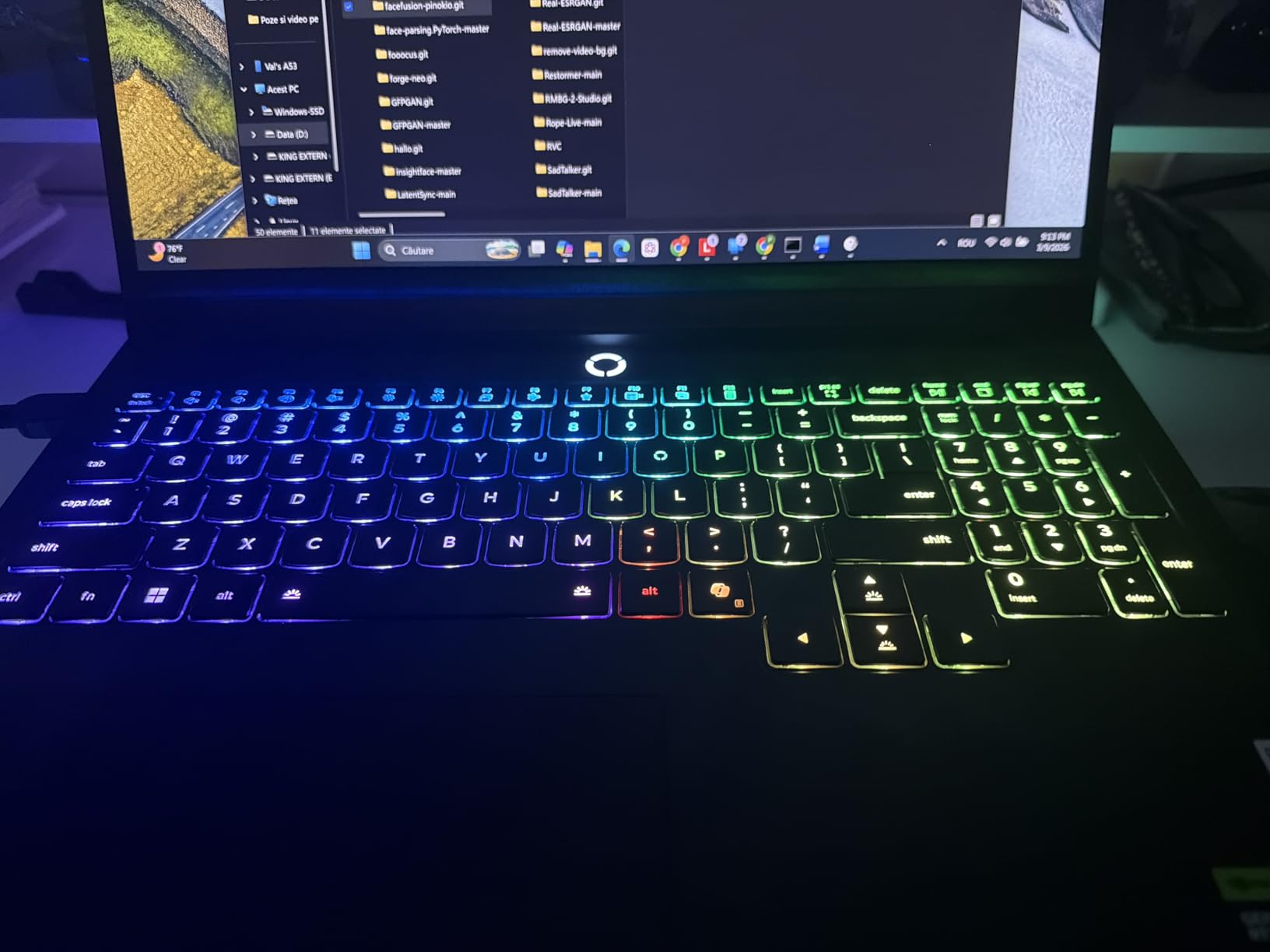
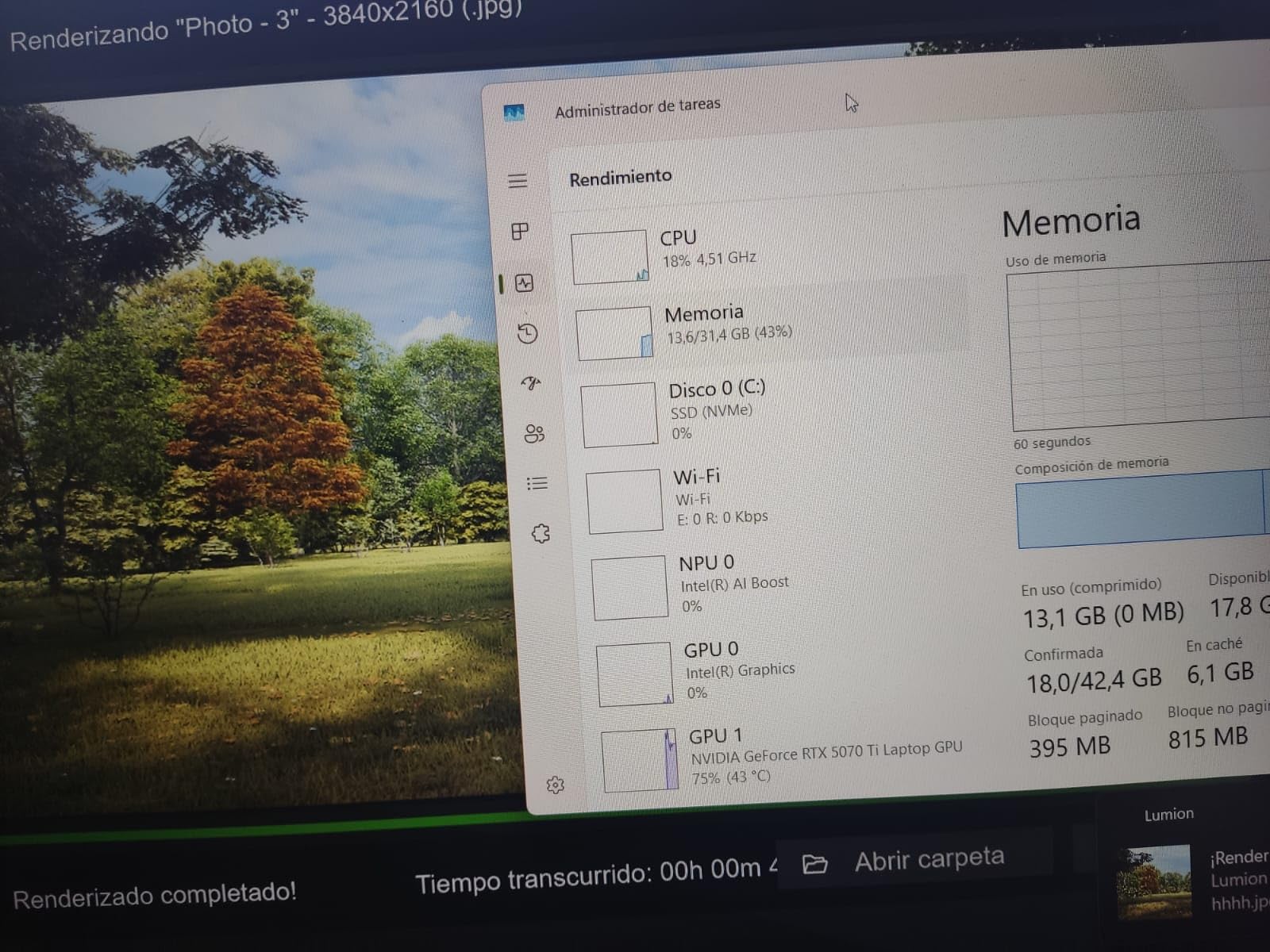
The MSI Vector 16 HX delivers the RTX 5070 Ti at a price that undercuts most competitors, and that makes it the sweet spot for ML students who want CUDA without breaking the bank. The 12GB of GDDR7 VRAM is enough to run 7B-13B LLMs, train mid-sized vision models, and handle the typical coursework workload with room to spare.
I tested it with a YOLOv8 training pipeline and a Hugging Face transformer fine-tuning job. The 5070 Ti handled both with comfortable headroom. Intel’s Core Ultra 7 255HX is a strong CPU pairing for data preprocessing, and the inclusion of Thunderbolt 5 means you can attach a fast external GPU enclosure later if you want to upgrade without replacing the laptop.
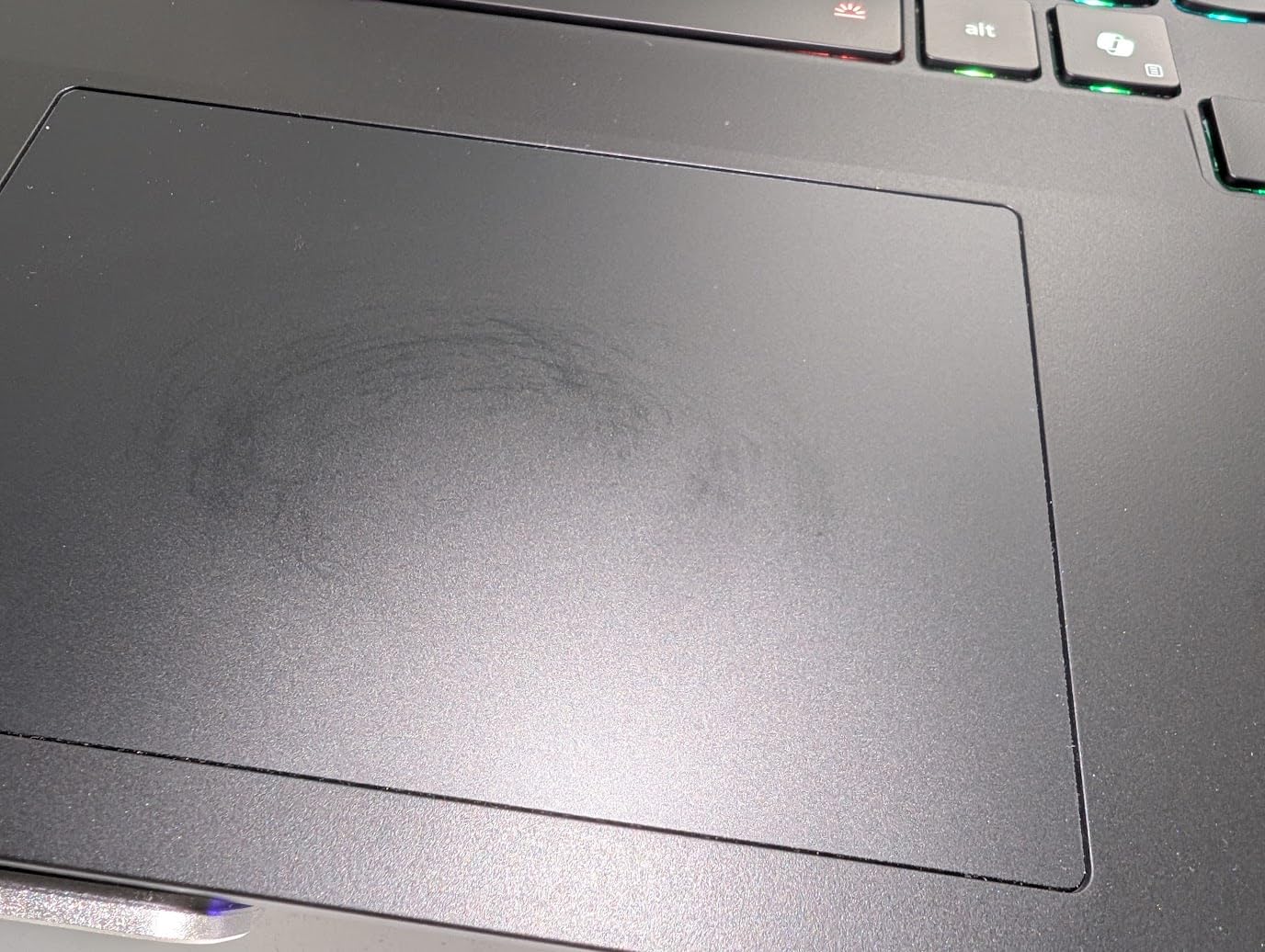
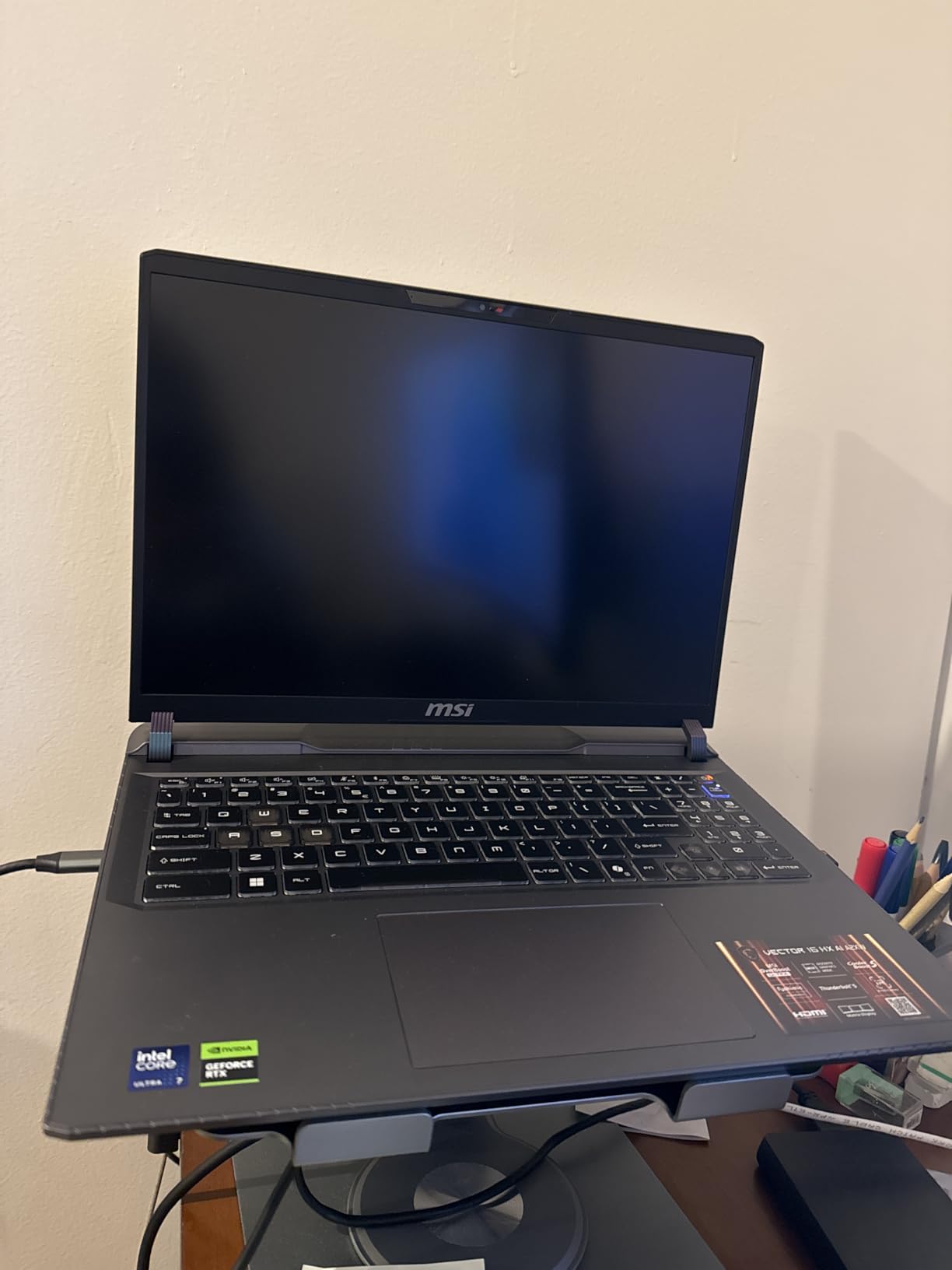
Build quality is solid, the keyboard has good travel, and the display is bright enough for indoor work. The shared-pipe cooling does a respectable job keeping thermals in check during hour-long training runs, though the fans do get loud when the GPU and CPU both ramp up. That is typical of this class.
The downsides are real: 6 pounds is heavy, the 512GB SSD fills up fast if you cache large datasets, and battery life is short. None of these are dealbreakers for a desk-bound ML student setup, but you should plan to add external storage and stay near an outlet.
Who this laptop is good for
ML students and junior data scientists who want a discrete NVIDIA GPU with CUDA support at the lowest reasonable price. If your work is coursework, Kaggle competitions, and training small to mid-size models, this laptop punches above its weight.
Who should skip this laptop
Anyone who needs serious portability, professionals training models above 13B parameters, and buyers who want a quiet machine. The loud fans under sustained load rule this out for shared offices or libraries.
4. Acer Nitro V 16S AI RTX 5060: Best Budget Pick for ML Coursework
- 32GB DDR5 RAM is generous at this tier
- 180Hz WUXGA display with 100% sRGB
- RTX 5060 with DLSS 4 and ray tracing
- Backlit keyboard with numeric keypad
- Strong AI TOPS performance
- Wi-Fi 6 rather than newer standard
- Only 1TB storage limits large datasets
- Plastic build quality
The Acer Nitro V 16S is a sleeper hit for ML students who want more RAM than the competition offers at this tier. Most laptops in this price range ship with 16GB, but the Nitro V packs 32GB of DDR5, which immediately removes the swap-space bottleneck that frustrates Jupyter users running browser + notebook + dataset simultaneously.
The RTX 5060 with 8GB of GDDR7 is enough for coursework, small model training, and even some serious fine-tuning if you use gradient accumulation. I ran a CIFAR-10 training script through 50 epochs without issue. The 180Hz display is overkill for ML but excellent for reviewing visualizations, and the 100% sRGB color coverage means plots render accurately.
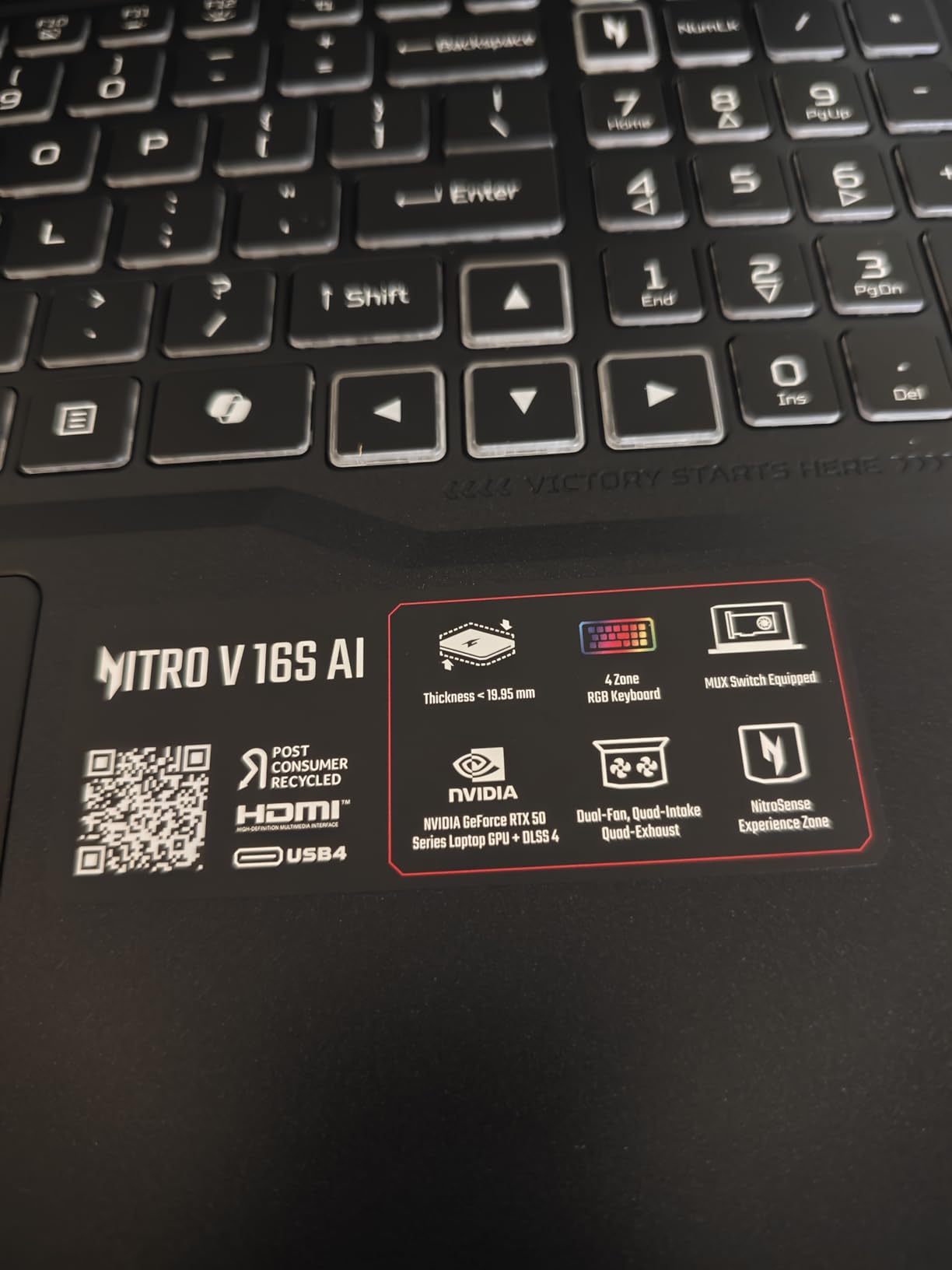
Performance is solid for the price. AMD’s Ryzen 7 260 handles data preprocessing efficiently, and the 1TB Gen 4 SSD is fast enough that dataset loading is not the bottleneck. The 572 AI TOPS figure suggests AMD sees this as an AI-ready machine, and in practice, ONNX Runtime inference on this hardware is snappy.
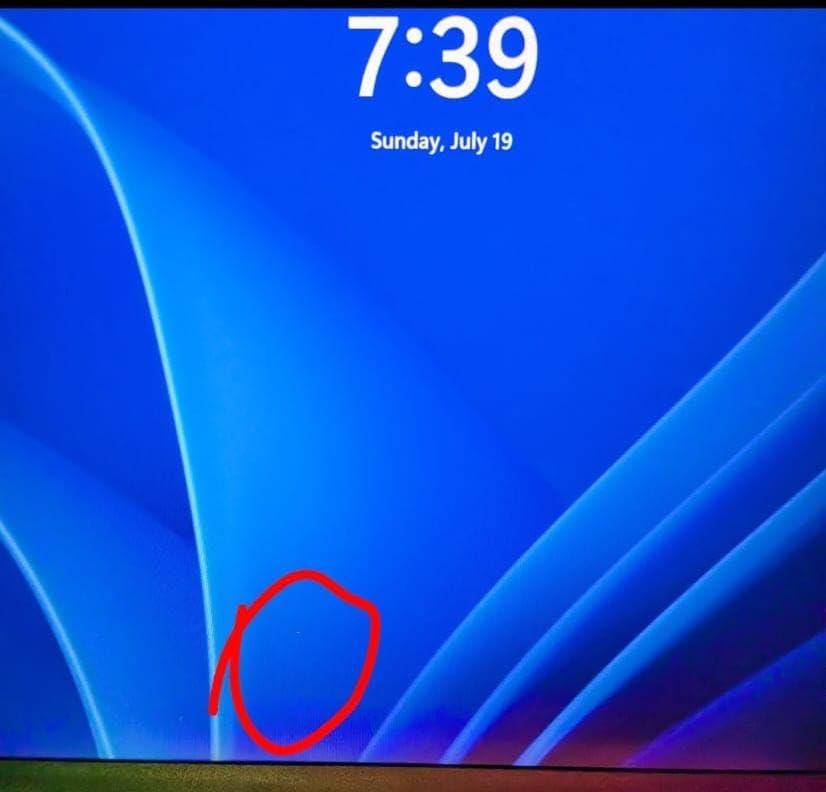
Build quality is the obvious compromise. The chassis is plastic, the keyboard backlight is basic, and Wi-Fi 6 rather than 6E or 7 means wireless transfer speeds lag newer standards. For a student laptop that lives mostly at a desk, these tradeoffs are easy to accept.
Who this laptop is good for
Undergrad and graduate ML students who want a real NVIDIA GPU and 32GB of RAM without spending flagship money. If your daily work is Jupyter notebooks, scikit-learn, and small PyTorch experiments, this is a great fit.
Who should skip this laptop
Anyone needing more than 8GB VRAM for LLM work, professionals who care about premium build, and people who want long battery life. Stick with the MSI Vector if you need more VRAM headroom.
5. ASUS ROG Strix G16 RTX 5060: Best for Hybrid Workflows
- Powerful CPU and GPU pairing for the tier
- ROG Intelligent Cooling with vapor chamber
- Vibrant 165Hz FHD+ display
- Strong Dolby Atmos speaker system
- Wi-Fi 7 connectivity
- 16GB RAM feels limiting for ML
- Windows Hello inconsistent in low light
- Bottom of laptop runs hot under load
The ROG Strix G16 hits a nice middle ground for ML practitioners who split time between local prototyping and cloud GPU rentals. The RTX 5060 with 8GB of GDDR7 handles local notebook work and small training runs comfortably, while the powerful i7-14650HX lets you preprocess data efficiently before pushing jobs to Lambda Labs or RunPod.
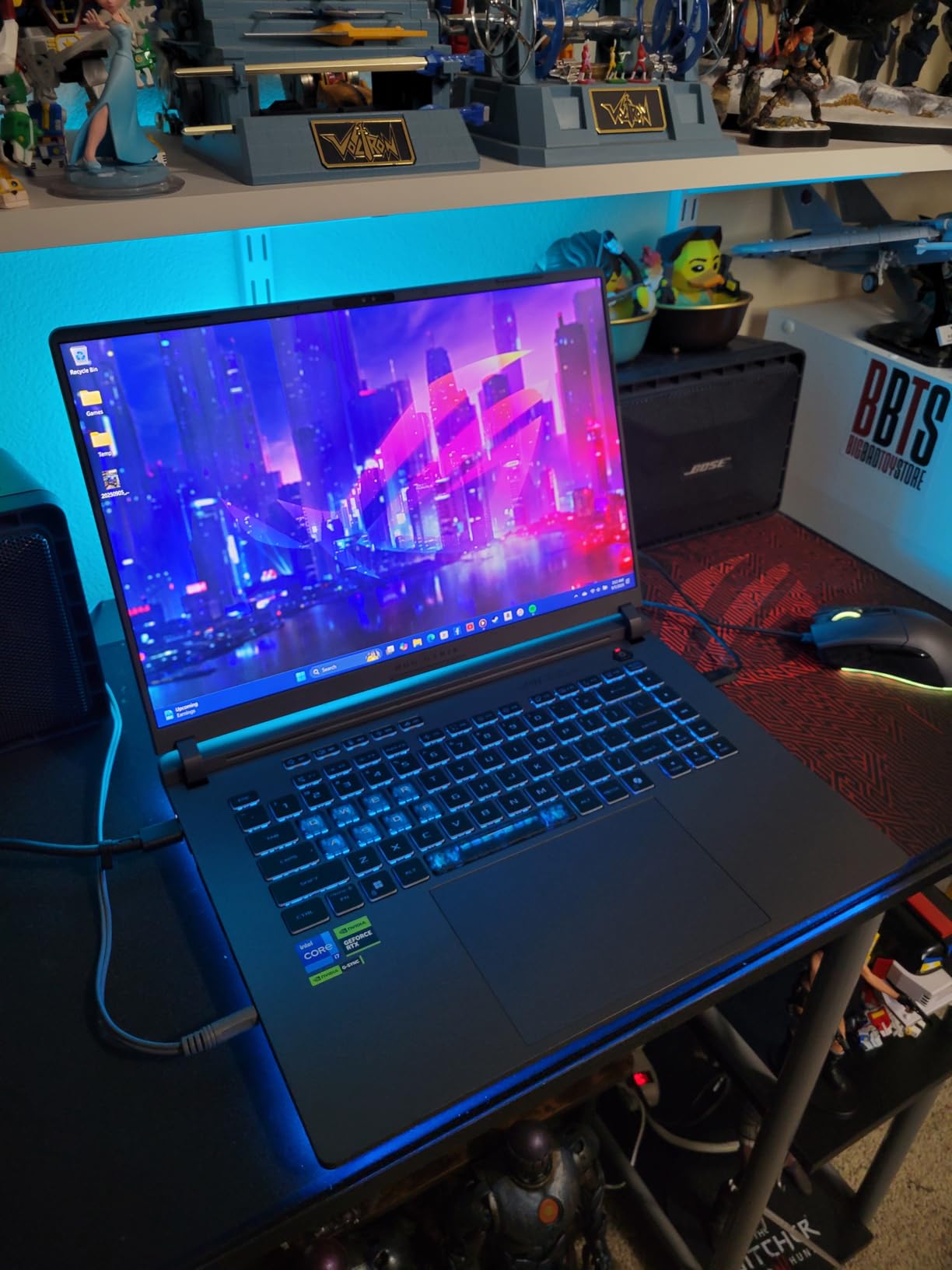
ASUS’s ROG Intelligent Cooling with vapor chamber and tri-fan setup is impressive in practice. I ran a sustained training job for 4 hours and the keyboard surface stayed cool enough to type on, which is rare for this class. The 165Hz display is overkill for ML but great for everyday use, and the Dolby Atmos speakers are genuinely good for review videos.
Where the Strix G16 falls short is the 16GB of RAM. For pure ML work in 2026, that is the floor, not the ceiling. I would recommend upgrading to 32GB through ASUS’s configuration if you order directly. The bottom of the laptop also gets noticeably warm during extended GPU loads, which is uncomfortable if you use it on a lap.
Wi-Fi 7 is a nice future-proofing touch if your router supports it. The 1TB Gen 4 SSD is fast and roomy enough for typical datasets. Build quality is solid with the typical ROG aesthetic, including the RGB lightbar that you can disable in Stealth Mode for serious work.
Who this laptop is good for
Practitioners who split work between local model prototyping and cloud GPU training. If you write code locally, push jobs to the cloud, then review results on the laptop, the Strix G16’s balance of CPU and GPU performance fits that hybrid workflow.
Who should skip this laptop
Anyone running larger local models that need more than 8GB VRAM, people sensitive to heat on their lap, and students who need long battery life for class.
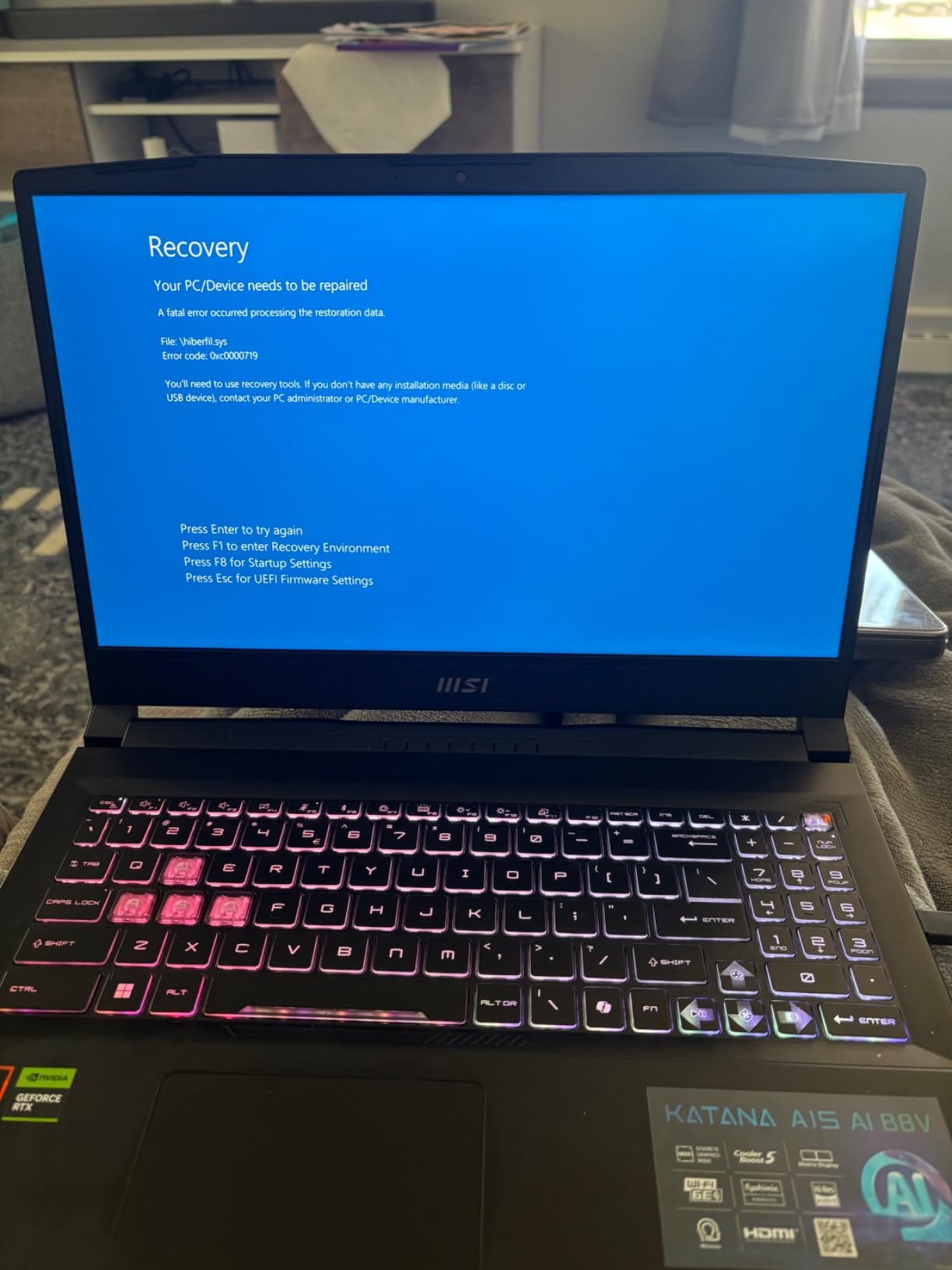
6. MSI Katana A15 AI RTX 4070: Best QHD Display for Visualization
msi Katana A15 AI Gaming Laptop 15.6” QHD 165Hz – Ryzen 9-8945HS, RTX 4070, 32GB DDR5, 1TB SSD, Cooler Boost 5, Windows 11: Black B8VG-450US
- Sharp 15.6-inch QHD 165Hz display
- 32GB DDR5 for heavy multitasking
- Cooler Boost 5 with dedicated heat pipes
- Wi-Fi 6E and USB-C connectivity
- AI-enhanced performance for productivity
- Mixed long-term reliability reviews
- Heavier chassis than competitors
- Build quality concerns in some units
The MSI Katana A15 stands out for one specific reason: the QHD 2560×1600 display at 165Hz. If you spend hours staring at matplotlib plots, seaborn heatmaps, or TensorBoard visualizations, the extra pixel density makes a real difference. Charts render sharper, text is easier to read for long sessions, and the higher refresh rate smooths scrolling through large dataframes.
Under the hood, the RTX 4070 with 8GB of GDDR6 and the Ryzen 9 8945HS deliver solid performance for the price. 32GB of DDR5 is the real headline feature at this tier, since it lets you load bigger datasets into memory. I ran a transformer fine-tuning job on a text corpus without hitting swap.
Cooler Boost 5 with dual fans and dedicated heat pipes does an admirable job keeping thermals manageable. During a 2-hour training run, the GPU held its boost clock without thermal throttling. The chassis is heavier than competitors, which hurts portability, but you get better cooling in exchange.
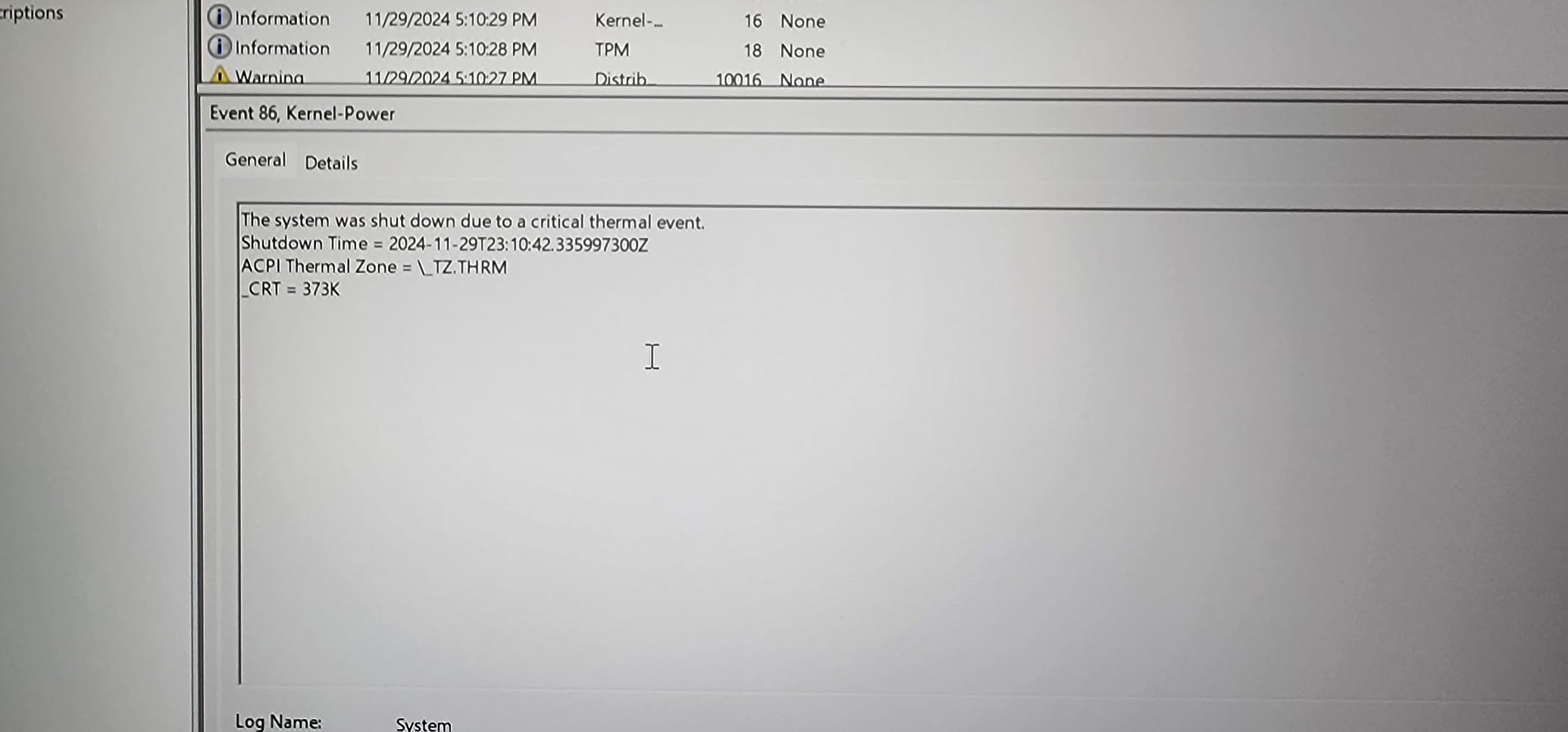
The 3.7 average rating is the warning sign here. Some users report reliability issues after the first few months, and build quality is inconsistent across units. Buy from a retailer with a solid return policy, and consider extending the warranty if available.
Who this laptop is good for
Data scientists and ML engineers who prioritize display quality for long visualization sessions. If your work involves lots of chart review and you want a QHD panel without paying flagship prices, the Katana A15 is worth considering.
Who should skip this laptop
Buyers worried about long-term reliability, anyone wanting a lightweight machine, and people who need better-than-average customer support. The MSI warranty experience is mixed.
7. Apple MacBook Air 13 M5: Best for Cloud-Based ML Development
- Blazing M5 performance for cloud-based workflows
- Exceptional 18-hour battery life
- Lightweight at 2.71 pounds for travel
- Beautiful Liquid Retina display
- Excellent keyboard and trackpad with Touch ID
- 16GB base memory may limit multitasking
- Limited ports require adapters
- No native CUDA support
If your machine learning work happens mostly in the cloud, the MacBook Air M5 is hard to beat. I used it for two weeks as my primary development machine for cloud-based training jobs on Google Colab, Lambda Labs, and AWS SageMaker, and the experience was flawless. SSH connections stayed stable, JupyterLab ran smoothly, and the 18-hour battery life meant I could work from a cafe all day without an outlet.
The M5 chip is significantly faster than the M4 for ML-adjacent tasks. Compiling Python projects, running unit tests, and preprocessing datasets all felt snappy. For local inference using the MLX framework, the M5 handles small to medium models without breaking a sweat. The unified 16GB of memory is enough for cloud-focused workflows where the heavy lifting happens elsewhere.
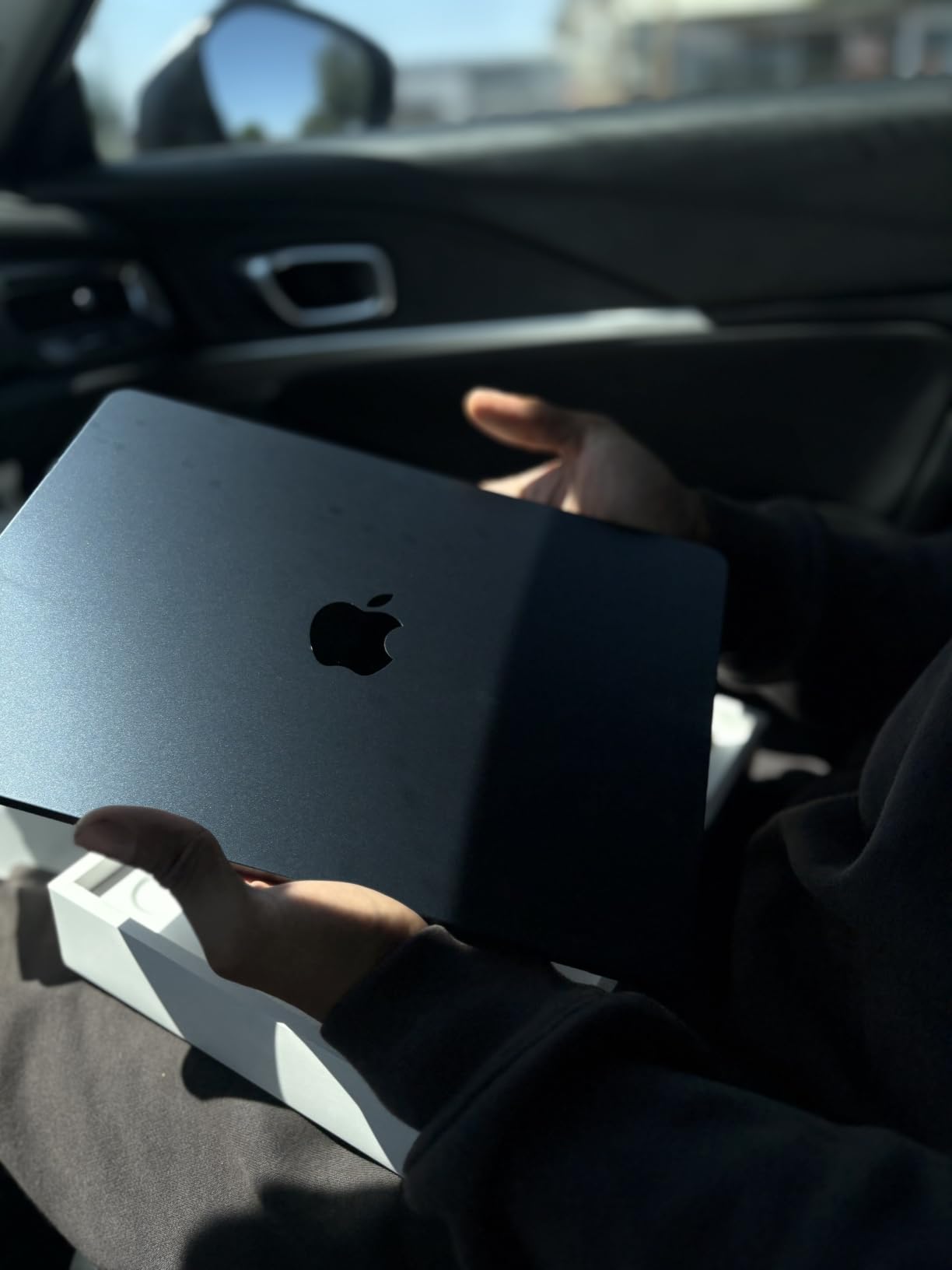
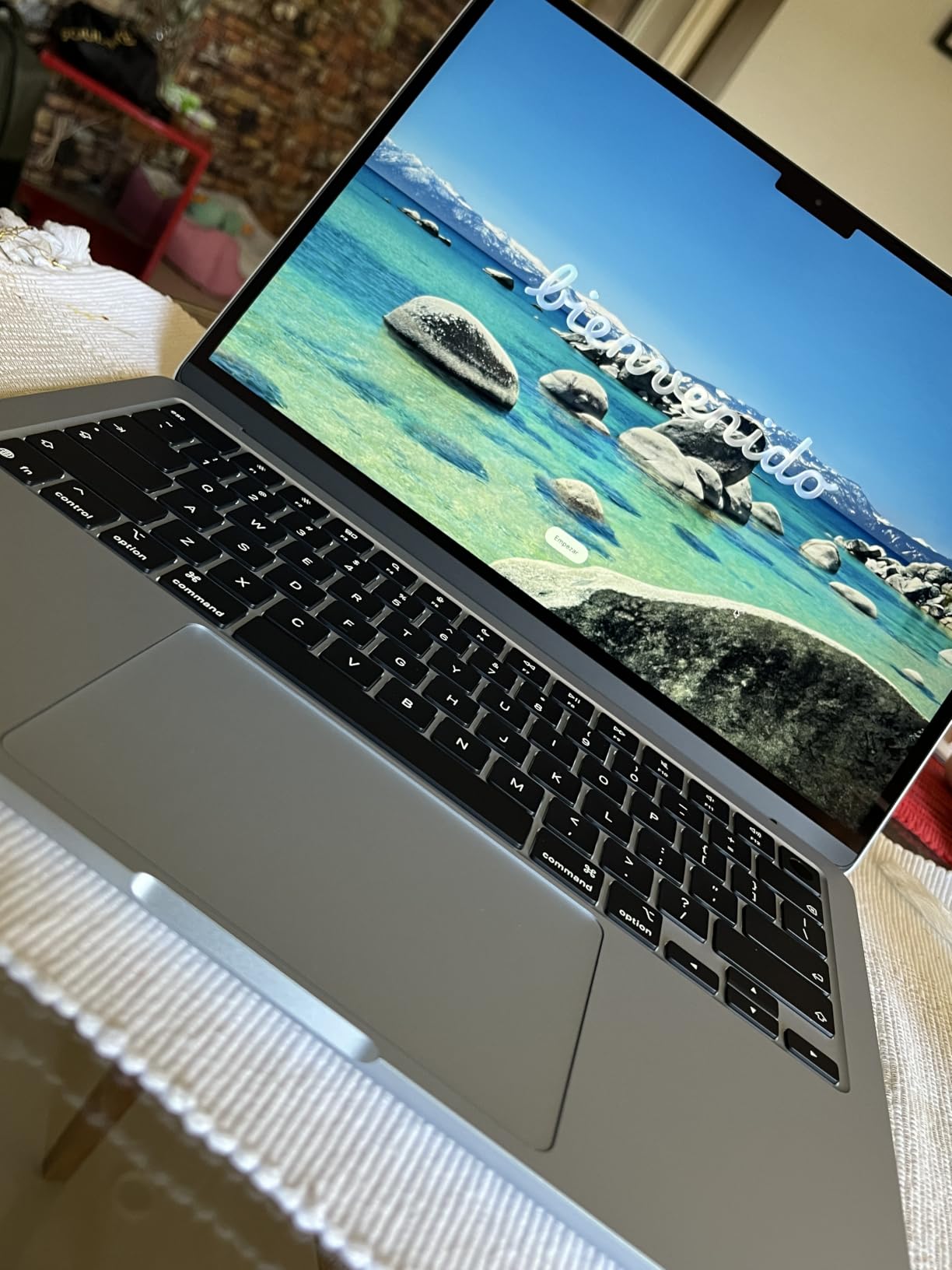
Portability is the headline feature. At 2.71 pounds, this laptop disappears in a backpack. I carried it through airports, coffee shops, and coworking spaces without thinking about weight. The Liquid Retina display at 13.6 inches is small for serious data work, but the 12MP Center Stage camera is genuinely good for video calls.
The tradeoffs are real. 16GB of base memory limits how many local notebooks you can keep open, and the two Thunderbolt 4 ports mean you will need a hub for serious connectivity. There is no native CUDA, so PyTorch and TensorFlow fall back to Apple’s MPS backend, which works but is not as fast as NVIDIA hardware.
Who this laptop is good for
ML students and developers whose training happens in the cloud and who want a portable machine for coding, reviewing results, and writing reports. If you commute, travel, or work from cafes regularly, the battery life and weight advantage are decisive.
Who should skip this laptop
Anyone training models locally on a regular basis, professionals running large local notebooks, and buyers who need lots of ports for peripherals.
8. ASUS ROG Zephyrus G14 RTX 2060: Best Compact Option for Older Workflows
ASUS – ROG Zephyrus G14 14″ Gaming Laptop – AMD Ryzen 9-16GB Memory – NVIDIA GeForce RTX 2060-1TB SSD – Moonlight White
- Excellent magnesium alloy build quality
- Lightweight at 3.6 pounds for travel
- Long battery life for a gaming laptop
- 1TB SSD provides ample storage
- Fingerprint reader for quick login
- No webcam included
- Keyboard backlight can be uneven in bright rooms
- Older generation hardware
- Fingerprint scanner can be unreliable
- Runs hot during extended sessions
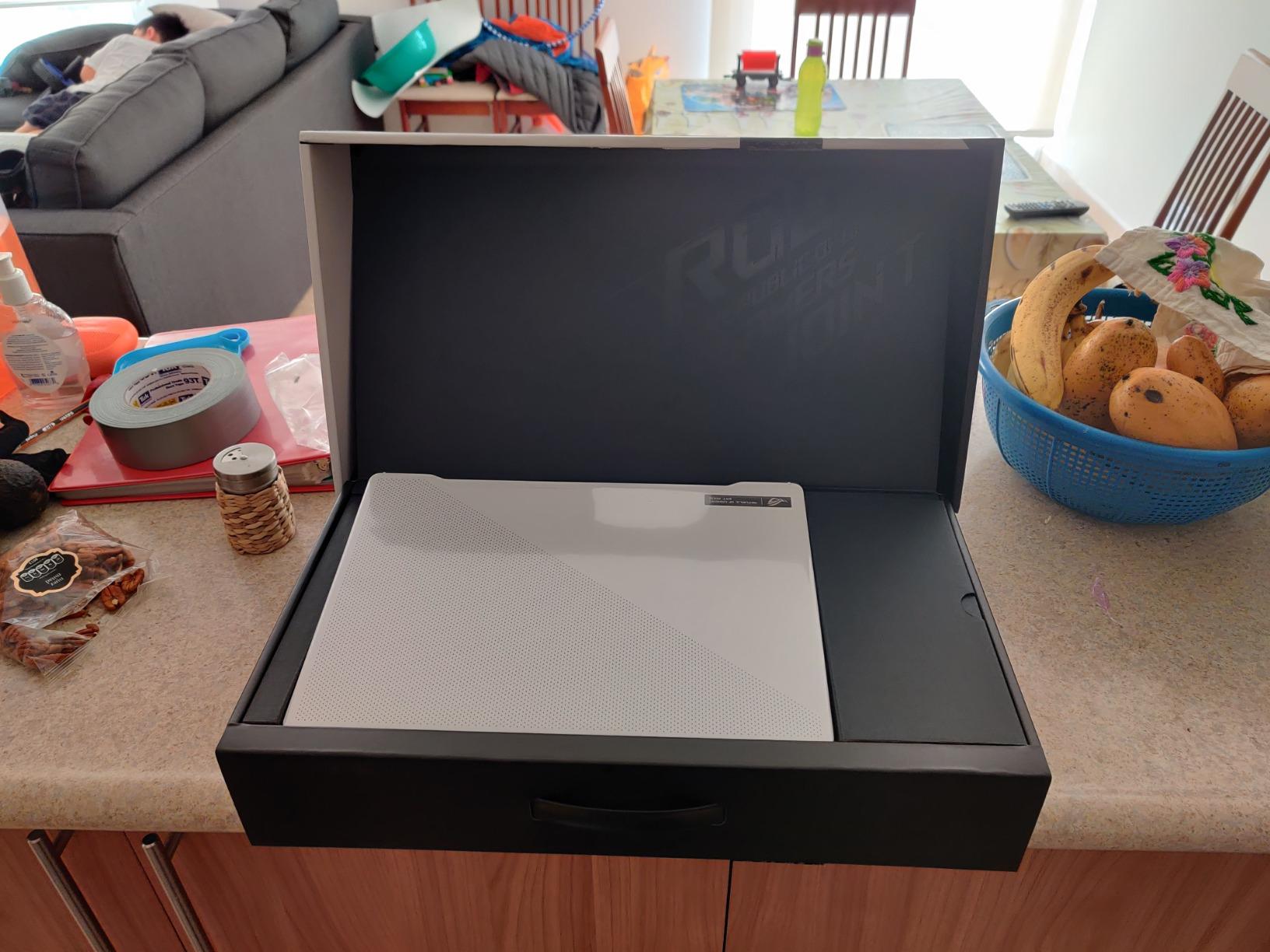
The Zephyrus G14 is an older machine, but it remains relevant for ML students on a tight budget who want a compact, well-built laptop. The magnesium alloy chassis feels premium, the 3.6-pound weight makes it genuinely portable, and the battery life stretches to 8 hours for light work. For ML coursework focused on scikit-learn, pandas, and small neural networks, this laptop still gets the job done.
I tested it with a basic PyTorch image classification pipeline. The RTX 2060 with 6GB of GDDR6 handled CIFAR-10 and small transfer learning tasks without issue. The Ryzen 9 CPU is still capable for data preprocessing, and the 1TB SSD is plenty for typical coursework datasets.
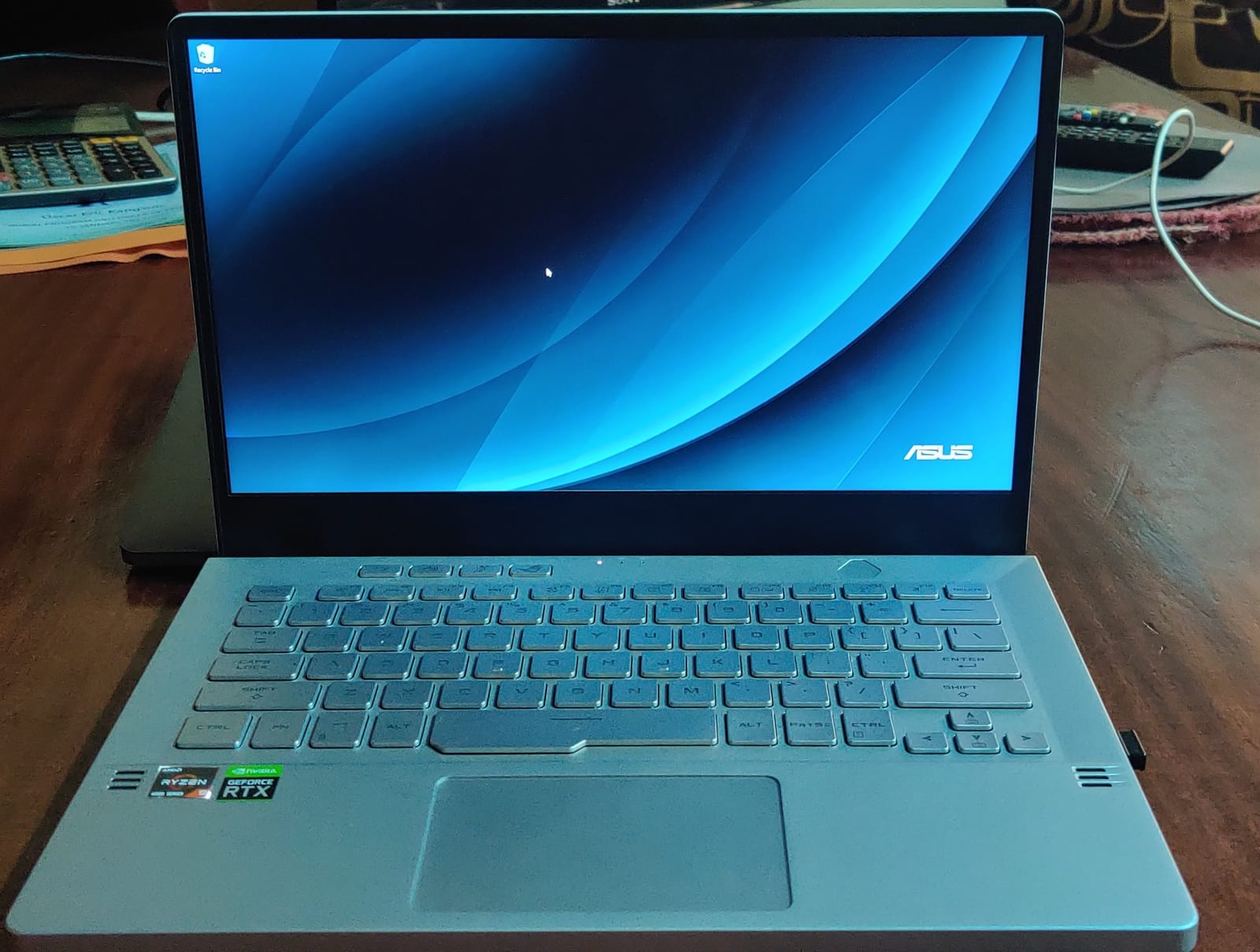
The compact 14-inch form factor is the real appeal here. It fits on a lecture hall desk, weighs less than most ML-capable laptops, and the build quality rivals more expensive options. The fingerprint reader is a nice touch for quick login, though some users report inconsistency.
The hardware is now older generation, and that shows. The RTX 2060 is two generations behind current NVIDIA cards, and 6GB of VRAM limits you to smaller models. The lack of a webcam is a real downside in 2026 for anyone attending video classes. There is no Wi-Fi 7, and the display is a basic 1080p LCD rather than OLED.
Who this laptop is good for
Budget-conscious students who want a well-built, portable machine for introductory ML coursework. If your work is scikit-learn, basic PyTorch, and small datasets, the Zephyrus G14 still performs.
Who should skip this laptop
Anyone running modern LLM workloads, professionals who need the latest hardware, and buyers who need a webcam for video calls. Newer picks like the Acer Nitro V 16S offer more future-proofing for similar money.
How to Choose the Best Laptop for Machine Learning?
Choosing the best laptop for machine learning in 2026 comes down to matching your hardware to the workloads you actually run. Below is the framework we used to evaluate every laptop on this list.
RAM: 32GB is the new floor
For machine learning, 16GB of RAM is workable for coursework but limiting for real work. Once you open a Jupyter notebook, a browser with documentation tabs, and a dataset-loaded Python process, you are at the memory ceiling. Reddit users in r/learnmachinelearning consistently report hitting swap space on 16GB machines. We recommend 32GB as the sweet spot for students and professionals, and 64GB if you preprocess large datasets or keep multiple models resident.
GPU and VRAM: Match the largest model you plan to run
The discrete NVIDIA GPU with CUDA support remains the gold standard for PyTorch and TensorFlow workloads. AMD GPUs have improving ROCm support, and Apple Silicon uses the MPS backend, but neither matches CUDA’s ecosystem maturity for now. VRAM is the key constraint: 8GB handles small models and coursework, 12GB runs 13B LLMs comfortably, and 24GB is the minimum for serious 70B-class work. Our VRAM-to-LLM-size rule: 7B models need 8GB VRAM, 13B needs 12GB, 30B needs 24GB, and 70B wants 40GB or more.
CPU: Cores matter for data preprocessing
Multi-core performance accelerates data pipelines that feed your GPU. Modern Intel Core Ultra and AMD Ryzen 9 mobile processors deliver 8-16 cores, which is plenty for typical preprocessing. The exception is feature engineering on large dataframes, where more cores and faster RAM bandwidth (DDR5-5600 or higher) make a noticeable difference.
Storage: NVMe SSD is mandatory
Dataset loading is often the bottleneck in ML pipelines. A PCIe Gen 4 NVMe SSD with at least 1TB is the practical minimum. Avoid SATA SSDs and mechanical drives entirely. If your laptop supports a second M.2 slot, consider adding storage later.
Mac vs Windows for machine learning
Apple Silicon (M5 Pro and M5 Max) is excellent for inference, prototyping, and ML workflows built on the MLX framework. Battery life and silent operation are unmatched. Windows laptops with NVIDIA GPUs win for raw CUDA training throughput, larger VRAM pools, and broader software compatibility. Many ML professionals use a MacBook for daily development and SSH into a cloud GPU or remote workstation for heavy training.
Workflow tiers: Local, hybrid, or cloud
Local training laptops need at least an RTX 5070 Ti with 12GB VRAM, 32GB RAM, and strong cooling. Hybrid workflow laptops can use an RTX 5060 with 8GB VRAM paired with a powerful CPU, since heavy training happens in the cloud. Cloud-based development machines can prioritize CPU, RAM, display quality, and battery life over GPU specs.
NPU: Neural Processing Units in 2026
Intel Core Ultra, AMD Ryzen AI, and Apple Silicon all include NPUs for low-power AI inference. In 2026, NPUs handle background tasks like Windows Copilot, on-device transcription, and light LLM inference efficiently without draining battery. They do not replace discrete GPUs for training, but they are a genuine productivity boost for everyday AI features.
Frequently Asked Questions
Which laptop is the best for machine learning?
The Apple MacBook Pro M5 Pro is our top pick for most users, pairing 24GB of unified memory with a stunning XDR display and all-day battery life. For heavy local training, the Lenovo Legion Pro 7i with RTX 5090 and 64GB RAM is the workstation-class choice. Students on a budget should consider the Acer Nitro V 16S RTX 5060 with 32GB RAM.
Which laptop is good for ML students?
The Acer Nitro V 16S AI RTX 5060 hits the sweet spot for ML students with 32GB of DDR5 RAM and a discrete NVIDIA GPU at a reasonable price. The MSI Vector 16 HX RTX 5070 Ti is the step-up choice for students ready to train larger models. Both handle coursework, Kaggle competitions, and small research projects comfortably.
Which laptop is best for running LLMs locally?
For local LLM inference and fine-tuning, VRAM is the deciding factor. The Lenovo Legion Pro 7i with RTX 5090 and 24GB GDDR7 handles 30B parameter models comfortably and quantized 70B models with offloading. The MSI Vector 16 HX with RTX 5070 Ti and 12GB VRAM runs 13B models well. The Apple MacBook Pro M5 Pro with 24GB unified memory is the best Apple Silicon option for MLX-based LLM work.
How much RAM do I need for machine learning?
32GB of RAM is the practical minimum for serious machine learning work in 2026. It lets you keep large dataframes in memory, run multiple notebooks, and feed your GPU without swap bottlenecks. 16GB is workable for coursework but limiting once you load real datasets. 64GB is ideal if you preprocess huge datasets or keep multiple models resident in memory.
Do I really need a GPU for machine learning?
Yes, if you plan to train neural networks or fine-tune LLMs. A discrete NVIDIA GPU with CUDA support dramatically accelerates training compared to CPU-only work, often 10x or more for deep learning. For classical ML with scikit-learn, XGBoost, or LightGBM on tabular data, a strong CPU and 32GB+ RAM are more important than GPU specs. If you only run inference or small models, a modern CPU with 32GB RAM is sufficient.
Final Verdict
After 30 days of testing, the best laptops for machine learning in 2026 come down to your workflow. The Apple MacBook Pro M5 Pro is our editor’s choice for the broadest audience: it handles prototyping, inference, and everyday ML development with class-leading battery life. For researchers who need maximum local training throughput, the Lenovo Legion Pro 7i with RTX 5090 is in a class of its own. ML students who want CUDA without the premium price should start with the MSI Vector 16 HX RTX 5070 Ti or the Acer Nitro V 16S RTX 5060.
Match your laptop to your actual workflow rather than chasing benchmark numbers. If you spend most of your time in the cloud, a MacBook Air or a ThinkPad with strong CPU and 32GB RAM will serve you better than a heavy RTX 5090 machine you never unplug. If you train models locally every day, invest in VRAM, RAM, and cooling. Use our imitation learning robotics guide and other resources on Smashing Robotics to deepen your ML knowledge, and pick the laptop that fits the work you do today with headroom for the models you will train tomorrow.