
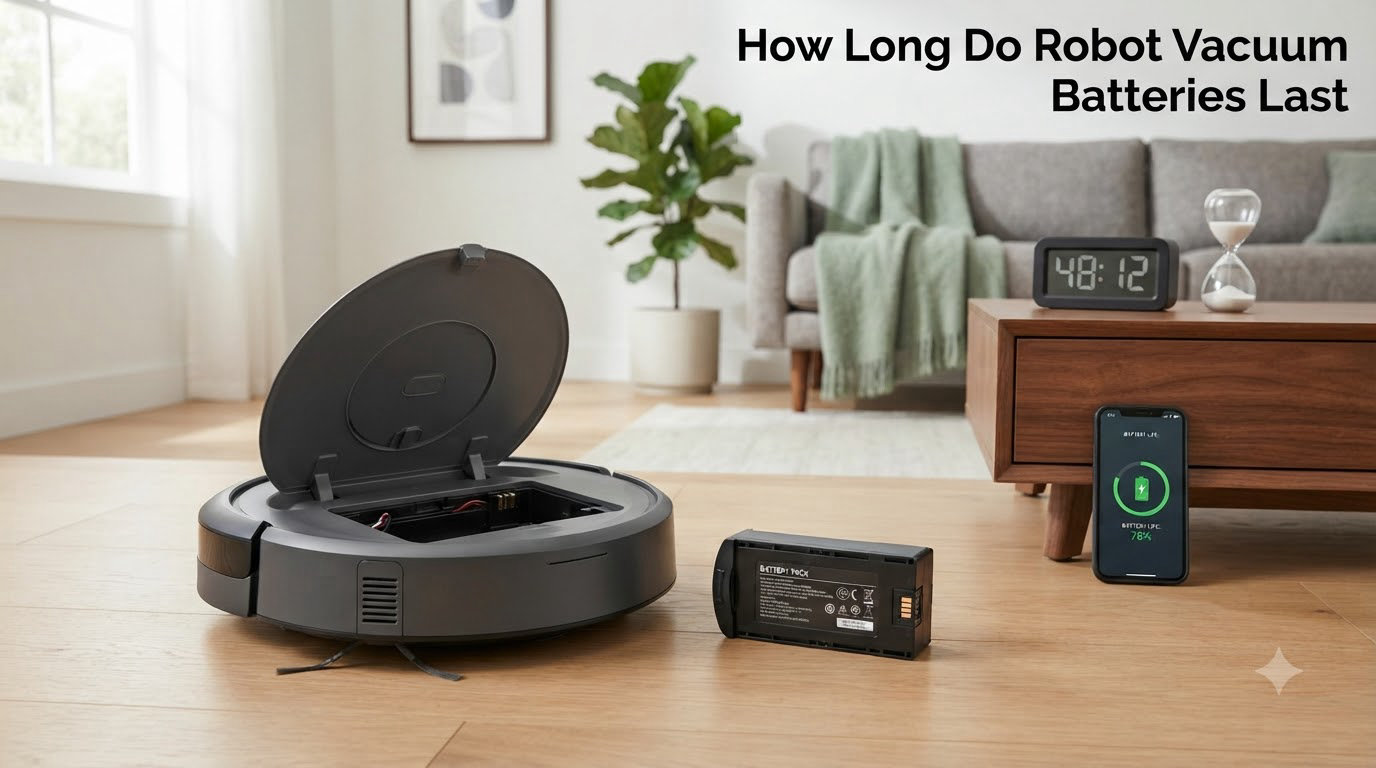
If you have ever watched your robot vacuum die halfway through the living room and wondered whether the battery is on its last legs, you are not alone. The short answer to how long do robot vacuum batteries last is 2 to 5 years in real-world use, which corresponds to roughly 300 to 500 full charge-discharge cycles for the lithium-ion packs inside most modern models.
That range is wide on purpose, because the way you use the robot matters as much as the brand you buy. I have tested enough of these devices over the years to know that two identical Roombas can hit very different end-of-life dates depending on floor type, suction mode, and where the dock lives. This guide walks through what actually determines battery longevity, the warning signs of a dying pack, and the habits that buy you extra months or years.
Table of Contents
How Long Do Robot Vacuum Batteries Last on Average
Most robot vacuum batteries last between 2 and 5 years before they need replacement. That figure comes straight from iRobot’s support documentation, Eufy’s published lifecycle claims, and Ecovacs’s maintenance guides, and it lines up with what owners report on forums like r/RobotVacuums.
The reason the range is so wide is the charging cycle. A lithium-ion cell loses a small amount of capacity every time it goes from full to empty and back again. Once a battery has been through 300 to 500 of those cycles, its usable capacity typically drops to around 70-80% of the original rating. At that point the robot may still work, but it will struggle to finish a full cleaning run or hold a charge overnight.
Older robot vacuums (anything built before roughly 2018) often shipped with nickel-metal hydride (NiMH) packs. Those batteries usually only reached 200-300 cycles before noticeable degradation, which is one reason early Roombas had a reputation for short battery life. Today’s lithium-ion chemistry is meaningfully better, and you should expect closer to the 4-5 year end of the range if you treat the pack reasonably.
How Long Does a Robot Vacuum Run on a Single Charge
Runtime per charge runs from about 60 minutes on budget models to over 250 minutes on flagship units with high-capacity batteries. Eufy, Roborock, and Ecovacs all publish runtime specs, and independent testing tends to land within 10-15% of the official figures under ideal conditions.
What “ideal” means matters here. On a hard floor with the robot set to standard suction, most modern vacuums will hit their advertised runtime almost exactly. The same robot on a thick carpet with turbo mode turned on may only manage 40-50% of that figure. If you have a vacuum-mop combo and the mop pad is wet, expect another 20-30% drop because of the extra drag.
Auto-recharge and resume is now standard on anything above the budget tier, so a shorter per-charge runtime is not the dealbreaker it used to be. The robot simply heads back to the dock, tops up, and finishes the job. What you really care about is total runtime over the battery’s lifetime, not a single session.
Factors That Affect Robot Vacuum Battery Life
Six factors have an outsized impact on how long your robot vacuum battery lasts. None of them are mysterious, but they interact in ways most owners do not realize until the battery is already fading.
Frequency of use. A robot that runs daily will hit 500 cycles in roughly 18 months. A robot that runs twice a week on the same battery will still be healthy at the 4-year mark. Daily use is not bad for the battery per se, but it does mean you will replace the pack sooner in calendar time.
Floor type and debris load. Thick carpet, pet hair, and large debris all force the motor to draw more current. That extra draw shortens each cycle and generates more heat, which is the silent killer of lithium-ion cells.
Suction mode. Eco or standard mode can roughly double the per-charge runtime compared to max or turbo mode. If you do not need deep carpet cleaning, dropping down a setting extends both the session and the battery’s overall lifespan.
Temperature. Lithium-ion chemistry hates two extremes: very cold garages (below 10°C / 50°F) and very hot rooms (above 35°C / 95°F). Heat in particular accelerates permanent capacity loss. Keep the dock in a climate-controlled area.
Storage state of charge. If you plan to store the robot for a month or longer, leave the battery at about 50% charge rather than full or empty. Both extremes stress the cells during long idle periods.
Charging habits. Constantly draining to 0% before recharging is harder on the pack than partial top-ups. Modern charging circuits handle this gracefully, but a habit of letting the robot die on the floor will shorten its life.
Signs Your Robot Vacuum Battery Needs Replacement
Five warning signs tell you the battery is on its way out. Any one of them is reason to start shopping for a replacement pack; two or more together mean the battery is probably the culprit and not some other fault.
- Runtime is cut in half or worse. If the robot used to finish your home on a single charge and now needs two or three top-ups, the pack has lost significant capacity.
- The robot fails to return to the dock. Battery voltage drops sharply under load as cells age, and a weak pack may not have enough juice to navigate home.
- Charging is inconsistent. The dock LED blinks, the robot stops charging partway, or the battery indicator jumps from 30% to 10% within minutes.
- Error codes 5, 6, 7, or charging-related messages. Most brands (iRobot, Roborock, Ecovacs) use numeric codes for battery faults. The manual lists them.
- Visible swelling or heat. A bulging battery pack or one that is hot to the touch after a normal cycle is a safety hazard. Stop using the robot and replace immediately.
A quick way to confirm the diagnosis: fully charge the robot, then run it in eco mode on a hard floor with no mop pad attached. If the runtime is still under 50% of the original spec, the battery is the problem. For comparison’s sake, our team saw one Eufy X8 Pro drop to 75-80% of original capacity after a year of daily use, which is roughly on track for normal wear.
Tips to Extend Robot Vacuum Battery Life
Eight habits will push your battery toward the long end of the 2-5 year range. None of them are expensive or time-consuming, and they cost nothing to start doing today.
- Use eco mode for daily runs. Save turbo and max suction for spot cleans and deep weekly sessions.
- Keep the dock in a cool, dry spot. Direct sunlight or a hot utility room shortens battery life noticeably.
- Clean the charging contacts monthly. A dry microfiber cloth on both the robot and the dock prevents resistance that makes the charger work harder.
- Do not leave the robot plugged in 24/7 if you can avoid it. Most modern docks are smart enough to stop charging at 100%, but a partial discharge cycle (down to 80-90%) is gentler on the cells than holding them at full voltage indefinitely.
- Avoid deep discharges. If the robot dies on the floor, get it back to the dock within a few hours. Sitting at 0% for days damages the cells.
- Update the firmware. Brands regularly release charging algorithm improvements through software updates. Check the app every few months.
- Replace worn brushes and filters. A clogged filter or tangled brush makes the motor work harder, which draws more current and generates more heat.
- Store at about 50% charge if not using for weeks. This is the recommended storage state for any lithium-ion device.
Robot Vacuum Battery Replacement Cost and Options
Replacement batteries for most robot vacuums cost between $25 and $90, with OEM packs from iRobot, Roborock, and Ecovacs on the higher end. Third-party batteries from brands like Powerextra and Bonacell typically run $20-$40 and work fine for budget and mid-range robots, but OEM packs generally last longer and come with better warranty terms.
For Roomba models specifically, official iRobot batteries average $50-$80 depending on the series. The 600 and 700 series use a straightforward screw-in pack that most owners can swap in 10 minutes with a Phillips screwdriver. Newer i-series and s-series Roombas use built-in lithium packs that are user-replaceable but require a bit more disassembly.
DIY replacement is realistic for anyone comfortable opening a small appliance. The bigger question is whether to replace the battery or buy a new robot. If your vacuum is more than four years old and the rest of it is showing wear (worn wheels, weak suction, dying sensors), a new robot is usually the better deal. If the robot itself still works well, a $40-$60 battery buys you another 2-3 years of service.
How Different Brands Compare on Battery Life
Brand-to-brand, battery technology is similar across the major players because most use the same lithium-ion cell suppliers. Real-world differences come down to capacity (mAh rating), charging management software, and how aggressively the robot uses suction power.
Roborock and Ecovacs flagship models tend to ship with the largest batteries (5000+ mAh) and the longest per-charge runtimes, often 180-250 minutes. Eufy sits in the middle with 2500-3200 mAh packs and runtimes of 100-150 minutes for most models. iRobot’s Roomba line varies widely by series, with the entry-level 600 series using smaller packs and the i7/s9 lines using larger high-capacity cells.
For more on the mechanical side of how these robots are built, our guide on how a robot chassis works explains how battery placement affects the robot’s center of gravity and cleaning efficiency. We have also covered related components like planetary gearboxes in robot joints and robotic grippers in separate articles.
Frequently Asked Questions
How do I know if my iRobot needs a new battery?
Your Roomba likely needs a new battery if runtime is cut in half, it fails to return to the dock, charging becomes inconsistent, or you see error codes 5, 6, or 7. Swollen battery packs or unusual heat are also clear signs.
How much does it cost to replace a Roomba battery?
Official iRobot replacement batteries cost between $50 and $80 depending on the series. Third-party alternatives from brands like Powerextra run $20-$40 and work well for older 600 and 700 series Roombas.
Should I leave my robot vacuum plugged in all the time?
Most modern robot vacuums have smart charging that stops at 100%, so leaving them on the dock is generally safe. However, allowing the battery to drop to 80-90% occasionally is gentler on lithium-ion cells than holding them at full voltage constantly.
Which robot vacuum has the longest battery life?
Roborock and Ecovacs flagship models typically have the longest per-charge runtime, often 180-250 minutes with 5000+ mAh batteries. Eufy models generally run 100-150 minutes per charge in the mid-range tier.
How many years should a Roomba battery last?
With proper care, a Roomba lithium-ion battery should last 2-3 years minimum, with many users reporting 3-5 years before noticeable capacity loss. iRobot’s own support documentation cites 2-3 years as the expected replacement window.
Why does my robot vacuum battery drain so fast?
Fast battery drain usually comes from heavy suction modes, thick carpet, clogged brushes or filters, or an aging battery that has lost significant capacity. Try eco mode on a hard floor to confirm whether the battery itself is the issue.
Final Thoughts on Robot Vacuum Battery Lifespan
So how long do robot vacuum batteries last in practice? Expect 2-5 years or 300-500 charging cycles, with most owners landing in the 3-year range before they notice meaningful runtime loss. Lithium-ion chemistry is reliable and predictable, and the habits that extend battery life are simple: use eco mode when you can, keep the dock in a cool spot, and do not let the robot sit at 0% for days.
If your battery is already showing the warning signs, a $40-$80 replacement pack is usually cheaper than a new robot and will buy you another 2-3 years of hands-off cleaning. For most people, that is a trade worth making.