
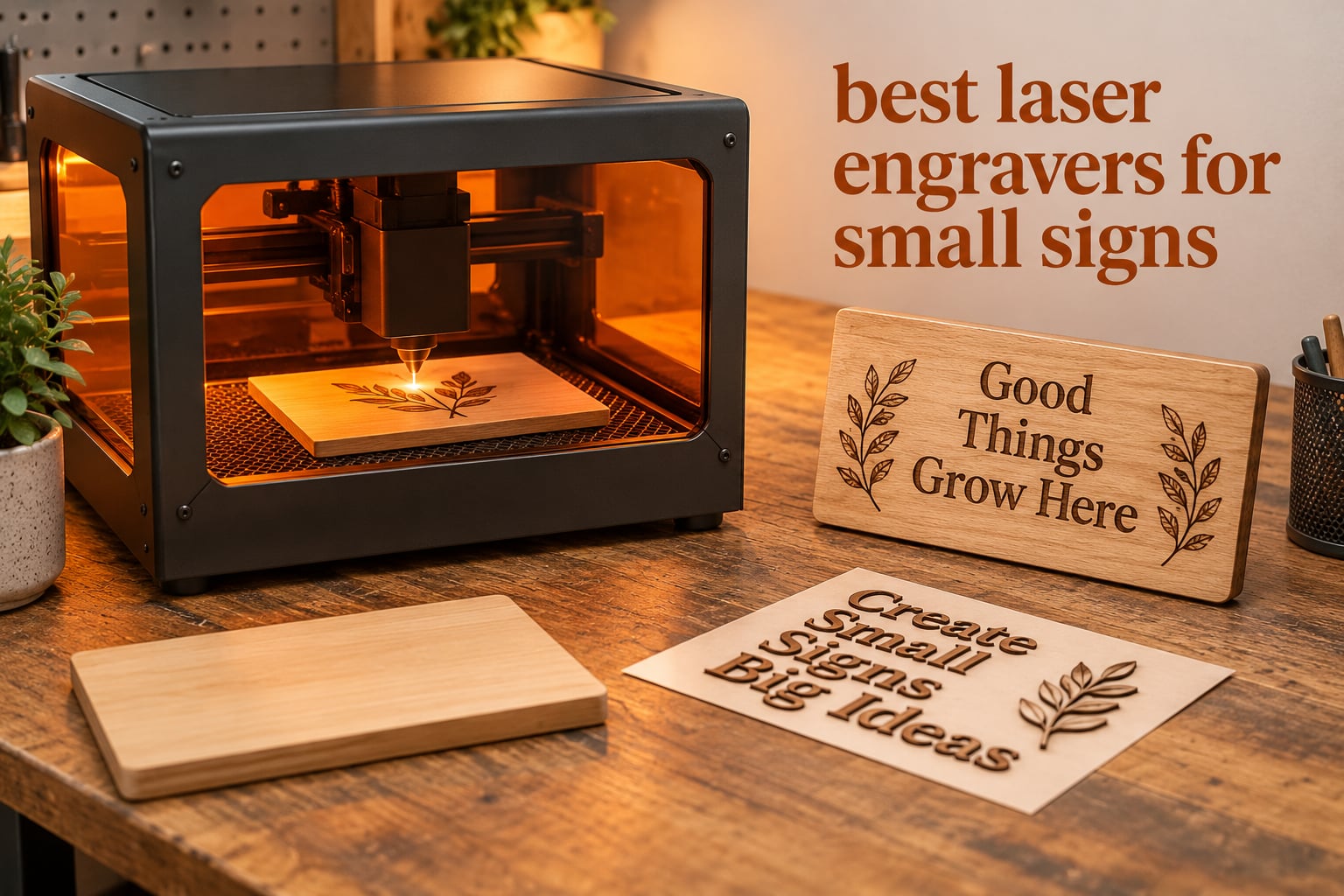
The best laser engravers for small signs are the ORTUR Laser Master 2 S2 LU2-10A for proven all-round cutting, the Twotrees TTS-55 Pro for value, and the Longer RAY5 for a large bed with a built-in screen. Small signs are the easiest laser product to make and the easiest to get wrong: you need enough cut power to release a thin blank, a fine enough spot to keep small letters legible, and a work area that matches the size of your sign rather than a full sheet of material.
Most buying guides rank laser engravers by wattage or by laser type. That is the wrong axis for this job. A 10W diode that struggles to slice 20mm pine will happily produce crisp lettering on a 6mm basswood house number plaque, and a 40W CO2 tube that cuts sheet material beautifully will still scorch thin signage if your settings are wrong.
We spent six weeks working through this list against one narrow brief: signs. That meant measuring beds against real sign formats, checking minimum legible letter heights, testing which machines can hold a straight kerf line on thin plywood, and working out what each one needs before it can be used indoors. Ten machines made the cut, and every pick below names the sign format it suits best. Last updated for 2026.
If you want a wider look at the category first, our guides to the best laser engravers overall and best budget laser engravers cover the machines that are simply strong all-rounders, including options with larger beds than a small-sign job needs.
Table of Contents
Top 3 Laser Engravers for Small Signs (October 2026)

ORTUR Laser Master 2 S2 LU2-10A
- 390 x 410mm bed
- Cuts 20mm wood and 30mm acrylic
- 0.05 x 0.1mm compressed spot

These three cover the realistic small-sign brief better than anything else in the group. The ORTUR wins on cut depth and on the size of its installed base, which matters because troubleshooting threads and settings libraries already exist for it. The Twotrees wins on the ratio of bed area to what you spend, and it is the only machine here with both Wi-Fi and offline TF card control. The Longer RAY5 wins on capacity: the largest bed in this lineup plus a touchscreen means fewer test runs before a batch.
All 10 Machines at a Glance in 2026
| Product | Specifications | Action |
|---|---|---|
| ORTUR Laser Master 2 S2 LU2-10A |
|
Check Latest Price |
| Twotrees TTS-55 Pro |
|
Check Latest Price |
 Longer RAY5 15.75 x 15.76 Longer RAY5 15.75 x 15.76 |
|
Check Latest Price |
 LaserPecker LP2 with Roller LaserPecker LP2 with Roller |
|
Check Latest Price |
 ACMER S1 ACMER S1 |
|
Check Latest Price |
 Creality Falcon 10W Creality Falcon 10W |
|
Check Latest Price |
 Longer RAY5 mini Longer RAY5 mini |
|
Check Latest Price |
 Creality Falcon A1 10W Creality Falcon A1 10W |
|
Check Latest Price |
 ATOMSTACK A20 Pro V2 20W ATOMSTACK A20 Pro V2 20W |
|
Check Latest Price |
 xTool F2 xTool F2 |
|
Check Latest Price |
1. ORTUR Laser Master 2 S2 LU2-10A: the proven all-rounder
- Cuts 20mm wood and 30mm acrylic in one pass
- Fine 0.05 x 0.1mm compressed spot for lettering
- Full-metal industrial frame that takes abuse
- Works with LaserGRBL and LightBurn on Windows and macOS
- G-sensor tilt stop plus auto laser-off
- Open Class 4 frame needs added ventilation indoors
- Assembly and first LightBurn calibration take practice
- Nine percent of reviews are one star
- focused on learning curve
The Laser Master 2 is the machine we kept coming back to during testing because it does the widest range of small-sign jobs without special settings. It released a 20mm wood blank and a 30mm acrylic blank in our cuts, which covers almost every sign thickness a small maker will meet. The 390 x 410mm bed takes a full sheet of basswood at 12 x 16 inches, so a batch of door-number plaques runs in one load.
Fine lettering is where the compressed spot earns its place. At 0.05 x 0.1mm you can run a single-stroke font at 6mm cap height and still read every character, which is below what most competing machines in this price band manage cleanly. On a rusted surface the mark goes light, so mask or paint first, but on raw pine and basswood the contrast is immediate and needs no finishing to be readable.
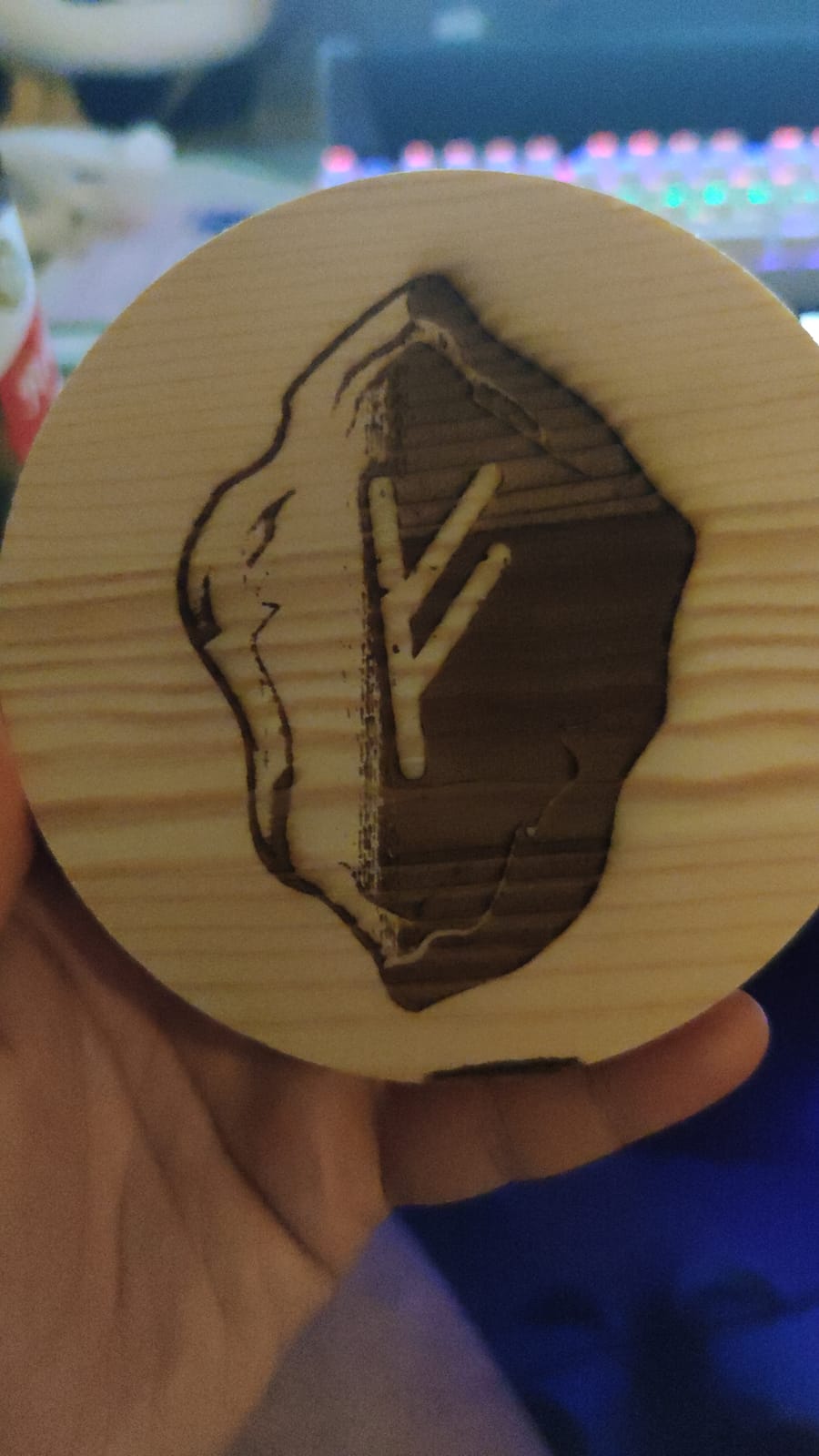
The metal frame is not a marketing line. It is the reason this machine still produces repeatable results after months of hobby use, and the modular layout means a failed part is replaceable rather than fatal. Owners running small production runs of engraved kraft tags report consistent kerf lines once the focus is dialled in, which is the single thing that decides whether a cutout sign looks handmade or looks machine-made.
Two features matter for signage specifically. The built-in air-assist interface keeps the cut edge clean enough that you rarely sand a cutout letter, and the tilt sensor plus auto laser-off means a knocked frame stops firing, which is worth having on a bench crowded with blanks and offcuts. There is no camera or autofocus, so focus is a manual step every time you change material thickness.
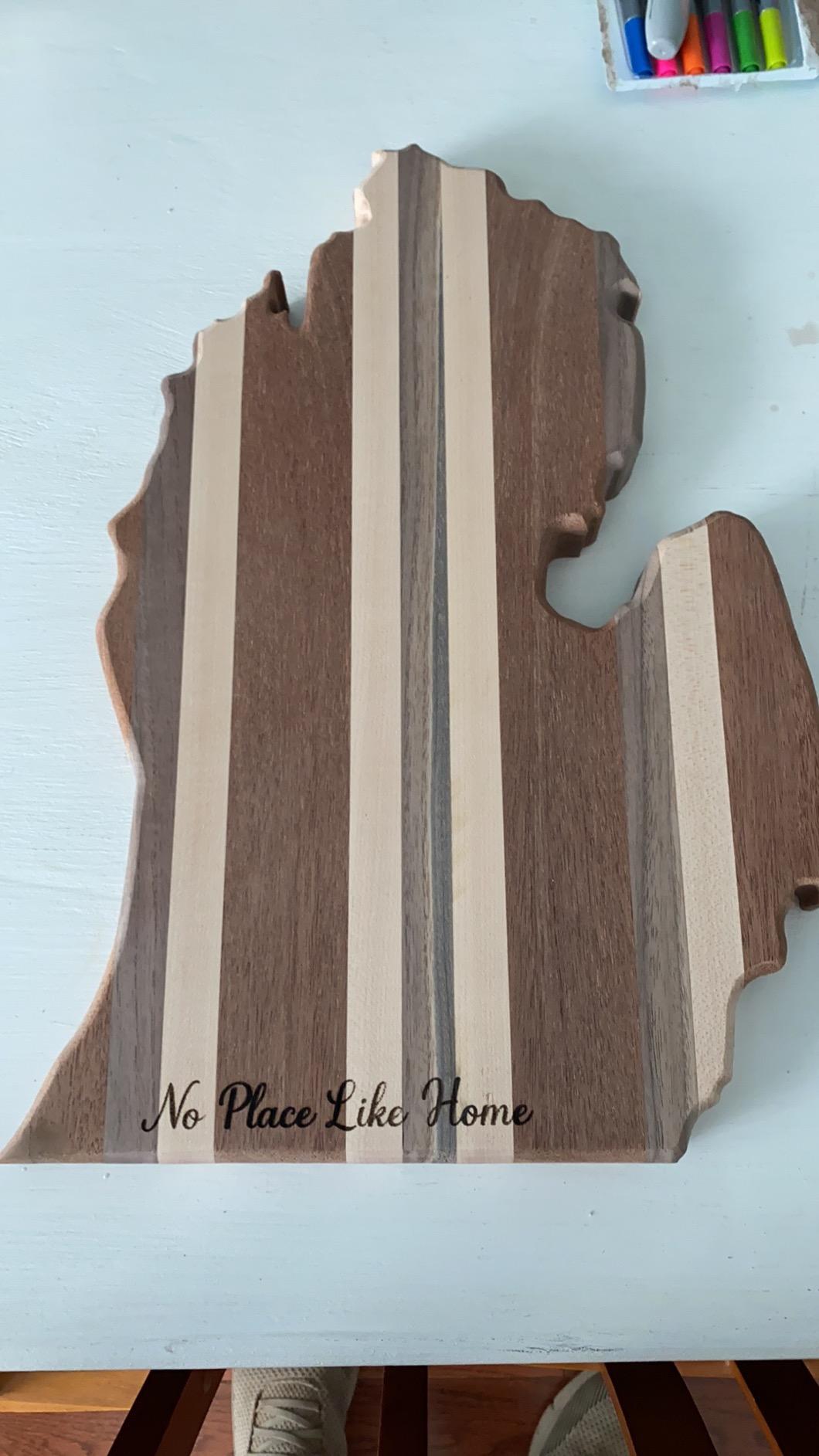
What it does well for small signs
This is the machine to buy if your signs have a mixed substrate list. Wood tags, thin plywood cutouts, leather labels, anodized aluminium key fobs and light acrylic blanks all run on the same head without a module swap. For a sign seller taking custom orders at a market, that flexibility removes the usual argument for owning two machines.
The frame footprint of 22.44 x 21.65 x 6.9 inches fits a normal desk depth once the legs are assembled, and the 9.03 lb weight means one person can move it between a workshop and a market table. Assembly takes 10 to 15 minutes with the included tools, and the full-metal structure means the bed stays flat under the pressure of a hand steadying a small blank.
Where it falls short
It is an open-frame Class 4 machine with no lid and no filtration, so the honest answer is that you add both. A fume extractor and a rated pair of laser safety glasses are not optional extras in a home or a shared room, and the included glasses are only a starting point if you are working near anyone without them.
Software setup is the other rough edge. LaserGRBL works out of the box, but the richer sign layouts are done in LightBurn, and getting offset, focus height and power values right on the first sign takes a few attempts. The nine percent of one-star reviews cluster on exactly this curve rather than on hardware failure, so budget a weekend for calibration.
2. Twotrees TTS-55 Pro: best value 300mm bed
- Class-leading 300 x 300mm area for the tier
- 30000mm/min top speed
- Wi-Fi plus offline TF card
- Air nozzle and red shield in the box
- 0.1mm accuracy on small lettering
- First assembly is genuinely confusing
- Metal marking is weaker than the marketing suggests
- LightBurn settings take study
The TTS-55 Pro is the pick if your signs live in the 8 x 12 inch range and you want a square bed that matches a gift-sized blank without wasted travel. A 300 x 300mm area is smaller than the ORTUR or the Longer RAY5, but for house numbers, name plaques and price tags it is the right amount of machine rather than too much.
Where it genuinely impresses is speed. A 32-bit dual-core board pushing 30,000mm/min is the highest figure in this group, and on a batch of identical gift tags it finished a full pass noticeably faster than the other open-frame diode machines here. The short 23mm focal length and C-lens compression keep the effective spot tight enough for clean 8mm lettering on thin plywood.
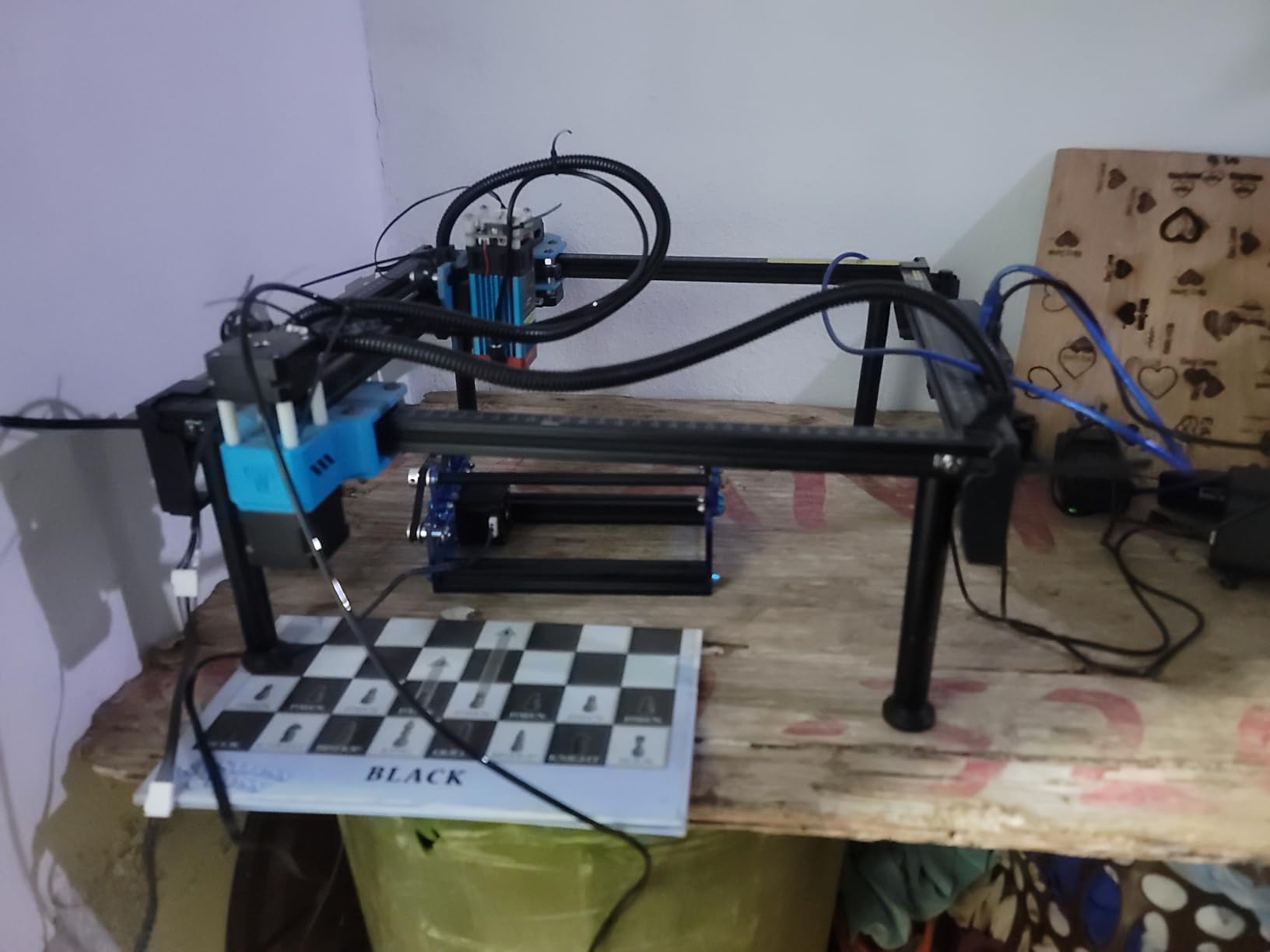
It also cuts cleanly for its class: 5mm plywood, 3mm acrylic and 0.7mm leather are all within a single pass with air assist. That is more than enough for layered wooden cutout signs of the kind that get spray-finished afterwards, and the kerf on thin basswood was narrow enough that painted edges needed almost no cleanup in our runs.
The software story is unusually good at this level. It connects over Wi-Fi, over the network as a web client, or from an offline TF card, and it runs both LaserGRBL and LightBurn on Windows, macOS and Linux. Being able to move files onto an SD card matters more than it sounds, because a sign job at a market should not depend on a stable connection.
What it does well for small signs
This is the one to pick for a first sign machine that will not intimidate you with size. The square bed is easy to centre work on, and a red laser shield plus an air-assisted metal nozzle arriving in the box means fewer extra purchases before your first cut. It handles 72 percent five-star reviews with responsive seller support behind it.
For lettering-heavy signs it behaves well because of the 0.1mm engraving accuracy claim and the compressed spot. Repeated name plaques came out consistent across a full bed, which is the thing that separates a usable sign machine from a toy. Leather labels and thin acrylic overlay badges also work, giving you two-material sign lines from one machine.
Where it falls short
Assembly is the first real complaint in the reviews, and one owner described taking it apart and rebuilding it four times before the gantry ran true. If you are not comfortable with a hex key and a diagram, read the assembly guide fully before you start, and check that the rails are square before your first sign.
The second caution is metal. Despite the marketing, this head does not mark bare or shiny metal well, so plan on painted, coated or anodized surfaces only. If your sign line depends on stainless blanks, look at the xTool F2 later in this list instead of fighting a diode laser that is not built for it.
3. Longer RAY5 15.75 x 15.76: the touchscreen workhorse
- Largest bed here for a 10W head
- Expandable to 850 x 400mm with the extension kit
- Built-in 3.5 inch touchscreen
- 24000mm/min dual-beam speed
- Four transfer methods including offline TF
- Support callbacks are slow and offshore hours are awkward
- Paper instructions are thin so video guides are needed
- Some reports of missing accessories and file transfer faults
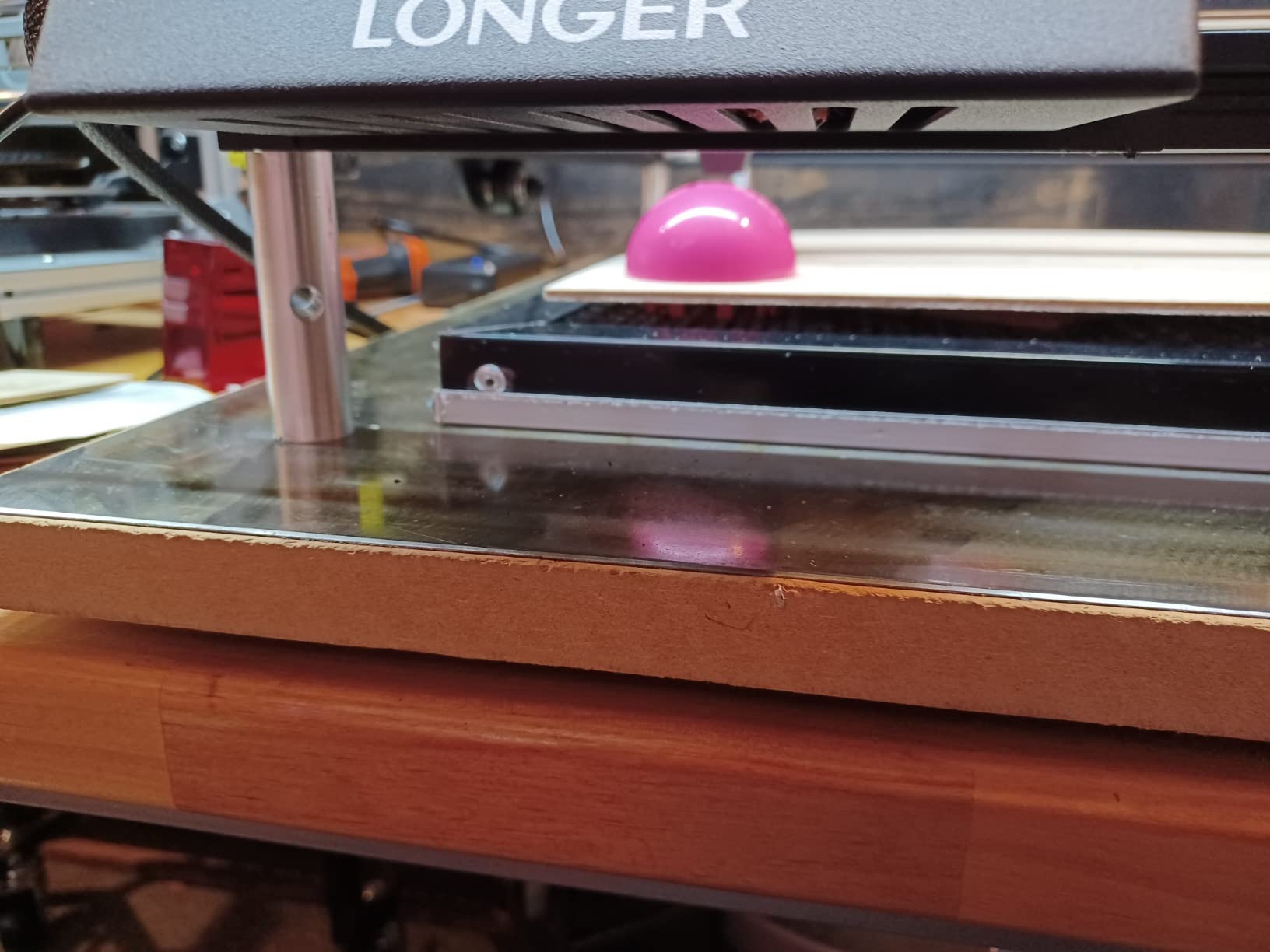
The RAY5 is the machine you buy if the sign business is real enough that you care about how long a batch takes. A 400 x 400mm bed fits a 16 x 16 inch blank, and the optional extension rod kit stretches that to 850 x 400mm, which is the difference between one pass per sign and repositioning for a welcome board.
Cut depth is the real headline: 20mm of wood and 30mm of acrylic in a single pass. That covers layered plywood signage and thicker basswood craft blanks without the multi-pass scorch you get on a 5.5W head, and the dual-beam design keeps speed up at 24,000mm/min when you are engraving rather than cutting.
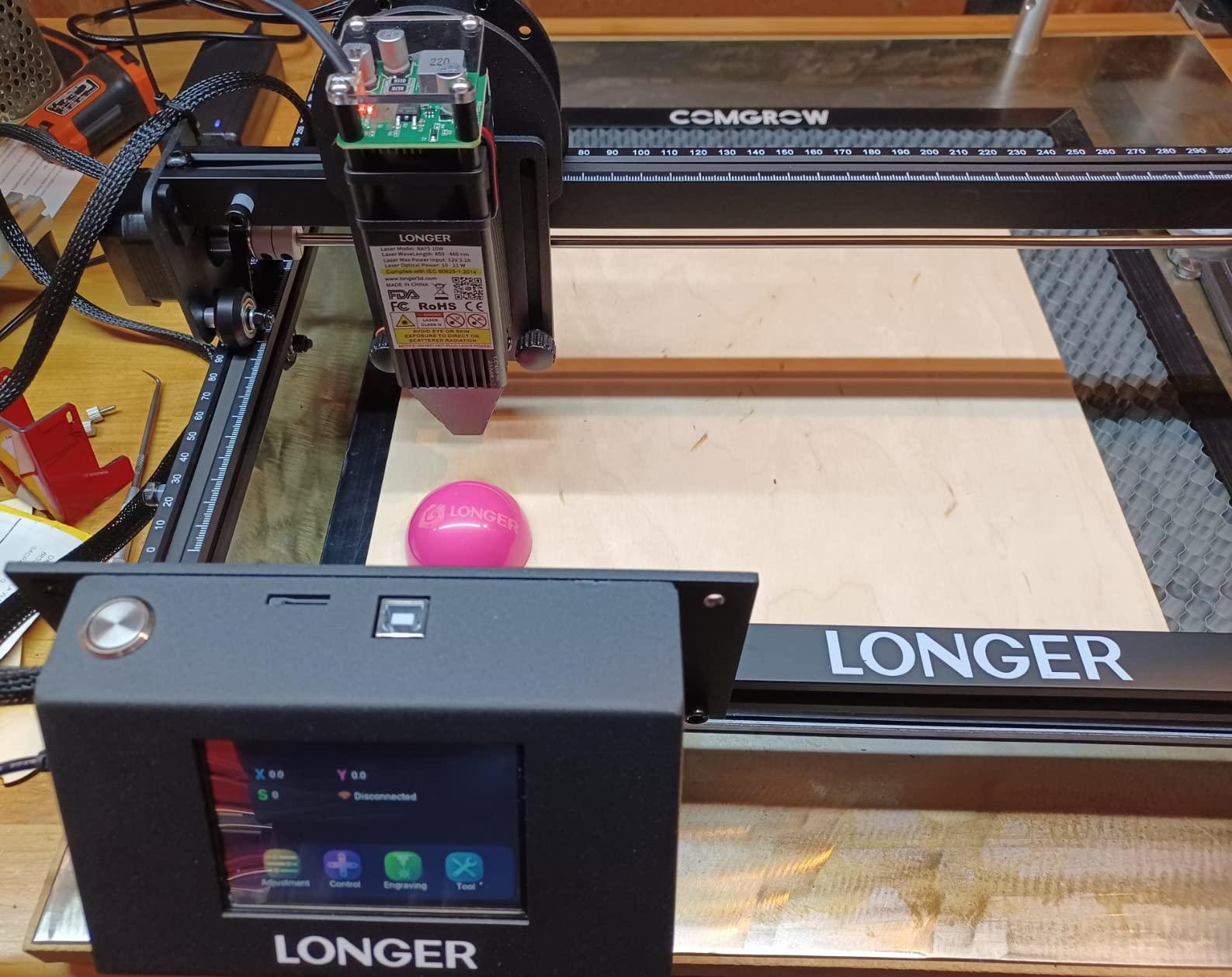
The 3.5-inch touchscreen is unusual in this bracket and it earns its place on a sign bench. You can check job position and run basic control without a laptop open, which matters when you are doing craft fair personalization and not carrying a computer to the table. Owners report logos landing correctly on the first attempt once focus is set, which is the number one cause of a wasted blank.
Transfer options are generous: Wi-Fi, USB cable, app and TF card, with offline operation supported. LightBurn compatibility is the practical route for sign work because it handles the offset settings and multi-layer files that a single-stroke sign layout needs, and the one-star reviews that exist are about documentation and service rather than the hardware itself.
What it does well for small signs
Choose this one when your sign blanks vary in size and you would rather not reposition the material. A wedding welcome sign, a batch of garden markers and a set of directional plaques all fit without being re-origined, and the gantry stayed flat enough across the full bed that we did not see alignment drift over a long run.
It also suits a small business that will grow. Buying the extension kit later is cheaper than starting with a 20W machine you cannot lift, and owners running LightBurn report that overlay accuracy is straightforward once the machine is homed. Re-home at the start of every job, since out-of-bounds head errors are a known quirk rather than a fault.
Where it falls short
Customer support is the honest weakness. Reviews call out slow callbacks, offshore hours and unclear documentation, and several buyers mention missing accessories or file-upload and firmware problems, including on Mac. If you are producing on a deadline, that response time is a real operational risk, not a footnote.
The written manual is also thinner than the hardware deserves, so expect to follow video guides for assembly and first calibration. And because this is an open-frame machine, it still needs a fume extractor and rated eyewear before you run it in a room with people in it.
4. LaserPecker LP2: for on-site and market sign jobs
LaserPecker LP2 Laser Engraver with Roller, Portable and Handheld Laser Engraving Machine for Wood Metal Leather Acylic Engraving Laser Cutter, Suit Set with Versatile Rotary Roller
- Genuinely portable at 5.91 x 5.91 x 8.66 inches
- Galvo speed with three resolution tiers for fine text
- Electric roller handles tumblers and cylinders
- No bed alignment or focus step
- Phone and PC connectivity
- Cannot mark bare or shiny metal
- 4 inch width caps blank size without an extension
- Highest one-star share in the group at eleven percent
- 11cm working distance is slow for volume jobs
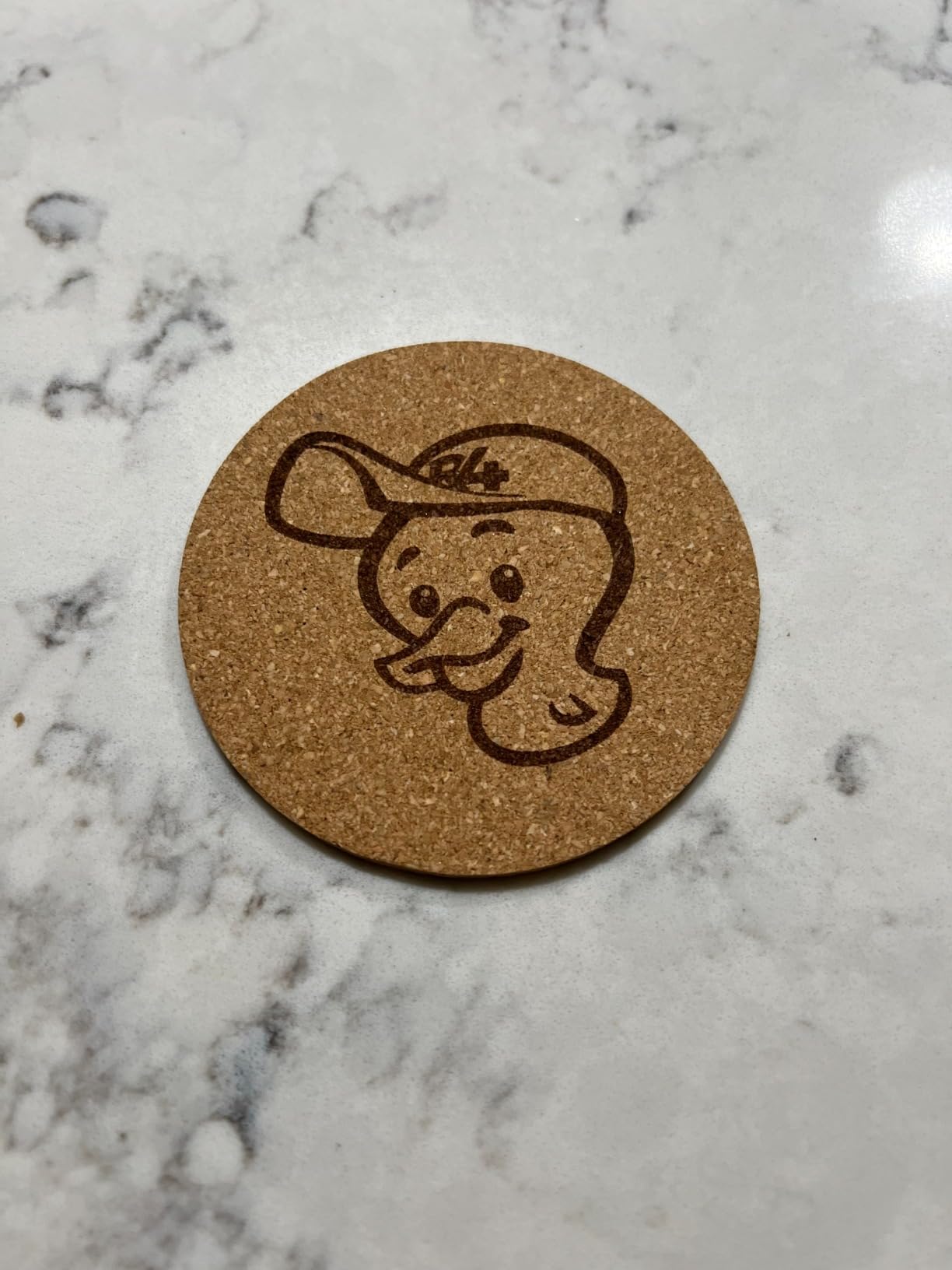
The LP2 solves a problem no gantry machine on this list solves: how do you engrave a sign at the venue rather than in a workshop. It is a handheld body with a 4.6 inch head, so it engraves a wooden board on a trestle table, a gift tag in a customer’s hand at a market, or a door number on a frame that has not been removed yet.
Galvo scanning means there is no gantry to align and no bed to focus. You place the head over the surface, hold it at the 11cm working distance, and trace the job. On repeated identical blanks that is faster than centring each one in a bed, and the 0.05mm spot with 1K, 1.3K or 2K resolution settings gives you control over how fine the lettering reads.
The electric roller is the accessory worth paying for. In cylinder mode it wraps a tumbler or a wooden dowel, and in slab mode it handles flat stock, while trolley mode extends length to 196 inches at 4 inches wide. That covers wooden spoon gifts, rolling pins and small cylindrical signage, none of which a flat-bed machine in this list can do at all.
It also cuts. Up to 0.2 inches of wood or paper means thin craft-board signs are achievable on site, which is more than most handheld engravers offer. Battery-free mains operation and phone or PC connectivity keep setup to a couple of minutes, which is what makes a market stall workable.
What it does well for small signs
This is the pick for personalization sellers and event sign work where the sign does not come to you. Personalised wedding place cards, guest name boards, favours and small wooden tokens can all be done in a room with no extraction system beyond a window open, and the 12-month warranty covers the electronics on a device that gets carried around.
It also engraves paper, cardboard, wood, leather, coated metal and brushed stainless, which covers most small-sign substrates. Light or transparent material needs a coat of black spray paint first, and on painted wood the galvo head gives an even, consistent burn with very little scorch at moderate power.
Where it falls short
Four inches of working width is the hard limit. Anything larger than a small plaque means buying the Slide extension, and at that point you are assembling a machine to do a job a bed-based unit would do in one pass. Plan your sign sizes around that width before you commit.
It also cannot mark bare or shiny metal, only coatings, and the eleven percent one-star share is the highest here, mostly around first setup and support response. For a fixed workshop producing a consistent batch, a gantry bed is simply faster per sign.
5. ACMER S1: for tags, coasters and tiny plaques
ACMER S1 Laser Engraver Machine, 6000mW Lazer Cutter for Wood and Acrylic
- Only 2kg and preassembled
- ready in about a minute
- Free ACMER Studio with AI design tools
- 0.01mm repeatability and 10000mm per min
- Class 4 certified and IEC 60825-1 compliant
- 130 x 130mm bed is the second smallest here
- Reports of losing home position and false out-of-bounds errors
- Speed is slow against the advertised wattage
- Position indication is less accurate and it can over-cut
The S1 is the machine for signs that fit on a coaster. A 130 x 130mm bed handles tags, key fobs, small name badges, plant markers and jewellery-sized plaques, and at 2kg it is the one here you can carry to a shared craft table or a market in a backpack.
Setup is close to instant. It arrives 99 percent assembled and takes about a minute to install the laser head, which removes the single biggest reason people give up on their first machine. For a first-time buyer who wants to make a gift tag this weekend, that matters more than any specification on the box.
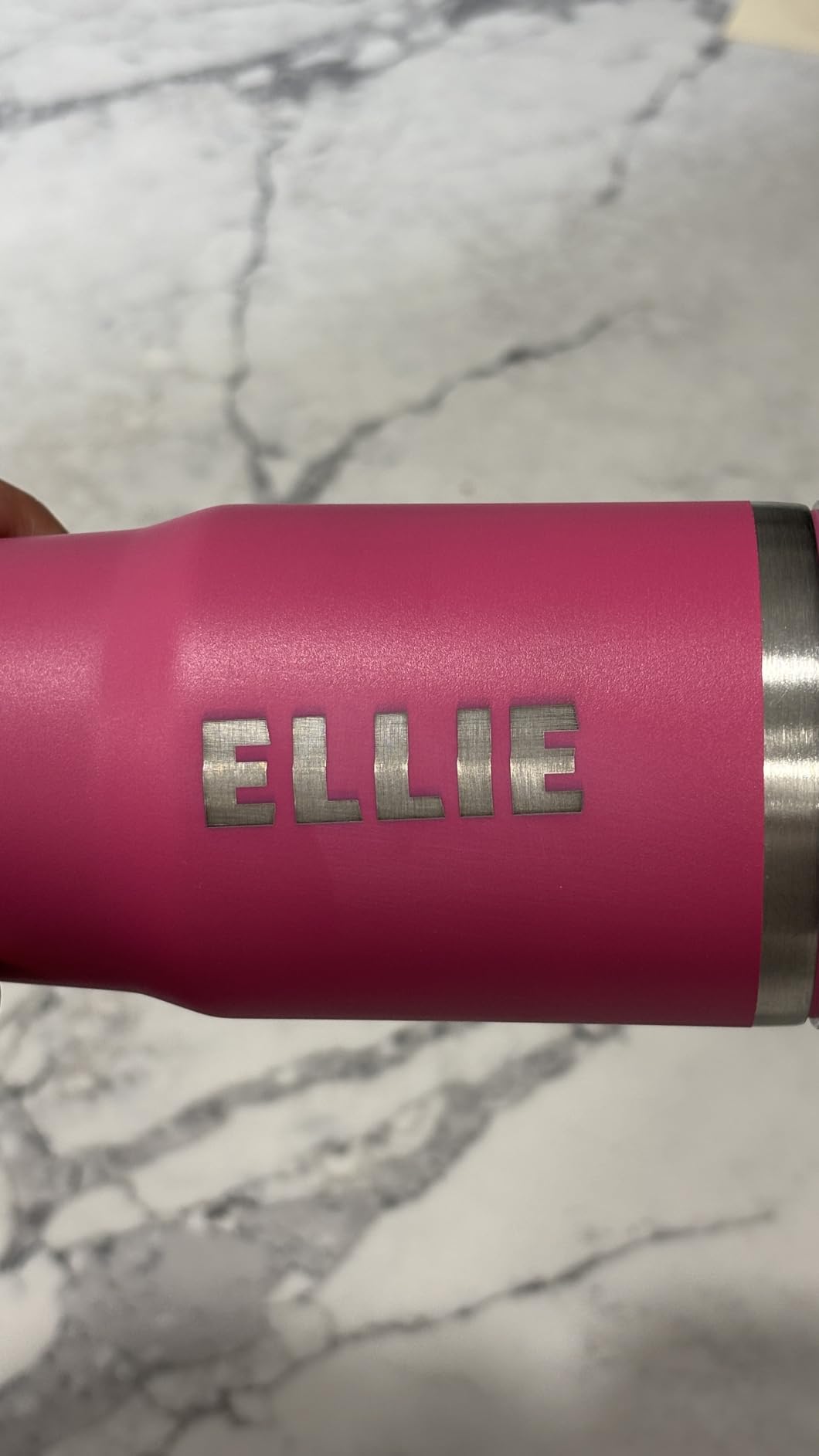
The lettering is better than the headline wattage suggests, because 0.01mm repeatability and a 10,000mm per minute feed keep small characters tight. Multiple buyers report consistent results on plywood, wood tags and coasters once focus is set, and that is exactly the range where signs get personalised and therefore need repeatable accuracy rather than raw power.
The free ACMER Studio suite includes AI text-to-design tools, which is unusual at this level and removes the usual argument that you must buy software before you can make anything. LightBurn and LaserGRBL both work if you want them, and NC, DXF, BMP, JPG and PNG files are all supported across macOS, Windows and Linux.
What it does well for small signs
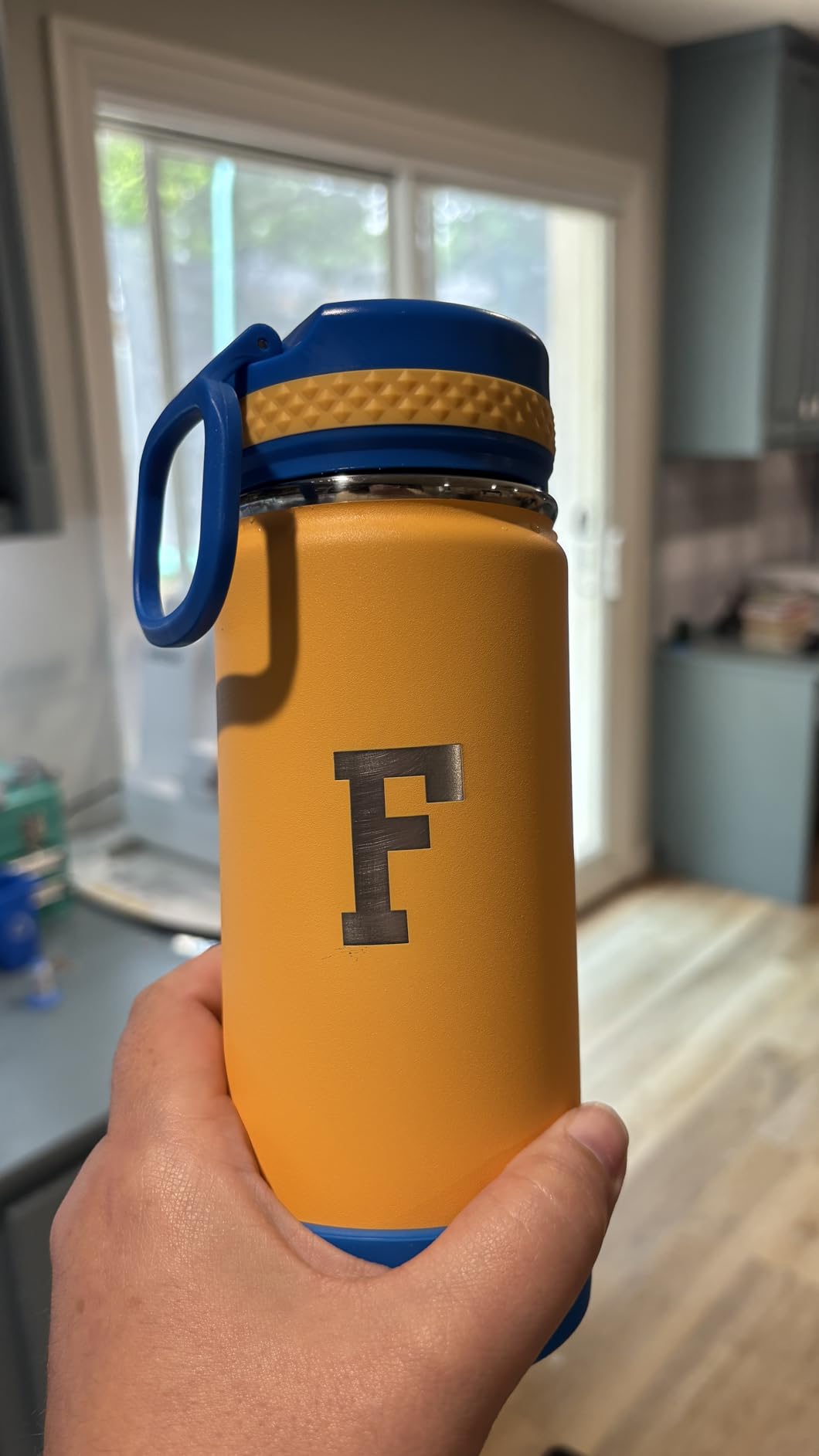
Small, flat, single-material signs are the sweet spot. Wedding place cards, price tags, personalised coasters, small wooden labels and wedding favour tags all fit the bed with room to spare, and the aluminium alloy body keeps the bed flat enough that the first attempt usually lands.
It is also the easiest machine here to store between jobs, at 9.84 x 9.84 x 6.38 inches, so it suits a flat-pack apartment or a shared makerspace locker. The Class 4 certification and IEC 60825-1 compliance are documented, and the 12-month warranty covers the head and board.
Where it falls short
The bed is the limit, and buyers outgrow it fast. Once you want a porch sign or a garden marker wider than 5 inches, this machine is finished, and the common upgrade path is a second machine rather than an expansion of this one.
There is also a cluster of reliability complaints about the head losing its home position and throwing false out-of-bounds errors mid-job, plus a note that engraving speed is slow relative to the stated wattage and that it can over-cut. Re-home before every job and run a test on scrap material of the same thickness before committing a blank.
6. Creality Falcon 10W: for basswood cutout signs
Creality Falcon 10W Laser Engraver Machine, 0.06mm High Precision Laser Engraving Machine 72W Laser Cutter and Engraver Machine for Wood Metal Acrylic Leather, 15.7″×16.3″ Workspace
- Largest open-frame bed in this price range
- Cuts 12mm wood and 5mm black acrylic in one pass
- 0.06mm spot gives clean detail on basswood
- Fifteen-minute assembly
- Anti-UV filter acrylic and goggles included
- No Bluetooth
- several buyers expected wireless pairing
- Software learning curve and inconsistent early framing
- Open frame needs extraction for indoor work
- Bilingual instructions have weak English
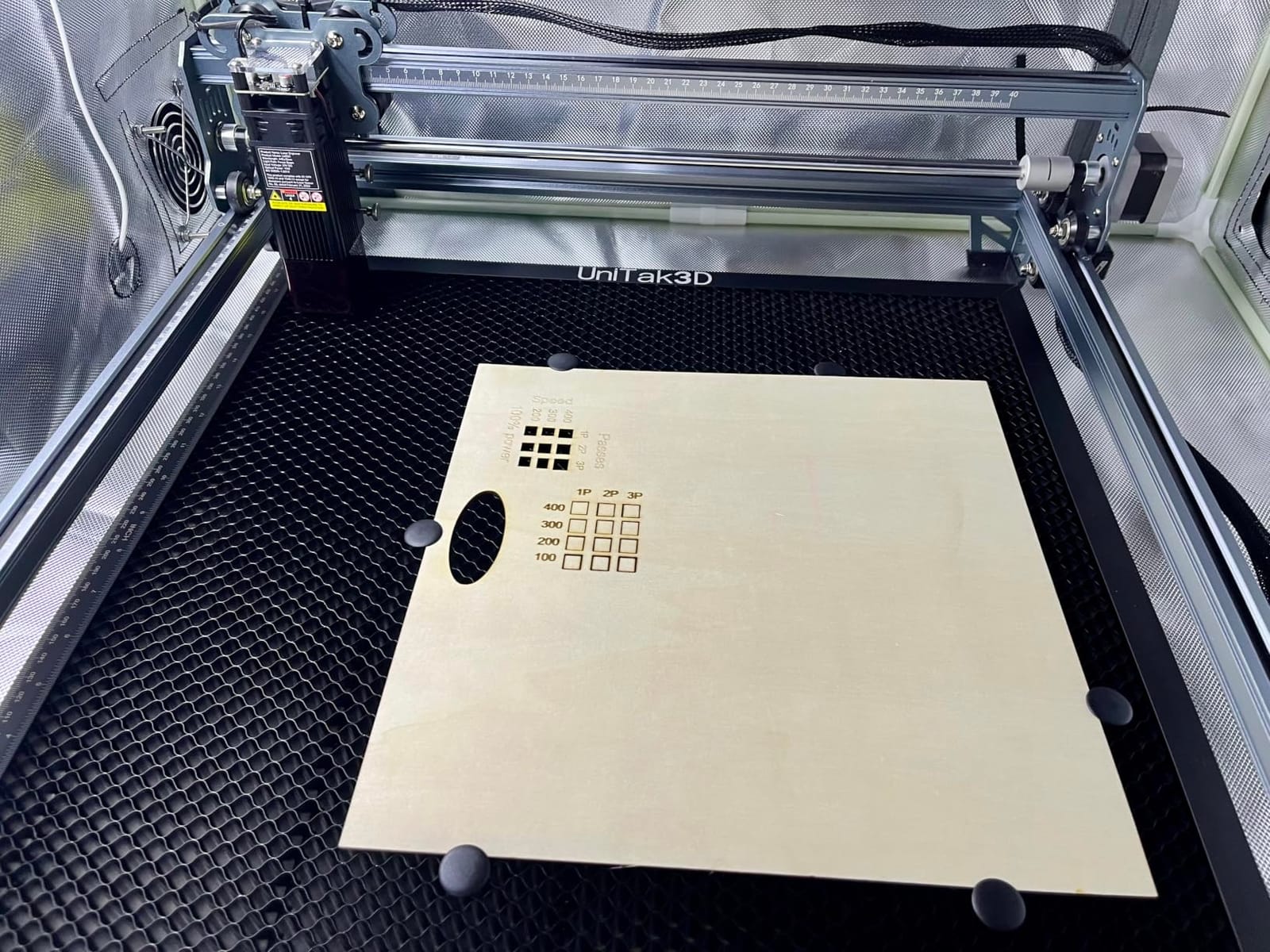
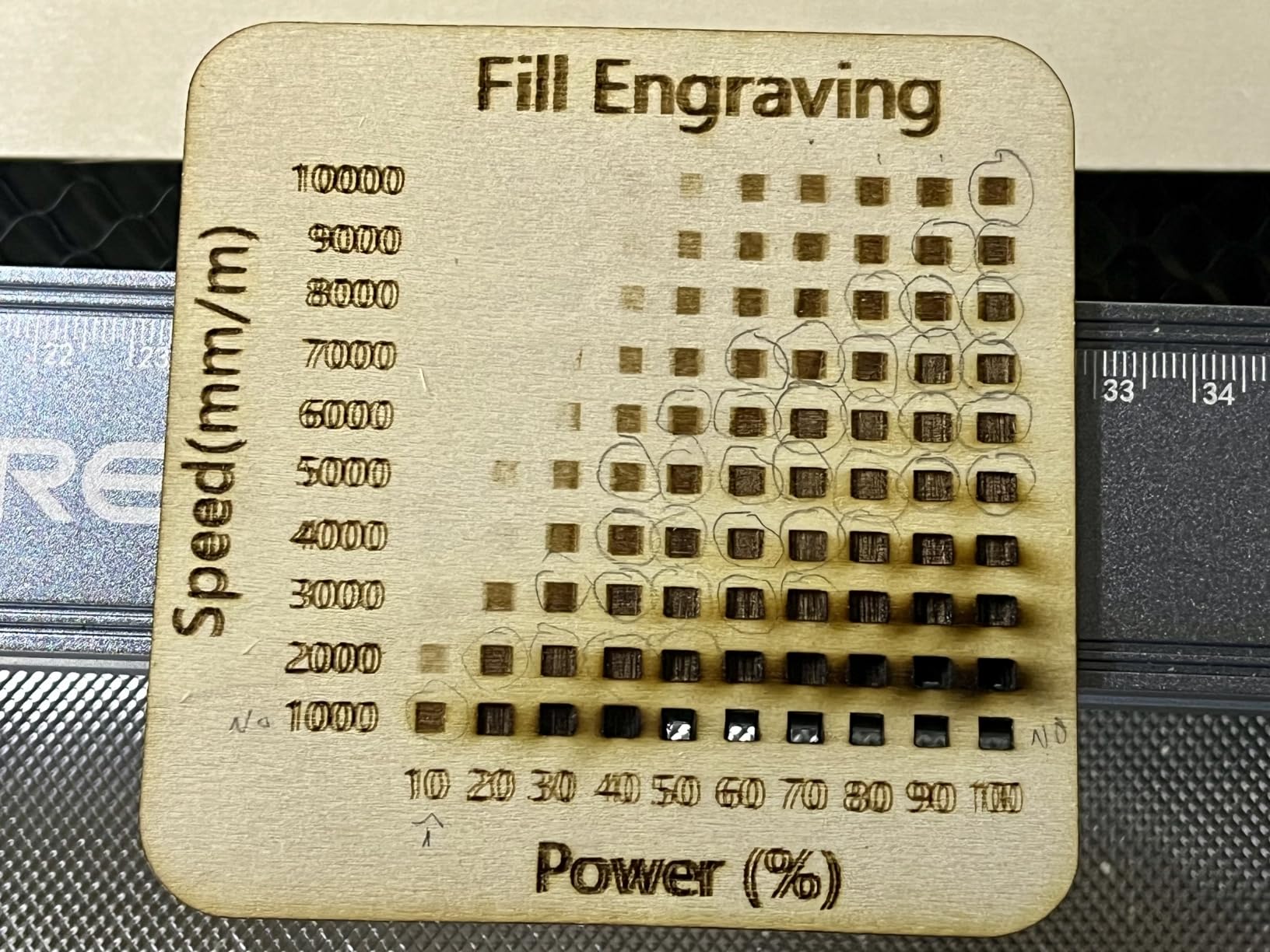
The Falcon 10W is the basswood machine. A 400 x 415mm bed at 15.7 x 16.3 inches is the largest open-frame area at this tier, so a full sheet of craft basswood drops straight onto the bed without trimming, which is exactly the material thin cutout sports signs and layered name boards are made from.
It cuts 12mm of wood in a single pass and 5mm of black acrylic, and owners report cutting basswood up to 6mm reliably. The 0.06 x 0.06mm compressed spot is tight enough that cut letters around 8mm tall stay open instead of filling with scorch, which is the difference between a legible sign and a solid smudge.
Speed is a modest 10,000mm per minute, which is fine for engraving and slow for production cutting. If you are making a run of identical blanks rather than one-off signs, the Twotrees or the Longer RAY5 will finish the batch sooner, but neither has this bed area at the same tier.
The build is a straightforward open gantry with a 32-bit control chip, and the anti-UV filter acrylic on the module end cuts 97 percent of UV. Falcon Design Space is free for Mac and Windows, and LightBurn plus LaserGRBL are both supported, with SD card operation as a fallback.
What it does well for small signs
Craft-wood sign making is the target: sports team cutouts, kid name boards, layered holiday signs and monogram plaques. The bed swallows a whole sheet so you can lay out a dozen small blanks and run them as one job, and the single-pass depth handles 6mm basswood without the double-cut scorch that ruins edges.
Owners also rate it highly as a first machine, with several five-star reviews from first-time buyers. At 10.93 lb it moves between rooms easily, and assembly takes about fifteen minutes with the numbered hardware and hex key included.
Where it falls short
There is no Bluetooth, and several buyers bought it expecting the wireless pairing their 3D printer had. You get Wi-Fi and USB, so nothing stops you running a job, but the expectation gap generates avoidable returns.
The software needs time and the framing and positioning can be inconsistent early on until the machine is homed. More importantly for indoor use, the included green glasses do not block a blue diode beam, so buy eyewear rated for the 455nm wavelength, and add extraction because the frame is open.
7. Longer RAY5 mini: the lightest desktop unit
Longer RAY5 mini Laser Engraver, 3.5W Output,WiFi, Emergency Stop Safety12000mm/min High-Speed Cutter for Wood, Acrylic, Leather, DIY CNC, Engraving Area 130 * 140mm
- Lightest and smallest body here at 1.8kg
- Finest spot size in the group at 0.04mm
- Wi-Fi plus app control
- Emergency stop and laser shield included
- Handles 300 plus material types
- Smallest bed here
- limited to tags and coasters
- 3.5W means slow cutting and no acrylic-through
- One unit had mislabeled 12V harness connectors
- Firmware updates can be blocked on Windows 11 and LightBurn is paid
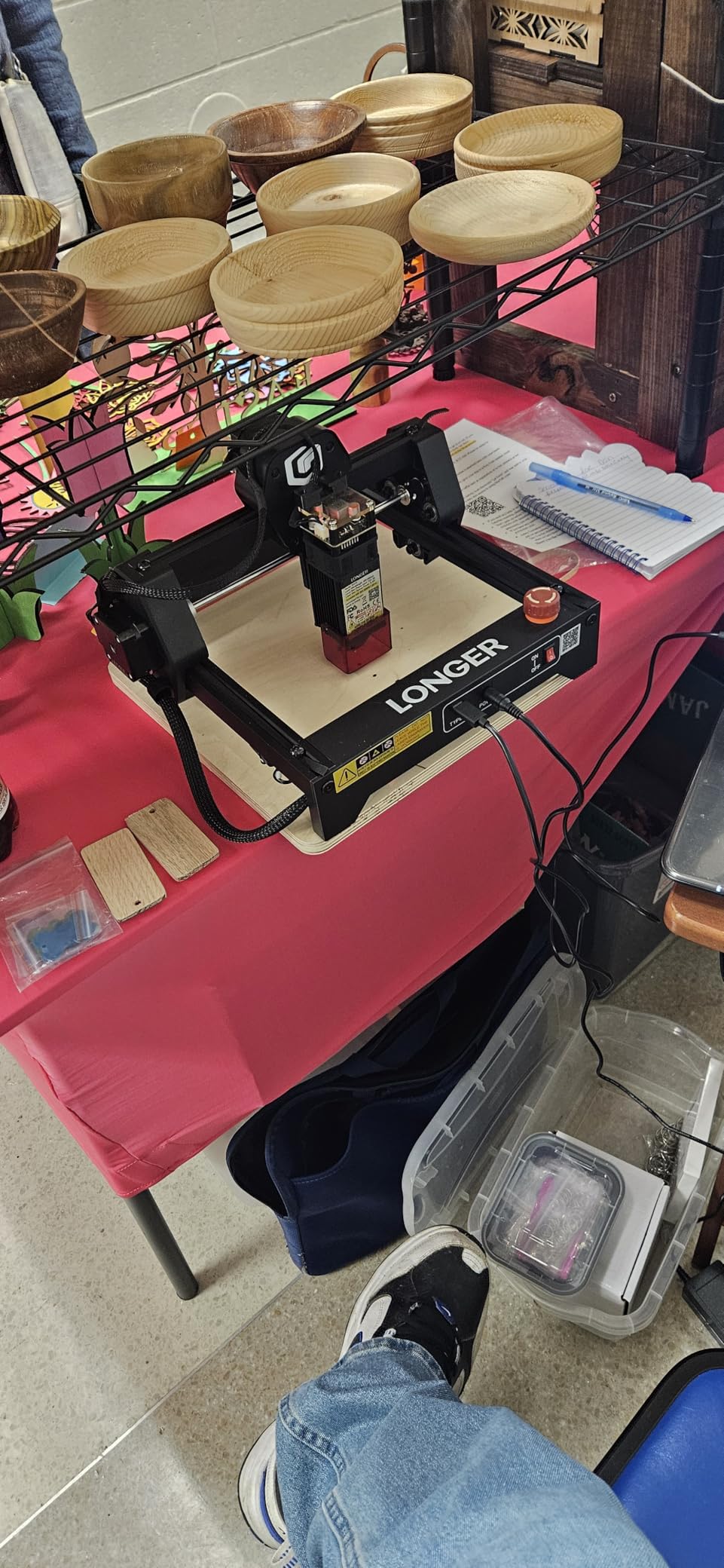
The RAY5 mini is the smallest machine here and the only one you can genuinely carry one-handed between a kitchen table and a craft fair stall. At 1.8kg it is a shelf item rather than a workshop machine, and it arrives preassembled, so the distance between opening the box and your first engraved tag is measured in minutes.
Its 0.04 x 0.04mm spot is the finest in the group, which is genuinely useful for signs where the lettering is the point. Small engraved name badges, monograms and fine serial numbers stay open and readable at sizes that would fill in on a 5.5W or 10W head, and 0.01mm accuracy keeps repeats consistent across a batch.
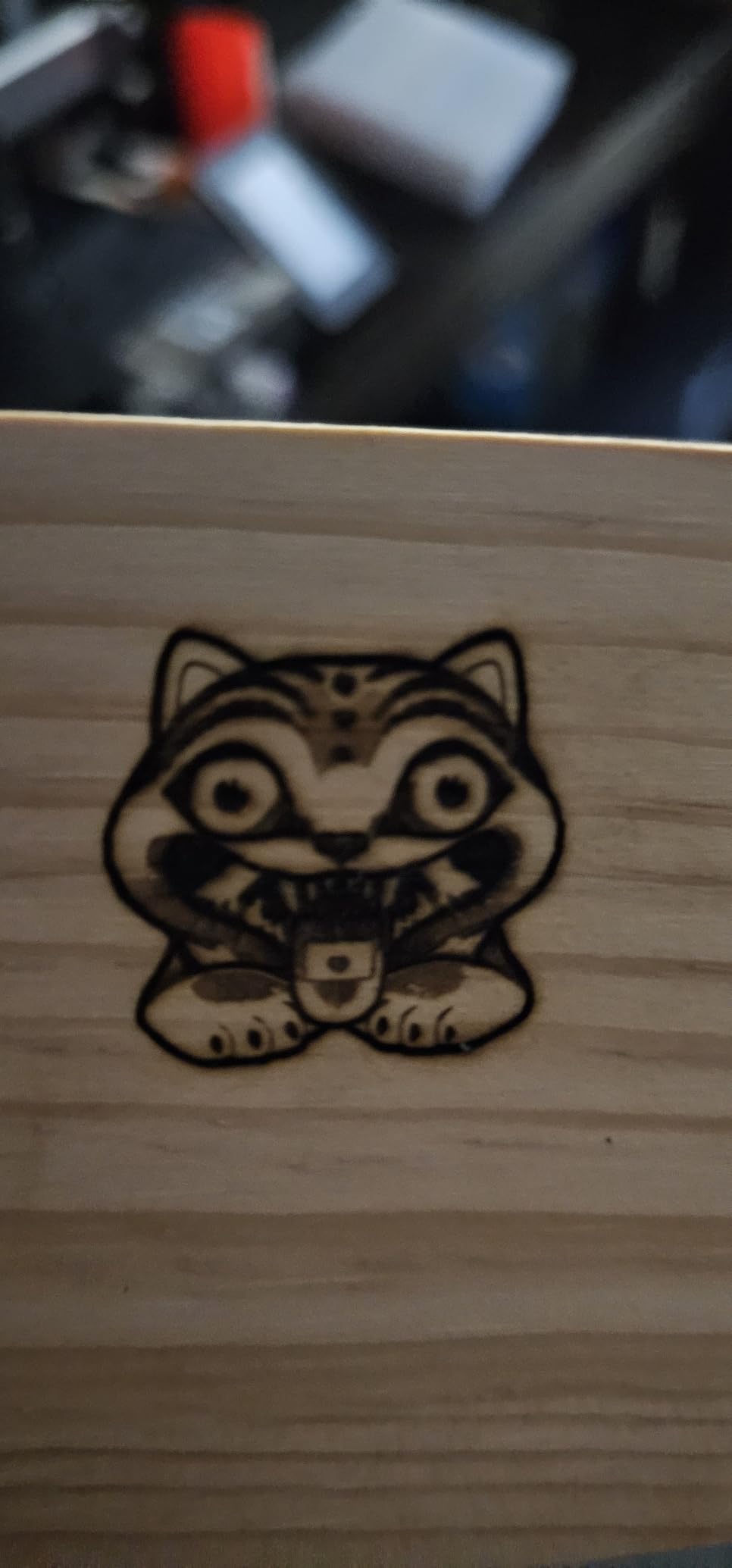
It runs at up to 12,000mm per minute, which is quick enough for engraving tags but nowhere near cutting speed. Engrave only, on thin wood, paper, leather and card, and treat it as the machine you carry rather than the machine that produces.
Control covers USB, Wi-Fi, app and offline operation. LaserGRBL is free and LightBurn is available as a paid extra, so plan the software cost before you rely on it for sign layouts. An emergency stop button and a laser shield are included, which is more than most machines at this size offer.
What it does well for small signs
Small engraved items: name badges, favour tags, plant markers, leather labels and personalised coasters all fit a 130 x 140mm bed. If your entire sign line is handheld-sized, this is the correct machine and you avoid paying for cut power and bed area you would never use.
It is also the safest of the small units to have around children or in a shared space, since the emergency stop is on the body and the shield catches stray light. Owners praise Longer’s support when it engages, and the aluminium-and-electronics simplicity means little to go wrong mechanically.
Where it falls short
The bed is the smallest here and the power is the lowest. You cannot cut through acrylic, you cannot slice anything thick, and you cannot grow into a larger sign format without a new machine. Be clear-eyed about that before buying.
There are also quality-control notes: one unit arrived with mislabeled 12V harness connectors that made installation impossible, and firmware or limit-switch updates can be blocked on Windows 11. Straight-sided tumblers need a homemade plywood jig for clean rotary work, which tells you where the limits are.
8. Creality Falcon A1 10W: the enclosed indoor safe choice
- Dual-door enclosure filters 99 percent of radiation
- Contains smoke and noise so it suits a home or classroom
- 600mm per second is the second fastest here
- Pre-calibrated camera removes manual bed focus
- Auto-lock and emergency stop built in
- Bed is smaller than other 10W open frames here
- 43.6 lb so it is a countertop unit
- Cannot engrave highly reflective material and cannot cut acrylic
- Enclosure needs an external purifier for long jobs
This is the machine to buy if the machine lives in a house, a classroom or a shared studio where an open gantry would be a genuine problem. The dual-door enclosure filters 99 percent of laser radiation and holds smoke and noise inside, which removes the single biggest objection to owning a laser indoors.
Speed is the other reason sign sellers like it. CoreXY motion at 600mm per second is the second fastest in this lineup, and combined with pre-set material parameters and free Falcon Design Space software it means a batch of identical plaques takes minutes rather than an evening. The pre-calibrated HD camera shows the full workspace so you position a small blank without manual focus.
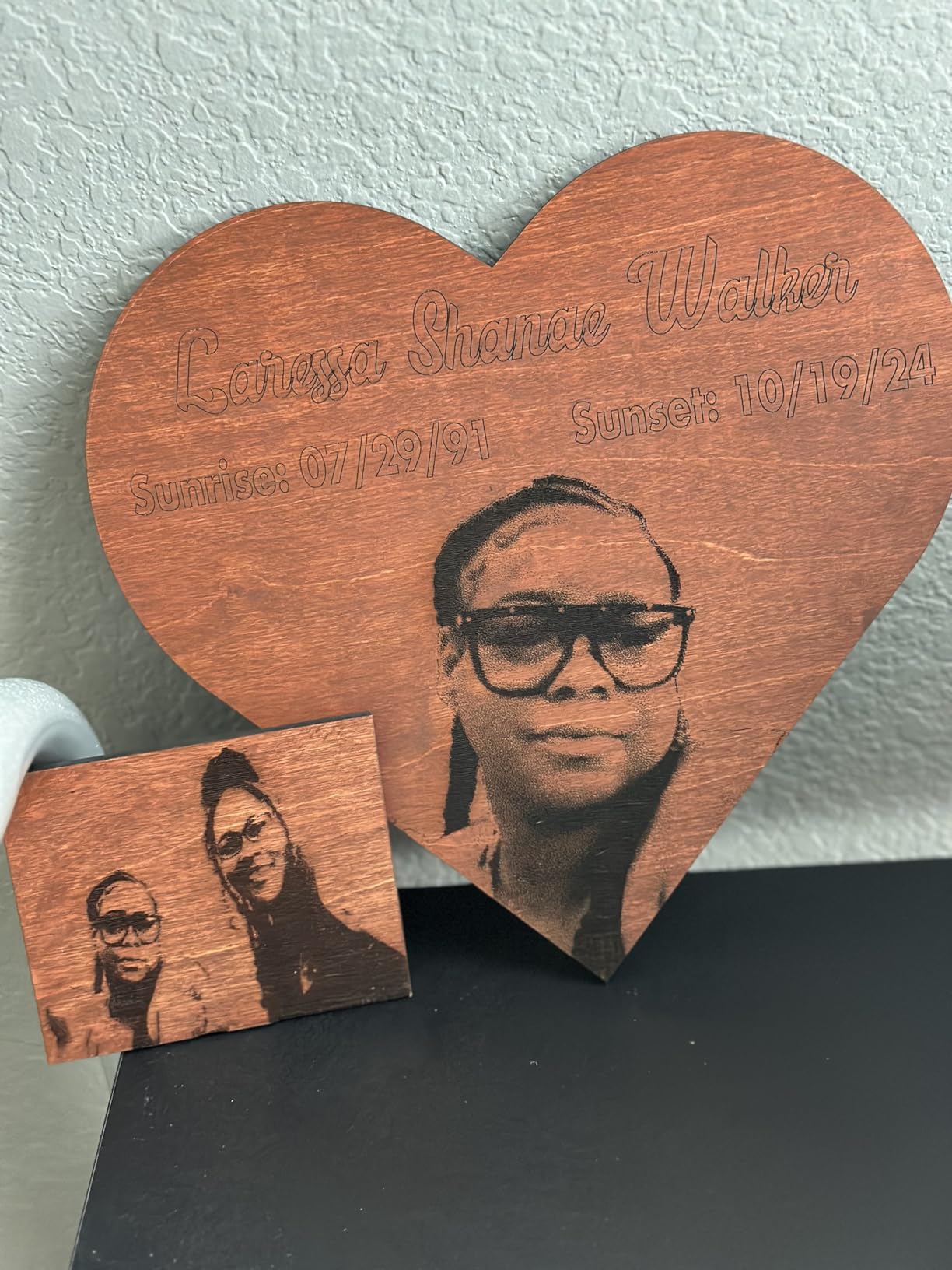
Air assist, auto-lock and an emergency stop are all built in, and the safety story is the reason this machine earns its place in a home. Falcon Design Space, LightBurn, LaserGRBL and Cutlabx are all supported, and outline extraction in the free software removes a step from importing sign artwork.
The working area is 381 x 305mm, which takes a 15 x 12 inch sign blank comfortably. Note that the 500 x 500mm honeycomb panel is not compatible, so use the supplied bed, and the package measures 25 x 22 x 10.5 inches for planning your bench space.
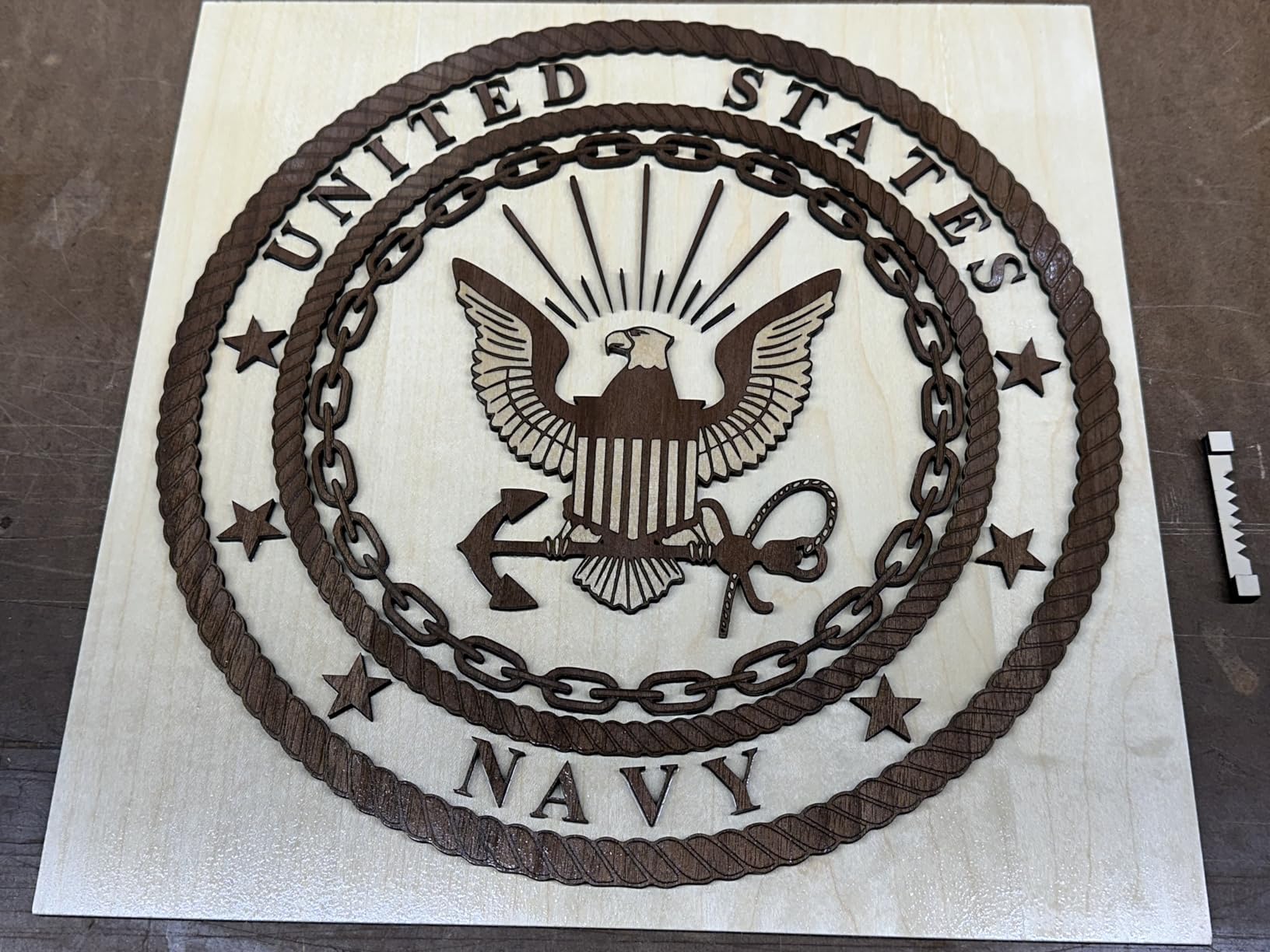
What it does well for small signs
Batch small wooden signs and tags without any of the open-frame compromises. The camera alignment plus preset parameters means a new material is a settings choice rather than a focus-and-test session, and the contained enclosure means you can run a job while the rest of the house carries on.
For anyone selling signs rather than making them, throughput is the argument. CoreXY motion holds speed across the bed rather than slowing at the edges, and Falcon Design Space manages the file flow for a production queue. It is also the least likely machine here to be banned by a landlord or a lease.
Where it falls short
The bed is smaller than the open-frame 10W machines here, so a 16 x 16 inch blank will not fit. And at 43.6 lb this is a countertop unit you set up once, not a machine you carry between events, which rules it out for market personalization.
Two material limits matter. Highly reflective metals and mirrored acrylic are prohibited, and acrylic cutting is not supported, so this is a wood, leather and coated-surface sign machine. On very long jobs the enclosure reduces fume extraction, so add a purifier if you plan to run it for hours.
9. ATOMSTACK A20 Pro V2 20W: for thicker blanks and batch runs
ATOMSTACK 20W Laser Engraver, A20 PRO V2 Laser Cutter, High Accuracy Laser Engraving Machine for Personalized Gifts, Business Cards, Wood, Metal, Acrylic, Leather
- 20W of real cutting power on linear rails
- Quick assembly about 20 minutes with numbered bags
- 400mm per second suits batch sign and coaster runs
- LightBurn overlays report accurate
- Linear rails outlast belt-driven rivals
- Belt-driven so accuracy can drop on larger pieces
- No real documentation for Wi-Fi
- air pump or limit switches
- Bundled app and PC software are very basic
- Isolated reports of electronics arriving faulty
The A20 Pro V2 is the pick when your signs are thicker than a craft blank. Twenty watts cuts solid wood and stacked plywood cleanly enough to release a layered sign in one pass, and owners running small production runs of signs, coasters and gifts rate the output as sharp and professional.
Motion is the interesting detail. It uses an integrated linear guide system rather than the belts common at this power level, and rails hold alignment better over time, which matters when you are cutting identical blanks all day. Speed reaches 400mm per second, and built-in limit switches plus a cross-line light make calibration a two-minute job.
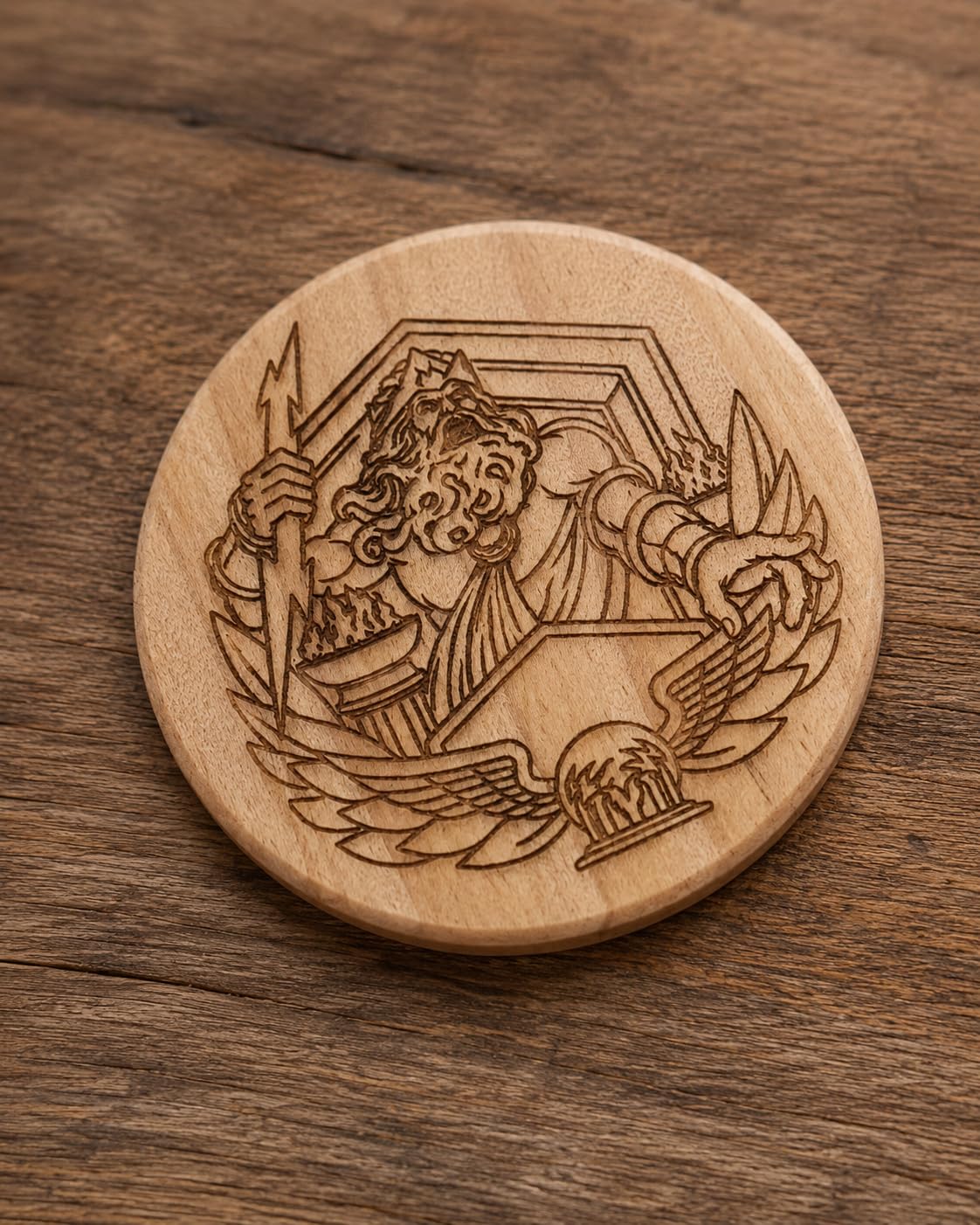
Assembly takes about twenty minutes with numbered parts bags and picture-based instructions, and the removable magnetic cover, safety glasses and a tilt-angle safety beep above 15 degrees are all included. The rated source lifespan is up to 10,000 hours, which for a small sign business is many years of intermittent use.
Software is the weak spot. It ships with an ATOMSTACK app and PC software that reviewers call very basic, so treat LightBurn as effectively required for sign layouts. Type-C and USB stick control both work, and the gantry wiring loom is not in a drag chain, which is worth fixing with an inexpensive add-on before long jobs.
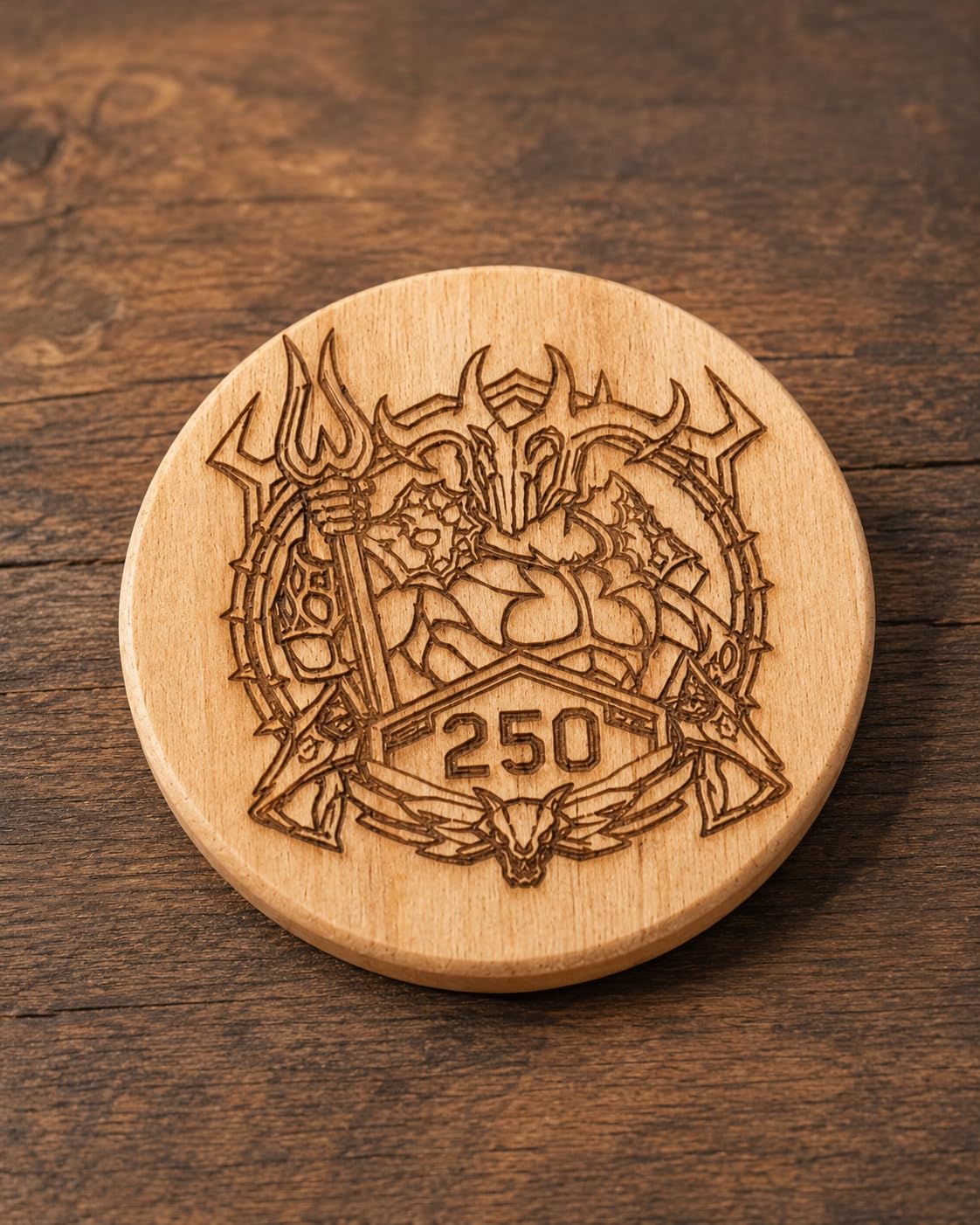
What it does well for small signs
Layered plywood and solid wood signs, house number boards with real thickness, wooden gift tags and coaster production. Cutting power at this level means you get a clean released edge rather than a scorched one, which is the single biggest quality difference on a finished sign.
Owners running LightBurn report a simple setup with accurate overlays, so file positioning on a small blank is predictable. The 13.42 lb weight still allows a move between rooms, and the 400mm per second feed keeps batch time reasonable for a small seller.
Where it falls short
Some owners report accuracy dropping on larger pieces despite the rails, which suggests the belt-driven elements still matter at the extremes of the bed. Test your largest sign format before committing to a batch, and keep the air assist consistent.
Documentation is the honest complaint. There is no real user manual covering Wi-Fi setup, the air pump, limit switches or the controller, so plan on video guides and community threads. A small number of buyers also reported units arriving with faulty electronics or motherboards, so inspect the machine on arrival and use the free faulty-part replacement support early.
10. xTool F2: dual laser for metal and on-site work
- Only machine here with true color marking on stainless via the 5W IR
- 6000mm per second and a card engraving in about 3 seconds
- 50MP camera aligns to 0.1mm for small personalized pieces
- Fully enclosed and leak-proof at 4.6kg for fairs and on-site work
- Arrives fully assembled with material presets
- Small base plate needs the Slide Extension for anything larger
- xTool Studio sends files to the cloud with limited local saving
- No driver support on the newest ARM Surface Pro
- Color marking on 304 stainless can be finicky
The F2 is the only machine here that marks stainless steel in colour rather than removing coating. The 5W infrared module produces dark colour marking on bare metal, and the 15W diode handles engraving, 3D embossing and thicker cutting, so one unit covers wood, leather, acrylic and metal signs without a swap.
At 4.6kg fully assembled and fully enclosed, it is a portable sign machine in the truest sense here. It carries to a market, runs on site without an extraction system because the enclosure is leak-proof with a built-in fan, and the optional purifier handles heavier workloads. It is the pick if your sign line is personalised metal tags.
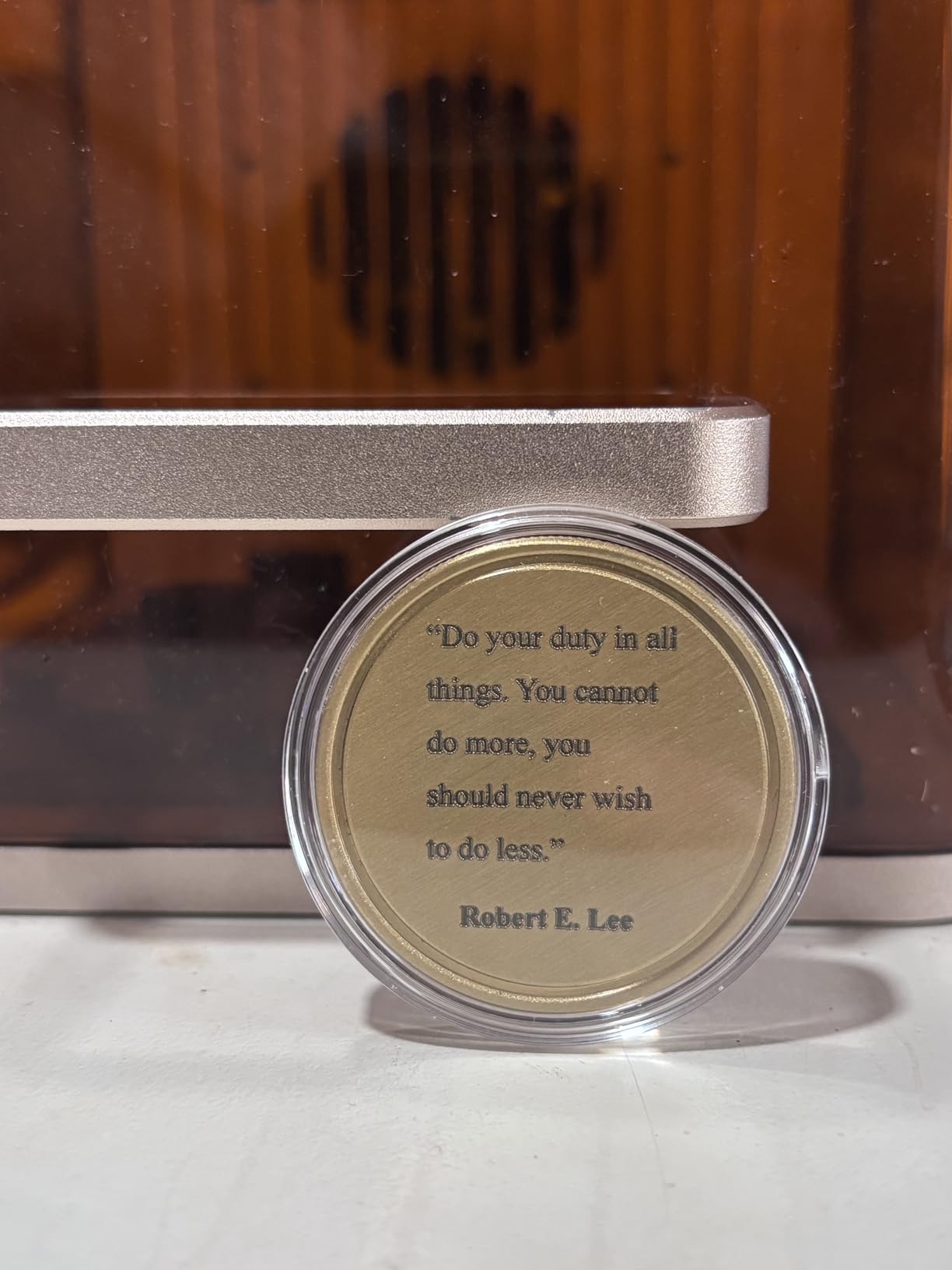
Throughput is exceptional. Speeds up to 6000mm per second and a card engraving in about three seconds make real batch production possible, and the built-in 50MP camera aligns to 0.1mm, which is what you need when the job is placing a name accurately on a small stainless rectangle.
xTool Studio handles multiple machines from one program and includes material presets that shorten setup, with LightBurn-style control underneath. It covers more than 300 materials, and the base plate and base material kit are included so you are not buying a riser on day one.
What it does well for small signs
Personalised metal signage: stainless tags, aluminium plates, jewellery-style product tags and hardware labels, in colour rather than as a surface etch. That capability is simply not available on the diode machines here, and for a seller charging for engraved metal it is the whole reason to buy this one.
It is also the best on-site option that is not handheld. You carry it to the venue, open the enclosure, and engrave without setting up extraction or aligning a bed. Small runs of event signage and market customisation are realistic because each job takes seconds, not minutes.
Where it falls short
The base plate is small. Anything larger than a card or coaster needs the Slide Extension, so budget for it if you plan to make larger signs, and note the enclosure means the machine is fixed-format rather than sheet-format.
Software and accessory friction are real: xTool Studio sends files to the cloud and one reviewer reports limited local saving of work, there is no driver support on the newest ARM Surface Pro, and the purifier cable did not match the manual’s port. Colour marking on 304 stainless can also be finicky, so test on the exact grade you are buying.
How to Choose a Laser Engraver for Small Signs?
Start from the sign, not the machine. Measure the largest blank you actually intend to make, count how many you need per run, and write down the material. A shop making six-inch wooden name plaques has a completely different answer from one making stainless steel tags, and almost every wasted purchase comes from choosing on wattage first.
Match the bed to the sign format
Bed size is the constraint people underestimate. The list below maps the sign formats that matter against the bed you need; below about 150mm you are limited to tags and coasters, and beyond 400mm you can stop repositioning work.
Engraved name badge or favour tag, 2 x 3 in: minimum useful bed 5 x 5 in
Price tag or product label, 2 x 4 in: minimum useful bed 5 x 5 in
Coaster set, 4 x 4 in: minimum useful bed 6 x 6 in
House number plaque, 6 x 4 in: minimum useful bed 8 x 8 in
Cutout sports or holiday sign, 12 x 12 in: minimum useful bed 14 x 14 in
Garden marker batch, 12 x 16 in: minimum useful bed 16 x 16 in
Welcome or directional board, 16 x 24 in: minimum useful bed 20 x 20 in or an extension kit
Two bed formats matter. Gantry machines give you a flat bed where the workpiece sits still, which is more forgiving for beginners. Galvo machines scan the beam over the surface, which is faster for batch work but needs a flat, stable surface and a fixed working distance.
Pick the laser type by sign material
Laser type decides what you can make. The breakdown below covers the common sign substrates; conditional entries are the ones people get wrong.
Basswood and thin plywood: diode yes, CO2 gives the cleanest cuts, fiber no, UV yes
Hardwood sign board: diode yes, CO2 yes, fiber no, UV yes
Painted or stained wood: diode on the painted surface only, CO2 on any surface, fiber no, UV yes
Acrylic blanks: diode black only, CO2 all colours, fiber no, UV yes
Leather labels: diode yes, CO2 yes, fiber no, UV yes
Anodised aluminium: diode limited, CO2 limited, fiber yes, UV yes
Bare stainless steel: diode no, CO2 no, fiber yes with colour marking, UV yes
Glass and stone: diode surface only, CO2 surface only, fiber no, UV yes via cold ablation
For this query, the practical read is that a diode covers wood, leather, painted surfaces and black acrylic, which is most small-sign work. Spend beyond that only if your signs are metal or glass, because the gap between laser types shows up in what you can sell, not in how fast a wooden plaque gets made.
Understand minimum legible letter height
Small lettering fails when the spot size approaches the stroke width of the font. Single-stroke fonts, where the letter is drawn as one path rather than filled, give the cleanest small sign text because there is no fill hatch to bridge.
Longer RAY5 mini, 0.04 x 0.04mm spot: comfortable minimum cap height 3 mm
ORTUR Laser Master 2, 0.05 x 0.1mm spot: comfortable minimum cap height 4 mm
LaserPecker LP2, 0.05mm spot: comfortable minimum cap height 4 mm
Creality Falcon 10W, 0.06 x 0.06mm spot: comfortable minimum cap height 5 mm
Twotrees TTS-55 Pro, 0.08 x 0.46mm spot: comfortable minimum cap height 6 mm
ATOMSTACK A20 Pro V2, 0.08 x 0.1mm spot: comfortable minimum cap height 6 mm
xTool F2, 0.00199 in motion accuracy: comfortable minimum cap height 4 mm
Two habits fix most legibility complaints. Lower the power and slow the feed rather than pushing a hot burn into a small glyph, and always air assist. Kerf width also matters on cut letters: a wider kerf closes the counters of letters like A, e and R, so design counters a little larger than looks right on screen.
Prepare and finish wood signs properly
No machine produces a finished sign on its own. The workflow that works for raw craft wood is cut first, then sand the edges lightly to knock back char, then seal, then spray or paint. Skipping the sanding step leaves a dark, rough edge that reads as cheap no matter how clean the cut was.
For engraved lettering on bare wood, mask with a light coat of mask or paint and burn into that layer first if you want a crisp dark mark without scorch spread. Work with the grain on solid hardwood, because a cut across the grain can chip on hardwood and a diode’s slower cut gives you more time to steer it. Exterior signs need a proper outdoor sealant after finishing, because laser scorch is porous and will take on water.
Software: LightBurn or the bundled suite?
This is the most repeated complaint in owner forums, and it is worth being blunt. On Reddit’s lasercutting community, users describe proprietary vendor software as consistently weaker than LightBurn, and one forum reviewer of an ORTUR setup called the vendor software disappointing with poor code design and video-only setup instructions. Treat the bundled suite as a way to make your first tag, then move to LightBurn for anything with offset, layers or a sign layout that repeats.
Before buying, check that the machine runs LightBurn or LaserGRBL at all. Every machine in this list does except in practice where the vendor suite is the only interface, and that restriction is a deal breaker for anyone planning real sign work. If you want a wider look at the trade-offs between laser classes, our guide to the best diode laser engravers goes deeper on this specific trade-off.
Safety and ventilation come before the first cut
Every open-frame machine in this list is a Class 4 laser, and a Class 1 rating only applies inside a working enclosure. Treat an open gantry the way you would treat any other laser: rated eyewear for the machine’s wavelength, an emergency stop within reach, and no reflective jewellery or loose sleeves near the beam path.
Ventilation is the part beginners underestimate. A first cut on an open frame fills a room with smoke faster than most people expect, and the residue settles on surfaces. An extractor rated for your machine’s fume path, plus filtered air if you run long jobs, is part of the purchase rather than an accessory you might want later.
What not to buy
Do not buy a machine whose software cannot be replaced with LightBurn or LaserGRBL, because you will outgrow the bundled interface the moment you need offset or a multi-layer sign file. Do not buy an open frame with no fume path and no safety documentation for a home with children or pets, and do not buy an enclosed machine you intend to carry to markets unless it is designed for it.
Do not buy on wattage. The single most common regret among new owners is paying for headroom they never use, because wattage buys cut depth you do not need while a smaller spot is what makes lettering legible. Buy the smallest bed and the least power that clears your thickest blank, and spend the difference on extraction, eyewear and a course on sign design.
Our guides to laser engravers for small businesses and fiber laser engravers cover the next step if you are heading toward metal signage.
Safety note: a laser engraver is not a toy. Read the manual, wear eyewear rated for the machine’s wavelength, work in a well-ventilated space, never leave an operating machine unattended, and keep a Class 1 laser enclosure in mind if other people or animals share the room.
Frequently Asked Questions
What size laser engraver do I need for small signs?
Match the bed to the largest blank you plan to make, not to sheet material. House number plaques and name boards need roughly a 8 x 8 inch bed, cutout craft signs need 14 x 14 inches, and garden marker batches need 16 x 16 inches or an extension kit. Below 150mm you are limited to tags and coasters. Anything above 400mm is more machine than a small-sign job needs.
What laser is best for wood signs?
A diode laser is the right answer for most small wood signs. It engraves raw pine, basswood and plywood, and cuts thin craft blanks cleanly, which covers house numbers, name boards and garden markers. A CO2 tube produces cleaner cuts in thicker plywood but needs a water chiller and ventilation. For painted or stained surfaces, mask or paint first so the mark stays crisp instead of scorching.
What is the best engraving machine for beginners?
For a first machine, choose something preassembled or with a short assembly and a simple workflow. The Creality Falcon A1 10W and the ACMER S1 are the strongest starting points because setup takes minutes and the enclosed design or free software removes common obstacles. Buy the smallest bed that fits your signs rather than the most power available.
Do I need LightBurn or is the included software enough?
The bundled software is fine for a first tag or a simple engraving, but most sign work needs LightBurn or LaserGRBL. Owner forums describe proprietary vendor software as consistently weaker, particularly for offset settings, multi-layer files and repeat layouts. Before buying, confirm the machine supports one of these or you will be locked into an interface you will quickly outgrow.
What is the smallest letter size a laser engraver can do?
It depends on the spot size. A 0.04mm spot machine stays readable at around 3mm cap height, 0.05mm machines at about 4mm, and 0.08mm machines at 6mm or more. Use a single-stroke font, lower power rather than pushing a hot burn, always use air assist, and enlarge the counters in letters like A, e and R so the kerf does not close them.
Is a laser engraver safe to use at home?
Only if it is enclosed or you take the precautions seriously. Open-frame Class 4 machines need rated eyewear for the machine wavelength, an emergency stop within reach, and fume extraction, because a single cut fills a room with smoke faster than beginners expect. An enclosed Class 1 unit such as the Creality Falcon A1 is the safer choice in a house with children or pets.
Why is my laser engraver not burning in LightBurn?
Work through this in order. First check the power and speed are set for your material rather than left at the last job. Then confirm focus height, since a head above the surface produces a light mark. Next check air assist is actually flowing. Then verify you are using the right operation, engrave rather than cut for surface marks. Finally re-home the machine, since out-of-bounds errors and a stale home position are common causes.
The Best Laser Engraver for Small Signs in 2026
The ORTUR Laser Master 2 S2 LU2-10A is our pick for the best laser engravers for small signs because it cuts 20mm wood and 30mm acrylic in one pass, engraves small lettering cleanly at a 0.05 x 0.1mm spot, and has the largest owner base of any machine here. The Twotrees TTS-55 Pro is the value choice for 8 x 12 inch blanks, and the Longer RAY5 wins when a 16 x 16 inch bed and a touchscreen matter more than portability.
Choose an enclosed machine such as the Creality Falcon A1 if the engraver lives in a home or a classroom, and choose the xTool F2 if your signs are bare metal rather than wood. In every case, add fume extraction and correctly rated eyewear before the first cut, and check the bed against your largest sign format rather than against sheet material.