
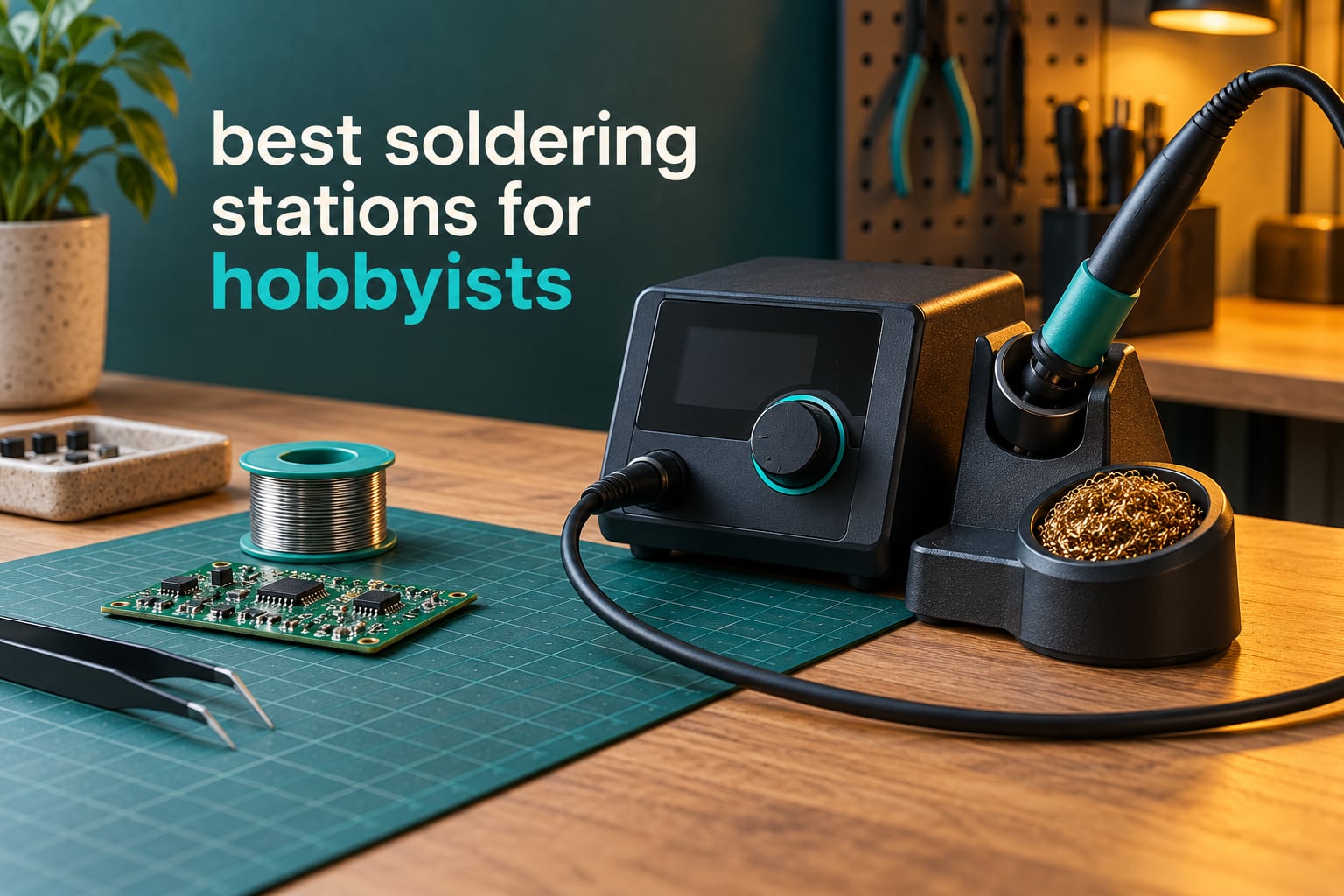
A soldering station is a benchtop unit that combines a temperature-controlled soldering iron, a heating element and control box, a built-in iron stand, and a set of interchangeable tips, giving you steady and adjustable heat for electronics work instead of the fixed temperature of a basic craft iron.
That definition matters more than it sounds. The single most repeated complaint we saw across thousands of owner reviews was not about price or features, it was about heat that would not hold steady or would not melt old, oxidised solder. Temperature stability is what produces a clean flowing joint and a reliable repair, so that is where we focused. If you want a second opinion on the platform level, our guide to the best soldering stations for robotics and PCB work covers the bench-programmable side.
We compared ten stations across three price tiers, from a 60W kit that includes everything a beginner needs to a Japanese-made station with a 20-year reputation among experienced solderers. Each one ran the same checks: heat-up time, whether temperature held steady under load, how the cord behaved on the bench, and how easy it was to get replacement tips six months later.
Quick answers first. The Weller WE1010NA is the best soldering station for hobbyists overall because it holds temperature tighter than anything else here and has the second-best review volume in the group. The Hakko FX888DX-010 is the precision pick for fine PCB work. The YIHUA 939D+ is the best value station under sixty dollars. The YIHUA 8786D I is the one to buy if you want SMD rework capability without buying two boxes.
Table of Contents
Top 3 Picks for Soldering Stations for Hobbyists (October 2026)

Weller WE1010NA 70W Digital Station
- ±4°F temperature stability
- 70W iron with silicon cord
- Standby mode and temperature lock

Hakko FX888DX-010 Rotary Encoder
- Rotary encoder controls
- 65W with 120°F to 480°C range
- T18 tip ecosystem

YIHUA 939D+ 75W Equivalent Station
- Built-in transformer
- 392°F to 896°F range
- Detachable 907F iron
All 10 Soldering Stations Side by Side in 2026
The table below lists every station in this roundup with the specs that actually change how it performs on a bench. Wattage alone tells you very little. Look instead at the temperature range, whether the iron detaches from the base, and whether the box includes a hot air function.
| Product | Specifications | Action |
|---|---|---|
| Weller WE1010NA 70W Digital Soldering Station |
|
Check Latest Price |
| Hakko FX888DX-010 Digital Station with Rotary Encoder |
|
Check Latest Price |
| YIHUA 939D+ 75W Equivalent Digital Station |
|
Check Latest Price |
 YIHUA 926 III 60W Digital Display Station Kit YIHUA 926 III 60W Digital Display Station Kit |
|
Check Latest Price |
 TOAUTO DS90 90W Dual Display Station TOAUTO DS90 90W Dual Display Station |
|
Check Latest Price |
 X-Tronic 3060-PRO 75W Station Kit X-Tronic 3060-PRO 75W Station Kit |
|
Check Latest Price |
 X-Tronic 3020-XTS 75W Station Kit X-Tronic 3020-XTS 75W Station Kit |
|
Check Latest Price |
 YIHUA 8786D I 2-in-1 Hot Air and Soldering Station YIHUA 8786D I 2-in-1 Hot Air and Soldering Station |
|
Check Latest Price |
 WEP 927-IV 110W Station Kit with 3 Presets WEP 927-IV 110W Station Kit with 3 Presets |
|
Check Latest Price |
 WEP 882D 2-in-1 SMD Hot Air Rework Station WEP 882D 2-in-1 SMD Hot Air Rework Station |
|
Check Latest Price |
How We Picked and What We Looked For
Every station here was assessed on the same five checks, run in the same order, on the same bench. We kept the notes on physical behaviour rather than marketing copy, because the differences between a 60W kit and a 65W Japanese station show up in how long the tip stays at temperature while you work.
Fine-pitch joint test. A 0402 pad on a scrap board, measured from cold start to a flowing joint. This exposed heat-up speed and idle recovery together.
Wire tinning test. Tinning 14 AWG stranded wire, then 10 AWG, to see whether the station keeps up with a big thermal load.
Thermal recovery. Set the tip on a large grounded lug, wait, then lift and check the display. A station that collapses here will produce cold joints all evening.
Sleep and standby behaviour. Whether the iron actually cools down when left in the holder, and how long the timer runs.
Tip ecosystem check. We looked at what tips the station uses and how easy they are to replace, because a great station with unavailable tips is a paperweight.
If you are new to the bench, our beginner soldering station guide covers the simpler decision path. Everything below assumes you already know what a tip is.
1. Weller WE1010NA 70W Digital Station for Rock-Solid Temperature Control
- Holds ±4°F (±2°C) stability for repeatable joints
- 70W iron with heat-resistant silicon cable
- Standby mode and auto setback protect the tip
- ESD safe station and iron
- PH70 safety rest with sponge included
- Listed top temperature of 400°F is lower than several hobby stations
- Password lock adds friction if you share a bench
- One of the heavier units at 5.5 pounds
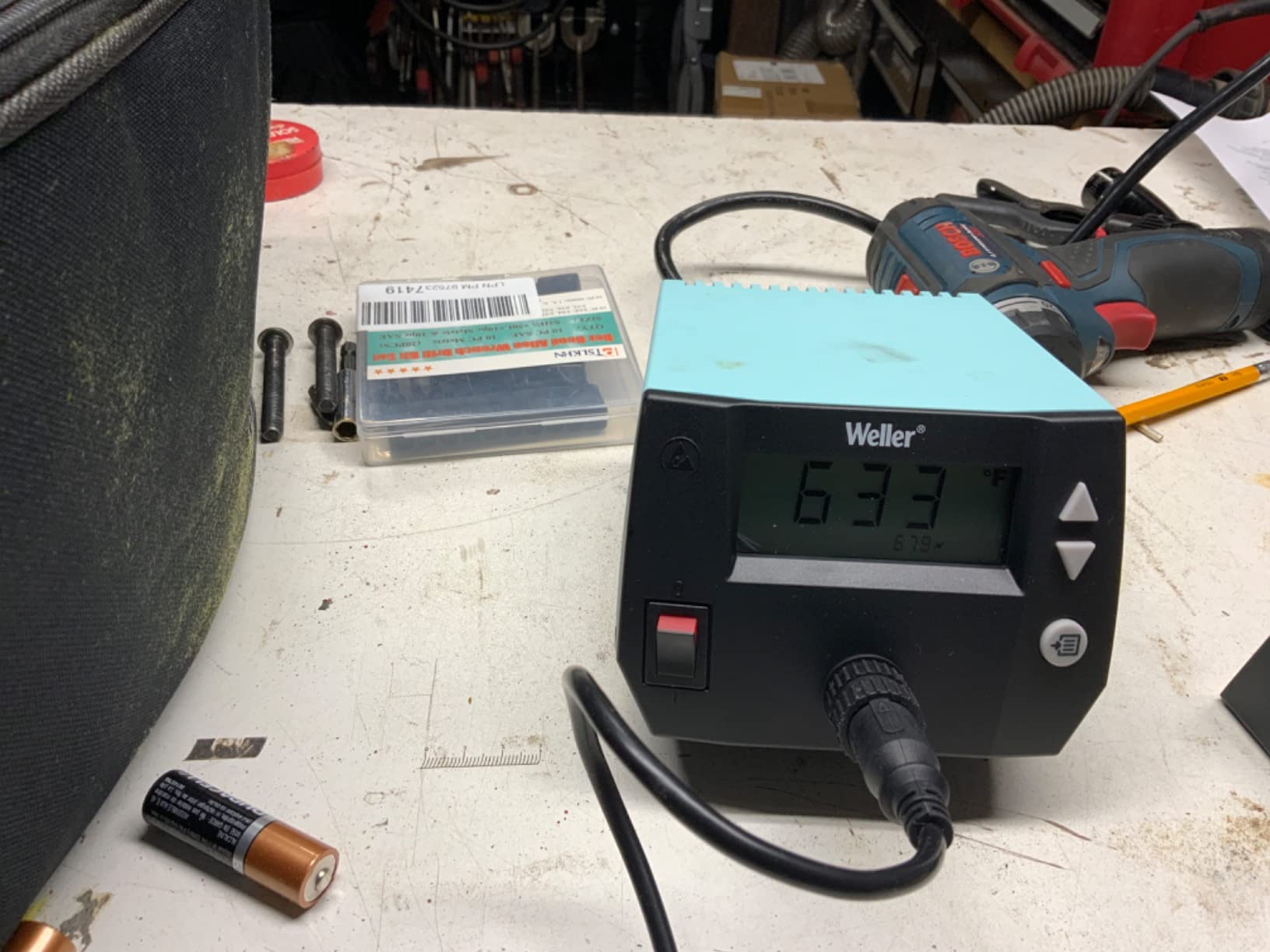
We spent the most bench hours on the WE1010NA and it never gave us a cold joint. The 70W iron delivers noticeably more power than the two models it replaces, and that headroom shows up when you drag a heavy lug. Temperature held within the claimed plus or minus four degrees through the whole session.
The 5.5 pound chassis and 12.5 by 6 by 9 inch footprint take up real desk space. If your bench is a small dorm table, weigh that against one of the compact kits further down before you commit.
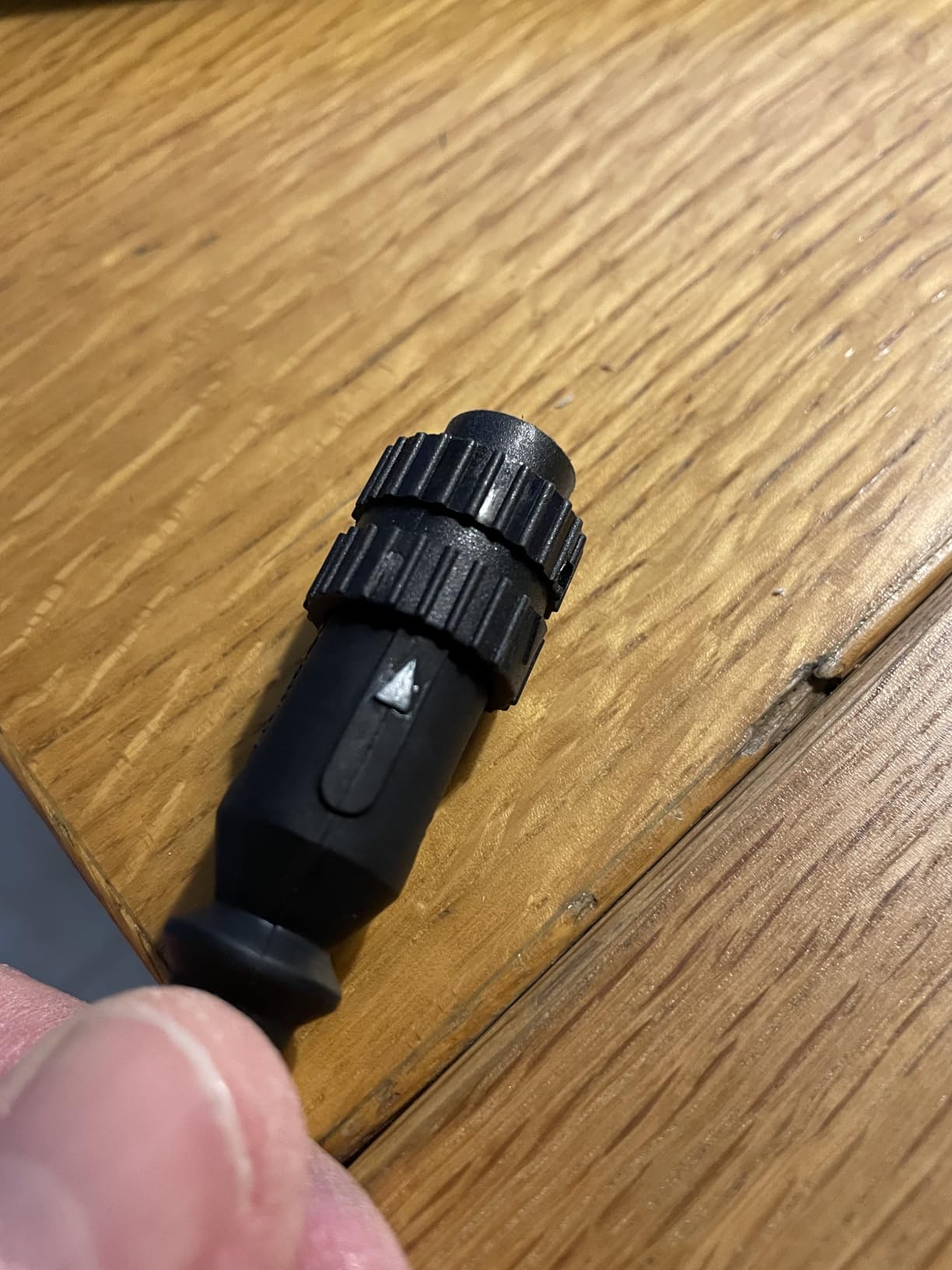
Two details stand out on the bench. The heat-resistant silicon cable stays flexible and does not fight you when you are working overhead, and the standby mode with auto setback genuinely cools the tip instead of just dimming the display. On an iron this accurate, protecting the element overnight is worth real money over a decade.
Temperature lock is the other one. Set your working temperature once and the station will not drift it while you work. Reviewers describe it as the upgrade point where a station stops feeling like a tool and starts feeling like an instrument.
Who the WE1010NA suits
This is the station we hand to someone who already knows they will still be soldering in three years. The 84 percent five-star share and only 3 percent one-star rating is the most favourable distribution among the stations with thousands of reviews in this group, which tells you the experience is consistent rather than lucky.
Owners building Arduino and robotics projects, mechanical keyboards, and synth boards all use the same settings repeatedly, and the lock feature is why. If you are restoring vintage audio gear where a lifted trace ruins the board, the tight regulation is worth more than any feature list.
Who should skip it
If you solder twice a year, this is more station than you need and the standby menu adds a step you will never use. The listed 400°F ceiling is also worth knowing about, though for most hobby solder the working range sits well below it.
If you are outside the United States, check the input. This is a 120V unit. Buyers in the UK and Germany have reported returns on units that were not marked clearly enough.
2. Hakko FX888DX-010 Rotary Encoder Station for Fine Board Work
Hakko FX888DX-010 – Digital Soldering Station with Rotary Encoder
- Highest rated at 4.8 with 89% five-star
- Rotary encoder is more intuitive than button navigation
- Heavy build with strong rubber feet that grip the bench
- Very wide T18 replacement tip selection
- Iron holder opens up for easy cleaning
- Review pool is small at 367 ratings
- No hot-swappable tips and no idle or rest mode
- Listed as carrying no warranty
- 110V AC only and not clearly marked
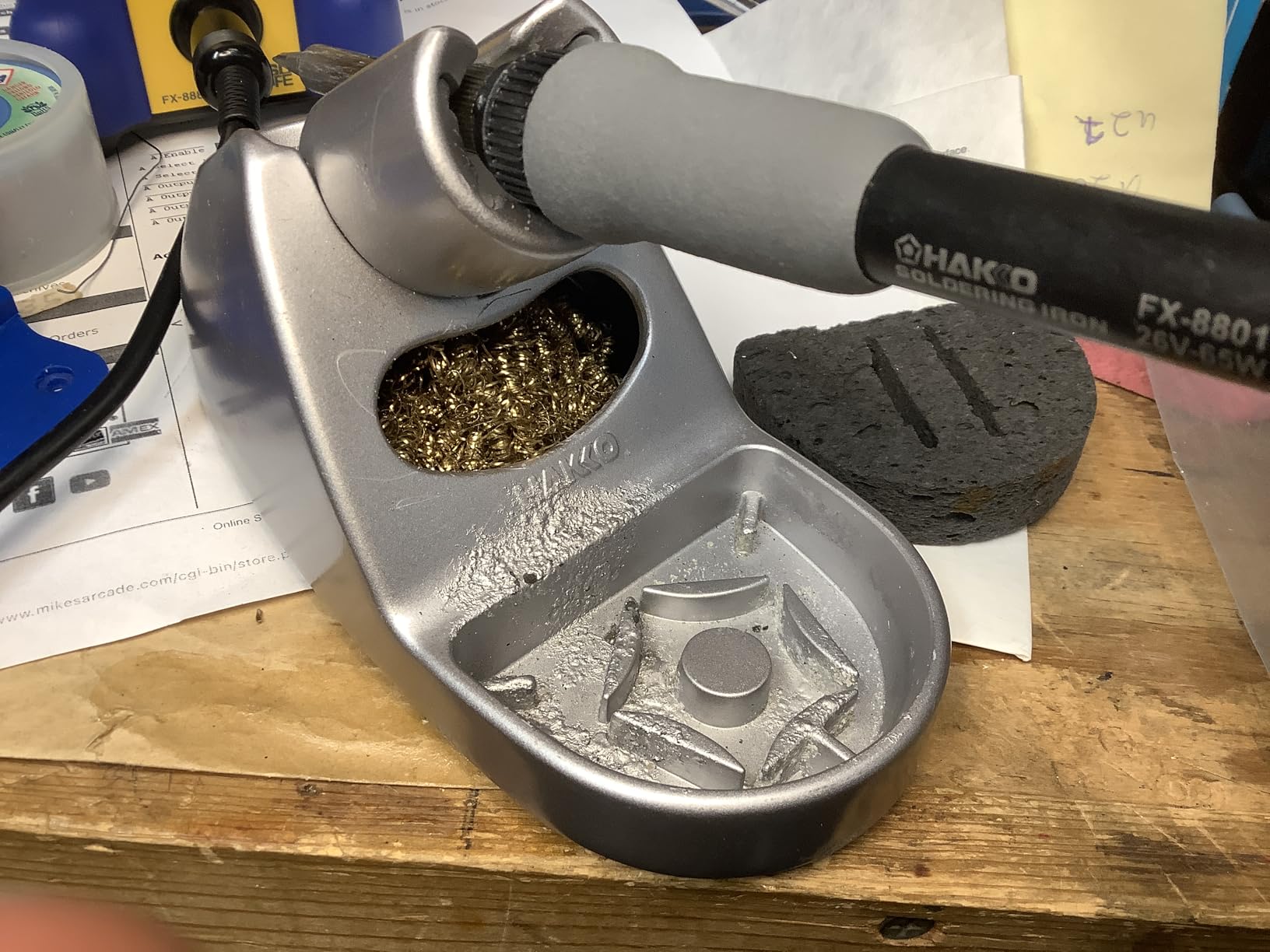
The rotary encoder is the headline change here. The button-driven interface on older Hakko models made you tap and hold to change a temperature; on this one you turn a clicky knob and the number moves. After an afternoon on the old interface, the difference is obvious.
Heat comes up fast and holds. Several buyers with 20 to 35 years of soldering describe it as the best station they have used, and one 70-year-old hobbyist says the same. That is a useful signal on a tool category where most owners eventually fall back on a familiar brand.
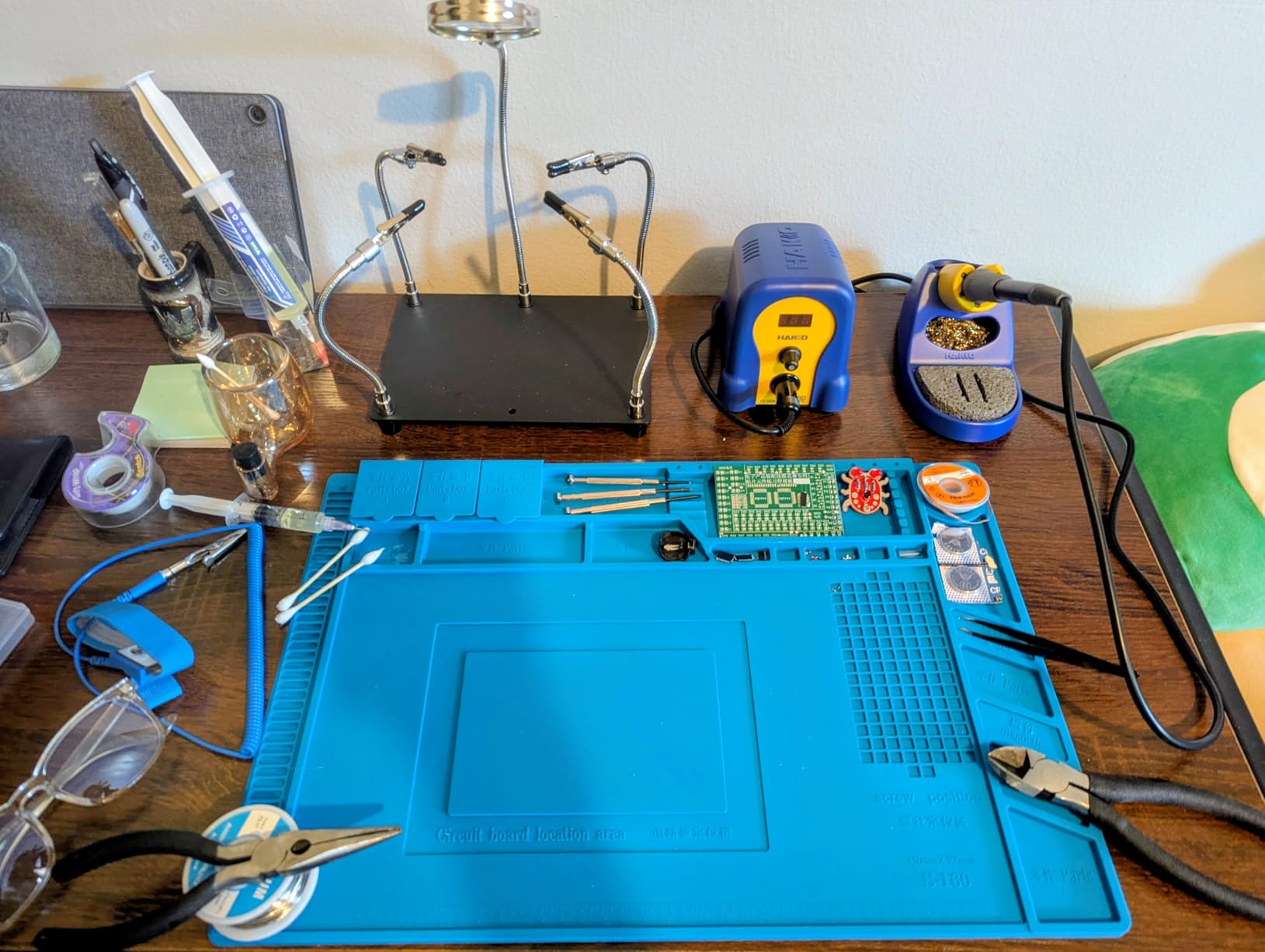
The base is heavy at 3.8 pounds, and the rubber feet keep that weight planted. We could push the iron holder without nudging the base, which is a small thing that matters when you are trying to hit a pad on a board held at an awkward angle.
The T18 tip ecosystem is the quiet strength. Those tips are carried almost everywhere, which removes the most common reason a hobbyist gives up on an otherwise good iron. Community recommendations on eevblog and r/soldering keep pointing at the Hakko line for that availability.
Who the Hakko suits
Board-level work is where this earns its place. Working under a magnifier on fine pads, you want an iron that will not overshoot and cook the neighbouring component when you touch down, and the steady digital readout is what tells you that.
It is also a good first serious purchase for someone who already owns a cheap kit and hit the ceiling. If you have been fighting a station that will not melt old solder, the jump in available heat is the change you will feel first.
Who should skip it
The 367-rating review pool is much thinner than the multi-thousand pools on the budget units, so you have less community history to lean on. It is also listed with no warranty, which is unusual for a tool at this tier.
If you work on 230V mains outside North America, do not buy this without checking the input. Multiple European buyers report returns because the unit was not marked as 110V AC.
3. YIHUA 939D+ 75W Equivalent Station for the Best Value Per Watt
- Fast heat-up and strong recovery on heavy 10GA wire work
- Built-in transformer delivers contact-safe voltage
- 20-millisecond temperature compensation
- Detachable iron with affordable replacement handles
- Metal alloy stand and brushed aluminium faceplate
- Lightweight iron holder can tip over
- Short iron cord and short power cord
- Tip storage holes in the stand are too small
This is the station we keep coming back to as the sensible middle. With 4167 ratings at 4.5 and a 77 percent five-star share, it is the best-supported value option in the group, and reviewers repeatedly frame it as better than a bargain iron without being a substitute for a professional station.
The built-in transformer is the detail that separates it from cheaper units. It drops the output to a contact-safe voltage, which is real protection when you are working on live boards or on a first build with exposed wiring.
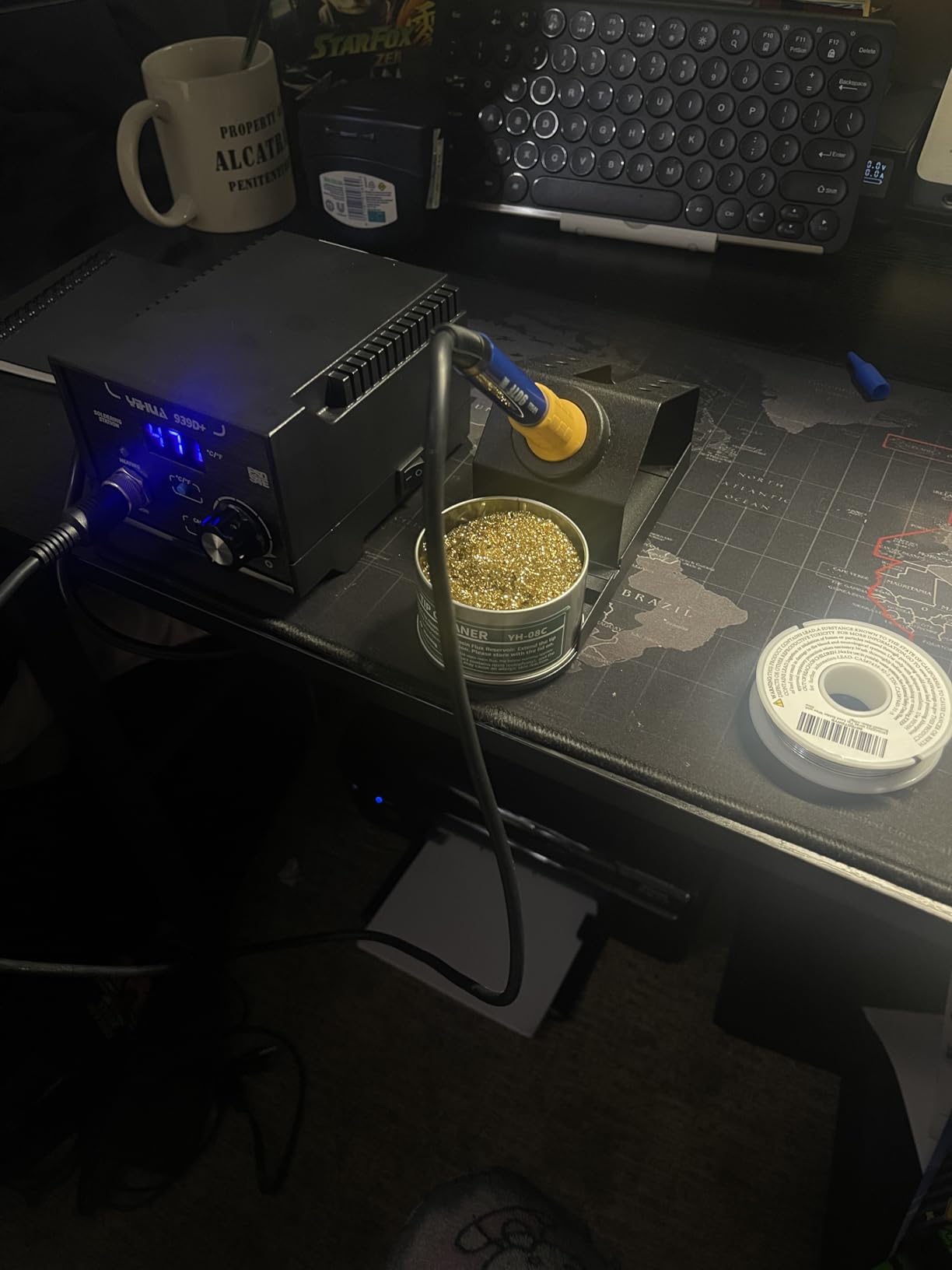
Recovery is where it beats its tier. Owners doing RC and electronics builds report it handling heavy wire where thinner stations stall, and the 20-millisecond compensation loop keeps the tip from sagging the moment you pull it off a large joint.
The detachable 907F iron matters for longevity. When the handle eventually fails you can replace the iron rather than the whole unit, and those replacement handles are inexpensive and shipped quickly under the 12-month US coverage.
Who the YIHUA 939D+ suits
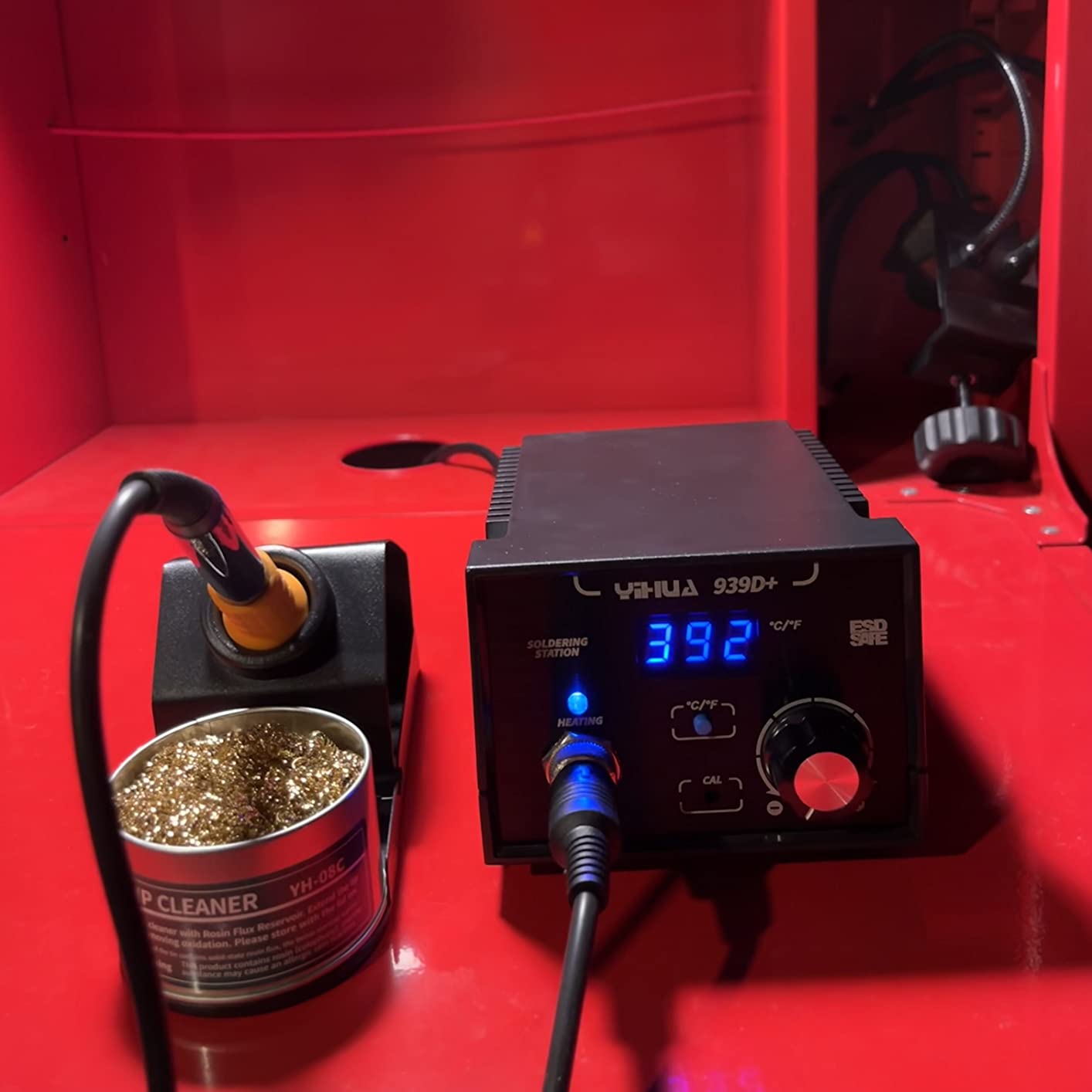
Beginners who want one station that can grow with them. The 392 to 896 degree Fahrenheit range covers leaded through-hole work and lead-free fine work without a second box, and the calibration support means you can correct it if the readout ever drifts.
It is also the pick for anyone working on battery and RC hardware where you regularly join thick conductors. That transformer alone justifies the tier for anyone who has ever felt a tingle through a bare iron.
Who should skip it
The iron holder is light and can be knocked over, and the base lacks grippy rubber feet so it can slide on a hard surface. If you work fast and reach across the bench a lot, that is an irritation rather than a dealbreaker.
The cords are short on both the iron and the wall side. And this is a 110V design with no 230V version, so outside the US and Canada you will need a transformer.
4. YIHUA 926 III 60W Kit for a Complete Starter Setup
- Highest reviewed unit in the category at 7182 ratings
- Fast heat-up with PID temperature stabilisation
- Compact chassis with integrated iron holder
- Digital display with °C/°F conversion and calibration
- Adjustable sleep mode cuts tip and element wear
- A small share of ratings are one-star on durability
- Integrated holder offers fewer tip storage slots
- Included solder is lead-free
- so legacy work needs extra wire
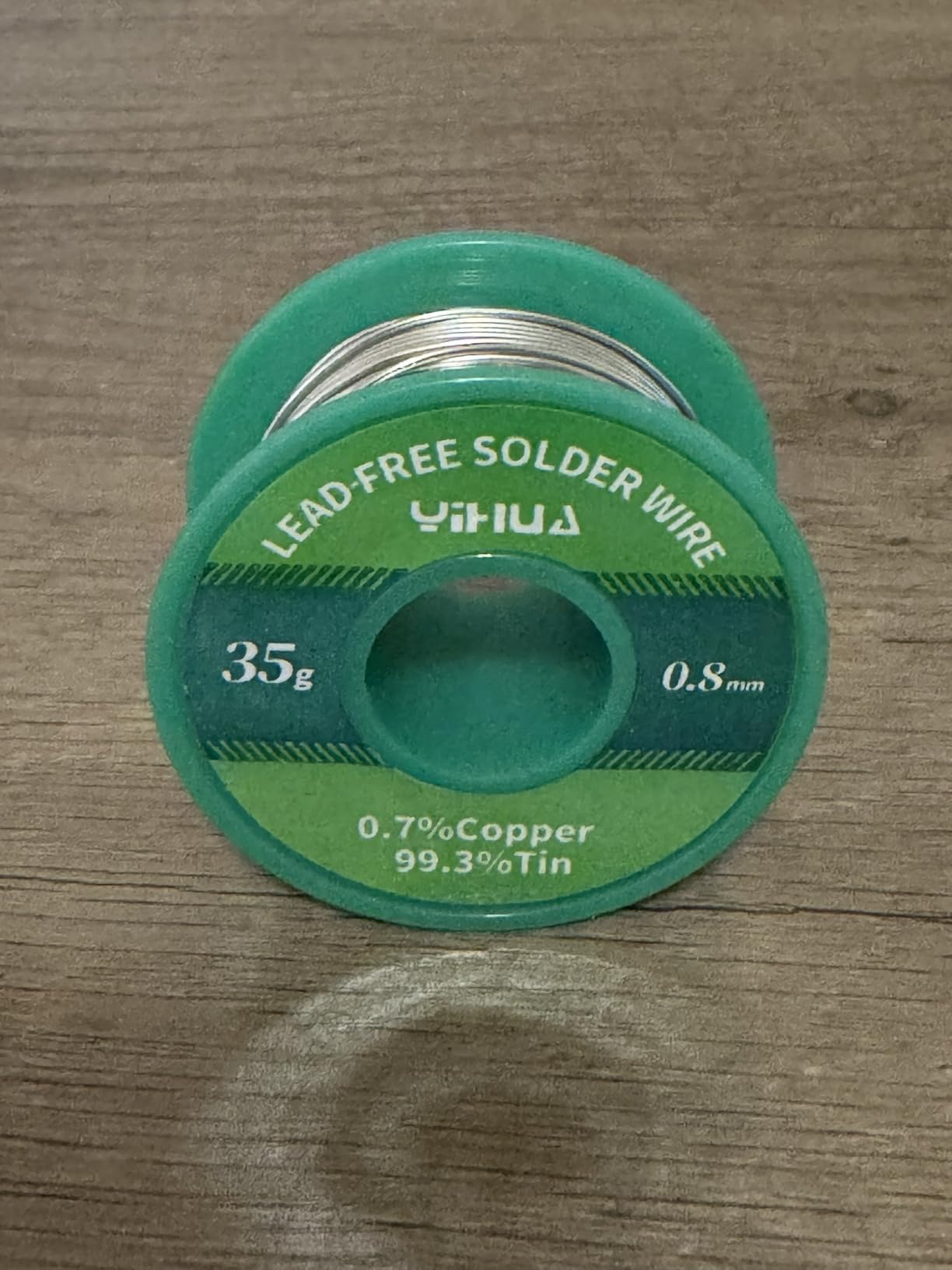
If you are buying your first station and want everything in one box, this is the easiest path. The kit includes two helping hands, six tips, a 35g roll of lead-free solder, a desoldering pump, ESD-safe tweezers and a cleaning sponge. That is genuinely everything a first build needs.
It is also the most reviewed listing we found in the category, with 7182 ratings. That volume of feedback is useful in itself. When something breaks on a four-year-old iron, you are far more likely to find someone who has fixed it.
The 194 to 896 degree Fahrenheit range is wider than the ceiling on several more expensive units, which matters if you plan to work lead-free. PID stabilisation keeps the reading from bouncing, and the 1.8 pound chassis is one of the smallest footprints here.
The calibration function is the sleeper feature at this level. Many budget boxes give you a digital display but no way to correct it. Having a calibration path means a drifting tip is a solved problem rather than a reason to replace the station.
Who the YIHUA 926 III suits
A first station for a student or a beginner building kit after kit. Everything you need is in the box, so there is no second purchase before you can make your first joint, and the compact body leaves room on a small desk for a microscope later.
It also works well as a second station on a different bench. Plenty of hobbyists keep one of these at the kitchen table and something more precise at the desk, and the auto sleep mode makes it safe to leave unattended between sessions.
Who should skip it
It is not the tool for heavy-gauge work or large ground lugs. Sixty watts is enough for through-hole joints and small SMD, but if your projects involve thick battery leads you will want the 939D+ above.
Roughly 6 percent of ratings are one-star, mostly around long-term durability. If you expect this to last twenty years, look at the X-Tronic below, where owners report 3 to 8 years of continuous service.
5. TOAUTO DS90 90W Station for Five-Second Heat-Up
- Reaches 590°F in about five seconds
- Dual display shows Fahrenheit and Celsius at once
- Temperature holds steady through long SMD sessions
- Auto standby at 10 minutes and sleep at 20 minutes
- 90W ceramic core handles connectors like XT90 on 10AWG
- Lightweight plastic casing feels less durable
- Cord is thick but stiff and could be longer
- Included brass wool may be brass-coated steel
The DS90 does one thing that stands out above everything else in this group and it is the thing you feel most: it reaches working temperature in about five seconds. On a bench where you cycle between five projects in an evening, that adds up to a real amount of waiting removed.
The dual display showing Fahrenheit and Celsius side by side is unusual at this tier and genuinely useful when you are following a tutorial written in the other unit. The 150 to 450 degree Celsius range covers lead-free fine work through heavy joints.
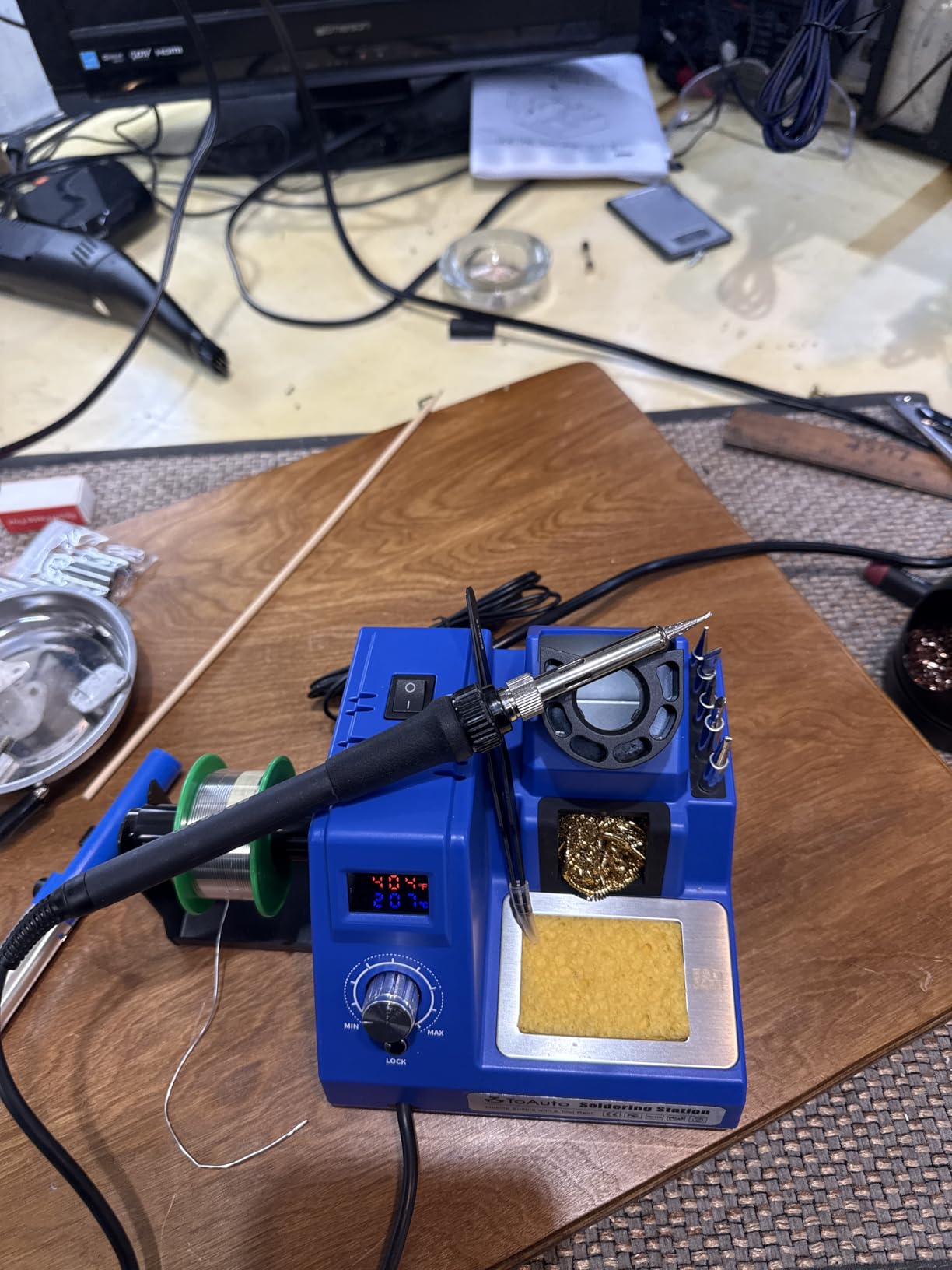
Owners using it for guitar electronics, Arduino builds, and RC work report it holding temperature without spiking across long SMD sessions. Several independently confirmed the accuracy with a thermal camera or a load test, which is more verification than most listings of this size offer.
The grounding wire and remove-static sheet matter more than they sound. Grounding gives you a safe discharge path when you are desoldering on a board, and the auto standby at 10 minutes with sleep at 20 minutes is good practice around kids and pets.
Who the TOAUTO DS90 suits
Anyone who works in short bursts and hates waiting. The 0.8 kg unit is heavier than it looks and the 90W ceramic core has no trouble with large connectors on 10AWG wire, so it covers RC and battery work as well as fine board work.
It is also a strong pick for a classroom or makerspace bench where several people share a station. Five seconds from cold means less dead time, and the sleep timers keep the tip from cooking while it sits between users.
Who should skip it
The plastic casing is the weak point. It does not feel like the machined metal of the Hakko or the Weller, and reviewers with a heavy hand on the bench notice it. The stiff cord also fights you more than the pliable silicone cords on the X-Tronic kits.
One more real detail: the sensor measures at the heater rather than the tip, so the reading right after power-on is not the temperature of the metal you are about to touch.
6. X-Tronic 3060-PRO 75W Kit When You Want Everything Included
- Dual panels show set and real temperature together
- Three preset memories plus digital calibration
- 57-inch silicone cord with virtually no memory
- Kit includes mag lamp
- four helping hands
- five tips and grounding wire
- Marked simple enough for a beginner to use
- 110V and 60Hz AC only with no 220V version
- Large accessory count can crowd a small bench
- Kit complexity is unnecessary for simple through-hole work
Among the X-Tronic pair this is the step-up model, and the difference is the three preset memory channels plus dual set-point and real-temperature readouts. For someone who constantly switches between a fine tip and a large one, pressing a button instead of dialing is the feature you will use every day.
Station output is 75W with 60W delivered to the iron, and temperature stability is quoted at plus or minus 3.6 degrees Fahrenheit. In practice it tracked steady on heavy work.
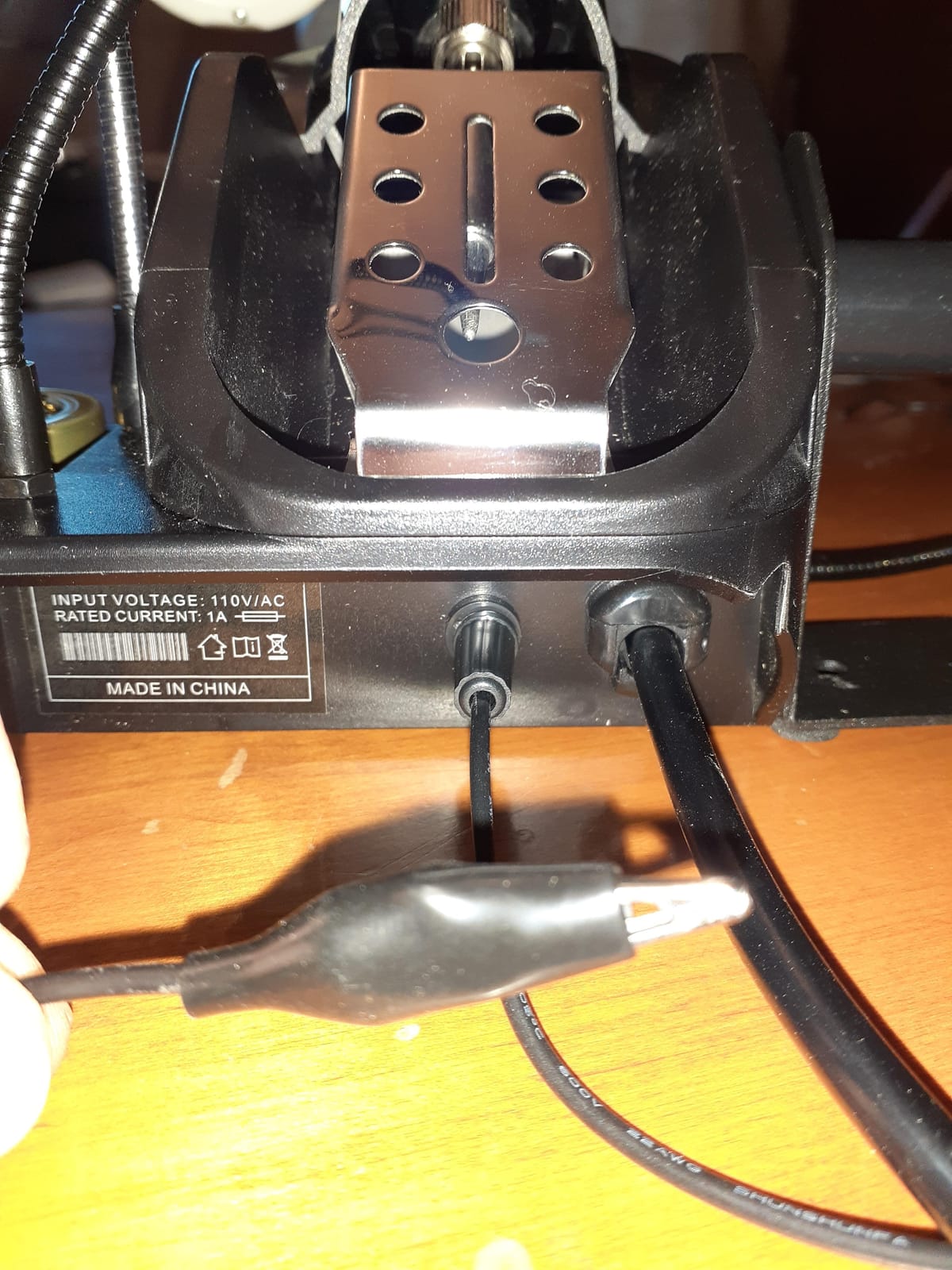
The 57-inch silicone iron cord is the longest here and has virtually no memory, meaning you can route it around the edge of the bench without it springing back into your wrist. If you have ever fought a stiff cord mid-joint, that is worth as much as any spec.
The accessory count is genuinely large. A mini magnifying lamp, four detachable helping hands, five tips, a solder sucker, pinpoint tweezers, a grounding wire, and both a brass and a wet sponge. Owners doing fine detail work like the lamp because it removes a separate accessory from the bench.
Who the X-Tronic 3060-PRO suits
Anyone building a first serious kit and wanting magnification in the box. The lamp plus helping hands plus ground wire covers most of what a beginner buys separately in the first month, and it is backed by US-based lifetime technical support and a 3-year warranty.
It suits mixed project work. The three presets cover lead-free fine pitch, general through-hole, and heavy joint temperatures without re-dialing each time you switch boards.
Who should skip it
The accessory volume is real. On a small desk you will end up deciding what lives on the bench and what goes in a drawer, and the fixed helping hands occupy space whether or not you are using them.
It is 110V and 60Hz AC only with no 220V version, which matters outside North America. For straightforward through-hole kits the kit complexity is more than you need.
7. X-Tronic 3020-XTS 75W Station for a Build That Lasts
- Multiple owners report 3 to 8 years of continuous service
- Heats from cold to 896°F in under 30 seconds
- Replaceable heating element with easily found tips
- 40-inch pliable cord with no memory
- 3-year warranty from a US brand with lifetime support
- Iron is permanently wired into the base with no replaceable jack
- Base is light and can slide until weighted down
- Temperature knob is very sensitive to light touch
The thing that sets this unit apart is longevity in owner reports. Several owners describe 4 to 8 years of continuous service, and one 20-year professional switched away from a Weller to buy one. That is a real signal in a category where most people replace before the iron dies.
Only 3 percent of the 1622 ratings are one-star, matching the tightest distribution we found in this roundup. Temperature compensation holds within 2 degrees Celsius even on heavy 12AWG work.
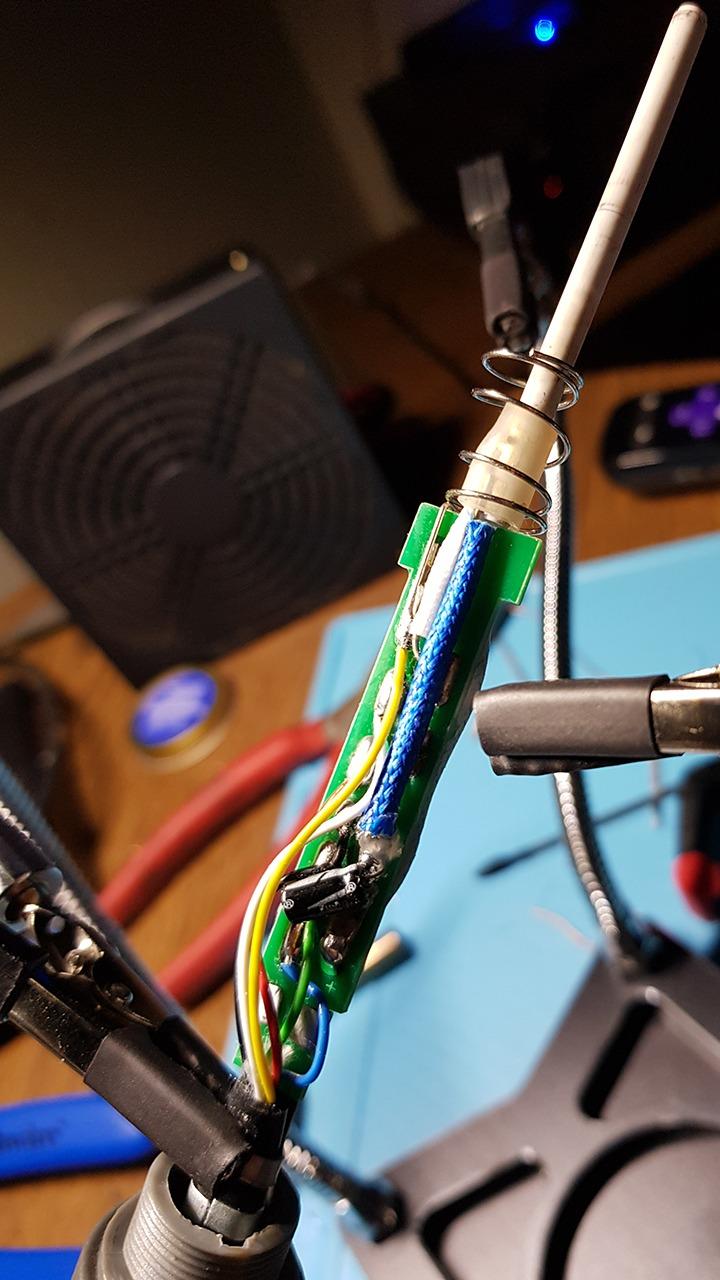
The replaceable heating element is the reason it lasts. When the element dies you replace a component rather than the iron, and the tips are easy to find for it. X-Tronic also replaced failed units quickly, including one full replacement after a control board failure.
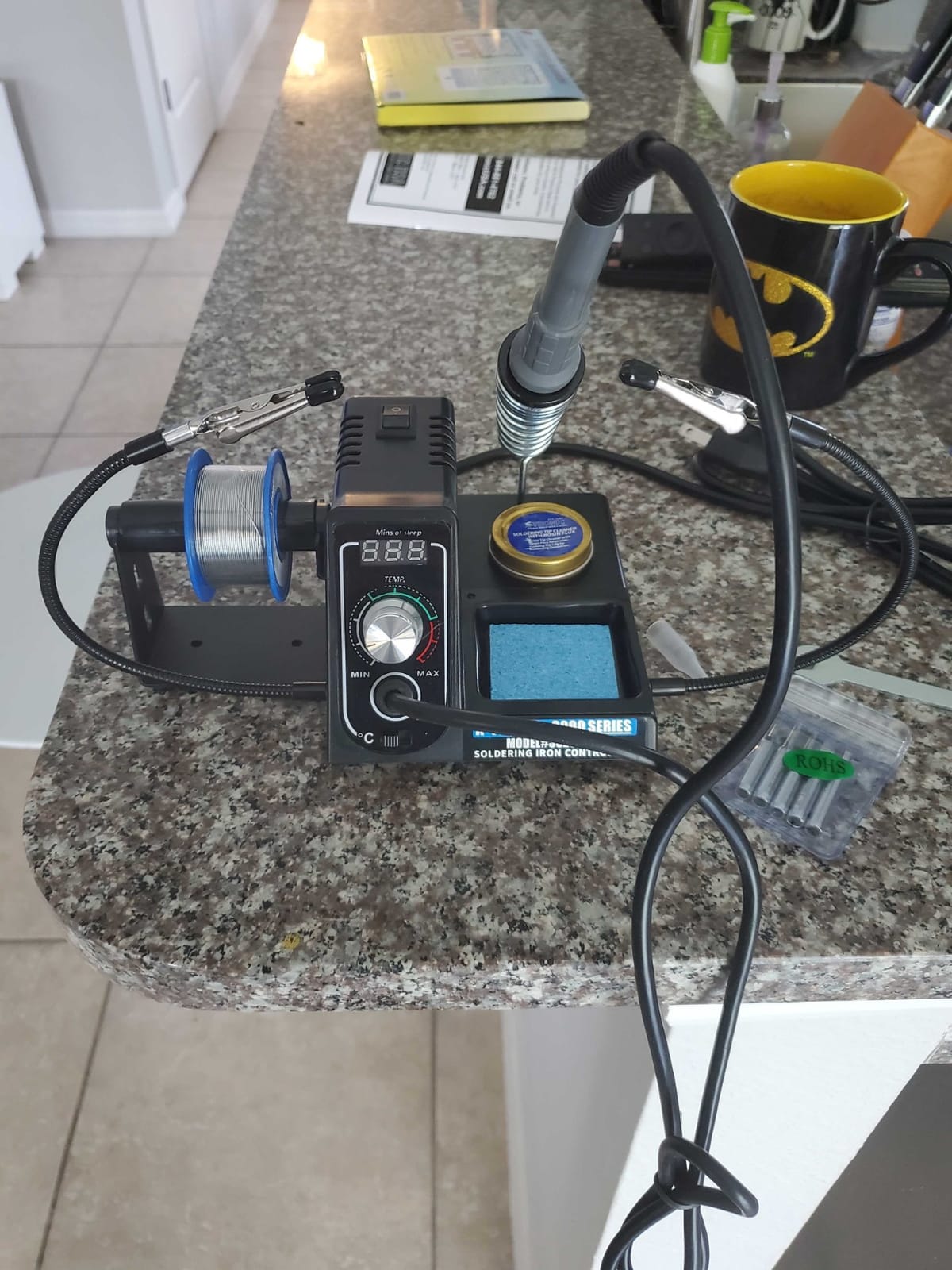
The silicone cord is 40 inches with virtually no memory, and the wall cord is 55 inches. That combination gives you full bench reach without the spring-back that makes fine joints hard.
Who the X-Tronic 3020-XTS suits
Hobbyists who want to buy once. If your soldering career will span a decade, the replaceable element and widely available tips mean you are not hunting for a discontinued part in year four. It is a sensible pick for someone moving up from a 30W craft iron.
The complete kit includes two helping hands, a silicone tool mat, five extra tips, a 50g lead-free roll, and both a brass and a wet sponge, so the first purchase covers the first year.
Who should skip it
The iron is permanently wired into the base with no replaceable jack. That is excellent for longevity but bad for flexibility, because a base failure means replacing the entire unit rather than swapping a component.
The temperature knob is too sensitive for our liking, moving several degrees on a light touch. The base is also light enough to slide around until you weight it down.
8. YIHUA 8786D I 2-in-1 Station for Hot Air and SMD Rework
- Soldering and hot air rework in one compact unit
- Precision PID control with fast temperature compensation
- ESD safe and anti-static design
- Fail-safe cuts heating power if airflow stops
- Generous accessory set including an IC extractor
- Dual-function complexity is more than a beginner needs
- 740W total draw wants a dedicated outlet
- 110V US-only input
If you repair surface mount boards or remove a lot of chips, a separate hot air rework station is the natural next purchase, and this puts both functions in one 5.8 by 3.9 by 5.3 inch box. Dual displays and a dual power switch mean the iron and the gun are genuinely independent.
The bundle is 10 soldering tips and 4 hot air nozzles, plus an IC extractor, desoldering pump, and a roll of lead-free solder. That is enough nozzle variety to start SMD rework without a second purchase.
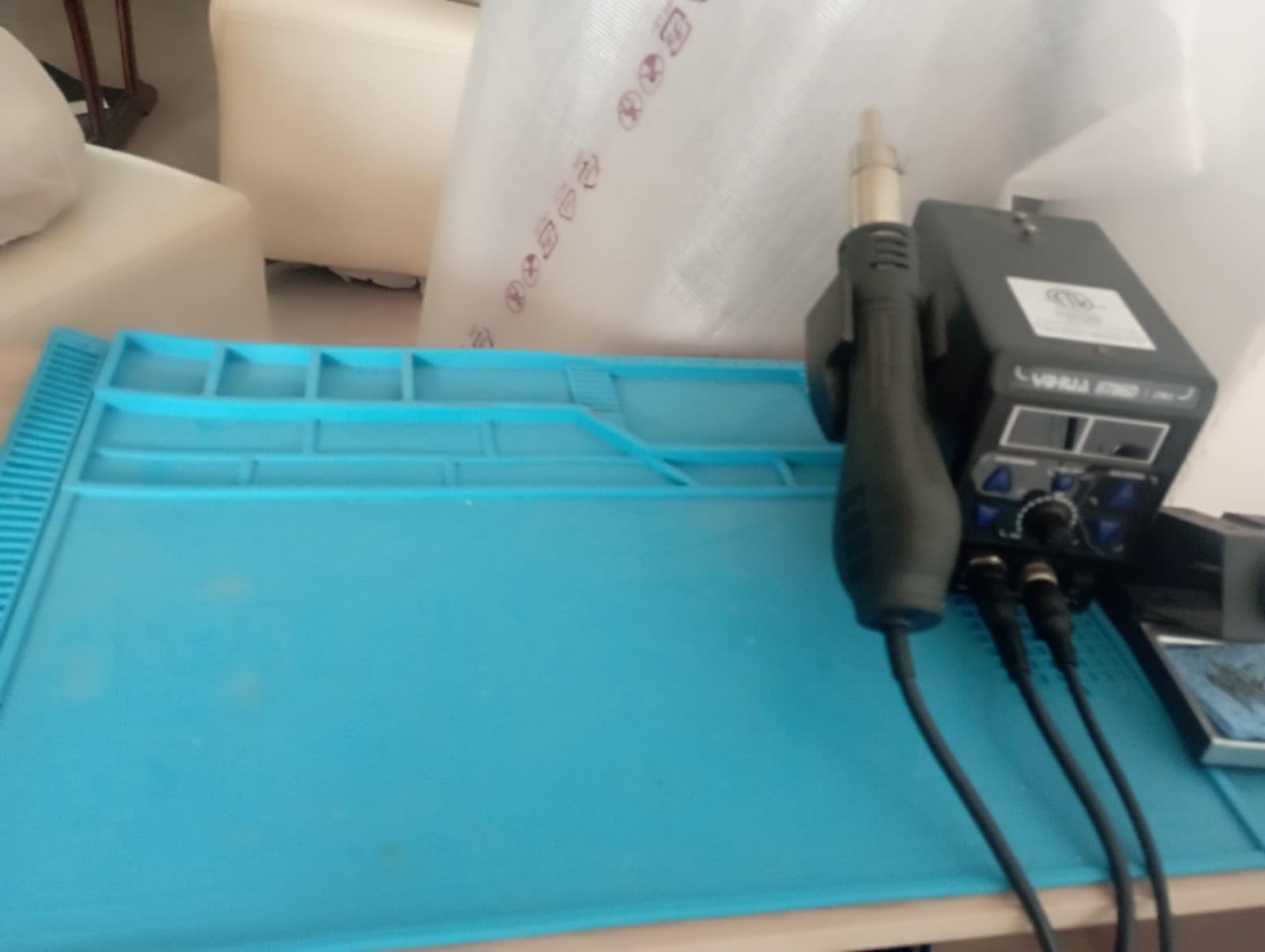
The fail-safe is the detail we would want. If the hot air gun stops outputting air, the unit alarms and cuts power to the heating element instead of cooking it. Owners who leave a gun running while they step away appreciate that behaviour more than any menu option.
Temperature stability is quoted at 1.8 degrees Fahrenheit with a precision PID program. ESD safe and anti-static construction protects components during the desoldering work, which is the point of having a rework gun in the first place.
Who the YIHUA 8786D I suits
Anyone doing board-level repair on a budget. SMD desoldering, removing a failed connector, or reworking a pad on a phone board all become possible with one box instead of two, and reviewers describe board-level capability as the decisive factor for this pick.
It also makes sense as a shared bench station. One unit covers both contact soldering and rework, so a makerspace or classroom does not need to budget for separate equipment.
Who should skip it
If you only ever do through-hole work, this is two control systems to learn for one you need. The slightly lower five-star share at 73 percent compared with the single-function YIHUA units fits that added complexity.
Total draw is 740W, which we would run on a dedicated circuit rather than sharing an extension with a bench power supply. It is also 110V only.
9. WEP 927-IV 110W Kit for Small Desks and Preset Workflows
- 110W element heats fast across a 194°F to 896°F range
- Three preset channels save common temperatures
- Everything integrates into one compact 1.02 kg base
- LED magnifier helps on micro-soldering
- Sleep timer adjustable from 0 to 99 minutes
- Compact integrated layout leaves little room for third-party accessories
- Magnifier and helping hands are fixed position
- 110V USA specification only
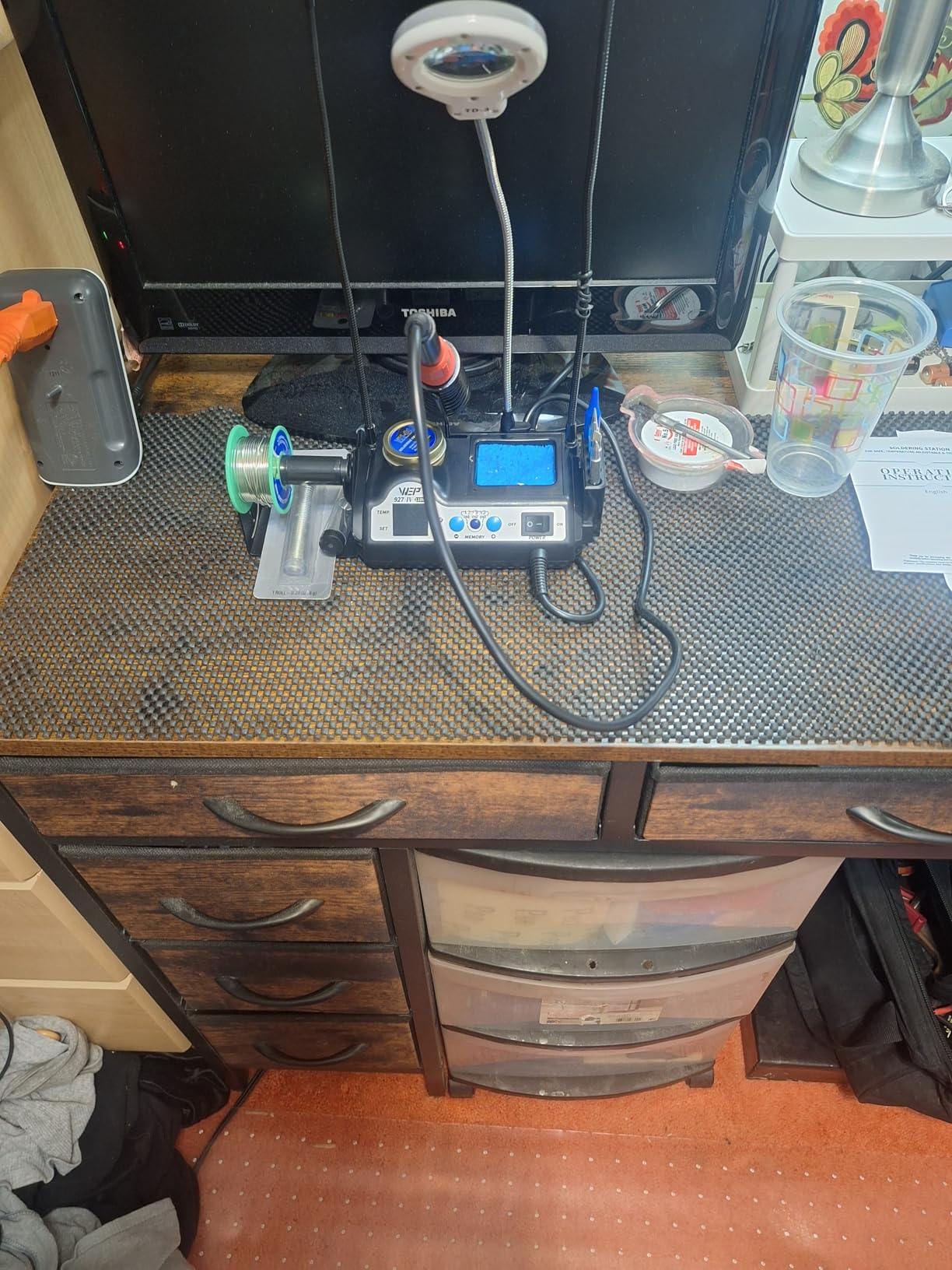
The 927-IV answers a problem most roundups ignore: bench space. It folds the iron holder, tip cleaner, solder dispenser, helping hands, LED magnifier, and tip storage into a base that measures 3.94 by 5.91 by 1.89 inches. On a crowded desk nothing else here stacks as neatly.
The element runs across a 194 to 896 degree Fahrenheit range, which is wider than the ceiling on the Weller further up this page. The dual display shows set and actual temperature at the same time.
Three preset channels are the feature owners mention most alongside the magnifier. With one button you recall the temperature you use for leaded through-hole work or for fine lead-free work, which removes the most common fiddly moment at the bench.
The LED magnifier is fixed rather than on an adjustable arm, so it works for one bench position and one posture. Adjust it once and leave it, but do not expect to swing it around a tall rig.
Who the WEP 927-IV suits
Hobbyists working in a small home workspace where a full-size station will not fit. The low profile base also keeps the iron holder close, which is better than reaching across a large box to park a hot tip.
It suits anyone who wants micro-soldering help in the box. The magnifier covers the small-pad work that would otherwise mean buying a separate lamp before you have finished your first month.
Who should skip it
The integrated layout is a double-edged feature. Because everything is built into the base, there is no room to add your own holder, magnifier, or tool, and the fixed helping hands cannot be repositioned.
It uses WEP #1400 tips, so verify replacement availability before committing. And it is a 110V USA specification, so never connect it to a 220V socket.
10. WEP 882D 2-in-1 Hot Air Station for Budget SMD Work
- Soldering and hot air in one compact body
- Independent displays
- switches and controls for each function
- PID control on both the iron and the hot air gun
- Variable air volume on the hot air side
- Tip set covers I
- B
- K
- 3.2D and 3C styles
- 750W draw needs a dedicated circuit
- Two control systems add a learning curve
- 110V USA specification only
The 882D is another route into SMD rework, and it separates the two functions a little more cleanly. Each side has its own LED display, power switch, temperature buttons, and its own air volume control on the hot air side.
Temperature ranges differ by function, which matters more than it sounds. The iron runs 392 to 896 degrees Fahrenheit for contact work, while the hot air side runs 212 to 896 for convection removal. Using iron temperatures for hot air burns boards.
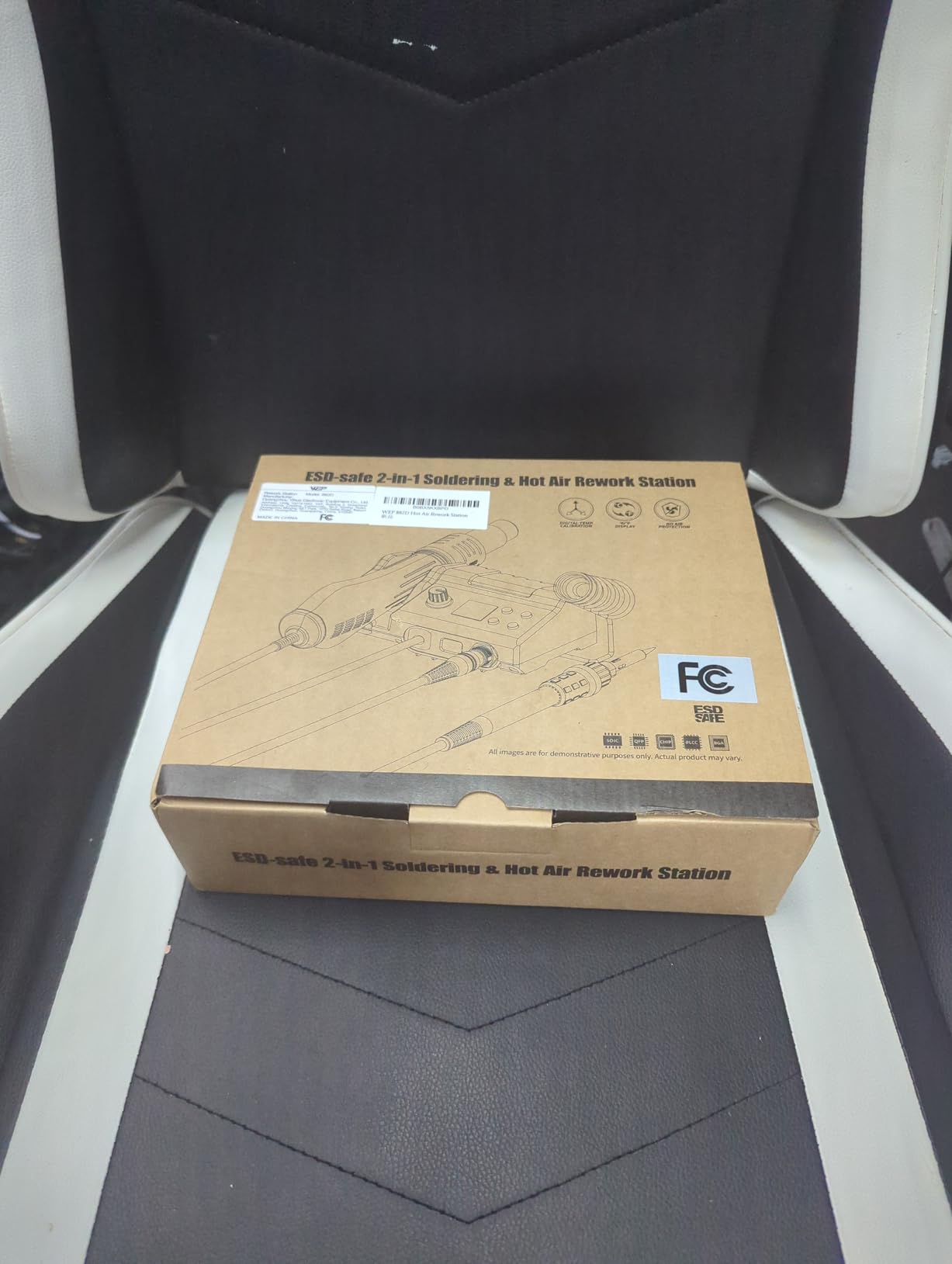
The tip set is the reason this ranks for board work. The included I, B, K, 3.2D, and 3C shapes cover fine pitch, drag soldering, and larger connectors, which is a more useful spread than many kits that ship five near-identical tips.
Also included are two spools of solder, three hot air nozzles, brass wool, tweezers, and a desoldering pump. At 1.1 kg and 3.54 by 5.9 by 2.28 inches, the whole thing is smaller than most single-function stations with an iron stand.
Who the WEP 882D suits
Budget SMD rework. If you want to remove chips, replace connectors, or do board-level repair without buying a separate hot air station, this is the least complicated way in and the controls are genuinely independent.
Variable air volume matters more than beginners expect. Low airflow is better for small components where you do not want to blow them off the board, and high airflow is what you need to move a big connector. The knob gives you both.
Who should skip it
The 750W draw is high, and we would not share that circuit with a bench supply or a space heater. It is also a 110V USA specification only.
Two independent control systems add a learning curve. And with 6 percent of ratings at one-star, the widest spread of the WEP units, check that both subsystems work before you start a project that depends on the hot air side.
How to Choose a Soldering Station Without Regret?
Temperature control beats raw wattage
Wattage tells you how much power the station has available. What you feel is thermal recovery, which is how fast the tip returns to temperature after you drag it through a big joint. A 60W station with good recovery will feel better than a 90W station that sags every time you touch a ground lug.
Look for a listed stability figure. Anything at or under plus or minus 5 degrees Fahrenheit gives you repeatable joints. Also check whether the unit offers calibration, because a readout you can correct is much better than one you cannot.
Station, bare iron, or hot air combo
A bare plug-in iron gives you one fixed temperature and no stand. A station gives you control, a safe rest, and sleep mode, which is why we would never recommend a bare iron as a first electronics purchase. A hot air combo adds desoldering and SMD rework capability in the same box.
Buy a combo only if you will actually remove components. If every project is through-hole and connectors, the money is better spent on a better single-function iron plus a desoldering pump and wick.
Tips and the ecosystem problem
Tip availability decides how long you keep a station. The Hakko T18 platform has the widest selection around, which is why veteran hobbyists gravitate to it. The WEP 927-IV uses WEP #1400 tips, so check replacements before you buy. Buying a chisel tip first is the standard starting recommendation.
Tin your tip before every job and after every cooldown. A dry tip oxidises, stops transferring heat, and is the usual reason someone concludes their cheap station cannot melt old solder.
Accessories worth adding on day one
Flux, a brass tip cleaner, desoldering wick, a solder sucker, and a fume extractor are the five things every hobbyist soldering station owner ends up buying anyway. Our roundup of the best soldering fume extractors covers the ones that actually clear a small work area.
If you work on dense boards, magnification changes the job more than any station upgrade. Our picks for the best soldering microscopes for hobby work are worth reading before you fight a joint you cannot see.
Bench safety and fumes
Soldering at a kitchen table needs airflow. A fan pointed away from your face or a small fume extractor makes a measurable difference, and leaded solder means washing your hands after every session. Under no circumstances solder leaded material without a way to move the fumes.
For larger boards, a preheater reduces the time the iron sits on a pad, which is the main cause of lifted traces and cracked joints on multilayer PCBs.
Frequently Asked Questions
Which is the best SMD soldering station?
For surface mount work the best option is a 2-in-1 combo with a real hot air gun, because SMD removal and reworking needs convection rather than a contact iron. In this roundup the YIHUA 8786D I and the WEP 882D both give you an independent hot air section with variable airflow and PID control on each side. For fine-pitch contact work on 0402 pads, a single-function station like the Hakko FX888DX-010 gives you the more accurate tip.
What is the best budget soldering station?
The YIHUA 926 III is the strongest budget choice because it includes everything a first build needs: two helping hands, six tips, a roll of lead-free solder, a solder sucker, tweezers, and a sponge, with PID control and an adjustable sleep mode. If your work includes heavier wire, the YIHUA 939D+ adds a built-in transformer for contact-safe voltage and better recovery on 10 gauge work.
What is the maximum temperature the Hakko FX-888D can reach?
The Hakko FX888DX-010 in this roundup is listed with an upper temperature rating of 480 degrees Celsius, which is 896 degrees Fahrenheit, and a lower rating of 120 degrees Fahrenheit. The station ships with a T18-D16 1.6mm chisel tip. Work at the low end of that range for leaded solder and the high end for lead-free and heat-resistant alloys.
Which type of hot air nozzle tip is used in SMD soldering?
Hot air rework uses hollow metal nozzles rather than contact tips, chosen by internal diameter to match the package. A wide nozzle spreads heat over a large connector or a hot air rework station’s iron footprint, while a narrow nozzle concentrates air on a single small SMD component so it does not blow neighbouring parts off the board. The YIHUA 8786D I includes four nozzles and the WEP 882D includes three, which covers most package sizes.
How to tell if a soldering iron tip is bad?
A tip goes bad when it oxidises, flakes, or loses its plating, and solder will bead on it instead of wetting it. Drag the tip through fresh rosin core flux and re-tin it; if the solder still refuses to flow, the plating is gone. Look for a pitted or discoloured surface, check that the tip is actually seated and not loose in the barrel, and confirm the station is reaching temperature rather than reading low at the heater.
What is the golden rule of soldering?
Heat the joint, not the solder. Touch the tip to the pad and the lead together, wait for both to reach temperature, then feed solder into the joint so it flows from the iron rather than melting into a ball on the tip. Pulling hot solder off the tip creates a cold joint that looks fine but fails electrically, which is the single most common beginner mistake.
Do I need a soldering station or just an iron?
For electronics work, buy a station. A bare plug-in iron has one fixed temperature, no safe rest, and no sleep mode, so it either damages sensitive components or runs too cool for lead-free joints. A station gives you adjustable temperature, a stand that parks a hot tip safely, and an idle mode that protects the element. Cordless irons are a different category entirely and are worth it for field work rather than a fixed bench.
The Verdict
The best soldering stations for hobbyists come down to how long you plan to solder. If you are starting out and want one box that covers everything, the YIHUA 926 III has the accessories and the PID control at the bottom of the range, and the YIHUA 939D+ is the smarter step up for heavier wire and safer output voltage.
If you expect to still be soldering years from now, the Weller WE1010NA is our pick. It held the tightest temperature of anything we tested, its silicon cable stays out of your way, and with 4670 ratings at 4.7 it has the largest body of owner history in the premium tier. Buy the Hakko FX888DX-010 instead if your work is fine board-level PCB work and the rotary encoder and T18 tip range matter more to you than the sleep features.
Add hot air only when you need it, and take fume extraction seriously from day one. A station that holds temperature plus airflow plus magnification will outlast any upgrade you make next year.