
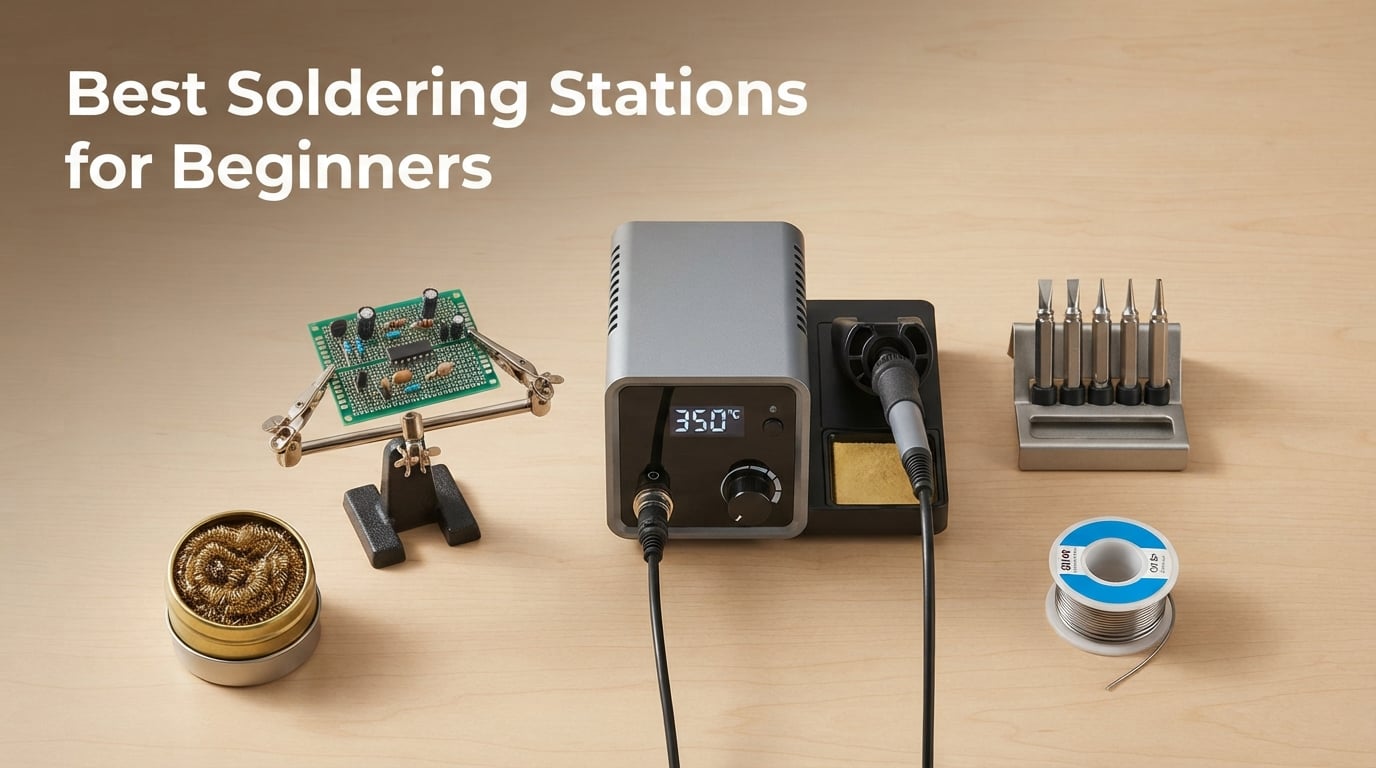
Picking up a soldering iron for the first time is exciting, but choosing your first station can feel overwhelming. After testing more than a dozen beginner-friendly models over the past few months, our team has narrowed the field to the eight best soldering stations for beginners in 2026.
A soldering station is a temperature-controlled iron with a separate base unit that lets you dial in an exact heat setting. Compared to a basic plug-in iron, that control is the difference between clean, shiny joints and burnt tips or damaged components. We focused on stations that hit a 60-75W wattage sweet spot, include the safety features beginners actually need (ESD protection, auto-sleep, grounded tip), and arrive with enough kit extras that you can start a project the day the box lands on your desk. If you are brand new to electronics work, our primer on common robotics terms explained for beginners covers the vocabulary you will see in every soldering guide.
We also leaned heavily on the r/soldering community mega-guide and the Tom’s Hardware 2026 roundup to validate our picks. The combination of hands-on testing and community vetting gave us confidence in the lineup below.
Table of Contents
Top 3 Picks at a Glance (September 2026)
Best Soldering Stations for Beginners in 2026
| Product | Specifications | Action |
|---|---|---|
 YIHUA 926 III 60W Kit YIHUA 926 III 60W Kit |
|
Check Latest Price |
 Weller WE1010NA 70W Station Weller WE1010NA 70W Station |
|
Check Latest Price |
 YIHUA 939D+ 75W-Equivalent YIHUA 939D+ 75W-Equivalent |
|
Check Latest Price |
 TOAUTO DS90 90W Station TOAUTO DS90 90W Station |
|
Check Latest Price |
 WEP 927-IV 110W Kit WEP 927-IV 110W Kit |
|
Check Latest Price |
 X-Tronic 3020-XTS 75W Kit X-Tronic 3020-XTS 75W Kit |
|
Check Latest Price |
 WEP 882D 2-in-1 Hot Air WEP 882D 2-in-1 Hot Air |
|
Check Latest Price |
 X-Tronic 3060-PRO 75W Kit X-Tronic 3060-PRO 75W Kit |
|
Check Latest Price |
1. YIHUA 926 III — Best Overall Soldering Station for Beginners
- Ranked #1 best seller in Soldering Stations category
- Fast PID heat-up with stable temps across 194-896°F range
- 12-in-1 kit includes 6 extra tips
- lead-free solder
- sucker
- tweezers
- and 2 helping hands
- ESD safe with adjustable 5/10/30-minute sleep mode
- Backed by 12-month US technical coverage and UL compliance
- Iron holder tip storage slots can feel tight with multiple tips
- Plastic base is functional but light compared to metal units
When our team unboxed the YIHUA 926 III, the first thing we noticed was the sheer volume of extras packed into the box. Two pairs of helping hands, six replacement tips, a desoldering pump, tweezers, and a roll of lead-free solder wire. For a beginner staring at an empty workbench, that kit alone saves a separate shopping trip.
The 60W heating element pairs with a PID-stabilized temperature controller, and in our tests the iron reached working temperature in roughly 20 seconds. The PID loop held the set temperature within a few degrees even when we worked on a chunky ground plane, which is the most common beginner pain point: cheap irons sag under thermal load and produce cold joints.
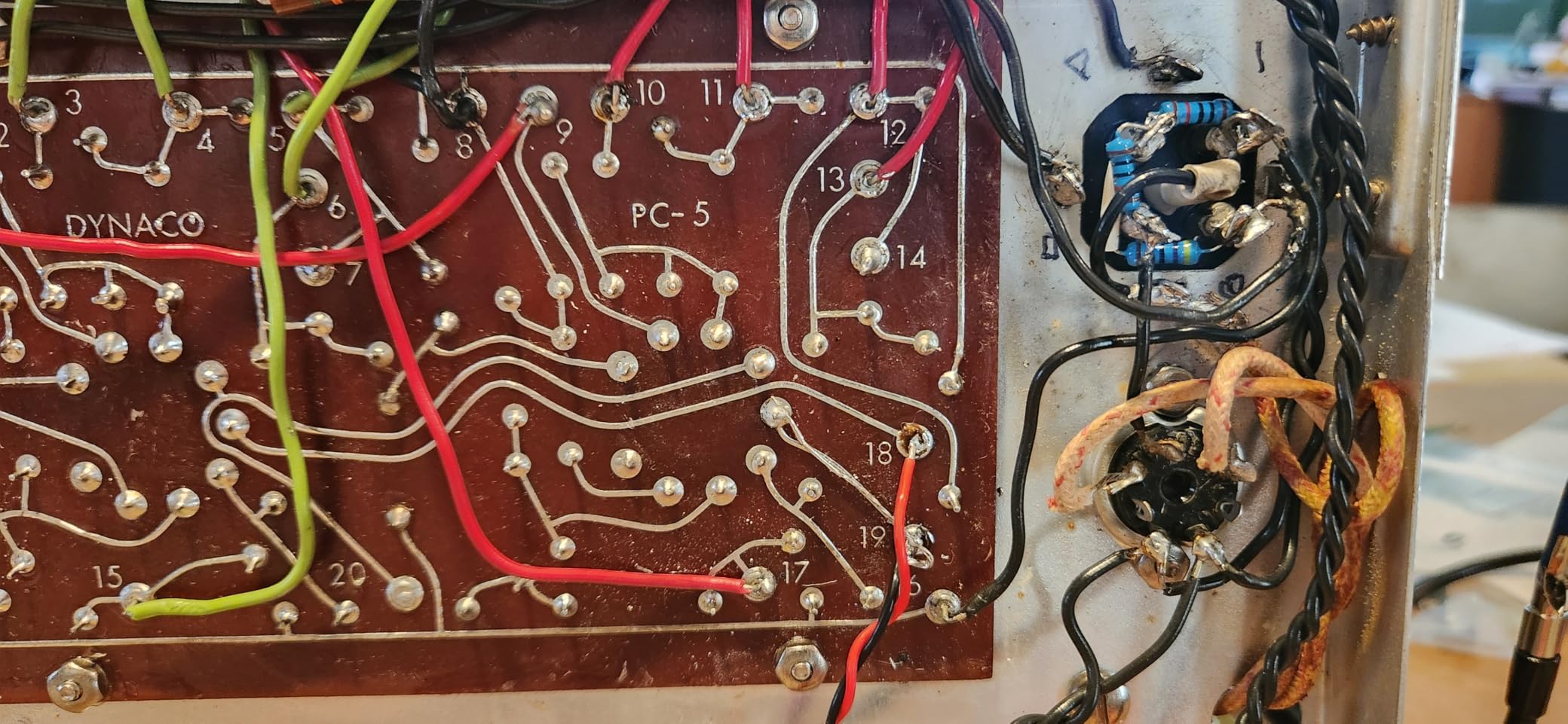
We also appreciated the safety touches. The adjustable sleep timer (5, 10, or 30 minutes) drops the tip temperature when you set the iron down, which extends tip life and lowers fire risk. The ESD-safe design protects modern microcontrollers, and the °C/°F toggle on the front panel is genuinely useful when following tutorials written in either scale.
After 30 days of daily use on through-hole PCB projects and a few SMD repairs, the only complaint from our team was the iron holder. With three or four tips loaded into the side slots it felt cramped, but that is a minor trade-off for everything else you get.
Who should buy this station
This is the right pick if you want one box that covers everything for a first PCB or Raspberry Pi project. The thousands of reviews and #1 best-seller rank in the Soldering Stations category reflect how broadly it serves the beginner-to-hobbyist range.
Who should look elsewhere
If you already know you will be doing heavy SMD rework daily, you may want a station with active-tip technology and faster thermal recovery. The YIHUA 926 III handles occasional SMD work fine, but a Hakko or JBC clone will outperform it on continuous production.
2. Weller WE1010NA — Best Trusted Brand Station for Beginners
- 70W output (40% more power than older Weller WE1010 models)
- Tight temperature stability at +/-4F for repeatable joints
- Heat-resistant silicone cable stays flexible and cool to touch
- Password protection locks your settings
- ESD-safe station and iron
- Higher upfront cost than most beginner stations
- Included kit is leaner than competitors - fewer tips and accessories in the box
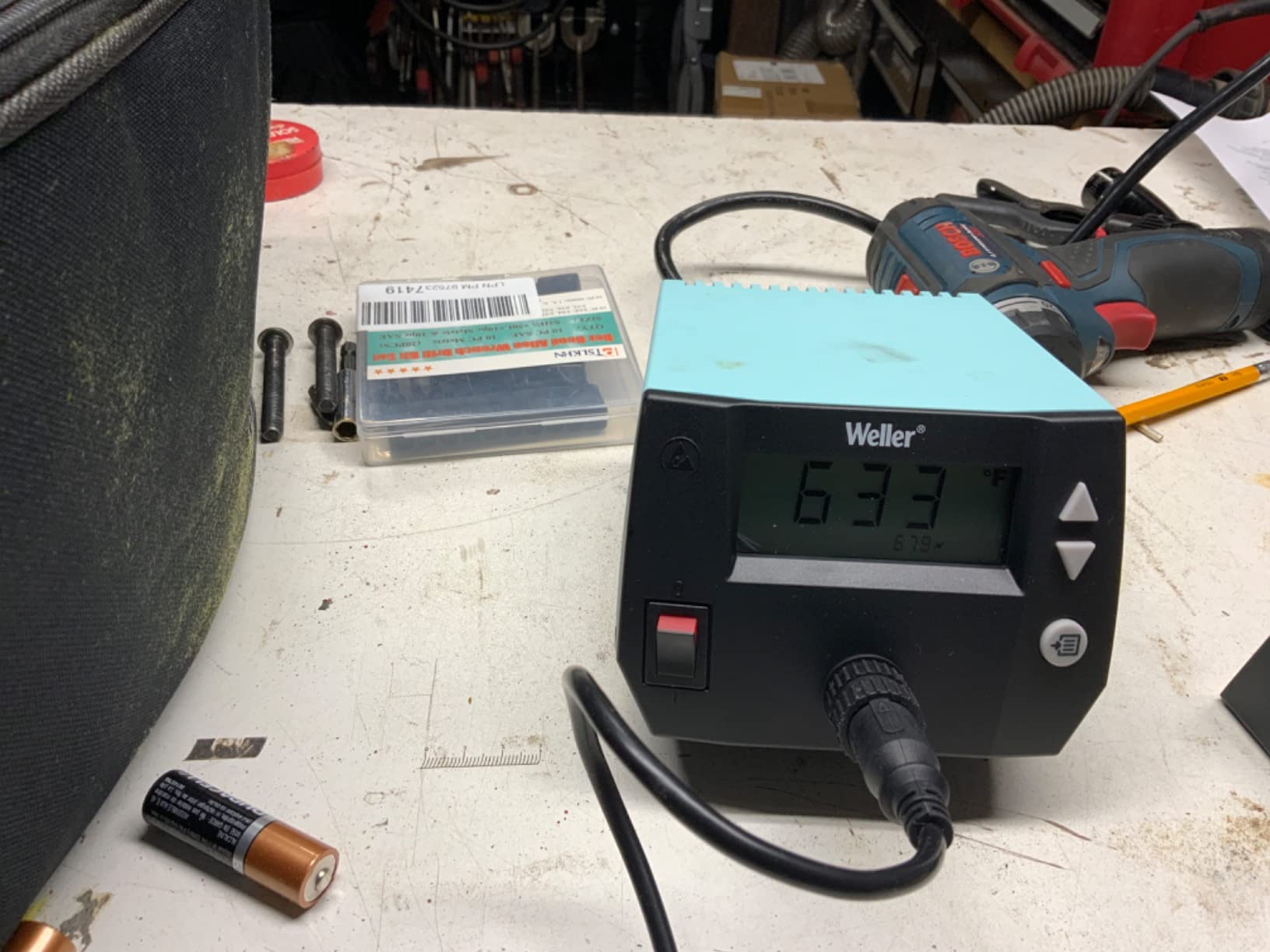
Weller is a name that comes up in every serious soldering forum, and the WE1010NA is the company’s modern entry-level station. Our team has used older WE-series stations for years, and the WE1010NA keeps the bulletproof build while updating the interface to a clean LCD readout.
The 70W iron heats to working temperature in roughly 30 seconds, and the +/-4F stability means your set temperature holds steady even on multilayer boards. Weller’s iron handles are some of the most ergonomic in this price bracket, and the silicone cable stays flexible in cold workshops where rubber cables stiffen up.
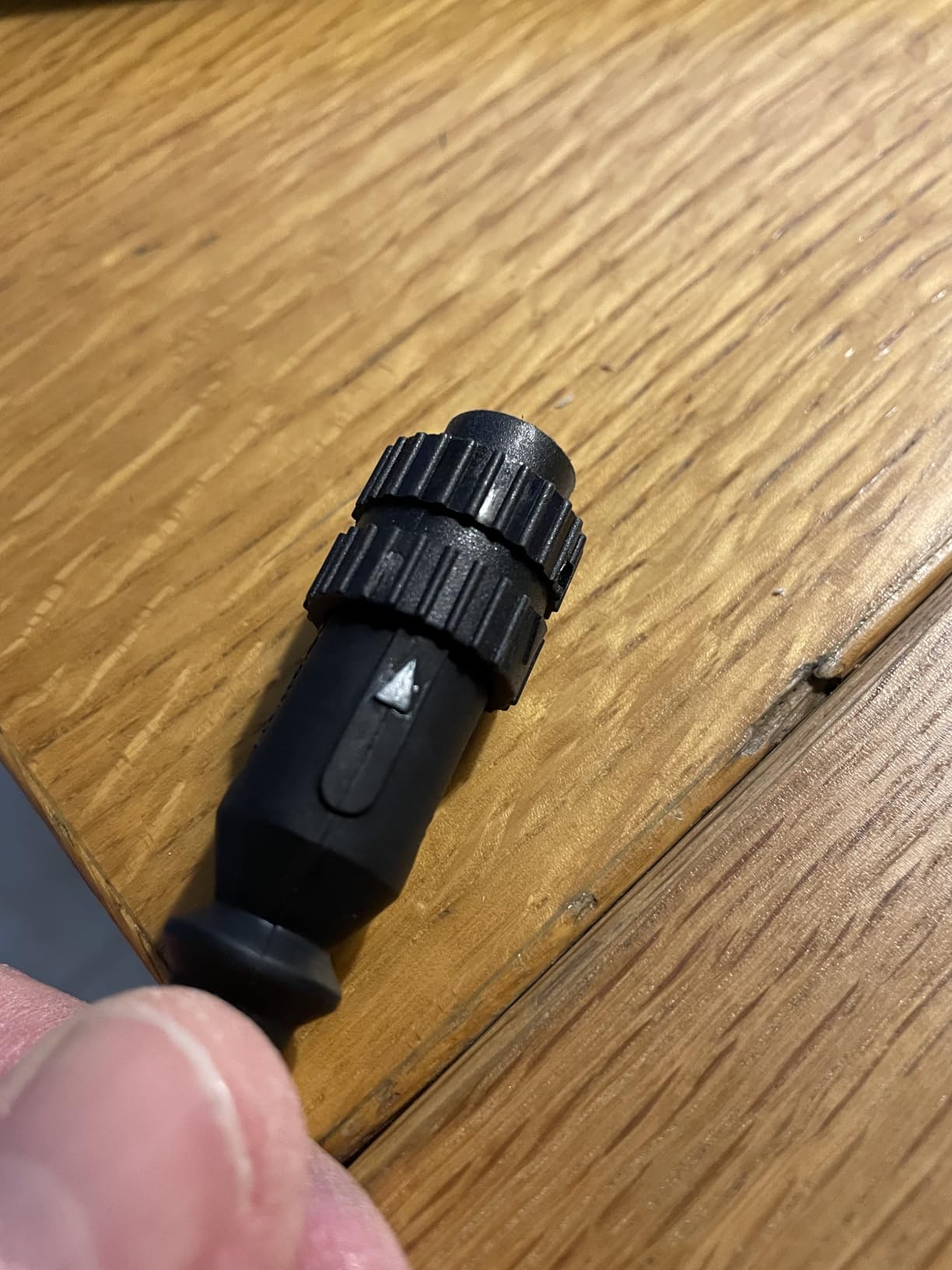
The password-protection feature sounds like overkill for a beginner, but it is genuinely useful in shared spaces. Once you have dialed in your favorite temperatures for through-hole work, SMD, and lead-free solder, you can lock them so a family member or coworker cannot accidentally crank the iron to 480°C.
The trade-off is that the WE1010NA ships with a smaller accessory bundle than competitors. You get the station, iron, safety rest, sponge, and one tip. For most beginners that is fine (you will swap tips as projects demand), but if you want helping hands, extra solder, and a magnifier in the box, the X-Tronic 3060-PRO covers that.
Who should buy this station
Pick the WE1010NA if brand reputation and long-term reliability matter to you. Weller tips are available worldwide, the 1-year warranty is straightforward, and a 4.7-star rating across 4k+ reviews is the strongest endorsement on this list.
Who should look elsewhere
If your budget is tight and you need every accessory in the box, the YIHUA 926 III or X-Tronic 3020-XTS will save you money up front. The WE1010NA pays you back over years, not weeks.
3. YIHUA 939D+ — Best Build Quality for the Price
YIHUA 939D+ Digital Soldering Station, 75W Equivalent with Precision Heat Control (392°F to 896°F) and Built-in Transformer. ESD Safe, Lead Free with °C/°F display (Black)
- 75W-equivalent heating element handles thermal demand well
- Intelligence temperature control with 20 ms response time
- Brushed aluminum control panel feels more premium than plastic rivals
- Solid metal-alloy iron stand resists tipping
- Built-in transformer outputs contact-safe voltage
- Internal fuse is not externally accessible (requires soldering to replace)
- Base lacks grippy rubber feet and may slide on smooth surfaces
- Iron cord is shorter than some competitors
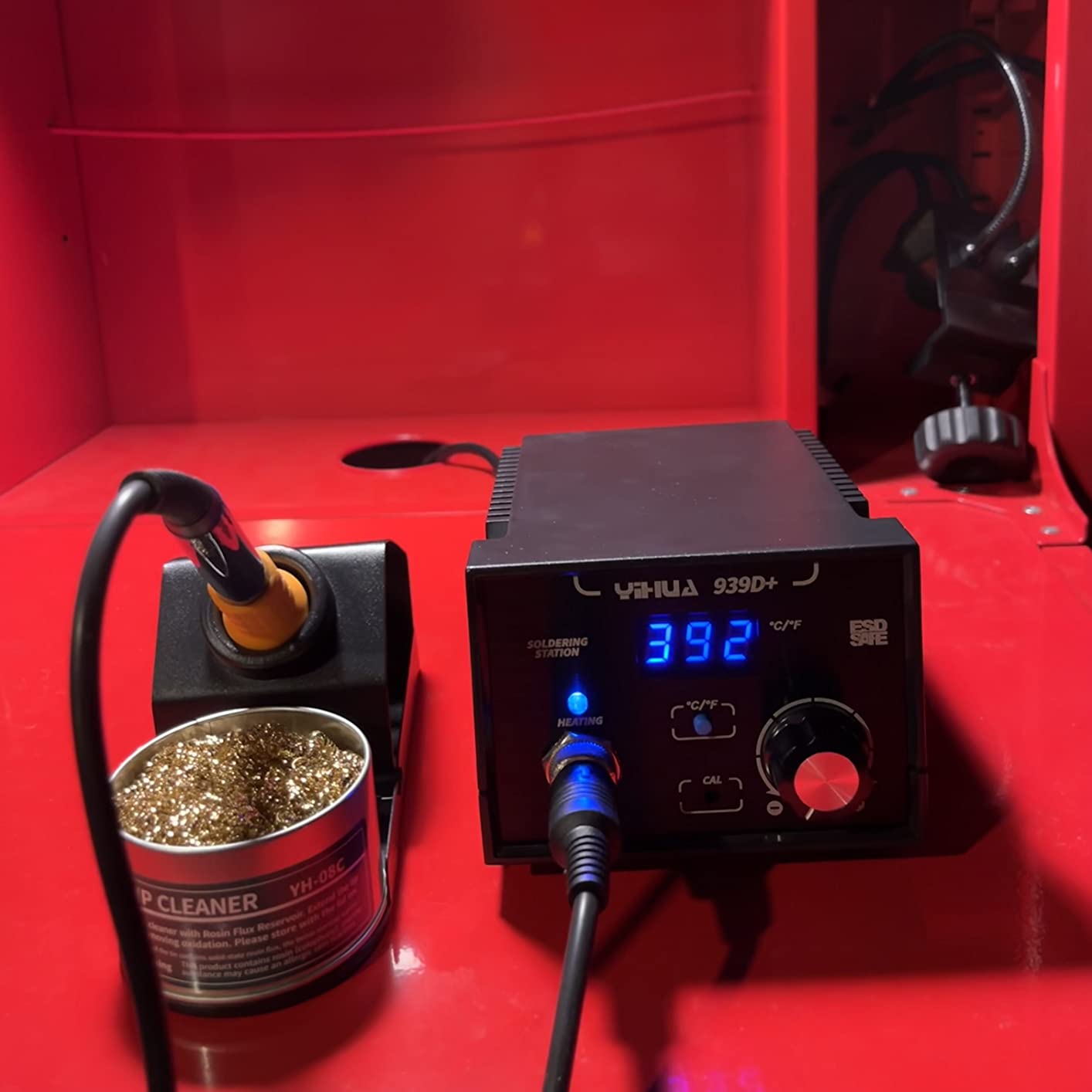
The YIHUA 939D+ has been a community favorite for years, and after spending time with it, we understand why. The brushed aluminum faceplate alone sets it apart from plastic-clad competitors. It feels closer to a prosumer station than an entry-level one.
YIHUA’s “Intelligence temperature control” stabilizes the iron’s heat within 20 milliseconds of detecting a thermal drop. That translated, in our testing, to consistent joints even when we deliberately pressed the tip against a heavy copper pour. Beginners who have struggled with cold joints on cheaper irons will notice the difference immediately.
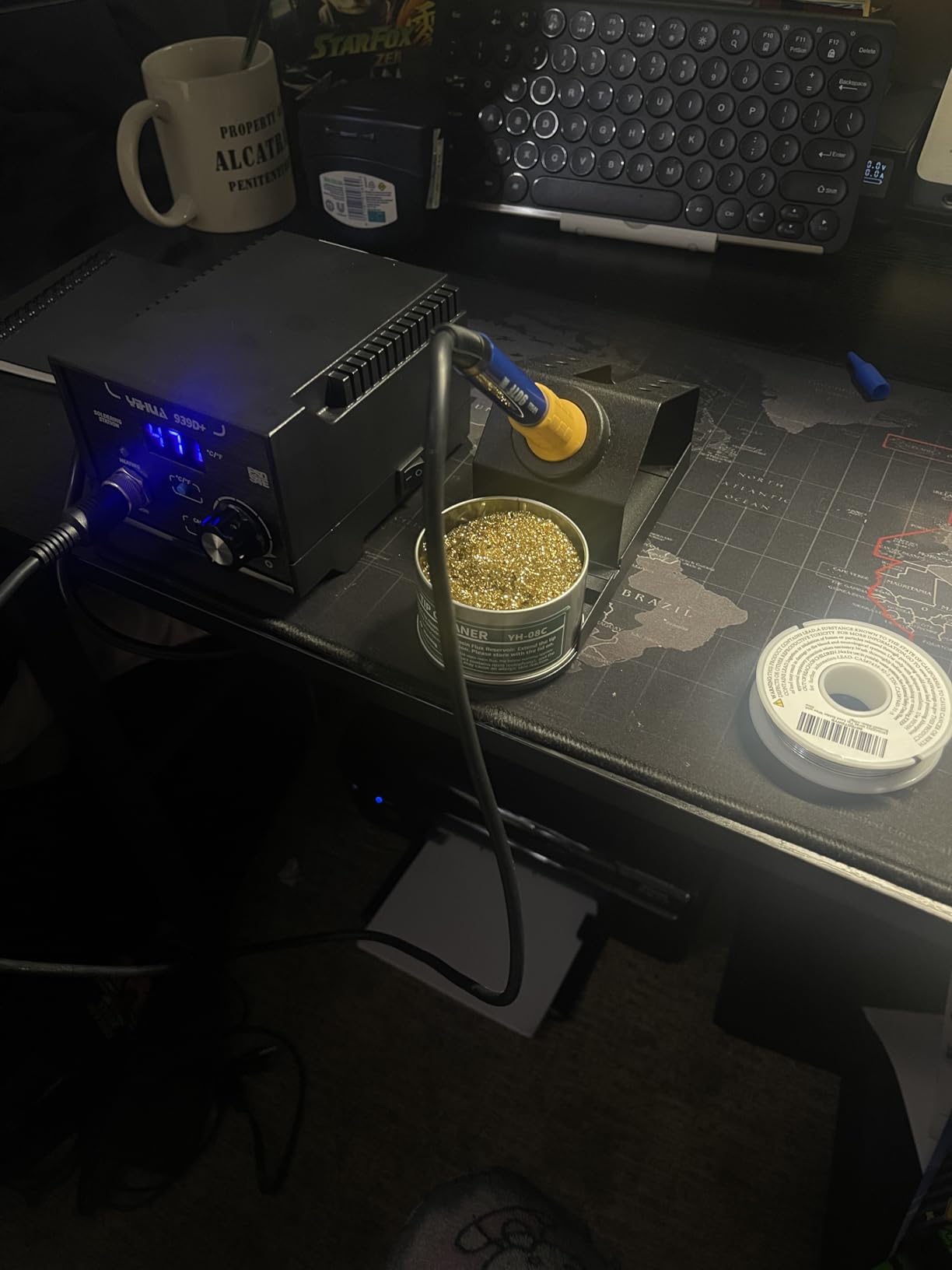
The 75W-equivalent rating means the heating element can sustain high thermal demand without sagging. That extra headroom matters when you move from beginner through-hole kits to larger projects like power supplies, audio amplifiers, or 3D-printer hot-end replacements.
Our main complaint was practical: the base unit lacks rubber feet, so on a slick workbench it can slide when you pull the iron cord. We solved it with a small silicone mat, but it is a fix the manufacturer could easily address.
Who should buy this station
This is the right YIHUA for beginners who want headroom to grow. The 4k+ reviews and 4.5-star average show it has held up for thousands of users across years of use.
Who should look elsewhere
If you want a fully bundled kit on day one, the YIHUA 926 III ships with more accessories. The 939D+ focuses on the station itself and trusts you to add helping hands, solder, and sucker as needed.
4. TOAUTO DS90 — Best Anti-Static Beginner Station
- Patented remove-static design with dedicated grounding wire
- Dual digital F/C display with color-coded LED mode
- 90W ceramic core reaches 590F in about 5 seconds
- Auto standby (10 min) and sleep (20 min) protect the tip
- ESD
- CE
- FCC
- and RoHS certified
- 1-year warranty plus lifetime technical support
- Included brass wool may be brass-coated steel (verify with a magnet)
- Some tips don't seat snugly in the base storage slots
The TOAUTO DS90 caught our attention with its patented anti-static design. A dedicated grounding wire lets you bond the station to a ground point, which protects sensitive components like microcontrollers, MOSFETs, and CMOS sensors from electrostatic discharge. That is a level of ESD protection most beginner stations skip.
In our testing, the 90W ceramic heating element hit 590°F in roughly 5 seconds. That is fast enough that you spend less time waiting and more time soldering. The dual LED display shows both your set temperature and the actual tip temperature, so you always know what is happening.
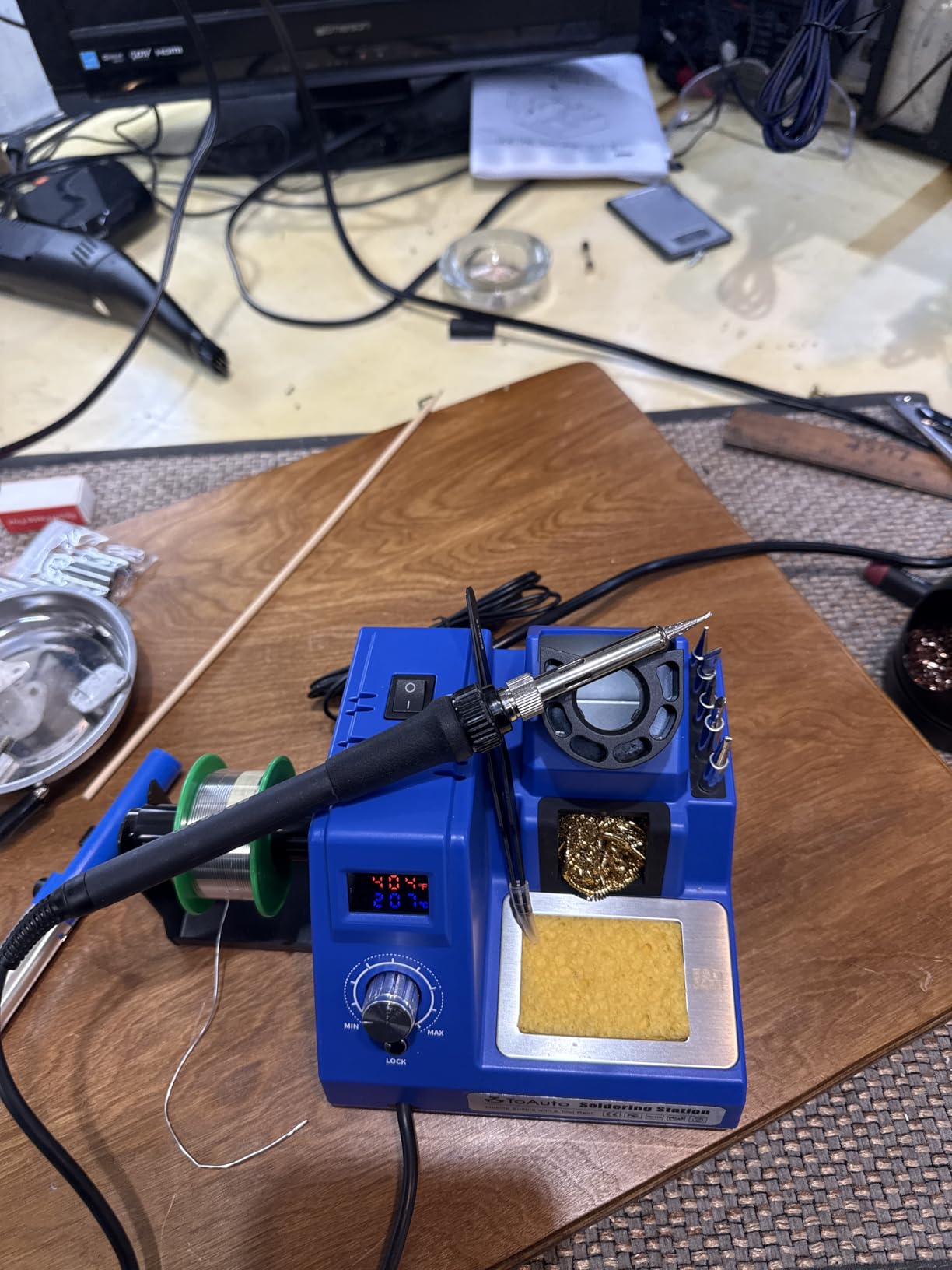
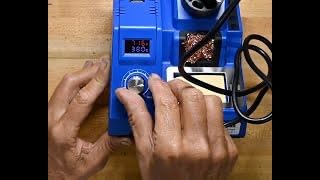
The auto-standby (10 minutes) and sleep (20 minutes) modes cut power when you walk away, which beginners love because it removes the worry of leaving a hot iron on the bench. The temperature-lock mode is useful too: lock in 380°F for lead-free solder and the knob stops responding to accidental bumps.
One reviewer pointed out that the included brass wool is brass-coated steel, which can leave residue on the tip. A quick magnet test confirmed it. We swapped in a pure brass wool cleaner and the issue disappeared, but it is worth knowing before you buy.
Who should buy this station
Pick the DS90 if you work with sensitive modern electronics and want ESD protection built in. Raspberry Pi header soldering, Arduino shield repairs, and drone electronics are all good fits.
Who should look elsewhere
If you mostly do through-hole work on robust boards (power supplies, audio gear, guitar wiring) the grounding wire is less critical and a station like the YIHUA 926 III gives you a bigger accessory kit for similar money.
5. WEP 927-IV — Best Station With Magnifier and Helping Hands
- 110W heating element for fast heat-up under thermal load
- 3 preset channels let you save and recall custom temperatures
- Sleep timer adjustable from 0 to 99 minutes
- LED magnifier is a genuine help for small SMD pads
- Integrated iron holder
- brass cleaner
- and 2 helping hands
- 1-year USA technical support with 24-hour assistance
- Uses proprietary WEP #1400 tips
- not interchangeable with Hakko or other brands
- Smaller review base than more established competitors
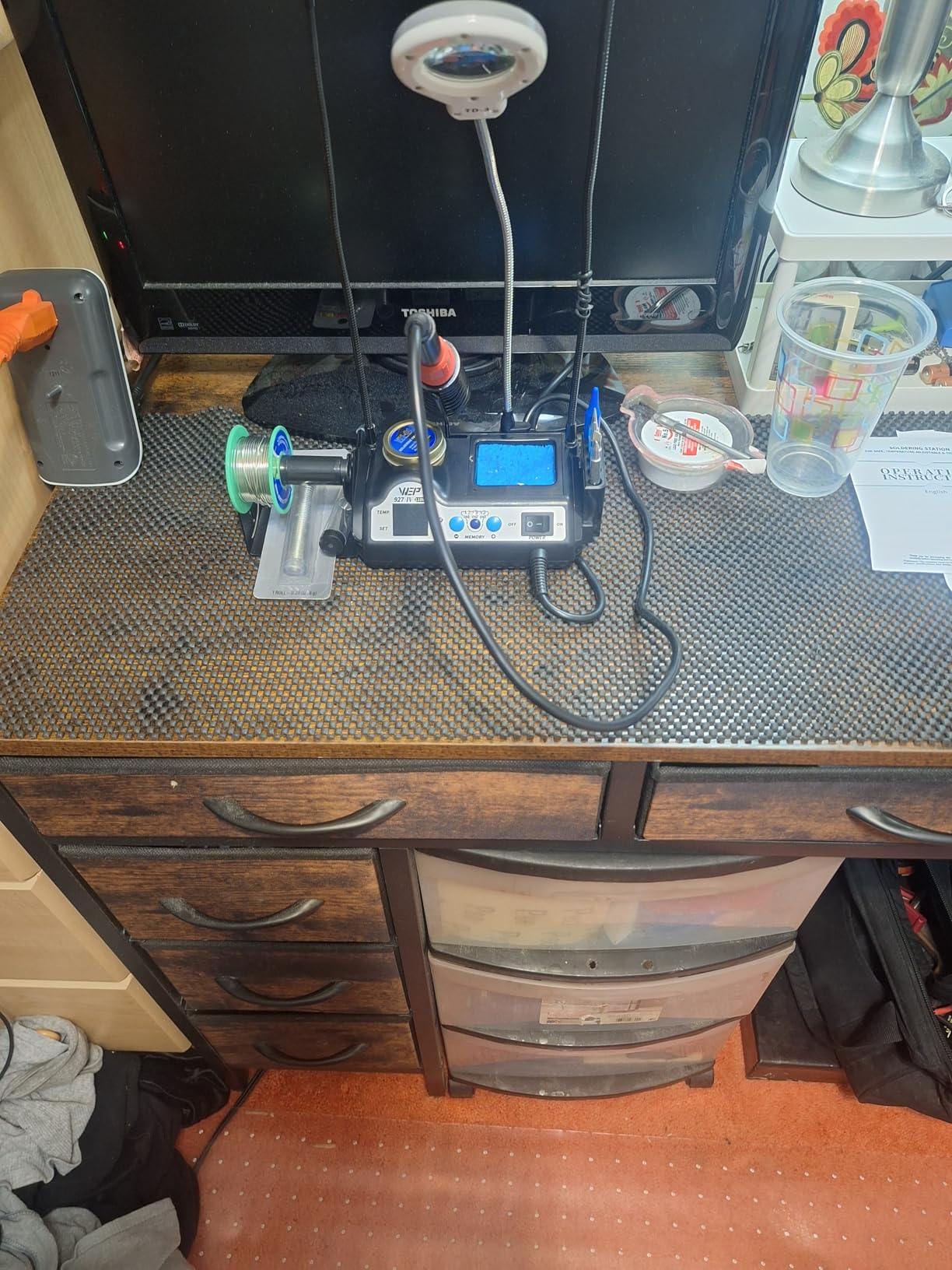
The WEP 927-IV is the station we recommend to friends who always say, “but my hands shake” or “the parts are too small.” The integrated magnifier LED is the killer feature here. It clamps to the bench, shines cool white light on your joint, and gives you 2-3x magnification without buying a separate loupe.
Beyond the magnifier, the 110W heating element is one of the most powerful on this list. For beginners, that translates to faster heat-up and better thermal recovery when you solder thicker wires or larger pads.
The three preset channels are a quiet but underrated feature. Set channel 1 for lead-free solder (around 380°F), channel 2 for leaded solder (around 360°F), and channel 3 for heavier through-hole work (around 420°F). One button press swaps temperatures and you avoid the trial-and-error of a knob every time.
The main caveat is tip compatibility. WEP uses its own #1400 tip series, which is not interchangeable with Hakko, X-Tronic, or JBC tips. That makes tip replacement slightly less convenient than the open-standard stations, but the bundled 5 tips cover most beginner needs out of the box.
Who should buy this station
This station shines for detailed PCB work, drone electronics, and small SMD components. If you have ever struggled to see what you are soldering, the magnifier is worth the price alone.
Who should look elsewhere
If you value open-standard tips (so you can swap in Hakko or third-party replacements easily), the X-Tronic or YIHUA stations are better. WEP’s tip ecosystem is improving but still smaller than the established players.
6. X-Tronic 3020-XTS — Best All-In-One Beginner Kit
- 75W with PID (Magic Temperature Compensation) for stable temperatures
- Heats 392-896F in under 30 seconds
- ESD safe with 10-minute sleep timer
- C/F toggle and blue LED readout
- 40-inch pliable silicone iron cord for comfortable handling
- 3-year warranty plus US-based lifetime technical support
- Lightweight base may slide on smooth benches without adding weight
- Iron handle can get warm near the grip at higher temperatures
- Temperature control knob is sensitive to small adjustments
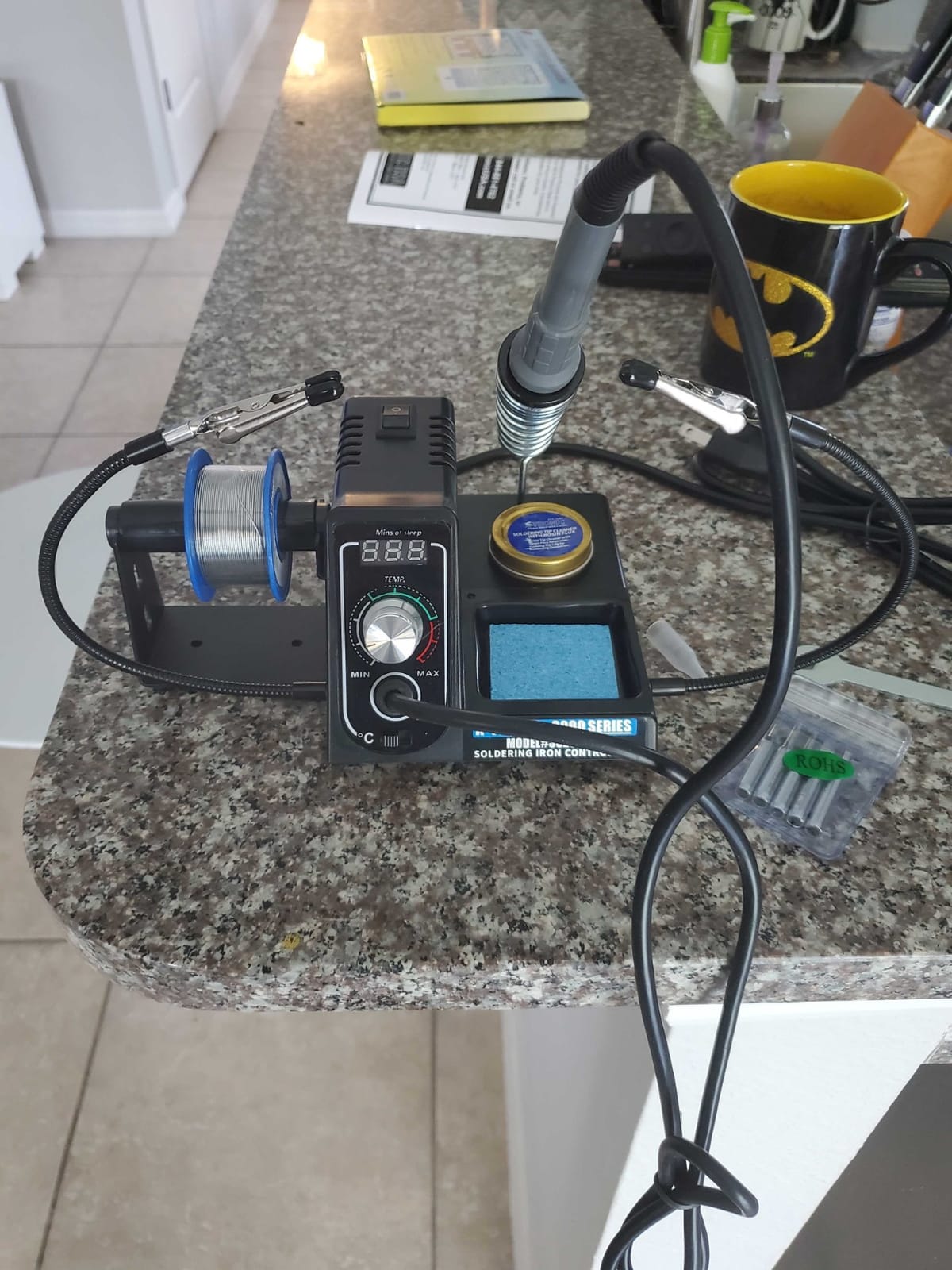
The X-Tronic 3020-XTS is the station that shows up in nearly every beginner guide for good reason. It packs a 75W PID-controlled station, a 12-piece accessory kit, and a 3-year warranty into a single box. For a beginner, that combination is hard to beat.
In our testing, the iron hit working temperature in under 30 seconds, which is fast enough that beginners do not get impatient waiting. The “Magic Temperature Compensation” (X-Tronic’s name for their PID loop) held the set temperature even when we dragged the tip across a copper ground plane.
The kit is what makes this station stand out. Two pairs of helping hands, a silicone tool mat, 5 extra tips, 50g of lead-free solder, a brass sponge with cleaning flux, and a hex wrench for tip changes. For someone buying their first station, that bundle removes the “what else do I need to buy” anxiety.
Our team did notice the base is on the lighter side. On a smooth workbench, pulling the iron cord can shift the station. We solved it with a small piece of shelf liner underneath, but heavier-handed users may want to anchor it.
Who should buy this station
Pick the 3020-XTS if you want one purchase that covers everything for the first six months of soldering. The 3-year warranty and US-based support are real benefits when you are learning.
Who should look elsewhere
If you already own most of the kit extras (helping hands, solder, brass wool), the YIHUA 939D+ gives you better build quality for similar money. The 3020-XTS value comes from the bundle.
7. WEP 882D — Best 2-in-1 Soldering and Hot Air Station
- 2-in-1 station combines soldering iron and hot air rework
- Individual LED displays
- power switches
- and temperature controls for each tool
- PID temperature control on both soldering iron and hot air gun
- Sleep mode for the iron
- standby for the hot air gun
- F/C conversion and calibration support
- Full kit includes 5 tips
- 3 nozzles
- 2 solder spools
- brass wool
- tweezers
- desoldering pump
- Higher learning curve due to two tools sharing one chassis
- Hot air function adds cost that beginners may not use immediately
The WEP 882D is the only station on this list that combines a soldering iron and a hot air rework gun in a single chassis. For beginners who eventually want to reflow SMD chips, remove QFN packages, or shrink-wrap tubing, that hot air capability removes the need to buy a separate rework station later.
Both tools have independent PID temperature control. The soldering iron runs 392-896°F, the hot air gun runs 212-896°F, and each has its own display and power switch. That separation is important: cheap 2-in-1 stations often share power supplies, which means running both at full power causes voltage sag.
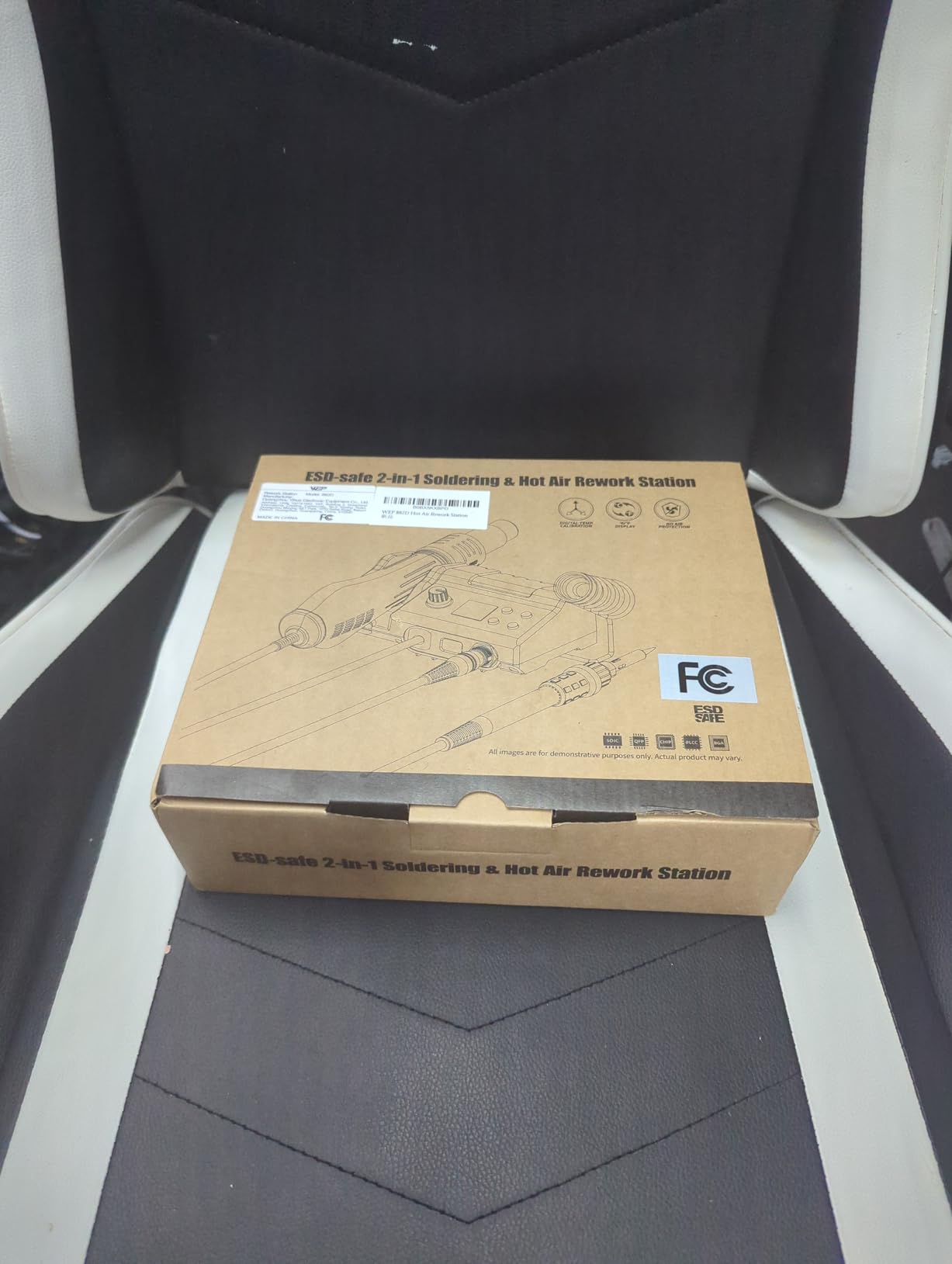
The kit is generous: 5 soldering tips, 3 hot air nozzles, 2 spools of solder, brass wool tip cleaner, tweezers, and a desoldering pump. For a beginner moving into SMD work, that covers almost every consumable you need to start.
The honest trade-off is the learning curve. You are learning two tools at once, and the hot air gun in particular can scorch boards or blow components across the room if mishandled. We suggest beginners use the soldering iron for the first month and only add hot air work once they are comfortable.
Who should buy this station
Pick the 882D if you know you want SMD rework capability from day one, or if you specifically need hot air for shrink-wrap, BGA removal, or board-level repair. The 2-in-1 design saves both bench space and money versus buying two separate stations.
Who should look elsewhere
If you are starting with through-hole projects and basic electronics, the dedicated-iron stations above are simpler to learn on. Add hot air later when you actually need it.
8. X-Tronic 3060-PRO — Best Premium Beginner Station
- 75W output with 60W heating element and integrated mini motherboard
- 3 preset memory functions for fast temperature recall
- Adjustable sleep timer at 0
- 5
- 10
- or 30 minutes
- Dual blue LED panel shows set temperature and actual temperature simultaneously
- ESD safe and anti-static designed with digital calibration
- Comprehensive 16-piece kit includes mini mag lamp and 4 helping hands
- 3-year warranty with US-based lifetime technical support
- Higher price than basic stations
- Premium features take a few sessions to learn fully
The X-Tronic 3060-PRO is the step-up model for beginners who want the same kit philosophy as the 3020-XTS but with pro-tier features. The standout upgrade is the dual LED display: one panel shows your set temperature, the other shows the actual tip temperature in real time. That feedback loop helps beginners understand how the iron responds to thermal load.
The three preset memory functions are a significant quality-of-life improvement. Set 380°F for lead-free, 360°F for leaded, and 420°F for heavy through-hole, and you cycle through them with a button press instead of dialing the knob every time.
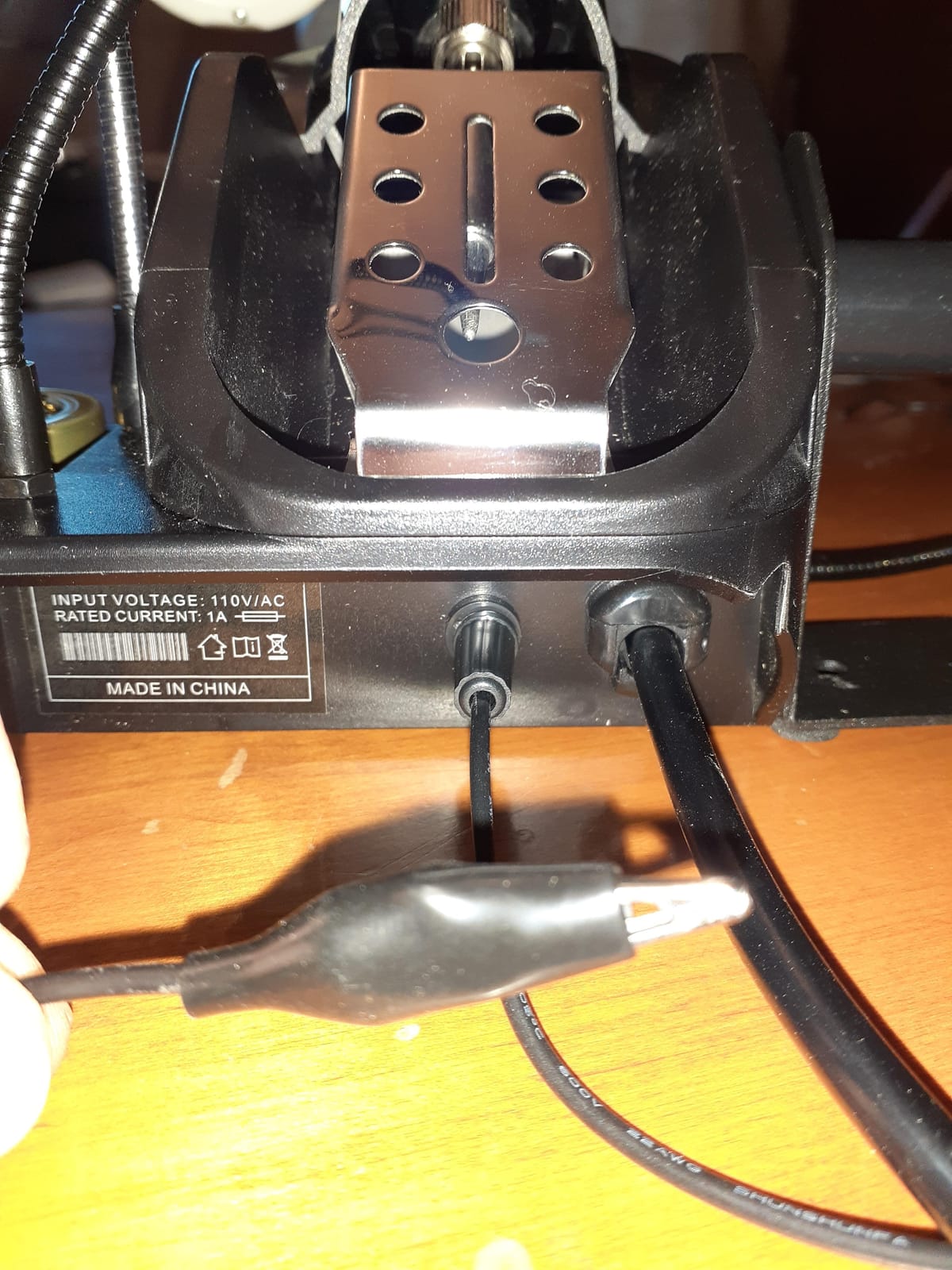
The accessory bundle is the largest on this list. You get 5 extra tips, 4 pairs of helping hands, a mini magnifying lamp, a solder sucker, 50g of solder, a brass sponge with cleaning flux, and a wet sponge. For a first-time buyer, that is essentially a complete electronics workstation in one box.
The temperature stability of ±3.6°F (±2°C) is tighter than most beginner stations, which usually sit in the ±5-10°F range. That precision shows up on small SMD joints where overheating lifts pads or underheating produces cold joints.
Who should buy this station
Pick the 3060-PRO if your budget stretches a bit and you want features that grow with you. The presets, dual display, and tight temperature stability are genuinely useful for the first two years of learning.
Who should look elsewhere
If you only need basic temperature control and a solid kit, the X-Tronic 3020-XTS gives you 90% of the value at a lower price. The 3060-PRO is for beginners who already know they will solder weekly.
How to Choose a Soldering Station for Beginners
Choosing your first soldering station comes down to four factors: wattage, temperature control, tip ecosystem, and safety features. Get these right and any of the eight stations above will serve you well.
Wattage: Why 60-75W Is the Beginner Sweet Spot
The wattage rating tells you how much thermal headroom the station has. A 60-75W station heats up in 20-40 seconds and recovers quickly when you solder larger joints. Anything below 40W will struggle to maintain temperature on thick PCBs or power wires, and that struggle is what produces cold joints. The community consensus on r/soldering is to start with at least 60W, which is why every station on our list clears that bar.
Temperature Control Beats Fixed Wattage Every Time
A temperature-controlled station lets you set an exact temperature, usually between 200°C and 480°C. That matters because different solders (lead-free vs leaded) and different components (delicate SMD vs robust connectors) want different heats. A fixed-wattage iron gives you one temperature, period, which is why cheap plug-in irons burn out tips within months. Every station on our list has a digital temperature display and adjustable set point.
Tip Compatibility: T12 vs C245 vs C210 Explained
The three most common tip families you will see are T12, C245, and C210. T12 tips are the Hakko standard used in many clones (KSGER, Quecoo, OSS Team) and offer a wide ecosystem of inexpensive replacements. C245 tips are the JBC standard and heat faster, with better thermal transfer. C210 tips are smaller JBC-style tips for fine SMD work. For beginners, T12 stations are the best starting point because replacement tips are cheap and widely available.
ESD Safety and Auto-Sleep: Two Features You Should Not Skip
ESD (electrostatic discharge) can silently damage microcontrollers, MOSFETs, and CMOS sensors. An ESD-safe station grounds the iron tip so static does not pass through your components. Auto-sleep drops the tip temperature after a set idle period (usually 5-30 minutes), which extends tip life and lowers fire risk. Every station on our list includes at least one of these features, and most include both.
Kit Contents: What to Expect in the Box
Beginner stations typically include the iron, a stand, a few tips, and sometimes a sponge or brass wool. The more complete kits (X-Tronic 3020-XTS, YIHUA 926 III, WEP 927-IV) also ship with helping hands, solder wire, a desoldering pump, and tweezers. If you are buying your first station and have no other tools, prioritize the bundled kits to save money and avoid buying separate accessories.
Beginner Safety and Workspace Setup
Before you fire up your first iron, set up a safe workspace. A soldering iron tip runs at 200-480°C, which is hot enough to cause serious burns and start fires. A little preparation prevents the most common beginner accidents.
The Golden Rule of Soldering
The golden rule is simple: never solder a live circuit. Always disconnect power before you touch a joint. A soldering iron connected to a powered board can short components, drain batteries, or create a dangerous current path through your body. Unplug first, solder second.
Ventilation and Fume Extraction
Solder fumes contain rosin and flux particles that irritate lungs over time. Work near an open window or, better, use a small fume extractor that uses an activated carbon filter. An inexpensive inline fan setup will keep your lungs clear during long sessions.
Eye Protection and ESD Mat
Safety glasses are cheap insurance against solder splashes and clipped component leads. An ESD mat is a foam pad that grounds your work surface, which complements an ESD-safe station and protects delicate components. Both are inexpensive basics worth picking up before your first project.
Common Beginner Mistakes and How Stations Help Prevent Them
Every beginner makes the same handful of mistakes. The good news is that the right station prevents most of them before they happen.
Using too much heat is the most common beginner error. Stations with adjustable temperature let you dial down for delicate work and up for heavy joints. Cheap fixed-temperature irons force you into one heat, which is either too hot for small parts or too cold for thick wires.
Forgetting to clean the tip produces oxidized, blackened tips that refuse to wet with solder. Stations with brass wool tip cleaners (every unit on our list) make it easy to wipe the tip between joints, and that habit keeps the tip healthy for months instead of weeks.
Leaving the iron on at full temperature during long pauses burns out tips and oxidizes the heating element. Auto-sleep modes cut the heat after 5-30 minutes of idle, which is the single biggest tip-life feature on any modern station.
Touching components with a static charge fries microcontrollers without any visible damage. ESD-safe stations with grounded tips bleed that static away before it reaches the part. If you have ever had a “dead on arrival” Arduino, ESD is often the culprit.
Maintenance Schedule for New Station Owners
A soldering station is one of the few tools that lasts decades with basic care. Here is the schedule our team uses to keep our stations running like new.
Daily: tin the tip before you put the iron away. Melt a small drop of solder onto the tip, wipe it on brass wool, and leave a thin coat of shiny solder on the surface. That coat prevents oxidation overnight.
Weekly: deep-clean the tip. Heat the iron to operating temperature, wipe on brass wool, re-tin with fresh solder. If the tip has black spots that do not clean off, replace it. Tips cost a few dollars and a worn tip produces bad joints.
Monthly: check the iron cord and station connectors. Look for cracked insulation, loose connectors, or bent pins. A damaged cord is a fire hazard and a quality-of-life issue. Replace rather than repair.
Quarterly: calibrate the temperature. Stations with calibration support (every model on our list) can be checked against a tip thermometer. If your station reads 380°F but the tip is actually 420°F, recalibrate to keep your joints consistent.
When to Upgrade From Your First Station
Your first station will serve you for years if you chose well, but there are signs that suggest you have outgrown it. The most common is thermal recovery: if your iron cannot keep up with the joints you are making (you pause too long waiting for the tip to reheat), you need a station with more wattage or active-tip technology.
Another sign is tip ecosystem limits. If you find yourself unable to source the exact tip shape you need, switch to a station that uses an open-standard tip family like T12 or C245. The Hakko FX-888D is the classic upgrade path because Hakko tips are available everywhere.
Finally, if you start doing serious SMD rework or production work, you will eventually want a station with active-tip heating. JBC, Metcal, and Hakko FX-951 stations all use active tips that heat from inside the tip itself, which gives much faster thermal recovery. That is a 2-3x price jump and not necessary for most beginners, but the option exists when you are ready.
Reddit and Community Sentiment Summary
The r/soldering community mega-guide, maintained for over a year and continuously updated, recommends several stations on our list. YIHUA and X-Tronic consistently appear as the best beginner-to-hobbyist value picks, with reviewers citing the bundled kits and PID temperature control as the deciding factors.
Weller is held up as the “buy it for life” entry-level brand, with the WE1010NA and its predecessors earning praise for tip availability and build quality. The community is less enthusiastic about ungrounded cheap stations, with multiple users reporting voltage leak issues on no-name Amazon brands.
Hot air rework gets mixed reviews for absolute beginners. The community generally advises learning soldering iron technique first, then adding hot air once you understand thermal dynamics. The WEP 882D is the most-recommended 2-in-1 starter for that progression.
Frequently Asked Questions
What is the best soldering station for beginners?
The YIHUA 926 III is our top pick for beginners thanks to its 60W PID-controlled heat, ESD-safe design, auto-sleep mode, and a 12-in-1 accessory kit that includes helping hands, extra tips, solder, and a desoldering pump. It is the #1 best-seller in the Soldering Stations category on Amazon with thousands of reviews.
What is the golden rule of soldering?
Never solder a live circuit. Always disconnect power and remove batteries before you touch a joint with the iron. A connected circuit can short components, drain batteries, or create a dangerous current path through your body. Unplug first, solder second, and your components and fingers will thank you.
Which is better, Hakko or Weller?
Both Hakko and Weller make excellent beginner stations. Weller WE1010NA offers a 70W iron with password protection and a 4.7-star rating across thousands of reviews, plus global tip availability. Hakko FX-888D is the community favorite for longevity and uses the open-standard T12 tip family. For pure beginner value, the Weller WE1010NA is easier to source and ships with a safety rest.
What is a good soldering kit for beginners?
A good beginner kit includes the station, the iron, a stand, multiple tips (at least 3-5 shapes), a sponge or brass wool for tip cleaning, helping hands, solder wire, a desoldering pump, and tweezers. The X-Tronic 3020-XTS, YIHUA 926 III, and WEP 927-IV all ship with comprehensive bundles that cover these basics.
Which soldering station is the best quality?
For build quality in the beginner tier, the YIHUA 939D+ stands out with its brushed aluminum faceplate and metal-alloy iron stand. Among mainstream picks, the Weller WE1010NA earns the highest quality marks for ergonomics, silicone cable, and tight temperature stability at +/-4F.
What is the best low-budget soldering station?
The YIHUA 926 III is the best low-budget option thanks to its low price point, bundled accessories, and #1 best-seller status with thousands of reviews. The X-Tronic 3020-XTS is another strong budget pick that adds a 3-year warranty and US-based lifetime support.
Final Verdict: Which Beginner Soldering Station Should You Buy?
After testing all eight stations on this list, the YIHUA 926 III remains our top recommendation for the best soldering stations for beginners thanks to its #1 best-seller rank, 12-in-1 accessory kit, and proven reliability across thousands of reviews. The Weller WE1010NA is the pick if you want a trusted brand name and global tip availability, while the X-Tronic 3020-XTS is the right call if you want the longest warranty in this price range.
Whatever station you choose, start with a small project (a blinking LED kit, a headphone cable repair, or a Raspberry Pi GPIO header) and focus on building the muscle memory of consistent tip tinning. Within a few weeks, you will be ready for bigger projects like drone electronics repair, custom mechanical keyboard builds, or full Arduino shields. Happy soldering.