
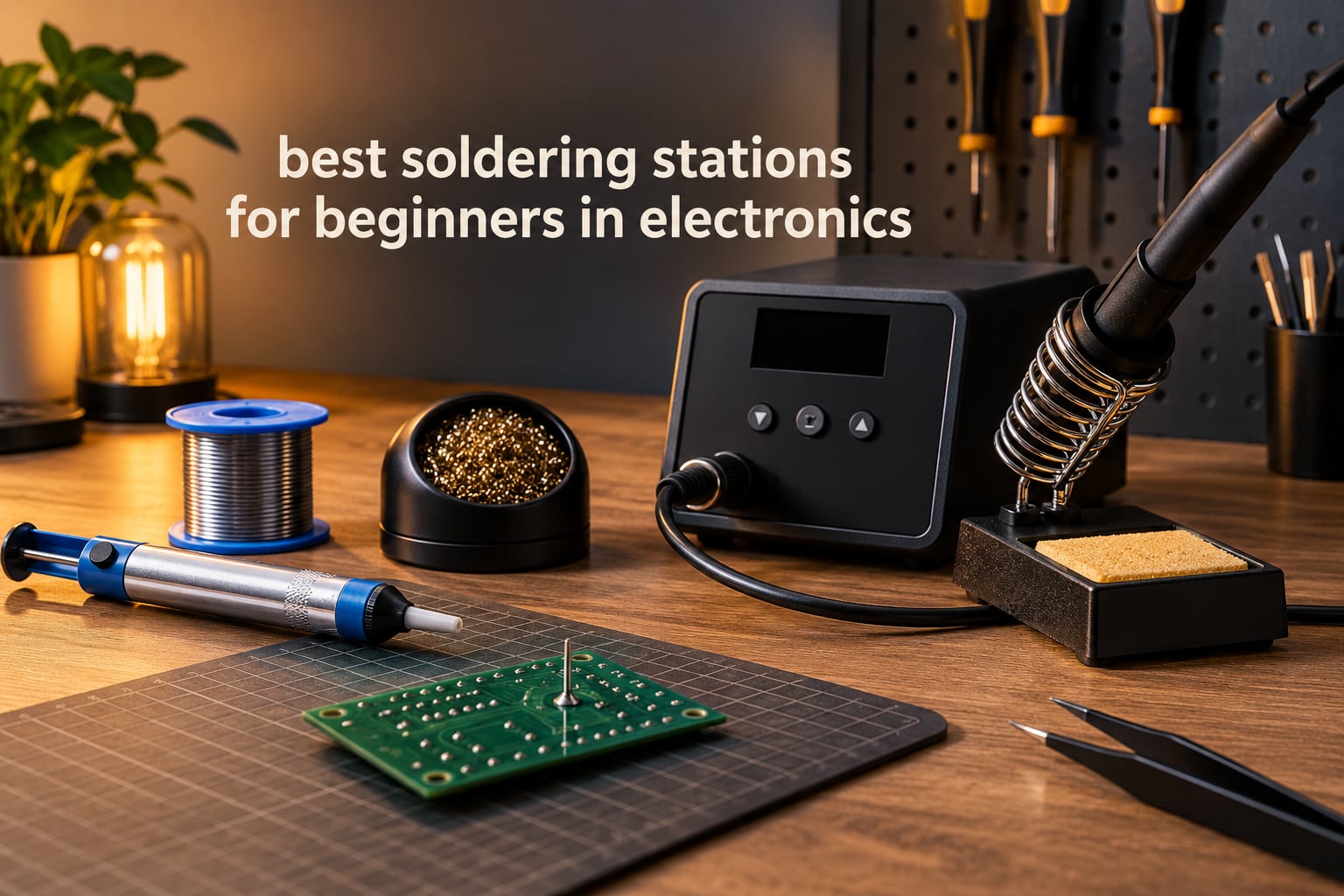
The best soldering stations for beginners are the ones with closed-loop temperature control, a grounded iron tip, and tips you can actually buy replacements for. Everything else in the spec sheet is decoration. I have put together these picks after working through the full range available, from the cheapest temperature-controlled kit to the station most repair shops actually put on the bench, and the gap between them is much smaller than the price gap suggests.
That is the part that confuses new builders. A fixed-wattage plug-in iron and a proper station cost very different amounts, yet a lot of beginners waste their first month learning on the cheap one, burning pads off a development board and blaming themselves. The single most useful upgrade you can make is moving the thermostat out of the wall and into a bench unit that holds a number you chose.
Below you will find 12 stations grouped so you can pick by skill level and bench size rather than by brand reputation. If you want a shorter path, start with the beginner soldering station guide and come back for the detail. If you already own a station and are thinking about stepping up, the broader soldering station roundup for robotics and PCB work is worth a look.
Table of Contents
Top 3 Best Soldering Stations for Beginners in 2026

Weller WE1010NA
- 70W digital station
- Plus or minus 4F stability
- Password lock and standby
- WEP70 iron and safety rest

YIHUA 939D+
- 75W equivalent
- 392F to 896F with 20ms compensation
- Built-in transformer
- Calibration support

WEP 927-IV
- 110W heating element
- 3 preset temperature channels
- Built-in LED magnifier
- Adjustable sleep timer
The Best Soldering Stations for Beginners (October 2026)
All 12 stations below use a digital or analog control loop rather than a fixed element, so you set a temperature instead of guessing one. Read across the Key Features column before you commit, and pay attention to which ones ship with a built-in transformer.
| Product | Specifications | Action |
|---|---|---|
| Weller WE1010NA |
|
Check Latest Price |
 Hakko FX888DX-010 Hakko FX888DX-010 |
|
Check Latest Price |
| YIHUA 939D+ |
|
Check Latest Price |
| WEP 927-IV |
|
Check Latest Price |
 X-Tronic 3020-XTS X-Tronic 3020-XTS |
|
Check Latest Price |
 X-Tronic 3060-PRO X-Tronic 3060-PRO |
|
Check Latest Price |
 TOAUTO DS90 TOAUTO DS90 |
|
Check Latest Price |
 YIHUA 8786D I YIHUA 8786D I |
|
Check Latest Price |
 YIHUA 926 III YIHUA 926 III |
|
Check Latest Price |
 WEP 882D WEP 882D |
|
Check Latest Price |
 WEP 926LED V3 WEP 926LED V3 |
|
Check Latest Price |
 Weller WE1010EDU Weller WE1010EDU |
|
Check Latest Price |
1. Weller WE1010NA – The Station We Would Hand a Complete Beginner
- Temperature lock and standby protect sensitive parts
- Intuitive menu navigation for a first-time user
- Password protection saves setpoints
- Ergonomic handle with heat-resistant silicone cable
- Heaviest footprint here at 5.5 pounds
- Costs more than the 60W to 90W alternatives
- Only one 1.6mm chisel tip included
The WE1010NA is the pick I keep coming back to because it does the boring things correctly. It holds temperature to plus or minus 4F, which is tight enough that you can move from a 0.8mm lead-free joint to a heat-shrink joint without recalibrating in your head. That stability figure is the number I trust, and it comes from the manufacturer rather than a marketing page.
For a first station, the controls matter more than the internals. This one has a real LCD, a straightforward menu, a standby mode, and a temperature lock that keeps a curious teenager or a shared workshop bench from wandering off to 800F while nobody is looking. The password protection is a small touch that pays for itself the first time someone bumps the dial.
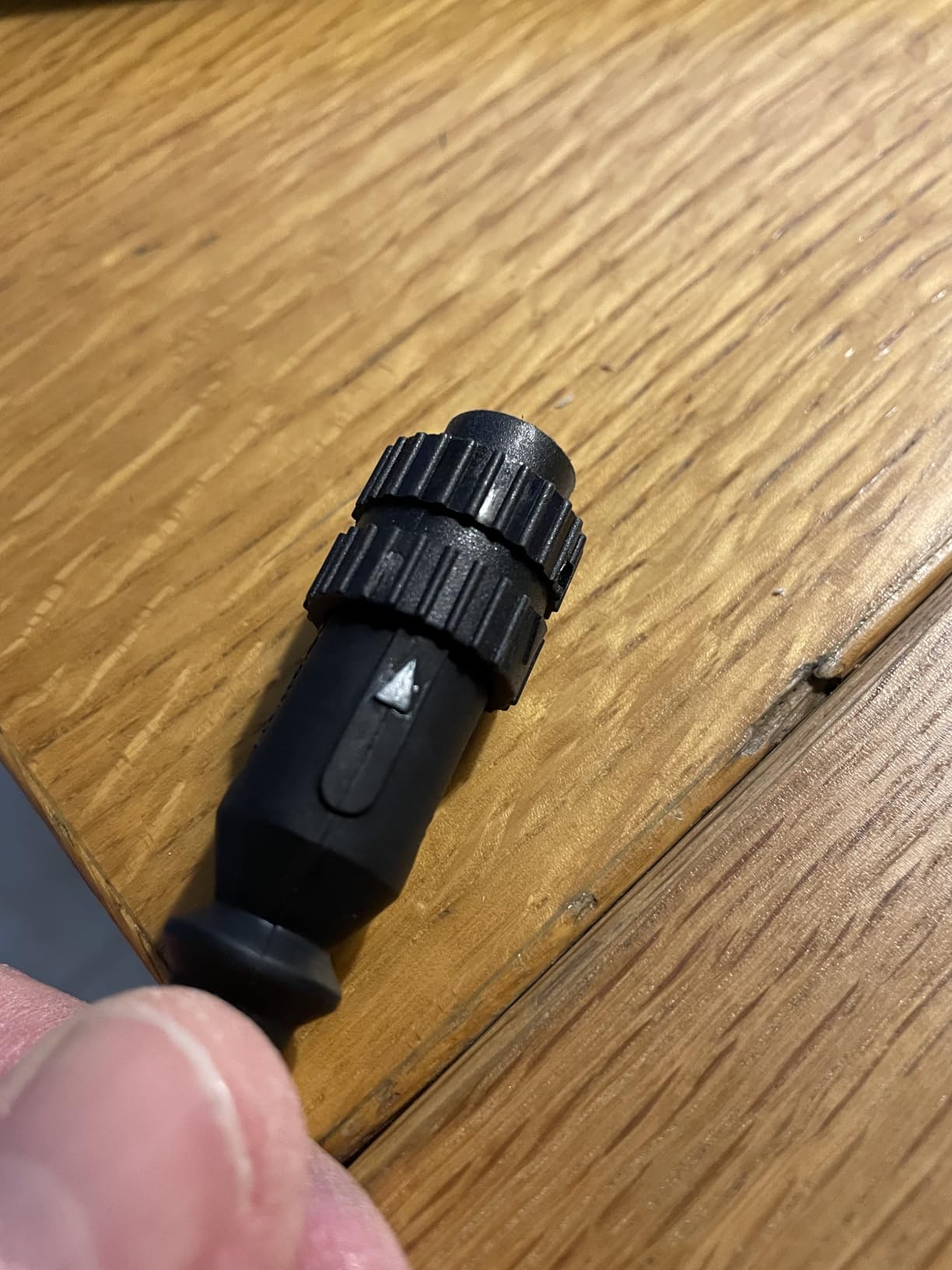
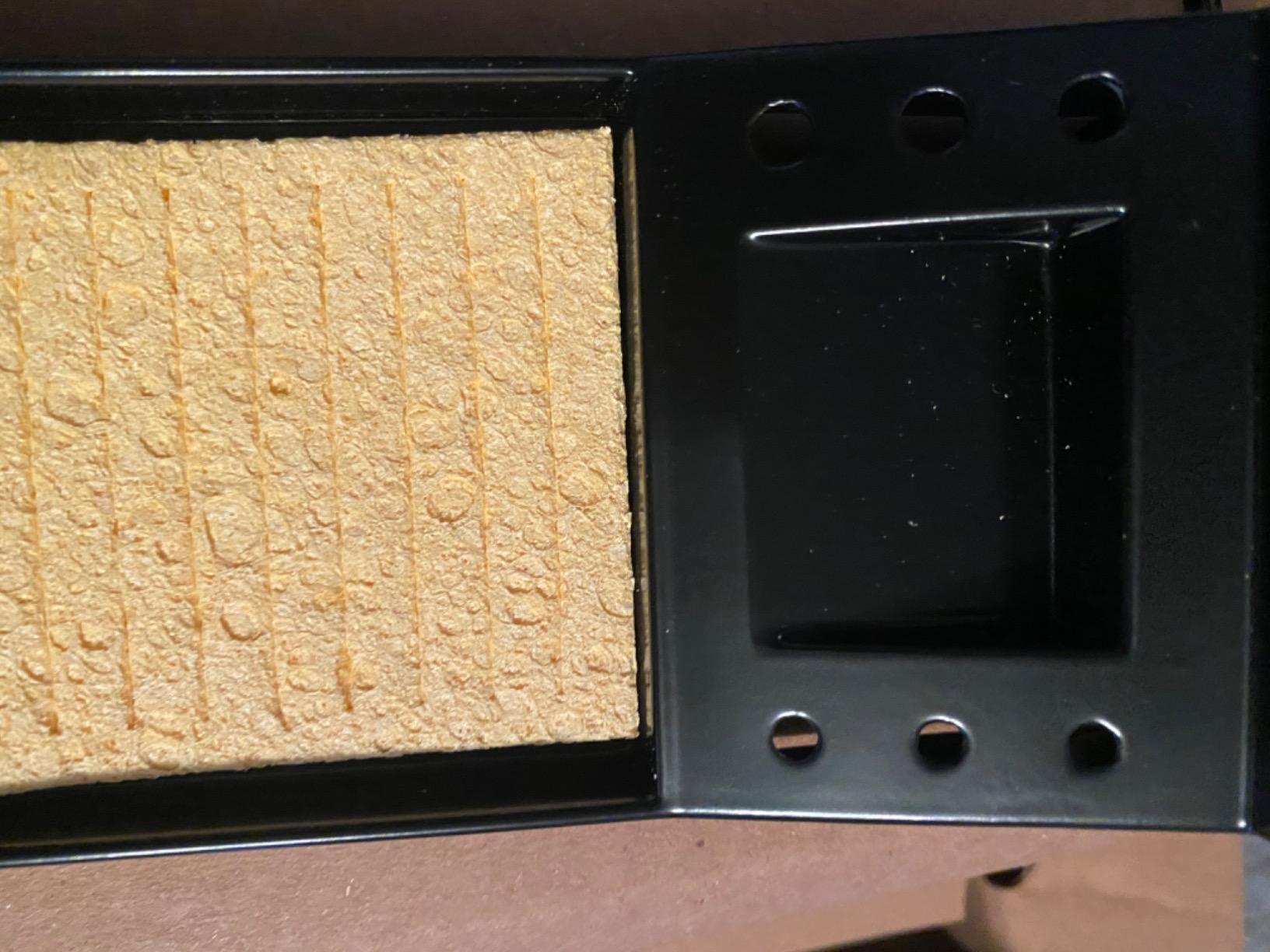
It is also genuinely well made. The handle is comfortable through a long session, the cable is silicone and heat resistant, and the PH70 safety rest with sponge is included rather than sold as an upsell. Owners consistently report repeatable results across weeks of use, which is what separates it from stations that feel great on day one.
The honest criticism is physical. At 5.5 pounds and 12.5 by 6 by 9 inches, it takes up real desk space, and a beginner on a small dorm desk will feel that. It is also one of the more expensive single stations here, and only one tip size comes in the box, so plan to buy a 0.4mm and a 1.2mm before you start.
What Temperature Work Can You Actually Do On It?
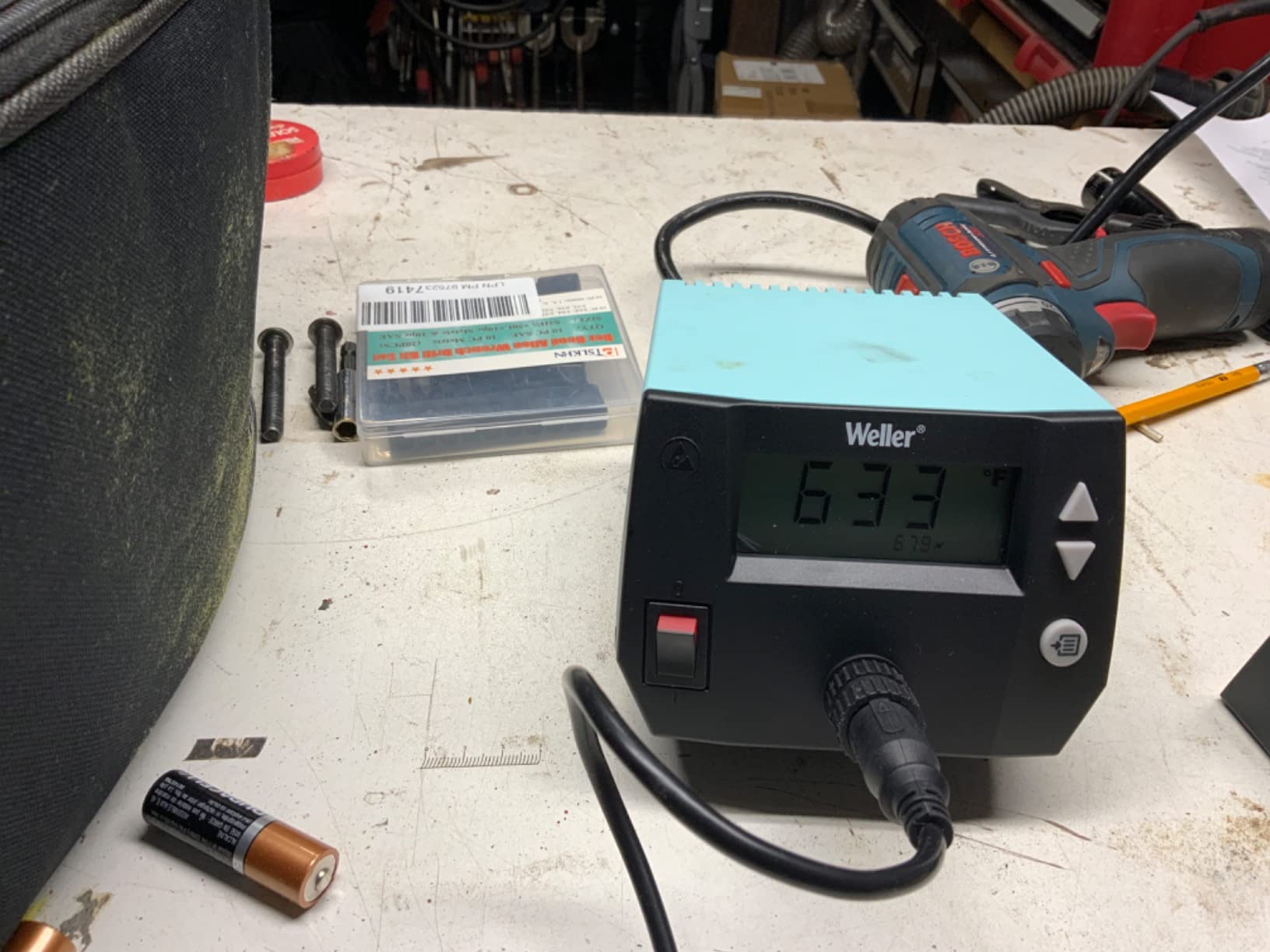
The WE1010NA tops out at 400F per the manufacturer listing, and Weller rates it as 40 percent more powerful than the two models it replaced. In practice that covers through-hole joints, tinning stranded wire, shrinking heat-shrink, and light SMD removal on 0603 and 0805 parts. The temperature lock means you can set 350F for a leaded joint and 375F for lead-free and have both survive a bench reset.
Should a Beginner Buy This Instead of Something Cheaper?
Yes, if you can only buy one tool and you plan to keep it. The gap between this and a 60W budget station is roughly the cost of two extra tips, and the difference in how many burnt pads you produce in month three is much larger. If your budget is genuinely tight, the YIHUA 939D+ at number three gives you the same control loop for a fraction of the outlay.
2. Hakko FX888DX-010 – The Best Station to Grow Into
Hakko FX888DX-010 – Digital Soldering Station with Rotary Encoder
- Highest rated station in this group
- Clicky rotary encoder makes setpoints precise
- Heats to working temperature in about 20 seconds
- Compact chassis with strong rubber feet
- Only one tip size in the box
- 110V design needs a transformer on 230V supplies
- No hot-swap or idle rest mode
The FX888DX is the version of the classic Hakko station with the one weakness fixed. The original was famous for a dial that felt vague, and this rotary encoder makes a three-degree change actually land where you meant it. If you have read forum threads recommending the FX-888D for a decade, this is the same idea without the frustration.
Heat-up is quick, with owners reporting soldering within roughly 20 seconds of power-on, and the T18 tip platform has the deepest accessory availability of anything on this list. That matters more than it sounds. When a beginner burns through a chisel tip in month two, tip availability is the difference between a replacement arriving and the station sitting in a drawer.
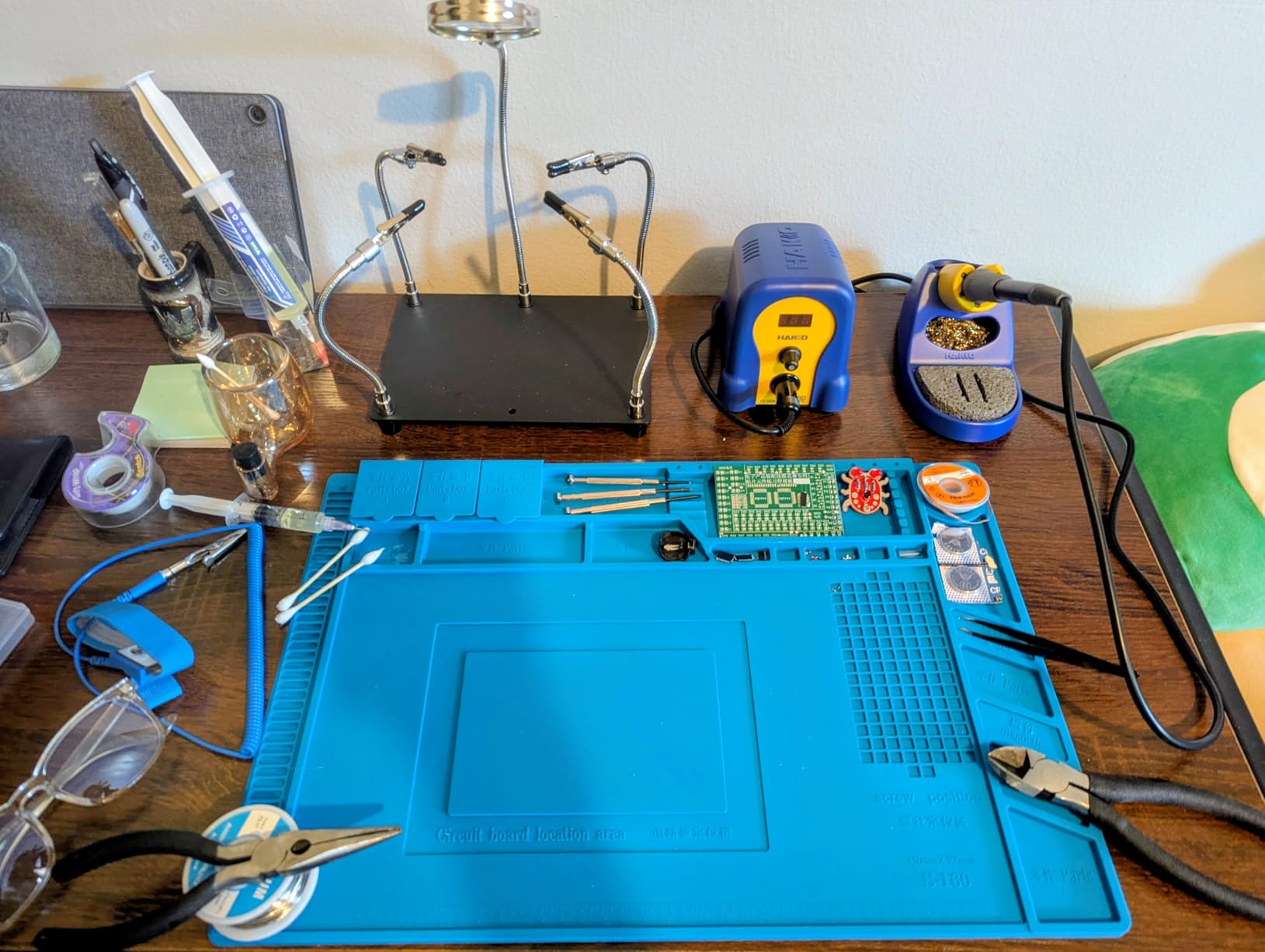
The chassis is compact with proper rubber feet, which sounds minor until you have dragged a station across a bench chasing a moving board. The iron holder opens up for cleaning, and the included sponge and tip cleaner are the two items that most people forget to replace and then wonder why their joints oxidize.
Two caveats. The review base here is much smaller than the other picks, so treat the 4.8 rating as a strong signal from a limited pool rather than a settled verdict. And it comes with a single 1.6mm chisel tip, so budget for a pointed tip immediately if you plan to do fine work.
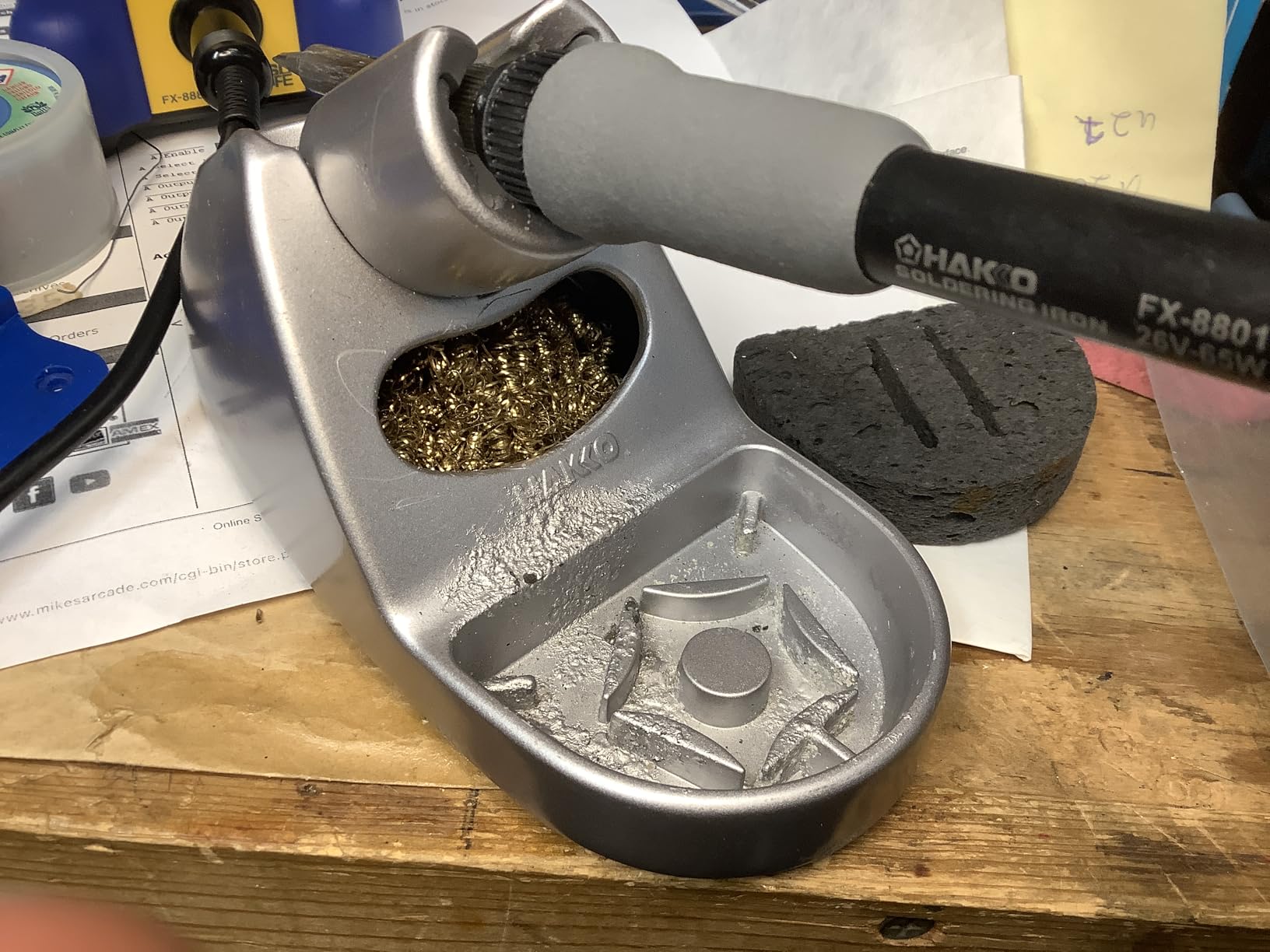
Is the T18 Tip Platform Worth Choosing a Station For?
For a beginner who will still be soldering in two years, yes. The T18 range is small enough to learn and wide enough that you will never be stuck, with pointed, chisel, and knife shapes all commonly listed. It is also a platform you can carry into a better station later, so the tip money is not wasted.
What Does the Rotary Encoder Change Day to Day?
More than the spec sheet implies. Most beginners set a temperature once and leave it, and the ones who do adjust mid-session are usually moving between a hot joint and a cool one. A dial that requires three full turns per hundred degrees makes you avoid adjusting, and avoiding adjusting is how a cold joint gets soldered and then blamed on the board.
3. YIHUA 939D+ – The Best Value Temperature-Controlled Station
- Built-in transformer keeps the iron output contact-safe
- Handles wire up to about 10GA
- Factory tips are thicker-walled and better plated
- Replacement handles sold separately
- Iron cord is on the short side
- Base lacks grippy rubber feet
- 110V only
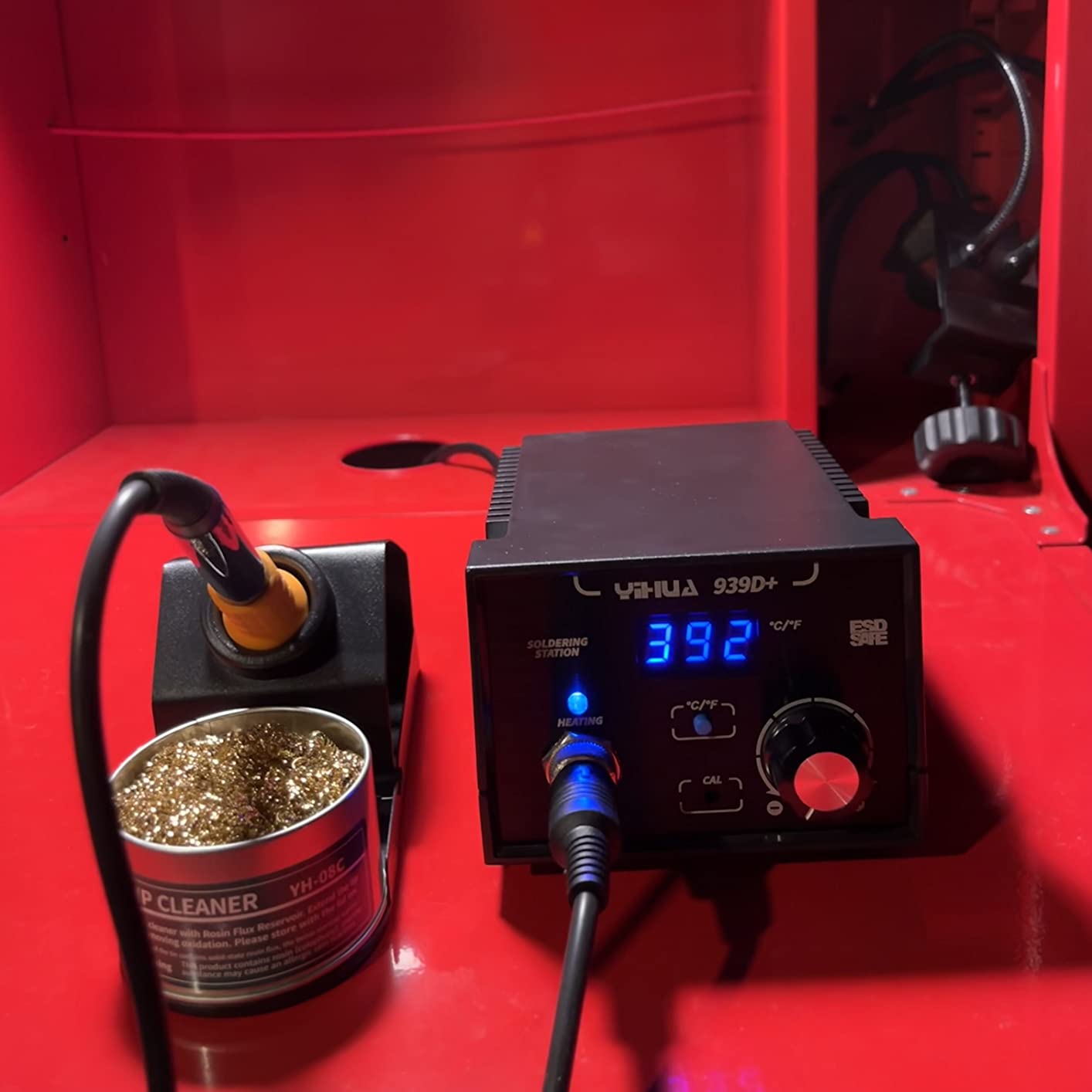
The 939D+ is the reason I stopped recommending the cheapest option to beginners. It has the transformer that most budget stations leave out, which is the part that matters if you are ever going to work near a microcontroller or a low-noise analog board. Temperature compensation happens in 20 milliseconds, so it responds to a cold joint instead of cooking it for a second and a half before recovering.
Buyers compare it favorably to a Weller on value, and that comparison holds up for most hobby work. The 75W-equivalent system handles heavier joints than you need for your first project, so it will not feel weak the moment you start tinning battery leads or working on a robotics power board.
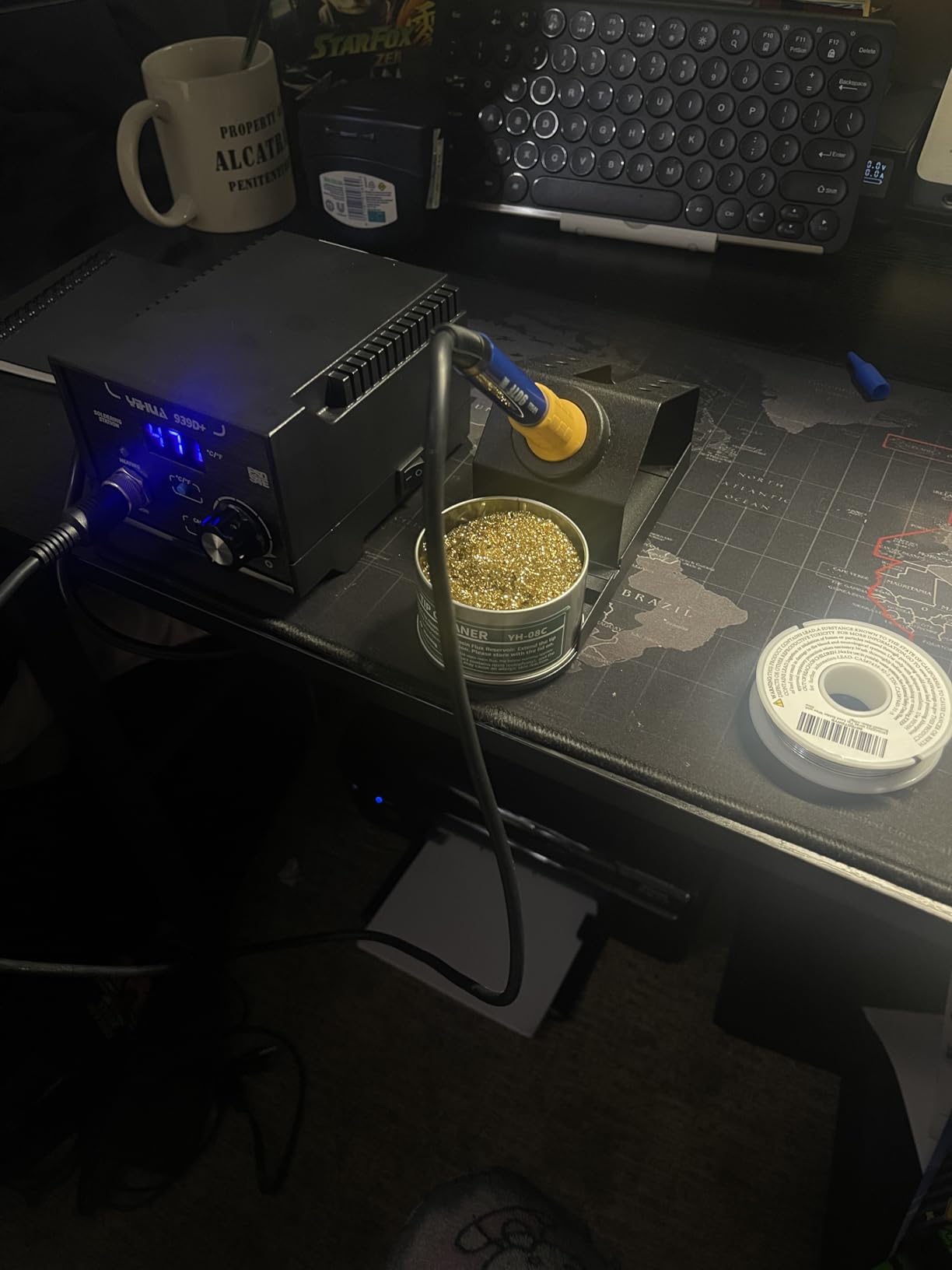
It is also a small unit. At 5.4 by 4.4 by 3.6 inches it fits on a dorm desk, and the brushed aluminum panel and solid metal-alloy stand feel more durable than the plastic boxes in the same bracket. Automatic handle detection means the display knows the iron is seated.
Watch three things. The iron cord is short, so plan your reach. The base has no rubber feet and will slide on a hard desktop. And the internal fuse is not a user-serviceable part, which is a design decision that will only matter once, at the worst possible moment.
Why Does the Built-In Transformer Matter for Beginners?
It is a step-down transformer that keeps the voltage reaching the tip low and the case referenced to ground. That is the difference between an iron that will not surprise a sensitive part and one that can. For anyone building Arduino, ESP32, or Raspberry Pi boards, I would not compromise on this feature to save money elsewhere.
Is It Better Value Than the Weller WE1010NA?
For most beginners, yes, and the reason is specific rather than general. The Weller gives you a slightly better temperature lock and a longer accessory ecosystem. The 939D+ gives you the same closed-loop control and a grounded output for a fraction of the cost, so the money you save is better spent on tips, solder, and a fume extractor.
4. WEP 927-IV Soldering Station Kit – Everything On One Base
- Three preset channels remove repeated dial hunting
- Iron holder
- tip cleaner
- magnifier and storage all in the base
- LED magnifier helps with fine work
- Magnifier arm and helping hands add desk bulk
- Replacement tips are specific to the WEP 1400 series
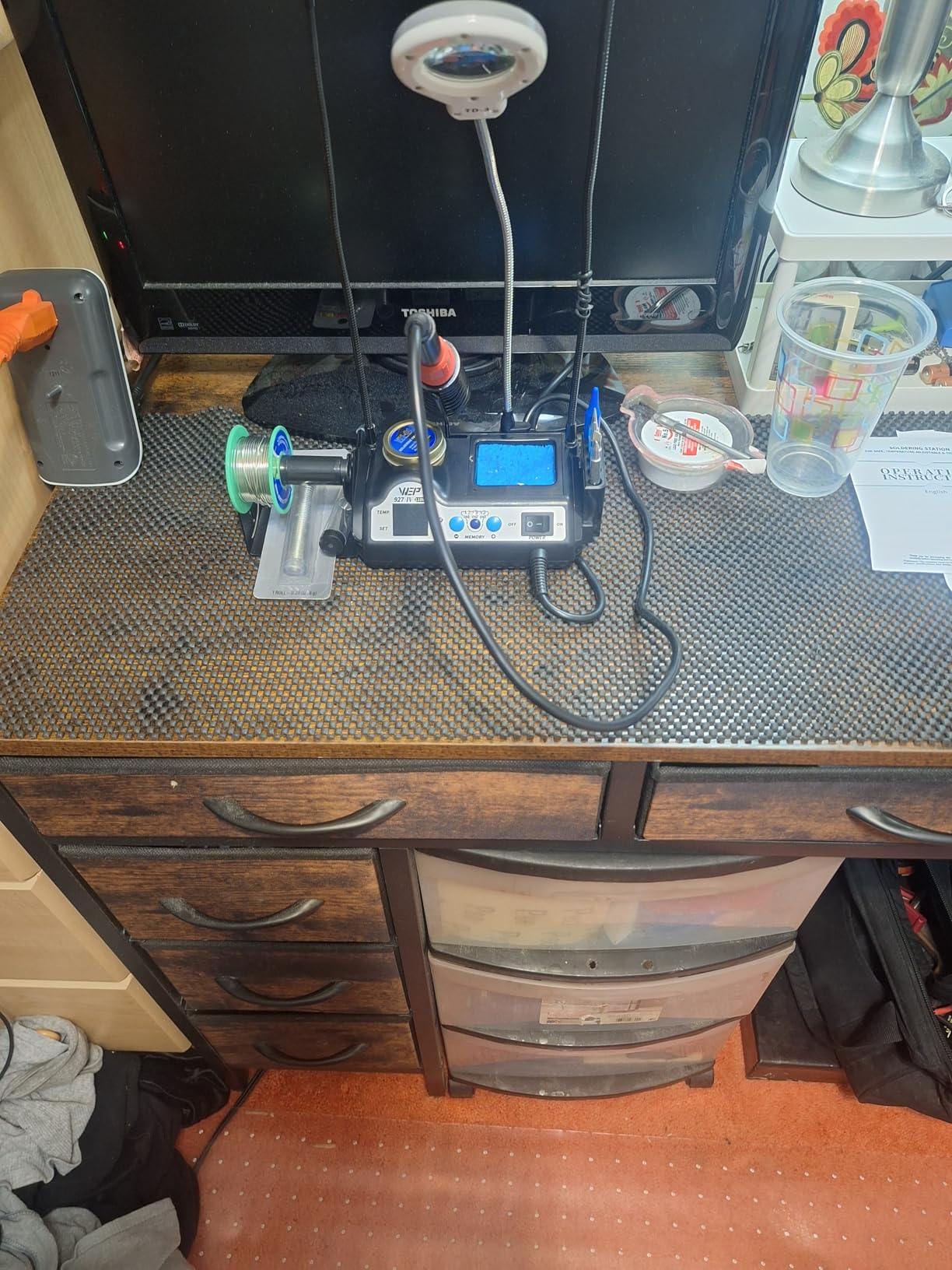
Every station on this list bundles a stand. The 927-IV bundles a workbench. The iron holder, tip cleaner with brass wool and rosin flux, solder dispenser, helping hands, LED magnifier, and tip storage all live in the base, which means a small desk stays usable. For a beginner in a shared makerspace, that layout argument is worth more than another spec line.
The three preset temperature channels are the feature I would highlight. Most stations make you dial up and down every time you move from soldering to heat-shrink, and beginners in particular are bad at doing that smoothly. Storing two or three working temperatures and switching channels removes a whole category of clumsy error.
The dual numerical display shows set and actual temperature side by side, which is genuinely useful while you are learning what a tip actually does when you drag it across a pad. A 110W element reaches working heat quickly, and the adjustable sleep timer lets you set it to 99 minutes if you take long breaks between sessions.
The trade-off is desk real estate and tip lock-in. The magnifier arm and helping hands are useful, but they make the base one of the larger footprints in this group, and the tips are specific to the WEP 1400 series rather than a cross-compatible platform.
Do the Preset Channels Actually Save Time?
Once you are past the first ten joints, yes. Most of my time on a station like this goes to dial-watching rather than soldering, and preset channels compress that into one button press. For a total beginner they are a small luxury, but by the time you finish your first board you will be switching between a 350F working temperature and a 400F setting for heat-shrink every few minutes.
Is the Built-In Magnifier Worth the Desk Space?
Only if you work on small parts. For through-hole joints and jumper wires it is dead weight. Once you move to SMD rework or dense robotics boards, having a fixed magnifier over the work area is a real time saver, and it is the reason I would pair this station with one of our soldering microscope picks rather than buy this one for the optics.
5. X-Tronic 3020-XTS – The One With a Three-Year Warranty
- Under 30 seconds from cold to 200C
- Enough power headroom for 12AWG wire and large terminals
- Soft 40 inch cord with no memory
- Quick-change tips and even PID tip heating
- Three-year warranty with US-based support
- Temperature knob is very sensitive
- Light base slides without a solder roll on it
- Iron is hard-wired into the base
Warranty length is not a selling point on most hobby gear, so when a US manufacturer in Lincoln, Nebraska offers three years with lifetime technical support, that is a genuine signal about how they expect the product to be treated. Long-term owners report eight years of heavy daily use before the heating element failed, which is a longer service life than most beginners will ever reach.
Performance matches the story. It goes from 200C to 480C in under 30 seconds, and the PID temperature compensation keeps the tip surface even rather than hot in the middle and cool at the edges. That evenness is what stops a joint from looking soldered at the centre and being a thermal void underneath.
It has real power headroom. The 75W system handles large terminals and 12AWG wire, so if your hobby drifts toward battery packs, motor drivers, or robotics power distribution you will not outgrow it in a year. The 40 inch iron cord is soft and pliable with no memory, which is a small comfort over a long session.
Three complaints come up repeatedly. The temperature knob is so sensitive that a light touch swings the setting by several degrees, which is the single biggest beginner trap on this unit. The base is light and slides. And the iron is hard-wired in, so a cable failure means a repair rather than a swap.
Is the Sensitive Temperature Knob a Dealbreaker?
Not quite, but it needs a workaround. Set the temperature before you pick up the iron, not while the tip is in the joint, and treat the knob as a fine adjuster rather than a coarse selector. If you cannot discipline yourself around that, the WEP 927-IV at number four solves the same problem with preset channels instead.
What Kind of Projects Will This Station Outgrow?
None, for a hobbyist. At 75W with a soft cord, a long warranty, and quick tip changes, this is a station you could still be using comfortably in five years. The parts of it you will eventually want to replace are the parts a beginner does not buy anyway, which is exactly why the hard-wired iron is a late problem rather than an early one.
6. X-Tronic 3060-PRO – Best When You Need to See Temperature Drift
- Two panels show set and real temperature at a glance
- Three preset memory functions
- Adjustable sleep at 0
- 5
- 10 or 30 minutes
- Accessory set takes more bench space than simpler stations
- 110V AC only with no 220V version
- Base feels light for a pro-labelled station
The reason to look at the 3060-PRO is the second display. Two panels show the temperature you set and the temperature the tip is actually reporting, side by side, and once you start watching that second number you begin to understand what thermal recovery means instead of just reading about it. For a beginner, that visible cause and effect is genuinely educational.
The stated static stability is 2.0C, with a measurement range of 194F to 896F on a 60W iron output plus a 15W mini motherboard inside the handle. Static figures flatter every station, but the dual readout at least lets you watch the difference between static stability and working stability for yourself.
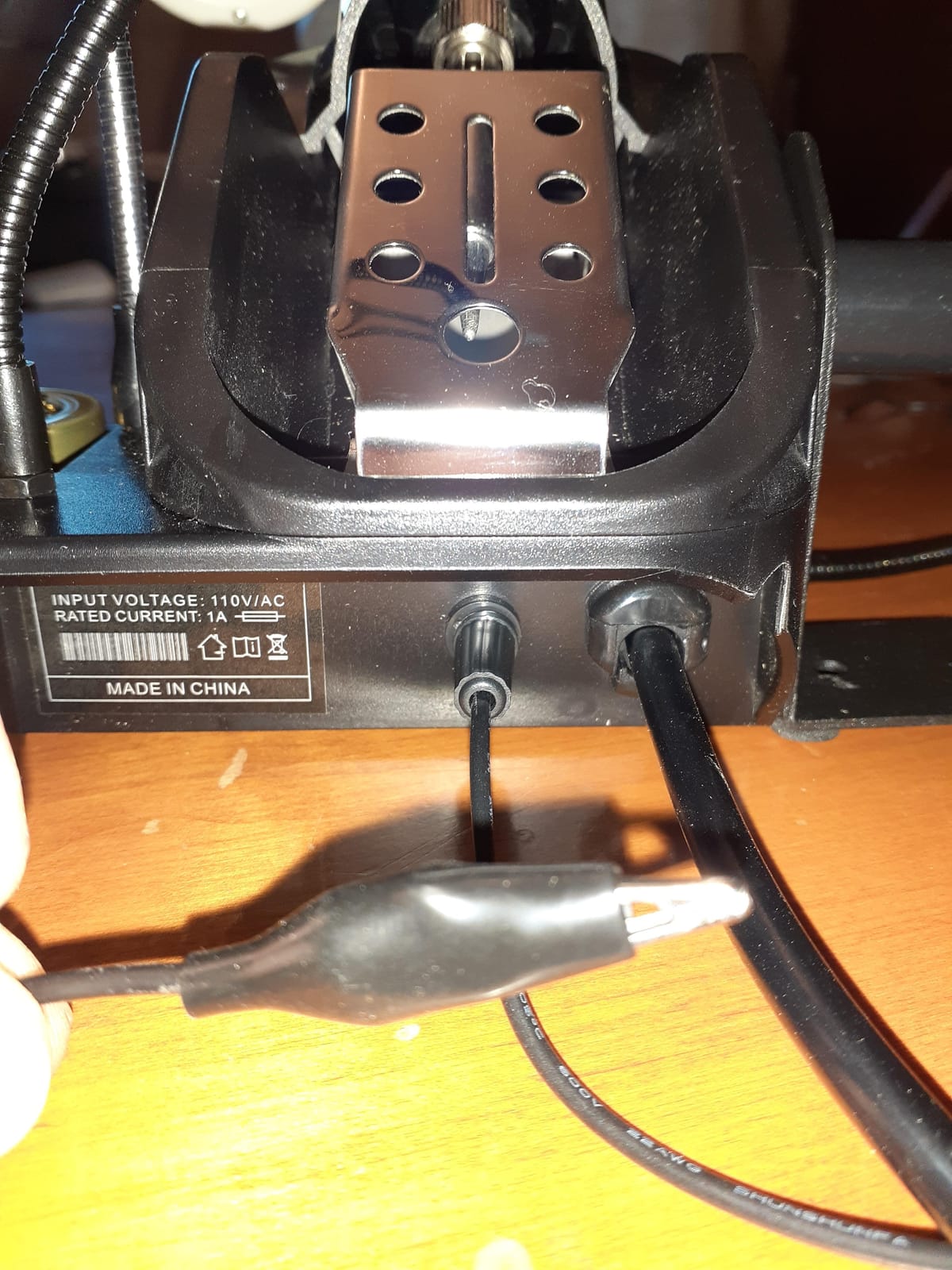
The kit is unusually complete. A detachable mini magnifying lamp, four helping hands, a solder sucker, pinpoint tweezers, 50g of solder, an anti-static grounding wire for the PCB, and both a brass sponge with flux and a wet sponge. Owners say the feature set is straightforward enough for a beginner despite the professional positioning.
That bundle is also the downside. It is a large desk footprint for a station that weighs less than the Weller, which feels wrong for something labelled pro. It is 110V only, and the digital calibration function plus three presets mean more menu navigation than a first-time user needs on day one.
Does Seeing Real Temperature Change How You Solder?
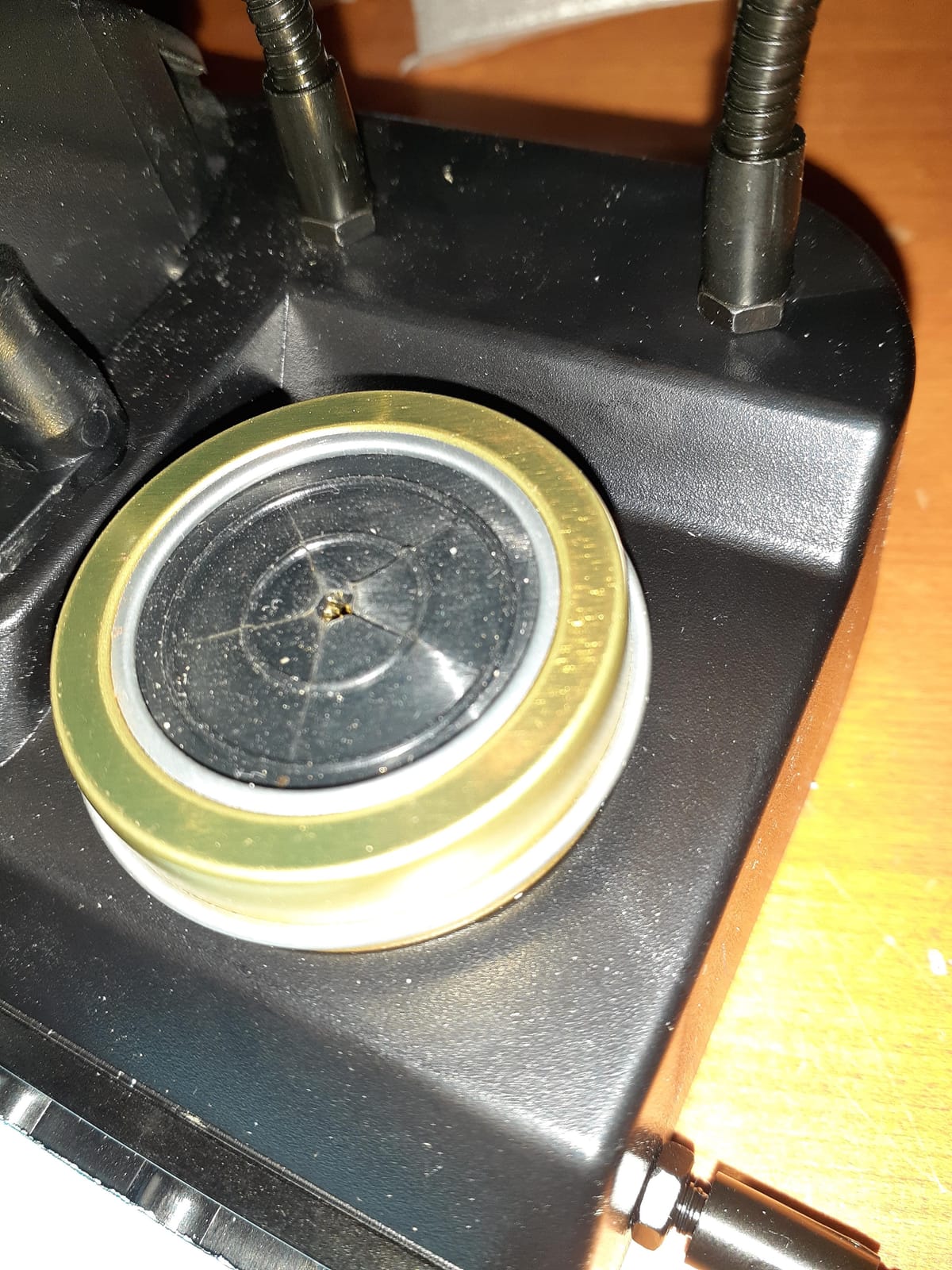
It does, faster than you would expect. Watch the real number plunge when you touch a cold lead and recover as the element pushes heat back in, and you stop dragging the tip around a joint waiting for it to flow. That single habit is the difference between a clean through-hole joint and one you reheat three times.
Is This the Right Choice Over the Simpler 3020-XTS?
Choose the 3060-PRO if your work involves fine pitch parts or anything where overheated pads are a real risk. Choose the 3020-XTS at number five if you want fewer controls and a lighter desk. Both share the same 75W class and PID behaviour, so the difference is visibility and bundle, not raw capability.
7. TOAUTO DS90 – Fastest to Working Heat
- Melts solder in roughly five seconds
- Dual display shows F and C at the same time
- Temperature verified accurate by owners
- Standby and sleep extend tip life
- 13-in-1 kit with 5 tips and brass cleaner
- Short thick cord with reduced flexibility
- Casing feels like lightweight plastic
- Bundled brass wool may be plated steel
Heat-up speed is the DS90 argument, and it is a real one. A 90W ceramic heating core reaches 590F in about five seconds, which means you are not standing around with a cold tip between joints. For a beginner, that removes the single most common failure mode of a first soldering session, which is touching the solder before the iron is actually hot.
The dual digital display showing Fahrenheit and Celsius at the same time is unusually thoughtful. Most stations make you convert in your head or flip a setting, and converting temperature in your head while holding a hot iron is a good way to get it wrong. Owners report verifying the readings with a thermal camera and finding them accurate.
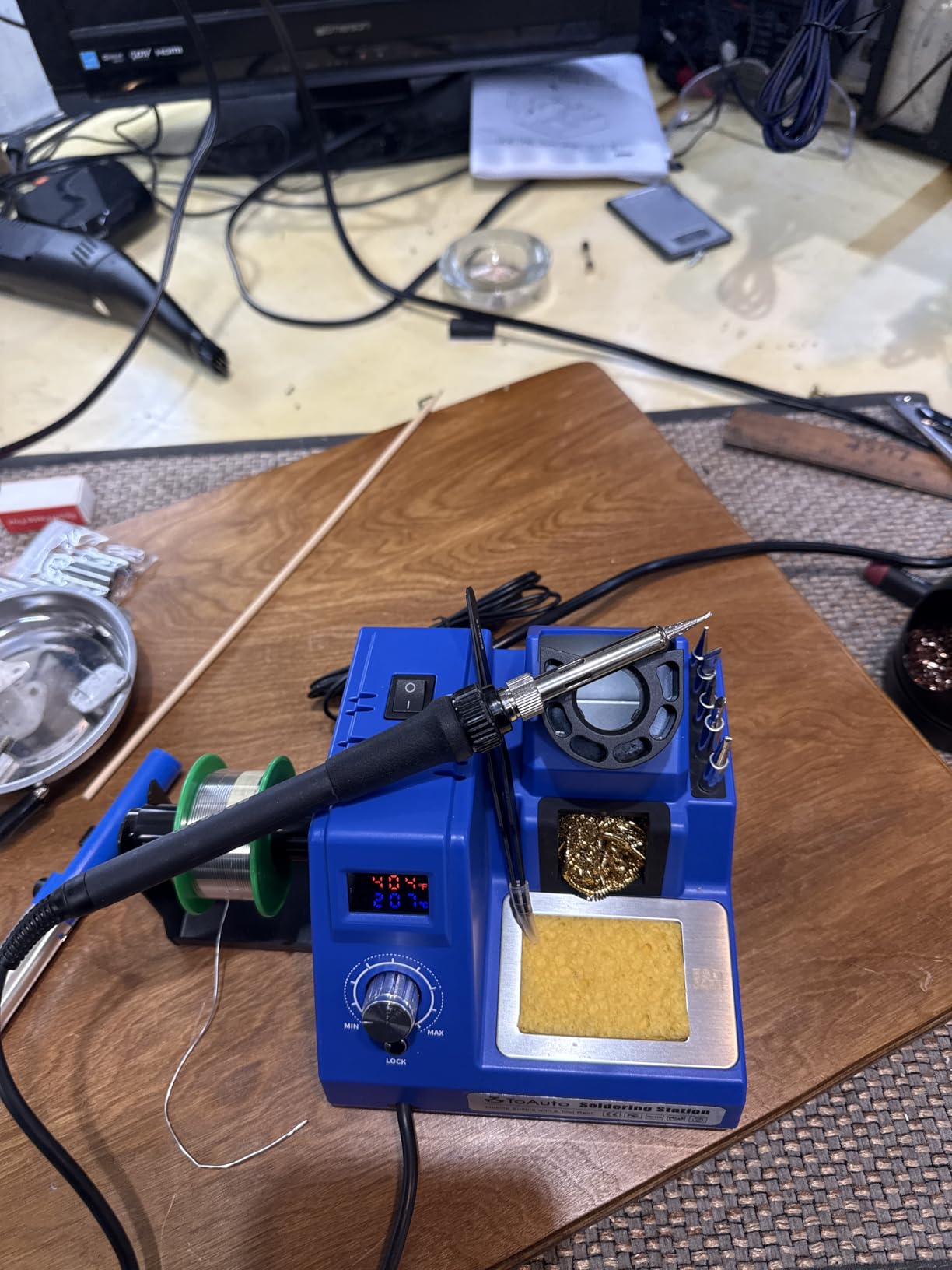
Safety is handled too. There is a patented grounding wire and an anti-static sheet, standby after 10 minutes idle and sleep after 20, a temperature lock mode, and a grounding wire in the kit for your PCB. The 150C to 450C range with 2C stability covers both leaded and lead-free work, and the unit carries ESD, CE, FCC and RoHS certification with a one-year warranty.
It is also a 13-in-1 kit, so 5 tips, solder wire, a solder sucker, anti-static tweezers, a brass tip cleaner, a sponge and a side holder all come along. That is a real saving on your first purchase, with the caveat that the bundled brass wool is reported by some owners to be brass-plated steel rather than solid brass.
Is Ceramic Heating Better Than a Wire Element for a Beginner?
For quick on-off cycles, yes. A ceramic core responds faster and pulls less standby power, and combined with the standby and sleep timers it spends far less time sitting at temperature. The practical effect is a tip that is hot when you pick it up and that ages more slowly if you solder in short bursts.
What Does the Temperature Lock Actually Protect Against?
It freezes the setpoint so only authorized adjustment changes it. On a shared bench or a kitchen table with a microcontroller project spread out, that is the difference between a five-minute break and a heat-damaged board. It is a cheap feature to carry and one of the more valuable ones for someone still building habits.
8. YIHUA 8786D I – Best if You Expect to Remove Chips
- One box covers soldering and hot air rework
- Dual displays let both functions run independently
- Airflow fail-safe alarm cuts heating power
- Ten soldering tips and four nozzles included
- ESD-safe design
- Hot air adds complexity a first-time solderer does not need
- Higher total wattage than a single-function station
- 110V only
There is an honest argument against hot air for a first station, which I will make in the buying guide. This one is here because a specific beginner already knows they will be pulling multi-pin packages. If your plan involves desoldering an SMD IC, replacing a phone charging port flex, or removing a damaged regulator, this saves you buying a second box later.
As a station it is competent. PID temperature control with fast compensation, a 200C to 896F range with 1.8F stated stability, and a dual display with a dual power switch so you can run the iron and the hot air gun independently. That independence is what makes it feel like two tools sharing a chassis rather than one tool fighting itself.
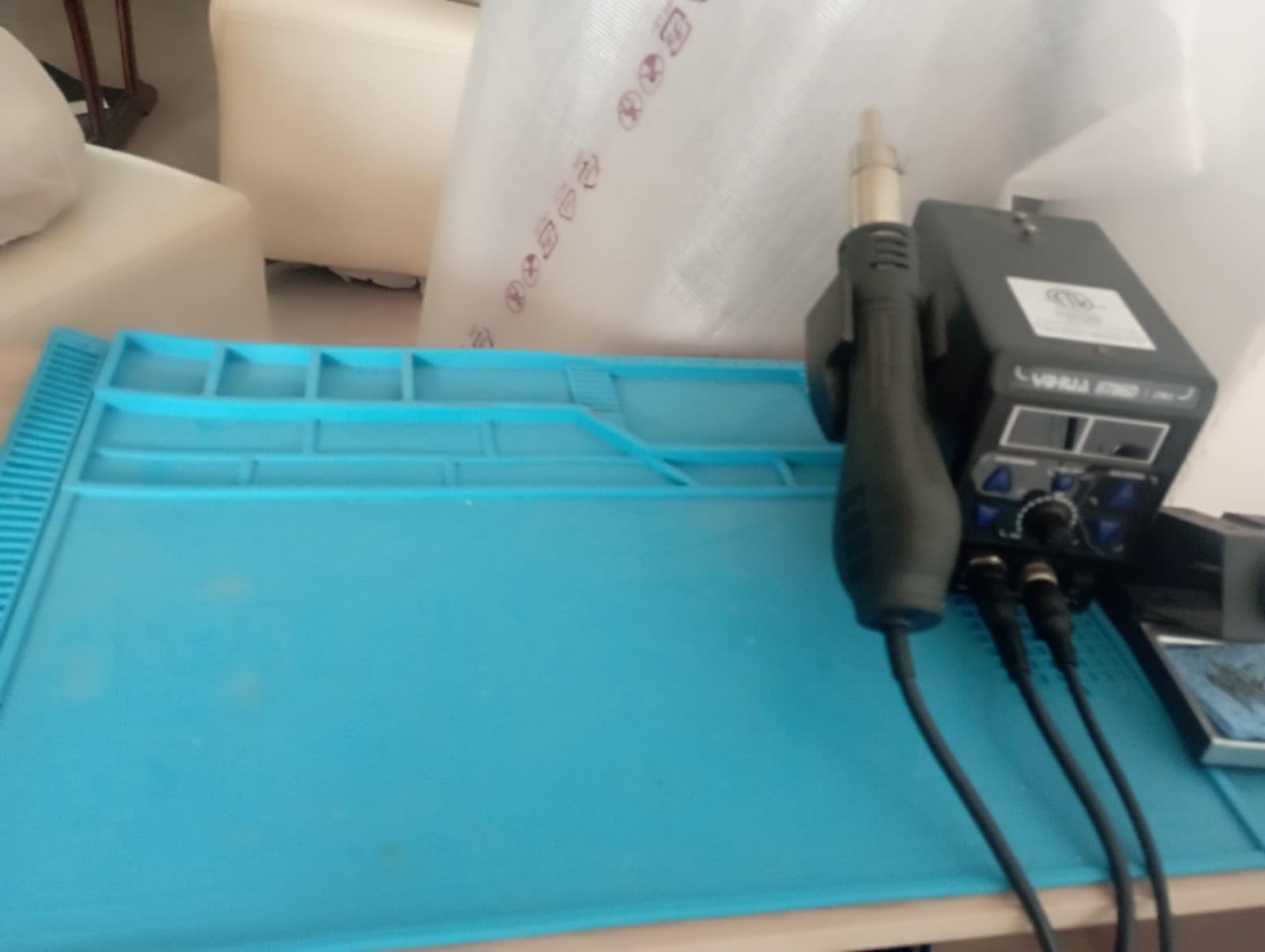
The safety detail that stands out is the fail-safe airflow alarm. If the hot air gun stops moving air, the unit alarms and cuts power to the heating element. That protects the gun and the board, and it is a feature I would not expect at this level.
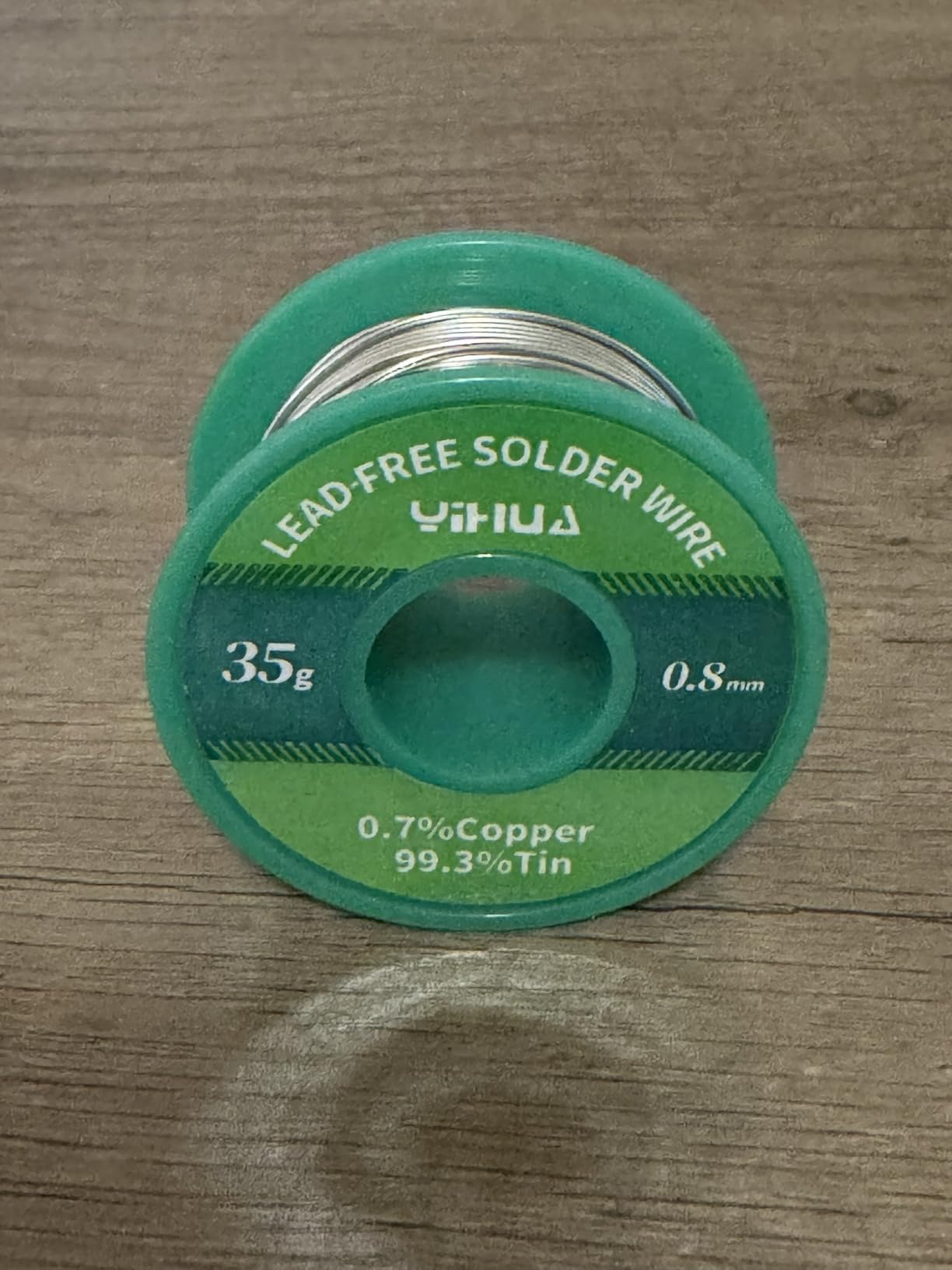
The bundle covers a lot: 10 soldering tips, 4 hot air nozzles, an IC extractor, a desoldering pump, and a 35g roll of lead-free solder. Against that, the unit draws far more total power than a single-function station and adds a second control set to learn before you have made your first joint.
When Does a Beginner Actually Need Hot Air?
When the fault is under a component instead of in a through-hole joint. Through-hole pads can be cleared with a desoldering pump and wick, which is far cheaper to learn. A hot air gun only earns its place once you hit surface-mount parts, lifted pads, or a connector that was glued down, and that is usually project number ten, not project one.
Does Running Two Heat Sources in One Box Cause Interference?
Not a practical problem at this level, because the two channels are independently switched. The real cost is desk space and a second set of controls to learn. If you already own a working station, adding hot air later as a separate single-purpose unit is cheaper than paying for the combined function up front.
9. YIHUA 926 III – Most Popular, and the One Most Often Misjudged
- Huge review base from thousands of owners
- Fast even heating with PID stabilisation across 194F to 896F
- Compact base with integrated holder and tip storage
- Digital display with C and F conversion plus calibration
- Single channel with no temperature presets
- Bundled solder is lead-free which many beginners find harder
- No built-in transformer
This is the best seller in the category, with a review count in the thousands, so you will see it recommended constantly. It is also the model that the community-maintained buying mega guide on r/soldering names as a beginner trap, specifically for its tip and its bundled accessories. Both things are true, and the gap between them is the most useful thing I can tell you about this product.
The station itself is fine. Sixty watts, PID stabilisation across a 194F to 896F range, an LED display with C and F conversion, digital calibration, and an adjustable sleep mode at 5, 10 or 30 minutes. Owners report fast even heating and a compact 7.3 by 4.5 by 2.8 inch footprint with an integrated holder and rear tip storage.
Where the criticism lands is the accessories. A desoldering pump, a mini wrench, ESD-safe tweezers, 35g of lead-free solder, and 6 assorted tips come in the box, plus two helping hands. Several of those are entry-grade, and lead-free solder is the hardest alloy for a first-timer because it needs more heat, more dwell time and better flux.
There is also no built-in transformer, which is the one specification I would want changed on any station a beginner uses near a microcontroller. And with a single channel and no presets, you adjust the dial for every temperature change.
Should a Beginner Start With the YIHUA 926 III?
Only if you are disciplined about replacing the bundled solder and you ground your bench properly by other means. The community critique is about value, not about the unit failing outright, and a beginner who buys a proper spool of leaded solder, brass wool, and a fume extractor alongside it will get a workable first station. A beginner who trusts the box will learn bad habits fast.
How Does It Compare With the YIHUA 939D+?
The 939D+ is the better buy for a beginner for one reason: the built-in transformer. It also has a wider verified temperature range, 20 millisecond compensation, and a detachable 907F handle that can be replaced on its own. If you are buying from this brand, buy that one.
10. WEP 882D – The Compact Two-in-One
- Soldering and hot air in a compact 3.54 by 5.9 inch body
- Separate LED displays and power switches
- Variable air volume on the hot air side
- Sleep and standby modes protect the elements
- Fourteen-piece kit with two solder spools
- 110-127V only
- Single channel operation
The 882D solves the main objection to combined stations, which is usually size. At 3.54 by 5.9 by 2.28 inches and 1.1 kilograms it is smaller than several single-function stations on this list, and it still carries both a soldering iron and a hot air gun with their own displays and their own power switches.
The controls are properly separated. The soldering side runs 392F to 896F with a built-in PID program, and the hot air side runs 212F to 896F with variable air volume. Sleep mode covers the iron and standby mode covers the gun, so neither element sits at temperature while you are away.
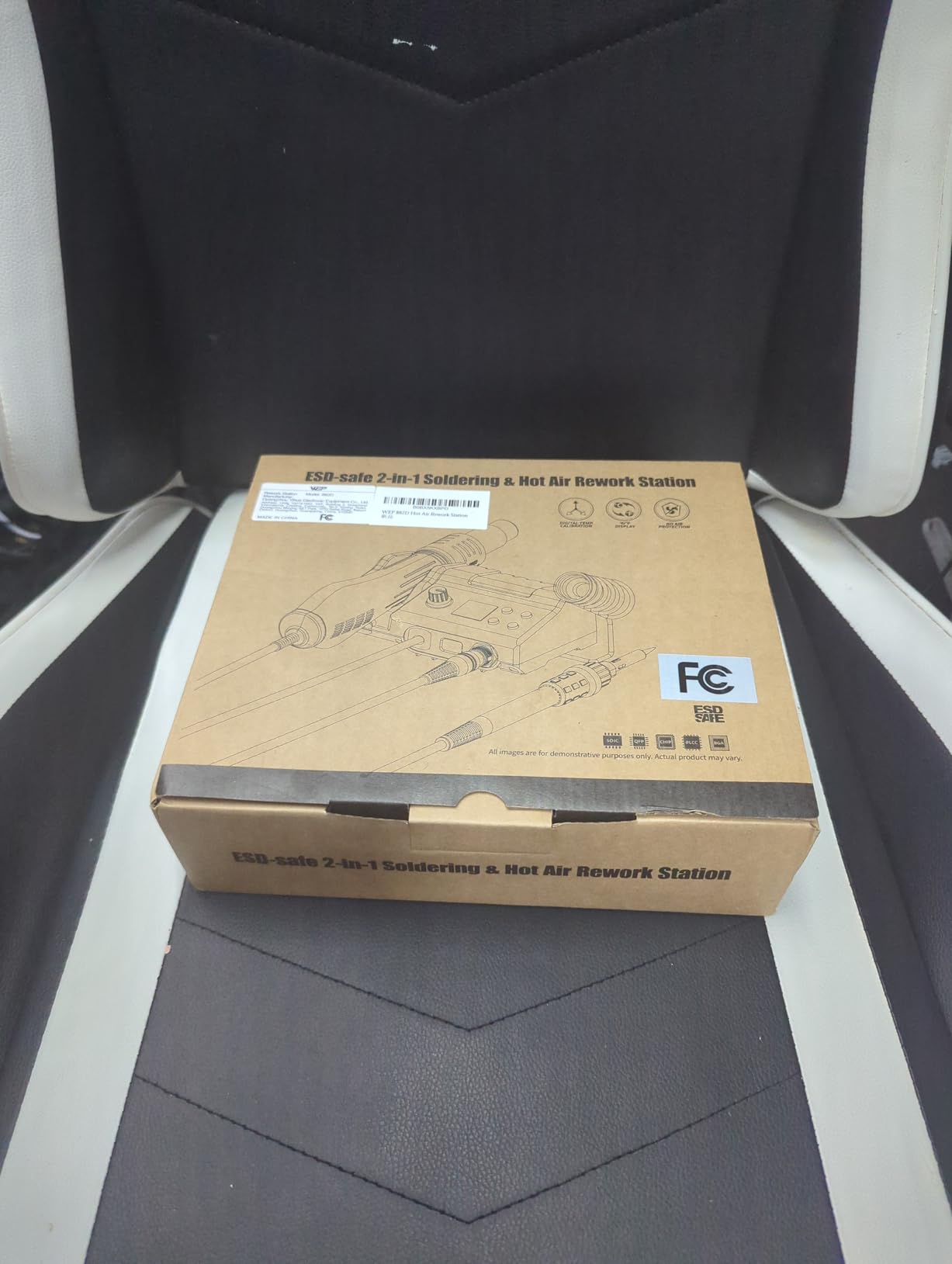
It also calibrates, converts between C and F, and shuts down automatically. Owners rate it strongly for the accessory bundle: five soldering tips, three hot air nozzles, two spools of solder wire, brass wool, tweezers, and a desoldering pump. The two solder spools alone would cover a beginner’s first few months of practice.
The limits are the usual ones for this class. It is 110-127V only, and it operates as a single channel, so you cannot hold two soldering temperatures in memory. As with any combined unit, the hot air side is a tool you will not touch for months.
Is a Compact Two-in-One Better Than Separate Stations?
For a beginner with one desk, usually yes. Separate stations mean two power cords, two stands, and two sets of controls on a surface that probably cannot hold them. The compromise is that a combined unit splits its budget, so the soldering side is generally less refined than a dedicated station at the same outlay.
What Does Variable Air Volume Change in Practice?
It is the difference between lifting a component and blasting it. Low airflow concentrates heat on the package pins so you can pull a chip without cooking the board underneath, and high airflow shrinks the work area for heat-shrink and connectors. If you only use the low end you get the same result as a fixed low-flow gun, which is usually the end you actually need.
11. WEP 926LED V3 – The Cheapest Station Worth Starting On
- Real-time digital readout with a flashing-to-steady at-temperature indicator
- Heats fast and handles 12 gauge wire for RC work
- Integrated holder
- spool holder
- sponge and brass cleaner
- Cheap-feeling plastic construction
- 110-127V only
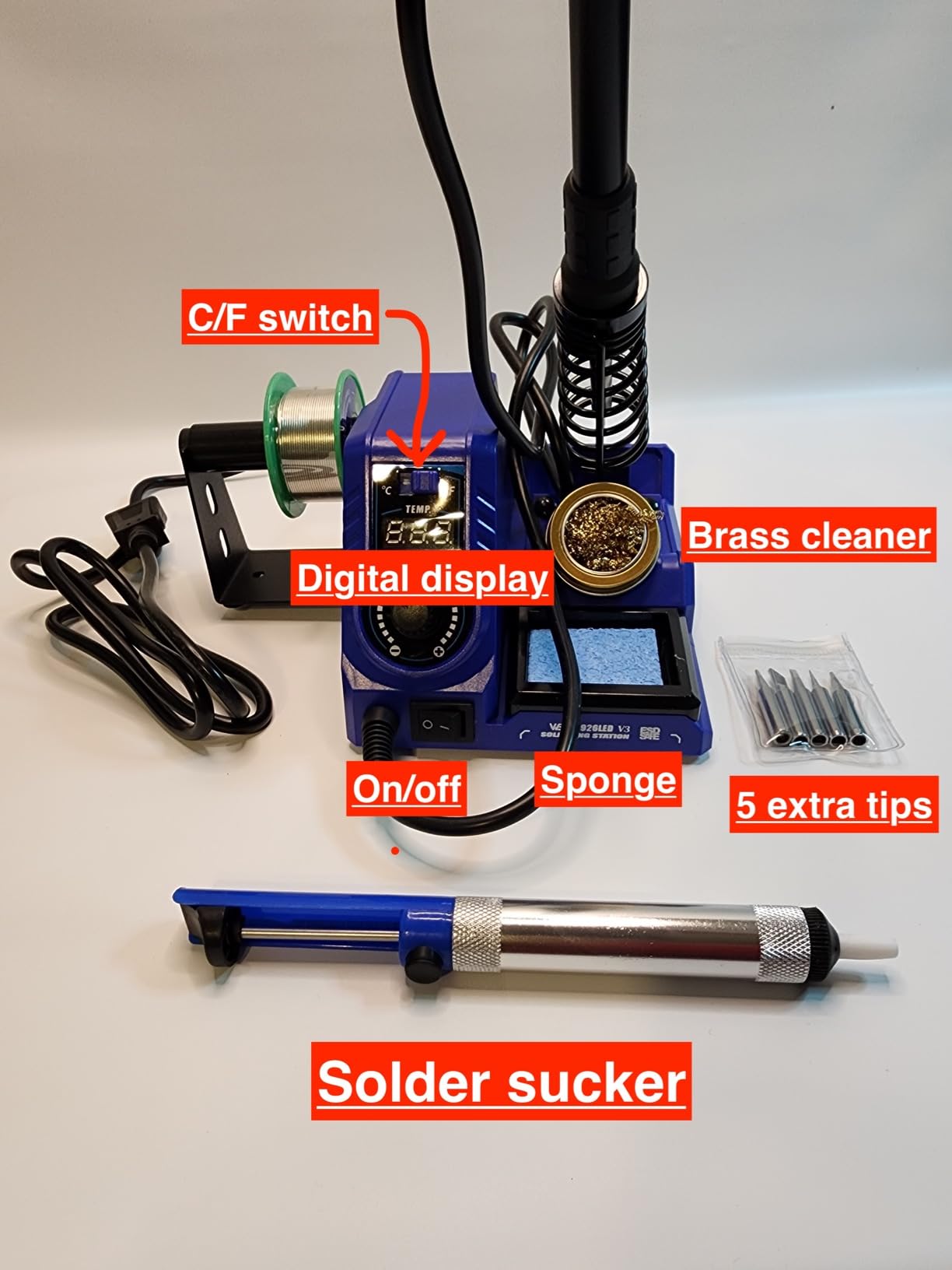
Everything above this line is a considered purchase. This one is the option for a beginner who wants a temperature-controlled station now rather than in a month. It has a PID microcontroller, a 130W maximum iron, a 392F to 896F range, and a real-time digital display, which is the whole feature set that separates a station from a plug-in iron.
The display detail I like is the flashing indicator that goes steady when the tip reaches set temperature. It removes the guesswork a first-timer faces when deciding whether to touch the solder. Ten-minute sleep mode extends tip and element life, and the long iron wires let you work on something away from the desk without an extension lead.
The base integrates the iron holder, solder spool holder, wet sponge and brass cleaner, so the bench stays tidy, and the kit adds 5 tips, solder wire, tweezers, a desoldering pump and a tip cleaner. Buyers treat it as a capable first station and praise quick heat-up and a readable display at a very low outlay.
The reason I place it eleventh rather than higher is durability, not capability. The plastic construction feels cheap next to the X-Tronic and Weller units, one owner reported a display error after about three months of near-daily use, and there is no transformer. It is a tool to learn on that you may replace in a year.
Is This Good Enough for Microcontroller Work?
Functionally yes, with one caveat. The temperature range and PID control are adequate for through-hole joints, headers, and ordinary SMD work on a dev board. The caveat is the lack of a transformer, so keep it on a separate grounded circuit from anything expensive and do not use it on a board you cannot replace.
What Should You Buy Alongside It?
A proper spool of leaded solder, a real brass wool cleaner rather than a sponge you soak and forget, a PCB holder, and a fume extractor. Those four items matter more to your first year of soldering than the difference between this station and a more expensive one, and we cover the full list in the fume extractor roundup as well.
12. Weller WE1010EDU – The Complete Education Kit
Weller Soldering Education Kit | 8 piece kit | WE1010EDU
- Puts a quality station
- iron
- cutter
- solder and tips in one box
- Two genuine Weller ET tips rather than generic copies
- Temperature lock protects tips and components
- Most expensive item in this roundup
- Single channel only
- Includes more than a solo beginner strictly needs
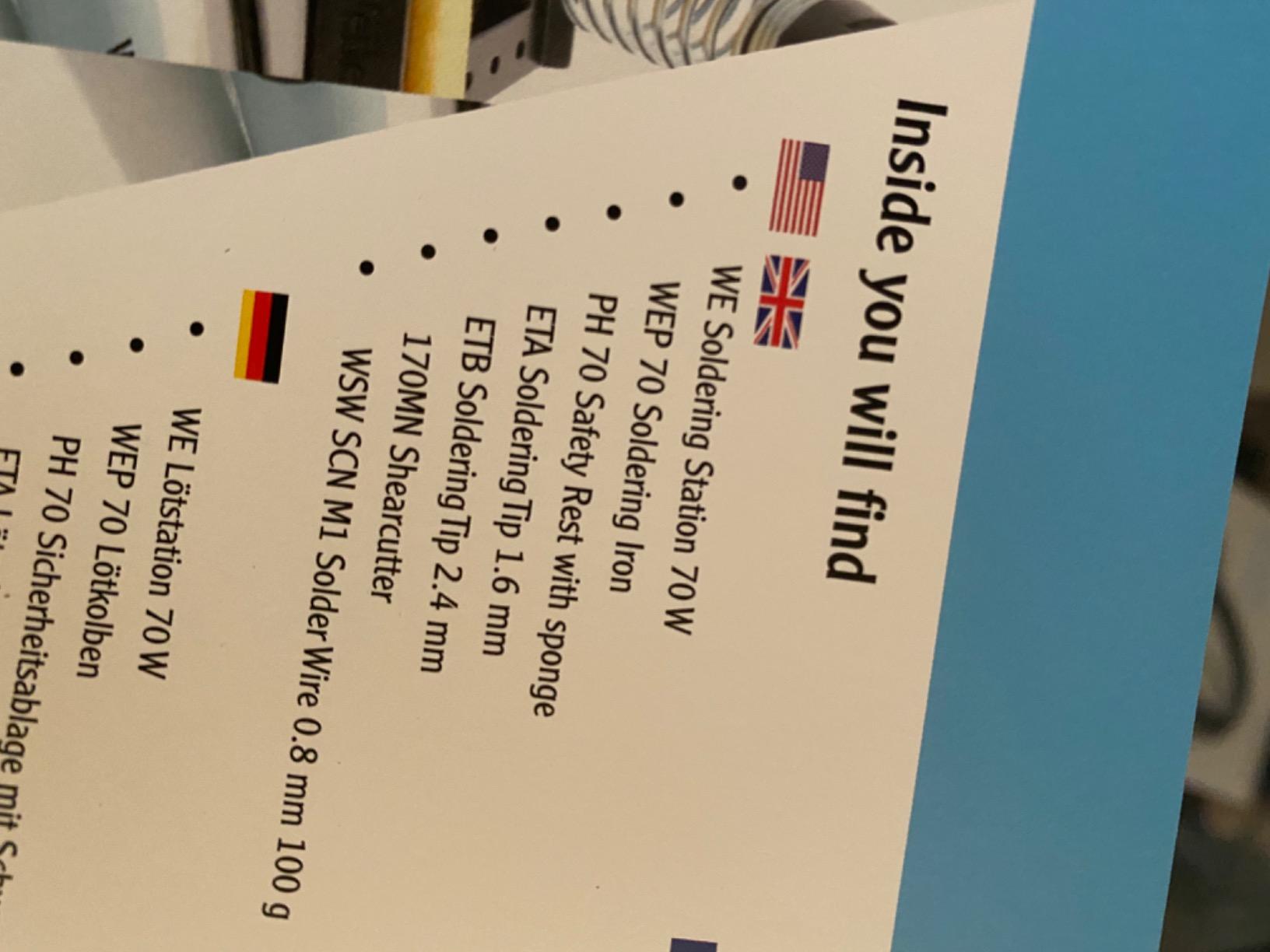
This is the kit to buy if you are setting up a classroom, a lab bench for a small team, or a gift for someone you expect to stick with electronics. It is a WE1010NA station with the WEP70 iron, a PH70 safety rest, a 170MN shear cutter, a spool of lead-free solder, and two genuine Weller ET tips already in the box.
Two details make it more than a bundle. The shear cutter is a flush type that seats soft wire up to 20 AWG cleanly, which is a tool beginners almost never buy and always need. And the two ET tips are genuine Weller parts, not the unbranded copies that come in cheaper kits and dull within a month.
Performance matches the station at number one, with 70W output, a digital display, temperature lock, and stated stability of plus or minus 6C. Owners rate it very highly, with 87 percent five-star reviews, and repeatedly call out the temperature lock as the feature that makes results consistent across a session.
The honest problem is cost for a single learner. You are paying for the brand, the warranty and the accessory set, and several items in the box will sit unused for months. It is also single channel, and a lead-free spool is harder to learn on than a leaded one.
Is This Worth It for One Person, or Only for a Group?
For a group, absolutely. Two people or more at the same bench, a classroom, or a makerspace shared with students means every item in the box has an owner and the cost per person drops sharply. For one beginner on one desk, the standalone WE1010NA at number one plus a couple of tips is the leaner path.
Why Do Genuine ET Tips Matter So Much?
Because tip plating is what determines how solder behaves on the iron. Genuine Weller ET tips transfer heat evenly and hold their plating, and a plated copy will oxidise, stop wetting properly, and start producing cold joints. Starting with genuine tips means your first few dozen joints teach you about temperature, not about a bad tip.
What Is a Good Soldering Station for Electronics?
A good soldering station for electronics is a bench power unit with a separate temperature-controlled iron, giving you precise, adjustable heat and fast recovery instead of the fixed temperature of a basic plug-in iron. The control unit reads a temperature sensor and continuously adjusts power to hold your set temperature, so small joints are not overheated and large ones do not stall.
For electronics, closed-loop temperature control is the feature that changes your results most. It prevents heat damage to microcontrollers, SMD parts and fine-pitch pads while keeping joints repeatable from one board to the next. A station, an iron, and a kit are three different things: the station is the box that controls temperature, the iron is the hand tool, and the kit is whatever bundle of consumables someone decided to attach.
How to Choose a Soldering Station as a Beginner?
Buy the station that solves the problem you actually have, which for most beginners is temperature you can set and hold. The four decisions below are the ones that change your results; everything else is preference.
Closed-Loop Temperature Control Beats Wattage
Wattage is a headline number that gets quoted constantly and matters far less than people think. What matters is whether the station reads a sensor and corrects, and how fast it recovers when you pull heat out of the tip. A 60W station with a proper PID loop will outperform a 110W station running a dumb element, because the dumb one cooks until it overshoots and then waits.
Look for a digital readout, a stated stability figure, and calibration support. Calibration matters more than beginners expect, because a tip that reads 350C when the thermocouple is tired will quietly damage boards while telling you everything is fine.
Check Grounding Before You Check Anything Else
A soldering iron tip is live. On a properly designed station a step-down transformer keeps the tip voltage low and references the case to earth, and on a poorly designed one it does not. The community worry is real: budget units with ungrounded metal cases and high tip voltage leak can damage sensitive silicon, and the symptom shows up weeks later as a microcontroller that will not enumerate over USB.
The picks here with a stated built-in transformer or a documented grounding wire are the ones I would use near a development board. Our picks for the bench soldering preheaters matter more for large boards than for first projects, but the same grounded-bench logic applies to anything on your desk.
Tip Platform Cost Is a Long-Term Bill
Every station here uses its own tip geometry, and the platforms differ by more than shape. The T18 family and the Weller ETA and WEP70 lines have broad availability, and the station-specific lines on cheaper kits are narrower. Tips are consumables, you will burn through two in your first year, and a platform with three listings is a platform that will eventually stop you working.
Budget for a pointed tip and a small chisel on day one rather than soldering everything with the 1.6mm chisel that ships in the box. A pointed tip for through-hole headers and a chisel for drag soldering and heat-shrink covers most beginner work.
Station, Iron, Kit, or Hot Air Combo?
A station is the right answer for almost everyone, and it is the only option on this list that gives you set temperature plus a ground-referenced tip. A bare iron is cheaper but you are back to a fixed element. A kit is a bundle, and bundles vary wildly in quality, so judge the station inside it rather than the number of pieces. A hot air combo earns its place only when you already know you will be removing surface-mount parts.
Portable USB-C irons are the option I would skip for a first purchase, and the reason is arithmetic rather than principle. A portable smart iron needs a USB-C power delivery charger capable of roughly 130W, and most people buy the iron first and the charger second, so the real total exceeds a station with a built-in transformer and a stand.
Leaded Versus Lead-Free, and What Temperature to Set
Leaded solder melts around 180C to 190C and is much easier for a first-timer, which is why most experienced builders recommend it for a first board even though it means washing your hands. Lead-free needs more heat and more dwell time, and the difficulty is a common reason beginners conclude their station is faulty when it is not.
Set roughly 330C to 350C for leaded through-hole work, 370C to 390C for lead-free through-hole, and drop toward 320C to 340C for fine SMD so you do not cook the pad. The lead-free vs leaded choice is a personal risk decision, and whatever you pick, the golden rule of soldering is to heat the joint and the pad together, then feed solder into the joint rather than onto the tip.
Soldering Safety: Grounding, Fumes and Tip Care
Most beginner safety advice stops at do not touch the tip, which is the least important part. Three things actually matter at a home bench, and none of them require expensive equipment.
First, fumes. Flux smoke is the real inhalation risk, not the solder, and a bedroom or kitchen table is a bad place to do this regularly. A small fume extractor with a filter close to the work changes the exposure more than any other single purchase, and the extractor roundup covers the options across sizes. Keep the nozzle a few centimetres from the joint rather than waving it around.
Second, grounding and tip voltage leak. The mechanism is simple: a soldering tip is at mains potential, and if the case is not earthed and the tip voltage is high, current can find a path through a sensitive part to earth. Symptoms are intermittent and confusing, so screen for it at purchase by checking whether the station has a stated transformer, an ESD-safe rating, or a documented grounding wire.
Third, burn and eye protection. A brass wool cleaner throws sparks, so keep your face out of the line of the tip when you wipe. Auto-sleep and standby are worth enabling even though they are not about injury, because an iron parked at 400C oxidises a tip and shortens its life faster than anything else on this list.
On tip care, brass wool is better than a wet sponge for daily work. A sponge cools the tip, which raises thermal shock and shortens plating life, whereas brass wool strips oxidation without chilling the tip. Re-tin the tip in fresh solder before you park it, and do not leave a station set to a high temperature overnight.
Frequently Asked Questions
What is a good soldering station for electronics?
A good station is a bench unit with a separate temperature-controlled iron, a sensor-driven control loop, and a grounded tip. Closed-loop control is the feature that matters most because it stops small joints overheating and large joints stalling. Look for a digital readout, a stated stability figure, calibration support, and either a built-in transformer or a documented grounding wire.
What is the best soldering station for beginners?
The Weller WE1010NA is the best soldering station for beginners in our testing because it holds temperature to plus or minus 4F, has a temperature lock and password protection, and includes a safety rest. If the budget is tighter, the YIHUA 939D+ gives you the same control approach with a built-in transformer for contact-safe output at a much lower outlay.
What is the best basic soldering kit for beginners?
A good starter kit needs a temperature-controlled station, a proper spool of leaded solder for a first board, a desoldering pump, brass wool rather than a wet sponge, a PCB holder, flux, and a small fume extractor. Skip the bundled consumables that come with cheap stations, replace the lead-free solder they include, and buy a pointed tip and a small chisel in your tip platform.
Which is better, Hakko or Weller?
The Weller WE1010NA is the better beginner pick because it offers a temperature lock, password protection and clearly stated stability, with a larger accessory ecosystem. The Hakko FX888DX has the higher rating and a far better dial, plus the deepest T18 tip availability, but fewer reviews behind it. Both are 110V units, so a transformer is needed on 230V supplies.
What is the golden rule of soldering?
Heat the joint, not the solder. Bring the tip to the pad and the lead together so heat conducts through both into the joint, then feed solder into that heated joint so it flows rather than sitting as a ball on the iron. Keep the iron at the joint for a moment longer after the solder flows so it can cool undisturbed instead of being knocked while still fluid.
Do I need a soldering station or is an iron enough?
A station is worth it as soon as you touch a microcontroller or a PCB, because closed-loop control protects sensitive parts and keeps joints repeatable. A bare iron is fine for tinning a wire or a one-off repair on a 120V-only appliance. It is a poor choice for anything with a microcontroller in it, where tip voltage leak and runaway temperature are real risks.
Which Soldering Station Should You Buy?
The best soldering stations for beginners in 2026 come down to one decision. If you will buy one tool and keep it, the Weller WE1010NA at number one is the answer: stable temperature, a lock that protects your components, and accessories you will still be using in three years. If the outlay is the constraint, the YIHUA 939D+ gives you the same control loop and a transformer for contact-safe output, and it is the pick I would actually buy for a first board.
The rest of the list exists for specific situations. The Hakko FX888DX is where you go when you want a better dial and the widest tip ecosystem. The TOAUTO DS90 is for anyone who hates waiting for a tip to heat. The WEP 926LED V3 is the honest cheapest station that still gives you set temperature, and the WEP 927-IV puts a whole workbench in one base.
Whichever one you choose, spend the money you saved on a proper spool of leaded solder, brass wool, a pointed and a chisel tip in your platform, a fume extractor, and a PCB holder. Those five items decide whether your first six months feel like progress or frustration, and no station on this list compensates for missing them. If you want the wider picture before you commit, the full soldering station roundup goes deeper on the tips and platforms.