
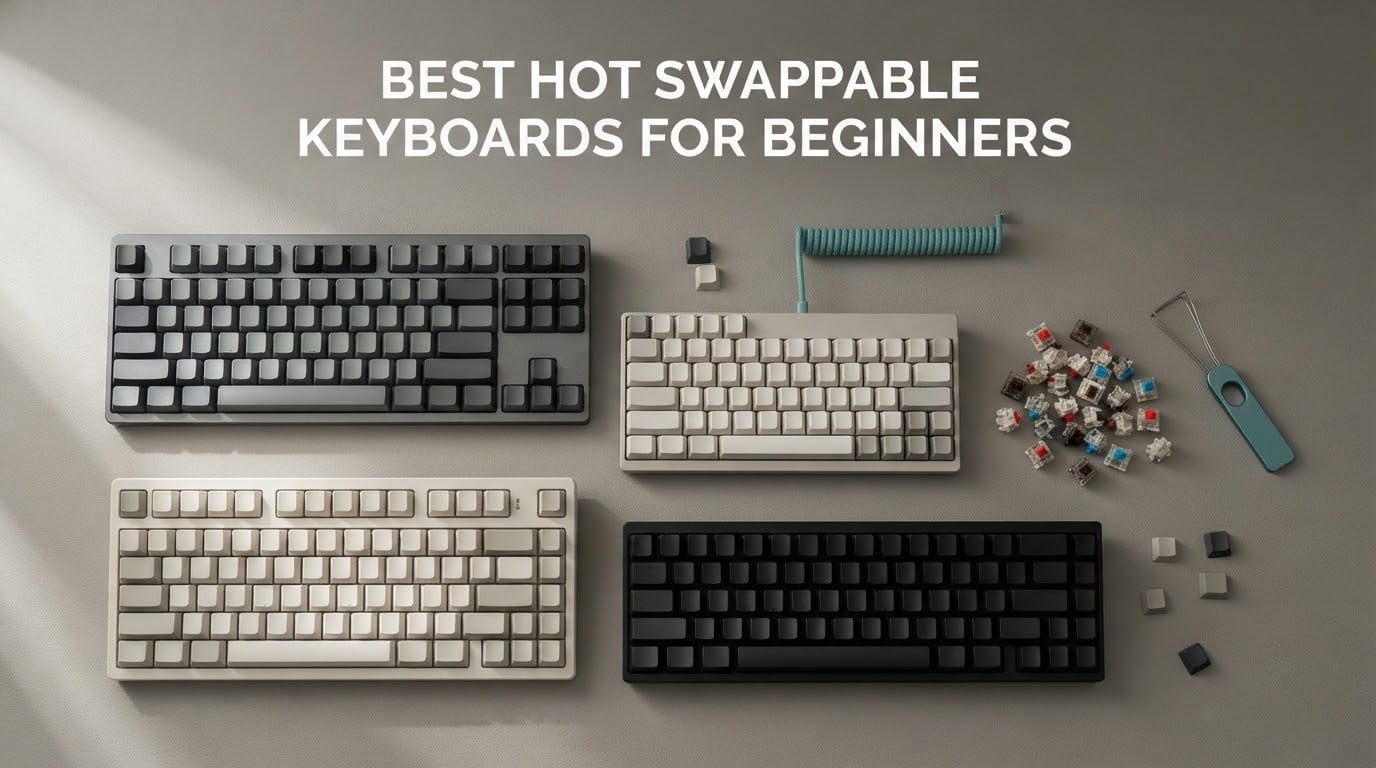
If you are typing on a rubber dome board and you keep reading about mechanical keyboards, the phrase you will meet most often is best hot swappable keyboards for beginners. It sounds complicated, but the idea behind it is simple: a hot-swappable board lets you pull the switches out with a plastic tool and press new ones in by hand, so you can change how a keyboard feels and sounds without opening up a soldering iron. That single feature removes the risk from a first mechanical keyboard purchase, because you are not locked into one switch type forever.
We spent weeks with ten boards from Royal Kludge, Redragon, Aula, EPOMAKER, Kisnt and Keychron, in 60%, 75%, 96% and full-size bodies, wired and wireless, aimed squarely at people who have never built a keyboard before. We looked for three things above everything else: real hot-swap sockets rather than a marketing label, stabilizers that do not rattle, and firmware that does not need an engineering degree. Ten boards made the cut.
This is a beginner guide first and a roundup second, so the jargon comes before the recommendations. If you want the wider picture on the peripherals side of a work setup, our best mechanical keyboards for programmers guide covers typing-heavy picks, and our glossary of common terms is useful if any of the vocabulary below is new. Everything here was updated for 2026.
Table of Contents
What Is a Hot-Swappable Keyboard?
A hot-swappable mechanical keyboard is one whose switches sit in sockets on the PCB instead of being soldered to it, so you can pull a switch out with a keycap puller and press a different one in by hand. No soldering, no desoldering pump, and no fear of ruining a switch in the process. For a first-timer, that is the whole pitch: try linear, tactile and silent switches on one keyboard and keep whichever board you like best.
The swap itself takes about a minute per switch. Pull the keycap straight up, grip the switch body with the puller, and pull it straight out of the socket. Line the two metal legs and the plastic centre pin of the replacement up with the socket, press down until it clicks, and put the keycap back on. That is the entire skill, and every board in this roundup ships with the tool needed to do it or accepts a cheap third-party one.
One warning before you start shopping: hot-swappable means socketed, not automatic. A board that supports 3-pin and 5-pin switches accepts almost every MX-style switch on the market, while a 3-pin-only board can have its plastic legs clip off if you force a 5-pin switch into it. We note the socket type for every board below.
Top 3 Hot-Swappable Keyboards for Beginners (October 2026)

Redragon K771
- Gasket mount
- 5-layer dampening
- Tri-mode wireless
- 108 keys
- Hot-swap 3-pin and 5-pin
- Pre-lubed linear switches

RK Royal Kludge RK61
- 61-key 60% layout
- Hot-swap 3-pin and 5-pin
- QMK/VIA programmable
- Detachable USB-C cable

EPOMAKER x Aula F75
- 80-key 75% with volume knob
- Gasket mount
- 5-layer padding
- BT
- 2.4GHz and USB-C
- Double-shot PBT keycaps
Those three cover the widest range of needs. The K771 is the one with the largest owner history on this list and the least for beginners to get wrong, the RK61 is the classic compact tinker platform, and the Aula F75 is the board people keep describing as the best-sounding option in its class.
All 10 Picks At A Glance (October 2026)
| Product | Specifications | Action |
|---|---|---|
| Redragon K771 |
|
Check Latest Price |
 Redragon K671 Redragon K671 |
|
Check Latest Price |
| RK Royal Kludge RK61 |
|
Check Latest Price |
| EPOMAKER x Aula F75 |
|
Check Latest Price |
 AULA F99 AULA F99 |
|
Check Latest Price |
 RK Royal Kludge R75 RK Royal Kludge R75 |
|
Check Latest Price |
 Kisnt KN85 Kisnt KN85 |
|
Check Latest Price |
 Aula WIN60 HE Aula WIN60 HE |
|
Check Latest Price |
 Keychron C1 Keychron C1 |
|
Check Latest Price |
 Redragon K617 Redragon K617 |
|
Check Latest Price |
Every board in that table has genuine hot-swap sockets across the full key field. What separates them is layout size, connectivity, the switches they arrive with, and how much firmware freedom you get.
1. Redragon K771 – The Full-Size Board That Forgives Everything
- Gasket mount and five layers of dampening cut case ping
- Hot-swap sockets take nearly all 3-pin and 5-pin switches
- Three connection modes with an 8000mAh battery
- Heavy build that stays put on the desk
- Full numpad plus four dedicated hotkeys
- Factory switches can feel louder than expected
- RGB animation speeds are limited
- Bundled lighting software needs practice
- Included cable feels thin
I chose the K771 as the first recommendation for a simple reason: it is the board on this list with the largest body of owner history behind it, and that history is mostly reassuring. Reviewers repeatedly single out the gasket mount and the five layers of foam and silicone for cutting the hollow ring that cheap full-size cases produce. On a board that size, that difference is easy to hear.
The full-size layout is the safe choice for a first mechanical keyboard. You get a number pad, a full arrow cluster and four dedicated hotkeys for mute, calculator, lock screen and show desktop, so nothing that was one shortcut away on your old keyboard disappears. If you are coming from a laptop, this is the least amount of relearning available.
Connectivity is where it overdelivers for the money. You can pair up to five devices across 2.4GHz wireless, Bluetooth 5.0 and USB-C, and the 8000mAh battery means the wireless modes are genuinely practical rather than a novelty. Switching between a desktop and a laptop takes a keypress rather than a cable.
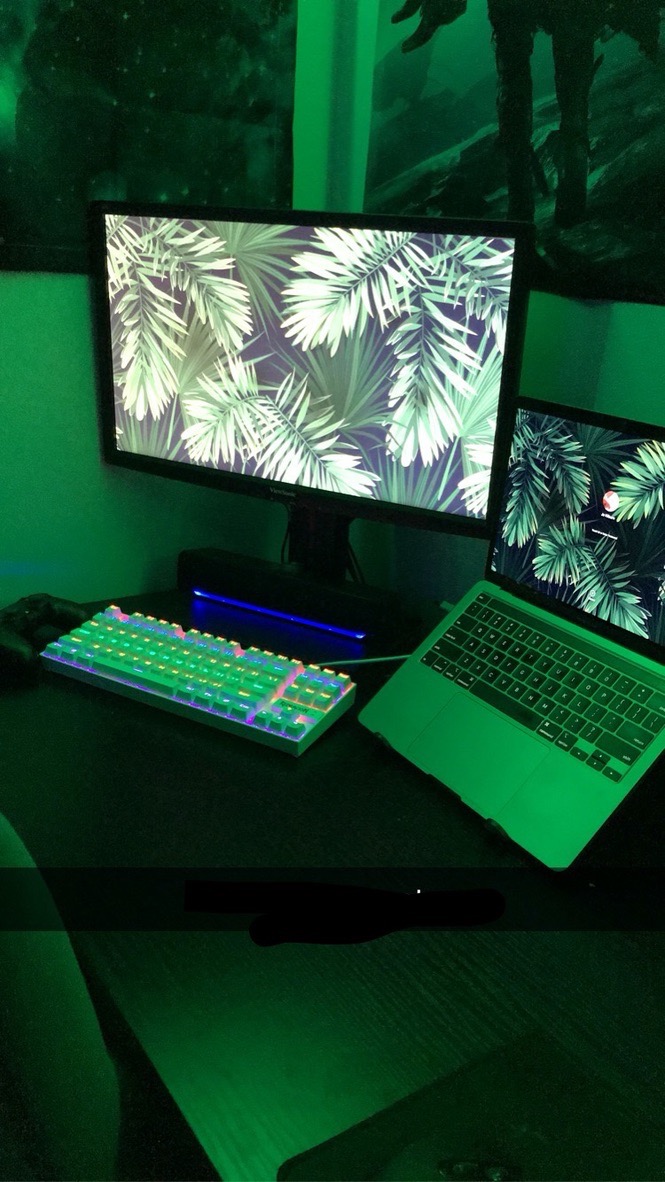
The hot-swap implementation is the part beginners care about most, and it is done properly. The sockets accept both 3-pin and 5-pin switches, and the board arrives with pre-lubed linear switches already installed, so you get a working keyboard on day one and a hobby the moment you want one. Several reviewers report buying this board and then immediately swapping the factory switches for quieter ones, which is the single clearest proof that the sockets work as advertised.
Because it is a full-size board, this is also the pick to make if spreadsheets or data entry are part of your working day. The cost is desk space: 108 keys means a wide footprint, and there is no arrow-key or number-pad saving to be had. If your desk is already tight, look at the RK61 or the K617 further down.
Two honest caveats. The factory linear switches are brighter and louder than the muted sound the dampening suggests, which is exactly why a switch swap is the first mod most owners make. And the RGB software is a learning exercise, not a polished app, so if per-key lighting is a deciding factor for you, check the Day-1 instructions before committing.
Which switches to pair with the K771
For an open-plan office or a shared room, start with silent tactile switches, since the board’s dampening makes a muted switch sound dramatically better than it would on a bare tray-mount case. For gaming or long typing sessions, a light linear set is the natural pairing and the factory switches already lean that way.
Because the sockets take 3-pin and 5-pin switches, you are not limited to one switch family. Buy a small sample pack first rather than a full set, since figuring out which switch suits your typing style is the whole point of owning a hot-swap board.
Is a full-size board the right first shape?
Full size is right if you use a number pad, press function keys regularly, or want zero adjustment after switching from a membrane board. It is the wrong first shape if your desk is narrow or if you play games and want maximum mouse space, in which case a 60% or 75% board will serve you better.
One practical note: the four hotkeys are a genuine benefit that most compact boards cannot match without firmware remapping. If you are not comfortable configuring layers yet, having mute and calculator on dedicated keys removes a whole category of early frustration.
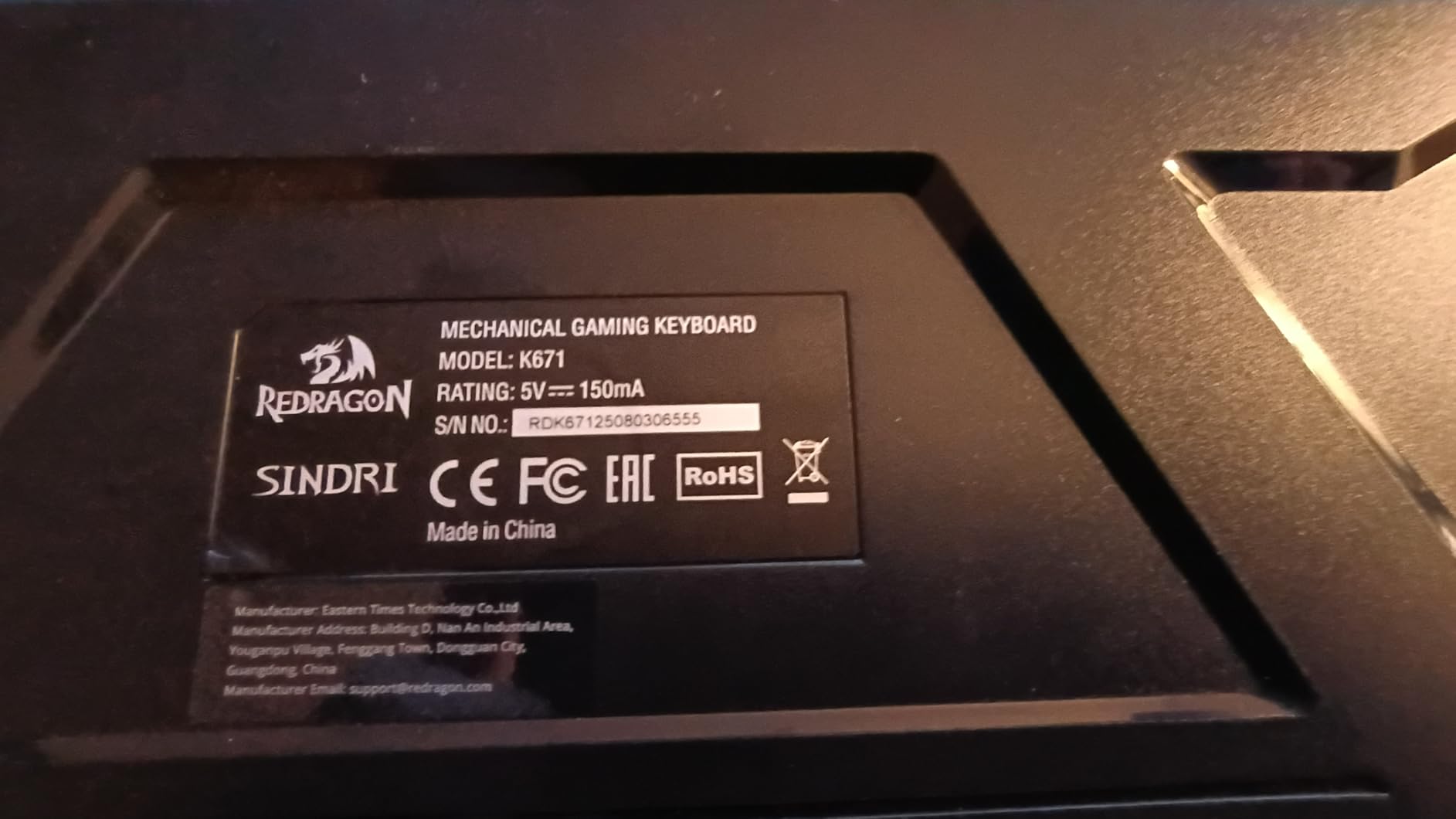
2. Redragon K671 – A Full-Size Hot-Swap Board With Spares In The Box
Redragon Mechanical Gaming Keyboard Wired, 11 Programmable Backlit Modes, Hot-Swappable Red Switch, Anti-Ghosting, Double-Shot PBT Keycaps, Light Up Keyboard for PC Mac
- Full 104-key layout with full-key anti-ghosting
- Hot-swap red switches with spare switches in the box
- Double-shot keycaps spread the backlight evenly
- Simple USB connection for PC
- Mac and Xbox
- 24-month manufacturer warranty
- Per-key colour is locked to a rainbow pattern
- Programming software is Windows-only and awkward
- Keyclicks are on the loud side
- Some users describe the switches as mushy
The K671 is the board to look at if you want the full-size experience and genuinely do not want to spend anything on accessories after it arrives. Four spare switches and two spare red keycaps are in the box, alongside the puller you need to use them, so your very first swap is possible on day one with nothing else to buy.
Typing feel at this level is smooth and satisfying for the money, and the full-key anti-ghosting means simultaneous inputs in games register cleanly. The 17.13 by 4.88 inch footprint is a genuine full size, so the number pad and arrow cluster are all present, which keeps the learning curve short.
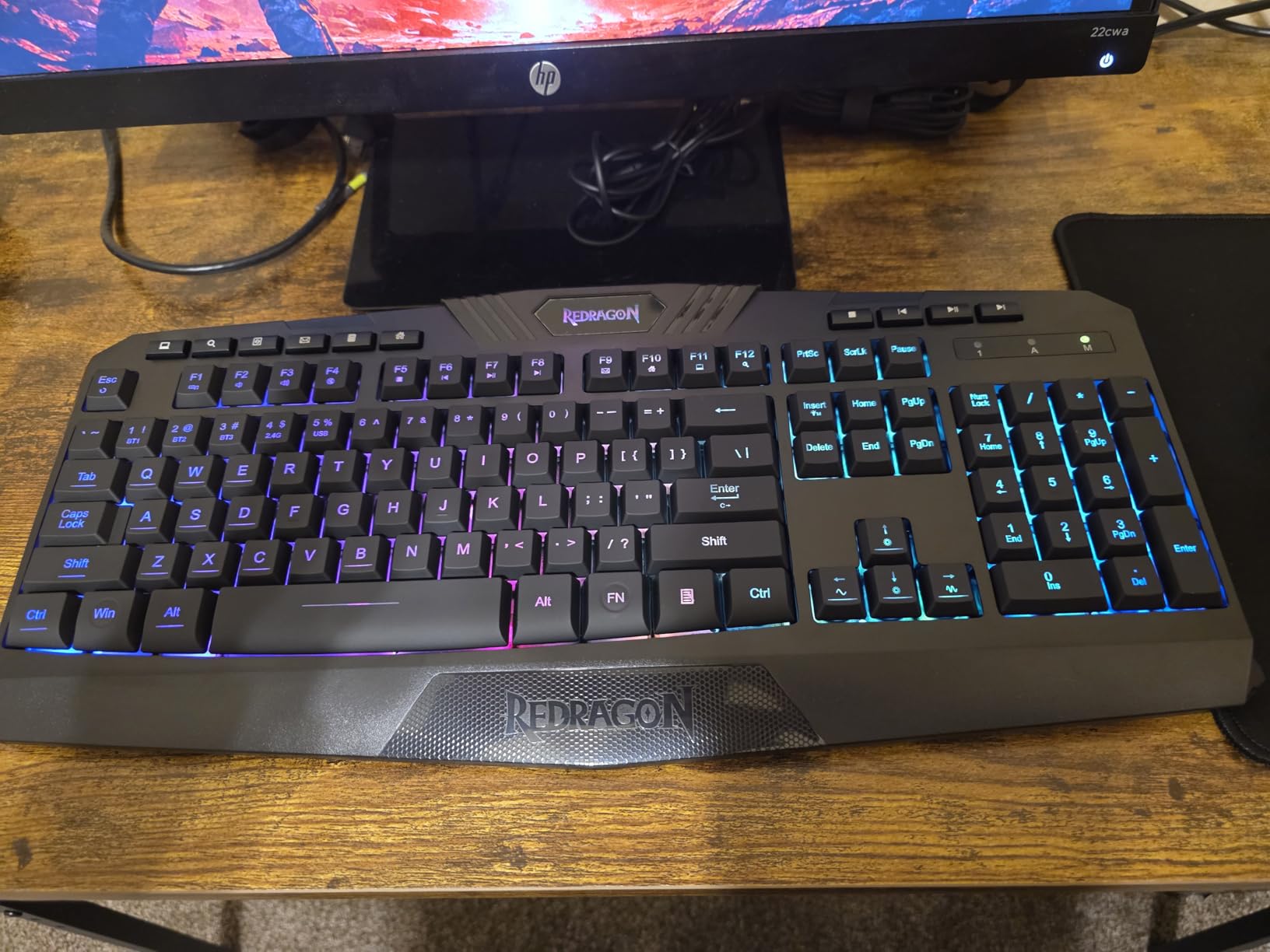
What surprised me positively was the backlight. Eleven programmable modes with five brightness levels, and because the keycaps are double-injection ABS rather than printed, the light spreads through the legend instead of sitting on top of it. That produces noticeably less glare than the per-key boards people often buy at the same level.
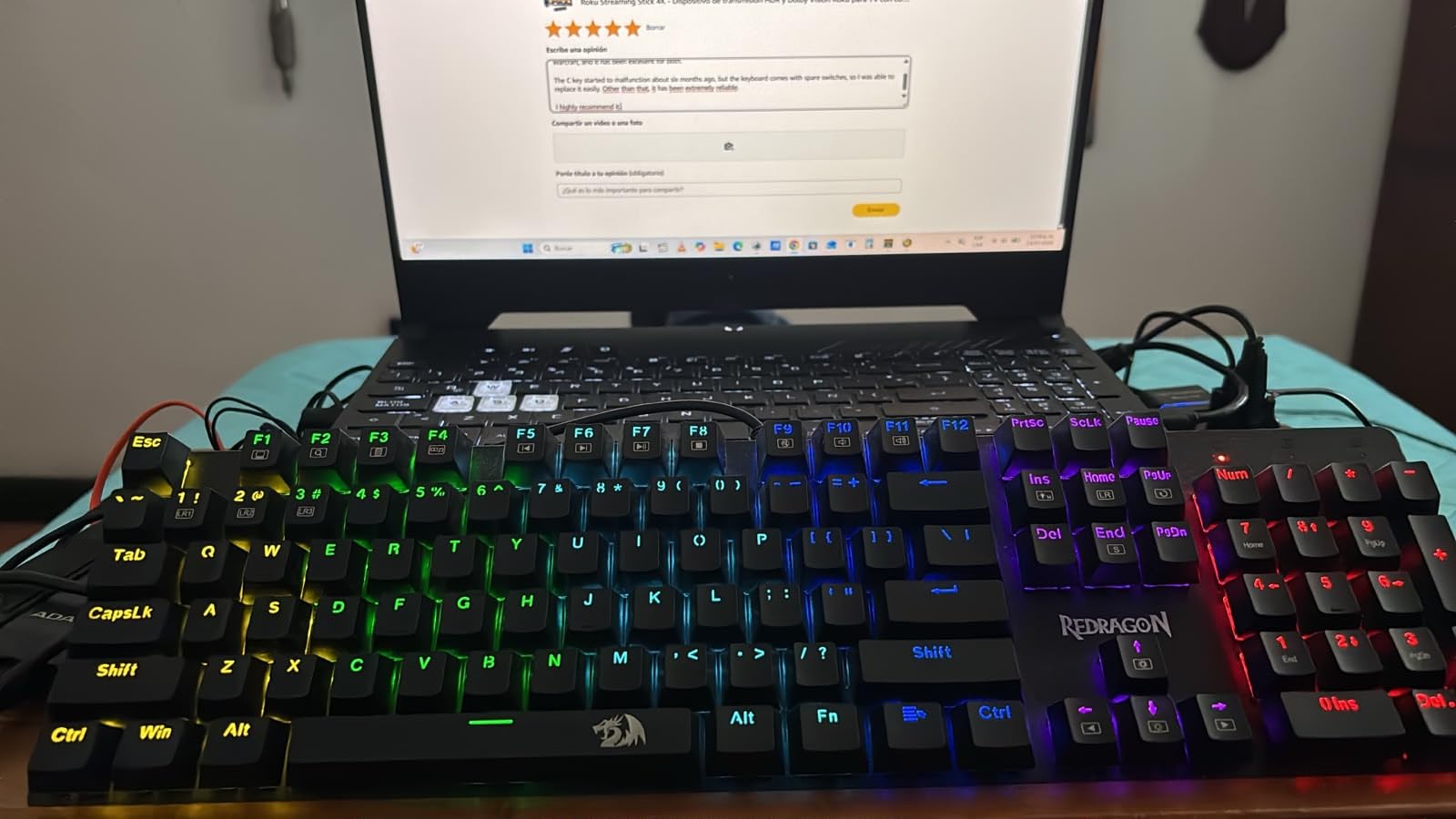
Being honest about the compromises here matters more than the praise. The lighting is the sticking point: per-key colour is fixed to a rainbow sequence and cannot be set to a single colour despite the RGB framing, and the control software is Windows-only with a confusing interface. A few buyers called that a dealbreaker and returned the board, so if you are a Mac user, skip this one and look at the Keychron C1 instead.
Sound is the second consideration. The red linears are audible and clacky, and some users describe them as mushy rather than crisp at the bottom-out. This is a board where swapping the switches is not a hobby you might take up, it is close to a requirement, which is why the included spares matter.
It is also a wired board, so there is no wireless mode to fall back on if you want to move it between a desktop and a laptop. For a fixed desk setup that is a non-issue and arguably better, because wired connections are the lowest-latency option available.
When this is the right first board
Choose the K671 when you want a full-size layout, you type on one machine at a fixed desk, and you would rather have the switch puller and spare switches in the box than order them. It is also a good first board for a Windows user who does not care about per-key colour control.
The 24-month manufacturer warranty is longer than most boards at this level offer, which adds a little peace of mind for a first purchase where you are still learning what normal tactile feedback feels like.
When to skip it
Skip it if you are on a Mac, if you travel with your keyboard, or if the glow of the lighting is a meaningful part of the appeal for you. Reviewers are unusually consistent about the rainbow-only colour limitation, so treat it as a real constraint rather than a minor quirk.
It is also not the board to learn wireless switching on, since there is no wireless to learn. If multi-device use is on your list, the K771, the F99 or the KN85 all cover that ground properly.
3. RK Royal Kludge RK61 – The Compact Tinker Platform
- Widely regarded as the classic cheap 60% hot-swap board
- Sockets take 3-pin and 5-pin switches and it opens with ordinary screws
- Factory-lubed stabilizers with no plate rattle
- Very low input latency for the class
- Keycap and switch pullers plus spare switches included
- RK configuration software is unreliable
- VIA setup needs the right layout download
- Factory switch plate clips pull out easily
- ABS keycaps sound hollow
- North-facing LEDs clash with Cherry-profile keycaps
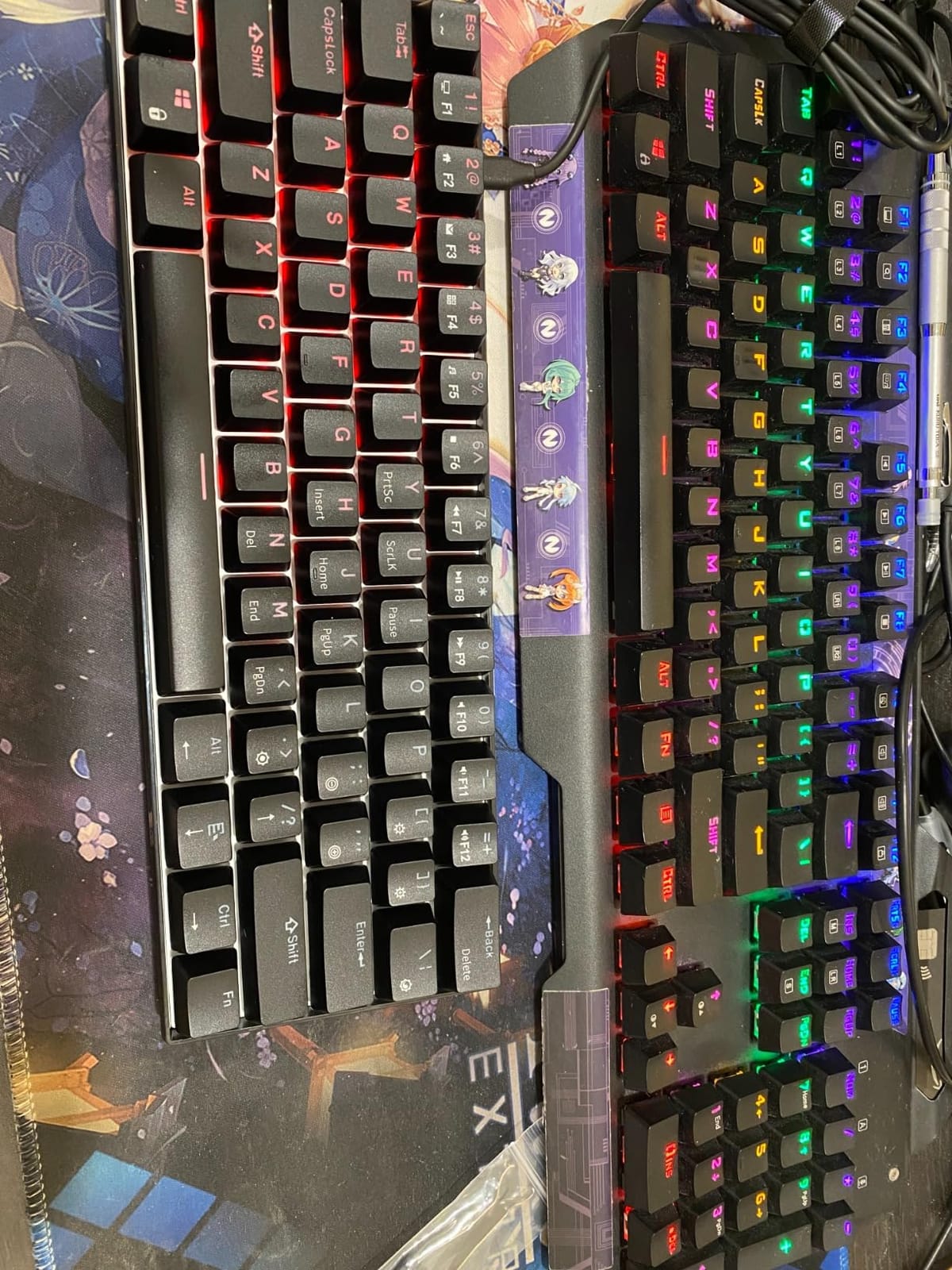
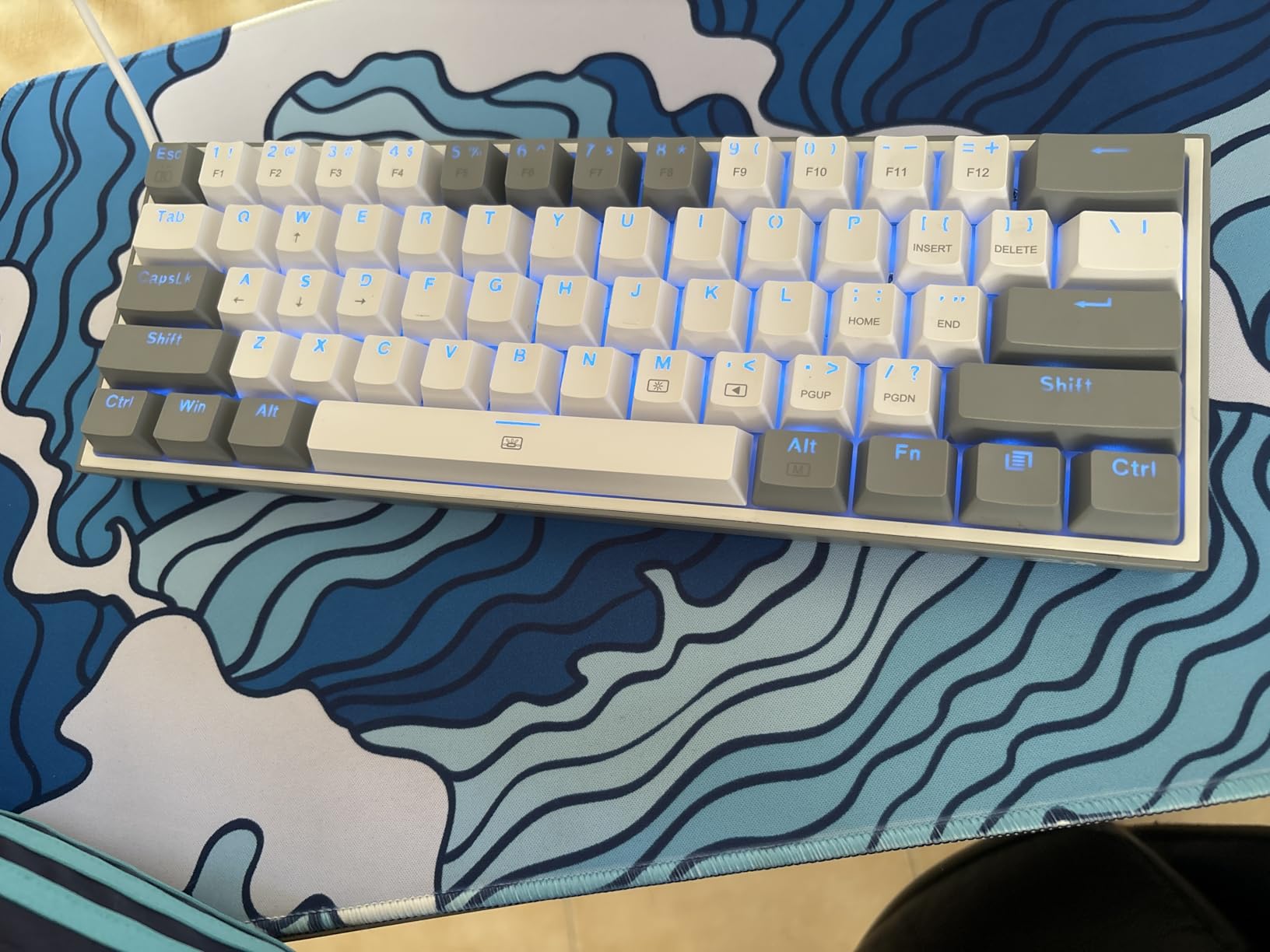
The RK61 has been the answer to the question I see most often in beginner threads, and I can see why. It is a 61-key board measuring 11.5 by 4 by 1.6 inches and weighing 0.56 kg, so it is genuinely small without feeling flimsy, and it is the cheapest route into socketed switching that still has a real community around it.
Enthusiasts use this board as a platform rather than an end point. Reviewers describe swapping switches, adding foam inside the case, and converting the tray mount into a gasket or O-ring mount, and the hot-swap PCB is what makes all of that practical without a soldering iron. The case comes apart with ordinary screws, which is rare in this category.
The firmware is the quiet superpower. QMK and VIA support means every key can be remapped from a browser without installing anything, so you can turn the layer key into a spacebar or move your escape key later. For a beginner this is the feature that turns a keyboard into something you configure rather than simply own.
Latency is the other thing reviewers mention when comparing it against more expensive boards, and the wired USB-C connection means there is no wireless mode adding a variable. N-key rollover is full, so multi-key inputs in games register correctly, and it works on Windows, Linux and Mac without a mode switch.
Now the parts that genuinely irritate people. The RK configuration utility is buggy, with inaccurate hue selection and a colour wheel that does not reliably work, and the VIA layer download can be awkward to find on the store page. The workaround most owners use is simply to leave the software alone, since the board performs perfectly well with its default behaviour.
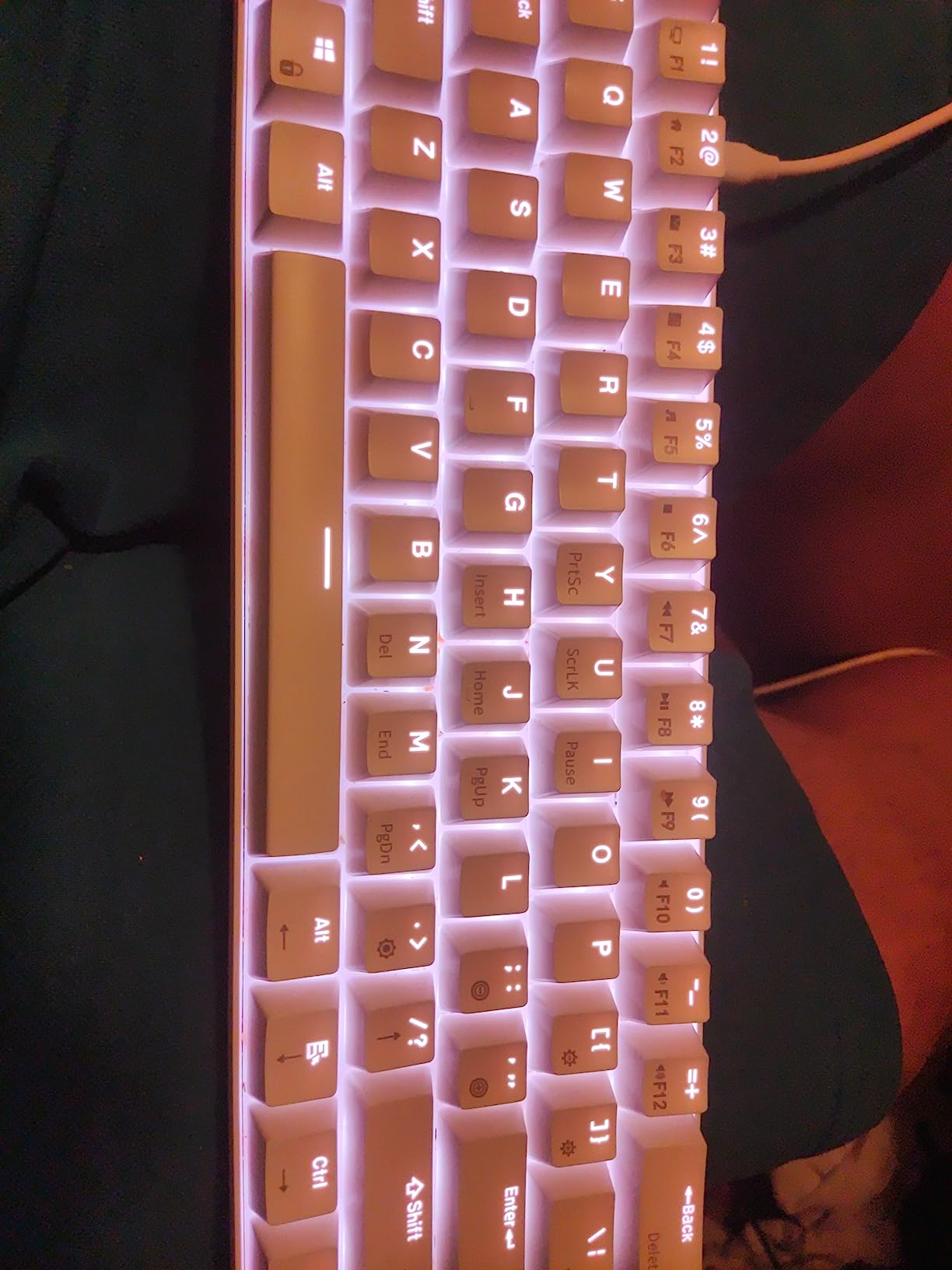
The north-facing LED placement is worth understanding before you buy keycaps. North-facing sockets can interfere with Cherry-profile keycaps and cause a slight interference or rattle on the affected keys, and the shine-through ABS caps that come fitted sound hollow. Both are fixable with a keycap change, which is a nice first project rather than a dealbreaker.
Is a 60% layout too small for a first keyboard?
A 60% board drops the function row and the arrow cluster, so you get 61 keys and nothing else. That is a real adjustment period for someone coming from a full-size board, usually handled with VIA by turning the layer key into a function row, but it is a genuine learning curve rather than a cosmetic one.
In exchange you get 61 keys across 11.5 inches of width, which frees a lot of desk for mouse movement. If you play games, that trade is usually worth it. If you write long documents and use function keys all day, the 75% boards below are the calmer choice.
Which switches suit the RK61
Because the sockets take 3-pin and 5-pin switches, the entire MX ecosystem is open to you, and the low latency of the board suits light linears for fast play. For an office, silent linears work well here because the board’s small footprint means less sound overall.
One thing to buy alongside it: a set of Cherry-profile keycaps. The factory ABS caps are hollow-sounding, and swapping them is the single change reviewers say transforms this board, alongside replacing the factory red switches whose plate clips pull out easily when you pull keycaps.
Royal Kludge is the name that comes up most often as a budget entry point in r/MechanicalKeyboardsUK threads, and the RK61 is the specific model those recommendations point to. Experienced posters on r/MechanicalKeyboards also tend to steer beginners toward hot-swap lines in general rather than soldered entry boards, because a soldered board makes the switch decision permanent on day one.
4. EPOMAKER x Aula F75 – The Best-Sounding Board In This Group
- Gasket mount and five padding layers give a deep muted typing sound
- Full-key hot-swap sockets for easy switch changes
- 75% layout keeps the function row and arrows
- Tri-mode connectivity with a 4000mAh battery
- Double-shot PBT keycaps and tuned stabilizers
- Some boards need stabilizer and keycap adjustment
- Bluetooth reconnection can take a couple of attempts
- Limited software support versus mainstream brands
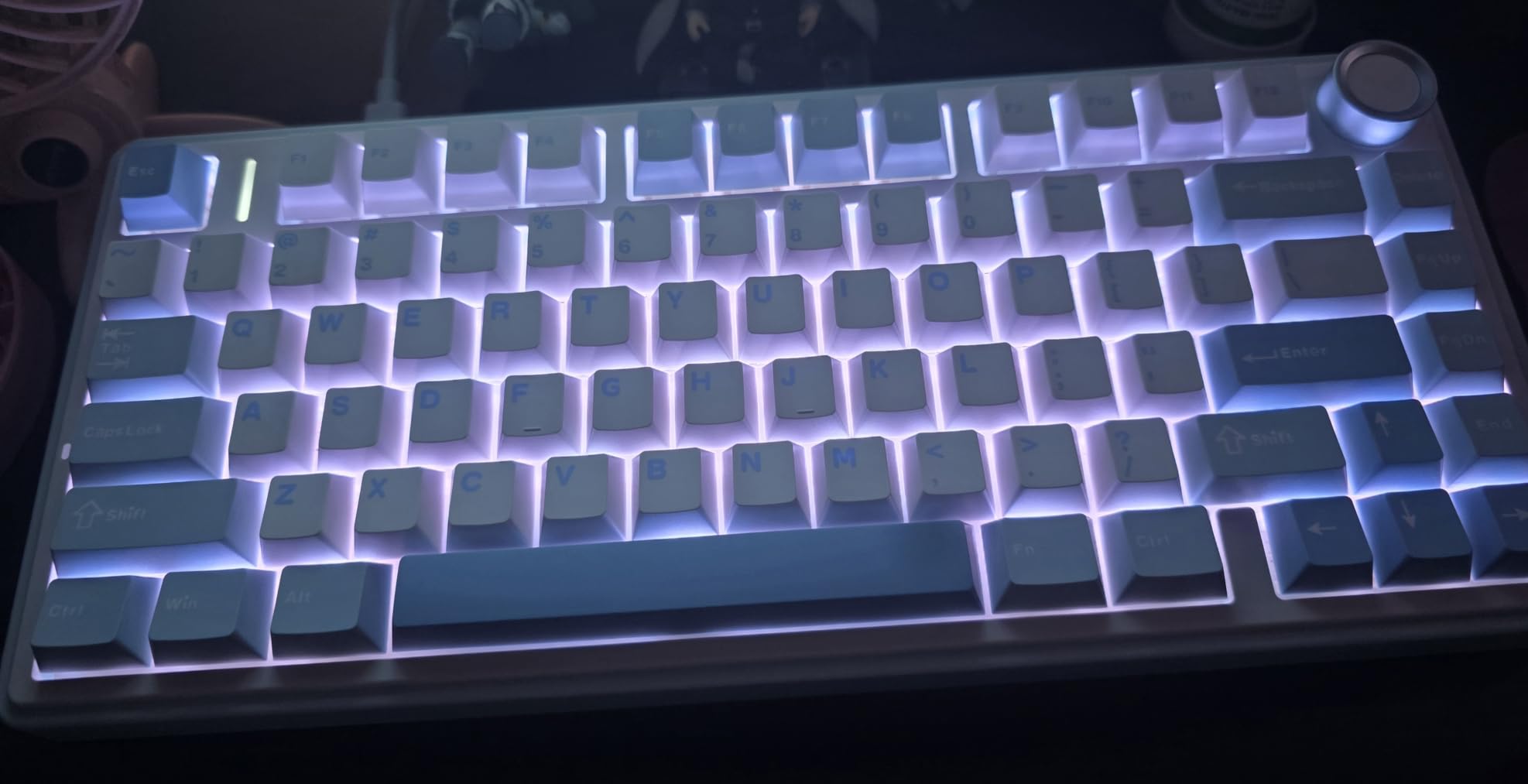
The F75 is the board I would hand someone who cares about how their keyboard sounds more than any spec sheet. Gasket mount plus five layers of internal padding, including two Poron foam layers, an IXPE switch pad, a PET sound pad and a bottom silicone pad, produces a low, muted thock that reviewers repeatedly compare to boards costing several times more.
The 75% layout is the sweet spot for most people, and I say that after reading the layout arguments in forums more times than I would like to admit. Eighty keys keep the function row and the arrow cluster, so you lose only the number pad. You get the compactness of something smaller without the relearning period of a 60%.
The multimedia knob is a genuinely useful addition rather than a decorative one, since volume control is the one thing you reach for constantly while listening to something while you work. CNC aluminium, so it feels like a proper control rather than a cheap dial.
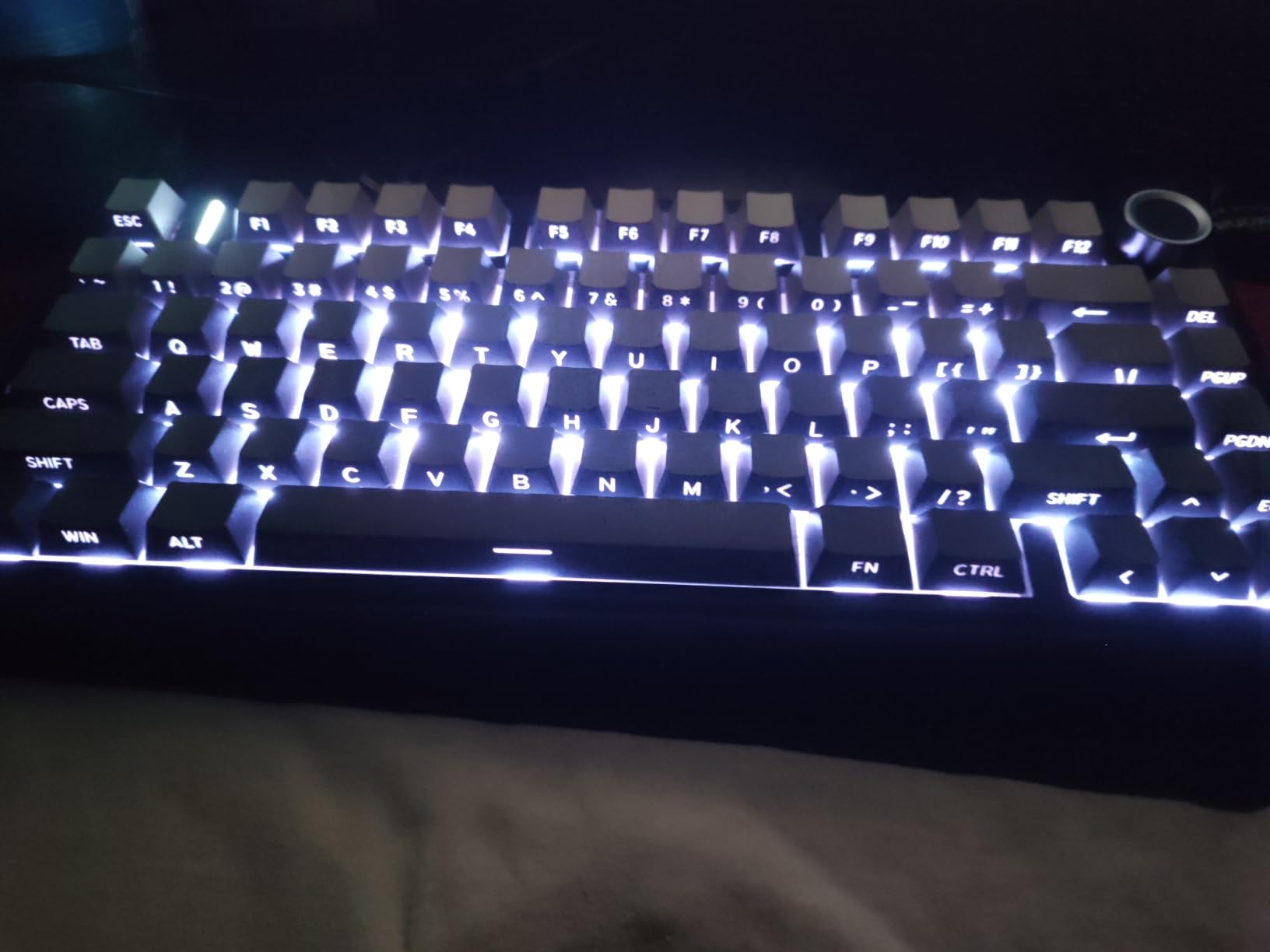
Underneath, the board is well specified for the money. A 1.2 mm single-key slotted PCB with factory-lubricated switches, tuned stabilizers, and Cherry-profile double-shot PBT keycaps, which are the ones people keep and the reason this board avoids the shine that plagues cheaper ABS caps. The slotted PCB also means single-key remapping, not just row-and-column layouts.
Connectivity covers Bluetooth, 2.4GHz wireless and wired USB, with a 4000mAh battery and RGB across 16.8 million colours. In the box you get a keycap puller and a USB cable, which covers the tool requirement for a first swap.
Where it is not perfect: some units arrive with keycaps and stabilizers that need a small amount of adjustment to stop key wobble, Bluetooth reconnection can take a couple of attempts on some systems, and the software support is thinner than you would get from a mainstream brand. None of that is disqualifying, but the first-hour setup is slightly more hands-on than a board that arrives perfect.
Is the 75% layout the right beginner choice?
Yes, for most people. The 75% keeps the function row and arrow keys, which are the two things a first-time mechanical keyboard owner misses most, while freeing roughly the width of a number pad. You give up only the number pad, and you can add a separate one later if spreadsheets demand it.
Pick a 60% instead if mouse space is the priority, and pick a full size or 96% if you genuinely type in numbers all day. The F75 sits in the middle for a reason, and the middle is where most beginners should sit.
What to change first on an F75
Change the switches first, then the keycaps, and leave the stabilizers alone until you have lived with it for a few weeks. The factory-lubricated switches are a reasonable starting point, and the double-shot PBT keycaps are already a set worth keeping, so neither is a priority.
Because the PCB is slotted per key, you can remap individual keys, which makes this a good board to learn VIA on if it supports the mapping route you need. The wireless modes also make it easy to move between a laptop and a desktop, which suits a shared desk.
5. AULA F99 – A Real Number Pad In A Compact Body
- 96% layout keeps a real numeric keypad and arrow keys
- Gasket structure and five layers of silencer fill
- Substantial weight keeps it stable
- Three connection modes with a large battery and up to 5 devices
- Hot-swap PCB with keycap and switch pullers included
- RGB does not shine through the keycaps
- Customisation software is not compatible with Mac
- Two-tier feet and a tight number pad 0 key need adjustment
- Battery indicator stays red when charged
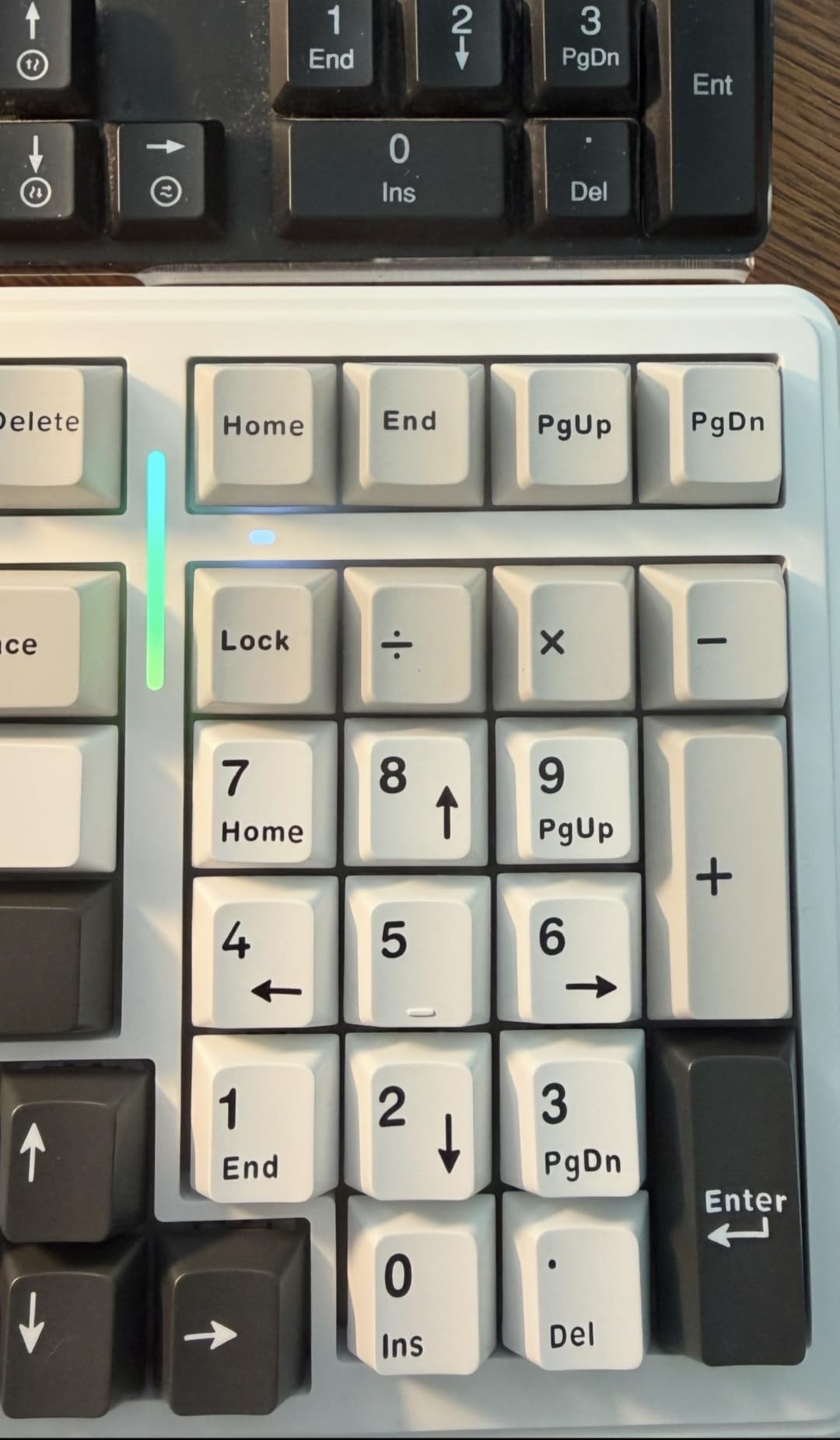
Full-size boards get dismissed because of their width, and the F99 exists because of that. A 96% layout packs ninety-nine keys, including a working numeric keypad and a dedicated arrow cluster, into a body that is only 15.35 by 5.75 inches. If you work in spreadsheets, this is the layout question solved without giving up the number pad.
The build is heavier than the price suggests at 1500 grams, and reviewers consistently note that this makes it feel like a higher-end board and keeps it planted on the desk while typing. The gasket structure plus five layers of internal silencer fill give it a creamy, hollow-free sound, which is the opposite of the pingy full-size experience many first-timers hit.
Wireless is the other headline. Bluetooth 5.0, 2.4GHz and USB-C with up to five paired devices, backed by an 8000mAh battery, means the F99 can be the only keyboard you own across a laptop, a desktop and a tablet. N-key rollover is full for multi-key input.

The hot-swap sockets accept both 3-pin and 5-pin switches, and the box includes keycap and switch pullers plus two spare pre-lubed linear switches. Several owners immediately replaced the keycaps and switches using those sockets, which is the pattern you want from a first custom board: open the box, pull, press, done.
Now the parts to know about. The RGB does not shine through the keycaps, so legends stay dim in a dark room, and if lighting matters to you this is a visible shortfall. The customisation driver is Windows-only, so Mac users should rule it out despite the otherwise broad compatibility.
Two smaller annoyances that reviewers mention: the two-tier feet and the tight number pad 0 key take some getting used to, and the battery indicator stays red even when the board is fully charged, with no low-battery warning. If you rely on that light to know when to charge, plan a charging routine instead.
Do you actually need a number pad?
Work out whether you type in numbers for a living before you buy a full-size or 96% board. If you enter figures, build spreadsheets, or use a number pad at all, do not accept a 60% board, because adding a separate number pad later costs more and takes desk space back.
If you mostly write prose, browse and play games, a 75% or 60% is the more comfortable choice. The 96% format is specifically the compromise for people who thought full size was too wide but did not want to lose the keypad.
Is the six-month warranty a concern?
It is the shortest warranty in this roundup at six months, so treat it as a reason to check the board carefully on arrival rather than as a dealbreaker. A keyboard is a low-stress device and the failure mode is usually a connection issue, which the five-device pairing makes easy to isolate.
For long typing sessions the weight and gasket structure are the bigger wins, and reviewers who use it for hours report the stability and low sound keep it comfortable. If you want a quieter board for a shared room, swap to silent switches early.
6. RK Royal Kludge R75 – A 75% Board With Tactile Switches Included
RK ROYAL KLUDGE R75 Wired Mechanical Gaming Keyboard, 75% Hot-Swap Mechanical Keyboard Volume Knob, Soft Pre-lubed Tactile Brown Switch
- 75% layout keeps arrow and function keys while freeing desk space
- CNC aluminium volume roller at this level is a real addition
- Gasket mount with three absorption layers plus spacebar foam
- Hot-swap PCB takes 3-pin and 5-pin switches
- Staggered keycaps and adjustable feet reduce hand fatigue
- Wired only
- no wireless or Bluetooth
- South-facing RGB means shine-through keycaps light unevenly
- Single-zone backlight is less vivid than per-key boards
- One-year warranty
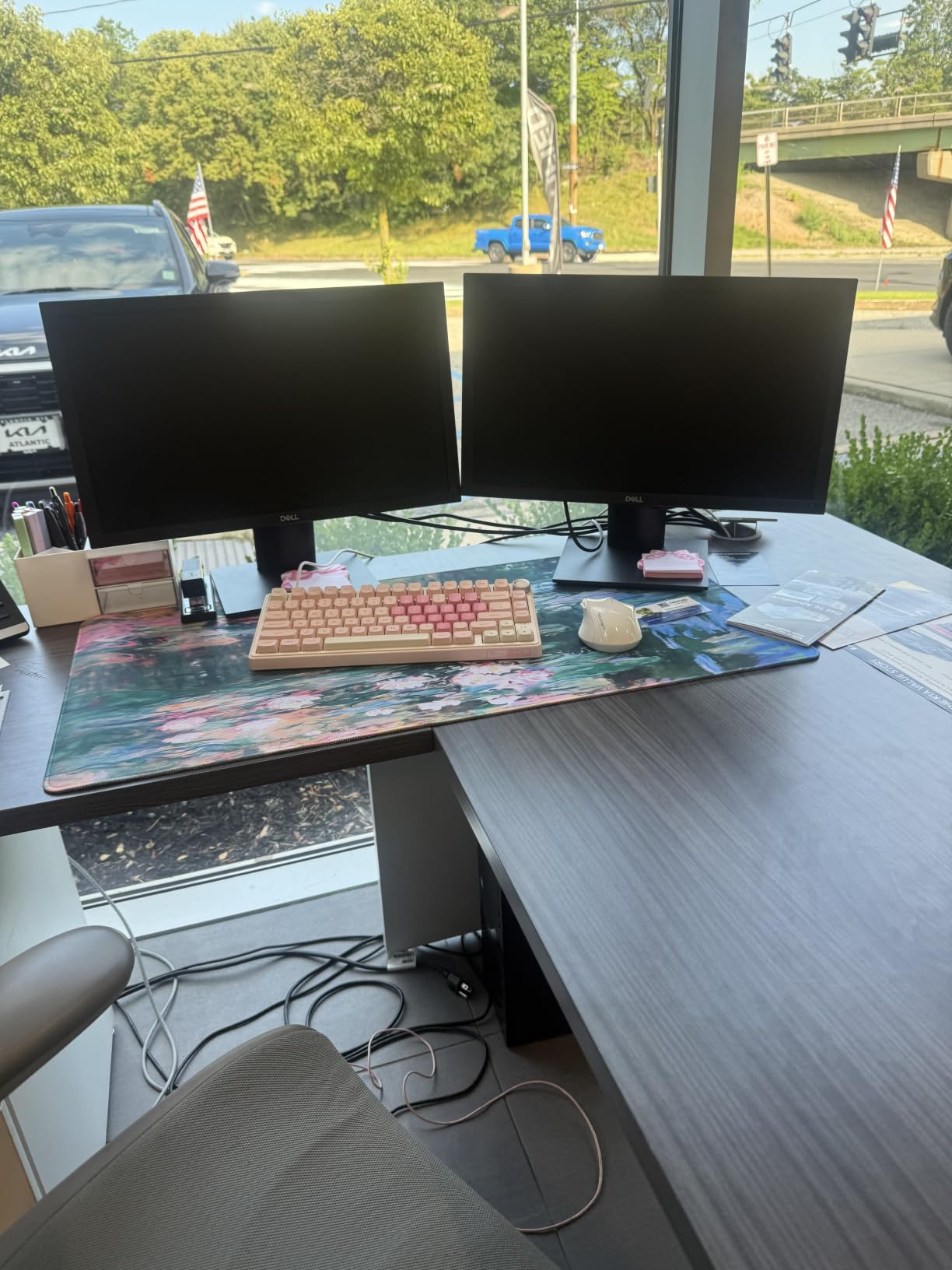
The R75 arrives with something most budget boards do not: a good tactile switch already fitted. Pre-lubed brown tactiles give a clear bump on the way down and are noticeably quieter than red linears, which makes this the least adjustment a first mechanical keyboard owner has to make. Many people coming up from cheap membrane boards find the tactile feel easiest to adapt to.
Ninety-one keys is not an unusual number, but the 81-key 75% layout is the configuration that works: function row, arrow cluster, no number pad, across 12.72 by 5.59 inches. You get the desktop space saving without the full relearning period of a 60%.
The damping is a three-layer job, with poron cotton, an IXPE foam pad and case foam, plus pre-lubed stabilizers and a silencer foam piece under the spacebar. That last detail is the one that fixes the hollow spacebar sound most people notice first, and it is already fitted.
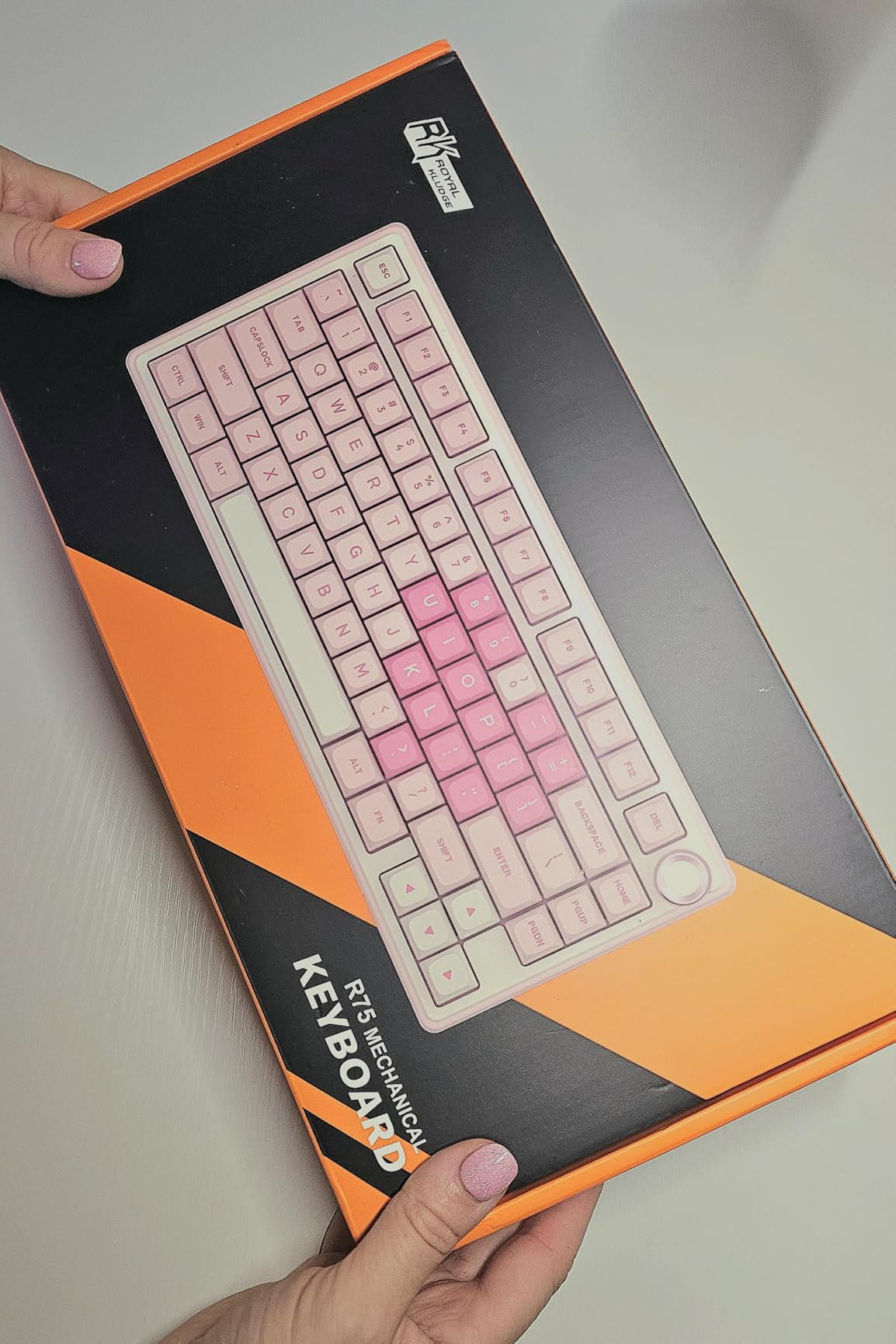
The volume roller is CNC aluminium rather than plastic, and at 800 grams the board has enough weight to stay put. The staggered keycaps and adjustable feet are worth a mention because hand fatigue over a long session is a real issue on cheaper boards, and this one is designed against it.
There are trade-offs and they are clear. It is wired only, with no wireless or Bluetooth, so it stays on one desk. The south-facing LED position means shine-through keycaps will not light evenly, and the backlight is single-zone, which is less vivid than the per-key RGB boards at a similar level.
Warranty is one year, which is typical for the category and shorter than the two years on the K671. From a hot-swap perspective the PCB takes both 3-pin and 5-pin switches with full-key anti-ghosting and a detachable USB-C cable, so the core experience is exactly what a beginner wants.
Are tactile switches the right starter switch?
For most first-time mechanical keyboard owners, yes. A tactile switch gives a small, clear bump that confirms a keystroke registered, which makes it easy to trust a new board and easier to type quickly on without looking down. The brown switches fitted here are the middle ground between the sharp click of a clicky switch and the smoothness of a linear.
If you share a room and the sound matters more than the bump, silent tacticals are the version to sample first. If you play competitive games, the tactiles will feel slower than linears and you may end up swapping them, which the sockets allow.
Wired or wireless for a first board?
Wired is the safer default. A wired connection has the lowest latency, no battery to manage, and no pairing step to explain to someone new to the hobby. The cost is that the board is tied to one machine, which is fine for a fixed desk setup.
Choose wireless only if you genuinely move between devices, and if you do, look at the F99 or the KN85, which pair up to five devices across Bluetooth and 2.4GHz. Because this board is south-facing, avoid buying shine-through keycaps expecting an even glow, and pick solid double-shot caps instead.
7. Kisnt KN85 – Creamy Sound, Three Bluetooth Channels, Two-Year Warranty
- Gasket mount and damping give an unusually deep creamy sound
- Pre-lubed Bsun linears are smooth with a crisp bottom-out
- Hot-swap sockets plus screwless case make modding easy
- Three Bluetooth channels with 2.4GHz and wired modes
- Two-year manufacturer warranty
- Bundled configuration software is unreliable
- Some recent orders arrive without the spare keycaps
- Spacebar can sound louder than the rest of the board
- Sound is louder than expected in a shared office
- Keycaps wear shiny after a few months
The KN85 is the board reviewers most often compare to a board costing several times its price, and the reason is consistent: the sound. Gasket mount with internal foam produces a deep, marbly thock that reviewers describe as creamy, and that impression holds up next to the Aula F75 which sits in a similar bracket.
The switch specification is the other standout. Pre-lubed Bsun linears rated at 45 to 50 grams of actuation force, with a crisp bottom-out and silent stabilizers as standard. Those are smooth from the first day, which means you are not immediately motivated to replace them, and when you do want to try something else the sockets take 3-pin and 5-pin switches.
Connectivity is unusually generous for this class. USB-C, 2.4GHz and Bluetooth 5.0 across three channels, with stated latencies of 2 ms over USB, 5 ms on 2.4GHz and 11 ms on Bluetooth. The 4000mAh battery lasts about a week on review, and the board types while charging in wired mode.
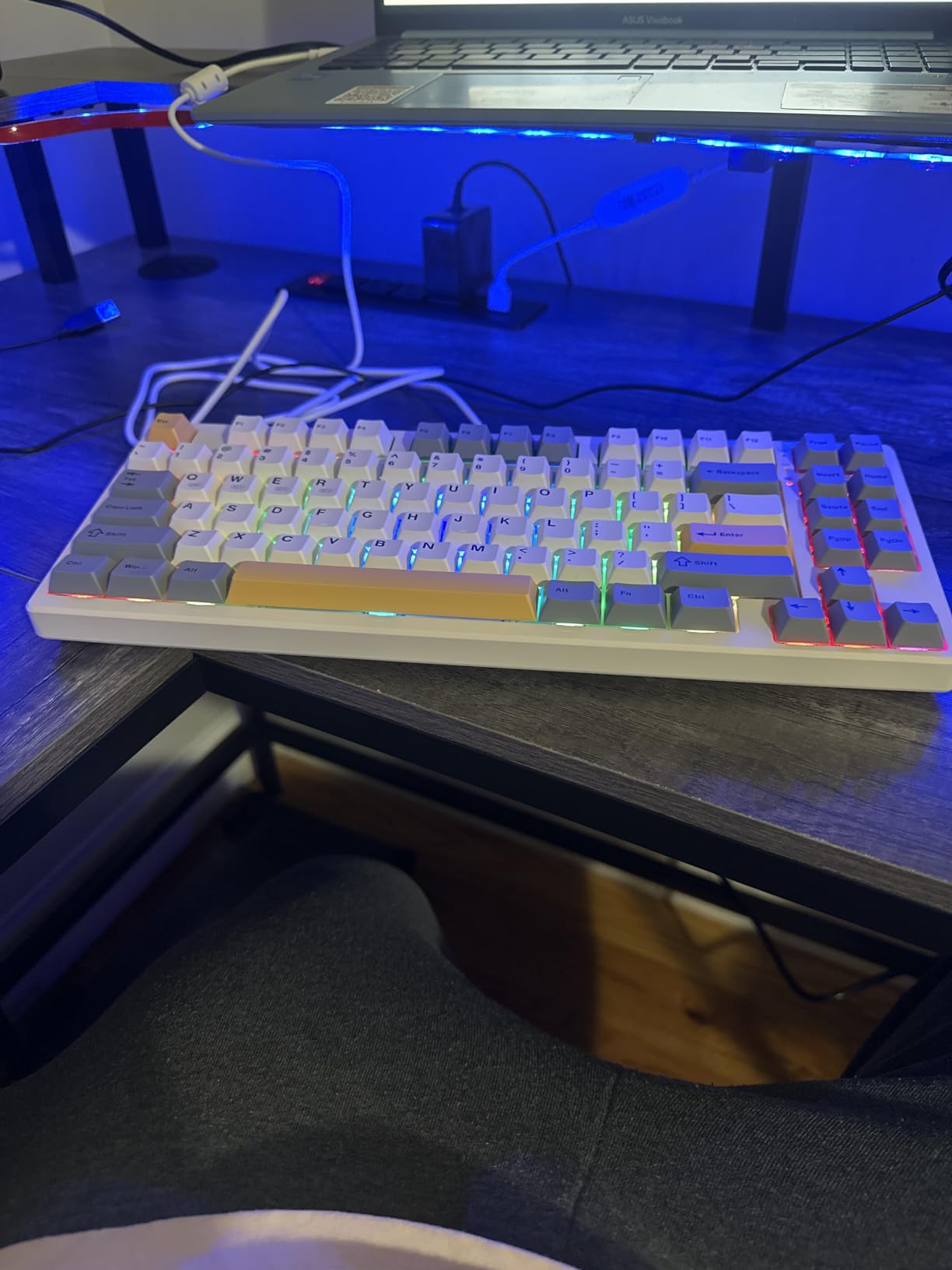
The construction helps the hot-swap idea work in practice. A screwless case design with two-stage flippy feet means you can open it and work on switches or internal mods without hunting for a screwdriver, which is unusual at this level and directly serves the beginner tinker path.
Eighty-five keys in a 75% body at 13.68 by 5.51 by 1.77 inches, with no number pad, so you keep the function row, arrows, Home and End, Page Up and Page Down and Print Screen. That is a lot of keys in a small footprint, and it is why the layout suits someone who wants compact without wanting a 60%.
The honest negatives are worth reading properly. The bundled configuration software is unreliable and does not work on every system, some recent orders arrive without the spare keycaps that earlier reviews mention, and the spacebar can produce a louder thunk than the rest of the board until you add an O-ring or foam. Several reviewers also note the overall profile is louder than expected in a shared office, so this is a board for a private room rather than a quiet floor.
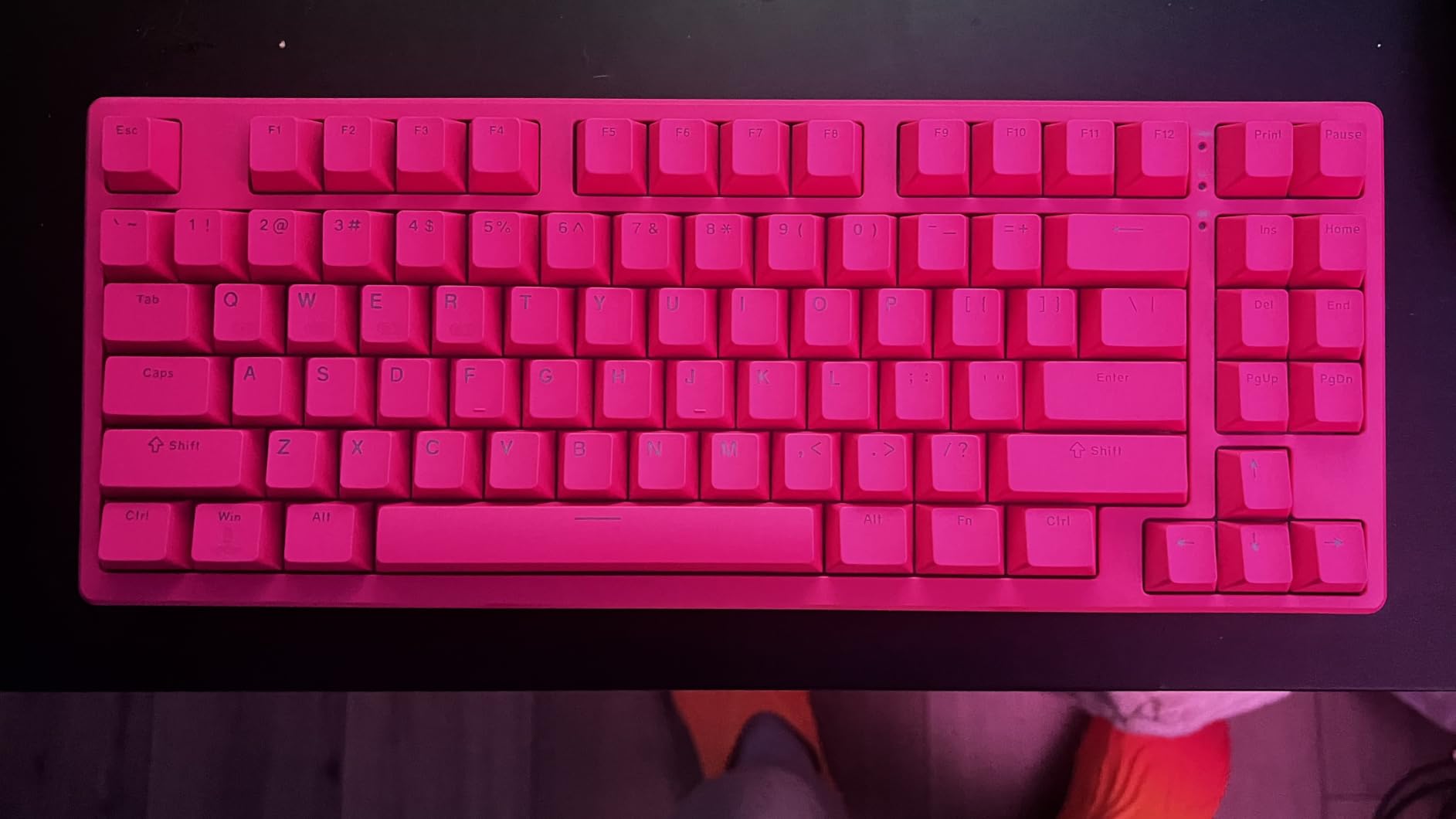
Is this board loud enough to rule out for an office?
Possibly. Reviewers specifically call the sound louder than expected, and the deep thock that makes it appealing in a private room carries further than a silent board would. If you sit in a quiet office or share a space with someone who is sensitive to noise, budget for silent switches at the same time as the board.
For a home desk, a shared study at home, or a gaming setup where you are wearing headphones, that sound profile is a feature. The two-year manufacturer warranty is also the longest in this roundup, which adds real value to a first purchase.
What does the 2ms and 11ms latency actually mean?
Those figures are the stated response times for the three connection modes, and the practical read is simple: wired is fastest, 2.4GHz is close behind, and Bluetooth is the one to leave for a laptop you are not gaming on. For most people the difference is imperceptible outside a competitive shooter.
What matters more for a beginner is that all three modes work without reconfiguring anything, so you can move the board between machines without a setup ritual. With three Bluetooth channels you can keep a desktop, a laptop and a tablet paired at once.
8. Aula WIN60 HE – Hall Effect Rapid Trigger On A Beginner Budget
- Hall effect switches give genuinely adjustable actuation
- Users with a Wooting 60HE report comparable feel
- Thocky sound and a well-weighted frame for the class
- Web driver means no installation or compatibility issues
- 60% layout saves a lot of desk space
- Web driver works but needs reading to get right
- Keycaps feel cheap and swapping them improves everything
- One review reports ghost inputs and a jamming key
- 8000Hz polling can stress USB ports on AMD systems
- Wired and Windows only
This board is the odd one out in the roundup and worth explaining. Instead of mechanical contact, it uses hall effect magnetic switches, which means the actuation point is software-defined rather than fixed. You set how far a key has to travel before it registers, and you can change that per key.
Rapid trigger is the payoff. With a 0.02 mm step distance, the keyboard registers a keypress on the way back up as soon as it starts to move, which is exactly what competitive shooters reward. Polling goes up to 8000 Hz with a lightweight driver, so there is very little time between your finger and the input.
Users who also own a Wooting 60HE report that the feel and performance are comparable, which is remarkable given the price bracket. The sound is thocky and the frame is well weighted, so it does not feel like a compromise in the hand.
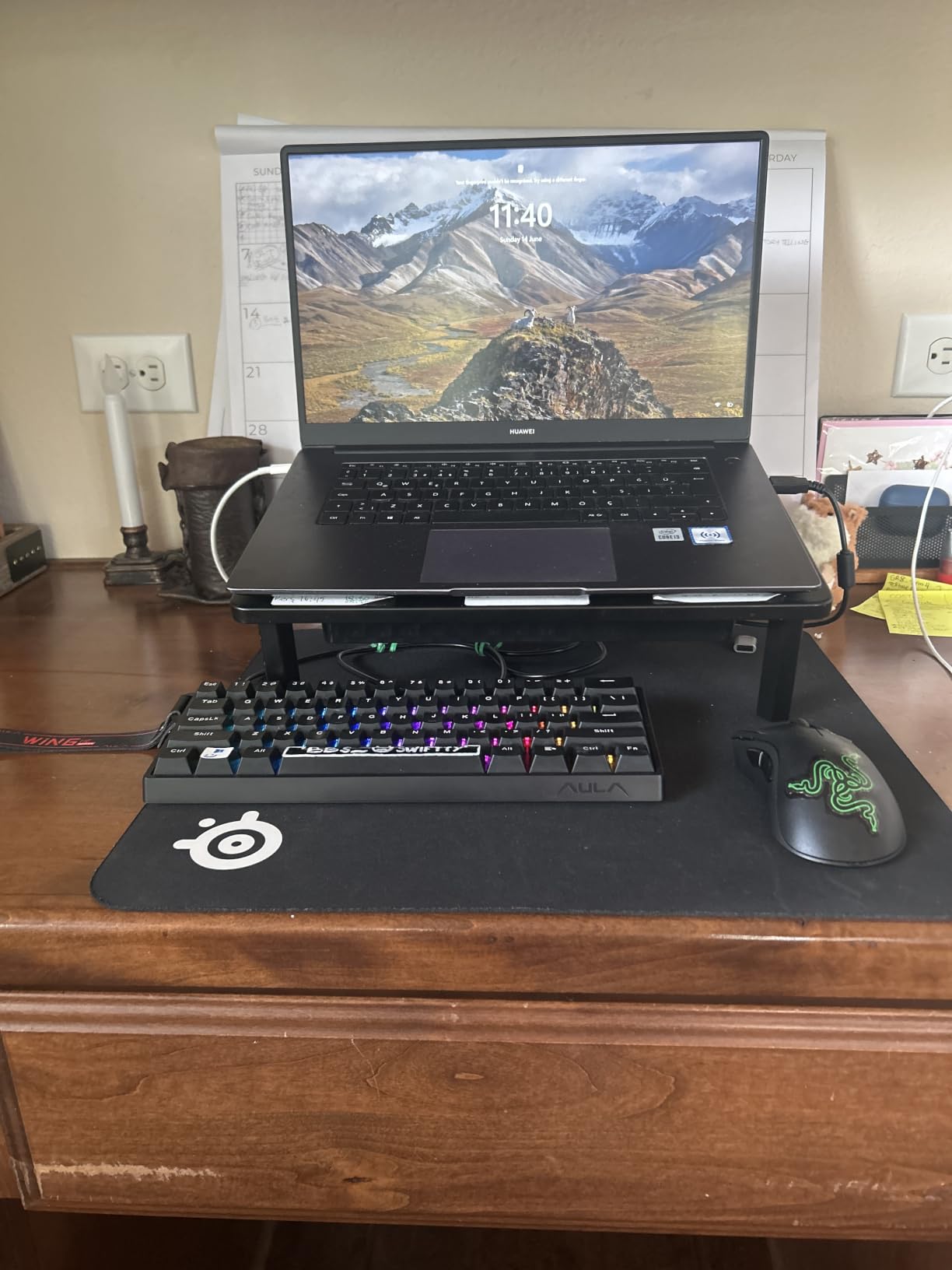
One piece of software advice saves a lot of confusion here: the driver is web-based, so there is nothing to install and no compatibility checking. You open it in a browser, set your actuation points and RGB, and close the tab. It is functional rather than polished and needs some reading, but the absence of an install means no driver conflicts, which is a real advantage over the other boards here.
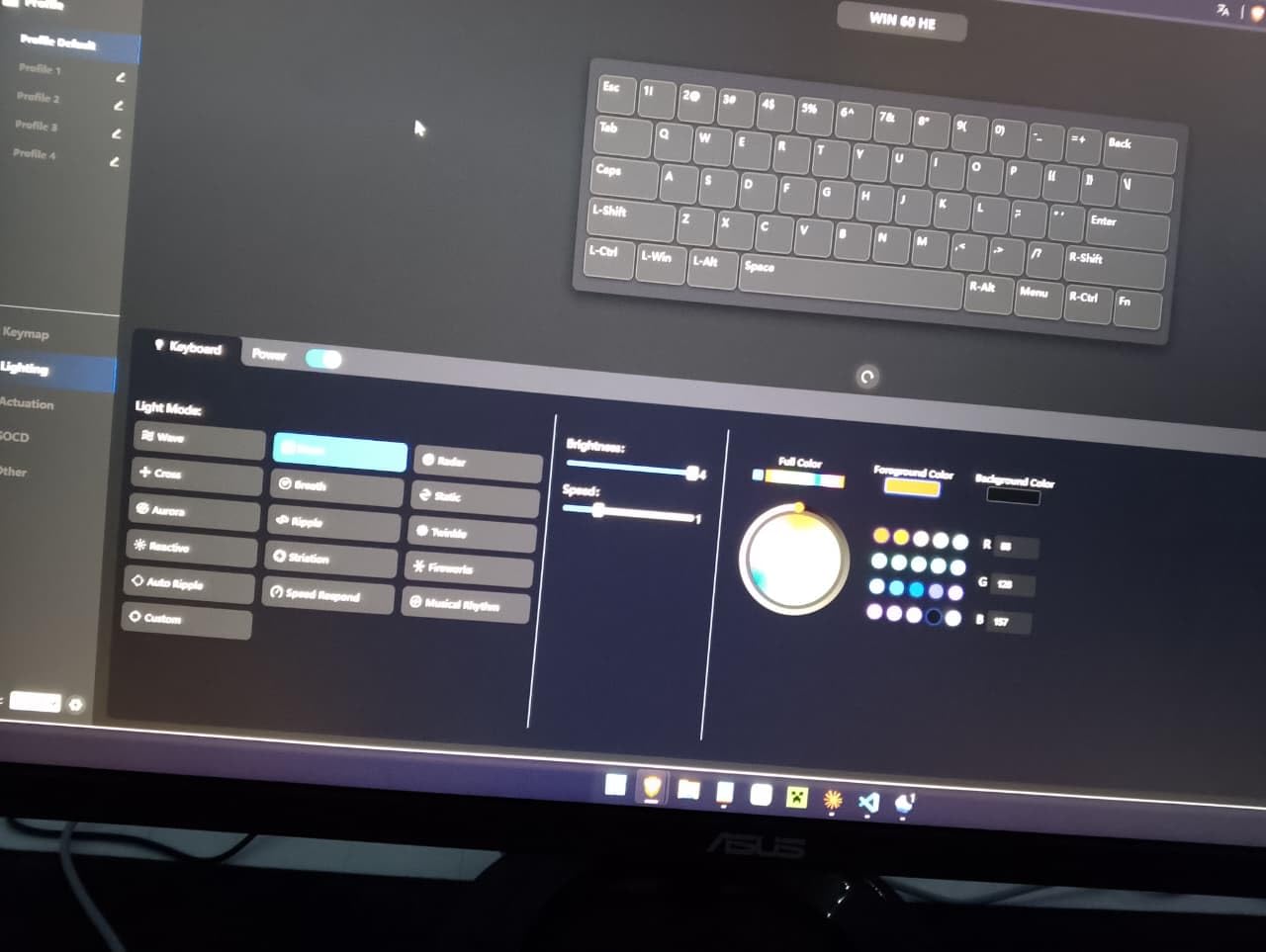
The 61-key 60% layout across 11 by 5 by 1.1 inches is the most compact full board in the roundup and leaves the most mouse space, which pairs naturally with a shooter. The keycap puller is included, and the RGB illuminates the PBT keycaps directly.
Where to be cautious: the factory keycaps feel cheap and uncomfortable, and owners almost universally replace them, which improves both feel and sound. One review also documents ghost inputs and a key that jammed intermittently without being fixed by configuration changes, so treat that as a warranty conversation rather than a settings problem. Wired and Windows only, and the 8000 Hz polling can stress USB ports on some AMD systems.
Should a beginner start with magnetic switches?
Only if gaming is the main reason you are buying. Hall effect switches are excellent for competitive shooters, but they do not feel like the mechanical switches most people picture, and the actuation settings take some learning. If your main goals are writing and general productivity, a standard MX board is the more transferable choice.
Buy one of each if you can. This board also accepts conventional switches through its hot-swap sockets, which makes it a safe place to try both worlds on a single keyboard before committing.
What are the practical limits of this board?
Windows and wired only, with no wireless and no Mac support, so it is a gaming desk keyboard rather than a portable one. The case shows noticeable flex under firm pressure, which matters only if you plan to open it and mod extensively.
At 61 keys you lose the function row and arrow cluster, and there is no knob or scroll wheel. If you want a compact board for general use rather than competitive play, the RK61 gives you the same footprint with a more conventional feel and better software.
9. Keychron C1 – The Tenkeyless Board With The Best Rating Here
Keychron C1 Wired TKL Hot-Swappable Mechanical Keyboard, White Backlight
- Tenkeyless layout keeps the function row and arrow cluster
- Gateron G Pro brown switches give a well-regarded tactile feel
- Sockets accept virtually all MX 3-pin and 5-pin switches
- Strong Mac and Windows support with keycaps for both
- Detachable USB-C cable and two-level feet
- White single-colour backlight only
- Double-shot ABS keycaps can develop shine over time
- Wired only
- Lower review volume than the budget boards
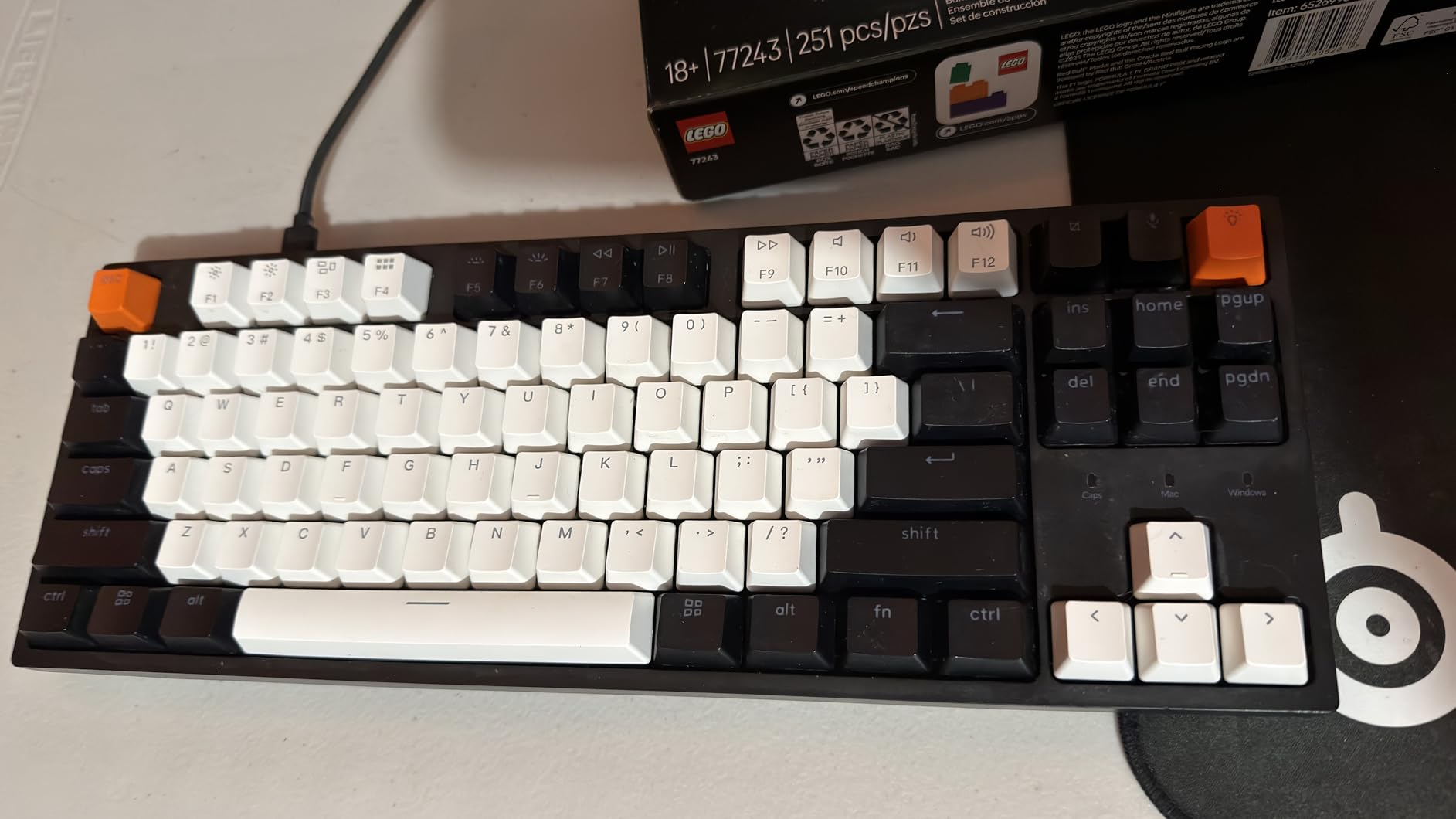
The C1 has the highest average rating of any board here, and the reason is that it does three ordinary things very well. It is an 87-key tenkeyless at 14.06 by 5.12 by 1.5 inches, so you keep the function row and the arrow cluster, and it arrives with Gateron G Pro tactile brown switches already installed.
Those Gateron switches are rated for 50 million keystrokes and are widely regarded as a good stock tactile feel, which means the board is usable and enjoyable on day one without any switch shopping. If you later want to change them, the hot-swap sockets accept almost all MX-style 3-pin and 5-pin switches.
Mac and Windows support is better than most. Keycaps for both operating systems are included in the box, and the inclined bottom frame with two-level adjustable feet keeps the typing angle comfortable over long sessions. The detachable USB-C cable keeps a tidy desk, which sounds minor until you have a permanently trailing cable.
The backlight is the notable limitation and you should decide about it before you buy. It is a single-colour white LED, not per-key RGB, and some reviewers find it dim. The listing notes that the backlight shows best with SMD-LED switches, which is a useful detail if you plan to swap the Gaterons for something lit. The keycaps are double-shot ABS, so they will develop shine with heavy long-term use, and they are not PBT.
It is wired only, and its review volume is lower than the budget boards it competes with, so the long-term owner record is thinner. That is a fair trade for a board whose core specification is traditional, unchanging and well executed, but it is worth knowing if you rely heavily on reviews to decide.
One piece of forum context that is genuinely useful here: experienced posters on r/MechanicalKeyboards have long steered beginners away from certain Keychron entry lines, and the advice that circulates in those threads is to pick a hot-swap line rather than a soldered one. The reason is the same reason this roundup exists, since a soldered board makes the switch decision permanent on day one.
Is tenkeyless the right first layout?
Tenkeyless is the easiest step down from full size. You lose only the number pad, and you keep everything else, so the transition is one afternoon of muscle memory rather than a configuration overhaul. If you never touch a number pad, this layout is strictly better than full size.
If you do use a number pad, take the 96% route instead and buy the AULA F99, which keeps the keypad in a narrower body. What you should avoid as a beginner is a 60% board if you work in spreadsheets, because the learning cost lands at the worst possible time.
Is a single-colour backlight a dealbreaker?
Only if RGB is on your wish list. A white backlight is useful for typing in low light and looks clean and understated on a desk, and at this level it frees budget for the switches and the sockets, which matter more. If lighting is a major part of the appeal, choose the RK61 or the R75 instead.
If you plan to swap switches anyway, treat that as an opportunity: pick lit switches such as SMD-LED types and the single-colour backlight will read far brighter than it does out of the box. That makes the C1 a good board for a first switch project with a visible result.
10. Redragon K617 – The Lightest Board To Travel With
Redragon K617 Wired 60% Compact Hot-Swap RGB Gaming Mechanical Keyboard
- Genuine hot-swap sockets at a modest price with pullers included
- Owners report swapping every switch and adding their own keycaps
- RGB is bright with per-key assignment in the software
- Light and compact enough to travel with
- Long detachable USB-C cable
- Factory red switches are audible and clacky
- Lightweight plastic build feels disposable next to aluminium cases
- 60% layout removes the function row and arrows
- Wired only
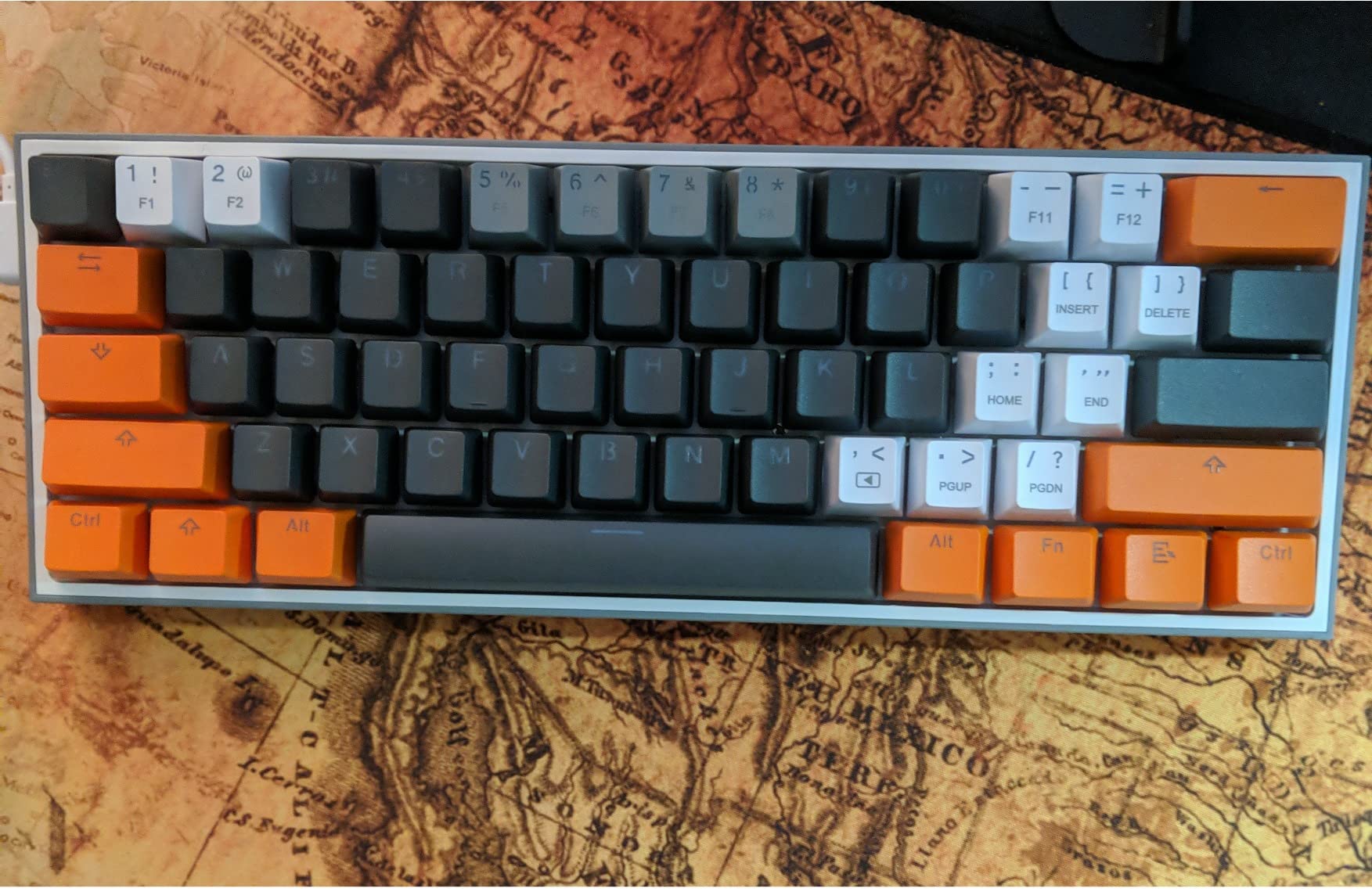
The K617 is the board in this list you can genuinely put in a bag. At 9.6 ounces and 12.2 by 5.31 by 1.57 inches, it is the lightest option here by a wide margin, and unlike most budget boards the case is not a slab. Owners describe it as a travel and modding platform rather than an end-game board, which is an honest framing.
What it does have is a real hot-swap socket accepting almost any 3-pin or 5-pin switch, with keycap and switch pullers in the box. That means the very first thing you do with it can be a switch change, and several owners have gone further and fully rebuilt it with their own keycaps.
The lighting is a genuine strength for the price. Up to 20 preset RGB modes with adjustable brightness and flow speed, plus per-key assignment and custom macros in the accompanying software, and a detachable USB-C cable that reviewers single out as long and well made.
The factory switches are the weak point. The red linears are rated for 50 million keypresses, which is plenty on paper, but they are audible and clacky out of the box, and most owners swap them almost immediately. Given that the sockets and pullers are already there, treat the switches as a placeholder rather than a purchase.
Sound and feel are the two things you give up against the gasket-mounted boards in this list. There is no mount isolation and no internal foam, so the typing sound is thinner and higher, and the case flexes slightly. For a travel board that is a reasonable trade, and for a desk board that sits permanently in front of you, it is not.
The 60% layout removes the function row and arrow keys, which takes adjustment for new users and is the same caveat that applies to every compact board here. It is wired only, with no wireless option, so a USB-C port on your laptop is a requirement.
Is a lightweight case a problem for hot-swapping?
No. Hot-swap sockets work identically in a light case, and the puller included in the box is all you need. What a light case does mean is a thinner, higher-pitched sound and some flex if you press hard, neither of which affects how the switches feel or register.
If you travel with a keyboard, weight is the number that ends up in your bag every day, so the trade is usually worth making. If you are buying for a desk you never move from, a heavier board with damping will sound considerably better for the same family of money.
How does this compare to the RK61?
The two 60% boards trade places depending on what you care about. The RK61 is heavier, better dampened and firmware-programmable, so it is the better board on almost every measurable axis. The K617 is lighter, has better per-key RGB, and includes the pullers, so it is the better travel board.
Both accept 3-pin and 5-pin switches, both are wired, and both come with the tools to start switching on day one. Pick the RK61 if you want to grow into the hobby at your desk, and the K617 if you want something you can carry and experiment with anywhere.
How Hot-Swap Actually Works In Three Steps?
Step one, pull the switch out. Pull the keycap straight up with the keycap puller, then grip the top and bottom of the switch housing with the switch puller and pull it straight up and out of the socket. Pull gently and straight. The factory switch should come out with no resistance at all, and if it fights you, stop and check the puller is gripping the housing rather than the pins.
Step two, align the replacement. Look at the bottom of the new switch. There is one plastic centre pin and two metal legs, and they need to line up with the socket, which has one plastic slot and two metal contacts. Hold the switch over the socket and lower it until the pins are inside, do not force it, and keep the switch square to the board.
Step three, press until it clicks. Press the switch straight down with even pressure until it clicks into place, then put the keycap back on. That click is the only confirmation you need. Test the key before you move on, because a switch that feels different is a switch that is not seated correctly.
Two things to do before you start. Buy a cheap switch and keycap puller set if the board did not include one, since trying to remove switches with pliers is how beginners damage sockets. And work on a light-coloured surface, because small springs and legs have a habit of disappearing under a desk.
How To Choose Your First Hot-Swappable Keyboard?
Layout first, everything else second. This is the decision that annoys people most, because it is the one you cannot change later. A 60% board is 61 keys with no function row and no arrow keys. A 75% board adds the function row and arrows, usually 80 to 85 keys. A 96% or tenkeyless board keeps a number pad or drops it while adding extra keys. A full-size board is everything.
The decision tree is short. Use a number pad for work, so full size or 96%. No number pad but you want the function row, so 75%. You play games and want mouse space, so 60%. That answer covers almost everyone, and it is worth getting right before you read a single specification.
Check the socket type. Look for a board that accepts both 3-pin and 5-pin switches. Five-pin switches have two extra plastic legs that stabilise them, and a 3-pin-only socket can crack those legs if you push hard. Boards described only as 3-pin still work with 3-pin switches, but they limit what you can try later.
Firmware decides how much you can change. QMK and VIA support means you can remap any key from a browser without installing software. That matters for 60% and 75% boards in particular, because those layouts depend on layers to reach the functions they do not have physically. A board with no remapping support is a closed door.
Mounting style is about sound, not feel. Tray mount screws the plate into the case and is the most common budget approach. Top mount fixes the PCB to the case and gives a firmer feel. Gasket mount suspends the plate on soft pads, which is where the deep, muted sound on the F75, F99, KN85, R75 and K771 comes from. None of these make a board unusable, and foam inside a tray-mount case goes a long way toward the same result.
Connectivity, honestly. Wired is the lowest latency and the fewest things to go wrong. 2.4GHz is close behind and better than Bluetooth for gaming. Bluetooth is for moving between a laptop and a tablet, with more latency. Three-mode boards cover all of it, which is why five of the ten here have them.
Keycaps and stabilizers. Cherry-profile keycaps are the most common, and if a board uses north-facing sockets, Cherry profile can interfere slightly. Double-shot PBT resists shine and is worth preferring over printed ABS for a first set. Stabilizers under the spacebar, enter and shift keys are the rattle source, and factory-lubed stabilizers are a meaningful upgrade over dry ones.
What to avoid as a first board: anything described as hot-swappable without naming the socket, any board with no remapping firmware if it is smaller than full size, and any layout you are only choosing because it looks small on a photo. The forums are full of people who bought a beautiful 60% board and spent a week trying to remember where the delete key went.
What To Change First On Your New Board?
Start with switches, but not always. If the factory switches already feel right, live with them for two weeks before changing anything. If they are loud, mushy, or simply not what you expected, buy a small sample pack of three or four switch types and try them on the keys you type on most. Sample packs are the cheapest way to find your preference and avoid committing to a full set.
Then keycaps. Double-shot PBT in a Cherry profile is the safe, broadly compatible choice, and it fixes both shine and hollow sound. This is the change that most improves how a budget board is perceived, and it is easy to do with the puller already in the box.
Stabilizers third, and only if they rattle. Do not open a brand-new board that already feels fine. If the spacebar, enter or shift keys rattle out of the box, a thin coat of stabilizer lubricant on the stem and inside the housing fixes it, and gasket-mounted boards with factory-lubed stabilizers rarely need it at all.
Firmware last. Once you know which keys you actually use differently, remap them. This is where QMK and VIA pay off, and where compact layouts become comfortable rather than annoying. A beginner who skips straight to remapping tends to give up before the hardware feels familiar.
Frequently Asked Questions
Which hot-swappable keyboard is the best?
For most first-time buyers the Redragon K771 is the safest starting point, because it combines genuine hot-swap sockets across the whole key field, a full-size layout with a numeric keypad, and the largest body of owner history of any board we tested. If you want a smaller footprint and plan to tinker, the RK Royal Kludge RK61 is the classic compact choice, and if sound quality matters most to you the Aula F75 has the best typing feel in this group.
What is the best mechanical keyboard with swappable switches?
A mechanical keyboard with swappable switches is one with hot-swap sockets on the PCB, so you pull the switch out with a tool and press a new one in without soldering. The boards recommended here all accept both 3-pin and 5-pin MX-style switches, come with a puller or need only a cheap one, and let you change switch feel within a few minutes of opening the box.
Do I need to solder a hot-swappable keyboard?
No. Soldering is the single defining advantage of hot-swap boards. The switches sit in sockets on the PCB rather than being soldered to it, so you pull the old switch straight up and press the replacement into the socket until it clicks. A soldering-free board also means a damaged switch costs one switch to replace instead of a whole repair job.
What is the best hot-swappable budget keyboard?
The Redragon K617 and the Redragon K671 are the lowest-cost ways into socketed switching here, and both include pullers so you can swap on day one. If you want more refinement for a similar outlay, the RK Royal Kludge RK61 is the classic answer, with factory-lubed stabilizers, full-key anti-ghosting and QMK/VIA remapping support at a compact 60% size.
What are the best hot-swappable gaming keyboards?
For competitive shooters the Aula WIN60 HE is the standout, using hall effect magnetic switches with per-key adjustable actuation, a rapid trigger mode and polling up to 8000 Hz. For general gaming the RK61 and the Redragon K771 offer full-key anti-ghosting with very low wired latency, and both let you fit lighter linears later through their hot-swap sockets.
What is a beginner-friendly mechanical switch?
Tactile brown switches are usually the easiest place to start, because the small bump confirms that a keystroke registered without the sharp noise of a clicky switch. Quiet rooms suit silent tacticals or silent linears, and gaming usually suits light linear switches. Boards such as the Keychron C1 and the RK Royal Kludge R75 arrive with good tactile browns already fitted, so you can try them before deciding.
What should I avoid buying as my first hot-swappable board?
Avoid boards that claim hot-swap support without specifying whether the sockets take 3-pin or 5-pin switches, and avoid any compact layout smaller than 75% if you cannot remap keys with QMK or VIA firmware. Also be cautious of boards with no keycap or switch puller in the box, of single-zone or white-only backlights if lighting matters to you, and of any 60% board bought purely because it looks small.
Final Verdict: Which Hot-Swappable Keyboard Should You Buy?
Start with the Redragon K771 if you want the least risk on a first purchase. It is a full-size board with a numeric keypad, three connection modes, a large battery and hot-swap sockets that take both 3-pin and 5-pin switches, and it has more real-world use history behind it than anything else in this guide. Nothing about it asks you to make a hard decision on day one, which is exactly what a beginner does not need.
Move down the list when your desk or your habits disagree with it. Want a compact board and enjoy tinkering, take the RK Royal Kludge RK61 for its QMK/VIA remapping and low latency. Care most about sound, take the EPOMAKER x Aula F75 for its gasket mount and five layers of padding. Need a number pad in a narrow body, take the AULA F99. Play competitive shooters, take the Aula WIN60 HE for rapid trigger. Switch between a Mac and a Windows machine, take the Keychron C1.
Whatever you choose, buy a small sample pack of switches in the same order you buy the board, and change only one thing at a time. A hot-swappable keyboard is not really a purchase, it is a platform you keep adjusting, and that is what makes the first one not the last. Our list of the best rotary encoders follows the same principle: get the fundamentals right first, then upgrade the parts you can feel.
This roundup was tested and written for 2026. Prices and configurations change frequently, so check the current listing before you order.