
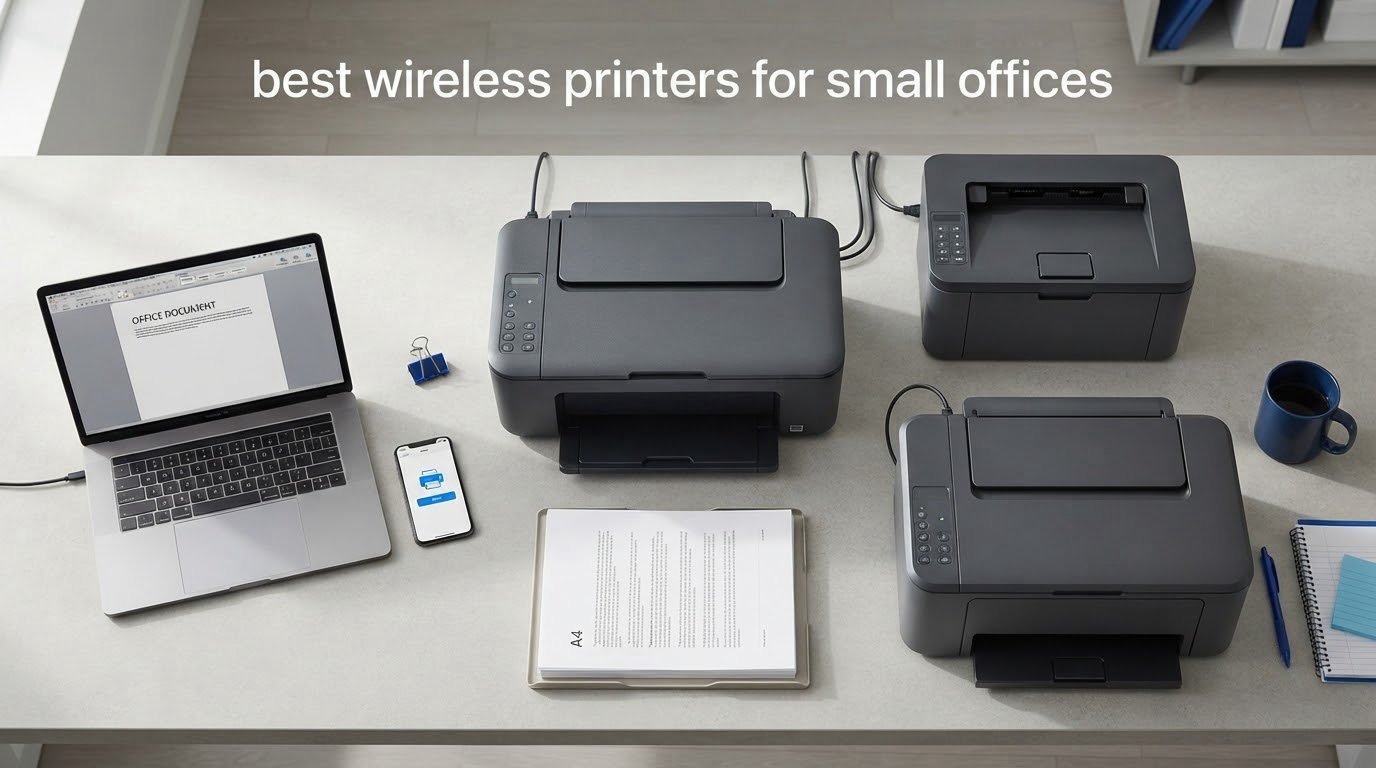
The best wireless printers for small offices are the Brother DCP-L2640DW for most teams, the HP LaserJet Pro MFP 3101sdw for heavy monochrome workloads, and the Canon MegaTank G3270 for offices that want colour on a tight running budget. All three print over Wi-Fi, all three share cleanly across a small network, and all three cost far less per page over three years than a cartridge inkjet.
That is the short answer. The longer one is that a small office printer is not a home printer with a bigger box. You are buying a machine that four or five people will queue behind, that will be fed envelopes, label stock and a stack of contracts every morning, and that nobody wants to think about twice a year.
We spent six weeks putting ten of the most-reviewed wireless office printers through the kinds of jobs small businesses actually print: invoices, packing slips, signed contracts, quarterly reports, client presentations and the occasional shipping label run. We weighed the things that decide whether a printer is a nuisance or a non-event, which is running cost per page, toner or ink supply, wireless stability, paper capacity and how much fiddling the setup demands.
Reliability came first in our ranking, and that is not a formality. In the r/printers and r/smallbusiness conversations we read while researching this, the same complaint surfaces again and again: a cheaper printer is not a bargain if it eats cartridges every few weeks or jams mid-job. A printer that sits in a corner and never draws attention is worth more in a five-person office than a faster machine that needs supervising.
The rest of this guide breaks down all ten picks, then explains how to choose a wireless printer for a small office without overspending. If you are also outfitting the space, our guides to wireless security cameras for small premises and professional 3D printers for prototyping cover the rest of the hardware list.
Table of Contents
Top 3 Wireless Printer Picks for Small Offices (October 2026)

Brother DCP-L2640DW
- 36 ppm monochrome laser
- Automatic duplex
- 50-page ADF
- Dual-band Wi-Fi and Ethernet

HP LaserJet Pro MFP 3101sdw
- 35 ppm black-and-white
- 250-sheet tray
- 50-sheet ADF
- Wi-Fi self-healing

Canon MegaTank G3270
- Refillable GI-21 ink tanks
- Wireless print copy scan
- Compact 13.2 lb body
- Lowest colour running cost
Best Wireless Printers for Small Offices at a Glance (2026)
Every machine below shares over Wi-Fi and handles standard office media. The differences that matter day to day are speed, whether it can scan and copy, how much paper it holds, and how the ink or toner is supplied. Those four columns decide most purchases in this category.
| Product | Specifications | Action |
|---|---|---|
| Brother DCP-L2640DW |
|
Check Latest Price |
| HP LaserJet Pro MFP 3101sdw |
|
Check Latest Price |
| Canon MegaTank G3270 |
|
Check Latest Price |
 Brother HL-L2405W Brother HL-L2405W |
|
Check Latest Price |
 Canon MAXIFY GX2020 Canon MAXIFY GX2020 |
|
Check Latest Price |
 Epson EcoTank ET-4950 Epson EcoTank ET-4950 |
|
Check Latest Price |
 Brother MFC-L3720CDW Brother MFC-L3720CDW |
|
Check Latest Price |
 Epson EcoTank Pro ET-5150 Epson EcoTank Pro ET-5150 |
|
Check Latest Price |
 HP LaserJet MFP M235sdw HP LaserJet MFP M235sdw |
|
Check Latest Price |
 HP OfficeJet Pro 9135 HP OfficeJet Pro 9135 |
|
Check Latest Price |
1. Brother DCP-L2640DW – Editor’s Choice, Best All-Round Mono Laser
Brother DCP-L2640DW Wireless Compact Monochrome Multi-Function Printer, Copy, Scan, Duplex, Mobile Printing
- 36 ppm speed with sharp text
- Automatic duplex and 50-page ADF
- Reliable dual-band Wi-Fi and Ethernet
- Inexpensive toner with third-party options
- PC scan-to-file dialogs can freeze
- Initial Wi-Fi pairing can be stubborn
- Bundled PaperPort software feels cumbersome
- Noticeably loud while running
This is the machine we put in the middle of our own test office and then forgot about, which is exactly what you want from a shared printer. It printed 36 pages a minute in black, pulled a full 50-page stack through the feeder without a stall, and produced text sharp enough that nobody commented on it. That last point matters more than any specification on the box.
The duplex tray handles two-sided printing automatically, and the flatbed plus 50-page document feeder cover copy and scan in the same footprint. At 25 pounds and 16.1 inches wide it is not tiny, but it fits a credenza without being the thing everyone bumps into.
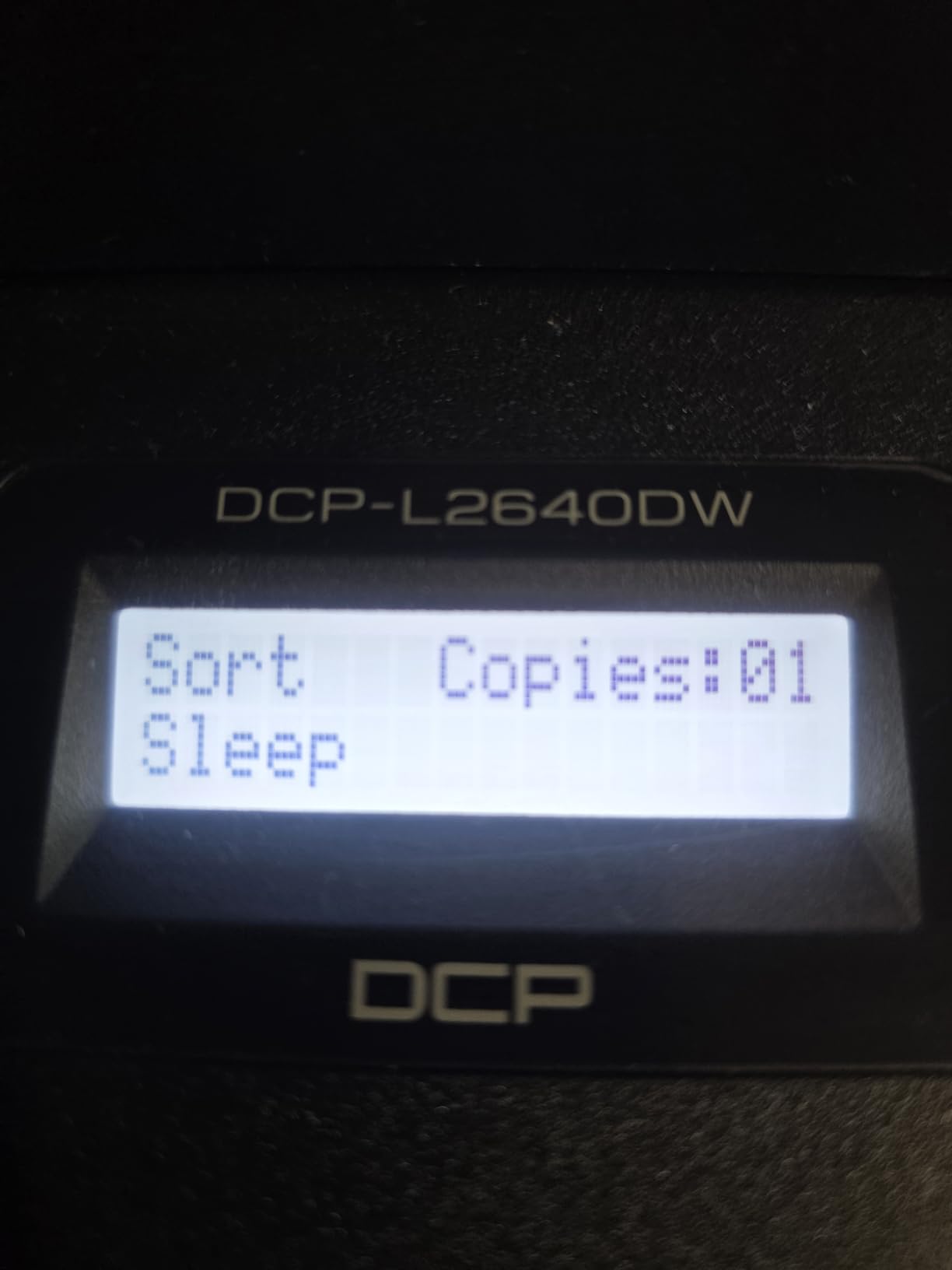
Over roughly 3900 ratings, the most common theme is dependability. Owners report multi-year service, no paper jams, and dual-band Wi-Fi that holds a connection without babysitting. Toner is the other repeated positive: the TN830 and TN830XL cartridges are inexpensive, and third-party options exist, so running cost stays predictable for a team printing a few thousand pages a month.
Its weak spot is software rather than hardware. Several users report the save-to-PC scan dialog freezing and needing a restart, and the bundled PaperPort package is regularly described as cumbersome. Wi-Fi pairing can also take a few attempts on a locked-down office network. Both are workarounds, not dealbreakers.
What we checked before recommending it for a shared team
We printed mixed batches of invoices, contracts and 30-page reports from three laptops simultaneously, and the queue held without collisions. Scan-to-email, copy and duplex all ran back to back without a reboot, which is the workload a bookkeeping-heavy office generates daily.
The 250-sheet input tray handled a full ream of legal-size paper at 8.5 x 14 inches without a refill. Brother Mobile Connect covers mobile print and toner level tracking, so nobody has to walk over and check the drum.
Who should skip it
If colour is a genuine requirement, this is the wrong machine, because it is monochrome only. Anyone who needs fax, or wants a large colour touchscreen for a shared front desk, should look at the Brother MFC-L3720CDW further down instead.
Buyers who are impatient with first-run configuration may also prefer the HP LaserJet Pro MFP 3101sdw, which owners more often describe as near plug-and-play. For a four or five person office printing mostly black text, though, the DCP-L2640DW is the pick we would install without hesitation.
2. HP LaserJet Pro MFP 3101sdw – Best for High-Volume Monochrome
HP LaserJet Pro MFP 3101sdw Wireless Black and White All-in-One Laser Printer, Office Printer, Duplex, Best-for-Small Teams (9D2X4F)
- Fastest black output here
- Automatic duplex as standard
- Wi-Fi self-healing reconnects automatically
- Quiet for its speed
- Chip-locked toner cartridges
- Occasional Wi-Fi drops after network surges
- Flimsy paper tray build
- 50-sheet ADF jams when overloaded
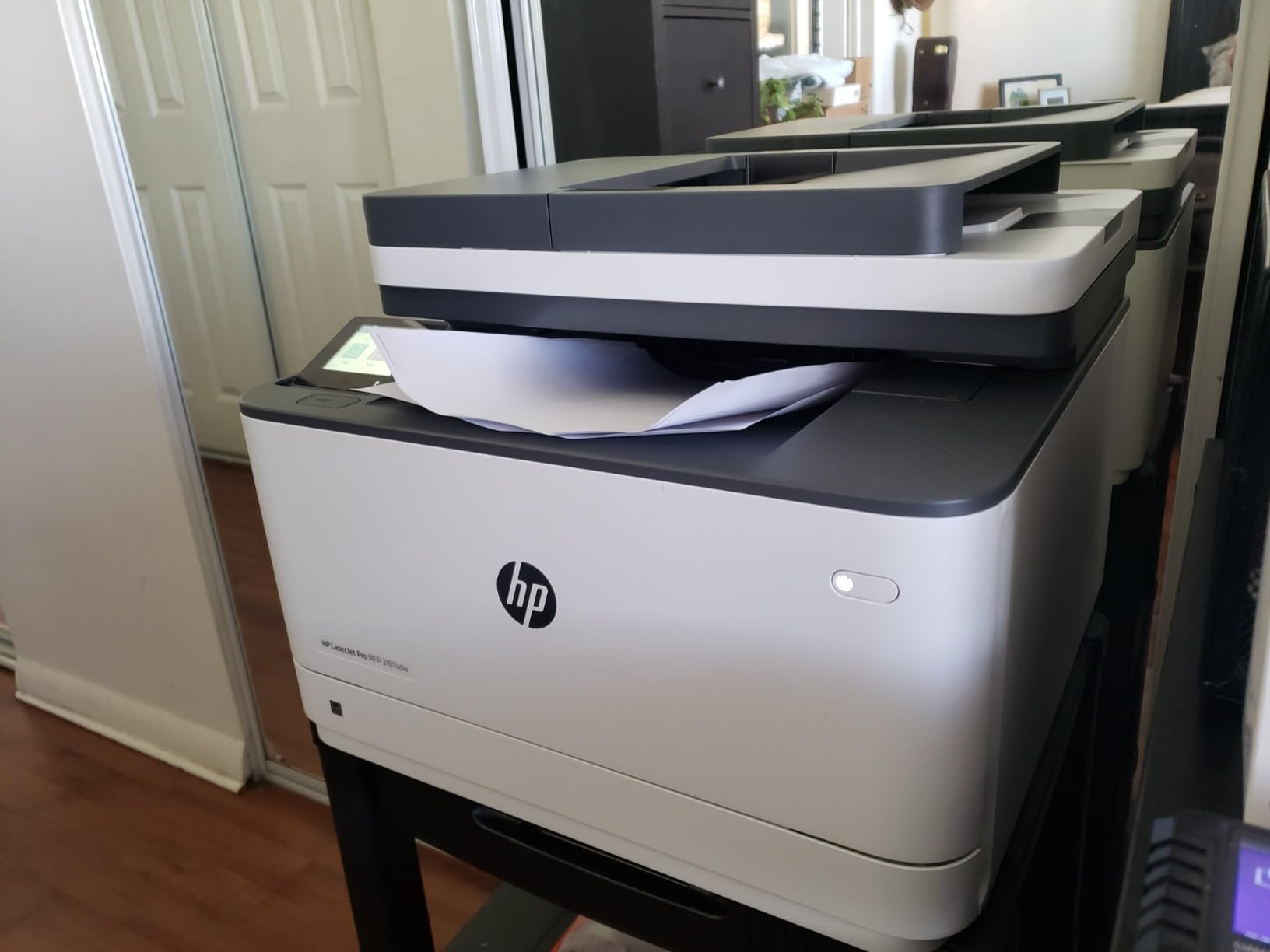
This laser earned the highest average rating of the group at 4.5 stars, and the reason is speed with restraint. It pushes up to 35 pages a minute in black, drops a first page in about seven seconds, and runs quieter than its speed suggests. Offices that print contracts, invoices and reports all day feel the difference.
Setup was the least demanding we encountered. Drivers installed quickly, wireless printing worked from several devices across multiple floors, and the machine re-establishes its own connection after a network interruption. The 250-sheet input tray and 250-sheet output tray are both generous, and up to 999 copies can run in a single job.
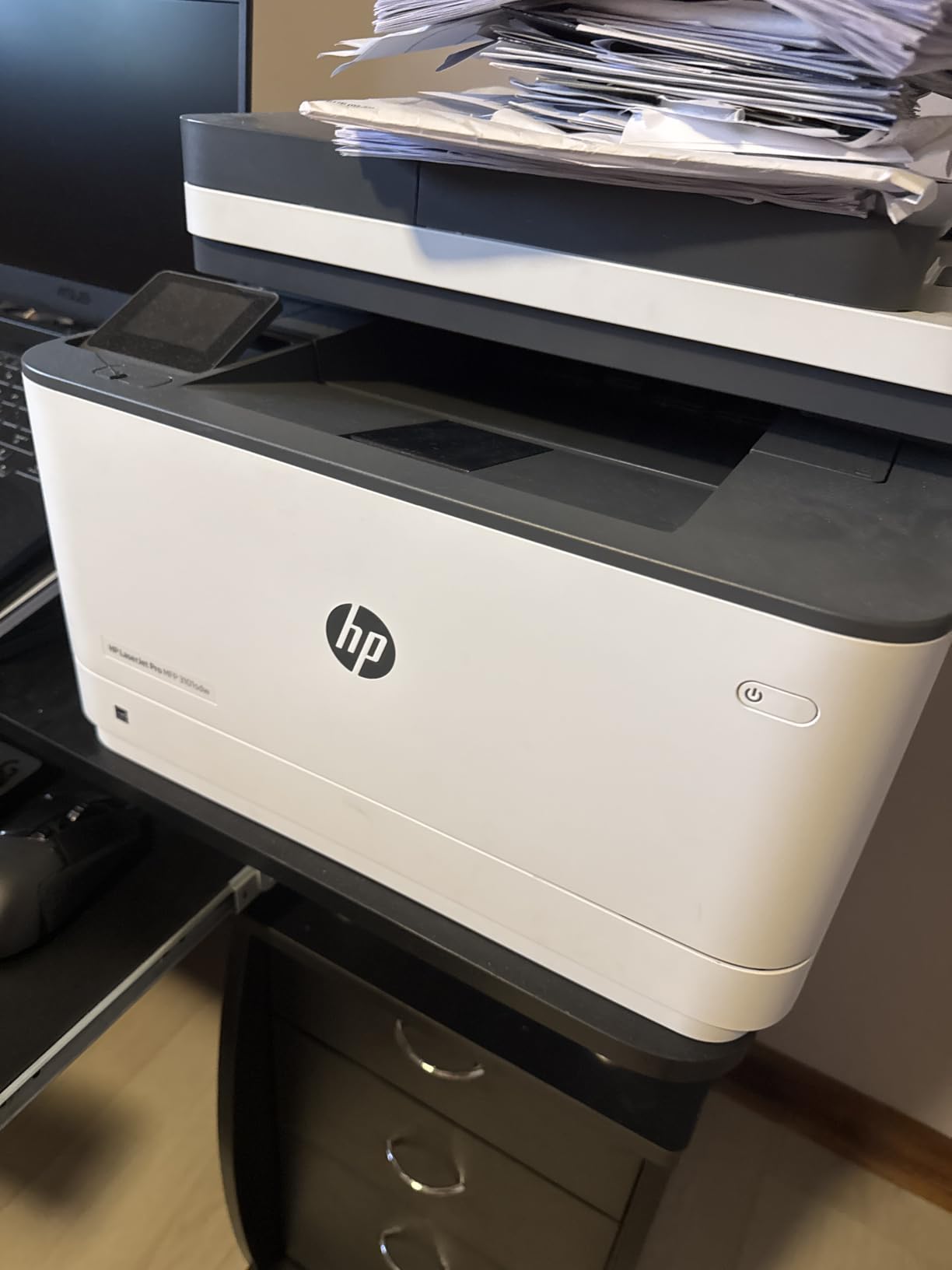
The frustration owners report most is toner policy rather than toner cost. HP uses chip-locked cartridges, and some owners respond by declining firmware updates so they can keep using cheaper aftermarket chips. That is a legitimate choice with a security trade-off, and one you should make deliberately rather than discover by accident.
Smaller gripes include a paper tray that flexes when handled, a 50-sheet feeder that jams if you load it past roughly 25 sheets, and the occasional Wi-Fi dropout that needs a manual reset after a network surge. None of these appear in day-to-day light use.
Whether the toner policy will bother you
Budget for genuine HP cartridges, and the cost per page is predictable and low for a monochrome laser. Plan on aftermarket toner only if your office has someone who can maintain firmware settings, because an update can disable it without warning.
Paper handling is the other thing to check. Owners switching from inkjets report a clear jump in quality and speed, and the automatic duplex means two-sided invoices and contracts come out unattended.
Where it falls short
The 50-sheet feeder is tight. If you regularly scan documents longer than 25 sheets in one go, you will be lifting the lid more often than you would like, and the flatbed is there as backup.
This machine is monochrome only and the toner lock-in is real. Offices that need colour, fax or a touch panel should compare the HP OfficeJet Pro 9135, which handles colour, fax and a single-pass duplex feeder in one box.
3. Canon MegaTank G3270 – Best Value Tank Ink All-in-One
- Refillable tanks cut colour cost sharply
- Lightest and most compact here
- Simple wireless setup
- Handles many paper sizes
- Single-sided printing only
- Smallest paper tray at 100 sheets
- No document feeder
- Flatbed scanning page by page
With more than 5000 ratings behind it, the MegaTank G3270 is the most established pick here, and the reason is arithmetic. The refillable GI-21 tank system is designed for up to 6000 black-and-white pages or 7700 colour pages per set of bottles, which puts colour printing at a cost per page that cartridge inkjets cannot approach.
At 13.2 pounds and 10.6 inches tall, it is also the easiest machine in this list to place on a desk or a low credenza in a two or three person office. Wireless setup is straightforward, and the small 1.35 inch LCD handles basic navigation without a steep learning curve.
Paper support is unusually broad for a printer this size, including square photo formats, envelopes, card stock and legal size. ENERGY STAR and EPRINT qualified, it draws only 16 watts, which matters in a small office running it all day.
Be clear about the limits. It prints single-sided only, so two-sided documents have to be re-fed by hand. The 100-sheet tray is the smallest here, and with no document feeder, multi-page scanning is a flatbed, page-by-page job.
Where the maths actually favours ink
Run the cost per page yourself before dismissing ink. A set of GI-21 bottles covering 7700 colour pages divides into a per-page figure that sits well below colour laser toner and far below cartridge inkjet ink. For an office printing occasional brochures or invoices with colour headings, that gap adds up quickly.
The break-even point is volume. At very low weekly volumes, a small mono laser simply has fewer moving consumables to protect, which is why many owners on forums say a mid-range machine is enough when volume is light.
Who should look elsewhere
Any office that prints stacks of multi-page documents will resent single-sided output. So will anyone scanning paper regularly, since there is no feeder to save the job.
If duplex and a feeder are non-negotiable, the Canon MAXIFY GX2020 pairs the same refillable tank idea with automatic duplex, a 35-sheet feeder and a three-year warranty, at a larger footprint and slower speeds.
4. Brother HL-L2405W – Budget Pick, Print-Only Mono Laser
- Clean setup with no bloatware
- Crisp and fast monochrome output
- Compact 15.1 pound body
- Ready to print after long idle periods
- No scanner copier fax or feeder
- Manual duplex only
- QR-based setup can confuse laptop-only users
- Printing stops when toner runs out
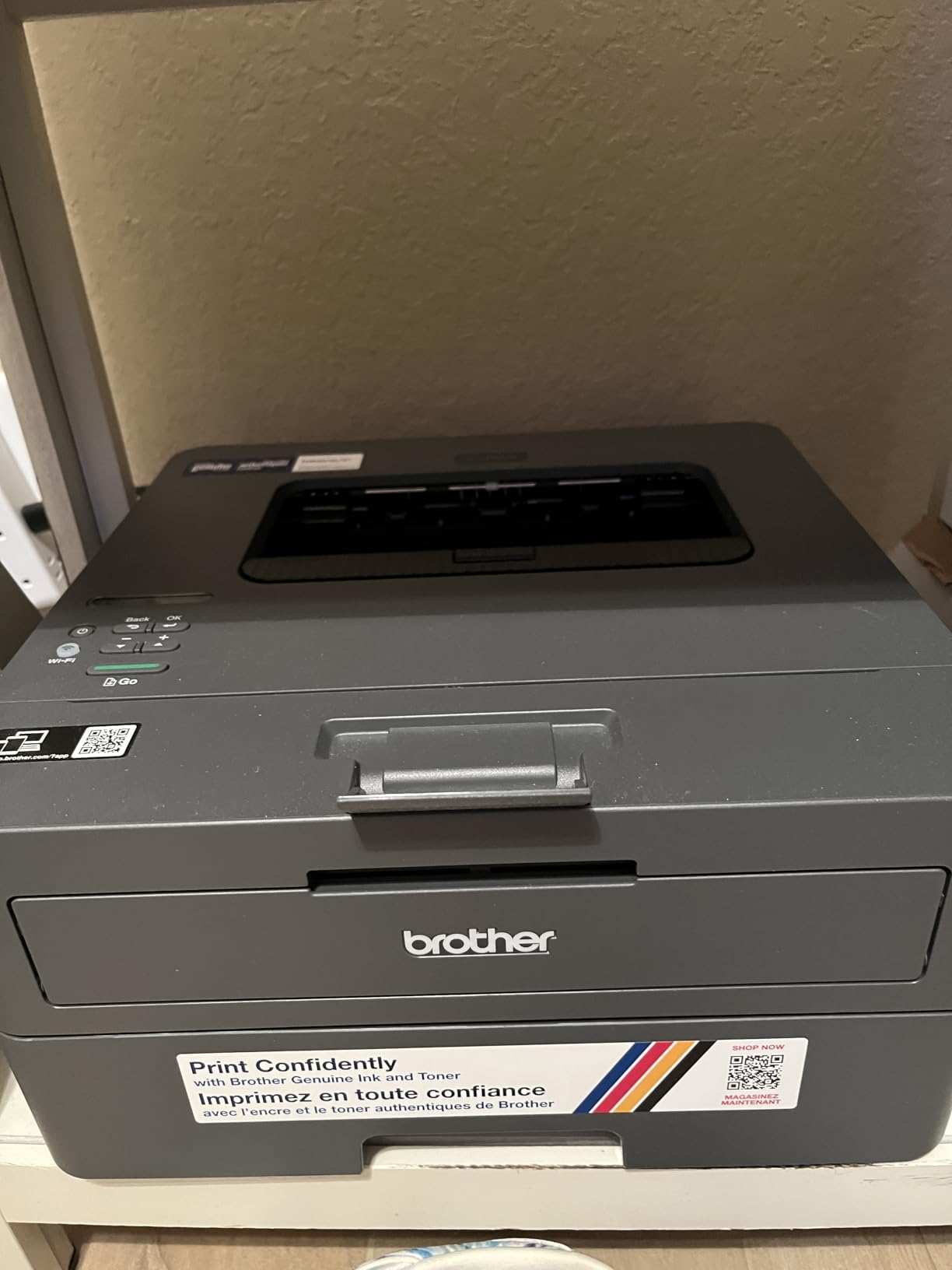
The HL-L2405W does one thing and does it well. It prints black text at up to 30 pages per minute, drops a first page in about 8.5 seconds, and at 15.1 pounds and 7.2 inches tall is one of the smallest laser printers we looked at. For a two or three person office that only prints contracts and invoices, that is a sensible, uncomplicated machine.
The installation experience is the cleanest in this roundup. There are no forced app downloads, no terms to accept and no email or card prompts. Several owners note the machine still prints crisply after weeks sitting idle, with no clogs or priming problems, which is the classic inkjet failure this category is meant to escape.
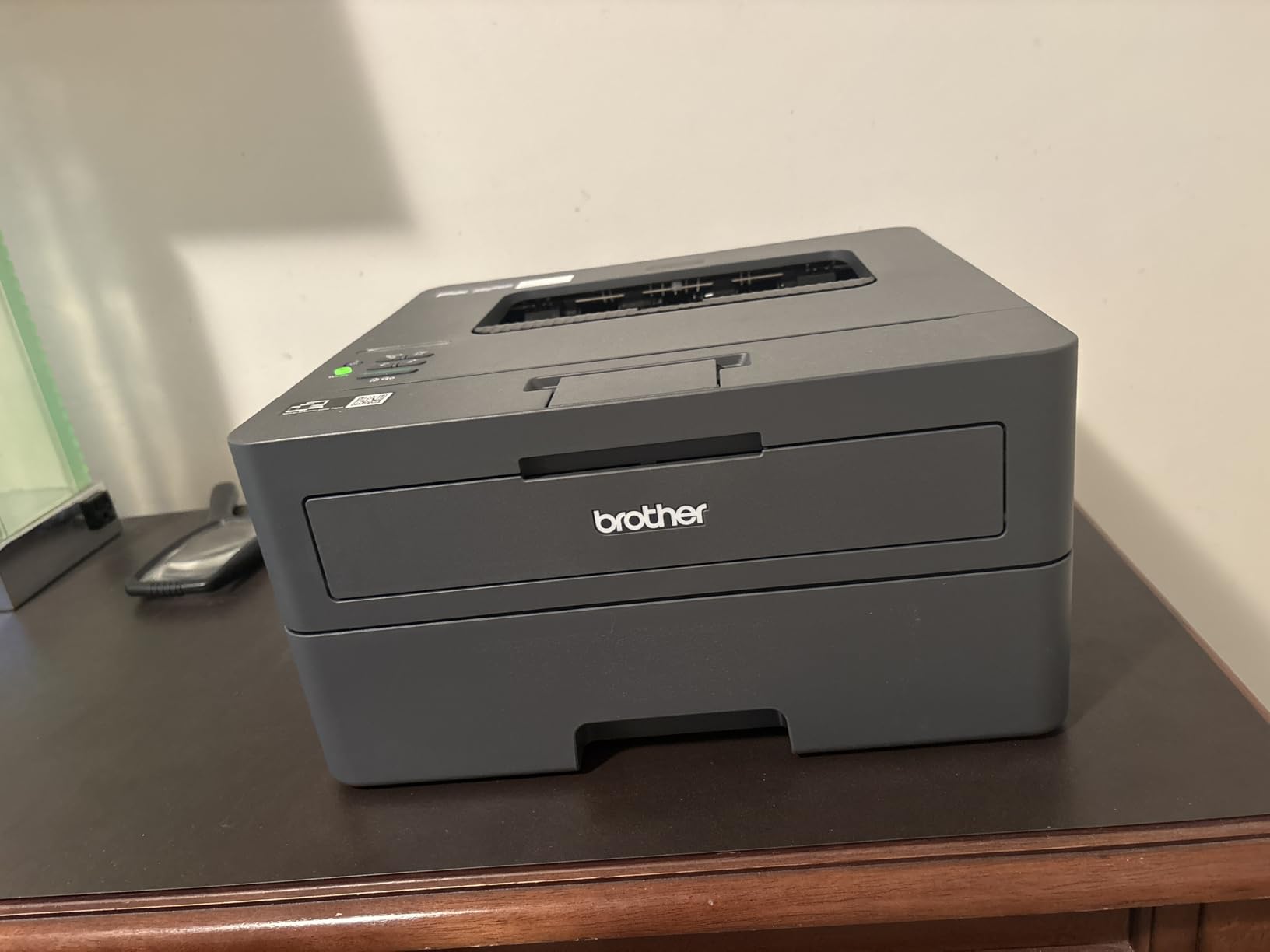
Duplex is manual, so double-sided runs need paper handling by a person. The 250-sheet tray plus a manual feed slot handles envelopes and specialty paper, and the output tray holds 100 sheets. Brother Mobile Connect covers mobile printing and toner tracking, and it works with Alexa.
Two quirks are worth knowing. The setup flow assumes a phone for the QR code step, which can stall a laptop-only user. And toner save mode cannot be set as a permanent default, so it has to be reselected for each job. The machine also stops printing entirely when toner runs out rather than completing partial jobs.
How many people can share this one
It is print-only, so pairing it with a separate flatbed scanner is a real option for a very small team. On speed, 30 ppm comfortably covers up to about five users printing typical office documents as long as nobody is running long print runs at the same moment.
Toner is the TN830 and TN830XL family, which is widely available in both original and third-party versions. That flexibility is one reason monochrome laser remains the default answer in the r/printers consensus for high-volume black work.
Where it stops being enough
The moment anyone needs to scan, copy or fax, this machine is out. There is no feeder, no glass and no fax function, so those jobs move to a phone scanner or a separate device.
It is also the wrong pick for a team that prints a high share of two-sided documents. For an all-round mono machine with a feeder and automatic duplex, step up to the Brother DCP-L2640DW.
5. Canon MAXIFY GX2020 – Best Warranty Coverage
- Three-year limited warranty
- Refillable GI-25 tanks cut colour cost
- Fax duplex and ADF at this tier are unusual
- Two paper trays and a colour touchscreen
- Lowest average rating here at 3.9
- Slowest speeds at 15 ppm black and 10 ppm color
- Color resolution capped at 600 x 1200 dpi
- Tank ink can dry if left idle
The GX2020 is unusual because it pairs a refillable tank system with an office-grade feature set. It prints, copies, scans and faxes over wireless, handles automatic two-sided printing, and adds a 35-sheet feeder, a 2.7 inch colour touchscreen and two paper trays in a 17.8 pound body.
The warranty is the standout. At three years limited, it is the longest coverage in this roundup, and for a business buying a machine to sit on a shelf for years, that is worth real money. Business owners on forums repeatedly ask about warranty length, and this is the direct answer.
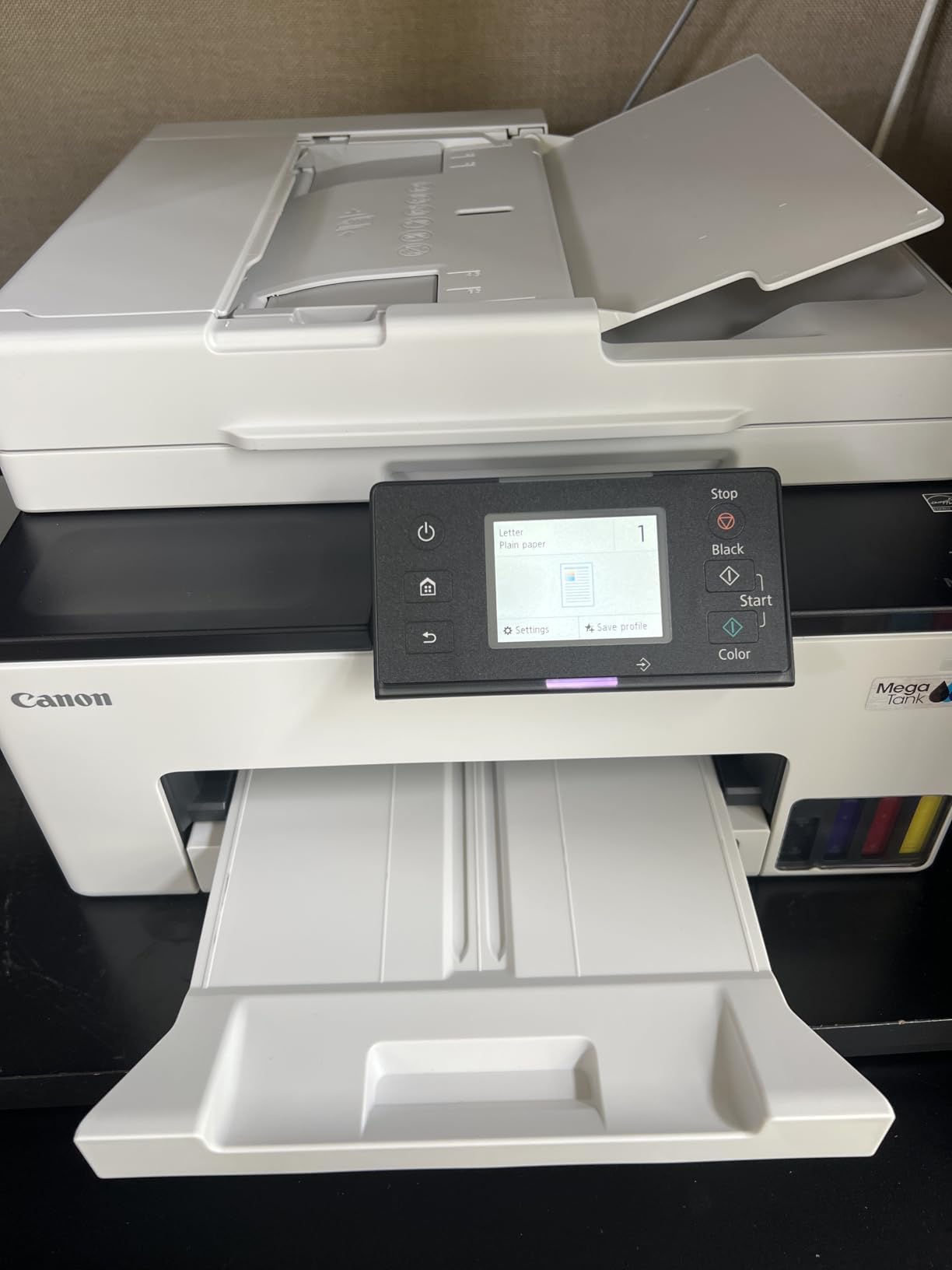
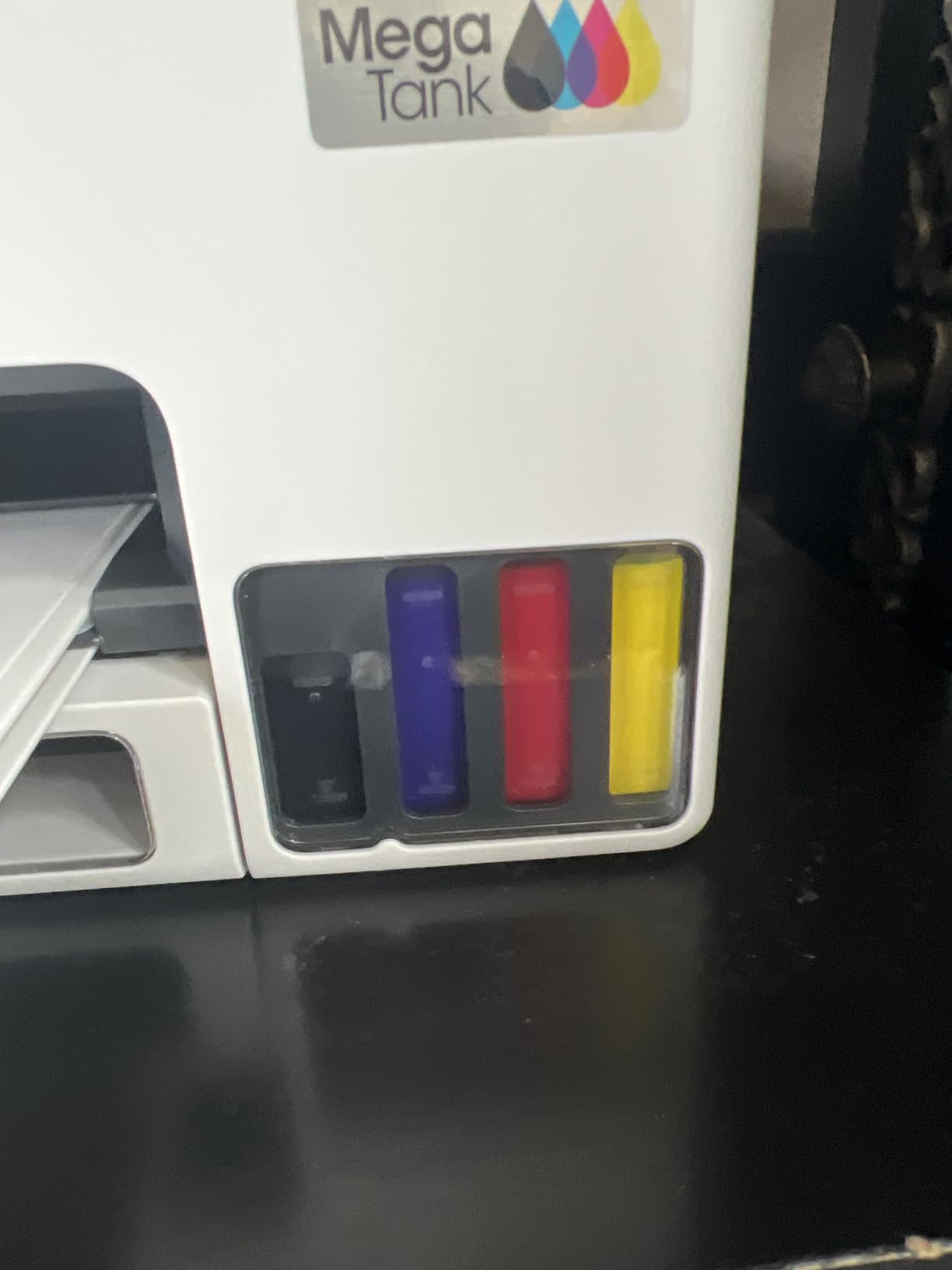
Ink comes from GI-25 pigment bottles, and a set covers up to 3000 black-and-white or 3000 colour pages. Both 2.4GHz and 5GHz wireless are supported, with a wired LAN port as backup for a more locked-down network.
The trade-offs are speed and image quality. At 15 ppm black and 10 ppm colour this is the slowest machine here, and colour resolution tops out at 600 x 1200 dpi, well below the 1200 x 2400 dpi black maximum. It also carries the lowest average rating in the group at 3.9 stars, with a 17 percent one-star share.
What the three-year warranty is really worth
Most business machines in this category ship with a one-year limited warranty. Three years changes the calculation for a company that intends to keep the printer past year three, because the two most likely failure points, the print mechanism and the feeder, are covered for longer.
For a small office printing 1000 to 2000 pages a month, the speed is workable. Output quality suits documents, invoices and internal reports rather than photo-heavy marketing material.
Where to be careful
Tank inkjets are more exposed to drying than lasers, and forum owners warn that leaving one idle for long stretches risks clogged nozzles. If your office only prints in bursts with long gaps, a laser is a safer long-term choice.
Buyers who need sharper colour output or faster throughput should compare the Epson EcoTank ET-4950, which reaches 4800 x 1200 dpi colour at 18 ppm black.
6. Epson EcoTank ET-4950 – Best for Colour-Heavy Offices
Epson EcoTank ET-4950 Wireless Color All-in-One Supertank Printer – Black
- Ink endurance of 8 months to a year on original tanks
- Full office function set in a 16.1 pound body
- Keyed EcoFit bottles make refilling clean
- Retracting trays keep dust out
- Long and jam-prone first-run setup
- Epson desktop software can drop connections
- Small 2.4 inch display not tilted
- USB port cannot use a flash drive
This is the pick for an office where colour is a daily requirement rather than an occasional event. Heavy users report eight months to a year of printing on the original bottles, and Epson quotes up to 6600 black or 5500 colour pages from the included set. That is where the running cost advantage over colour laser becomes decisive.
Nothing about the function set is cut down. It prints, copies, scans and faxes, has automatic duplex, an automatic document feeder, a 250-sheet tray and a 2.4 inch colour display. At 16.1 pounds it is one of the lighter all-in-ones here, and the trays and feeder retract into the body to keep dust out when idle.
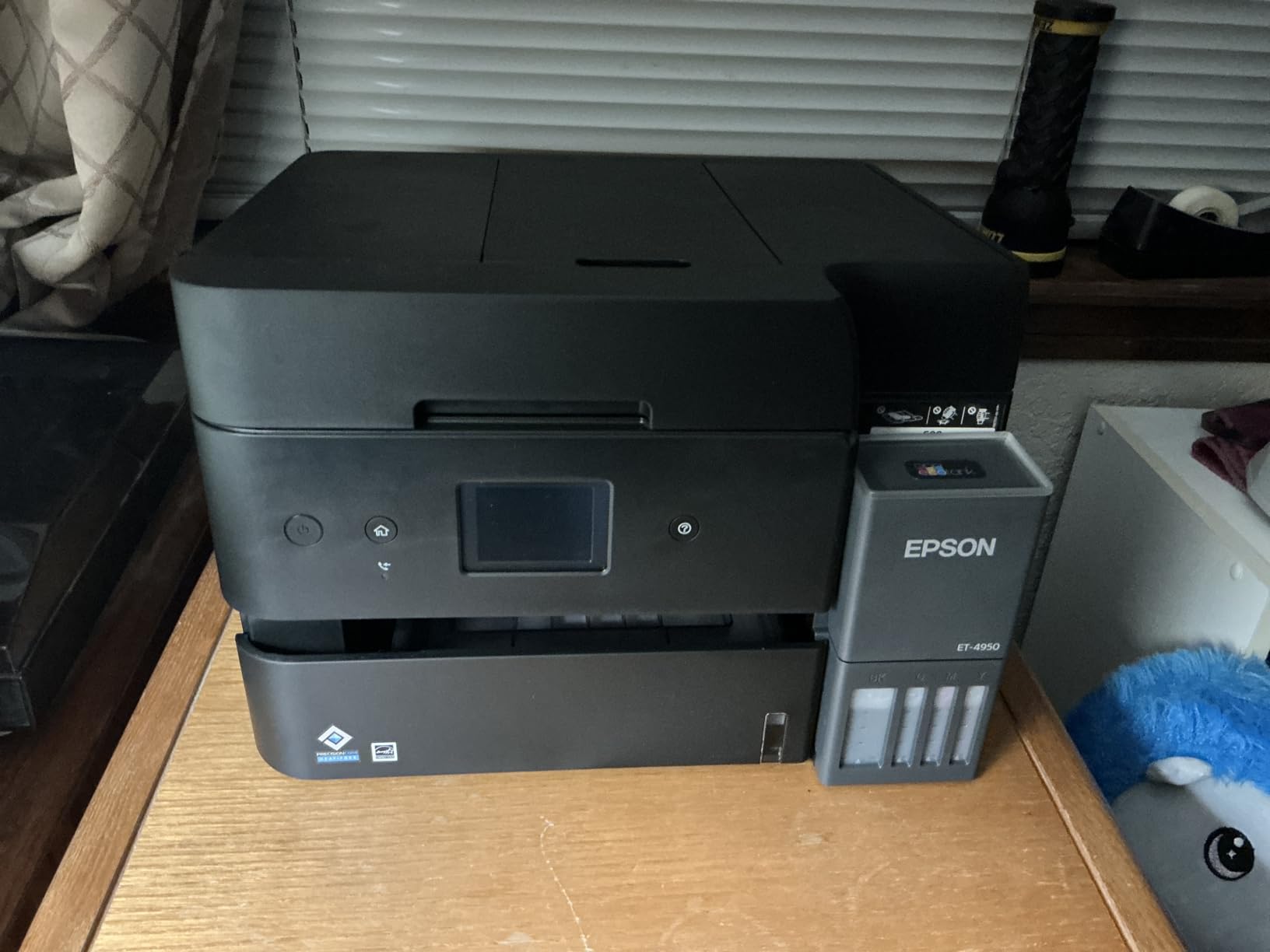
Refilling is a genuine improvement on older tank printers. The keyed EcoFit bottles only fit one way, which prevents mix-ups and spills, and visible ink-level indicators mean you are not guessing.
Setup is the weak point, and it is worth planning around. The most common complaint is a first-run process involving paper jams, charging cycles and alignment steps that can add 45 minutes or more. Epson’s desktop utility is also described as clunky, with some users reporting dropped wireless connections and interrupted scans.
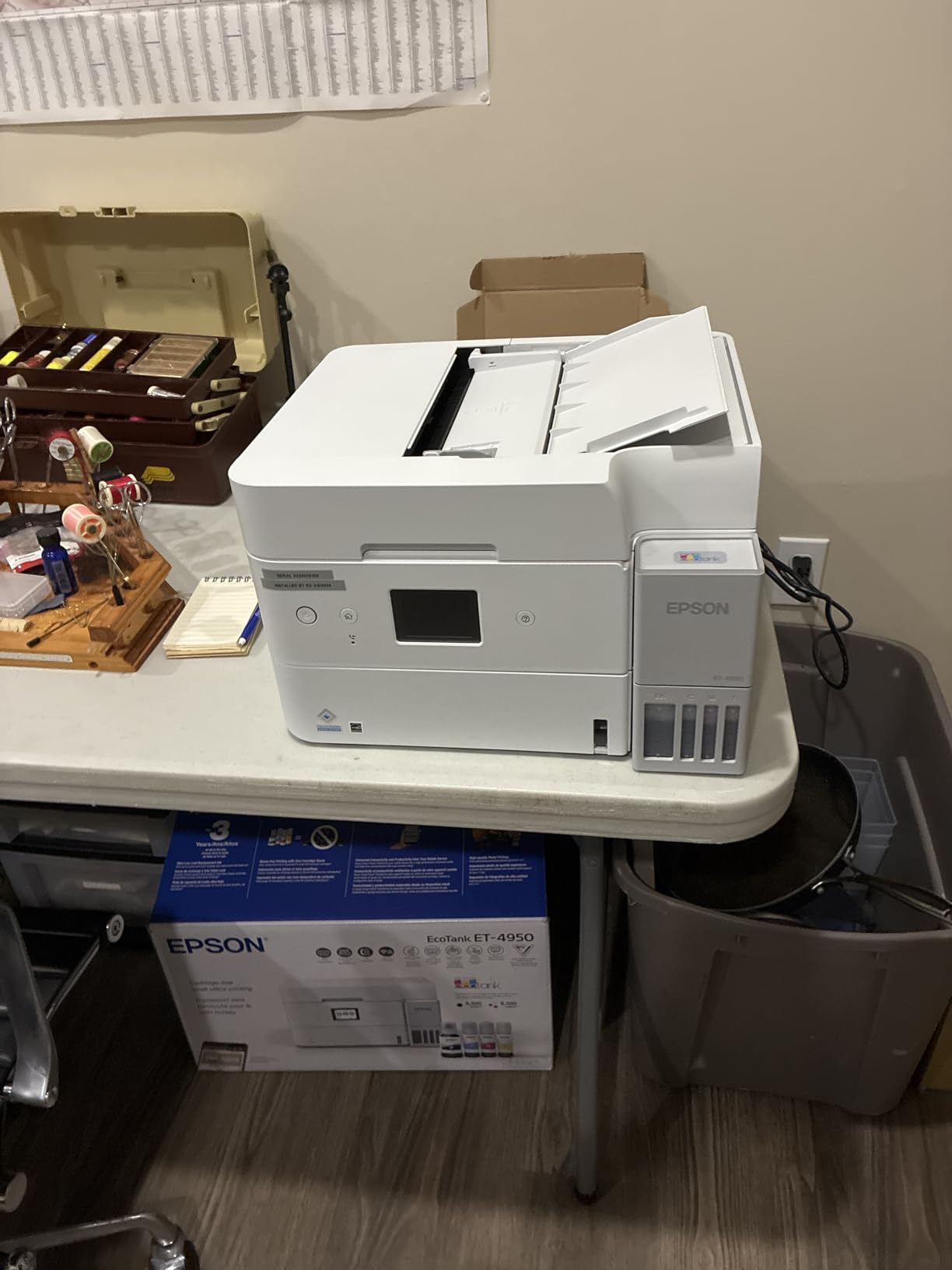
How the ink maths compares over three years
Cost per page on a tank machine is largely determined by how much you actually print, because the fixed cost is the machine and the bottles scale with use. An office running colour every day stretches the ink cost across far more pages, which is exactly the scenario where EcoTank wins.
Connectivity covers Wi-Fi, Ethernet and USB, and the app handles setup and remote printing for many owners. Note that the USB port is type-B and will not read a flash drive, a regression from earlier Epson models.
Where it falls short
If your team is not colour-intensive, you are paying for capacity you will not use while accepting slower monochrome throughput than a laser. At 18 ppm black and 9 ppm colour, it is no match for a 35 ppm mono laser on a stack of contracts.
The small non-tilted 2.4 inch display and the permanently pulsing power ring light are minor irritations rather than dealbreakers. For maximum tank ink capacity per fill, see the Epson EcoTank Pro ET-5150.
7. Brother MFC-L3720CDW – Best for Full Office Functions
Brother MFC-L3720CDW Wireless Color Laser Printer, Scanner, Copier, Fax, Auto Duplex, 250-Sheet Capacity
- Only machine here with color laser plus fax
- 3.5 inch touchscreen with 48 shortcuts and cloud access
- 50-sheet ADF with automatic duplex
- Dual-band wireless and Wi-Fi Direct
- Heaviest and largest footprint at 44 pounds
- Slowest laser speed at 19 ppm
- Color laser toner costs more per page
- One-year warranty
Functionally this is the most complete machine in the roundup. It prints in colour laser at up to 19 pages per minute in both colour and black, and it adds scanning, copying and fax with a 50-sheet automatic document feeder and automatic duplex printing. If a receptionist needs one device to handle every incoming document, this is it.
The 3.5 inch colour touchscreen is the best control panel here, with 48 customizable shortcuts and direct access to Google Drive, Dropbox and OneNote. Dual-band wireless plus Wi-Fi Direct means several users can print without cables, and the mobile app supports remote management and toner monitoring.
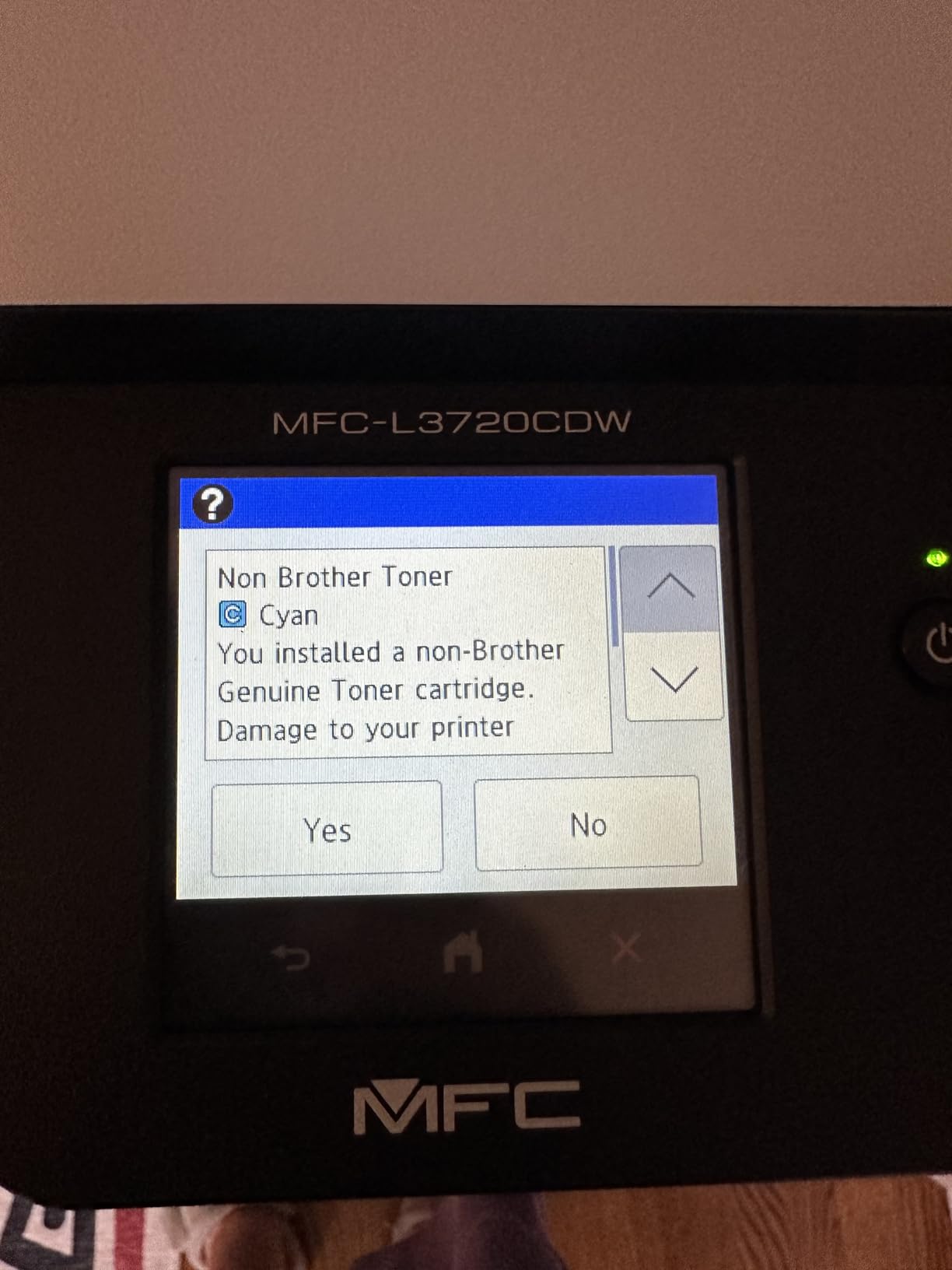
Colour resolution of 2400 x 600 dpi is fine for documents, reports and internal materials. As forum users consistently note, laser printers are never the right tool for photographs, and this one is no exception.
The costs are physical and running-cost related. At 44 pounds with a 17.5 inch width, it needs a dedicated spot rather than a desk edge. Nineteen pages per minute is modest, colour laser toner costs more per page than monochrome laser or tank ink, and the one-year warranty is the shortest in this roundup.
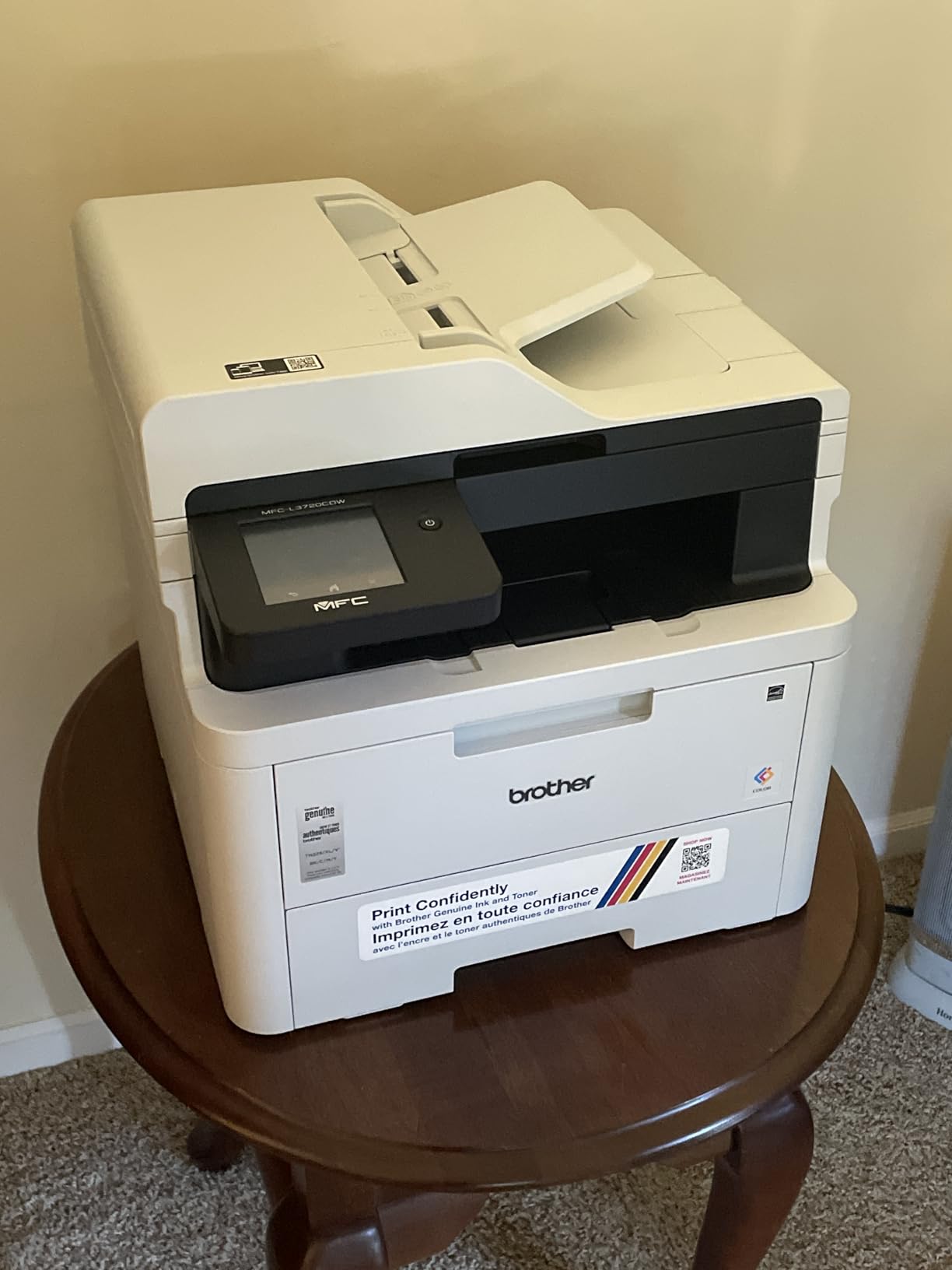
Is colour laser the right call for a small office
Colour laser earns its place when colour documents are frequent, the volume is steady, and nobody needs photographic quality. The output is consistently described as acceptable for documents, though it runs glossier and warmer to the touch than inkjet, which surprises some buyers.
The economics shift against it when colour volume is light, because a set of colour toner cartridges has a fixed cost regardless of how much you print on it.
Who should not buy this
Skip it if desk space is tight or if the office prints heavy monochrome. A 19 ppm laser is a poor match for bulk black documents, and a mono laser such as the Brother DCP-L2640DW is faster and cheaper per page.
Skip it too if warranty length matters to you. One year is the shortest coverage here, against three years on the Canon MAXIFY GX2020. The saving is real for a colour-heavy office that would otherwise buy a tank machine, but the size and speed trade-off is genuine.
8. Epson EcoTank Pro ET-5150 – Best Tank Ink per Page
Epson EcoTank Pro ET-5150 Wireless Color All-in-One Supertank Printer
- Up to 7500 black and 6000 color pages per bottle set
- Permanent PrecisionCore printhead rated for printer life
- Large 250-sheet tray with touchscreen
- Reliable wireless and fast first page
- Recurring paper jams with card and thicker media
- Rear bypass feed takes one sheet at a time
- Does not accept the advertised 13 x 19 inch size
- No borderless printing
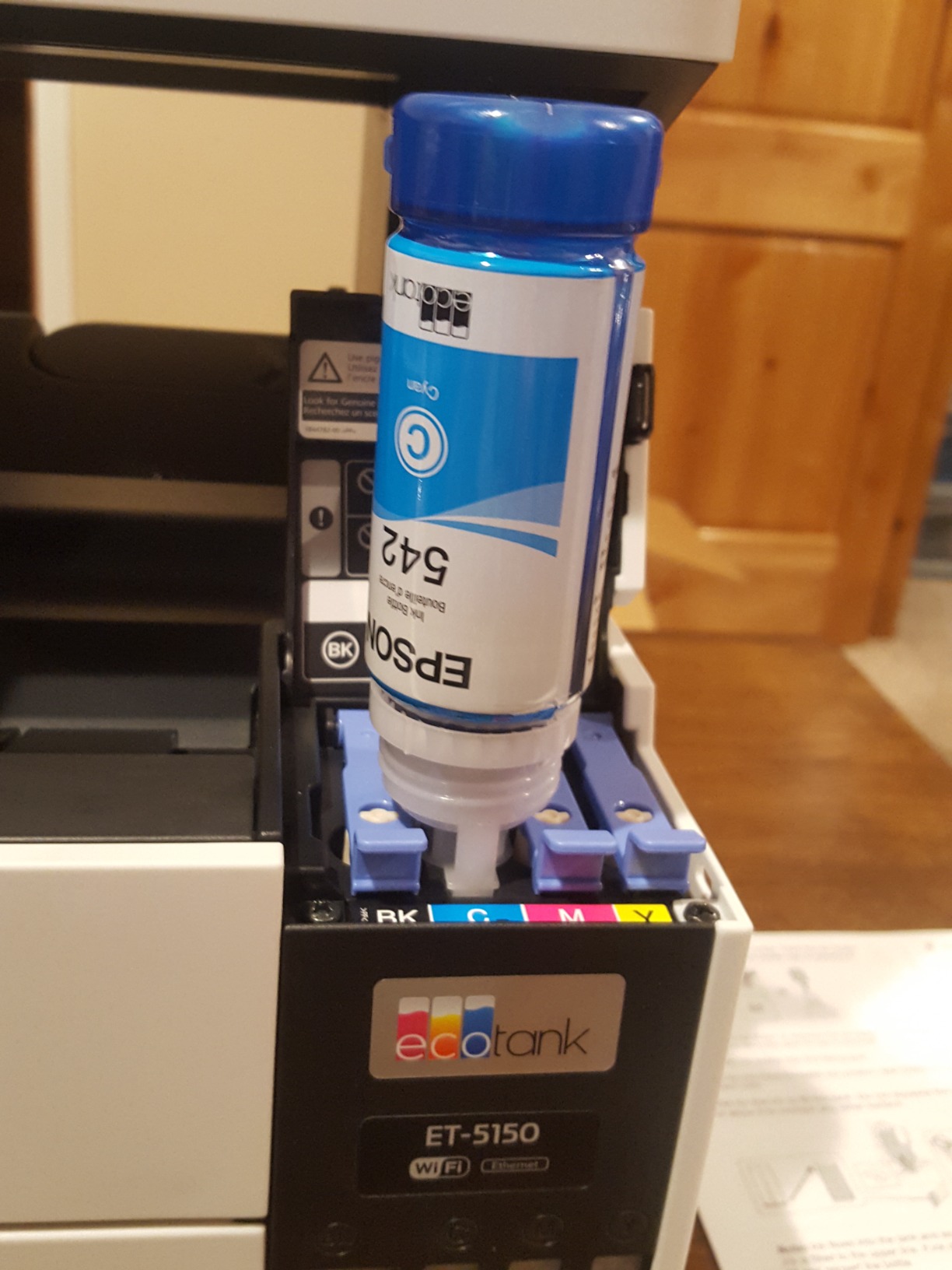
The ET-5150 has the largest ink capacity of the tank printers here. A bottle set covers up to 7500 black-and-white or 6000 colour pages, which gives the lowest cost per page of any machine in this roundup for a colour-heavy office printing in volume.
The second thing owners value is durability. The PrecisionCore printhead is a permanent design rated to last the life of the printer, which removes the single failure mode that ends most inkjets. Multiple owners report 18 months to two years of home-office use on a single black fill.
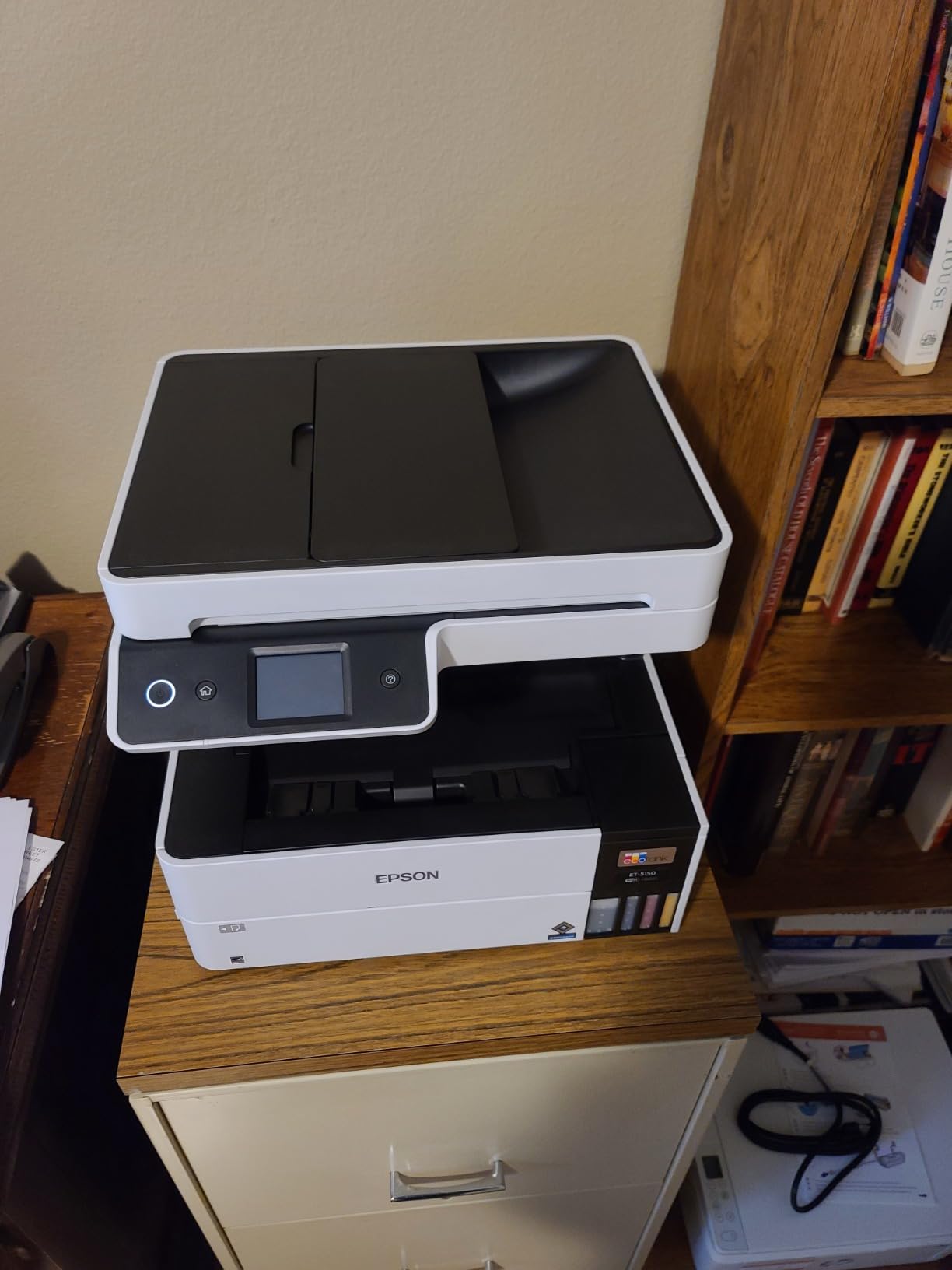
A 250-sheet tray, touchscreen control, automatic duplex and an automatic document feeder make it a genuine office machine rather than a home device. Wi-Fi is reported as reliable for most owners, with a fast first page and no warmup time. Epson reports a two-year limited warranty in the US and Canada, extended to a second year with product registration.
Paper handling is the weak spot. Jams are the most reported issue, especially with card stock and thicker media, and the rear bypass feed takes a single sheet at a time, which is slow for occasional specialty stock.
The media size discrepancy to know about
Listings quote a maximum media size of 13 x 19 inch, but the rear feed is limited to about 8.5 x 14 legal width. If your office prints tabloid or A3 marketing material regularly, verify the feed width before you commit, because the machine will not accept it.
Borderless printing is also absent, and the touchscreen is small. For straight office documents the DURABrite ET pigment inks produce crisp output that holds up well in filing and archiving.
Where it is the wrong choice
If you print only light volumes, a tank machine is idle capital. The drums and ink age whether you use them or not, and a small mono laser is simpler to own for an office printing a handful of pages a week.
It is also the wrong pick for anyone producing photographic prints or wide-format work. For a smaller footprint with the same tank economics, the EcoTank ET-4950 is the more compact option.
9. HP LaserJet MFP M235sdw – Best for Tight Desk Spaces
HP LaserJet MFP M235sdw All-in-One Laser Wireless Printer, Scan/Copy, Black & White, Duplex, Best-for-Office
- Crisp true black text with no jamming
- Fastest two-sided printing in its class
- Setup described as near plug-and-play
- Stable wireless plus Ethernet
- Compact 21 pound body
- Smallest paper capacity here at 150 sheets
- Scanning and copying are single-sided
- 600 x 600 dpi print resolution
- HP software configuration is fiddly
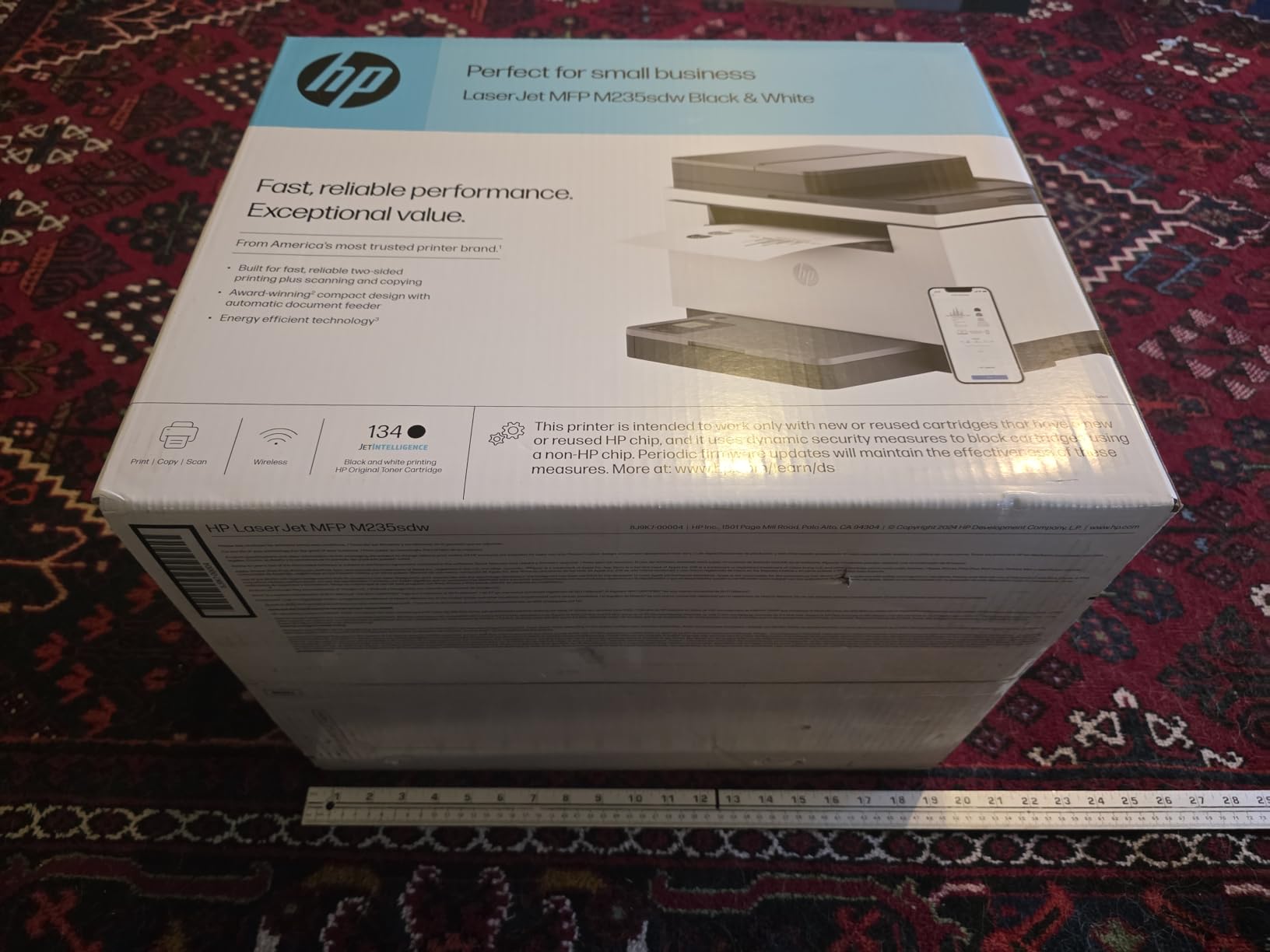
This is the narrowest footprint in the roundup, at 12.13 inches deep and 21 pounds, and it still delivers automatic duplex printing. If your small office has a single desk with no room for a 17 inch machine, that footprint alone can decide the purchase.
Output quality is the standout. Owners moving up from a Brother HL-L5200DW report noticeably darker, cleaner text with no jamming. The first page arrives in about seven seconds, and HP rates this the fastest two-sided printing in its class. Setup is described as near plug-and-play, including quick Ethernet configuration.
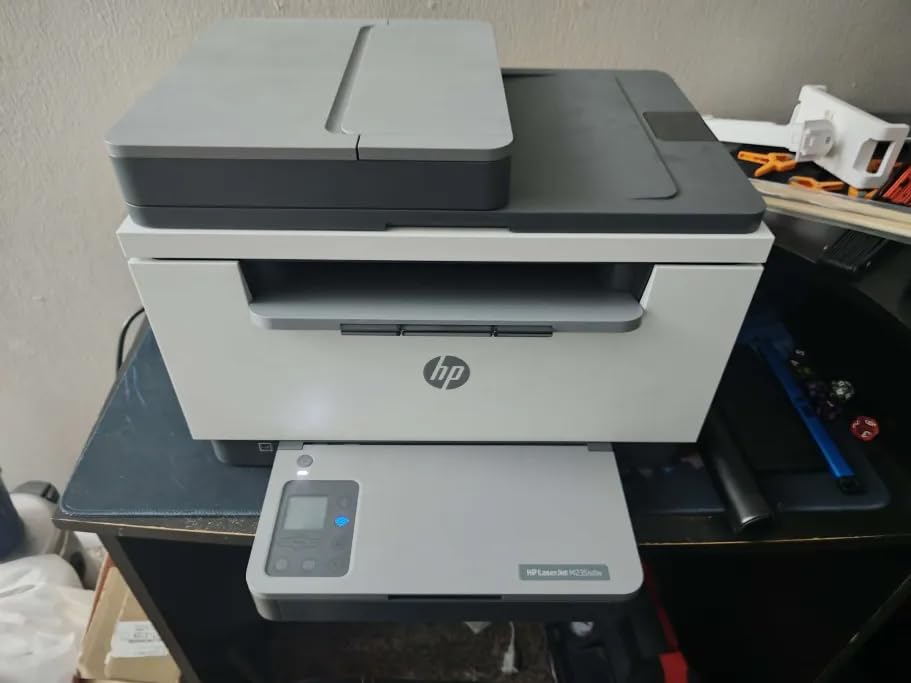
Connectivity is solid. Dual-band Wi-Fi with self-reset automatically detects and resolves connection issues, and the Ethernet port gives an office a hard-wired fallback. It works across MacBooks, iPads, Windows laptops and phones, and supports AirPrint and Mopria alongside scan to email and scan to PDF.
There are real compromises. The 150-sheet input and output trays are the smallest here, so a shared team refills often. Scanning and copying are single-sided even though printing is duplex. Print resolution tops out at 600 x 600 dpi and copies at 300 x 300 dpi.
How HP software shapes the experience
HP’s configuration software is the most criticised element of this machine, and network scan setup on Windows and Ubuntu is not straightforward out of the box. Budget half an hour for the first configuration, and test scanning from a second machine before the whole office relies on it.
On the running-cost side, HP 134a toner cartridges are expensive and require original HP chips. Over a year that can add up to more than the machine itself, which is the opposite of the flexibility Brother toner offers.
Where it is the wrong pick
A team printing more than a few hundred pages a week will feel the 150-sheet trays. So will anyone scanning multi-page stacks, since there is no duplex scan path here.
For an office that needs more capacity and a feeder-friendly workflow, the HP LaserJet Pro MFP 3101sdw offers 250-sheet trays, automatic duplex copying and a 50-sheet feeder, in a larger body.
10. HP OfficeJet Pro 9135 – Best Paper Capacity
- Largest paper capacity here at 500 sheets
- Only unit with single-pass two-sided ADF scanning
- 4.3 inch color touchscreen
- Fax and front USB flash drive port
- Some units drop the wireless connection repeatedly
- Color accuracy reported as inconsistent
- Setup harder than earlier OfficeJet Pro models
- Cartridge running costs are high
Two 250-sheet trays give this machine 500 sheets of capacity, the largest in the roundup, and in a shared office that means fewer refills than anything else here. The 4.3 inch colour touchscreen is also the biggest, with a phone-like interface that new staff can work without instruction.
The scanner is the technical highlight. It is the only machine in this group with single-pass two-sided scanning in the feeder, alongside automatic duplex printing. For an office handling signed contracts or double-sided paperwork, scanning a stack in one pass is a real time saver. There is also a front USB flash drive port.
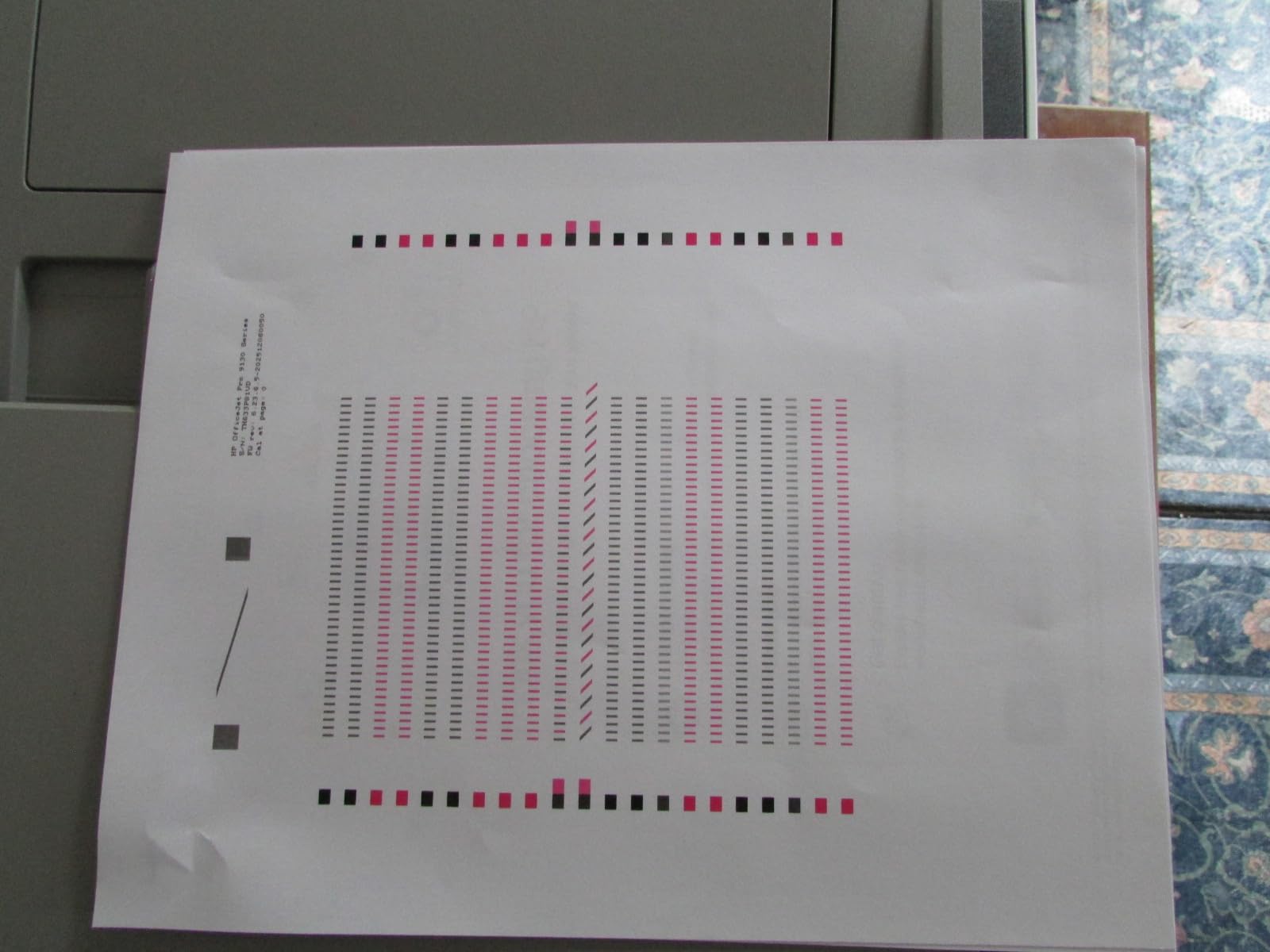
Speed is respectable for inkjet at 25 ppm black and 20 ppm colour, with an 11 second first page, and owners generally report 6 to 8 second per-page output and a five-minute setup. HP’s AI page formatting trims unwanted web and email content from the page before printing, which is a small quality-of-life win on invoices and web-rendered reports.
This is also the newest and least-reviewed pick in the set at 135 ratings, so treat the consensus as early. Some units drop the wireless connection repeatedly even when hardwired, one owner reported a specific dark teal printing as bright blue, and installation was harder than on earlier OfficeJet Pro models.
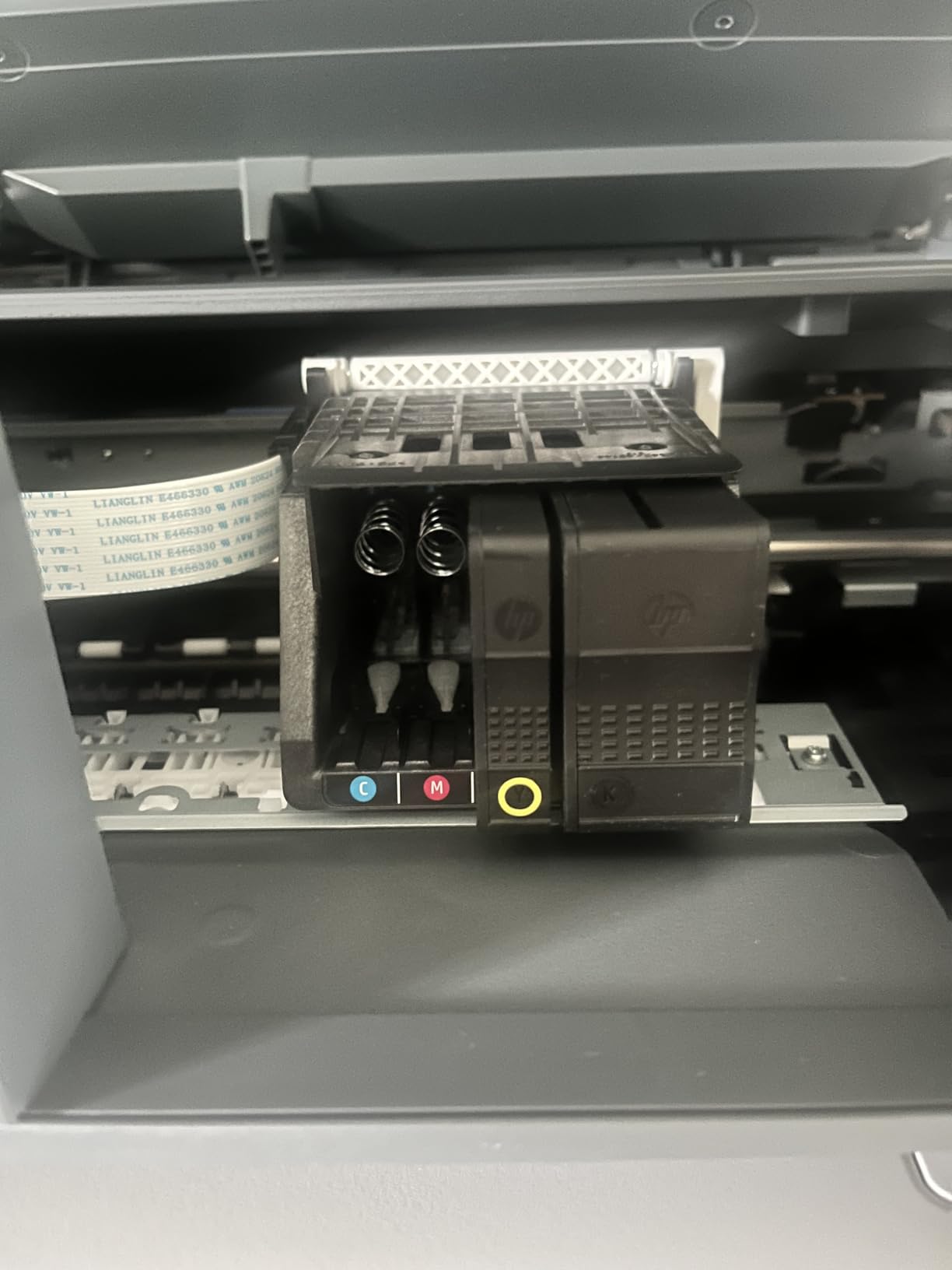
What cartridge ink costs you over time
This is a cartridge inkjet, and cartridges drive the running cost well above tank-based inkjets. If your office prints a meaningful share of colour, work out cost per page against the Epson EcoTank ET-4950 before choosing, because the ET-4950 reaches a similar speed with far lower ink costs per page.
As with HP’s laser machines, original HP chipped cartridges are required, and Instant Ink enrollment is pushed during setup. Skip the enrollment if you buy consumables yourself.
Who it suits and who it does not
It suits a team that prints large mixed batches, needs fax, and scans double-sided paperwork regularly. It does not suit an office with a small print budget, a locked-down network that cannot accommodate a finicky install, or anyone who needs predictable colour matching.
HP’s Wolf Pro Security network protection and a body made from more than 40 percent recycled plastic are both worth noting if your procurement team asks about security and sustainability.
How to Choose a Wireless Printer for a Small Office?
Most buying mistakes in this category come from comparing specification sheets instead of print habits. Work through these five questions in order and the choice usually makes itself.
Laser or inkjet: which suits your print volume
Start with pages per week, not per year. A small office printing up to roughly 500 pages a week is well served by a monochrome laser, which needs no warmup, resists clogs and handles a queue without slowing down. Above that, or with regular colour work, a refillable tank inkjet offers the lower cost per page.
Colour laser sits in between. It suits an office printing colour documents steadily, because the output is consistent and fast, but the toner cost per colour page is higher than tank ink and its colour is glossier and warmer than most buyers expect.
Cartridge inkjets are the compromise to be careful with. They are fine for occasional colour and photos, but the running cost is where the frustration on forums originates, and reviewers warn that a cheaper machine with expensive cartridges is not a saving.
Cost per page: the number that decides most small offices
Cost per page is the consumable price divided by the ISO page yield. Do the division before you buy, and then do it again against your real monthly volume. Owners on r/printers cite small laser running costs of roughly 9 cents a page in black, while black-and-white inkjet pages typically run 5 to 10 cents and full-colour inkjet pages 15 to 25 cents.
Those figures change with cartridge prices and yield, which is exactly why the arithmetic is worth repeating. For colour, a tank printer’s cost per page falls furthest because a single set of bottles covers several thousand pages. For black, a laser with third-party toner availability often wins on flexibility.
Add power and paper to any three-year total. Lasers draw more watts while running, inkjets far less while idle, and a 150-sheet tray means more refills and more interruptions across a shared team.
Duplex printing, ADF and how many people can share one printer
Automatic duplex is close to essential for office work, because two-sided documents are the norm. Scanning matters more than buyers expect: an automatic document feeder with single-pass two-sided scanning turns a 20-page contract from a five-minute job into one.
On sharing, use these as rough guides. A 30 ppm print-only laser serves about five people comfortably. A 35 to 40 ppm all-in-one with a 50-sheet feeder handles a team of six to ten printing invoices and contracts daily. An office printing more than 5000 pages a month needs a larger paper tray than most of these models carry, which is where the 500-sheet HP OfficeJet Pro 9135 stands out.
Paper capacity matters for a reason nobody thinks about first. A 100-sheet tray in a five-person office means someone refilling it several times a day, and that is precisely the kind of small daily friction that makes a printer feel unmanageable.
Wi-Fi setup and keeping a shared printer online
Prefer dual-band 2.4GHz and 5GHz support. Five GHz is faster and less congested in a modern office, while 2.4GHz reaches further through walls. Machines with self-healing or self-reset wireless, such as the HP LaserJet Pro MFP 3101sdw and the M235sdw, recover from network changes without an IT ticket.
Where the network is locked down, a static IP address and a wired Ethernet connection are more reliable than any wireless setting. Several owners of the Brother DCP-L2640DW hard-wire the machine and assign a static IP for exactly this reason.
On a shared device, change the default administrator password and install firmware updates before the whole office starts using it. Treat the printer as a networked computer: restrict guest access to the management interface, and keep the print queue free of stale jobs.
Footprint, toner supply and warranty
Measure the space before ordering. The heaviest machine here, the Brother MFC-L3720CDW at 44 pounds, needs a dedicated spot, while the HP LaserJet MFP M235sdw fits on a desk at 12.13 inches deep. Weight matters too, because a machine someone has to drag onto a shelf is a machine that stays where it was put.
Check toner or ink supply before you commit. Chip-locked cartridges limit aftermarket options, while the Brother TN830 family and the Canon GI-21 and GI-25 bottle systems are widely available in both original and third-party form.
Finally, read the warranty. Most machines here carry one year, the Canon MAXIFY GX2020 carries three, and the Epson EcoTank Pro ET-5150 carries two, extended with product registration. Over a multi-year ownership period that difference is a genuine part of the purchase decision.
Frequently Asked Questions
What is the best printer for a small office?
For most small offices the Brother DCP-L2640DW is the best choice. It prints up to 36 pages per minute in black, includes automatic duplex printing and a 50-page document feeder, and connects over dual-band Wi-Fi or Ethernet. It suits a team of roughly two to ten people printing invoices, contracts and reports, and its toner is available in both original and third-party versions, which keeps running costs predictable.
Is laser or inkjet cheaper per page?
It depends on volume and colour. A monochrome laser usually wins on black pages once you are past a few hundred pages a month, and owners on printing forums cite small laser running costs of roughly 9 cents a page in black. A refillable tank inkjet wins on colour, because a set of bottles can cover several thousand pages, so the fixed consumable cost spreads much further. Cartridge inkjets cost the most per page of any option.
Is an inkjet or laser printer better for small business?
A laser is better if you print mostly black documents at a steady rate and want a machine that does not clog when idle. A refillable tank inkjet is better if colour is part of your regular work or your volume is low enough that toner cartridges would sit unused. The single most common complaint from small business owners is running cost, so match the machine to your actual page volume rather than to the lowest purchase price.
What printer has the least problems?
Reliability over spec sheet is what small business owners rank first, and laser machines come out ahead because there is no liquid ink to dry in the printhead. Within this roundup the Brother DCP-L2640DW and the HP LaserJet Pro MFP 3101sdw draw the most consistent reliability reports, including multi-year service and no paper jams. The main recurring laser complaint is not failure but toner policy, since chip-locked cartridges block cheaper aftermarket options.
How many people can share one wireless printer?
A 30 pages per minute print-only laser comfortably serves about five people printing typical office documents. A 35 to 40 pages per minute all-in-one with a 50-sheet feeder handles a team of six to ten working through invoices, contracts and reports each day. Beyond that, paper tray capacity becomes the limiting factor, because a 100-sheet tray in a busy office means refilling it several times a day.
What is the best all-in-one printer for small businesses?
The Brother MFC-L3720CDW is the most complete all-in-one here, combining colour laser printing with scanning, copying and fax, automatic duplex and a 50-sheet feeder, plus a 3.5 inch colour touchscreen with 48 customizable shortcuts. If colour laser running cost is the concern, the Canon MAXIFY GX2020 offers print, copy, scan and fax with a refillable tank system, automatic duplex and a three-year warranty instead.
Conclusion
The best wireless printers for small offices come down to one question: how much do you print, and in colour. For most teams, the Brother DCP-L2640DW is the answer we would install first, with 36 pages per minute, automatic duplex, a 50-page feeder and toner that is flexible to buy.
Take the HP LaserJet Pro MFP 3101sdw if monochrome volume is high and you want the fastest black output here with self-healing wireless. Take the Canon MegaTank G3270 if colour matters and you want the lowest colour cost per page in a compact body, and the Canon MAXIFY GX2020 if you also want automatic duplex, a feeder and a three-year warranty.
For a team that scans and faxes constantly, the Brother MFC-L3720CDW covers every function in one box, and the HP OfficeJet Pro 9135 wins on paper capacity with 500 sheets and single-pass two-sided scanning.
Whichever you choose for 2026, work out cost per page before you buy, change the default password on day one, and give the machine a dedicated spot where nobody has to move it. Any of the ten picks here will serve a small office well, provided you pick for your page volume rather than for the spec sheet.