
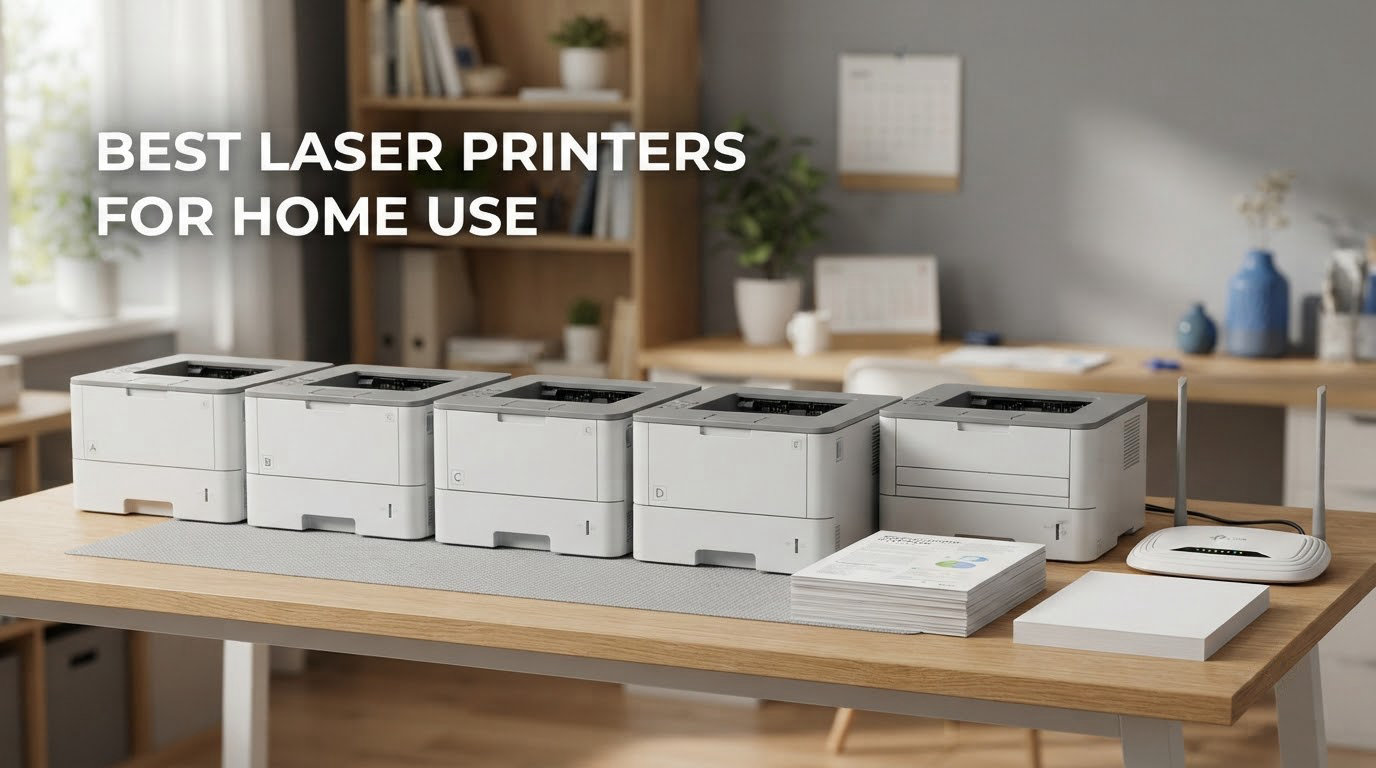
If you mostly print text, worksheets, invoices and shipping labels, the best laser printers for home use in 2026 are fast, quiet to run, and cheap on toner page after page. Pick one that suits the way you actually print and the running cost story is settled for years.
We spent weeks working through eleven laser printers across the Brother, HP, Canon, Xerox and Lexmark ranges, reading owner reviews side by side with the spec sheets, and comparing paper handling, duplex behaviour, wireless setup and toner economics. Our picks cover a compact monochrome all-in-one, a print-only duplex workhorse, a tiny three-function unit for a small desk, a colour model, and a couple of budget options for occasional printing.
Two things decide this purchase more than anything else on the spec sheet: how much text you print each month, and whether you need a scanner. A laser printer’s toner is a powder fused to the page with heat, which is why text stays crisp, resists smudging and does not clog after a few weeks unused. The trade is real, though: colour photos and glossy media are outside what any of these machines do well. We explain exactly where that line sits further down.
Last updated October 2026. Prices and configurations change often, so every product below links to the current listing.
Table of Contents
Top 3 Laser Printers for Home Use (October 2026)


All 11 Picks at a Glance in 2026
| Product | Specifications | Action |
|---|---|---|
| Brother DCP-L2640DW |
|
Check Latest Price |
 Brother HL-L2405W Brother HL-L2405W |
|
Check Latest Price |
| Brother HL-L2460DW |
|
Check Latest Price |
| HP LaserJet MFP M234dw |
|
Check Latest Price |
 HP LaserJet MFP M140w HP LaserJet MFP M140w |
|
Check Latest Price |
 HP LaserJet Pro MFP 3101fdw HP LaserJet Pro MFP 3101fdw |
|
Check Latest Price |
 Canon imageCLASS LBP122dw Canon imageCLASS LBP122dw |
|
Check Latest Price |
 Canon imageCLASS LBP6030w Canon imageCLASS LBP6030w |
|
Check Latest Price |
 Canon imageCLASS MF273dw Canon imageCLASS MF273dw |
|
Check Latest Price |
 Xerox C235dni Xerox C235dni |
|
Check Latest Price |
 Lexmark MS431dw Lexmark MS431dw |
|
Check Latest Price |
Laser or Inkjet for Home Use: The Short Answer
Choose a laser if your pages are mostly words. Contracts, invoices, homeschool worksheets, lesson plans, boarding passes and packing slips all come out of a laser faster, sharper and for a fraction of the per-page cost. Laser text does not fade or smear when you handle it, and a laser sitting unused for a month still prints on the first attempt, which removes the single most common home printing complaint.
Stick with an inkjet or ink tank machine if photos, gradients or heavy colour are the point. Laser colour is dithered from four toner powders, so smooth skies and skin tones break into visible banding. Glossy and photo paper is also outside the design brief, because the fuser runs hot enough to melt coatings and plastics.
Three questions narrow the field fast. Do you need colour, or only black and white? If only black and white, stay monochrome and put the money into toner yield and duplex. Do you need a scanner and copier, or just a printer? Scan and copy functions add a flatbed, a document feeder and moving parts, so a print-only model is cheaper and smaller when you never scan. And how much do you print? Under roughly 150 pages a month, a low-cost mono unit is plenty; above 500 pages, a 250-sheet tray and automatic duplex stop mattering.
Our measurements come from published specifications and owner review patterns rather than a lab bench, so treat speed figures as manufacturer claims. The toner economics in the buying guide come from cartridge yield ratings, which is where the real running cost hides.
1. Brother DCP-L2640DW: Best All-Rounder for Home Use
Brother DCP-L2640DW Wireless Compact Monochrome Multi-Function Printer, Copy, Scan, Duplex, Mobile Printing
- Crisp 1200 x 1200 dpi text
- 36 ppm speed
- 50-page document feeder
- automatic duplex
- dual-band wireless plus Ethernet
- Wi-Fi and firmware setup can frustrate users
- physical button menu is unintuitive
- scan-to-PC software feels dated
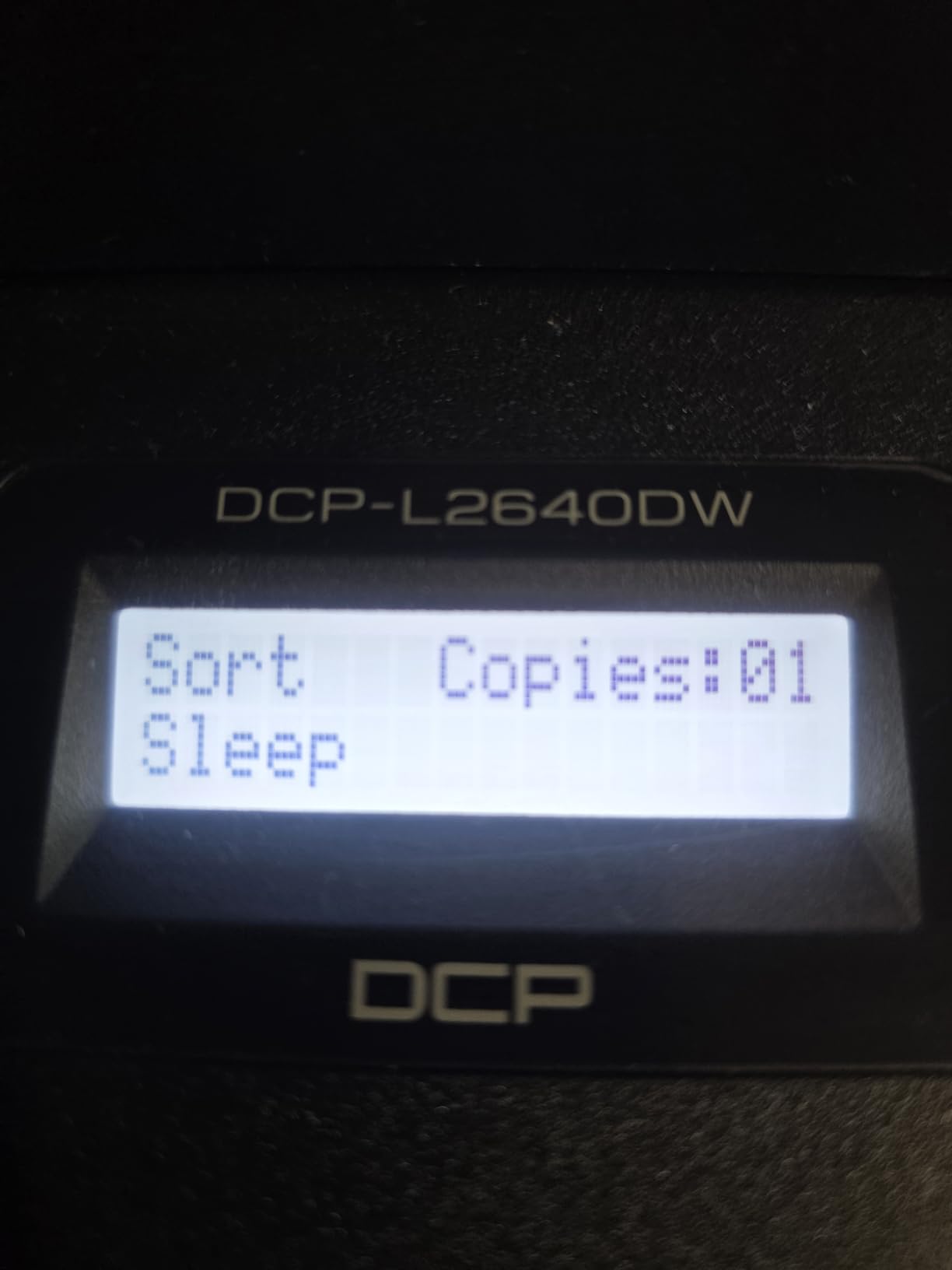
The DCP-L2640DW is the machine we keep coming back to because it does the four things a home user actually asks for: fast monochrome output, a real document feeder, automatic duplex and stable wireless. At 36 pages per minute with a first page in 8.5 seconds it handles a thick homeschool packet without the pauses that make you think it has hung.
Text quality is genuinely good. Owners describe sharp, professional output at up to 1200 x 1200 dpi, and the toner runs well below what an inkjet of the same class costs per sheet. Several buyers came to it specifically to escape HP inkjet frustration and describe it as an immediate upgrade in both speed and running cost.
Paper handling is the quiet strength. The 250-sheet tray suits a ream of plain paper without constant refills, output stacks to 120 sheets, and the machine handles legal-size media up to 8.5 x 14 inches. Reviewers running heavy jobs report that thick paper and envelopes pass through without jamming.
Connectivity is dual-band 2.4GHz and 5GHz, with Ethernet and USB as fallbacks, which is more future-proof than single-band units. Scanning reaches 23.6 images per minute on one side and 7.9 on two, fast enough to file a stack of signed forms without watching the glass.
What you should check before ordering
Budget for the setup session. Wi-Fi pairing, the default password change and the firmware update flow are the most common complaints, and several owners describe needing help before network printing worked. The on-device controls are physical buttons on a small LCD, which people who expect a touchscreen find slow.
Note the weight. At 25 pounds and 15.7 by 16.1 by 12.5 inches it is not truly compact despite the marketing, so measure your shelf or cabinet before it arrives.
Where it falls short
The scan-to-PC workflow is the weak spot. Owners report the bundled software freezing mid-save and call PaperPort dated, so if you rely on scanning to a specific folder or cloud destination, test it early.
It is monochrome only, and colour is a hard no rather than a soft one. If a school project needs colour charts, this is the wrong machine and you should look at the colour entry later in this list.
2. Brother HL-L2405W: Best Value for Occasional Printing
- Crisp 30 ppm monochrome output
- 250-sheet tray
- clean bloatware-free install
- low toner cost
- light 15.1 pound body
- Manual duplex only
- Wi-Fi setup through the Brother app can take hours
- prints the final page first
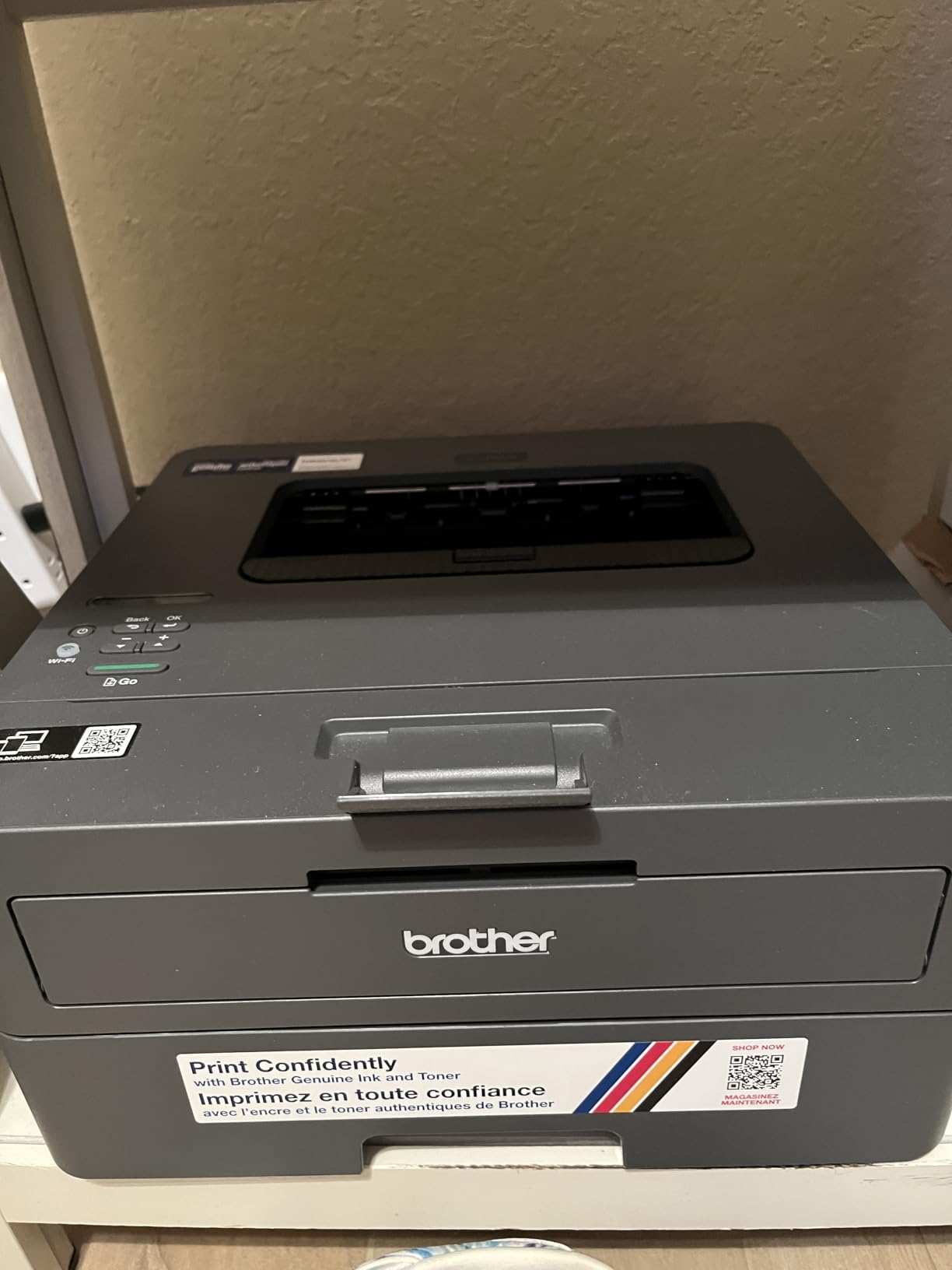
This is the printer to buy when you print maybe a few hundred pages a month and you want to spend as little as possible. The HL-L2405W prints 30 pages per minute with a first page in 8.5 seconds, holds 250 sheets, and weighs 15.1 pounds, which is light enough to move between a desk and a shelf.
Owners single out the install as unusually clean. There are no forced accounts, no licence agreements and no bloatware, and the machine prints crisply right after setup. Many buyers switched to it specifically to get away from inkjet ink costs, and the toner lasts far longer between changes than they expected.
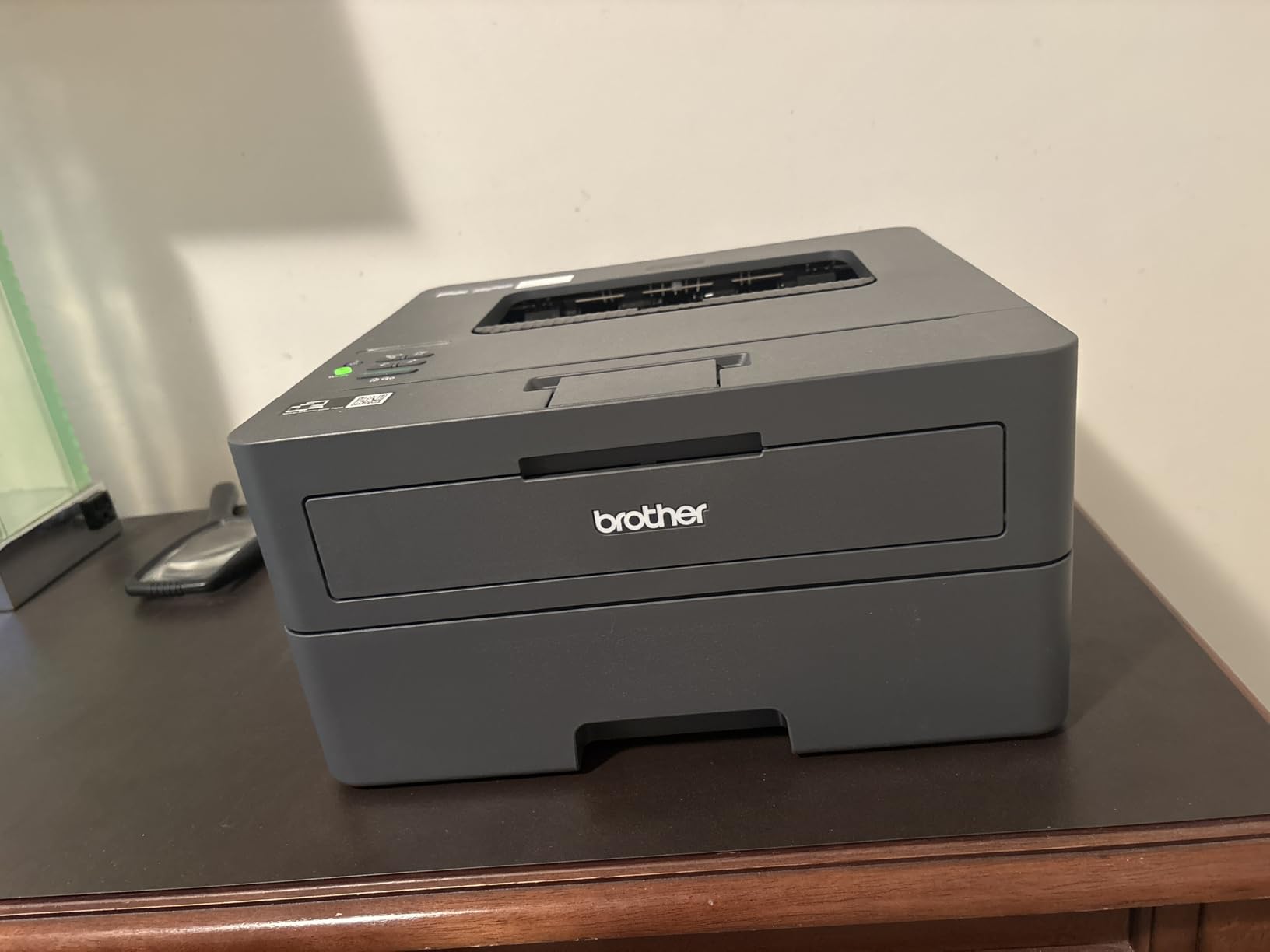
It also prints reliably after long idle stretches, which is the behaviour inkjet users chase with cleaning cycles. Printing up to 8.5 x 14 inches and a manual feed slot for envelopes round out a specification sheet that covers most home jobs.
The single-function design is the point. With no scanner and no document feeder, the machine stays small, stays quiet mechanically and costs less to buy. If you never scan, you are paying for features you would not use.
What you should check before ordering
Decide how you will handle two-sided printing. Duplex here is manual, meaning you flip the stack yourself. Families printing double-sided worksheets will find that annoying fast, which is the main reason to step up to the next model.
Look at your wireless network first. Some mesh router owners report the printer dropping off after Deep Sleep mode, and Deep Sleep cannot be switched off. If you run mesh Wi-Fi, test the connection early.
Where it falls short
Wireless setup is the weak point. Owners describe the QR-code driven Brother app taking hours, with serial number entry and a dashboard full of prompts that some people never finish.
Two smaller quirks: the machine prints the last page first regardless of the collate setting, so output needs hand collating, and it stops printing entirely once the toner runs out rather than degrading to low-quality pages.
3. Brother HL-L2460DW: Best for Home Office Print Volume
Brother HL-L2460DW Wireless Compact Monochrome Laser Printer with Duplex, Mobile Printing, Black & White Output | Includes Refresh Subscription Trial(1), Works with Alexa
- Reliable automatic duplex
- 36 ppm with 8.5 second first page
- 1200 x 1200 dpi text
- handles thick paper and envelopes
- Toner button-driven Wi-Fi setup
- Refresh subscription trial can add unexpected charges
- some units failed after about a year
When a home office prints a few hundred pages a week, duplex and tray capacity stop being extras. The HL-L2460DW delivers 36 pages per minute, automatic two-sided output and a 250-sheet tray in a 15.6 pound body, which is the combination most remote workers end up with.
Reviewers running large cumulative page counts report no jams and good toner economy, particularly in economy mode. Text stays crisp at 1200 x 1200 dpi, and the machine handles legal-size stock, envelopes and heavier paper without drama.
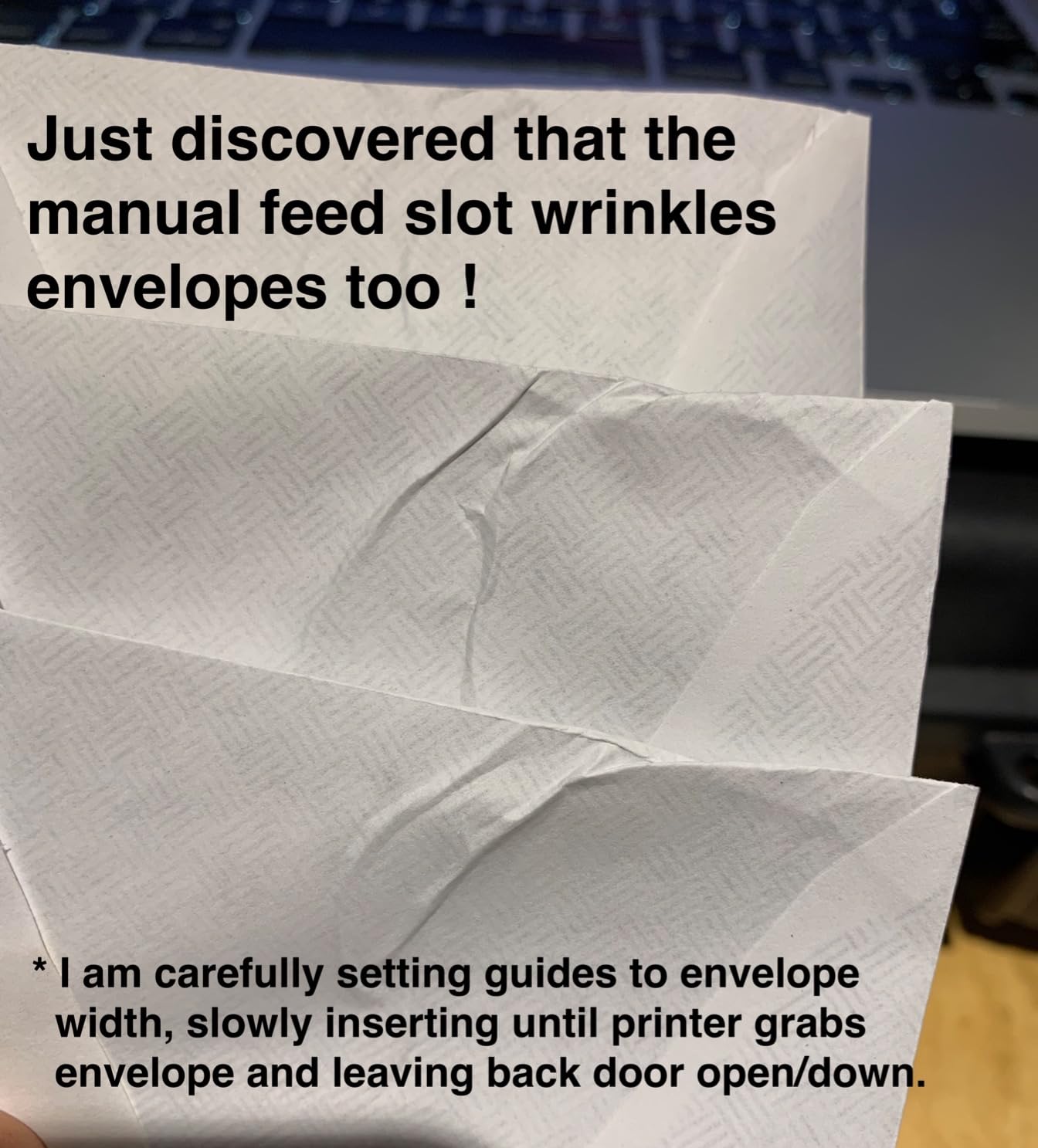
Toner is easy to source and simple to change, and no subscription is required to use the printer as intended. It works on both Windows and Linux, which matters if anyone in the house runs a non-Microsoft machine, and it carries Energy Star and EPEAT Qualified ratings.
Ethernet alongside dual-band wireless gives you a wired fallback on a home network, useful in a room where Wi-Fi signal is poor. Output capacity is 100 sheets, adequate for a batch job at a desk.
What you should check before ordering
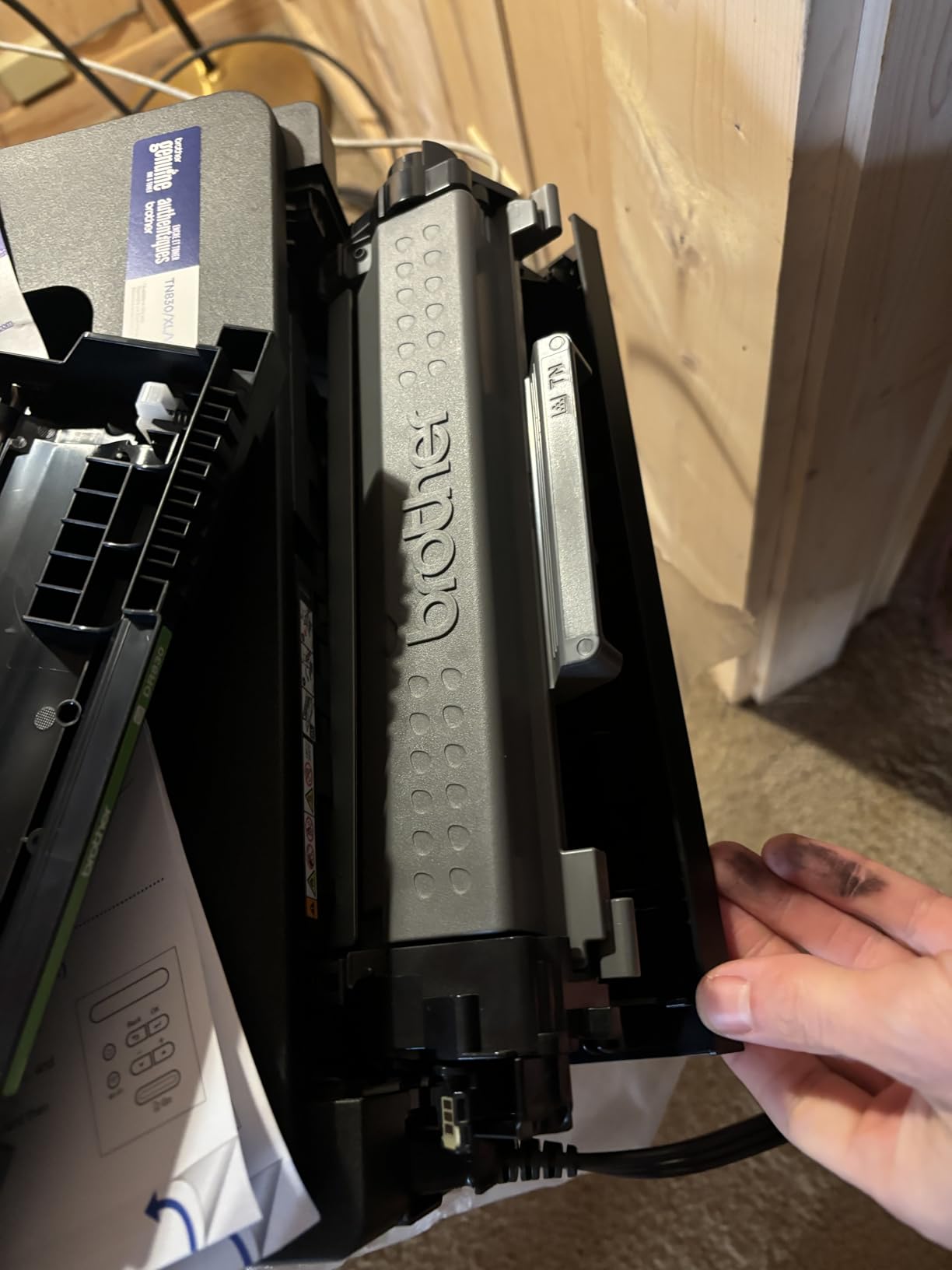
Wi-Fi setup runs through the small on-device button interface rather than a screen, and reviewers describe it as tedious. Plugging in by Ethernet first and adding wireless later is the smoother path many owners recommend.
Read the subscription terms. The included Refresh toner trial can generate overage charges beyond the allowance, and at least one detailed account describes billing that support declined to refund. Cancel the trial during setup if you would rather buy cartridges outright.
Where it falls short
Durability reports are mixed. A small number of owners say their unit stopped working after roughly a year of light use, and the all-plastic construction with a small screen does not feel like an office machine.
It is print-only. Anyone who needs to scan signed documents or copy a worksheet will need a different pick, such as the Brother three-function unit at number one.
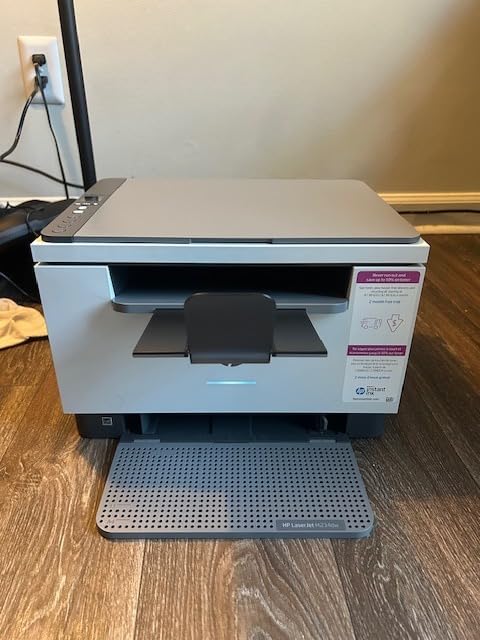
4. HP LaserJet MFP M234dw: Best Compact All-in-One
HP LaserJet MFP M234dw Wireless Printer, Print, scan, Copy, Fast speeds, Easy Setup, Mobile Printing, Best-for-Small Teams, Instant Ink Eligible
- Very small footprint for a duplex print scan copy machine
- crisp duplex output
- better scanning than older laser models
- dual-band Wi-Fi with self-reset
- Setup and account registration harder than advertised
- flatbed only with no document feeder
- firmware can block third-party toner
The M234dw is the one to beat for a small footprint that still gives you print, scan and copy with automatic duplex. It prints 30 pages per minute single-sided and 19 images per minute two-sided, and it wakes from sleep fast enough to feel instant in a home office.
Owners praise the scanning quality specifically, describing it as noticeably better than older laser scanners, and the paper feed is smooth with few jams. The dual-band Wi-Fi includes a self-reset recovery mode, so a dropped connection usually re-links without a manual reset.
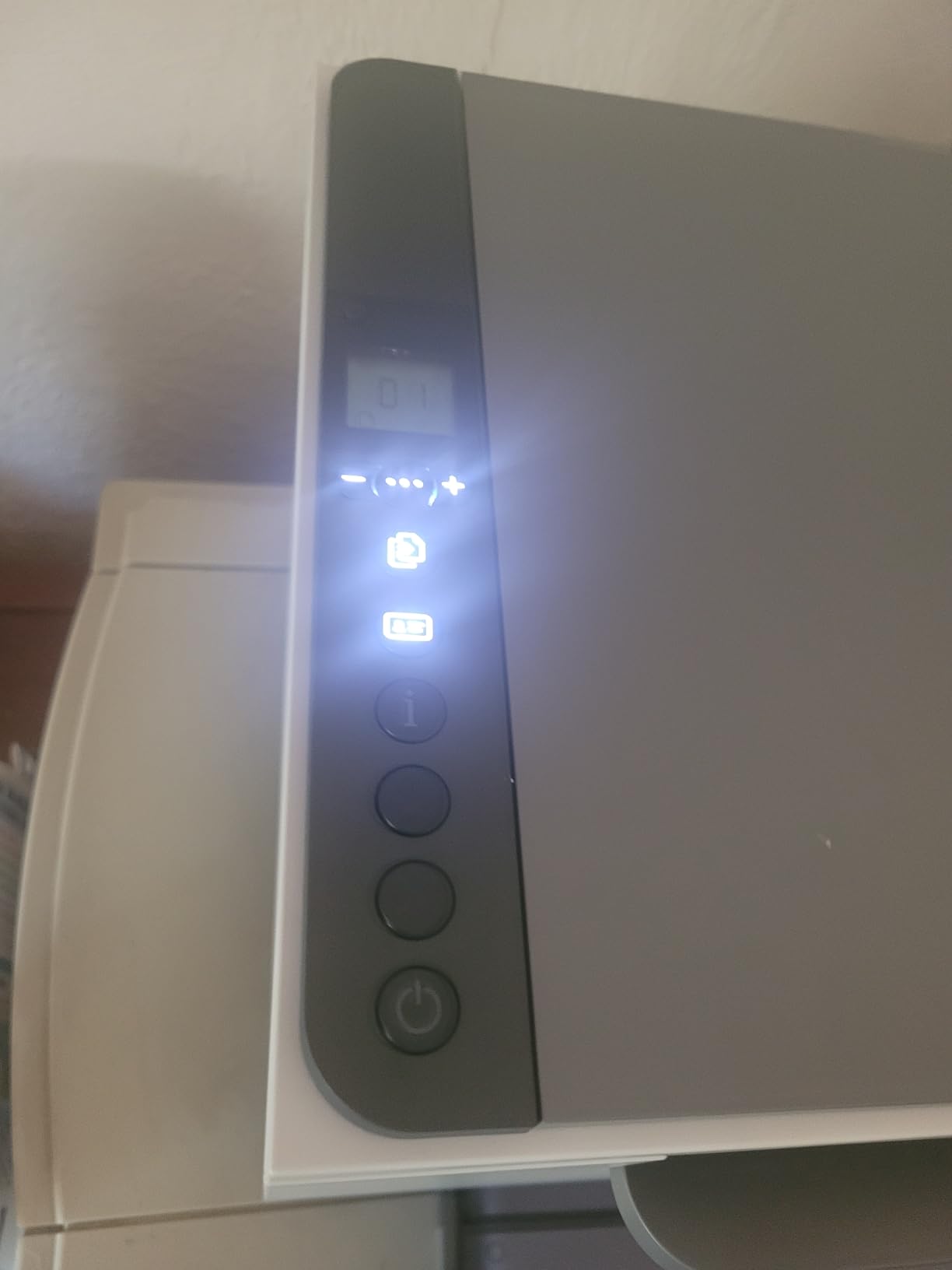
It works with Windows, Mac, AirPrint, Android and Chromebook, and it functions fully without an Instant Ink subscription if you would rather buy toner outright. Built-in security protections are a sensible addition on a shared home network.
Resolution is 600 dpi for printing and copying, which is lower than the 1200 dpi Brother models, though owners rarely complain about text quality at that level. The maximum copy run is 1000 pages and the machine accepts media up to 8.5 x 14 inches.
What you should check before ordering
Plan for setup support. Several reviewers needed hours, an IT contact or a support call to get network printing and scanning running, and the HP account requirement is widely disliked. Buy from a direct seller so warranty activation is straightforward.
There is no printed user manual in the box, so plan to spend a few minutes with the online setup flow before you hand it to anyone else in the house.
Where it falls short
No document feeder. A multi-page scan means lifting each page onto the flatbed, which is painful for homeschool work with lots of worksheets. If you scan in volume, choose a model with an ADF.
Firmware updates can block third-party toner cartridges on some units, so if low-cost aftermarket toner is part of your plan, check current owner reports before buying.
5. HP LaserJet MFP M140w: Best for the Smallest Desk
HP Laserjet MFP M140w Wireless Black & White Printer, Print, scan, Copy, Fast speeds, Easy Setup, Mobile Printing, Best-for-Small Teams
- Extremely small and light footprint
- 21 ppm output with 8.3 second first page
- simple flatbed scanning and copying
- AirPrint and Mopria certified
- No duplex printing
- blocks non-HP chip cartridges
- 99-sheet tray limits volume
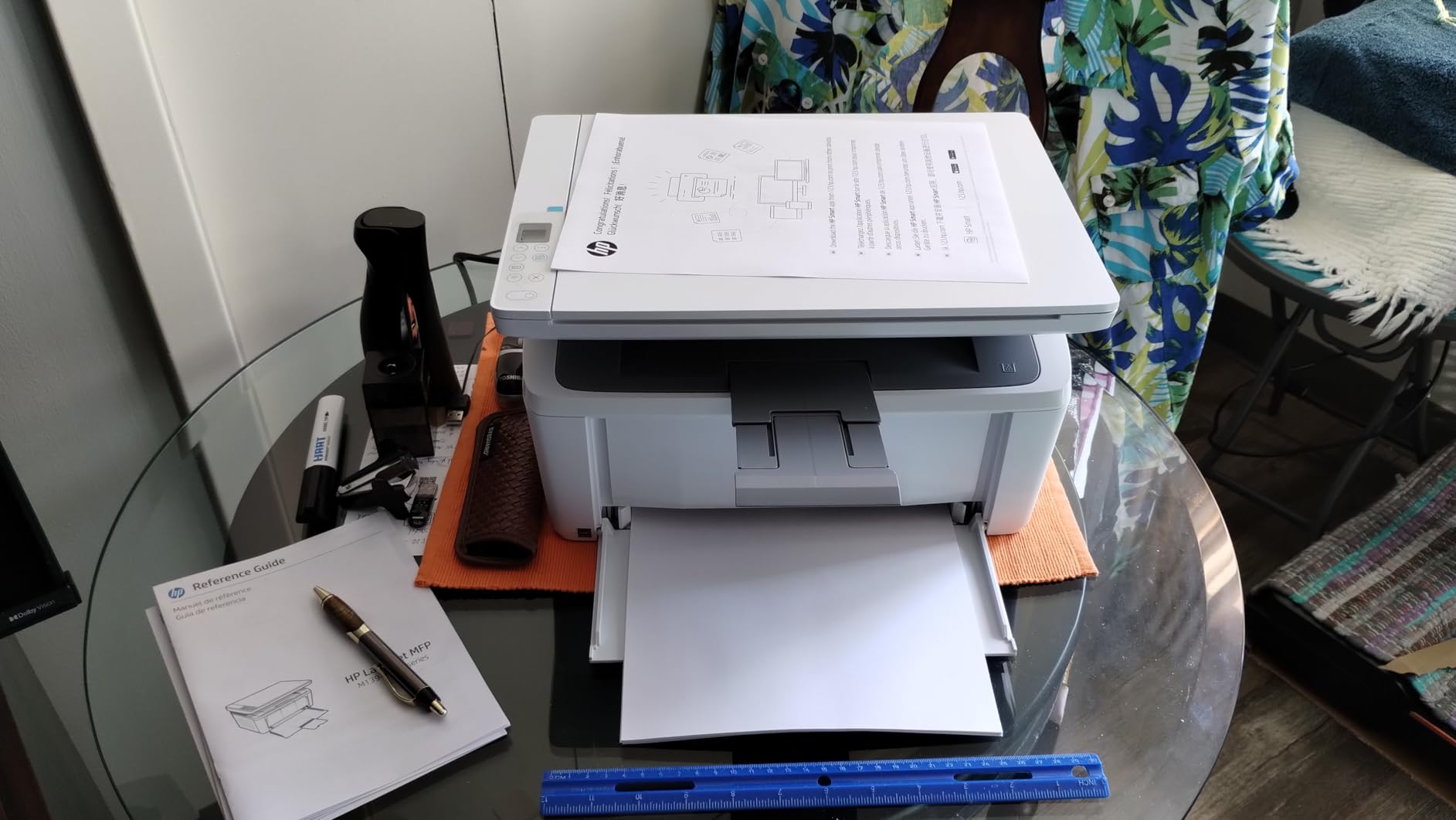
The M140w is built for the situation where the printer has to live on a small shelf or a shared kitchen counter. At 11.9 pounds and 10.4 by 14.2 by 7.8 inches, it is one of the smallest print-scan-copy lasers on the market, and it still manages 21 pages per minute with a first page in 8.3 seconds.
Scanning and copying are straightforward for home documents, with an ID card copy function that puts both sides of a small card on one sheet. The HP Smart app covers mobile printing, copying and scan-to-cloud, and the controller is AirPrint and Mopria certified so phone printing works without extra setup.
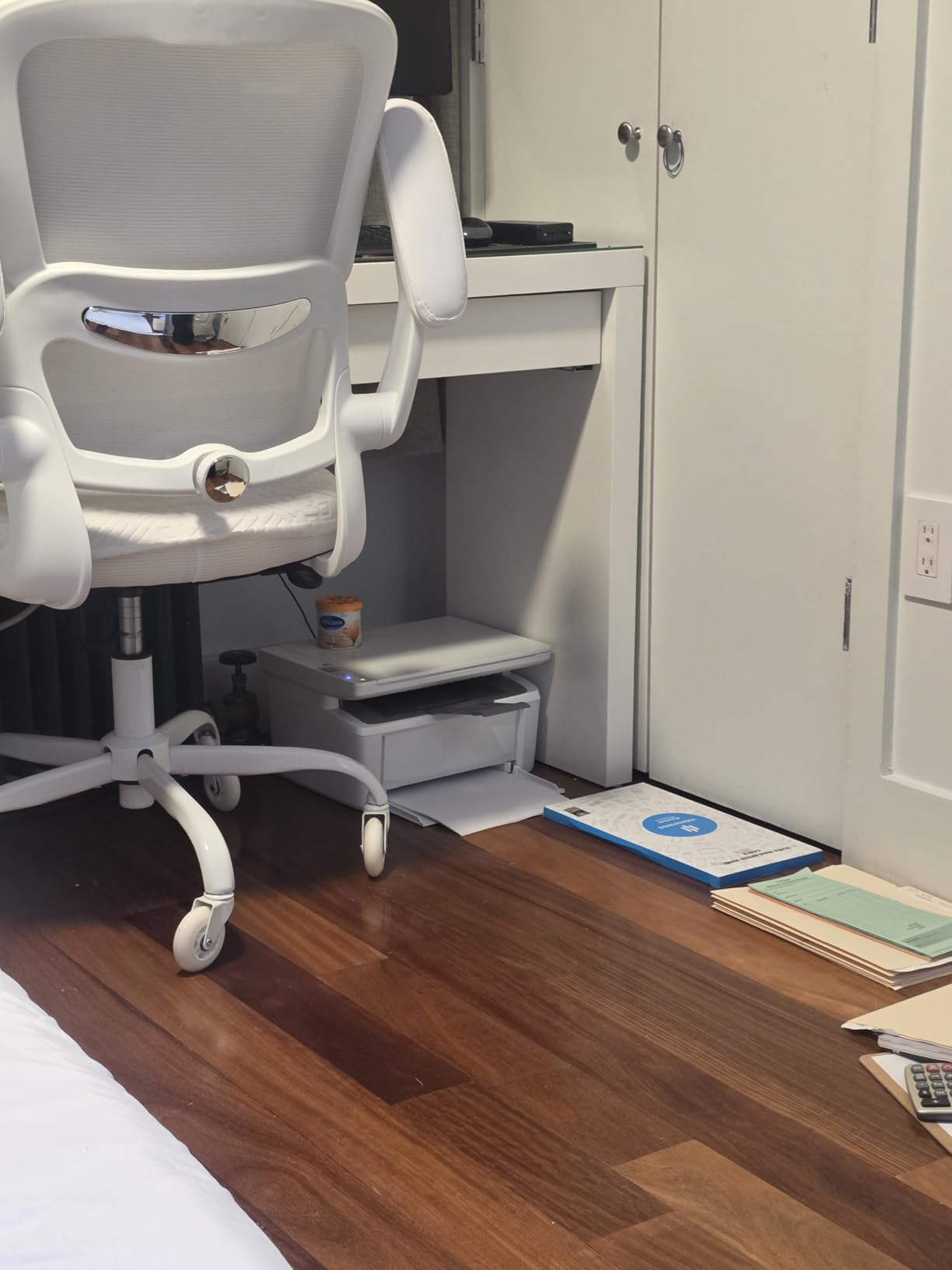
Its low purchase price makes it an easy first laser for anyone leaving ink behind. Owners switching from inkjets generally report a much quieter running cost, and Energy Star rating keeps standby draw low.
Understand the volume ceiling before you commit. A 99-sheet tray and 600 x 600 dpi maximum resolution place it firmly in occasional-use territory rather than daily document work.
What you should check before ordering
Count your monthly pages honestly. At 21 pages per minute and a 99-sheet tray, this is a printer for someone printing a few dozen pages a week, not someone producing weekly work packets for a whole family.
If you expect any double-sided printing, skip it. There is no duplex of any kind here, manual or automatic, so two-sided documents mean manual flipping every time.
Where it falls short
The cartridge policy is the biggest limitation. It requires cartridges with original HP chips or circuitry and blocks non-HP chips, which removes most of the aftermarket toner savings people buy a laser for in the first place.
There is no document feeder, so multi-page scanning means repeating the flatbed routine for every sheet. Combined with the modest resolution, that rules it out for archives and documents you intend to keep as images.
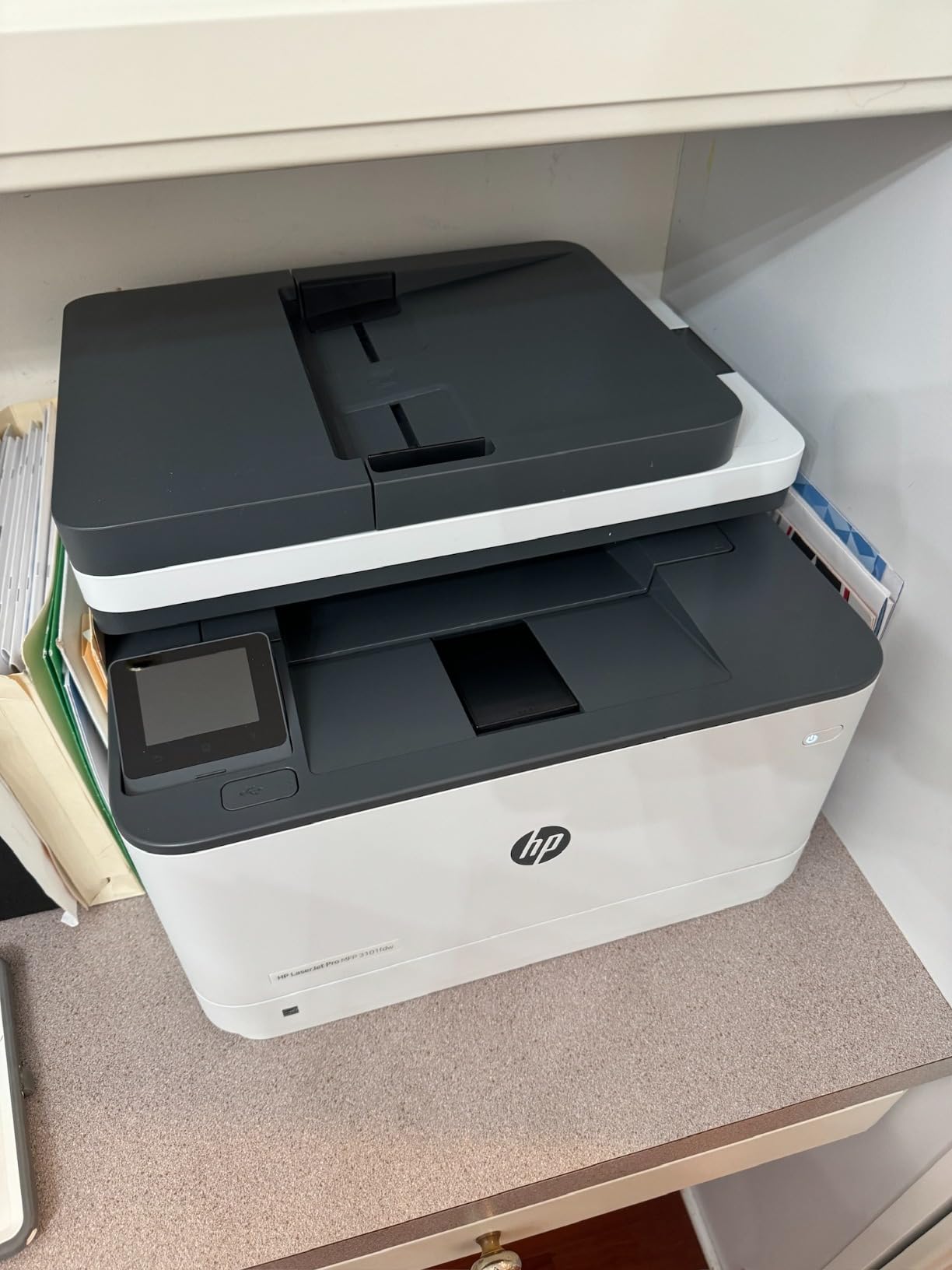
6. HP LaserJet Pro MFP 3101fdw: Best Four-Function Workhorse
HP LaserJet Pro MFP 3101fdw Wireless Black & White All-in-One Laser Printer, Scanner, Copier, Fax, Best-for-Office (3G628F)
- Print scan copy and fax in one machine
- 35 ppm with automatic duplex
- document feeder speeds multi-page jobs
- reported quick setup
- Large and bulky body
- feeder does not scan both sides in one pass
- network scanning can be unreliable
This is the only machine in the lineup that adds a fax, and for a home business that still sends signed paperwork that is a real advantage. It also prints, scans and copies at 35 pages per minute with automatic duplex, and it is rated for teams of up to seven people.
Owners who get it running generally love it. Multiple non-technical buyers report setup in minutes, and one law student pushed more than 20,000 pages through it without a jam. Copy resolution matches print resolution at 1200 x 1200 dpi, and the maximum copy run is 5000 pages.
Connectivity is intelligent Wi-Fi that picks the best band, plus Ethernet, USB and Bluetooth. HP Wolf Pro Security adds configurable settings, which is sensible on a network that also holds work devices.
The automatic document feeder takes multi-page scan and copy jobs without the flatbed routine, and a 250-sheet paper capacity keeps refills infrequent for a home office.
What you should check before ordering
Measure your space. At 16.5 by 12.3 by 15.7 inches and roughly 23 pounds, it is the largest machine here and several owners describe it as big and bulky. On a small desk it will dominate the workspace.
Test network scanning early. It is the least reliable feature according to owners, and it needs correct configuration before it will send a scan to a laptop or a shared folder.
Where it falls short
The document feeder does not scan both sides in one pass, so two-sided documents still need manual page flipping. Security software also adds setup complexity that some buyers found unnecessary for a home network.
Quality reports are not uniform. A small number of detailed reviews describe fuzzy, uneven, washed-out output and one reports total hardware failure after about three weeks of light use, so keep the warranty paperwork.
7. Canon imageCLASS LBP122dw: Best for Fast First Page
Canon imageCLASS LBP122dw – Wireless Monochrome Duplex Laser Printer
- Automatic duplex at an entry-level price
- 30 ppm with a 5.3 second first page
- enhanced 2400 x 600 dpi resolution
- wireless plus Ethernet
- Print-only with no scanner or copier
- 150-sheet capacity is modest
- tied to Canon GENUINE Toner 071 and 071H
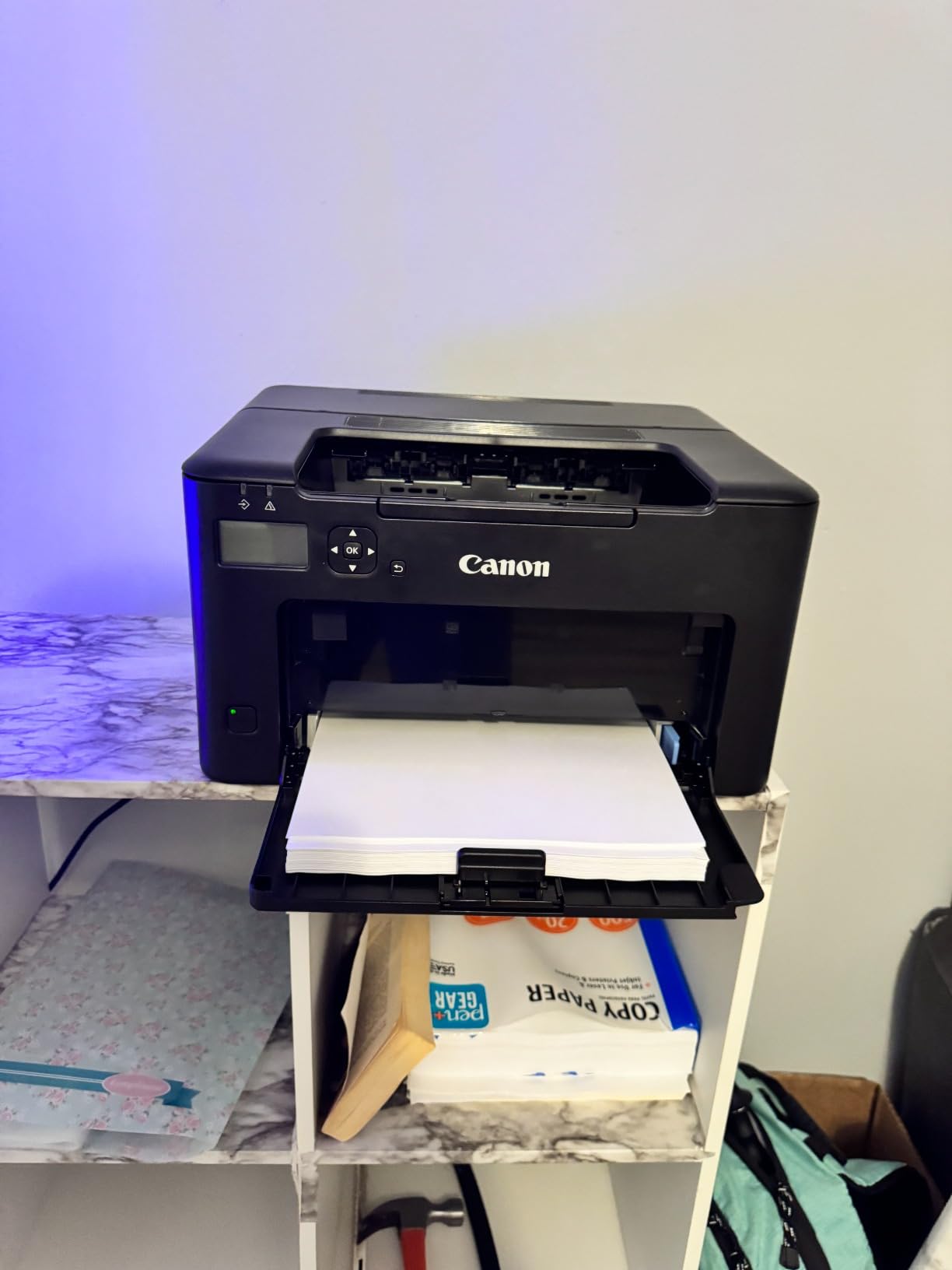
The LBP122dw is the pick for anyone who prints short documents one at a time and wants the page the moment they hit send. Its 5.3 second first page is among the quickest in this group, and sustained output runs at 30 pages per minute with automatic duplex included as standard.
Resolution is 2400 x 600 dpi enhanced monochrome, so fine text and thin rules stay clean. Wireless and Ethernet mean you can place it wherever there is a network drop, and the Canon PRINT app plus Alexa support handle mobile jobs.
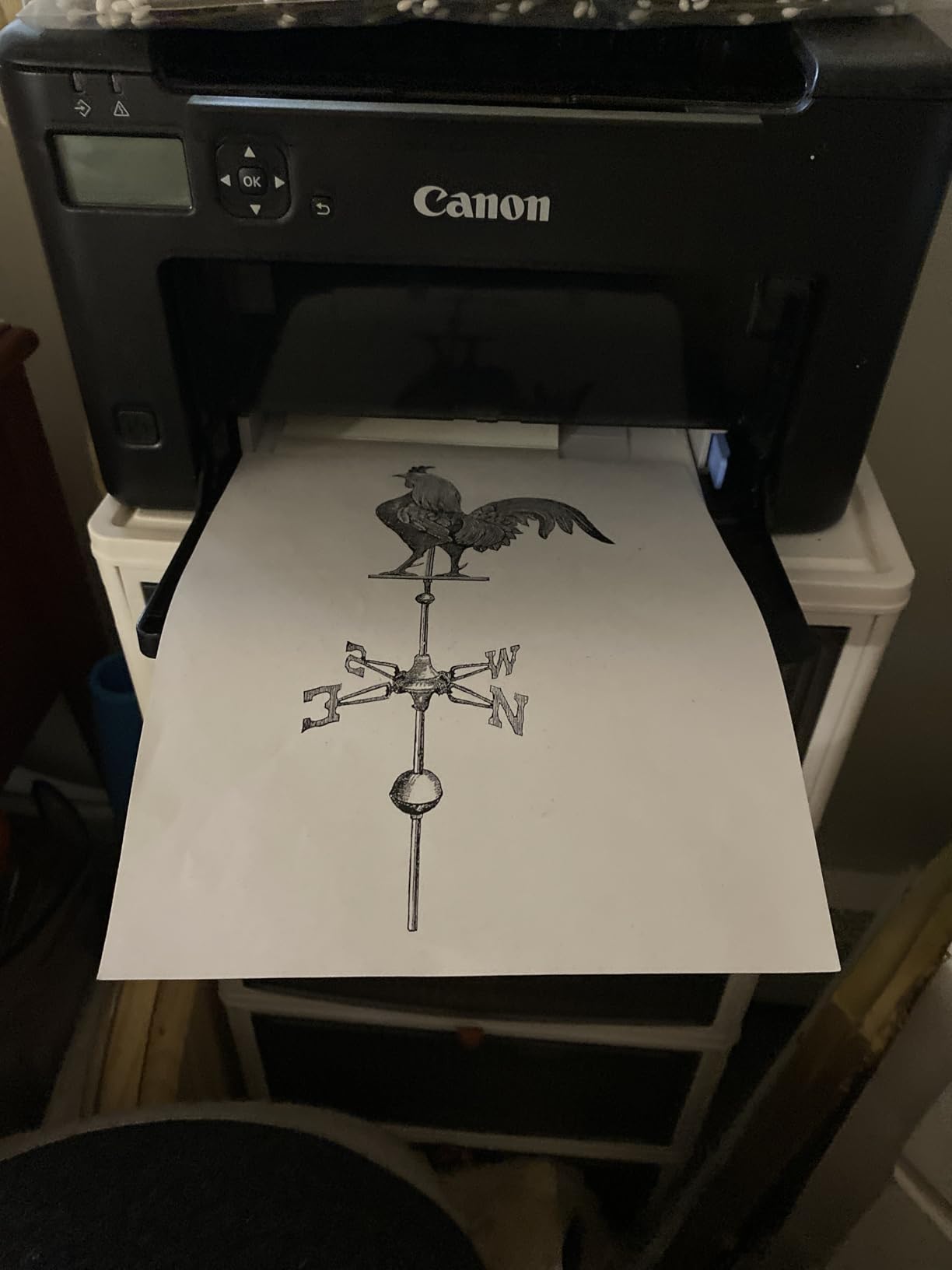
Energy Star and EPEAT Silver certification are unusual at this level, and the media range runs from 3 x 5 inches up to 8.5 x 14 inches, so small flashcards and legal stock both work.
It includes a Canon GENUINE Toner 071 starter cartridge rated at 700 pages, which is a reasonable first refill interval for occasional home use.
What you should check before ordering
Confirm you never need to scan. This is print-only, so digitising a signed form or copying a worksheet means another device entirely. For a homeschool room or home office that files paperwork, that is a hard limit rather than an inconvenience.
The 150-sheet tray is fine for a week of occasional printing and tight for anything heavier. A second tray would help more than any other upgrade here.
Where it falls short
Supply rigidity is the main complaint. It runs on Canon GENUINE Toner 071 and 071H cartridges, which limits third-party options, and negative reviews on this model cluster around toner cost and availability.
It also carries the lowest average rating among the Brother and HP models here at 3.9 stars, with 19 percent of reviews at one star, so expect a higher share of setup and supply complaints than the models above it.
8. Canon imageCLASS LBP6030w: Best Budget Pick
- Lowest purchase price in the lineup
- compact 11 pound body
- simple wireless printing from phones and laptops
- Energy Saver draw under 2 watts
- Slowest print speed at 19 ppm
- no duplex
- print-only
- 150-sheet tray
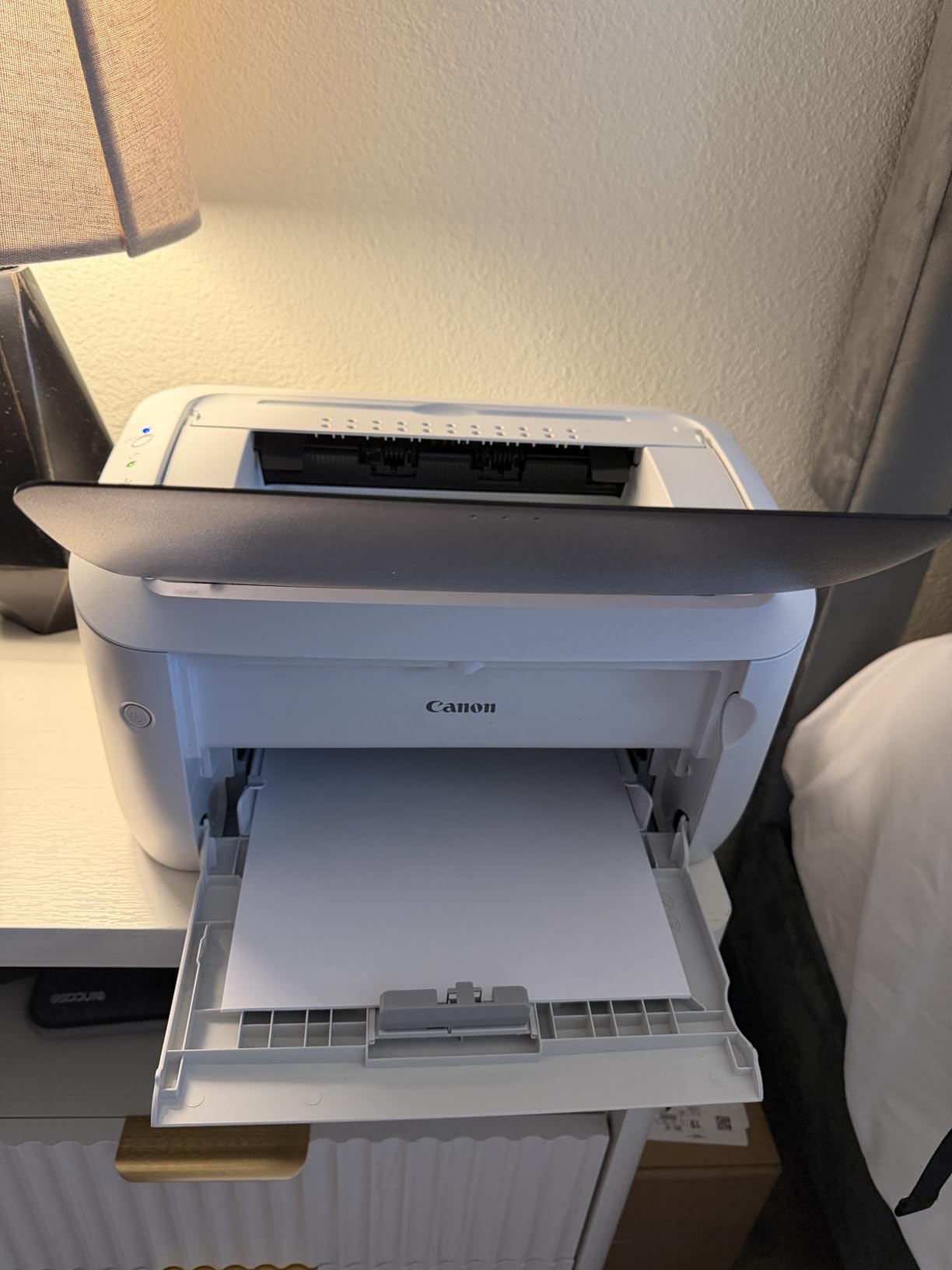
The LBP6030w is the cheapest way into laser printing and the most reviewed machine here by a wide margin, with more than 4,200 ratings. It weighs 11 pounds and measures 9.8 by 14.3 by 7.8 inches, so it disappears into a small space in a way most office machines do not.
For occasional printing it does the job. It produces 19 pages per minute, holds 150 sheets, and prints wirelessly from phones and laptops with no account required. In Energy Saver mode it draws under 2 watts, which is kind to a machine that sits in a home office rather than a busy office.
Toner supply is the quiet advantage. Canon Genuine Toner 125 carries a 1,600 page yield, so the cartridge lasts a long time between changes at typical home volumes.
It carries a one-year exchange or carry-in limited warranty and an LCD display for basic status checks, which is more than some cheaper rivals offer.

What you should check before ordering
Be honest about volume. Nineteen pages per minute and a 150-sheet tray mean this suits someone printing a handful of pages a week. Most dissatisfied owners simply outgrew the machine rather than reporting a fault.
Check whether you need two-sided printing. There is no duplex at all, so every two-sided document means flipping the stack by hand.
Where it falls short
It is print-only, with no scanner and no copier. If you want to scan a document, this is the wrong machine and the extra spend buys you the feature you actually need.
It also sits among the lowest-rated machines here at 3.8 stars, with 19 percent one-star reviews. The pattern behind those is a mix of speed expectations and supply frustration rather than any single fault.
9. Canon imageCLASS MF273dw: Best Wireless Multifunction
Canon imageCLASS MF273dw – Monochrome Wireless Laser Printer, Multifunction With Scanner, Copier, Auto Document Feeder, With 1 Year Limited Warranty, 30 PPM, Black
- Print copy and scan in one wireless machine
- 30 ppm with a 5.3 second first print
- automatic duplex
- USB Wi-Fi and Wi-Fi Direct support
- 150-sheet capacity is modest
- monochrome only
- sheetfed scanner limits scan media
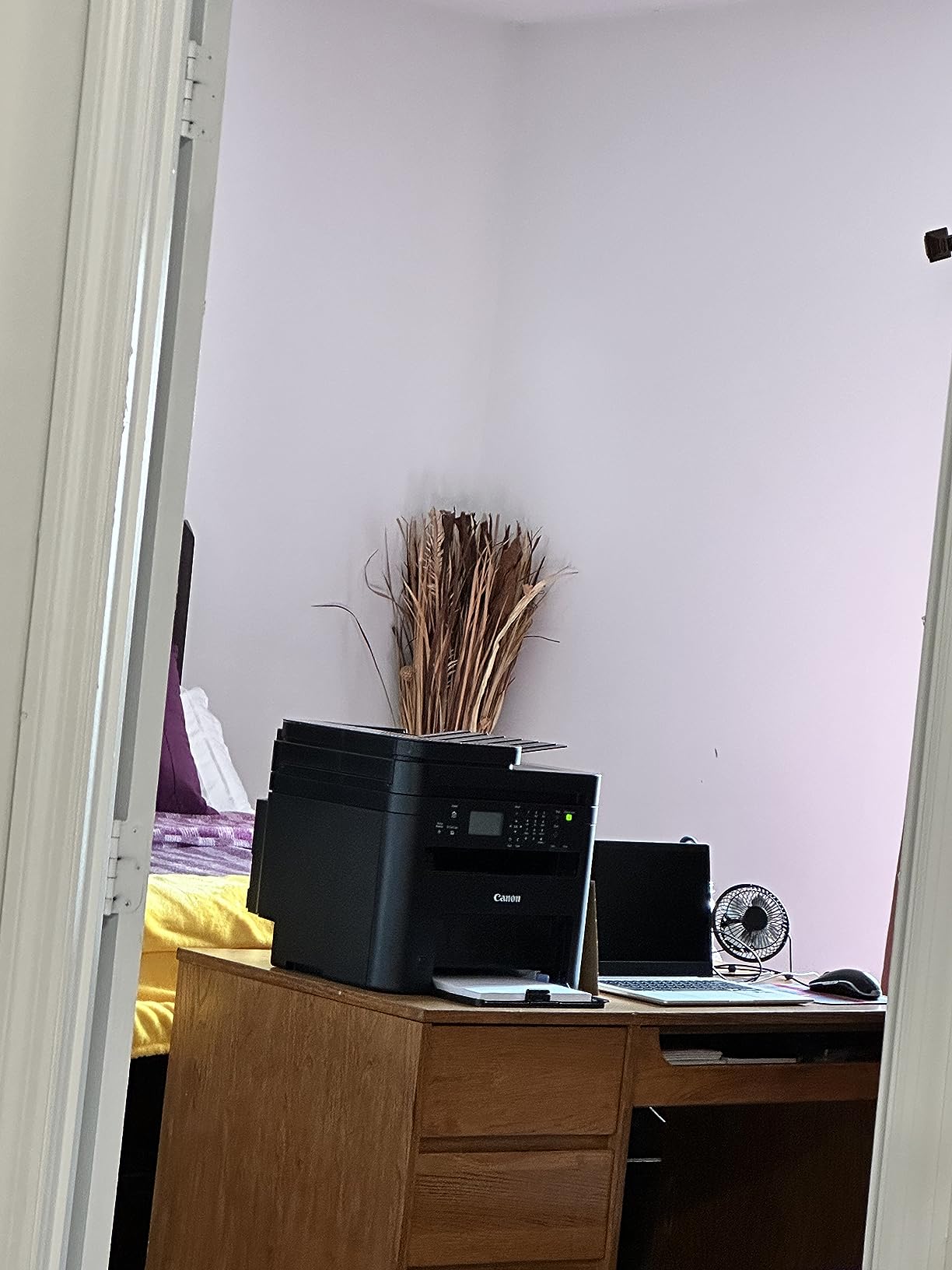
The MF273dw is a genuine three-function machine with a document feeder, which makes it a better fit for a homeschool room or a home office that files paperwork than a print-only Canon. It prints 30 pages per minute, delivers a first page in about 5.3 seconds and includes automatic two-sided printing.
Wireless support is thorough: USB, Wi-Fi and Wi-Fi Direct are all present, so a phone or laptop can print without routing through a router. The automatic document feeder and LCD display handle multi-page scan and copy jobs, and the maximum copy run reaches 200 pages.
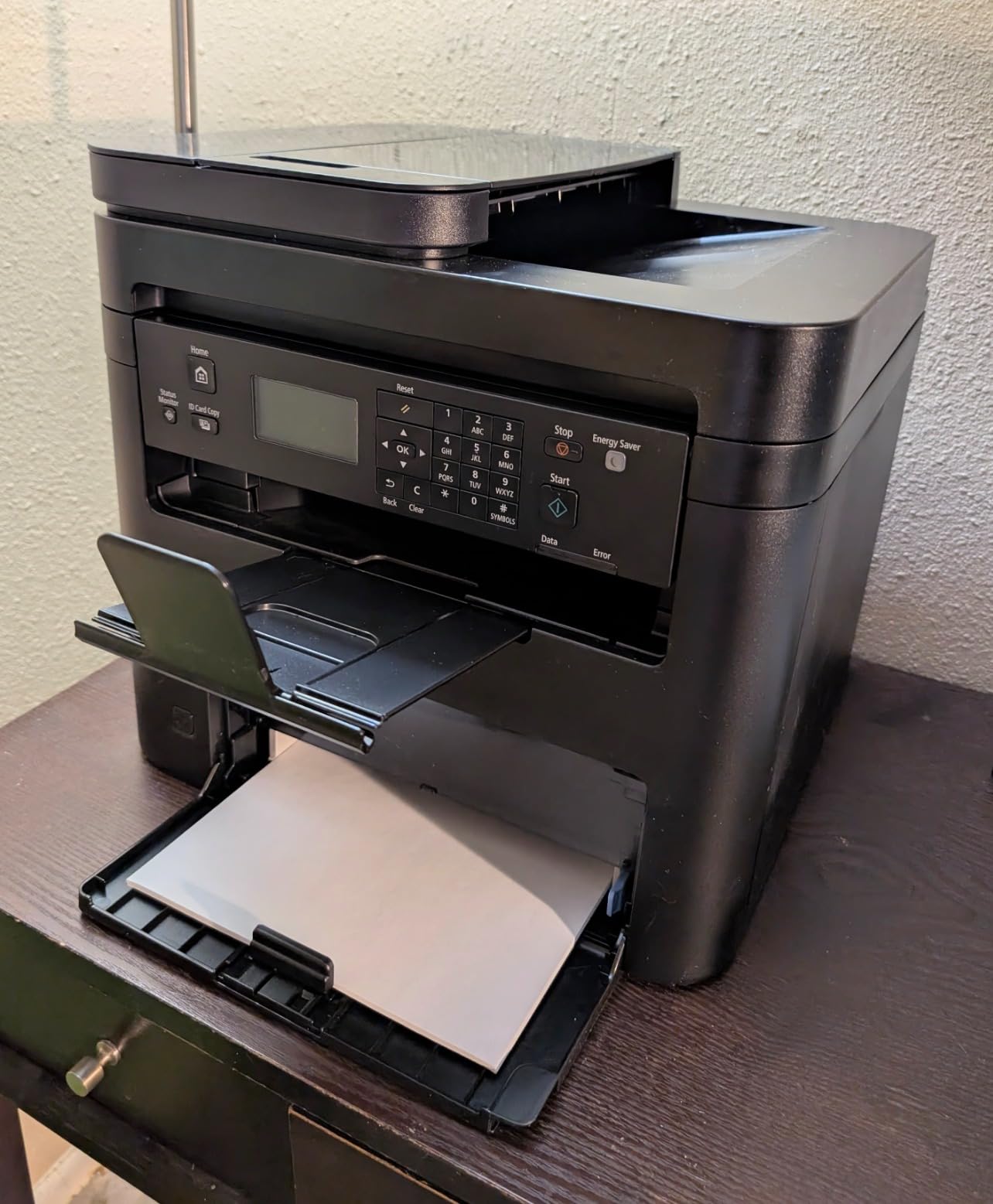
It accepts media from 3 x 5 inches up to 8.5 x 14 inches, including labels, and a 700-yield starter cartridge is included in the box. Resolution reaches 2400 x 600 dpi for both printing and copying, which is among the sharper figures in this list.
Energy Star and EPEAT Qualified ratings are listed among its features, and Canon backs it with a one-year limited warranty. Sixty-seven percent of reviews are five-star, which is a strong signal for such a compact multifunction.
What you should check before ordering
The 150-sheet paper capacity is the specification to notice. For a household printing weekly lesson packets rather than occasional pages, that means more refills than the 250-sheet machines provide.
Budget time for the initial wireless and driver setup, which some buyers find confusing. A one-year limited warranty is standard, so keep the receipt for the register.
Where it falls short
It is monochrome only, and there is no colour path at all. Colour charts, reward charts and school projects come out blank or in grey.
The scanner is sheetfed rather than a flatbed, which means it cannot handle books, thicker items or anything that will not feed through a roller. The machine itself is also heavy at 24.7 pounds for a home printer.
10. Xerox C235dni: Best for Colour at Home
- Wireless colour laser all-in-one
- 24 ppm in both colour and black and white
- built-in Wi-Fi with AirPrint and Mopria
- guided Easy Assist setup
- Black and white resolution only 600 dpi
- sheetfed scanner cannot handle thick items
- 35 pound body
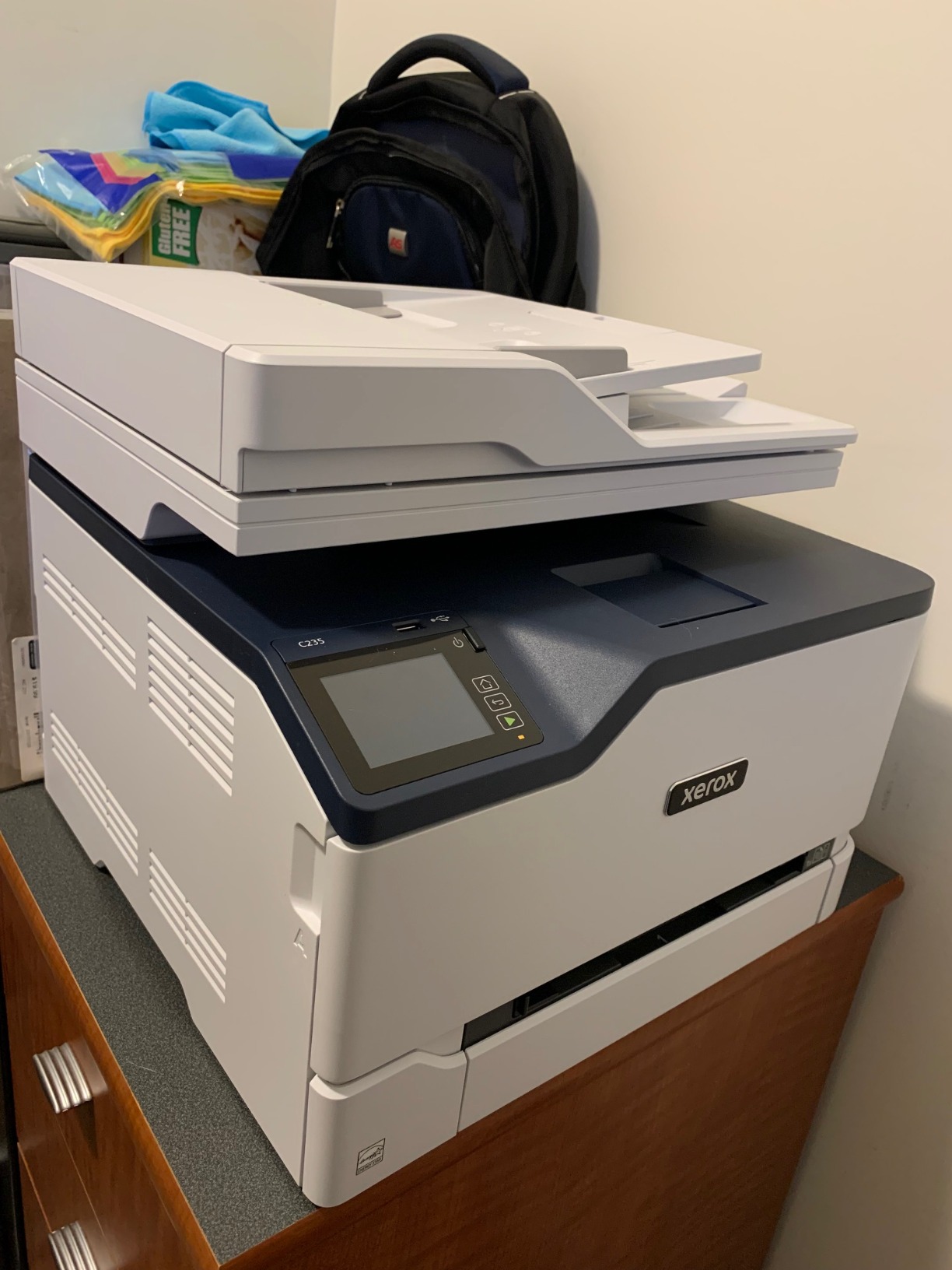
The C235dni is the reason this list is not monochrome only. It is a wireless colour laser all-in-one with print, scan and copy, 250 sheets across two trays, and 24 pages per minute whether the job is colour or black and white.
Connectivity is the strongest part. Built-in Wi-Fi with Apple AirPrint and Mopria support means phones, tablets and laptops connect without extra drivers, and the Xerox Easy Assist app walks through a multi-device installation on a 2.4 GHz network or over USB.
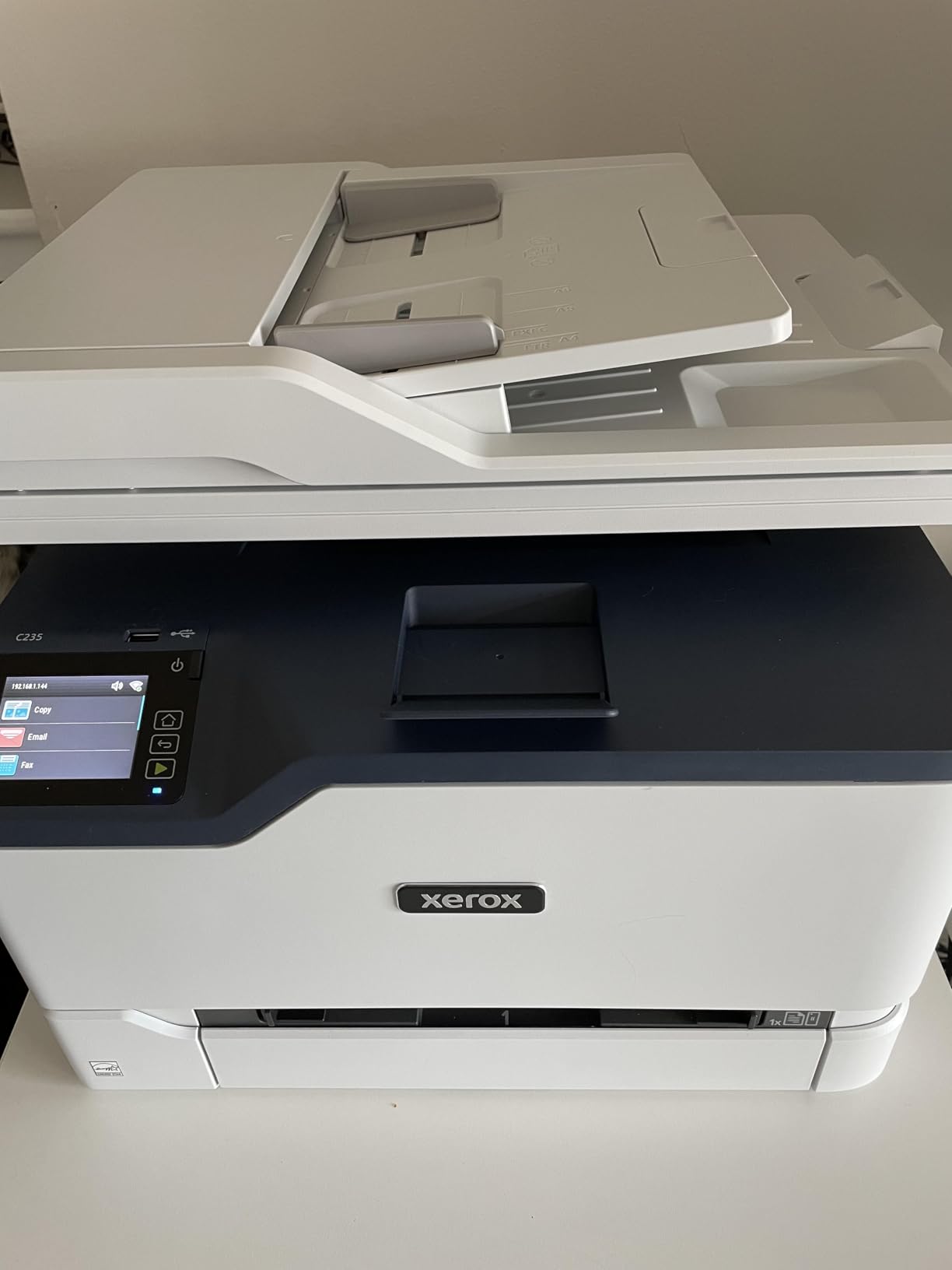
It includes starter toner rated at 500 pages and supports high-yield cartridges, which is how you keep the running cost of colour output reasonable. Xerox positions it for small offices printing up to 1,500 pages a month, and it lists home and home office as target uses.
Colour resolution reaches 1200 dpi with a 24-bit colour depth, and the control method is touch on a colour display. A one-year limited warranty is included.
What you should check before ordering
Set expectations on resolution. Black and white output and copying top out at 600 dpi, below the 1200 dpi monochrome models here, and copy speed is 22 pages per minute rather than 24. Photos still will not compete with a dedicated inkjet.
Check your colour volume before committing. Occasional colour charts are what this machine suits. A household printing colour pages weekly will feel the cost of four toner cartridges.
Where it falls short
The scanner is sheetfed, so it cannot scan books, magazines or thicker flat items. It is also the heaviest machine in the lineup at 35 pounds, which makes it a floor or sturdy shelf purchase rather than a desk machine.
Its rating sits among the lowest in the lineup at 3.8 stars, with 17 percent of reviews at one star.
11. Lexmark MS431dw: Best for High Print Volume
- Fastest monochrome output at 42 ppm
- compact footprint
- steel frame with long-life imaging components
- duplex as standard
- third-party toner reported working
- 100-sheet capacity is the smallest here
- sparse unillustrated documentation
- first-run control panel configuration is fiddly
The MS431dw is the speed pick. It runs at 42 pages per minute with a first page in 5.9 seconds, and the recommended monthly page volume runs from 800 to 8,000 pages, which puts it in a different class from the 19 and 21 ppm machines in this list.
Build quality stands out. A steel frame and long-life imaging components mean it is designed to be worked hard, and 70 percent of its reviews are five-star. Automatic two-sided printing is standard rather than an option, with energy-saving modes supporting its EPEAT Silver and Energy Star certification.
It connects over Wi-Fi, Ethernet and USB, and the two-line LCD display handles configuration and status. Envelope support is broad, covering common sizes including C5 and DL envelopes, plus A4, A5, letter, legal and folio.
Owners report that third-party toner cartridges work with this model, which is a real running cost advantage for anyone printing at volume.
What you should check before ordering
The 100-sheet paper capacity is the smallest in the lineup, and at 42 ppm you will fill it quickly. Pair it with a second tray if you print in volume, or keep paper within easy reach.
Allow time for first-run configuration. The control panel wants basic information such as date, time and language entered before use, and the included documentation is sparse and largely unillustrated, so the online manual or setup video is the practical route.
Where it falls short
It is print-only in practice despite the all-in-one listing, and there is no scanner or document feeder for scan-and-copy workflows. The online registration flow also pushes toward marketing emails, which some buyers find annoying.
The rating is high at 4.2 stars but the sample is small at 87 reviews, so long-term owner data is thinner here than for the Brother and HP models above.
How to Choose a Laser Printer for a Home Office?
Work out your real monthly page volume first, then check what the cartridge costs per page. A standard mono cartridge often covers 1,000 to 1,600 pages, which works out well below inkjet ink over a year. Multiply your monthly pages by twelve, divide by the cartridge yield, and you have cartridges per year; that figure decides whether a cheap printer with modest toner is a bargain or an expensive one.
Watch for the imaging unit. Many laser printers use a separate drum or imaging unit with its own page rating, and replacing it is an extra cost that catches new owners out. Reviewers flag this as an unexpected expense more often than they flag the toner itself. Buy a machine whose imaging unit is rated for at least 10,000 pages and you will rarely meet it early.
Third-party toner deserves a careful look. Owners on buying forums report that Brother machines generally accept aftermarket cartridges more readily than competitors, while HP models with chip-enforced cartridges block non-HP chips, and Canon’s GENUINE Toner 071 supply is likewise restrictive. Check current owner reports for your exact model before planning a budget around aftermarket toner. Some HP firmware updates tighten this further, and one detailed account describes a printer demanding a new cartridge simply to reset the toner status.
Paper handling matters more than any other spec for a home. A 250-sheet tray holds a full ream and cuts refills to weekly or less, while a 100 or 99-sheet tray means more attention on a busy month. Automatic duplex is worth paying for if you ever print two-sided documents, and a bypass or manual feed slot handles envelopes and thicker stock without dismantling the tray.
Think about the document feeder. An ADF saves real time when scanning signed contracts, permission slips or multi-page packets. Note that not every feeder scans both sides in one pass; the HP four-function unit here, for example, does not, so two-sided scans still need page flipping.
Connectivity should include dual-band Wi-Fi, since older 2.4GHz-only setups get congested on a modern home network. Wi-Fi Direct lets a guest print without joining your network, AirPrint and Mopria handle phone and tablet jobs natively, and Ethernet gives a reliable fallback. Plan the setup session accordingly: Wi-Fi pairing and firmware updates are the most commonly reported frustrations across all of these machines, and mesh routers can drop printers that go into deep sleep. Many of the models here ship with a guided app, and the Canon and Xerox units make the smoothest first-run experience.
Noise and placement deserve a mention too. Laser printers are not silent, but the fan noise is a steady hum rather than the rattle of an inkjet carriage, and models that draw under 2 watts in Energy Saver mode suit a shared room better. If you want a printer in a bedroom or a study, check the physical dimensions and weight as well, since a 35 pound machine cannot move easily between rooms.
One more practical note before the picks. A printer on the same desk as other equipment needs a little planning, and our guides to the best weather stations for home use, the best generators for home use and the best wind turbines for home use cover the kind of devices that usually end up sharing a workspace with it.
Brother vs Canon vs HP vs Xerox for Home Ownership
Long-term owner reports point in a consistent direction. A Brother colour laser in one community thread was still working after roughly eight years, and community consensus holds that Brother is the friendliest brand toward aftermarket toner cartridges of the four. The practical result is the lowest cost per page over time and the fewest supply headaches, provided the initial wireless setup does not defeat you.
Canon sits in the middle on toner flexibility. Its GENUINE Toner 071 and 125 supplies are easy to find and the 125 cartridge carries a 1,600 page yield, but the models here are tied to genuine cartridges, which narrows the aftermarket options. Canon’s strengths are fast first page times and compact bodies, and its ratings here are the lowest of the four brands.
HP builds the best-connected machines but enforces cartridge policy most aggressively. The AirPrint and Mopria certification and dual-band Wi-Fi across the range are genuinely good, and the M234dw is compact and quick, but chip-locked cartridges and firmware updates that block third-party toner are recurring complaints. HP reliability and support experiences also drive some buyers to rule the brand out entirely, while others report flawless long-term use on the same models.
Xerox sits in the colour corner. The C235dni is the only colour laser here and handles AirPrint and Mopria well, but it is the heaviest machine at 35 pounds, its black and white resolution is only 600 dpi, and it has the thinnest review base at 297 ratings. Lexmark, meanwhile, earns its place on speed, steel construction and reported third-party toner compatibility rather than on ecosystem features.
If you want one sentence: Brother for lowest running cost, Canon for compactness and speed, HP for connectivity, Xerox for colour.
When Not to Buy a Laser Printer for Home?
Skip laser if photographs are the goal. Laser colour is built from dithered toner dots, so gradients break into visible banding on skies, skin tones and large solid areas. Glossy and photo paper is also outside the design, since the fuser runs hot to bond powder to the sheet.
Skip laser if you print plastics, windowed envelopes or sticker sheets. The fuser heat can curl or deform vinyl and melt the plastic window on a standard envelope, and the toner does not bond reliably to adhesive surfaces. Use matte paper and cardstock only, and if you need windowed envelopes, print the address on a label instead.
Skip laser if your colour volume is low and irregular. Colour laser machines carry four cartridges, and each one that sits unused can dry or reach the end of its rated life while unused. A colour ink tank machine is often the cheaper answer for a few colour pages a month.
Finally, do not buy a laser to handle a single sheet a week. The machines are built for volume, and if you print rarely, an inkjet or ink tank unit with a lower entry cost and no cartridge sitting idle suits the pattern better. Our take is not that laser is wrong for home use, only that it is right for a specific kind of home printing: text, forms, worksheets and labels.
Frequently Asked Questions
Are laser printers being phased out?
No. Laser printing is not being phased out for home or small office use, and the models on this list are current hardware rather than discontinued stock. The inkjet side is where the movement has happened, with ink tank models taking over the cheap end of the market. Laser remains the standard for high-volume text because toner stores as powder, costs less per page and never dries out in the nozzles the way inkjet ink can. What has changed is the software layer, with more manufacturers pushing app-based setup and subscription toner programmes rather than any change to the underlying technology.
What are the top 5 laser printers for home use?
Our top five are the Brother DCP-L2640DW as the best all-rounder, the Brother HL-L2460DW for heavier home office volume, the HP LaserJet MFP M234dw as the best compact all-in-one, the Brother HL-L2405W as the best value print-only option, and the Canon imageCLASS LBP122dw for the quickest first page. Between them they cover 30 to 36 pages per minute, automatic duplex, wireless printing and a scanner where you need one. Every pick is monochrome, because that is what the vast majority of home printing actually is.
Is it worth buying a laser printer for home use?
It is worth it if you print text most weeks. Toner costs far less per page than inkjet ink, text stays sharp and smudge resistant, and a laser that has sat unused for a month still prints on the first try instead of running cleaning cycles. It is not worth it if you mainly print photos, glossy media or plastics, or if you print a handful of pages a year, because the entry cost buys capacity you will not use. A hundred pages a month is a reasonable break-even point between the two.
Are Brother printers more reliable than HP?
Long-term owner reports tend to favour Brother. Community threads describe a Brother colour laser still running after roughly eight years, and owners consistently report that Brother machines accept aftermarket toner more readily than HP models. HP counters with better connectivity, including AirPrint and Mopria certification and dual-band Wi-Fi across the range, and some owners report flawless long-term use on HP models. The reliability gap is real but modest; the running cost gap is the more meaningful difference over several years.
How much does laser printer toner cost?
It depends on yield and brand policy. A standard mono cartridge commonly covers 1,000 to 1,600 pages, and Canon’s Genuine Toner 125 here is rated at 1,600 pages, which keeps cost per page low. HP models with chip-locked cartridges block non-HP chips, and Canon models tied to GENUINE Toner 071 or 071H narrow aftermarket supply, so budget for genuine cartridges there. Also remember the imaging unit, which is a separate consumable with its own page rating and is the running cost surprise new owners report most often.
Final Verdict
The Brother DCP-L2640DW is our pick for the best laser printers for home use in 2026. It combines 36 pages per minute, a 50-page document feeder, automatic duplex and dual-band wireless, and its owner base of more than 3,900 ratings reflects years of steady use rather than a launch-week spike.
For pure value and low volume, the Brother HL-L2405W is the sensible second choice. For heavier home office volume, step up to the HL-L2460DW. Colour needs point to the Xerox C235dni. Whichever you pick, buy for your monthly page count, not for the sticker, and check the toner policy before you commit.
We keep our buying guides updated through 2026, and every model above links straight to its current listing so you can check the configuration before buying.