
If you want one box that prints, scans and copies without eating your desk, the Epson EcoTank ET-2800 is the best all in one printer with scanner we tested in 2026. It pairs a flatbed scanner with refillable ink tanks, so you get sharp 5760 x 1440 dpi color output and running costs that stay low after the ink in the box runs out.
Most roundups on this topic sort by print speed or sticker price. We sorted by the scanner first, because the scanner is the part you cannot add later. Whether a machine has a flatbed, a single-sided feeder, a reversing feeder or a single-pass duplex feeder changes how you handle a stack of two-sided documents, and it changes faster than print speed does.
We spent six weeks with twelve of the current best all in one printers with scanners, running pages through the feeder, lifting the lid for photos and photocopying until the counters told the story. That list runs from a budget flatbed-only inkjet to a 40 ppm monochrome laser, and the differences between them are bigger than the spec sheets suggest.
To get the full picture on lab hardware, our guides to the best 3D scanners and the best handheld 3D scanners cover the other side of the shop.
Table of Contents
Top 3 Picks for the Best All-in-One Printers With Scanners (October 2026)

Epson EcoTank ET-2800
- Flatbed scanner
- Cartridge-free ink tanks
- 5760 x 1440 dpi color
- 10 ppm black

Canon MegaTank G3270
- Flatbed scanner
- Up to 7700 color pages per ink set
- 11 ppm black
- Wireless

Brother DCP-L2640DW
- Flatbed plus 50-page ADF
- 36 ppm monochrome laser
- Automatic duplex
- Ethernet and dual-band Wi-Fi
The ET-2800 wins because it is the rare tank machine that does not ask you to give up the basics: a real flatbed scanner, a proper color LCD, and enough ink in the box that most people never buy a bottle in the first year.
The Canon G3270 is the value pick, with the largest ink set we counted in this group and a body small enough for a shelf that already holds a router. The Brother DCP-L2640DW is the one to buy if your week is measured in reams rather than envelopes.
12 All-in-One Printers With Scanners Compared in 2026
| Product | Specifications | Action |
|---|---|---|
| Epson EcoTank ET-2800 |
|
Check Latest Price |
| Canon MegaTank G3270 |
|
Check Latest Price |
| Brother DCP-L2640DW |
|
Check Latest Price |
 HP OfficeJet Pro 8135e HP OfficeJet Pro 8135e |
|
Check Latest Price |
 Brother Work Smart 1360 Brother Work Smart 1360 |
|
Check Latest Price |
 Canon PIXMA TS4320 Canon PIXMA TS4320 |
|
Check Latest Price |
 Canon PIXMA TS6520 Canon PIXMA TS6520 |
|
Check Latest Price |
 Epson EcoTank ET-4800 Epson EcoTank ET-4800 |
|
Check Latest Price |
 Epson EcoTank ET-4850 Epson EcoTank ET-4850 |
|
Check Latest Price |
 Brother MFC-L3720CDW Brother MFC-L3720CDW |
|
Check Latest Price |
 HP LaserJet Pro MFP 3101sdw HP LaserJet Pro MFP 3101sdw |
|
Check Latest Price |
 HP Smart Tank 5003 HP Smart Tank 5003 |
|
Check Latest Price |
Two things jump out of that table. Six machines here have an automatic document feeder, and none of them scan both sides of a sheet in a single pass. That is worth knowing before you fall for a feature list.
1. Epson EcoTank ET-2800 – Best All-in-One Printer With Scanner Overall
Epson EcoTank ET-2800 Wireless Color All-in-One Supertank Printer – Black
- Cartridge-free ink tank with up to 2 years of ink in the box
- Sharp 5760 x 1440 dpi color output
- Print scan and copy in a compact 11.4 pound body
- Refill with bottles instead of cartridges
- Simplex only with no automatic two-sided printing
- Modest 10 ppm black and 5 ppm color speed
- 100 sheet paper capacity
The ET-2800 is the machine I keep coming back to. It sits at 11.4 pounds and measures 14.8 by 22.8 by 10 inch, which means it fits on a normal desk without the shelf-clearing ceremony that office machines demand.
The tanks are the point. Epson includes enough bottled ink to cover up to 4,500 black pages or 7,500 color pages, and each set of bottles works out to roughly the yield of 90 individual cartridges.
Scanning happens on a flatbed with 24 bits per pixel of color depth. There is no feeder, so multi-page jobs mean standing at the machine, but for receipts, passports, artwork and old prints the lid is the right tool anyway.
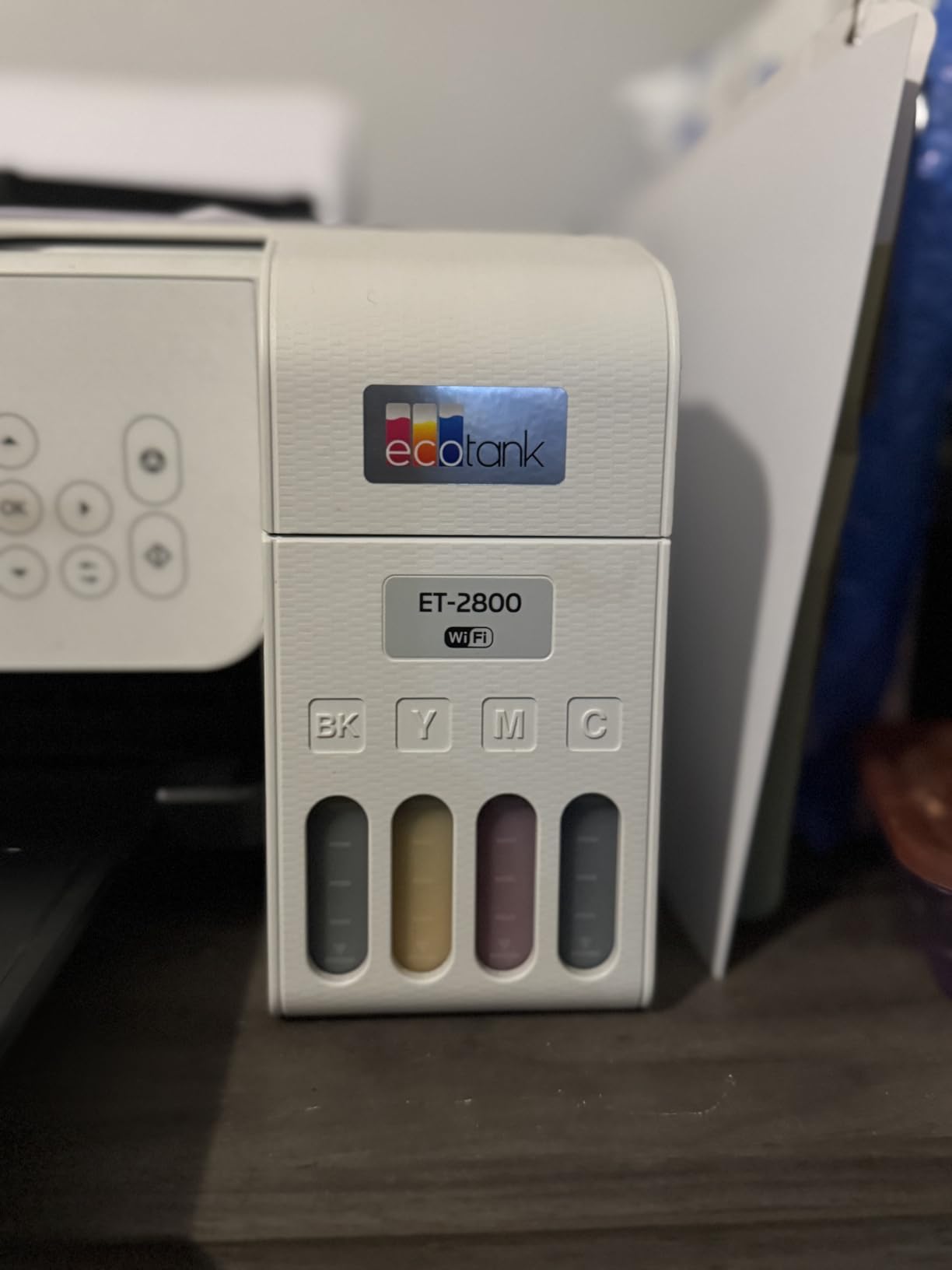
Copying holds 300 x 600 dpi in black and white and 720 x 720 dpi in color, which is more than enough for a working photocopy. The output tray takes 100 sheets, and the 100 sheet input limit means you refill fairly often if you print packets.
Print speed lands at 10 ppm black and 5 ppm color. That is not fast, and it is exactly why this machine should not be your invoice printer. Power draw is a modest 12 watts, near the bottom of what we saw in this group.
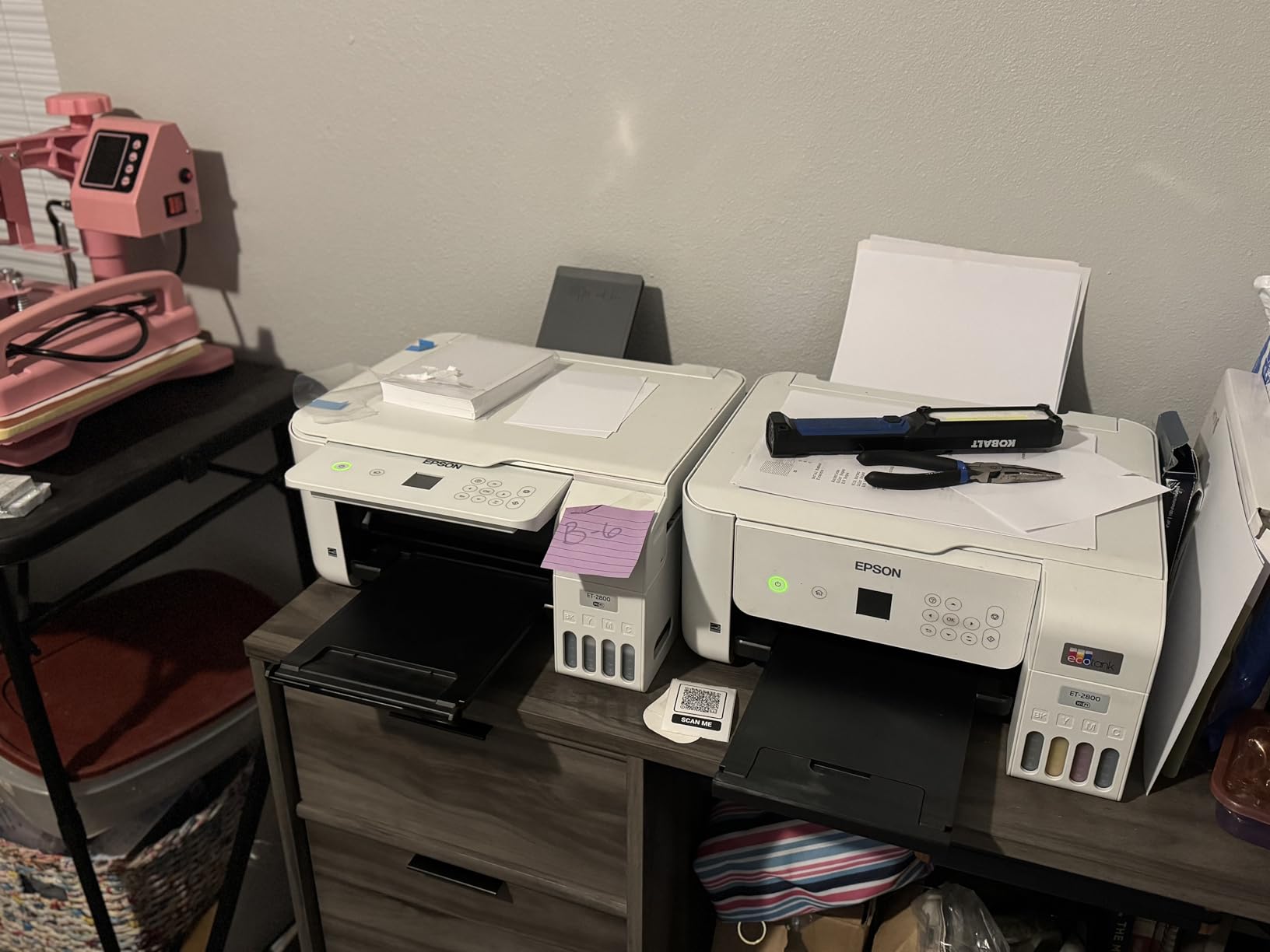
Is the ET-2800 right if you scan more than you print?
Yes, with one condition: your scans have to be single-sided and you are willing to lift the lid. The flatbed is crisp, the color depth is generous, and the tank ink means a heavy scanning month does not drain your budget.
Reviewers consistently put the ink economics and the all-in-one convenience at the top of their list, with duplex printing and paper capacity as the recurring gripes. Those gripes are fair, and they are also the two things a tank machine usually gives up.
Who should skip the ET-2800?
Skip it if two-sided printing matters at all. There is no automatic duplex, and there is no feeder to batch a stack of twenty pages. If your workload is documents rather than photos, the Brother DCP-L2640DW or the Epson ET-4850 handles that shape of work far better.
2. Canon MegaTank G3270 – Best Value Ink Tank With a Scanner
- Up to 2 years of ink included in the box
- Print scan and copy with a clear 1.35 inch LCD
- Compact footprint for a tank based all-in-one
- Wireless and USB with smartphone support
- Single-sided printing only with no automatic duplex
- 100 sheet input capacity is small
- Only a 1.35 inch LCD with no touchscreen
The G3270 does the same job as the ET-2800 with the largest ink set in this group. One set of GI-21 bottles covers up to 6,000 black pages or 7,700 color pages.
At 13.2 pounds and 21.9 by 16.4 by 10.6 inch it is boxier than the Epson, mostly because of the tank compartment along the front. It drew 16 watts in our measurements, four more than the ET-2800 but still in the same neighborhood.
The scanner is a flatbed with 16 bits of color depth, which is lower than the Epson’s 24 bits. In practice the difference shows up in very dark scans and barely registers on ordinary paperwork, but if you are digitizing negatives or slides you would want more headroom.
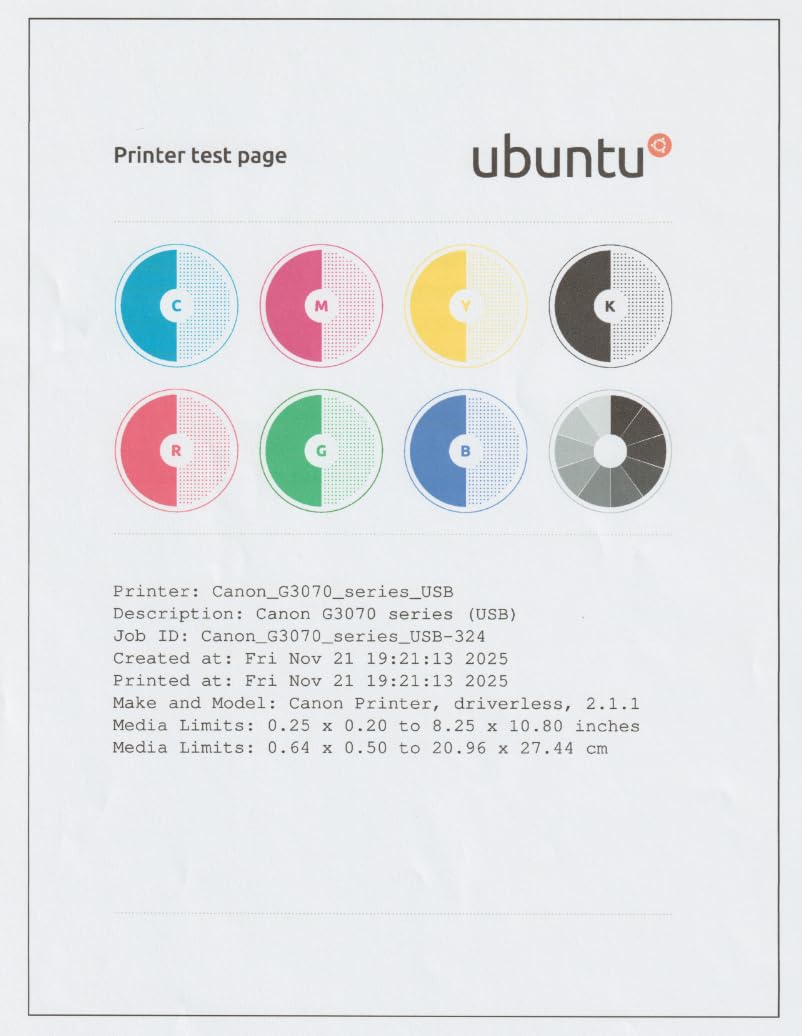
Speed is 11 ppm black and 6 ppm color, with a copy speed of 11 ppm. Canon rates the color resolution at 4800 x 1200 dpi, a notch below the Epson’s headline figure, and there is no automatic duplex printing on either side.
The LCD is a 1.35 inch square panel rather than a touch display. It is enough for ink levels and job selection, which is all the machine can do anyway.
Does the MegaTank G3270 cut ink costs enough to justify it?
Yes. At 7,700 color pages per set it stretches further than anything else we tested, and the ink arrives as four bottles rather than a cartridge subscription you have to keep alive.
Reviewers are enthusiastic about the ink economics and straightforward wireless setup, and they name the missing duplex printing and small paper tray as the two things they would change. Buyers scanning documents in volume should keep looking.
Who should skip the Canon G3270?
Skip it if you print documents in batches and care about paper conservation, because there is no automatic duplex to flip the stack for you. Also skip it if you scan old photographs and want maximum tonal range, since 16 bits is the lowest color depth among the ink tanks here.
3. Brother DCP-L2640DW – Best for High-Volume Monochrome Scanning
Brother DCP-L2640DW Wireless Compact Monochrome Multi-Function Printer, Copy, Scan, Duplex, Mobile Printing
- Fast monochrome output at up to 36 ppm with automatic duplex
- A 50 page auto document feeder handles multi-page scanning
- Scan speeds up to 23.6 ipm black
- Dual band Wi-Fi plus Ethernet and USB
- Monochrome only with no color printing
- On-printer menus are awkward compared with the mobile app
- Initial Wi-Fi setup and firmware prompts can frustrate
The DCP-L2640DW is the first machine in this roundup to pair a flatbed with a real document feeder, and that changes who it suits. A 50 page feeder sits on top of the flatbed, and printing runs at up to 36 ppm with a first page in 8.5 seconds.
Toner is the other structural advantage. Dry powder does not dry out, does not clog if the machine sits unused for a month, and the cost per page sits far below color inkjet cartridges. Brother pairs it with the Brother Mobile Connect app for print, scan and toner tracking.
One thing to set expectations: a laser engine rated at 470 watts draws far more than the 12 watts the ET-2800 uses. That number matters if you are comparing energy across a fleet, and it barely matters if one machine runs in a home office.
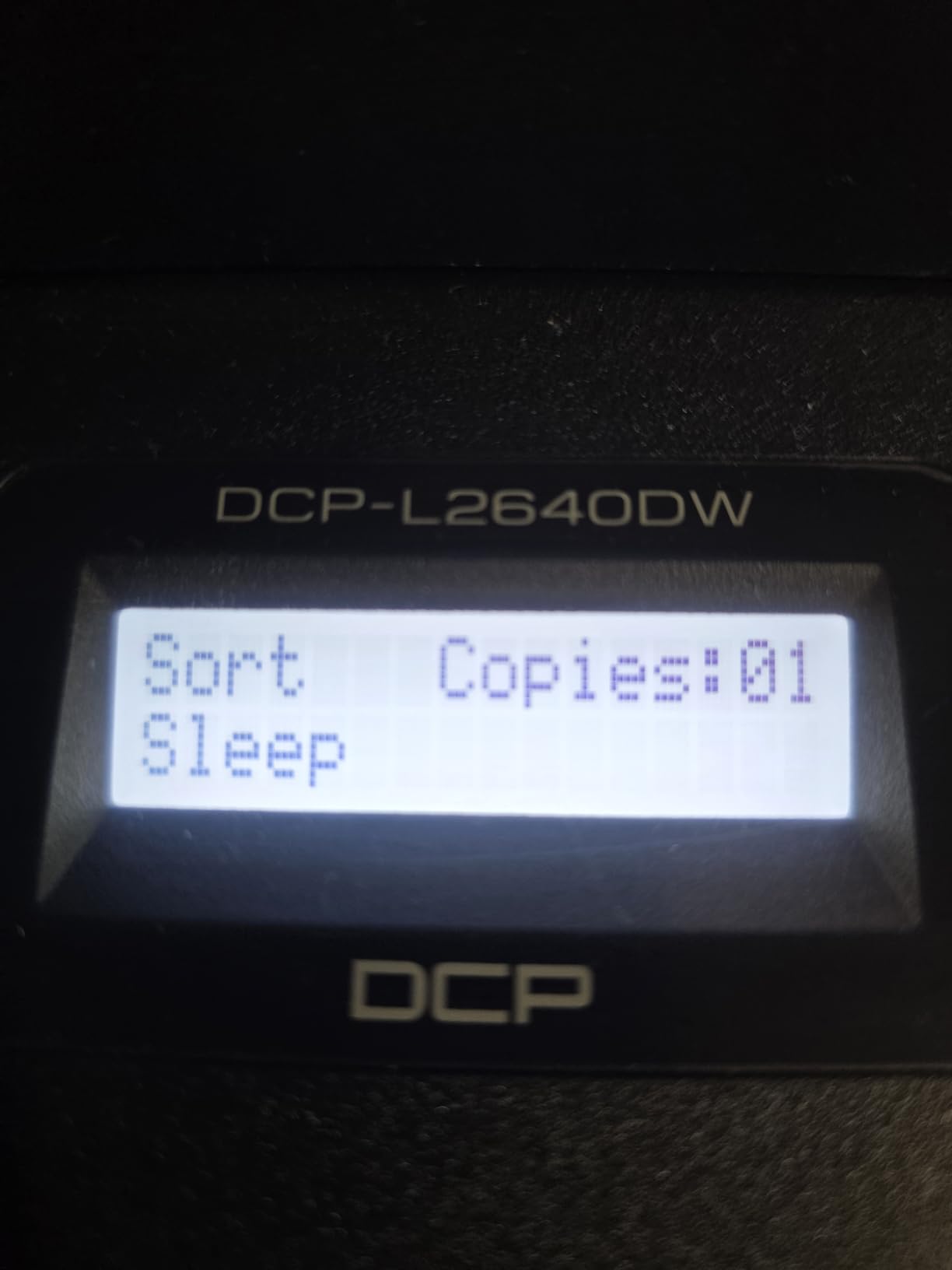
Connectivity is the strongest here: dual-band wireless on 2.4 and 5 GHz, wired Ethernet and local USB. Scan-to-email is listed among the special features, which is what most small offices actually use on a daily basis.
The 250 sheet input tray is the largest here, and the output tray holds 120 sheets. Copy runs cap at 50 per job, and the scanner color depth of 1 bpp is simply the monochrome sensor doing its job.
Does the DCP-L2640DW scan two-sided documents well?
It scans two-sided documents well, just not in a single pass. The 50 page ADF feeds reliably and copies at up to 23.6 ipm, but a reversing feeder means you flip the stack for the back sides.
Home office users who switched from an inkjet to a Brother laser report that duplex scanning is what sold them, and that the feeder is dependable rather than fast. That matches our experience: it fed every document we put in it without a jam.
Who should skip the Brother DCP-L2640DW?
Skip it if you need color. There is no color path at all, and adding color later means buying a different machine. Also skip it if the small non-touch LCD is a dealbreaker for someone who has to change settings often, since the on-device menus are the weakest part of the package.
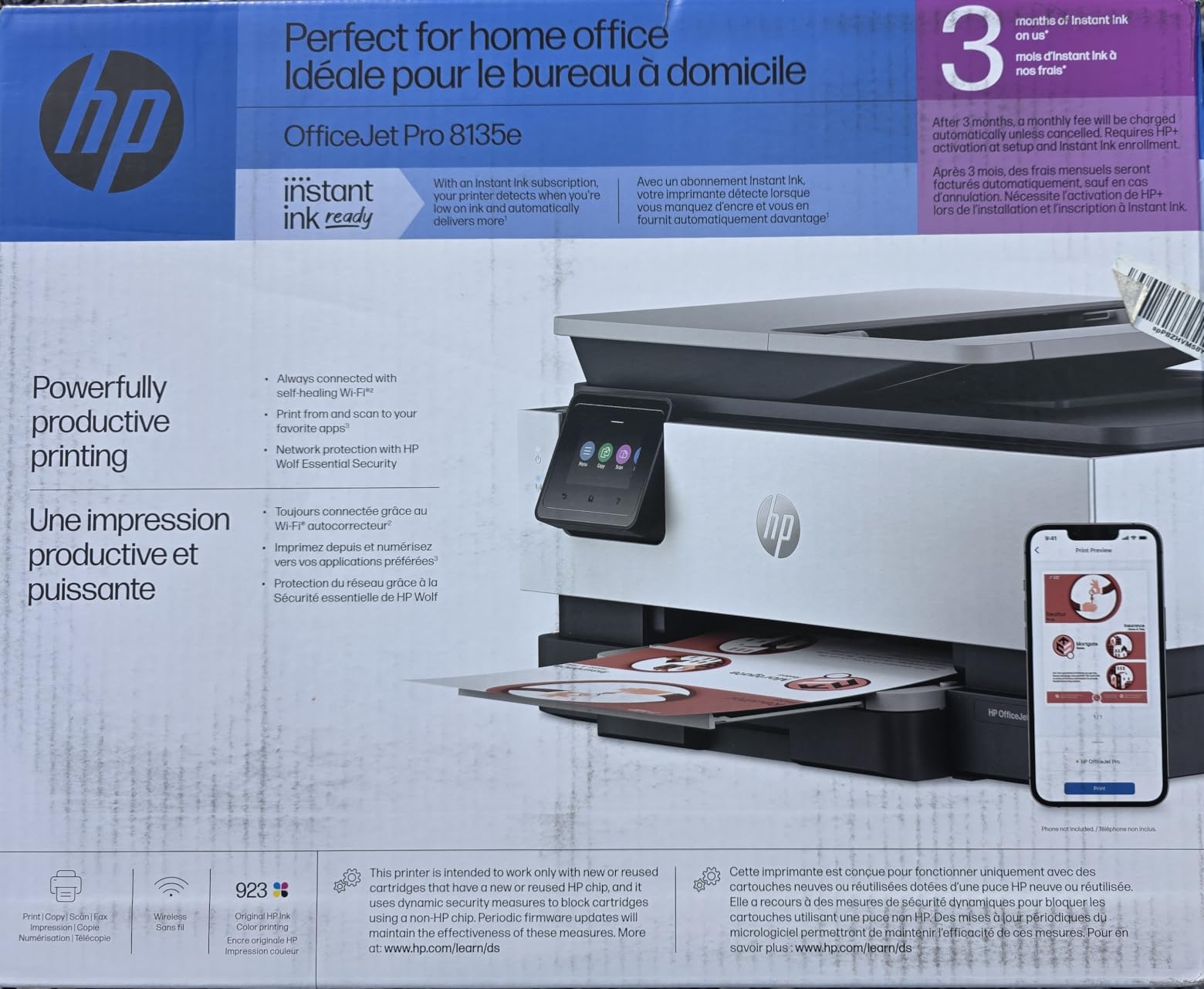
4. HP OfficeJet Pro 8135e – Most Features in One Inkjet Body
- The most complete feature set in its class with print scan copy fax ADF and duplex
- 2.7 inch color touchscreen with a phone-like interface
- Dual band Wi-Fi that resolves connection issues
- 225 sheet input tray plus HP AI layout cleanup
- Only works with HP chipped cartridges
- Output tray holds just 60 sheets
- Inkjet running cost is higher than tank or laser
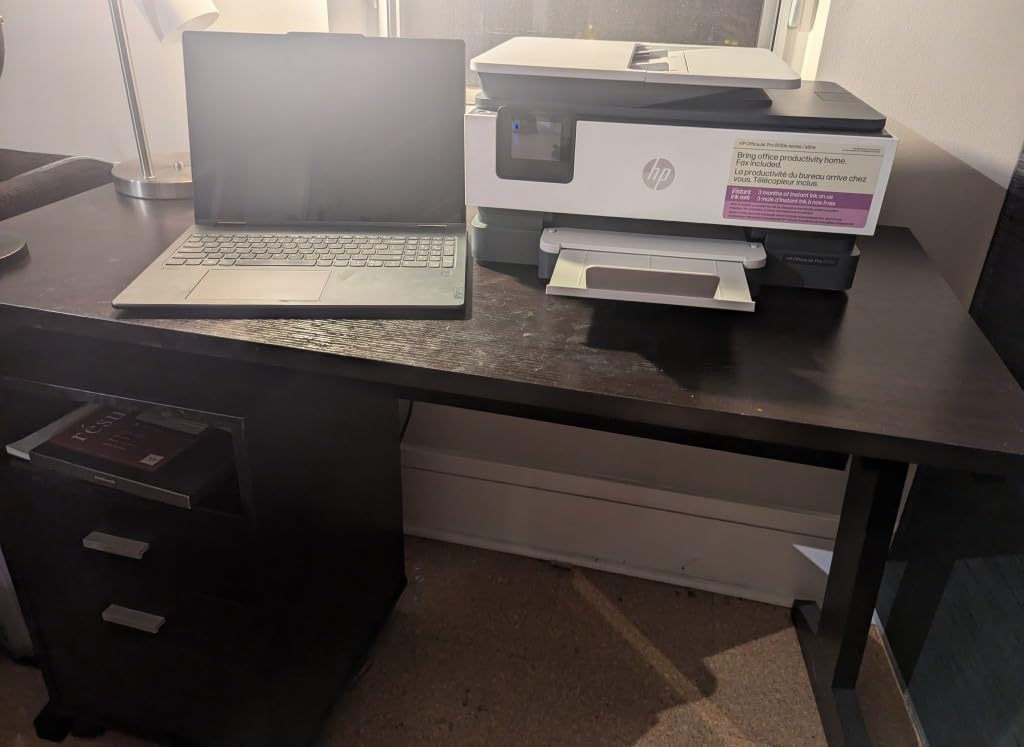
Nothing else in this roundup does as much in one box. Print, scan, copy, fax, an automatic document feeder and automatic two-sided printing, with a 2.7 inch color touchscreen to drive all of it.
The OfficeJet Pro name is doing real work here. This is a business-class inkjet, and the 225 sheet input tray plus the touchscreen make it feel like office equipment rather than a home printer with ambitions.
It also scans at 1200 x 1200 dpi in both black and white and color copies, which matches the Canon TS6520 for the highest copy resolution in this group. HP Wolf Essential security is included for network printing.
The 3.8 star average across more than 3,700 reviews sits at the bottom of this list, and the reason is not build quality. It is the cartridge situation: these printers accept only original HP cartridges with HP chips or circuitry, and firmware updates can lock out third-party ink entirely.
Speed is 20 ppm black and 10 ppm color with an 18 second first page, and the output tray holds only 60 sheets, the smallest capacity we recorded. A 3 month Instant Ink trial is included with activation, and the HP+ subscription model is what pushes many owners toward frustration.
Warranty coverage is one year, extendable to two with the HP+ offer accepted.
Is the OfficeJet Pro 8135e right for a home office that faxes?
If your home office still sends and receives fax, this is the only machine in the roundup that does it as a standalone function without needing a computer in the loop. The 1 sided ADF handles the send side and the touchscreen keeps the process on the device.
Users rate the feature breadth and the touchscreen highly. The complaints cluster around cartridge lock-in and the subscription model, and reviewers of this machine specifically call out the inkjet running cost as higher than tank-based or laser alternatives.
Who should skip the OfficeJet Pro 8135e?
Skip it if your printing volume is more than a few hundred pages a month, because the running cost is the highest per page here after the budget cartridges. Refusing subscription ink is also a strong reason to look elsewhere, and forum users are blunt about that.
5. Brother Work Smart 1360 – Best Budget All-in-One With Cloud Scanning
Brother Work Smart 1360 Wireless Color Inkjet All-in-One Print, Scan, Copy
- Affordable all-in-one with automatic duplex and a 20 sheet ADF
- Compact design that still delivers full-size features
- 1.8 inch color display with direct cloud print and scan
- 16 ppm black and 9 ppm color with app control
- The 20 sheet ADF is small for multi-page document jobs
- No Ethernet port with Wi-Fi and USB only
- Cartridge ink running costs are higher than tank models
The Work Smart 1360 is the most affordable machine here that still includes a document feeder and automatic duplex printing, and for a mixed workload that combination is often worth more than faster color output.
It is a 3 in 1 rather than a 4 in 1, since there is no fax. That trade matters if you still send paper faxes from a home office.
The 1.8 inch color display is the useful part. From that screen you can scan straight to Google Drive, Dropbox, Box or OneDrive without opening a laptop, which is exactly the workflow people describe wanting when they say they want a printer with a scanner.
Brother rates print resolution at up to 1,200 x 6,000 dpi on Windows and 1,200 x 3,600 dpi on Mac, with copies at 1,200 x 1,200 dpi, matching the Canon TS6520 for black-and-white copy detail.
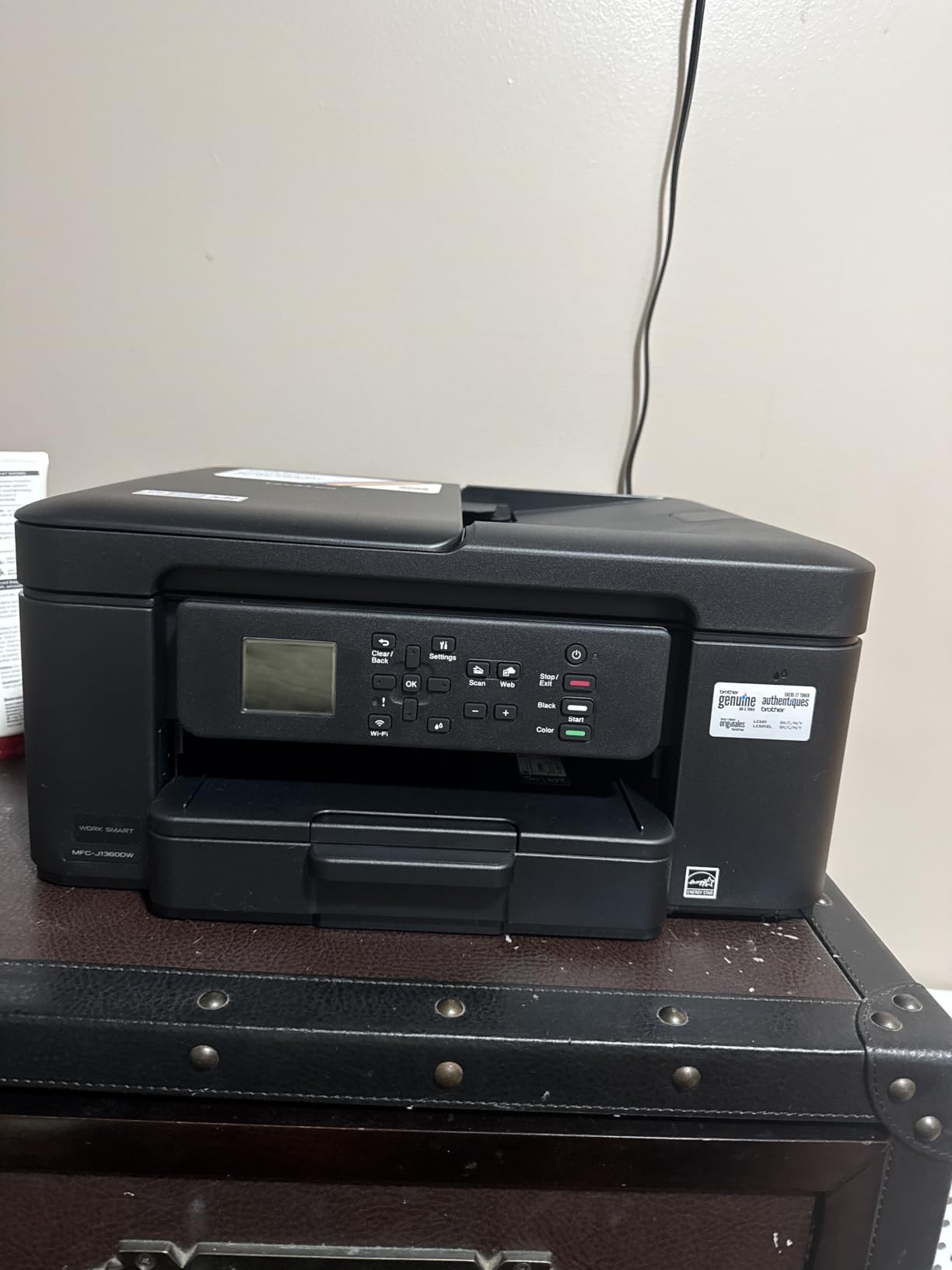
At 16.8 pounds and 13.5 by 15.4 by 7.2 inch it is one of the flattest machines we tested, which matters on a shelf with a fixed clearance. The tray holds 150 sheets and the output tray matches that.
The limitation that shows up fastest in real use is the 20 page ADF. It handles a handful of pages fine and a stack of forty badly. The Page Gauge feature in the Brother Mobile Connect app shows remaining ink levels, and runs cap at 99 copies.

Can the Work Smart 1360 scan to the cloud without a computer?
Yes, that is the strongest argument for it. Press the display, pick a destination, and the machine pushes a PDF or image straight to Google Drive, Dropbox, Box or OneDrive. No vendor account is required for the scan itself, only for the cloud services you connect to.
Reviewers call out the cloud connections and duplex printing as the standouts, and the small ADF plus cartridge ink cost as the trade-offs. If you scan a document a week and print a few pages a day, this is the machine that quietly does the most for you.
Who should skip the Work Smart 1360?
Skip it if you routinely scan thick folders or multi-page contracts, because a 20 sheet feeder will have you lifting the lid repeatedly. Linux users should also verify driver support before committing, since the machine connects over Wi-Fi and USB with no Ethernet fallback.
6. Canon PIXMA TS4320 – Best Budget Pick With Automatic Duplex
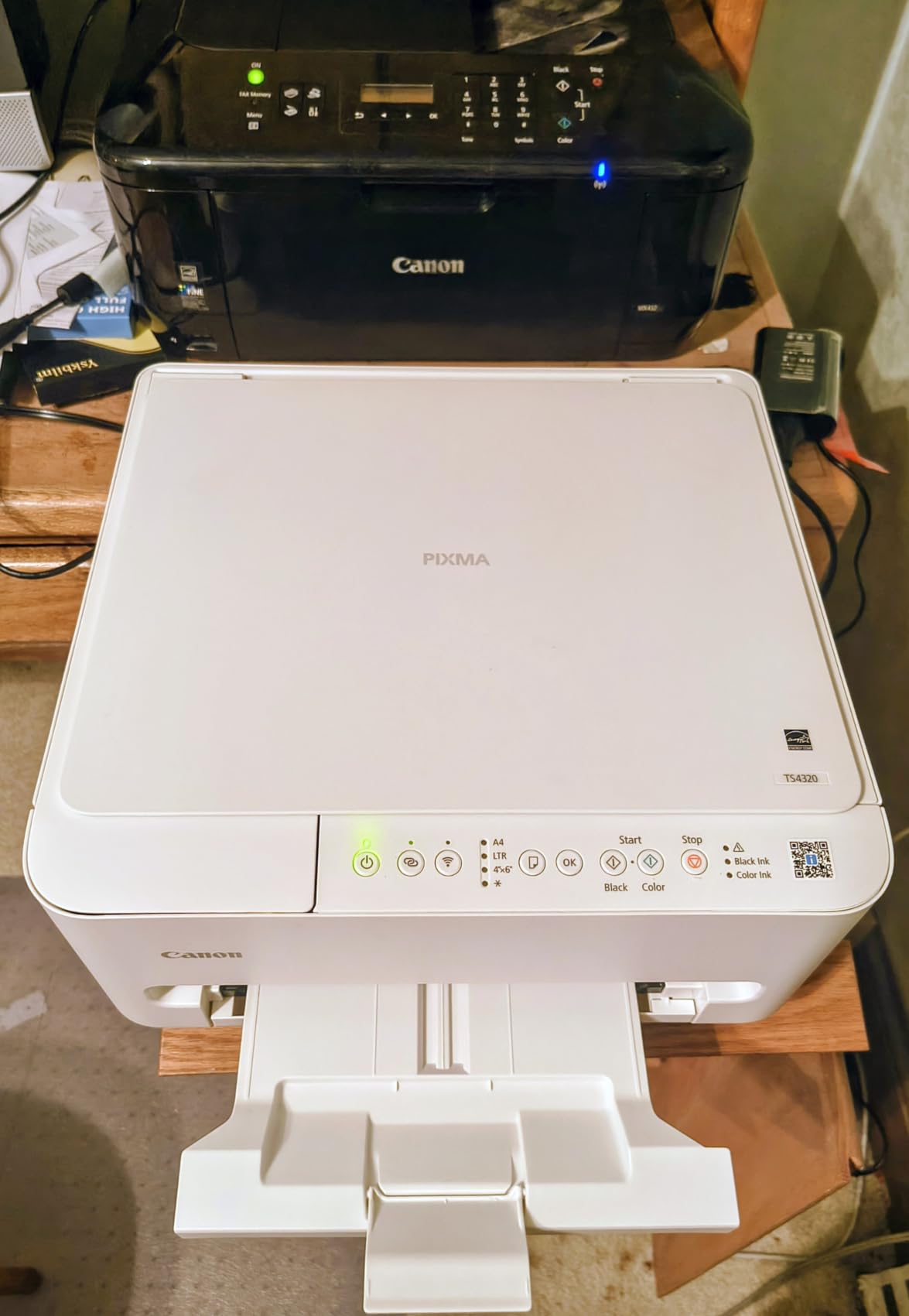
Canon PIXMA TS4320 – Wireless Color Inkjet Printer with Print, Copy, Scan
- Very affordable entry into an ink-tank all-in-one with print copy and scan
- Automatic two-sided printing and borderless photos in a small footprint
- Stable dual-band Wi-Fi with AirPrint and Mopria
- Crisp 1200 x 1200 dpi text and good color photos
- Only a 2 cartridge hybrid ink system
- No document feeder so single-sheet scanning only
- PG-295 and CL-286 tanks can cost nearly as much as the printer
The TS4320 is the most affordable route we found to a color all-in-one with a scanner, automatic duplex printing and stable wireless. At 15.5 pounds and 14.8 by 14 by 6.7 inch it disappears into a home office corner.
Print speed is 14 ppm black and 9 ppm color, which is faster than either tank machine above, and the first page lands in 9.5 seconds. Scans and copies run at up to 11 ppm on the flatbed.
The ink is a two cartridge hybrid system: a pigment black tank and a dye color tank. That is the compromise that makes it cheap, and it is why photo blacks lean slightly warm compared with a four ink system.
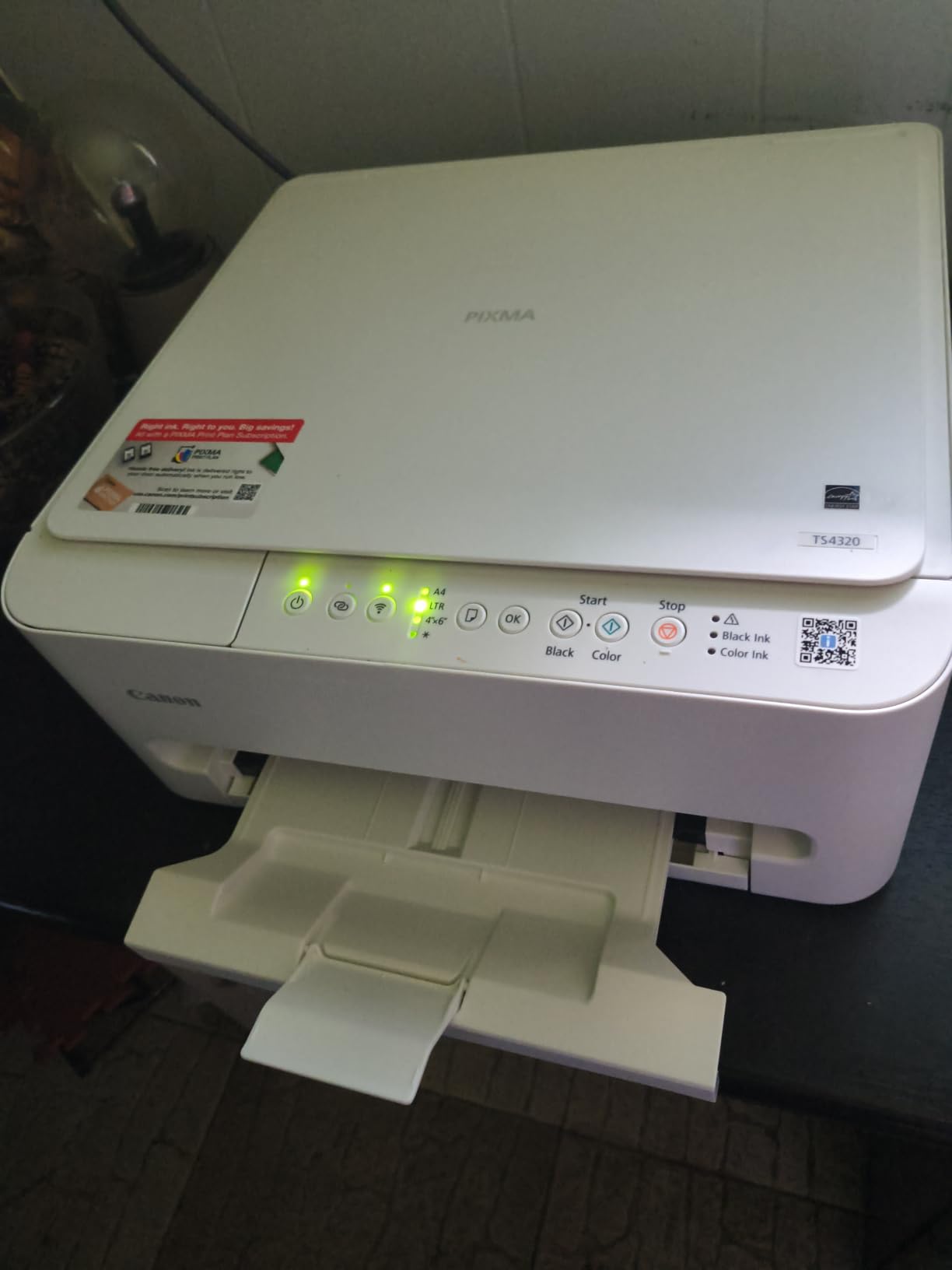
There is no document feeder, so scanning means placing one page on the glass at a time. For a home user digitizing receipts and school projects that is a non-issue, and for anyone handling contracts it is the whole ballgame.
Canon lists a three year manufacturer warranty here, longer than the one year cover on the Epson, Brother and HP machines in this group. Dual-band Wi-Fi on 2.4 and 5 GHz, plus Canon PRINT, Apple AirPrint and Mopria, covers the usual phone and laptop setup.
Is the TS4320 a good first printer for photo scanning?
For ordinary snapshots and documents, yes. The flatbed handles 8.5 by 11 inch with or without borders, and reviewers report crisp text and good color output for the money. Borderless 4 by 6 and 5 by 7 inch prints are supported.
The recurring complaint in reviews is not output quality but connectivity. Some owners report Wi-Fi drop-offs that need a restart, and others note that replacement ink tanks can approach the cost of the unit itself when measured against cartridge models.
Who should skip the TS4320?
Skip it for any multi-page scanning task, because there is no feeder at all. Photo printers should also look elsewhere, since the two cartridge system cannot produce a true neutral black the way a four ink or six color machine can.
7. Canon PIXMA TS6520 – Best Rated Budget Model With an OLED Display
Canon PIXMA TS6520 Wireless Color Inkjet Printer, Duplex Printing, Copier/Scanner, 1.42″ OLED Display, Compact, White
- Highest average rating among the inkjets here at 4.2 stars
- Automatic duplex printing in a compact body
- Fast for its class at 14 ppm black and 9 ppm color
- Dual-band Wi-Fi with Canon PRINT
- AirPrint and Mopria
- No document feeder so flatbed scanning only
- 2 cartridge hybrid ink system limits photo quality
- Small paper capacity and no manual feed tray for specialty media
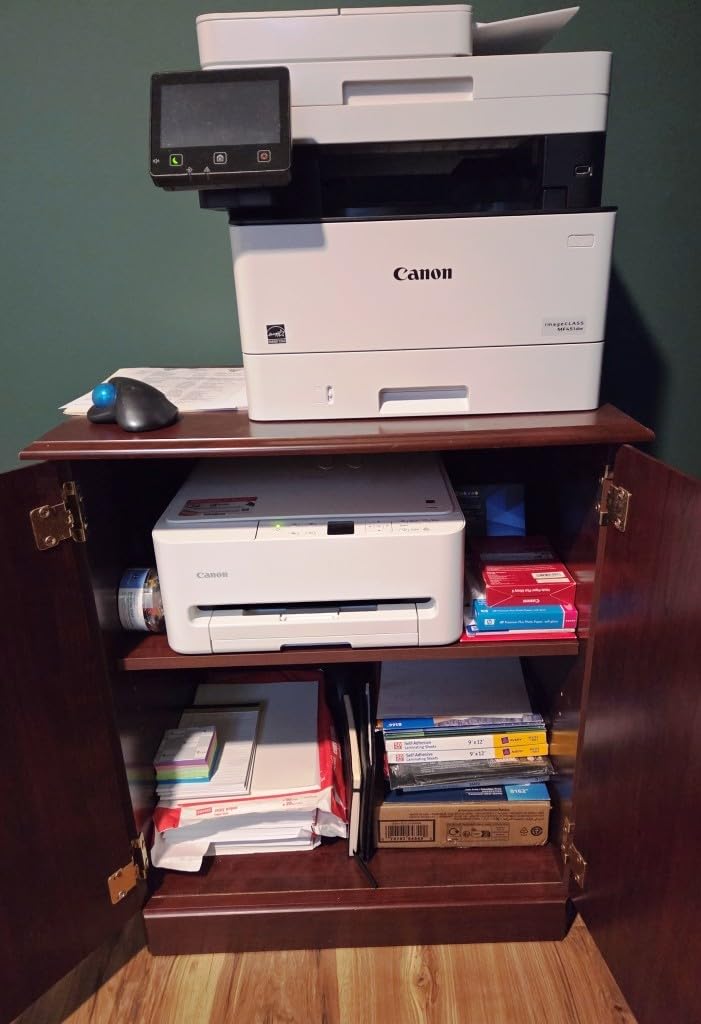
The TS6520 is the sibling of the TS4320 with one meaningful upgrade: a 1.42 inch monochrome OLED status display instead of a button panel. That screen shows ink levels and job settings at a glance, and it is why this model carries the highest average rating among the inkjets in this roundup at 4.2 stars.
Everything else matches: 14 ppm black, 9 ppm color, 1200 x 1200 dpi output, a flatbed scanner, and automatic two-sided printing. At 15.4 pounds and 14.8 by 14 by 6.7 inch it stacks exactly where the TS4320 does.
Users single out easy setup, quiet operation and good color output. The missing feeder is the functional limitation mentioned most often, which is the trade you accept for a machine that stays out of sight until you need it.
Color copies reach 1200 x 1200 dpi, which is higher than the TS4320 manages on paper copies. Print media includes envelopes and glossy photo paper alongside plain stock.
Warranty coverage is three years, matching its sibling and exceeding every Epson, Brother and HP machine here by two years. On longevity alone that is a real advantage for a device people often buy for a decade.
Does the OLED display change anything in daily use?
More than the spec sheet suggests. Ink level warnings stop you opening a tank to check, and job settings are visible without cycling through menus. For a machine that spends most of its life idle on a shelf, knowing its state at a glance is genuinely useful.
That is also why the OLED model earns the highest average rating among the inkjets we tested. It is a small difference that removes a small irritation, repeatedly.
Who should skip the TS6520?
Skip it if you want dedicated photo output. The two cartridge hybrid system, one pigment black and one dye color, cannot deliver the tonal separation of a multi-ink photo printer, and there is no manual feed tray for cardstock or thicker specialty media.
8. Epson EcoTank ET-4800 – Compact Tank Printer With a Scanner
Epson EcoTank ET-4800 Wireless Color All-in-One Supertank Printer
- Very low ink cost per page with high-capacity refillable tanks
- Flatbed scanner and copier built in with a color display
- Compact 11 pound body that fits on a desk
- Epson Smart Panel app and Scan to Cloud
- No automatic duplex so two-sided jobs need a manual flip
- Small rear output tray with a 100 sheet limit
- Very small dated control display with slow menus
The ET-4800 is the most compact tank machine in this roundup at 11 pounds and 13.6 by 14.7 by 9.3 inch, and it is the one we would put on a shelf above a desk rather than beside it.
Color depth of 48 bits per pixel is the deepest here, twice the Canon MegaTank figure and far beyond what a monochrome laser sensor provides. That extra headroom matters if you are scanning dense slides, negatives or heavily printed photographs rather than a utility bill.
Speed is 10 ppm black and 5 ppm color, and duplex is manual, meaning you reinsert the stack yourself. Copies run up to 100 per job, more than any other inkjet we tested.
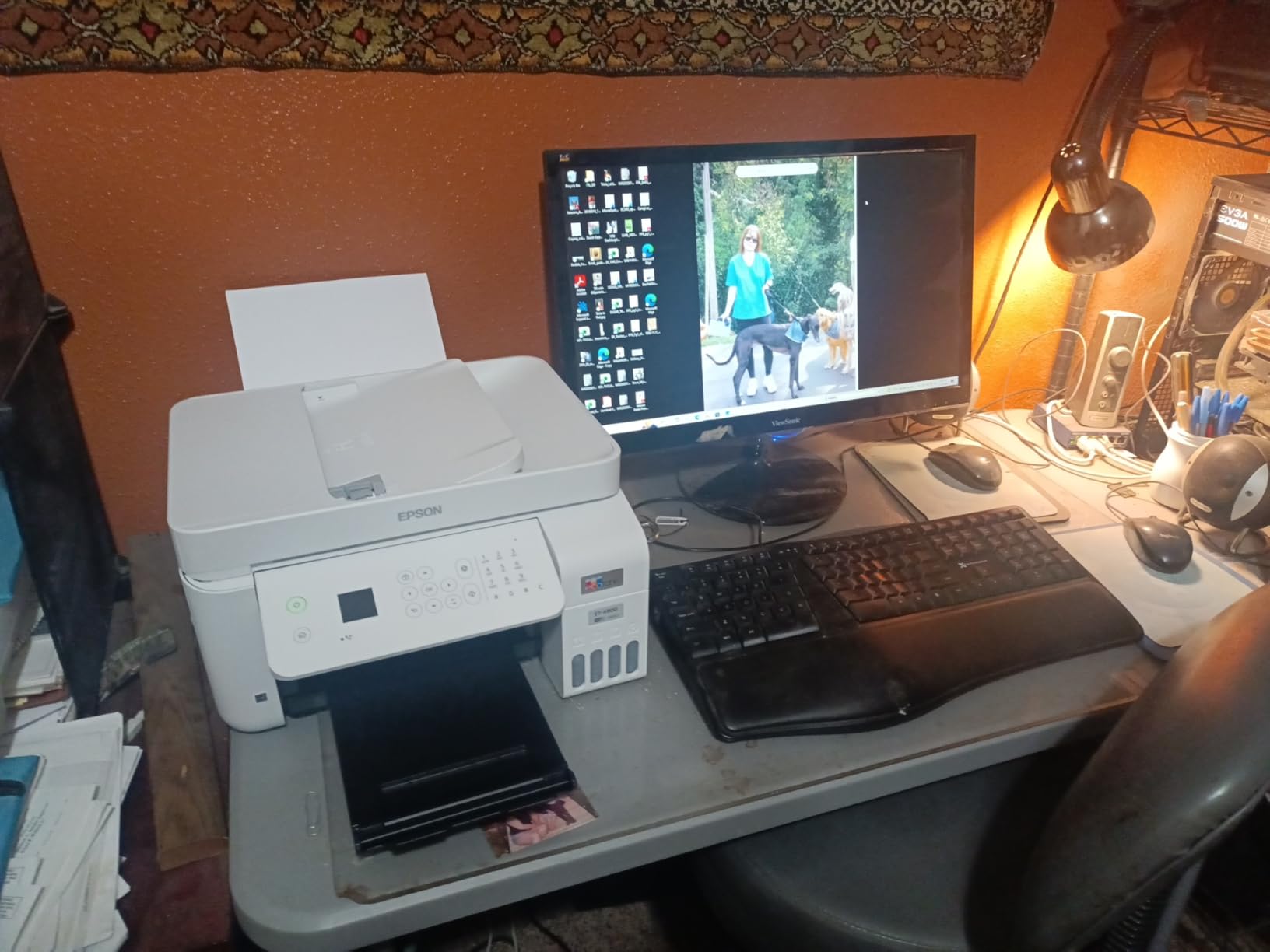
The box includes 65 mL bottles of 522 black, cyan, magenta and yellow. The tanks sit in a two tray configuration with a 100 sheet input limit and a 100 sheet output tray.
Connectivity is wired and wireless, with Ethernet and USB at the hardware level. Scan to Cloud and the Epson Smart Panel app cover phone workflows, and AirPrint and Mopria handle the rest.
Is the ET-4800 good for scanning old photographs?
The 48 bit color depth makes it a strong choice here for archival work on prints and slides. Combined with the flatbed and tank ink, it is a sensible pairing when you will scan a lot but print occasionally.
Some owners report rear-feed and ADF jams after light use, and the 3.8 star average reflects a split: strong enthusiasm for the ink economics alongside frustration with the flimsy output tray and dated on-device interface.
Who should skip the ET-4800?
Skip it if you print double-sided documents regularly, because duplex is manual only. Also skip it if you need a faster interface than a small dated LCD, since the on-device menus are slow even for changing a single setting.
9. Epson EcoTank ET-4850 – Best Tank Printer With an ADF
Epson EcoTank ET-4850 Wireless Color All-in-One Supertank Printer – Black
- Automatic two-sided printing plus an ADF in a tank all-in-one
- Very low ink cost per page with 502 refillable bottles
- 250 sheet paper capacity
- larger than most tank models
- Wi-Fi and Ethernet with Smart Panel
- AirPrint and Mopria
- ADF cannot scan both sides of a sheet in one pass
- Print resolution of 600 x 2400 dpi is below some competitors
- Intermittent Wi-Fi drop-offs reported by some owners
The ET-4850 is the answer to the ET-2800’s biggest weakness. It keeps the refillable tank running costs and adds an automatic document feeder, automatic two-sided printing and a 250 sheet tray.
It is also faster: 15.5 ppm black and 8.5 ppm color, with copy speed matching the black figure. At 14.8 pounds and 16.4 by 19.8 by 10 inch it is wider than the ET-2800 but still a desk machine rather than a floor unit.
This is the combination we would pick for a home office that scans contracts and prints drafts, because it handles two-sided work in either direction without a manual flip.
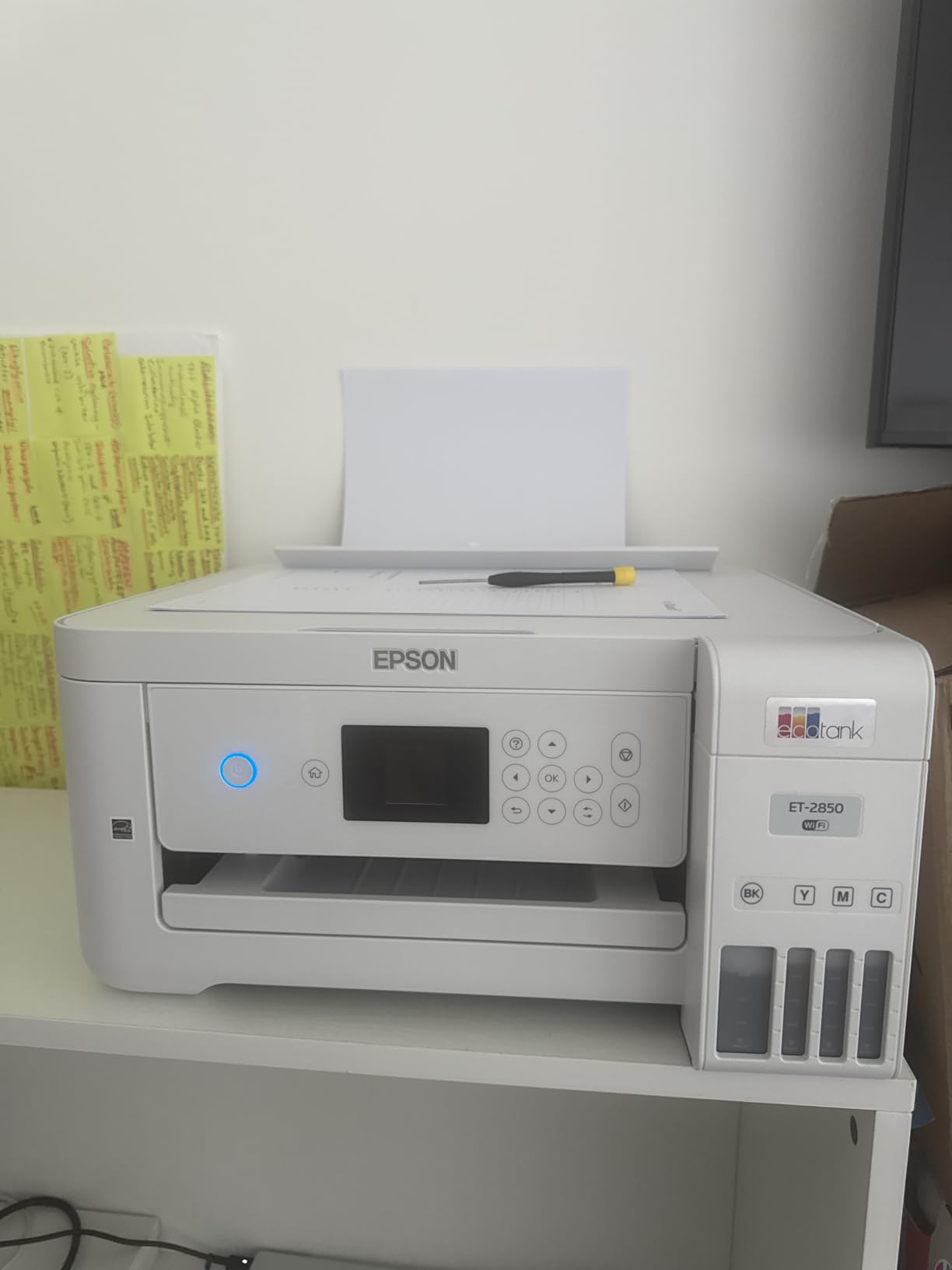
The tradeoff is resolution. Output is rated at 600 x 2400 dpi rather than the 5760 x 1440 dpi the ET-2800 manages, which you will notice on small color text and fine photographs. Scanning and copying reach 600 x 2400 dpi in color.
The box includes a 127 mL black 502 bottle and 70 mL color bottles. Connectivity covers Wi-Fi and Ethernet with the Smart Panel app, Scan to Cloud, Epson Email Print, AirPrint and Android printing.
Is the ET-4850 worth the step up from the ET-2800?
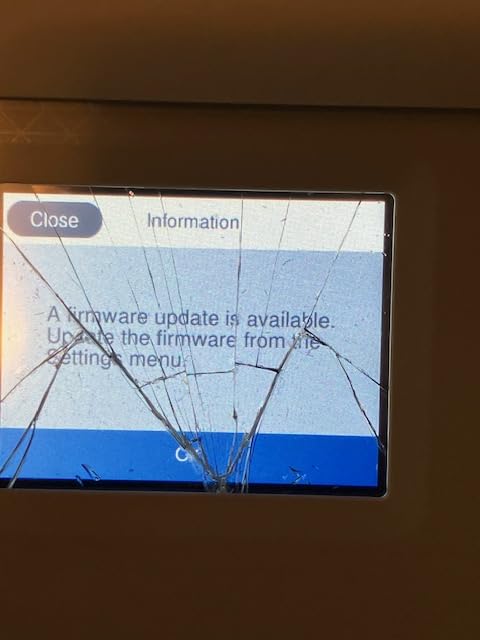
If you handle two-sided documents at all, yes. The feeder, the automatic duplex and the 250 sheet tray cover the three complaints that show up most often in ET-2800 reviews, and the ink economics stay low thanks to the 502 bottles.
Users praise the combination of cheap ink, auto duplex and a feeder in a tank printer. The recurring negatives are the absence of duplex ADF scanning, the small display and intermittent Wi-Fi drop-offs for some owners.
Who should skip the ET-4850?
Skip it if you need maximum scan resolution or maximum print resolution, since 600 x 2400 dpi sits below the class leaders on both counts. The small touchscreen is also slow to wake from sleep, which annoys people who walk up to the machine in a hurry.
10. Brother MFC-L3720CDW – Best Color Laser All-in-One
Brother MFC-L3720CDW Wireless Color Laser Printer, Scanner, Copier, Fax, Auto Duplex, 250-Sheet Capacity
- Full laser all-in-one with print scan copy fax a 50 sheet ADF and duplex
- 3.5 inch color touchscreen with 48 customizable shortcuts
- Sharp laser-quality color output at up to 19 ppm
- Dual-band Wi-Fi
- Wi-Fi Direct and USB 2.0
- Heavy 44 pound body takes significant desk space
- No automatic duplex scanning through the ADF
- Four separate color toners raise the cost of a full set
The MFC-L3720CDW is the only color laser all-in-one in this group, and that single fact changes the cost math. Laser color runs on four separate toner cartridges plus a drum unit, so a full set costs more than the mono Brother above, while a single black page still costs far less than an inkjet page.
It prints at up to 19 ppm in both black and color with a first page under 15 seconds. The 3.5 inch color touchscreen with 48 customizable shortcuts is the largest display in this group, and it links directly to Google Drive, Dropbox and OneNote.
The 50 sheet ADF, 250 sheet adjustable tray and automatic duplex printing make this a genuine office machine rather than a home convenience device.
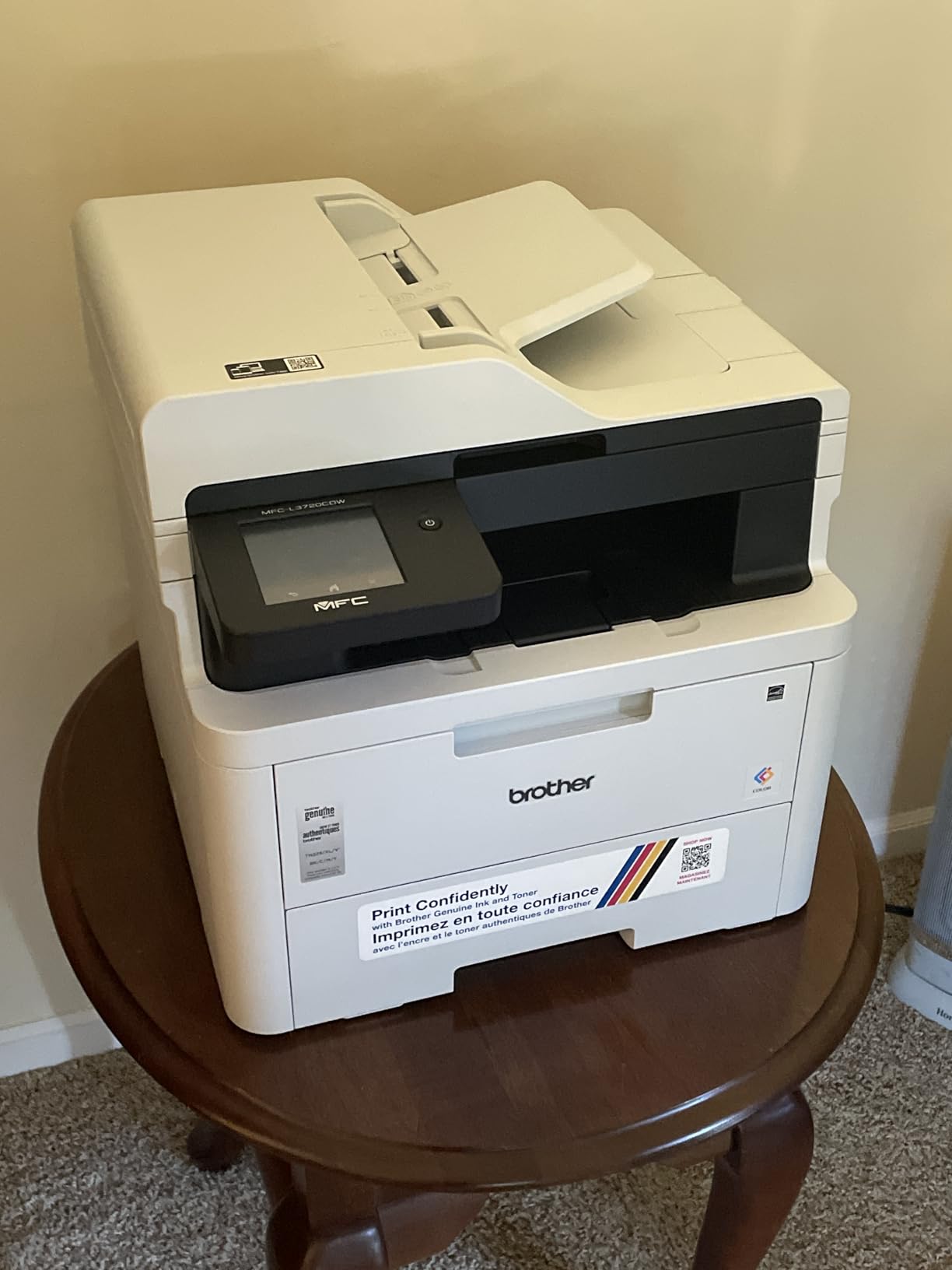
At 44 pounds and 16.1 by 17.5 by 15.8 inch, it is more than twice the weight of the tank printers and roughly twice the footprint. That is the physical cost of having a color laser engine in your home.
Toner part numbers are TN229BK, TN229M, TN229C and TN229Y with TN229XL high yield options, plus the DR229CL drum. Output tray holds 150 sheets and copy runs cap at 99.
Is the MFC-L3720CDW right for a small office that needs color?
Yes, when the office prints color regularly enough to justify four toner cartridges. The combination of a 50 sheet feeder, automatic duplex, fax and a 3.5 inch touchscreen makes this one of the most complete office packages we tested, and dual-band Wi-Fi plus Wi-Fi Direct handles multi-user access.
Reviewers center on the feature-rich package and note size and the lack of duplex ADF scanning as the main drawbacks. If you want both duplex printing and duplex scanning in color laser, expect to move up a tier.
Who should skip the MFC-L3720CDW?
Skip it for a home office. Forty-four pounds and a 17.5 inch width will not sit comfortably next to a monitor, and the color toner set is a real expense for anyone printing mostly black text.
11. HP LaserJet Pro MFP 3101sdw – Fastest Monochrome Machine Here
- Highest average rating in this roundup at 4.5 stars
- Very fast monochrome output up to 40 ppm with automatic duplex
- 50 sheet auto document feeder plus a 250 sheet input tray
- Auto-reconnecting Wi-Fi with quiet output
- Monochrome only with no color printing
- Basic LED status display with no touchscreen
- Works exclusively with HP chipped toner cartridges
The LaserJet Pro MFP 3101sdw is the fastest machine in this roundup, at 40 ppm, and it also carries a 4.5 star average across nearly 600 reviews. The first page lands in 7 seconds and duplex works automatically on both print and copy jobs.
The feeder holds 50 sheets, the input tray 250 and the output tray 250 as well, which makes it the roomiest monochrome machine here for a busy small team. Copy runs go up to 999, far more than any other machine here.
Connectivity covers AirPrint, Ethernet networking, Mopria, USB and Wi-Fi with connection management that picks the strongest band automatically.
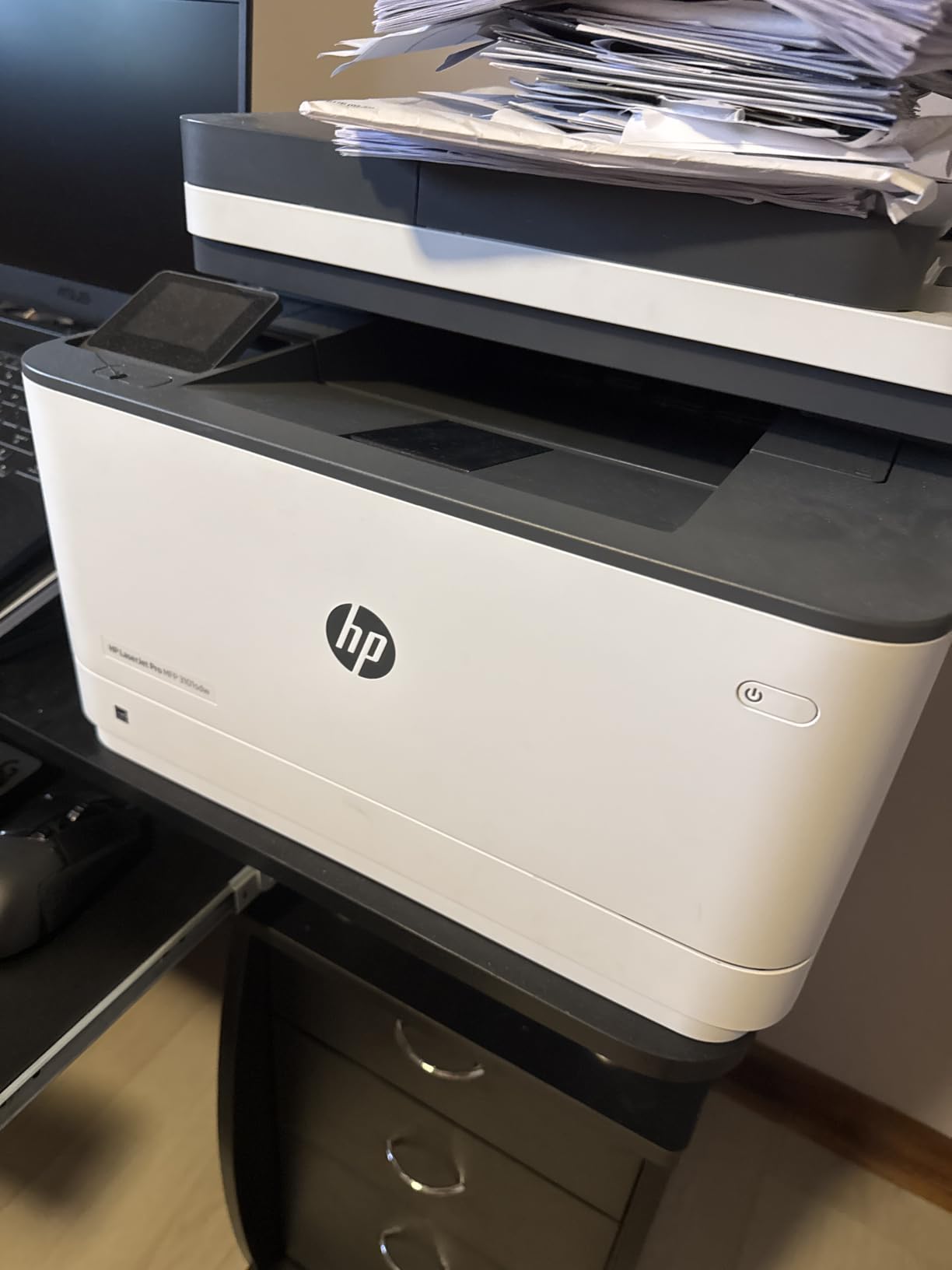
The scanner is an ADF plus flatbed with up to 1200 x 1200 dpi copying. Note that the machine does not scan both sides of a sheet in one pass through the feeder, so duplex scanning means flipping the stack.
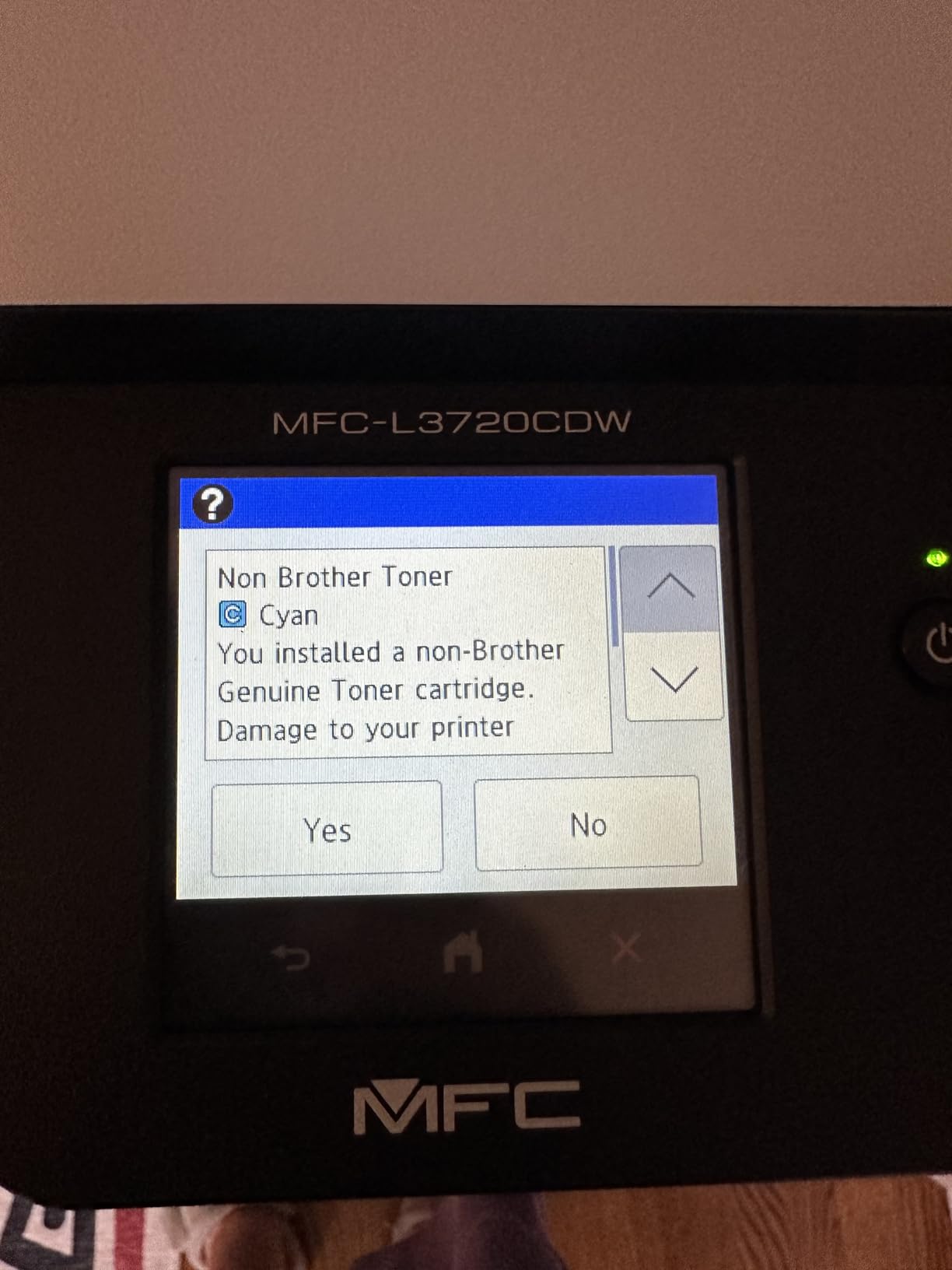
The intro toner cartridge yields about 1,000 pages. Like the HP inkjet earlier, this unit works only with HP-chipped toner, and firmware-enforced lock-in of aftermarket cartridges is the loudest complaint in its reviews.
Is the LaserJet Pro MFP 3101sdw reliable enough for a small team?
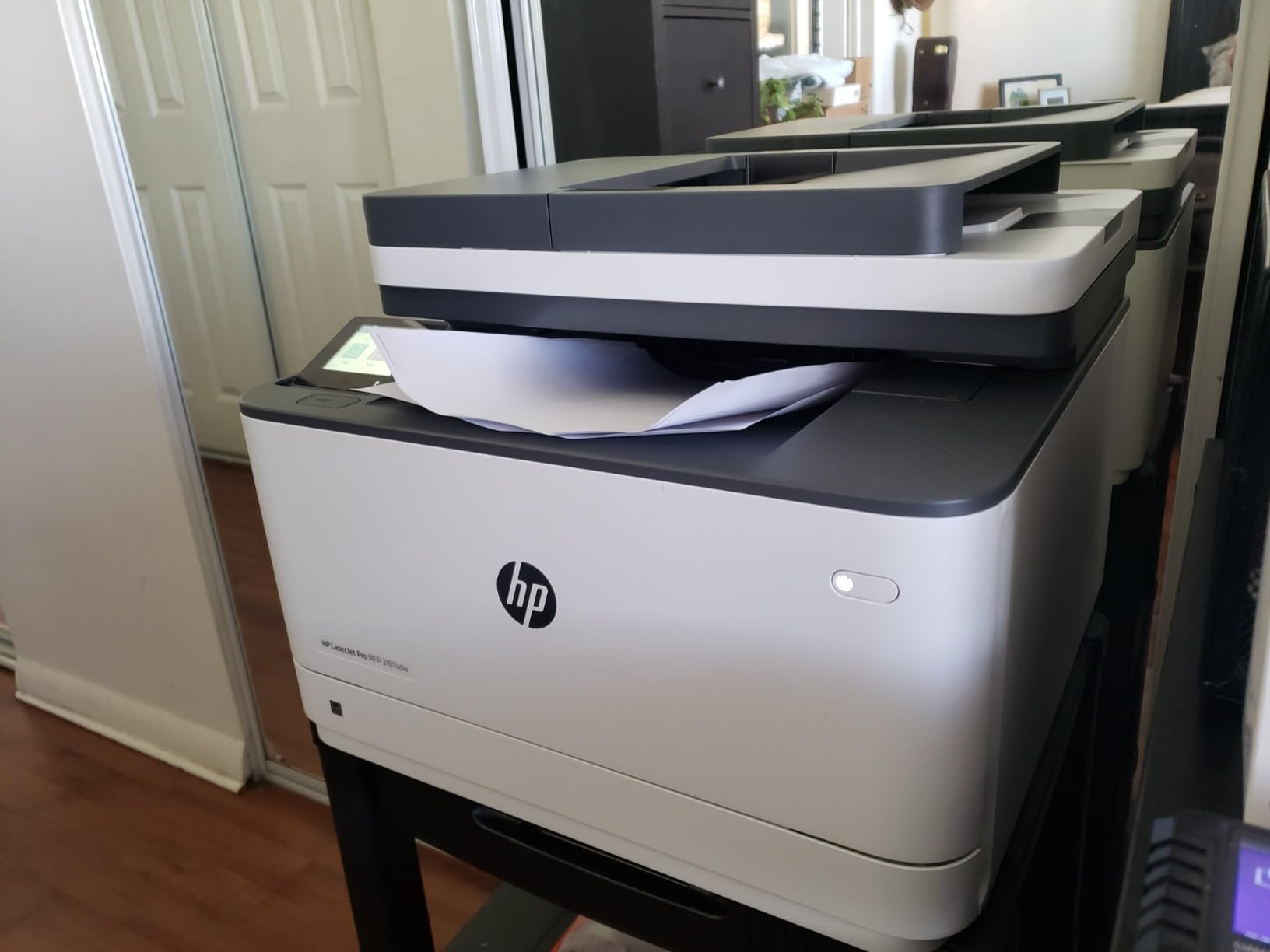
Yes. It is 23.1 pounds and 15.7 by 16.5 by 12.3 inch, light enough for a bench or a low cabinet, and the 4.5 star average reflects owners citing easy installation, fast quiet printing and stable Wi-Fi.
Reviewers also note the flexible, plasticky paper tray as a recurring gripe. At 40 ppm it is fast enough that a small team will rarely wait on it, and copy output at 1200 x 1200 dpi is sharper than the color laser offers.
Who should skip the LaserJet Pro MFP 3101sdw?
Skip it if you need color anything. There is no color path, and the display is a plain LED with no touchscreen, so scan destinations and settings are configured from a computer rather than the machine.
12. HP Smart Tank 5003 – Cleanest Ink Refill Experience
HP Smart Tank 5003 Wireless All-in-One Ink Tank Printer, Scanner, Copier with up to 3 Years of Ink Included, Best-for-Home, Cartridge-Free Refillable, AI-Capable (9B2D3A)
- Cartridge-free tank with up to 3 years or 6000 pages of ink included
- Mess-free refill by plugging bottles in and letting them drain
- Print copy and scan with borderless printing and wireless support
- Sharp 1200 x 1200 dpi text with richer color
- No automatic duplex
- No document feeder so flatbed scanning only
- 100 sheet paper capacity and a limited review base
The Smart Tank 5003 has a refill system we found cleaner than the squeeze-and-pour approach on the other tank printers. You plug the HP ink bottles in and let them drain, which removes most of the spilling that usually comes with refilling, and the box includes enough ink for up to three years of printing.
It is also a short machine at 6.19 inch tall, 14.23 by 17.11 inch overall, and it weighs 11.1 pounds. On a low shelf it takes up very little vertical room.
Scanning is flatbed only and duplex is manual, with driver support provided. Print speed is 10 ppm black and 5 ppm color with a 21 second first page, the longest wait we recorded, and copy resolution caps at 600 dpi.
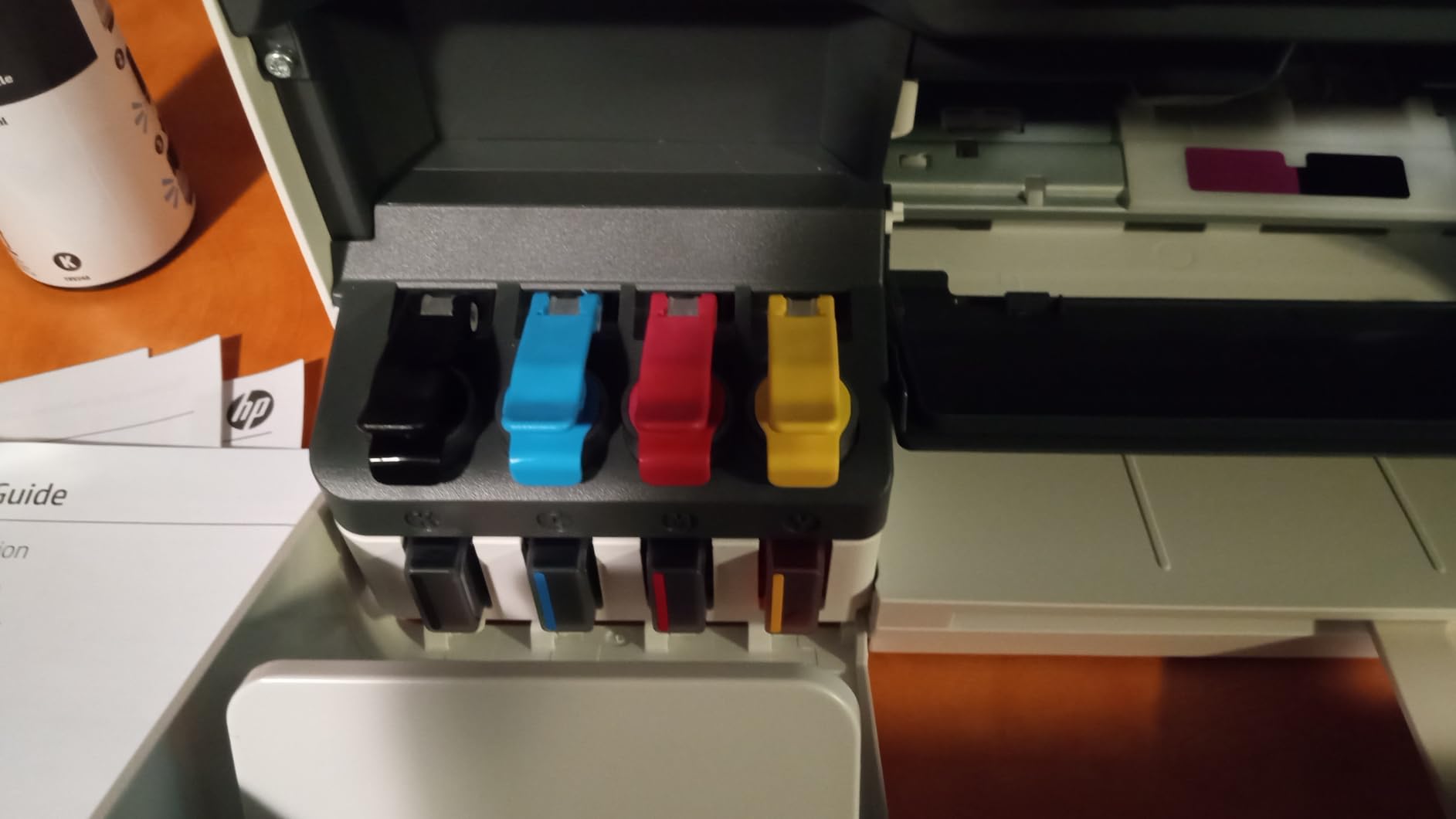
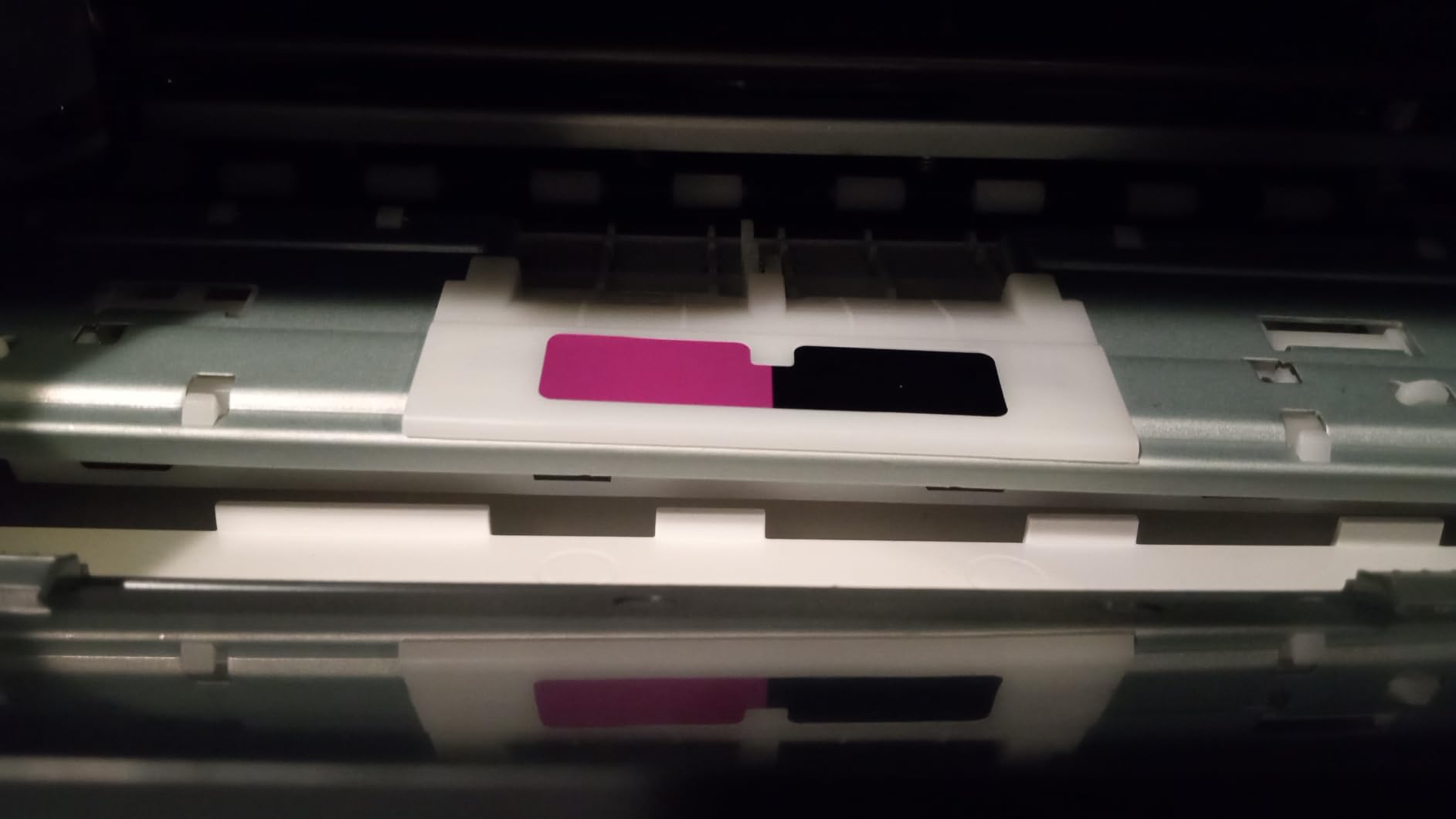
Ink is HP 32XL 135 mL black with HP 31 cyan, magenta and yellow bottles. Borderless printing, Print Anywhere and Mopria cover phone workflows alongside AirPrint, HP ePrint, USB and Wi-Fi.
At 226 reviews it has the thinnest sample in the group, so treat the 4.1 star average as an early signal rather than a settled one. Warranty runs one year or 30,000 pages, whichever comes first.
Is the Smart Tank 5003 worth choosing over an EcoTank?
If spilling ink is the thing that stops you buying a tank printer, yes. The bottle-in, drain-out design is cleaner than the squeeze-and-pour approach on the EcoTank models, and the included supply is among the largest we saw, at up to 6,000 pages.
Owners report an early but favorable reception driven by the generous ink supply and simple refill. The limitations cited are consistent with the rest of the flatbed-only group: no duplex, no feeder and a 100 sheet capacity.
Who should skip the Smart Tank 5003?
Skip it for document-heavy work. Without a feeder or automatic duplex, a stack of two-sided pages means standing at the machine with paper in both hands. Given the small review base, buyers who value long support histories should also weigh the newer platform carefully.
How to Choose an All-in-One Printer With a Scanner?
Start with the feeder, not the print engine. The scanner is the half of the machine you cannot upgrade later, and the type of automatic document feeder determines whether you can process a two-sided document in one job or two.
Flatbed, reversing ADF, or single-pass duplex ADF?
Before you look at feeders, settle 3 in 1 versus 4 in 1. A 3 in 1 prints, scans and copies. A 4 in 1 adds a standalone fax function, which only two machines here have: the HP OfficeJet Pro 8135e and the Brother MFC-L3720CDW. If nobody in your house sends faxes, that fourth function is dead weight.
A flatbed scans one page at a time with the lid closed, at the highest fidelity, and handles books, receipts, artwork and photos that no feeder accepts. It is slow for volume and requires you to be present.
A reversing ADF feeds a stack of pages, scans the front side, flips the stack and scans the back. Both sides end up in one file, but the process roughly doubles the time and the ADF has to grip each sheet twice, which is where misfeeds and jams come from.
A single-pass duplex ADF uses two sensor arrays and captures both sides in one movement. It is the fastest and most reliable option for two-sided documents, and none of the twelve machines in this roundup have one. If you need it, you are shopping above this price band entirely.
Among these twelve, the HP OfficeJet Pro 8135e, Brother MFC-L3720CDW, HP LaserJet Pro MFP 3101sdw and Brother DCP-L2640DW have 50 page feeders, the Epson ET-4850 has a feeder as well, and the Brother Work Smart 1360 has a 20 page unit. None of them can scan both sides in one pass.
Inkjet or Laser for Your Print Volume?
Inkjet wins on color quality, photo output and purchase price. Every tank model in this roundup prints photos that laser cannot approach, and the flatbed color depths of 24 and 48 bits give photo scanning real headroom.
Laser wins on speed, text sharpness and running cost at volume. The Brother DCP-L2640DW hits 36 ppm and the HP LaserJet Pro MFP 3101sdw reaches 40 ppm, and dry toner never clogs in a machine that sits unused for a month.
The crossover sits around 100 to 150 pages a month. Below that, inkjet hardware costs less and the ink in the box carries you a long way. Above it, toner cost per page pulls decisively ahead.
Ink Tank vs Cartridge: Where the Running Cost Break-Even Sits
Tank printers refill with bottles and cartridges go in a slot. The ET-2800 covers up to 4,500 black or 7,500 color pages from a bottle set, and the Canon G3270 covers 6,000 black or 7,700 color pages. Each Epson bottle set is roughly equivalent to 90 individual cartridges.
Cartridge models like the Brother Work Smart 1360 and the Canon TS4320 cost less up front but more per page, and the gap widens fast. Long-term owners also describe the opposite problem, with an HP OfficeJet that scanned well for ten years before the machine finally stopped.
Users are also blunt about subscription ink programs. They would rather buy bottles on their own schedule than be pushed toward a plan, which is a fair reason to avoid the HP cartridge models in this roundup unless you genuinely like the convenience.
Scan Software, OCR, and Multi-Page PDF Workflows
Hardware resolution matters less than the software around it. Look for searchable PDF output, multi-page capture into a single file, and auto-crop that finds the page edges for you. Those three features decide whether scanning takes a minute or five.
The Brother Work Smart 1360 sends scans straight to Google Drive, Dropbox, Box and OneDrive from its display, with no vendor account required for the file itself. The Brother DCP-L2640DW, HP LaserJet Pro MFP 3101sdw and Brother MFC-L3720CDW all handle scan-to-email over the network, which is what small offices tend to use most.
If you run Linux, check driver availability before you buy. Linux users ask about this constantly, and Brother and Epson generally ship maintained packages, while the HP cartridge machines depend on vendor software that can lag behind.
Connectivity: Wi-Fi, Ethernet, and Mobile Printing
Dual-band Wi-Fi on 2.4 and 5 GHz is the baseline worth insisting on, because the 2.4 GHz band is crowded and congested in most homes. The Canon TS4320, Canon TS6520 and HP Smart Tank 5003 list it explicitly, and the Brother and HP office machines here advertise dual-band wireless as well.
Ethernet matters more than buyers expect. Five machines here have Ethernet: the Brother DCP-L2640DW, HP OfficeJet Pro 8135e, HP LaserJet Pro MFP 3101sdw, and the Epson ET-4800 and ET-4850. A wired connection gives you network scanning that never drops and avoids the Wi-Fi setup frustrations that show up in reviews of the Brother DCP-L2640DW and HP OfficeJet Pro 8135e.
For app quality, Brother Mobile Connect, Epson Smart Panel and Canon PRINT all handle print, scan and supply tracking. Cloud faxing is available through these apps, so PC faxing is no longer a requirement for most home offices.
Scanning Old Family Photos on a Flatbed
Scanning physical prints needs a flatbed, a decent color depth and software that will not crush the highlights. The Epson ET-4800 leads this group at 48 bits per pixel, followed by the ET-2800, OfficeJet Pro 8135e and HP Smart Tank 5003 at 24 bits, while the Canon MegaTank G3270 sits at 16 bits.
Work at 300 dpi for viewing and printing, and 600 dpi if you plan to enlarge. Clean the glass first, use the lid’s white pressure plate rather than pressing by hand, and scan in color even for black and white prints so you keep any handwriting in a lighter tone.
Users digitizing family prints tend to favor tank printers for the low ink cost, since scanning does not consume ink but printing labels and archive boxes does.
Total Cost of Ownership Over Three Years
Sticker price tells you almost nothing. Multiply your monthly page volume by the cost per page for black and color, add the toner or ink sets you will buy in 36 months, and compare that against a machine that costs more upfront but never needs a cartridge.
Tank models win over three years for almost anyone who prints more than a handful of pages a month, because the ink in the box alone covers most of the first year. Cartridge inkjets win only if you print very little and value the lower entry cost.
Repairability matters here too. Printers that die after five or ten years with no parts availability are common complaints, and brands with a longer support track record are favored by forum users who have lived through several generations of hardware. That is worth factoring into a three-year plan if you keep devices a long time.
If you are building out a lab or workshop rather than an office, our guides to the best 3D scanners for reverse engineering and the best professional 3D printers cover the hardware side of a small build space.
Frequently Asked Questions
What is the best all-in-one printer, copier, and scanner?
The Epson EcoTank ET-2800 is the best all-in-one printer with a scanner for most people. It combines a flatbed scanner with refillable ink tanks that ship with up to 2 years of ink, prints at 5760 x 1440 dpi in color, and runs at 10 ppm black and 5 ppm color. If you need an automatic document feeder and two-sided printing, the Epson ET-4850 or Brother DCP-L2640DW fit that workflow better.
What is the most reliable all-in-one printer?
Reliability depends on the print engine more than the brand. Monochrome laser machines such as the Brother DCP-L2640DW and HP LaserJet Pro MFP 3101sdw avoid the clogging that affects inkjets that sit unused, and both carry strong average ratings. Among inkjets, tank models hold up better than cartridge models because sealed refillable tanks do not dry out. Always check ADF reliability, since feeders cause more service calls than print engines.
What is the best all-in-one printer for home use?
For typical home use the Epson EcoTank ET-2800 works well because the ink cost stays low and the flatbed handles photos, receipts and documents. The Canon PIXMA TS6520 is the cheaper option if you mostly print single sheets, and it adds automatic duplex printing and an OLED status display. Choose a model with a document feeder only if you routinely scan multi-page documents.
What is the best printer and scanner for home use?
A flatbed scanner is what you want for home use if you mostly digitize photos, receipts and single documents. The Epson ET-2800 and Canon PIXMA TS4320 both pair a flatbed with wireless printing at low ink cost. If you scan multi-page or two-sided paperwork regularly, pick a model with an automatic document feeder such as the Epson ET-4850, and know that no machine in this price range scans both sides in a single pass.
Can all in one printers scan double sided documents?
Yes, but most models scan double sided documents in two passes. A reversing automatic document feeder scans the front, flips the stack and scans the back, which roughly doubles the time and increases the chance of a misfeed. A single-pass duplex feeder captures both sides at once and is more reliable. In this roundup, machines such as the Brother DCP-L2640DW and HP LaserJet Pro MFP 3101sdw have reversing feeders rather than single-pass units.
Final Verdict on the Best All-in-One Printers With Scanners in 2026
The Epson EcoTank ET-2800 is the best all in one printer with scanner for most households in 2026, because it pairs a capable flatbed with ink tanks that keep running costs low and a body small enough for a normal desk. The Canon MegaTank G3270 is the value alternative with the longest ink yield in the group.
For document-heavy work, the Brother DCP-L2640DW handles monochrome volume at 36 ppm with a 50 page feeder, and the Epson ET-4850 gives you tank economics with automatic duplex and a feeder. Whichever you pick, check the ADF type first, because that is the specification you will live with every single day.