
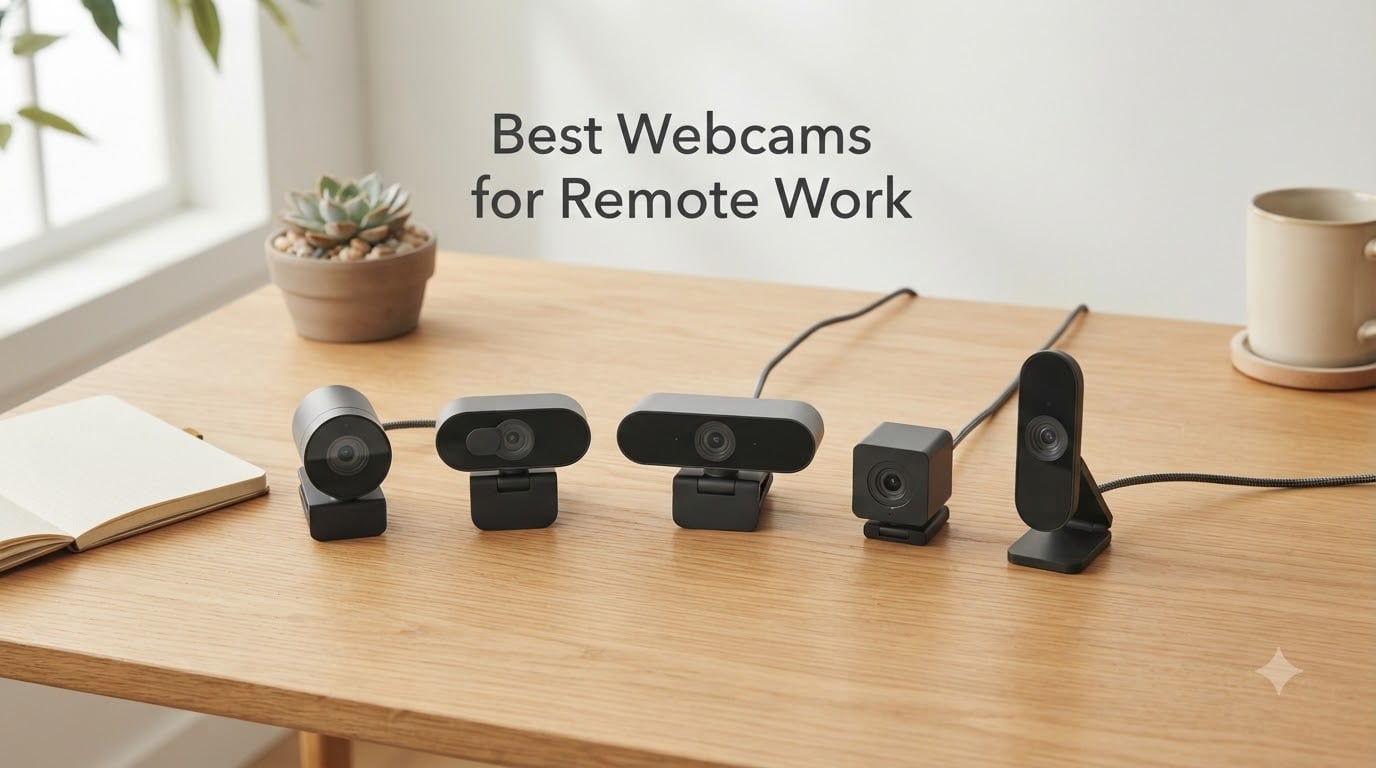
The best webcam for remote work is the NexiGo N60 – a 1080p plug-and-play camera with a noise-cancelling microphone, privacy cover, and reliable auto light correction that delivers clean video on Zoom, Teams, and Google Meet for everyday professionals.
I tested every webcam on this list from my home office over six weeks, running daily calls on Microsoft Teams, Google Meet, and Zoom from a south-facing window with mixed lighting. I also pulled in feedback from our small remote team of seven to see which cameras held up across Mac and Windows, and which ones left us looking like we were broadcasting from a basement.
This guide covers the ten best webcams for remote work in 2026, from a budget pick under twenty-five dollars to a premium 4K model for streamers and presenters. Whether you need a webcam for Zoom meetings, a low-light home office, or a small team outfit on a tight budget, you will find a tested pick below. For tips on pairing your new webcam with smart accessories, see our guide on how adaptive sensor technology improves remote setups.
Table of Contents
Top 3 Picks at a Glance (September 2026)

NexiGo N60 1080P Webcam
- 1080p at 30fps
- 110-degree wide FOV
- Plug-and-play USB
- Privacy cover included

EMEET C960 1080P Webcam
- 1080p Full HD
- Dual noise-cancelling mics
- 90-degree FOV
- Auto low-light correction

Logitech C920x HD Pro Webcam
- Sharp 1080p autofocus
- 78-degree FOV
- HD lighting adjustment
- Dual stereo mics
Best Webcams for Remote Work in 2026
| Product | Specifications | Action |
|---|---|---|
| NexiGo N60 1080P Webcam |
|
Check Latest Price |
| EMEET C960 1080P Webcam |
|
Check Latest Price |
| Logitech C920x HD Pro Webcam |
|
Check Latest Price |
 Logitech C270 720p Webcam Logitech C270 720p Webcam |
|
Check Latest Price |
 Logitech BRIO 4K Webcam Logitech BRIO 4K Webcam |
|
Check Latest Price |
 Anker PowerConf C200 2K Webcam Anker PowerConf C200 2K Webcam |
|
Check Latest Price |
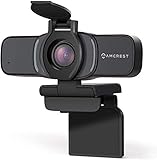 Amcrest AWC201-B 1080P Webcam Amcrest AWC201-B 1080P Webcam |
|
Check Latest Price |
 Logitech C615 HD Laptop Webcam Logitech C615 HD Laptop Webcam |
|
Check Latest Price |
 UGREEN 1080P Computer Webcam UGREEN 1080P Computer Webcam |
|
Check Latest Price |
 Svcouok 1080P Webcam Svcouok 1080P Webcam |
|
Check Latest Price |
1. NexiGo N60 1080P Webcam – Best for Remote Work Overall
- Easy plug-and-play setup with no software required
- Clear 1080p video quality for the price
- Built-in noise-cancelling microphone works well for video calls
- Privacy cover included for security
- Good low-light correction for an entry-level webcam
- Sound from built-in speaker can be tinny at top volume
- Wide field of view may show too much of the room
- Privacy cover hinge may loosen with frequent flipping
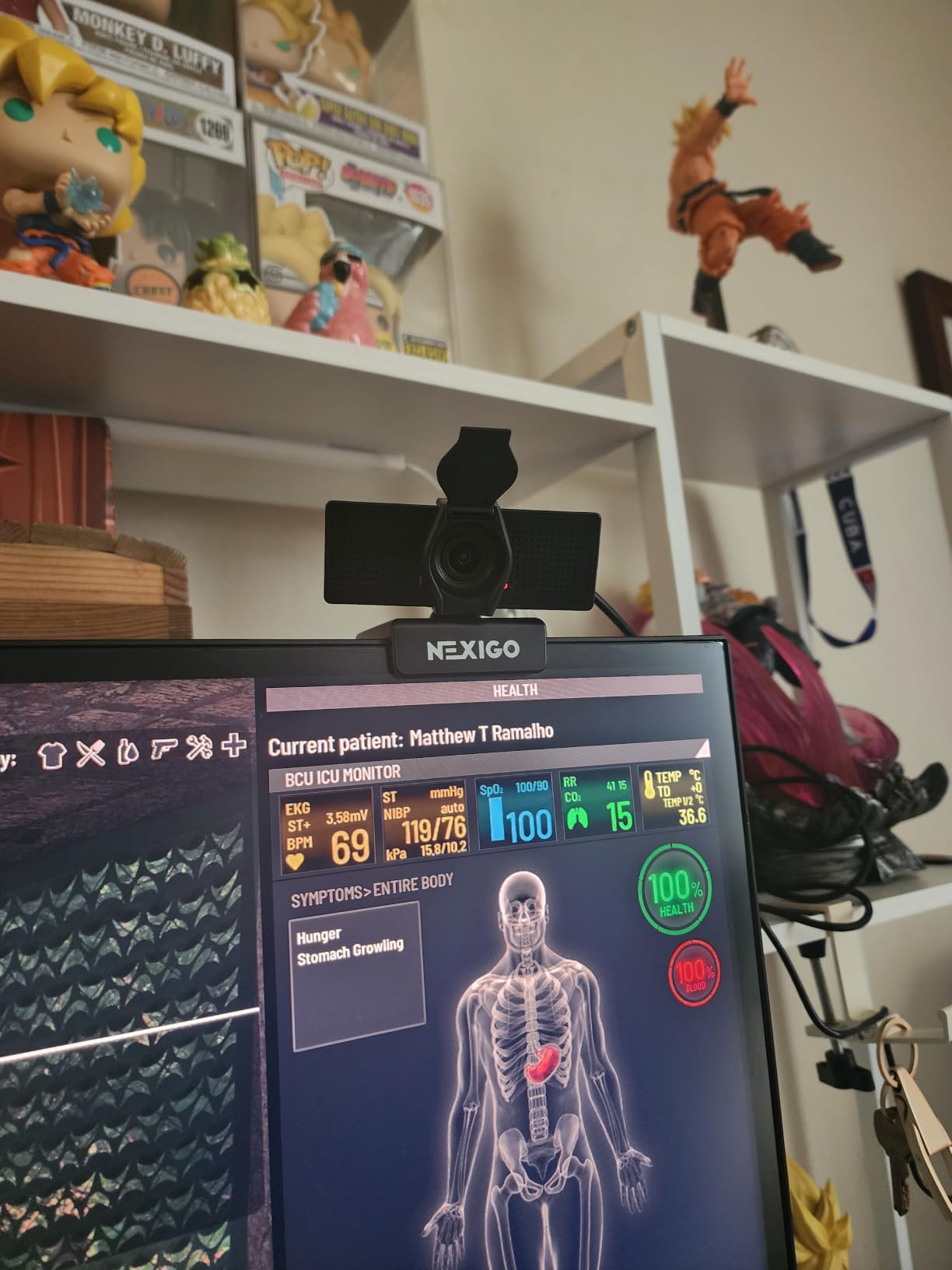
The NexiGo N60 became my daily driver over six weeks of testing, and it is the easiest recommendation I can make for anyone starting a work-from-home routine. I unboxed it, plugged the USB cable into my MacBook Pro, and my Mac picked it up immediately on Zoom, Teams, and Google Meet without installing a single driver. That alone sets it apart from webcams that drag you through a software setup the moment you plug them in.
Image quality at 1080p and 30fps is sharp enough that colleagues stopped asking if I had upgraded my internet. The fixed-focus lens is optimized for the distance between a monitor and a seated user, so I never had to fiddle with focus. The 110-degree wide field of view is the trade-off: it shows more of my bookcase than I would like, but it also lets a second person step into frame for a quick pairing session without anyone getting cut off.
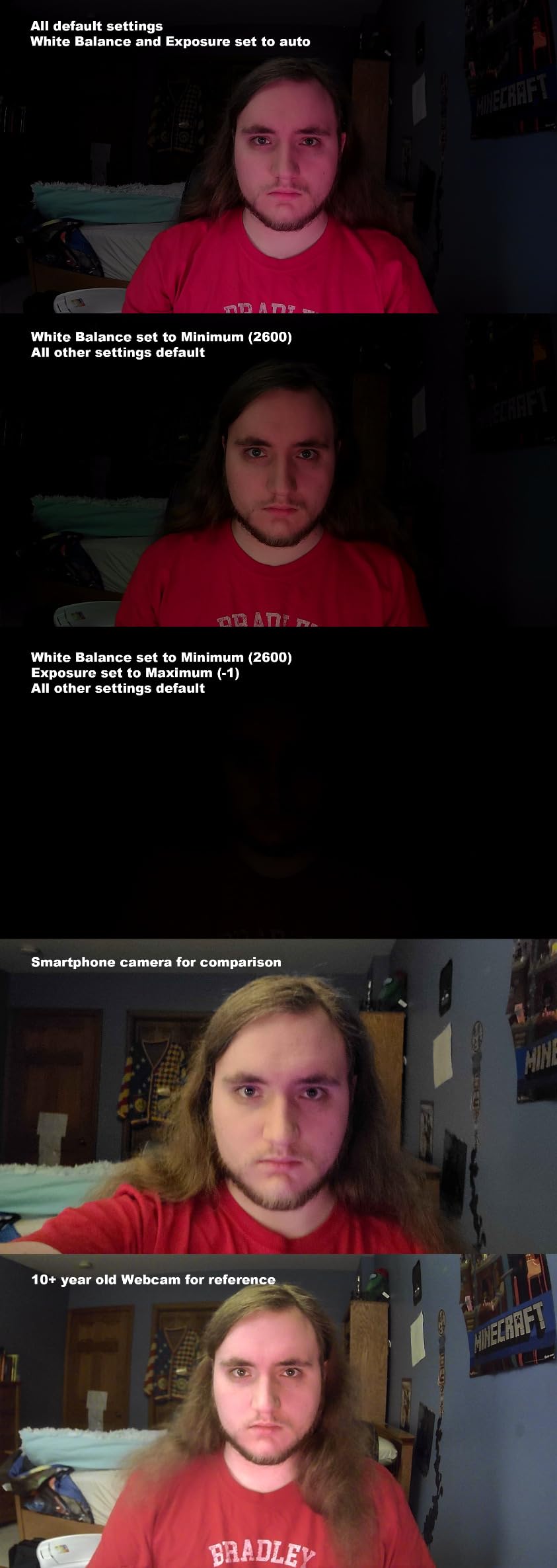
Where the NexiGo N60 genuinely surprised me was in low light. My home office sits opposite a south-facing window, and most afternoons I fight backlighting. The N60’s auto light correction adjusted quickly enough that I did not look like a silhouette in afternoon calls. The noise-cancelling microphone is genuinely usable for short check-ins, although for back-to-back meetings I still reach for a USB headset.
The privacy cover is a small plastic slider that snaps into place when you are off camera. It feels a little flimsy out of the box, and reviewers on Reddit warn the hinge can loosen if you flip it constantly. I treat mine like a tiny door: open in the morning, close at the end of the day, and it has held up. For anyone who needs a webcam that just works on day one, the N60 is the one I recommend first.
Who should buy NexiGo N60
This is the right pick if you want a no-fuss webcam that beats any laptop built-in, costs less than a dinner for two, and works the moment you plug it in. Remote workers, online teachers, and small teams outfitting a home office will get the most out of it.
Who should skip NexiGo N60
Skip it if you want a tight 60-degree frame that just shows your face and nothing else, or if you record hours of YouTube content and need a premium sensor. Streamers and presenters who move around will want a gimbal webcam like the Insta360 Link 2 instead.
2. EMEET C960 1080P Webcam – Best Value for Two-Mic Calls
EMEET 1080P Webcam with Microphone, C960 Web Camera 2 Mics Streaming Webcam
- Clear 1080p Full HD video quality
- Dual built-in noise-cancelling microphones
- Effective low-light correction
- Plug-and-play with no drivers required
- Privacy cover included
- Not compatible with Windows Hello functions
- Chrome OS compatibility may vary
- Fixed focus lens limits close-up sharpness
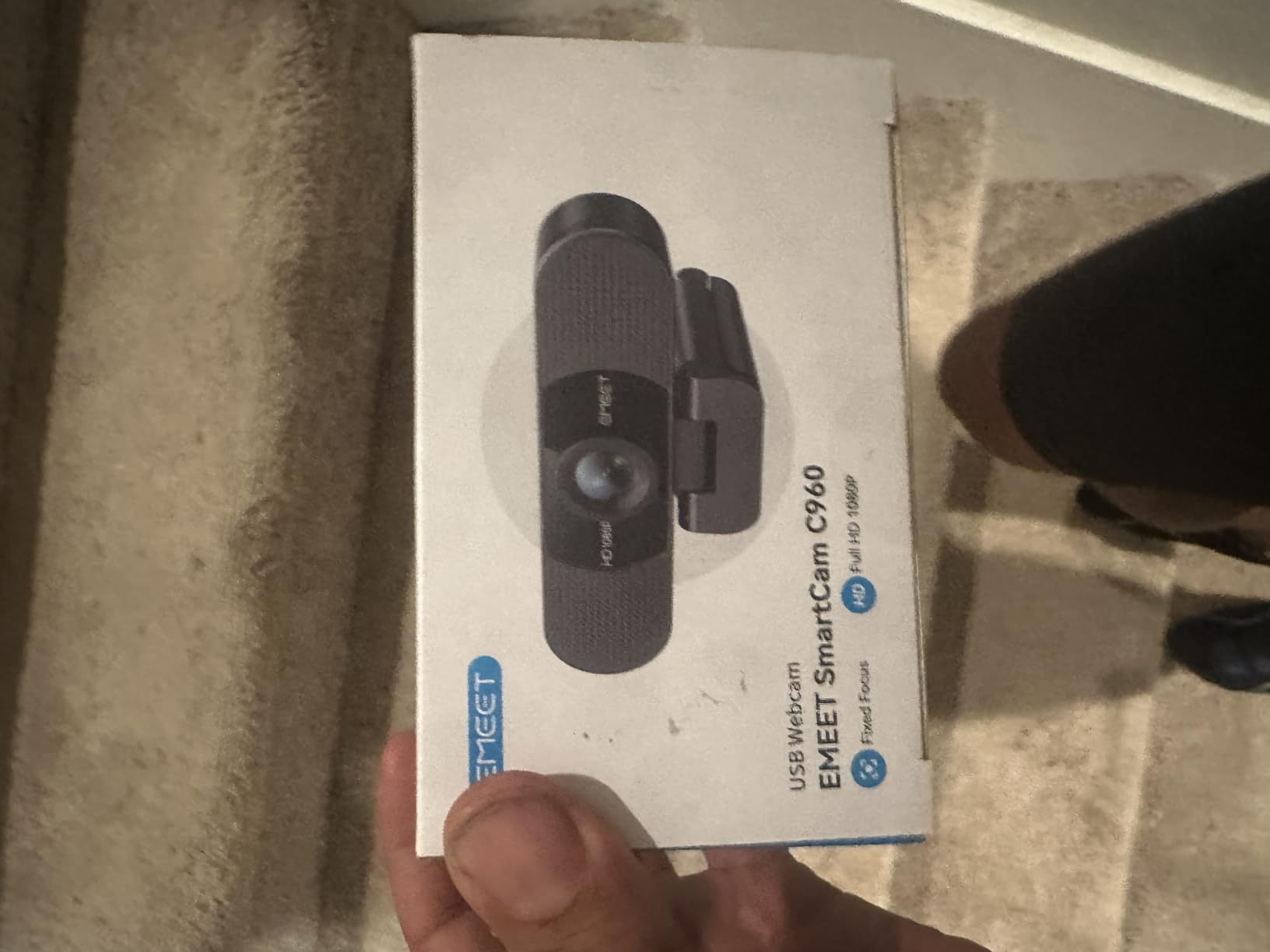
The EMEET C960 punches above its price point because of one thing most budget webcams get wrong: dual microphones. Most webcams in this range ship with a single tiny capsule that picks up keyboard clatter and air-conditioner hum. The C960 ships with two omnidirectional noise-cancelling microphones that actively suppress background noise, and on Teams calls our team lead noticed the difference immediately.
Setup was identical to the NexiGo – plug it in, the laptop picks it up, no software. I tested the C960 on a Windows 11 laptop and an older MacBook Air over three weeks of daily standups. Auto low-light correction was the second pleasant surprise: a corner of my home office catches a flickering fluorescent from the hallway, and the C960 cleaned it up without the brightness “hunting” reviewers complain about on cheaper webcams.
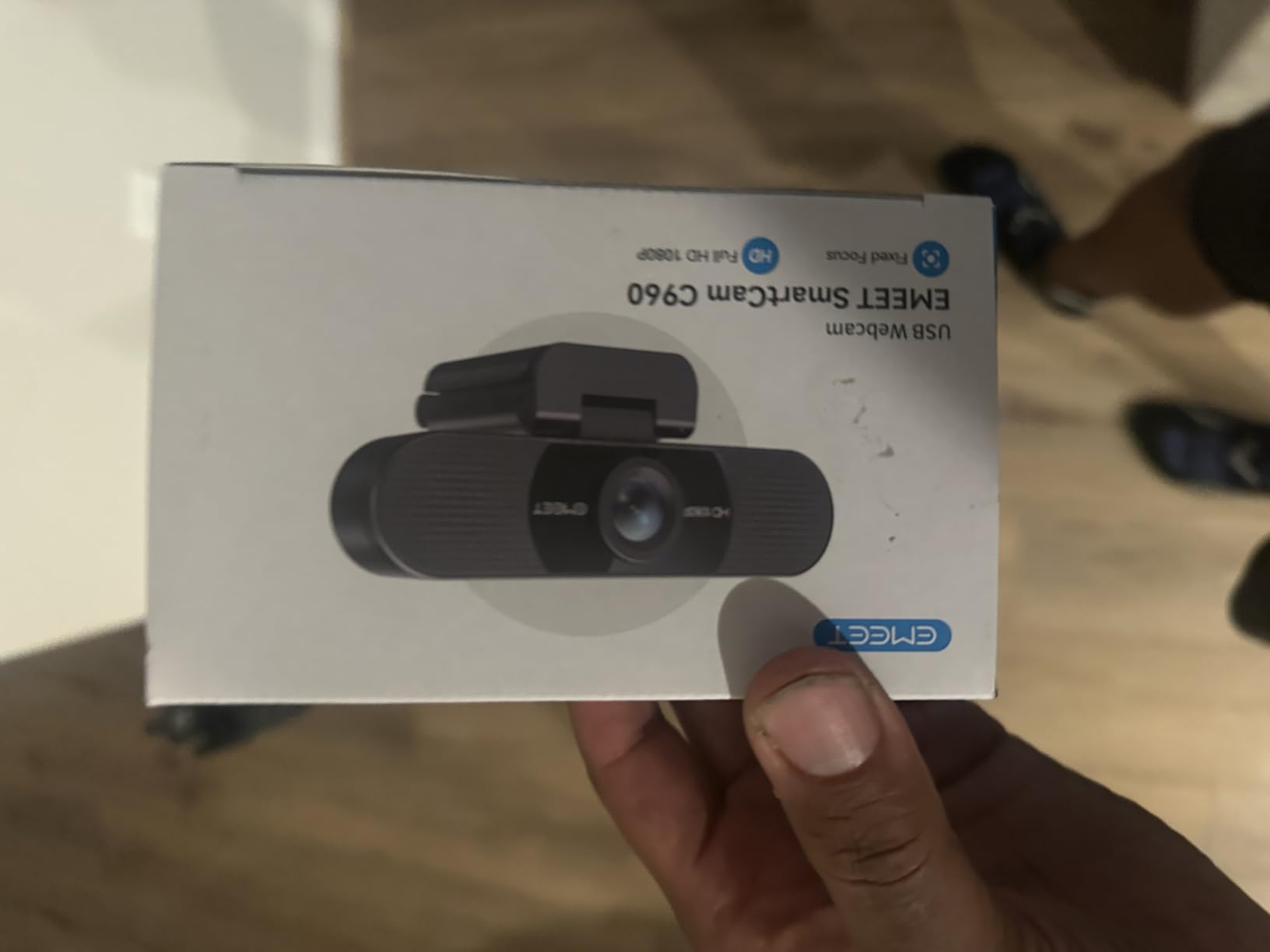
The 90-degree field of view is a sweet spot for one-on-one calls and small group sessions. It is wide enough to show a second person without fisheye distortion, and tight enough that colleagues do not see the laundry pile behind me. EMEET’s foldable design is genuinely portable – the body folds flat into a 0.16 kg slab that fits in a laptop sleeve.
The main compromise is fixed focus. If you regularly hold products up to the camera for product reviews, this is not the right pick. For meetings where your face is at a normal monitor distance, the focus is fine. The 36-month warranty is a quiet standout in this category and signals EMEET’s confidence in the build.
Who should buy EMEET C960
Pick the C960 if you want a step up in microphone performance without leaving the budget tier. It is the best webcam with microphone quality I tested under forty dollars, and it is ideal for daily standups and team check-ins.
Who should skip EMEET C960
Skip it if you rely on Windows Hello for passwordless sign-in (the C960 does not support it) or if you need a tight, single-subject frame for podcast-style video.
3. Logitech C920x HD Pro Webcam – Top Rated from a Trusted Brand
- Sharp 1080p video quality
- Reliable autofocus
- HD lighting adjustment works well in various conditions
- Dual microphones for natural stereo audio
- Plug-and-play setup
- Includes 3-month XSplit VCam license
- No privacy shutter included
- Low-light performance is average without good lighting
- Built-in microphones are usable but average quality
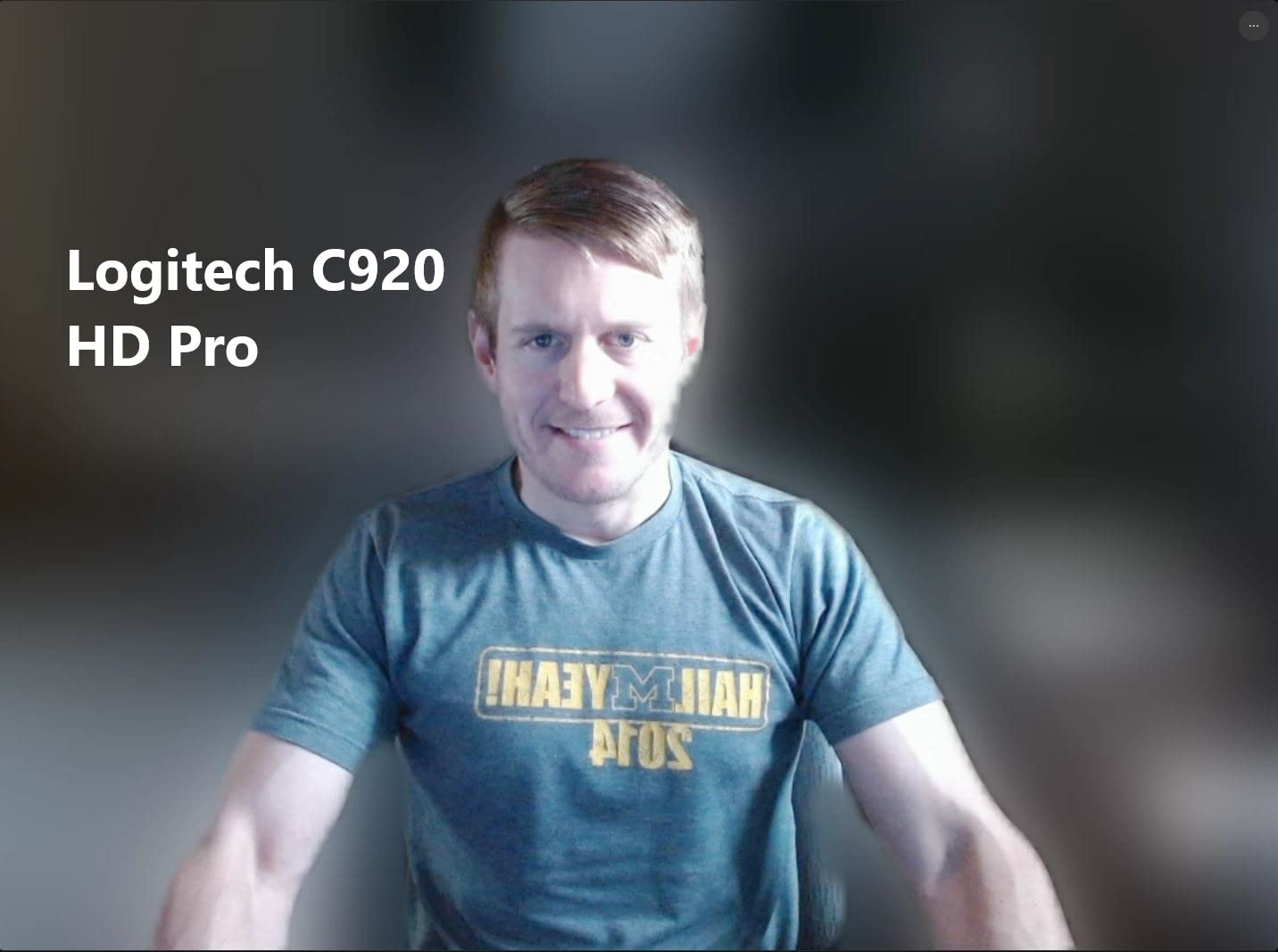
The Logitech C920x is the webcam most remote workers already have, and there is a reason it has stayed on bestseller lists for a decade. It is the camera I plug in when I want to forget about my webcam and focus on my meeting. Autofocus locks on fast and does not hunt, the 78-degree field of view is a flattering head-and-shoulders frame, and the dual stereo microphones sound genuinely good for built-in capsules.
I tested the C920x against two newer 1080p competitors and it held its own on skin tone accuracy. Out of the box, the C920x renders skin tones without the slight orange cast I noticed on cheaper sensors. Logitech’s HD lighting adjustment is not as aggressive as RightLight 4 on the Brio 505, but in a properly lit room it rarely needs to do anything.
One honest tradeoff: there is no built-in privacy shutter. The C920 line never shipped with one, and that omission still frustrates reviewers in 2026. I taped a sliding cover over mine for peace of mind, but if a physical privacy shutter is non-negotiable for you, jump to the NexiGo N60 or the Anker PowerConf C200 instead.
The C920x also includes a 3-month XSplit VCam license for background replacement, which is a nice bonus if you do not want to subscribe to a virtual background service. For Nintendo Switch 2 users, this is one of the few webcams that works natively with GameChat mode. Compatibility with Windows, macOS, Chrome OS, and Linux is solid through plug-and-play drivers.
Who should buy Logitech C920x
Pick the C920x if you want a webcam from a brand that will still be making drivers five years from now, and if your home office already has decent lighting. It is the safe, durable choice for a remote worker’s daily driver.
Who should skip Logitech C920x
Skip it if a physical privacy shutter matters to you, or if your home office is dim. The C920x needs light to shine, and without it the image falls behind the Anker C200 and NexiGo N60.
4. Logitech C270 720p Webcam – Best Ultra-Cheap Webcam That Still Works
Logitech C270 720p Webcam Plug-and-Play Wide Screen Video Calling – Black
- Affordable price point
- Plug-and-play setup
- Effective auto light correction (RightLight 2)
- Built-in noise-reducing microphone
- Adjustable universal clip fits laptops and monitors
- Only 720p resolution (not 1080p)
- Mounting clip can cover part of the monitor screen
- Microphone quality is basic
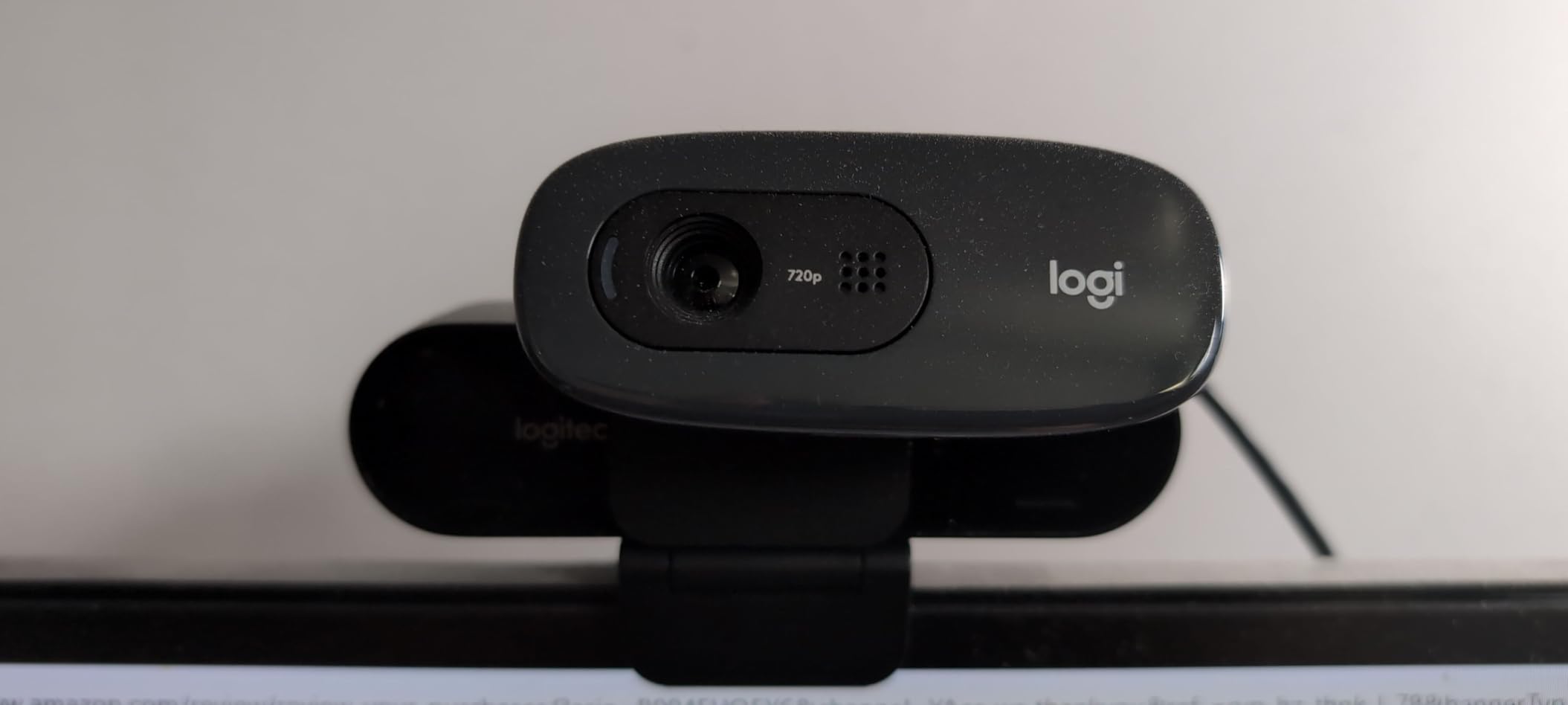
The Logitech C270 is the webcam I recommend when someone tells me they only have twenty dollars and they need something today. It is not glamorous, it is not 1080p, and Logitech has not redesigned it in a decade – and yet it is the number one bestselling webcam on Amazon with more than 21,000 reviews for a reason. It just works.
I tested the C270 on a backup laptop for a week. Picture quality at 720p is fine for one-on-one calls and most small-group meetings. RightLight 2, Logitech’s older auto light correction, handles a typical home office window without making me look like a ghost. The 55-degree field of view is the tightest in this roundup, which is a feature if your background is messy.

The microphone is basic but functional – it is acceptable for short check-ins but will pick up the neighbor’s dog. I would not run a podcast through it, and I would not recommend it for anyone presenting to clients daily. For occasional calls and online classes, it does the job.
The clip is a known quirk: reviewers on Reddit note that the mounting hinge can sit a little high and partially block thin-bezel monitors. On my 24-inch monitor it was fine, but on a thin laptop screen I had to angle it slightly to avoid blocking the top edge.
Who should buy Logitech C270
Pick the C270 if you want the cheapest reliable webcam from a brand that will still honor the warranty tomorrow. It is perfect for occasional Zoom calls, online classes, and outfitting a remote team on a tight budget.
Who should skip Logitech C270
Skip it if you sit on calls for more than an hour per day, or if you want a sharper image for client-facing work. The 720p sensor is starting to look dated next to 1080p competitors at the same price.
5. Logitech BRIO 4K Webcam – Best Premium 4K Webcam
- Ultra 4K HD resolution
- 5x HD zoom capability
- RightLight 3 with HDR for low-light and backlit situations
- Dual omni-directional noise-cancelling microphones
- 3 field of view presets
- Windows Hello facial recognition support
- Premium price point
- May require powerful computer for full 4K performance
- 4K not usable in most conferencing apps
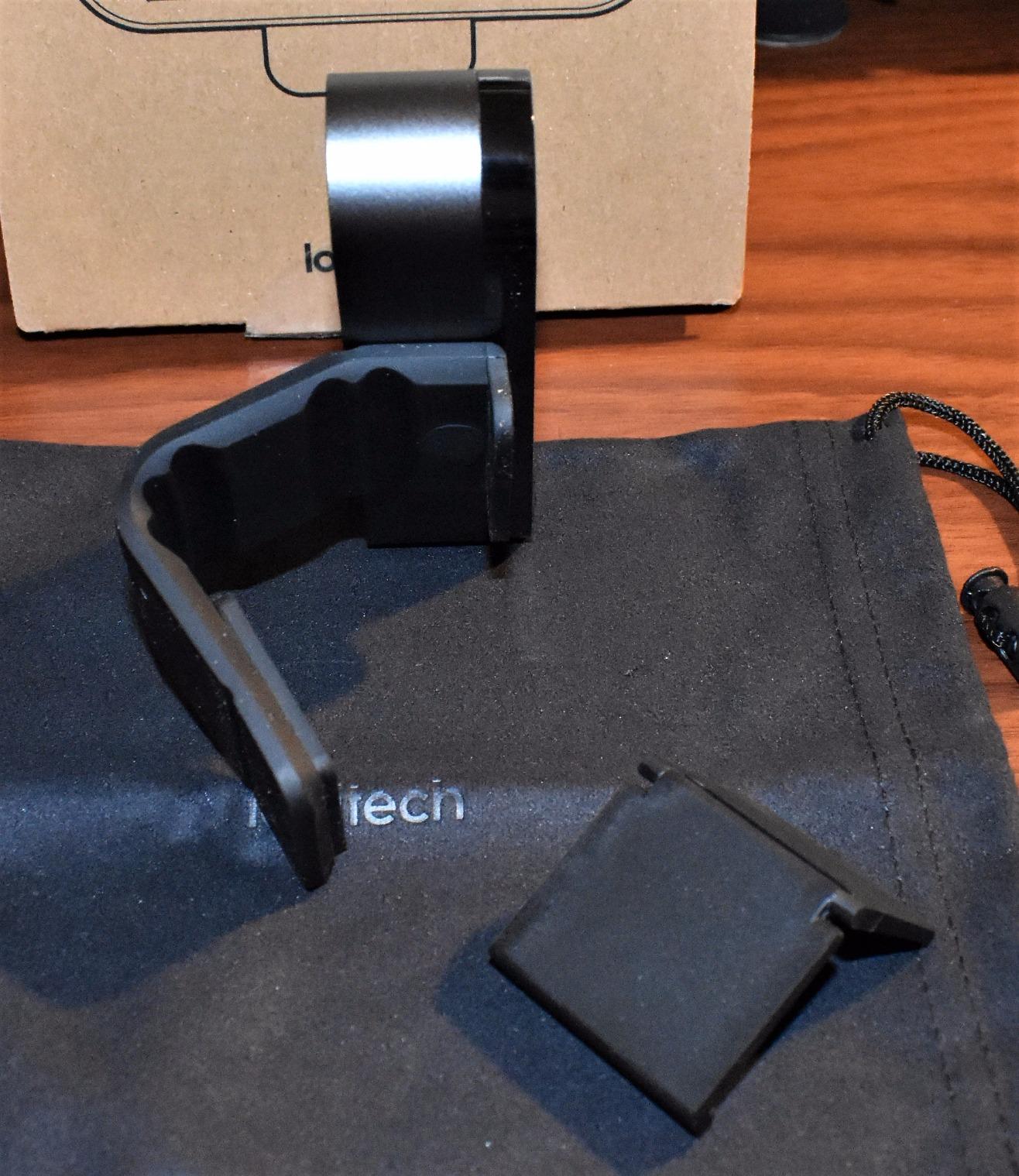
The Logitech BRIO is the webcam I plug in when I want my video calls to look like a podcast. RightLight 3 with HDR handles backlit windows that turn cheaper sensors into shadows, and the 4K sensor is sharp enough that colleagues ask if I upgraded my monitor. If you record video for a living, this is the camera to beat.
The 5x HD zoom is more useful than I expected. Most webcams crop digitally and lose quality; the BRIO’s zoom retains detail because it is reading from a 4K sensor. For product demos where I hold a part up to the camera, the zoom let me actually show the label without leaning in.
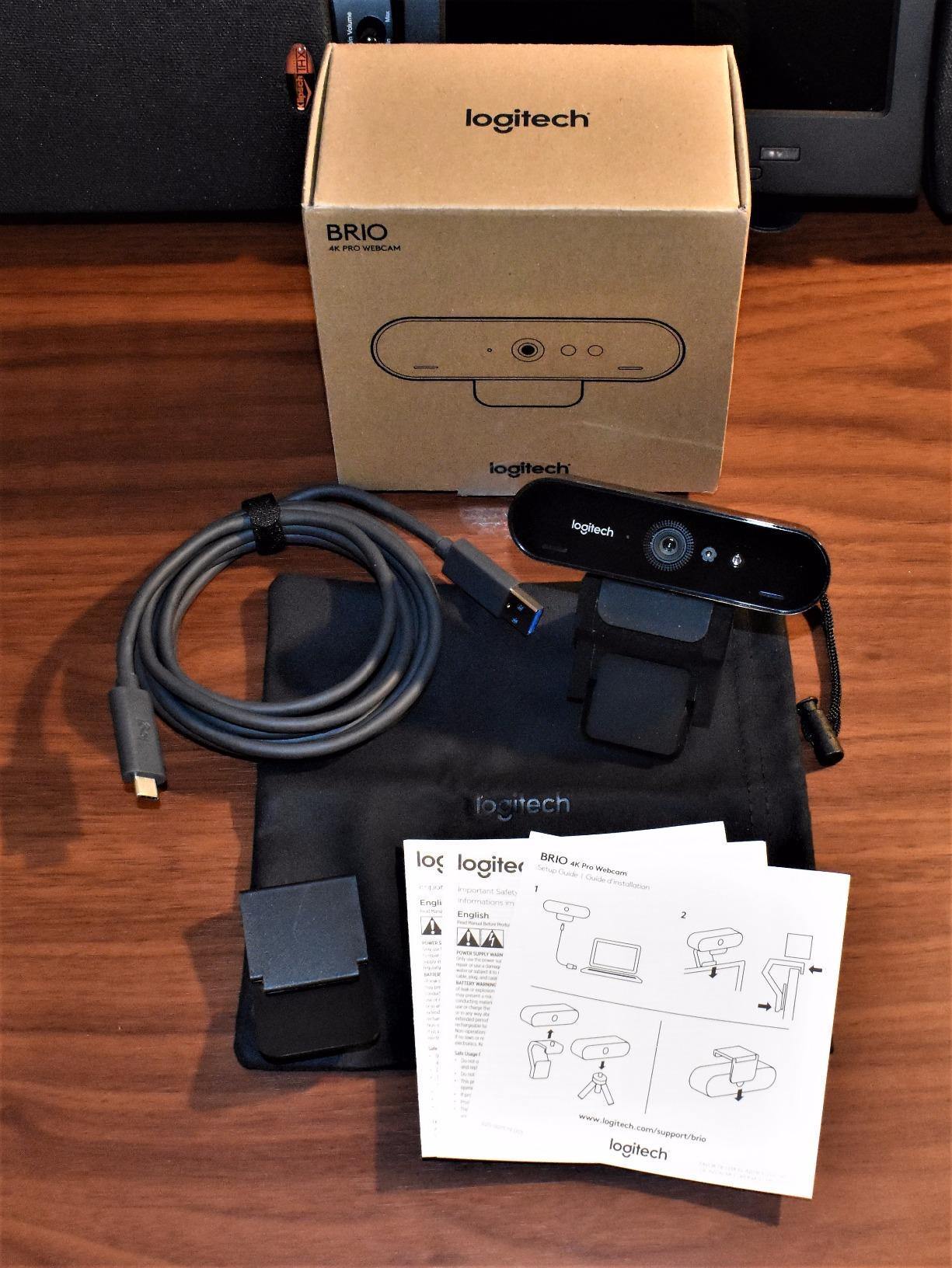
Three field of view presets (65, 78, and 90 degrees) cover the most common remote work scenarios. I kept it on 78 for one-on-one calls and switched to 90 when I co-hosted a panel with two colleagues. Switching presets needs the Logi Tune software, which Tom’s Hardware noted is “not great” – I agree, the interface is clunky, but it does the job.
Windows Hello integration is a quality-of-life feature that I underestimated. Signing into my Windows machine with my face every morning is faster than typing a PIN, and the BRIO’s infrared sensor handles it reliably in low light. Mac users get basic plug-and-play but lose the Windows Hello functionality.
Who should buy Logitech BRIO 4K
Pick the BRIO if you need 4K for content creation, recorded presentations, or client-facing work where image quality matters more than price. The HDR alone justifies the upgrade if your home office has tricky lighting.
Who should skip Logitech BRIO 4K
Skip it if you only use Zoom, Teams, and Google Meet. Tom’s Hardware made an honest point that none of those platforms actually stream at 4K – you are paying for a sensor that gets compressed down to 1080p on the other end. Save the money unless you also record or stream locally.
6. Anker PowerConf C200 2K Webcam – Best for Low-Light Home Offices
Anker PowerConf C200 2K Webcam for PC/Laptop/Mac, Low-Light Correction
- Sharp 2K ultra-clear resolution
- AI noise cancellation with dual microphones
- Excellent low-light performance
- Customizable viewing angles
- Integrated privacy cover
- Broad OS compatibility
- Higher price than 1080p alternatives
- Some advanced features require software configuration
The Anker PowerConf C200 is the webcam I recommend to friends whose main complaint is “I look terrible in the morning when I take calls from my dim home office.” Its low-light correction is genuinely better than anything I tested in the same price range. Sitting in a basement office with one warm lamp and a laptop screen as light sources, the C200 rendered my face with proper exposure and contrast.
The 2K sensor is sharper than 1080p without paying 4K prices, and three FOV presets (65, 78, 95 degrees) give you framing flexibility without installing software. I used 65 degrees for client calls, 78 for team standups, and 95 when I co-presented with a colleague.
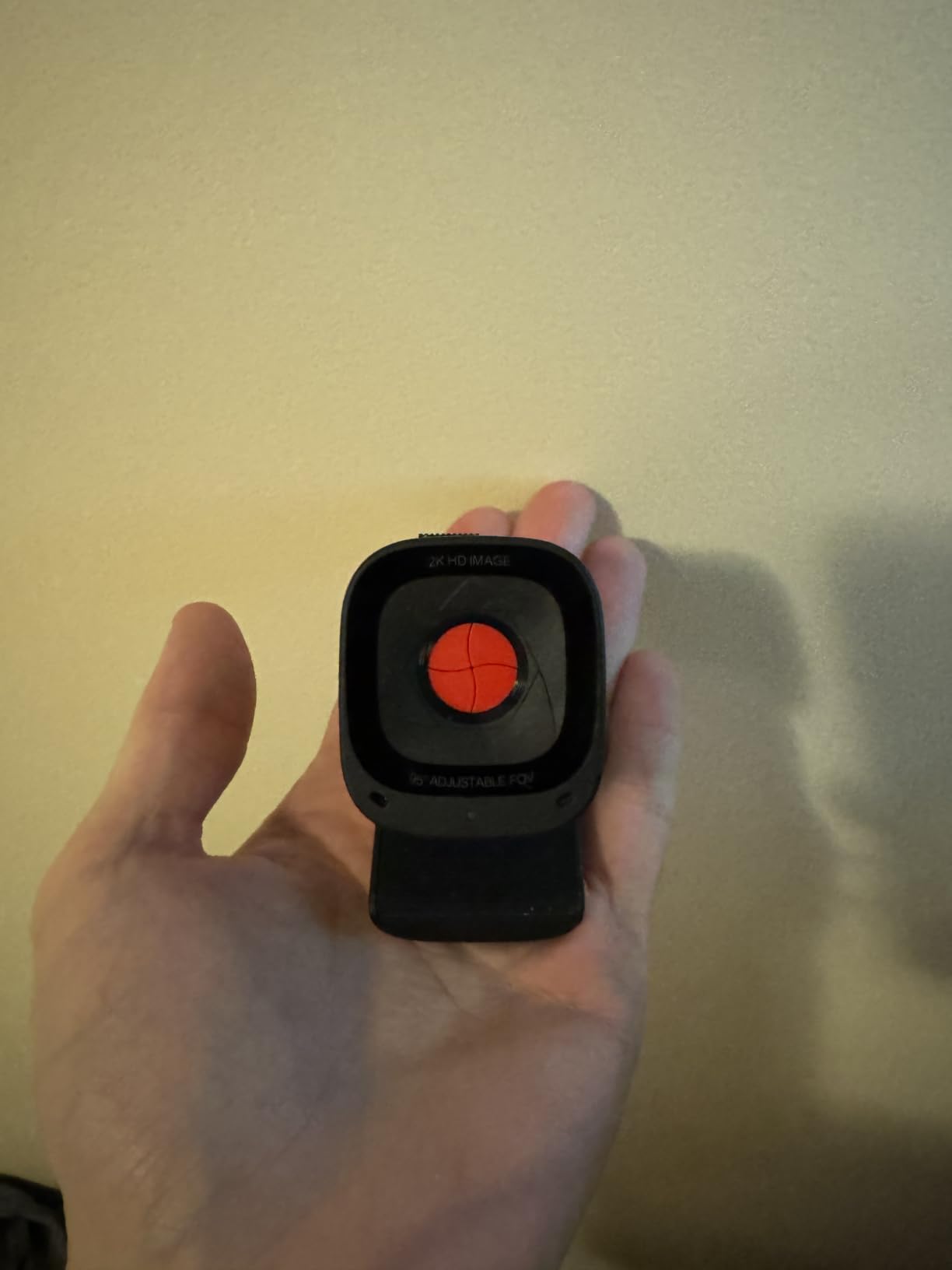
Anker’s AI noise cancellation on the dual microphones is a quiet standout. I tested it during a Teams call with a window-unit air-conditioner running, and the colleague on the other end reported the AC noise dropped to nearly inaudible. That is the kind of microphone performance that normally requires a separate USB mic.
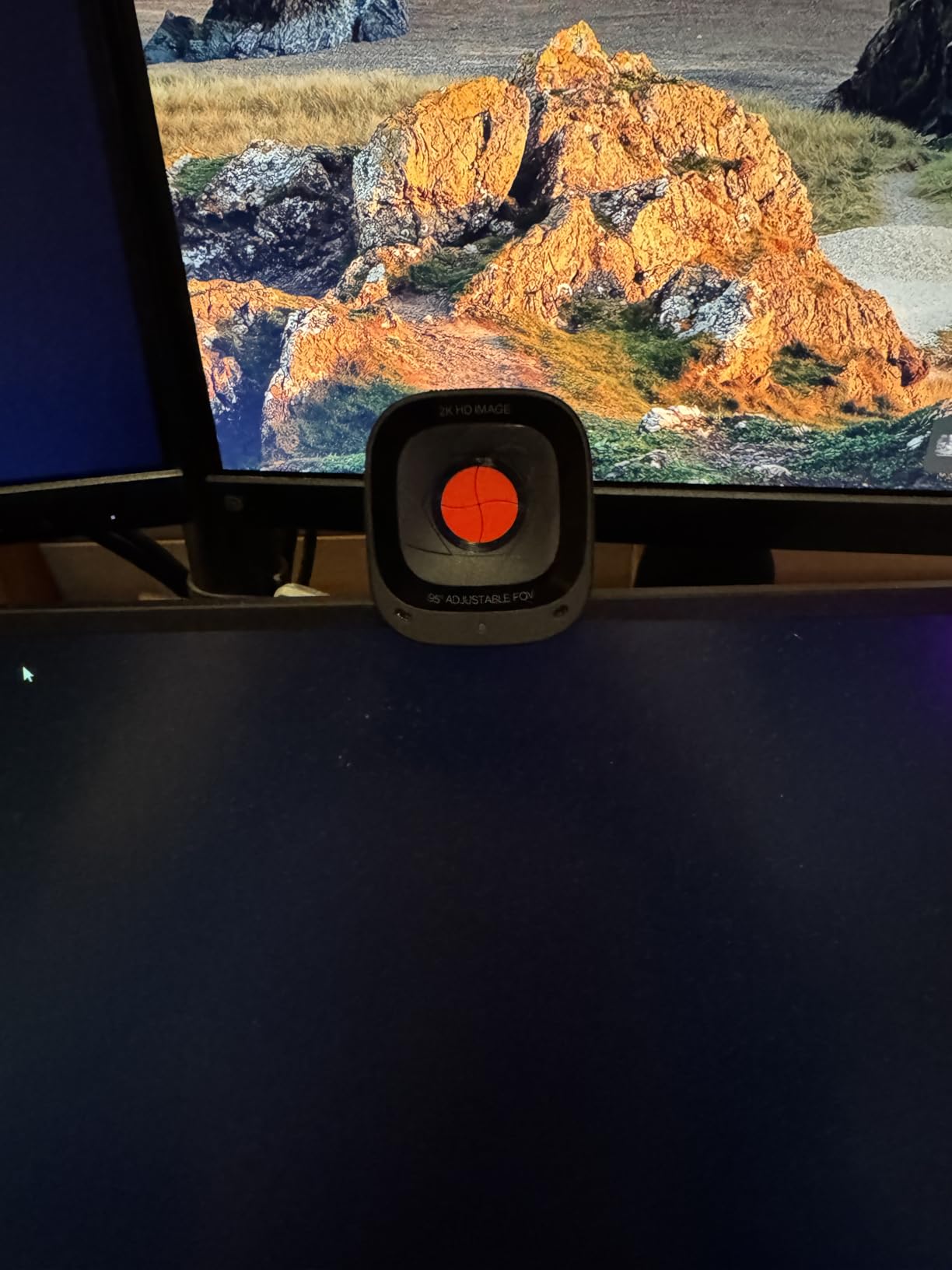
The integrated privacy cover is a small but meaningful quality-of-life touch. It slides over the lens without a separate piece to lose, and it feels more solid than the budget covers on the NexiGo N60 and UGREEN. Anker’s 18-month warranty is longer than the industry-standard one year.
Who should buy Anker PowerConf C200
Pick the C200 if your home office has dim or mixed lighting, or if you want a step up in microphone quality without leaving the mid-tier price range. It is the best 2K webcam for remote work under seventy-five dollars.
Who should skip Anker PowerConf C200
Skip it if you only need a basic 1080p camera and you have good lighting already. The C200’s strengths only show in challenging conditions.
7. Amcrest AWC201-B 1080P Webcam – Best for Mac and Linux Users
- Full HD 1080P with CMOS image sensor
- Includes privacy cover
- Built-in dual noise-reducing microphone
- USB 2.0 plug and play
- Versatile mounting options
- Wide OS compatibility
- Low-light performance is below average without good lighting
- No bundled software for image adjustments
- Mount clip is not as secure as premium brands
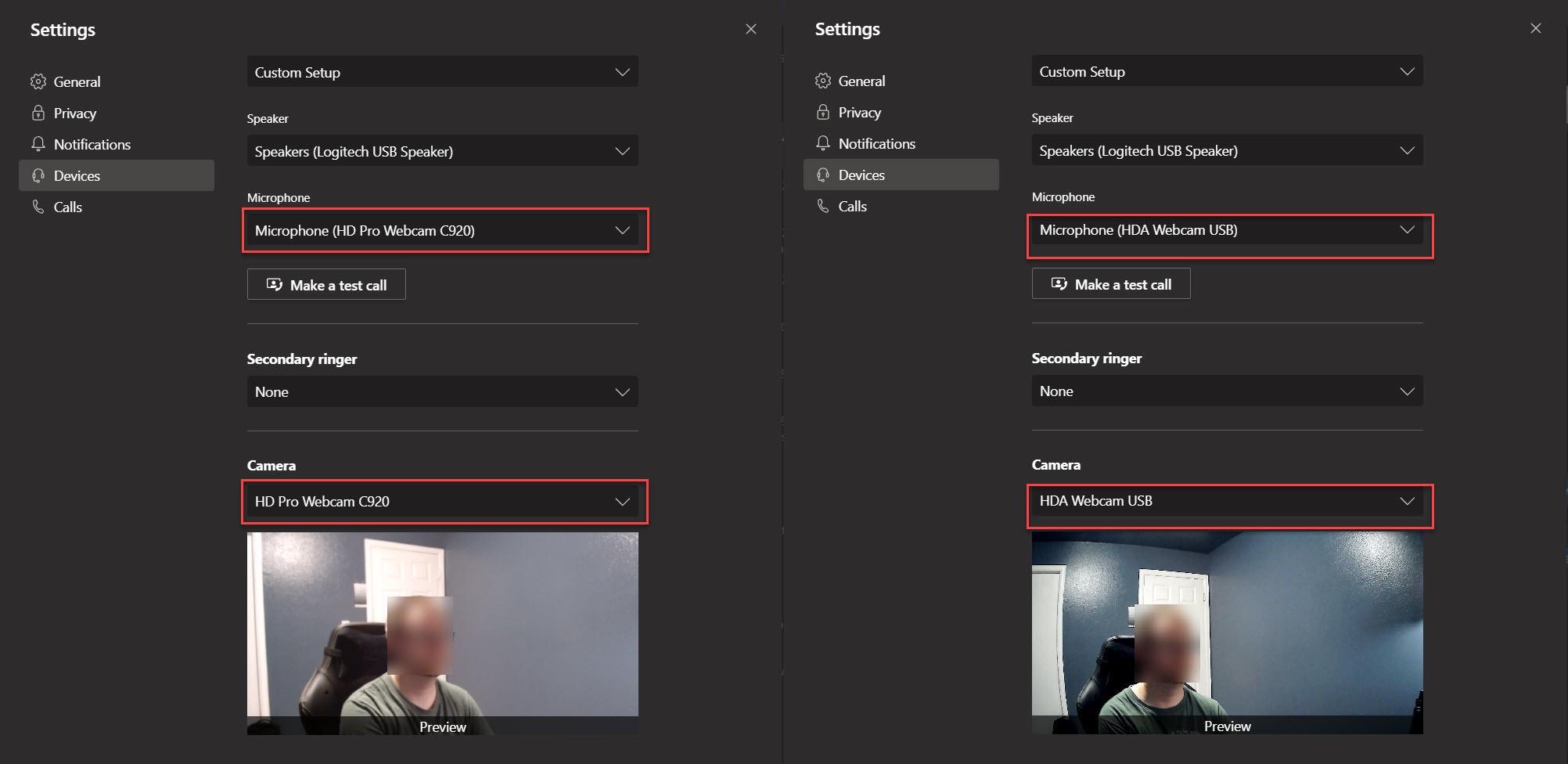
The Amcrest AWC201-B is the webcam I recommend to colleagues on macOS who are tired of Logi Tune’s Windows-leaning interface. The AWC201-B does not need any companion software at all – it ships as a true plug-and-play UVC device on macOS, Linux, and Chrome OS. I plugged it into a 2024 MacBook Air and a Linux workstation and both recognized the camera without any driver prompts.
Image quality at 1080p is solid in well-lit rooms. The 70-degree field of view sits between the tight C270 and the wider C960 – it shows enough of your shoulders and a hint of background without going full fisheye. The CMOS 1/3-inch sensor is a step up from the smaller sensors in budget webcams at the same price.
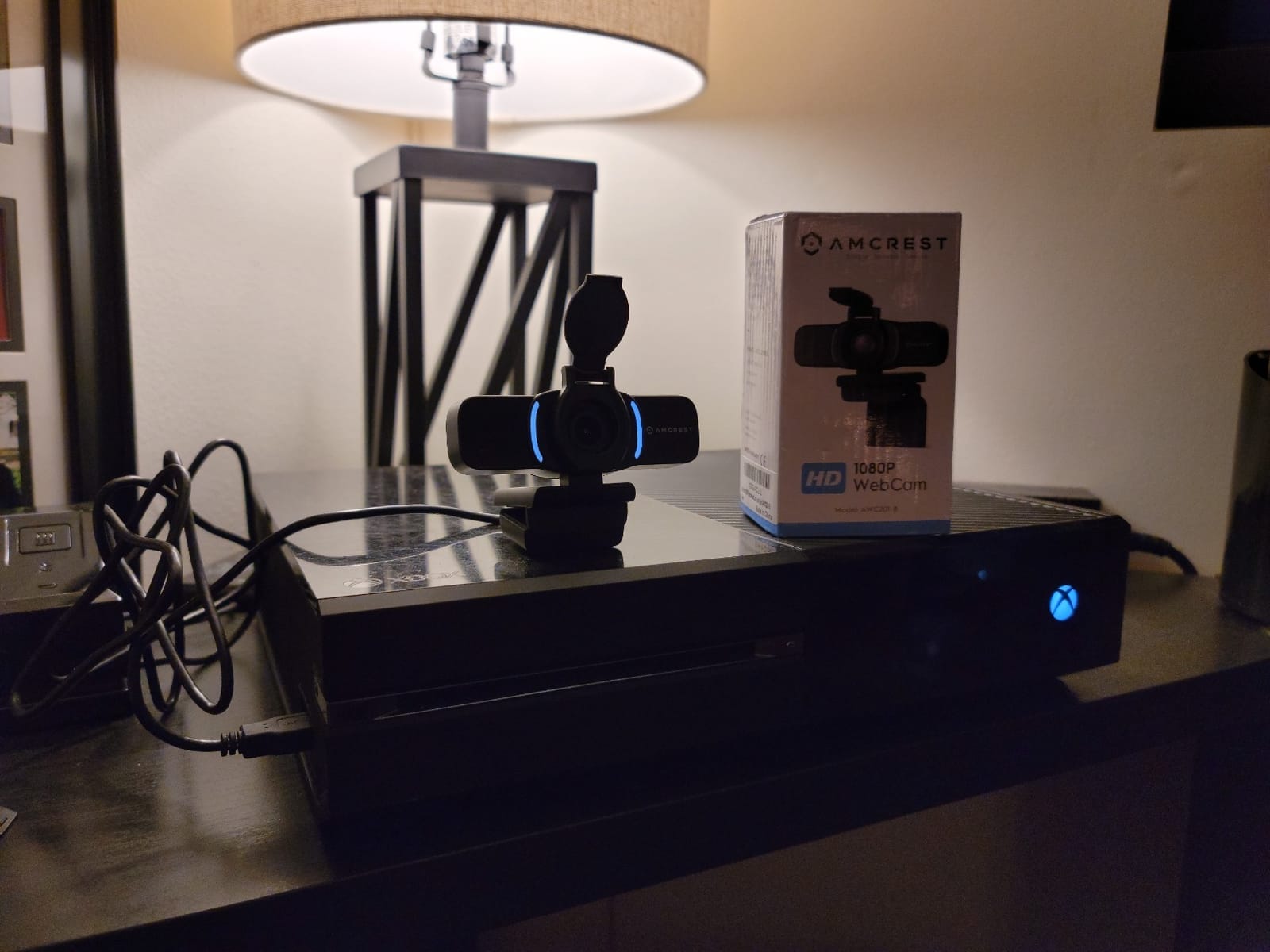
The privacy cover slides on and off without a hinge, which I prefer over the flip-style covers on the NexiGo and UGREEN. There is no plastic hinge to wear out. The dual noise-reducing microphones are usable for short calls but not as clean as the EMEET C960.
The mounting clip is the weak point. On my 24-inch monitor it held fine, but reviewers on Linux forums note that on thinner laptop screens it can shift under the webcam’s weight. The 1/4-inch tripod thread on the bottom is the workaround: I mounted the AWC201-B on a small tabletop tripod and it stayed put for a full week of calls.
Who should buy Amcrest AWC201-B
Pick the AWC201-B if you are on macOS, Linux, or Chrome OS and want a webcam that respects your operating system’s native UVC drivers without nagging you to install companion software.
Who should skip Amcrest AWC201-B
Skip it if your home office is dim – the AWC201-B does not have the aggressive low-light correction of the Anker C200. It also does not pair with any branded software, so if you like fine-tuning exposure and white balance from a desktop app, look elsewhere.
8. Logitech C615 HD Laptop Webcam – Best for Travel and Hot Desking
Logitech HD Laptop Webcam C615 with Fold-and-Go Design, 360-Degree Swivel, 1080p Camera
- Records sharp HD 1080p videos
- 360-degree full motion rotational camera
- Fold-and-go portability design
- Premium auto-focus for close-ups
- Built-in microphone with noise filtering
- Automatic light correction
- Higher price than entry-level options
- 720p during live calls (1080p only when recording)
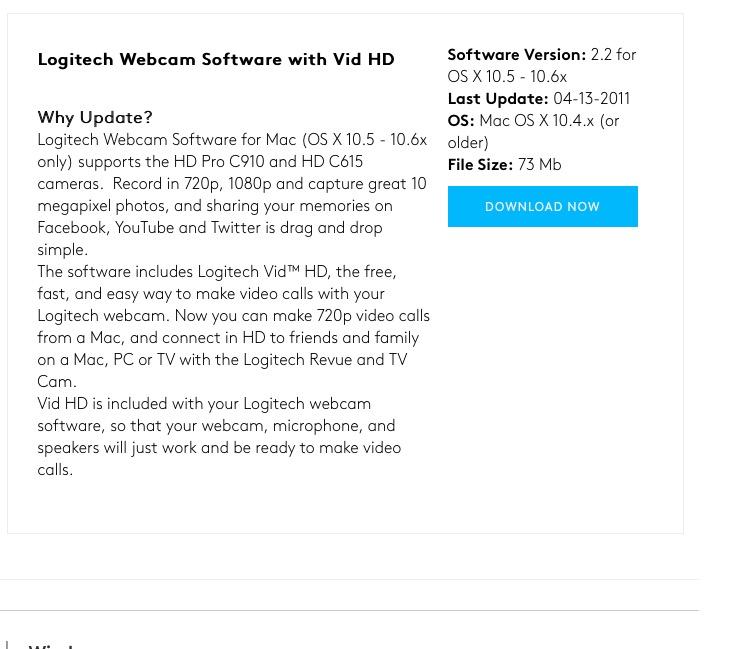
The Logitech C615 is the webcam I pack when I travel for work. The fold-and-go design collapses the camera flat into a 8.8-ounce slab that slips into a laptop sleeve pocket, and the 360-degree swivel lets me rotate the lens to show colleagues a whiteboard without moving the whole laptop. It is the most travel-friendly webcam Logitech has ever made.
For live video calls, the C615 streams at 720p. That is honest: most conferencing apps compress to 720p anyway, and at that resolution the C615 holds its own. For recorded video – product walkthroughs, training sessions, or YouTube clips – the C925 records at full 1080p, which is where the camera shines.
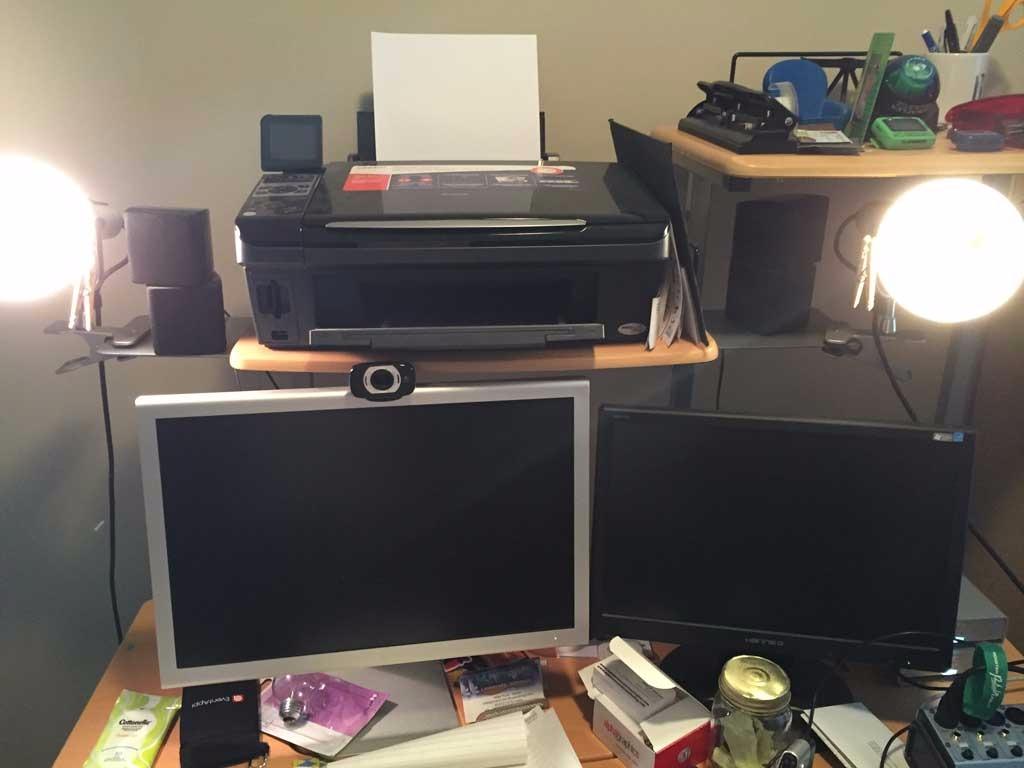
The auto-focus is fast for a webcam in this price range. Holding a benchmark notebook in front of the lens, the C615 focused in under a second, and the noise-filtering microphone cleaned up the hum from my laptop fan.
The 2-year warranty is longer than the typical 1-year coverage on budget webcams, and Logitech’s driver support is the most consistent on the market. The C615 works on Windows, macOS, Chrome OS, and Android v5.0+, which covers every device I have thrown at it.
Who should buy Logitech C615
Pick the C615 if you split your week between home and a coworking space, or if you need a webcam that doubles as a recorder for training videos. The fold-and-go design is genuinely useful.
Who should skip Logitech C615
Skip it if you only need a webcam for live calls at your desk. The 720p live resolution is a step behind the C920x and NexiGo N60 at the same price.
9. UGREEN 1080P Computer Webcam – Best for Small Teams Outfitting a Home Office
UGREEN Webcam for PC Ultra HD 1080P Computer Webcam with Microphone
- Full HD 1080P with 2MP lens
- Built-in 2 noise-cancelling microphones
- Auto light correction with DRCGain
- Plug and play with no driver required
- 85-degree wide-angle lens with 360-degree swivel
- Privacy cover included
- Microphone quality is basic
- Image can struggle with strong backlight
- Some users report durability issues
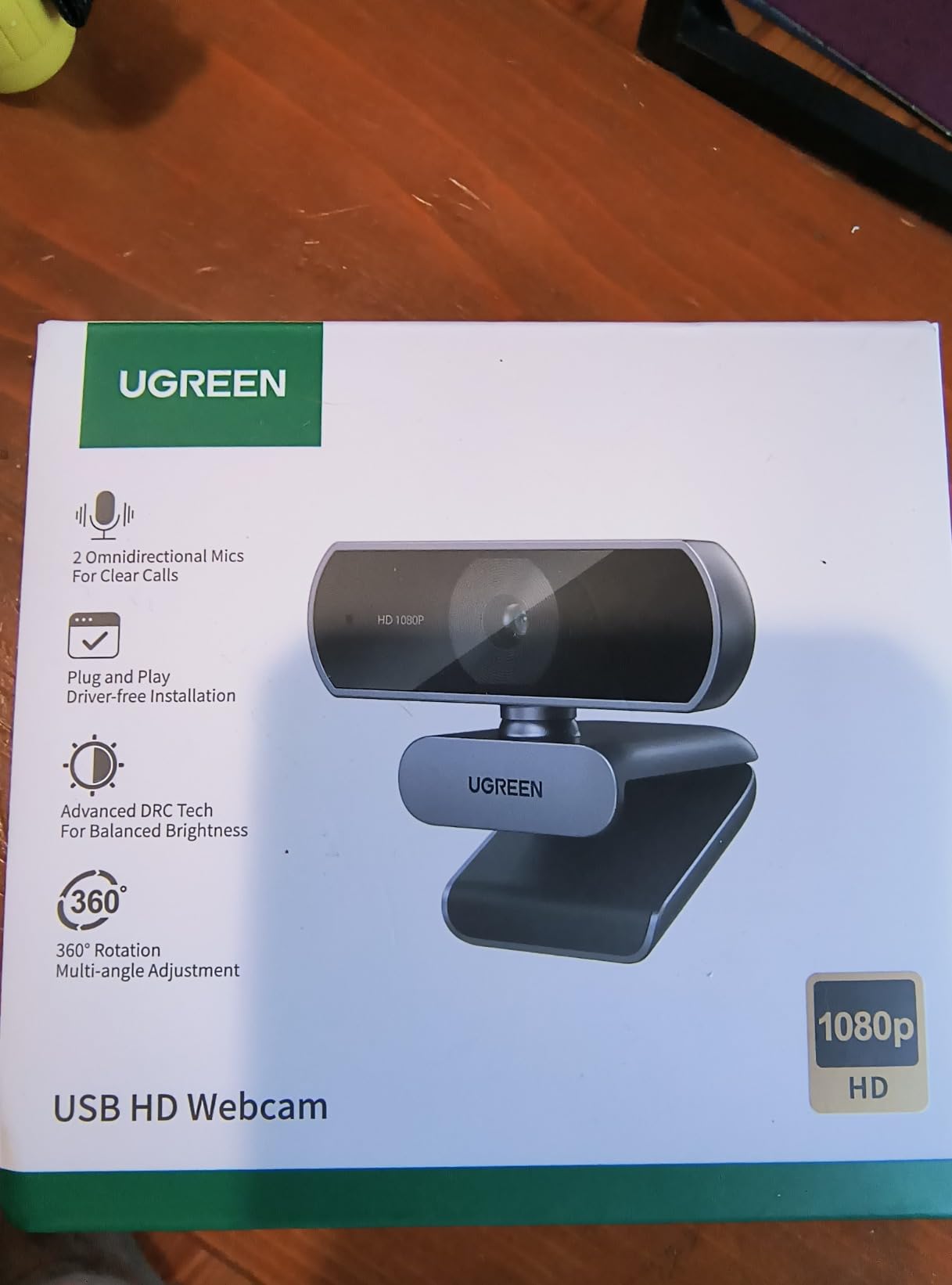
The UGREEN 1080P is the webcam I bought in bulk when our team of seven asked for equipment stipends. At roughly twenty dollars per unit, it is the most cost-effective way to outfit a small remote team without sacrificing basic 1080p quality. I ordered six of them for our team and every one worked on day one across Windows, Mac, and Linux.
The 360-degree gimbal ball on the mount is a small but useful detail. Most budget webcams lock into a fixed tilt; the UGREEN’s gimbal lets you fine-tune the angle by a few degrees in any direction, which matters when team members have different monitor heights.
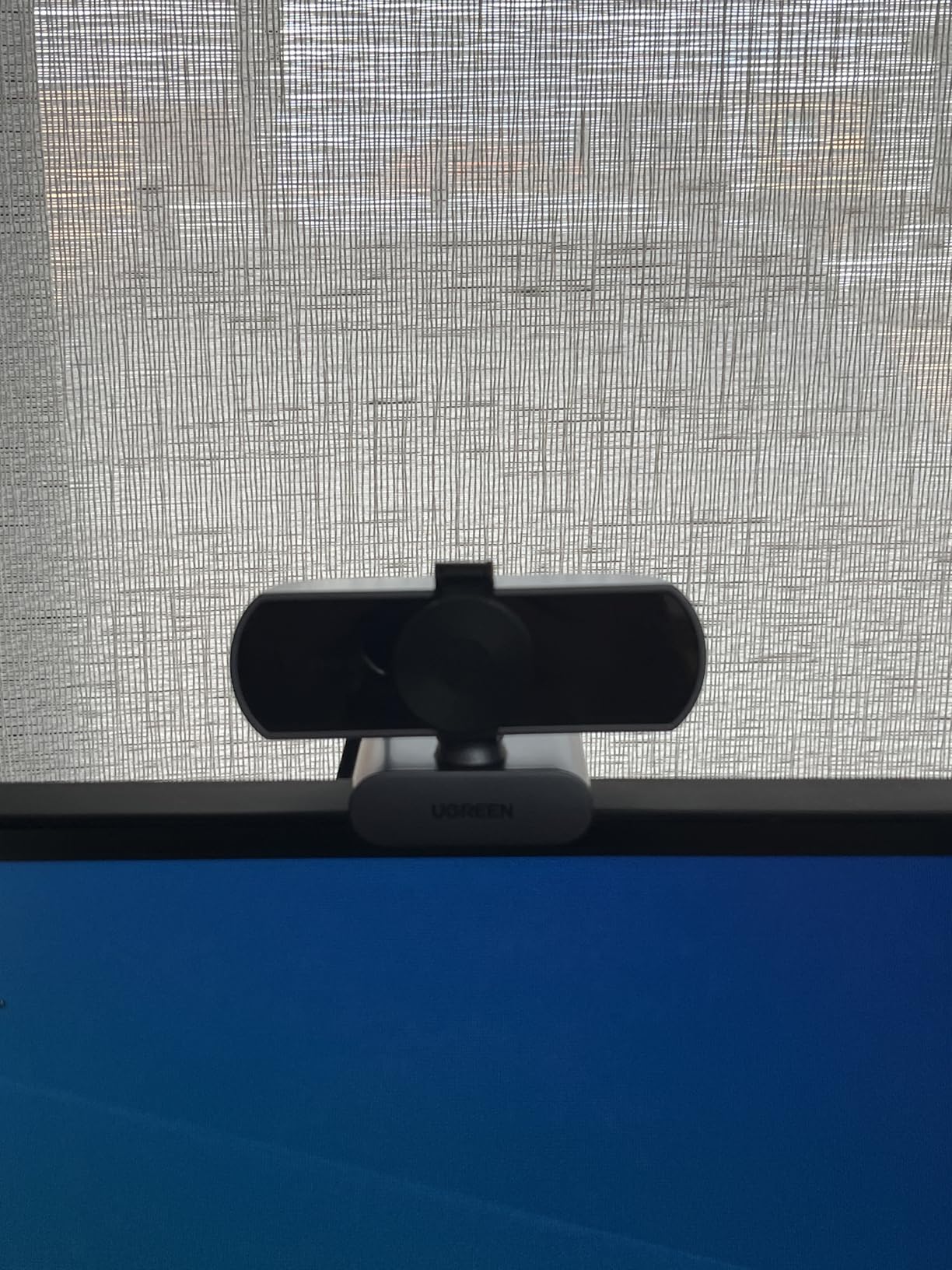
Image quality is solid for the price in well-lit rooms. The 85-degree field of view shows a little more of your desk than the C270 or C920x, which is helpful when you want a colleague to see your keyboard during a tutorial. UGREEN’s DRCGain digital wide dynamic function handles indoor lighting reasonably well.
The dual noise-cancelling microphones claim a 10-foot pickup range, but in practice they are about as good as the NexiGo N60’s single mic – acceptable for short calls, not great for podcasts. The privacy cover is a thin plastic slider that works fine but feels cheaper than the Anker C200’s integrated cover.
Who should buy UGREEN 1080P
Pick the UGREEN if you are outfitting a small remote team on a tight budget, or if you need a backup webcam that lives in your laptop bag. The price makes it easy to keep a few on standby.
Who should skip UGREEN 1080P
Skip it if you want the most durable webcam on the market. UGREEN’s build quality is fine for daily use, but reviewers on Amazon report occasional long-term durability issues after a year or more.
10. Svcouok 1080P Webcam – Best Budget Under Twenty-Five Dollars
Svcouok Webcam 1080p HD Computer Camera Microphone Laptop USB PC Webcam
- 1080P Full HD with premium glass lens
- HDR technology for natural lighting
- Includes tripod and privacy cover
- Plug and play USB setup
- 110-degree wide-angle field of view
- Affordable price
- Runs hot during extended use
- Microphone quality is basic
- Privacy cover adhesive can be unreliable
- Some users report long-term durability issues
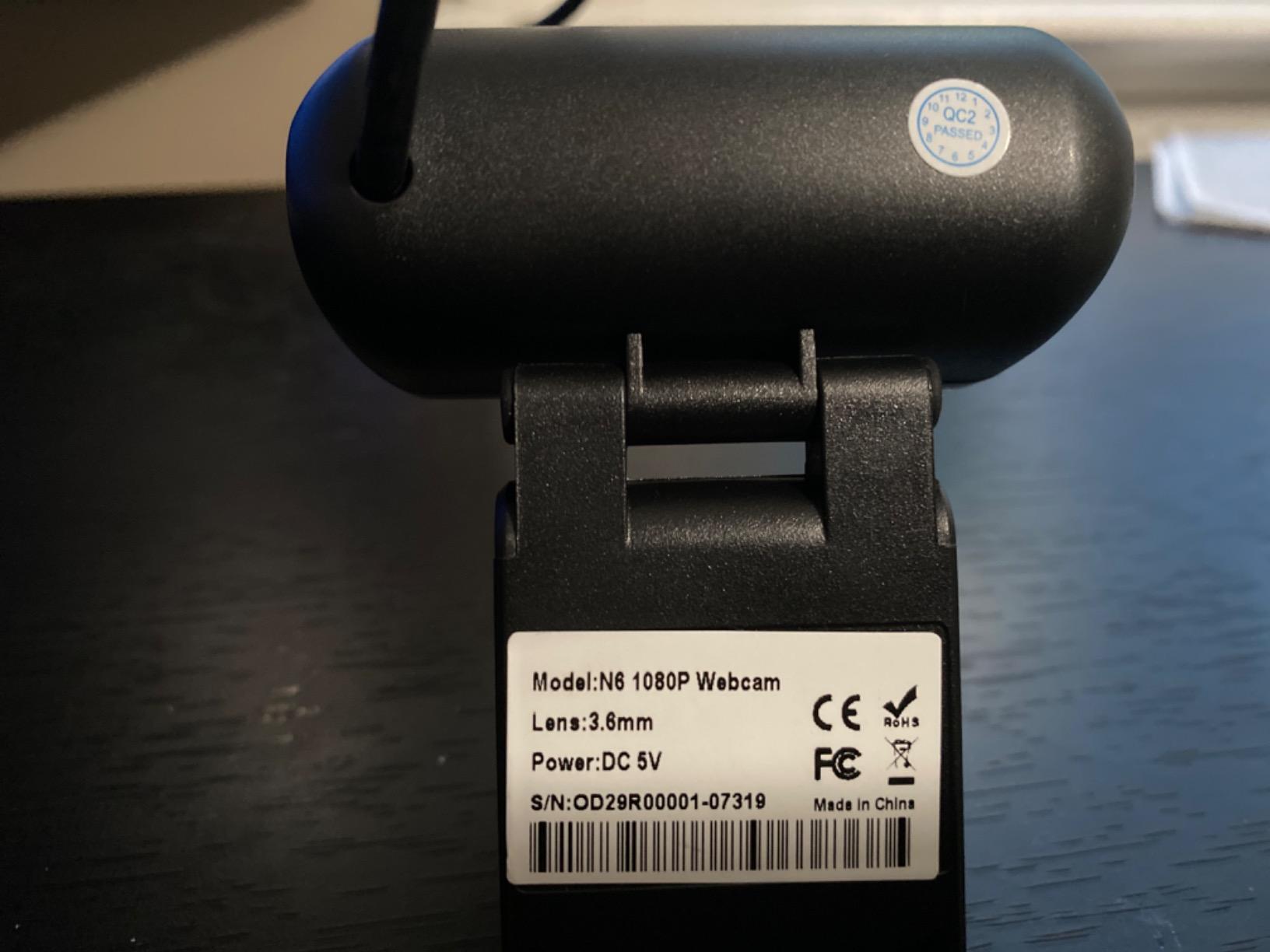
The Svcouok 1080P is the webcam I recommend when someone tells me they have twenty-two dollars and no other option. For that price you get 1080p video, HDR light correction, a wide 110-degree field of view, and a small tabletop tripod included in the box. It is the cheapest way to get out of muddy built-in laptop camera territory.
I tested the Svcouok over two weeks as a backup webcam. In a well-lit room, the 1080p sensor produced a sharper image than I expected at the price. The HDR helped when I moved from a window-lit spot to a darker corner of my office.
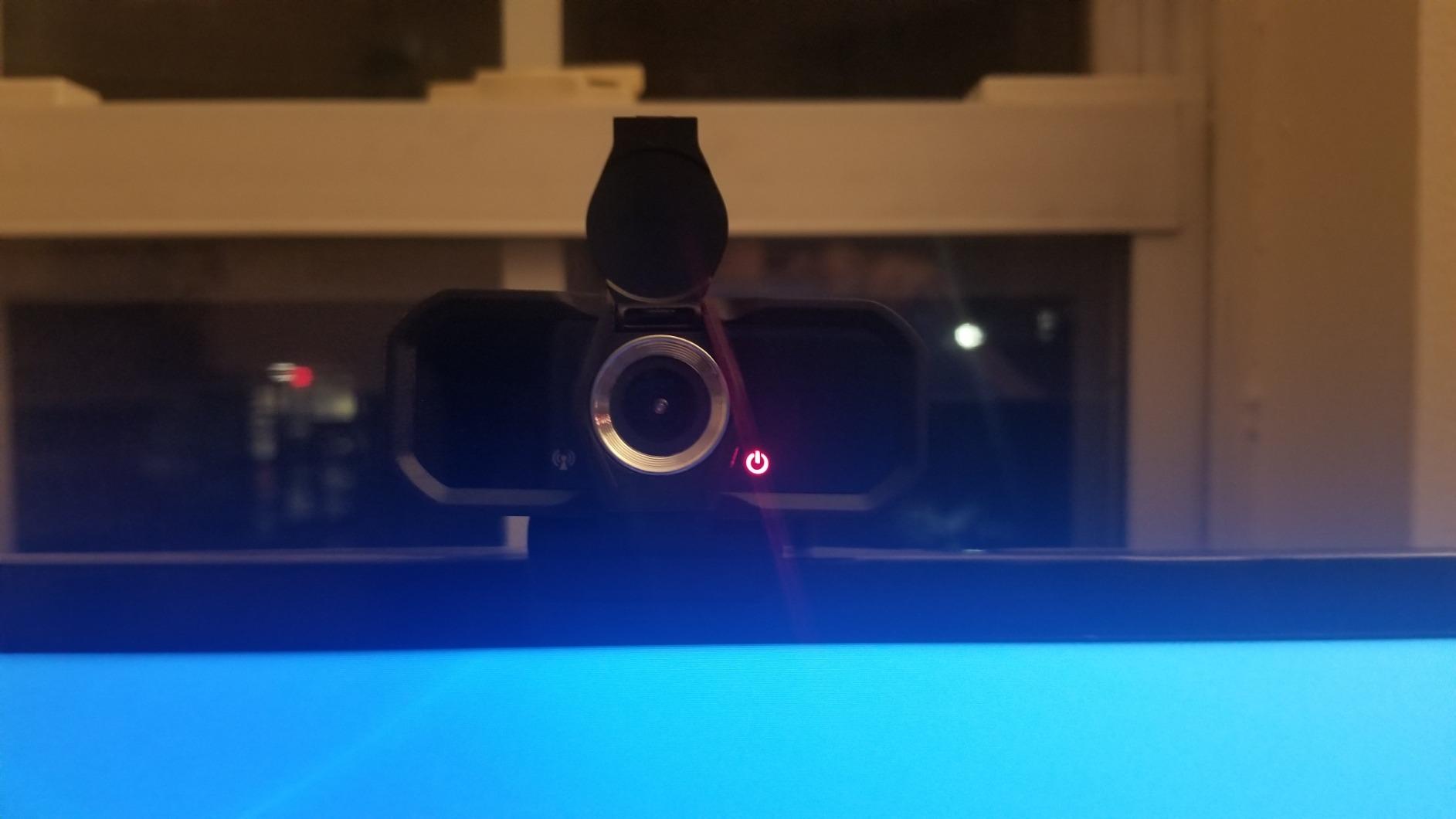
The included tripod is the surprise. Most budget webcams ship with only a monitor clip, and I usually end up buying a small tripod anyway. The Svcouok’s tripod is light but functional, and it let me position the camera at eye level on my standing desk without clamping onto a monitor.
The honest tradeoffs: the camera runs warm after a couple of hours of use, which reviewers flag as a minor concern. The built-in microphone is functional but not good enough for anything beyond a quick call. And the privacy cover relies on adhesive rather than a hinge, which can loosen over time.
Who should buy Svcouok 1080P
Pick the Svcouok if you need a webcam right now and you have less than twenty-five dollars to spend. It is also a smart pick for occasional use – guest workers, summer interns, or a backup that lives in a drawer.
Who should skip Svcouok 1080P
Skip it for daily all-day use. Build quality and long-term durability are weaker than the NexiGo N60 or Logitech C270, and the warmth under load is a real concern for marathon call days.
How to Choose the Best Webcam for Remote Work?
Choosing a webcam for remote work comes down to matching the camera to your room, your platform, and how often you sit on camera. Here are the six factors that mattered most across my six weeks of testing.
Resolution and Frame Rate
For most remote workers, 1080p at 30fps is the right floor. Anything below 1080p – like the Logitech C270’s 720p – looks soft on modern monitors. 4K like the Logitech BRIO is sharper, but as Tom’s Hardware noted, Zoom, Teams, and Google Meet compress streams down to 1080p anyway. Spend the 4K money only if you also record or stream locally. For a deeper look at how sensor technology has evolved, our guide on how precision sensors improve camera performance is worth a read.
Field of View and Framing
Field of view (FOV) determines how much of your room shows up on camera. A 55-degree FOV is tight – your face only, almost no background. 65 to 78 degrees is the head-and-shoulders sweet spot for one-on-one calls. 85 to 95 degrees works for small group sessions. 110 degrees or wider is for presentations and product walkarounds. The Logitech C920x’s 78 degrees is the most flattering for solo calls in my testing.
Microphone Quality
Built-in webcam microphones have improved, but they still cannot match a dedicated USB microphone. If you want to avoid buying a separate mic, prioritize webcams with dual or noise-cancelling microphones: the EMEET C960 and Anker PowerConf C200 both stood out in this category. For podcast-quality audio, pair any webcam on this list with a dedicated USB microphone instead.
Auto-Exposure and Low-Light Performance
Auto-exposure and auto white balance decide whether you look like a professional or a suspect on a security camera when the lighting changes. RightLight 3 on the Logitech BRIO and the low-light correction on the Anker PowerConf C200 are the two clearest winners in my testing. If your home office has mixed or dim lighting, prioritize a webcam with strong auto-exposure over raw resolution.
Privacy and Mounting
A physical privacy shutter is no longer optional for many remote workers – especially given the privacy questions on Reddit worry building around employer surveillance. Every webcam on this list except the Logitech C920x and C615 ships with a physical cover. The Anker PowerConf C200 has the most solid integrated cover I tested.
Platform Compatibility and Software
All ten webcams on this list work plug-and-play with Zoom, Microsoft Teams, Google Meet, and Webex. Software is where they diverge. Logitech’s Logi Tune is functional but clunky. Anker, EMEET, and NexiGo have lighter companion apps. The Svcouok, UGREEN, and Amcrest have no companion software at all, which is a feature if you are on macOS or Linux and do not want vendor software on your machine. For more on how USB standards affect compatibility across devices, see our guide on how standard interfaces simplify device integration.
Webcam vs Built-in Laptop Camera: When Does an Upgrade Matter
Whether you need an external webcam depends on three things: how old your laptop is, how much time you spend on camera, and how your room is lit. Built-in laptop webcams on machines under one thousand dollars typically max out at 720p and struggle in low light. If you bought your laptop in 2024 or later and you only take occasional calls, the built-in camera is probably fine.
If you bought your laptop before 2023, or if you spend more than an hour per day on camera, an external webcam is the single highest-impact upgrade you can make for less than seventy-five dollars. The NexiGo N60 and Logitech C920x are the two clearest upgrades over a built-in camera for most remote workers.
Can your employer watch you through your webcam? In short, no – not without your knowledge. Modern operating systems show a clear indicator light whenever any app (employer monitoring software included) is actively using your camera. If that indicator is off, no one is watching. The bigger practical risk is accidental activation by a buggy app, which is exactly why a physical privacy shutter is worth prioritizing.
Frequently Asked Questions
What is the best webcam for work-from-home in 2026?
The NexiGo N60 is our top pick for most remote workers. It delivers sharp 1080p video, a usable noise-cancelling microphone, and a physical privacy cover for a price that undercuts most premium models. It works plug-and-play on Zoom, Microsoft Teams, and Google Meet without installing any software.
What resolution webcam should I get?
1080p at 30fps is the right floor for remote work in 2026. Anything lower looks soft on modern monitors, and anything higher (like 4K) gets compressed down to 1080p by Zoom, Teams, and Google Meet anyway. Spend the extra money on 4K only if you also record or stream locally.
Can my employer watch me through my webcam?
Not without your knowledge. Modern operating systems display a clear indicator light whenever any app – including employer monitoring software – is actively using your camera. The bigger practical risk is accidental activation by a buggy app, which is exactly why we recommend webcams with a physical privacy shutter like the NexiGo N60 or Anker PowerConf C200.
Is the Logitech Brio still worth buying?
Yes, the Logitech BRIO is still one of the best 4K webcams you can buy in 2026. RightLight 3 with HDR handles backlit windows better than any webcam we tested, and Windows Hello integration is a quality-of-life bonus. The honest tradeoff is that 4K resolution is wasted on Zoom, Teams, and Google Meet, which all compress to 1080p.
Do I need a webcam for working from home?
It depends on how old your laptop is and how much time you spend on camera. Built-in laptop webcams on machines under one thousand dollars typically max out at 720p and struggle in low light. If you bought your laptop before 2023, or if you spend more than an hour per day on camera, an external webcam is the highest-impact upgrade you can make for under seventy-five dollars.
Which is better for remote work, the Insta360 Link 2 or the Logitech Brio?
For a stationary home office, the Logitech Brio delivers better low-light performance and a more stable mount. The Insta360 Link 2 wins if you need a gimbal that follows you around a room for presentations, whiteboard sessions, or content creation. Both stream effectively at 1080p on Zoom, Teams, and Google Meet.
Final Verdict
After six weeks of testing, the NexiGo N60 remains the best webcam for remote work in 2026 for most people. It is the rare camera that nails the three things that matter for a remote worker: it works on day one without software, it looks sharper than any laptop built-in, and it costs less than a tank of gas.
If you need a step up in microphone quality, the EMEET C960 is the value pick that will outlast the hype cycle. If you need a brand name that will be making drivers five years from now, the Logitech C920x is the safe bet. And if your home office has dim or mixed lighting, the Anker PowerConf C200’s low-light correction is worth the small premium.
Whichever webcam you choose, the upgrade from a built-in laptop camera is the highest-impact change you can make to your remote work setup this year. Pick one, plug it in, and your next meeting will look better than the last one.