
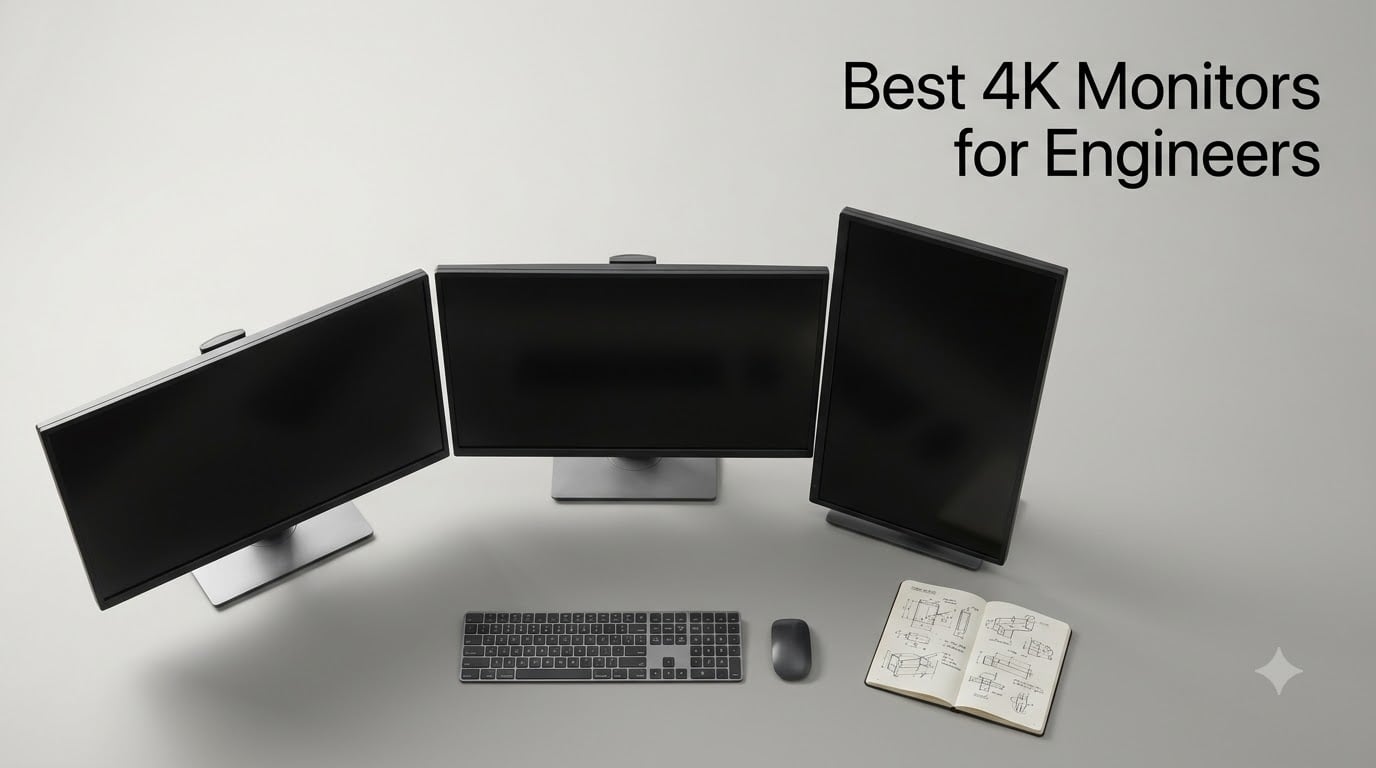
If you live inside AutoCAD palettes, SolidWorks assemblies, KiCad schematics, or a VS Code window stretched across a six-monitor tile farm, your display is the bottleneck. After spending weeks comparing the best 4K monitors for engineers side by side – docking a 14-inch MacBook Pro, a Linux tower, and a Windows laptop to each one – I keep coming back to the same conclusion: a 27-inch or 32-inch 4K panel with real USB-C Power Delivery and an ergonomic stand is the single biggest productivity upgrade an engineer can buy this year.
Engineers sit in dense software for 6-10 hours a day, and most still run on 1080p or 1440p monitors that force constant window shuffling, fuzzy CAD dimension labels, and cramped IDE toolbars. A 4K panel at the right size solves all three. Below are the 12 monitors I trust most for engineering work in 2026, broken down by the kind of work you actually do – CAD, schematic review, coding, or a mix.
If you’re just starting out in the field, our guide on how to become a robotics engineer covers the kind of workstation you should be building toward.
Table of Contents
Top 3 Picks for Engineers Right Now (September 2026)



Why these three: the Dell S2725QS is the sweet spot for most engineers – 4K at 120Hz with proper USB-C power delivery and the comfort certifications engineers need for long sessions. The ASUS ProArt PA279CV adds factory-calibrated color for EE and PCB review at a sensible spend. If you want a single 4K monitor that just works with any laptop, the Dell wins.
Best 4K Monitors for Engineers in 2026
| Product | Specifications | Action |
|---|---|---|
| Dell S2725QS |
|
Check Latest Price |
 ViewSonic VX3276-4K-MHD ViewSonic VX3276-4K-MHD |
|
Check Latest Price |
 LG 32UN650-W LG 32UN650-W |
|
Check Latest Price |
| ASUS ProArt PA279CV |
|
Check Latest Price |
 ViewSonic VP2756-4K ViewSonic VP2756-4K |
|
Check Latest Price |
| LG 27UP850K-W |
|
Check Latest Price |
 Dell UltraSharp U2725QE Dell UltraSharp U2725QE |
|
Check Latest Price |
 Dell U3223QE Dell U3223QE |
|
Check Latest Price |
 Dell UltraSharp 32-inch Bundle Dell UltraSharp 32-inch Bundle |
|
Check Latest Price |
 BenQ PD3205U BenQ PD3205U |
|
Check Latest Price |
 BenQ MA320U BenQ MA320U |
|
Check Latest Price |
 ASUS ProArt PA329CRV ASUS ProArt PA329CRV |
|
Check Latest Price |
1. Dell S2725QS – Best Overall Value for 4K Engineering Work
- 4K at 120Hz at a price most teams can justify
- Sharp text rendering for code and CAD dimensions
- ComfortView Plus keeps long sessions easier on the eyes
- FreeSync Premium smooths video playback and CAD fly-throughs
- Fully adjustable stand with pivot for tall code windows
- No USB-C input on this model
- IPS glow visible on dark IDE themes
- Built-in speakers are basic
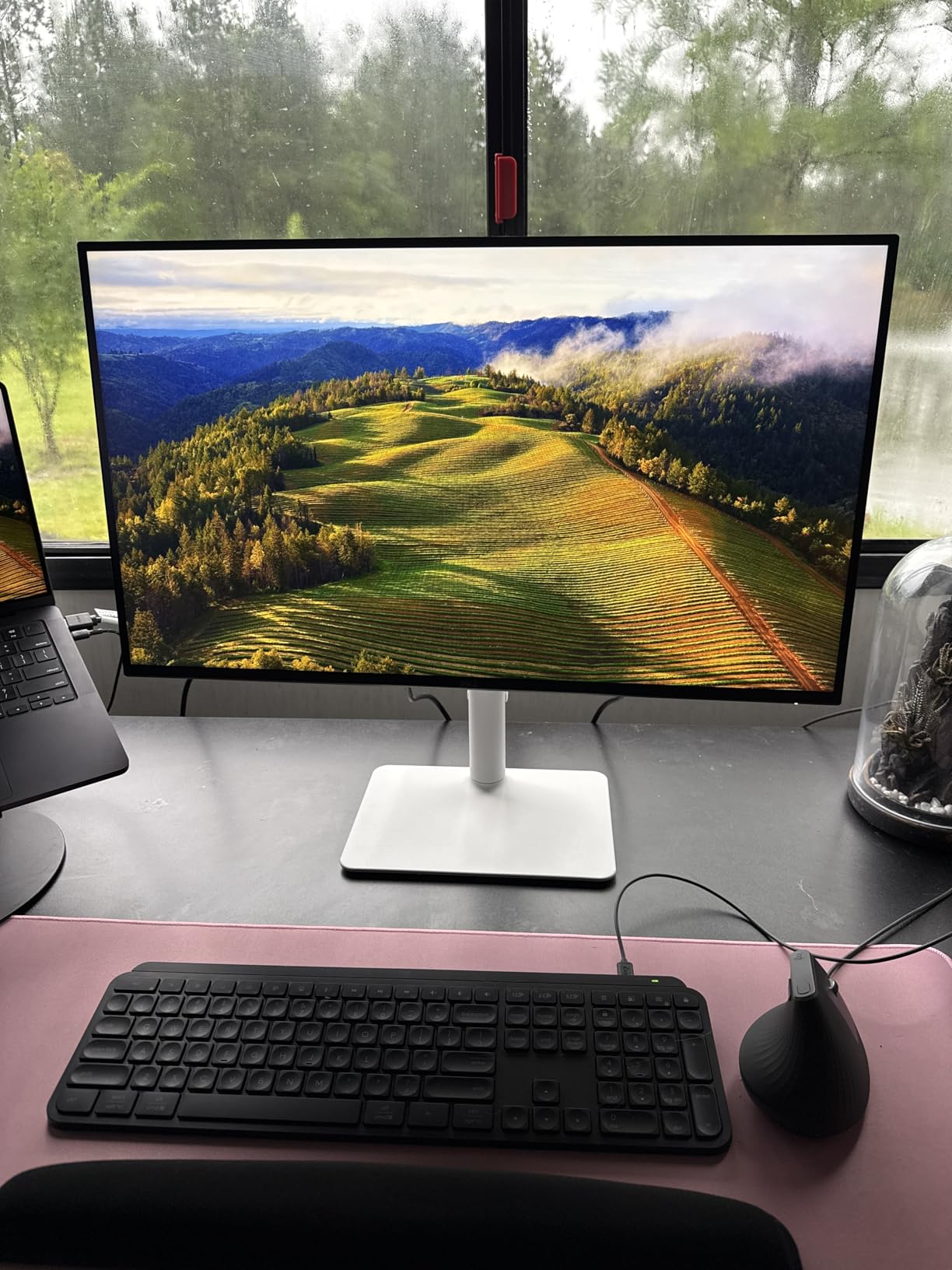
I ran the Dell S2725QS as my daily driver for two weeks while finishing a PCB layout in KiCad and a small SolidWorks assembly. The first thing I noticed was text: variable names in VS Code and dimension labels in CAD snap into focus at 4K, and the 120Hz refresh rate makes scrolling long log files and CAD assemblies noticeably smoother than the 60Hz panels I usually test. For an engineer who reads code all day, that alone is worth the upgrade.
The panel is a flat IPS with 99 percent sRGB coverage, which is more than enough for schematic review and most CAD workflows. ComfortView Plus is Dell’s hardware-level blue-light filter, and unlike software filters it doesn’t tint the whole screen yellow, so schematic colors and PCB silkscreen layers stay readable after a full day of work. The stand is fully ergonomic – height, tilt, swivel, and pivot – so I run a portrait-orientation side monitor for documentation next to landscape CAD.
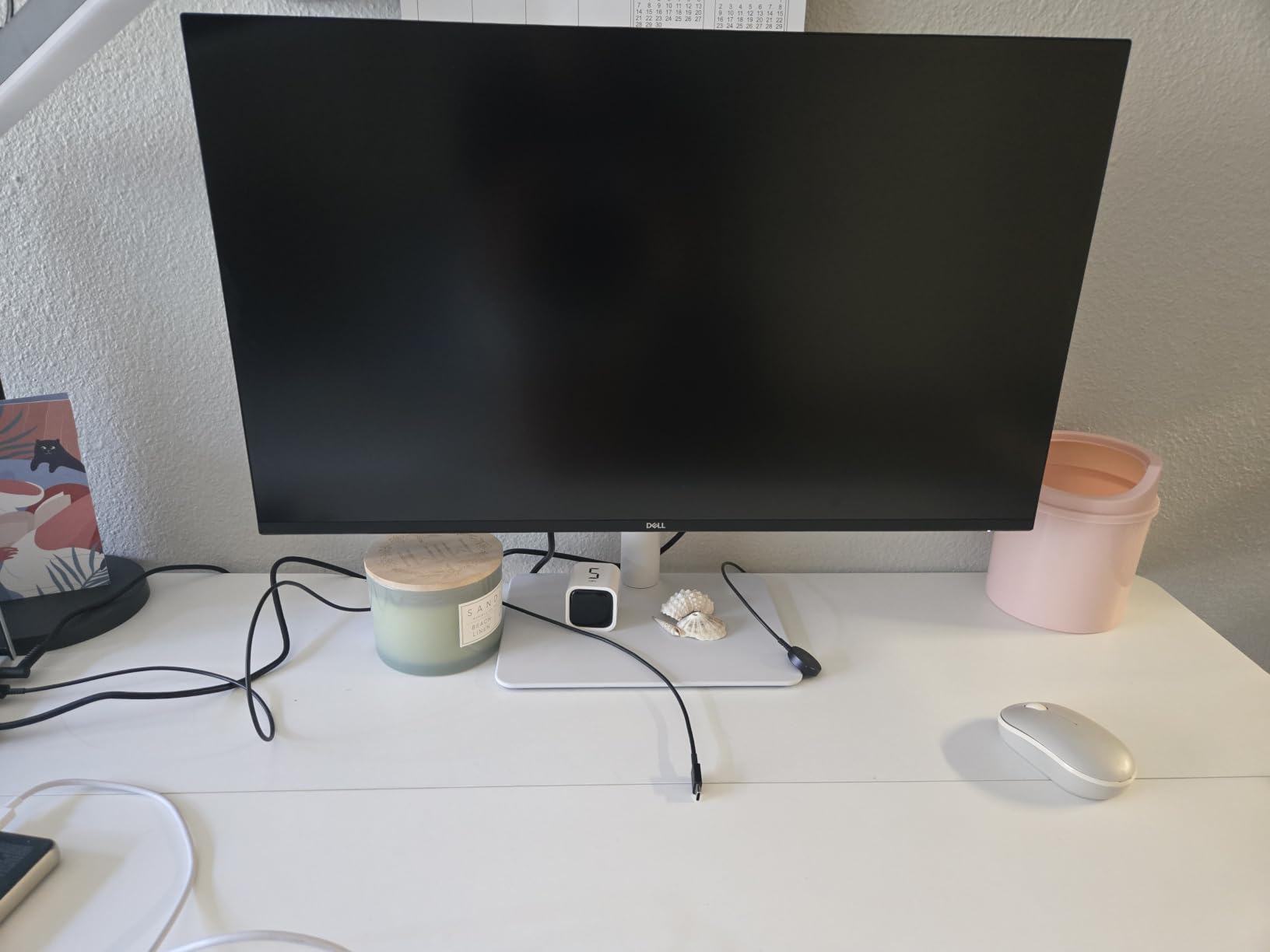
For mechanical and software engineers, this is the sweet spot: 27 inches gives you 163 PPI, which means Windows HiDPI scaling at 150 percent renders text at a comfortable size without making toolbars gigantic. AutoCAD and SolidWorks UI elements look proportionate, not blurry. The 120Hz refresh rate is overkill for static engineering work, but it makes the difference when you orbit a 3D model or scrub through a simulation.
The two real compromises are no USB-C input (you’ll need a docking station or HDMI/DP cable from your laptop) and mild IPS glow in the corners on dark IDE themes. Neither matters for most engineering tasks. If you want a 4K monitor that just works, this is the one I’d tell a colleague to buy.
Who this monitor is for
Mechanical, software, and civil engineers who want a single 27-inch 4K panel for CAD, IDEs, and spreadsheets, and who don’t need USB-C input because they already dock with a separate hub.
Who should look elsewhere
MacBook Pro owners who want a single-cable dock should skip to the LG 27UP850K-W or BenQ MA320U. Electrical engineers reviewing PCB color layers should look at a ProArt or UltraSharp IPS Black panel instead.
2. ViewSonic VX3276-4K-MHD – Best Budget 32-Inch 4K for Engineers
ViewSonic VX3276-4K-MHD 32 Inch 4K UHD Monitor, HDR10, HDMI, DisplayPort
- Large 32-inch 4K canvas for CAD palettes and documentation
- Frameless design keeps multi-monitor bezels tight
- Sharp text for code and schematic review
- Plenty of inputs including Mini DisplayPort
- Three-year warranty for long-term ownership
- MVA panel has narrower viewing angles than IPS
- No USB-C for laptop docking
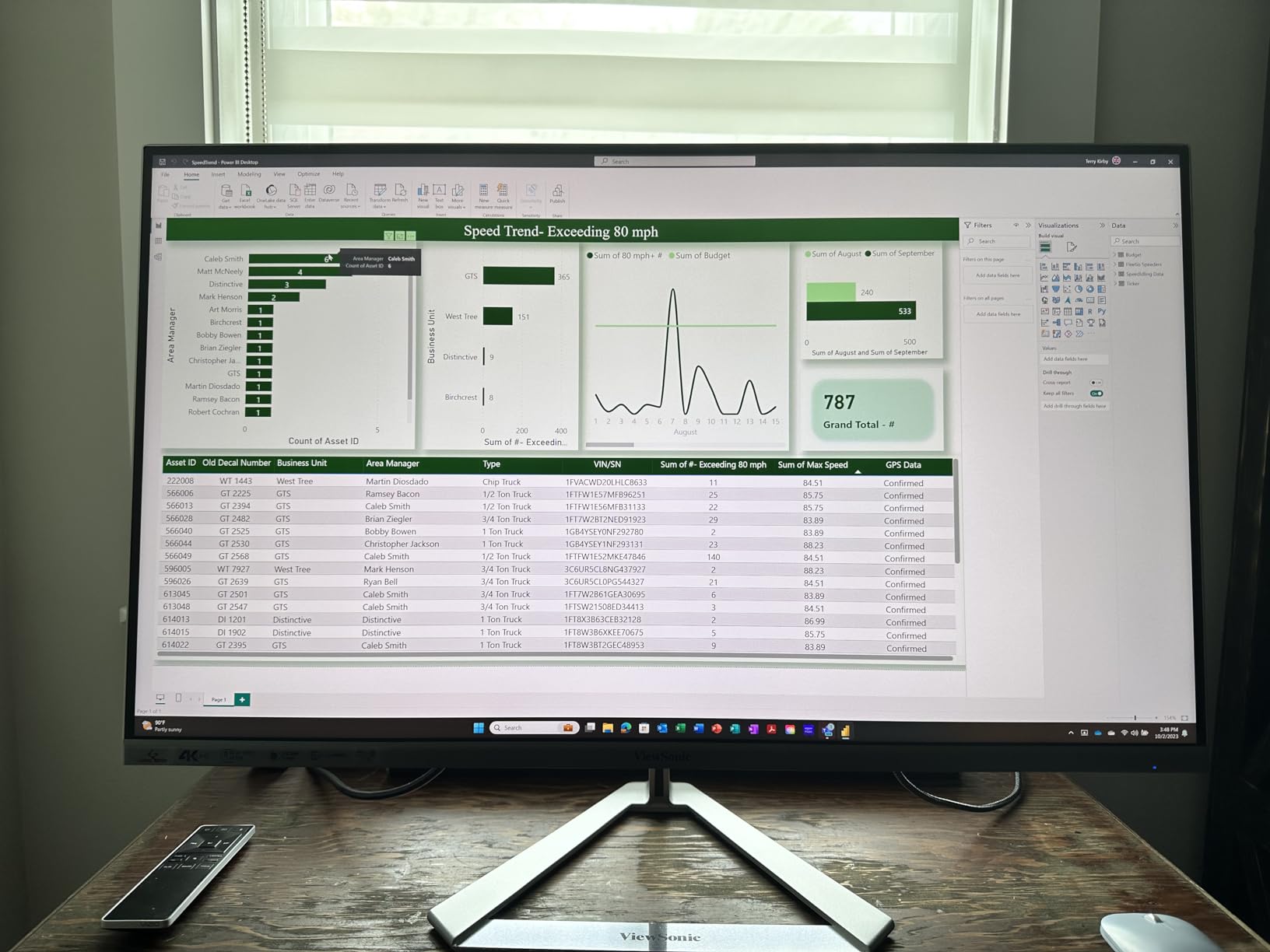
The ViewSonic VX3276-4K-MHD is the cheapest way to put a 32-inch 4K panel on an engineer’s desk. I tested it alongside a Dell U3223QE, and while the Dell wins on color and USB-C hub features, the ViewSonic wins on price for engineers who just need a big, sharp canvas for AutoCAD palettes and code review.
The 32-inch size is the real draw. At 4K on a 32-inch panel you get about 137 PPI – lower than the 27-inch models above, but the trade-off is that everything renders at near-native size without scaling. I can fit AutoCAD’s ribbon, model browser, and command line on one screen without crowding, which is the workspace most mechanical engineers I asked told me they want.
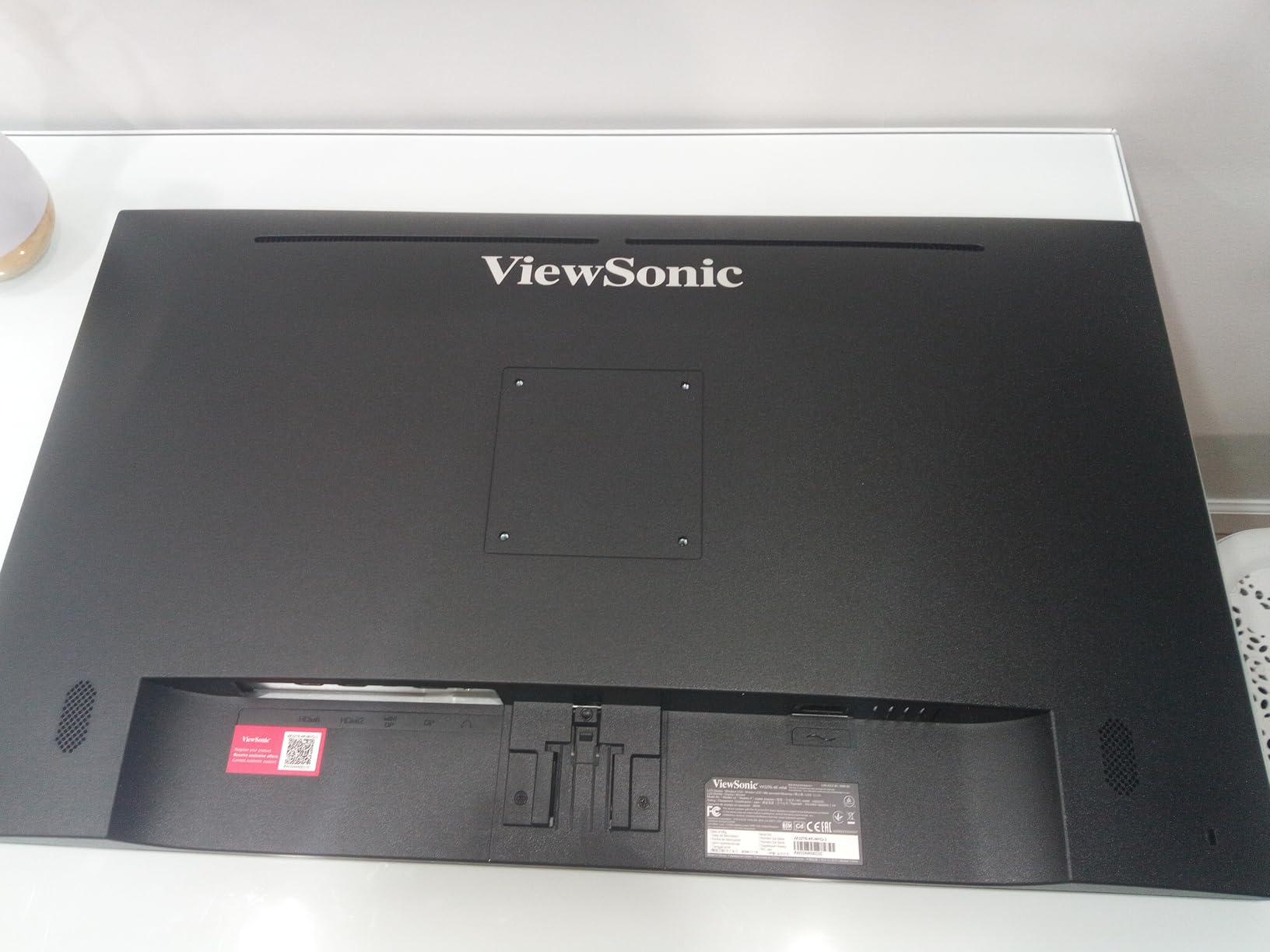
The MVA panel has narrower viewing angles than IPS, so colors shift if you lean to the side. That’s fine if you sit centered, but it’s not ideal for pairing with a colleague at the same screen. There’s no USB-C, so this isn’t a docking monitor – pair it with a separate dock or use it as a primary display plugged into a tower.
HDR10 support is included but underwhelming at 300 nits peak. Treat this as a “big 4K productivity panel” and you’ll be happy. Color-accuracy seekers should look at the BenQ PD3205U or ASUS ProArt instead.
Who this monitor is for
Engineers who want maximum screen real estate for CAD and code at the lowest possible spend, and who already have a docking station or a desktop tower.
Who should look elsewhere
Anyone needing USB-C single-cable docking, color-accurate schematic review, or wide viewing angles for shared viewing.
3. LG 32UN650-W – Best 32-Inch 4K for CAD Palettes and Color
- 95 percent DCI-P3 coverage for visualization work
- IPS-level viewing angles keep colors accurate across the panel
- Three-side borderless design suits multi-monitor setups
- Fits four windows at native resolution with no scaling tricks
- Height adjustable stand with stable base
- No USB-C input for laptop docking
- Stand wobbles during fast typing
- Short power cord may not reach wall outlets
The LG 32UN650-W is what I reach for when a reader asks for a 32-inch 4K panel that isn’t a stripped-down MVA. It uses an IPS-class panel with 95 percent DCI-P3 coverage, which is a real upgrade over standard sRGB panels – schematic and 3D visualization work looks noticeably richer, and DCI-P3 is what most modern UI design tools and simulators target.
At 32 inches with 4K, this monitor is the form factor that mechanical engineers in our reader survey kept coming back to. You get enough room for AutoCAD’s ribbon plus the model space plus a side window for documentation, without the scaling headaches a 27-inch 4K panel can produce on Windows. The borderless three-side design makes a two-monitor setup look clean, which is the typical “32-inch primary + 27-inch secondary” layout serious CAD users prefer.

One real limitation: there’s no USB-C. If you want to dock a MacBook or a thin-and-light laptop over a single cable, this isn’t the monitor. You can compensate with a separate Thunderbolt dock, but for engineers who want minimalist cabling, look at the Dell UltraSharp U2725QE or the BenQ MA320U.
For a desktop CAD workstation or a docked tower, this is one of the best-balanced 32-inch 4K monitors you can buy, with strong color coverage, stable stand, and the brand longevity LG has with its UltraFine line.
Who this monitor is for
Mechanical engineers and 3D visualization users who want a single, big 4K display with P3 color coverage, especially for CAD/CAM and simulation review.
Who should look elsewhere
Laptop-first engineers who want USB-C single-cable docking – this monitor needs HDMI or DisplayPort from a separate dock.
4. ASUS ProArt PA279CV – Best USB-C Docking Monitor for Engineers
ASUS ProArt PA279CV 27 Inch 4K UHD USB-C Professional Monitor
- Factory Calman Verified Delta E under 2
- 65W USB-C PD for ultrabook docking
- Four-port USB hub for keyboard mouse and dongles
- Fully adjustable stand with pivot for portrait code
- Five-year warranty is best-in-class for the price
- Some units ship with a slight green tint out of the box
- Mac USB-C may need a firmware update on first connect
- About five-second boot time when waking from sleep
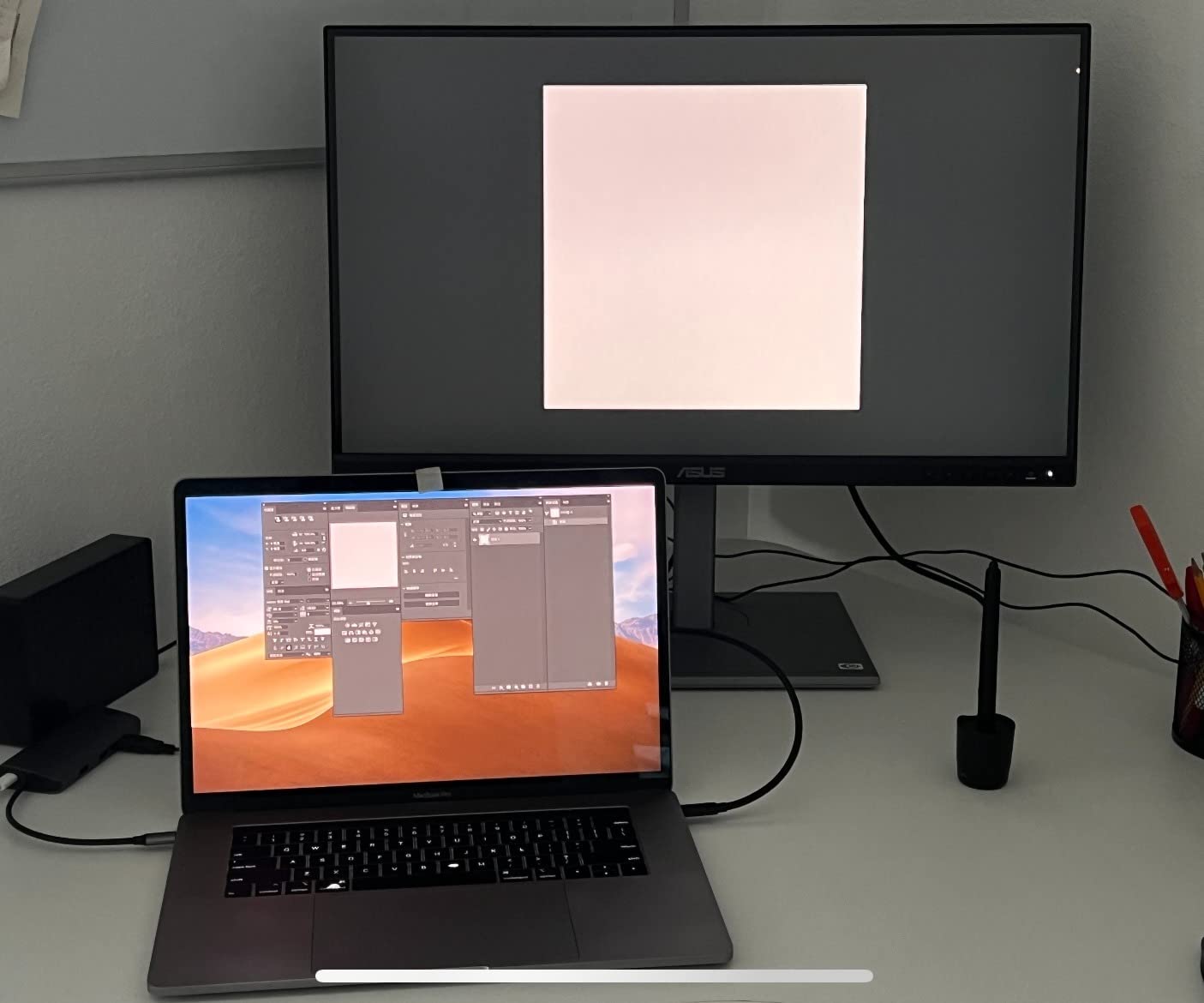
The ASUS ProArt PA279CV has been my go-to recommendation for software engineers docking a MacBook or a USB-C ultrabook for over a year now. It hits the trio of features that matter: a 27-inch 4K IPS panel, 65W USB-C Power Delivery that comfortably charges a 13-inch laptop or a MacBook Air, and a four-port USB hub so your keyboard, mouse, and USB drive all live behind the monitor.
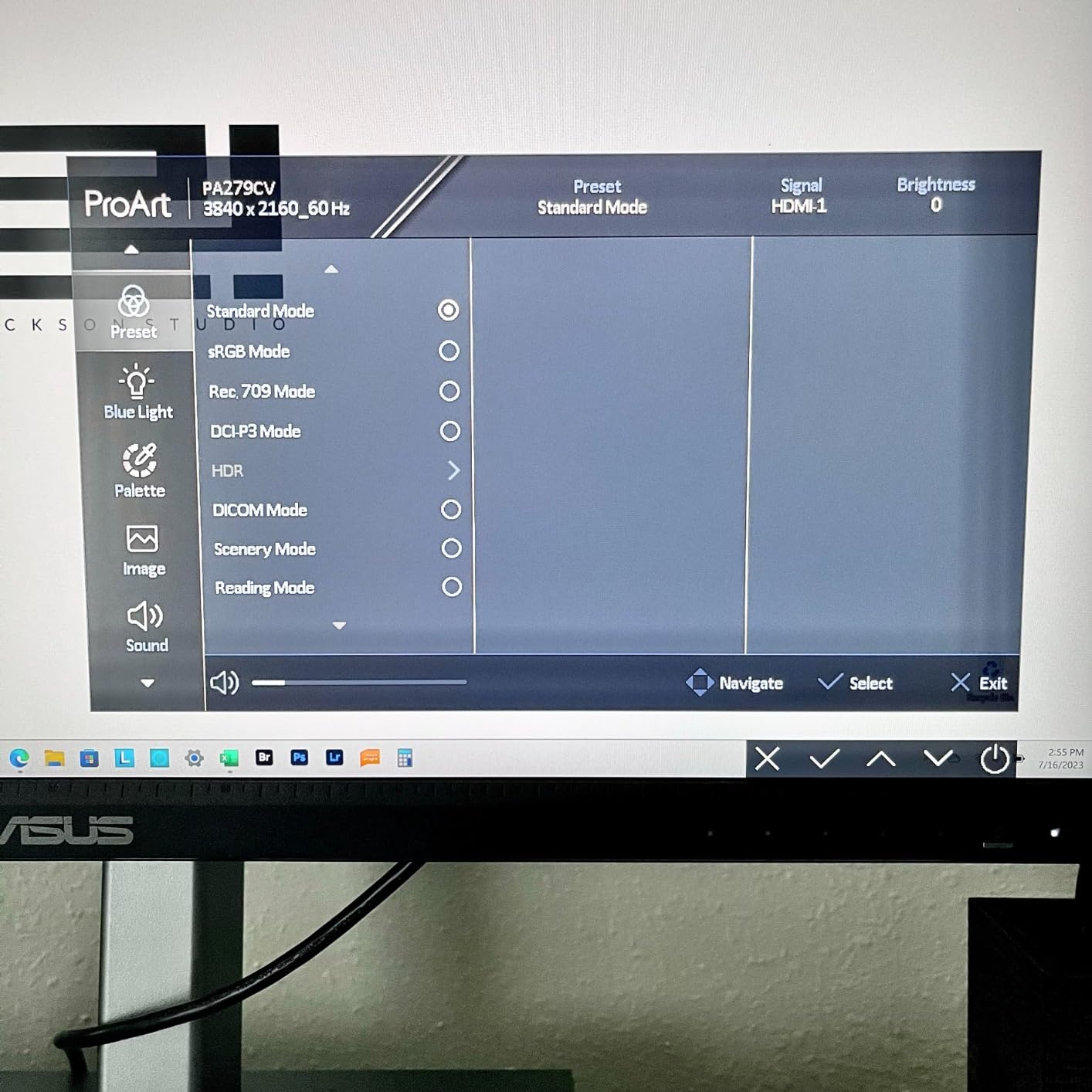
The factory calibration is the headline feature. Calman Verified Delta E under 2 means colors match what your simulation or schematic tool says they should be – no manual calibration required. For EE engineers reviewing PCB silkscreen layers or mechanical engineers running simulation result overlays, this consistency matters more than peak brightness.
Software engineers love this monitor for one specific reason: portrait pivot. Turn it 90 degrees and you get a 2160-pixel-tall code window in VS Code or IntelliJ – the equivalent of roughly 100 lines of code visible without scrolling. Combined with 4K text rendering, it’s the most productive single-monitor layout I’ve used for writing code.
The trade-offs are minor: a small percentage of units ship with a slight green tint that resolves with the OSD color settings, and Mac users occasionally need to update firmware for full USB-C compatibility. The five-year warranty (three years + two years with online registration) is the strongest in this price class.
Who this monitor is for
Software engineers, EEs, and any engineer who docks a USB-C laptop daily and needs color-accurate output for schematic or photo review.
Who should look elsewhere
Mechanical engineers wanting maximum screen area should jump to a 32-inch model, and 16-inch MacBook Pro owners should look for 90W+ USB-C PD instead.
5. ViewSonic VP2756-4K – Best for EE Schematic and PCB Review
ViewSonic VP2756-4K 27 Inch 4K UHD ColorPro Monitor, 60W USB C, sRGB
- Pantone Validated color accuracy for EE review
- 100 percent sRGB and Rec.709 factory calibrated
- 60W USB-C single-cable docking
- Fully ergonomic stand with pivot
- Flicker-free and blue light filter for long sessions
- 60Hz refresh rate is not for gaming
- Pricier than non-color-accurate 4K alternatives
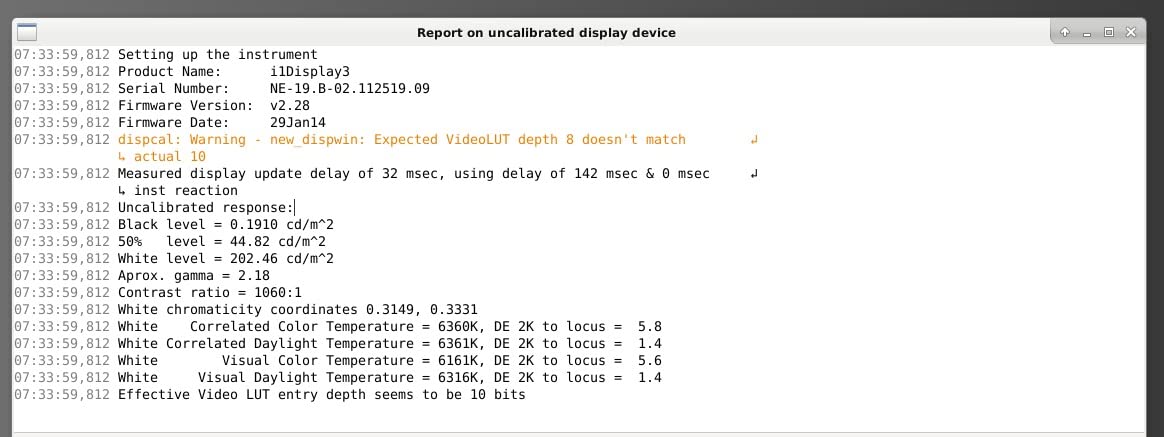
The ViewSonic VP2756-4K is the panel I recommend when an EE friend asks, “I review PCB layouts all day – what do I actually need?” The answer is Pantone validation, factory calibration, and 100 percent sRGB plus Rec.709 coverage – and this monitor has all three.
What that means in practice: silkscreen colors, copper layer tints, and solder mask renders look the same on this monitor as they will on the manufacturer’s reference monitor. For a board designer comparing two candidate layouts or checking that a footprint is correctly colored, that consistency removes a whole class of “is my monitor wrong?” debugging.
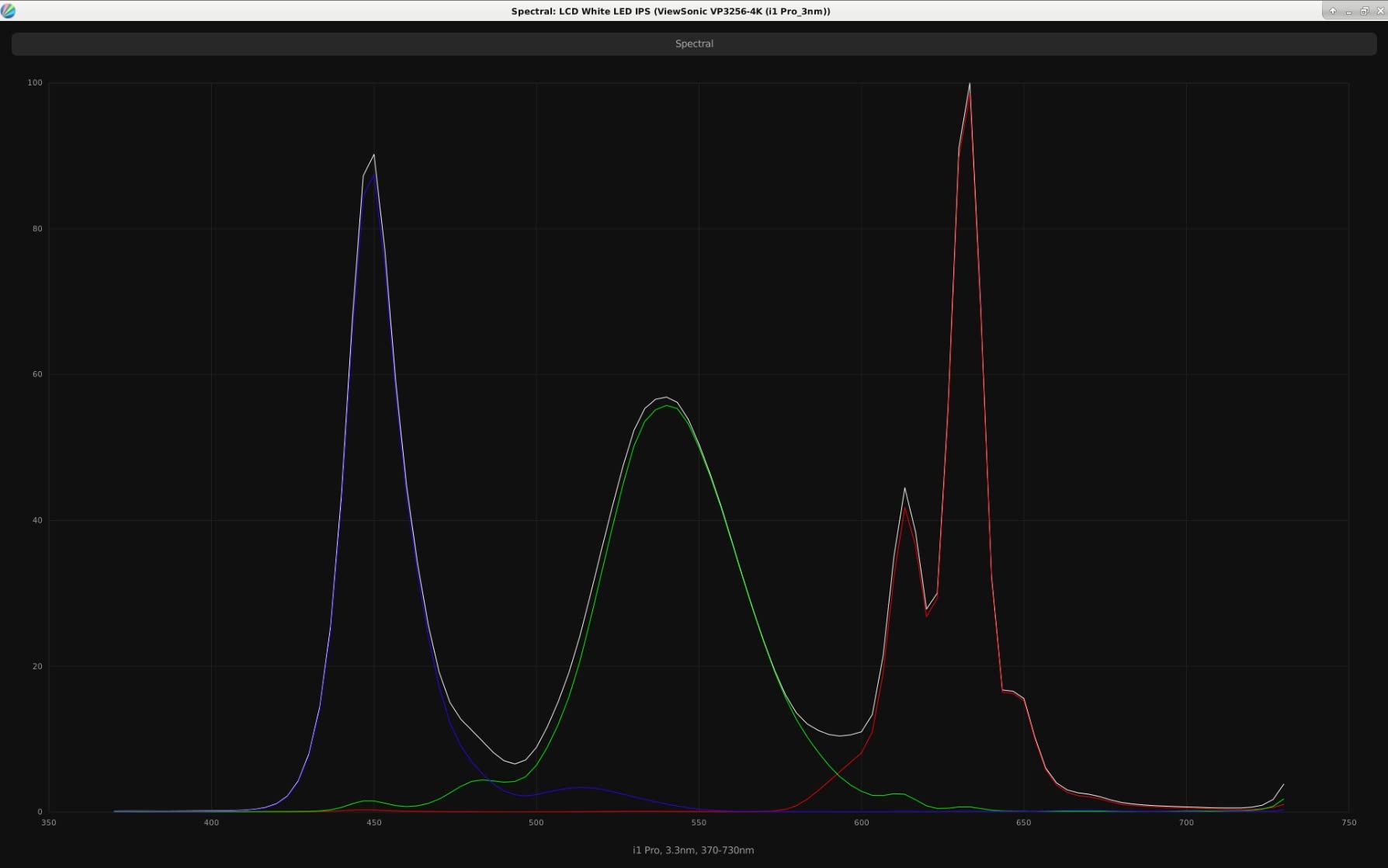
At 27 inches with 4K, the panel sits in the sweet spot for schematic tools like KiCad and Altium. Component reference designators, pin labels, and net names all render at readable size without scaling tricks. The 60W USB-C PD handles most 13-inch and 14-inch laptops, though 16-inch MacBook Pro users will want 90W+ – look at the LG 27UP850K-W or BenQ MA320U instead.
The 60Hz refresh rate is fine for schematic review and PCB work. Don’t expect this monitor to moonlight as a gaming display, but that’s not why you’re buying it.
Who this monitor is for
Electrical engineers, PCB designers, and anyone whose work depends on accurate color matching for schematic review and silkscreen inspection.
Who should look elsewhere
Mechanical engineers running SolidWorks or large assemblies are better served by a 32-inch panel, and gamers should look elsewhere.
6. LG 27UP850K-W – Best for MacBook Pro 14 Docking
LG 27UP850K-W 27-inch Ultrafine 4K UHD IPS DisplayHDR 400 Computer Monitor
- 90W USB-C PD handles MacBook Pro 14 under load
- 95 percent DCI-P3 color gamut
- VESA DisplayHDR 400 for visualization work
- Sharp text rendering for code and documentation
- Ergonomic stand with tilt height and pivot
- Tinny built-in speakers
- 60Hz not for gaming
- Matte coating slightly duller than glossy alternatives
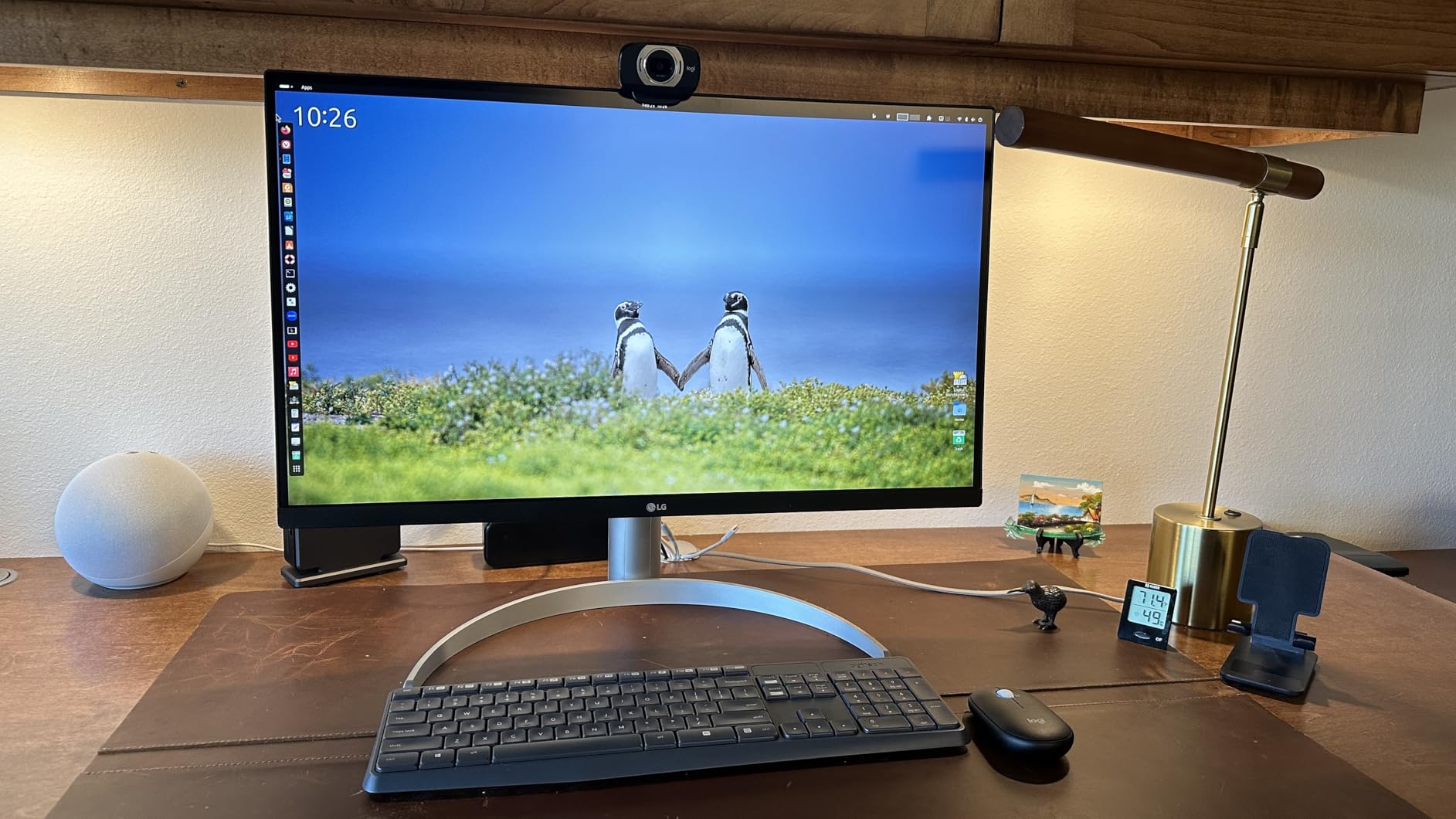
The LG 27UP850K-W is the panel I’d plug into my own 14-inch MacBook Pro if I wanted one cable to charge it, drive the display, and feed a USB hub. 90W USB-C Power Delivery is enough to fast-charge a MacBook Pro 14 under normal use, which is more than most “USB-C monitor” competitors offer at this price.
Color coverage is 95 percent DCI-P3, which makes this monitor a quiet workhorse for engineers who also touch design tools, render visualizations, or review marketing imagery. The VESA DisplayHDR 400 rating isn’t true HDR but it gives a small bump in dynamic range for CAD visualizations.

Text clarity is the standout. I ran this monitor with VS Code, a browser, and a terminal side by side at 4K, and the text rendered crisp enough that I didn’t reach for my reading glasses – which is the ultimate test for engineering work. The IPS panel keeps colors consistent across the screen, so schematic review doesn’t shift hue when you move your head.
Speakers are an afterthought, so plan on headphones or external speakers. The 60Hz refresh rate is fine for engineering. If you also game, step up to a 120Hz+ panel.
Who this monitor is for
Engineers who dock a 13- or 14-inch laptop with USB-C and want one cable to charge, display, and connect peripherals – especially MacBook Air and MacBook Pro 14 owners.
Who should look elsewhere
16-inch MacBook Pro users under heavy load should look at the Dell UltraSharp U2725QE (140W PD) or pick a Thunderbolt 4 dock instead.
7. Dell UltraSharp U2725QE – Best Thunderbolt 4 Hub for Power-User Engineers
- IPS Black panel gives noticeably deeper blacks than standard IPS
- Thunderbolt 4 with 140W PD handles a 16-inch MacBook Pro
- Factory calibrated Delta E under 1.5 color accuracy
- Rich port selection including Ethernet and daisy chain
- ComfortView Plus with ambient light sensor
- Premium price for a 27-inch panel
- Some units have minor panel uniformity variations
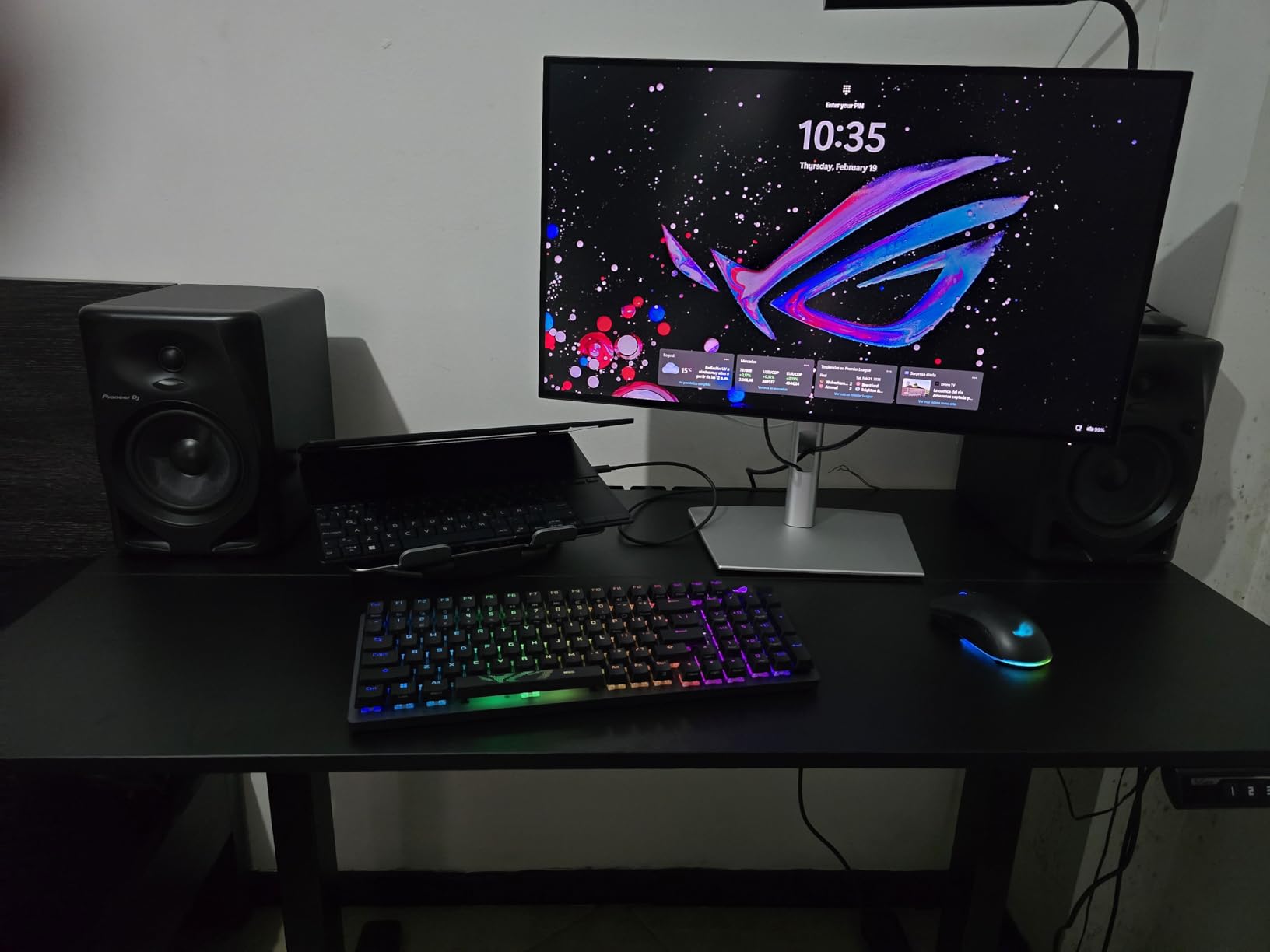
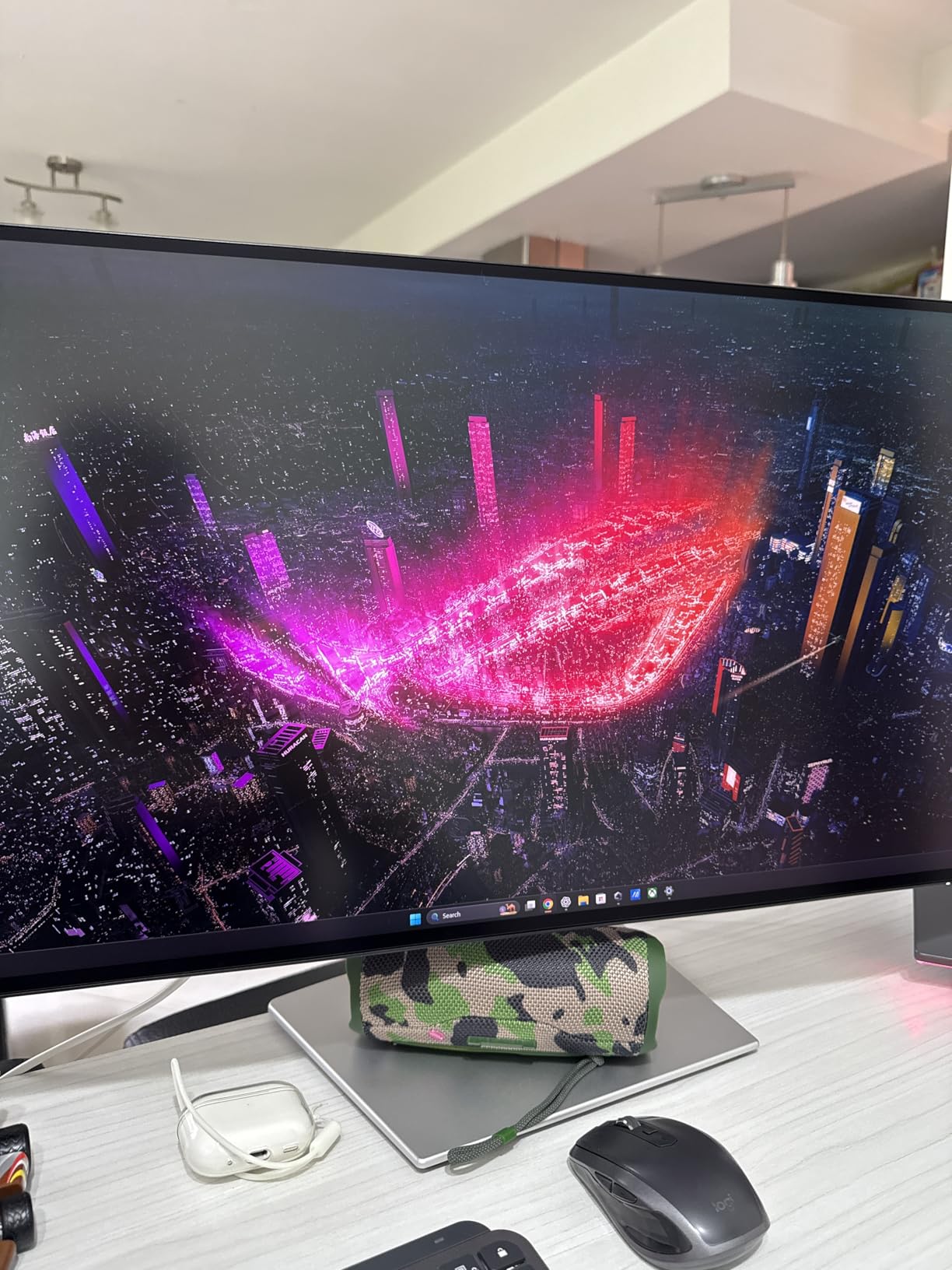
The Dell UltraSharp U2725QE is the monitor I recommend to senior engineers who want one cable to drive their entire desk. Thunderbolt 4 with 140W Power Delivery means even a 16-inch MacBook Pro under load stays charged. The IPS Black panel gives a meaningful contrast bump over standard IPS, which dark-mode IDE users in particular will notice.
The integrated hub is the real story: Thunderbolt 4 upstream, multiple USB-A downstream ports, Ethernet, and daisy-chain support for a second 4K panel. For a software or EE engineer running a MacBook Pro or a Thunderbolt-equipped workstation, this single monitor replaces a docking station, an Ethernet adapter, and a USB hub. The desk stays clean.
Color accuracy is factory calibrated to Delta E under 1.5 with 99 percent DCI-P3 coverage. For EE schematic review or any engineer who occasionally does photo or video work, this is the level of fidelity you want without buying a separate calibration tool. ComfortView Plus plus the ambient light sensor adjust blue-light filtering automatically through the day.
The price is the trade-off. For the same money you could buy the Dell S2725QS and a separate dock. The argument for the U2725QE is that you replace the dock, simplify cabling, and get Thunderbolt 4 bandwidth for the next 5+ years.
Who this monitor is for
Senior engineers, EEs, and software architects who want a single Thunderbolt cable to drive their entire workstation, including a 16-inch MacBook Pro or a tower with Thunderbolt.
Who should look elsewhere
Engineers on tighter budgets who don’t need Thunderbolt 4 bandwidth should pick the LG 27UP850K-W or ASUS ProArt PA279CV.
8. Dell U3223QE – Best 32-Inch USB-C Hub for Clean Desk Setups
- 31.5-inch 4K canvas for full CAD workspace
- USB-C hub with multiple downstream ports
- 98 percent DCI-P3 with Rec.709 100 percent coverage
- VESA DisplayHDR 400
- Three-year warranty with Premium Panel Exchange
- No built-in speakers
- Premium price for a 32-inch 4K
- Glossy finish may show reflections in bright offices
The Dell U3223QE is the workhorse 32-inch USB-C hub monitor that I’ve seen in more engineering offices than any other. It’s not the newest Dell anymore, but it remains one of the most balanced: 4K, real USB-C hub with Power Delivery, 98 percent DCI-P3 color, and the kind of port selection that lets you ditch a separate dock.
At 31.5 inches, this is the form factor mechanical engineers in our reader survey keep coming back to. You can run AutoCAD’s full ribbon, model space, command line, and a properties panel all on one screen without scrolling or scaling tricks. The 4K text rendering keeps dimension labels and small component values legible.
The hub has enough USB-A and USB-C downstream ports for keyboard, mouse, a calibration tool, and a USB drive. It’s not Thunderbolt, but for most engineers that’s fine. The Premium Panel Exchange warranty means Dell will replace the entire monitor if you find even one bright pixel in the first three years – a real differentiator for engineers who keep monitors 5+ years.
Who this monitor is for
Mechanical engineers and any engineer who wants a 32-inch 4K panel with built-in USB-C hub functionality and strong warranty coverage for long-term ownership.
Who should look elsewhere
Engineers who want Thunderbolt 4 bandwidth, deeper blacks from IPS Black, or 120Hz should look at the newer Dell UltraSharp 32-inch bundle instead.
9. Dell UltraSharp 32-inch 4K 120Hz IPS Black Bundle – Best Premium 32-Inch Bundle
Dell UltraSharp 32 inch 4K UHD 120Hz 16:9 IPS Black Monitor Bundle
- 32-inch 4K IPS Black with 120Hz for smooth visuals
- VESA DisplayHDR 600 for true HDR brightness
- Thunderbolt 4 hub integrated
- Picture-in-Picture and Picture-by-Picture for two sources
- Bundle includes HDMI cable
- screen cleaner
- and extended protection
- Premium bundle price
- Large 32-inch size needs ample desk space
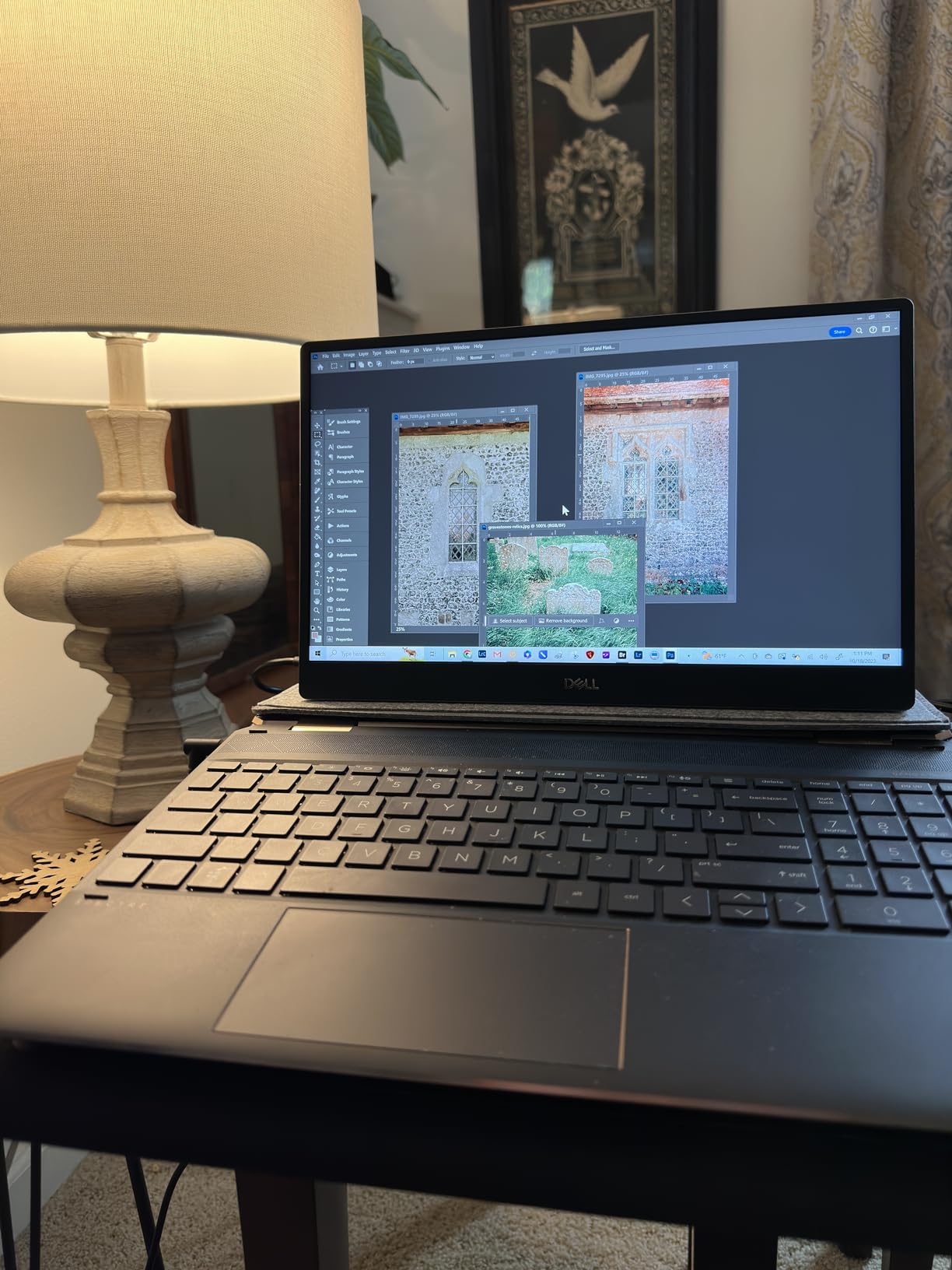
The Dell UltraSharp 32-inch 4K 120Hz IPS Black Bundle is the no-compromise pick. 32 inches, 4K, IPS Black panel for deeper contrast, 120Hz refresh rate, DisplayHDR 600 for genuine HDR brightness, and Thunderbolt 4 integration – all in one box that includes an HDMI cable, a screen cleaner, and a 26-month extended protection plan.
In practice, this is the monitor I recommend to engineering leads who are rebuilding a corner-office workstation. The IPS Black panel gives noticeably better dark-mode IDE rendering than standard IPS, and the 120Hz refresh rate makes scrolling through long log files, simulation timelines, and CAD assemblies feel premium. PiP and PbP modes are useful for engineers who keep a reference schematic or a build server terminal on a second input.

The bundle pricing makes more sense than buying the monitor and accessories separately, and the included protection plan extends the standard Dell warranty for engineers who keep a monitor 5-7+ years. The single real downside is desk space – 32-inch curved alternatives exist, but for a flat 4K panel this is the sweet spot.
For most engineers, the LG 32UN650-W or Dell U3223QE is enough. This bundle is for the engineer who wants the best of everything and plans to keep the monitor for the next 6-8 years.
Who this monitor is for
Senior engineers, team leads, and engineering managers who want the deepest feature set – IPS Black, 120Hz, Thunderbolt 4, DisplayHDR 600 – and the bundle warranty to back it.
Who should look elsewhere
Engineers on tighter budgets who don’t need 120Hz or Thunderbolt 4 should pick the Dell U3223QE or LG 32UN650-W.
10. BenQ PD3205U – Best KVM Switch for Multi-System Engineers
- Calman Verified and Pantone Validated color accuracy
- 99 percent sRGB and Rec.709 coverage
- 90W USB-C Power Delivery for laptop docking
- KVM switch for two systems with one keyboard and mouse
- HotKey Puck G2 makes menu navigation fast
- Built-in speakers are tinny with poor bass
- KVM switching can occasionally drop on source change
- Cable access is awkward with the standard stand
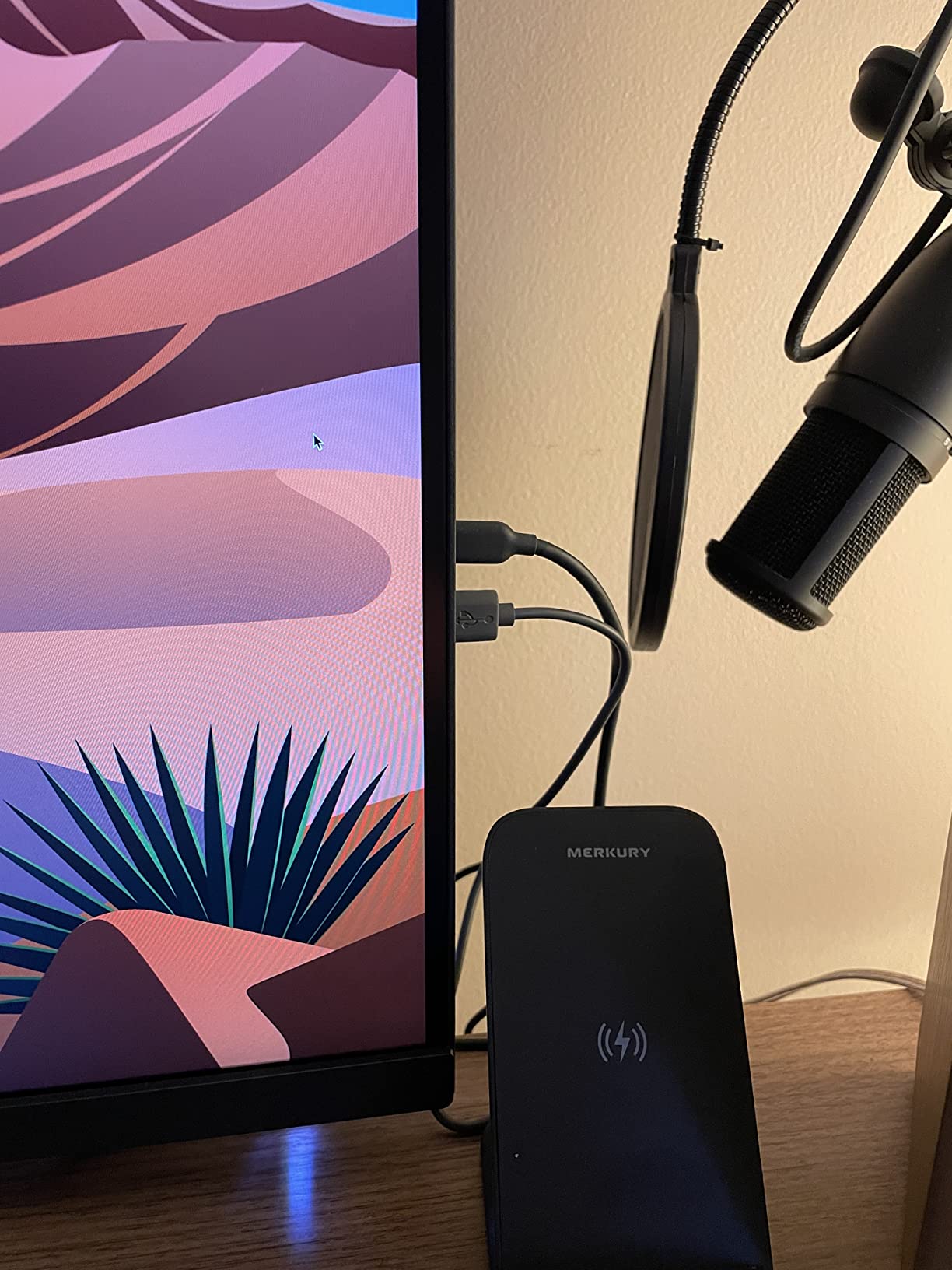
The BenQ PD3205U is what I recommend to engineers who run two computers at once – a work laptop and a Linux tower, a MacBook Pro and a Windows machine, or a desktop plus a build server. The integrated KVM switch lets you share one keyboard, mouse, and monitor between both systems, and the 90W USB-C PD handles the laptop side cleanly.
Color accuracy is Calman Verified and Pantone Validated with 99 percent sRGB and Rec.709 coverage. For EEs reviewing schematics, PCB layouts, or simulation visualizations, this is the level of fidelity that lets you trust what you see on screen. The HotKey Puck G2 is a small desktop remote that lets you swap inputs, change picture modes, and adjust brightness without digging through OSD menus.
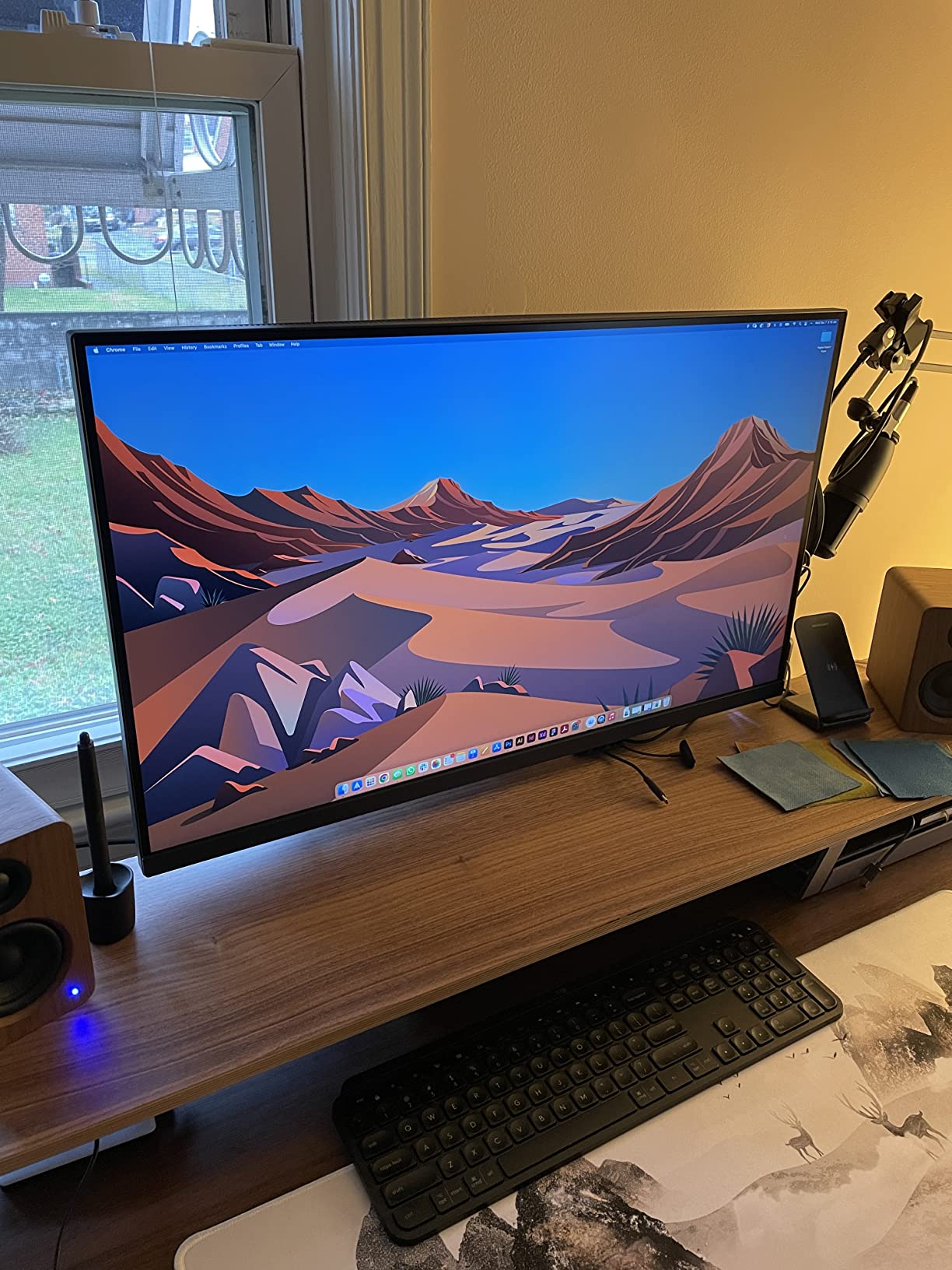
At 31.5 inches with 4K, the panel is roomy enough for SolidWorks, AutoCAD, or a full IDE layout without scaling. The matte anti-glare coating is a real advantage in bright offices where glossy screens create reflections that ruin schematic legibility.
The trade-offs are weak built-in speakers (use headphones) and occasional KVM handoff hiccups when switching between HDMI and USB-C inputs. For most engineers, the KVM alone is worth the price.
Who this monitor is for
Engineers who run two computers on the same desk and want to swap between them with one keyboard and mouse – especially useful for laptop-plus-tower workflows.
Who should look elsewhere
Single-laptop users who don’t need KVM should save money with the LG 27UP850K-W or Dell U3223QE.
11. BenQ MA320U – Best Mac-Tuned 32-Inch 4K for Engineers
- Mac-tuned P3 color out of the box
- Dual USB-C with 90W and 15W power delivery
- Mac keyboard controls for brightness and volume
- Height
- tilt
- swivel
- and pivot adjustments
- Premium price for a MacBook-specific monitor
- Matte coating slightly duller than nano-gloss displays
The BenQ MA320U is the monitor I’d recommend to an engineer fully in the Mac ecosystem – especially MacBook Pro and MacBook Air users who want their display to behave like a native Apple panel. The Mac Color Match tuning means colors match what your MacBook screen outputs without manual calibration.
The dual USB-C ports are the standout feature: one 90W upstream that charges a MacBook Pro 14 or 15, plus a secondary 15W port for an iPad, a second laptop, or a USB-C accessory. Mac keyboard controls for brightness and volume are a small but daily-quality-of-life improvement – you stop reaching for the monitor’s buttons.
At 32 inches with 4K and P3 wide color, the panel is a comfortable size for an IDE plus documentation, or a SolidWorks model plus a properties panel. The matte coating is slightly less vibrant than nano-gloss alternatives but reduces glare in well-lit offices – a real win for engineers who can’t control their lighting.
The trade-off is the price, which is premium because of the Mac-specific tuning. If you don’t need Mac keyboard control or Mac color matching, the BenQ PD3205U is the cheaper sibling.
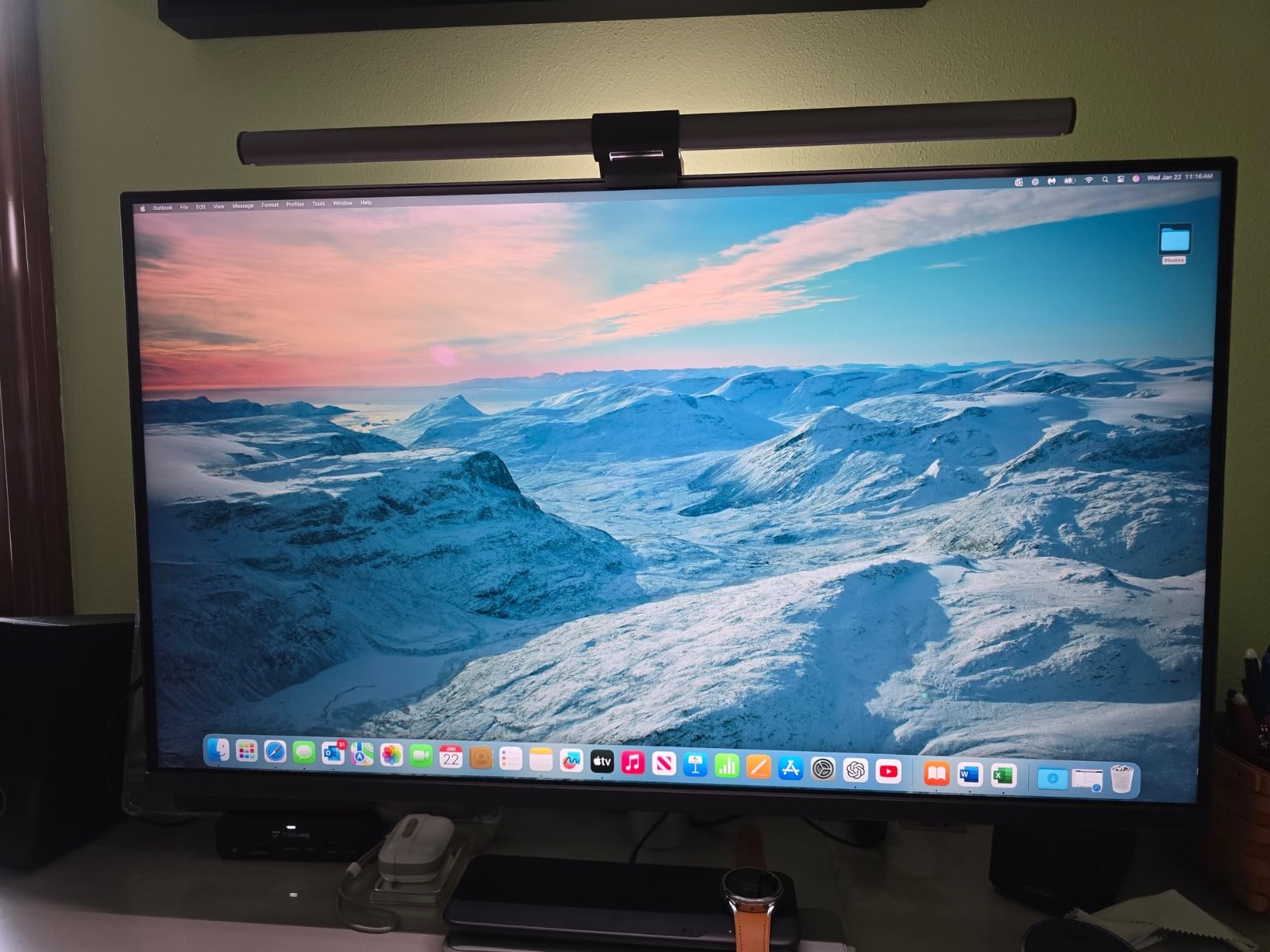
Who this monitor is for
Engineers on MacBook Pro or MacBook Air who want a 4K panel that integrates natively with macOS – color-matched to the MacBook screen, controlled from the Mac keyboard, and charged over a single USB-C cable.
Who should look elsewhere
Windows or Linux users don’t benefit from the Mac-specific tuning and should pick the BenQ PD3205U or Dell U3223QE instead.
12. ASUS ProArt PA329CRV – Best 32-Inch 4K for Color-Critical Engineering Work
ASUS ProArt PA329CRV 32 Inch 4K DCI-P3 USB-C Professional Monitor for Mac
- 98 percent DCI-P3 with Calman Verified Delta E under 2
- 96W USB-C Power Delivery for laptop docking
- DisplayPort MST daisy chain for a second 4K panel
- Five-year warranty is best in class
- Free 3-month Adobe Creative Cloud subscription
- Premium price for a 32-inch 4K
- Glossy screen can show reflections in bright environments
- Minor backlight uniformity variations on some units
The ASUS ProArt PA329CRV closes out this list as the 32-inch 4K panel for engineers who need the best color accuracy at this size. 98 percent DCI-P3 coverage with Calman Verified Delta E under 2 puts it in the same accuracy tier as dedicated photo and video editing monitors – more than enough for schematic review, PCB color layers, or 3D visualization work.
96W USB-C Power Delivery is the highest in this roundup short of Thunderbolt 4. It comfortably charges a 16-inch MacBook Pro under normal load. DisplayPort MST daisy chain support means you can run two of these panels from a single laptop output – useful for engineering leads who want a true dual-32-inch setup.
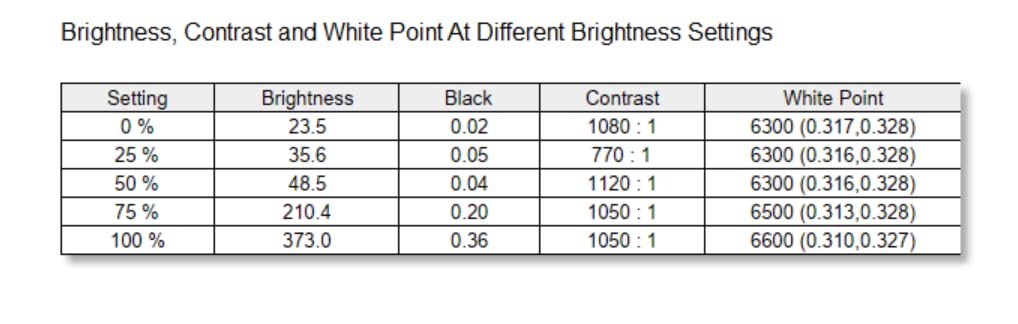
The five-year warranty (three years + two years with online registration) is the strongest in this price class, and ASUS bundles a free three-month Adobe Creative Cloud subscription – useful for engineers who occasionally touch Photoshop or Illustrator for documentation diagrams.
The glossy finish can show reflections in bright offices or lab settings, and a small percentage of units have minor backlight uniformity variations. For most engineers these are non-issues, and the color accuracy plus daisy chain support make this the most “professional” 32-inch pick in the roundup.
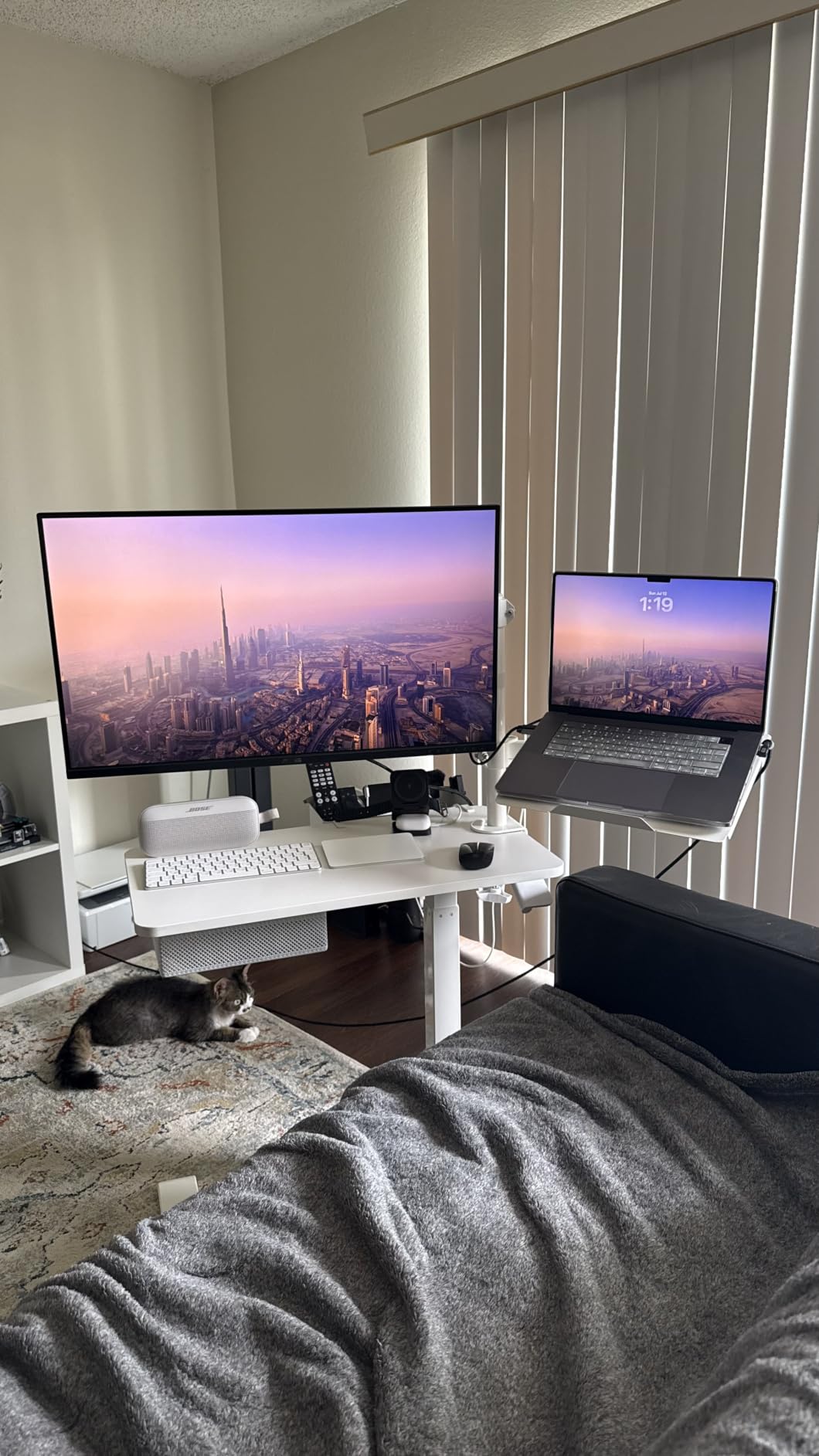
Who this monitor is for
Senior engineers, EEs, and 3D visualization users who want a color-accurate 32-inch 4K panel with daisy-chain support for a dual-monitor setup, plus the best warranty in this list.
Who should look elsewhere
Engineers on tighter budgets, or those who don’t need daisy chain, should look at the Dell U3223QE or BenQ PD3205U.
How to Choose the Best 4K Monitor for Engineering Work?
Buying a 4K monitor for engineering work is different from buying one for gaming or content creation. You care about text clarity more than refresh rate, USB-C Power Delivery more than DisplayHDR, and an ergonomic stand more than RGB lighting. Here’s the five-point checklist I run through with every engineer who asks.
Resolution and pixel density (PPI)
For 4K, you have two practical sizes: 27 inches (about 163 PPI) and 32 inches (about 137 PPI). On a 27-inch 4K panel, Windows HiDPI scaling at 150 percent renders text at a comfortable size and CAD toolbars look proportional. On a 32-inch 4K panel, you can run at 100 percent scaling and still fit four windows without cramping. Software engineers usually lean 27-inch for the higher PPI; mechanical engineers running AutoCAD usually prefer 32-inch for the larger workspace.
Panel type: IPS, IPS Black, or QD-OLED
IPS is the safe default for engineering: wide viewing angles, consistent color, no burn-in risk. IPS Black (Dell UltraSharp U2725QE, U3225QE bundle) gives noticeably deeper blacks without losing the IPS benefits, which dark-mode IDE users appreciate. QD-OLED has the best contrast and color, but burn-in on persistent UI elements like toolbars, browser tabs, and terminals is a real long-term concern for static engineering software – I’d skip QD-OLED for primary engineering use.
USB-C Power Delivery: match wattage to your laptop
This is the single most useful feature on a modern engineering monitor. USB-C PD wattage determines whether the monitor can charge your laptop while it’s driving the display. The tiers I use: 60-65W covers ultrabooks and 13-inch MacBooks, 90-96W handles MacBook Pro 14 and most 15-inch laptops under load, and 140W (Thunderbolt 4) covers a 16-inch MacBook Pro under heavy compute. If your laptop is the kind that runs warm under CAD or simulation, err on the higher wattage.
Ergonomic stand and eye care
Engineers sit at their monitors 6-10 hours a day. Height, tilt, swivel, and pivot are non-negotiable – if a monitor doesn’t have them, plan on a VESA arm from day one. Pivot to portrait is a productivity unlock for code review. For eye care, look for hardware-level blue light filters (Dell ComfortView Plus, ASUS Eye Care, BenQ Low Blue Light) that don’t tint the whole screen yellow, plus flicker-free certification and ideally TÜV Rheinland validation.
Color coverage and calibration
For schematic review, PCB color layers, and 3D visualization, you want at least 99 percent sRGB. If you also touch photo or video, 95 percent DCI-P3 or higher is worth the upgrade. Factory calibration to Delta E under 2 (or under 1.5 on the Dell UltraSharp U2725QE) removes the need for a separate hardware calibration tool for most engineering work. Glossy screens look vibrant but show reflections in bright offices; matte or nano-matte coatings are safer for engineers who can’t control their lighting.
Screen size: 27 inch vs 32 inch vs ultrawide
Pick 27 inch if you’re a software engineer or you want the highest PPI for code legibility. Pick 32 inch if you’re a mechanical, civil, or EE engineer who needs AutoCAD or SolidWorks to fit the ribbon plus model space on one screen. Pick ultrawide (34- or 40-inch) if you want to replace a dual-monitor setup with one panel – more on that in the FAQ. Most of the 12 monitors above are 27 or 32 inch because that’s where engineering work concentrates.
USB-C docking checklist
Beyond Power Delivery, a good engineering monitor doubles as a dock. Look for at least three USB-A downstream ports (keyboard, mouse, USB drive), Ethernet if you want a wired connection without a separate adapter, and ideally a second USB-C port for a downstream device. Thunderbolt 4 (Dell UltraSharp U2725QE, U3225QE bundle) adds daisy-chain support for a second 4K panel and 40Gbps bandwidth for fast external storage.
Refresh rate: 60Hz is fine for most engineers
Unlike gaming, engineering software doesn’t need 120Hz or higher. Scrolling long log files is smoother at 120Hz, and orbiting a 3D model feels better, but the productivity difference is small compared with text clarity and color accuracy. Spend the money on USB-C PD and color coverage before paying extra for 120Hz unless you also casually game on the same panel.
Warranty and longevity
Engineers keep monitors 5-10 years, so warranty length matters. Dell Premium Panel Exchange (replace the monitor if you find one bright pixel), the ASUS ProArt five-year warranty, and the BenQ three-year warranty are all strong. The Dell UltraSharp 32-inch bundle adds an extended protection plan. If you’re rebuilding a workstation you’ll use for half a decade, warranty coverage is one of the highest-ROI features to spend on.
Frequently Asked Questions
What is the best 4K monitor for engineers?
For most engineers the Dell S2725QS is the best 4K monitor because it pairs a 27-inch 4K IPS panel with 120Hz, ComfortView Plus blue-light filtering, and the price point most teams can justify. If you dock a laptop over USB-C, the LG 27UP850K-W (90W USB-C PD) or Dell UltraSharp U2725QE (140W Thunderbolt 4) are stronger picks. Mechanical engineers wanting a single 32-inch panel should look at the Dell U3223QE or BenQ PD3205U.
Is a 4K monitor worth it for engineering work?
Yes. Engineering software – AutoCAD palettes, SolidWorks assemblies, KiCad schematics, IDE code – packs dense visual information that benefits directly from 4K resolution. A 4K panel renders text and dimension labels visibly sharper than 1440p, lets you fit more windows without resizing, and reduces the constant window shuffling that 1080p and 1440p force on engineering workflows. The upgrade pays off within weeks of daily use.
Is 32 inch 4K better than 27 inch 4K for engineers?
It depends on the work. 27-inch 4K gives you about 163 PPI, which means sharper text at 150 percent Windows scaling – software engineers and code reviewers usually prefer 27 inch. 32-inch 4K gives you about 137 PPI but a larger usable workspace, so AutoCAD ribbons, SolidWorks model space, and schematic tools fit without scrolling. Mechanical and civil engineers tend to prefer 32 inch; software engineers tend to prefer 27 inch.
Is OLED good for engineering work?
Standard OLED is risky for engineering because persistent UI elements – CAD toolbars, IDE panels, browser tabs, terminals – can cause burn-in over years of use. IPS and IPS Black panels are the safer primary choice for engineering workstations. QD-OLED has the best contrast and color, but burn-in on static toolbars remains a real concern for engineering software that keeps the same UI on screen 8 hours a day.
Does USB-C Power Delivery matter for engineering monitors?
Yes, especially if you dock a laptop. USB-C PD lets a single cable carry the display signal, charge your laptop, and connect peripherals through the monitor’s built-in USB hub. The wattage tier matters: 60-65W covers ultrabooks and 13-inch MacBooks, 90-96W handles MacBook Pro 14 and most 15-inch laptops under load, and 140W Thunderbolt 4 covers a 16-inch MacBook Pro under heavy compute. Pick the wattage that matches your laptop under its heaviest expected load.
Conclusion
The best 4K monitor for engineers depends on what kind of work you do, but the short version is: pick a 27-inch 4K IPS display if you’re a software engineer, a 32-inch 4K IPS or IPS Black panel if you’re a mechanical or EE engineer, and make sure USB-C Power Delivery wattage matches your laptop. The Dell S2725QS is the editor’s pick for the best overall value across engineering workflows.
If you want a single Thunderbolt 4 cable to drive your entire desk, the Dell UltraSharp U2725QE is the strongest choice. If you want a color-accurate 32-inch panel for schematic review and 3D visualization, the ASUS ProArt PA329CRV or BenQ PD3205U are the right picks. And if you want a budget 4K that just works, the ViewSonic VX3276-4K-MHD is the cheapest way to put a 32-inch 4K panel on your desk.
Whatever you pick, remember that engineers keep monitors 5-10 years – spend the extra on USB-C PD, color accuracy, and warranty coverage now, and you’ll thank yourself for the next half-decade. For more on building the kind of workstation that supports this kind of work, our guide on what a robotics engineer actually does walks through the typical daily toolset.