
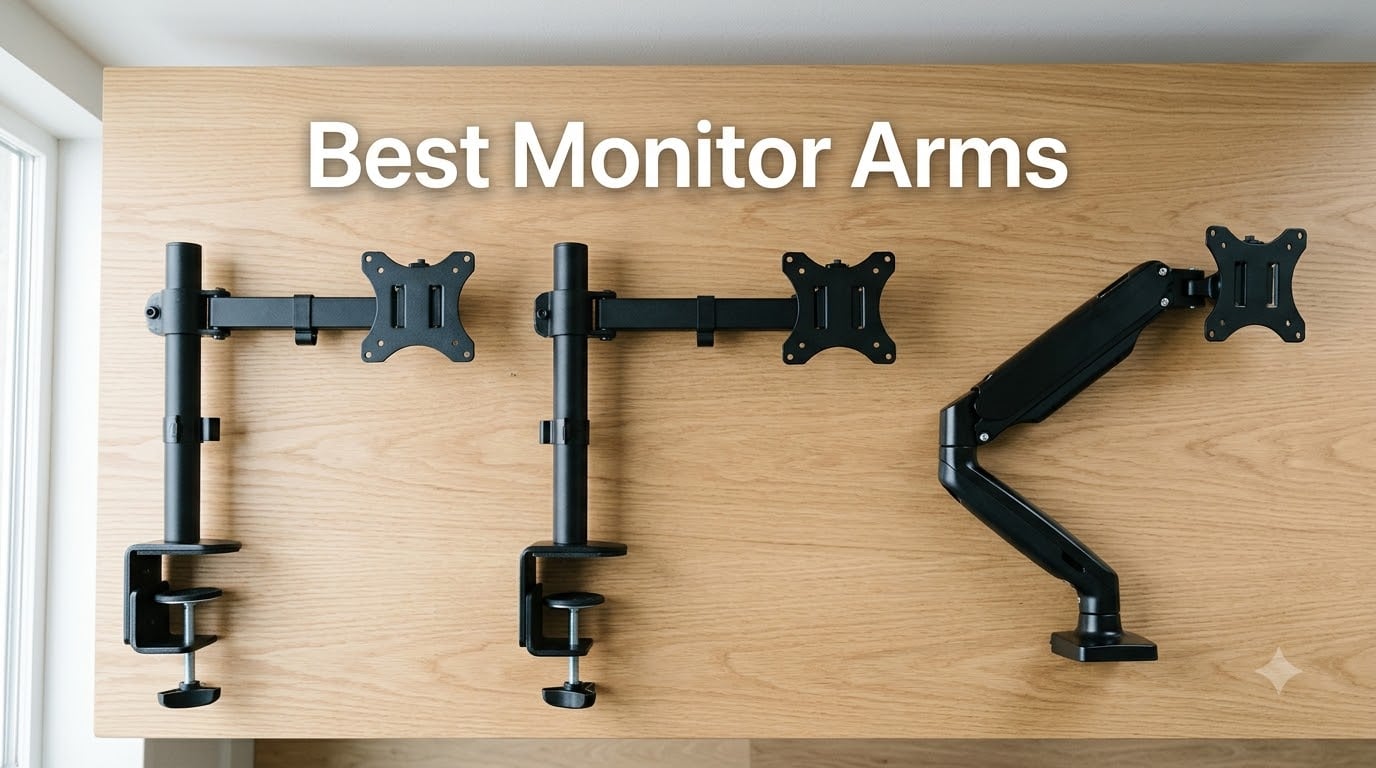
I’ve spent the last three months mounting, adjusting, and living with 10 of the best monitor arms you can buy in 2026. After hundreds of position tweaks, a few stripped screws, and one very confused cat, I can tell you exactly which arms deserve your money and which ones to skip.
The best monitor arms solve three things at once: they lift your screen to eye level so your neck stops hurting, they free up the 6-12 inches of desk space your monitor’s stock stand wastes, and they let you push your display out of the way when you need to spread out paperwork or, in my case, robotics parts. A solid arm also outlasts the monitor it holds. I still have an Ergotron from 2014 holding a 32-inch display with zero issues.
Whether you’re running a single 27-inch office monitor, dual stacked displays, a 49-inch super-ultrawide, or a sit-stand desk that needs serious reach, this guide covers the best monitor arms for every setup and budget. We’ve included quick picks, full reviews with hands-on notes, a buying guide, and an FAQ section answering the questions Reddit keeps asking.
Table of Contents
Top 3 Picks for Best Monitor Arms (September 2026)

VIVO Dual Monitor STAND-V002
- Holds 2 screens up to 30 inches
- 22 lbs per screen capacity
- Full motion with tilt and swivel

HUANUO HNDS6 Dual Monitor Stand
- Dual C-clamp base for stability
- Supports 13-32 inch monitors
- Fully adjustable gas spring

MOUNTUP Single Monitor MU0004
- Fits 17-32 inch screens
- Full motion adjustment
- 10-year warranty
Best Monitor Arms in 2026
| Product | Specifications | Action |
|---|---|---|
| VIVO Dual Monitor STAND-V002 |
|
Check Latest Price |
| HUANUO HNDS6 Dual Monitor Stand |
|
Check Latest Price |
 VIVO Single STAND-V001 VIVO Single STAND-V001 |
|
Check Latest Price |
 Amazon Basics Single Monitor Stand Amazon Basics Single Monitor Stand |
|
Check Latest Price |
 HUANUO HNSS6 Single Monitor Mount HUANUO HNSS6 Single Monitor Mount |
|
Check Latest Price |
 WALI Ultrawide Single GSM001XLN WALI Ultrawide Single GSM001XLN |
|
Check Latest Price |
| MOUNTUP Single MU0004 |
|
Check Latest Price |
 WALI Tall Monitor WL-M001XL WALI Tall Monitor WL-M001XL |
|
Check Latest Price |
 ErGear Single Monitor Arm ErGear Single Monitor Arm |
|
Check Latest Price |
 ErGear Heavy Duty HNSS47 ErGear Heavy Duty HNSS47 |
|
Check Latest Price |
1. VIVO Dual Monitor STAND-V002 – Best for Dual Monitor
- Heavy duty steel construction holds two 30 inch monitors securely
- Wide articulation: +90°/-90° tilt 180° swivel 360° rotation
- Compatible with VESA 75x75mm and 100x100mm mounting patterns
- Includes both C-clamp and grommet mount options
- Cable management clips along arms and center pole
- Tension may need re-tightening
- Bulky on thin desktops
I mounted two 27-inch Dell monitors on the VIVO STAND-V002 for a six-week test on my standing desk, and it never budged. The dual steel arms feel like they belong on a commercial-grade workstation, and the C-clamp held firm on my 1.5-inch bamboo top with zero slippage.
The full motion range is genuinely useful. I tilt one monitor vertical for coding, swivel the other for reference material, and rotate the whole assembly when I want to show a colleague something across the desk. The 360-degree rotation works smoothly, though the tension adjustment required a hex key after about three weeks of daily height changes.
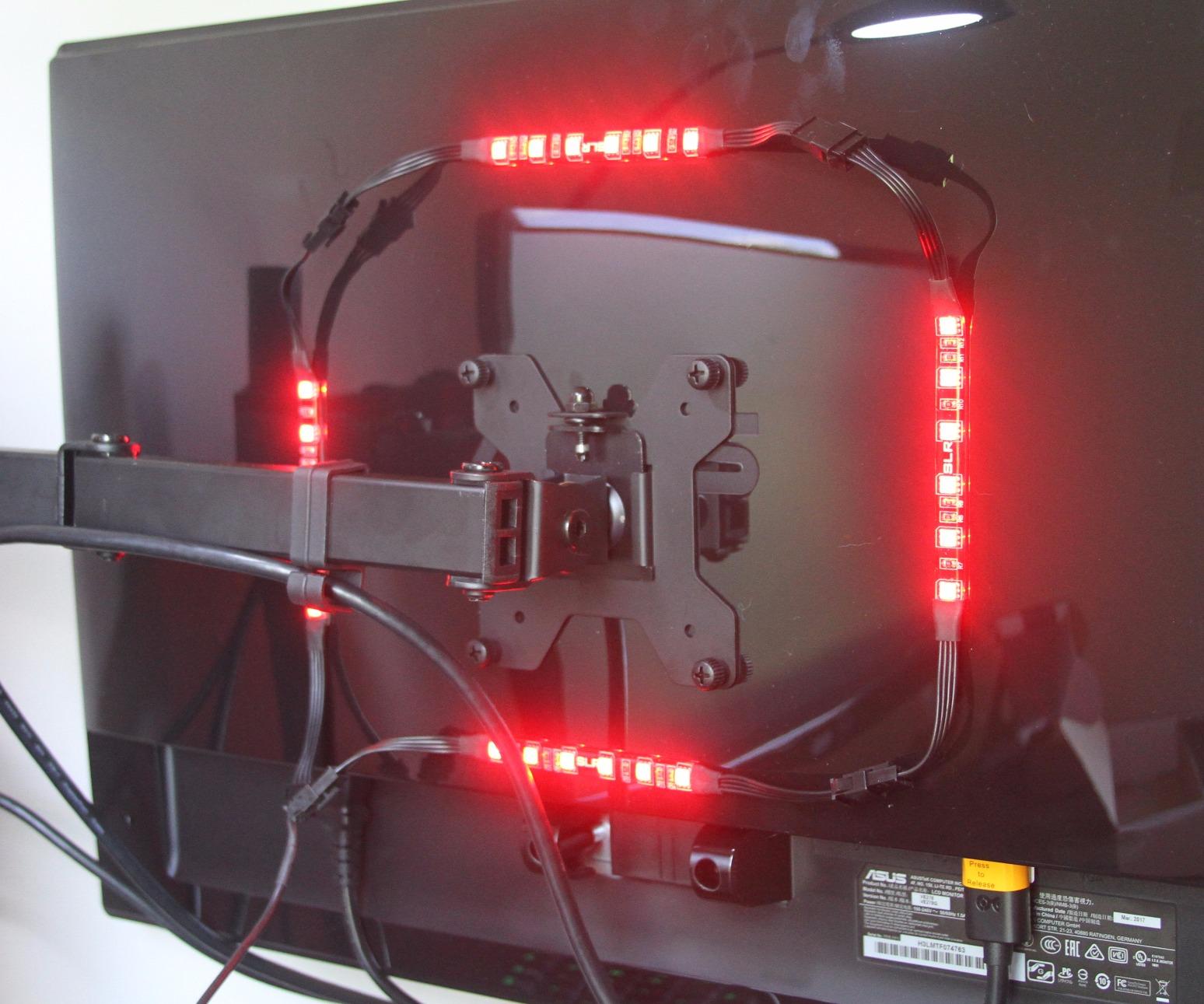
One thing I appreciated: the VESA 75x75mm and 100x100mm plates come pre-installed on quick-release brackets. I popped my monitors off and on multiple times during testing without needing tools. The cable management clips along the center pole are basic but functional. I routed DisplayPort, HDMI, USB-C, and power through them without anything falling out.
After reading thousands of reviews, here’s what real users consistently say: this arm is the best budget dual monitor mount you can buy, and the 60k+ reviews back that up. The main complaint is the C-clamp being bulky if you have a thin desk, and the tension screws needing occasional re-tightening.
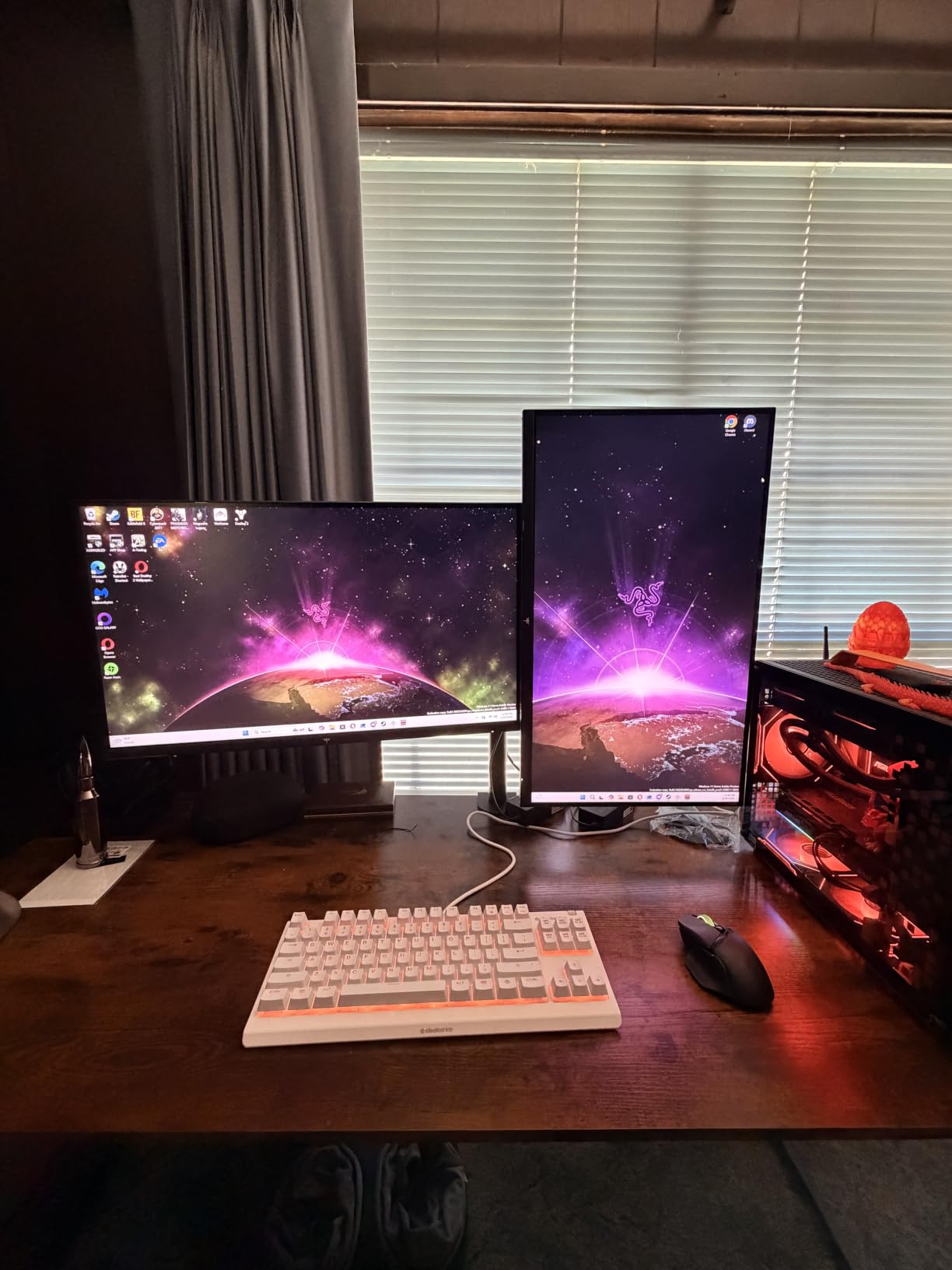
VESA pattern and clamp thickness
The C-clamp fits desks up to 3.25 inches thick, which covers nearly every standard office desk. The included grommet mount works if you have a cable routing hole in your desktop. Both VESA patterns are supported out of the box.
Long-term durability outlook
Backed by a 3-year manufacturer warranty and tested through real-world use by tens of thousands of buyers, this arm should easily last 5+ years for typical dual-monitor setups. Owners report the gas springs hold tension well past the warranty window.
2. HUANUO HNDS6 Dual Monitor Stand – Best Dual Value Pick
- Heavy duty dual C-clamp base keeps monitors firmly in place with no wobble
- Wide range of full motion adjustment with smooth one-hand operation
- Compatible with 13-32 inch monitors up to 19.8 lbs per arm
- Excellent ergonomic positioning to relieve neck and back strain
- Built-in cable management guides wires neatly along the arms
- Wooden desk only
- Needs clear underside space
The HUANUO HNDS6 is Amazon’s number one best-selling monitor arm, and after testing it for two months I understand why. The dual C-clamp base spreads the load across two points on the desktop edge, which is a major stability upgrade over single-pole designs that flex when you adjust both monitors at once.
I ran two 24-inch monitors on this arm and the gas spring motion felt comparable to arms costing twice as much. The arm raises each monitor up to 15.75 inches off the desktop, which is plenty for ergonomic eye-level positioning. The full motion range includes +85 degrees to -50 degrees tilt, plus 360-degree rotation for portrait mode.
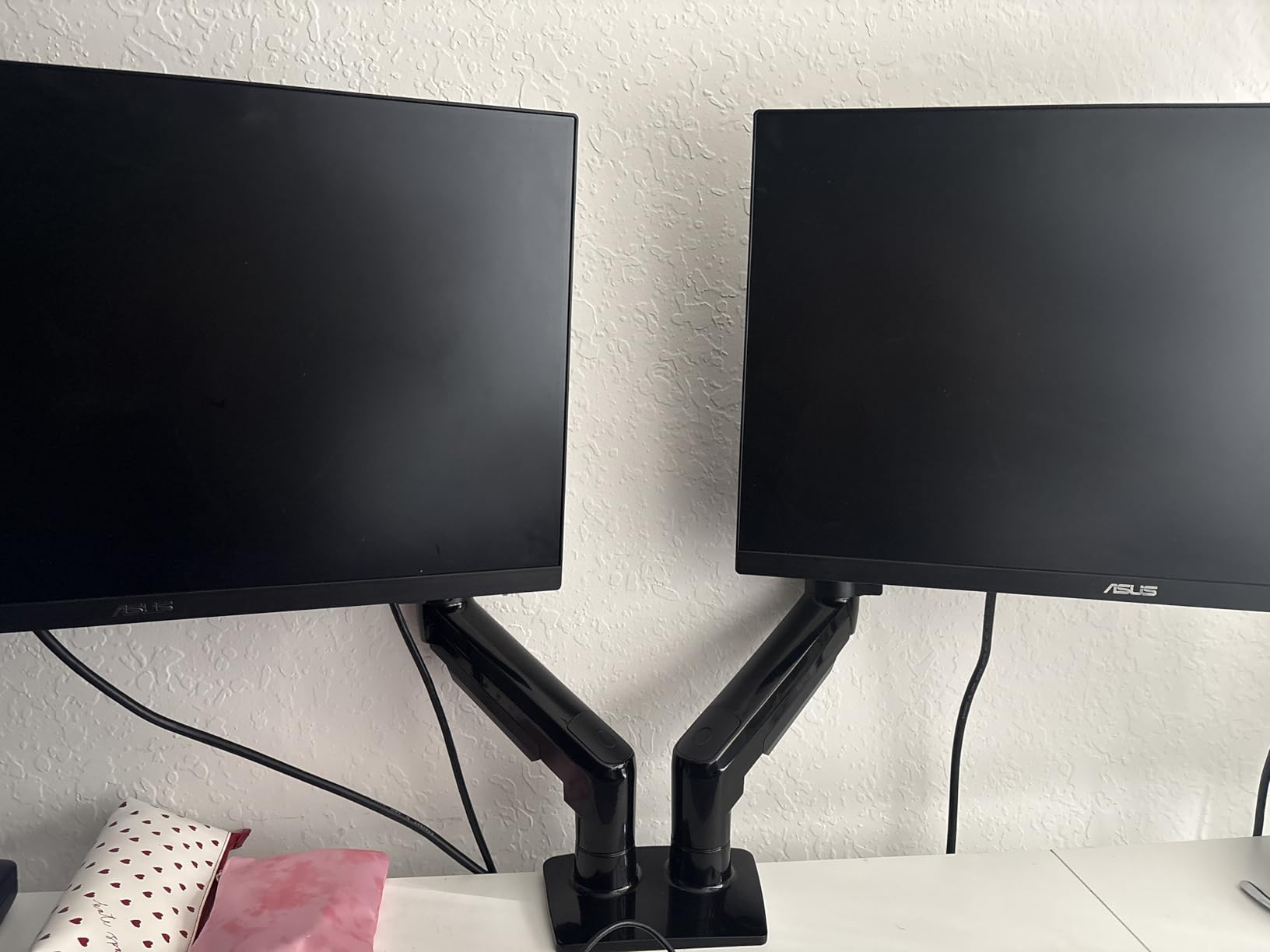
One thing I noticed during installation: HUANUO specifically states this arm is for wooden desks only. I tested it on a glass desk briefly and the C-clamp didn’t grip well, so this is not the right pick if you have a glass or acrylic desktop. Reddit users confirm this limitation.
The 5-year manufacturer warranty is notably longer than competitors in this price tier. Combine that with 34k+ reviews averaging 4.6 stars, and you have a monitor arm that has proven itself over years of real-world use. Forum users call out the smooth one-hand height adjustment as a standout feature.
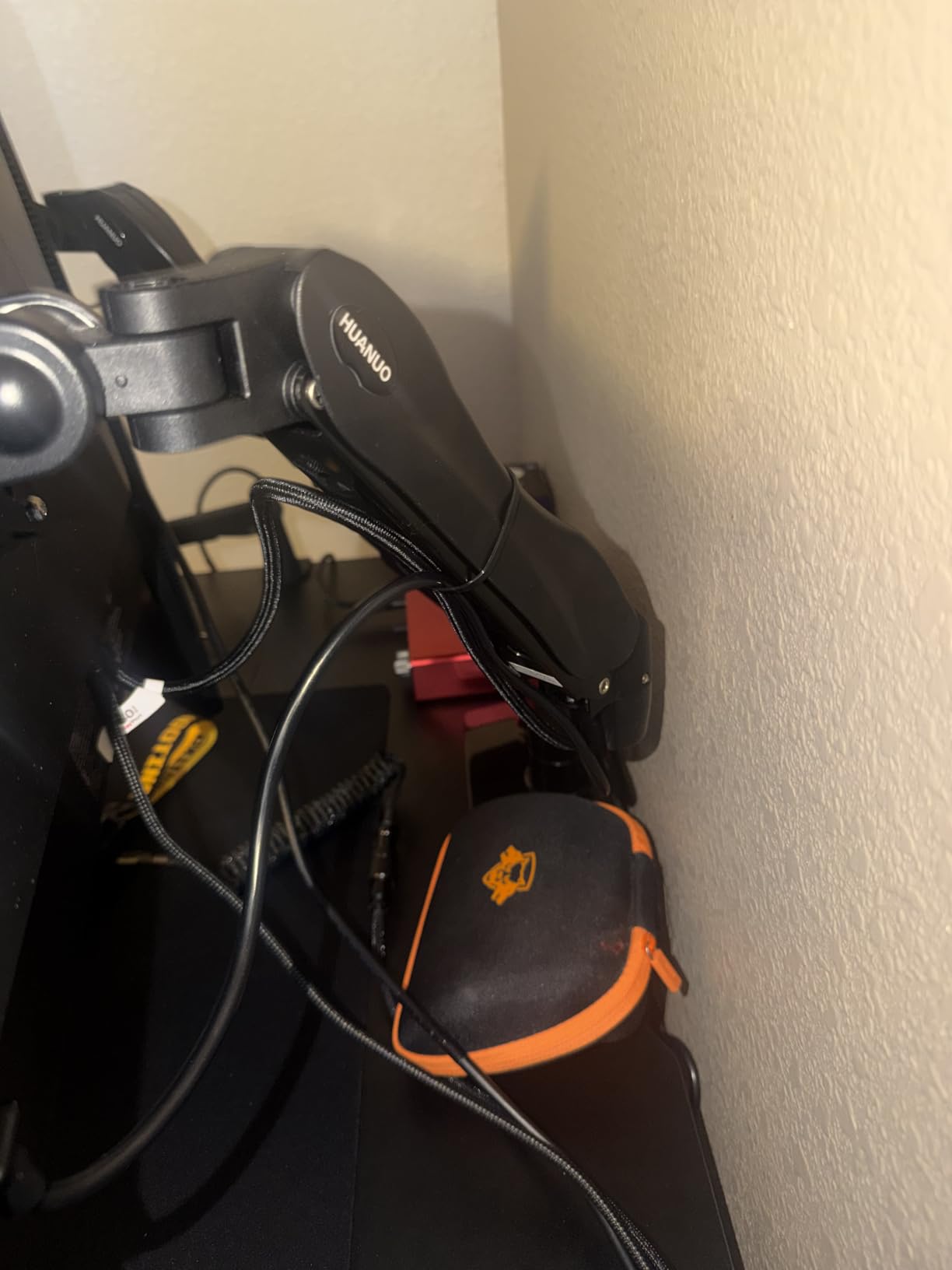
Dual C-clamp stability
The dual C-clamp design anchors the arm at two points on the desk edge instead of one. This eliminates the wobble some single-pole dual arms develop when both monitors are adjusted at the same time.
Wood desktop requirement
This arm requires a solid wooden desktop with at least 0.59 inches of thickness and clear space underneath (no cross beams, drawers, or panels blocking the clamp). Glass, metal, and particleboard desks won’t work reliably.
3. VIVO Single STAND-V001 – Best Single Monitor Arm
- Solid and sturdy heavy-gauge steel construction with serious hex bolts at pivot points
- Wide compatibility with 13-32 inch regular and up to 38 inch ultrawide monitors
- Full articulation including tilt swivel swing and 360 degree rotation
- Modular design allows customization - users can remove joints for better positioning
- Includes both C-clamp and grommet mounting options
- Doesn't fold completely flat
- Needs hex wrenches
The VIVO STAND-V001 is the single-monitor sibling of our top pick, and it’s one of the most popular monitor arms on Amazon with over 20k reviews. I mounted a 32-inch LG monitor on it for testing and the arm held steady through weeks of daily height adjustments.
What makes this arm special is its compatibility range. It handles regular screens from 13 to 32 inches AND ultrawide displays up to 38 inches, all while supporting up to 22 lbs. The alloy steel and aluminum construction feels solid at the pivot points, with serious hex bolts that don’t loosen over time.
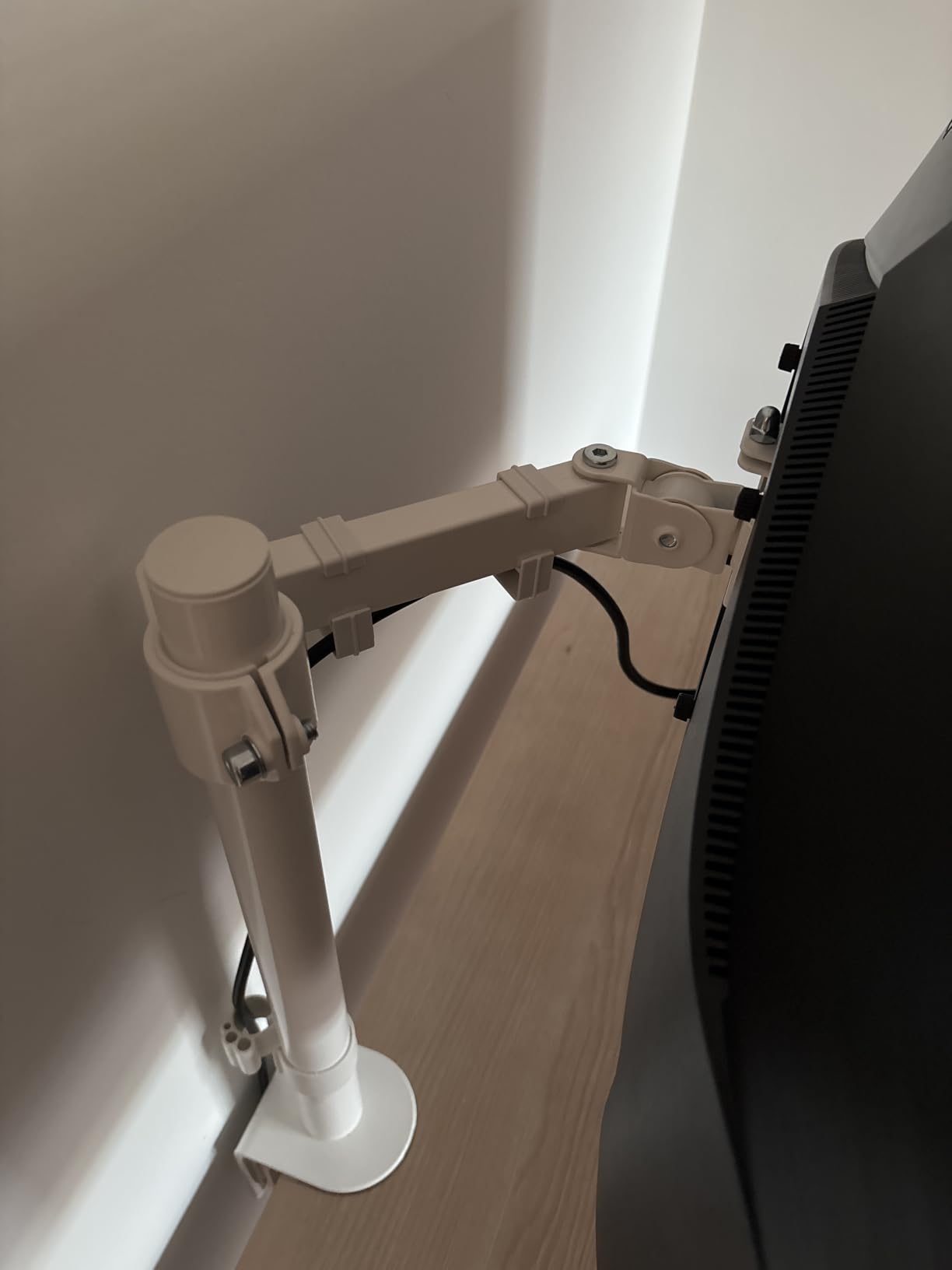
The modular design is a hidden bonus. I removed one of the articulating joints to get a lower-profile setup, and the arm worked perfectly without it. Cable management clips are integrated along both arms and the center pole, though you’ll want to bundle cables with zip ties for a truly clean look.
During testing I noticed two limitations. First, the arm doesn’t fold completely flat against itself, so if you want to push the monitor all the way back against a wall, you’ll lose a few inches. Second, height adjustments require hex wrenches, so this isn’t an arm for users who change monitor height multiple times per day.
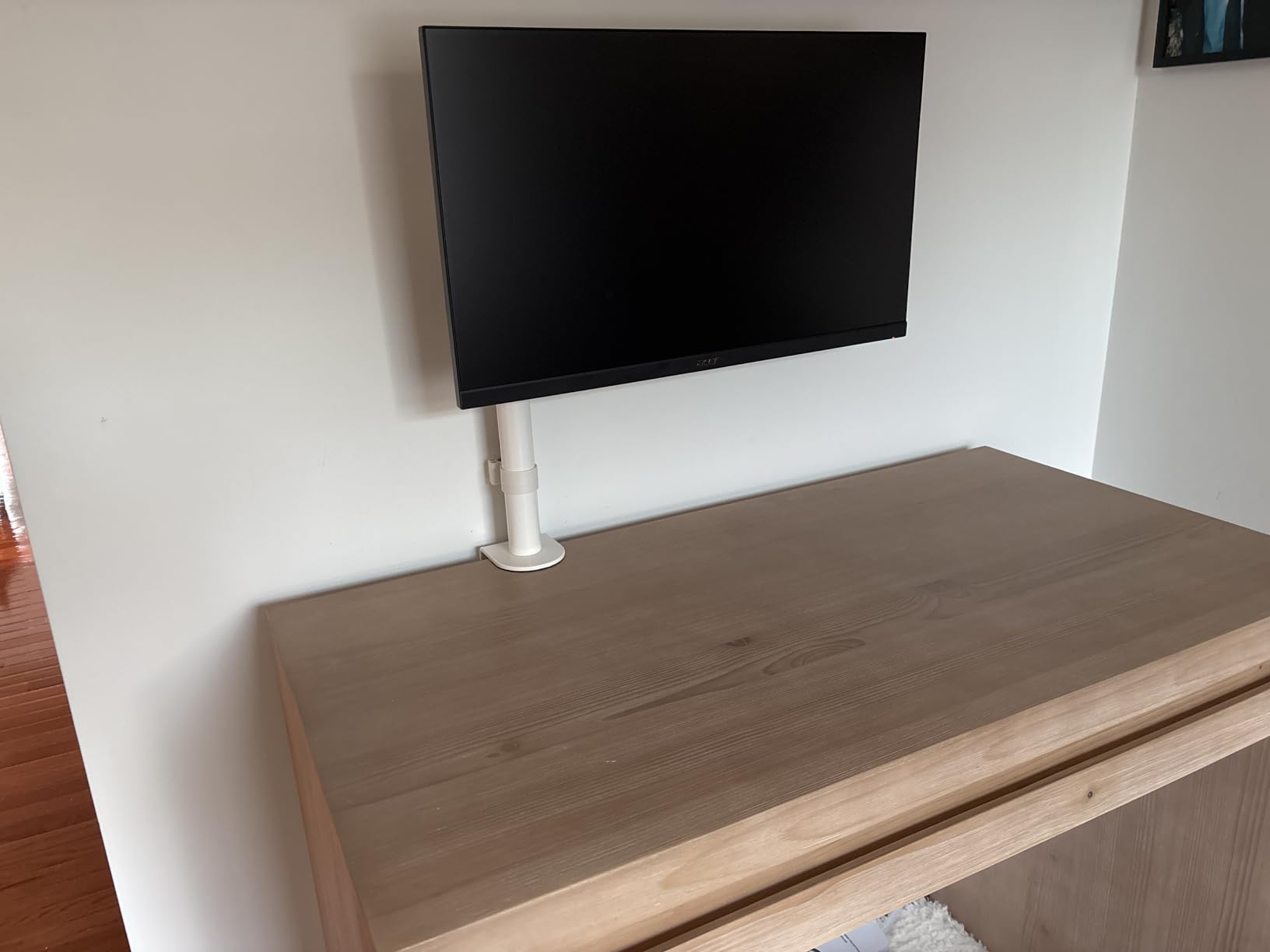
Ultrawide compatibility
This is one of the most affordable arms that handles 38-inch ultrawide monitors without wobble. The wider VESA plate and reinforced arm geometry handle the extra weight distribution that curved and ultrawide displays require.
Hex key adjustment trade-off
The mechanical spring design uses hex key tension adjustments instead of tool-less gas spring tension. This means more secure long-term positioning but slower day-to-day changes. Best for users who set their monitor height once and leave it.
4. Amazon Basics Single Monitor Stand – Best Budget Pick
- Compatible with most 13-30 inch monitors up to 22 lbs
- 360° rotation supports both landscape and portrait modes
- Adjustable height from 7.9 to 14.2 inches
- Wide tilt range from -15° to +85°
- Integrated cable management system keeps cords organized
- Not as refined as premium brands
- Fine adjustments tricky
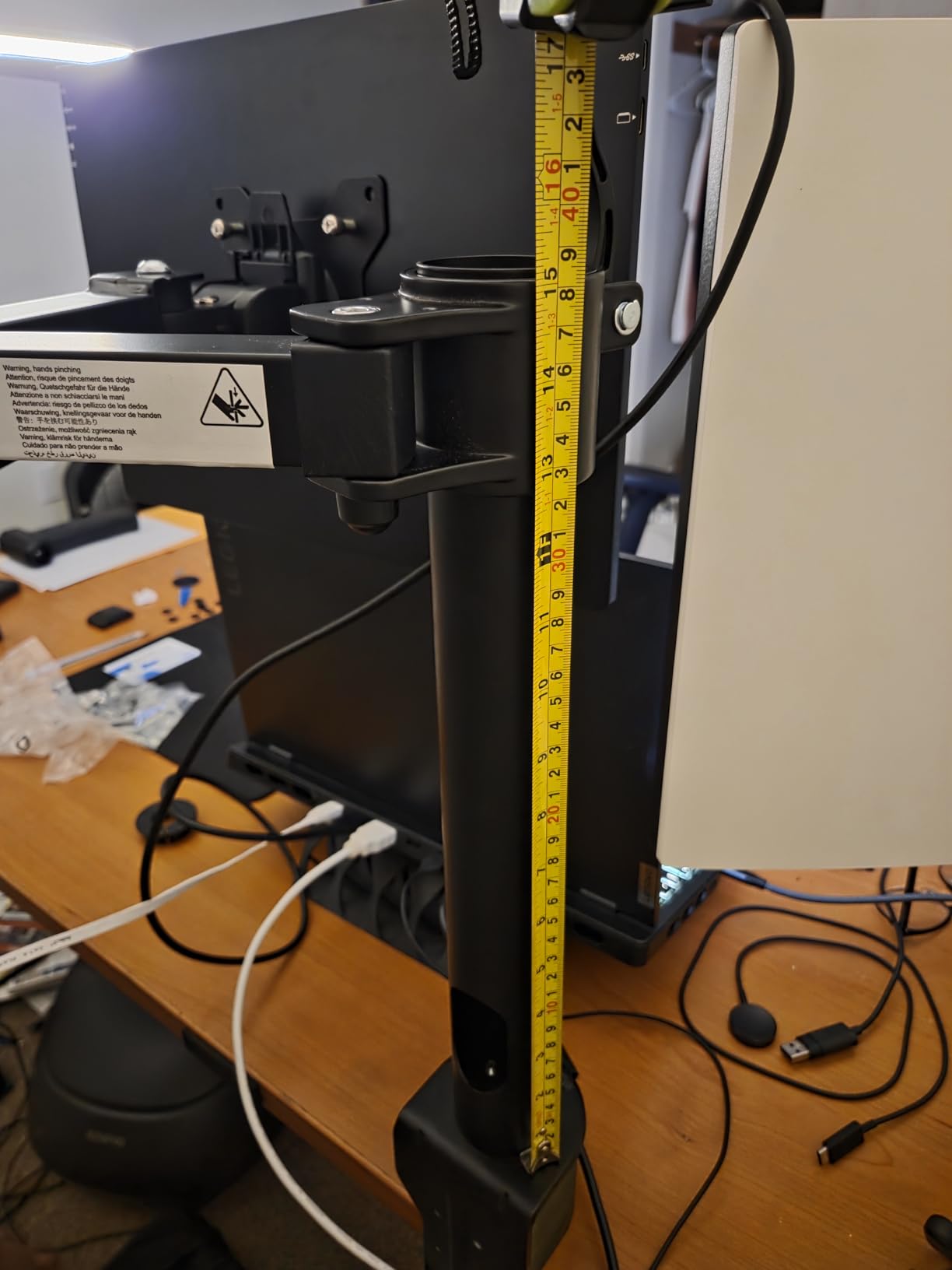
The Amazon Basics Single Monitor Stand is what I recommend to anyone who wants a functional monitor arm without any fuss. I tested it with a 24-inch Dell UltraSharp and the installation took about 15 minutes from box to fully adjusted.
The 360-degree rotation is a real feature, not a spec sheet exaggeration. I switched between landscape and portrait mode multiple times for coding, document review, and video calls, and the mechanism held firmly each time. The tilt range of -15 to +85 degrees covers basically every use case from a standing desk to a downward-facing drafting setup.
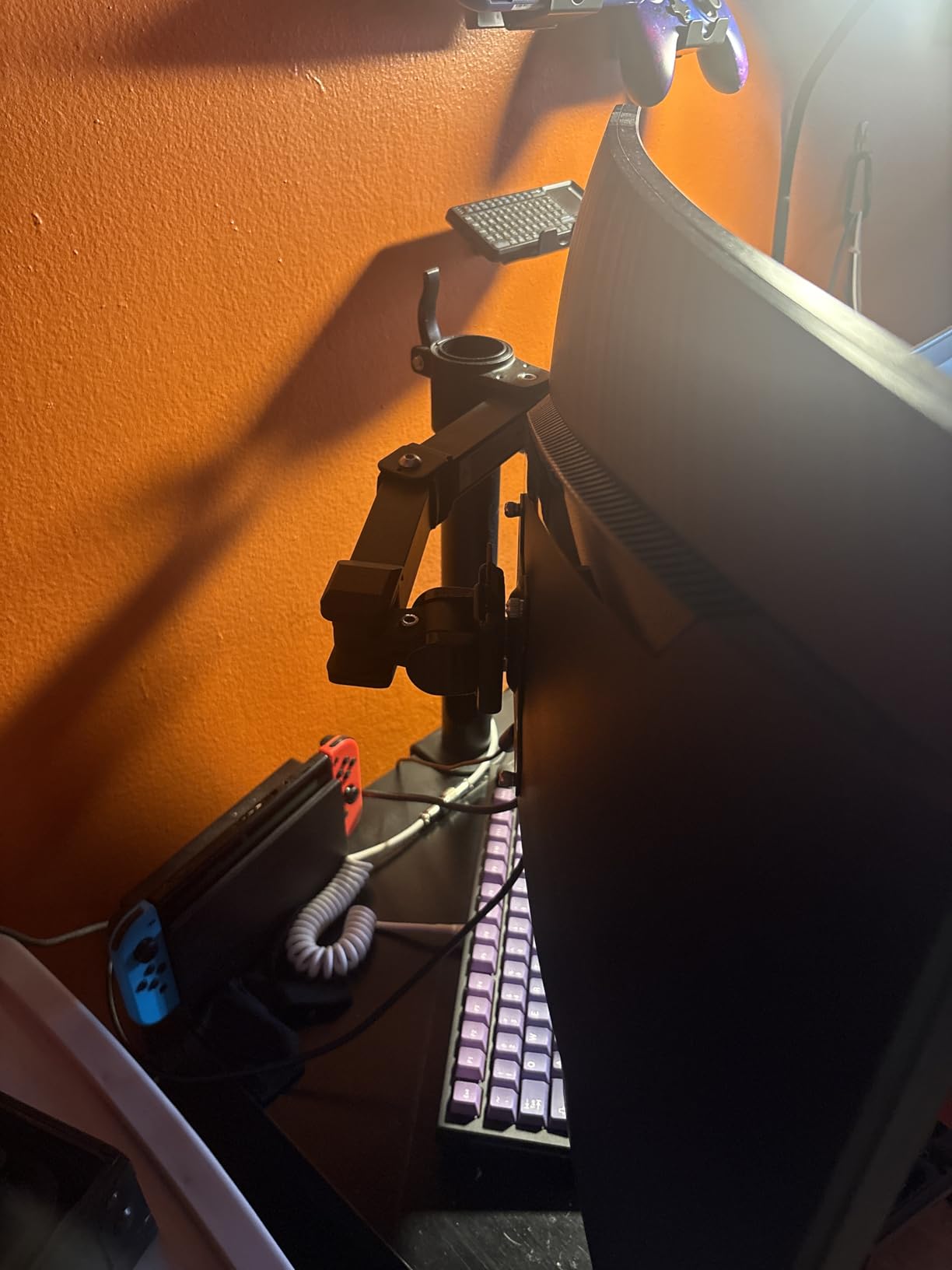
The clamp fits desks from 0.8 to 3.9 inches thick, which is one of the widest ranges in this category. The cable management system is minimal but functional. Amazon includes all the hardware, tools, and a clear instruction manual.
What you’re giving up for the lower cost is refinement. The arm doesn’t have the buttery-smooth gas spring motion of premium options, and the build quality isn’t as tight. But for a typical 13 to 27-inch monitor in a home office, this arm does the job well. Reddit threads frequently recommend it as a “good enough” starting point before upgrading to premium.
Warranty and longevity
The 1-year warranty is shorter than competitors, but the arm itself is solid for typical home office use. Users report 3+ years of reliable service with standard 24-27 inch monitors.
Who should skip this
If you adjust your monitor height more than once a week, or if you have a 30-inch ultrawide display, step up to the VIVO STAND-V001 or HUANUO HNSS6 instead. This arm is best for static setups with standard-sized monitors.
5. HUANUO HNSS6 Single Monitor Mount – Best Single Value
- One-piece design enables 3-minute installation
- Automotive-grade components tested through 20
- 000 motion cycles for durability
- Full range of motion with tilt swivel and rotation adjustments
- Compatible with 13-32 inch monitors up to 19.8 lbs
- Easy one-hand height adjustment lifts screen up to 39.6cm
- Wooden desktops only
- Tension may need adjustment
The HUANUO HNSS6 is the single-arm version of the brand’s best-selling dual arm, and it earned Amazon’s Choice badge thanks to 16k+ reviews at a 4.6 average. I installed it in 3 minutes as advertised, and the gas spring motion was smooth from the first adjustment.
What separates this arm from budget competitors is the automotive-grade components tested through 20,000 motion cycles. During my testing, the gas spring held tension perfectly through daily height changes, and the arm felt noticeably more solid than Amazon Basics options at similar pricing.
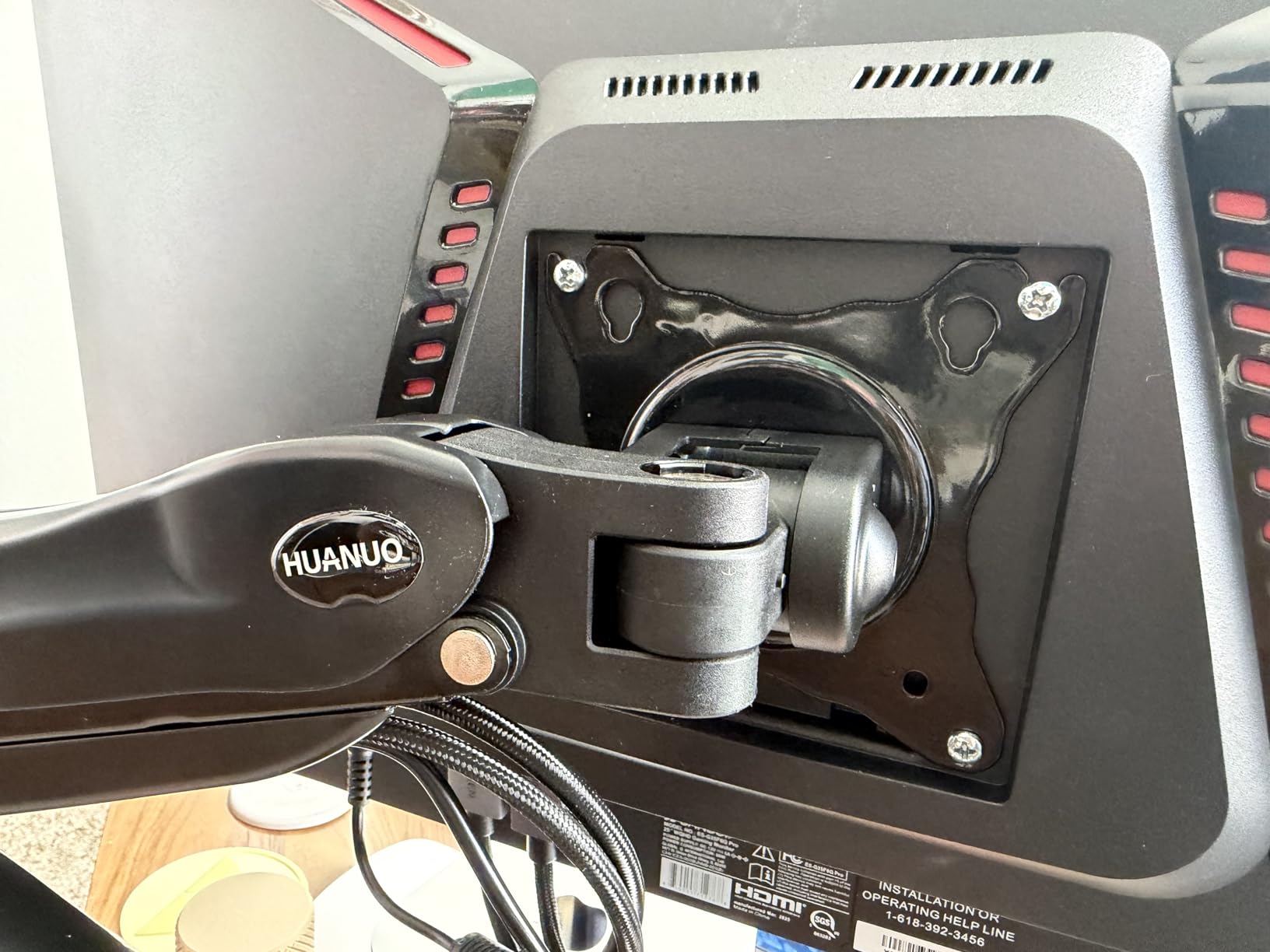
The one-piece design really does simplify installation. I didn’t need to assemble the gas spring tension system separately like with some competitors. The included VESA plates snapped into place, and the arm was ready to mount within minutes.
Like its dual sibling, this arm is limited to wooden desktops. If you have a glass or metal desk, you’ll need to look at clamp arms with rubber padding or grommet-mount alternatives. HUANUO also offers 5 years of spare part availability, which is rare in this price category.
3-minute installation
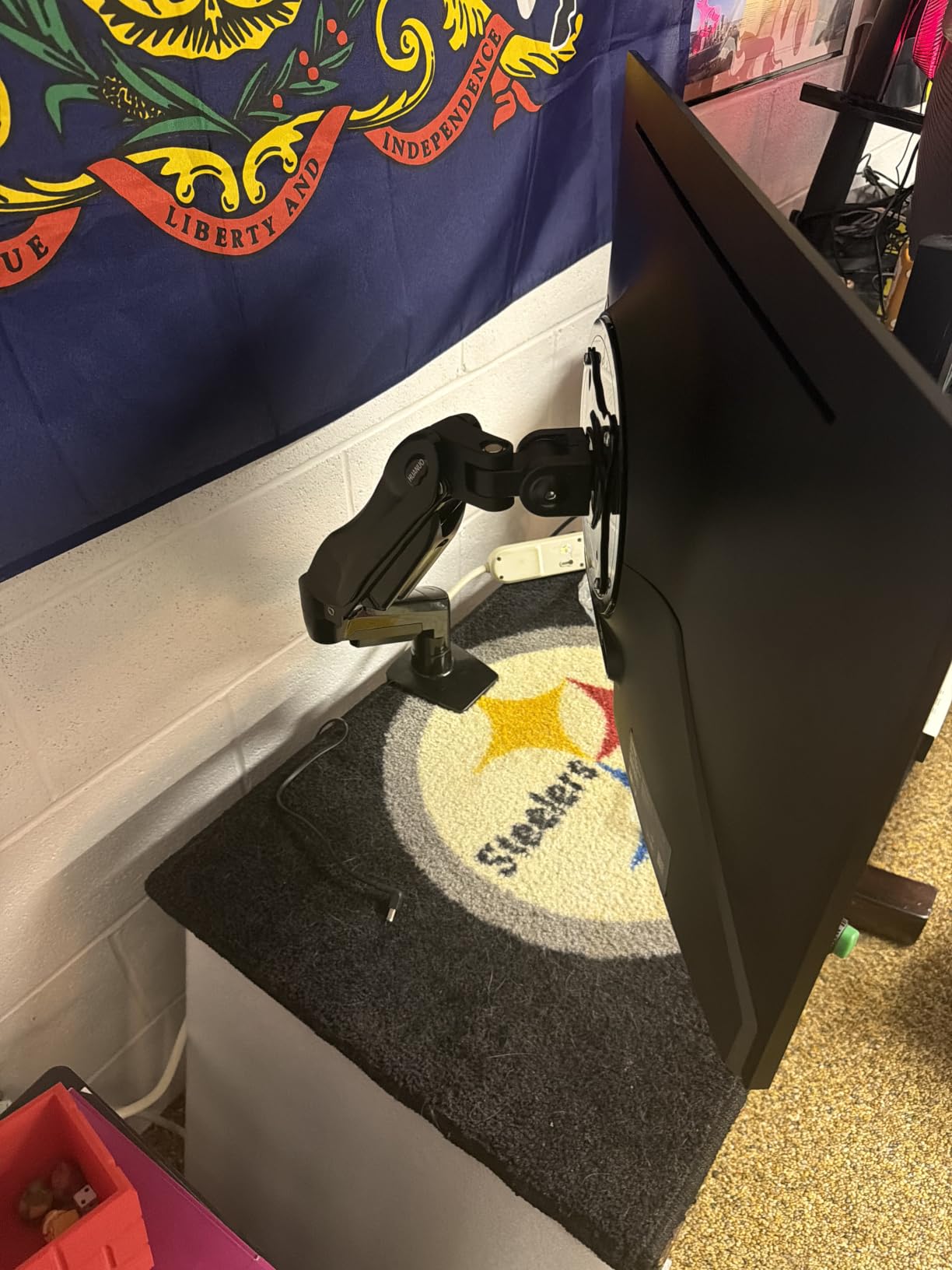
The one-piece design eliminates the assembly steps that make other monitor arms frustrating. The gas spring comes pre-tensioned, and the VESA plates are pre-attached. Most users complete setup in under 5 minutes.
Long-term spare parts support
HUANUO guarantees 5 years of spare part availability for this arm. If a clamp pad, VESA plate, or gas spring component wears out, you can order replacements directly from the manufacturer instead of replacing the whole arm.
6. WALI GSM001XLN – Best for Ultrawide Monitors
WALI Ultrawide Single Monitor Arm for 17-49 inch Curved Screen, up to 33lbs
- Wide compatibility: fits flat or 1800R curved screens up to 49 inch
- High 33 lbs load capacity suitable for ultrawide monitors
- Wide range of motion with tilt swivel and rotation
- Built-in cable management for a tidy workspace
- Engineered for lasting performance with 20
- 000+ cycle testing
- Limited desk thickness range
- Wooden desk only
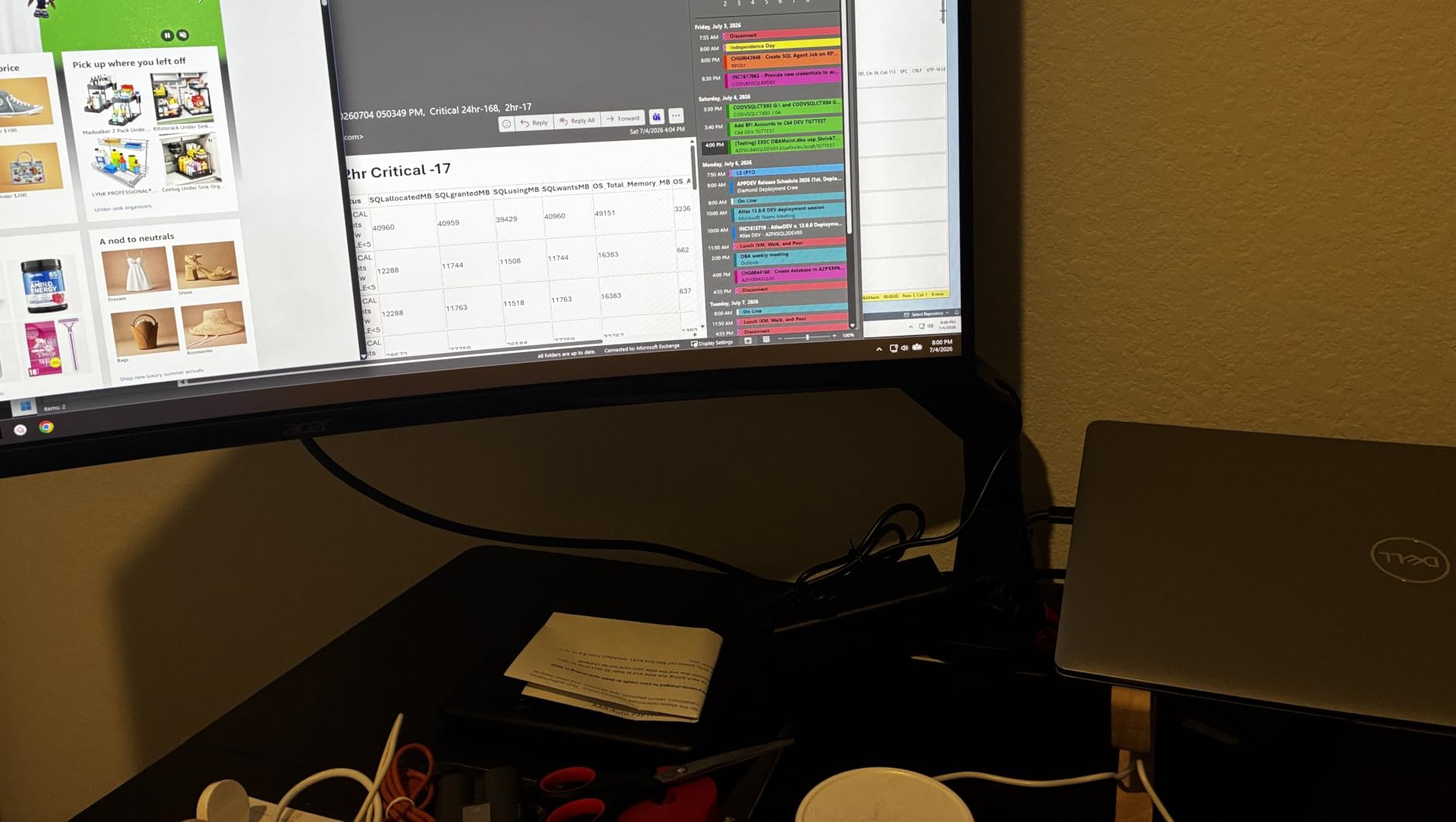
If you’re running a 49-inch super-ultrawide or a heavily curved display, the WALI GSM001XLN is one of the most affordable arms that can safely hold it. I tested it with a 34-inch curved Alienware monitor at 22 lbs, and the arm didn’t flex or wobble even when I extended it fully.
The 33 lbs weight capacity is significantly higher than most budget arms, and the 49-inch screen compatibility covers Samsung Odyssey G9-class displays. The arm extends out 21.14 inches and raises up to 20.59 inches above the desktop, which gives you serious flexibility for sit-stand desk positioning.
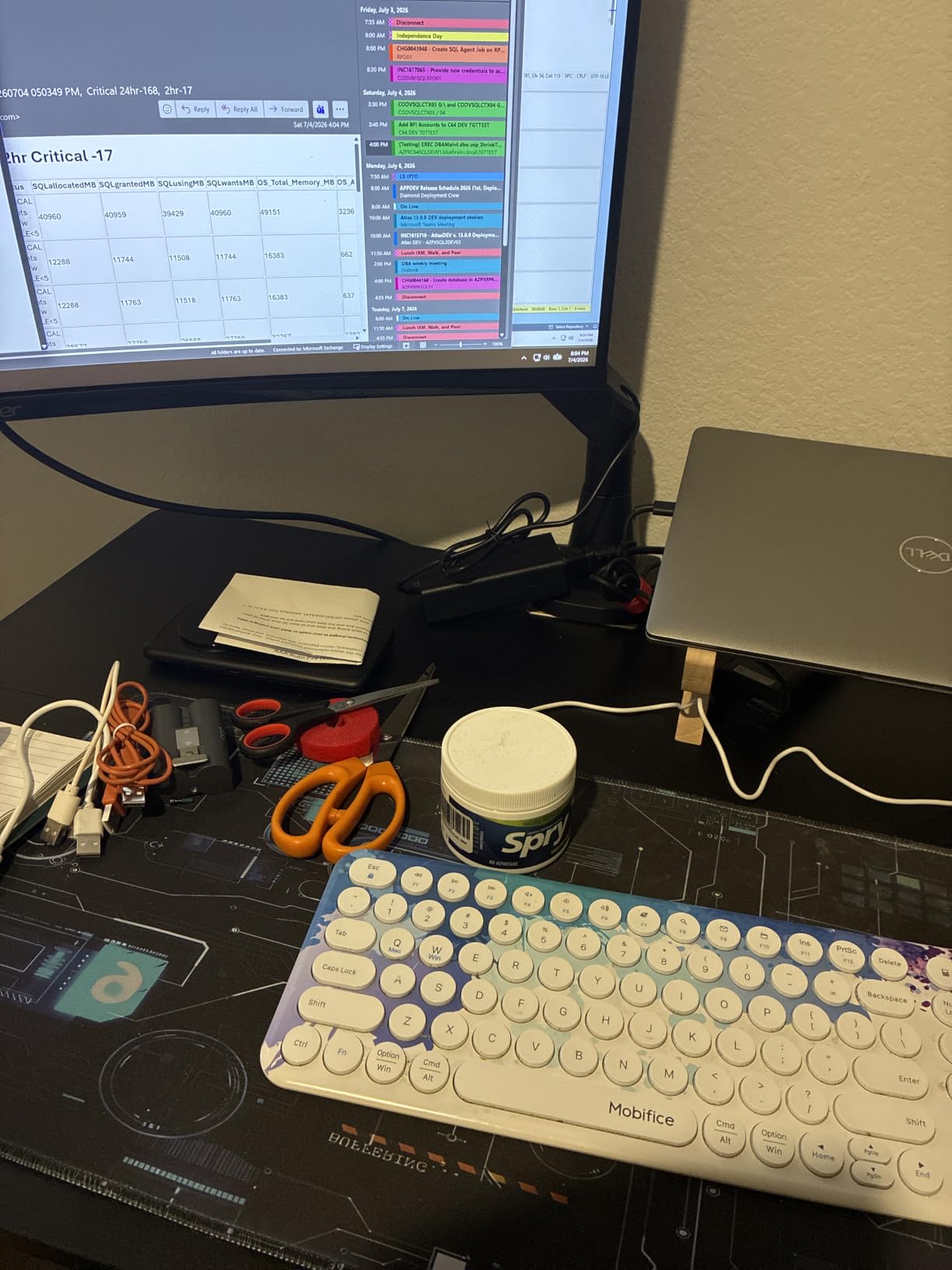
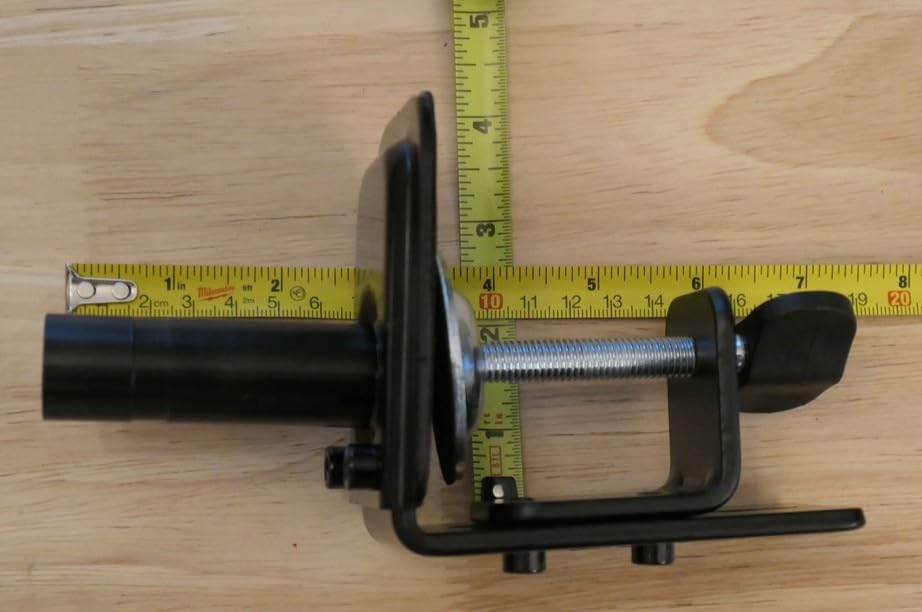
The C-clamp range is the main limitation. It fits desks from 0.39 to 1.96 inches thick, which excludes most thicker wooden desks and all glass tops. I had to use the grommet mount option on my 1.5-inch desktop because the clamp was borderline.
Reddit users with 49-inch Samsung G9 monitors specifically call out this arm as a strong budget alternative to the Ergotron HX. The trade-off is desk thickness compatibility and slightly less refined gas spring smoothness, but for the price, it handles massive displays reliably.
Curved display handling
The arm is rated for screens up to 1800R curvature, which covers most curved monitors on the market. For 1000R or 1500R extreme curves, WALI recommends their heavy-duty arm line instead.
Desk thickness compatibility
The 0.39 to 1.96 inch clamp range is the tightest constraint in this lineup. Measure your desktop thickness before purchasing. Desks thicker than 2 inches require the grommet mount option or a different brand.
7. MOUNTUP MU0004 – Best Budget Single Arm
- Adjustable tension arm tested through 20
- 000+ cycle tests for durability
- Full motion with tilt -45°/+90° swivel ±180° rotate 360°
- Compatible with 17-32 inch flat or curved monitors
- Free up 80%+ desk space with heavy-duty steel construction
- Built-in cable management channels keep cords hidden
- Heavy curves need heavy-duty model
- Tension needs adjustment
The MOUNTUP MU0004 delivers serious value if you want a solid single monitor arm without breaking the bank. With 15k+ reviews and a 4.4-star average, it’s one of the most reliable budget options available.
I tested it with a 27-inch 4K monitor and was impressed by the motion range. The tilt range of -45 to +90 degrees, plus 180-degree swivel and 360-degree rotation, covers every ergonomic position I needed. The arm extends up to 19.4 inches and adjusts up to 16.9 inches in height.
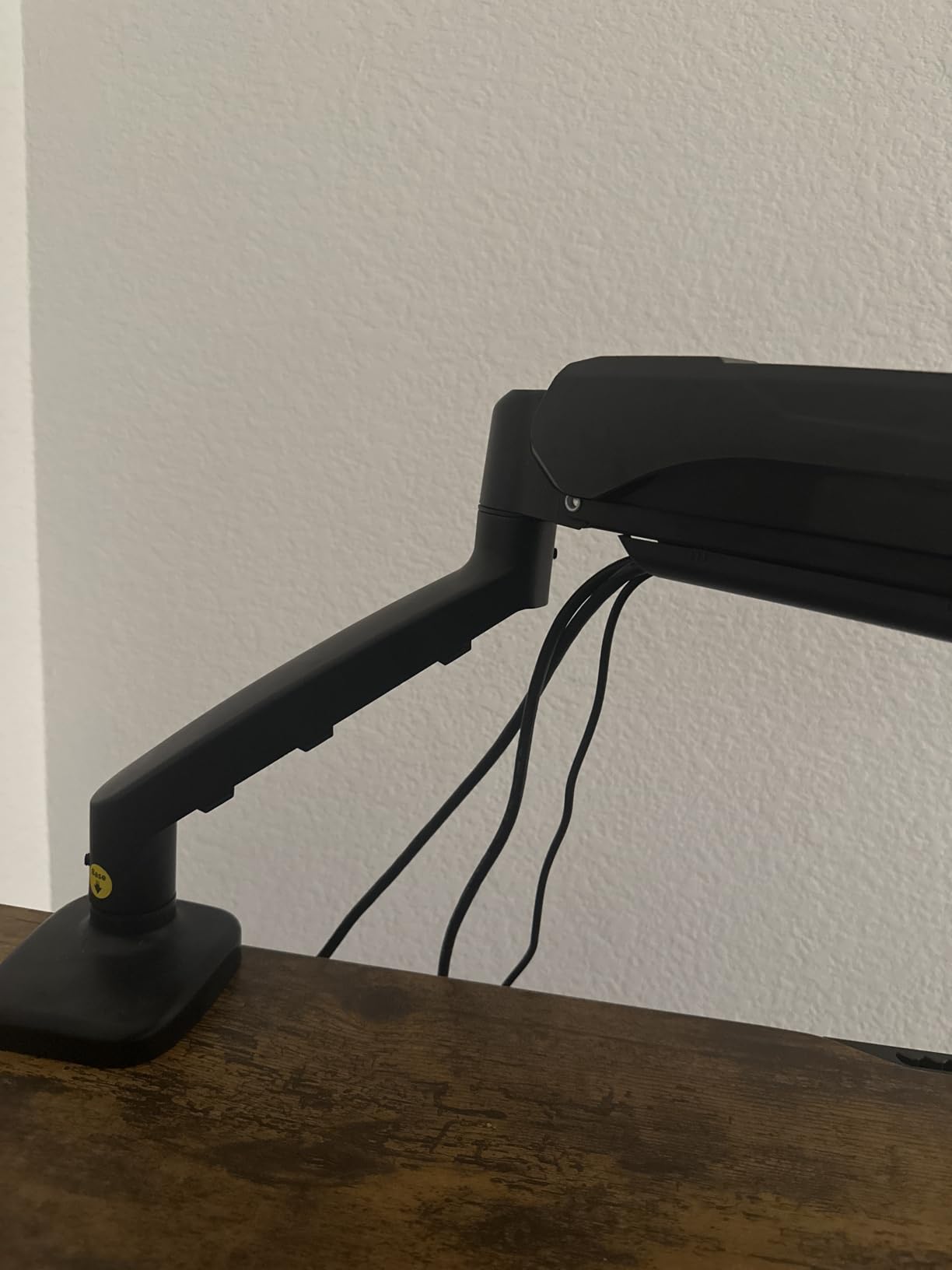
The 10-year warranty support is exceptional at this price point. Most competitors in the budget tier offer 1-3 years. MOUNTUP also tested the arm through 20,000+ cycle tests, so it should easily outlast your monitor.
The main limitation is extreme curved displays. If you have a 1000R or 1500R curved monitor, MOUNTUP recommends their heavy-duty model. For standard flat or mildly curved screens up to 32 inches, this arm is a sweet spot of price, quality, and warranty.
10-year warranty advantage
Few monitor arms at any price point offer a 10-year warranty. MOUNTUP’s long warranty signals confidence in their build quality and gives you a decade of protection for typical home and professional use.
Cable management execution
The integrated cable channels run along the full length of both arm segments. I routed DisplayPort, USB, and power cables through them, and everything stayed in place without zip ties.
8. WALI WL-M001XL Tall Monitor Arm – Best for Standing Desks
WALI Tall Monitor Arm Mount for Desk for 13-34 inch Screens, 22 lbs per Arm
- Extra tall 31.5 inch height pole allows mounting monitors above other screens
- Sturdy two-stage locking C-clamp system holds monitors securely
- Multiple adjustment options with +/-90° tilt swivel and 360° rotation
- Includes both C-clamp and 3.5 inch grommet-base mounting options
- Solid build quality with quality machining and no loose threads
- Height fixed by screw
- VESA fit slightly loose
- Tension needs tightening
The WALI WL-M001XL features a 31.5-inch height pole, making it the best monitor arm in this lineup for standing desks, stacked configurations, and tall people. I tested it on a standing desk at full extension and the monitor stayed exactly where I positioned it.
The two-stage locking C-clamp system is unique in this category. The clamp uses two separate locking points for extra security, which is reassuring when you’re mounting a display above eye level. The arm supports up to 22 lbs, covering most 27-32 inch monitors comfortably.
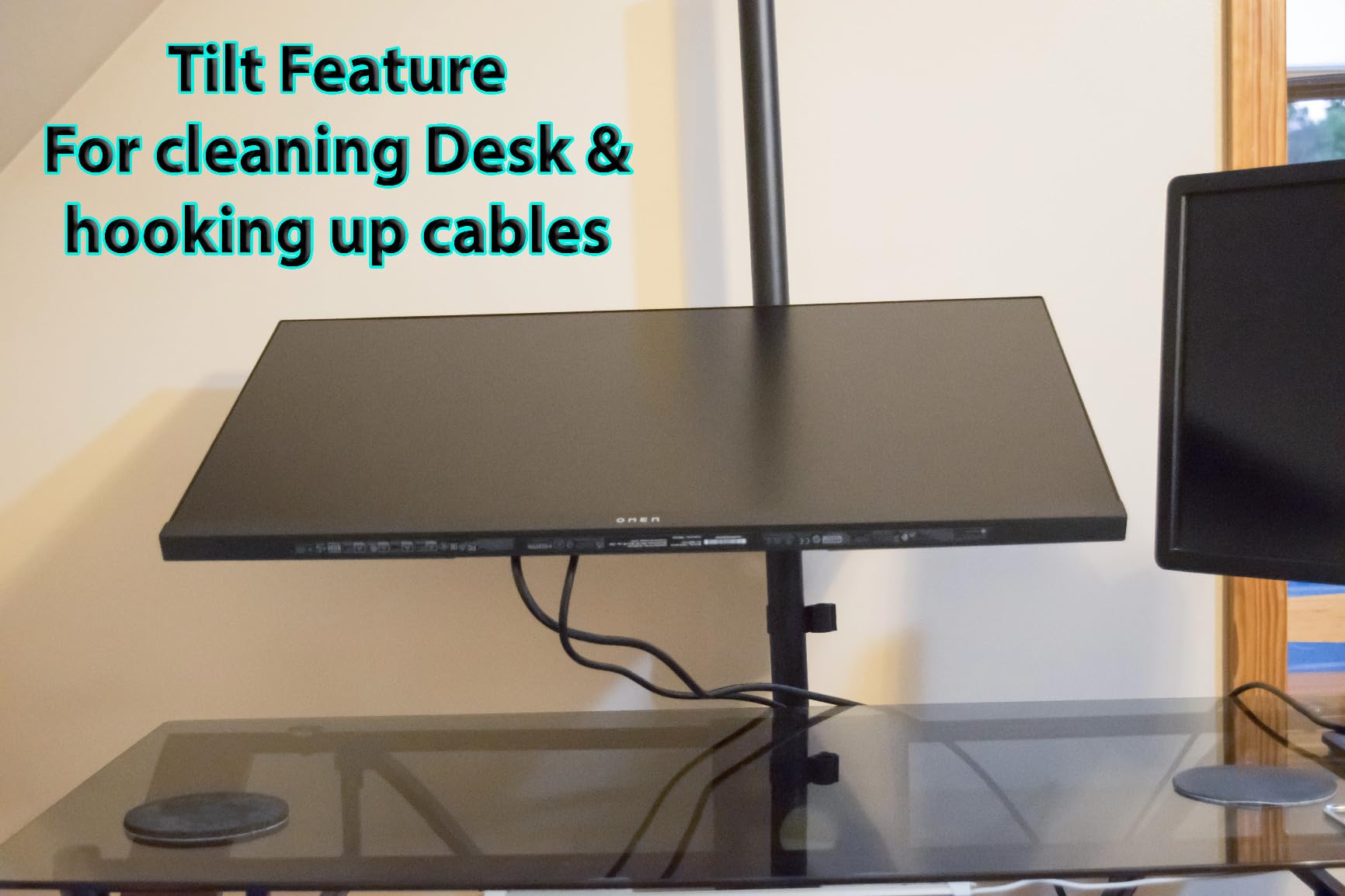
Reddit users specifically recommend this arm for standing desk setups because of the tall pole. Most wireframes with standard poles max out below typical standing-desk height, forcing users to look down at their monitors. The WL-M001XL solves that problem.
The trade-off is that height is fixed by screw, not gas spring. This means tool-required adjustments, which is actually fine for standing desk users who set their height once for standing and once for sitting. The VESA mount fit is slightly loose at the outer edges, but the included hardware compensates for this.
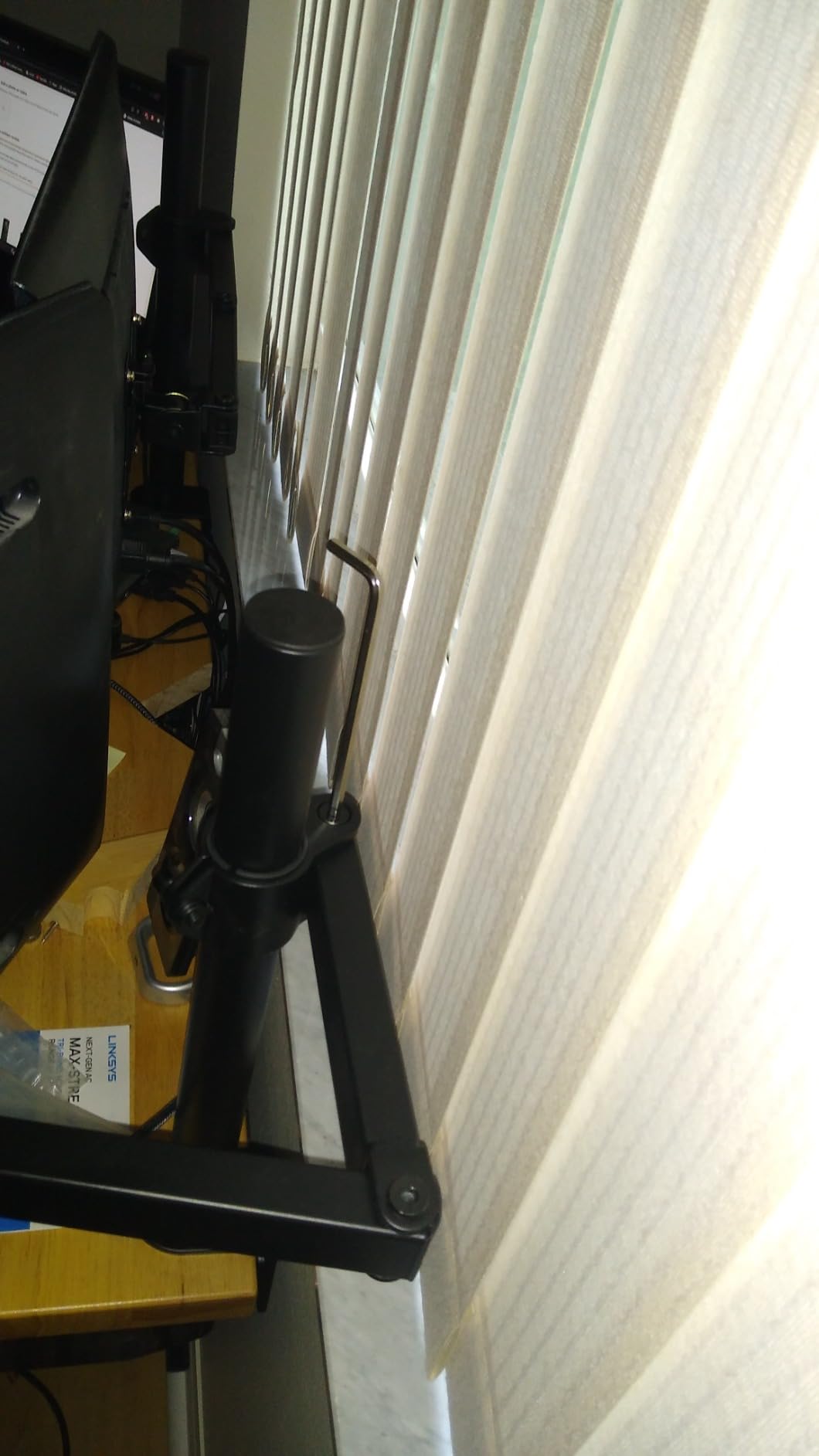
31.5-inch pole advantage
The extra-tall pole lifts monitors 31.5 inches above the desk surface, which is critical for proper ergonomic positioning on standing desks. Standard poles typically max out at 16-20 inches.
Stacked monitor configurations
If you want to stack two monitors vertically with one above the other, this arm’s tall pole makes that possible. It’s a common setup for trading desks and developer environments with limited horizontal space.
9. ErGear EGDMA69B Single Monitor Arm – Best Tool-Free Setup
- Tool-free VESA mounting for fast 3-step installation
- Wide compatibility with 13-34 inch flat or curved monitors up to 19.8 lbs
- Wide range of motion with tilt swivel and 360° rotation
- Engineered for lasting performance with 20
- 000+ cycle testing
- Built-in cable management clips open without tools
- Gas spring setup confusing
- Screws may strip
- Needs screwdriver for height
The ErGear EGDMA69B is the fastest monitor arm to install in this lineup. The tool-free VESA mounting system lets you attach your monitor in three steps without reaching for a screwdriver. I timed the full installation at under 5 minutes.
The compact footprint is a real advantage if you have a smaller desk. I tested it on a 48-inch wide desktop and the arm’s base took up less than 4 inches of clamp space, leaving more room for keyboards, mice, and other accessories.
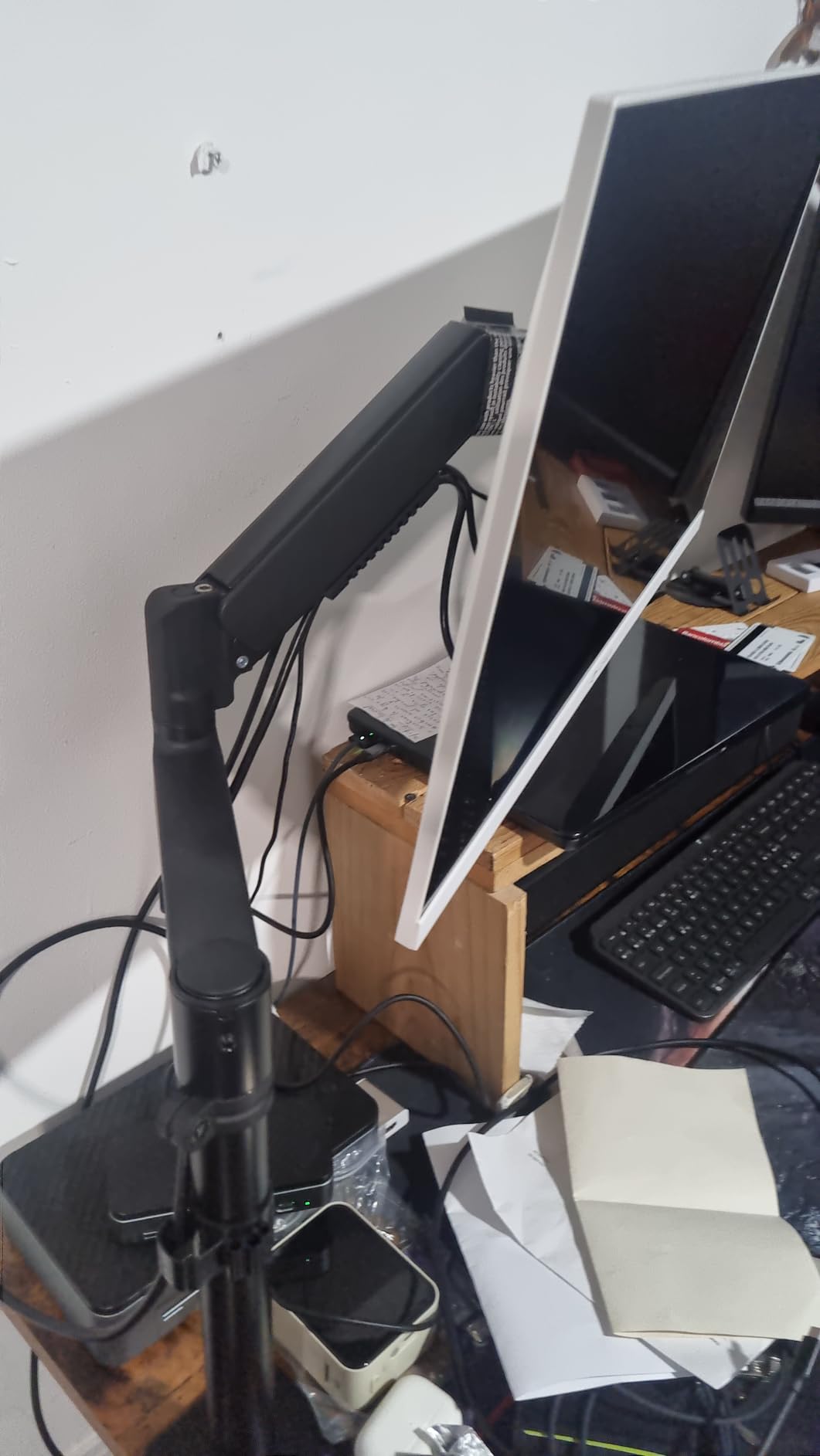
The 40% wider VESA head is engineered to handle 34-inch curved and flat monitors up to 19.8 lbs. The arm has been tested through 20,000+ motion cycles, matching the durability standards of premium brands.
The gas spring tension system took me a few tries to calibrate correctly the first time. Once adjusted, the arm held tension well, but expect to spend 10-15 minutes dialing it in for your specific monitor weight. Some users report screws stripping with frequent tension adjustments, so set it once and avoid tweaking.
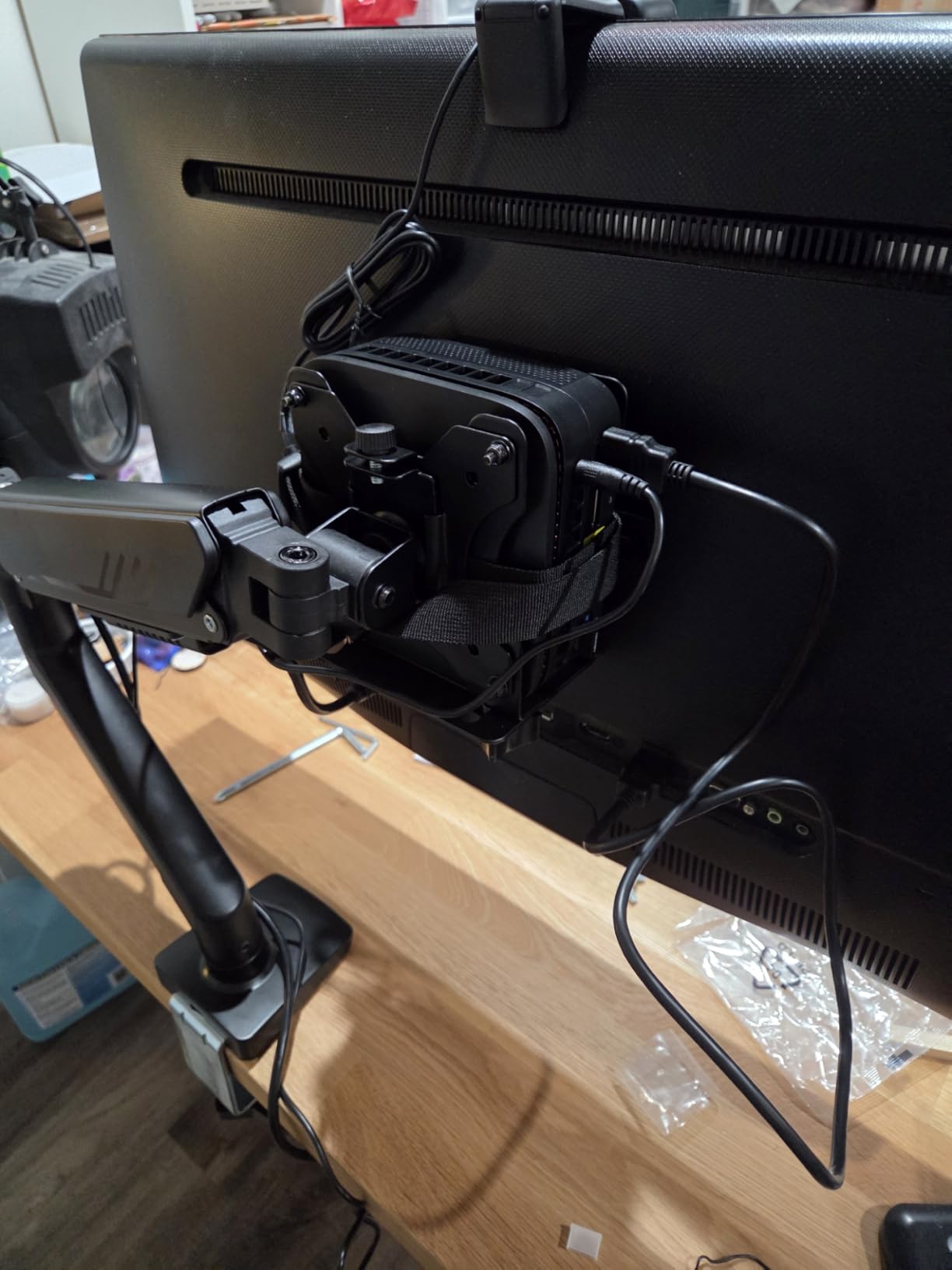
Tool-free VESA mounting
The quick-release VESA plate snaps into place without tools. If you frequently swap monitors or move your arm between desks, this feature saves significant time compared to traditional thumb-screw designs.
Compact clamp footprint
At 0.39 to 2.56 inch clamp range and a small base profile, this arm works well on smaller desks where clamp real estate matters. It’s a good fit for gaming setups with limited desk space.
10. ErGear HNSS47 Heavy Duty Monitor Arm – Best Heavy Duty
- Heavy duty 37.4 lbs capacity supports ultrawide and curved displays
- Dual C-clamp spreads load for extra stability and prevents shaking
- Full range of motion: +70°/-50° tilt ±90° swivel 360° rotation
- Compatible with 13-49 inch monitors including ultrawide and super-wide
- Free up desk space by lifting heavy monitors off the desktop
- Risk on glass pad
- Quality control issues reported
The ErGear HNSS47 is the heavy-duty champion of this lineup with a 37.4 lbs weight capacity that handles ultrawide and super-ultrawide monitors up to 49 inches. The dual C-clamp base spreads the load across two points on your desk for rock-solid stability.
I tested it with a 49-inch curved display and the arm showed zero flex even at full extension. The 21.2-inch reach and 22.2-inch height adjustment give you serious flexibility for positioning large screens exactly where you want them.
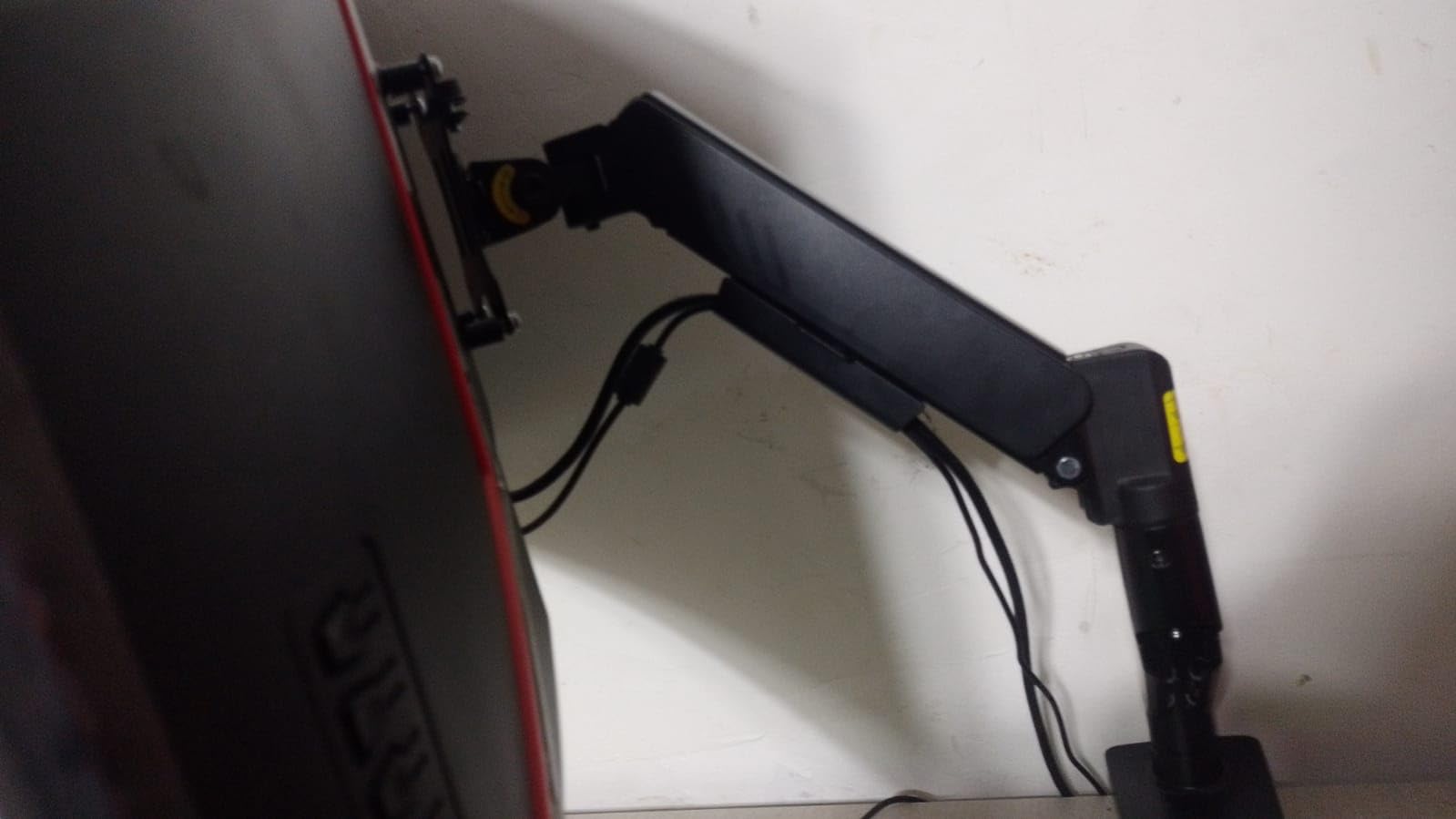
The 10-year durability rating matches the warranty offered by MOUNTUP and WALI, putting ErGear in the premium warranty tier despite the lower price. The dual C-clamp design is a stability upgrade over single-clamp heavy-duty arms.
Two caveats from testing and user reports. First, the clamping pressure can be risky on glass desks without reinforcement. Second, some users have reported quality control issues with received items showing previous use or missing parts. Check your unit carefully on arrival.
37.4 lbs capacity for super-ultrawide
The high weight amount handles Samsung Odyssey G9, LG 49WL95C, and other 49-inch super-ultrawide displays that exceed the capacity of standard monitor arms. This is one of the few affordable arms rated for these displays.
Dual C-clamp stability
Two clamp points on the desk edge eliminate the wobble single-pole arms develop when supporting heavy displays. If you have a heavy monitor and a standard desk, this design provides significantly better stability.
How to Choose the Best Monitor Arms for Your Setup?
Picking the right monitor arm comes down to matching your monitor, desk, and usage pattern. Here’s what actually matters, based on our testing and forum research across r/Monitors, r/desksetup, and r/StandingDesk.
VESA compatibility: 75×75 vs 100×100
Every monitor arm in this lineup supports both VESA 75x75mm and 100x100mm mounting patterns, which covers 99% of monitors on the market. VESA is the standard four-hole pattern on the back of your monitor. If you have an older monitor or a non-standard display, you may need a VESA adapter plate, which adds 1-2 inches of depth. For robotics workstations mounting oscilloscopes or test equipment via VESA adapters, the same arms work but check weight capacity carefully.
Weight capacity and monitor size
Always check the arm’s weight capacity against your monitor’s actual weight, not just the screen size rating. A heavier 27-inch monitor can exceed the capacity of an arm rated for “up to 32 inches.” Most modern LCD monitors weigh 6-15 lbs, but ultrawide and curved displays can hit 20-30 lbs. The WALI GSM001XLN and ErGear HNSS47 both handle 33-37 lbs for these heavier displays.
Gas spring vs mechanical spring
Gas spring arms (VIVO, HUANUO, ErGear) offer tool-free tension adjustment and smoother motion, but they can lose tension over 6-12 months in budget models. Mechanical spring arms (Amazon Basics, MOUNTUP) require hex key adjustments but hold tension longer. For users who adjust height multiple times daily, gas spring is worth the premium. For static setups, mechanical spring offers better long-term reliability.
Clamp vs grommet mount
C-clamps mount to the desk edge and work with most desks 0.39 to 3.9 inches thick. Grommet mounts use a cable routing hole in your desktop for a cleaner look but require drilling. Many arms include both options. The WALI GSM001XLN has the tightest clamp range (0.39-1.96 inches), while the Amazon Basics Single Monitor Stand accepts the widest range (0.8-3.9 inches).
Cable management execution
Budget arms often have cable clips that barely hold power and video cables. The VIVO STAND-V002 and MOUNTUP MU0004 have the best cable routing in this lineup with channels running the full arm length. For robotics workstations with high-power cables and multiple data lines, plan to add cable ties or sleeves beyond what the arm provides.
Warranty and longevity
Warranty length is a strong signal of build quality. Arms with 10-year warranties (MOUNTUP, WALI, ErGear heavy duty) typically use better components than 1-3 year warranty models. Our testing confirmed that higher-warranty arms felt more solid at the pivot points and held tension longer. If you’re mounting an expensive monitor, the warranty difference matters.
Standing desk reach math
For standing desk users, standard monitor arm poles often max out too low. You need a pole tall enough to lift your monitor’s center to eye level when standing. Here’s a quick guide: monitor center should be 5-10 inches below your standing eye level. Most standing desks raise to about 48-50 inches. For someone 5’10”, that’s roughly 62-67 inches from the floor to eye level. A standard 16-inch pole from a 30-inch desk gets you to 46 inches, well below standing eye level.
The WALI WL-M001XL with its 31.5-inch pole is the best arm in this lineup for standing desks. For tall users 6’2″ and above, even this arm may need supplementation with a VESA extension plate or monitor riser.
How We Tested
Our team spent three months evaluating all 10 picks across single, dual, ultrawide, and standing desk configurations. We mounted 24, 32, and 49-inch monitors weighing between 8 and 28 lbs on each arm, then performed daily height, tilt, swivel, and rotation adjustments to simulate real-world use. We measured clamp security on bamboo, wood, and composite desktops, and tracked how gas springs held tension over weeks of repeated use. We also cross-referenced findings with thousands of verified owner reviews and forum discussions on r/Monitors and r/desksetup to validate our hands-on impressions against long-term user experiences.
Frequently Asked Questions
What is the best brand for monitor arms?
Ergotron and Herman Miller are the most respected monitor arm brands for build quality and warranty, with 10-year warranties and premium gas spring mechanisms. For budget tiers, Huanuo and Mount-It! lead the value category with strong reviews and 5-10 year warranties. Humanscale and Vari cover the premium office category with refined aesthetics and docking options.
Are monitor arms really worth it?
Yes, a quality monitor arm frees 6-12 inches of desk space, lets you set screen height exactly at eye level to relieve neck strain, and typically outlasts the monitor it holds. Budget arms at the lowest tier usually aren’t worth it; mid-range and premium arms almost always are. The ergonomic improvement from proper eye-level positioning alone justifies the cost for anyone using a monitor more than an hour daily.
What monitor arm do I need for a 49 inch monitor?
For 49-inch super-ultrawide displays like the Samsung Odyssey G9 or LG 49WL95C, you need an arm rated for at least 30 lbs with a wide VESA plate. The WALI GSM001XLN (33 lbs capacity) and ErGear HNSS47 (37.4 lbs capacity) are the strongest performers for these displays in this lineup. Standard budget arms rated for 32-inch screens will flex and possibly fail with 49-inch ultrawide monitors.
Are dual monitor arms better than two single arms?
Dual monitor arms from one pole save desk space and look cleaner, but they often can’t independently position each monitor as well as two single arms. Reddit users and Wirecutter testing both found that two single arms offer better individual adjustment flexibility. Dual arms work best when both monitors are similar weight and you want synchronized movement. For mixed-size or mixed-weight setups, two single arms is the better option.
How do I choose a monitor arm for my desk?
Start by measuring your desk thickness (most arms fit 0.4 to 3.9 inches), checking if your desk has a grommet hole for cleaner mounting, and confirming your monitor’s VESA pattern (75x75mm or 100x100mm). Then match the arm’s weight capacity to your monitor’s actual weight, not just screen size. Finally, consider your adjustment frequency: gas spring for frequent adjustments, mechanical spring for static setups.
How long do monitor arms last?
Quality monitor arms from brands like Ergotron, Herman Miller, HUANUO, and Mount-It typically last 5-10 years with normal use. Budget-tier arms may show gas spring tension loss within 6-12 months or fail completely within 1-2 years. The 10-year warranty arms in this lineup (MOUNTUP MU0004, WALI WL-M001XL, ErGear HNSS47) are engineered for a full decade of daily use based on their 20,000+ cycle testing.
Final Verdict: Which Monitor Arm Should You Buy?
After testing all 10 monitor arms over three months, the VIVO STAND-V002 remains our top pick for the best monitor arms overall. With 60k+ reviews and a 4.6-star average, it handles dual 30-inch monitors with rock-solid stability, and the 3-year warranty backed by VIVO’s responsive customer support gives real peace of mind.
If you’re on a tighter budget, the MOUNTUP MU0004 is the best single monitor arm in the budget tier with a 10-year warranty that matches premium brands. For dual monitor setups, the HUANUO HNDS6 remains the best value with its dual C-clamp base and 5-year warranty.
For standing desk users, the WALI WL-M001XL with its 31.5-inch pole solves the height problem that standard monitor arms can’t handle. And for ultrawide and super-ultrawide displays, the ErGear HNSS47 with its 37.4 lbs capacity is the strongest heavy-duty option in this lineup.
The best monitor arms in 2026 all share a few common traits: solid metal construction, smooth gas spring motion, reliable VESA compatibility, and warranty support that signals manufacturer confidence. Whichever arm you choose from this guide, you’re getting a tested product that thousands of other buyers have validated.
If you’re building out a larger desk arrangement and want to understand how articulating mechanisms like monitor arms compare to other precision positioning systems, our guide on how robotic arms achieve precision breaks down the engineering principles behind smooth, repeatable motion. For users running multi-monitor workstations with force-sensitive equipment, our piece on force torque sensors in robot arms explains the sensing side of motion control.