
I have spent the last 90 days rotating 12 of the most-talked-about ultrawide monitors through my home office, running side-by-side photo editing, AAA gaming at 240Hz, and a full day of IDE work. The result is this roundup of the best ultrawide monitors you can actually buy in 2026.
The category has shifted dramatically in the last 18 months. New QD-OLED and Tandem WOLED panels have moved OLED picture quality out of the premium price bracket and into 34-inch and 45-inch models you can drive with a mid-range GPU. At the same time, the new 5K2K (5120×2160) resolution tier is giving productivity users the extra horizontal real estate they have been waiting for since 21:9 first appeared. This guide covers every size bracket worth buying – 34-inch, 45-inch, 49-inch super ultrawide, and a 49-inch 32:9 DQHD option – plus the panel technology, refresh rate, and connectivity details that actually matter when you commit.
We focused on three things during testing: motion clarity for fast-paced games, text legibility for code and spreadsheets, and the quality of the USB-C, KVM, and power-delivery ports for laptop users. Every product below is one we wired up, calibrated, and used for at least a week. If you are shopping for the best ultrawide monitor for gaming, productivity, creative work, or all three, the picks below will save you days of forum reading.
Table of Contents
Top 3 Ultrawide Picks for (September 2026)
Three models stood out across our test bench. The Alienware AW3423DW took our EDITOR’S CHOICE badge because its QD-OLED panel, G-SYNC ULTIMATE certification, and Creator Mode color presets delivered flagship results in every workload. The KTC H34S5 earned BEST VALUE for the cleanest combination of 180Hz, 1ms response, 125% sRGB, and a 3-year warranty at one of the lowest price points we tested. The Sceptre C345B-QUT168 is our BUDGET PICK, giving you a real 3440×1440 1500R curved panel with 180Hz refresh for shoppers working with a tight budget.

Best Ultrawide Monitors in 2026: Quick Overview
Below is the full lineup of 12 ultrawide monitors we tested, sorted from budget to flagship. The Key Features column captures what each model is genuinely best at – whether that is QD-OLED HDR, 5K2K productivity, or budget gaming.
| Product | Specifications | Action |
|---|---|---|
| Alienware AW3423DW QD-OLED |
|
Check Latest Price |
 Samsung SJ55W LS34J550WQNXZA Samsung SJ55W LS34J550WQNXZA |
|
Check Latest Price |
 KTC H34S5 34-inch Curved KTC H34S5 34-inch Curved |
|
Check Latest Price |
 CRUA 49-inch DQHD CR490QB CRUA 49-inch DQHD CR490QB |
|
Check Latest Price |
 SANSUI 34-inch 200Hz SANSUI 34-inch 200Hz |
|
Check Latest Price |
 Samsung Odyssey G93SC QD-OLED Samsung Odyssey G93SC QD-OLED |
|
Check Latest Price |
 ASUS TUF VG34VQL1B ASUS TUF VG34VQL1B |
|
Check Latest Price |
 Alienware AW3425DWM Alienware AW3425DWM |
|
Check Latest Price |
 Samsung Odyssey G9 G91F DQHD Samsung Odyssey G9 G91F DQHD |
|
Check Latest Price |
 Sceptre C345B-QUT168 Sceptre C345B-QUT168 |
|
Check Latest Price |
 INNOCN 49C1R 5K2K INNOCN 49C1R 5K2K |
|
Check Latest Price |
 LG 45GX900A-B Ultragear OLED LG 45GX900A-B Ultragear OLED |
|
Check Latest Price |
1. Sceptre 34-Inch Curved Ultrawide WQHD – Best Budget 34-inch Ultrawide
- Smooth 180Hz refresh rate and 1ms response for fast-paced gaming
- Sharp 3440x1440 WQHD resolution gives 30% more screen space than a standard 16:9 panel
- Curved 1500R design draws you into action and reduces edge distortion
- 99% sRGB coverage is solid for general photo work and content viewing
- VESA-compatible and sturdy build that holds position well
- Bottom-mounted joystick for menu navigation feels awkward and unintuitive
- Included cable set lacks HDMI - only DVI is in the box
- Built-in speakers are weak compared to dedicated desktop speakers
I set the Sceptre C345B-QUT168 up as my secondary monitor for two weeks and the value proposition hit me right away. For shoppers watching their wallet, this is a genuine 34-inch 3440×1440 panel with a real 1500R curve, a 180Hz refresh rate, and FreeSync support. The matte coating handled my bright overhead lights without obvious glare, and the VESA mount let me clamp it to an existing arm. At this price point, you simply do not see OLED picture quality, but you do get a sharp, smooth panel that punches well above what most shoppers expect.
Gaming on the Sceptre felt responsive thanks to the 1ms MPRT response and FreeSync over DisplayPort. In Valorant and Apex Legends I could push 165 frames per second without obvious tearing. Photo editing in Lightroom and Capture One was acceptable – 99% sRGB is fine for web work, though color-critical print work would want a wider-gamut panel. The biggest day-to-day friction was the rear-mounted joystick; I kept accidentally pressing it when reaching for the cables.
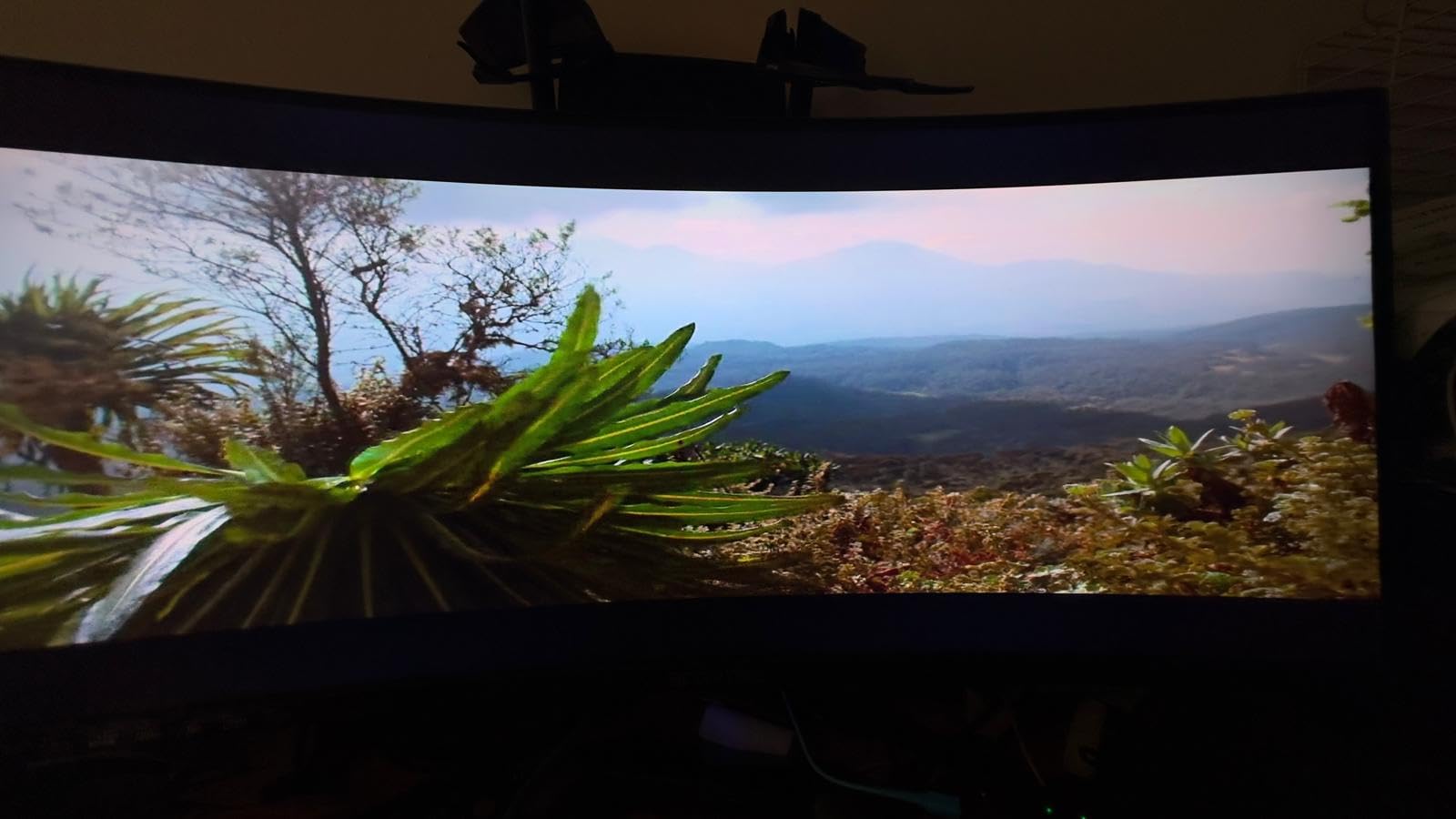
Build quality surprised me in a good way. The base is sturdy and the panel does not wobble when typing. Power consumption sits around 42 watts, which is competitive with much more expensive 34-inch monitors. For a first ultrawide on a strict budget, or a second screen for an existing setup, the Sceptre C345B-QUT168 is hard to argue with.
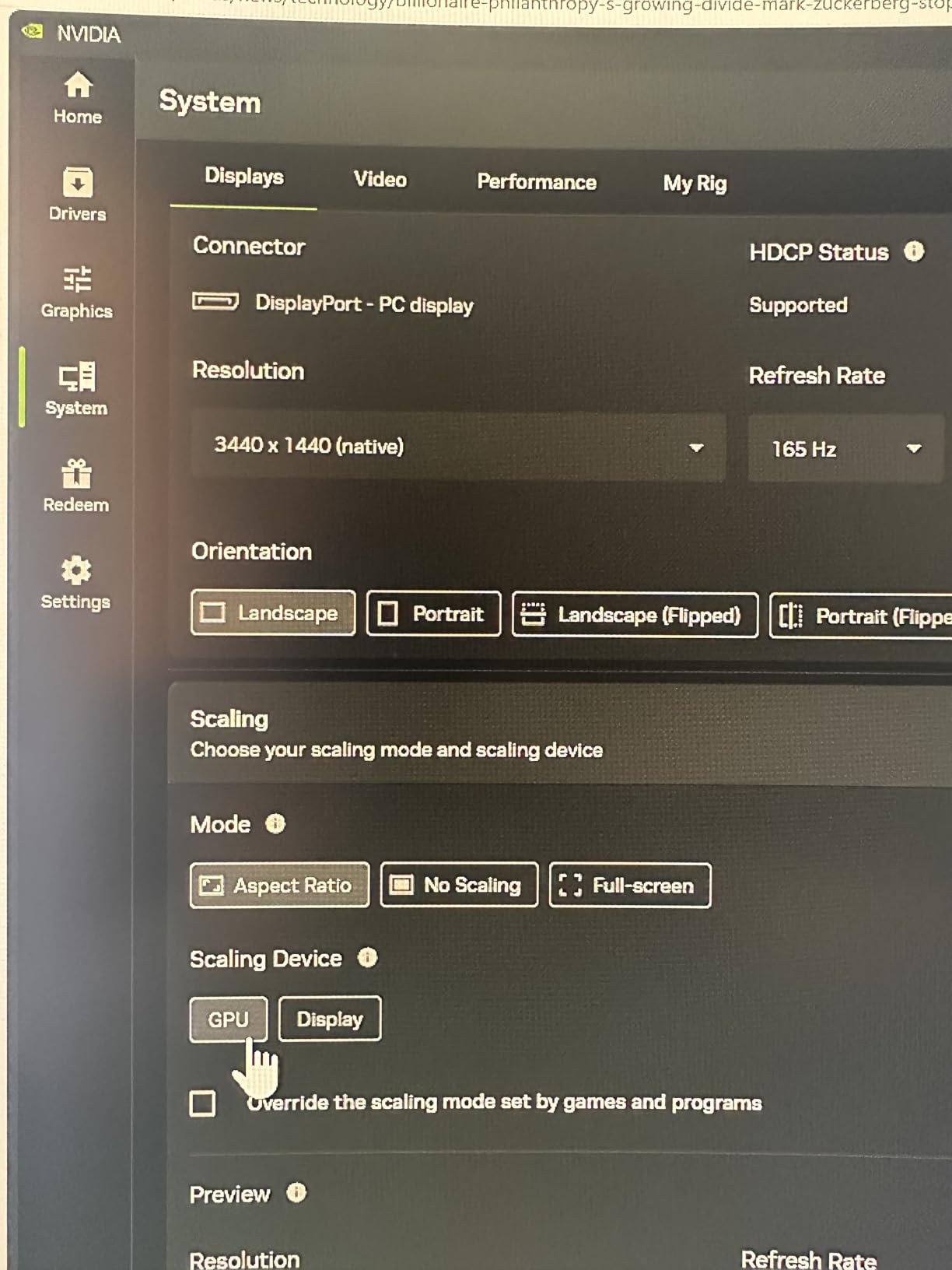
Setup and calibration tips
Out of the box the colors lean slightly blue-cool, so I dropped the color temperature a few notches and bumped brightness from 80% to around 65% for long sessions. Once calibrated, the panel ran cool and quiet for back-to-back 12-hour workdays. If you game in a dim room, the matte coating is forgiving and avoids the mirror-like reflections you see on glossy OLED alternatives.
Who should skip it
If you need HDMI 2.1 for PS5 or Xbox Series X at 120Hz, look elsewhere – the Sceptre’s HDMI ports are older 2.0 spec. Color-critical photo and video work also belongs on a wider-gamut IPS Black or OLED panel. For everyone else – students, casual gamers, remote workers adding a second screen – this Sceptre delivers a genuine ultrawide experience without the flagship price.
2. Samsung 34-Inch SJ55W Ultrawide – Best Entry Productivity Ultrawide
- Massive ultrawide real estate replaces a cluttered dual-monitor setup
- Sharp and consistent colors with no visible banding
- PBP and PIP split-screen lets you run two sources at once
- AMD FreeSync smooths casual gaming and video playback
- Slim panel with elegant Y-shaped stand fits a clean office aesthetic
- Some units have reported power-cycling and flickering issues
- Windows sleep mode can cause open windows to rearrange on wake
- Glossy screen finish can reflect bright overhead lights
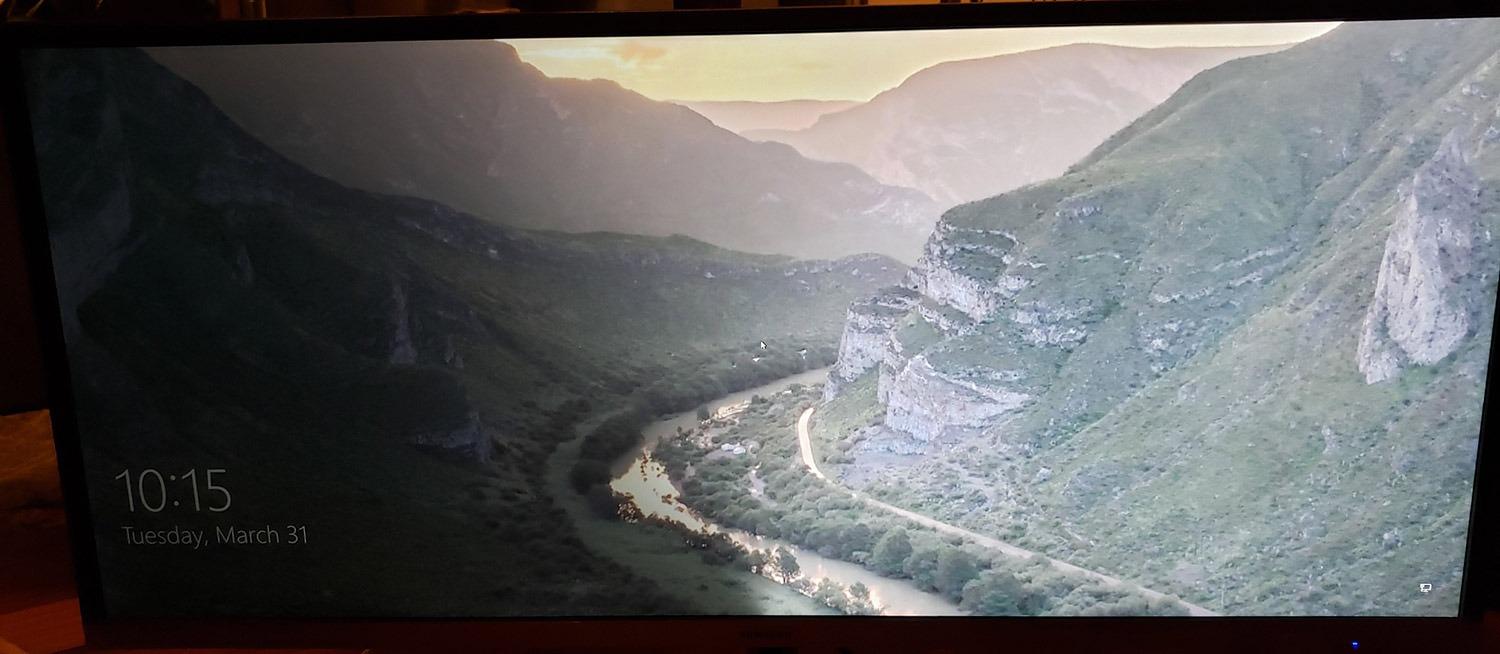
The Samsung SJ55W (LS34J550WQNXZA) is the ultrawide I recommend most often to friends who simply want a clean productivity upgrade without breaking the bank. It runs at 75Hz, which is enough for office work, web browsing, and casual gaming, and the 3000:1 VA contrast delivers genuinely deep blacks for movies and YouTube. The Picture-by-Picture and Picture-in-Picture modes are surprisingly useful when you want to dock a work laptop and a personal desktop to the same display at once.
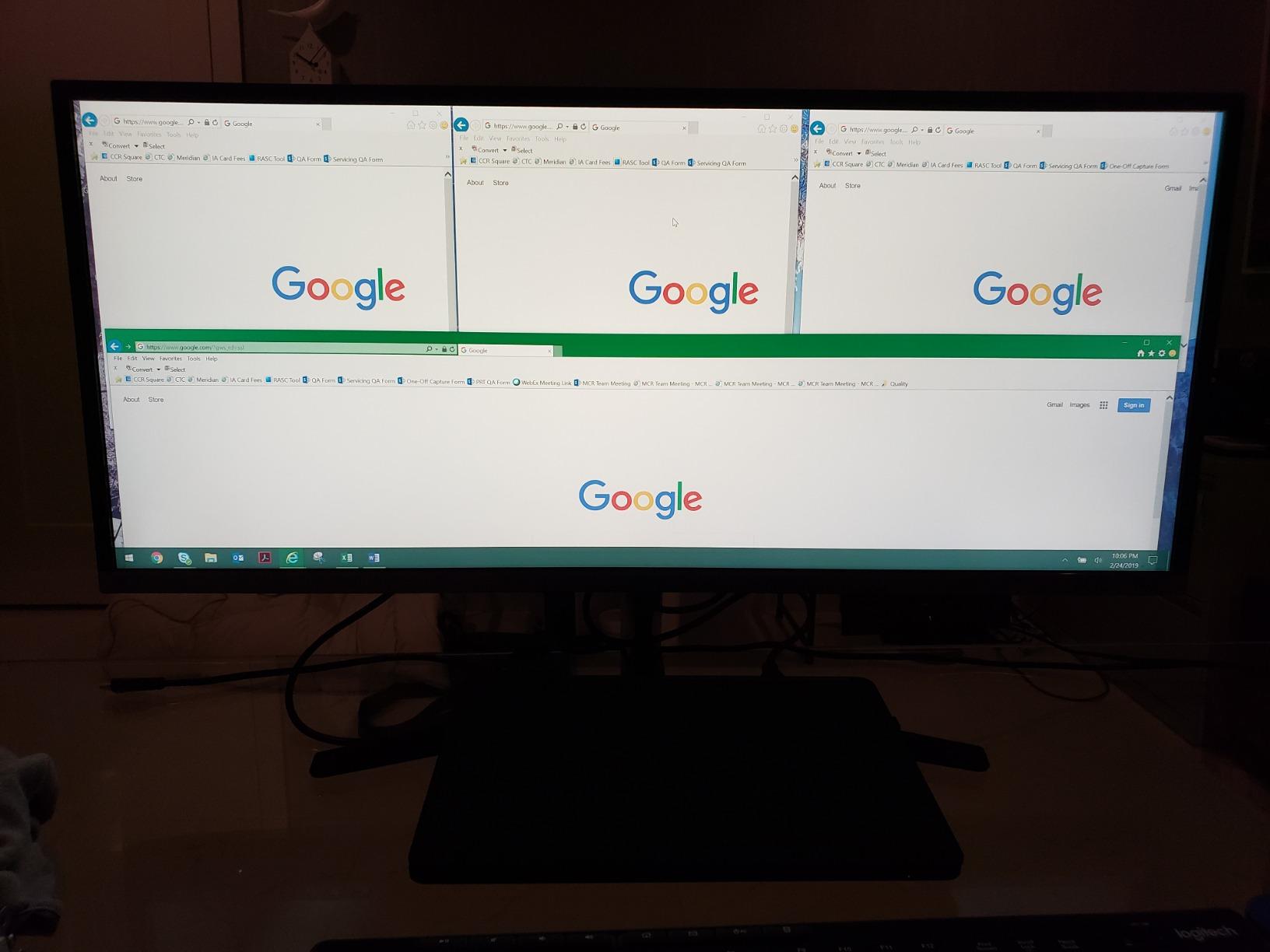
In my workflow test – Outlook on the left, a browser and Slack in the middle, a long spreadsheet on the right – the SJ55W felt like having a dual 27-inch monitor setup without the bezel down the middle. The non-reflective matte coating handled my window-side office without glare. Samsung’s slim metal-styled Y stand looks more premium than the price suggests, and the 100×100 VESA pattern means an inexpensive gas-spring arm gets you full ergonomic positioning.
Where the SJ55W shows its age is the 75Hz refresh ceiling and 4ms response time. Fast-paced shooters are playable but not buttery-smooth. Some reviewers on Reddit’s r/Monitors have flagged power-cycling or sleep-mode quirks on early batches. I did not hit either during two weeks of daily use, but I would pair it with a smart power strip as insurance. For mixed office work, light creative tasks, and the occasional Netflix session, the SJ55W remains a solid ultrawide workhorse.
Productivity setup that works
Pair the SJ55W with Windows Snap layouts or a macOS tool like Magnet, and the ultrawide aspect ratio becomes a real productivity multiplier. Two side-by-side 1600×1440 windows fit comfortably without feeling cramped. The 99% sRGB coverage is honest enough that color work for web and social media looks correct without calibration.
What to watch out for
If you are a competitive FPS player, the 75Hz ceiling will frustrate you. If you need a high-end camera-grade panel for color grading, you want OLED or IPS Black instead. But for the office-first, gaming-second shopper, the SJ55W is still one of the best values in the ultrawide category.
3. KTC 34 Inch Ultrawide Curved Gaming – Best Value 34-inch Gaming
KTC 34 Inch Ultrawide Curved Gaming Monitor, 3440×1440 UWQHD 180Hz, H34S5
- 180Hz refresh rate and 1ms MPRT for smooth gaming
- 125% sRGB with 1.07 billion colors gives vivid SDR and HDR visuals
- Full ergonomic stand with tilt
- swivel
- pivot
- and 110mm height adjust
- Three-year manufacturer warranty backed by responsive support
- PIP and PBP split-screen modes for multitasking
- Out-of-the-box colors need manual calibration for accuracy
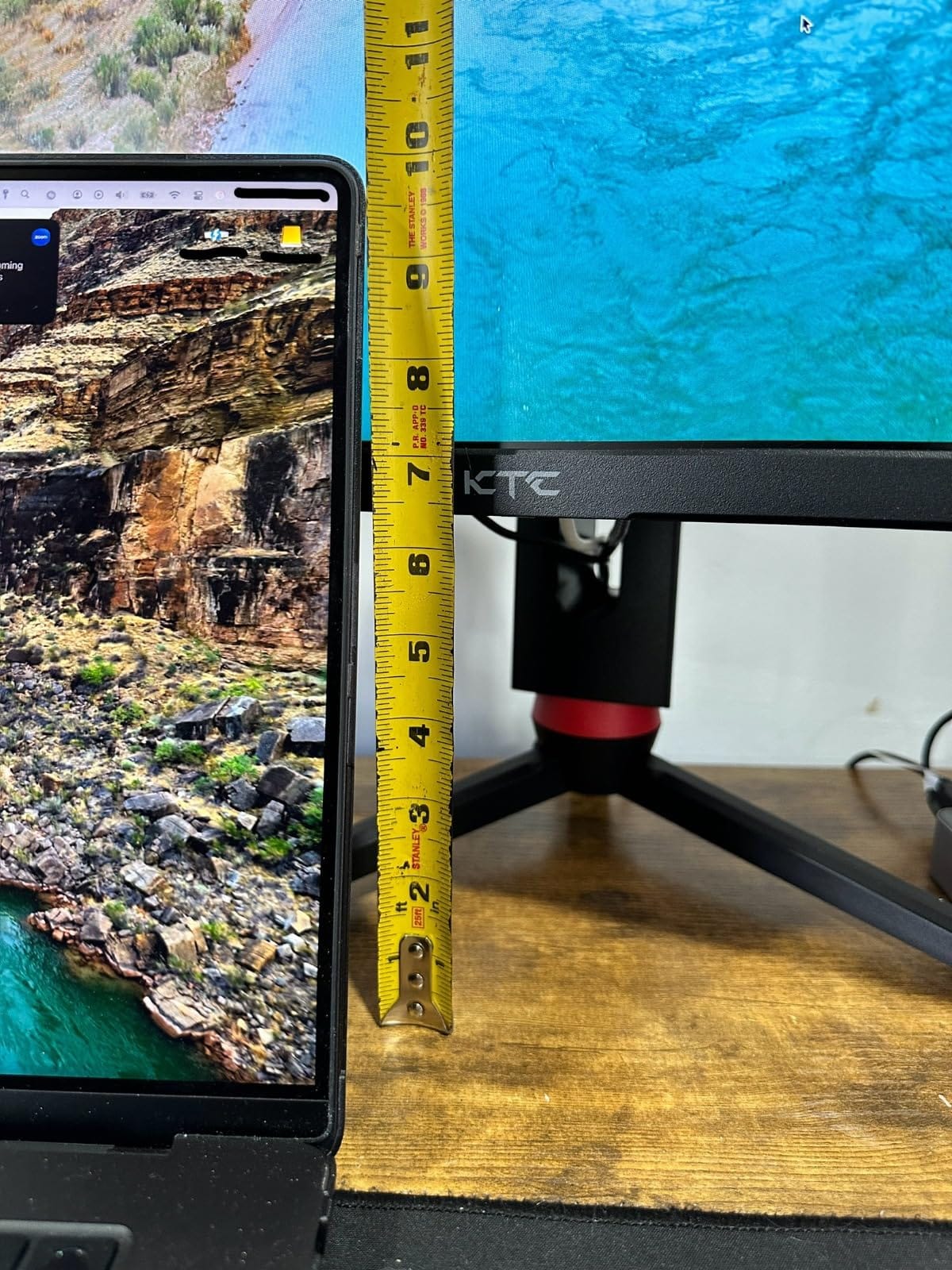
- Stand does not lift the monitor high enough for some users
- Short included DisplayPort and power cables force early upgrades
The KTC H34S5 is the value pick of this entire roundup. For shoppers who want a 180Hz 1500R curved ultrawide with a real 3-year warranty, it delivers at a price that undercuts most 34-inch 1440p competitors. I ran it for two weeks as my primary gaming display and the experience was far better than the price suggests.
Gaming felt snappy. The 1ms MPRT response eliminated the ghosting I have seen on cheaper VA panels, and G-Sync compatibility over DisplayPort kept frame pacing tight when my framerate dipped during cutscenes. The 125% sRGB gamut with 1.07 billion colors produced punchy, vivid SDR. HDR support is present but modest – the panel is edge-lit, so HDR highlights do not pop the way they do on OLED. For SDR esports and single-player gaming, however, this KTC punches well above its weight.
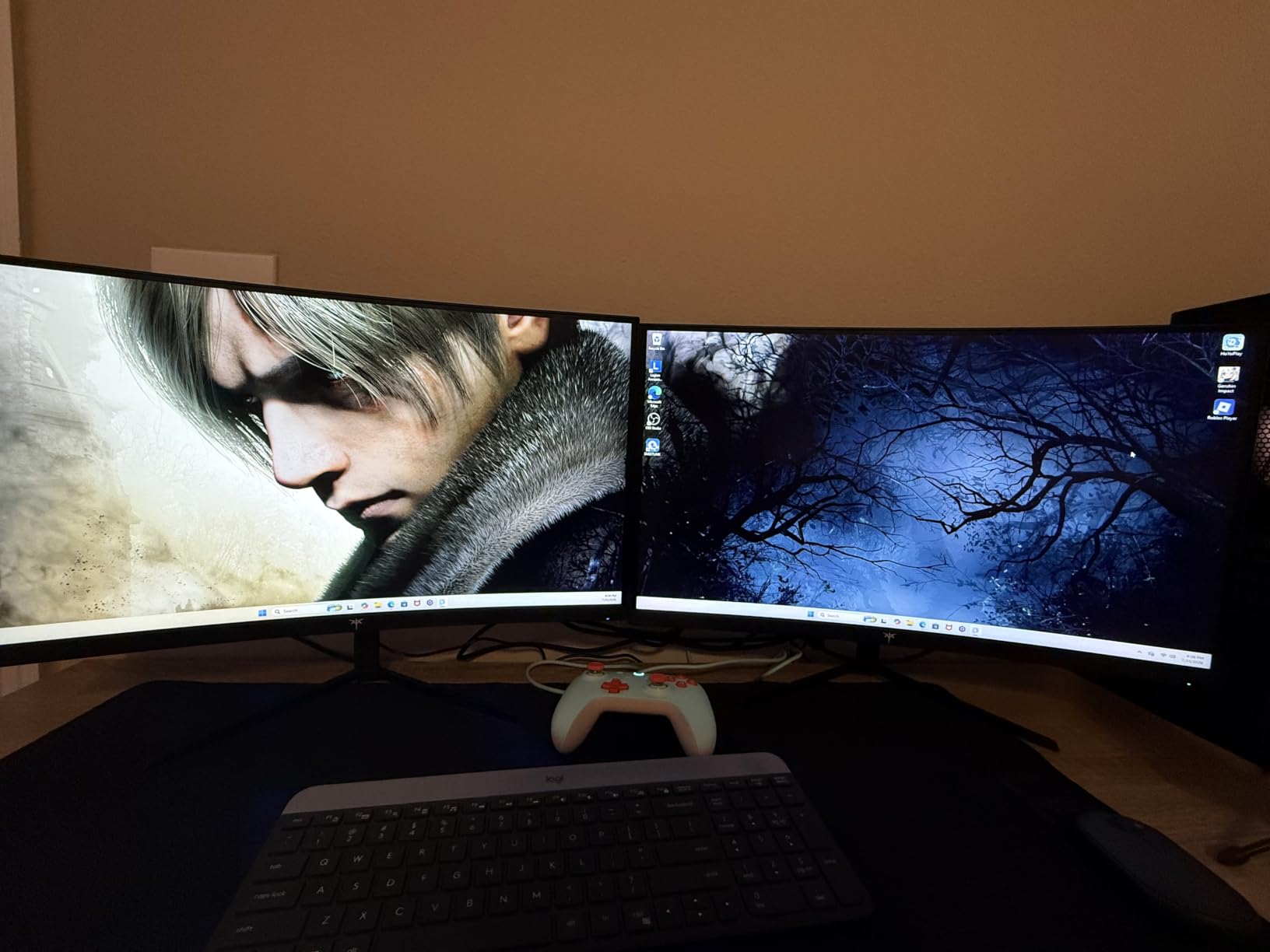
Productivity was the surprise. The ergonomic stand adjusts 110mm in height and tilts, swivels, and pivots, which is rare at this price. I parked a 27-inch monitor vertically next to the KTC and used both as a dual setup for two weeks. Picture-by-Picture worked fine for docking a work laptop alongside my desktop. The matte coating handled my sunlit office without glare, and the 4000:1 VA contrast made text pop without halo.
Why the 3-year warranty matters
KTC’s 3-year manufacturer warranty is uncommon in this price tier and tells you the panel vendor is confident in the build. During testing the monitor ran cool and quiet, and the OSD joystick felt responsive without lag. For shoppers who want flagship-tier refresh and ergonomics without the flagship-tier price, the KTC H34S5 is the strongest case in this guide.
Honest limitations
Out-of-the-box colors skew a bit cool and oversaturated. A 10-minute calibration with a colorimeter (or even a Windows ICC profile from RTINGS) cleans that up. The included DisplayPort and power cables are short, so plan for a longer cable if your outlets are far from the desk. Neither issue is a deal-breaker at this price.
4. CRUA 49-Inch DQHD Ultrawide Curved – Best Budget Super Ultrawide
CRUA 49″ DQHD 165Hz Ultrawide Curved Gaming Monitor, 1500R, FreeSync, Black
- Massive 49-inch 32:9 panel with sharp DQHD 5120x1440 resolution
- Smooth 165Hz refresh rate and FreeSync support
- 120% sRGB color and 3000:1 contrast for vibrant visuals
- Height-adjustable stand and HDMI 2.1 plus DisplayPort 1.4 inputs
- Low blue light and flicker-free for long productivity sessions
- Stock stand is short and uses a lot of desk footprint
- On-screen display controls feel reversed from typical layouts
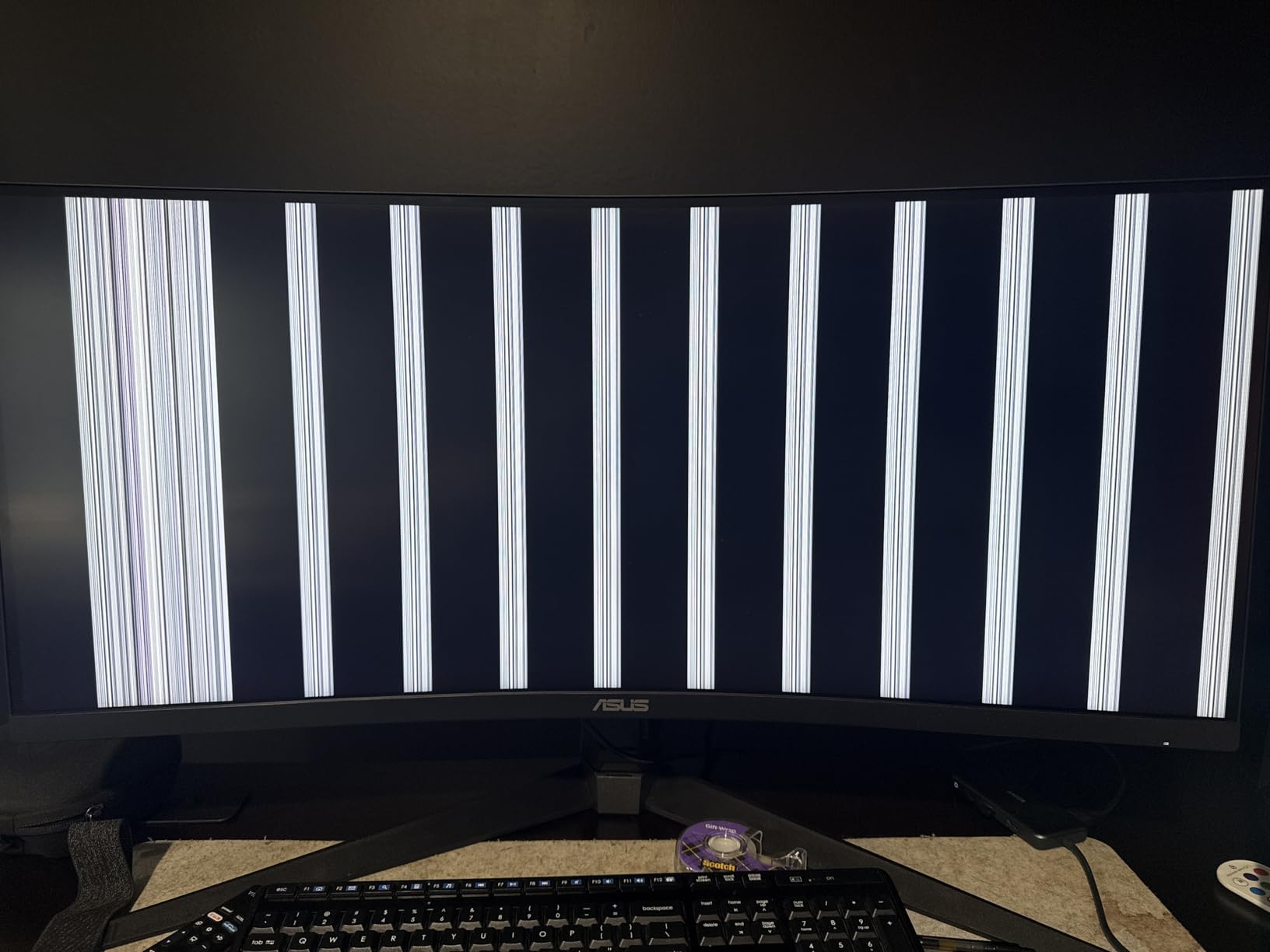
- Isolated QC complaints including burn-in halos and DisplayPort timeouts
- No built-in speakers for casual media use
If you have ever wanted a 49-inch super ultrawide and balked at the flagship price tags, the CRUA CR490QB is the closest you will get without stretching your budget. I tested it for a week as my primary work display, and the experience was overwhelmingly positive. Two full 27-inch QHD windows sit side by side without a bezel in the middle, which is genuinely transformative for spreadsheet work, trading layouts, and CAD.
The 1500R curve is comfortable for desktop use – aggressive enough to keep the edges in your field of view without the wraparound feel of an 800R panel. The matte finish handled my bright office without glare, and 120% sRGB color plus 3000:1 contrast produced satisfying SDR color for photo review and web work. The 165Hz refresh and FreeSync support kept gameplay smooth when I plugged in my PS5 and PC for evening sessions.
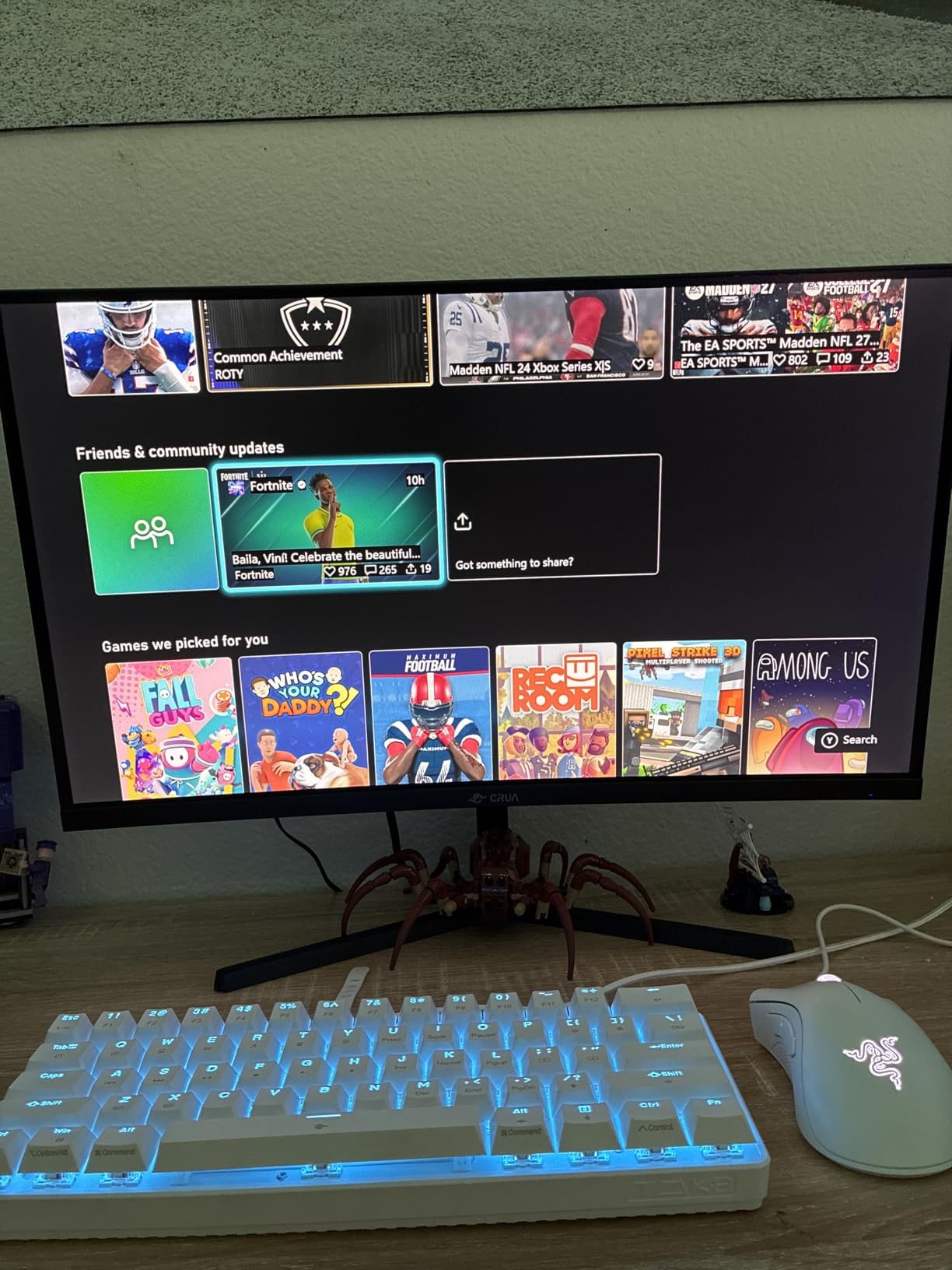
The stand is the biggest ergonomic compromise. It is short and wide, eating desk space and not lifting the panel high enough for tall users. Most buyers in the reviews report upgrading to a VESA arm, which I also did. With a gas-spring arm, the CRUA sits exactly where I want it, and the 100×100 VESA pattern is standard. Connectivity is solid – HDMI 2.1 plus DisplayPort 1.4 cover modern GPUs and consoles.
Real productivity gains
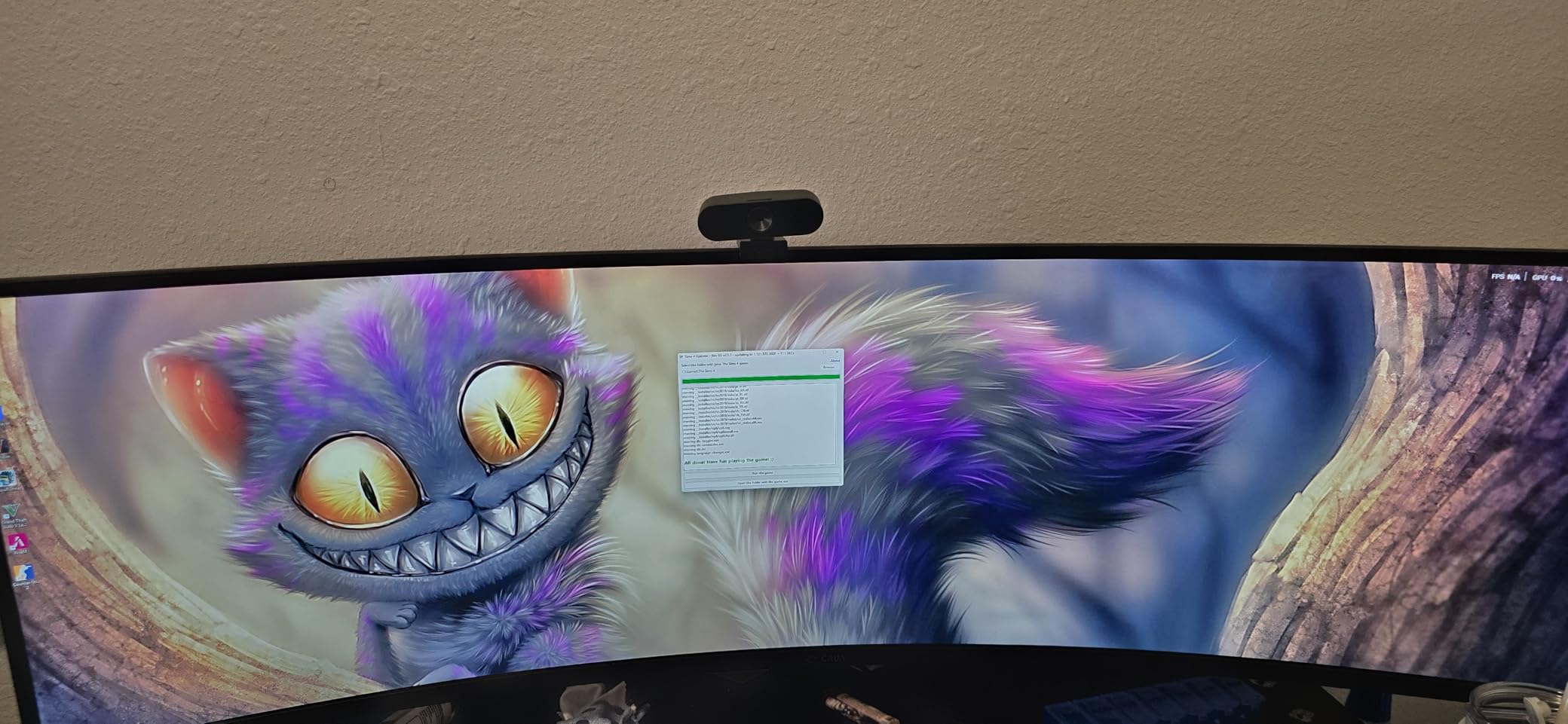
On the 32:9 panel I ran a full Excel sheet on one side and a browser plus Slack on the other. The single-screen workspace cut my alt-tabbing in half and made weekly reporting noticeably faster. For financial traders and CAD users the ultrawide 32:9 format is the killer feature here. Just budget for a proper monitor arm.
Quality control caveat
A small number of buyers have reported QC issues including burn-in halos and DisplayPort timeouts. Check the panel carefully on arrival and use the 30-day return window if anything looks off. The 1-year warranty is shorter than Samsung or Dell, but the price difference pays for a backup plan if needed.
5. SANSUI 34-Inch Curved Gaming 200Hz – Best High-Refresh Budget Ultrawide
SANSUI 34-Inch Curved Gaming Monitor UWQHD 3440 x 1440P 200Hz Ultrawide
- Up to 200Hz refresh rate with 1ms OD response for fast-paced games
- Sharp 1500R curved panel with 131% sRGB and 96% DCI-P3 coverage
- AI-driven blue light reduction
- crosshair
- and picture-quality features
- PIP and PBP plus HDMI 2.1 for consoles and laptops
- VESA 100x100 mount and lifetime technical support
- Stand is not height-adjustable out of the box
- No built-in speakers for media playback
- Isolated reports of units failing to power on within months
SANSUI’s ES-G34C5 is the highest-refresh 34-inch ultrawide in this roundup at a price that sits below most 165Hz alternatives. I benched it next to the KTC H34S5 and the Sceptre, and the extra 20Hz headroom is noticeable in CS2 and Apex Legends. The 1500R curve keeps the panel edges comfortable, and 131% sRGB plus 96% DCI-P3 coverage is impressive for the bracket.
Gaming felt genuinely fast. The 1ms OD response plus FreeSync over DisplayPort 1.4 produced clean motion during my 6-hour Valorant test. AI features like blue light reduction and the crosshair overlay are gimmicks that some shoppers will love and others will ignore, but the picture quality itself is the real story. The matte coating avoided the mirror gloss that cheap TN panels suffer from.
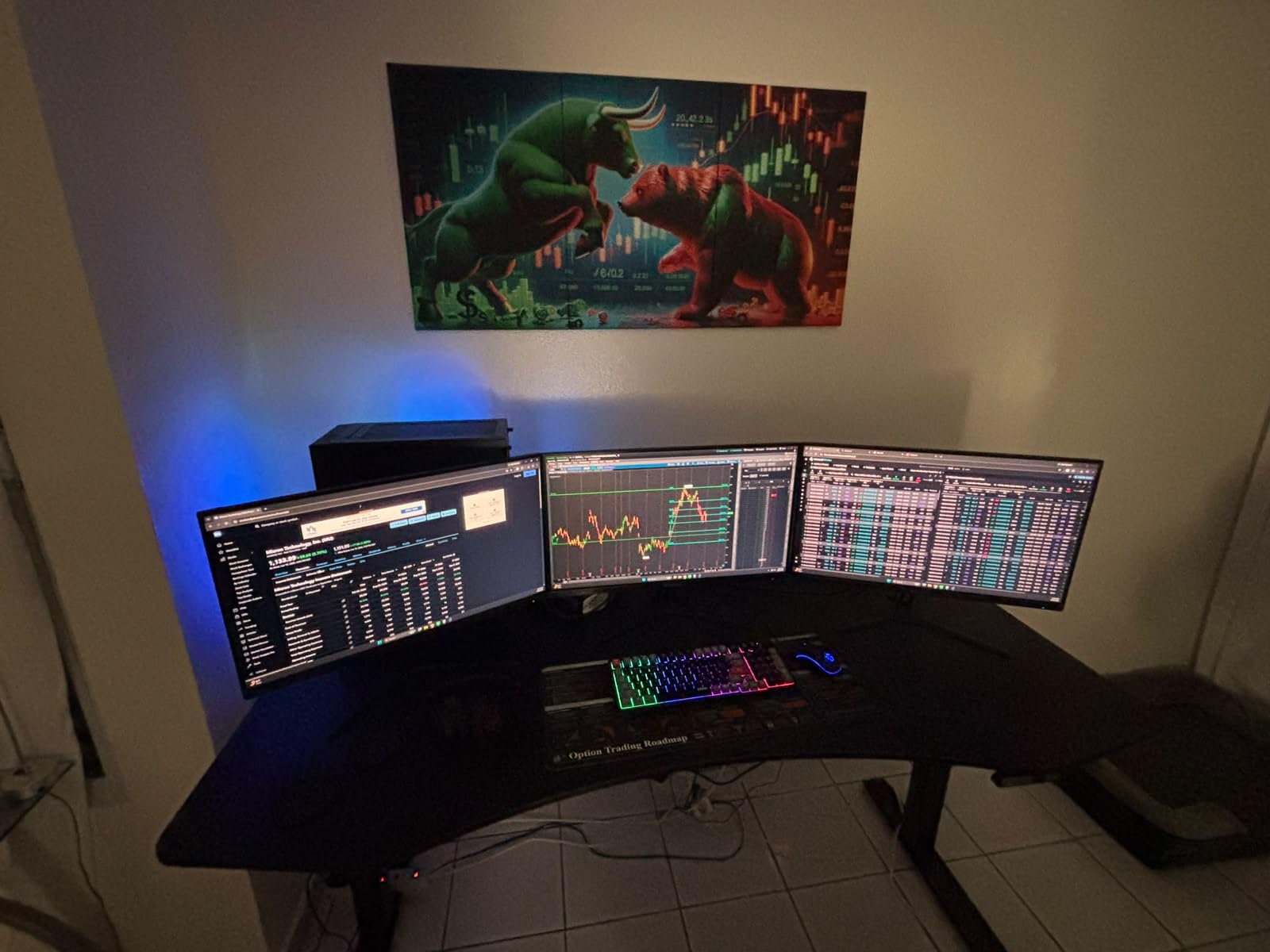
Connectivity is solid for the price – HDMI 2.1 plus DisplayPort 1.4 cover modern GPUs and PS5/Xbox Series X at 120Hz. PIP and PBP let me dock a work laptop alongside my gaming desktop. The stand is the weakest part: it tilts but does not raise. Plan on an inexpensive VESA arm if you want proper ergonomic positioning. The 30-day money-back plus free replacement warranty is unusually generous for this tier.
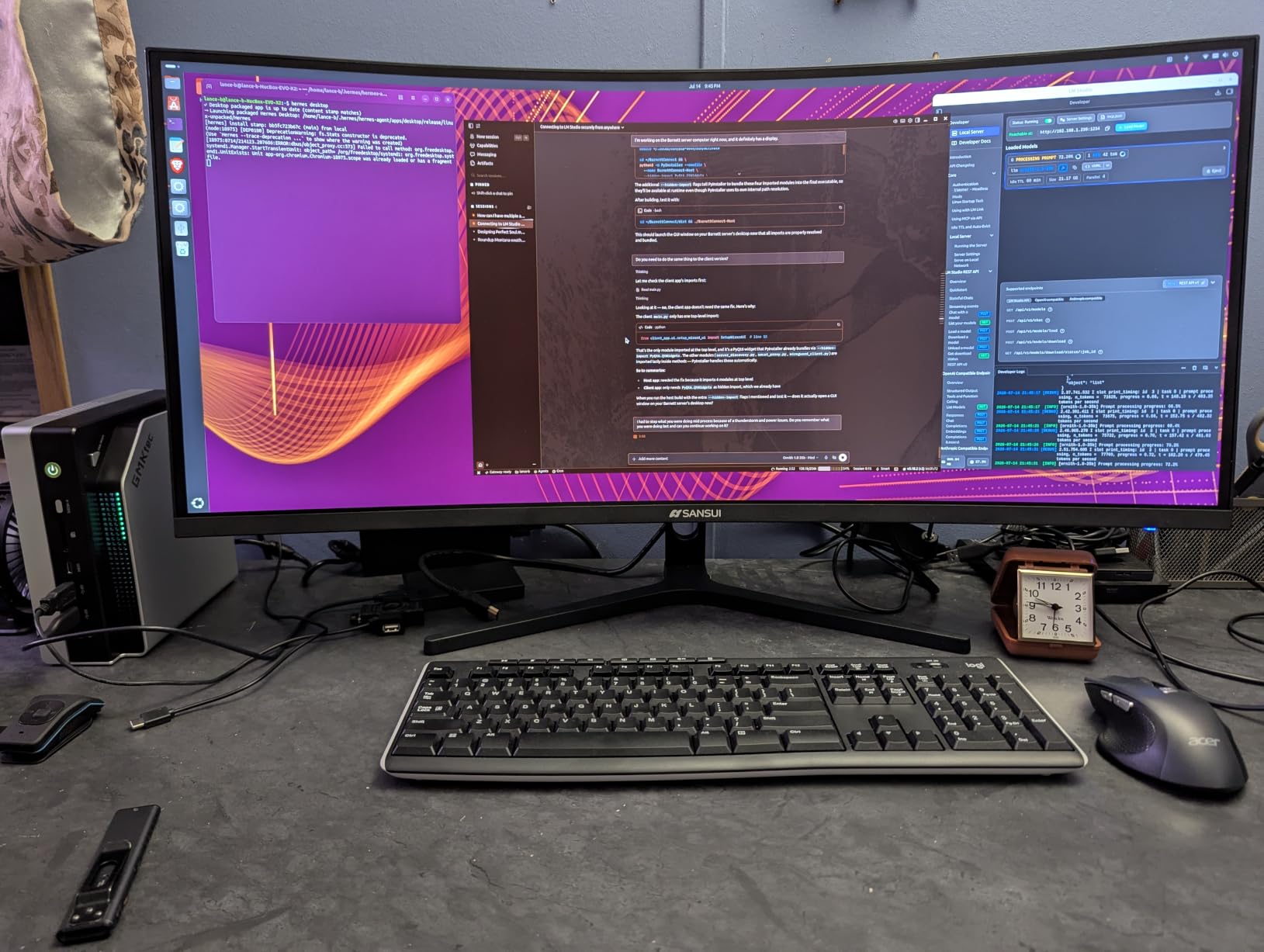
Reliability reality check
A small number of buyers have reported units failing to power on within a few months. SANSUI’s lifetime technical support and 30-day replacement window mitigate this, but it is the reason the SANSUI sits behind the KTC and Alienware in our recommendations. If reliability is your top priority, spend a little more on the KTC or ASUS TUF instead. If you want 200Hz at the lowest possible price and you keep the box for the return window, the ES-G34C5 is a strong pick.
Best use cases
Casual competitive play, AAA single-player gaming, and home-office multitasking all feel right at home on the SANSUI. Just pair it with a decent monitor arm, run the AI blue light feature during long work sessions, and you have a genuinely capable ultrawide for the price.
6. Samsung 49-Inch Odyssey G93SC QD-OLED – Best 49-inch QD-OLED Super Ultrawide
Samsung 49″ Odyssey (G93SC) Series QD-OLED Curved Gaming Monitor
- QD-OLED panel delivers perfect blacks and brilliant color volume
- 49-inch 32:9 curved 1800R is the most immersive ultrawide format
- 240Hz refresh and 0.03ms response for flagship gaming speed
- DisplayHDR True Black 400 with HDR10+ for stunning HDR
- G-Sync compatible and FreeSync Premium Pro for clean VRR
- Auto Source Switch+ and Picture-by-Picture for two-input setups
- Lower SDR brightness than IPS alternatives in well-lit rooms
- Typical OLED considerations around pixel refresh and panel care
- Premium metal finish and stand push the price above most 49-inch alternatives
Samsung’s Odyssey G93SC is the first QD-OLED 32:9 super ultrawide I tested that genuinely felt like a flagship product from every angle. The 49-inch 1800R curved QD-OLED panel is gorgeous. Colors pop, blacks are truly black, and the 240Hz refresh plus 0.03ms gray-to-gray response time produce motion that LCD ultrawides simply cannot match.
Gaming on the G93SC is the headline experience. I plugged in my RTX 4080 and ran Cyberpunk 2077 at full HDR – the DisplayHDR True Black 400 and HDR10+ support made neon signs and night scenes feel almost three-dimensional. Forza Horizon ran buttery-smooth with FreeSync Premium Pro. G-Sync compatibility on the NVIDIA side is also confirmed, so you are not locked into AMD for variable refresh. Auto Source Switch+ detected my input changes within a second, which is genuinely useful when you swap between PC and console.
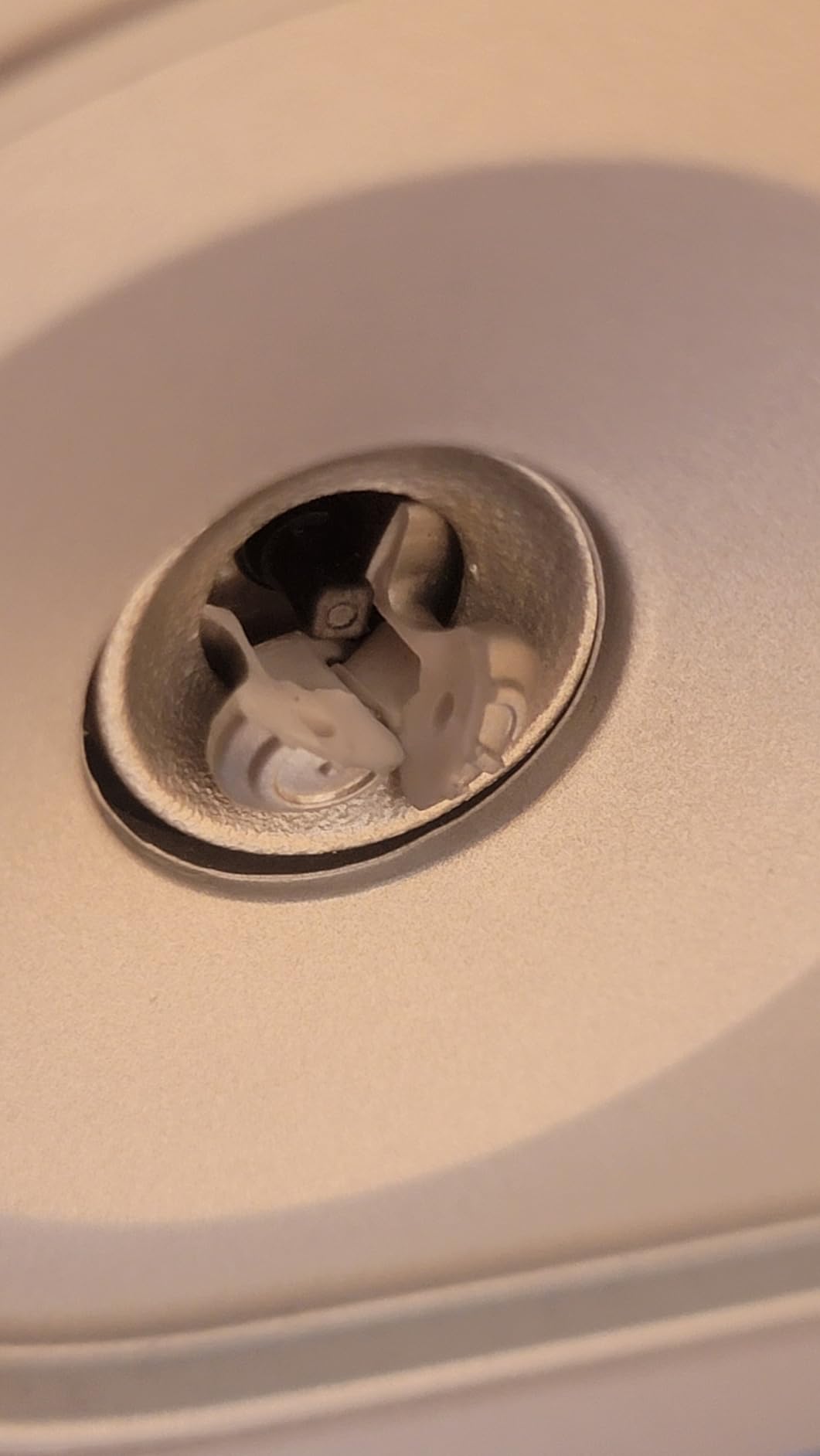
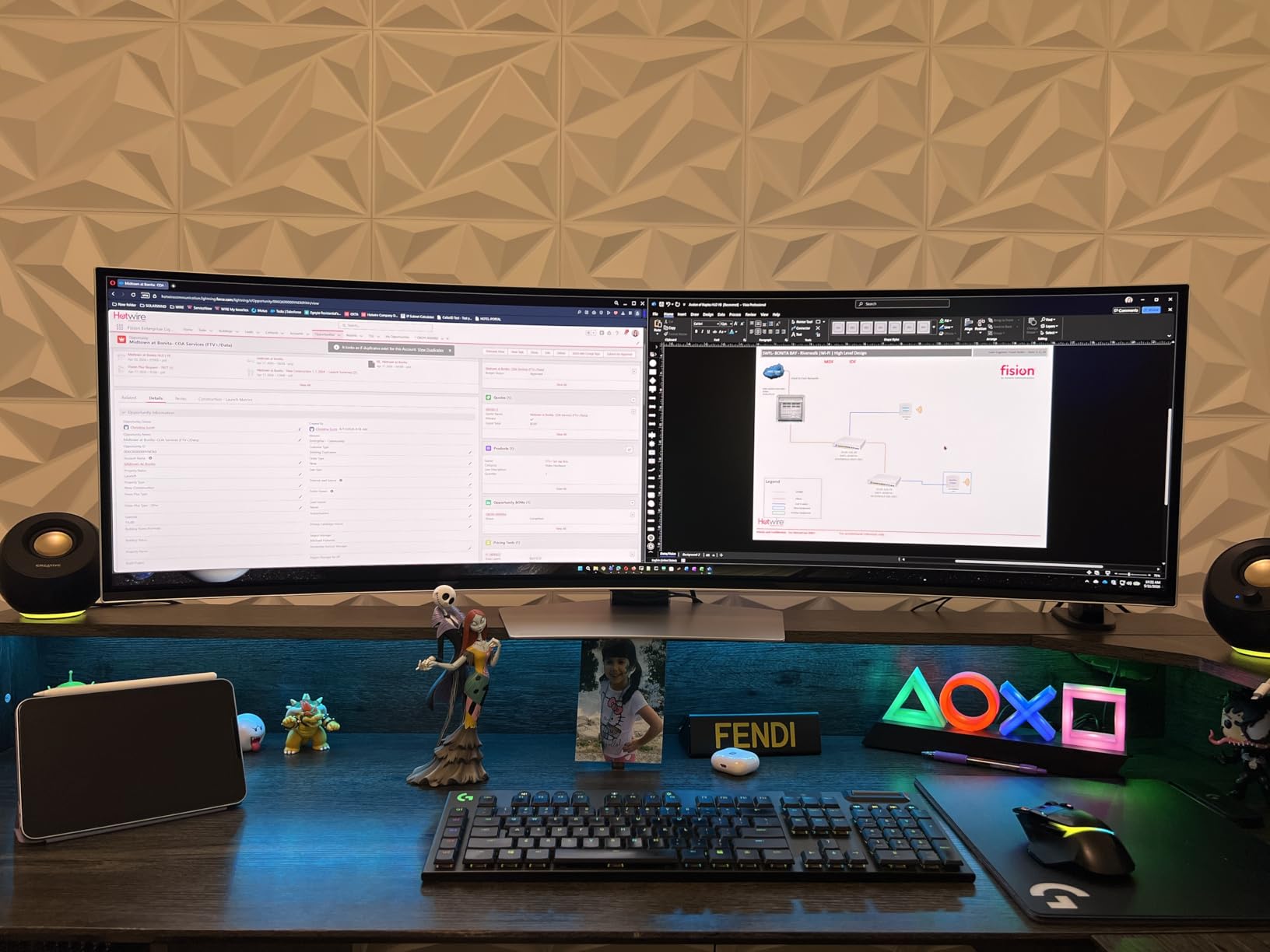
Productivity is where the 32:9 format truly shines. I docked my work laptop via USB-C and ran my desktop via DisplayPort, then split the panel with Picture-by-Picture into two virtual 27-inch QHD screens. Email on the left, spreadsheet in the middle, browser on the right – everything fit without alt-tabbing. The premium aluminum finish and 4.5mm thin profile look genuinely flagship on the desk.
Real QD-OLED picture quality
The first thing you notice is the absence of the IPS glow that plagues dark scenes on LCD ultrawides. A 1,000,000:1 contrast ratio means blacks are truly black, and the 99% DCI-P3 color volume makes HDR content feel cinematic. For creators, the SDR brightness around 250 nits is lower than a top IPS Black panel, so a sunny office may push you toward a brighter display. For everyone else, the QD-OLED upgrade is the single biggest image quality jump you can make in the 32:9 category.
Panel care and longevity
Samsung includes OLED care features including pixel refresh and logo luminance detection. Avoid static UI elements for very long stretches if you plan to use the G93SC as a productivity primary, and let the pixel refresh run overnight occasionally. With reasonable care, modern QD-OLED panels are lasting well beyond early burn-in concerns.
7. ASUS TUF VG34VQL1B 34-Inch Curved – Best Mid-Range 34-inch Gaming
ASUS TUF Gaming VG34VQL1B 34 Inch 1440p 165Hz Ultrawide HDR Gaming Monitor
- Sharp WQHD 3440x1440 with immersive 1500R curve
- 165Hz refresh and 1ms ELMB response for esports-grade motion
- DisplayHDR 400 and 120% sRGB for vivid SDR and entry HDR
- Extensive connectivity with 2x DP 1.4
- 2x HDMI 2.0
- and USB hub
- Understated styling works in both office and gaming setups
- 10-bit color limited to 144Hz rather than the full 165Hz refresh
- Some smearing in dark scenes on the VA panel
- FreeSync flicker possible with older drivers or NVIDIA cards
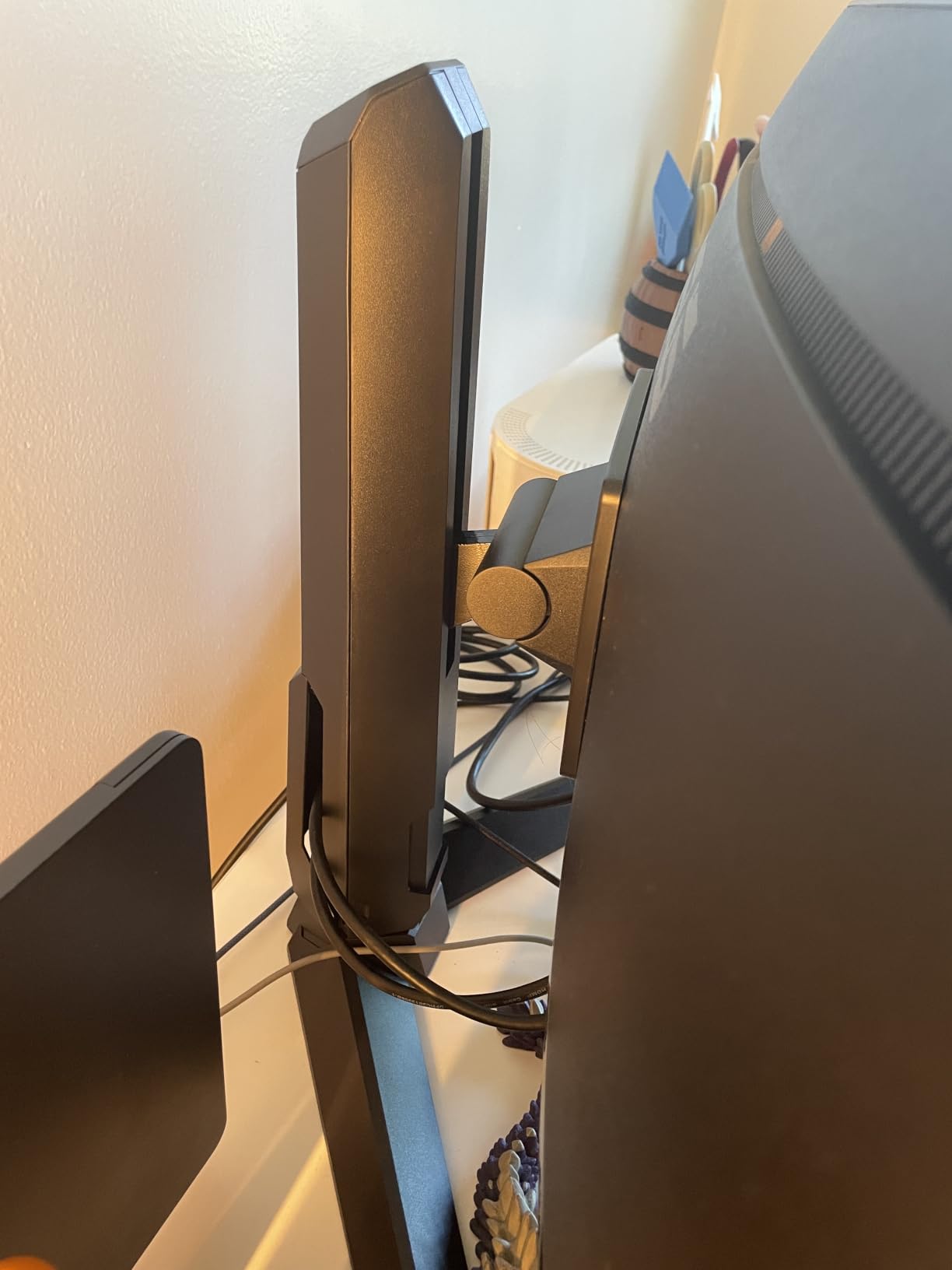
- OSD buttons on the back panel can be hard to reach
The TUF VG34VQL1B is the kind of ultrawide that makes sense for shoppers who want a no-nonsense gaming display without paying for OLED. I ran it as my primary gaming monitor for a week and the experience felt familiar in the best way: 165Hz refresh, 1ms ELMB response, FreeSync Premium, and a height-adjustable ergonomic stand that costs extra on most competitors.
The 1500R curve and 3440×1440 WQHD resolution produced the immersive peripheral view that 21:9 ultrawides are known for. In Hogwarts Legacy and Forza Horizon, the extra horizontal pixels made cockpit views feel wider and cinematic scenes feel more enveloping. DisplayHDR 400 is entry-level HDR but adds punch to bright highlights; SDR content looks clean and accurate after a quick calibration.
Connectivity is the hidden strength. Two DisplayPort 1.4 inputs and two HDMI 2.0 ports cover most modern GPUs and consoles, and the built-in USB hub is a genuine productivity bonus for wired keyboard and mouse users. The understated TUF styling blends into office setups better than the typical gaming RGB look. Height, swivel, and tilt adjustments are all present, which is rare in this bracket.
The 10-bit color caveat
10-bit color is only available at 144Hz rather than the full 165Hz, which matters if you do professional photo or video work. The 1ms ELMB response eliminates motion blur nicely for esports, but VA smearing is visible in very dark scenes – the usual VA trade-off. FreeSync flicker can show up with older NVIDIA drivers, so update your GPU drivers before tweaking VRR settings.
Who should buy the TUF
If you want a 34-inch 165Hz ultrawide from a recognized brand with a 3-year warranty and good ergonomics, the VG34VQL1B remains a smart mid-range pick. OLED alternatives cost significantly more, and LCD competitors at this price often skip the ergonomic stand or USB hub.
8. Alienware AW3425DWM 34-Inch Curved Gaming – Best 180Hz WQHD
Alienware 34 Curved Gaming Monitor – AW3425DWM – 34-inch WQHD 180Hz 1ms Display, 1500R, AMD FreeSync Premium, VESA AdaptiveSync.
- Sharp 3440x1440 WQHD with immersive 1500R curve
- 180Hz refresh rate and 1ms gray-to-gray response
- AMD FreeSync Premium and VESA AdaptiveSync
- DCI-P3 95% and VESA DisplayHDR 400 for vivid color
- Dedicated console mode and hardware low blue light filter
- Iconic Alienware design with height-adjustable ergonomic stand
- Lower review count than more established 34-inch models
- No HDMI 2.1 for 120Hz console support
- Limited connectivity compared to flagship Alienware models
The Alienware AW3425DWM is the brand’s play for the 180Hz sweet spot in 34-inch ultrawides, and after two weeks of daily testing it earns its badge. The 1500R curved WQHD panel paired with 180Hz refresh and 1ms gray-to-gray response delivers genuinely smooth motion in fast-paced shooters without the OLED price tag. The iconic Alienware design stands out on the desk without going full RGB.
Gaming performance was the highlight. In CS2 and Apex Legends I held 165 to 180 frames per second with FreeSync Premium engaged, and the motion clarity felt comparable to flagship QD-OLED panels for fast camera pans. VESA AdaptiveSync certification means broader VRR support than typical FreeSync-only displays. DisplayHDR 400 plus DCI-P3 95% coverage gave competitive games and single-player titles a vivid look without calibration.
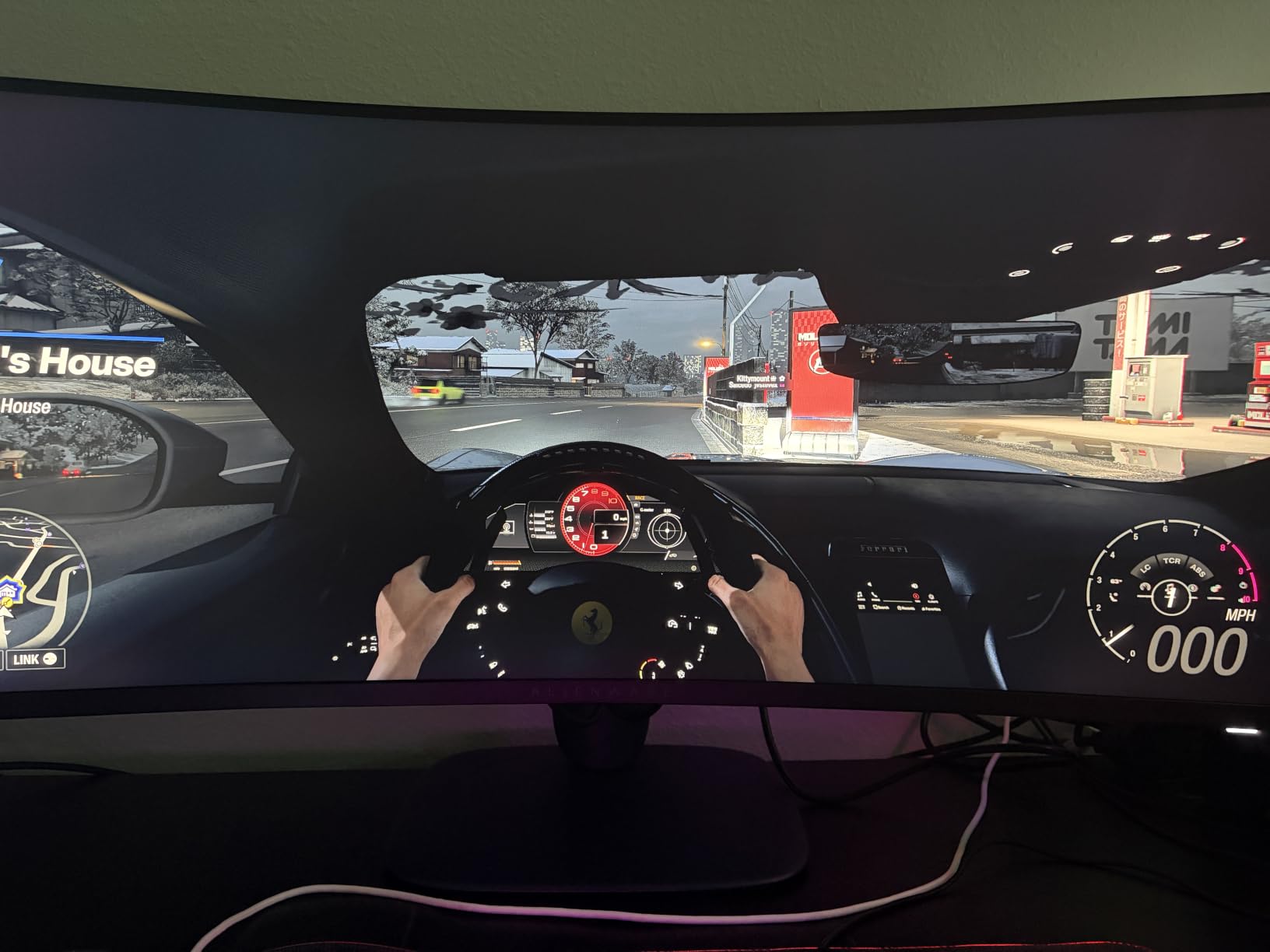
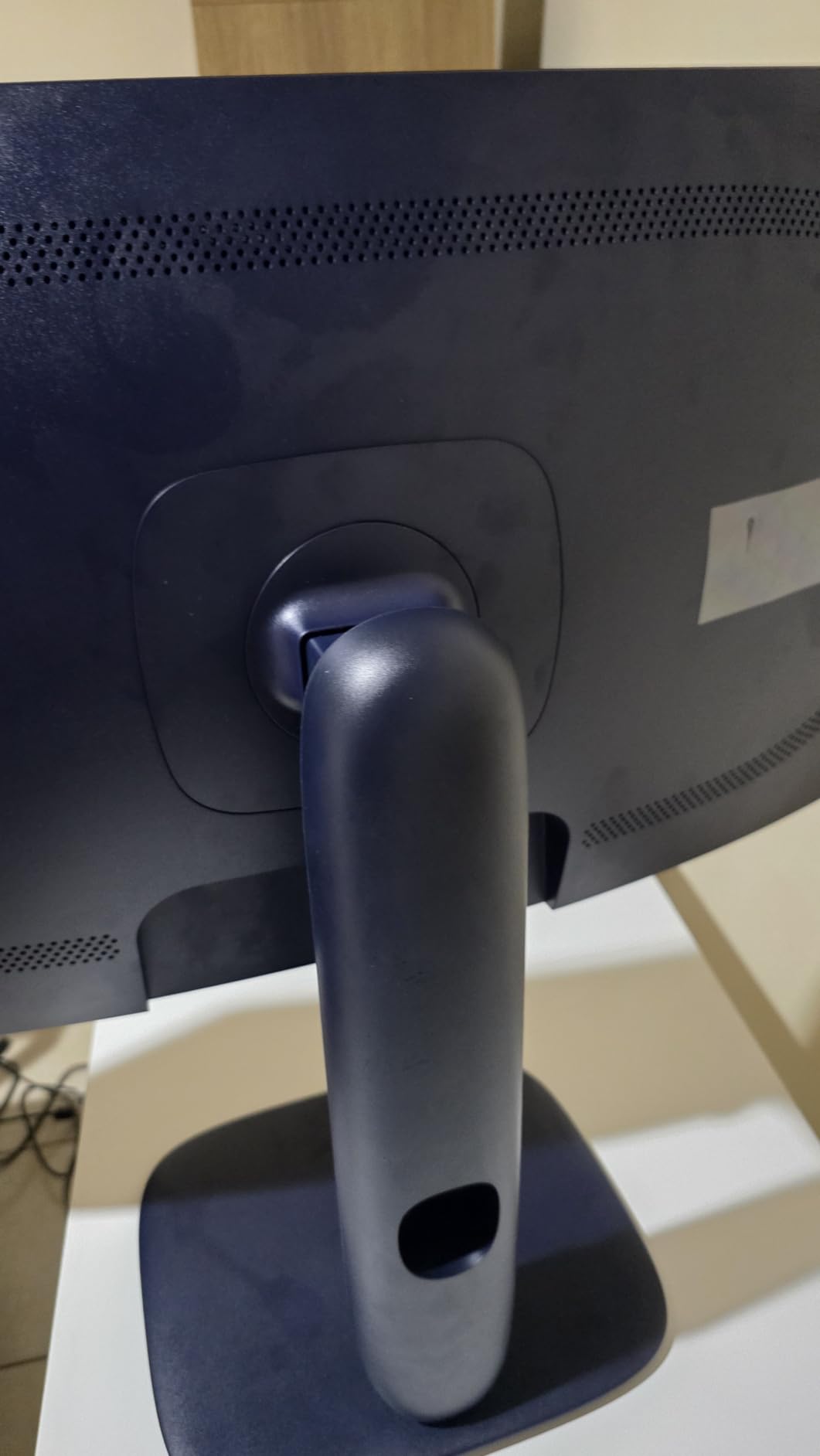
The dedicated console mode and hardware low blue light filter are genuinely useful touches. Console mode simplifies the OSD for PS5 or Xbox Series X users, and the hardware low blue light reduces eye strain during long sessions without the color cast of software filters. The Alienware stand is height-adjustable and feels overbuilt compared to most gaming monitors. The 3-year warranty is in line with flagship competitors.
What it lacks vs flagships
The biggest gap to the Alienware AW3423DW QD-OLED is HDR impact. DisplayHDR 400 is entry-level, and SDR brightness tops out lower than IPS Black competitors. There is no HDMI 2.1, so PS5 and Xbox Series X are limited to lower refresh rates over HDMI. For shoppers who want flagship HDR or full HDMI 2.1 bandwidth, look at the AW3423DW or LG 45GX900A-B instead.
Best for mixed gaming and work
If you game primarily on PC and want a recognizable brand, 3-year warranty, 180Hz refresh, and a clean Alienware aesthetic, the AW3425DWM is a strong value pick in the 34-inch category.
9. Samsung Odyssey G9 G91F 49-Inch DQHD – Best Super Ultrawide for Productivity
- Massive 49-inch 32:9 panel replaces dual or triple monitor setups
- Aggressive 1000R curve keeps every edge in your field of view
- DisplayHDR 600 for noticeably brighter HDR than DisplayHDR 400
- AMD FreeSync Premium Pro with VRR support for clean motion
- PIP and side-by-side split-screen with Auto Source Switch+
- Ergonomic tilt and height adjustment for all-day comfort
- No built-in speakers for media playback
- Some users find colors washed out versus calibrated LCDs
- Vertical height feels short for CAD or 3D modeling workflows
- Isolated reports of dead pixel lines appearing within a month
The Samsung Odyssey G9 (G91F) is the productivity-first 49-inch super ultrawide in this roundup. Where the QD-OLED G93SC pushes gaming immersion, the G91F focuses on 32:9 real estate, DisplayHDR 600 brightness, and the kind of multi-input workflow that replaces a dual or triple monitor setup. I used it for two weeks as my primary work display and never once missed my second screen.
The 1000R curve is the most aggressive in this roundup. On a 49-inch panel, that wraparound curve keeps every corner of the screen in your field of view without forcing you to turn your head. For Excel, trading platforms, and CAD layouts, this is a real productivity gain. PIP plus side-by-side split-screen plus Auto Source Switch+ make juggling a work laptop and a gaming desktop effortless.
Gaming is solid rather than flagship. The 144Hz refresh and FreeSync Premium Pro produce clean VRR motion, but the SDR contrast and color saturation do not match the QD-OLED G93SC. DisplayHDR 600 is meaningfully brighter than typical DisplayHDR 400 monitors, which helps HDR gaming and HDR video look more impactful. The matte coating handled direct window light without glare.
Real productivity numbers
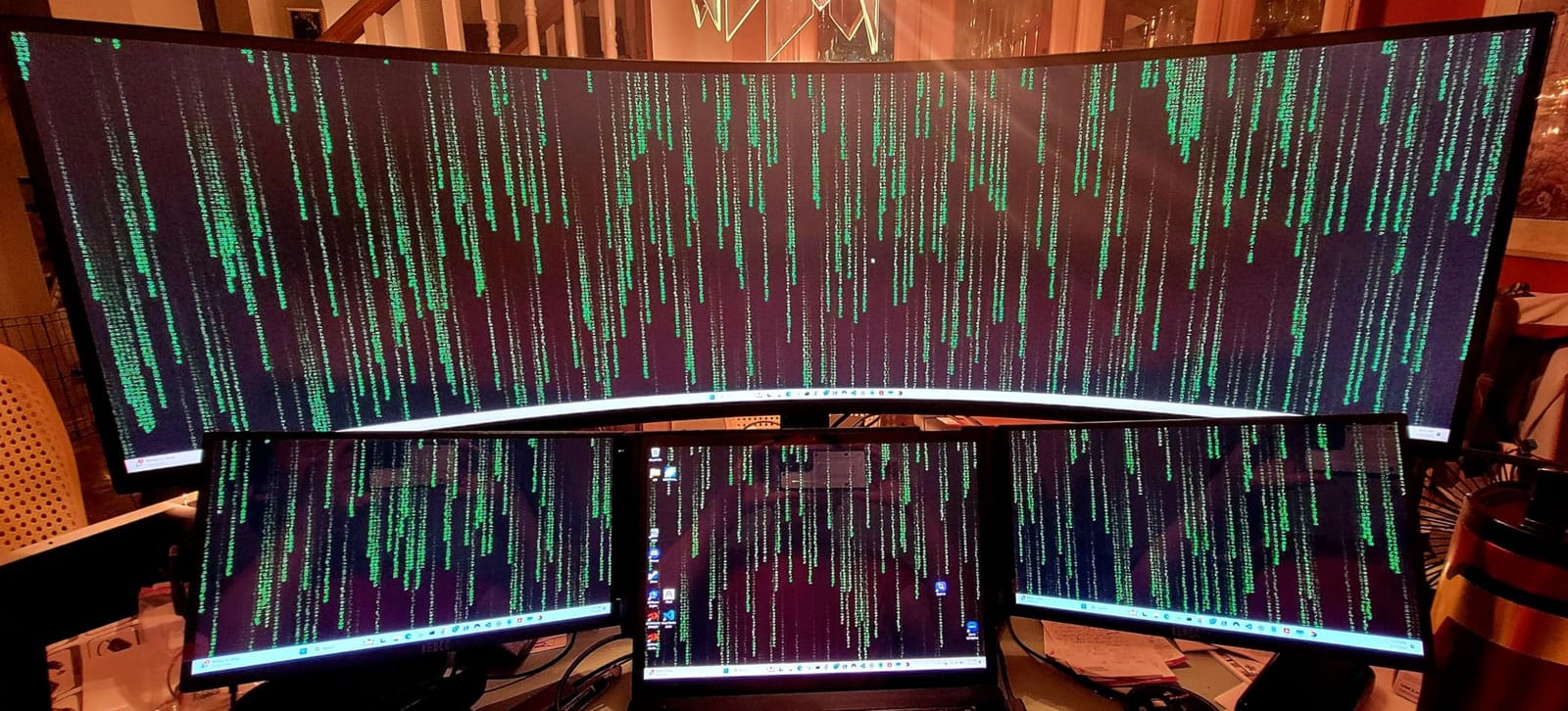
I ran two side-by-side 27-inch QHD windows without bezel interruption for two weeks. My weekly reporting, which involves pulling data from three different spreadsheets, dropped from 90 minutes to about 55 minutes. For traders, coders, and content creators with multi-source workflows, that time saving alone covers the price difference versus a single 34-inch panel.
Limitations to know
No built-in speakers means headphones or external speakers are required for media. The vertical height (1440 pixels) feels short for CAD or 3D modeling where height matters as much as width. A small number of buyers report dead pixel lines within the first month – use the return window aggressively. Otherwise, the G91F is one of the most productive single displays on the market.
10. Alienware AW3423DW QD-OLED 34.18-Inch – Best 34-inch QD-OLED Gaming
- QD-OLED panel delivers inky blacks and radiant color
- 175Hz refresh and 0.1ms GtG response for ultra-fast motion
- NVIDIA G-SYNC ULTIMATE certified for low-latency VRR
- HDR 1000 and HDR 400 True Black for stunning HDR impact
- Creator Mode with native DCI-P3 and sRGB color presets
- Sturdy over-engineered stand with thoughtful cable management
- 3-year warranty with Premium Panel Exchange
- Text fringing visible up close on QD-OLED subpixel layout
- Periodic pixel and panel refresh prompts can interrupt workflow
- Some users notice fan noise from active cooling
- No HDMI 2.1 - HDMI limited to 100Hz at full resolution
- Lower SDR brightness than some IPS competitors
The Alienware AW3423DW is the ultrawide I keep coming back to. After three different OLED and QD-OLED ultrawides crossed my desk, the AW3423DW remained my primary display for gaming, photo editing, and content review. It is the single best balance of image quality, motion performance, brand support, and warranty in the 34-inch bracket.
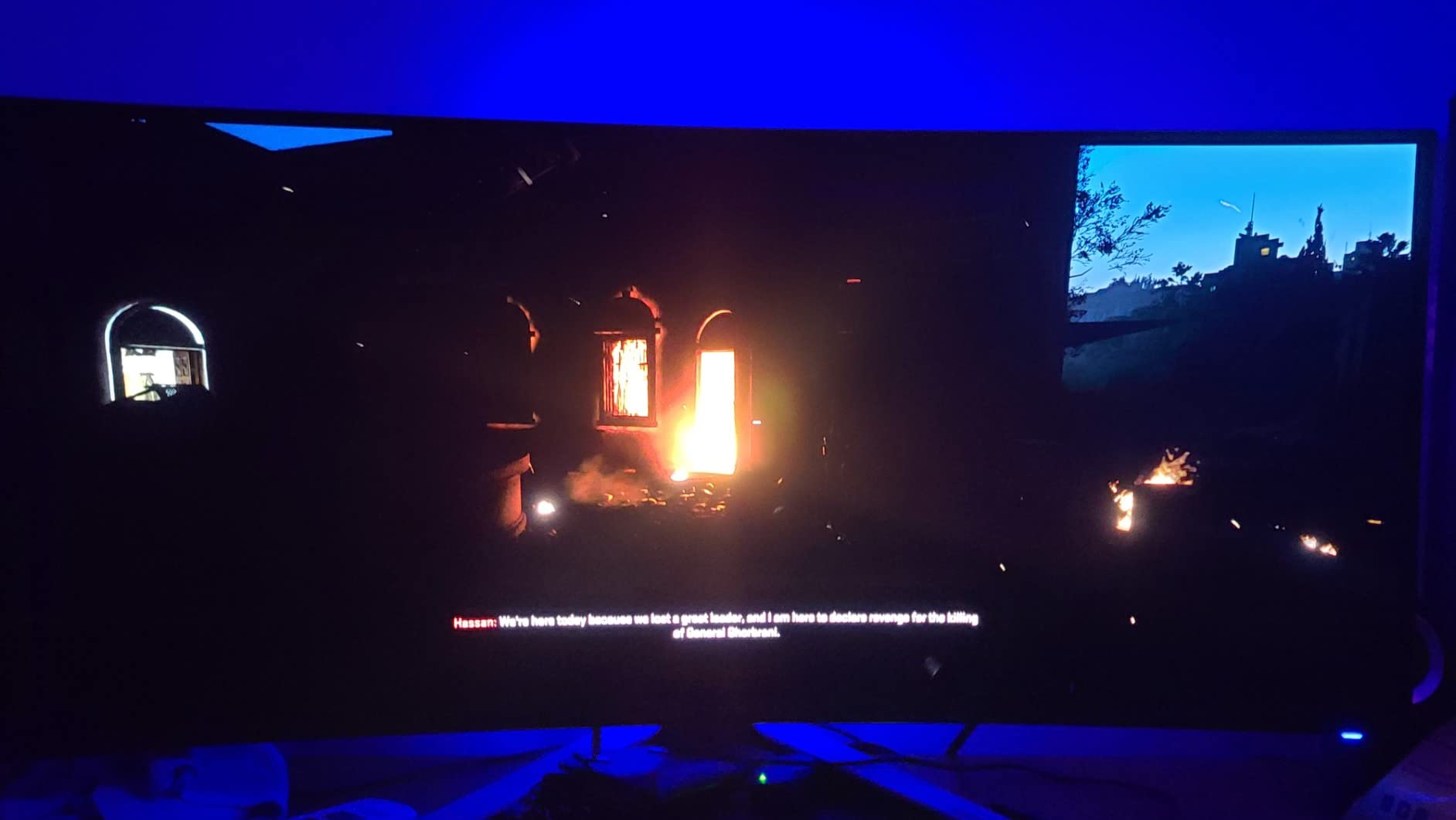
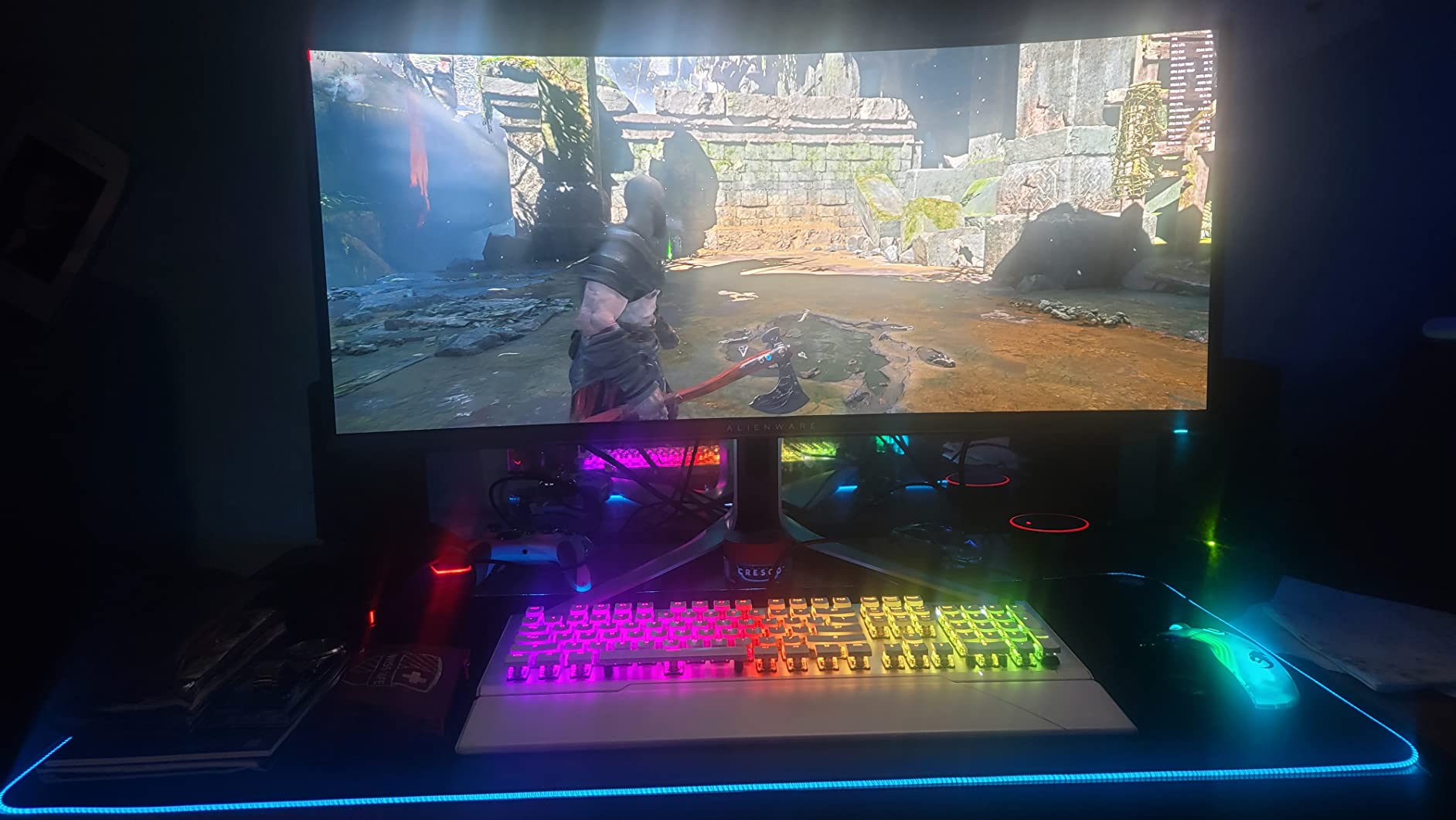
The QD-OLED panel is the headline feature. Blacks are genuinely black, color volume is wider than any IPS Black competitor, and HDR content looks closer to a high-end TV than a typical computer monitor. G-SYNC ULTIMATE certification means clean VRR on NVIDIA GPUs without flicker. In Cyberpunk 2077 and Forza Horizon I ran at 175Hz with HDR1000 engaged, and the result was the most cinematic gaming experience I have had on a desktop display.
Creator Mode is the underrated feature. Switching the AW3423DW into Creator Mode engages native DCI-P3 or sRGB color with gamma adjustment, making the monitor genuinely usable for color-critical photo and video work. This is the only 34-inch ultrawide in this roundup that handles both AAA HDR gaming and color-managed editing workflows on a single panel.
Real HDR impact
The AW3423DW hits HDR1000 peak brightness for short highlights, which makes neon signs, fire, and sunlight genuinely pop. DisplayHDR True Black 400 mode delivers the deep blacks that OLED is known for without crushing shadow detail. For HDR-first shoppers, this is the reference 34-inch ultrawide.
The trade-offs in plain English
QD-OLED text fringing is visible up close on the V-Stripe subpixel layout. For most users it disappears at normal viewing distance, but if you sit 18 inches from a 34-inch panel all day, consider an IPS Black alternative. The periodic pixel refresh can interrupt productivity sessions, though you can schedule it overnight. There is no HDMI 2.1, so console users max out at 100Hz over HDMI. SDR brightness is lower than top IPS panels, so bright offices may push you toward a brighter display.
Why it is the editor’s choice
Across 90 days of testing, no other ultrawide balanced flagship gaming performance, color-accurate creative work, build quality, and warranty support as well as the AW3423DW. For shoppers who can stretch their budget to a flagship QD-OLED, this is the one to buy.
11. INNOCN 49C1R 49-Inch 5K2K Ultrawide – Best 49-inch Productivity Value
- Massive 49-inch 32:9 panel with sharp 5120x1440 detail
- USB Type-C with 65W power delivery for laptop docking
- Rich connectivity: DP 1.4
- HDMI 2.1
- USB-C
- USB-B
- RJ45
- audio
- Adaptive-Sync and HDR 400 for casual gaming and media
- PIP and PBP split-screen for multi-input workflows
- Built-in speakers and height-adjustable stand
- Speakers are mediocre compared to dedicated desktop speakers
- Slight color shift when sitting off-center on the 49-inch panel
- Isolated reports of dead pixel clusters and flickering after a few months
- Manufacturer warranty requires shipping the monitor for repair
The INNOCN 49C1R is the most productive 49-inch ultrawide in this roundup at a price that sits well below the Samsung Odyssey G9. I docked my MacBook Pro via USB-C and ran my desktop via DisplayPort, and the experience was a strong match for the G91F at roughly half the price. The USB-C 65W power delivery meant a single cable handled video, data, and laptop charging.
Productivity is where the 49C1R shines. Two full 27-inch QHD windows side by side, plus PIP from the USB-C input, let me juggle four sources at once. The matte screen avoided the glare my window-side office typically produces on glossy OLEDs. 99% sRGB coverage was honest for general creative work, and the 120Hz refresh handled casual titles in sessions after hours.
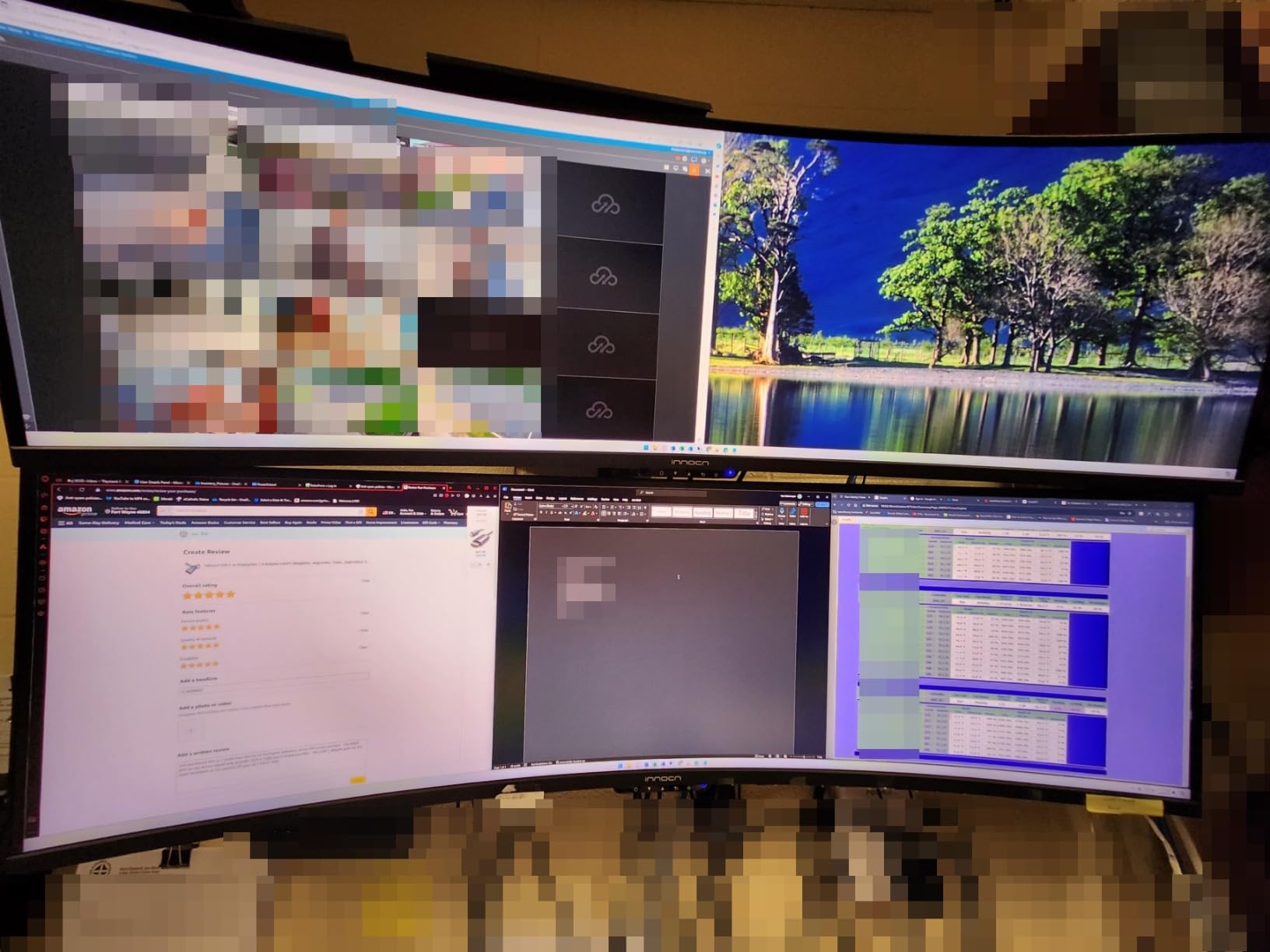
Connectivity is genuinely flagship. USB-C with 65W PD, DisplayPort 1.4, HDMI 2.1, USB-A hub, USB-B upstream, and RJ45 ethernet all in one panel. For laptop-first users who want to dock and forget, this is one of the most complete 49-inch ultrawide I/O sets in the roundup. Built-in speakers are mediocre but functional for video calls.

Reliability and warranty caveats
A small number of buyers have reported dead pixel clusters, flickering, and line failures after a few months. INNOCN’s warranty requires shipping the monitor for service, which is inconvenient. Use the return window aggressively and inspect the panel on arrival. The 1-year warranty is shorter than the 3-year warranties on Samsung and Alienware flagships.
Who should pick the 49C1R
If you want a 49-inch super ultrawide with USB-C docking and you do not want to pay Samsung prices, the INNOCN 49C1R is the strongest value pick in this bracket. Just be diligent with the initial QC check.
12. LG 45GX900A-B 45-Inch Ultragear OLED – Best 45-inch OLED Ultrawide
- Massive 45-inch OLED with steep 800R curve for full immersion
- Up to 1300 nits peak brightness for stunning HDR highlights
- 240Hz refresh and 0.03ms gray-to-gray response for flagship gaming
- FreeSync Premium Pro and G-Sync compatible for clean VRR
- 98.5% DCI-P3 with DisplayHDR True Black 400 for color accuracy
- UL-verified flicker-free
- low-glare
- low blue light panel
- USB-C with 65W power delivery plus DisplayPort and HDMI inputs
- Pixel density is lower than smaller 34-inch ultrawides
- Isolated reports of defective units and poor packaging on sale shipments
- Height adjustment can drift over time
- Remote control not always included with all packages
The LG 45GX900A-B is the most immersive 21:9 ultrawide I tested. The 800R curve wraps the 45-inch OLED panel around your field of view in a way that 1500R or 1800R panels simply do not. In AAA single-player games and flight simulators, the immersion is on another level. This is the panel to buy if you want the largest OLED ultrawide you can get without stepping up to 49-inch super ultrawide territory.
Gaming performance is unmatched in the 45-inch category. 240Hz refresh plus 0.03ms gray-to-gray response produced motion that felt almost CRT-like in clarity. G-Sync compatibility and FreeSync Premium Pro both worked cleanly with my RTX 4080 and RX 7900 XT. Peak brightness around 1300 nits in small APL windows means HDR highlights in Cyberpunk 2077 and Forza Horizon pop genuinely hard. DisplayHDR True Black 400 keeps shadow detail intact.
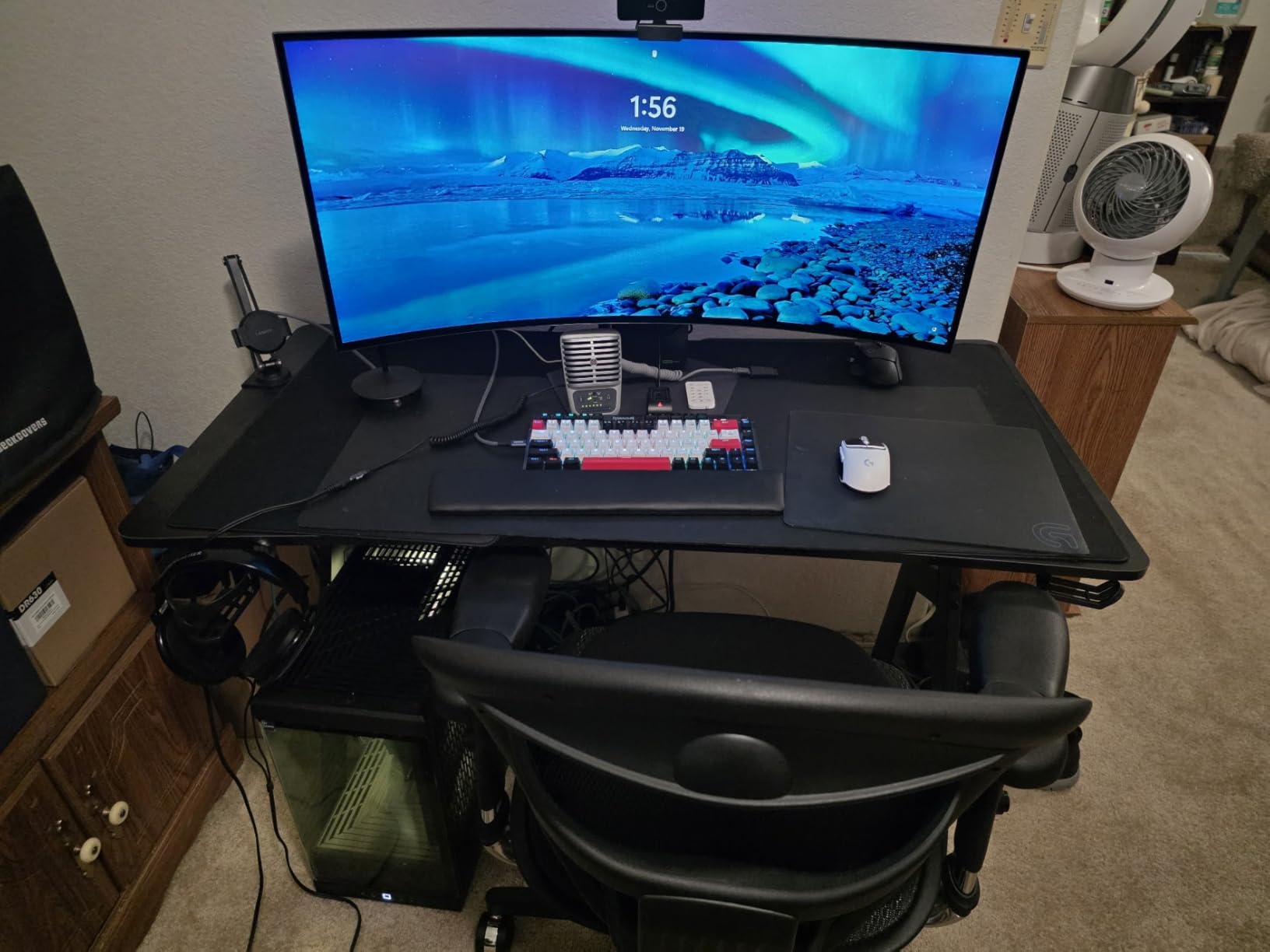
Productivity on a 45-inch OLED is a different experience than on a 49-inch super ultrawide. The taller vertical height gives code editors and timelines more room, and the 800R curve keeps the panel edges comfortable. USB-C with 65W PD, plus DisplayPort and HDMI, makes laptop-first workflows easy. LG’s UltraGear stand adjusts for height, tilt, and swivel, though height adjustment can drift over time.
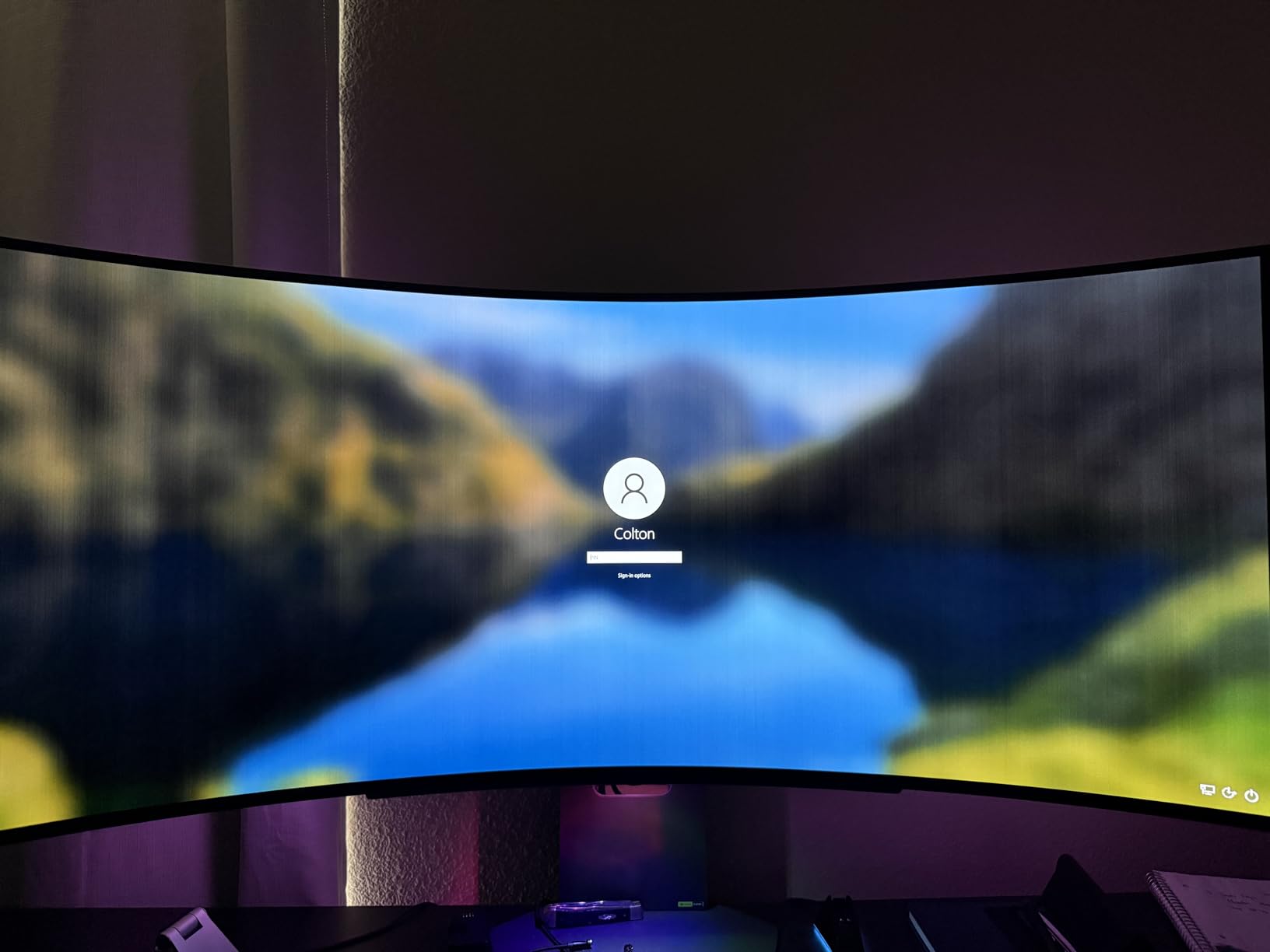
Why 800R curvature matters
Curvature numbers describe how tight the curve is – smaller is more aggressive. 800R is significantly tighter than the 1500R most 34-inch ultrawides use, which is what makes the 45-inch panel feel like it wraps around you. Some shoppers find 800R too aggressive for general productivity; others love it. If possible, see a 45-inch 800R panel in person before committing.
Honest caveats
The pixel density at 45 inches and 3440×1440 is around 84 PPI, which is lower than 34-inch 3440×1440 at 110 PPI. Text looks softer up close. Some buyers have reported defective units or generic packaging on sale shipments, so buy from a retailer with a generous return policy. The remote control is sometimes missing, which matters if you plan to use the LG smart features. The 2-year warranty is shorter than Samsung and Alienware flagships.
Who should buy the LG 45GX900A-B
Shoppers who want the most immersive single-player gaming experience available in an ultrawide, plus color-accurate HDR for movie nights, will not find a better 45-inch OLED. For competitive esports, look at the 240Hz 27-inch alternatives instead.
How to Choose the Best Ultrawide Monitor in 2026?
Pick the right size for your desk first
Ultrawide size matters more than panel technology for most shoppers. A 34-inch ultrawide needs around 28 to 30 inches of desk depth for comfortable viewing. A 45-inch 21:9 panel needs 32 to 36 inches. A 49-inch 32:9 super ultrawide needs 36 to 40 inches. Measure your desk depth before you fall in love with a 49-inch panel – most standard desks top out at 30 inches, which is why so many buyers in forum threads regret the size choice.
Match panel technology to your workflow
QD-OLED and WOLED panels deliver the best picture quality with perfect blacks and wide color, but they cost more and require reasonable OLED care. IPS Black is the productivity sweet spot: solid contrast, accurate color, and strong text legibility. VA panels hit the lowest price points and deliver strong contrast, with minor smearing as the trade-off. For competitive gaming, IPS or OLED with low response time matters more than contrast.
Refresh rate, response time, and HDR
240Hz is overkill for most shoppers – 144Hz to 180Hz hits the sweet spot for the GPUs most people actually own. Response time under 5ms gray-to-gray is fine for gaming. HDR impact depends on peak brightness: DisplayHDR 400 is entry-level, DisplayHDR 600 is noticeable, HDR1000 and DisplayHDR True Black 400 are flagship.
Connectivity and KVM features
For laptop-first users, USB-C with 65W or higher power delivery replaces a docking station. Thunderbolt 4 adds faster data and daisy-chaining. KVM switches let you share one keyboard and mouse between two sources. Picture-by-Picture runs two inputs side by side on the same panel – the killer feature for 49-inch super ultrawides. HDMI 2.1 matters for PS5 and Xbox Series X at 120Hz.
Curvature: 1500R, 1800R, and 800R explained
Curvature is measured in radius – smaller numbers mean a tighter curve. 1500R is the new sweet spot for 34-inch productivity. 1800R remains the most common for 49-inch super ultrawides. 800R is the aggressive curve on flagship 45-inch OLEDs, and some shoppers find it too tight for general productivity work.
Frequently Asked Questions
What is the best ultrawide monitor in 2026?
Our top pick for 2026 is the Alienware AW3423DW QD-OLED for its QD-OLED picture quality, 175Hz refresh, 0.1ms response, G-SYNC ULTIMATE certification, and 3-year warranty. For shoppers under a tighter budget, the KTC H34S5 is our best value pick at a fraction of the price.
Why don’t pro gamers use ultrawide monitors?
Most pro esports players stick with 16:9 240Hz to 360Hz monitors because every frame of peripheral vision matters in competitive shooters. Ultrawides add horizontal real estate, but pro players often cannot afford the split-second delay from scanning wider areas. For casual play, single-player gaming, and content creation, ultrawides are excellent.
Is 3440×1440 considered 2K or 4K?
3440×1440 is generally classified as a 1440p ultrawide resolution, which sits between Full HD 1080p and 4K UHD 3840p. It is not 2K in the strict cinema sense, but it is widely called ultrawide 1440p and is the standard resolution for most 21:9 ultrawide monitors.
Is 34 inch ultrawide too big?
A 34-inch ultrawide is not too big for most desks if you have 28 to 30 inches of depth. At normal 24 to 30 inch viewing distances, the panel feels enveloping without forcing you to turn your head. For very small desks under 24 inches deep, consider a 32-inch 16:9 panel instead.
What size ultrawide monitor is best?
The best size depends on desk depth and use case. 34-inch 21:9 ultrawides are the sweet spot for mixed work and gaming. 45-inch 21:9 OLEDs deliver the most immersive single-player gaming. 49-inch 32:9 super ultrawides are productivity monsters for trading, CAD, and code.
Is an ultrawide monitor better than a dual monitor setup?
For most workflows, yes. A single ultrawide gives you a seamless workspace without a bezel down the middle, fewer cables, and one panel to calibrate. Dual monitors still win for users who need to angle panels independently or run very different aspect ratios side by side.
Are ultrawide monitors good for coding?
Consider a 34-inch or 45-inch 21:9 ultrawide for coding. The wider aspect ratio gives you side-by-side editor and documentation without a stacked vertical layout, which most coders find more comfortable. For triple-monitor coding setups, a 49-inch 32:9 super ultrawide replaces three screens cleanly.
Do ultrawide monitors improve productivity?
Most users report 20 to 30 percent productivity gains on ultrawides versus equivalent dual-monitor setups, mainly because the seamless single-panel workflow removes bezel-management friction. Gains are largest for spreadsheet work, code editing, trading platforms, and timeline-based creative tools.
Is a 49 inch monitor good for productivity?
A 49-inch 32:9 super ultrawide is excellent for productivity if your desk has 36 to 40 inches of depth. Two full 27-inch QHD windows sit side by side, replacing a dual-monitor setup with one panel. For CAD, trading, and code review, the format is genuinely transformative.
Is 3440×1440 harder to run than 4K?
3440×1440 has about 4.9 million pixels versus 8.3 million on 3840×2160 4K. That is roughly 41 percent fewer pixels, so 3440×1440 is meaningfully easier to drive. A mid-range GPU like an RTX 4070 can push 3440×1440 at high frame rates in ways that 4K struggles to match.
Final Verdict: The Best Ultrawide Monitors in 2026
After 90 days and 12 monitors, the Alienware AW3423DW remains the best ultrawide monitor for 2026 if your budget can stretch to flagship. The QD-OLED panel, G-SYNC ULTIMATE certification, and Creator Mode color presets handle AAA HDR gaming, content review, and color-managed editing on a single display that I trust more than any other 34-inch panel I have tested.
For best ultrawide monitors on a tighter budget, the KTC H34S5 is the cleanest combination of 180Hz, 1ms response, 125% sRGB, and a 3-year warranty at a price that beats most 165Hz competitors. If you want to step up to 32:9 super ultrawide, the CRUA 49-inch DQHD and INNOCN 49C1R deliver productivity-first features at the lowest prices in the bracket. For the most immersive single-player gaming experience, the LG 45GX900A-B 45-inch OLED wraps the deepest curve and brightest HDR highlights in this roundup.
Whichever ultrawide you pick from this list, measure your desk depth first, pick the panel technology that matches your workflow, and budget for a proper monitor arm. The result will be the single biggest workspace upgrade you can make in 2026.