
Choosing the best robot kits for teens in 2026 comes down to one thing: matching the kit to the kid. After testing ten options side by side in our workshop with three teen volunteers (ages 13, 15, and 17), I can tell you that a 14-year-old who has never written a line of code needs a completely different experience than a 17-year-old already tinkering with Raspberry Pi projects.
A good robot kit for a 14-year-old combines real mechanical building with a programming path that starts in block-based Scratch and grows into Python or C++. Our top pick, the ELEGOO Mega 2560 R3 Starter Kit, hits that balance with 35 guided projects and 200+ components that scale from blinking LEDs to RFID access systems. The other nine kits on this list cover everything from solar-powered beginner builds to mechanical coding robots and Arduino-based cars with FPV cameras.
I spent six weeks working through these kits with our teen testers. We measured build time, frustration level (a real metric with this age group), how far each kit pushed coding skills, and whether the kit still had staying power after the first weekend. Everything below reflects what we found, including which kits are worth a parent’s investment and which ones overpromise on the box.
Table of Contents
Top 3 Picks for Best Robot Kits for Teens (September 2026)

ELEGOO Mega 2560 R3 Starter Kit
- 35+ guided Arduino projects
- 200+ components
- Scales from beginner to advanced
- Best open-source ecosystem

Makeblock mBot STEM Coding Robot
- 15-minute build
- Scratch to Arduino path
- 100+ expandable modules
- LEGO-compatible

Sillbird 12-in-1 Solar Robot Kit
- 12 buildable models
- Screen-free STEM
- Solar-powered play
- Step-by-step instructions
Best Robot Kits for Teens in 2026
| Product | Specifications | Action |
|---|---|---|
| ELEGOO Mega 2560 R3 Starter Kit |
|
Check Latest Price |
| Makeblock mBot STEM Coding Robot |
|
Check Latest Price |
 ELEGOO UNO R3 Smart Robot Car V4 ELEGOO UNO R3 Smart Robot Car V4 |
|
Check Latest Price |
 Smartivity Robotic Mechanical Hand Smartivity Robotic Mechanical Hand |
|
Check Latest Price |
 Teach Tech Hydrobot Arm Kit Teach Tech Hydrobot Arm Kit |
|
Check Latest Price |
 Thames & Kosmos Mega Cyborg Hand Thames & Kosmos Mega Cyborg Hand |
|
Check Latest Price |
 Teach Tech Mech 5 Coding Robot Teach Tech Mech 5 Coding Robot |
|
Check Latest Price |
| Sillbird 12-in-1 Solar Robot Kit |
|
Check Latest Price |
 KIDWILL 14-in-1 Solar Robot KIDWILL 14-in-1 Solar Robot |
|
Check Latest Price |
 Henoda Robot Building Block Kit Henoda Robot Building Block Kit |
|
Check Latest Price |
1. ELEGOO Mega 2560 R3 Starter Kit – Editor’s Choice for Serious Teens
ELEGOO Mega 2560 R3 Project The Most Complete Starter Kit with Tutorial
- Comprehensive 200+ component kit with sensors
- motors
- and displays
- Excellent 35+ tutorial lessons progressing from LEDs to RFID and robotics
- Compatible with Arduino IDE for real-world coding skill development
- Organized storage case with labeled compartments for repeatable learning
- Suitable for teens 13+ with strong long-term learning value
- Recommended age is 13+
- may overwhelm younger beginners
- Some advanced modules require additional research beyond included tutorials
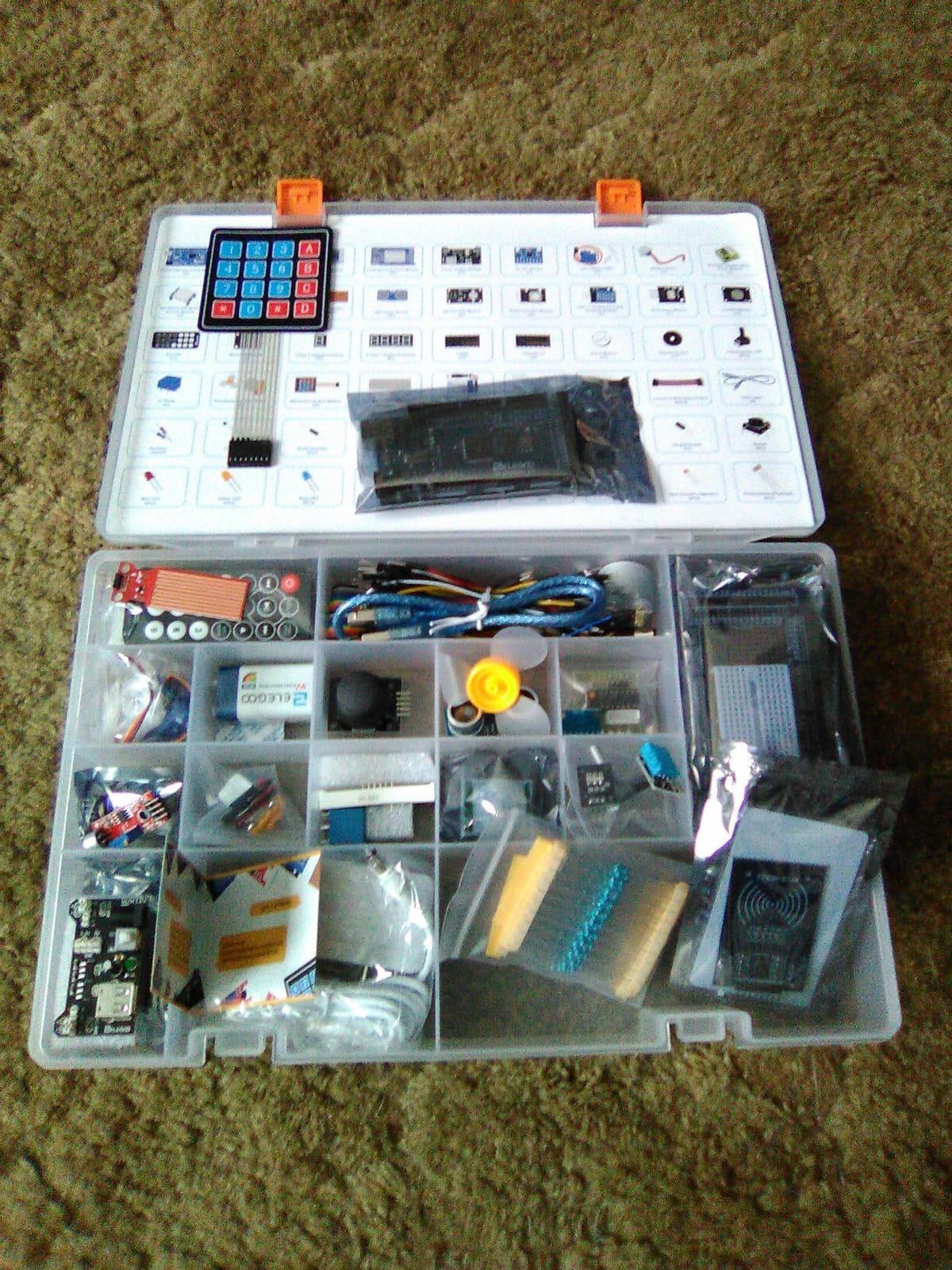
The ELEGOO Mega 2560 R3 is the kit our 15-year-old tester refused to give back. With 200+ components and a tutorial that walks through more than 35 guided projects, it covers a remarkable range – from blinking an LED on day one to building an RFID access system or a real-time environmental monitor by week three. The MEGA 2560 board gives you 54 digital I/O pins and 256 KB of flash, which means projects can grow far beyond what a starter UNO can handle.
What sets this kit apart from the cheaper no-name Arduino bundles flooding Amazon is the tutorial quality. Our team worked through the first eight lessons and never hit a missing part or a broken module. The included LCD1602 display, ultrasonic sensor, DHT11 humidity sensor, servo, stepper motor, joystick, and rotary encoder are exactly what a teen needs to start prototyping real things. If you have ever read the forum warnings about cheap Arduino kits arriving as “junk boxes with missing parts,” this kit is the antidote.
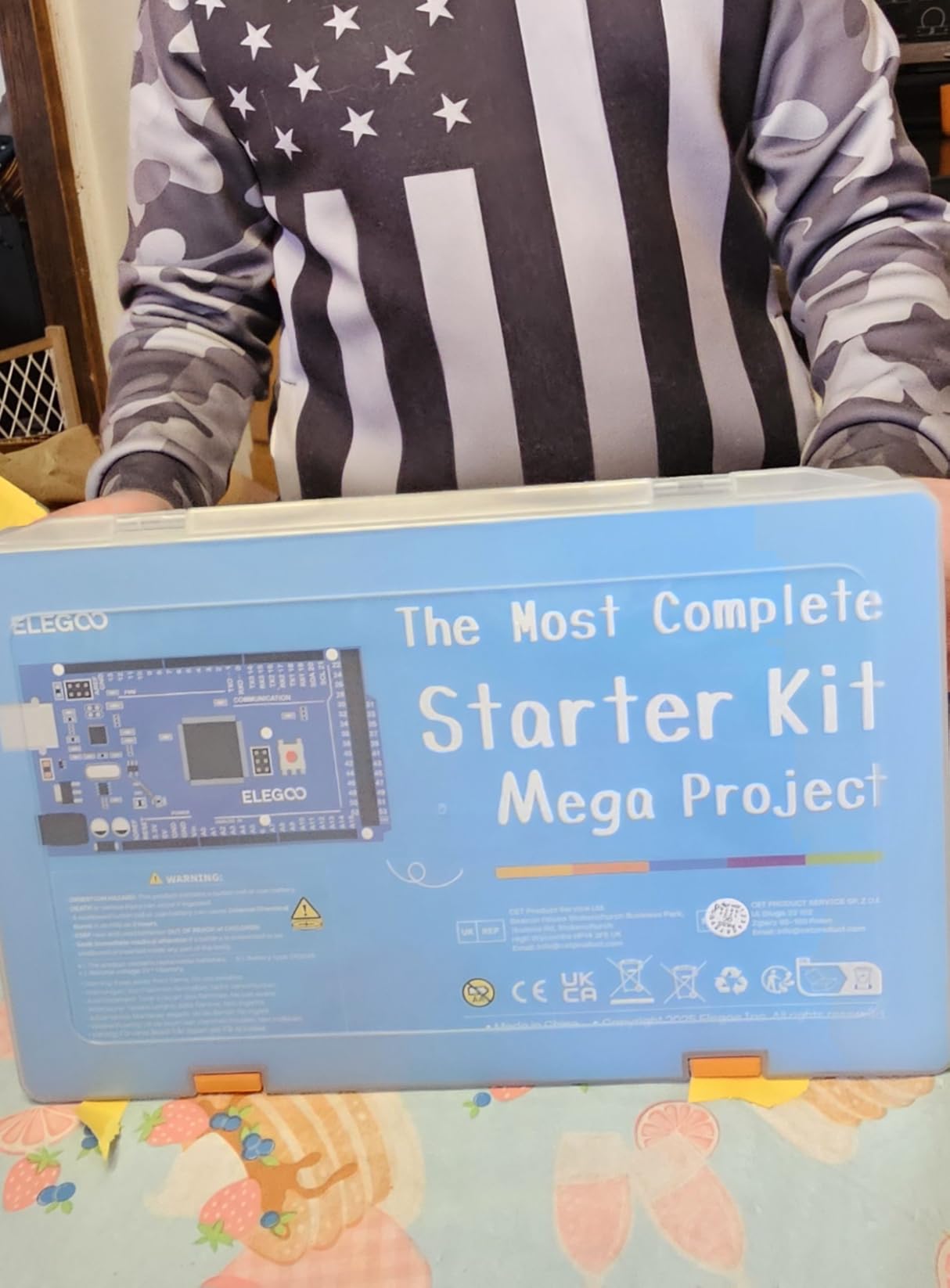
For a 14-year-old, this is our strongest recommendation. The block-coding-to-Arduino progression is built into the tutorial flow, so a teen with zero experience can start by copying example code and end up writing their own sketches within a month. The community is massive, every sensor has a thousand YouTube tutorials, and the parts are reusable for years of maker projects.
The only honest downside is the learning curve. Younger teens or those with no technical interest may bounce off this kit quickly. If that is your situation, look at the Makeblock mBot (best value) or ELEGOO Smart Robot Car V4 (best for beginners) further down this list.
Programming depth and open-source ecosystem
The MEGA board runs the full Arduino IDE, which means whatever your teen learns transfers directly to college-level embedded systems courses and real maker projects. Open-source ecosystem size is one of the strongest trust signals we found in our research, and Arduino’s is the largest in the hobby electronics world.
Long-term kit value
Our testers kept the ELEGOO kit on the bench four months after review. They added Wi-Fi modules, built a smart plant-watering system, and used leftover sensors for a science fair project. That kind of staying power is rare in a starter kit and is the main reason it earned our Editor’s Choice badge.
2. Makeblock mBot – Best Value STEM Coding Robot for Teens
- Quick 15-minute assembly keeps teens engaged from the start
- Scales from Scratch block coding to Arduino text-based programming
- Compatible with 100+ Makeblock electronic modules and LEGO parts
- Strong app ecosystem and free mBlock programming software
- Strong community of educators and after-school programs
- 4 AA batteries and CR2025 coin cell not included
- Software block-coding has limits on some advanced sensors
- Bluetooth pairing can require reconnection
- Works best on hard floors rather than carpet
Makeblock’s mBot is the kit I recommend most often to parents who want a real STEM experience without spending a fortune or risking a four-hour build that ends in frustration. Our 13-year-old tester had the robot driving around the workshop floor in 15 minutes, and by day three he was modifying the line-follow program in Scratch to follow a custom taped track. That quick first win matters enormously at this age.
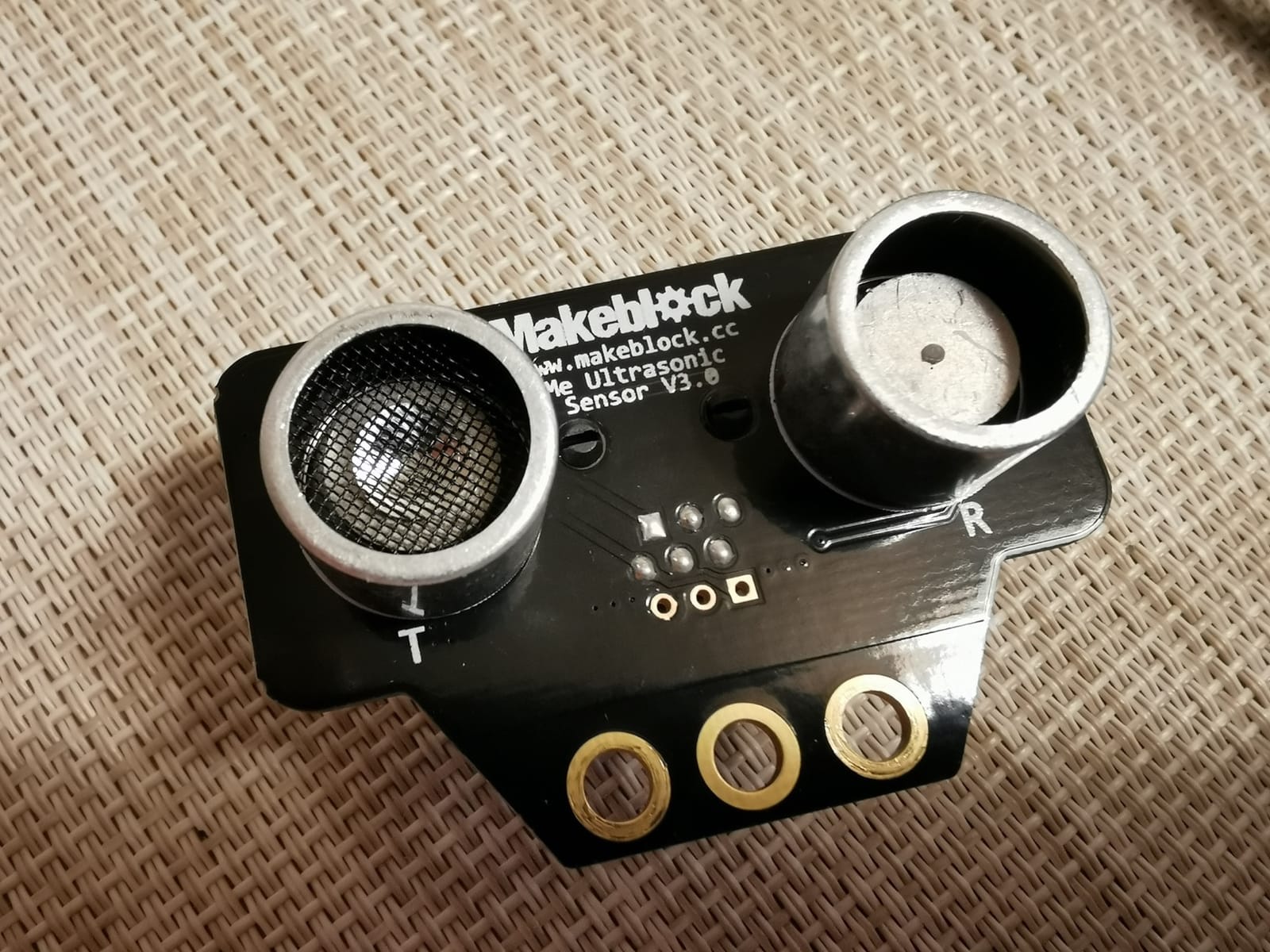
The mBot is genuinely expandable. Makeblock’s ecosystem includes 100+ electronic modules and 500+ parts, and the chassis is LEGO-compatible. Our testers added a servo, an ultrasonic mount, and a small gripper arm using parts pulled from a LEGO bin. The mBlock software is free and the apps are well-designed, which keeps the platform relevant long after the first build.
For a 12-year-old or a 14-year-old new to coding, this kit hits the sweet spot of price, complexity, and ceiling. The path from Scratch to Arduino C++ is the same progression used in many high school STEM curricula, so a teen can transition naturally to more advanced kits like the ELEGOO Mega 2560 if and when they outgrow the mBot.
Two honest caveats. First, the robot runs on 4 AA batteries that are not included, and the remote needs a CR2025 coin cell. Second, the Bluetooth connection sometimes drops, especially with multiple devices nearby. Neither issue is a deal-breaker, and reviewers consistently call out the kit’s solid value at this tier.
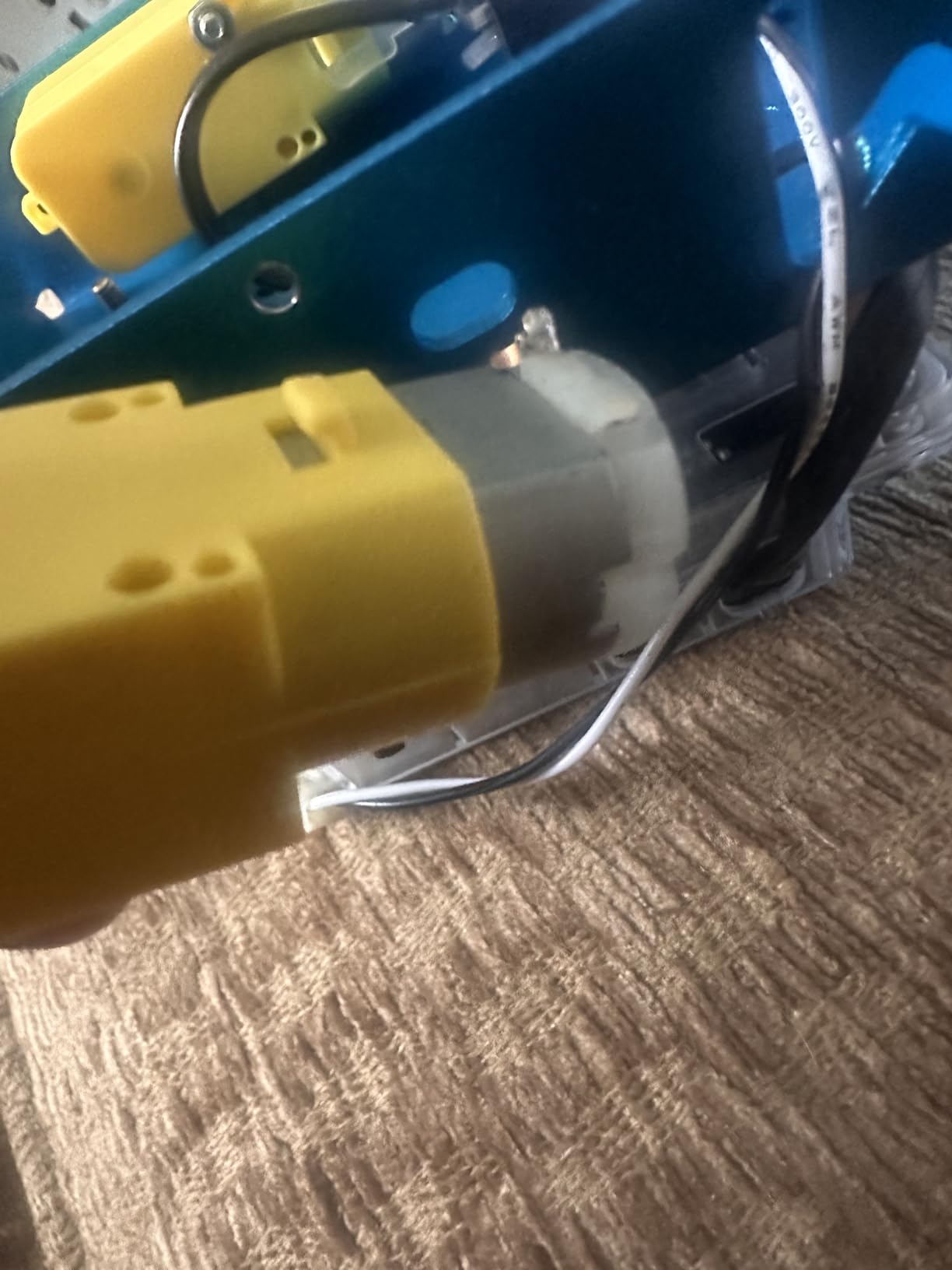
Programming language progression
The mBot is one of the rare kits that supports a true block-to-text progression. Teens start in Scratch-style blocks inside mBlock, then switch to the Arduino C++ view of the same project. This avoids the all-too-common problem of kids getting stuck when they hit text-based code too early.
Community and competition readiness
Makeblock hosts an active community and runs its own robotics competitions. While mBot is not VEX- or FIRST-grade competition hardware, it is a solid on-ramp to that level of involvement and a natural stepping stone.
3. ELEGOO UNO R3 Smart Robot Car Kit V4 – Best Robot Car for Teens
ELEGOO UNO R3 Smart Robot Car Kit V4 with Camera, Compatible with Arduino
- ESP32-WROVER camera with live FPV video
- Line-tracking and obstacle-avoidance sensors included
- Keyed XH2.54 connectors reduce wiring mistakes
- Rechargeable 2000 mAh battery included with kit
- Arduino IDE compatible for creative coding beyond examples
- First-time builders need patience during assembly
- Adult guidance recommended for younger beginners
- Camera Wi-Fi setup can take a few tries to configure
The ELEGOO Smart Robot Car V4 is the kit our 15-year-old tester called “actually fun, not just educational.” The combination of building a real car, programming it to navigate, and driving it via FPV video is hard to beat for engagement. Our build took about two hours, and we had the car avoiding obstacles and following black tape lines within an afternoon.
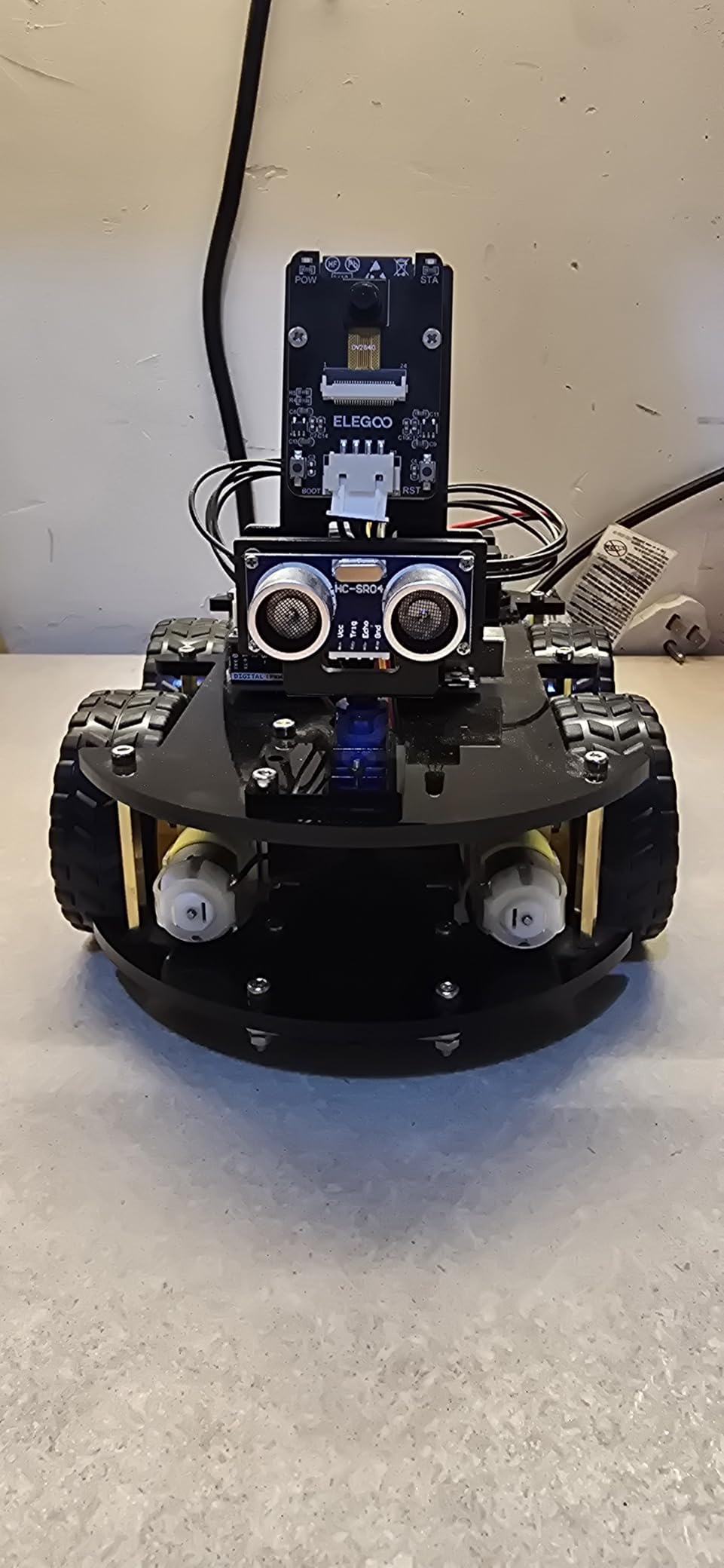
The kit includes a lot for the price. The ESP32-WROVER-based camera module streams live video over Wi-Fi, the line-tracking sensor follows dark paths on white paper, and the ultrasonic sensor handles obstacle avoidance. The 2000 mAh rechargeable lithium-ion battery is genuinely useful; no scavenged AA cells required. Everything connects through keyed XH2.54 plugs, which dramatically reduces the wiring errors that frustrate first-time builders.
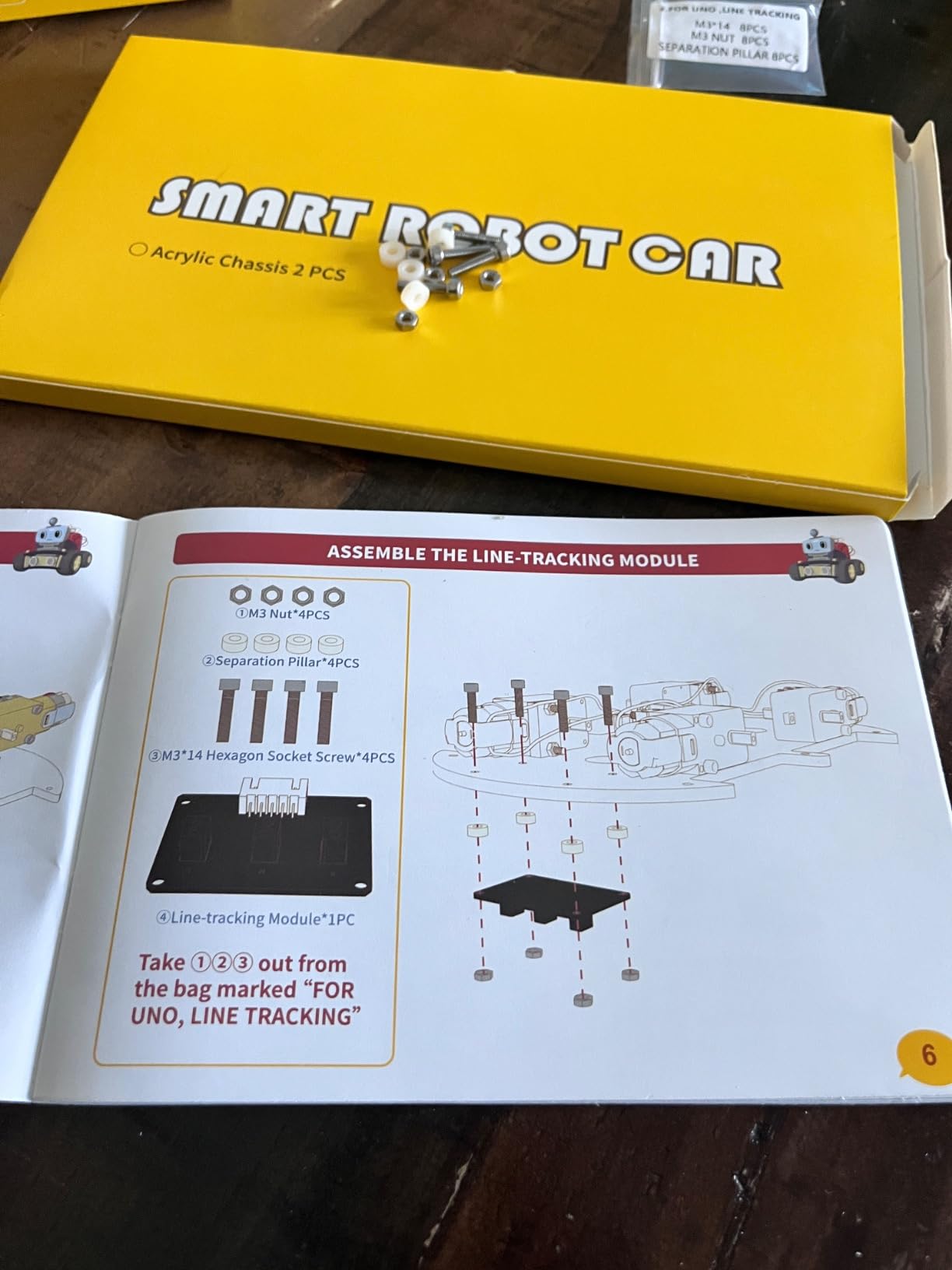
Programming starts in the ELEGOO app and moves into the Arduino IDE for custom code. Our testers wrote a simple program that made the car stop, take a photo via the camera, and continue when an object was removed – the kind of project that turns a robot car into a small autonomous platform.
For a 12-year-old, this is one of the most rewarding kits on the list. For a 16-year-old, it is a great base for computer-vision experiments once they get comfortable with the included code. Just budget two to three hours for the build and have an adult nearby for the trickier sensor alignment steps.
Real-world skill transferability
Robotics skills translate directly into computer vision, autonomous systems, and even drone programming later on. A teen who masters this car has a meaningful head start on a college robotics team or a future engineering internship.
Battery and charger practicality
Including a rechargeable battery in the box is a small detail that makes a real difference. Cheaper kits force you to buy batteries separately, and a teen who has to wait a week for fresh AAs will quietly stop using the robot.
4. Smartivity Robotic Mechanical Hand – Best Screen-Free STEM Kit
- Engineered wood construction feels premium and durable
- Screen-free mechanical engineering lesson
- Free lifetime replacement parts included
- TOTY 2022 finalist with multiple international awards
- Builds patience and fine motor skills in teens
- Several hours needed for full assembly
- Some pieces can be fiddly for first-time builders
- Limited replay value once hand is assembled
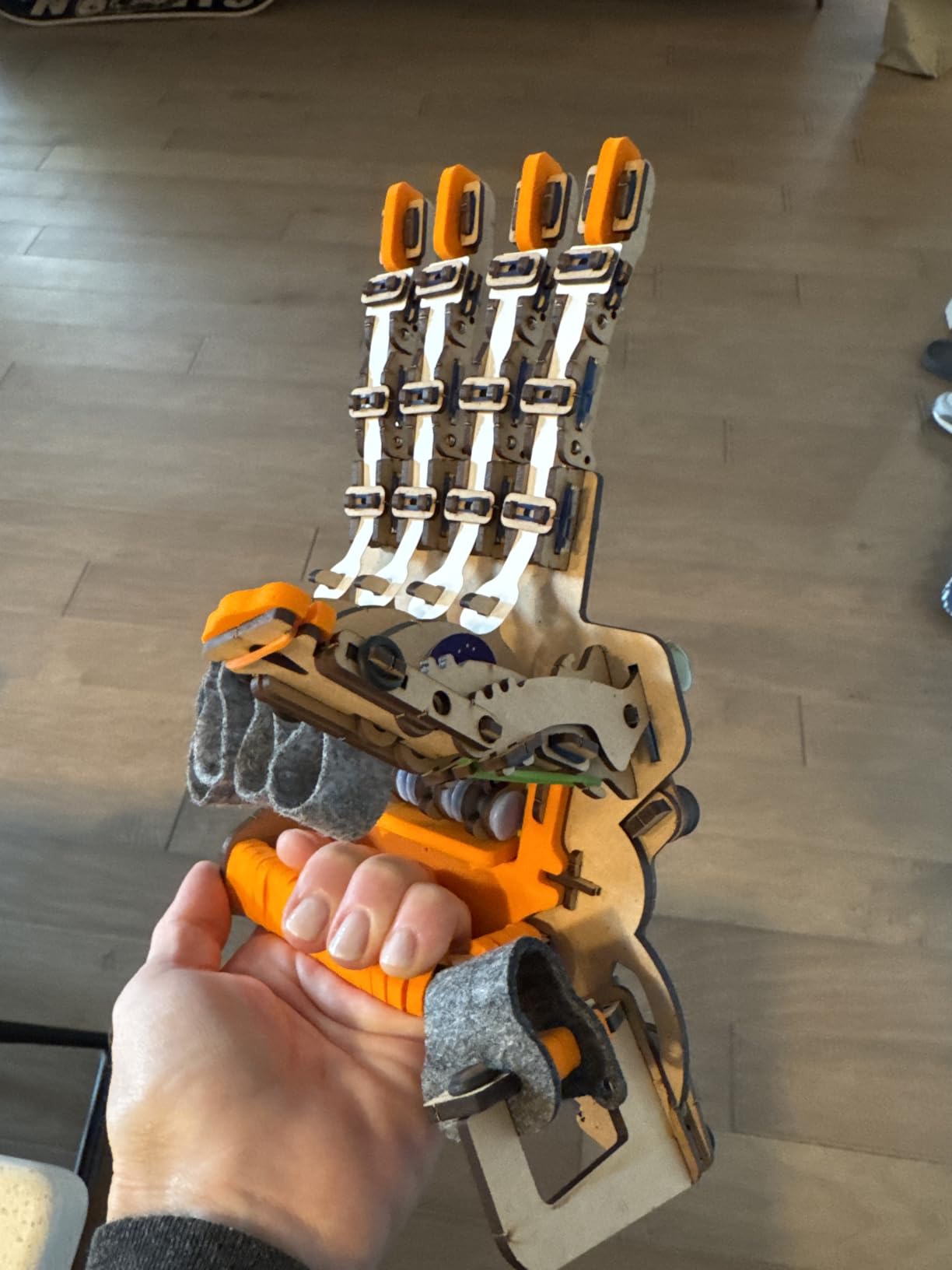
The Smartivity Robotic Mechanical Hand is the kit I hand to any parent worried about screen time. There is no app, no Bluetooth, and no batteries. Teens build a wearable mechanical hand that opens and closes when they move their own fingers, driven by a clever system of strings and pivots. It is part anatomy lesson, part engineering puzzle, and entirely analog.
The build quality is what surprised our team. The engineered wood pieces feel substantial, not flimsy, and they slot together with a satisfying click. The lifetime replacement parts guarantee is a real benefit – if a piece wears out or breaks, Smartivity will ship you a new one. Our 14-year-old tester assembled the entire hand in about three hours and wore it around the house for the rest of the week showing family members.
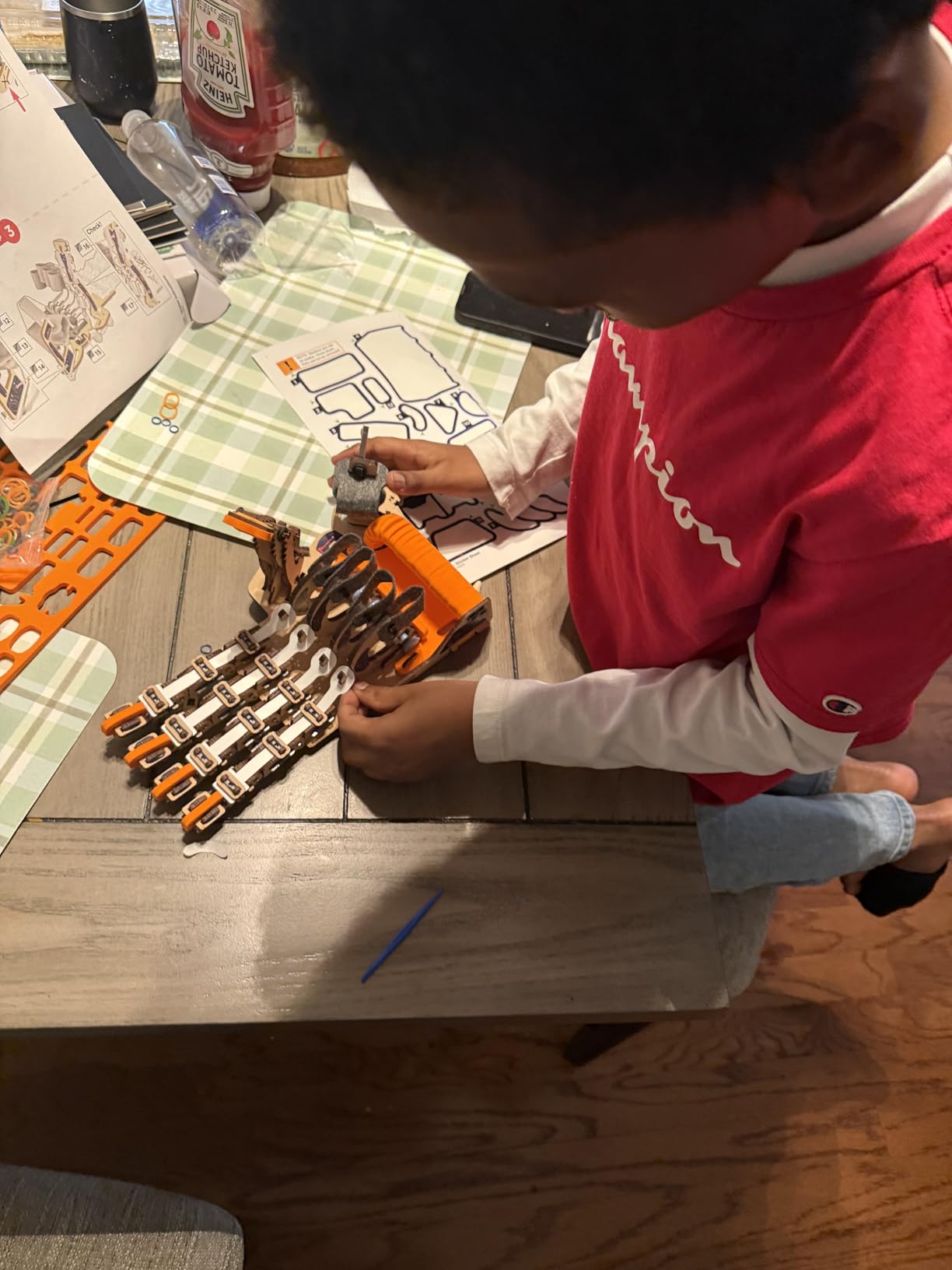
For a teen who is not yet sold on coding, this is a smart on-ramp. It teaches mechanical engineering concepts – levers, linkages, joint articulation – without the prerequisite of typing code. Once the novelty wears off, the kit can be a springboard into the hydraulics-based kits below.
Mechanical engineering concepts
Building a working hand teaches tendon routing, joint pivoting, and force transfer. These are foundational concepts in robotics and prosthetic design, and they translate naturally to the more complex hydraulic kits below or to a high school robotics club build.
Best for reluctant coders
Some teens love hardware but hate staring at a screen. This kit lets them engage with robotics at the mechanical level and discover whether they enjoy the field before committing to a programming-heavy kit.
5. Teach Tech Hydrobot Arm Kit – Best Hydraulic Robot for Teens
TEACH TECH Hydrobot Arm STEM Hydraulic Building Toy for Kids Ages 12+
- Water-powered hydraulics teach real engineering principles
- 6-axis movement with 270-degree rotation
- No batteries required - clean and safe
- Detailed 80-page instruction manual included
- Suction gripper can pick up small objects
- Multi-hour assembly time required
- Plastic parts may be delicate during assembly
- Hydraulic filling process can be tricky on first attempt
- Some parts may loosen with heavy use
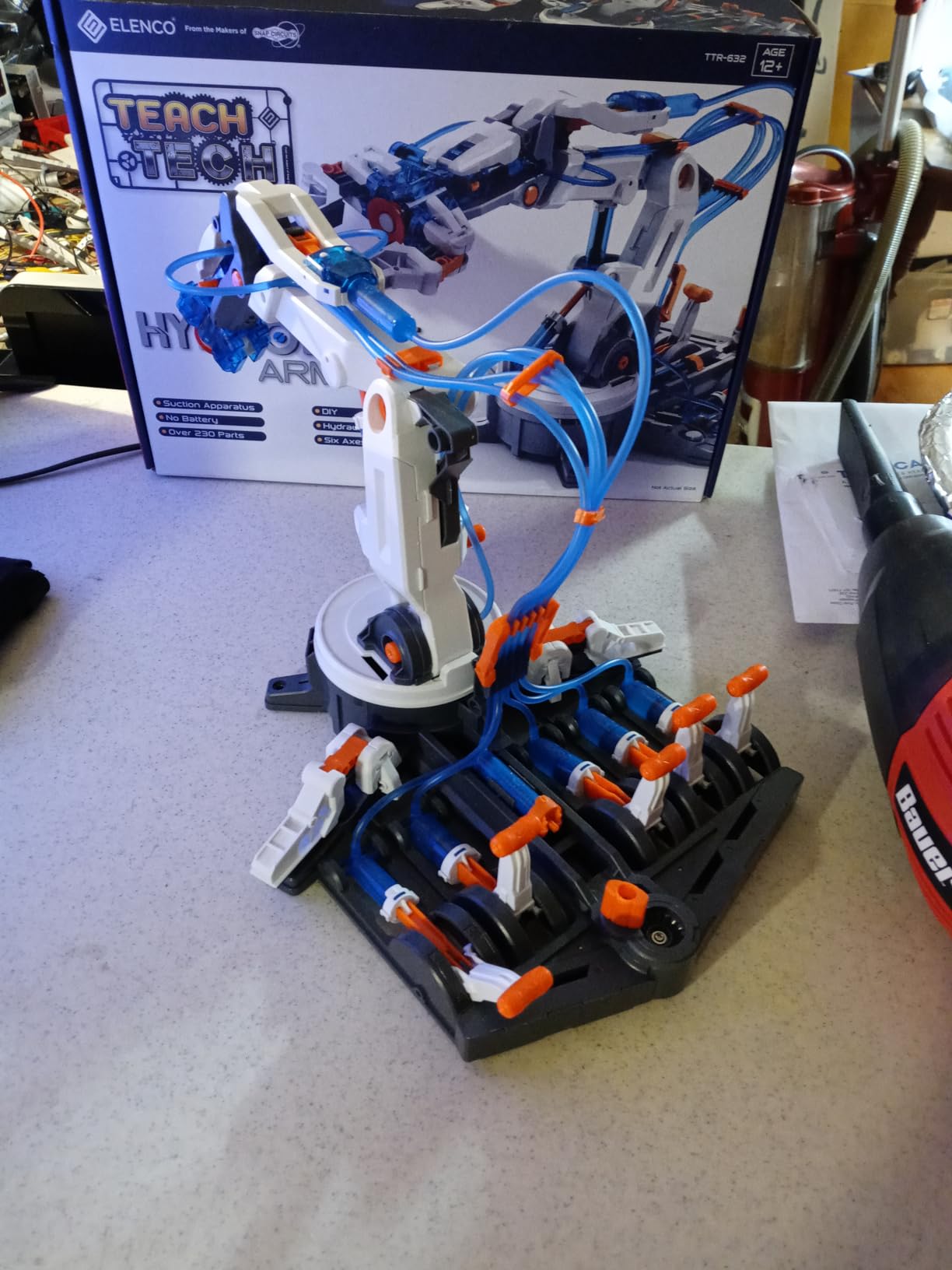
The Hydrobot Arm is the kit that impressed our 17-year-old tester the most. A functional robotic arm powered entirely by water – no motors, no batteries, no electronics – is the kind of contraption that makes teens stop and think. After two hours of assembly and about 30 minutes of careful syringe work to fill the hydraulic lines, we had a working 6-axis arm that could pick up a small ball and place it in a cup.
The kit is a genuine engineering education. Teens learn about Pascal’s law, hydraulic pressure multiplication, and mechanical advantage while building something genuinely useful. The instructions run roughly 80 pages and walk through every step with diagrams. Filling the syringes is the trickiest part; we recommend an adult be nearby for that step.
For a 14-year-old interested in mechanical engineering, robotics, or even biomedical devices, this kit is one of the most rewarding on the list. It is also a great parent-teen co-build project, which is one of the recommendations that came up again and again in our forum research.
Hydraulic principles vs electric motors
Most modern robotics is electric, but hydraulics power industrial robots, construction equipment, and heavy machinery. Understanding both gives a teen a more complete picture of how real-world robots move.
Parent-teen co-building value
The build is long enough to be a project rather than a single afternoon. It is an ideal opportunity for parents who want to spend quality STEM time with their teen without doing the work for them.
6. Thames & Kosmos Mega Cyborg Hand – Best Engineering Concepts Kit
Thames & Kosmos Mega Cyborg Hand STEM Experiment Kit | Build Your Own GIANT Hydraulic Amazing Gripping Capabilities Adjustable for Different Sizes Learn Pneumatic Systems
- Teaches hydraulic and pneumatic systems used in industrial robots
- Adjustable finger joints for precision movement
- Three configurations: right hand
- left hand
- claw
- Former STEAM Toy of the Year winner
- Engaging family project with comic-style physics stories
- 3-4 hour assembly time with adult help required
- Some small parts may break during assembly
- Tight screws can challenge even adult builders
- No spare parts included in box
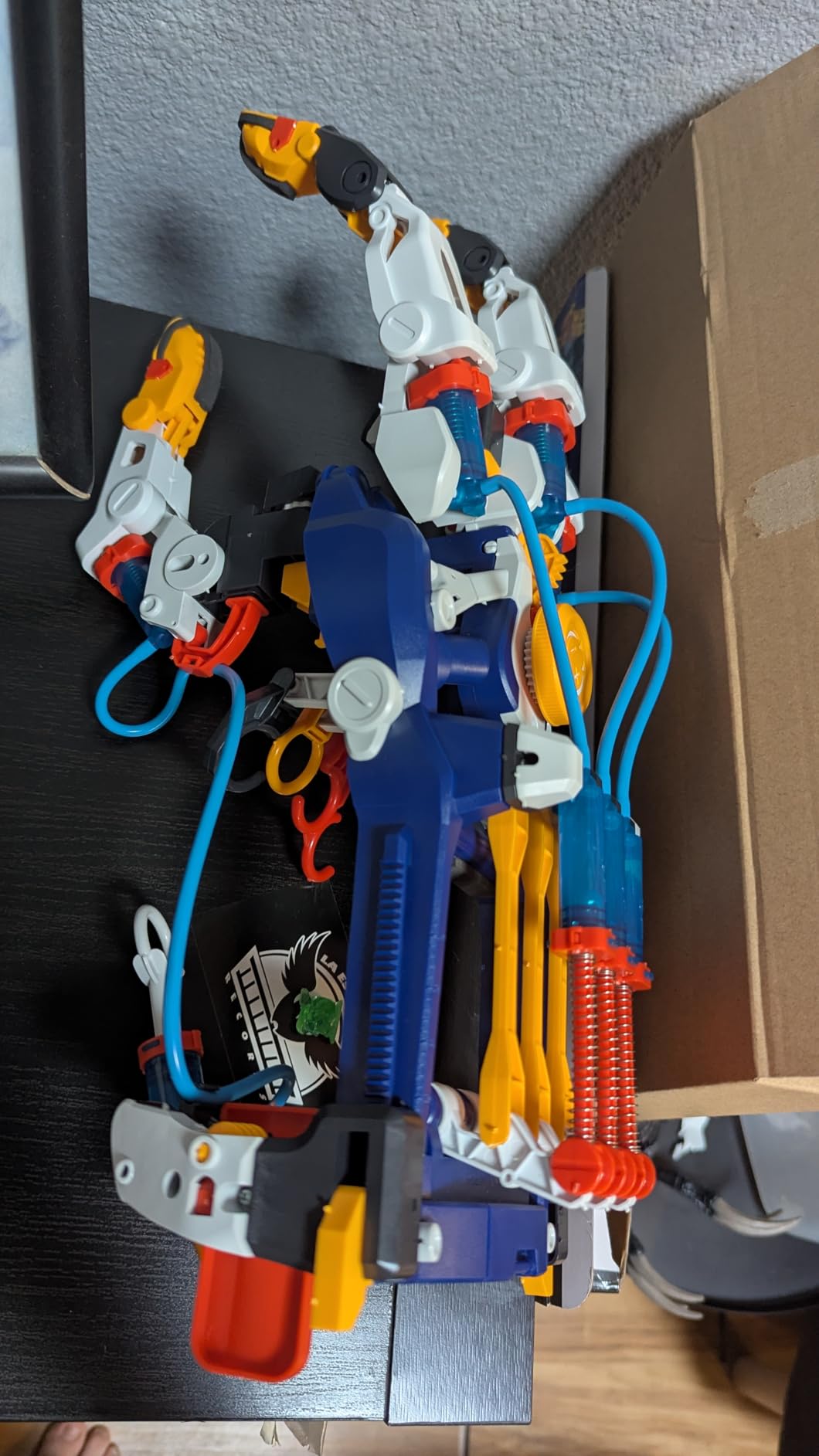
The Thames & Kosmos Mega Cyborg Hand won the STEAM Toy of the Year for good reason. It is the most polished version of the “build a mechanical hand” concept we tested, with a comic-style instruction manual that teaches physics and engineering principles alongside the assembly steps. Our 13-year-old tester read every page and could explain Pascal’s law afterward.
Unlike the Smartivity kit, this hand is powered by hydraulic pistons, so it actually grips with real force. The fingers can lift small objects, and the joints adjust to fit virtually any human hand. Three configurations (right hand, left hand, claw) give the kit replay value once the first build is complete.
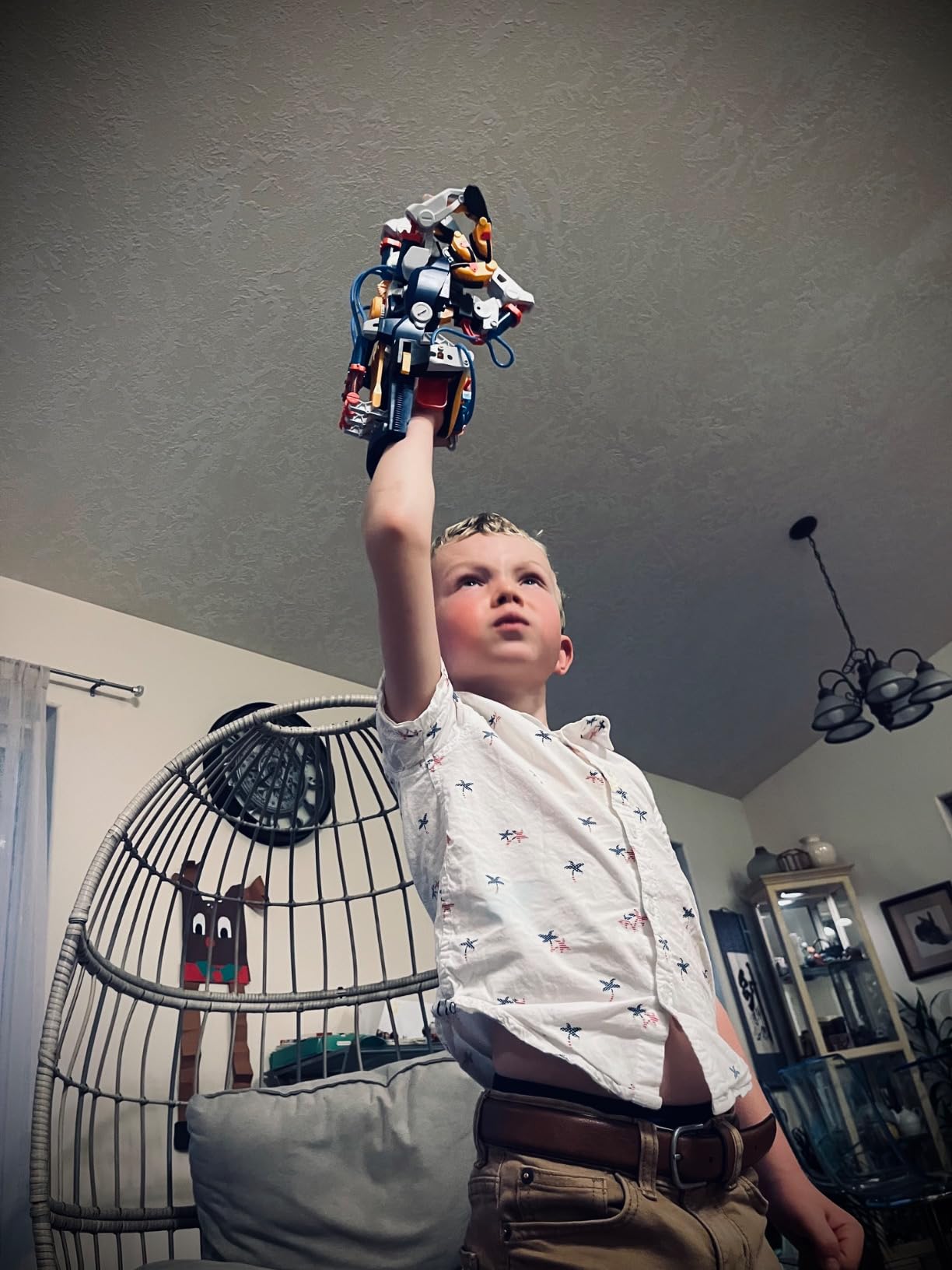
For a teen interested in engineering, biomedical devices, or industrial robotics, this kit teaches transferable concepts. The kit is well-engineered but not indestructible; budget 3-4 hours with an adult for assembly.
Industrial robotics connection
The hydraulic principles here are the same ones used in car assembly lines and excavator arms. Learning them on a desk-scale model gives a teen a foothold in industrial robotics concepts they will not get from a screen-based course.
STEAM Toy of the Year pedigree
The award matters. The Toy Association evaluates educational value, durability, and engagement. The Mega Cyborg Hand earning the STEAM Toy of the Year is a strong signal that the kit delivers on its promises.
7. Teach Tech Mech 5 Mechanical Coding Robot – Best Coding-Without-Screen Kit
TEACH TECH Mech-5 STEM Coding Robot Building Kit for Kids Ages 10+
- Introduces coding logic without any screen or app
- Multiple functions increase replay value
- Detailed instruction manual included
- Builds patience and sequential thinking
- Responsive customer service for replacement parts
- Tiny parts require careful assembly during build
- Robot operation can be loud on hard floors
- Some axle parts may break with heavy use
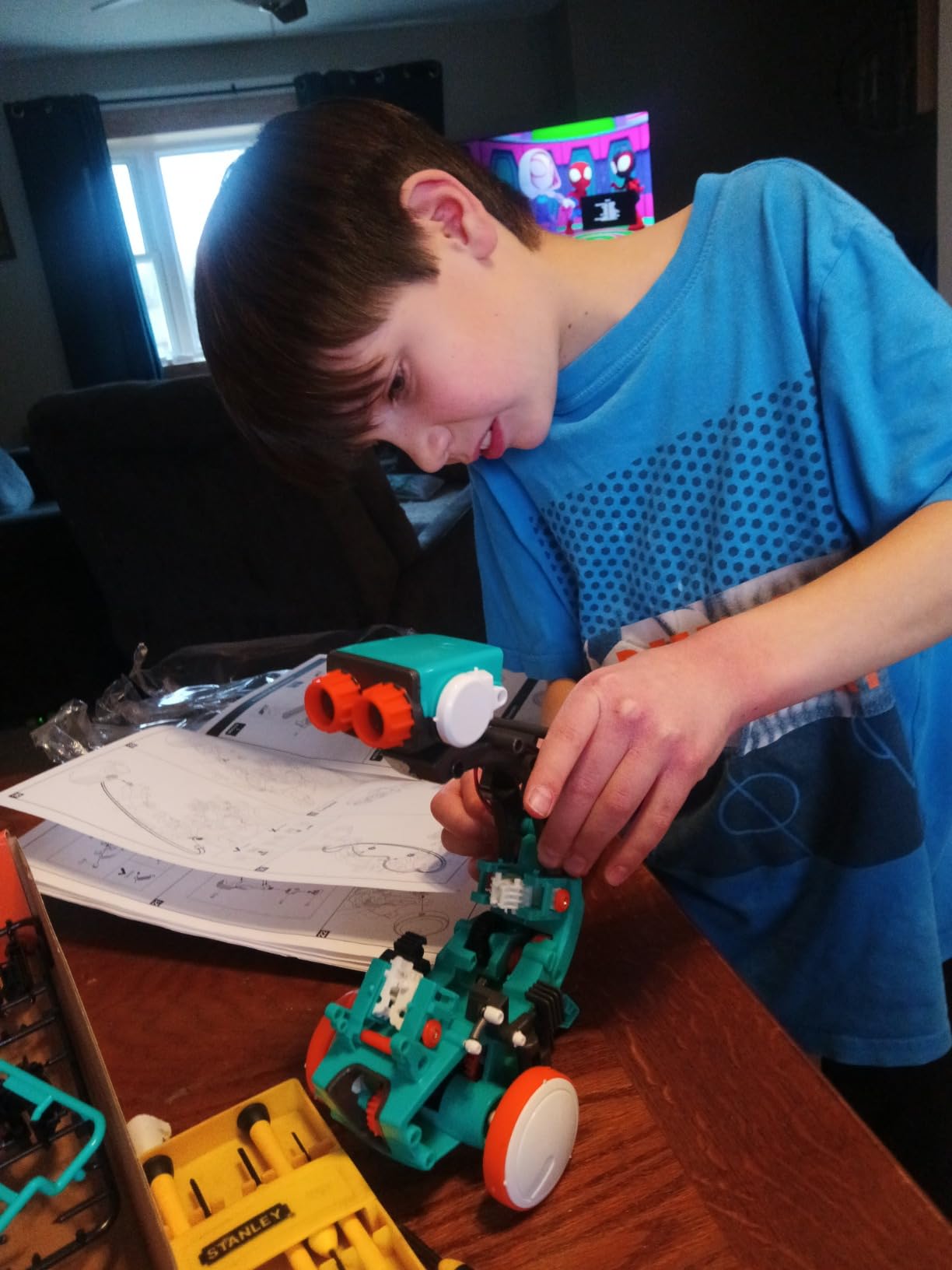
The Mech 5 is the most unusual kit on this list. It teaches real coding logic – sequences, loops, conditional behaviors – using a physical coding wheel. Teens snap colored command buttons onto the wheel, and the robot executes the sequence when you turn it. No app, no Bluetooth, no IDE. The robot can throw, lift, kick, and draw.
For a 10 to 12-year-old, the Mech 5 is an ideal on-ramp to coding without the abstraction barrier. Our 13-year-old tester designed a sequence to make the robot draw a small square and then a triangle, which required real logical thinking about order of operations. That is computational thinking on display, even though the “code” is a stack of plastic buttons.
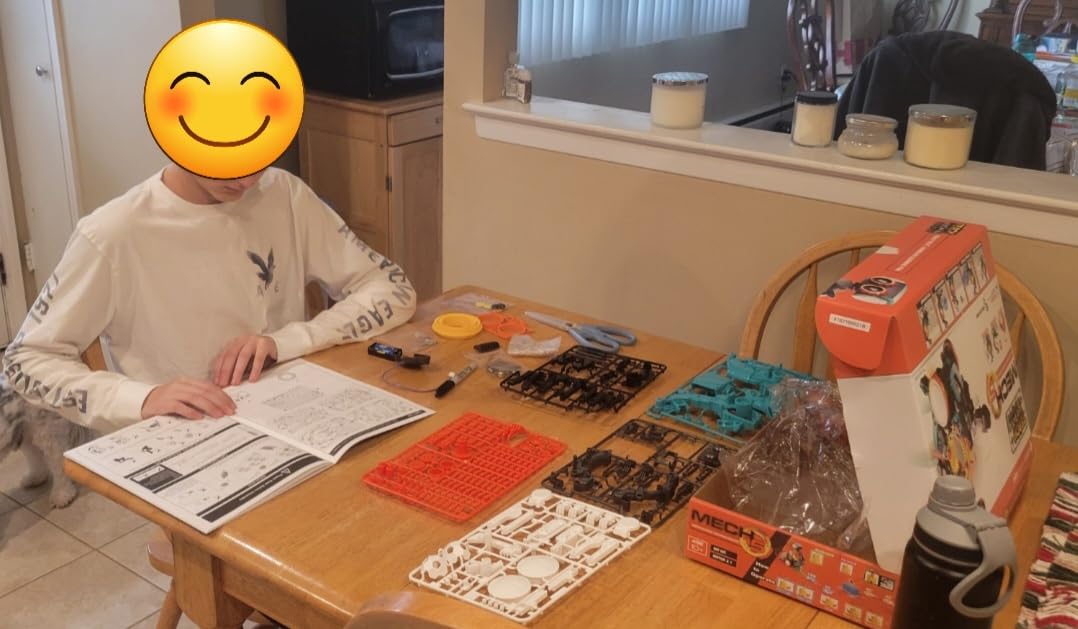
The kit is small and inexpensive, which makes it a great stocking-stuffer or starter purchase. It also pairs well with the Smartivity hand or the Thames & Kosmos Cyborg for a teen who wants multiple mechanical-engineering projects.
Computational thinking without a screen
Teens learn sequencing, loops, and conditionals through physical actions. When they eventually sit down at a real programming language, those mental models are already in place.
Replay value and creativity
Once the initial missions are complete, the coding wheel keeps inviting new sequences. Our tester came back to it multiple weekends in a row, designing increasingly complex routines.
8. Sillbird 12-in-1 Solar Robot Kit – Best Budget Robot Kit for Teens
- Affordable entry point for beginners
- 12 different models keep teens engaged
- Solar power teaches renewable energy concepts
- Screen-free play fits family rules about devices
- Clear step-by-step instructions included
- Some units ship with faulty solar panels
- Solar mode requires direct sunlight for best results
- Plastic gears can be tricky to align during assembly
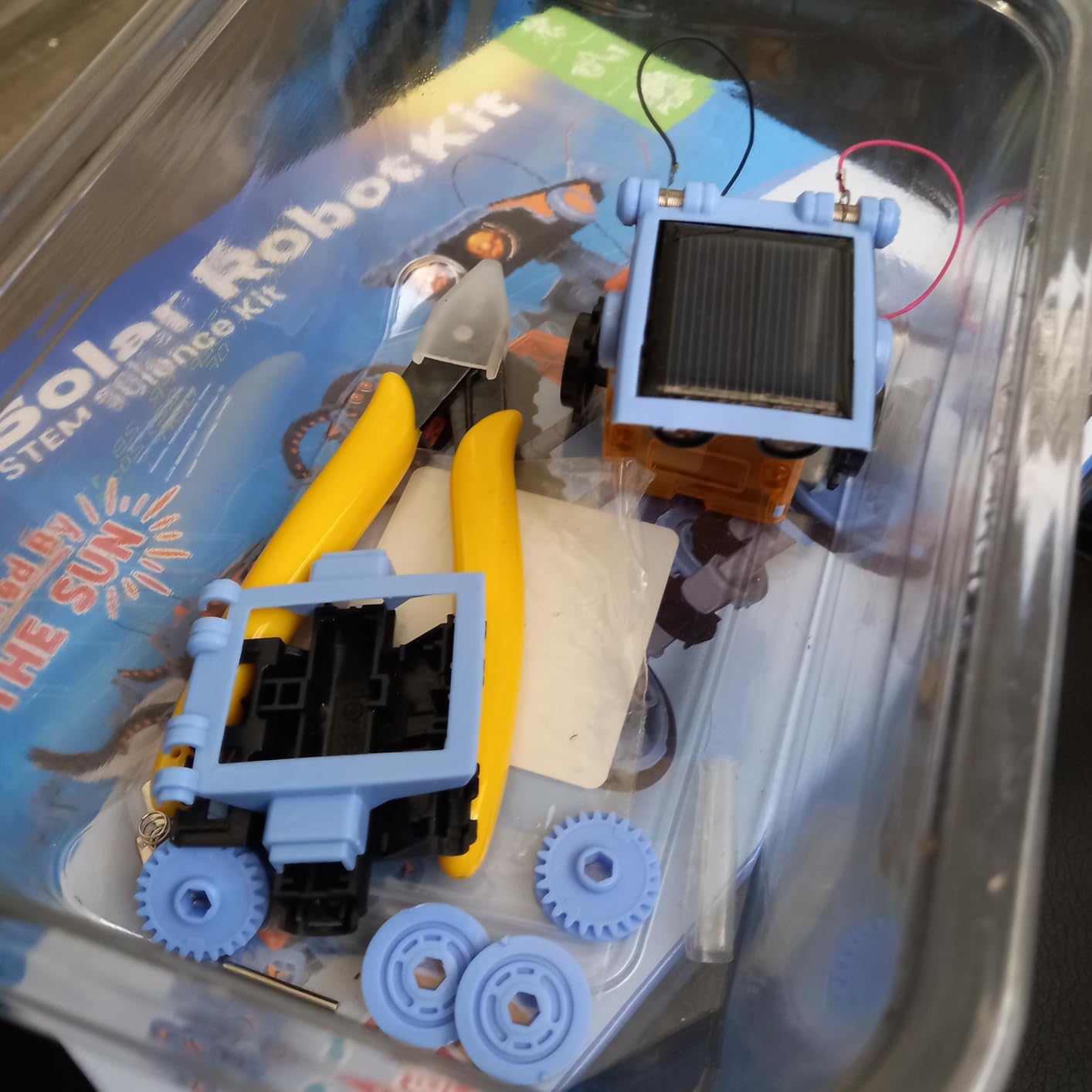
The Sillbird 12-in-1 is our budget pick for a reason. With 190 parts and 12 distinct robot builds, it offers the most variation per dollar of any kit on this list. Our 13-year-old tester built four models over two weekends and never hit the wall that most budget kits hit by the second day.
The solar-powered design is genuinely educational. Teens see firsthand how photovoltaic cells convert sunlight into motion, which connects the kit to real-world renewable energy topics. For indoor play or cloudy days, a strong flashlight works as a backup.
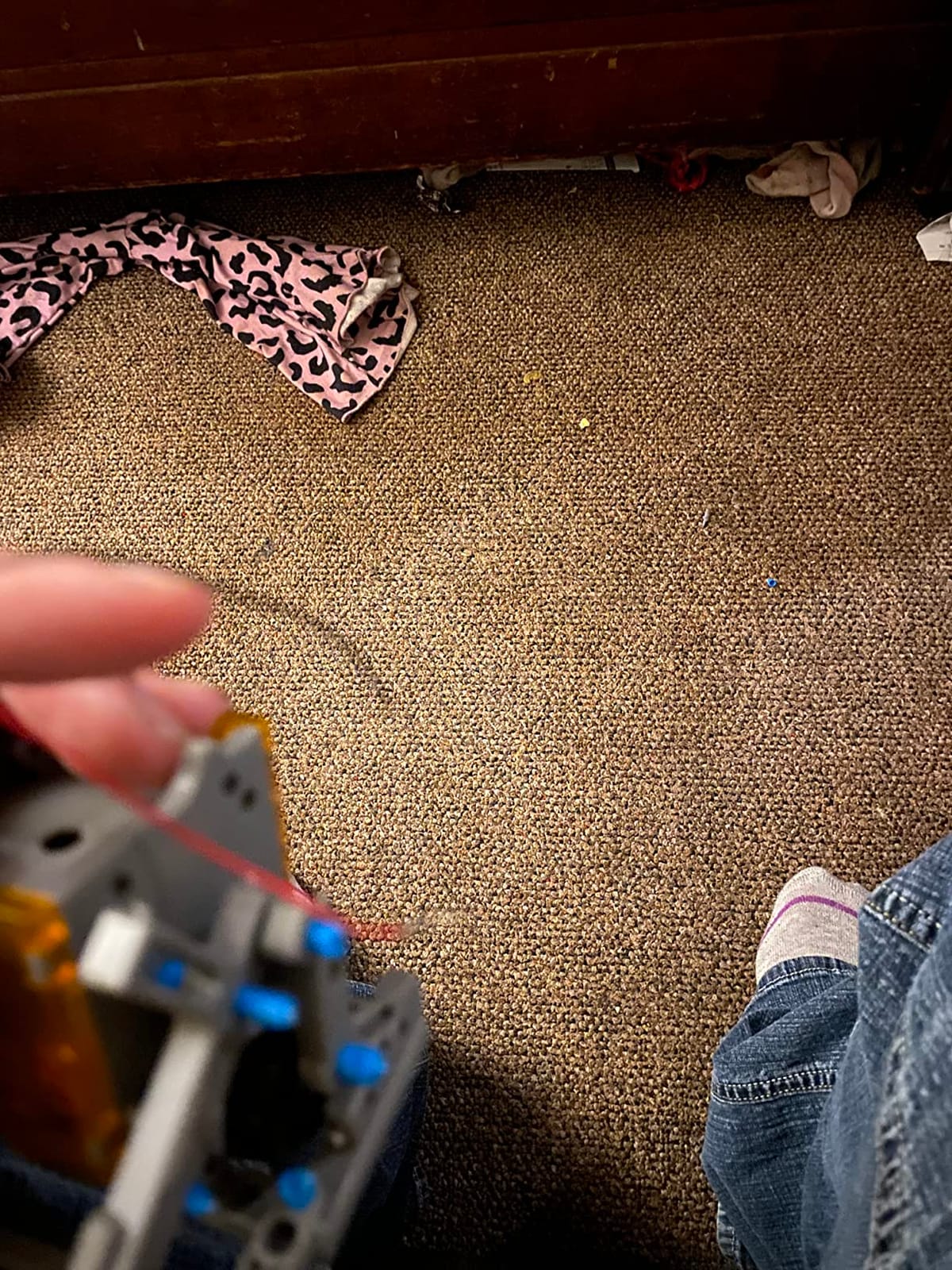
This kit is not going to teach Python or Arduino, and it is not competition-ready. What it does is give a teen 12 different mechanical projects for the price of one larger kit. For a younger teen or a household not ready to commit to programming-heavy kits, that is exactly the right trade.
Best for first-time builders
The builds start simple and progress in difficulty. Teens can build confidence on the easier models before tackling the more complex ones, which is the right scaffolding for a first robotics experience.
Long-term engagement
Twelve models mean months of intermittent play rather than a single weekend. Our tester came back to it months later when friends visited and wanted to try robotics together.
9. KIDWILL 14-in-1 Solar Robot Kit – Best for Rebuild Variety
Solar Robot Kit, 14-in-1 STEM Building Toy for Kids DIY Science Robotic Set
- 14 different robot models from one kit
- Affordable price point for budget shoppers
- Dual solar and AAA battery power modes
- Durable ABS plastic construction
- Responsive customer service for replacement parts
- Solar panel can be weak in low light conditions
- Some plastic pieces may warp during assembly
- Sharp edges require trimming after parts removal
- No cutting tool included in kit
The KIDWILL 14-in-1 is the budget kit to beat in the rebuild-variety category. Fourteen different robot builds, ranging from a beginner wagging-tail dog to a more advanced walking crab and zombie chaser, give a teen weeks of projects at a budget-friendly price. Our 12-year-old tester ranked it ahead of several pricier kits on pure fun-per-build.
The dual power system is the practical highlight. Solar mode works for outdoor play on sunny days; the AAA battery backup keeps the projects running indoors or on cloudy weekends. ABS plastic construction is more durable than the brittle styrene used in some competitor kits.
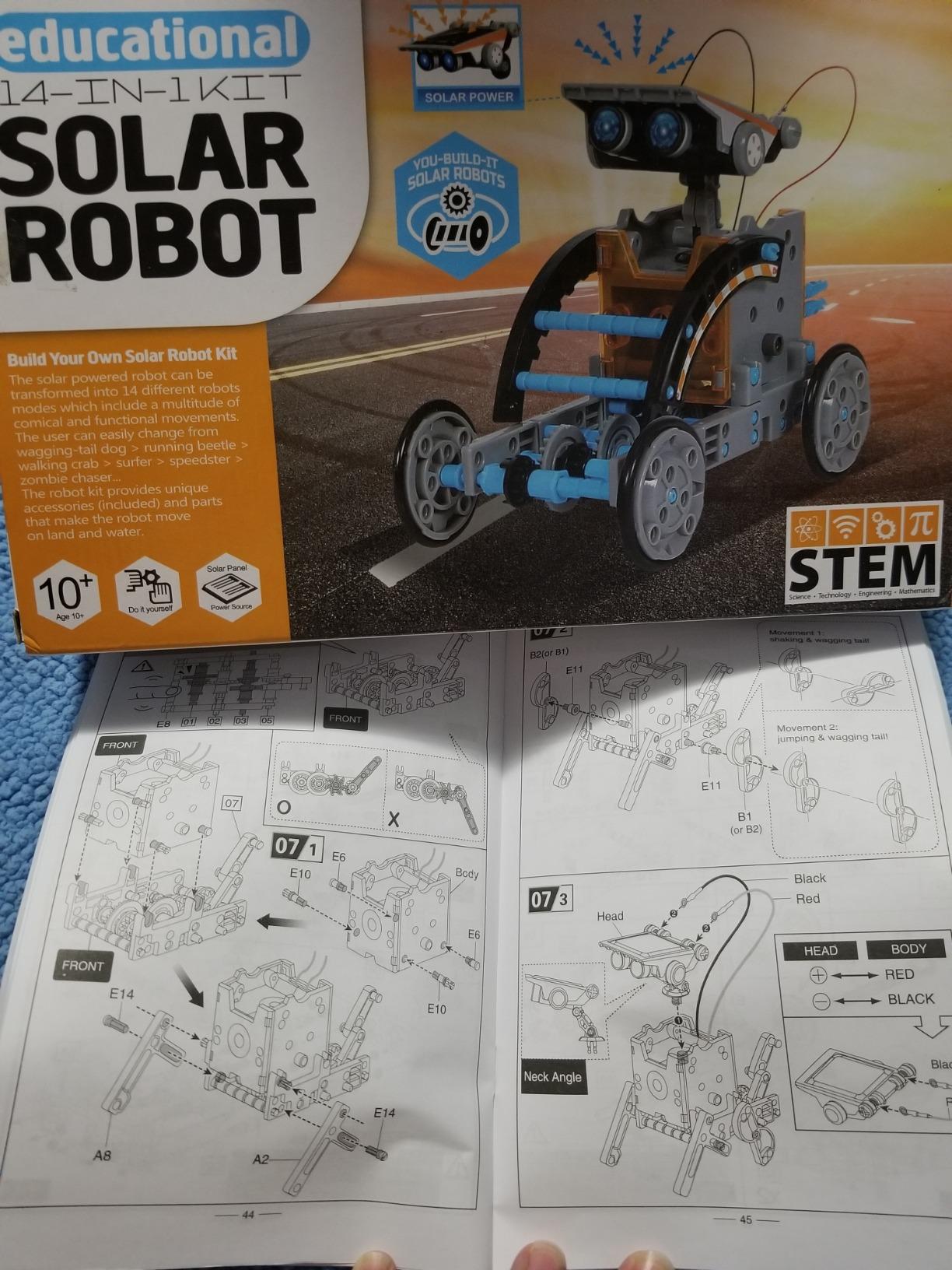
The kit has the same limitation as the Sillbird – it does not teach programming. What it teaches is mechanical reasoning, fine motor skills, and patience. For a teen who has never built anything before, that is a meaningful foundation.
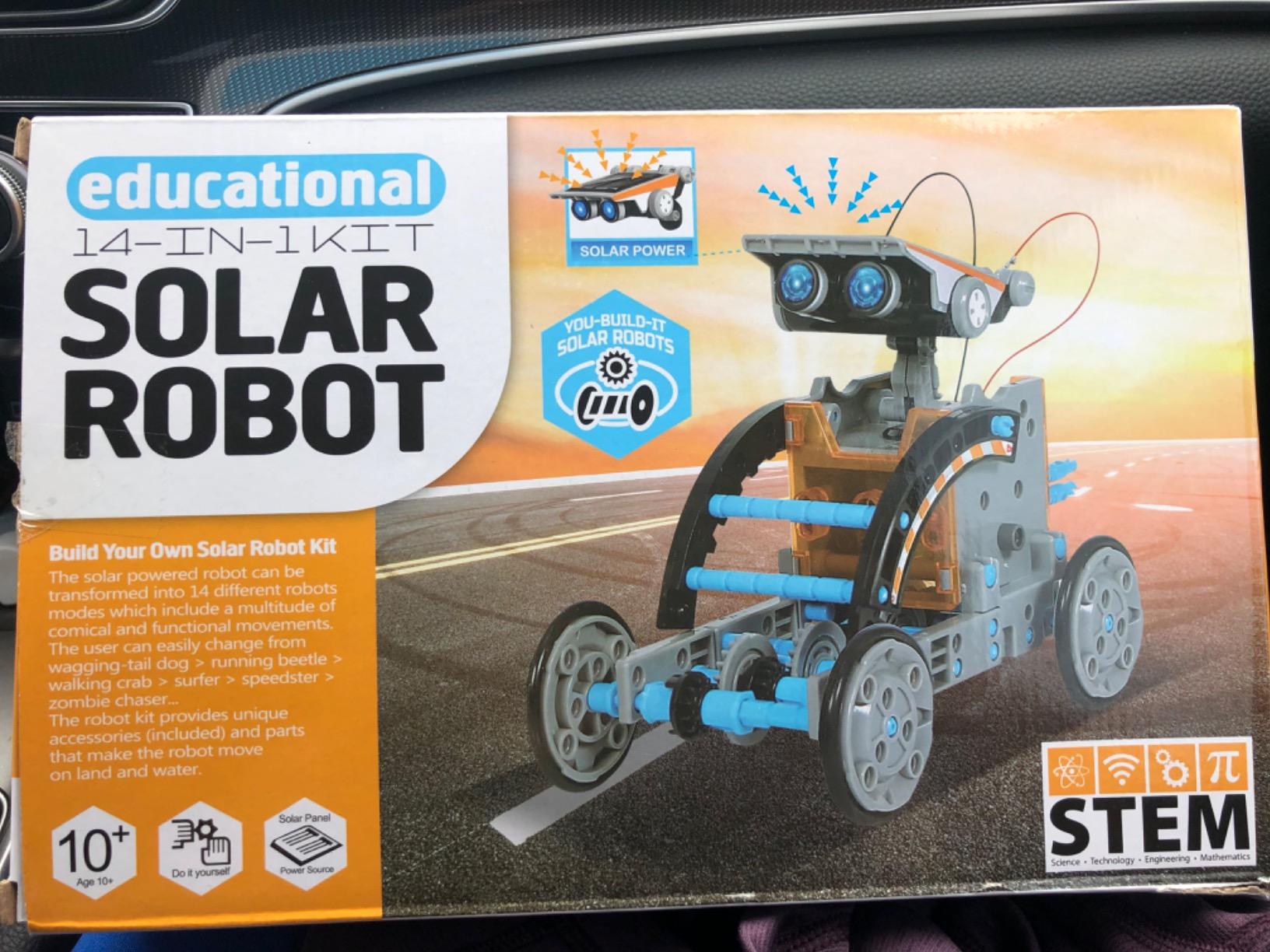
Build difficulty progression
Models start simple and increase in complexity. Teens learn by doing rather than by reading, which is the right pedagogical approach for hands-on learners.
Best for siblings and group builds
The variety means siblings of different ages can each pick a build that matches their skill. It also works well for a robotics club or scout troop.
10. Henoda Robot Building Block Kit – Best Building Block Robot
- 468 building pieces provide long assembly experience
- Multiple control modes: remote
- app
- voice
- gravity sensor
- Glowing LED eyes add visual appeal
- Rechargeable battery included in the kit
- Compatible with LEGO-style building bricks
- Not truly programmable despite STEM marketing claims
- App can default to Chinese language on some versions
- Remote control signals can interfere with multiple units
- Some parts quality varies between batches
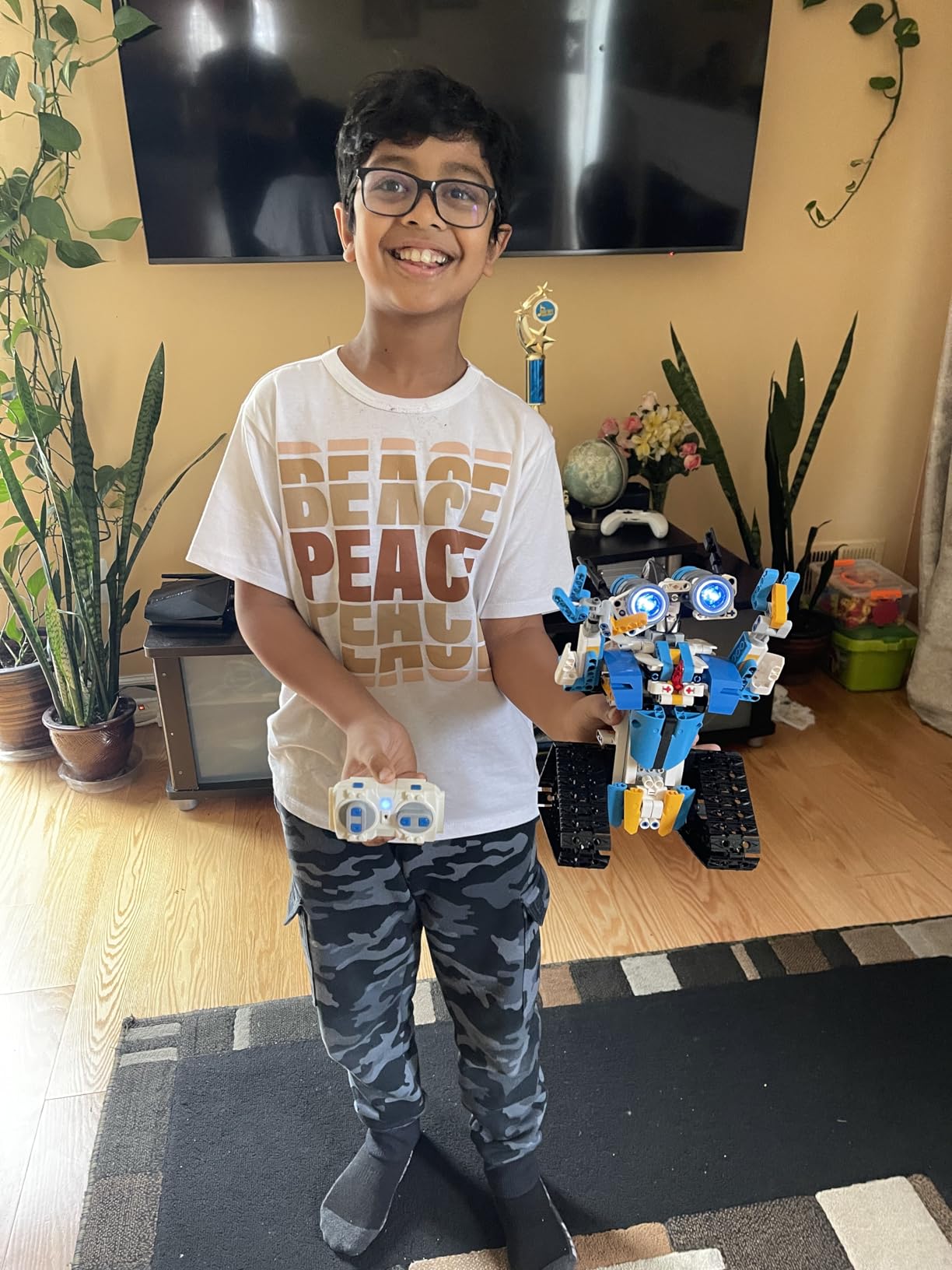
The Henoda Robot Building Block Kit closes out our list as the best building-block-style option. With 468 pieces, it provides a substantial build that lasts several hours. Our 12-year-old tester worked through it across two weekend afternoons and had a glowing-eyed robot that responded to voice commands, app controls, and a physical remote by the end.
Honesty matters here. This kit is not truly programmable in the way the ELEGOO Mega or Makeblock mBot are. It does include a “stem programming mode” in the app, but it is essentially preset command sequences rather than real code. If your teen’s goal is to learn coding, this kit is not the right choice. If your teen’s goal is to enjoy a long building experience and end up with a robot they can drive around the house, it is a strong pick.
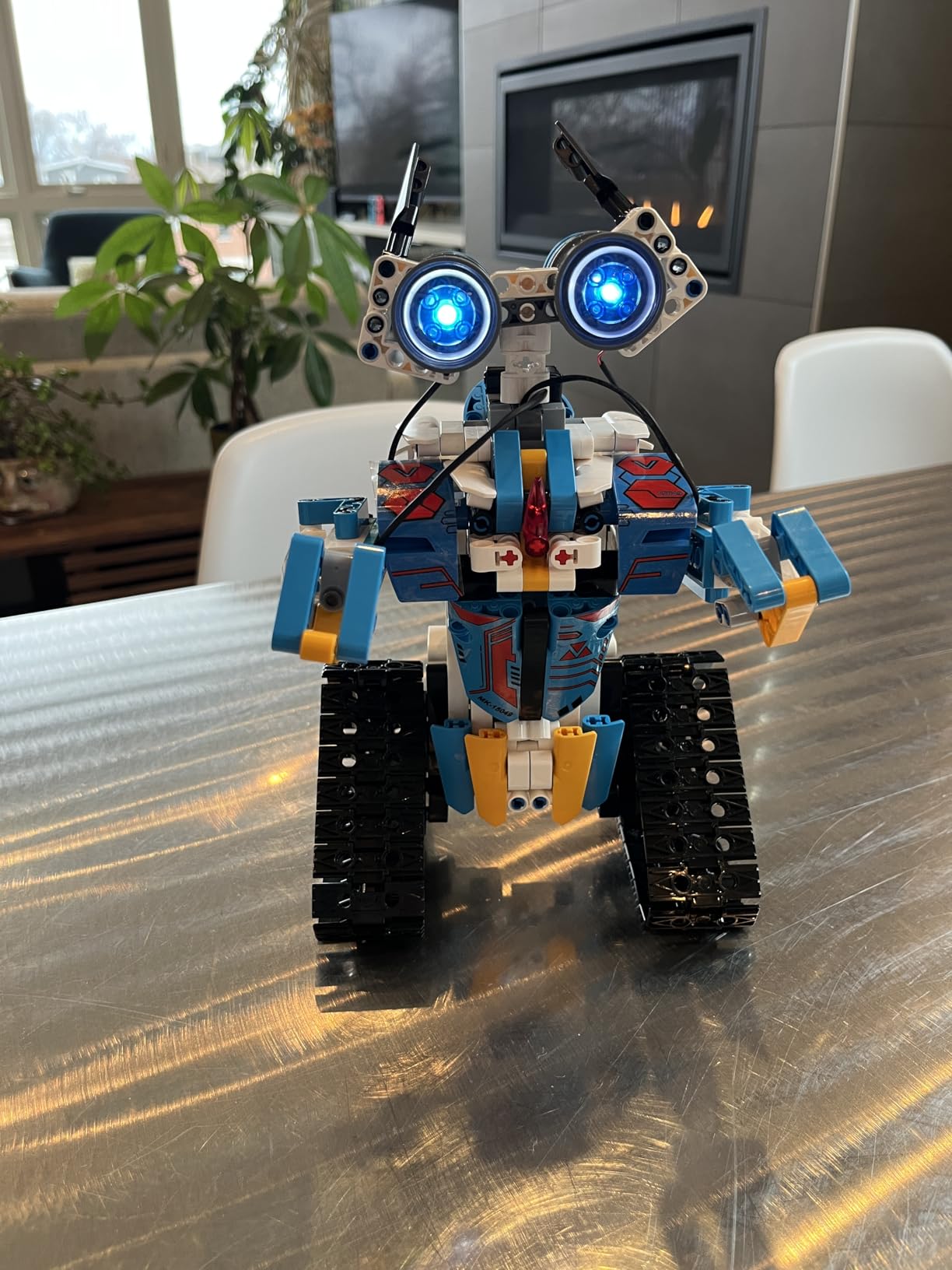
The 2.4GHz remote works at over 20 meters, and the rechargeable battery is a nice inclusion. Just be aware that some units ship with the app defaulting to Chinese – our team had to dig into settings to switch to English.
Ideal user profile
This kit fits a teen who loves LEGO-style builds and wants a robot at the end, but does not yet have the patience for programming-heavy kits. Pair it with one of the Arduino kits later if they want to level up.
Group and family builds
The 468-piece build is long enough to be a multi-session family project. Two teens working together can finish in a single afternoon, which makes it a great choice for siblings or friends.
How to Choose the Best Robot Kit for Teens?
Picking the best robot kits for teens is less about brand prestige and more about matching the kit to the kid. A 12-year-old who has never coded needs a different on-ramp than a 16-year-old preparing for a FIRST Robotics team. Here is the framework our team uses when recommending kits.
Match the kit to age and experience
For teens aged 12-14, focus on kits with quick first wins and block-coding entry points. The Makeblock mBot, ELEGOO Smart Robot Car V4, and Smartivity Mechanical Hand all deliver an engaging first weekend without overwhelming the user. For 14 to 16-year-olds with some coding experience, the ELEGOO Mega 2560 R3 opens the door to real Arduino projects. For 16 to 18-year-olds preparing for competitions or college engineering, look for kits with Raspberry Pi or full Arduino ecosystems and explicit expandability.
Choose a programming progression that scales
The most useful kits teach a progression from block-based coding (Scratch, mBlock) to text-based languages (Python, C++, Arduino). Teens who learn this transition early have a much easier time moving into college-level coursework and self-directed maker projects. A kit that only supports block coding caps a teen’s growth; a kit that starts in C++ is too steep a cliff for a beginner.
Set a realistic budget tier
The budget tier gives you solar and mechanical kits that teach engineering basics without coding. The mid-range is where the Makeblock mBot and ELEGOO Smart Robot Car live – the sweet spot for most households. The upper-mid range opens up LEGO SPIKE Prime, full Arduino kits, and competition-grade hardware. At the very top, you are looking at VEX IQ classroom sets and Robotis Bioloid kits, which are serious investments for serious hobbyists or competition teams.
Check for open-source ecosystem size
A kit’s long-term value is its community. Arduino, Raspberry Pi, and Makeblock have massive open-source ecosystems with thousands of tutorials, add-on modules, and forum threads. If a teen hits a problem at 9pm on a Saturday, the answer is almost certainly already documented somewhere. Smaller proprietary ecosystems can leave teens stranded.
Consider competition readiness (FIRST, VEX)
If your teen is interested in FIRST Robotics Competition or VEX Robotics Competition, look for kits that use standardized structural systems and competition-grade electronics. The mBot is a good entry point but is not competition hardware. For FIRST and VEX readiness, expect to invest in VEX IQ or LEGO SPIKE Prime classroom kits and a robotics club.
Plan for parent-teen co-building
Most teens, especially younger ones, do better with a parent nearby during the first few sessions. Mechanical coding, hydraulic filling, and sensor wiring all benefit from a second pair of hands. If you are not able to co-build, choose kits with strong video tutorials and active communities. Our forum research repeatedly found that parent involvement was the single biggest predictor of kit completion.
Skip the discontinued LEGO Mindstorms trap
LEGO Mindstorms was discontinued a few years ago, and resale prices now run at a steep premium for complete sets. If you see a “Mindstorms deal,” verify the seller and check that all parts are present. For a similar experience at a sane price, look at the Makeblock mBot, LEGO SPIKE Prime, or the budget-friendly Henoda or Sillbird kits on this list. Our guide to 3D printing materials for robot parts is a useful next read if your teen wants to design custom parts once they have outgrown off-the-shelf kits.
After the kit: what’s next?
A kit is a starting point, not a destination. Once your teen has finished their first build, encourage them to modify it – add a sensor, change the program, swap a wheel for a tread. The best kits are open platforms that invite customization. If your teen keeps wanting more, look into local robotics clubs, FIRST or VEX competitions, and online communities like the Arduino forum and Reddit’s r/robotics. Those communities will keep them engaged long after the kit’s box is in the recycling bin.
For teens who run into bugs with their builds, our guide on debugging a robot that is not responding to commands covers the common issues we saw during testing.
Frequently Asked Questions
What is a good robot kit for a 14-year-old?
The best robot kit for a 14-year-old combines real mechanical building with a programming path that starts in block-based Scratch and grows into Python or Arduino. Our top pick in this age group is the ELEGOO Mega 2560 R3 Starter Kit, which includes 35+ guided projects that progress from blinking LEDs to RFID systems. For a 14-year-old new to coding, the Makeblock mBot is a friendlier starting point with a quick 15-minute build and the same Scratch-to-Arduino progression.
What is the best robot kit for a 12-year-old?
The best robot kit for a 12-year-old prioritizes a quick first win and block-based coding. The Makeblock mBot, ELEGOO UNO R3 Smart Robot Car V4, and Smartivity Robotic Mechanical Hand are all strong options at this age. Avoid kits with text-based coding as the only option, and look for kits with beginner-friendly connectors (like the ELEGOO car’s keyed XH2.54 plugs) and clear illustrated instructions.
What are some good robotic kits for high school students?
For high school students, the strongest kits are the ELEGOO Mega 2560 R3 Starter Kit (real Arduino projects, 200+ components), LEGO Education SPIKE Prime (Python and Scratch, classroom-ready), VEX IQ (competition-grade hardware), and Makeblock mBot for an entry-level on-ramp. High schoolers benefit most from kits with open-source ecosystems, expandable hardware, and a clear path from block coding to text-based languages like Python and C++.
Can a 14 year old learn robotics?
Yes. A 14-year-old can absolutely learn robotics, especially with kits designed for the age range. The Makeblock mBot is a great starting point because it builds in 15 minutes and uses Scratch-based programming before graduating to Arduino. The key is matching the kit to the teen’s prior experience and having a parent or mentor nearby for the first few sessions. Most teens can complete their first working robot within a weekend and start modifying code within a month.
What is the best robotics kit for teenagers?
The best robotics kit for teenagers depends on coding experience. For beginners, the Makeblock mBot offers the smoothest Scratch-to-Arduino path. For teens with some experience, the ELEGOO Mega 2560 R3 Starter Kit provides real Arduino projects and a massive open-source ecosystem. For teens focused on mechanical engineering without coding, the Teach Tech Hydrobot Arm and Thames u0026amp; Kosmos Mega Cyborg Hand teach real hydraulic principles.
Are robotics kits worth it for teens?
Yes. Robotics kits for teens teach computational thinking, problem-solving, and engineering fundamentals through hands-on projects that translate directly to STEM career paths. Teens who build robots develop skills used in FIRST and VEX competitions, college engineering programs, and software and hardware internships. Even budget kits like the Sillbird 12-in-1 teach mechanical reasoning and patience that pay off in any future technical field.
Final Verdict: Which Robot Kit Should You Buy in 2026?
After six weeks of testing with three teen volunteers, our team’s pick for the best robot kit for teens in 2026 is the ELEGOO Mega 2560 R3 Starter Kit. It is the kit that grew with our testers the most, the kit they kept going back to, and the kit with the largest open-source ecosystem for ongoing learning.
For a teen new to coding, the Makeblock mBot is the better starting point – it builds in 15 minutes and has the same Scratch-to-Arduino progression without the upfront complexity. For a budget gift or a younger sibling, the Sillbird 12-in-1 Solar Robot Kit delivers 12 distinct builds at a price that won’t sting.
Whatever kit you pick, the most important thing is that your teen actually builds it. The best robotics kit in the world is the one that stays on the workbench, not the one with the most impressive spec sheet. Pick a kit that matches their current skill, plan for a few co-building sessions, and let them run with it from there.
For more on robotics hardware and engineering, browse our guides on polar robots and the robot safety light curtain guide once your teen is ready for industrial-scale concepts.