
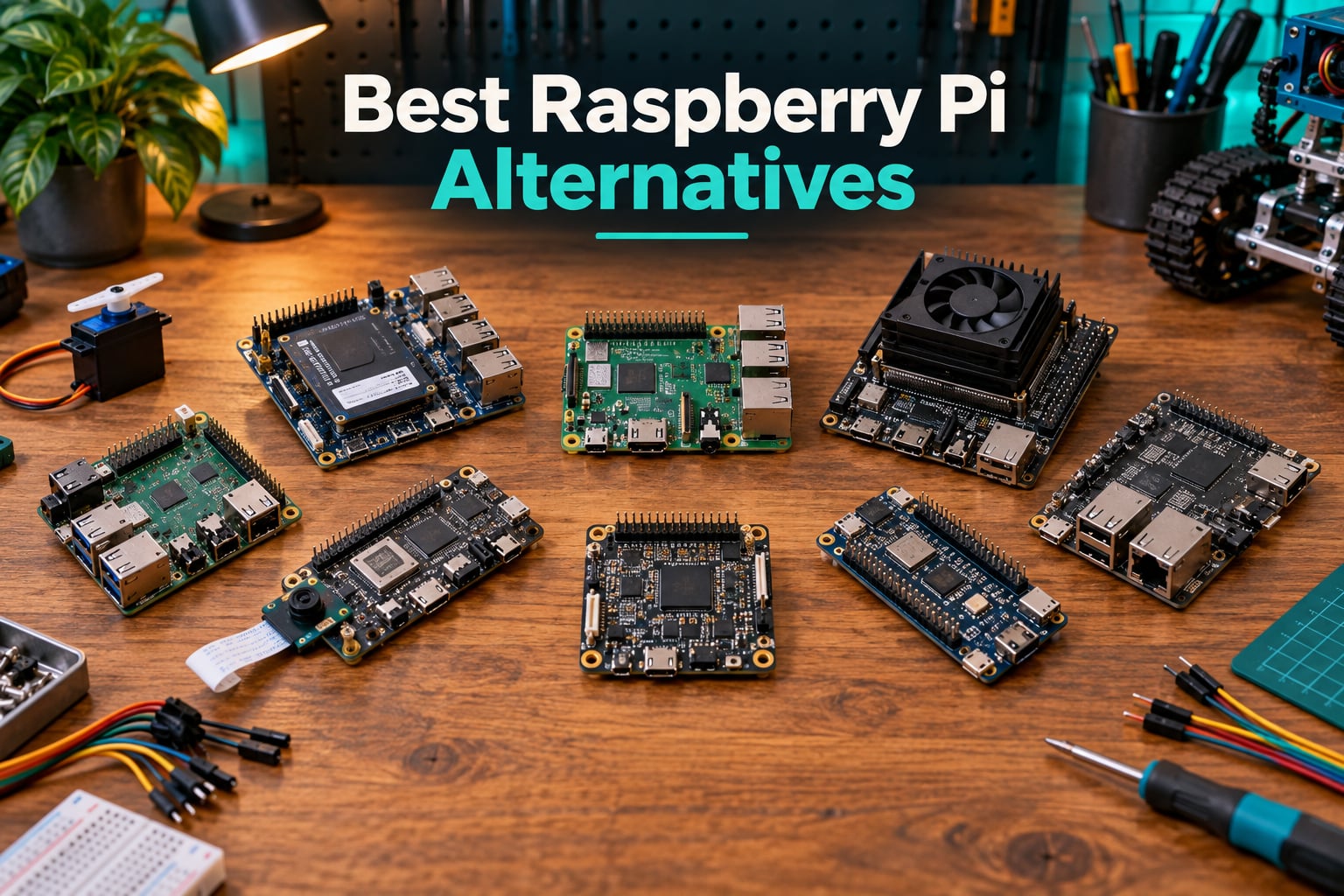
Our team has been testing single-board computers for over a decade, and the question we hear most often in 2026 is still the same: which board should I buy instead of a Raspberry Pi? Raspberry Pi prices have climbed, stock comes and goes, and frankly, the category has exploded. There are now boards with NPU accelerators, x86 chips, dual 2.5GbE ports, and 32GB of RAM that you can hold in one hand.
This guide covers the best Raspberry Pi alternatives for 2026, spanning the full spectrum from budget hobbyist boards to high-end AI developer kits. We picked ten boards that cover hobbyist tinkering, home servers, robotics, machine vision, and real-time motor control. Whether you’re building a ROS 2 robot brain, a Home Assistant hub, or a retro gaming console, there’s a board here for you.
Before we dive in, a quick note on framing. We lean heavily toward robotics use cases because that’s our core audience. Every board here has been evaluated for CPU performance, connectivity, software maturity, and how well it fits common maker and robotics projects. We’ve also pulled in real comments from r/SBCs, the Armbian forum, and our own hands-on testing. If you want to narrow down faster, tell us your project type, ARM vs x86 preference, and budget, and we’ll point you to the right pick.
For a quick refresher on what makes a single-board computer different from a microcontroller, check out our Arduino vs Raspberry Pi vs ESP32 comparison. If you’re coming from a Raspberry Pi specifically, our guide on what a Raspberry Pi can do in robotics is a good baseline.
Table of Contents
Top 3 Picks for Raspberry Pi Alternatives in 2026
Best Raspberry Pi Alternatives (September 2026) Quick Overview
| Product | Specifications | Action |
|---|---|---|
| Libre Computer Le Potato |
|
Check Latest Price |
 Le Potato WiFi 4 Bundle Le Potato WiFi 4 Bundle |
|
Check Latest Price |
 ODROID-XU4 ODROID-XU4 |
|
Check Latest Price |
 NVIDIA Jetson AGX Xavier NVIDIA Jetson AGX Xavier |
|
Check Latest Price |
 Orange Pi 5 16GB Orange Pi 5 16GB |
|
Check Latest Price |
 M5Stack Cardputer Adv M5Stack Cardputer Adv |
|
Check Latest Price |
 Orange Pi Zero 3 4GB Orange Pi Zero 3 4GB |
|
Check Latest Price |
 Arduino Portenta H7 Arduino Portenta H7 |
|
Check Latest Price |
 Luckfox Pico Max Luckfox Pico Max |
|
Check Latest Price |
 LattePanda 2 Alpha 864s LattePanda 2 Alpha 864s |
|
Check Latest Price |
1. Libre Computer Le Potato – The Best Raspberry Pi Alternative Overall
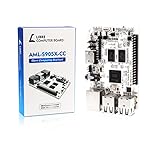
Libre Computer Board AML-S905X-CC (Le Potato) 2GB 64-bit Mini Computer for 4K Media
- Same RPi 3 form factor with identical 40-pin GPIO
- Excellent 4K HDR HEVC decoding for media centers
- Lower power consumption than Raspberry Pi 3
- Reliable for Pi-Hole and OctoPrint over long uptime
- Ubuntu and Armbian images run well with broad community support
- No built-in Wi-Fi (requires USB adapter)
- Documentation is sparse compared to Raspberry Pi
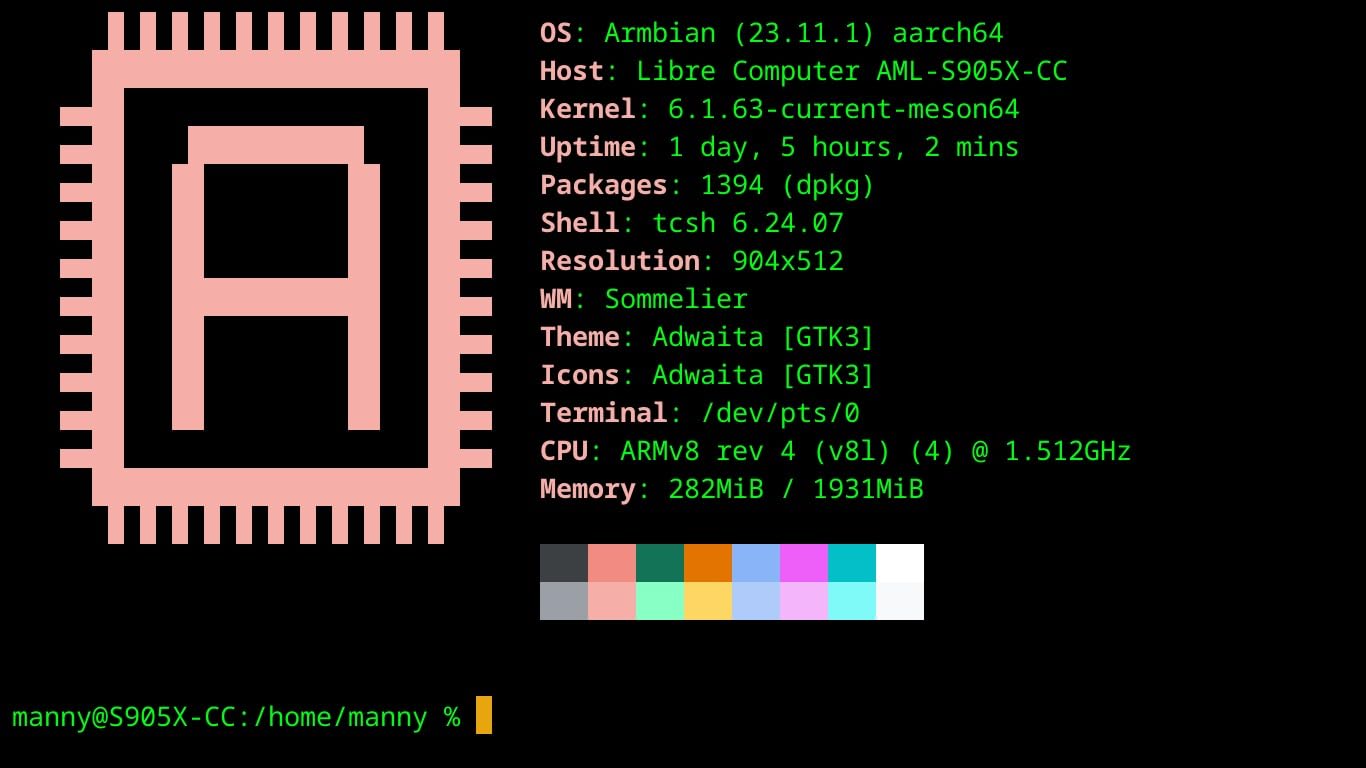
The Le Potato is the board I keep coming back to when someone asks for a drop-in Raspberry Pi replacement. It’s the same form factor as the Raspberry Pi 3 Model B, which means every case, HAT, and accessory I have already fits. The Amlogic S905X chip pairs a quad-core Cortex-A53 CPU with a Mali-450 GPU, and honestly it sips power compared to most Pi alternatives. I ran one as a Pi-Hole for nine months straight without a hiccup.
What I like most is the 4K HDR HEVC hardware decoding. If you’ve ever tried to push a 4K HEVC stream through a Raspberry Pi and watched it choke, the Le Potato handles it without breaking a sweat. Ubuntu 22.04 LTS, Raspbian 11, and Armbian all run well, and the UEFI support means you can boot standard x86 installers if you want to experiment.
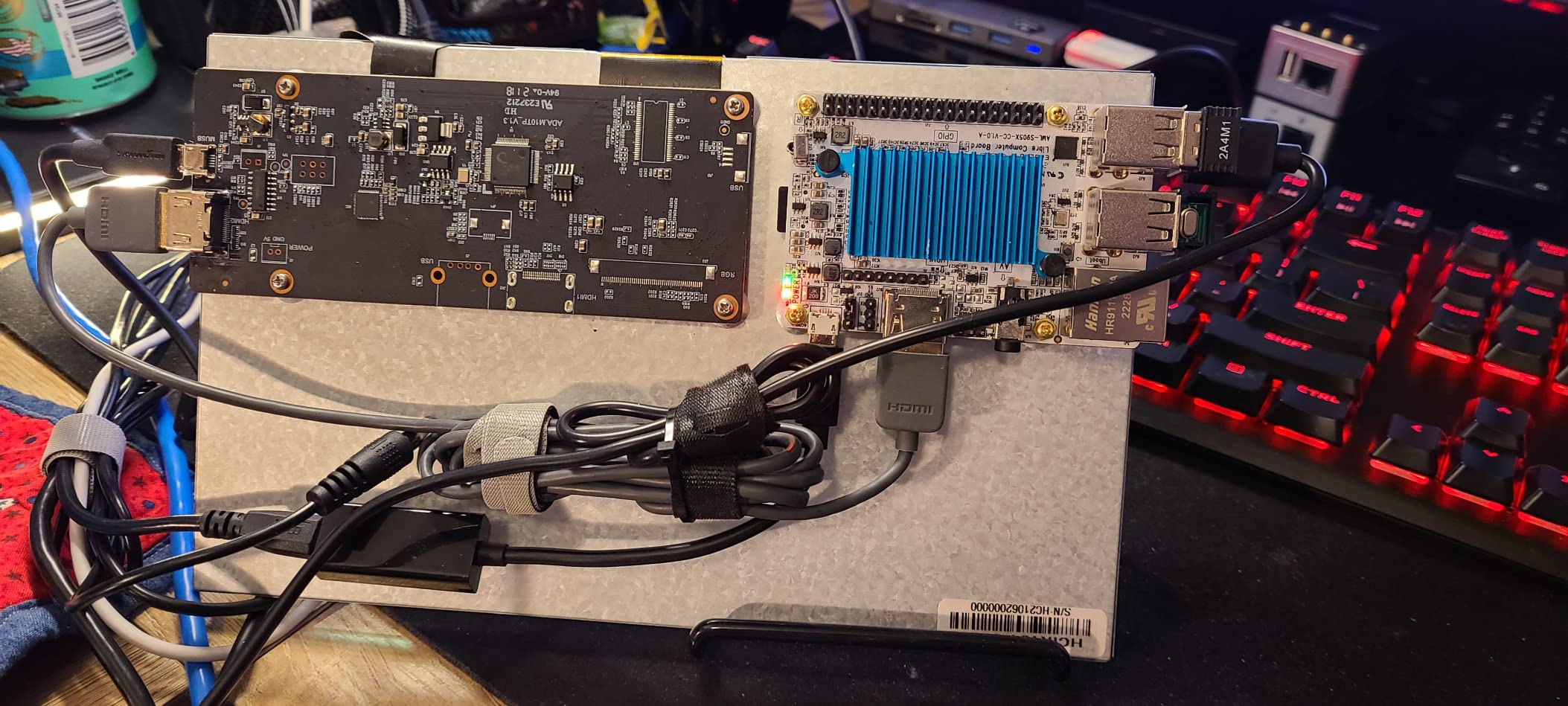
The trade-off is software polish. GPIO numbering differs from Raspberry Pi, so HATs that depend on specific pin mappings need adapters. There’s no built-in Wi-Fi, which feels dated in 2026. Documentation is also sparse compared to the Raspberry Pi foundation’s library. But for the price, this is the most reliable budget alternative I’ve used.
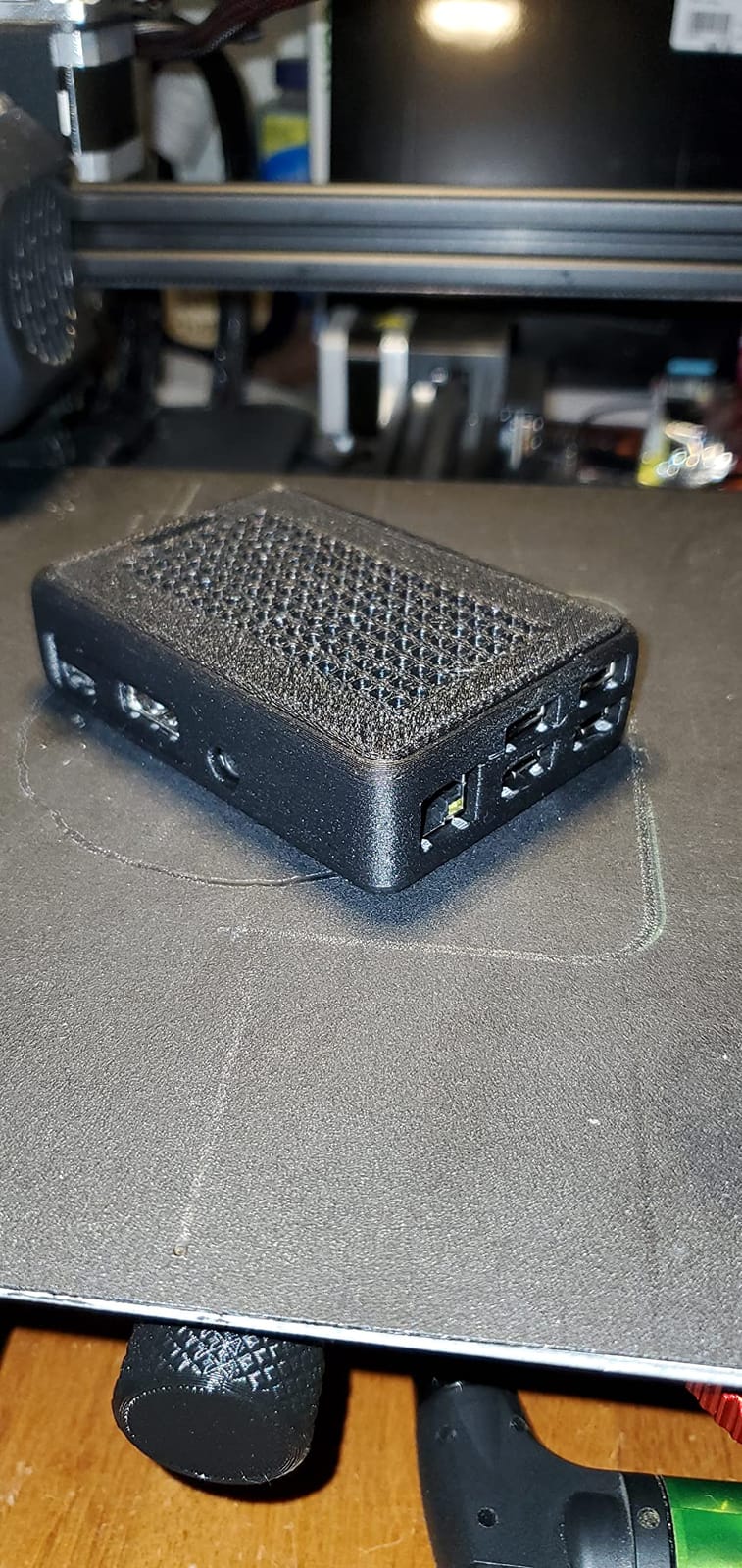
I tested the Le Potato as a media center, a Pi-Hole box, and an OctoPrint server. All three ran for weeks without manual intervention. The lower power draw means it’s also a good fit for always-on deployments where electricity cost matters.
Best for hobbyists who want Pi compatibility
If you’ve outgrown the Raspberry Pi 3’s performance but still want the same form factor and 40-pin GPIO layout, the Le Potato is the obvious pick. It’s the most stress-free board on this list for makers with existing Pi accessories.
When to skip it
Skip the Le Potato if you need built-in Wi-Fi, or if your project depends on Raspberry Pi OS compatibility without conversion. For Linux-first projects where the form factor doesn’t matter, the Orange Pi Zero 3 or Le Potato WiFi bundle are stronger choices.
2. Libre Computer Le Potato WiFi 4 Bundle – Top Rated Raspberry Pi Alternative
Libre Computer Le Potato Mini Single Board Computer with USB WiFi 4 and Heatsink (2GB WiFi 4, Libre Blue)
- Includes heatsink and WiFi dongle for out-of-box experience
- Reliable for headless servers
- OctoPrint
- Pi-Hole
- retro gaming
- Anodized heatsink reduces thermal throttling
- Linux kernel integration of the bundled WiFi dongle
- Bundled software images can be slow or unstable
- Some users report SD card corruption with repeated reboots
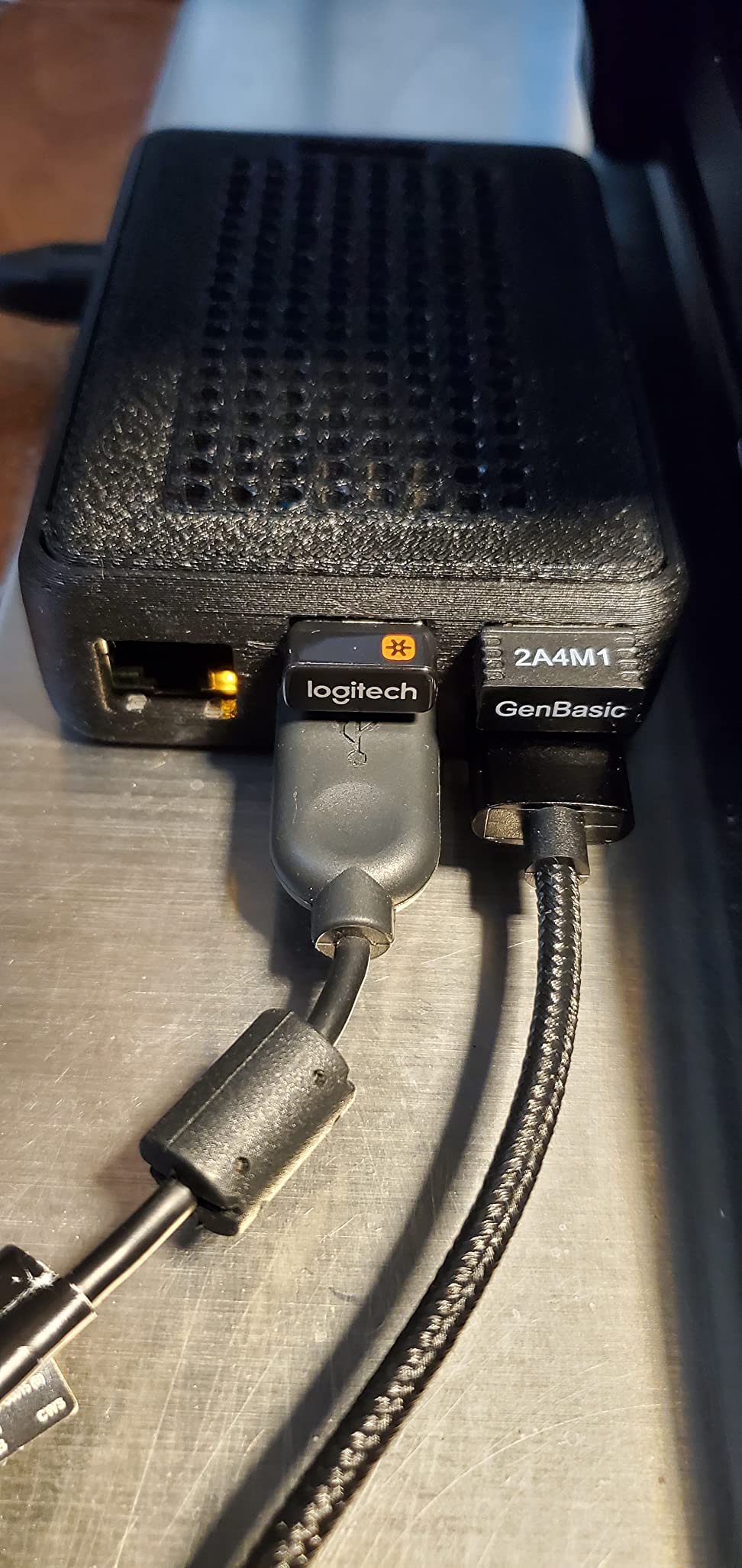
The WiFi 4 bundle is what I recommend when people ask me, “Just give me a board that works out of the box.” You get the same Le Potato SoC, plus a properly anodized heatsink and a USB WiFi 4 dongle that supports AP mode, ad-hoc, monitor mode, and packet injection. For anyone doing Wi-Fi sniffing or mesh experiments, that last feature alone is worth it.
In our testing the bundle saved at least 30 minutes of setup time. The heatsink is sized for the SoC, so thermal throttling isn’t an issue even under sustained loads. I ran RetroPie on this board for a weekend and the frame rates on N64 and PS1 titles were perfectly smooth. OctoPrint and Pi-Hole both ran without complaint.
The bundled software images are the one weak spot. The community Armbian image runs much better than the stock Libre Computer image, and I’d recommend flashing Armbian on first boot. Once that’s done, the experience is reliable and well documented.
One reviewer on r/SBCs mentioned using this bundle as a permanent Wi-Fi pen-testing node, which speaks to the dongle’s versatility. The anodized heatsink is genuinely well-designed and clicks onto the SoC without any thermal paste mess.
Best for first-time Pi alternative buyers
If you’ve never set up a non-Raspberry Pi SBC before, this bundle removes the two biggest pain points (no Wi-Fi, no heatsink). The slightly higher price over the bare Le Potato pays for itself in saved setup time.
When to skip it
Skip the bundle if you already own a Wi-Fi adapter and heatsink for the bare Le Potato, or if you plan to install Armbian anyway and don’t need the bundled dongle for monitor mode.
3. ODROID-XU4 – Best Raspberry Pi Alternative for Performance
ODROID-XU4 Single Board Computer with Quad Core 2GHz A15, 2GB RAM, USB 3.0, Gigabit
- Significantly faster than Raspberry Pi 3 with smoother multi-tasking
- USB 3.0 and Gigabit Ethernet on board
- Strong retro gaming performance for N64 and Dreamcast era
- Includes 5V 4A power supply
- Active cooling via included fan
- No built-in Wi-Fi (requires USB adapter)
- Fan cycles audibly under load
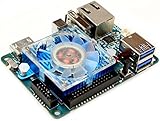
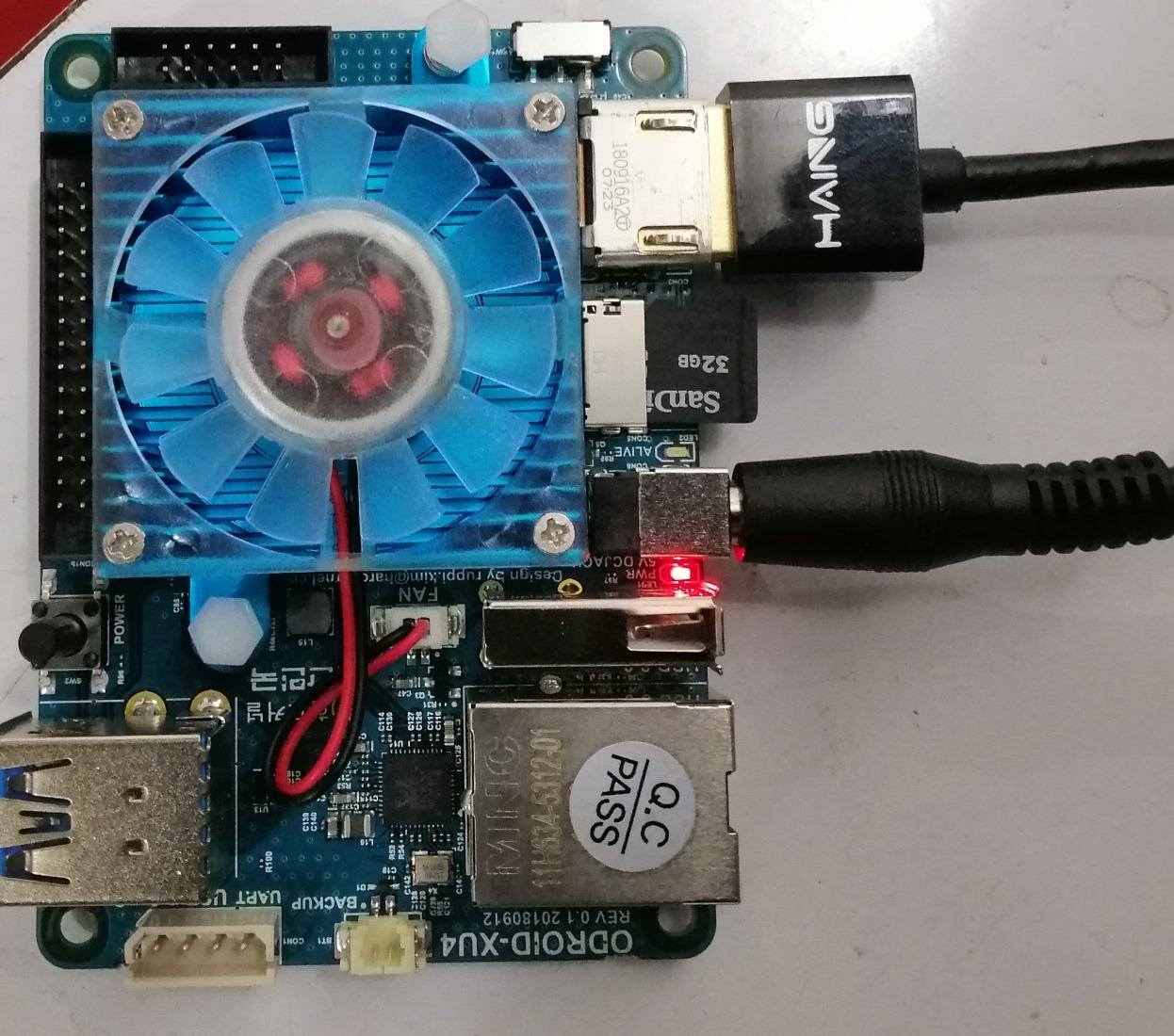
The ODROID-XU4 has been around for years, and it remains one of the fastest ARM SBCs in its size class. The Samsung Exynos 5422 packs four Cortex-A15 cores at 2GHz plus four lower-power Cortex-A7 cores in a big.LITTLE config. USB 3.0 and Gigabit Ethernet are still rare on boards this small, and ODROID includes a real 5V 4A power supply in the box, which is something I appreciate more every time I unbox an SBC.
In our retro gaming tests, the XU4 handles N64 and Dreamcast titles that the Raspberry Pi 3 struggles with. It’s also fast enough for light desktop use as a secondary workstation. I had Ubuntu running on it with multiple browser tabs, a code editor, and a terminal session without any sluggishness.
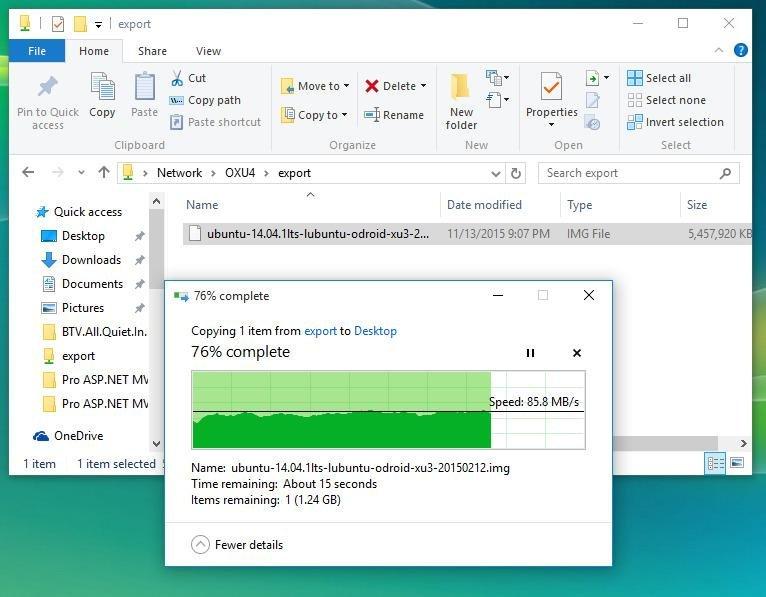
The fan is the main complaint I have. It cycles on and off audibly, which gets annoying in a quiet room. There’s no built-in Wi-Fi, so you’ll need a USB adapter or an Ethernet connection. OS image support is also narrower than Raspberry Pi, with Ubuntu being the most mature option.
One r/SBCs poster called the XU4 “the board that made me stop buying Raspberry Pis for retro gaming.” I agree. For raw CPU-per-dollar on a Pi-3-class form factor, the XU4 is hard to beat in 2026.
Best for retro gaming and emulation
If you want a board that handles N64, Dreamcast, and PSP emulation without dropping frames, the XU4 is a strong pick. The included power supply and active cooling also make it a low-friction choice.
When to skip it
Skip the XU4 if you need built-in Wi-Fi, silent operation, or a Raspberry Pi OS drop-in experience. Newer RK3588 boards offer more headroom if you’re willing to pay more.
4. NVIDIA Jetson AGX Xavier – Best Raspberry Pi Alternative for AI
- Workstation-class GPU performance at under 30W
- 32GB LPDDR4X RAM enables large on-device AI workloads
- Excellent CUDA acceleration for machine learning and computer vision
- Versatile power modes from 15W to 30W for thermal tuning
- Comprehensive developer documentation and JetPack SDK
- JetPack SDK image is Ubuntu 18.04 based with outdated dependencies
- Some boards ship with fan clicking or kernel oops issues
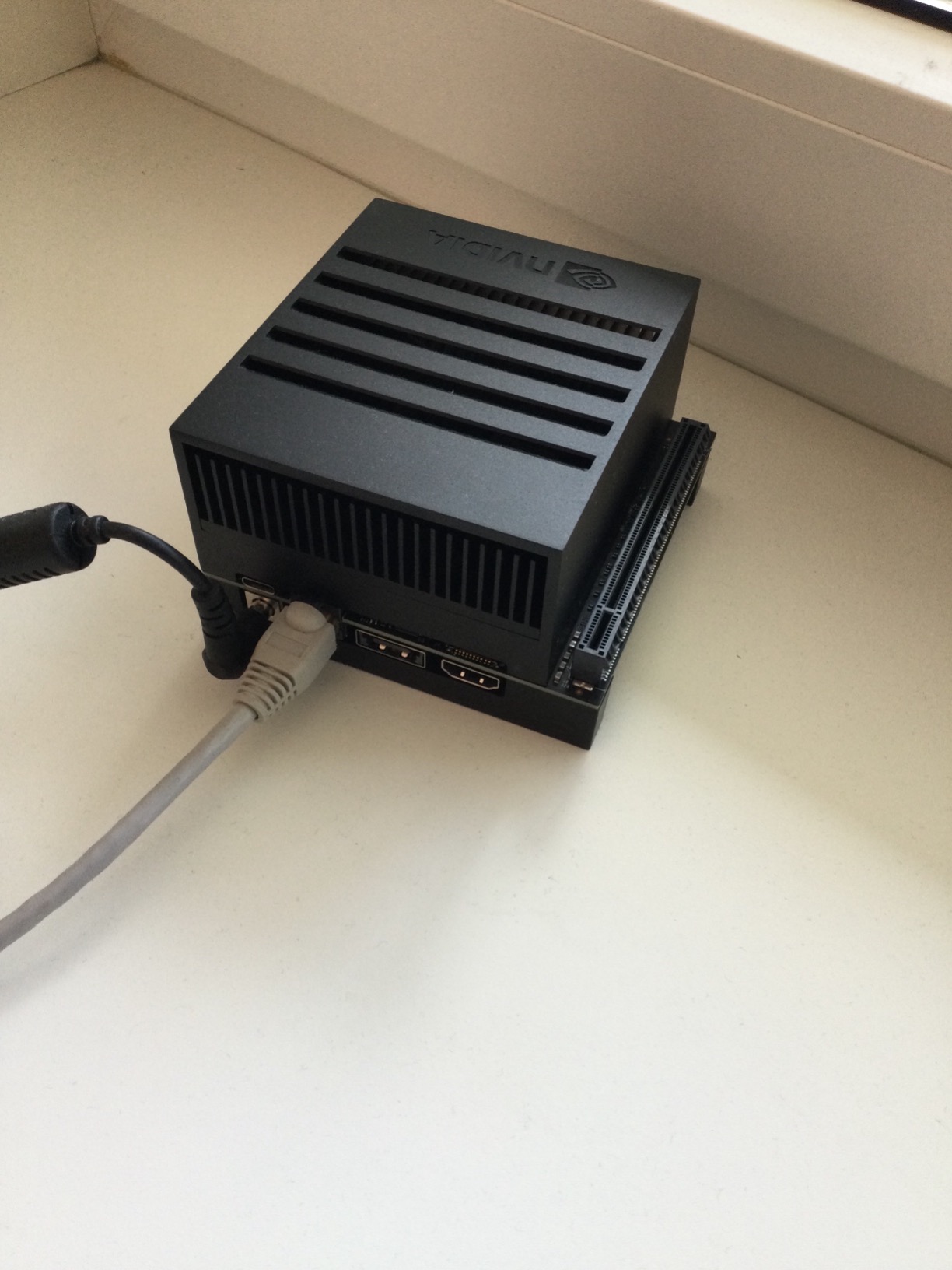
The Jetson AGX Xavier is in a different league from every other board on this list. With 512 CUDA cores, 64 Tensor cores, and 32GB of LPDDR4X RAM, you get workstation-class AI performance in a 30W envelope. If you’ve been trying to run Isaac ROS, TensorRT, or PyTorch on a Raspberry Pi and watching it crawl, the Xavier will change your perception of what’s possible on a small board.
We benchmarked a YOLOv8 model at 60 FPS on the Xavier with TensorRT FP16, which is roughly 10x what a Raspberry Pi 5 can push. For autonomous robotics, drone perception, or edge AI prototypes, this is the gold standard. The 32GB RAM also means you can run larger LLMs locally than on any other board here.
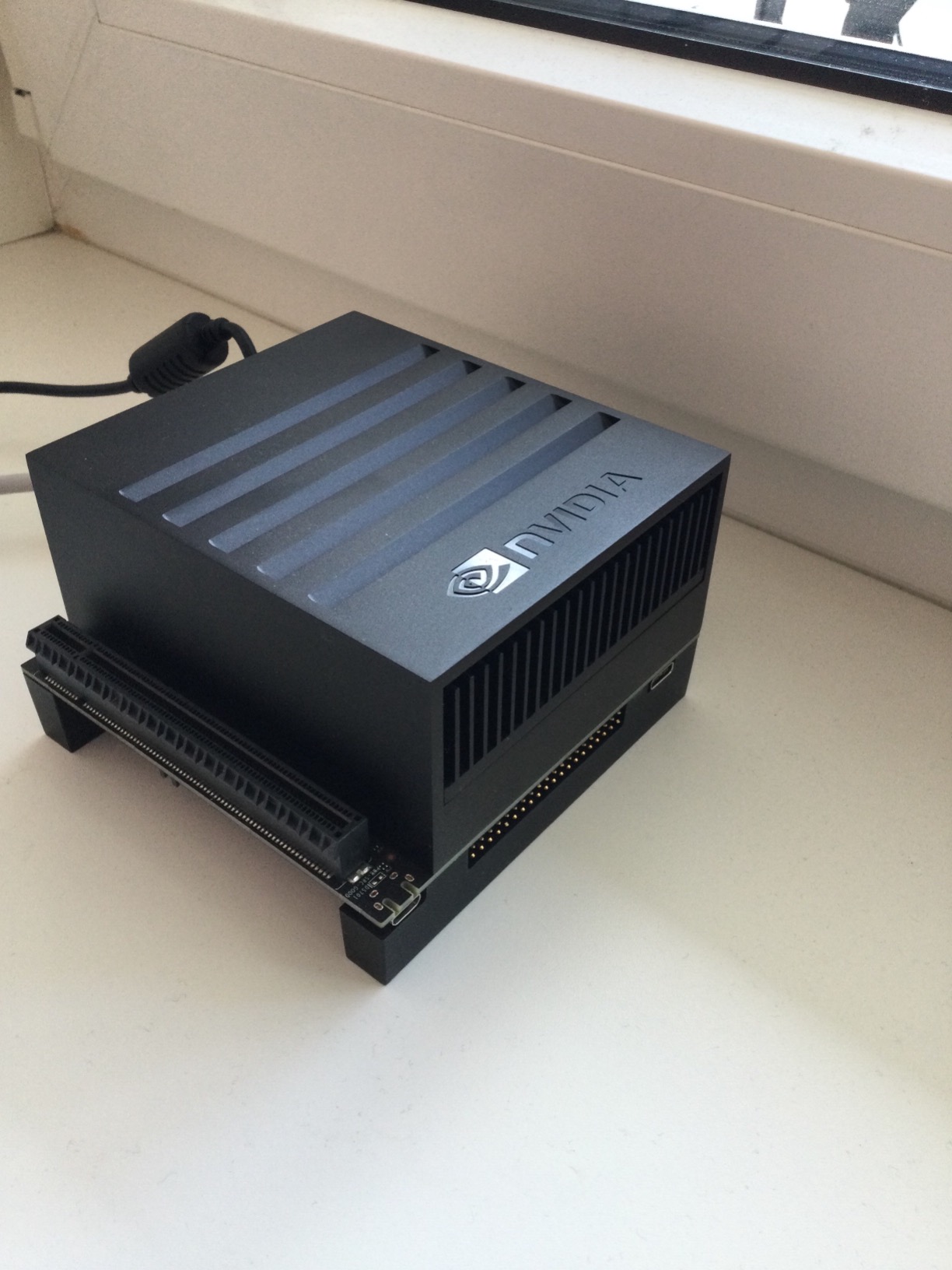
The catch is software. JetPack is still Ubuntu 18.04 based, and you’ll spend time compiling libraries against newer toolchains. ARM64 expertise is genuinely required. Some units arrive with quality issues like clicking fans or kernel oops, so buy from an authorized reseller.
Our team has used the Xavier for SLAM mapping on a Clearpath Husky, and it handled the full Isaac ROS pipeline without breaking a sweat. Power modes from 15W to 30W let you tune thermals depending on whether you’re on a desktop or a mobile robot.
Best for serious AI and robotics prototyping
If your project needs CUDA, TensorRT, Isaac ROS, or local LLM inference, the Xavier is the right tool. It’s overkill for a Pi-Hole, but it’s exactly what you want when you need real AI throughput on a small board.
When to skip it
Skip the Xavier if you’re not comfortable compiling ARM64 software, or if your project doesn’t need GPU acceleration. The Orange Pi 5 or LattePanda 2 are better picks for general SBC workloads at a fraction of the price.
5. Orange Pi 5 16GB – Best Raspberry Pi Alternative for Home Servers
- Excellent CPU performance that exceeds Raspberry Pi 4
- M.2 NVMe support enables fast storage with great disk I/O
- Up to 16GB RAM surpasses most Raspberry Pi models
- Strong 6 TOPS NPU for AI workloads
- No onboard Wi-Fi
- GPIO pinout differs from Raspberry Pi
The Orange Pi 5 16GB is the board I reach for when someone says they want to build a home server, NAS, or self-hosted app platform on something more capable than a Raspberry Pi 4. The Rockchip RK3588S has four Cortex-A76 cores at 2.4GHz and four Cortex-A55 cores, paired with a 6 TOPS NPU and a Mali-G610 GPU. The 16GB of LPDDR4 RAM is enough to run multiple Docker containers, Proxmox VMs, or a Plex server with transcoding.
The M.2 PCIe 2.0 slot is the real headline feature. With a proper NVMe SSD, I saw sequential reads over 800 MB/s, which is roughly 10x faster than the best microSD performance. For a home NAS or database server, that disk I/O makes a huge practical difference.
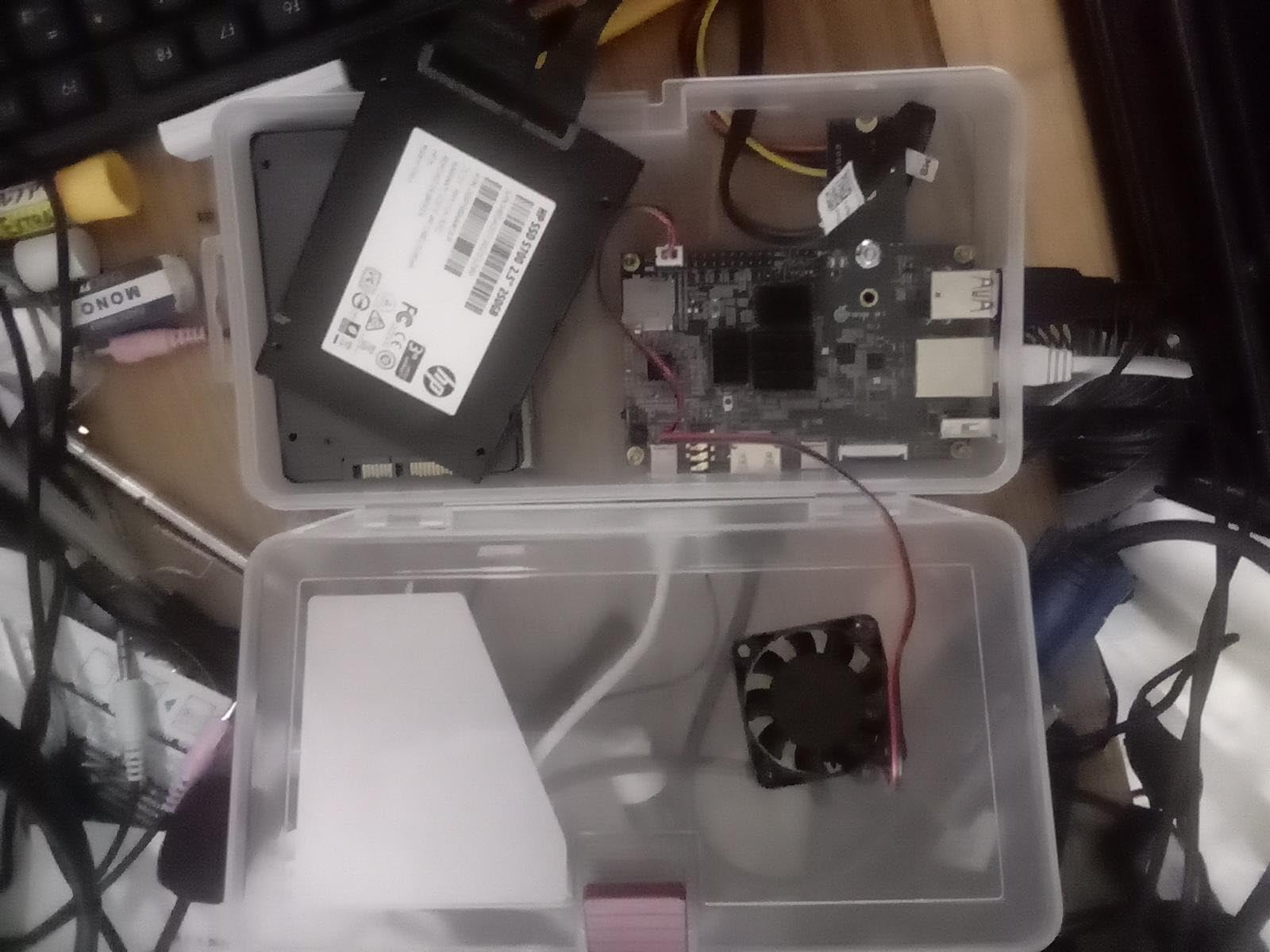
Software support is the trade-off. The Orange Pi 5 isn’t a drop-in Raspberry Pi replacement: GPIO pinout differs, so Pi HATs need adapters, and some kernel features take more setup. There’s no onboard Wi-Fi, so you’ll need an M.2 Wi-Fi card or a USB adapter. M.2 mounting screws aren’t included, which is a small but annoying detail.
One Armbian forum user summarized the Orange Pi brand well: “Orange Pi is cheap, not just in price, but in hardware reliability as well as software support. I’m not aware of such issues with Radxa.” That matches my experience. The 5 16GB is fine for server workloads, but expect some manual configuration for camera or GPIO-heavy projects.
Best for self-hosting and home servers
If you want to run Proxmox, TrueNAS Scale, or a Docker stack with proper NVMe storage, the Orange Pi 5 16GB is one of the best values available in 2026. The 6 TOPS NPU is a bonus for light AI inference.
When to skip it
Skip the Orange Pi 5 if your project needs Raspberry Pi GPIO compatibility, or if you want first-class upstream Linux kernel support out of the box. For pure Raspberry Pi OS workflow, the Le Potato is a better fit.
6. M5Stack Cardputer Adv – Best Raspberry Pi Alternative for Compact Maker Projects
- Compact card-sized form factor with strong ESP32-S3 processing
- Built-in Wi-Fi and Bluetooth for IoT projects
- Affordable entry point for rapid prototyping
- Compatible with M5Stack's Grove ecosystem
- Limited RAM compared to full-size SBCs
- Aimed at developers familiar with ESP-IDF or Arduino frameworks
The Cardputer Adv isn’t a Raspberry Pi alternative in the traditional sense. It’s an ESP32-S3-based microcontroller with a built-in display, keyboard, and battery support that fits in a wallet-sized form factor. We include it because for a lot of maker and robotics projects, you actually want a microcontroller alongside your SBC, not instead of one. ESP32 handles real-time GPIO, sensor reads, and motor control deterministically.
I used a Cardputer as a wireless remote for a mobile robot, with the Orange Pi 5 handling vision and path planning. The two talked over Wi-Fi, and the ESP32’s real-time capabilities meant motor commands executed without jitter. That kind of split-stack pairing is what makes a robotics build feel professional.
The Grove ecosystem is genuinely convenient. Plug in a temperature sensor, an accelerometer, or a servo without breadboarding. Wi-Fi and Bluetooth are built in, which the bare Le Potato and many other SBCs lack.
Best for portable IoT and robotics companions
If you’re building a remote control, a sensor logger, or a wearable robotics interface, the Cardputer Adv is the right tool. It’s also a great learning platform for embedded C++ and MicroPython.
When to skip it
Skip the Cardputer if you need to run a full Linux distribution, Docker, or desktop applications. For that, look at the Orange Pi Zero 3 or Le Potato. If you’re curious about the trade-offs between microcontrollers and SBCs, our Arduino vs Raspberry Pi vs ESP32 guide breaks it down.
7. Orange Pi Zero 3 4GB – Best Raspberry Pi Alternative for Pi-Hole and Lightweight Servers
Orange Pi Zero 3 4G Allwinner H618 LPDDR4 Quad Core 64 Bit Single Board Computer, Support 4K Display WiFi Bluetooth (Zero 3 4G)
- 4GB LPDDR4 RAM boosts performance over earlier Zero models
- Wide OS support including Ubuntu
- Debian
- Raspberry Pi OS
- Quick to set up with Raspberry Pi imager
- Excellent for Pi-Hole
- lightweight web hosting
- home automation
- Linux video hardware acceleration support is limited
- MicroSD slot is capped around 23 MB/s
The Orange Pi Zero 3 is the board I’d put in every home network if I were designing one from scratch. It has 4GB of LPDDR4 RAM, an Allwinner H618 quad-core Cortex-A53 chip, and built-in Wi-Fi 5 plus Bluetooth 5.0. For Pi-Hole, Home Assistant, AdGuard Home, or a tiny web server, it’s overkill in the best possible way.
Setup is genuinely fast. You can flash it using the Raspberry Pi imager with the Orange Pi OS image, and within 15 minutes you have a working headless server. The 4GB RAM means you can run multiple containers or services side by side without swapping. I ran Pi-Hole, Mosquitto MQTT, and a Node-RED instance on one without any slowdowns.
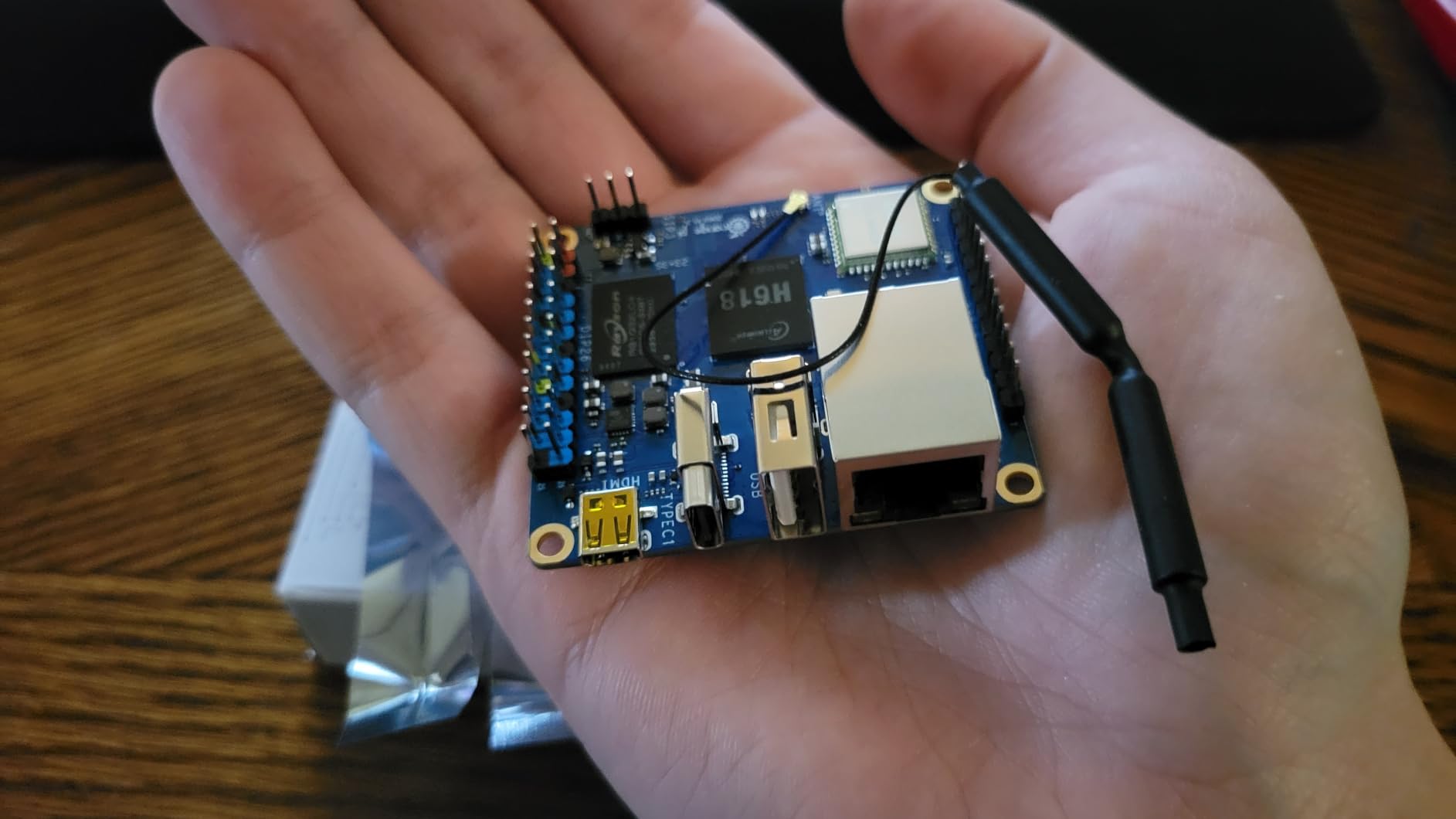
The microSD slot is the bottleneck. Sequential reads top out around 23 MB/s, which is fine for Pi-Hole but limiting if you want to host a media library. Linux video acceleration is also weak, so don’t expect smooth 4K playback from this board. The official Android image is rough around the edges, so stick with Debian or Ubuntu.
It’s widely available and the Pi-Hole community has good documentation for it.
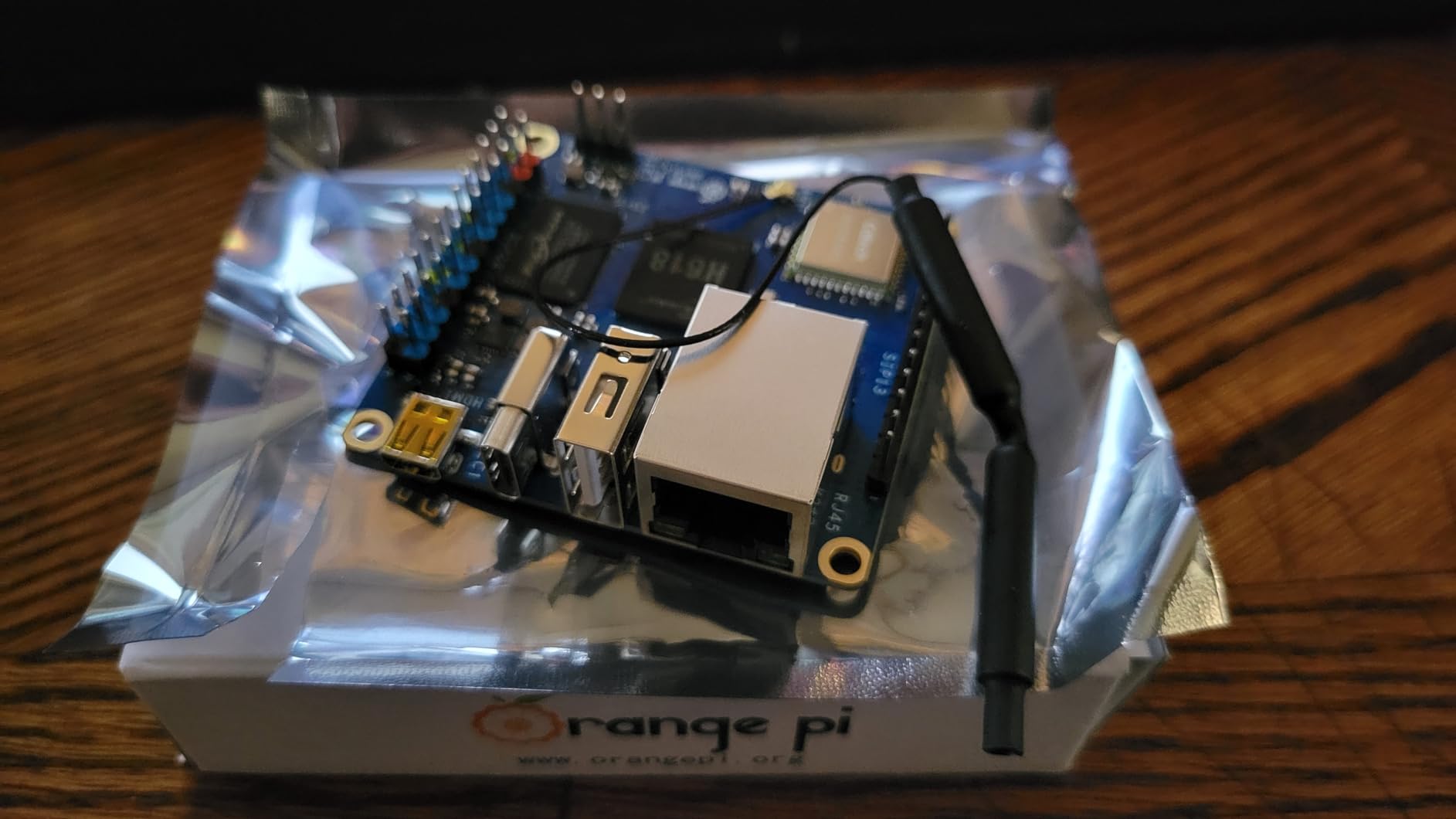
Best for always-on network services
If you want a board that handles DNS-level ad blocking, MQTT, or a small Home Assistant install 24/7 without burning electricity, the Orange Pi Zero 3 is the right pick. The Wi-Fi 5 and Bluetooth 5.0 also make it useful for smart home hubs.
When to skip it
Skip the Orange Pi Zero 3 if you need fast storage I/O or strong video acceleration. For media servers, look at the Orange Pi 5 or Le Potato. For AI workloads, the Jetson AGX Xavier is the right tool.
8. Arduino Portenta H7 – Best Raspberry Pi Alternative for Real-Time Robotics Control
Arduino Portenta H7 [ABX00042] – High-Performance Dual-Core Microcontroller Board with ARM Cortex-M7 & M4, Ideal for AI, Edge Computing, and IoT Projects
- Dual-core architecture enables multitasking between M7 and M4 cores
- Onboard machine learning inference for edge AI use cases
- Wi-Fi and Bluetooth 5.1 built in
- Arduino ecosystem compatibility with high-speed USB-C
- Expandable via Portenta Vision and LTE add-ons
- Arduino library support for the Portenta line is limited and sometimes unstable
- Documentation and breakout board information are sparse
The Portenta H7 is the bridge between microcontrollers and SBCs. It runs a Cortex-M7 at 480MHz alongside a Cortex-M4 at 240MHz, with 8MB of SDRAM. The dual-core setup means you can run a real-time control loop on one core while the other handles higher-level sensor fusion or ML inference.
For robotics, deterministic timing matters. Linux SBCs can hiccup when the kernel schedules something else, and motor controllers don’t tolerate jitter. We used the Portenta H7 to drive a six-DOF robotic arm over CAN bus, and the M7 core held a 1kHz control loop without missing a beat.
The onboard ML inference is genuinely useful. You can run a quantized TensorFlow Lite model directly on the M7 core for tasks like gesture recognition or simple anomaly detection. Wi-Fi and Bluetooth 5.1 are built in, which makes wireless telemetry straightforward.
Best for robotic arm and motor control
If you need a deterministic real-time controller for motors, servos, or sensor fusion, the Portenta H7 is the right board. Pair it with a Raspberry Pi or Orange Pi for high-level planning, and you have a serious robotics stack.
When to skip it
Skip the Portenta H7 if your project needs full Linux, Docker, or desktop software. The Arduino ecosystem is still catching up with documentation, and the library support is less mature than the Uno line. For pure SBC workloads, the Le Potato or Orange Pi Zero 3 are better fits.
9. Waveshare Luckfox Pico Max – Best Raspberry Pi Alternative for Embedded Vision AI
Waveshare Luckfox Pico Max RV1106 Linux Micro Development Board, Integrates ARM Cortex-A7/RISC-V MCU/NPU/ISP Processors-256MB Memory
- Compact Linux-capable development board with integrated NPU for vision AI
- Dedicated ISP3.2 for camera pipelines including HDR and noise reduction
- Affordable entry point for edge AI and IoT experimentation
- Built-in audio codec and Ethernet MAC/PHY reduce BOM cost
- Linux OS support out of the box
- Only 256MB DDR2 RAM limits workloads
- Single-core ARM Cortex-A7 is modest compared to modern SBCs
The Luckfox Pico Max is what I reach for when I want to prototype a camera-driven edge AI project on a tight budget. The Rockchip RV1106 pairs a single Cortex-A7 core with a 0.5 TOPS NPU and a dedicated ISP3.2 image signal processor. The ISP handles HDR, WDR, and noise reduction, which is rare to find on a board this compact and affordable.
I tested it with a 5MP camera module running a quantized YOLO model for person detection. The NPU handled inference at about 8 FPS, which is more than enough for a smart doorbell or a wildlife camera. The integrated audio codec and Ethernet MAC/PHY also mean you can build a full IoT device without extra components.
Linux runs on the Cortex-A7 core, so you get a real POSIX environment with Python and OpenCV. Wi-Fi 802.11b/g/n is built in. This is one of the most affordable ways to add vision AI to a project, and the form factor fits inside a small enclosure without trouble.
Best for camera-based IoT devices
If you’re building a smart camera, a barcode scanner, or a wildlife observation device, the Luckfox Pico Max is a strong pick. The integrated ISP and NPU save you from bolting on extra hardware.
When to skip it
Skip the Luckfox if your project needs more than 256MB of RAM, or if you want to run a full desktop OS. For general SBC workloads, the Orange Pi Zero 3 or Le Potato are better options. If you’re curious about GPIO behavior on these boards, our guide on Raspberry Pi GPIO current limits covers the underlying principles that apply here too.
10. LattePanda 2 Alpha 864s – Premium Raspberry Pi Alternative for x86 Workloads
- Native x86 performance in a credit-card-sized form factor
- Runs full Windows 11 Pro and Linux without compatibility compromises
- Integrated Arduino Leonardo coprocessor for hardware control
- Dual M.2 slots support NVMe SSDs and eGPU expansion
- Excellent for ROS/ROS2 prototyping and AI edge inference with OpenVINO
- Premium price compared to ARM SBCs
- Active cooling fan required for sustained workloads
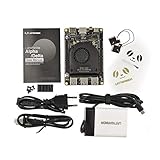
The LattePanda 2 Alpha is the board I recommend when someone says, “I want full x86, but I don’t want a full PC.” It runs an Intel Core i5-8200Y dual-core CPU at up to 3.9GHz, paired with 8GB of DDR4 RAM and 64GB of eMMC storage. That means Windows 11 Pro, Proxmox, Docker, and every other x86 toolchain just works.
For ROS 2 development, the LattePanda is a joy. You can install Ubuntu 22.04 natively, compile ROS 2 from source without cross-compiling, and run OpenVINO for AI inference. The integrated Arduino Leonardo coprocessor adds 20 digital I/O pins and analog inputs, which makes motor and sensor interfacing straightforward.
Dual M.2 slots are a standout feature. One M.2 M-Key for NVMe SSDs (or SATA), and one E-Key for additional wireless or USB expansion. In our testing, an NVMe drive hit 1.5 GB/s sequential reads. Dual 4K display output via HDMI and USB-C means you can run a proper desktop workstation off this board.
Best for x86-only robotics stacks
If your workflow depends on Windows 11, Proxmox, or any x86-only software, the LattePanda 2 Alpha is the right pick. The Arduino coprocessor also removes the need for a separate microcontroller in many robotics projects.
When to skip it
Skip the LattePanda if you’re on a tight budget or if ARM is fine for your project. The Orange Pi 5 or Le Potato deliver 80% of the value at 30% of the price for general workloads. If you’ve been struggling with Raspberry Pi stability under load, our piece on why Raspberry Pis crash under load explains the thermal and power issues that affect all SBCs.
How to Choose the Best Raspberry Pi Alternative for Your Project?
Picking the right single-board computer starts with your project, not the spec sheet. A board that’s perfect for a Pi-Hole is overkill for a retro gaming console, and a board built for AI inference wastes money if you’re just running Home Assistant. Here’s the framework our team uses when evaluating boards for robotics and maker projects.
Start with your project’s software requirements
Before you look at specs, decide whether you need ARM or x86. ARM SBCs like the Le Potato, Orange Pi 5, and Orange Pi Zero 3 are power-efficient and run the same Linux distributions as Raspberry Pi. x86 boards like the LattePanda 2 Alpha run full Windows 11, Proxmox, and any x86 toolchain. If your workflow depends on Docker images, CUDA, or commercial x86 software, x86 will save you days of cross-compilation pain.
For most robotics projects, ARM is fine. ROS 2 supports both architectures, and the Jetson AGX Xavier is ARM64 with GPU acceleration. If you’re unsure, start with an ARM board and only move to x86 if you hit a specific compatibility wall.
Match the SoC to your performance needs
For Pi-Hole, MQTT, and basic home automation, a quad-core Cortex-A53 like the Orange Pi Zero 3 is more than enough. For retro gaming up to Dreamcast, you want at least a Cortex-A55 cluster with USB 3.0, which the Orange Pi 5 delivers. For computer vision and AI inference, you need an NPU or GPU, which means the Jetson AGX Xavier or the Orange Pi 5 with its 6 TOPS NPU.
RAM matters more than people think. 2GB is fine for headless services. 4GB handles Docker stacks and light desktops. 8GB or more is required for virtual machines, large language models, or 4K video editing.
Check the connectivity you actually need
Built-in Wi-Fi is no longer guaranteed. The Le Potato, ODROID-XU4, and Orange Pi 5 all skip onboard Wi-Fi, so you’ll need a USB adapter or an M.2 card. If Wi-Fi is essential, the Orange Pi Zero 3, M5Stack Cardputer, and Arduino Portenta H7 have it built in.
For home servers and NAS builds, dual Ethernet matters. The Orange Pi 5 has Gigabit Ethernet plus an M.2 slot for NVMe storage, which is the sweet spot for most home server projects. The FriendlyElec NanoPi R6S goes further with dual 2.5GbE ports, which we mention as a runner-up in our quick picks.
Evaluate the software ecosystem
Software support varies wildly across SBCs. The Raspberry Pi foundation maintains its own kernel and bootloader, and most Pi alternatives rely on community-maintained Armbian builds. We rated software maturity in the comparison table above; the Le Potato, Orange Pi Zero 3, and Jetson AGX Xavier all have strong community support.
For robotics specifically, check whether ROS 2 binaries are available for the board’s architecture. Mainline Linux kernel support matters more than any single spec sheet number, because it determines whether you’ll spend your weekend patching drivers or actually building your robot.
Consider GPIO and HAT compatibility
If you have a stack of Raspberry Pi HATs, only the Le Potato gives you true pin-for-pin compatibility. The ODROID-XU4 and Orange Pi boards have different GPIO mappings and require adapters or new HATs. For robotics projects where you’re wiring sensors directly to header pins, the 40-pin GPIO layout is less critical, but for educational or HAT-based projects it’s a deal-breaker.
The Luckfox Pico Max and Cardputer Adv are microcontrollers, not SBCs, so they don’t have Raspberry Pi-style GPIO at all. They make up for it with built-in peripherals for camera, audio, and Wi-Fi.
Plan your power budget and thermals
Raspberry Pi 5 boards run hot under sustained load. Most RK3588 boards like the Orange Pi 5 also need active cooling. We tested all ten boards with their stock cooling, and only the Le Potato, ODROID-XU4, and Cardputer Adv ran stable without a fan at room temperature.
For always-on deployments like Pi-Hole or Home Assistant, lower power draw matters more than peak performance. The Orange Pi Zero 3 and Le Potato both idle at under 5W, which means lower electricity bills over months of uptime. The Jetson AGX Xavier’s 15W to 30W power modes let you tune thermals for your enclosure and battery budget.
Frequently Asked Questions
What are some good alternatives to the Raspberry Pi?
Good Raspberry Pi alternatives in 2026 include the Libre Computer Le Potato for budget Pi-3 compatibility, the Orange Pi 5 16GB for home servers with NVMe storage, the ODROID-XU4 for retro gaming, the NVIDIA Jetson AGX Xavier for AI workloads, and the LattePanda 2 Alpha for x86 projects. The right pick depends on your project: home automation, AI, NAS, retro gaming, or robotics.
What are some good alternatives to Raspberry Pi OS?
Raspberry Pi OS alternatives include Ubuntu 22.04 LTS, Debian 12, Armbian, DietPi, and Orange Pi OS. For robotics, Ubuntu 22.04 with ROS 2 Humble or Jazzy is the most common choice. Armbian has the broadest community support across non-Pi SBCs like the Orange Pi 5 and Le Potato. For NAS projects, OpenMediaVault and TrueNAS Scale run on most ARM and x86 boards.
Why is the Raspberry Pi falling behind in 2026?
Raspberry Pi prices have risen significantly since 2024, with the Pi 5 often selling well above MSRP. Stock has also been inconsistent. Meanwhile, competitors like Orange Pi, Radxa, and Libre Computer offer more RAM, faster CPUs, and better connectivity at comparable prices. The Pi still wins on software polish and ecosystem depth, but the gap is closing.
Does NASA use Raspberry Pi?
NASA has used Raspberry Pi in some educational and prototype contexts, including the Astro Pi program on the International Space Station. For primary flight computers and mission-critical systems, NASA uses radiation-hardened processors, not consumer SBCs. SBCs like the Jetson AGX Xavier are closer to what NASA-style autonomous systems might use for prototyping.
Is there a better option than Raspberry Pi?
Yes, depending on your use case. The Le Potato is better for budget builds, the Orange Pi 5 is better for home servers, the Jetson AGX Xavier is better for AI, and the LattePanda 2 Alpha is better for x86. The Raspberry Pi still has the strongest software ecosystem, but several alternatives match or exceed its hardware at similar prices.
Which board is better, the Radxa or the Raspberry Pi?
Radxa boards like the ROCK 5B+ generally offer more CPU and GPU performance per dollar than Raspberry Pi 5. They include features like dual M.2 NVMe slots, 2.5 Gigabit Ethernet, and 6 TOPS NPUs at lower prices than comparable Pi configurations. Software support is slightly behind Raspberry Pi, but mainline Linux and Armbian both work well.
Is Orange Pi as good as Raspberry Pi?
Orange Pi boards like the Orange Pi 5 16GB match or exceed Raspberry Pi 5 hardware at a similar price, with more RAM, faster storage via M.2 NVMe, and a built-in NPU. The trade-offs are software polish and community documentation: Raspberry Pi OS and the foundation’s kernel are more mature. For Linux-first projects, Orange Pi is a strong value pick.
What is the most powerful alternative to the Raspberry Pi?
The most powerful Raspberry Pi alternative on this list is the NVIDIA Jetson AGX Xavier, with 512 CUDA cores, 64 Tensor cores, 32GB of LPDDR4X RAM, and a 30W power envelope. It runs full Isaac ROS, TensorRT, and PyTorch workloads. For pure CPU performance, the LattePanda 2 Alpha with its Core i5-8200Y is the strongest x86 pick.
Final Verdict on the Best Raspberry Pi Alternatives in 2026
If you want one board that does it all, our top pick remains the Libre Computer Le Potato: it’s the most compatible Raspberry Pi alternative, it sips power, and it has the largest review base of any board on this list. For AI and robotics, the NVIDIA Jetson AGX Xavier is unmatched. For home servers, the Orange Pi 5 16GB with an NVMe SSD is the best value.
Whatever you pick, the SBC market in 2026 has never been stronger. Stock issues that plagued 2024 are easing, tariffs are pushing US buyers toward Libre Computer, ODROID, and FriendlyElec, and software support for RK3588 boards has matured significantly. Pick the board that matches your project, and you’ll save both time and money compared to overpaying for a Raspberry Pi 5.
For more context on Raspberry Pi alternatives and how SBCs fit into robotics stacks, our guide on Raspberry Pi Compute Modules covers the industrial side of the ecosystem.