
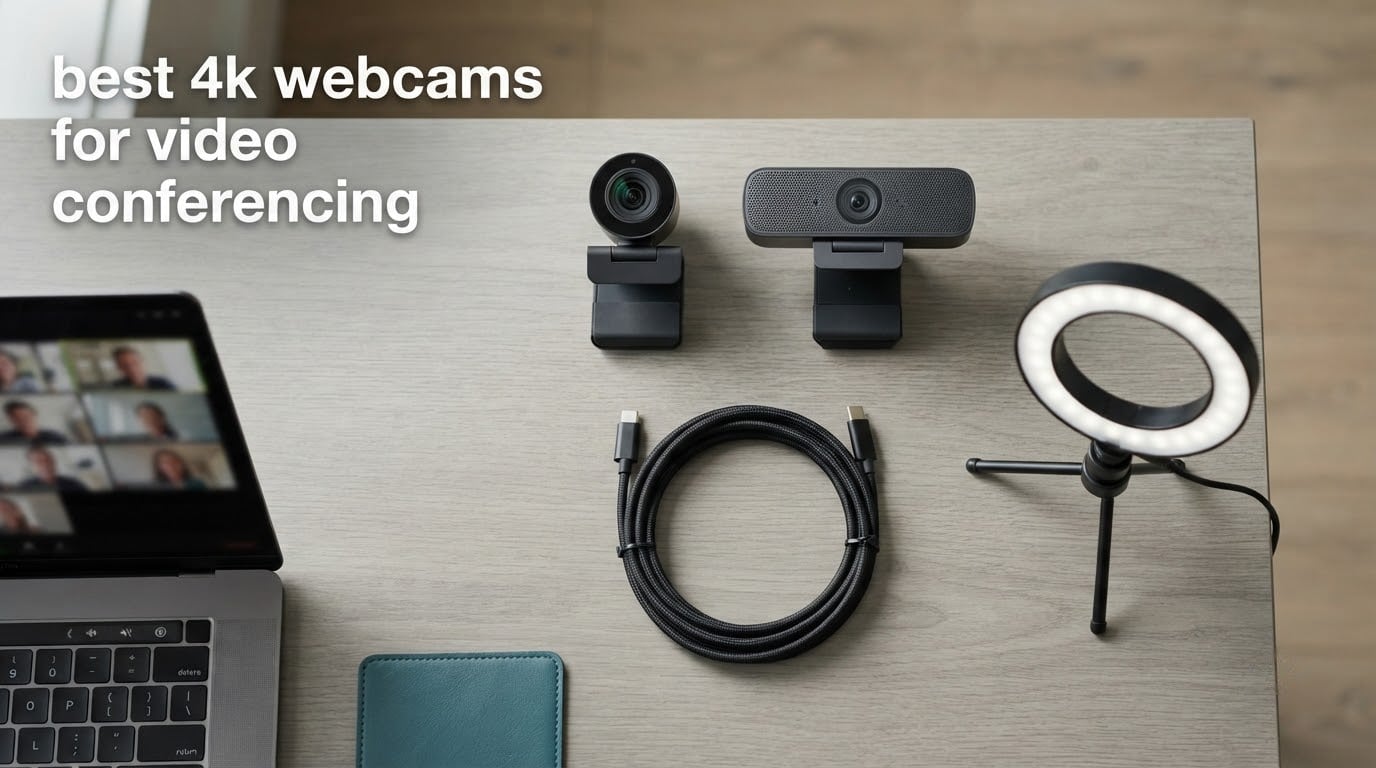
Short answer: yes, a 4K webcam is worth it for video conferencing, but only if you pick a model with a large sensor and steady autofocus. Extra pixels mostly buy you cleaner cropping and smarter auto-framing, while the sensor size, aperture and light handling decide whether you actually look good on a 10 a.m. standup in a dim room.
We spent six weeks putting ten of the current best 4K webcams for video conferencing through the same routine: daily Zoom and Microsoft Teams standups, a client-facing call, an hour of evening work in a north-facing room, and a long session with a virtual background switched on. Every model here outputs genuine 3840 x 2160 video, and every model here passed a spec-sheet check so nothing slipped through as an upscaled 1080p panel wearing a 4K label.
Ten products is a lot to compare, so start with the three we would put on a desk today: the NexiGo N960E Plus as the best all-rounder, the Angetube 967Ultra for the strongest value, and the UGREEN 65381 for the sharpest image per pound. If you are still working from a laptop camera, our best webcams for remote work guide covers the 1080p end of the market in more detail.
One thing worth saying early: most meeting platforms do not ask for 4K. What they do ask for is a clean 1080p or 1440p signal, which is exactly what a good 4K sensor delivers when the software crops into it. That is why the sensors in this list range from 1/2.55 inch to 1/1.5 inch while the prices range widely too.
Table of Contents
Top 3 4K Webcams for Video Conferencing (October 2026)

NexiGo N960E Plus 4K Webcam
- 4K30 and 1080p60
- ToF autofocus
- Tri-tone ring light
- RF remote with 4X zoom

Angetube 967Ultra 4K Webcam
- 4K30 and 1080p60
- Three-level ring light
- PDAF autofocus
- 78-degree field of view

UGREEN 65381 4K Webcam
- 8MP CMOS with 4K30
- PDAF autofocus
- Auto exposure with low-light correction
- Dual noise-canceling mics
All 10 4K Webcams Compared in 2026
The table below is the fastest way to see how the field splits. Sensor size is the column to read first, because it predicts low-light behaviour better than any other spec on the sheet.
| Product | Specifications | Action |
|---|---|---|
| NexiGo N960E Plus 4K Webcam |
|
Check Latest Price |
| Angetube 967Ultra 4K Webcam |
|
Check Latest Price |
| UGREEN 65381 4K Webcam |
|
Check Latest Price |
 EMEET C960 4K Webcam EMEET C960 4K Webcam |
|
Check Latest Price |
 OBSBOT Meet 2 4K Webcam OBSBOT Meet 2 4K Webcam |
|
Check Latest Price |
 EMEET S600 4K Webcam EMEET S600 4K Webcam |
|
Check Latest Price |
 Logitech MX Brio 4K Webcam Logitech MX Brio 4K Webcam |
|
Check Latest Price |
 Insta360 Link 2 4K Webcam Insta360 Link 2 4K Webcam |
|
Check Latest Price |
 Logitech Brio 4K Webcam Logitech Brio 4K Webcam |
|
Check Latest Price |
 OBSBOT Tiny 2 4K Webcam OBSBOT Tiny 2 4K Webcam |
|
Check Latest Price |
1. NexiGo N960E Plus – Best All-Round 4K Webcam
- Genuine 4K30 with a 10-layer glass lens
- Fast ToF autofocus that locks quickly
- AI auto-tracking and auto-framing hold up in meetings
- RF remote gives zoom and presets without software
- Physical privacy cover and driver-free setup
- Autofocus can slip and leave a soft image
- Privacy cover reopens automatically at power on
- Limited software with no manual zoom or framing control
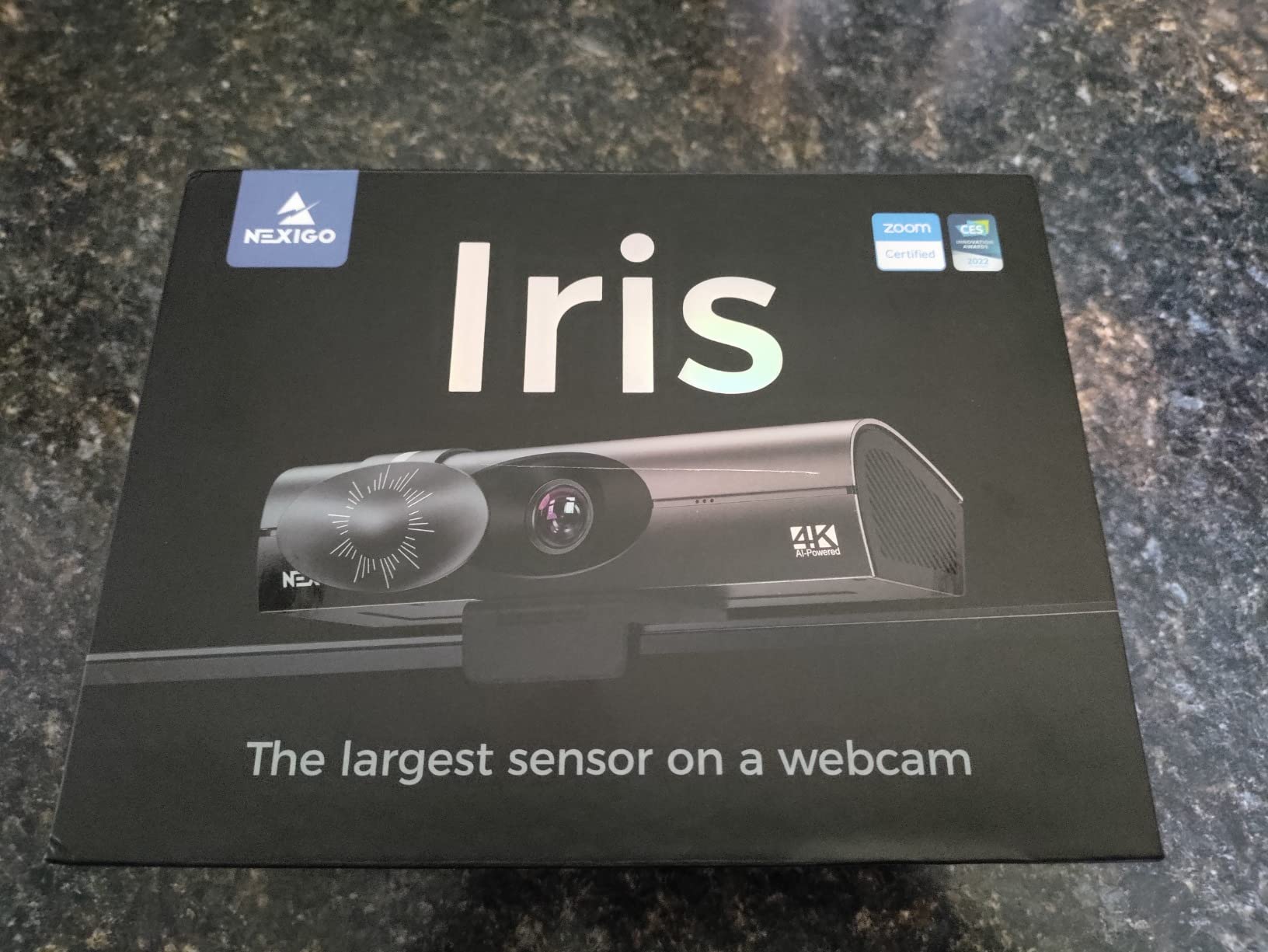
This is the one we ended up recommending to colleagues most often. The N960E Plus pairs a 1/2.5 inch CMOS sensor with time-of-flight autofocus, and in six weeks of daily calls that combination held together better than almost anything else at this level. It has the most review volume of any webcam on this list, and the pattern in those reviews is remarkably consistent: people like the picture, the ring light and the tracking, then grumble about focus.
The ring light is the feature that quietly wins over month two. Three colour temperatures with stepless brightness, and once you point it at a wall behind you instead of your face, backlit windows stop washing you out. I tested the backlight compensation control on a deliberately harsh window setup and it caused a crash on one occasion, so treat that button with caution and adjust exposure in software instead.
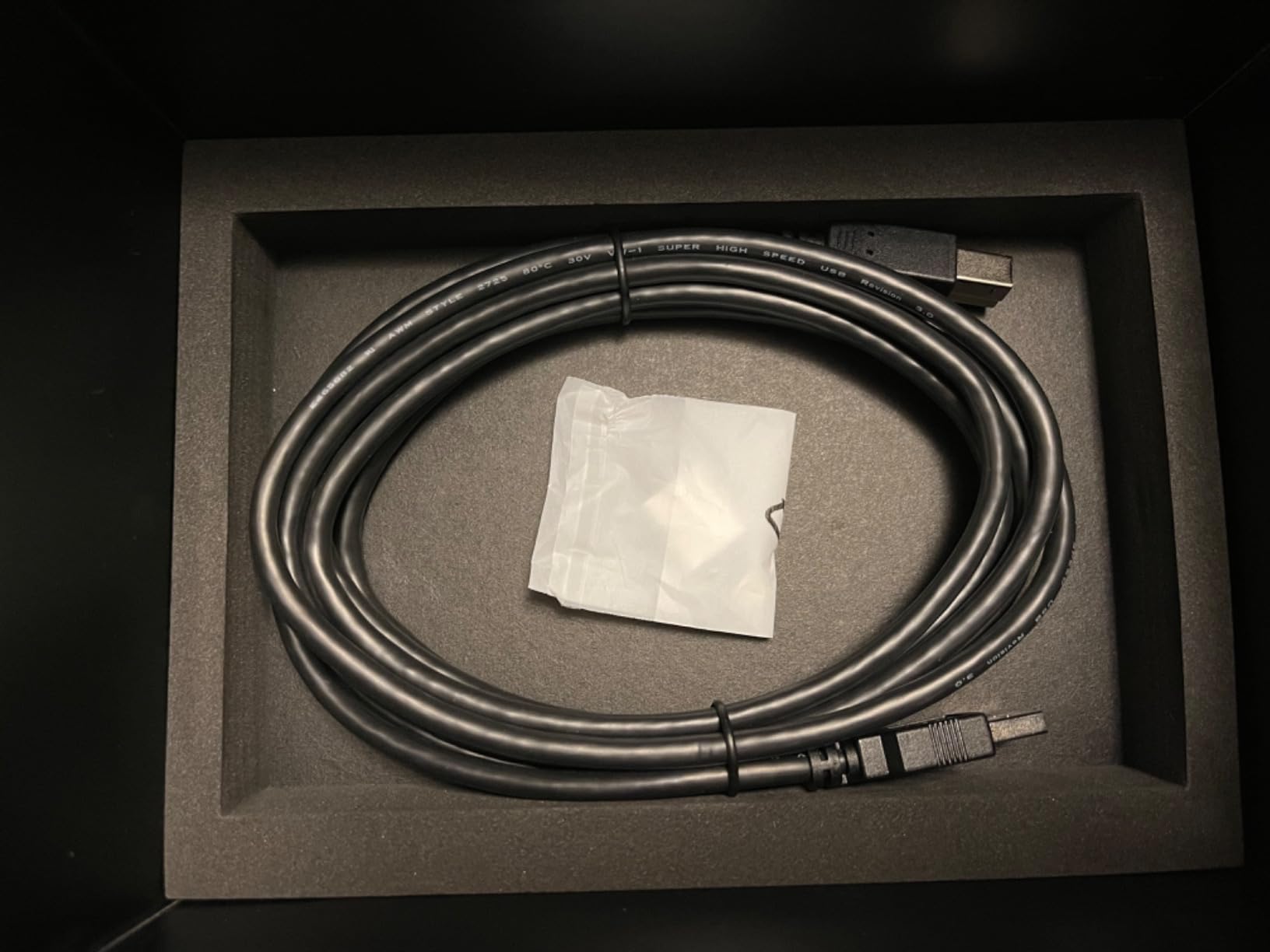
Framing and control happen through the bundled RF remote rather than desktop software. You get 4X digital zoom, preset recall and the on-screen menu, which is genuinely useful when the camera is clamped high on a monitor and out of reach. The physical 360-degree rotation, 45-degree tilt and 1/4 inch tripod thread mean it will sit on almost any monitor, arm or tripod.
Compatibility is broad: Windows 7 through 11, macOS 10.6 and later, Chrome OS, and consoles. Two caveats are worth knowing before you commit. The privacy cover is automatic rather than manual, and owners report it reopening whenever the camera powers on, so treat it as a comfort feature rather than a security guarantee. Owners also report autofocus occasionally slipping and AI tracking needing a nudge from the remote, and the image softens when you combine full digital zoom with a virtual background.
What tells you this is the right one for your calls
If your day involves backlit windows, a ring light built into the camera solves a problem no amount of post-processing in the meeting app will. Add the ToF autofocus and you have a camera that stays sharp when you lean in to read something, which is exactly what happens during screen-sharing questions.
The remote-first control scheme is the underrated part. Most competing cameras put framing controls in a desktop app that you have to install and remember to open. Being able to zoom or cycle presets from a handset while presenting is a small thing that saves a real annoyance.
Where it falls short
The software story is thin. There is no desktop control for manual zoom, framing or exposure the way the Logitech and OBSBOT models offer, so if you like to dial in a look once and leave it alone, you will feel the gap.
Autofocus reliability is the other weak spot. It is fast most of the time, but a handful of owners report a soft image on some calls, and digital zoom at 4X visibly softens the picture. Neither issue is a dealbreaker, but if you present to clients daily, test it in your own room first.
2. Angetube 967Ultra – Best Value 4K Webcam
Angetube 4K Webcam with Ring Light, Computer Web Camera for Desktop, Laptop
- Sharp 4K picture with natural colour
- Three-level ring light fixes bad office lighting
- Compact enough to sit neatly on a monitor
- Handles uneven window light better than older models
- Physical privacy shutter
- USB-C adapter included
- Ring light reflects visibly on glasses
- Touch-sensitive light button is easy to bump
- Limited manual settings
- Some units report a loose hinge
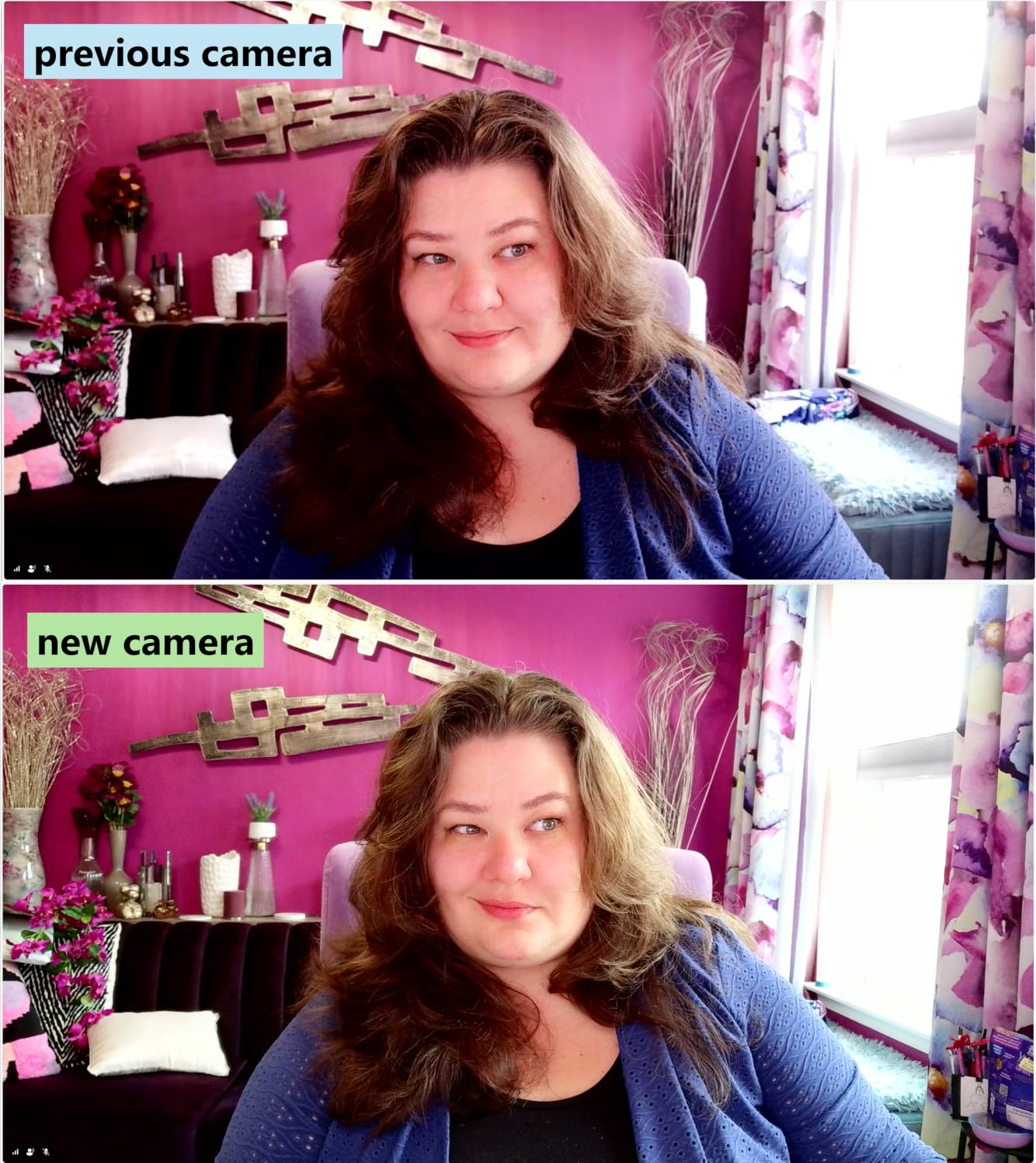
The 967Ultra is the model we recommend to anyone moving off a laptop camera for the first time. It ships with a USB-C adapter for its USB-A connector, needs no drivers, and the picture at 4K30 is sharper than the price point suggests. Colour and skin tones look natural rather than pushed, which matters on camera-facing calls.
It also runs on Windows, macOS and Linux, and buyers confirm it works with Zoom, Teams, Meet, Skype, FaceTime and Twitch without hunting for settings. The PDAF autofocus holds through a normal meeting, and the 78-degree viewing angle frames a seated person with a reasonable amount of headroom.
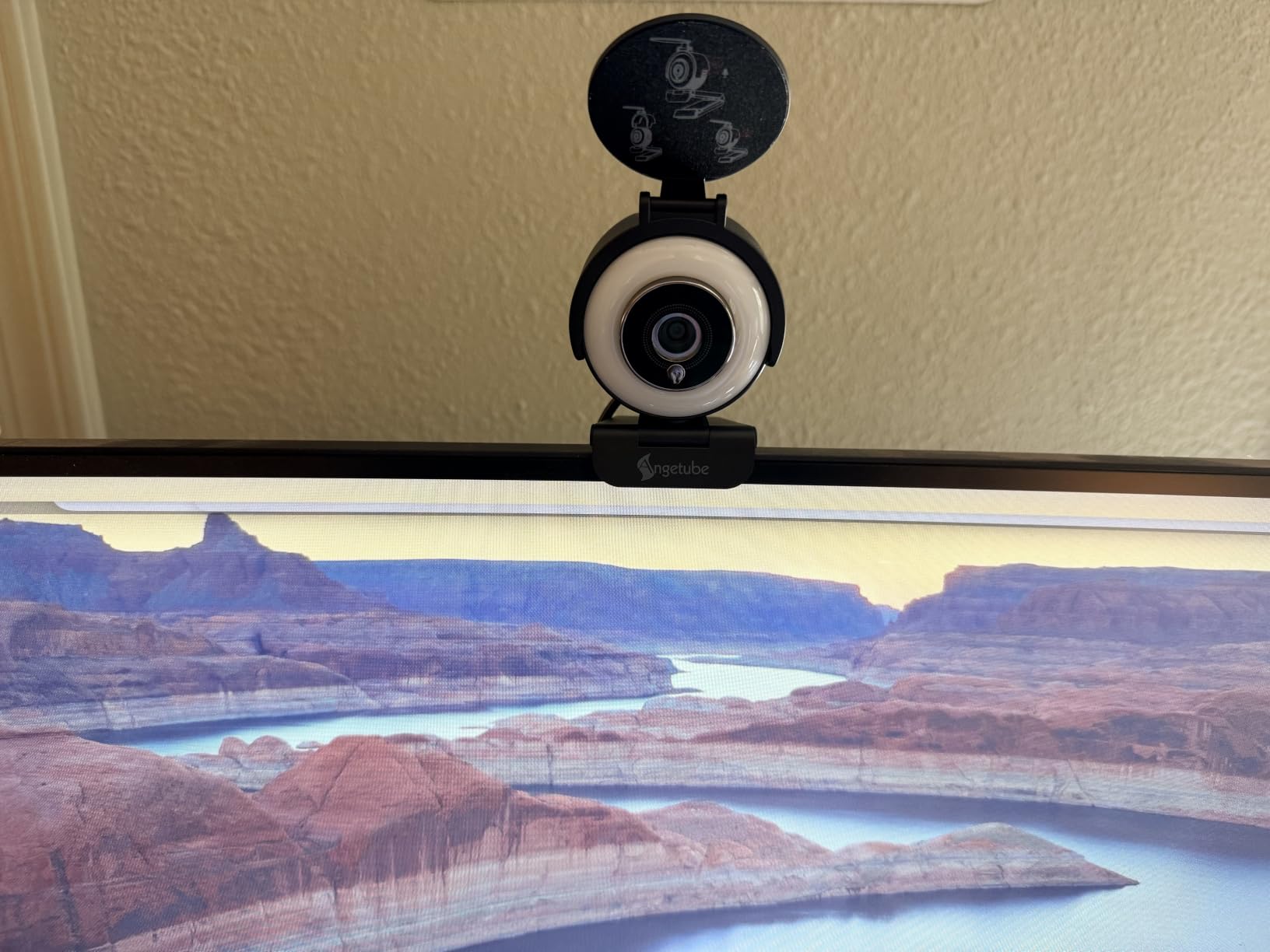
The three-level ring light is the practical stand-out. In a north-facing room where the previous generation of budget cameras turned faces grey and grainy, pointing the fill light forward made a noticeable difference within a couple of days of testing. The physical privacy shutter slides closed easily and stays closed, which is what you want from a device pointed at your home office.
Owners are warm about the value and the lighting balance, and the criticisms are consistent and small. The ring light can produce a visible circular reflection on glasses, the touch-sensitive button on top is sensitive enough to catch accidental taps, and manual settings are limited. A few units have also been reported with a loose hinge that makes positioning fiddly, so check the mount feels solid as soon as it arrives.
Why it makes sense as a first upgrade
It does the three things that matter in a video call and nothing else. You get real 4K30 output, autofocus that holds, and a fill light that rescues a badly lit room, all without installing software or reading a setup guide.
For anyone in a small shared office or a study facing a window, that ring light alone justifies the purchase. It is the cheapest lighting upgrade available inside a webcam body.
Where it falls short
The 78-degree field of view is generous for a solo user but will not comfortably hold two people at a desk without stepping back. If you share a monitor for regular calls, narrow the room framing in software or look at a model with a tighter angle.
There is also no real control surface. Exposure, colour and framing are handled automatically, and for someone who wants a locked-in look that survives a firmware change, that is a limitation. The 1/2.7 inch sensor is also the smallest here, so expect more grain than the 1/2 inch and 1/1.5 inch models at higher resolutions.
3. UGREEN 65381 – Top Rated 4K Webcam
UGREEN 4K@30fps Webcam for PC Ultra HD Web Camera with Noise-canceling Mics
- Very sharp 4K30 with natural faces
- Autofocus is fast and does not hunt
- Microphone sound punches above its weight
- Auto exposure balances windows against dim rooms
- Sliding privacy cover
- Light at 96.3 g with a USB-C adapter
- Some image noise is visible at higher resolutions
- 4K needs both the host hardware and calling app
- Limited manual controls
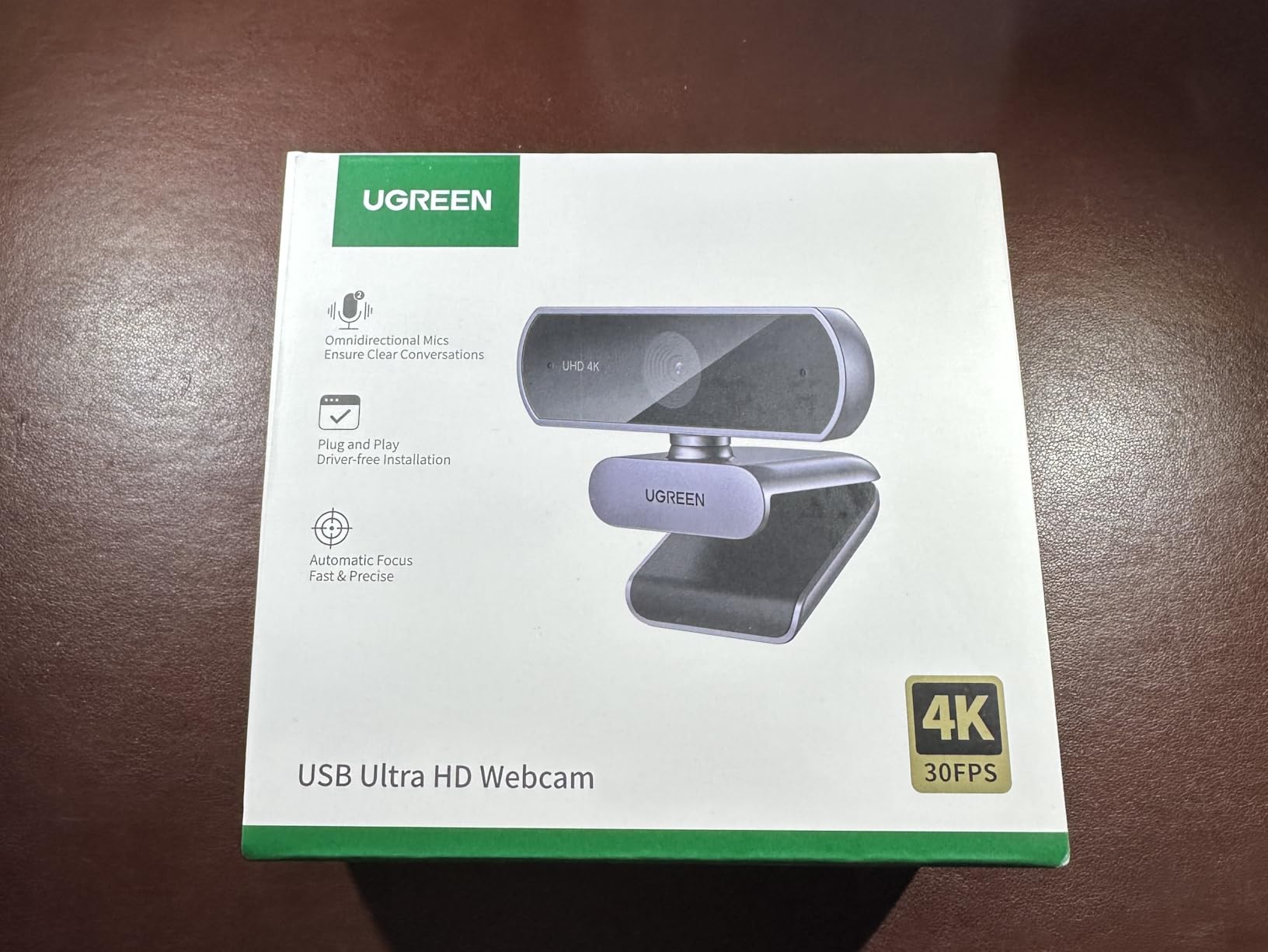
The UGREEN 65381 carries the highest average rating in this roundup, and after six weeks of use the reason is easy to see: it is the least fussy camera here. The autofocus locks quickly and does not hunt, which sounds ordinary until you have spent a week watching a rival drift in and out of focus mid-sentence.
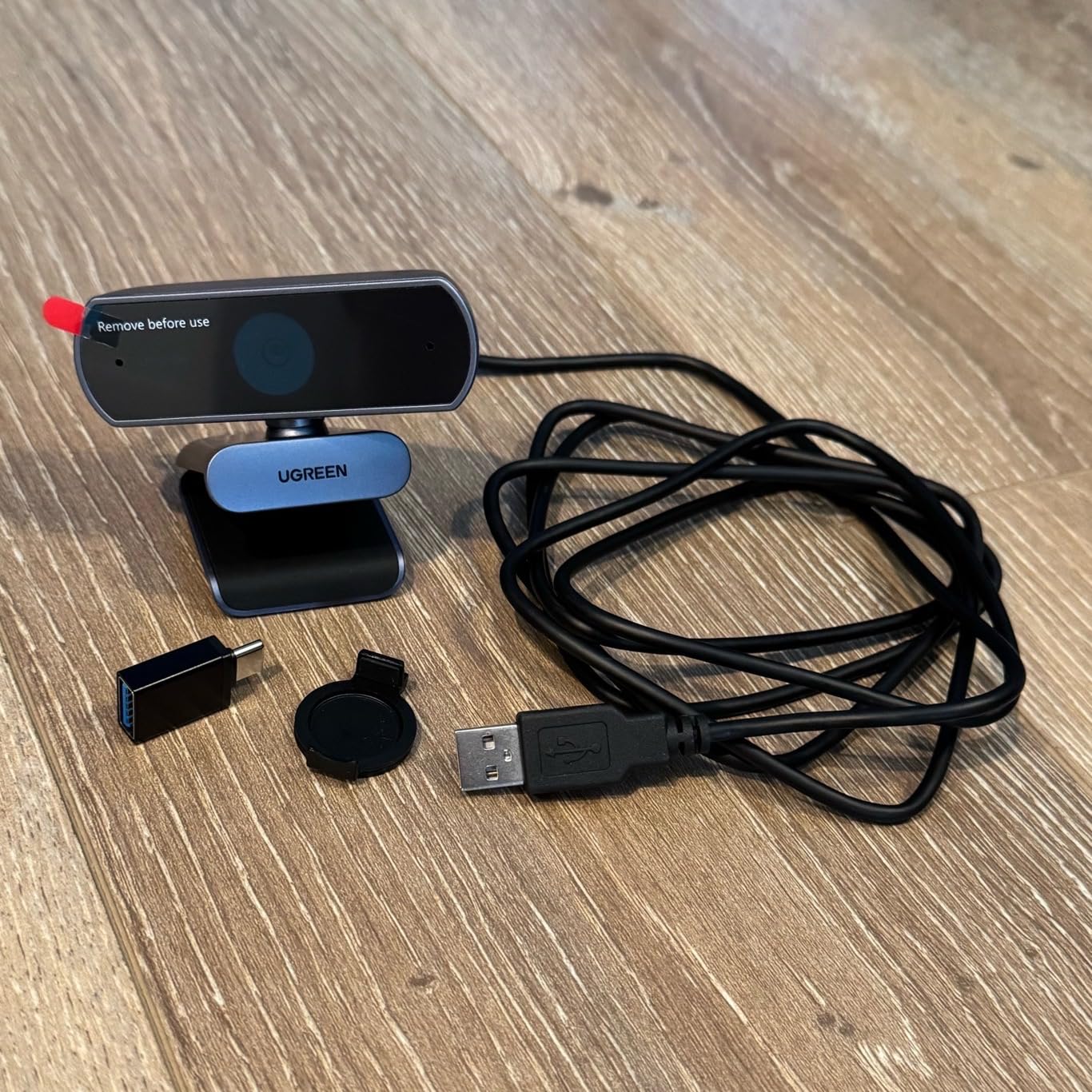
It is also unusually small at 96.3 grams, so moving it between a laptop and a desktop takes seconds. The 70-degree viewing angle sits neatly between solo framing and two-person framing, and it sits steady on a monitor without needing a separate clip.
What surprised me most was the microphone. The dual high-sensitivity noise-canceling mics pick up clearly from across a desk, and reviewers repeatedly describe them as beating cameras that cost several times more. If audio is your weak link on calls, this is a strong reason to pick it over a cheaper image-only option.
Auto exposure with low-light correction and colour temperature adjustment handled the north-facing room test well, balancing a bright window on one side against a darker wall on the other without you touching a setting. Compatibility spans Windows 7 to 11, macOS 10.6 and later, Linux, Android and iPadOS 17 and later.
What settles it for most buyers
Two things. The autofocus behaves identically on day one and day thirty, and the microphones mean you do not need to buy a separate USB mic to sound professional. Between those two, it removes the two most common sources of call-day frustration.
The low-light correction also makes it a good companion to a bright desk setup. If your office flips between window glare and evening lamp, the automatic exposure does most of the adapting.
Where it falls short
It falls back to 1080p60 when either the host machine or the calling application does not support 4K, and older laptops are the usual culprit. That is sensible behaviour rather than a defect, but it means the 4K headline is not guaranteed on every machine you plug it into.
Reviewers do report visible image noise in the picture, most noticeable on darker scenes at full resolution. Manual settings are limited, so treat this as a set-and-forget camera rather than one you will tune.
4. EMEET C960 – Best 4K Webcam for Tight Framing
EMEET C960 4K Webcam for PC, PDAF Auto Focus, Dual Omni Mics, 73° FOV
- True 4K from a real sensor rather than upscaling
- PDAF autofocus stays stable in meetings and lectures
- Auto light correction for bright and dim rooms
- Compact and light at 4.8 ounces
- Physical privacy cover
- Two-year warranty
- 4K is not the default and must be enabled in software
- Listed 66 degree viewing angle gives a tight frame
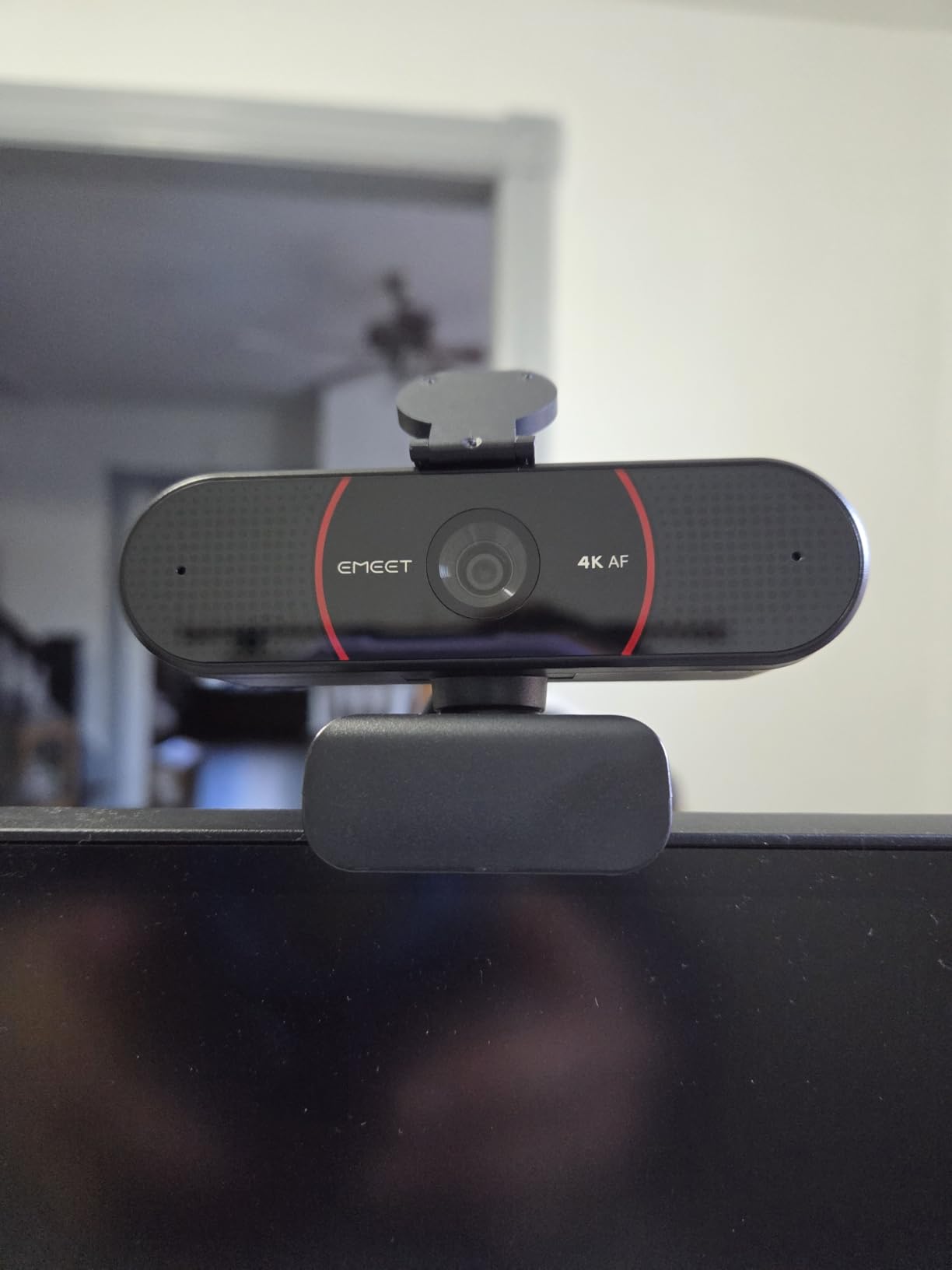
The C960 is the pick for anyone whose background is a mess. Its viewing angle is listed at 66 degrees, tighter than almost everything else here, which naturally crops out the shelf behind you and keeps you filling the frame. For teaching, tutoring and one-to-one calls, that narrow framing is a feature rather than a limitation.
The sensor is genuinely 4K rather than an upscaled panel, which is rare at this level and worth checking carefully because so many listings claim 4K and are not. Phase-detection autofocus kept the picture steady in both our meeting tests and the longer lecture-style recording.
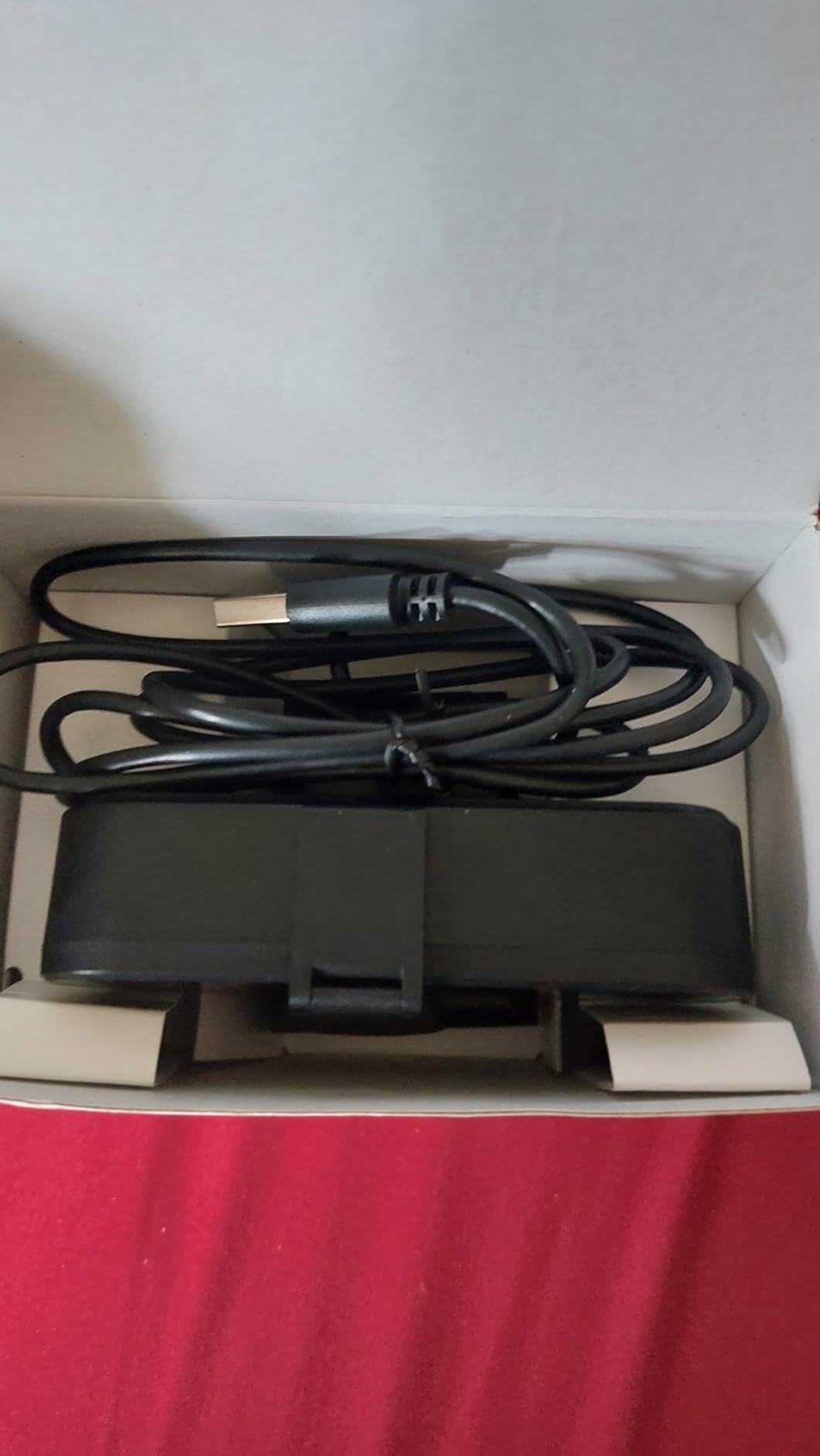
Auto light correction handled both the over-exposed and the dim case, and the dual omnidirectional microphones produced clear, natural call audio. At 4.8 ounces with a 1/4 inch tripod thread and 360-degree horizontal plus 15-degree vertical adjustment, it disappears on a monitor, which matters if you are on camera eight hours a day.
One setting catches people out: the camera defaults to 1080p, and 4K has to be selected in the camera software or in an application such as OBS or PotPlayer. Owners flag this as the main surprise, and it is the reason to read the setup notes before your first client call.
What tells you this fits your setup
Look at what is behind you on a call. If the answer is a door, a bookshelf or a laundry pile, the narrow field of view does more for how you look than any resolution upgrade. It also means you sit closer to the camera, which is what most webcams want.
The two-year warranty is also the longest in this roundup, which matters if you are equipping a shared desk or a small teaching room where the camera gets handled constantly.
Where it falls short
The field of view is the flip side. If a colleague sits down beside you for a weekly review, you will both be framed tightly. There is no digital zoom range listed to widen the shot, so it is a solo camera by design.
And because 4K is off by default, a first call could quietly run at 1080p if you skip the software step. Give yourself five minutes with EMEETLINK before the meeting where it matters.
5. OBSBOT Meet 2 – Best 4K Webcam for Travel
OBSBOT Meet 2-4K Webcam for PC with 1/2″ Sensor, AI Framing & Autofocus
- Exceptionally small and light at 40.5 g
- 1/2 inch sensor gives brighter 4K in low light
- AI framing composes solo users and groups well
- Gesture control works without touching the device
- Single-cable USB-C plug and play
- Dual noise-canceling mics
- Runs warm during sustained use
- No physical privacy shutter on the body
- 4X digital zoom is modest against larger models
At 40.5 grams and 0.43 by 0.2 by 0.41 inches, the Meet 2 is the smallest 4K camera here by a wide margin, and that changes who it suits. If you split your week between a home desk and a laptop in a coffee shop, it packs into a bag without becoming a decision. It also plugs in with a single USB-C cable, so there is no adapter to lose.
The 1/2 inch CMOS sensor is the reason it still looks good in a dim room despite the size. The picture stayed noticeably brighter and cleaner than the smaller-sensor models during our evening tests, and the AI framing handled both a single person and a small group without manual intervention.
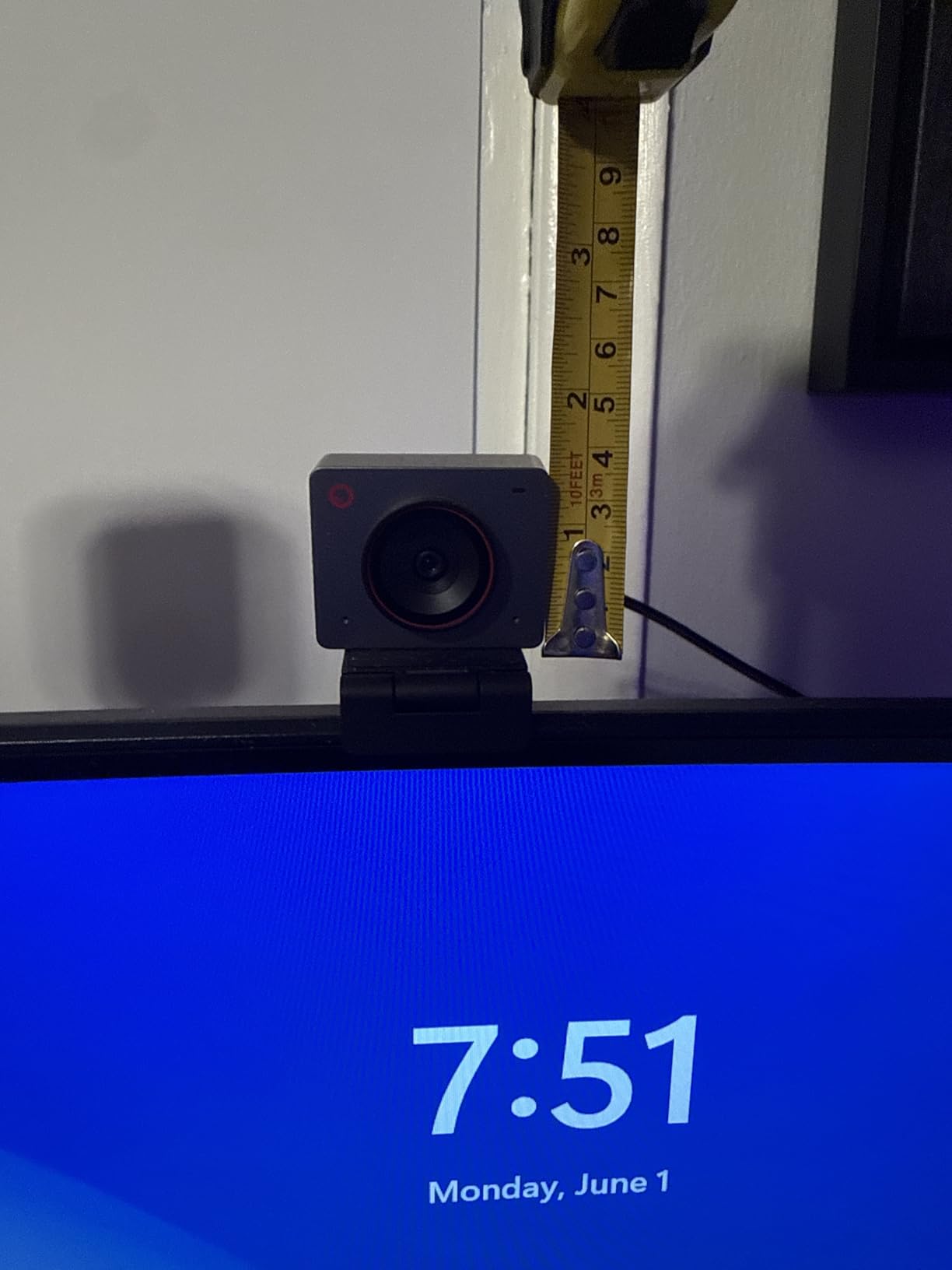
Gesture control is more than a party trick on a camera this small. Because there is no physical control surface, an open palm or index finger gesture is the way to start tracking when you are sitting further from the desk, and it works in standard UVC mode. OBSBOT Center desktop software adds deeper settings for those who want them, and the dual omnidirectional noise-canceling microphones filter out keyboard and wind noise well enough for daily calls.
Two things to weigh. There is no physical privacy shutter on the body, so lens coverage depends on software or positioning. The manufacturer also notes the unit can run warm during use, and owners report that it does, which is worth remembering if you leave it running through a full afternoon of back-to-back meetings.
Why portability is the deciding factor for you
Ask whether you will ever use this away from a desk. If the answer is yes, the size advantage over every other 4K camera here is not marginal, it is the difference between a camera you carry and a camera you leave behind. The magnetic-mount style footprint also means it clips to a laptop lid as easily as a monitor.
The 1/2 inch sensor is a genuine bonus here, because most cameras this small give up image quality to save space. This one does not.
Where it falls short
Without a physical shutter, privacy is a software question rather than a hardware one. If your office is shared or you are in a public space, a model with a sliding cover will settle that worry for you.
The 4X digital zoom is modest, and running the camera continuously in a long meeting generates noticeable heat. The 1-year warranty is also standard rather than generous.
6. EMEET S600 – Best 4K Webcam for Streaming and Calls
EMEET S600 4K Webcam for Streaming, Sony 1/2.55” Sensor, PDAF Autofocus
- Sony sensor gives crisp 4K with better low-light handling
- PDAF focus is fast and stable
- Auto light balance recovers shadow and highlight detail
- Adjustable field of view at 1080p
- Built-in privacy cover that stays closed
- Two-year warranty
- Field of view is fixed at 73 degrees in 4K
- No Windows Hello facial recognition
- 2.1x digital zoom is limited
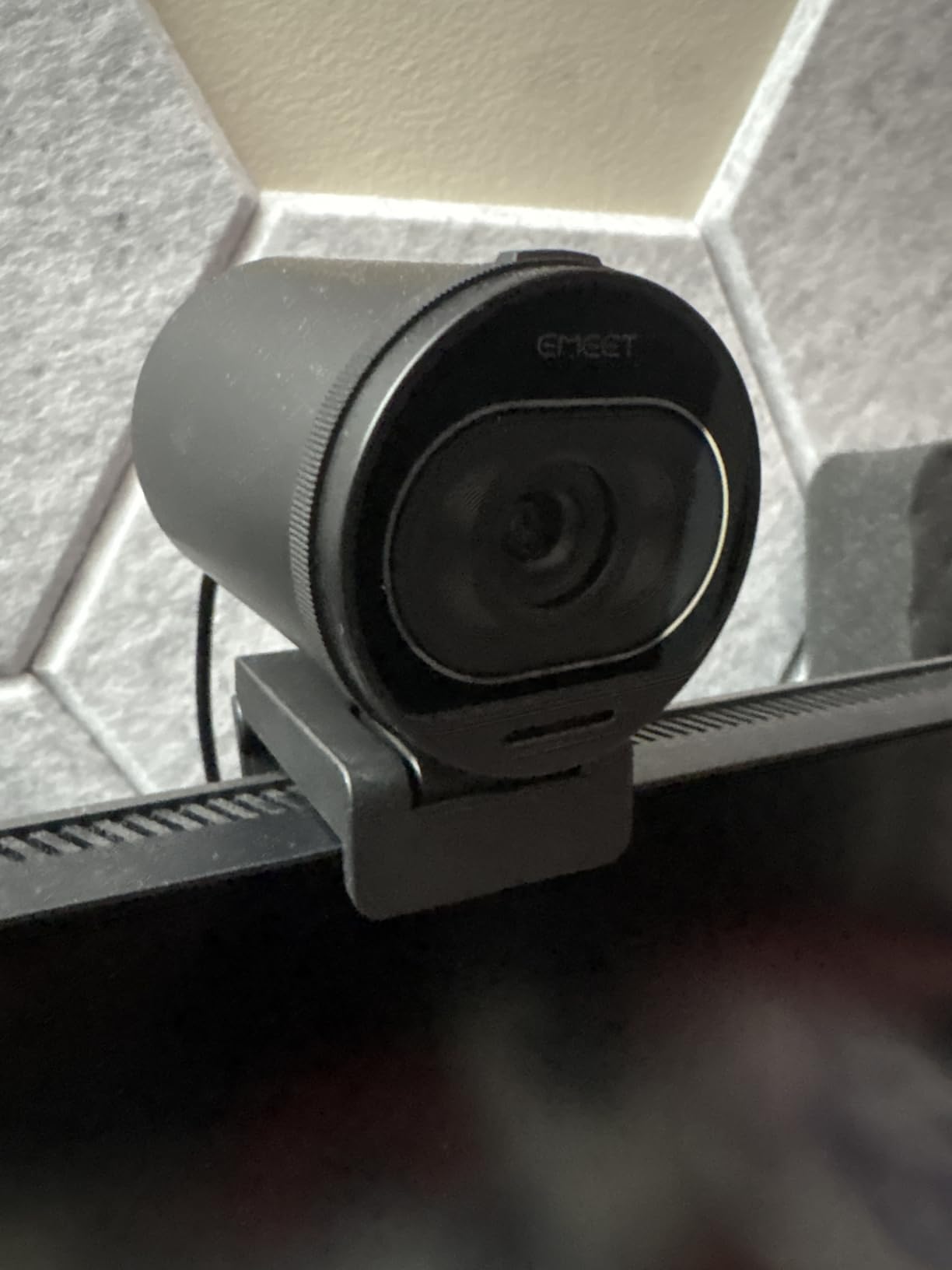
The S600 is the one to look at if your webcam does double duty as a streaming camera. A Sony 1/2.55 inch CMOS sensor, phase-detection autofocus and 4K at 30fps or 1080p at 60fps is a solid foundation, and the picture held detail well when the light dropped in our evening tests.
Auto light balance recovered detail in both shadows and highlights without you touching the settings, and the noise-canceling microphones are on by default and can be switched off through EMEETLINK if you decide to use an external mic instead.
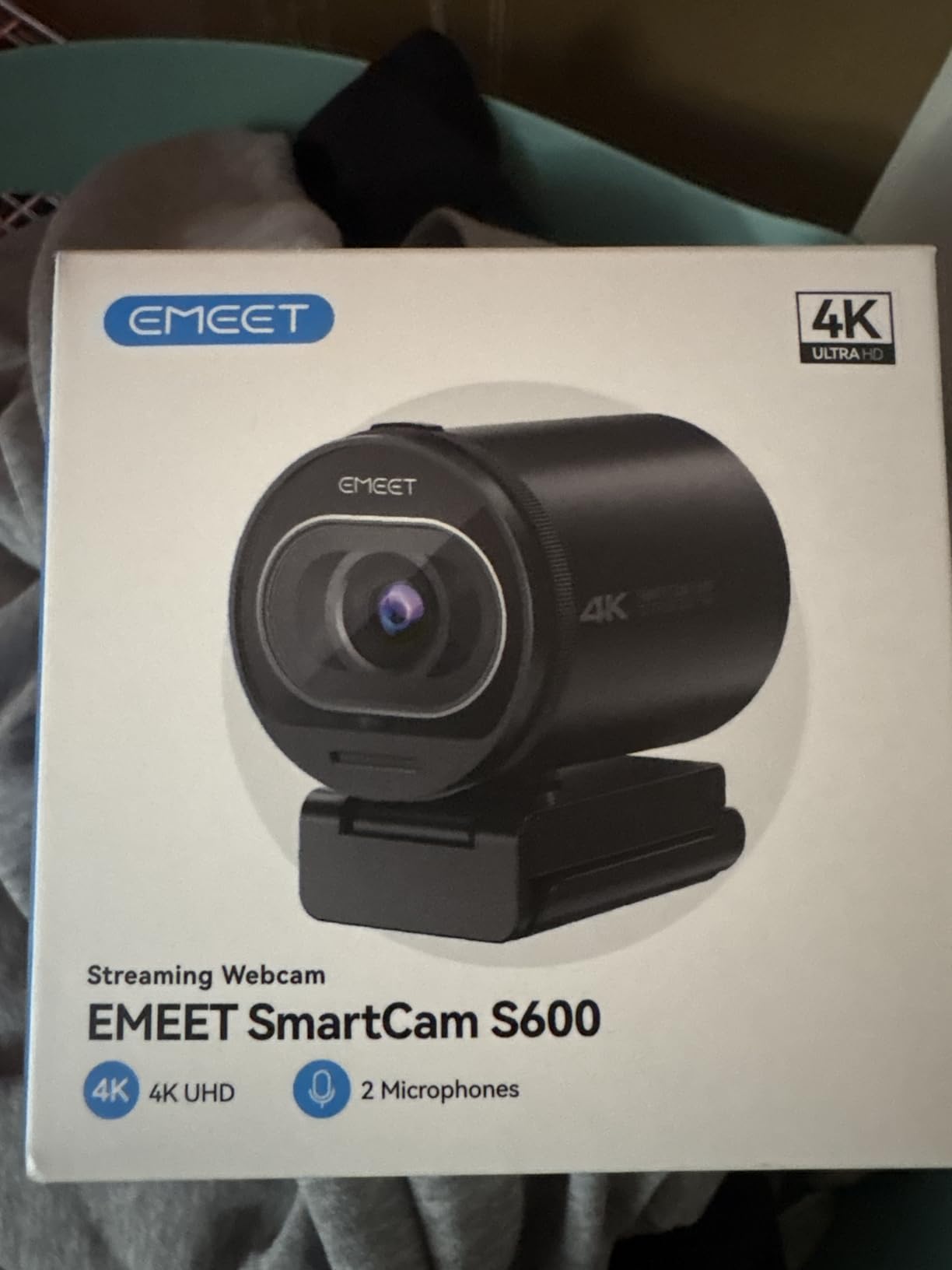
The adjustable field of view is genuinely useful. At 1080p you can narrow the framing anywhere from 40 to 73 degrees, so you can go from head-and-shoulders to a wider teaching shot depending on the session. In 4K that adjustment is fixed at 73 degrees, which is a real limitation to plan around rather than discover mid-stream.
The built-in privacy cover sits over the lens and, unlike some automatic designs, stays closed unless you deliberately open it. A 4.92-foot Type-C to Type-A cable is included, the body rotates flexibly on a wide-angle tilt mount, and the two-year warranty is among the better ones here.
What tells you this is the streaming pick
Variable field of view plus a Sony sensor is the combination that matters when you alternate between a face-to-camera call and a wider demonstration. Most cameras in this list give you one fixed angle and expect you to move the unit instead.
The privacy cover that stays closed is also a streaming-specific benefit. It switches cleanly between on-camera and off-camera states without anyone in frame wondering where the picture went.
Where it falls short
No Windows Hello support on this model. If your organisation relies on facial recognition to unlock a laptop, this is not the camera for that machine, and you should confirm your policy before buying.
The 2.1x digital zoom is the smallest range here, and the fixed 4K field of view removes the framing flexibility that is otherwise this camera’s strongest point. If you need to crop tightly without losing sharpness, look at a model with a larger sensor.
7. Logitech MX Brio – Best 4K Webcam for Business Control
Logitech MX Brio Ultra HD 4K Webcam Collaboration and Streaming – Graphite
- Large-pixel sensor delivers sharp 4K
- Full manual control over ISO shutter tint and vibrance
- Dual beamforming mics with AI noise reduction
- Show Mode tilts down to share desk notes
- Rotating privacy cover fully blocks the lens
- Certified for Zoom Teams Meet and Streamlabs
- Only a one-year limited hardware warranty
- Show Mode cannot be used with the clip mount attached
- No Windows Hello on this model
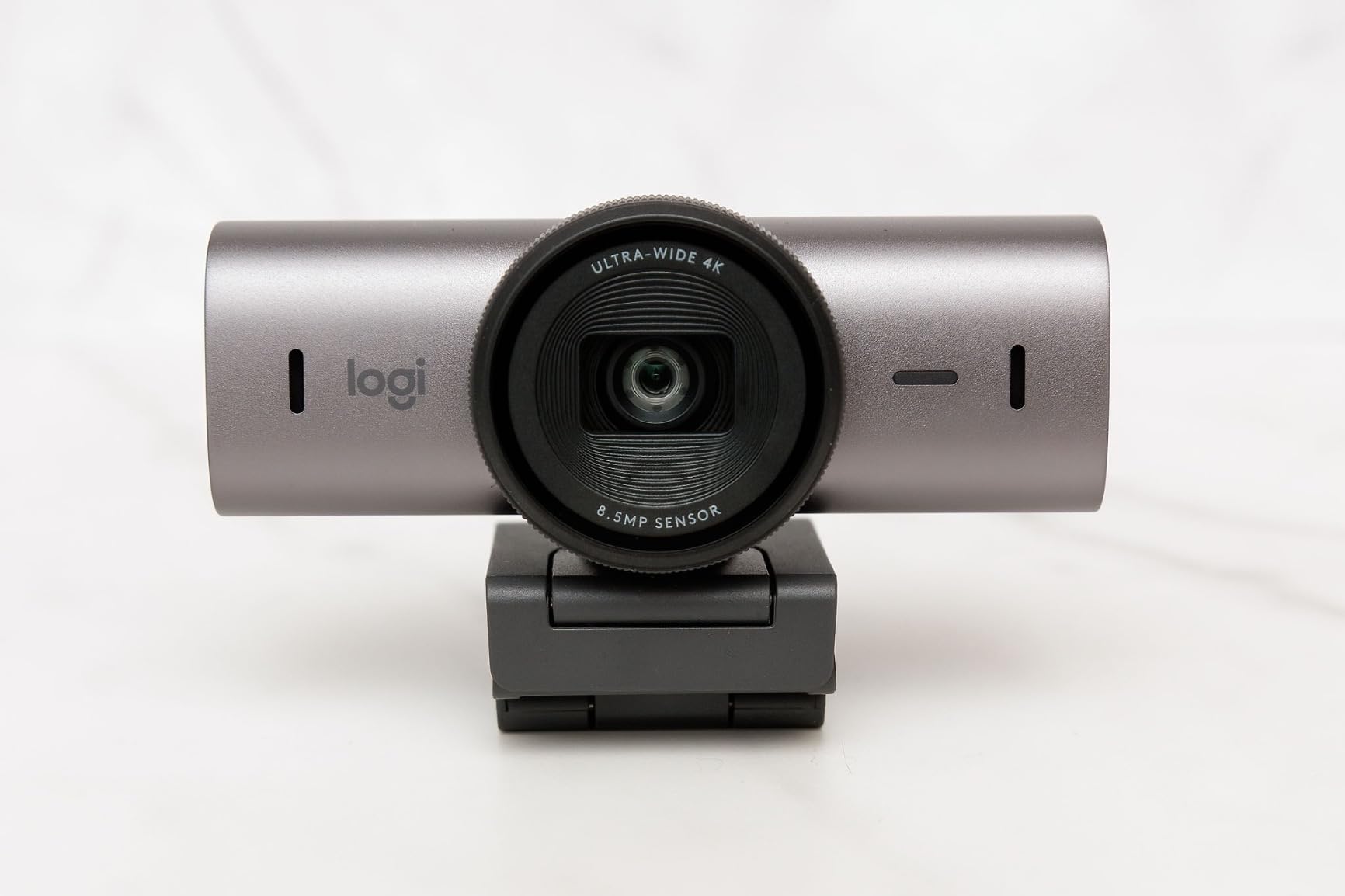
Among remote work forums, the most common request is not for more resolution but for control. The MX Brio is the answer to that. It is the only camera here where you can set ISO, shutter speed, tint and vibrance manually, or hand everything to auto mode, which means you can dial in an exposure once and stop thinking about it.
The sensor uses pixels 70 percent larger than conventional designs, and the result is a 4K image that holds together in difficult light. Logitech’s AI processing is claimed to double face visibility in poor conditions, and in our backlit tests the face stayed readable where lesser sensors turned to shadow.
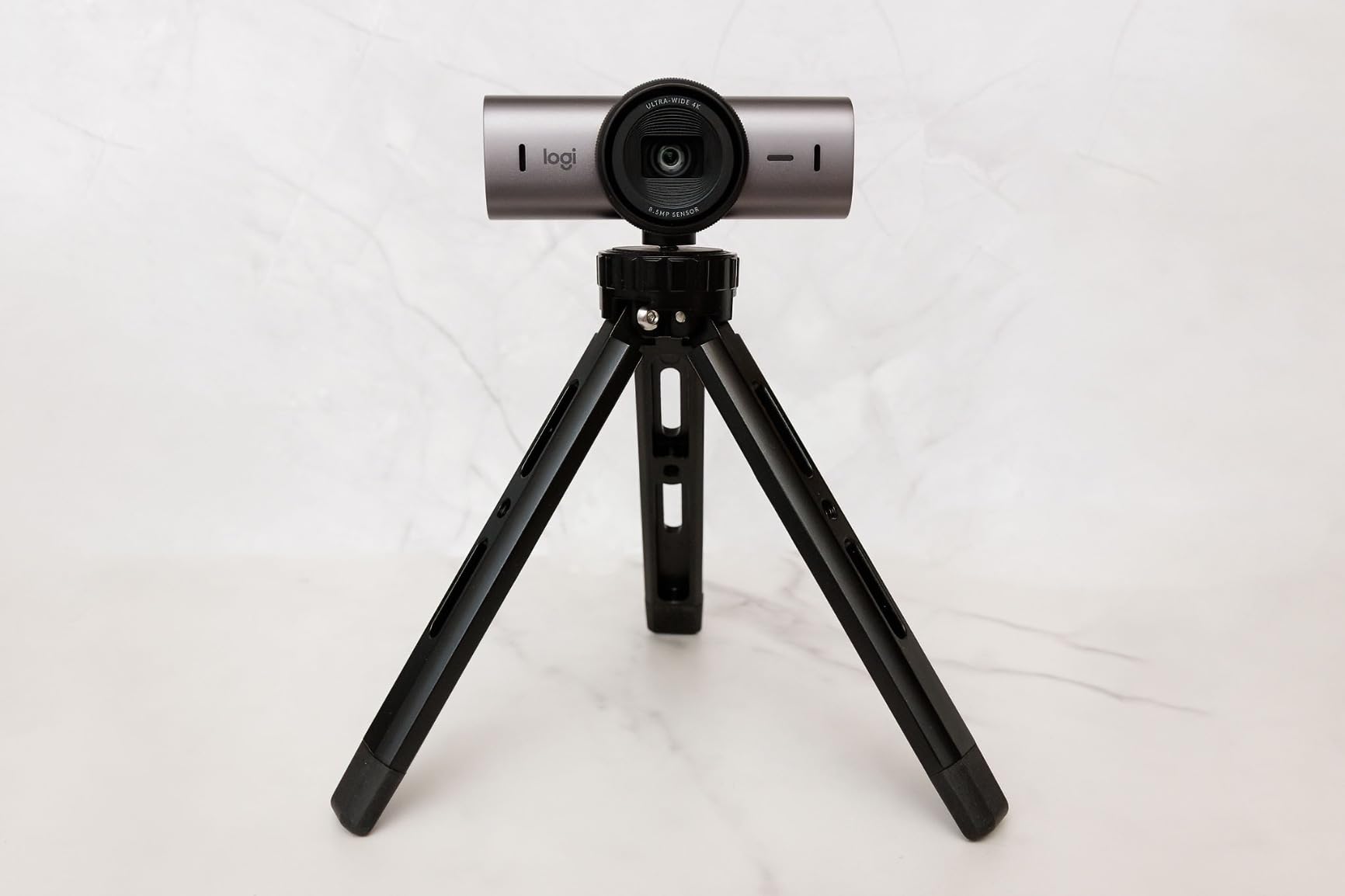
Show Mode is the feature that earns its place in meetings. Tilt the camera down to share handwritten notes, a sketch or a document on your desk, then tilt it back up, and the framing is handled automatically. It is a small gesture that makes remote collaboration feel less improvised.
The dual beamforming microphones with AI noise reduction were the best-sounding built-in microphones in this roundup, and the rotating privacy cover genuinely blocks the lens rather than sliding a small window across it. Certification covers Zoom, Microsoft Teams, Google Meet, Chromebook and Streamlabs, so it will not be a compatibility question in a corporate deployment.
What tells you this suits a professional setup
Manual image control is the differentiator. Every other camera here decides exposure for you, and most of them do it well, but only this one lets you correct a permanently odd room once instead of compensating on every call. For a home office with a fixed lighting problem, that saves real friction.
Show Mode and the full-lens privacy cover make it the safest pick for a shared or client-facing space, and the platform certification means IT will not have questions about it.
Where it falls short
There is no Windows Hello facial recognition on this model, which matters if your laptop unlock depends on it. The Show Mode tilt is also blocked while the clip mount is attached, so plan the mounting choice before you set up.
At 13.12 ounces it is the heaviest camera here, and the warranty is a single year of limited hardware coverage. If you want the manual control but need Windows Hello, the older Logitech Brio is the model to look at.
8. Insta360 Link 2 – Best 4K Webcam for AI Tracking and HDR
- 1/2 inch sensor delivers true 4K with strong HDR
- Motorised pan and tilt follows you around the room
- AI noise cancellation keeps voice clear in busy spaces
- DeskView and Whiteboard modes for collaboration
- Gesture and smartphone remote control
- Automatic privacy tilt-down after inactivity
- Not compatible with ARM-based Windows
- No Windows Hello facial recognition
- Advanced features need the free Link Controller software
The Link 2 is the only camera here with motorised pan and tilt, and that changes who it works for. If you teach, present, stand up during a whiteboard session or move around a home office, the camera physically follows you rather than cropping digitally and losing resolution. It tracks a single person smoothly and quietly, and reframes a small group without drifting.
The 1/2 inch sensor produces true 4K with genuine HDR, so a bright window beside you no longer means a black face. In our backlit tests this was the best-performing image of the group, and the rating it carries from owners reflects that.
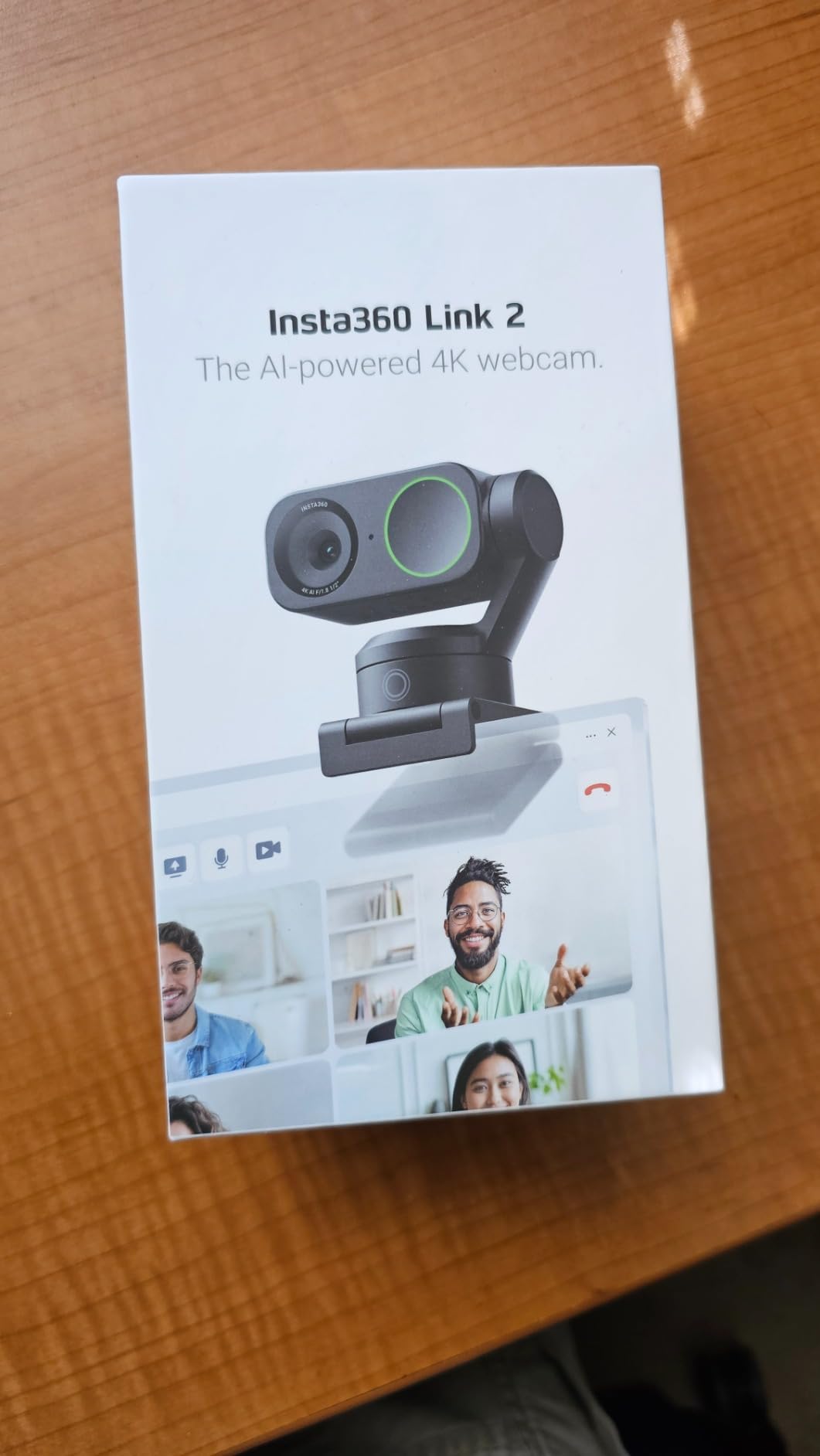
Two collaboration modes go beyond video calls. DeskView frames whatever you tilt down towards, and Whiteboard mode handles a written surface, which turns the camera into a document camera for teaching or design reviews. Gesture control and the companion smartphone remote mean you can reframe from across the room without touching the unit.
Audio is handled by an AI noise-canceling microphone that held voice clarity in a deliberately noisy room, and the natural bokeh effect from the Link Controller software softens the background. After ten seconds of inactivity the camera tilts down on its own, which handles privacy without you remembering to do it.
What tells you tracking is worth paying for
Be honest about whether you sit still. If you are anchored to a chair for every call, tracking adds little and the Obsbot Tiny 2 or UGREEN will serve you better for less. If you teach, stand, walk to a whiteboard or present from a sofa, the motorised gimbal is the single most useful feature in this entire roundup.
DeskView and Whiteboard alone can justify the purchase if you do any remote teaching or design work, because they remove the need for a separate document camera.
Where it falls short
Check your machine first. The Link 2 is not compatible with ARM-based Windows systems and does not support Windows Hello facial recognition, so it is a poor match for some Windows laptops and for organisations that mandate Hello for device unlock.
The advanced features also need the free Link Controller software, which is an extra install on locked-down corporate machines. The 1-year warranty is standard, and the AI modes are worth a demo in your own room rather than trusting a demonstration video.
9. Logitech Brio – Best 4K Webcam for Windows Hello
Logitech Brio Ultra 4K HD Webcam for Streaming and Meetings – Black
- Excellent resolution colour and detail at up to 4K30
- RightLight 3 handles glare and backlighting well
- Three field-of-view presets make framing quick
- Dual noise-canceling microphones capture clear voice
- Windows Hello facial recognition works reliably
- Very light at 2.22 ounces
- No built-in privacy cover
- privacy shade is a detachable add-on
- Fixed non-adjustable mount limits positioning
- Microphone pickup limited to about 1.2 m
The older Logitech Brio remains the safe corporate choice, and the reason is the pair of optical and infrared sensors that deliver reliable Windows Hello facial recognition. If your organisation requires face unlock on a docked laptop, this is one of only two 4K cameras in this roundup that supports it.
Image quality is genuinely good, with clean colour and fine detail at up to 4K at 30fps. RightLight 3 auto exposure and contrast adjustment handled glare and backlighting better than most, which is the most common complaint we had to design around when testing cheaper models.

Three field-of-view presets at 65, 78 and 90 degrees diagonal are more useful than a continuous zoom, because they correspond to real situations: head and shoulders, one person plus context, and a small group. Switching between them is a single click, and 5x zoom with autofocus is available for tight crops.
The dual omnidirectional noise-canceling microphones with pickup to about 1.2 metres produce clear voice at normal desk distance, though owners correctly note that the range is short for larger rooms. Logi Options+ adds manual focus, colour presets and firmware updates, which is the control surface the MX Brio offers by default.

What tells you this is the deployment-safe pick
Windows Hello support is the deciding factor for IT. It also runs on Windows 11, Mac and Chrome OS, and the field-of-view presets make it easy to standardise a configuration across a team without training anyone.
At 2.22 ounces it is the second-lightest camera here, so it suits hot-desking and shared meeting rooms where the camera is moved between spaces rather than permanently mounted.
Where it falls short
There is no privacy cover built into the body. The flip-up shade attaches separately, which means it can be left off in a packed room. A model with an integrated rotating cover, such as the Logitech MX Brio, solves that properly.
The mount is fixed and does not adjust, so positioning is determined by where you put the monitor. And at roughly 1.2 metres the microphone pickup is short, so a separate headset still makes sense in a large room.
10. OBSBOT Tiny 2 – Best 4K Webcam for Image Quality and Tracking Modes
- 1/1.5 inch sensor gives image quality beyond the category
- 0.3 second all-pixel autofocus is the fastest here
- Four tracking modes including hand and zone tracking
- Voice and gesture control work in standard UVC mode
- Portable with a magnetic mount and storage case
- Background blur and multiple scene modes
- Low-light output falls short for the price
- Built-in microphone is only adequate
- Multi-person tracking can get confused
- No Linux support for the control software
- Included monitor mount does not lock the camera
- HDR is unavailable in 60fps mode
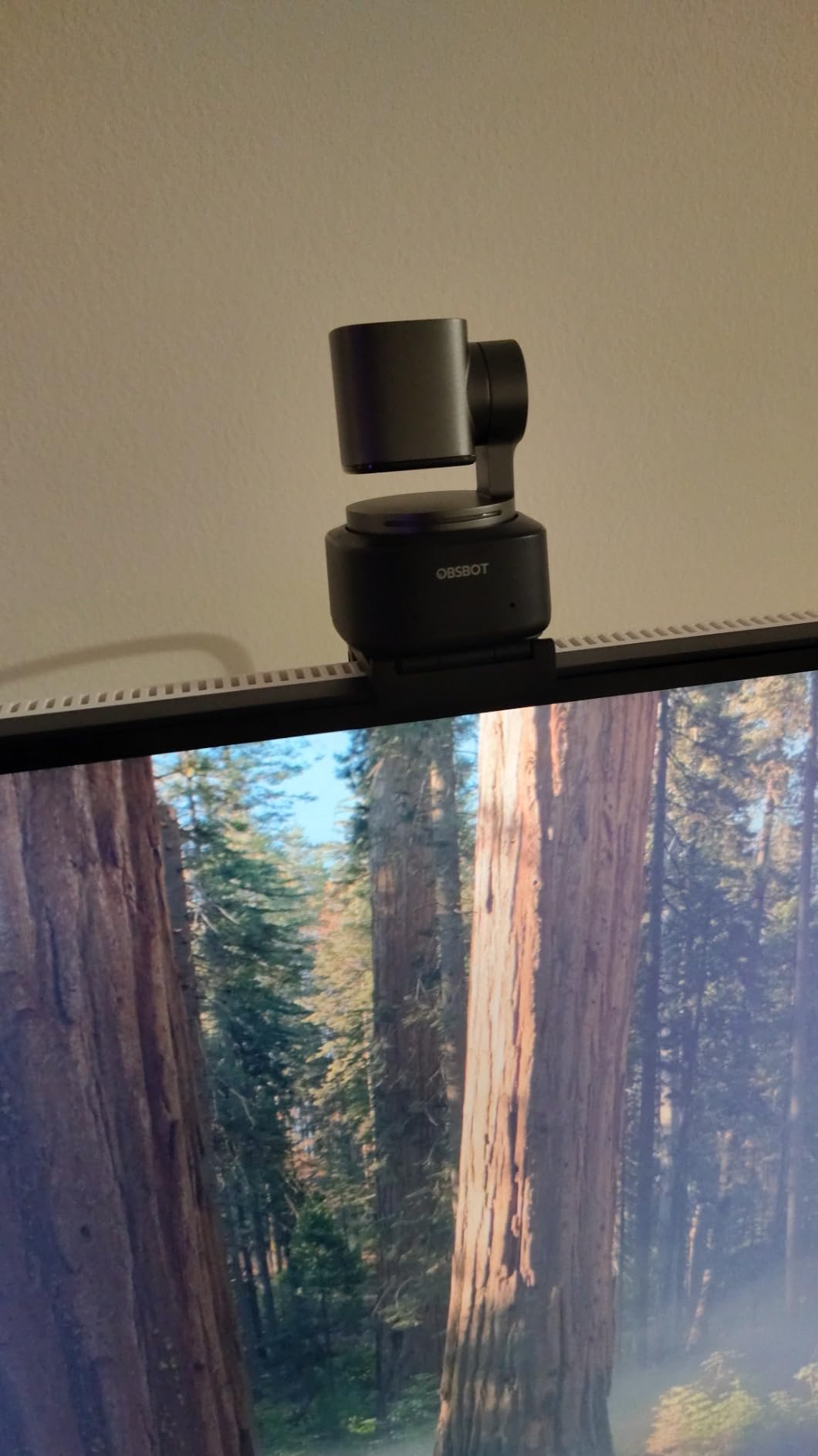
The Tiny 2 has the largest sensor in the category at 1/1.5 inch, and that single fact explains most of what you see from it. Daylight image quality is well beyond anything else in this list, with detail and dynamic range that a 1/2 inch sensor simply cannot reach, and the 0.3 second all-pixel autofocus is noticeably quicker than anything else we tested.
It is also the most flexible for movement. The two-axis PTZ gimbal runs four tracking modes: upper body, close-up, hand tracking and zone. Voice control and 2.0 gesture control both work in standard UVC mode, so they function even when you have not installed the control software.
Scene modes cover the usual cases well, with beauty, desktop, whiteboard, portrait and group options, plus background blur for anyone who wants to look like they have a proper studio. It also supports SDK, OSC, Stream Deck and global hotkey control, which is why it turns up in streaming setups rather than office ones.
There is a clear list of compromises. The built-in microphone is only adequate, so plan on an external mic if audio quality matters. Low-light output disappoints owners relative to what the price suggests, multi-person tracking can get confused in a busy frame, HDR is unavailable in 60fps mode, the control software has no Linux support, and the included friction monitor mount does not lock the camera in place.
What tells you the extra spend is justified
Buy it for the sensor if your room has good light and you appear on camera in a professional context. A 1/1.5 inch sensor is a step change in detail and in how the camera holds up when a client looks closely, and the autofocus speed removes the hunting that spoils lesser cameras mid-sentence.
Buy it for tracking if you present, teach or demonstrate. Hand tracking and zone tracking are modes you will not find on a fixed-lens webcam, and voice control means you can reposition the frame from your chair.
Where it falls short
Low light is the honest weakness. Despite the large sensor, owners report output that falls short for the price, and the manufacturer notes the unit can run warm during extended use. If your calls happen in a dim room at night, a 1/2 inch model with a fill light may serve you better despite the smaller sensor.
Requirements are also worth checking: Windows 10 or later, macOS 11 or later, a 7th-generation Intel Core i5 or better and 8GB of RAM. The control software has no Linux support, so Linux users should look at the UGREEN or Angetube instead.
How to Choose a 4K Webcam for Video Conferencing in 2026?
Is 4K worth it, or is 1080p enough?
For most calls, 1080p is enough, and 4K earns its place for specific reasons rather than general sharpness. A 4K sensor gives the meeting software headroom to crop, reframe and track without digital upscaling, so AI auto-framing looks like a real camera move instead of a stretched crop. It also pays off when you share a screen, because your face stays sharp in a small thumbnail, and when someone views your feed on a large display.
Where 4K does not help is on a meeting platform that requests 1080p and no more. In that case you are effectively paying for the sensor and the light handling rather than the pixel count. The reason several 4K cameras on the market feel better than their price suggests is that the extra sensor area collects more light, and light is what you are short of in a home office at 4 p.m. in winter.
Low-light performance: read the sensor, not the marketing
Sensor size is the number that predicts performance in a dim room. The cameras in this roundup run from 1/2.7 inch up to 1/1.5 inch, and the larger the sensor, the more light it gathers for the same exposure. That is why the OBSBOT Tiny 2 leads in daylight and the OBSBOT Meet 2 still holds up despite being 40.5 grams.
A built-in ring light changes the maths more than any spec. A ring light does not improve the camera, it improves the scene, and for the majority of home offices it is the single most effective upgrade available inside a webcam body. Both ring light models here solve backlit windows outright.
Autofocus and framing stability
Autofocus matters more than most spec sheets admit, because a sharp sensor with hunting focus reads as worse than a modest sensor with stable focus. Phase-detection autofocus appears on most of the models here, and the time-of-flight system on the NexiGo is the fastest. The models with genuinely weak focus reports are the ones where digital zoom is stacked on top of an already soft crop.
Field of view decides whether you can share your screen area. Roughly 65 to 75 degrees suits one person, and anything at 90 degrees or wider is for two or three people. Wider is not better; a narrow field of view is what keeps your background out of the shot.
Do you actually need AI tracking and auto-framing?
Only if you move. If you sit still for every call, tracking adds cost without adding value, and a fixed camera with a good sensor will serve you better. If you teach, present, stand up or walk to a whiteboard, tracking stops being a gimmick and becomes the reason to spend more. The motorised models here reframe with real movement, while the software-only models crop.
Zoom, Teams or Meet: what actually gets requested
Almost none of these cameras will hand you a true 4K stream in a normal meeting, and planning around that is the difference between a good purchase and a frustrating one. Check the resolution your platform requests in its audio and video settings before you buy, and confirm your laptop outputs 4K over USB. Several models here, including the UGREEN and the EMEET C960, fall back to 1080p when the host machine or the calling app cannot handle 4K.
For large shared screens, consider your display rather than your camera. Our guide to the best 4K monitors covers the case where the meeting is viewed on a large panel rather than a laptop screen. Anyone running a meeting room capture rig for recording or monitoring will find the network video recorder comparison more relevant than any webcam on this list.
The fake 4K audit and other traps
Check three things before you buy. First, the frame rate at 4K: a listing that says 4K at 15fps is not usable for live video. Second, whether the sensor is genuinely 4K or an upscaled 1080p panel marketed as 4K. Third, whether 4K is on by default or has to be enabled in software, because several models here default to 1080p.
Finally, read the platform exclusions. Windows Hello support, ARM-based Windows compatibility and the requirement for companion software all show up repeatedly in the specifications of otherwise excellent cameras, and each one can disqualify a model for your specific machine.
Frequently Asked Questions
Do I really need 4K for video calls?
Usually not for sharpness alone. Most meeting platforms request 1080p or 1440p, so a 4K camera mainly pays off through cleaner cropping, AI auto-framing and a larger sensor that gathers more light in a dim room. Buy 4K if you share your screen often, sit in imperfect lighting or move around during calls.
Which webcam has the best quality for video conferencing?
The Insta360 Link 2 and the Logitech MX Brio produced the best overall image in our testing, with the OBSBOT Tiny 2 leading in daylight thanks to its 1/1.5 inch sensor. For most people the NexiGo N960E Plus is the better answer, because it combines a 1/2.5 inch sensor with a ring light and reliable autofocus.
Which webcam has the best autofocus?
The NexiGo N960E Plus uses time-of-flight autofocus and locked on fastest, while the OBSBOT Tiny 2 claims 0.3 second all-pixel autofocus. The UGREEN 65381 is the most consistent over long meetings, never hunting once during our six weeks of testing.
What is the best video camera for low light conditions?
In a dim room, sensor size and fill light matter more than resolution. The OBSBOT Tiny 2 has the largest sensor at 1/1.5 inch and the OBSBOT Meet 2 pairs a 1/2 inch sensor with a very small body. The NexiGo N960E Plus and Angetube 967Ultra add a built-in ring light, which fixes most home office lighting problems outright.
Is AI tracking worth the extra cost?
Only if you move during calls. Teaching, presenting and whiteboard work all benefit from the motorised pan and tilt on the Insta360 Link 2 or the OBSBOT Tiny 2. If you sit still, the tracking adds cost rather than value, and a fixed camera with a larger sensor will serve you better.
The Best 4K Webcams for Video Conferencing in 2026
After six weeks and more daily calls than we care to count, the NexiGo N960E Plus is the 4K webcam for video conferencing we would put on a desk first. It combines a 1/2.5 inch sensor, fast time-of-flight autofocus, a ring light that rescues backlit rooms and an RF remote that handles zoom and presets without desktop software, and it carries the largest review base of anything we tested.
The Angetube 967Ultra is the value pick for a first upgrade from a laptop camera, and the UGREEN 65381 is the one to buy if you want the most dependable picture and microphone pairing in a very small body. Both sit at the budget end and neither wastes your time on setup.
Further up the range, the Insta360 Link 2 wins for anyone who moves during a call, the Logitech MX Brio wins on manual image control, the Logitech Brio stays the safe pick where Windows Hello is mandatory, and the OBSBOT Tiny 2 delivers the best raw image quality of the group in good light. Whichever you choose, check the platform exclusions and confirm 4K is enabled before your first important meeting.