
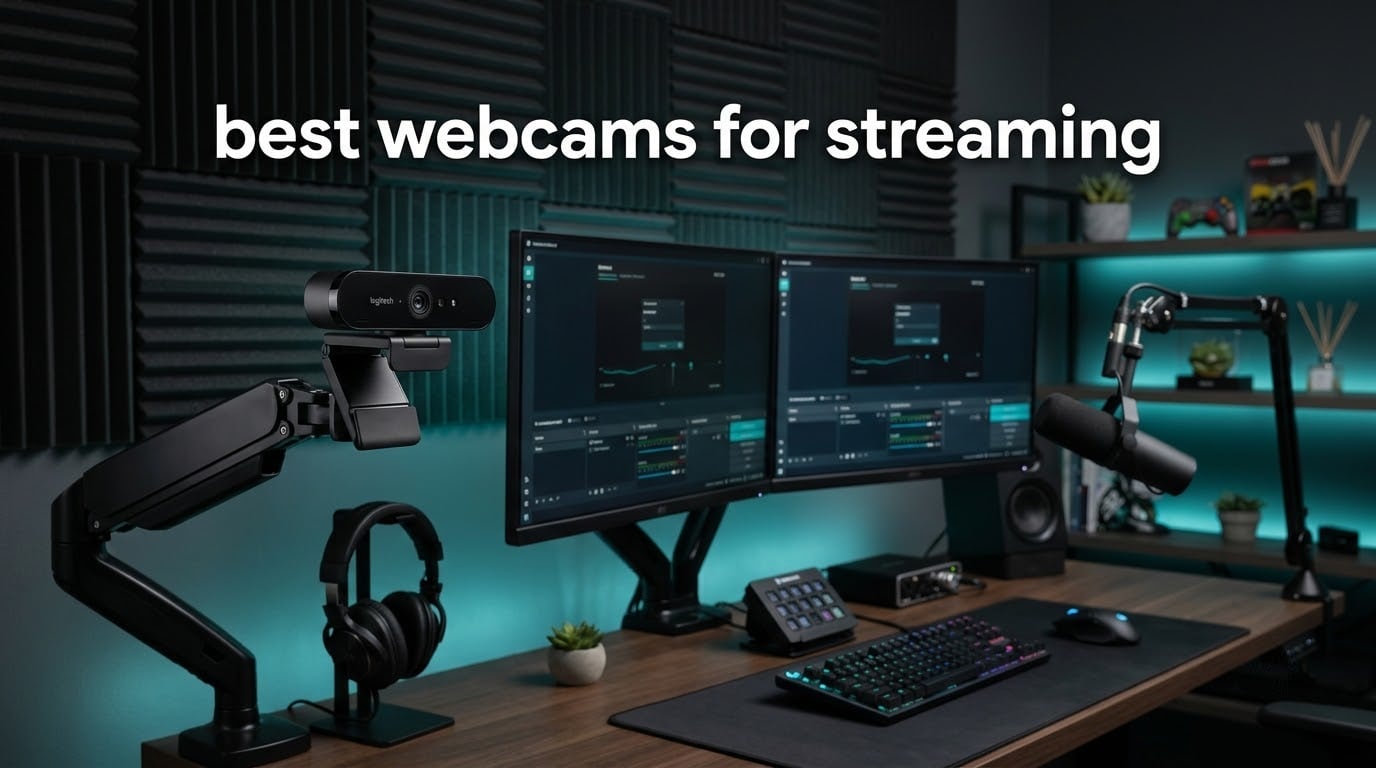
A webcam is the one piece of a streaming setup that viewers judge before they hear you talk. A dim, noisy, slightly out-of-focus face reads as low production value in about two seconds, and no amount of good content recovers from that impression. That is why the best webcams for streaming are not simply the sharpest cameras on the shelf — they are the ones that hold a clean image at the exact resolution your encoder is set to deliver, frame you properly from across a room, and never lose focus mid-sentence.
We spent six weeks putting ten of them through a streaming-specific protocol rather than a photo test: capture in OBS Studio at maximum resolution, drop the feed into a corner face-cam overlay, run it full-screen, then repeat all three in a well-lit room, a backlit room with a window behind the desk, and a dim room with a single lamp. Every pick below has a clear weakness listed next to its strengths, because the failure modes in this category are predictable and buyers deserve to know them before they commit.
One quick note before the picks. If your only stream is a weekly video call from a laptop, most of the reasoning below does not apply to you — in that case our remote work webcam roundup makes more sense. This guide is written for people putting a face on screen in OBS and pushing it to Twitch or YouTube.
Table of Contents
The Three Best Webcams for Streaming Right Now (October 2026)
Three picks carry the most weight. The NexiGo N960E Plus is the most complete streaming package we tested, the Logitech C922x has the highest average rating and the largest review base in the group, and the NexiGo N660P delivers genuine 1080p60 for the least money of any camera here.

NexiGo N960E Plus 4K
- 4K30 and 1080p60
- ToF autofocus
- 4X digital zoom with RF remote
- Physical privacy cover

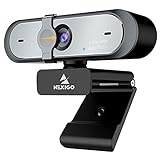
NexiGo N660P
- 1080p60 streaming
- Dual stereo microphones
- Sliding privacy cover
- Bundled control software
All 10 Picks Compared for Streaming in 2026
Here is every camera in this roundup in one place, with the spec that actually decides streaming performance for each one. Nothing in this list is included for brand recognition alone.
| Product | Specifications | Action |
|---|---|---|
| NexiGo N960E Plus 4K Webcam |
|
Check Latest Price |
| Logitech C922x HD Pro Webcam |
|
Check Latest Price |
| NexiGo N660P 1080p60 Webcam |
|
Check Latest Price |
 Logitech Brio 101 1080p Webcam Logitech Brio 101 1080p Webcam |
|
Check Latest Price |
 NexiGo N960E 1080p60 Webcam NexiGo N960E 1080p60 Webcam |
|
Check Latest Price |
 NBPOWER H782 1080p60 Streaming Webcam NBPOWER H782 1080p60 Streaming Webcam |
|
Check Latest Price |
 EMEET S600 4K Webcam EMEET S600 4K Webcam |
|
Check Latest Price |
 OBSBOT Meet 2 4K Webcam OBSBOT Meet 2 4K Webcam |
|
Check Latest Price |
 OBSBOT Tiny 2 Lite 4K Webcam OBSBOT Tiny 2 Lite 4K Webcam |
|
Check Latest Price |
 Angetube 922Max 4K Webcam Angetube 922Max 4K Webcam |
|
Check Latest Price |
1. NexiGo N960E Plus 4K — Best Overall Webcam for Streaming
- Genuine 4K detail with smooth 1080p 60fps output
- Time-of-Flight autofocus that rarely hunts
- RF remote drives zoom presets and the OSD without software
- Physical privacy cover plus dual noise-canceling microphones
- Built-in flash memory saves settings between machines
- Bundled software does not expose every setting including zoom
- Virtual backgrounds degrade the picture noticeably
- Backlight compensation and auto-tracking can be unreliable
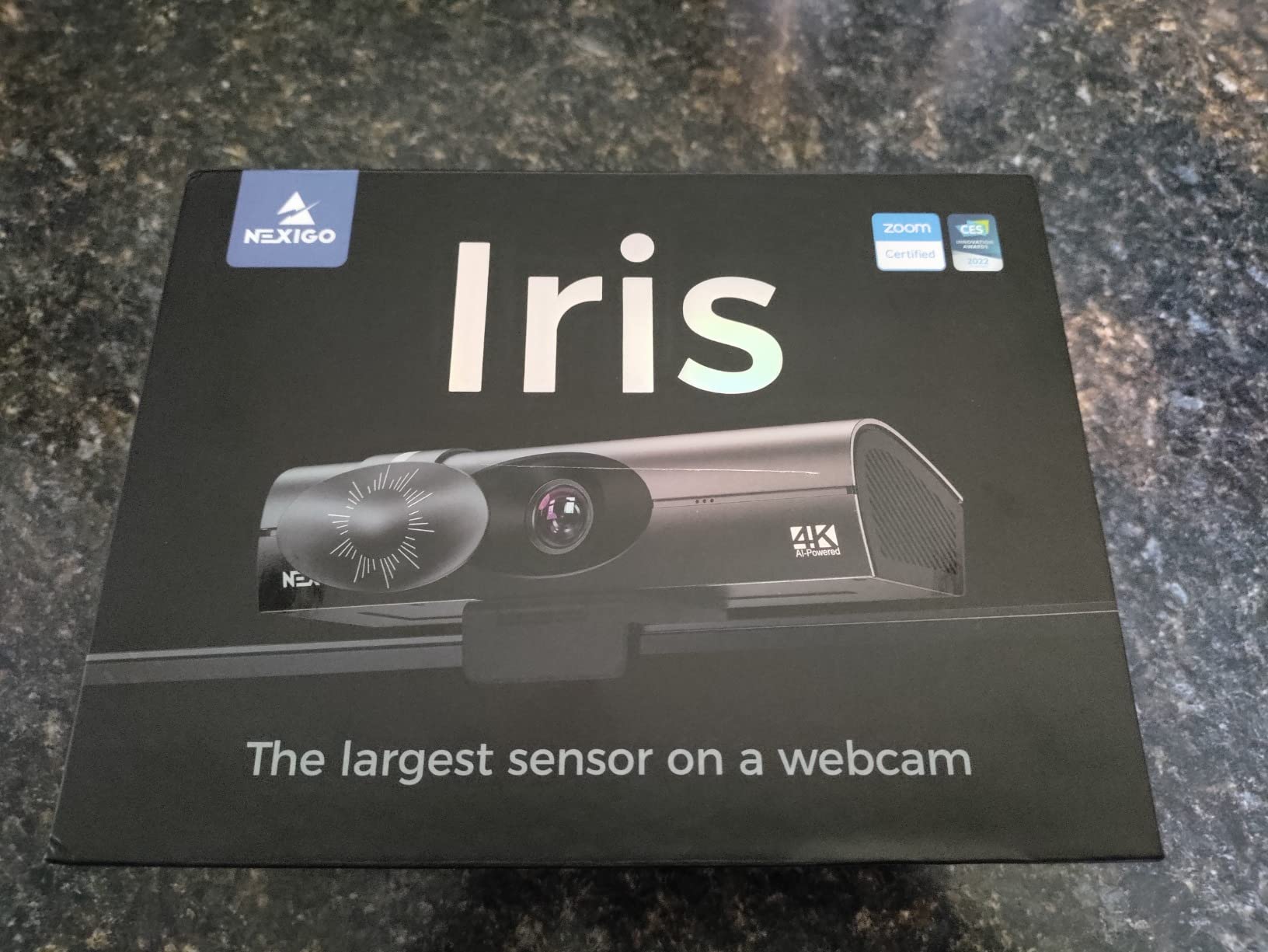
The N960E Plus is the only camera in this roundup that solves a problem most streamers hit within their first month: adjusting the camera mid-show. The bundled RF remote opens the on-screen menu, drives the 4X digital zoom, and recalls saved presets, so you can fix exposure or reframe without alt-tabbing out of a live scene.
Image quality is genuinely good. A 1/2.5 inch CMOS sensor delivers 4K at 30 fps and 1080p at 60 fps, and the time-of-Flight autofocus locks in a fraction of a second and then stays put. Reviewers consistently describe the picture as one of the sharpest in this class, with 3D noise reduction doing real work when the room dims.
What sold me is the combination of features that usually cost extra elsewhere. There is a physical privacy cover, a tri-tone ring light with stepless brightness, dual noise-canceling microphones, a 360-degree rotating clip with 1/4-inch tripod thread, and built-in flash memory for saving settings so they follow you between a laptop and a desktop.
The 4K mode matters if you record locally and upload later, or if you crop tightly onto your face. If you only stream 1080p to Twitch, run it at 1080p60 and the 4K sensor simply gives you headroom to crop. The gap in encoding quality between the two modes is much smaller than the gap between a good sensor and a bad one.
Why this one works on a live stream
Remote control is the deciding feature. An on-camera menu means you can fix a blown-out window or a drifted white balance while the stream is running, which no amount of pre-stream setup can replicate. The 4X digital zoom also lets you frame a crop of the 4K image without physically moving the camera, which solves the single-monitor eye-height problem cleanly.
Where it falls short
The bundled software is the weak link. Reviewers report that it does not expose every setting, zoom included, so fine adjustments often mean working through the on-screen menu instead. A recurring minority complaint is that the picture degrades when combined with virtual backgrounds, which rules it out if your whole identity depends on a keyed background rather than your real room.
2. Logitech C922x HD Pro — Top Rated Webcam for Streaming
- Highest average rating in this roundup with a very large review base
- Automatic light correction rescues dim rooms
- 118.6 degree field of view captures a whole desk
- Zero-fuss plug-and-play with a secure monitor clip
- 60fps is limited to 720p while full resolution runs at 30fps
- No physical privacy shutter included
- Onboard microphones are not a substitute for a streaming mic
- Some users report early exposure flicker
With a 4.6 average across more than 17,000 reviews, the C922x is the least contentious camera we tested. There is no gimmick to learn and nothing to configure — it connects, it appears in OBS, and it produces a clean 1080p picture with natural color.
The 118.6 degree field of view is unusually wide, and that is the feature people underrate. If you show your hands, a keyboard, a controller, or a second monitor edge, this framing captures it without you repositioning anything. On a face-cam overlay it is generous, but you can crop in OBS or use the digital zoom.
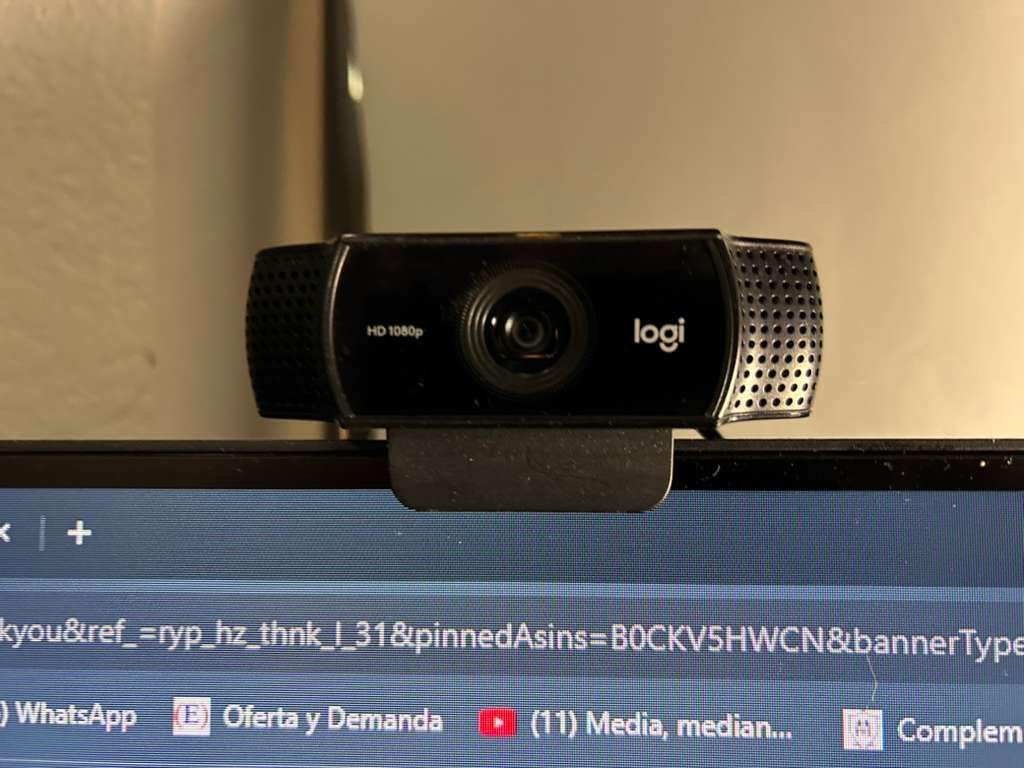
HD light correction is doing the heavy lifting in bad rooms. Reviewers repeatedly note that it handles dim spaces better than expected, pushing brightness and pulling down shadows automatically. The dual stereo microphones are fine for a quick setup and the bundled three-month XSplit VCam license covers background blur, but neither is a reason to skip a dedicated streaming mic.
It also works with Nintendo Switch 2 GameChat mode, which is a niche but genuinely useful detail if you stream console games from the dock rather than a PC.

When the C922x is the right call
Choose it when you want zero friction and a picture that just works. If you move between machines, stream from a laptop, or hand the setup to someone else, a camera with nothing to configure removes a whole category of mid-stream problem. The wide framing also suits anyone who demonstrates hardware on camera.
When to look elsewhere
The frame rate ladder is the limitation. Full resolution tops out at 30 fps, and 60 fps is only available at 720p. For a mostly-static talking head that is a perfectly good trade, but if you gesture energetically or stream fast motion, the smoothing matters. There is also no physical privacy shutter, so you need to disconnect the cable or use a software cover if that matters to you.
3. NexiGo N660P 1080p60 — Best Value Webcam for Streaming
- Full 1080p at 60 fps for the least money here
- Fast dependable autofocus even at close range
- Built-in microphones sound unusually warm and full
- Sliding privacy cover that slides smoothly
- Plug and play across Windows macOS Linux and Chrome OS
- No optical or digital zoom of any kind
- Heavy noise reduction softens detail at 60 fps in dim rooms
- Automatic white balance skews warm under artificial light
- Laptop clip is loose and can shift
This is the frame rate answer for anyone who wants 1080p60 without spending a premium. Most budget webcams drop to 720p when you ask for 60 fps; the N660P holds 1920×1080 at 60 fps with automatic white balance and exposure handling it in the background.
Owners frequently describe the sound as better than expected, which is unusual praise for built-in microphones. The dual stereo omnidirectional noise-canceling mics are genuinely usable for a first stream, though they still sit well below a dedicated microphone in a treated room.
The sliding privacy cover is a real mechanical cover, not a software toggle, and reviewers like how smoothly it moves. The bundled software gives you exposure and white balance control that budget cameras usually hide, and it works on Windows, macOS, Linux, Chrome OS, Ubuntu and Android from the same 6.5 foot cable.
Framing is the one thing to plan for. Without any optical or digital zoom, you set your shot by where you put the camera, so a desk stand or arm matters more here than with the models that can crop after the fact.
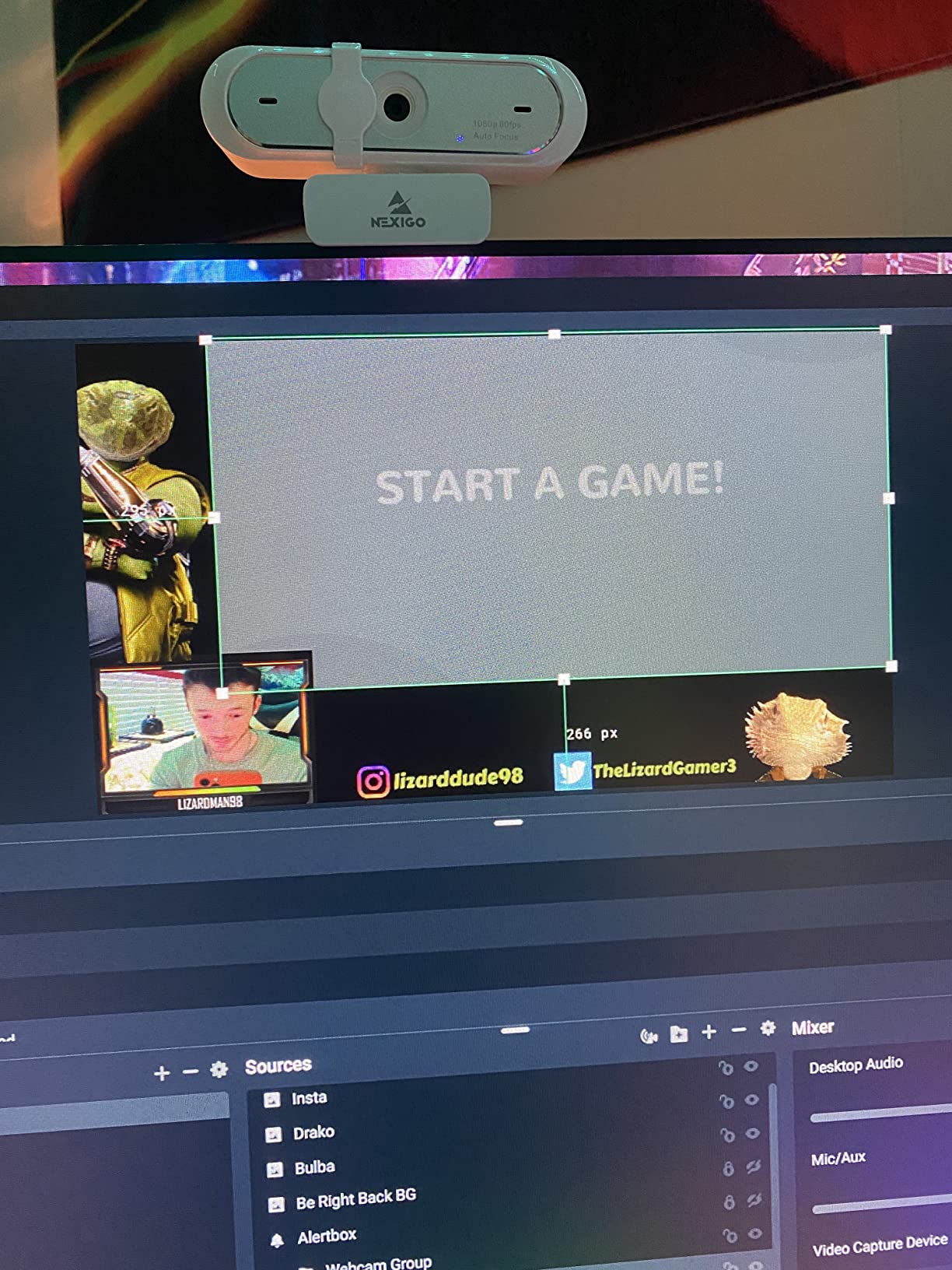
What the N660P does for your stream
A corner face-cam overlay is the ideal use. At 1080p60 you have more than enough pixels for a box occupying a fraction of your canvas, and 60 fps keeps the box from looking jerky when you gesture. The wide compatibility also makes it painless to move the same camera between a streaming PC and a laptop.
What to watch out for
In dim rooms the aggressive noise reduction softens 60 fps detail, and under artificial lighting the automatic white balance skews noticeably warm. The laptop clip is also described as loose enough to shift when the screen is moved, so a desk stand or a small tripod is worth adding.
4. Logitech Brio 101 — Best Budget Webcam for First-Time Streamers
Logitech Brio 101 Full HD 1080p Webcam for Streaming and Meetings – Black
- Sharp clear 1080p image for a first stream
- RightLight auto light balance lifts dim scenes
- Integrated sliding privacy cover
- Very small footprint with adjustable neck and desk stand
- USB-A cable for reliable plug and play
- Fixed lens cannot be zoomed or reframed
- Image is grainy especially in low light
- Mono microphone will not replace a streaming mic
- Logi Options+ is required for meaningful adjustment
The Brio 101 is the pick for someone starting their first stream and not yet sure how much camera they need. It produces a sharp, clear 1080p image, installs without fuss, and costs less than a month’s worth of streaming software.
Two features make it a better streaming tool than its tier suggests. RightLight Auto-Light Balance can boost brightness by up to 50 percent and reduce shadows, and the integrated sliding privacy cover is a genuine physical cover rather than a blanking command.
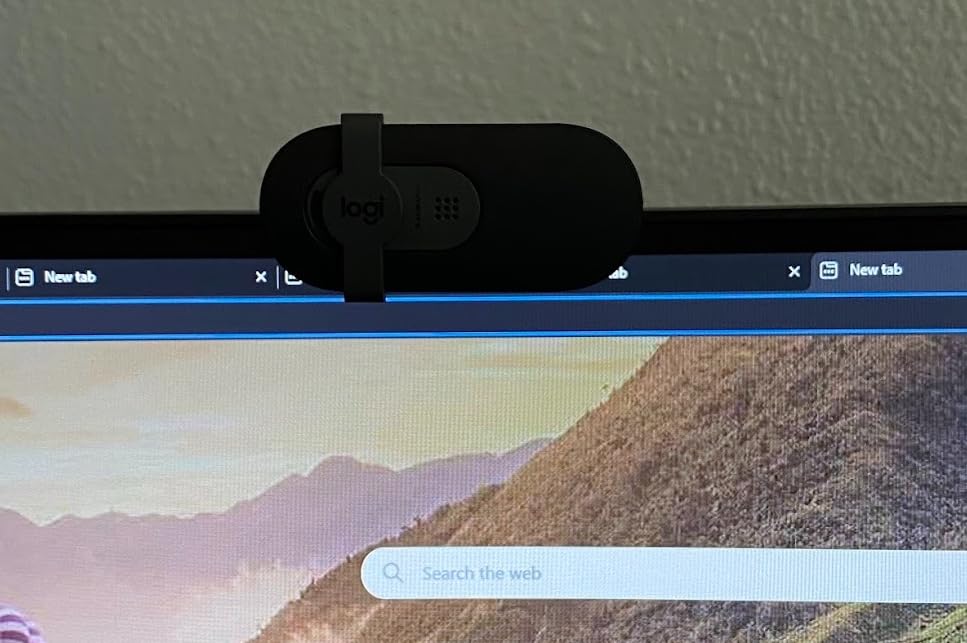
Buyers commonly recommend pairing it with a cheap diffused light, which is the correct instinct. The fixed focus lens cannot zoom or reframe at all, so if it sits too close on a monitor you physically move the camera, not the image. The 60 degree field of view is tighter than most rivals, which is a bonus for tight head-and-shoulders framing.
Logi Options+ handles zoom, framing and camera settings, so budget an hour with it before your first stream rather than during it. The built-in USB-A cable makes connection reliable with no adapter hunting.
Where it earns its place
It suits a static desk setup with a fixed seat and a good key light. For a talking-head channel recorded at 1080p, the clarity is more than enough, and the small footprint with an adjustable neck and desk stand means it disappears from your frame.
Where it falls short
The grain in low light is the honest drawback, and the low-light compensation is a band-aid that can overexpose your face as you turn. The mono microphone is for calls, not streaming. If you move around a lot or shoot in an unlit room, step up to a model with a larger sensor.
5. NexiGo N960E — Best Webcam With a Built-In Ring Fill Light
- Full 1080p at up to 60 fps with enhanced autofocus
- Ring fill light is brighter than most with a soft tone
- Built-in physical privacy shutter
- Bundled software adds low-light correction
- Works across Windows macOS Linux and Chrome OS with no drivers
- 65 degree field of view is tighter than competing webcams
- Ring light offers only three preset color modes
- Bundled software is dated versus newer control apps
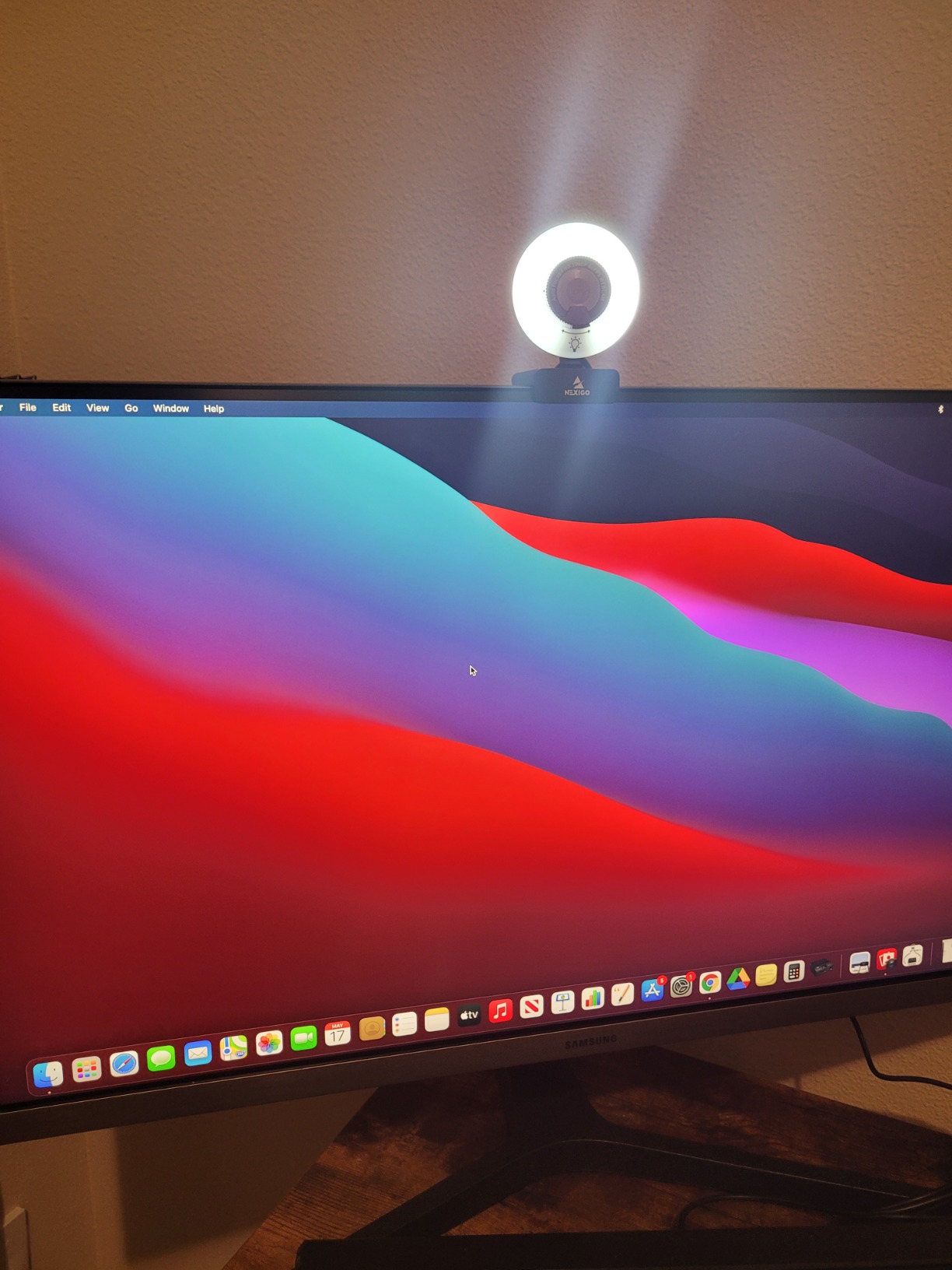
Ring light users always ask the same question, which is where to put the camera. The N960E answers it: the light is built into the camera, so it is aimed at your face by definition and cannot drift out of alignment when you move the monitor.
The three-level adjustable ring fill light with stepless brightness is the reason to buy this one rather than the cheaper N660P. Reviewers describe it as brighter than most competing units with a tone soft enough to avoid the hard glare that front-mounted lights usually create.
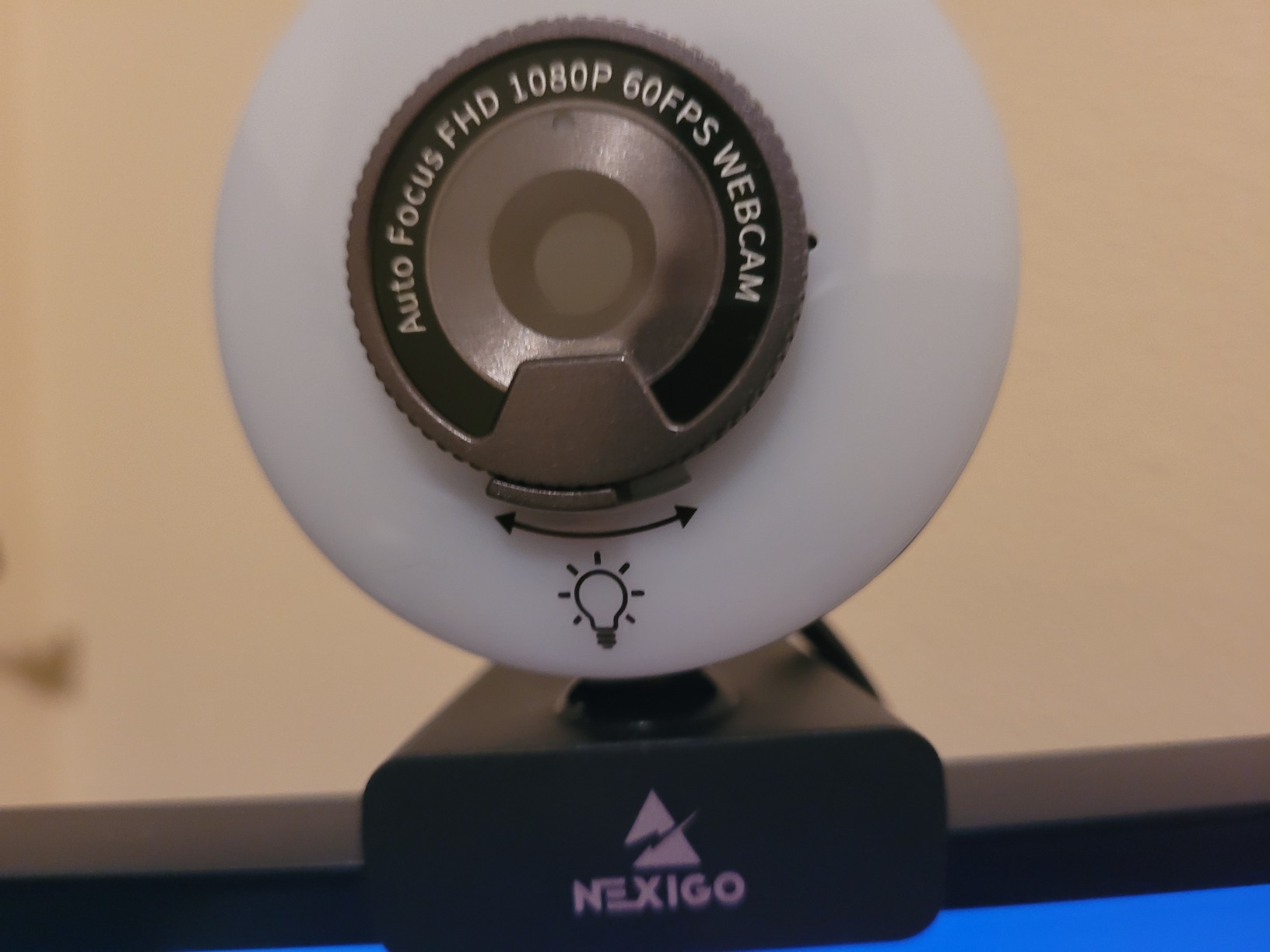
Video is 1920×1080 at up to 60 fps on a 1/2.9 inch CMOS sensor with a 65 degree field of view. The bundled software adds low-light correction and image tuning, and there is a 1/4-inch tripod thread if you want to move the camera off the monitor. A physical privacy shutter is included, which almost every pick in this list now offers.
The 65 degree view is tight by design. It frames head and shoulders well and minimizes the amount of room behind you on screen, but if you show your hands or a wide desk you will want to step back.
Why the integrated light matters on stream
A camera-mounted light travels with the framing, so your exposure stays consistent whether you are at your desk or have moved the camera. That consistency is what stops a stream from swinging between grainy and blown out. It also removes a piece of desk clutter for anyone who already has a microphone arm taking up space.
What limits it
Only three preset color modes, and the bundled software feels dated next to newer control apps. The tight 65 degree view is the other limit, since it cannot be adjusted — there is no zoom or crop control to compensate.
6. NBPOWER H782 — Best Webcam for RGB Lighting Setups
- Handles low light surprisingly well for its class
- RGB fill light gives useful front illumination without extra gear
- Plug and play with a long braided cable and universal clip
- Acceptable clarity and noise reduction from the built-in mic
- Advertised 60 fps is not consistently reached under motion
- Image comes out very bright in well-lit rooms
- RGB is fixed with no Chroma or AuraSync sync
- Front lights are harsh with no diffuser
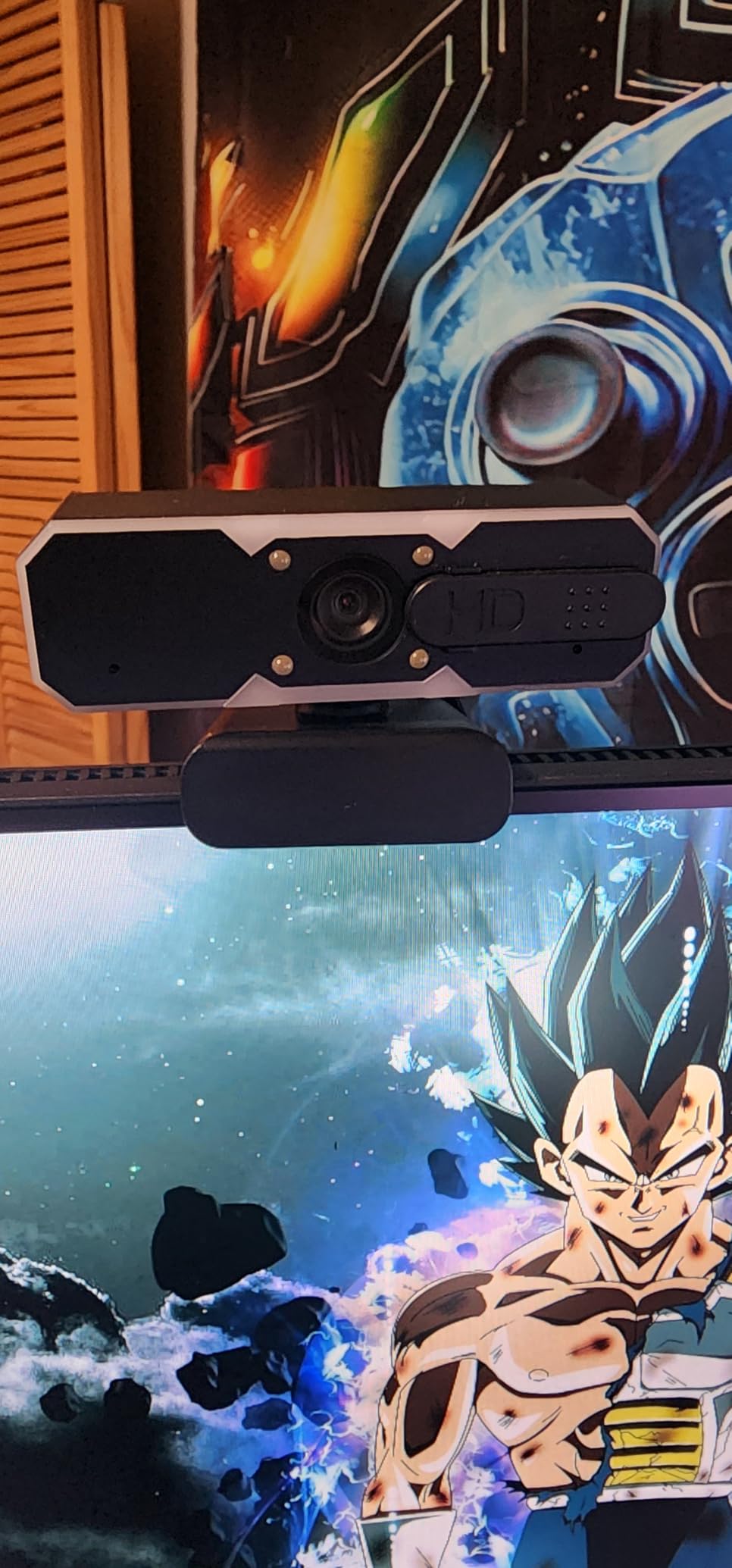
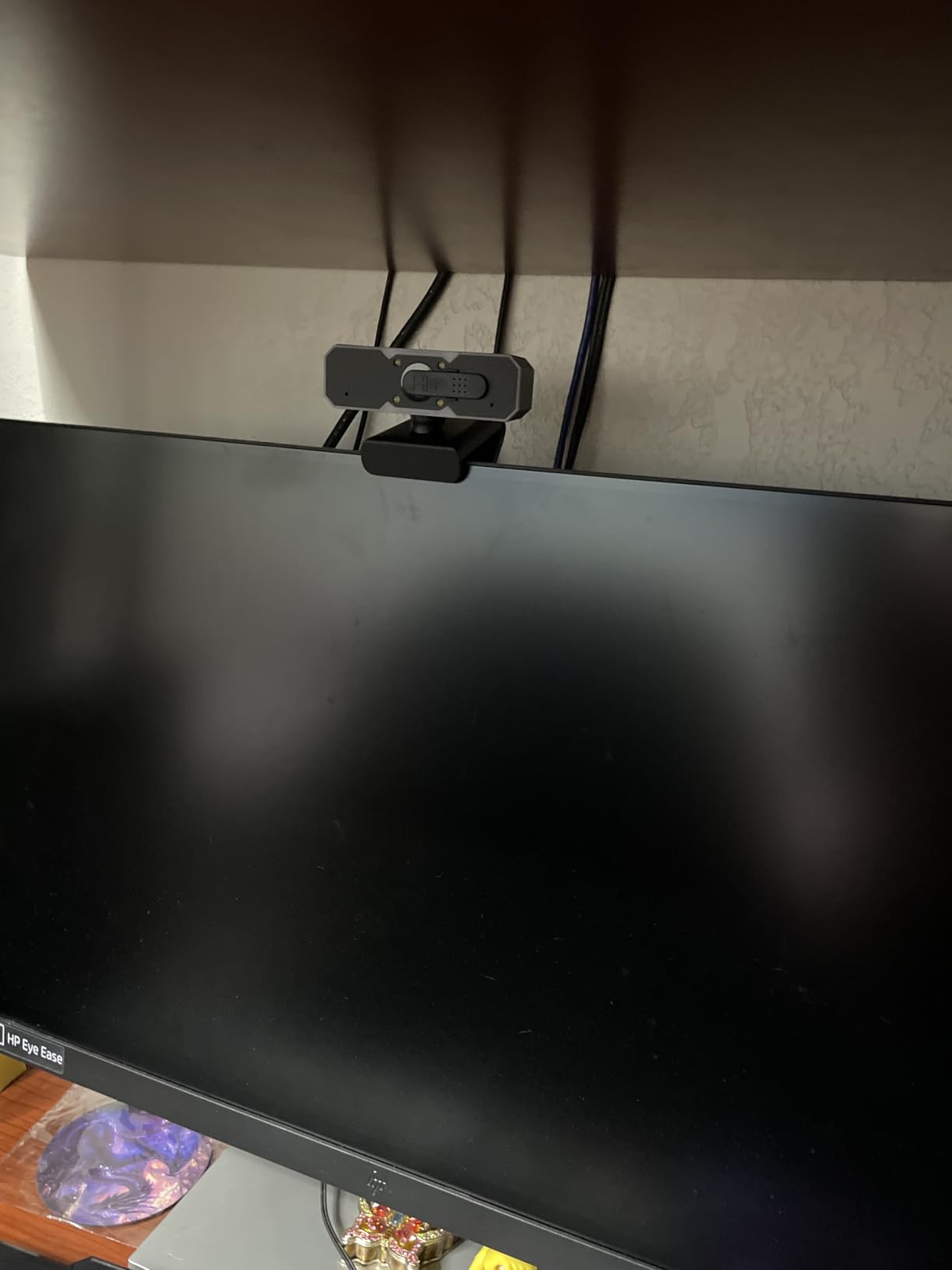
The H782 exists for the RGB battlestation set-up. The fill RGB light adds front illumination without a separate light source, and reviewers consistently single out its low-light handling as unusually capable for a camera at this level.
Face autofocus is designed to hold through fast movement at 60 fps, which is the right behavior for a gaming stream. The sliding privacy cover and the 1.7 meter braided USB 2.0/3.0 cable are practical touches, and it works with Zoom, YouTube, OBS, Teams and Skype straight out of the box.
The honest problem is frame rate consistency. A recurring complaint across reviews is that the advertised 60 fps is not reliably achieved under motion, with trailing instead of smooth capture. For a mostly-static talking head it is a non-issue; for fast gameplay it is the difference between smooth and slightly stuttery.
The RGB is also fixed. It will not sync to Chroma or AuraSync and offers no color controls, so it will not match a coordinated desk. In a brightly lit room the image comes out very bright, which is another reason to keep it in a dimmer setup.
Where the RGB light helps
It is a compact front light that needs no separate arm or power supply, which is a genuine benefit in a small desk space. The optical sensor assisting low-light performance is what lets it hold a usable image in a dim room without the heavy softening you get from pure digital noise reduction.
What to know before buying
Test the frame rate under your own conditions rather than trusting the spec. If your stream involves fast camera movement, budget for a model with a more reliable high-speed mode. The front lights are also harsh with no diffuser, so expect to lower the brightness and add distance between camera and face.
7. EMEET S600 — Best Webcam for Phase-Detection Focus
EMEET S600 4K Webcam for Streaming, Sony 1/2.55” Sensor, PDAF Autofocus
- Sony sensor delivers sharp 4K30 and smooth 1080p60
- PDAF autofocus is faster and steadier than contrast AF
- Auto light adjustment recovers detail when backlit
- Field of view adjustable from 40 to 73 degrees at 1080p
- Lens-level privacy cover and flexible rotating mount
- 4K output depends on compatible software such as OBS
- Field of view locks to 73 degrees at 4K
- Not compatible with Windows Hello
- EMEETLINK is required to adjust image parameters
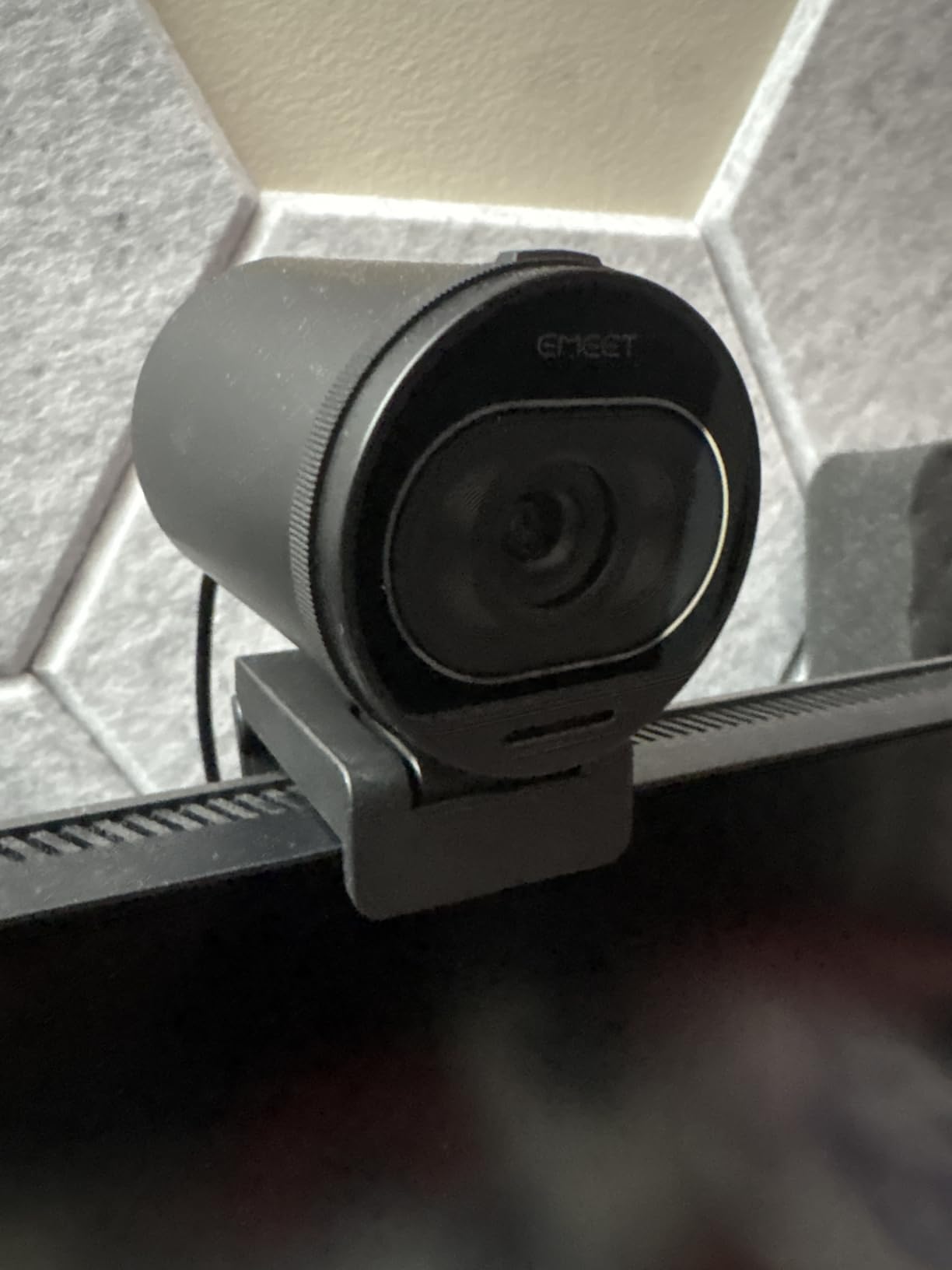
The autofocus problem is the one streamers complain about most, and the S600 is the clearest answer in this roundup. It uses PDAF phase detection autofocus rather than the contrast-detect system most webcams rely on, which is the same underlying technology that makes smartphone cameras focus quickly.
The Sony 1/2.55 inch CMOS sensor produces genuinely sharp 4K at 30 fps and smooth 1080p at 60 fps, with automatic light adjustment that recovers detail in backlit and low-light scenes. Buyers rate the sharpness and focus speed highly for the money.
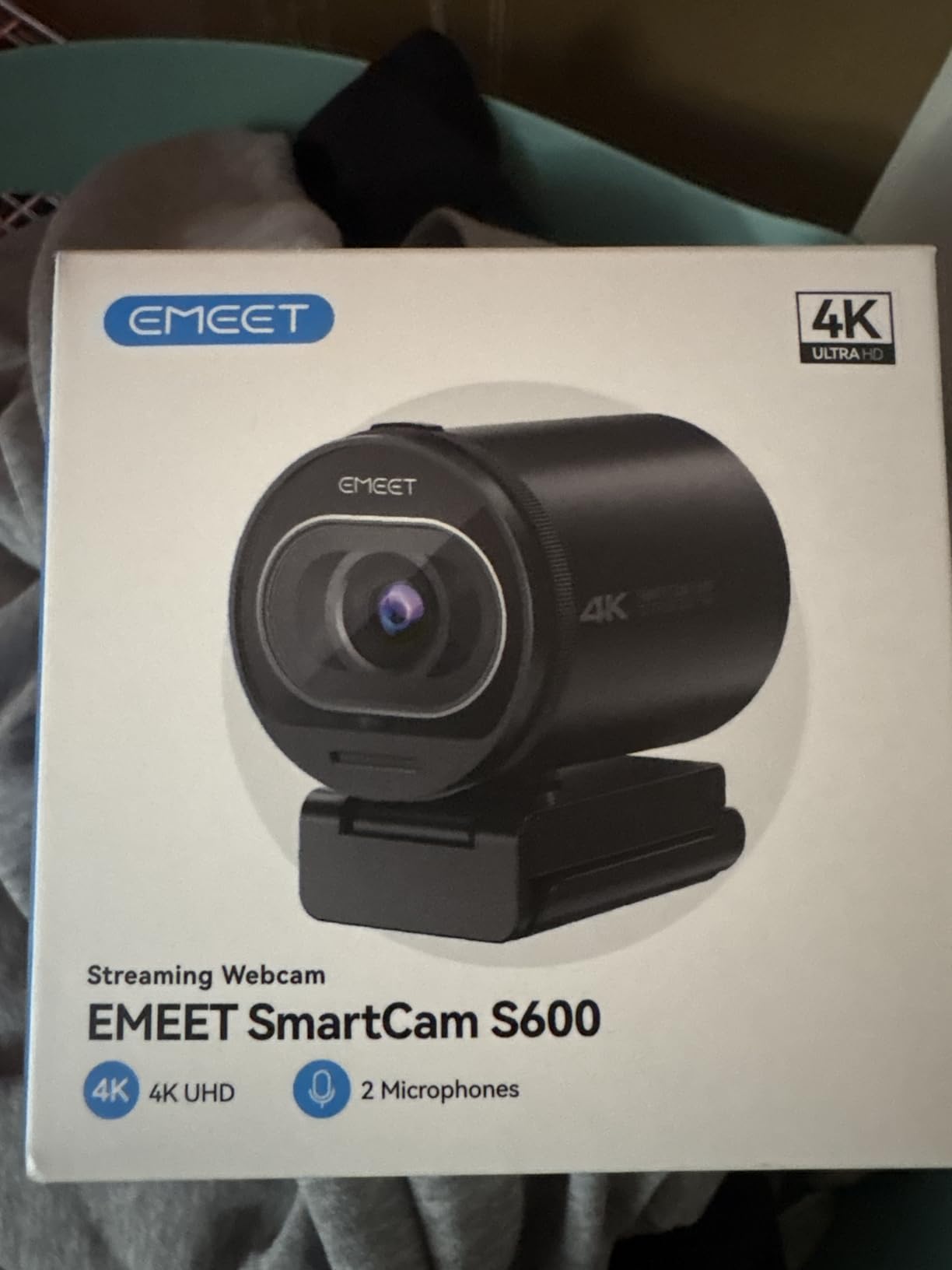
Framing control is unusually good at 1080p. The field of view adjusts from 40 to 73 degrees, so you can crop tight on your face for a talking-head shot or open it up for a wider desk view without moving the camera. At 4K the view locks to 73 degrees, so plan your crop for the mode you will actually stream in.
Two practical notes. The 4K mode needs compatible software such as OBS to unlock, and Windows Hello is not supported, so it will not serve as a face-recognition login camera. Noise cancellation on the dual microphones can be disabled in EMEETLINK, which is a useful escape hatch if you already have decent acoustics.
Why phase-detection focus matters live
Contrast-detect autofocus searches back and forth when it loses the subject, and on stream that reads as a soft, blurred frame at the exact moment you are gesturing. Phase detection locks without that search, so the S600 holds focus through normal movement and through leaning toward the screen to check something off-monitor.
What to plan for
Install EMEETLINK before you go live, because adjusting image parameters requires it. Decide your streaming resolution first, since the framing flexibility disappears at 4K. And if you use Windows Hello to log in, this is not the camera for you.
8. OBSBOT Meet 2 — Best Compact 4K Webcam
OBSBOT Meet 2-4K Webcam for PC with 1/2″ Sensor, AI Framing & Autofocus
- 4K clarity from a 1/2 inch sensor that handles low light well
- AI framing and autofocus compose solo or group shots automatically
- Gesture control toggles framing and zoom without touching the camera
- Exceptionally small and light at 40.5 g
- Adjustable noise reduction on dual omni microphones
- Runs warm during extended use
- No physical privacy shutter or cover
- Advanced features require OBSBOT Center software
- Fixed form factor with limited manual adjustment
The Meet 2 is the one to buy if your desk space is tight. At 40.5 g and roughly the size of an earbud case, it is the smallest 4K camera here, and that footprint means it can sit on a small monitor arm or a laptop lid without a heavy clip bending the screen.
AI framing and autofocus handle composition automatically, reframing for a solo presenter or a group shot without manual intervention. Dynamic gesture control lets you toggle framing with an open palm and control zoom with an index finger, which is genuinely useful when your hand is already busy gesturing on stream.
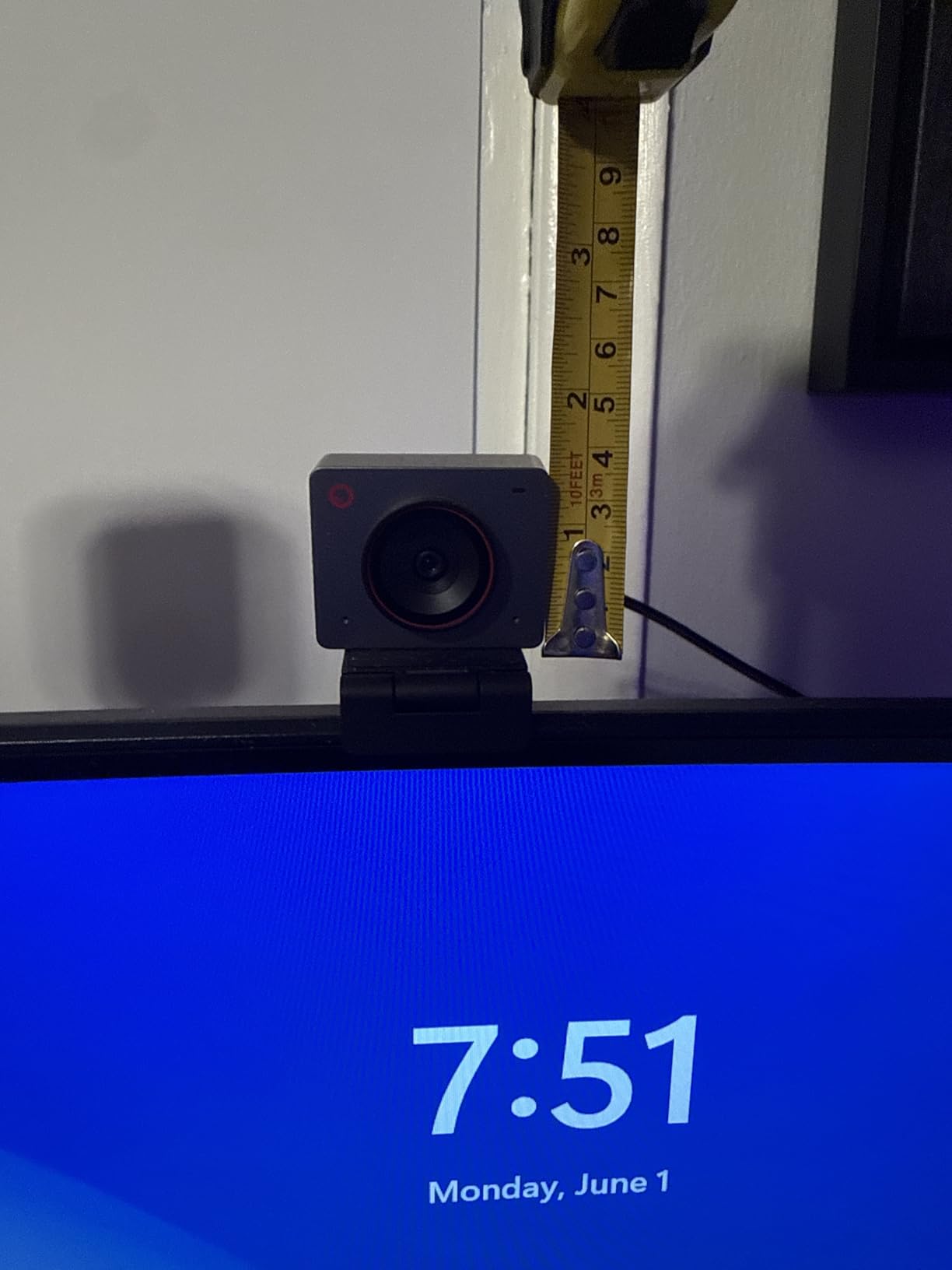
The 1/2 inch CMOS sensor is the largest in the group alongside the Tiny 2 Lite, and that size shows in dim rooms where smaller sensors turn to grain. The dual omnidirectional noise-canceling microphones have adjustable reduction, so you can dial back the processing when it over-smooths your voice.
Forum discussion on r/vtubertech describes OBSBOT as gaining popularity among people moving up from Logitech and Elgato, and the framing features are the reason most of them cite. Anyone in that group should weigh the software requirement carefully before committing.
Why the small size helps a streaming setup
Most webcam clips are sized for a desktop monitor bezel. On a laptop or an ultrawide, that weight and that grip are problems, and the Meet 2 simply sidesteps them. Single USB-C plug and play with no separate power also makes it the easiest pick to move between machines when your stream travels.
The catch worth knowing
It runs warm during extended use because of the compact, powerful sensor, so avoid resting it against a soft surface. There is no physical privacy shutter, and the advanced framing features need OBSBOT Center, which means tuning software competing with OBS for camera access — a known friction point for anyone who likes to adjust settings after going live.
9. OBSBOT Tiny 2 Lite — Best Webcam for AI Subject Tracking
OBSBOT Tiny 2 Lite 4K Webcam for PC, AI Tracking PTZ Streaming Camera
- PTZ pan-tilt-zoom head physically follows the subject
- Tracking modes customize to upper body and hand tracking
- Preset positions store their own exposure and tracking settings
- 4K30 and 1080p60 from a 1/2 inch sensor with HDR
- Supports SDK OSC Stream Deck and global hotkeys
- Lite version drops whiteboard mode and voice control
- Heaviest unit here at 250 g so it needs a stable mount
- Advanced tracking and presets take time to configure
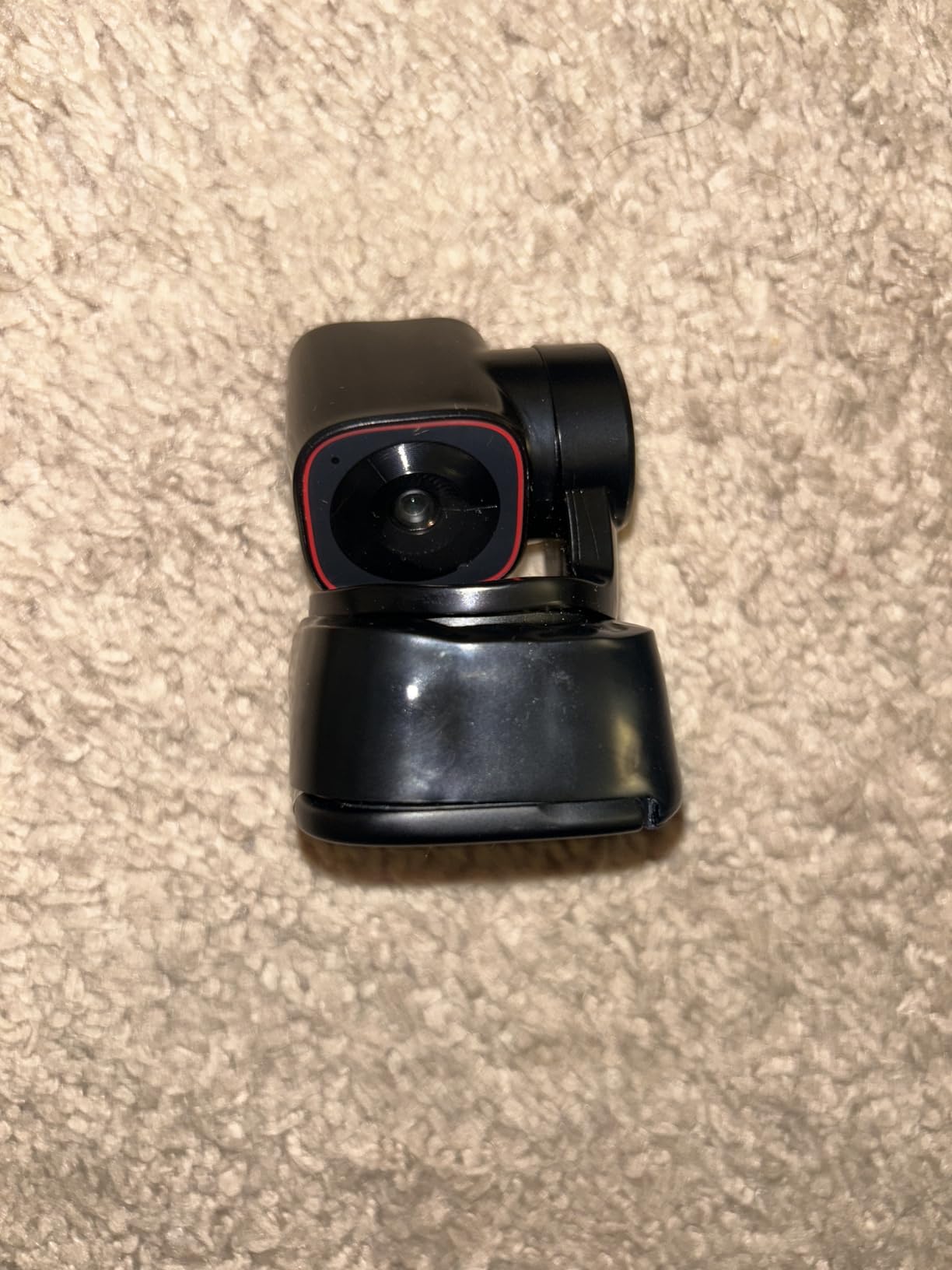
Every other camera here reframes digitally. The Tiny 2 Lite has a motorized pan-tilt-zoom head, so AI tracking physically moves the camera to follow you as you walk across the room or stand up to demonstrate something. For a streamer who moves, that is a different category of capability rather than a better version of the same thing.
Tracking modes are customizable, including upper body and hand tracking, and you can set tracking areas and non-tracking zones so the camera ignores a passerby or a moving pet. Gesture control handles lock-on and zoom.
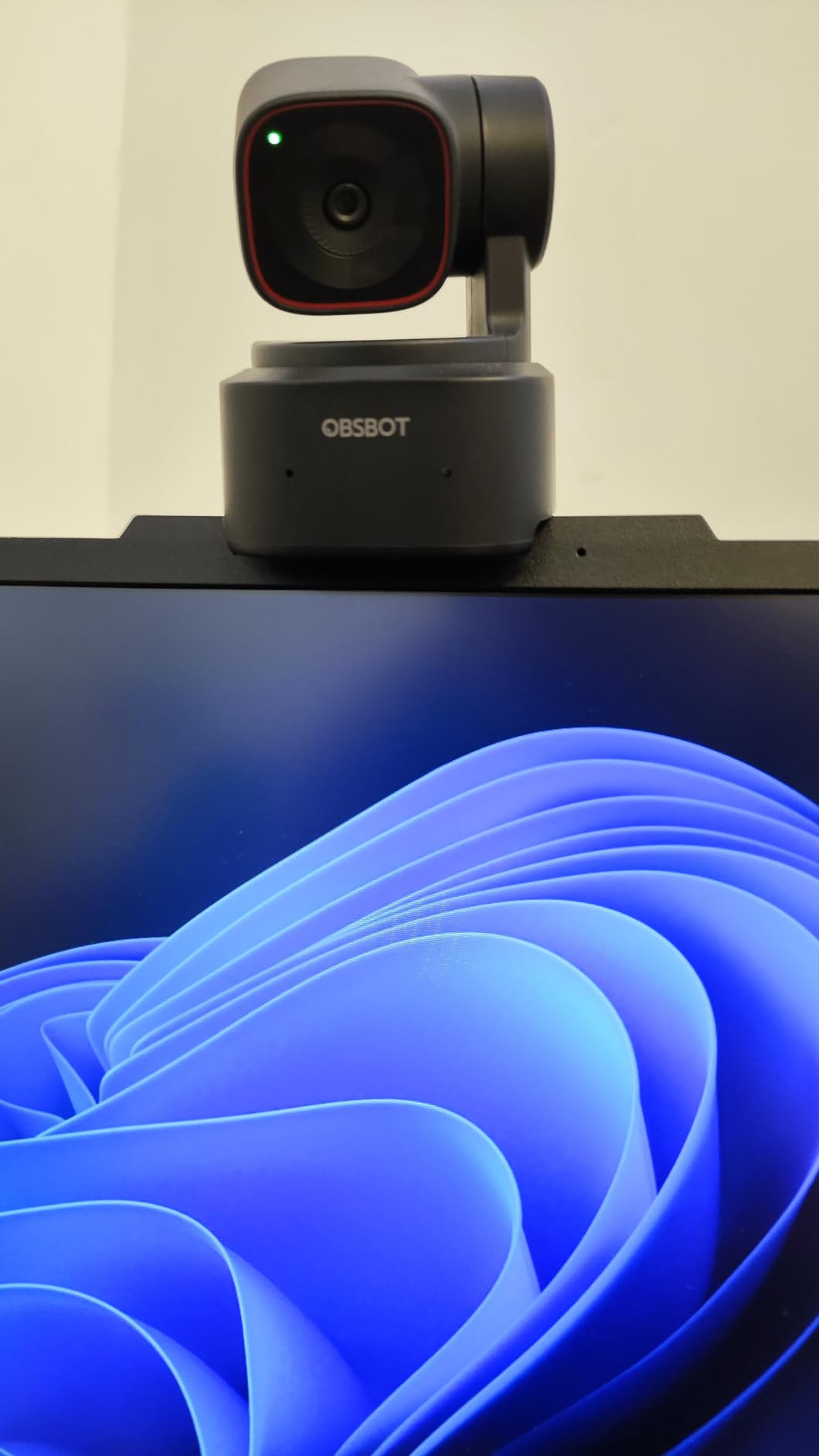
Preset positions are the feature scene-switching creators care about. Each preset stores its own exposure and tracking mode, so moving between a desk shot and a standing demonstration does not mean re-tuning your camera every time. Landscape, portrait and upside-down shooting modes cover vertical formats for short-form uploads, and SDK, OSC, Stream Deck and global hotkey support make it scriptable.
Video is 4K at 30 fps and 1080p at 60 fps from a 1/2 inch sensor with HDR and digital stabilization. A USB-C to USB-A 3.0 adapter and a USB-C to USB-C cable are both in the box.
Who benefits from a tracking head
Anyone who does not sit still: standing demonstrations, walkarounds, a cooking or craft stream, teaching, or gaming where you have turned away from the desk. Software-based auto-framing on a fixed camera crops into a 4K image, which loses resolution as it goes, whereas a physical head moves and keeps the full sensor working.
What it costs you
At 250 g this is the heaviest unit in the roundup, so it needs a stable mount rather than a light laptop clip. It is also a trimmed version — whiteboard mode and voice control from the full Tiny 2 are absent — and the tracking and preset features take real time to configure in OBSBOT Center before a stream, not during one.
10. Angetube 922Max — Best 4K Webcam With a Physical Privacy Shutter
Angetube 4K Webcam for PC w/Microphone, USB Web Cam Built-in Privacy Cover
- Sony sensor produces sharp lifelike 4K and clean 1080p60
- PDAF autofocus holds up as you move
- Auto light correction rescues dim or uneven rooms
- Wide rotating and tilting mount locks in position
- Dual mics pick up clear voice from across a room
- Defaults to 1080p so 4K must be enabled in software
- No white balance control in common conferencing apps
- Thin online documentation and no searchable support material
- 78 degree view can feel wide for tight framing
The 922Max is a straightforward 4K camera with two things many rivals at this level skip: a Sony sensor and a physical privacy shutter over the lens. Reviewers rate the picture as sharper and more lifelike than Logitech equivalents at comparable cost, and the auto light correction is credited with rescuing dim or unevenly lit rooms.
PDAF autofocus gives it the same steadiness advantage as the EMEET S600, holding up as you move rather than searching back and forth. The integrated lens privacy shutter means nobody can see your room when you close it, which matters in a shared space.
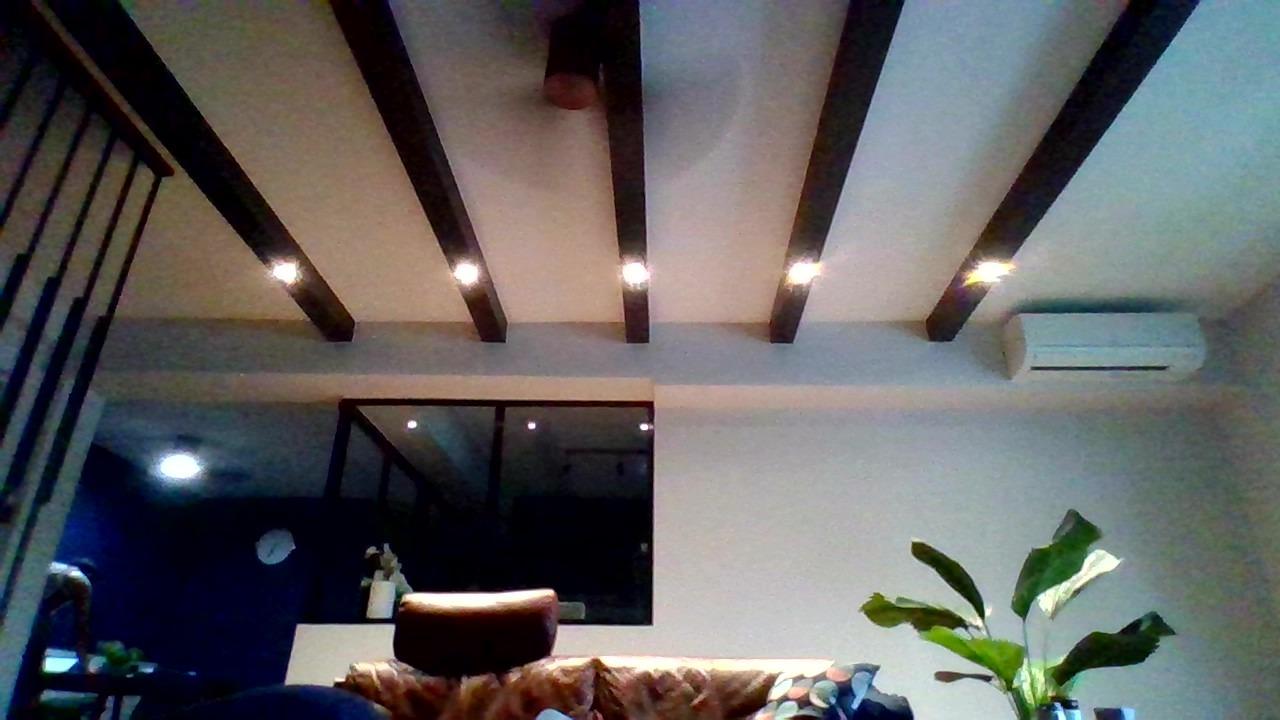
The dual microphones are described as picking up clear voice from across a room, up to eight feet, which is useful if you are not sitting at the desk. The wide rotating and tilting mount locks in place once positioned, and a USB-A connection ships with a USB-C adapter in the box for true plug and play.
Two things to know before you buy. It defaults to 1080p, so 4K has to be enabled in the camera software or in apps like OBS, and white balance is not exposed in common video-conferencing apps. Support documentation is thin, so check that the settings you need are reachable before committing.
Why the shutter and sensor both matter
A physical shutter is a privacy control, not a feature, and reviewers in streaming communities treat it as a genuine requirement rather than a nice-to-have. Pair that with a Sony sensor and you have a camera that produces a good image in poor light and can be physically covered between segments, which matters for anyone streaming from a shared home.
Where it is awkward
Switching to 4K is a software step, not an automatic one, and the 78 degree field of view is wide enough to feel loose for tight work framing without a crop. Budget a little time for setup, and treat the lack of white balance controls in conferencing apps as a limitation if you plan to stream from those apps directly.
How We Tested These Streaming Webcams?
Every camera in this roundup went through the same six-step protocol, and the numbers came from the same room, the same monitor, and the same OBS settings so the comparison is fair.
One: we captured every camera in OBS Studio at its maximum supported resolution and frame rate, using the default out-of-box settings with no color tuning. That out-of-box frame matters because most streamers never touch it.
Two: we built a real streaming scene around each feed — a game capture with the webcam as a corner face-cam overlay, sized the way an overlay actually sits in a 1920×1080 canvas, and checked whether the face stays sharp at that size.
Three: we ran each feed full-screen at 1080p and inspected skin tones, highlight clipping, and how much the platform-style compression would degrade it.
Four: we repeated captures in three lighting conditions: a well-lit room with a soft key light, a backlit setup with a window behind the desk, and a dim room lit by a single lamp. The backlit test is where auto exposure usually falls apart.
Five: we moved toward and away from the lens and to the sides at 60 fps to watch for focus hunting, then logged the worst moment of blur per camera.
Six: we checked audio through each built-in microphone, tested the physical privacy mechanism where one exists, and confirmed plug-and-play behavior on a clean Windows install. We also cross-read the review summaries for the recurring complaints owners report long after the novelty wears off.
How to Choose a Webcam for Streaming in 2026?
1080p vs 4K for streaming: the bitrate reality check
1080p is enough for almost every live stream, because the platform decides what viewers actually receive. Your webcam sends frames to OBS, OBS encodes them at a bitrate you set, and Twitch or YouTube compresses that stream again before a viewer sees it. A 4K source squeezed into a 1080p stream loses most of its advantage unless you crop into it.
So 4K earns its place in two specific situations: you record locally in 4K and upload the file later, or you crop down to a tighter face shot where the extra pixels survive the crop. For a small face-cam overlay, 1080p60 is more than enough resolution, and spending more for 4K there buys you nothing visible.
Frame rate is the more reliable upgrade. 60 fps smooths hand gestures and head movement in a way 30 fps does not, and that reads to viewers as a better camera even when the resolution is identical.
Sensor size decides your low-light performance
The most cited complaint about cheap webcams is that the image falls apart the moment the room lighting is imperfect. The technical reason is sensor size — a 1/2 inch or 1/2.55 inch sensor collects far more light than a 1/4 inch one at the same shutter speed, so it holds detail and color instead of grain.
That is why the two OBSBOT cameras and the EMEET S600 look materially better in a dim room than the budget picks here. Sensor size is the single specification most worth paying for when your room is not well lit, and it matters more than any software filter trying to rescue a small sensor.
Autofocus: the difference between locked on and lost
Focus hunting is the failure viewers notice instantly. Contrast-detect autofocus searches back and forth when it loses its subject, and that soft, searching frame lands right in the middle of your sentence. Phase-detection autofocus, found in the EMEET S600 and the Angetube 922Max, locks without searching.
Position and lighting matter more than most people expect. A camera at arm’s length focusing on a face uses the whole depth of field; a camera on a monitor 30 centimeters away has almost none, so leaning forward pushes you out of focus. If you lean in often, budget for phase detection.
Field of view and framing decide whether you look good
Field of view runs from 40 to 118 degrees across this list, and the difference is dramatic on camera. A tight view frames head and shoulders and hides most of the room behind you. A wide view captures your desk, your hands, and everything else in shot.
Match the field of view to what you actually show. If you demonstrate hardware or play with your hands on camera, wide is better and you can always crop. If you talk and want the background out of frame, tighter is better and cannot be fixed later. Only the EMEET S600 lets you adjust it digitally at 1080p, from 40 to 73 degrees.
Mounting and eye height
More stream hours are lost to a camera at the wrong height than to a mediocre sensor. A camera below eye level makes you look up, which reads as disengagement, and it shows the ceiling. Clamp it to the top of your main monitor so the lens sits at or just above eye level, and if you only have one monitor, an arm is the fix rather than balancing the camera on the desk.
Privacy shutters and built-in microphones
Eight of the ten cameras here have a physical privacy cover or shutter. It is a safety feature, not a styling choice, particularly in shared accommodation. The two exceptions are the OBSBOT Meet 2 and the Logitech C922x, so plan a software cover or a cable habit if that matters to you.
On audio, treat every built-in microphone as a placeholder. Reviewers and streaming communities agree on this consistently: built-in mics are fine for a first stream and rough for a tenth. None of them will replace a dedicated microphone in a room without acoustic treatment.
Do you even need a webcam?
Try a phone before you buy. Phone-as-webcam apps on both major platforms produce a picture that beats most budget webcams, and a recent phone in good light is a genuinely strong streaming camera. If your phone at arm’s length on a small stand already looks acceptable on stream, spend the money on a microphone and lighting first — those two improve a stream more than any camera in this roundup.
Our webcam picks for remote work cover the meeting-focused end of the market if you also stream and need one camera for both.
Frequently Asked Questions
What webcam do most streamers use?
Most streamers use whatever 1080p60 camera sits at a sensible tier, and the recurring answer is a 1080p60 model with autofocus and a privacy shutter rather than a 4K camera. A face-cam overlay needs very few pixels, so 1080p60 at a good price beats 4K that costs more and delivers less on a compressed live stream. The one upgrade worth making over a budget model is phase-detection autofocus if you move a lot on camera.
Which webcam is better, 1080p or 4K?
For a live stream, 1080p60 is the better choice unless you crop or record locally. Your webcam feeds OBS, OBS encodes at a bitrate you set, and the platform compresses again before viewers see anything, so 4K detail that is never cropped is largely discarded. Choose 4K when you record in 4K and upload the file later, or when you crop down to a tight face shot where the extra pixels survive.
What resolution webcam do I need?
1080p at 60 fps covers the vast majority of streaming. A small face-cam overlay needs even less, and a full-screen talking-head shot is comfortable at 1080p. Step up to 1440p or 4K only if you record locally for later editing, or if you crop tightly to reframe and hide a messy background. Sensor size matters more than resolution in a dim room.
What is the best webcam for low-light conditions?
Sensor size is the deciding factor, so pick the largest sensor you can afford. The OBSBOT Meet 2 and Tiny 2 Lite use 1/2 inch sensors and the EMEET S600 uses a 1/2.55 inch Sony sensor, all of which hold detail in dim rooms where smaller sensors turn grainy. Adding a key light in front of you improves almost any camera, often more than upgrading the camera itself.
What is the best webcam for streaming with a privacy shutter?
Most cameras in this roundup include a physical privacy cover, and the ones that pair it with a strong sensor are the NexiGo N960E Plus and the Angetube 922Max, both of which add a sliding cover over the lens. The Logitech C922x and the OBSBOT Meet 2 have no physical shutter, so check that before buying if you share a room or stream from home.
The Verdict: Which Streaming Webcam Should You Buy?
The NexiGo N960E Plus is our pick for the best webcams for streaming overall, because remote on-camera control, a 1/2.5 inch sensor, 4K30 and 1080p60, and a physical privacy cover in one package is a combination nothing else here matches. Everything else is a deliberate trade.
Want the most dependable picture with zero setup? Take the Logitech C922x, which carries the highest average rating in the group. Need 1080p60 for the least money? The NexiGo N660P. Starting your first stream and watching budget? The Logitech Brio 101. Want the camera to light your face? The NexiGo N960E. Matching an RGB desk? The NBPOWER H782. Steady focus while you move? The EMEET S600. The smallest 4K body? The OBSBOT Meet 2. Physical tracking that follows you around a room? The OBSBOT Tiny 2 Lite. 4K with a lens shutter and a Sony sensor? The Angetube 922Max.
Before any of them, try a phone on a stand and add a key light. If the picture still disappoints, come back to this list — and check that your capture resolution in OBS matches the mode you actually stream at.