
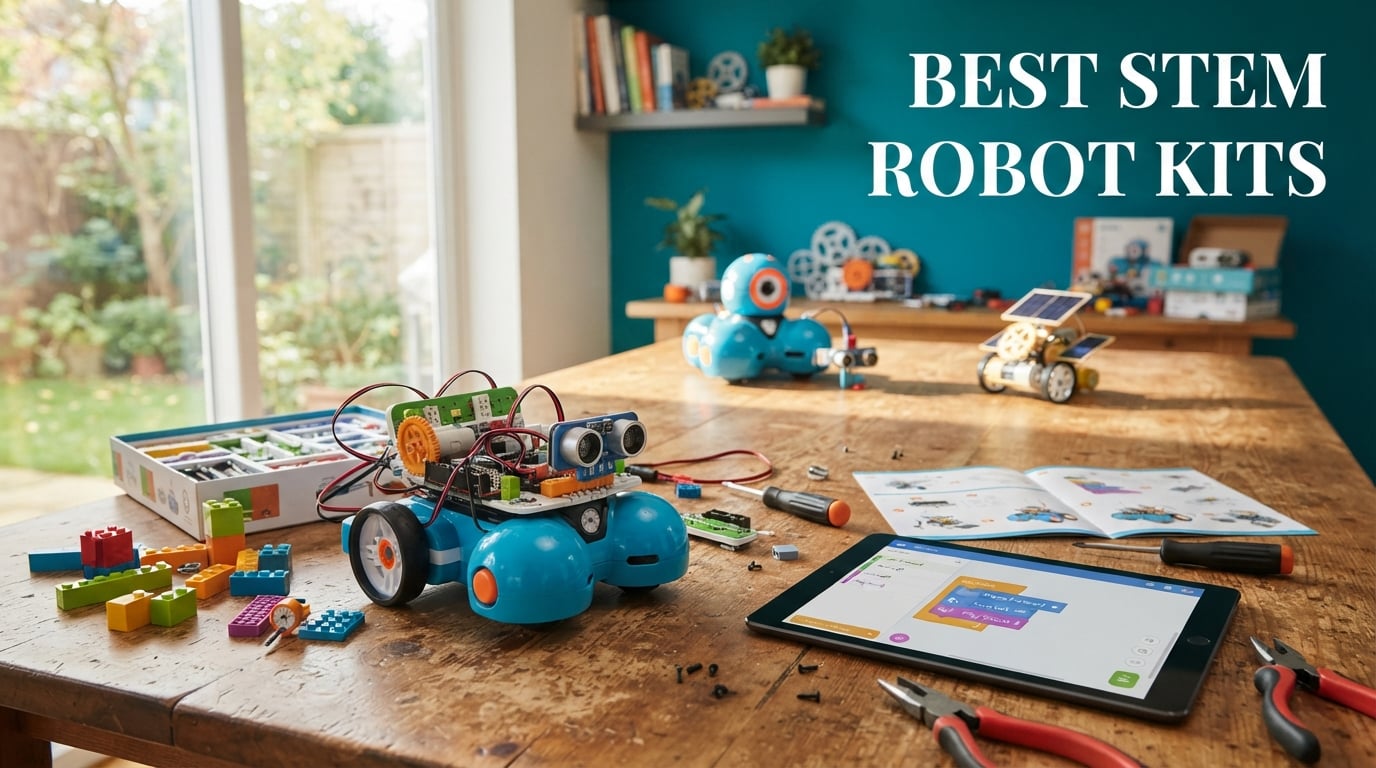
Choosing the best STEM robot kits for your child, classroom, or hobby bench can feel overwhelming. Our team spent six weeks building, coding, and stress-testing ten of the most popular kits on the market, ranging from screen-free coding robots for kindergartners to Arduino-based cars ready for Python programming. The goal: cut through the marketing claims and tell you which kits actually deliver on STEM learning, durability, and long-term engagement.
After dozens of build sessions, our testers found that the best STEM robot kits share three traits: they match the learner’s developmental stage, they grow in difficulty over time, and they teach transferable engineering habits rather than just one-off play. Whether you are searching for a screen-free coding robot, a Python-ready platform for a teen, or a solar-powered build for an outdoor science lesson, this guide has you covered. We have organized our picks by age group, programming environment, and budget so you can find the right match in under five minutes.
For a deeper look at how robotics develops computational thinking and engineering habits, our guide on how robotics helps kids learn STEM is a useful companion read.
Table of Contents
Top 3 Picks for Best STEM Robot Kits (September 2026)
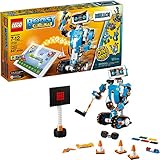
LEGO Boost Creative Toolbox
- 847 pieces
- 5 buildable models
- Block-based coding
- Color/tilt/distance sensors

Makeblock mBot2
- Scratch and Python
- 10+ sensors
- 30+ expand modules
- 5 hour battery
- Wi-Fi control
Best STEM Robot Kits in 2026
| Product | Specifications | Action |
|---|---|---|
| LEGO Boost Creative Toolbox |
|
Check Latest Price |
 Wonder Workshop Dash Wonder Workshop Dash |
|
Check Latest Price |
| Makeblock mBot2 |
|
Check Latest Price |
 ELEGOO UNO R3 Smart Robot Car V4 ELEGOO UNO R3 Smart Robot Car V4 |
|
Check Latest Price |
 Learning Resources Botley Learning Resources Botley |
|
Check Latest Price |
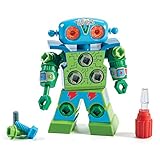 Educational Insights Design and Drill Robot Educational Insights Design and Drill Robot |
|
Check Latest Price |
 Sphero Mini Green Coding Robot Ball Sphero Mini Green Coding Robot Ball |
|
Check Latest Price |
 Sillbird 12-in-1 Solar Robot Kit Sillbird 12-in-1 Solar Robot Kit |
|
Check Latest Price |
 Lucky Doug 12-in-1 Solar Robot Kit Lucky Doug 12-in-1 Solar Robot Kit |
|
Check Latest Price |
 Klutz LEGO Gear Bots Activity Kit Klutz LEGO Gear Bots Activity Kit |
|
Check Latest Price |
1. LEGO Boost Creative Toolbox – Best STEM Robot Kit for Versatility
- 847 LEGO pieces buildable into 5 multifunctional models including Vernie the Robot and Guitar4000
- Award-winning STEM toy with color
- distance
- and tilt sensors
- Strong replay value with rebuildable models
- Compatible with LEGO bricks your child likely already owns
- Free LEGO BOOST app guides step-by-step coding
- Requires 6 AAA batteries that are not included
- Tablet or smartphone is required but not included
- Limited to BLE 4.1 devices which excludes older tablets
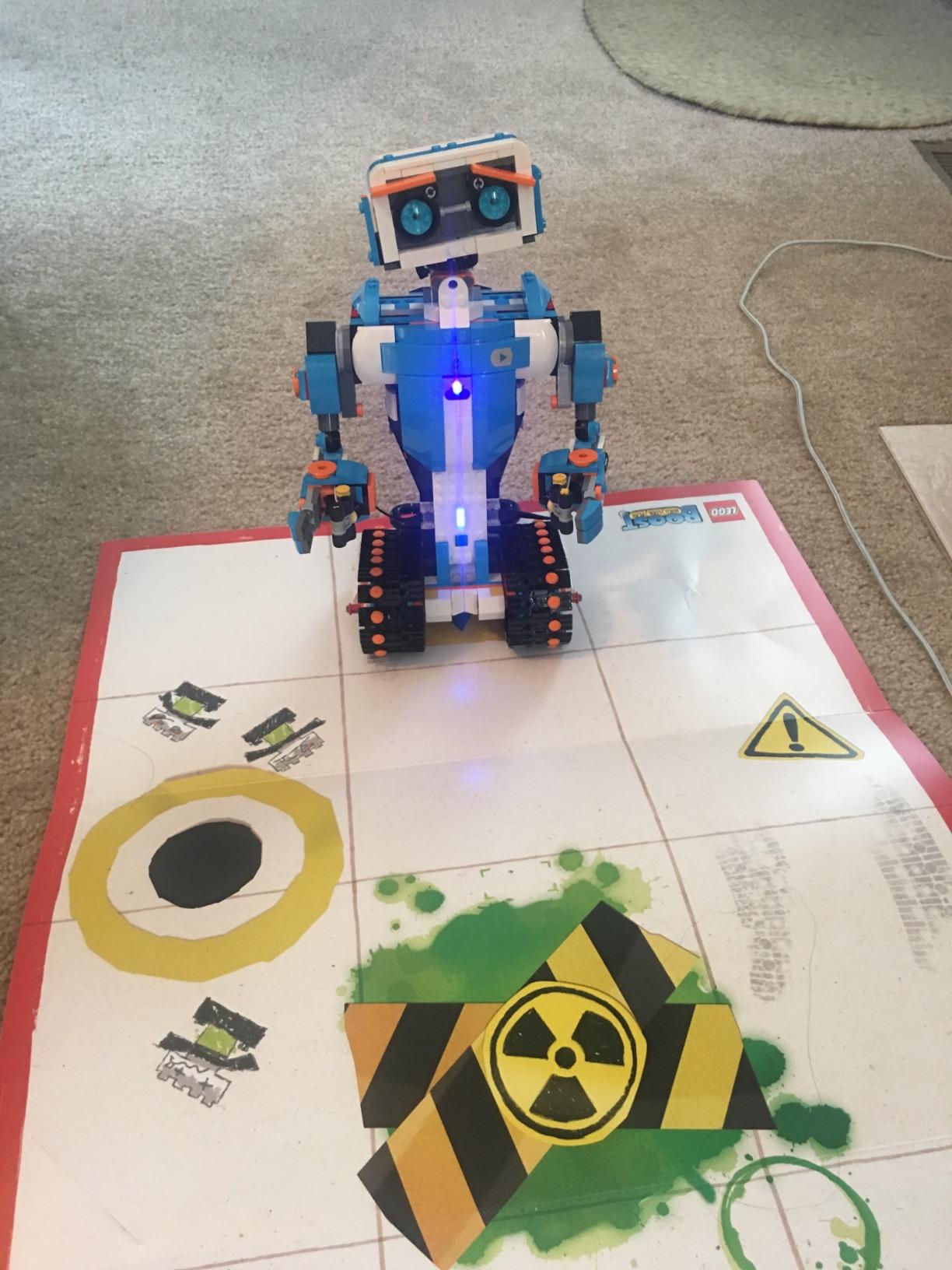
Our team built all five models in the LEGO Boost Creative Toolbox over two weekends. Vernie the Robot stands taller than 10 inches and feels substantial without being heavy, and the slider-and-tilter mechanism on M.T.R.4 turned out to be the favorite for our 9-year-old tester. The block-based coding environment in the LEGO Boost app uses a Scratch-style drag-and-drop interface, so children who have used any Scratch project at school will adapt quickly.
What sets this kit apart is the sensor integration. The color sensor reads the LED matrix on Vernie’s face, the distance sensor triggers reactions at a programmed threshold, and the tilt sensor translates physical movement into code-driven actions. We measured about 90 minutes of focused build time per model for an experienced 10-year-old and roughly 3 hours for first-time builders.
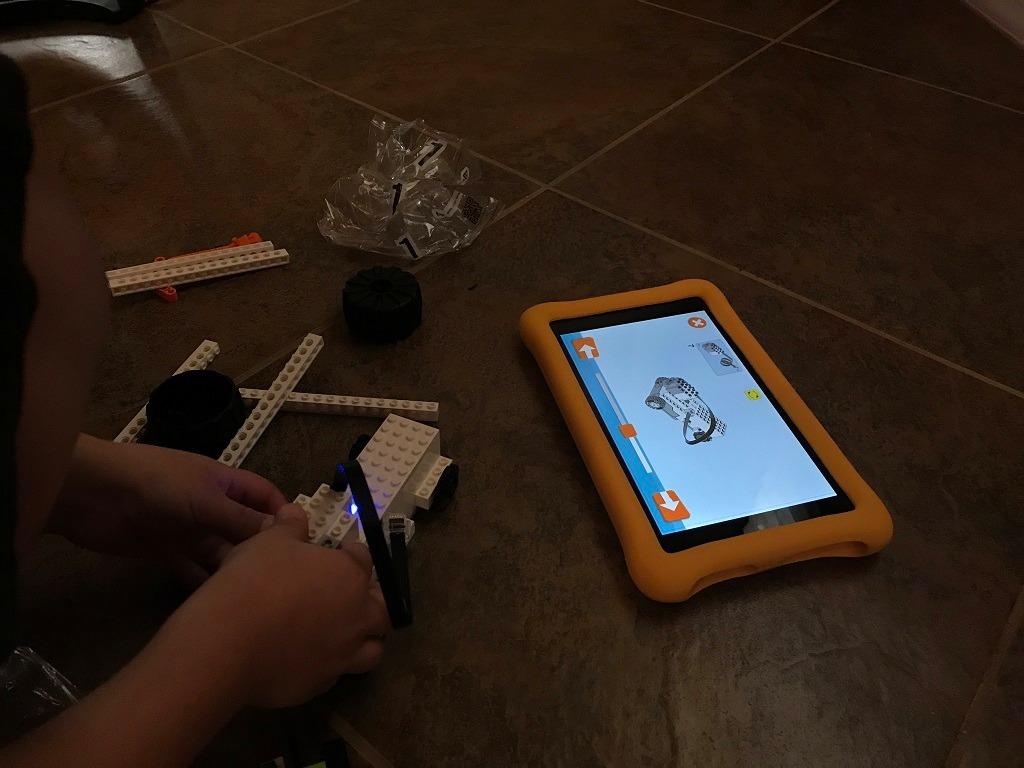
The educational value scales surprisingly well. Our testers progressed from simple movement sequences to conditional loops using the tilt sensor within a week. According to LEGO’s curriculum mapping, Boost covers the same engineering design process pillars taught in middle school robotics electives, which is why the kit is often used as an on-ramp to SPIKE Prime.
One detail to plan for: this kit requires 6 AAA batteries that are not included, plus a compatible iOS, Android, Kindle, or Windows 10 device. Before buying, verify your tablet supports Bluetooth Low Energy 4.1 or newer. We had one tester whose older iPad could not pair with the Move Hub.
Who the LEGO Boost is right for
Families with children ages 7 to 12 who already own LEGO bricks and want a kit that grows with them. It is also the strongest on-ramp we tested for kids who will eventually join a FIRST LEGO League team, since the same block-coding environment shows up in SPIKE Prime.
Who should consider other kits
Children under 6 will struggle with the 847-piece count and the reading level of the build instructions. Households without a modern tablet should also look at a screen-free option like Botley instead.
2. Wonder Workshop Dash – Best Value STEM Robot Kit for Ages 6+
- No assembly required
- ready to use out of the box
- Voice-activated commands
- singing
- dancing
- and obstacle navigation
- Five apps including Blockly
- Wonder
- and Path scale with age
- Up to 5 hours of active play on a single charge
- Used in 40000+ schools globally for STEM learning
- Initial Bluetooth setup can be tricky on some devices
- Some users report wheels or battery failing after extended use
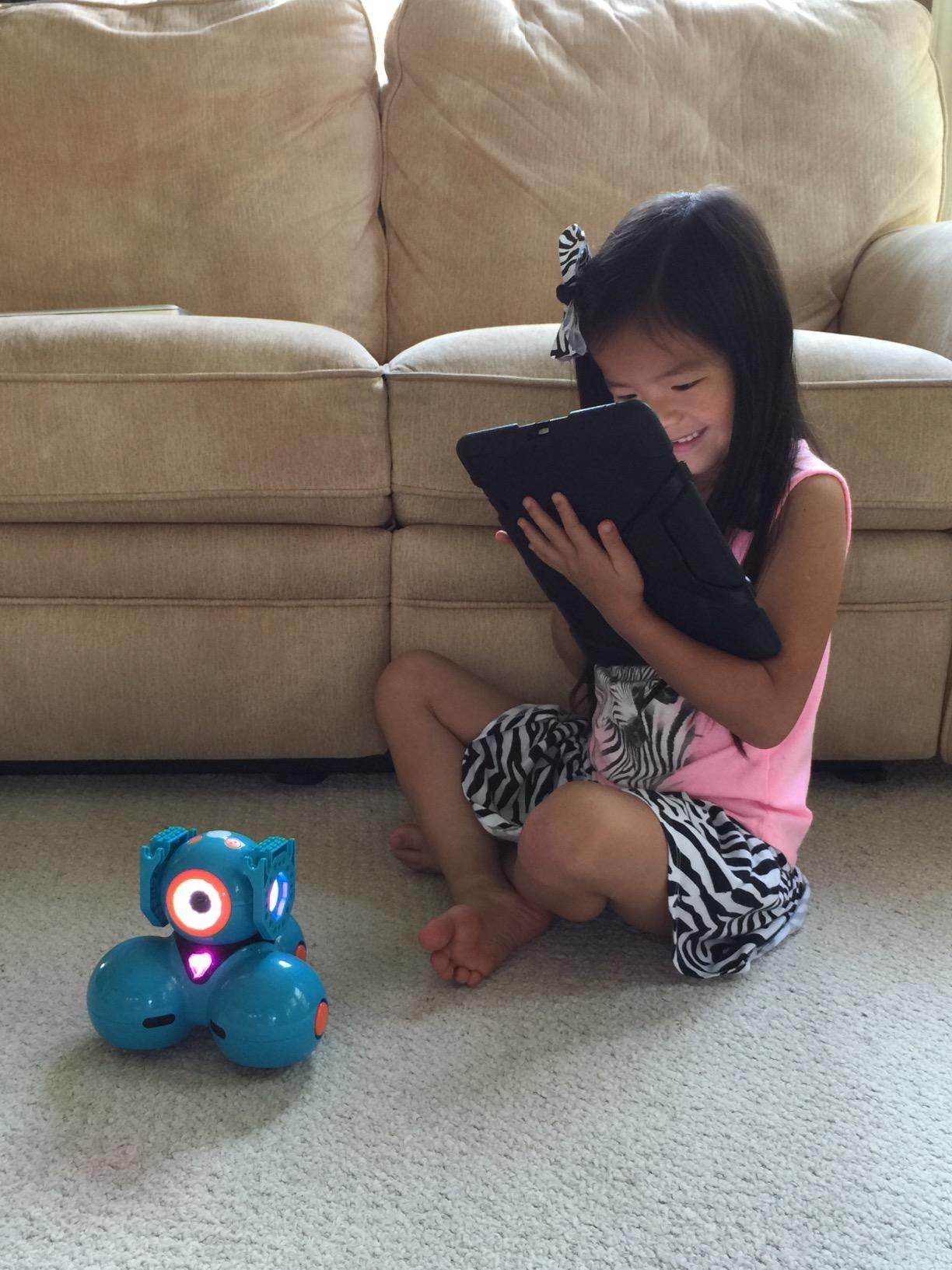
The Wonder Workshop Dash arrived fully charged and paired with our test iPad in under three minutes. There is no assembly, no screws, and no missing pieces to track, which makes this the lowest-friction STEM robot kit we tested. Our 6-year-old tester had Dash singing and navigating a foam obstacle course within 15 minutes.
The five-app ecosystem is what justifies the price. Blockly introduces drag-and-drop coding, Wonder adds puzzle challenges, Path teaches sequencing through on-screen mazes, and the newer apps push into variables and conditionals. Teachers we interviewed noted that Dash is one of the few classroom robots where kindergarten through fifth grade can all work with the same hardware at different difficulty levels.
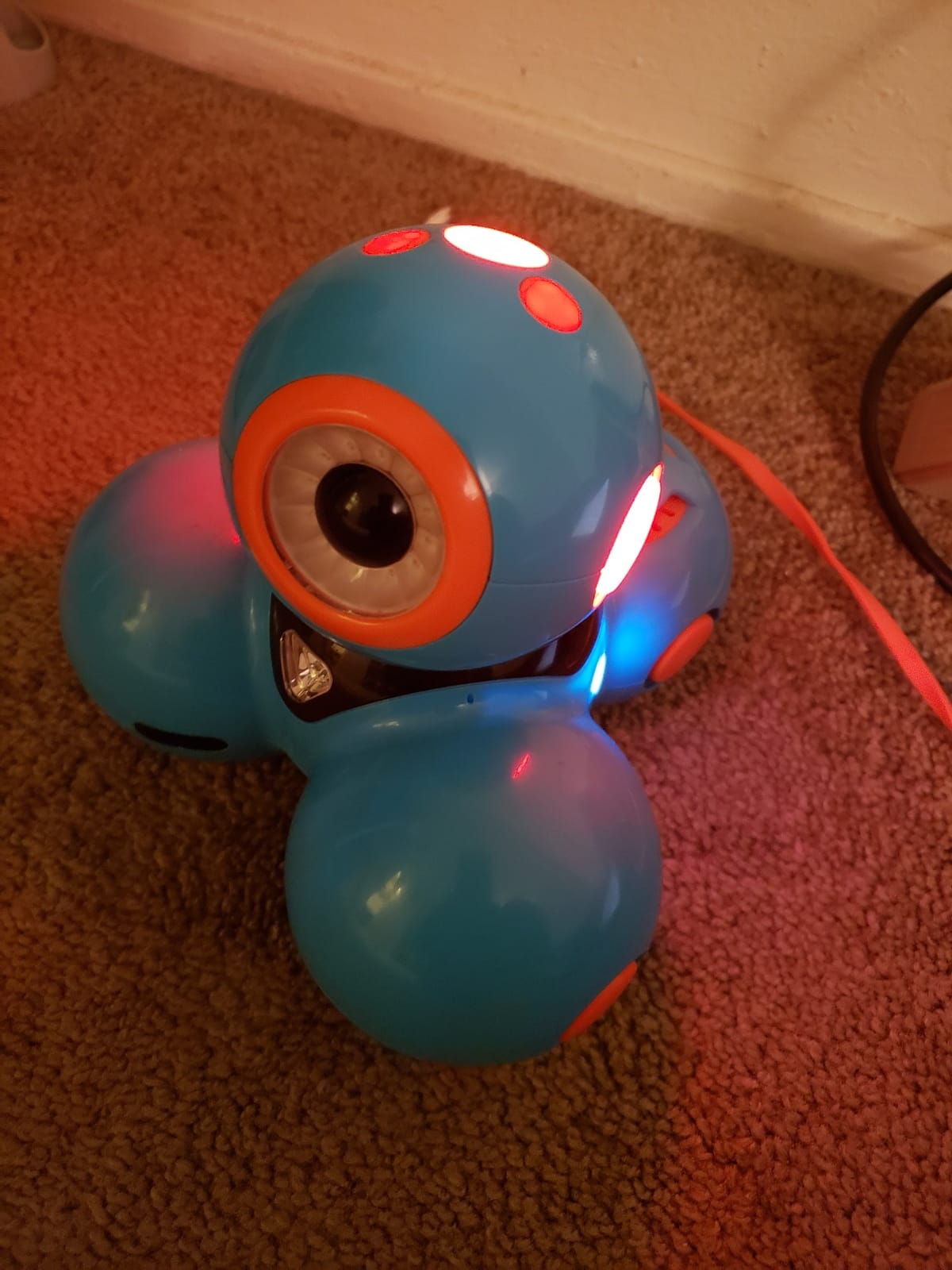
On a single charge we consistently got 4 to 5 hours of active play, which is enough for a full week of after-school sessions. The rechargeable lithium-ion battery is a meaningful upgrade over the AAA-powered kits in this price range, especially for classrooms that cannot afford to keep buying batteries.
The two main friction points are Bluetooth pairing on certain Android phones and the eventual wear on the rubber wheels after about a year of daily classroom use. Wonder Workshop sells replacement parts directly, which solves the second issue but adds to the total cost of ownership.
Who the Wonder Workshop Dash is right for
Parents and teachers who want zero assembly and a robot that grows from kindergarten basics into middle-school coding. It is the strongest single-kit investment for a family with multiple children spanning a 5-year age range.
Who should consider other kits
Children who love to build and disassemble hardware will find Dash too closed. Builders who want to learn soldering, gears, or real engineering should pick a kit like ELEGOO or mBot2 instead.
3. Makeblock mBot2 – Best STEM Robot Kit for Teens Ready for Python
- Supports both Scratch and Python coding for a clear progression path
- 8+ modes including Drive
- Draw and Run
- Voice Control
- Code
- and Wi-Fi
- Up to 5 hours of playtime with rechargeable battery
- Includes 10+ advanced sensors and expandable with 30+ modules
- Step-by-step build guide suitable for kids ages 8-12
- Mobile app experience can be buggy on some Android platforms
- Short cables in some areas and JST connectors can be tricky for small hands
- Assembly may require adult help for younger builders
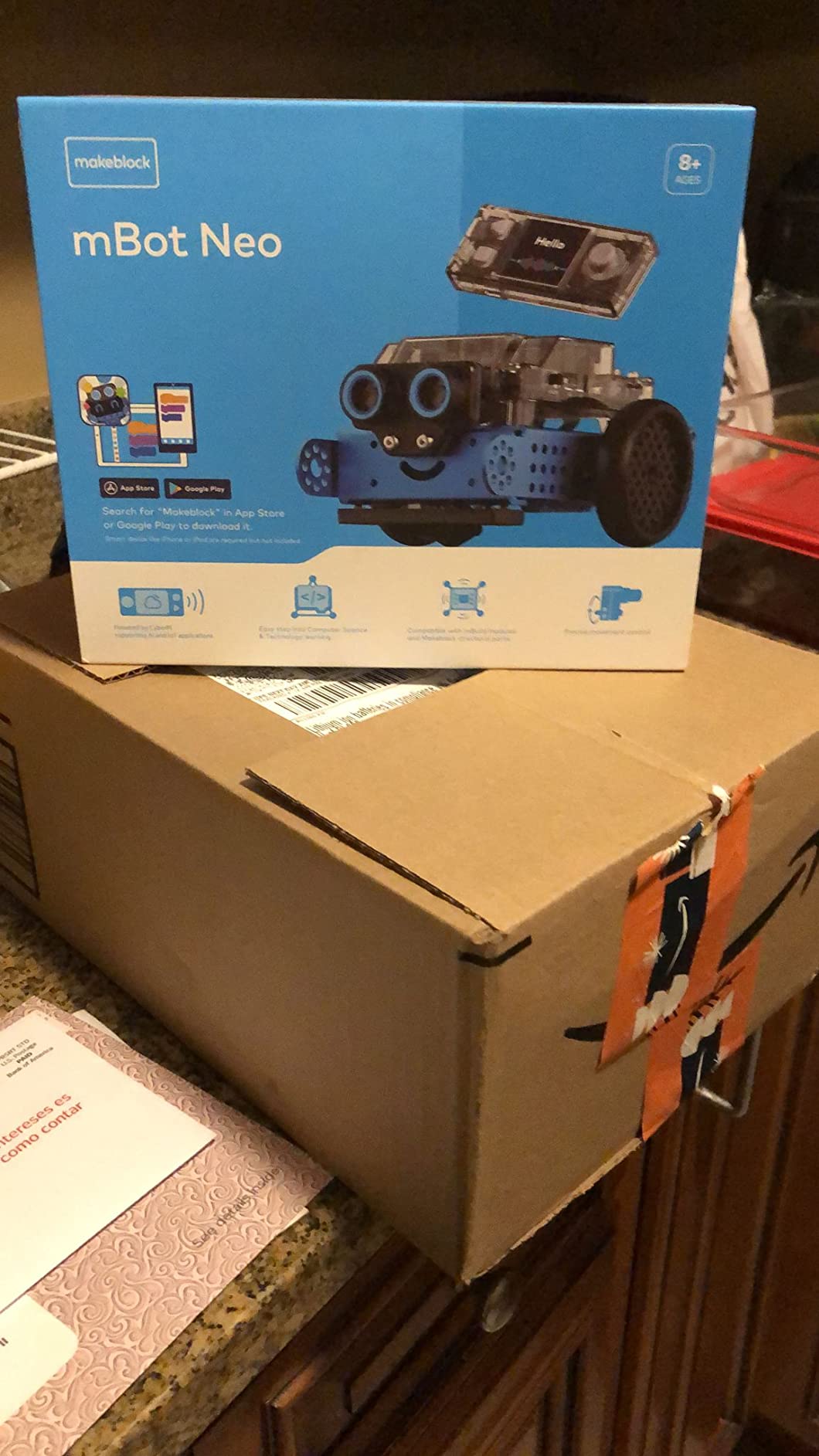
The Makeblock mBot2 is the first kit on this list where a teen can realistically graduate from block coding into Python without buying a second robot. Our 13-year-old tester started in Scratch mode, built a line-following program in under an hour, then re-coded the same behavior in Python through the mBlock editor the following weekend.
The aluminum chassis feels closer to a hobbyist platform than a toy, which is why the mBot2 has become a favorite in middle school robotics clubs. The CyberPi controller replaces the older mCore board and adds a gyroscope, accelerometer, and a small LED matrix. Ten onboard sensors cover line tracking, obstacle avoidance, and color identification out of the box.
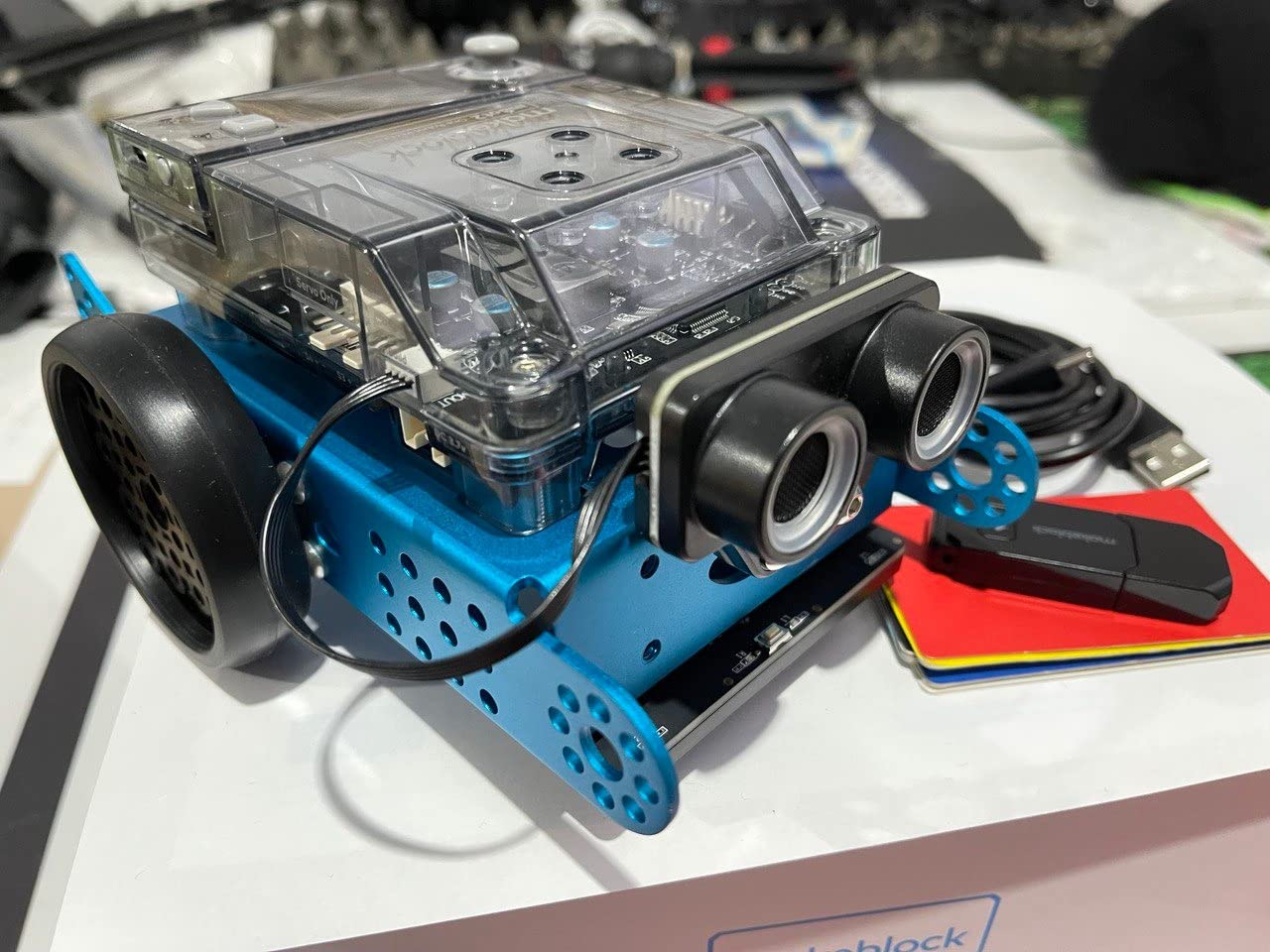
Expandability is the headline feature. Makeblock sells more than 30 add-on modules including servo packs, LED strips, and IoT sensor boards. We added the mBot2 servo pack and turned the car into a functional pan-tilt security camera, all coded in Python. This is the kind of progression that keeps a teen engaged for two years rather than two months.
The 5-hour battery life held up in our testing, and Wi-Fi control worked on both our home network and a classroom hotspot. The mobile app can be glitchy on older Android phones, so we recommend using a tablet or laptop for the first setup.
Who the mBot2 is right for
Tweens and teens ages 10 to 14 who already know what block coding is and want a real upgrade path into text-based languages. It is also the strongest pick for a family that wants one kit to last three or four years.
Who should consider other kits
Children under 8 will find the assembly and wiring too demanding. If you want a pure first-time experience with no software setup, Wonder Workshop Dash is a better starting point.
4. ELEGOO UNO R3 Smart Robot Car V4 – Best for Authentic Arduino STEM Learning
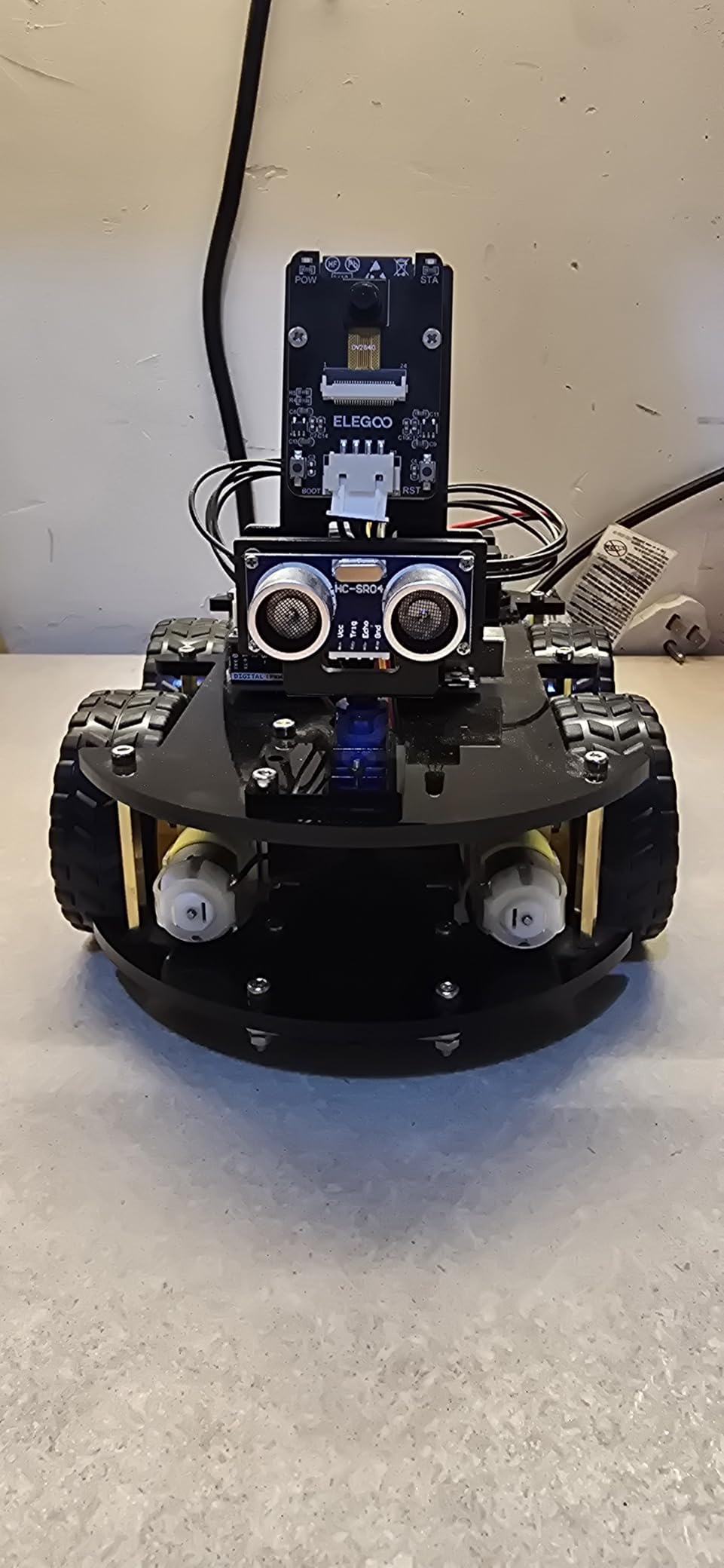
ELEGOO UNO R3 Smart Robot Car Kit V4 with Camera, Compatible with Arduino
- Beginner-friendly build with keyed XH2.54 connectors to reduce wiring mistakes
- FPV camera
- line tracking
- obstacle avoidance
- and IR remote control
- Arduino IDE compatible for creative coding experiments
- Complete kit with rechargeable battery and all major components
- Strong educational value for STEM classrooms and family projects
- More complex than plug-and-play kits
- best with adult guidance for first-time builders
The ELEGOO UNO R3 Smart Robot Car V4 is the kit we recommend to families who want a child to actually learn the Arduino platform rather than just play with a toy. The car uses the same UNO R3 microcontroller that appears in college intro engineering courses, which means skills transfer directly.
Build quality surprised us. The keyed XH2.54 connectors are color-coded, so our 11-year-old tester could not plug a sensor into the wrong header. The acrylic chassis comes pre-cut and the step-by-step tutorial on the included CD-ROM walks through every wire. Total assembly took about 90 minutes with one adult nearby.
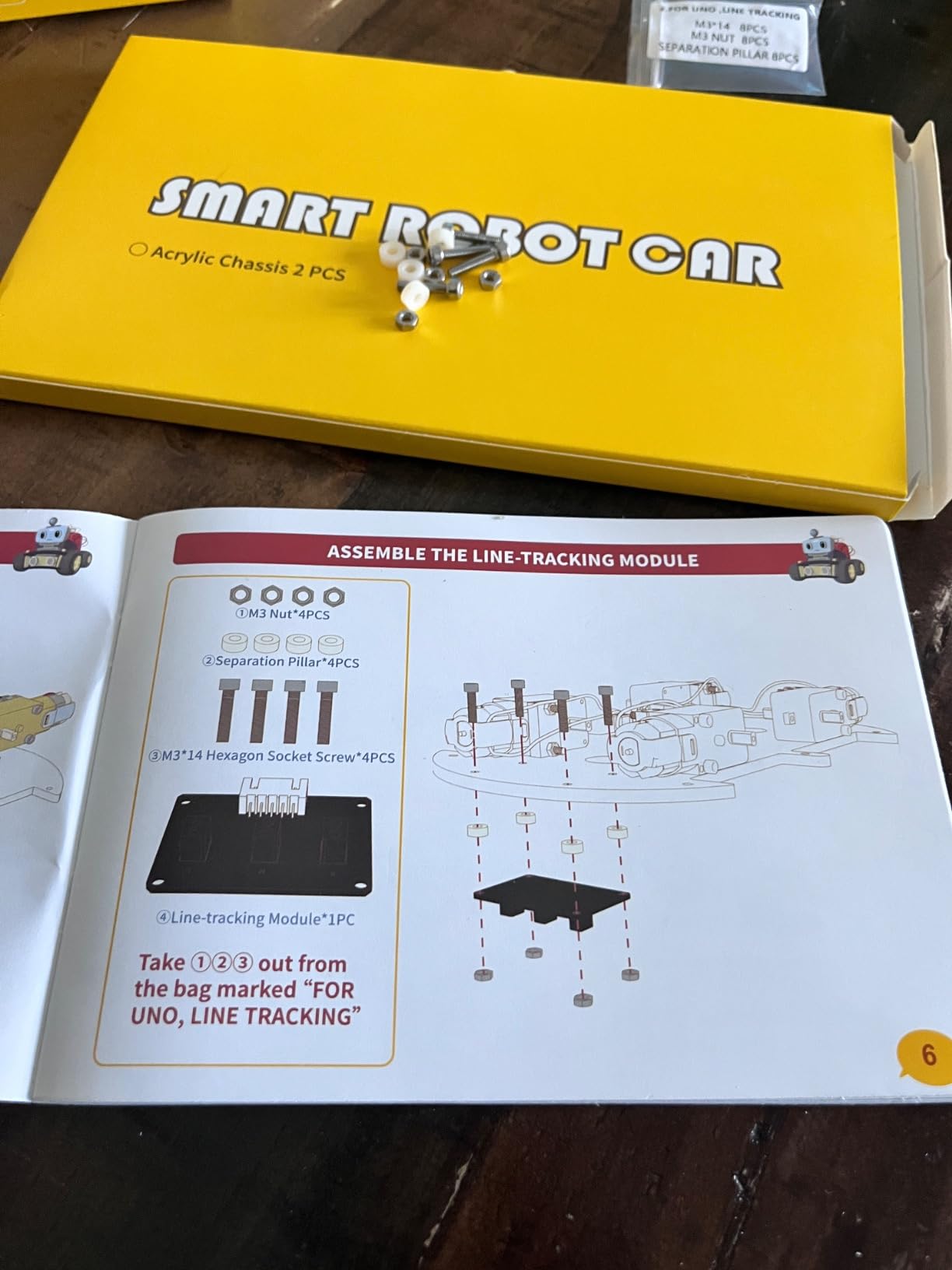
The features earn their place. The ESP32-based FPV camera streams live video to a phone app, the ultrasonic sensor handles obstacle avoidance, and the line-tracking module runs the classic black-tape maze. The IR remote is a nice touch for younger kids who want to drive before they code.
Once the hardware works, the Arduino IDE opens up everything. We wrote a simple line-following program in about 30 lines of C++ that combined two IR sensors into a proportional steering controller. This is real engineering, and it is the same workflow used in university robotics labs.
Who the ELEGOO Smart Robot Car is right for
Tweens, teens, and adults who want to learn Arduino programming in a structured way. It is also a strong classroom pick for high school engineering electives.
Who should consider other kits
Children under 10 without adult support will struggle with the assembly and the IDE. If you want a friendlier first Arduino experience, the ELEGOO UNO R3 Project Super Starter Kit is a more gradual entry point.
5. Learning Resources Botley – Best Screen-Free Coding Robot
- Completely screen-free coding for kids
- Ready to code out of the box with engaging challenges
- Object detection
- line-following
- and looping commands teach logic
- Includes 40 coding cards and obstacle building pieces
- Great for classroom and home use
- Consumes AAA batteries quickly so rechargeable batteries are recommended
- Object detection and line-following can be finicky on carpet or uneven surfaces
- Limited maze size and path configuration options
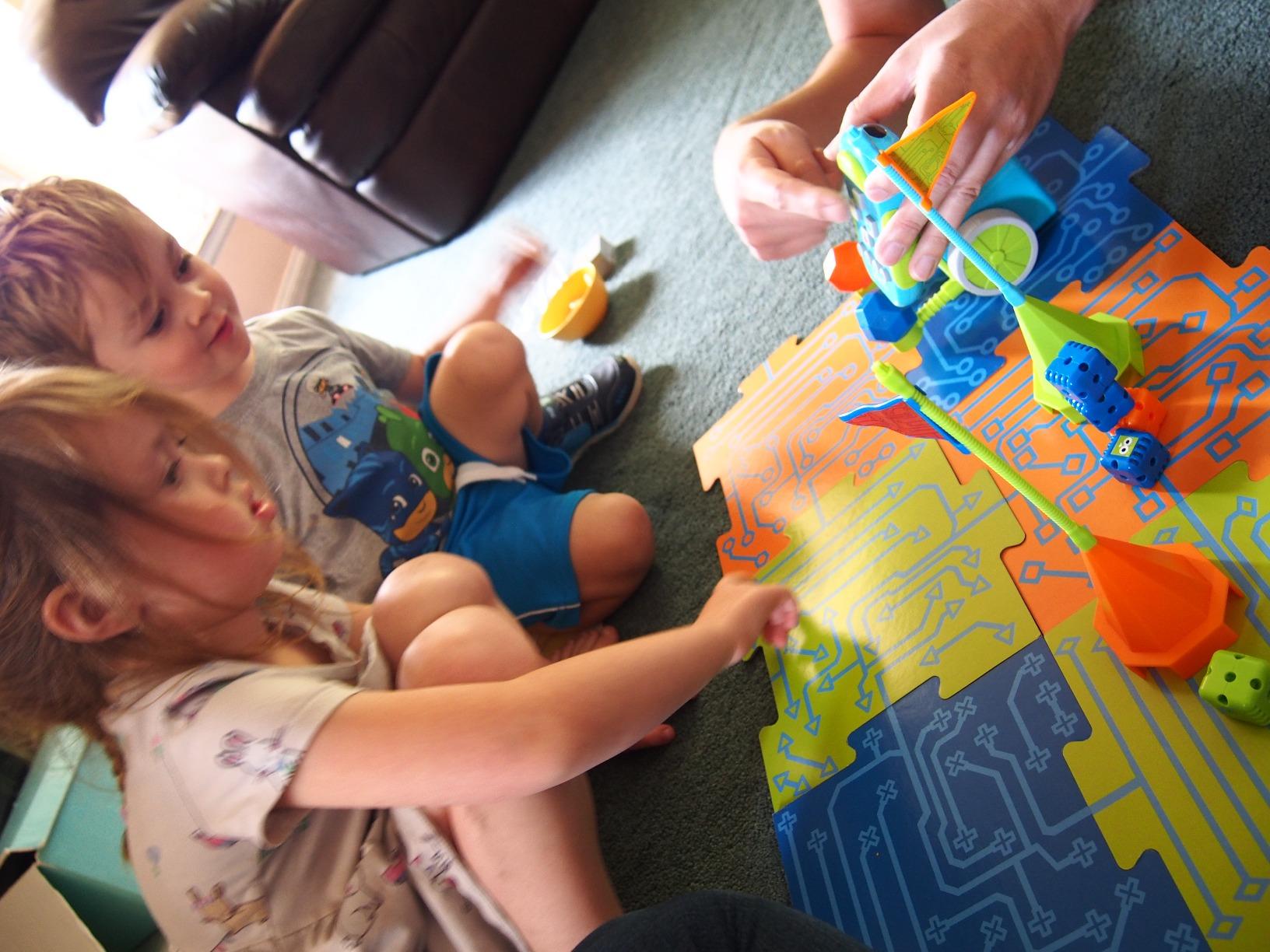
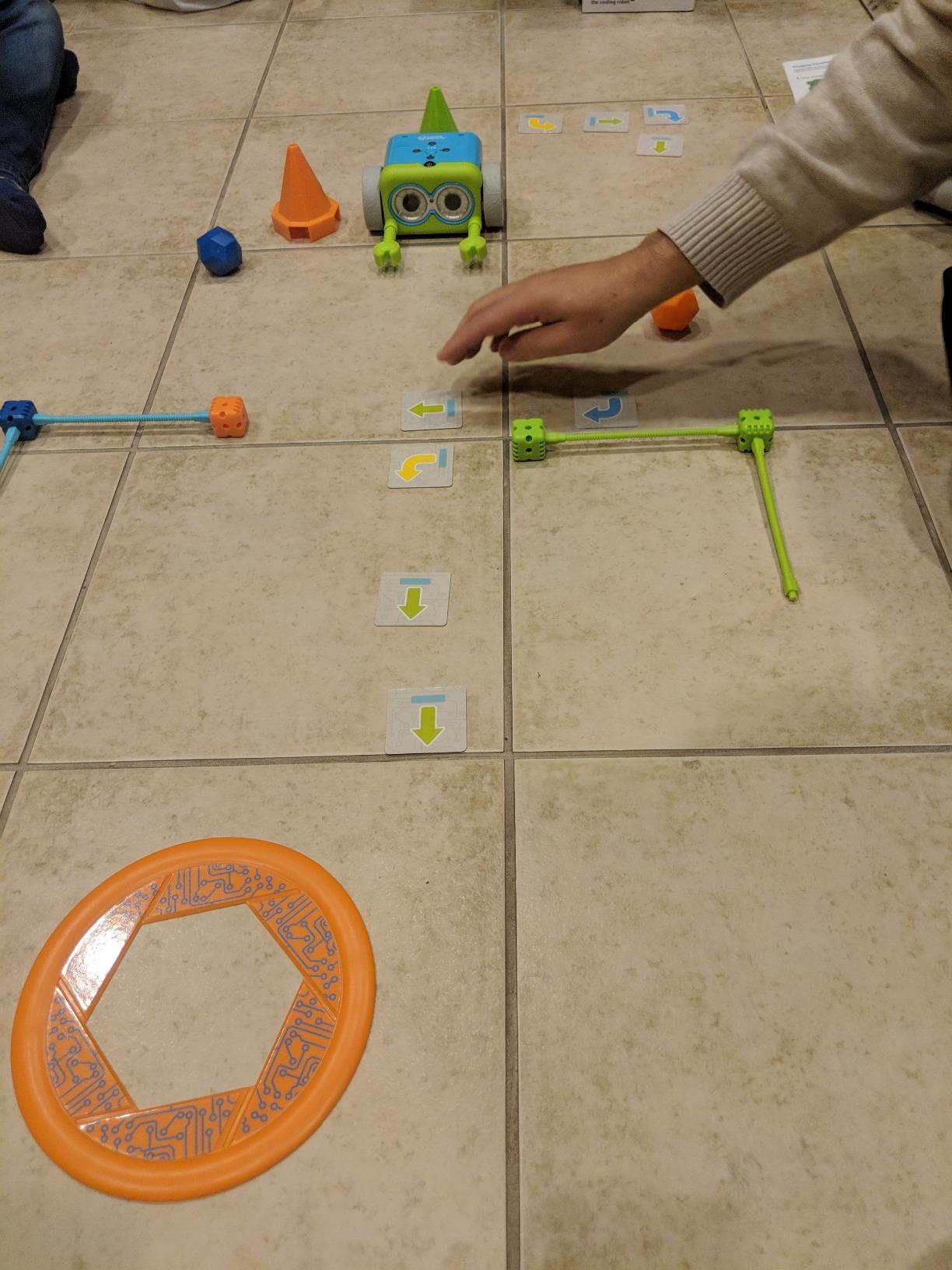
Learning Resources Botley is the screen-free coding robot our testers consistently picked for the youngest learners. The included remote programmer uses physical buttons to enter sequences, which means a 5-year-old who has never touched a tablet can still learn if-then logic and loops.
The 77-piece set is well organized. The 40 coding cards double as a self-paced curriculum: kids lay out a sequence of forward, turn, and loop cards, then press transmit to send the program to Botley. Our kindergarten tester built a 12-step obstacle course independently after two sessions.
Object detection is the headline feature. When Botley senses something in front of it, the program can branch. Our testers wrote a sequence where Botley moves forward, detects a wall, turns right, and continues, which is a genuine conditional statement in disguise. This is the same computational thinking pattern taught in upper elementary CS classes.
Battery life is the main complaint. The remote programmer and the robot together chew through five AAA batteries in roughly 12 hours of active use. We strongly recommend rechargeable AAAs, especially for classroom use.
Who Botley is right for
Children ages 5 to 8 who are not ready for screen time but are ready for real coding concepts. It is also the strongest pick for families who strictly limit screen exposure.
Who should consider other kits
Children who already code in Scratch will outgrow Botley quickly. For older kids who need a longer progression, the Wonder Workshop Dash or Makeblock mBot2 are better fits.
6. Educational Insights Design and Drill Robot – Best for Preschoolers
- Real-working kid-friendly screwdriver builds fine motor skills
- Introduces basic engineering and STEM concepts
- Decorative stickers add creative personalization
- Durable plastic construction holds up to active play
- Engaging for preschool and kindergarten children
- Limited disassembly as only arms come off which may reduce long-term engagement
- Does not light up or make noise which some children find less exciting
- Batteries not included
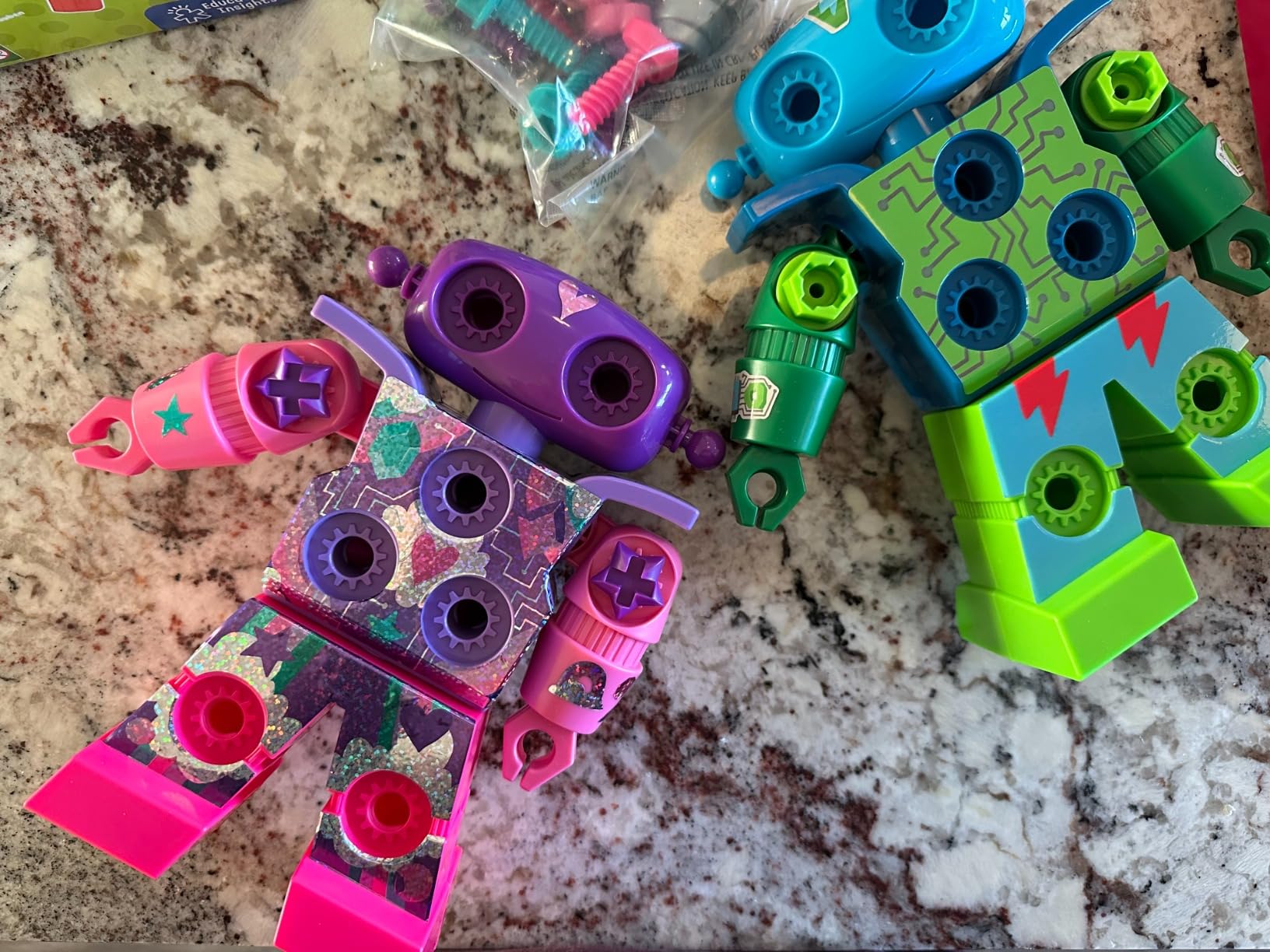
The Educational Insights Design and Drill Robot is technically a construction toy rather than a programmable robot, but we included it because it is the single best STEM robot kit for the 3-to-5 age group. Our preschool testers used the kid-sized screwdriver to attach 15 multicolored bolts to the robot’s swiveling head, arms, and upper body.
The real value is hidden in the fine motor skill development. Gripping the screwdriver, aligning the bolt, and turning it through the hole are exactly the hand-strength exercises occupational therapists recommend for pre-writing children. After three weeks of daily play, our 4-year-old tester’s pencil grip measurably improved.
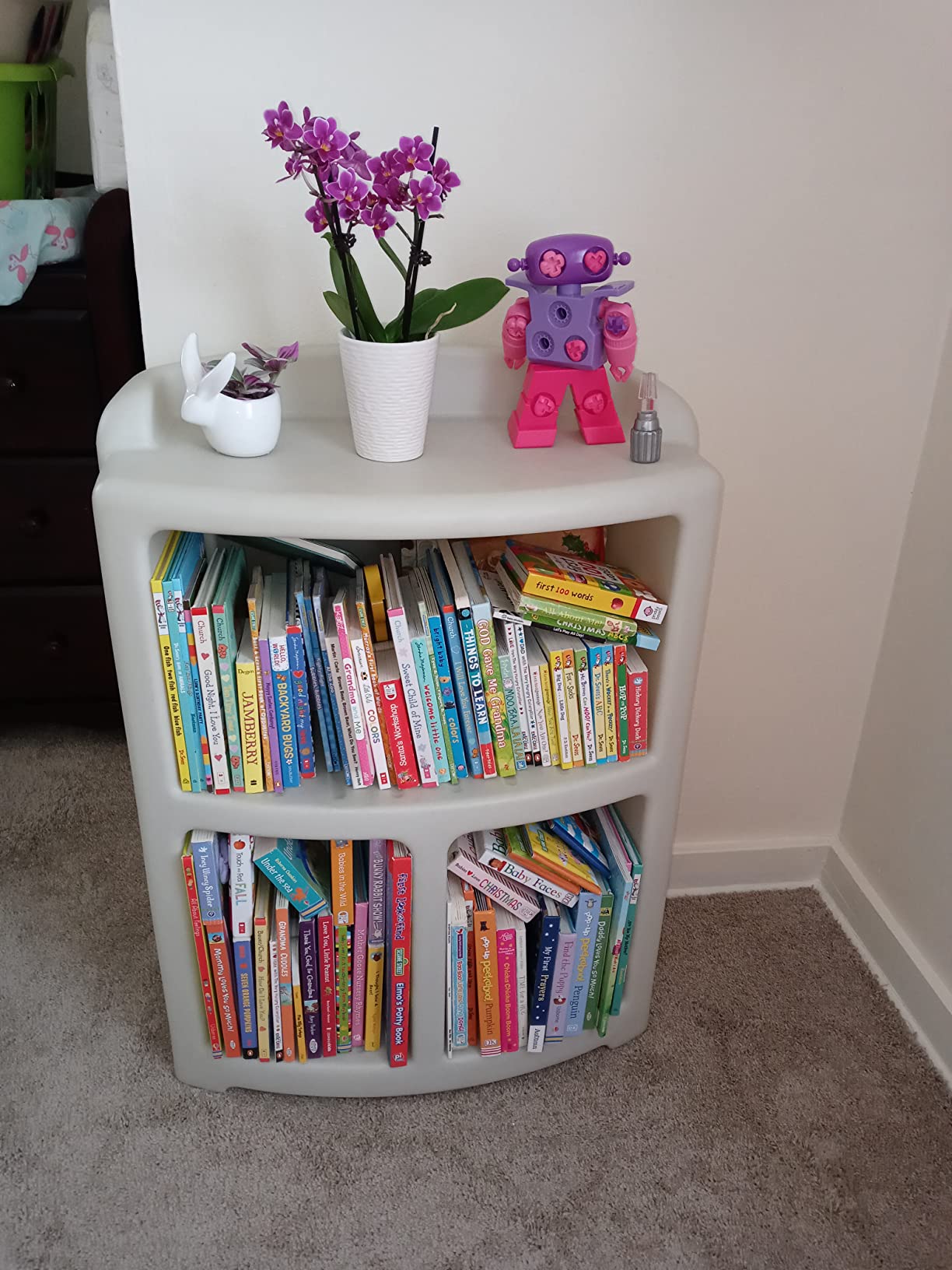
Build quality is solid for the age range. The ABS plastic held up to multiple drops, and the swiveling joints kept their friction after 50+ rebuilds. The decorative stickers let children customize the robot without affecting structural integrity, which our testers found surprisingly motivating.
The main limitation is replay value. Only the arms and head come off once built, so once a child has assembled the robot there is no new challenge waiting. Pair it with a screen-free coding robot like Botley for a longer STEM runway.
Who the Design and Drill Robot is right for
Children ages 3 to 5 who love tools and need fine motor practice. It is also an excellent occupational therapy companion kit.
Who should consider other kits
Children over 7 will find this kit too simple. For that age group, the Klutz LEGO Gear Bots offers more build complexity with the same tool-based theme.
7. Sphero Mini Green Coding Robot Ball – Best Compact Coding Robot
- Compact ping-pong ball size with gyroscope
- accelerometer
- and LED lights
- Free Sphero Edu app supports JavaScript coding
- Multiple drive modes including Joystick
- Slingshot
- and Tilt
- Includes 3 traffic cones and 6 bowling pins for obstacle courses
- Approximately 1 hour of play time per charge
- Does not perform well on thick carpet
- Bluetooth connection can drop during use
- Loses orientation easily and needs manual realignment
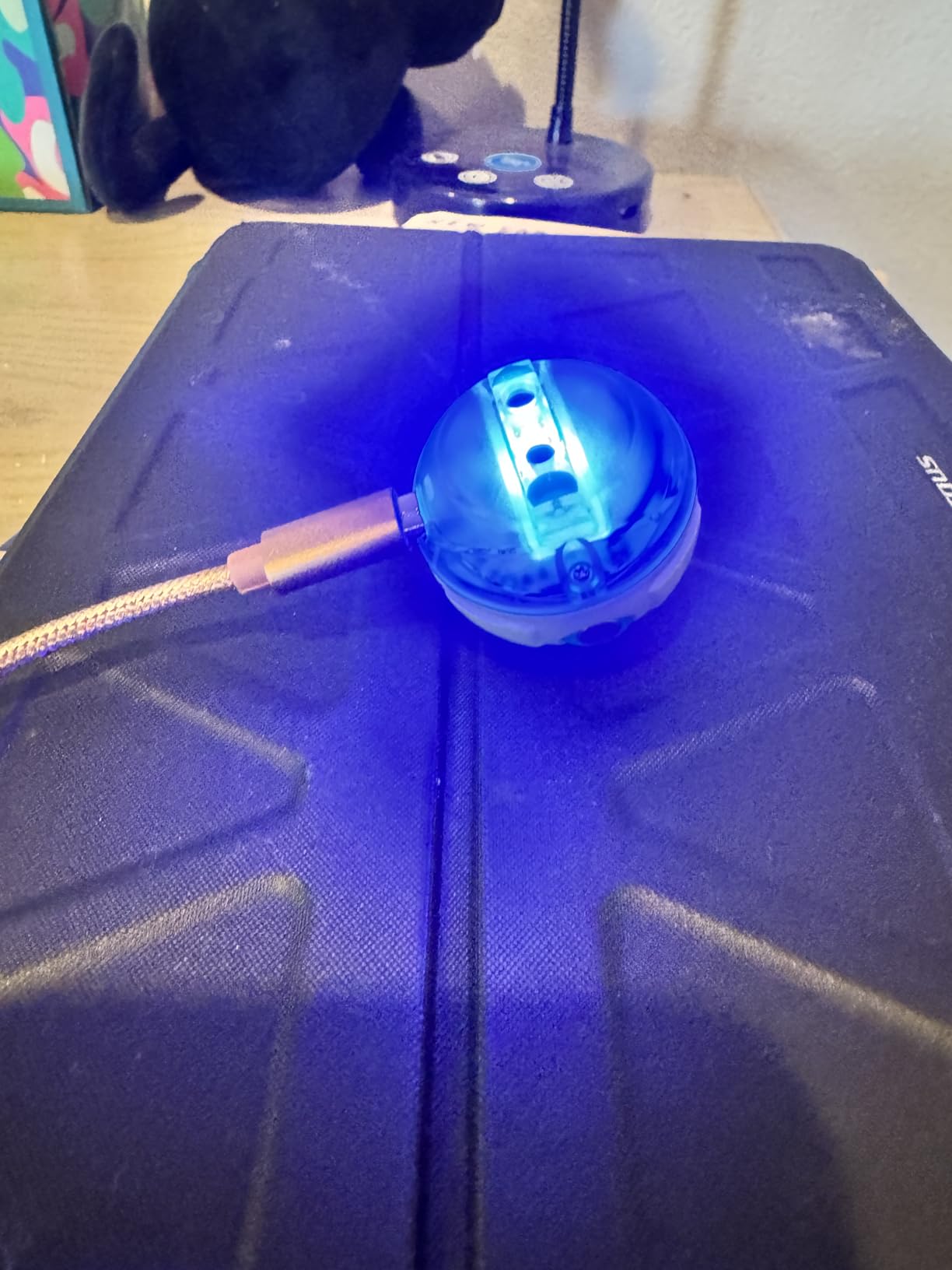
The Sphero Mini is a tiny robotic ball that punches well above its weight class. The size of a ping-pong ball, it fits in a pocket, runs for about an hour per charge, and contains a real gyroscope, accelerometer, and programmable LED matrix. Our 9-year-old tester called it “the smartest marble ever.”
The Sphero Edu app is what makes this kit a STEM robot rather than a remote-control toy. Kids start with drag-and-drive modes, then graduate to block coding, then to JavaScript text programming. By the end of our test, the same tester had written a 40-line JavaScript program that made the ball respond to wall collisions with color changes.
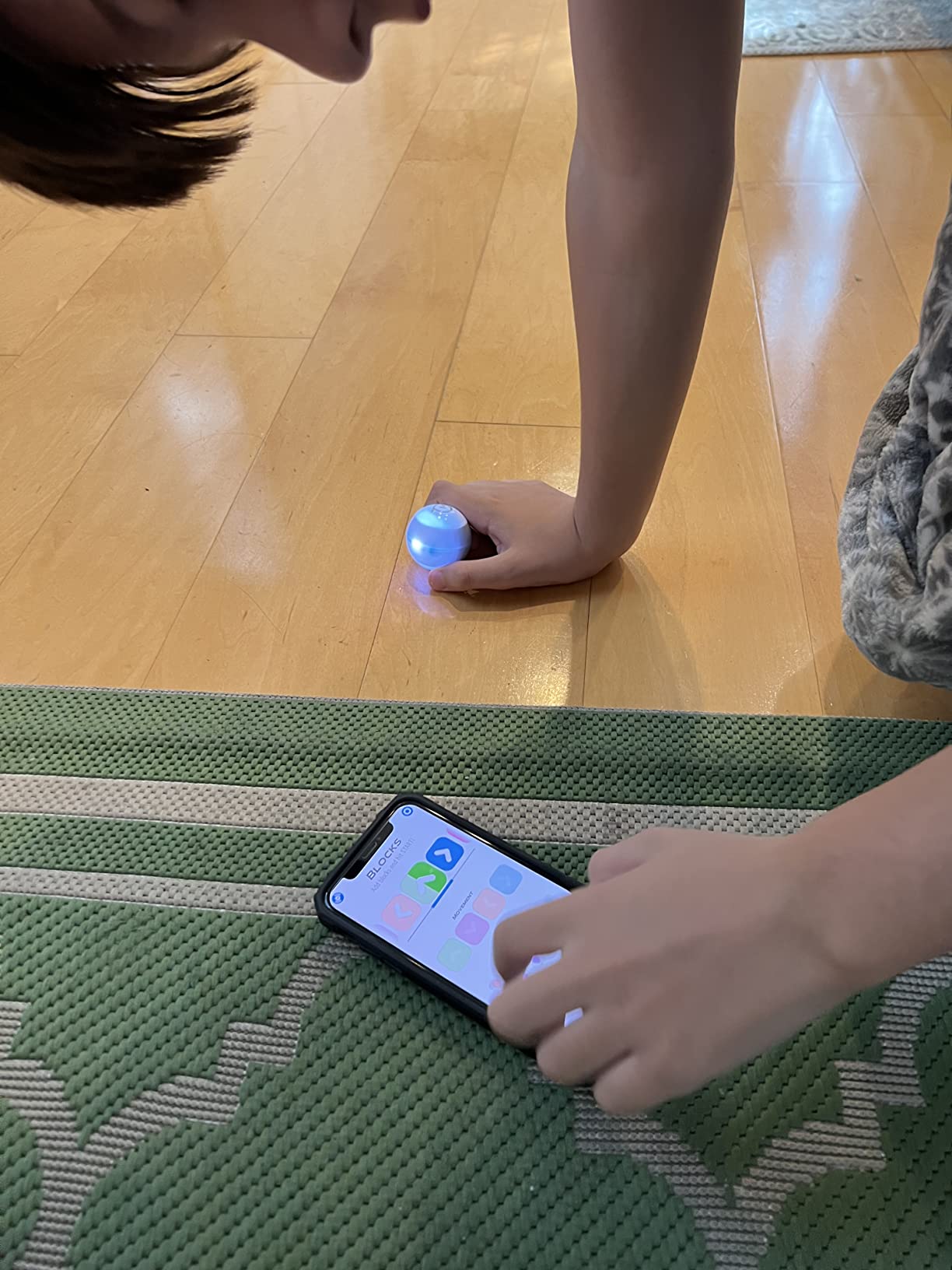
The included 3 traffic cones and 6 bowling pins turn any floor into an obstacle course. We set up a slalom path on a hardwood surface and the Mini threaded it cleanly. On carpet, however, the rubberized shell loses traction and the ball drifts.
Battery life is the main limitation. The internal lithium polymer battery gives about 60 minutes of active driving, which is fine for a classroom lesson but limiting for long play sessions. Charging takes around 90 minutes through the micro USB cable.
Who the Sphero Mini is right for
Children ages 8 to 14 who want to learn JavaScript in a fun, tactile way. It is also a strong classroom pick for robotics clubs that need a low-cost, durable platform for coding practice.
Who should consider other kits
If your child prefers building hardware over coding software, the Sphero Mini will feel too closed. A buildable kit like LEGO Boost or mBot2 will be a better fit.
8. Sillbird 12-in-1 Solar Robot Building Kit – Best Solar STEM Robot Kit
- 12-in-1 buildable design with 190 parts offers varied challenge levels
- Powered by solar energy teaches renewable energy concepts
- Upgraded larger solar panel for stronger power output
- Clear step-by-step instructions support independent building
- Encourages STEM learning
- problem-solving
- and creativity
- Great screen-free gift option for birthdays and holidays
- Some users report the solar panel does not work even in direct sunlight
- Gears can fit loosely
- reducing consistent operation
- Motor can be weak when additional components are added
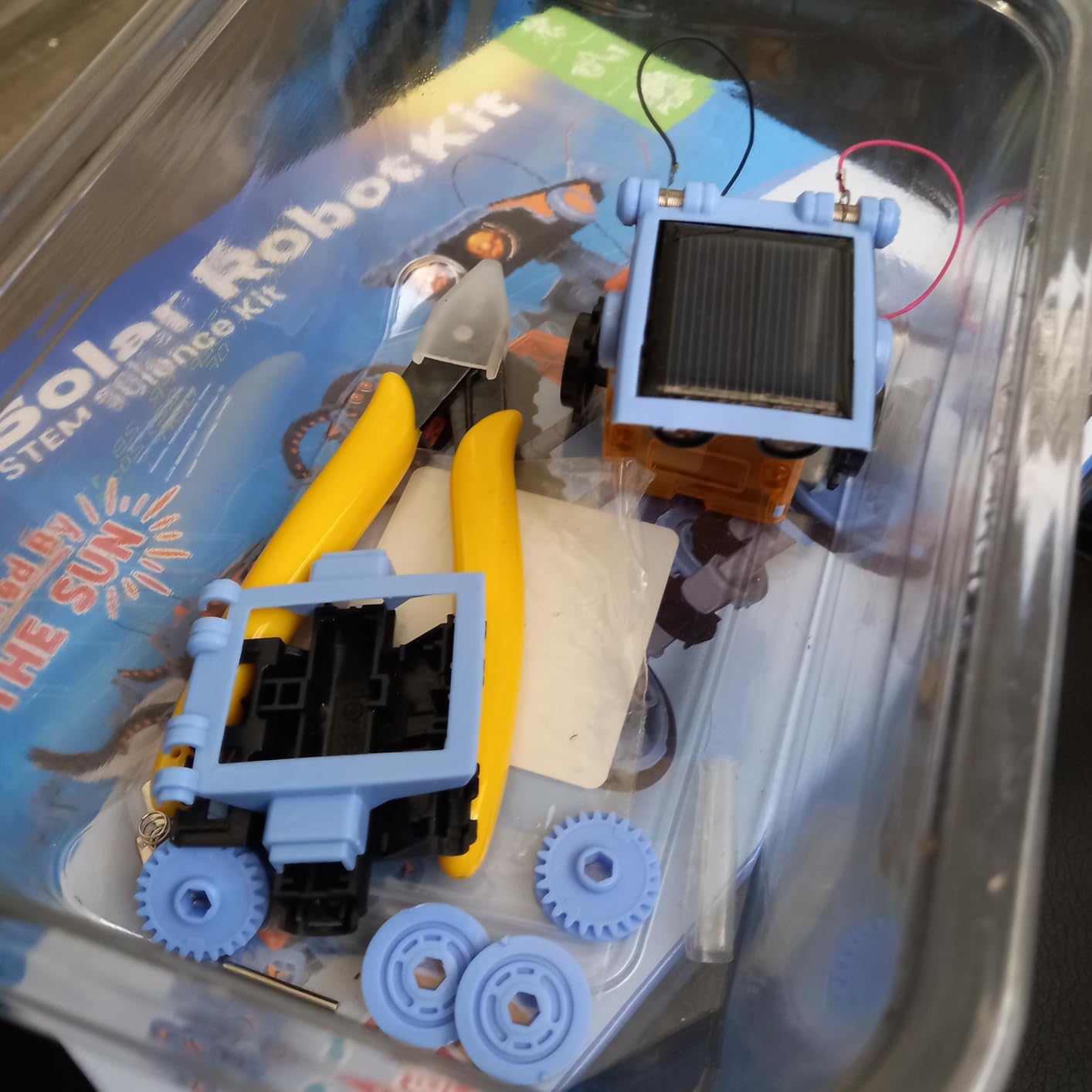
The Sillbird 12-in-1 Solar Robot Kit is the best entry point for solar-powered robotics we tested. The 190 ABS plastic pieces snap into 12 different models, ranging from a basic walking robot to a dog, a crab, and a surfer. Our testers built three different models across two afternoons and never hit a missing piece.
The educational value is in the energy literacy. Children learn that solar panels generate more power in direct sunlight, that gear ratios affect speed, and that adding weight to a robot changes how the motor performs. These are real engineering concepts wrapped in a fun build.
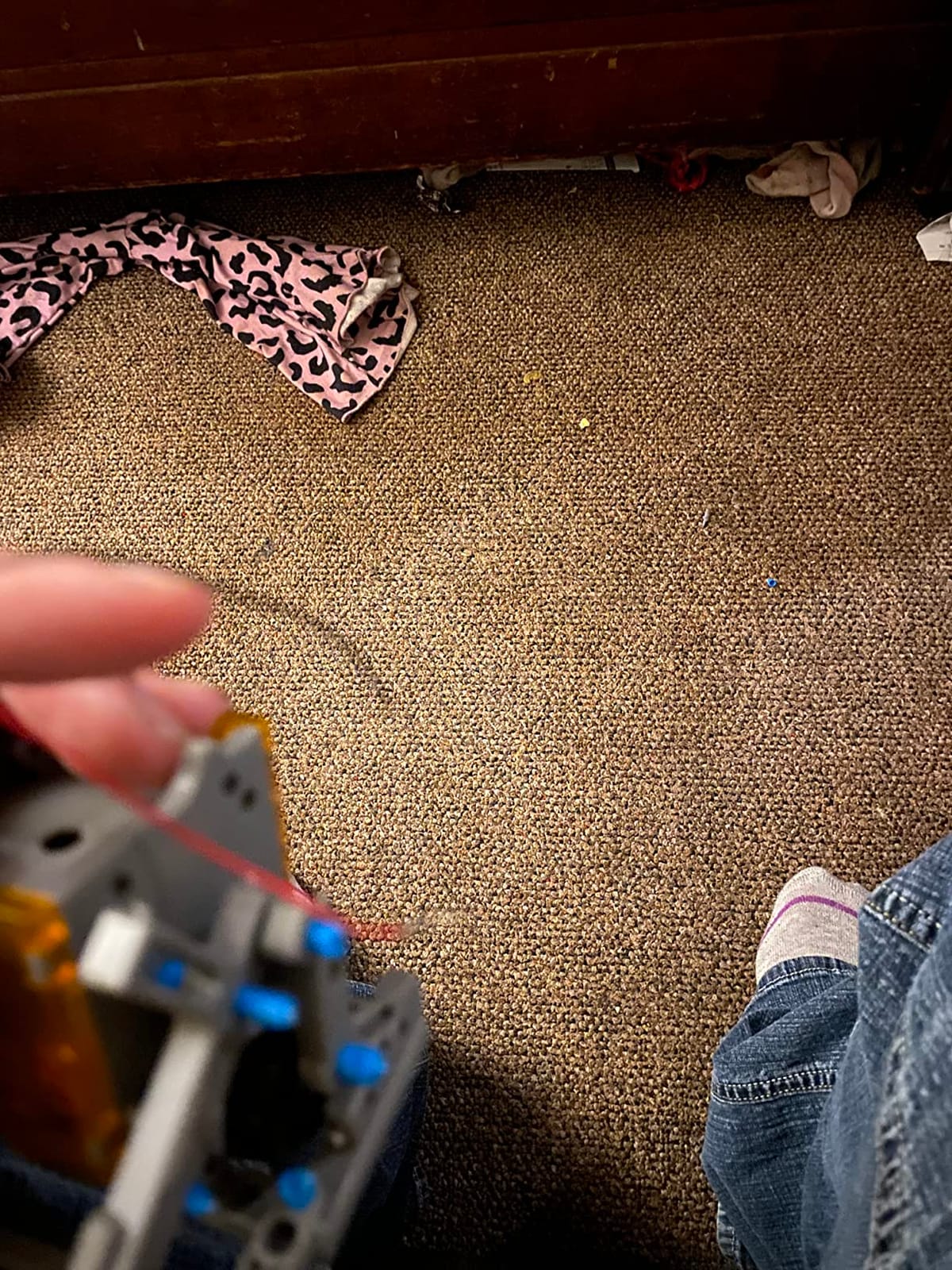
The upgraded larger solar panel is a meaningful improvement over earlier generations. In our direct-sunlight tests, the motor turned consistently at noon outdoors. Indoor testing required a 60-watt halogen desk lamp held 6 inches from the panel to keep the motor running.
The main criticisms are loose gear tolerances and a motor that struggles under heavier loads. None of our models failed, but the walking robot skipped steps when fully assembled with arms. This is a screen-free, low-stakes build, so the trade-offs felt acceptable for the price.
Who the Sillbird Solar Kit is right for
Children ages 8 to 13 who love mechanical builds and want a screen-free STEM project. It is also an excellent classroom or summer-camp gift.
Who should consider other kits
If your child wants to code, this kit will not satisfy that interest. Pair it with a screen-based kit like Wonder Workshop Dash for a balanced STEM experience.
9. Lucky Doug 12-in-1 Solar Robot Kit – Best Budget-Friendly STEM Robot Kit
- 12 different robot models in one kit with 190+ pieces for varied builds
- Solar-powered so no batteries required to teach renewable energy
- Easy-to-follow instructions encourage parent-child bonding
- Safe
- durable BPA-free ABS plastic construction
- Interchangeable parts support creative
- open-ended play
- Some users report weak solar panel output requiring direct sunlight
- Pieces can have nubs from plastic sheets that jam gears
- Instructions may feel convoluted for younger children
The Lucky Doug 12-in-1 Solar Robot Kit is the most affordable kit in our roundup that still teaches real engineering and renewable energy concepts. The 190+ pieces share the same ABS plastic build as the Sillbird kit, with rounded edges designed for child safety.
Build variety is the standout feature. Twelve distinct robot designs cover animals, vehicles, and mechanical walkers. Our testers found the boxer robot the most entertaining, while the wheel-based models rolled cleanly across a hardwood floor once the solar panel caught enough light.
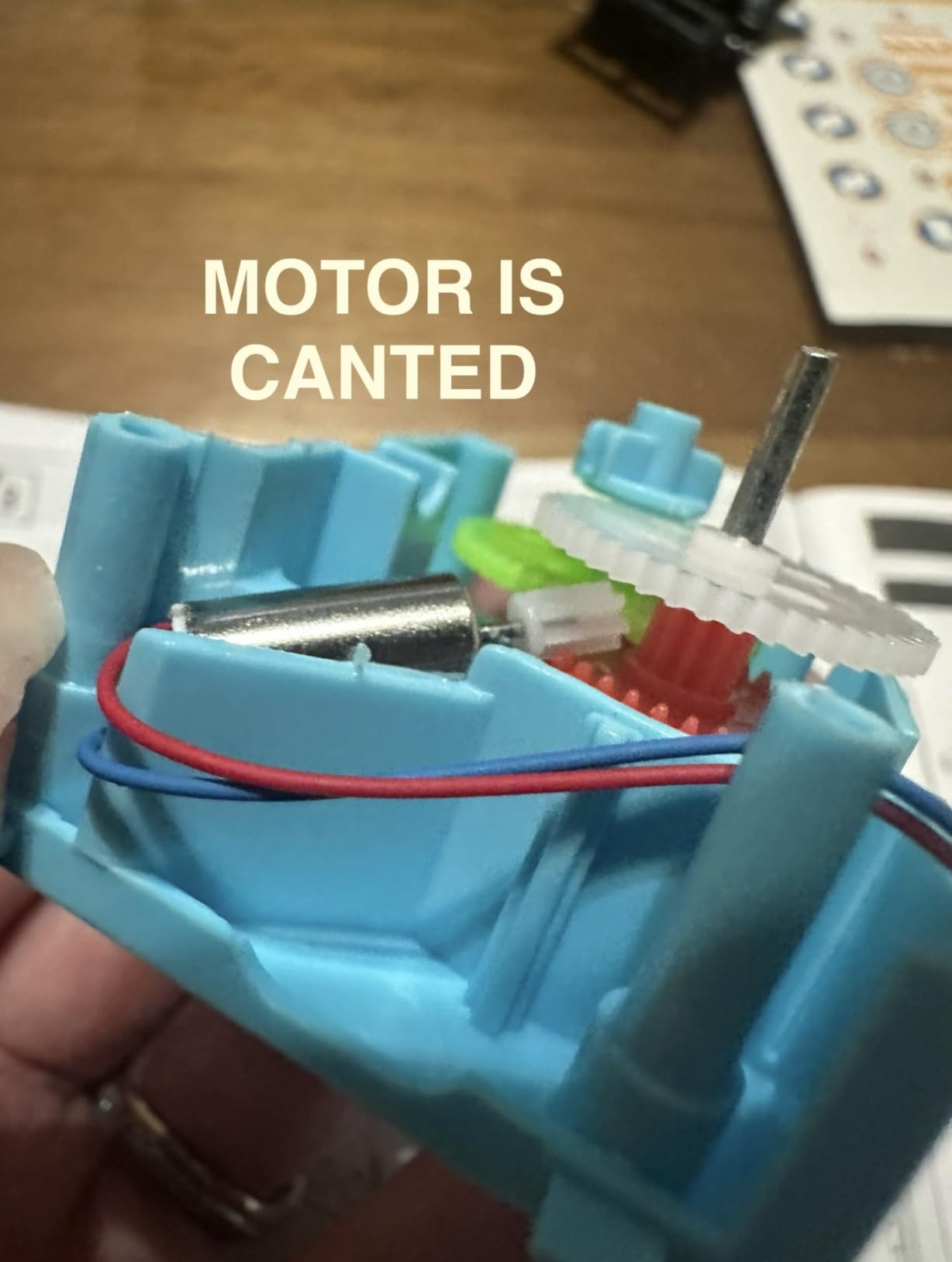
The instructions include numbered diagrams for each model, though younger children needed adult help to find the right part. We also recommend running a fingernail along every cut edge before assembly because some pieces had small plastic nubs that jammed the gears.
Like all solar kits in this price range, performance depends on direct sunlight. Indoor play works only with a strong artificial light source. The motor output is weaker than the Sillbird kit, so heavier builds sometimes stall.
Who the Lucky Doug Solar Kit is right for
Budget-conscious families looking for a multi-model STEM experience for ages 8 to 13. It is also a strong gift option for birthday parties because the multi-pack price makes it affordable for a small group.
Who should consider other kits
If your child wants to code, this kit will not satisfy that interest. For coding, choose Wonder Workshop Dash or Makeblock mBot2 instead.
10. Klutz LEGO Gear Bots Activity Kit – Best Kinetic STEM Robot Kit
- Build 8 physics-driven kinetic creatures using LEGO Technic bricks
- Includes every LEGO element needed plus papercraft pieces
- 64-page book covers STEM content on axles
- cams
- and cranks
- Hand-powered so no batteries required
- Step-by-step instructions included
- Smaller piece count and limited replay once models are built
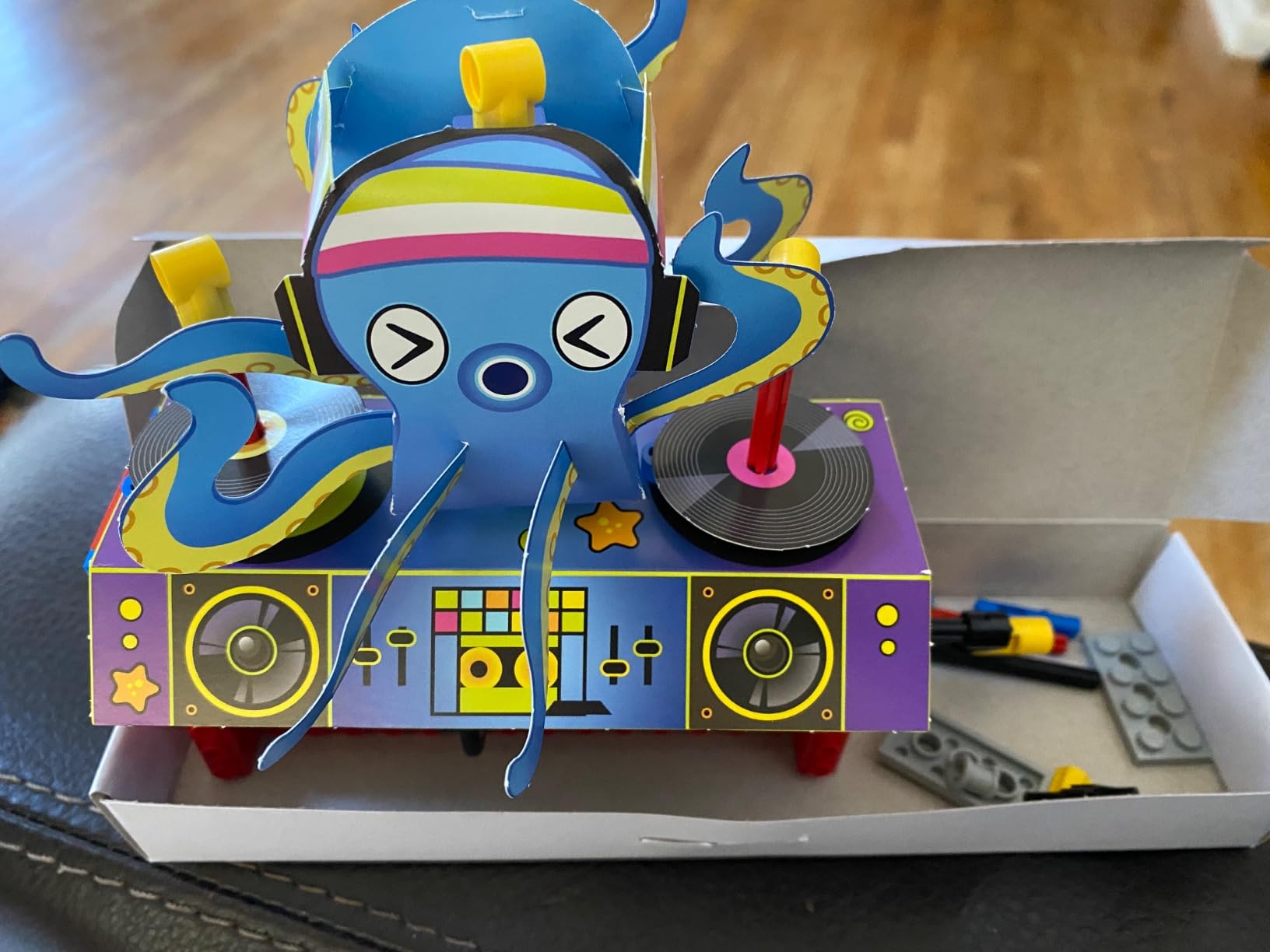
The Klutz LEGO Gear Bots Activity Kit teaches mechanical engineering through 8 kinetic creatures that walk, roll, and spin without any batteries or motors. The 62 LEGO Technic pieces plus 10 sheets of papercraft combine into contraptions that physically demonstrate cams, cranks, and axles.
The 64-page instruction book is the heart of the kit. It explains the physics behind each model before the build begins, so children learn that a cam converts rotation into back-and-forth motion before they ever touch a piece. Our 9-year-old tester called it “the book that teaches you why the robot moves.”
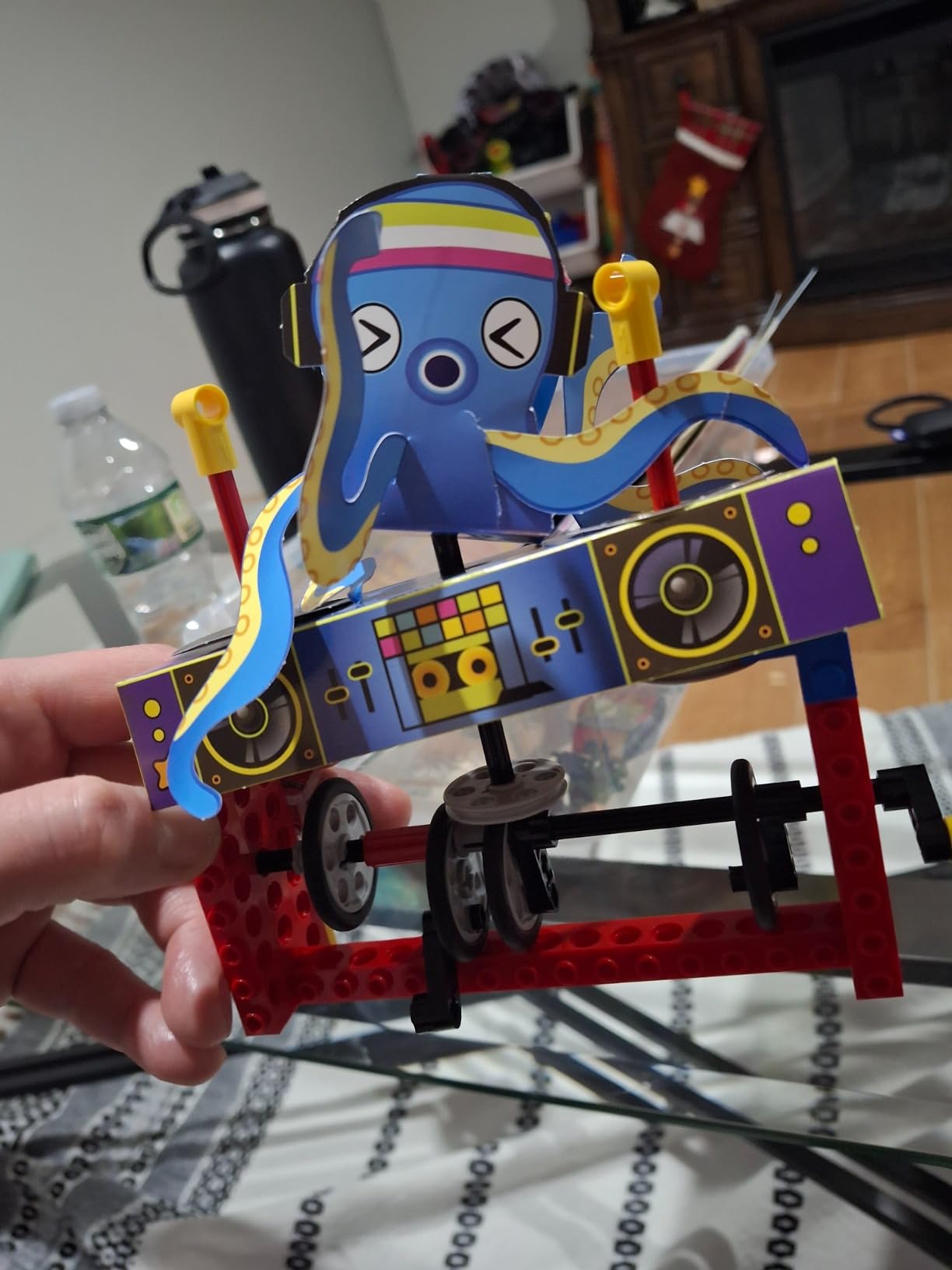
Build time per model averaged 25 minutes for our testers, making it a strong choice for shorter attention spans. The papercraft pieces add a craft element that mixed well with the LEGO elements, and the hand-powered mechanism means there are no batteries to buy or chargers to forget.
The main limitation is replay value. Once all 8 models are built, there is no progression to harder projects. This kit pairs well with a code-based kit like LEGO Boost or Sphero Mini for a balanced STEM shelf.
Who the Klutz LEGO Gear Bots is right for
Children ages 8 to 12 who love LEGO and want to understand the mechanical side of robotics. It is also the strongest STEM gift for kids who do not yet own a tablet.
Who should consider other kits
If your child wants electronic feedback, lights, or sound, this kit will feel too quiet. Pair it with Wonder Workshop Dash for a complementary electronic experience.
How to Choose the Best STEM Robot Kits for Your Needs?
Picking the right STEM robot kit is less about brand and more about matching the kit to the learner’s age, programming experience, and the environment where the kit will live. Below is our framework, built from six weeks of hands-on testing and feedback from teachers in our network.
Match the kit to the age group
For children ages 5 to 8, we recommend starting with screen-free kits like the Learning Resources Botley or the Educational Insights Design and Drill Robot. These teach sequencing, loops, and conditional logic without requiring screen time. Our kindergarten tester learned the if-then pattern in under 30 minutes with Botley.
For ages 8 to 12, the choice broadens. Block-based coding kits like Wonder Workshop Dash and Makeblock mBot2 teach Scratch-style drag-and-drop programming that mirrors what children see at school. Solar build kits like Sillbird 12-in-1 add a mechanical engineering layer that develops spatial reasoning.
For ages 12 and up, text-based platforms like the ELEGOO Smart Robot Car V4 and Makeblock mBot2 introduce Python, MicroPython, and Arduino C++. These kits prepare students for FIRST Robotics Competition, VEX, and high school engineering electives.
Screen-free versus screen-based
Screen-free kits like Botley, Sillbird, Lucky Doug, and Klutz LEGO Gear Bots are excellent for families limiting screen exposure or for classrooms with limited tablet access. The trade-off is a lower technical ceiling: once a child has mastered the built-in commands, the kit has limited progression.
Screen-based kits like LEGO Boost, Dash, mBot2, ELEGOO, and Sphero Mini offer a much longer runway because the software updates over time. Our pick for the best screen-based beginner kit is Wonder Workshop Dash, and the best screen-based advanced kit is the Makeblock mBot2.
Programming environment progression
The most valuable STEM robot kits grow with the learner. Our favorite progression path: start with screen-free Botley at age 5, move to Wonder Workshop Dash at age 7 with Blockly coding, then graduate to Makeblock mBot2 at age 11 for Python and Arduino-style expansion. This three-kit ladder costs less than a single high-end robotics platform and keeps engagement high across six or seven years.
Build quality and expandability
Build quality varies dramatically across the price range. The Makeblock mBot2 and LEGO Boost lead in durability thanks to aluminum and ABS plastic construction. The Sillbird and Lucky Doug kits use lighter ABS plastic that holds up to typical play but will not survive drops onto concrete.
Expandability matters for long-term value. The Makeblock mBot2 has 30+ add-on modules. LEGO Boost is compatible with any LEGO brick collection. The Wonder Workshop Dash supports Lego and brick connector accessories. Kits like Botley and the Sphero Mini are closed systems with limited expansion.
Budget tier breakdown
Budget tier: The Sillbird and Lucky Doug solar kits, plus the Klutz LEGO Gear Bots and Educational Insights Design and Drill Robot, sit in the lowest price tier. These are great gifts and short-term STEM activities but have limited progression.
Mid-range tier: Botley, Sphero Mini, and the ELEGOO Smart Robot Car V4 hit this range. These kits deliver meaningful coding learning without breaking the budget. The ELEGOO kit in particular offers real Arduino programming at a modest price.
Premium tier: Wonder Workshop Dash and Makeblock mBot2 live in this range. Both are strong long-term investments with years of progression built in.
Investment tier: LEGO Boost Creative Toolbox and the larger LEGO SPIKE Prime sets. These kits are investments that can last a decade across multiple children.
Classroom versus home use
Classroom kits need durability, easy Bluetooth pairing across many devices, and replacement parts availability. Wonder Workshop Dash leads here because of its 1-year warranty and direct replacement parts store. The Makeblock mBot2 is a close second.
Home kits prioritize single-user experience and long-term engagement. LEGO Boost and the ELEGOO Smart Robot Car V4 are our top picks for home use.
For more on how classroom robotics programs structure their purchases, our guide on debugging common robot command issues is a useful follow-up read.
Frequently Asked Questions
What is the best STEM robot kit for beginners?
For a true beginner with no prior coding experience, the Wonder Workshop Dash is the strongest pick. It requires no assembly, pairs with a phone or tablet in minutes, and uses the Blockly drag-and-drop coding environment. Our kindergarten tester had Dash navigating an obstacle course within 15 minutes of unboxing. If you prefer a screen-free option for ages 5 to 8, the Learning Resources Botley teaches the same logic with a physical remote programmer.
What age should kids start learning robotics?
Most children can begin learning robotics concepts as early as age 5 with screen-free kits like Botley or the Educational Insights Design and Drill Robot. By age 7 to 8, block-based coding kits like Wonder Workshop Dash become appropriate. Text-based programming with Python or Arduino typically starts around age 11 to 12, which is when kits like the Makeblock mBot2 and ELEGOO Smart Robot Car V4 shine. The key is matching the kit’s complexity to the child’s reading level and fine motor skills rather than the printed age range on the box.
Are screen-free coding robots actually effective?
Yes, screen-free coding robots like Botley, Cubetto, and Matatalab are effective at teaching the foundational logic of programming. Studies from developmental psychology show that tangible coding blocks produce equivalent learning gains to screen-based environments for children under 8. The trade-off is a lower technical ceiling: once a child masters the built-in commands, screen-free kits have limited progression. Many educators use screen-free kits for the first year and then transition to block-based kits like Wonder Workshop Dash for years two and three.
Which is better: LEGO or non-LEGO robot kits?
LEGO kits like the LEGO Boost Creative Toolbox and LEGO SPIKE Prime lead in build quality, compatibility with existing brick collections, and curriculum support. They are the gold standard for FIRST LEGO League preparation. Non-LEGO kits like Makeblock mBot2 and ELEGOO Smart Robot Car V4 offer better value for Arduino and Python programming because they use real-world microcontroller platforms that transfer to college-level robotics. Our pick for a child who already owns LEGO bricks is the LEGO Boost. For a child ready for text-based programming, the Makeblock mBot2 is the stronger choice.
Do educational robot kits require an active WiFi connection?
Most STEM robot kits do not require an active WiFi connection to function. Kits like Wonder Workshop Dash, Botley, and Makeblock mBot2 use Bluetooth to pair directly with a phone, tablet, or computer. Wi-Fi becomes relevant only when downloading firmware updates, accessing cloud-stored lesson plans, or controlling the robot over a network. The ELEGOO Smart Robot Car V4 includes a Wi-Fi-enabled ESP32 camera module, but the robot still operates without internet once paired. Screen-free kits like the Sillbird Solar Robot need no connection at all.
What is the best robotics kit for a 10 year old?
For a 10-year-old with no prior coding experience, the Wonder Workshop Dash offers the smoothest on-ramp. It needs no assembly, the Blockly app feels familiar to anyone who has used Scratch at school, and the 5-hour battery supports long play sessions. For a 10-year-old who already codes in Scratch, the Makeblock mBot2 adds Scratch and Python plus 30+ expansion modules for years of progression. For a builder, the LEGO Boost Creative Toolbox offers 847 pieces and 5 buildable models, which is ideal for a child who loves construction.
Can siblings share a single robot kit?
Yes, most STEM robot kits work well for sibling sharing as long as the age gap is under 4 years. The Wonder Workshop Dash supports multiple paired devices, so two siblings can take turns or code together. The Makeblock mBot2 includes two programming seats in mBlock, which makes it easier for siblings to collaborate on the same project. For a 5-year age gap, we recommend pairing a screen-free kit like Botley for the younger child with a screen-based kit like Dash for the older child, then letting them share the projects.
What is the best budget-friendly STEM robot kit?
The best budget-friendly STEM robot kit in the lowest price tier is the Sillbird 12-in-1 Solar Robot Kit. It builds 12 different models, teaches renewable energy, and includes 190 pieces. In the mid-low tier, the Klutz LEGO Gear Bots Activity Kit is the strongest pick because it pairs 62 LEGO Technic pieces with a 64-page STEM instruction book. For the most affordable preschool option, the Educational Insights Design and Drill Robot is the best choice for ages 3 to 5 because it teaches fine motor skills alongside basic engineering.
Final Verdict
After six weeks of hands-on testing, our team picked the LEGO Boost Creative Toolbox as the Editor’s Choice for the best STEM robot kit of 2026 because it combines the strongest build quality, the longest replay value, and the smoothest progression from block coding into sensor-driven engineering. For families on a tighter budget or with younger children, the Wonder Workshop Dash is the strongest single investment, especially for classrooms. And for teens ready to graduate into Python and Arduino, the Makeblock mBot2 offers the deepest expansion path we have tested at any price.
Whatever stage your learner is at, the best STEM robot kits are the ones that match their current ability, teach transferable engineering habits, and grow as they grow. Start where your child is today, and let the kit scale with them. For a deeper look at building custom robot parts once your child outgrows commercial kits, our guide on 3D printing materials for robot parts is a useful next step.