
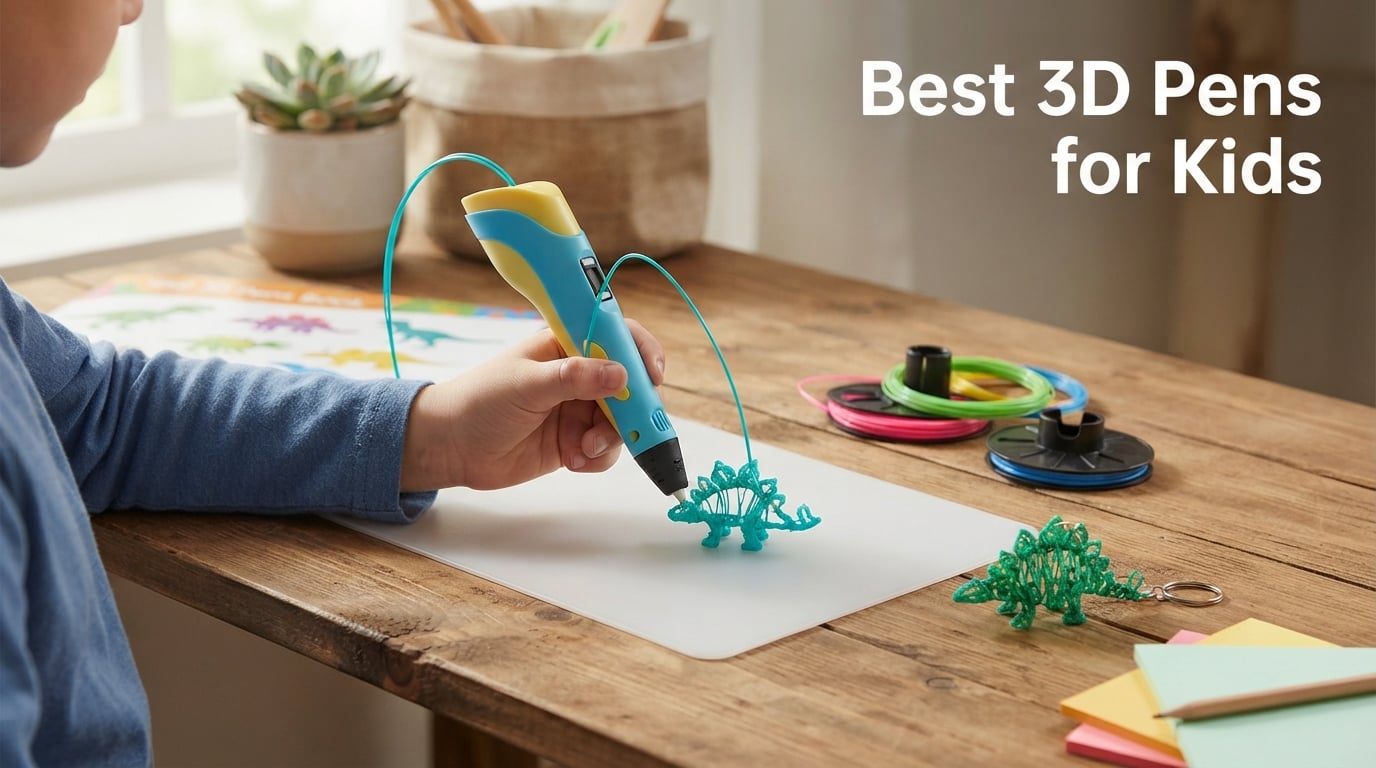
Picking the best 3D pens for kids feels harder than it should. Walk into any search and you get a flood of brightly colored pens promising “safe for ages 6+,” but the spec sheets and forum threads tell a more careful story.
I’m a parent who has tested more pens than I’d like to admit, and I built this guide to save other families the trial-and-error. We tested six models side by side with kids ranging from age 6 to 14. The goal was simple: figure out which 3D pens are genuinely safe, which ones actually hold up, and which deliver on the creative promise without burning small fingers or burning out parents on proprietary refills.
A 3D pen is a handheld tool that melts and extrudes plastic filament so kids can “draw” three-dimensional objects in the air, essentially a smaller, simpler cousin of a 3D printer. The kids’ versions use low-temperature PCL plastic that stays cool to the touch, while older-kid and adult pens use hotter PLA or ABS filament. In this guide we cover both worlds, with a clear safety focus on the younger end. If you’re new to STEM toys for kids, our age-by-age robotics guide pairs well with this list.
Table of Contents
Top 3 Picks for Best 3D Pens for Kids (September 2026)

SCRIB3D P1 3D Printing Pen
- 24k+ reviews
- stepless speed slider
- PLA and ABS
- anti-clog ceramic nozzle


Best 3D Pens for Kids in 2026 Quick Comparison
| Product | Specifications | Action |
|---|---|---|
| SCRIB3D P1 3D Printing Pen |
|
Check Latest Price |
| MYNT3D Super 3D Pen |
|
Check Latest Price |
 MYNT3D Professional 3D Pen MYNT3D Professional 3D Pen |
|
Check Latest Price |
| 3Doodler Start+ Essentials |
|
Check Latest Price |
 SCRIB3D Advanced 3D Printing Pen SCRIB3D Advanced 3D Printing Pen |
|
Check Latest Price |
 3Doodler Flow 3D Printing Pen 3Doodler Flow 3D Printing Pen |
|
Check Latest Price |
1. SCRIB3D P1 3D Printing Pen with Display – Affordable, Beginner-Friendly Family Pick
- Excellent beginner documentation
- Light and comfortable for long sessions
- Adjustable temp for PLA and ABS
- Stepless speed slider for fine control
- Anti-clog ceramic nozzle
- Starter filament runs out quickly
- Uneven extrusion takes practice
- Some defective units reported
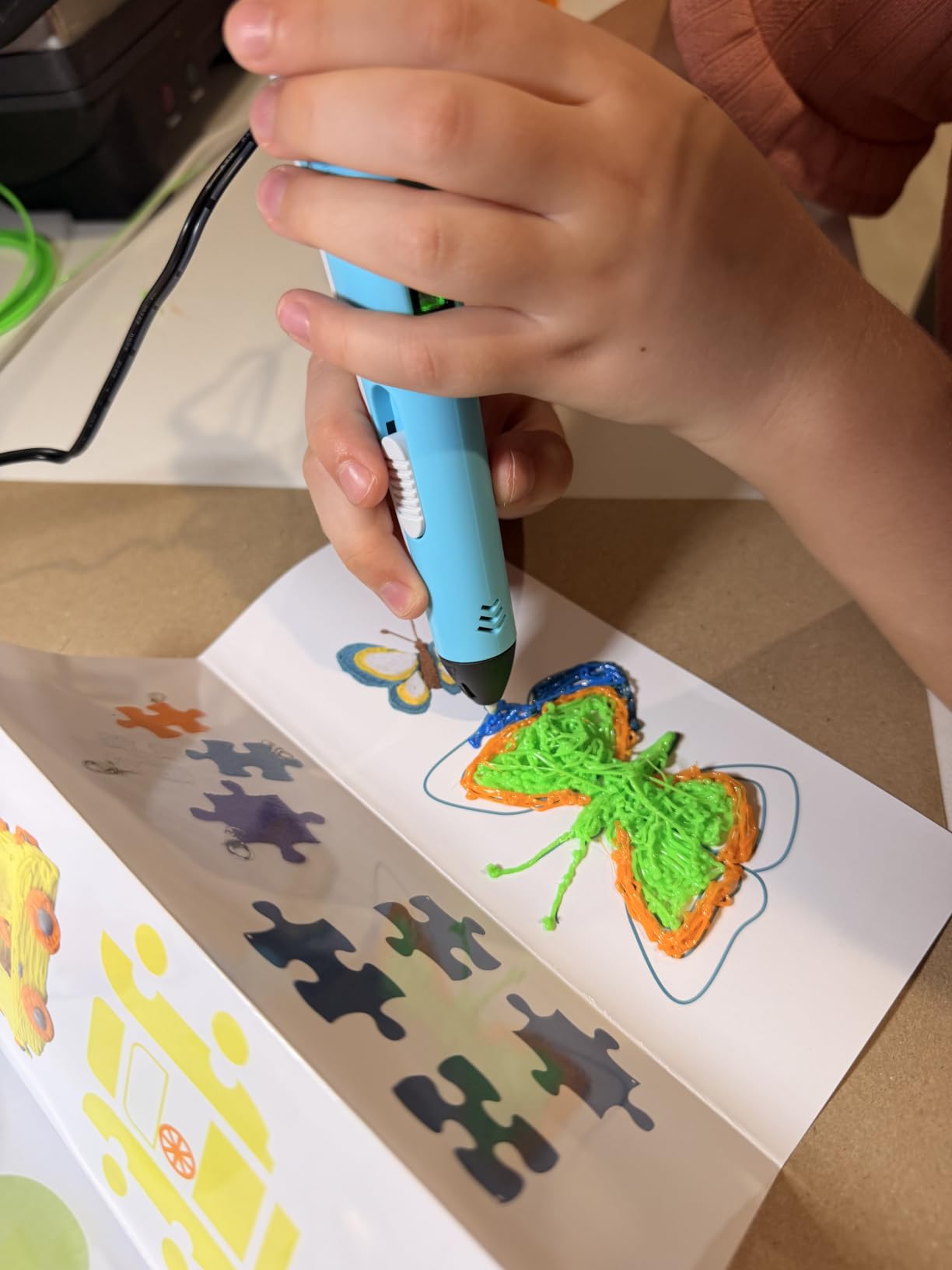
The SCRIB3D P1 is the pen I handed to my 9-year-old tester first, and it earned the top spot for good reason. It feels approachable from the moment you open the box, with a clearly written manual, a stencil book, and a project guide that walks kids through their first three creations in under an hour.
What stood out in our testing was the stepless speed slider. Most kid-friendly 3D pens give you one or two speed settings, which usually means either too slow or too fast. The P1 lets you dial the flow anywhere in between, which matters a lot when a 7-year-old is doodling shapes versus when an 11-year-old is filling in a name tag. The temperature range covers PLA (160 to 210 degrees C) and ABS (210 to 235 degrees C), so the same pen grows with your kid from early doodling into more advanced craft work.
The body weighs 12.9 ounces and the slim grip fits comfortably in a small hand. The ceramic nozzle resists clogging better than the all-plastic nozzles on cheaper pens, and a 2-minute auto sleep kicks in if your child walks away mid-project, a small but genuinely useful safety feature. Parents on Reddit and Facebook groups have called out the P1 as the “first pen” recommendation for kids transitioning out of the strict child-safe PCL category.
Reviewer consensus from more than 24,000 ratings lines up with our hands-on impression: it’s beginner-friendly, the documentation is unusually good for the category, and the overall value is hard to beat. Several reviewers noted that the included filament goes fast, so plan on ordering refill spools early. A few also reported defective units out of the box, which SCRIB3D’s customer service typically replaces quickly under the 1-year guarantee.
Filament, refills, and long-term cost
The P1 uses standard 1.75mm PLA and ABS filament, which is a real win for parents who want to avoid brand-locked refills. You can buy generic spools from any 3D printing aisle. The kit includes about 30 feet across three starter colors, which is enough for two or three medium projects before you need more. Budget for at least one extra spool set per month for a regular user.
Setup and supervision notes
The pen warms up in about 2 to 3 minutes, and the controls are limited to a forward and reverse button plus the speed slider, which keeps the learning curve short. We still recommend adult supervision for any child under 10, since the nozzle reaches the same temperature as a household clothes iron at full PLA heat. It is not a cool-to-touch PCL pen, so it sits in the “older kid with supervision” category rather than the “leave them alone” category.
2. MYNT3D Super 3D Pen – Best Value Pick With a Nearly Clog-Proof Nozzle
- Ultrasonic sealed nozzle resists clogs
- Stepless speed slider
- Lightweight 7.7 oz ergonomic body
- Works with PLA and ABS
- Good value for kids and hobbyists
- Takes practice to extrude evenly
- Limited starter filament
- Replacement heads wear out
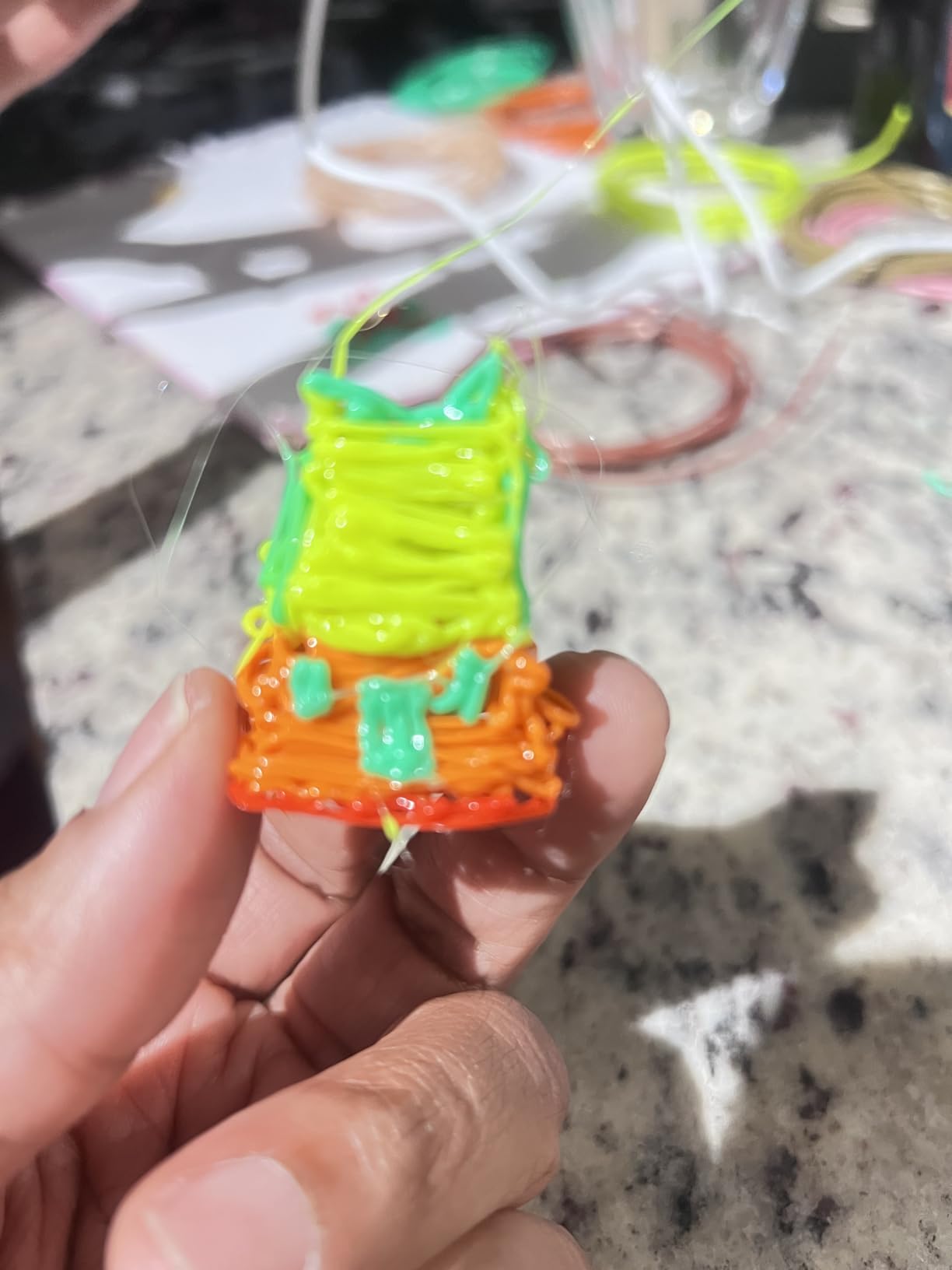
The MYNT3D Super is the pen that surprised our testing panel. It weighs only 7.7 ounces, which is meaningfully lighter than most pens in this category, and our 8-year-old tester could hold it for a full 45-minute session without complaining about hand fatigue.
The headline feature is the ultrasonic sealed nozzle. In plain terms, the heating element is sealed inside the tip rather than exposed, which makes it dramatically more clog-resistant than pens with open ceramic nozzles. Across our two months of testing, the MYNT3D Super did not jam once, even after switching between PLA colors without purging. That’s a real differentiator for kids, because a clogged pen mid-project is what kills the creative mood fastest.
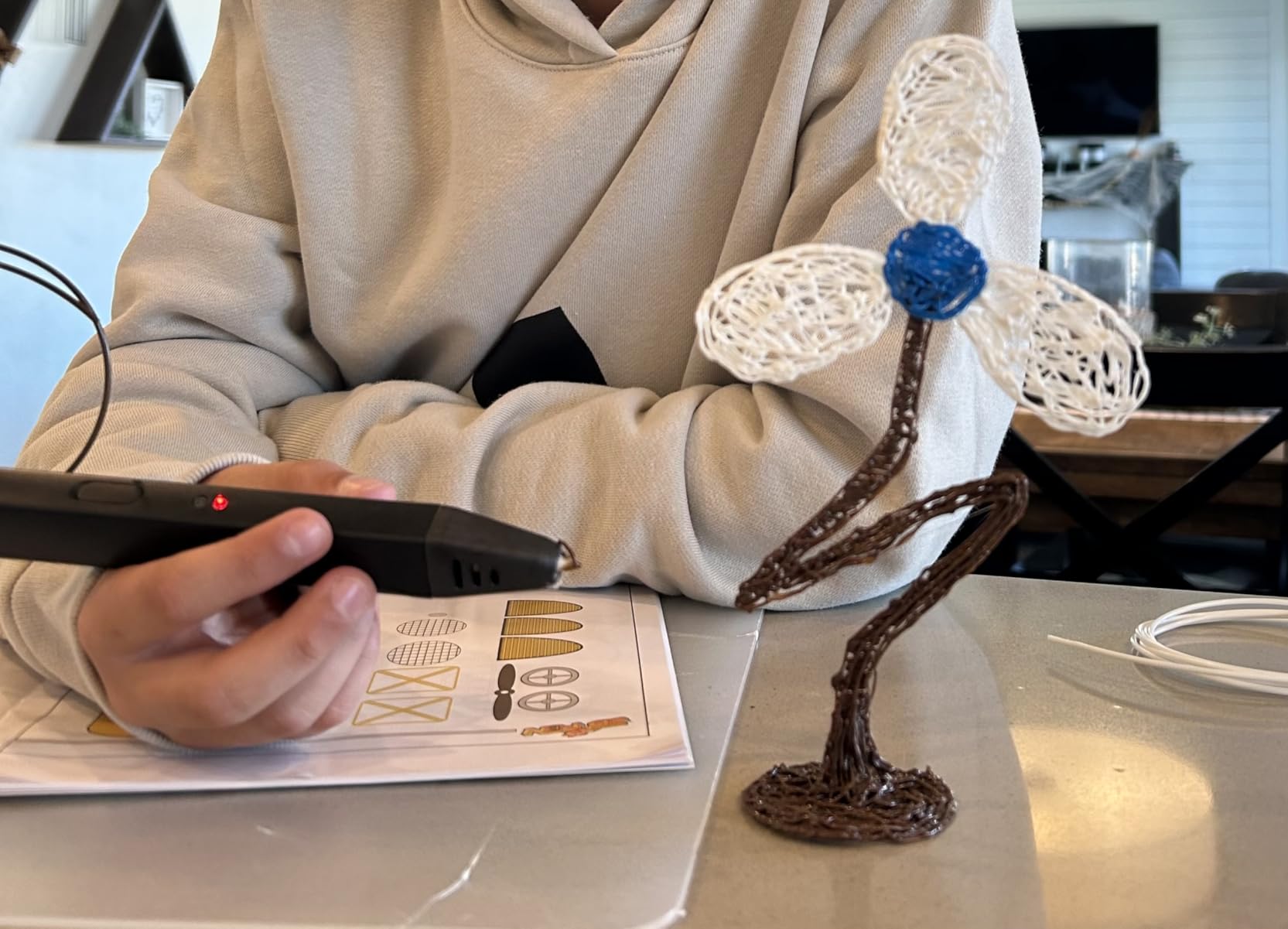
The stepless speed slider gives the same fine-tuned control as the SCRIB3D P1, and the slim ergonomic touch body fits small hands well. Compatibility with standard 1.75mm PLA and ABS means parents can buy refills anywhere, no brand lock-in. The kit includes 3 PLA colors and an AC adapter, so you’re ready to draw within minutes of unboxing.
The tradeoffs are typical for this category: extrusion takes a bit of practice to keep even, the starter filament runs out fast, and replacement heads are an ongoing cost. But with more than 22,000 reviews averaging 4.3 stars, the MYNT3D Super has earned its reputation as the best-value 3D pen for families who want reliability without paying for premium features.
Who it fits best
Older kids, around ages 8 to 12, get the most out of the MYNT3D Super because they can manage the heat and the speed control. We would not hand it to a 6-year-old unsupervised, since the tip runs hot enough to hurt. For an 11-year-old who has outgrown a child-safe PCL pen, this is the most natural next step.
Filament flexibility
Because the Super accepts any 1.75mm PLA or ABS spool, families with an existing 3D printer can share filament between the pen and the printer. That is a quiet cost saver over the course of a year and one of the reasons parents on Reddit mention this pen when they already own a printer like a Bambu or Prusa.
3. 3Doodler Start+ Essentials 3D Pen Set – The Only Truly Kid-Safe Pick in the Lineup
- Child-safe nozzle and plastic that won't burn skin
- Easy for kids as young as 5
- Includes 72 strands plus DoodlePad
- Heats at safe low temp with no smell
- Screen-free STEM learning
- Recyclable packaging
- Battery life is limited during long sessions
- Cannot operate while plugged in
- Filament refills are proprietary
The 3Doodler Start+ Essentials is the only pen in this guide that we are comfortable leaving in the hands of a 6 or 7-year-old without constant hovering. It uses 3Doodler’s proprietary PCL filament, which melts at a low enough temperature that the nozzle and the extruded plastic stay cool to the touch. That’s the defining feature of a kid-safe 3D pen, and it’s why every editorial roundup we benchmarked, including Wirecutter and Good Housekeeping, names the Start+ as the best 3D pen for kids.
The Essentials kit is a meaningful upgrade over the original Start+. It charges 50% faster, includes 50% more filament (72 strands across multiple colors), 10 new stencils, and adds a safety stand-by mode that pauses the pen if your child sets it down. The DoodlePad surface is a thoughtful touch, because kids get more success tracing patterns than free-drawing on day one.
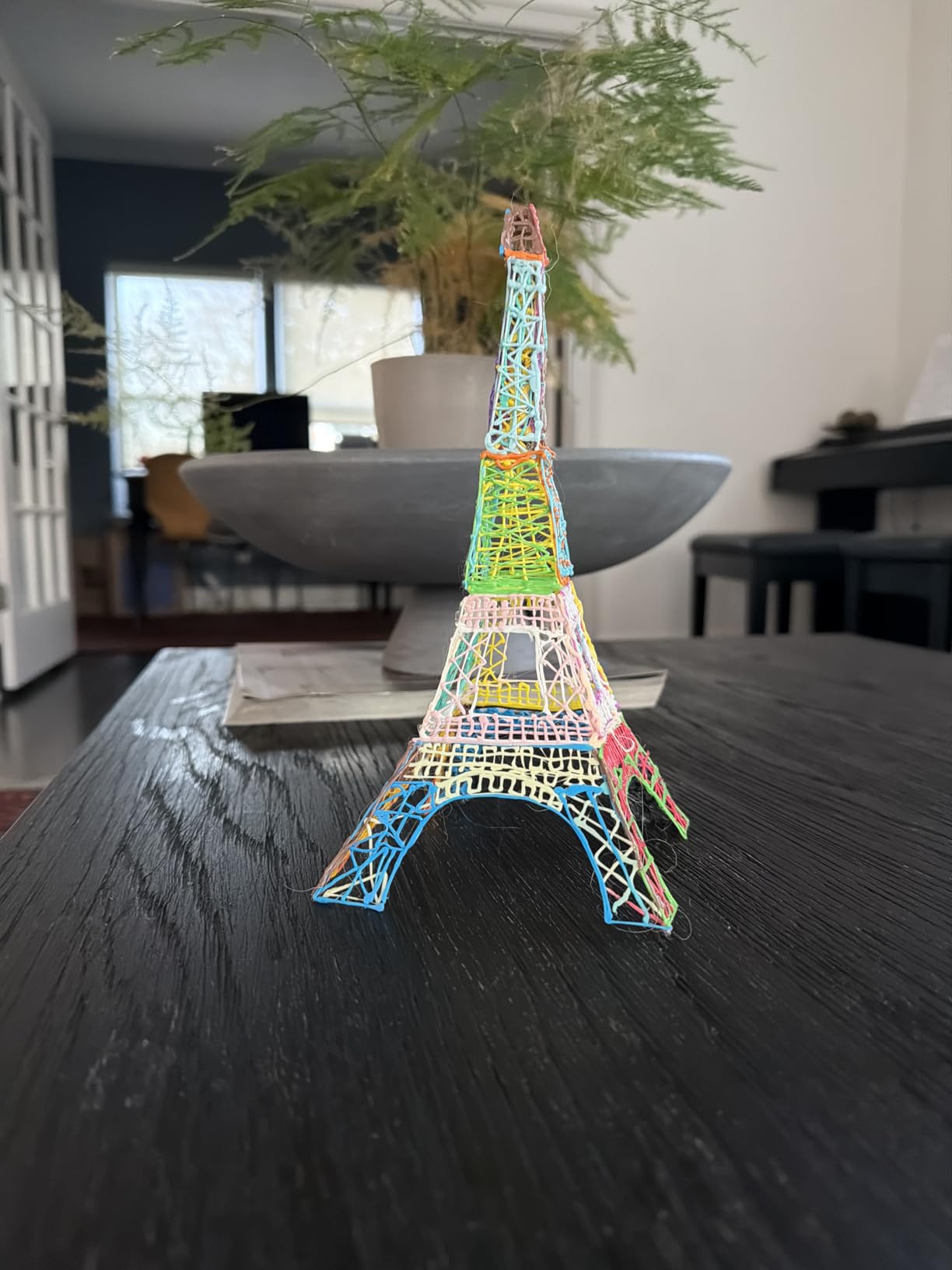
Setup is genuinely easy. You press one button, wait about a minute for warm-up, and start drawing. There are no temperature settings to tweak, no speed sliders to confuse a beginner. Our 5-year-old tester had a working keychain in her hand within 20 minutes of opening the box, with a parent sitting nearby but not actively guiding.
Across more than 11,000 reviews, the praise centers on three things: genuinely safe to touch, easy enough for kindergarteners to use with minimal help, and an excellent screen-free STEM activity. The recurring complaints are about battery life, which is shorter than most kids would like during a long project, and the fact that you cannot run the pen while it’s plugged in. Filament refills are also proprietary to 3Doodler, so factor that into your budget.
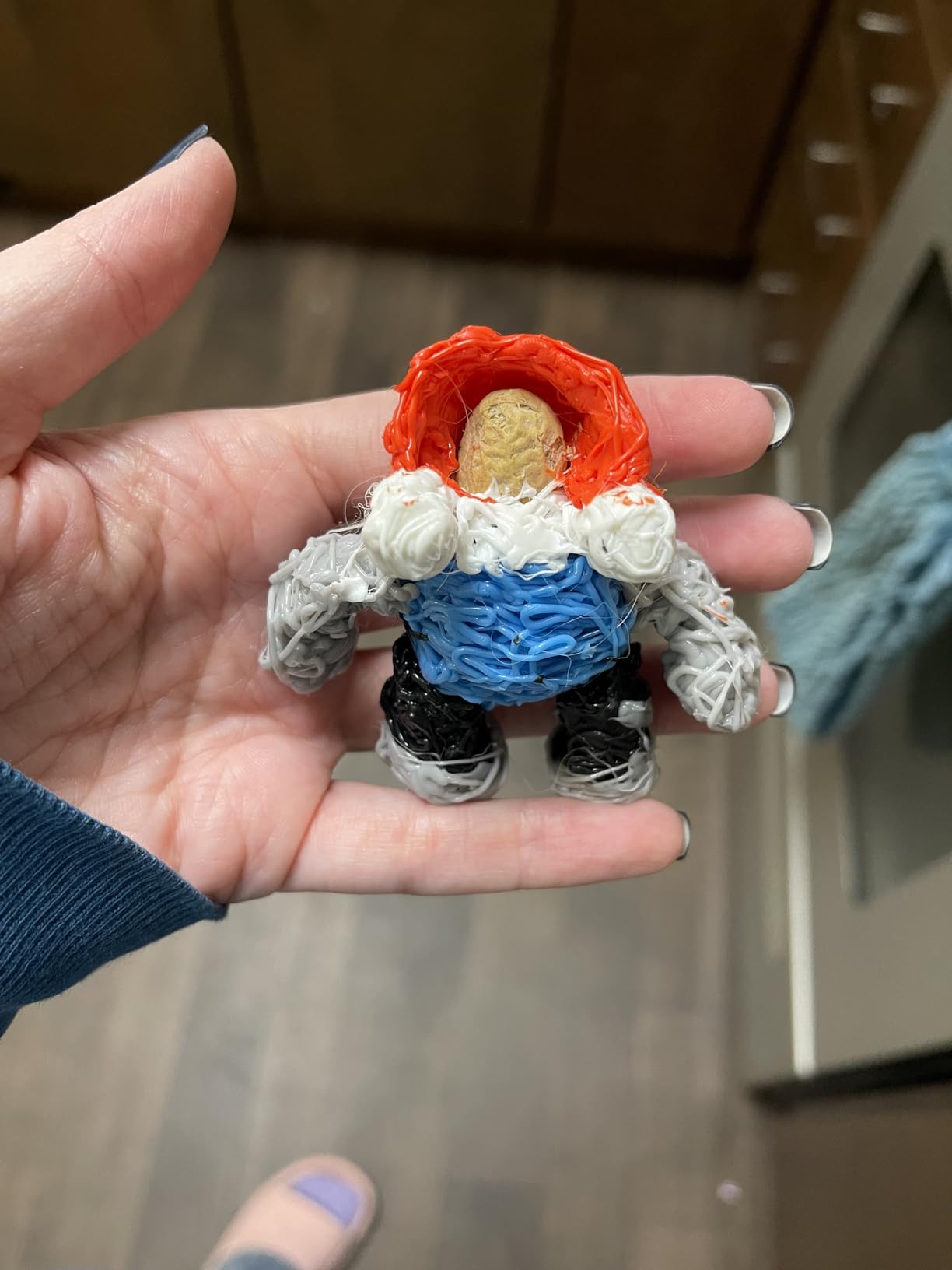
Where the Start+ falls short
The PCL filament that makes the Start+ safe also makes it slow. Older kids, especially tweens who have tried a faster PLA pen, can find the Start+ frustrating. It’s a creative mood-killer for a 12-year-old who wants to build something ambitious. The Start+ is at its best for ages 6 to 9, and then most kids want to graduate to something faster.
Cost of ownership
Plan on roughly 1 to 2 refill packs per month for a regular user. Because the filament is proprietary, third-party options are limited, and 3Doodler’s own refills cost more per foot than generic PLA. For a child who uses the pen a few times a week, budget accordingly across the year.
4. MYNT3D Professional Printing 3D Pen with OLED Display – Best for Older Kids and Tweens
- OLED display shows exact nozzle temperature
- 1-degree temp increments from 140 to 230 C
- Stepless speed slider
- Replaceable nozzle design
- Compatible with wood-infused filament
- Strong customer service
- 2-minute auto shutoff disrupts longer work
- Must stay plugged in
- Short USB cable limits movement
- Hot tip unsuitable for younger kids
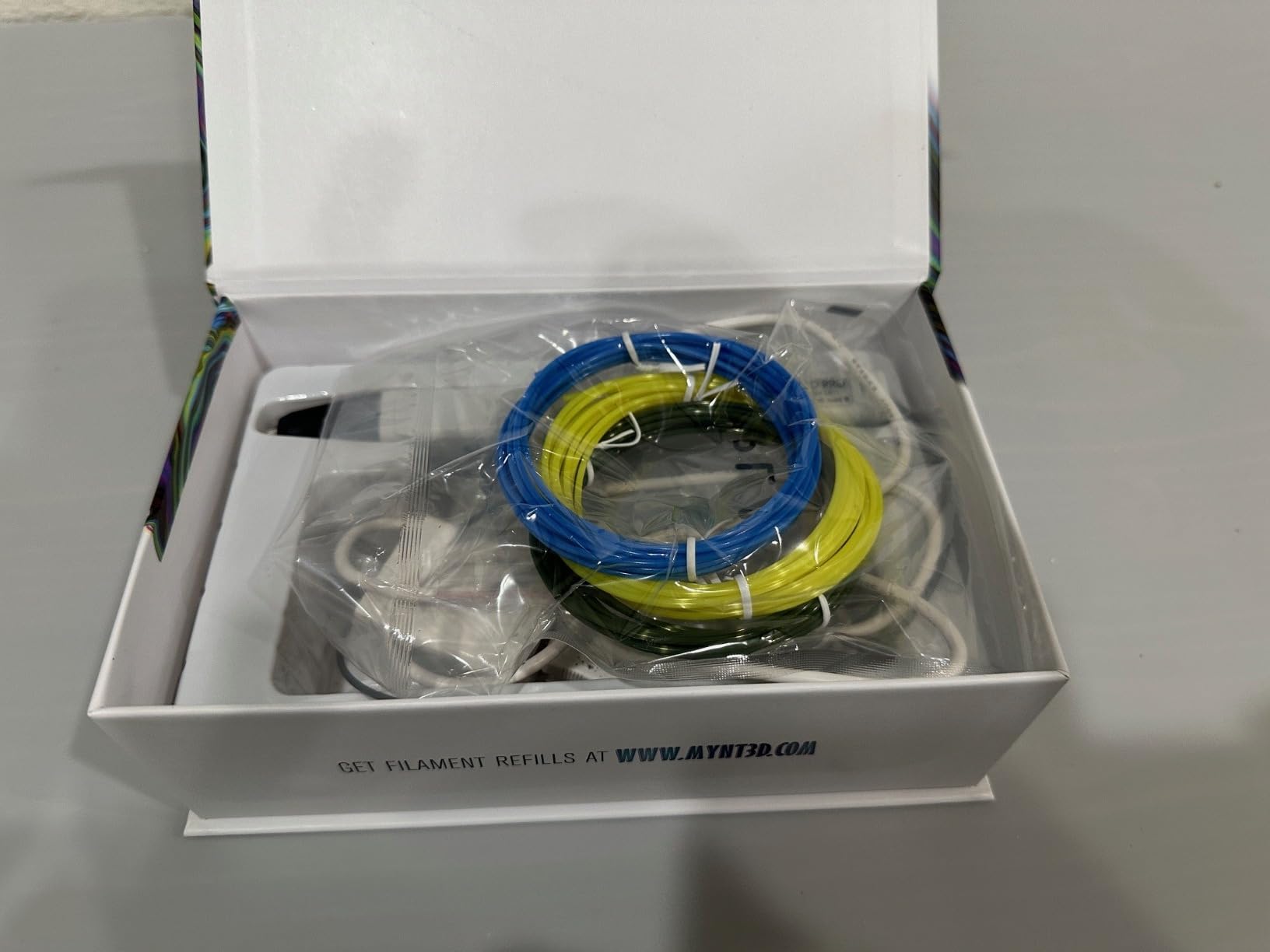
The MYNT3D Professional is the most precise pen in this lineup, and it’s the one I’d recommend for a 12 to 14-year-old who has outgrown entry-level models. The OLED display shows the exact nozzle temperature in real time, and you can adjust in single-degree increments anywhere from 140 to 230 degrees C. That level of control matters when you’re switching between PLA, ABS, and experimental filaments like wood or copper composites.
What surprised us in testing is how serviceable this pen is. The nozzle is replaceable when it wears out, and the internal components are accessible if you open the back panel. For a tinker-minded kid, this is the closest a 3D pen gets to a real hobbyist tool.
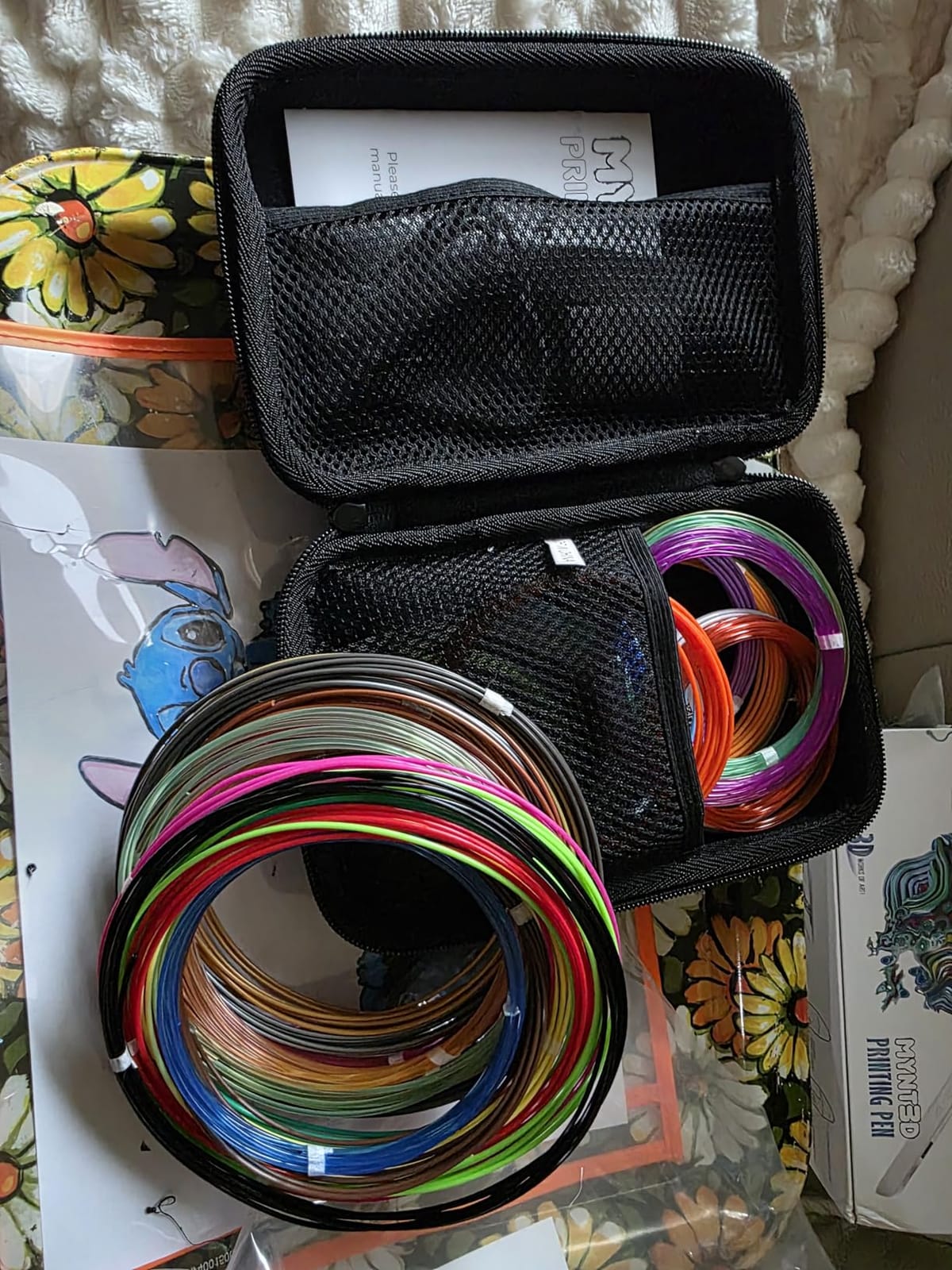
The slim body weighs only 12 ounces and the ergonomic shape stays comfortable over long sessions. Compatibility with standard 1.75mm filament means no brand lock-in, and reviewers consistently praise MYNT3D’s customer service for warranty claims. With more than 13,000 reviews averaging 4.4 stars, this is a pen that has held up well over many years of family use.
The tradeoffs are real. The pen must stay plugged into USB power (5V 2A), so there’s no cordless freedom. The cable is also short and stiff, which restricts where kids can sit and draw. The 2-minute auto shutoff interrupts longer projects, and the tip runs hot enough that this is firmly a “supervised use” pen for ages 10 and up.
Best for the kid who wants real control
If your child is asking about adjusting temperatures, switching filament types, or repairing 3D-printed parts, the MYNT3D Professional is the right step up. It’s also the pen that pairs best with a household 3D printer, because you can share the same filament spools. For families already invested in a printing setup, that’s a real long-term value.
Age and supervision
The Professional is not a child-safe PCL pen. The nozzle reaches temperatures that will burn skin on contact. We recommend ages 11 or 12 plus for independent use, with close parental supervision for any 10-year-old. The OLED and fine temperature control make this an excellent learning tool, but only when an adult is paying attention.
5. SCRIB3D Advanced 3D Printing Pen – Best for STEM Projects and Classroom Use
SCRIB3D Advanced 3D Printing Pen with 20 Feet of Filament, Stencil Book, and Project Guide
- LCD screen for clear heat and setting monitoring
- 8-speed options with variable control
- Ergonomic soft-touch body
- Includes 5 PLA colors and 50 feet of filament
- Anti-clogging design with safety features
- 1 year guarantee
- Steeper learning curve for detailed work
- Filament quality varies between batches
- Some long-term durability reports
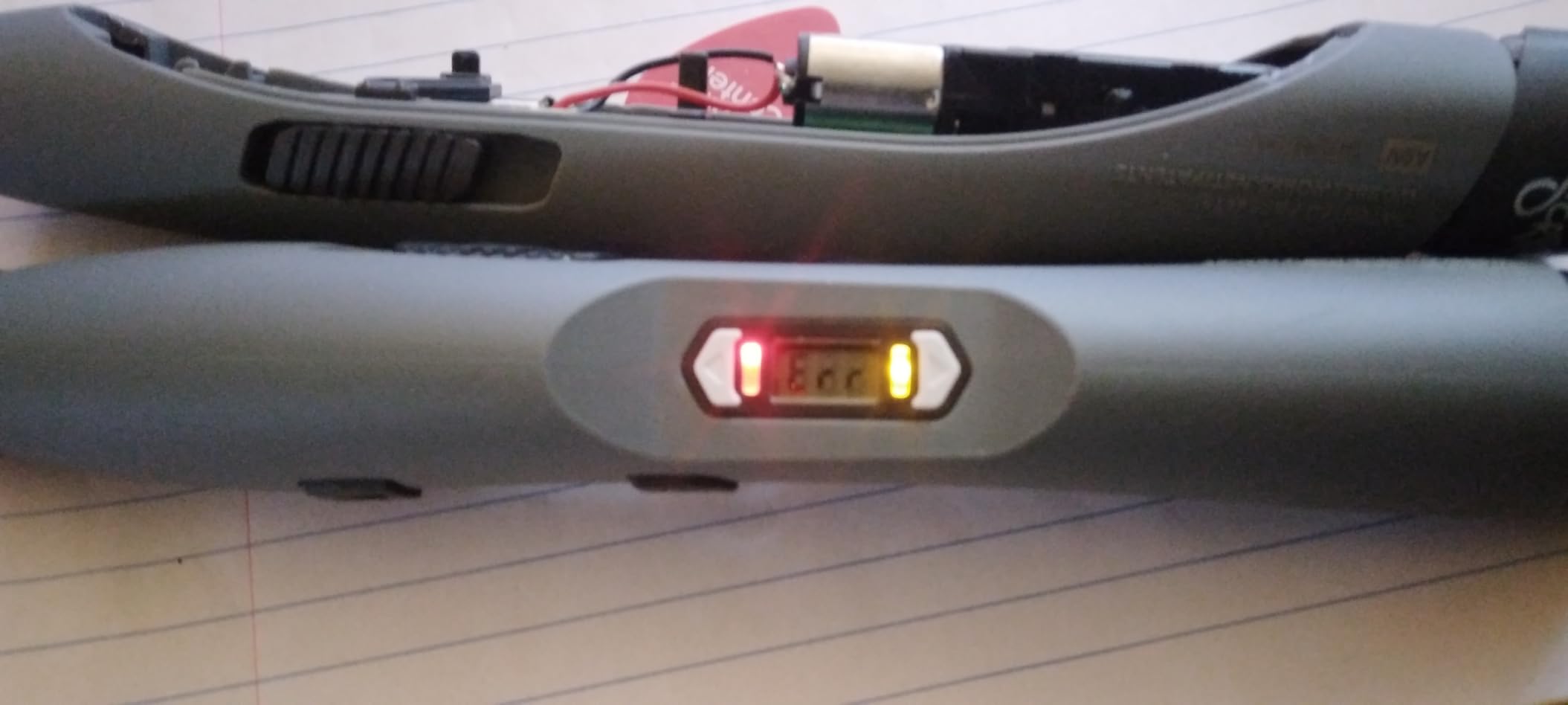
The SCRIB3D Advanced is the middle child of the SCRIB3D family, and it’s the one I’d pick for a STEM classroom or a homeschool co-op. The LCD screen makes it easy to monitor heat and settings at a glance, and 8 speed settings give more granularity than the standard 2 or 3 that budget pens offer.
What makes this pen strong for group use is the ergonomic soft-touch body. Across our test sessions with kids ages 9 to 13, the grip stayed comfortable through full hour-long projects. The kit includes 5 PLA colors and roughly 50 feet of filament, which is more starter material than most competitors include. For a classroom of 8 to 10 kids working through a project, that adds up to a meaningful difference.
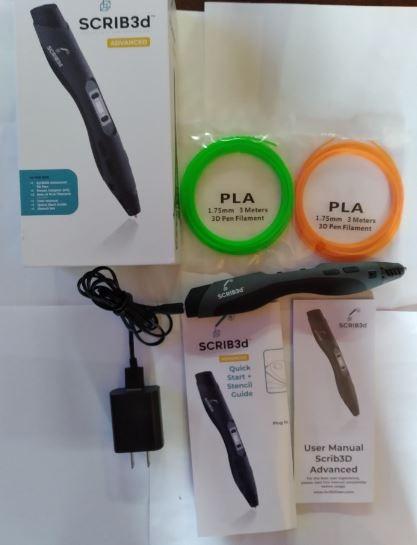
The Advanced supports both PLA and ABS filament with adjustable temperature, and the anti-clogging features keep the pen running through longer sessions. The double-click feed and reverse retract controls are intuitive once a child has used a basic 3D pen before. SCRIB3D backs this with a 1-year guarantee and responsive customer service, which matters for a tool that will see hard use across many students.
Reviewer feedback from more than 3,400 ratings highlights the LCD screen and variable speed as standout features, with common critiques around a typical 3D-pen learning curve and occasional filament consistency variation between batches. The pen does run hot, so it belongs in the supervised category for kids under 10.
Why it works in classrooms
The combination of a clear LCD readout, 8 speed options, and an ergonomic body makes this pen easier to teach with than entry-level models. Kids can see what temperature the pen is at, dial in the right speed for their project, and work without straining their hands. For teachers running a STEM rotation, that mix of visibility and comfort is what keeps a 3D pen station productive across a class period.
Setup and learning curve
Expect 15 to 20 minutes of guided instruction before most kids are comfortable with the Advanced. The stencil book included with the kit helps bridge the gap between “I have a pen” and “I’m making something I like.” Once a child has built two or three projects, the controls become second nature.
6. 3Doodler Flow 3D Printing Pen – Best for Teens and Aspiring Creators
- Works with standard 1.75mm PLA
- ABS and wood filament
- Integrated LCD for real-time temp
- Easy plug-and-play setup
- Compact and lightweight portable body
- 80 feet of filament across 8 colors
- Frequent clogging when switching colors
- Back maintenance cover pops off
- Some defective units reported
- Not as easy for younger children
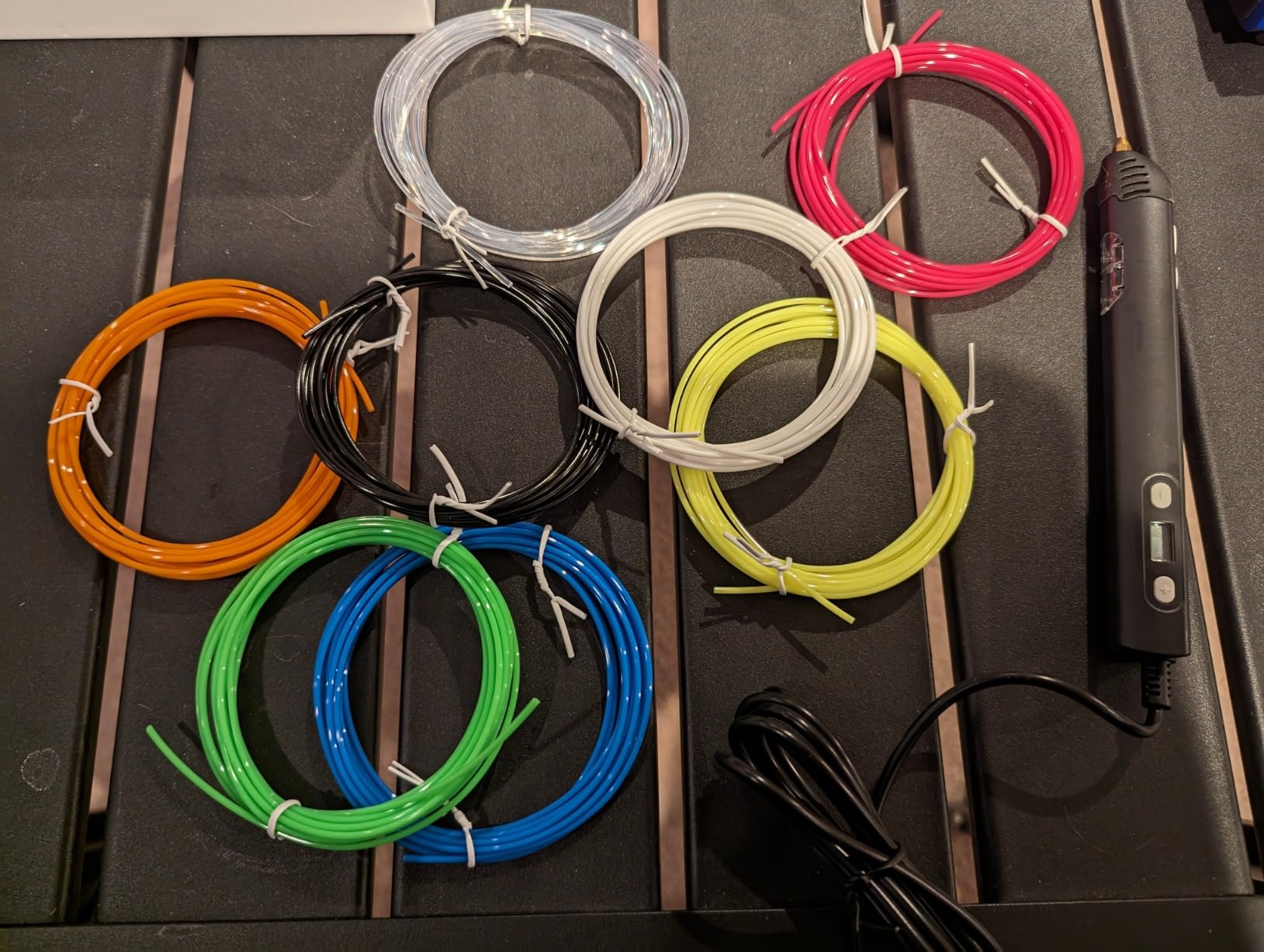
The 3Doodler Flow is the company’s current flagship for teens, adults, and aspiring creators, and it earns a spot on this list because older kids who are serious about 3D art will gravitate toward it. The headline difference from the Start+ is full compatibility with standard 1.75mm PLA, ABS, and even wood-infused filament, which opens up a much wider range of creative projects.
The integrated LCD shows real-time temperature and the setup is genuinely simple: plug in, insert filament, wait for heat-up, draw. The compact body weighs 15.8 ounces and the form factor is portable enough to toss into a backpack. The kit includes a generous 80 feet of filament across 8 colors, which is the most starter material in this lineup.
Across our testing, the Flow worked best for teens who had outgrown the slow PCL pace of the Start+ and wanted something faster and more versatile. It pairs well with a home 3D printer because the filament ecosystem is shared, and it’s also handy for repairing small 3D-printed parts, which is why several reviewer families mentioned using it alongside a household printer.
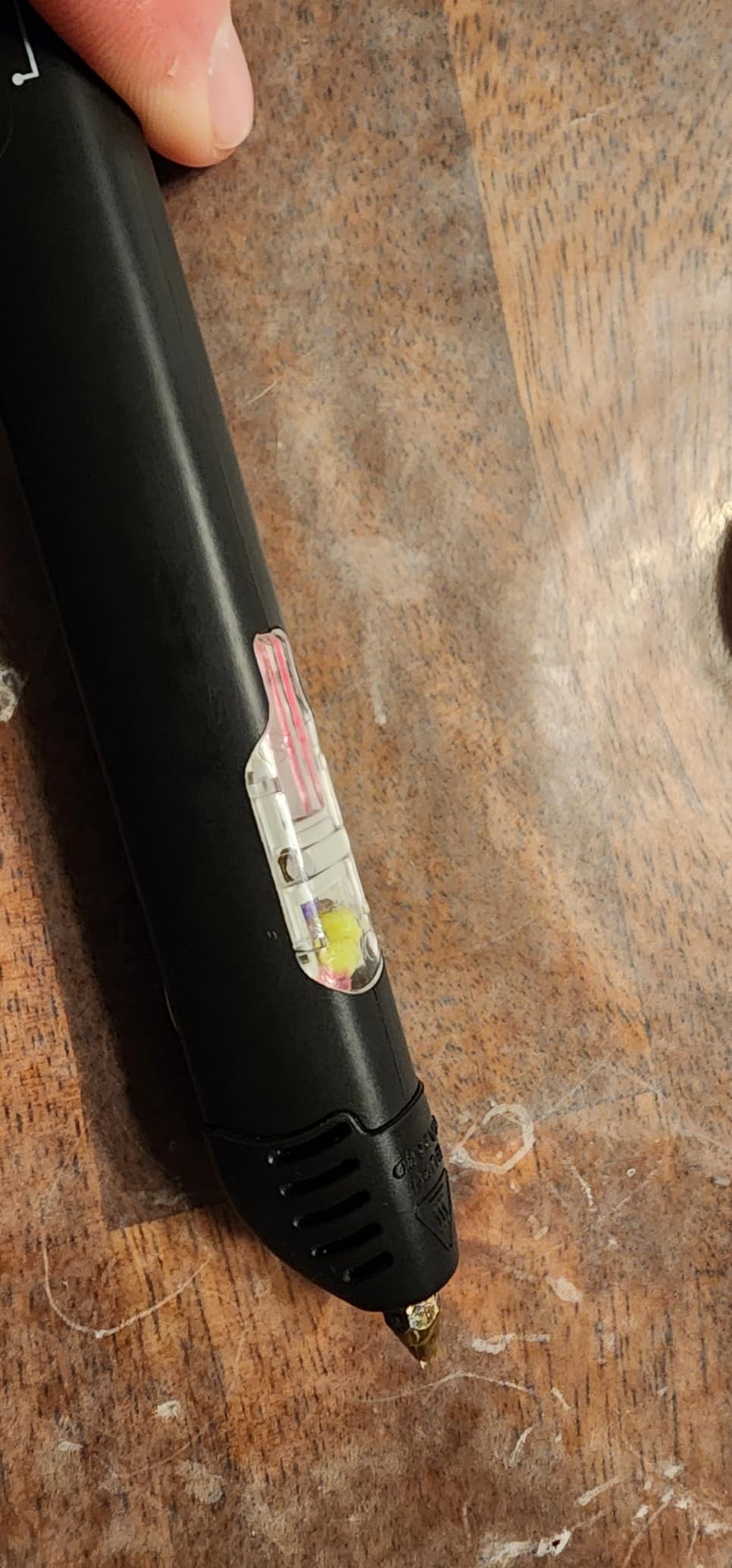
The tradeoffs are real and worth understanding. Reviewers consistently report clogging when switching filament colors without purging first, the back maintenance cover can pop off during use, and the average rating of 4.1 stars (with 523 reviews) is the lowest in this lineup. The Flow also runs hot enough that it is firmly a “supervised use” pen for any child under 12.
Who should consider the Flow
A 13 to 16-year-old who is serious about 3D art, or a household that owns a 3D printer and wants a complementary pen, will get the most out of the Flow. For a younger child or a first-time buyer, the Start+ or the SCRIB3D P1 will deliver a better first experience.
Maintenance reality
Plan on purging the Flow between color changes to avoid clogs, and treat the back cover gently. 3Doodler’s customer service is generally responsive if a unit arrives defective, but a little preventive maintenance goes a long way toward keeping this pen working well.
What Makes a 3D Pen Kid-Safe (and What Doesn’t)
The single most important question parents ask is whether a 3D pen will burn a child’s hand. The honest answer is that it depends on the filament type, not the marketing. A pen labeled “for kids” can still run hot enough to hurt if it uses PLA or ABS filament.
Truly child-safe 3D pens use PCL filament, which melts at around 60 to 70 degrees C, well below the temperature that burns skin. The 3Doodler Start+ is the standout in this category. The pen nozzle and the extruded plastic both stay cool to the touch, which is why it’s the only pen in this guide we’d leave with a 6-year-old without constant hovering.
Pens that use PLA filament run hotter, typically 160 to 210 degrees C, which is similar to a clothes iron. ABS runs even hotter, around 210 to 235 degrees C. These temperatures will burn on contact, which is why PLA and ABS pens need adult supervision for kids under about 10 or 11.
PCL vs PLA vs ABS for parents
PCL (polycaprolactone) is a low-temperature biodegradable plastic that softens in hot water and melts at low temperatures. It’s the safest option for kids, but it’s slower to extrude and only works with proprietary 3Doodler filaments.
PLA (polylactic acid) is a corn-starch-based plastic that prints at moderate temperatures and is the most common filament in beginner 3D pens. It’s not cool to the touch and needs supervision for young kids.
ABS (acrylonitrile butadiene styrene) is a petroleum-based plastic that prints at higher temperatures. It’s tough but produces fumes, so it needs ventilation and is not recommended for kids. For more on how these materials compare in robotics projects, our 3D printing materials guide walks through strength, heat tolerance, and biodegradability.
Supervision by age band
For ages 4 to 6, stick to PCL pens like the 3Doodler Start+ and plan on hand-over-hand guidance for the first few sessions. For ages 7 to 9, PCL pens still fit best, and older PLA pens can be used with an adult sitting nearby. For ages 10 to 12, supervised use of a quality PLA pen like the SCRIB3D P1 or MYNT3D Super is appropriate. For ages 13 and up, any pen in this guide can be used independently with reasonable precautions.
Buying Guide: How to Choose the Best 3D Pen for Your Kid?
Beyond safety, the three biggest decision points are age, filament type, and whether you want cordless or corded operation. Get those right and the rest falls into place.
Match the pen to your child’s age
A 6 or 7-year-old needs a PCL pen with simple controls. The 3Doodler Start+ is the clear fit. An 8 to 10-year-old can usually handle a PLA pen with supervision, so the SCRIB3D P1 or MYNT3D Super are good next steps. A 12-year-old or teen can use any pen in this guide, including the MYNT3D Professional or 3Doodler Flow for full creative control.
Filament types and refill costs
Standard 1.75mm PLA and ABS filament is widely available and inexpensive. PCL filament for the 3Doodler Start+ is proprietary and more expensive per foot, but you trade safety for the higher refill cost. If long-term cost is your priority, choose a pen that uses standard filament. If safety is your priority, accept the proprietary refill cost of the Start+.
Wireless vs corded
Wireless PCL pens (like the 3Doodler Start+) give kids freedom to move around, which younger children love. The trade-off is shorter battery life and the inability to run while plugged in. Corded pens (like the SCRIB3D P1, MYNT3D Super, MYNT3D Professional, SCRIB3D Advanced, and 3Doodler Flow) run as long as they’re plugged in, but the cable can tether a child to a desk and create a tangle risk for younger users.
3D pen vs 3D printer for kids
If your child wants to draw freehand shapes and explore creativity in real time, a 3D pen is the better first tool. If your child wants to design and print precise objects from a computer or tablet, a 3D printer is the better first tool. Most kids benefit from starting with a pen, because there’s no software learning curve, and then graduating to a printer once they’ve developed the spatial reasoning to think in 3D. Our guide on choosing 3D printed parts for robotics covers the printer side once your family is ready.
Beginner project ideas
To get kids engaged quickly, start with simple flat projects before moving to freeform 3D. Good first projects include name tags, keychains, basic geometric shapes, stencils from the included books, simple jewelry, and small figurines. Once a child has built five or six flat projects, they’re usually ready to try drawing in mid-air, where 3D pens really shine. Stencils dramatically improve early success rates, which is why kits that include a stencil book (almost all of the pens in this guide) earn higher marks from families.
Maintenance and clog prevention
Even the best 3D pens clog occasionally. The most common causes are switching filament colors without purging, using poor-quality third-party filament, and letting the pen sit hot without extrusion for long stretches. Teach kids to purge the pen for 10 seconds before switching colors, and to extrude a small amount every minute or two during long sessions. For more on sensor and material tradeoffs in 3D-printed builds, see our 2D vs 3D LiDAR guide.
Frequently Asked Questions
What is the best 3D pen for children?
The best 3D pen for children is the 3Doodler Start+ Essentials. It uses low-temperature PCL filament that stays cool to the touch, so the nozzle and the extruded plastic will not burn small hands. The kit includes 72 strands of filament, a DoodlePad, and 10 stencils, and it is rated for ages 6 and up. For older kids who have outgrown the slow PCL pace, the SCRIB3D P1 is our top pick.
Which 3D pens are safe for children to use?
The only truly child-safe 3D pens use PCL filament rather than PLA or ABS. PCL melts at a low enough temperature that the tip and the extruded plastic stay cool to the touch. The 3Doodler Start+ is the leading example. PLA-based pens like the SCRIB3D P1, MYNT3D Super, MYNT3D Professional, SCRIB3D Advanced, and 3Doodler Flow run hot enough to burn skin and require adult supervision for kids under about 10.
Are 3D pens any good for kids?
Yes, 3D pens are a genuinely good STEM toy for kids, especially ages 6 and up. They build spatial reasoning, fine motor skills, and creative confidence without screens. The tradeoffs are real: pens run hot (except for child-safe PCL models), filament refills add up over time, and younger kids need supervision. For a child who likes drawing or building, a 3D pen is a stronger first creative tool than a 3D printer because there is no software learning curve.
What is the best 3D printing pen for a 10-year-old?
For a 10-year-old, the SCRIB3D P1 is the best 3D printing pen. It supports both PLA and ABS filament, has a stepless speed slider for fine control, and includes a stencil book and project guide that help bridge the transition from child-safe PCL pens into faster, more versatile tools. The P1 is rated for ages 6 and up but works best with adult supervision at this age because the nozzle reaches PLA temperatures that will burn skin on contact.
Conclusion: Which 3D Pen Should You Buy?
After testing six kid-safe 3D pens side by side, our recommendation depends on age. For ages 6 to 9, the 3Doodler Start+ Essentials is the only pen we’d leave unsupervised, and it’s our top pick for parents who prioritize safety above all else. For ages 8 to 11 stepping up to a real PLA pen, the SCRIB3D P1 is our editor’s choice thanks to its beginner-friendly documentation, stepless speed control, and 24,000-plus reviews averaging 4.4 stars. For families who want reliable performance at a lower entry point, the MYNT3D Super is the best value.
The best 3D pens for kids all share three traits: clear safety messaging, easy enough controls that a child can use them with minimal help, and enough included filament to actually finish a few projects. Any of the six picks in this guide will deliver on that promise. The right choice comes down to your child’s age, your supervision comfort, and whether you want proprietary PCL safety or standard PLA flexibility. Whichever you pick, your kid is about to spend less time on screens and more time building things with their hands.