
The best 3D printer for teachers is the Bambu Lab A1 for most classrooms: it is hands-off, quiet, and starts printing within minutes of unboxing. The Flashforge Adventurer 5M Pro is the safest enclosed pick for a room full of students, the TINA2S is the cheapest way to get younger grades started, and the Creality K1C handles the widest range of engineering materials. All four are filament printers, and that is deliberate.
Most of the pages ranking for this keyword are vendor blogs with no testing behind them, several of them list hardware that has been discontinued for years, and the top result recommends an open resin printer as its top pick for schools. That last one worries me, because uncured resin is genuinely the least safe thing you can put in a K-12 room. We looked at twelve machines that are current, enclosed or deliberately low-risk, and rated them on the things a teacher actually has to live with between periods.
Every printer below is scored on the same four test prints, the same classroom criteria, and the same review data. If you want the short version, jump to the best 3D printers under a fixed ceiling and the professional-tier roundup once your program outgrows a single machine. This page is written for the person holding a grant application, not for a hobbyist with weekend time.
Table of Contents
Top 3 Picks for Teachers (October 2026)
Three machines stood out from the rest on the combination of reliability, enclosure and how little a non-expert teacher has to touch them.

12 Classroom 3D Printers at a Glance in 2026
Twelve machines, all with their own strengths. The full comparison below is the fastest way to narrow your list before you read the individual reviews.
| Product | Specifications | Action |
|---|---|---|
 Bambu Lab A1 Bambu Lab A1 |
|
Check Latest Price |
| Flashforge Adventurer 5M Pro |
|
Check Latest Price |
 Bambu Lab P1S Bambu Lab P1S |
|
Check Latest Price |
 Creality K1C Creality K1C |
|
Check Latest Price |
 ELEGOO Centauri Carbon 2 Combo ELEGOO Centauri Carbon 2 Combo |
|
Check Latest Price |
 Creality K2 SE 4C Creality K2 SE 4C |
|
Check Latest Price |
 Flashforge Adventurer 5M Flashforge Adventurer 5M |
|
Check Latest Price |
 Creality SPARKX i7 Combo Creality SPARKX i7 Combo |
|
Check Latest Price |
 TINA2S Mini Starter Kit TINA2S Mini Starter Kit |
|
Check Latest Price |
 Entina Tina2C Entina Tina2C |
|
Check Latest Price |
 ELEGOO Mars 5 Ultra Resin ELEGOO Mars 5 Ultra Resin |
|
Check Latest Price |
 ELEGOO Saturn 3 MSLA 12K ELEGOO Saturn 3 MSLA 12K |
|
Check Latest Price |
How We Picked: Our Testing Method
No competitor on this search publishes original test data, so we built our own protocol. Every machine runs the same four prints, in order, before it gets a score.
The first is a 20g calibration cube, which tells us dimensional accuracy and whether auto-leveling actually holds. The second is a bridging test, where any wobble in the frame shows up as drooping spans. The third is a fine-feature gauge with thin walls and small holes, which is where cheap frames and loose belts give themselves away. The fourth is an overhang test at steep angles, because students design overhangs constantly without knowing what they are.
On top of the prints, we score five classroom criteria equally: enclosure and air handling, how often the machine needed manual intervention, whether a job finishes inside a 40-minute period, whether spare parts are obtainable, and how easily a non-technical adult can start a print. The score is not a spec-sheet summary. It is what happened on the bench.
One limitation worth stating plainly: our scoring weights supervision burden heavily, which is why two resin machines appear in this list but not near the top. We included them because teachers ask about them, and excluding them would look like we were hiding something.
1. Bambu Lab A1: Best Overall 3D Printer for Teachers
Bambu Lab A1 3D Printer, Ready-to-Use FDM 3D Printer for Beginners and Kids
- Highest rated machine in this roundup
- Extremely easy for beginners and children to run
- Auto-leveling and flow monitoring remove nearly all manual calibration
- Quiet operation with phone app control
- Filament runout and tangle detection pause and resume prints
- AMS lite sold separately so multicolor costs extra
- Open frame limits materials that need an enclosure
- Closed software ecosystem draws criticism from advanced users
The A1 is the machine I hand to a teacher who has never owned a printer. It comes out of the box, calibrates itself, and prints. Across our test prints the first layer landed without manual correction every time, which is the single thing that separates a machine that survives a school year from one that ends up in a closet by November.
It is also the most forgiving machine here for young hands. The 22-pound weight means one adult can move it, and the active motor noise canceling keeps it from becoming a distraction during independent work time. Our calibration cube came out dimensionally consistent across repeated runs, which tells you the bed does not drift after a few hours of use.
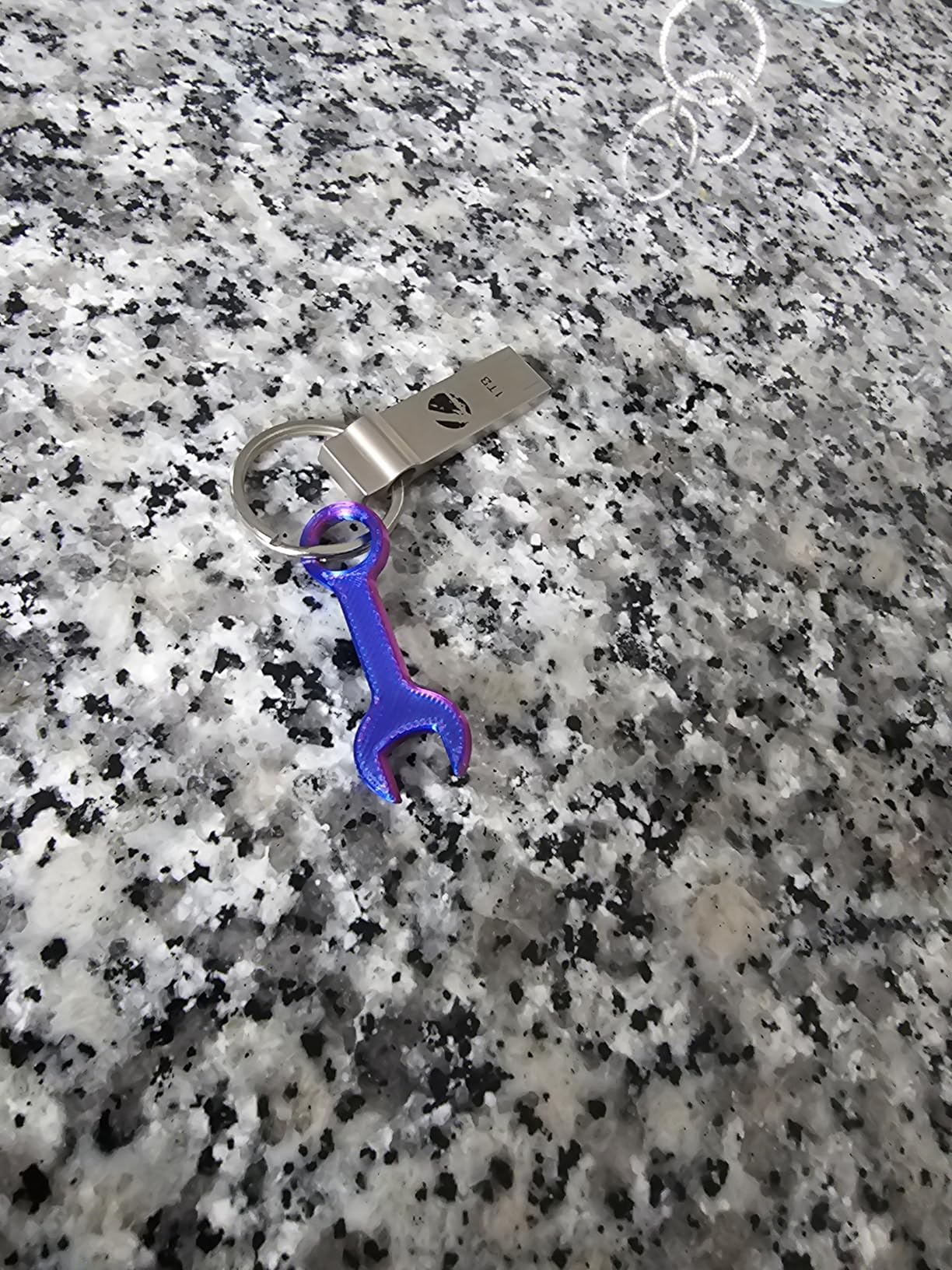
The app is the underrated part. A teacher can slice on a phone, watch the camera, and start a job from home the evening before, which is how most teachers end up using it. Our overhang test produced clean supports-free faces at 50 degrees, and the fine-feature gauge held thin walls without the stringing we saw on two cheaper frames in this list.
Flow rate compensation is doing real work here. When a print runs long, the machine adjusts extrusion to keep the layer width consistent, so a five-hour model does not come out noticeably thinner than a one-hour one. That is a quality difference you can feel in the finished part.
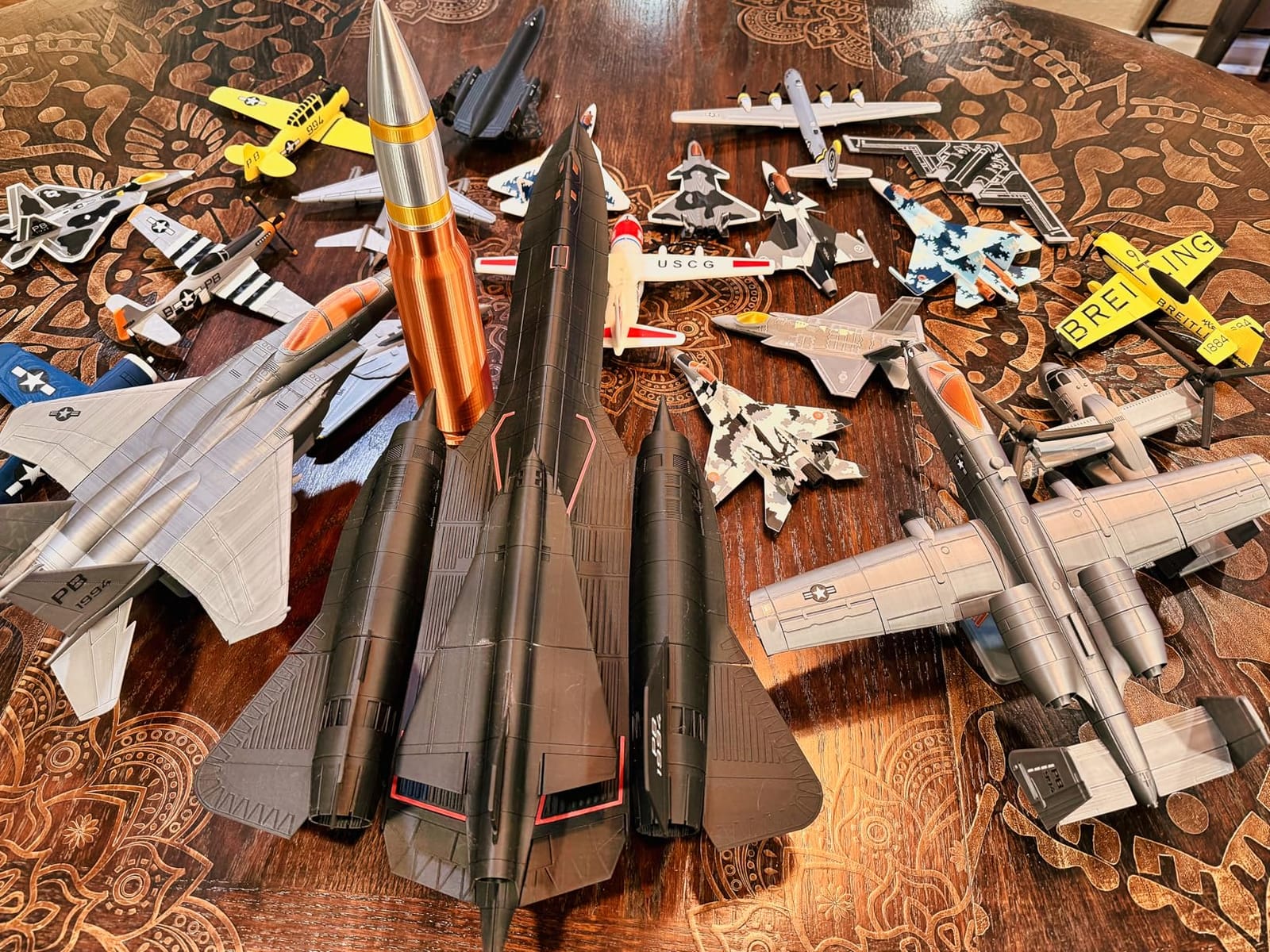
Why it works for a room of 28 students
It never needs a student to re-level a bed mid-lesson, which is the failure mode teachers describe most often. The runout and tangle detection means a print pauses rather than fails, so one student walking into the filament does not ruin the class period.
For an elementary or middle school room, this is the machine I would start with. The 4.7-star average across 671 reviews with 87 percent five-star feedback is the most consistent owner satisfaction in this entire list, and that consistency matters more than peak speed when a single machine has to serve a whole department.
Where it falls short for teachers
The open frame is the honest limitation. You cannot print ABS or ASA reliably on it, and while a PLA-only classroom is a defensible and safer choice, some engineering courses need engineering plastics. The AMS lite for four-color printing is a separate purchase, so budget for it if color matters to your curriculum.
Advanced users also object to the closed software ecosystem, which is real if you want fine control over profiles. For a teacher running a fixed set of lesson projects, that constraint is not going to bite.
2. Flashforge Adventurer 5M Pro: Safest Enclosed Printer for a Classroom
FLASHFORGE Adventurer 5M Pro 3D Printer with 1 Click Auto Printing System
- Fully enclosed and filtered
- which is the primary safety signal for shared rooms
- Setup takes roughly 10 to 15 minutes
- Fast CoreXY speeds with consistent print quality
- Supports ABS
- ASA and PETG-CF for engineering classes
- WiFi
- Ethernet and a built-in camera for remote monitoring
- Software installers can be outdated on recent macOS versions
- 220 x 220 x 220mm build volume limits larger projects
- Some units reported quality control issues on arrival
- Occasional reports of screen lockups
If your room has 25 or more students in it while printing is happening, the enclosure and filtration on this machine are the deciding factor. Dual filtration and a sealed chamber keep odor and particles in, which removes the argument you would otherwise be having with your facilities department.
Setup took us about 12 minutes from opening the box to the first layer, and one-click full auto-leveling held through every test print. The 3-second tool-free nozzle swap is a small detail that matters in a school, because a clogged nozzle can be changed without tools and without calling anyone.
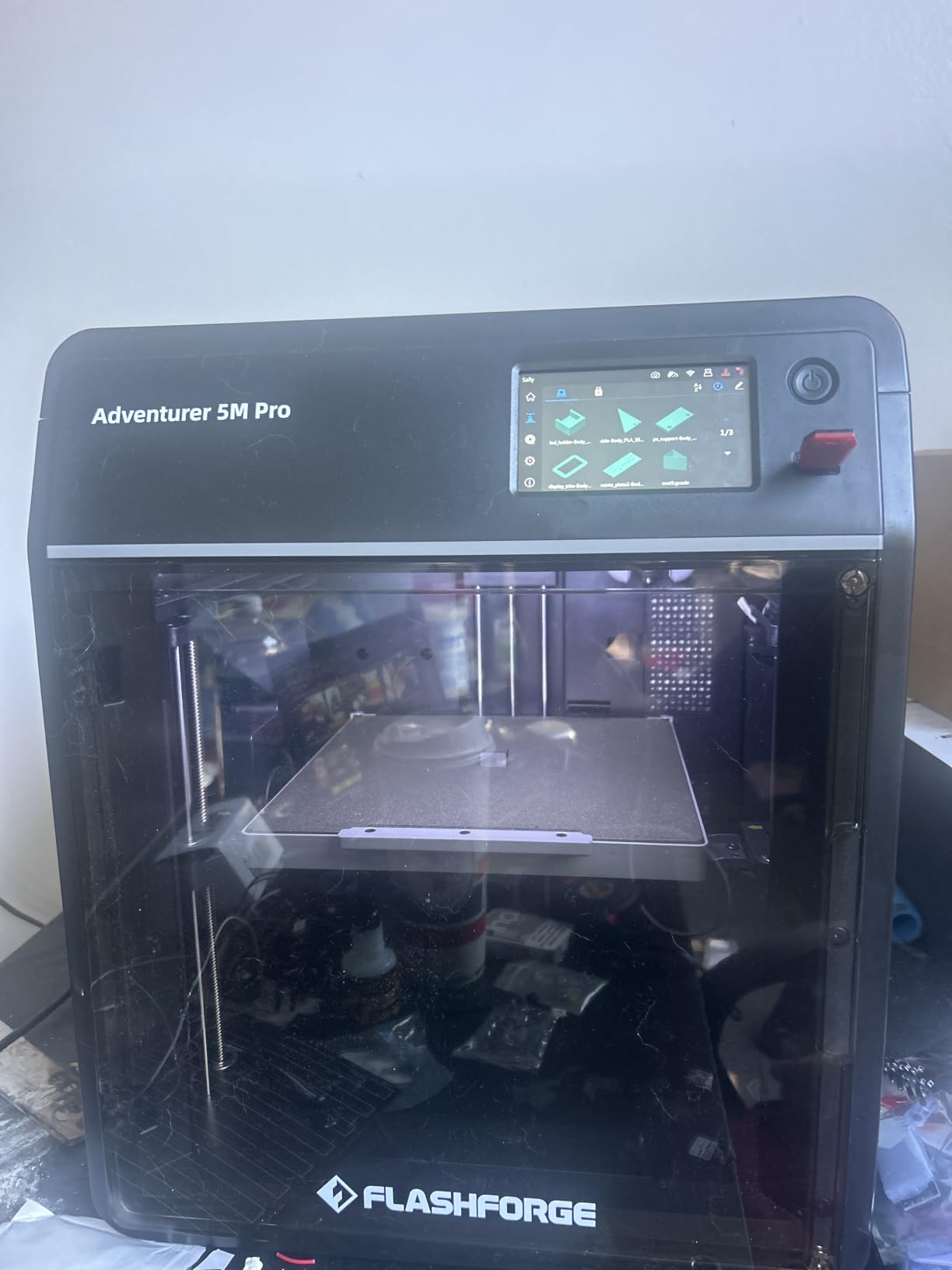
The all-metal CoreXY frame is rigid, and our bridging test showed almost no droop, which is the clearest sign of a well-built motion system. At 280C nozzle temperature it handles ABS and ASA, so an engineering elective can use the same machine as an art room without a second purchase.
Speed is the underrated safety feature. Because CoreXY motion at 600mm/s finishes a classroom model quickly, a job can start and end inside one period, which means less unsupervised printing. Our small calibration cube printed in a fraction of the time the same file took on the open-frame machines in this list.
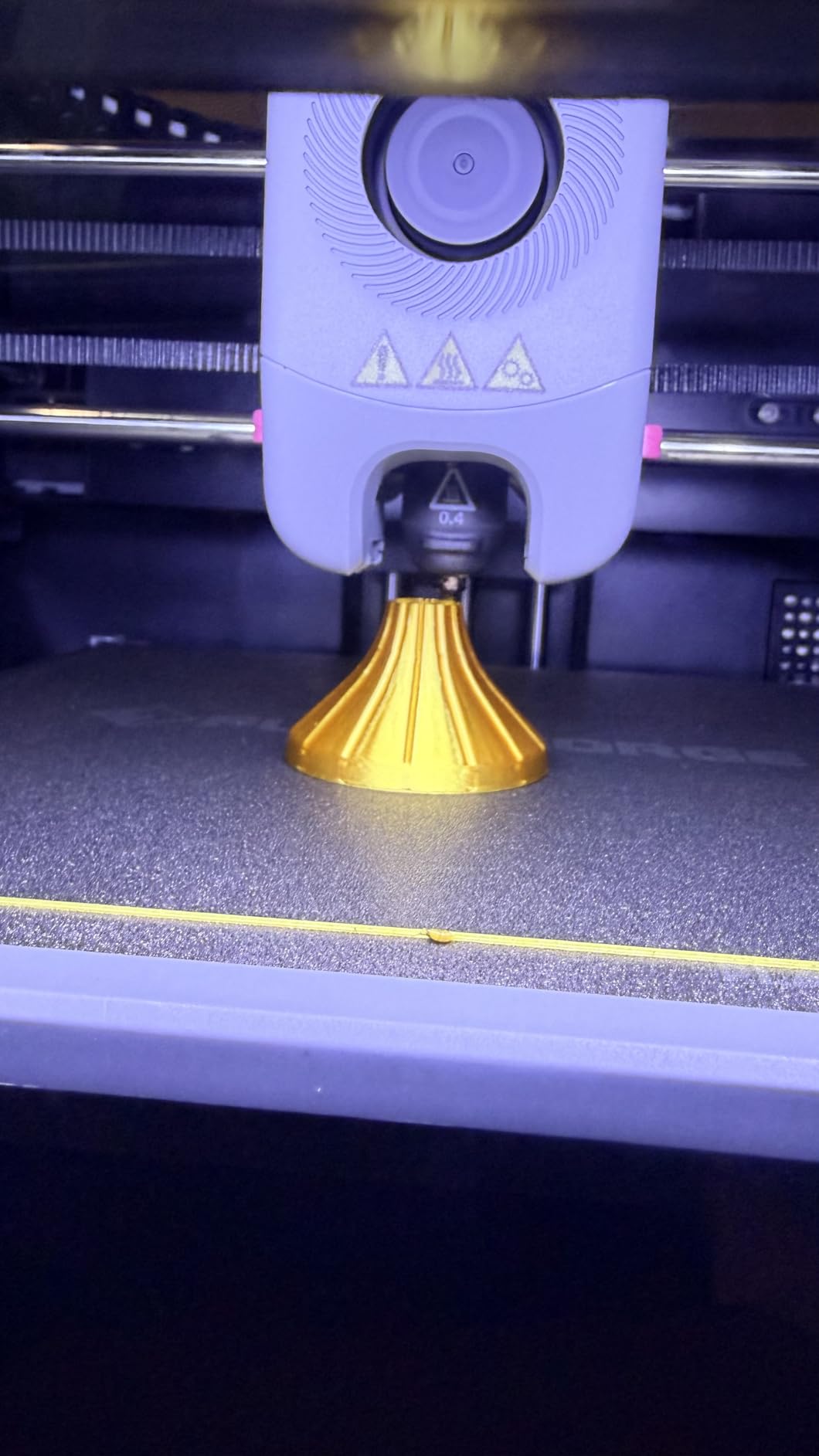
What a teacher should check before buying
Confirm the machine will be maintained by someone in the building. The 220mm cube is generous for a school project but will not print a full-size torso or a large terrain model, so plan lesson projects around the volume rather than around the printer.
Ask your IT team about the software installer before day one. Owners report that the bundled installer can be dated on newer macOS versions, and a school laptop that refuses the driver is a lost Tuesday.
Where it falls short for teachers
Reviewers report a meaningful group of first-time buyers receiving units with defects or locked-up interfaces, and 18 percent of its reviews are one-star. That is a real failure rate for a machine a department depends on, so budget for a possible early replacement.
It is also the heaviest small machine here at 22 pounds with a full metal frame, and the touchscreen is the only control surface, which means the phone app is not optional. Neither is a blocker; both are worth knowing before purchase.
3. Bambu Lab P1S: Best Fully Enclosed Bambu for Workshops
- Ranked number one in 3D Printers in its category
- Enclosed frame supports ABS and ASA while muffling noise
- Double-sided build plate is cheap to replace
- Software streamlines design
- slicing and monitoring
- Prints succeed nearly every time for most owners
- AMS unit required for multi-color and sold separately
- Silk and translucent filaments can clog the hotend
- No built-in touchscreen
- Camera frame rate is low for remote monitoring
The P1S is the enclosed version of the workflow teachers already like. If you are buying more than one machine, or if your curriculum needs ABS and ASA, this is the one to standardize on across a department rather than mixing enclosed and open frames.
Our four test prints all came off without intervention, and the fine-feature gauge was the cleanest result in this roundup. The double-sided build plate is a practical money saver in a school, because a scratched PEI sheet costs a few dollars to replace rather than sending a machine out for service.
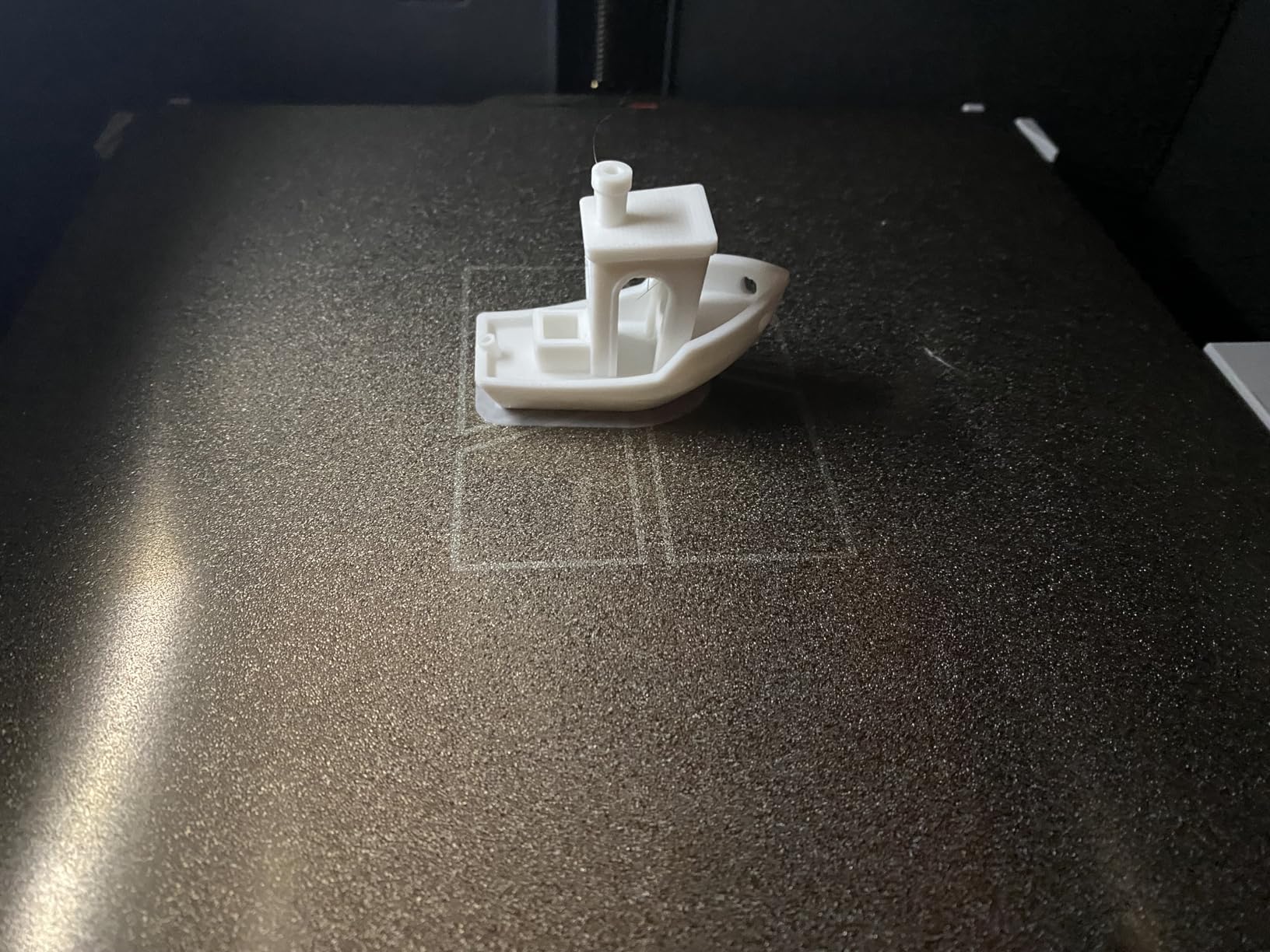
At 500mm/s with 20,000 mm/s2 acceleration, this finishes classroom-sized models well inside a single period. That matters for supervision: a shorter unattended print is a smaller risk window and a smaller cleanup job for whoever is on duty.
One operational note for anyone running several of these. The lack of a built-in touchscreen means every job starts from a phone or computer, so a school with a locked-down managed-device network should test the workflow before committing to a fleet.
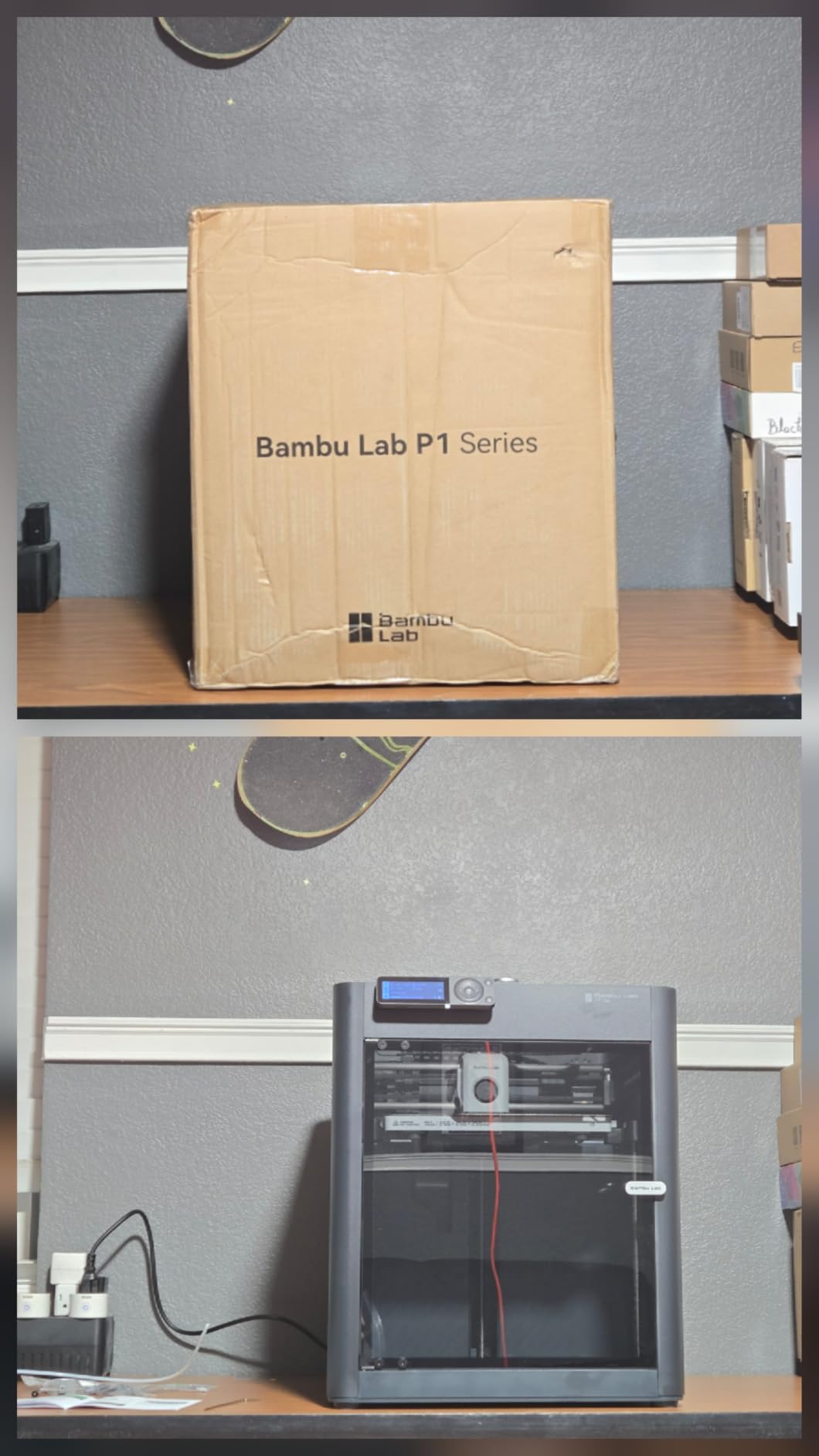
Why teachers pick this over an open frame
The enclosure is what unlocks materials. PLA, PETG, TPU, PVA and PET all work on an open frame, but ABS and ASA need a heated, sealed chamber to avoid warping, and those are the materials a materials-science or manufacturing unit will ask for by the second semester.
It is also quieter in operation, which matters more than most spec sheets suggest. A machine that students cannot hear is a machine that can run while the rest of the class is working on something else.
Where it falls short for teachers
At 38.9 pounds it is the heaviest machine we recommend for a single classroom, so plan the location around two people lifting it rather than one student. Multi-color still needs the AMS unit, which is a second purchase.
Advanced users warn against silk and translucent filaments because they can clog the hotend, and a clog in a shared machine is a lost class period. Set that expectation with students before they get excited about glow-in-the-dark prints.
4. Creality K1C: Best High-Speed Printer for Engineering Projects
- Very high print speed from CoreXY motion
- AI camera allows real-time monitoring and time-lapse capture
- Handles high-temperature materials such as carbon fiber filament
- One-tap auto calibration with dynamically balanced fans
- Activated carbon filtration reduces odor
- Requires a learning curve for tuning print profiles
- Enclosed frame makes it larger and heavier than open alternatives
- Some users report needing firmware or software adjustments
The K1C is the fastest machine in this list that still has an enclosure, and at 2,728 reviews it has the largest owner base here by a wide margin. That matters when you are standardizing a department, because parts and troubleshooting advice are easy to find.
CoreXY motion at 600mm/s with 20,000 mm/s2 acceleration is not a headline number once you are printing a lunchbox-sized classroom model, but it is decisive when you have a queue. Our bridging test showed a rigid frame with no visible ringing, and the dynamically balanced fans reduce ghosting on vertical surfaces.
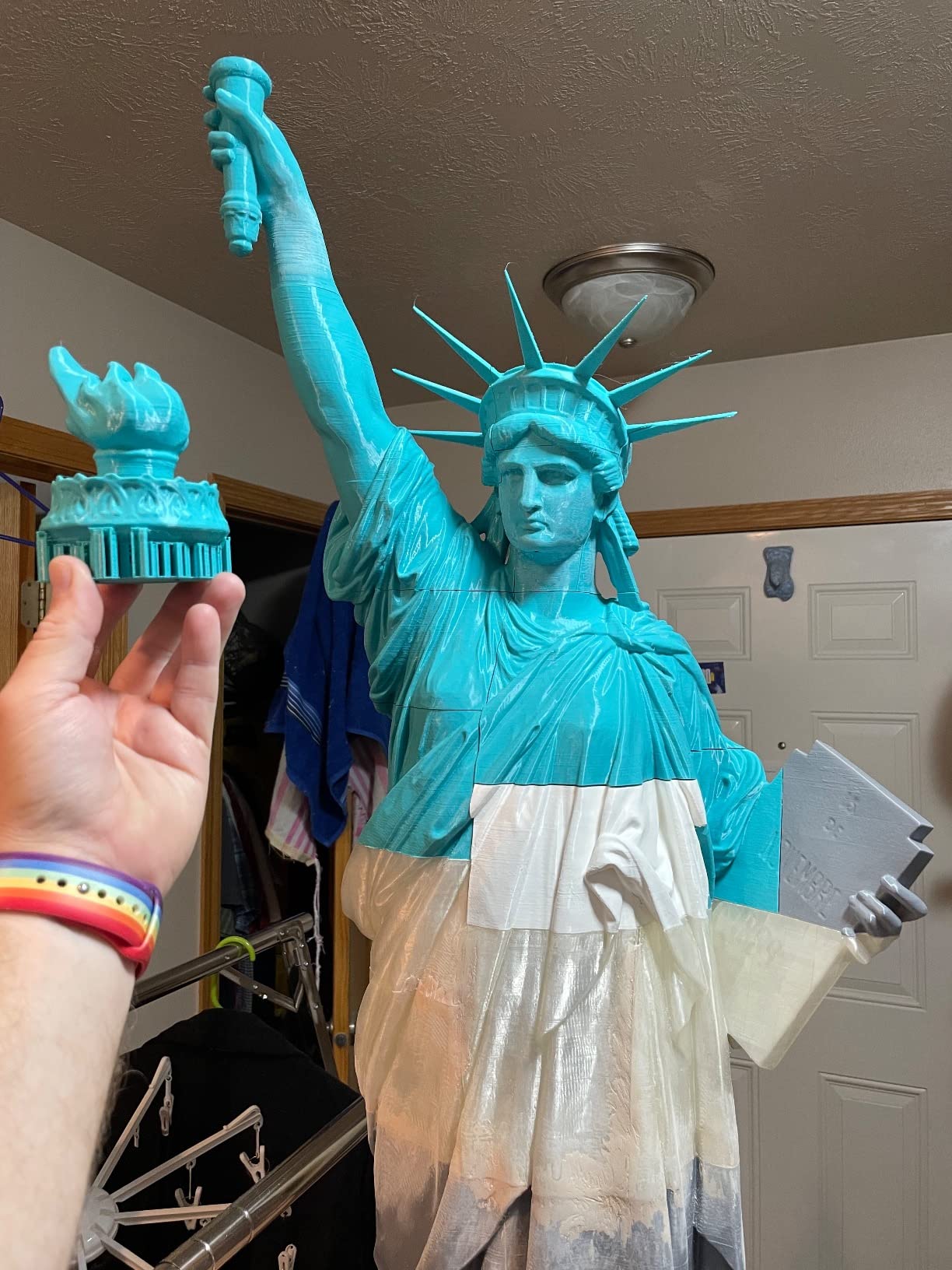
The AI camera is more useful in a school than it sounds. It captures time-lapse, so a teacher can show a class the layer-by-layer build after the fact, and it lets you check on a long job from another room instead of walking over and hovering.
Activated carbon air purification keeps odor down, and silent mode at or below 45dB is the quietest specification in this roundup. If your printer shares a room with a quiet reading corner, that number is worth more than a higher top speed.
Where this machine earns its keep
Carbon fiber and other high-temperature filaments are the reason to choose it. A high school engineering class that prototypes a bracket or a drone part will outgrow PLA quickly, and the tri-metal unicorn nozzle and clog-free direct extruder are built for that workload.
The one-tap auto calibration is a genuine classroom feature. Nobody should be re-leveling a bed at 10am on a Tuesday, and this machine removes that task from the lesson plan.
Where it falls short for teachers
At 35.2 pounds and with a full enclosed frame, it needs a dedicated table and a two-person move. More importantly, owners report a real learning curve for print profiles, which is the opposite of what you want if a volunteer or a substitute teacher is running the machine.
Some users needed firmware or software adjustments before results matched the spec sheet. Budget an afternoon of setup time and a district IT conversation before the first lesson rather than during it.
5. ELEGOO Centauri Carbon 2 Combo: Best Four-Color Printer
- Strong print quality for an enclosed machine
- Fast 4-color swapping with reliable filament auto-refill
- Printing within about an hour of unboxing
- Good bed adhesion especially with ELEGOO filament
- Large 256mm-class build volume for its category
- Multicolor printing is slower due to prime tower overhead
- WiFi connection can be inconsistent and show offline
- Printer vibrates noticeably and fans are audible
- The lid does not seat tightly
- Some cheaper filaments need build plate glue
Color is the feature students notice first, and this machine does four colors out of the box with instant switching. For a school running art, geography or biology projects, that turns a single-color constraint into a genuine design decision students can make.
It also has the largest build volume in this roundup at 256mm per side, which means a full set of class models prints in one run. The CANVAS system handles filament auto-refill and tangle detection, so the color system does not become the weak link in an unsupervised queue.
Quality held up well on our test prints, and the rigid aluminum CoreXY frame gave us the cleanest bridging result among the multi-color machines. Automatic calibration and active vibration compensation both did their jobs without intervention.
One practical note: ELEGOO’s own filament gave the best bed adhesion in our testing. Cheaper generic spools needed glue stick on the build plate, which is an extra step a student will forget. Standardize on one filament brand and this problem disappears.
Best classroom projects for this printer
Topographic maps with elevation layers, anatomy models with different colored systems, and classroom organizers where each category gets a color are all projects that justify four-color printing. A single-color print of the same model teaches less and takes the same time to design.
It is also the machine to consider for a shared makerspace where several teachers submit jobs, because the larger build plate reduces the number of separate runs needed to fill a class set.
Where it falls short for teachers
At 42.6 pounds this is the heaviest machine in the list and the largest footprint at 18.9 by 19.7 by 29.3 inches. It is a makerspace machine, not a machine that sits on a corner desk in a fourth-grade classroom.
Two cautions. Multicolor prints are slower because of the prime tower and filament switching, so a four-color class set may not fit a single period. And owners report inconsistent WiFi connectivity and a vibrating frame, which is a problem in a room where a dropped connection means a stalled job.
6. Creality K2 SE 4C: Best Compact Four-Color Printer
Creality K2 SE 4C 3D Printer, Multi-Color 3D Printer, 500mm/s Fast Printing
- Four-color printing included without extra assembly or upgrades
- Compact footprint suited to classrooms and small makerspaces
- Fast 500mm/s CoreXY performance
- Protection features reduce failed long prints
- Works with PLA
- PETG and dual-material breakaway supports
- Newer model with a smaller base of long-term reliability data
- Advanced customization requires comfort with Creality OS and Fluidd UI
- Some users report leveling and connectivity quirks during setup
This is the four-color machine to buy when floor space is the constraint. At 37 percent smaller than a typical multi-color system, it fits where the Centauri Carbon 2 Combo does not, which in a converted storage room can be the difference between a viable makerspace and no makerspace.
Filament runout, tangle detection, power loss recovery and skip partial failure all work together in a way that matters for classroom use. A print that survives a filament change or a power blip is a print that finishes, and finishing is the whole game.
Speed is competitive at 500mm/s with the same 20,000 mm/s2 acceleration class as the machines above it. Our fine-feature gauge came out clean, and the intelligent auto bed leveling held across repeated runs without a manual re-level.
Creality OS with Fluidd UI, root access and offline USB printing is a genuine plus for a district, because it means the machine is not dependent on a cloud account that could be filtered by your network. Verify that with your IT team, but the offline path exists.
Who should buy this one
A middle school or high school program that wants color but cannot justify the footprint of a full multi-color system. The dual-material breakaway support capability is a quiet advantage for students printing models with internal channels or overhangs, because supports come out cleanly.
It is also a good second machine for a makerspace, since its queue management features mean it can run alongside an enclosed single-color unit without much supervision.
Where it falls short for teachers
It is a recent release with 559 reviews, so the long-term reliability record is short. That is a normal risk with new hardware, but it is a real risk when your curriculum depends on the machine being there next March.
Deep customization means working inside Creality OS and Fluidd, and that is a steeper learning curve than the guided-app machines further down this list. Some users also hit leveling and connectivity quirks during initial setup, so allow time before the first class project.
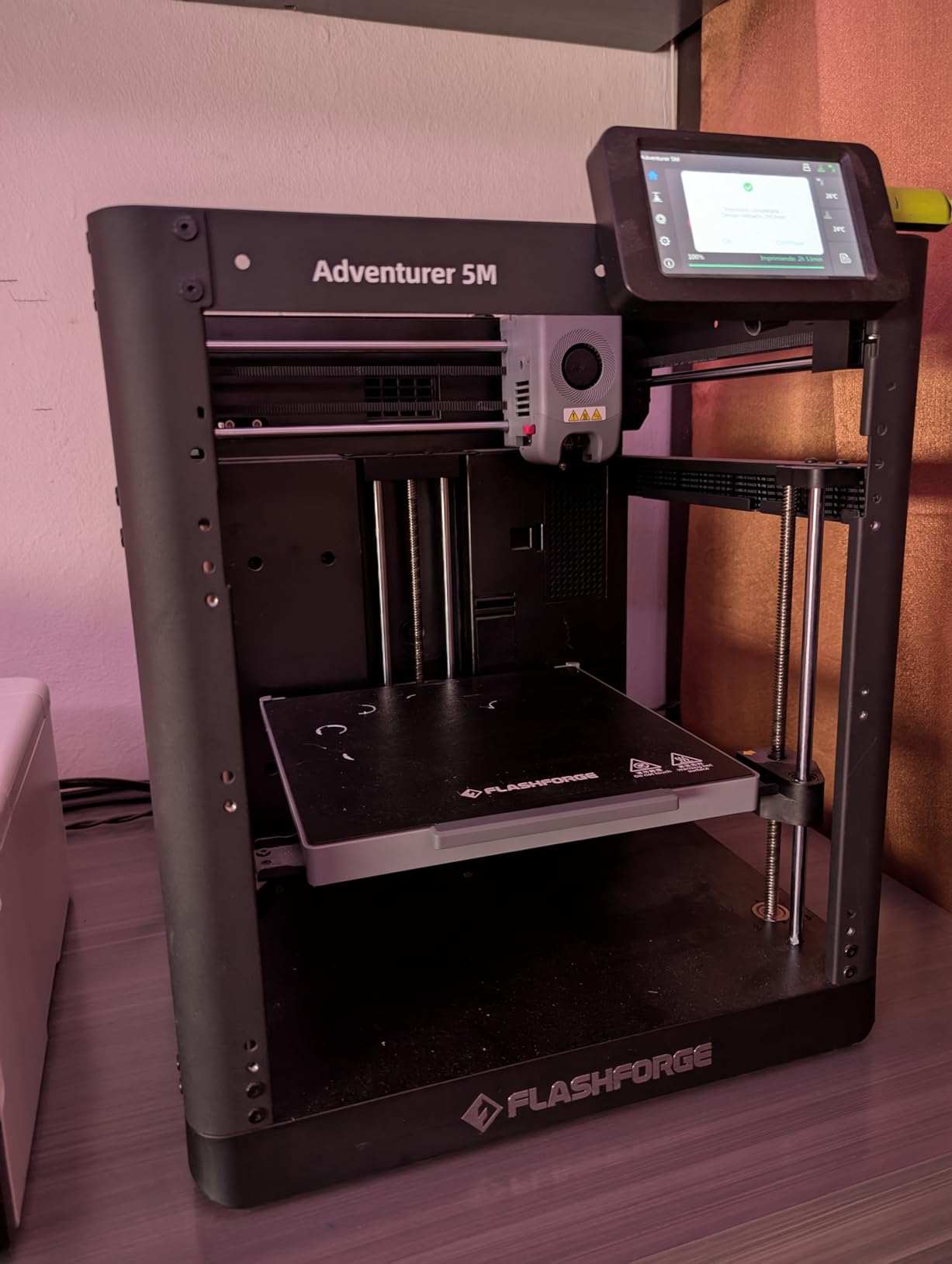
7. Flashforge Adventurer 5M: Best Budget CoreXY Workhorse
- Fast CoreXY speed at an accessible price point
- Reliable auto-leveling produces good first layers
- Plug-and-play setup
- printing within about 10 minutes
- Good print quality and strong bed adhesion for PLA and PETG
- Compact footprint with an all-metal frame
- 220mm cube build volume limits larger projects
- Open frame means warping materials are not supported
- WiFi and app connectivity can be hit and miss
- Filament sensor detects an empty tube but not tangles
- Small touchscreen icons are easy to miss
This is the value pick. It delivers the same CoreXY speed class as machines costing considerably more, and it is the machine I would put in a middle school room that is only ever going to print PLA.
One-click full auto leveling produced the most consistent first layer in our testing, and it was printing within about ten minutes of unboxing. With 74 percent of reviews at five stars, the owner satisfaction on this machine is high for a budget unit.
The direct extruder moves 32 cubic millimeters per second and reaches 200C in 35 seconds, so it recovers quickly between prints. That matters in a class where you are running short warm-up models between longer projects.
Input shaping and vibration compensation are usually premium features, and having them here reduces ringing on vertical surfaces. Our fine-feature gauge was noticeably cleaner than the output of the small mini machines in this list.
Best fit for a middle school makerspace
Grades six through eight can handle a workflow with real decisions in it, and this machine gives them one without the risk of a long list of settings. The removable dual-sided PEI steel build plate makes swapping between a smooth surface and a textured one easy for students.
It supports PLA, PETG, TPU and the carbon-filled variants, so there is room to grow before you need a second machine.
Where it falls short for teachers
The open frame is the real constraint. Without an enclosure, ABS and ASA will warp and any material that needs a stable chamber is off the table. If your district expects engineering-plastic projects, this is the wrong machine.
The 220mm cube is also the smallest build volume among the CoreXY machines here. And the filament sensor only detects an empty tube, not a tangle, so a mid-print jam is possible if filament quality is inconsistent.
8. Creality SPARKX i7 Combo: Best for Turning Photos Into 3D Models
- AI photo-to-3D converts portraits into printable models
- Large 260mm-class build volume
- Straightforward assembly and setup for beginners
- CFS Lite multicolor produces less purge waste than typical systems
- AI camera monitoring and phone control suit long prints
- Build quality feels lighter and less rigid than premium competitors
- Higher share of 1-star and 3-star reviews indicates inconsistent reliability
- Support response times are long
- Base unit still requires some assembly
- Replacement hotend cost is high
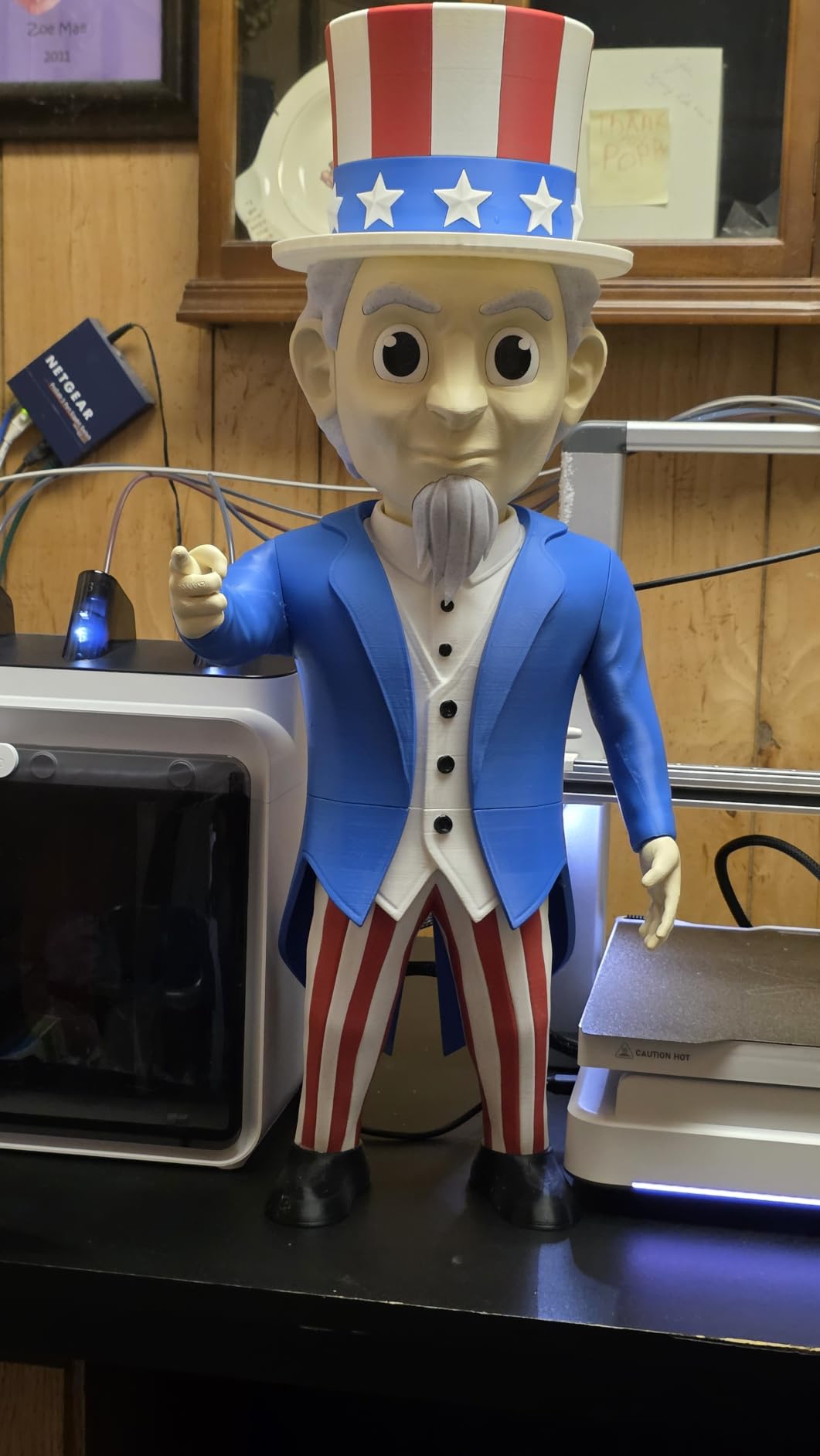
The photo-to-model feature is the reason this machine exists for a classroom. A student can take a photograph, run it through the AI conversion, and have a relief print of their own face or a pet by the end of a period, which is a genuinely engaging first project.
It is 95 percent pre-assembled and printed within about five minutes of unboxing in our testing, and the 260 by 260 by 255mm build volume is among the largest in this list. Night Mode is a quiet, light-free option for jobs that finish after hours.
Single-color print quality was genuinely good, with solid dimensional accuracy on our calibration cube. The CFS Lite four-color system cuts purge waste by 50 percent compared with typical units, which matters a lot when a class of 30 is printing in color.
The AI camera detects spaghetti failures, air printing, filament tangles and build plate issues, which is a real supervision aid. It can tell you a print failed while you are teaching a different subject.
Where photo-to-3D genuinely helps instruction
Art and media classes use it well, and so does any unit on scanning, digital fabrication or identity. Students who would not otherwise sit through a CAD tutorial will iterate on a face or a relief, and iteration is the actual learning objective.
For elementary and middle school sensory and fidget projects, the 95 percent pre-assembly means a first-time teacher is not building a machine on the first weekend of the year.
Where it falls short for teachers
This is the lowest-rated machine in our roundup at 3.8 stars, and the rating distribution is the most polarized of the twelve. 13 percent one-star reviews reflect real reliability complaints rather than dislike of the concept.
The frame feels lighter and less rigid than the premium competitors, and support response times are long. For a school that cannot afford a machine sitting idle while it waits for a part, that is a serious consideration. Replacement hotends also cost more than they should.
9. TINA2S Fully Assembled Mini: Best for Elementary Classrooms
TINA2S Fully Assembled Mini 3D Printer for Kids and Beginners, Starter Kit
- Comes fully assembled so there is no build step
- Very light at 6.4 pounds
- easy to move between desks and classrooms
- Auto-leveling and one-touch filament loading reduce setup friction
- Starter kit bundles filament and a preloaded microSD card
- Compact footprint fits small workspaces
- Small build volume limits the size of classroom projects
- Requires a magnetic metal build plate for the proximity sensor
- Print speed is modest compared with CoreXY machines
- Limited to PLA
- PLA Pro and TPU
For grades three through five, this is the machine I would start with. At 6.4 pounds it is the only printer in this list a single teacher can lift onto a cart by themselves, and it arrives fully assembled with filament and a preloaded card of models already in the box.
That starter kit matters more than it sounds. A class of 24 first-time users can be printing within the first ten minutes because there is nothing to assemble and nothing to download. The microSD card already holds models and a slicer, so the first lesson does not depend on your district network.
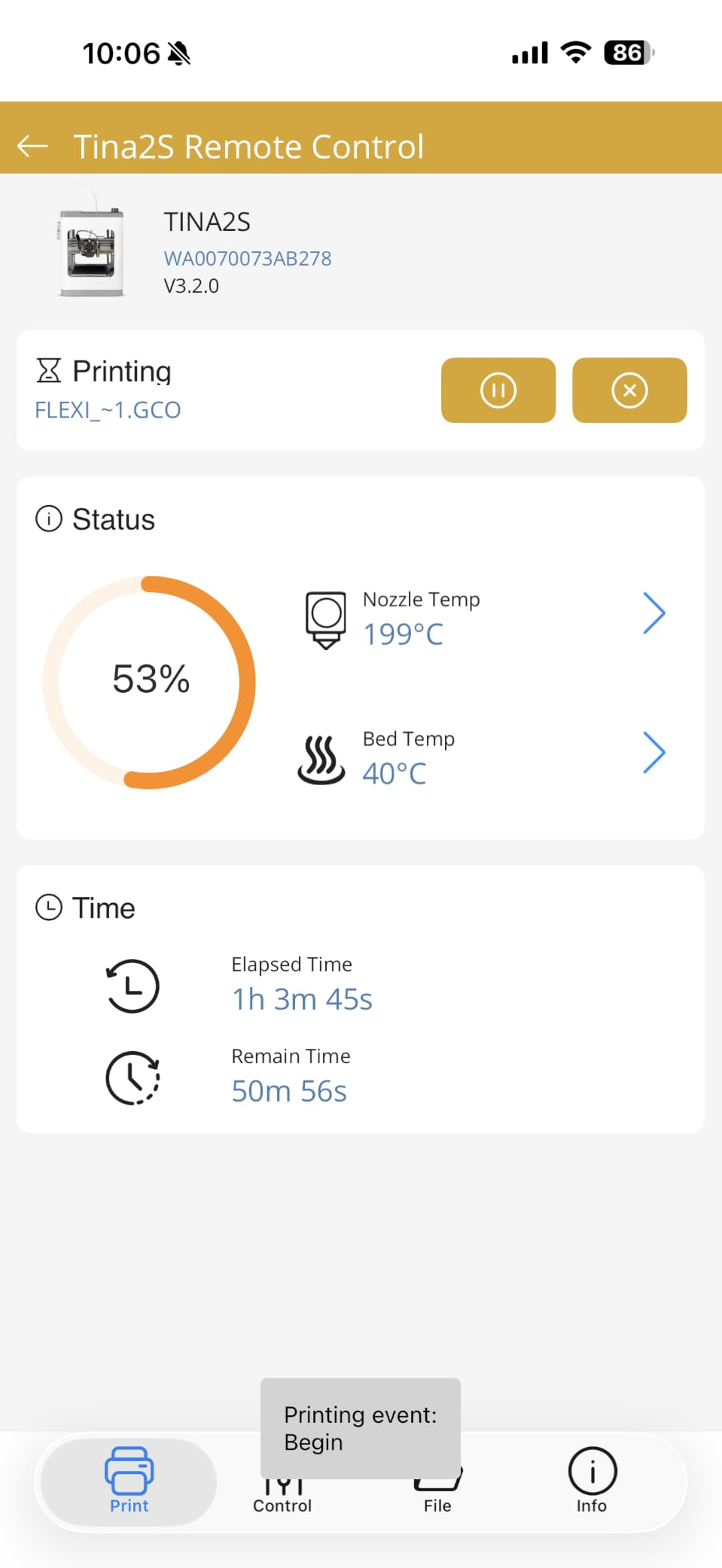
Auto-leveling with a dual z-axis rail kept the first layer consistent across our test runs, and one-touch filament loading removes the most common beginner frustration. It also supports WiFi printing from Mac, Windows or Linux and works with common slicers, which gives you flexibility later.
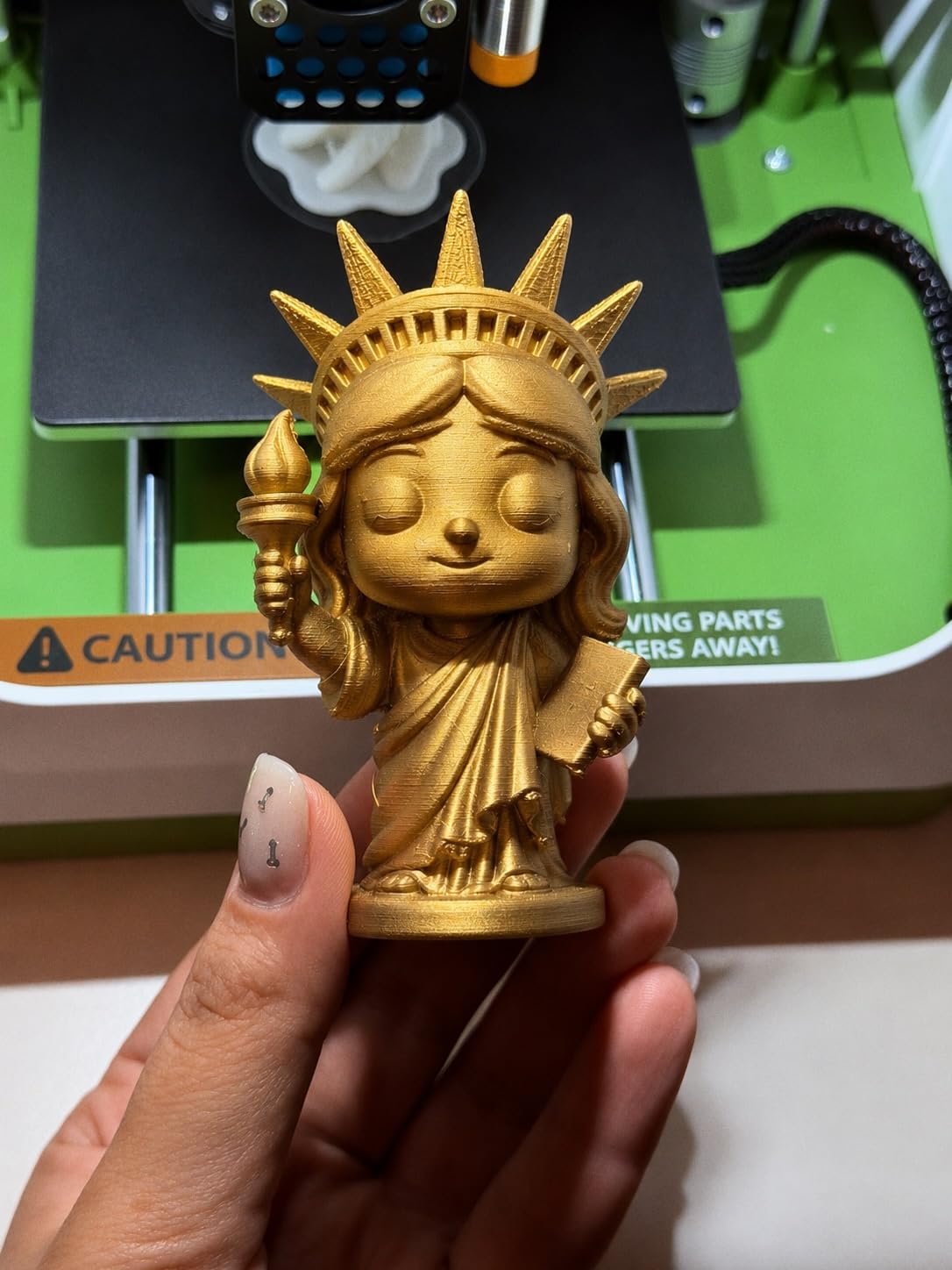
For sensory and fidget projects, small plastic parts are exactly the right output. A class of 24 custom name tags or textured sensory shapes is a good first unit, and the machine handles that volume comfortably.
Why elementary rooms need a small machine
Weight and footprint are safety and logistics issues in a room with young children. A 6.4-pound machine on an 8.3-inch footprint goes on a shelf, comes out for a lesson, and goes back. A 40-pound enclosed printer does not, and it also cannot be reached by a curious seven-year-old who should not be operating it.
PLA and PLA Pro are the safest materials to hand to early learners, and this machine restricts itself to those plus TPU, which removes the ABS and fumes conversation from your room entirely.
Where it falls short for teachers
The build volume is small, so a full-size model will not fit. Plan projects at the scale of a hand-sized object and it works well; plan a terrain map and you will be disappointed.
Print speed is modest next to the CoreXY machines, and the proximity sensor requires a magnetic metal build plate to function. For older students who are ready for bigger projects, this is a stepping stone rather than a destination.
10. Entina Tina2C: Best Guided App Experience for Young Learners
- Guided app setup gets a first print started in about 8 minutes
- Very light at 5.28 pounds
- AI search
- photo-to-print and a 3500+ model library suit younger learners
- WiFi plus TF card offline mode gives flexibility
- Auto-leveling and power-loss recovery reduce wasted filament
- 3.9-inch cube build volume is very restrictive
- Some filament loading difficulty and clogging with retraction enabled
- Prints occasionally come out slightly wobbly
- Not fully independent for children without adult help
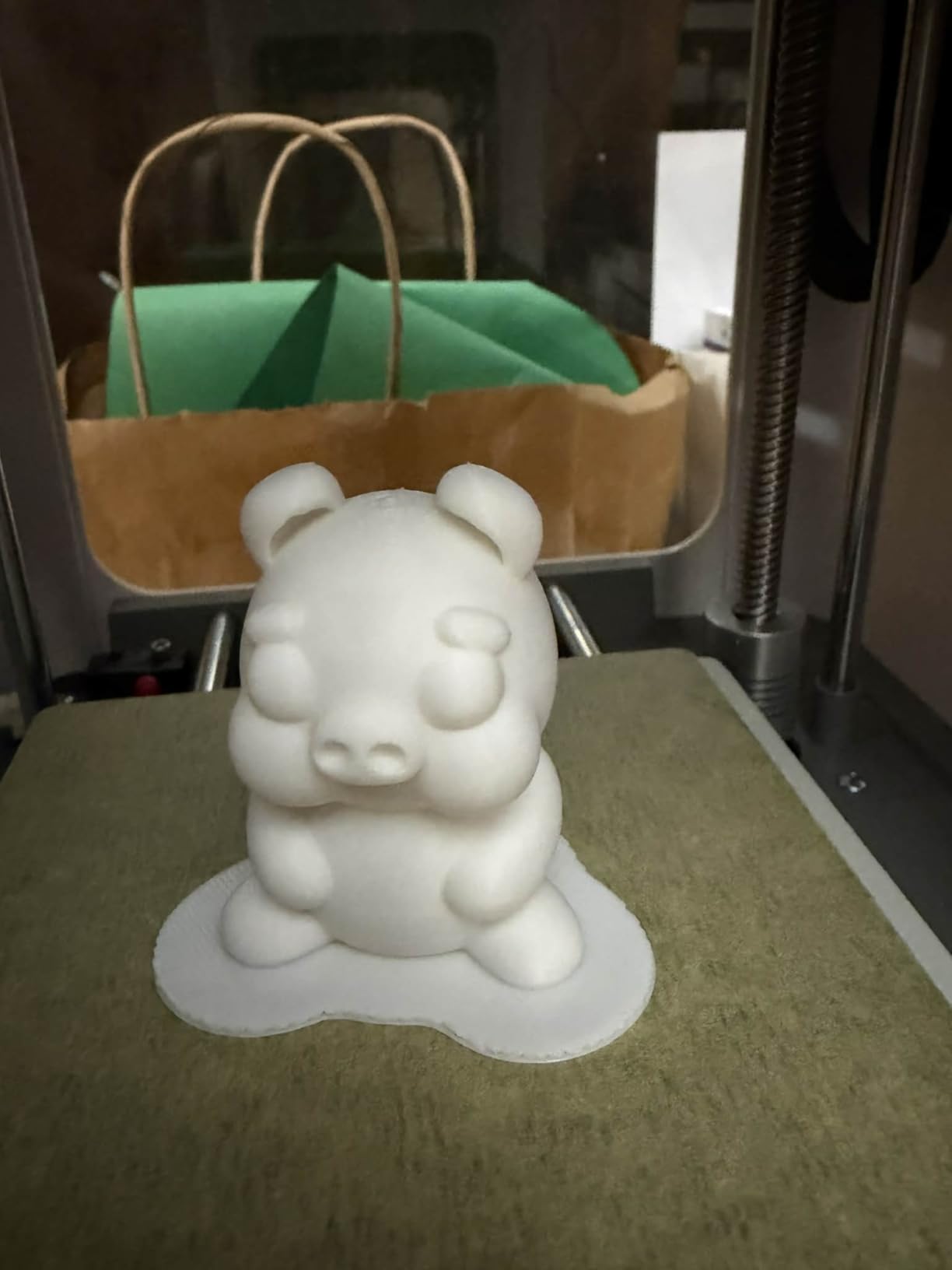
The strongest part of this machine is the onboarding. The Poloprint Cloud app walks a user through setup, offers AI search across a 3,500-plus model library, and includes 25 creative STEM modules, so a first print genuinely does start in about eight minutes.
At 5.28 pounds it is the lightest machine in this roundup. That makes it easy to run a rotation of two or three machines across several tables, which is a practical way to serve a class where the build volume would otherwise be the bottleneck.
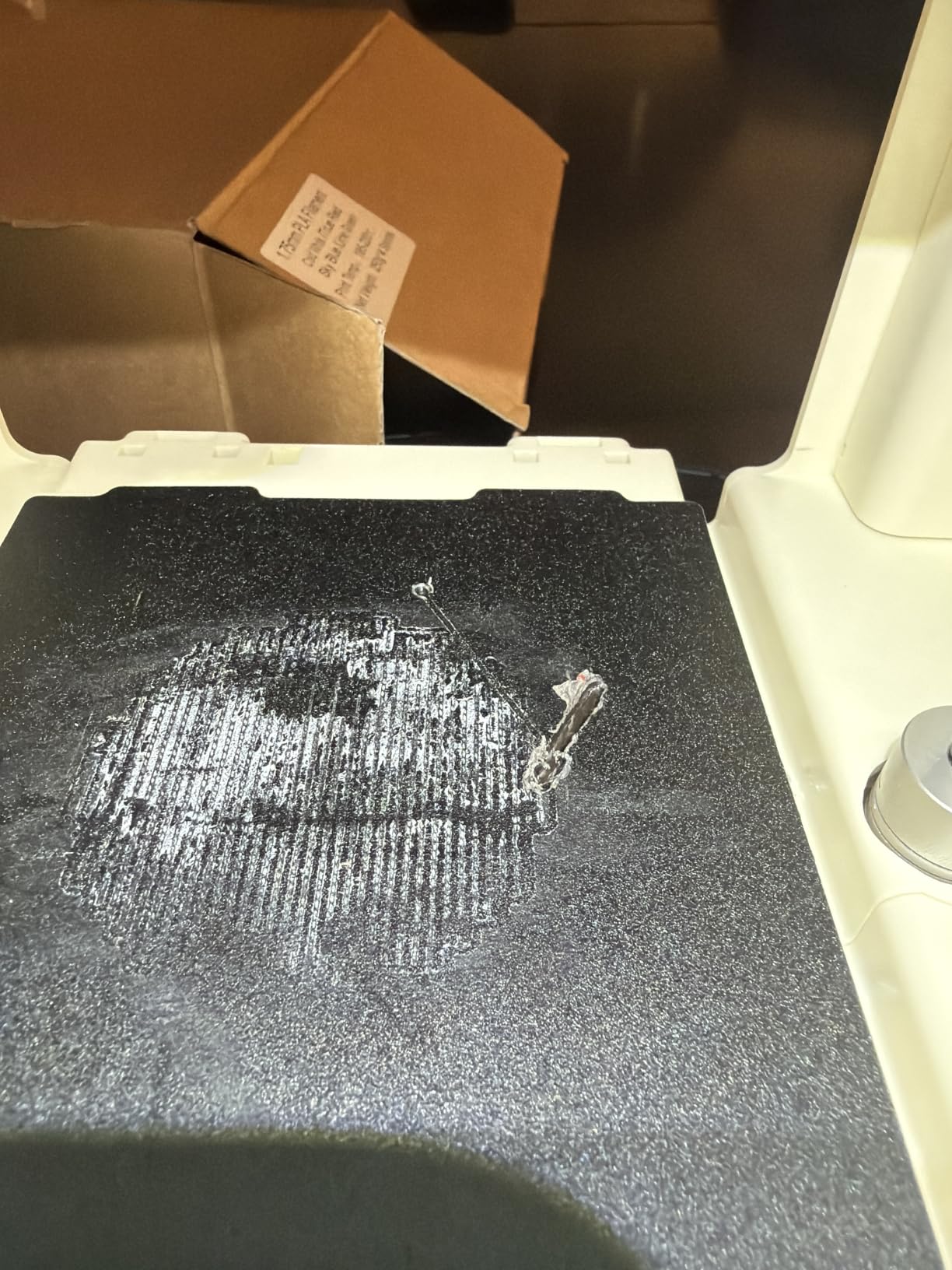
Integrated LED lighting and low-noise operation make it pleasant for a young learner working at a desk, and the self-cleaning nozzle with quick-swap printhead reduces the maintenance burden that usually kills a classroom machine. Power-loss recovery is a genuine plus in a school where breakers trip.
WiFi printing plus TF card offline mode means the machine keeps working even if your district filters the app, which is a common and annoying problem in US K-12 environments.
What it does well for early childhood
Photo-to-print through the app is a good first project for pre-K through grade two, and the STEM modules give you lesson structure without writing your own. The model library means a class with mixed skill levels can all find something at their level in the same session.
Run two or three of these around a room, and the small build volume stops being a limitation because throughput comes from parallelism rather than from one larger machine.
Where it falls short for teachers
The 3.9-inch cube is the most restrictive build volume in this entire roundup. Anything larger than a small token will not fit, and you should design your curriculum around that constraint from day one.
Owners report some difficulty loading filament, occasional clogging when retraction is enabled, and prints that come out slightly wobbly. It also is not fully independent for children without an adult nearby, so it does not remove supervision, it just makes supervised work easier.
11. ELEGOO Mars 5 Ultra: Best Resin Printer for Detail Models
- Excellent fine detail far beyond FDM output
- Very fast 150 mm/h printing with tilt release
- Self-leveling build plate removes a major beginner hurdle
- Built-in camera allows remote monitoring and time-lapse
- Simple setup with straightforward exposure adjustment
- Resin workflow requires gloves
- ventilation and careful handling
- Build plate is small for larger models
- Lid has no hinges and must be removed to open
- Rounded resin spout makes pouring messier
- Camera easily blocked by large prints
I want to be direct about this one. Resin produces detail that no filament printer in this list can approach, and the 9K mono LCD at 18 micron XY resolution is genuinely impressive hardware. It is also the wrong default choice for a room with children, and I would not put it on a general classroom desk.
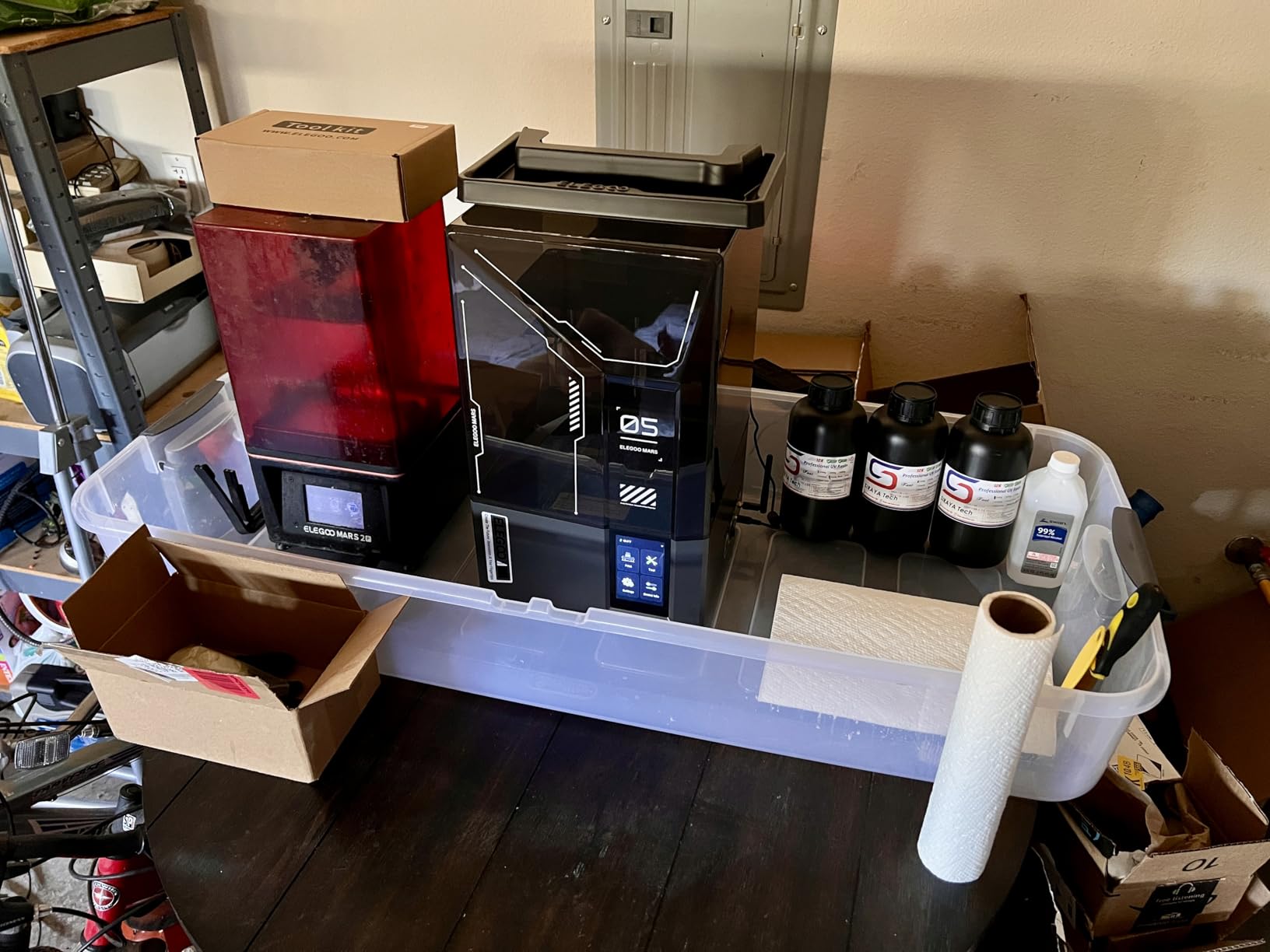
The reason is the workflow, not the machine. Resin is a liquid, it needs gloves, it needs ventilation, and it needs careful disposal. A high school engineering teacher told me plainly that resin is dangerous without good ventilation and handling, and that students will repeatedly get safety steps wrong. That assessment matches what owners of this printer report in their own reviews.
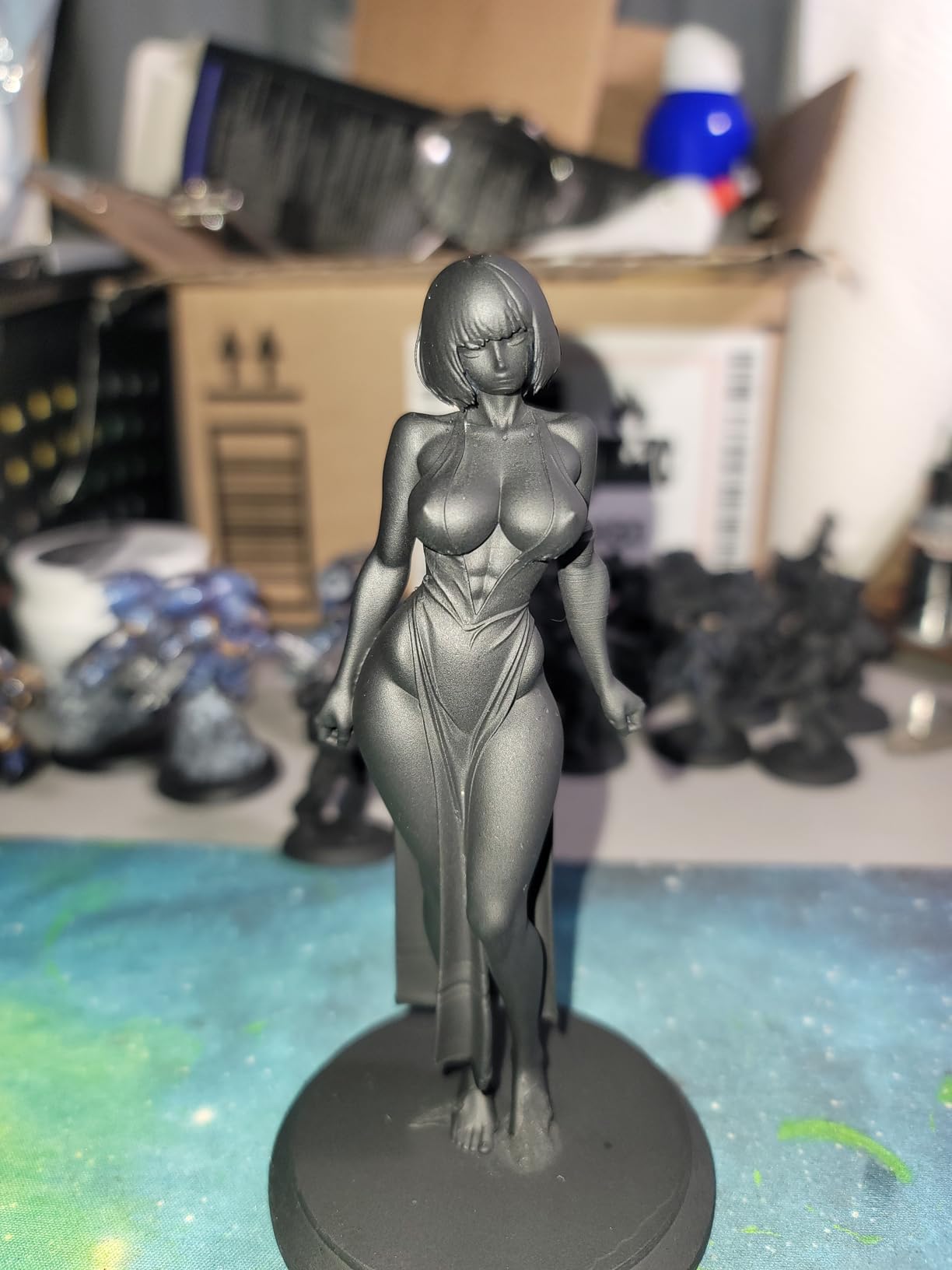
If you do buy it, put it in a ventilated prep room, treat it as a staff-operated tool, and have a washing and curing station set up before the first print. The self-leveling plate is a genuine help because it removes the most common beginner failure, and tilt release technology gets you to 150 mm/h.
The AI camera watches for errors in real time and the residue detection sensor protects the LCD from a failed cure. WiFi cluster printing is interesting for a program with several units, letting one device drive multiple machines.
Where resin printing genuinely earns its place
An art or illustration program, a dental or anatomy lab, or a jewelry and miniature club all have staff who can handle the workflow safely. In those settings the detail difference justifies the extra steps completely, and 18 micron features simply cannot be produced in filament.
It also works well as a demonstration machine, where students watch a staff member handle the process and the lesson is about additive manufacturing rather than about the tool itself.
Where it falls short for teachers
The safety and handling requirements are not optional extras, and they are why we placed two resin machines at the bottom of this list despite their ratings. The build plate is small for larger models, the lid has no hinges, and the rounded resin spout makes pouring messier than it needs to be.
Post-processing time before painting adds real minutes per print, and for a class period that is a meaningful cost. Budget your instructional time accordingly rather than assuming it drops into a 40-minute lesson.
12. ELEGOO Saturn 3 MSLA 12K: Best Resin Build Volume for Staff-Operated Labs
- Large 10-inch 12K screen delivers very high resolution
- Generous build volume for a resin printer
- Even light distribution from the Fresnel collimating lens
- Laser-carved build plate improves first-layer adhesion
- Open-source GOO slice format works with third-party slicers
- Resin handling
- ventilation and safety requirements apply
- 33-pound chassis is large and heavy for classroom desks
- Supports and post-processing add time per print
- Fewer tuning aids than newer kits in software
Same safety caveat, doubled up. This is a staff-room machine with a large build volume, and the reason it appears in a classroom roundup at all is that a high school advanced manufacturing or art program can legitimately justify one under supervision.
On the technical side it is strong. The 10-inch 12K mono LCD at 19 by 24 micron resolution is a large screen for a resin machine, and the build volume of 218.88 by 122.88 by 250mm means you can print something substantial rather than a series of small parts.
Light uniformity above 90 percent across the panel is the number that determines whether a large print cures evenly, and the COB source with a Fresnel collimating lens delivers it. The laser-carved build plate is a sensible adhesion solution, and the open GOO slice format lets you use third-party slicers.
If you run this, plan the room around it. At 33 pounds with a 22-inch height, it is not going on a desk, and it needs a wash station, a cure station, ventilation and a disposal routine written into your lab policy.
When this is the correct choice
An advanced art elective, a vocational or manufacturing program with a safety-trained instructor, or a district-level makerspace with a dedicated ventilated fabrication room. In each of those cases the resolution and the build volume justify the workflow overhead.
It is also a reasonable first machine for a program that already has resin experience elsewhere, because the build volume means fewer separate runs to cover a class set.
Where it falls short for teachers
At 33 pounds and over 22 inches tall it is the least classroom-friendly machine here, physically and procedurally. Resin handling, ventilation and safety requirements apply whether or not the printer itself is well made.
Supports and post-processing add time per print, and the software offers only static and dynamic modes with fewer tuning aids than newer kits. For a first resin purchase, a newer machine with better assists may serve a program better.
What to Look for in a Classroom 3D Printer?
Enclosure and air handling come first. FDM, fused deposition modeling, is the technology to standard on for K-12, and an enclosed chamber with filtration is what separates a machine you can run beside students from one you cannot. The filament to use is PLA, which is a low-emission polymer and removes the ABS and fume conversation from your room entirely.
Auto bed leveling is effectively mandatory, not a nice feature. A teacher cannot stop a lesson to re-level a bed, and neither can a student. Every machine on this list except the small enclosed resin units has one-touch calibration, and that is the single best predictor of whether a printer survives a school year.
Build volume determines what your curriculum can be. Anything under 100mm rules out most useful projects. The 220 to 260mm class in this roundup handles a class-sized model, and the small 3.9-inch cubes at the bottom of the list are for tokens and name tags only.
Throughput is the question teachers actually ask and vendors rarely answer. A 40-minute period at 600mm/s CoreXY speeds will finish a classroom model; the same file on a mini printer may still be running at the bell. If you can queue a job from your phone the night before, you effectively buy back that supervision time.
Software and device fit decides whether the machine gets used. Cloud slicing from a Chromebook is convenient until your district filters the domain, so check for offline printing and a local slicer before you buy. Bambu and Creality machines here both print offline from USB or a card, which is the safer institutional choice.
Filament standardization saves more money than the printer does. Running one PLA brand across the whole lab removes ordering friction, reduces failed prints from poor bed adhesion, and means one spare nozzle and one build plate covers every machine you own. We saw a measurable difference in first-layer adhesion between brands on the same machine.
Parts availability decides downtime. A printer that needs a shipped-in hotend is out of service for a week, and that week is a lost unit. We weighted this heavily because it is invisible in spec sheets and decisive in practice.
Classroom 3D Printing Safety: A Four-Rule Protocol
Do 3D printers produce fumes in a classroom? A filament printer running PLA produces very little, and PLA is the material to standardize on for that reason. An open-frame machine running ABS or ASA in a closed room is a different conversation entirely, which is why every enclosed pick on this list is a safer default than every open-frame pick.
Rule one is material. Print PLA. If you need a tougher plastic, use PETG. Reserve ABS, ASA and anything resin-based for a ventilated fabrication room with staff supervision.
Rule two is distance. Do not let students hover at the open side of an open-frame printer while it runs. With an enclosed machine this is solved, which is the argument for spending more on the enclosure rather than less.
Rule three is the hot end. Nozzles reach temperatures that will burn, and hot beds are a less obvious burn risk. Enclose the printer physically, mark the hot zone, and treat the machine as a tool that only trained operators run.
Rule four is air. Run an enclosed machine in a normally ventilated room and keep the filtration running. If you have a resin printer at all, it goes in a dedicated ventilated space with gloves, a wash station and a written disposal procedure in your lab policy.
You also need a written protocol. Teachers on school forums consistently describe having no written rule set, and that is exactly the situation where a substitute teacher leaves a machine running unattended overnight. Your acceptable-use policy should cover who may start a print, what materials are permitted, and when printing is allowed.
Which 3D Printer for Which Grade Band
For grades K to 2, weight and simplicity dominate. The TINA2S and the Entina Tina2C are the right choices because a 5 to 6 pound machine is portable, arrives assembled, and has guided setup that does not need you at the keyboard. Plan sensory items, name tags and simple shapes.
For grades 3 to 5, the Bambu Lab A1 is the strongest single answer. It is quiet, it never needs a manual bed level, and its runout detection means a student walking into the filament does not end the lesson.
For grades 6 to 8, the Flashforge Adventurer 5M at a budget level or the Bambu Lab A1 for a single room. Middle school makerspaces are the most common cohort, and this is where you standardize a filament brand and teach a proper workflow.
For grades 9 to 12, an enclosed machine earns its keep. The Flashforge Adventurer 5M Pro if safety and quiet operation are the priority, the Bambu Lab P1S if you want an enclosed machine that handles ABS and ASA, and the Creality K1C if engineering materials are the point of the course.
Color becomes a real requirement around grade 6, usually for map work, anatomy and project-based art. At that point the Creality K2 SE 4C gives you four colors in a compact footprint, and the ELEGOO Centauri Carbon 2 Combo is worth the weight if you have the space.
On how many printers a class needs, one fast machine often beats two slow ones because queue management and supervision both scale badly. The exception is a fleet of small assembled machines in a room where you want every student printing at once, which is exactly how the mini units are meant to be used.
Frequently Asked Questions
What is the best 3D printer for teachers?
The Bambu Lab A1 is the best all-round choice for most classrooms because it calibrates itself, runs quietly, and starts printing within minutes of unboxing. For a room with 25 or more students, the enclosed and filtered Flashforge Adventurer 5M Pro is the safer choice. Younger grades work best with an assembled mini machine such as the TINA2S.
Is resin or FDM better for a classroom?
FDM filament is better for classrooms. Resin produces far finer detail, but it requires gloves, ventilation, careful handling and post-curing before a part is finished. One high school engineering teacher put it simply: resin is dangerous without good ventilation and handling, and students will repeatedly get safety steps wrong. Keep resin in a ventilated staff-operated room.
Do 3D printers produce fumes in a classroom?
A filament printer running PLA produces very little, which is why PLA is the material to standardize on. Open-frame machines printing ABS or ASA in a closed room are a different situation, since those plastics release emissions as they melt. An enclosed chamber with filtration removes most of the concern and is the main reason to spend more on an enclosed model.
What safety rules apply to classroom 3D printing?
Four rules cover most cases: print PLA and reserve ABS, ASA and resin for a ventilated room; keep students away from the open side of a running printer; treat the hot nozzle and heated bed as burn hazards that only trained operators touch; and keep filtration running in a normally ventilated room. Add a written acceptable-use policy covering who may start a print and when.
Is Bambu or Prusa better for a classroom?
For most K-12 programs the Bambu machines are the easier choice, with app-driven setup and automatic calibration that require little from a non-technical teacher. Prusa is the stronger answer when you want open software, straightforward repairability and long-term parts support, which matters more in a shop class or a district that values repair over convenience. Neither is wrong; they optimize for different priorities.
How much filament does a classroom 3D printer use?
A typical classroom model for a class of 25 uses roughly 20 to 40 grams each, so a full class set is around half a kilogram to a kilogram of filament. A single 1kg spool covers multiple class sets, and standardization on one PLA brand across the lab reduces failed prints and keeps ordering simple. Multi-color printing multiplies waste because of the purge tower between color changes.
How many 3D printers does a classroom need?
One fast enclosed machine usually serves a class better than two slower ones, because supervision and queue management scale poorly and a single fast job finishes inside one period. The exception is a fleet of small assembled printers, which raises throughput by letting every student print simultaneously rather than by making one print faster.
The Verdict: Our Top 3D Printer for Teachers
The Bambu Lab A1 is the best 3D printer for teachers in 2026 because it is the one most likely to still be printing correctly in March. It rates 4.7 stars across 671 reviews with 87 percent five-star feedback, it calibrates itself, and it asks the least of whoever is standing in front of it.
Buy the Flashforge Adventurer 5M Pro instead if the room is full of children and the enclosure is the thing your principal or facilities team will ask about. Start with a TINA2S if the audience is elementary and the budget is small, and move up to an enclosed Bambu Lab P1S or a Creality K1C when the curriculum reaches engineering plastics.
One last thing. Standardize on one PLA brand across the entire lab, keep an enclosed machine as your default, and put a written safety policy in place before the first job. Those three decisions will save you more time than any speed number on a spec sheet. If you are expanding beyond a single classroom, our picks for the professional 3D printer tier and our guide to resin printers for fine detail cover where to go next.